specdude
Members
-
Joined
-
Last visited
Everything posted by specdude
-
Just noticed quite a few videos with broken links to YouTube videos. SO frustrating when these channels pull videos for what reason I don't know. makes no sense.
-
@1:29 @2:23 @4:30 @4:09 @5:00 @4:47
-
Great stuff from D&G!
-
Wow excellent Ariana.
-
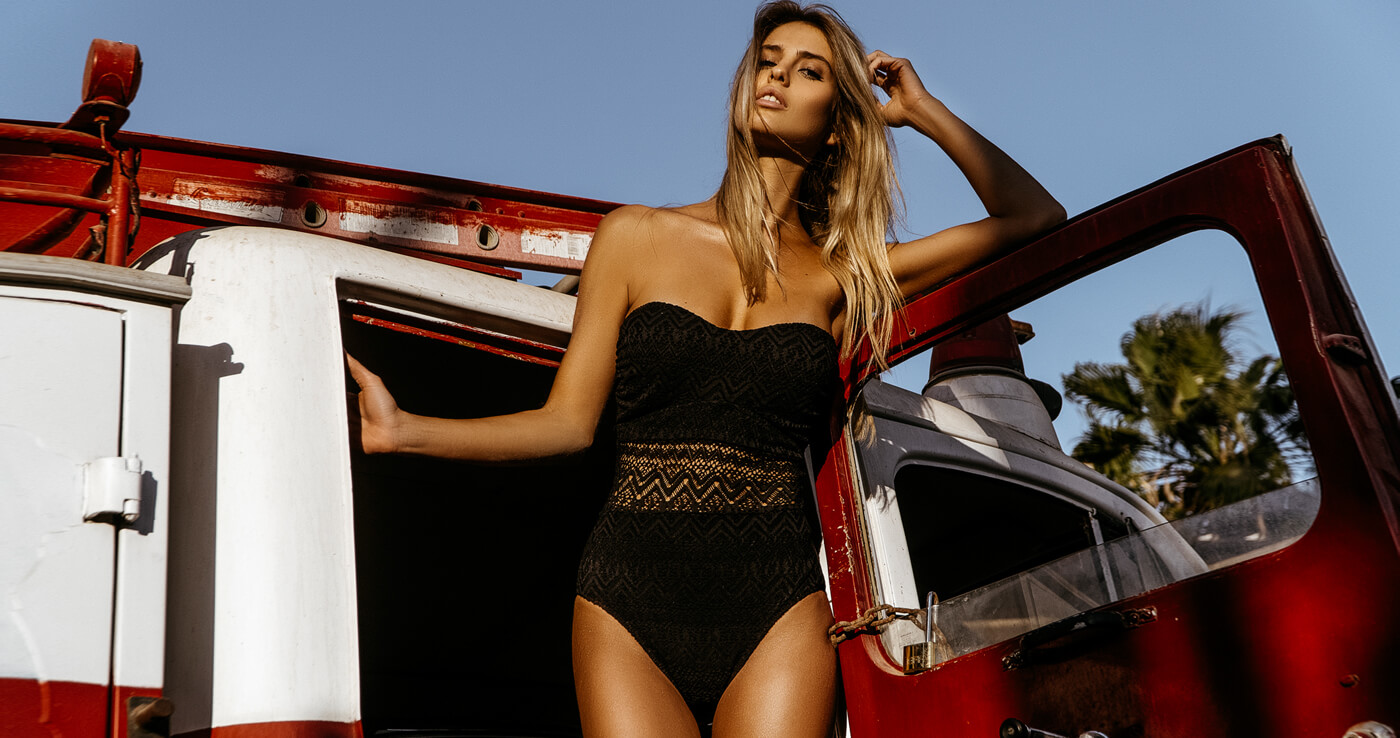
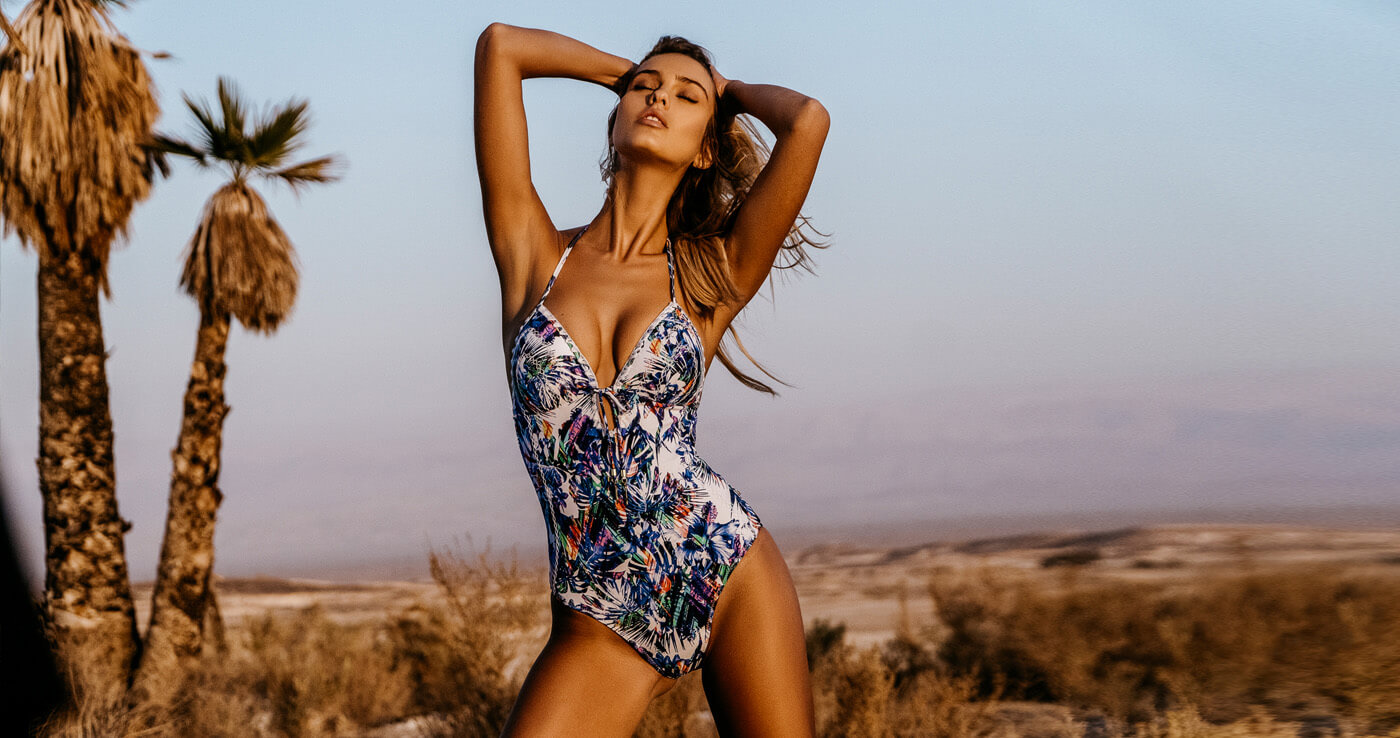
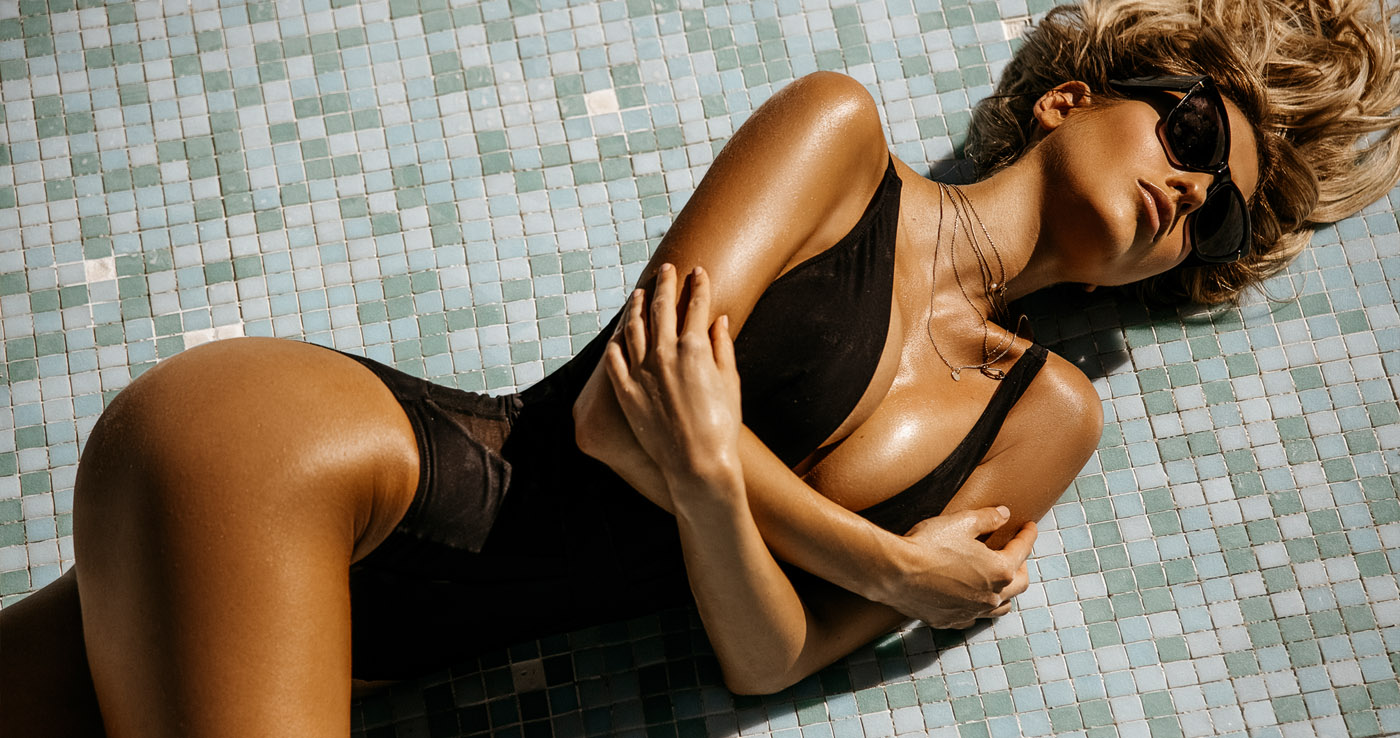
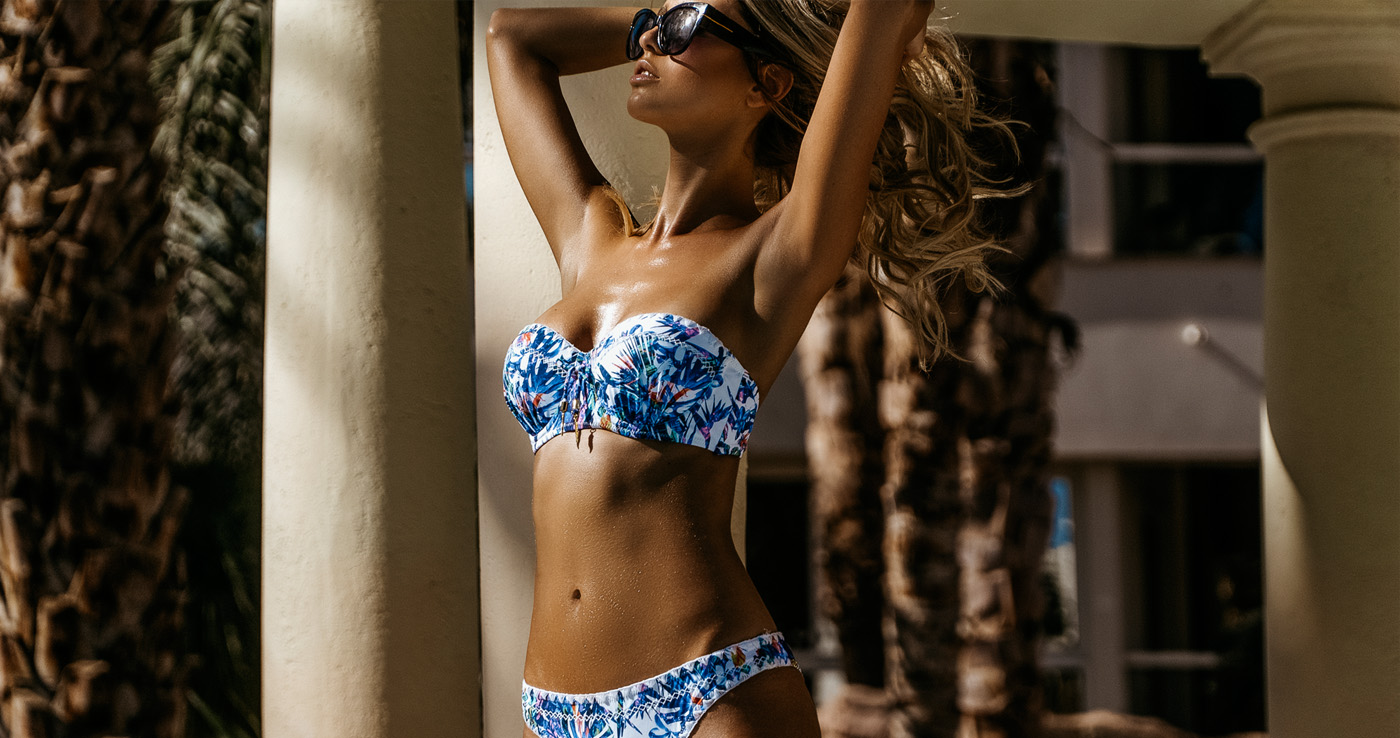
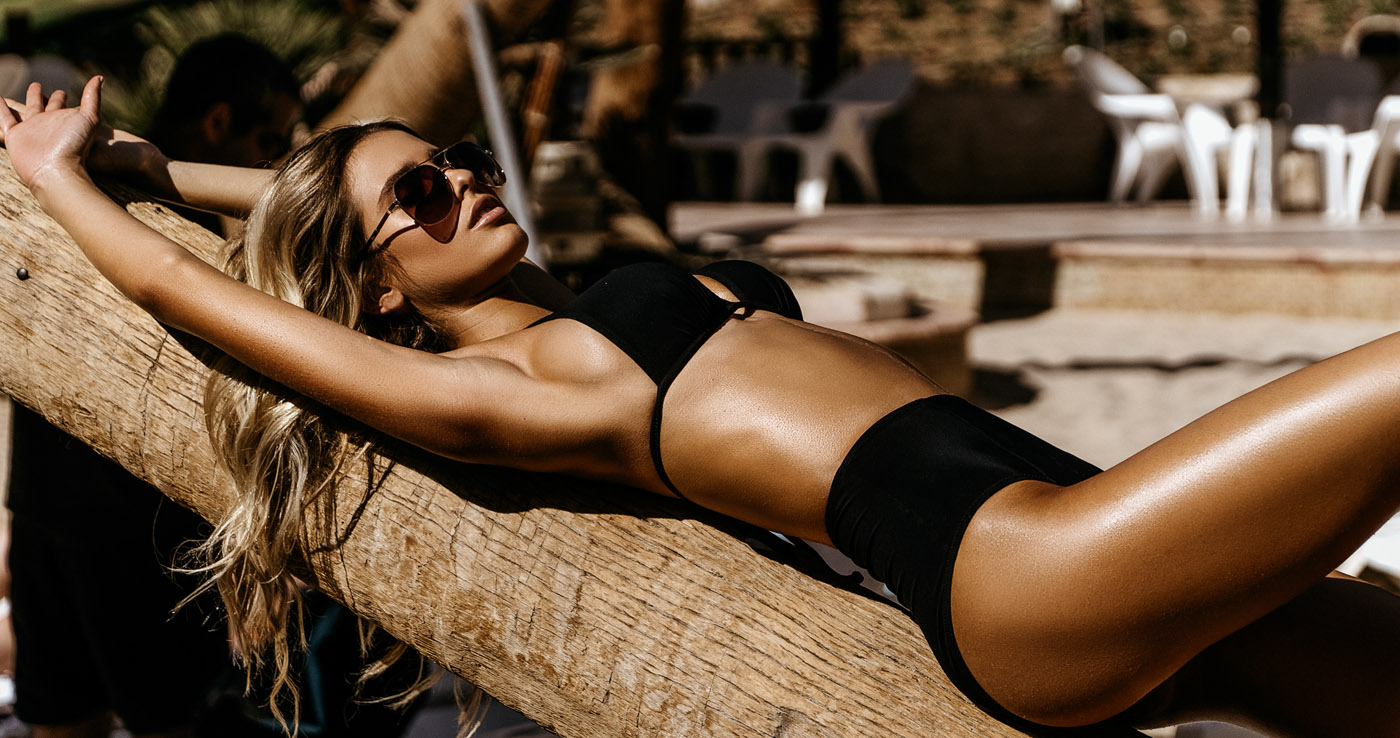
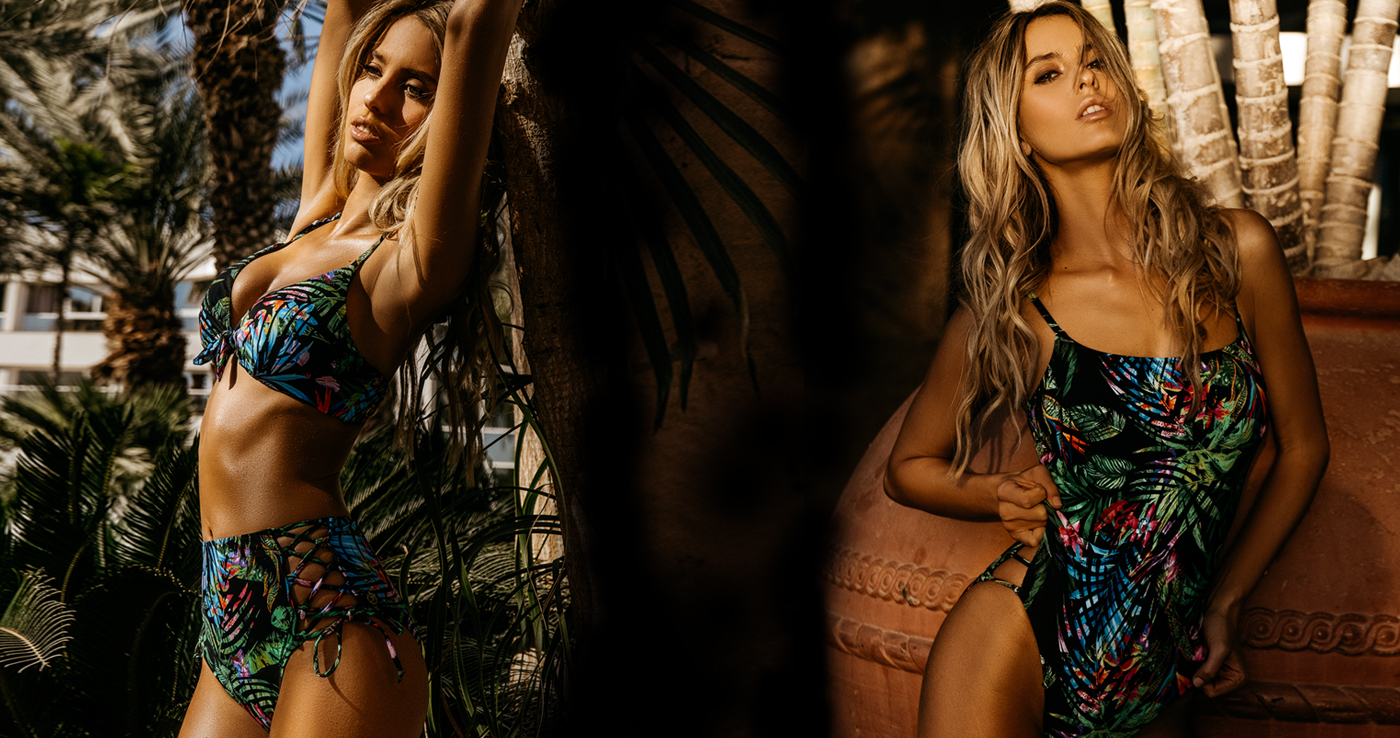
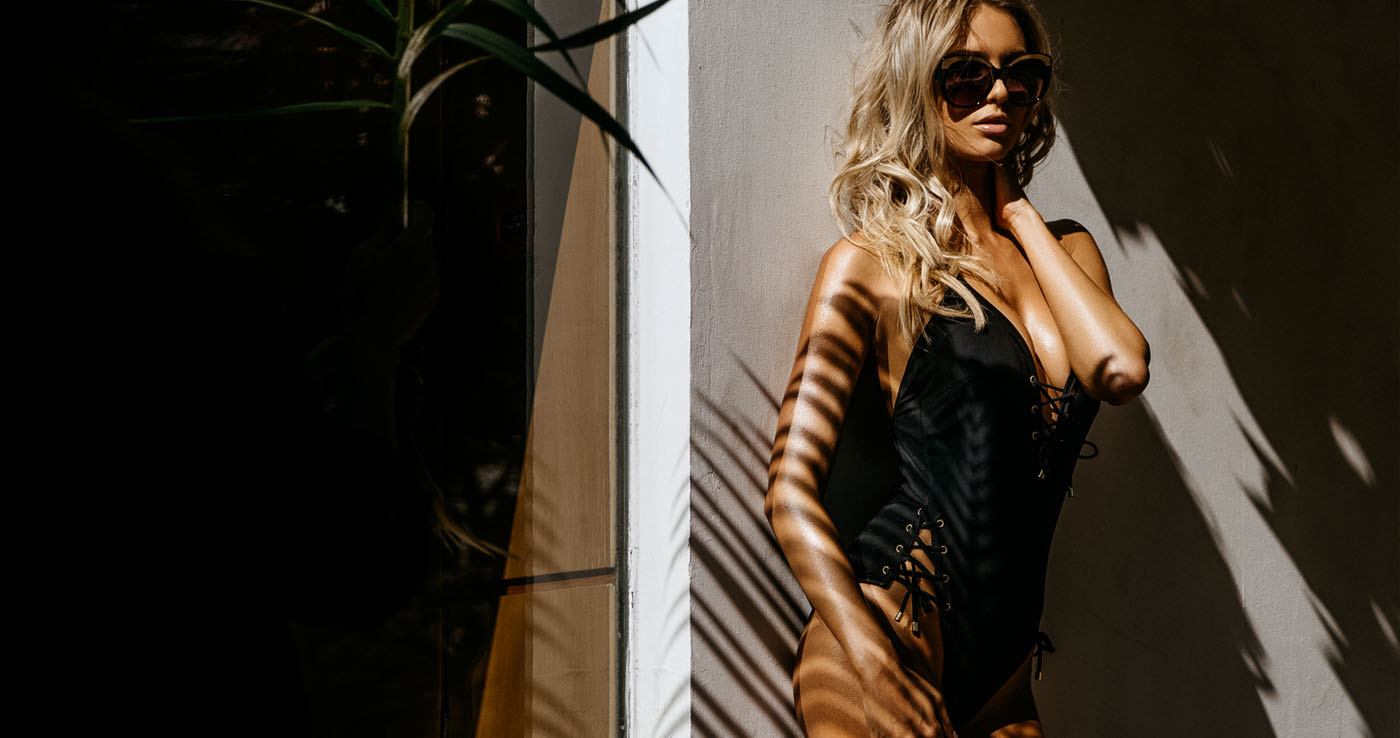
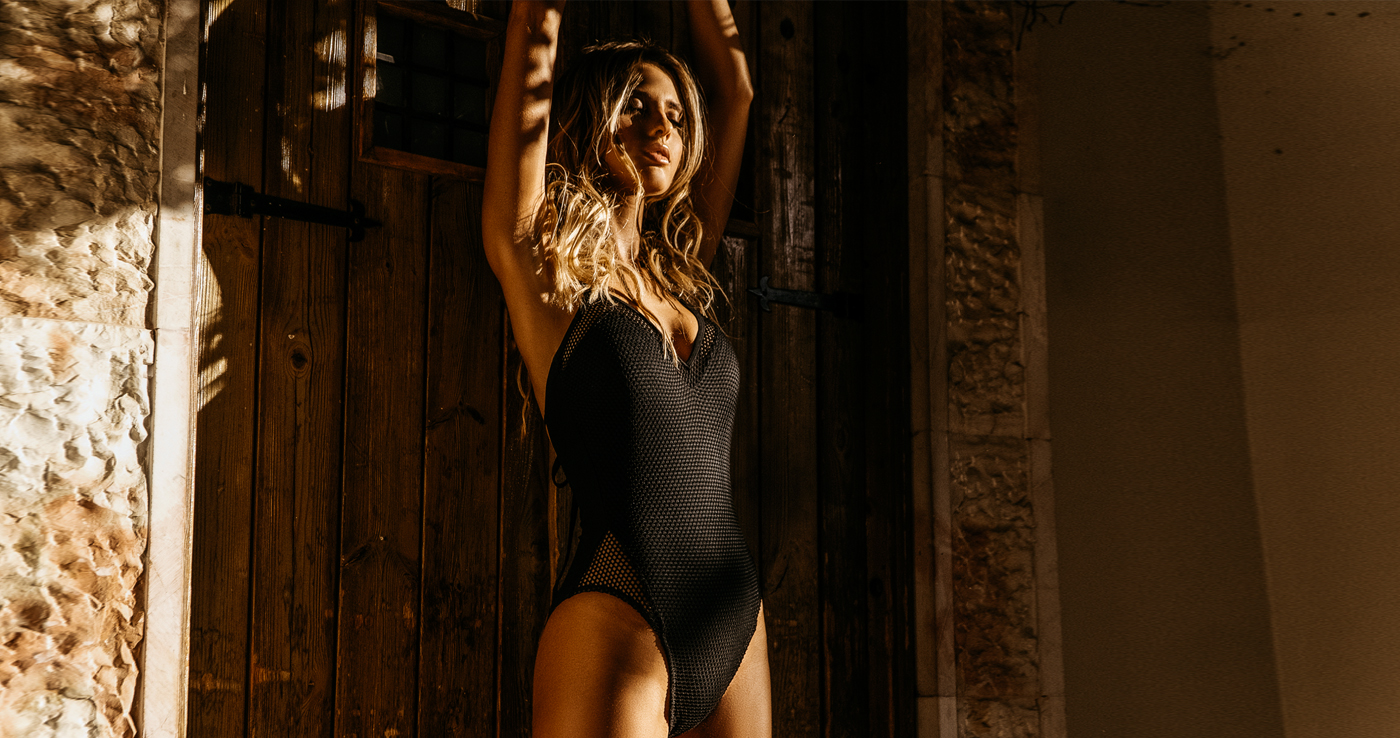
Morena Swim











 wow nice stuff.
It'll be interesting to see how big she gets on IG. She's at 522k now.
Wow great shots. Never seen before.
Great shot!
Great shots. Thx!
wow nice stuff.
It'll be interesting to see how big she gets on IG. She's at 522k now.
Wow great shots. Never seen before.
Great shot!
Great shots. Thx!Account
Navigation
Search
Configure browser push notifications
Chrome (Android)
- Tap the lock icon next to the address bar.
- Tap Permissions → Notifications.
- Adjust your preference.
Chrome (Desktop)
- Click the padlock icon in the address bar.
- Select Site settings.
- Find Notifications and adjust your preference.
Safari (iOS 16.4+)
- Ensure the site is installed via Add to Home Screen.
- Open Settings App → Notifications.
- Find your app name and adjust your preference.
Safari (macOS)
- Go to Safari → Preferences.
- Click the Websites tab.
- Select Notifications in the sidebar.
- Find this website and adjust your preference.
Edge (Android)
- Tap the lock icon next to the address bar.
- Tap Permissions.
- Find Notifications and adjust your preference.
Edge (Desktop)
- Click the padlock icon in the address bar.
- Click Permissions for this site.
- Find Notifications and adjust your preference.
Firefox (Android)
- Go to Settings → Site permissions.
- Tap Notifications.
- Find this site in the list and adjust your preference.
Firefox (Desktop)
- Open Firefox Settings.
- Search for Notifications.
- Find this site in the list and adjust your preference.