Jump to content
View in the app

A better way to browse. Learn more.

Bellazon

A full-screen app on your home screen with push notifications, badges and more.

To install this app on iOS and iPadOS
  1. Tap the Share icon in Safari
  2. Scroll the menu and tap Add to Home Screen.
  3. Tap Add in the top-right corner.
To install this app on Android
  1. Tap the 3-dot menu (⋮) in the top-right corner of the browser.
  2. Tap Add to Home screen or Install app.
  3. Confirm by tapping Install.

kimflorida

Members
  • Joined

  • Last visited

Everything posted by kimflorida

  1. you're welcome
  2. Yes, it’s her…
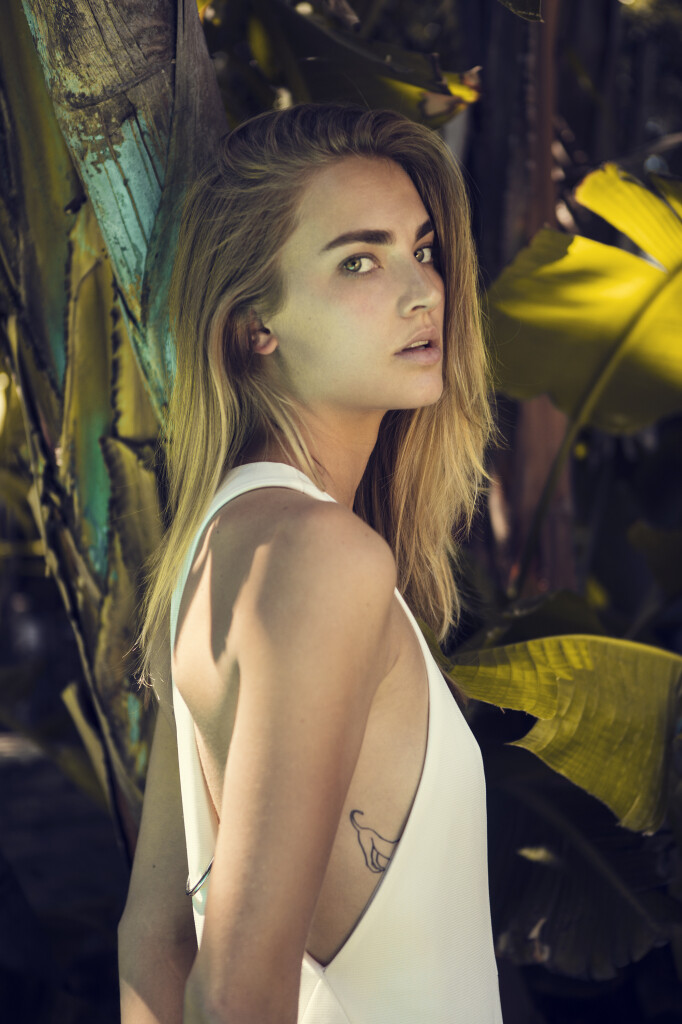
  3. Looks like Michon Van As… I’ll check her Bellazon thread to see if the tattoo matches.
  4. You're welcome - glad to help
  5. you're welcome
  6. you're welcome
  7. Jesinta Franklin
  8. Well, she was ID’d by a Fobya photog on IG. Can’t always go by moles as they are often edited out.
  9. Paula Anguera
  10. You’re welcome
  11. This looks like her - Anita Rojczyk her IG - @royczykova
  12. You’re welcome
  13. Vie Chidiac
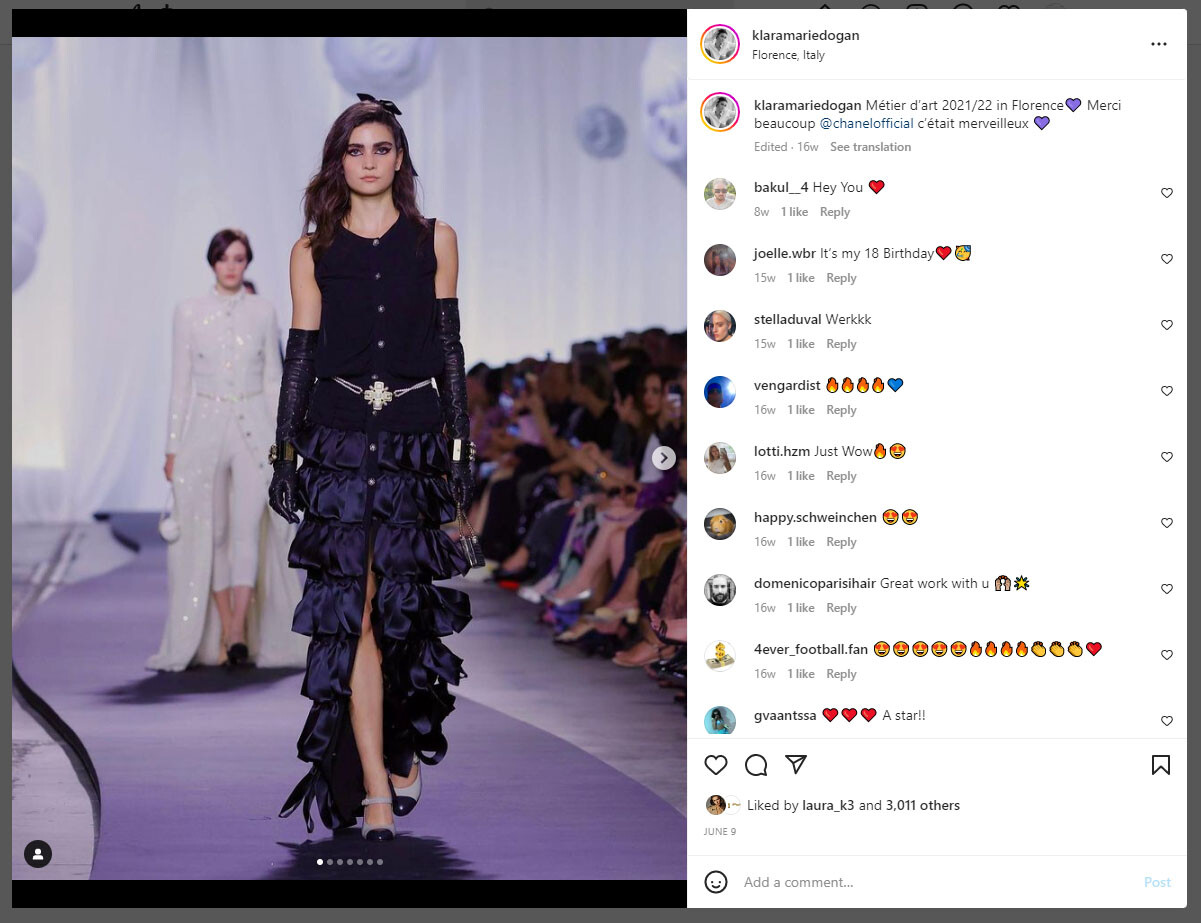
  14. Klara Marie Dogan
  15. Ohh... she's so pretty! Good job with the ID!
  16. Josephine Adam
  17. Already ID'd in main MODEL ID thread as Afra Wendel Bommarco and Chiharu Okunugi

Account

Navigation

Search

Configure browser push notifications

Chrome (Android)
  1. Tap the lock icon next to the address bar.
  2. Tap Permissions → Notifications.
  3. Adjust your preference.
Chrome (Desktop)
  1. Click the padlock icon in the address bar.
  2. Select Site settings.
  3. Find Notifications and adjust your preference.