Jump to content
View in the app

A better way to browse. Learn more.

Bellazon

A full-screen app on your home screen with push notifications, badges and more.

To install this app on iOS and iPadOS
  1. Tap the Share icon in Safari
  2. Scroll the menu and tap Add to Home Screen.
  3. Tap Add in the top-right corner.
To install this app on Android
  1. Tap the 3-dot menu (⋮) in the top-right corner of the browser.
  2. Tap Add to Home screen or Install app.
  3. Confirm by tapping Install.

kimflorida

Members
  • Joined

  • Last visited

Everything posted by kimflorida

  1. You’re welcome
  2. Alejandra Alonso 🥰
  3. This is model Brianna Marquez 🥰
  4. Looks like Tehya Elam, but it they have edited out her tattoos.
  5. She’s tagged on their IG feed - Elsa Baldaia
  6. You're welcome model above is Kara Solek
  7. #6 looks to be Nikki Mattens - her Instagram is set to private.
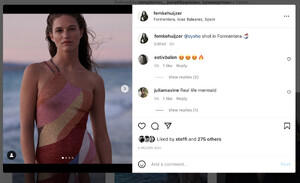
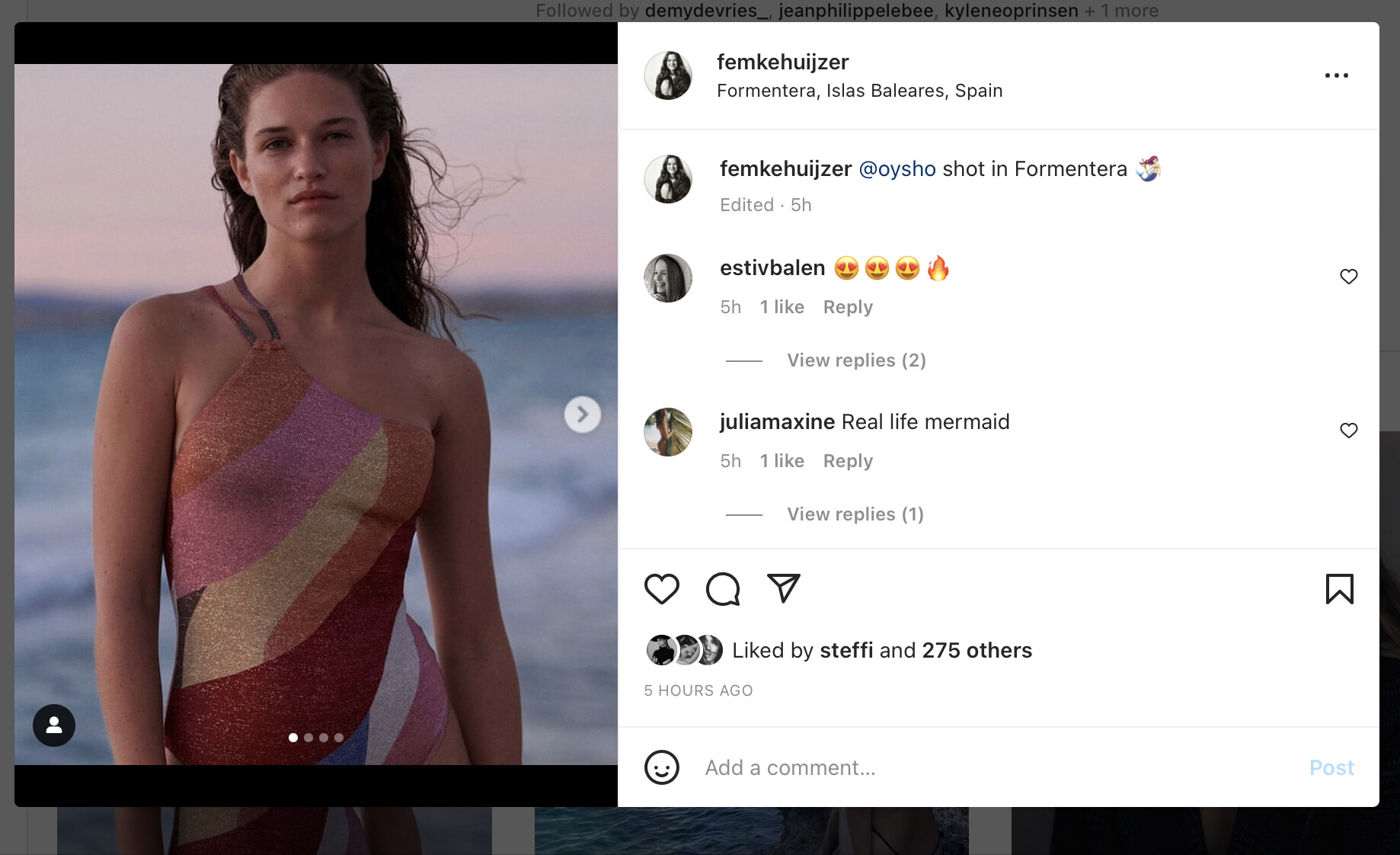
  8. Femke Huijzer
  9. Glad to help
  10. Ayaana Akosua Aschkar-Stevens
  11. yes, confirmed via Instagram
  12. I think she is Andrea Langfeldt
  13. the other two models look familiar too. I'm sure someone will come up with IDs
  14. you're welcome
  15. You’re welcome

Account

Navigation

Search

Configure browser push notifications

Chrome (Android)
  1. Tap the lock icon next to the address bar.
  2. Tap Permissions → Notifications.
  3. Adjust your preference.
Chrome (Desktop)
  1. Click the padlock icon in the address bar.
  2. Select Site settings.
  3. Find Notifications and adjust your preference.