sha
Members
-
Joined
-
Last visited
Everything posted by sha
-

-
When did she have them done? It's a shame - she didn't really need them. they are still real!
thats not a bodyguard that is dennis rodman
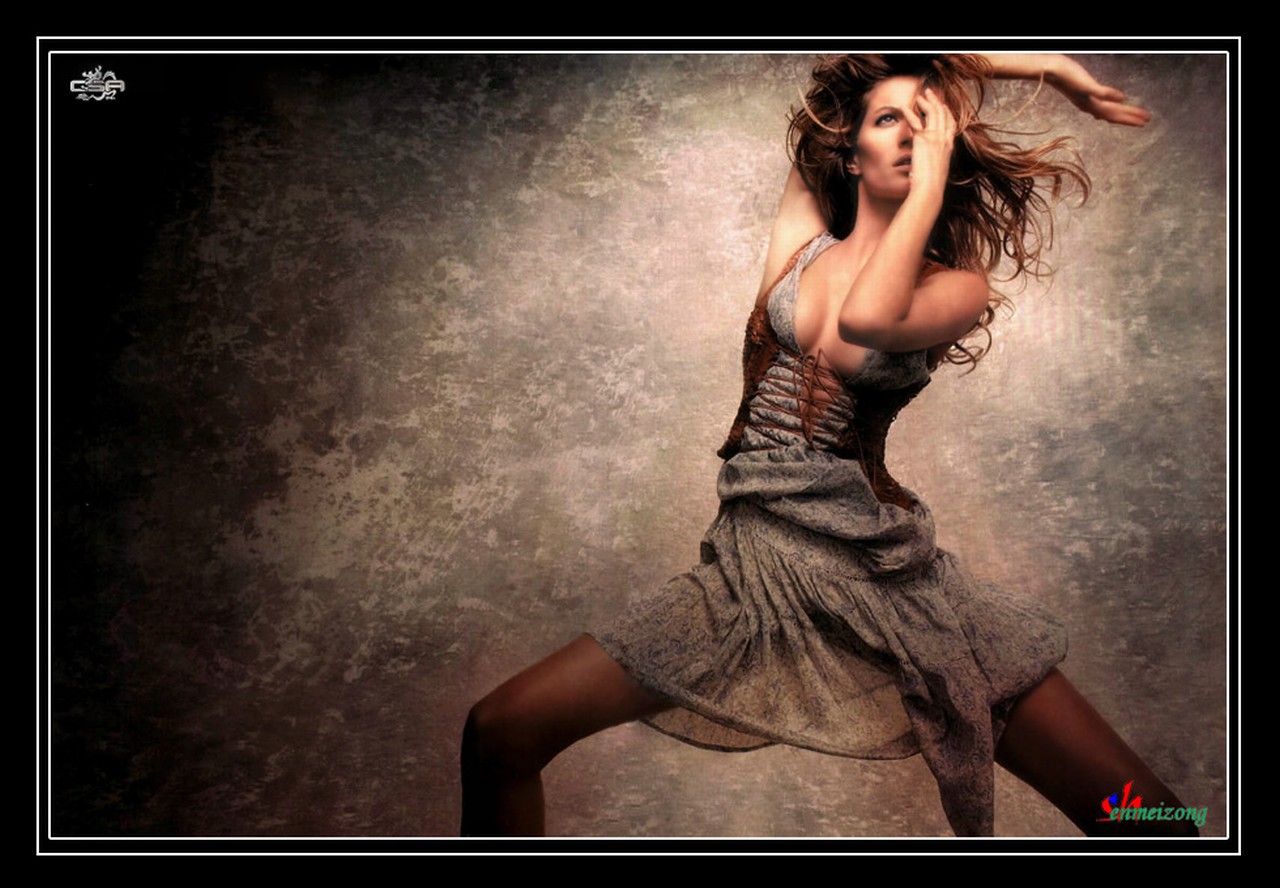
i thank you for the vid but i am looking for a much bigger one it has gisele dancing at the beginning and ale modelling with some guy i think..
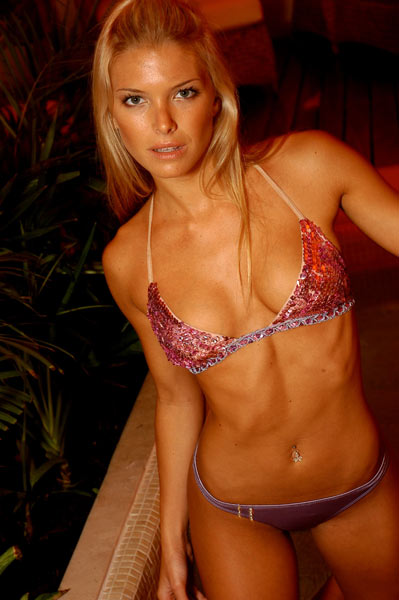
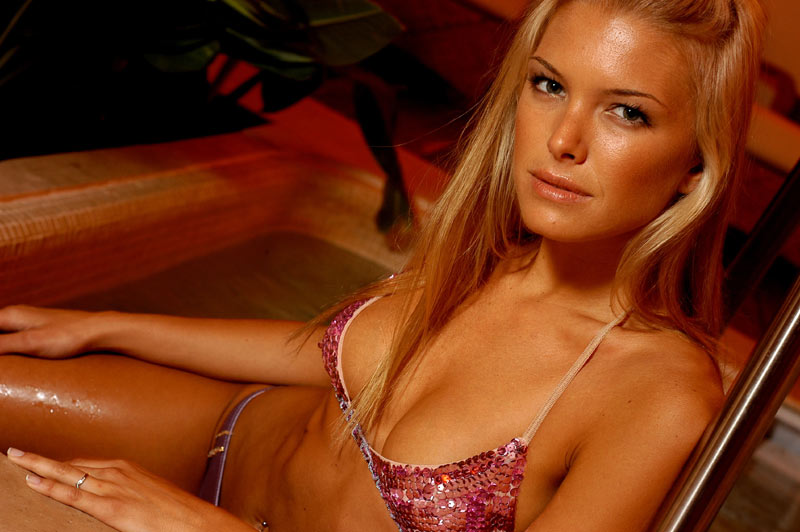
thanks angel those are great pics especially the 2nd one
does anyone still have the vs sexy book vid i think it was tulum or something like that
i really dont remember it was just on my computer
/monthly_12_2005/post-241-0-1446081748-2232_thumb.jpg" data-fileid="3670703" alt="post-241-0-1446081748-2232_thumb.jpg" data-ratio="146.6">












 beautiful lullaby
nice valmount
beautiful lullaby
nice valmount
Account
Navigation
Search
Configure browser push notifications
Chrome (Android)
- Tap the lock icon next to the address bar.
- Tap Permissions → Notifications.
- Adjust your preference.
Chrome (Desktop)
- Click the padlock icon in the address bar.
- Select Site settings.
- Find Notifications and adjust your preference.
Safari (iOS 16.4+)
- Ensure the site is installed via Add to Home Screen.
- Open Settings App → Notifications.
- Find your app name and adjust your preference.
Safari (macOS)
- Go to Safari → Preferences.
- Click the Websites tab.
- Select Notifications in the sidebar.
- Find this website and adjust your preference.
Edge (Android)
- Tap the lock icon next to the address bar.
- Tap Permissions.
- Find Notifications and adjust your preference.
Edge (Desktop)
- Click the padlock icon in the address bar.
- Click Permissions for this site.
- Find Notifications and adjust your preference.
Firefox (Android)
- Go to Settings → Site permissions.
- Tap Notifications.
- Find this site in the list and adjust your preference.
Firefox (Desktop)
- Open Firefox Settings.
- Search for Notifications.
- Find this site in the list and adjust your preference.