
sha
Members
-
Joined
-
Last visited
Everything posted by sha
-

-
beautiful she is creeping into my top ten
-
she is very hot thanks
-
Me three. On that note, I have the DVDs from 2001 - 2004 The extra shoot on 2003 with Petra is grrreeeeeaaaaatttttt! And... Bodypainting. i wanna see some bodypainting
-
she keeps getting hotter with age.
-
indeed she does
-
-
-
she is just showing off that ass

-
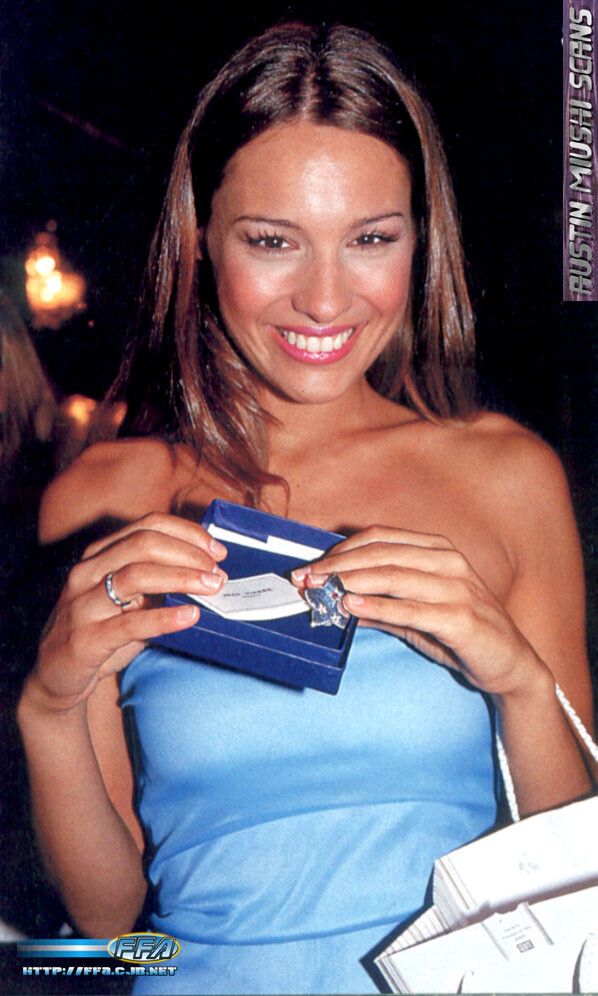
this is one of my all time favorite pictures

-
-
-
-
-
does anyone think she has fake breast. i dont care either way just wondering
-
me too
i love everything about petra
good job cantor









Account
Navigation
Search
Configure browser push notifications
Chrome (Android)
- Tap the lock icon next to the address bar.
- Tap Permissions → Notifications.
- Adjust your preference.
Chrome (Desktop)
- Click the padlock icon in the address bar.
- Select Site settings.
- Find Notifications and adjust your preference.
Safari (iOS 16.4+)
- Ensure the site is installed via Add to Home Screen.
- Open Settings App → Notifications.
- Find your app name and adjust your preference.
Safari (macOS)
- Go to Safari → Preferences.
- Click the Websites tab.
- Select Notifications in the sidebar.
- Find this website and adjust your preference.
Edge (Android)
- Tap the lock icon next to the address bar.
- Tap Permissions.
- Find Notifications and adjust your preference.
Edge (Desktop)
- Click the padlock icon in the address bar.
- Click Permissions for this site.
- Find Notifications and adjust your preference.
Firefox (Android)
- Go to Settings → Site permissions.
- Tap Notifications.
- Find this site in the list and adjust your preference.
Firefox (Desktop)
- Open Firefox Settings.
- Search for Notifications.
- Find this site in the list and adjust your preference.