sha
Members
-
Joined
-
Last visited
Everything posted by sha
-
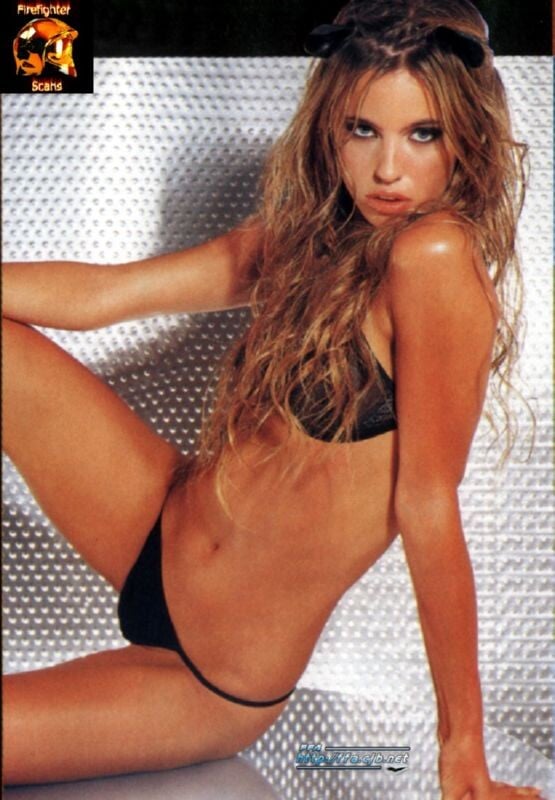
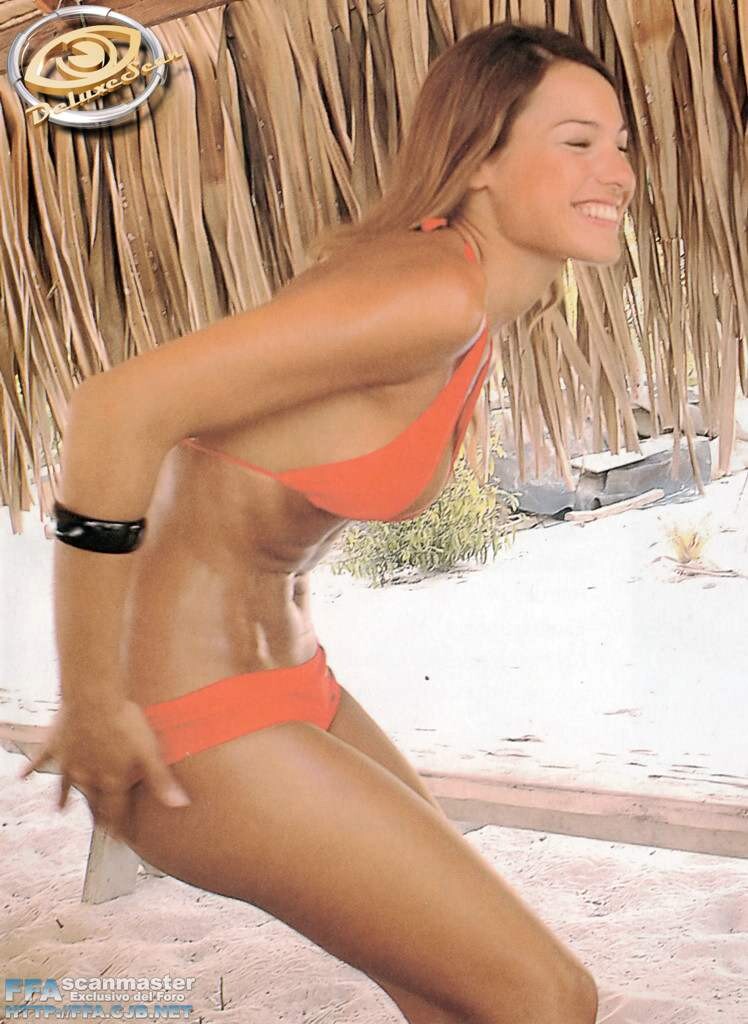
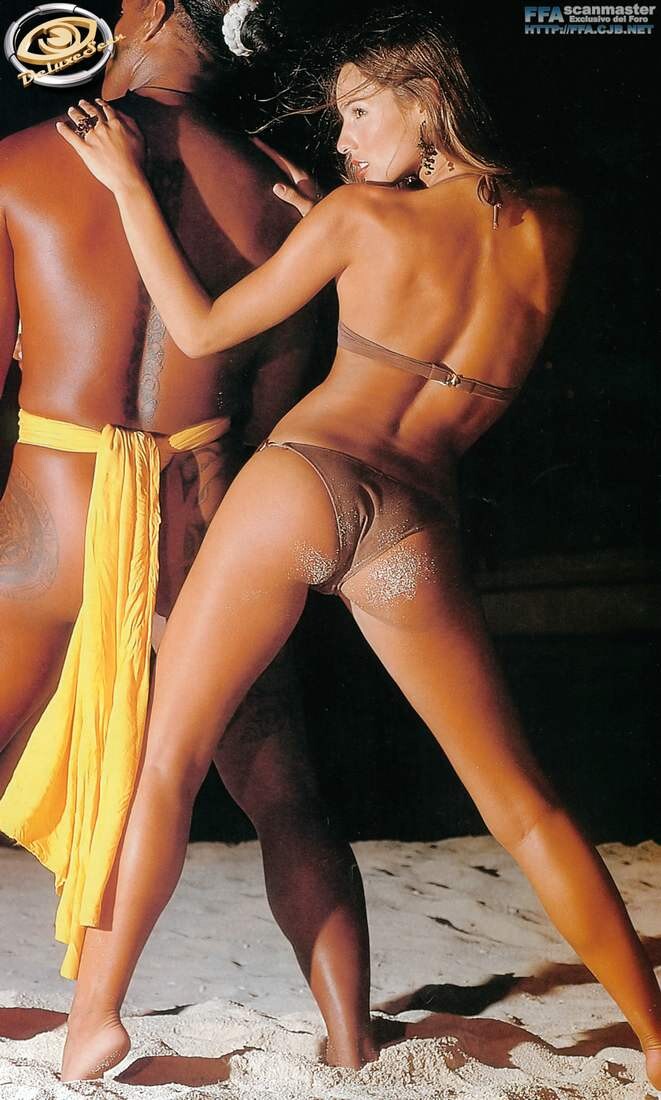
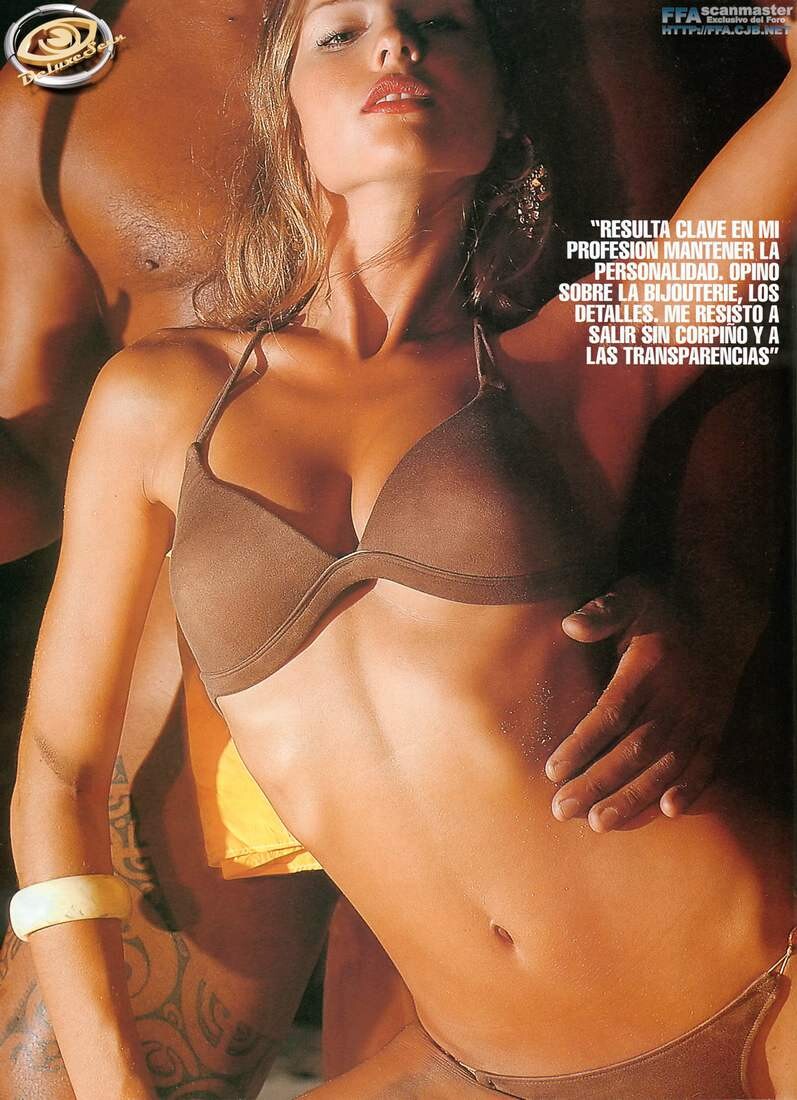
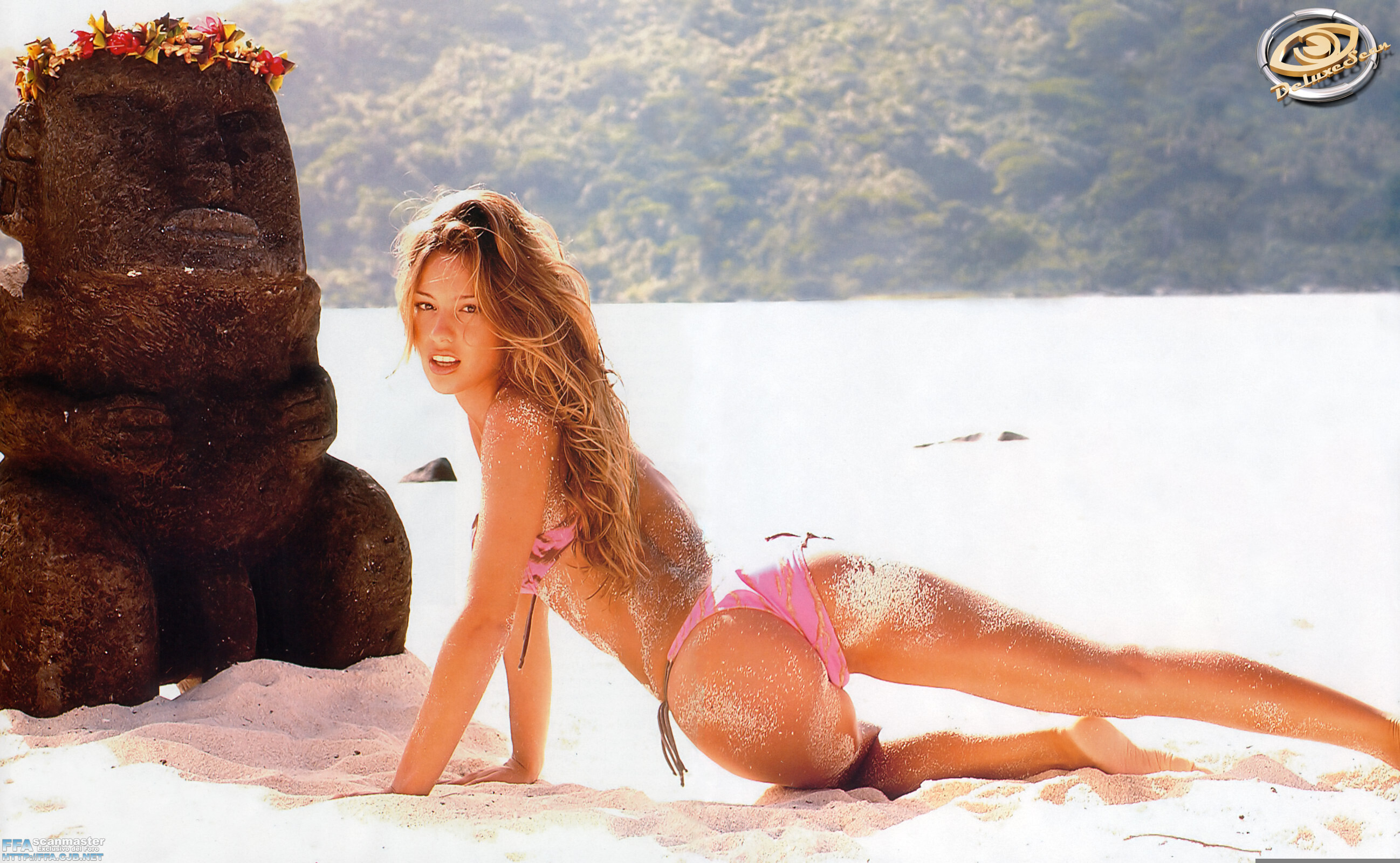
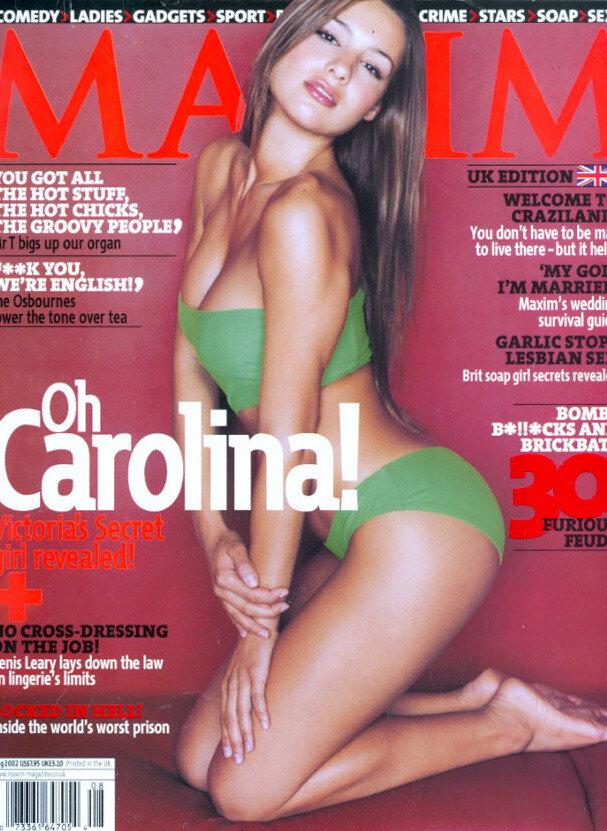
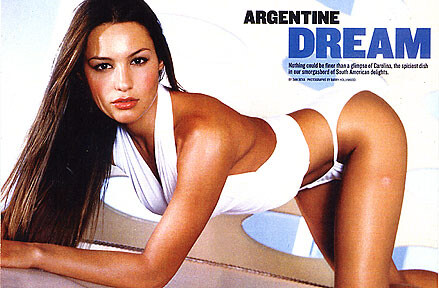
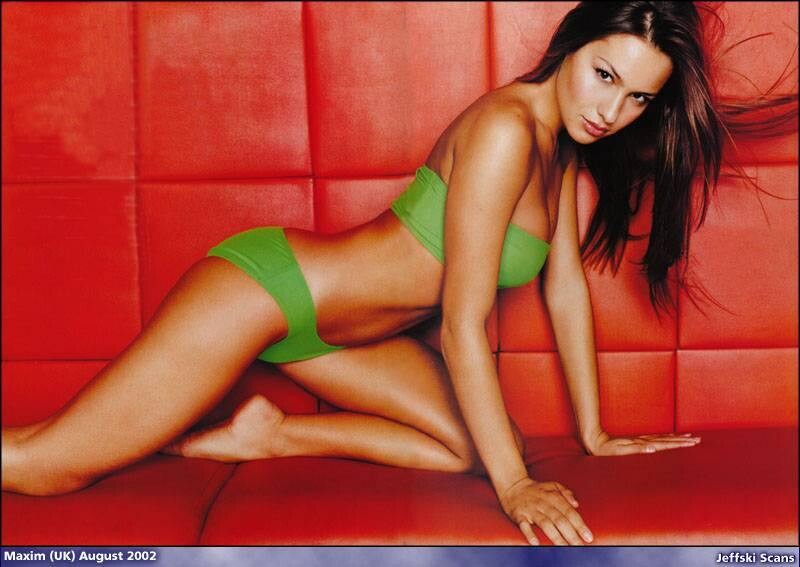
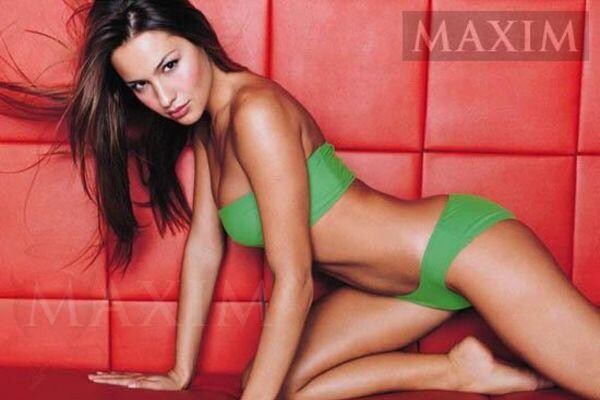
 Jeםsa Chiminazzo was born in the city of Muחum, Rio Grande do Sul, Brazil, on April 12, 1985. Brazil is a multiethnic country, and Jeisa is no exception to the rule. This youthful looking beautiful girl has both Italian and German origins running in the blood, thanks to her father Ernani and her mother Ivone. Jeisa is their second child. She has two sisters, namely Grace (who is six years older) and Jessica (who is five years younger). On May '98, still in the tender age of thirteen, she went into a modelling course on her hometown. Brazilian model/actor Luciano Szafir saw her there and couldn't help but get impressed with Jeisa's natural beauty. Well, I think no one could deny the "innocent child" look in her, not even this famous guy. Luciano quickly called L'Equipe modelling agency, which is based in Sדo Paulo - Brazil's city of fashion, and recommended Jeisa to the agency. It happened so fast. She was just started and she didn't even look for the deal, yet. The contract was searching for her... Jeisa spent the year 1998 busy in the Brazilian fashion scene. She's been a familiar face on fashion events in her homeland, ever since. By the next year this little girl was ready to take the world by storm, as she headed into one of world's most important fashion cities, Milan. Jeisa is presented by Paolo Tomei models here, which is also the home of many great models including another personal favorite of mine, Mariacarla Boscono. She had also spread her wings into other cities, especially New York. IMG agency recruited her on their line up of models in NYC. Late '99, Jeisa took the decision to leave Brazil and move into the USA. She lives in a Manhattan apartment building with her mother, the same place where her best friend, fellow Brazilian rising star Isabeli Fontana used to live. Jeisa did three important campaigns in 2000: Jill Stuart, Philosophy di Alberta Ferretti and Emanuel Ungaro. She could also be seen on some Vogue editorials and other mags as well. Only thing I regret is that there must be more Jeisa on the covers of those magazines. Why people turn around and choose the models who are not as good as Jeisa is beyond my knowledge. As we all knew, Brazilian models ruled the fashion world in 2000. However, the following year wasn't the same for these girls. It seemed that the designers were using less Brazilians this time, due to some negative publicities. Thankfully, Jeisa is one of the chosen few who keeps riding high above the rest. Only the strong survive! Jeisa even made her Paris catwalk debut in 2001. In fact, that was an unexpected success for her, who is also managed by IMG Paris. The French love Jeisa! More recently, Jeisa scored two huge advertisement campaigns for spring-summer 2002: Versus and Intimissimi. Although Versace has a much bigger name than this Italian lingerie line, it should be remembered that Intimissimi is the best campaign she ever did. Bar none. Jeisa is still on the top of the game. information from - some nudity on link http://www.videocatwalk.com/PersonalPages/...himinazzo-Naked
indeed she is so sexy and i suspected also that her breasts are fake. no matter to me.
she takes such sexy pictures
i am not a wrestling fan but i would wrestle with this girl anytime personally i think she is the hottest wwe girl besides carmella decesare
Jeםsa Chiminazzo was born in the city of Muחum, Rio Grande do Sul, Brazil, on April 12, 1985. Brazil is a multiethnic country, and Jeisa is no exception to the rule. This youthful looking beautiful girl has both Italian and German origins running in the blood, thanks to her father Ernani and her mother Ivone. Jeisa is their second child. She has two sisters, namely Grace (who is six years older) and Jessica (who is five years younger). On May '98, still in the tender age of thirteen, she went into a modelling course on her hometown. Brazilian model/actor Luciano Szafir saw her there and couldn't help but get impressed with Jeisa's natural beauty. Well, I think no one could deny the "innocent child" look in her, not even this famous guy. Luciano quickly called L'Equipe modelling agency, which is based in Sדo Paulo - Brazil's city of fashion, and recommended Jeisa to the agency. It happened so fast. She was just started and she didn't even look for the deal, yet. The contract was searching for her... Jeisa spent the year 1998 busy in the Brazilian fashion scene. She's been a familiar face on fashion events in her homeland, ever since. By the next year this little girl was ready to take the world by storm, as she headed into one of world's most important fashion cities, Milan. Jeisa is presented by Paolo Tomei models here, which is also the home of many great models including another personal favorite of mine, Mariacarla Boscono. She had also spread her wings into other cities, especially New York. IMG agency recruited her on their line up of models in NYC. Late '99, Jeisa took the decision to leave Brazil and move into the USA. She lives in a Manhattan apartment building with her mother, the same place where her best friend, fellow Brazilian rising star Isabeli Fontana used to live. Jeisa did three important campaigns in 2000: Jill Stuart, Philosophy di Alberta Ferretti and Emanuel Ungaro. She could also be seen on some Vogue editorials and other mags as well. Only thing I regret is that there must be more Jeisa on the covers of those magazines. Why people turn around and choose the models who are not as good as Jeisa is beyond my knowledge. As we all knew, Brazilian models ruled the fashion world in 2000. However, the following year wasn't the same for these girls. It seemed that the designers were using less Brazilians this time, due to some negative publicities. Thankfully, Jeisa is one of the chosen few who keeps riding high above the rest. Only the strong survive! Jeisa even made her Paris catwalk debut in 2001. In fact, that was an unexpected success for her, who is also managed by IMG Paris. The French love Jeisa! More recently, Jeisa scored two huge advertisement campaigns for spring-summer 2002: Versus and Intimissimi. Although Versace has a much bigger name than this Italian lingerie line, it should be remembered that Intimissimi is the best campaign she ever did. Bar none. Jeisa is still on the top of the game. information from - some nudity on link http://www.videocatwalk.com/PersonalPages/...himinazzo-Naked
indeed she is so sexy and i suspected also that her breasts are fake. no matter to me.
she takes such sexy pictures
i am not a wrestling fan but i would wrestle with this girl anytime personally i think she is the hottest wwe girl besides carmella decesareAccount
Navigation
Search
Configure browser push notifications
Chrome (Android)
- Tap the lock icon next to the address bar.
- Tap Permissions → Notifications.
- Adjust your preference.
Chrome (Desktop)
- Click the padlock icon in the address bar.
- Select Site settings.
- Find Notifications and adjust your preference.
Safari (iOS 16.4+)
- Ensure the site is installed via Add to Home Screen.
- Open Settings App → Notifications.
- Find your app name and adjust your preference.
Safari (macOS)
- Go to Safari → Preferences.
- Click the Websites tab.
- Select Notifications in the sidebar.
- Find this website and adjust your preference.
Edge (Android)
- Tap the lock icon next to the address bar.
- Tap Permissions.
- Find Notifications and adjust your preference.
Edge (Desktop)
- Click the padlock icon in the address bar.
- Click Permissions for this site.
- Find Notifications and adjust your preference.
Firefox (Android)
- Go to Settings → Site permissions.
- Tap Notifications.
- Find this site in the list and adjust your preference.
Firefox (Desktop)
- Open Firefox Settings.
- Search for Notifications.
- Find this site in the list and adjust your preference.