

maddog107
Admin
-
Joined
-
Last visited
Everything posted by maddog107
-
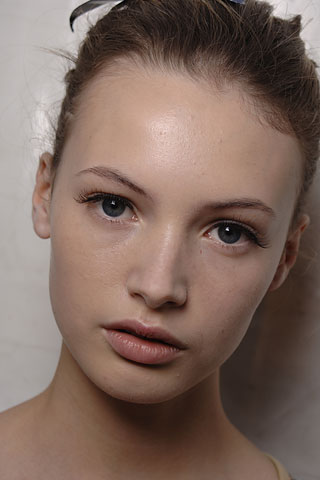
 shes so gorgeous. Thx for the pics.
 -
those are nice, thx OS
-
I get my AOE3 tommorow
-
hi there :evil: your such a playa
-
yay, HQ! thx OS :hug:
-
more..





-
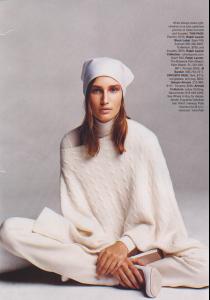
Probabaly been posted, but oh well.








-
sigh, your hard to please but ill see waht I can arrange.
-
how did you know I had a thing for her and thx for the pics
-
*bump*




-
Lonneke Engel in Tiesto - Love comes again

-
-
Im gonna go shoot myself now
-
wow, so many new pics! thx Emilia
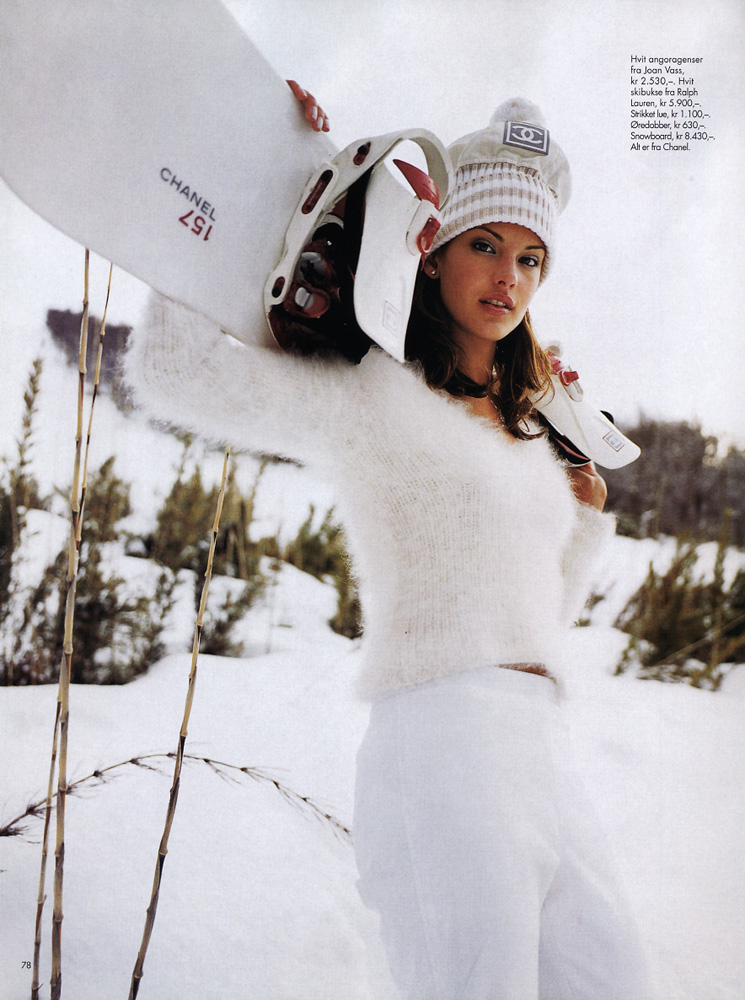
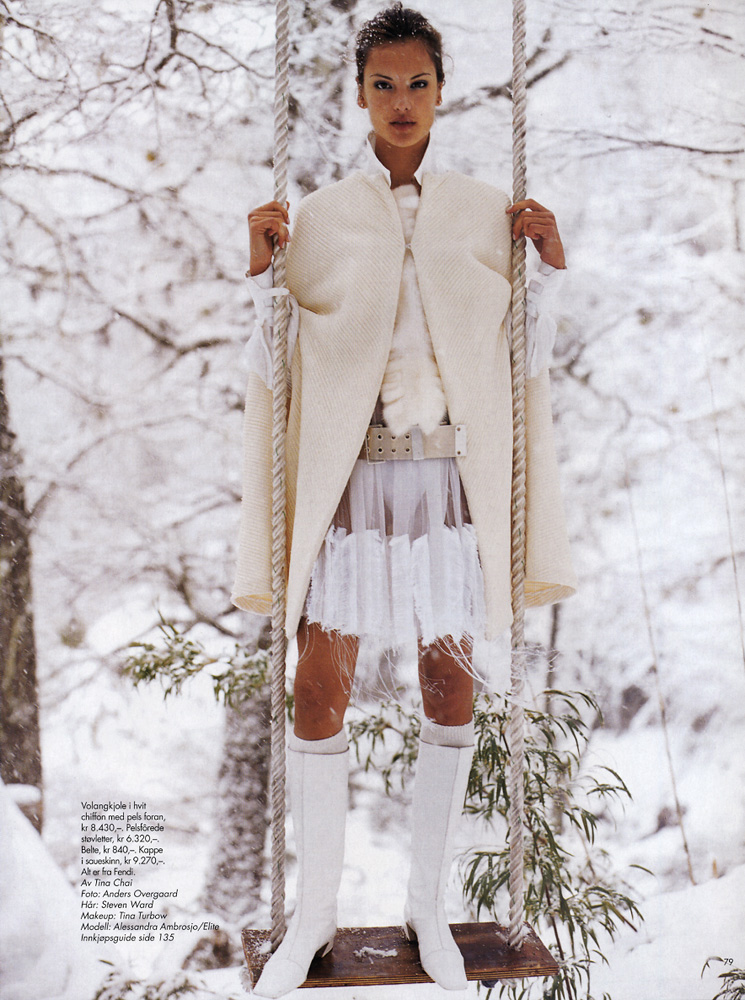
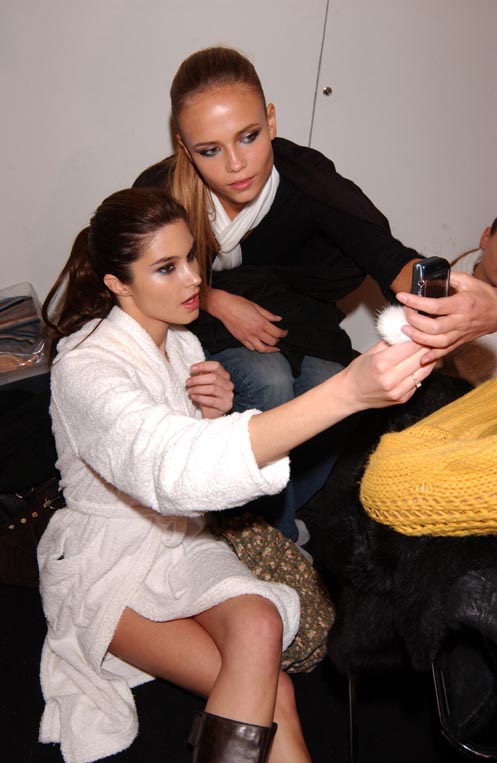
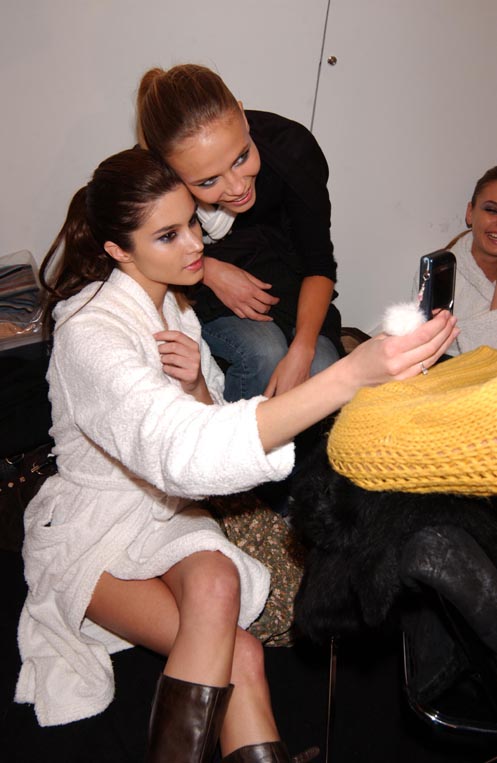
Never noticed she had such long hair thx for them pics destronica, i like the backstage ones (Y)
thx Lullaby and impel
those are the ones but there is more
you mean i havent posted those pics yet? well i went back to page 14 and I didnt see them, so yea thats what im saying, they aint posted
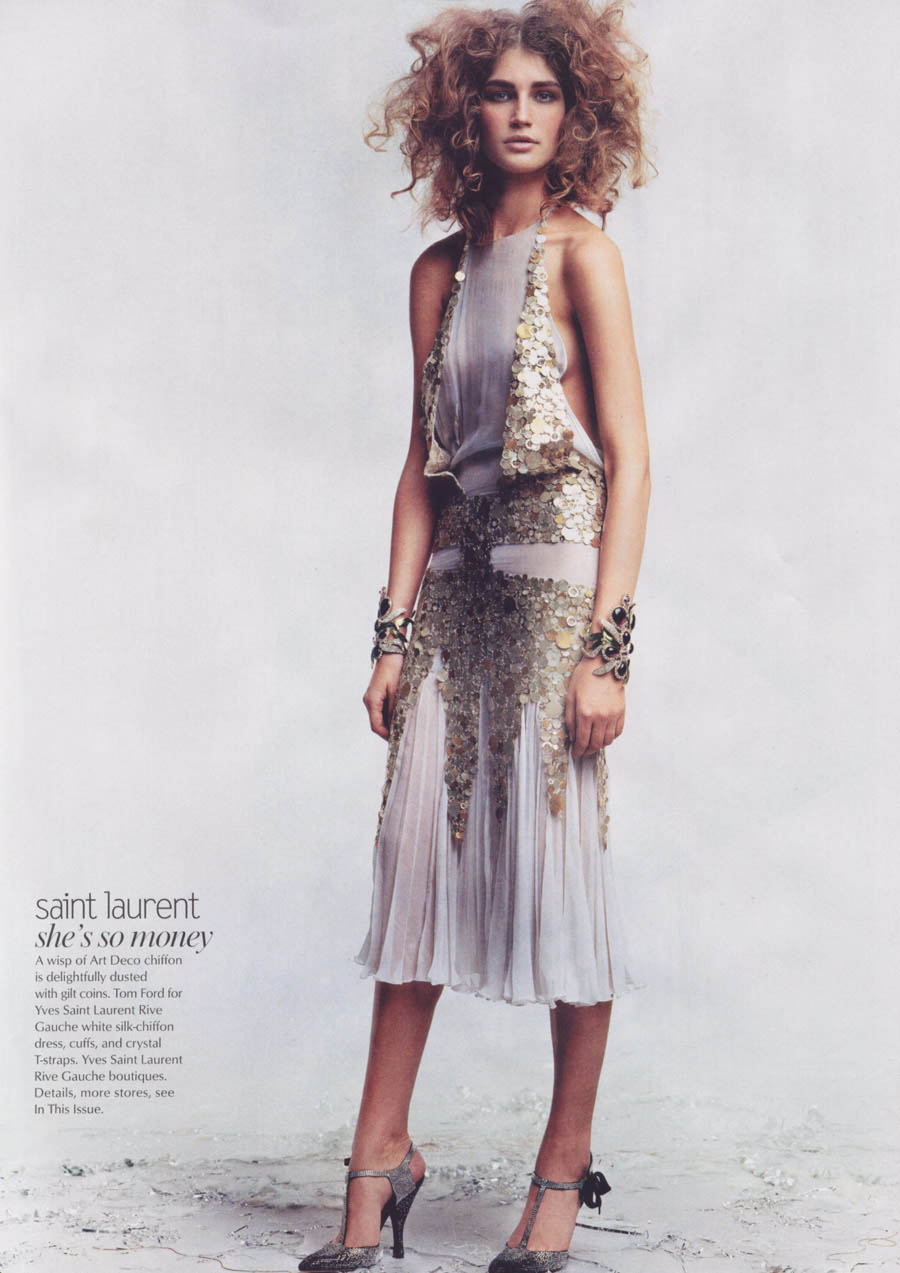
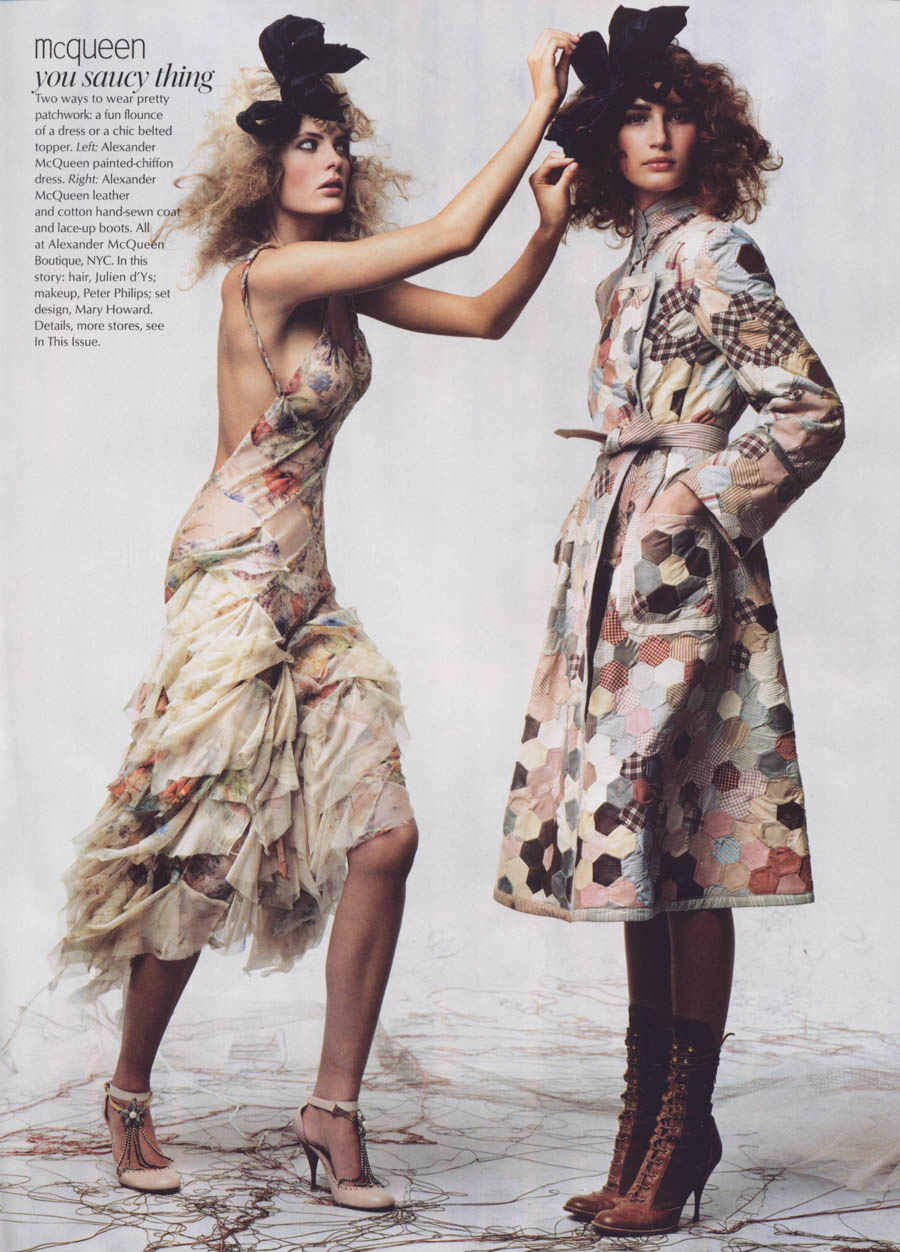
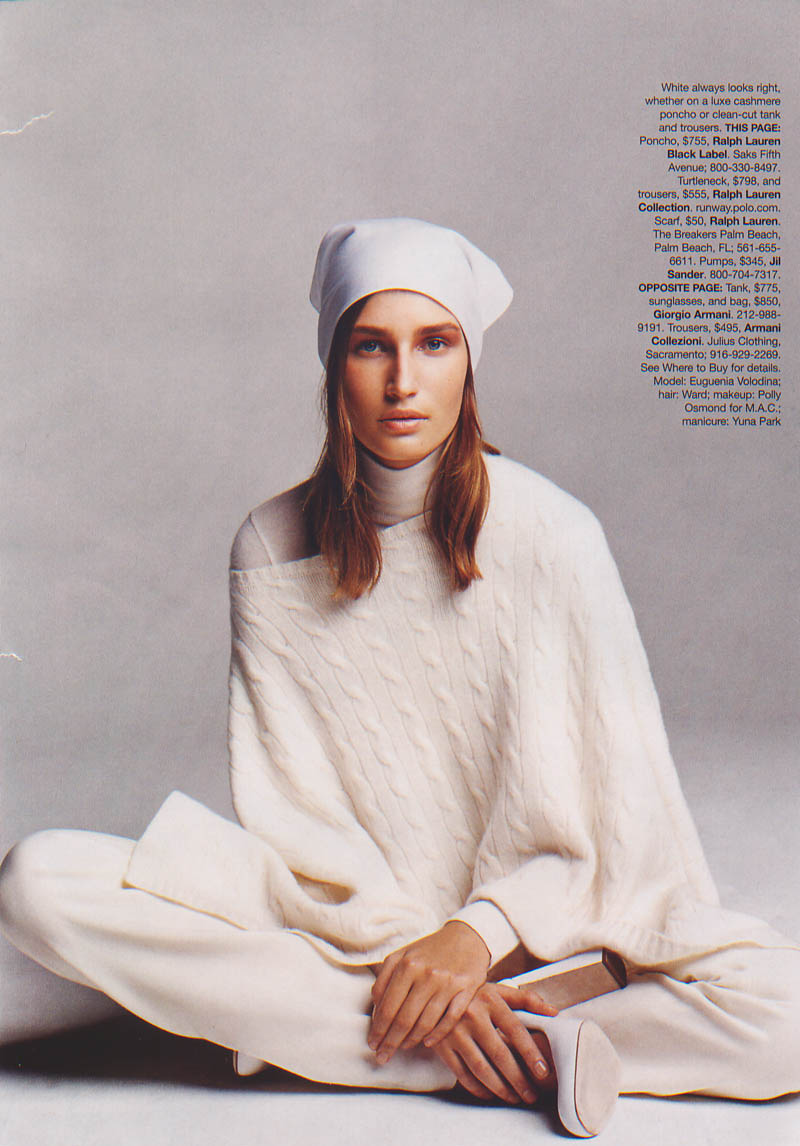
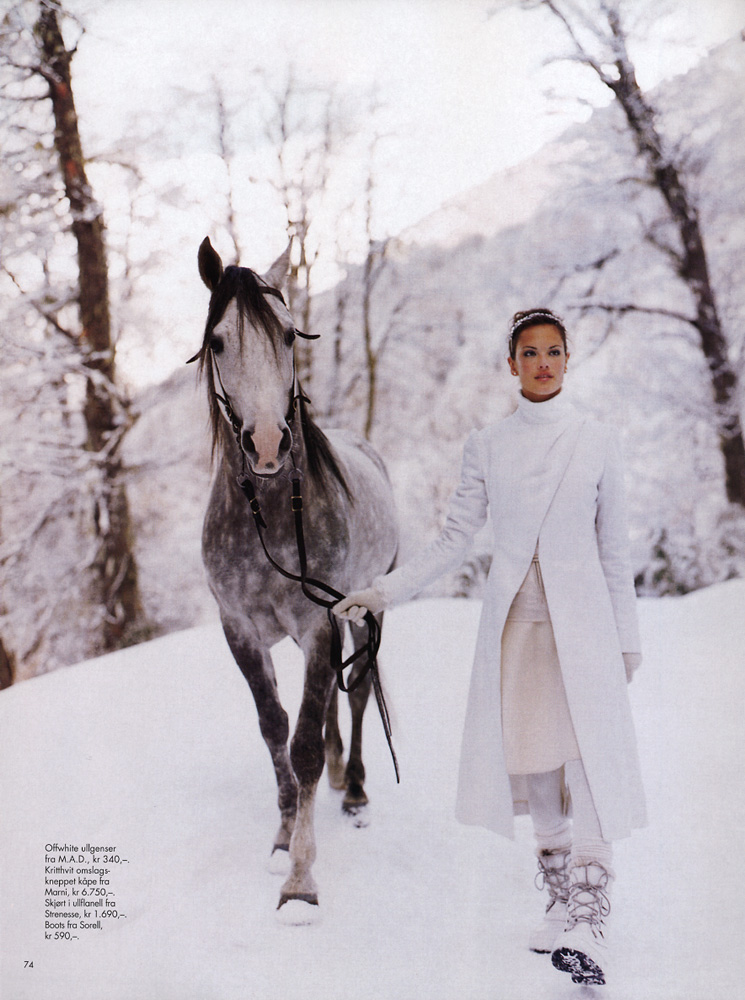
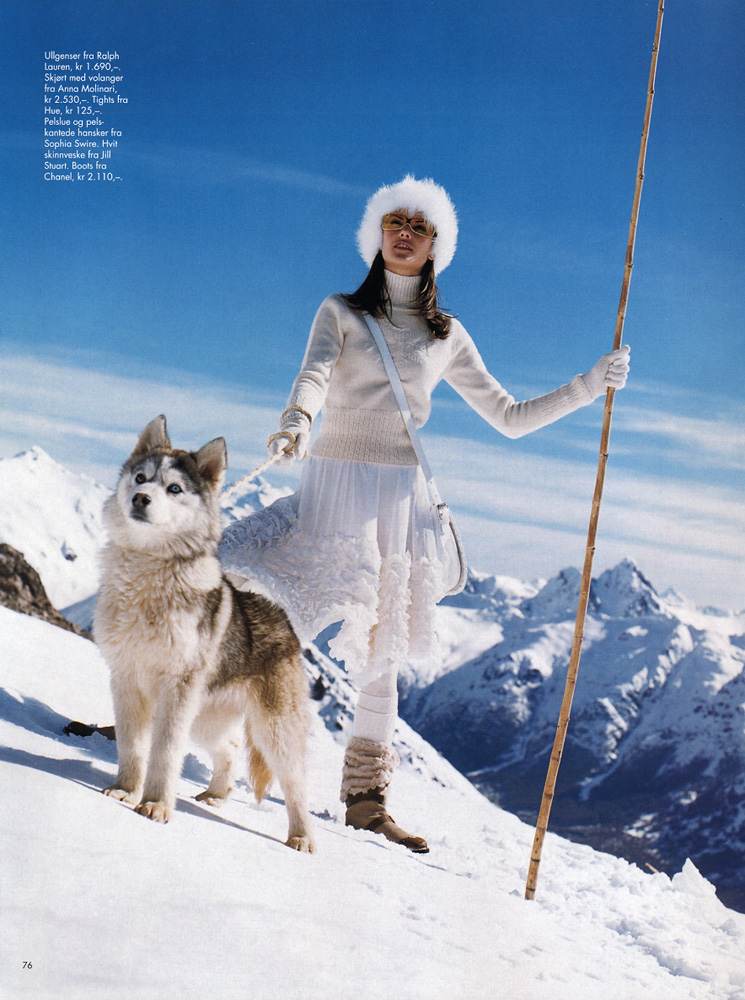
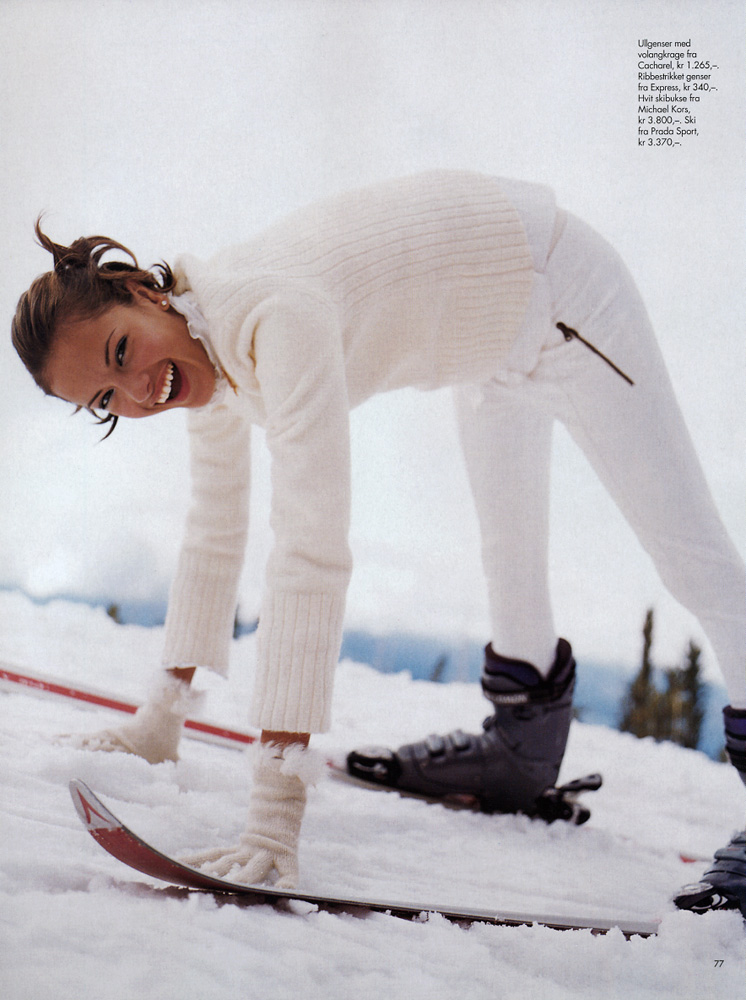
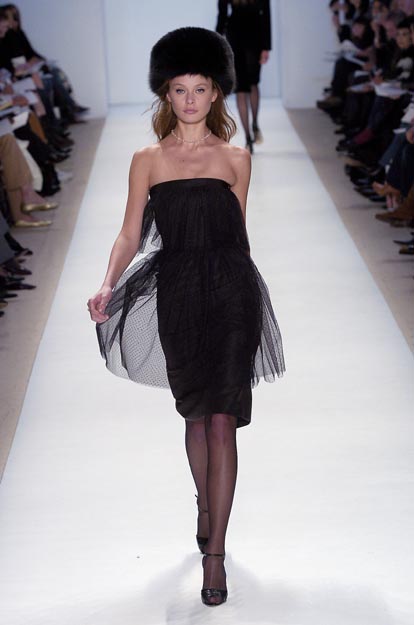
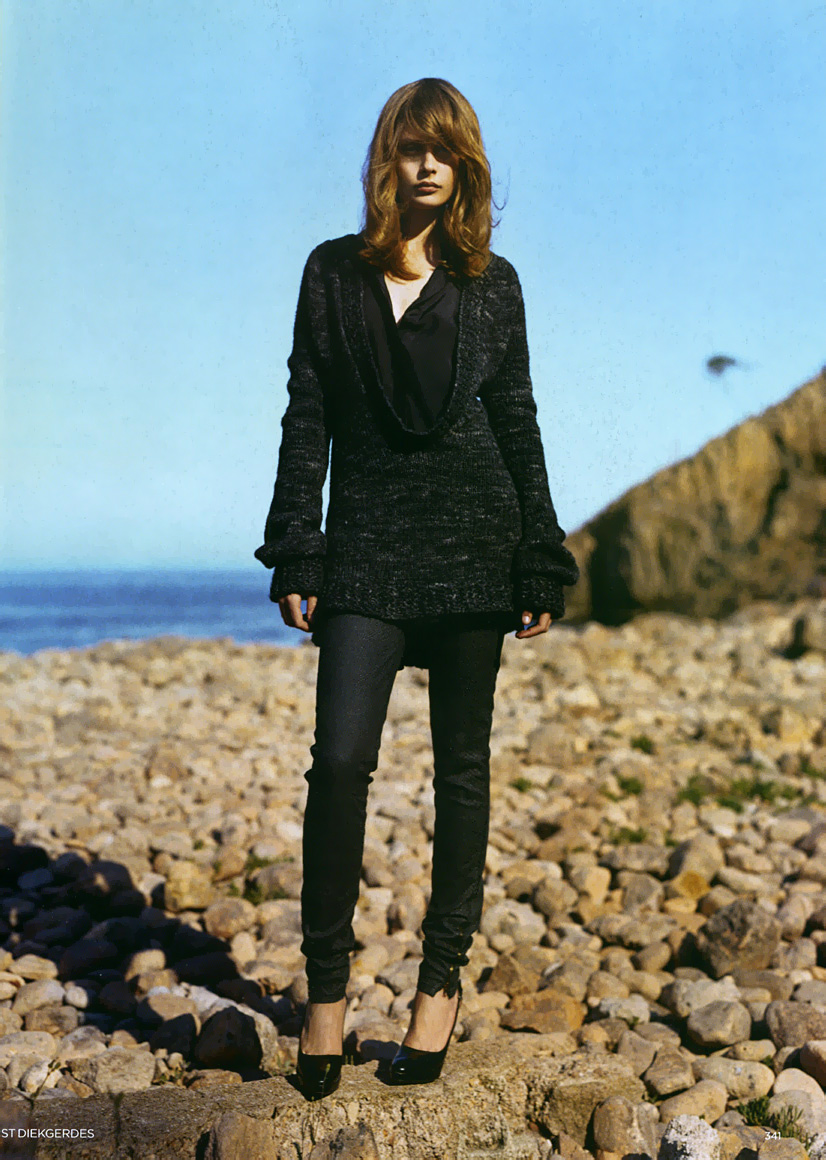
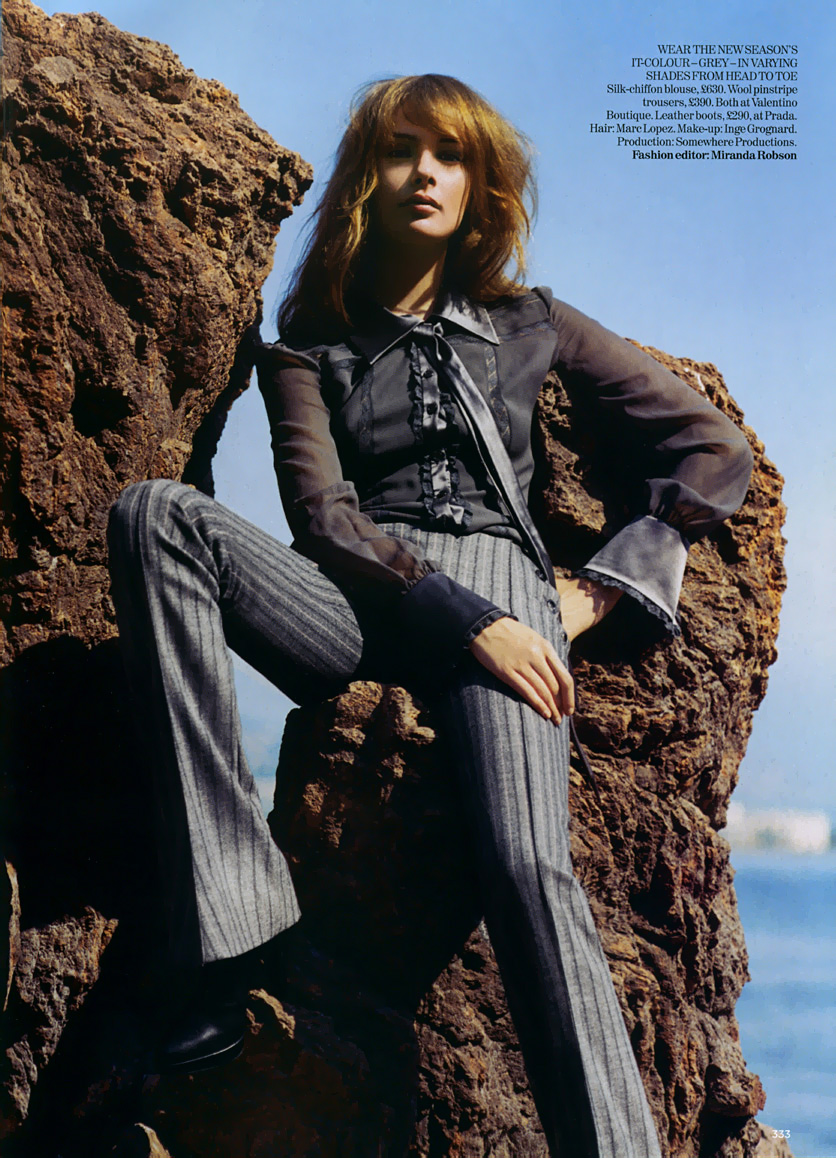
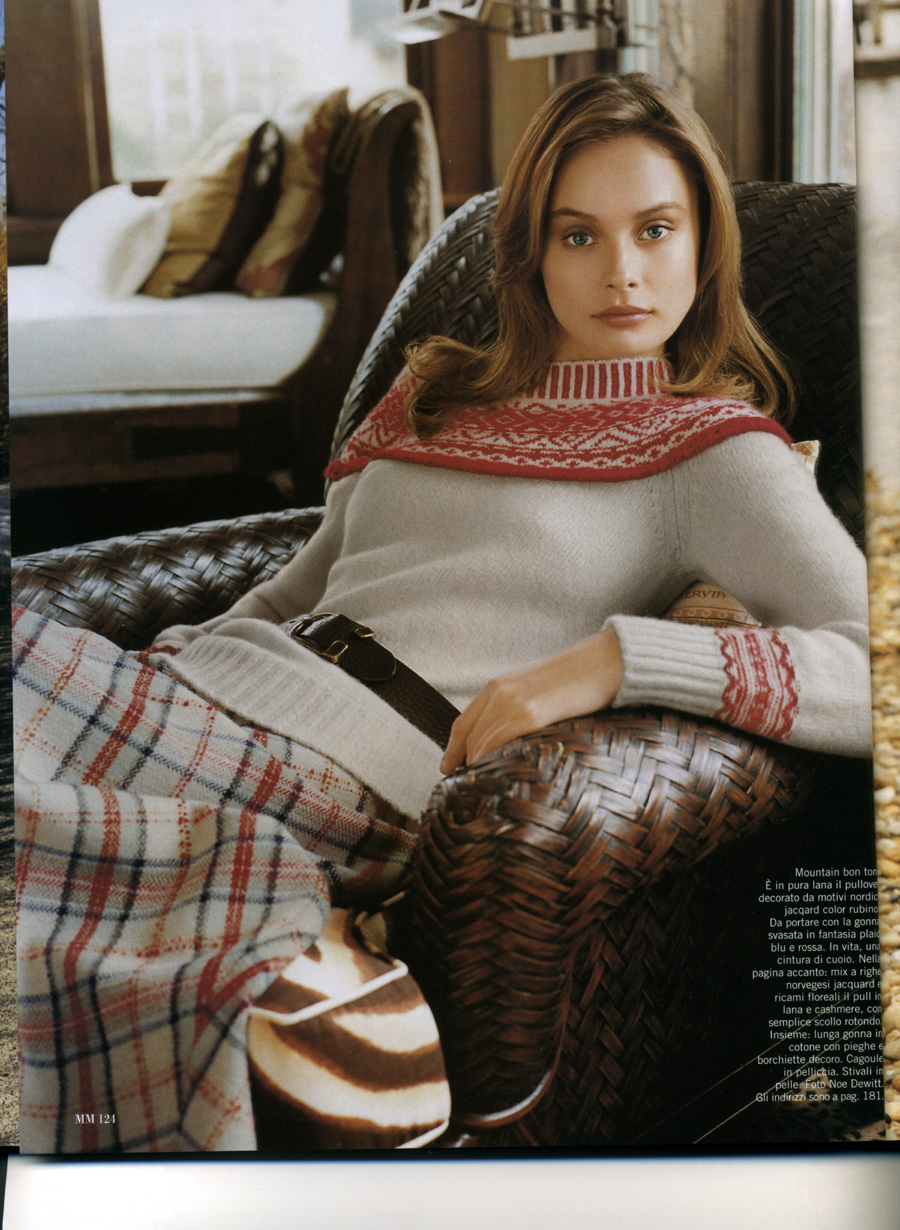
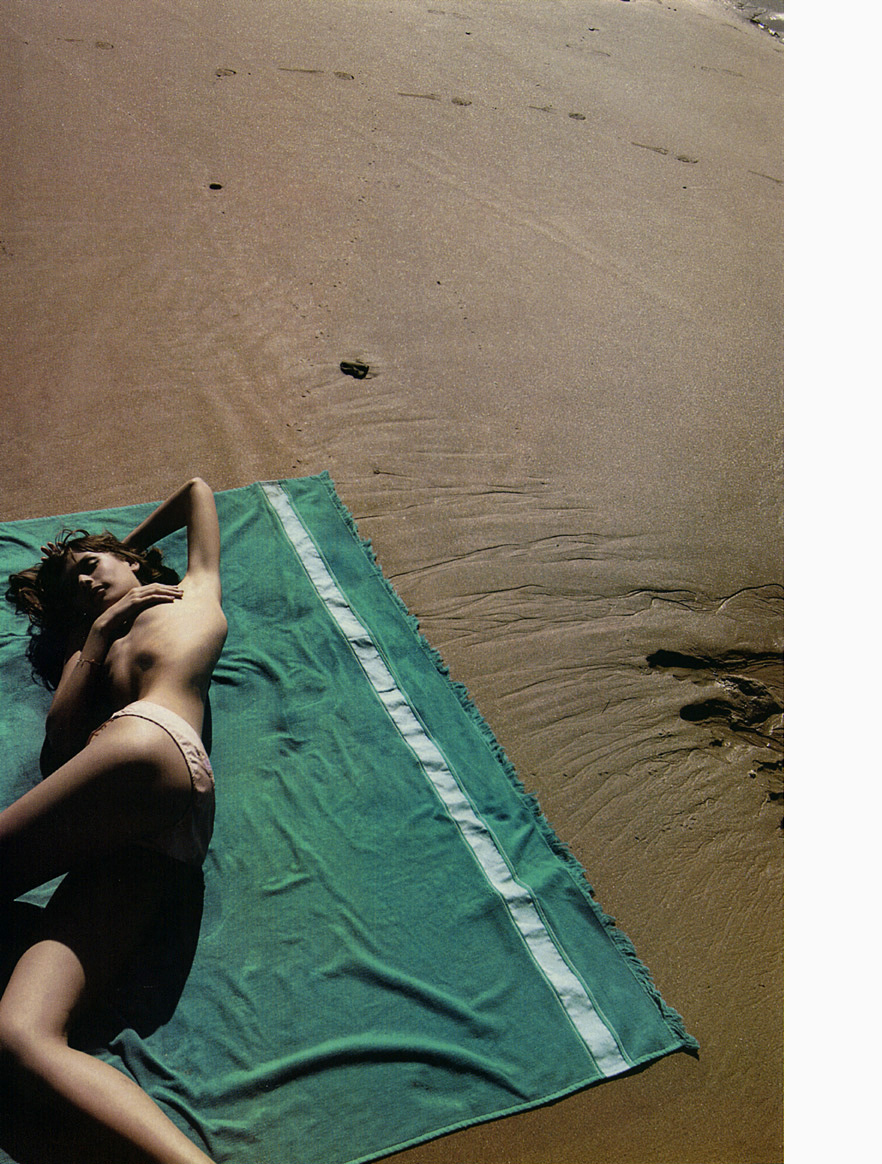
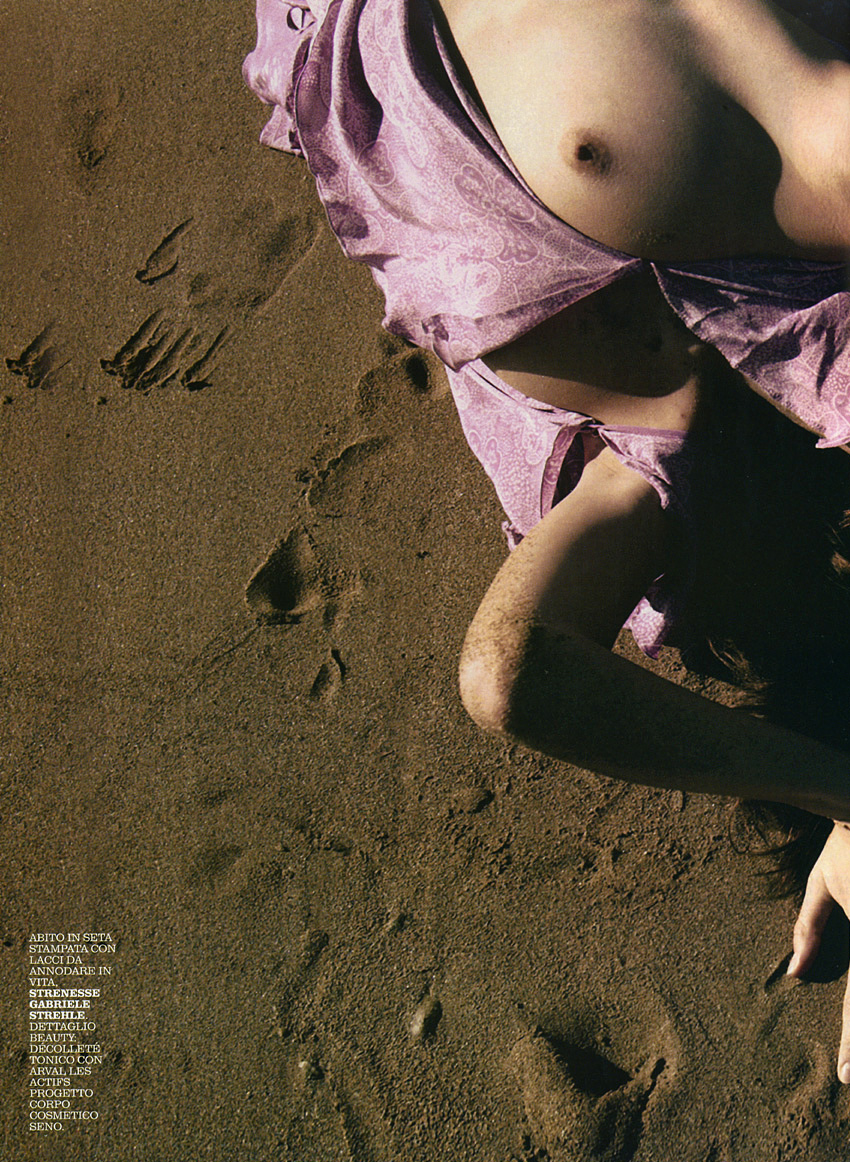
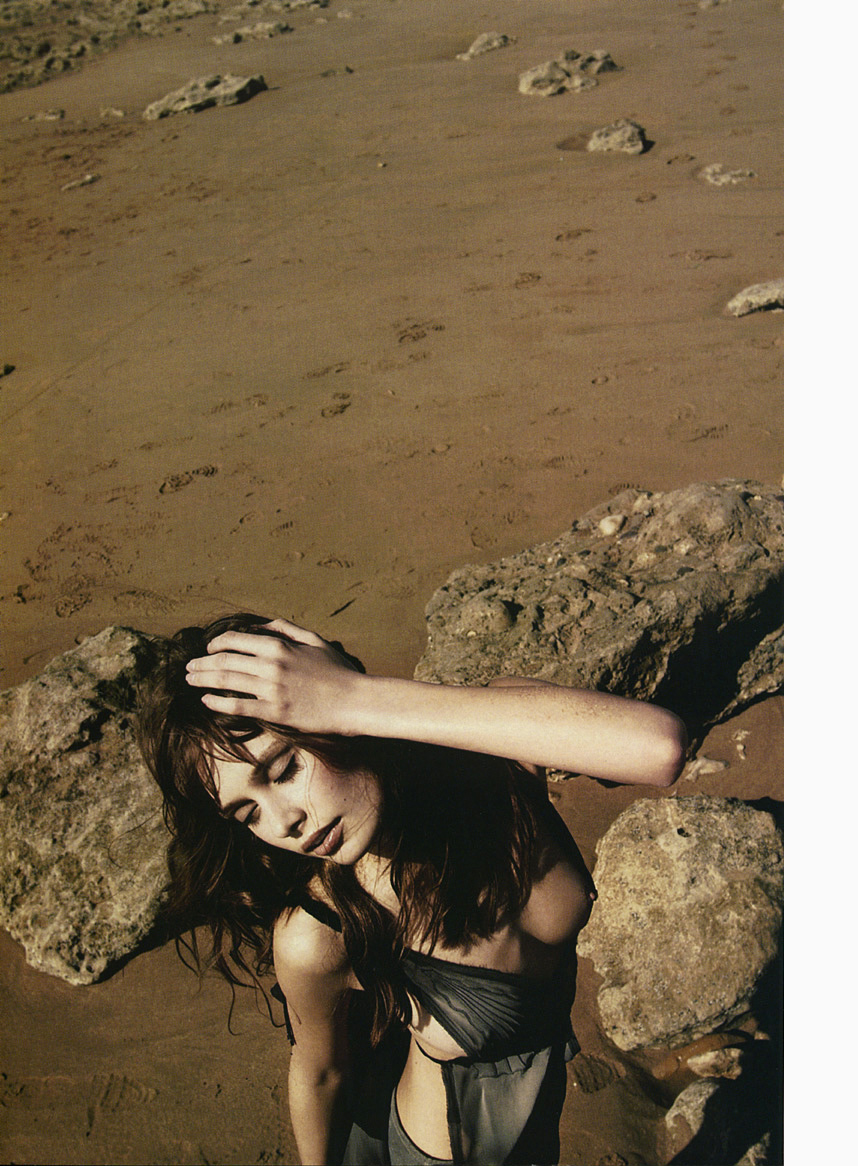
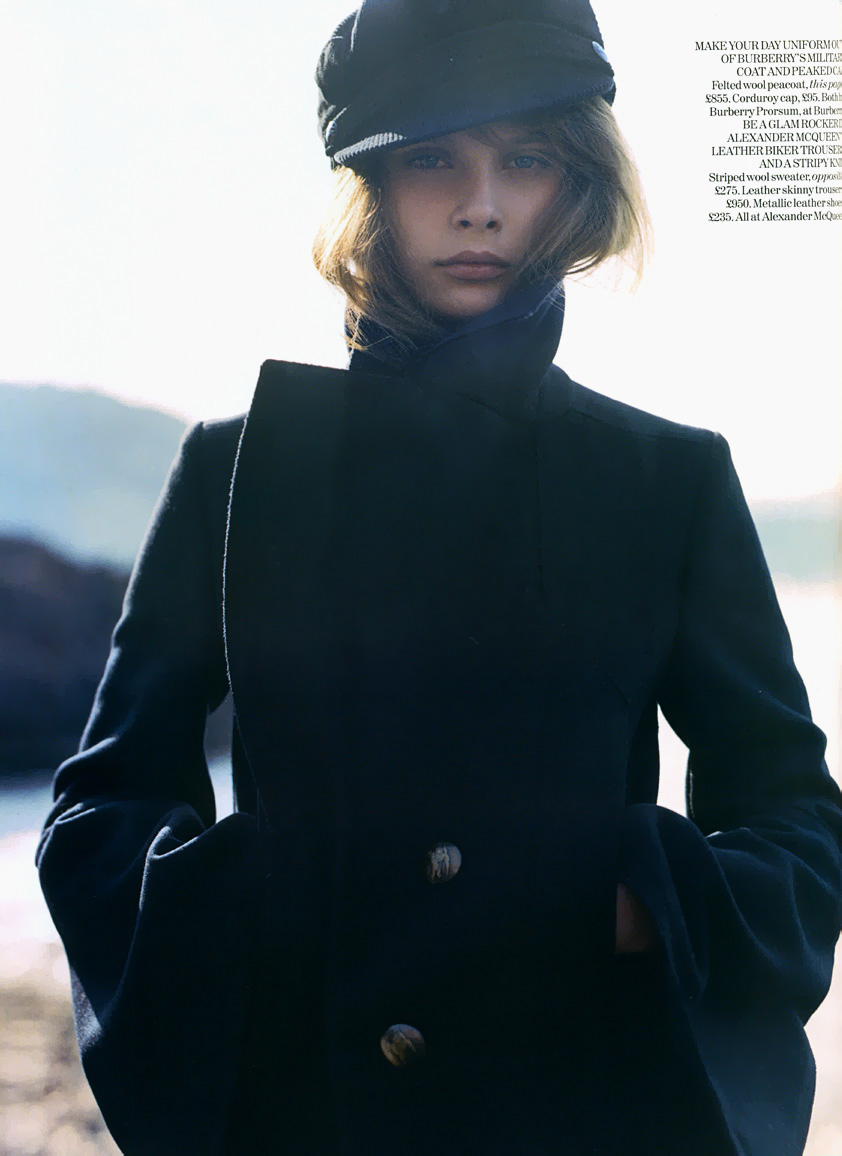
thx impel So anyways I was at borders today and I saw Gemma on the cover of French Vouge, the asian cover except now in french, and has a whole editorial inside of pics I had never seen. I would have gotten it but 15bucks for 10 pics is a little steap for me. Anyways just givin yall the heads up if your intrested.
ok thats it for today




































































Account
Navigation
Search
Configure browser push notifications
Chrome (Android)
- Tap the lock icon next to the address bar.
- Tap Permissions → Notifications.
- Adjust your preference.
Chrome (Desktop)
- Click the padlock icon in the address bar.
- Select Site settings.
- Find Notifications and adjust your preference.
Safari (iOS 16.4+)
- Ensure the site is installed via Add to Home Screen.
- Open Settings App → Notifications.
- Find your app name and adjust your preference.
Safari (macOS)
- Go to Safari → Preferences.
- Click the Websites tab.
- Select Notifications in the sidebar.
- Find this website and adjust your preference.
Edge (Android)
- Tap the lock icon next to the address bar.
- Tap Permissions.
- Find Notifications and adjust your preference.
Edge (Desktop)
- Click the padlock icon in the address bar.
- Click Permissions for this site.
- Find Notifications and adjust your preference.
Firefox (Android)
- Go to Settings → Site permissions.
- Tap Notifications.
- Find this site in the list and adjust your preference.
Firefox (Desktop)
- Open Firefox Settings.
- Search for Notifications.
- Find this site in the list and adjust your preference.