-
Image hidden for guestsSign in to viewImage hidden for guestsSign in to view
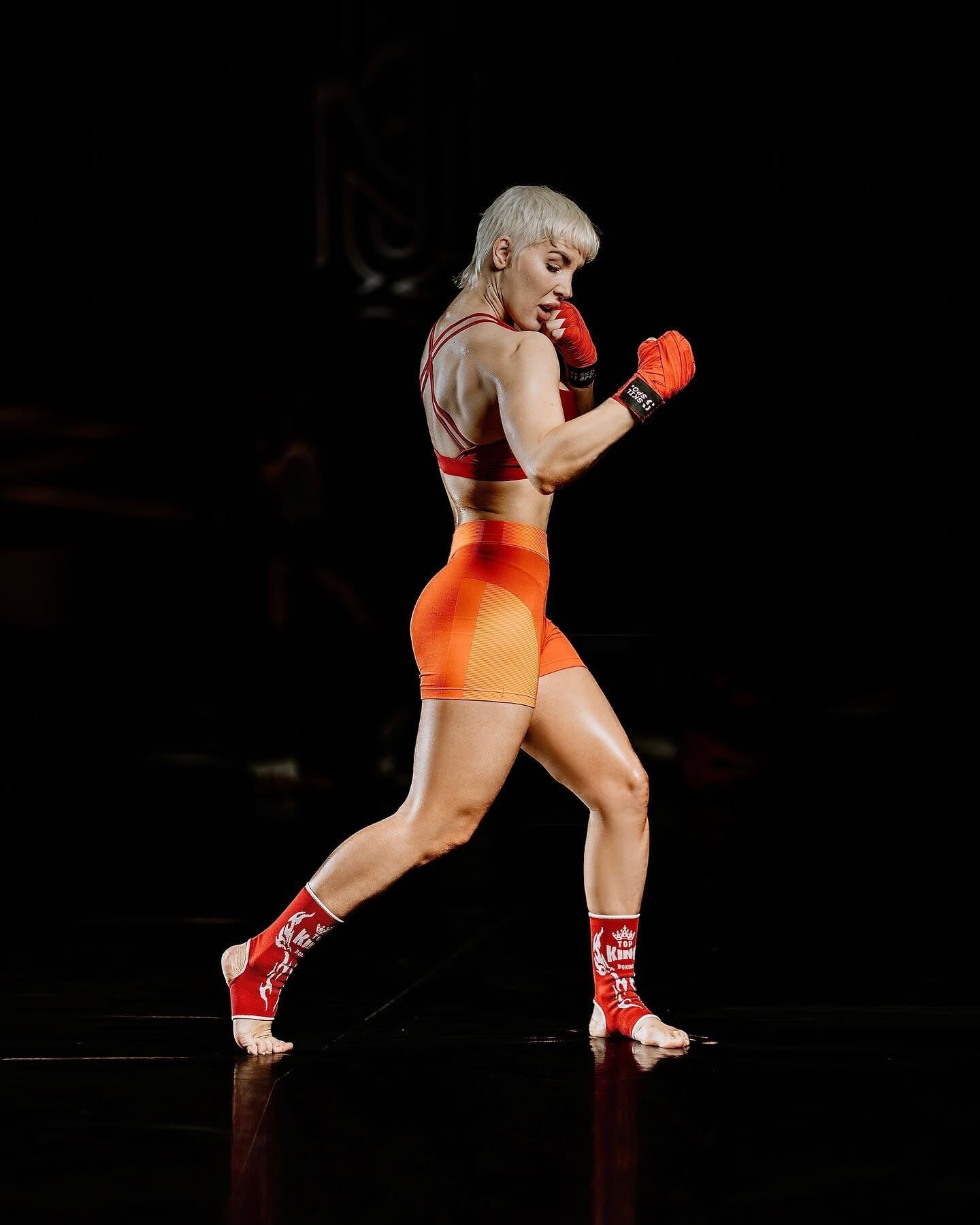
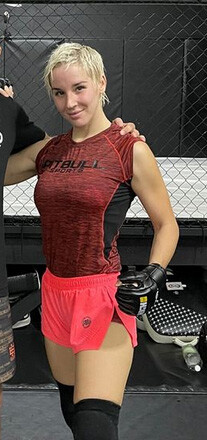
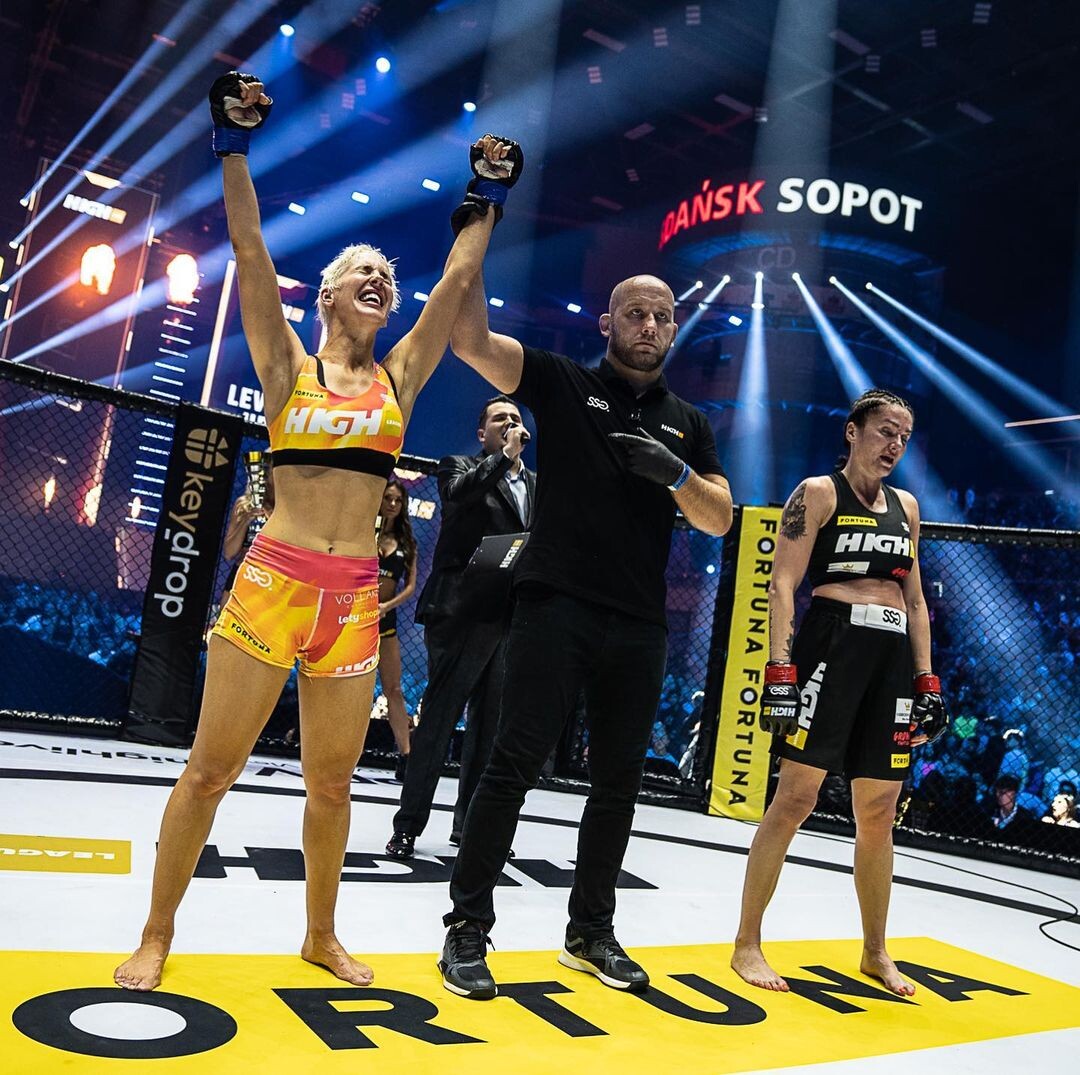
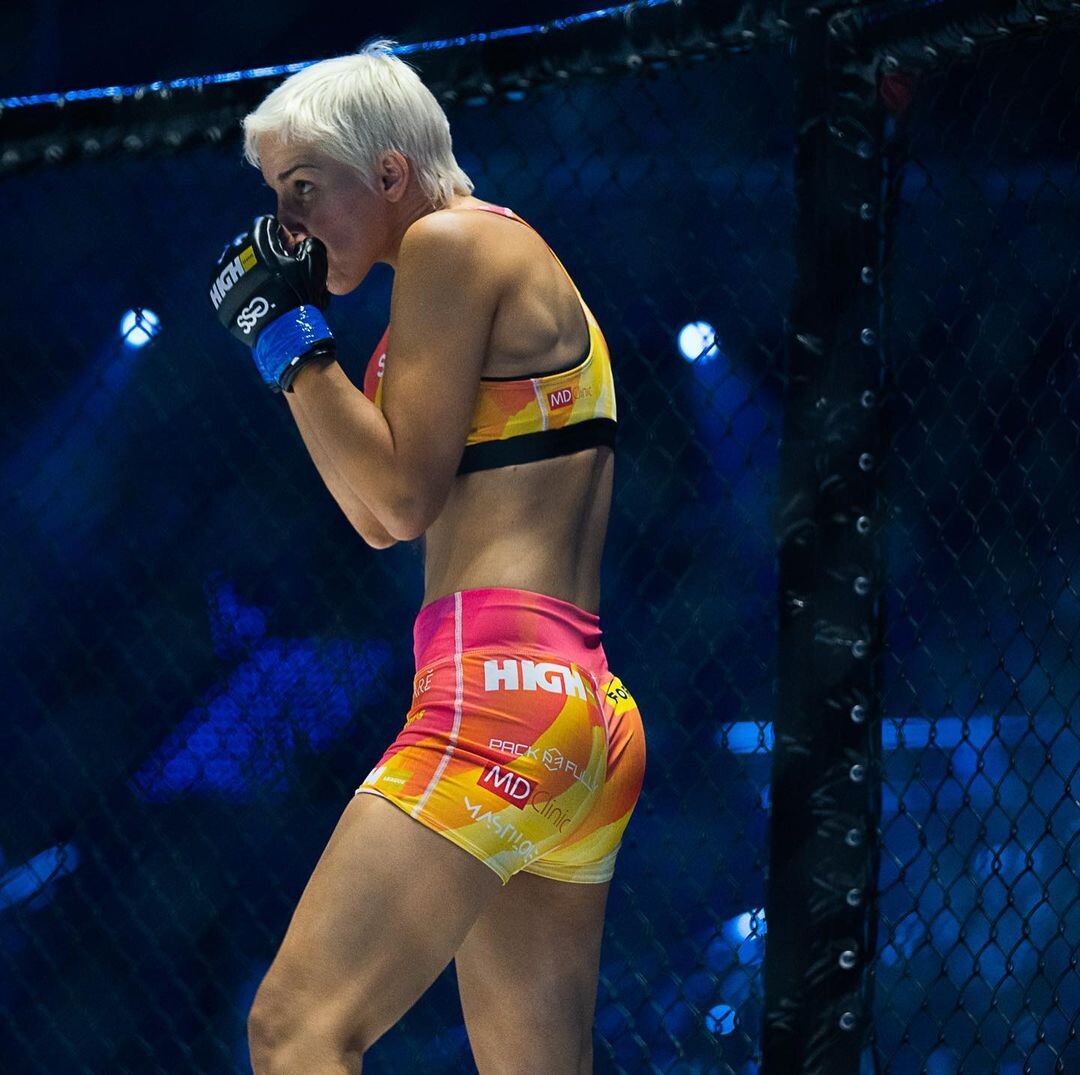
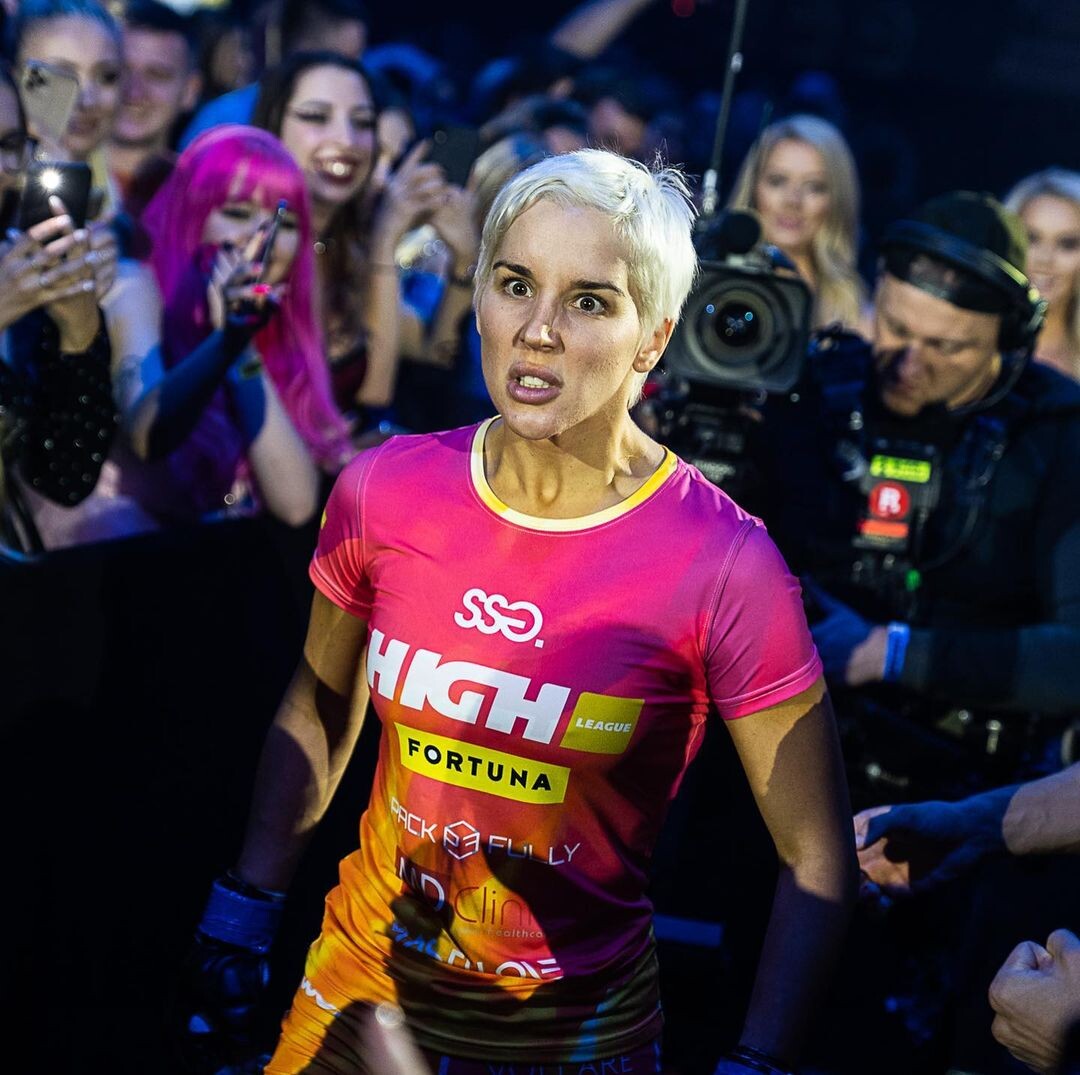
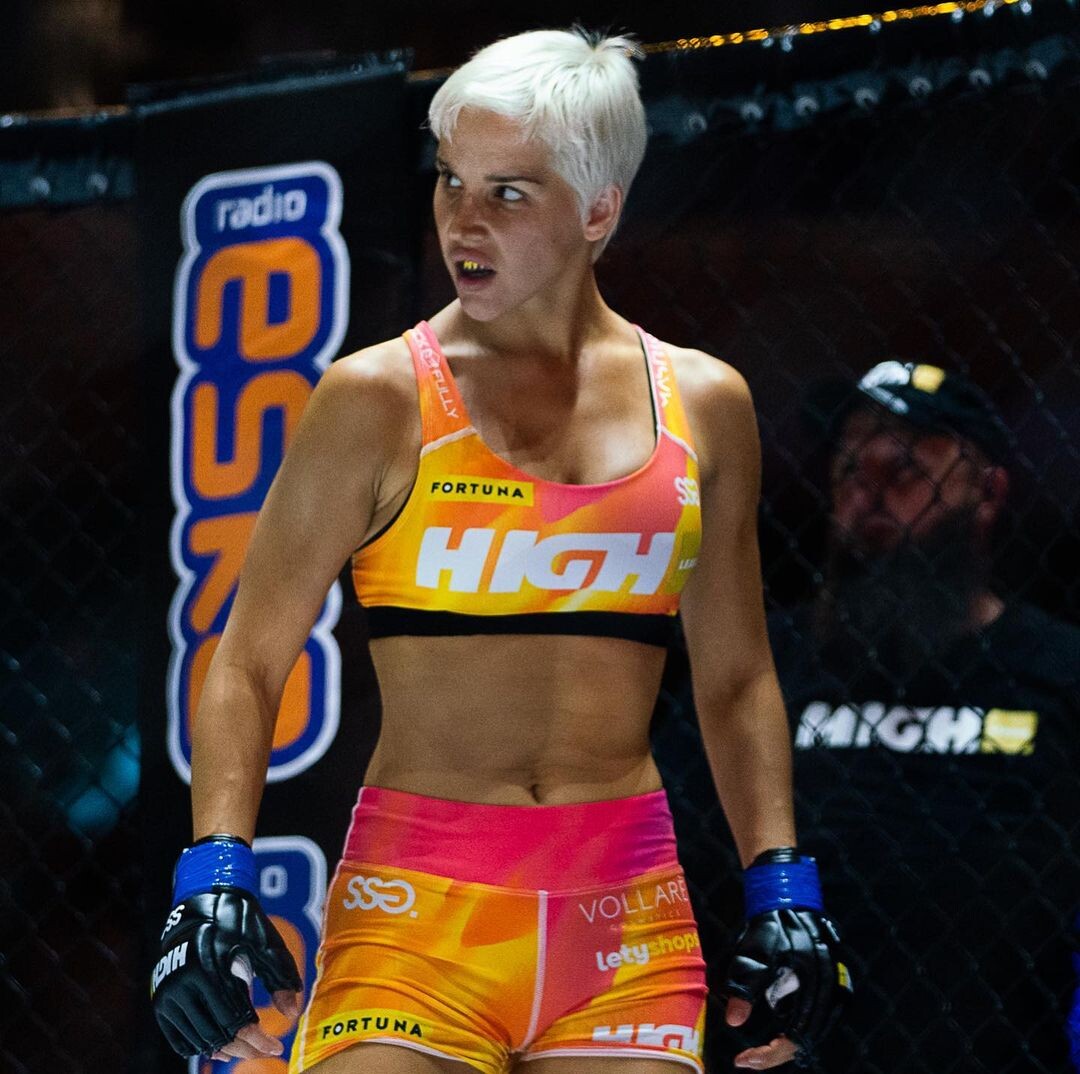
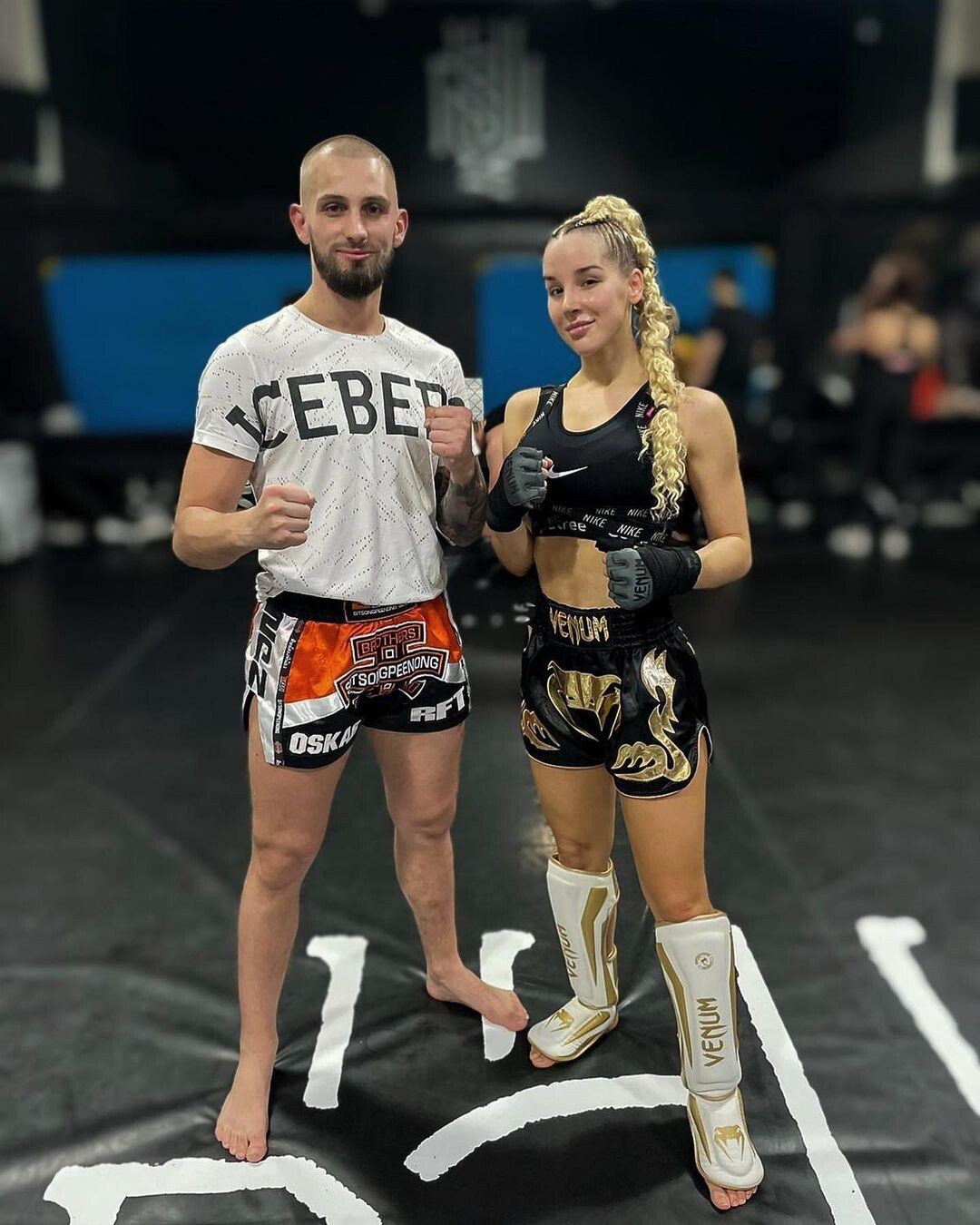
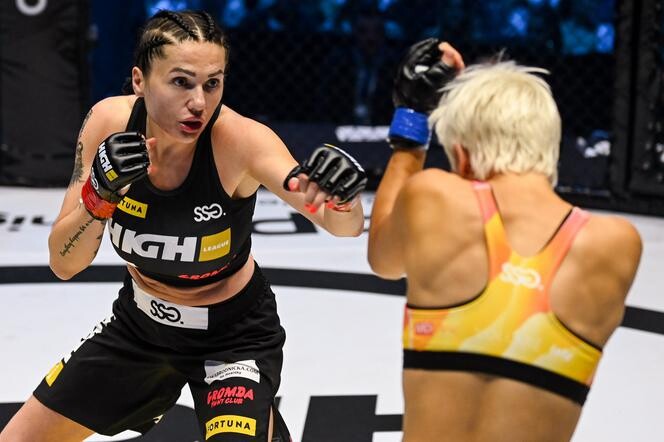
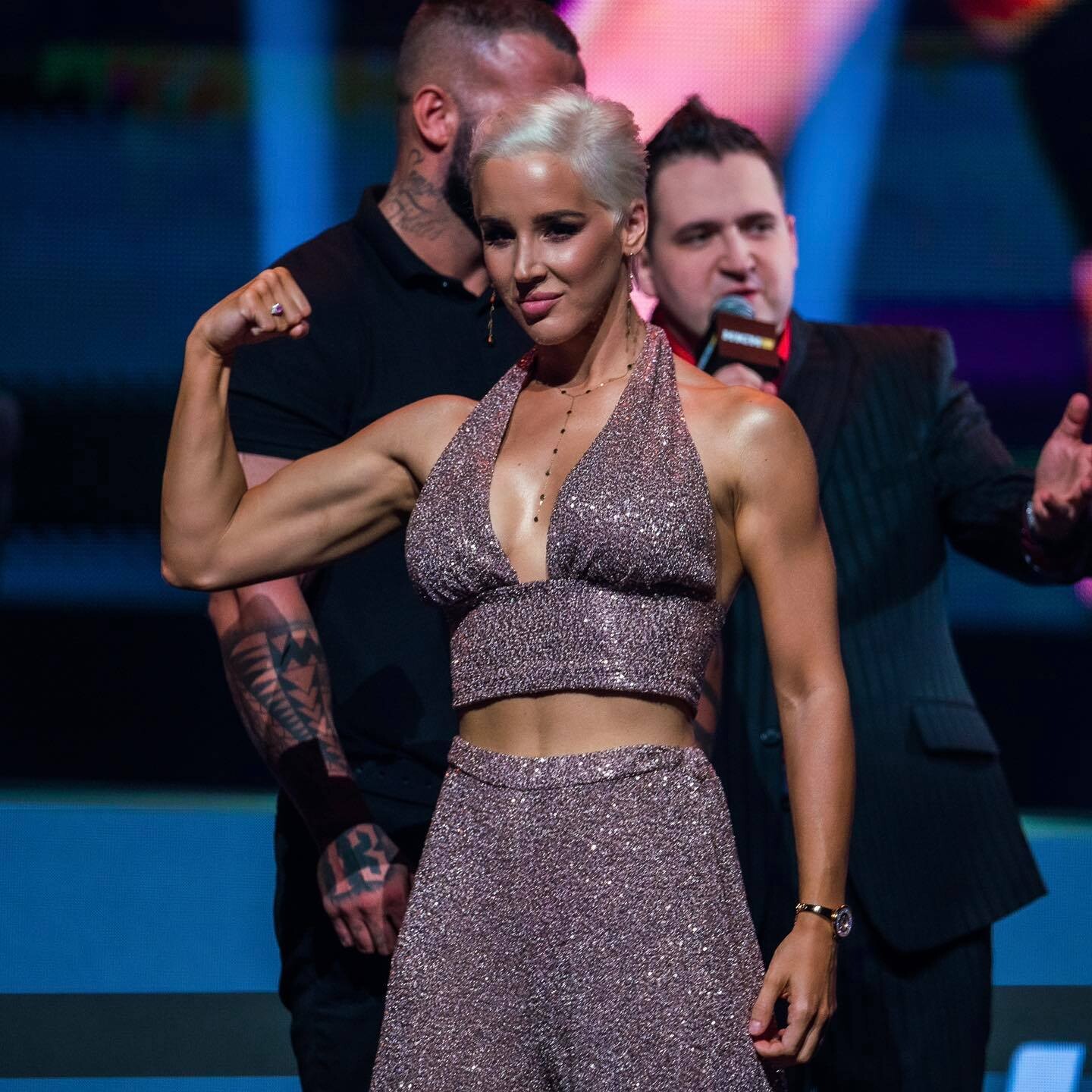
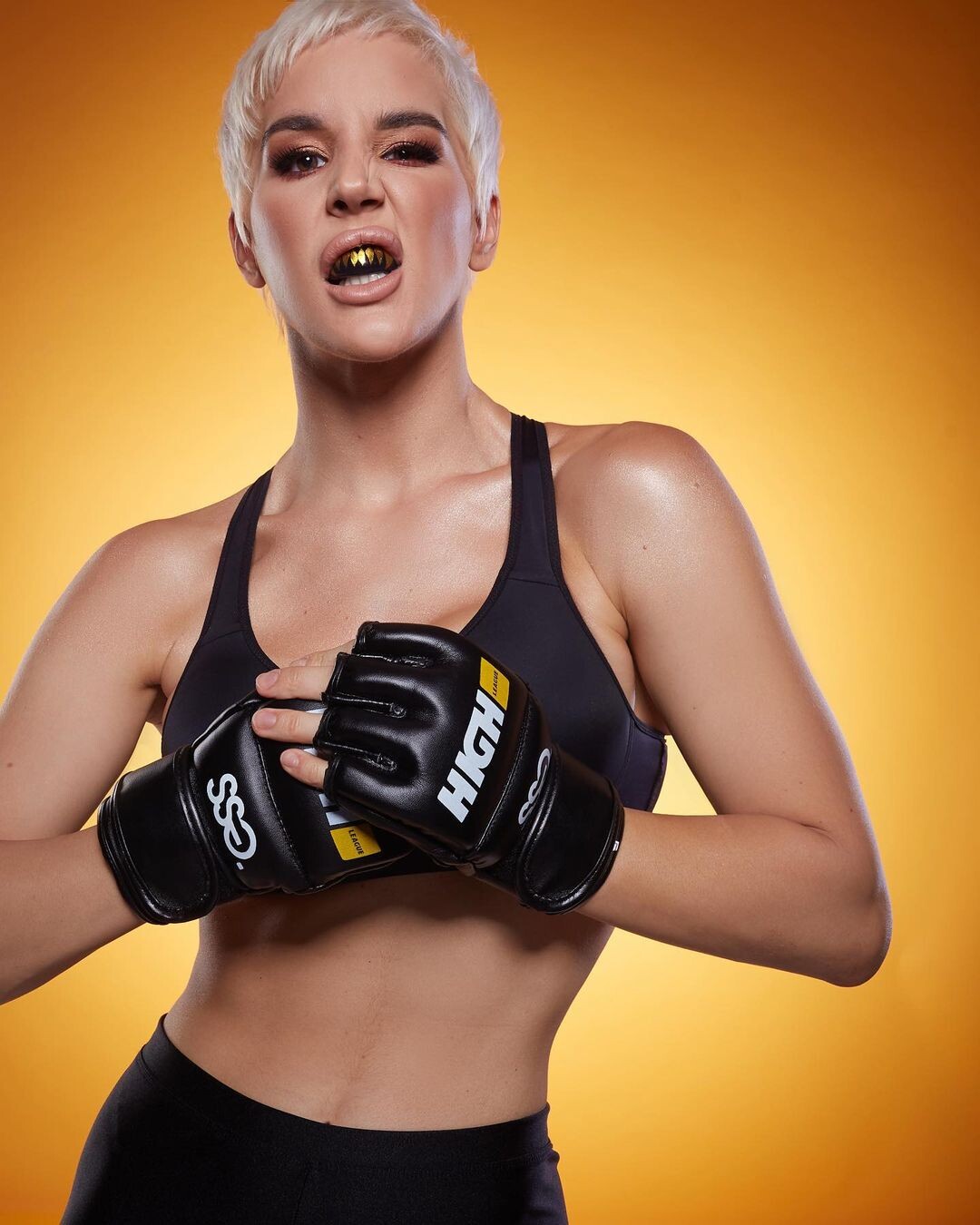
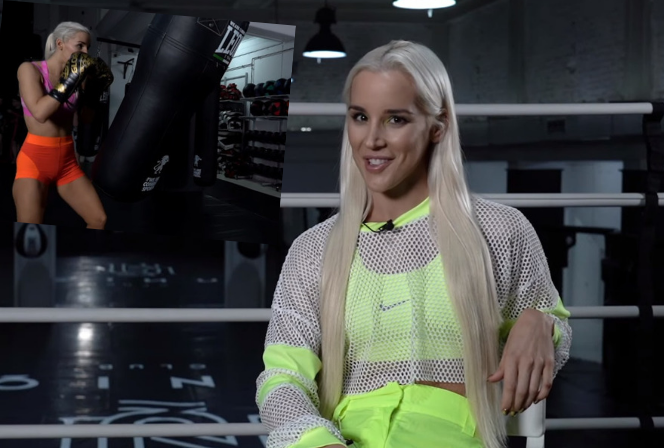
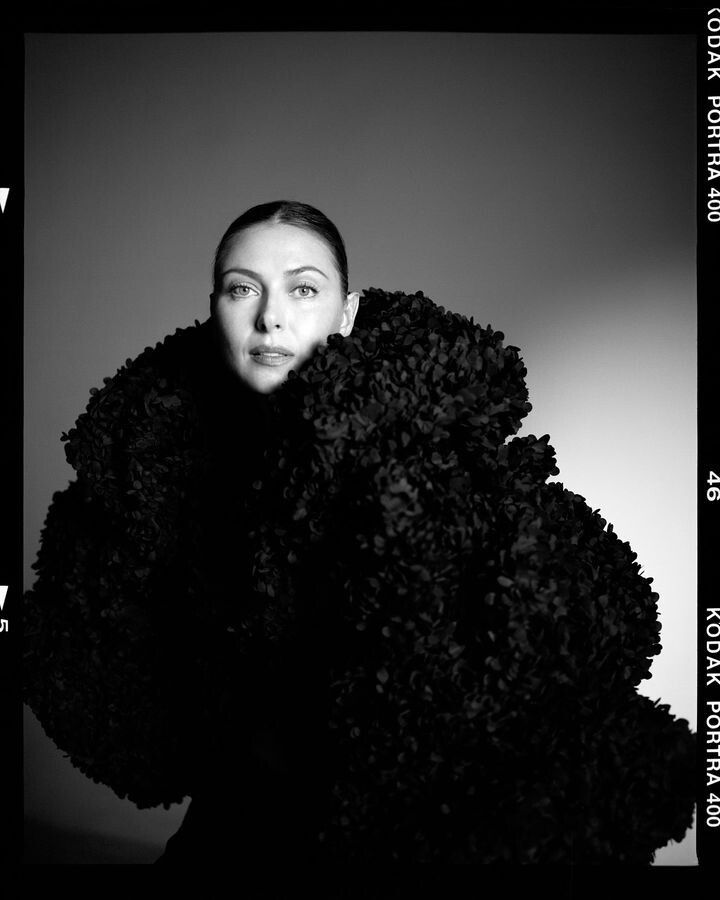
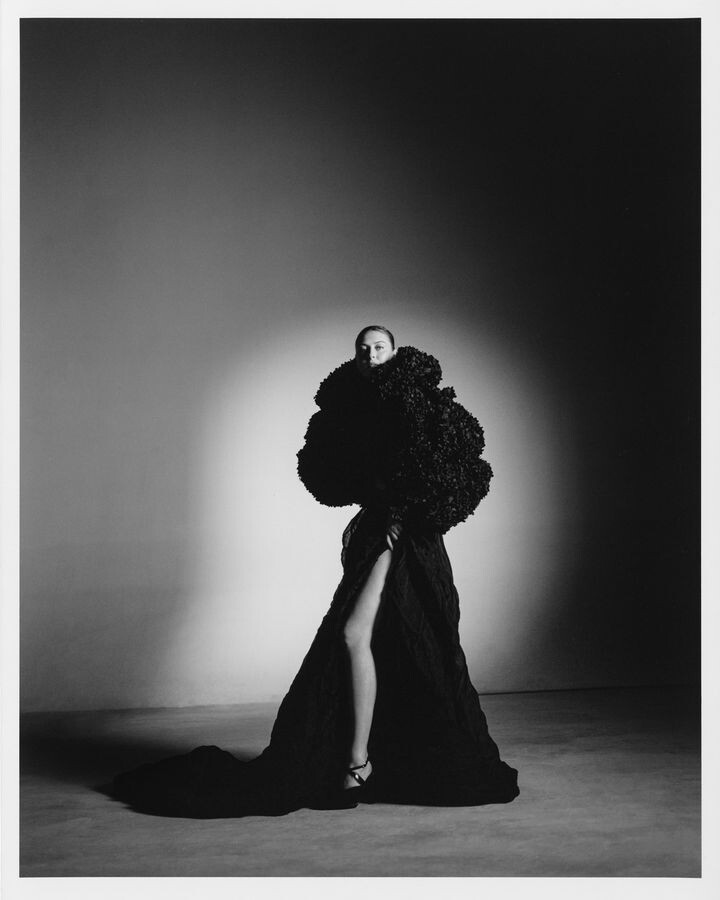
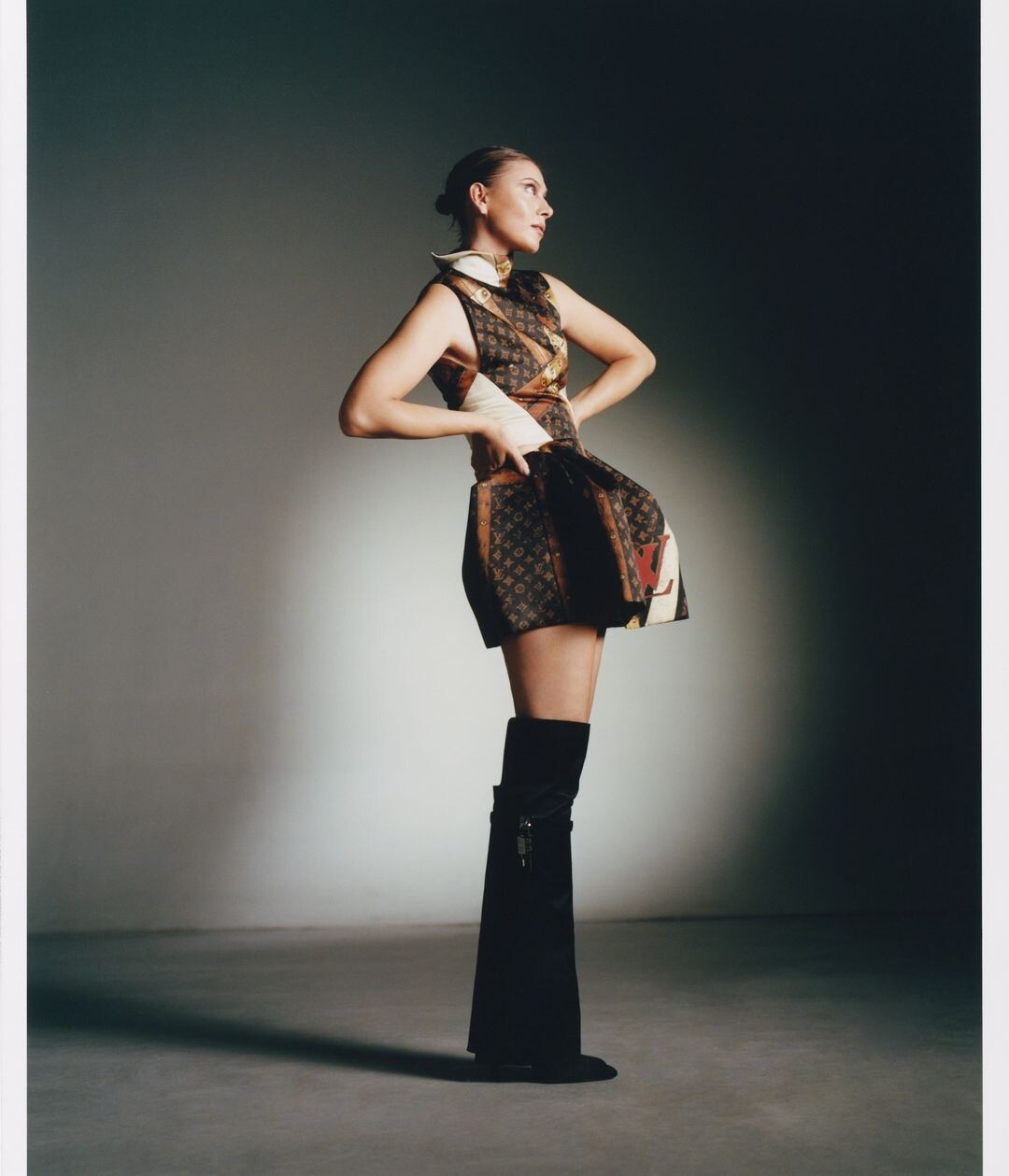
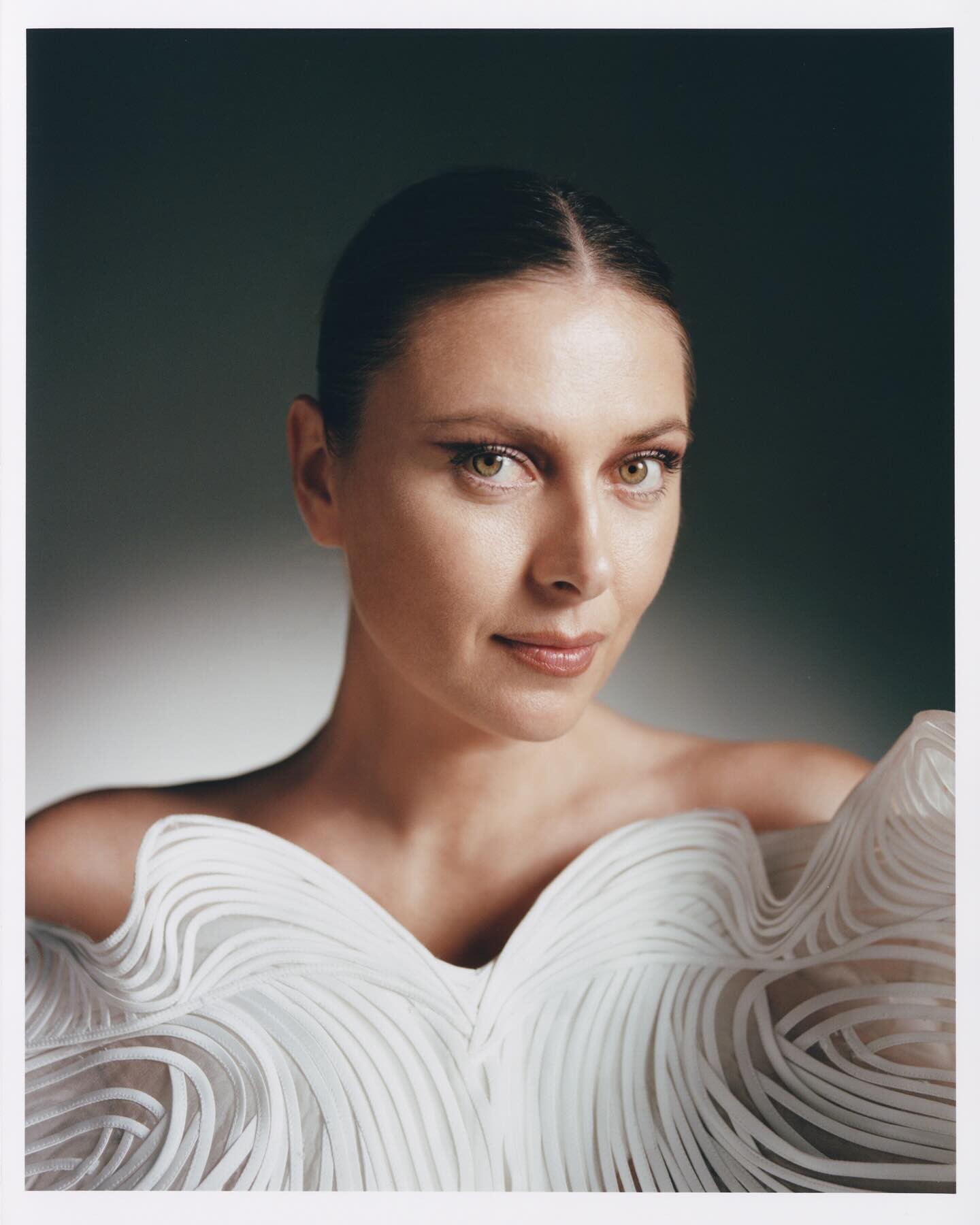
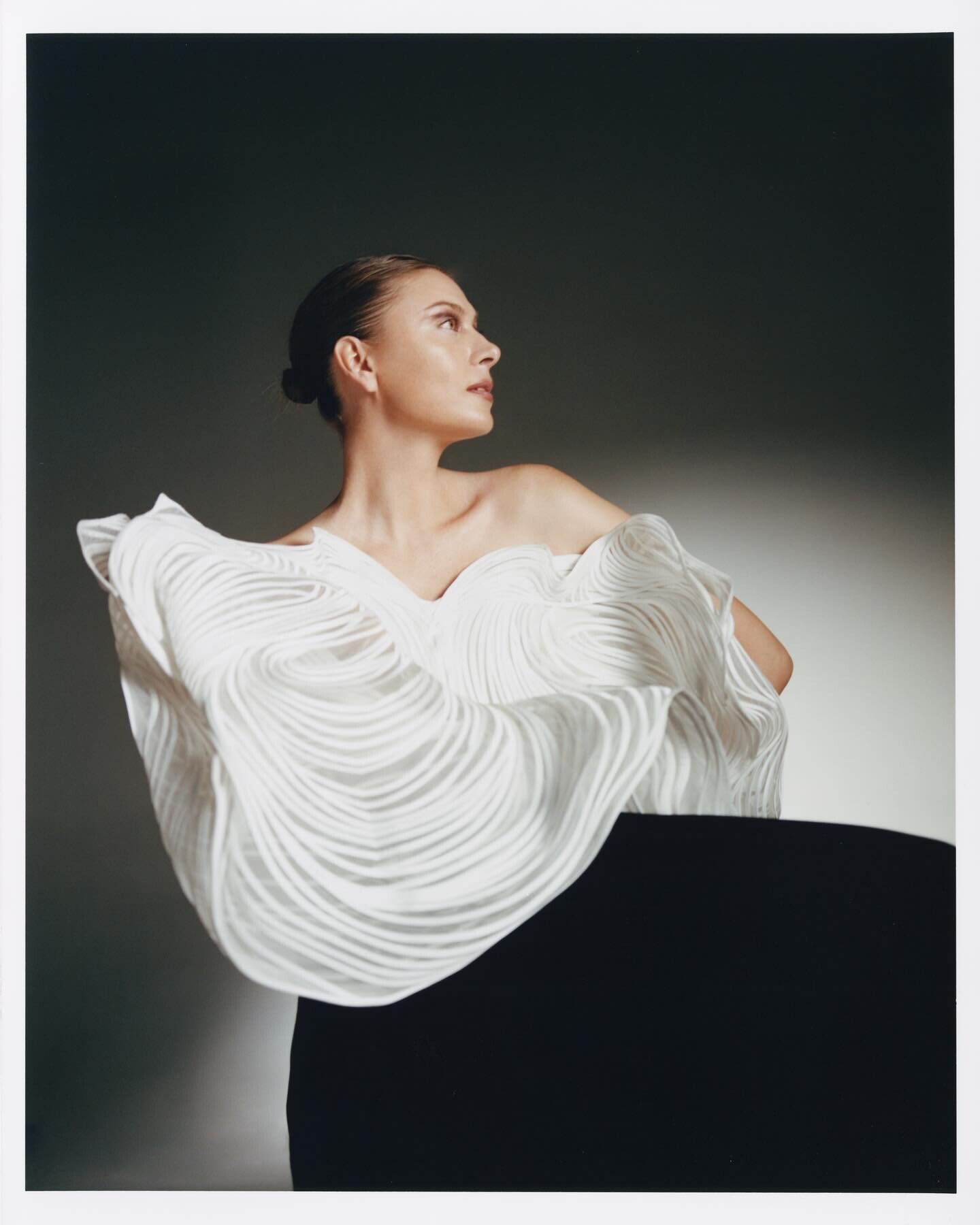
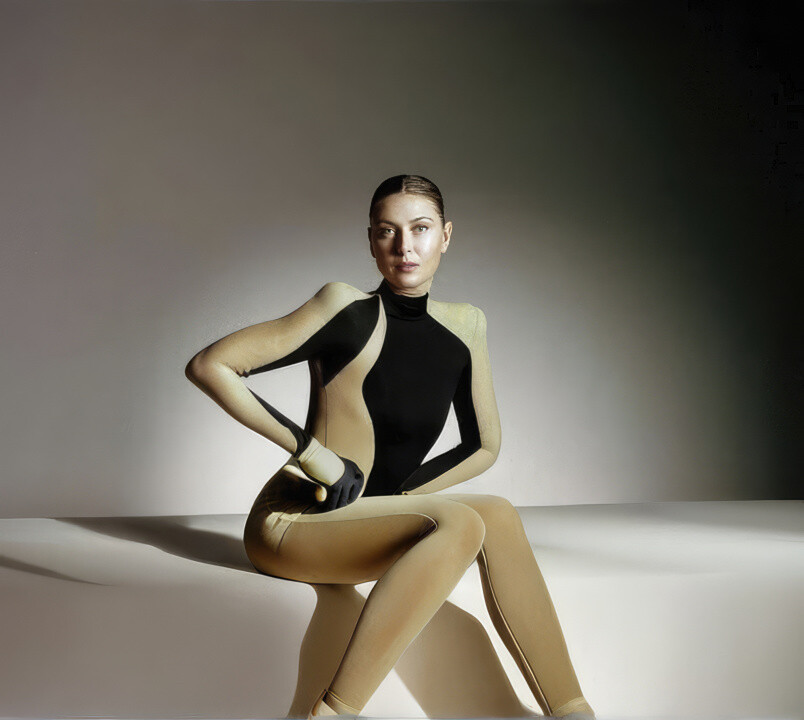
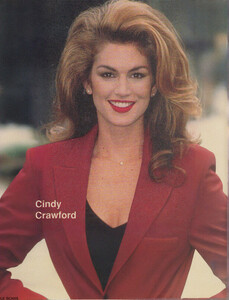 Image hidden for guestsSign in to viewAniela Bogusz (born 1990 in Warsaw) – Polish martial arts competitor (MMA, judo), fitness woman, YouTuber, singer, influencer and sport model.Image hidden for guestsSign in to viewMaria's artistic photoshot
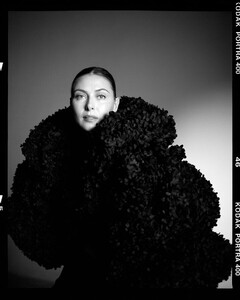
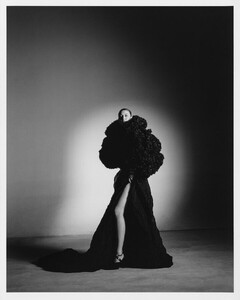
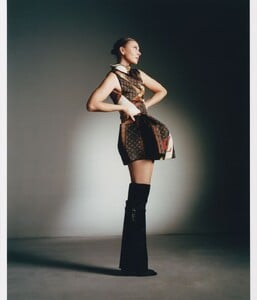
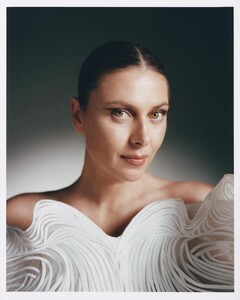
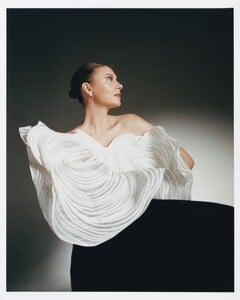
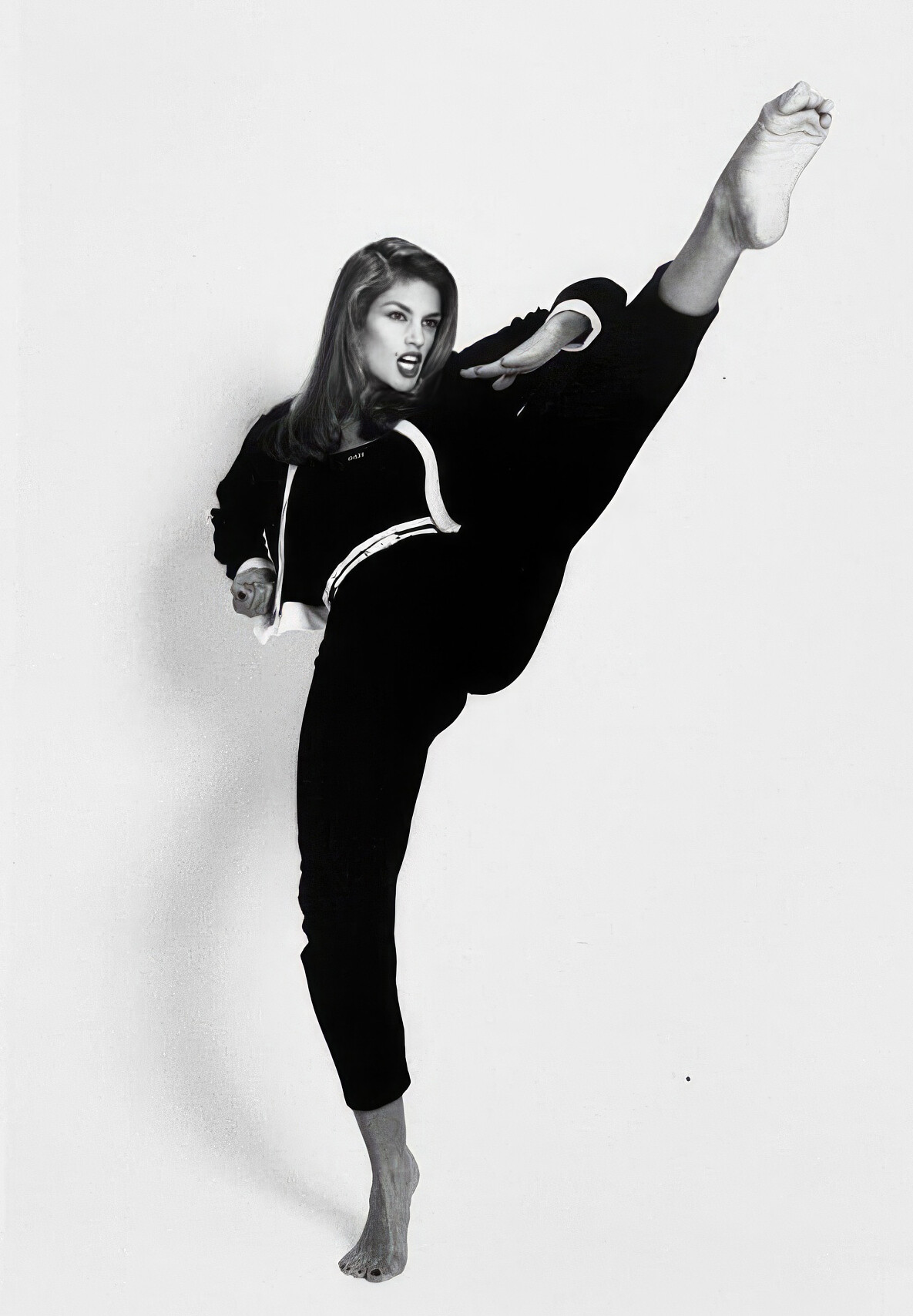
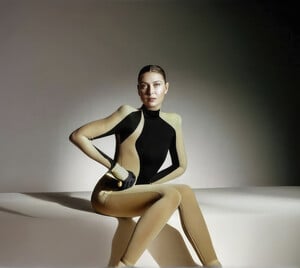 Image hidden for guestsSign in to viewKarlie Kloss as Beatrix Kiddo from "Kill Bill" movie.


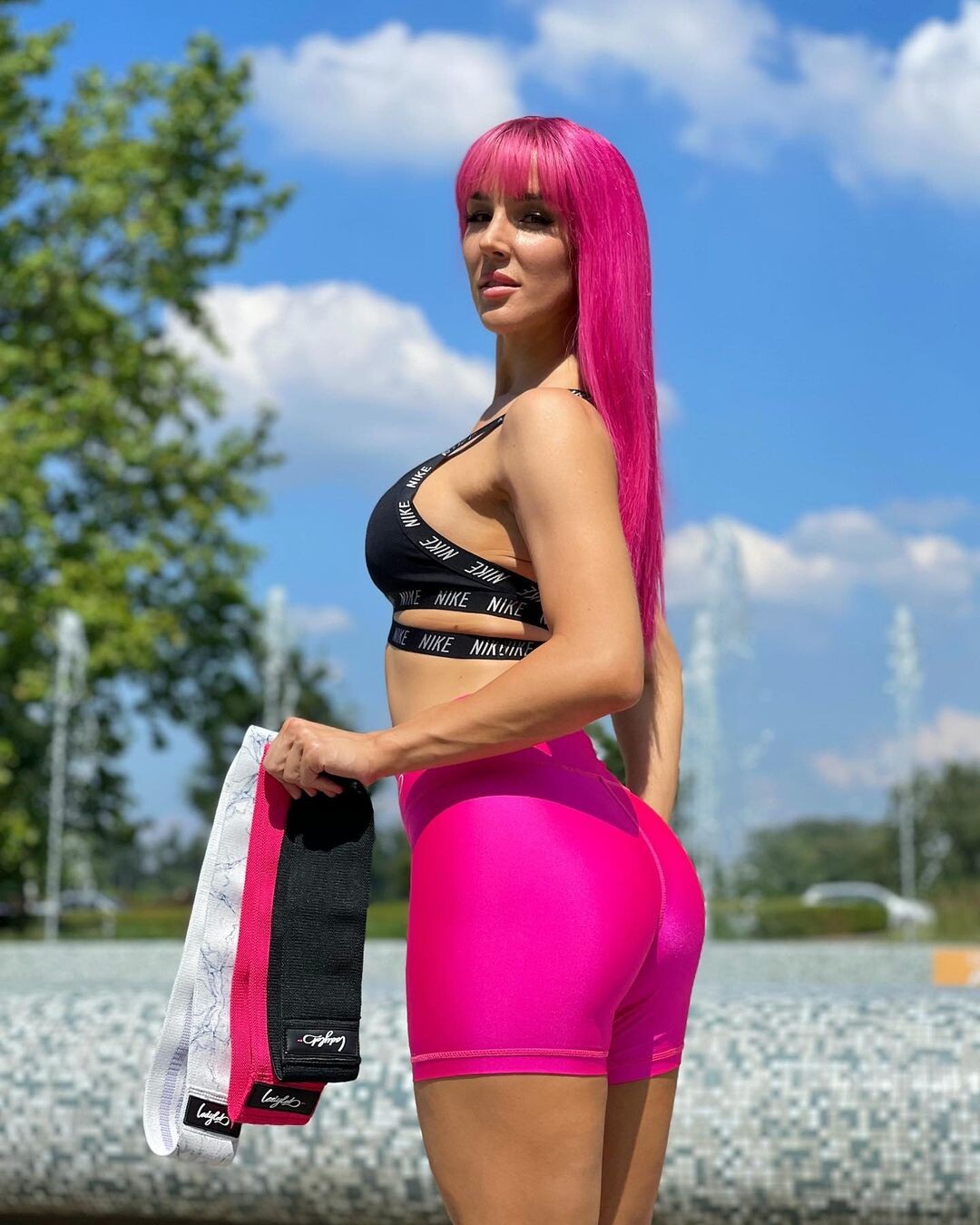
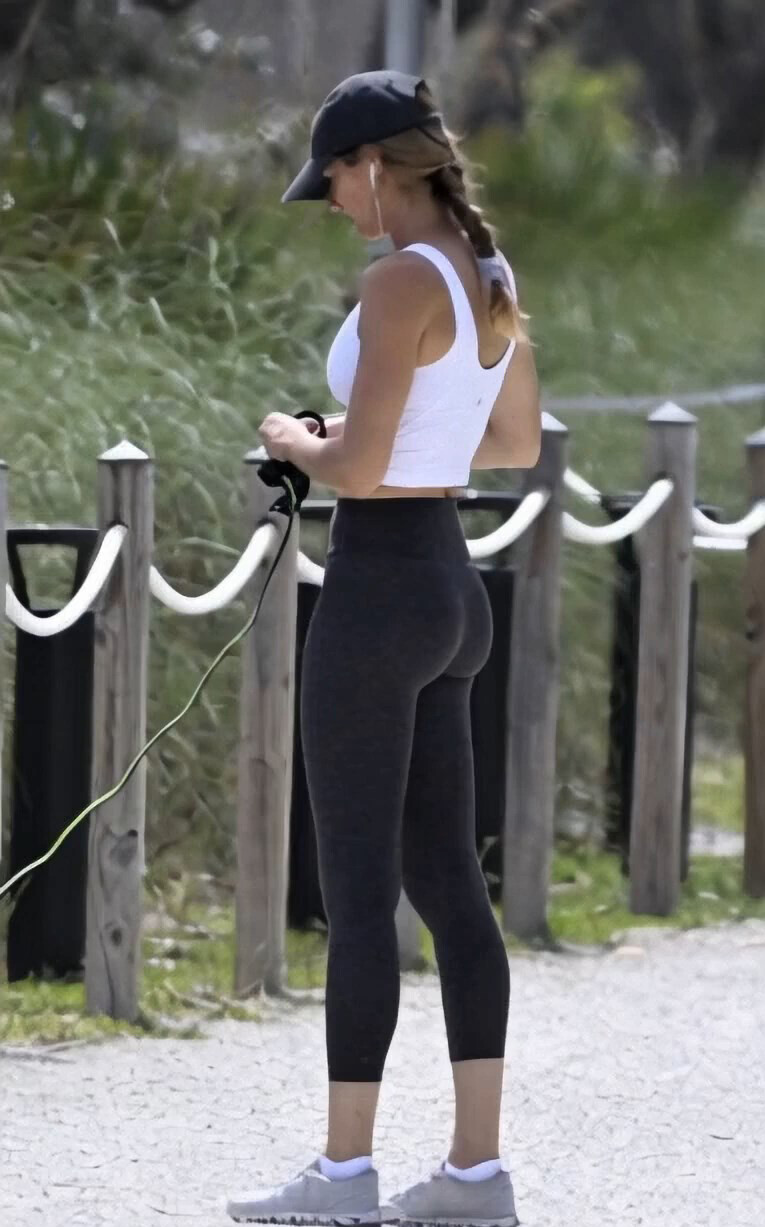
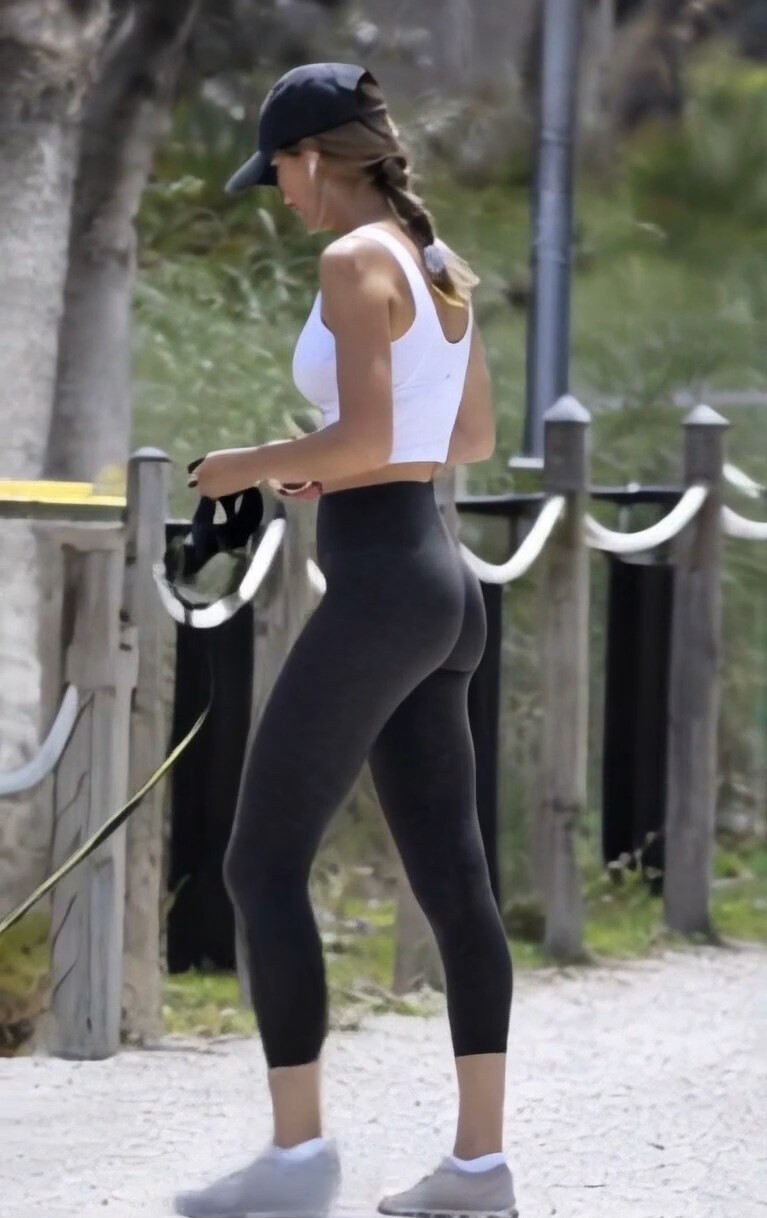
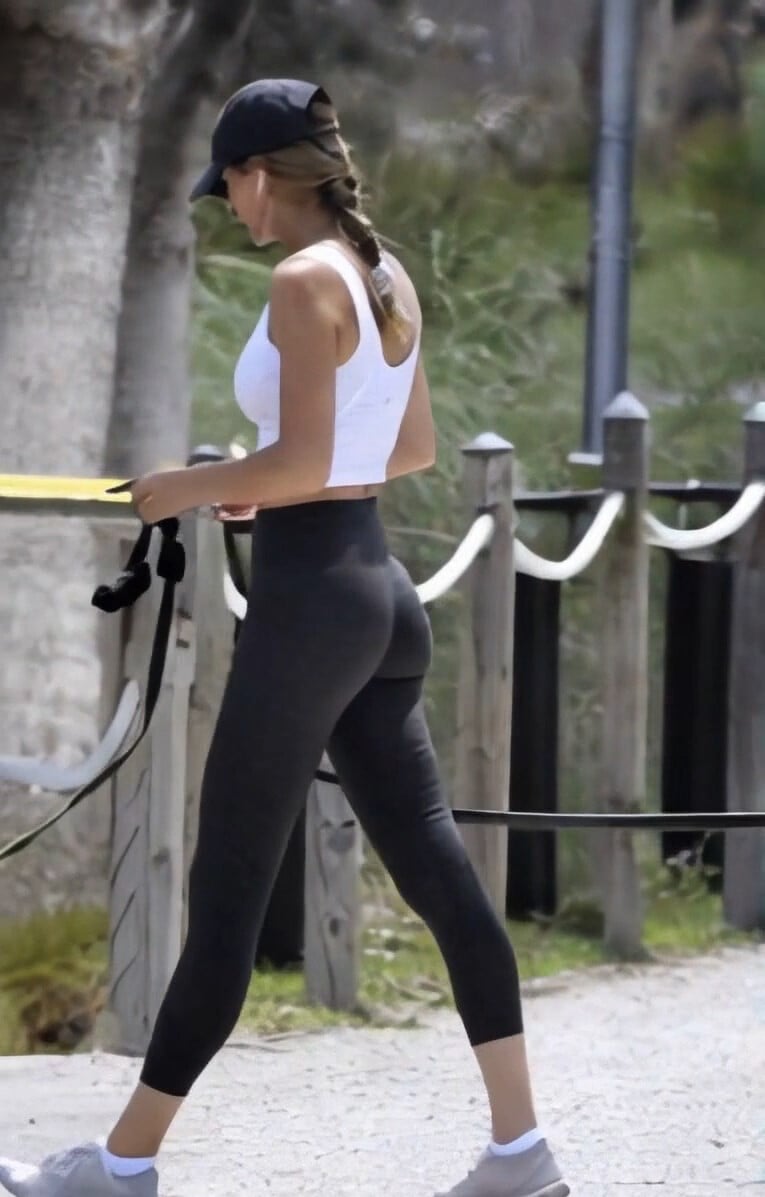
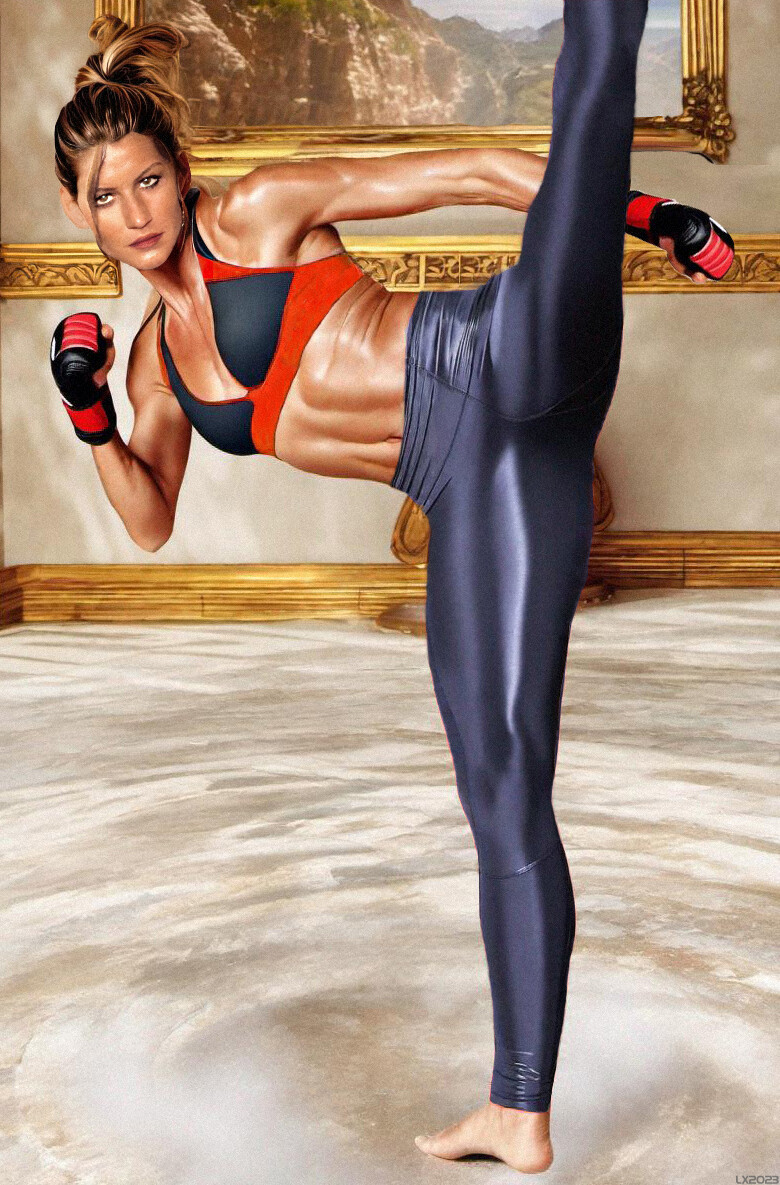
 Image hidden for guestsSign in to viewMore of Gisele in tight sport leggings 😁🤩.
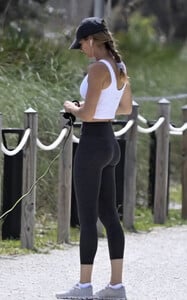
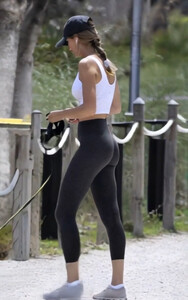
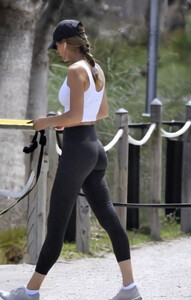
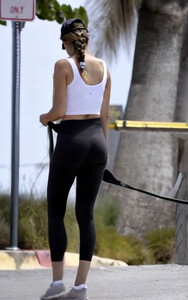
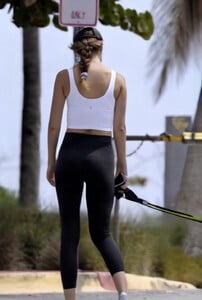
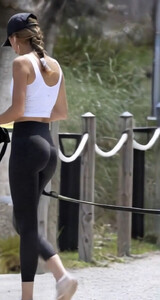
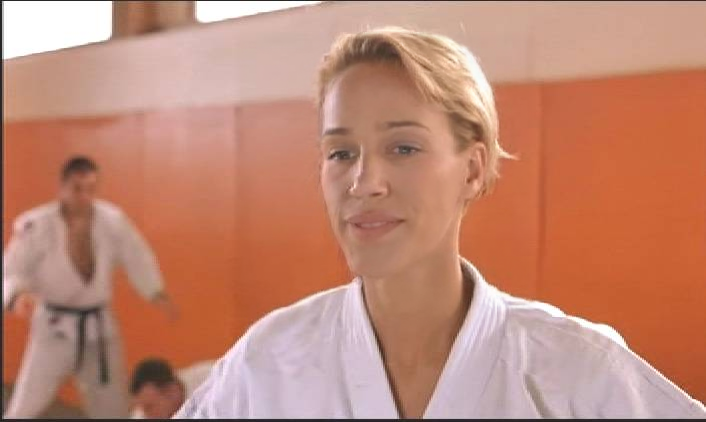
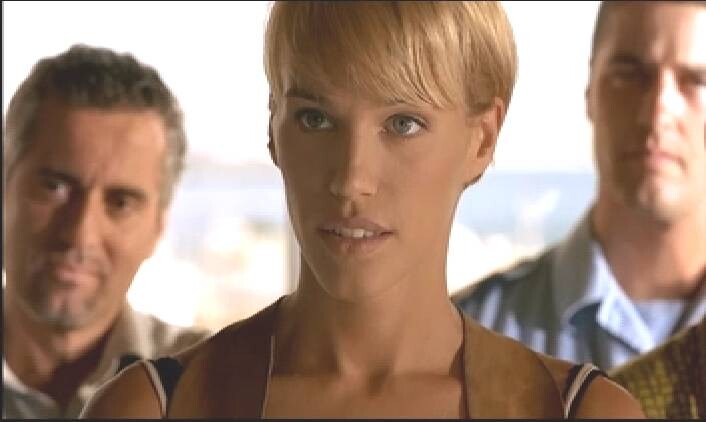
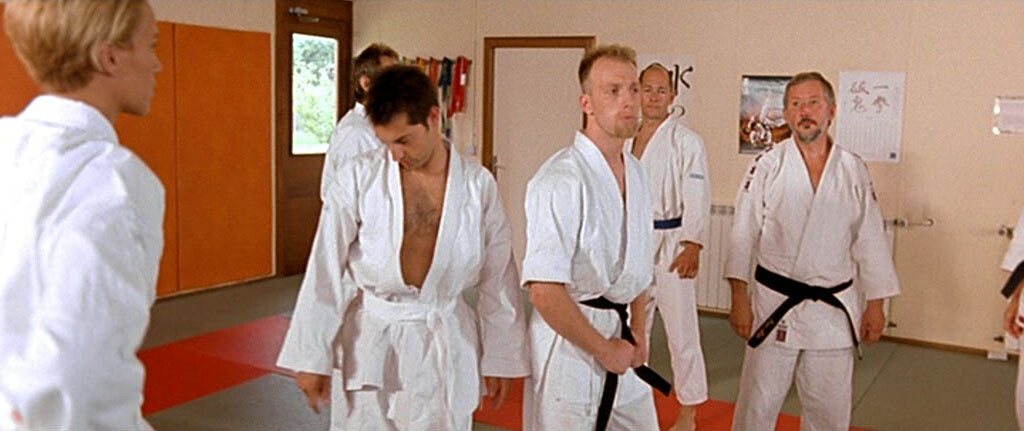
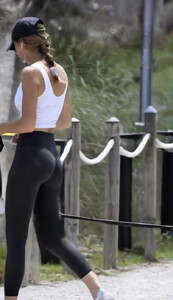 Image hidden for guestsSign in to viewEmma as a policewoman and martial arts expert in "Taxi 2" movie.
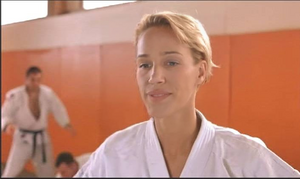
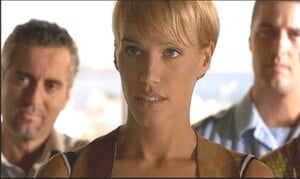

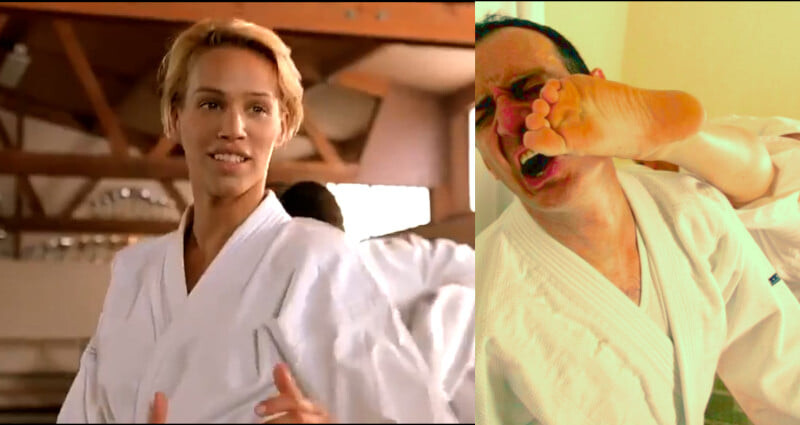
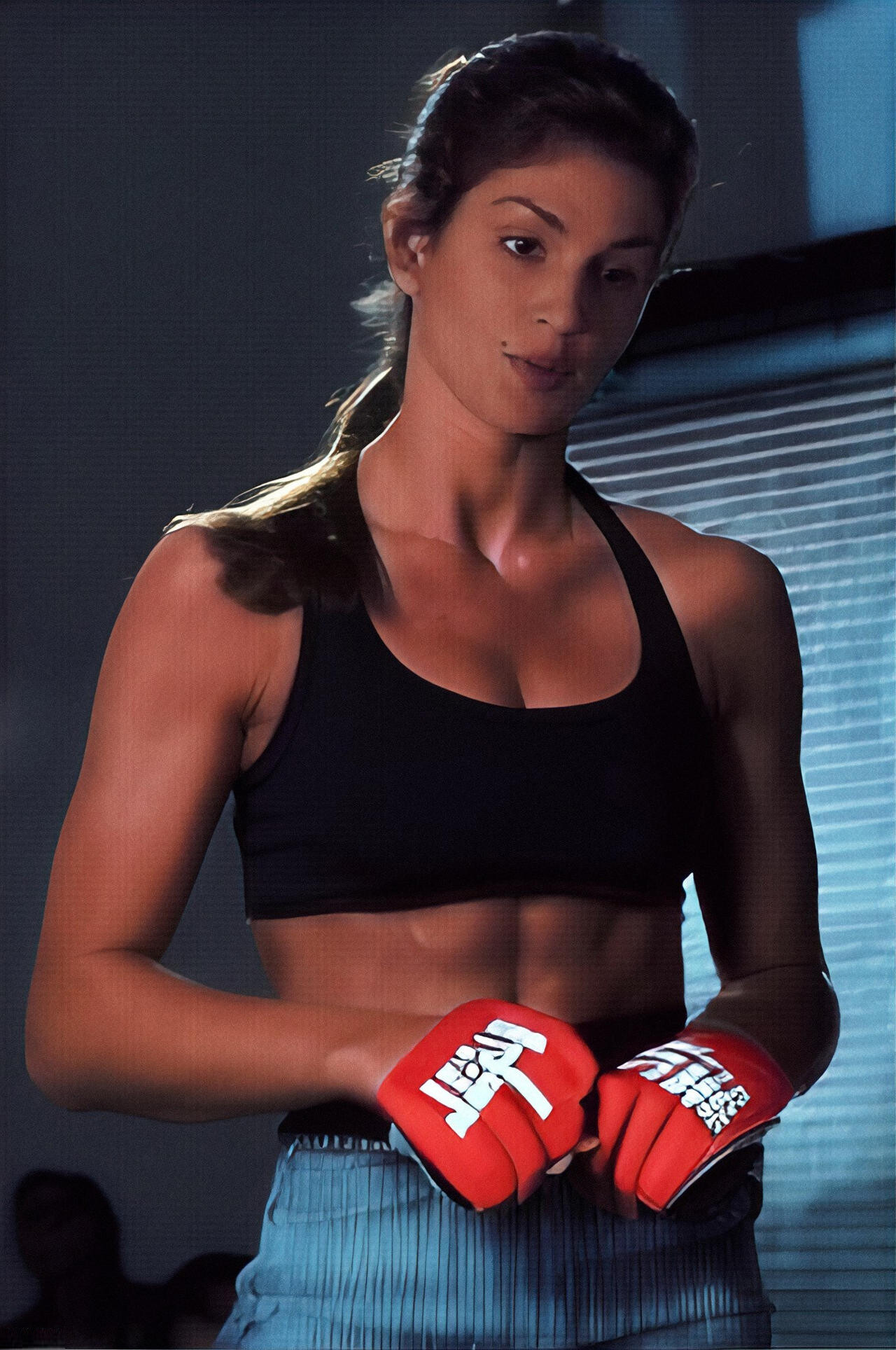
 Image hidden for guestsSign in to viewFan tribute to Gisele's martial arts skills 😀
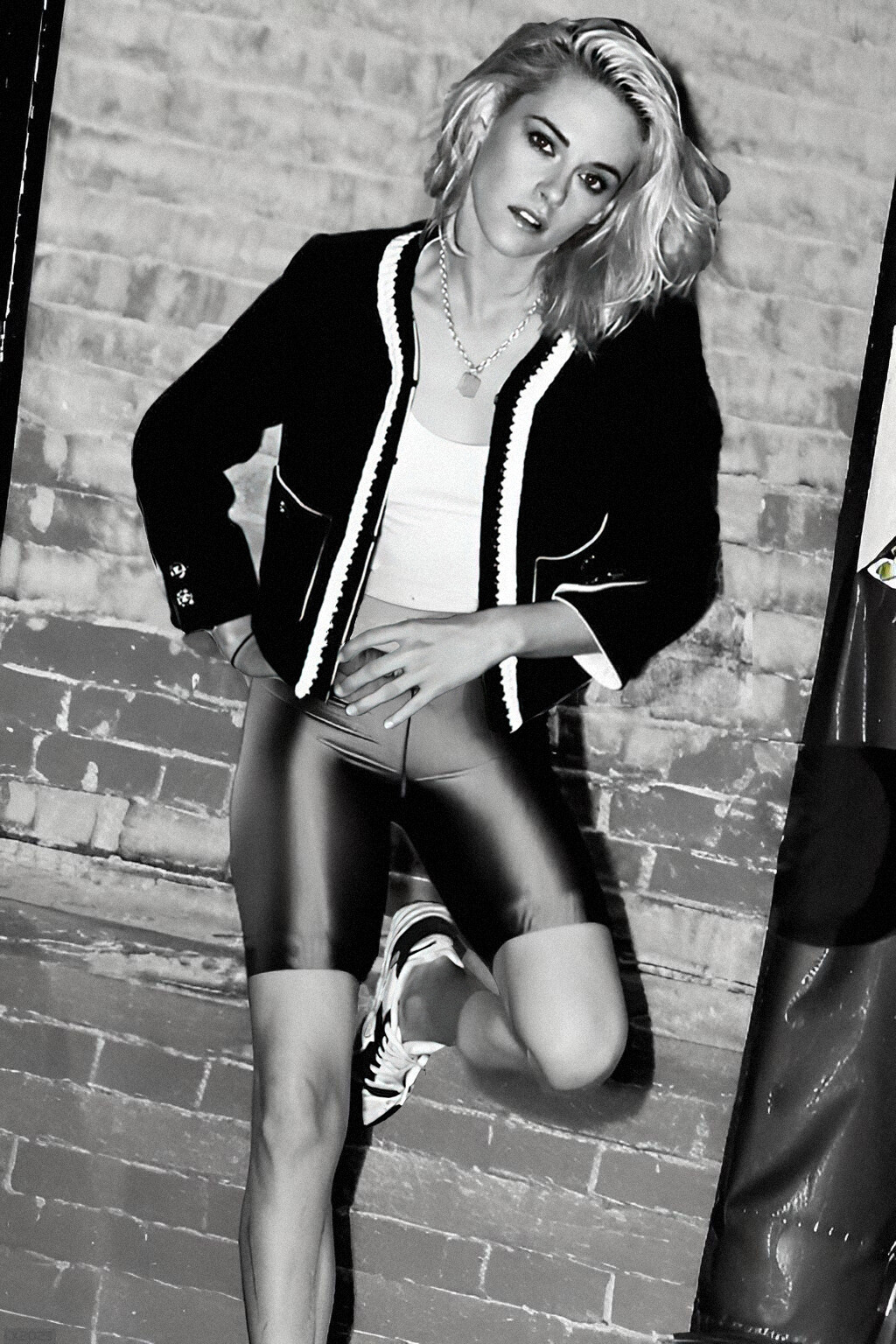
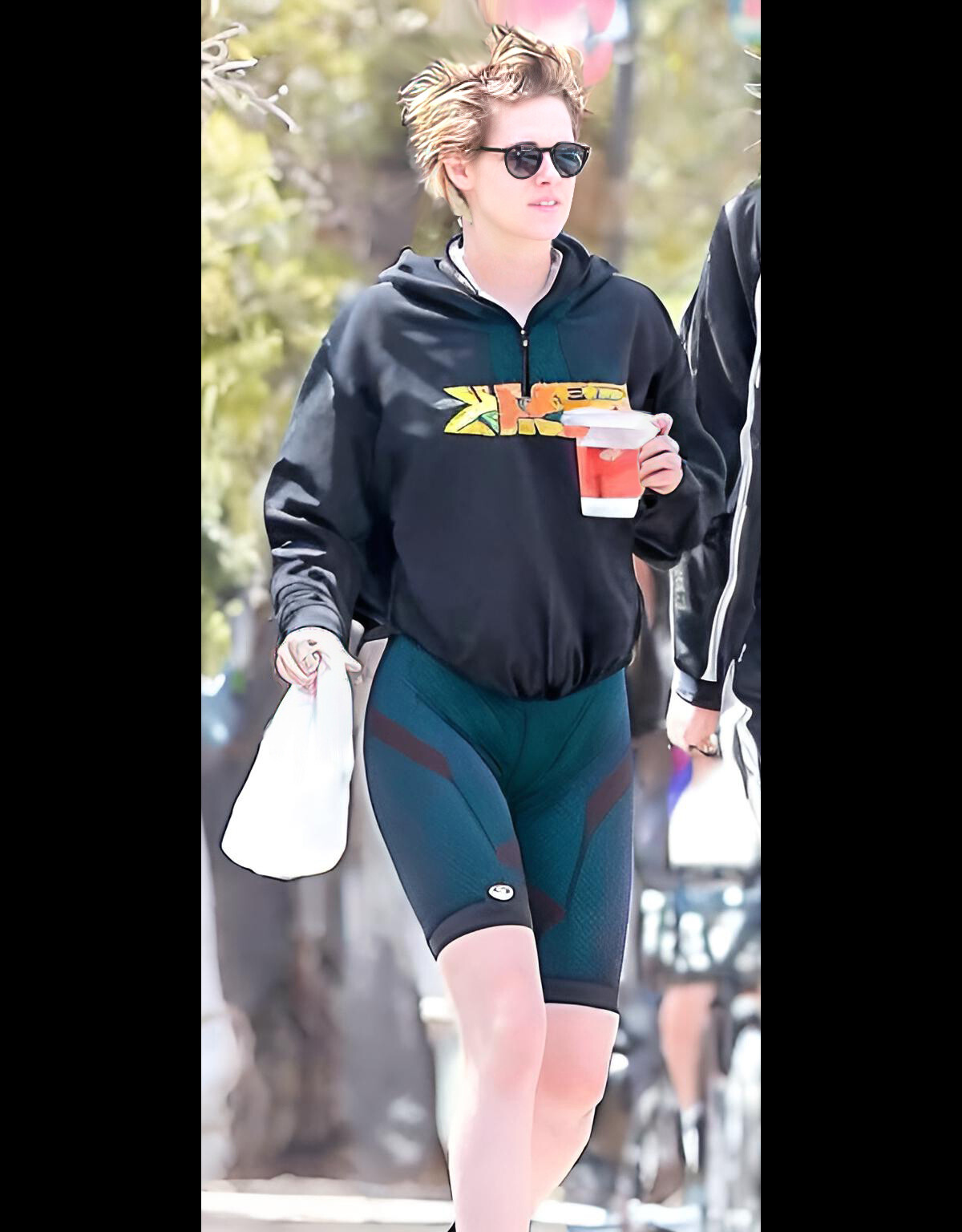
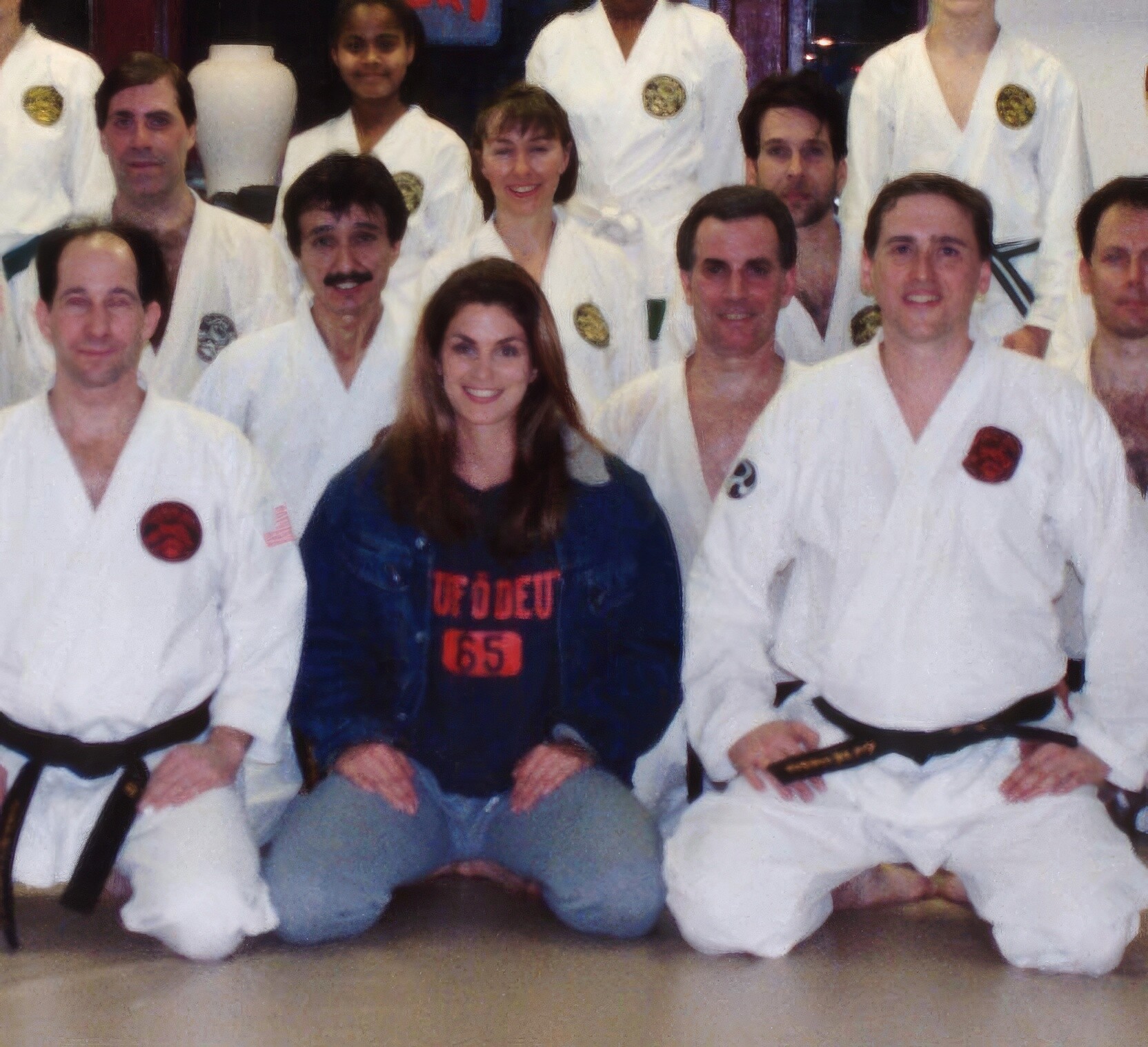
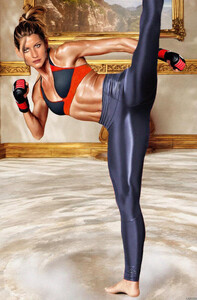 Image hidden for guestsSign in to viewFrom unknown photo-session
 Image hidden for guestsSign in to view











Account
Navigation
Search
Configure browser push notifications
Chrome (Android)
- Tap the lock icon next to the address bar.
- Tap Permissions → Notifications.
- Adjust your preference.
Chrome (Desktop)
- Click the padlock icon in the address bar.
- Select Site settings.
- Find Notifications and adjust your preference.
Safari (iOS 16.4+)
- Ensure the site is installed via Add to Home Screen.
- Open Settings App → Notifications.
- Find your app name and adjust your preference.
Safari (macOS)
- Go to Safari → Preferences.
- Click the Websites tab.
- Select Notifications in the sidebar.
- Find this website and adjust your preference.
Edge (Android)
- Tap the lock icon next to the address bar.
- Tap Permissions.
- Find Notifications and adjust your preference.
Edge (Desktop)
- Click the padlock icon in the address bar.
- Click Permissions for this site.
- Find Notifications and adjust your preference.
Firefox (Android)
- Go to Settings → Site permissions.
- Tap Notifications.
- Find this site in the list and adjust your preference.
Firefox (Desktop)
- Open Firefox Settings.
- Search for Notifications.
- Find this site in the list and adjust your preference.