
tarsier41
Members
-
Joined
-
Last visited
Everything posted by tarsier41
-
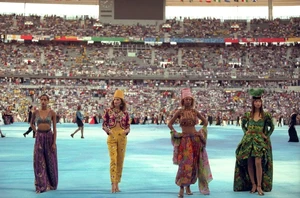
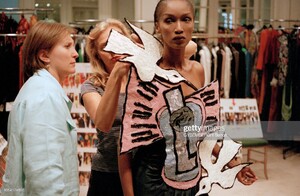
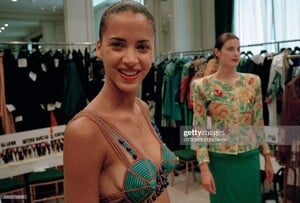
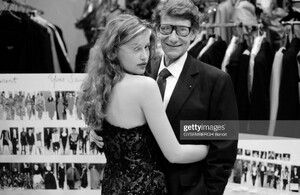
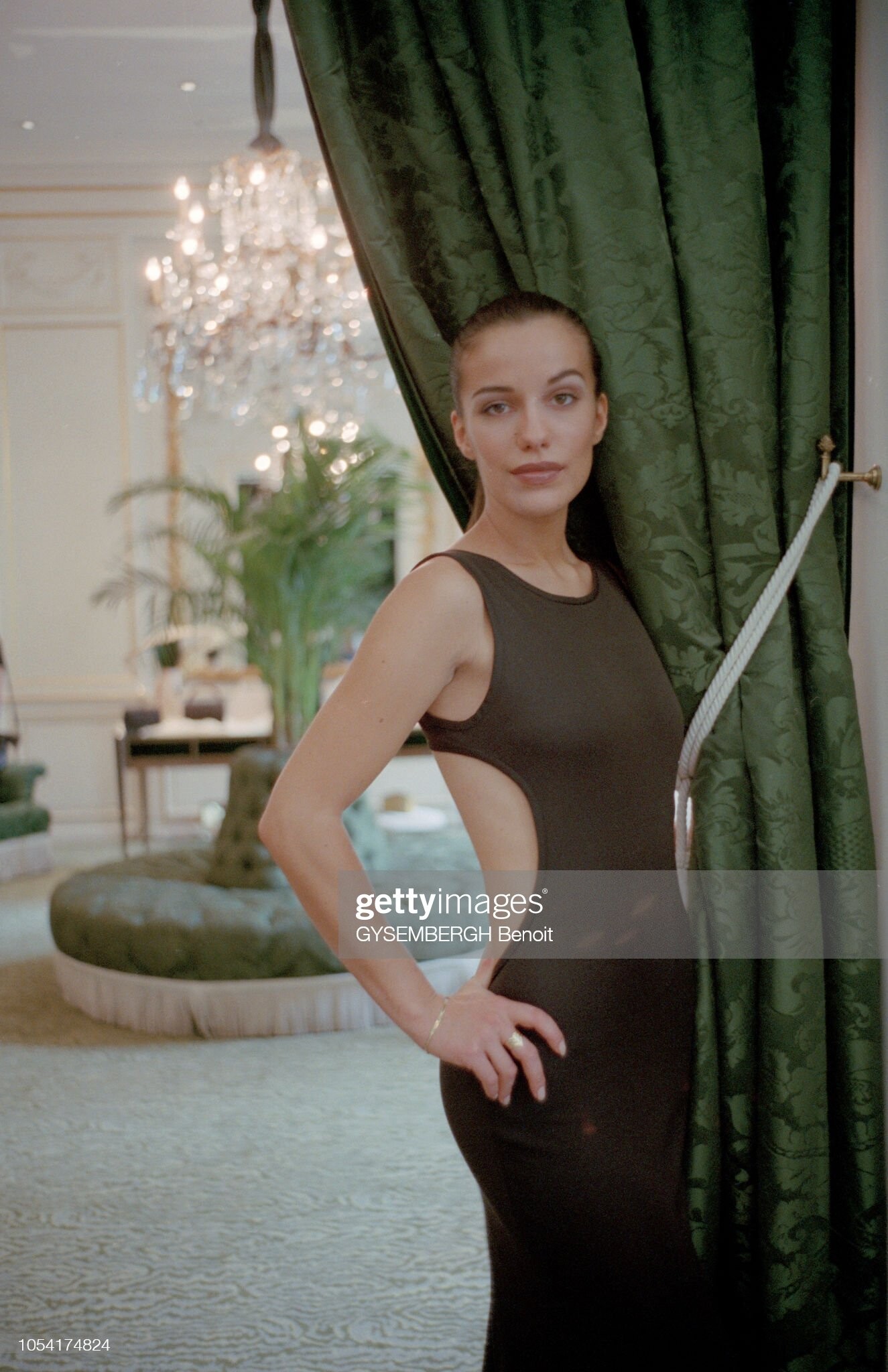
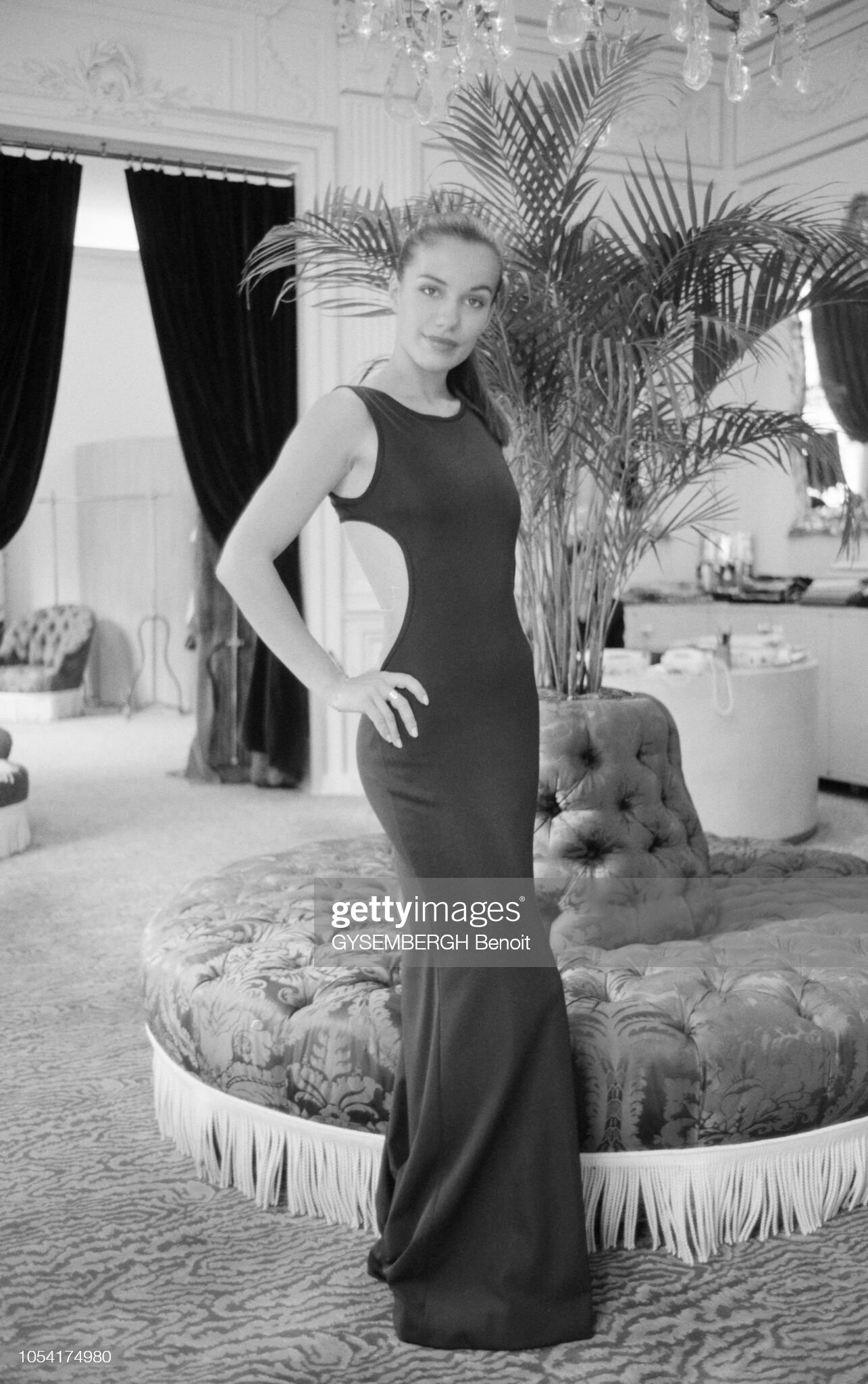
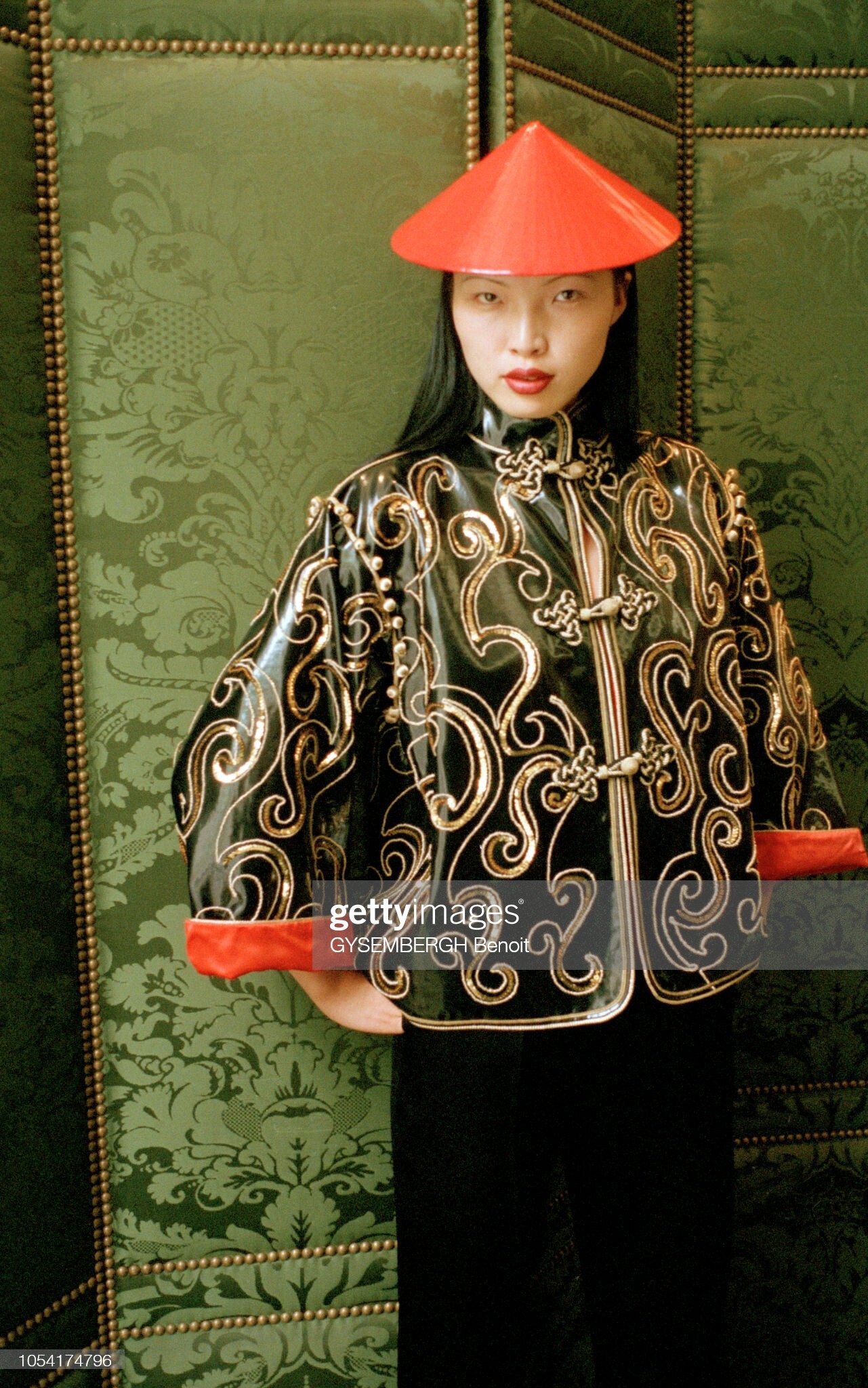
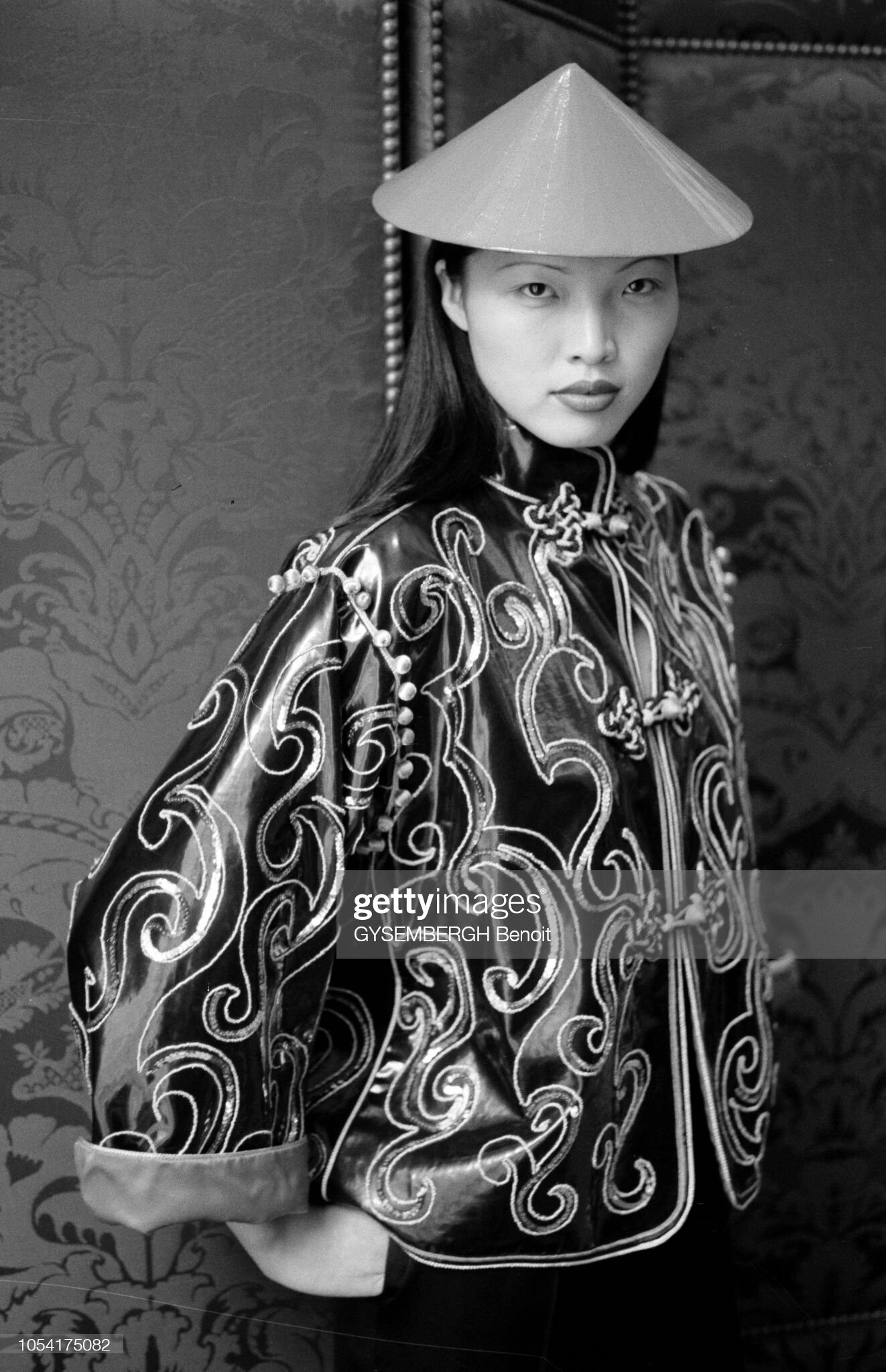
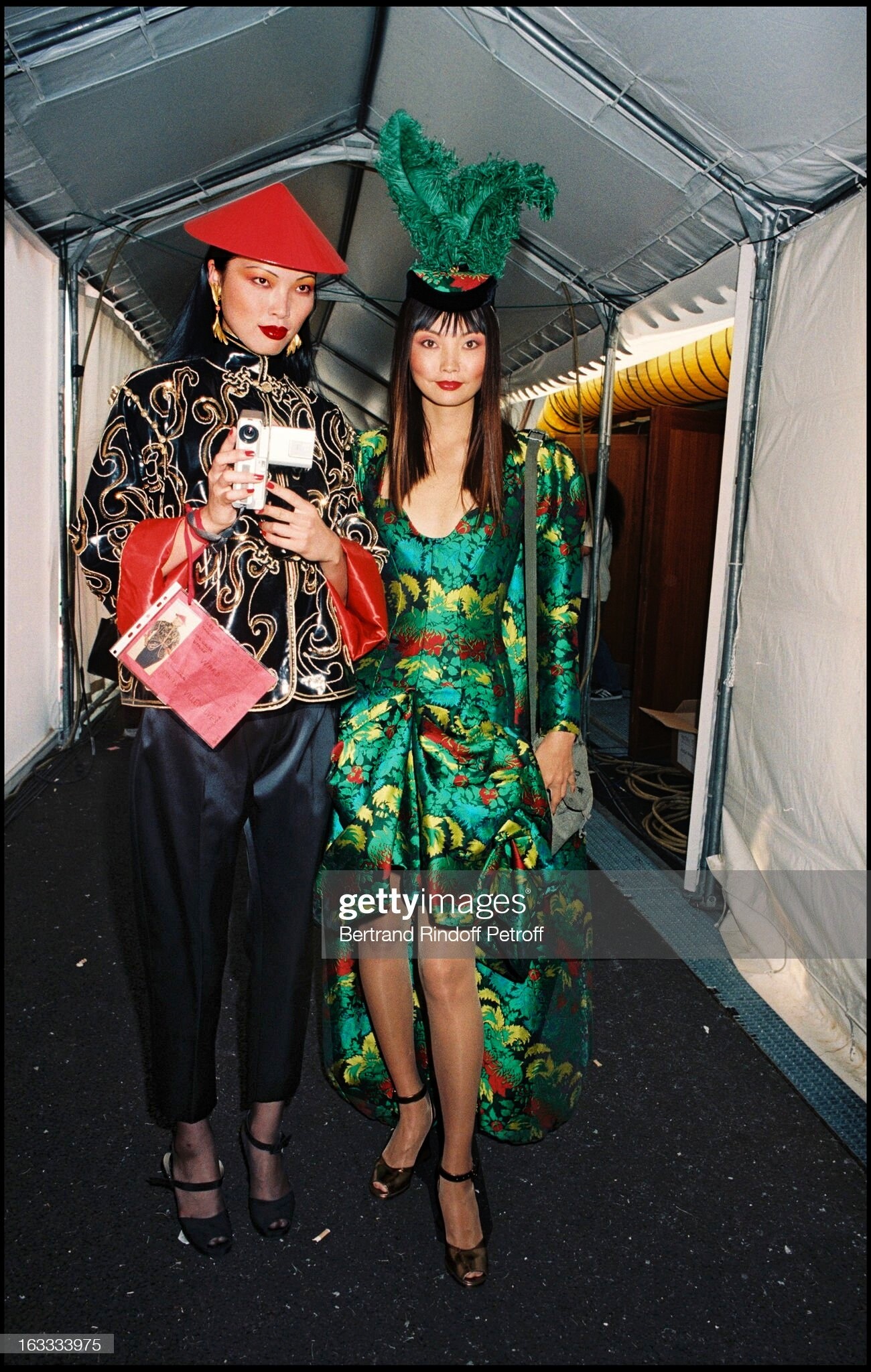
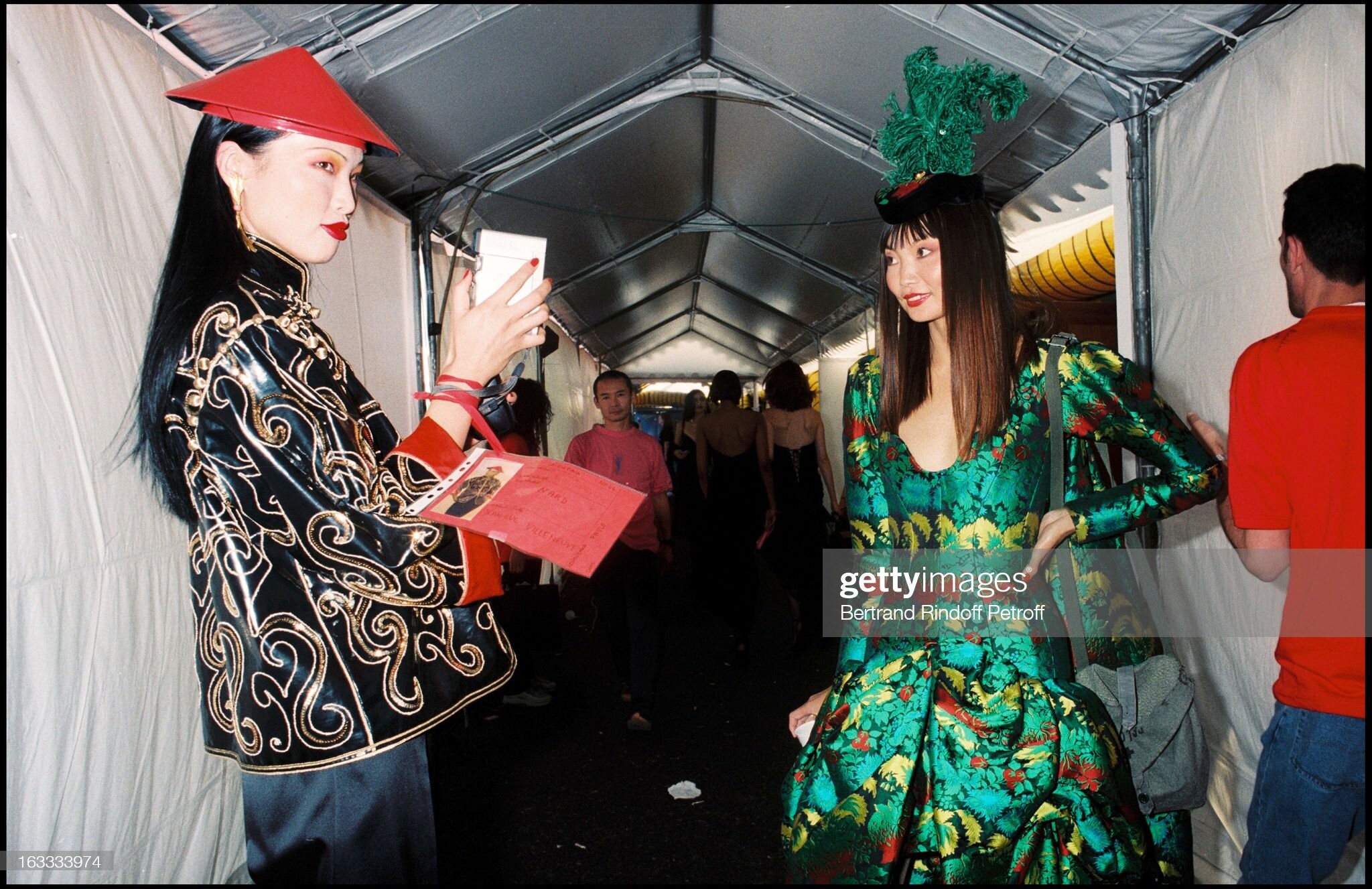
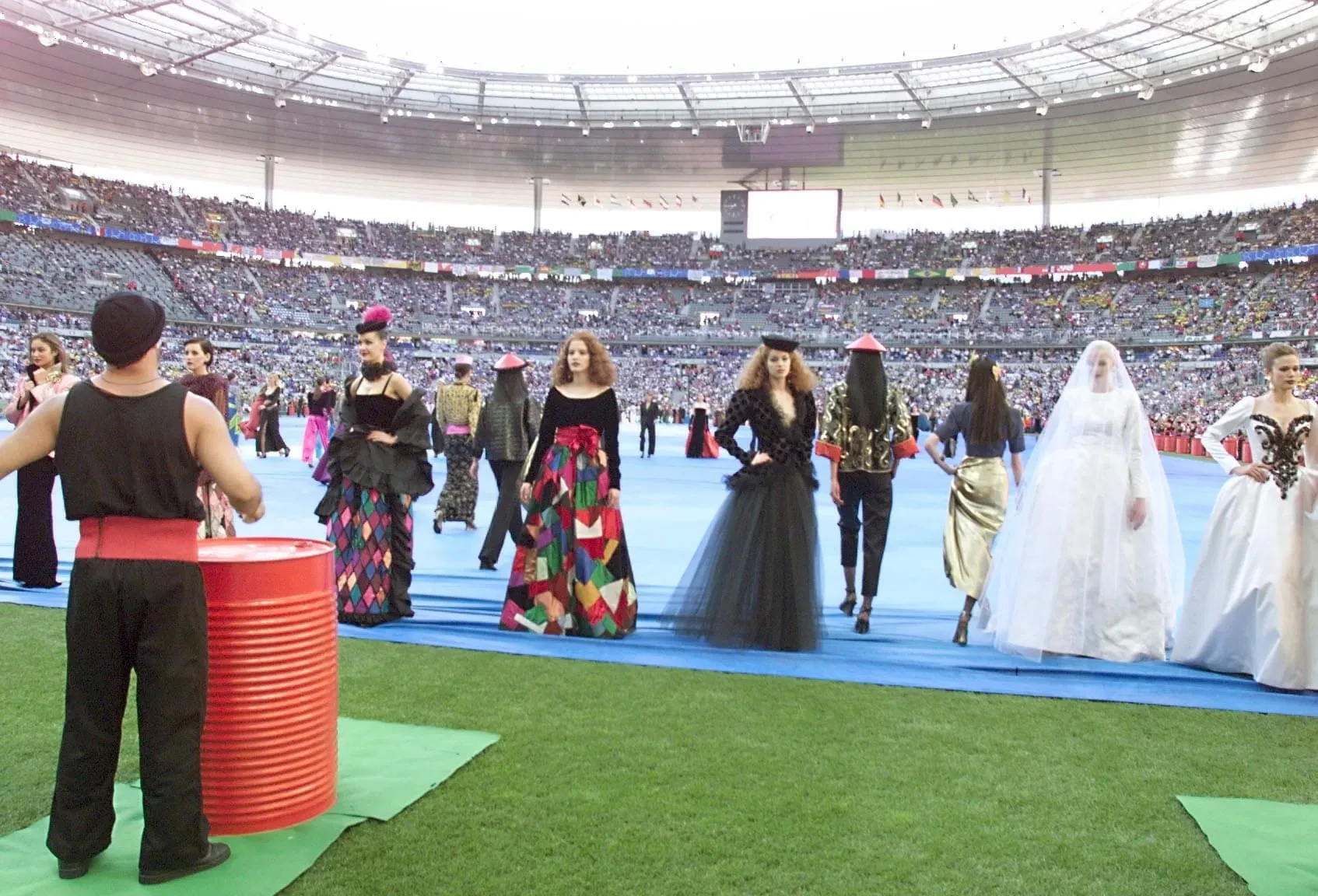
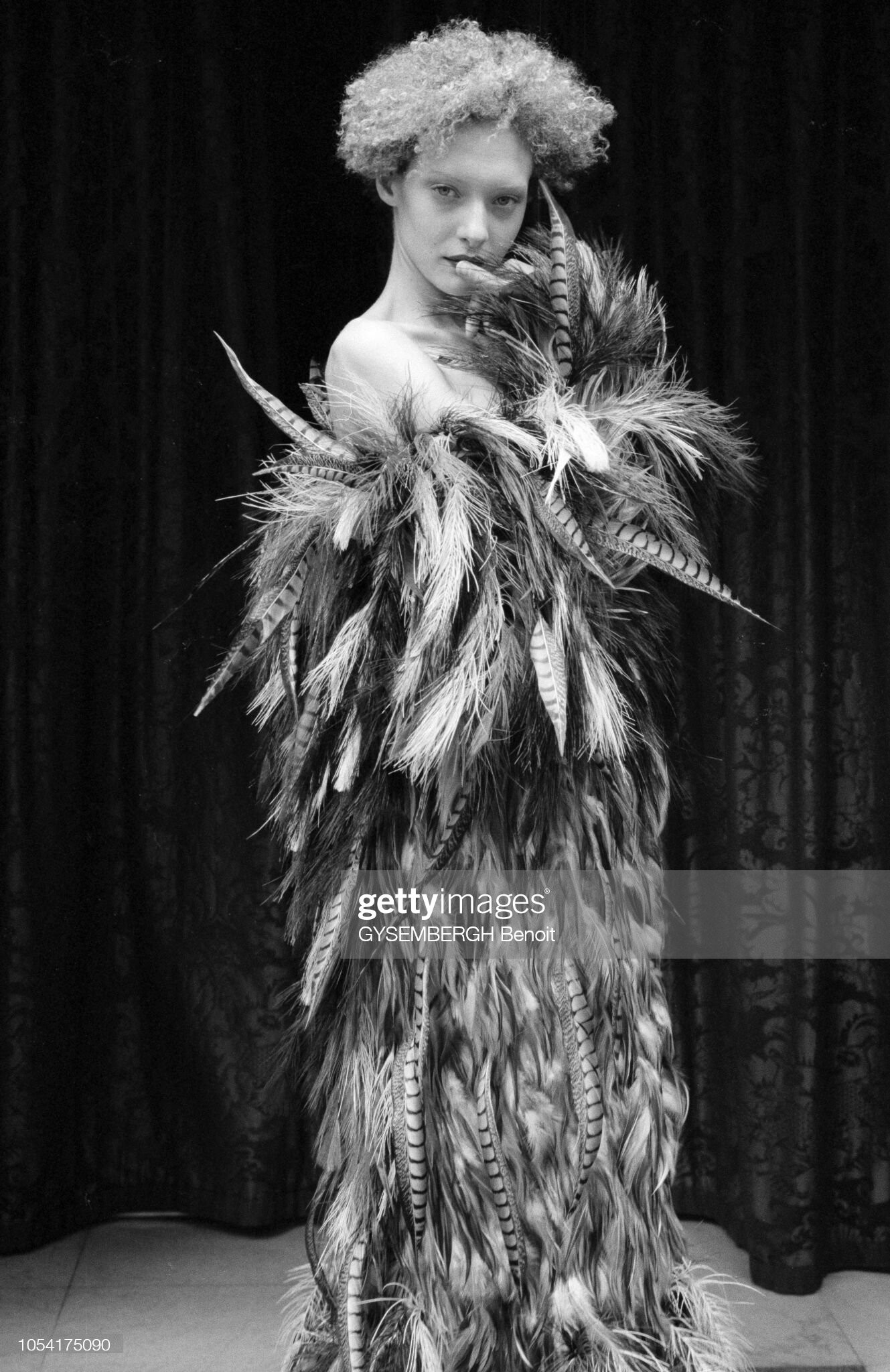
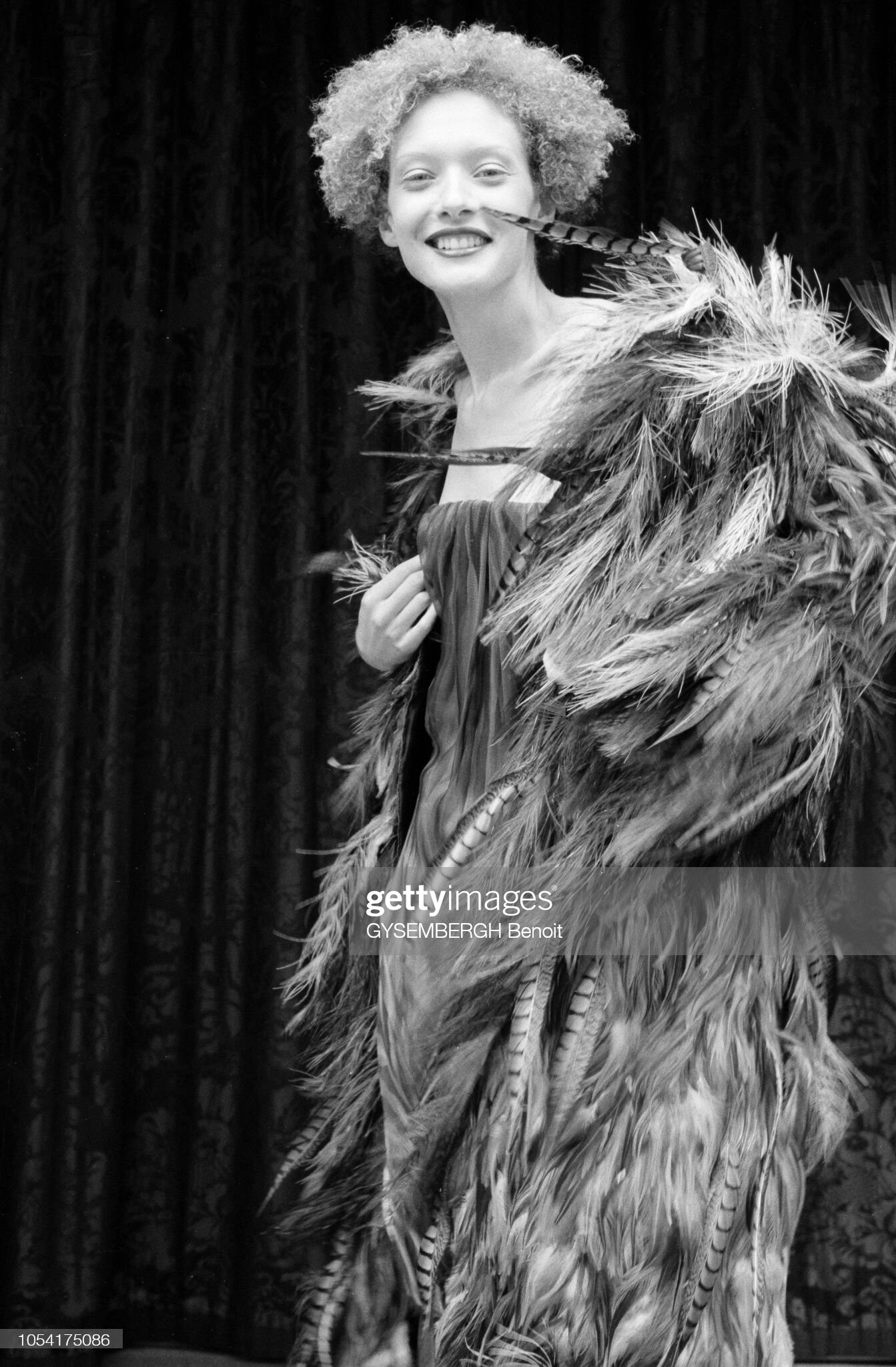
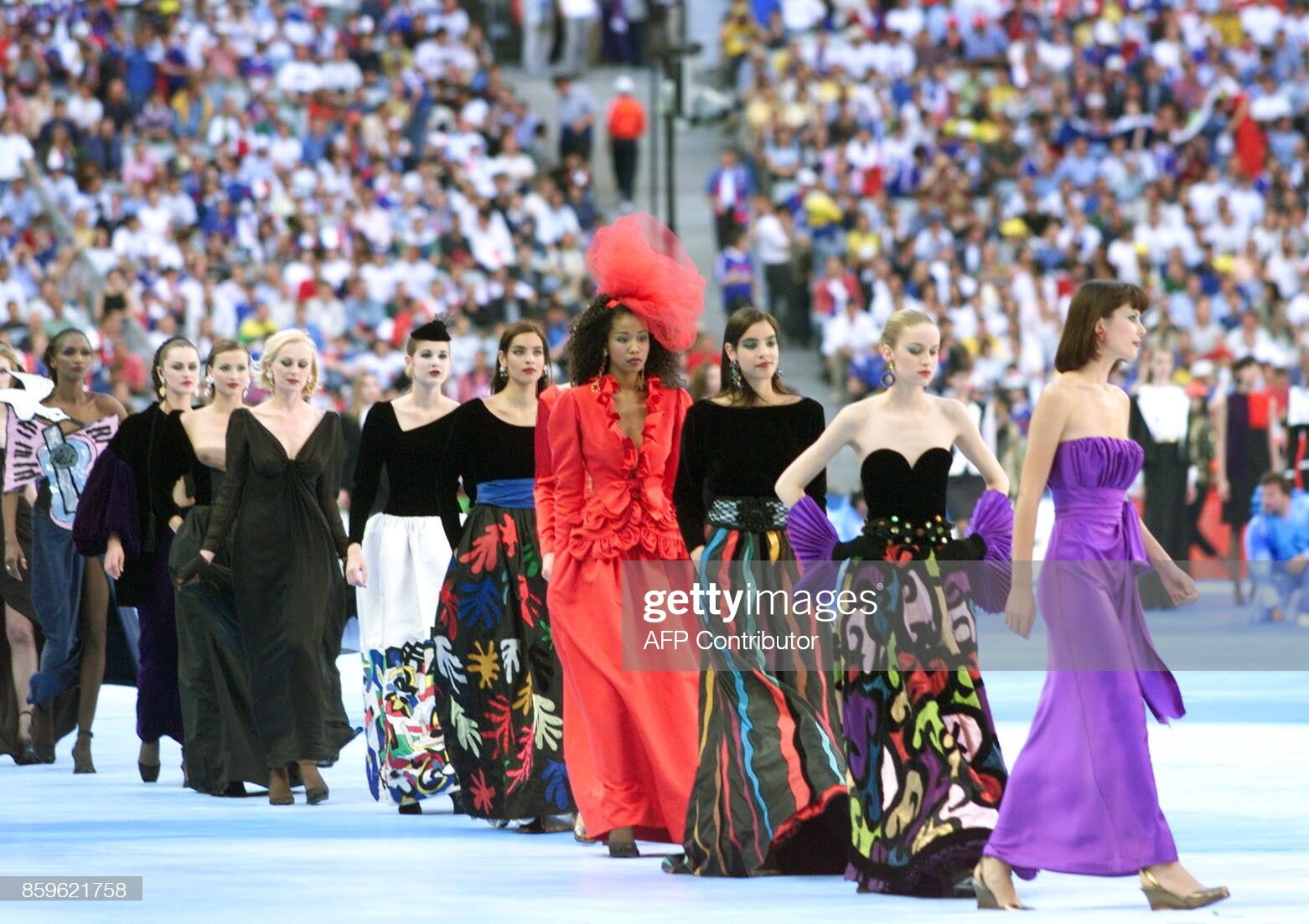
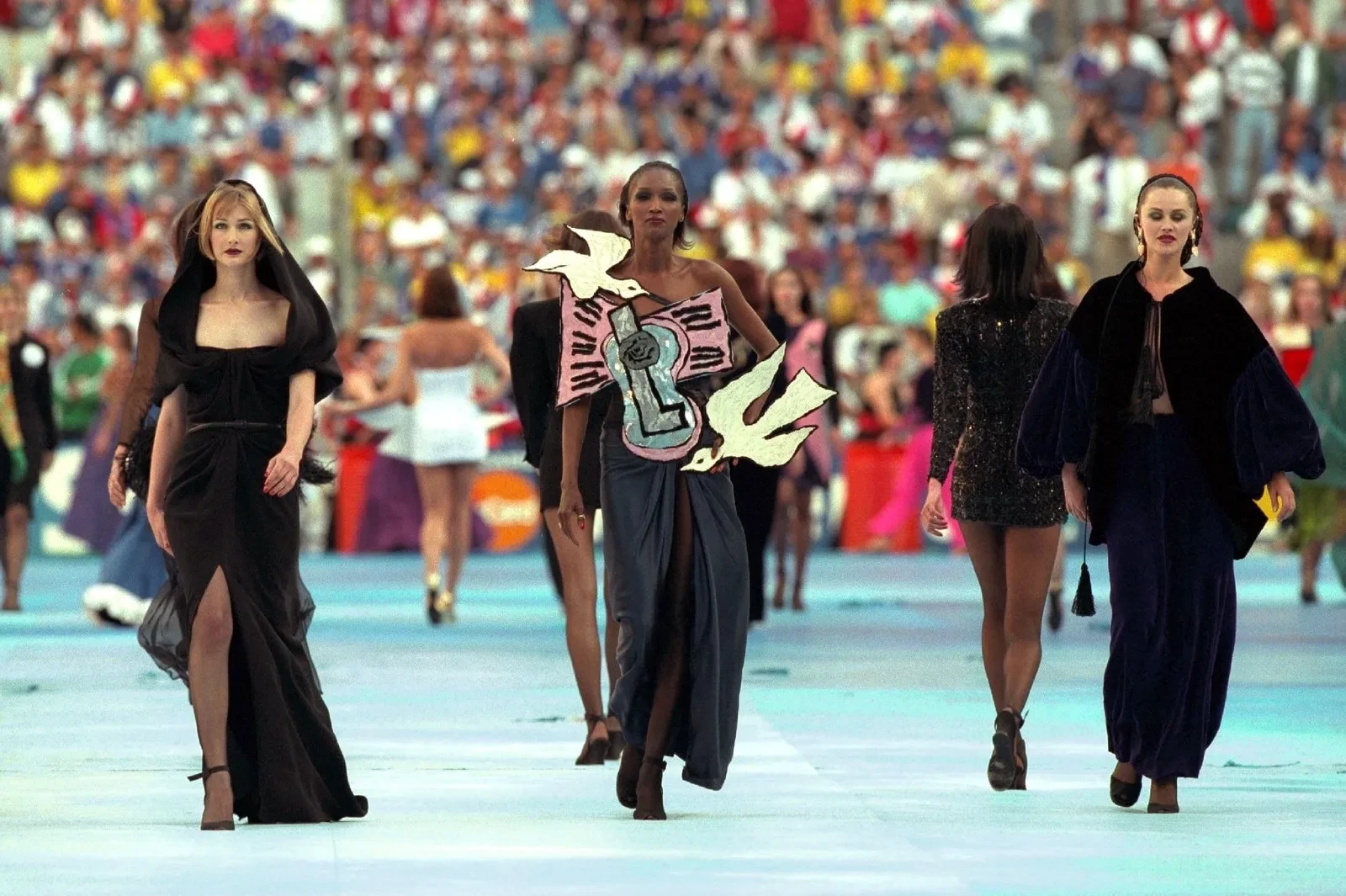
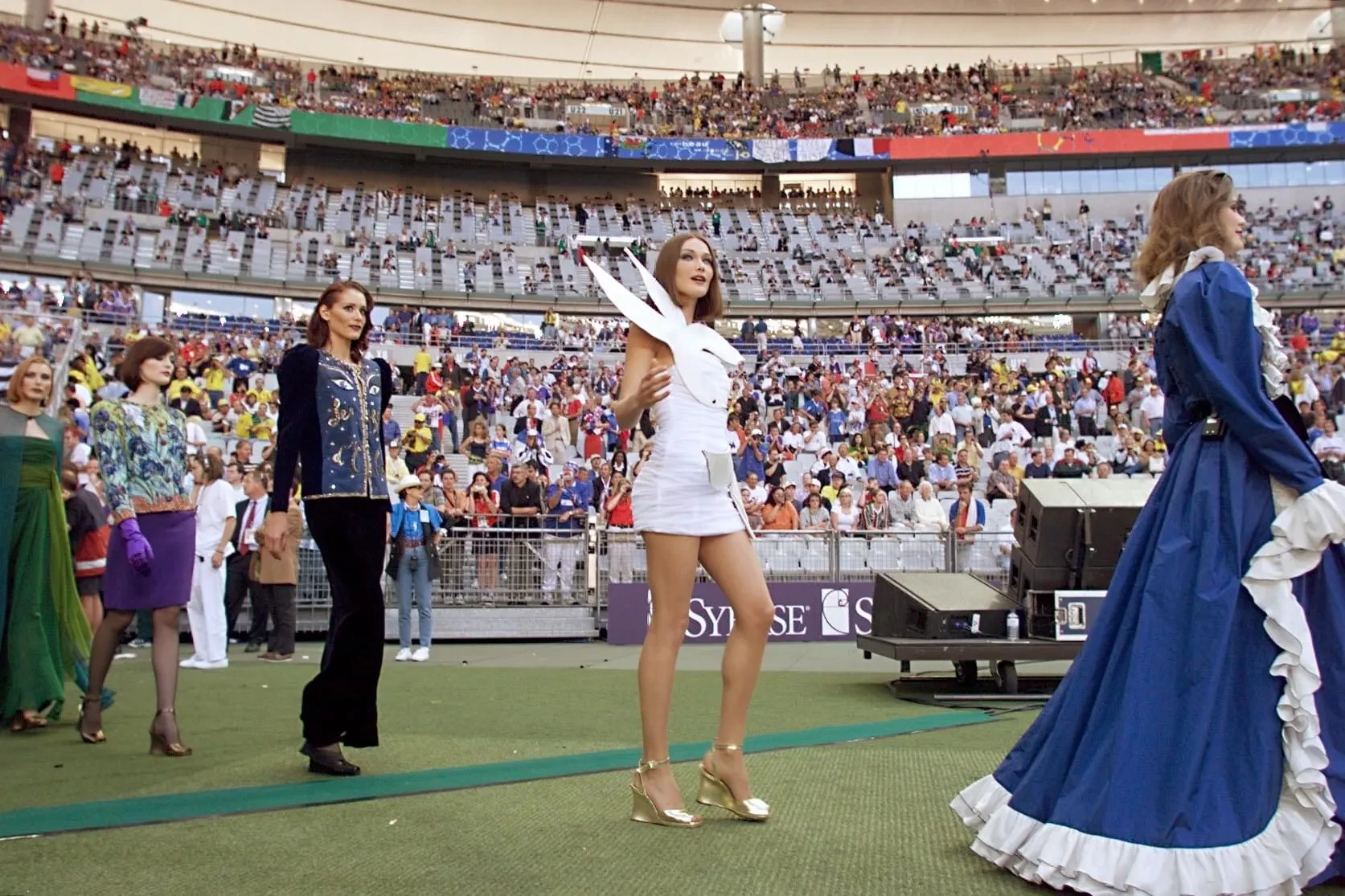
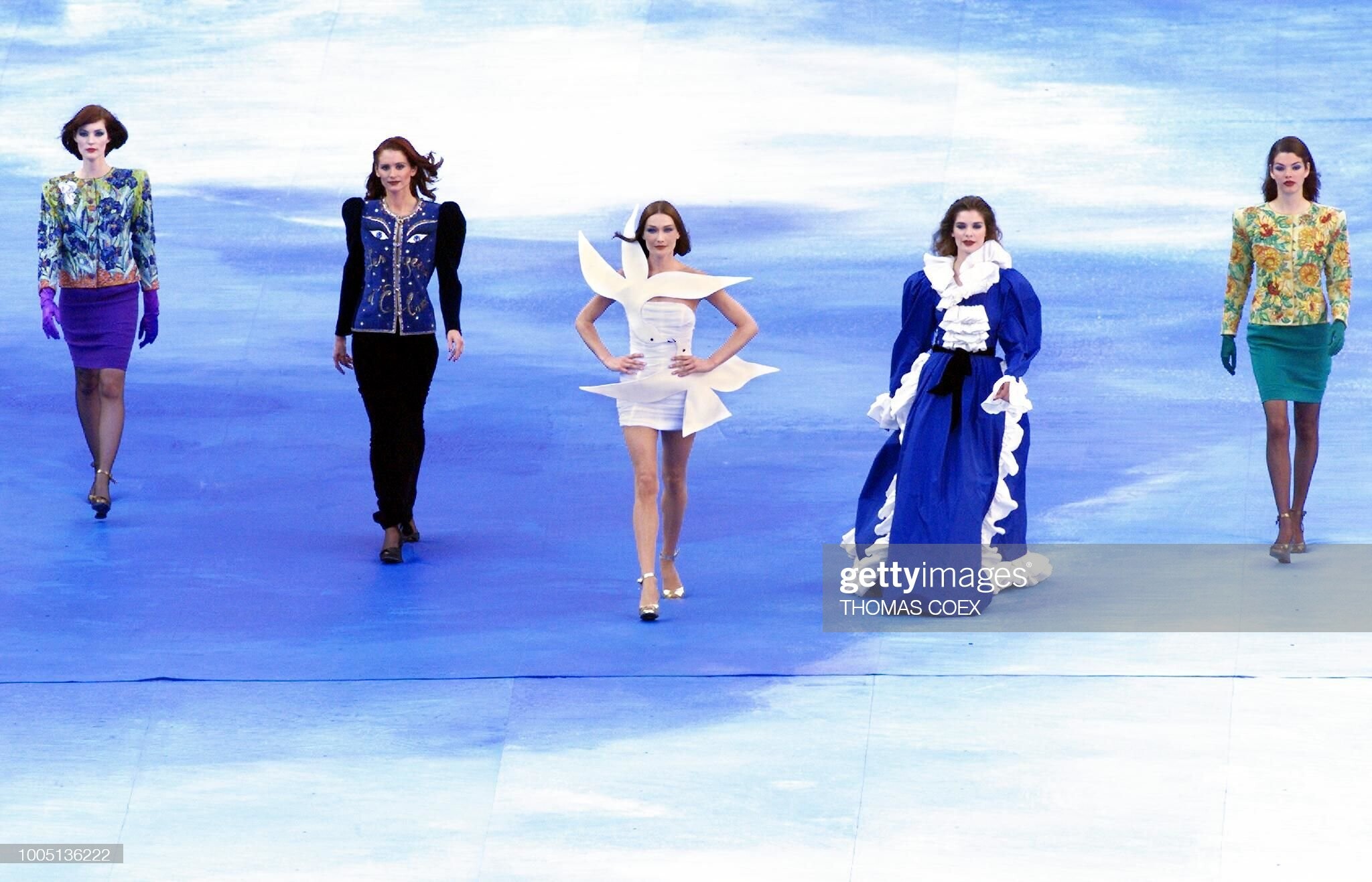
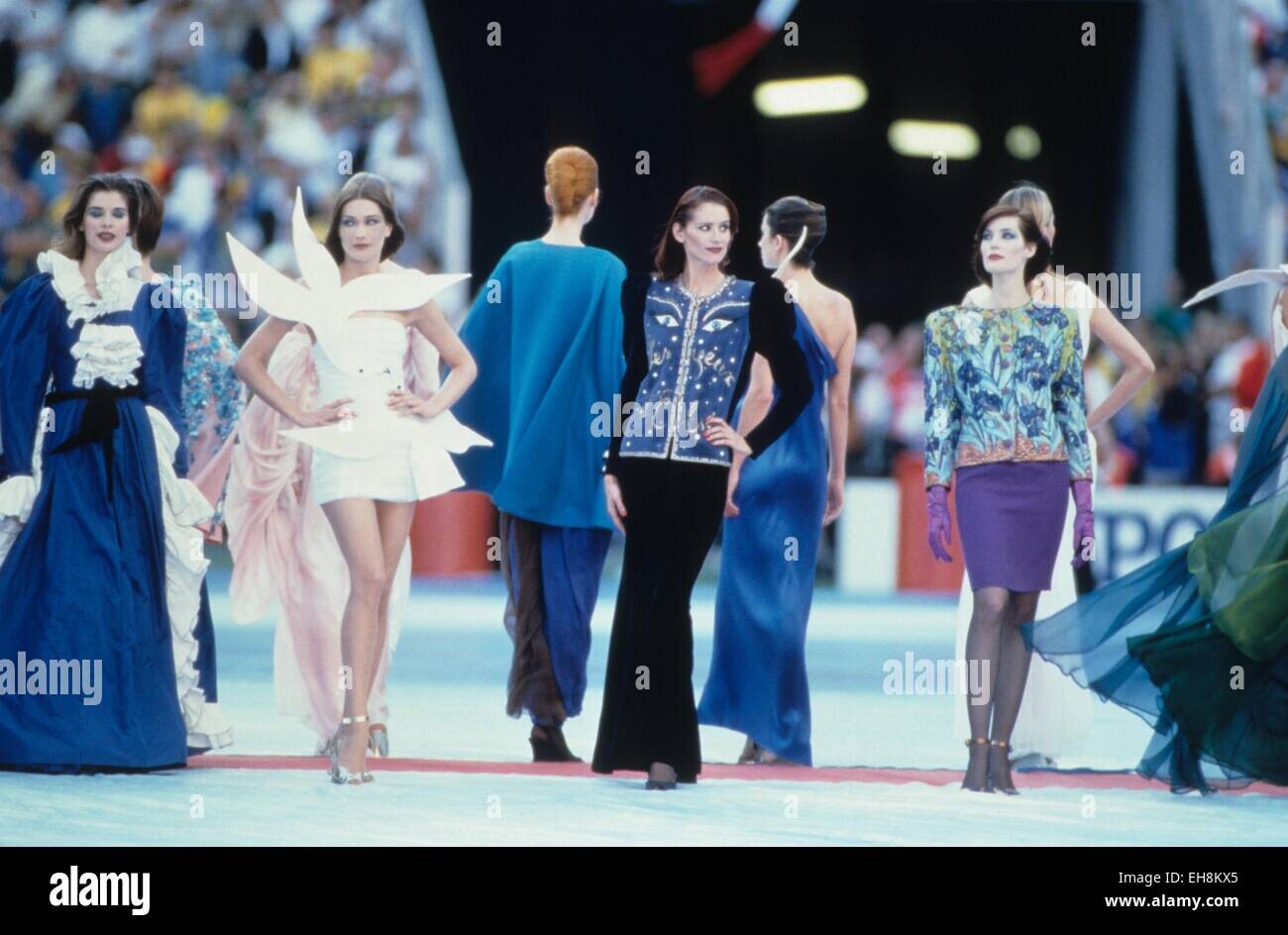
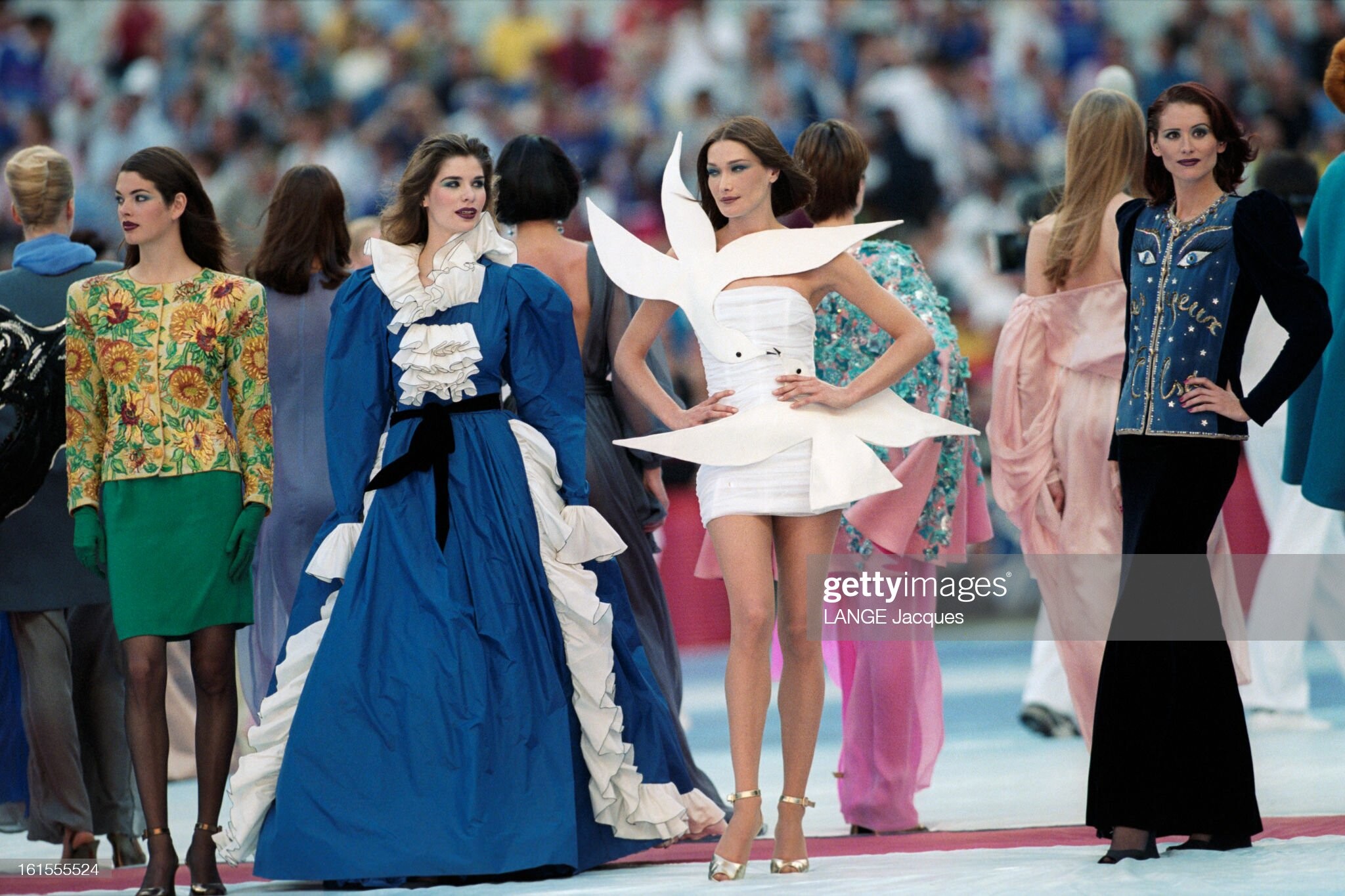
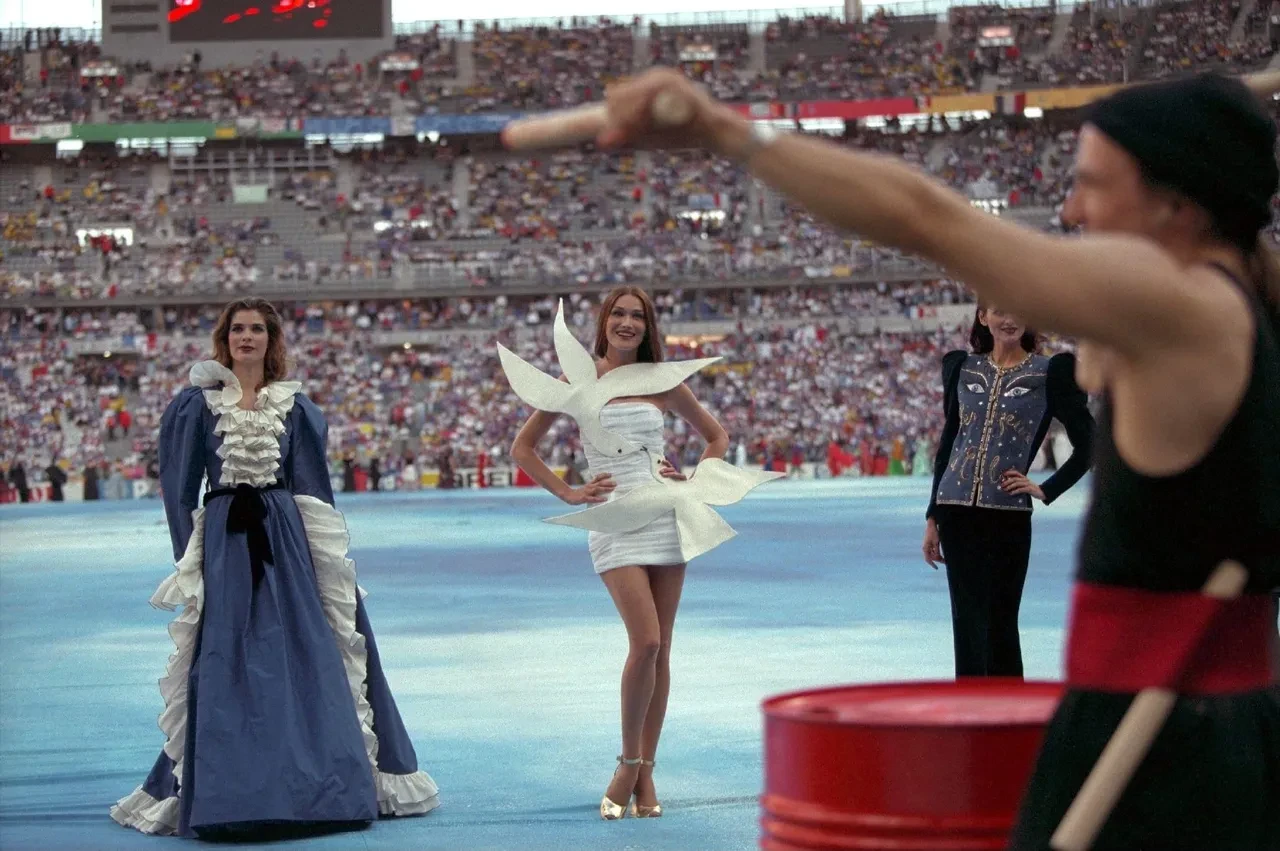
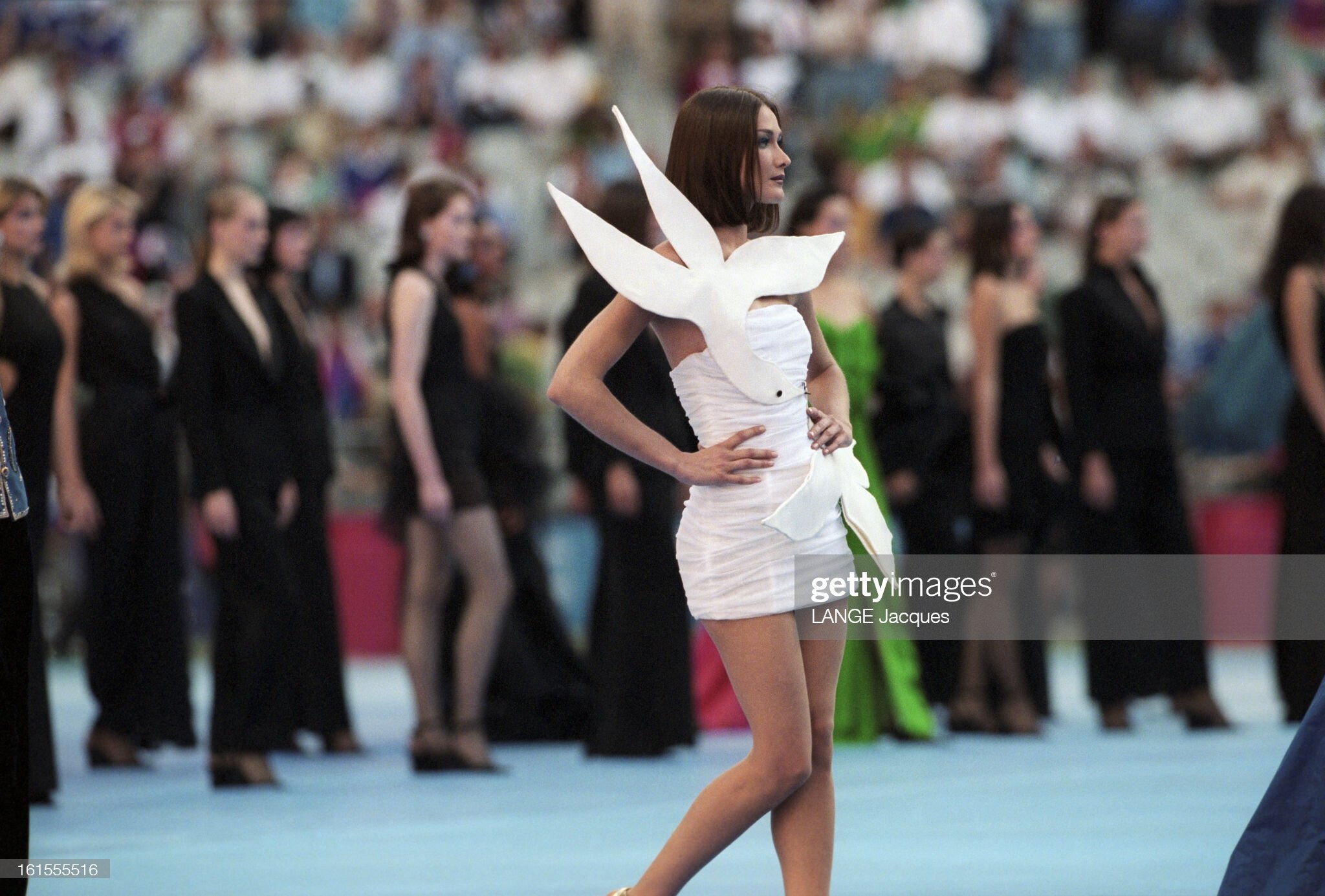
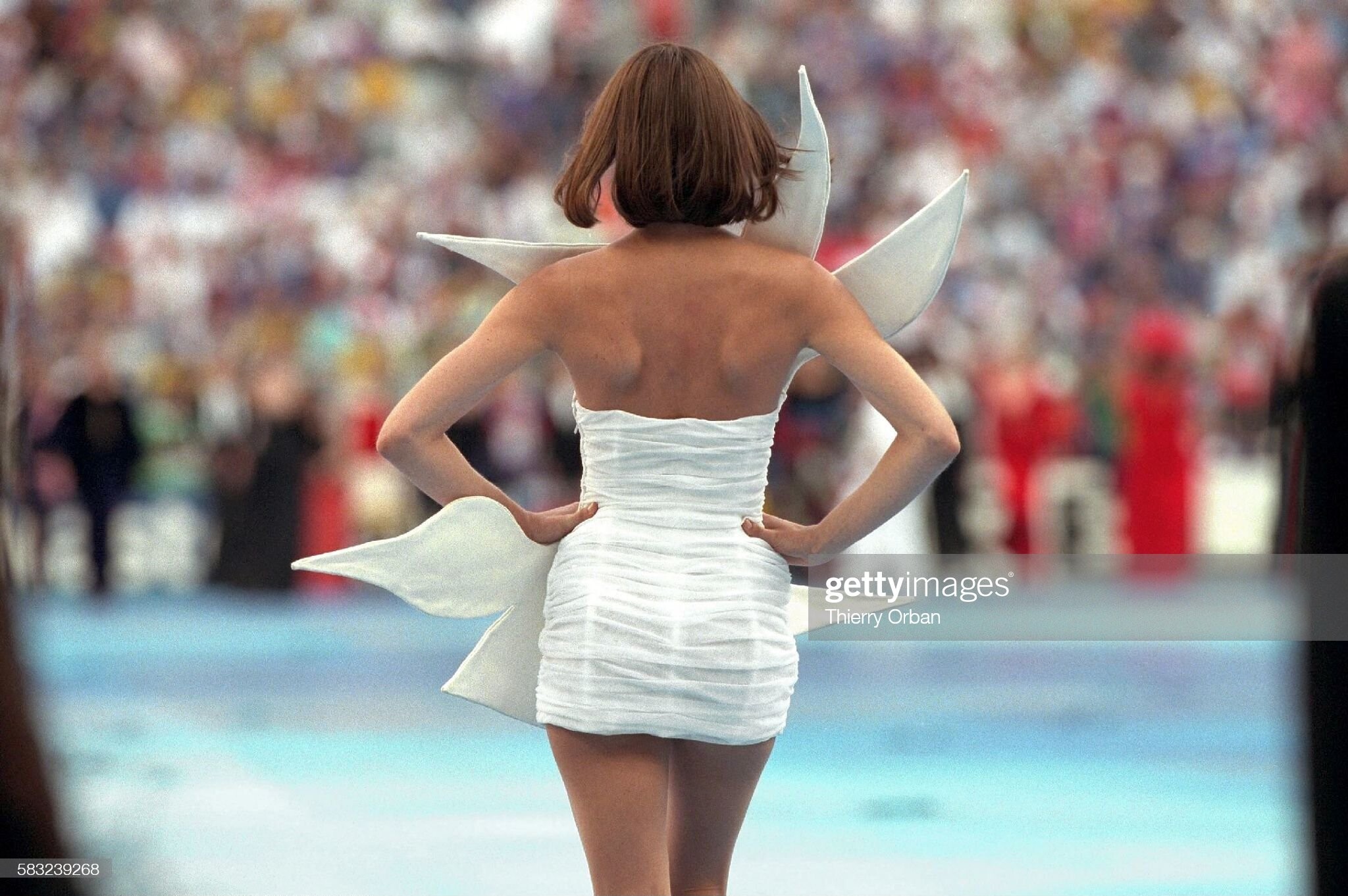
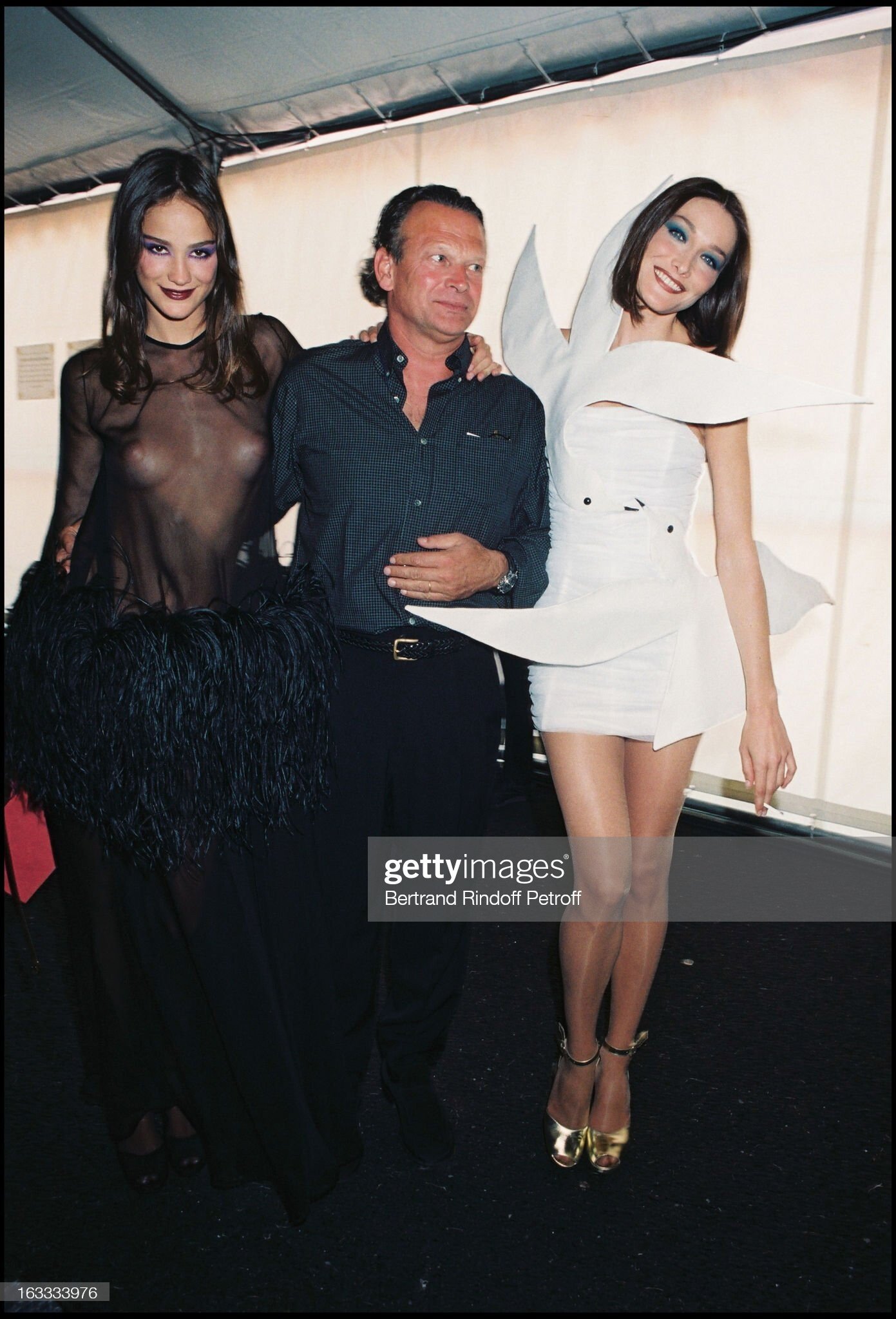
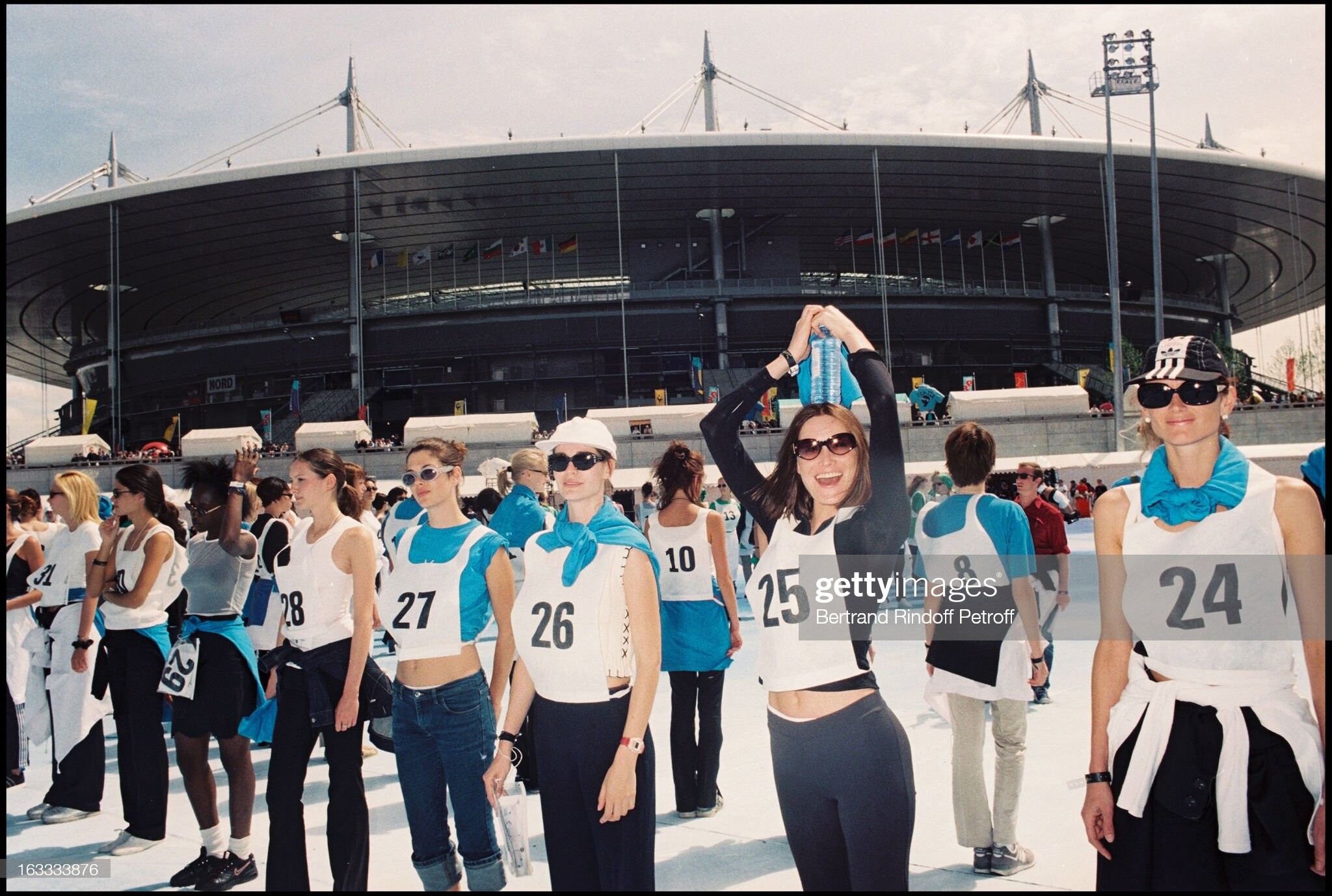
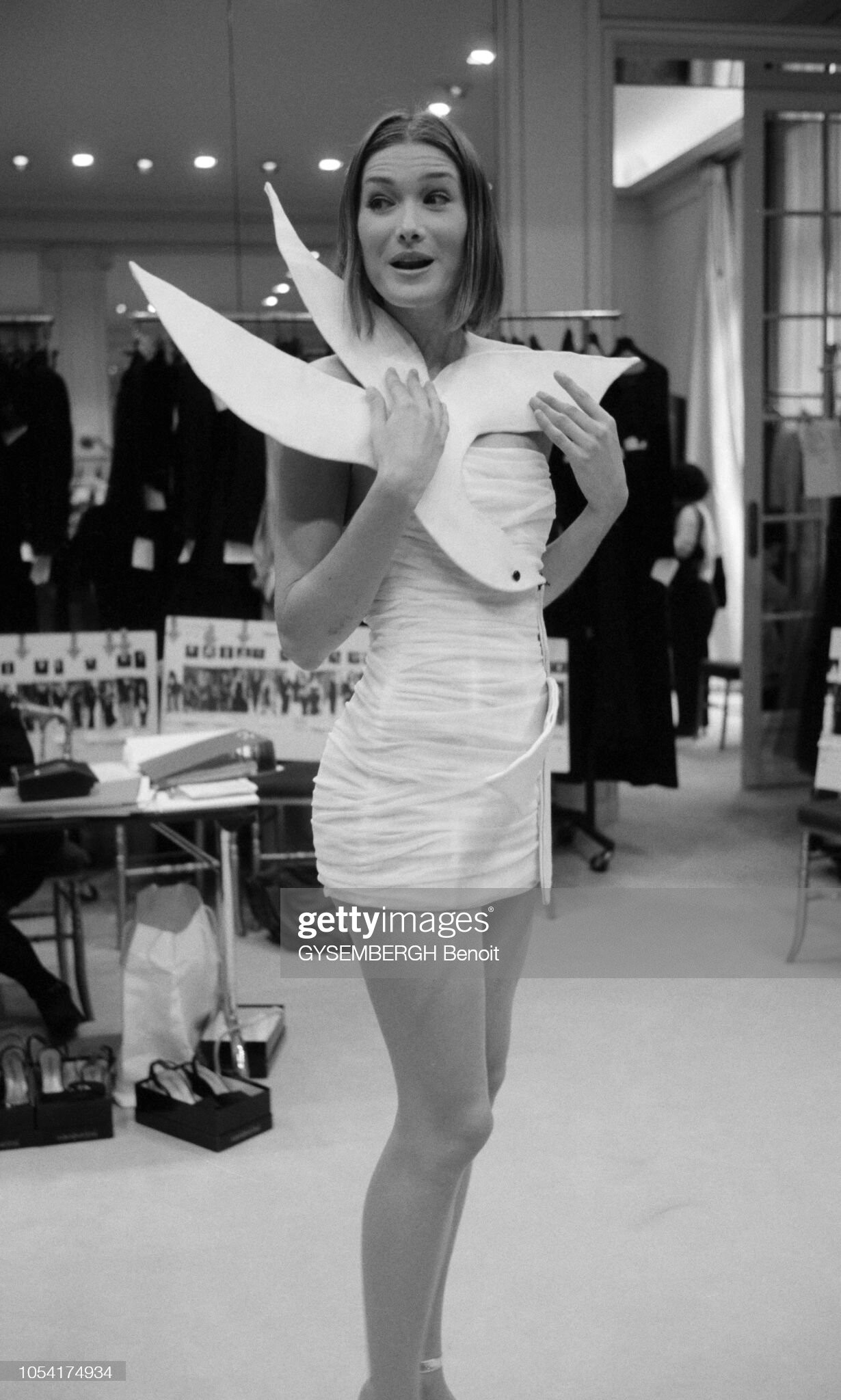
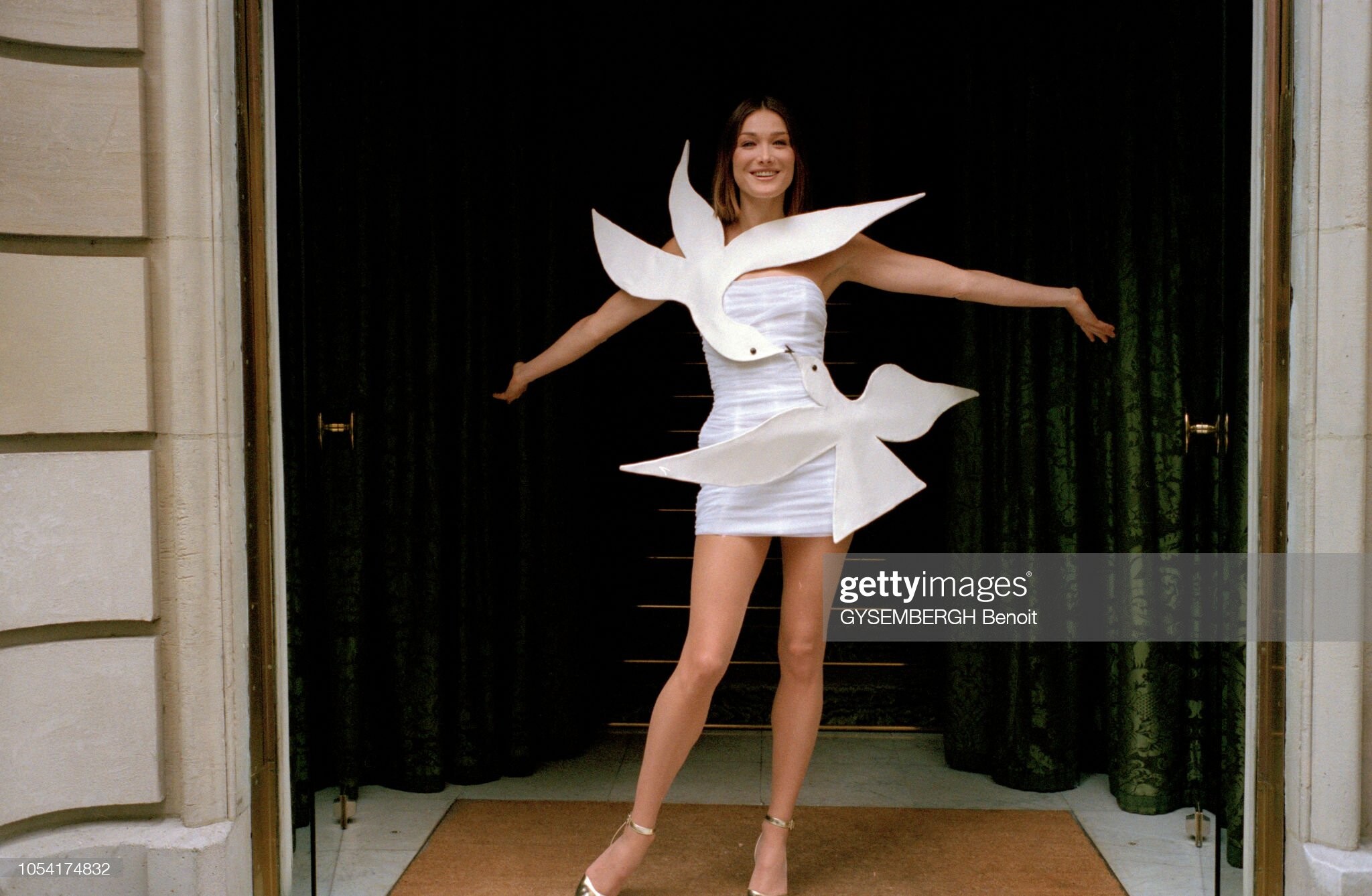
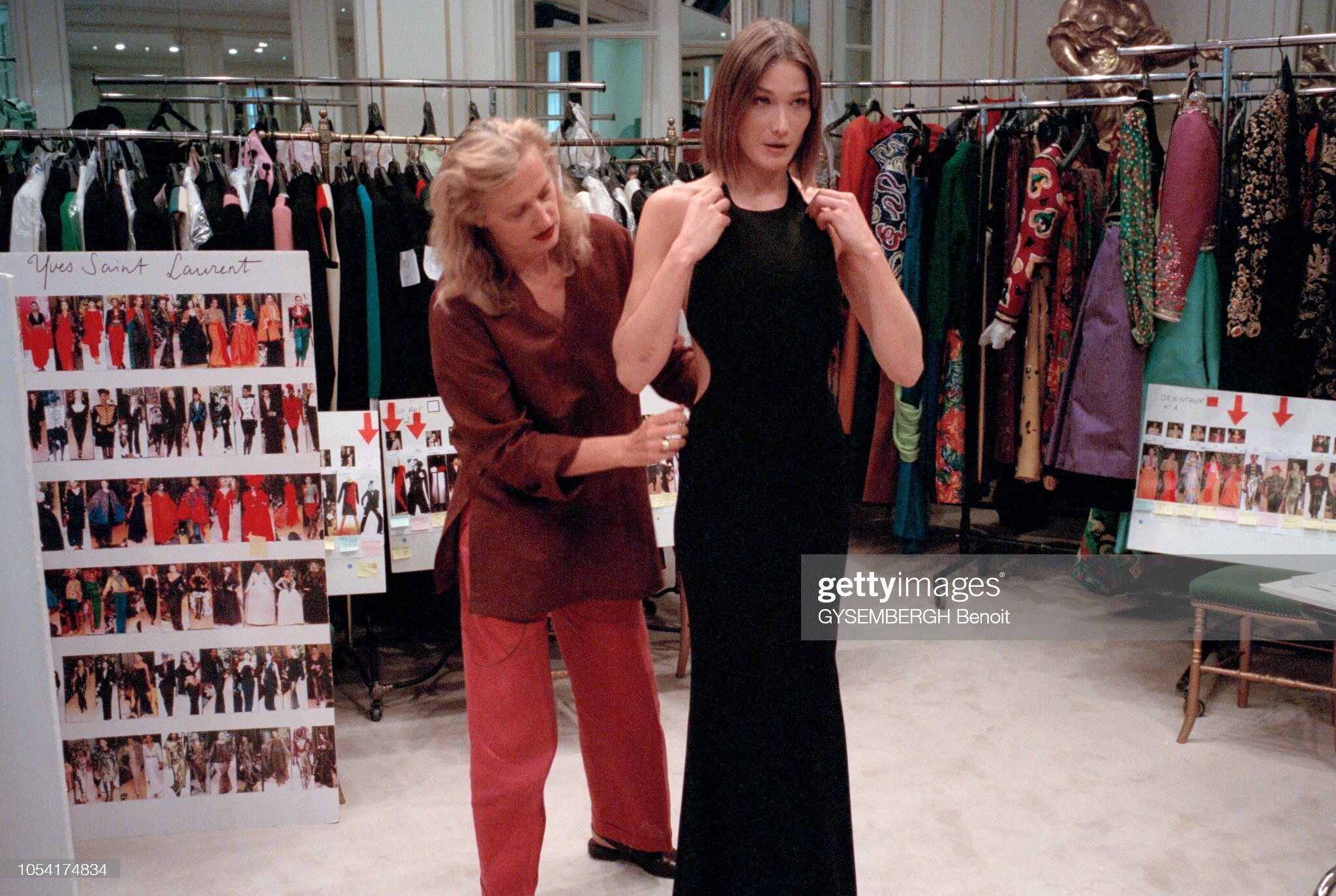
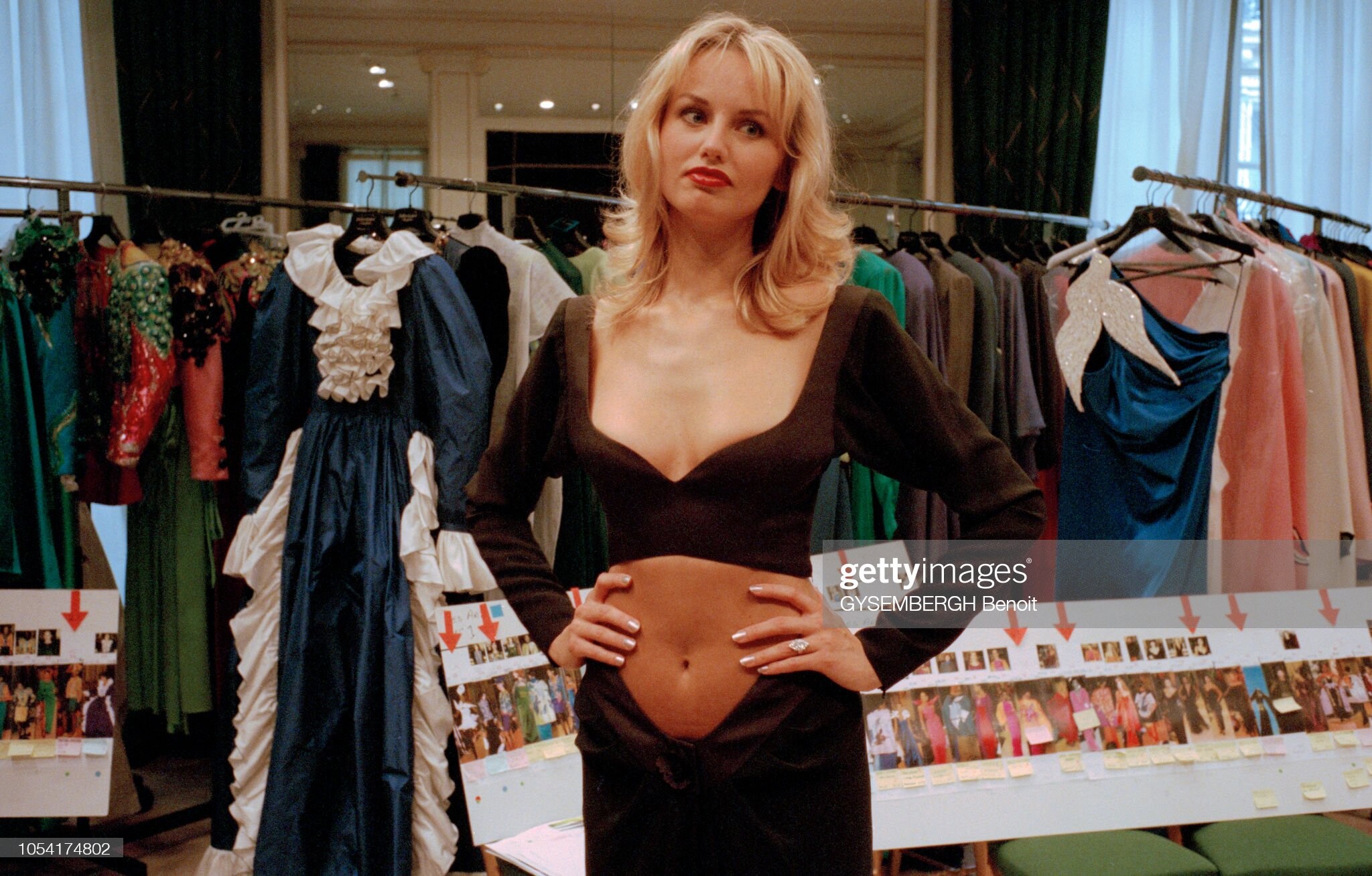
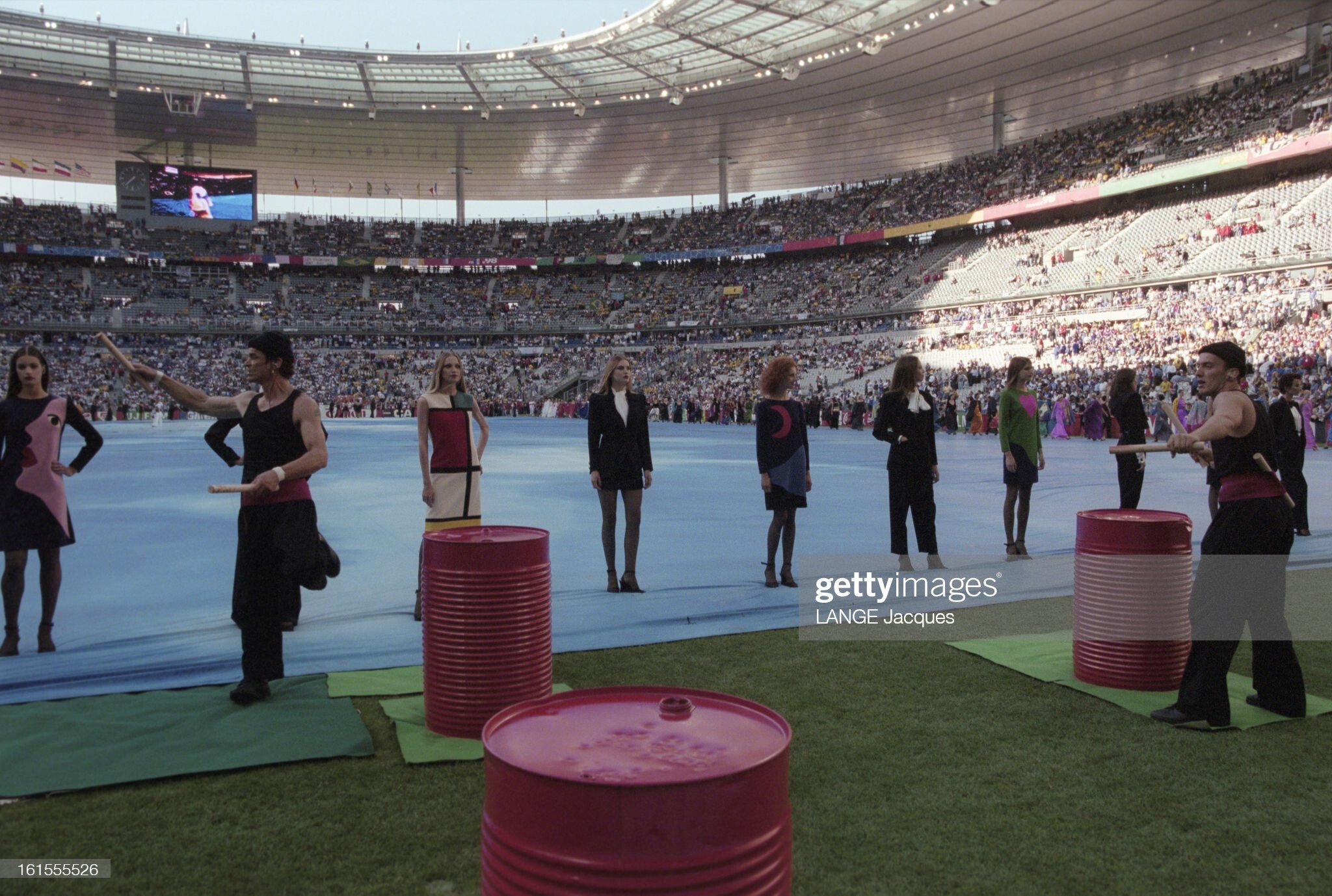
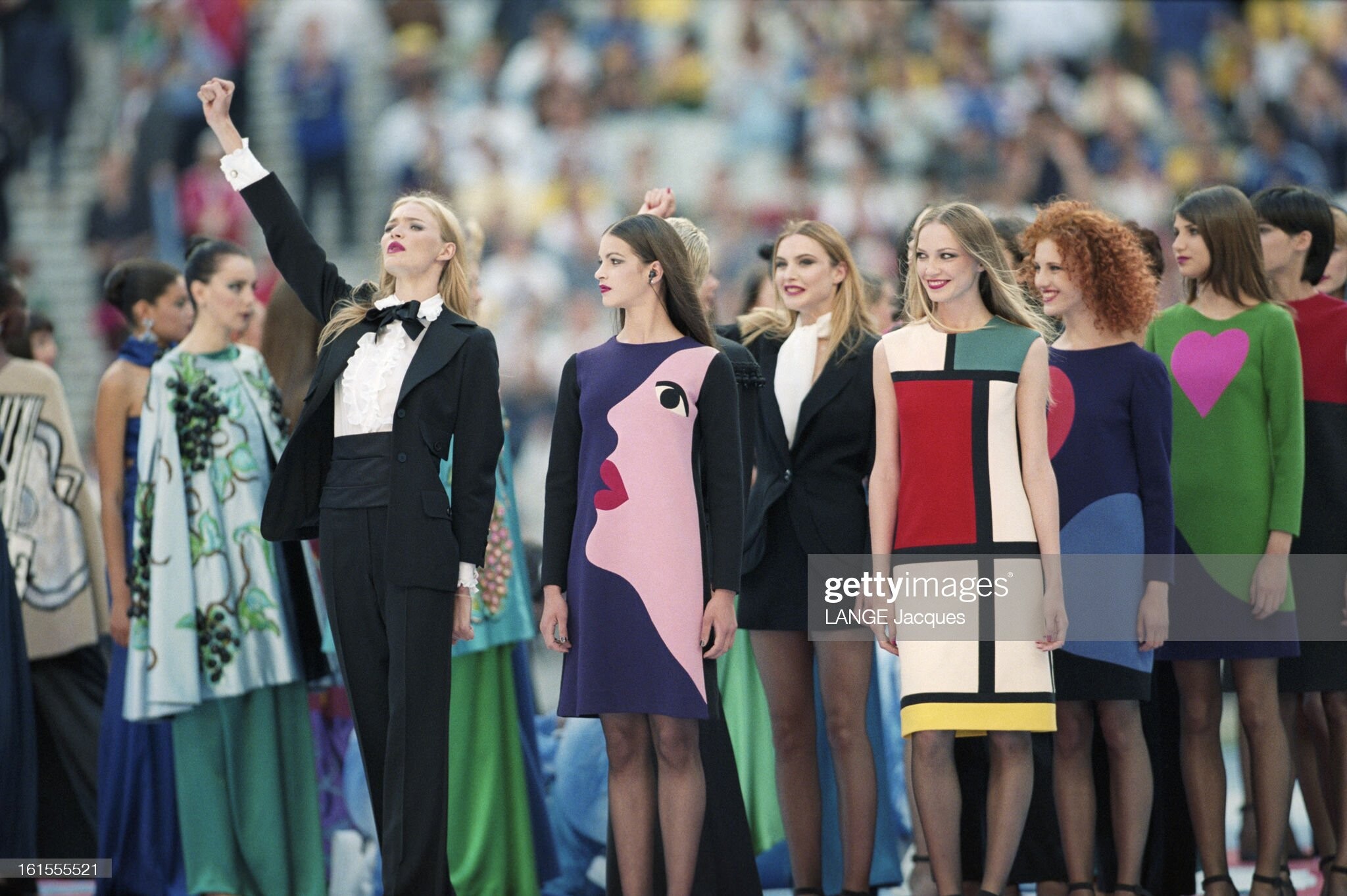
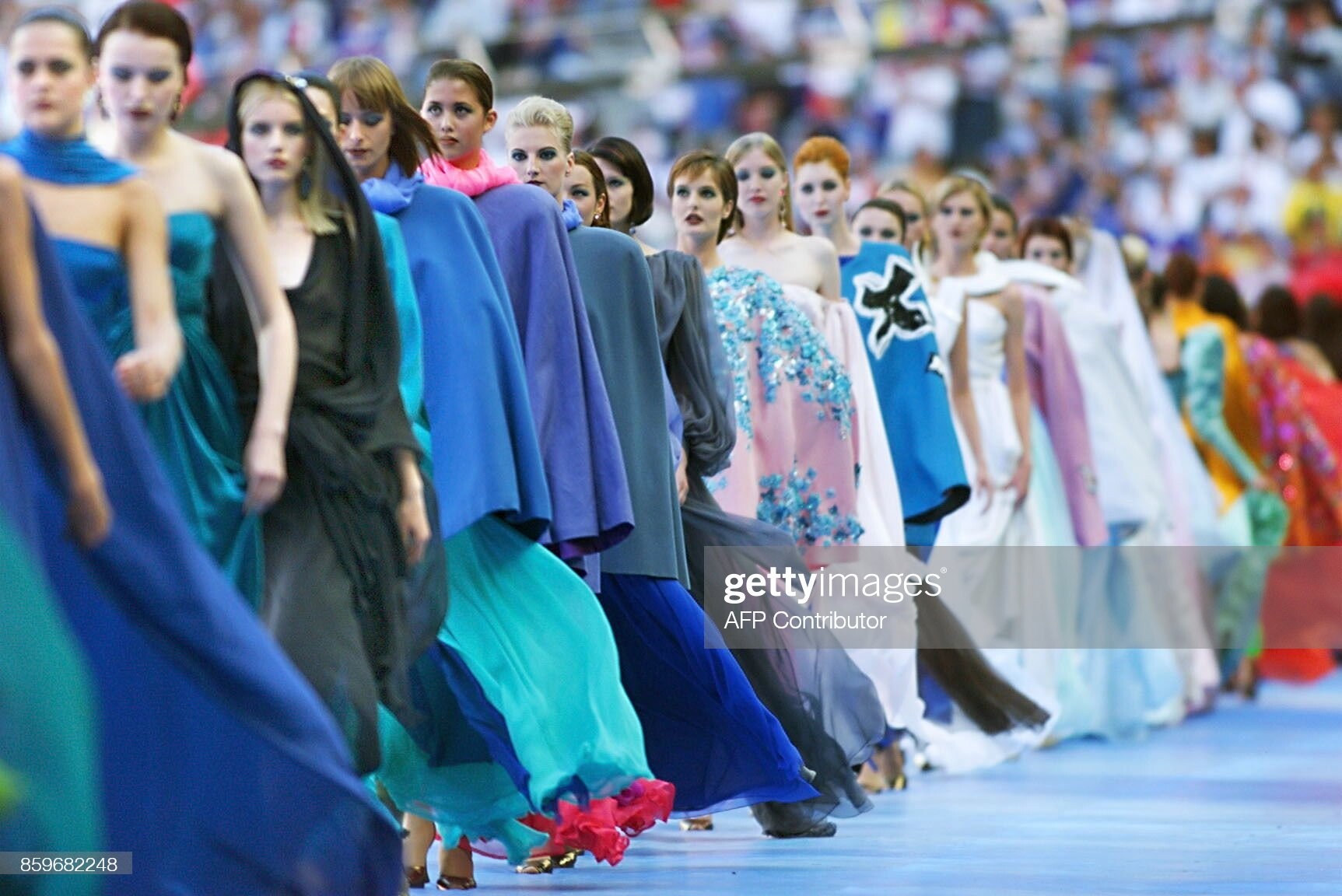
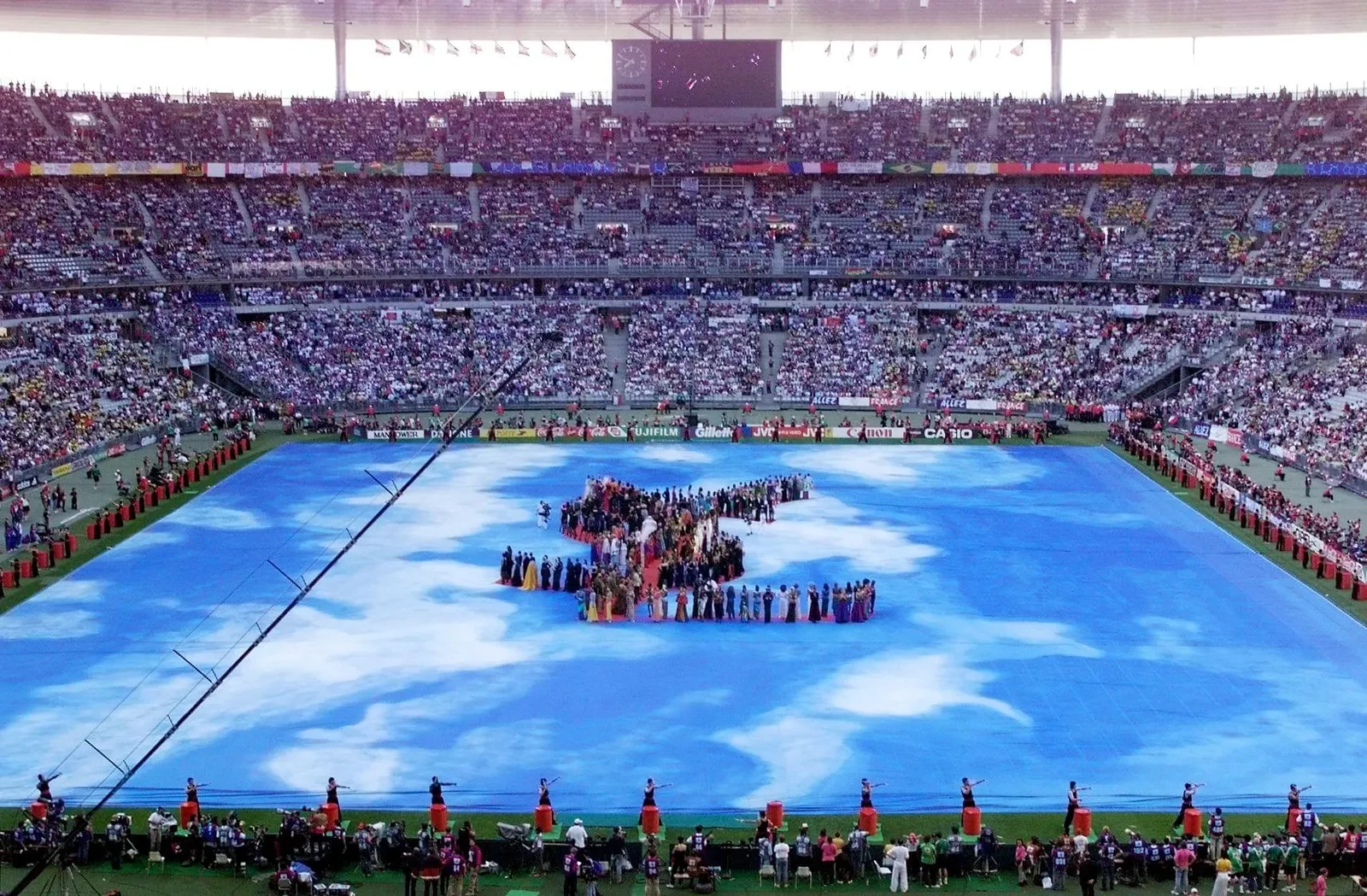
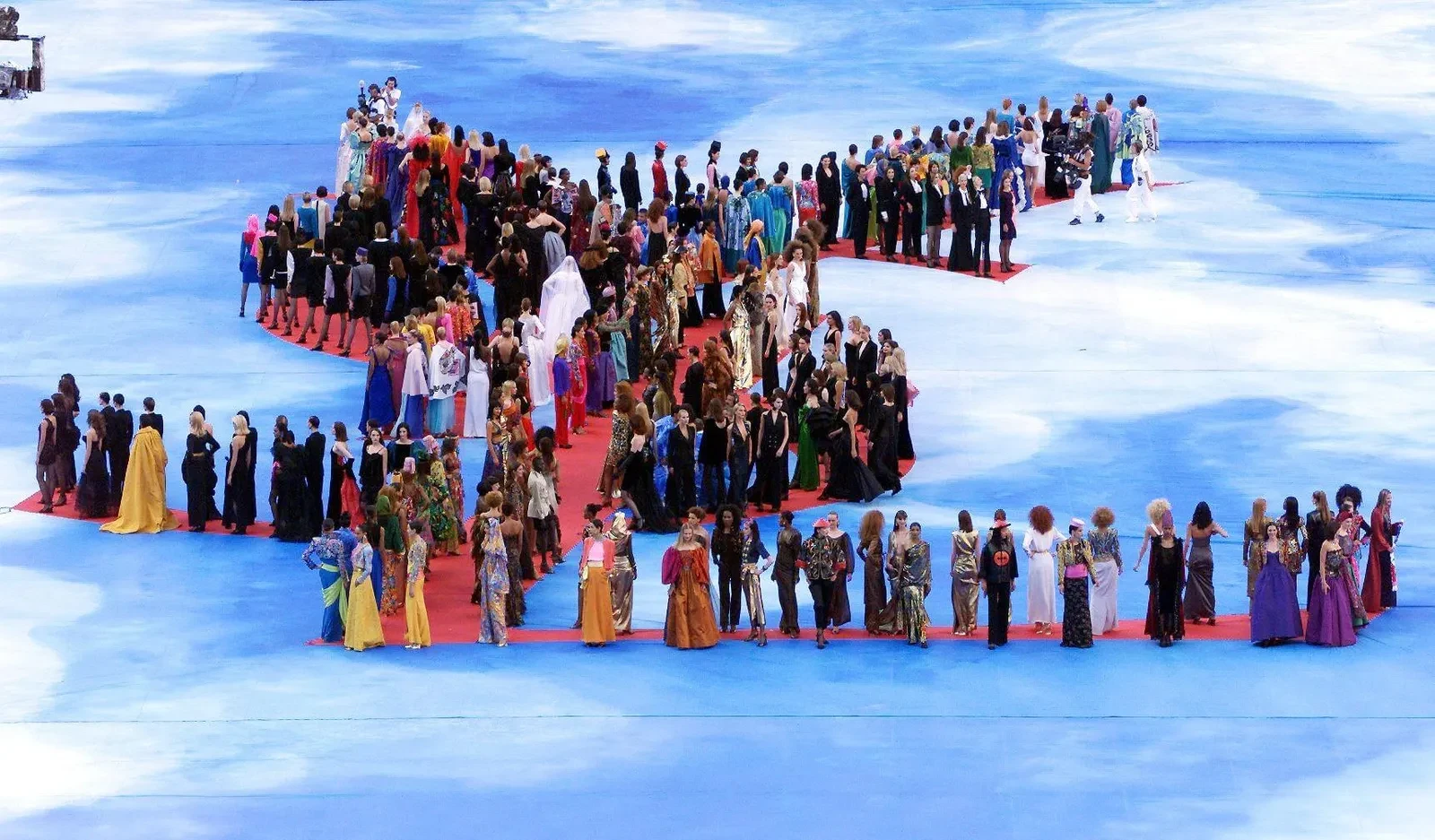
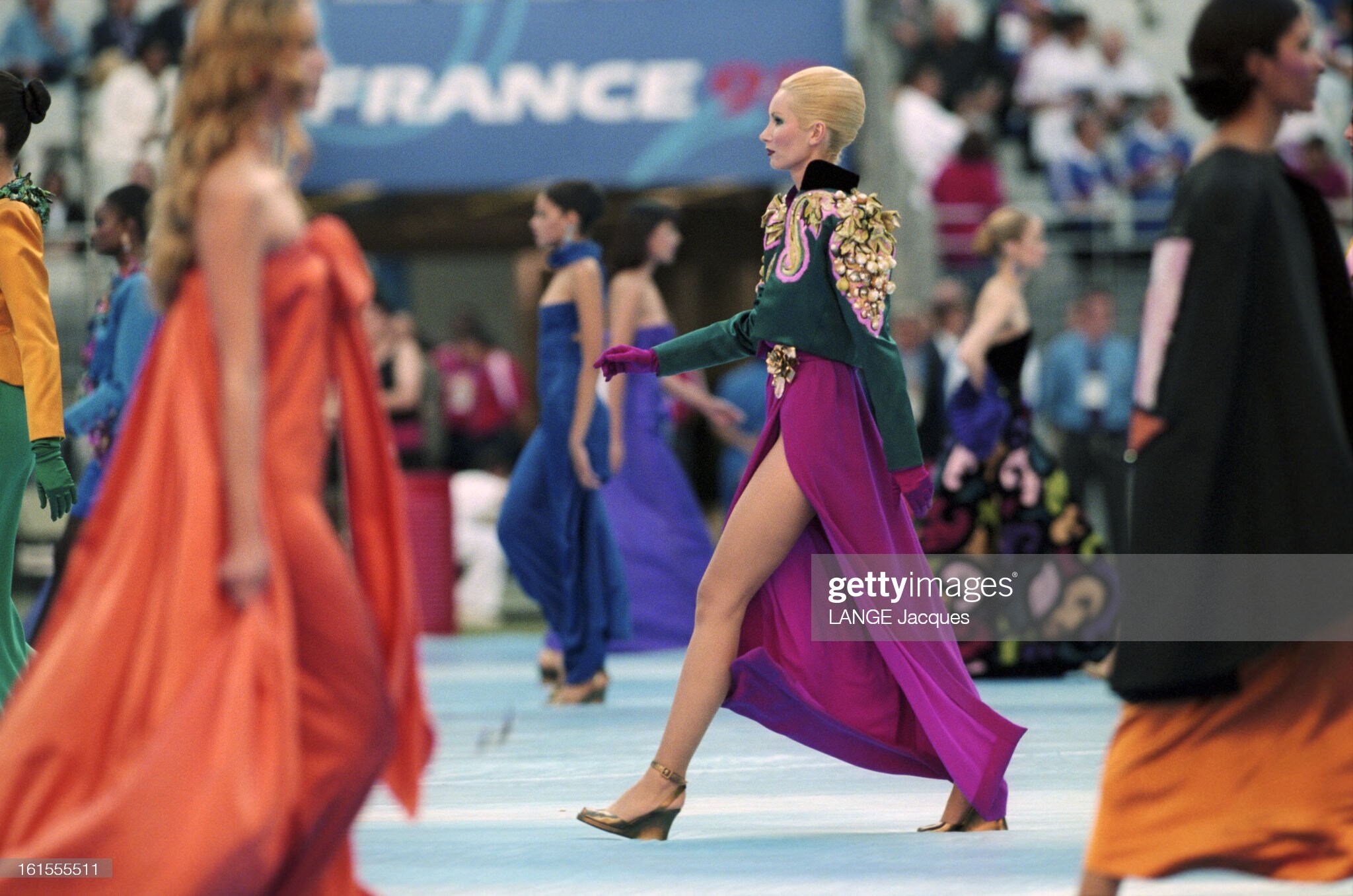
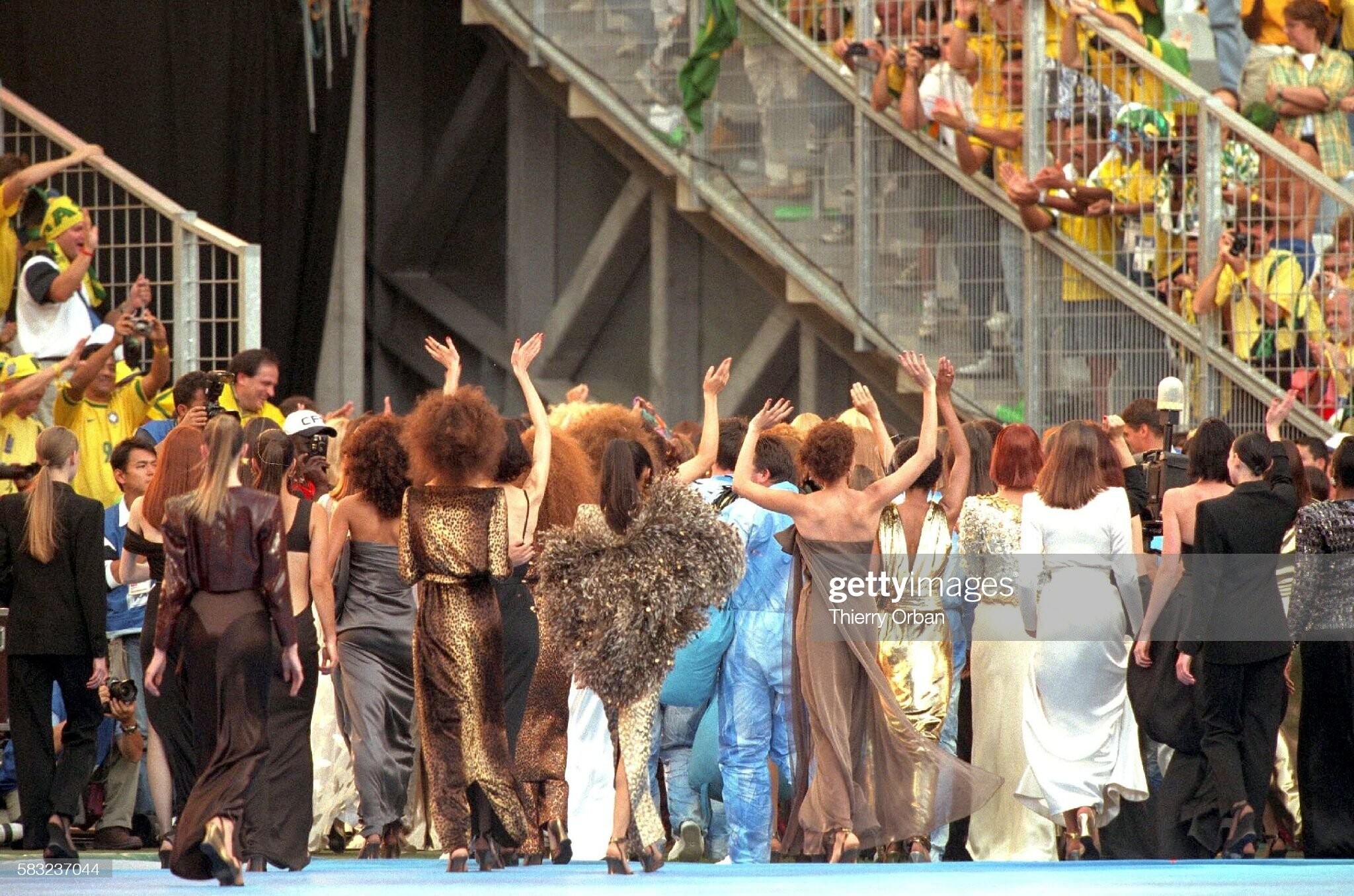
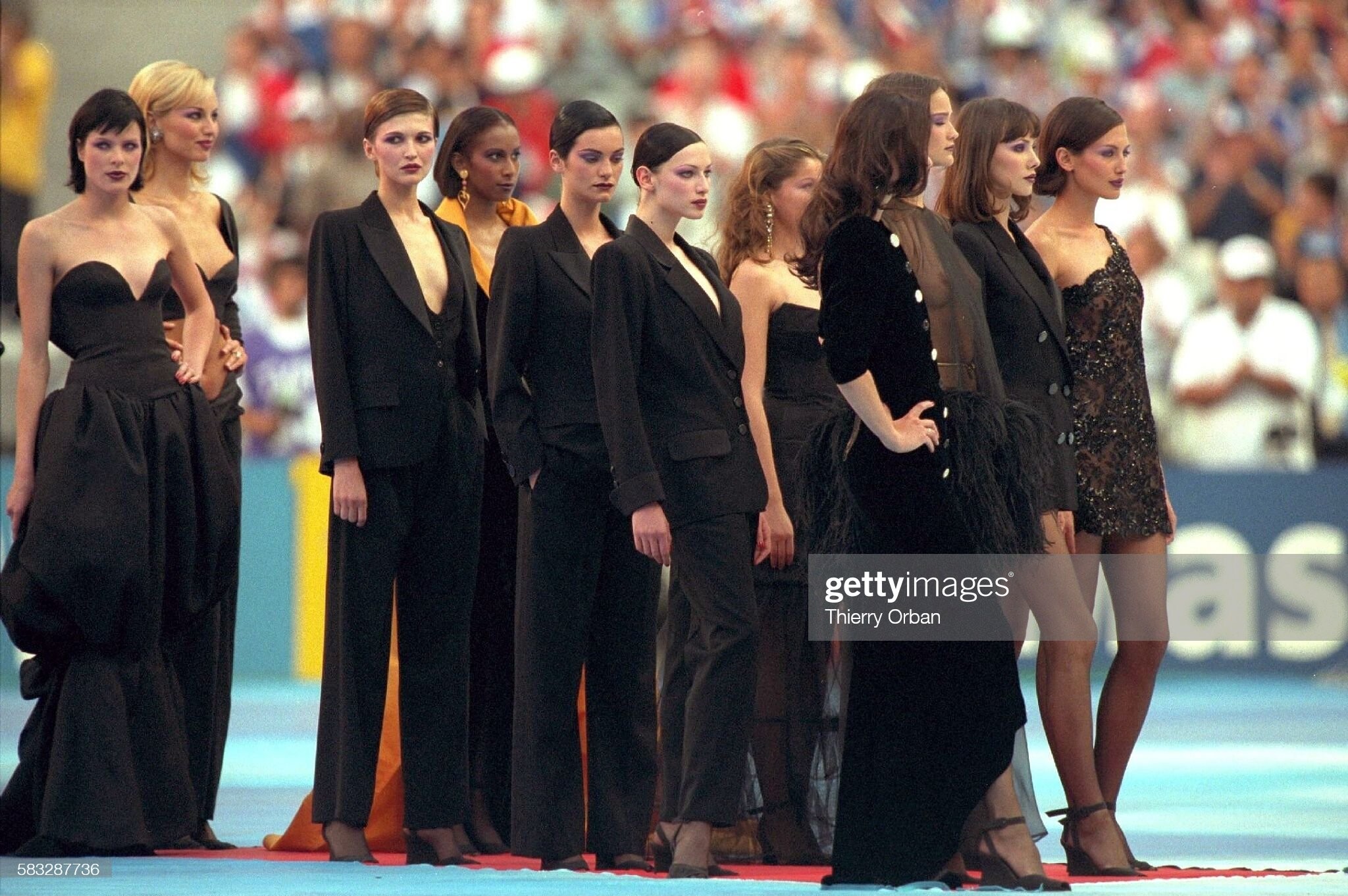
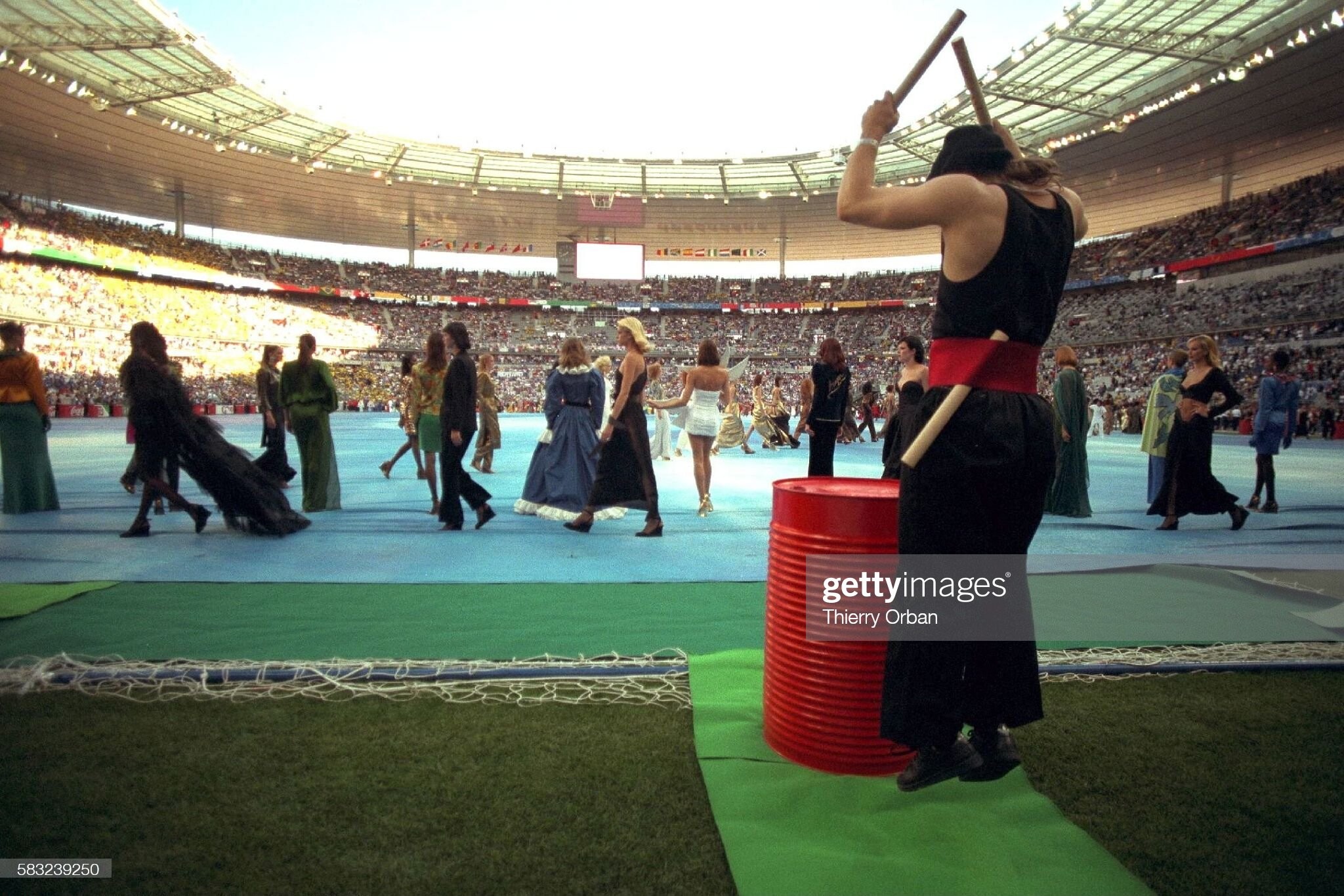
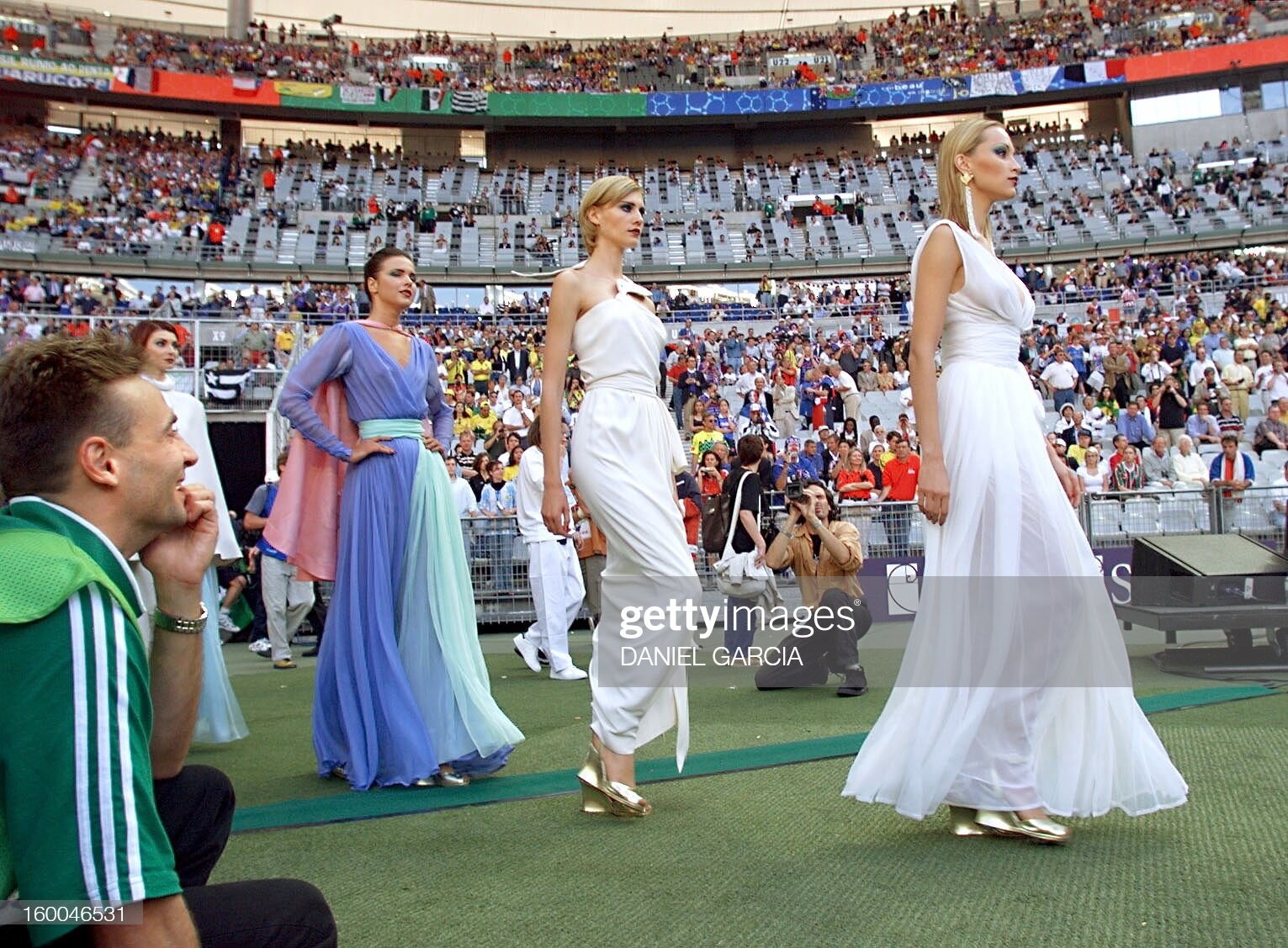
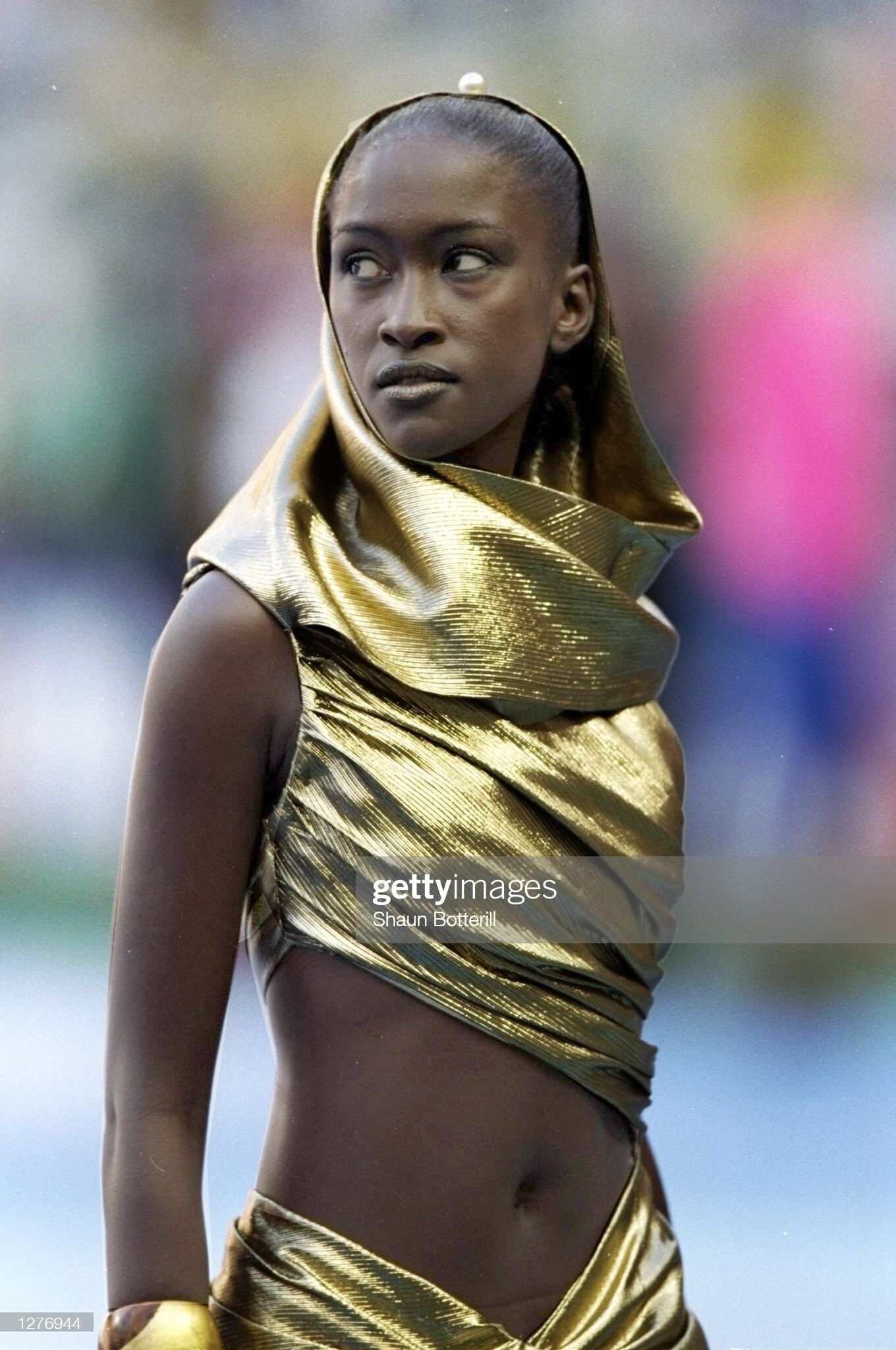
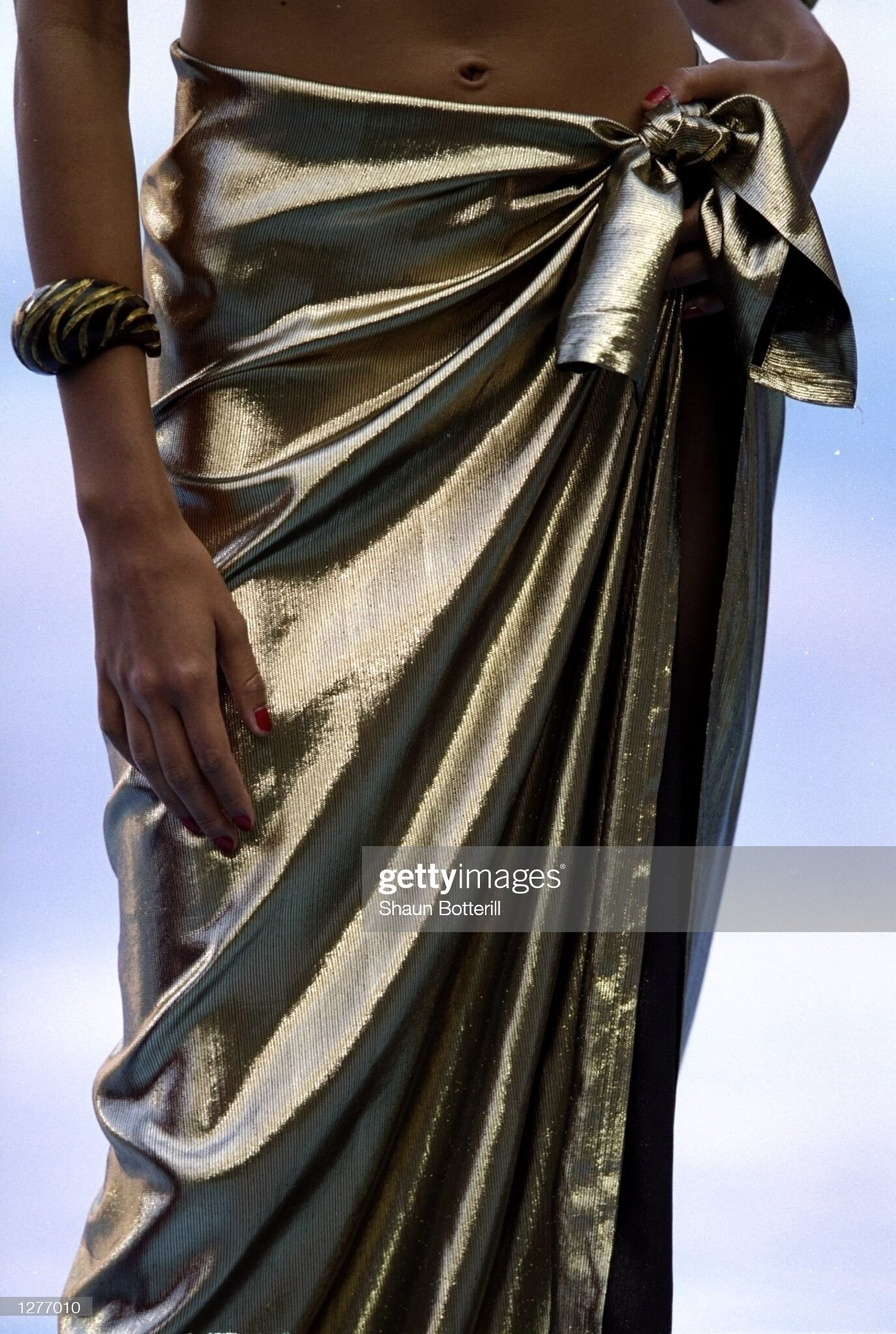
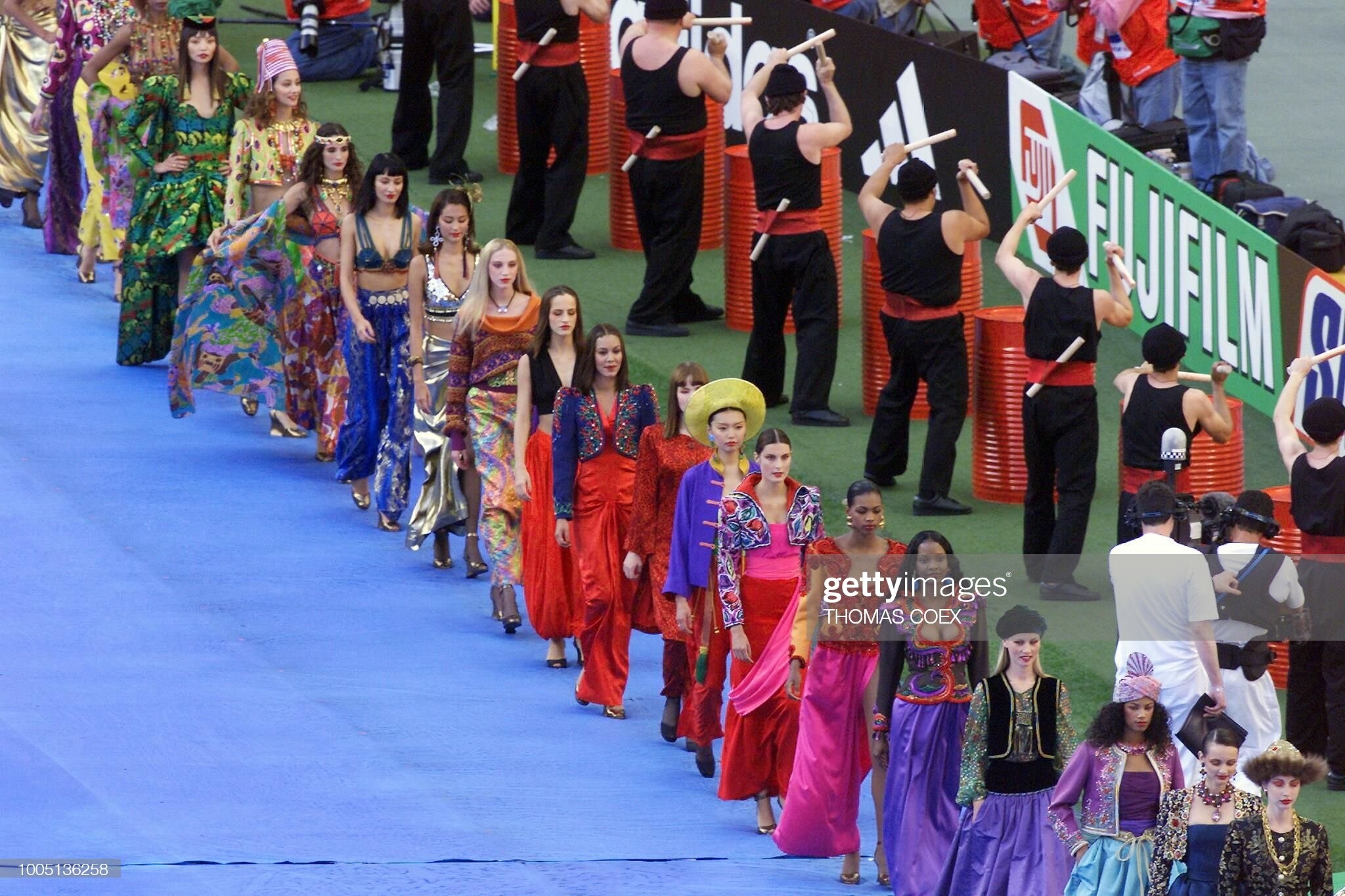
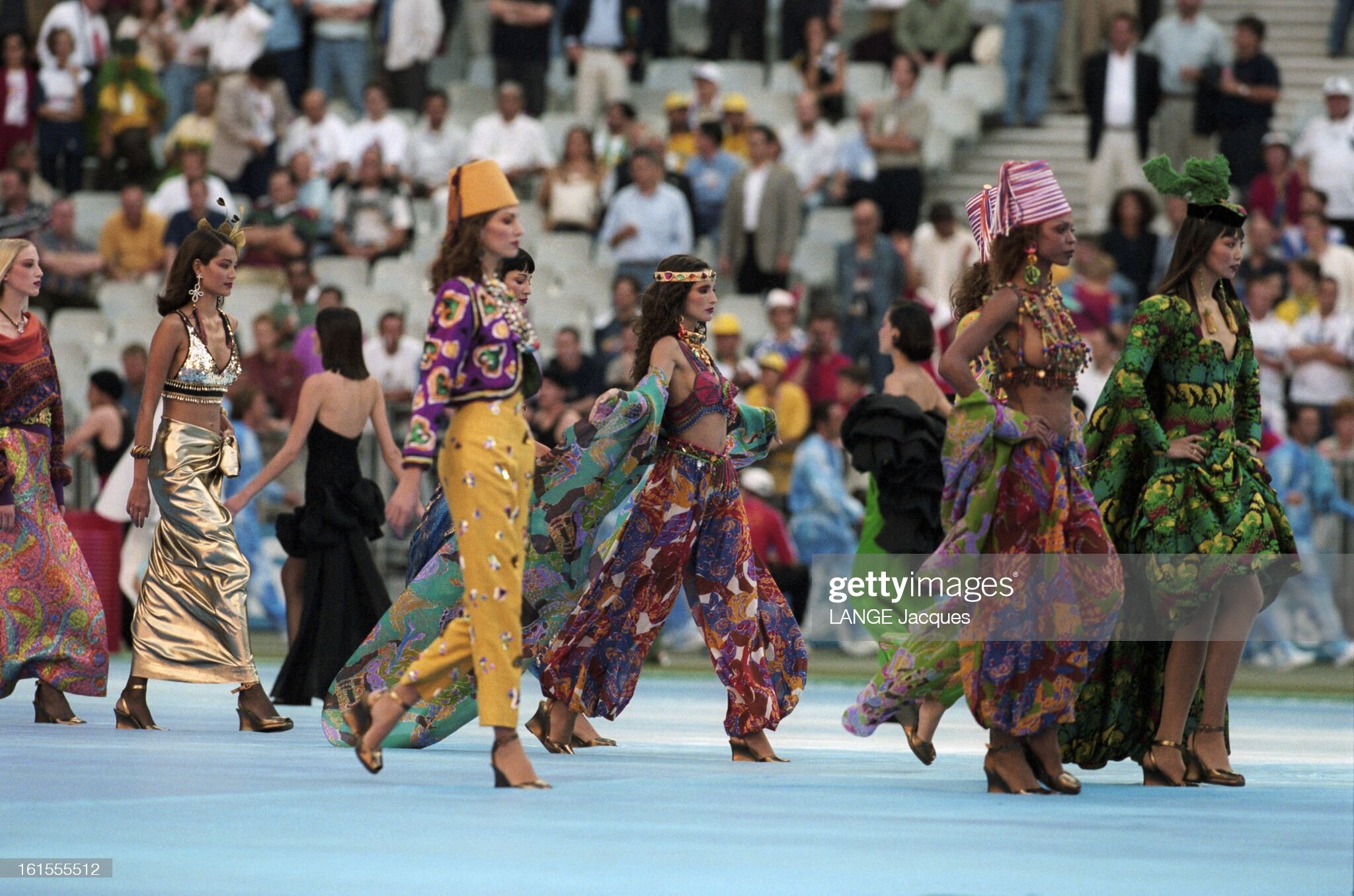
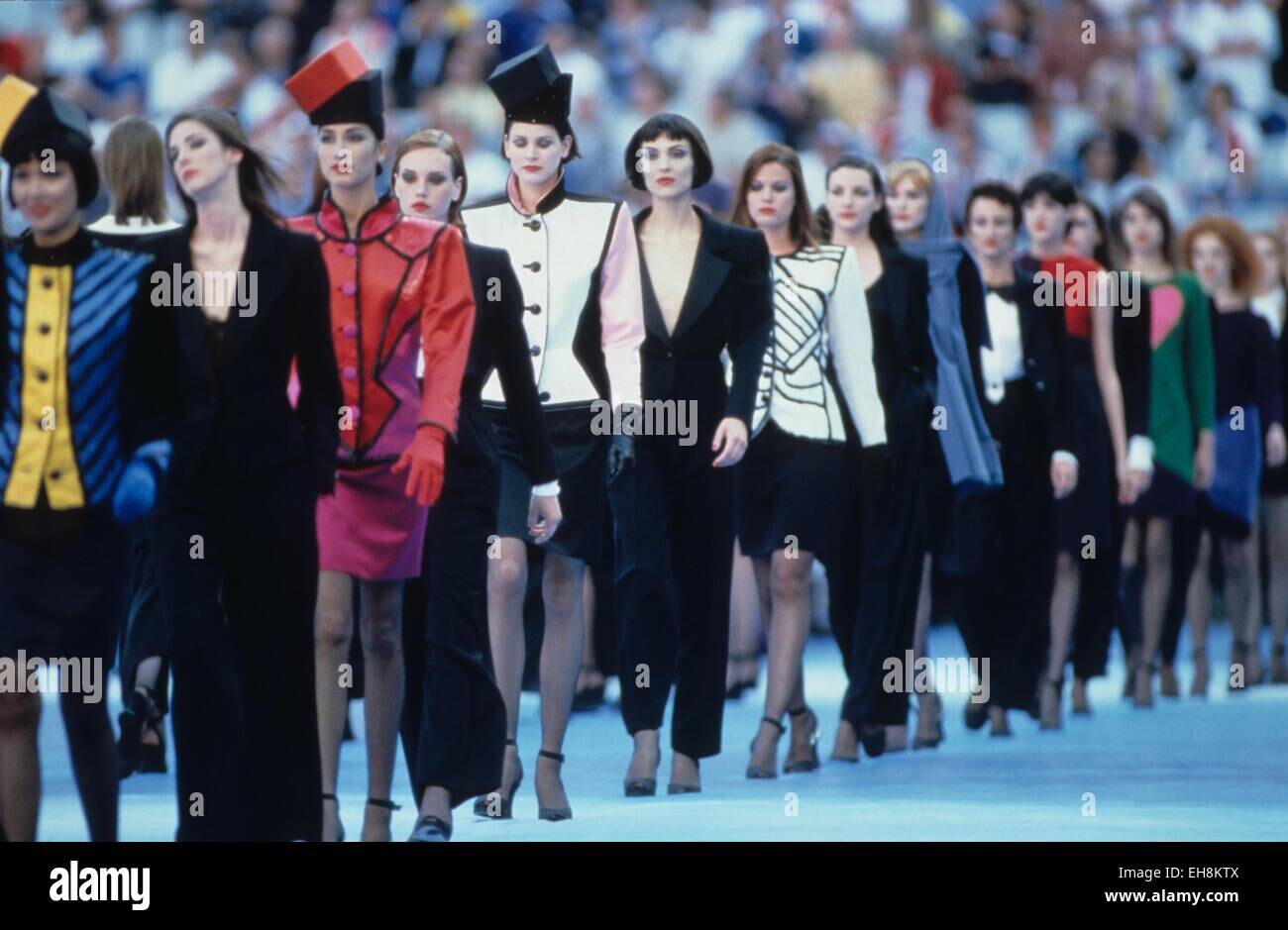
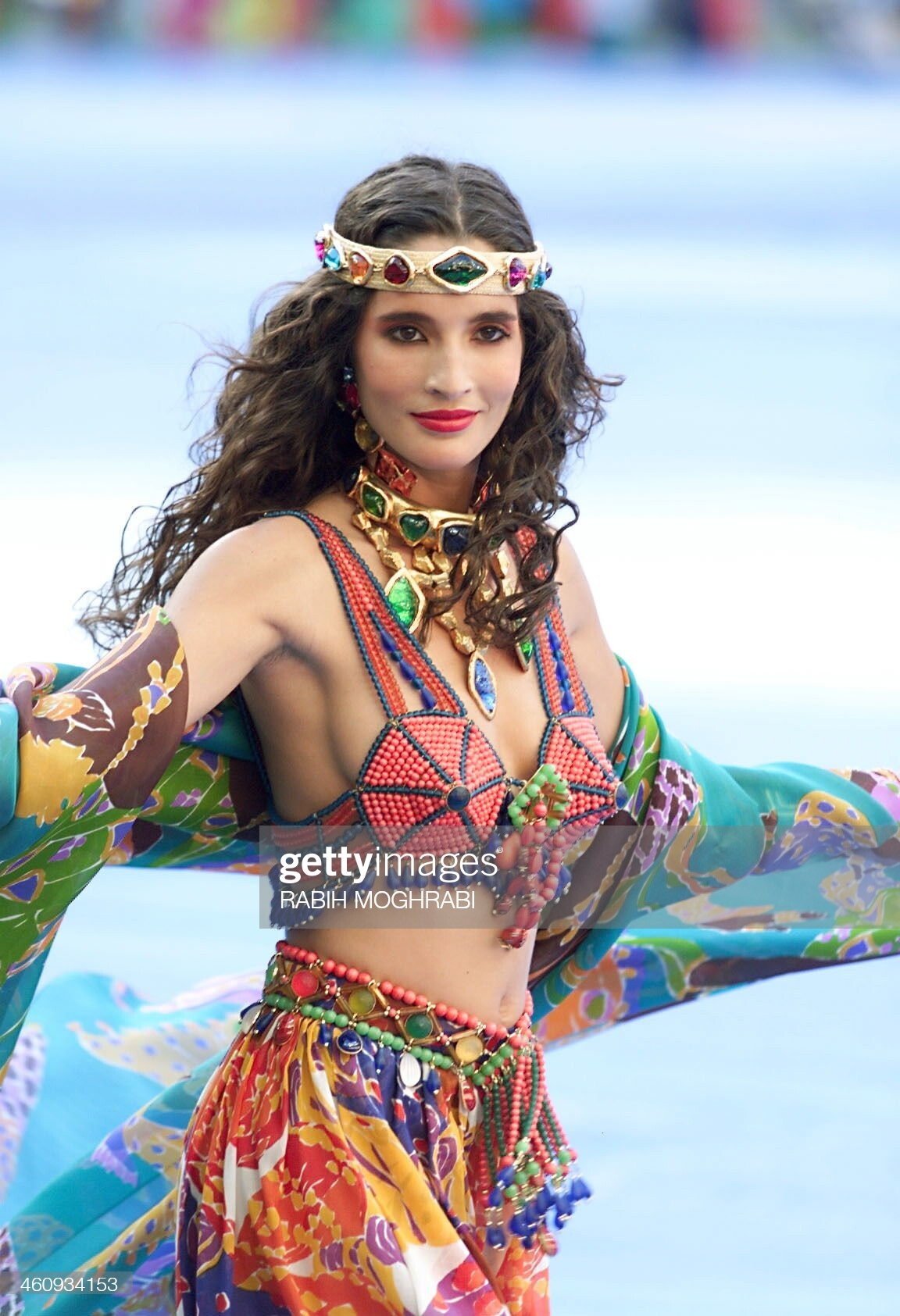
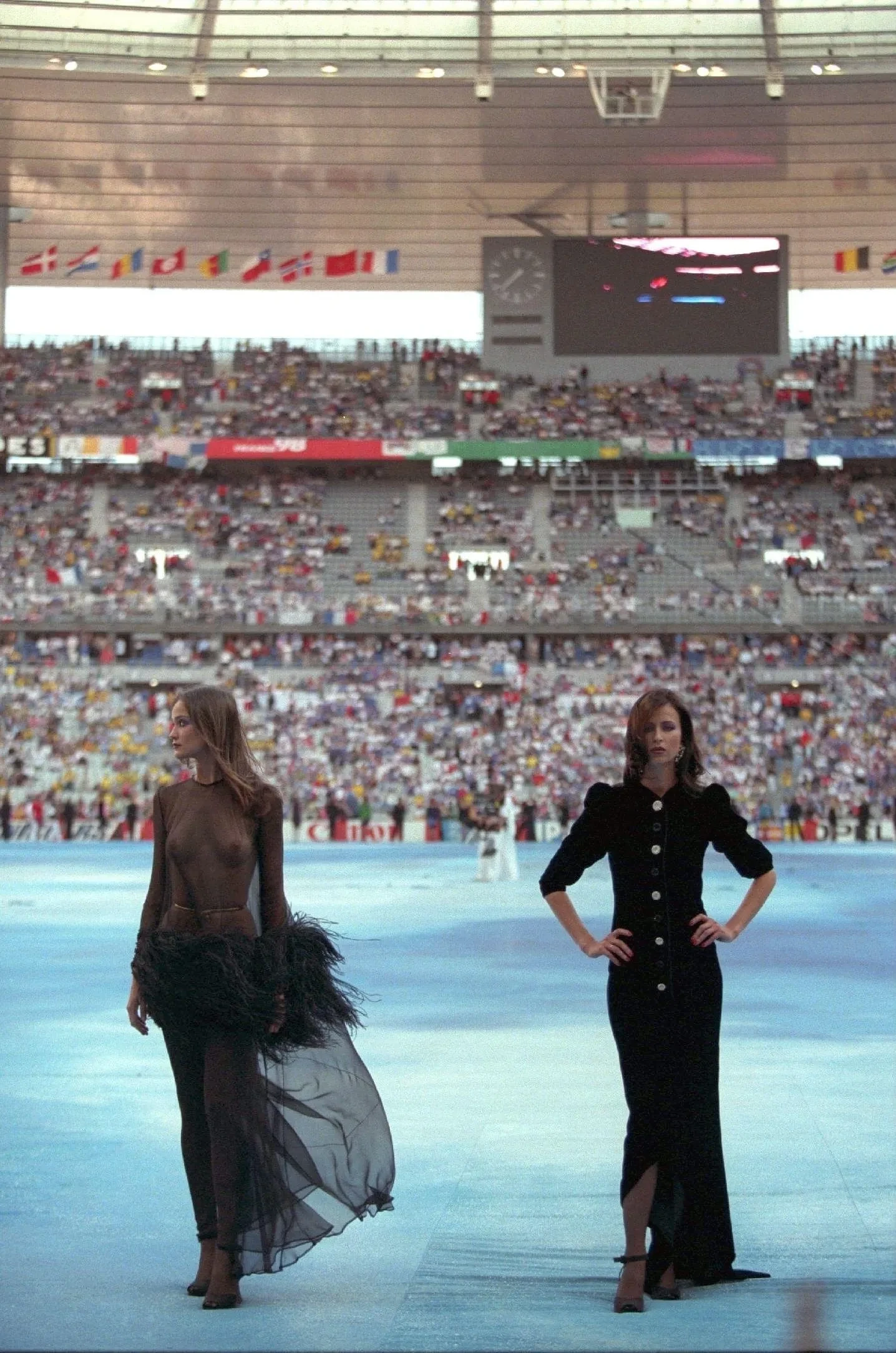
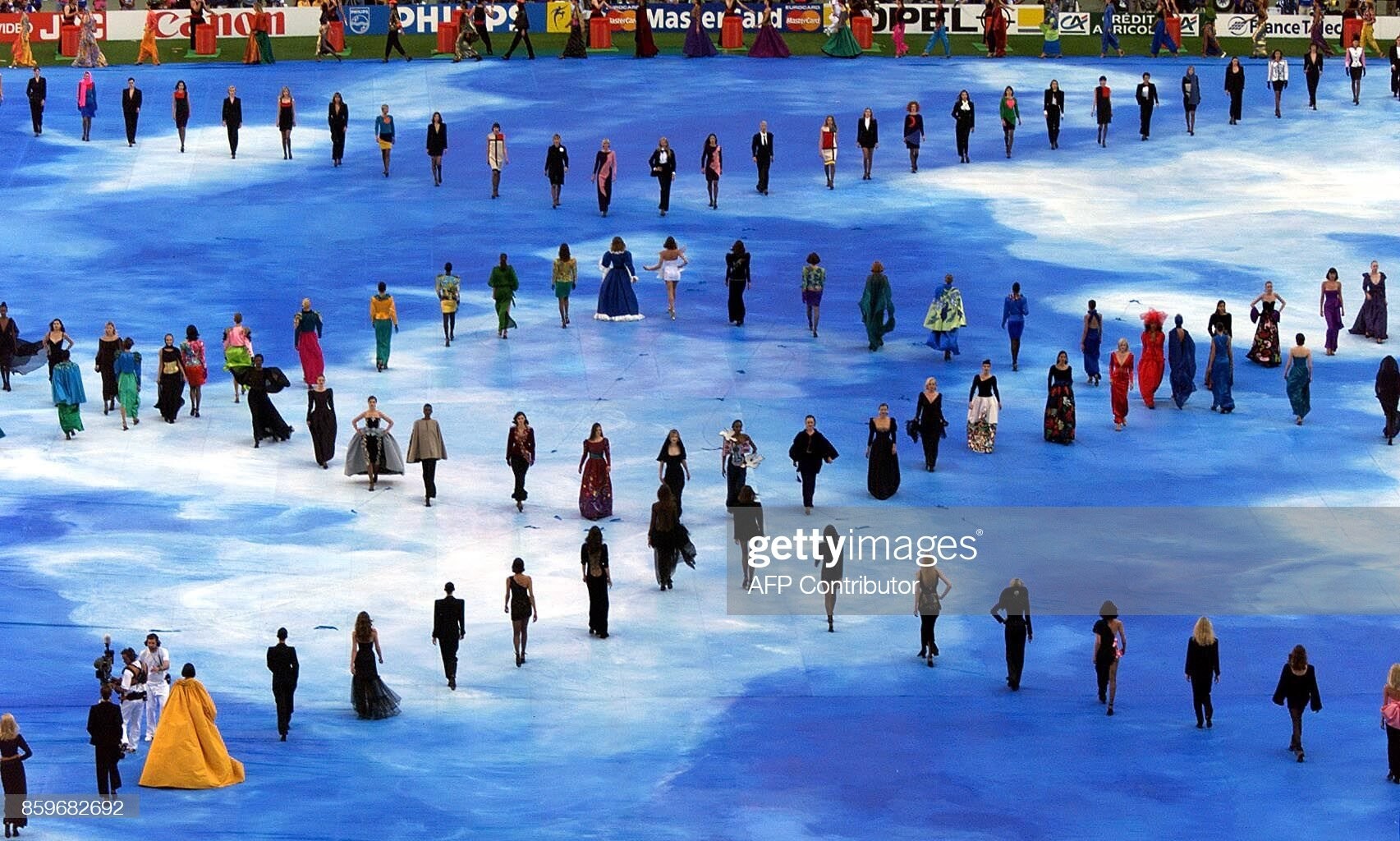
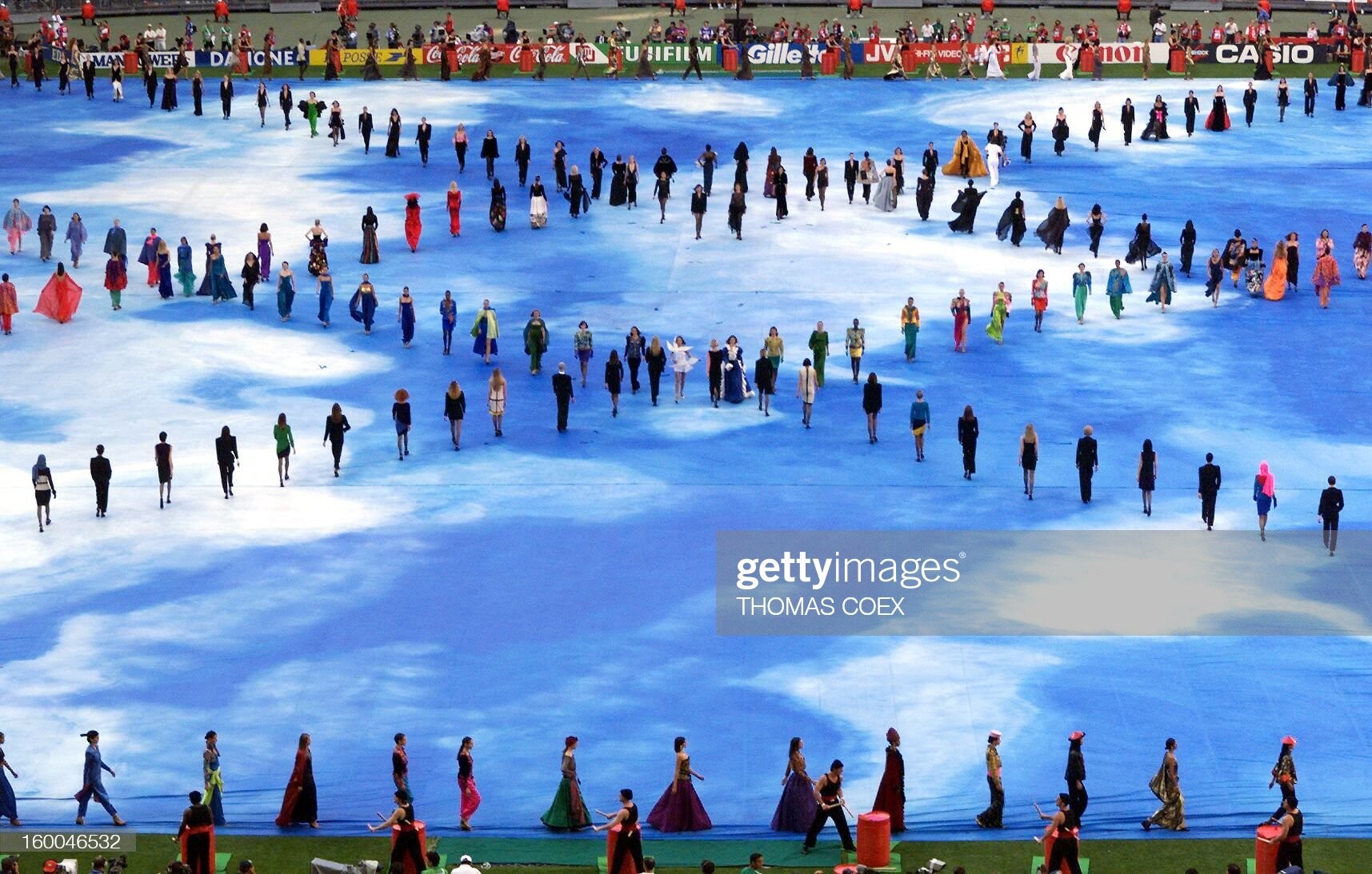
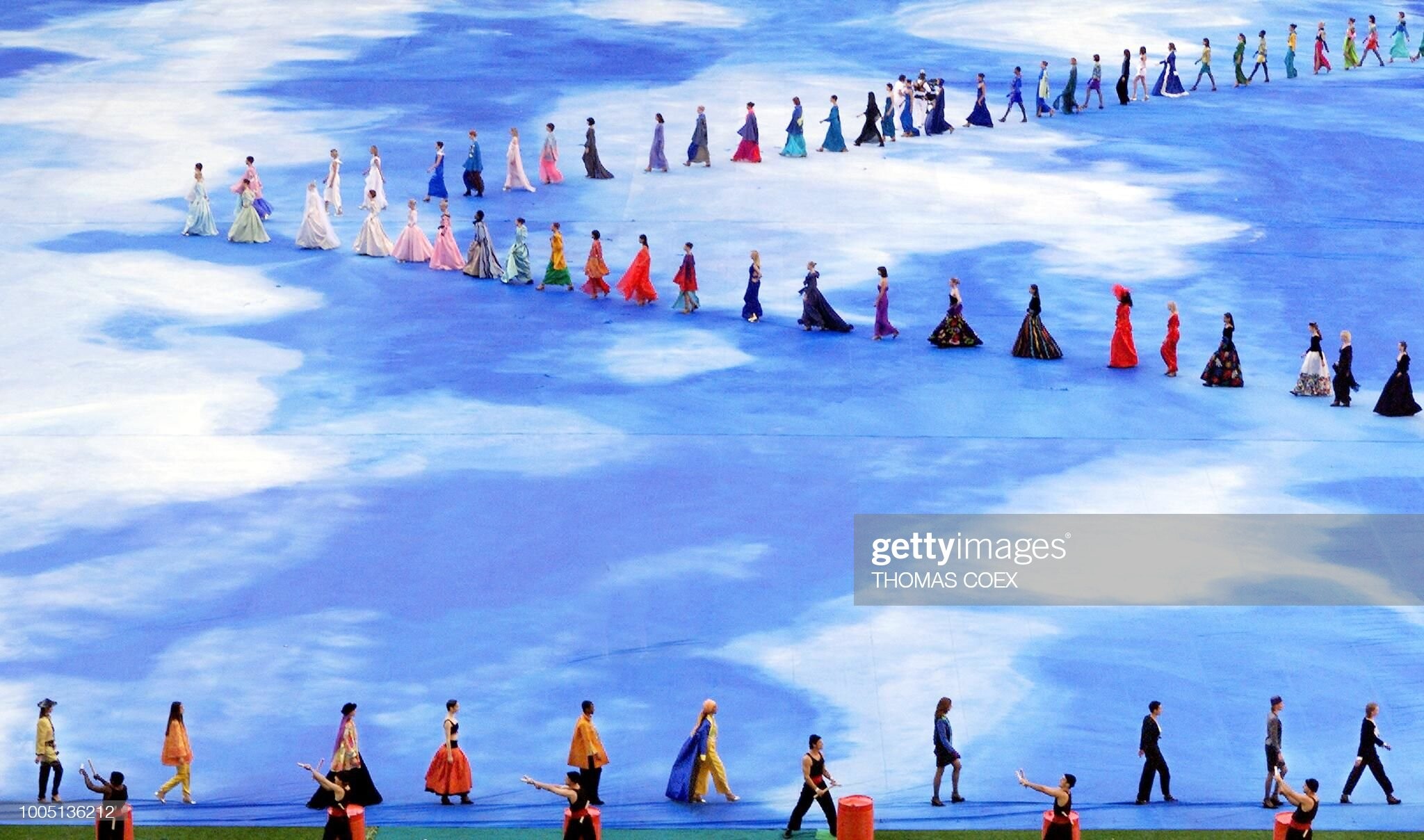
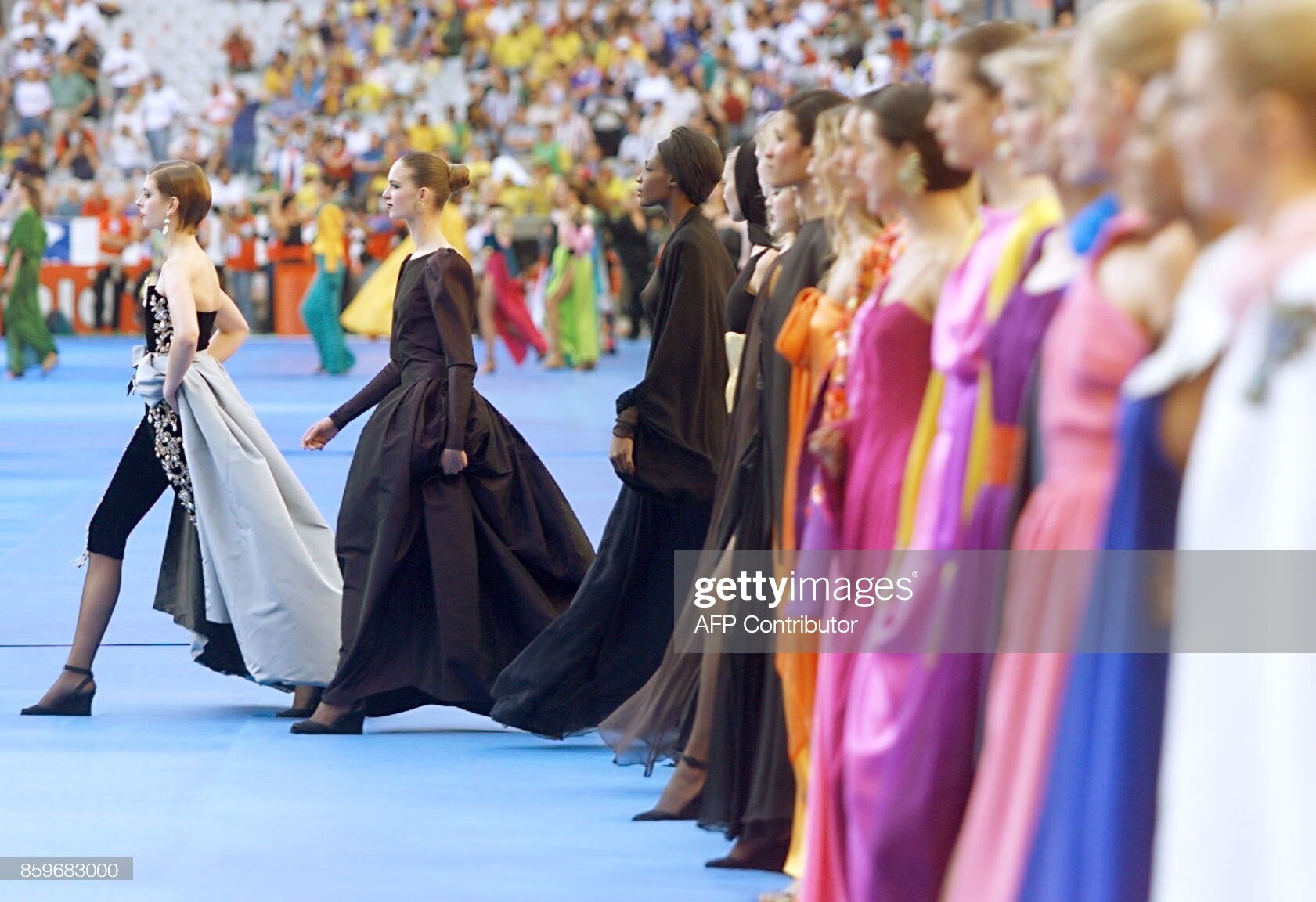
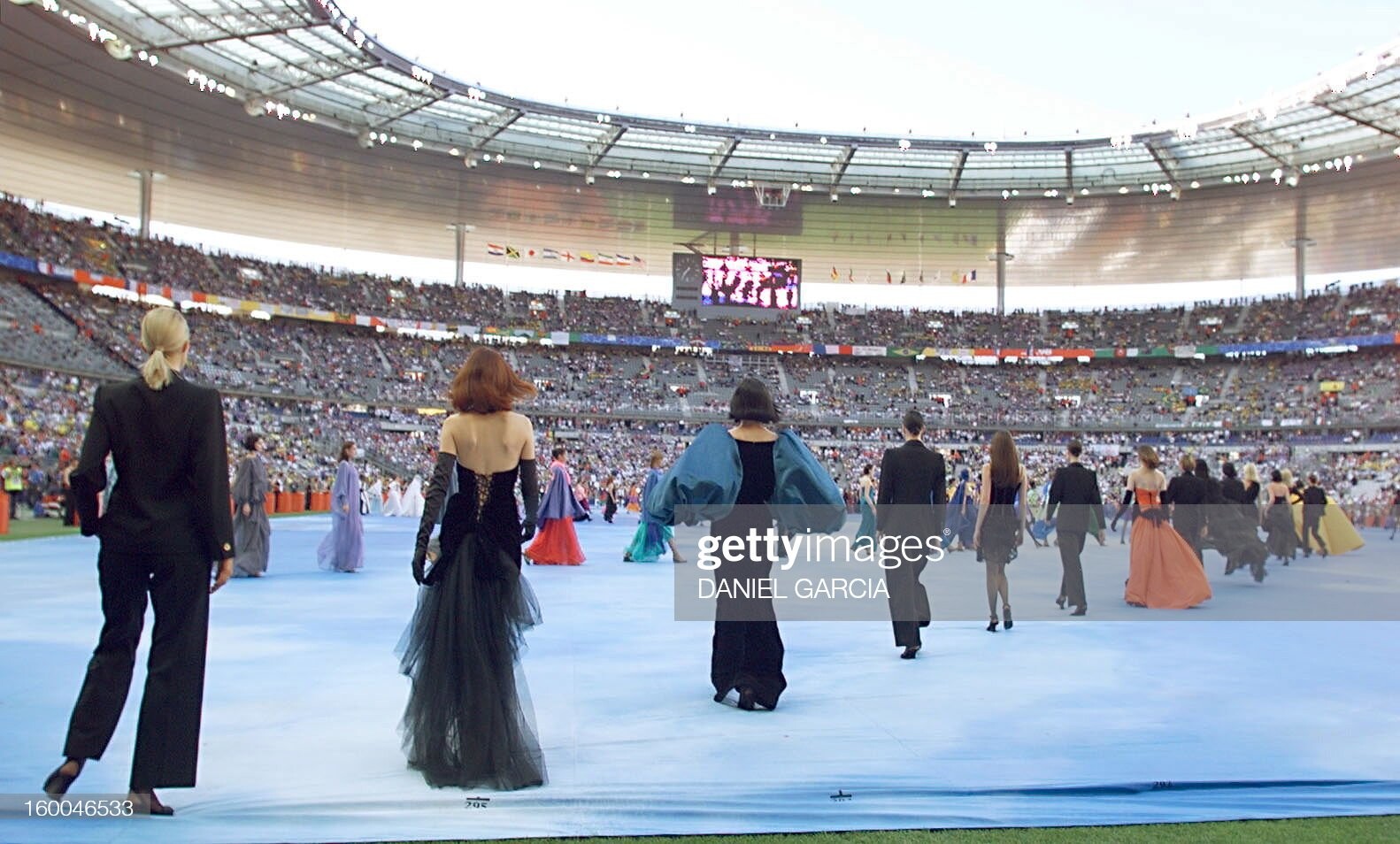
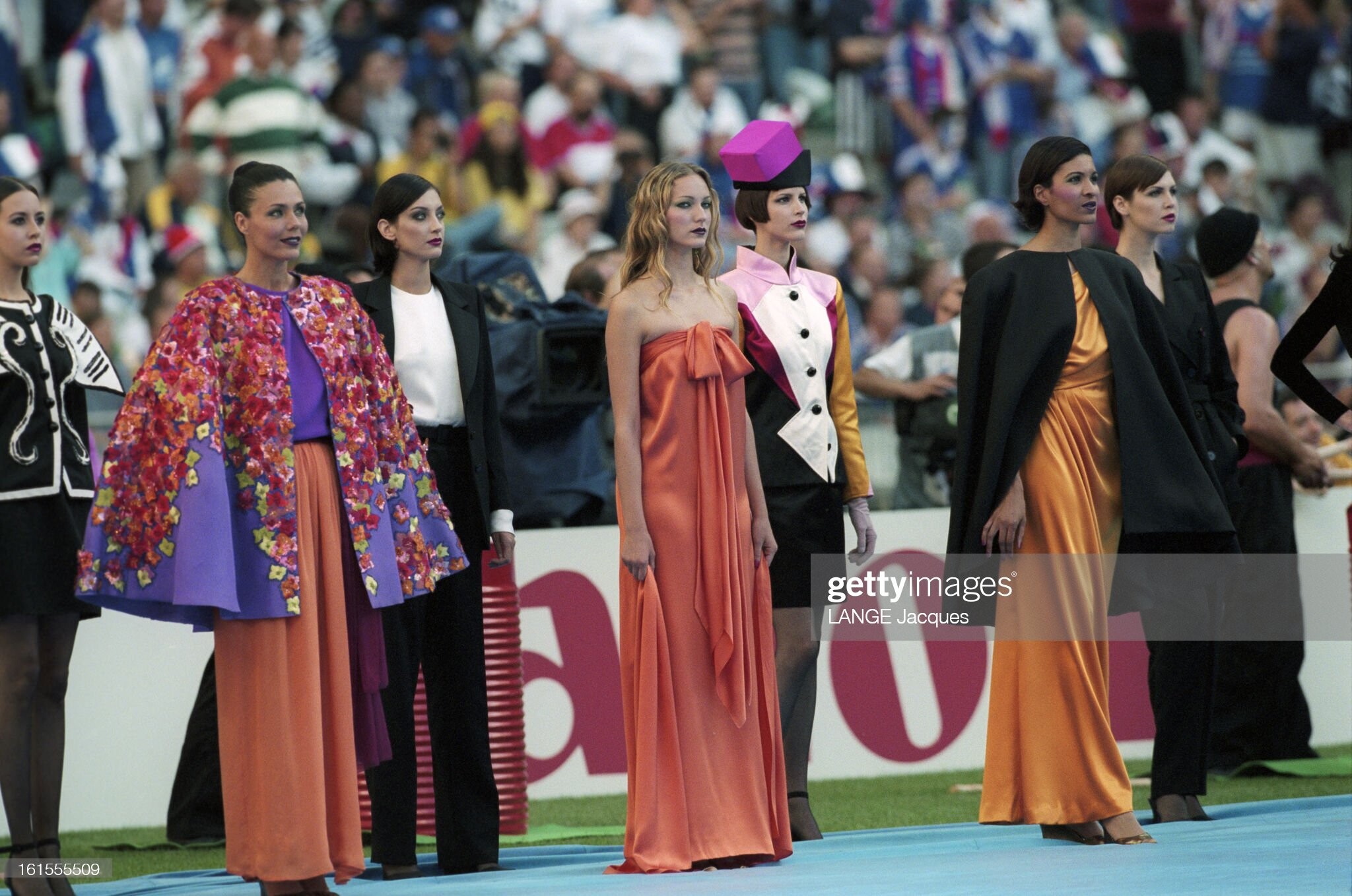
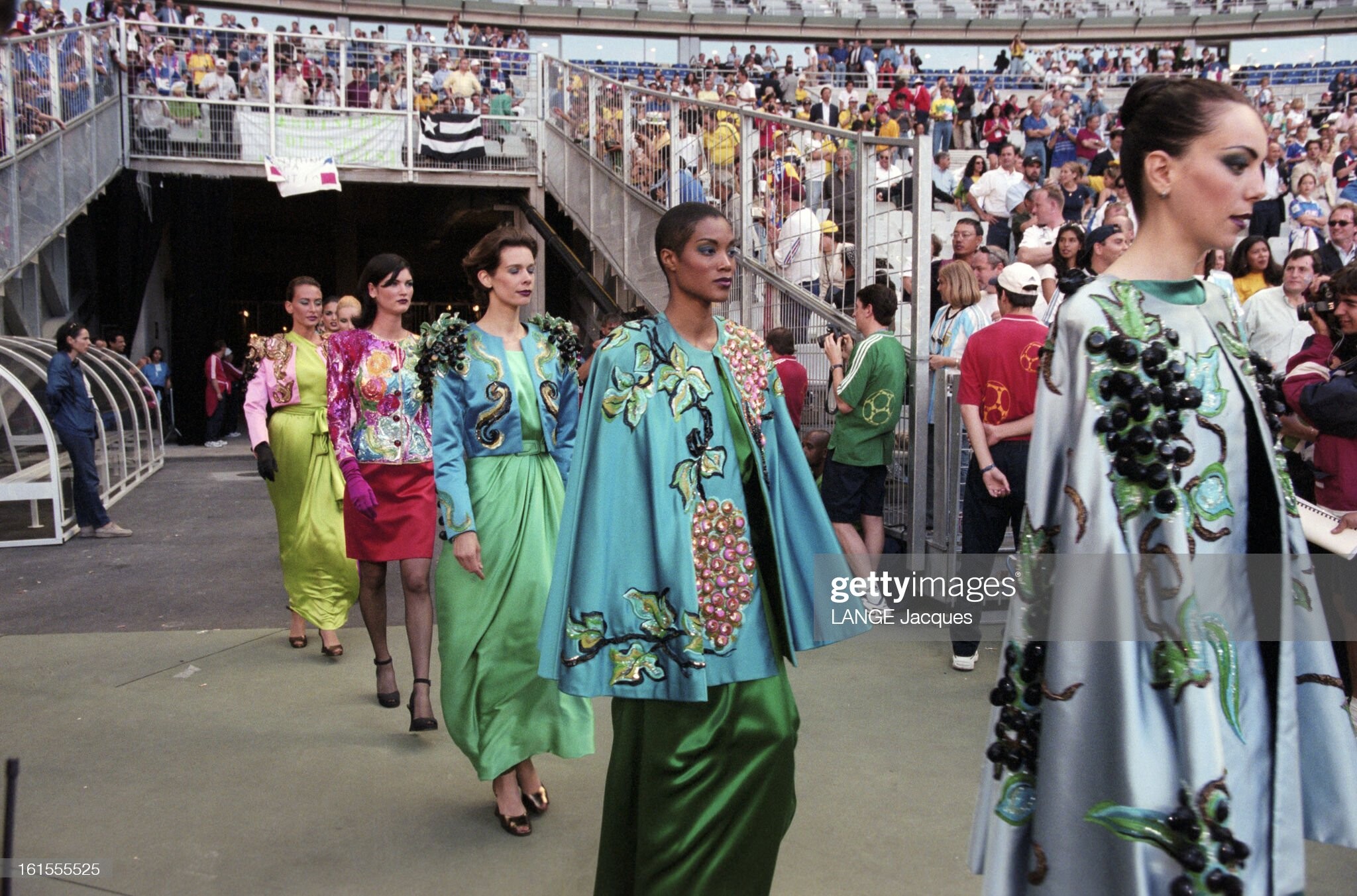
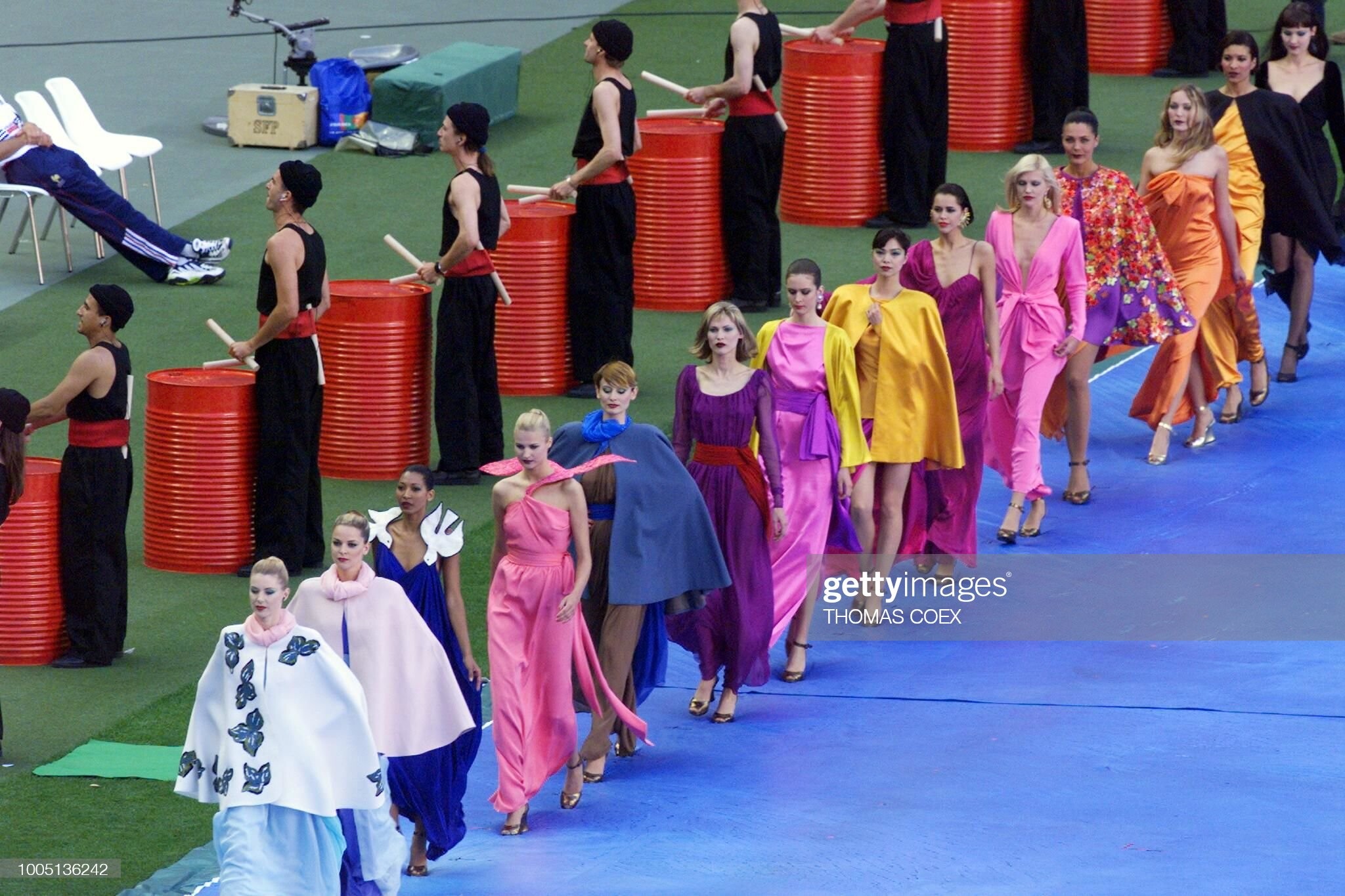
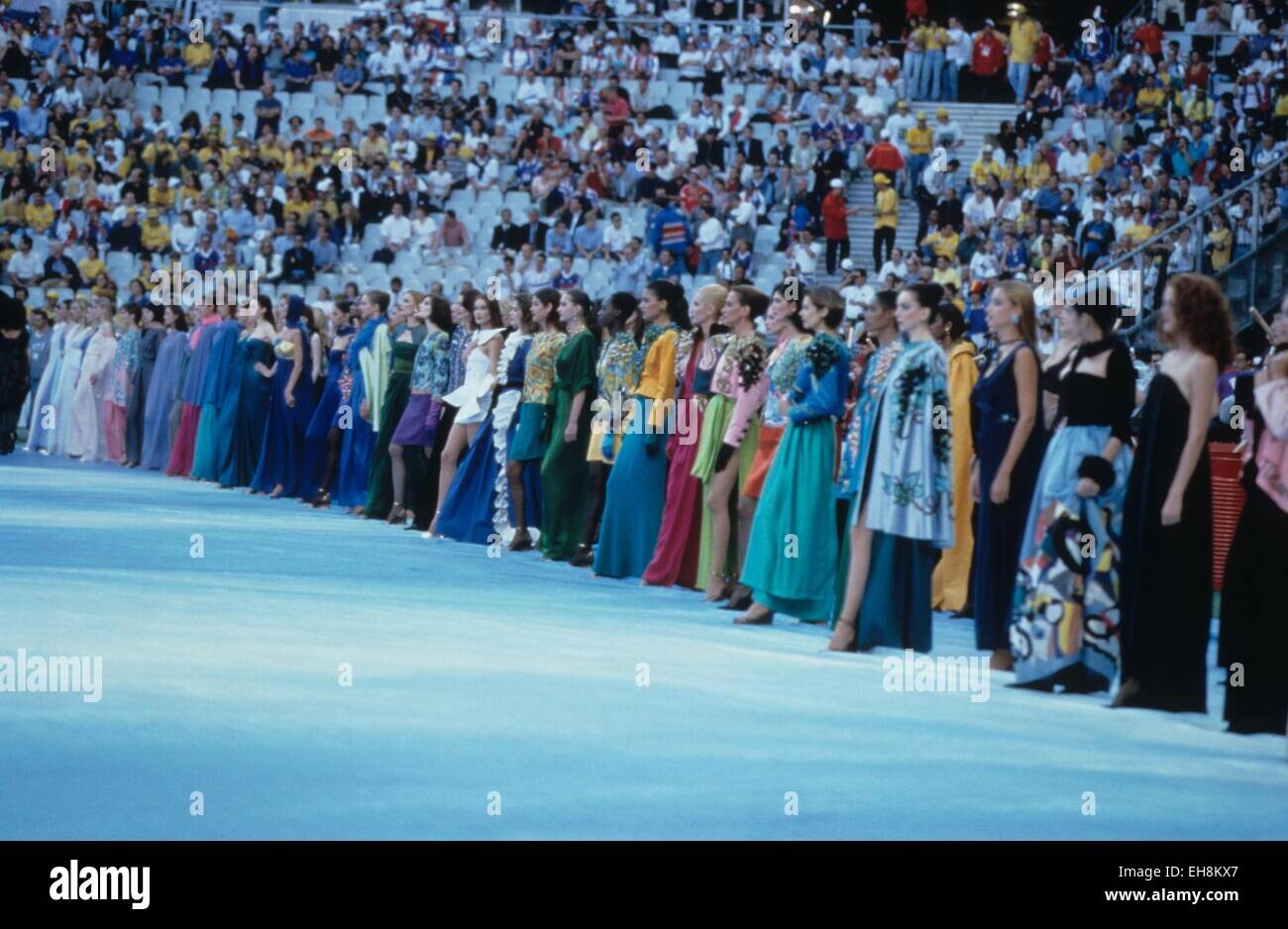
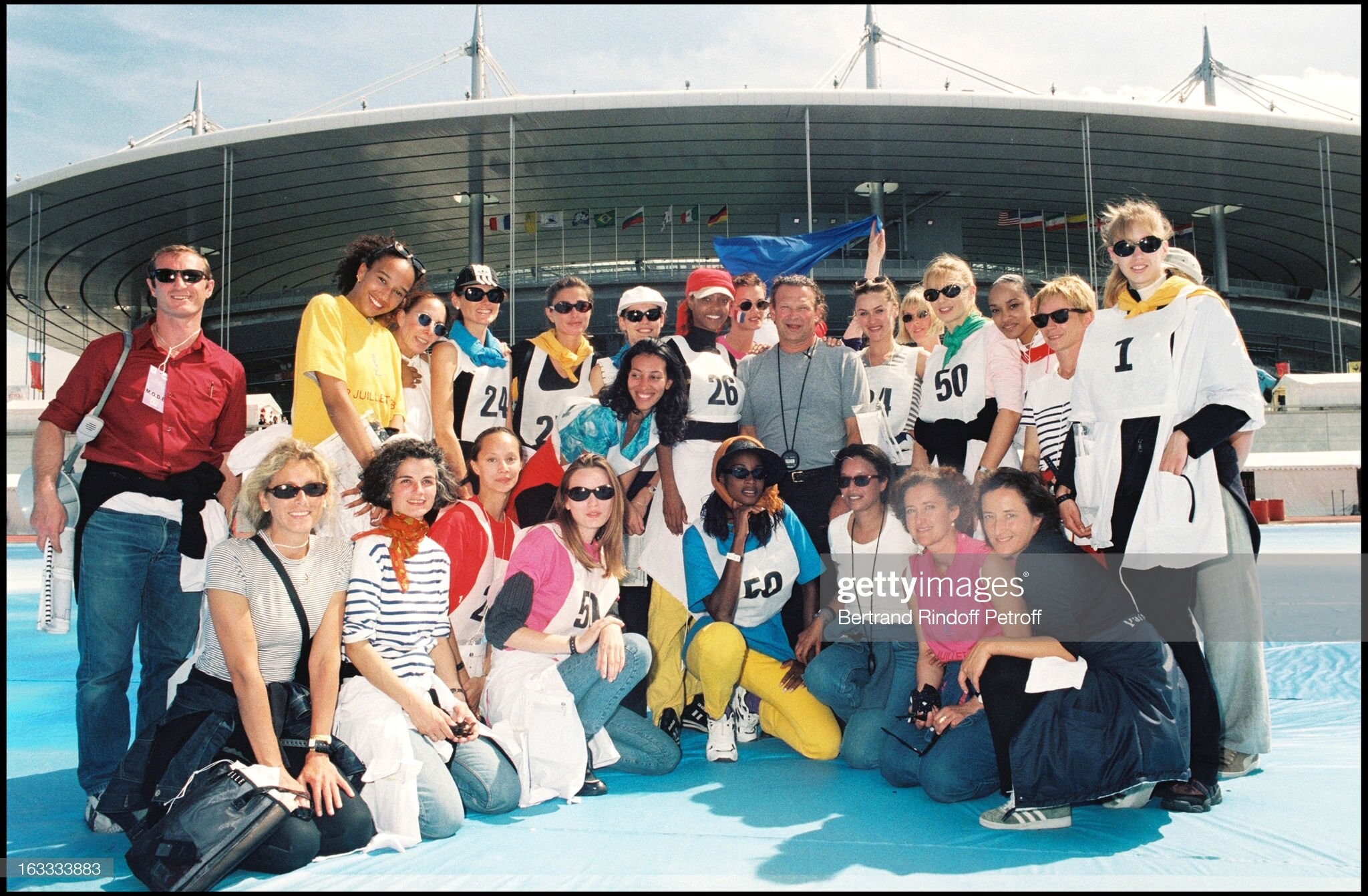
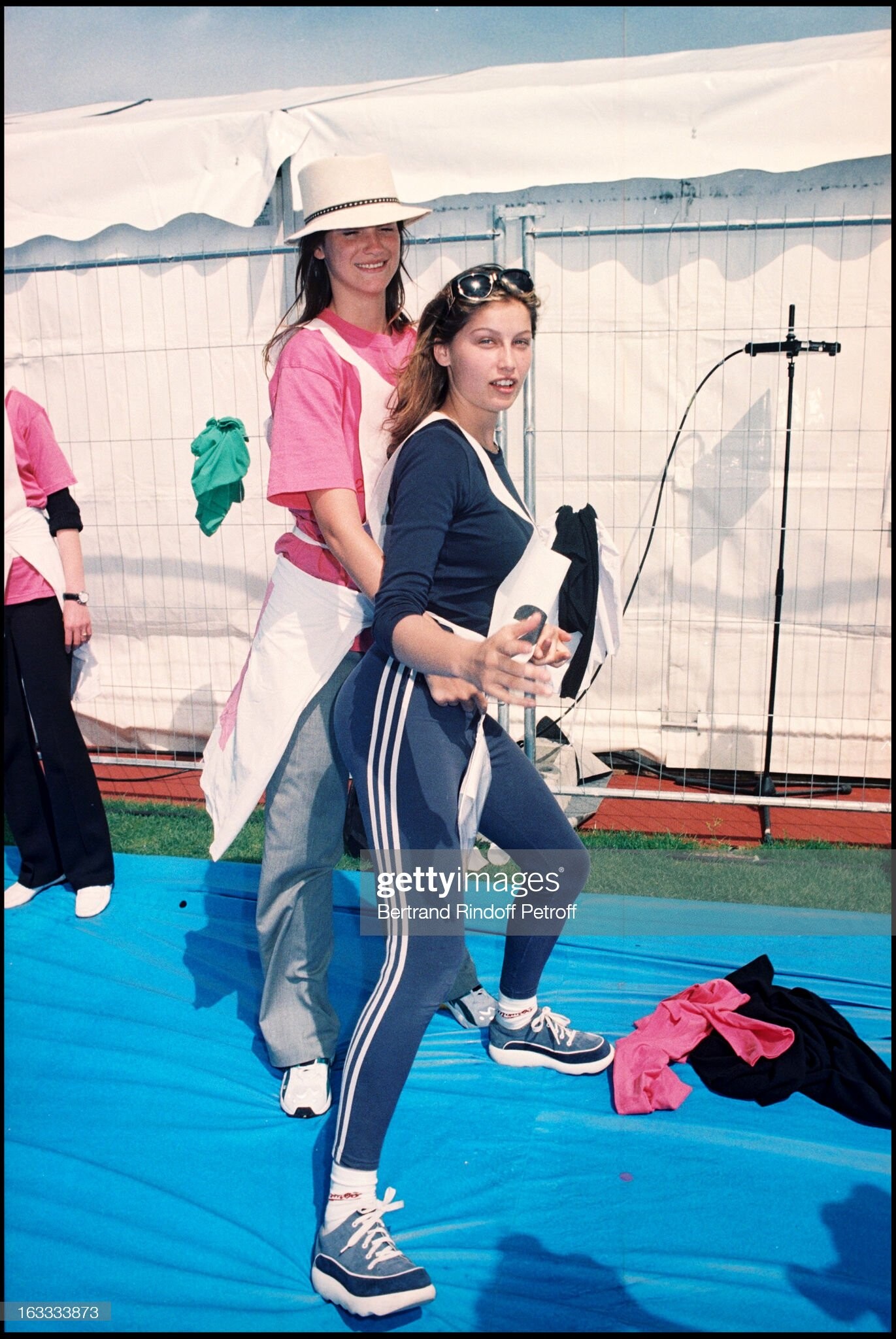
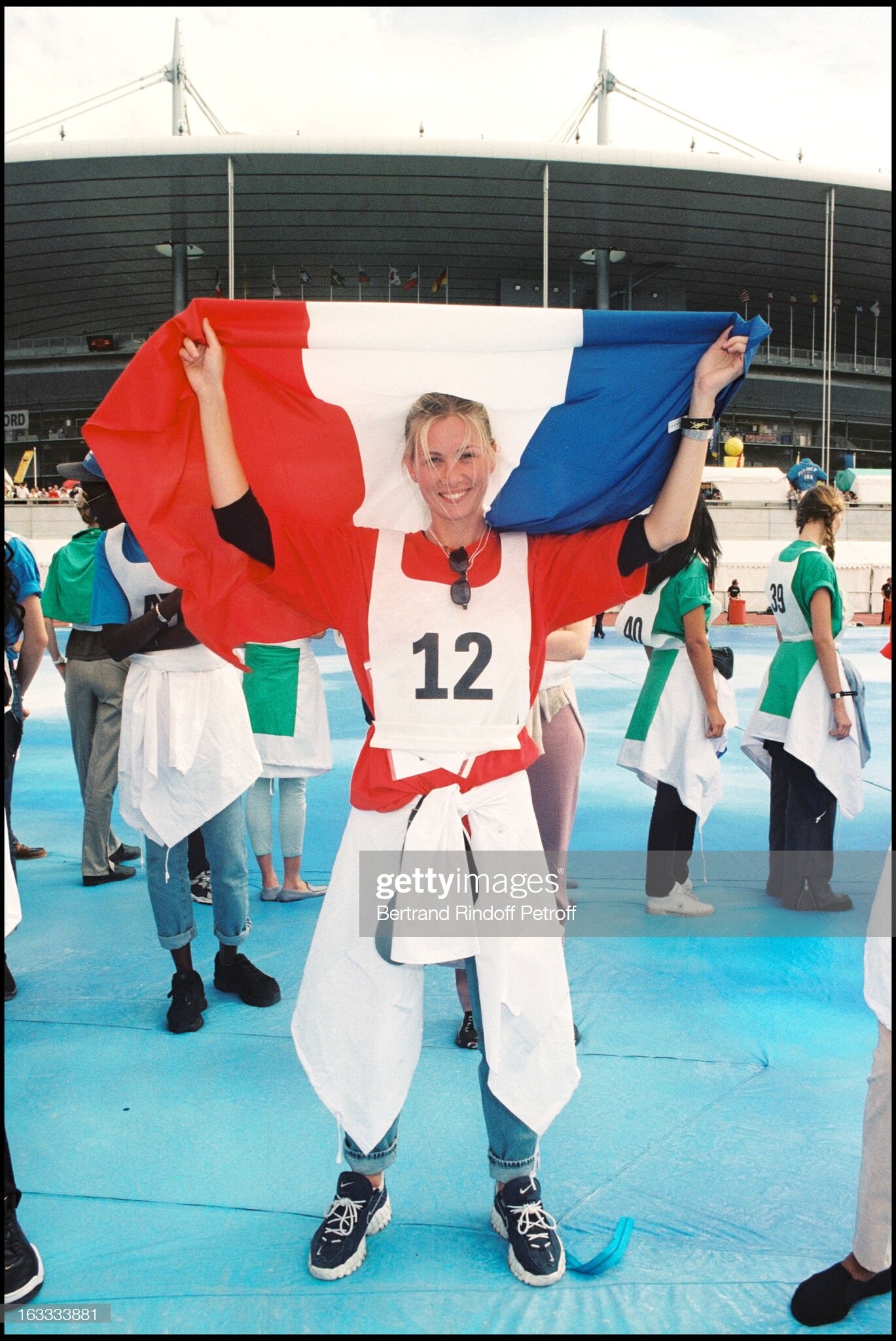
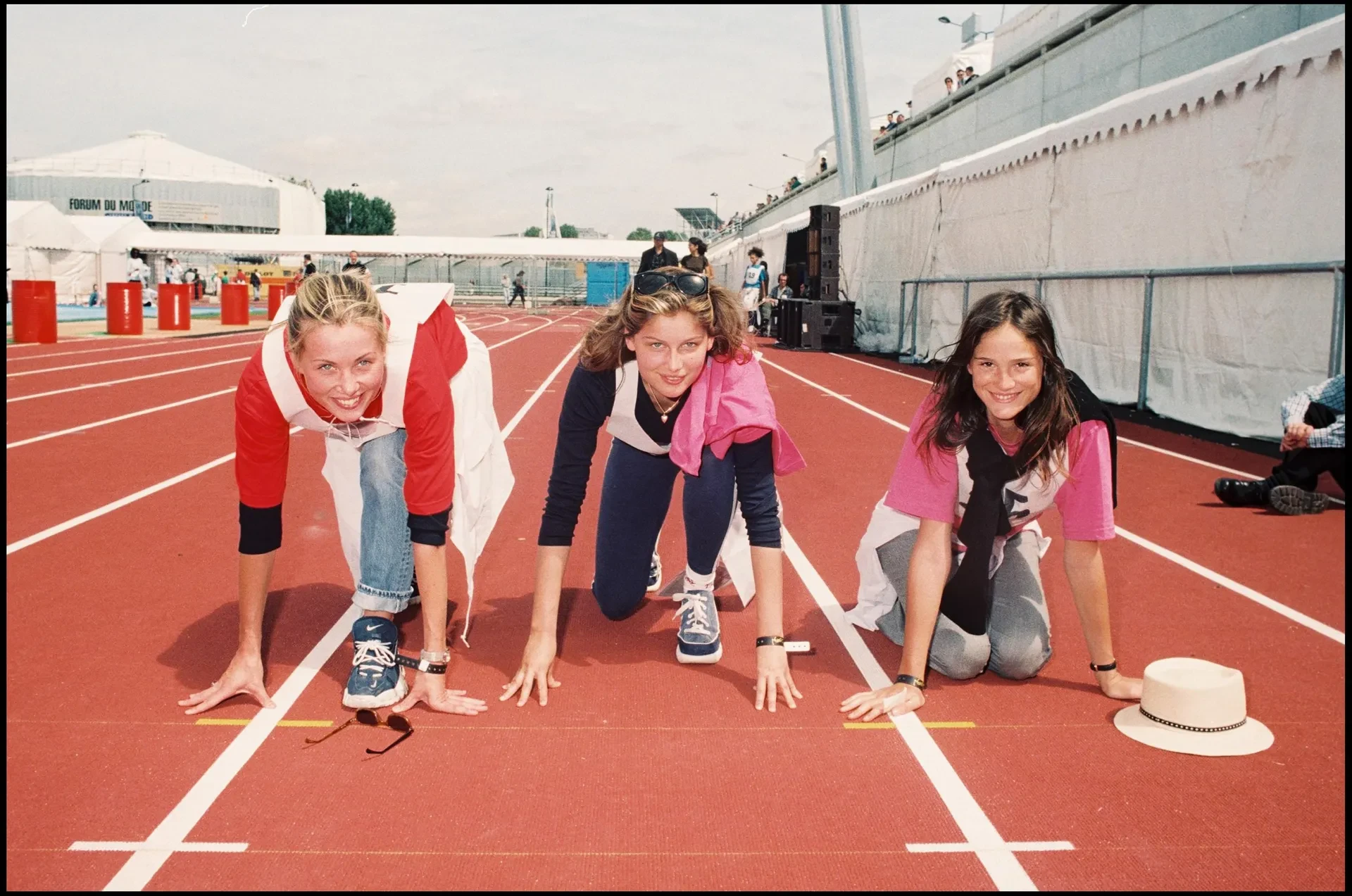
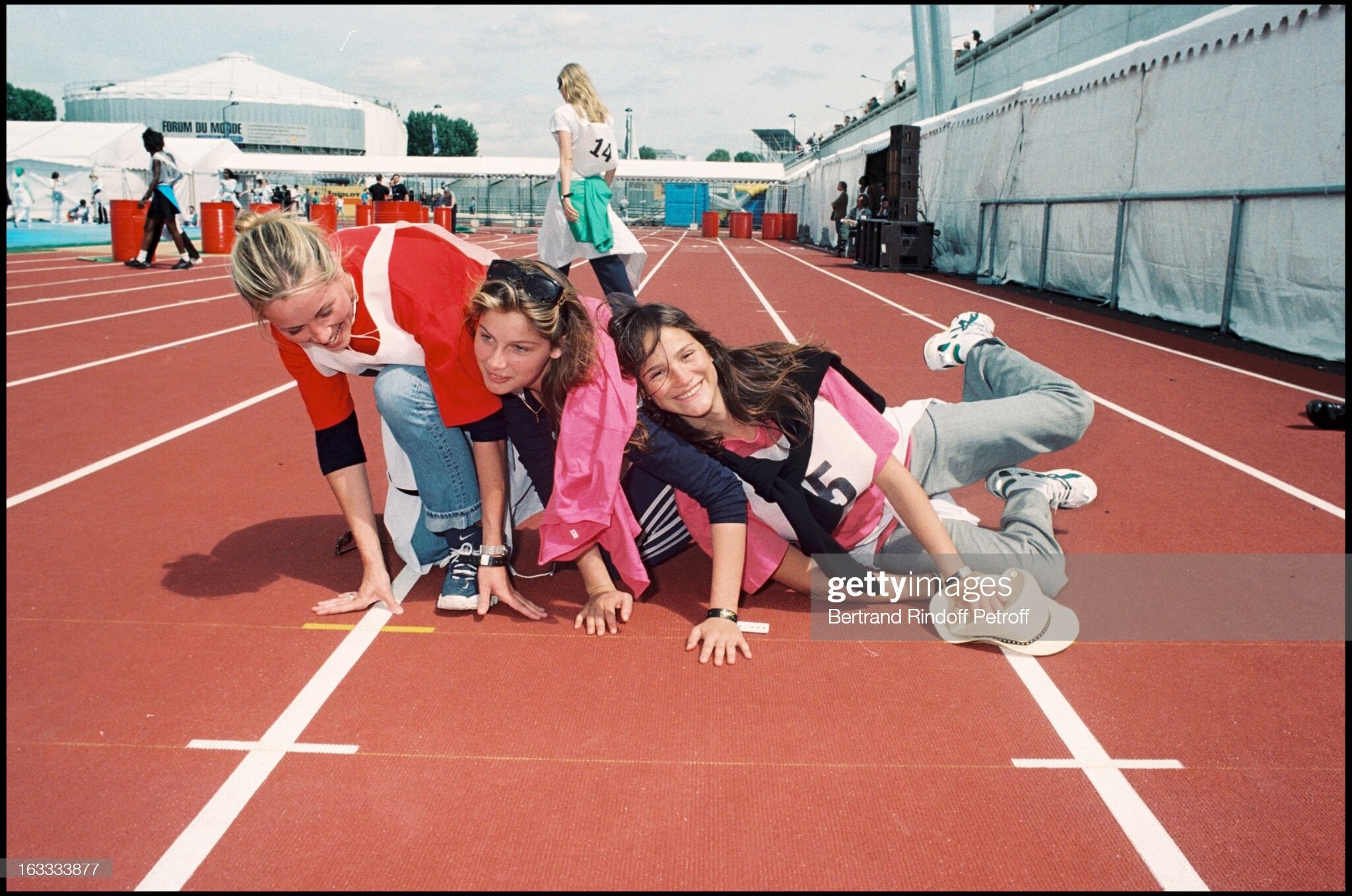
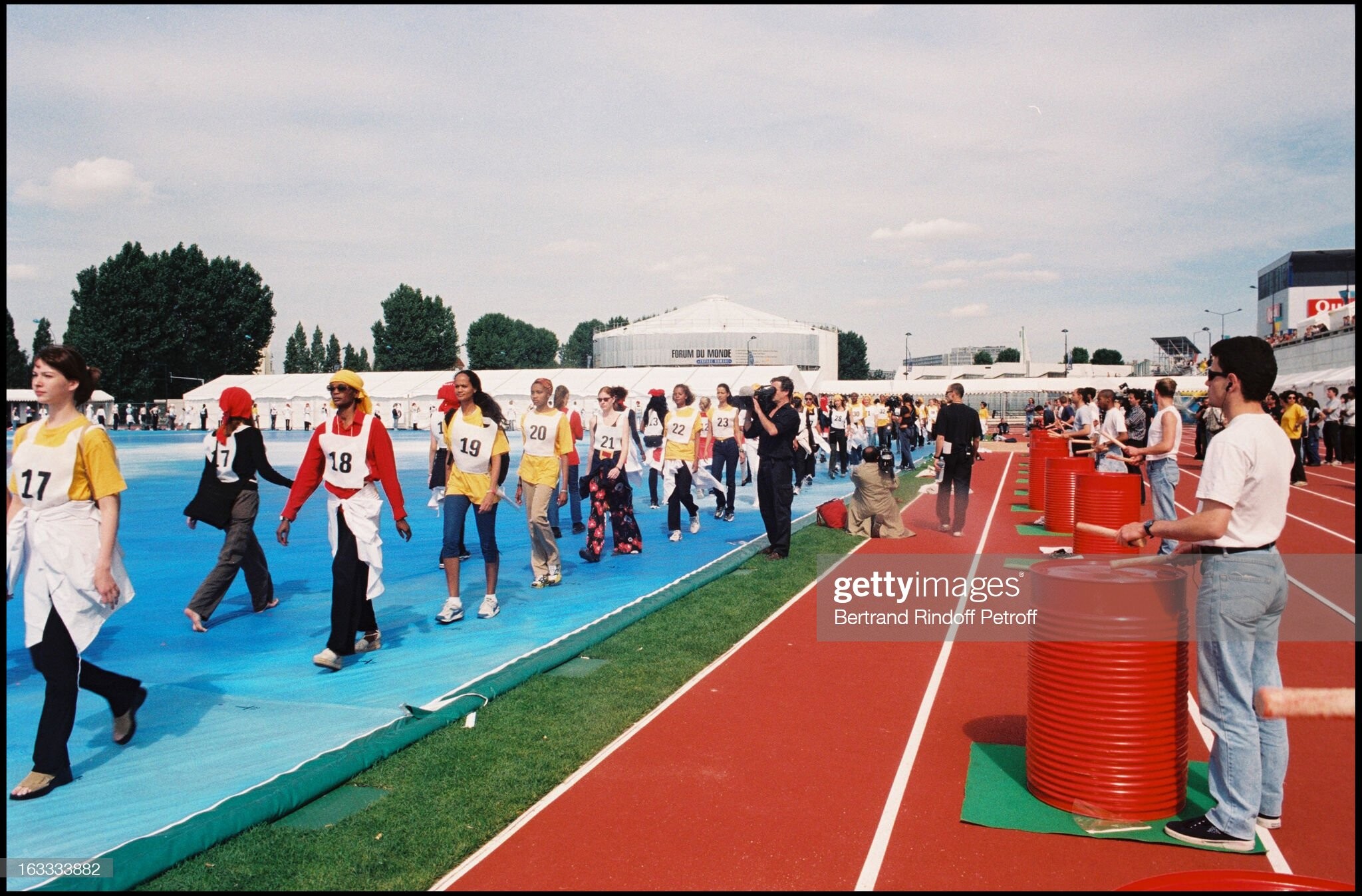
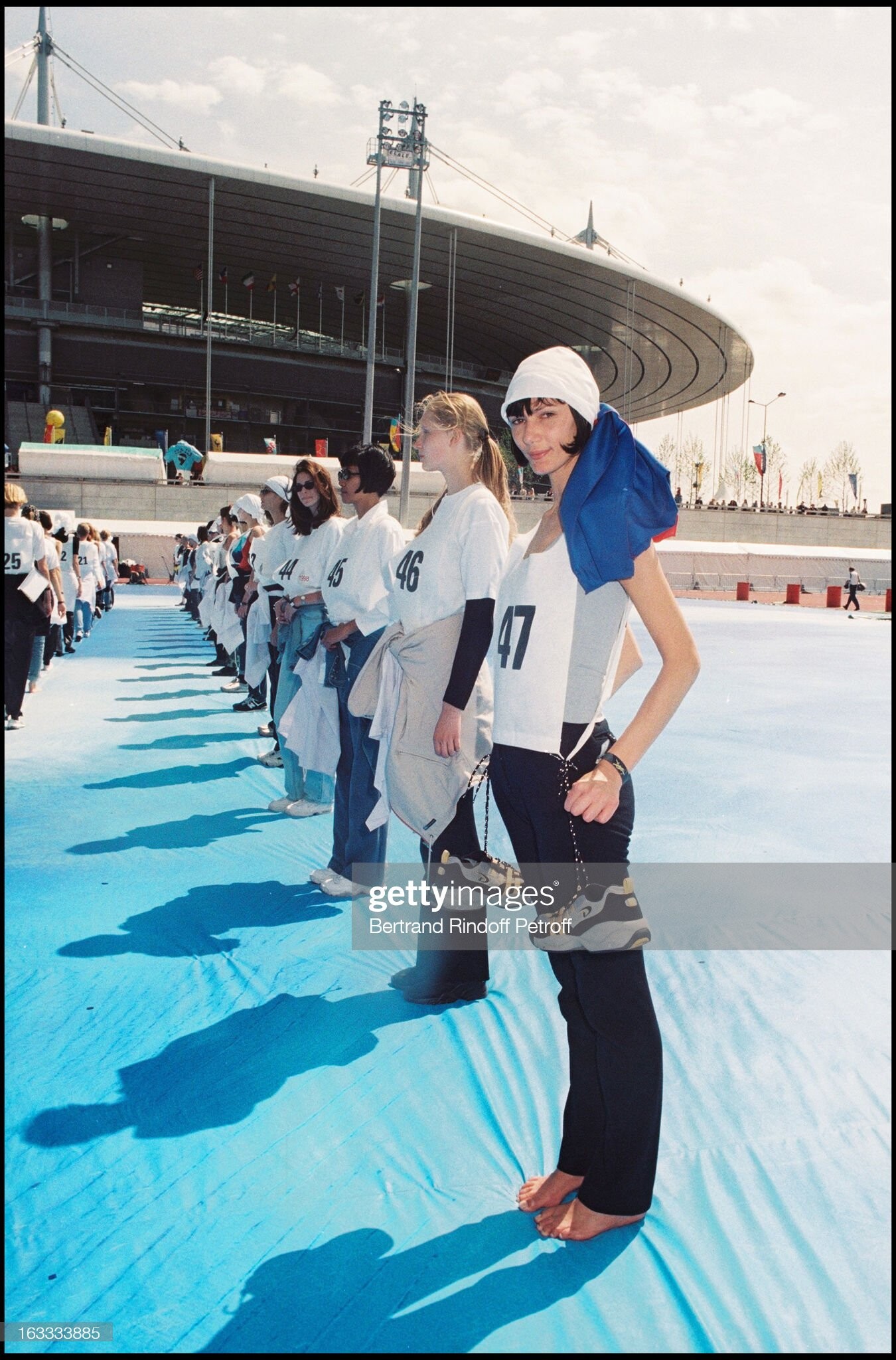
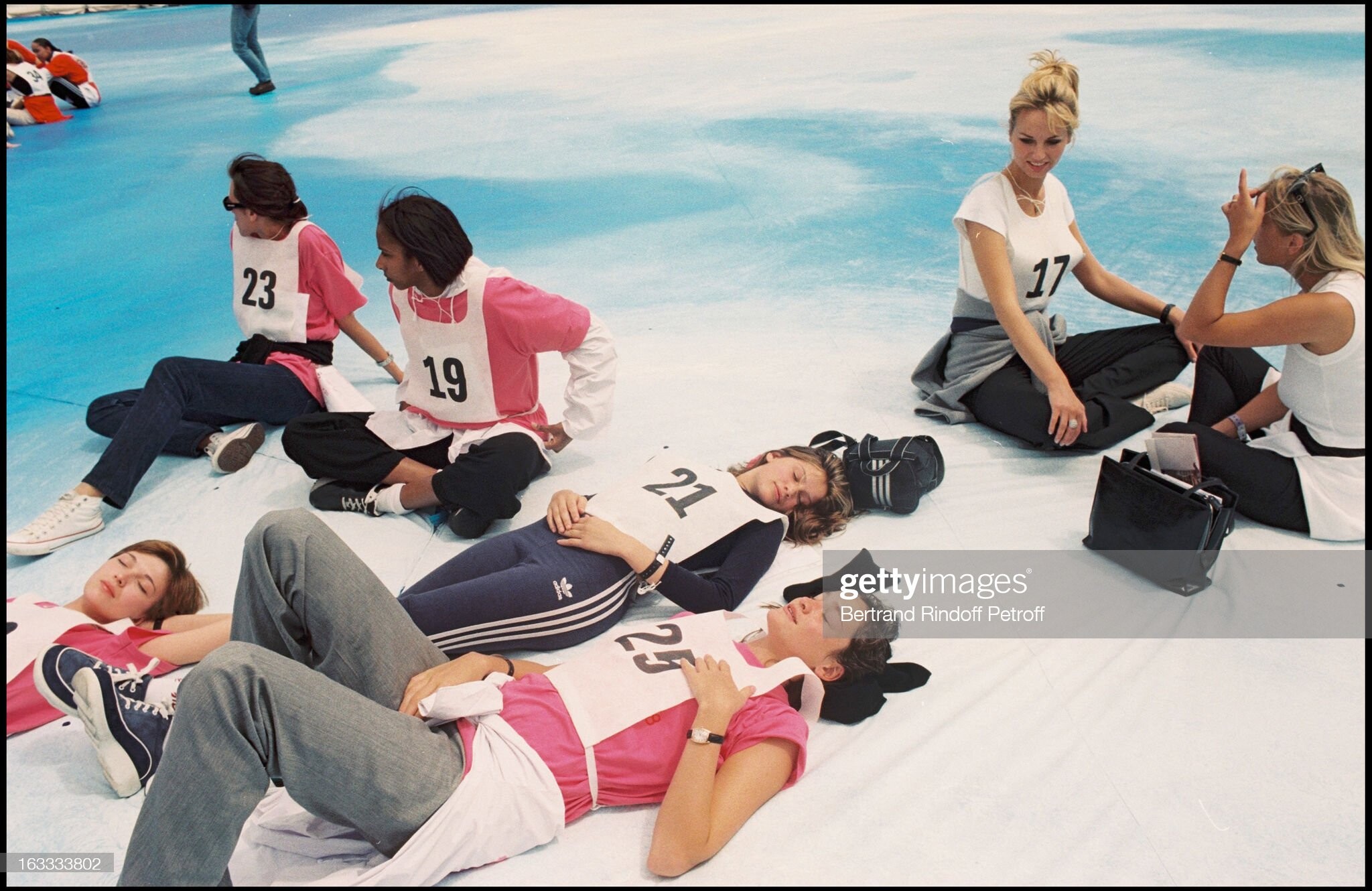
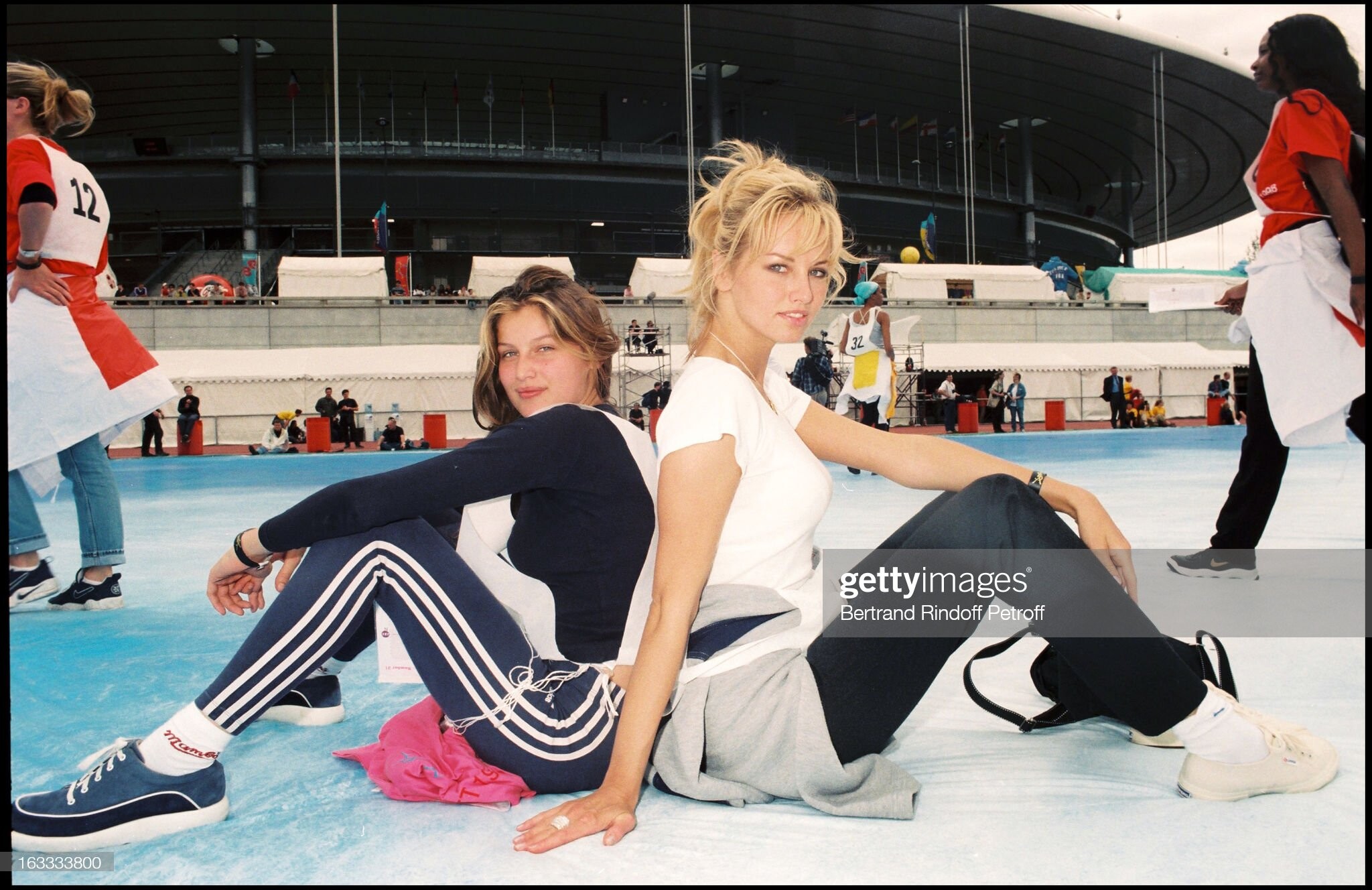
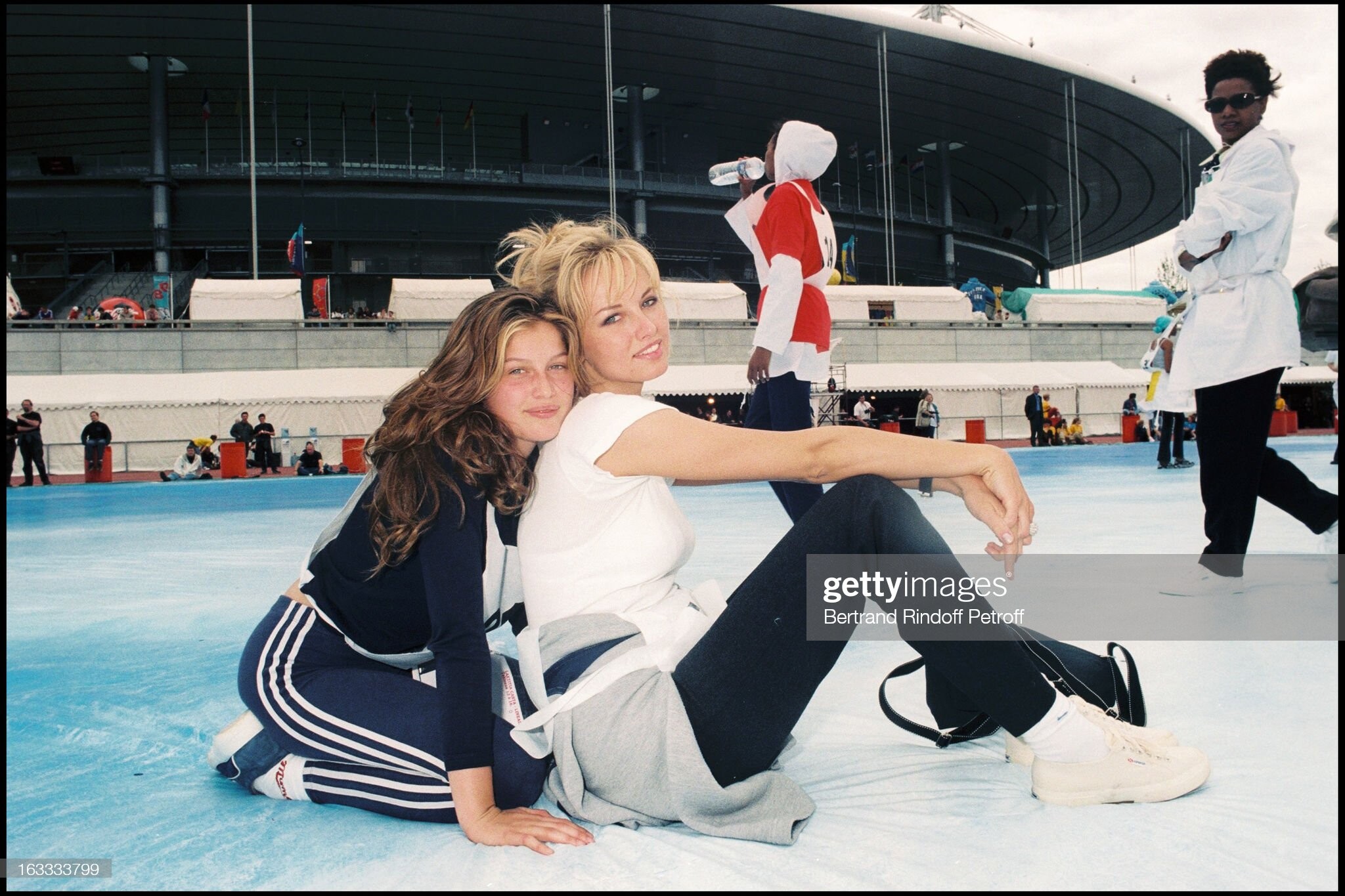
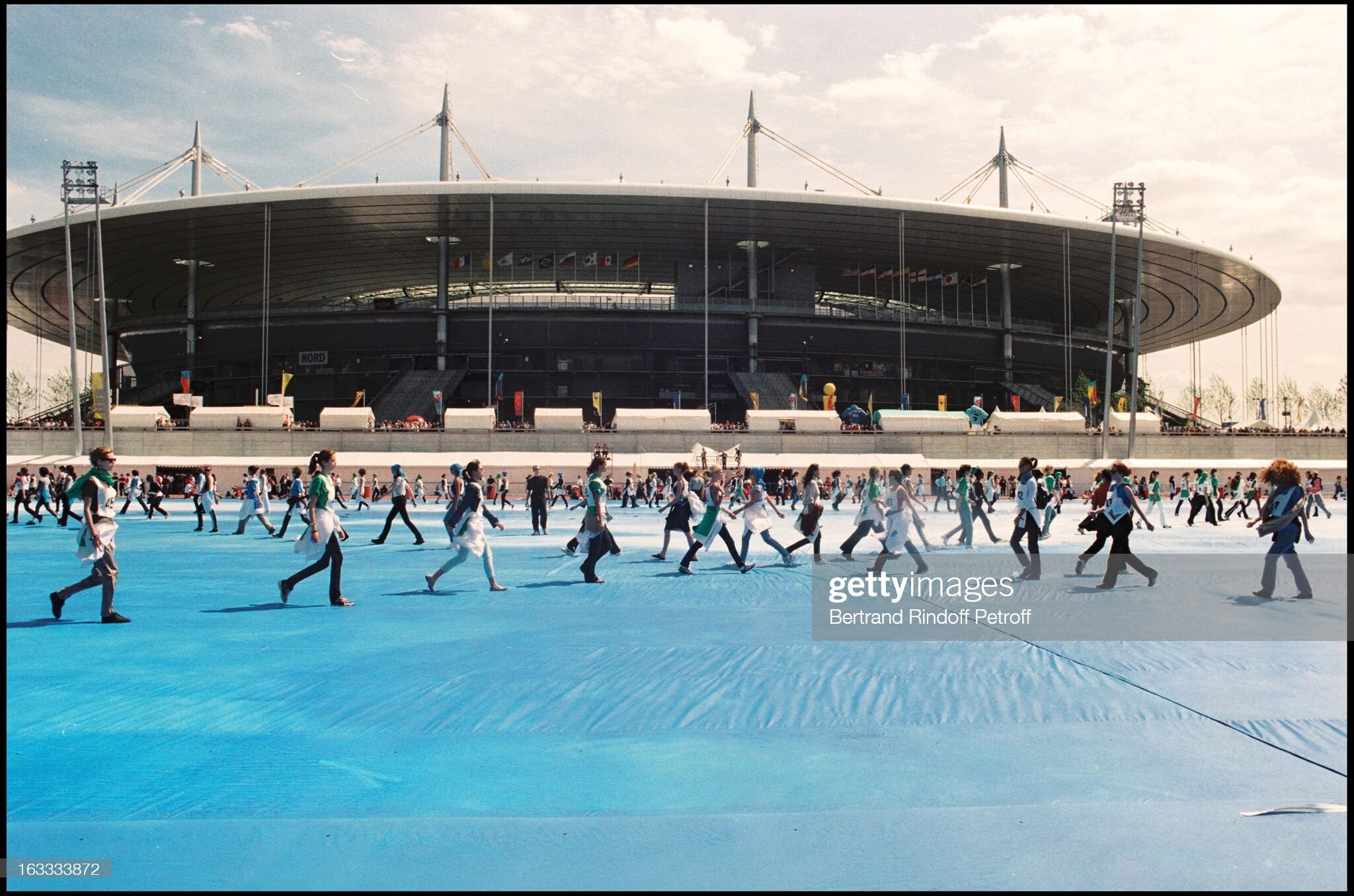
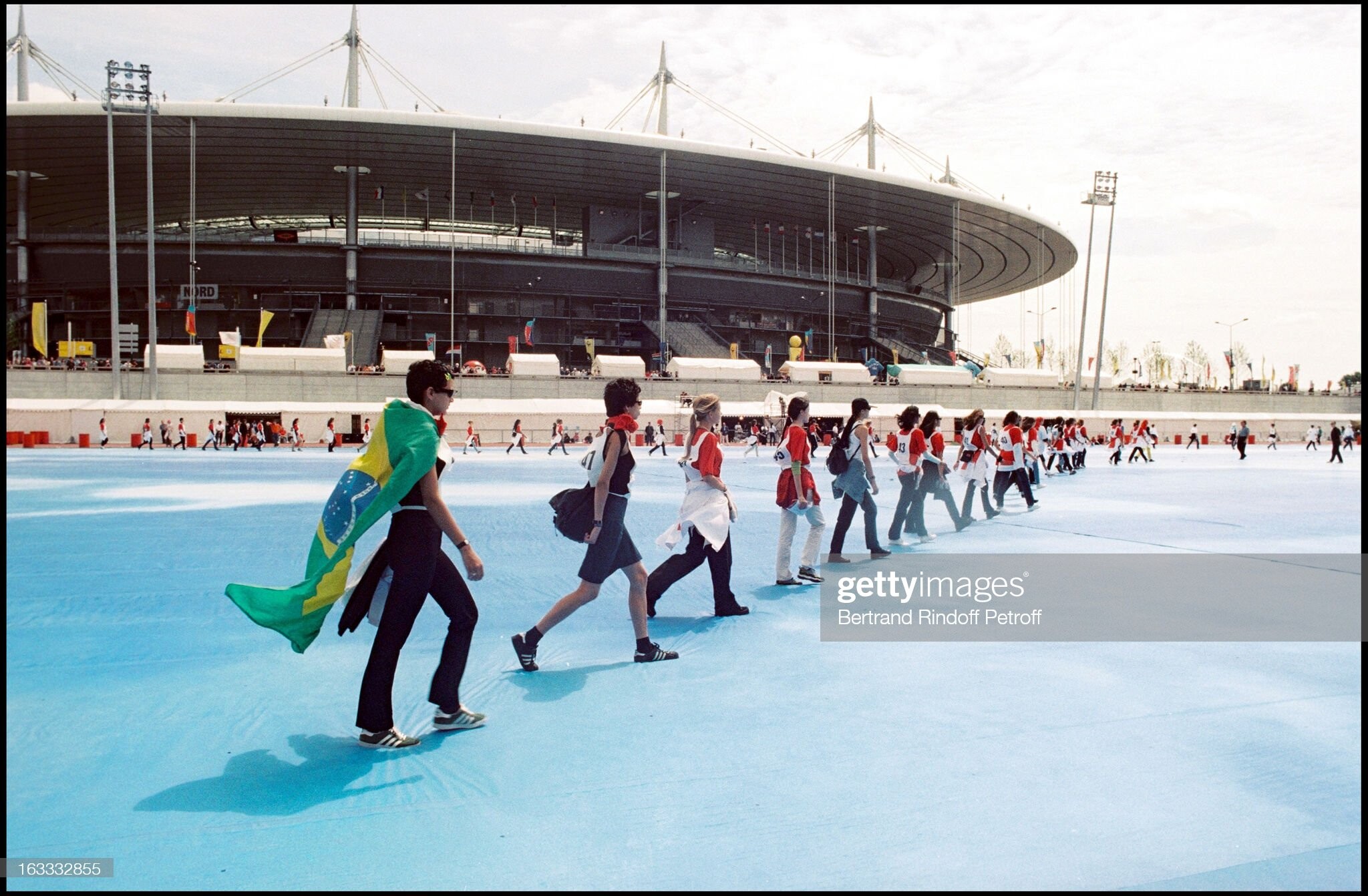
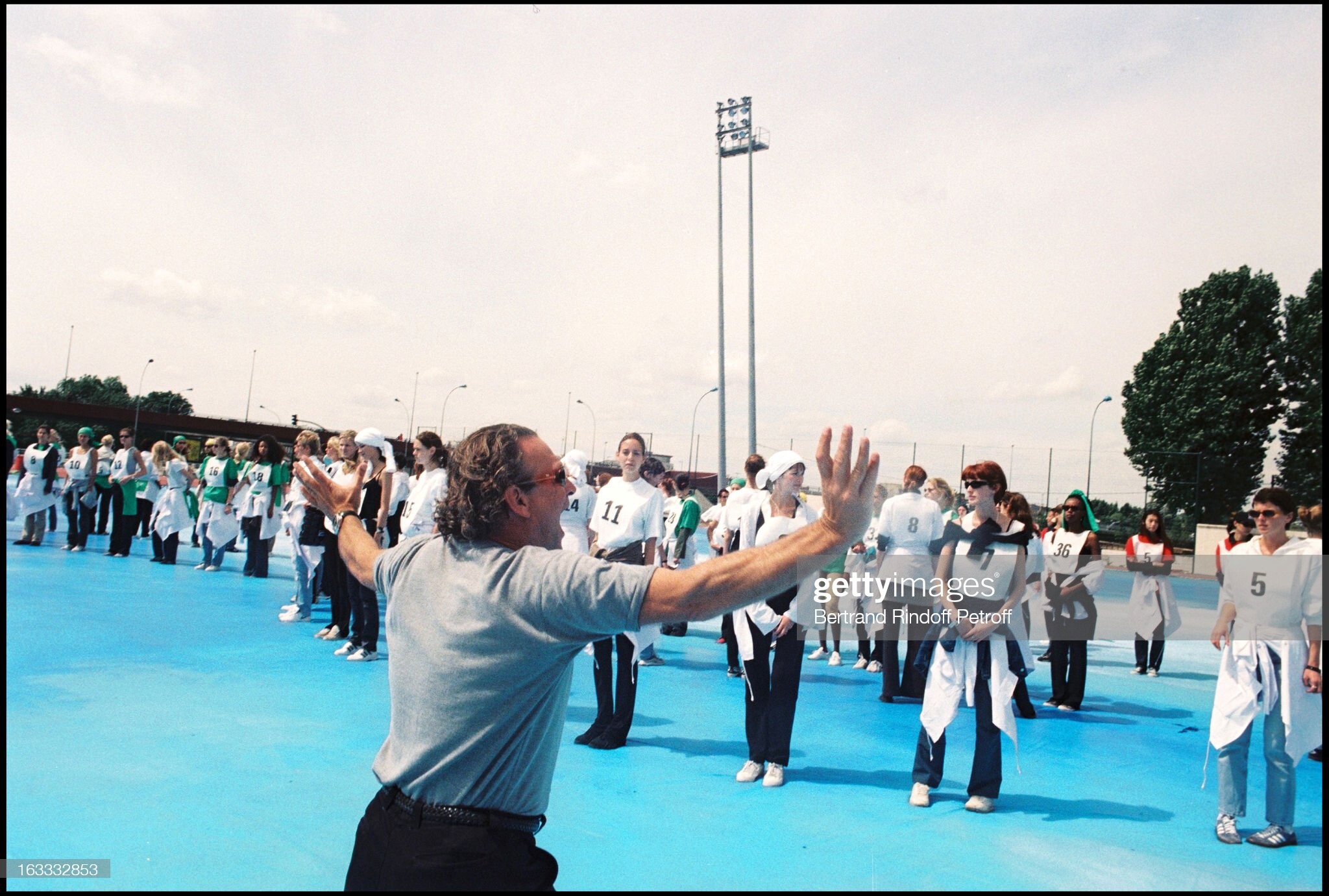
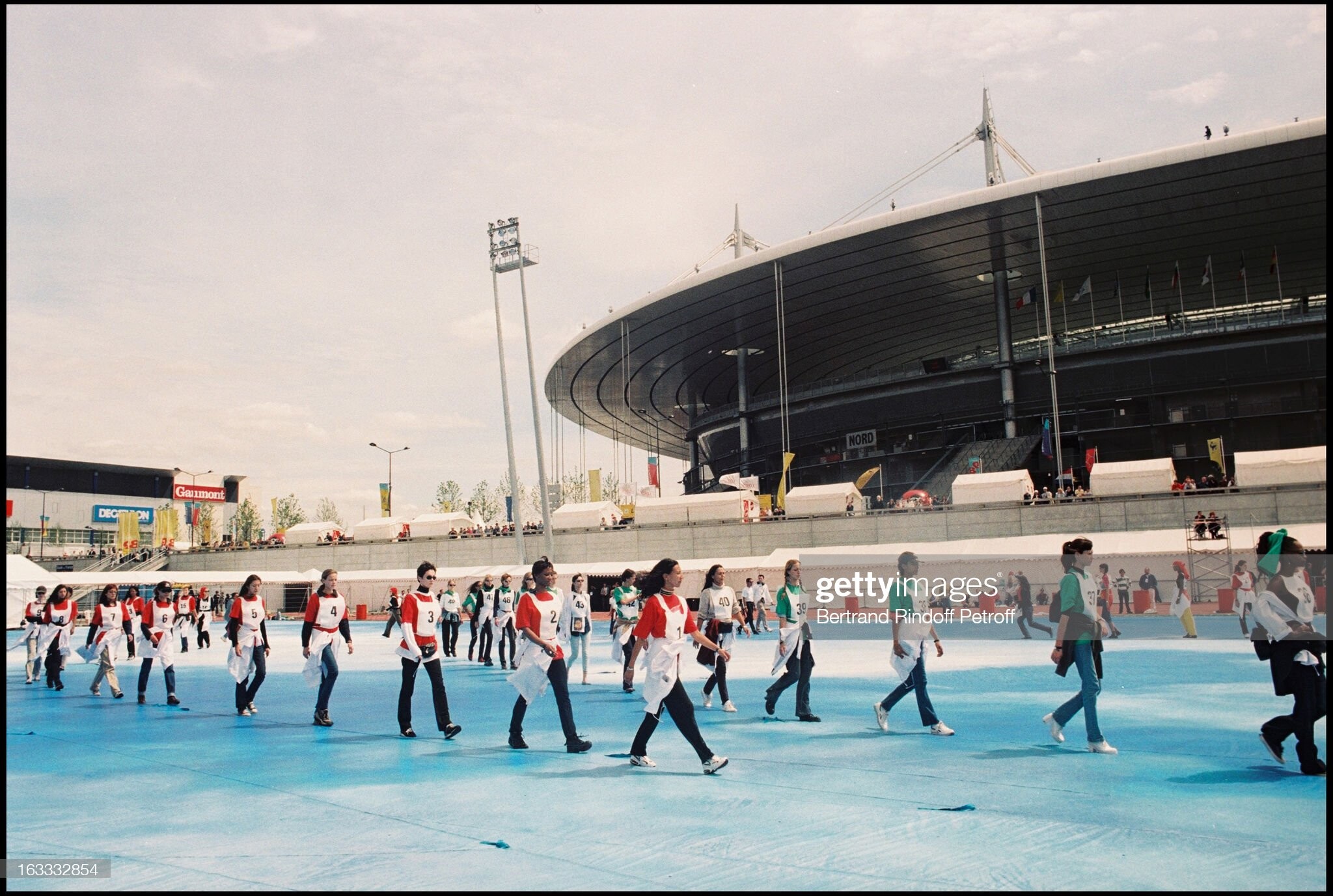
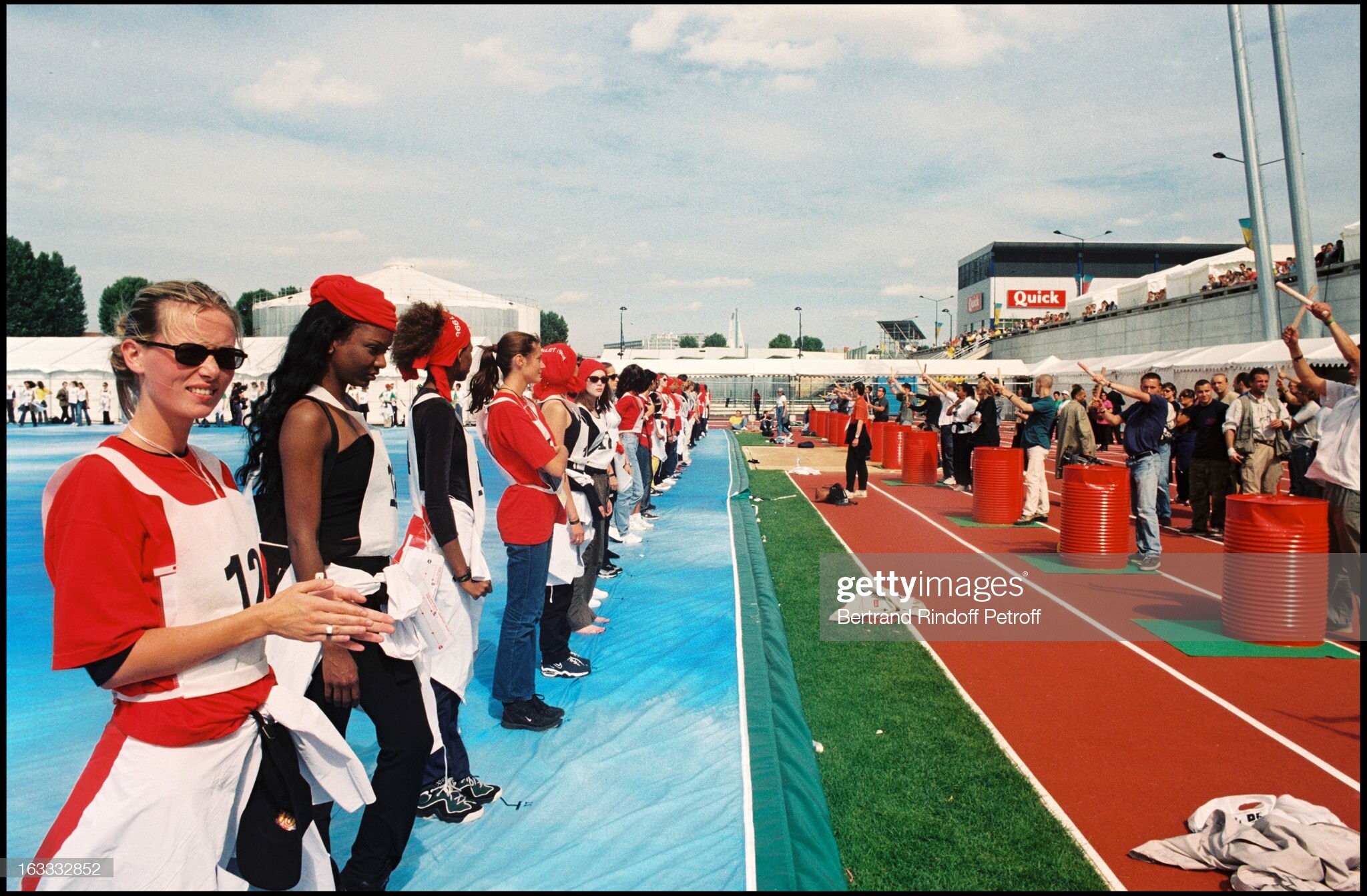
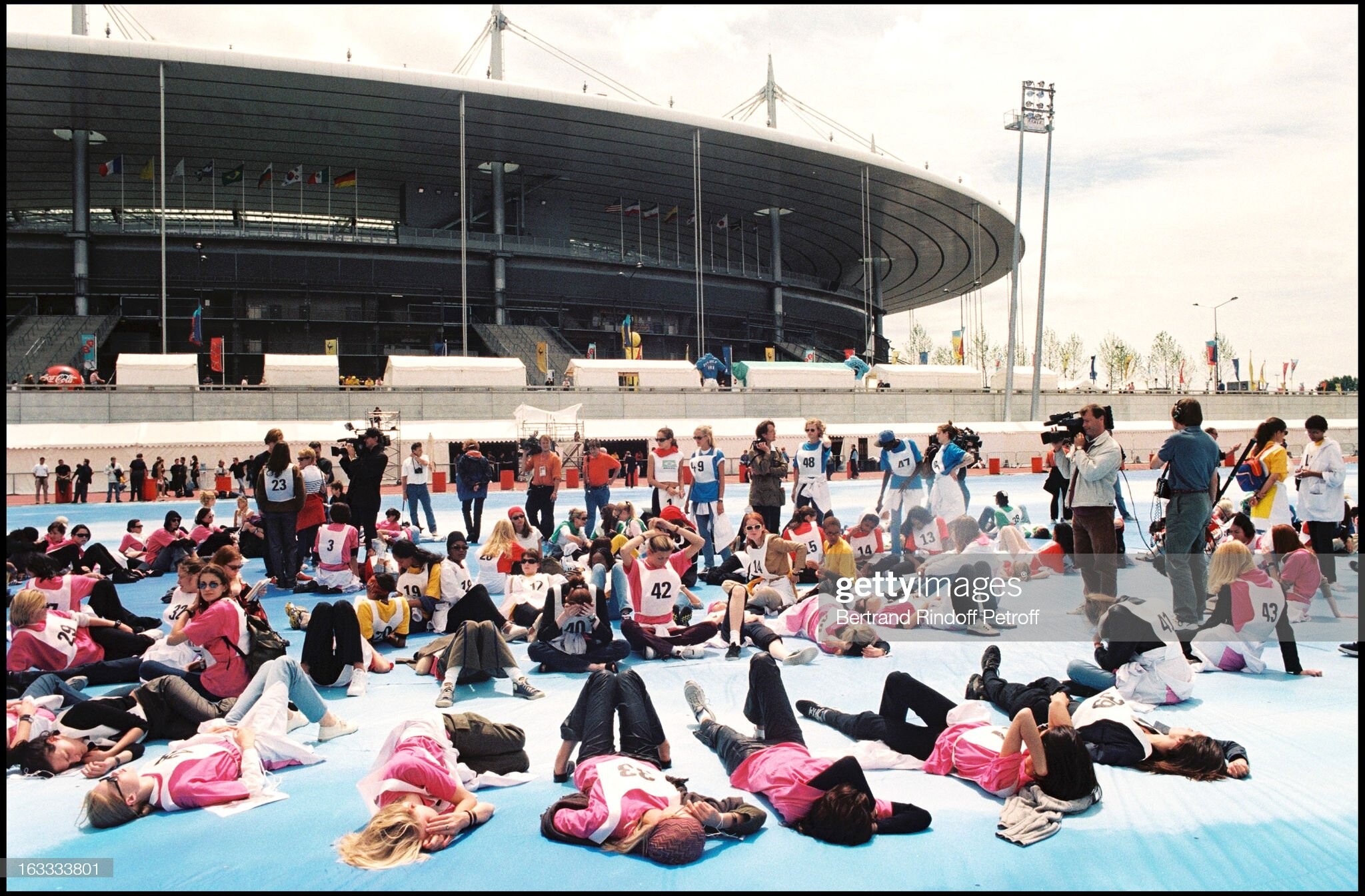
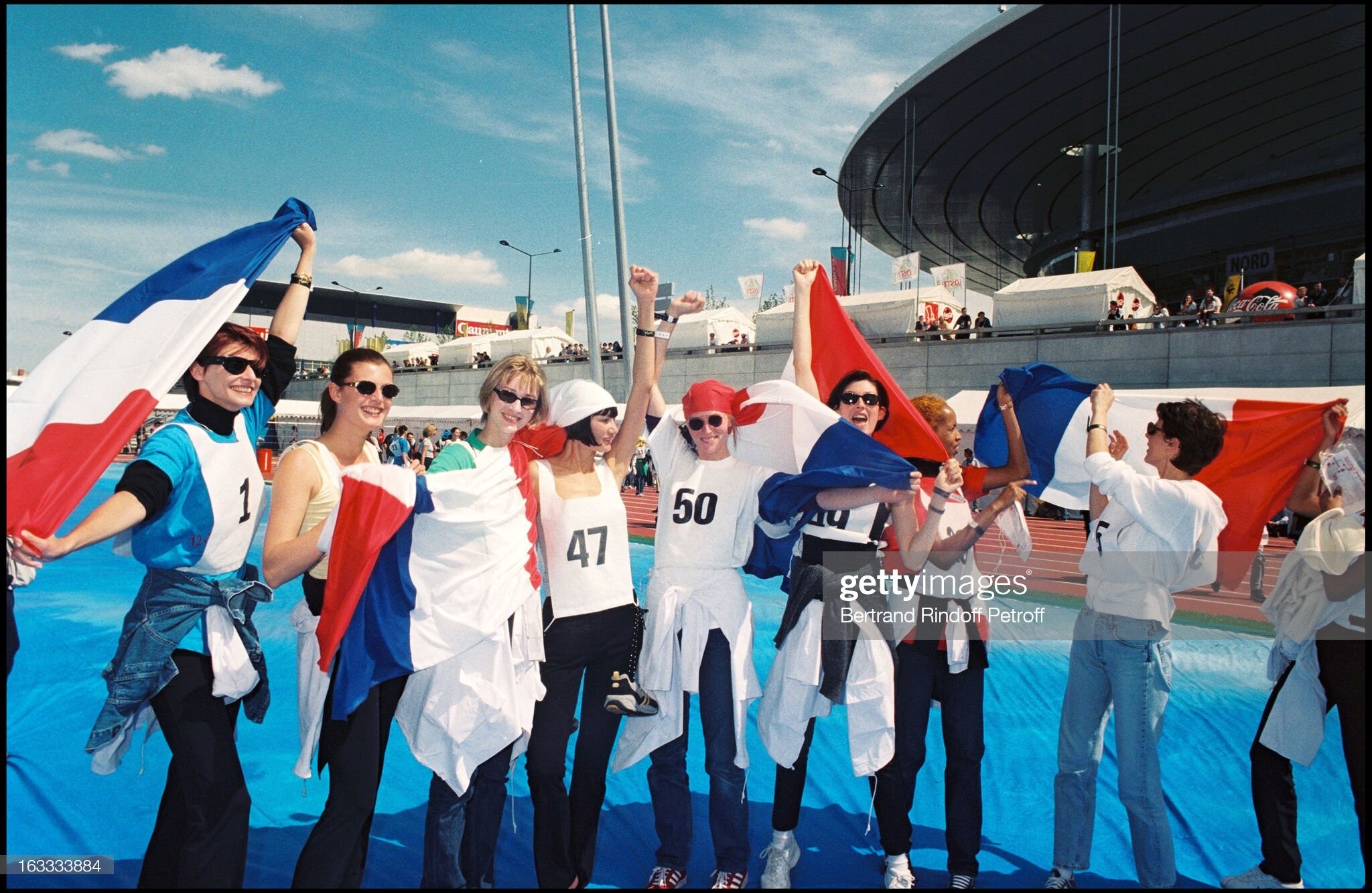
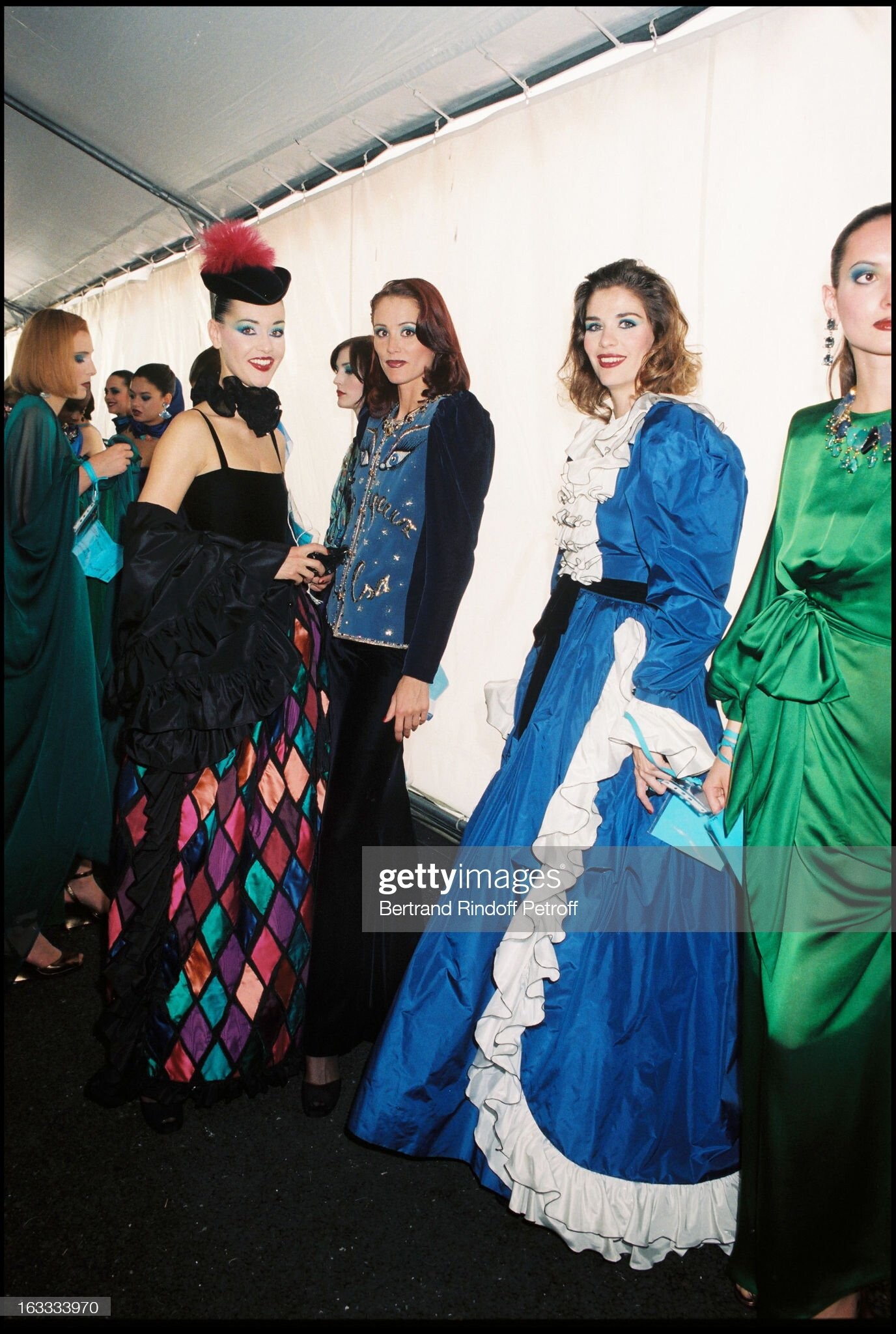
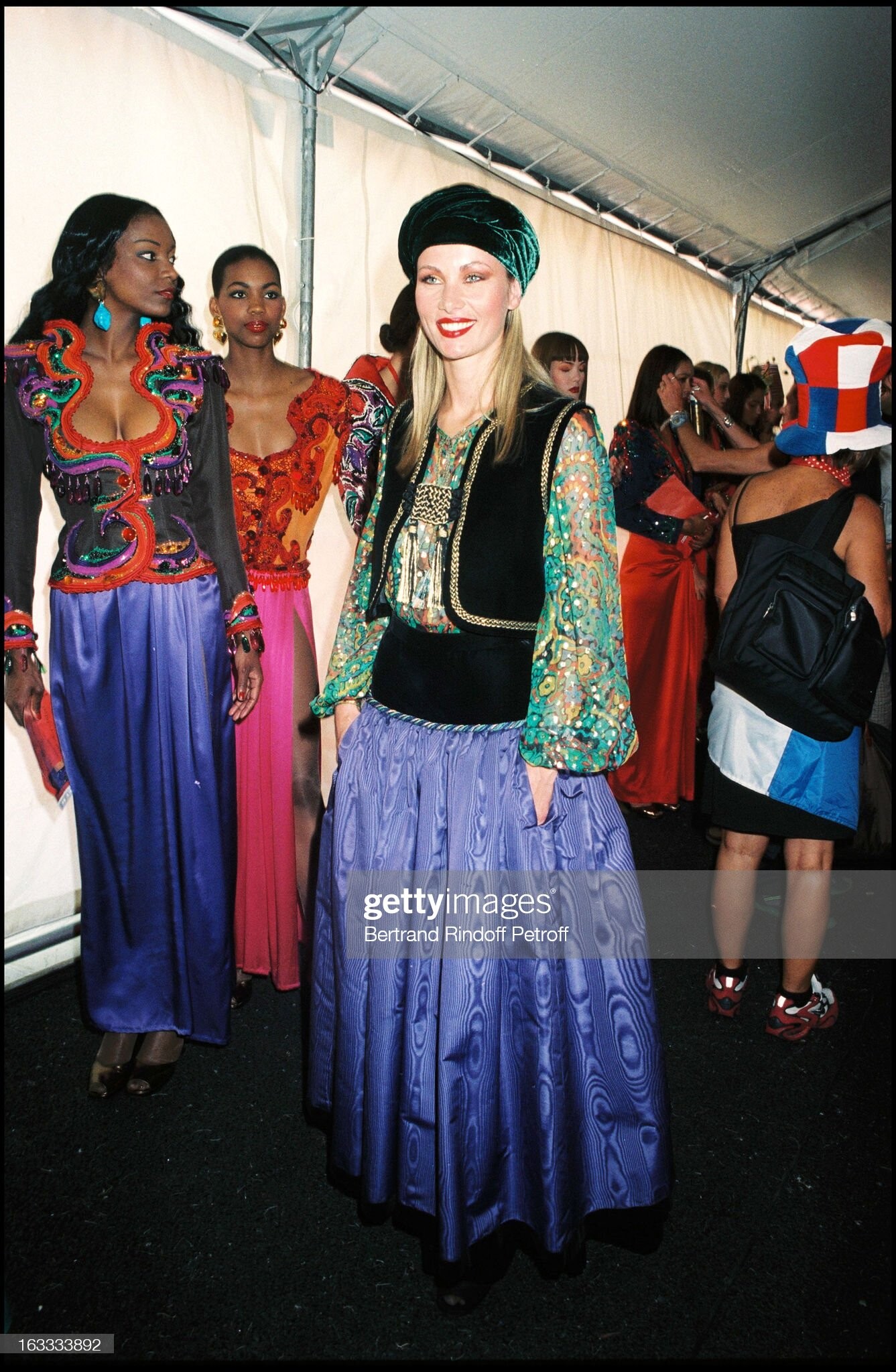
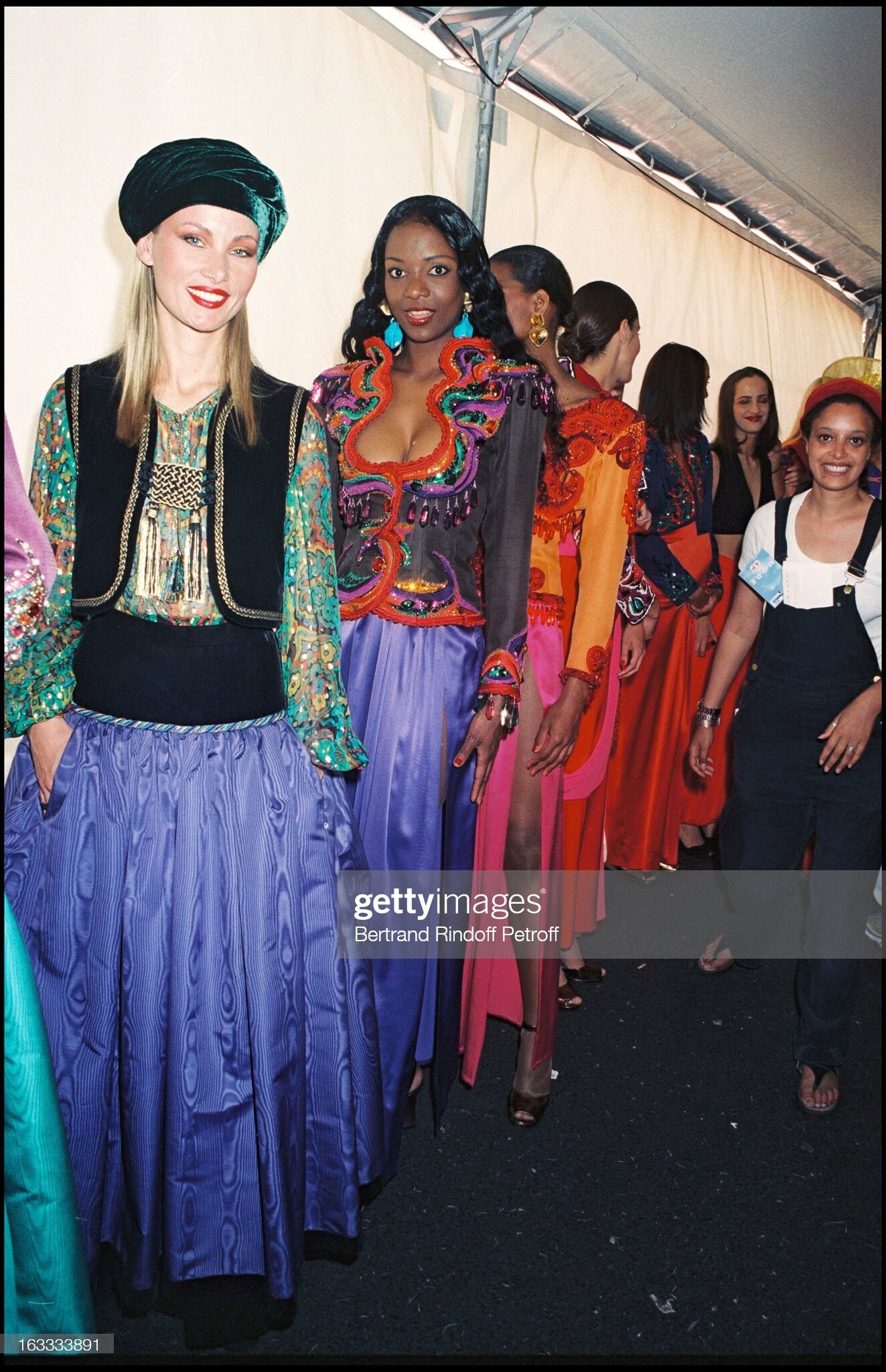
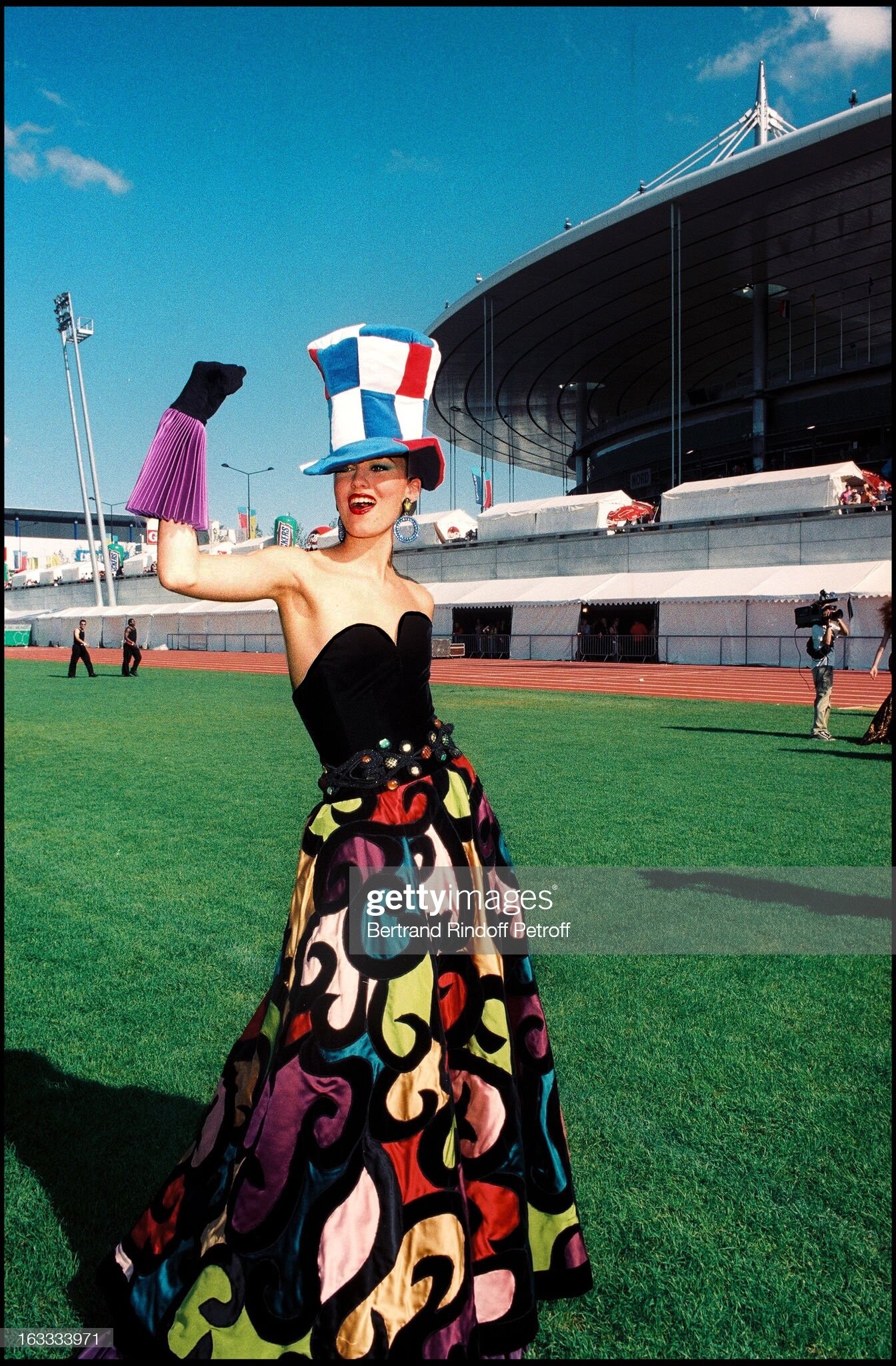
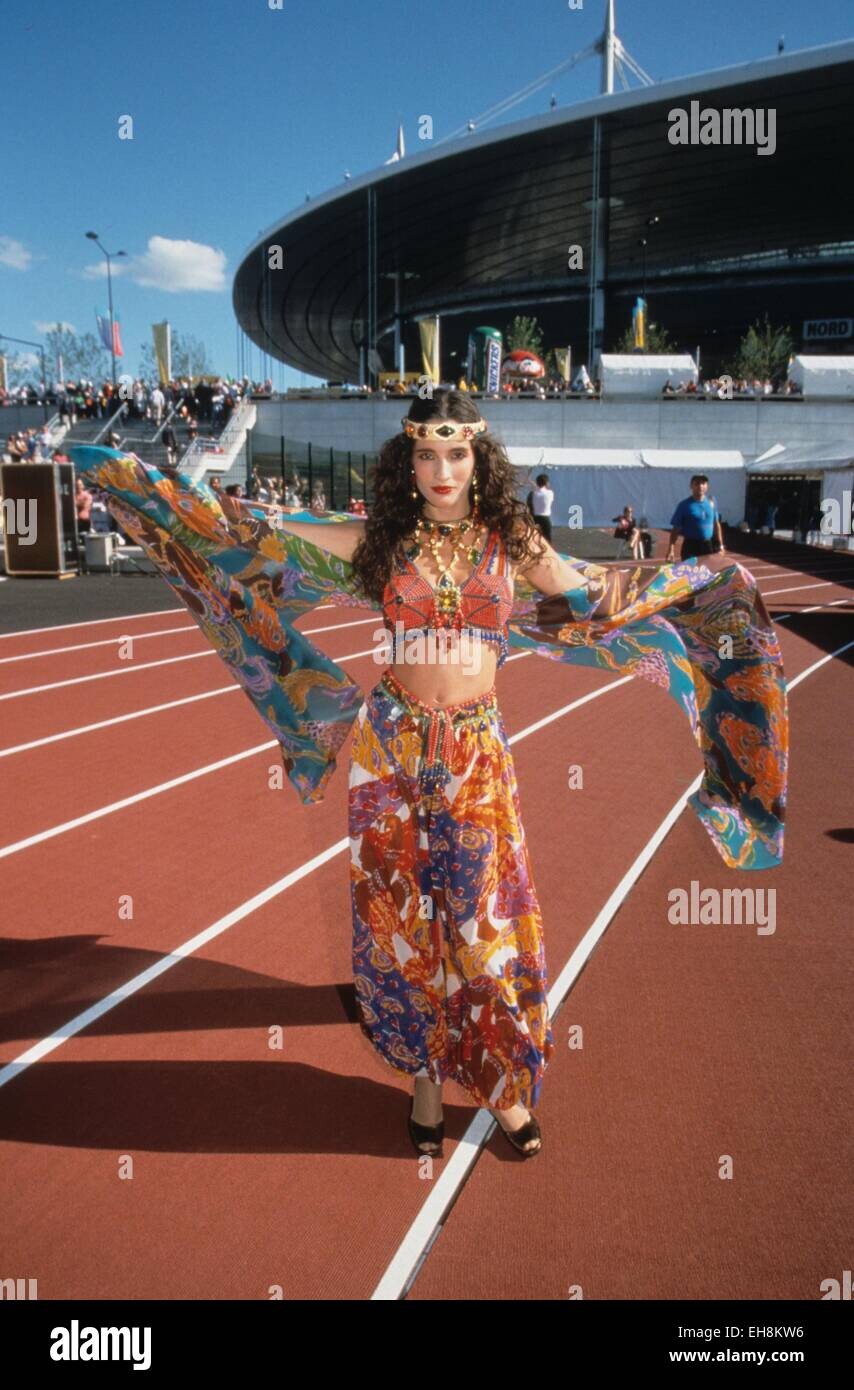
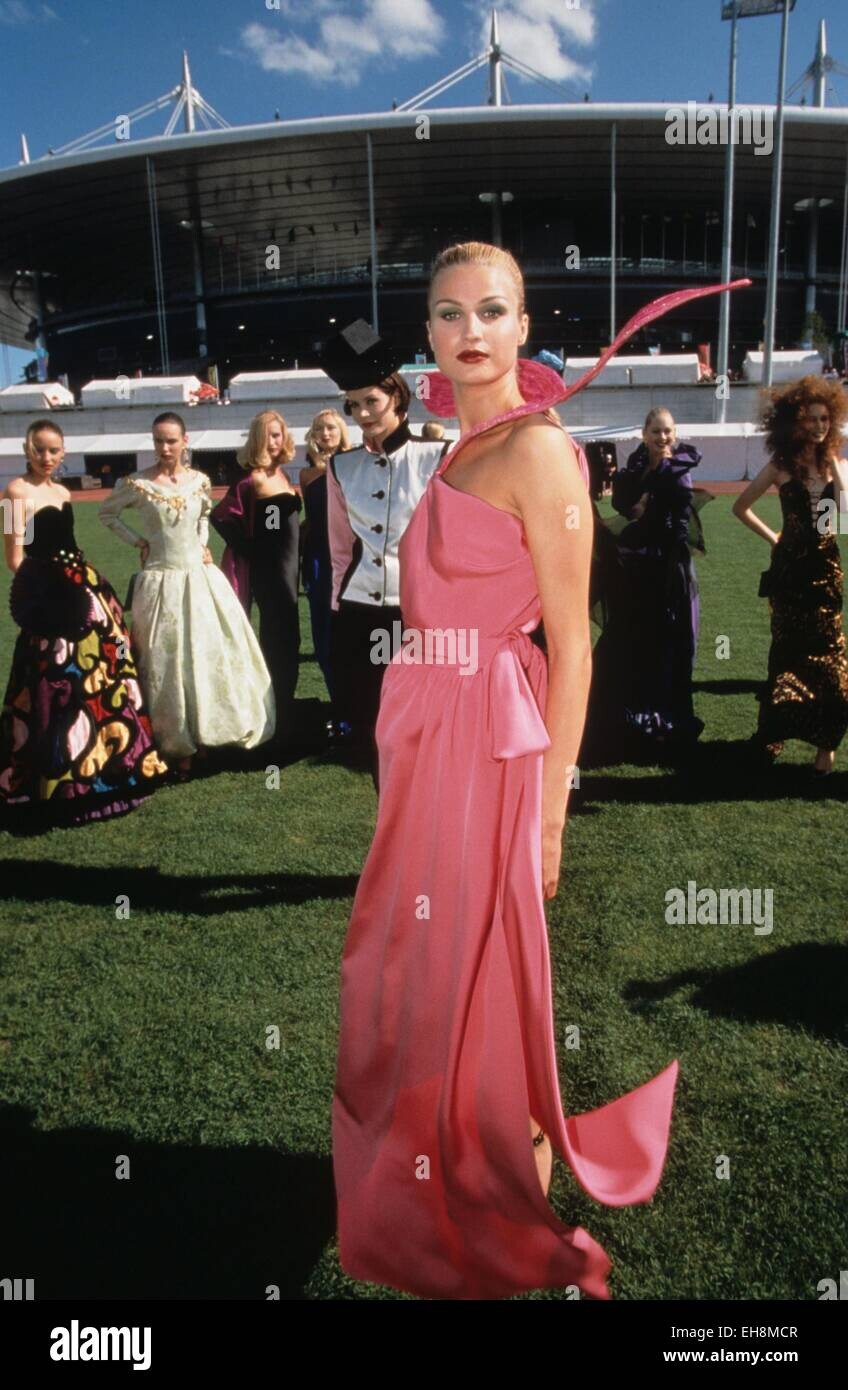
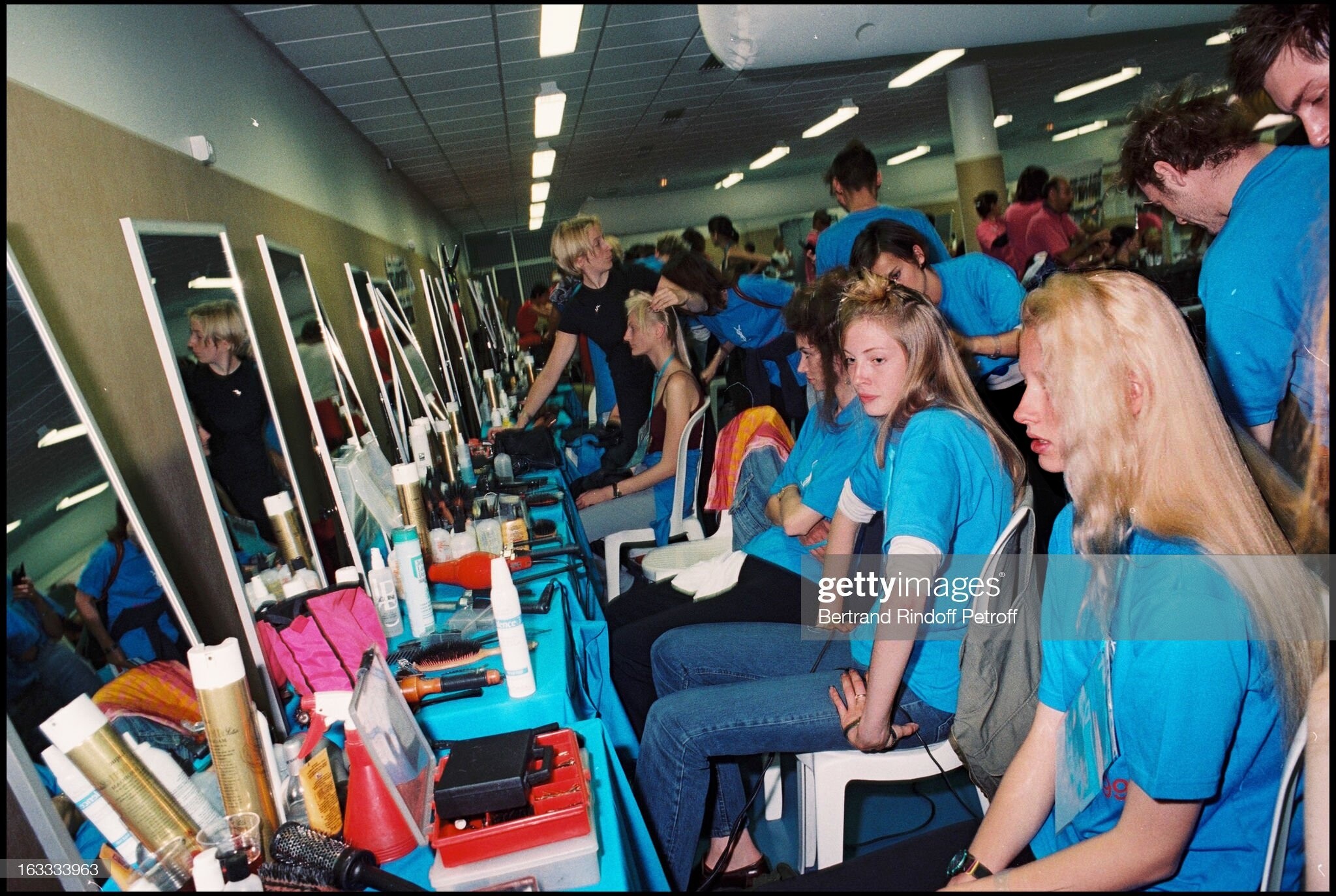
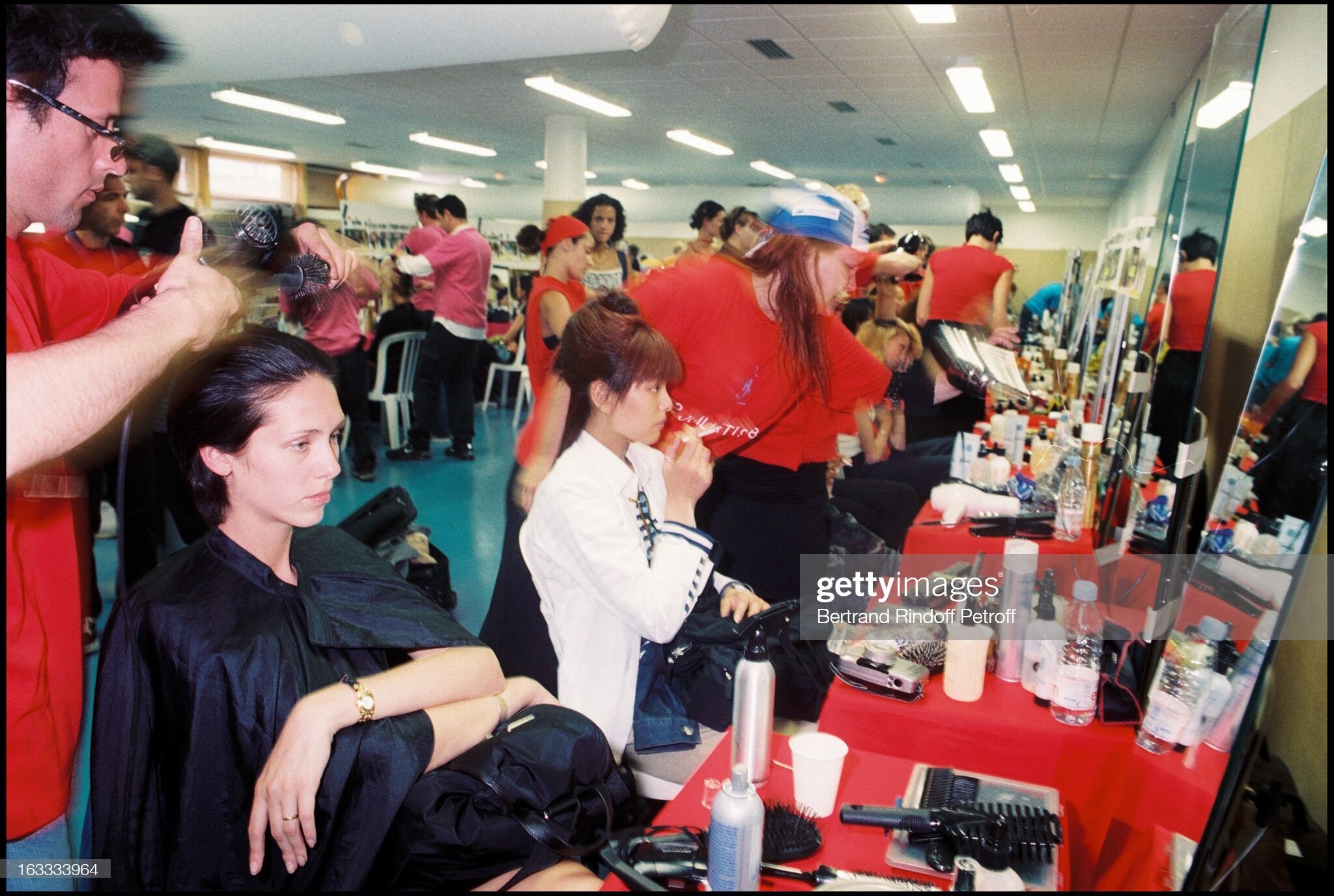
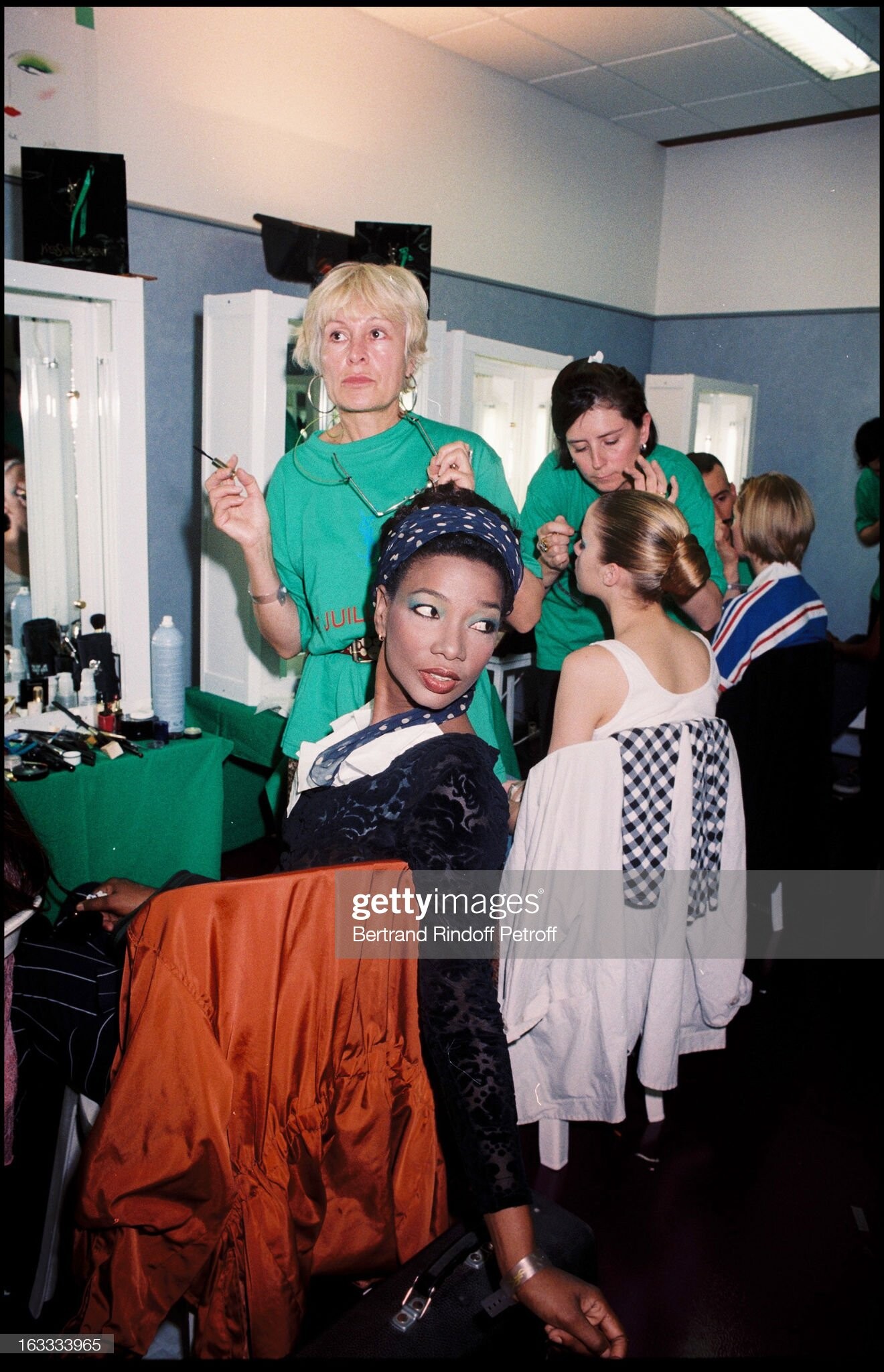
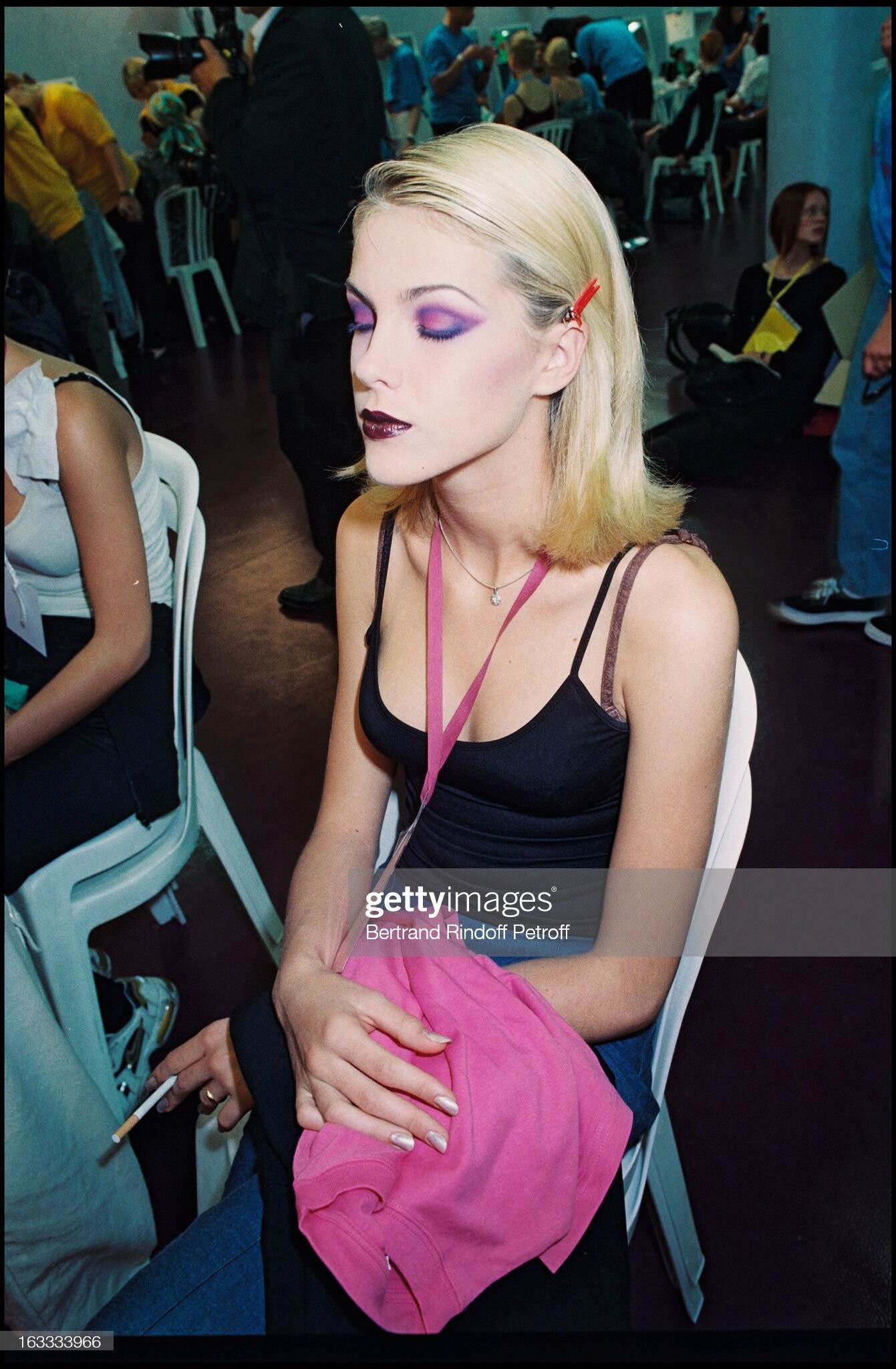
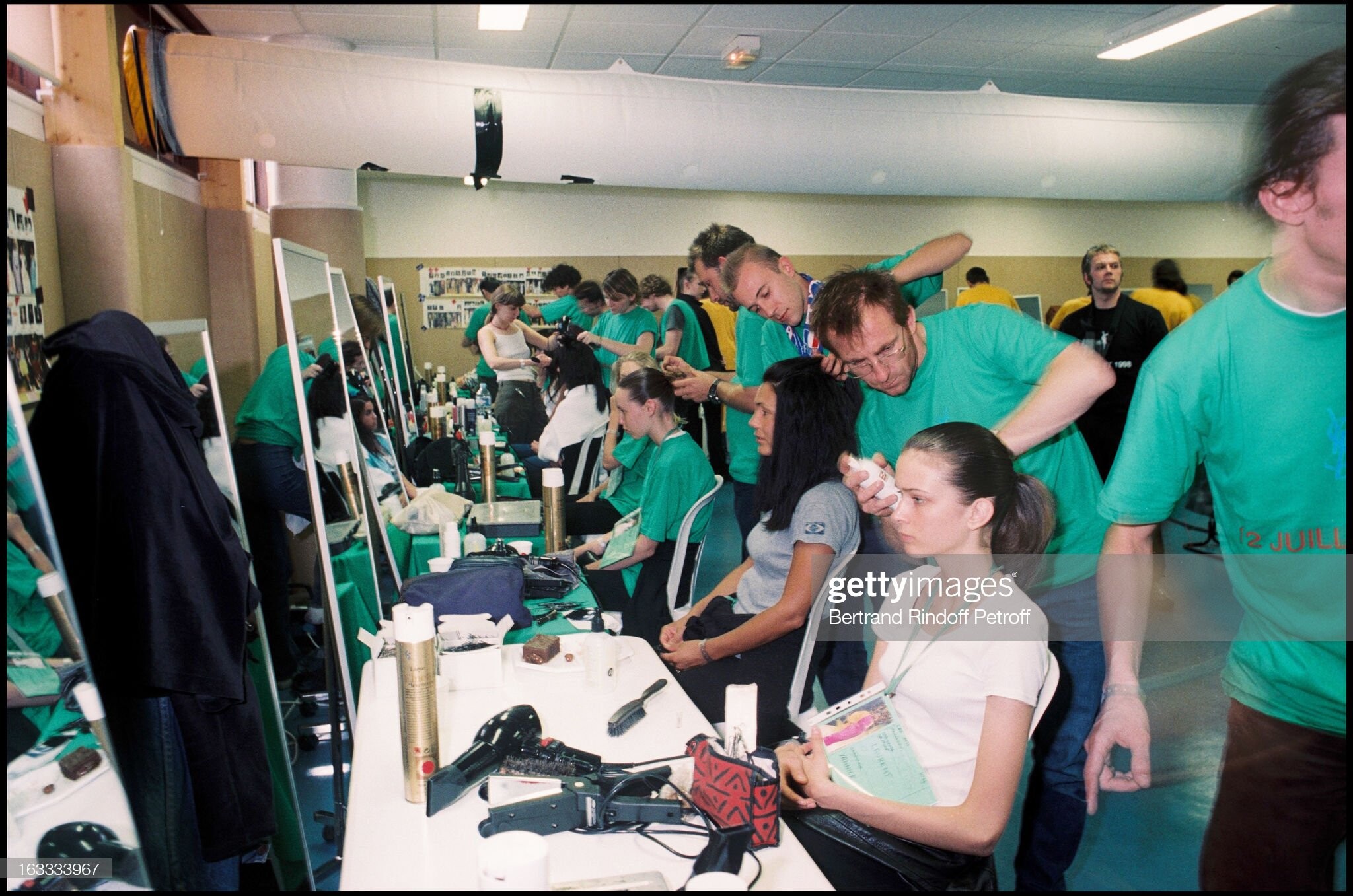
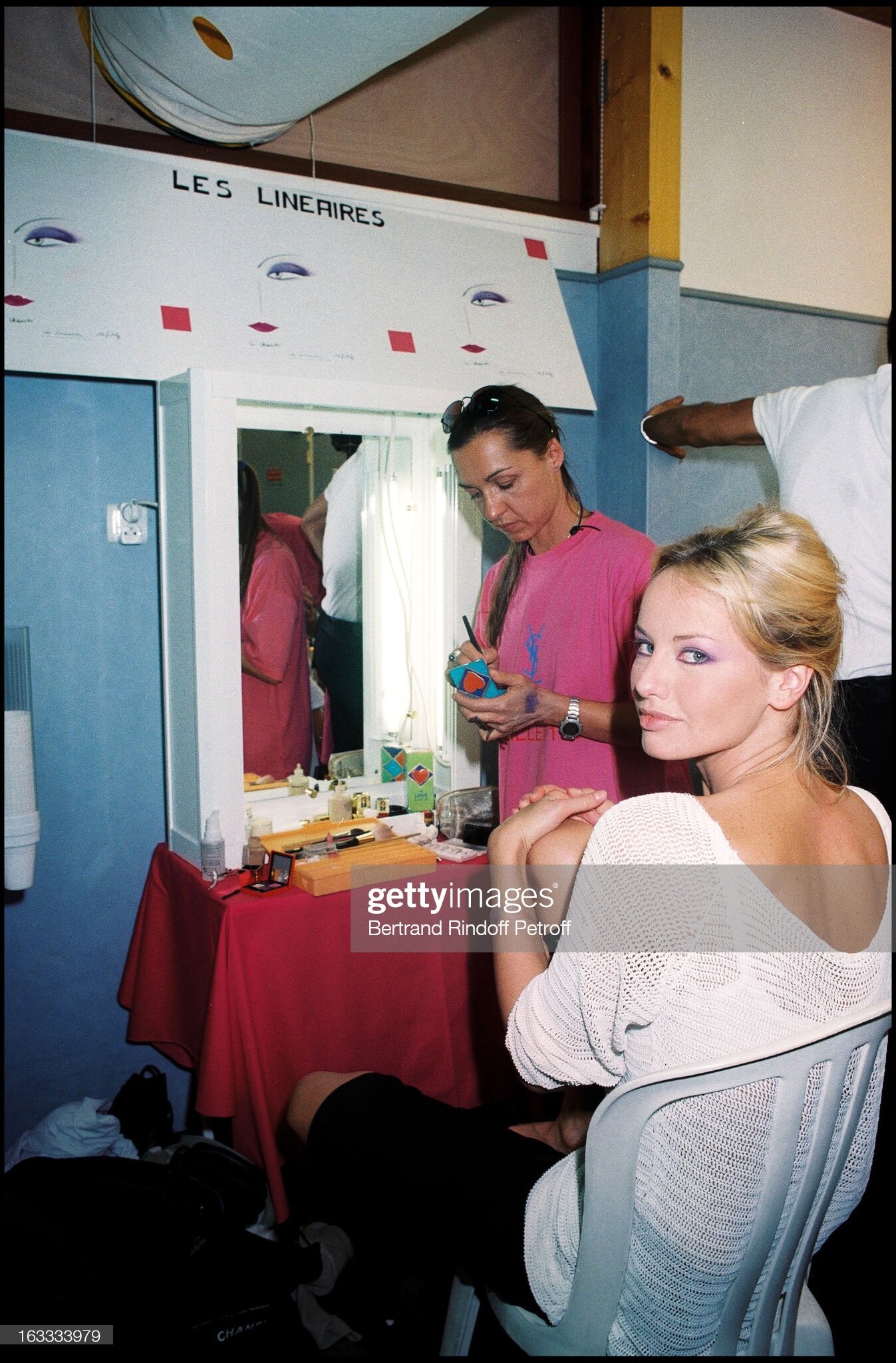
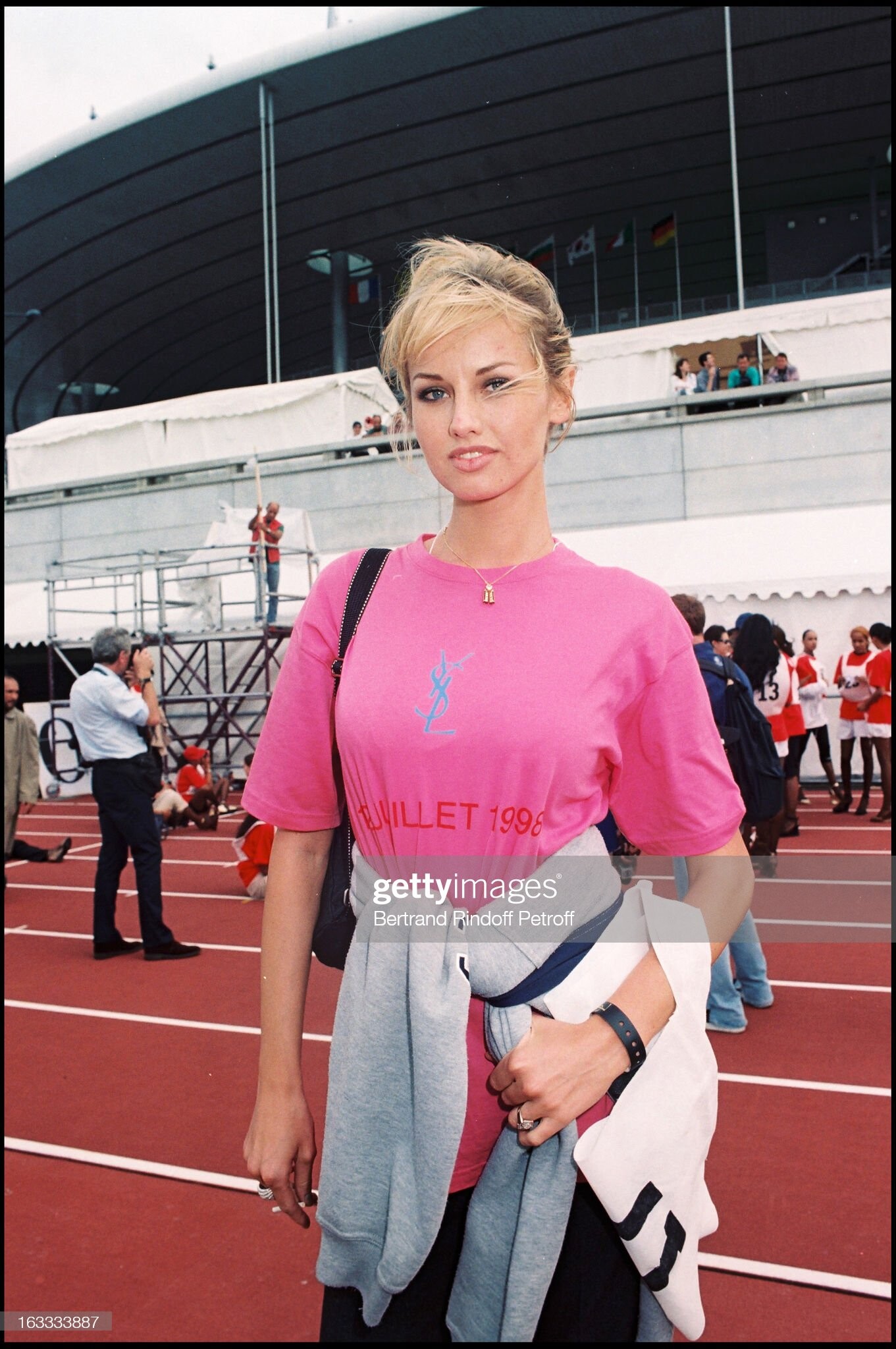
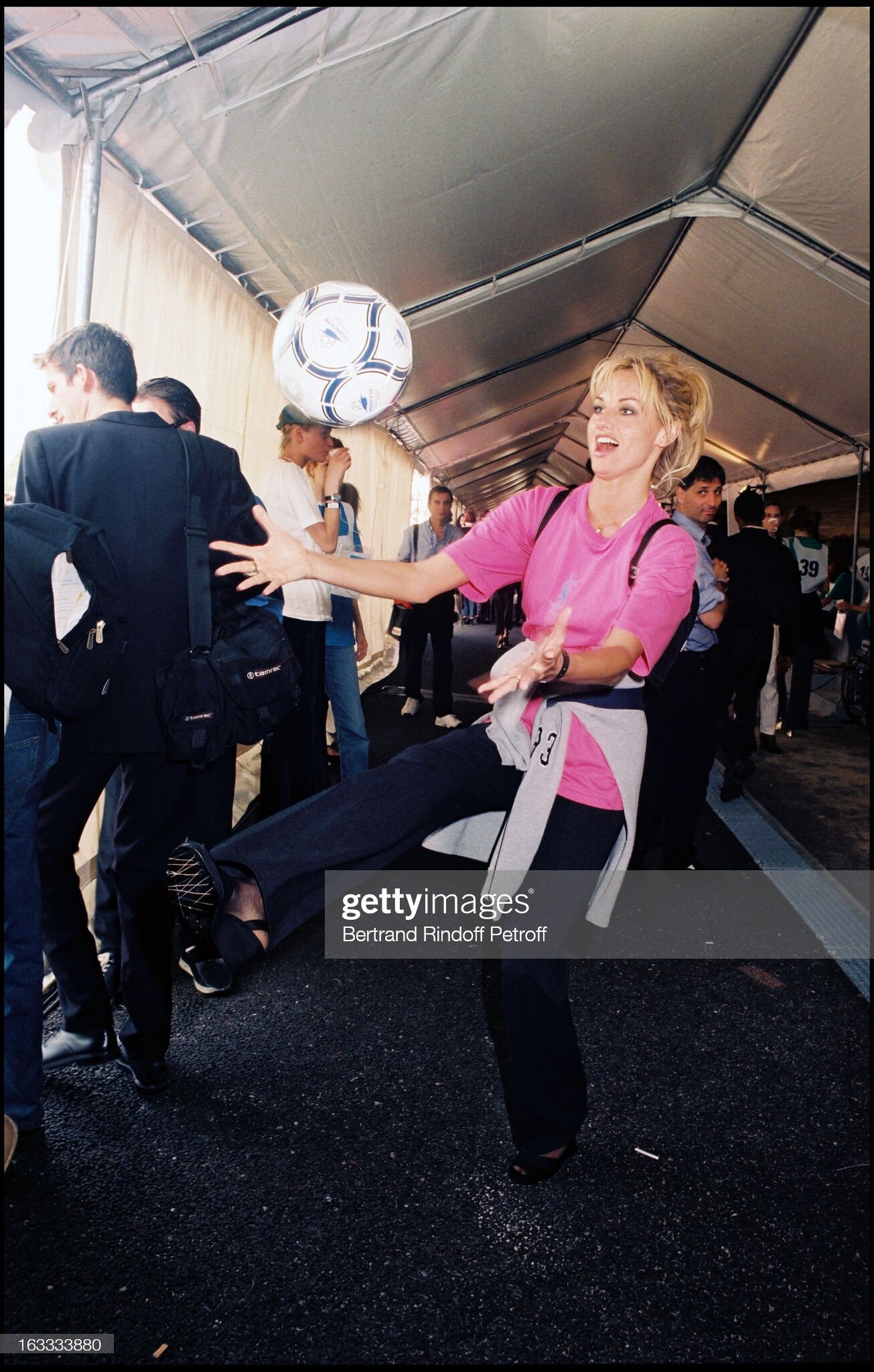
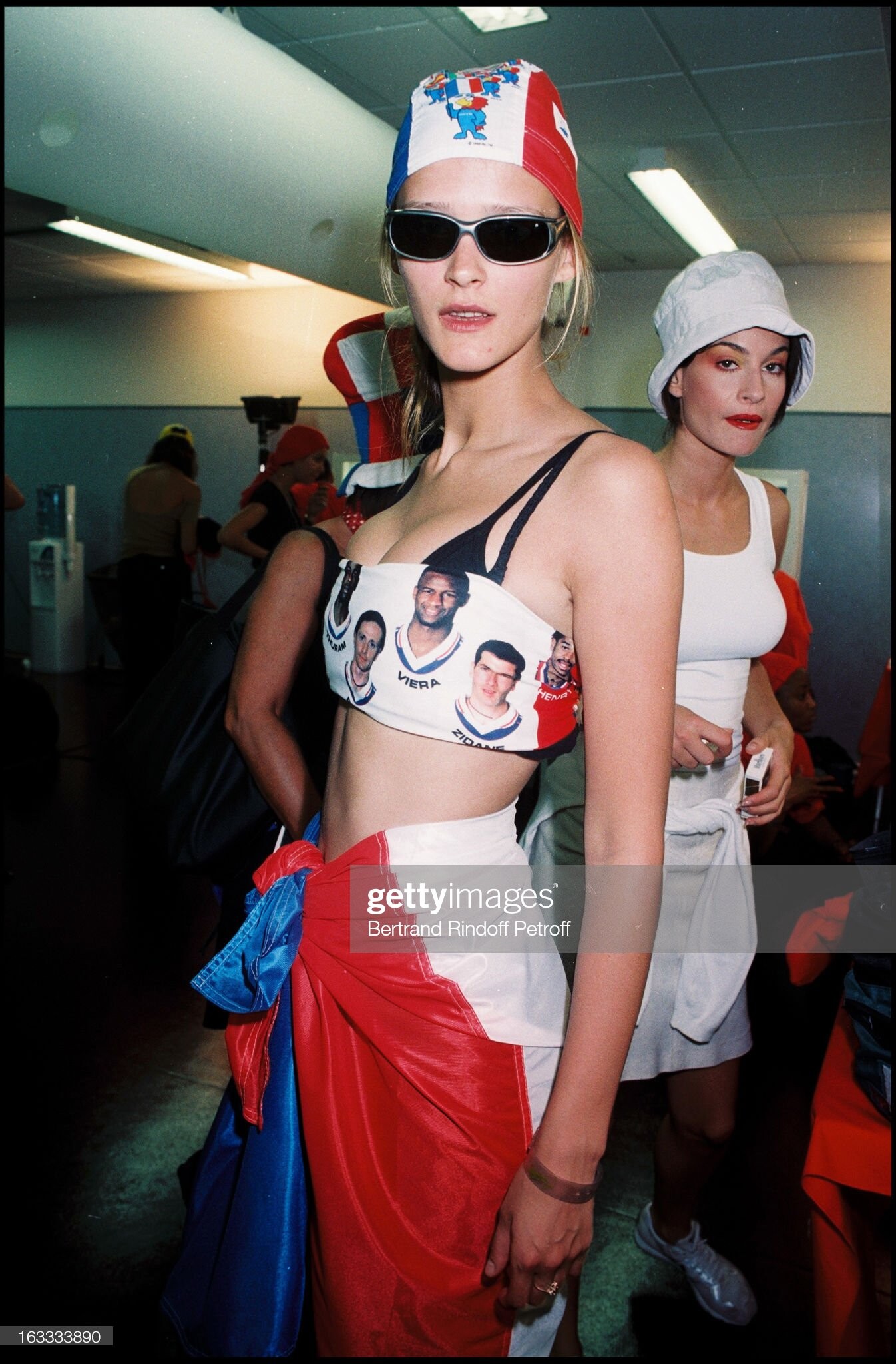
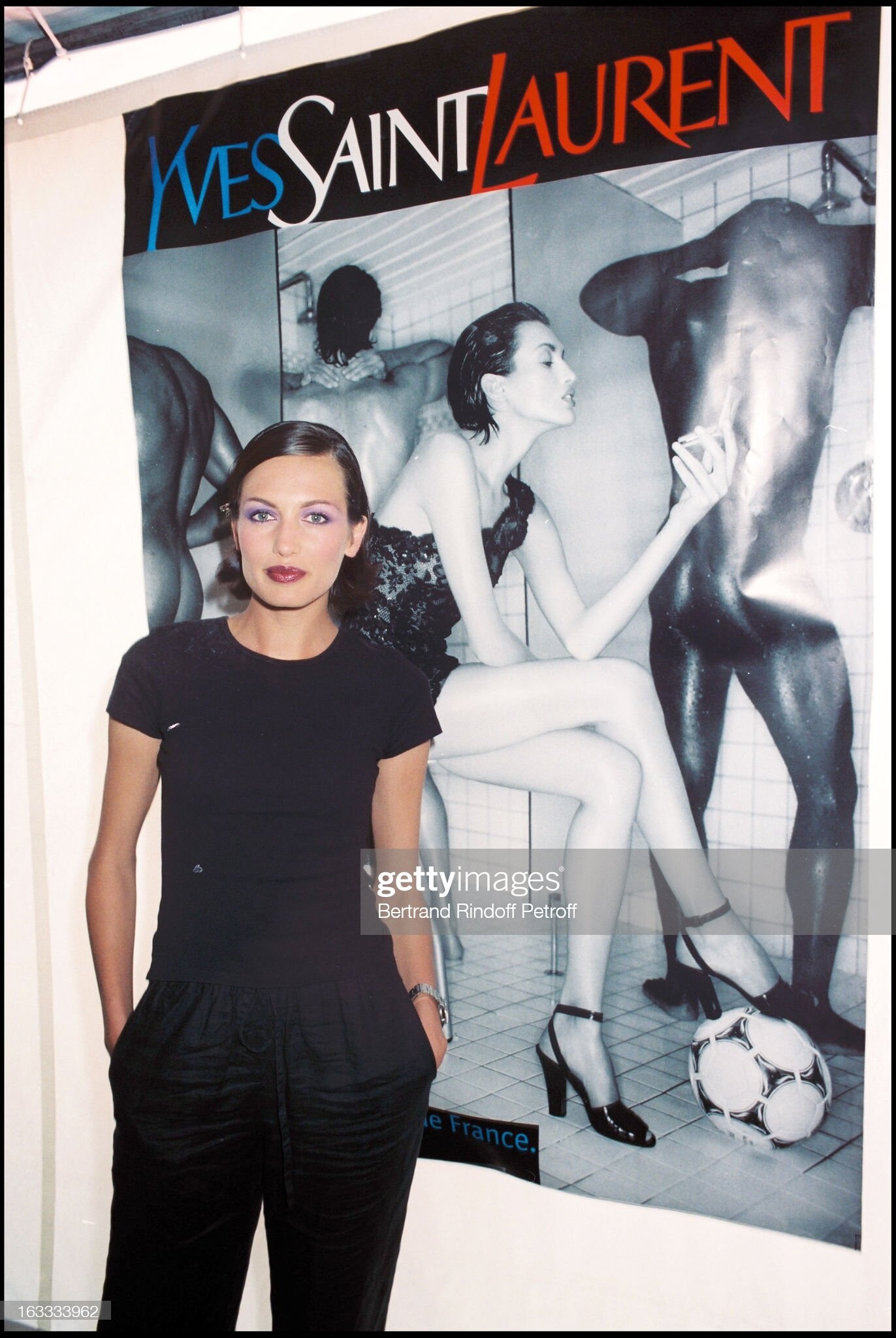
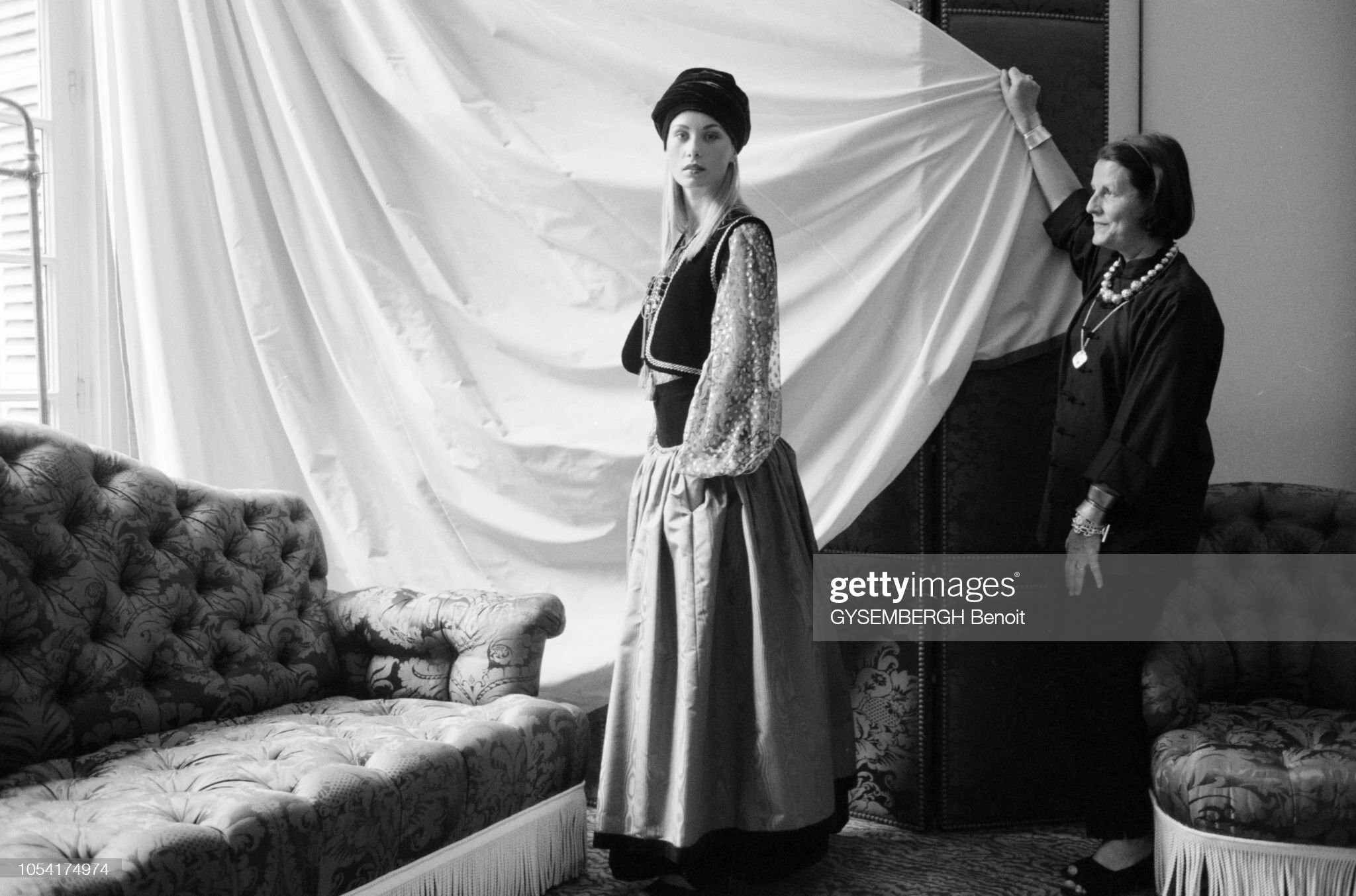
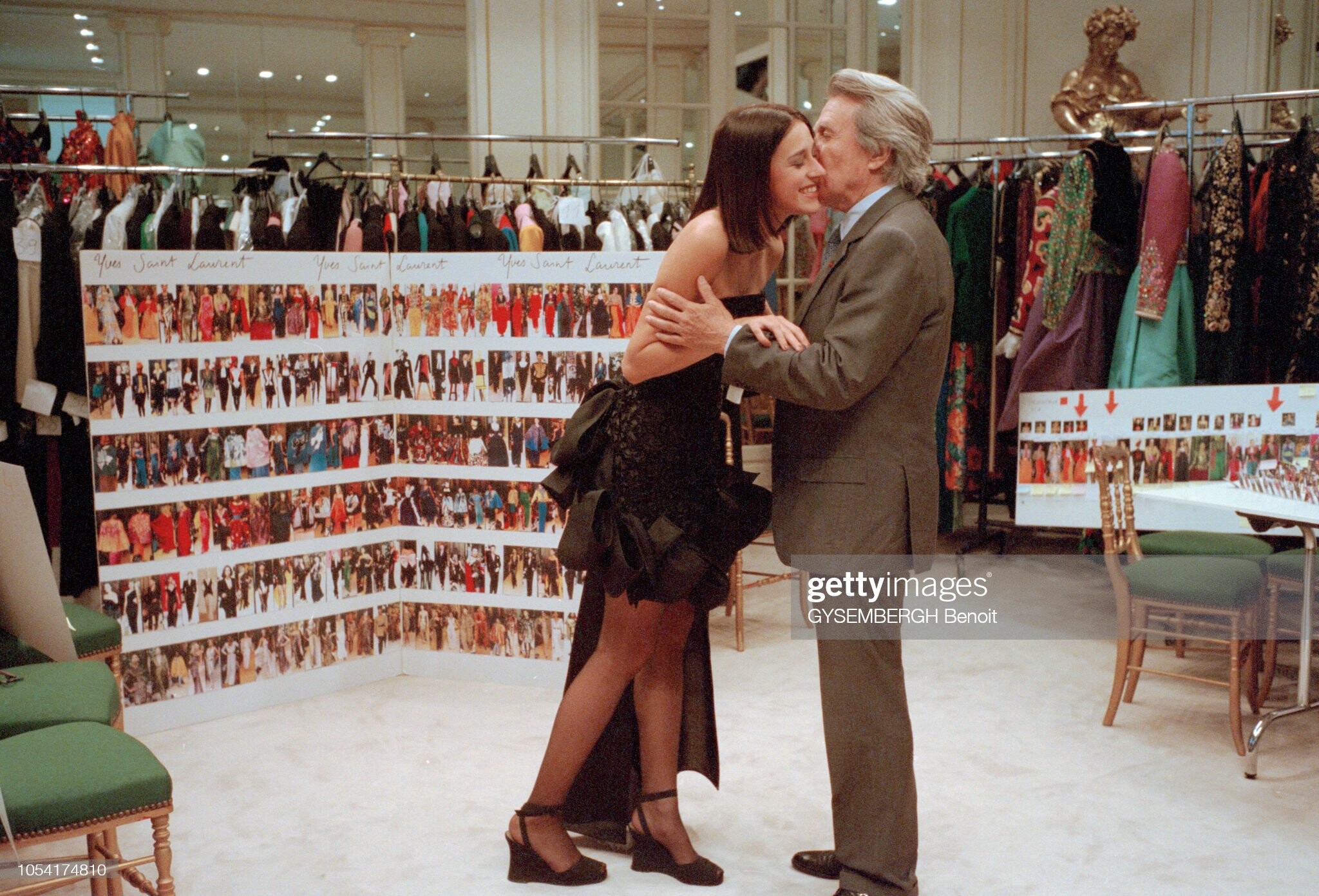
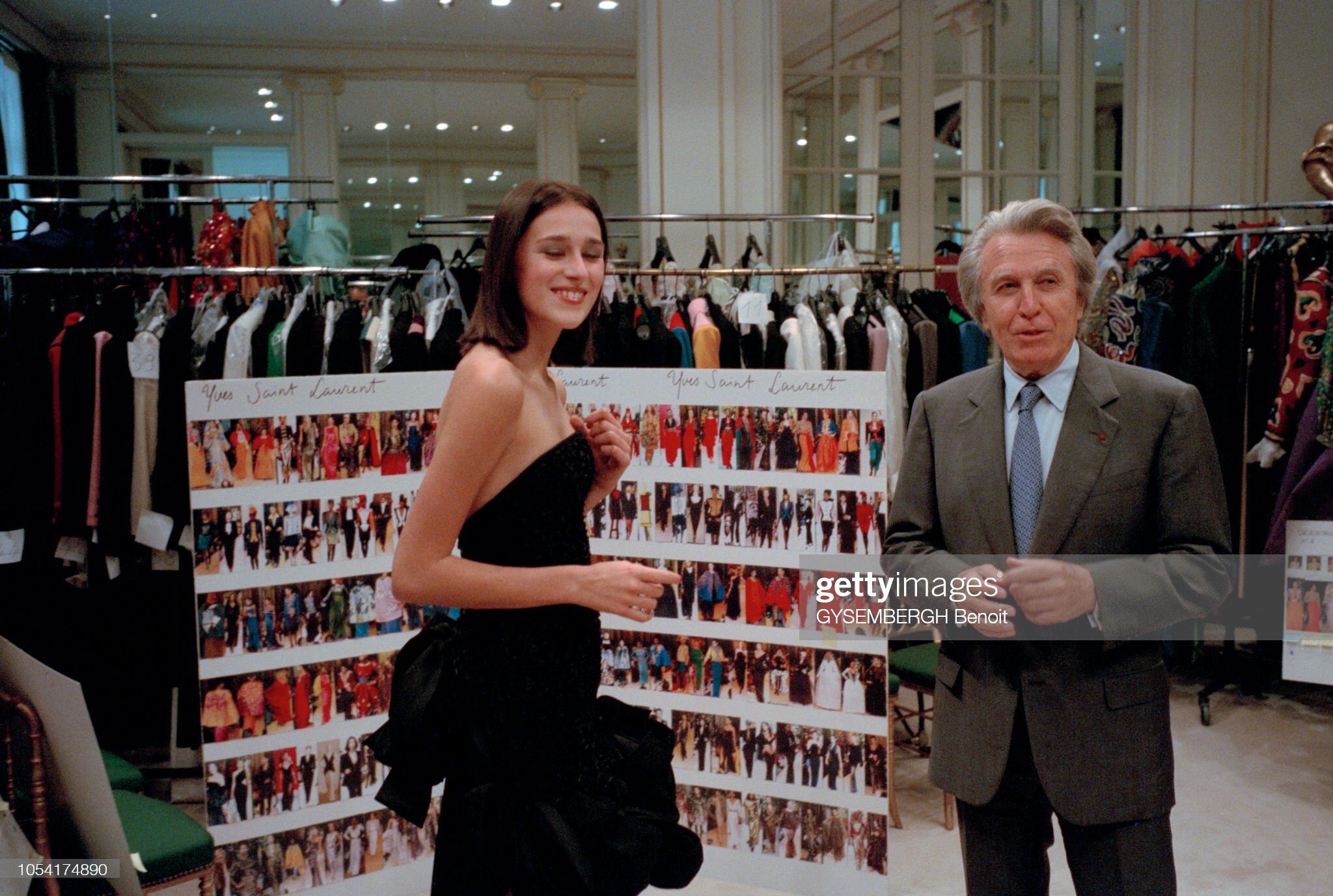
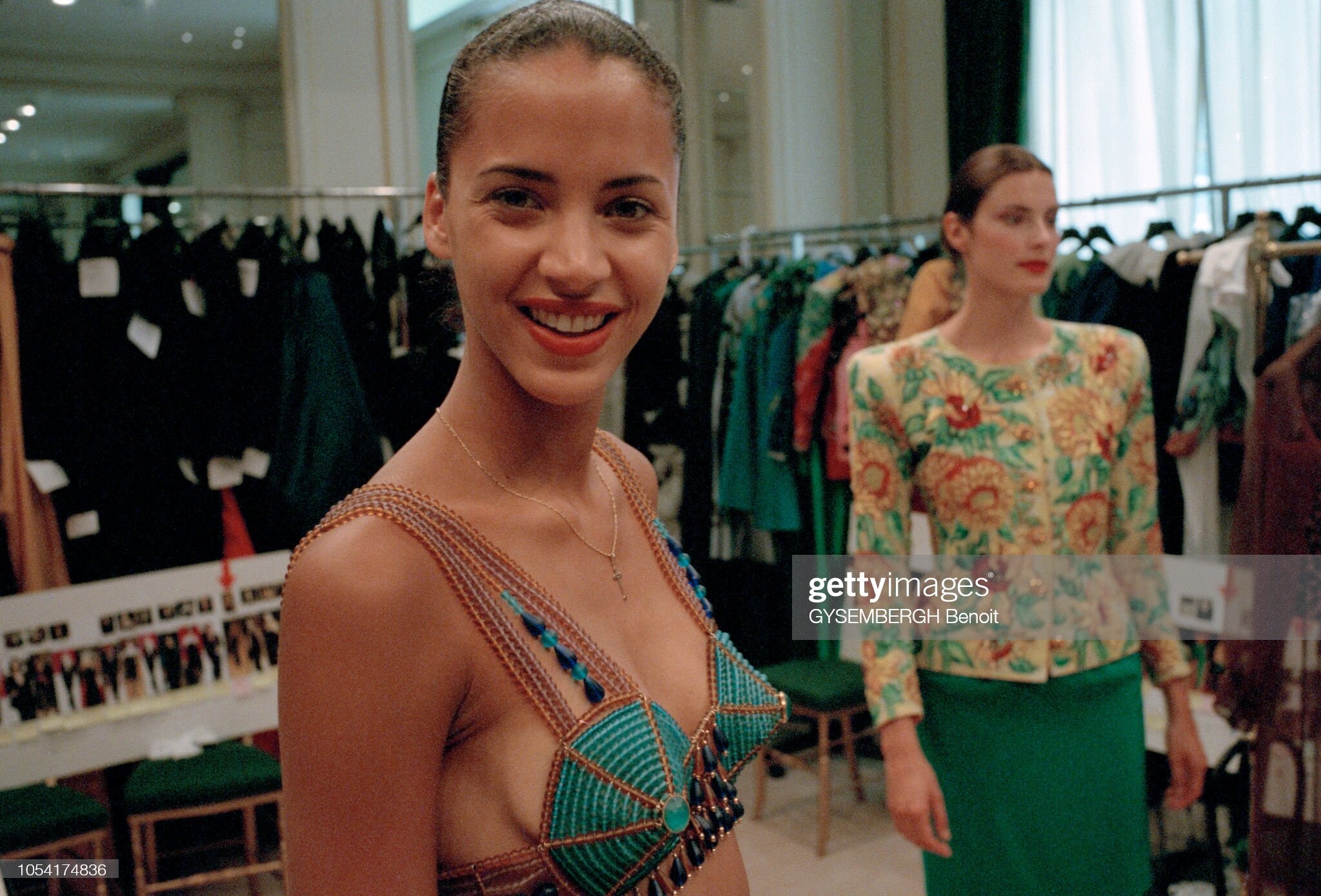
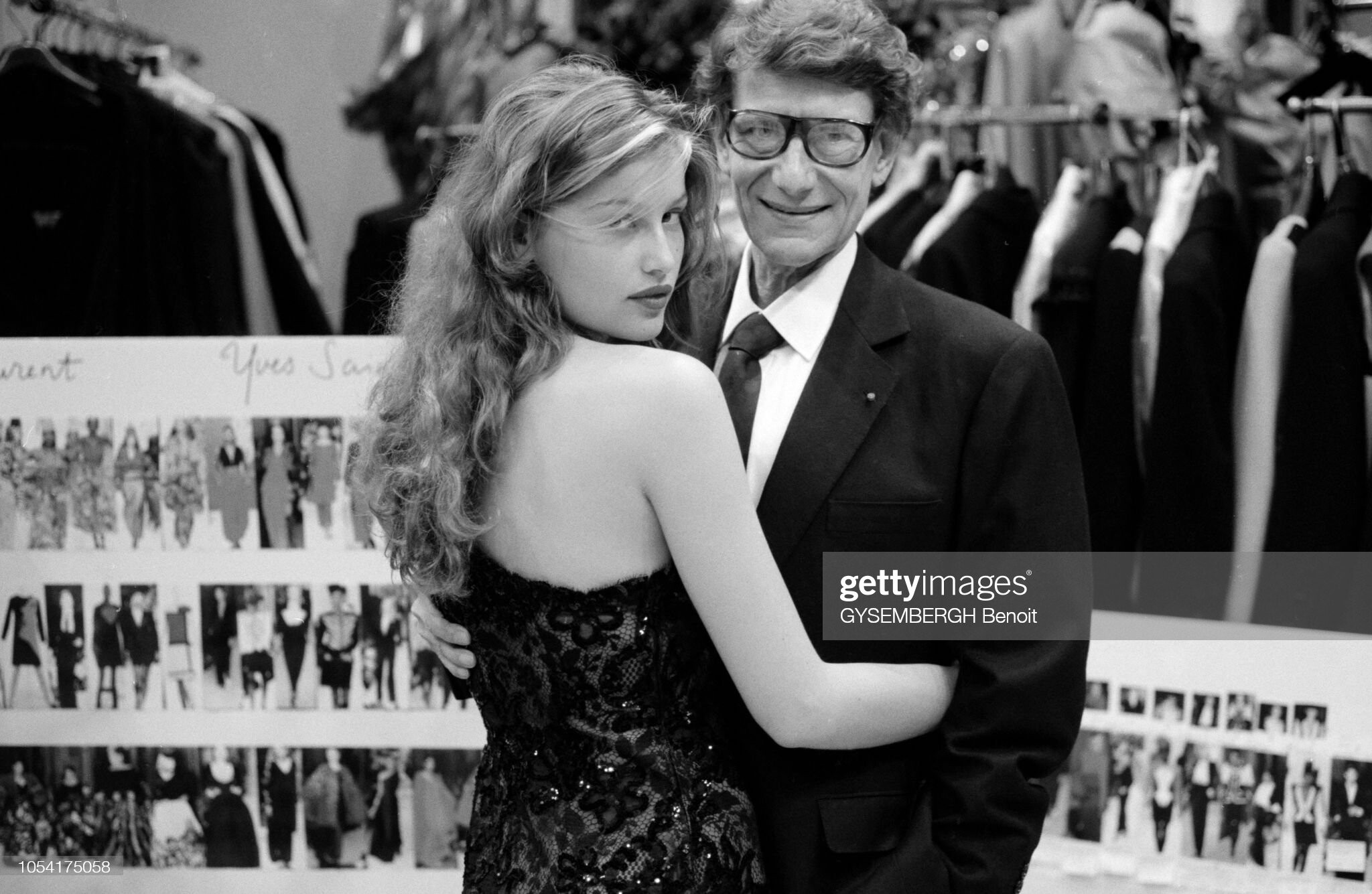
Yves Saint Laurent - world soccer cup final 1998 fashion event - Paris (France) stadium
-
-
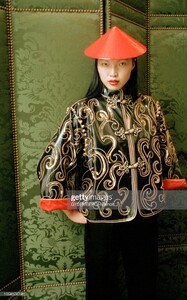
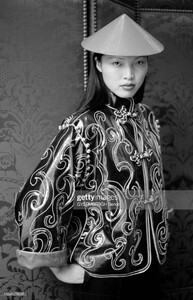
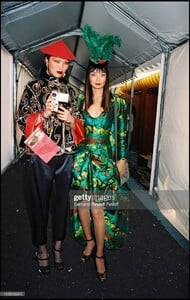
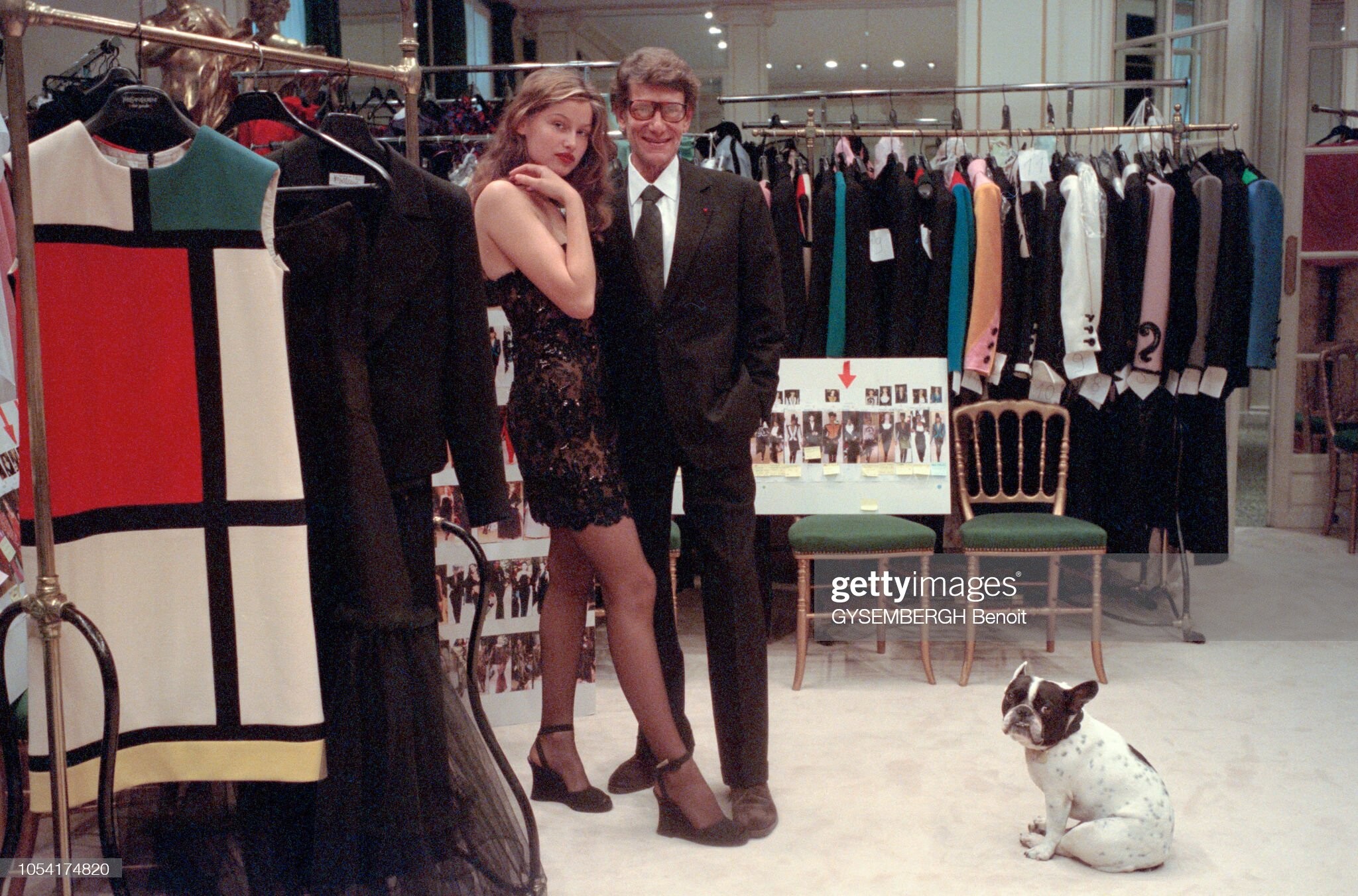
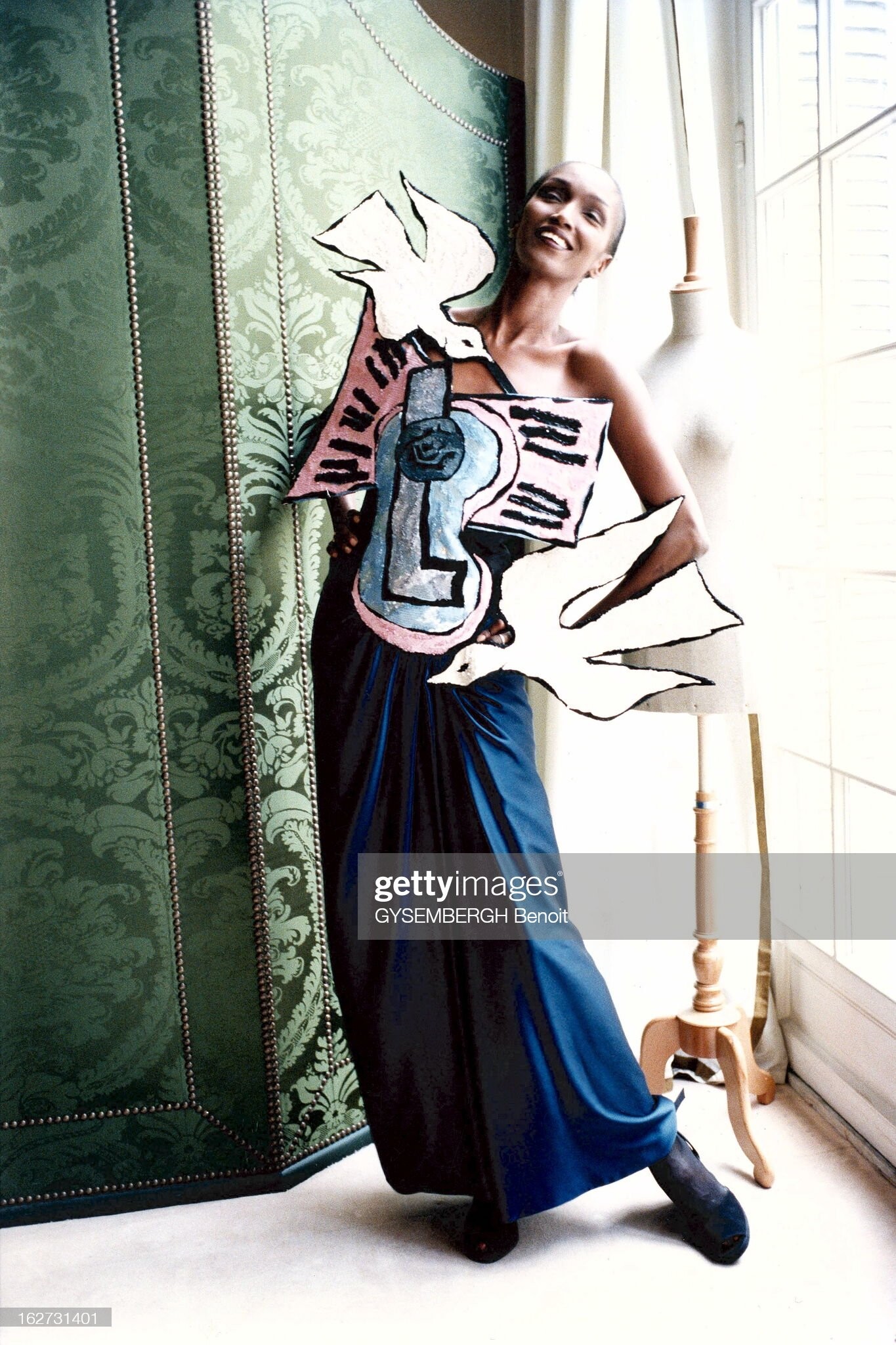
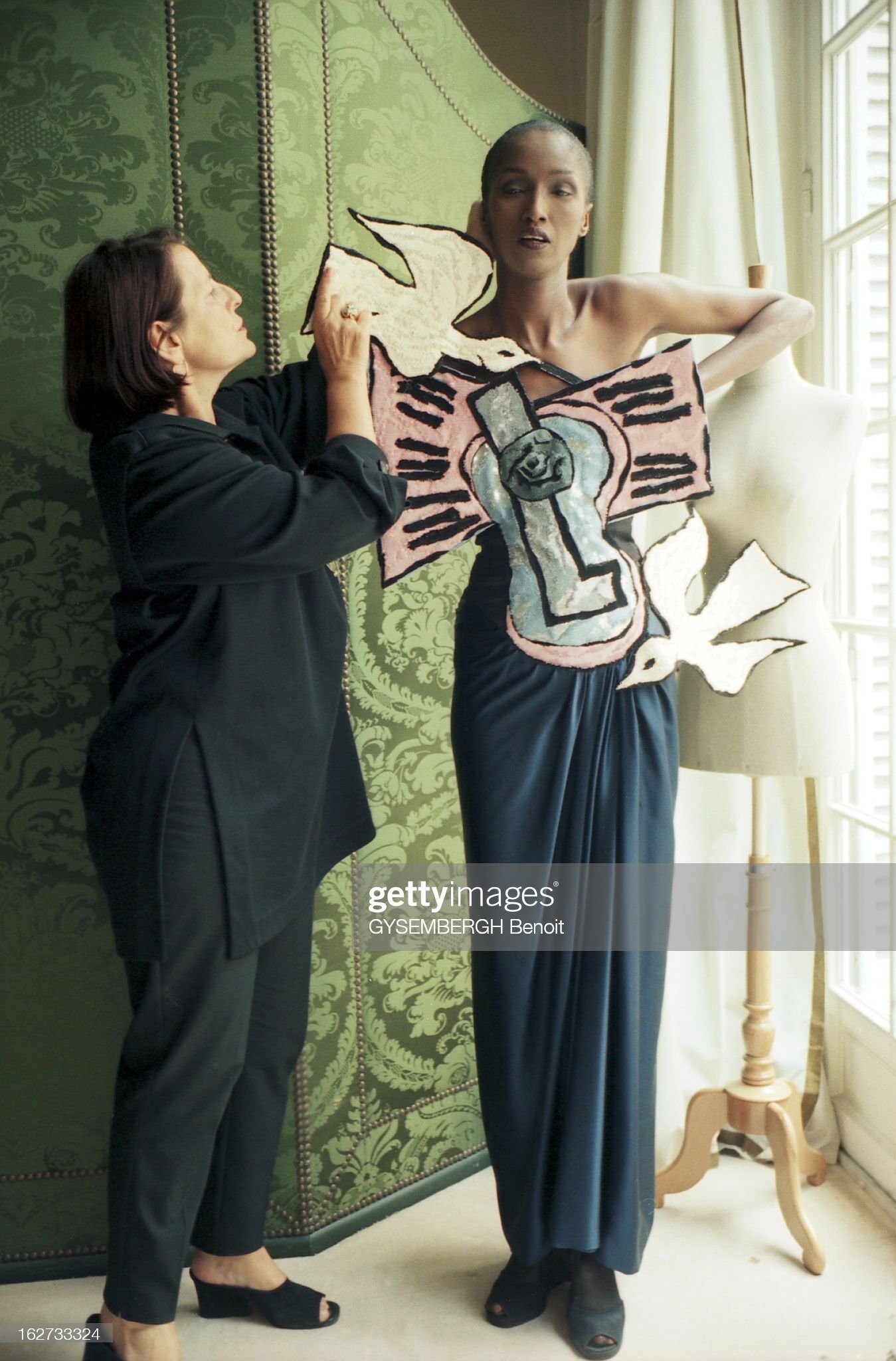
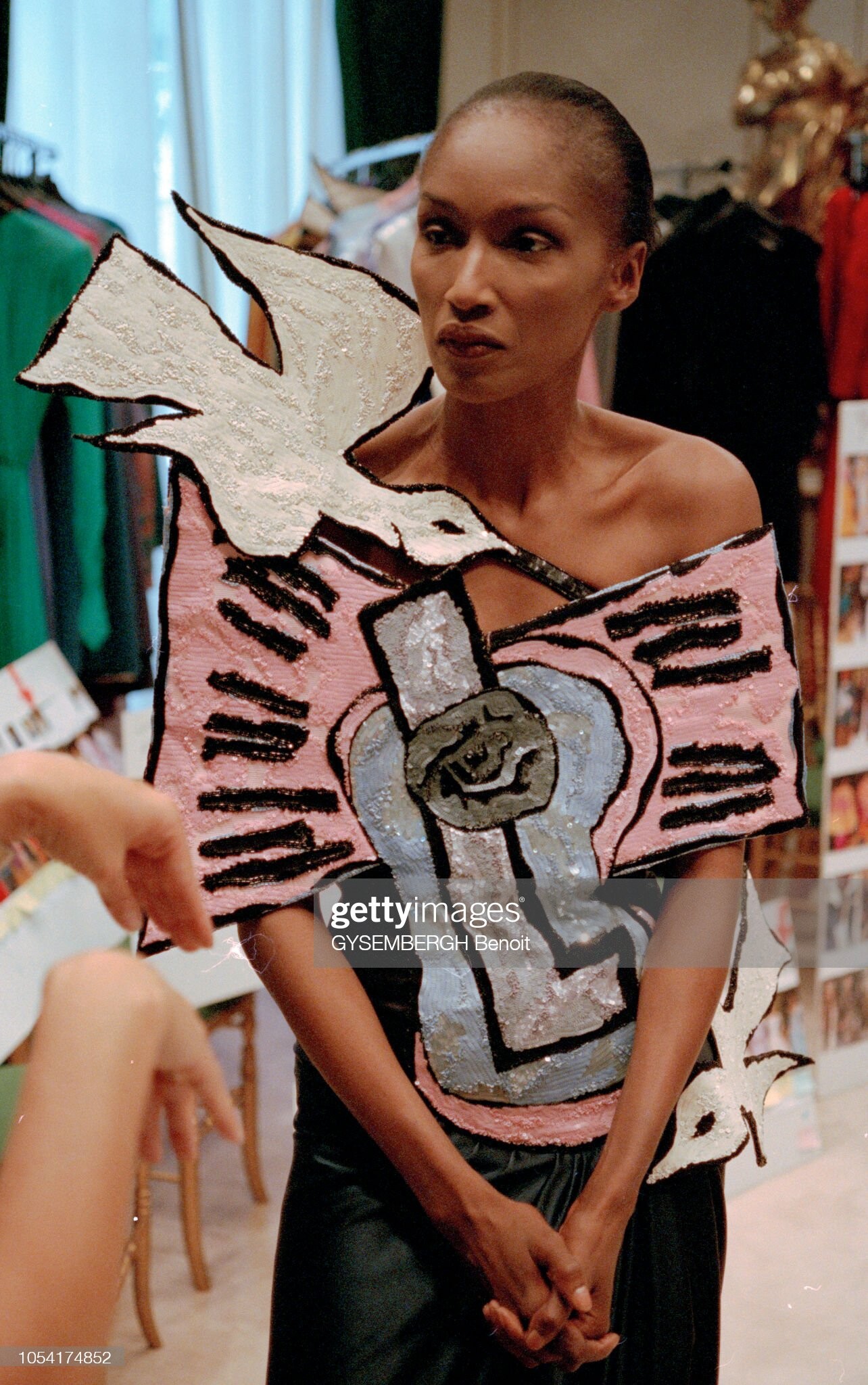
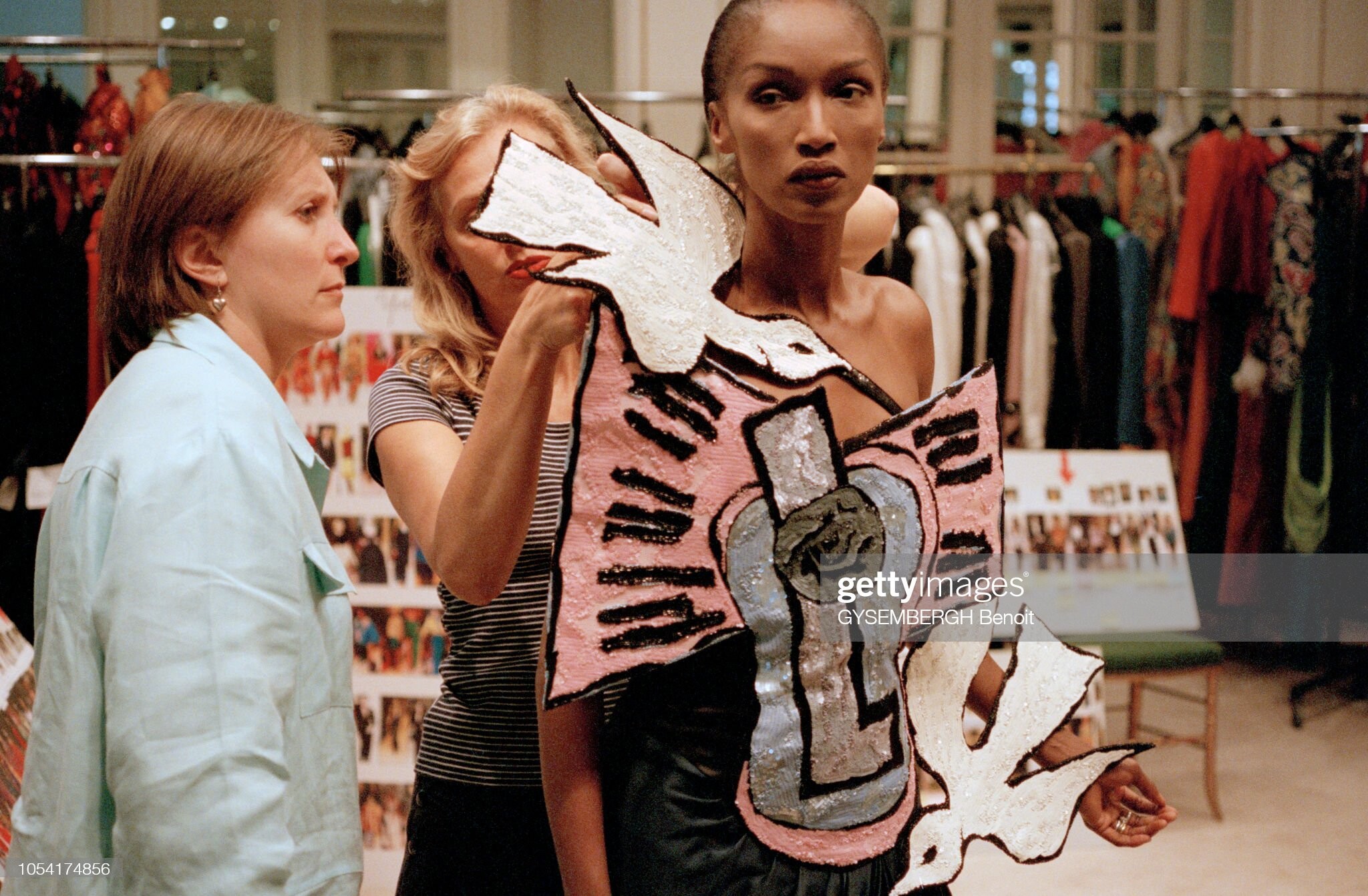
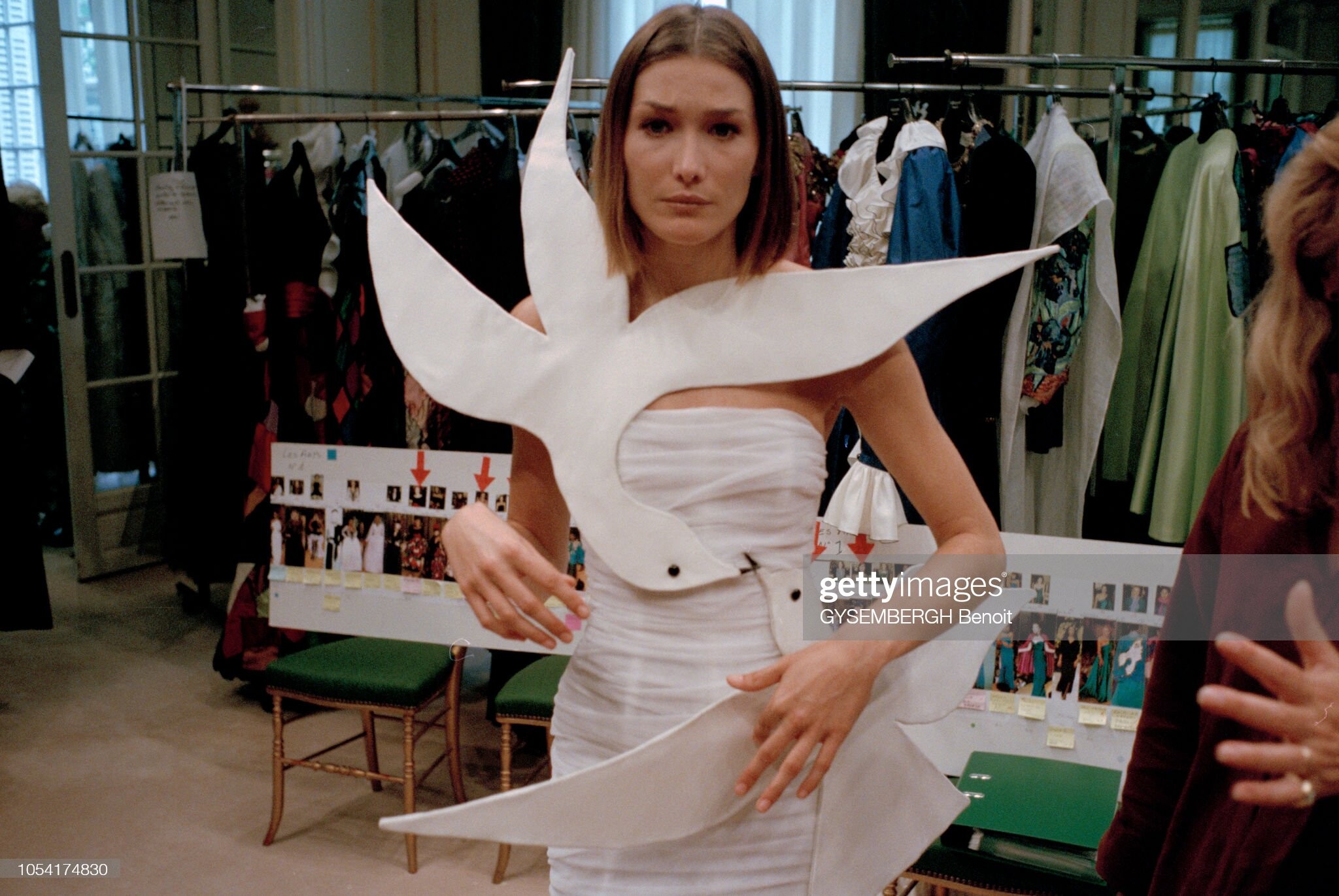
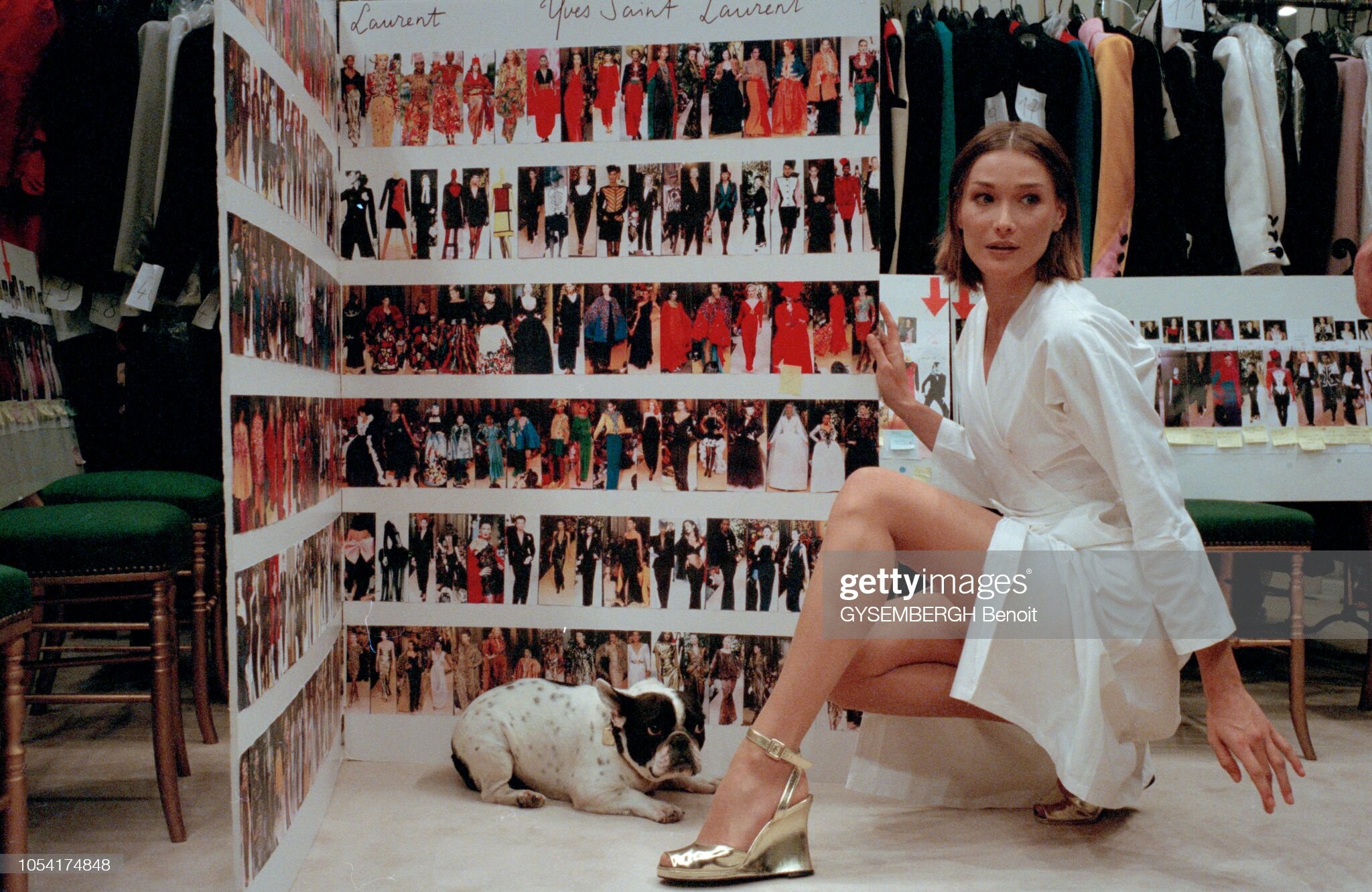
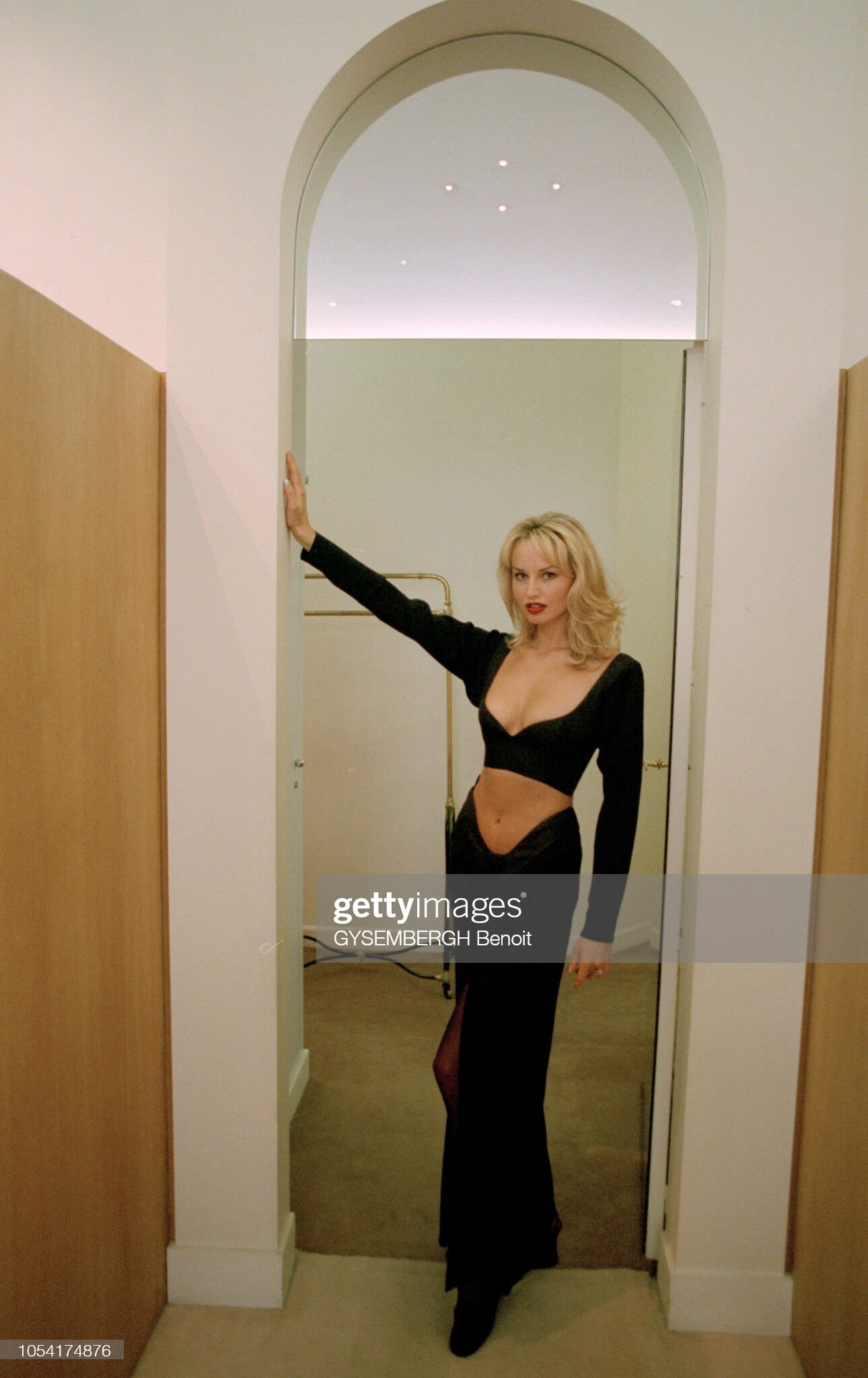
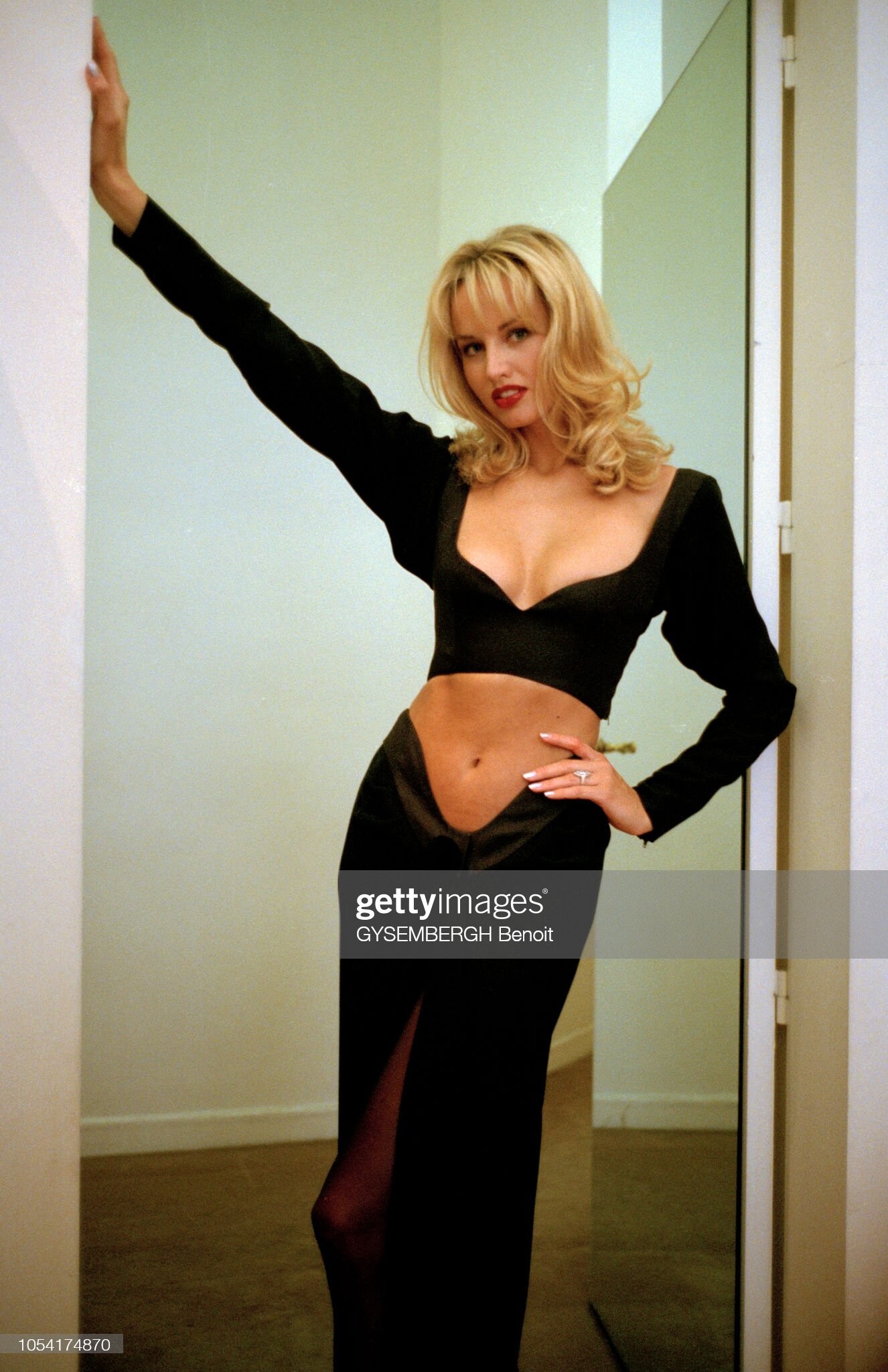
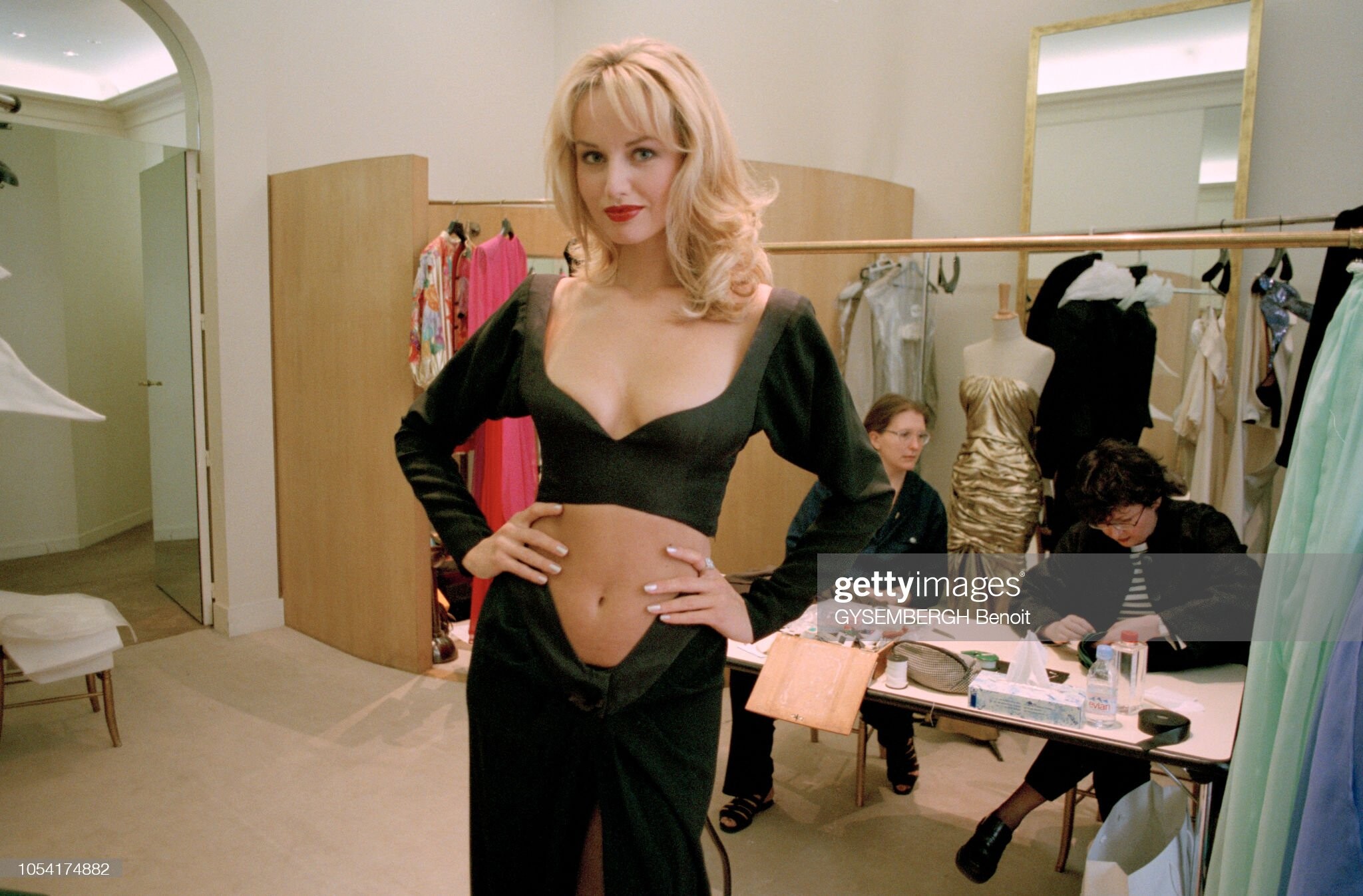
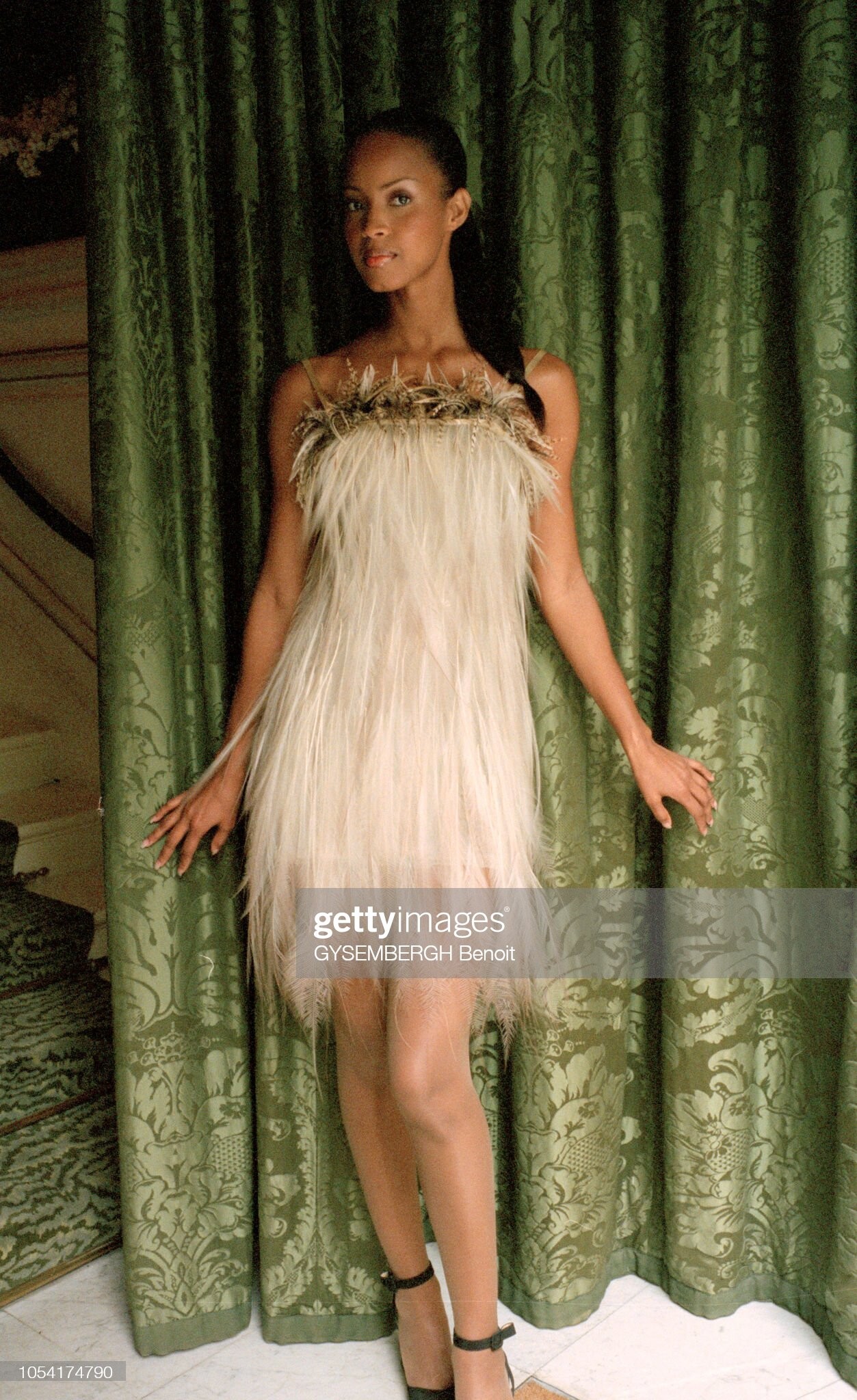
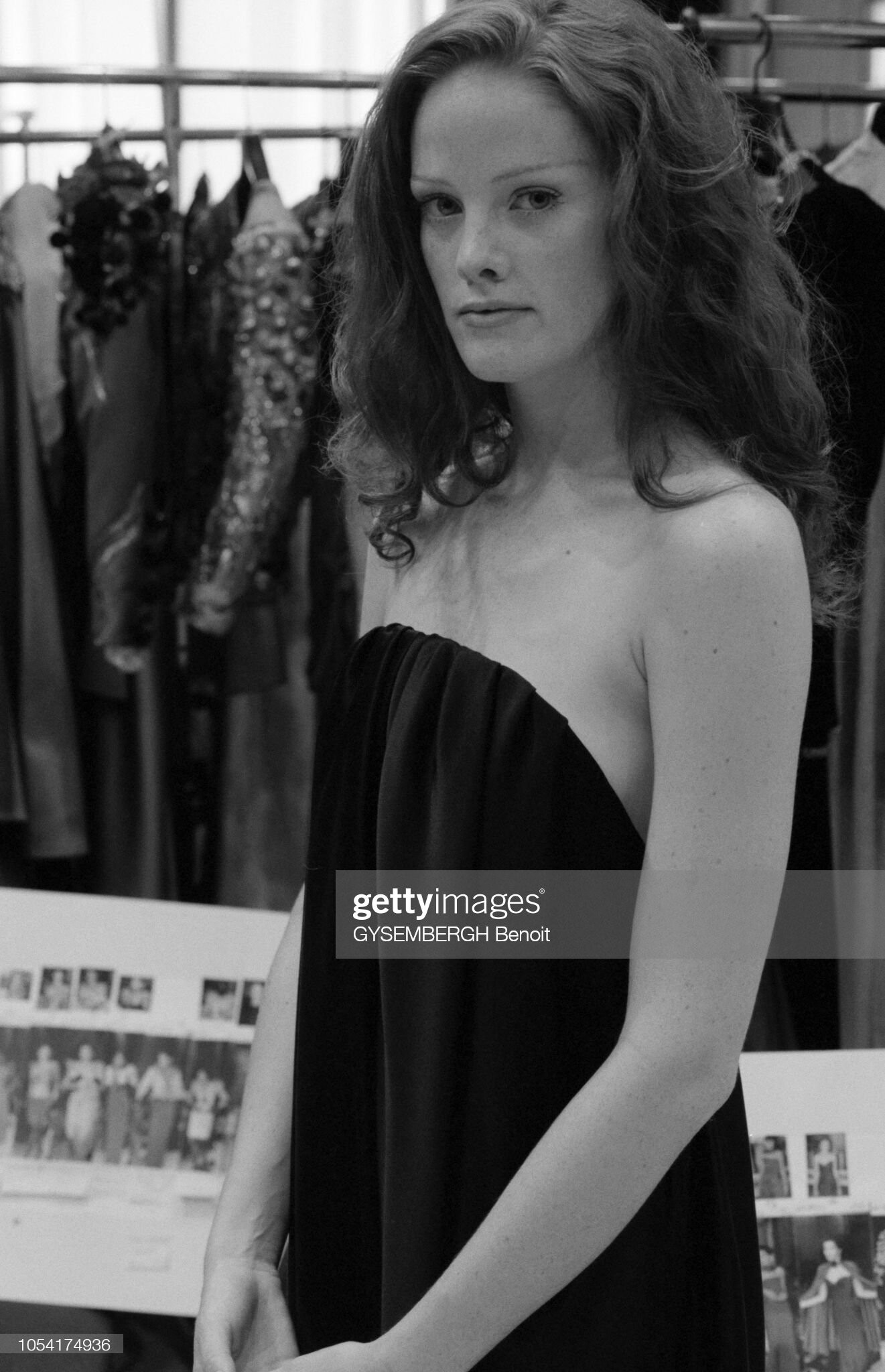
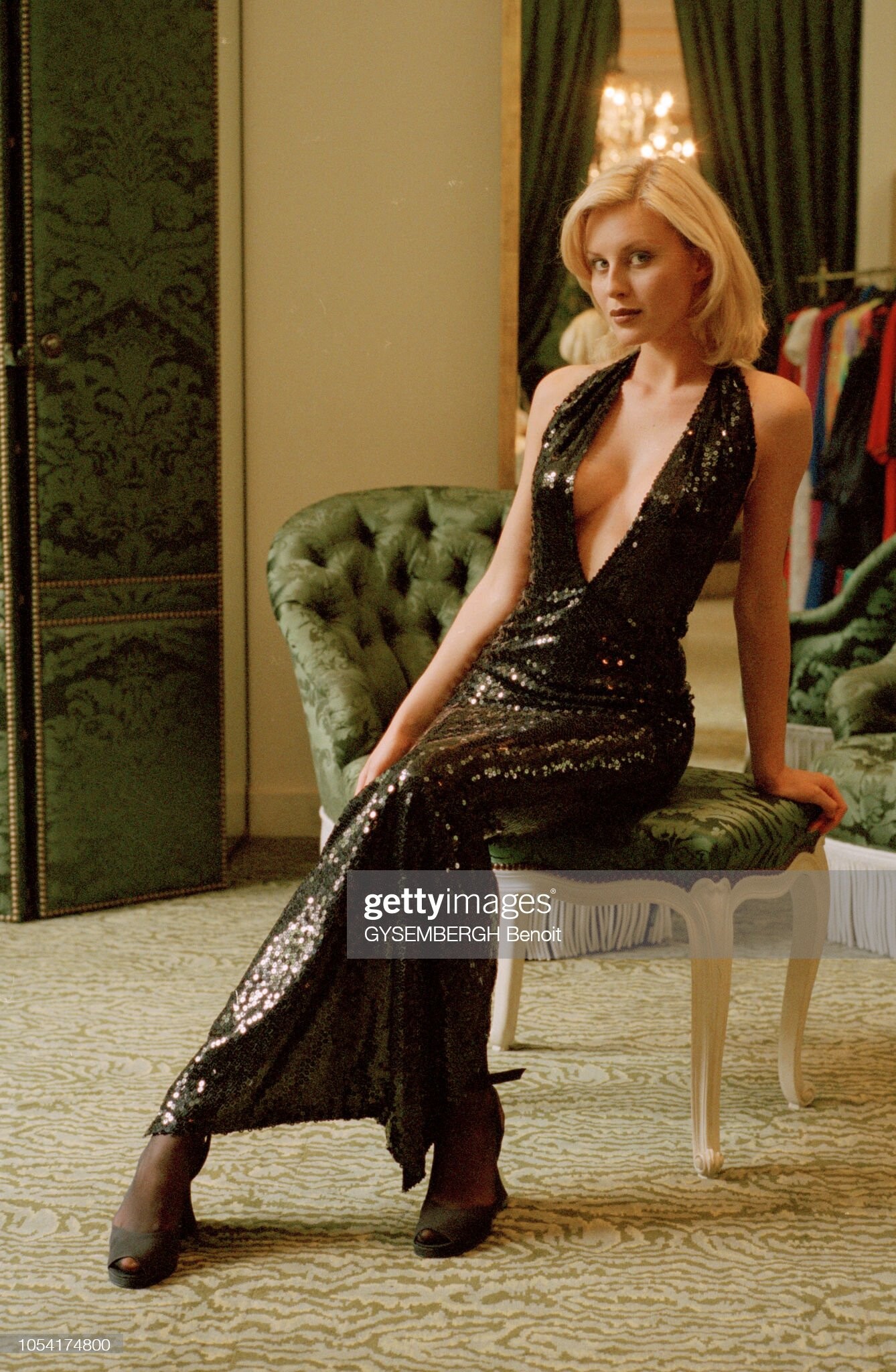
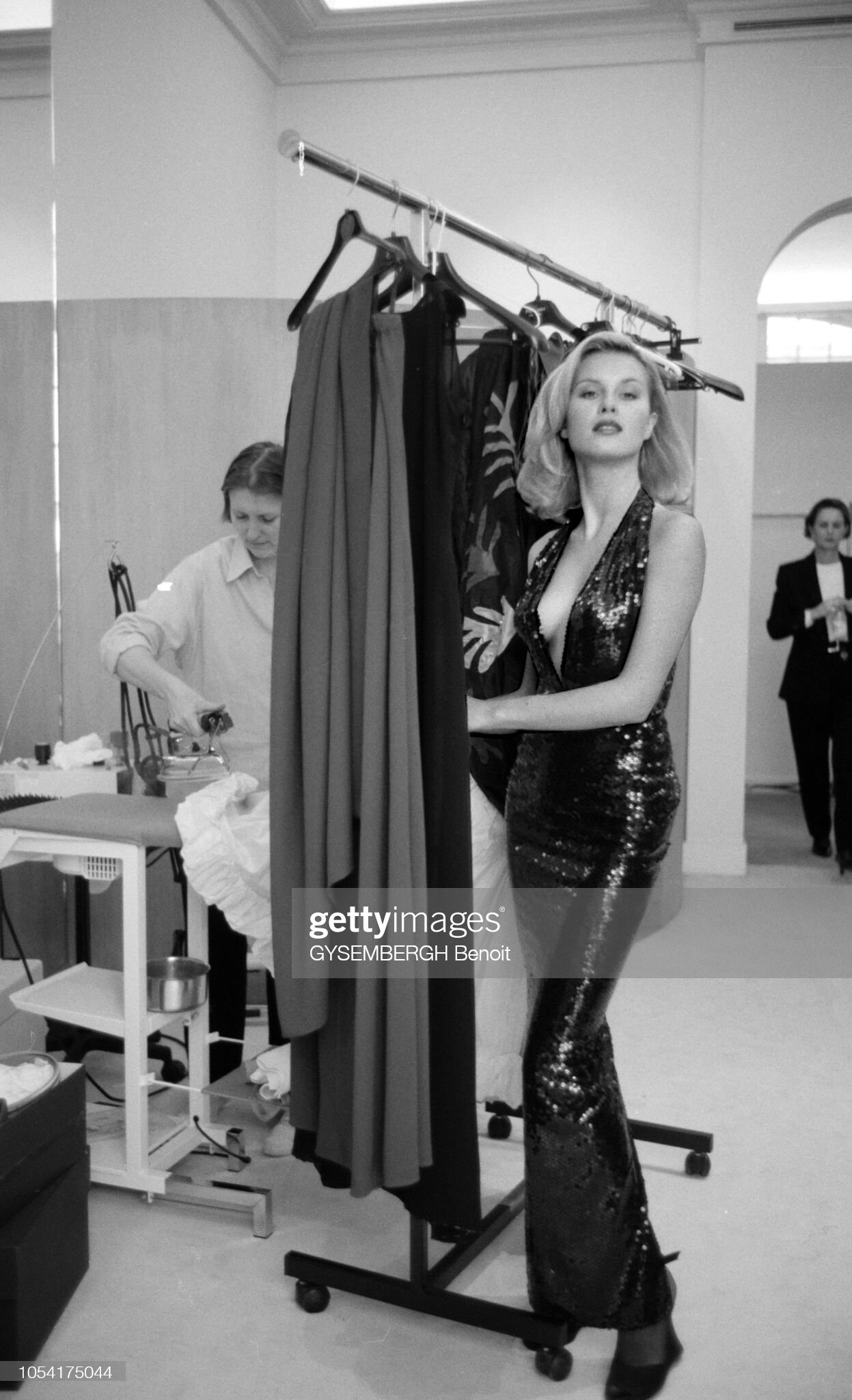
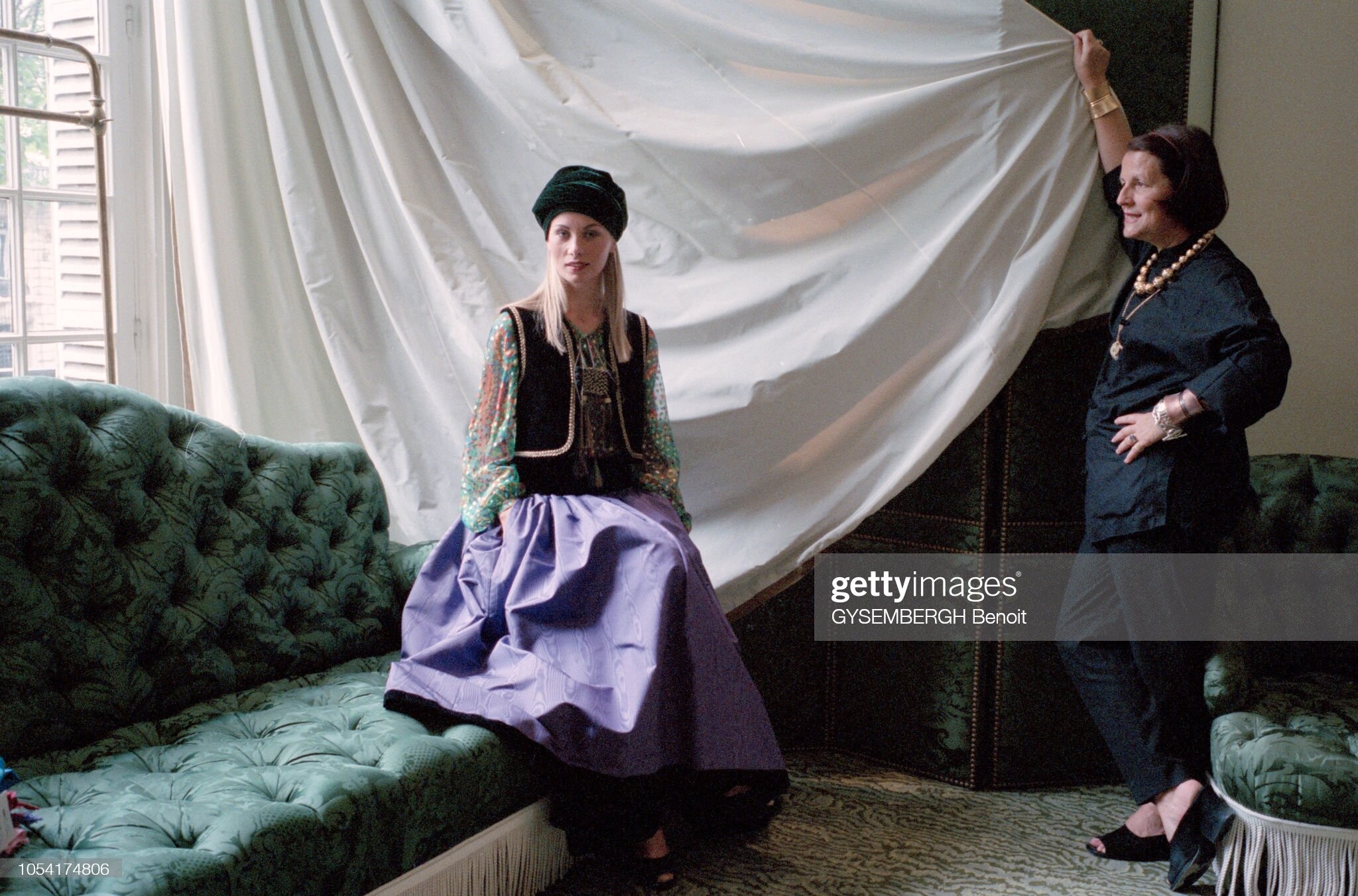
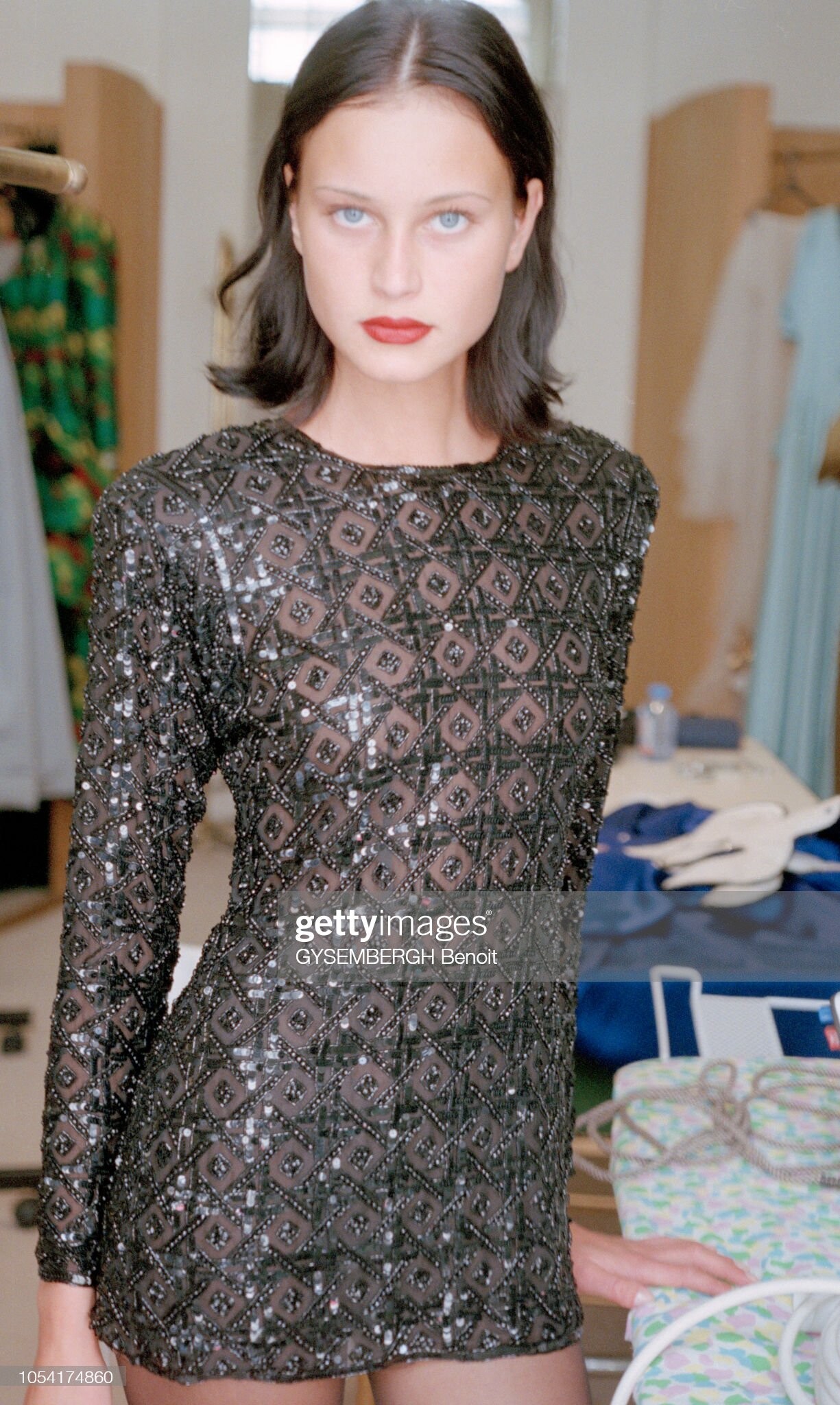
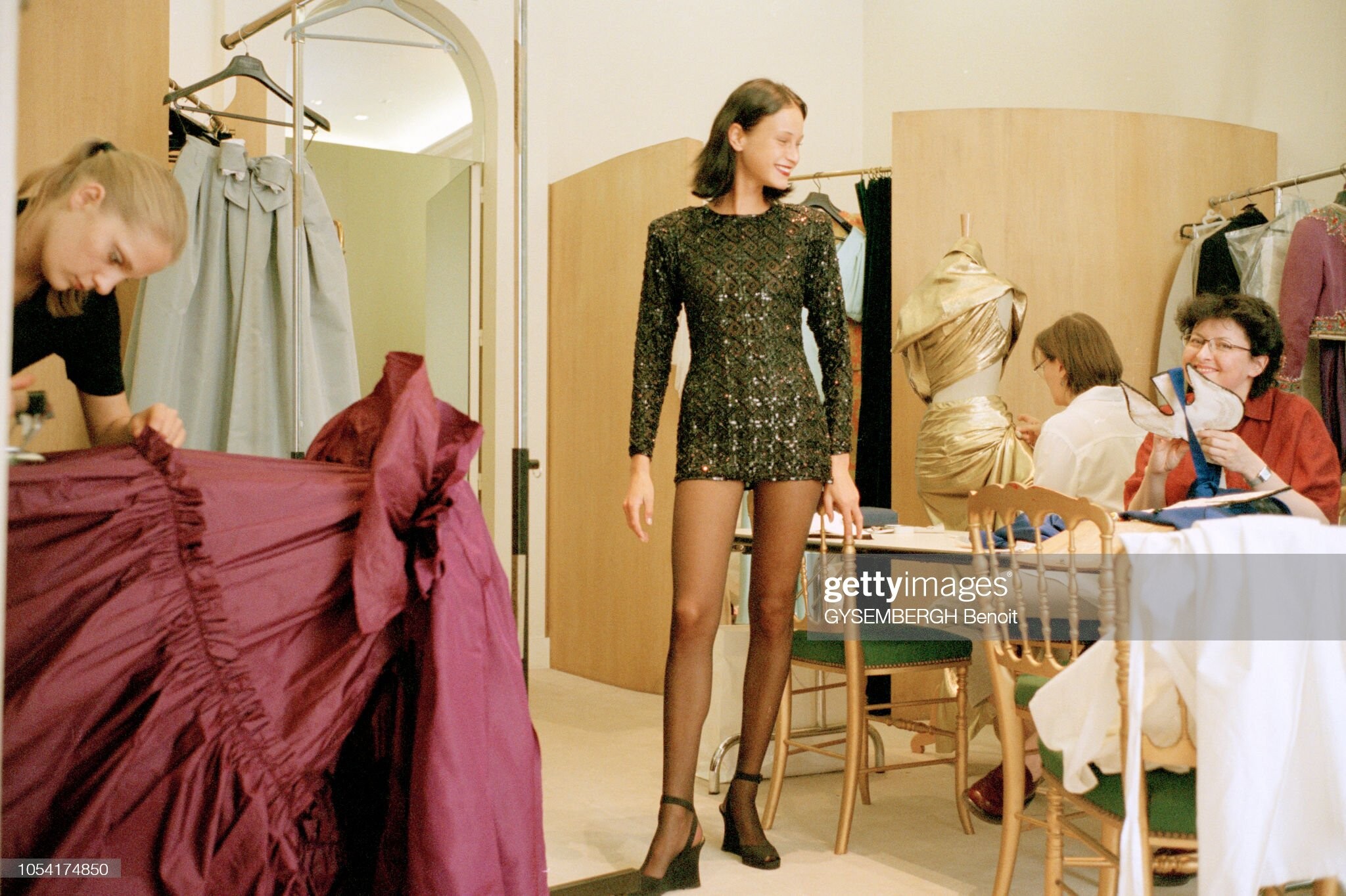
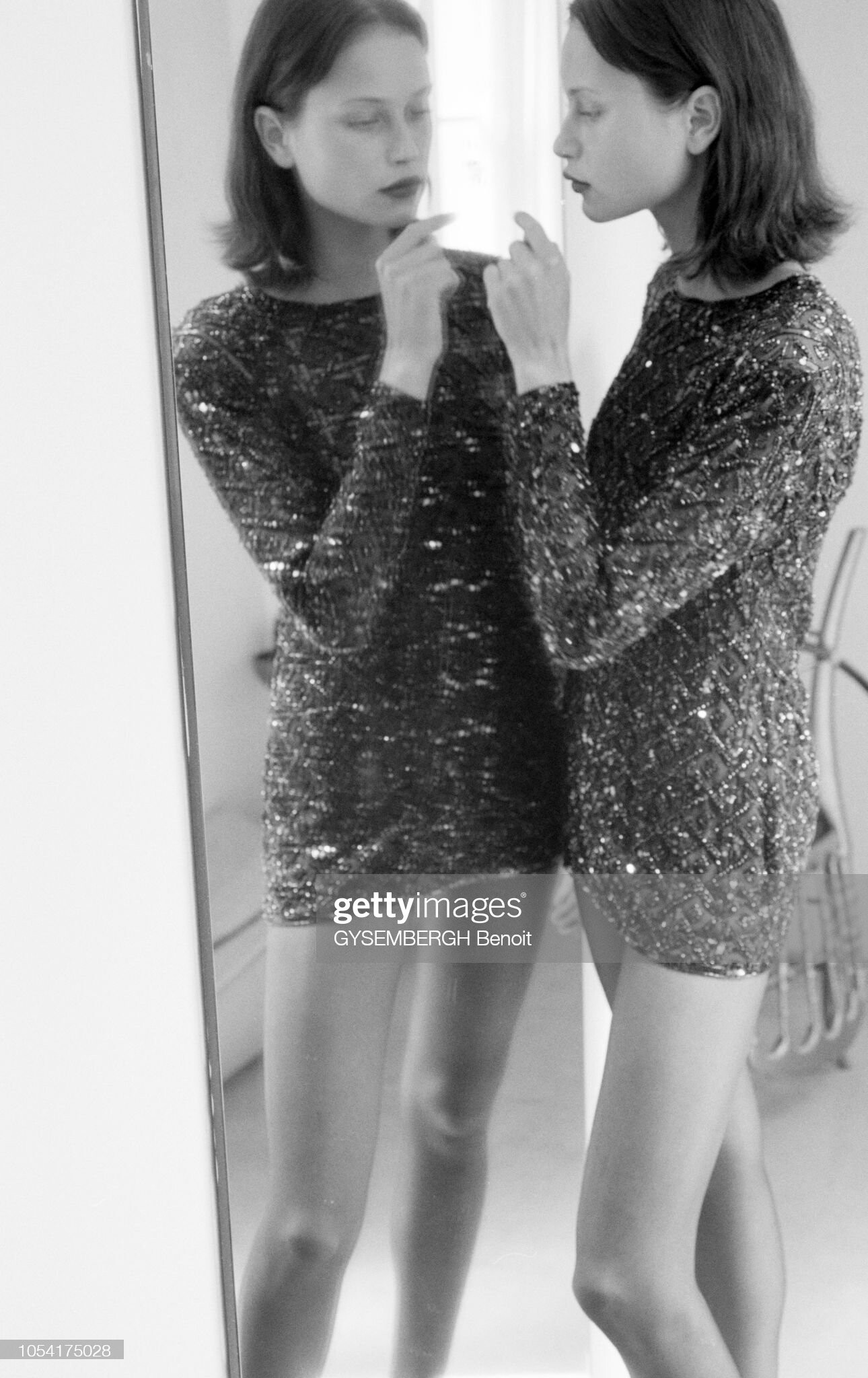
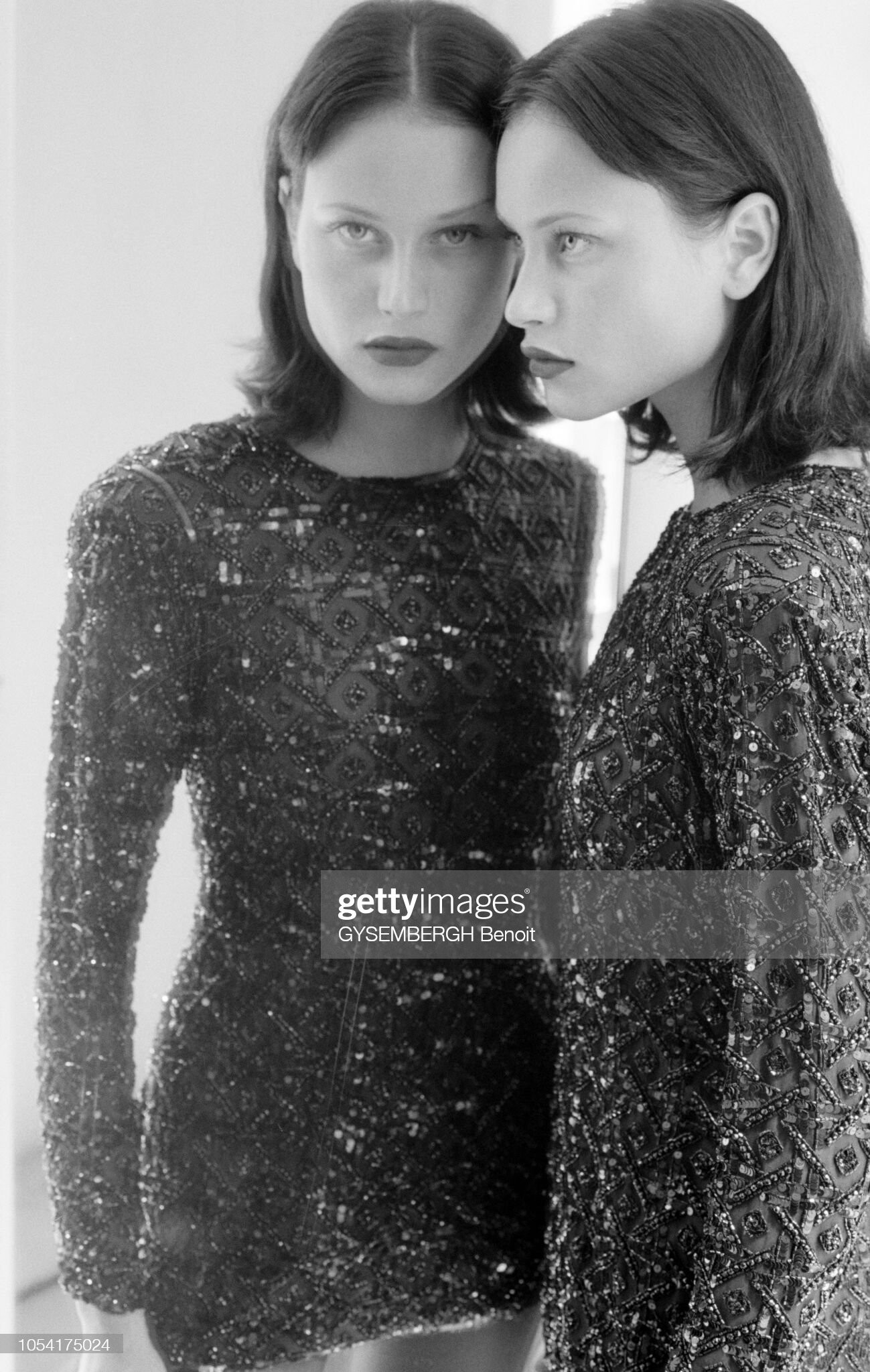
Yves Saint Laurent - world soccer cup final 1998 fashion event - Paris (France) stadium - fitting
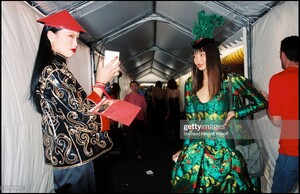
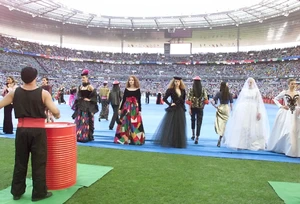
- 75 replies
-
- 2000s
- 90s
- black hair
- brown eyes
-
Tagged with:
-
Yves Saint Laurent - world soccer cup final 1998 fashion event - Paris (France) stadium - fitting
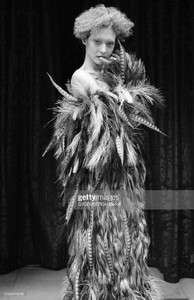
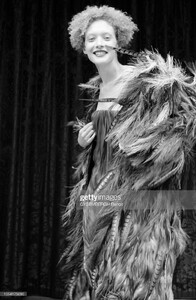
-
-
Yves Saint Laurent - world soccer cup final 1998 fashion event - Paris (France) stadium
-
-
-
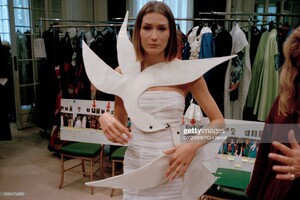
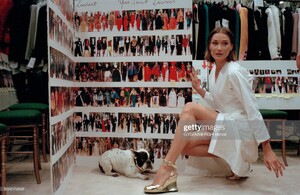
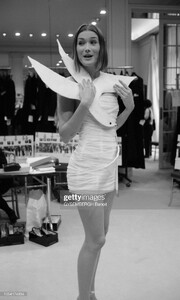
Yves Saint Laurent - world soccer cup final 1998 fashion event - Paris (France) stadium
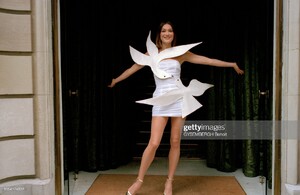
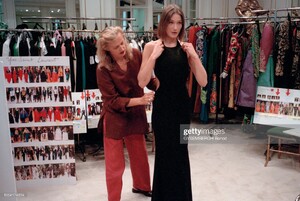
-
-
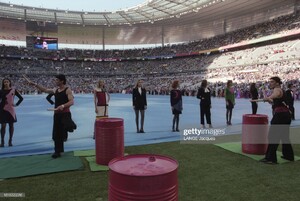
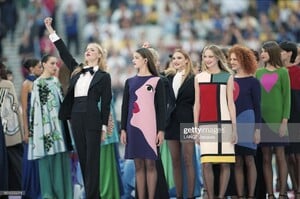
Yves Saint Laurent - world soccer cup final 1998 fashion event - Paris (France) stadium
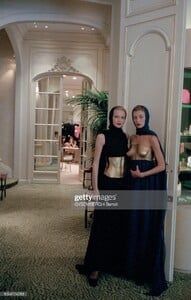
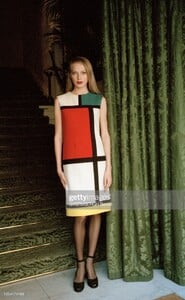
-
Yves Saint Laurent - world soccer cup final 1998 fashion event - Paris (France) stadium
-
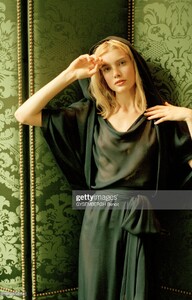
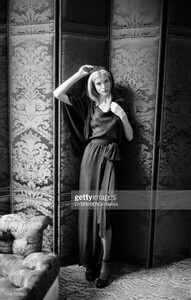
Yves Saint Laurent - world soccer cup final 1998 fashion event - Paris (France) stadium
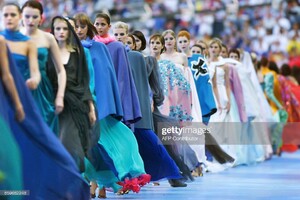
-
-
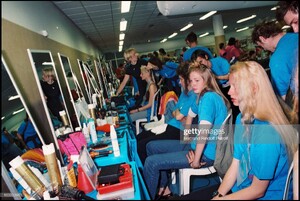
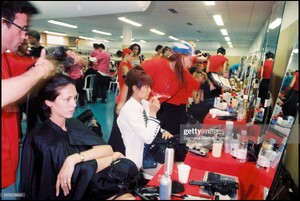
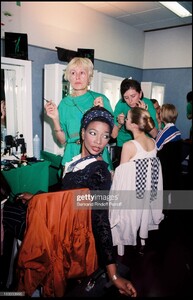
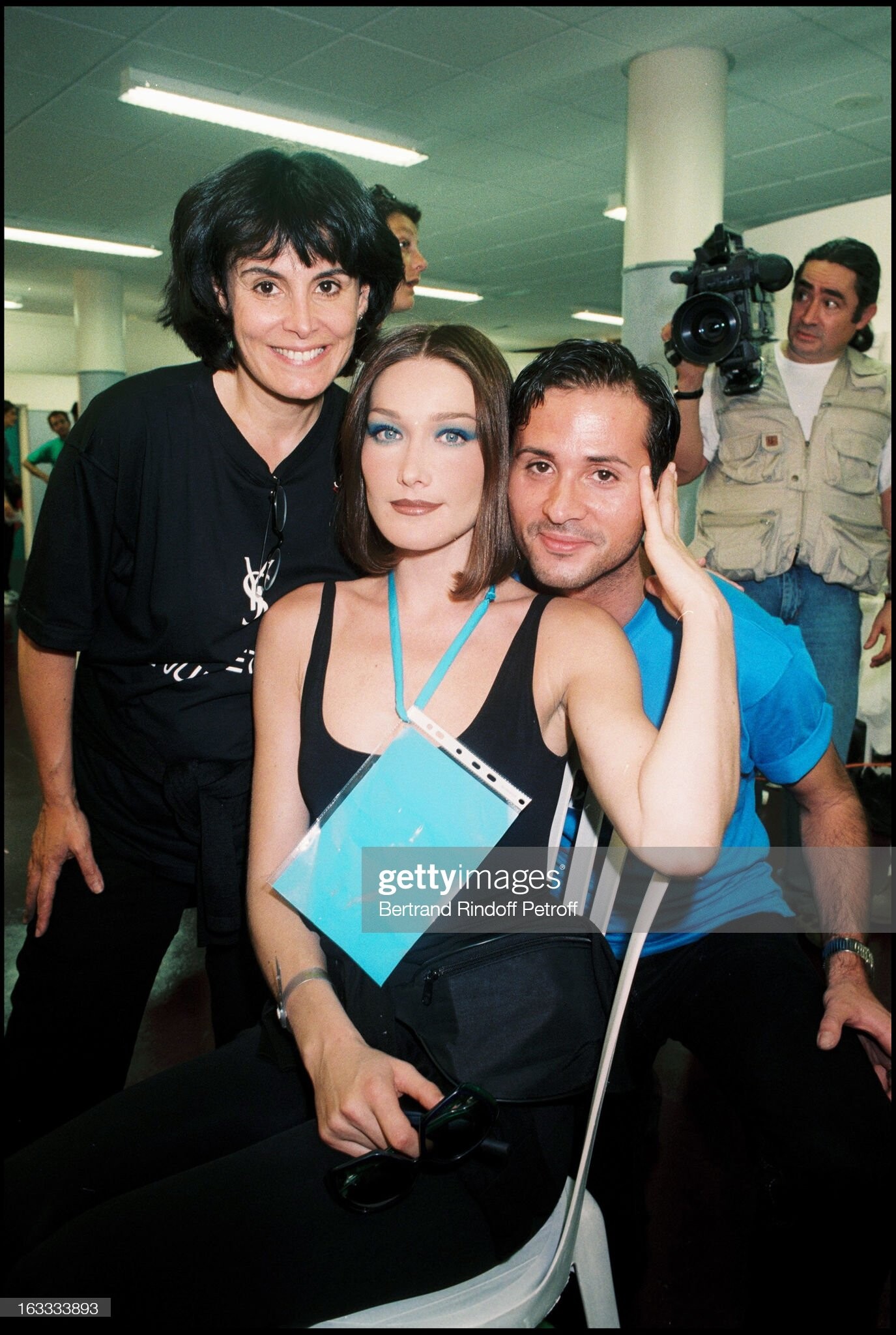
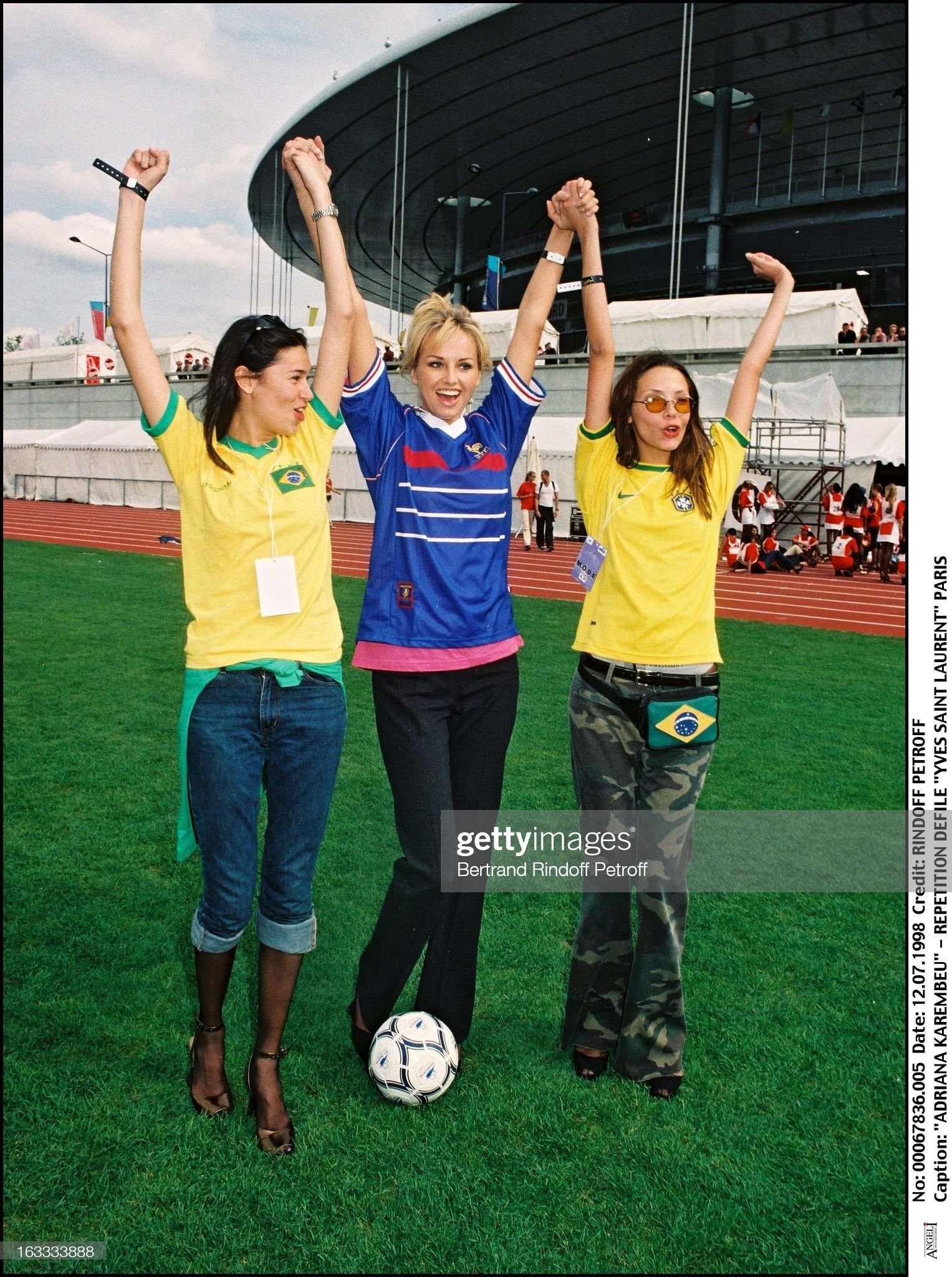
Yves Saint Laurent - world soccer cup final 1998 fashion event - Paris (France) stadium - show
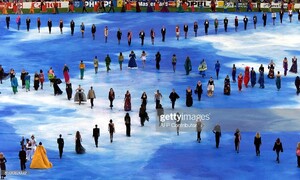
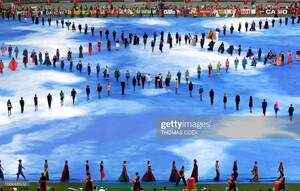
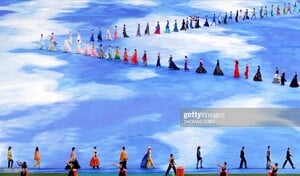
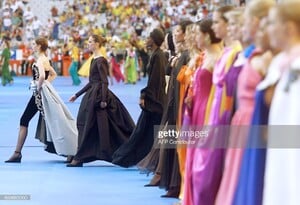
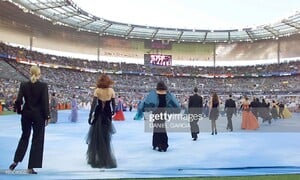
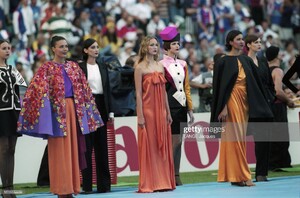
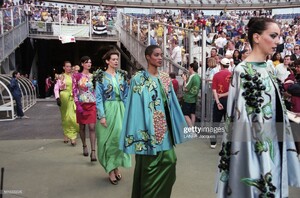
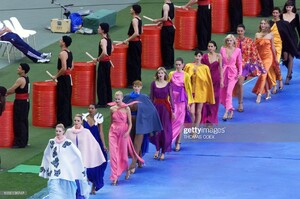
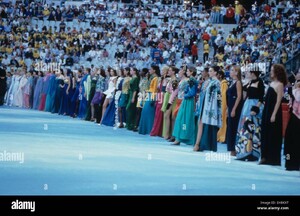
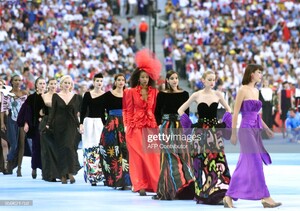
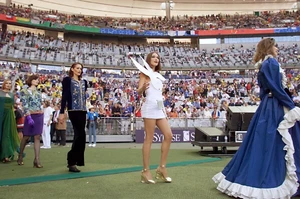
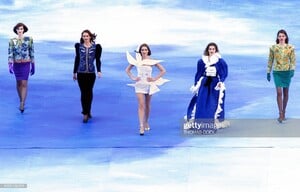
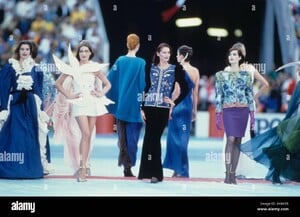
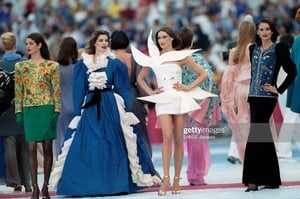
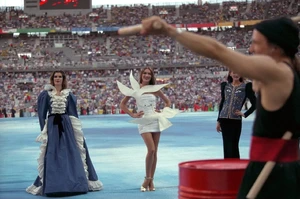
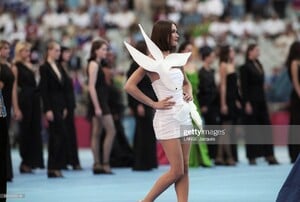
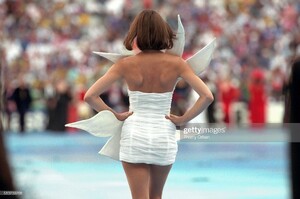 rehearsal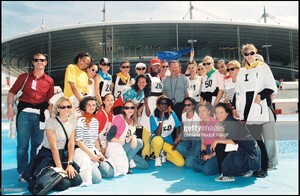
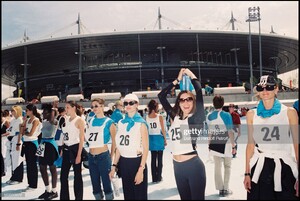
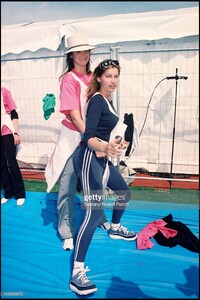
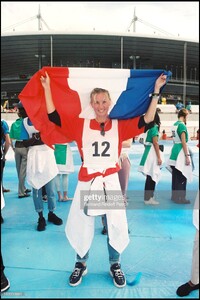
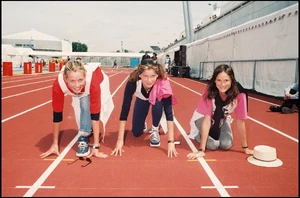
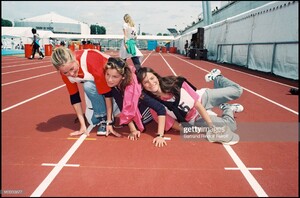
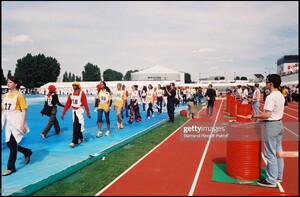
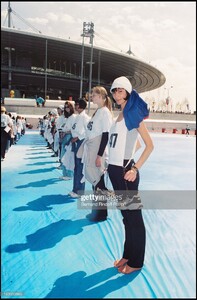
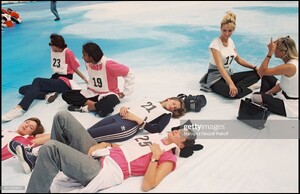
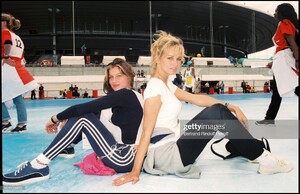
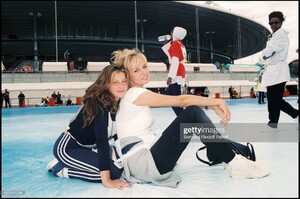
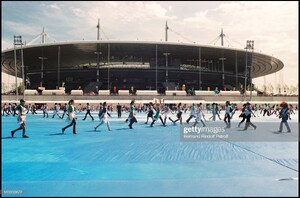
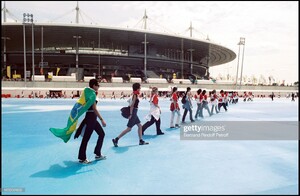
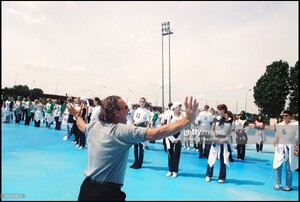
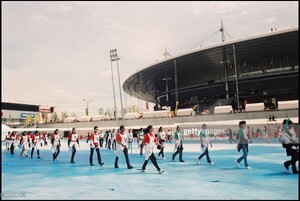
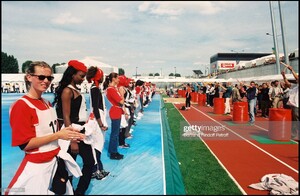
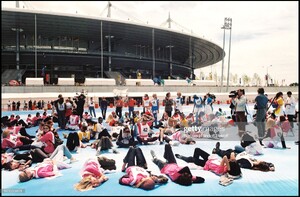
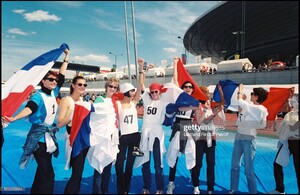 backstage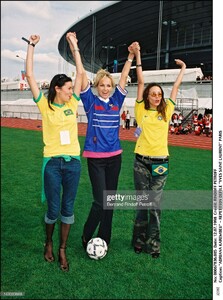
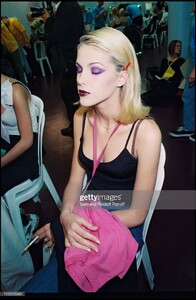
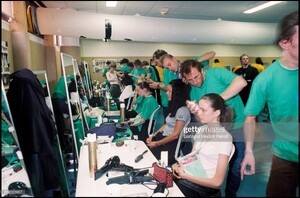
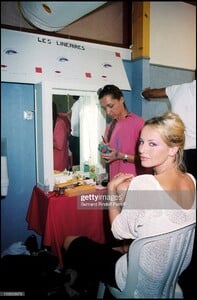
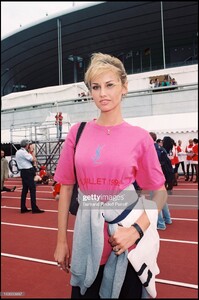
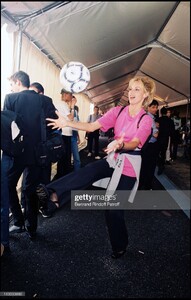
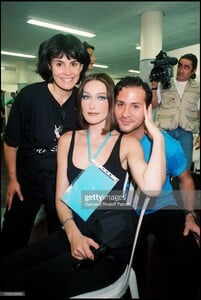
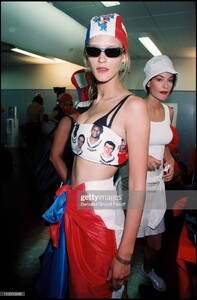
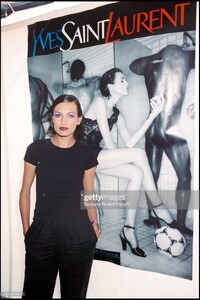 Adriana S.K., Angelica Boss, Olga Pantushenkova, Carla Bruni, Georgianna Robertson,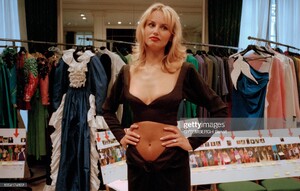
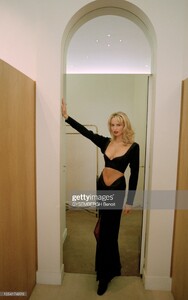
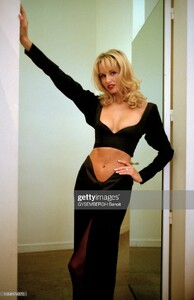
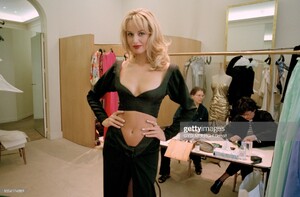
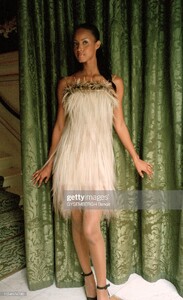
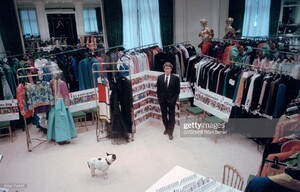
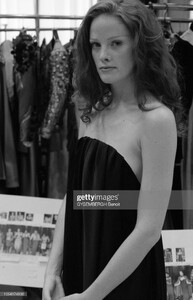
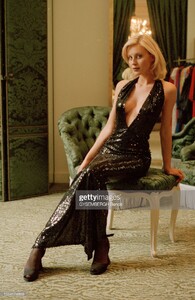
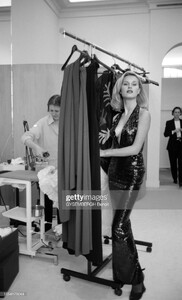 Katoucha, Laetitia Casta, Chrystèle St-Louis-Augustin, Xin Lee, Zoé Félix, Céline Balitran, Anais Lombard, Noémie Lenoir, Ewa Meissner, Eugenia Kuzmina
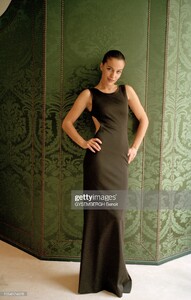
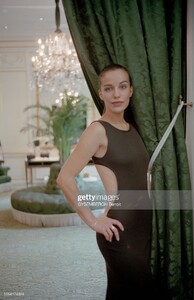
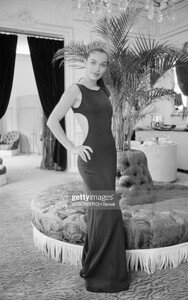
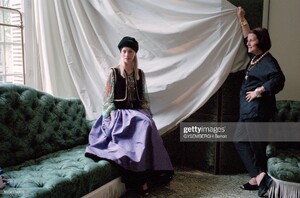
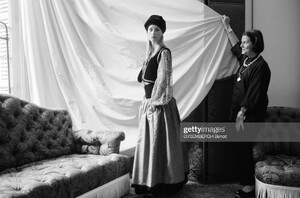
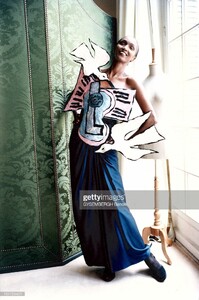
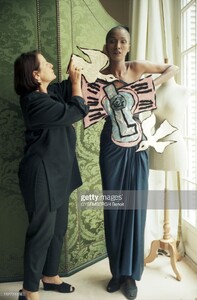
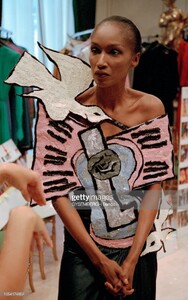
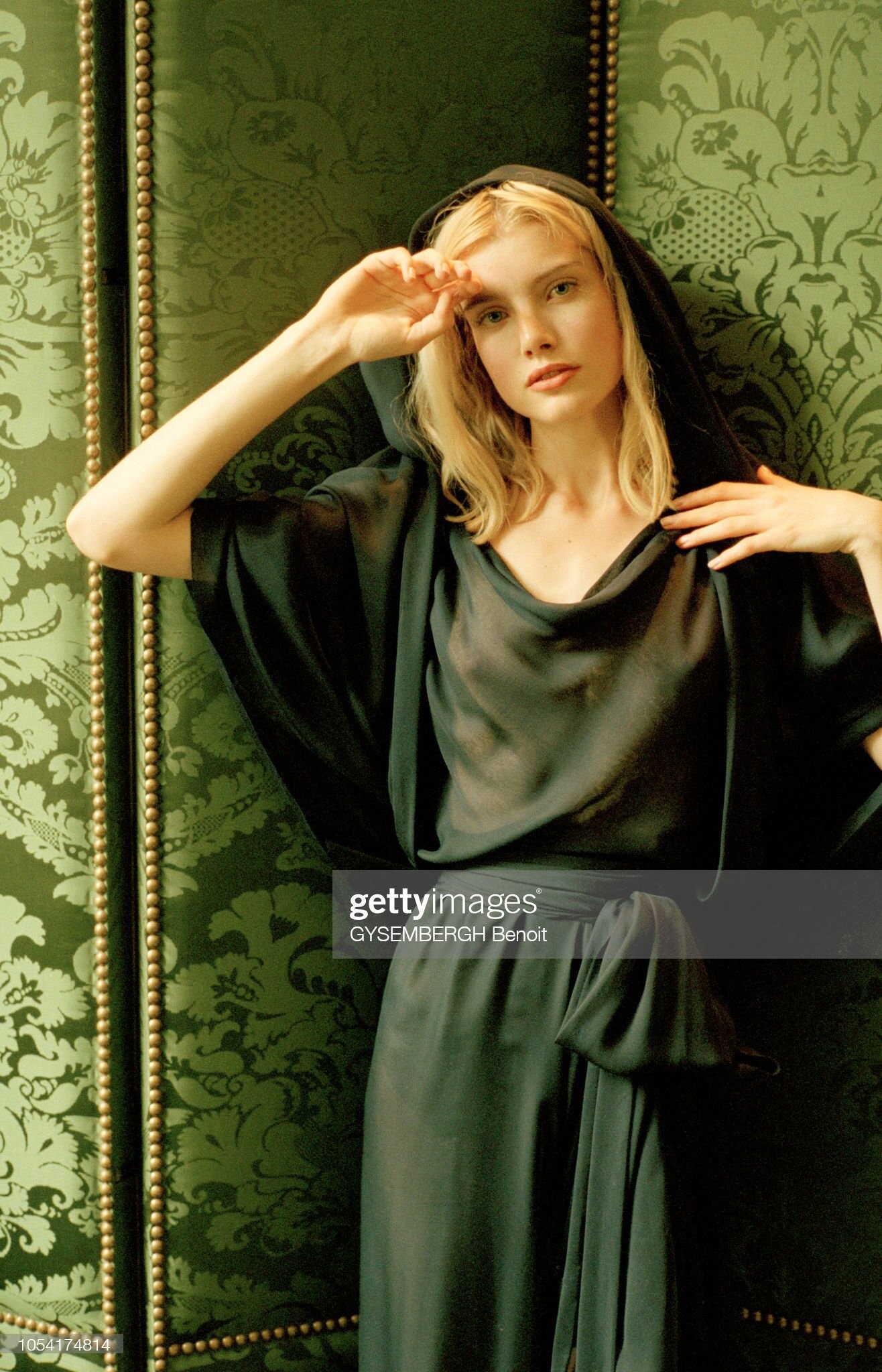
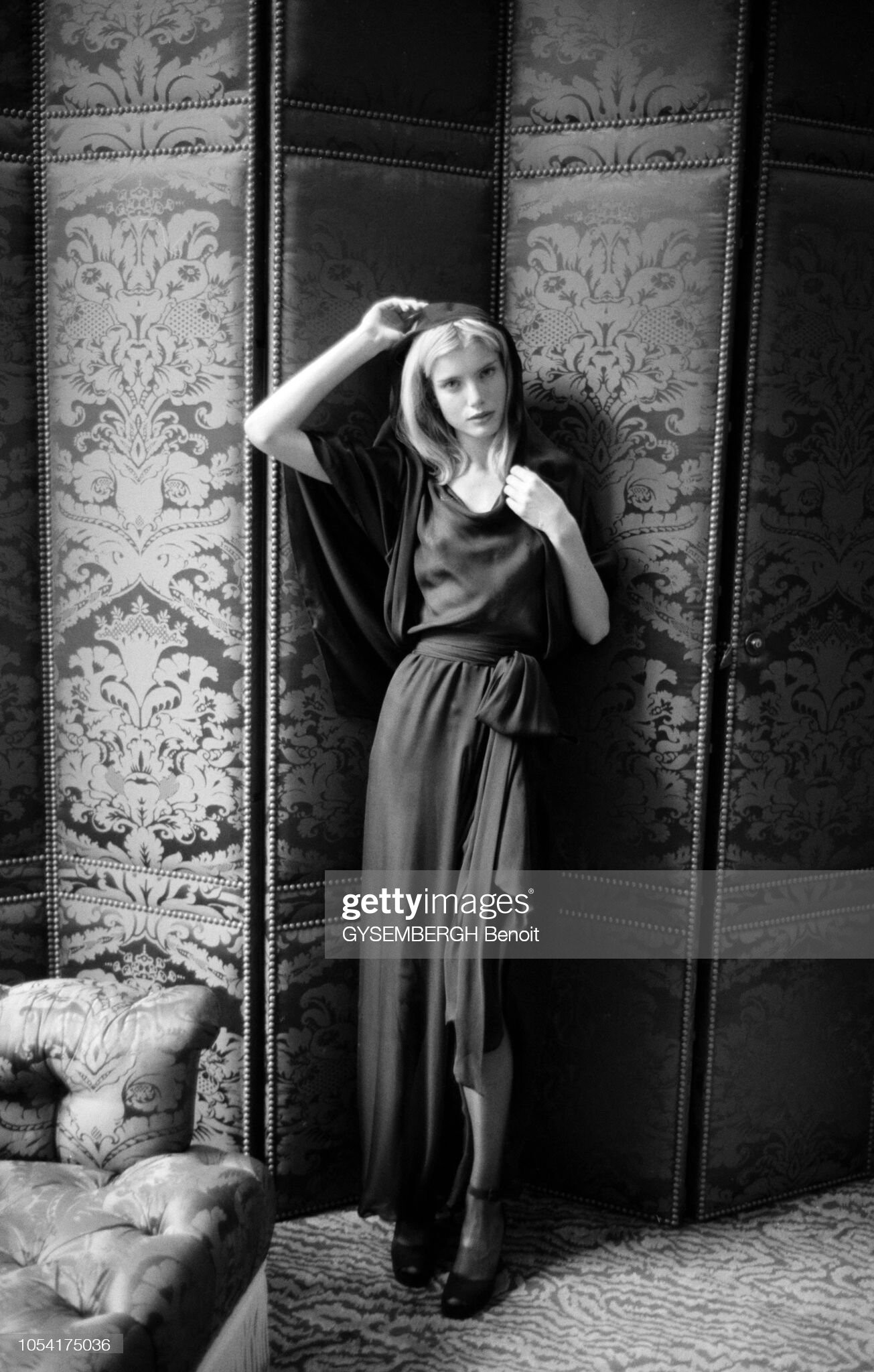
 Natalia Semanova outfit: spring 1990 - Zizi Jeanmaire' tribute dress (fitting)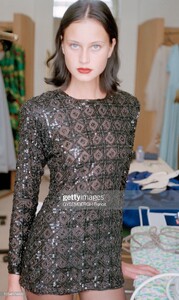
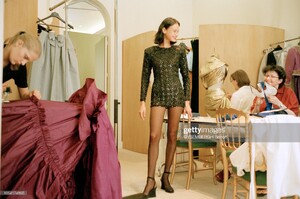
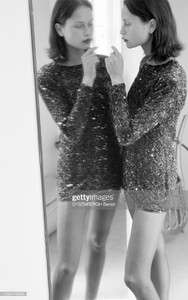
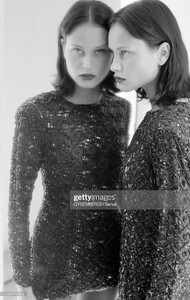 Olga Markova's fitting repost from fakediorpurse
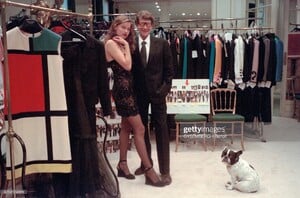
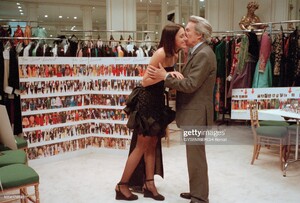
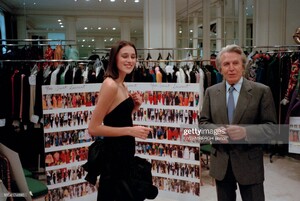
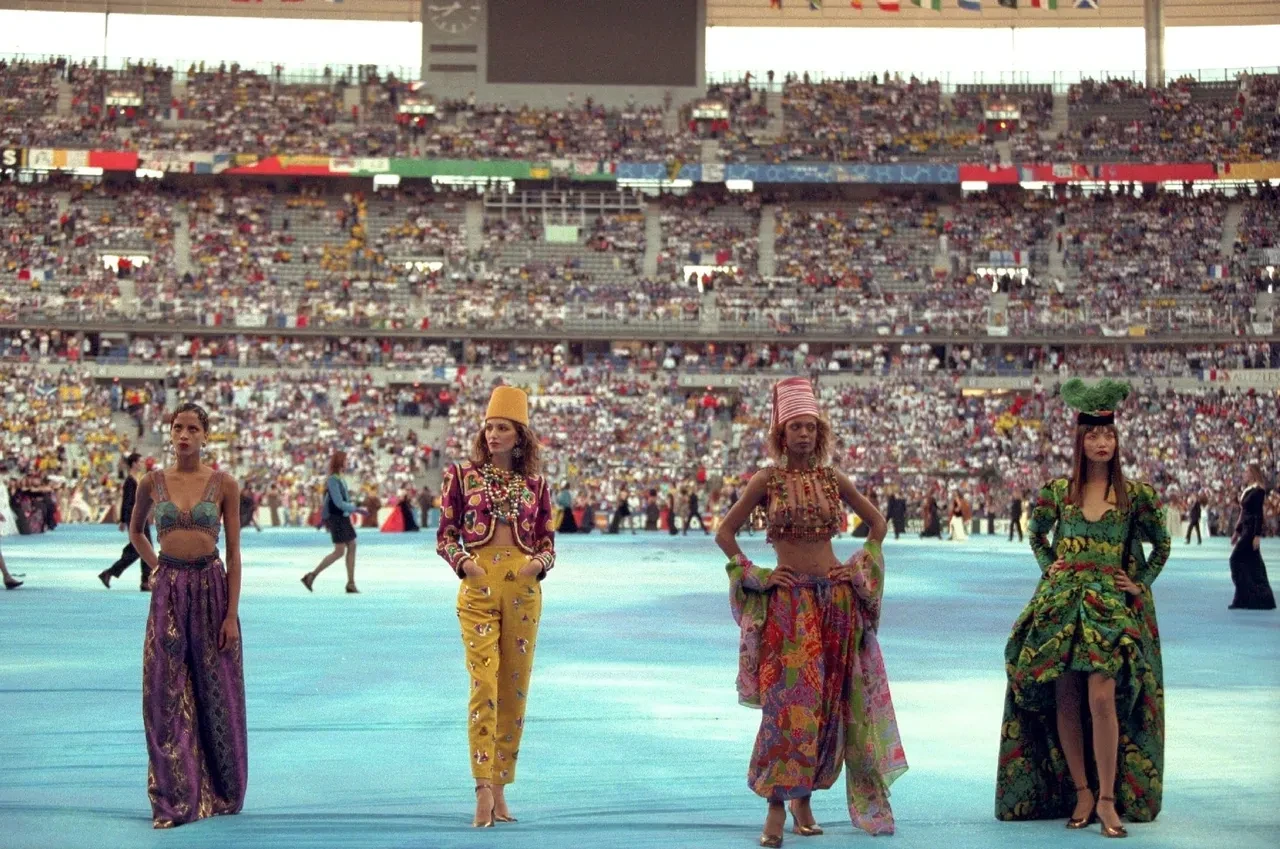
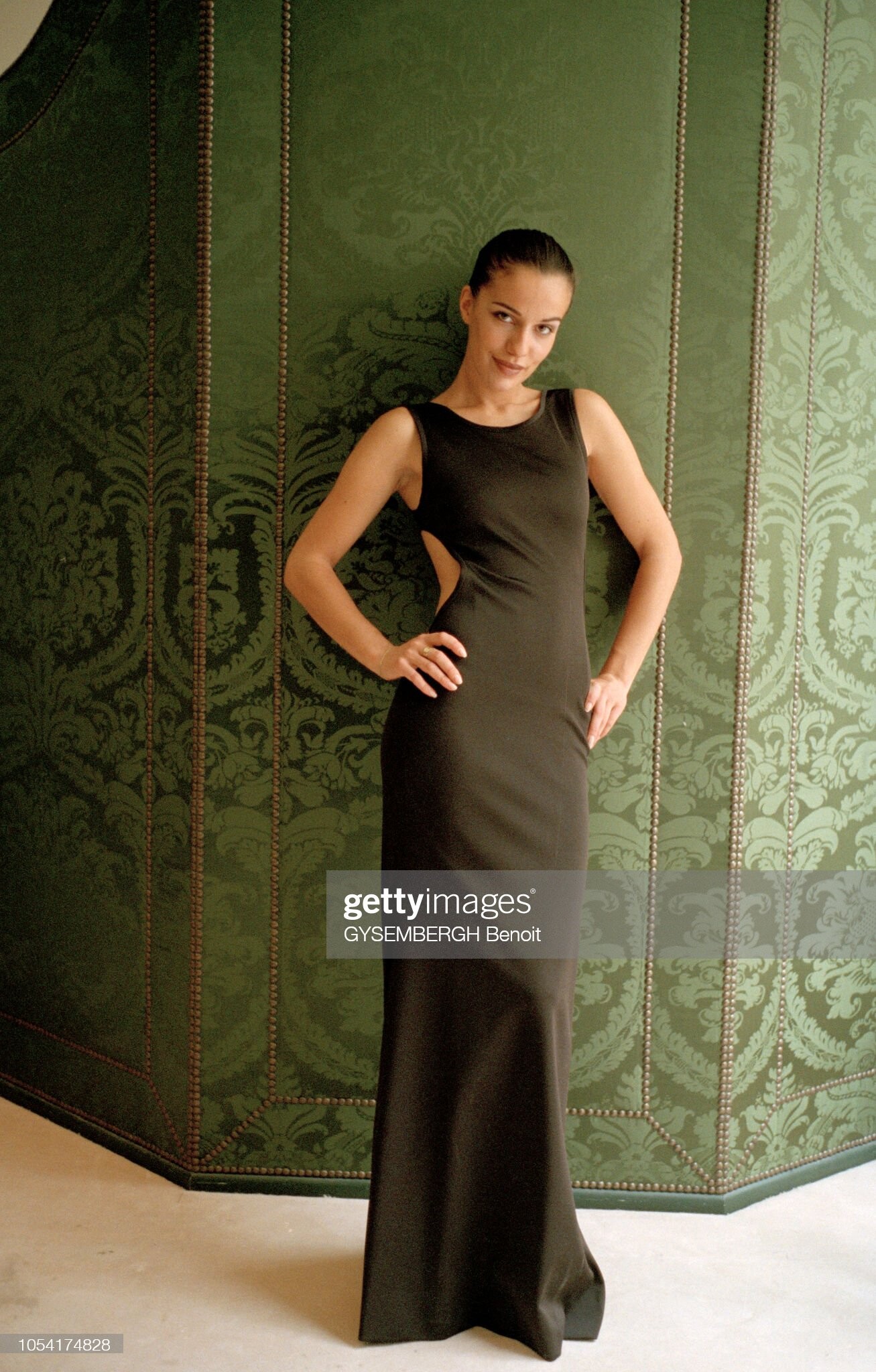
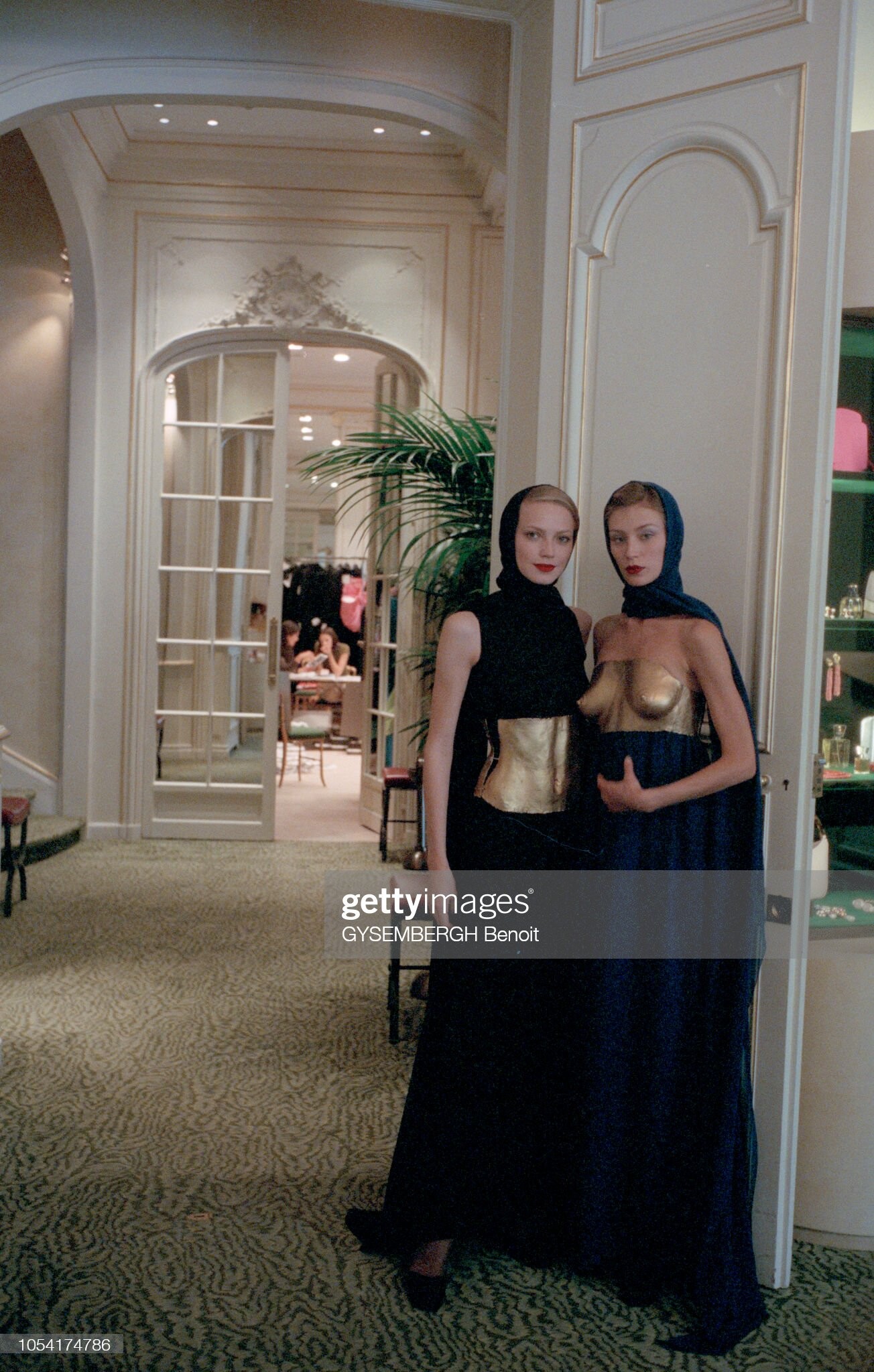
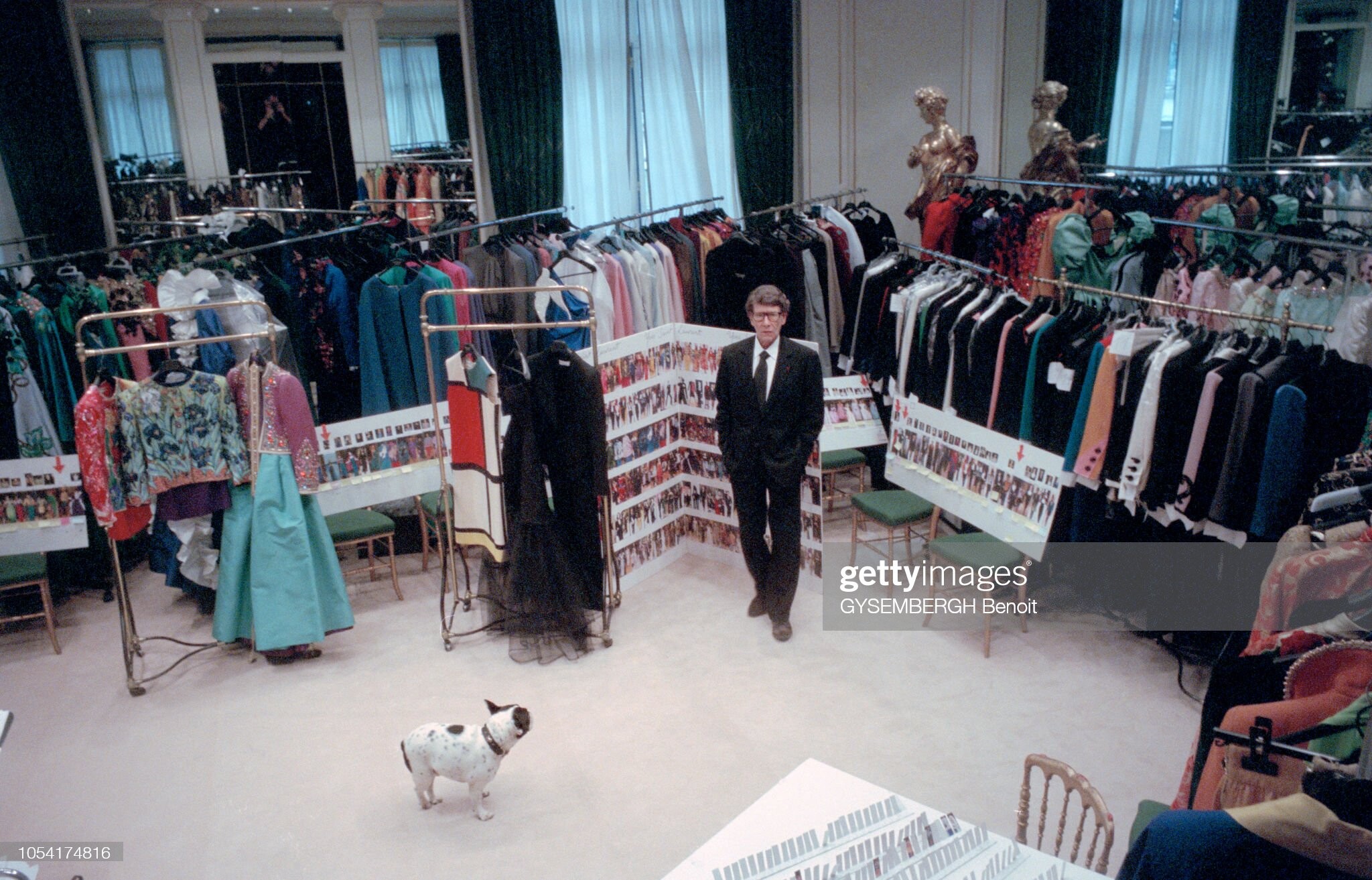
Yves Saint Laurent - world soccer cup final 1998 fashion event - Paris (France) stadium 300 models / outfits : divided in 6 groups (colored lists of models, helping for ID's & t-shirts rehearsal) alot of the 2002 Retrospective (here) outfits are presented atelier fitting, backstage, rehearsal & show sources & supplement: getty, alamy, youtube, Guy Marineau ; fakediorpurse,
Olga Markova's fitting repost from fakediorpurse
Yves Saint Laurent - world soccer cup final 1998 fashion event - Paris (France) stadium 300 models / outfits : divided in 6 groups (colored lists of models, helping for ID's & t-shirts rehearsal) alot of the 2002 Retrospective (here) outfits are presented atelier fitting, backstage, rehearsal & show sources & supplement: getty, alamy, youtube, Guy Marineau ; fakediorpurse,


Account
Navigation
Search
Configure browser push notifications
Chrome (Android)
- Tap the lock icon next to the address bar.
- Tap Permissions → Notifications.
- Adjust your preference.
Chrome (Desktop)
- Click the padlock icon in the address bar.
- Select Site settings.
- Find Notifications and adjust your preference.
Safari (iOS 16.4+)
- Ensure the site is installed via Add to Home Screen.
- Open Settings App → Notifications.
- Find your app name and adjust your preference.
Safari (macOS)
- Go to Safari → Preferences.
- Click the Websites tab.
- Select Notifications in the sidebar.
- Find this website and adjust your preference.
Edge (Android)
- Tap the lock icon next to the address bar.
- Tap Permissions.
- Find Notifications and adjust your preference.
Edge (Desktop)
- Click the padlock icon in the address bar.
- Click Permissions for this site.
- Find Notifications and adjust your preference.
Firefox (Android)
- Go to Settings → Site permissions.
- Tap Notifications.
- Find this site in the list and adjust your preference.
Firefox (Desktop)
- Open Firefox Settings.
- Search for Notifications.
- Find this site in the list and adjust your preference.