Jump to content
View in the app

A better way to browse. Learn more.

Bellazon

A full-screen app on your home screen with push notifications, badges and more.

To install this app on iOS and iPadOS
  1. Tap the Share icon in Safari
  2. Scroll the menu and tap Add to Home Screen.
  3. Tap Add in the top-right corner.
To install this app on Android
  1. Tap the 3-dot menu (⋮) in the top-right corner of the browser.
  2. Tap Add to Home screen or Install app.
  3. Confirm by tapping Install.

tarsier41

Members
  • Joined

  • Last visited

Everything posted by tarsier41

  1. << Eugenia >> ; real complete name is ___________ ?? (source: s/s 2002 Giorgio Armani BS listing)
  2. << Ruck >> ; real complete name is ___________ ?? (source: s/s 2002 Giorgio Armani BS listing)
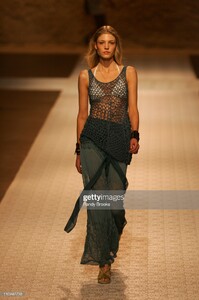
  3. Torrente (Paris couture) spring 2002 - addition
  4. Jean Luc Evrard (Paris couture) spring 2002 - LQ
  5. tarsier41 replied to a post in a topic in Female Fashion Models
    Seredin & Vasiliev (Paris couture) spring 2001
  6. Naco (Paris couture) fall 2001 - LQ
  7. Zuhair Murad (Paris couture) spring 2010 repost from here
  8. Nina Ricci, spring 2008 - addition
  9. Libertin Louison (Paris couture) spring 2000
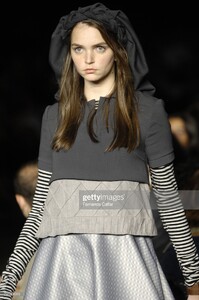
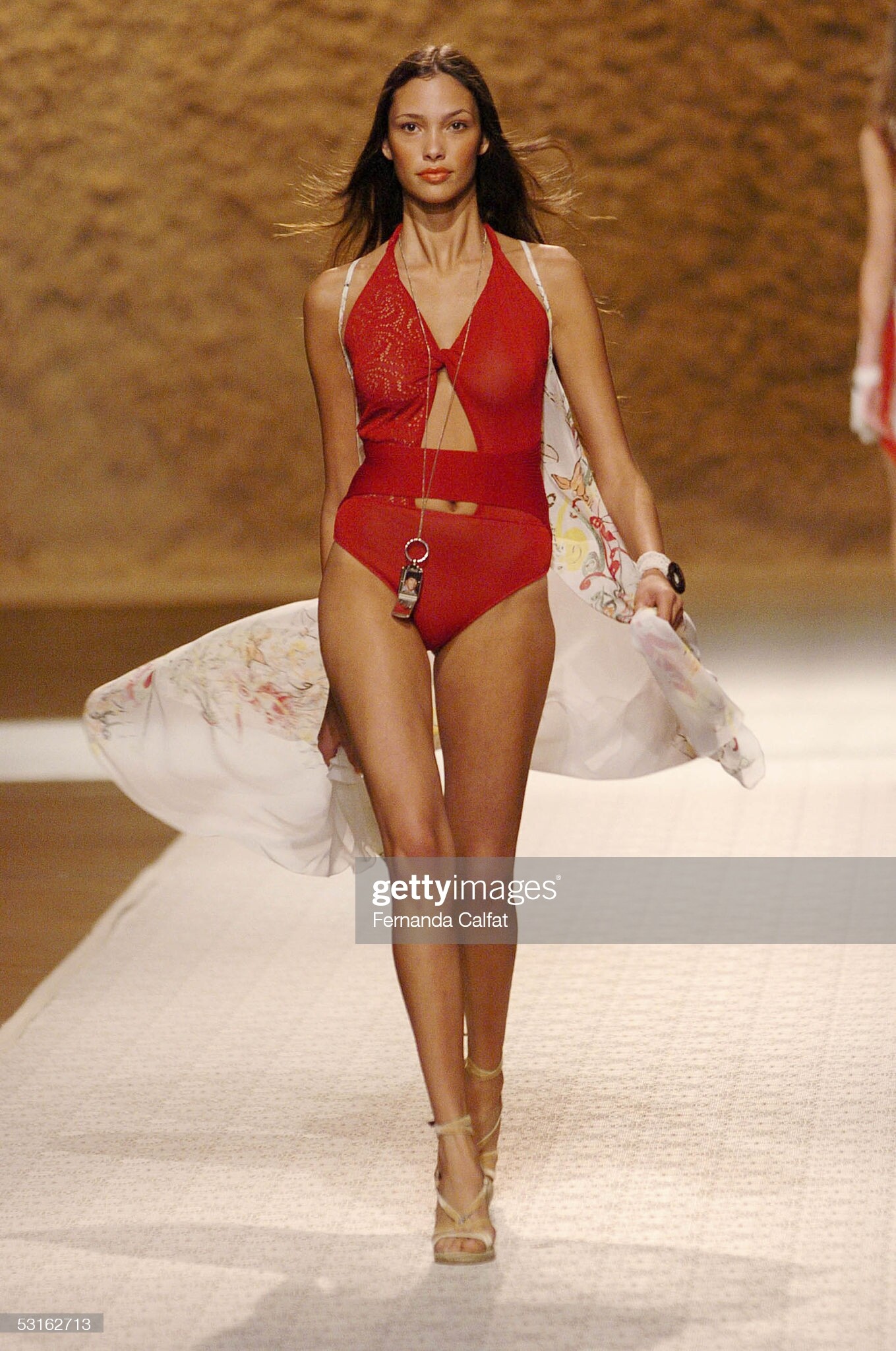
  10. Gianfranco Ferré (Milan) fall 2004 Ferre
  11. Zuhair Murad (Paris couture) spring 2008 repost from here
  12. Zuhair Murad (Paris couture) spring 2008 repost from here
  13. 20. Stephanie Gourlant 24. Milena Cardoso
  14. Talytha Pugliesi, fall 2008 (found here)
  15. 2009-2010 i checked alamy site for all (2002-2011)
  16. @AM25 Zuhair Murad HC fall 2010 note: i am not sure of all of them (the backs) i found them with getty search like that Michaela Kocianova & utm
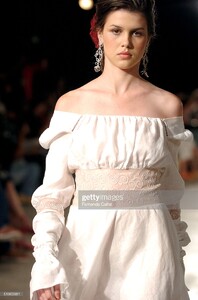
  17. Montesinos Alama (Madrid) spring 2003
  18. laura ponte - sorry - found
  19. Montesinos Alama (Madrid) fall 2001
  20. Andres Sarda (Madrid) spring 2003
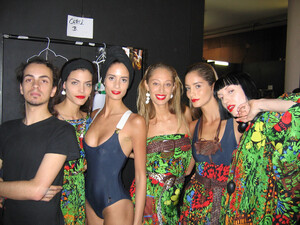
  21. Halloween 2010, with Schynaider Grazielli
  22. marithe et francois girbaud s/s 2000 rtw by fakediorpurse (here)
  23. Gianfranco Ferré (Milan) s/s 2005 - addition spring
Configure browser push notifications

Chrome (Android)
  1. Tap the lock icon next to the address bar.
  2. Tap Permissions → Notifications.
  3. Adjust your preference.
Chrome (Desktop)
  1. Click the padlock icon in the address bar.
  2. Select Site settings.
  3. Find Notifications and adjust your preference.