Jump to content
View in the app

A better way to browse. Learn more.

Bellazon

A full-screen app on your home screen with push notifications, badges and more.

To install this app on iOS and iPadOS
  1. Tap the Share icon in Safari
  2. Scroll the menu and tap Add to Home Screen.
  3. Tap Add in the top-right corner.
To install this app on Android
  1. Tap the 3-dot menu (⋮) in the top-right corner of the browser.
  2. Tap Add to Home screen or Install app.
  3. Confirm by tapping Install.

tarsier41

Members
  • Joined

  • Last visited

Everything posted by tarsier41

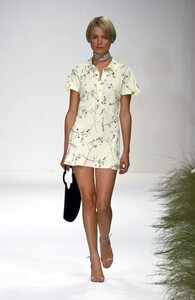
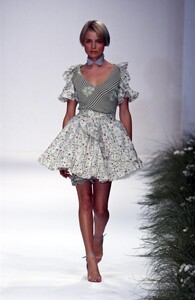
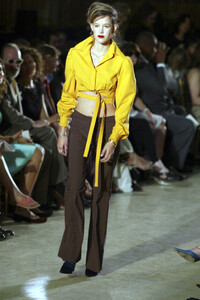
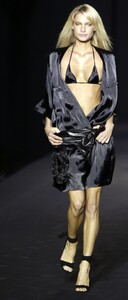
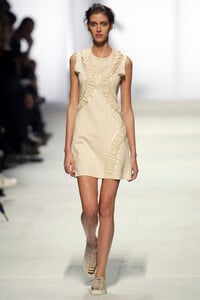
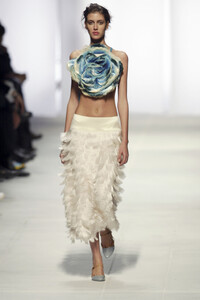
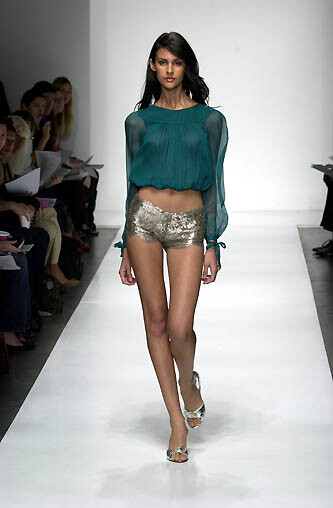
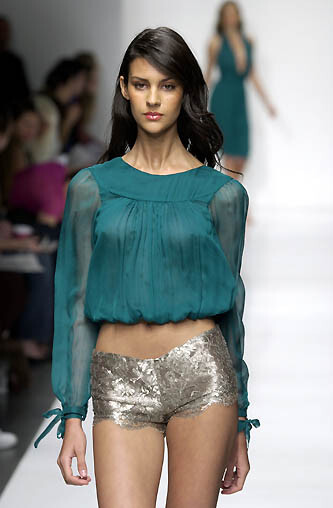
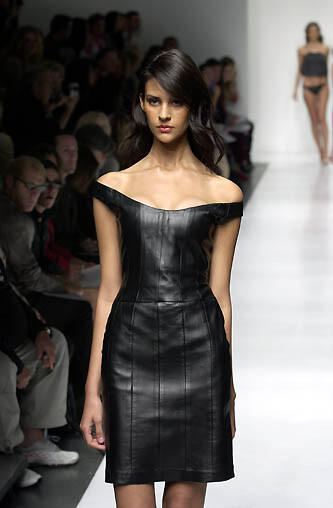
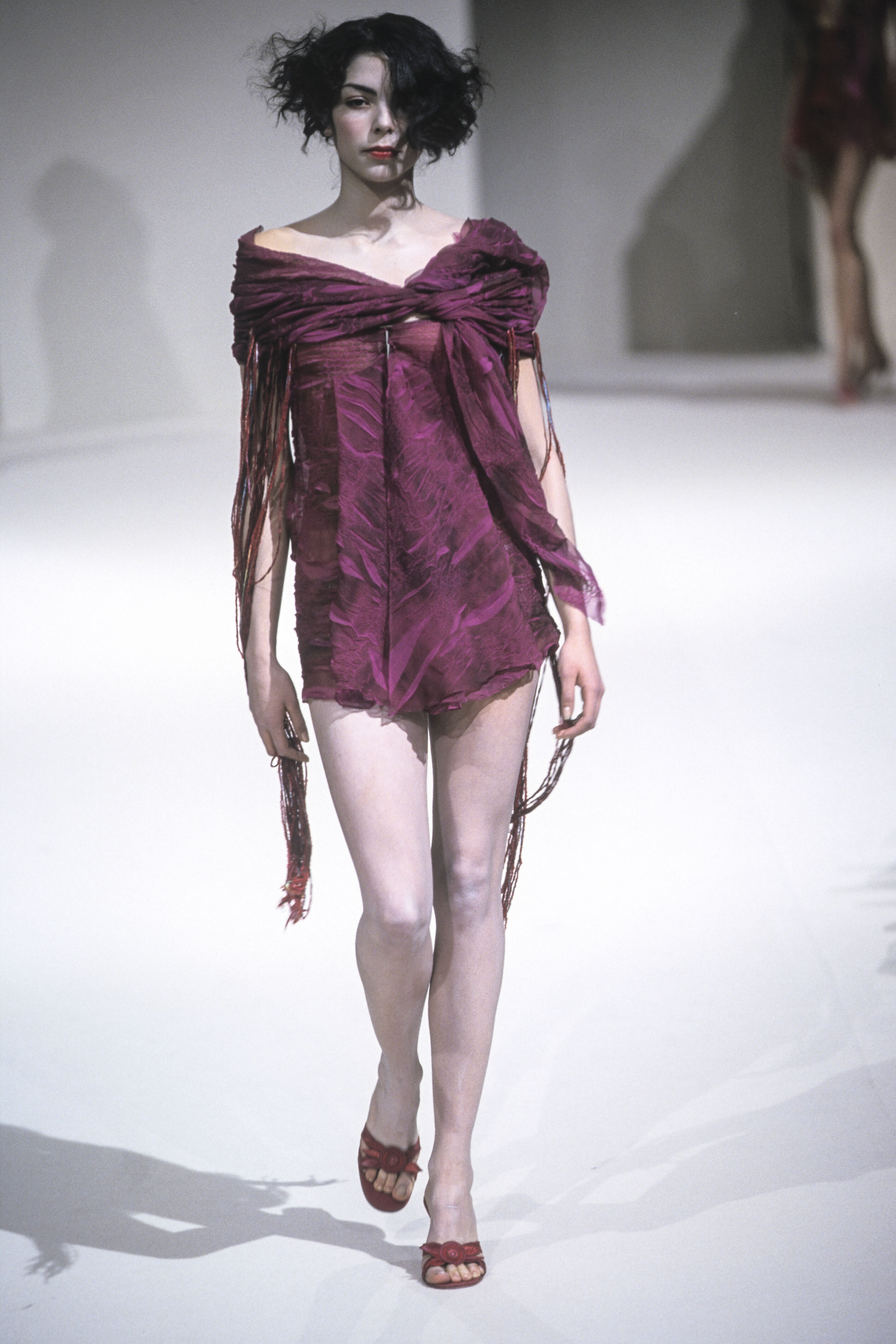
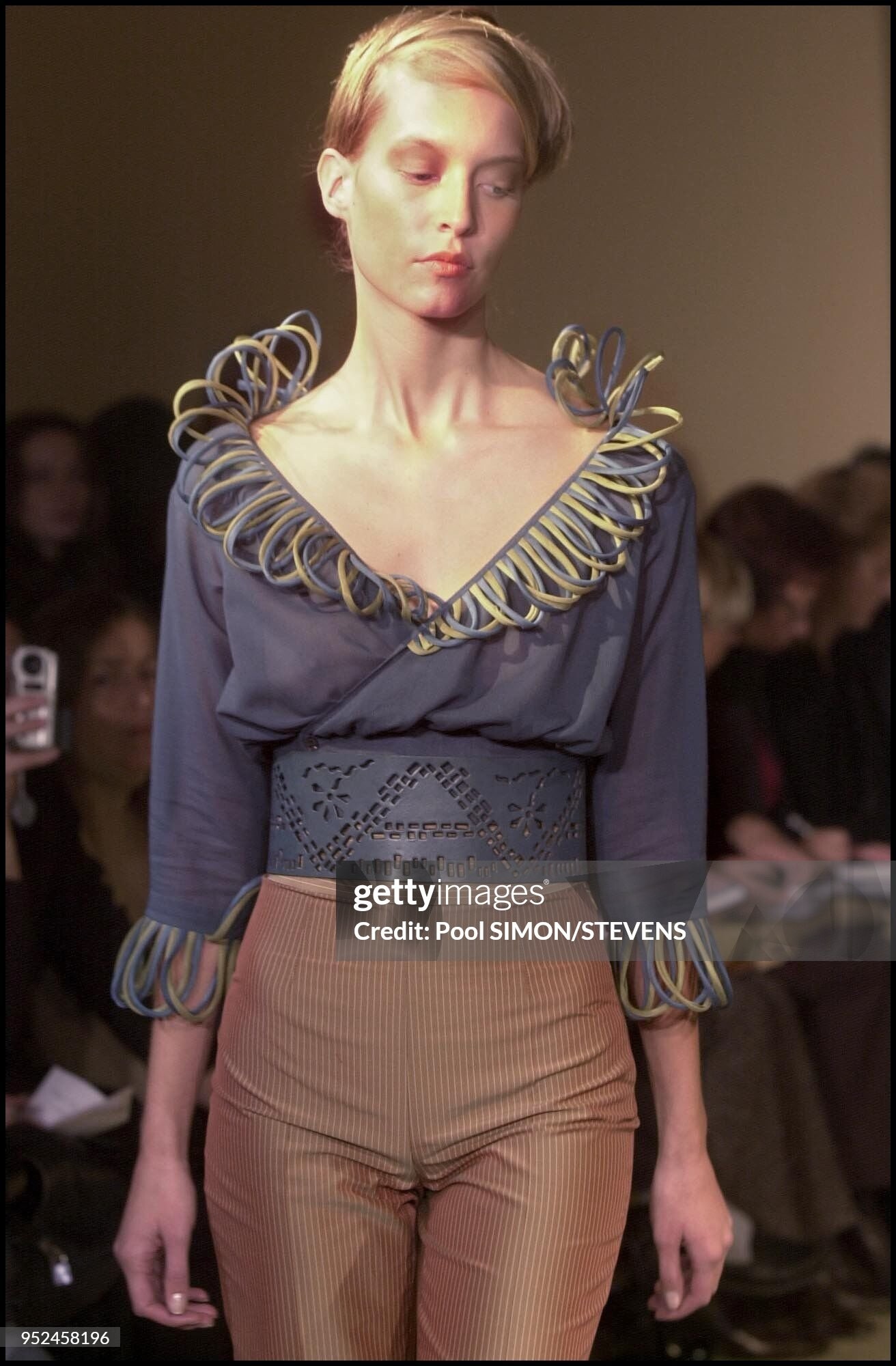
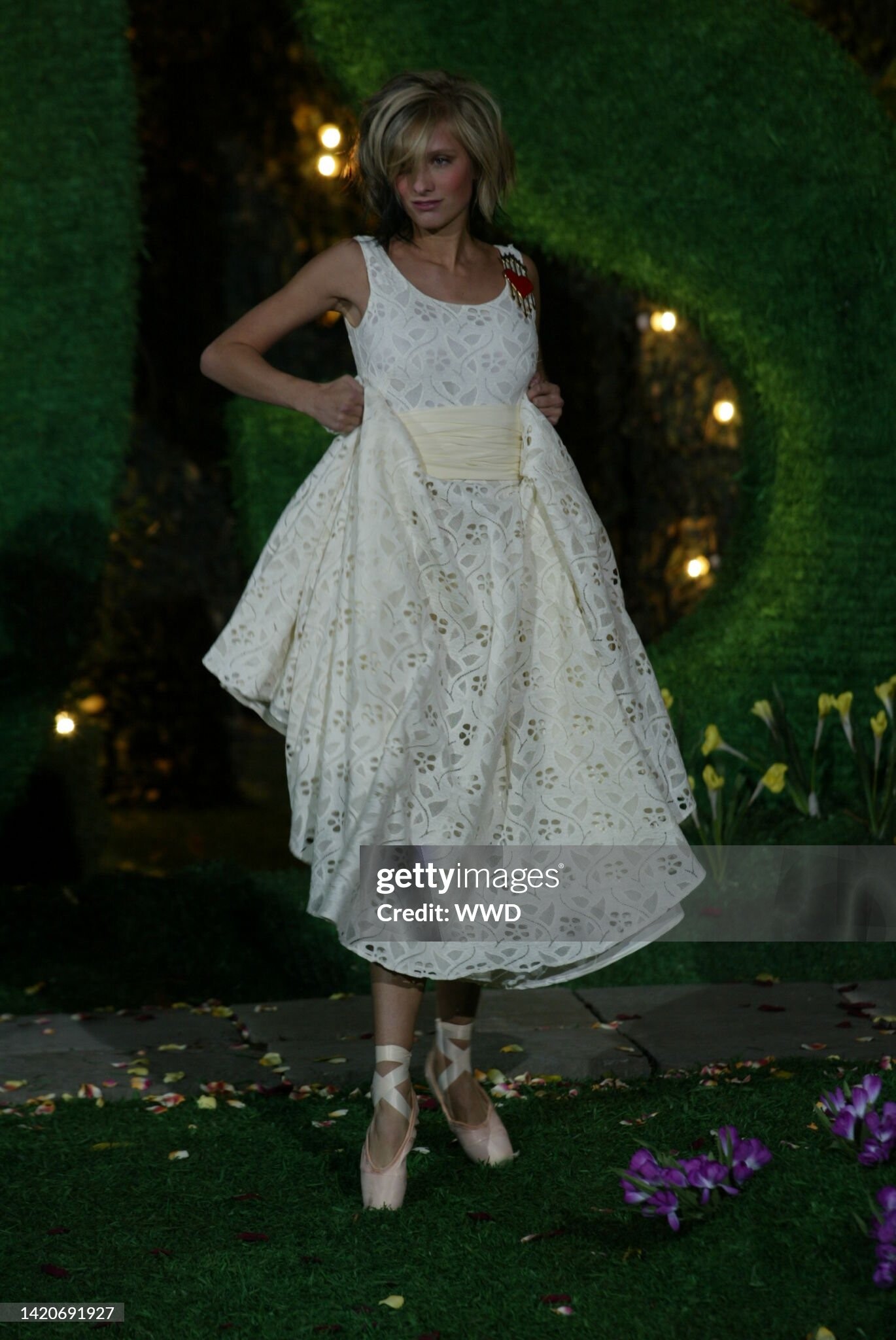
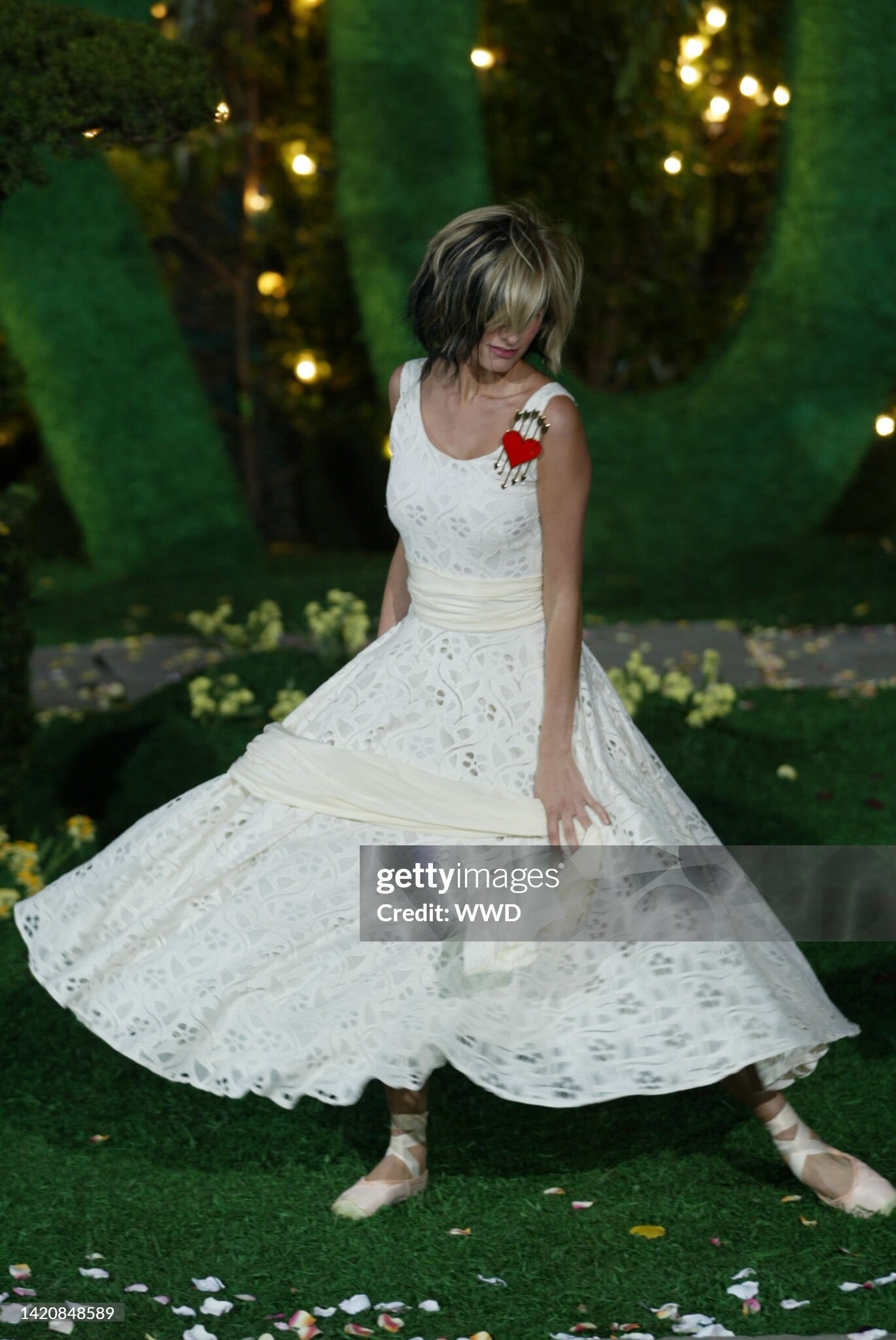
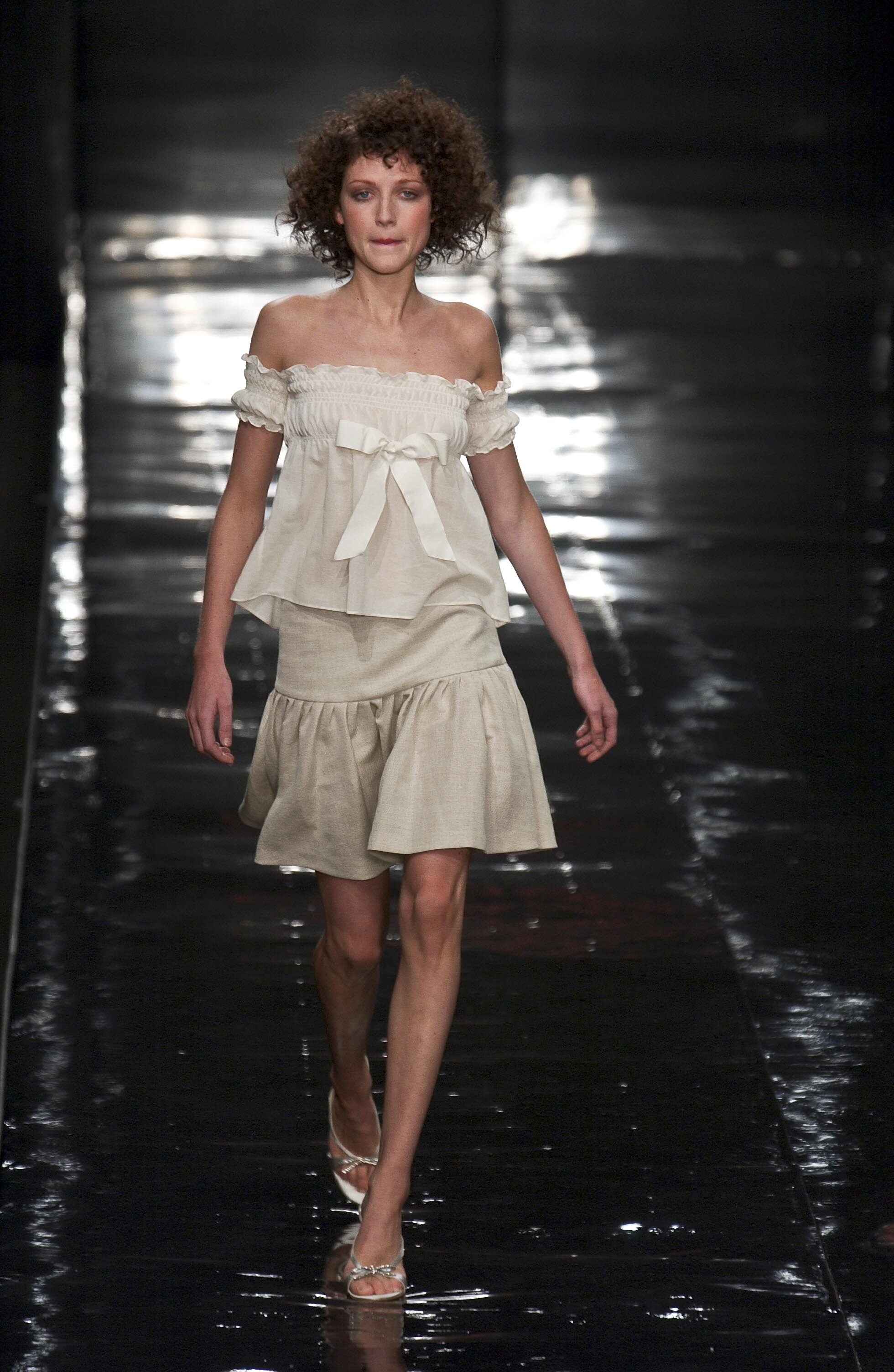
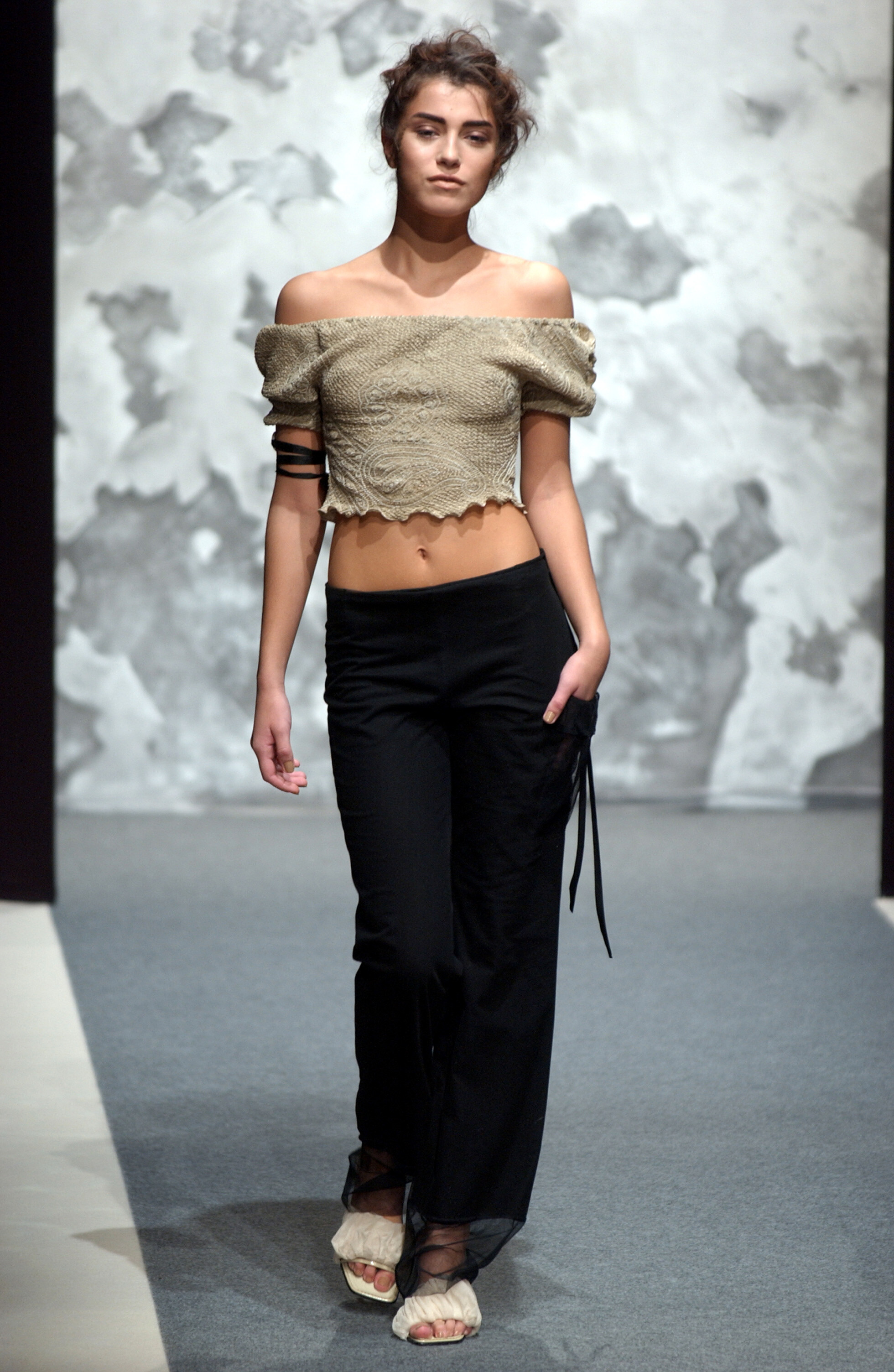
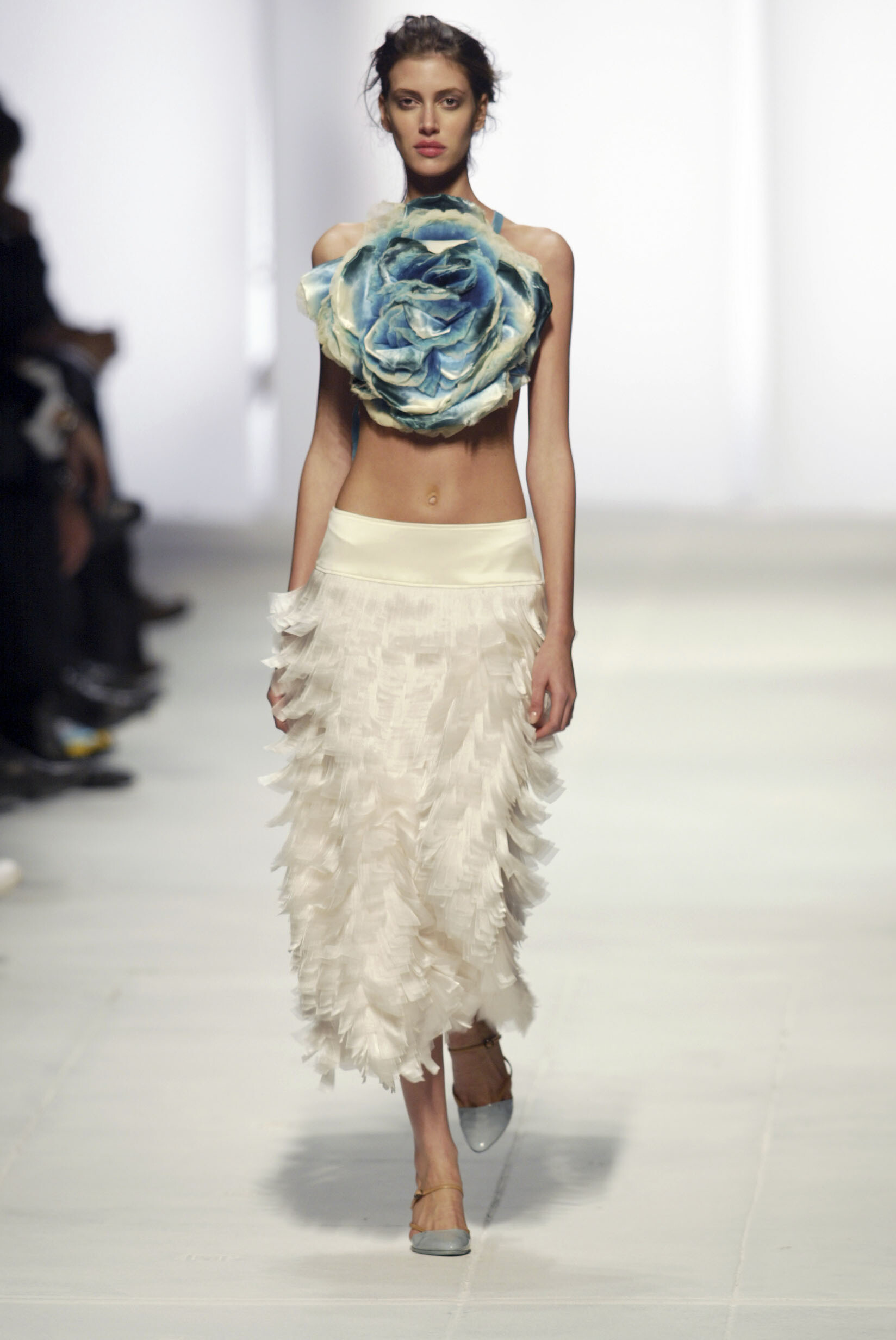
  1. Katya Leonovitch, s/s 2001
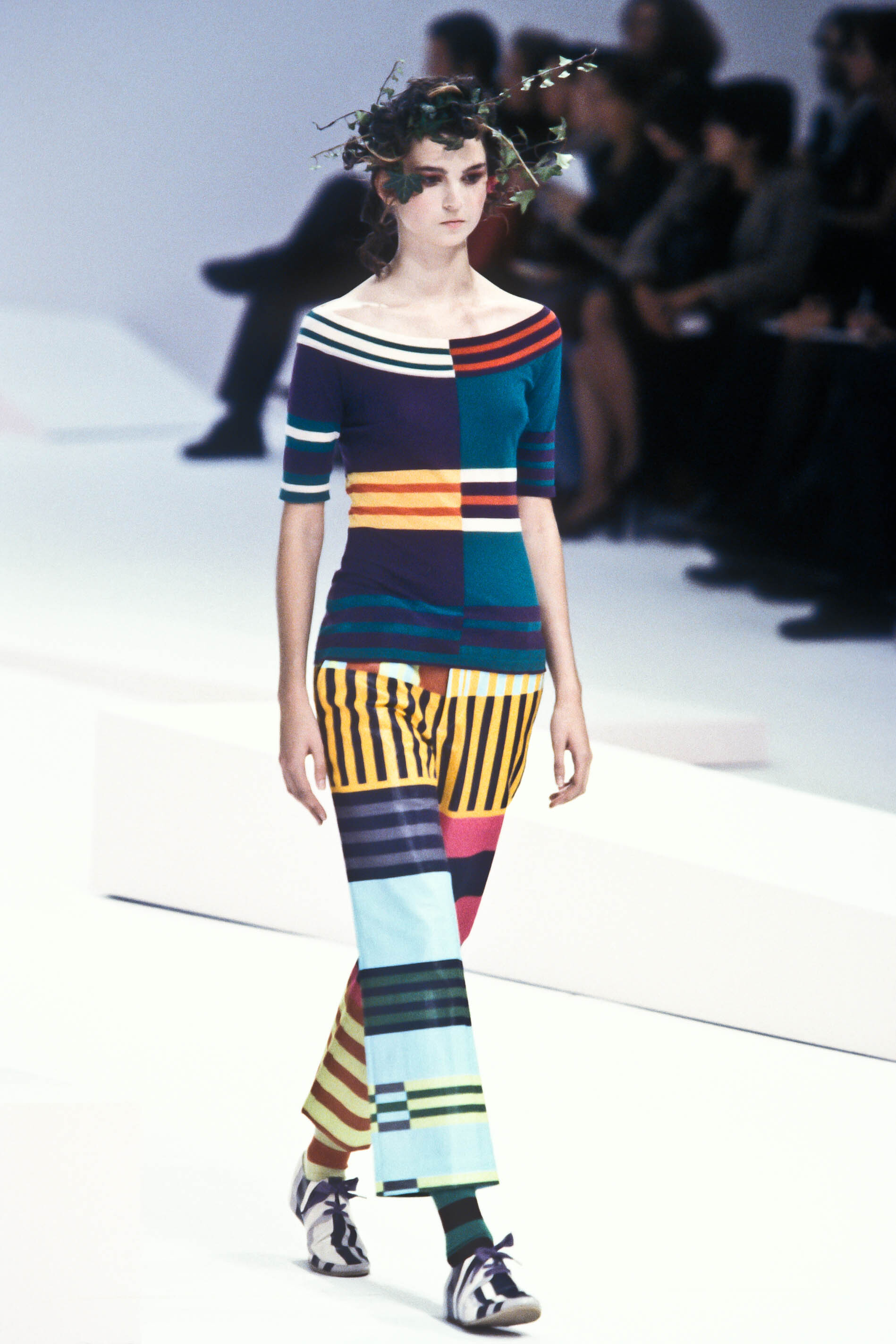
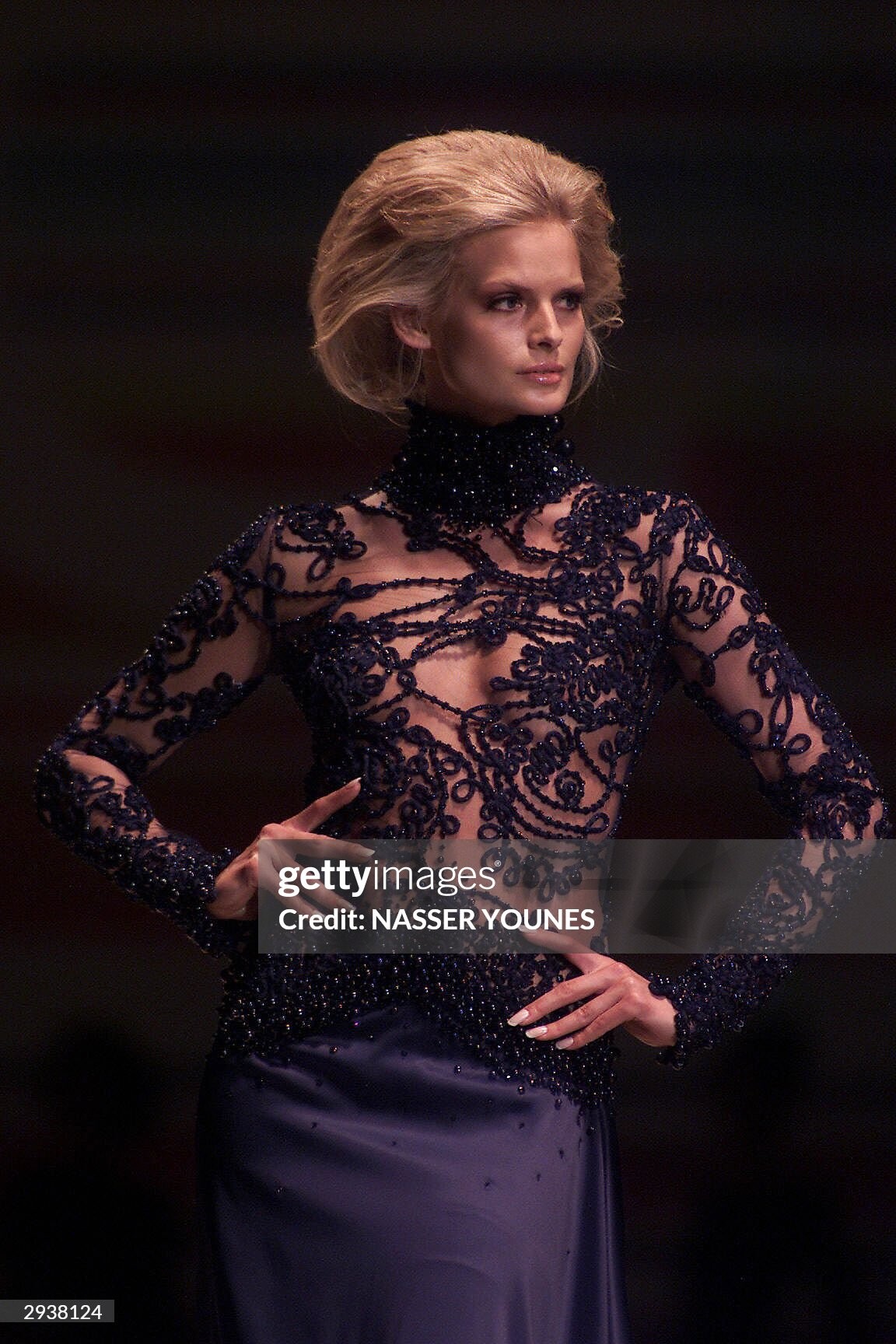
  2. Romeo Gigli, s/s 2001
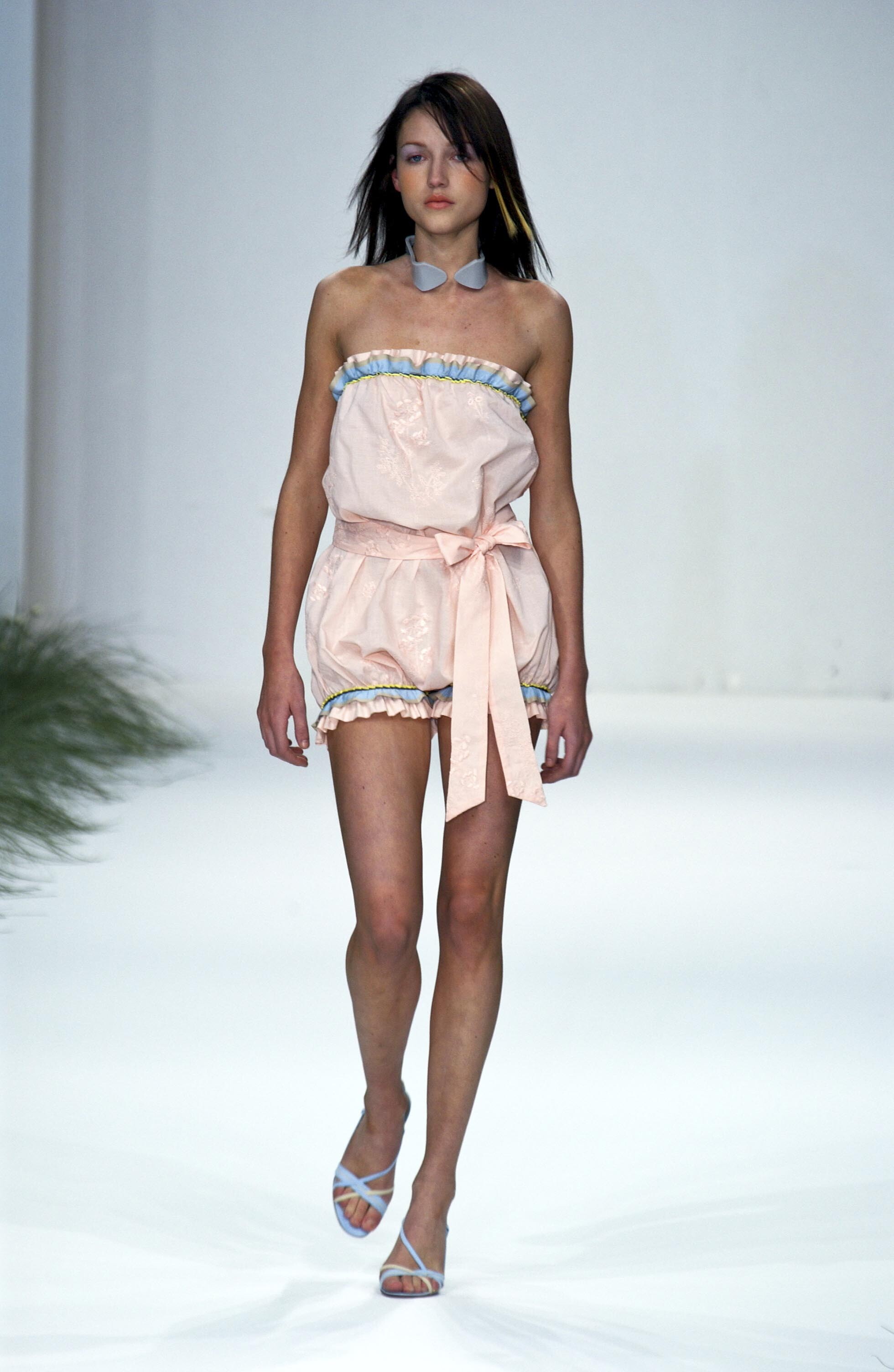
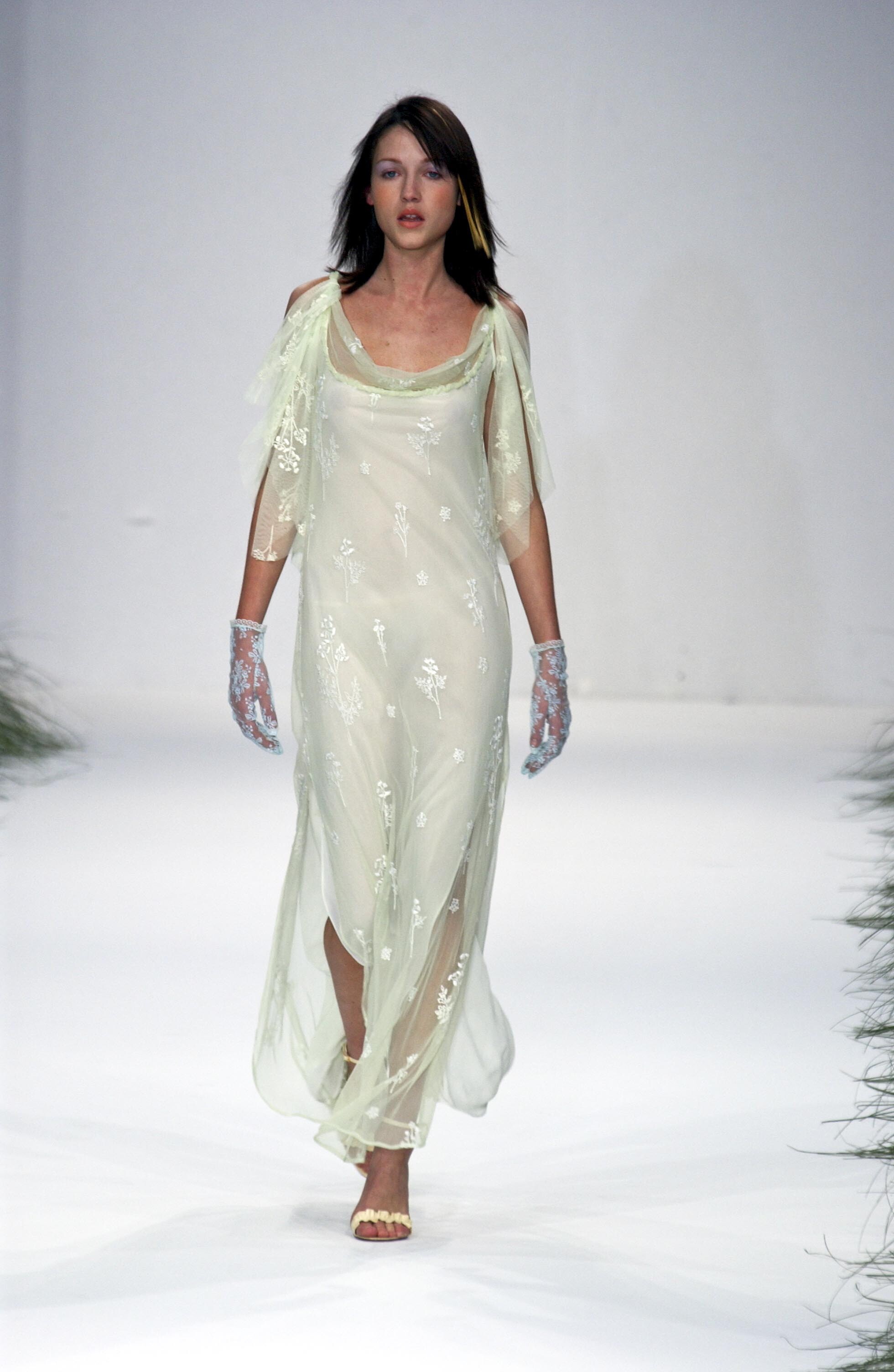
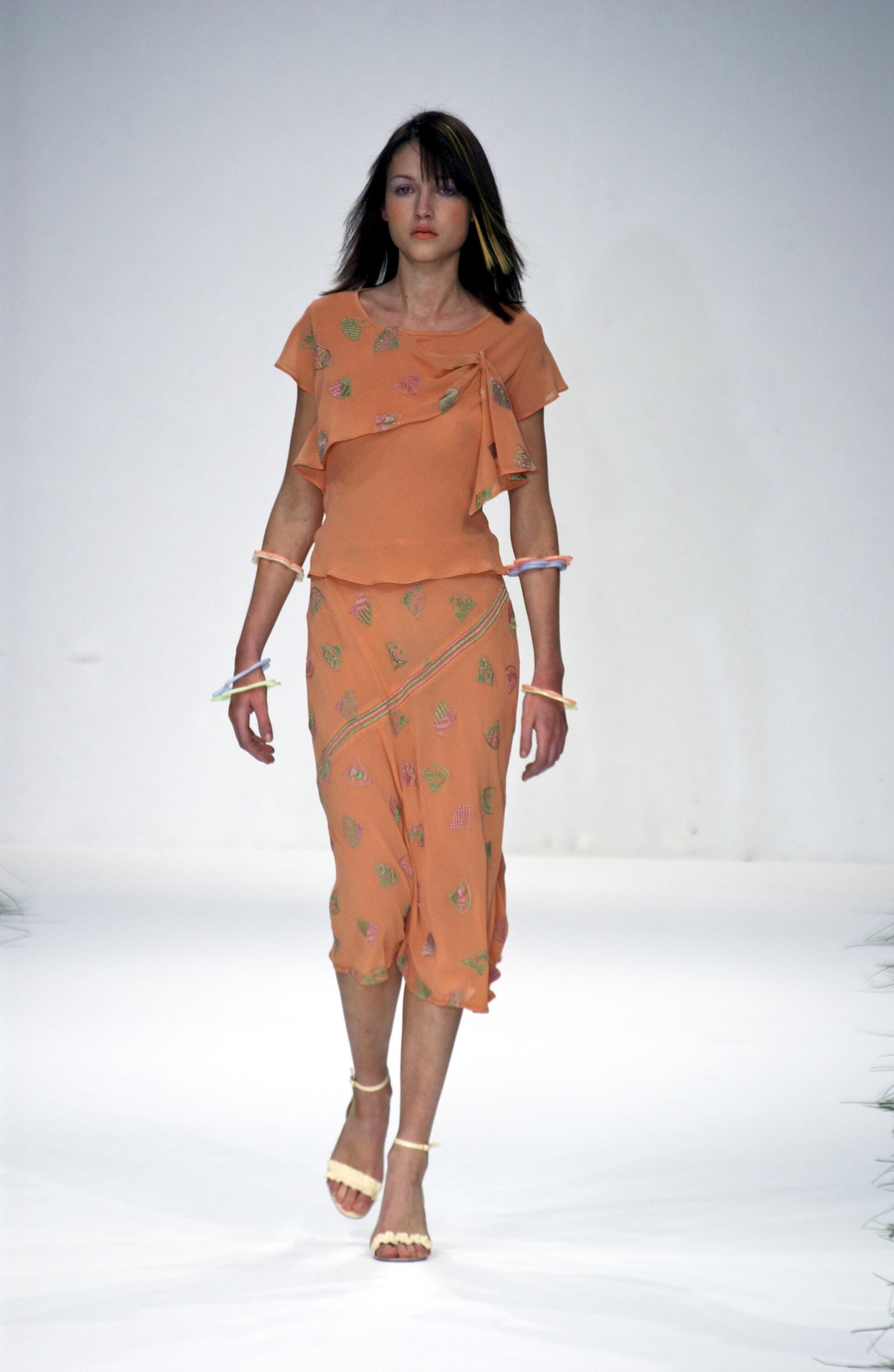
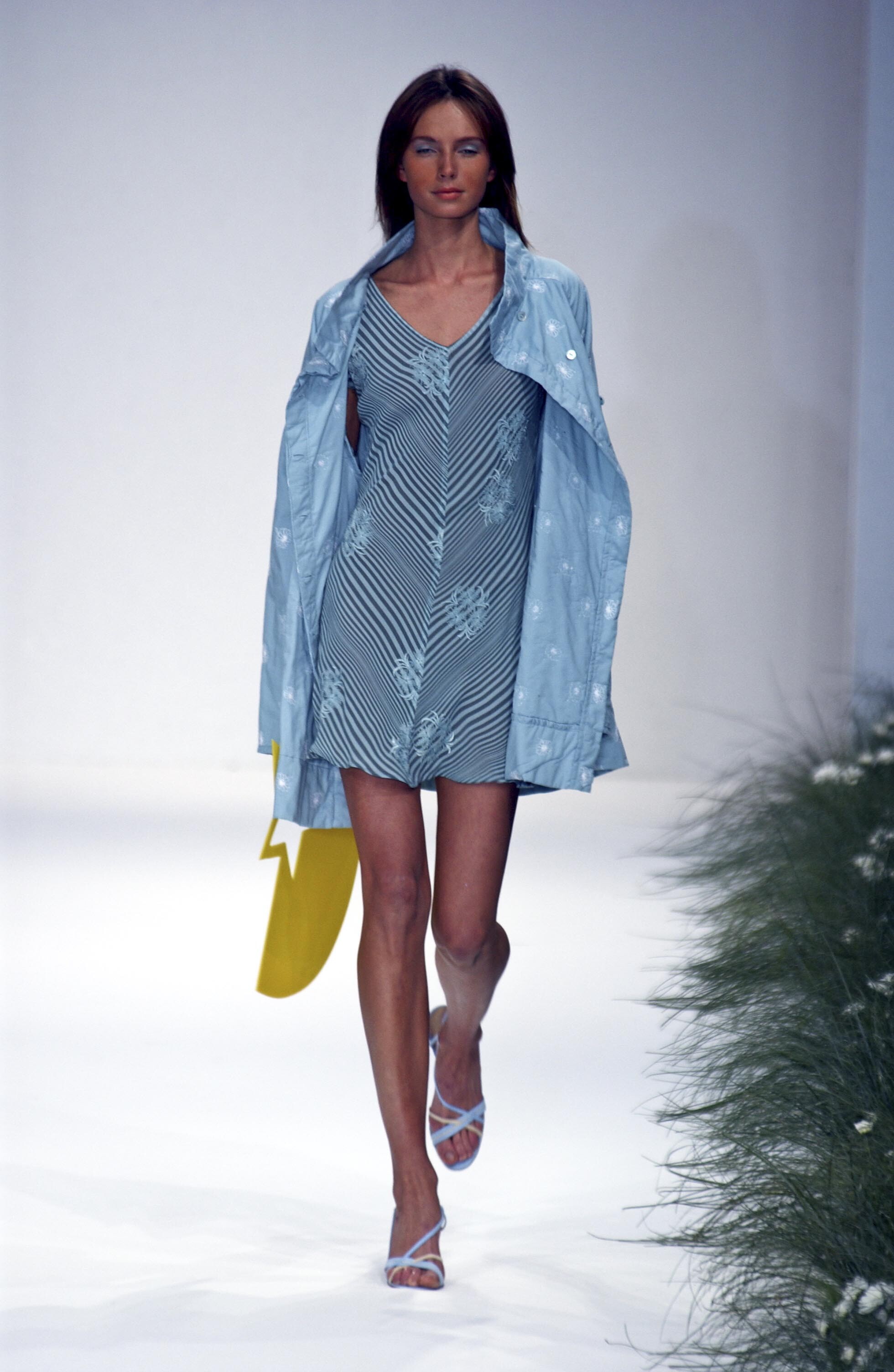
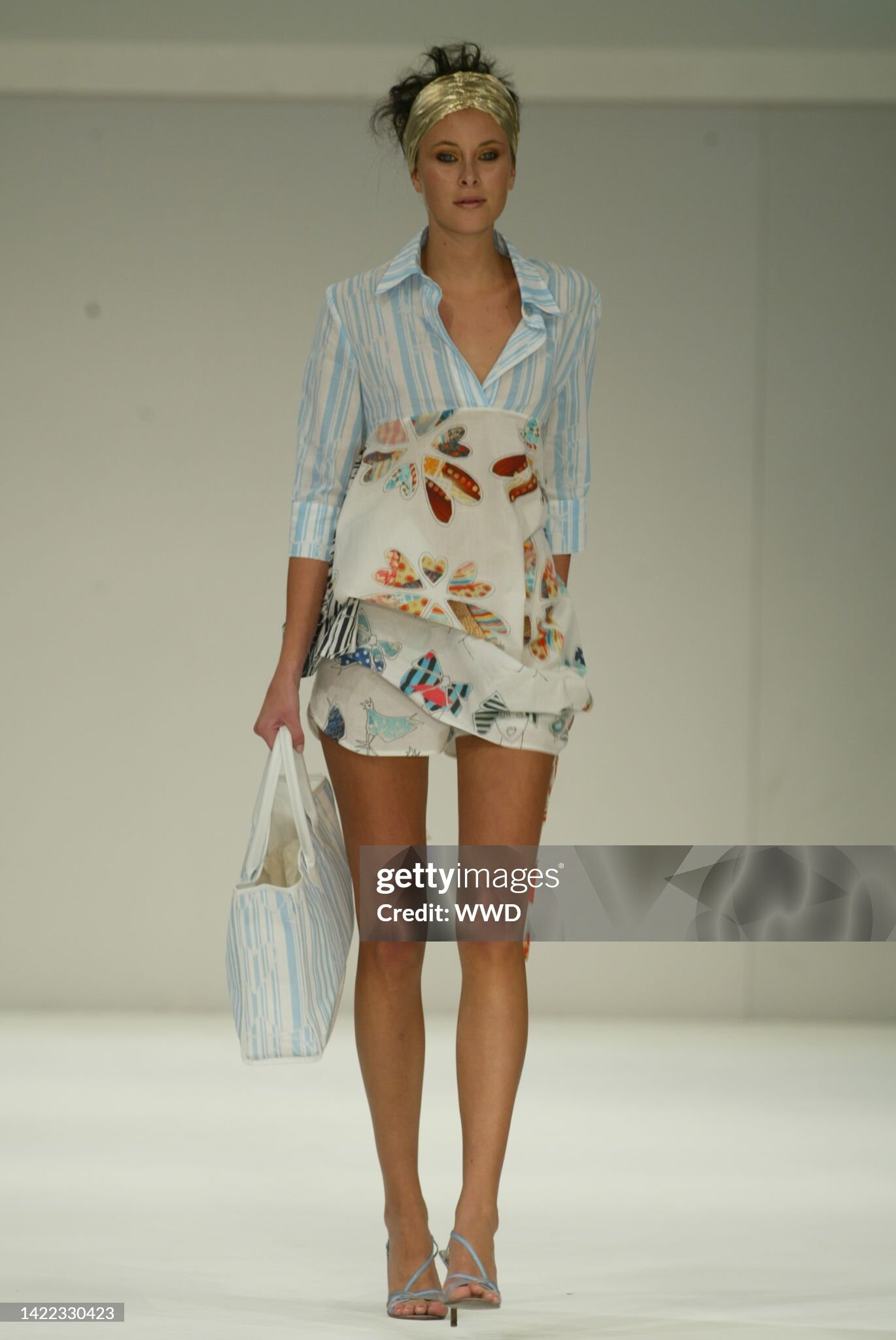
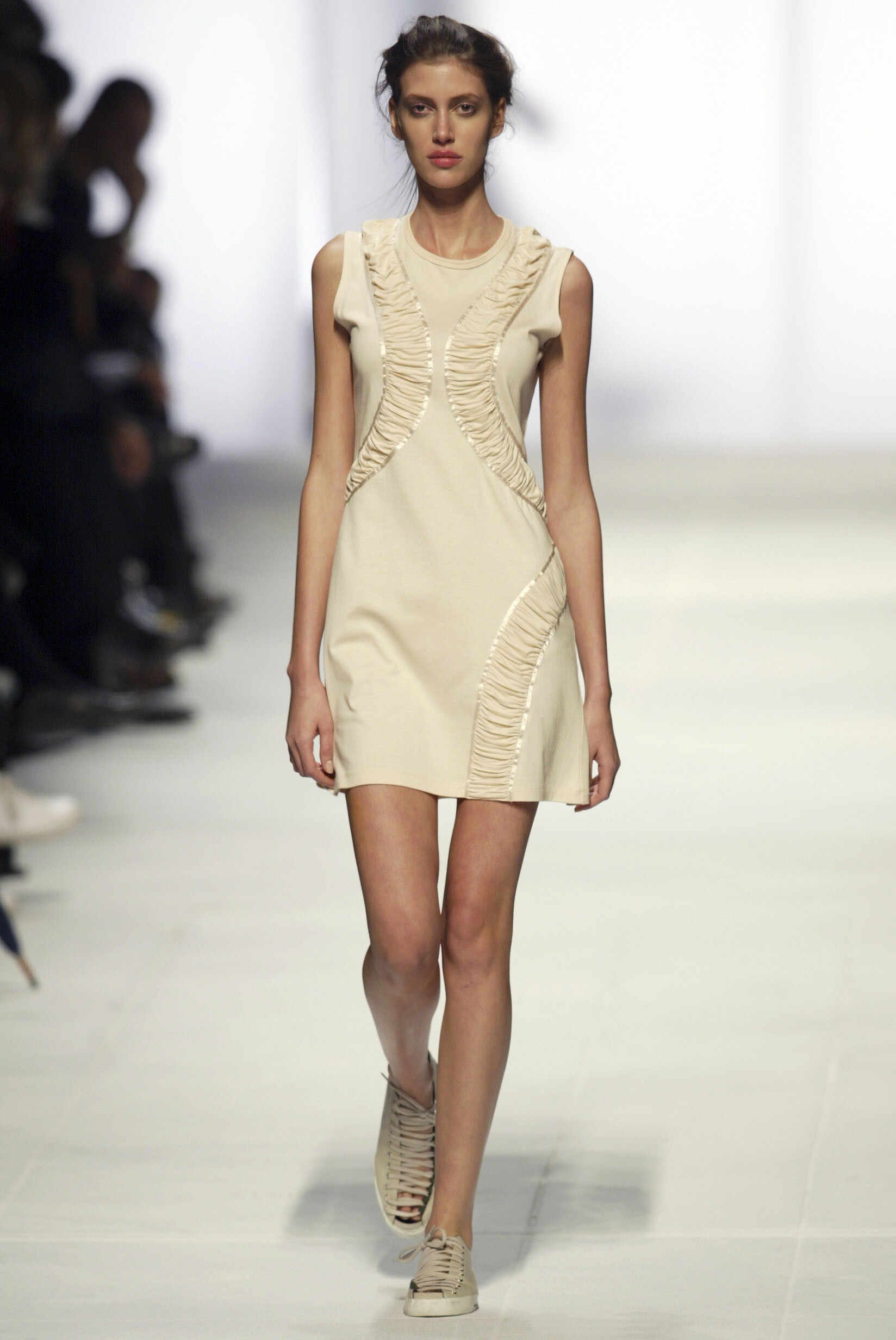
  3. Elspeth Gibson (London) s/s 2002
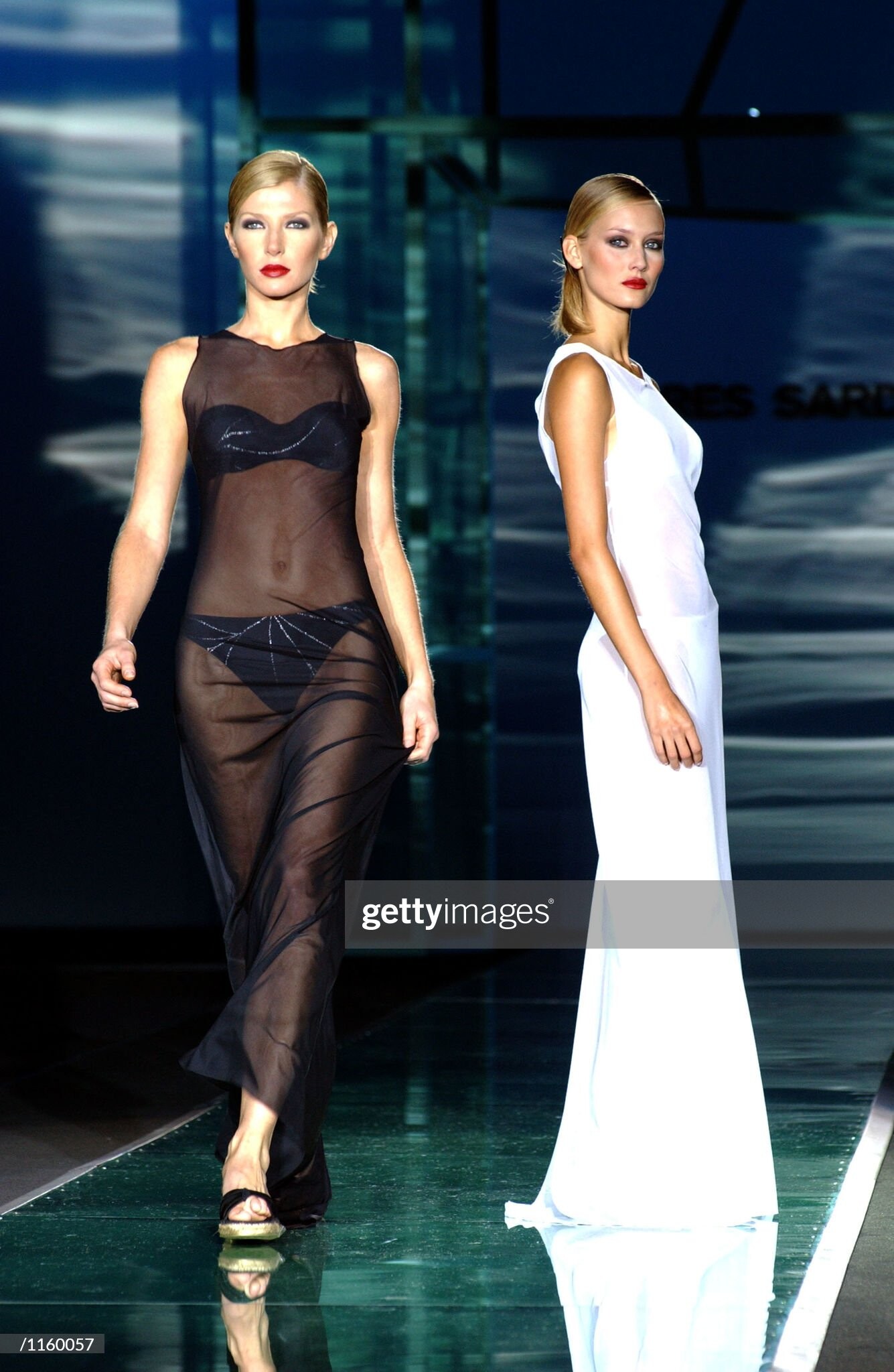
  4. Andres Sarda (Madrid) s/s 2002
  5. Andres Sarda (Madrid) s/s 2002
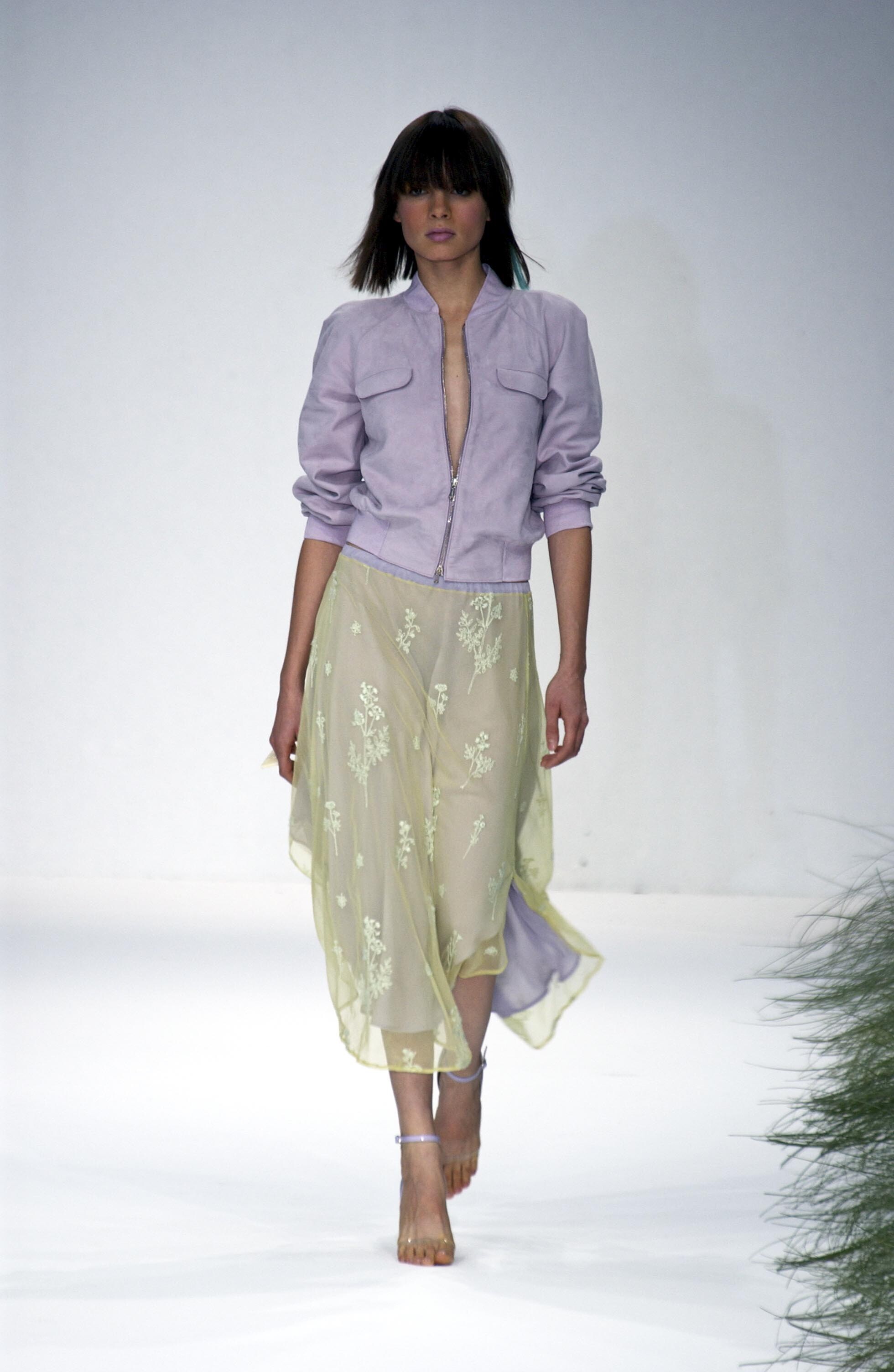
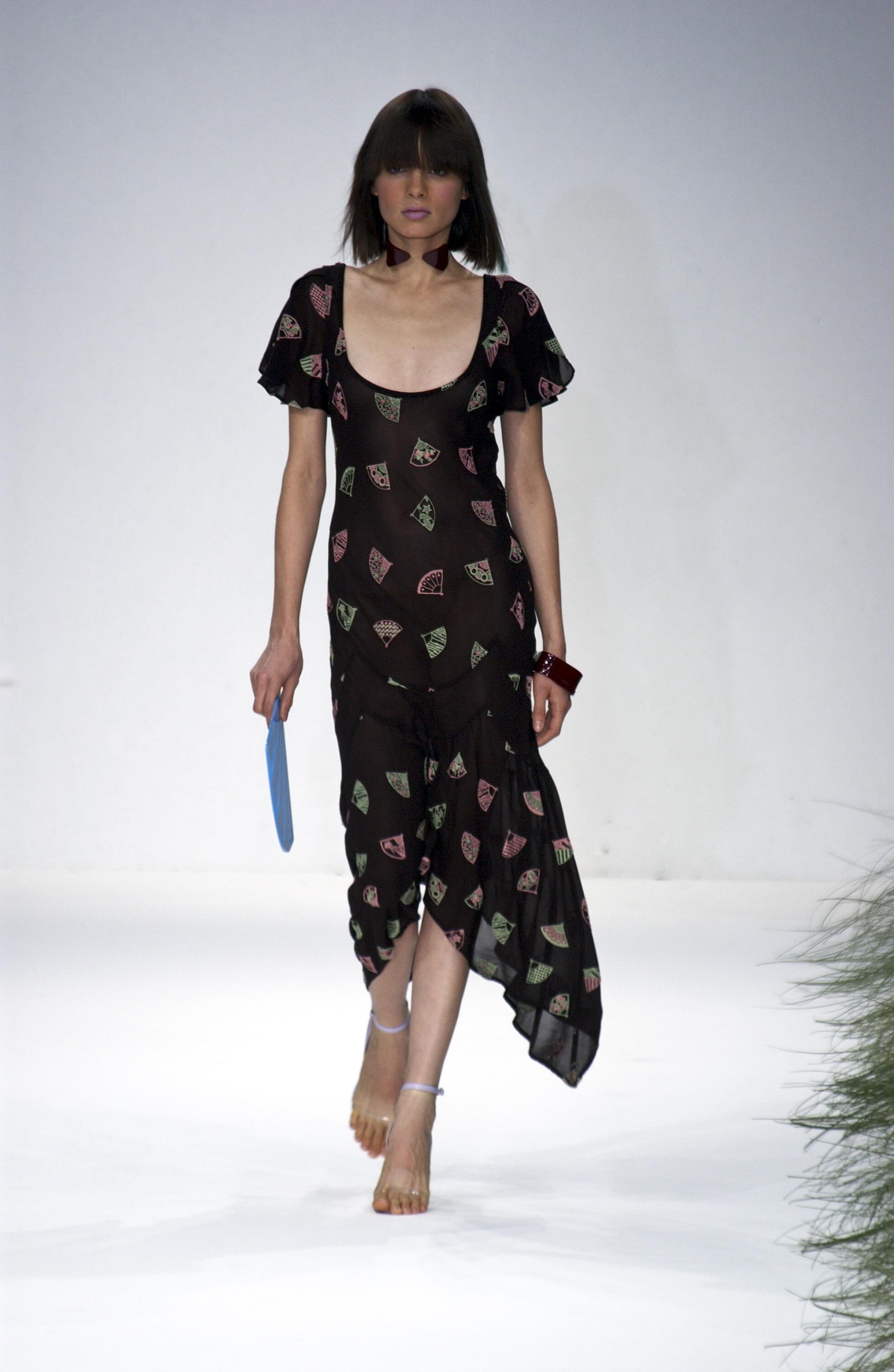
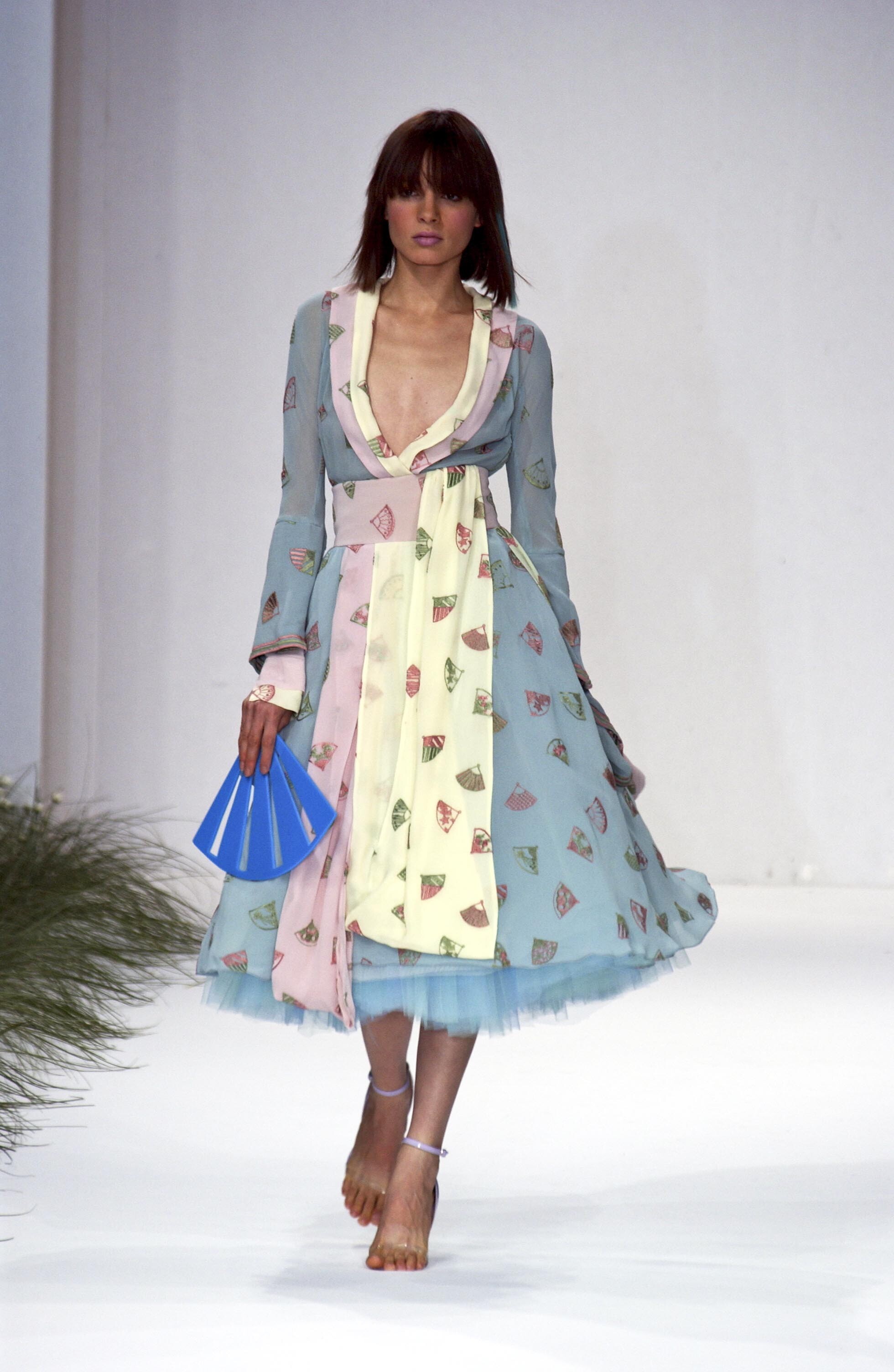
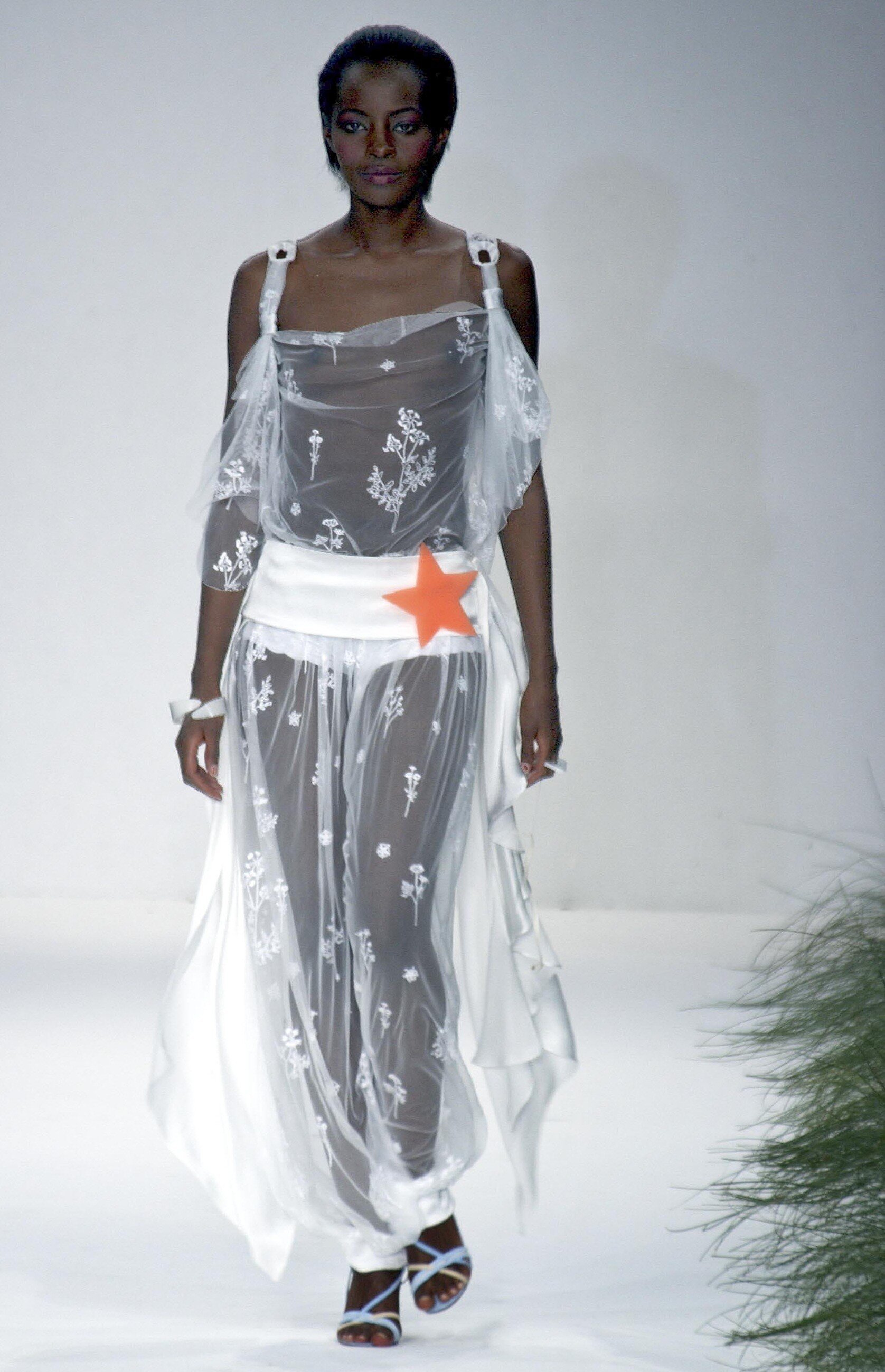
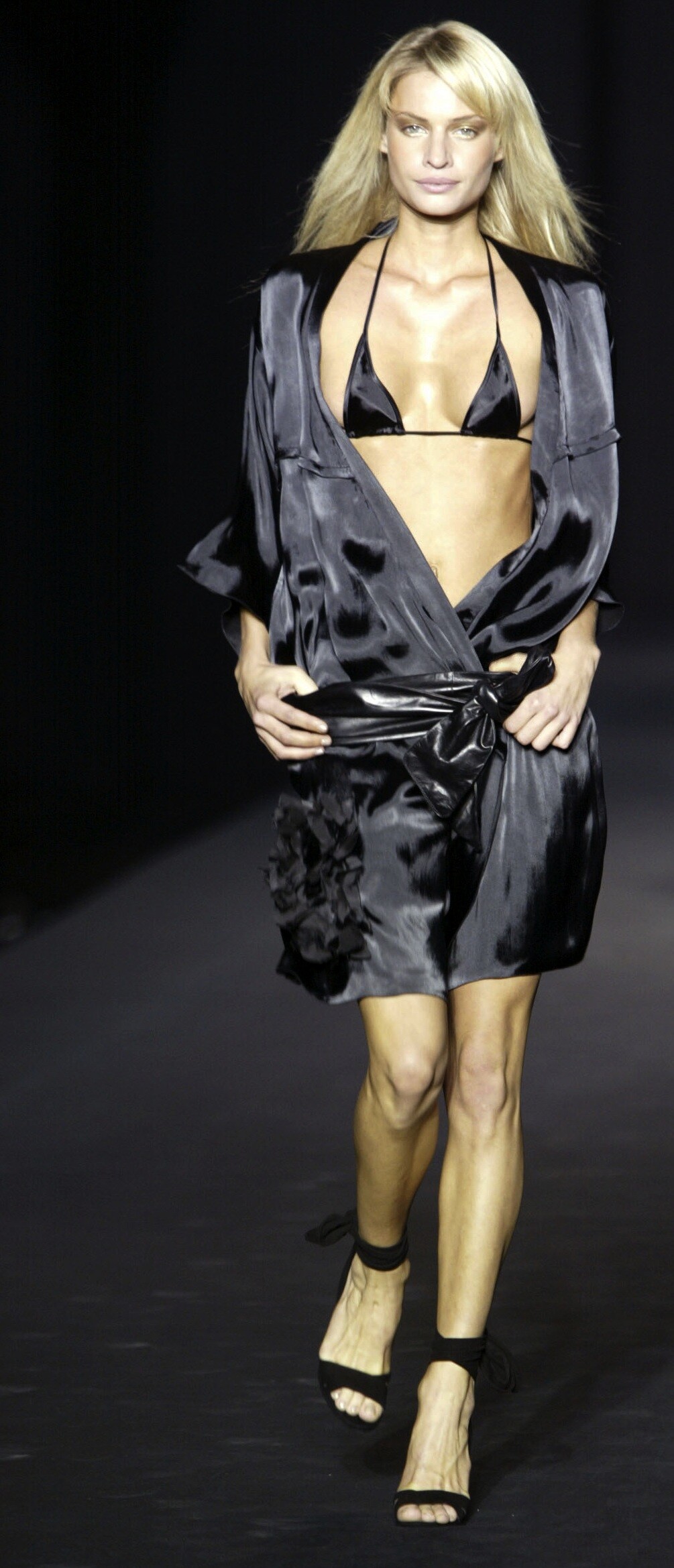
  6. Ghost (London) s/s 2002
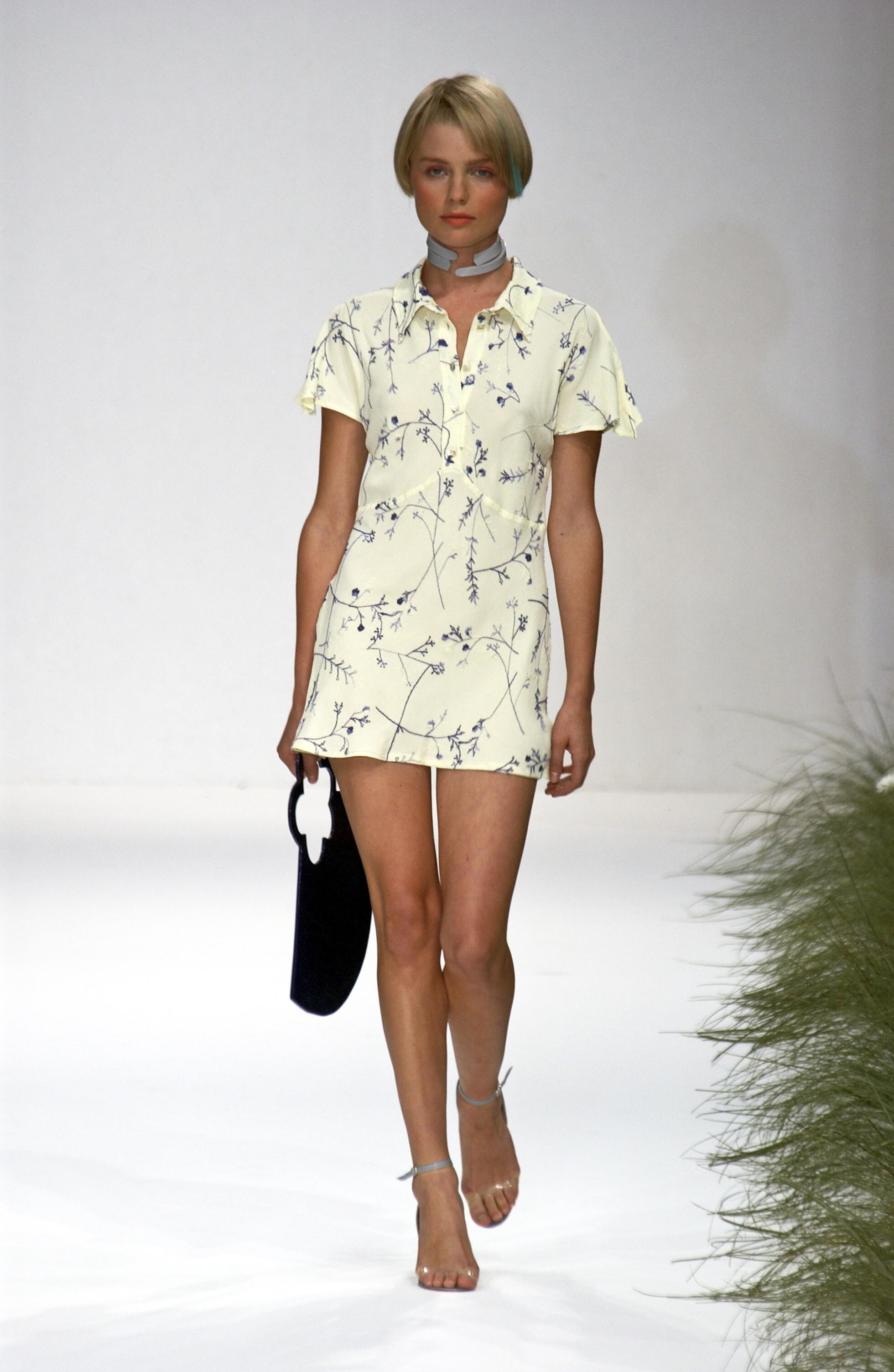
  7. Ghost (London) s/s 2002
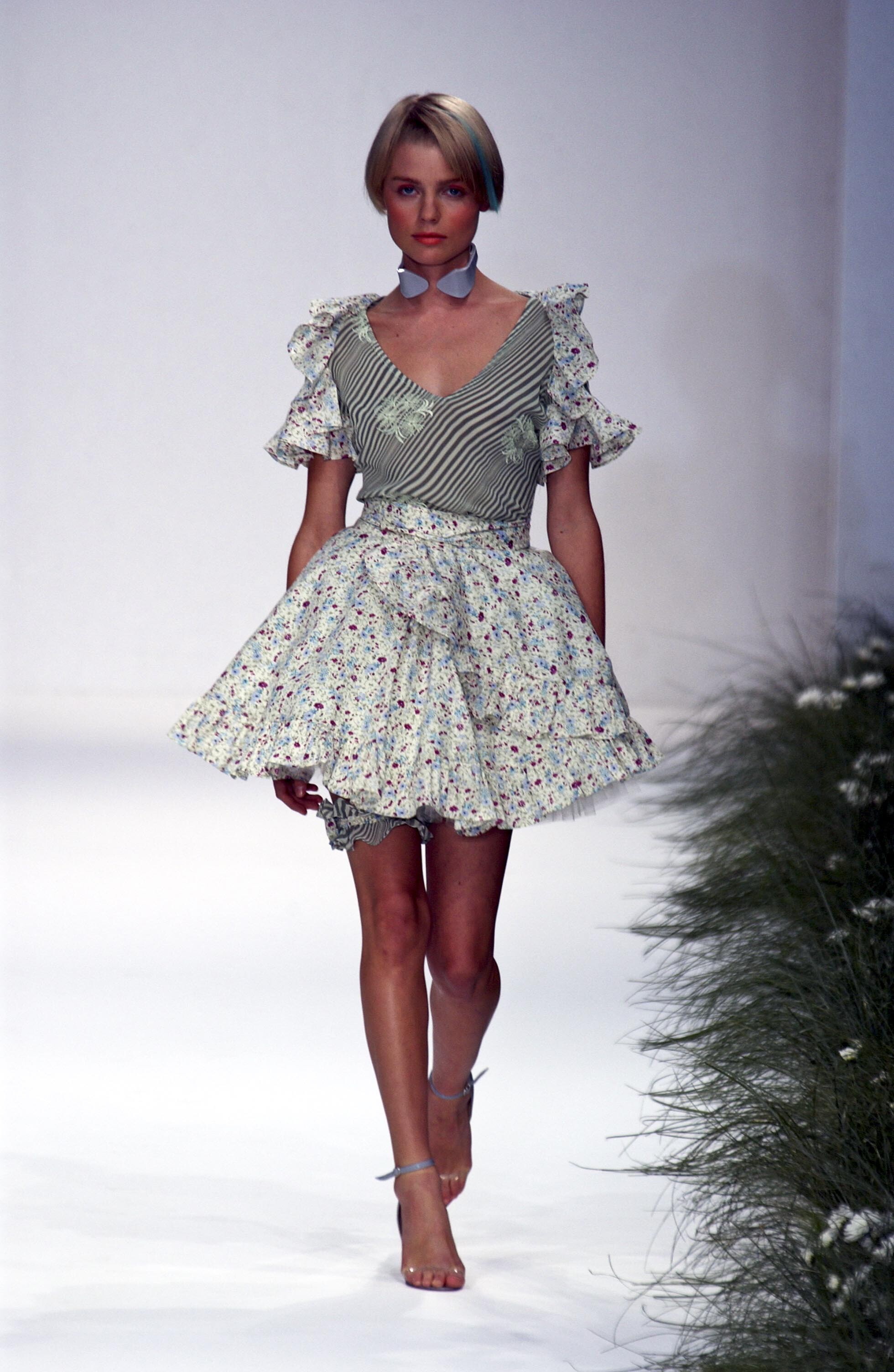
  8. Ghost (London) s/s 2002
  9. Amica, Italy 13 March 1998 models: Madeleine Cox, Satya Arteau, Clara Benjamin, Saskia Slaaf, Holly Henson, Saimi Hoyer scanned by Sanja (repost)
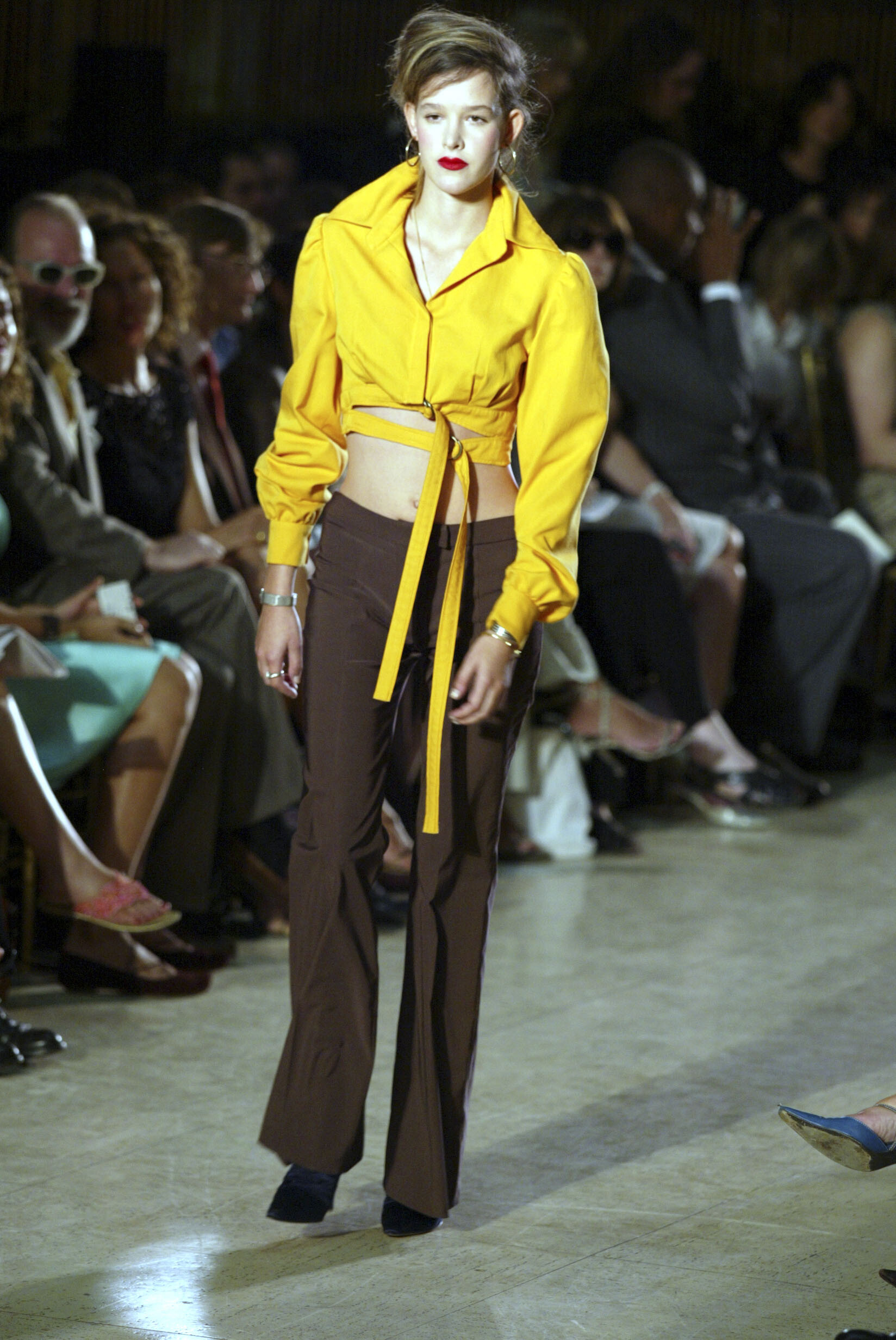
  10. Zac Posen (NYC) s/s 2003
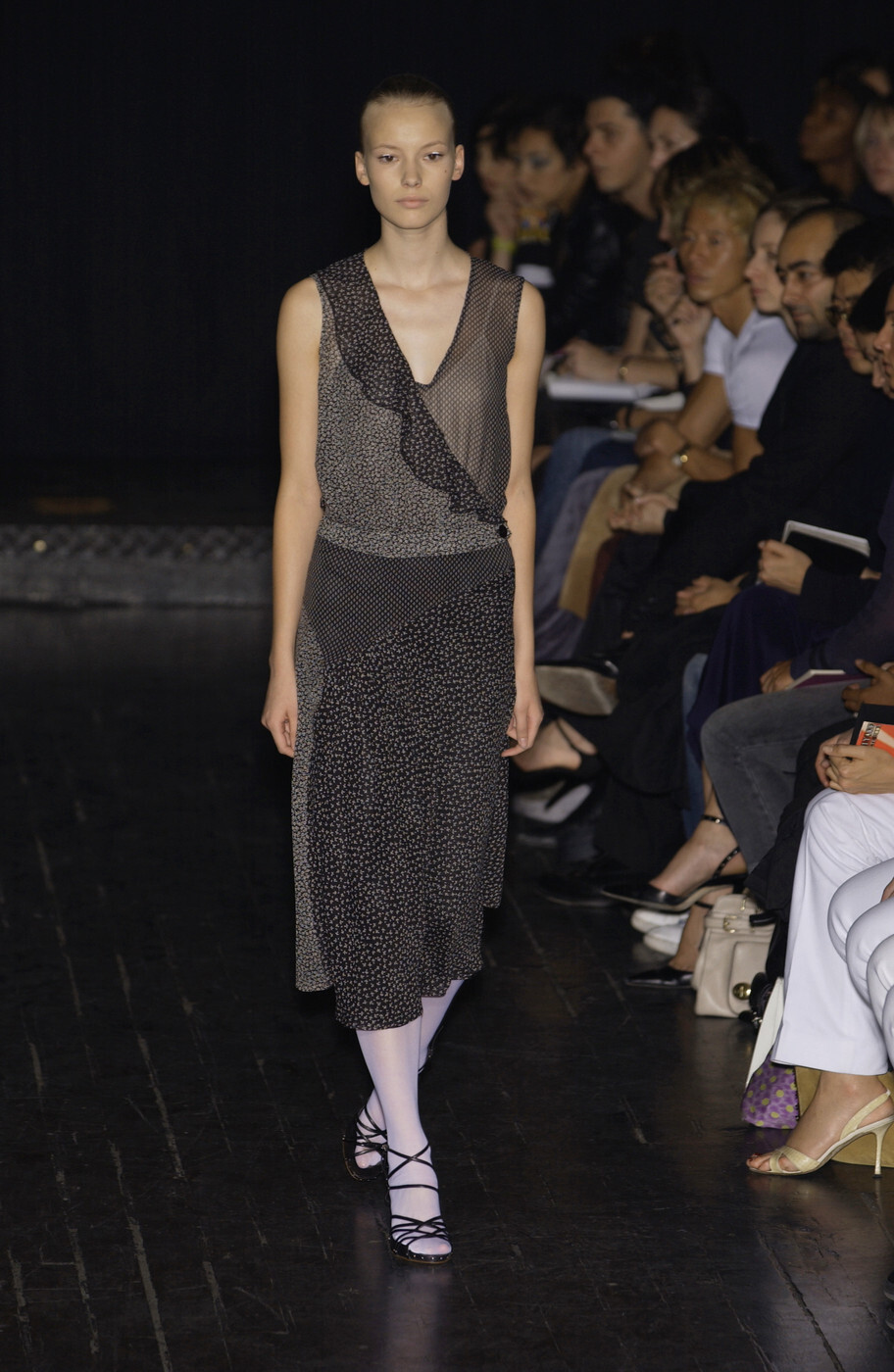
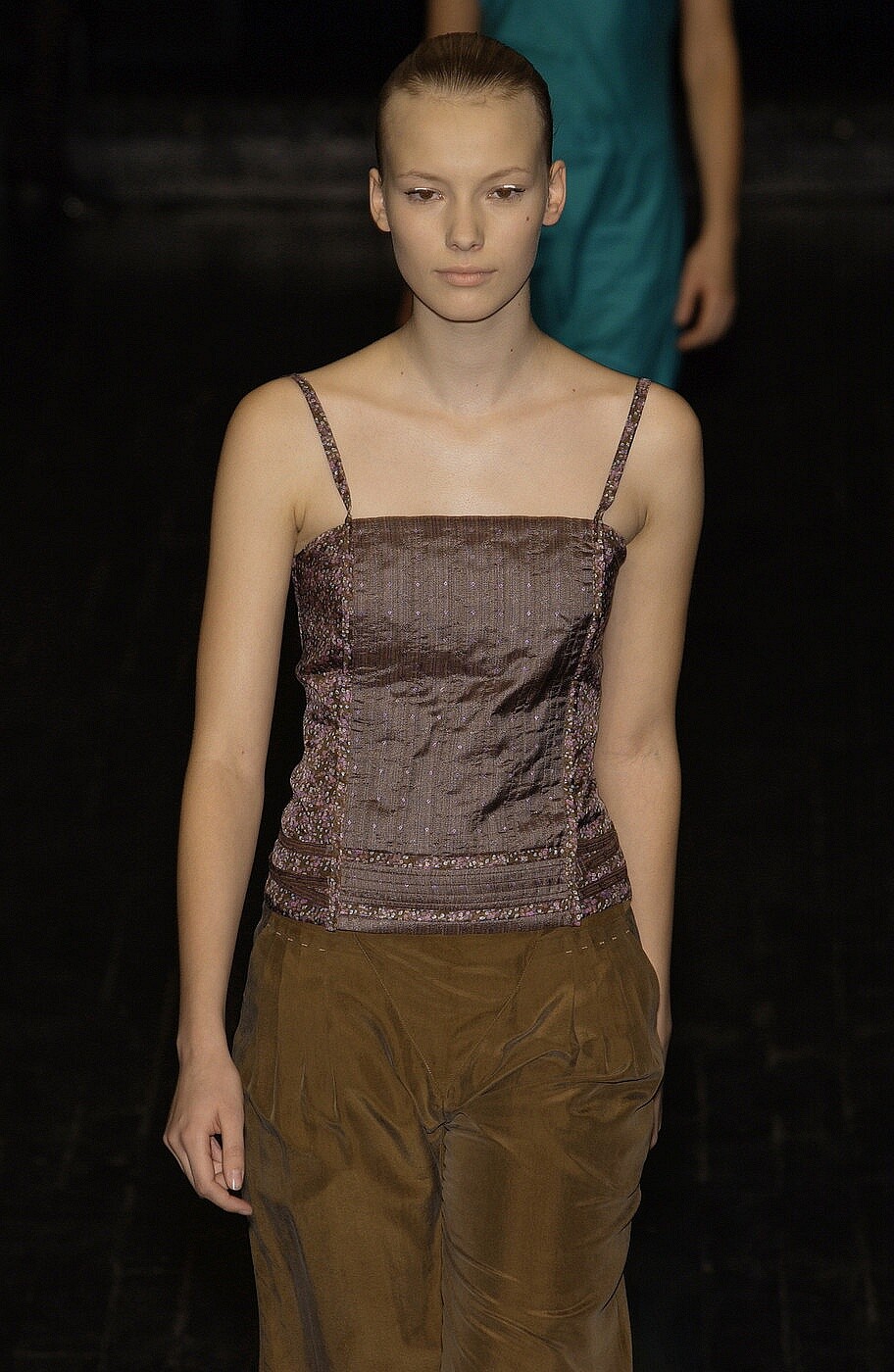
  11. Veronique Branquinho s/s 2003 Véronique
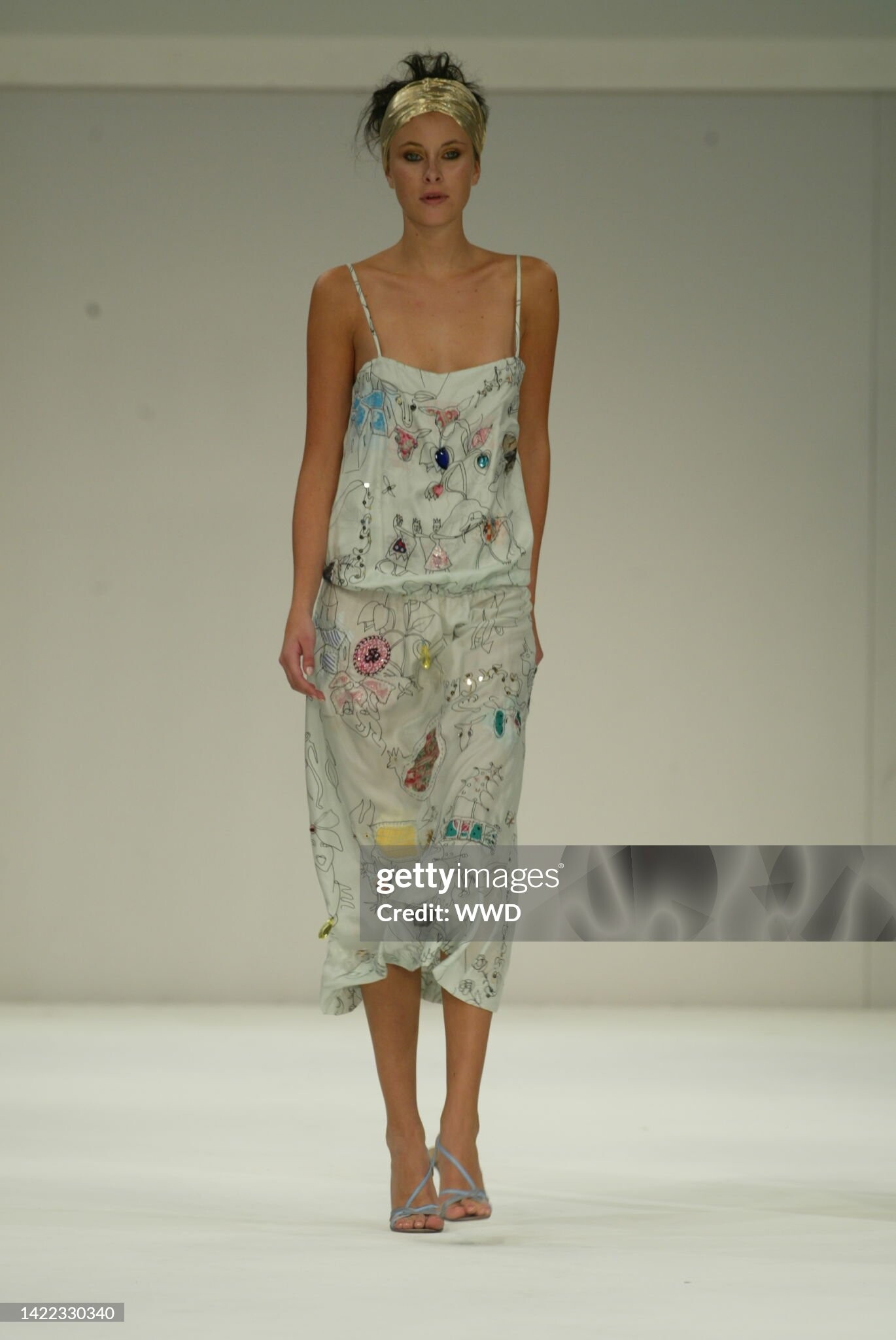
  12. Julien MacDonald (Dubai) s/s 2004
  13. Aurelio Costarella (Australia) s/s 2004 - LQ

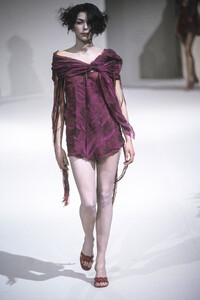
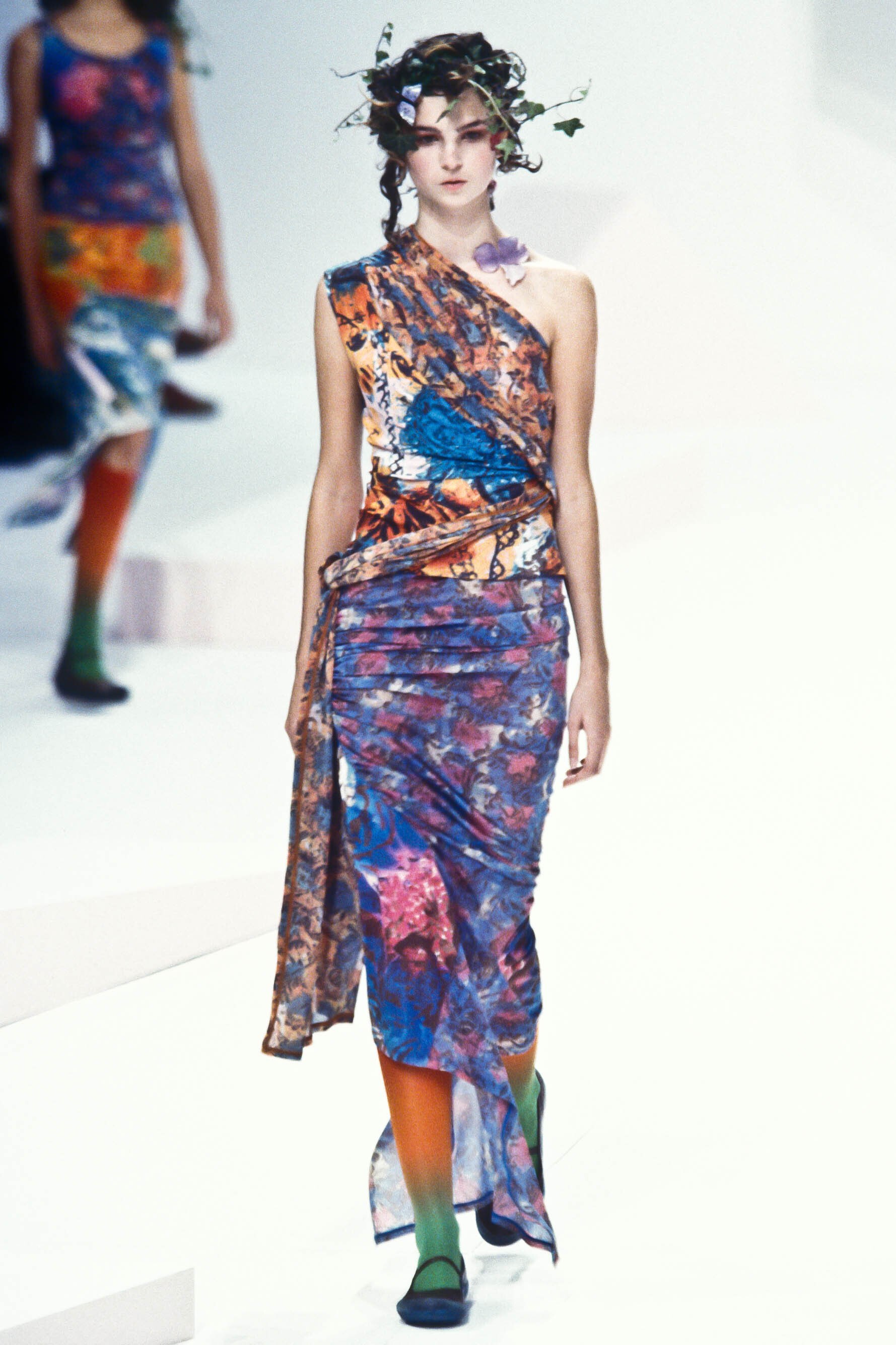
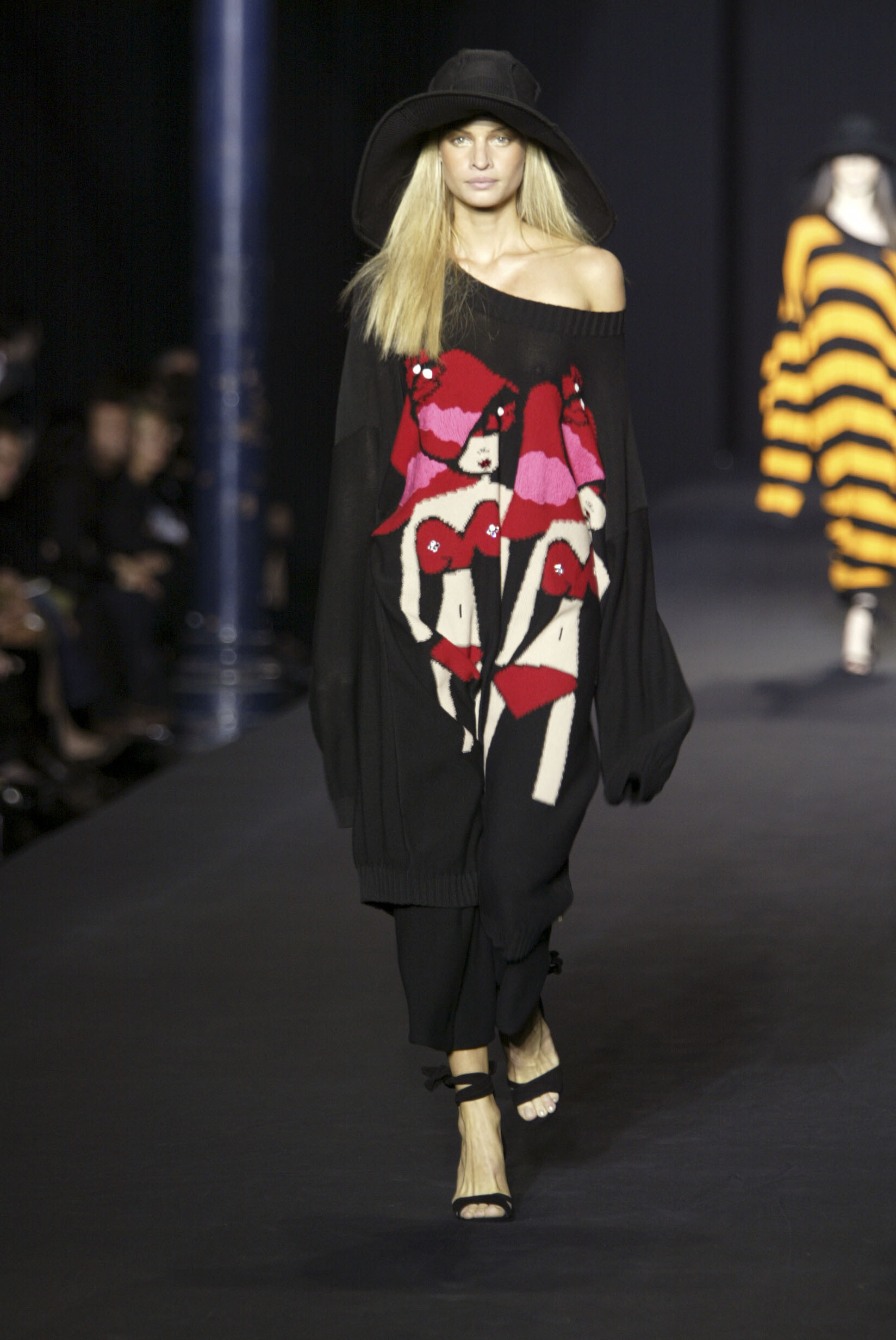
  14. Issey Miyake, s/s 2005

Account

Navigation

Search

Configure browser push notifications

Chrome (Android)
  1. Tap the lock icon next to the address bar.
  2. Tap Permissions → Notifications.
  3. Adjust your preference.
Chrome (Desktop)
  1. Click the padlock icon in the address bar.
  2. Select Site settings.
  3. Find Notifications and adjust your preference.