tarsier41
Members
-
Joined
-
Last visited
Everything posted by tarsier41
-
hair is not a problem; every woman / model dye hair; but who dye eyebrows ?! i think it is very less common. eyebrows could be different: a brown hair person has dark eyebrows ? ... not blond eyebrows ? so i do not know for sure.
-
she looks like her, for sure. Hair color is not a real dilemma, but eyebrows... in your pic of June 2002, it's really blonde... and Hermès, i cannot see well enough. Thanks !
-
Martina Gilg (topic), a usual of Dior / Galliano 2000-2002
-
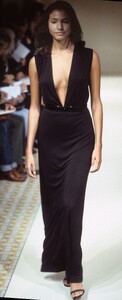
Casey Jane Jones ? @Minerva13
-
-
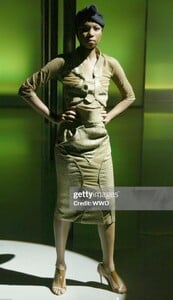
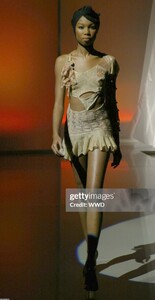
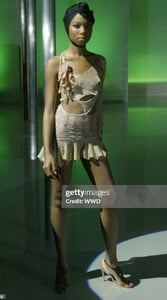
London s/s 2005
-
-
1. Adair Howell: i think so too 5. Katarina Scola had that look 2002 & 2004 and the nose is exactly same (little bump, top part); Jennifer Coleman have regular curve (turned up nose)
-
-
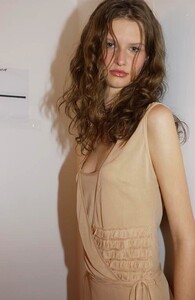
site vogue wrote Diani (#19 & #55) ...
-
-
-
-
-
Yfke Sturm (topic)
-
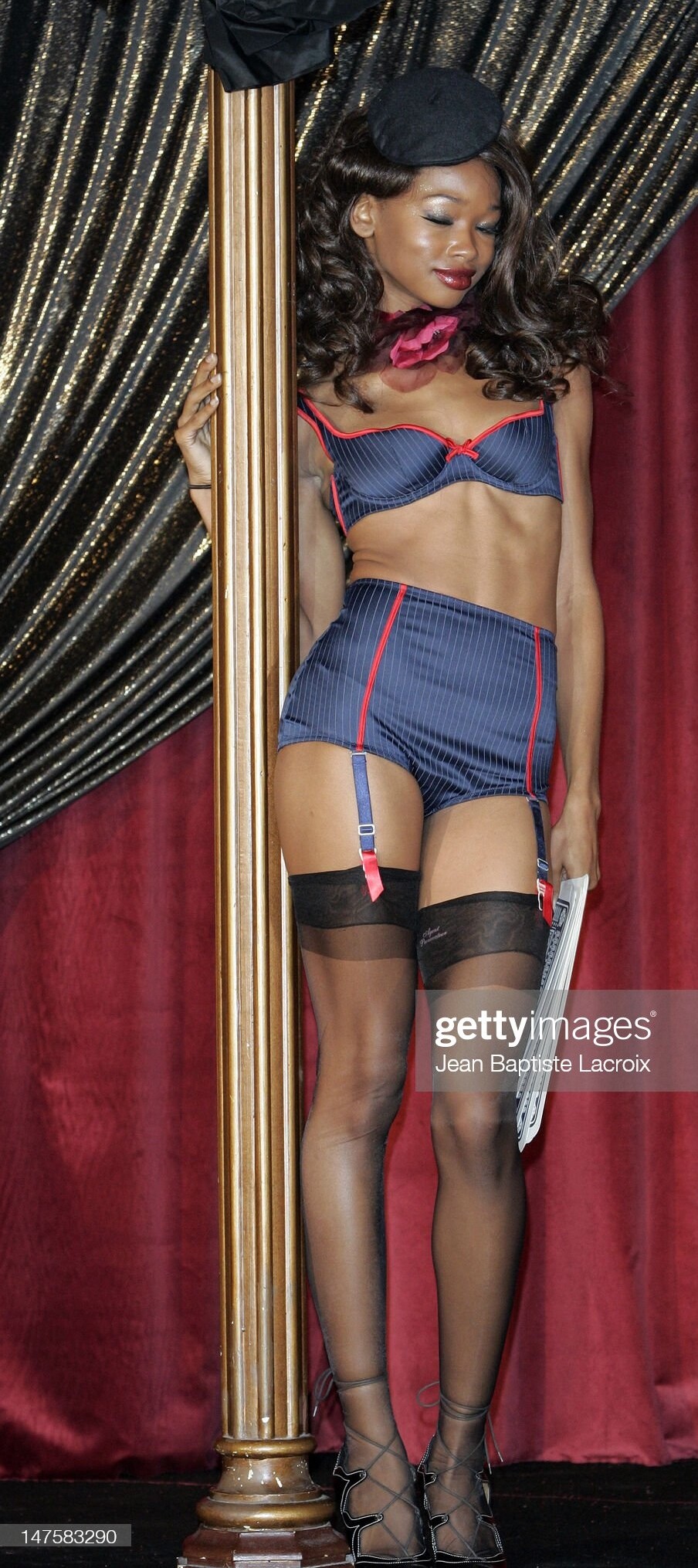
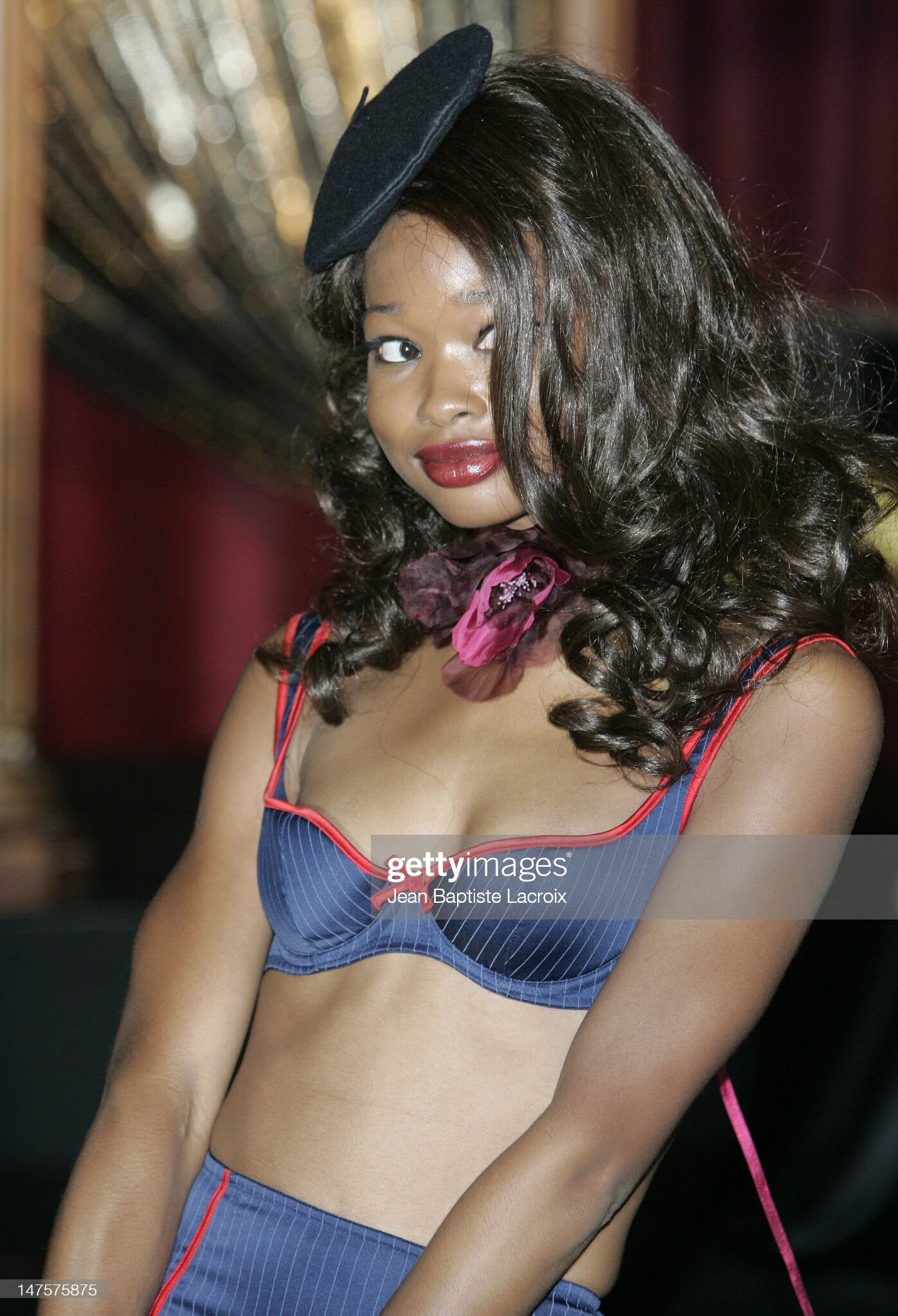
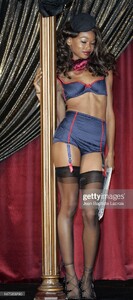
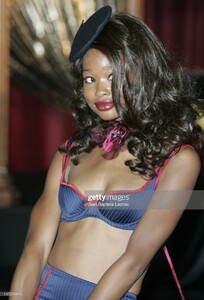
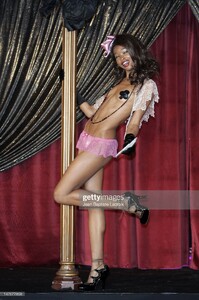
Agent Provocateur s/s 2006 ID help from Argendior
-
-
could be susan gin...
-
Romane Bohringer, French actress Carole Laure, canadian actress
-
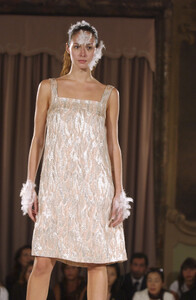
Paris s/s 2004
-
-
-
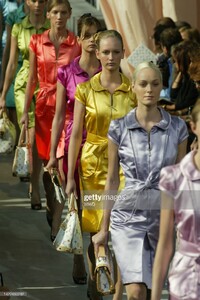
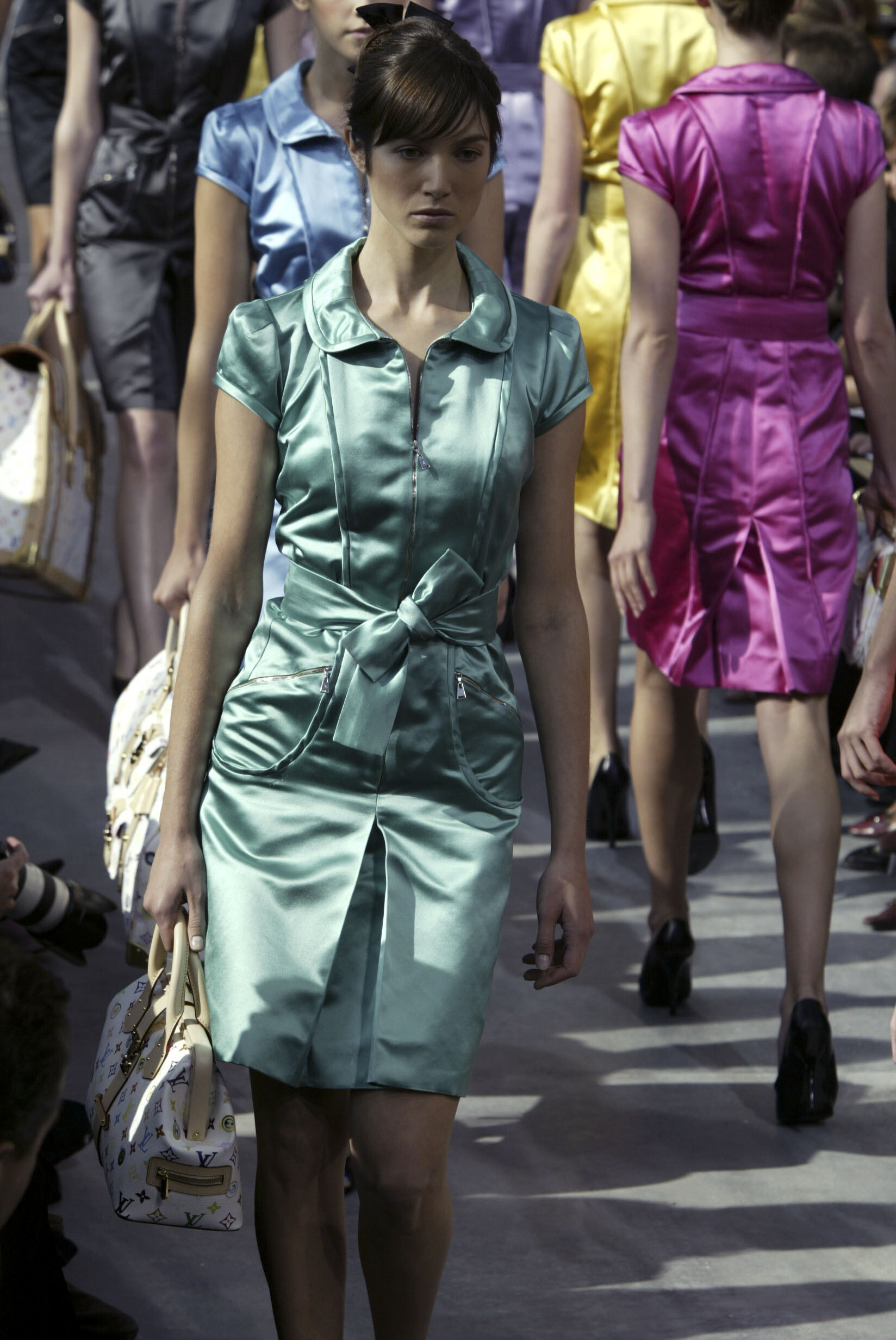
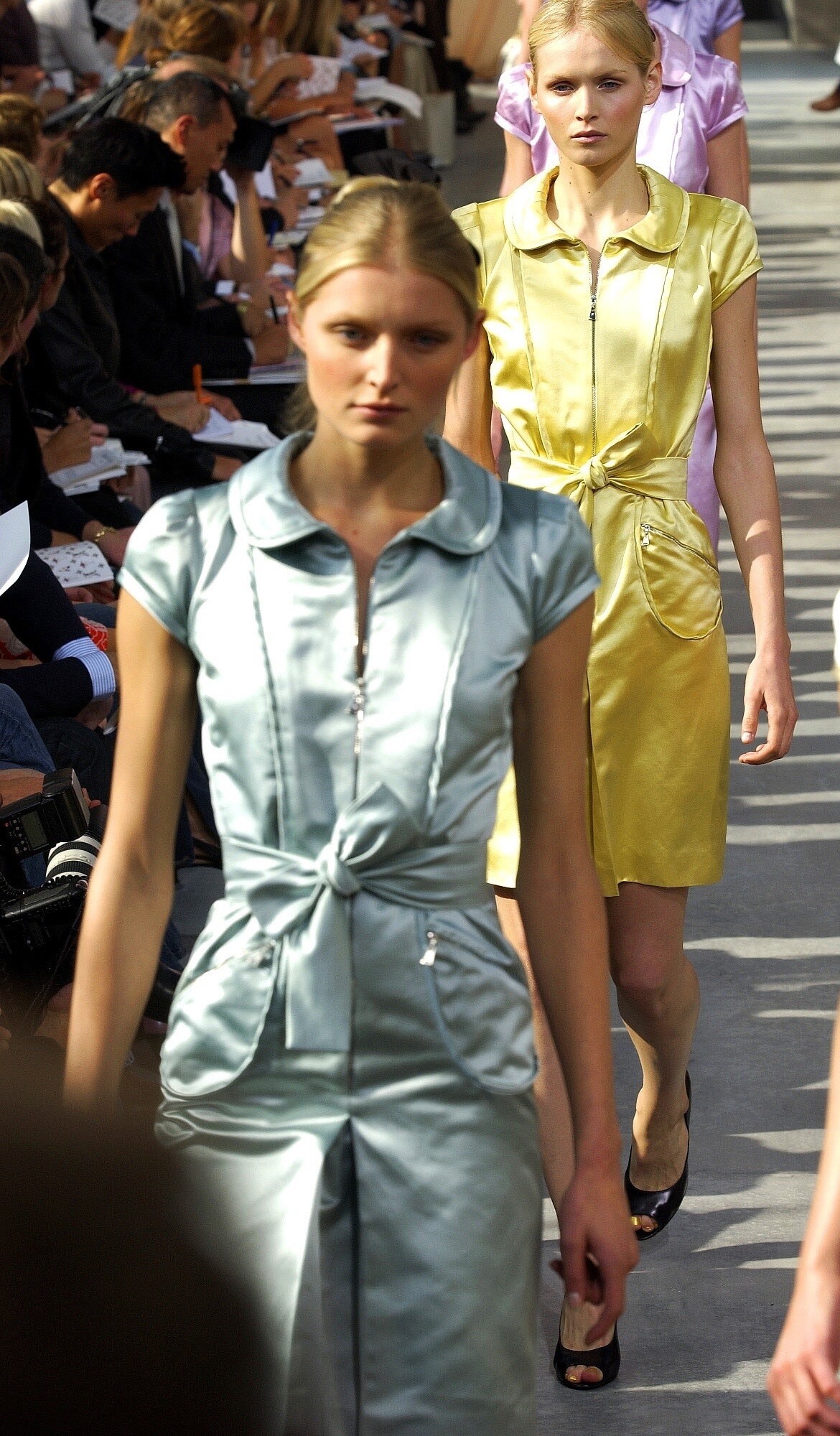
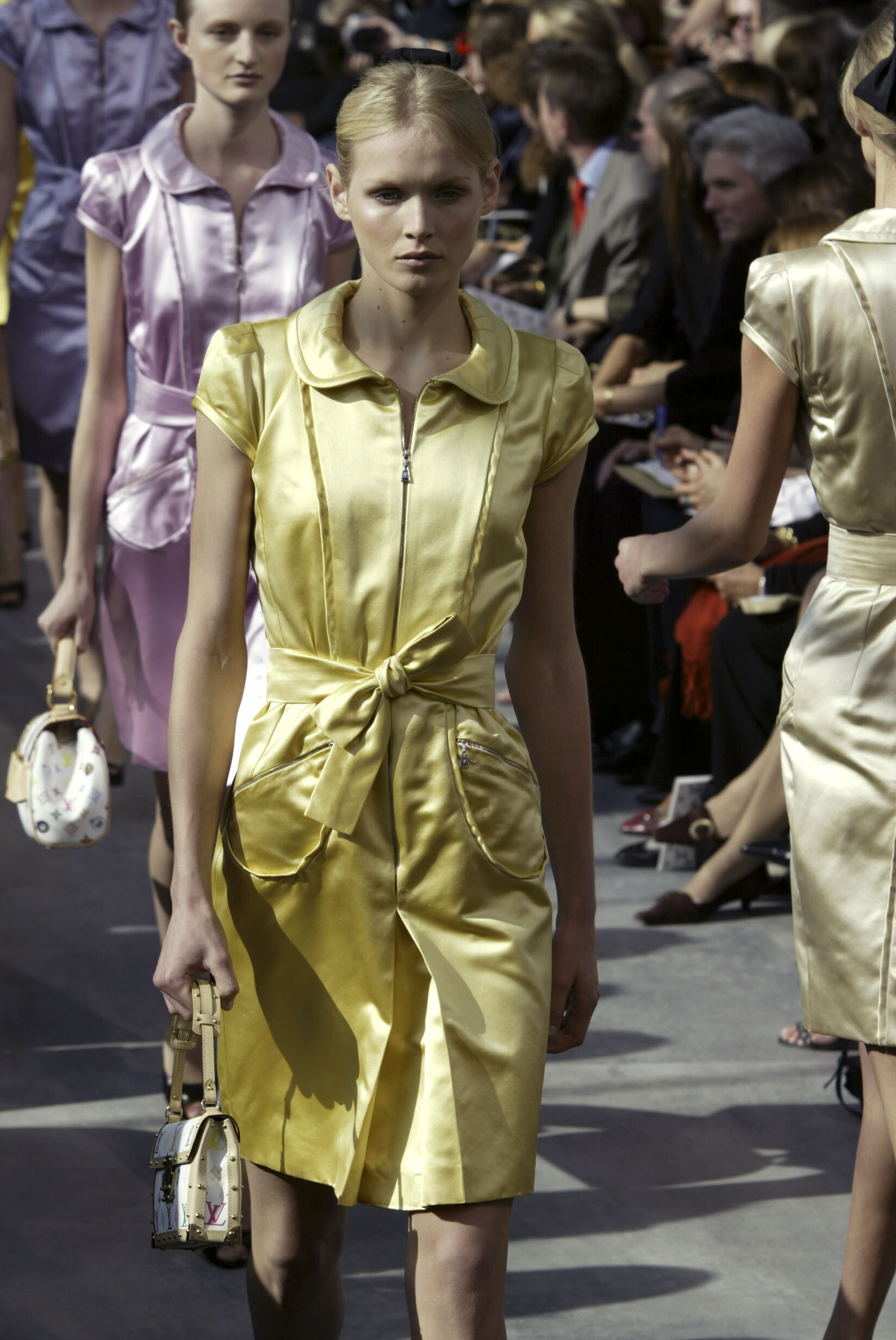
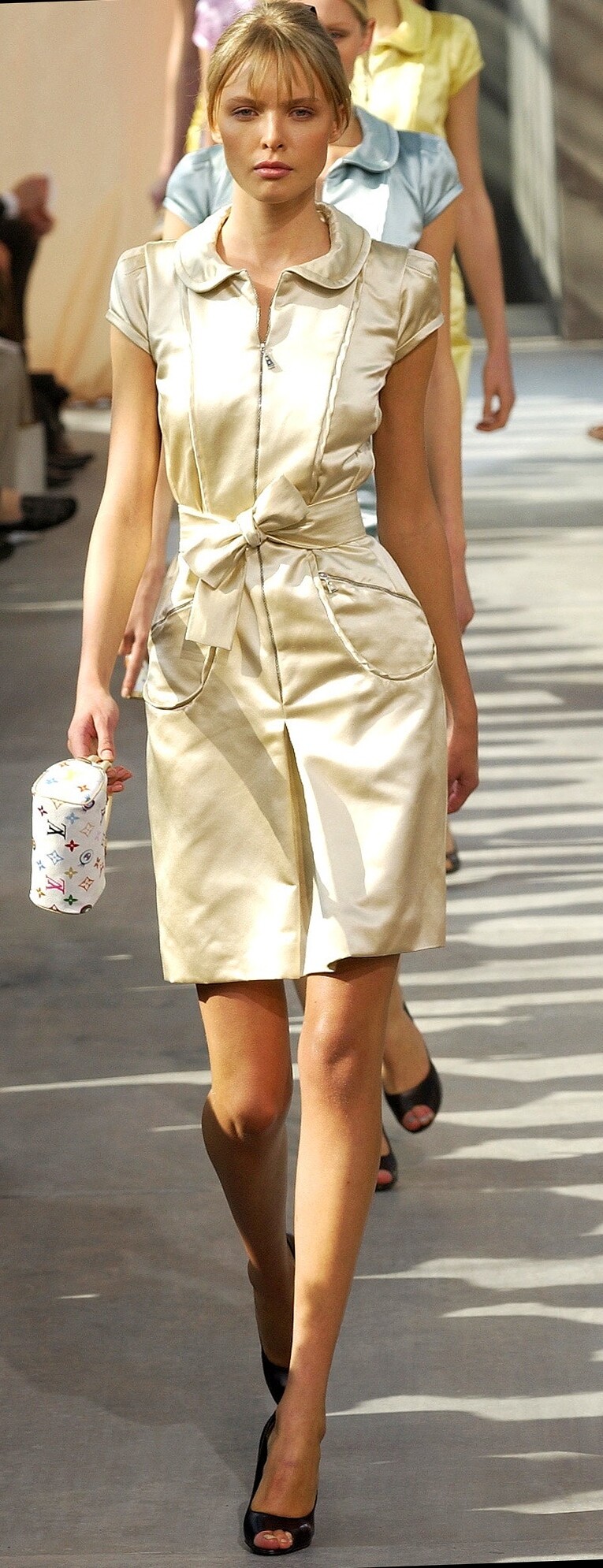
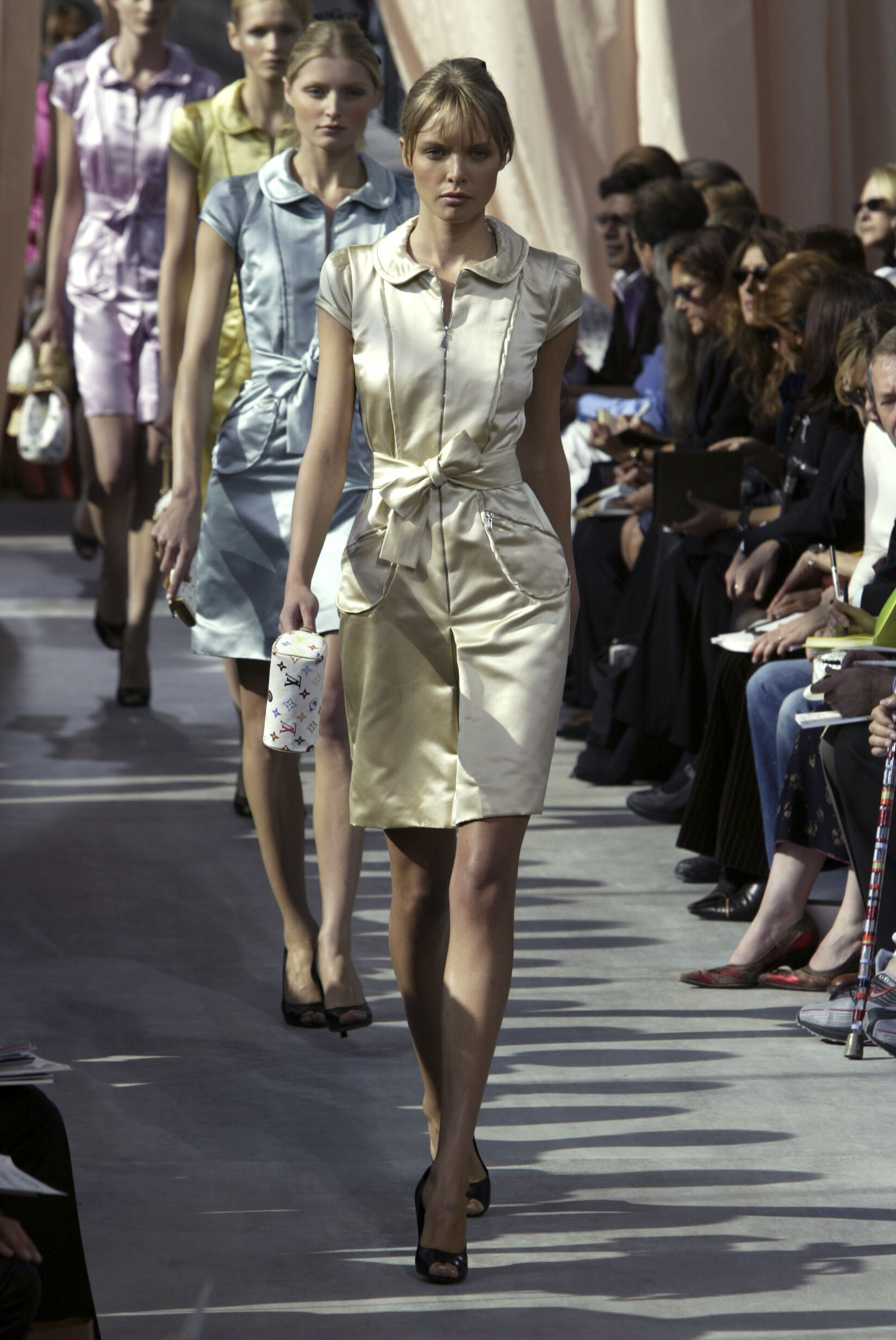
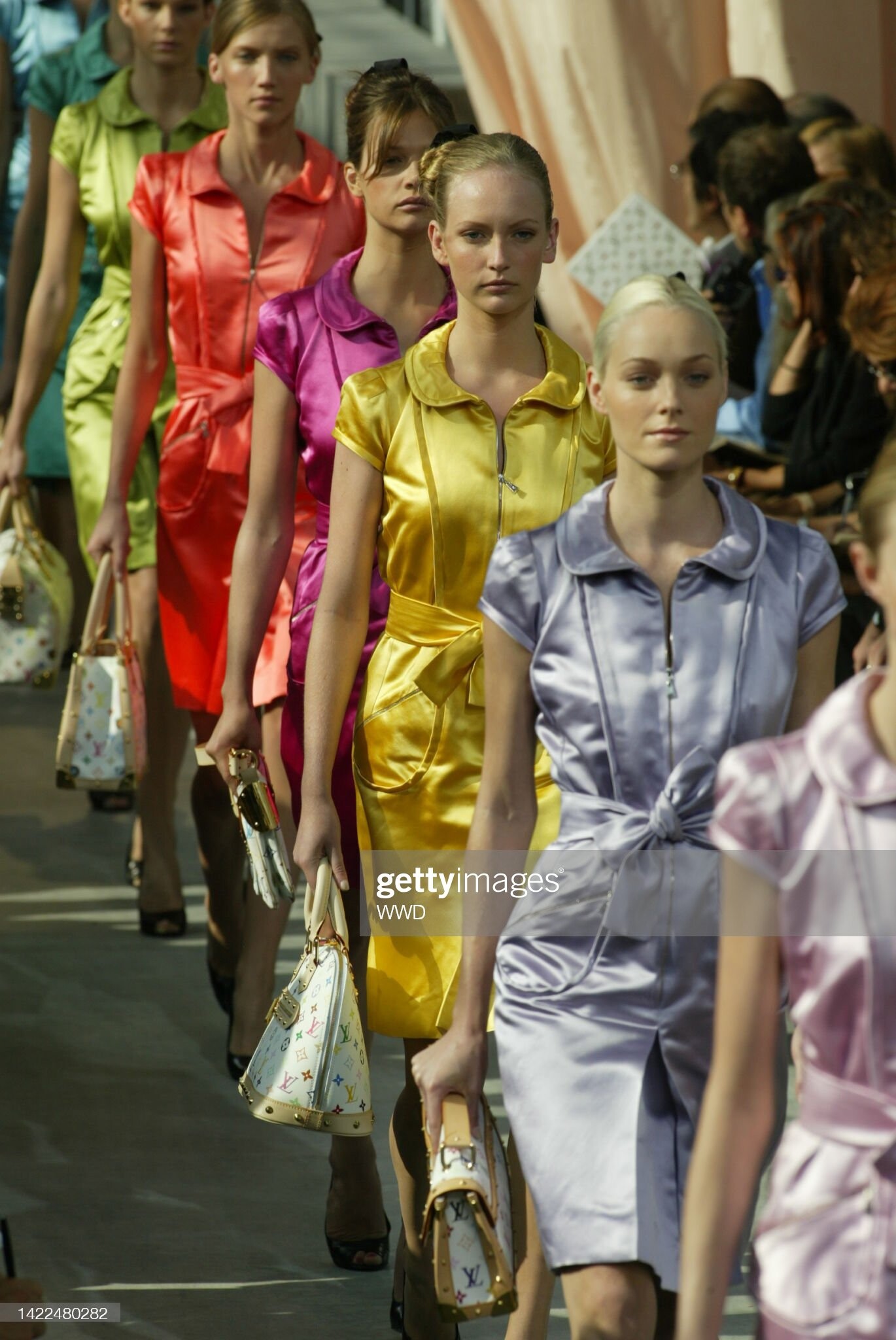
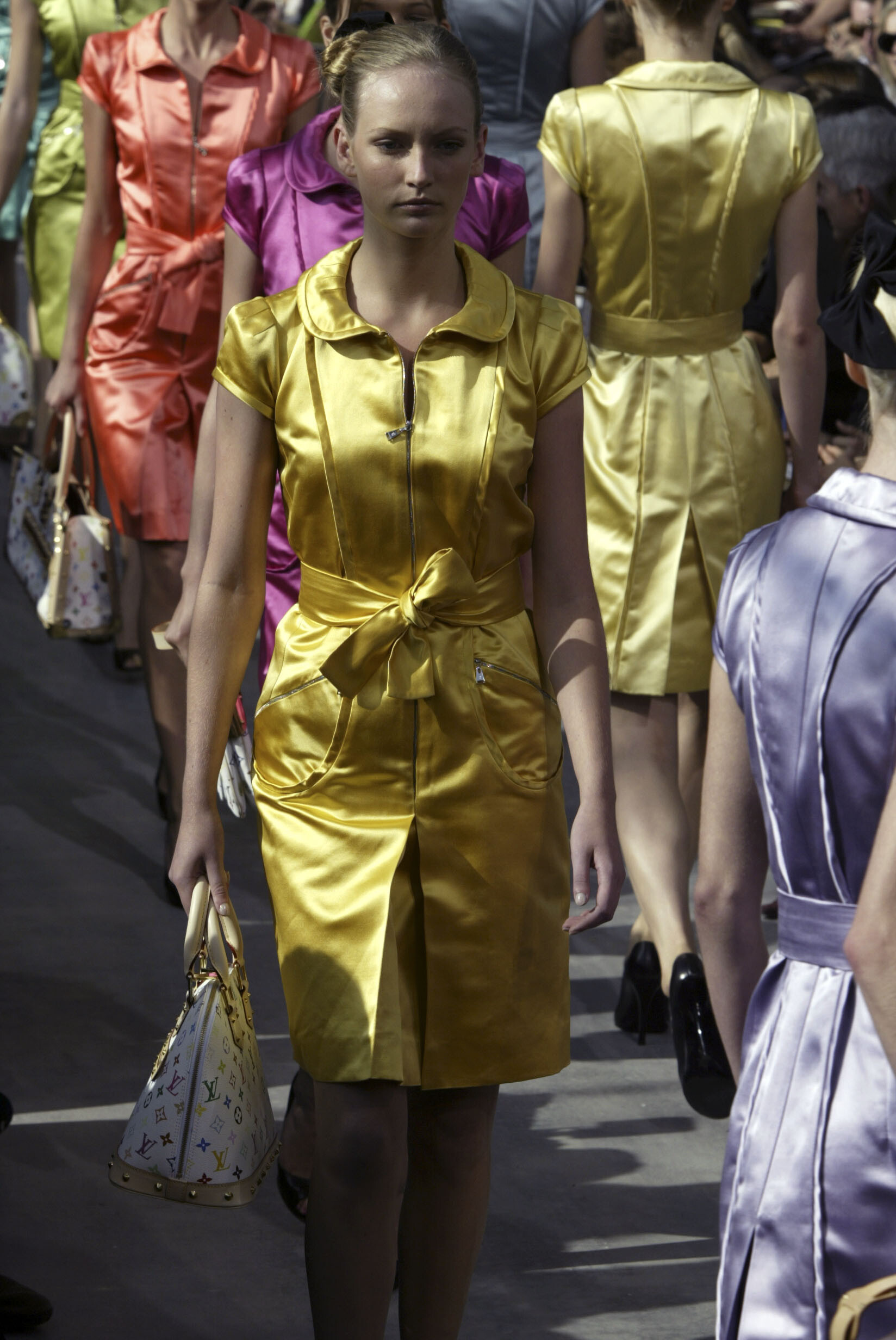
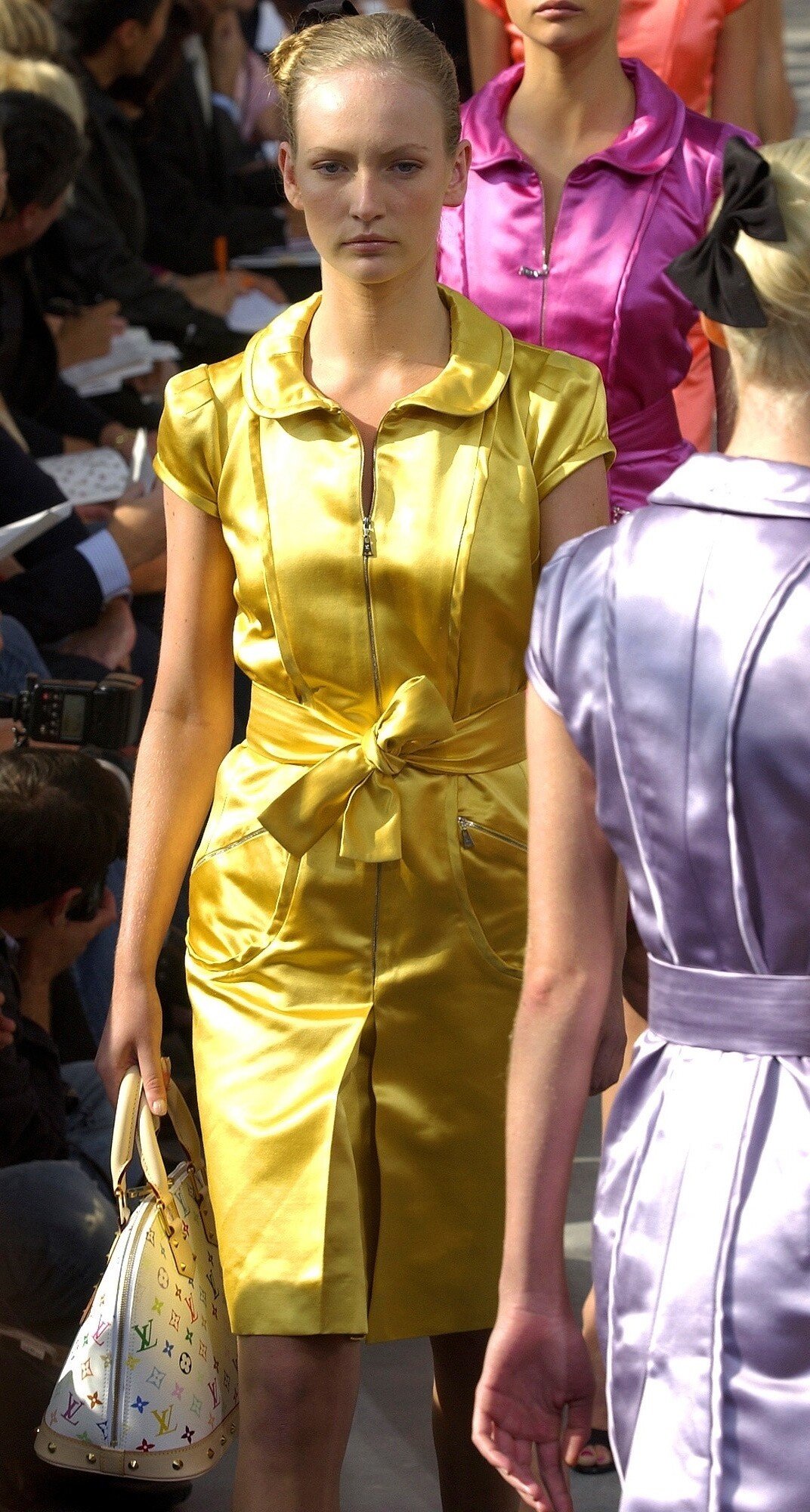
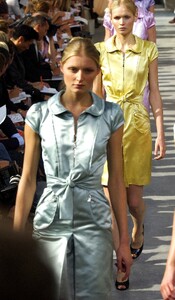
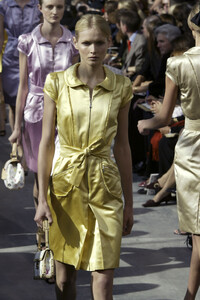
Louis Vuitton, s/s 2003
-
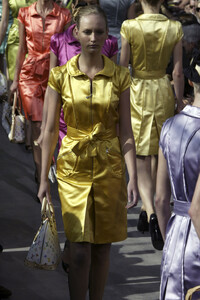
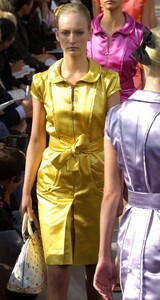
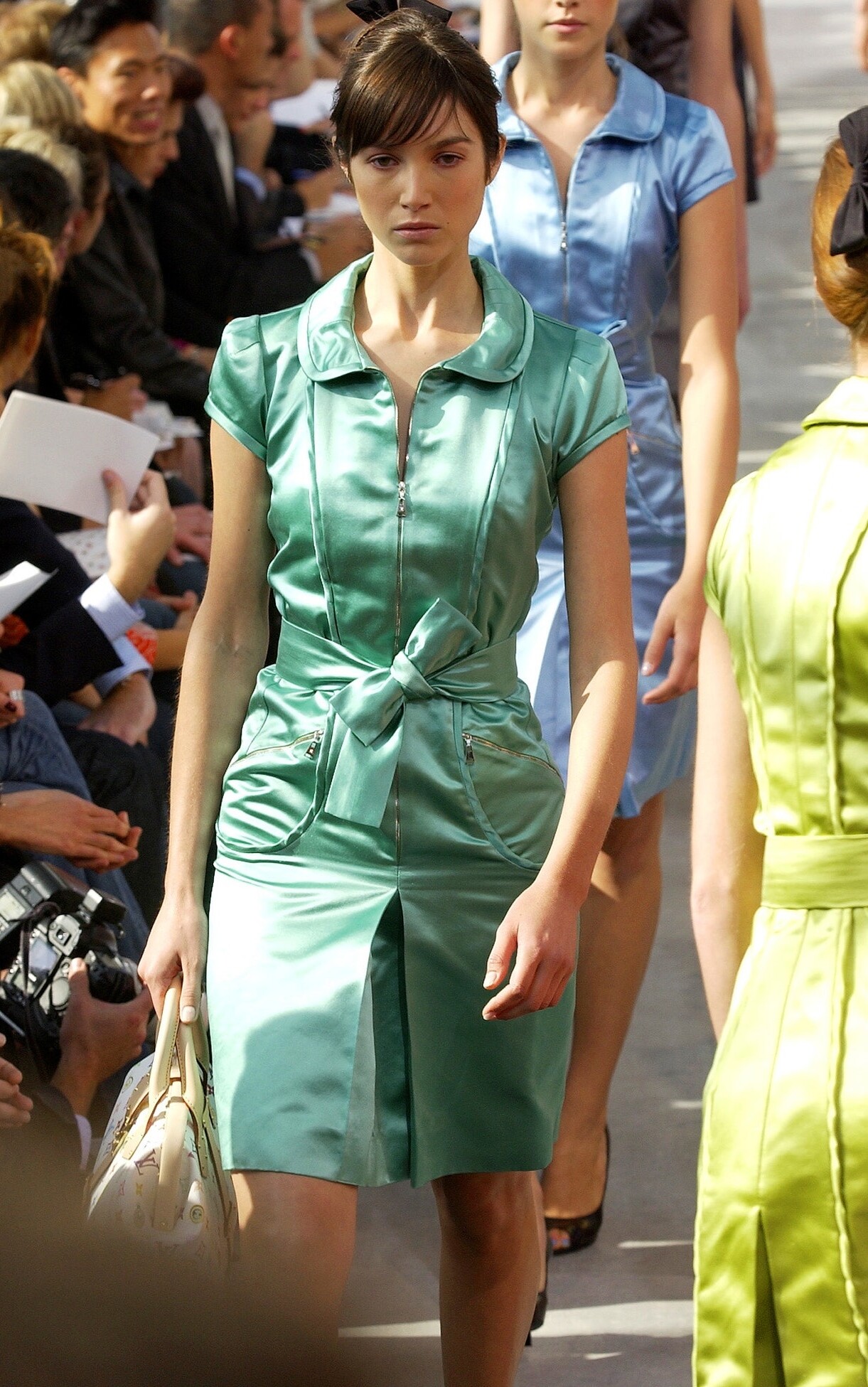
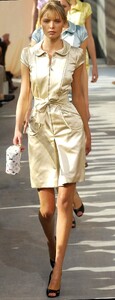
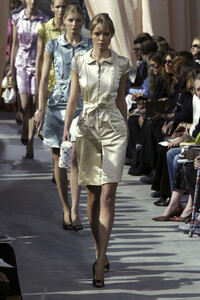
Louis Vuitton, s/s 2003
-
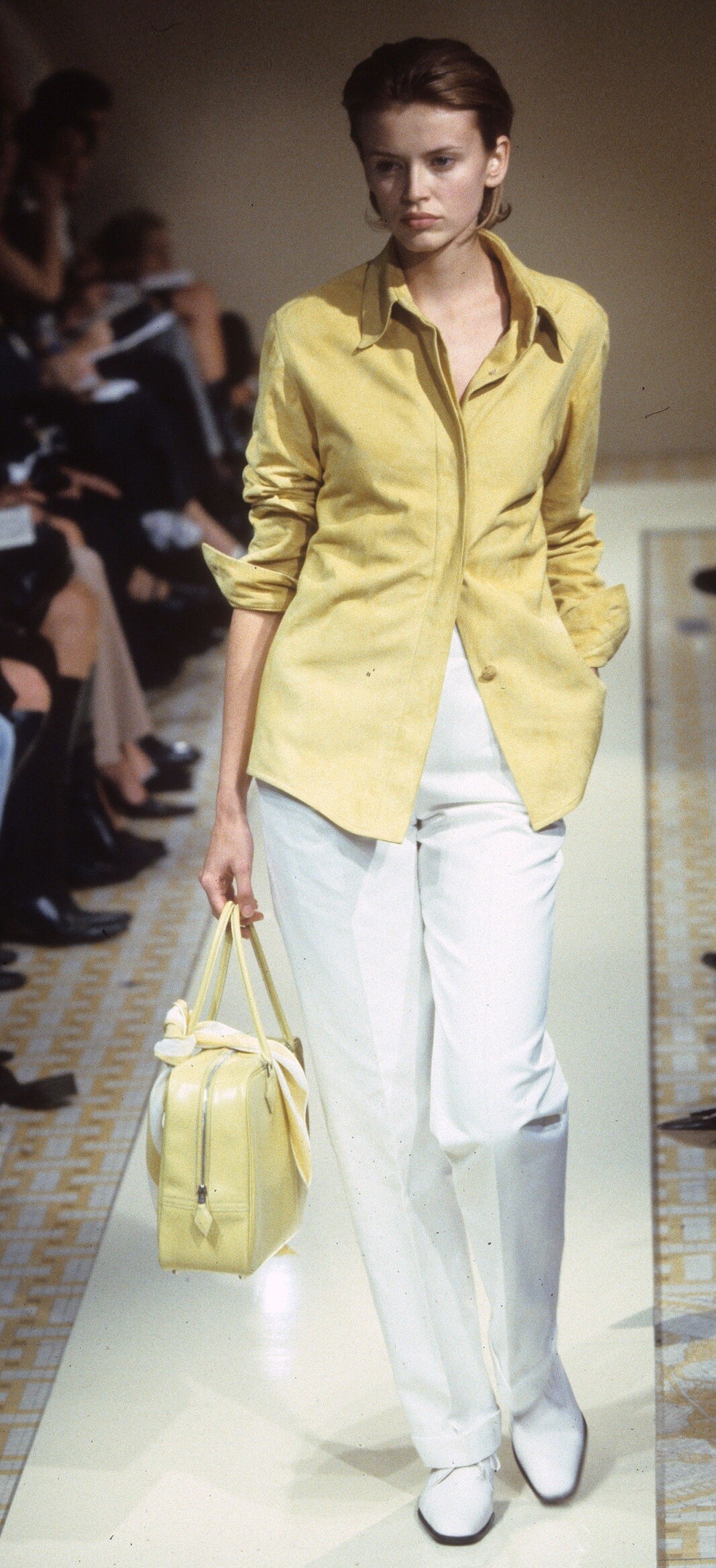
addition -