missparker7
Members
-
Joined
Everything posted by missparker7
-

-
-
-
-
-
-
-
-
-
-
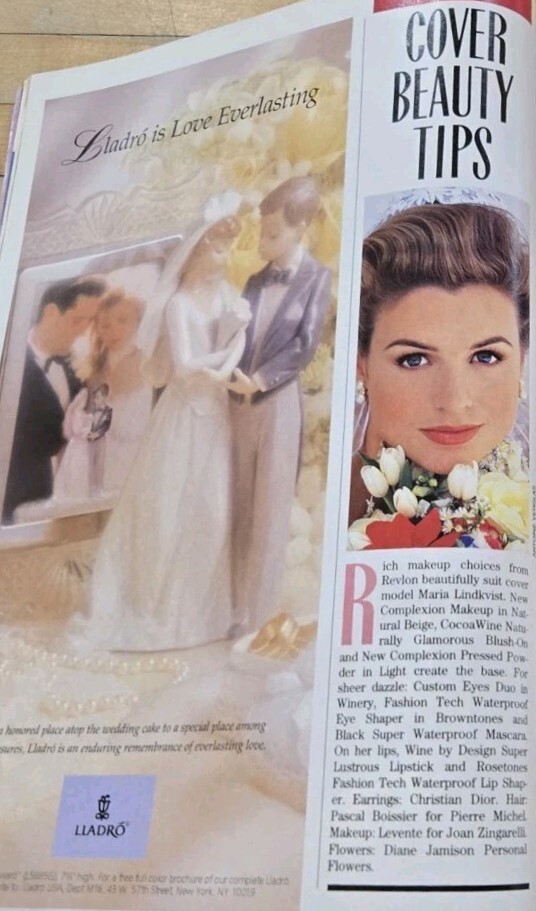
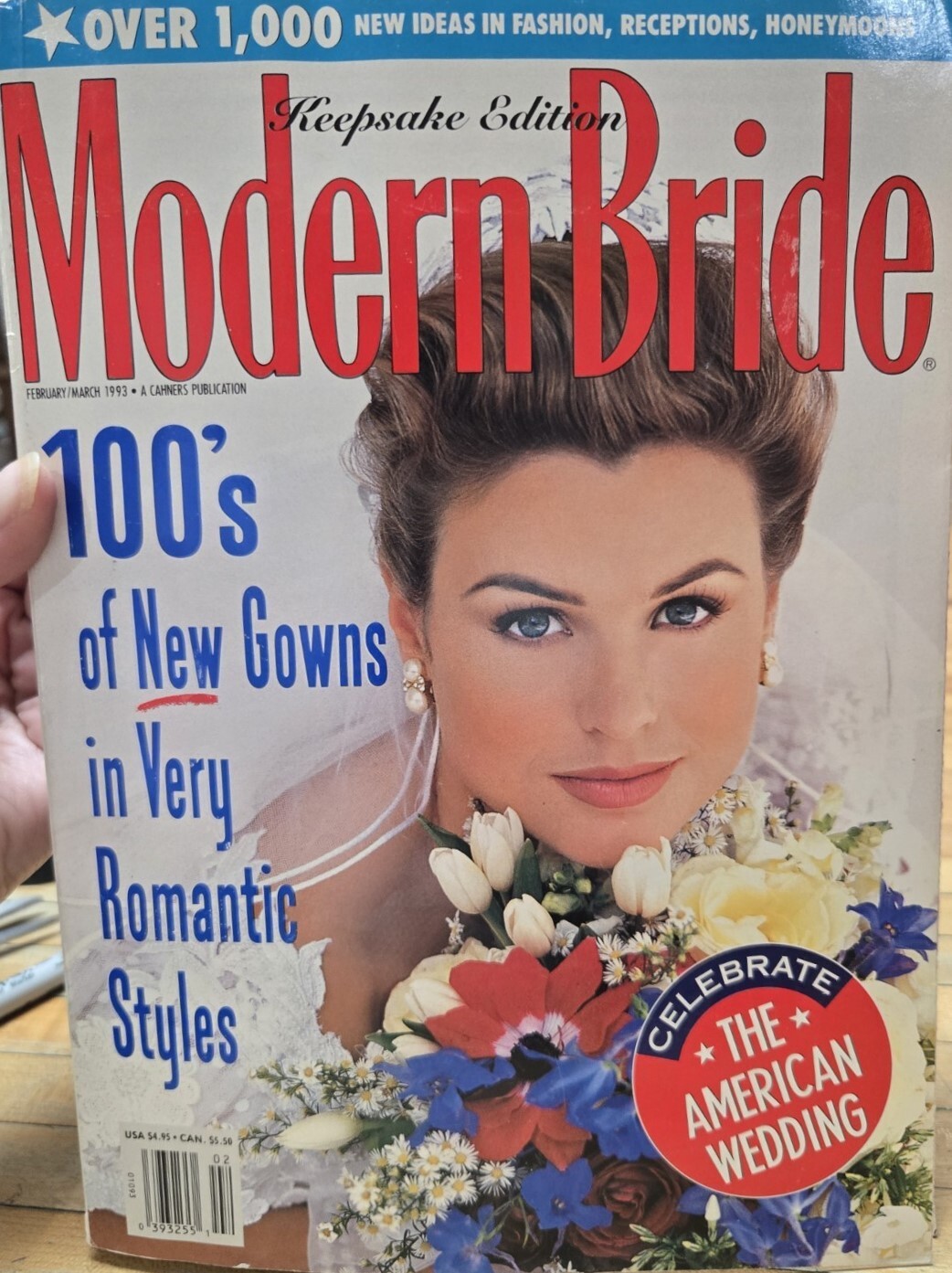
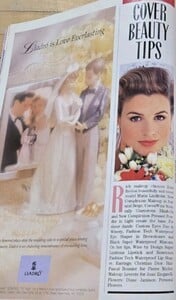
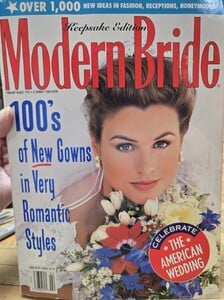
cover + cover-look Modern Bride U.S. February/March 1993 source: ebay
-
Yes, got it. Thanks.
-
-
-
-
-
-
-
Interesting, because some had similar names to their real name they worked on and this one is more far away to Alejandra.
-
Thanks for all the IDs. Great job once again.
-
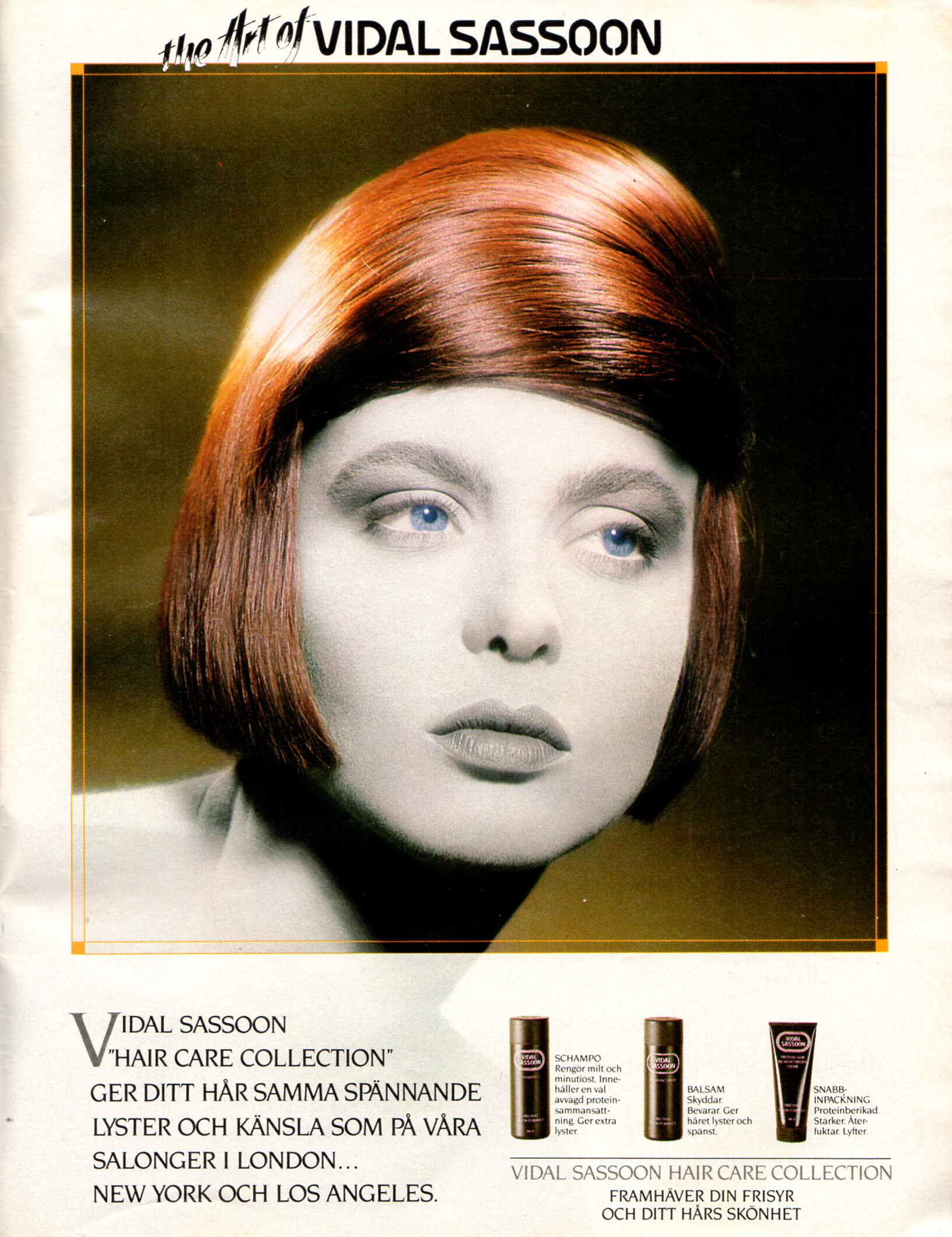
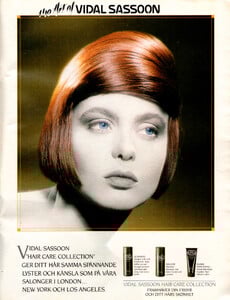
But she´s not Rachel Riley? VIDAL SASSOON advertisement - VECKO Revyn Sweden 8. December 1988 #49
-
Hi and welcome💐, I think it´s been already everything said. For myself I don´t need reconfirmations, but it happens and it´s also not a problem. I take what I can get. And I like when different opinions about a ID are exchanged, because I post my scans in the model topics later and would like to have them in the right one placed. I´m not from the model business, but collect for years now on Renée Simonsen and these days new old things on her are very hard to find. So I look for a less frustrating way to spend my time to waste. There had been so many other beautiful women in this business who weren´t noticed that much, but did a great job as well and deserve to get paid attention, too. You can find beauty in every one of them. And I like the idea these images are preserved, because there will be the time the last issue of a magazine is gone forever. I like to contribute a bit to this huge archive with help of this great team here. And last but not least like Martial said a while back it´s a good training against Alzheimer. So I hope you have a good time here and I´m curious to see more posts from you!
-
No problem. Do you know her last name?
-
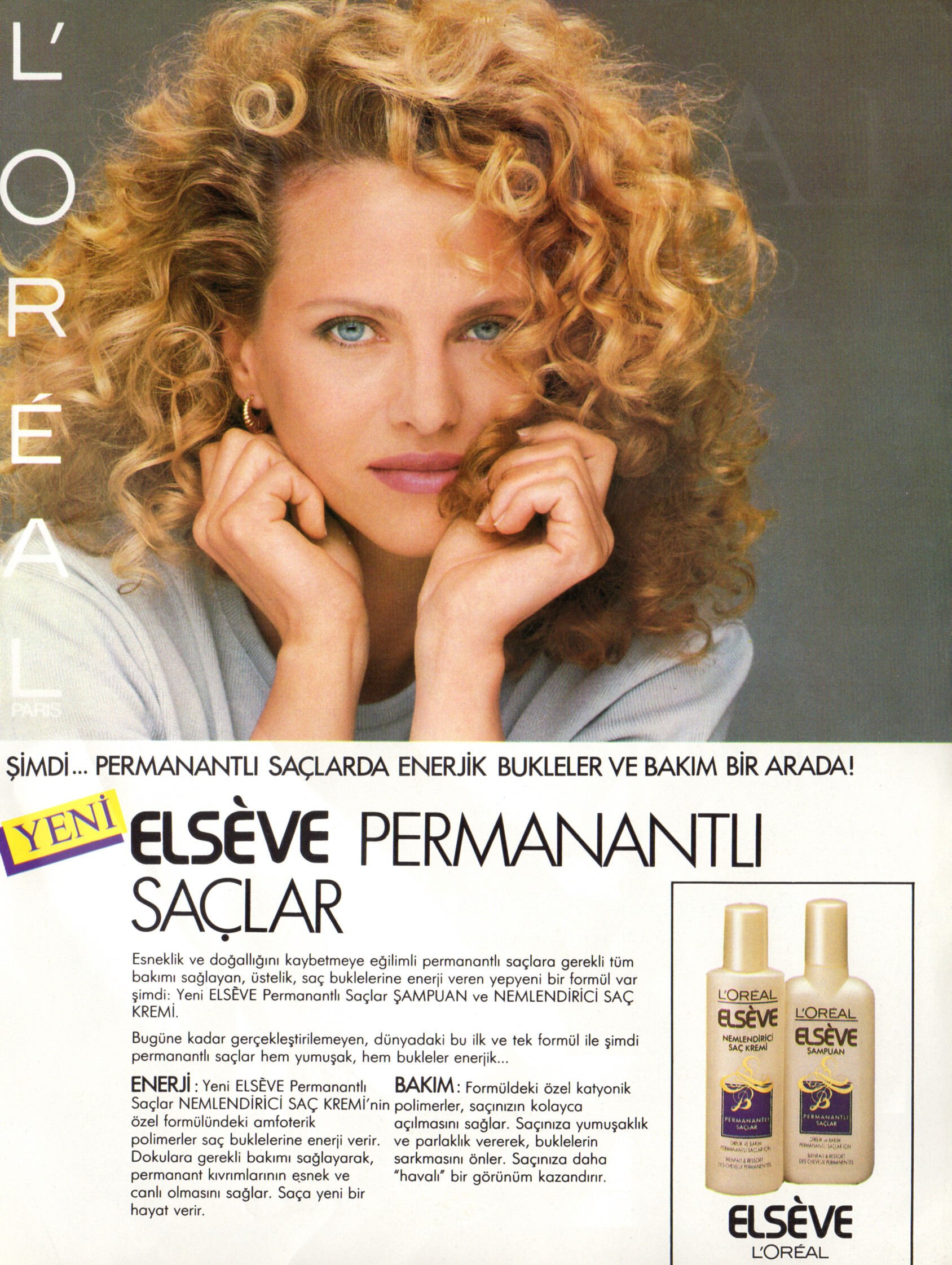
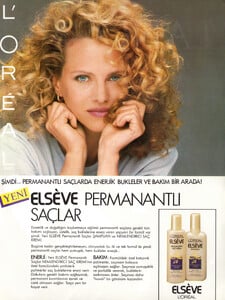
L`OREAL ELSEVE advertisement - marie claire Turkey November 1988 #1 Thanks for the ID to dailydoseof.
-
Thanks.