
Your Dream
Members
-
Joined
-
Last visited
-
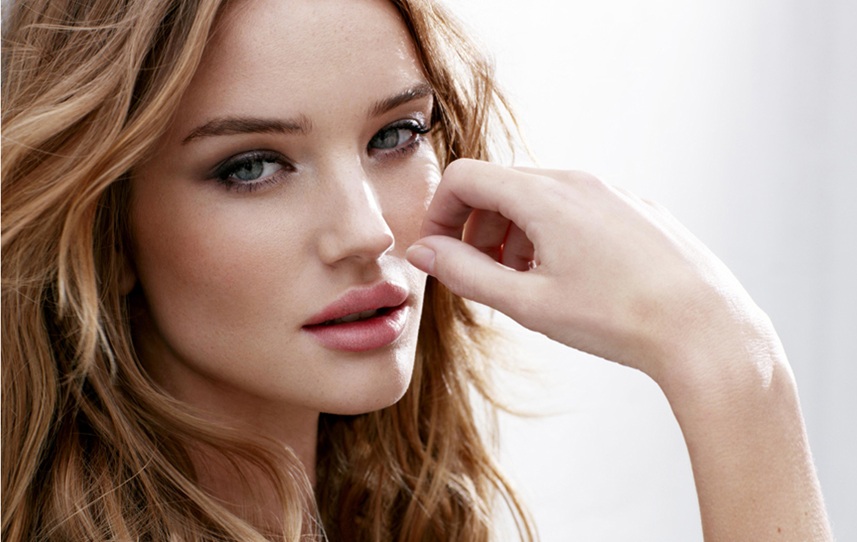
:evil: Photographer Remi Rebillard take Barbie pics of Kate UptonMORE... http://anapaula-scopel.blogspot.com/Costume Summer 2011 Campaign Photographed by Cristiano Madureira, styled by Flavia Pommianosky and David Ramos“I LOVE MY JEANS” by Forum Fotógrafo: Fabio Bartelt 2011Image hidden for guestsSign in to viewImage hidden for guestsSign in to viewImage hidden for guestsSign in to viewImage hidden for guestsSign in to viewImage hidden for guestsSign in to viewImage hidden for guestsSign in to viewImage hidden for guestsSign in to viewImage hidden for guestsSign in to viewLove More in this site: http://www.equus.com.br/index2.html



 H & M ad campaign Who is this girl with her?
 Image hidden for guestsSign in to viewImage hidden for guestsSign in to viewImage hidden for guestsSign in to viewImage hidden for guestsSign in to viewImage hidden for guestsSign in to viewImage hidden for guestsSign in to view

 Image hidden for guestsSign in to view


 Image hidden for guestsSign in to view
 BEACH BUNNY SWIMWEAR GOES OLD HOLLYWOOD LOOOVE: Yu TsaiMiss him...New?














































Account
Navigation
Search
Configure browser push notifications
Chrome (Android)
- Tap the lock icon next to the address bar.
- Tap Permissions → Notifications.
- Adjust your preference.
Chrome (Desktop)
- Click the padlock icon in the address bar.
- Select Site settings.
- Find Notifications and adjust your preference.
Safari (iOS 16.4+)
- Ensure the site is installed via Add to Home Screen.
- Open Settings App → Notifications.
- Find your app name and adjust your preference.
Safari (macOS)
- Go to Safari → Preferences.
- Click the Websites tab.
- Select Notifications in the sidebar.
- Find this website and adjust your preference.
Edge (Android)
- Tap the lock icon next to the address bar.
- Tap Permissions.
- Find Notifications and adjust your preference.
Edge (Desktop)
- Click the padlock icon in the address bar.
- Click Permissions for this site.
- Find Notifications and adjust your preference.
Firefox (Android)
- Go to Settings → Site permissions.
- Tap Notifications.
- Find this site in the list and adjust your preference.
Firefox (Desktop)
- Open Firefox Settings.
- Search for Notifications.
- Find this site in the list and adjust your preference.