Jump to content
View in the app

A better way to browse. Learn more.

Bellazon

A full-screen app on your home screen with push notifications, badges and more.

To install this app on iOS and iPadOS
  1. Tap the Share icon in Safari
  2. Scroll the menu and tap Add to Home Screen.
  3. Tap Add in the top-right corner.
To install this app on Android
  1. Tap the 3-dot menu (⋮) in the top-right corner of the browser.
  2. Tap Add to Home screen or Install app.
  3. Confirm by tapping Install.

fakediorpurse

Members
  • Joined

Everything posted by fakediorpurse

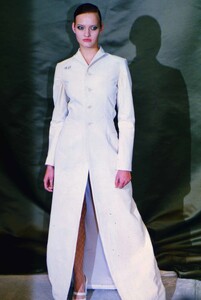
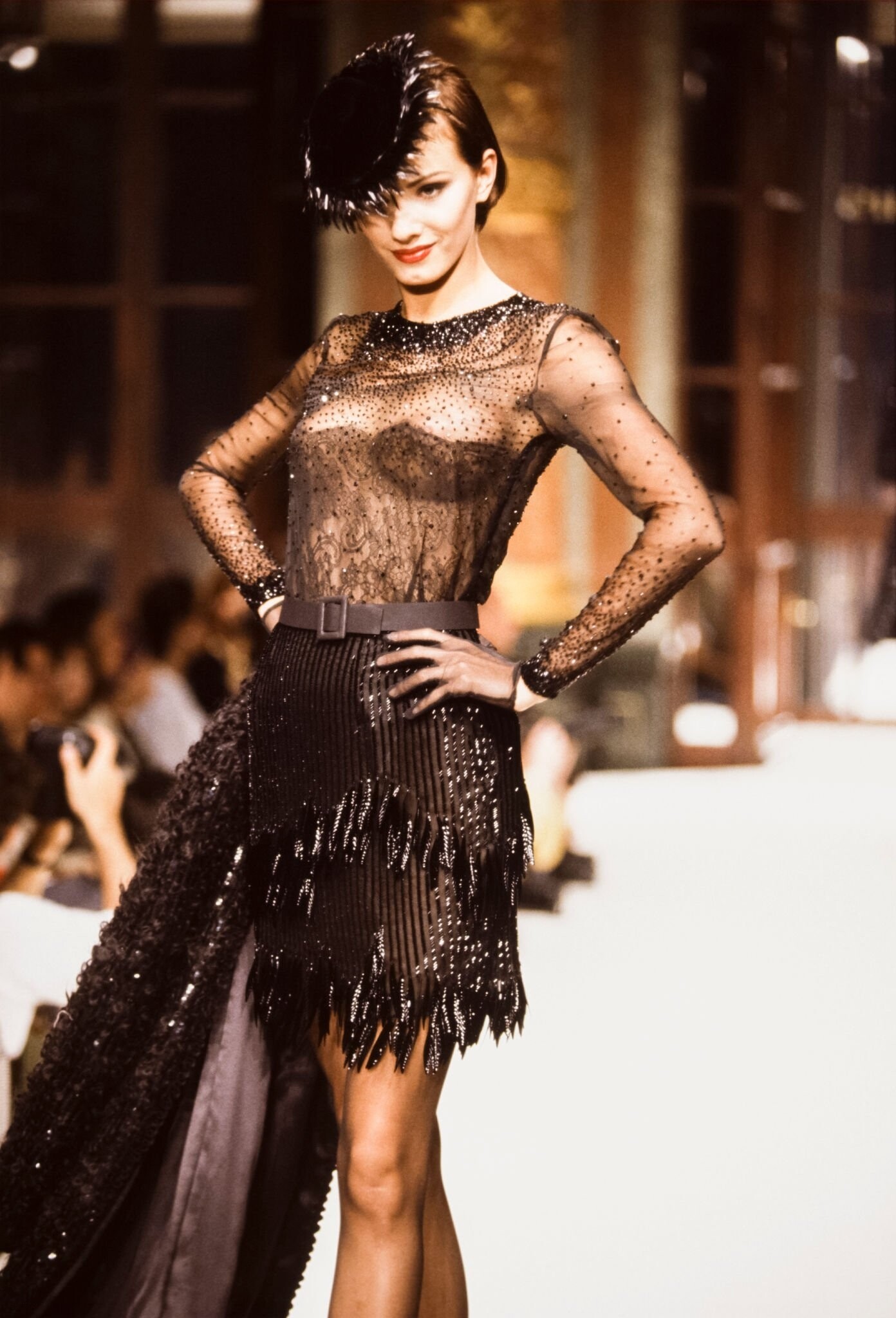
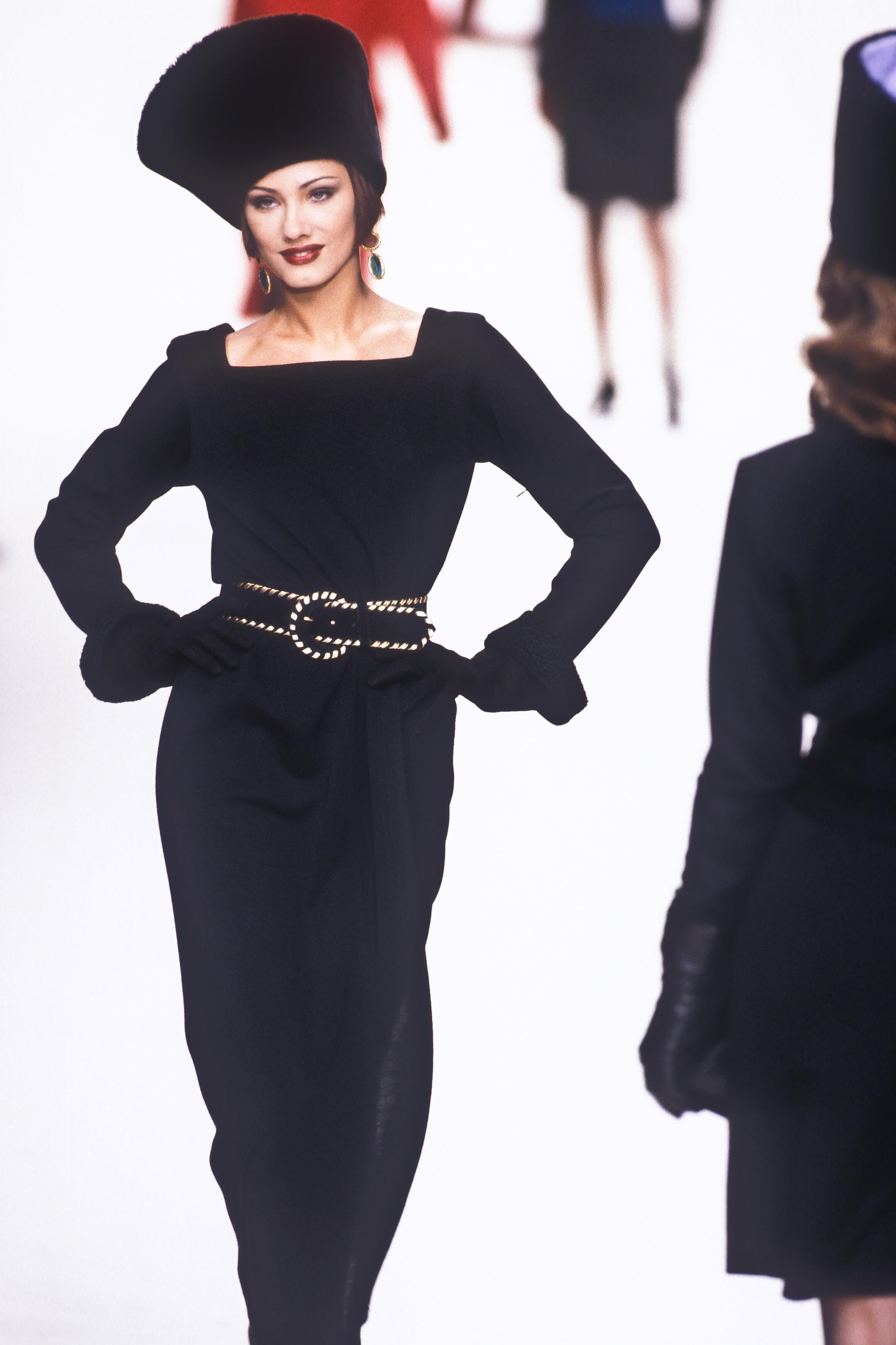
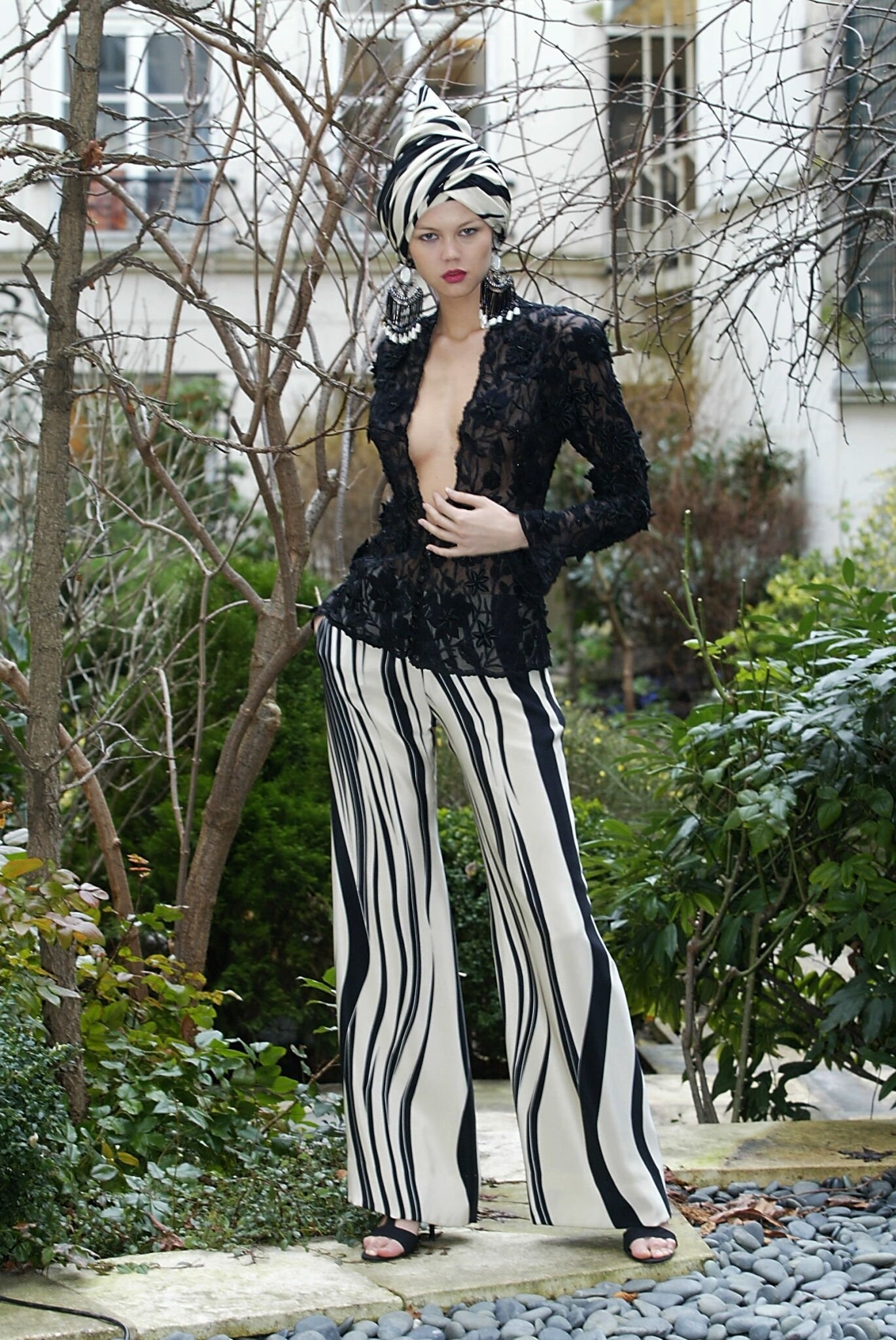
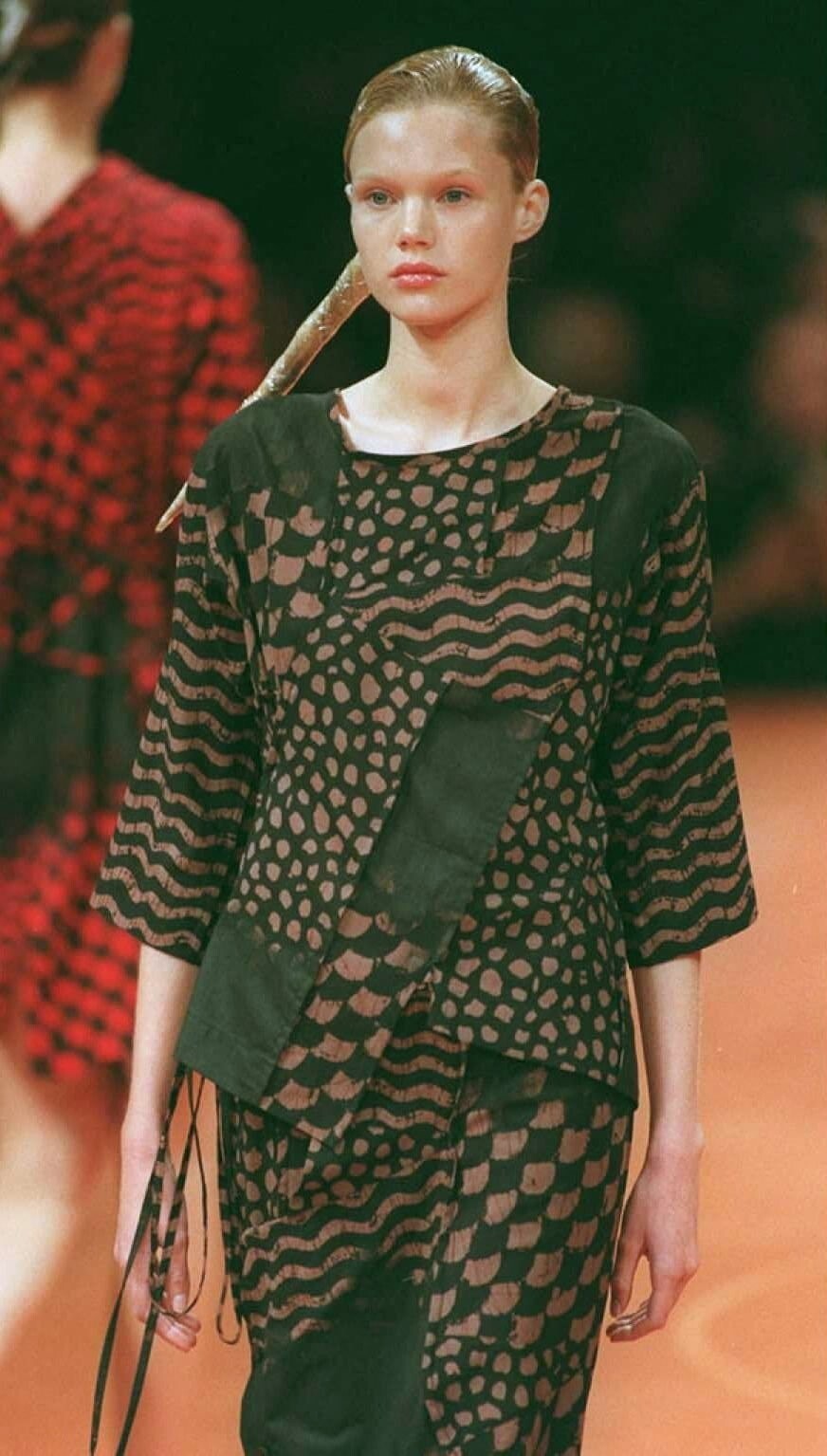
  1. ghost s/s 1996 rtw
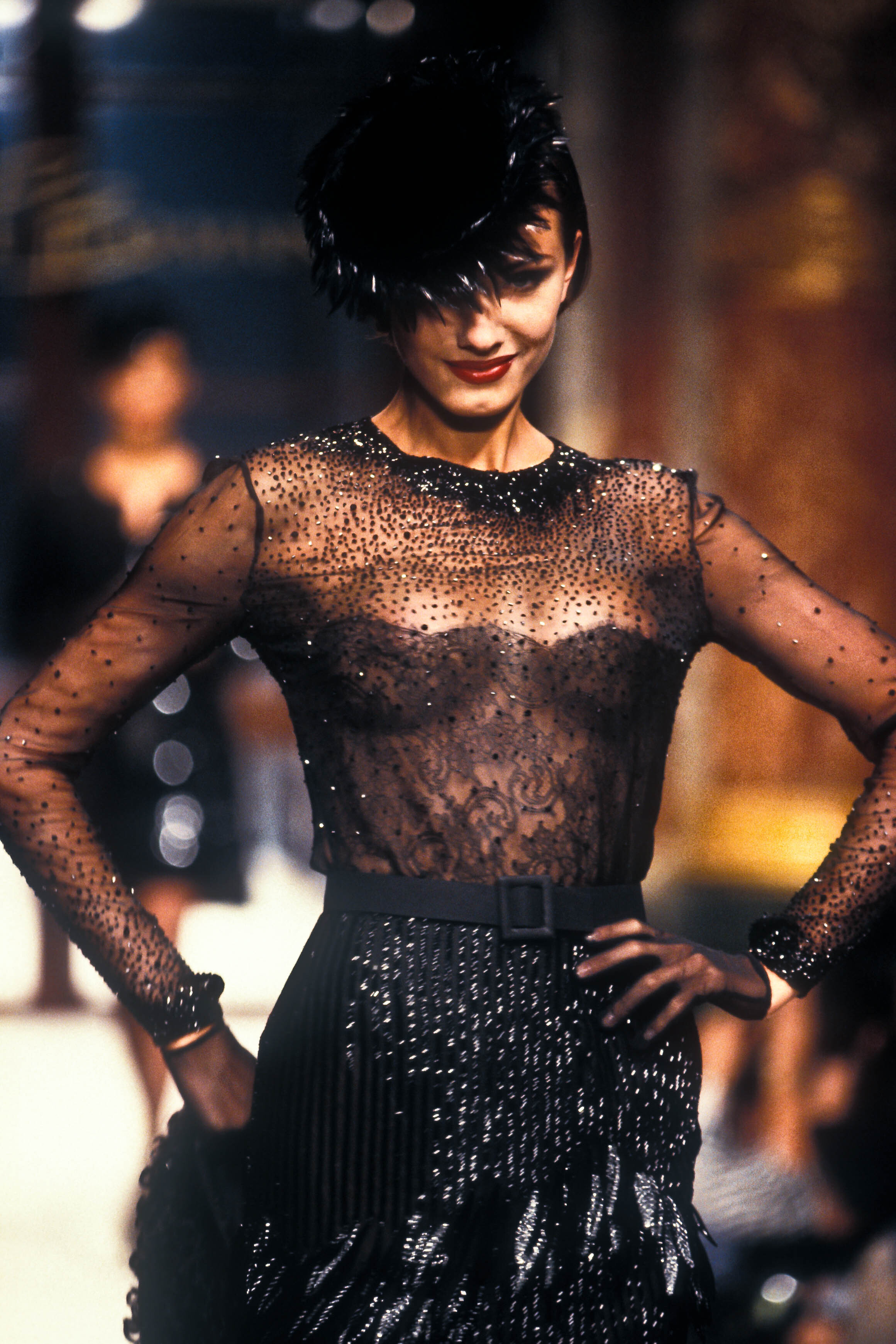
  2. ghost s/s 1996 rtw
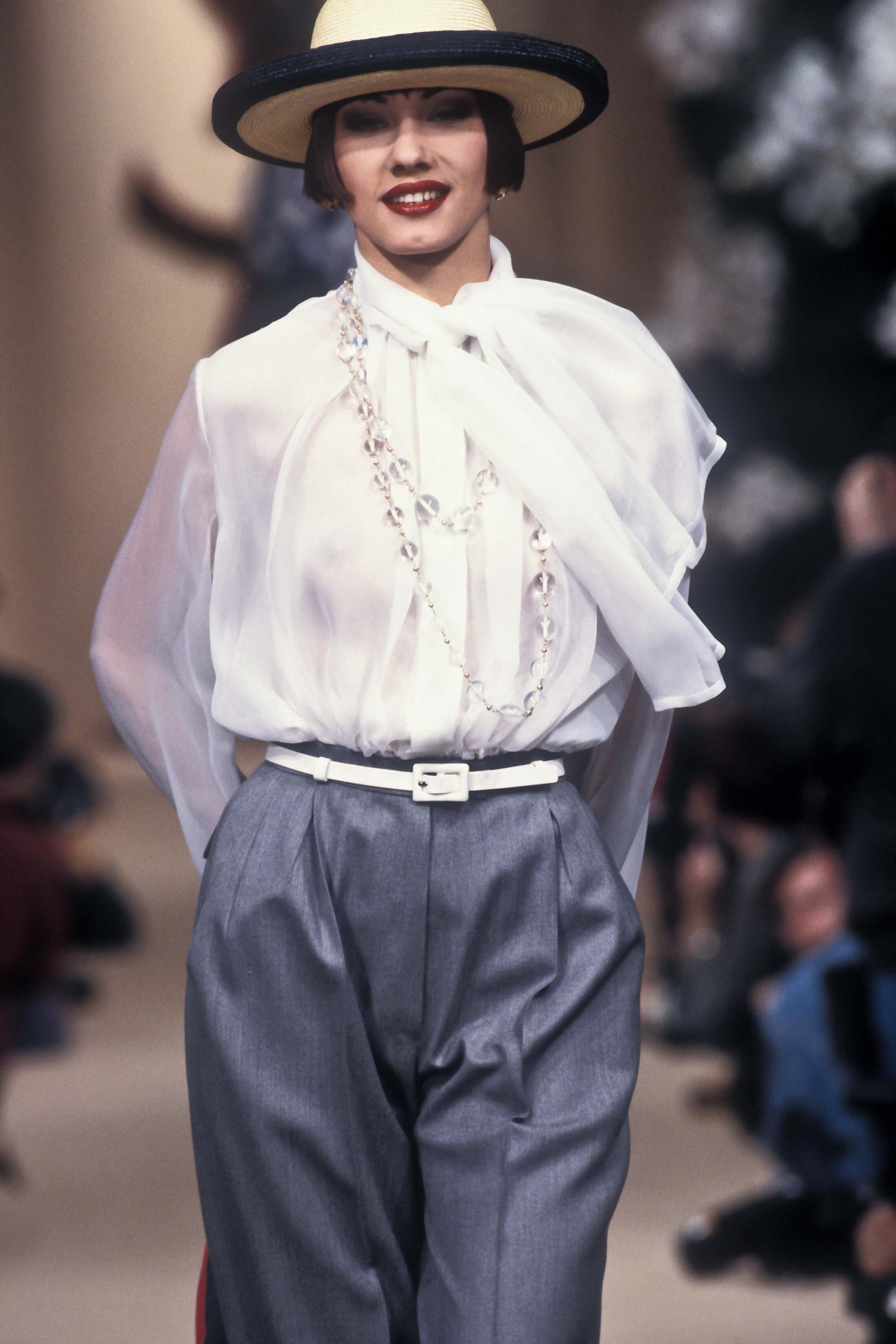
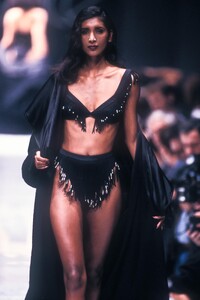
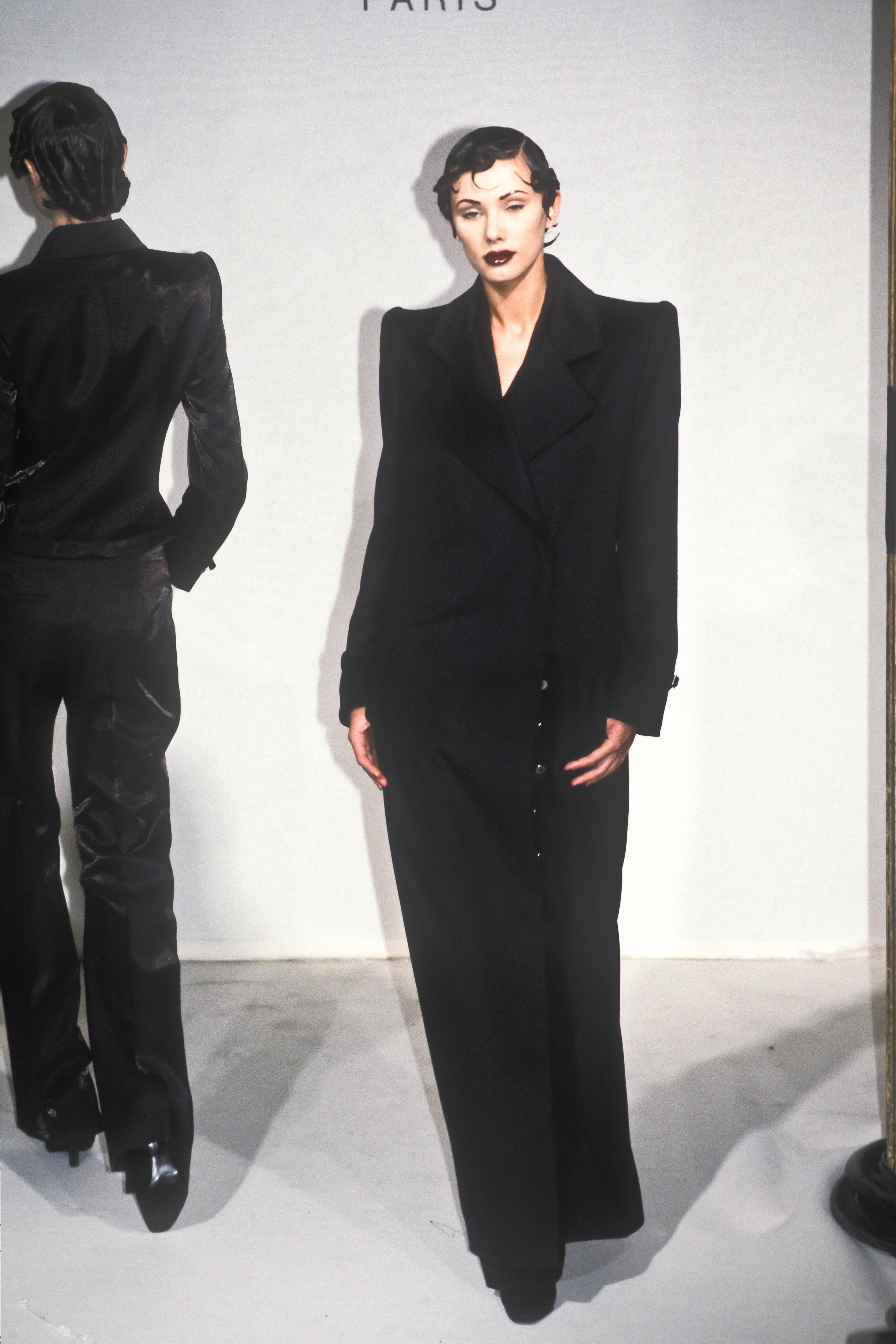
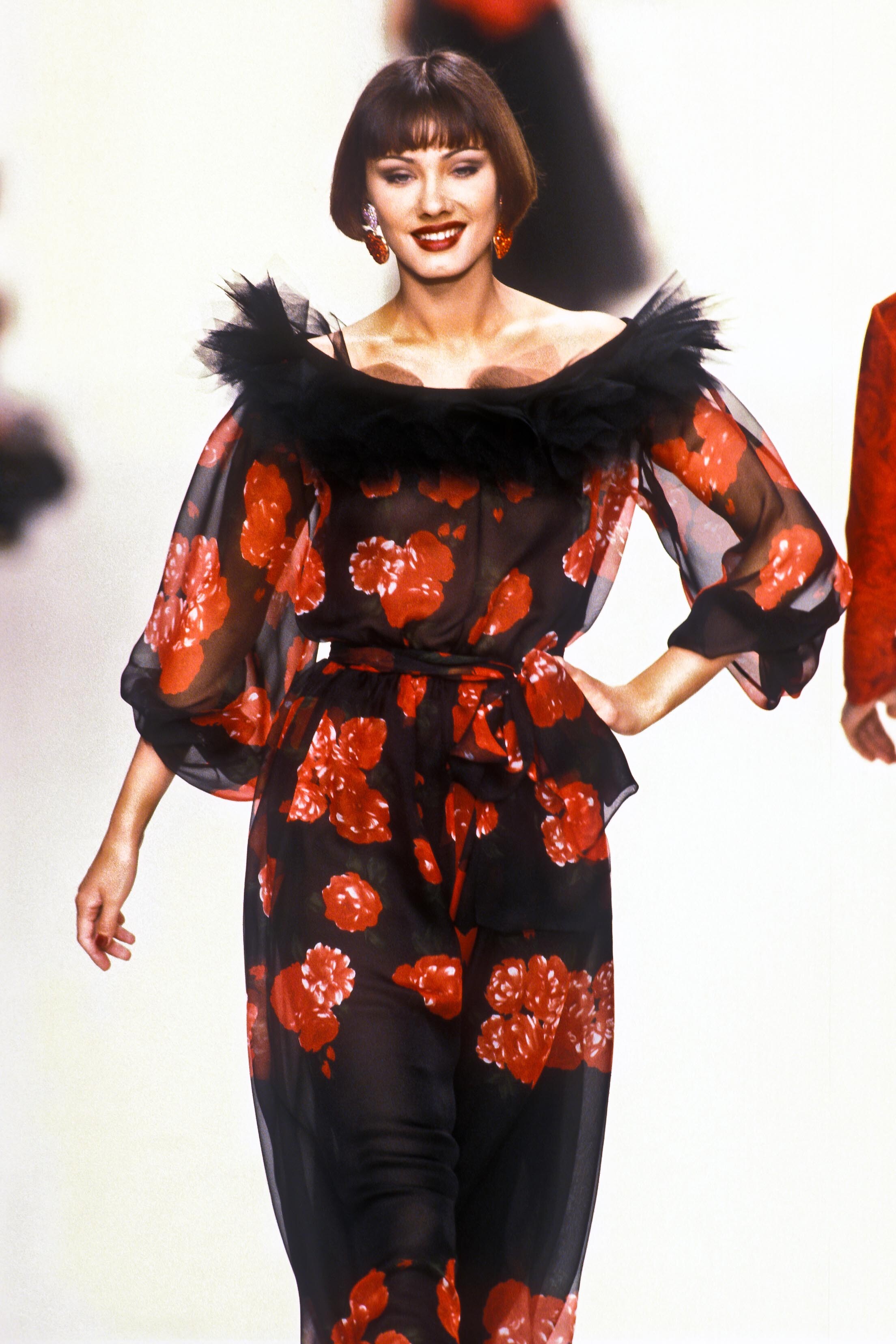
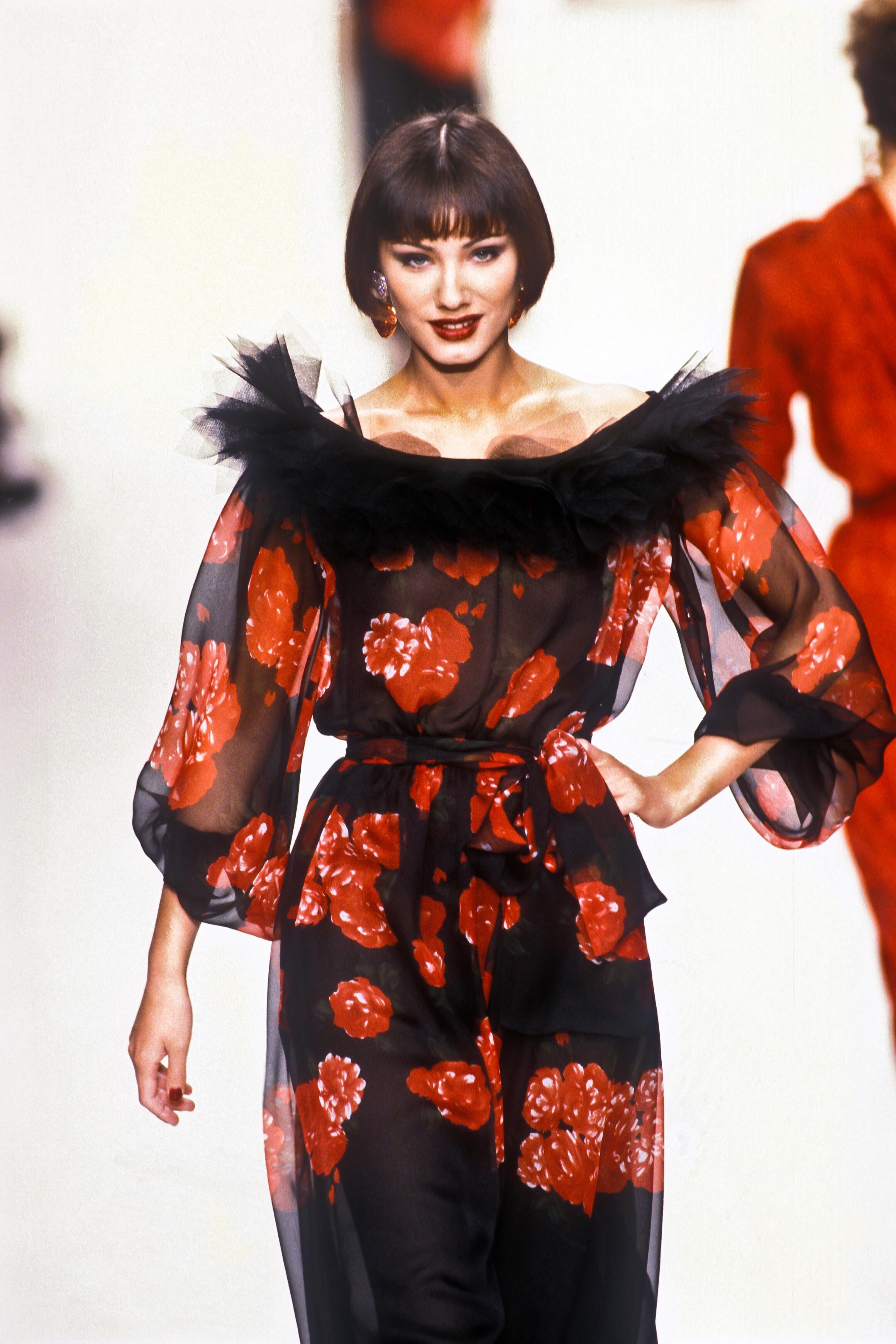
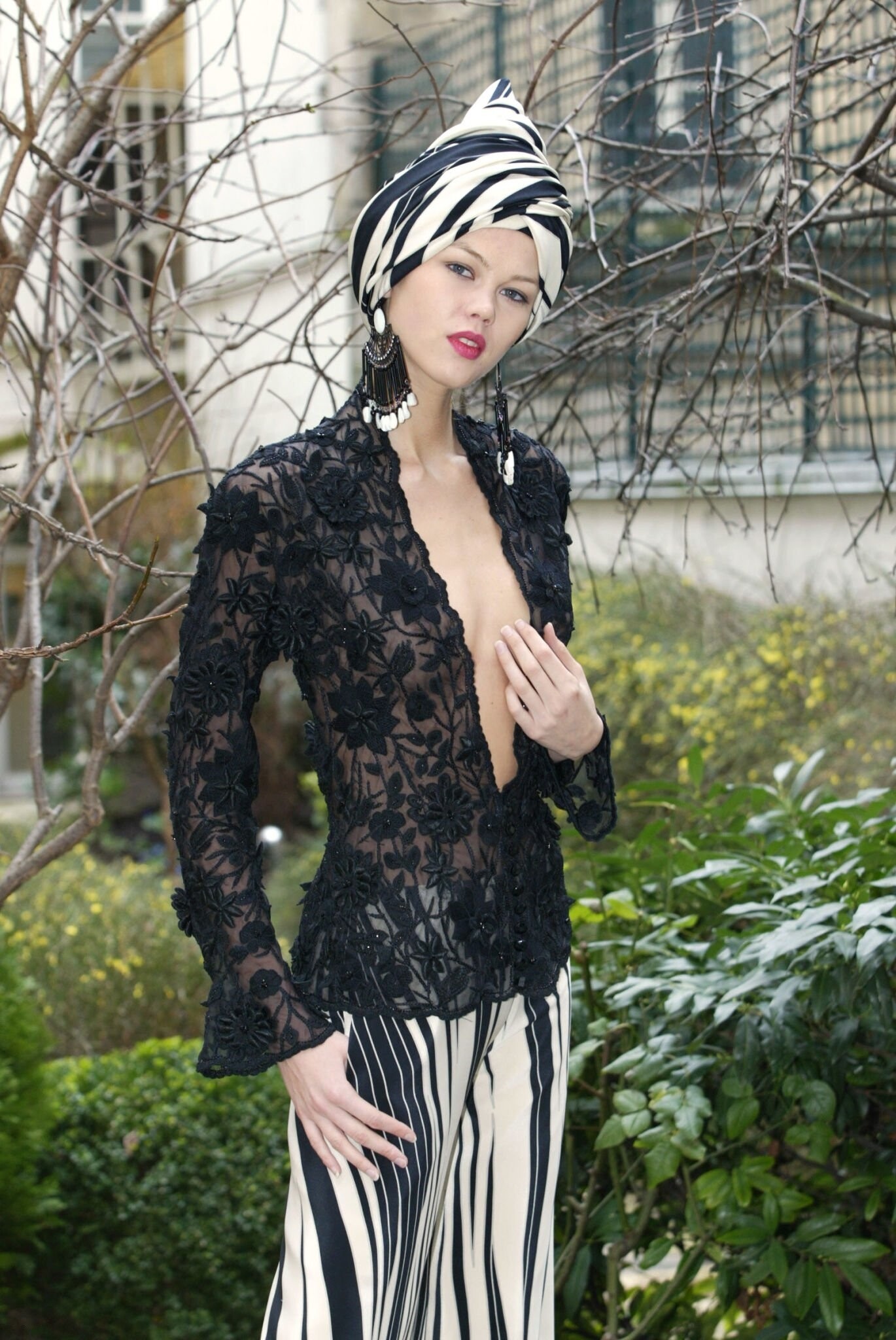
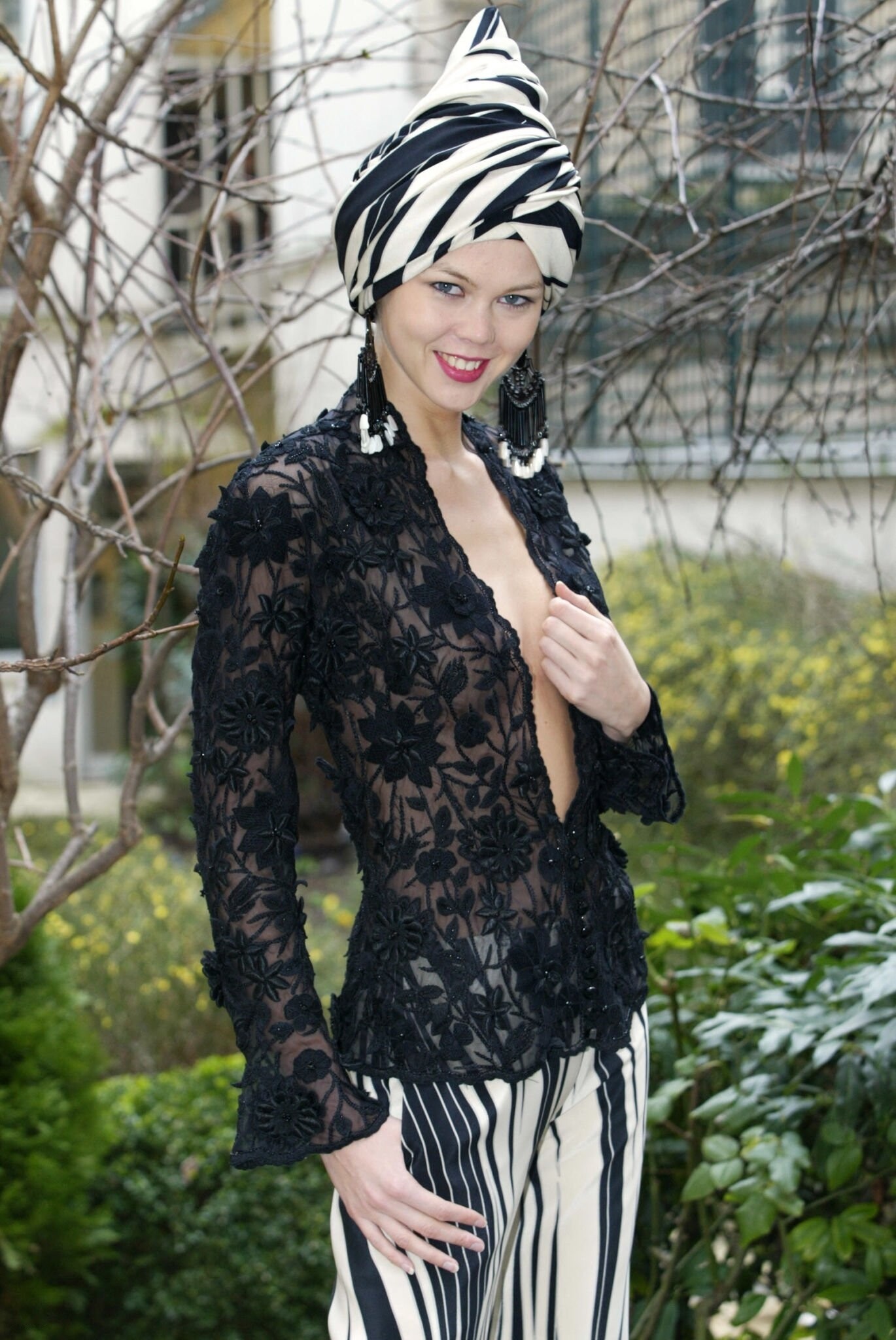
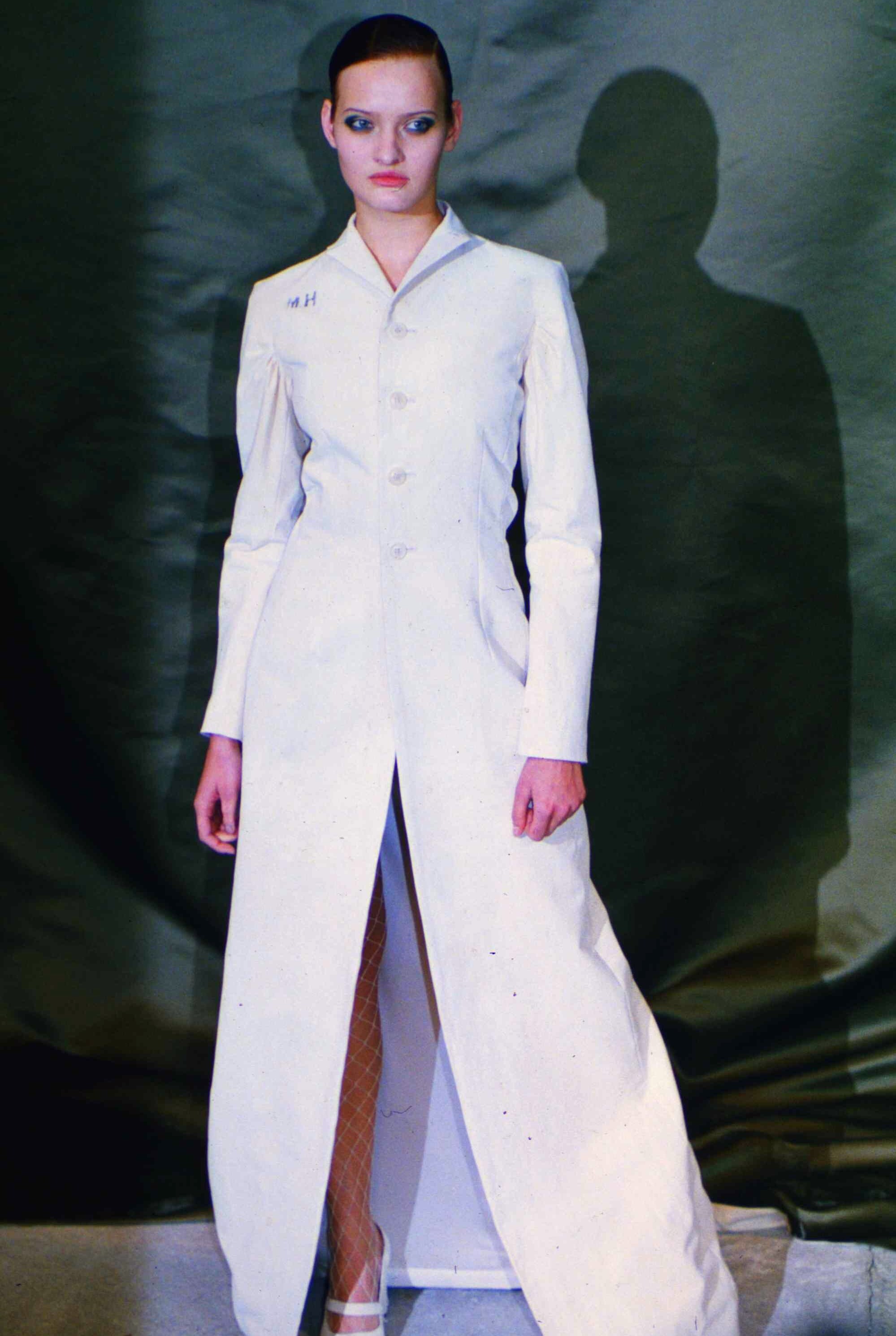
  3. ghost s/s 1996 rtw warning: sheer
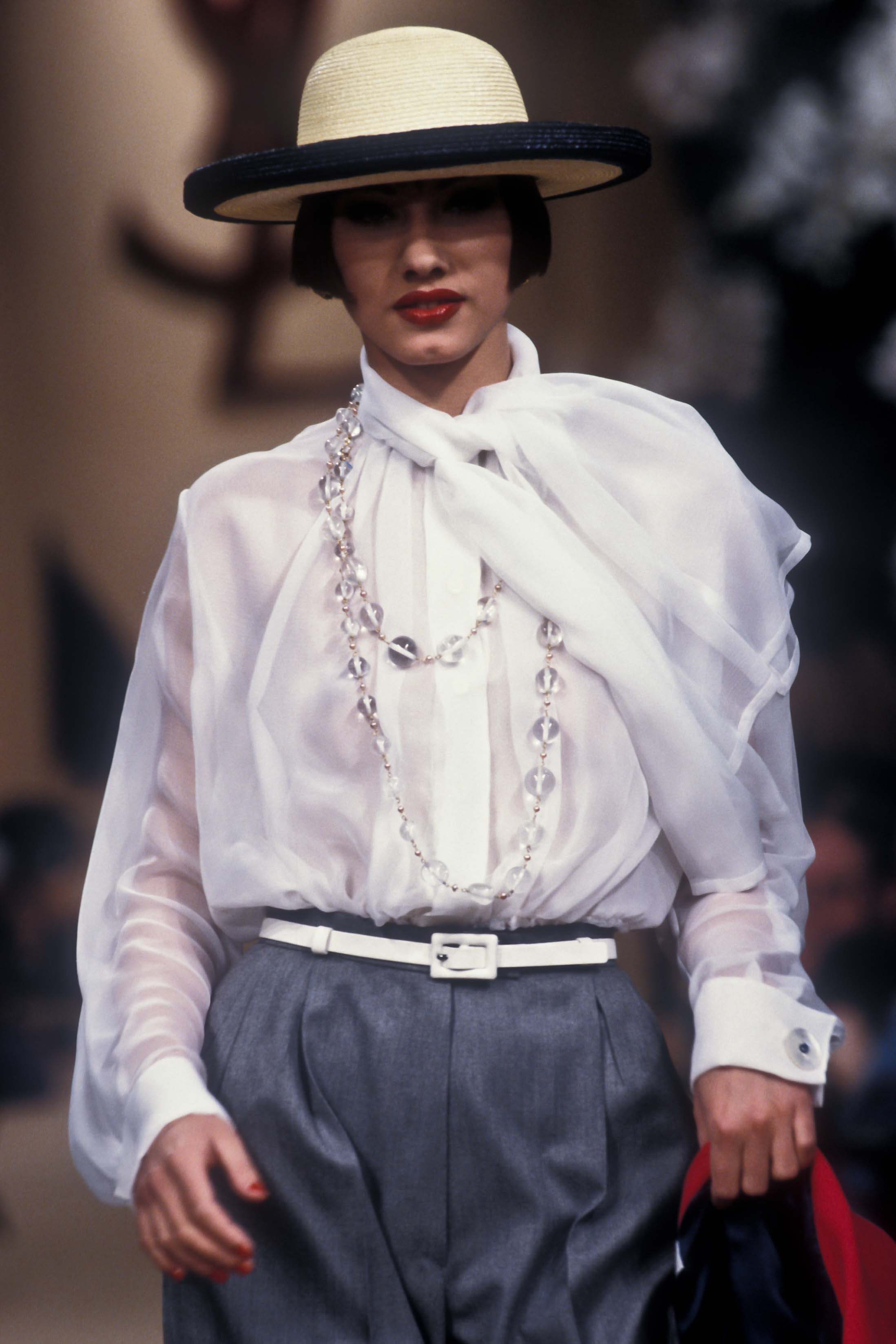
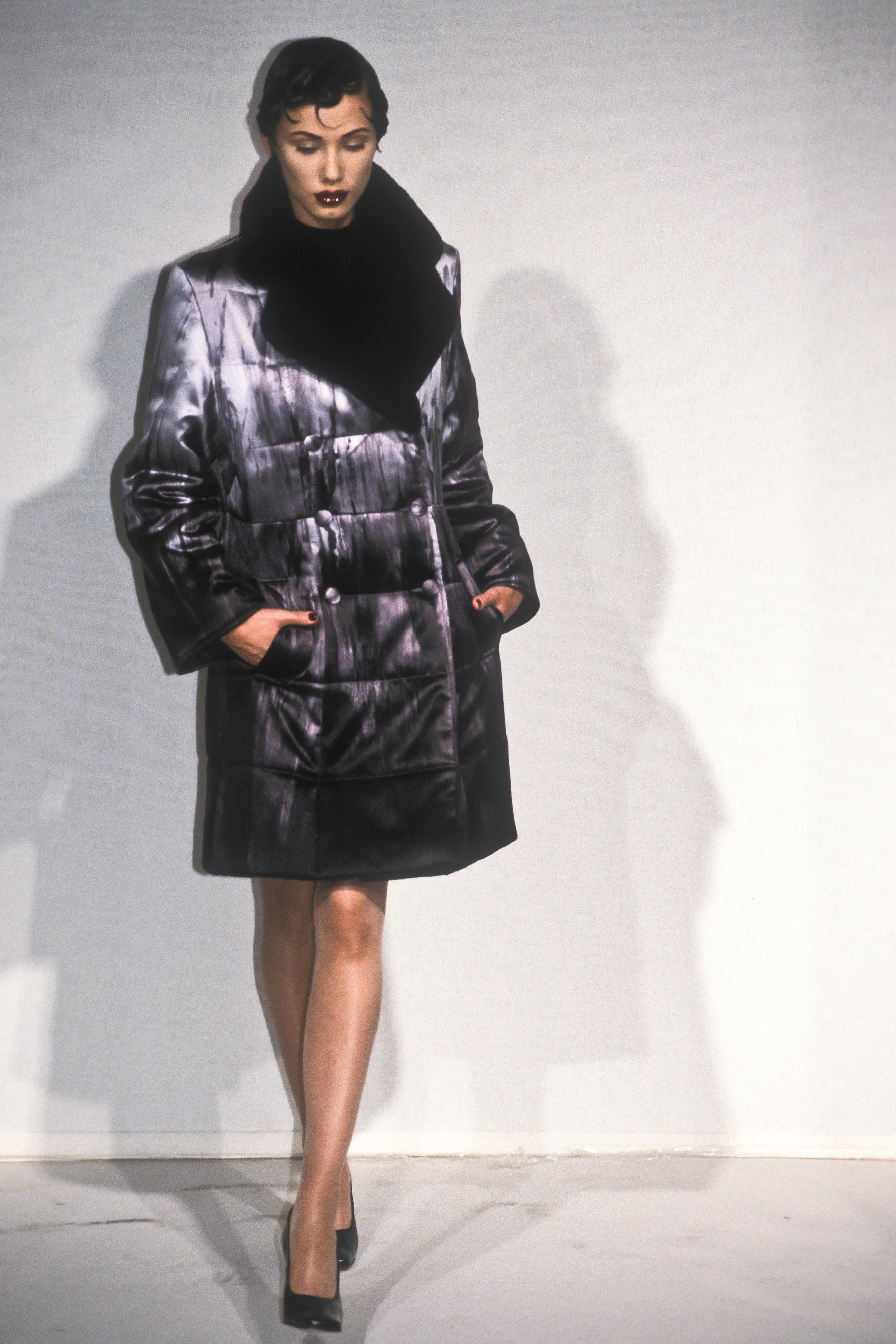
  4. ghost s/s 1996 rtw warning: sheer
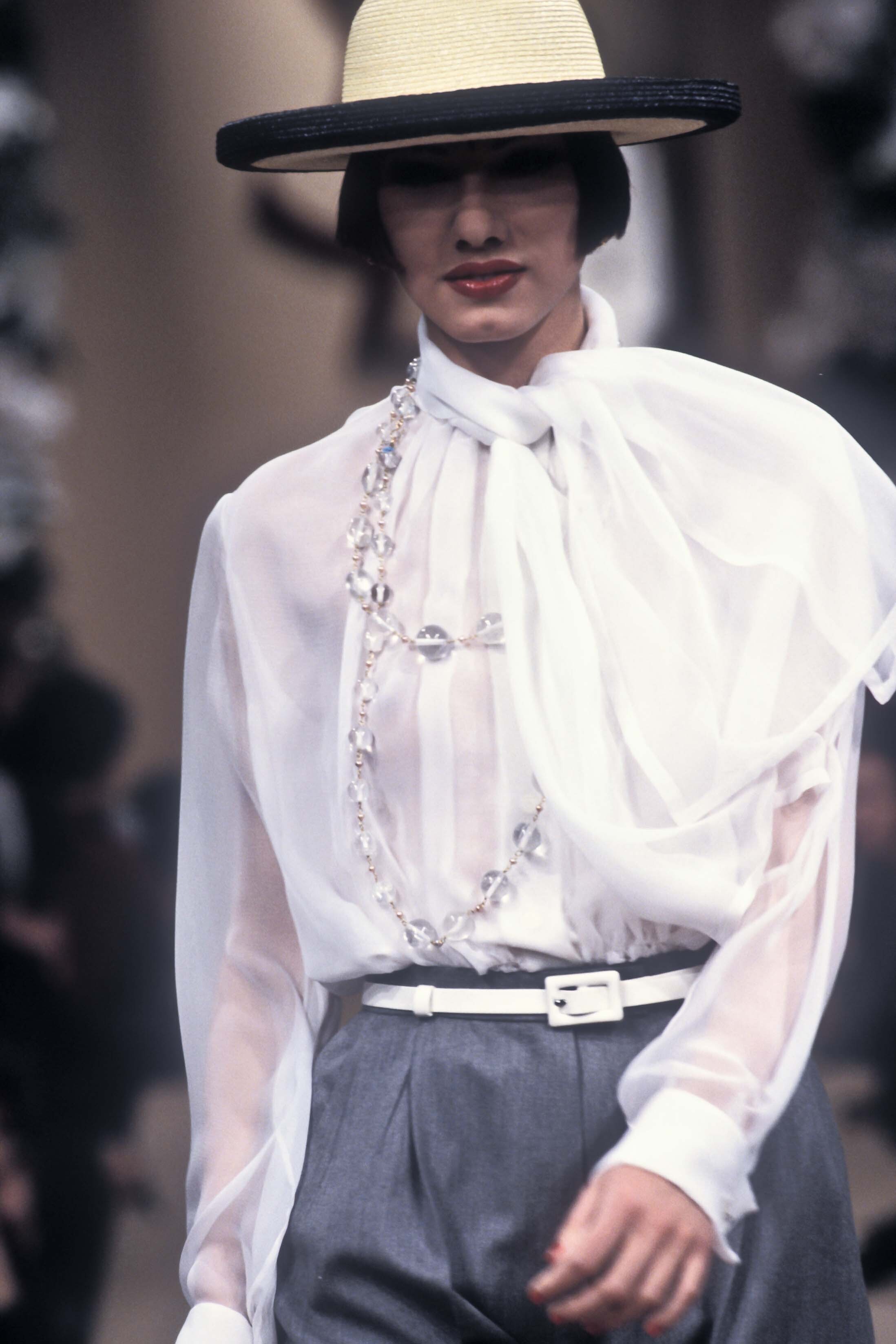
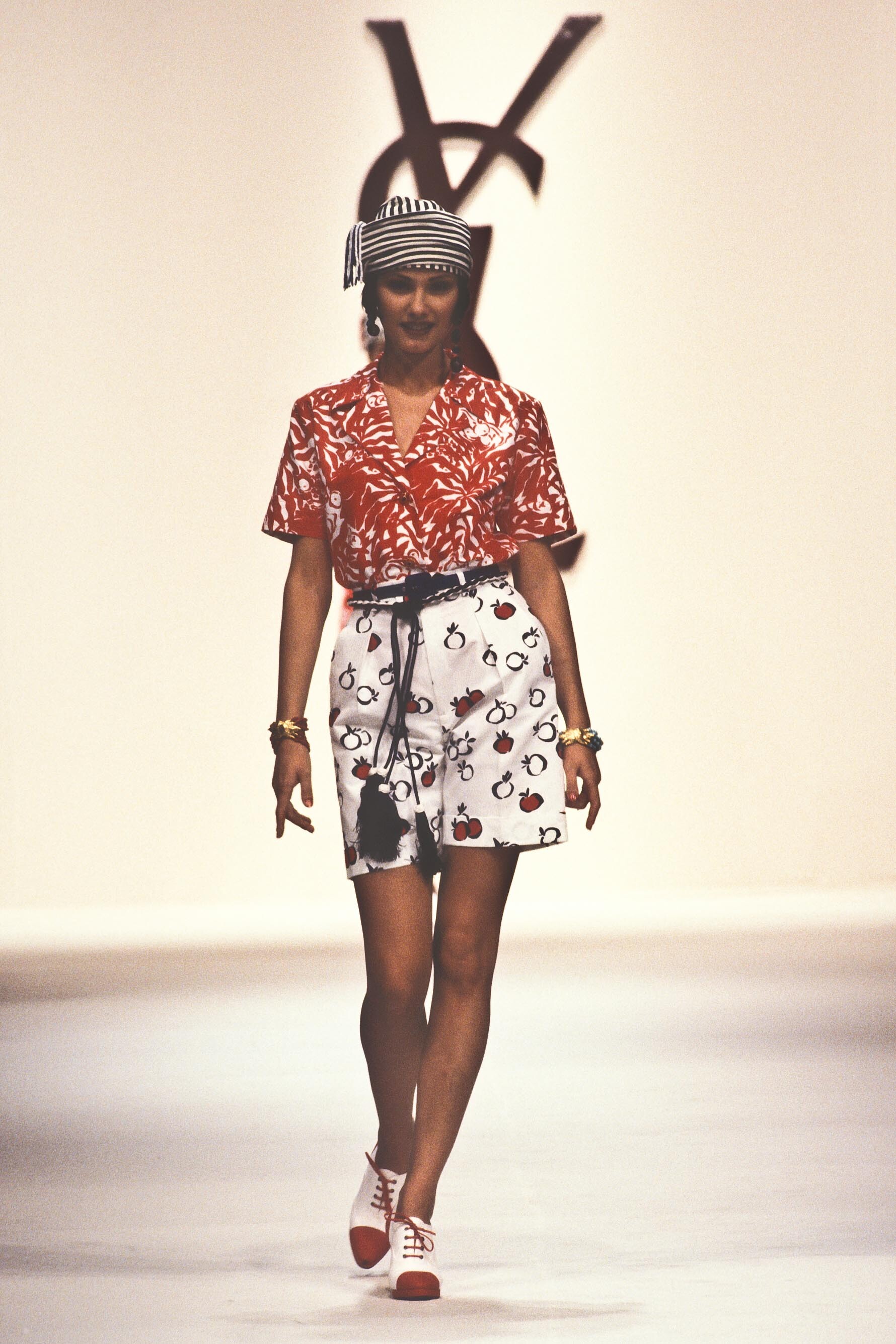
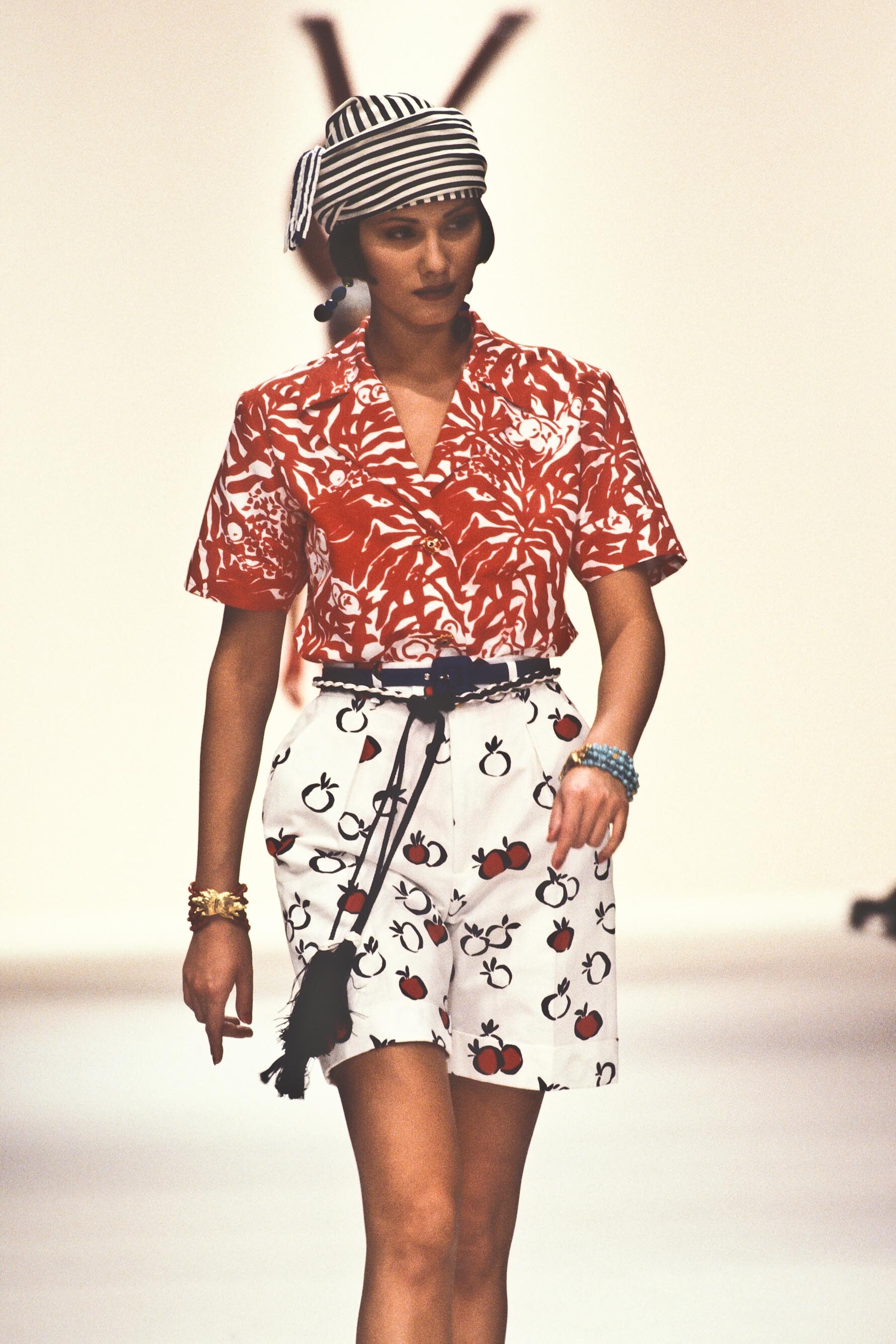
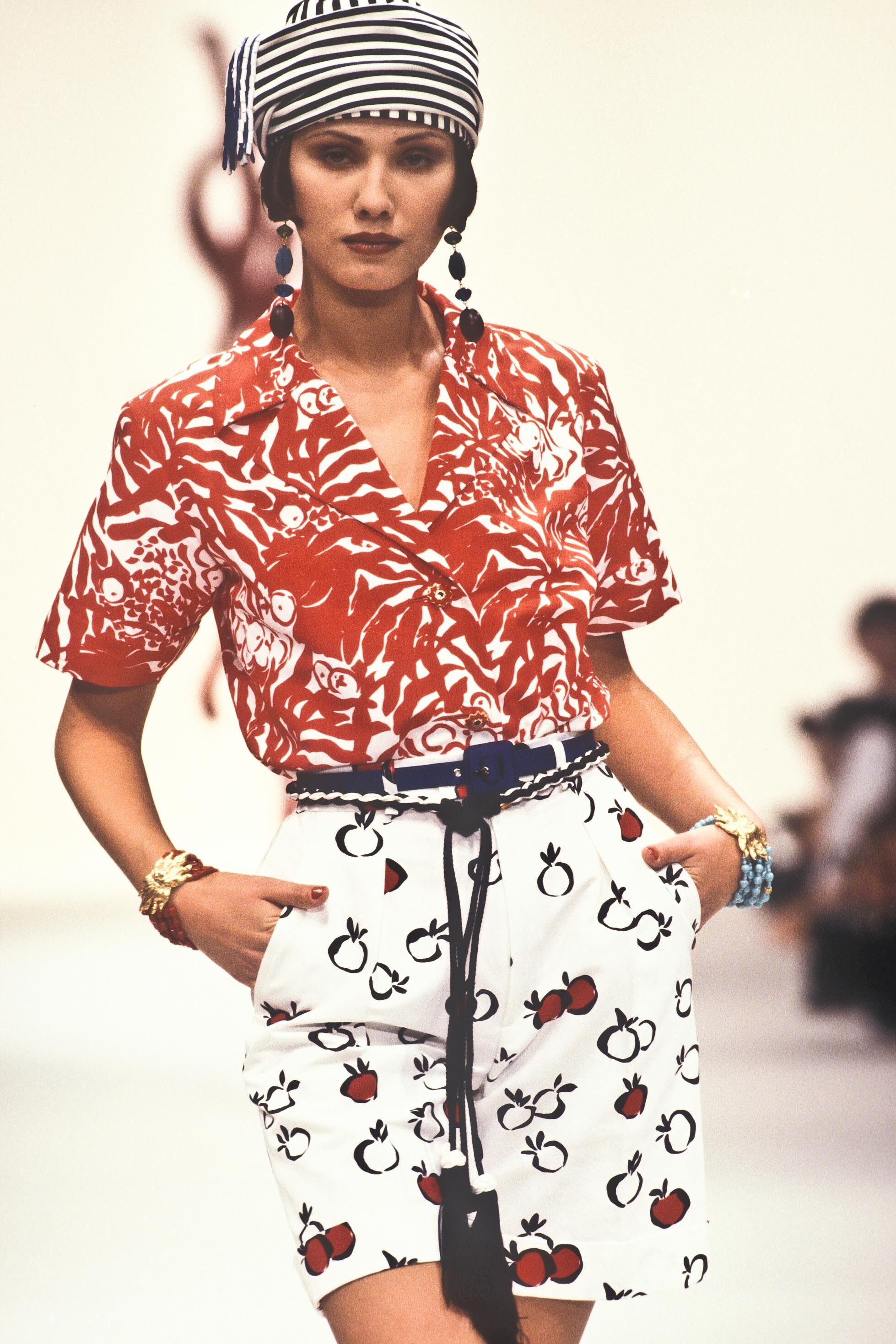
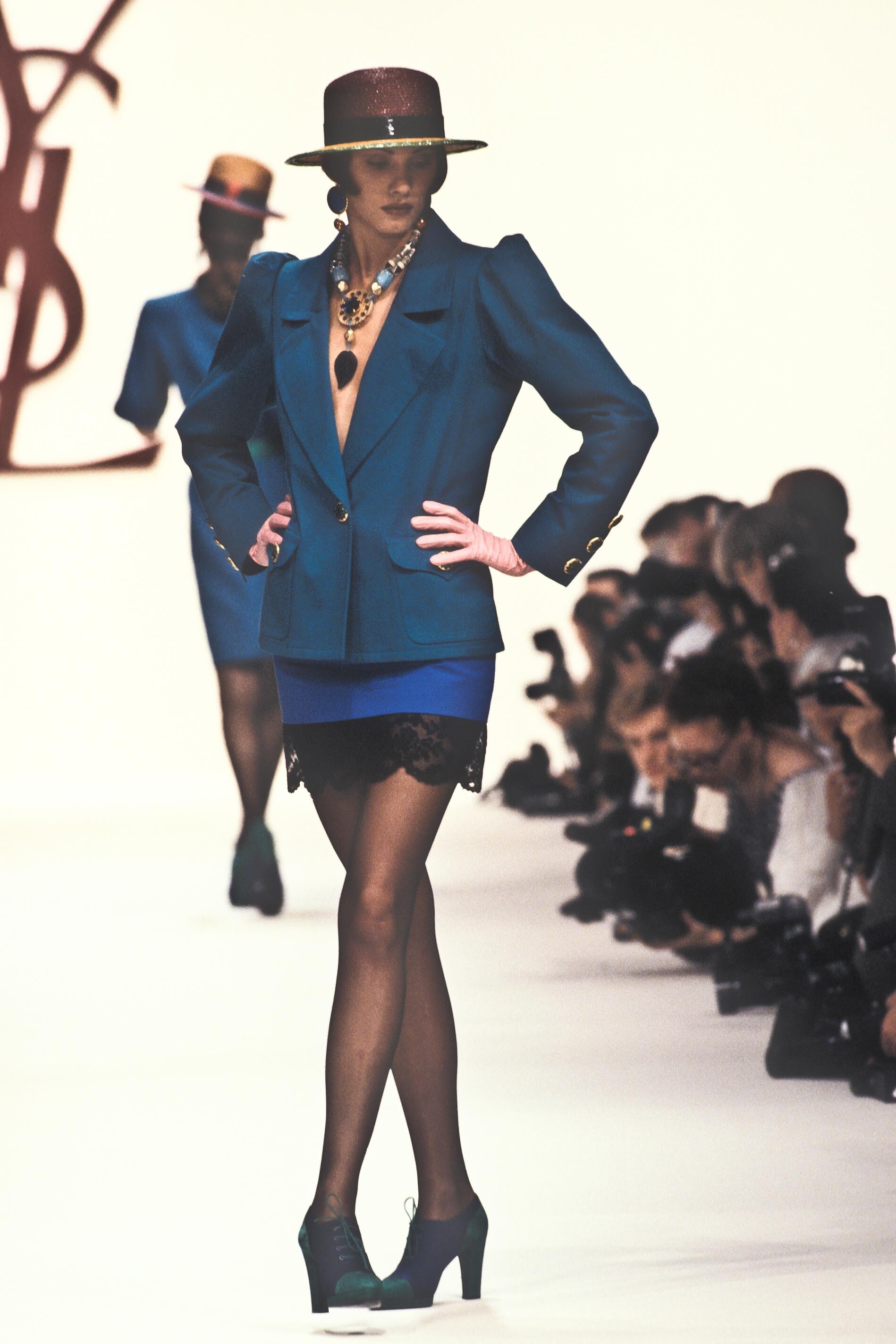
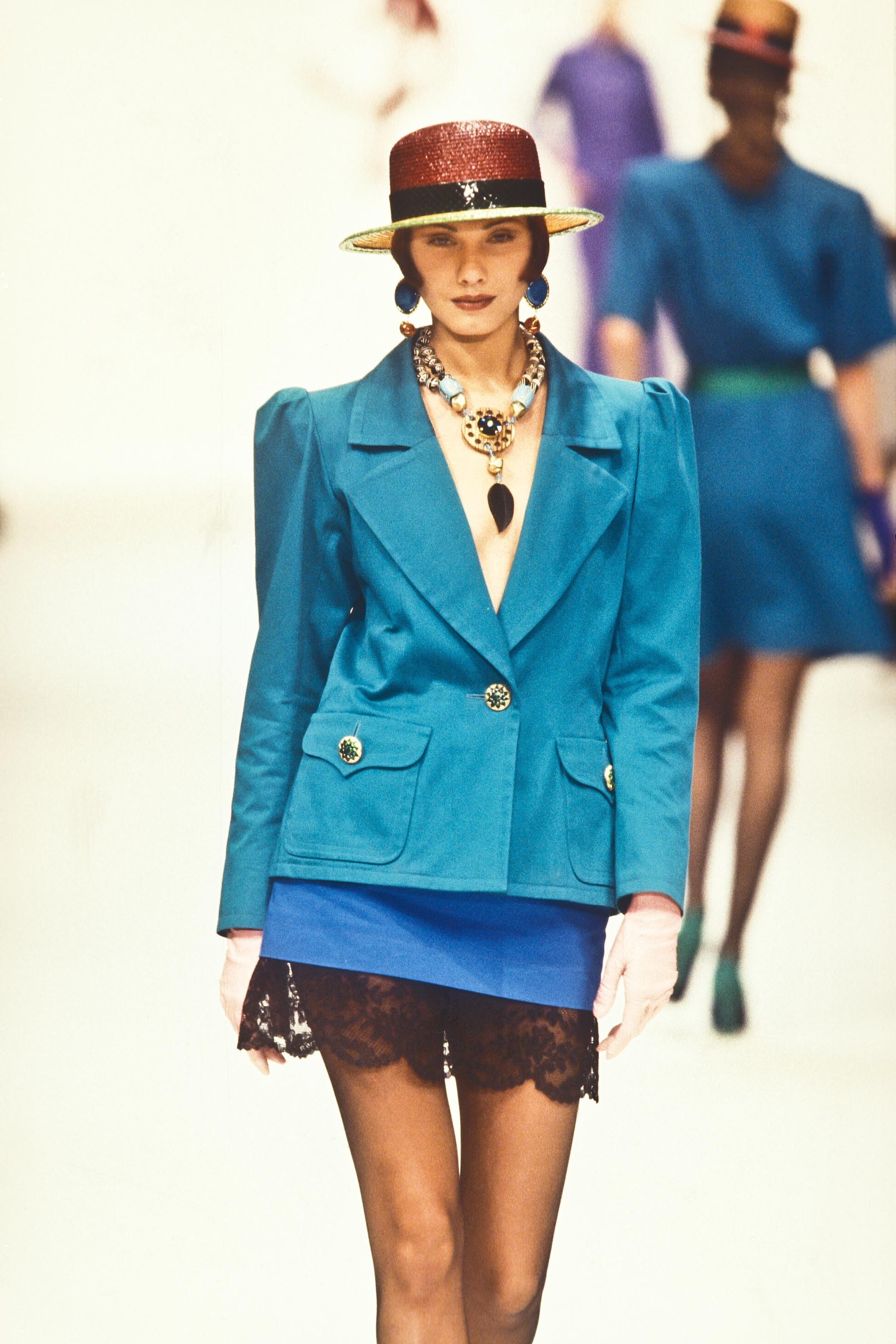
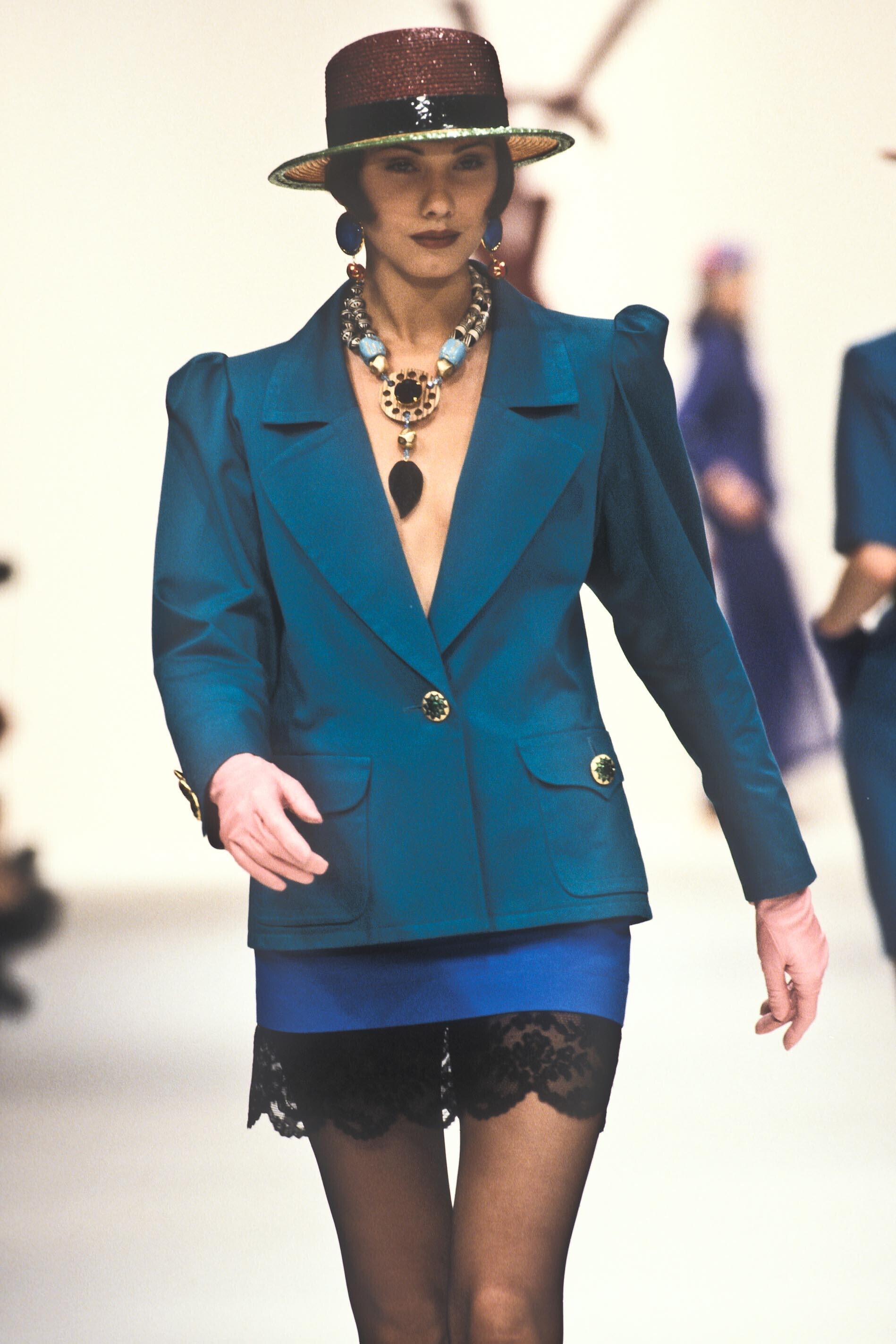
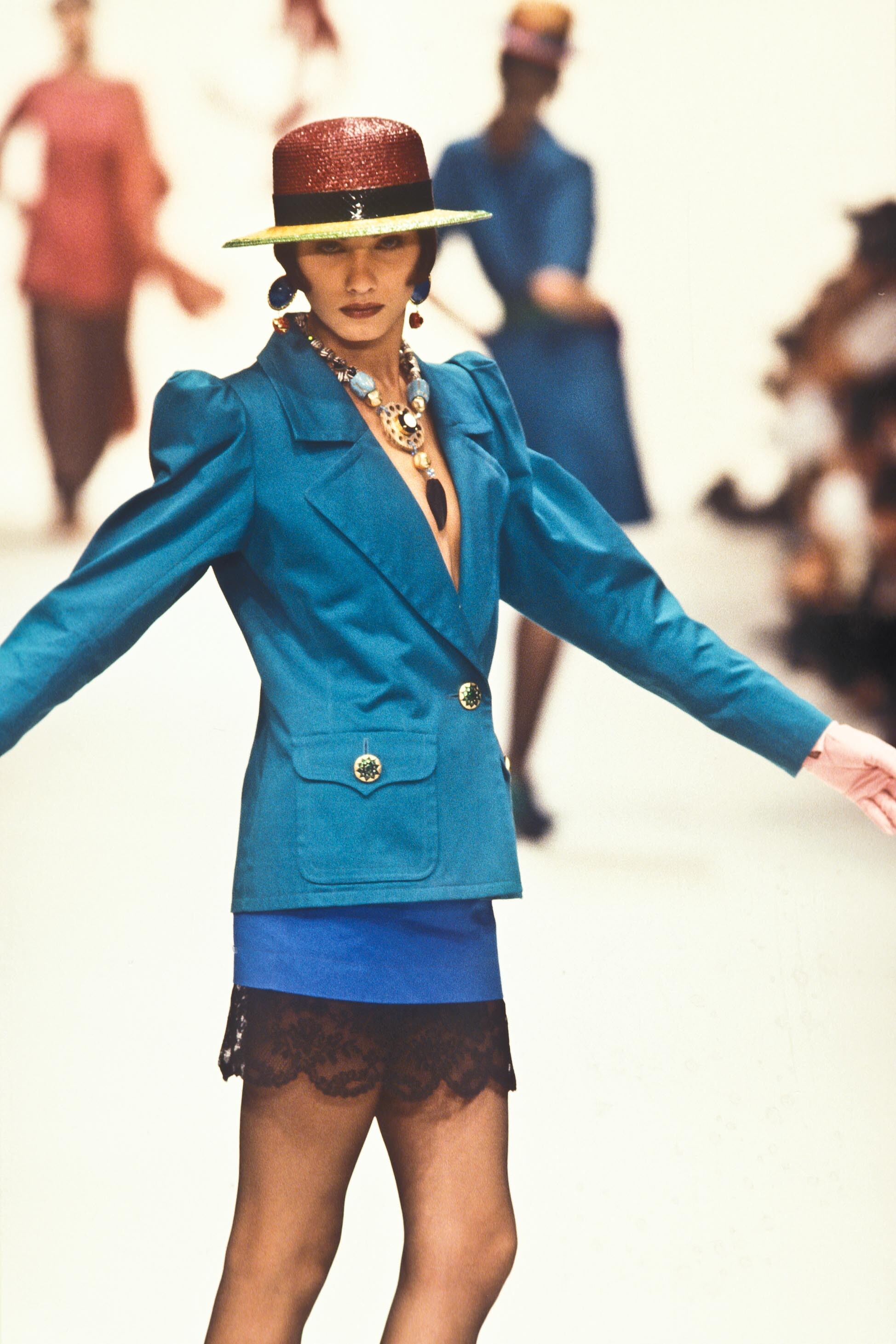
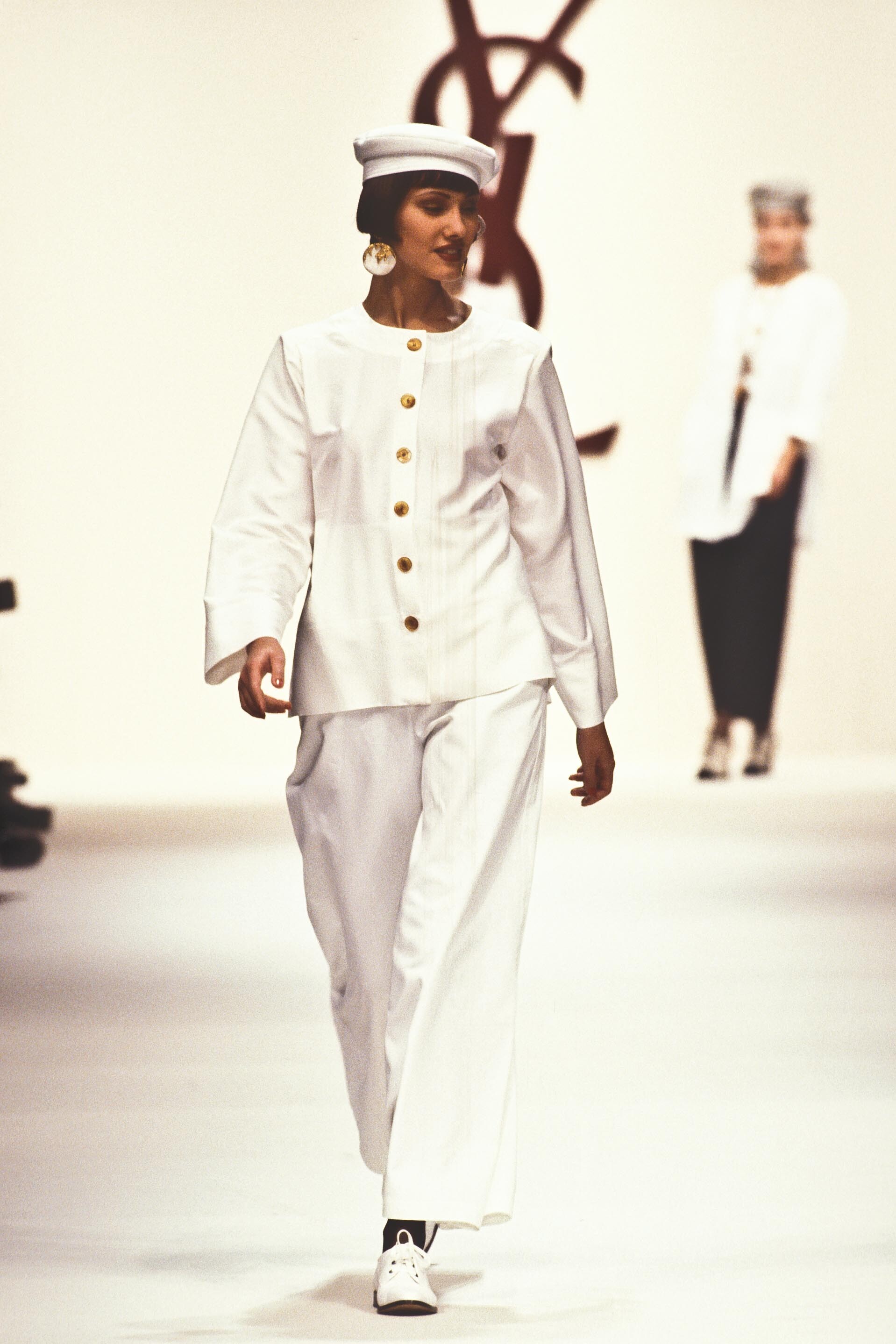
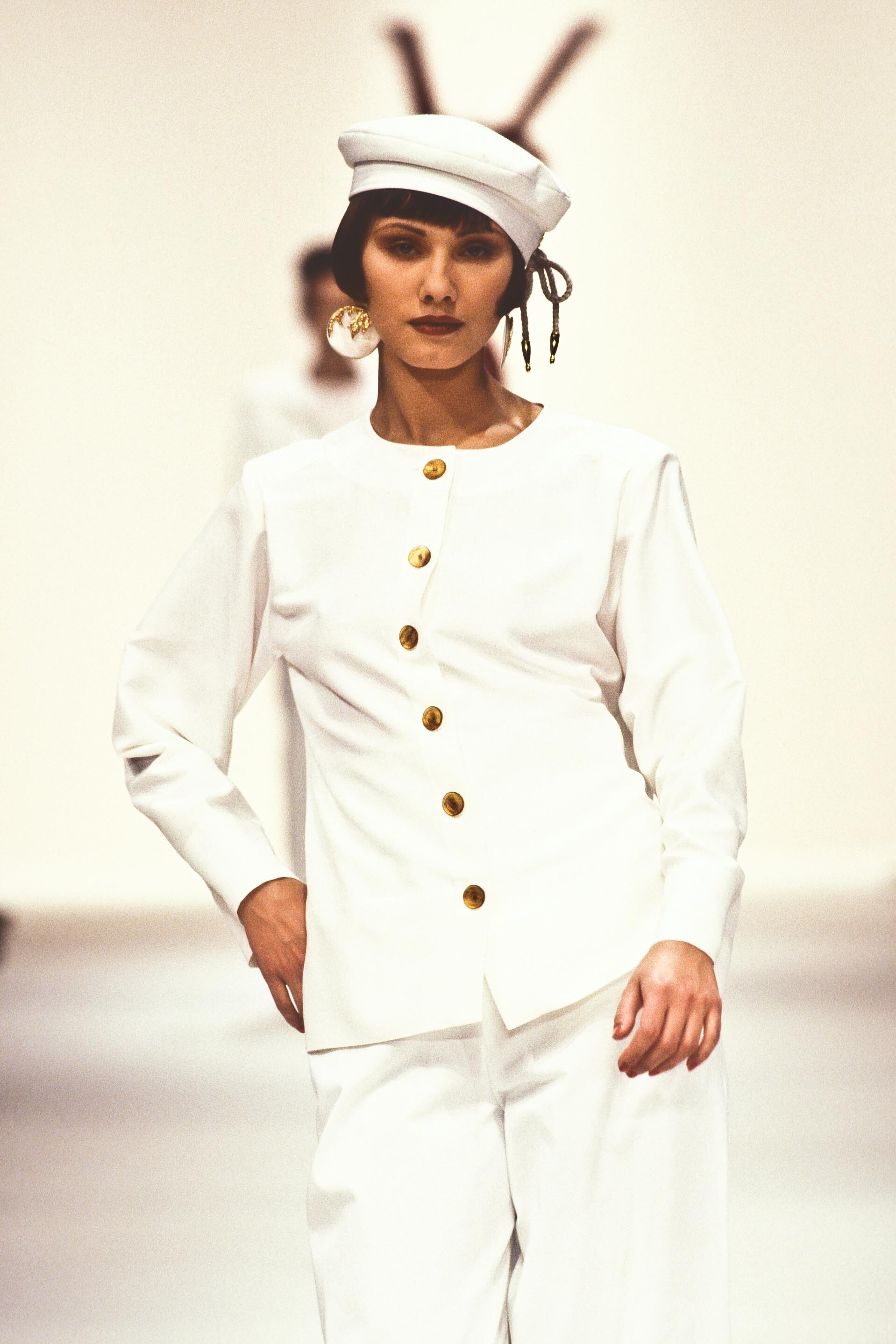
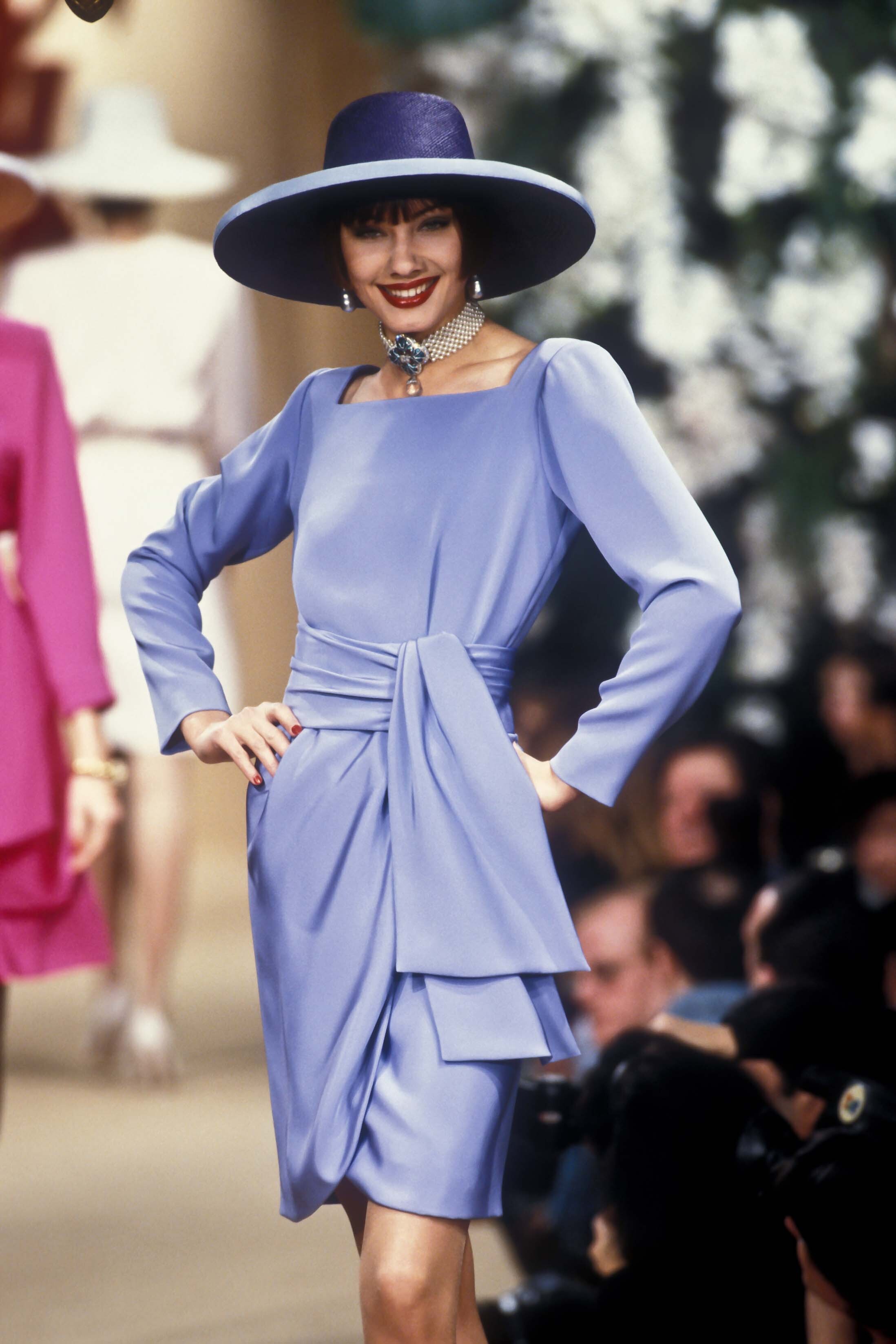
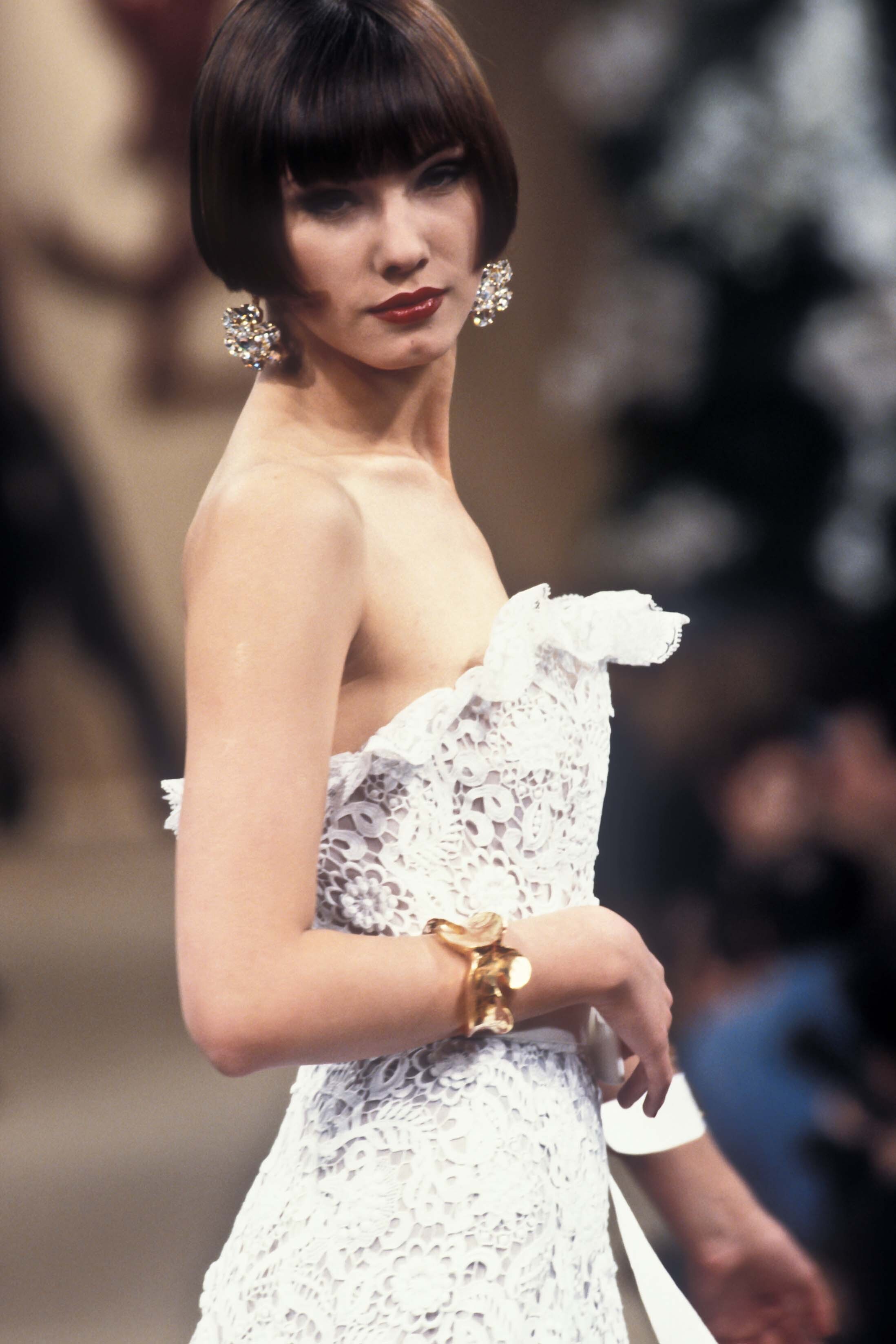
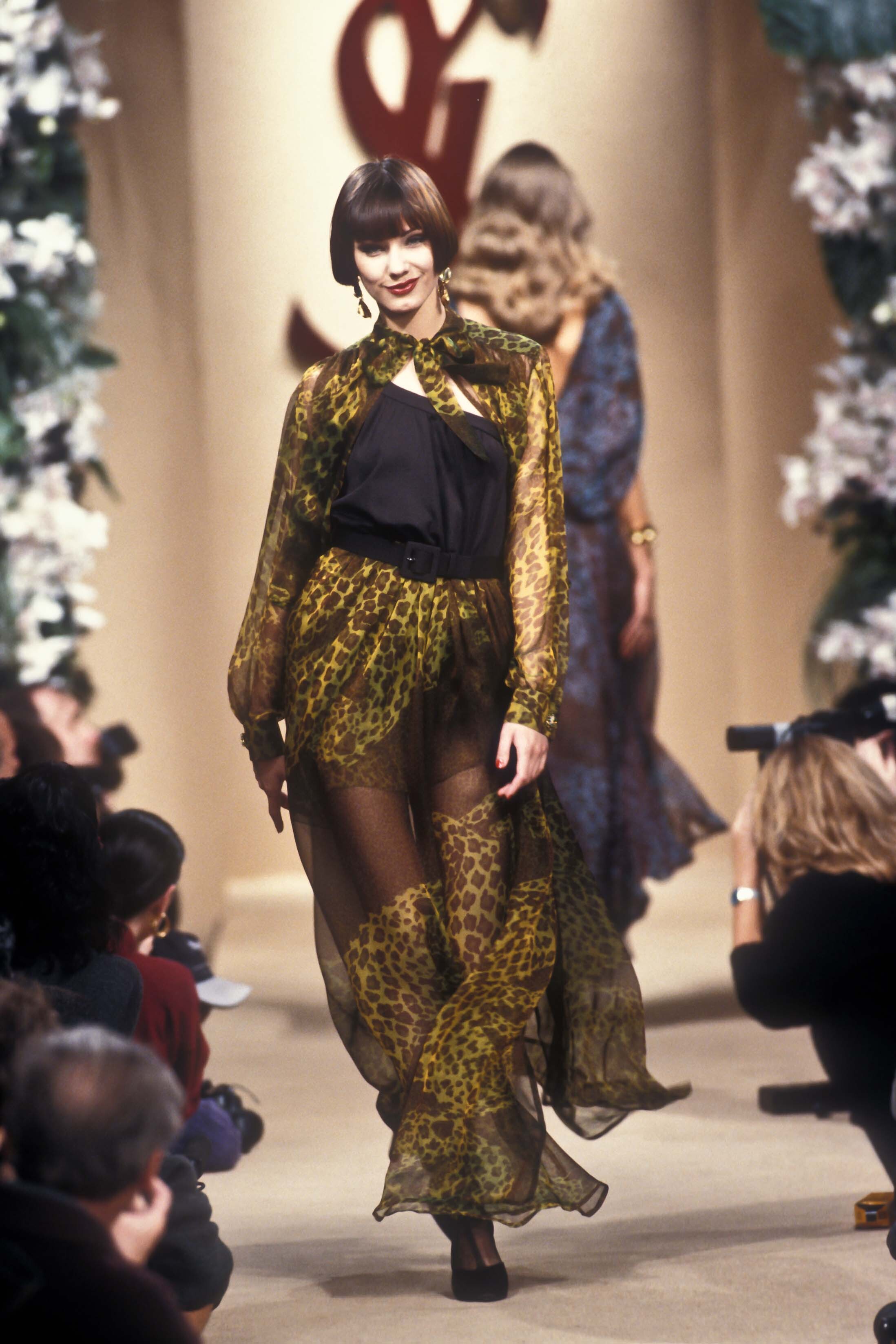
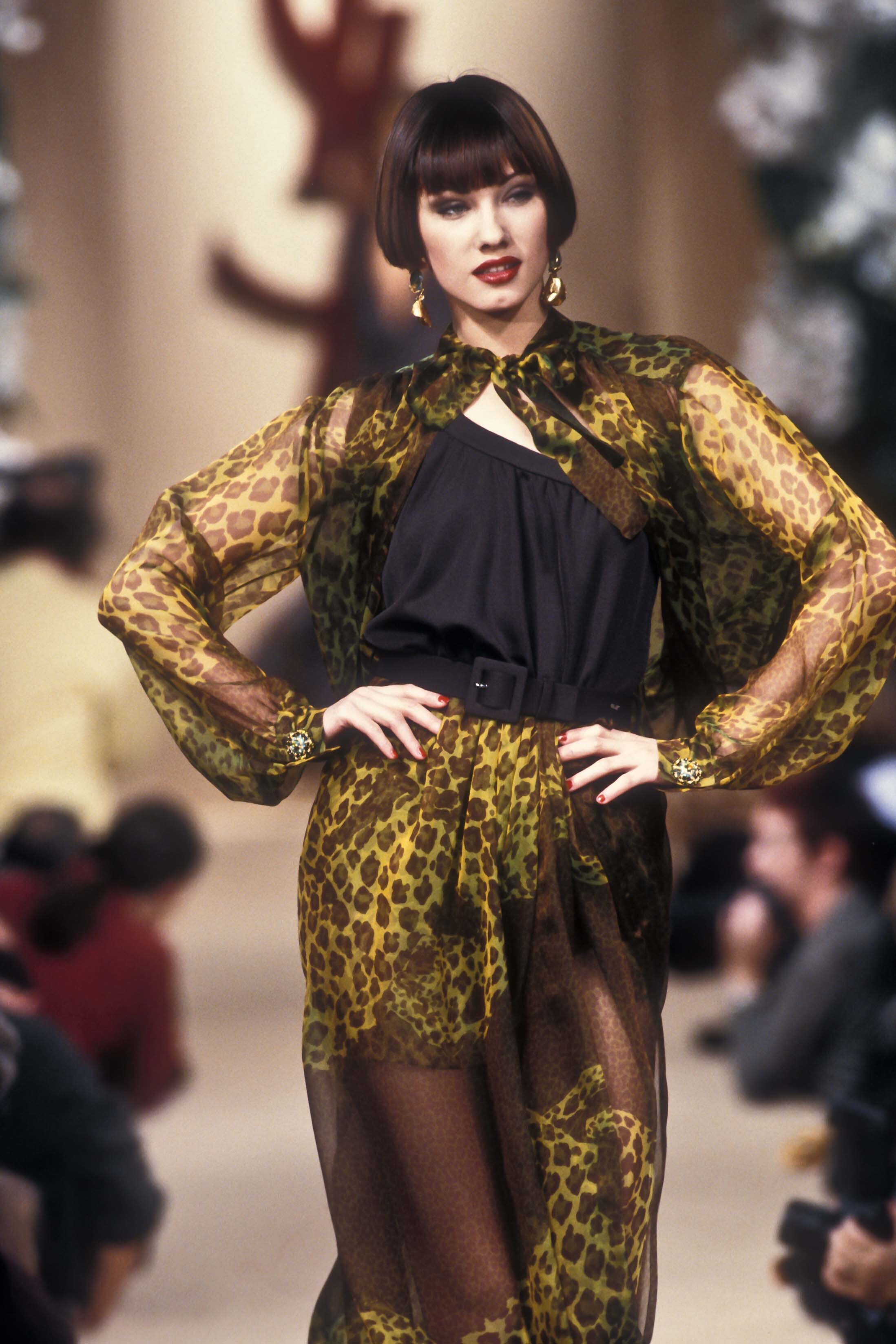
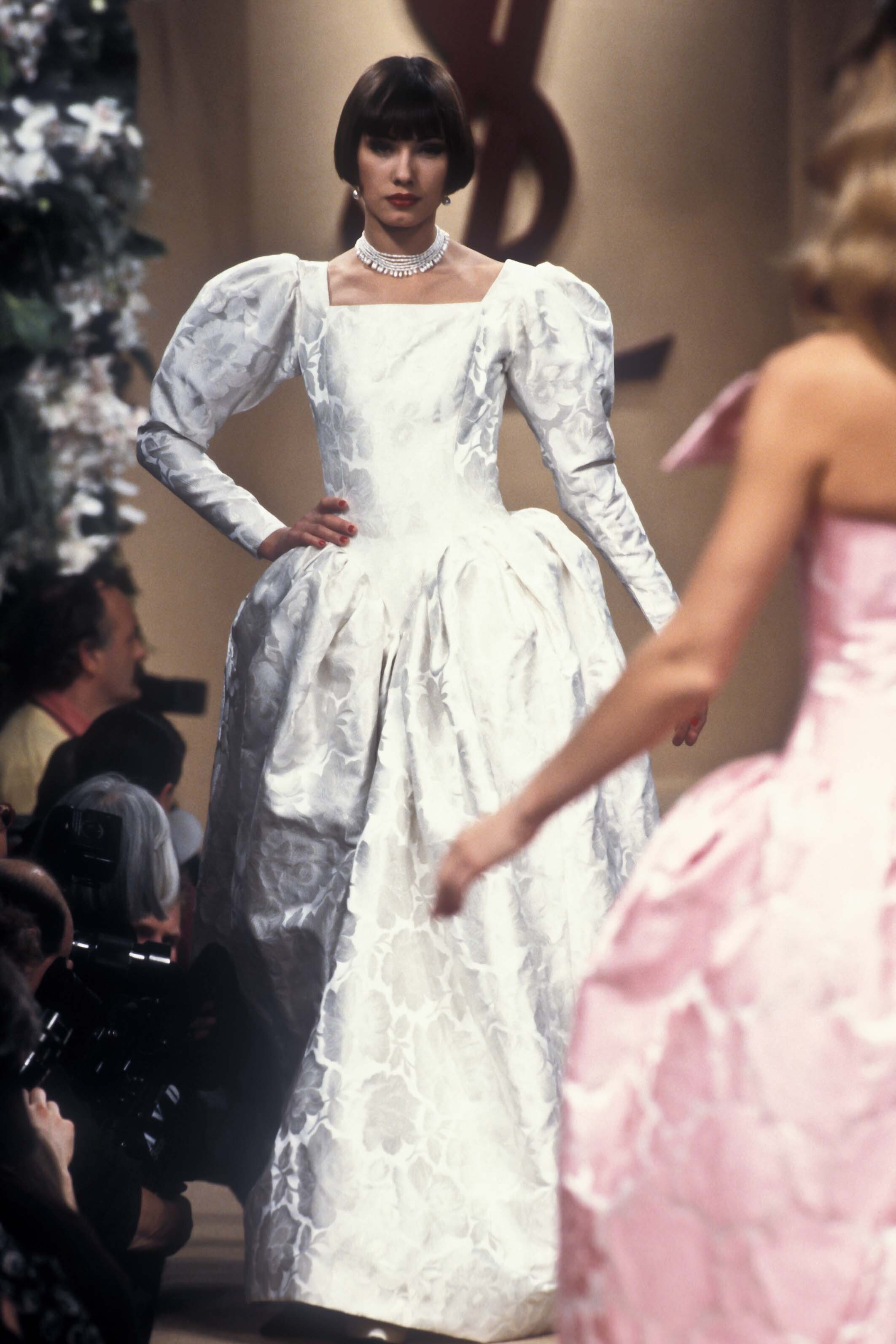
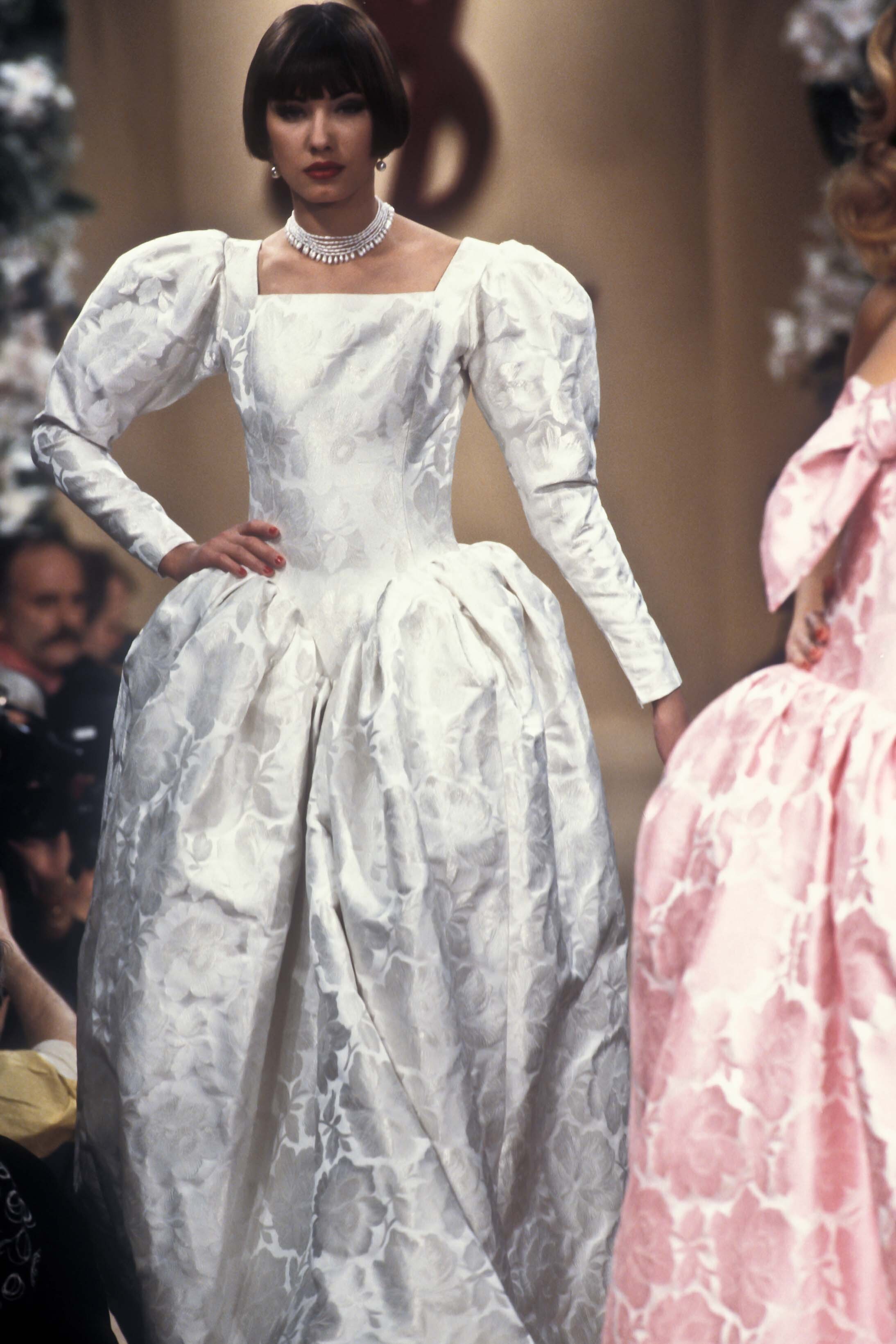
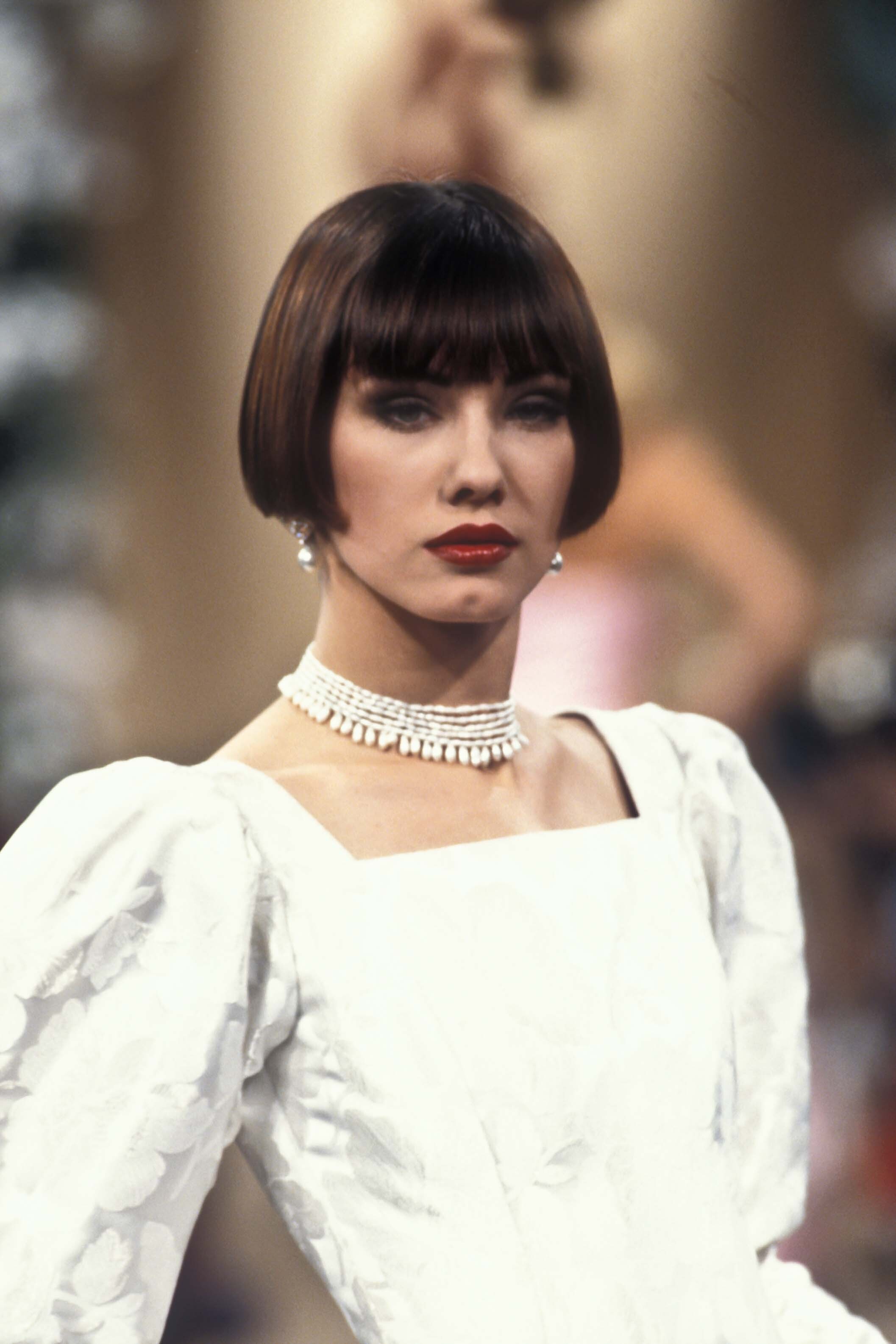
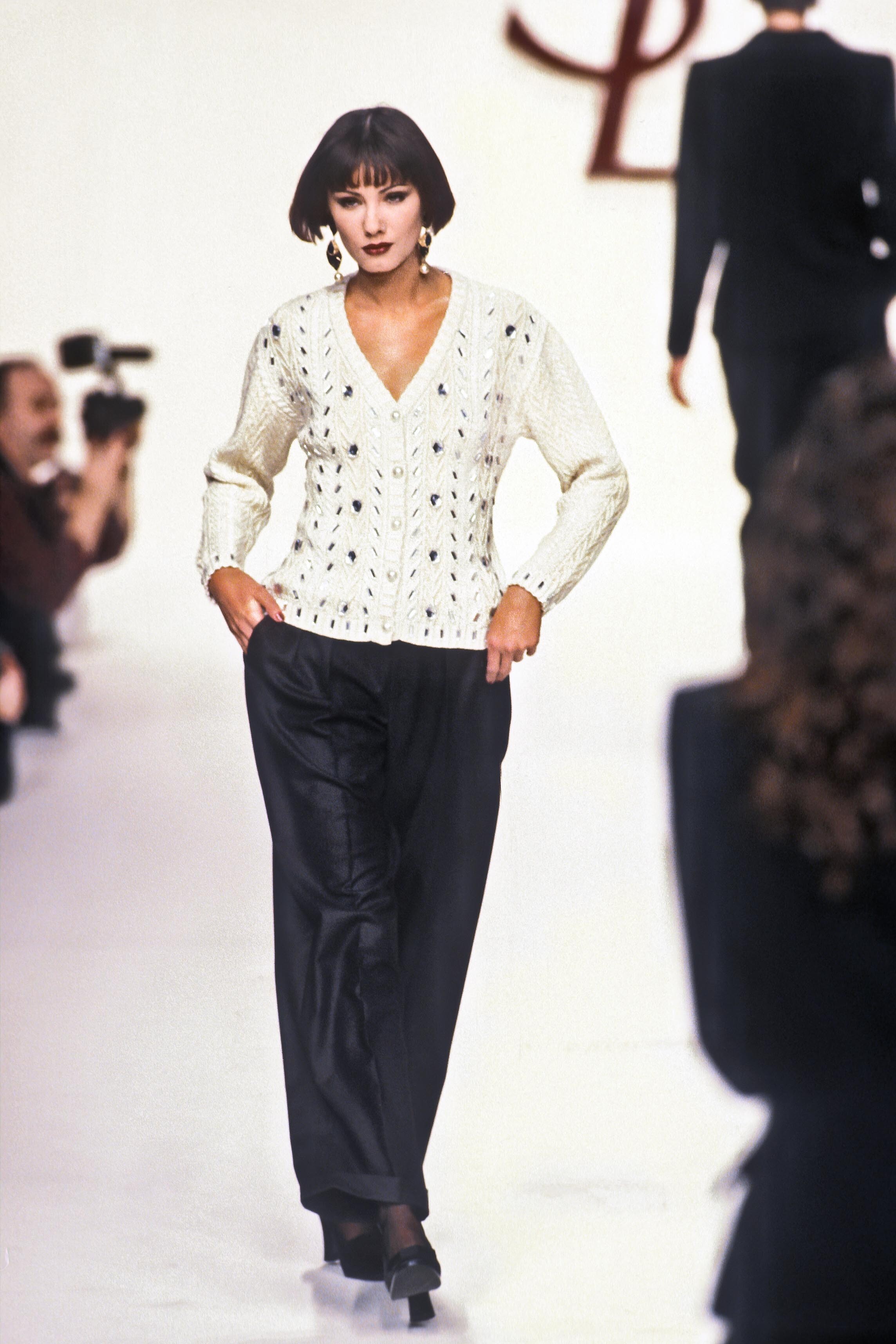
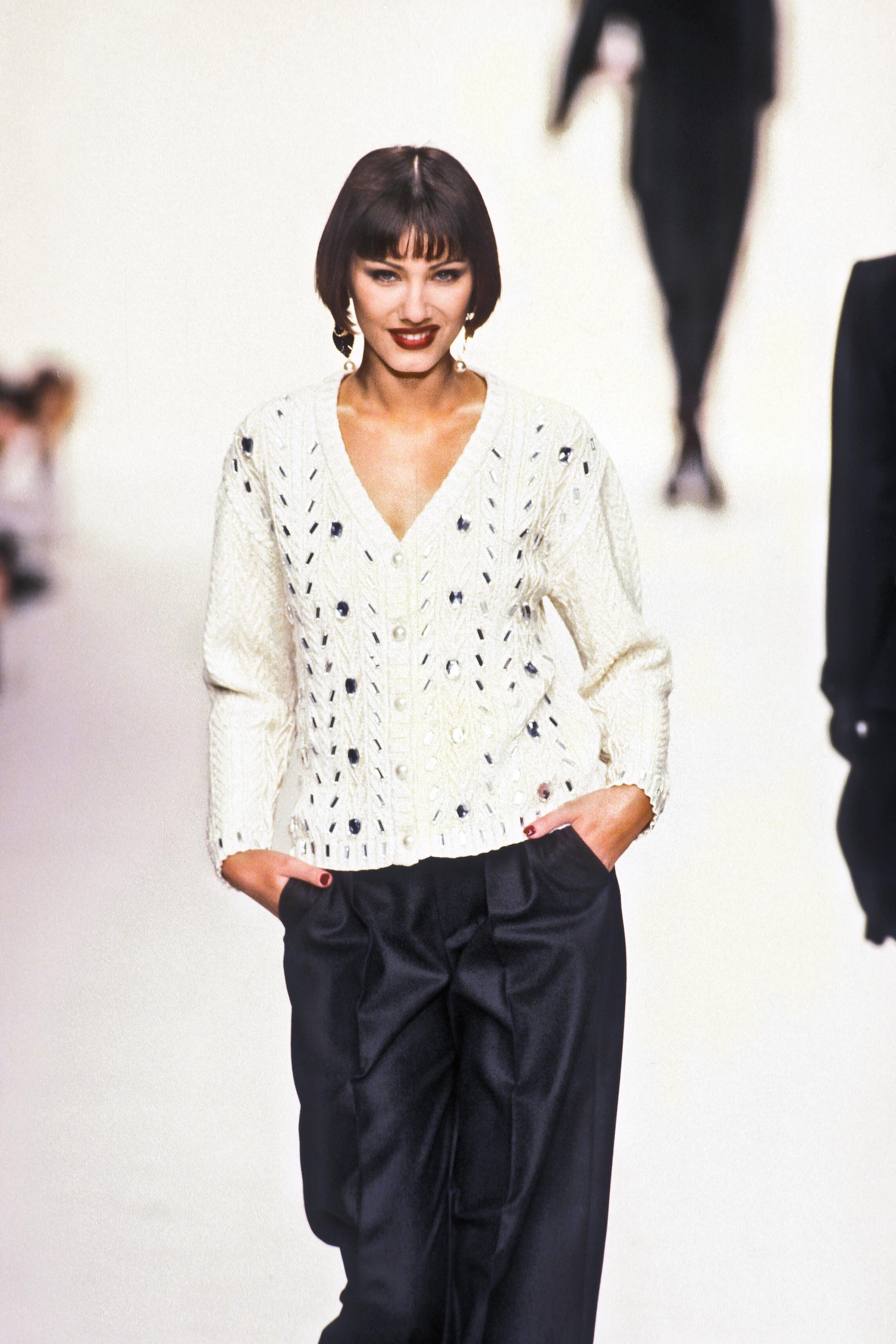
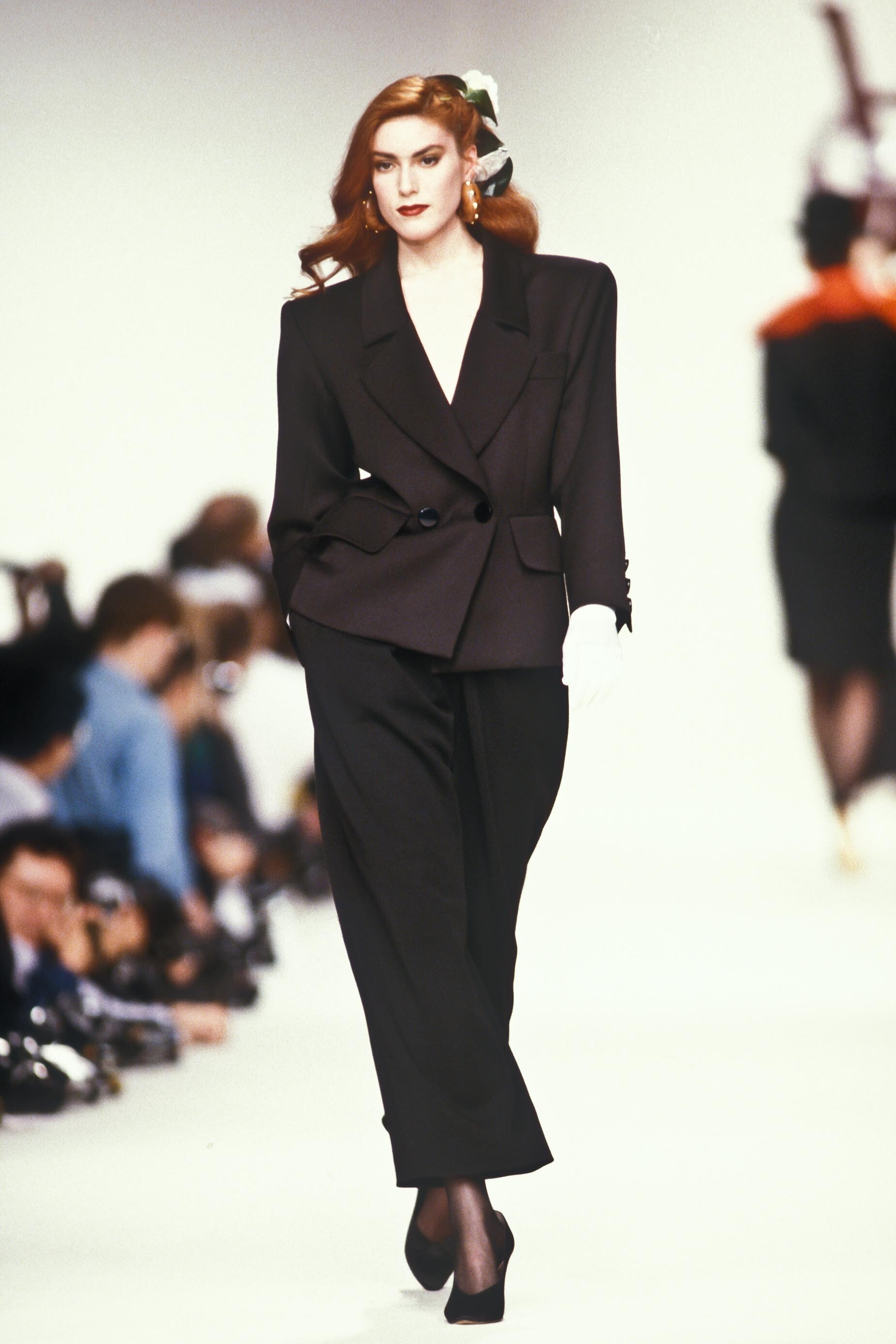
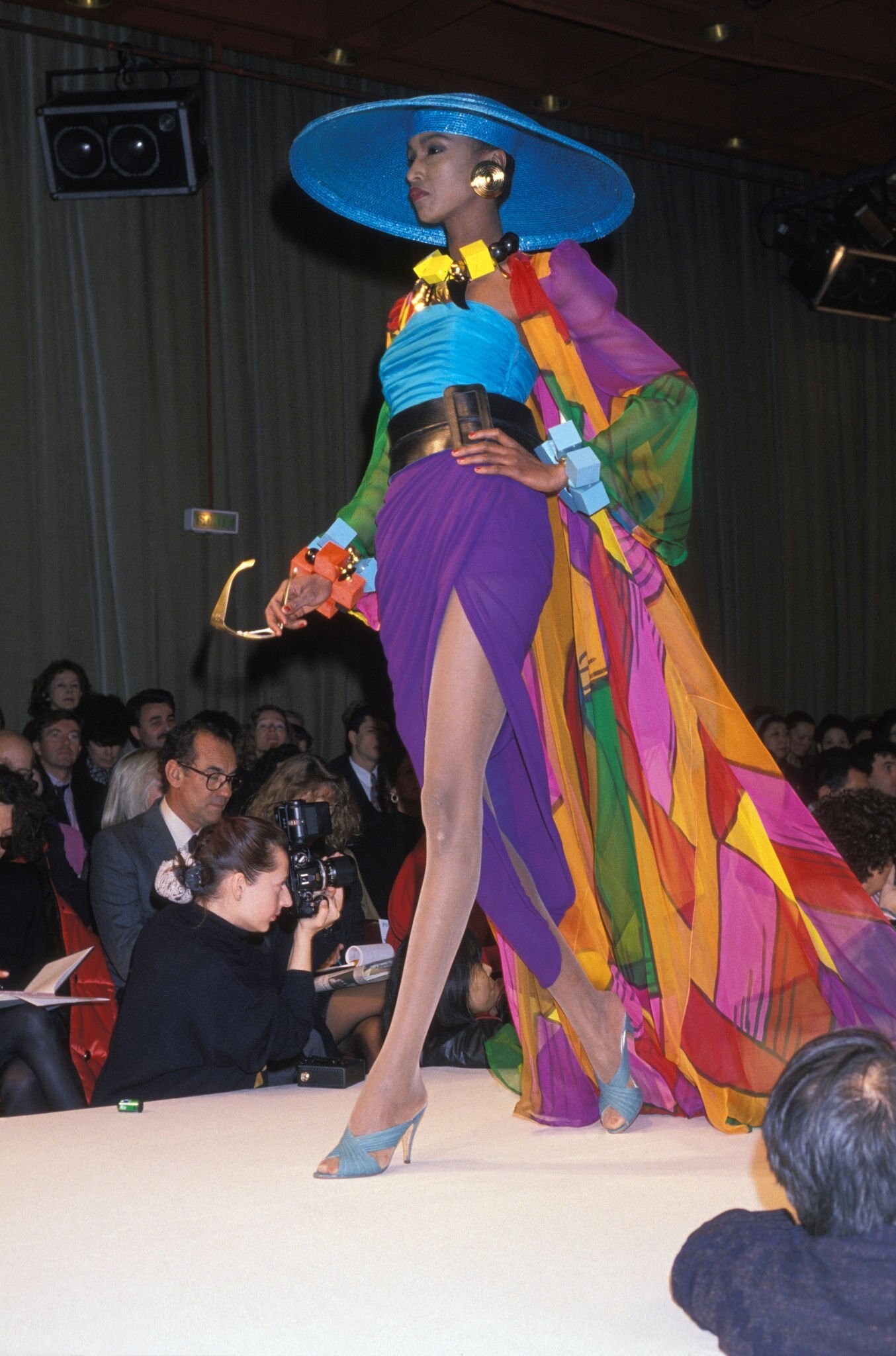
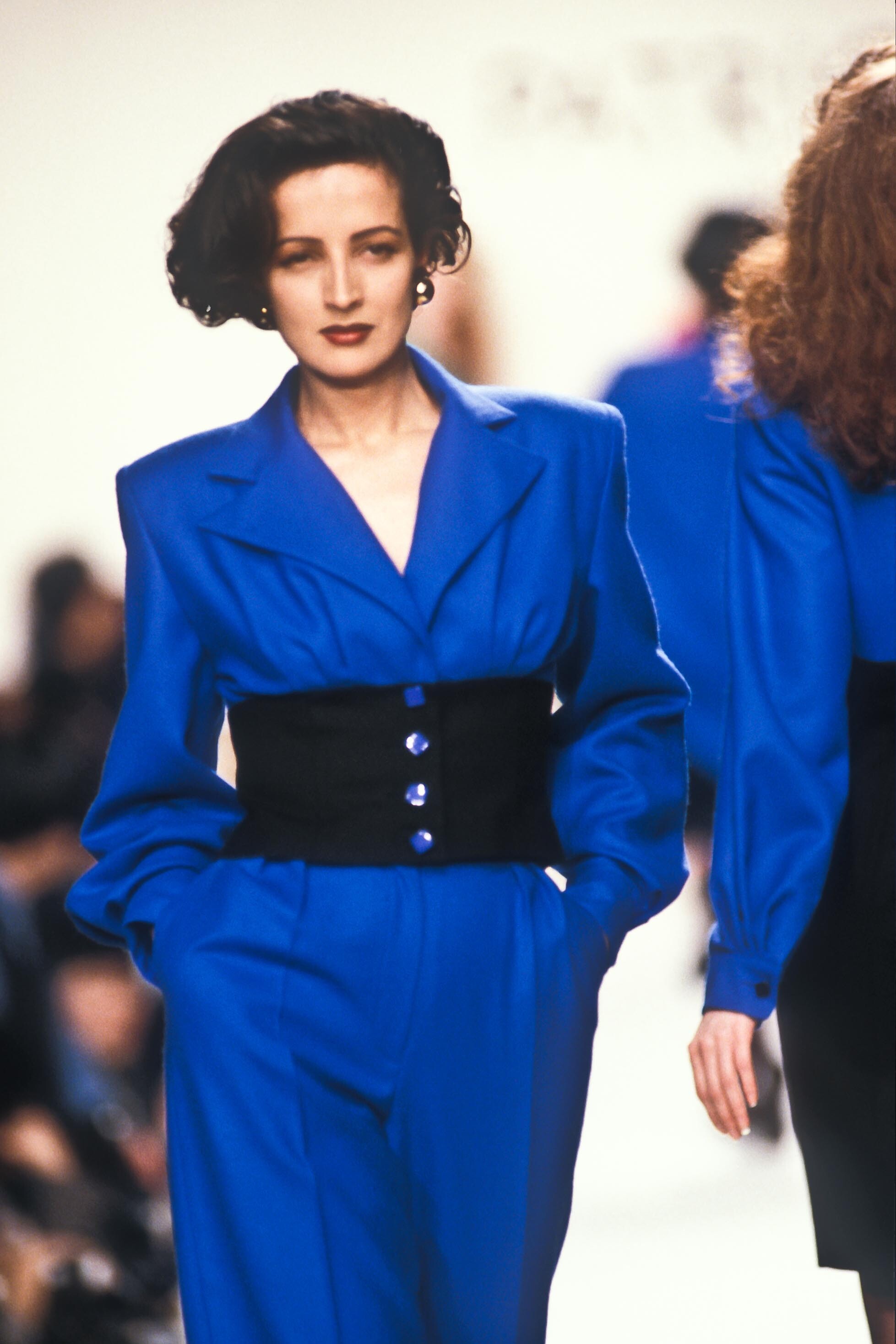
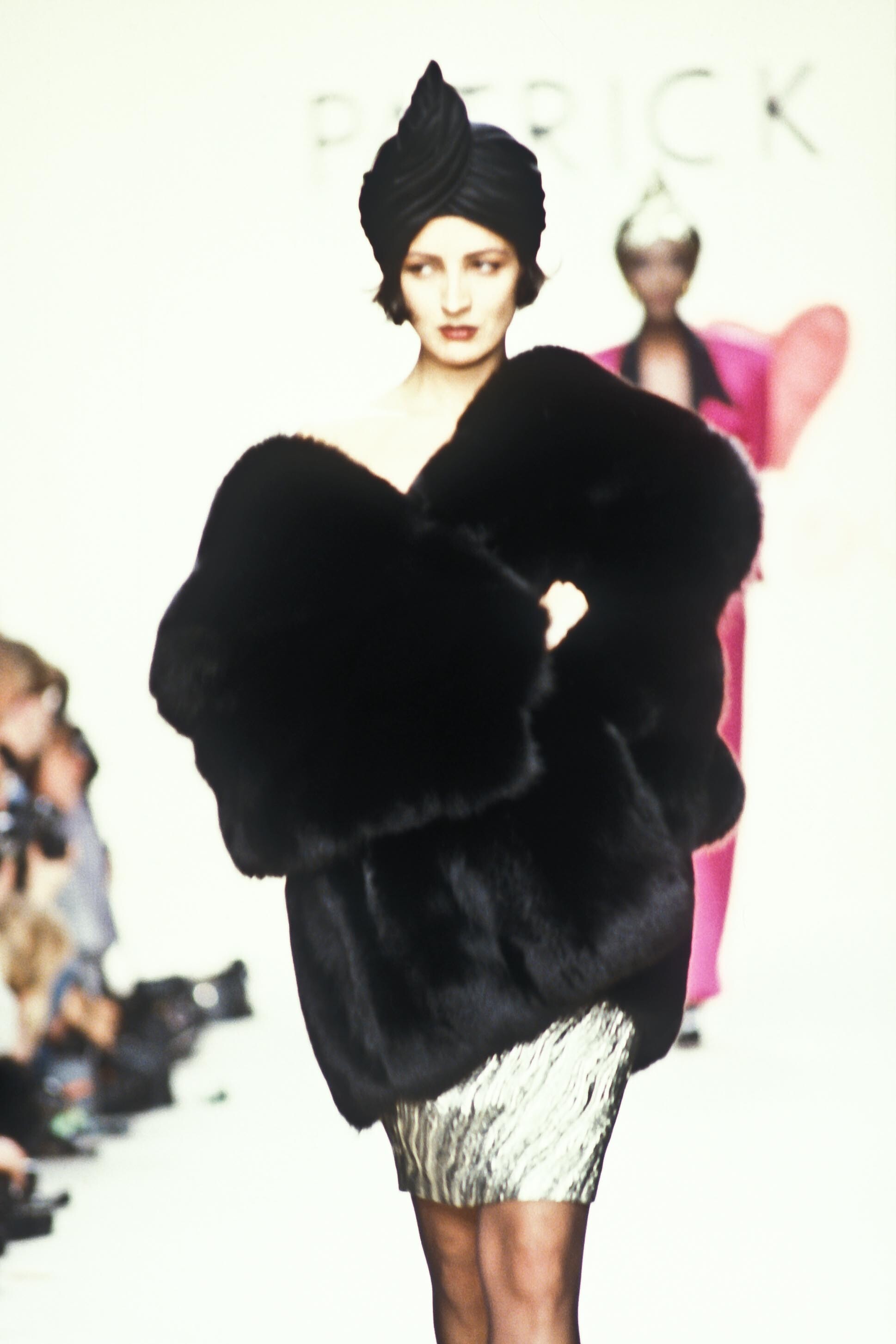
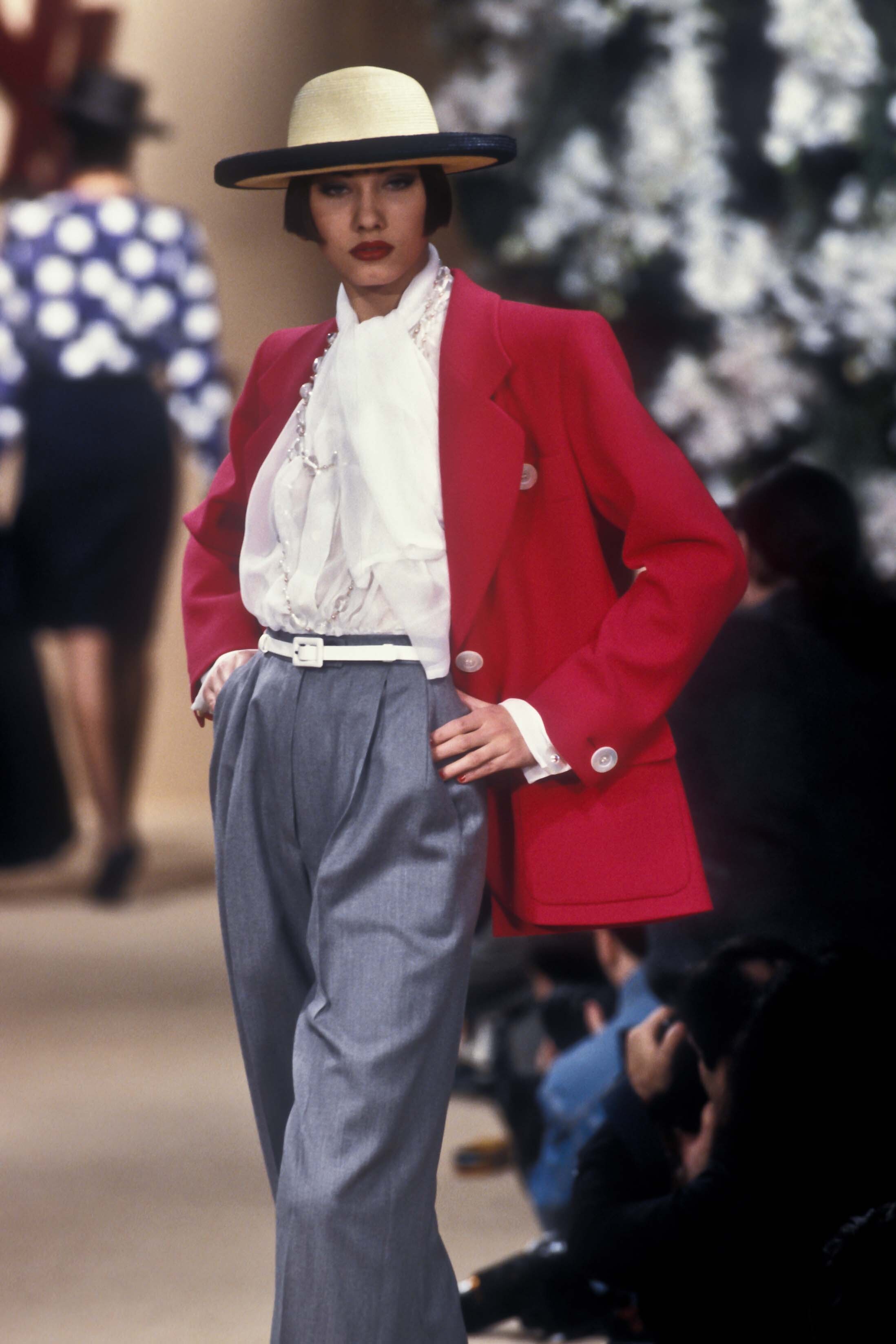
  5. yves saint laurent s/s 1991 rtw. thank you @BlueAcadia for IDing her for me😍
  6. thank you🥰 i had been wanting to know teri's name for a while, she is all over late 80s runways
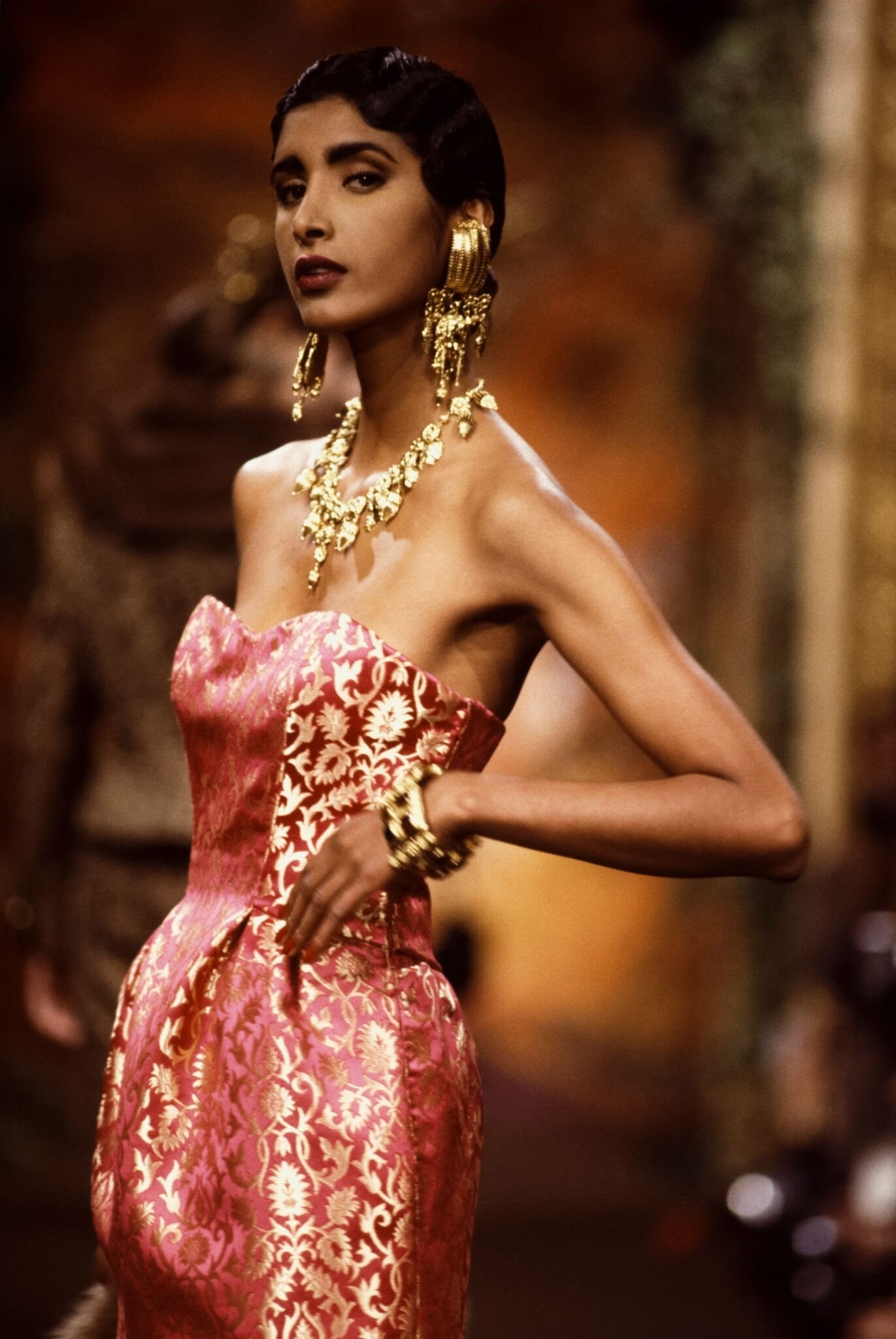
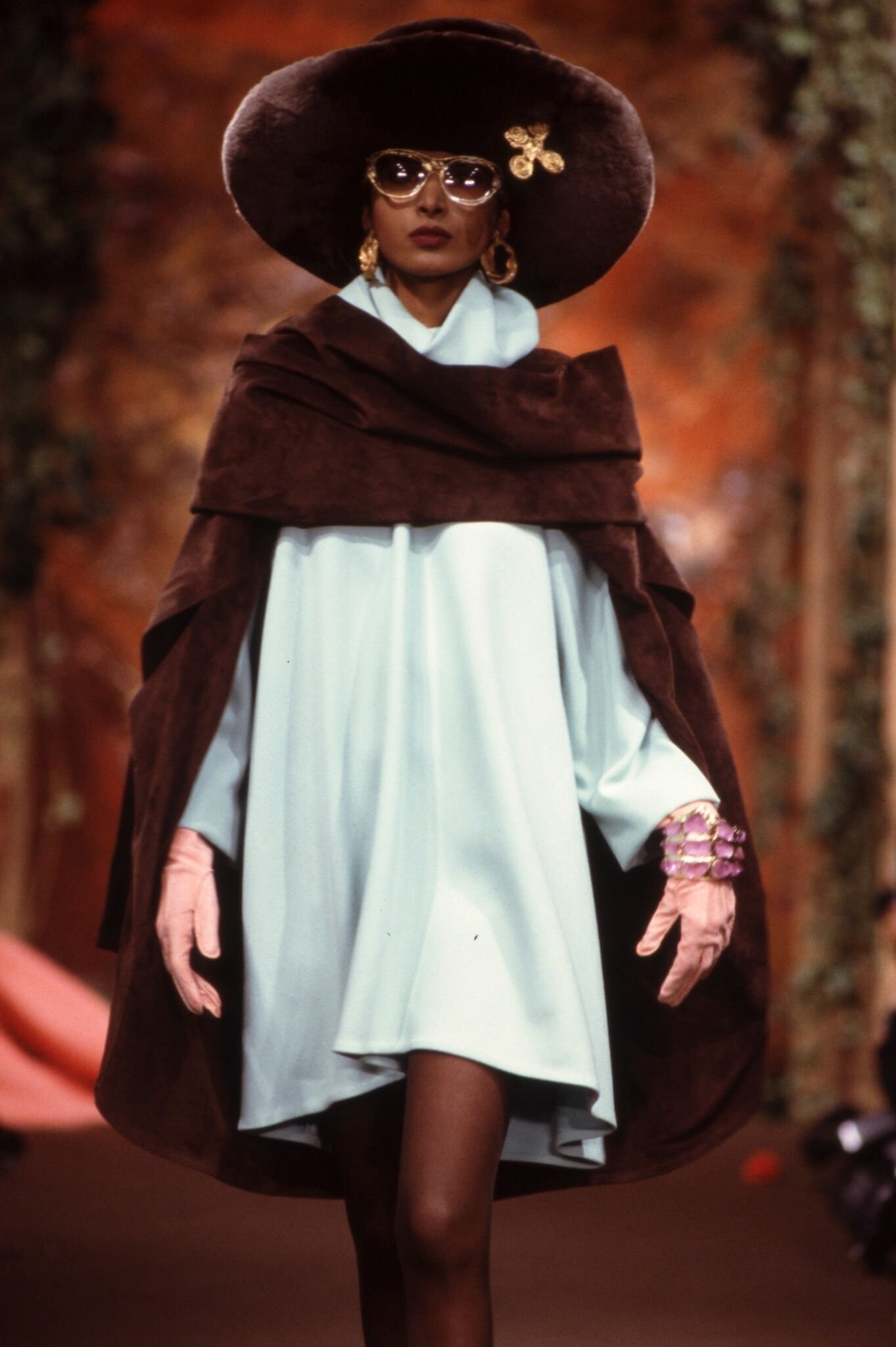
  7. nina ricci f/w 1990 couture
  8. nina ricci f/w 1990 couture
  9. nina ricci f/w 1990 couture
  10. nina ricci f/w 1990 couture
  11. hermes f/w 1995 rtw
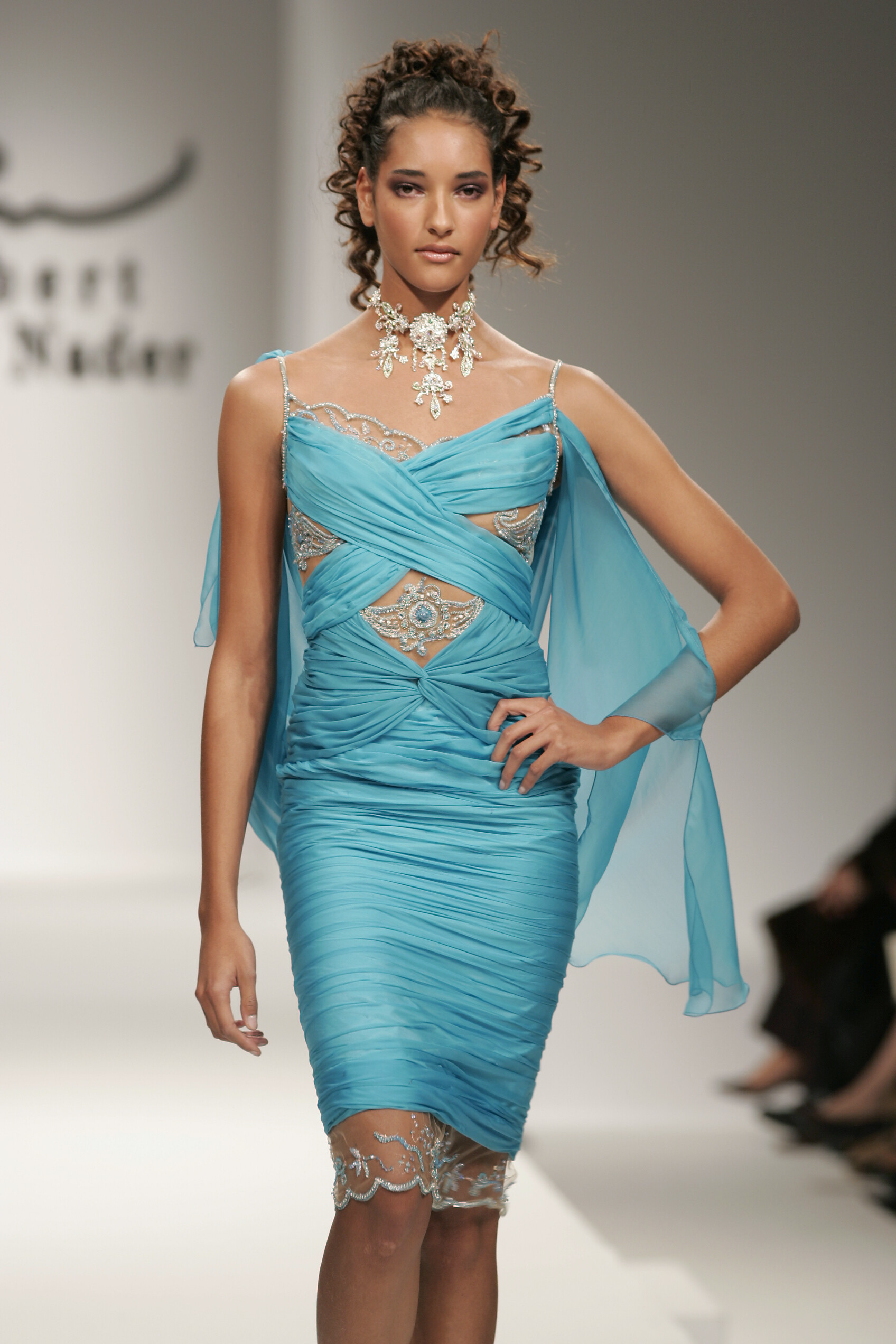
  12. hermes f/w 1995 rtw
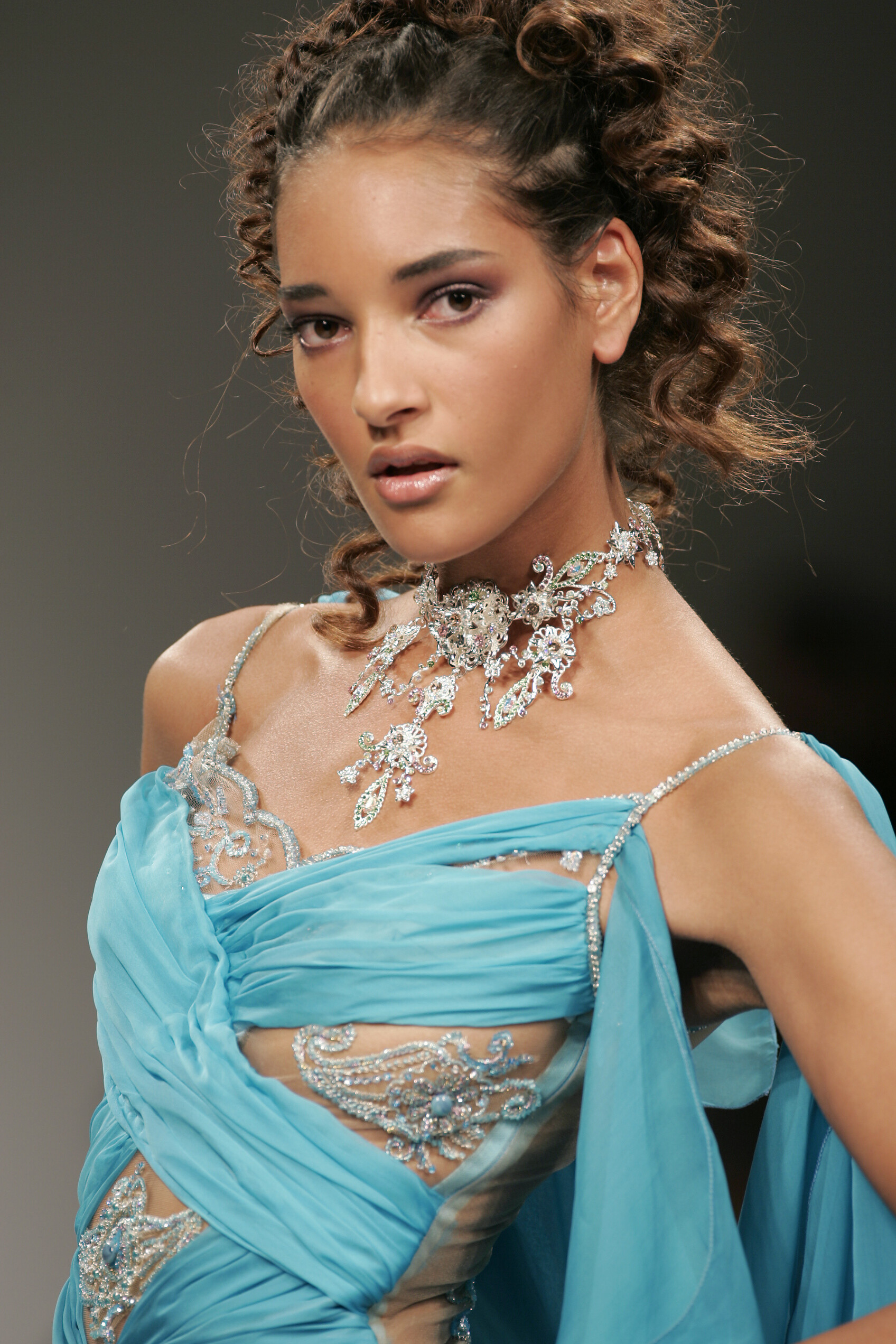
  13. hermes f/w 1995 rtw
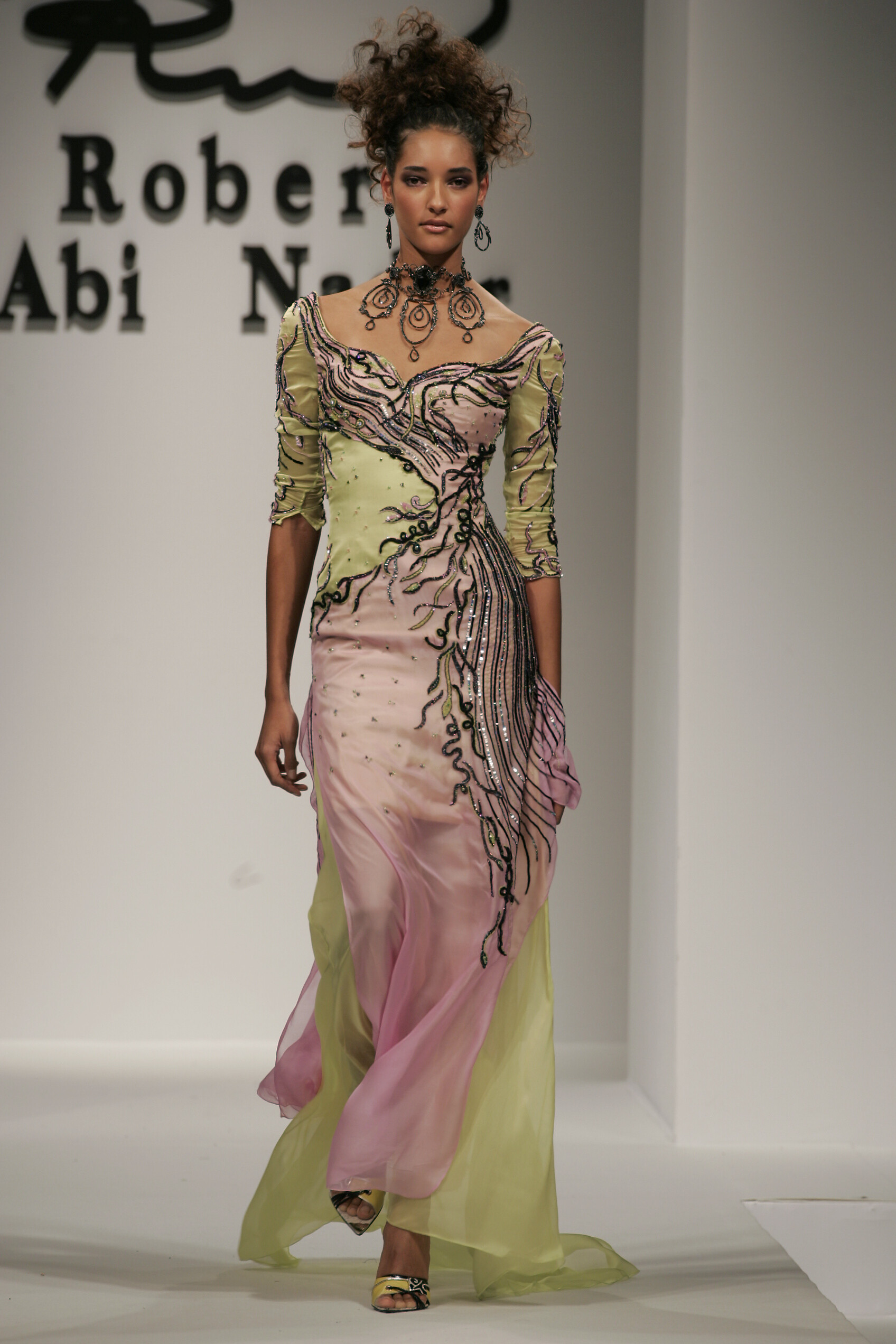
  14. hermes f/w 1995 rtw
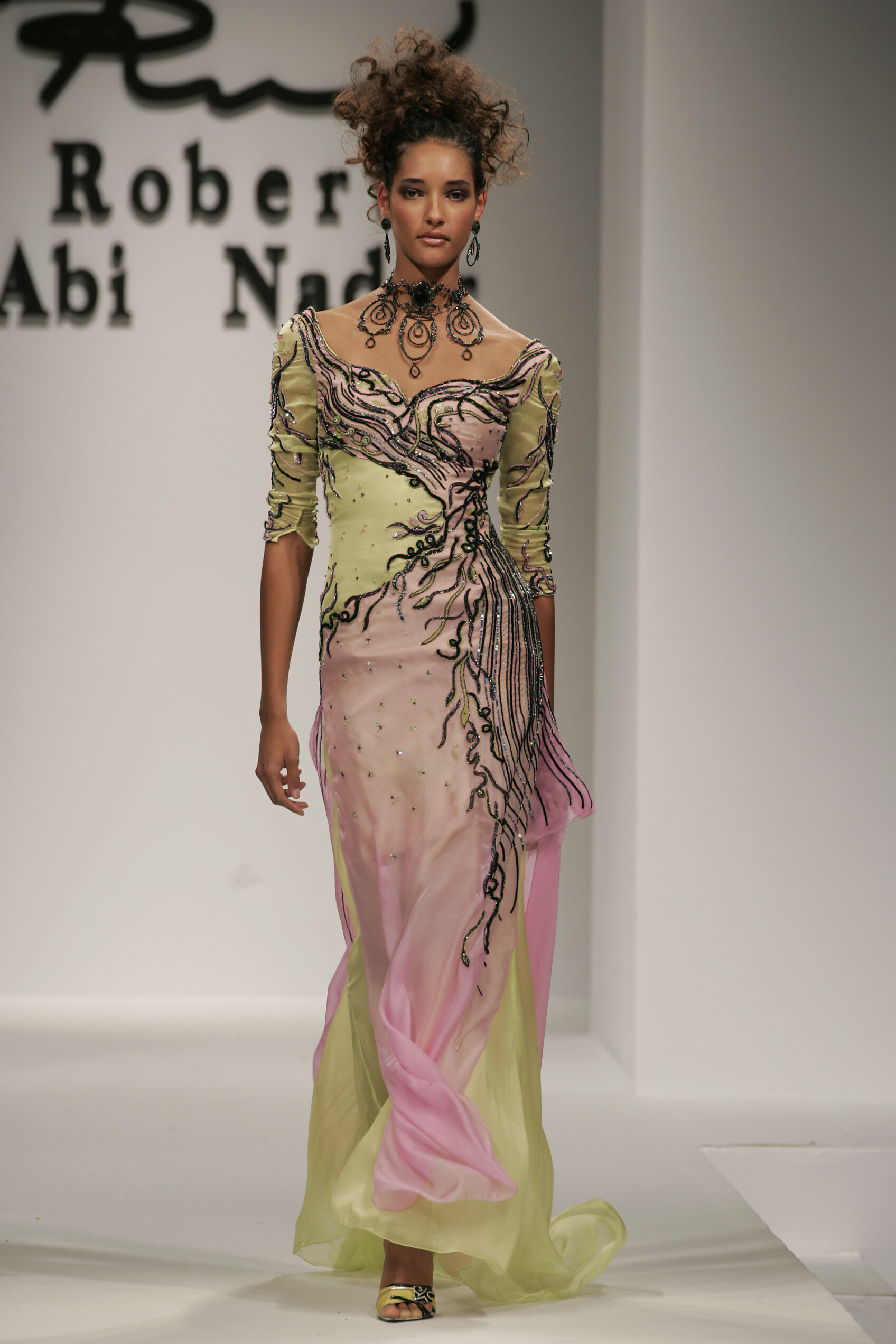
  15. hermes f/w 1995 rtw
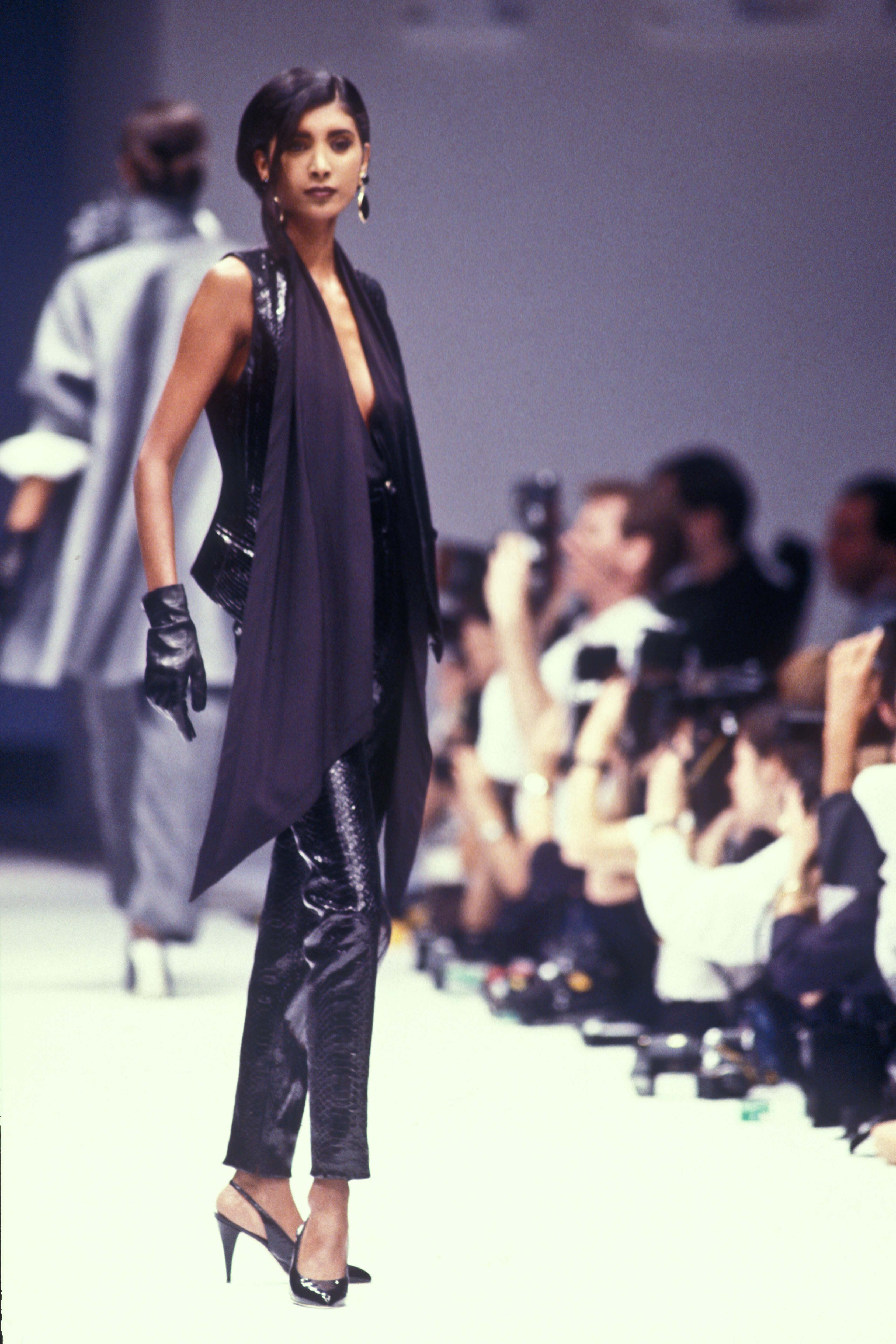
  16. luciano soprani f/w 1990 rtw
  17. luciano soprani f/w 1990 rtw
  18. luciano soprani f/w 1990 rtw
  19. luciano soprani f/w 1990 rtw
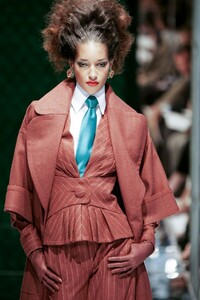
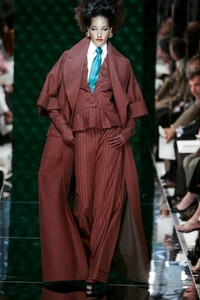
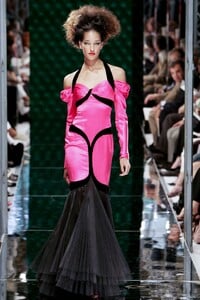
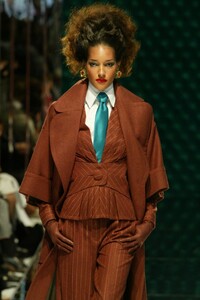
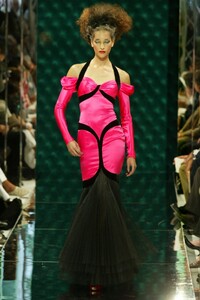
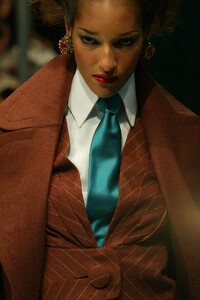
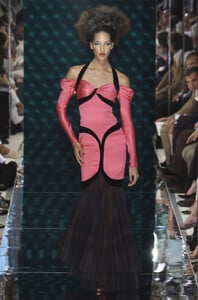
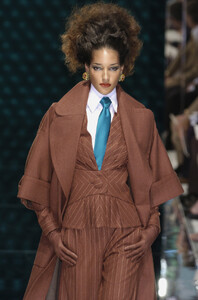
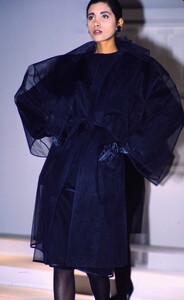
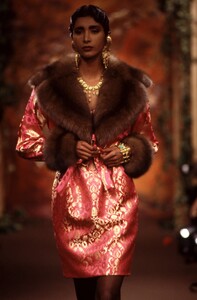
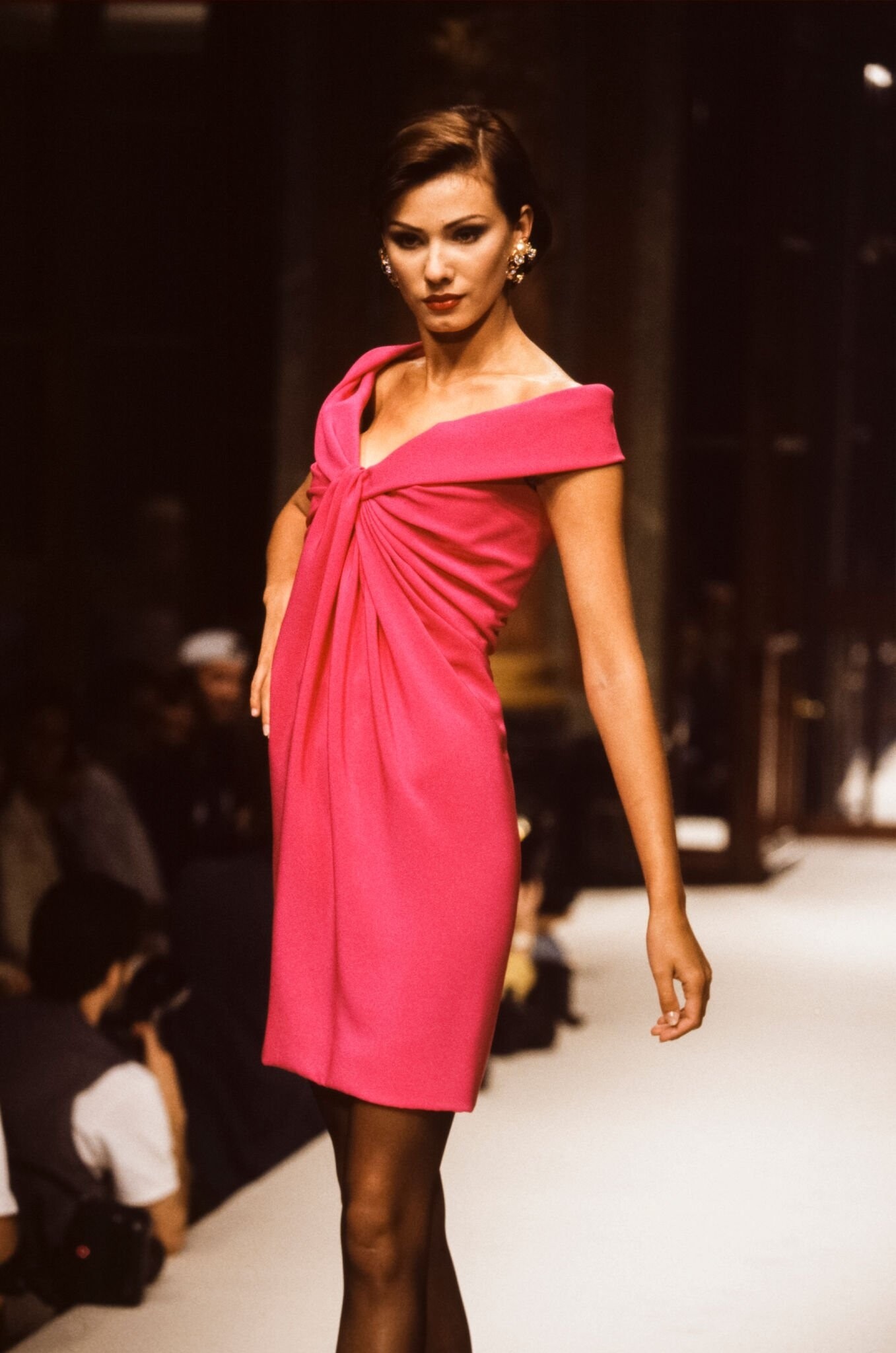
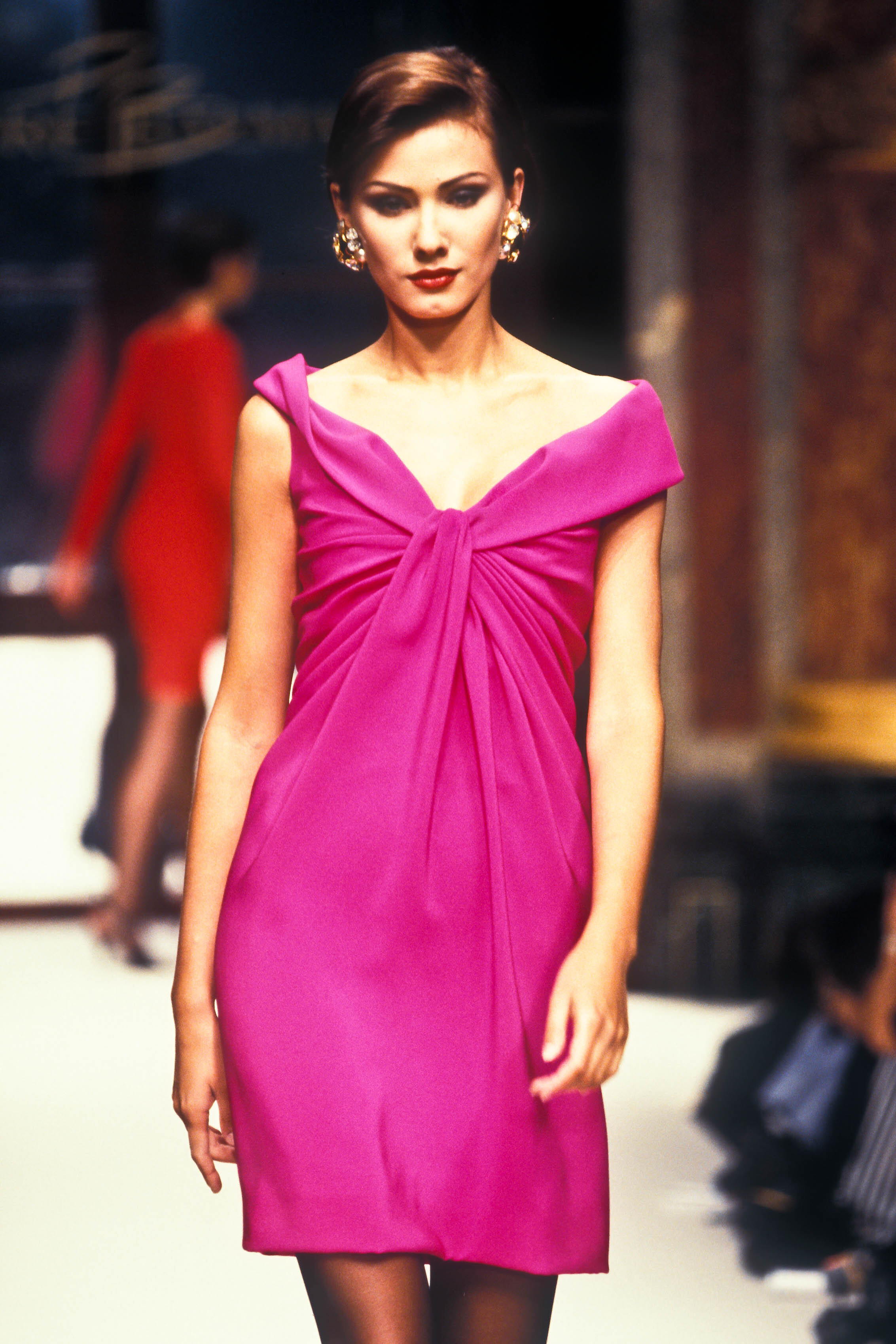
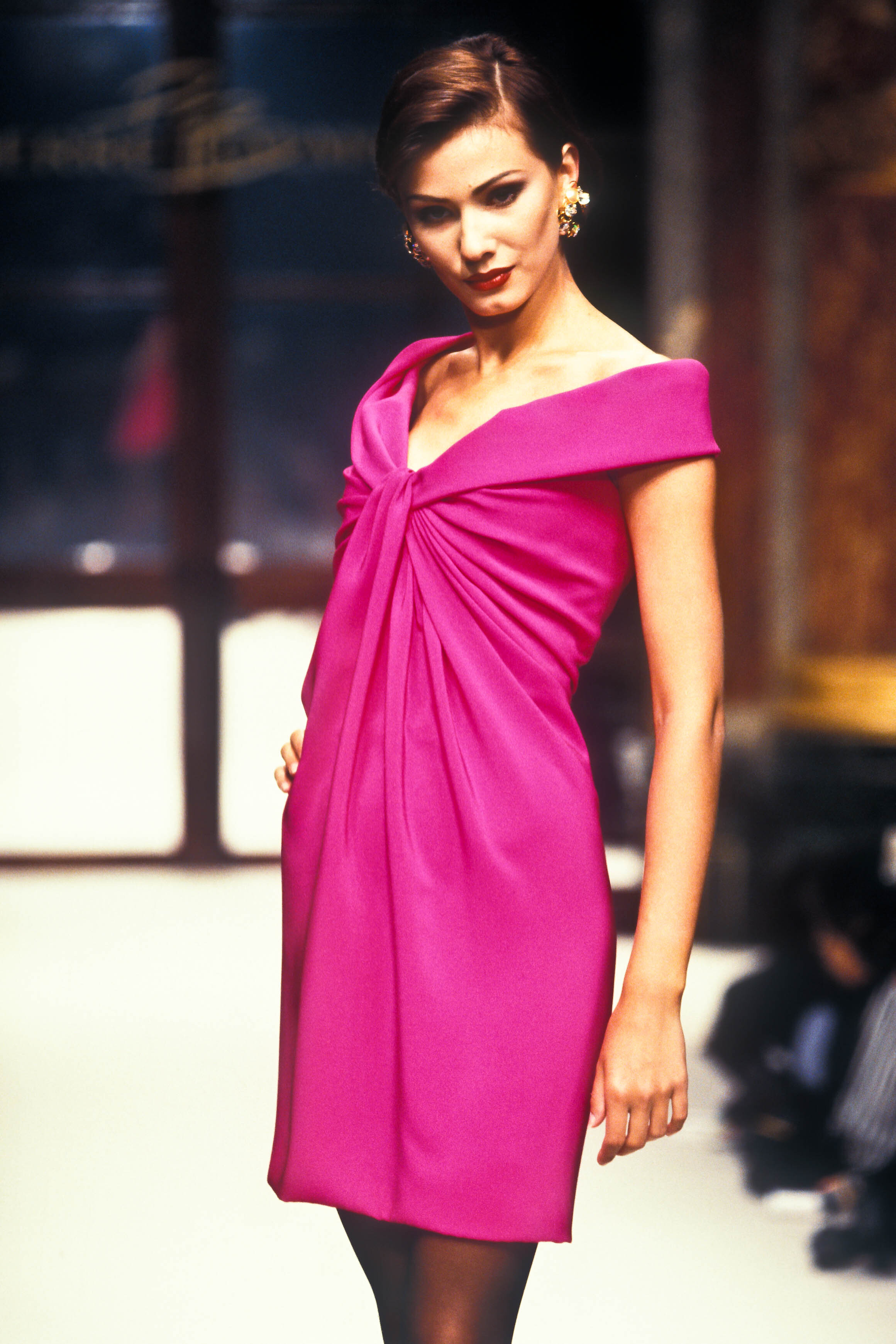
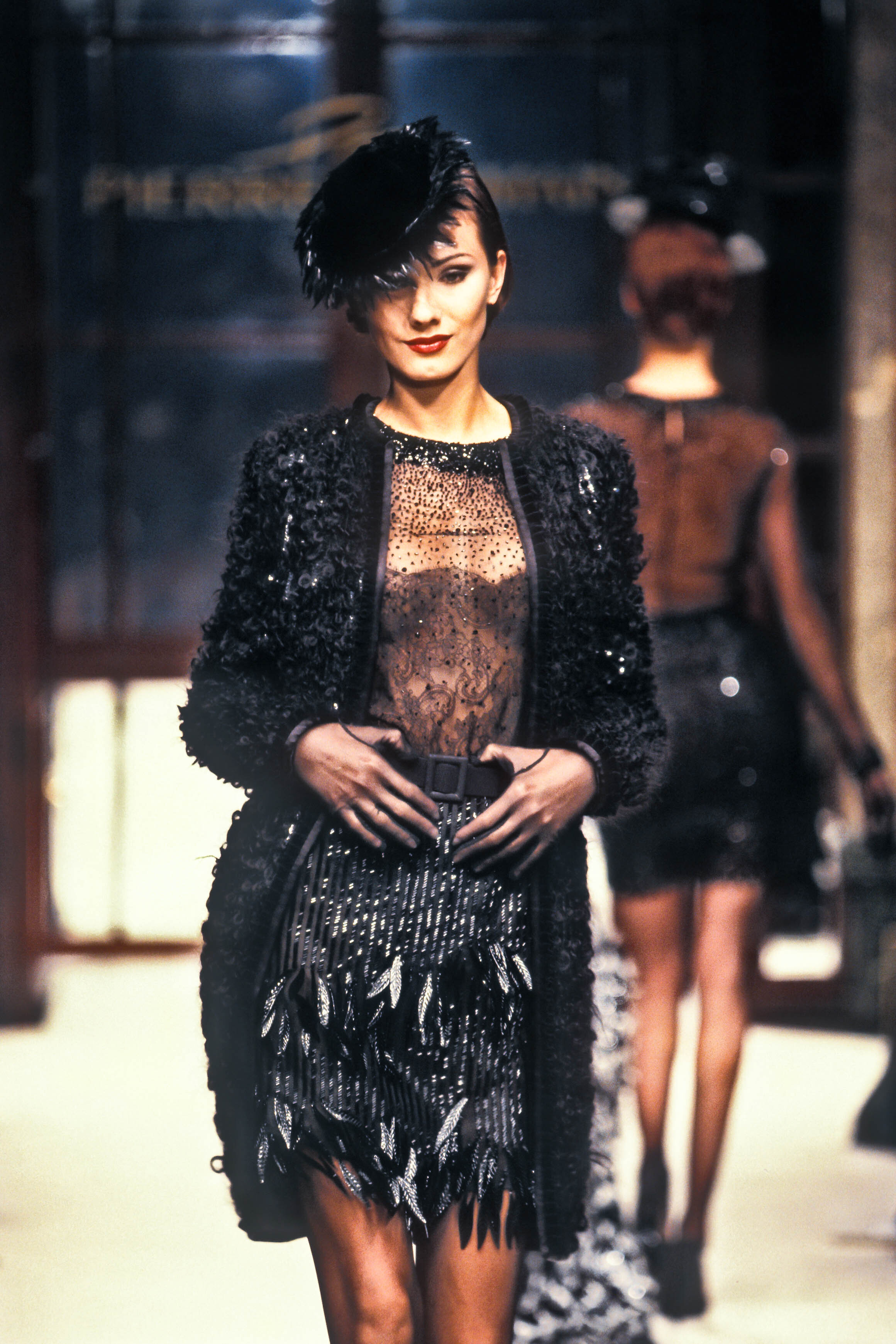
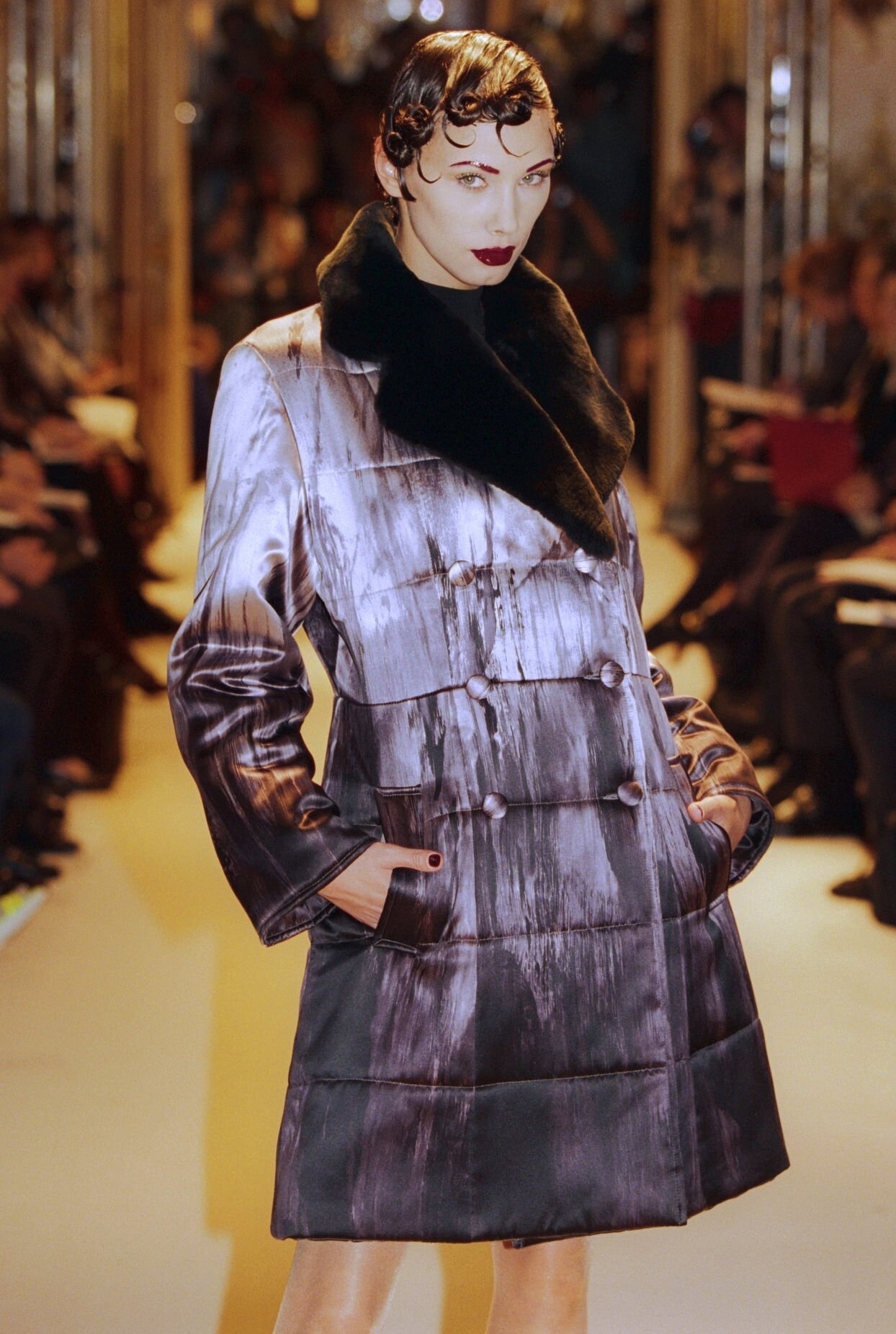
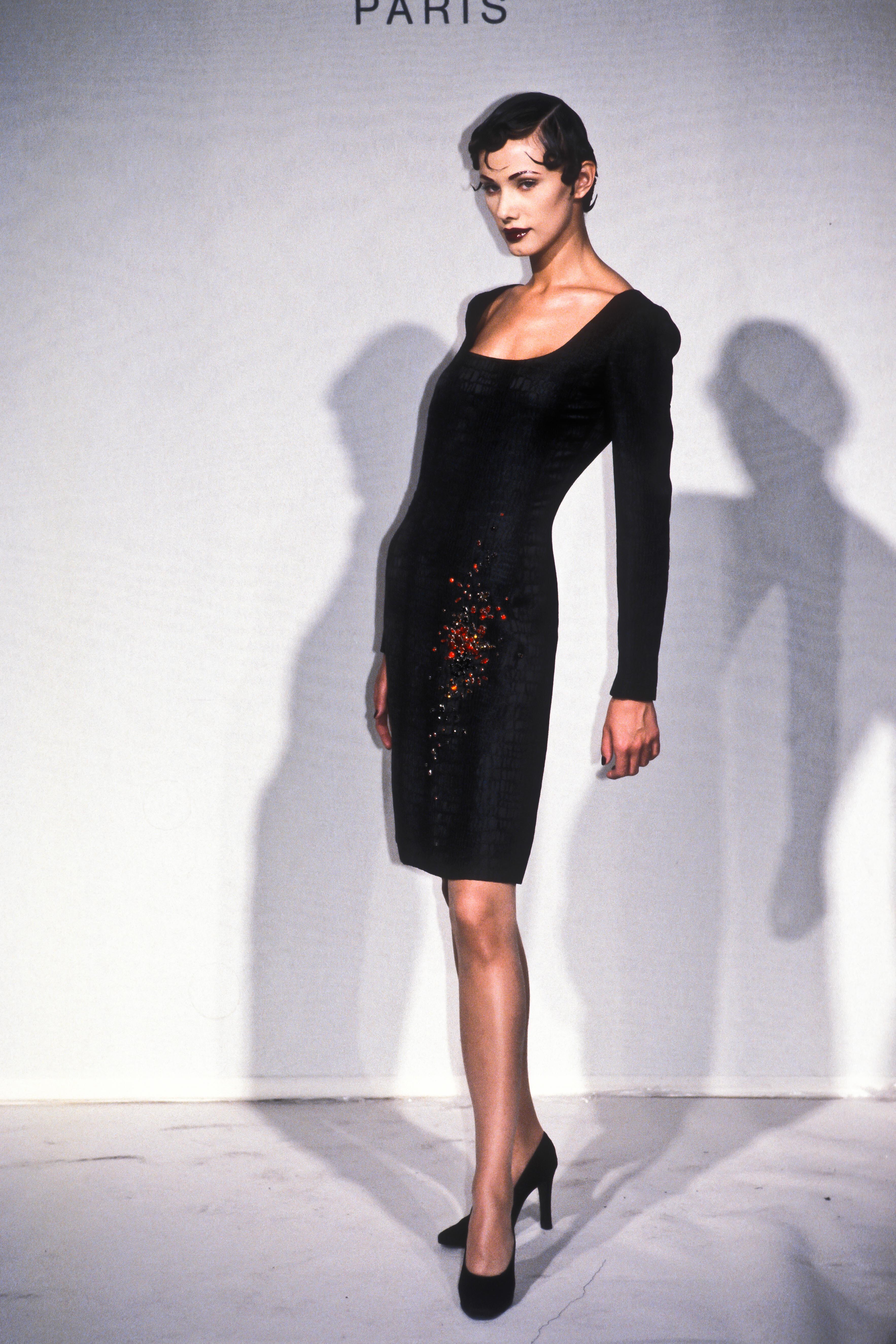
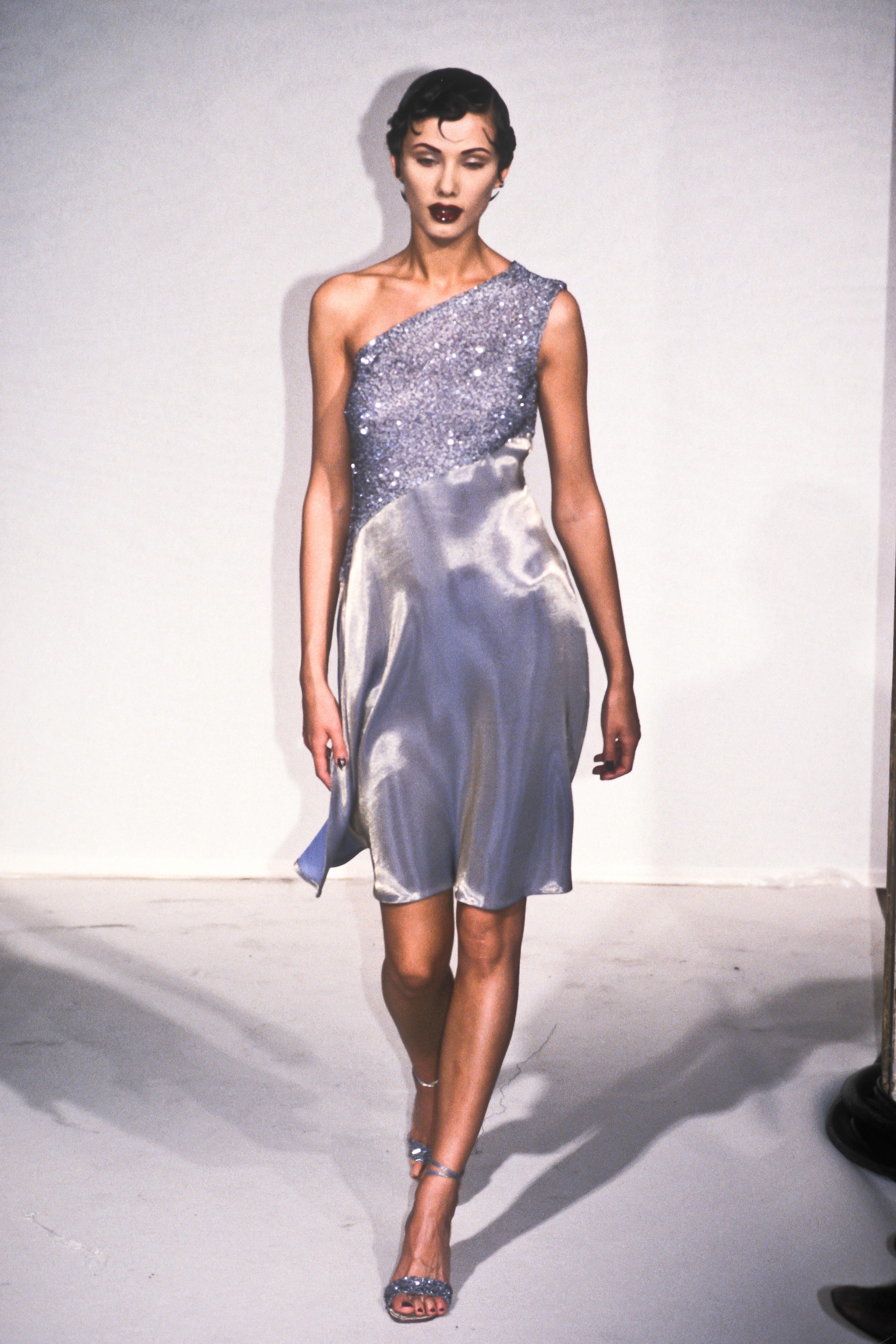
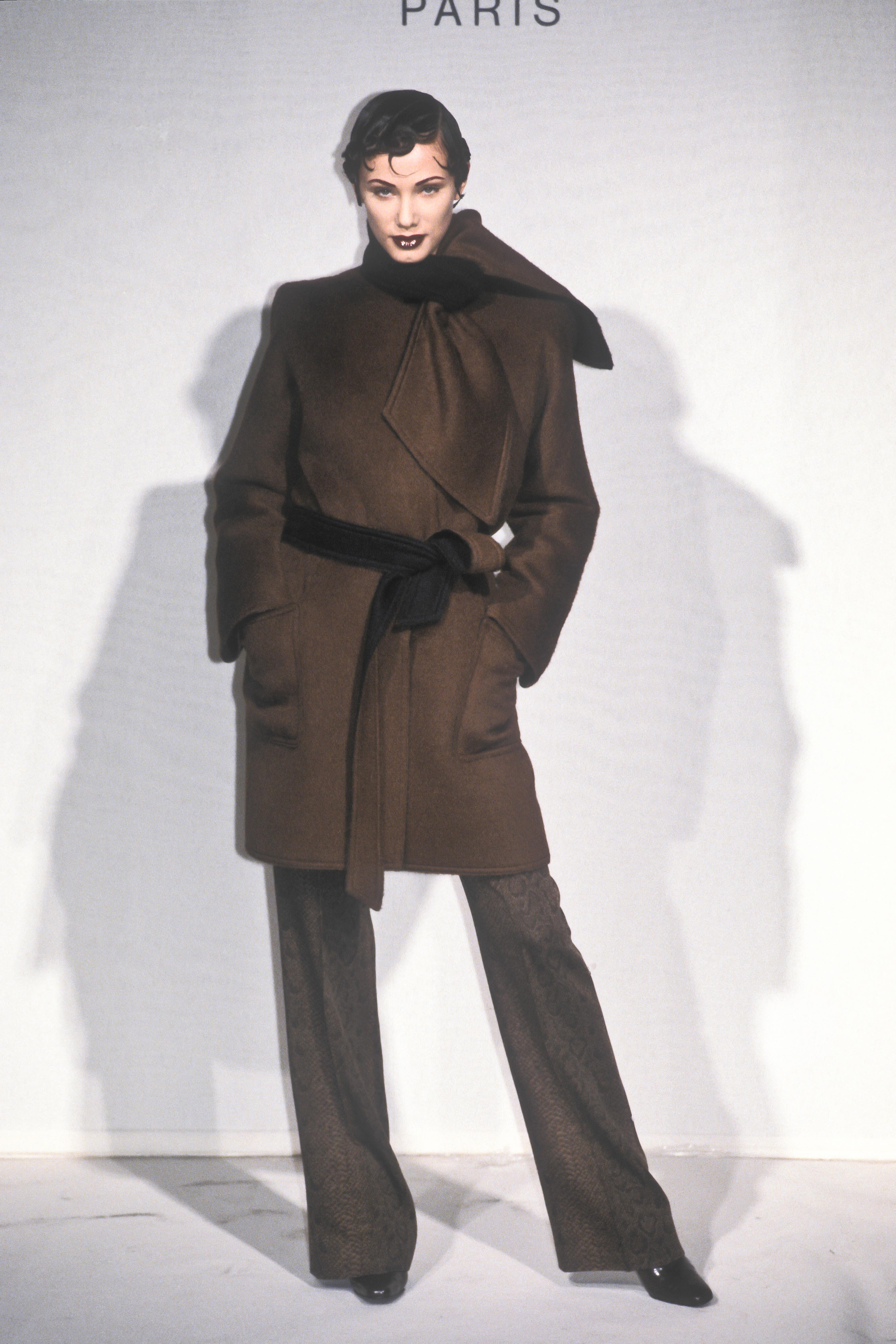
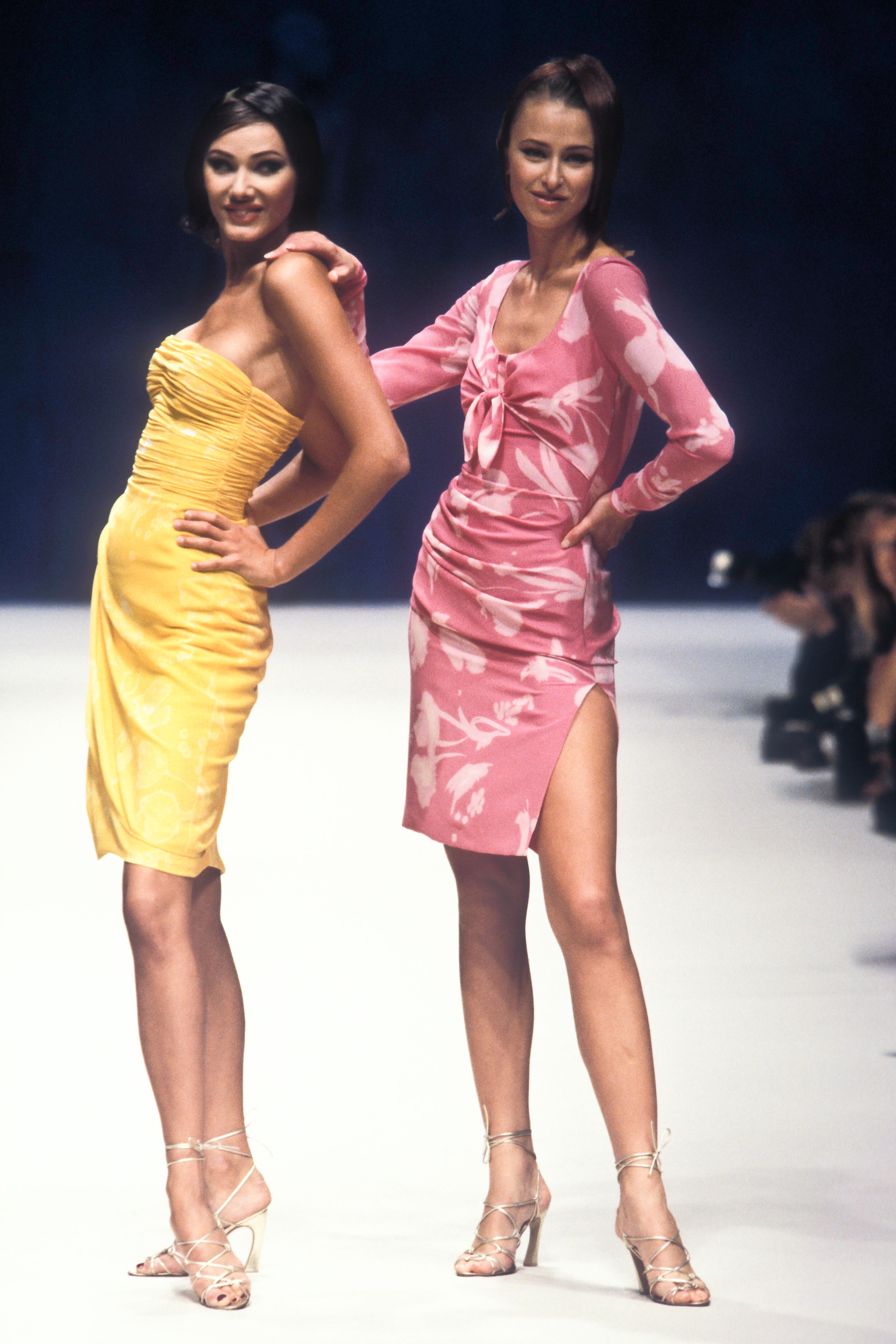
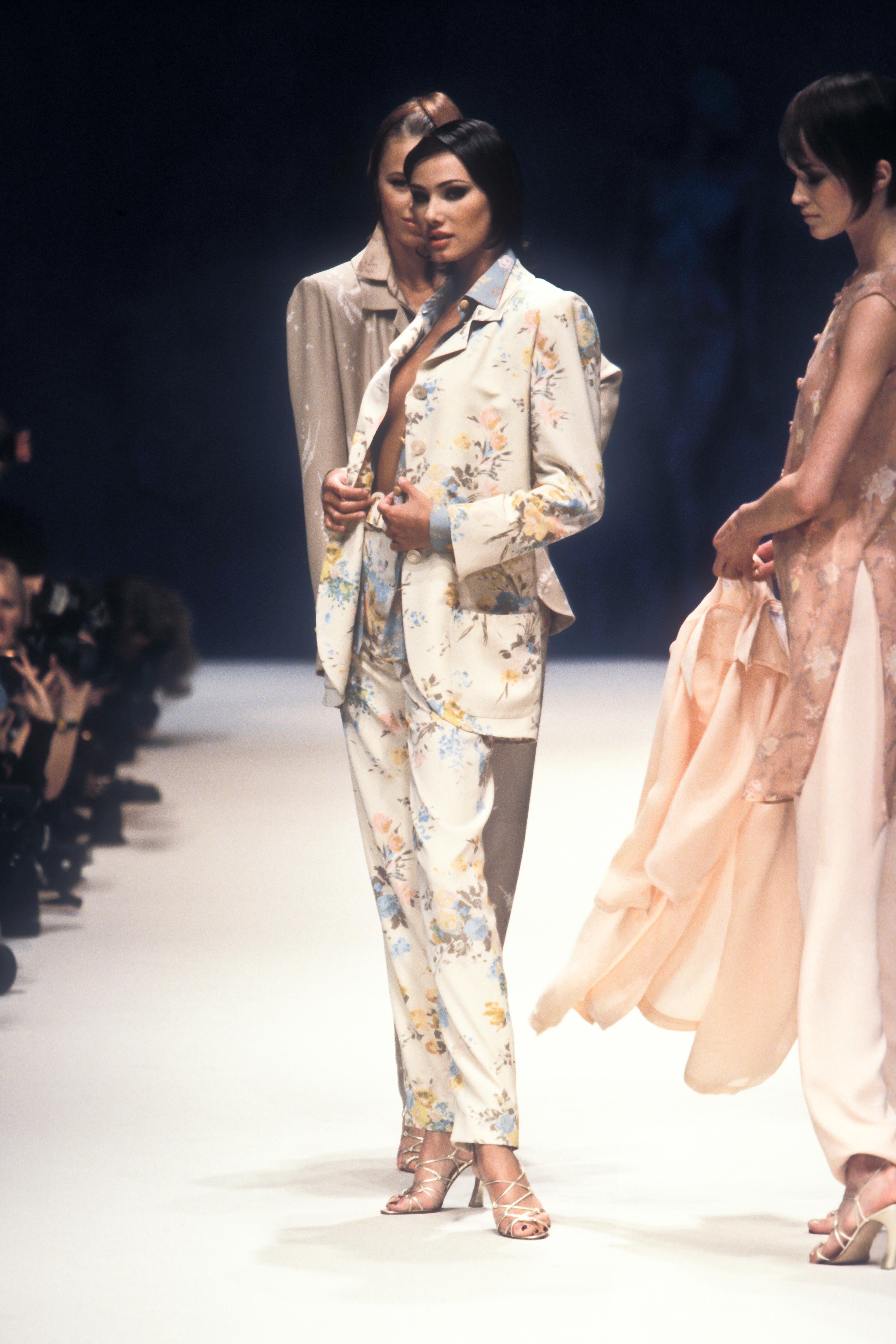
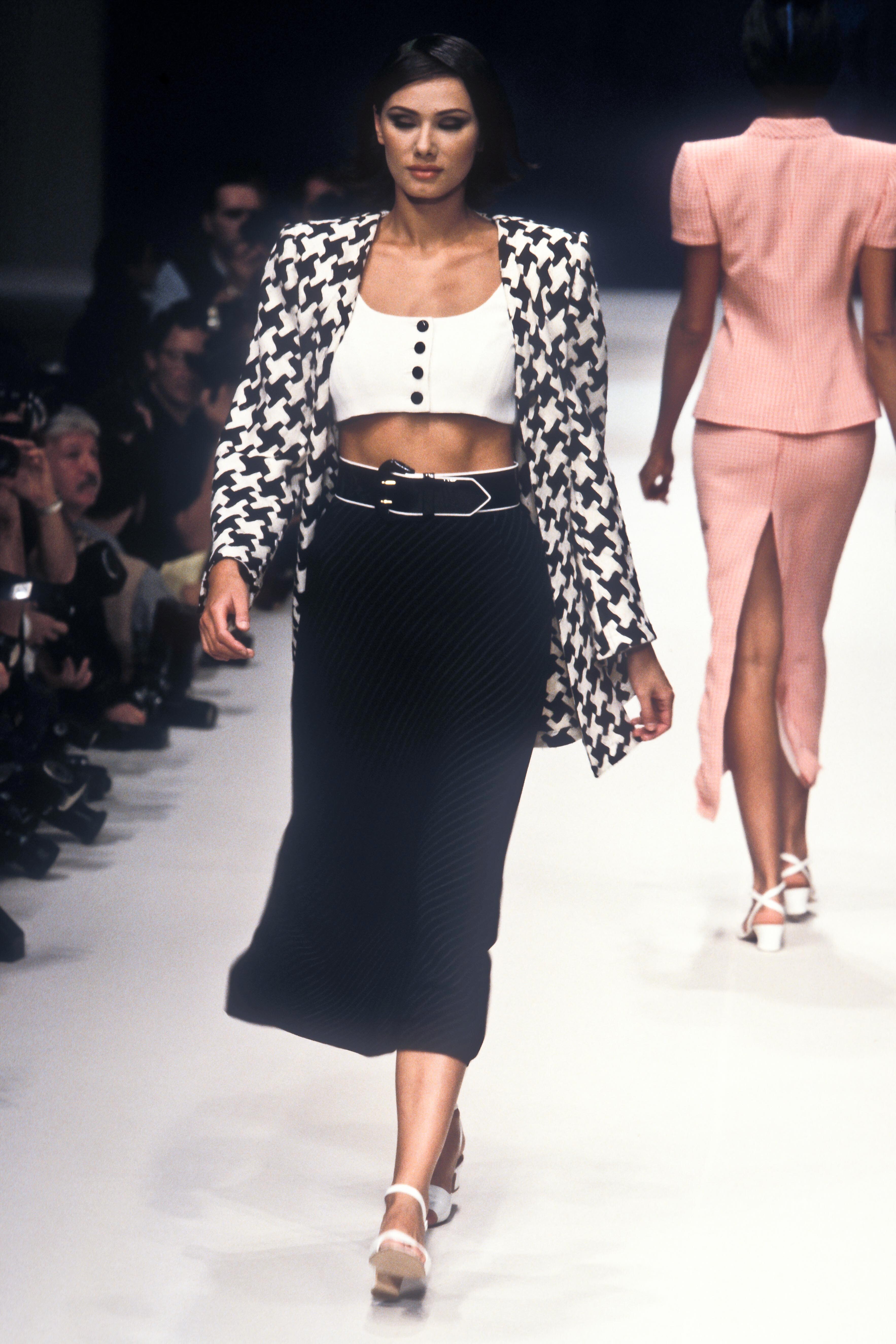
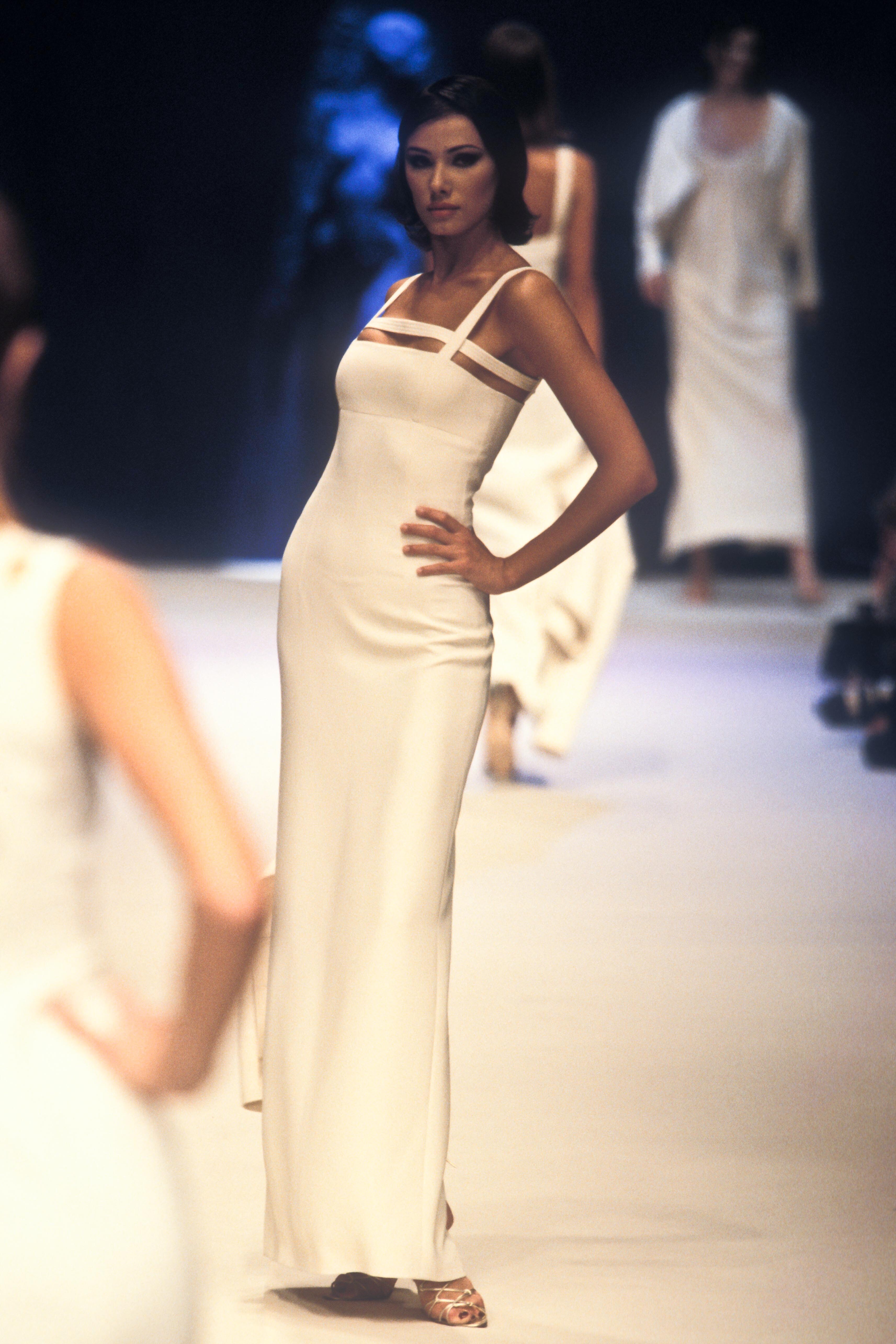
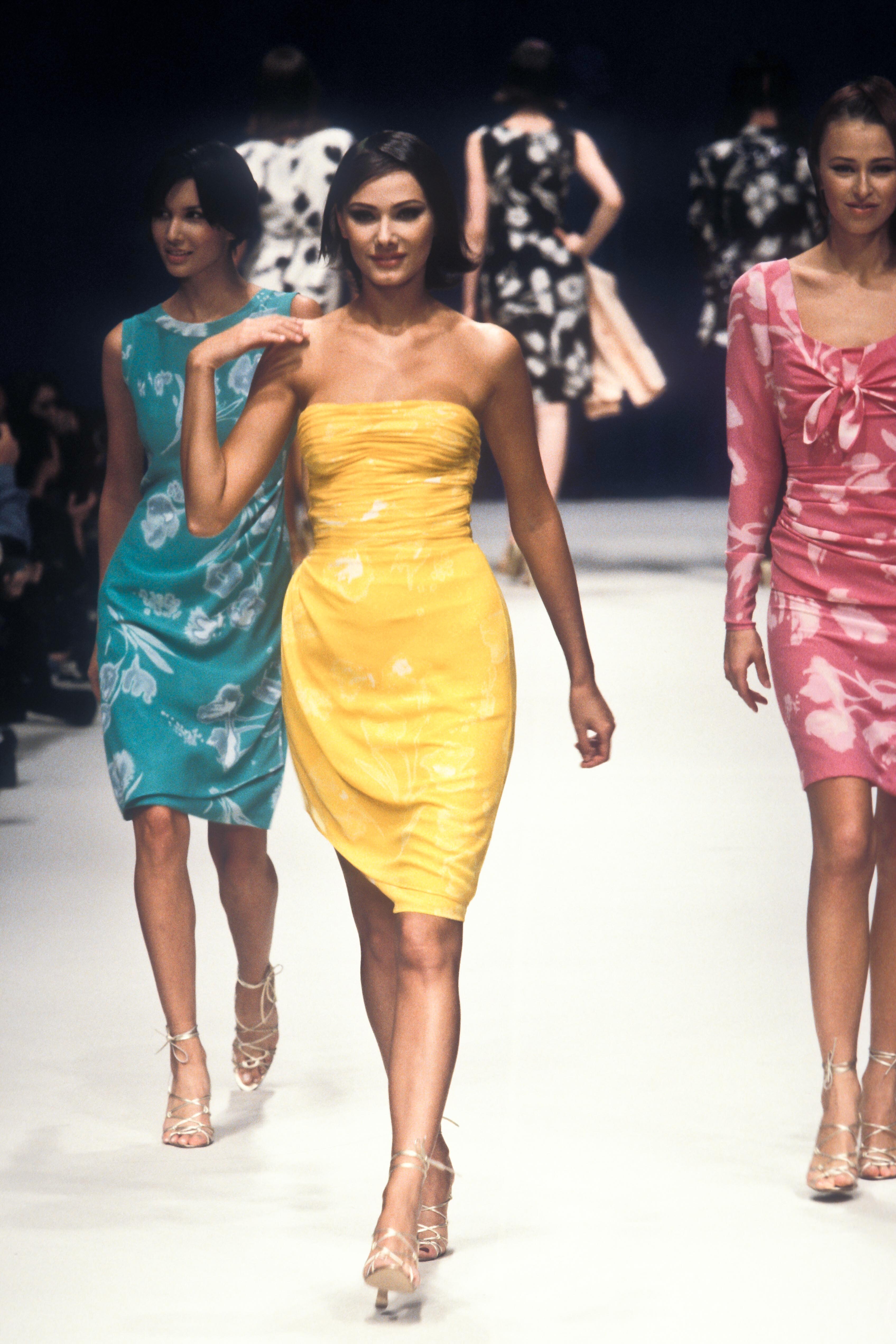
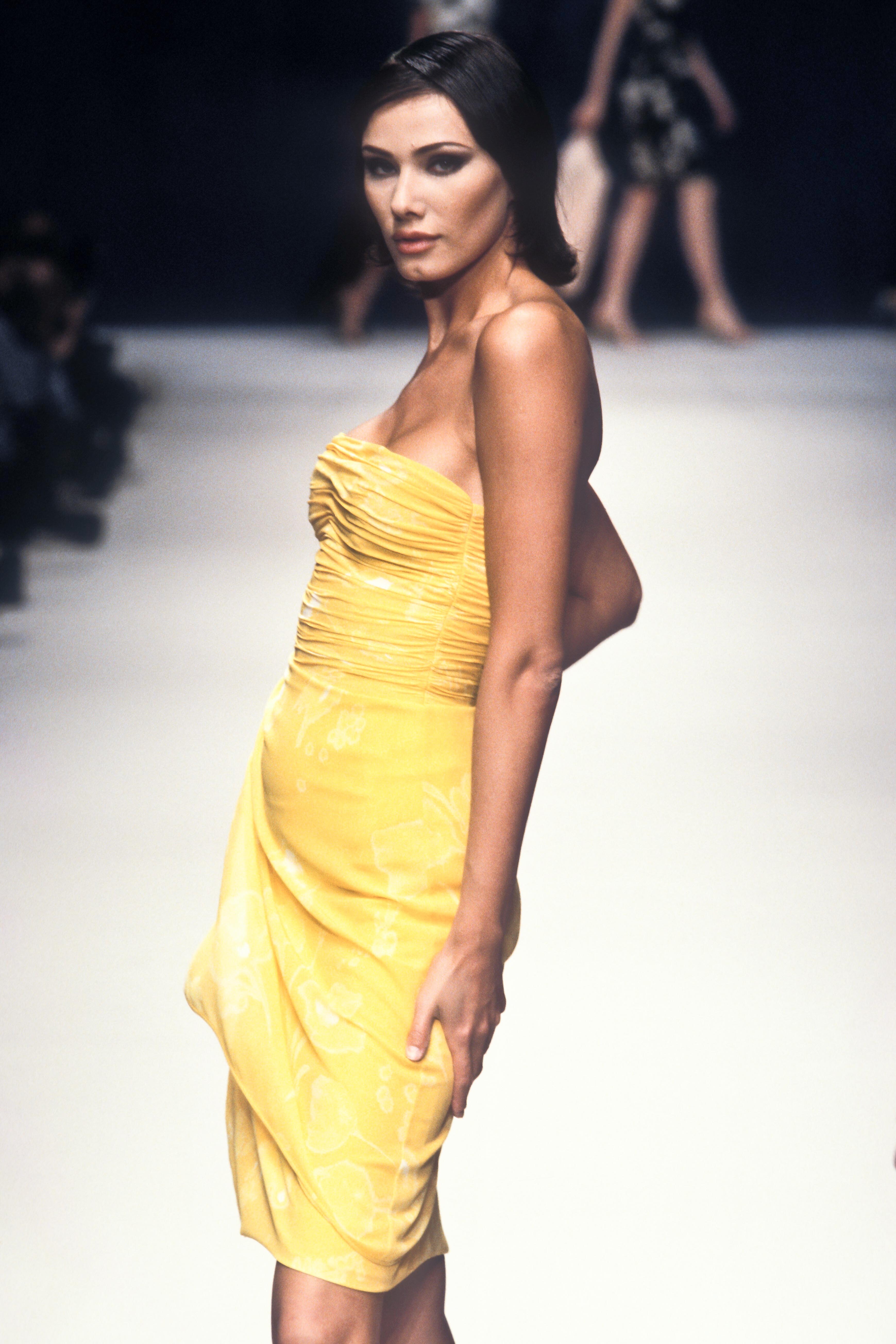
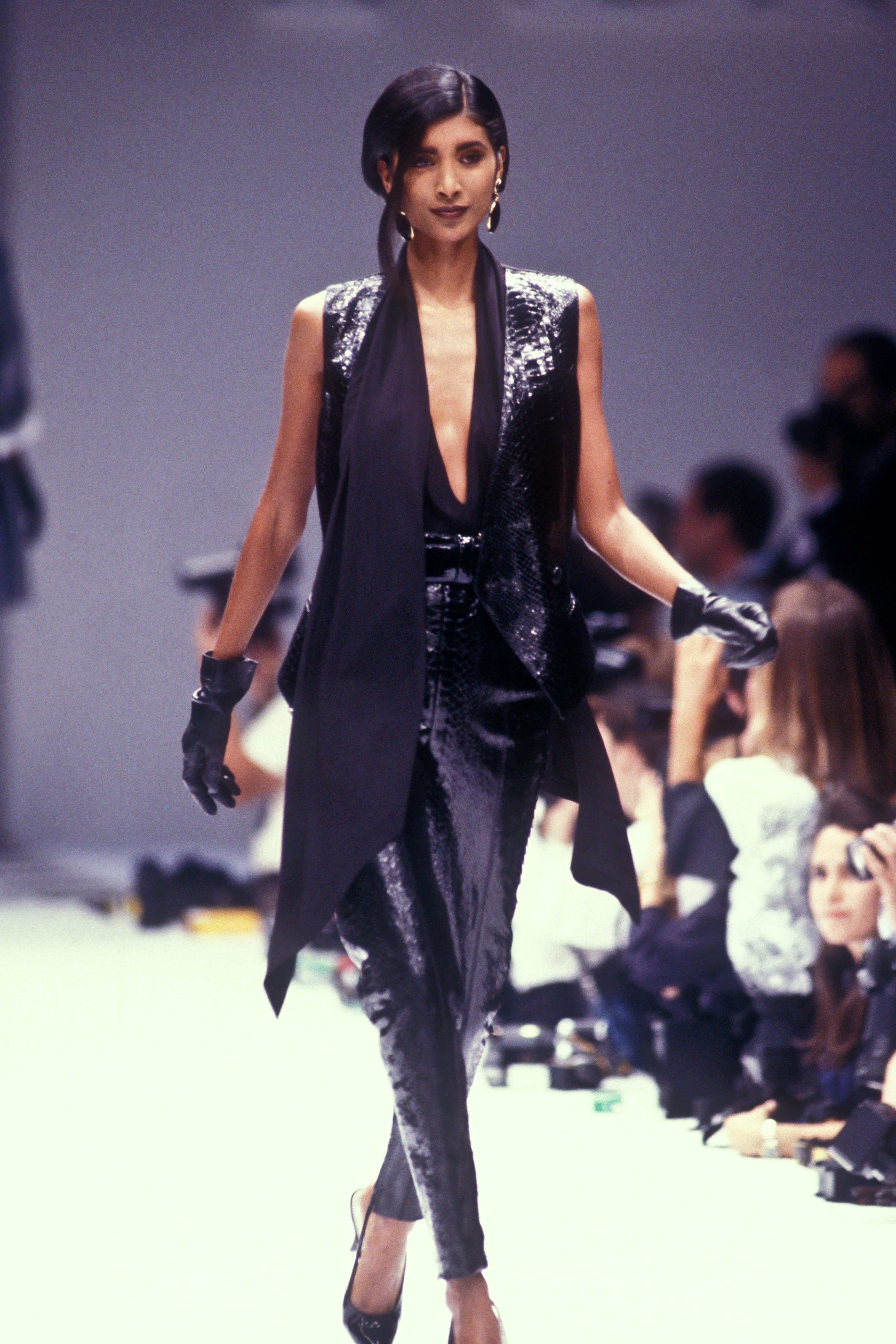
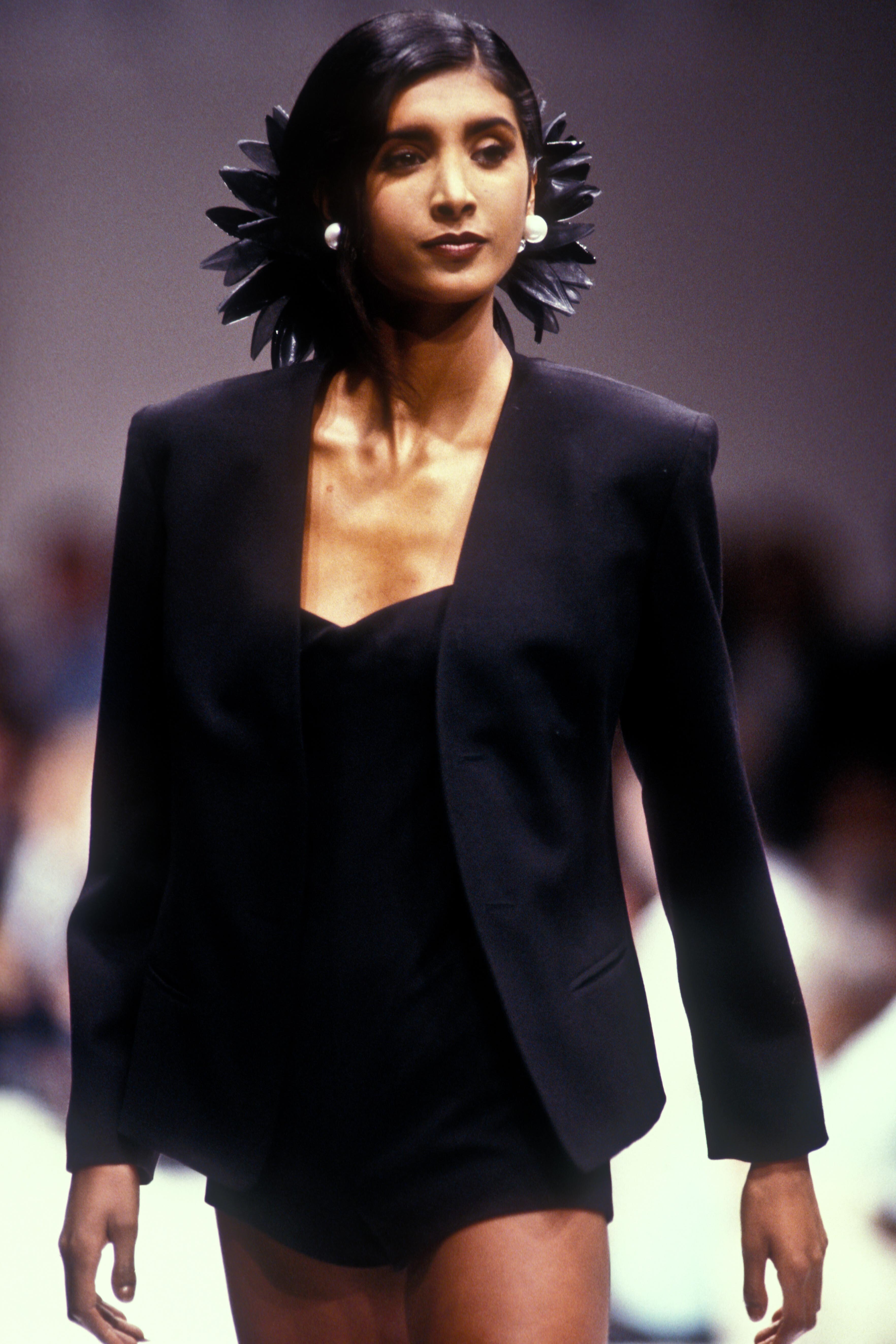
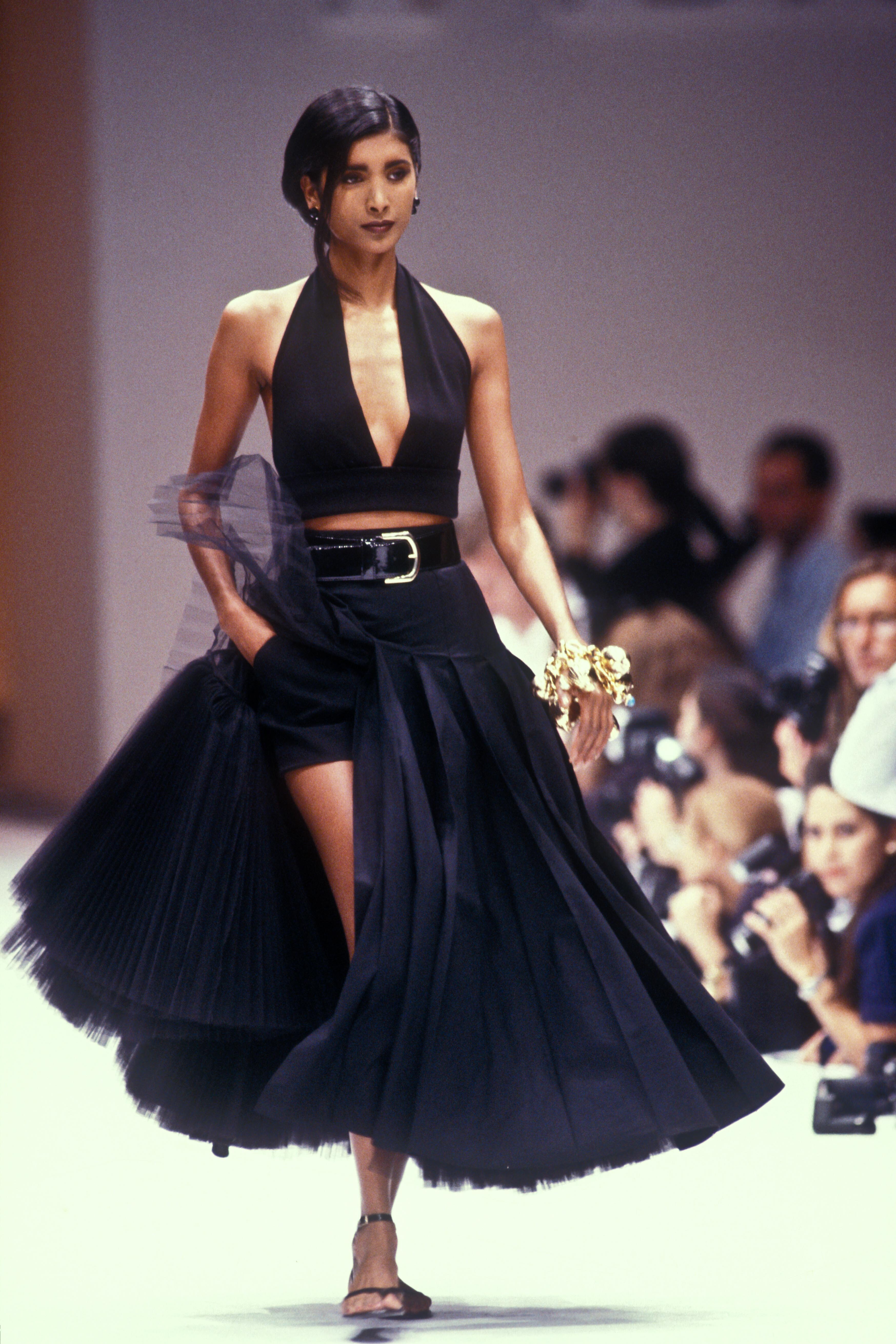
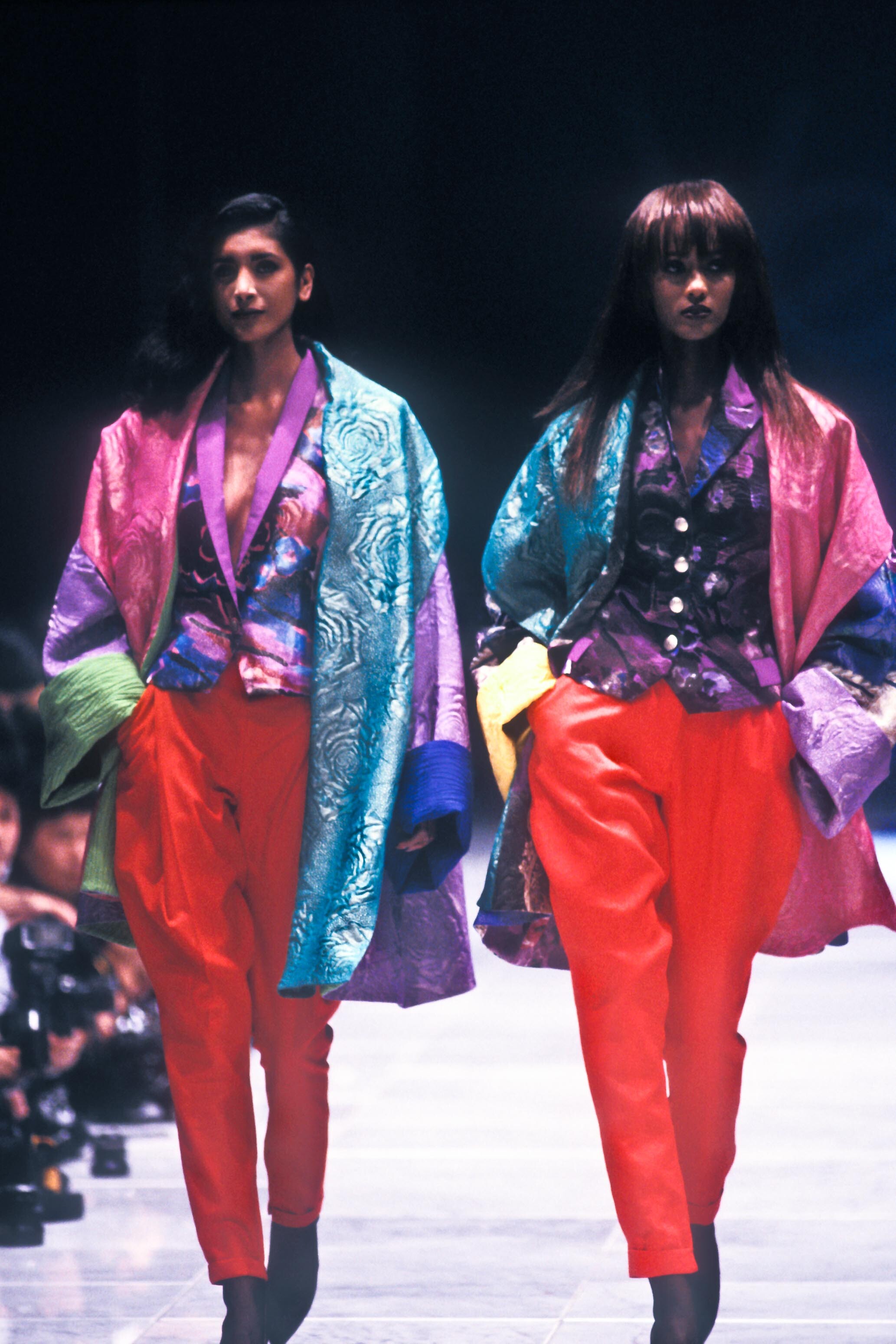
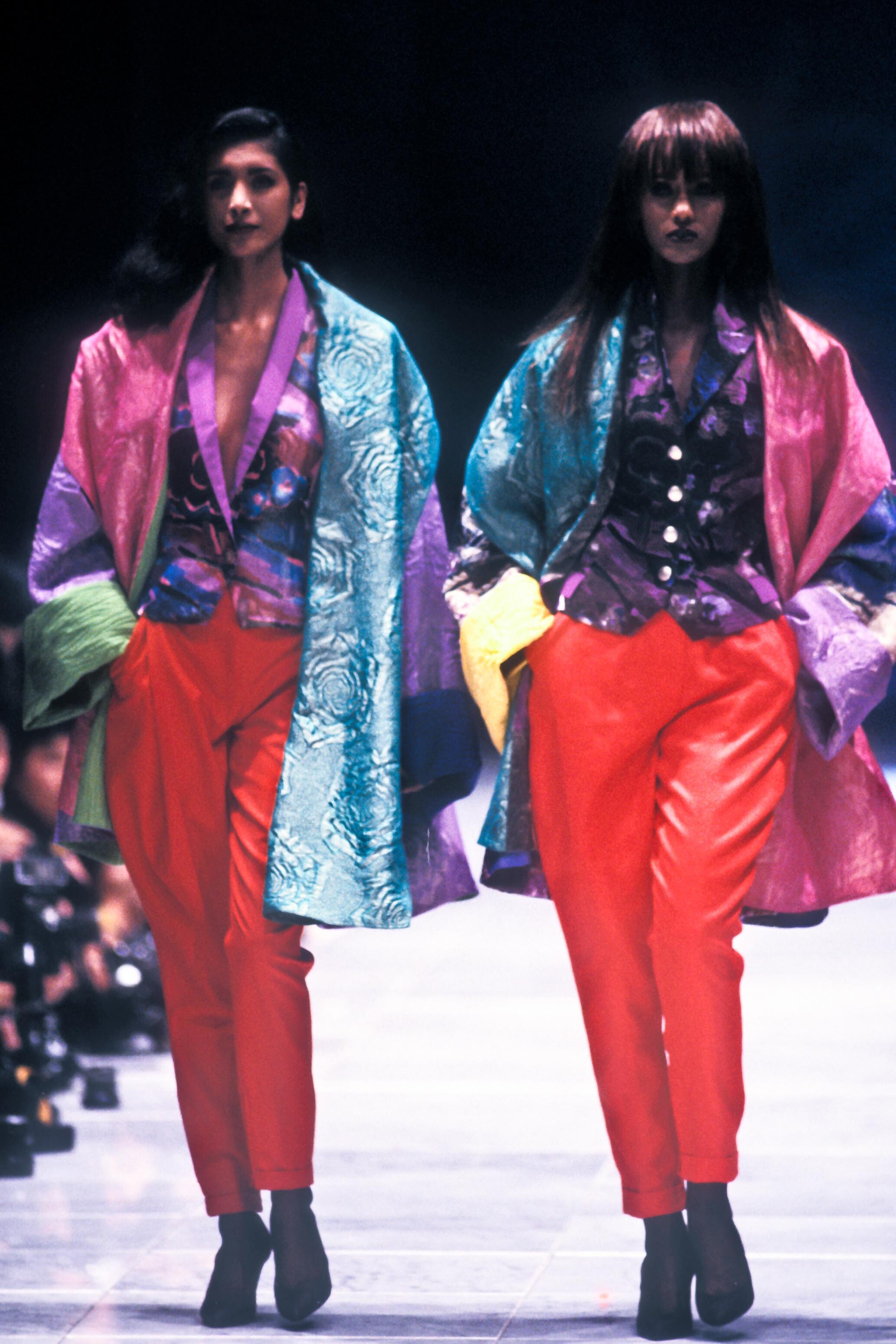
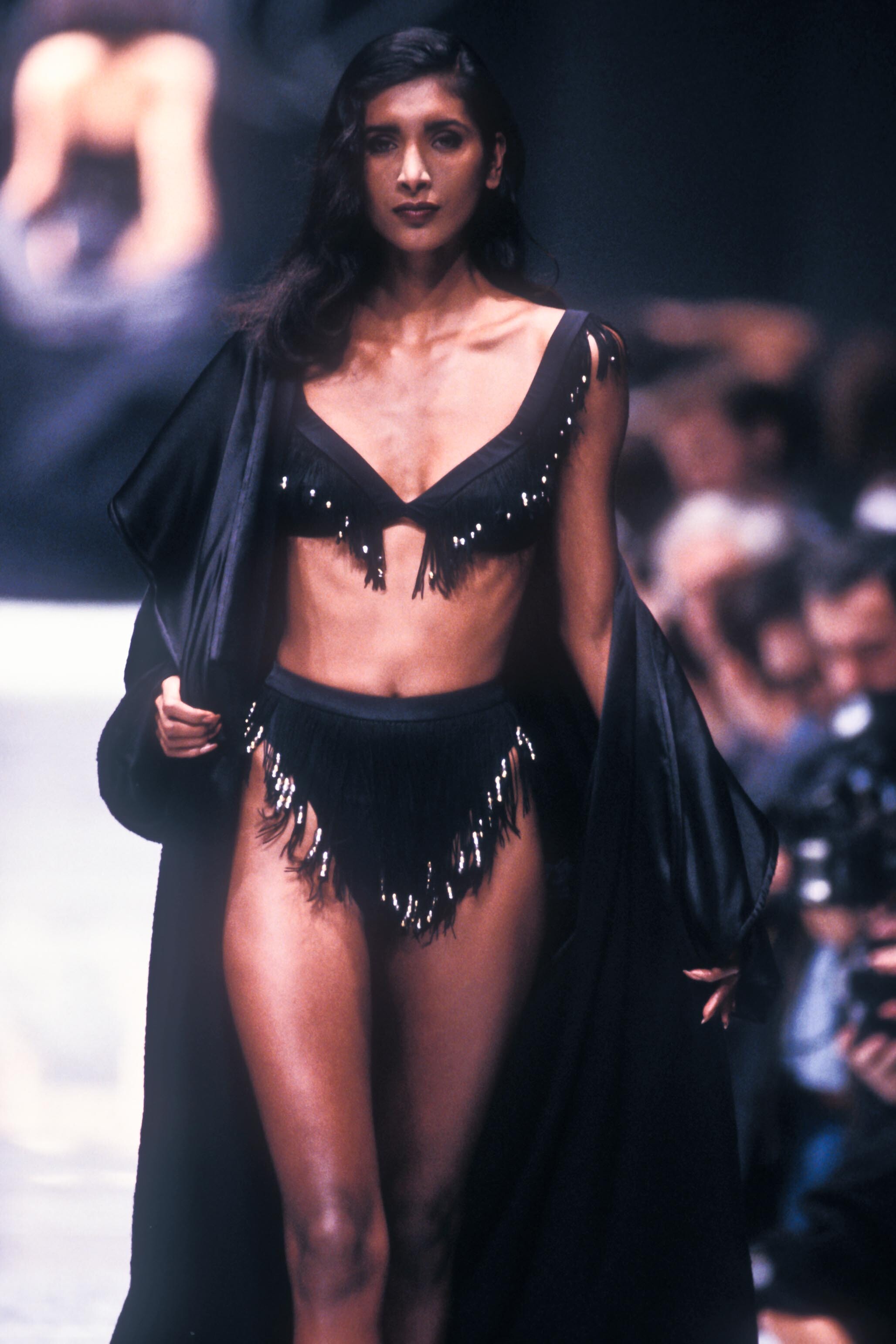
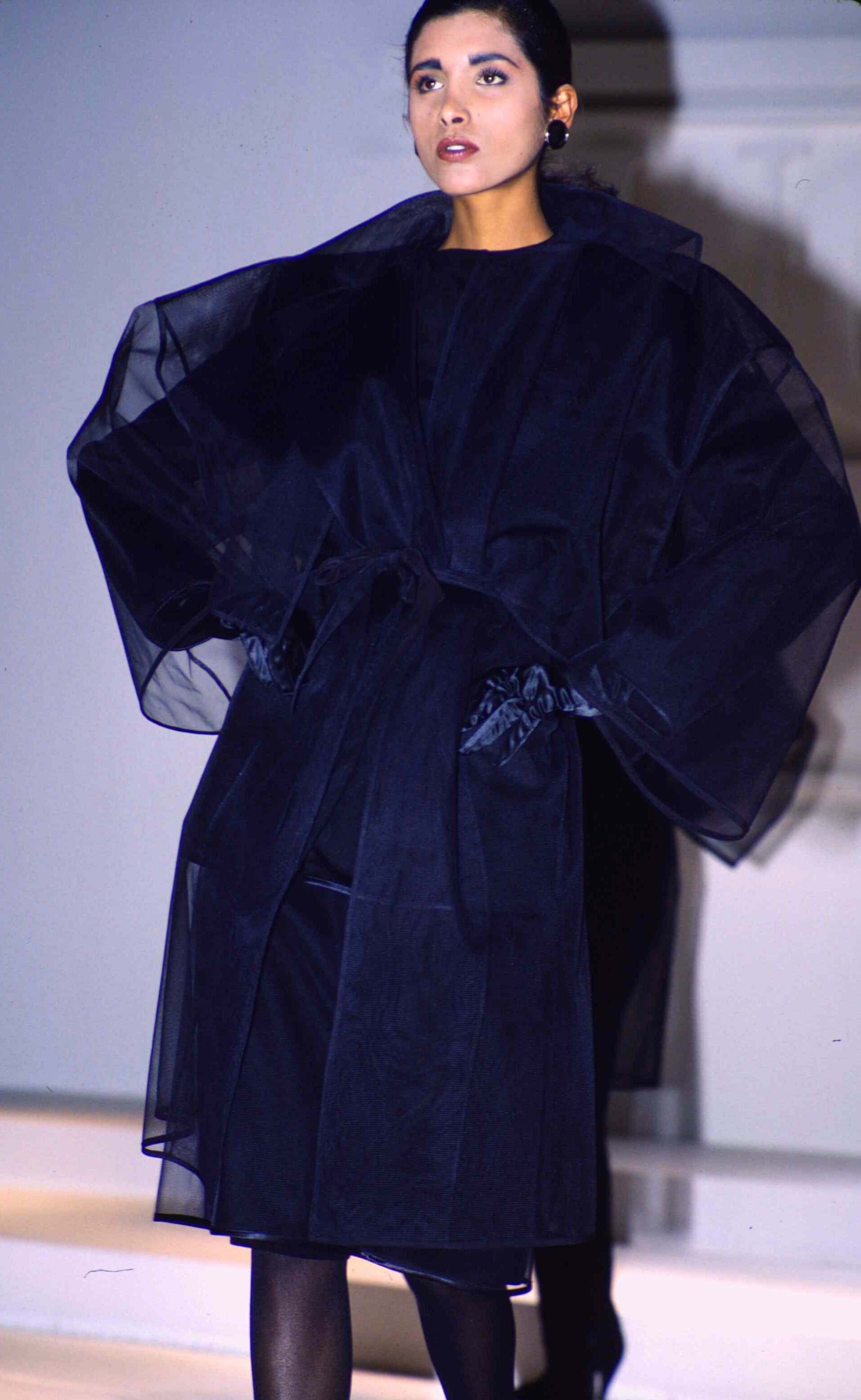
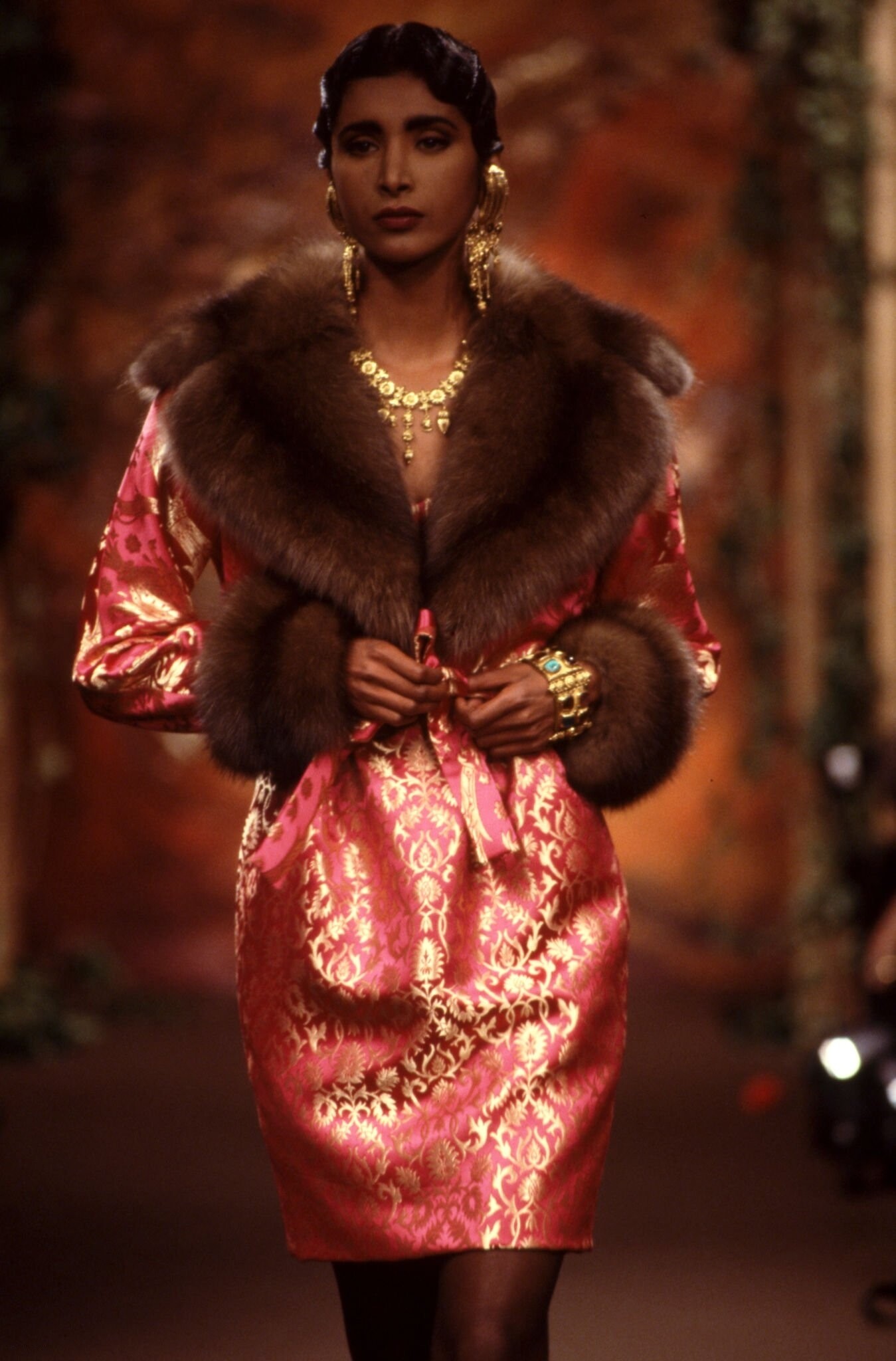
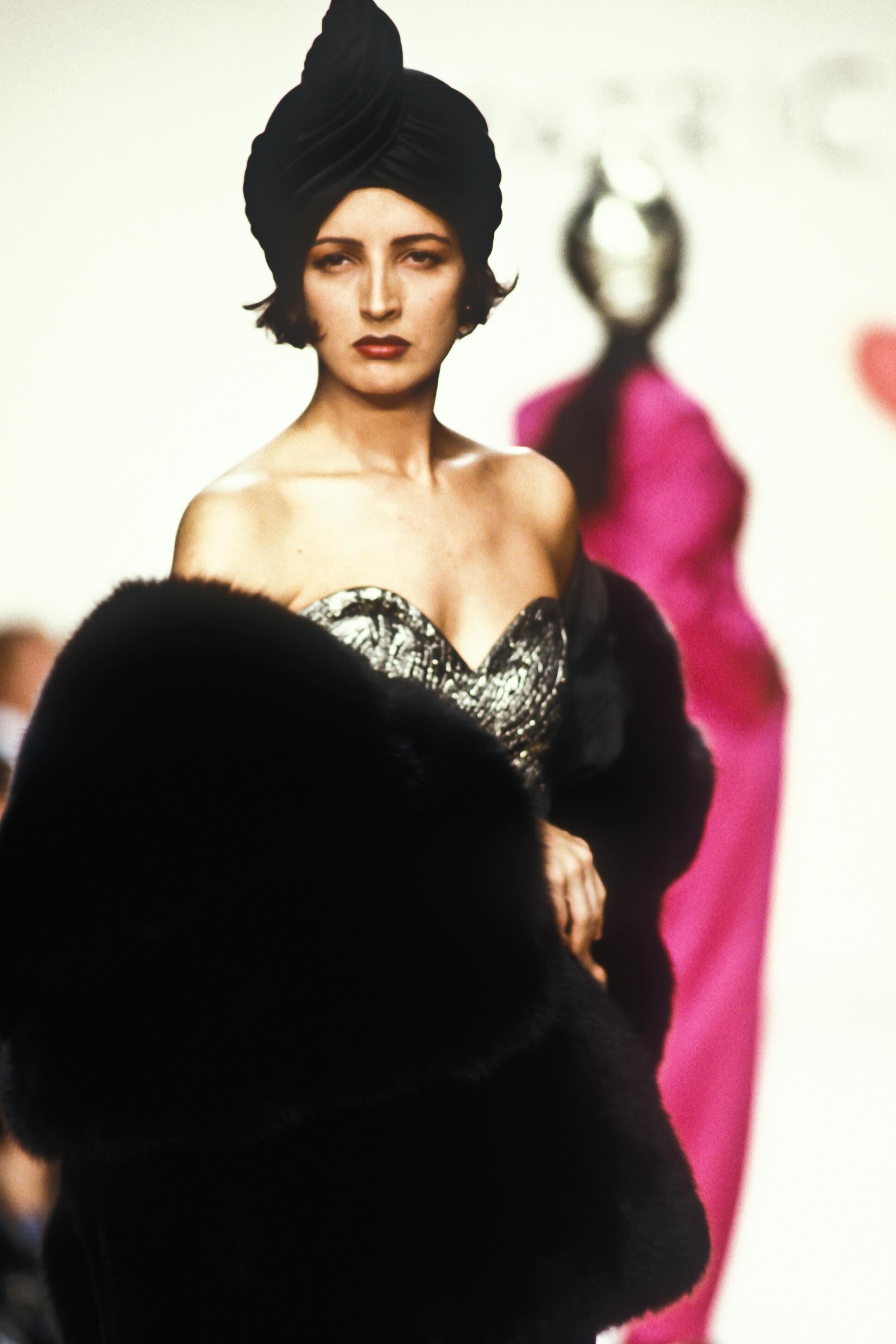
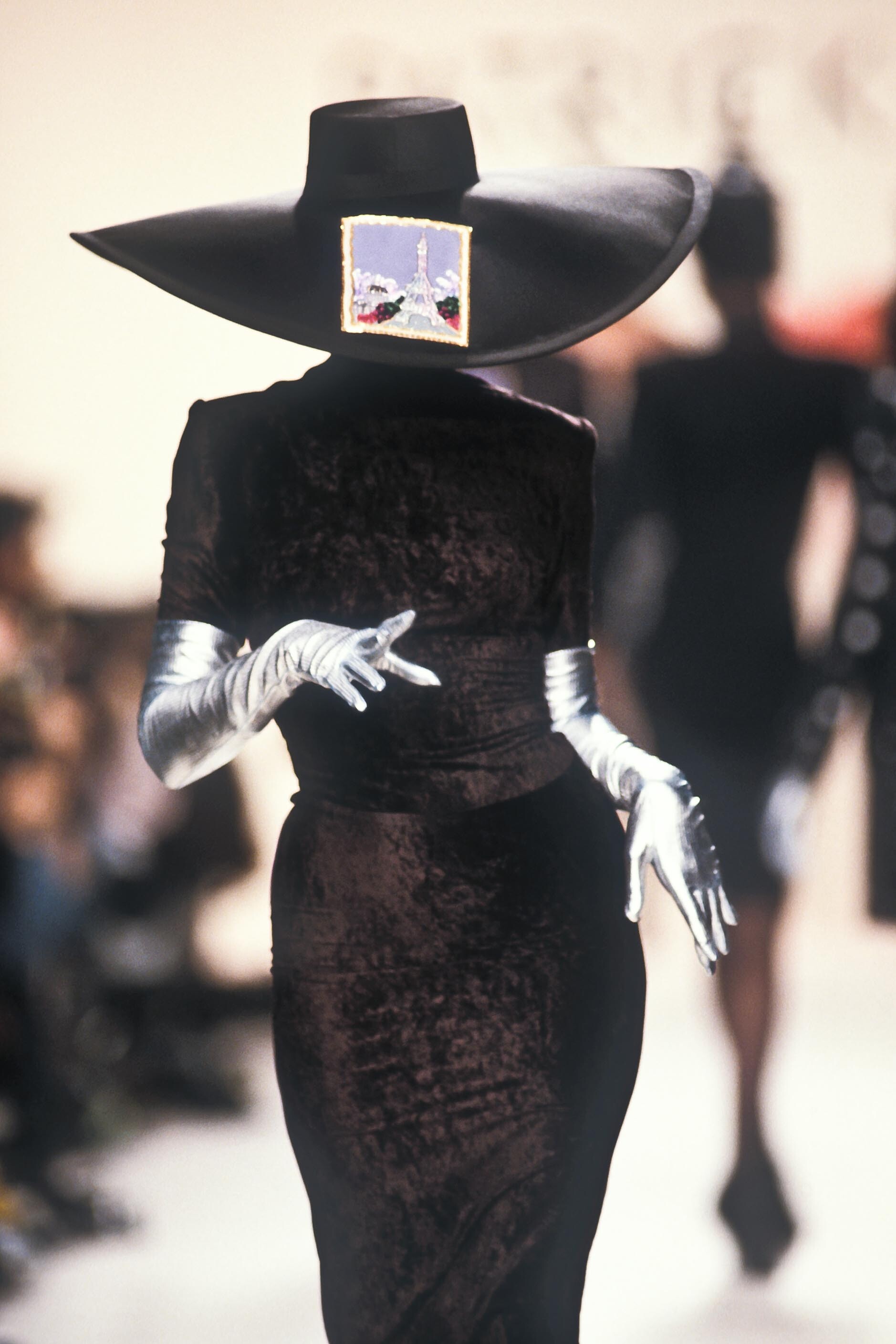
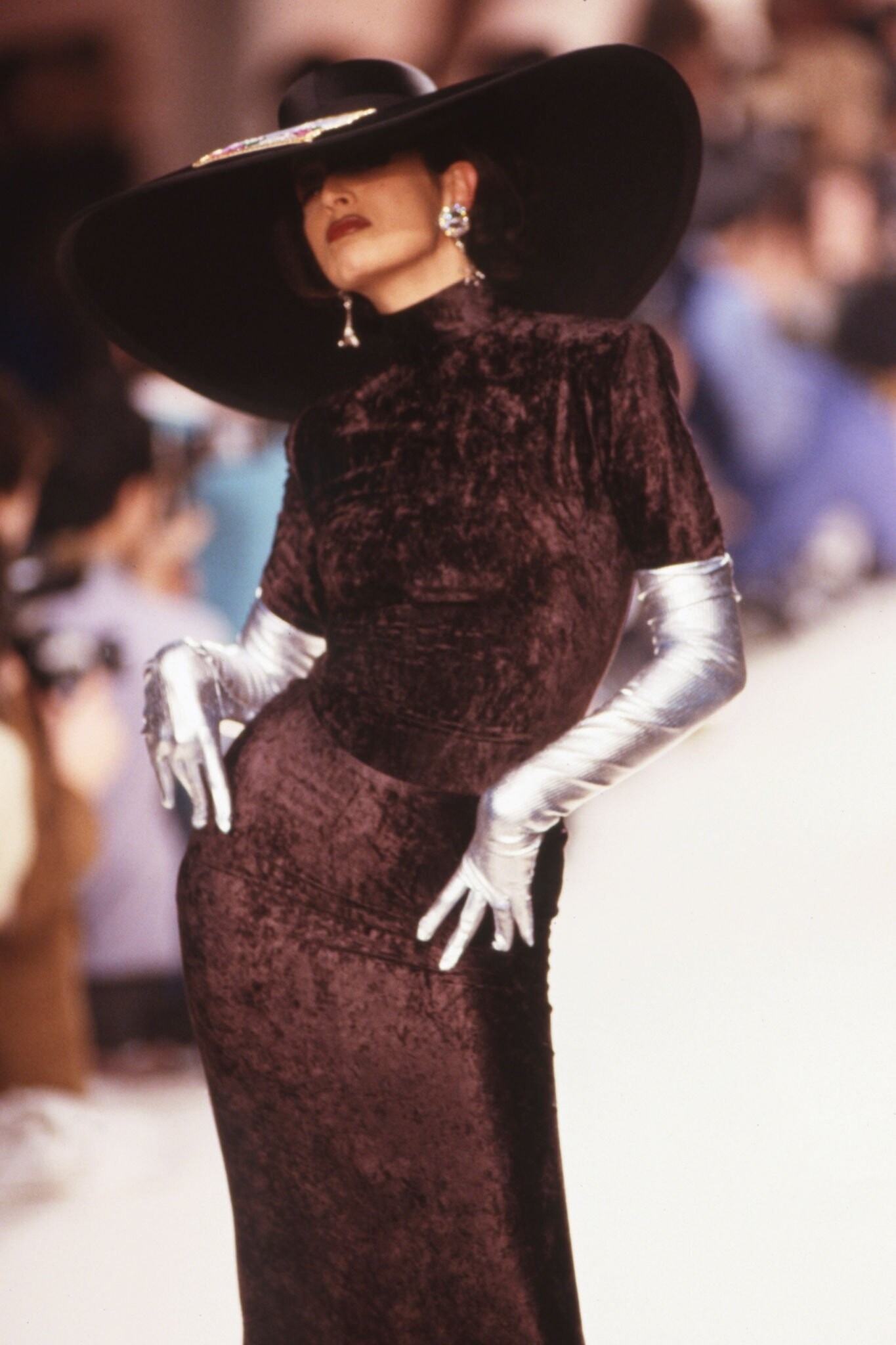
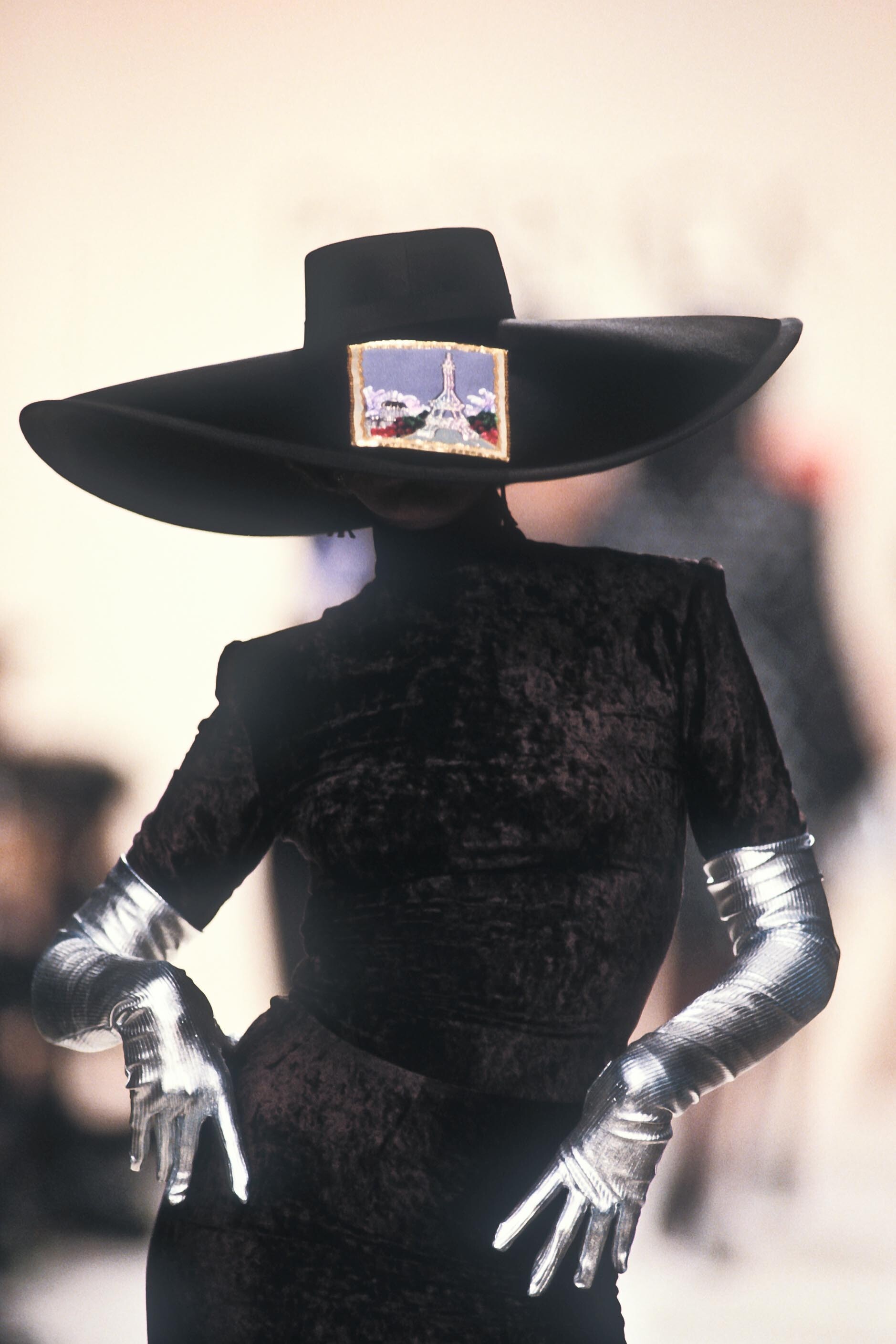
  20. oh my apologies, i forgot to caption the photos😅 the show is cerruti s/s 1994
  21. giorgio armani s/s 1996 rtw

Configure browser push notifications

Chrome (Android)
  1. Tap the lock icon next to the address bar.
  2. Tap Permissions → Notifications.
  3. Adjust your preference.
Chrome (Desktop)
  1. Click the padlock icon in the address bar.
  2. Select Site settings.
  3. Find Notifications and adjust your preference.