
Mariana99
Members
-
Joined
-
Last visited
Everything posted by Mariana99
-
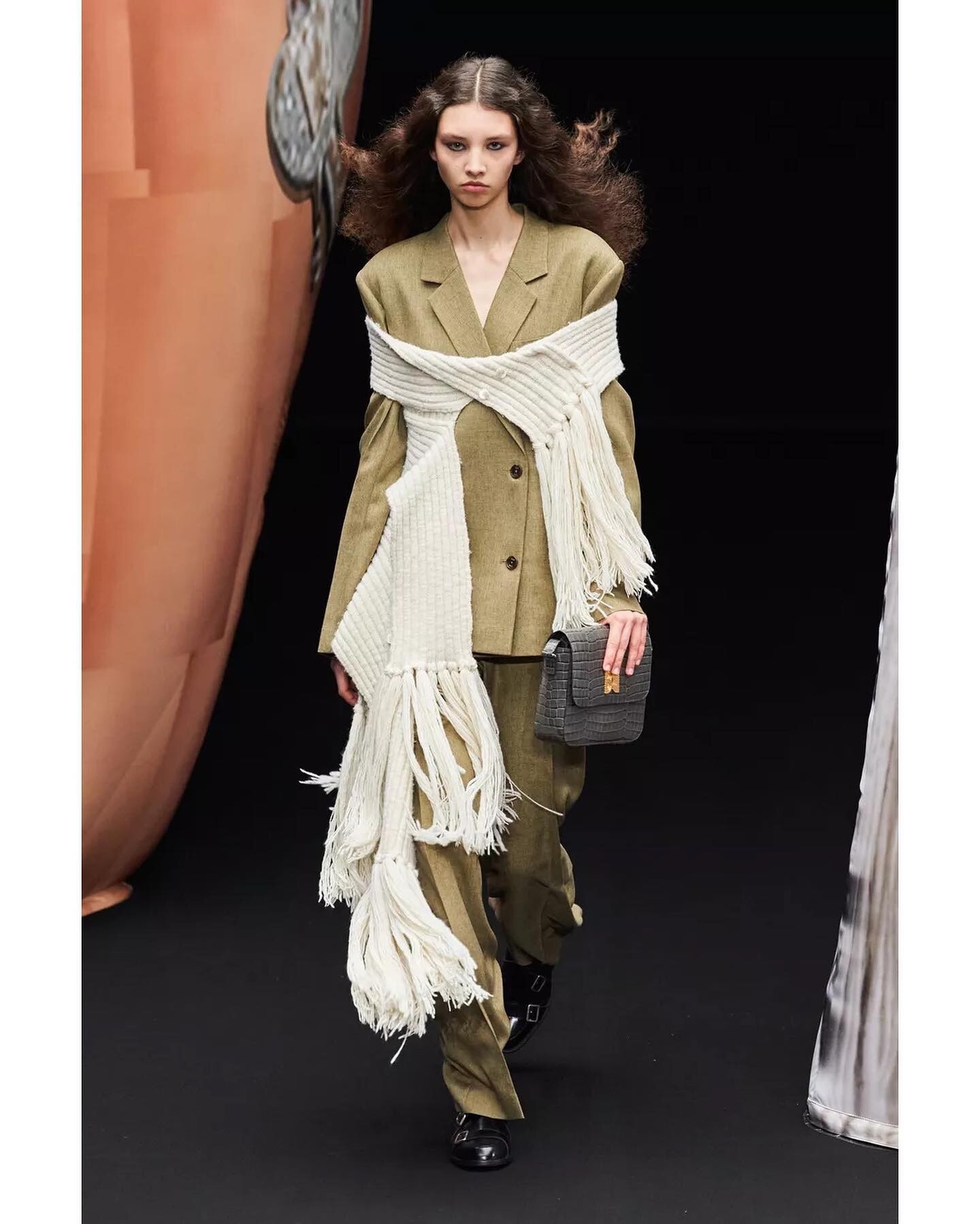
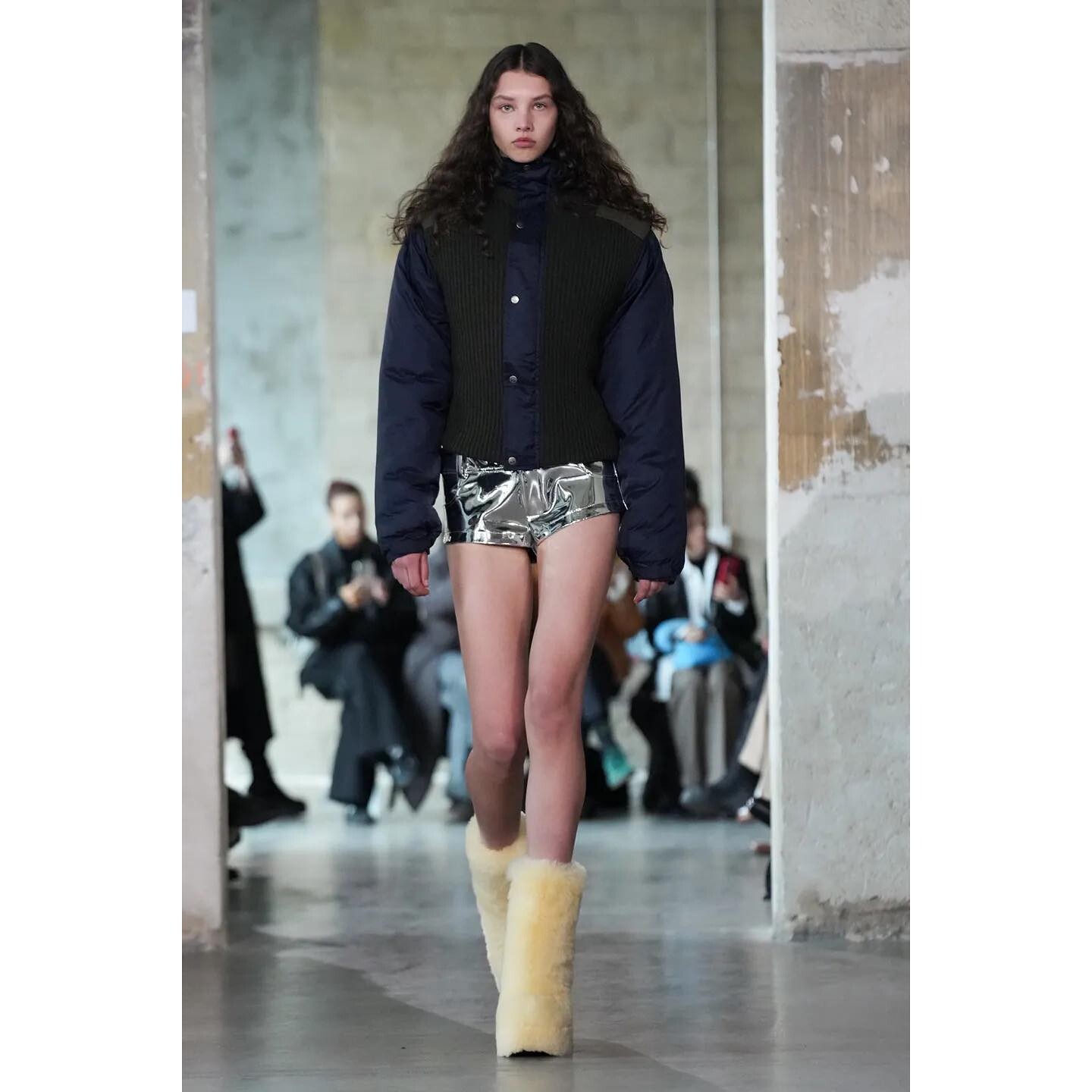
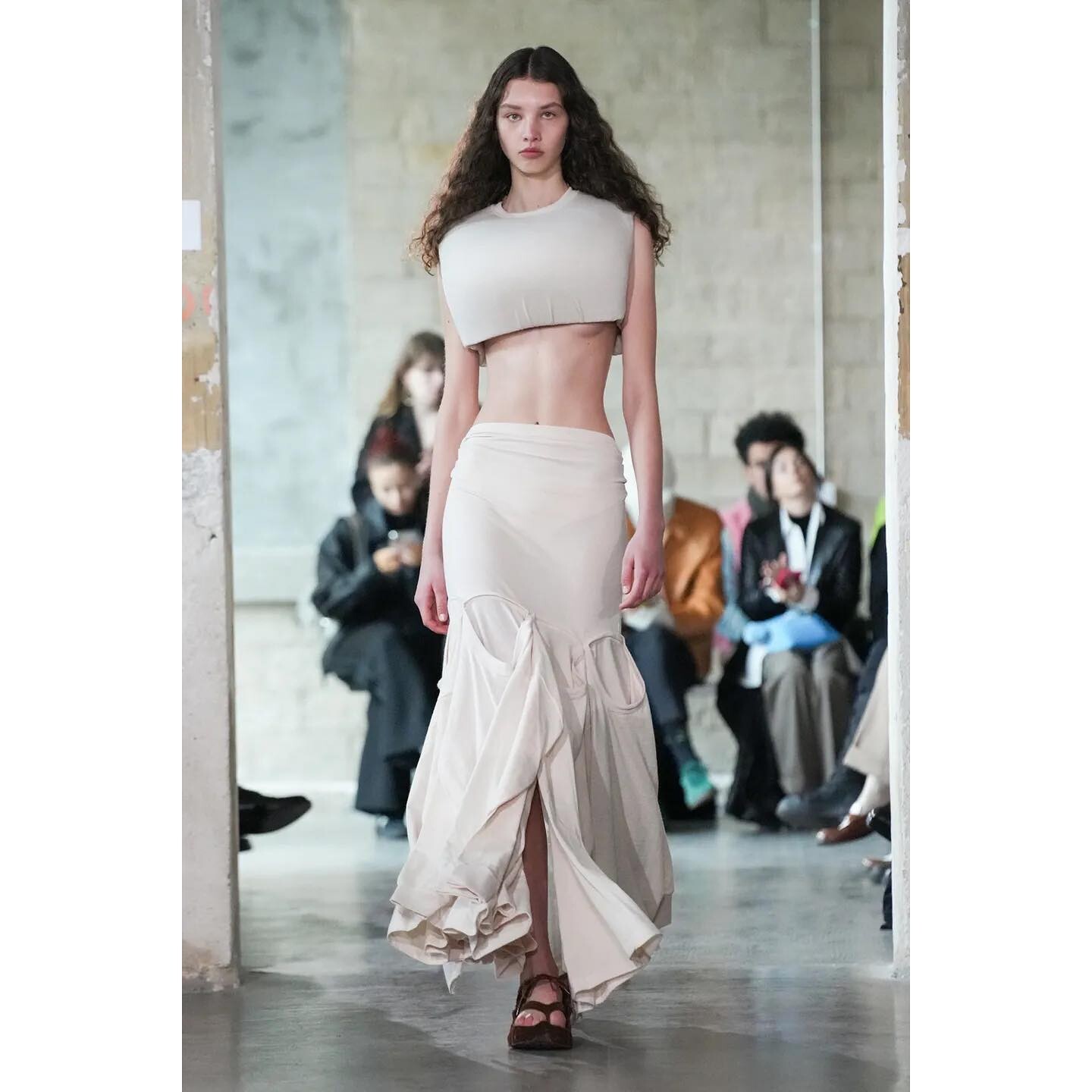
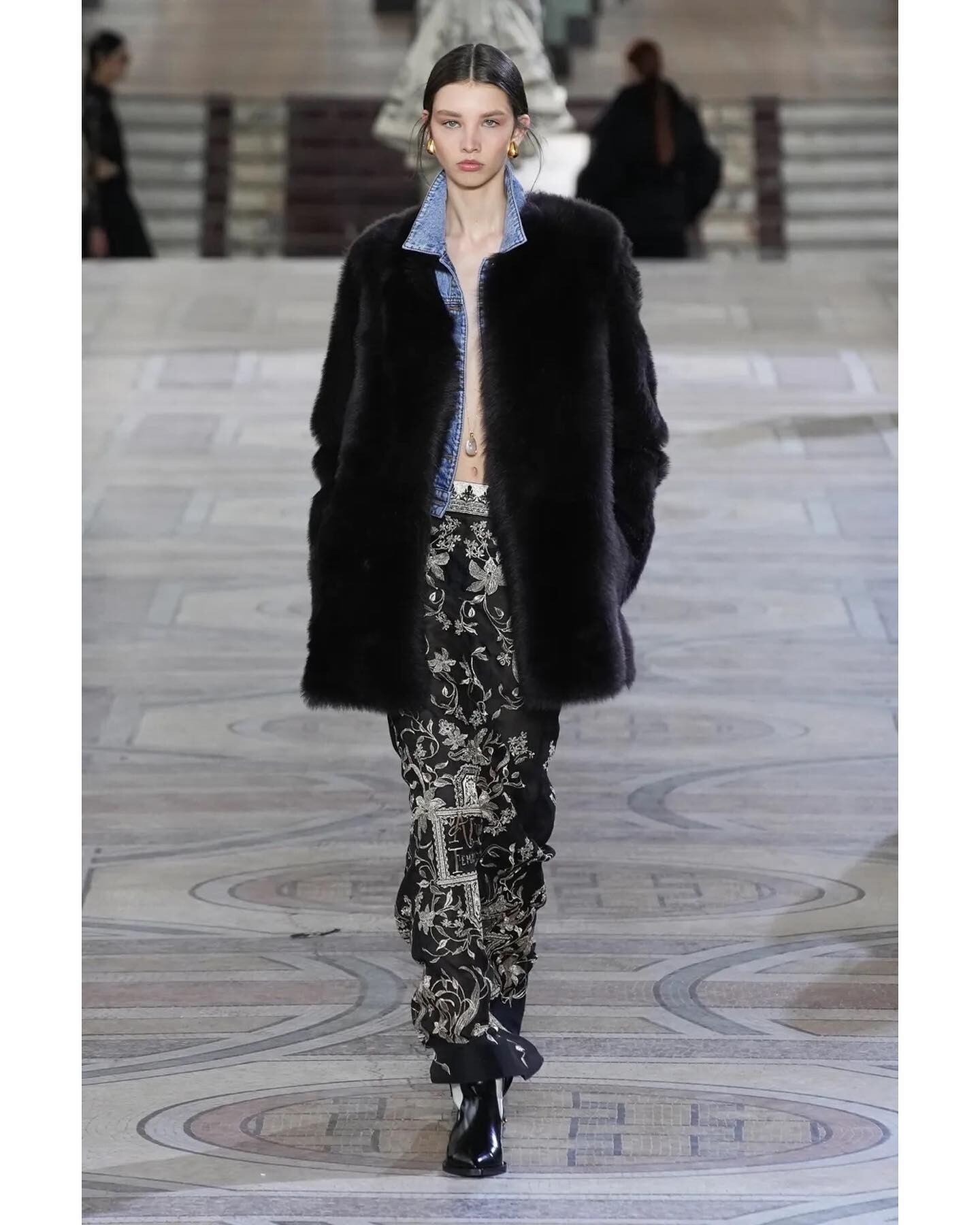
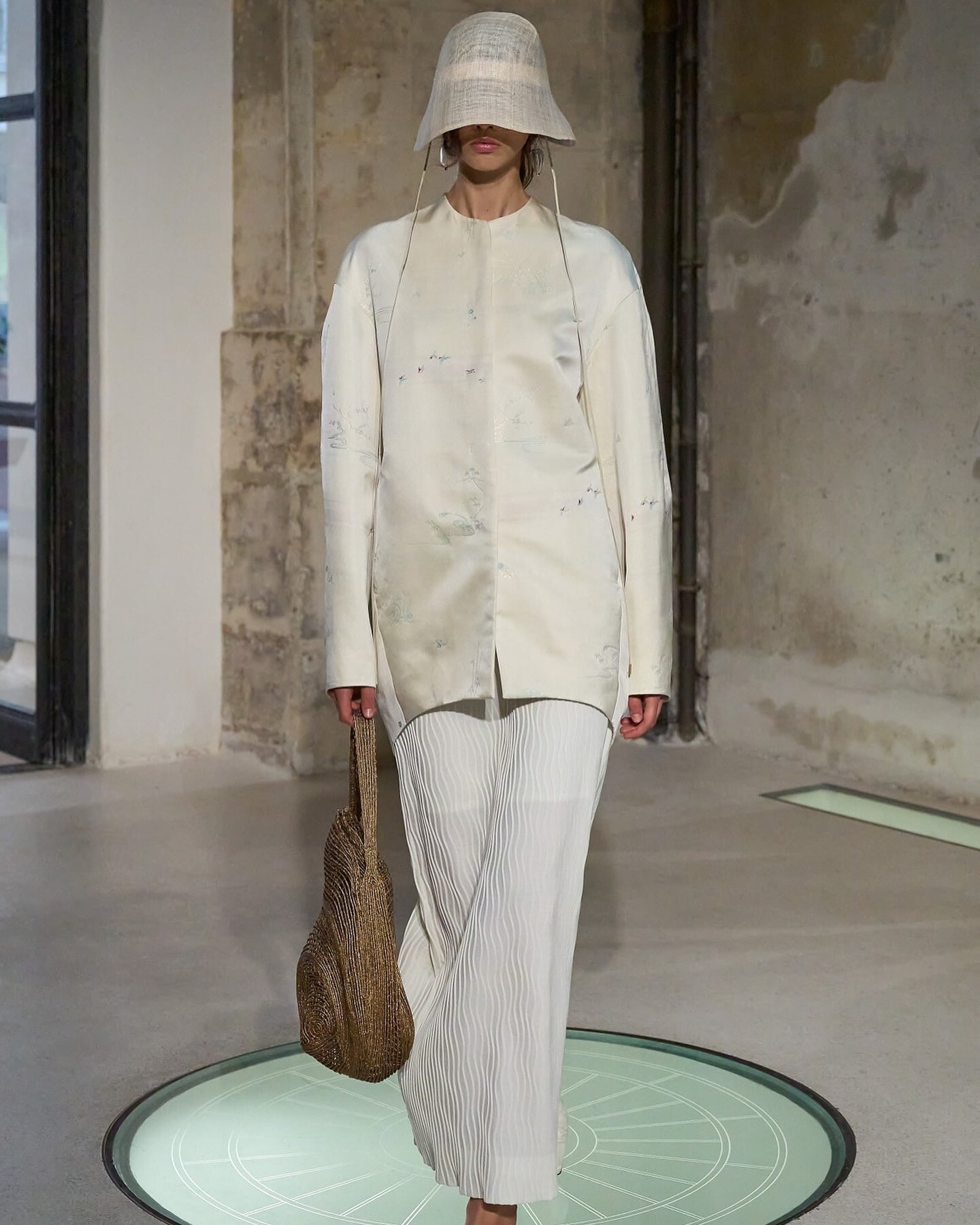
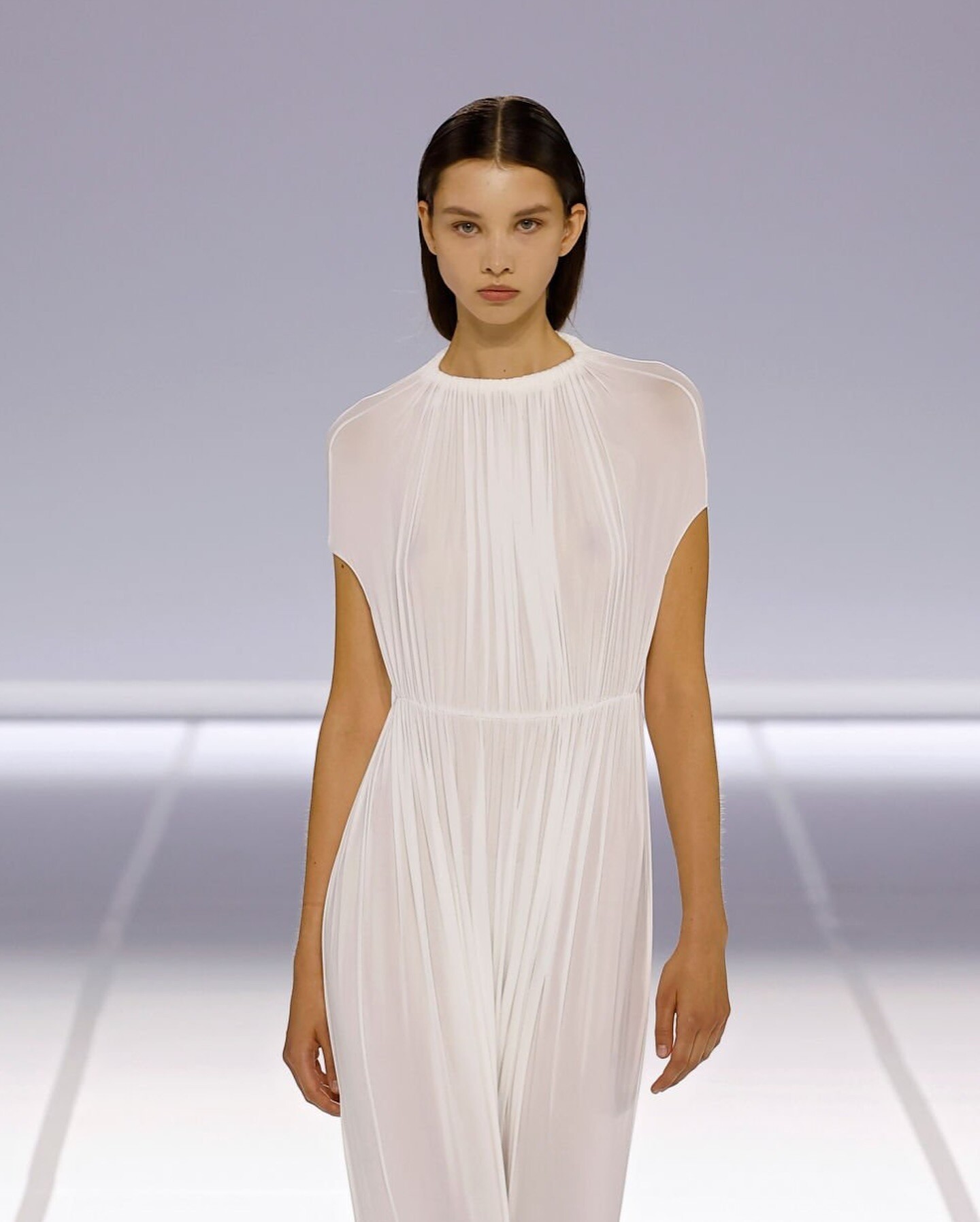
Eenk Paris fashion week F/W 2024 Duran Latink Paris fashion week F/W 2024 Zimmerman Paris Fashion Week F/W 2024 Giambattista Valli HC spring 2023
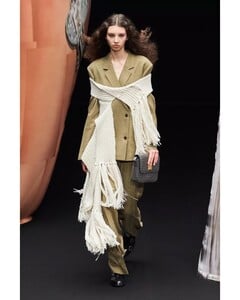
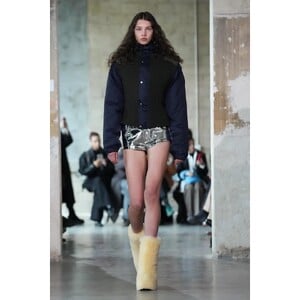


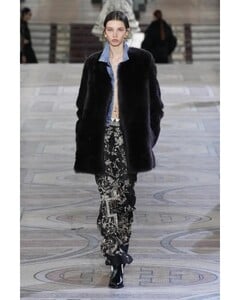
-
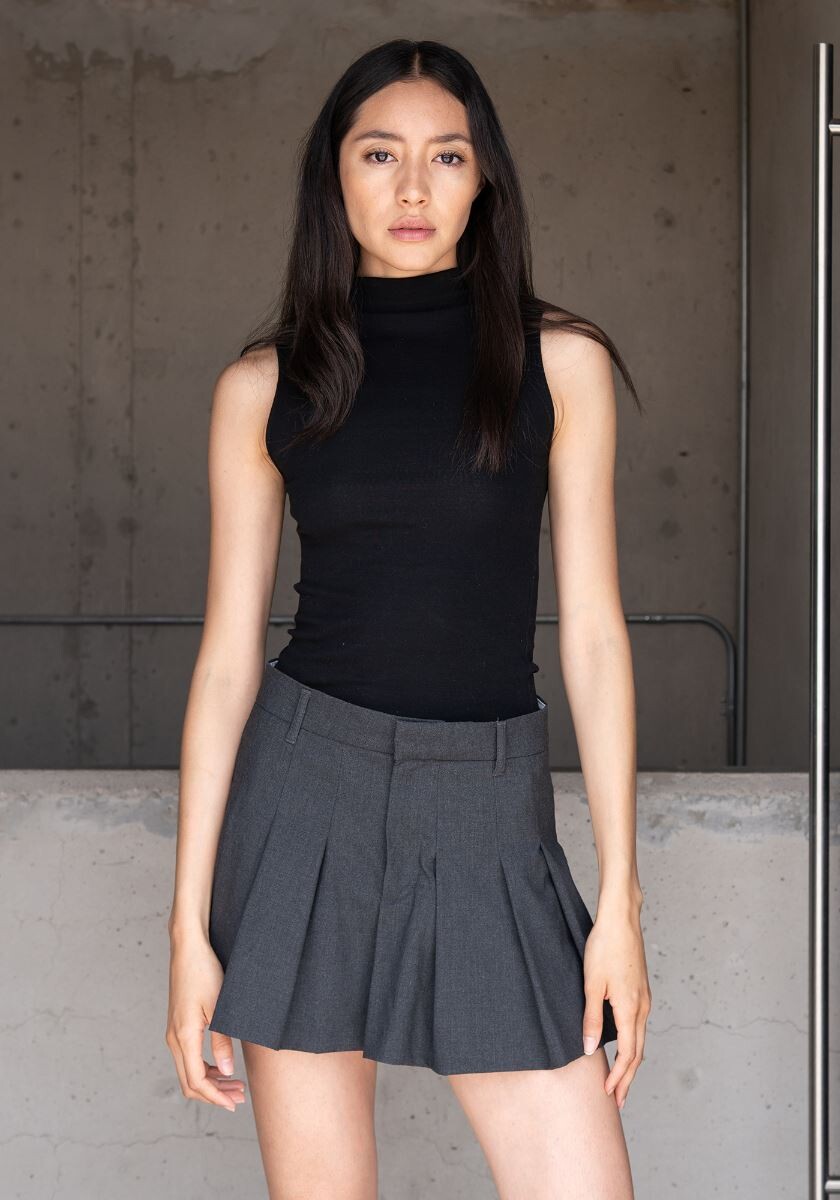
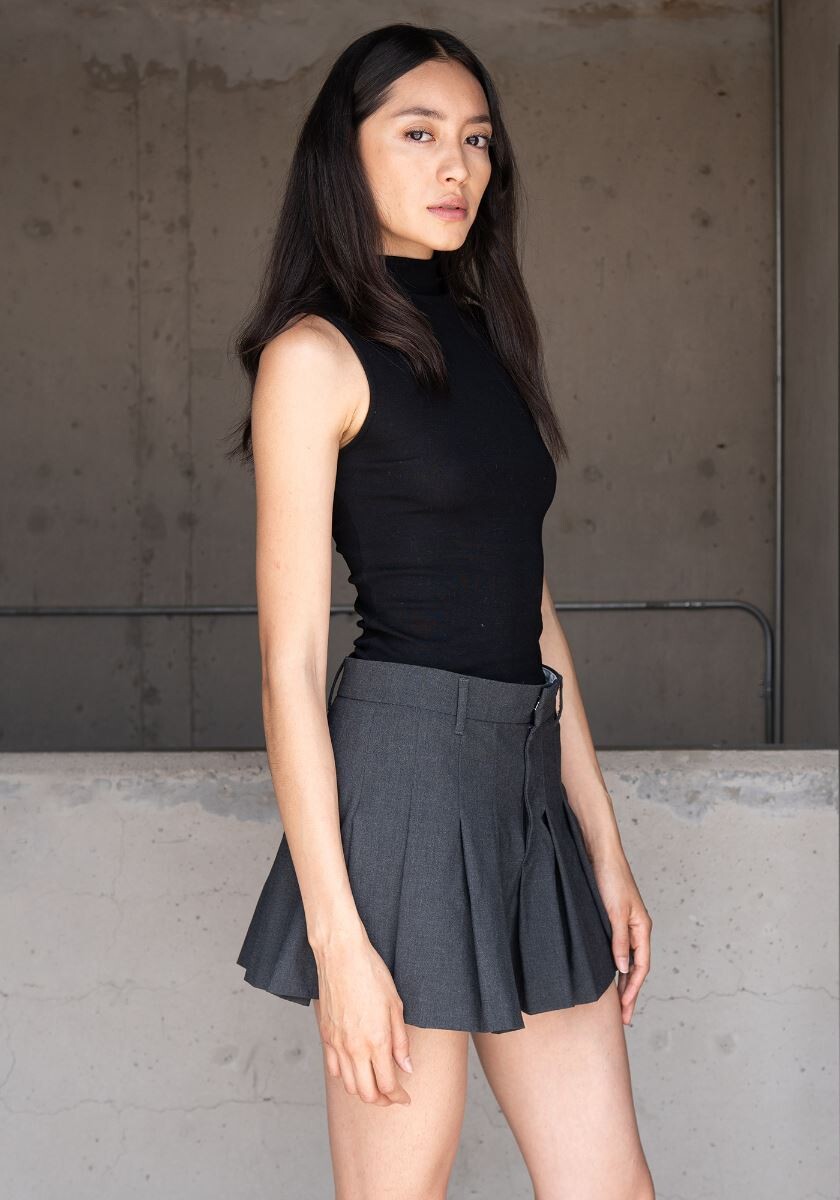
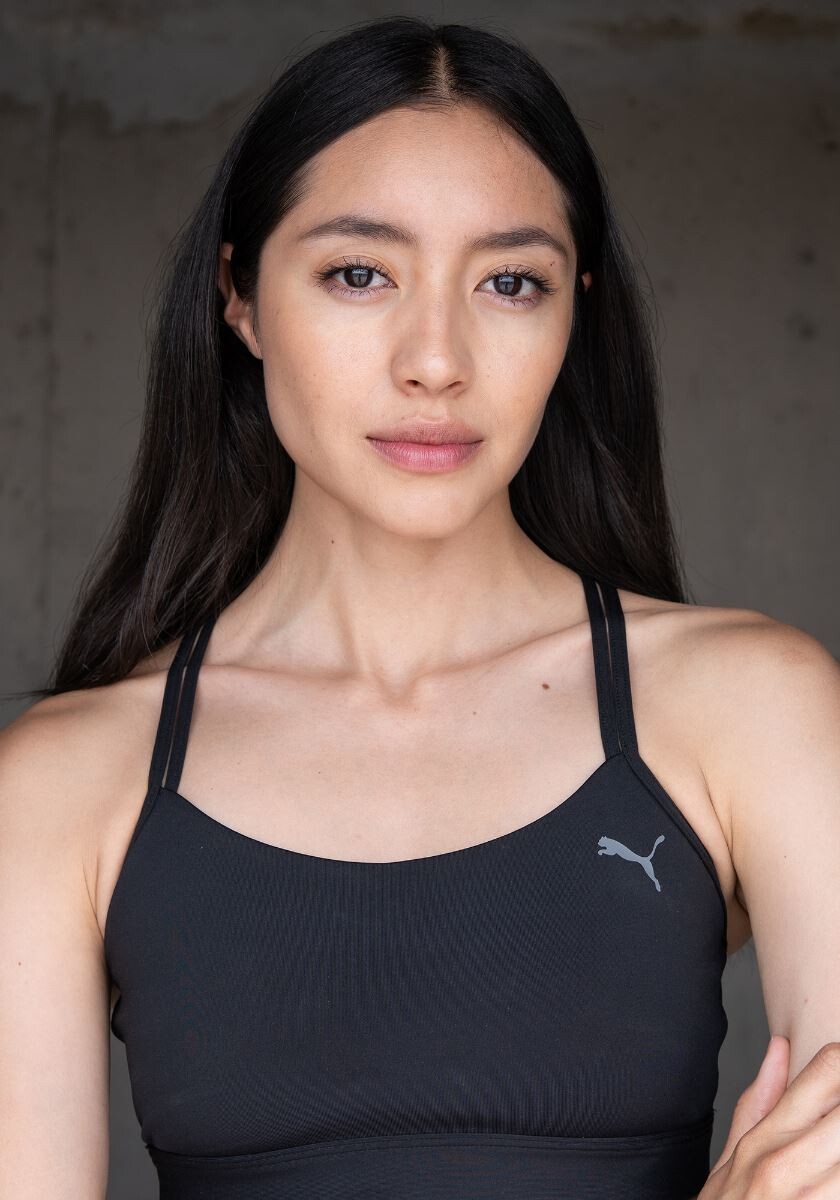
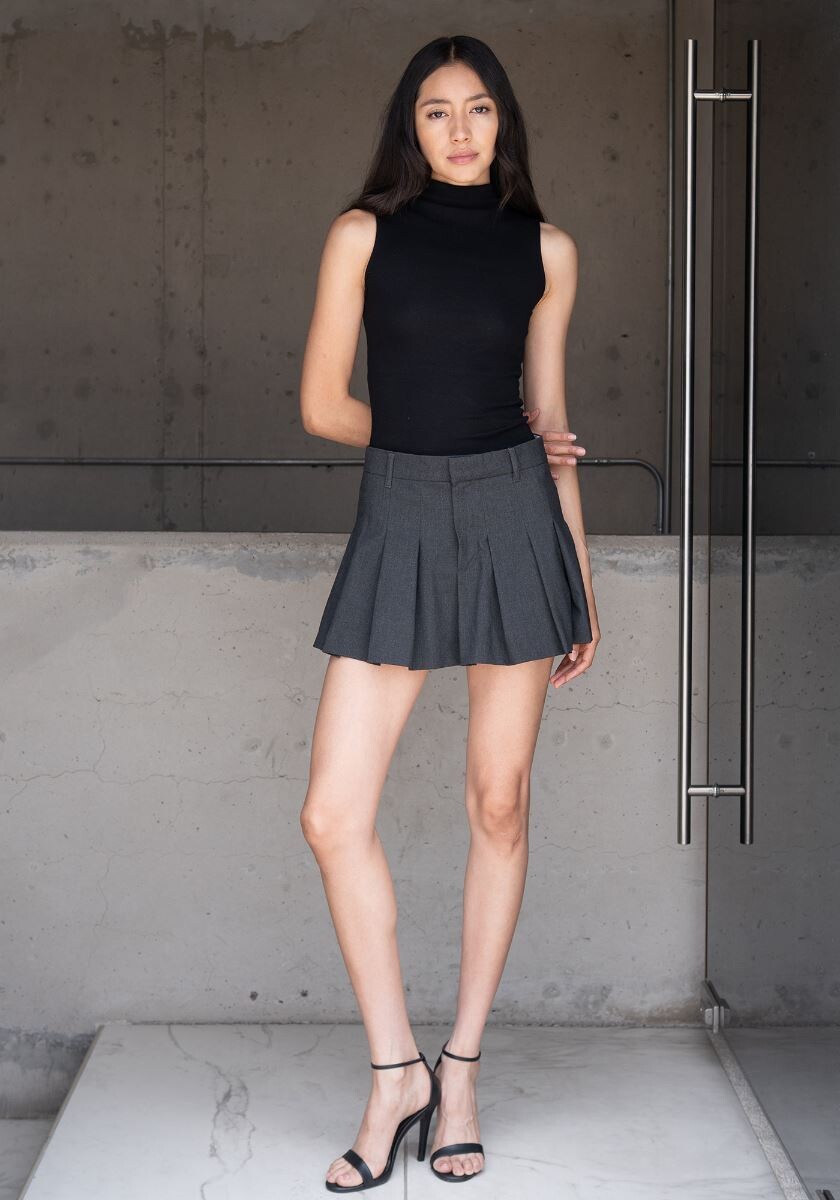
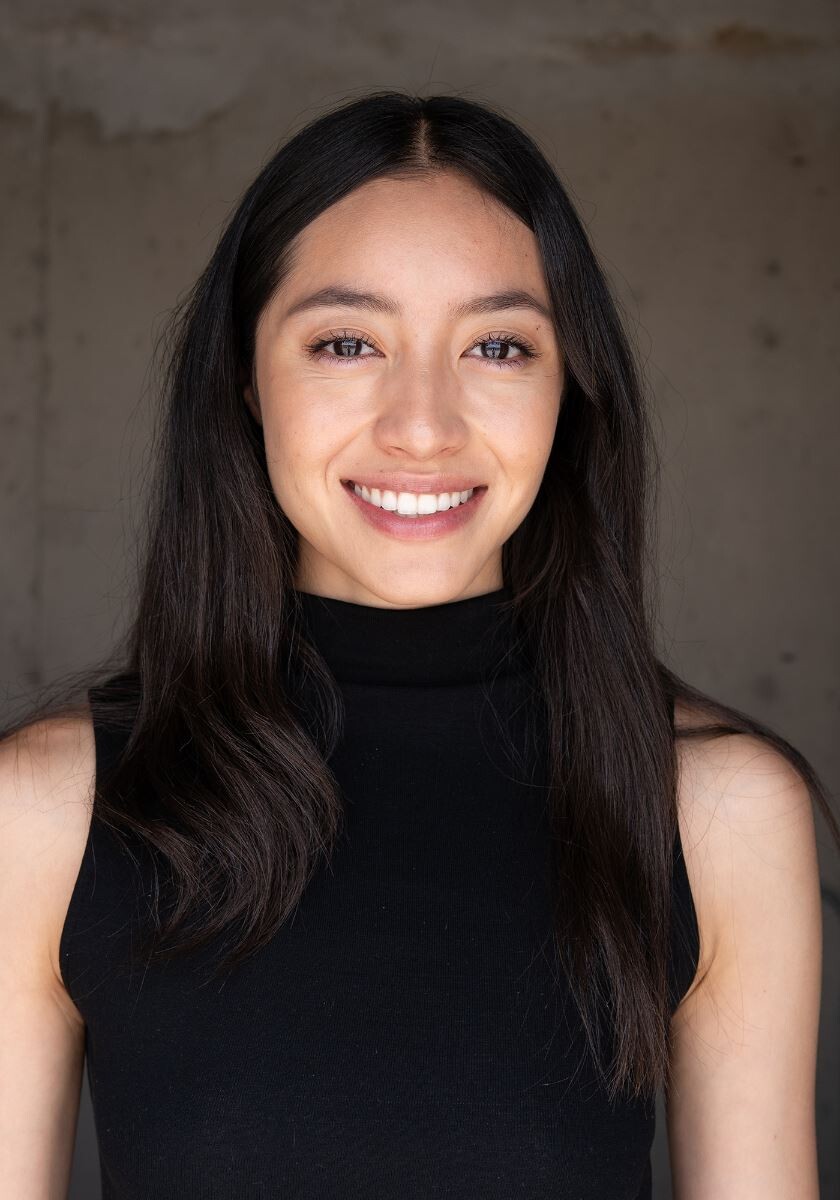
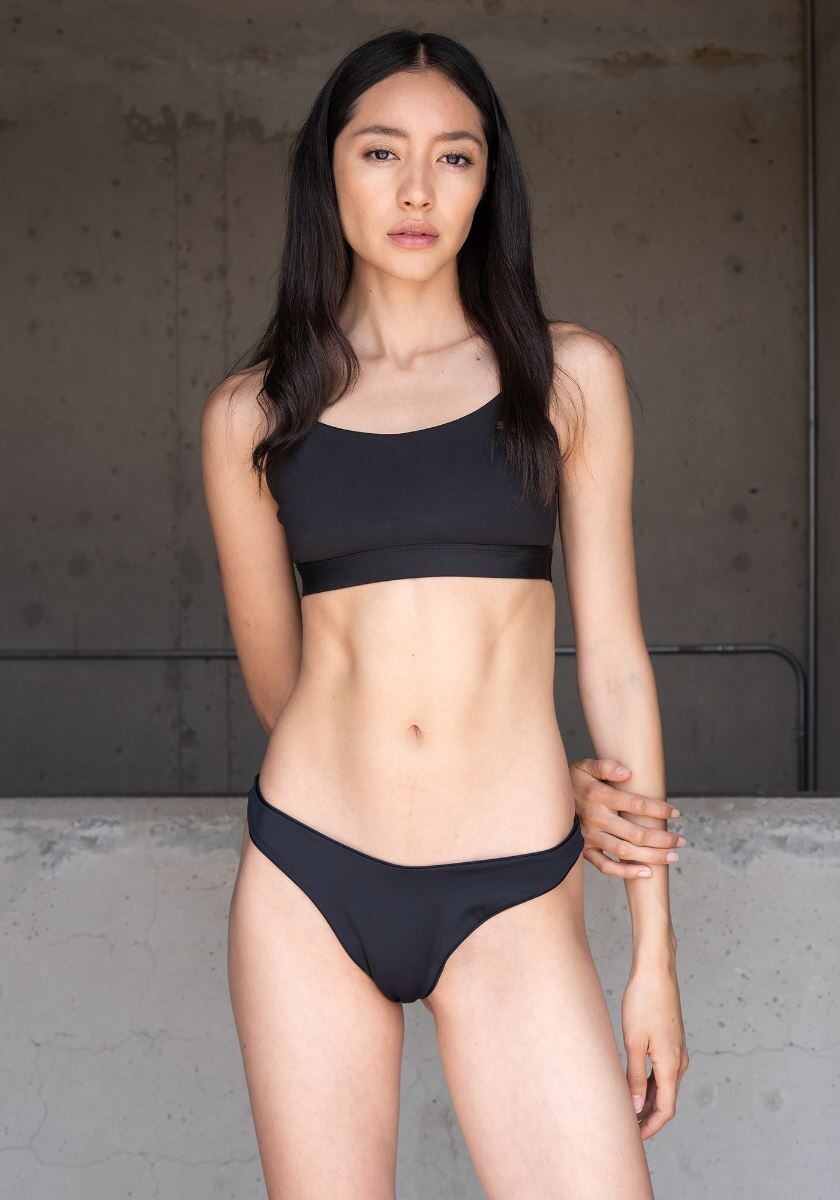
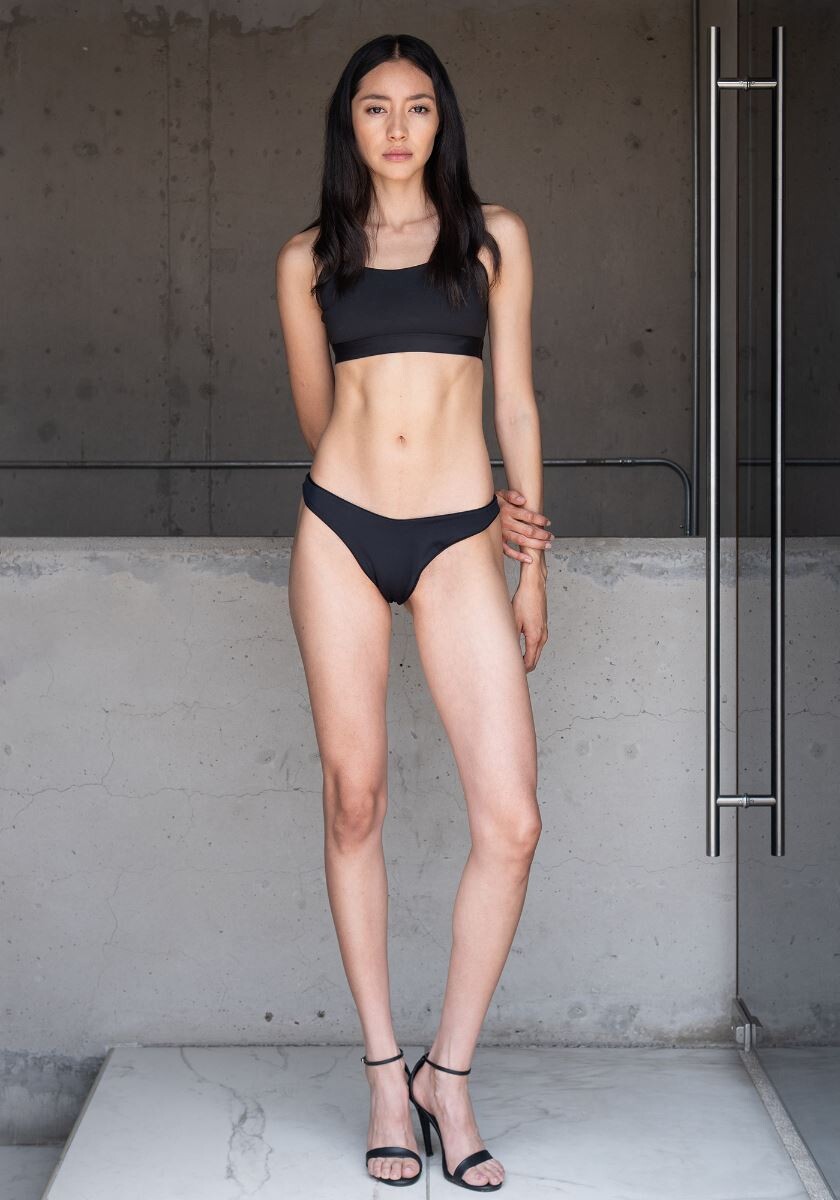
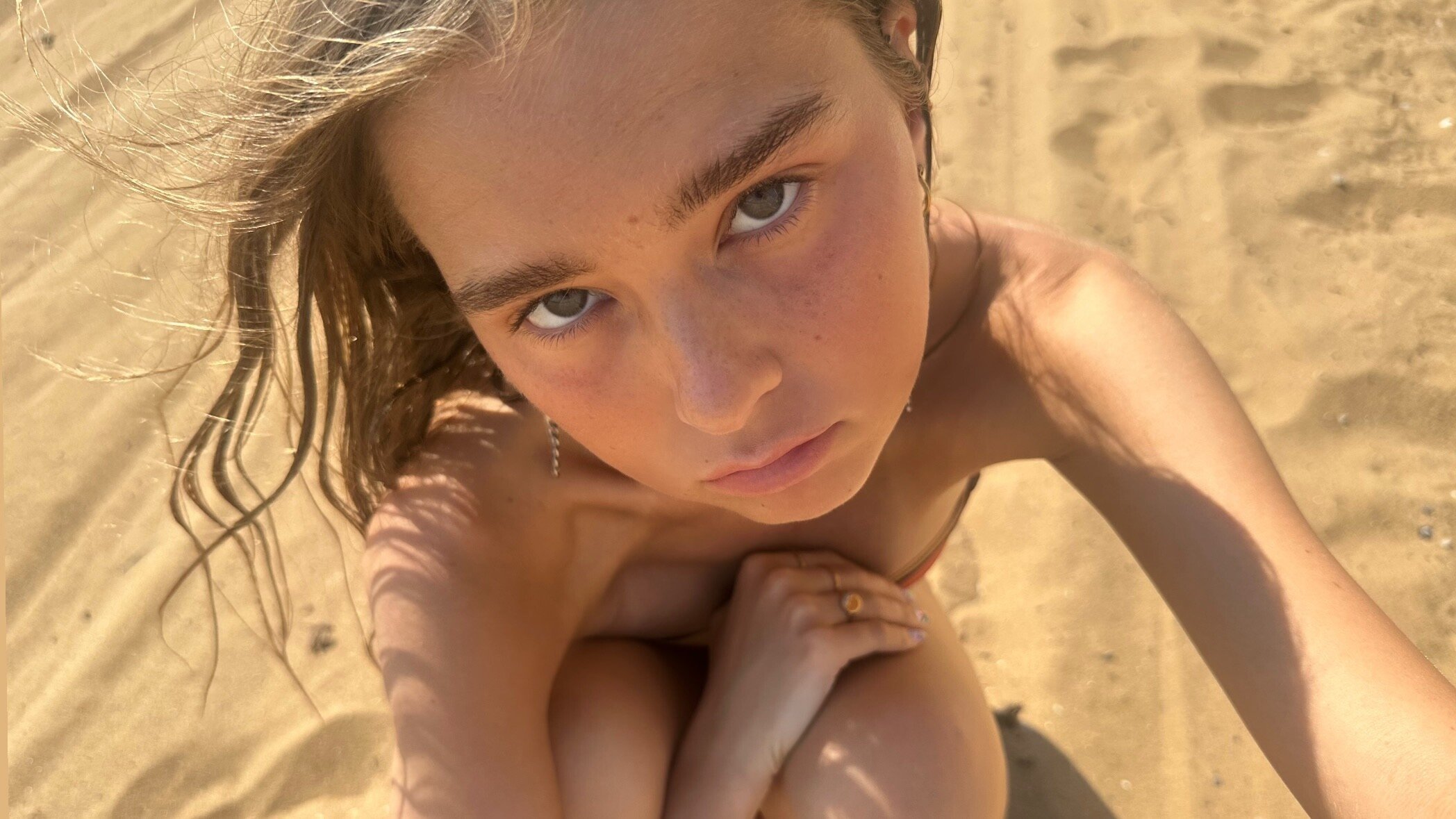
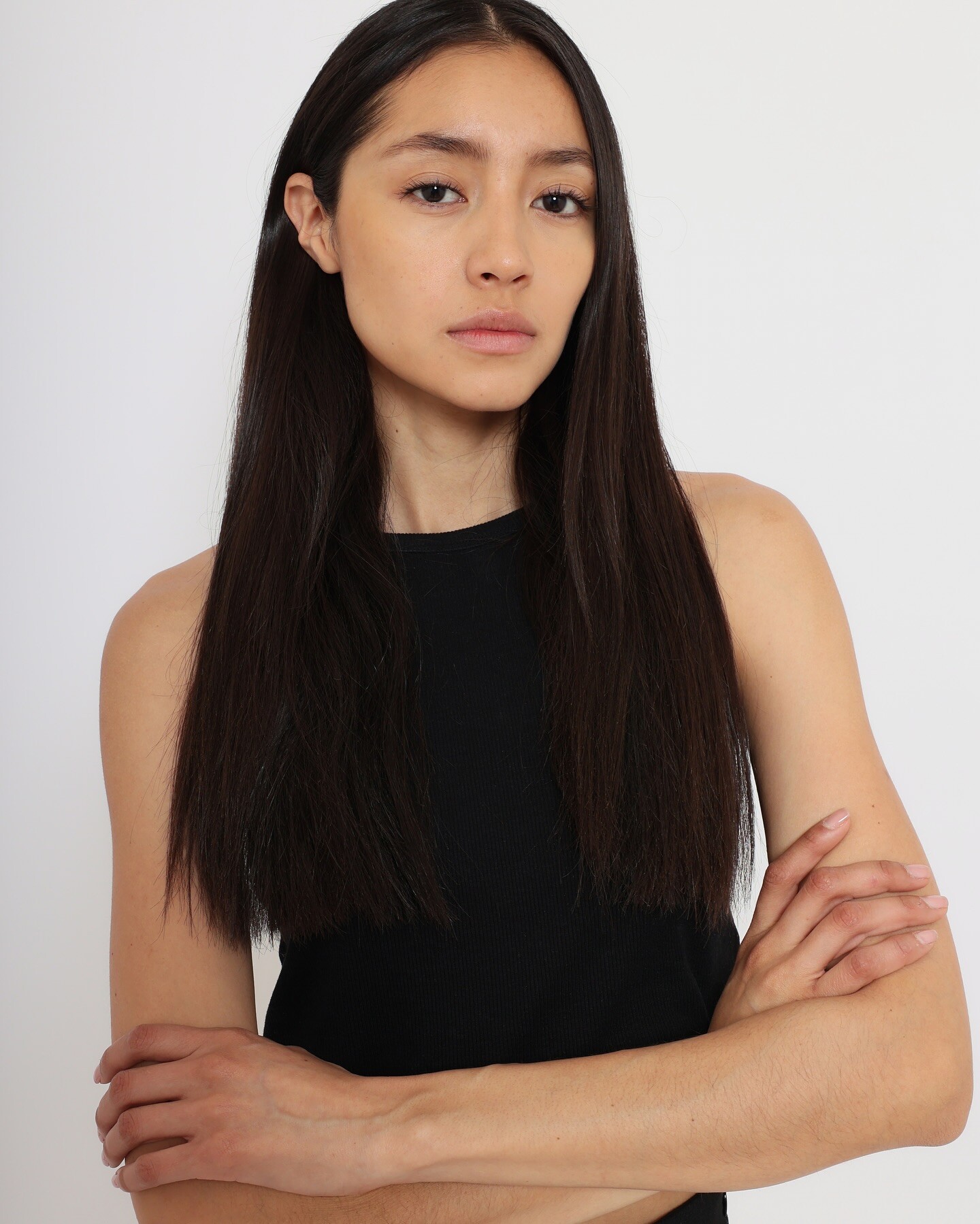
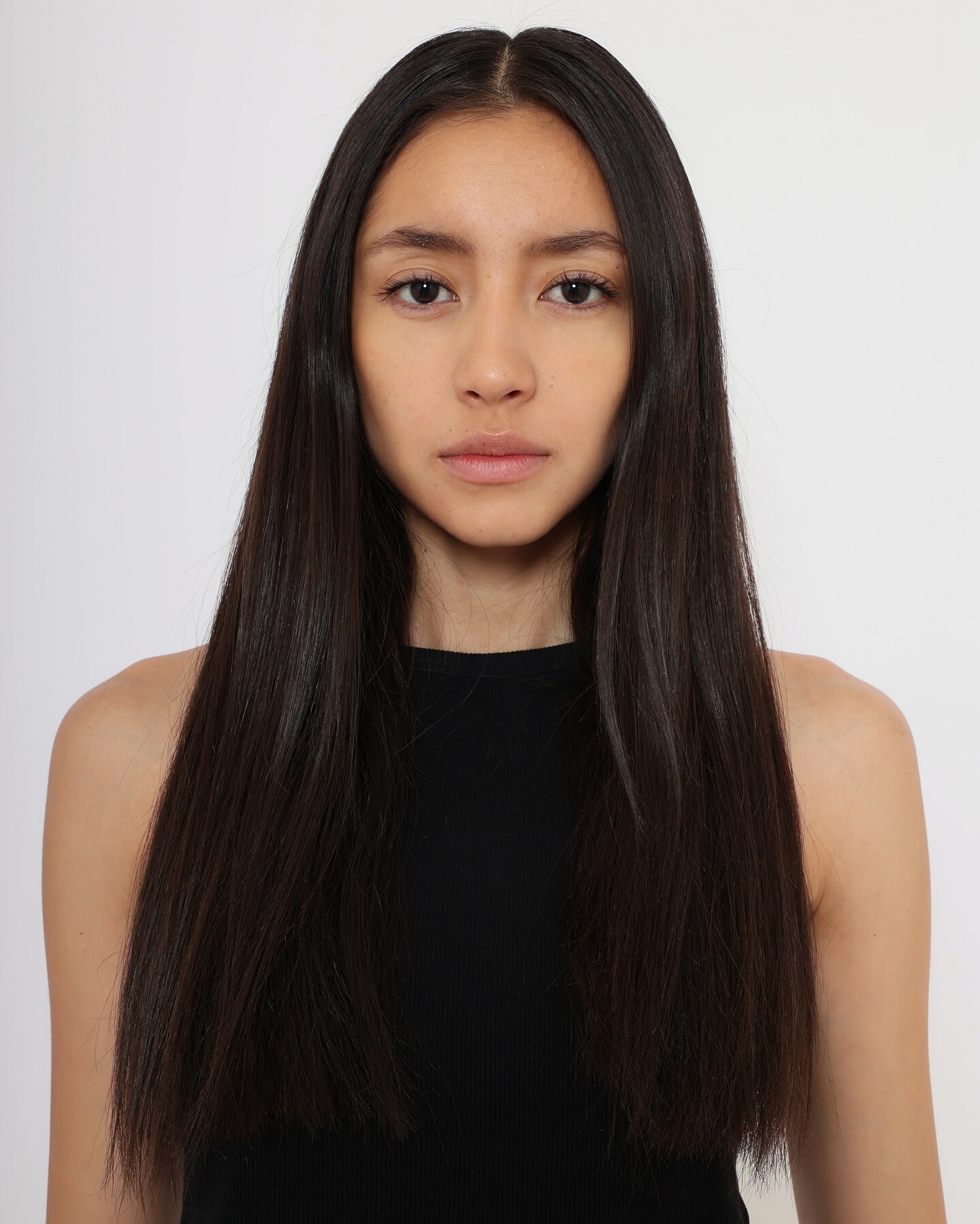
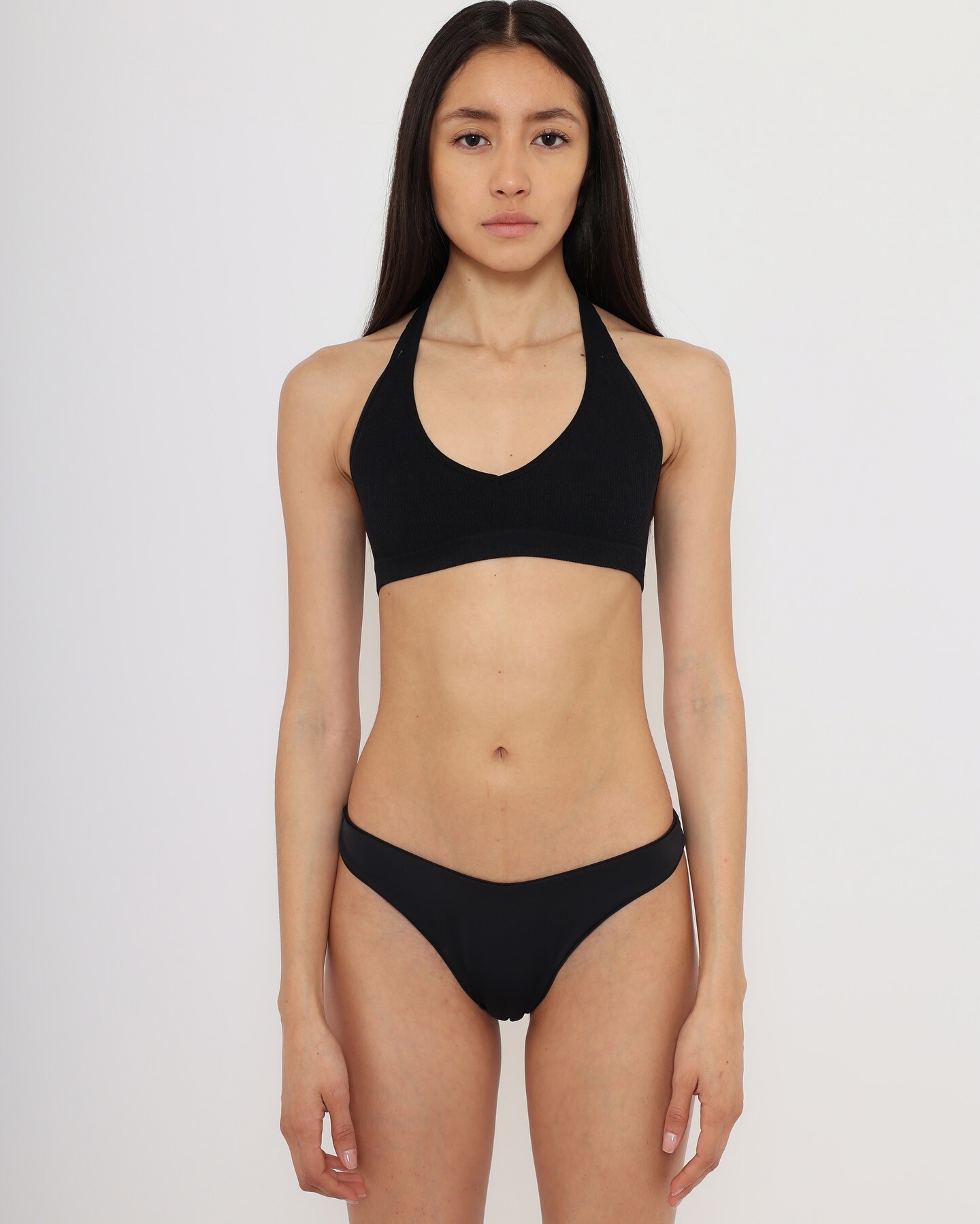
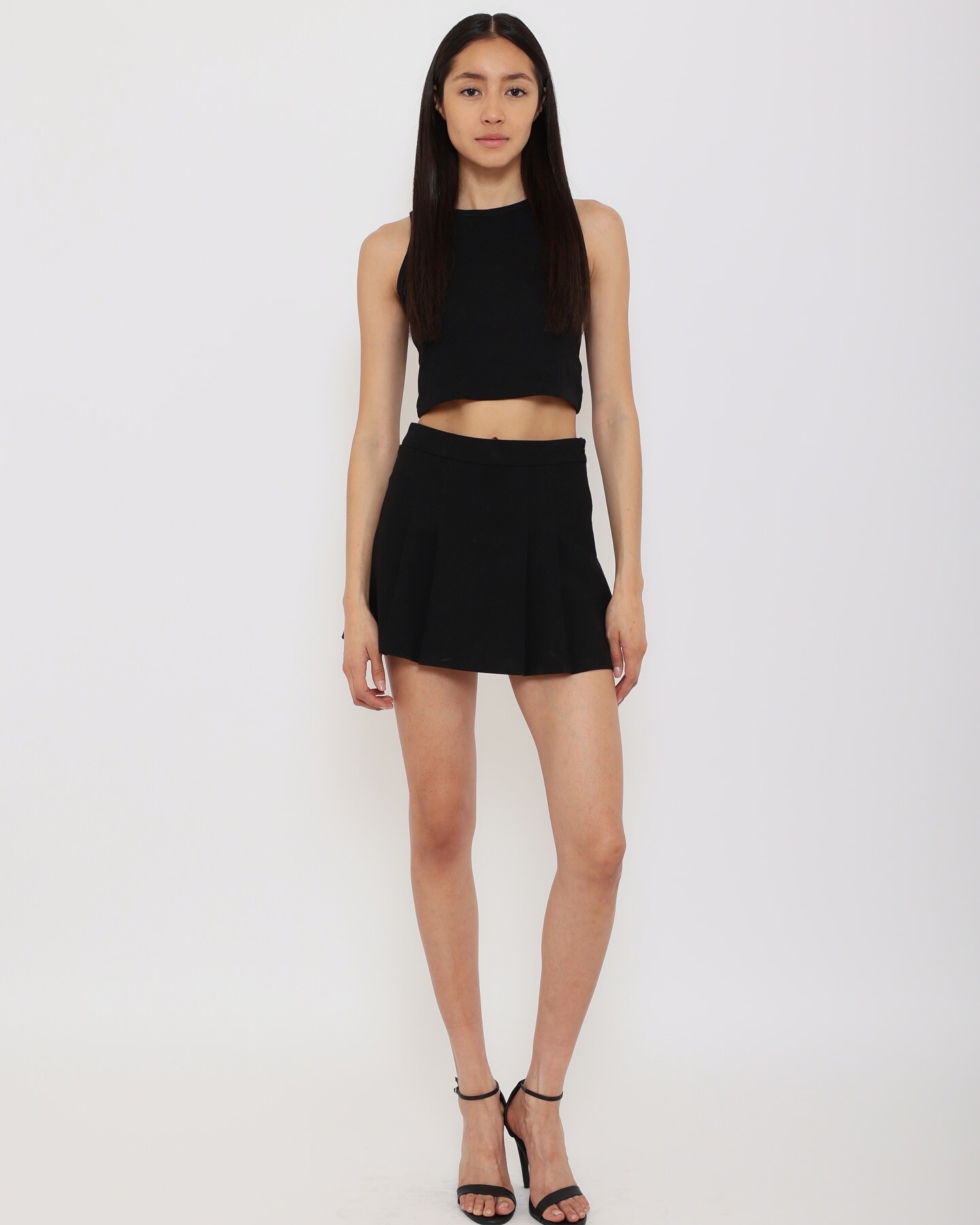
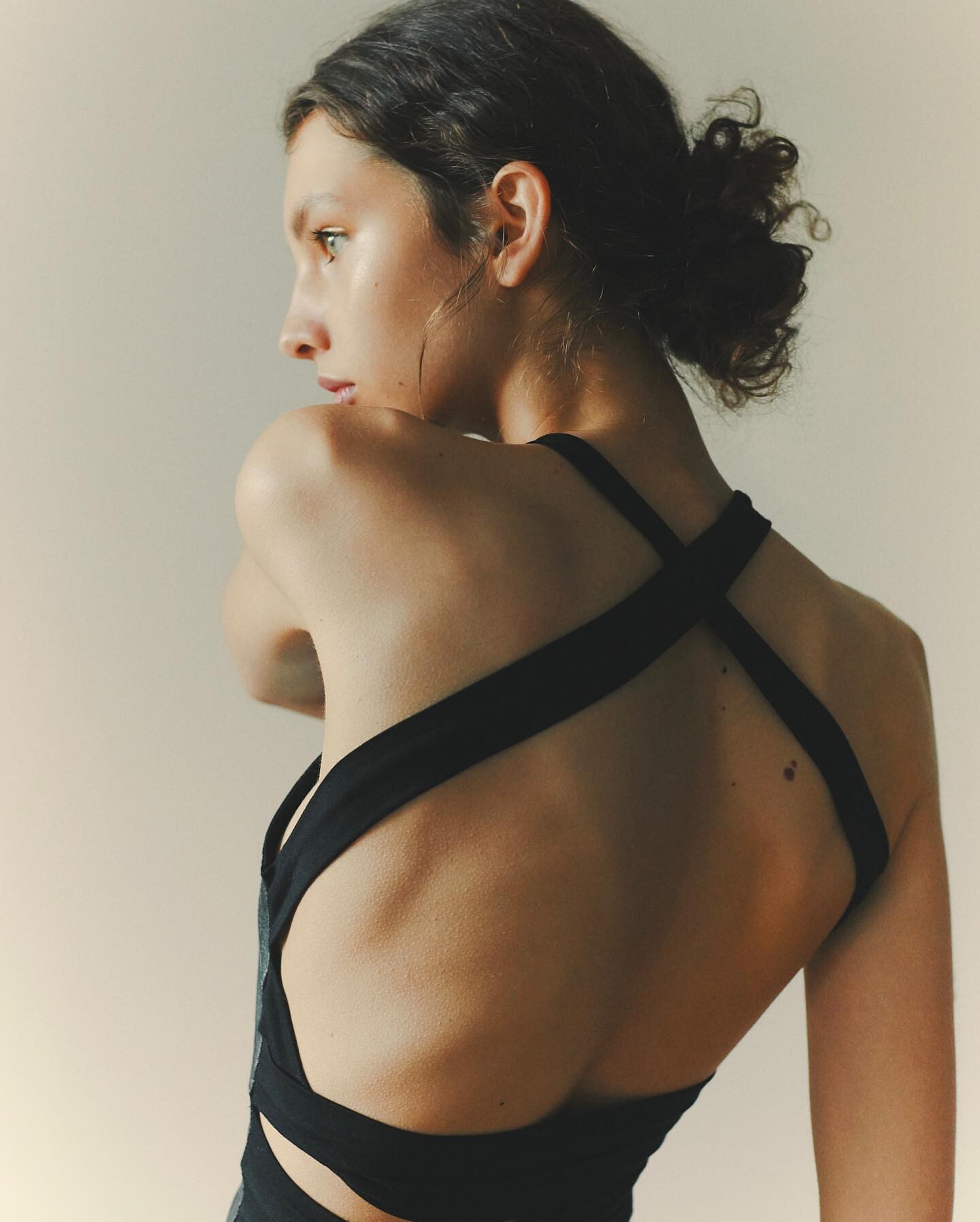
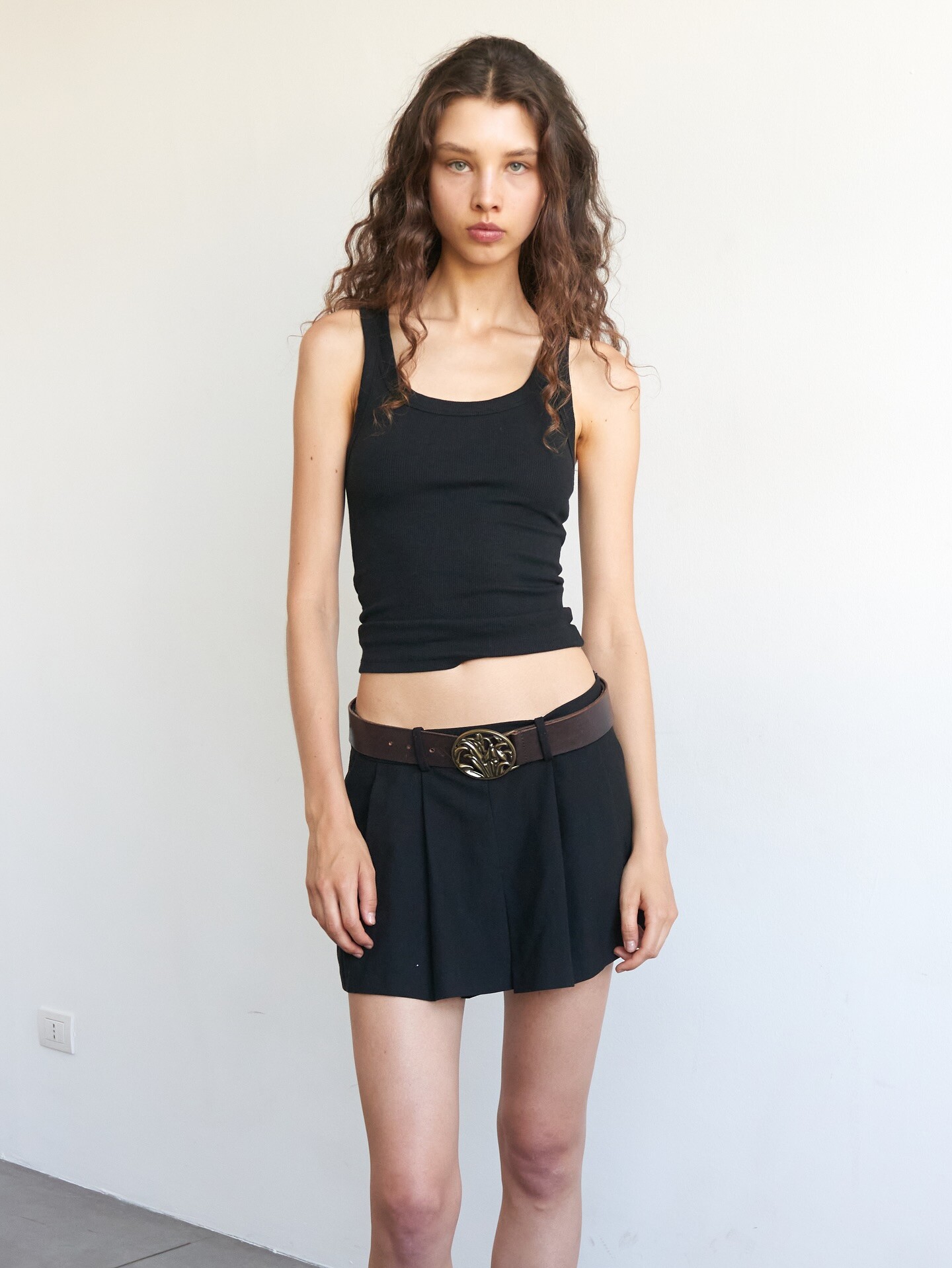
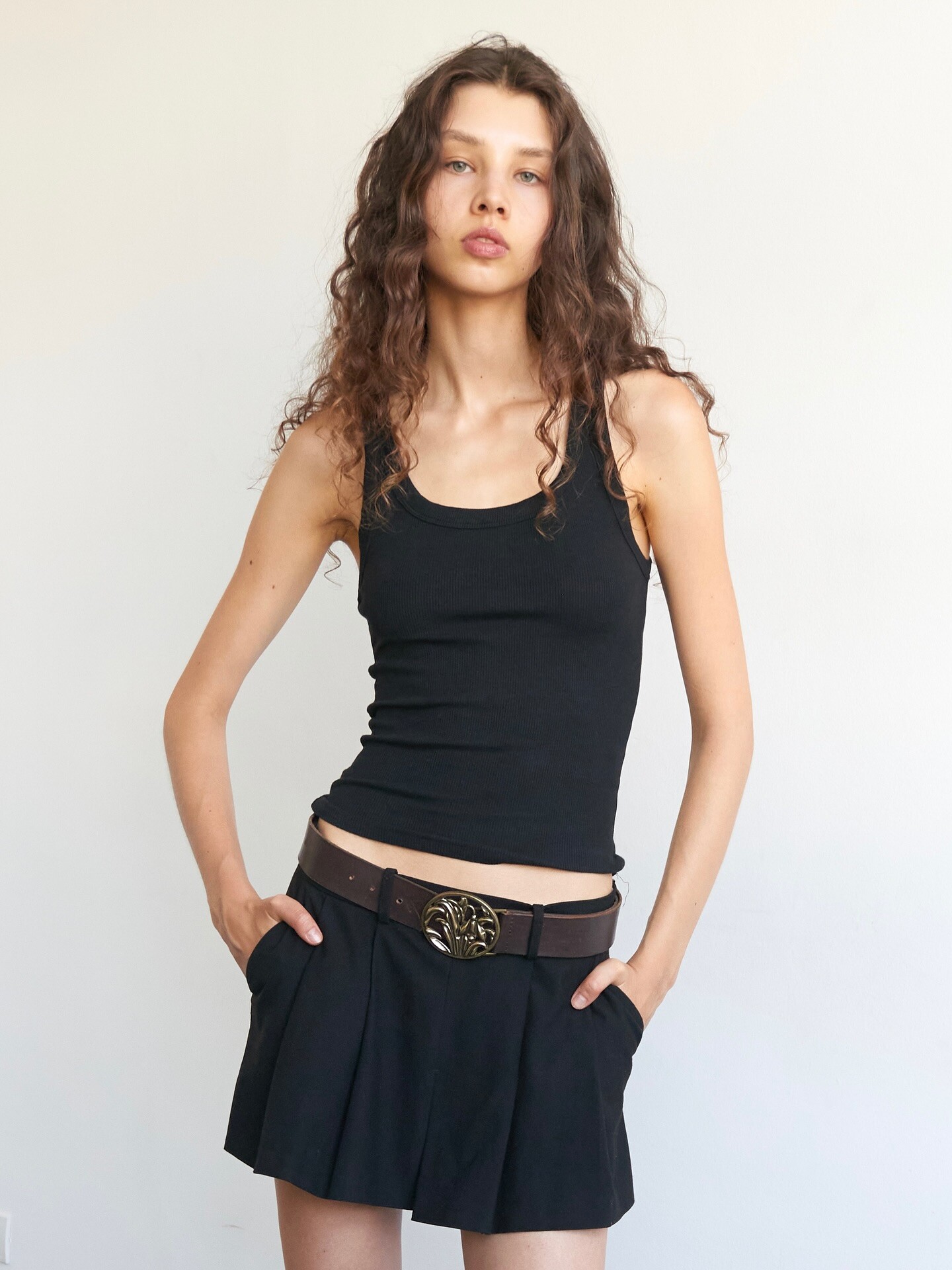
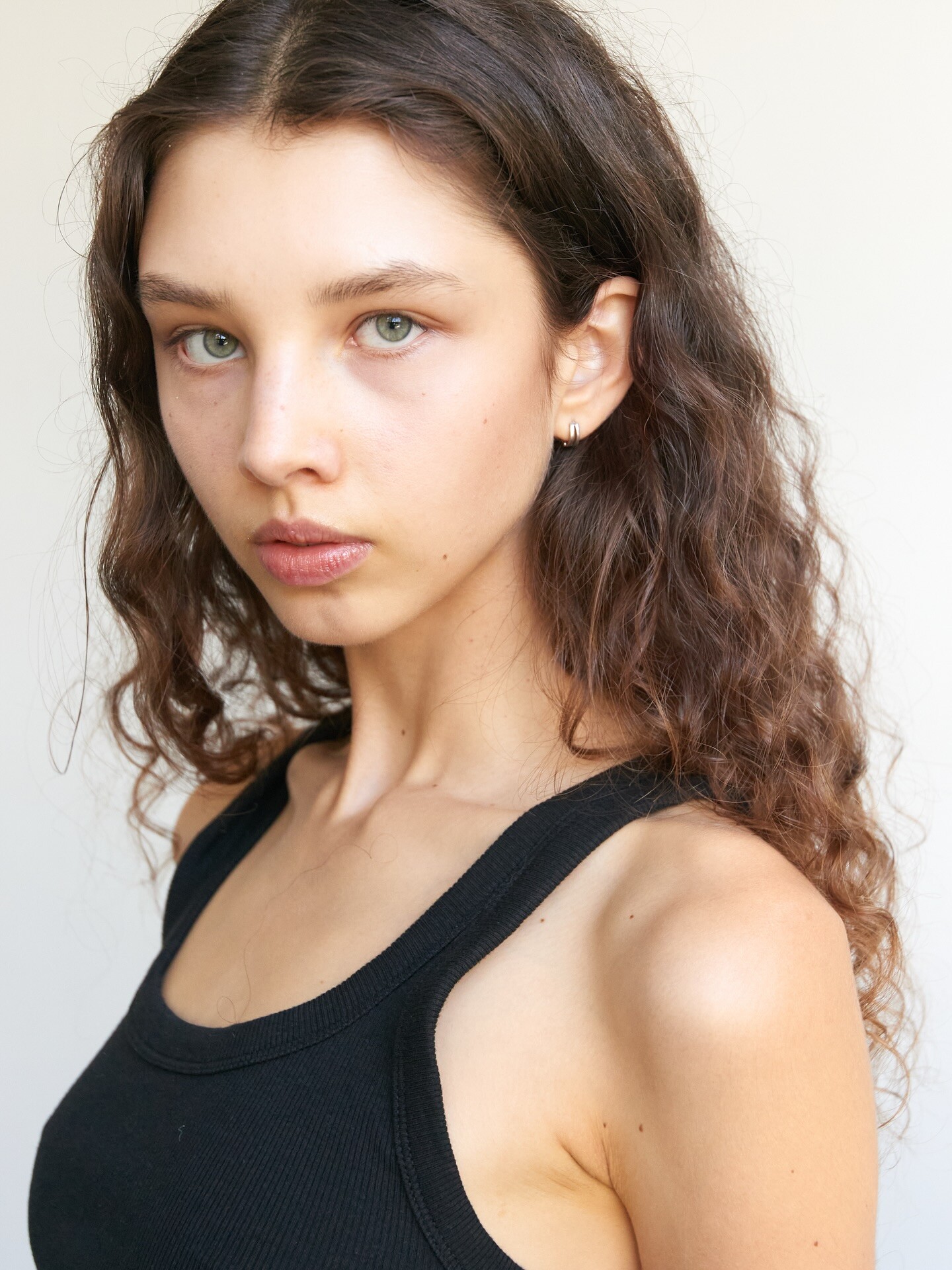
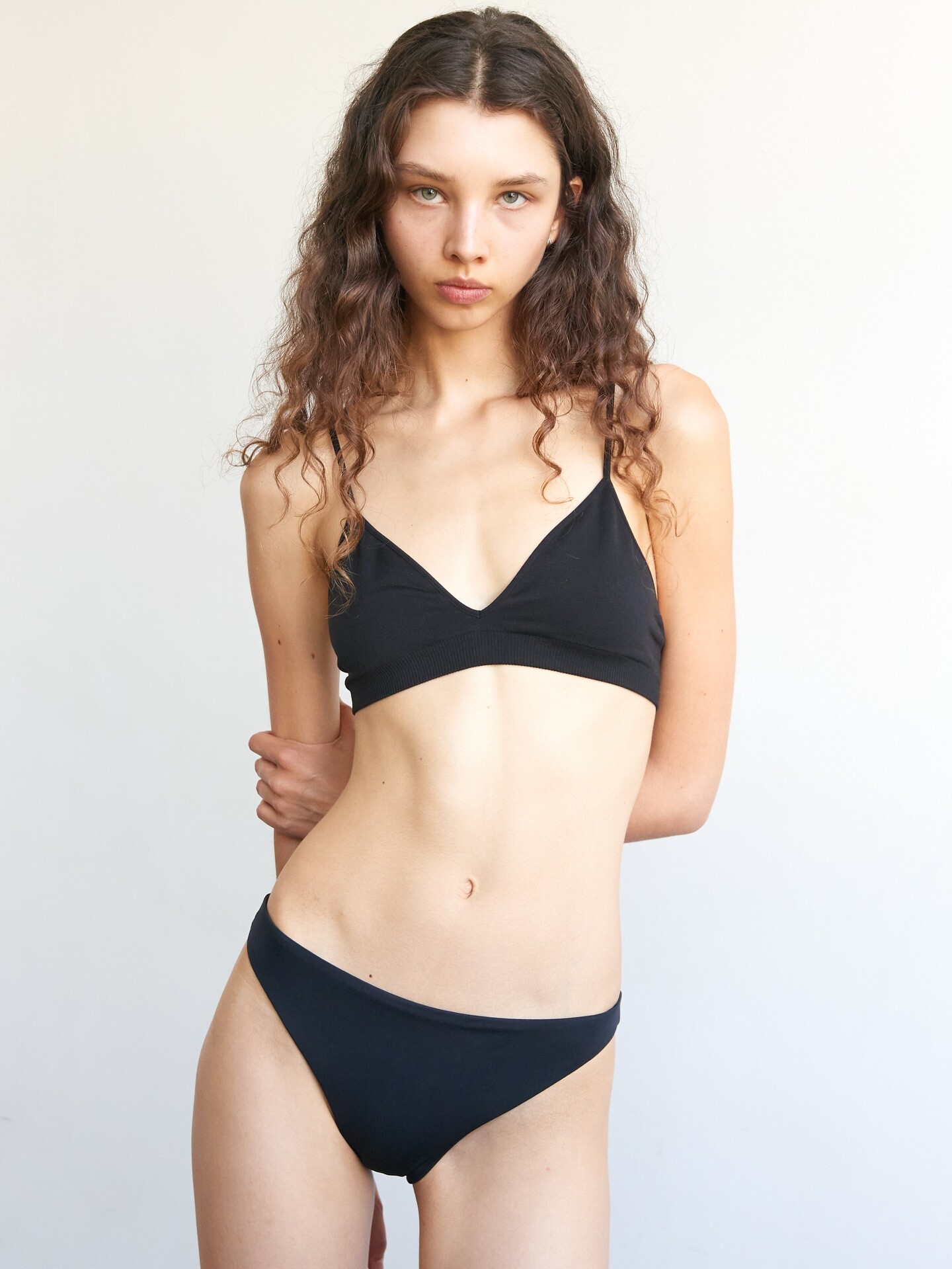
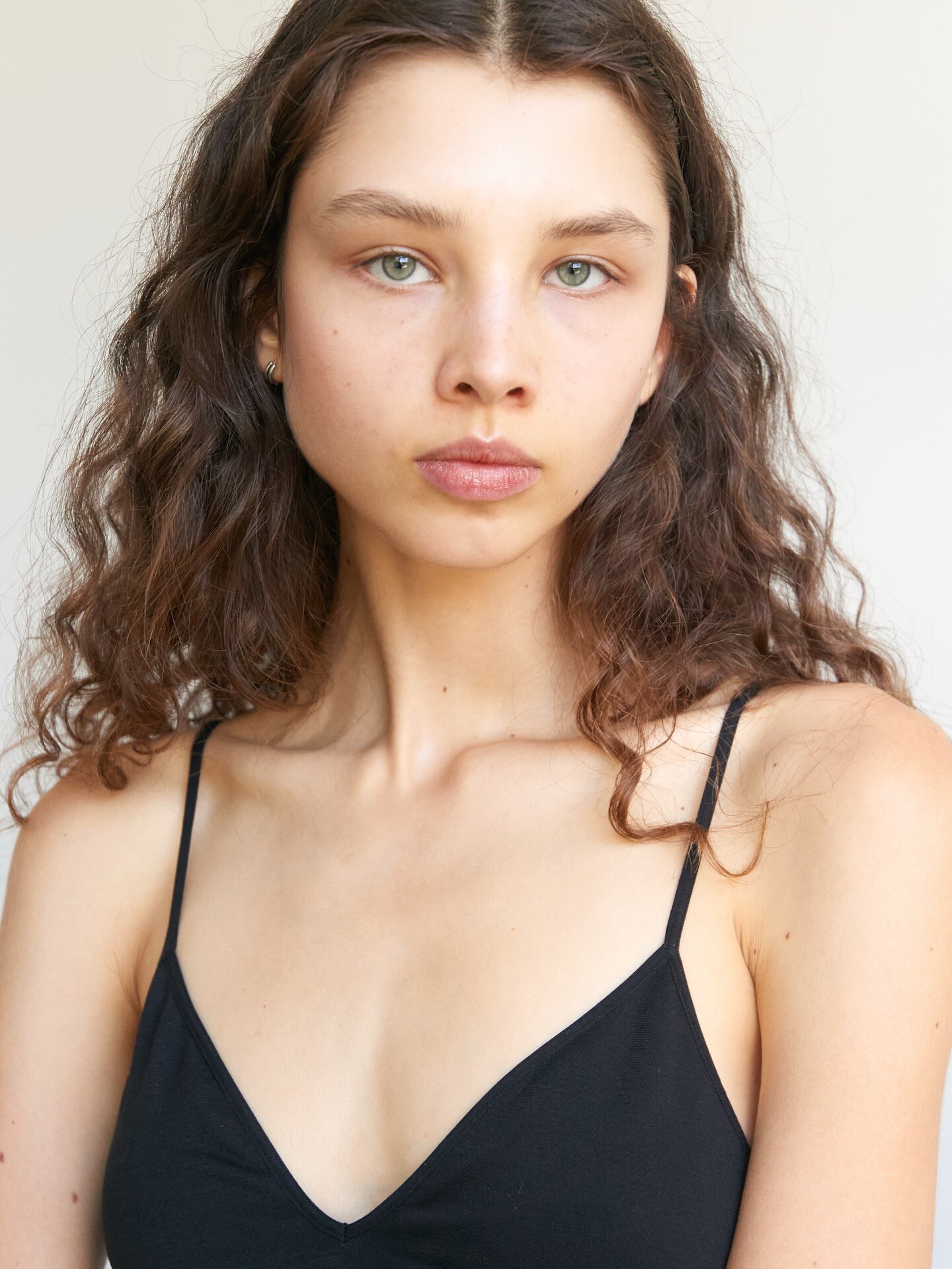
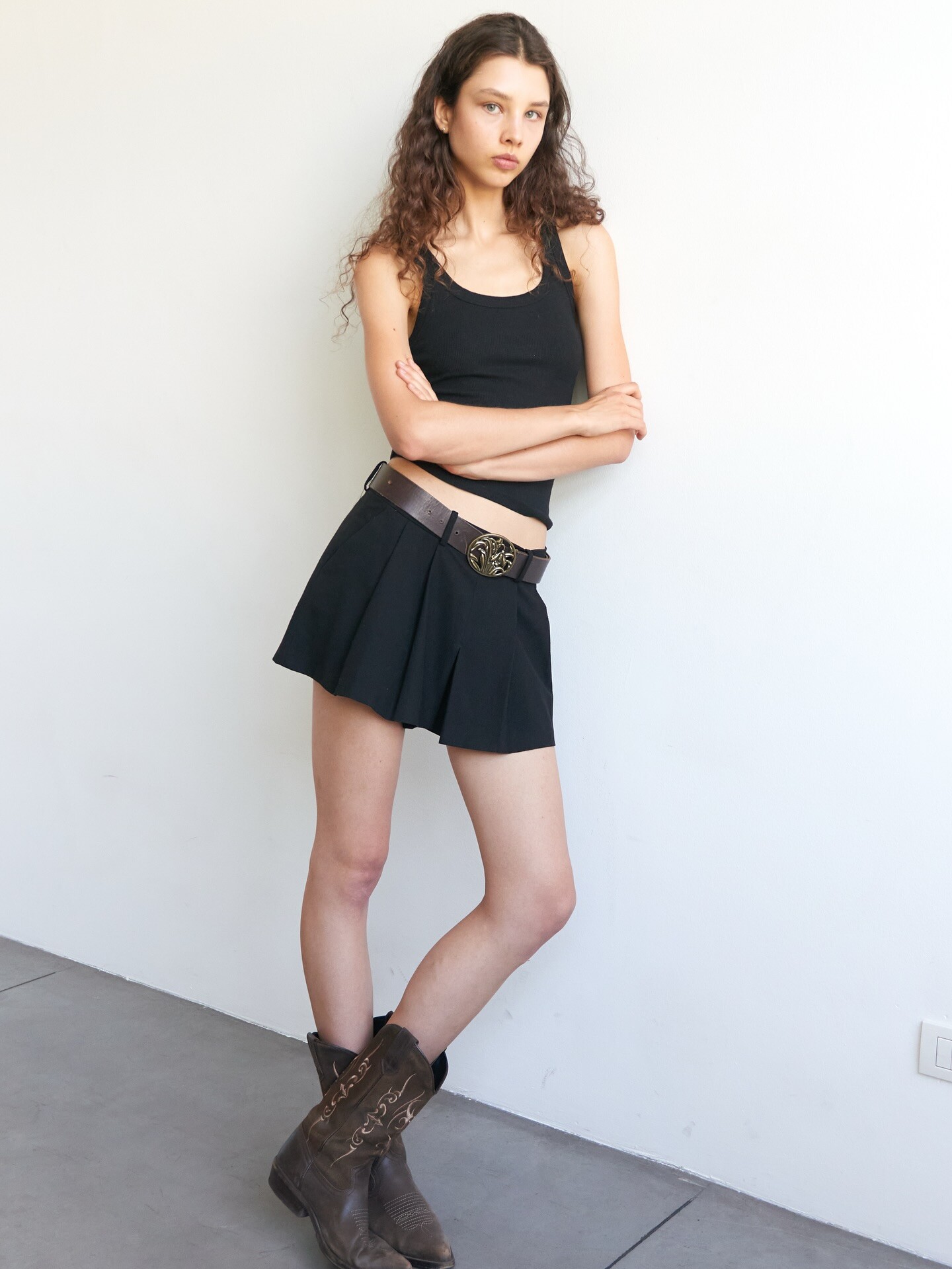
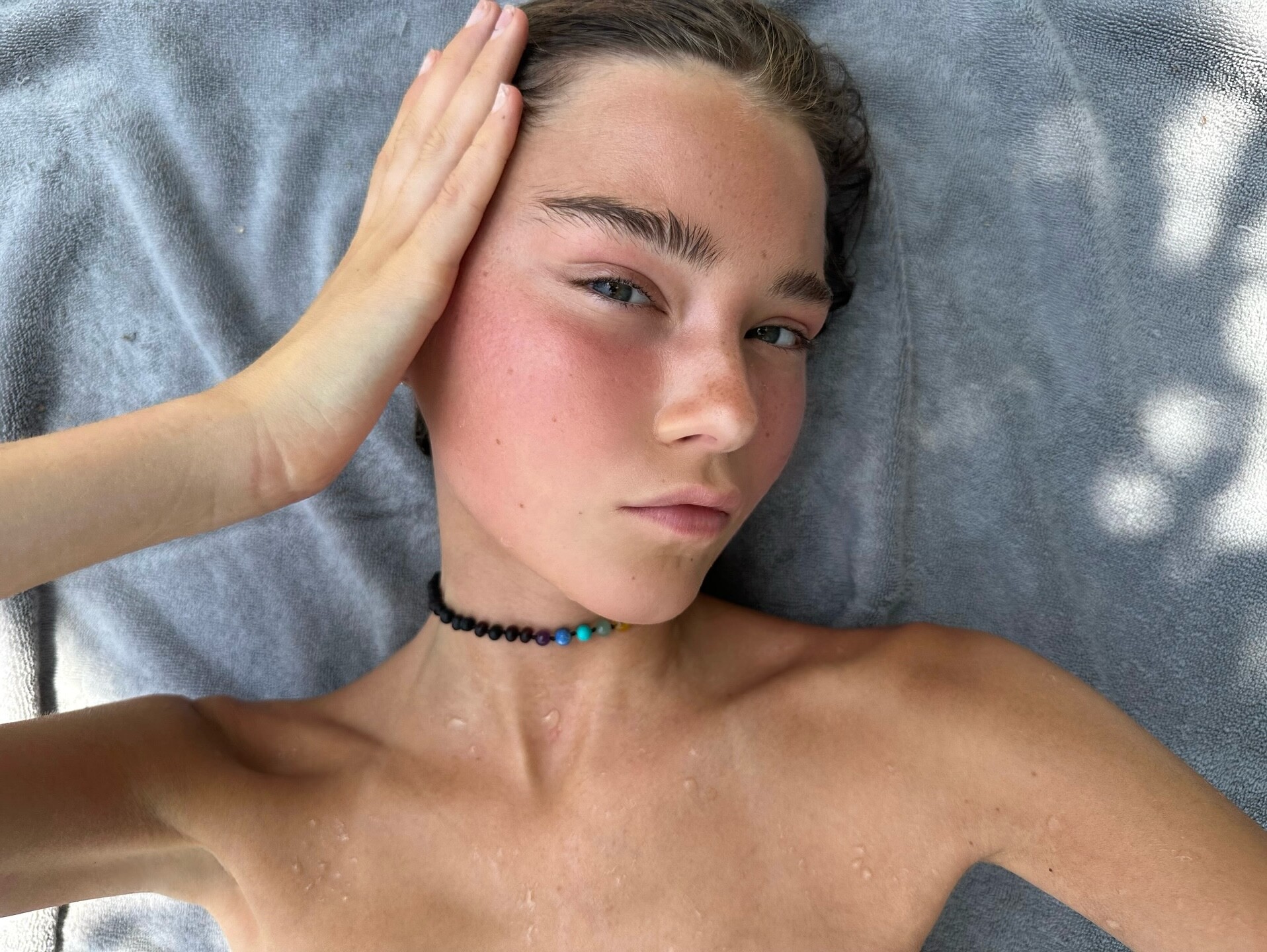
Digitals GH Management Mexico (2025)
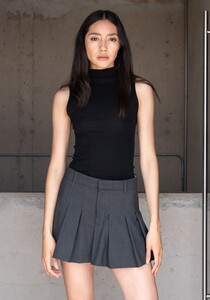


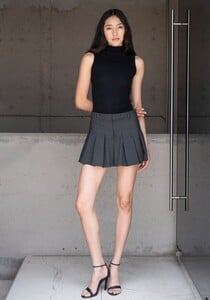


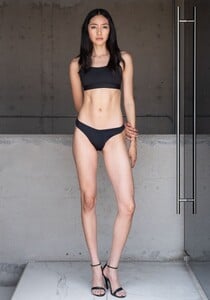

-
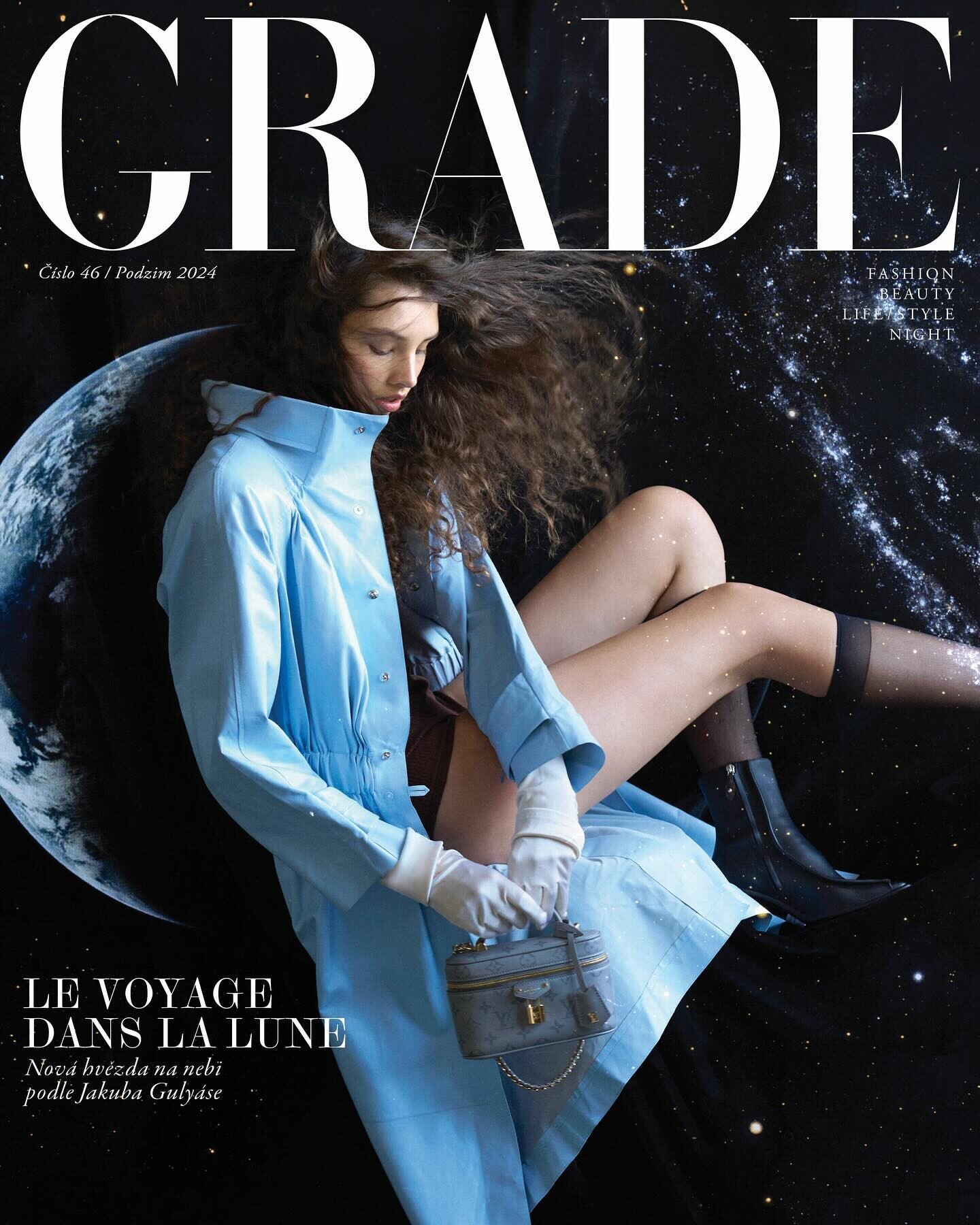
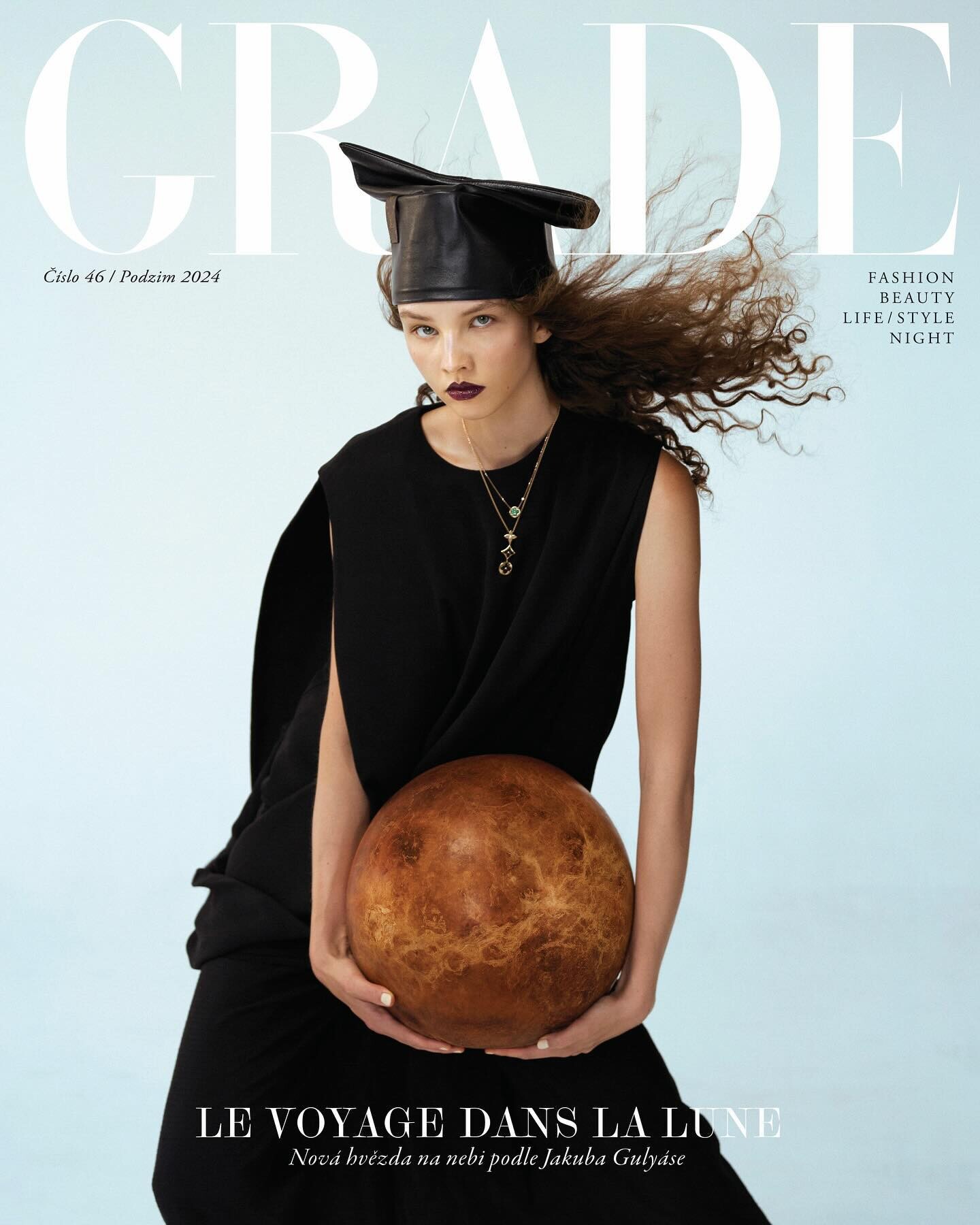
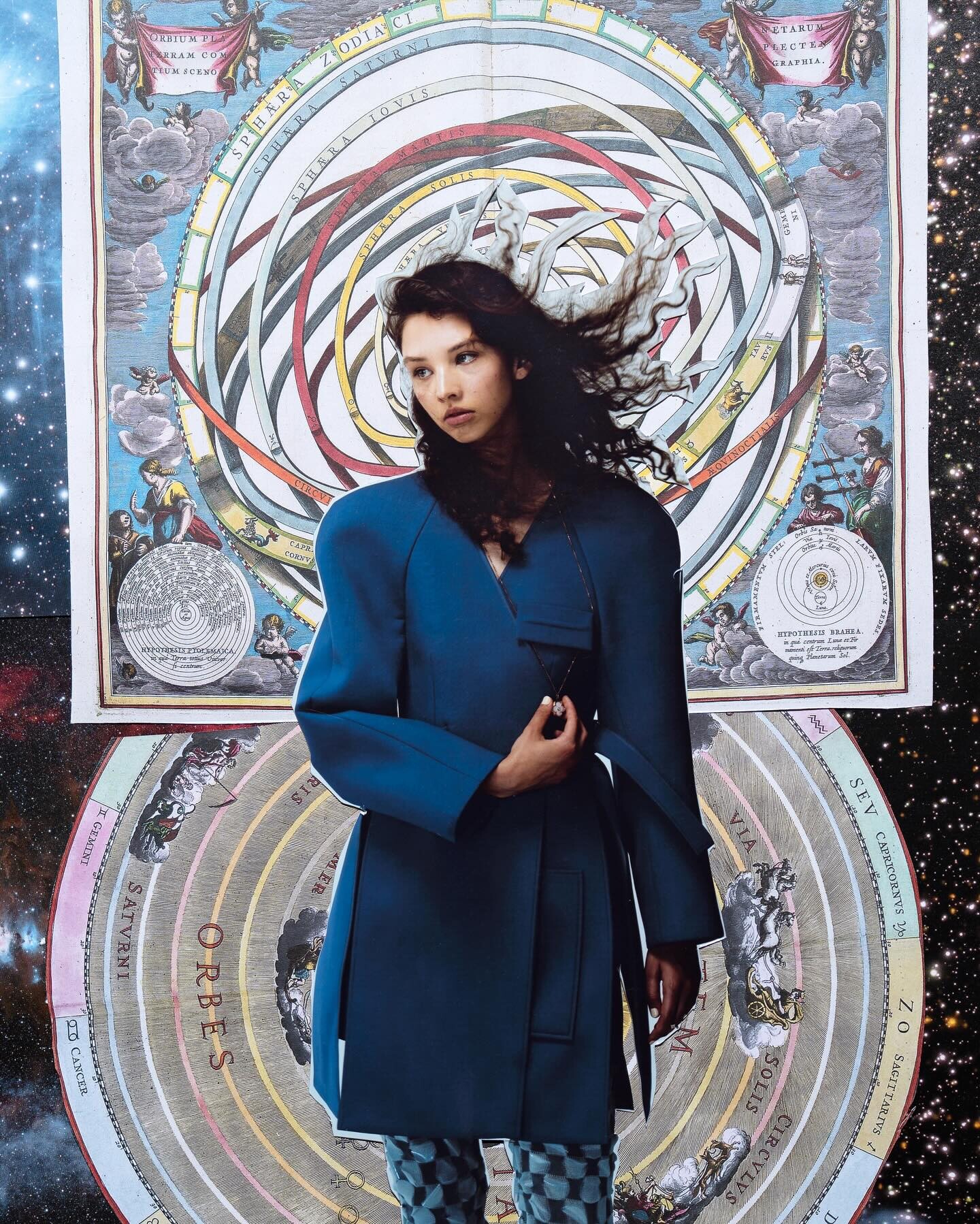
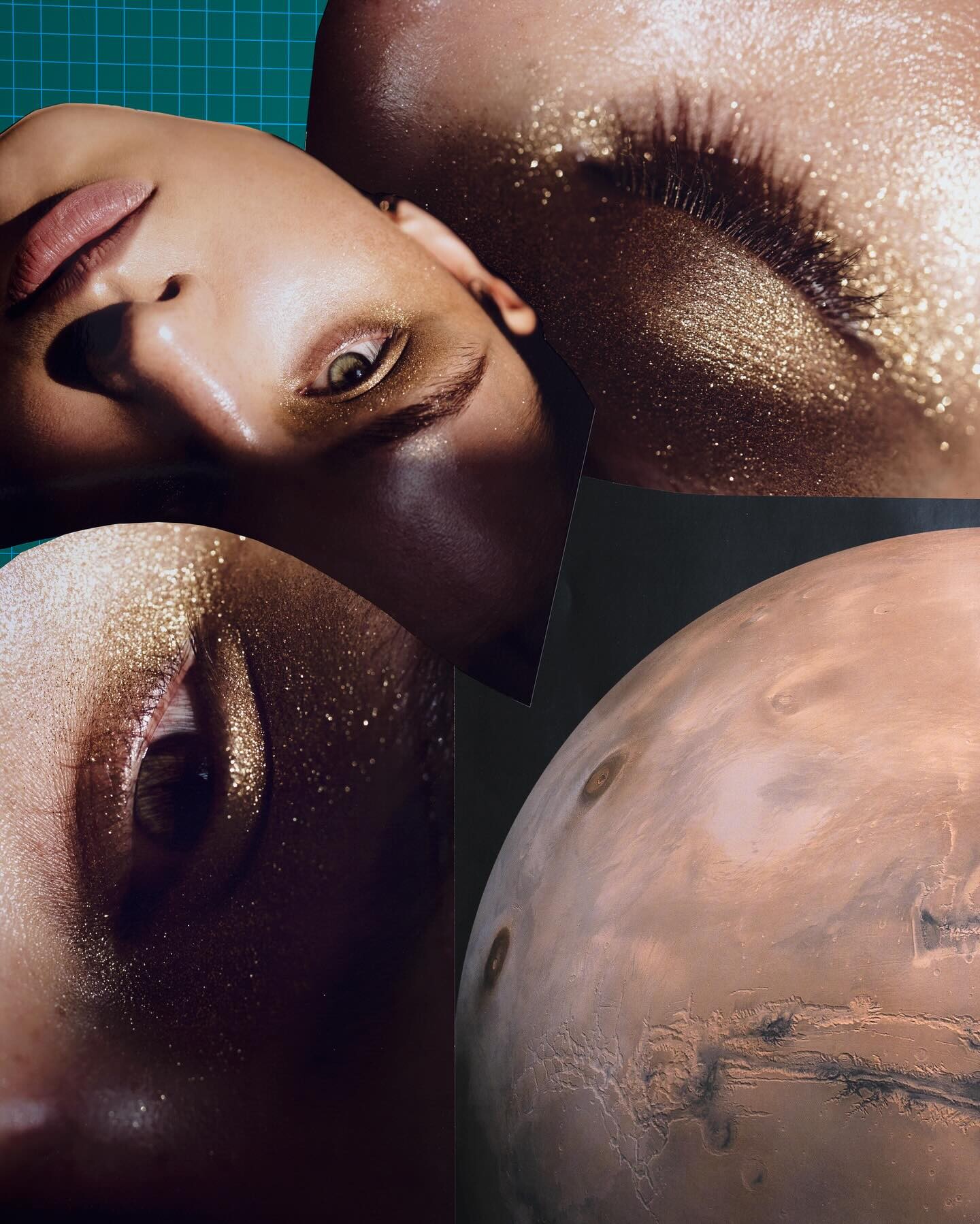
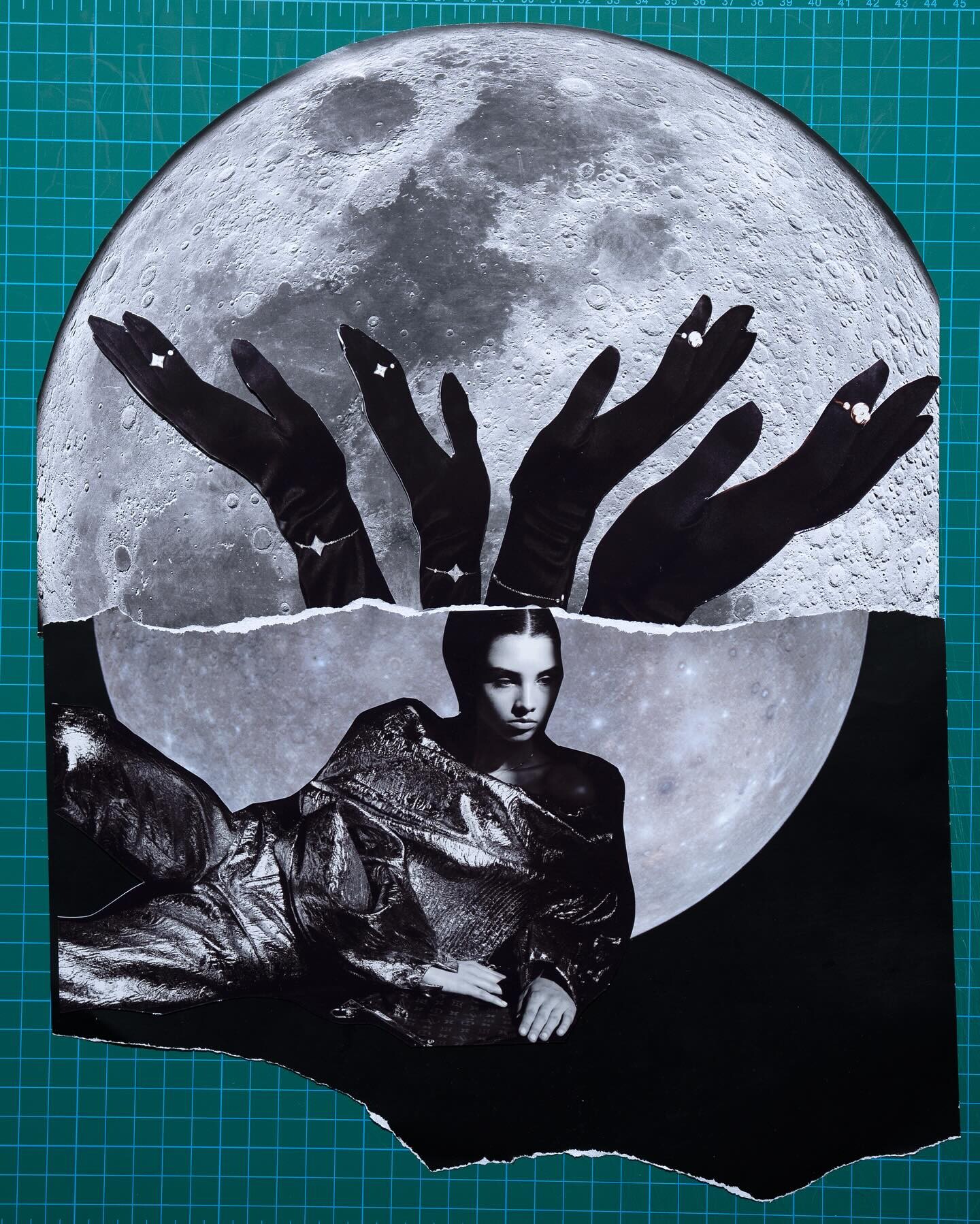
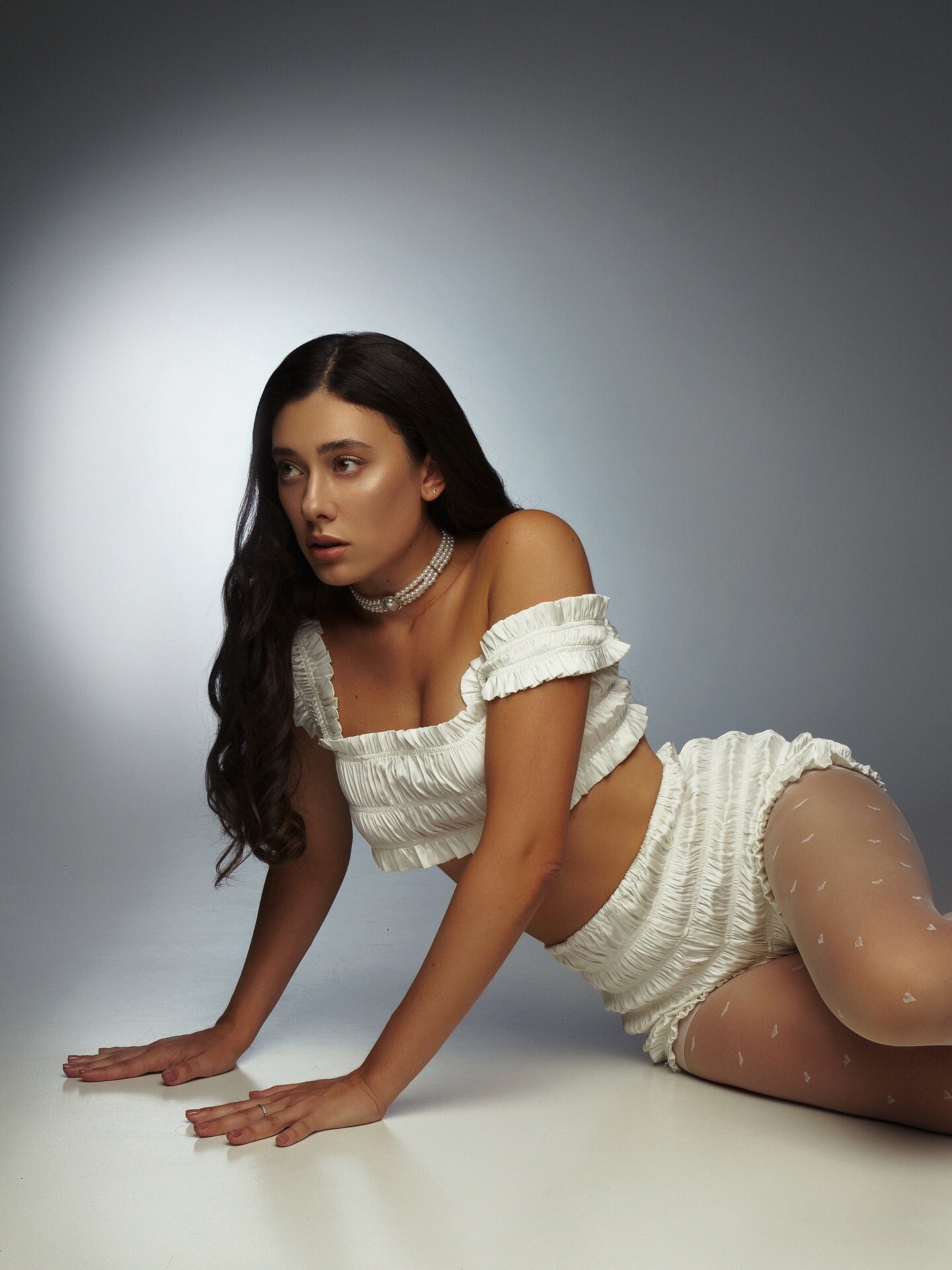
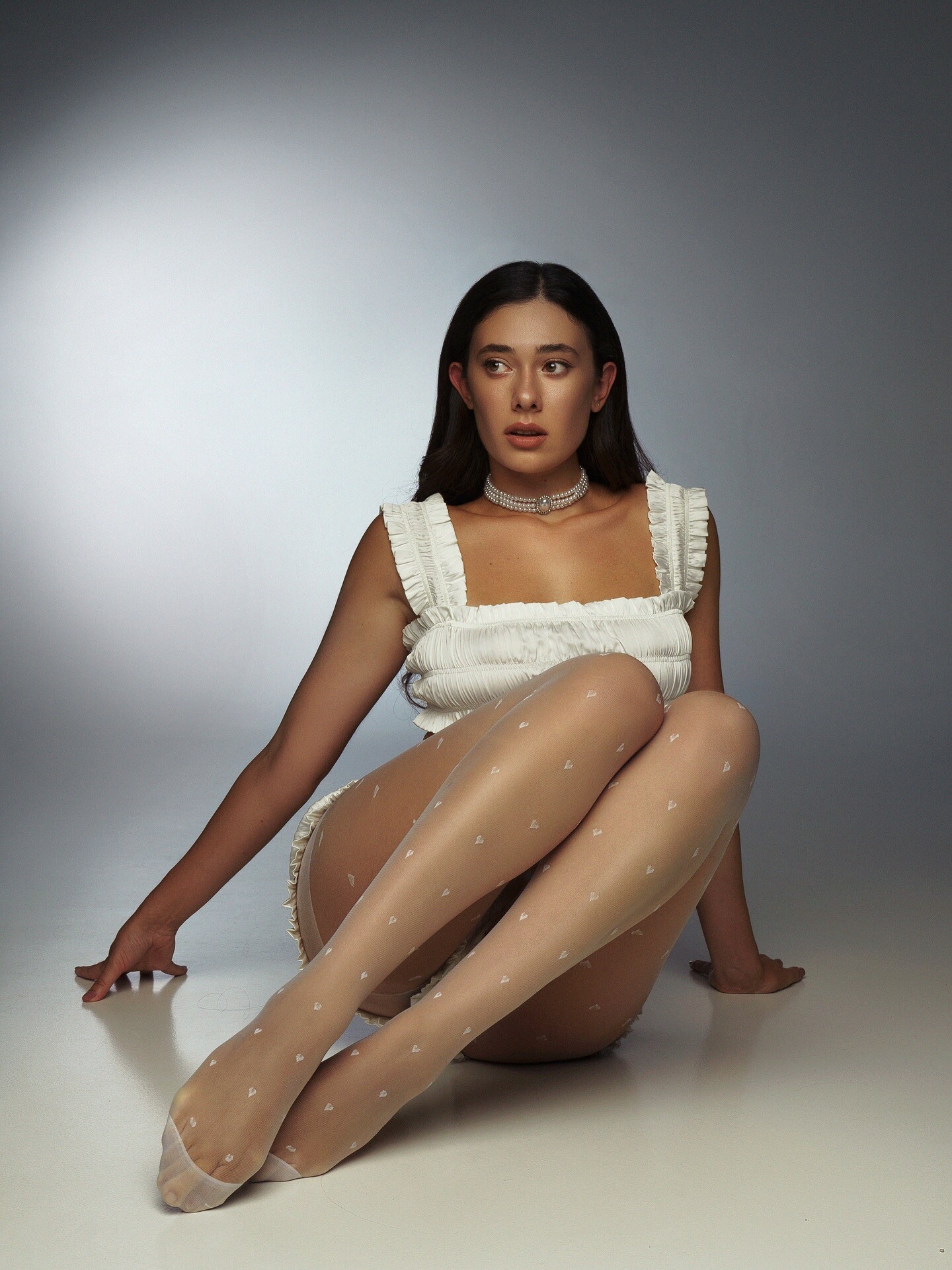
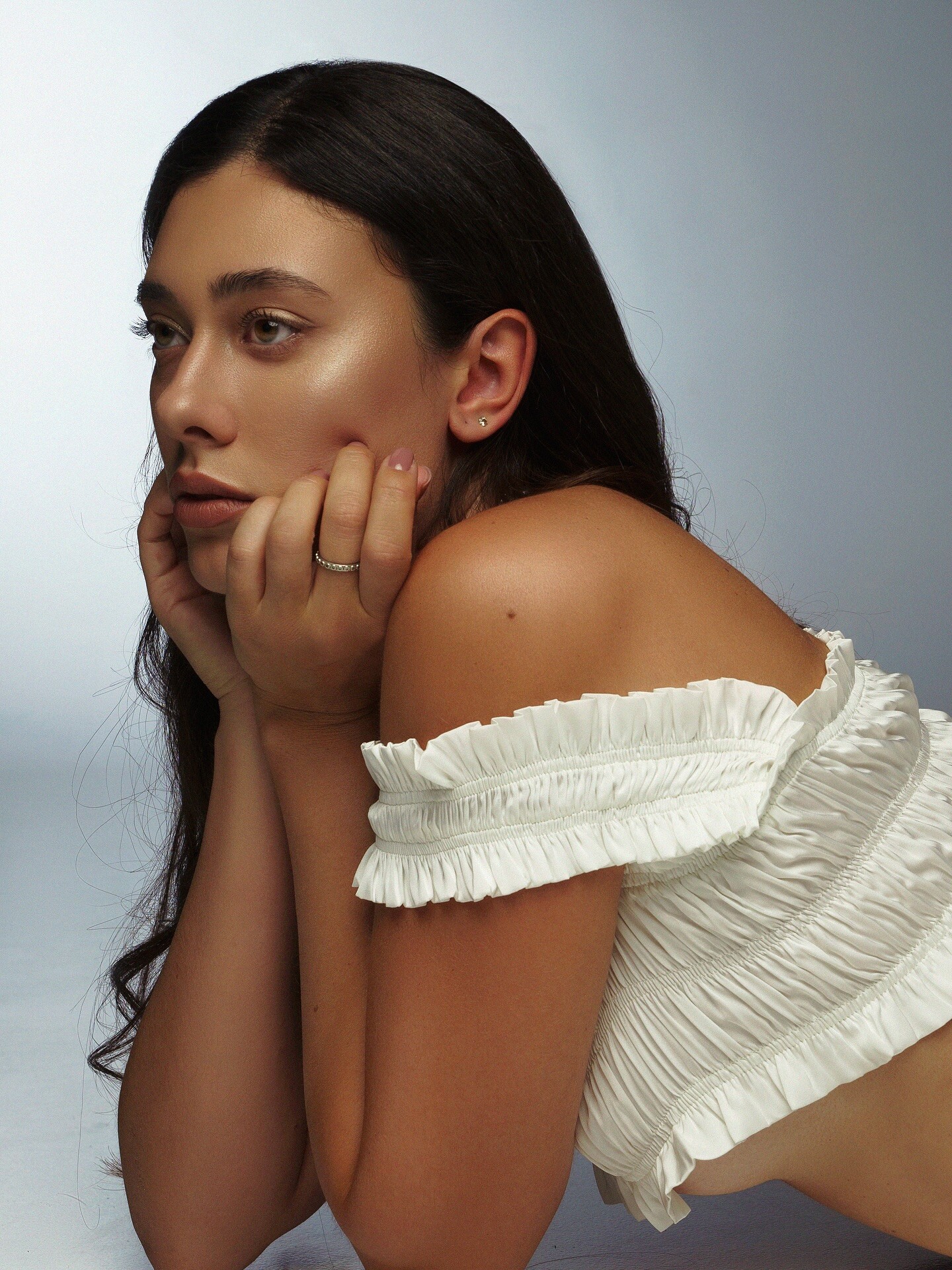
Grade magazine Poland (2024)

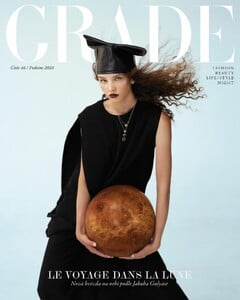
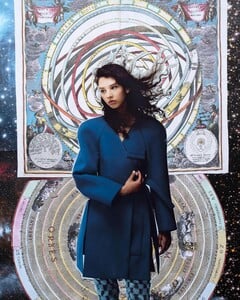
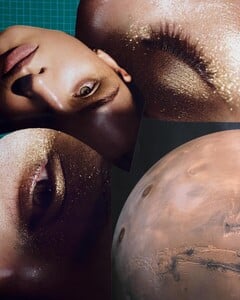
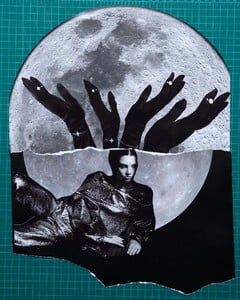
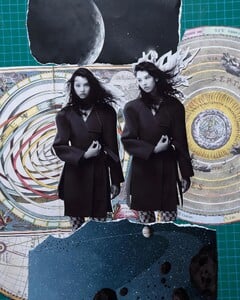
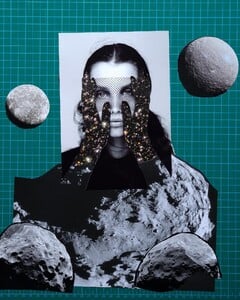

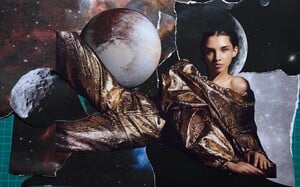
 Felix Orth nudity Spoiler




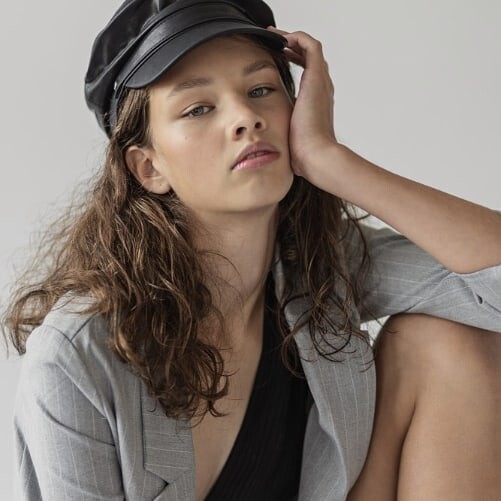
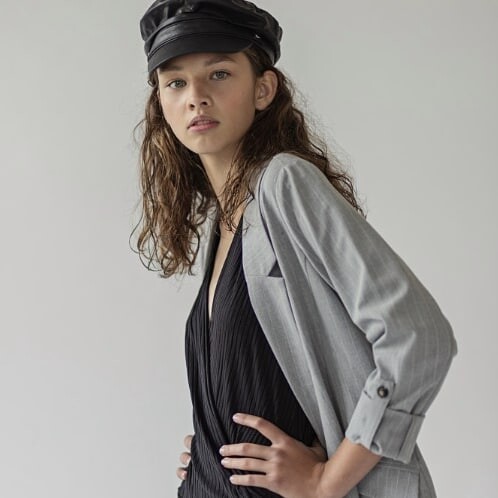
 My Model Contest Czech Republic (2019)
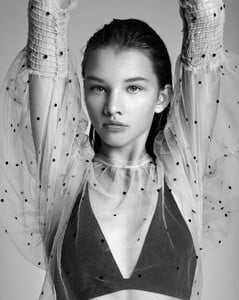



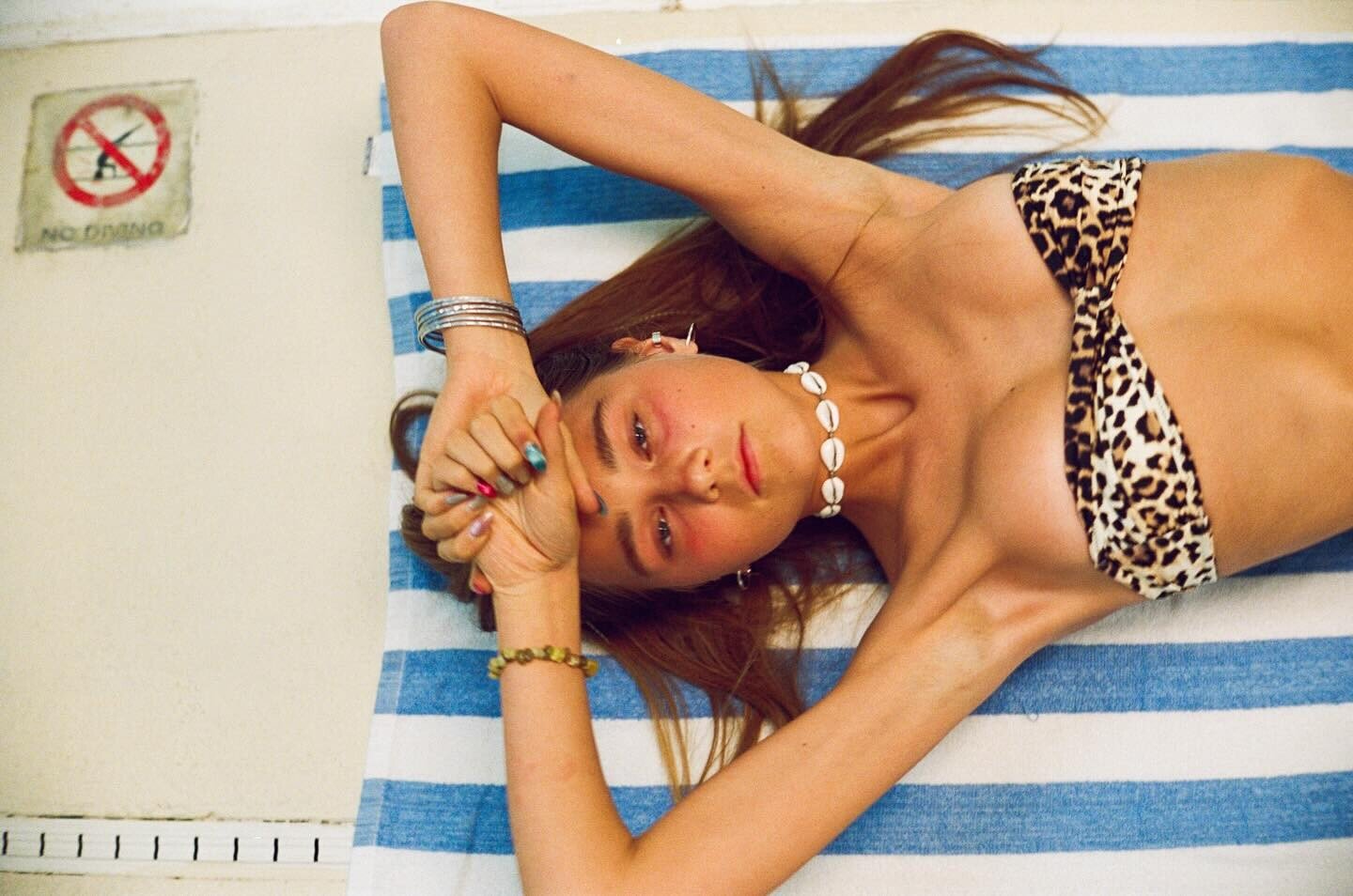
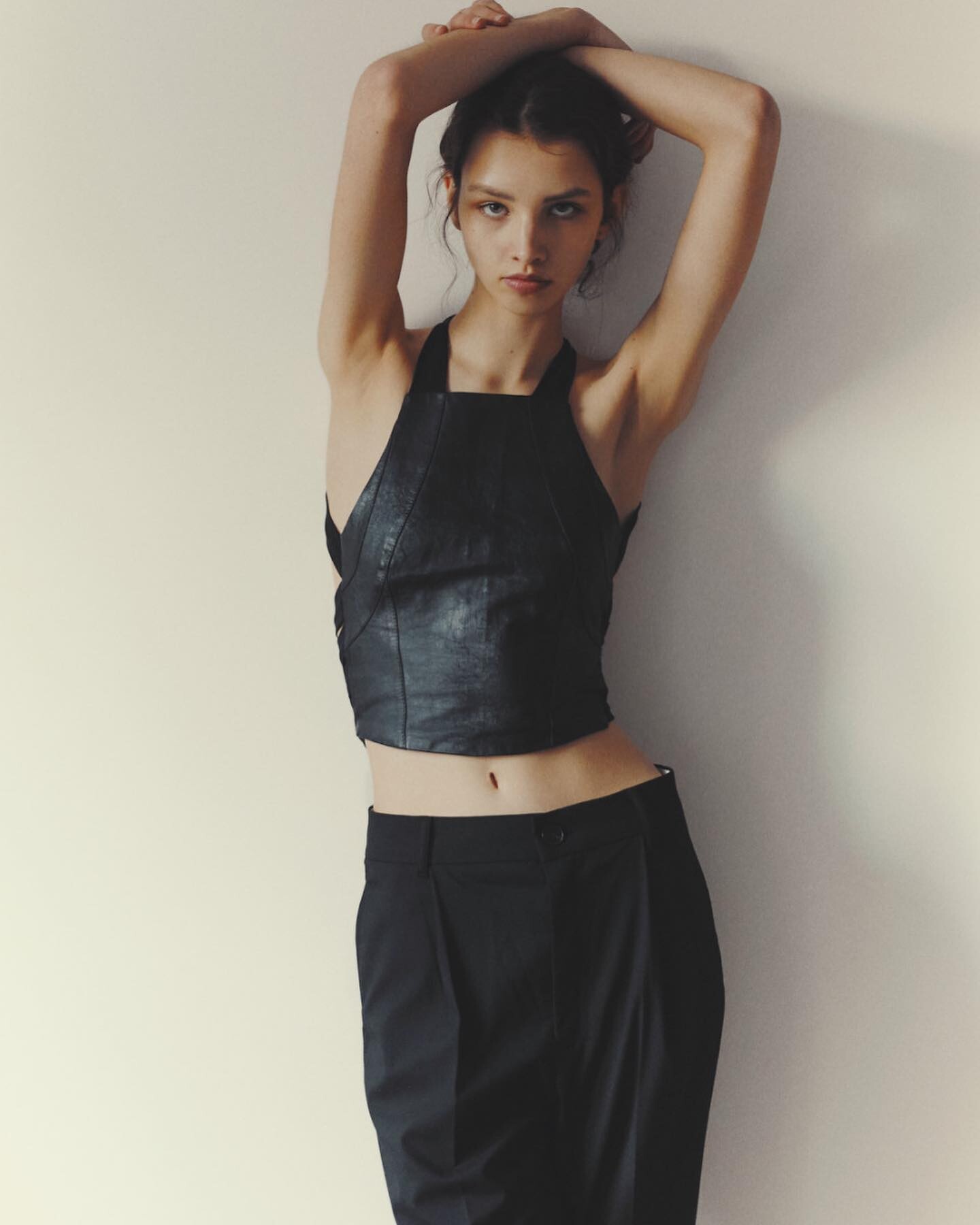
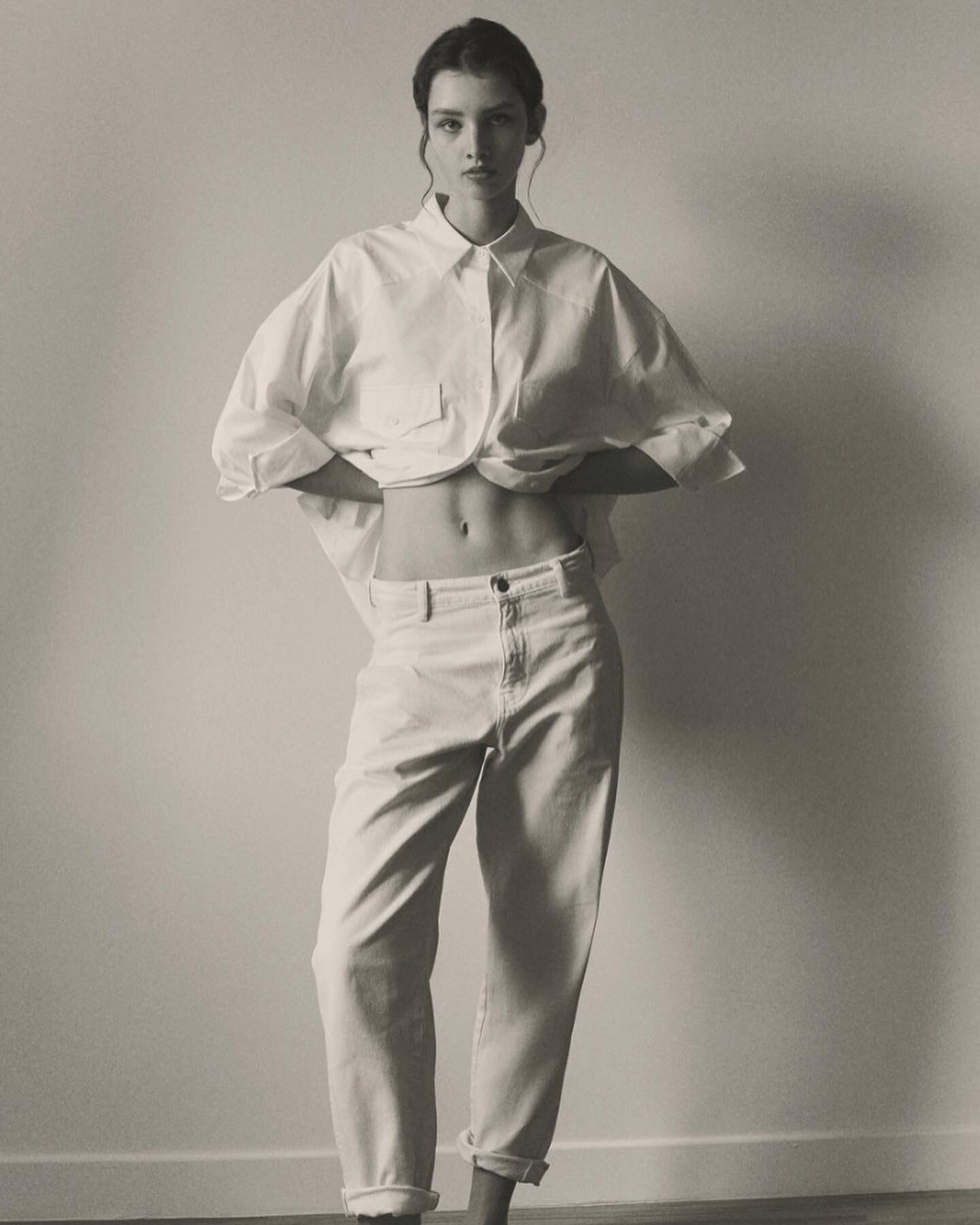
 Digitals Row Model Management (2025)
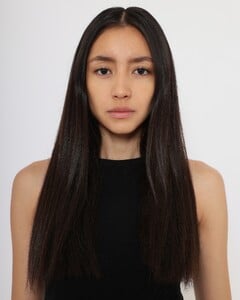
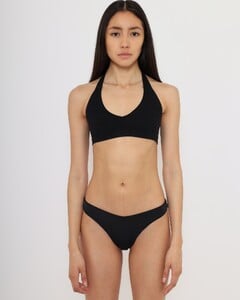
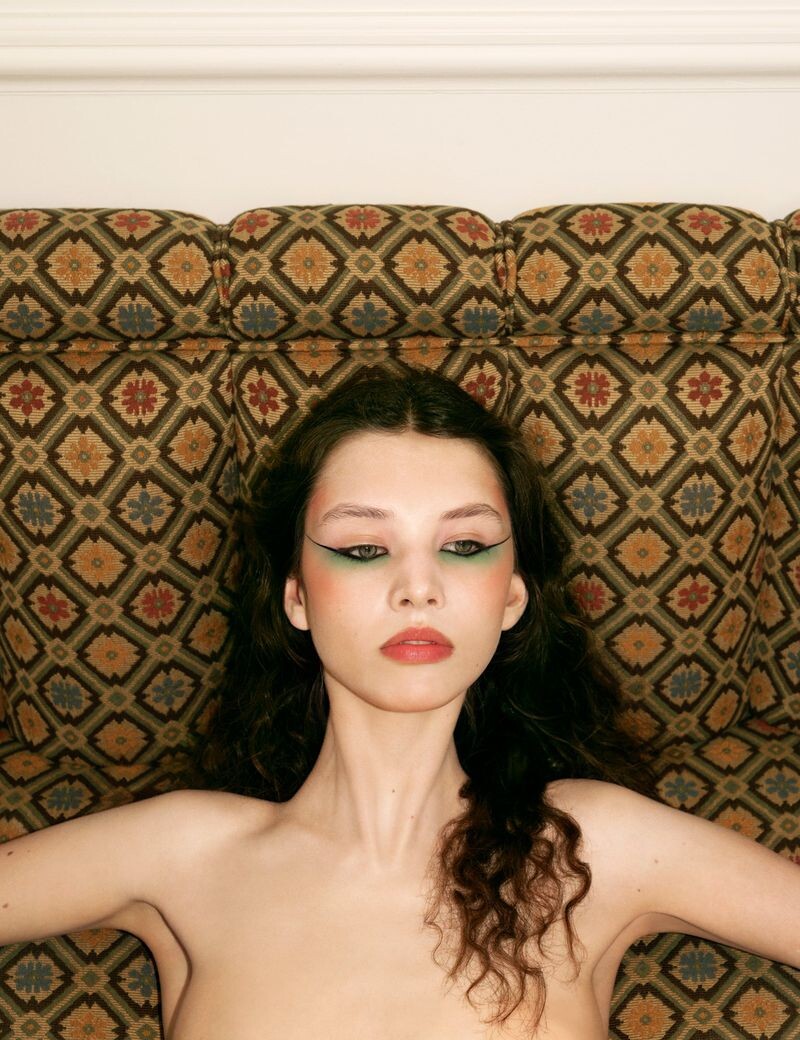
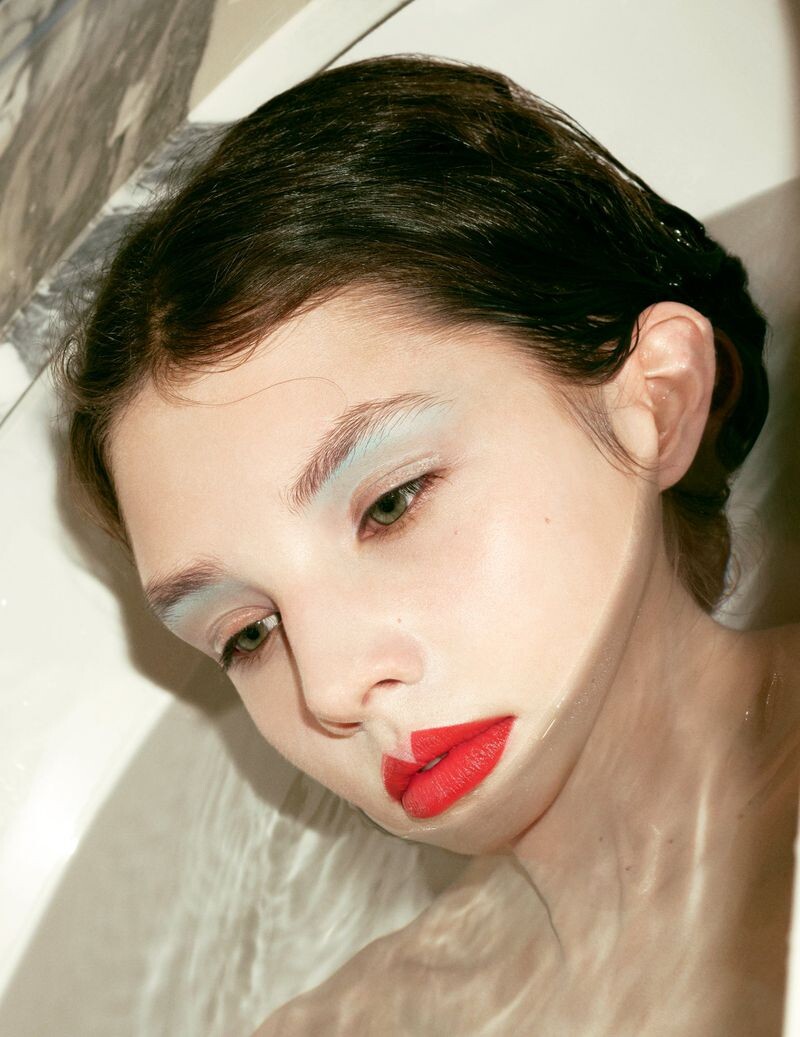
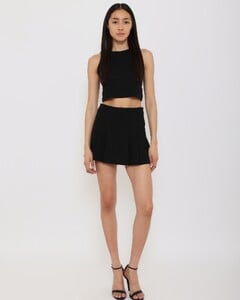 Antoine & Charlie for Numero Switzerland (2024)


 Diane Betties (2023)



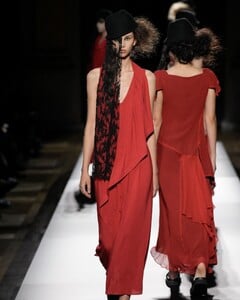
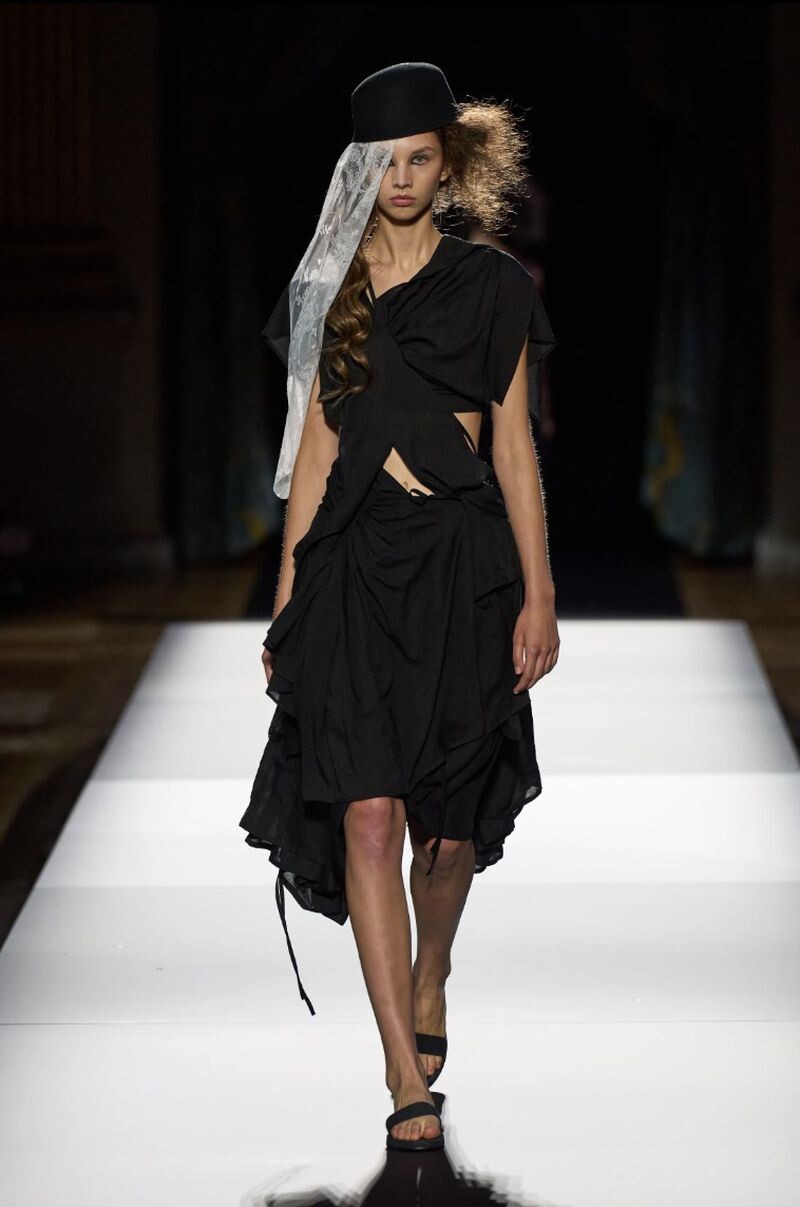
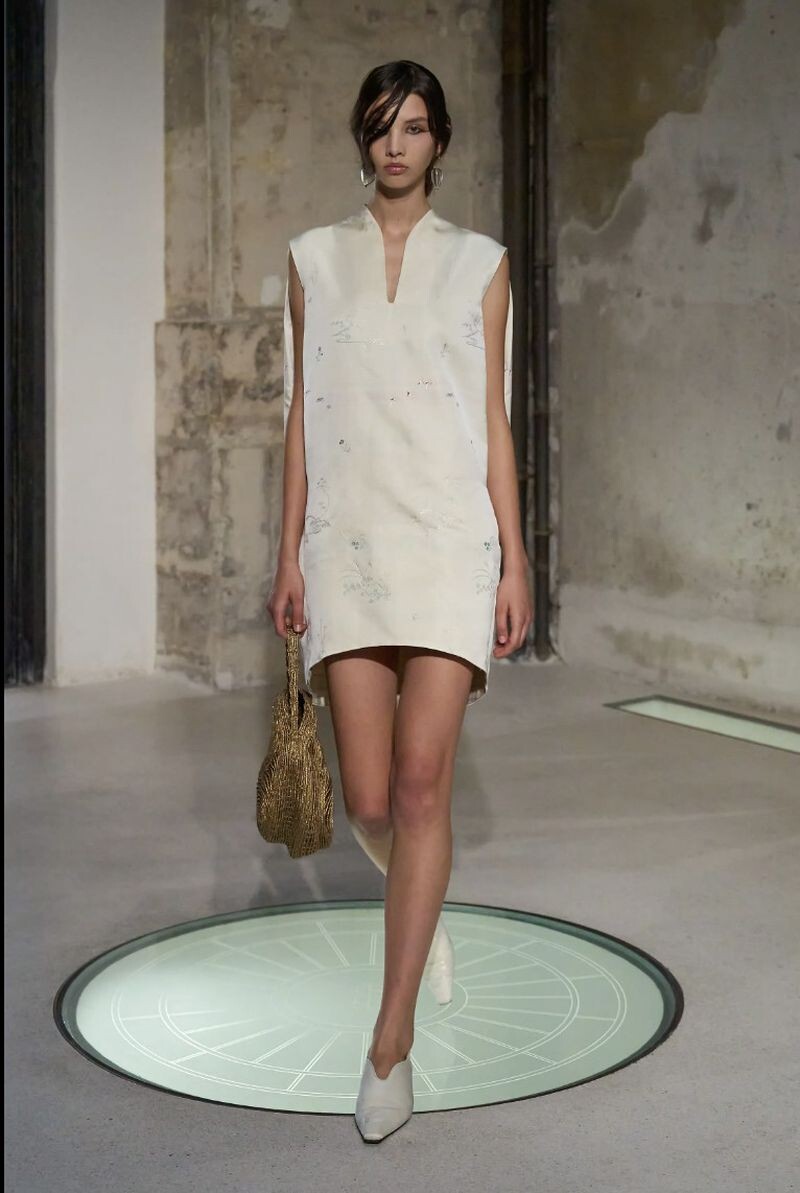
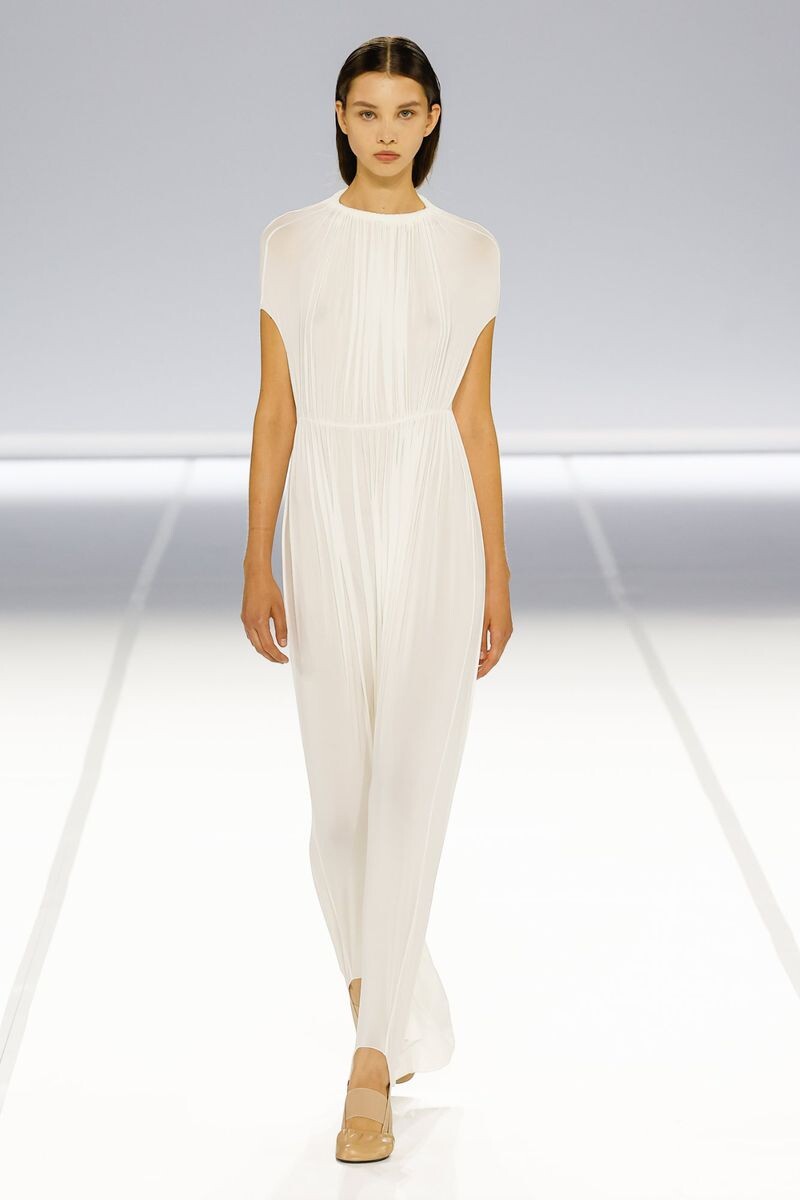
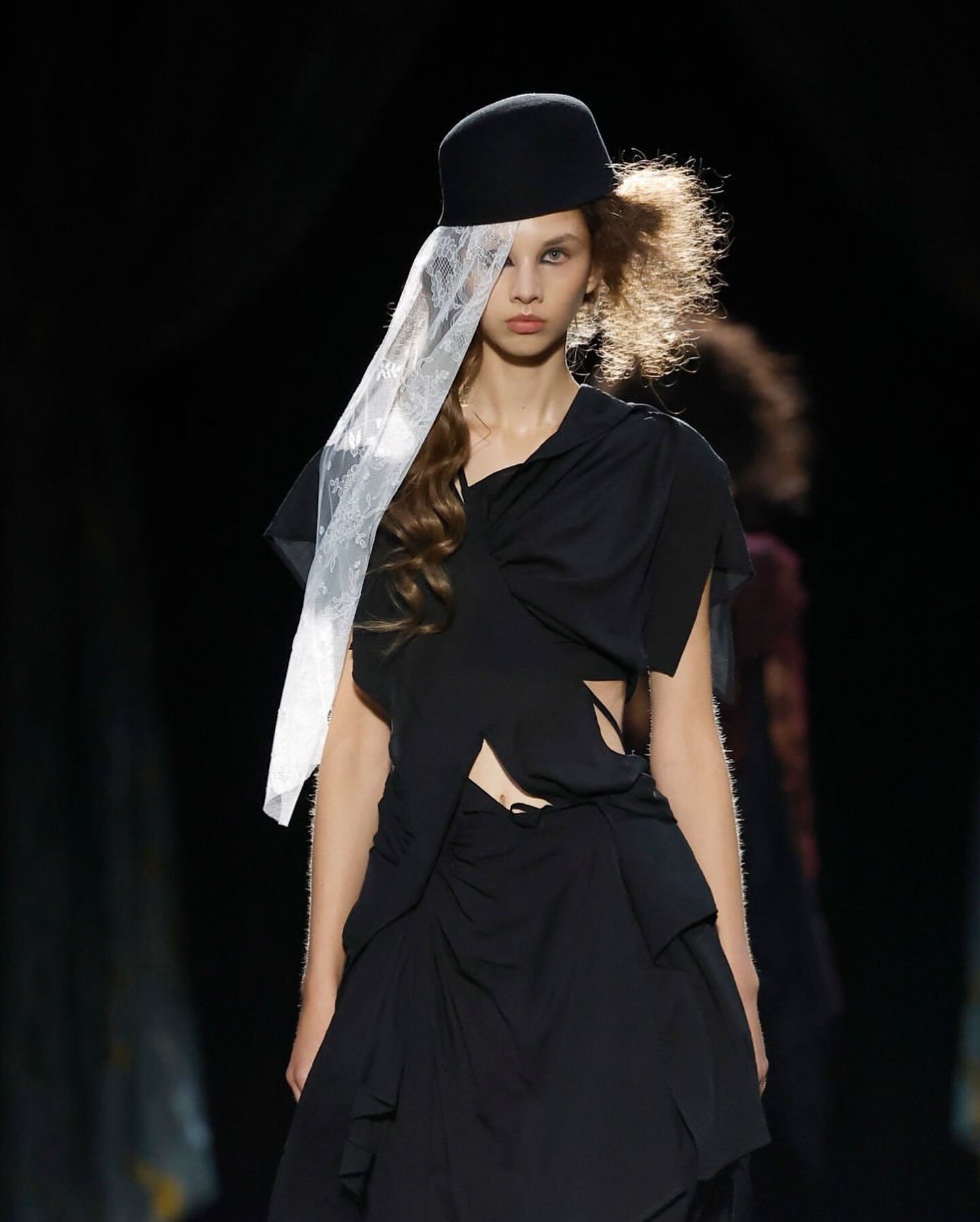
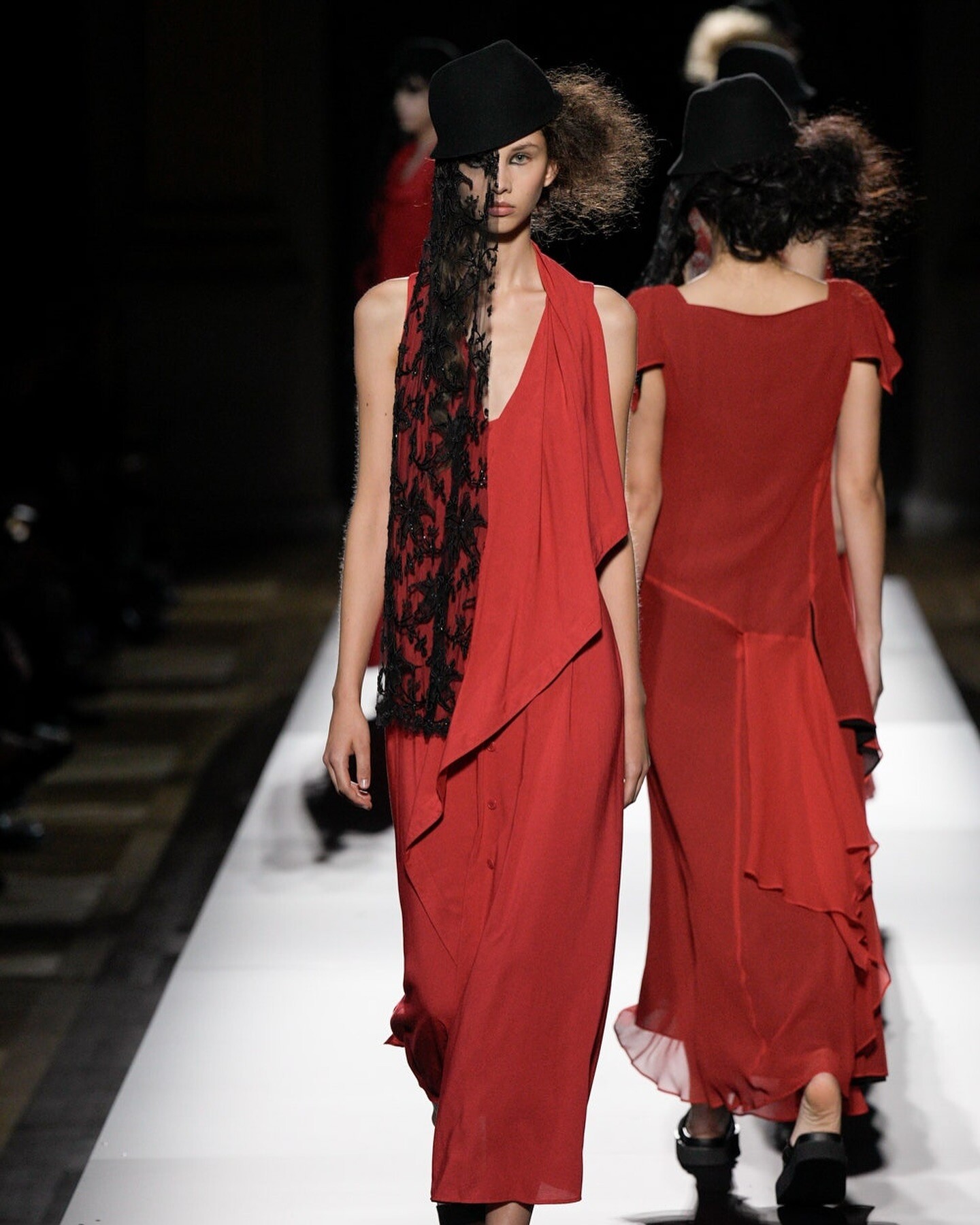
 Yohij Yamamoto S/S 2025 Mame Kurogouchi S/S 2025 (closing) Alain Paul S/S 2025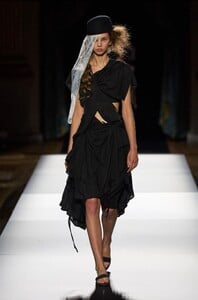

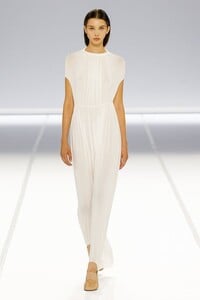
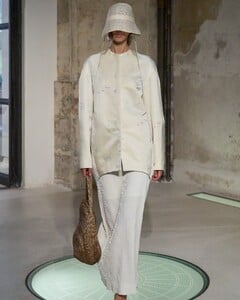
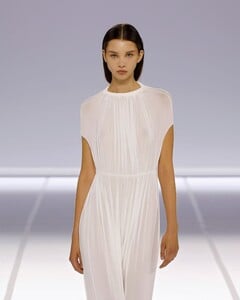

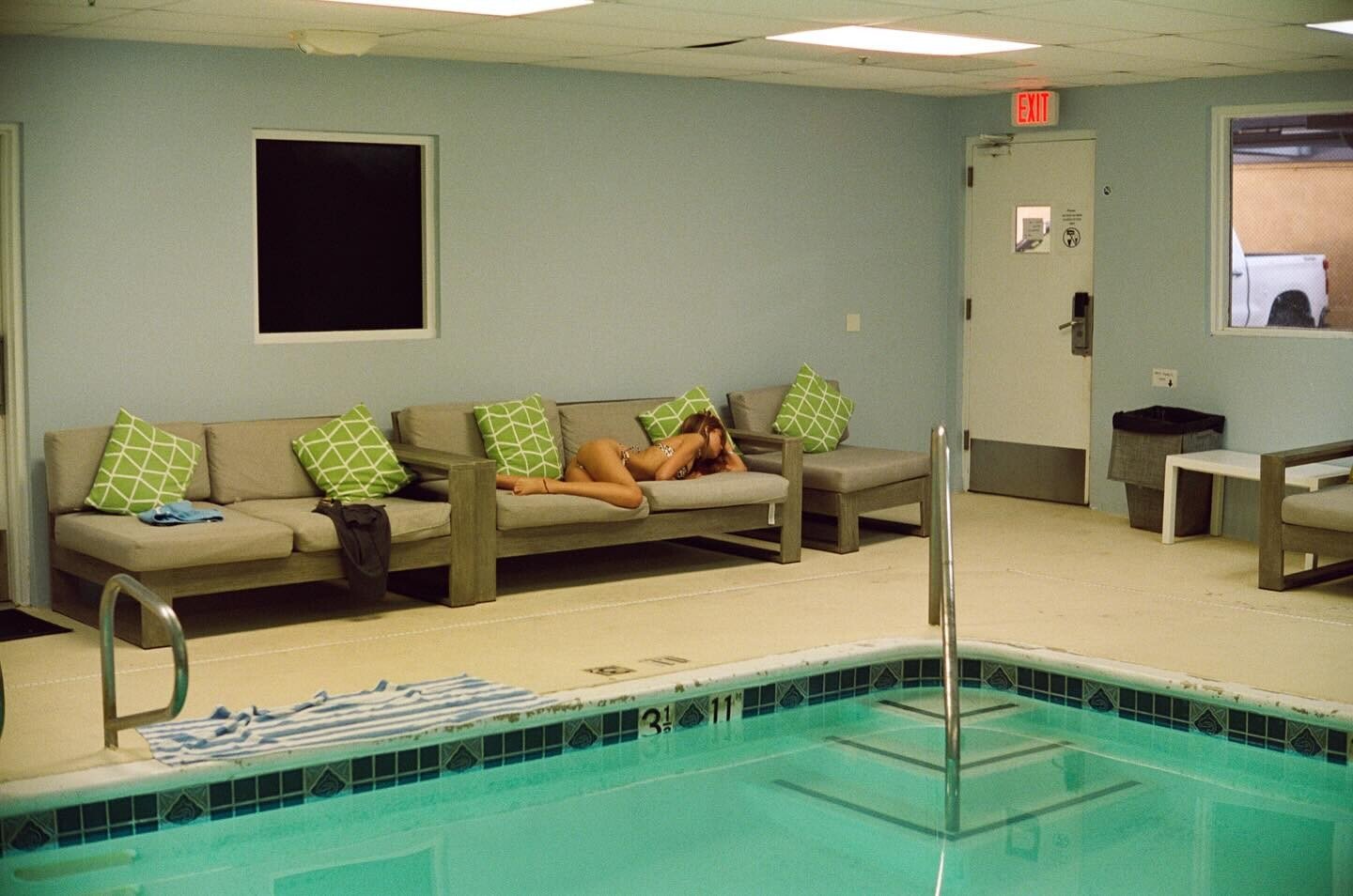
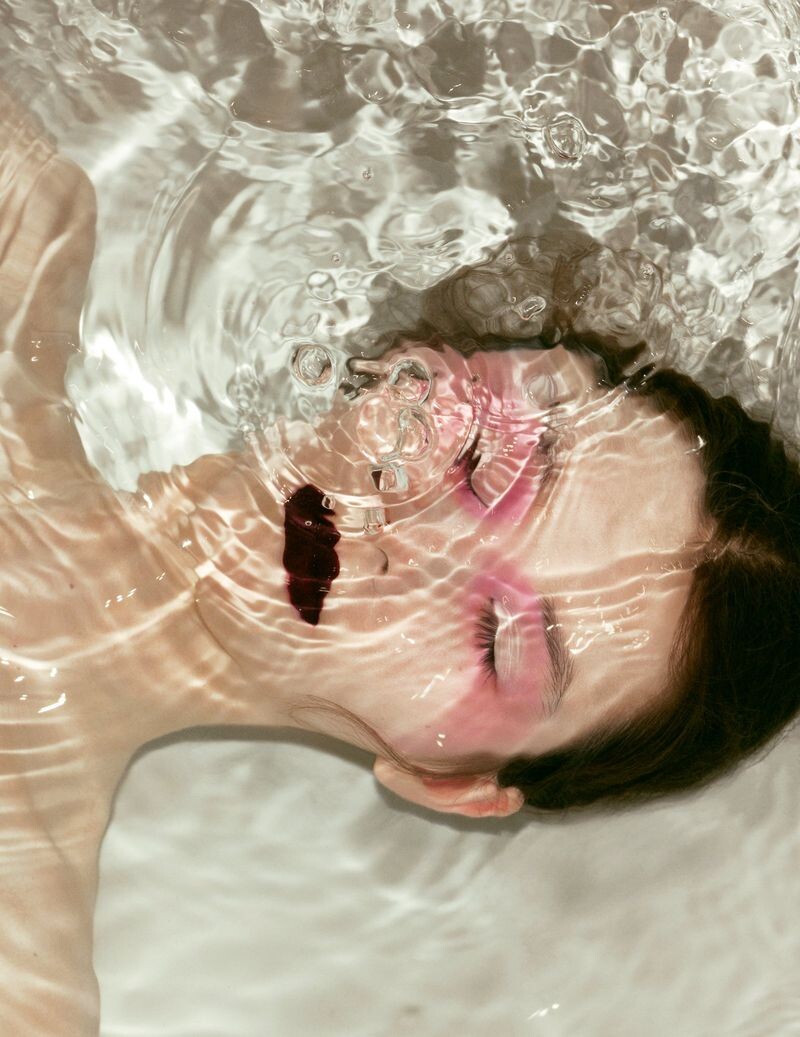
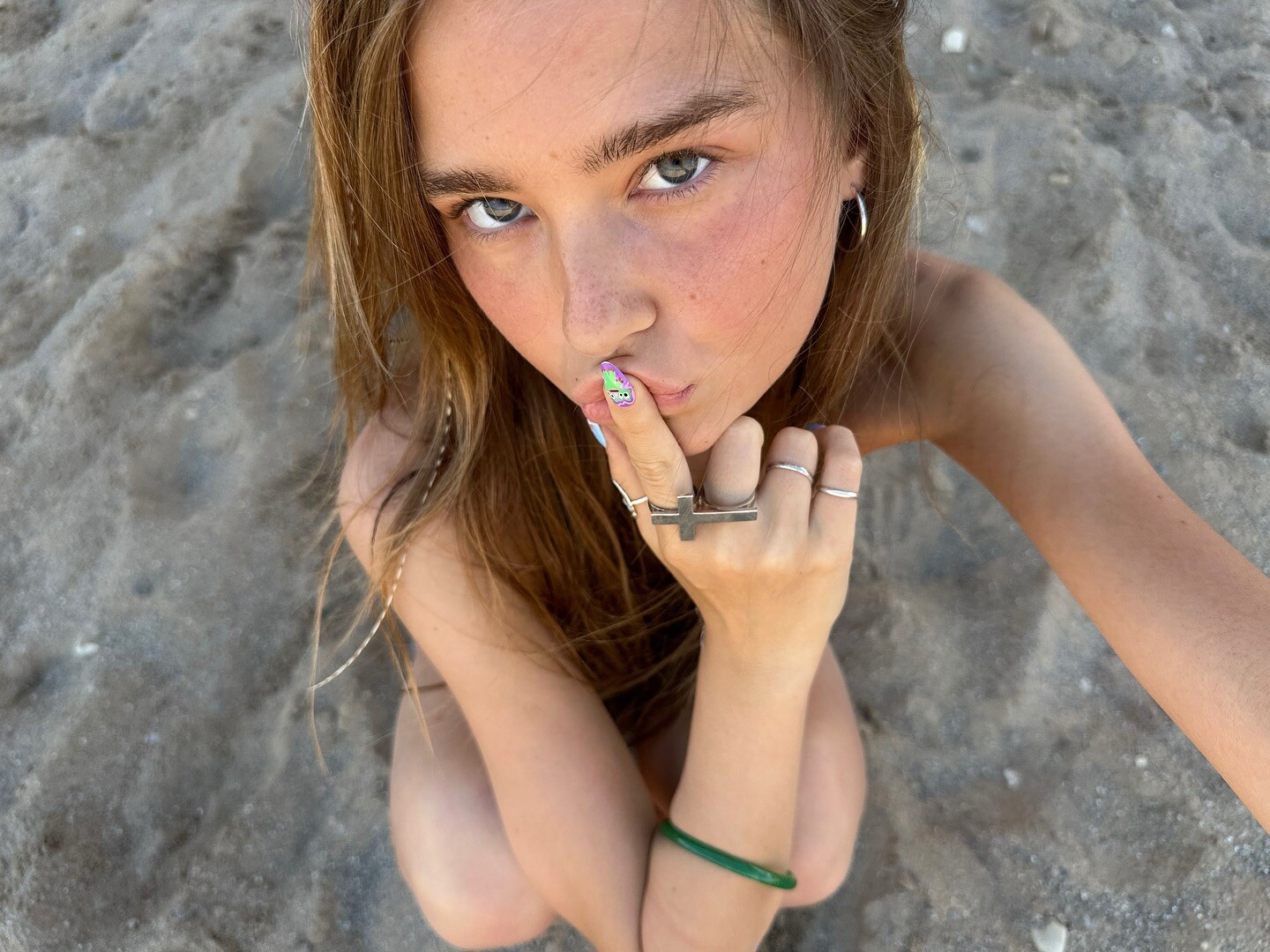
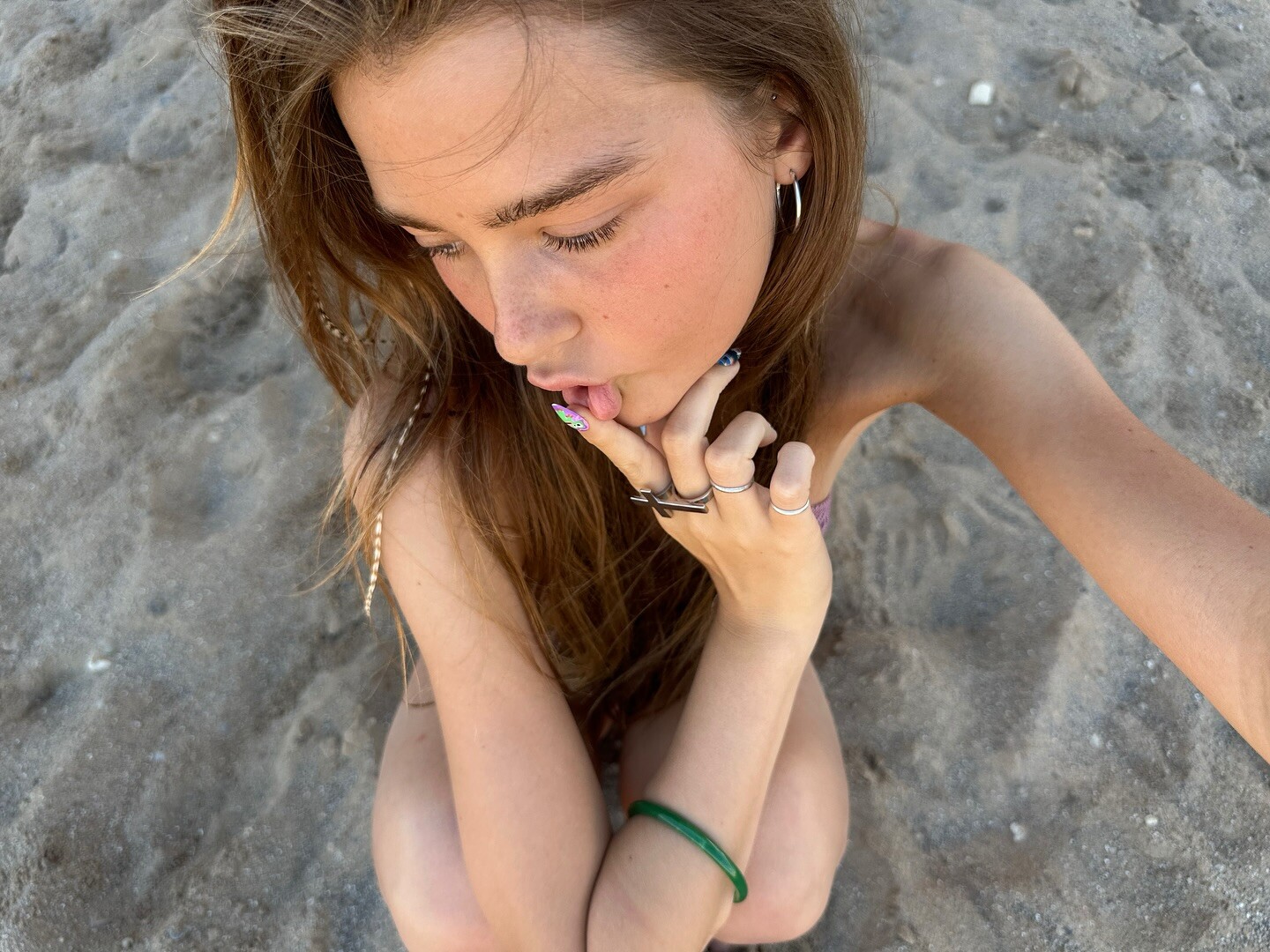
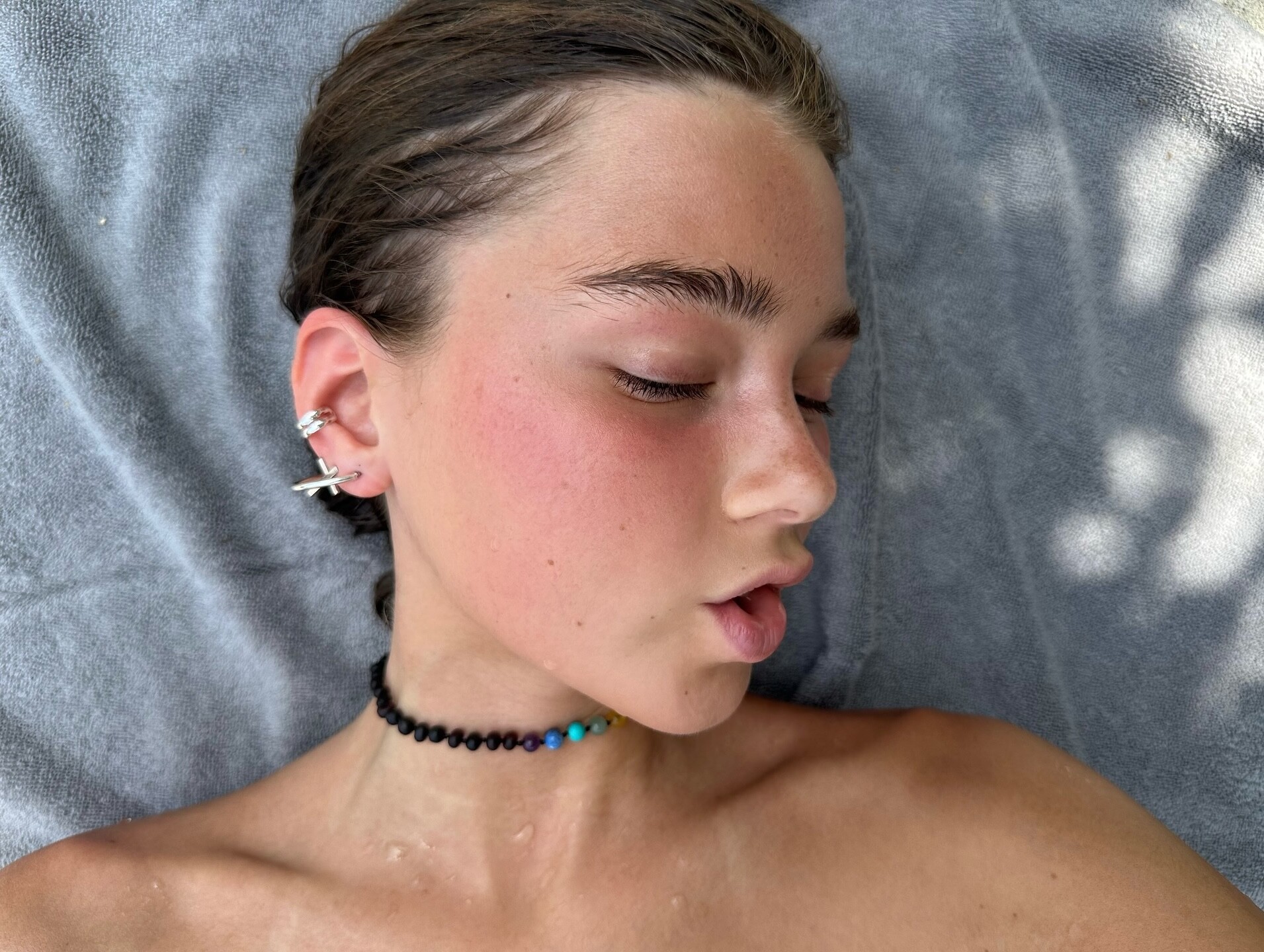
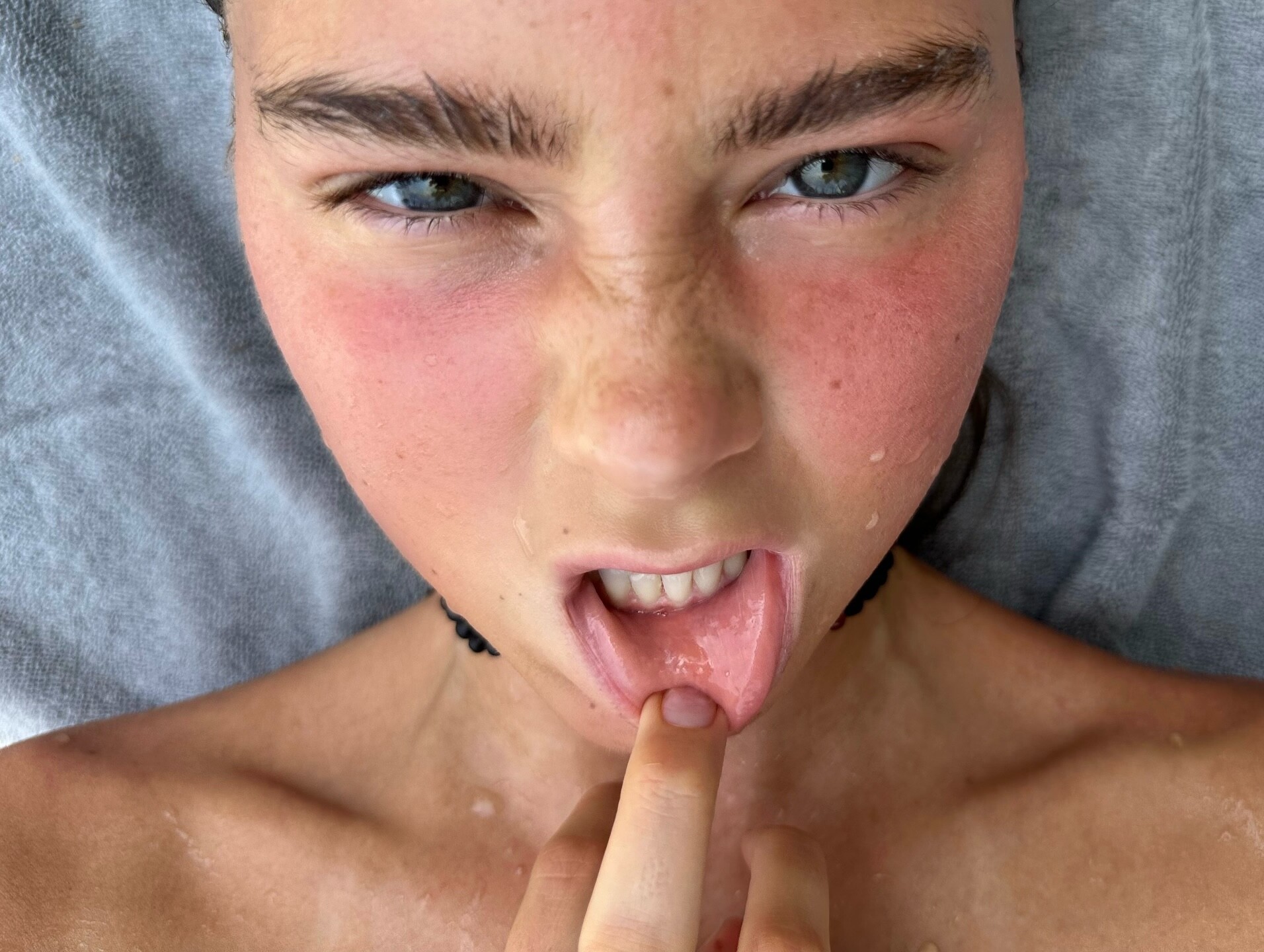
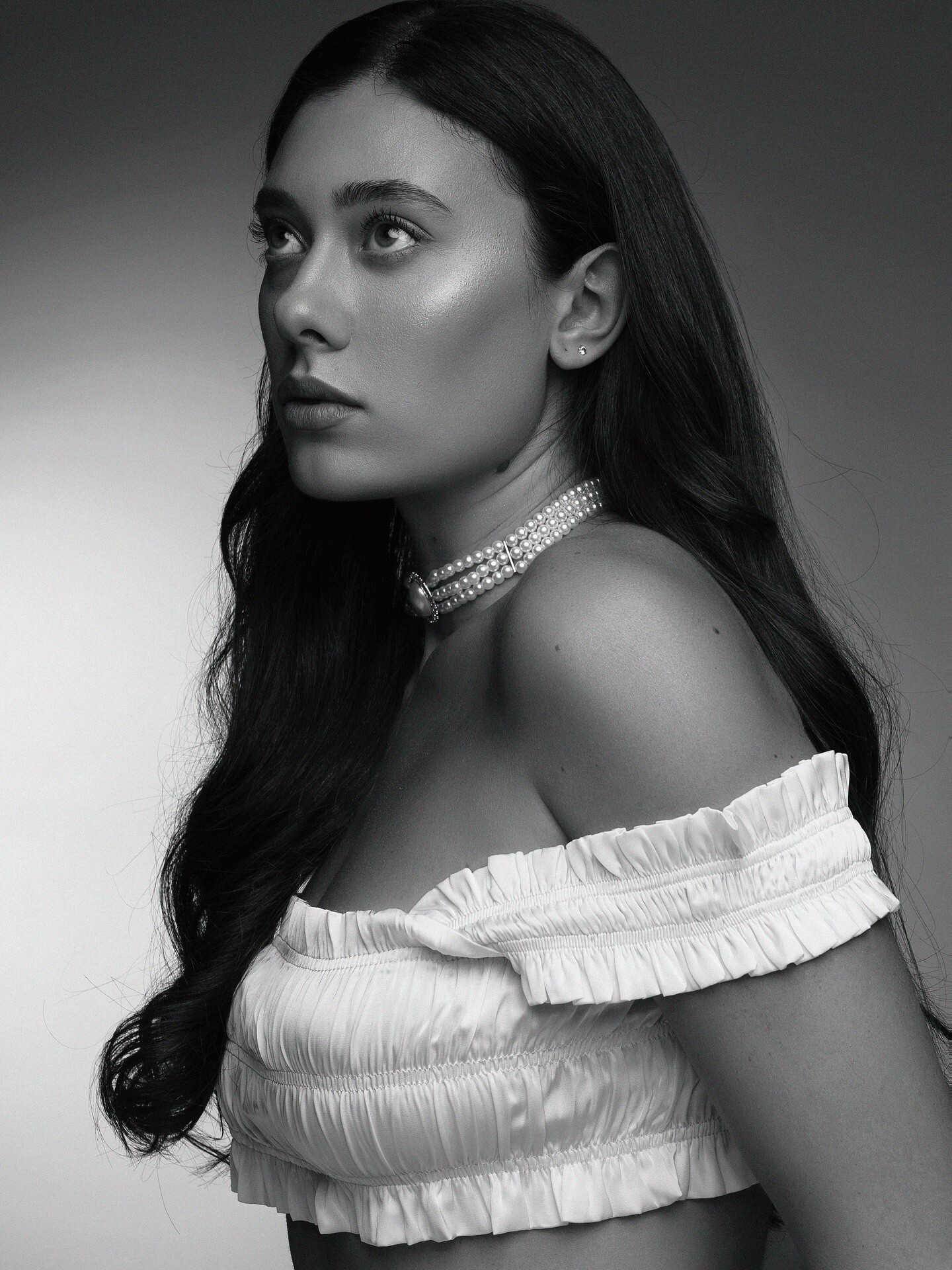
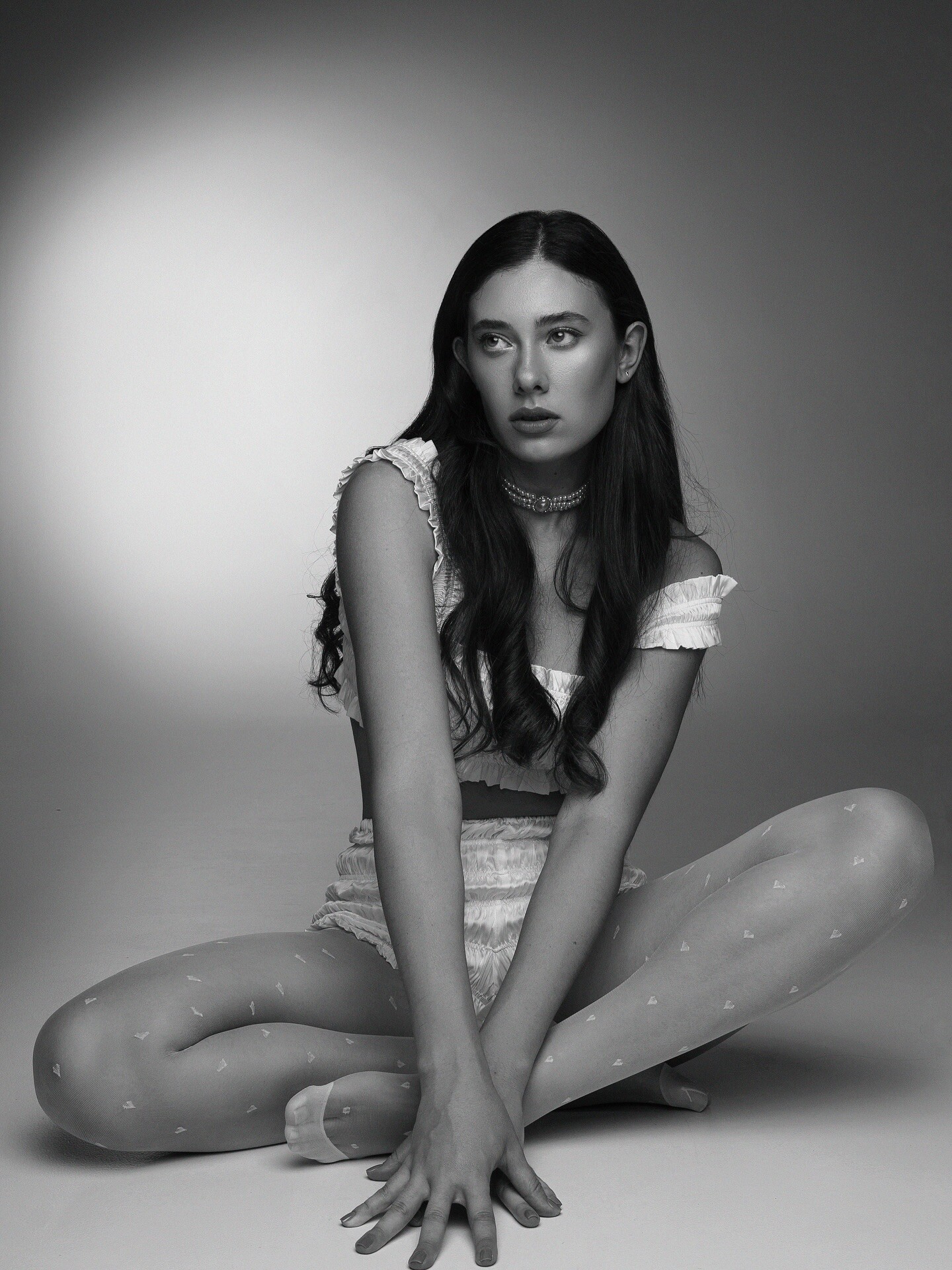
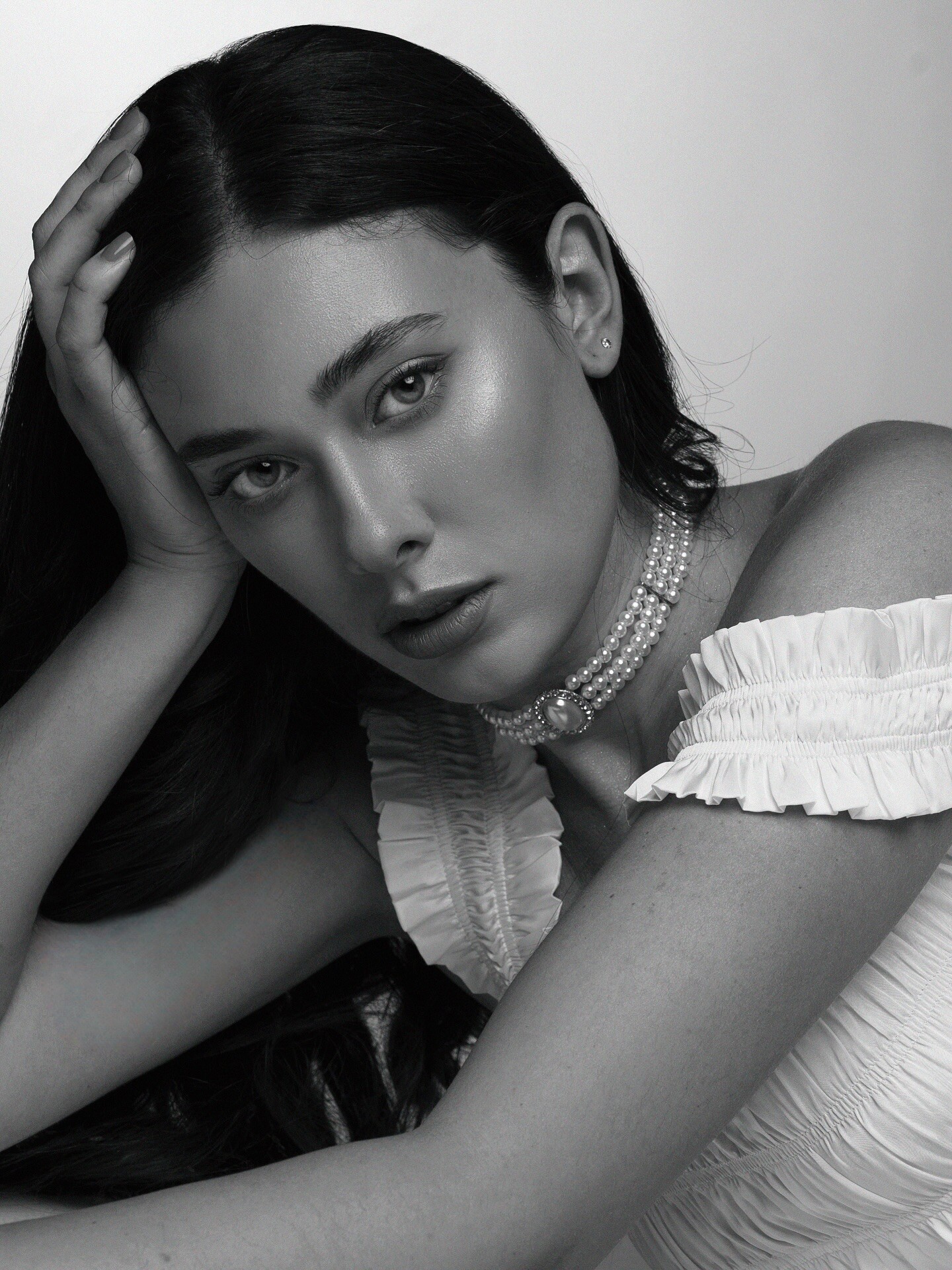
 Polaroids (2025)




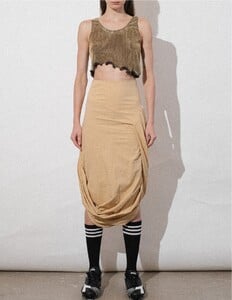
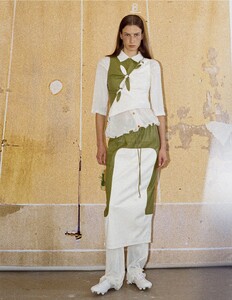
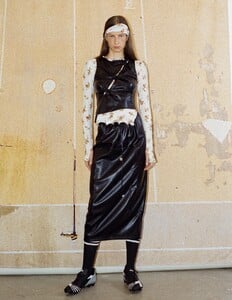
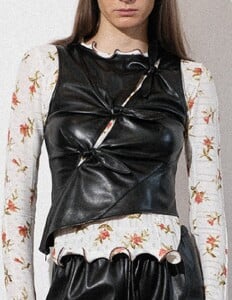
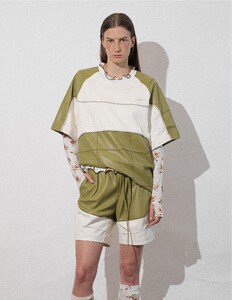
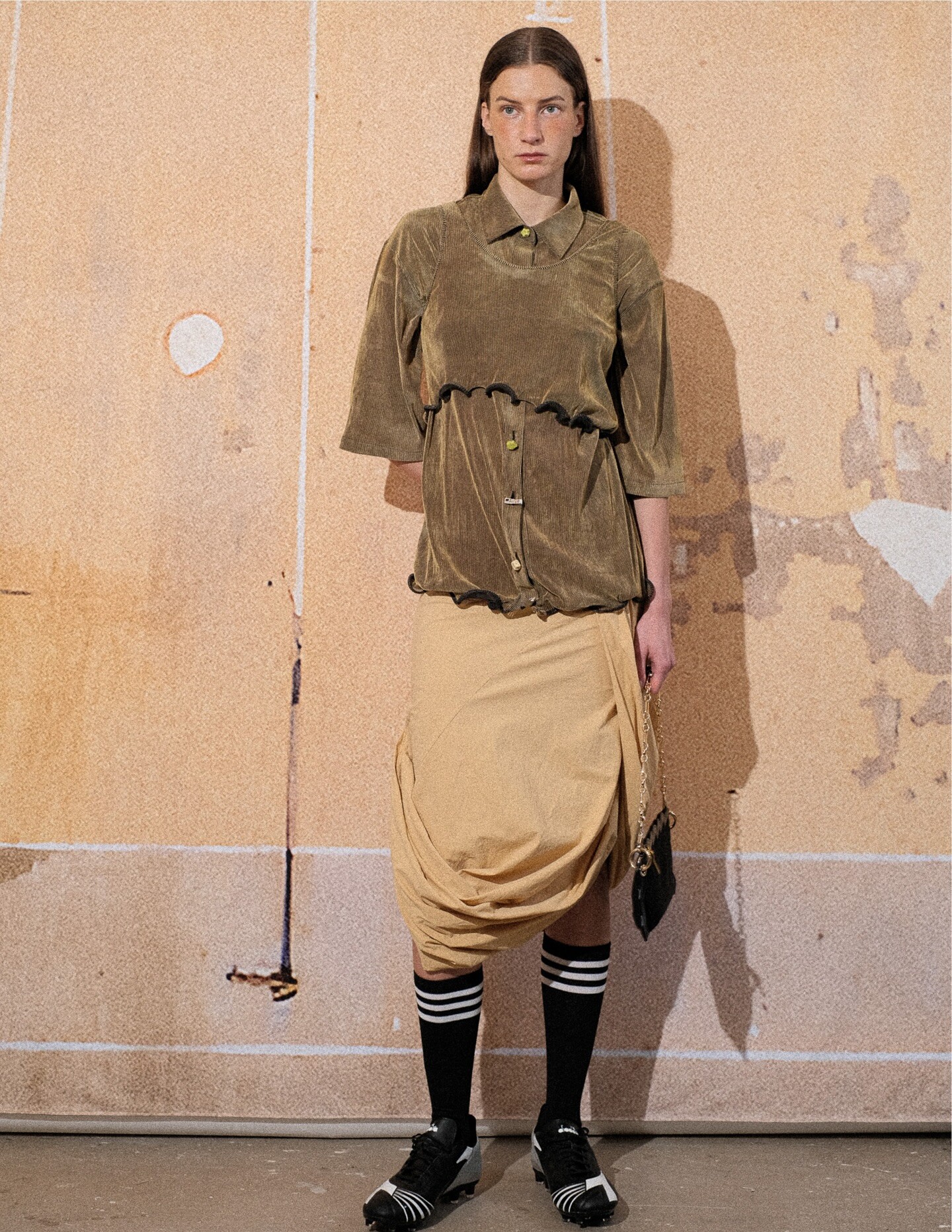
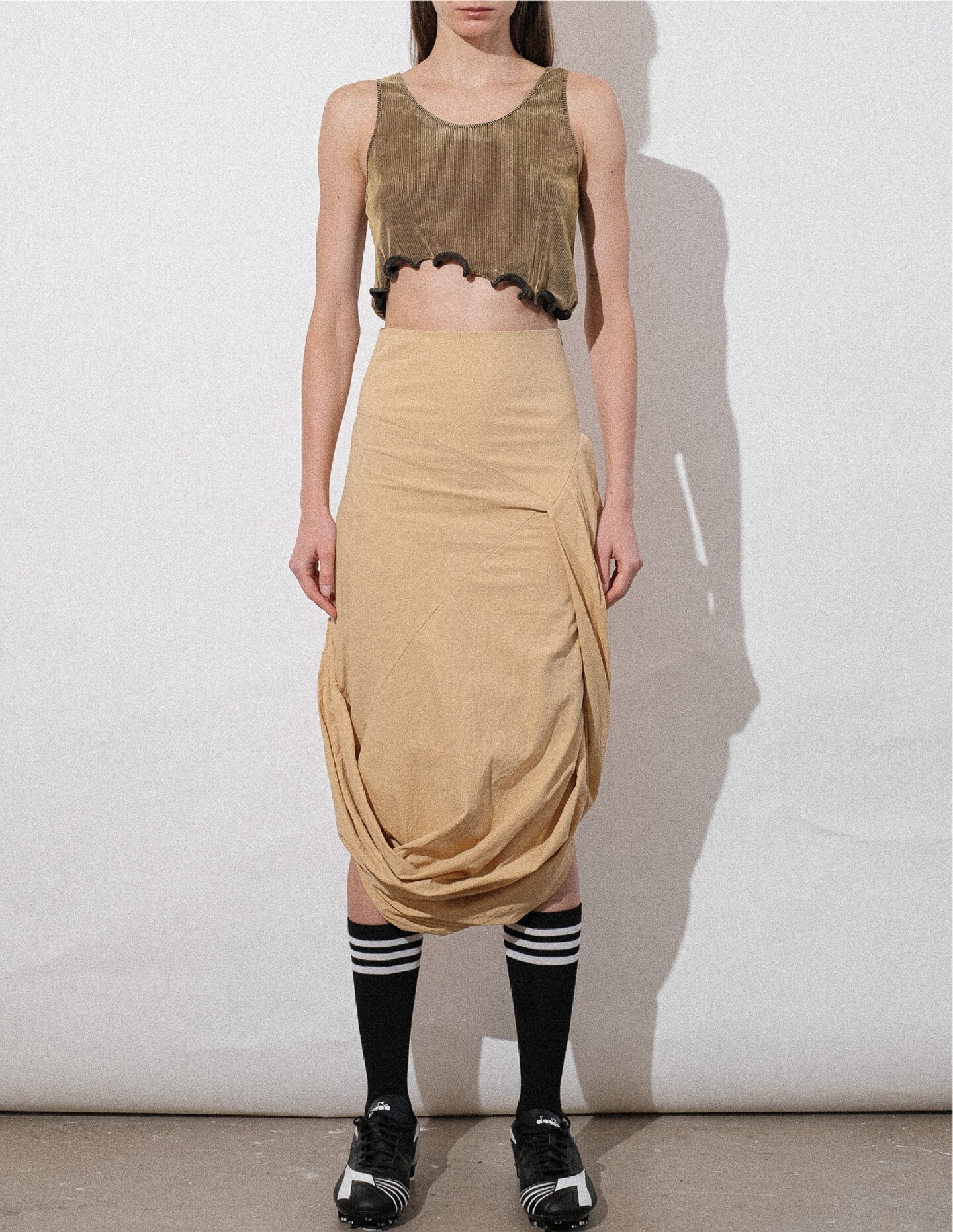
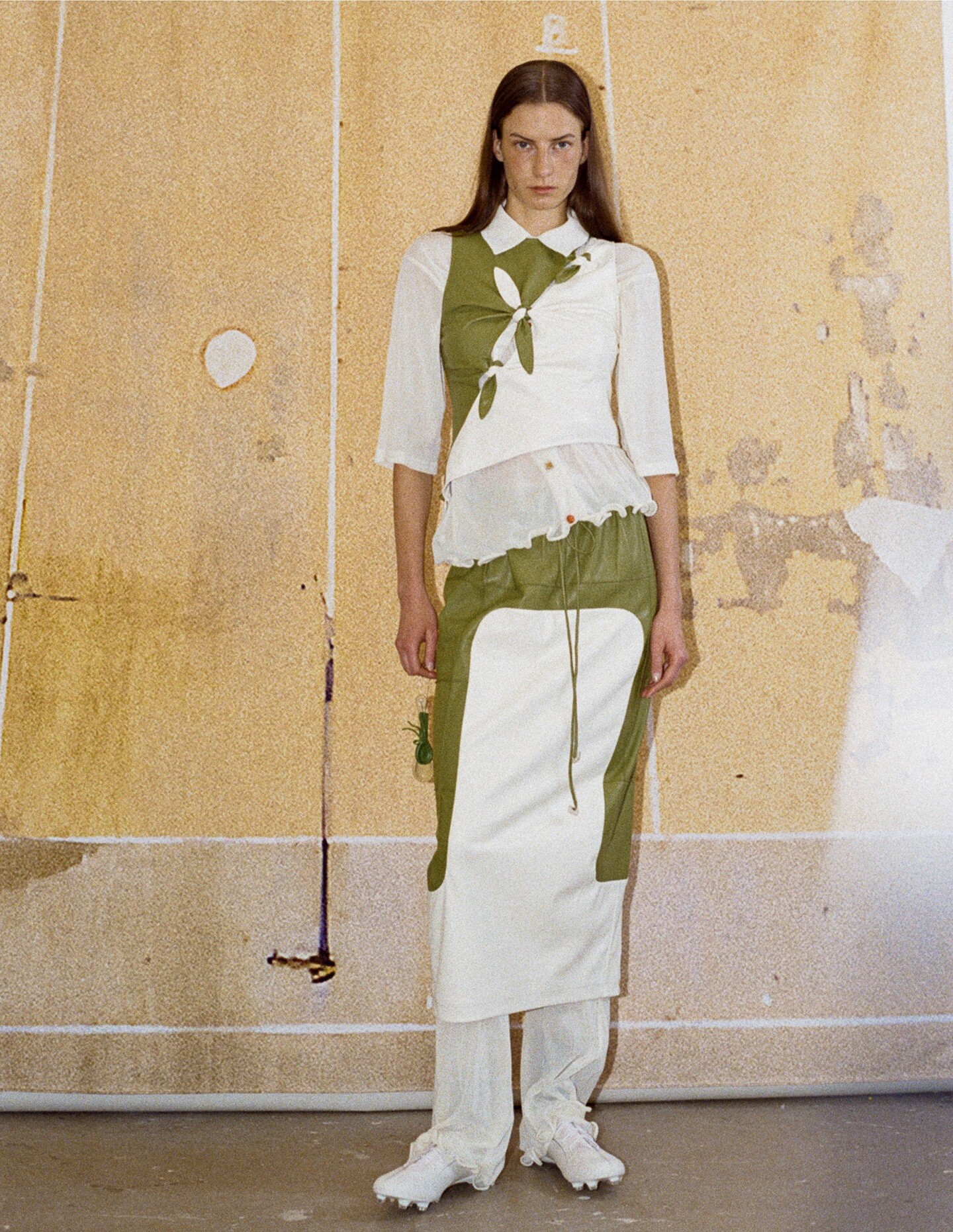
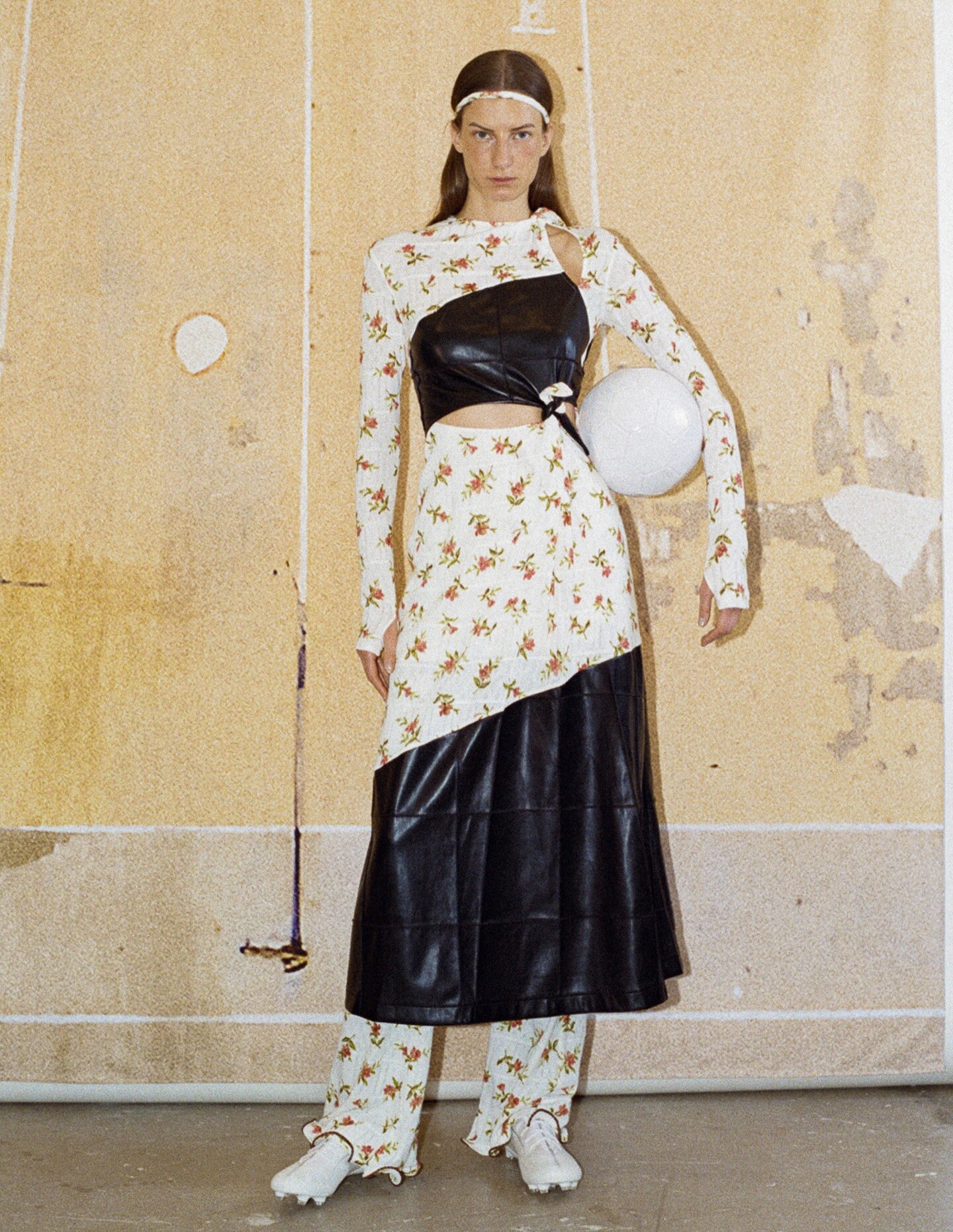
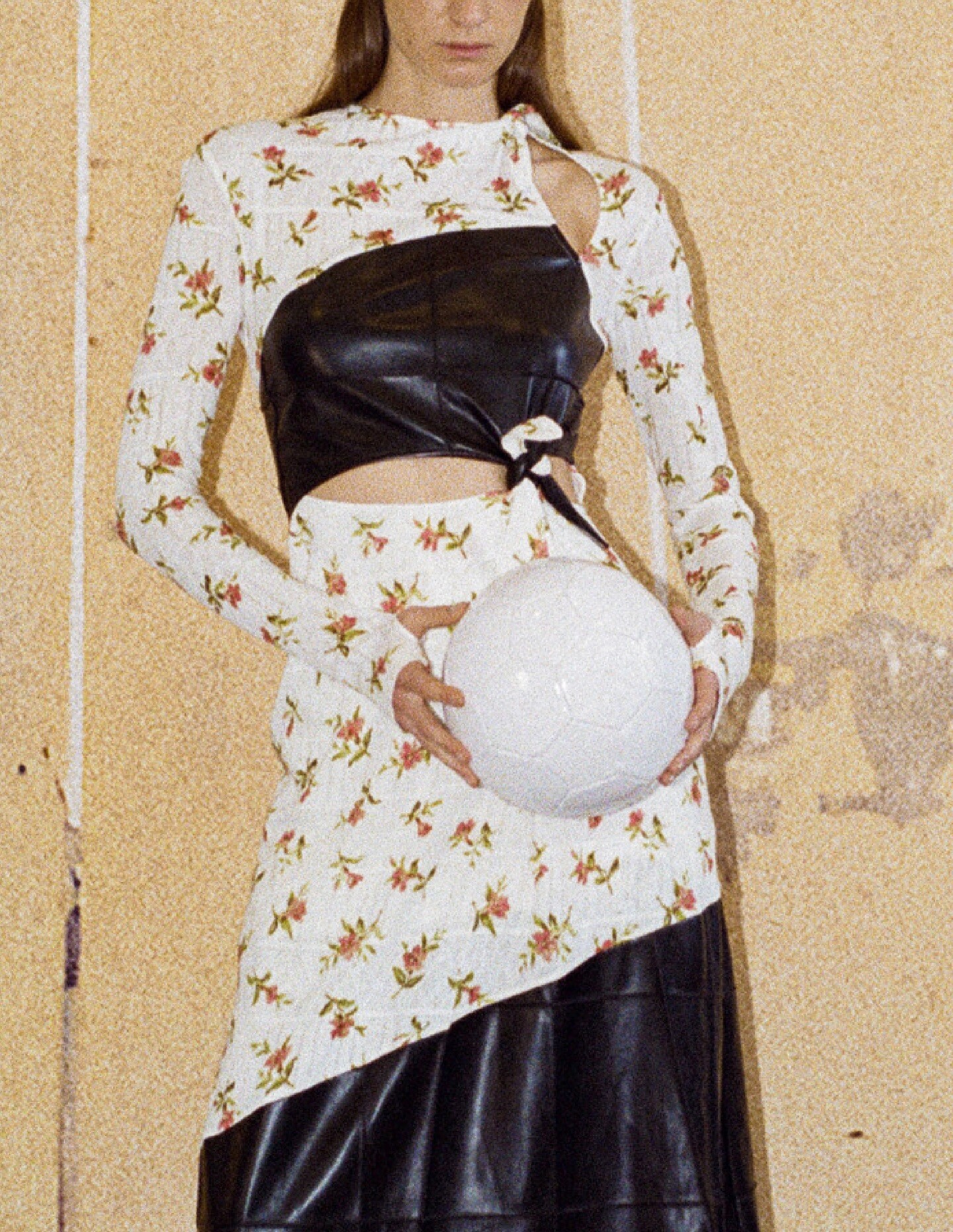
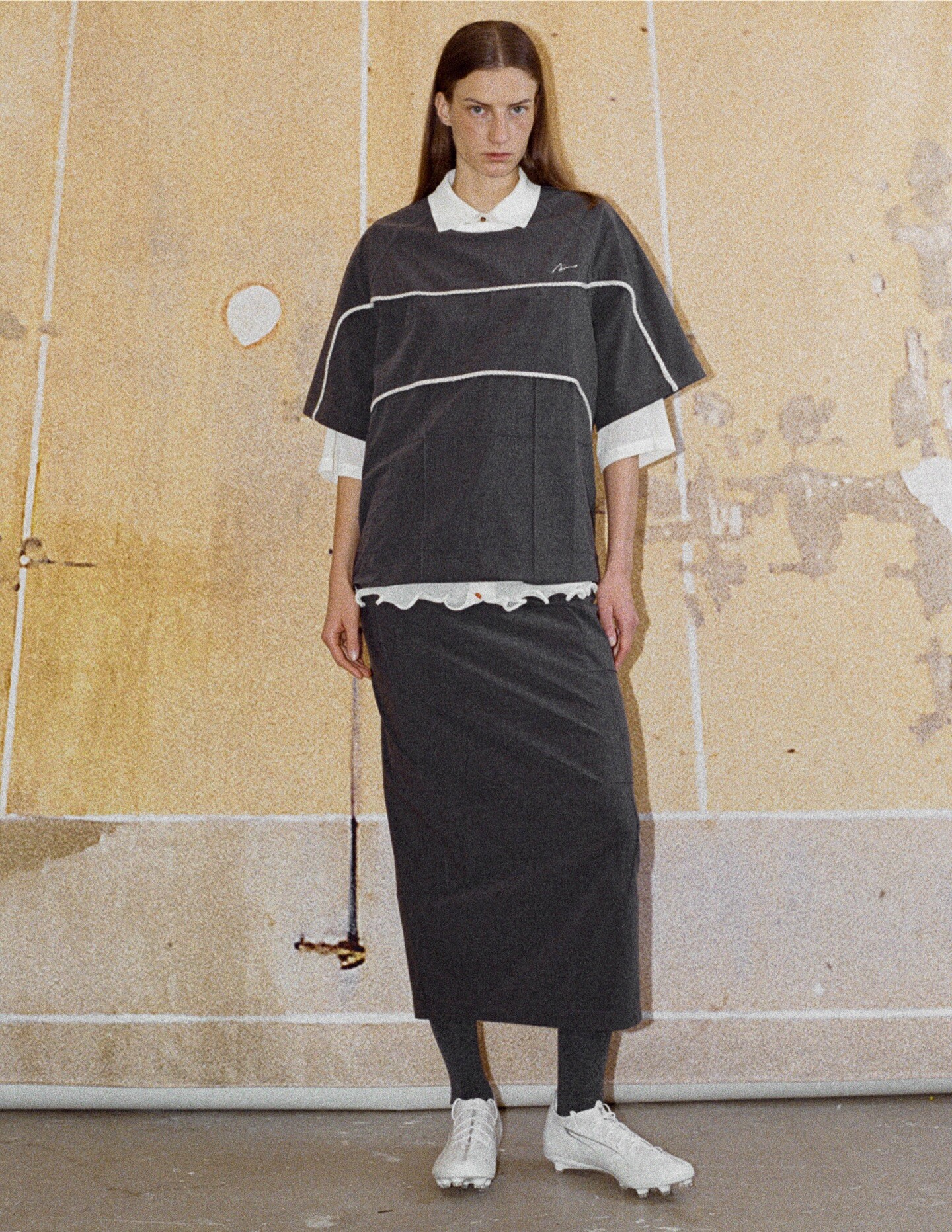
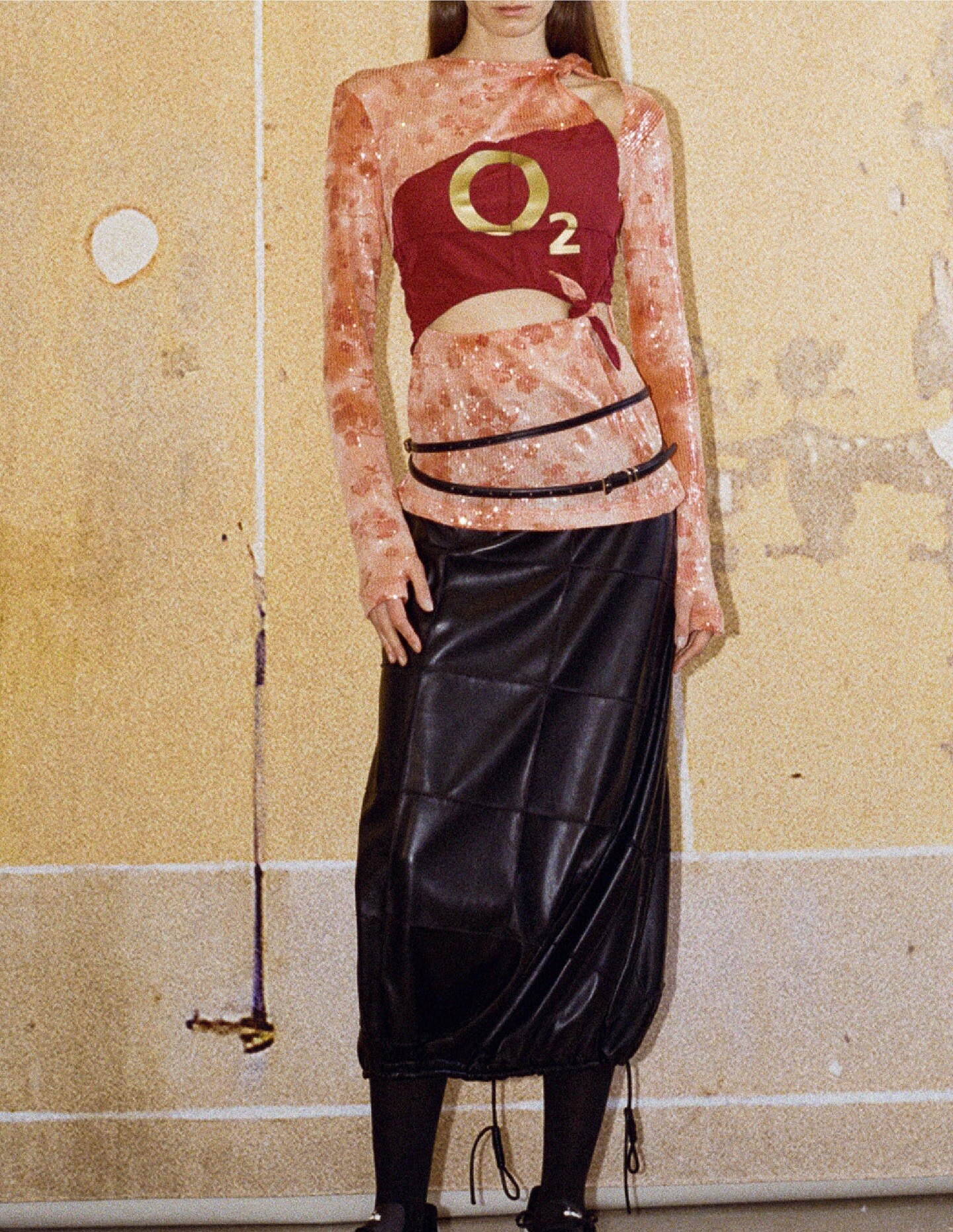
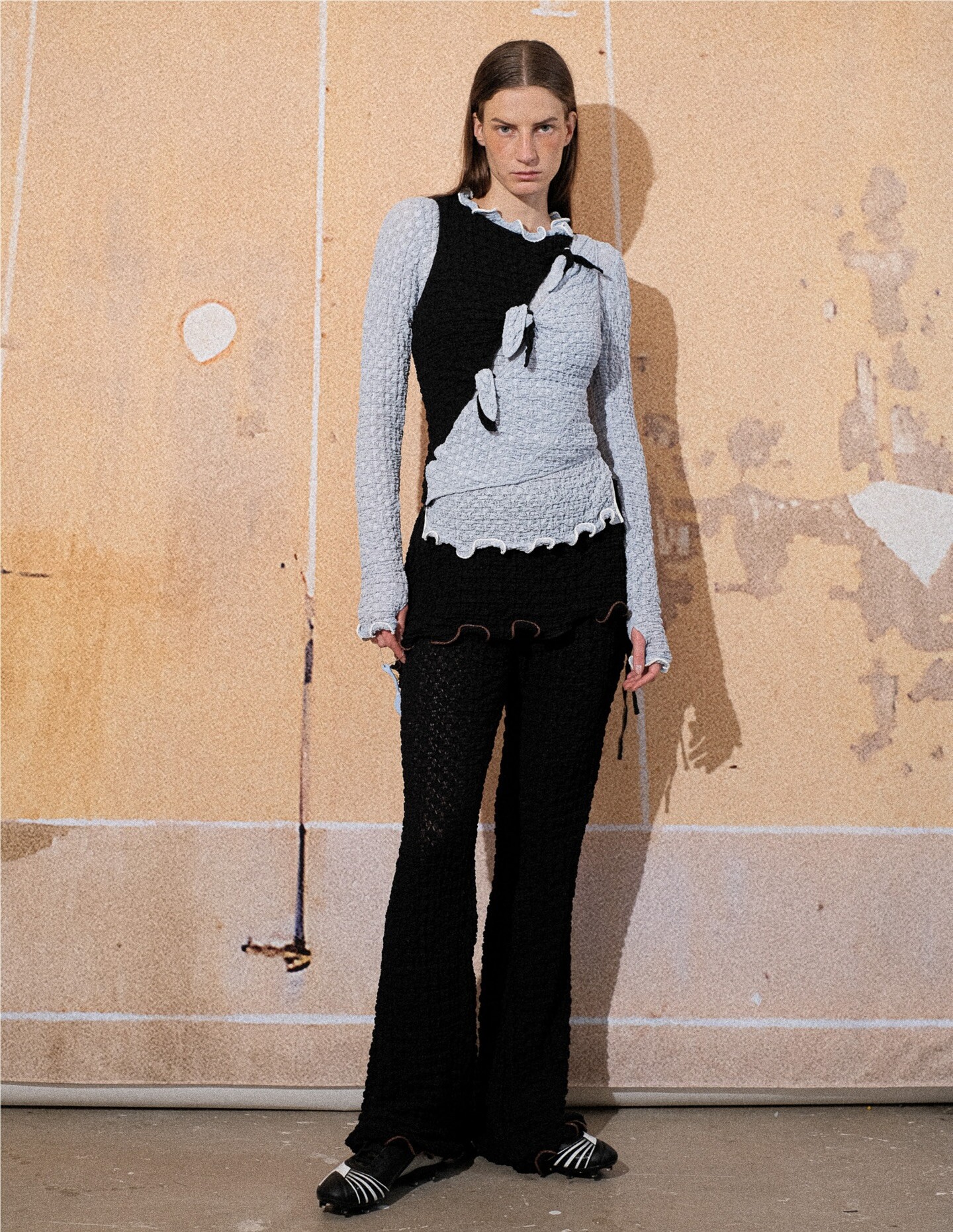
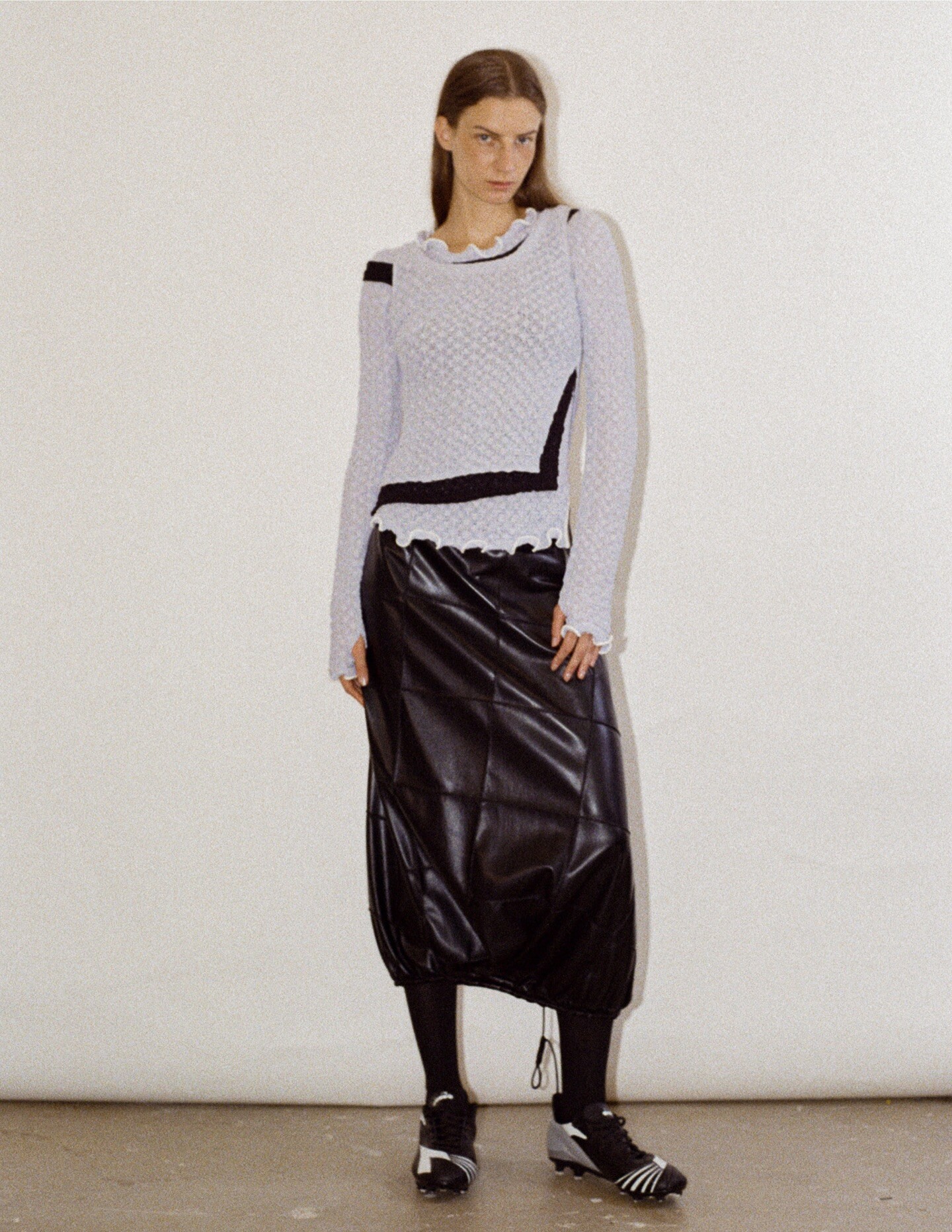
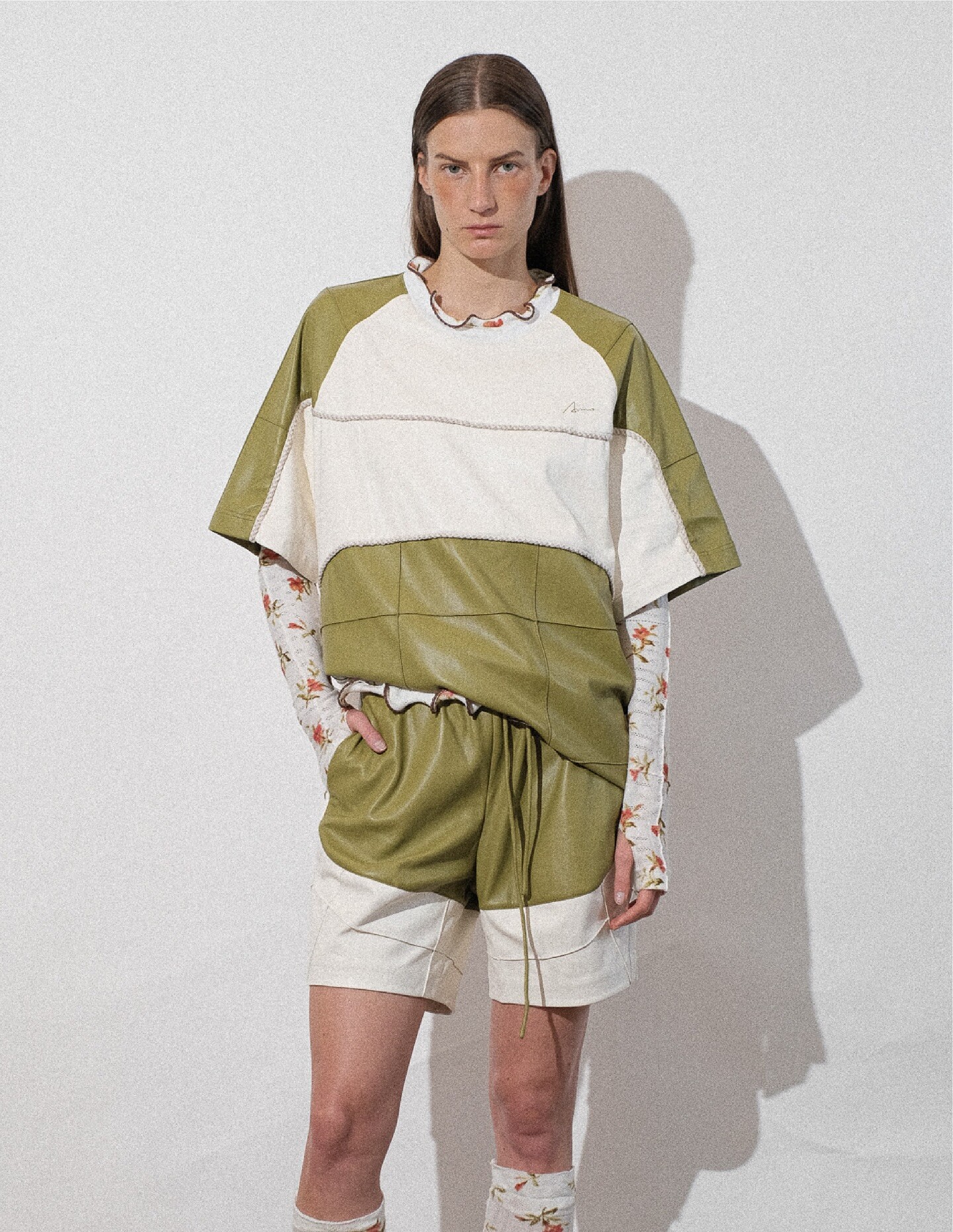
 Zimo S/S 2026



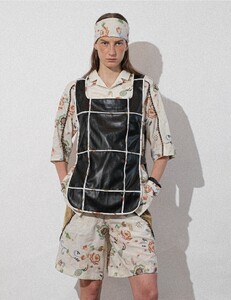

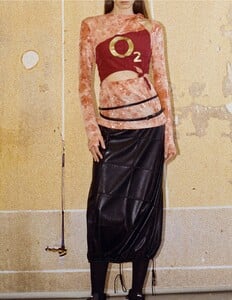
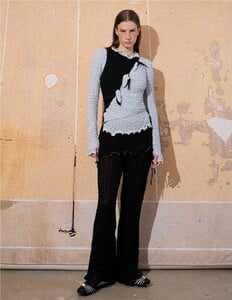
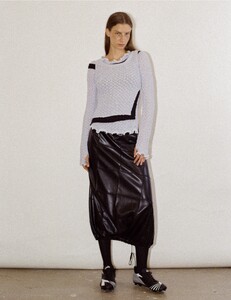


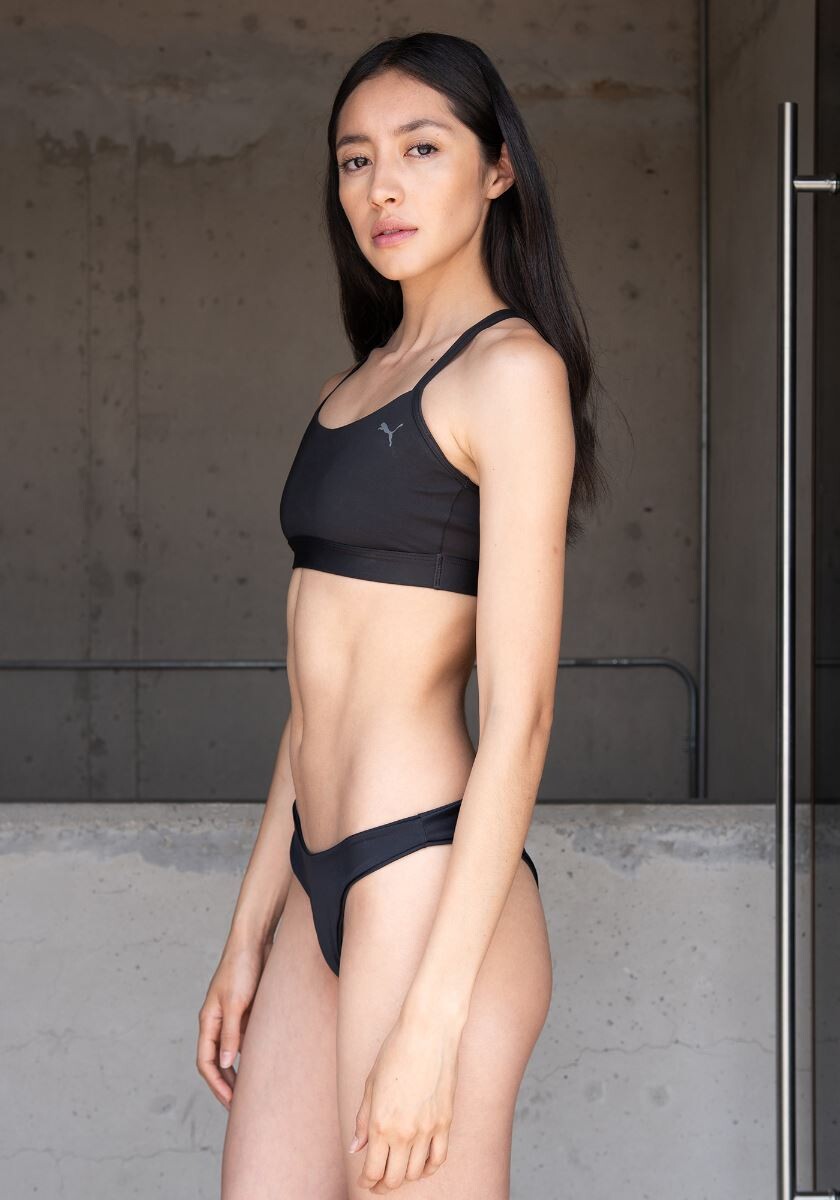
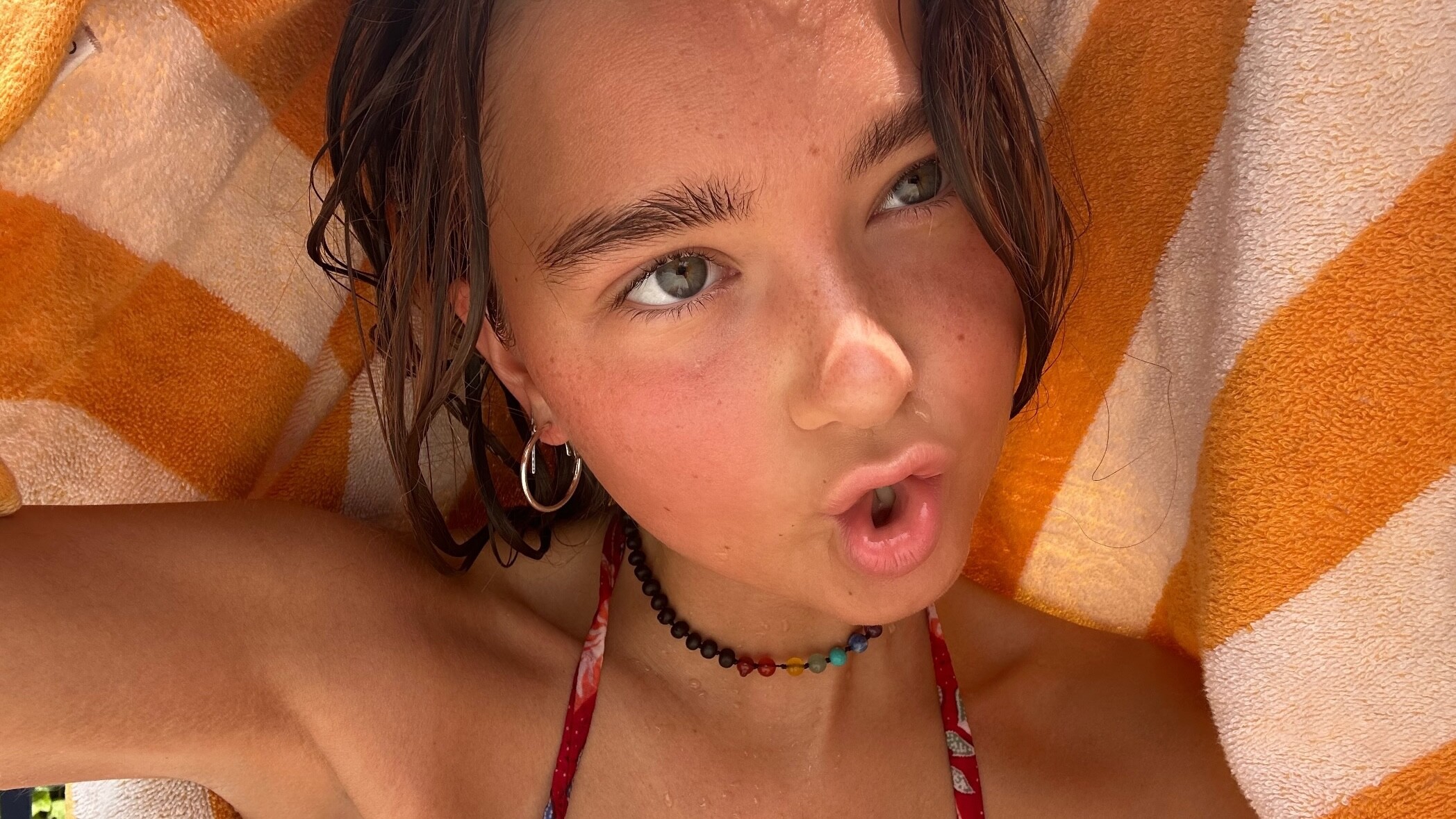
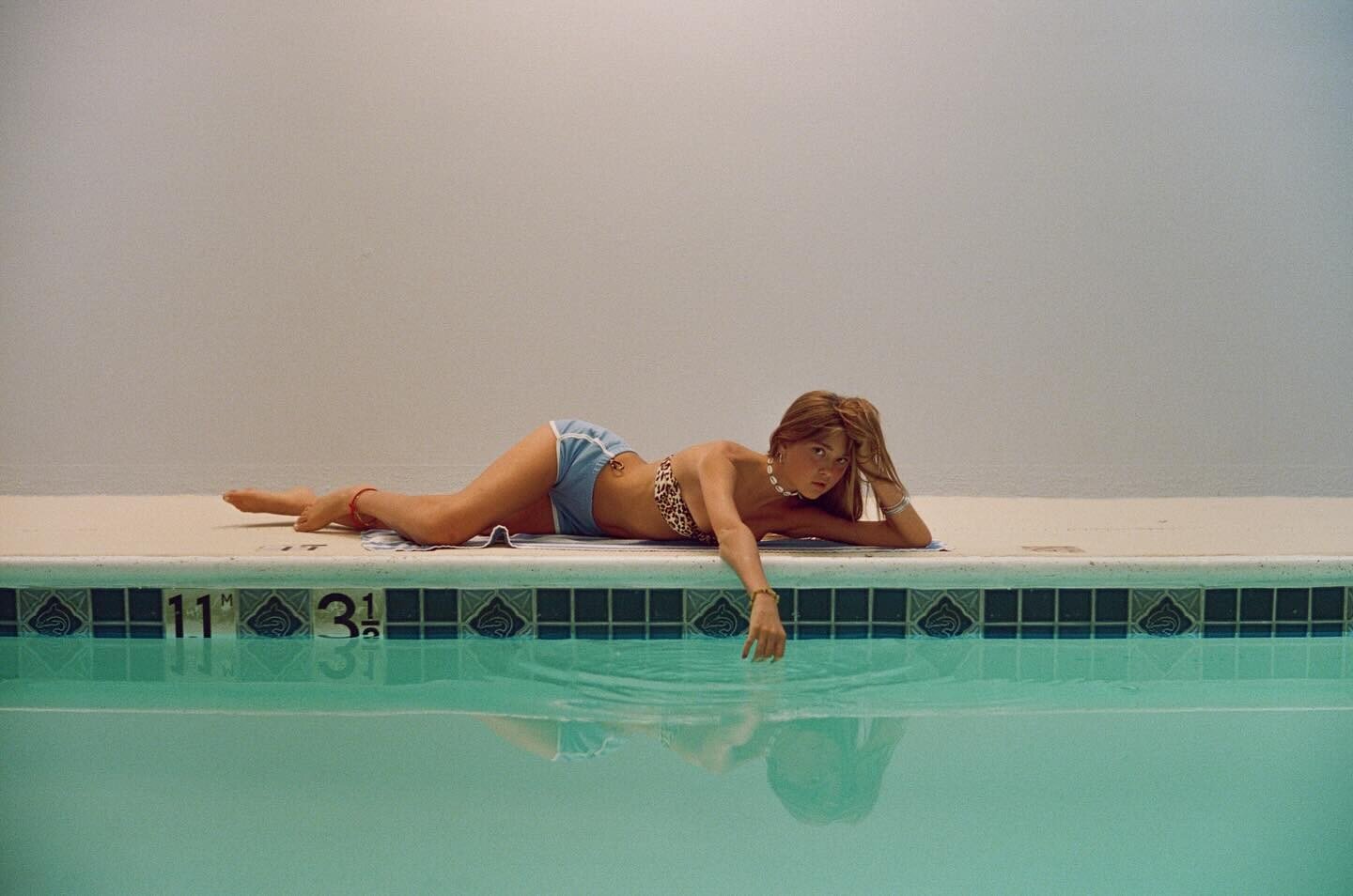
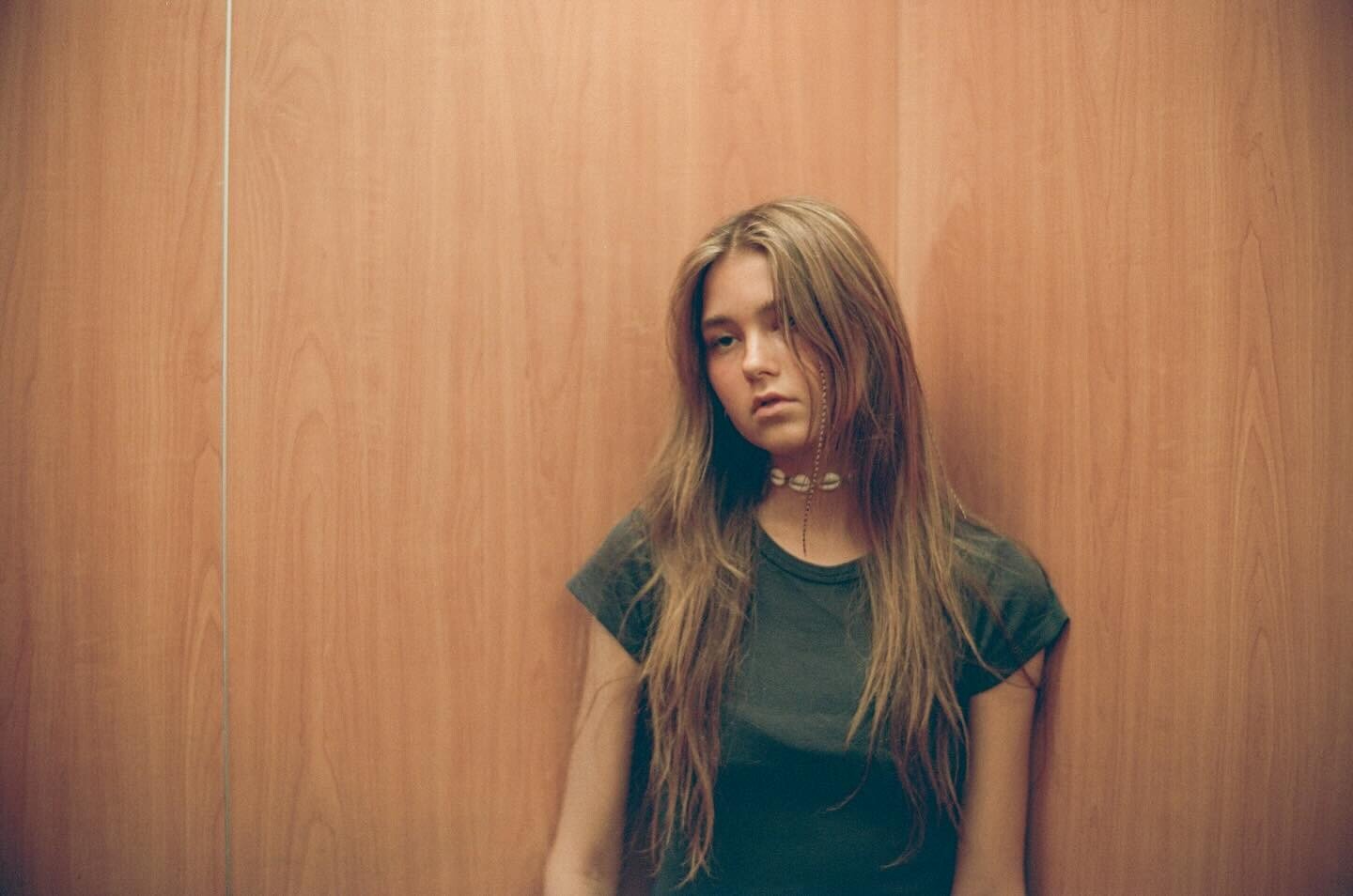
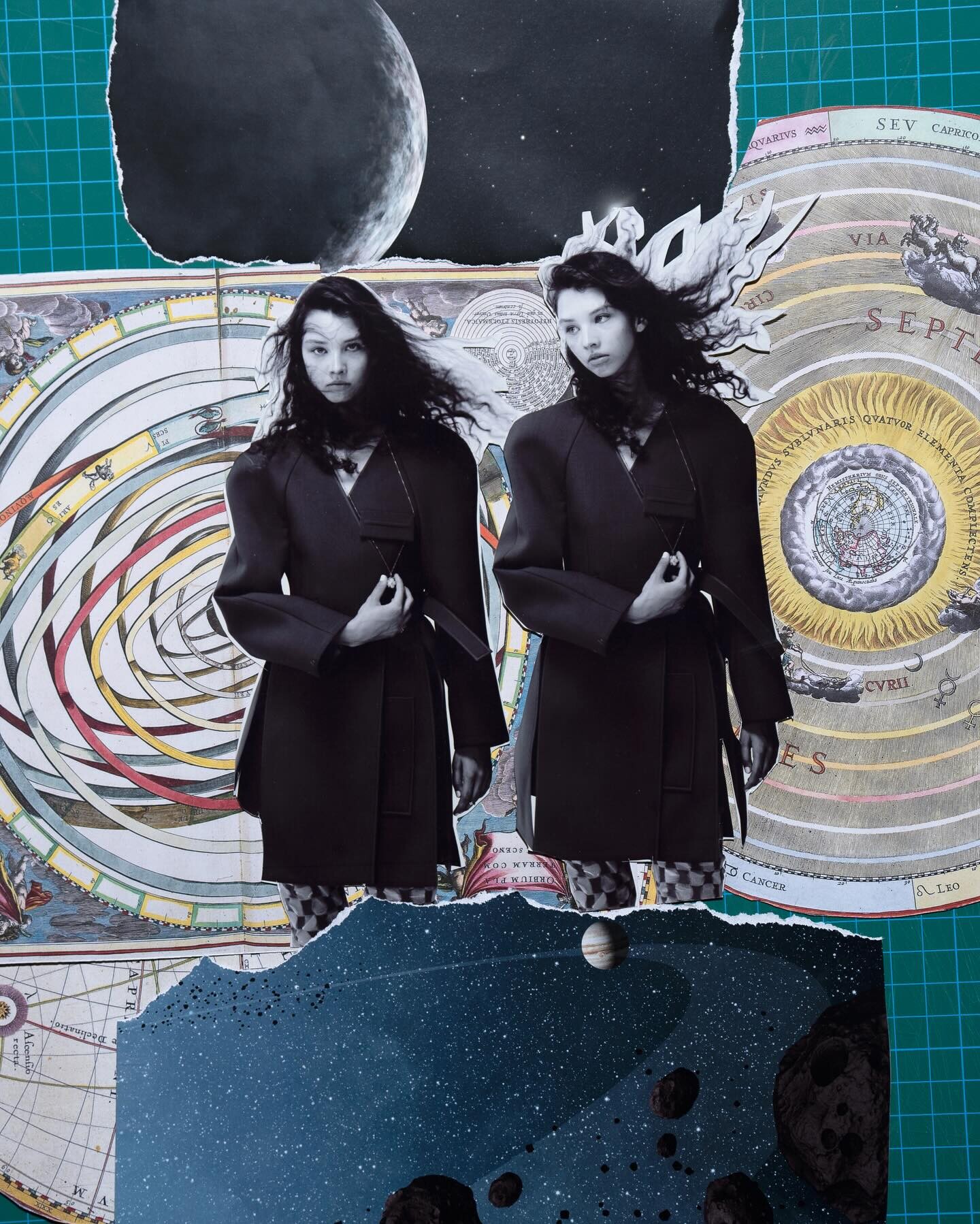
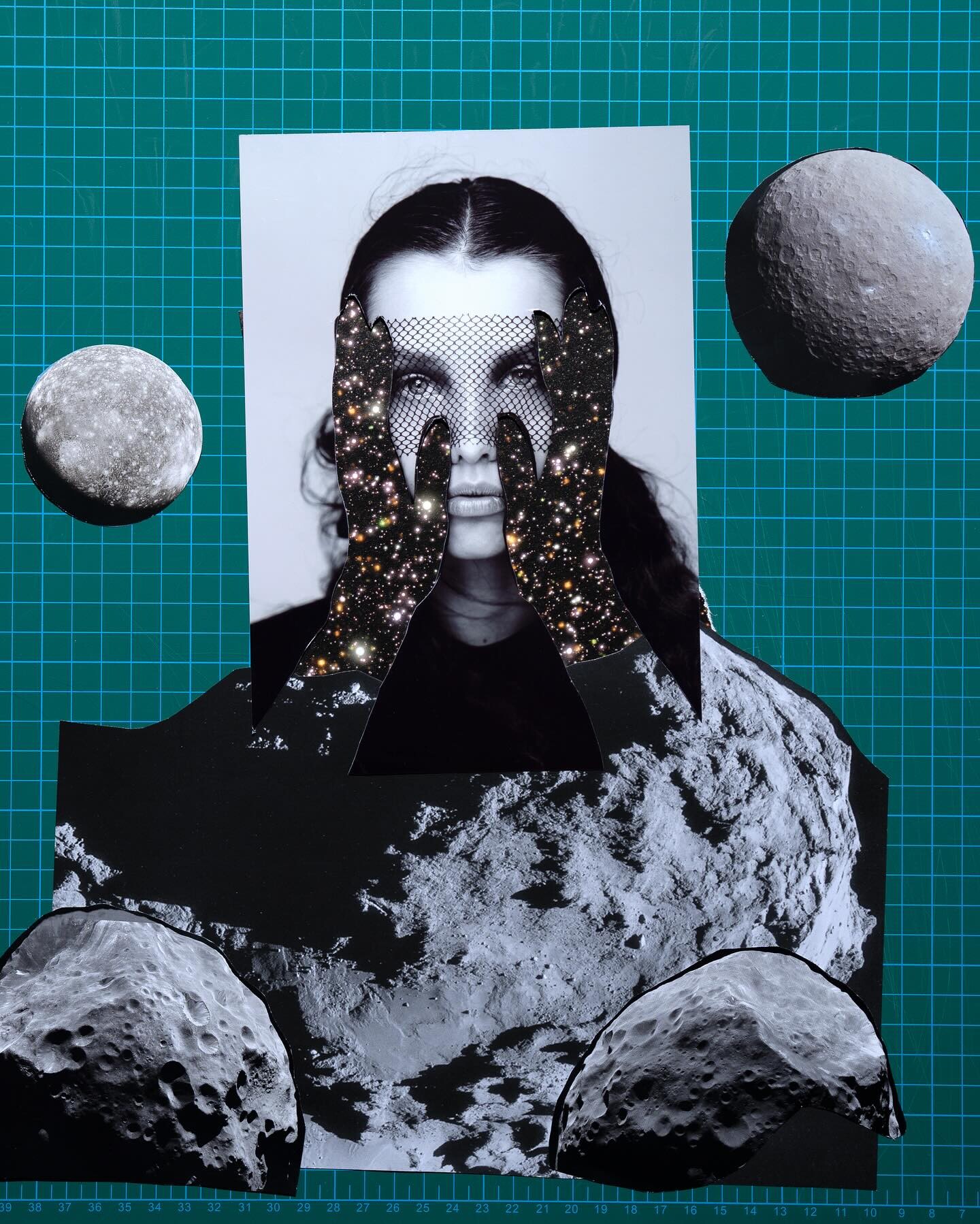

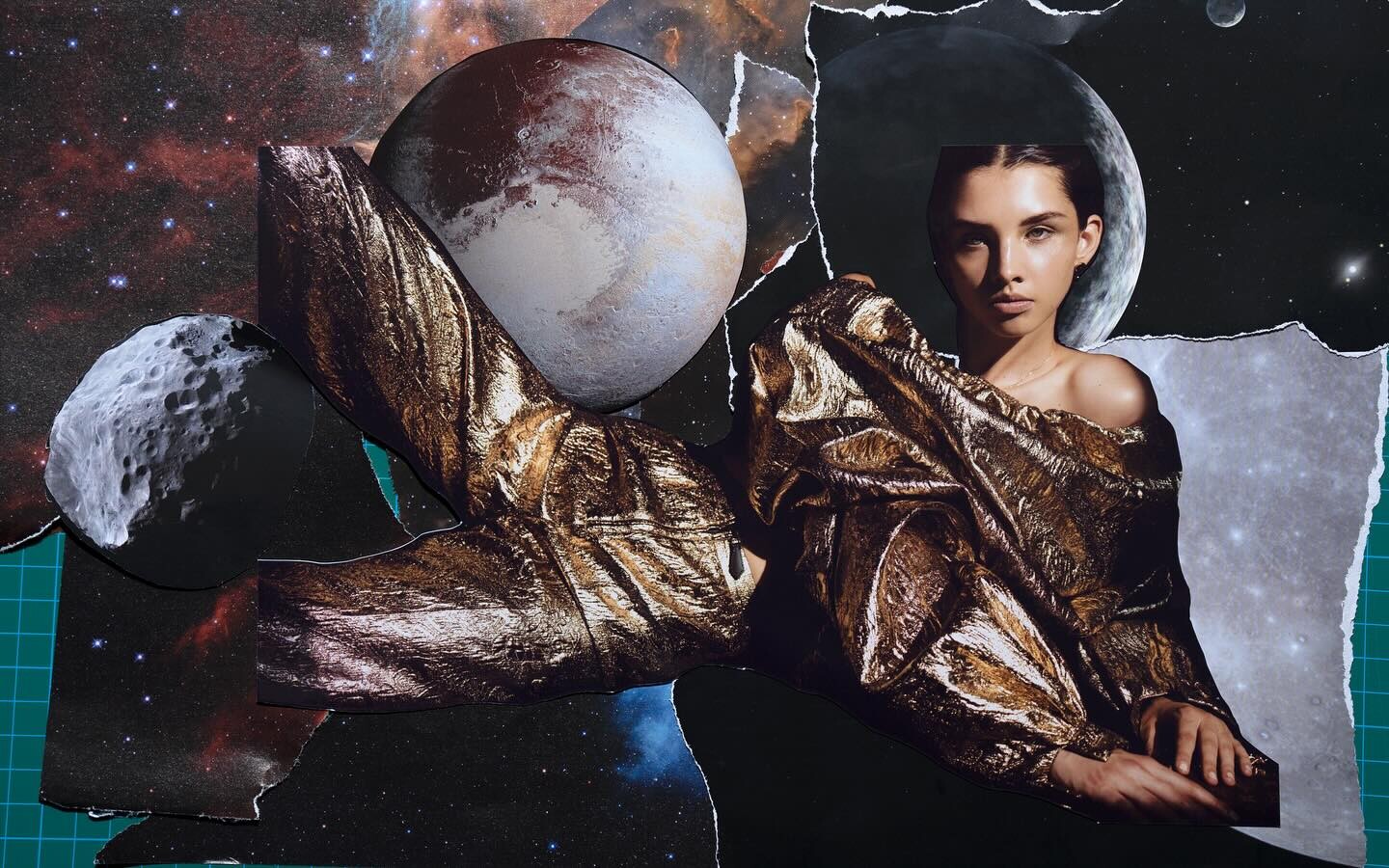
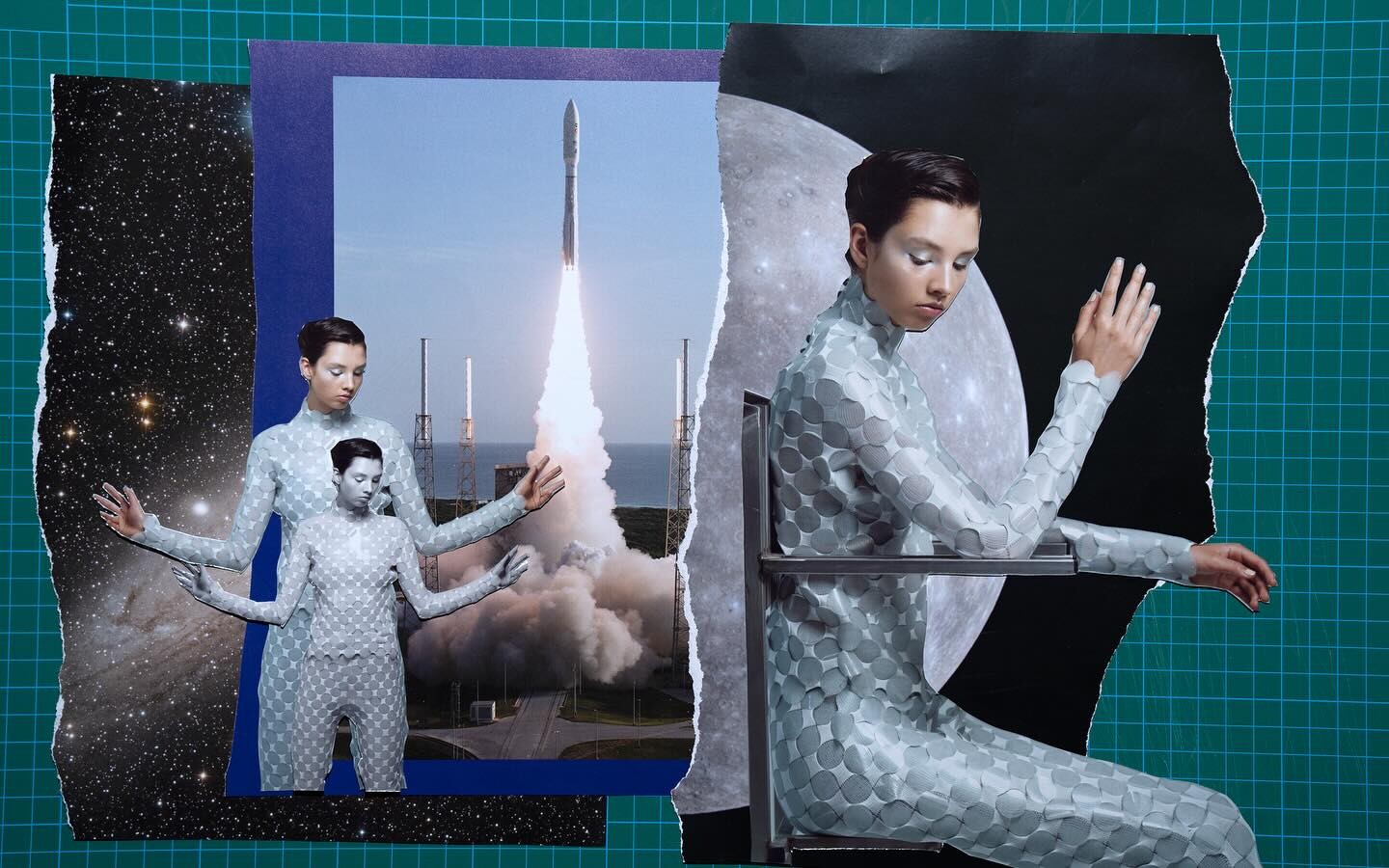
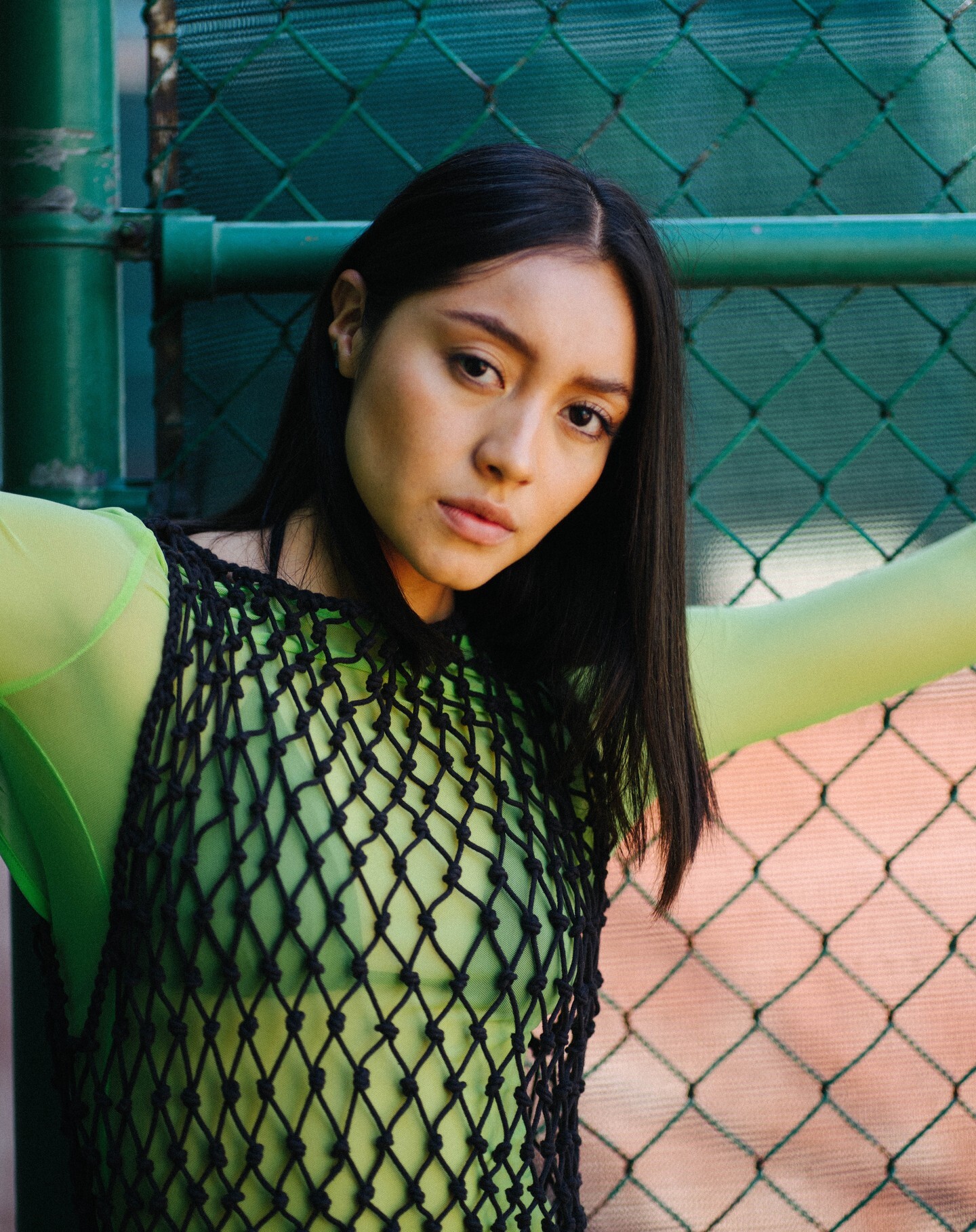
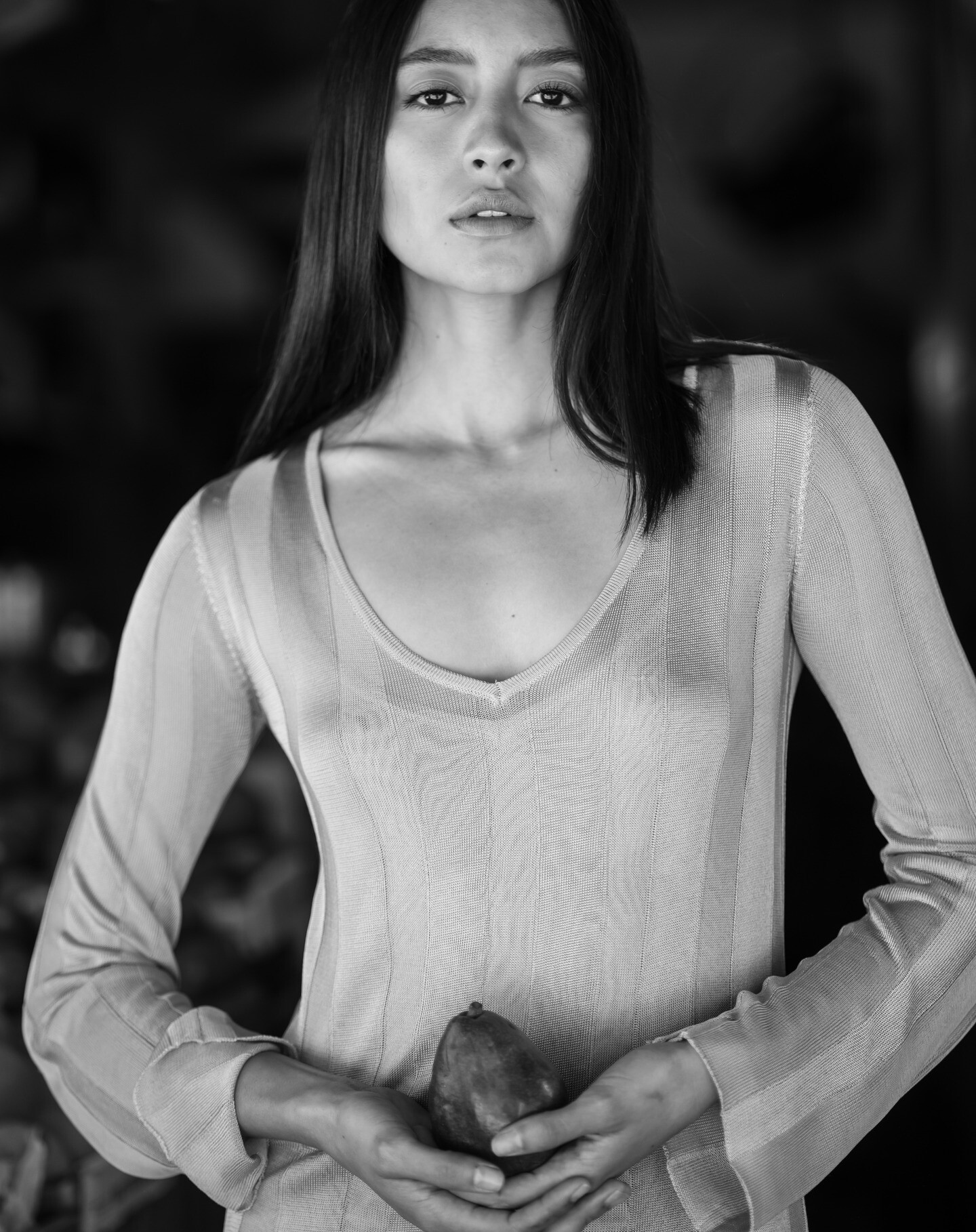
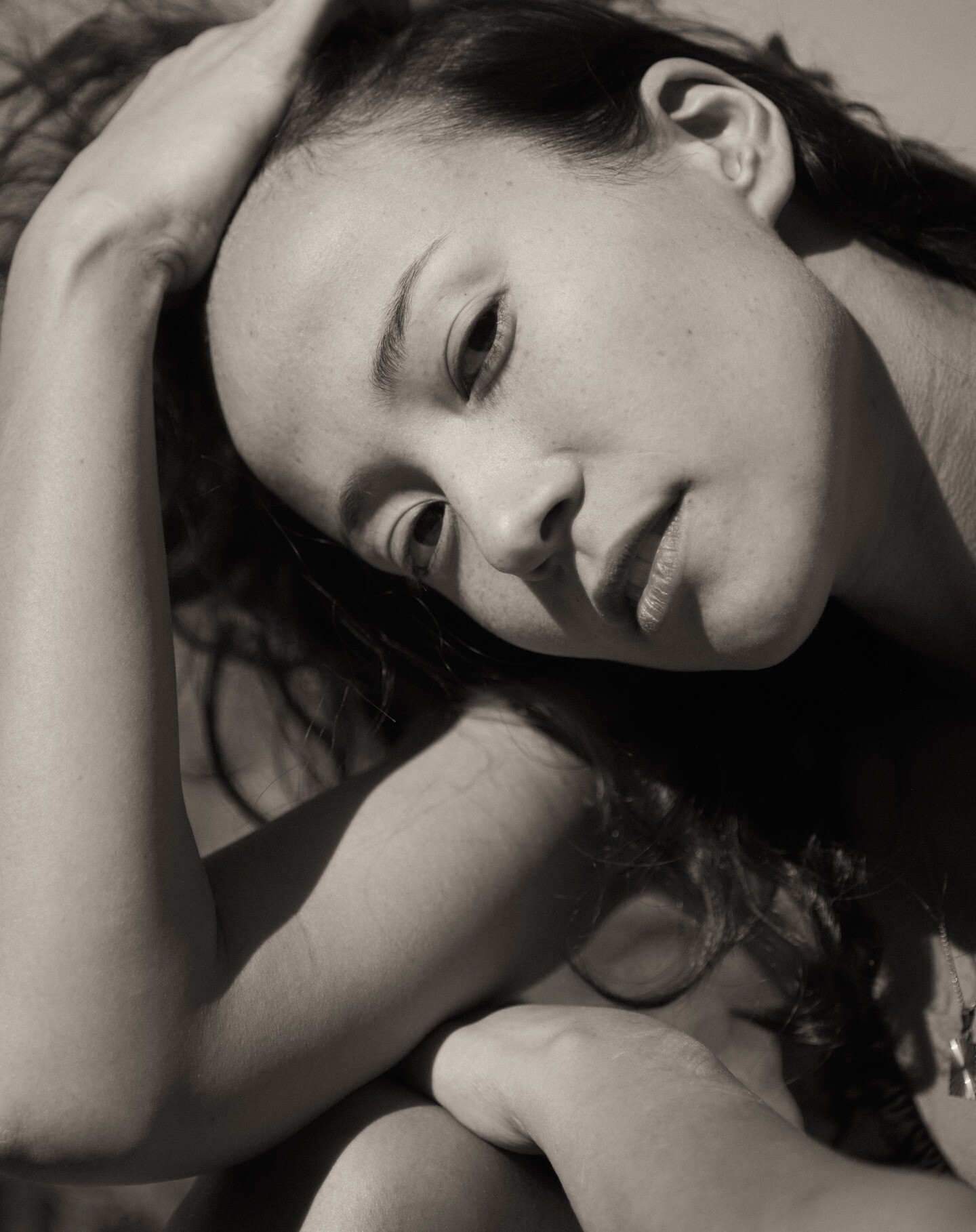
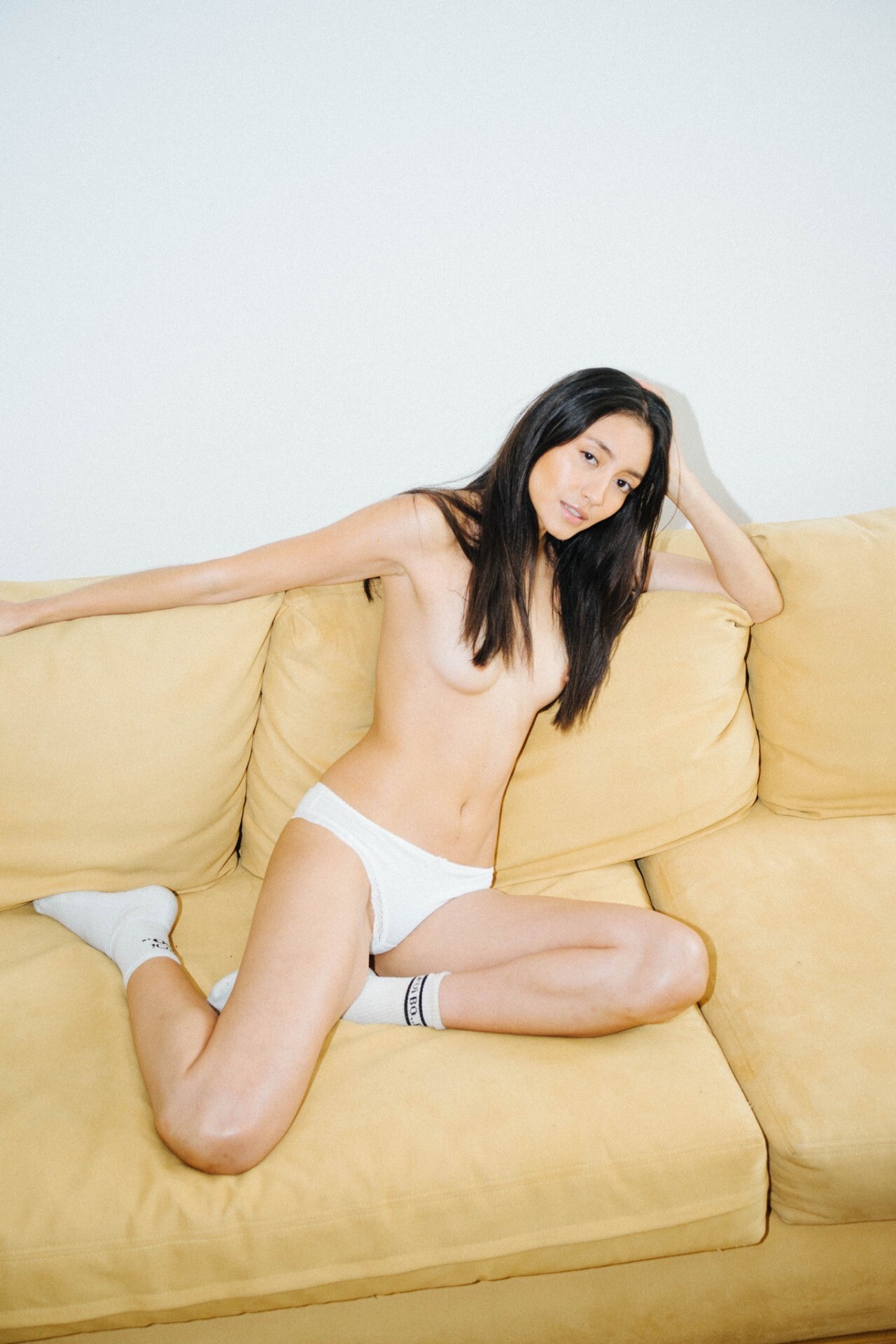
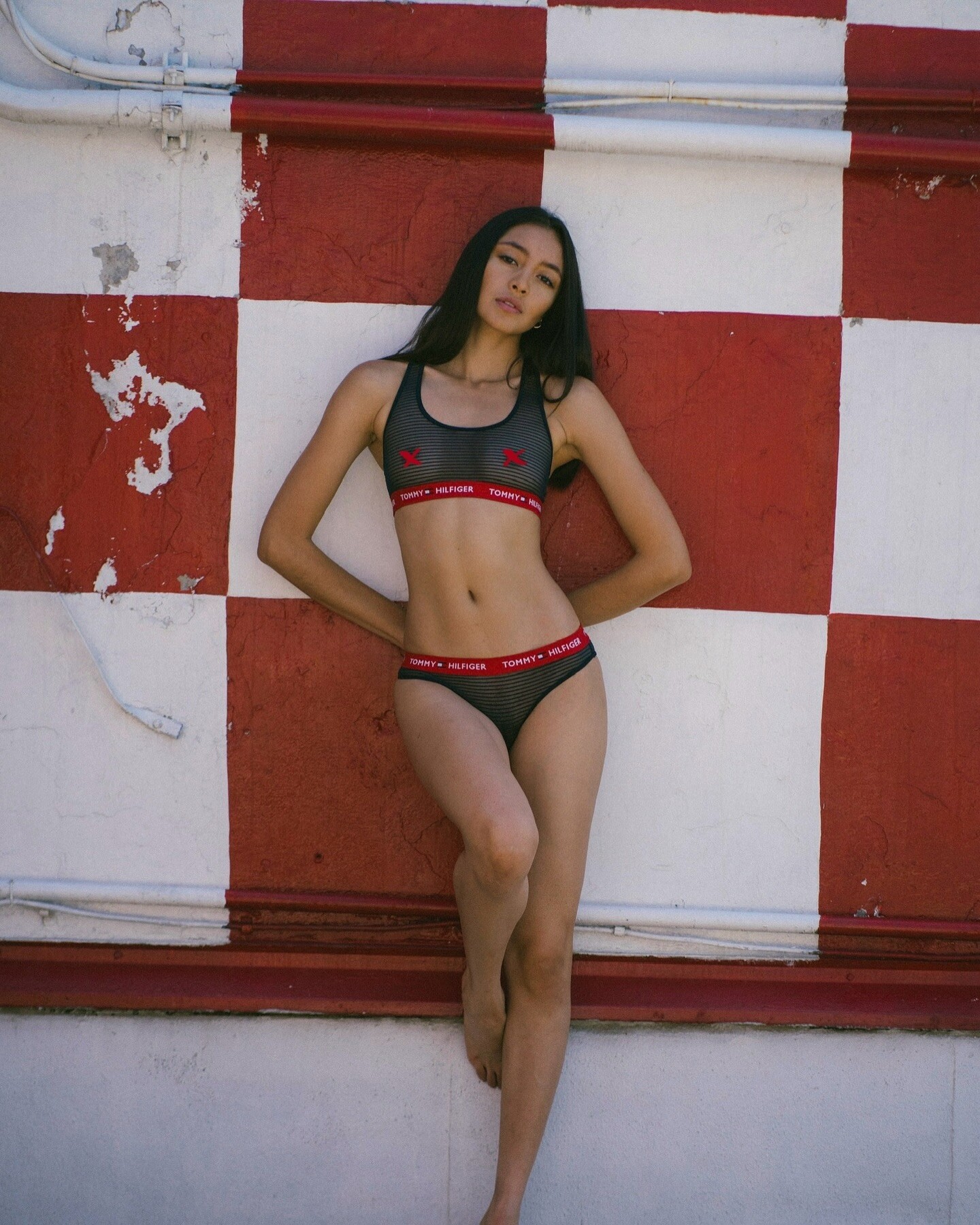
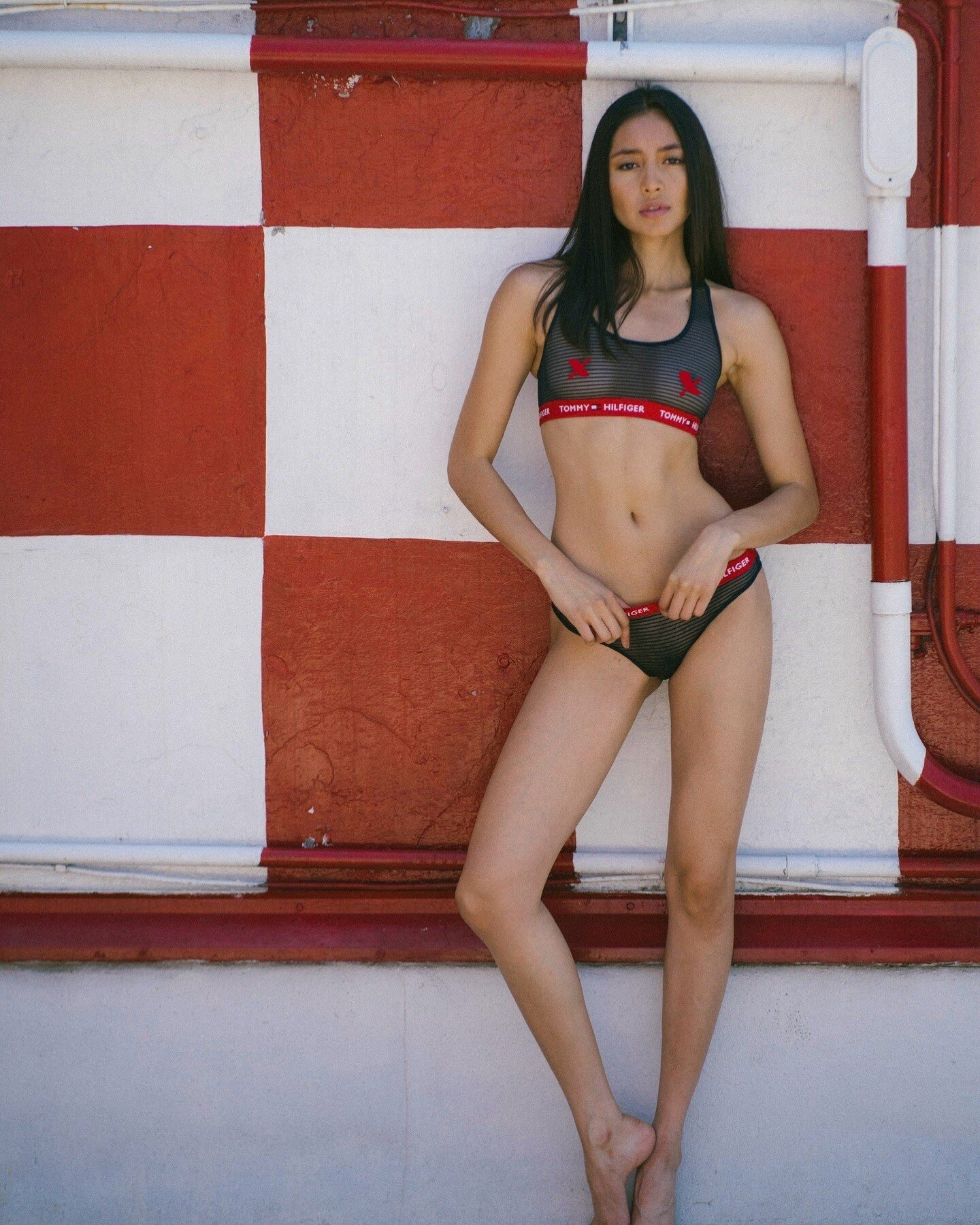
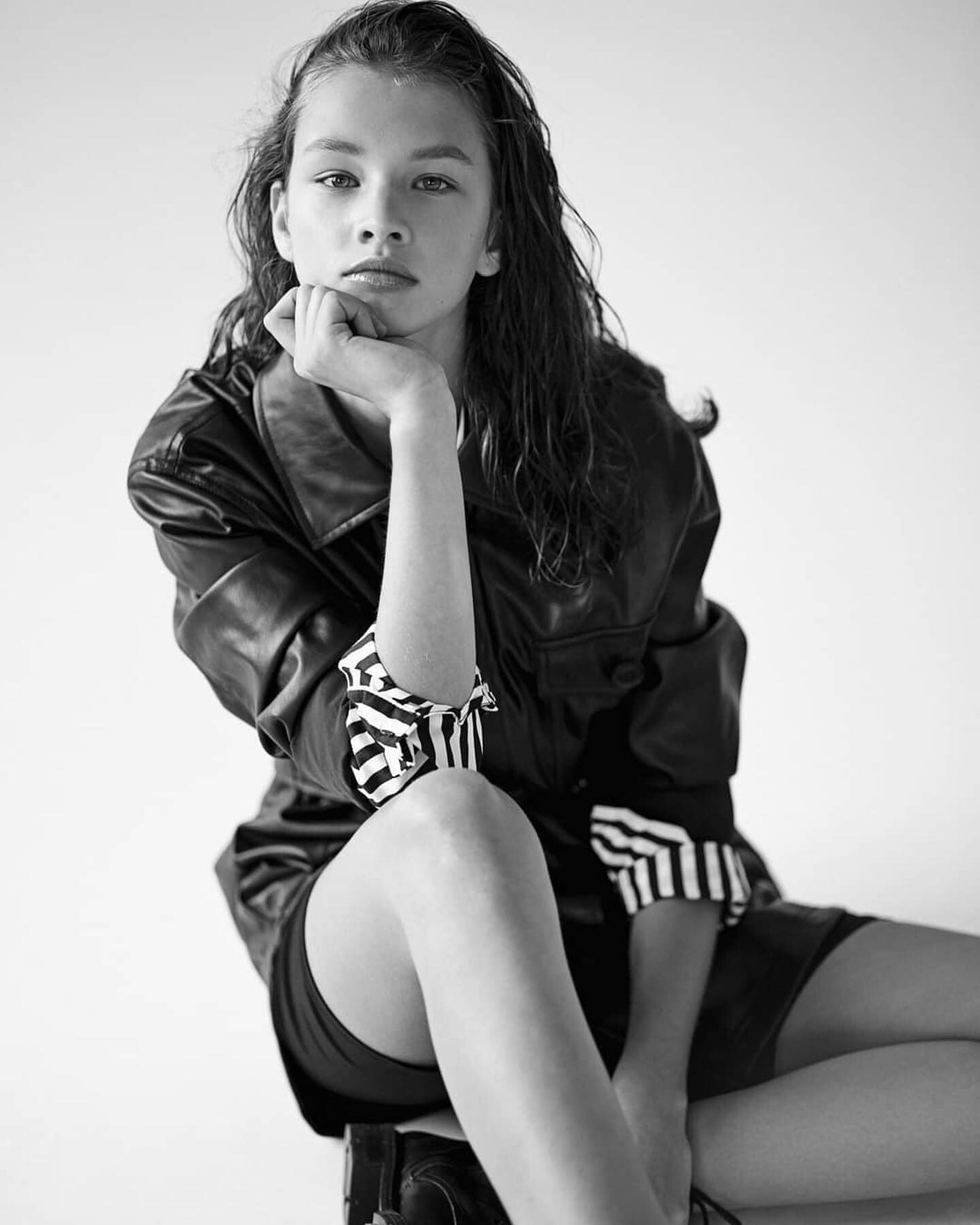
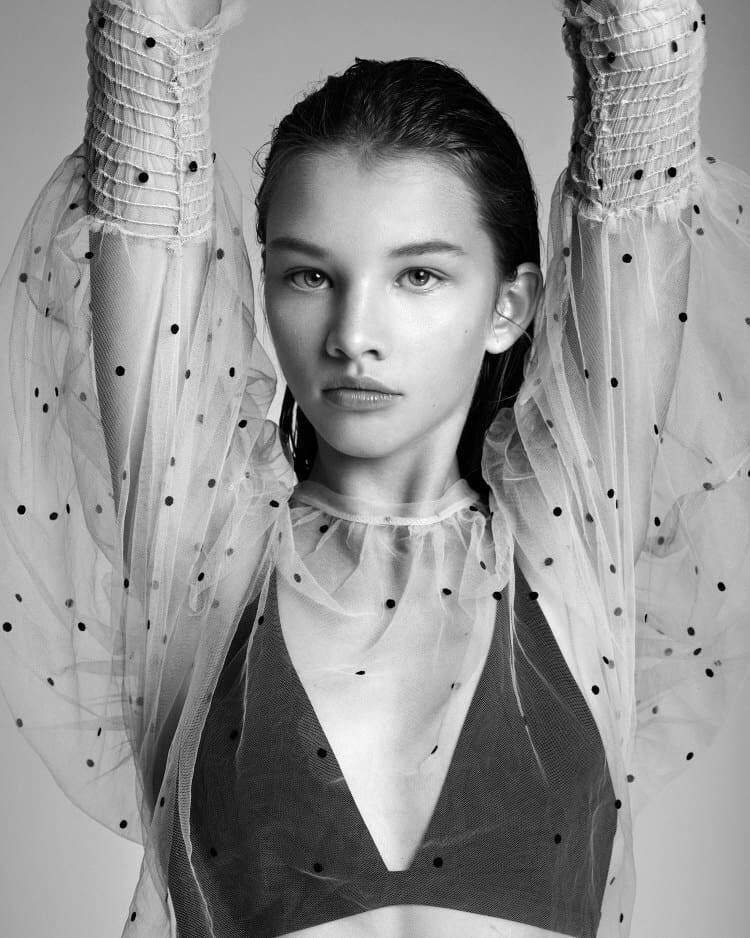
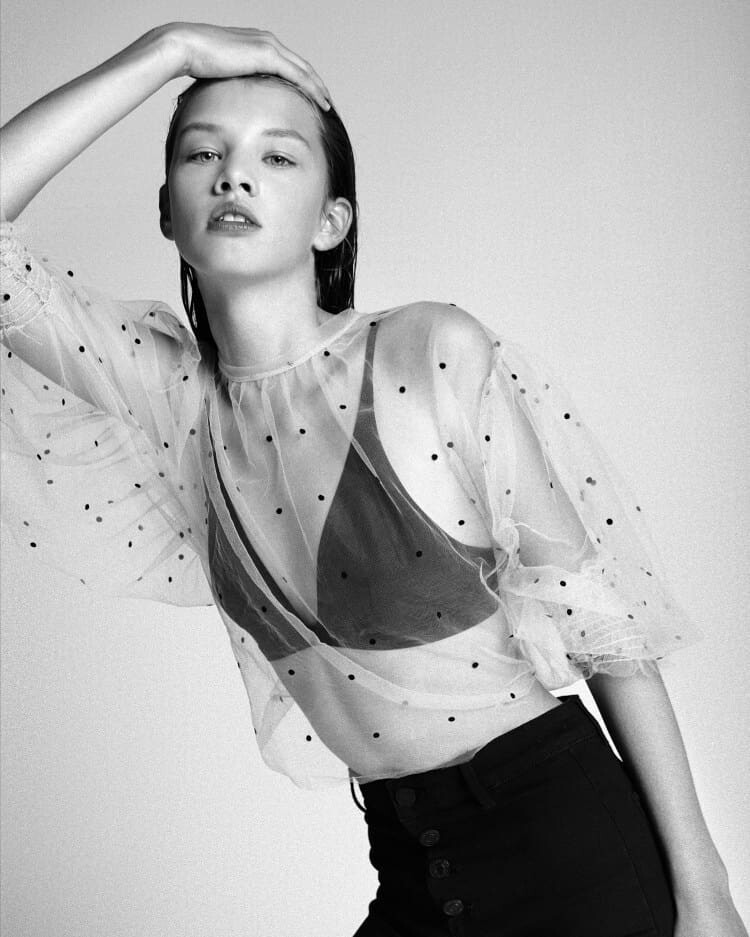
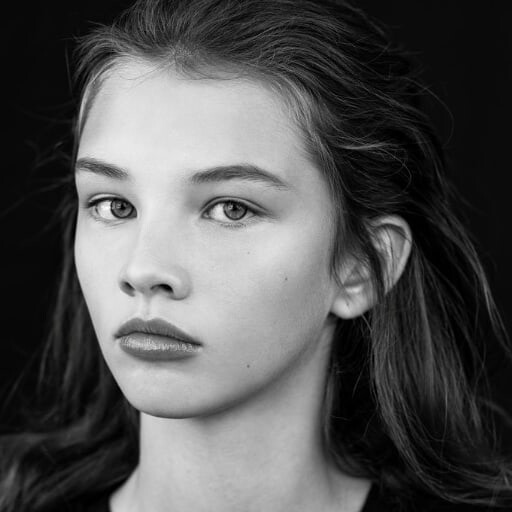
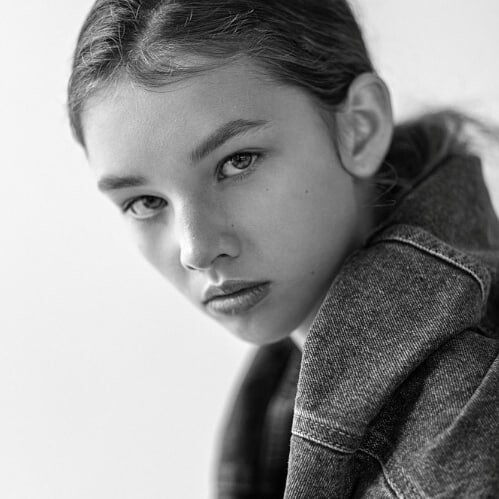
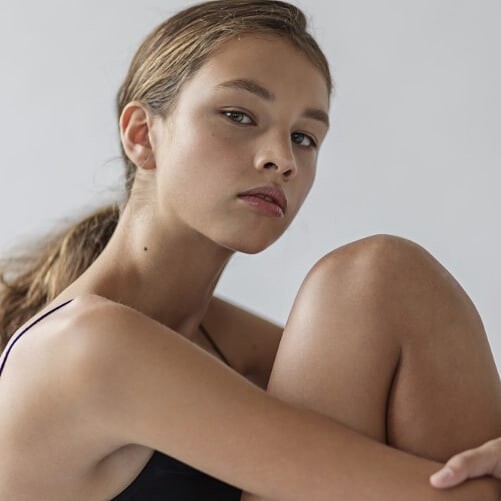


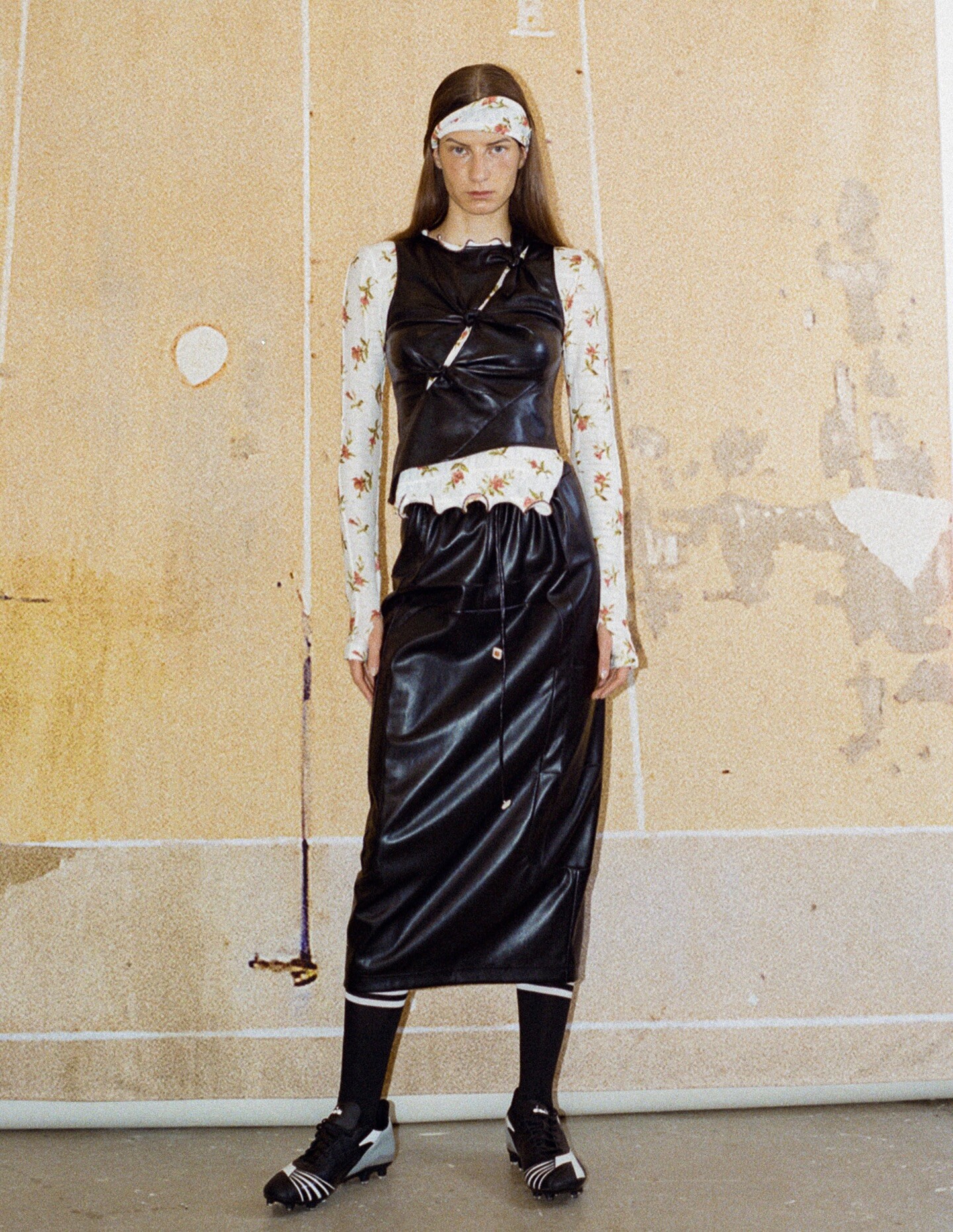
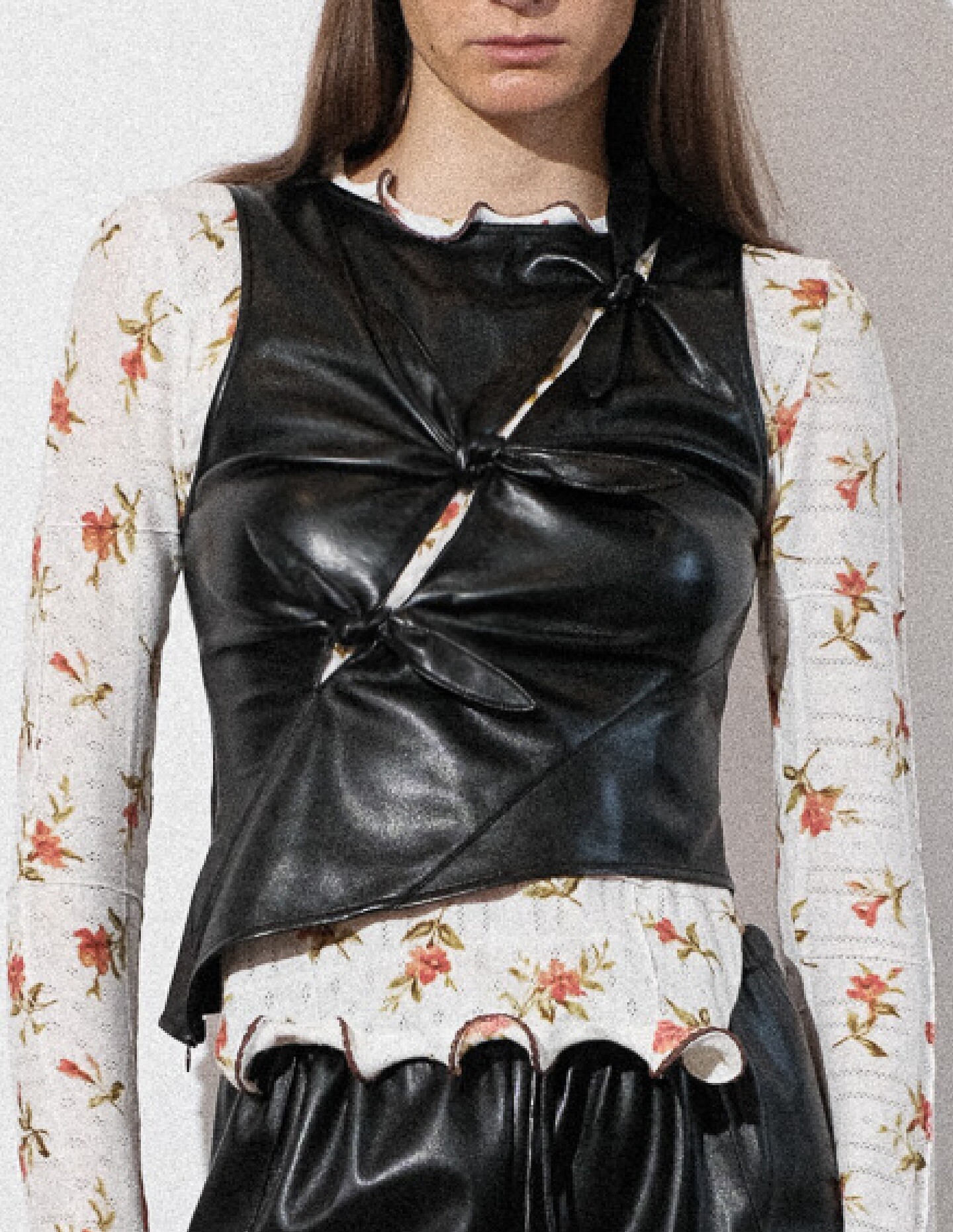
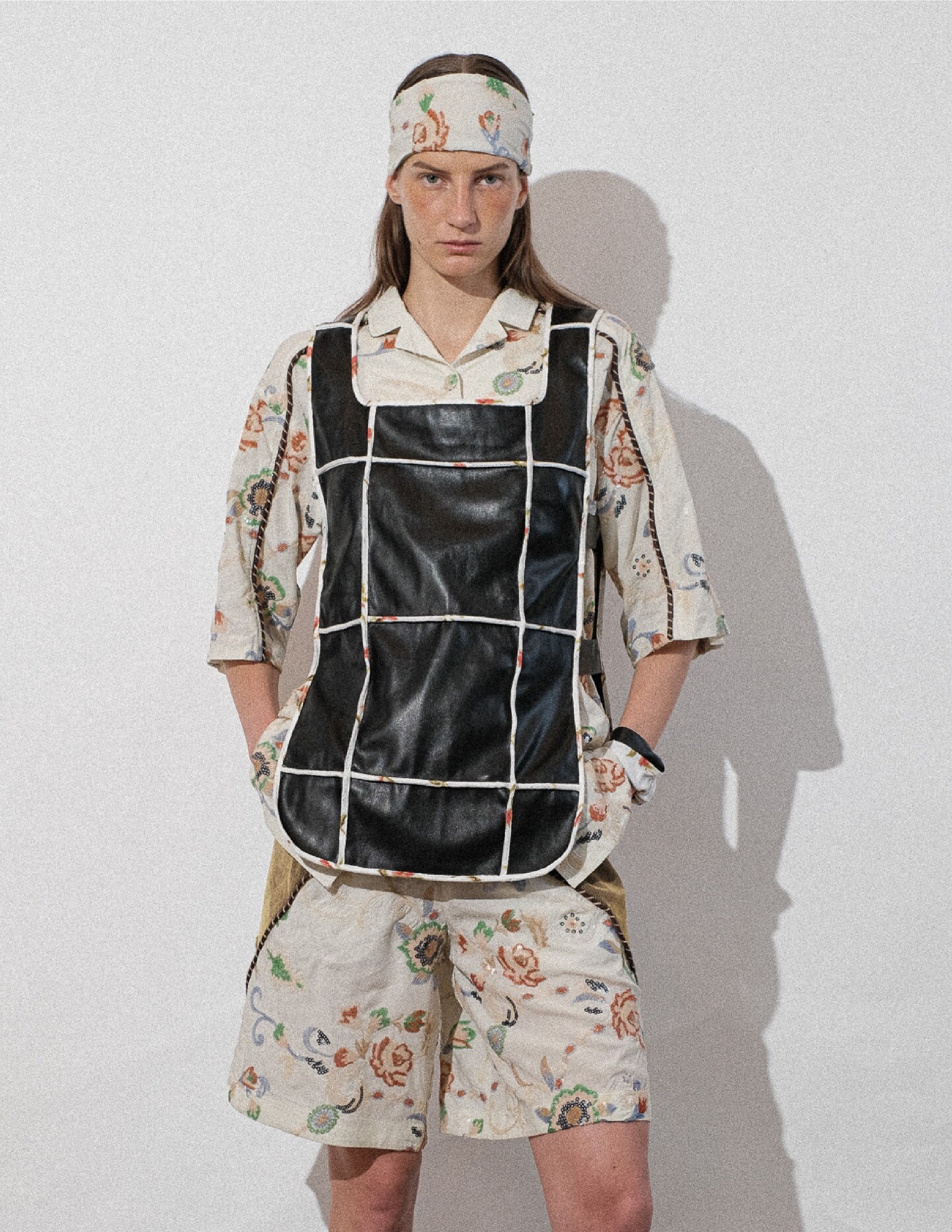
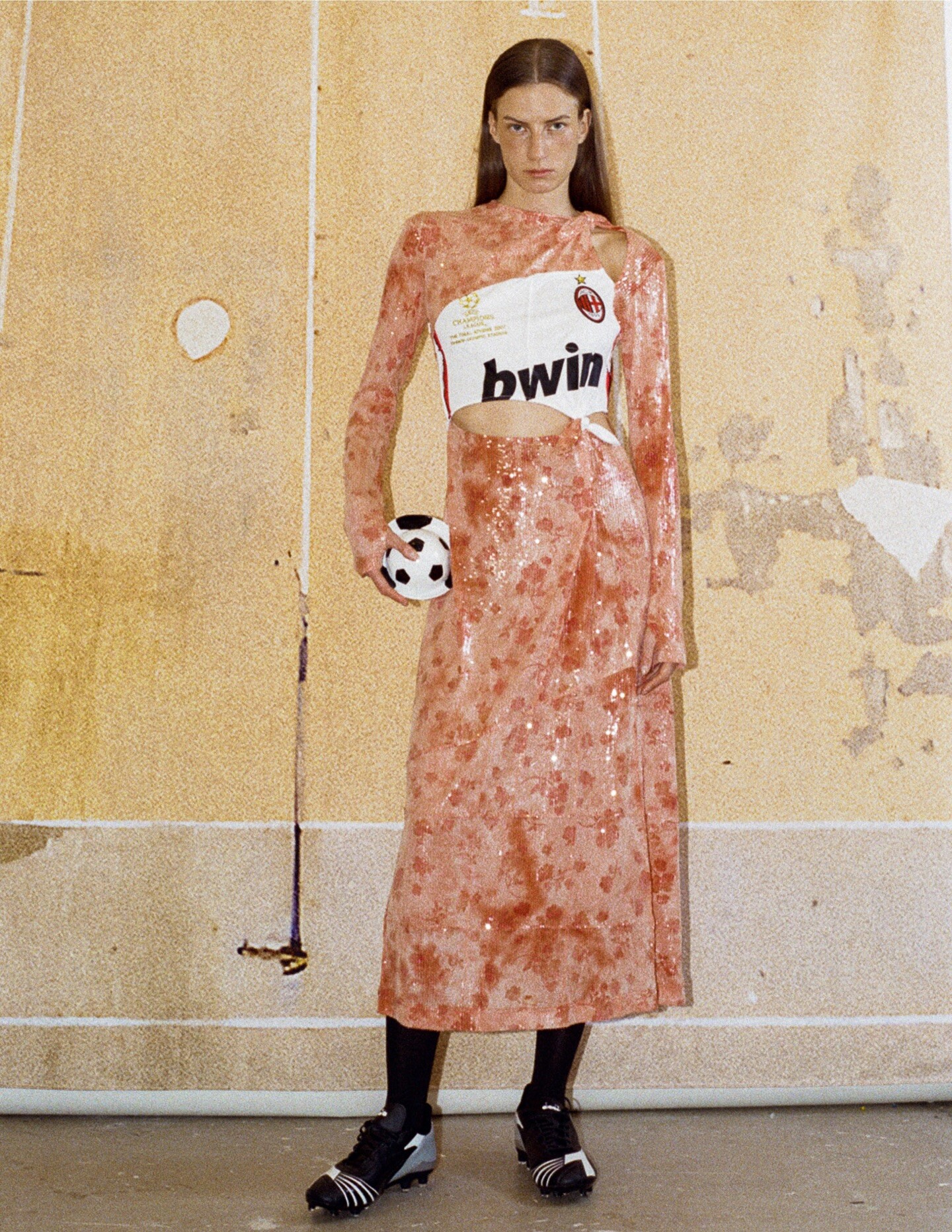
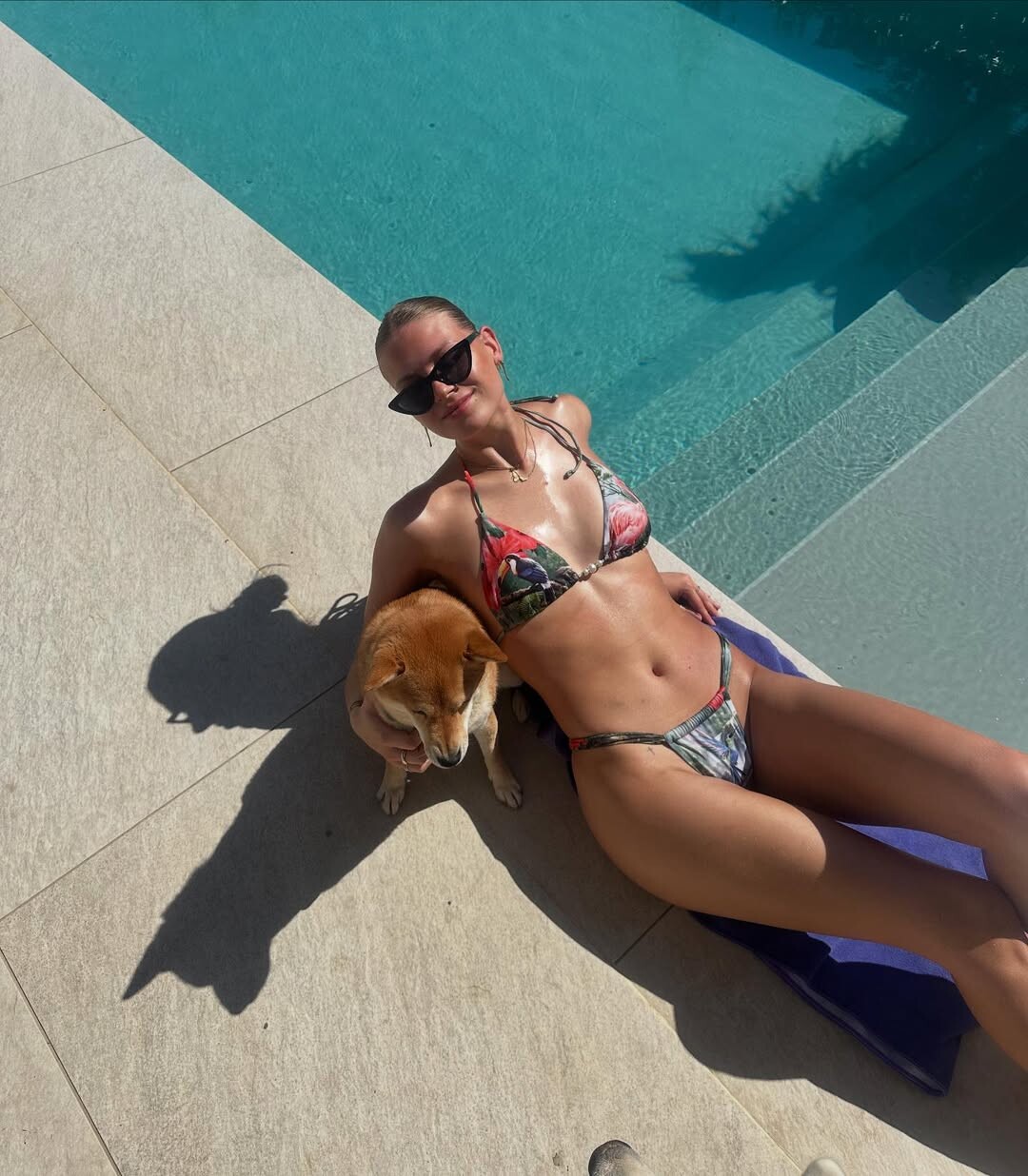
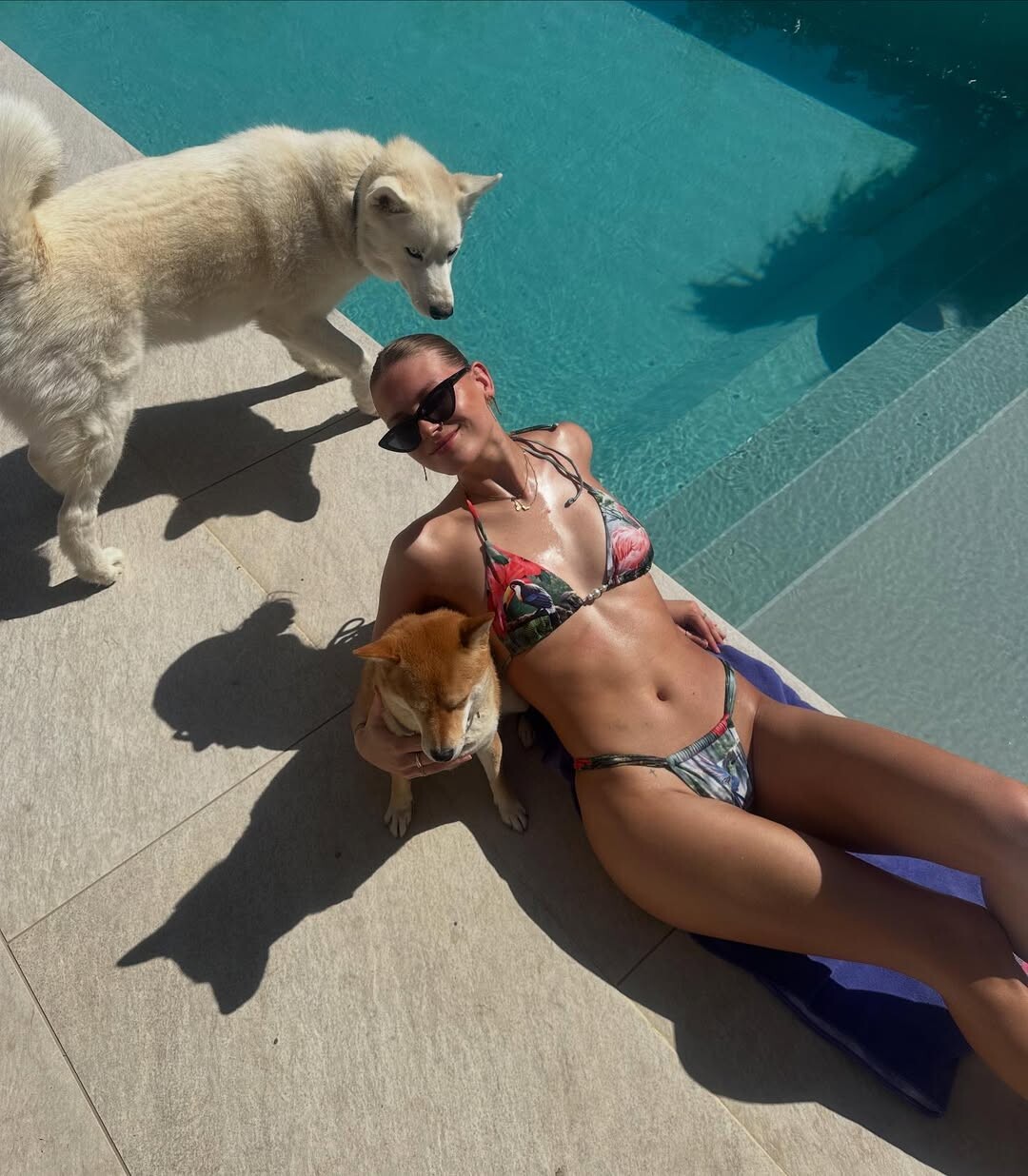
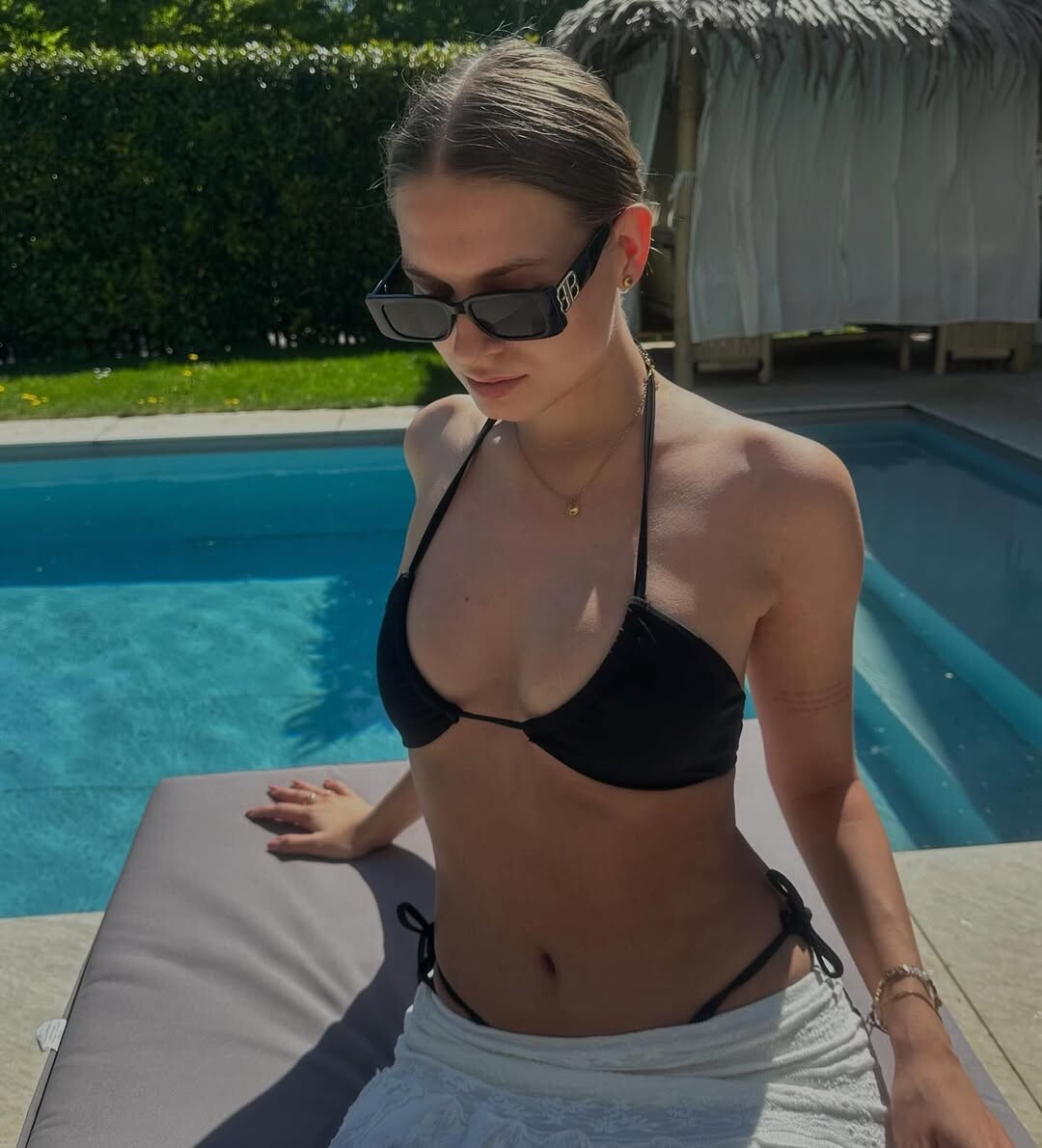
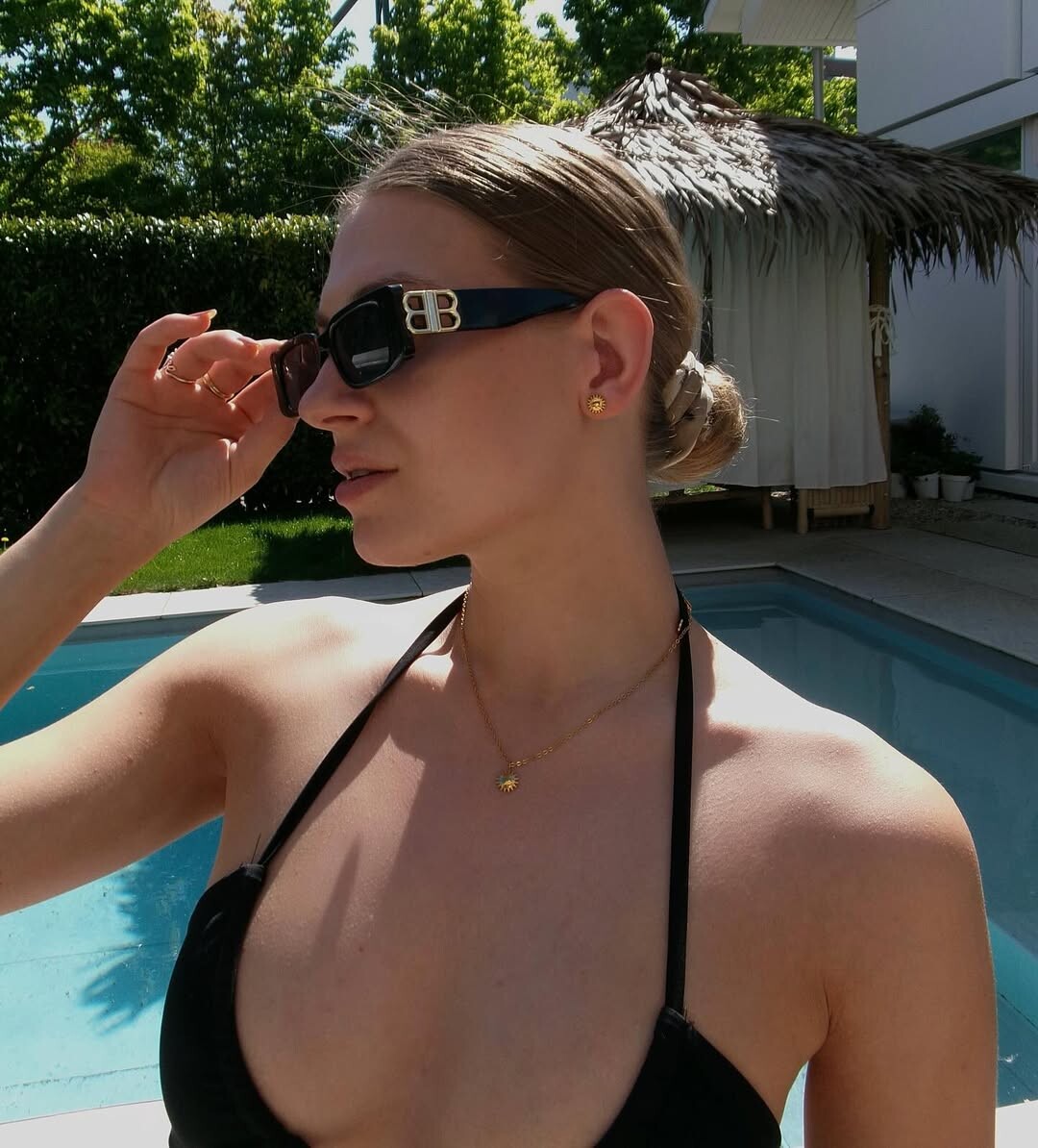
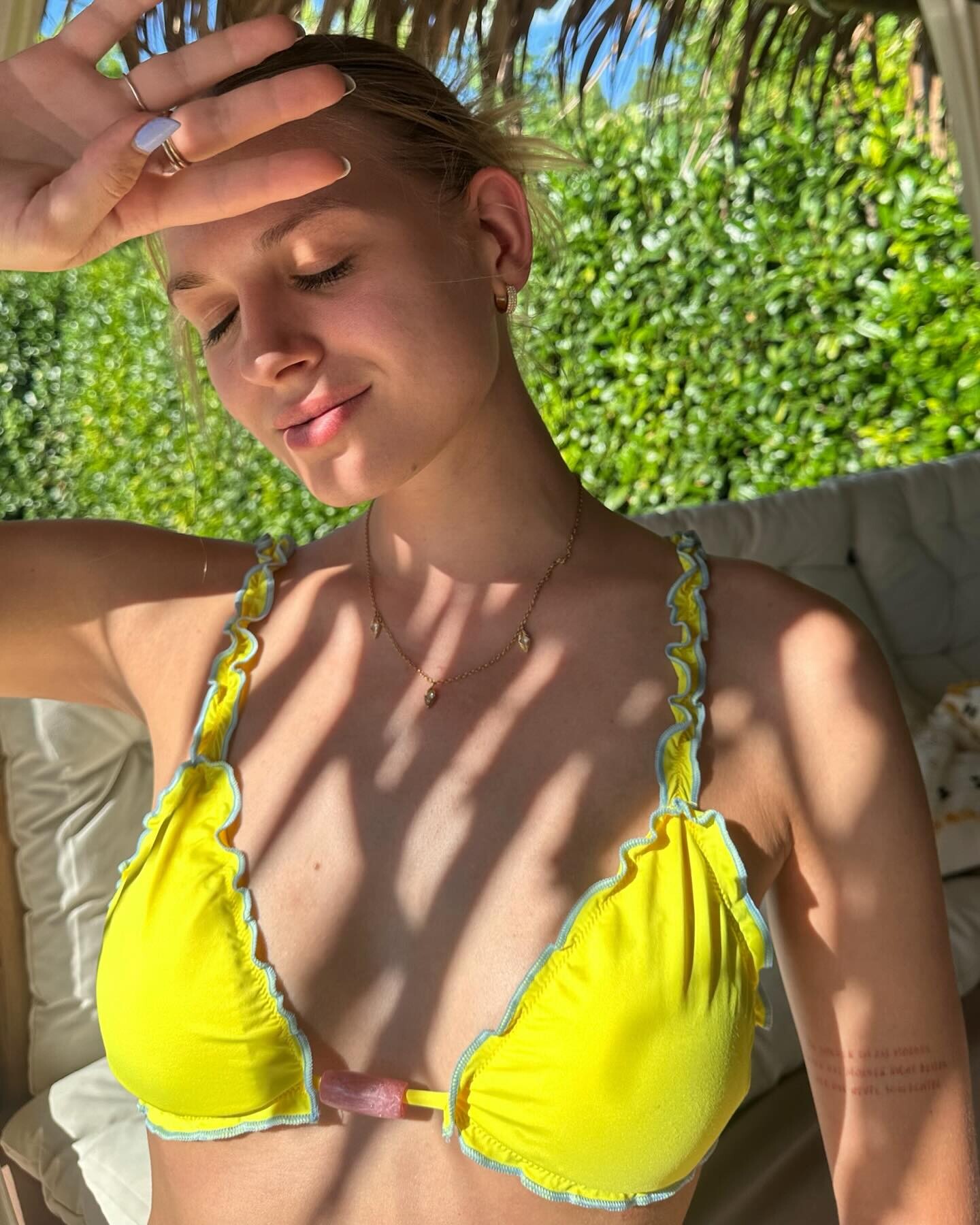
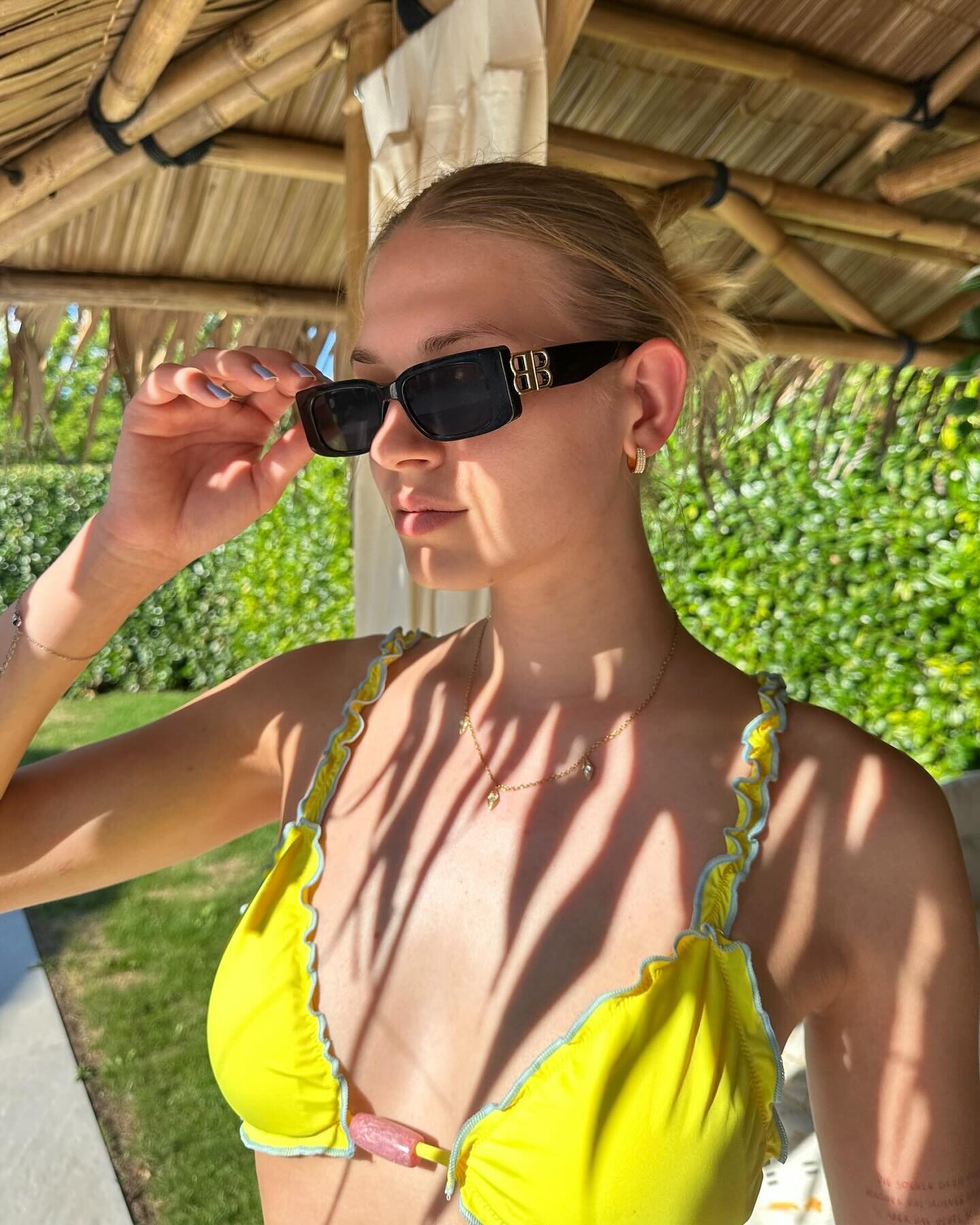
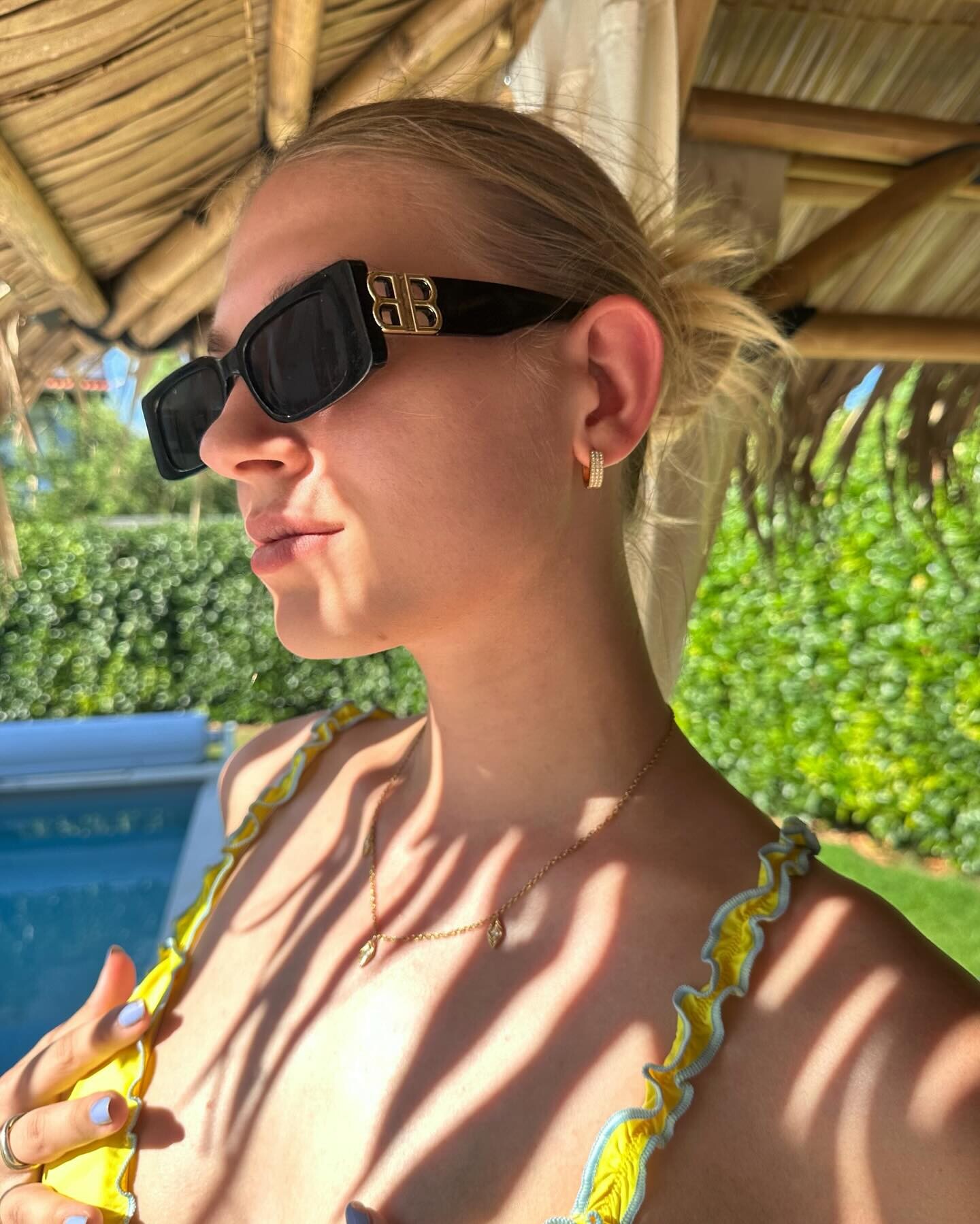










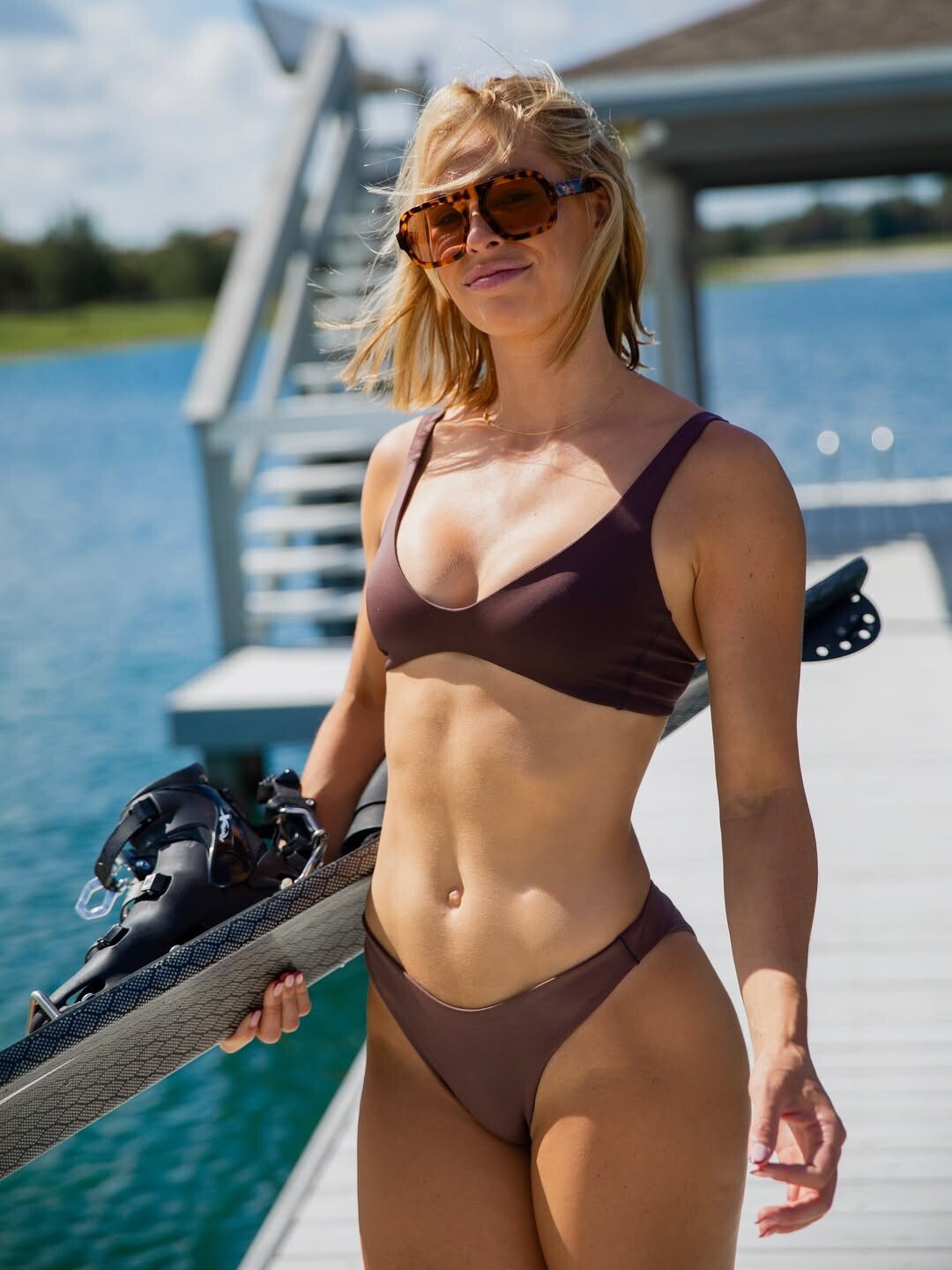
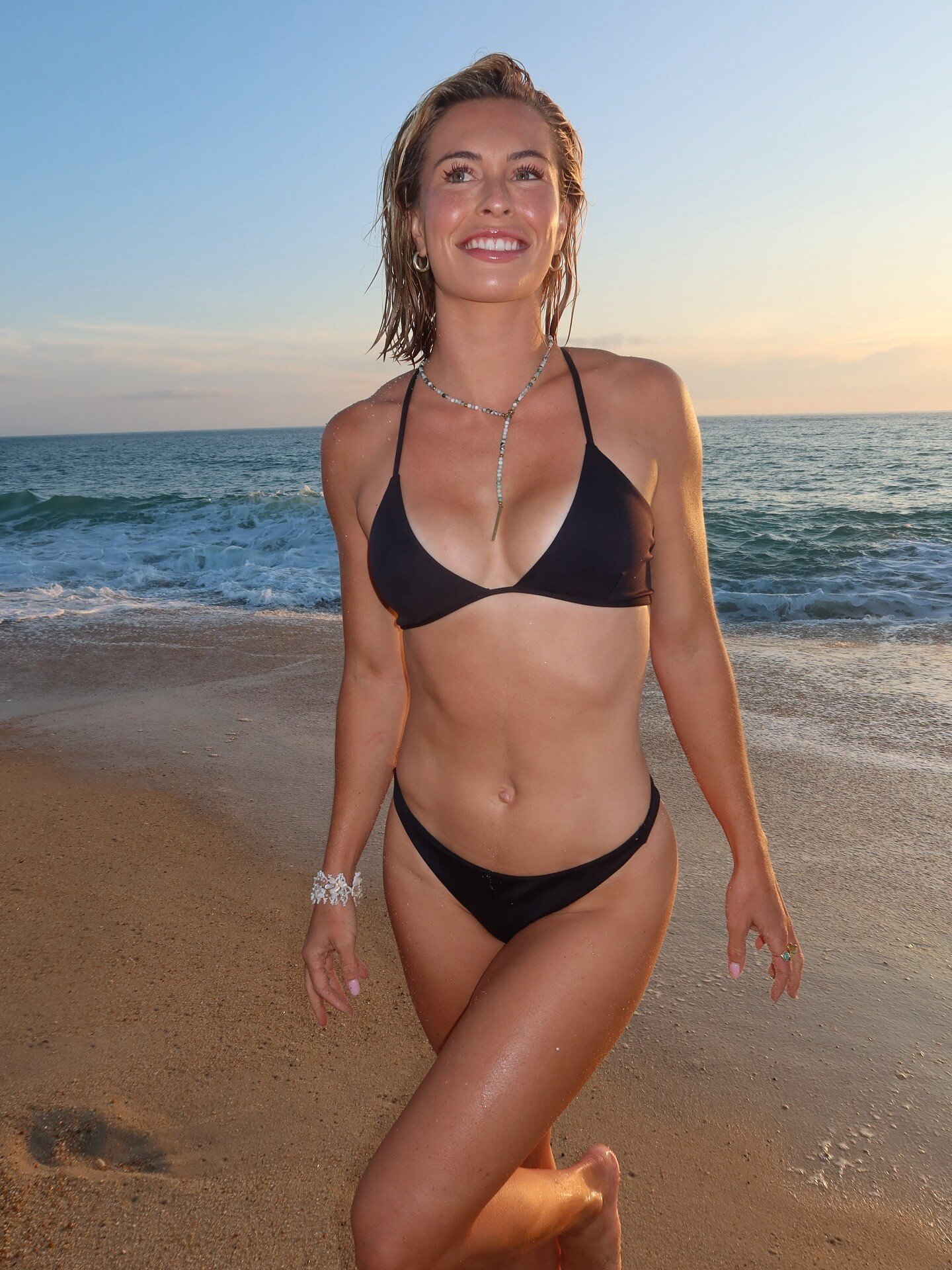
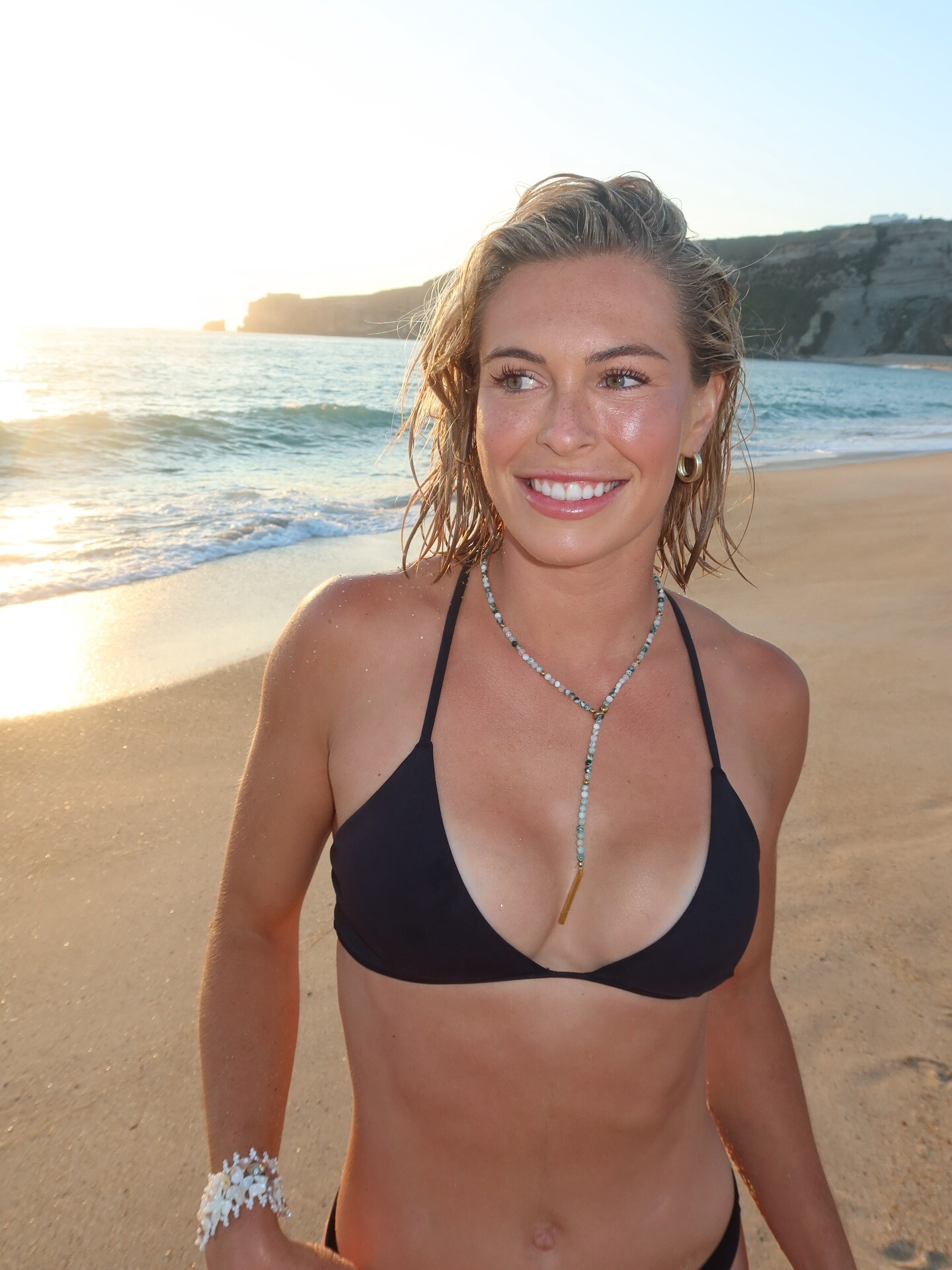
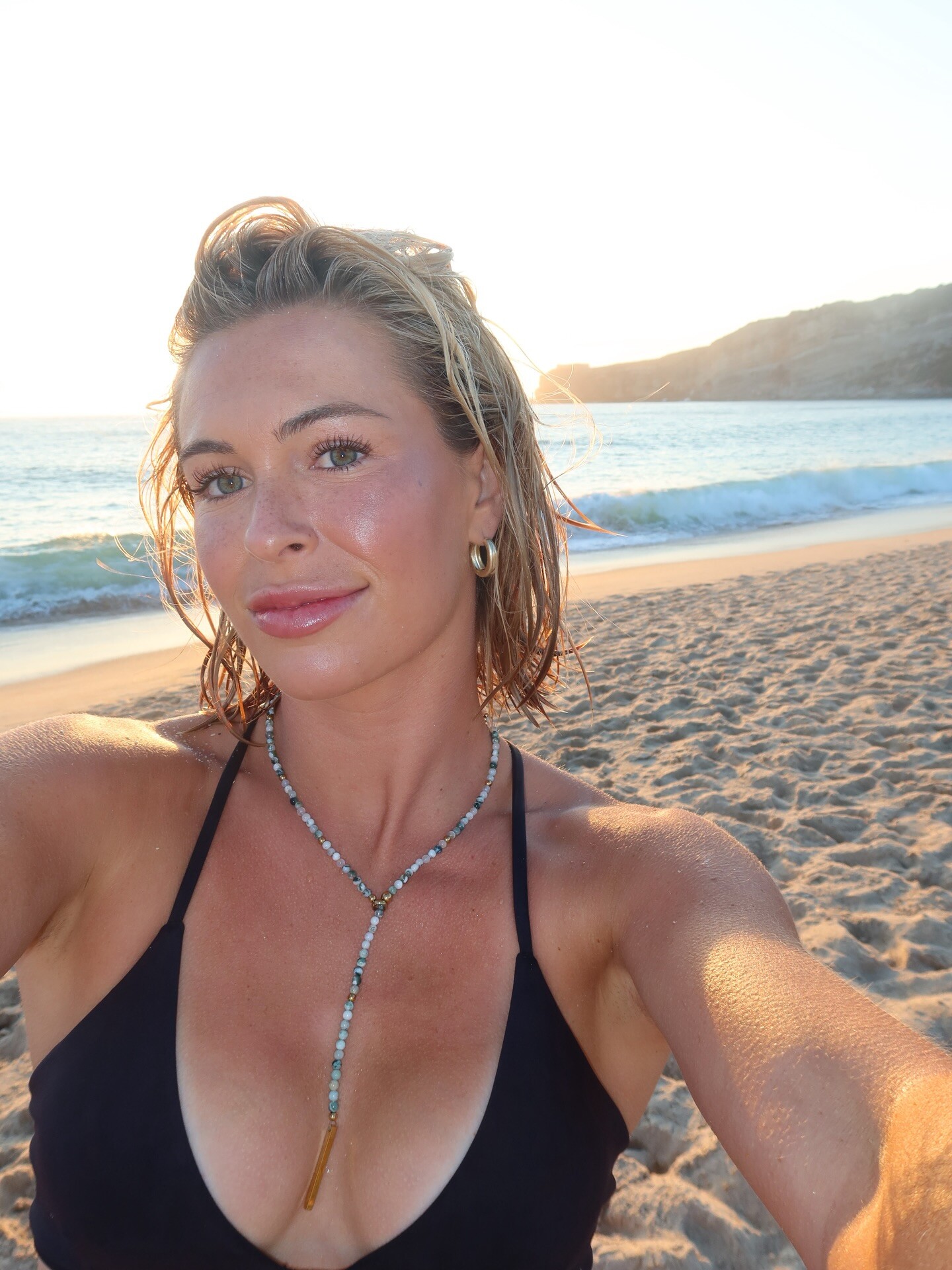
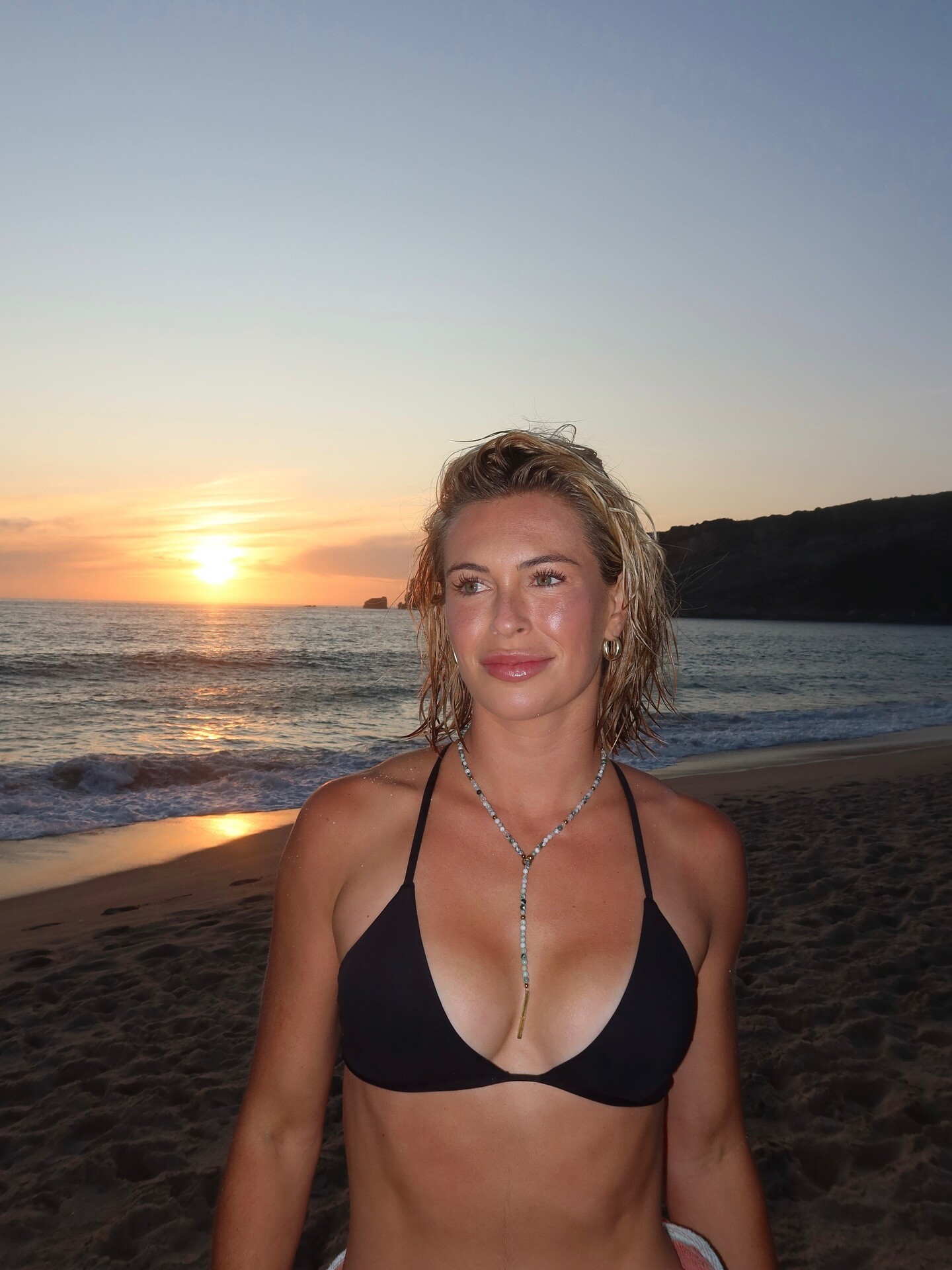
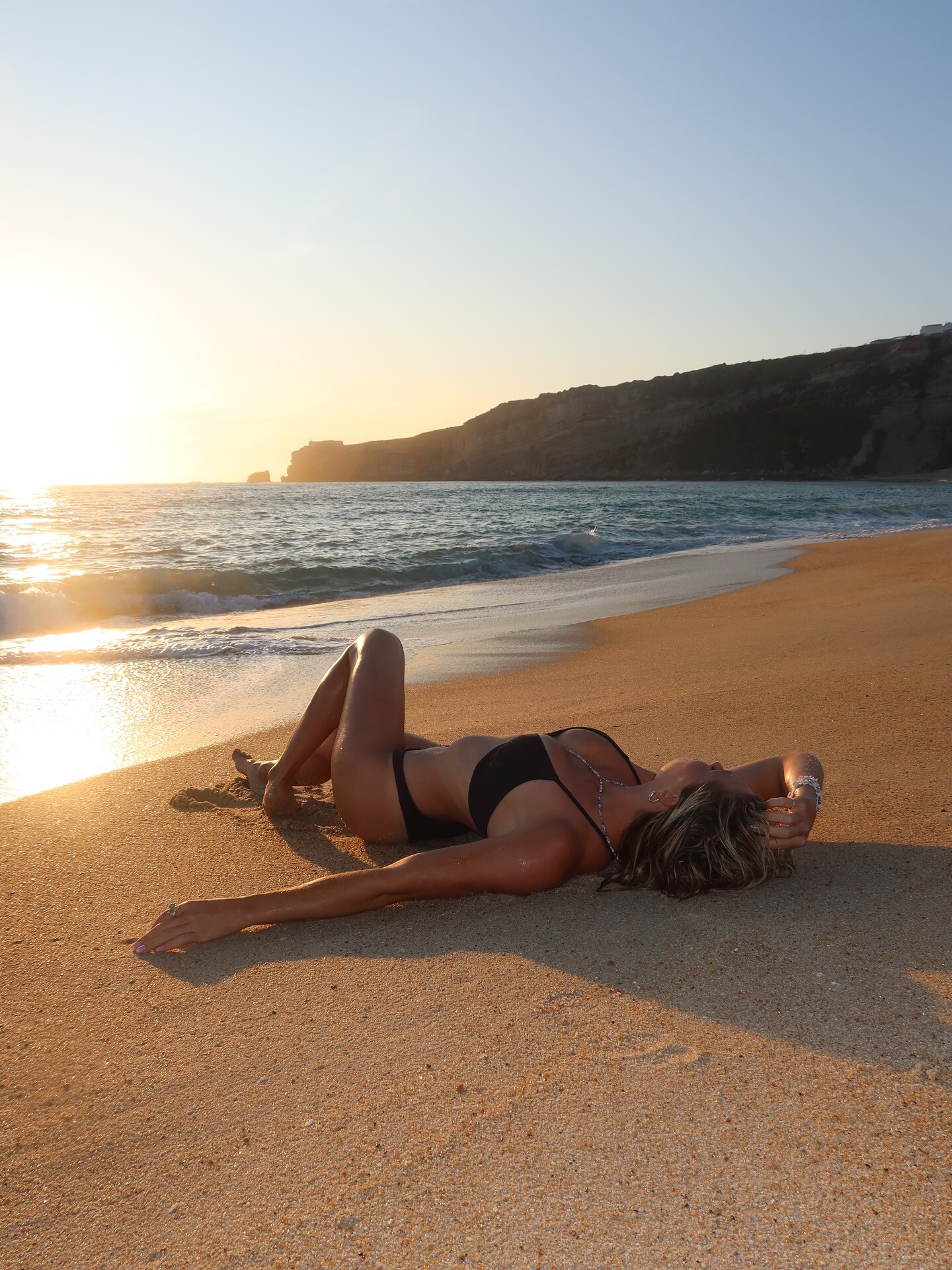
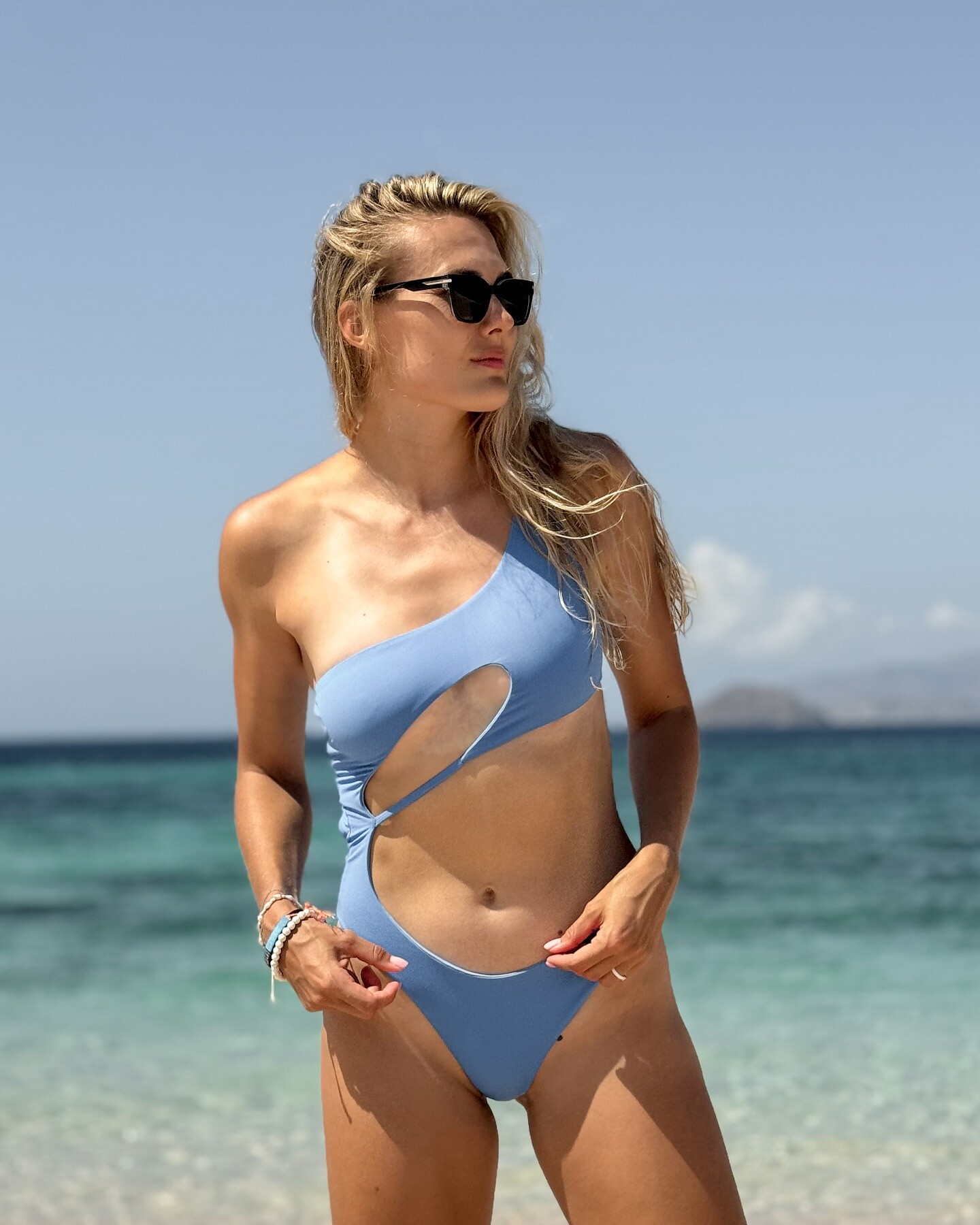
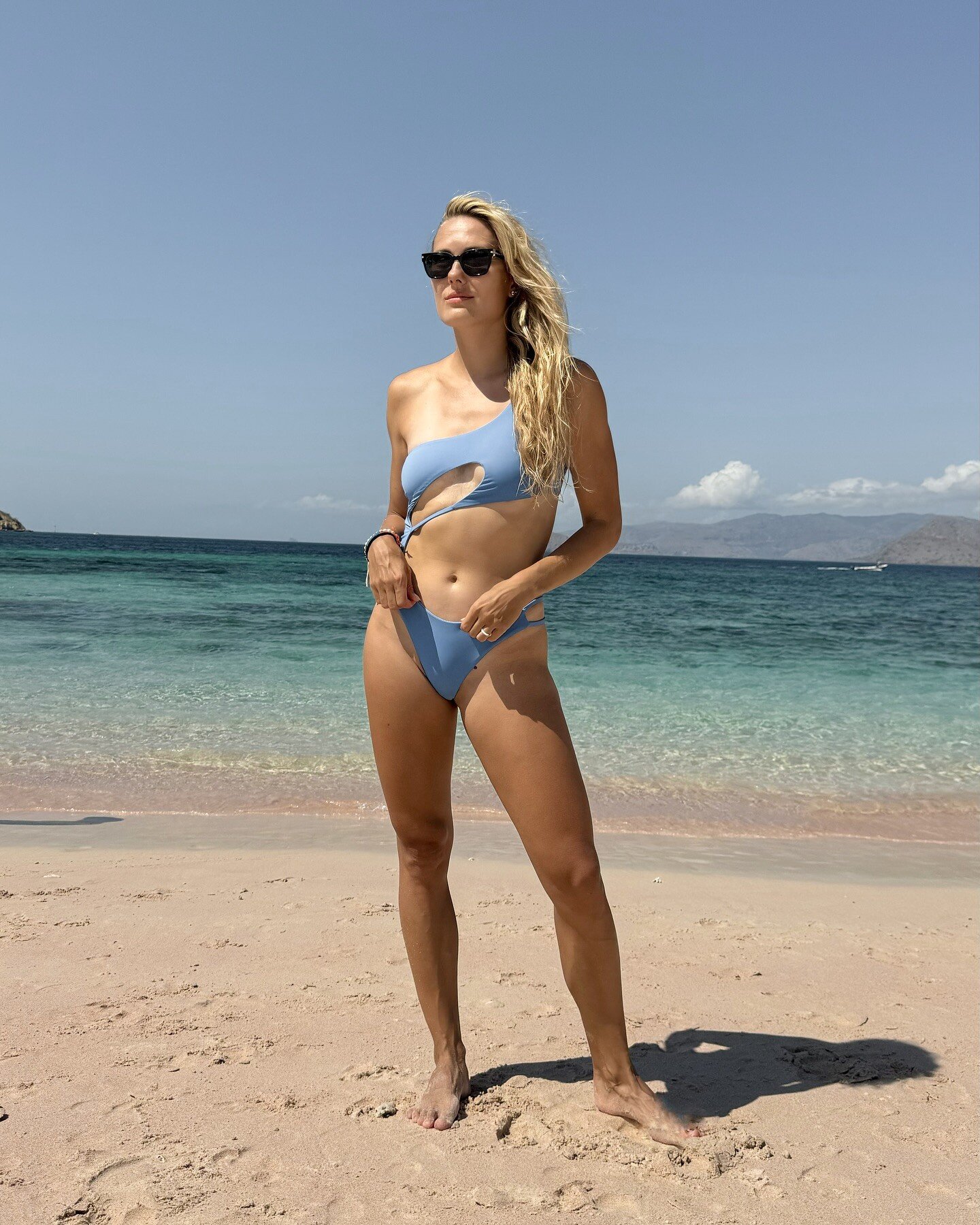
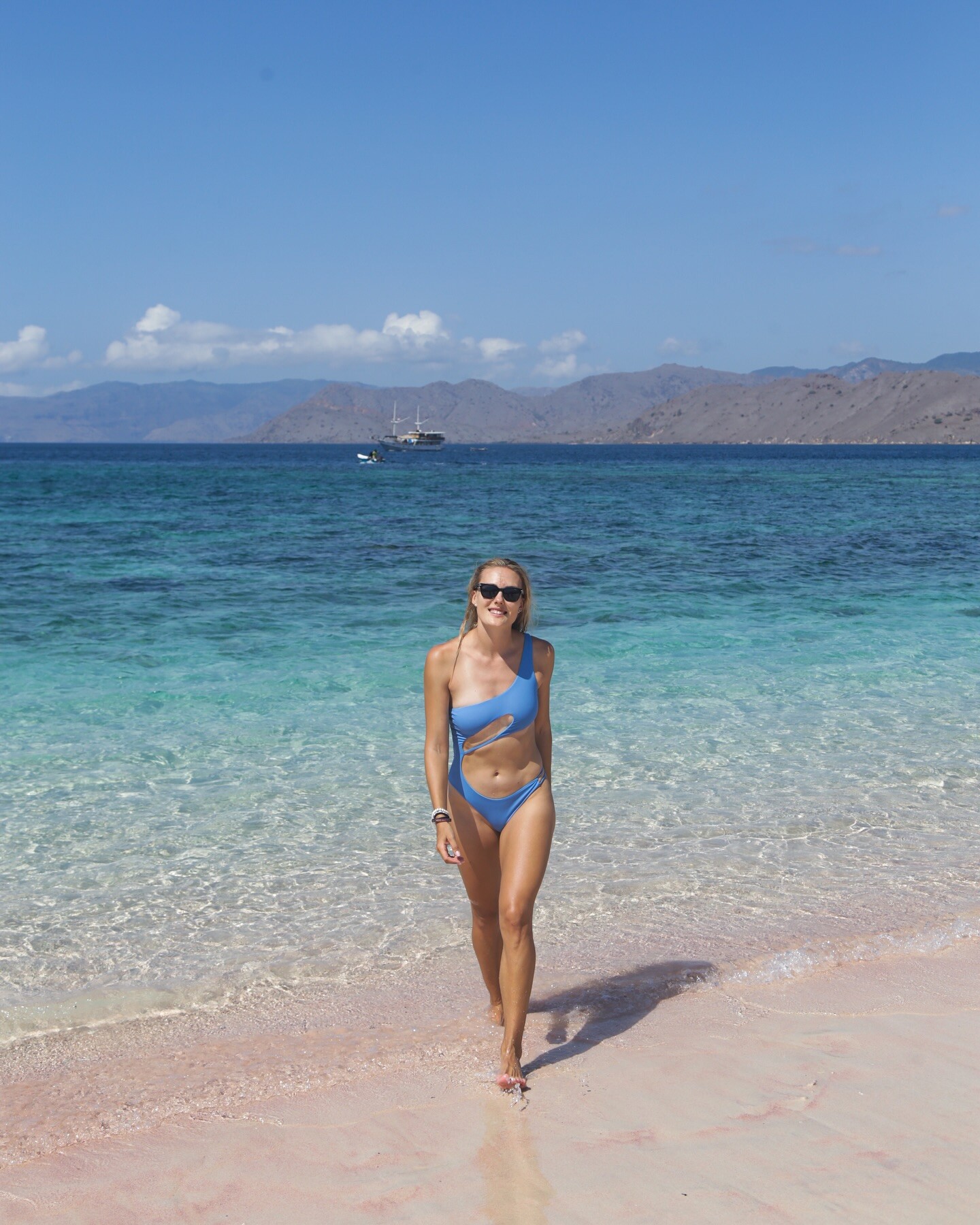
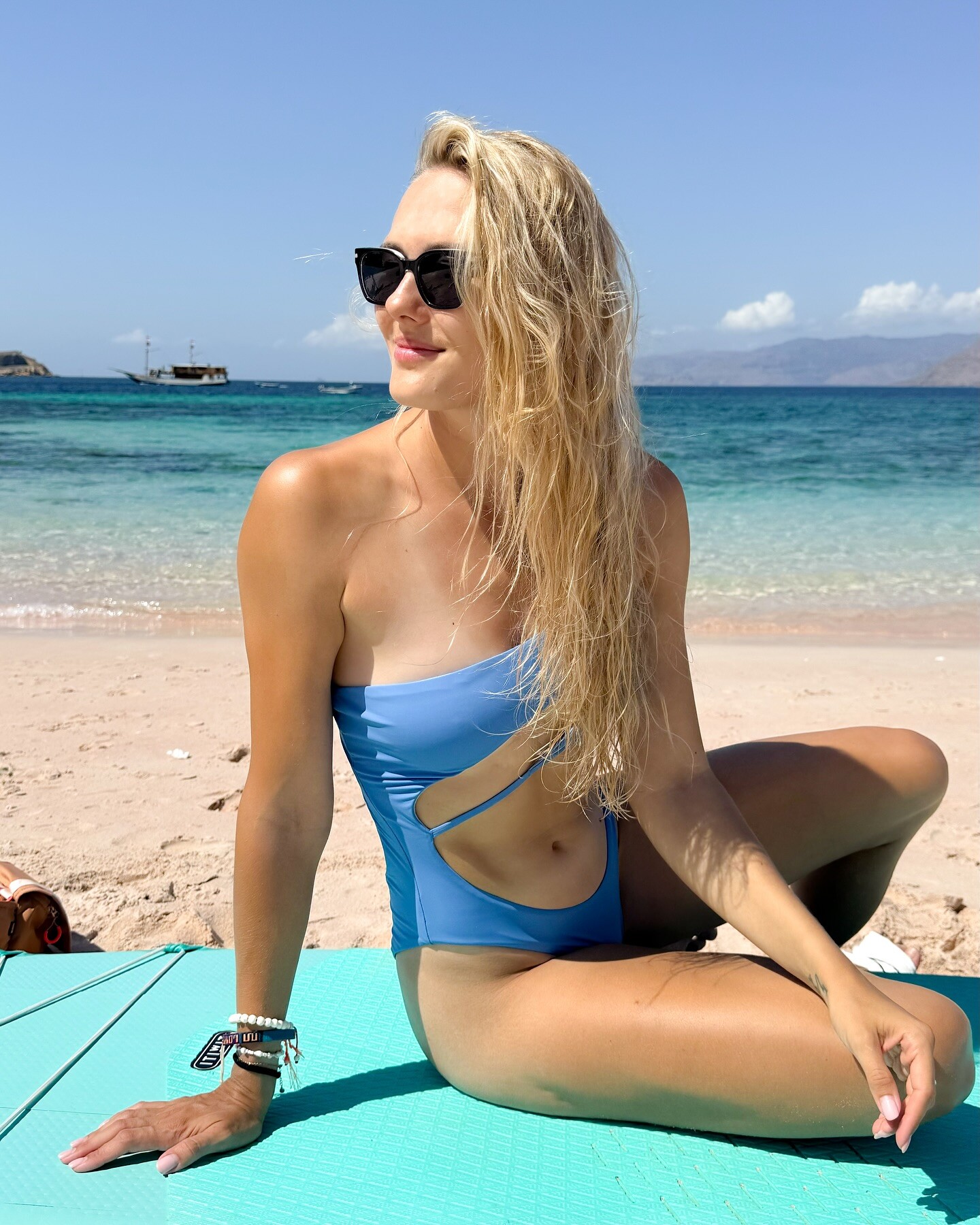
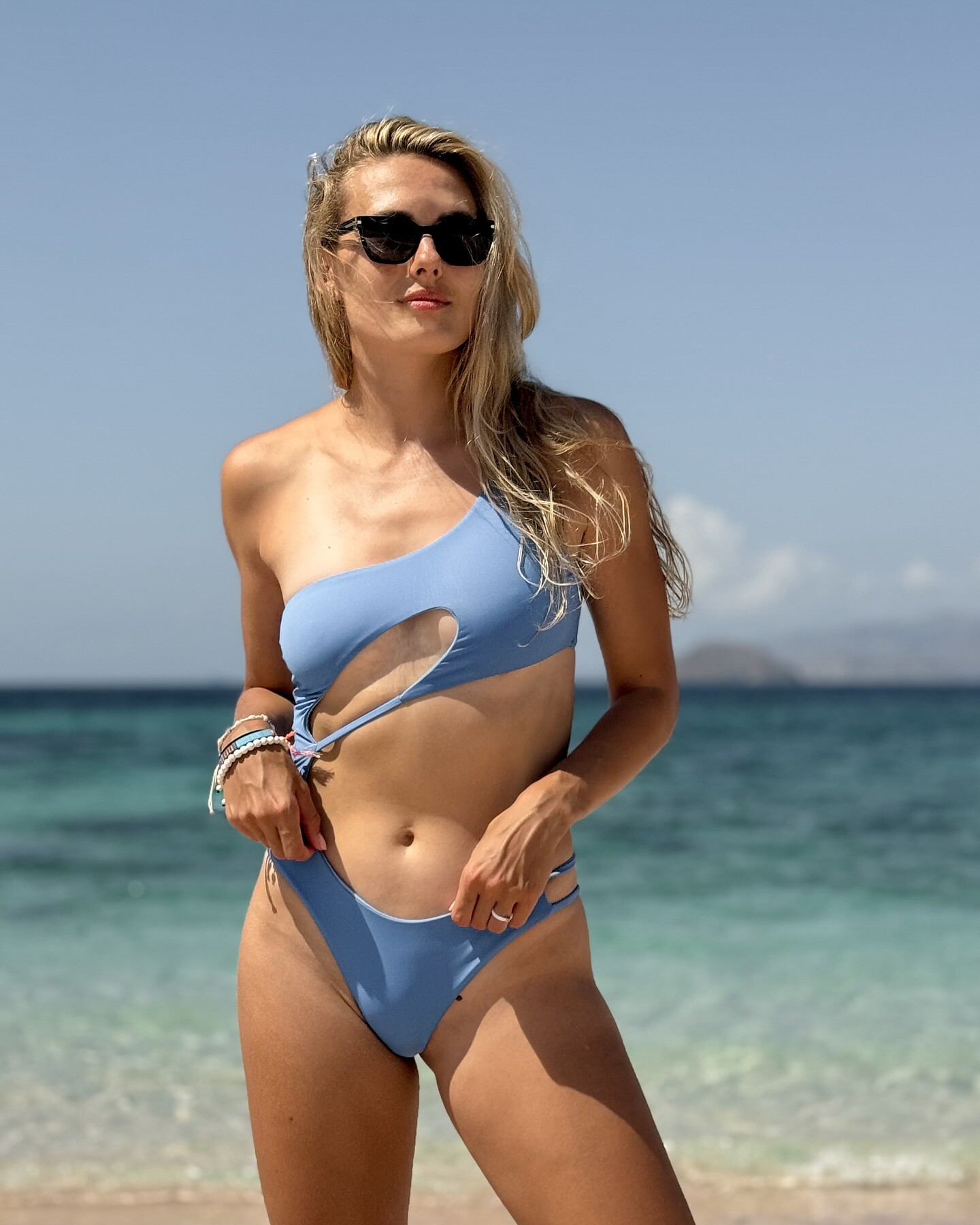

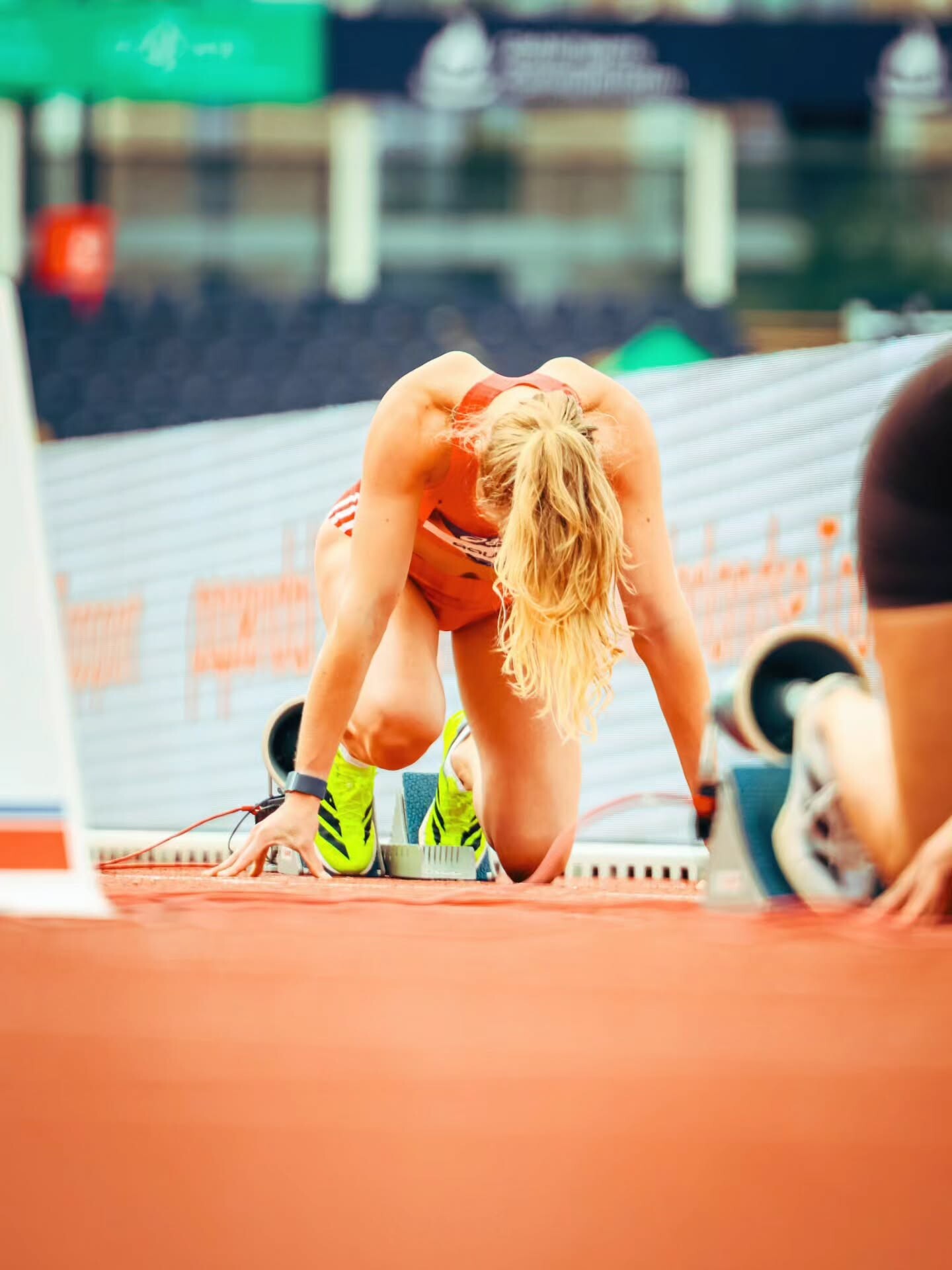


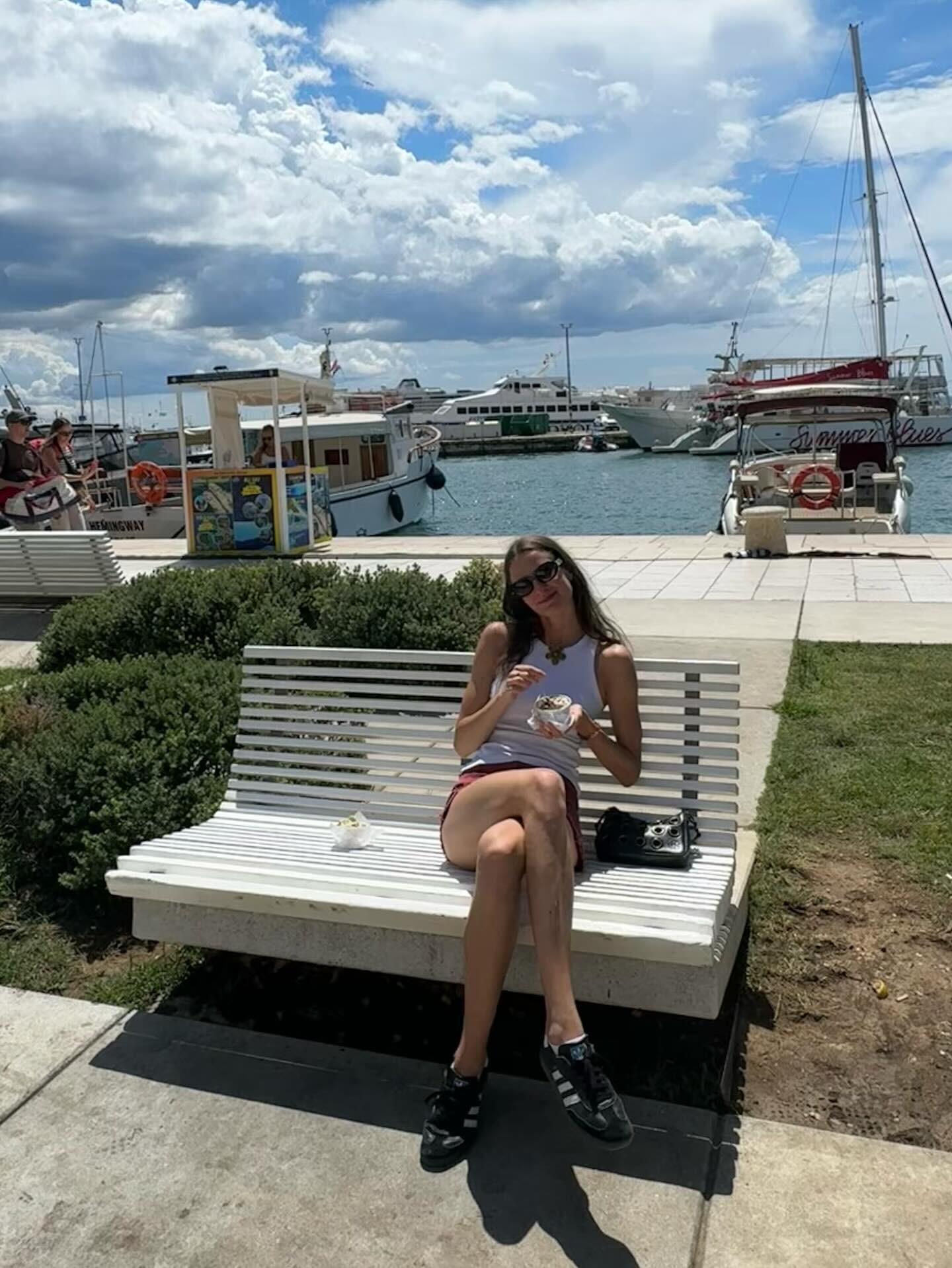
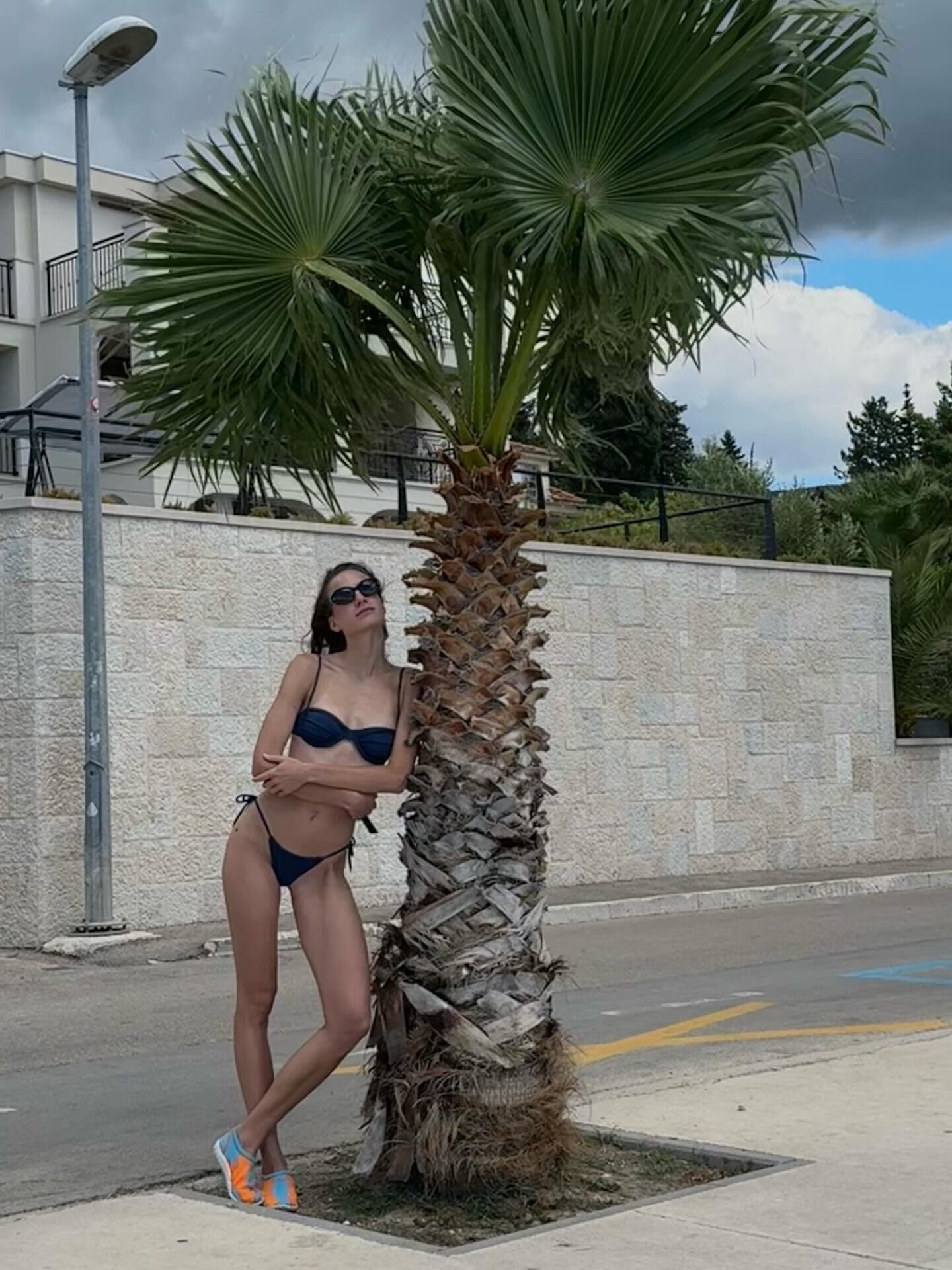
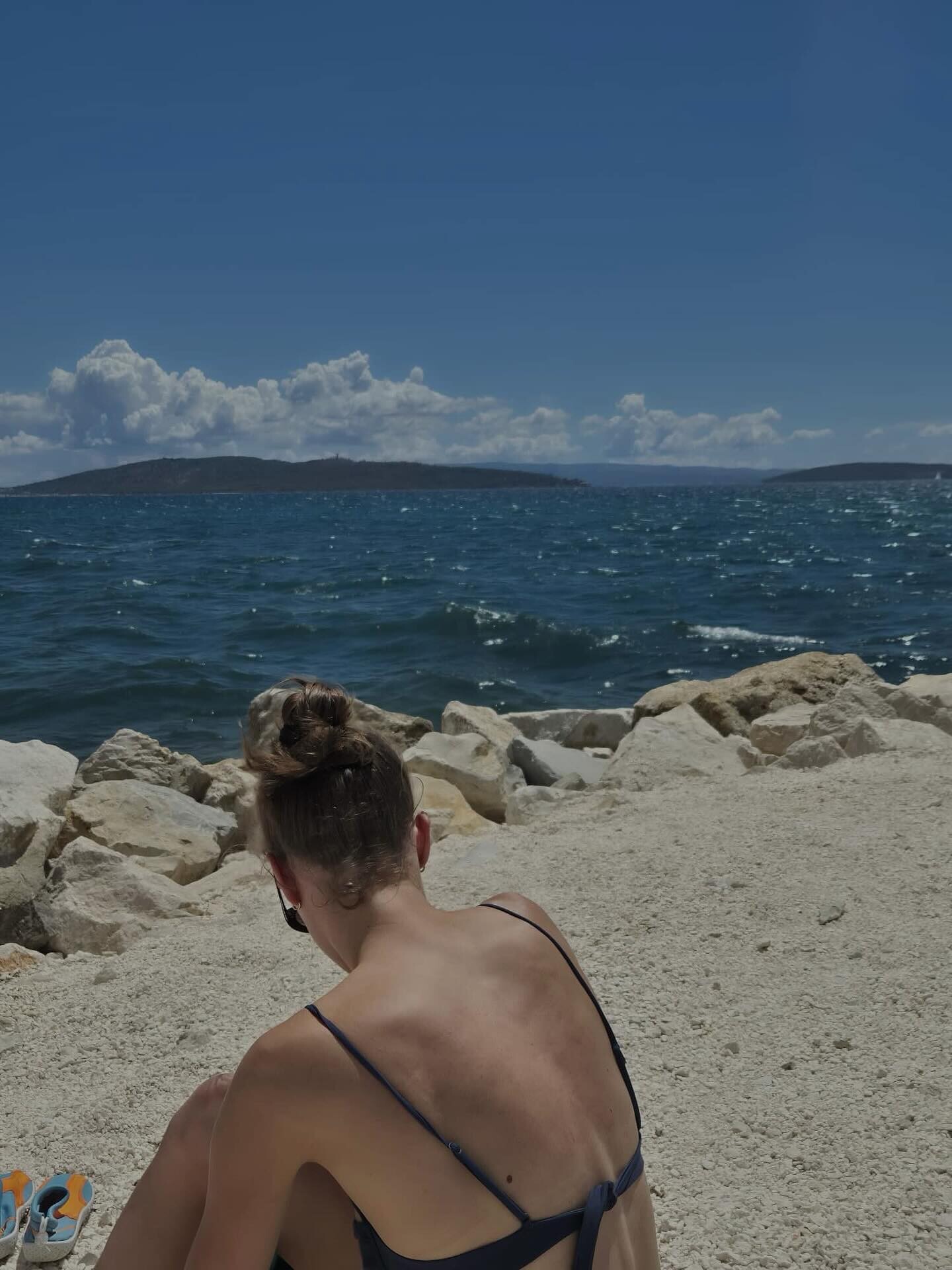

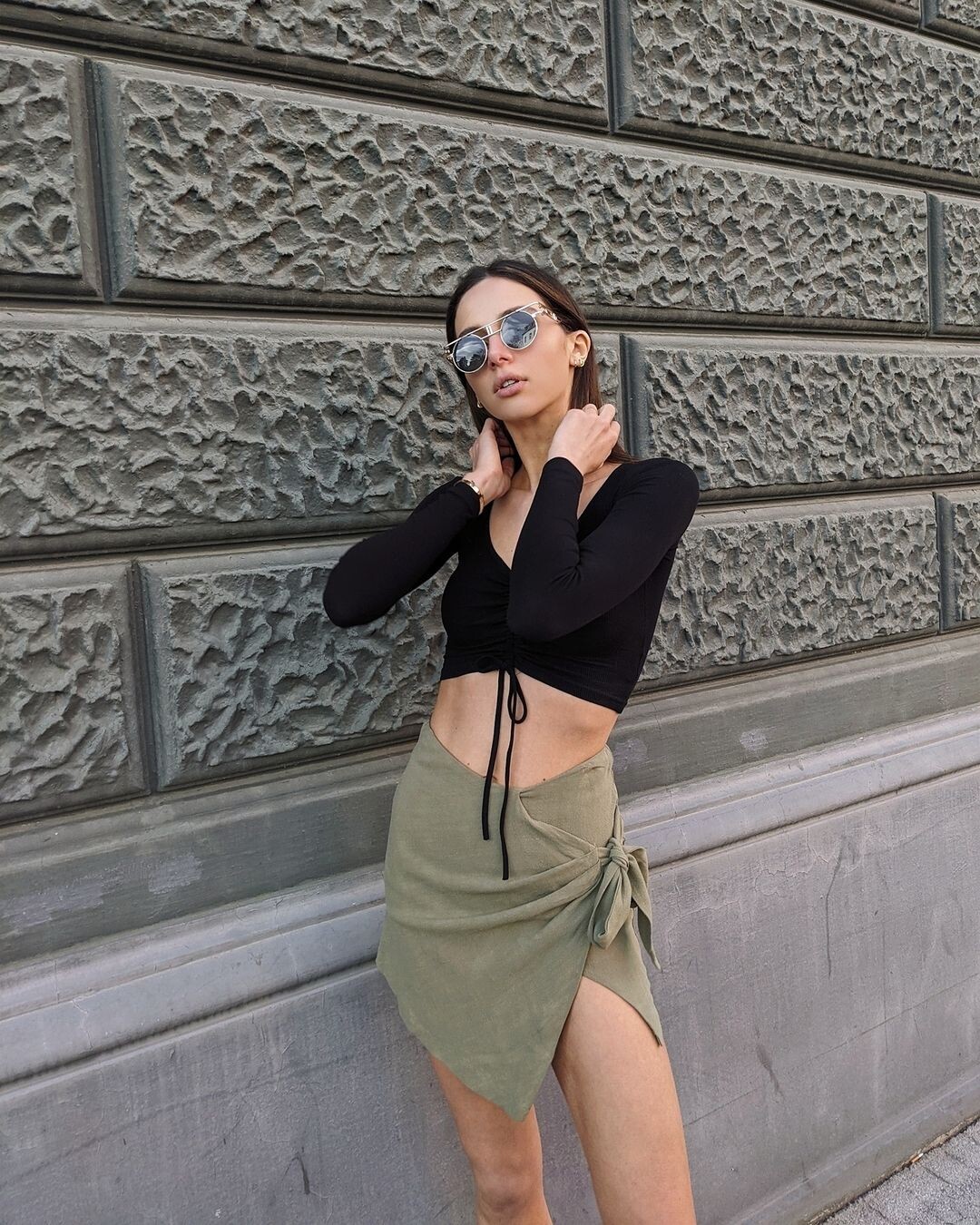
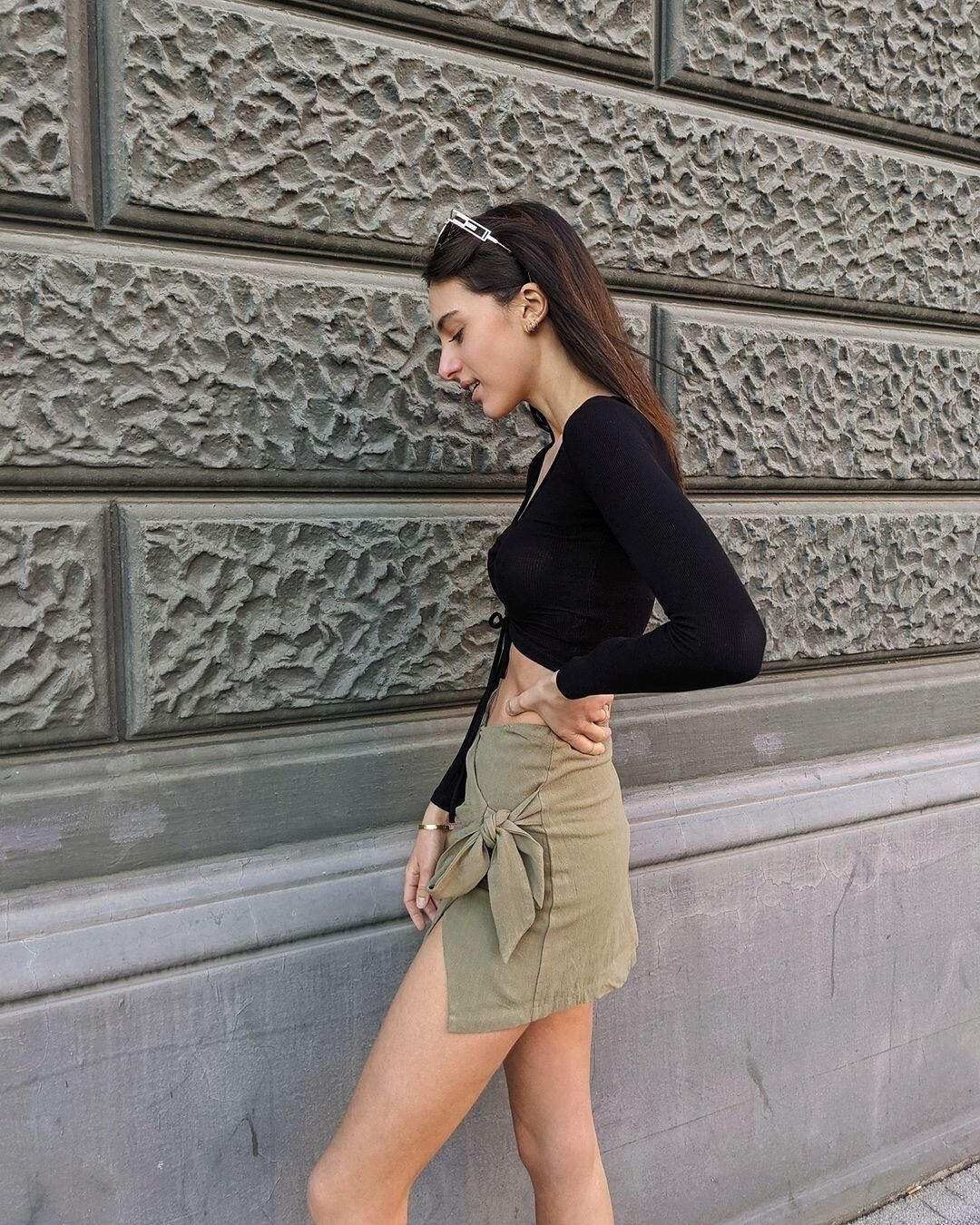
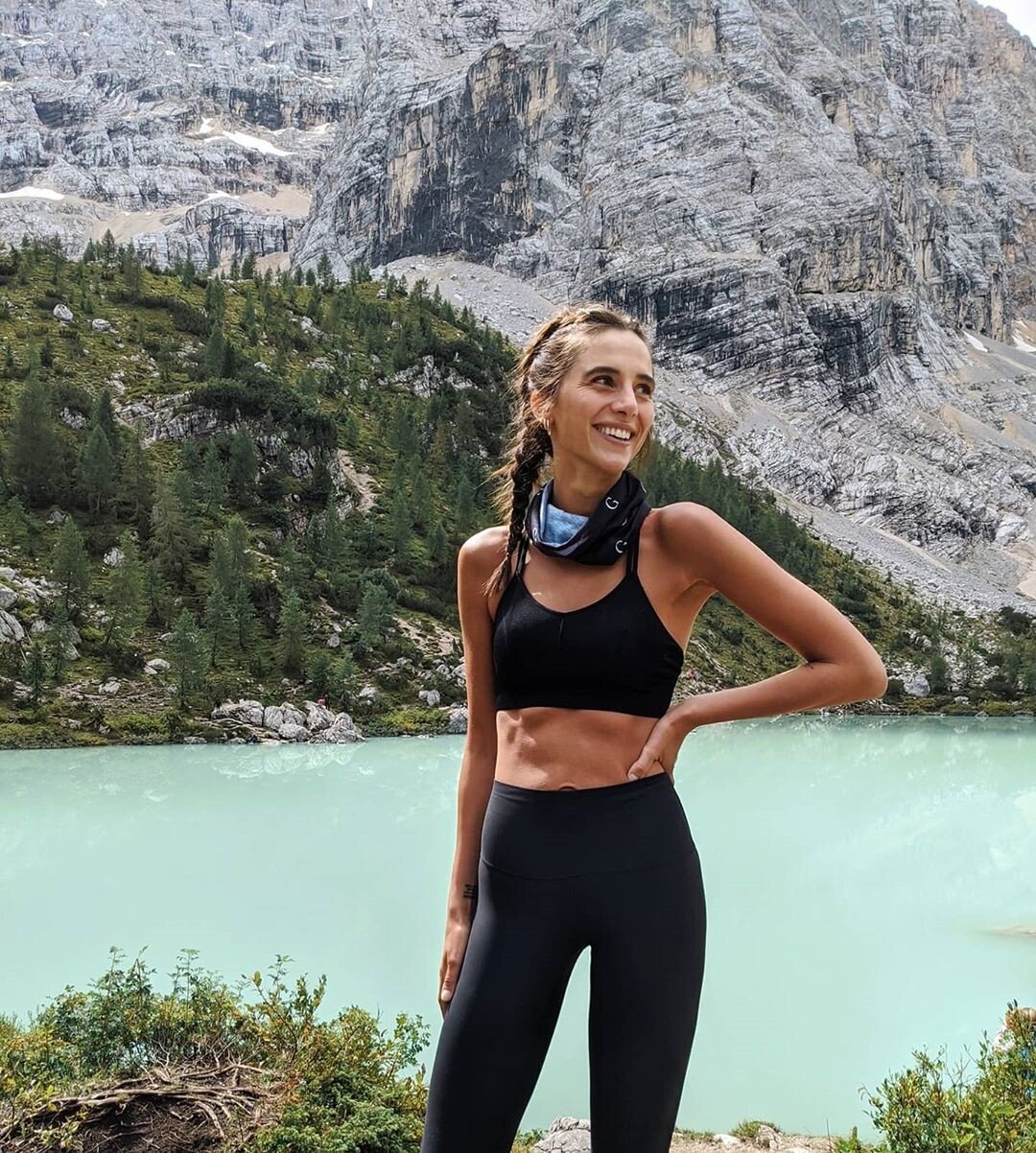
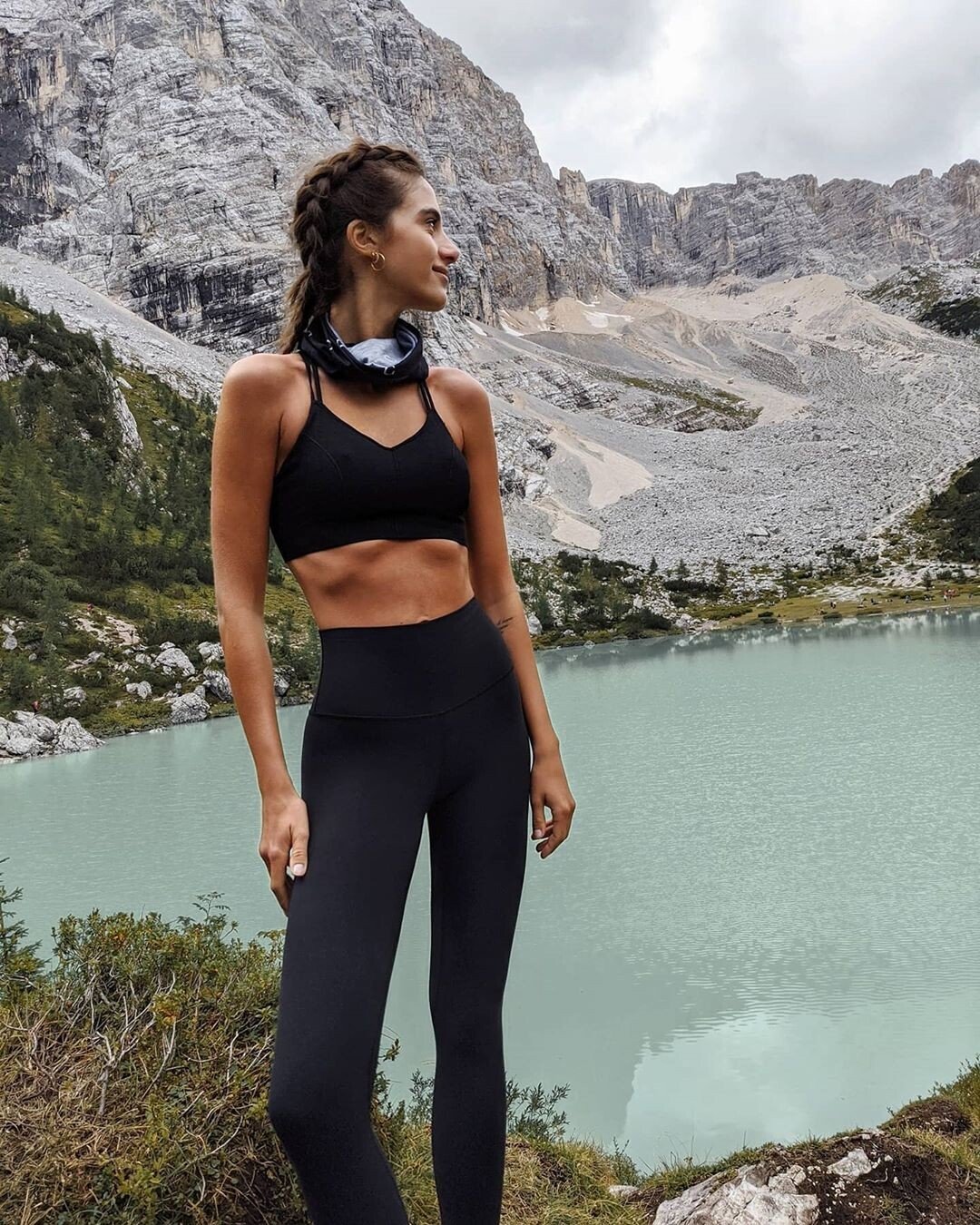
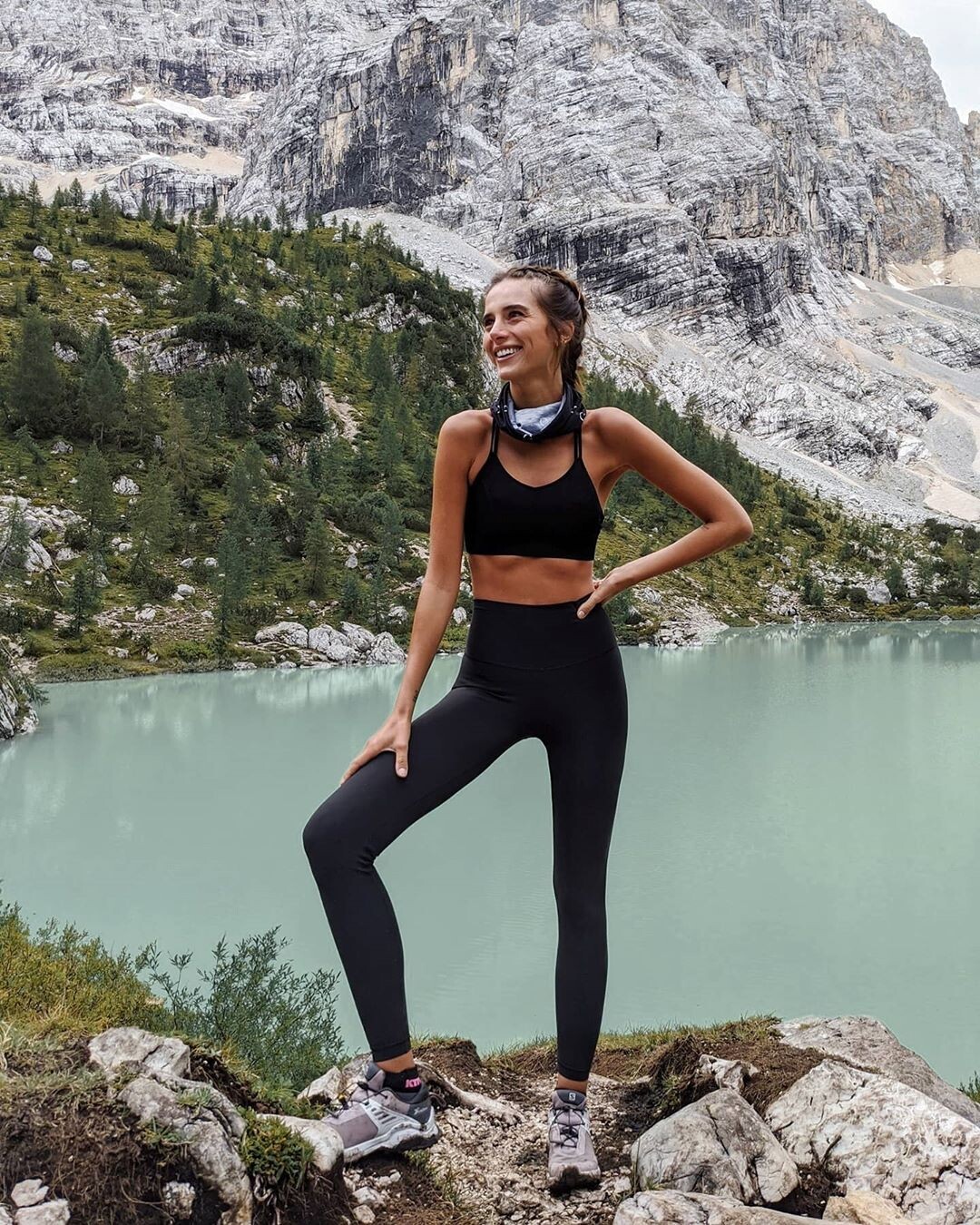

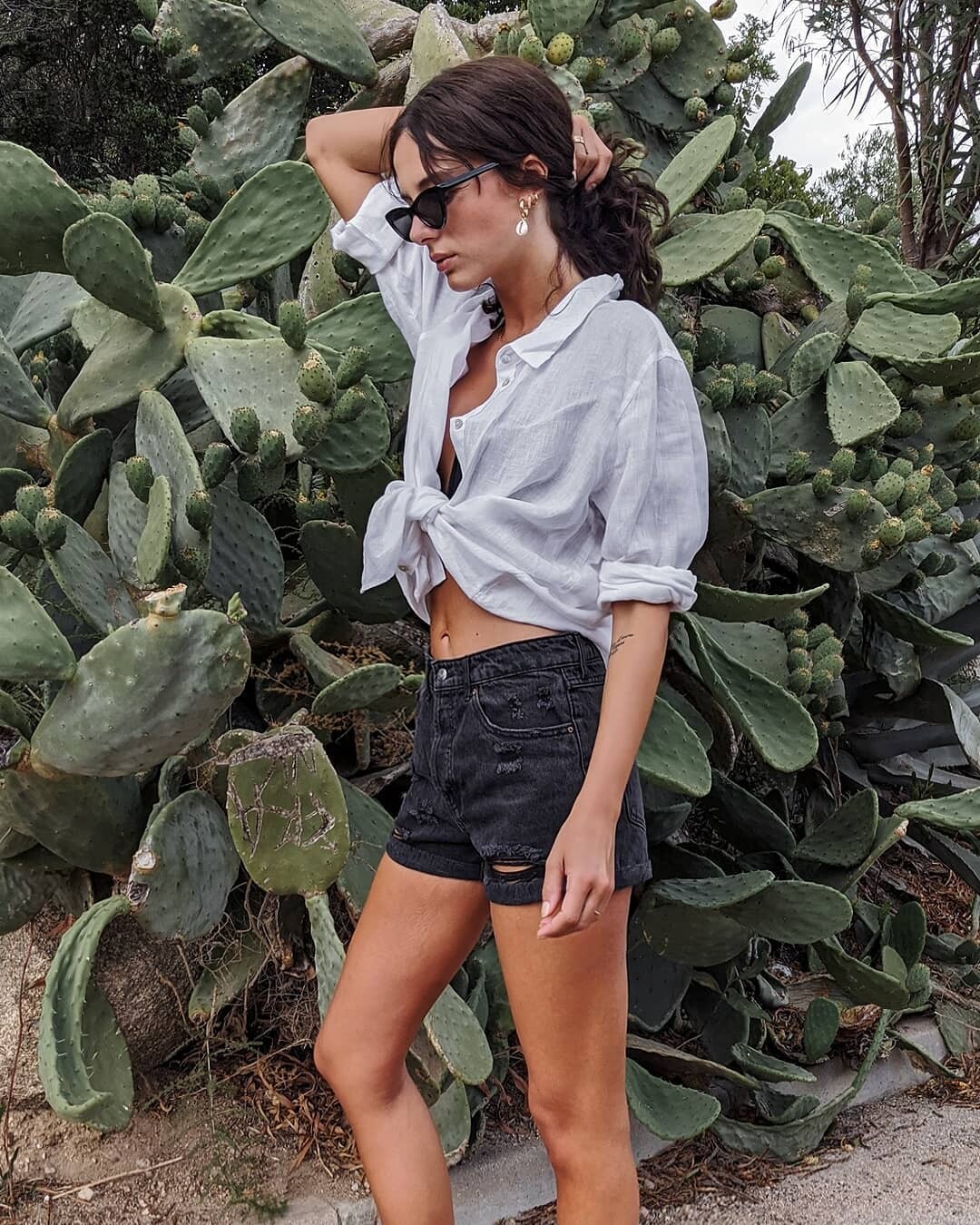
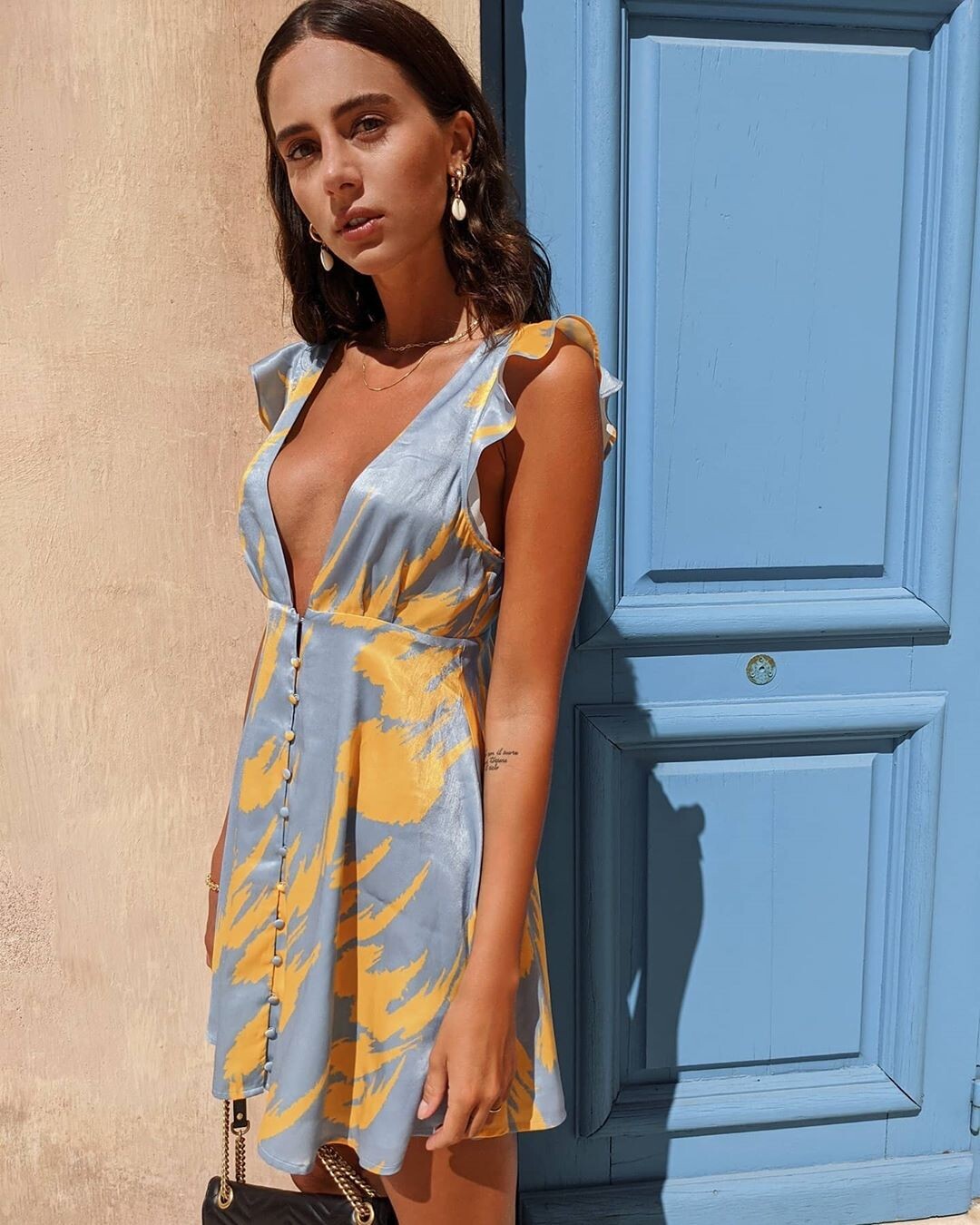
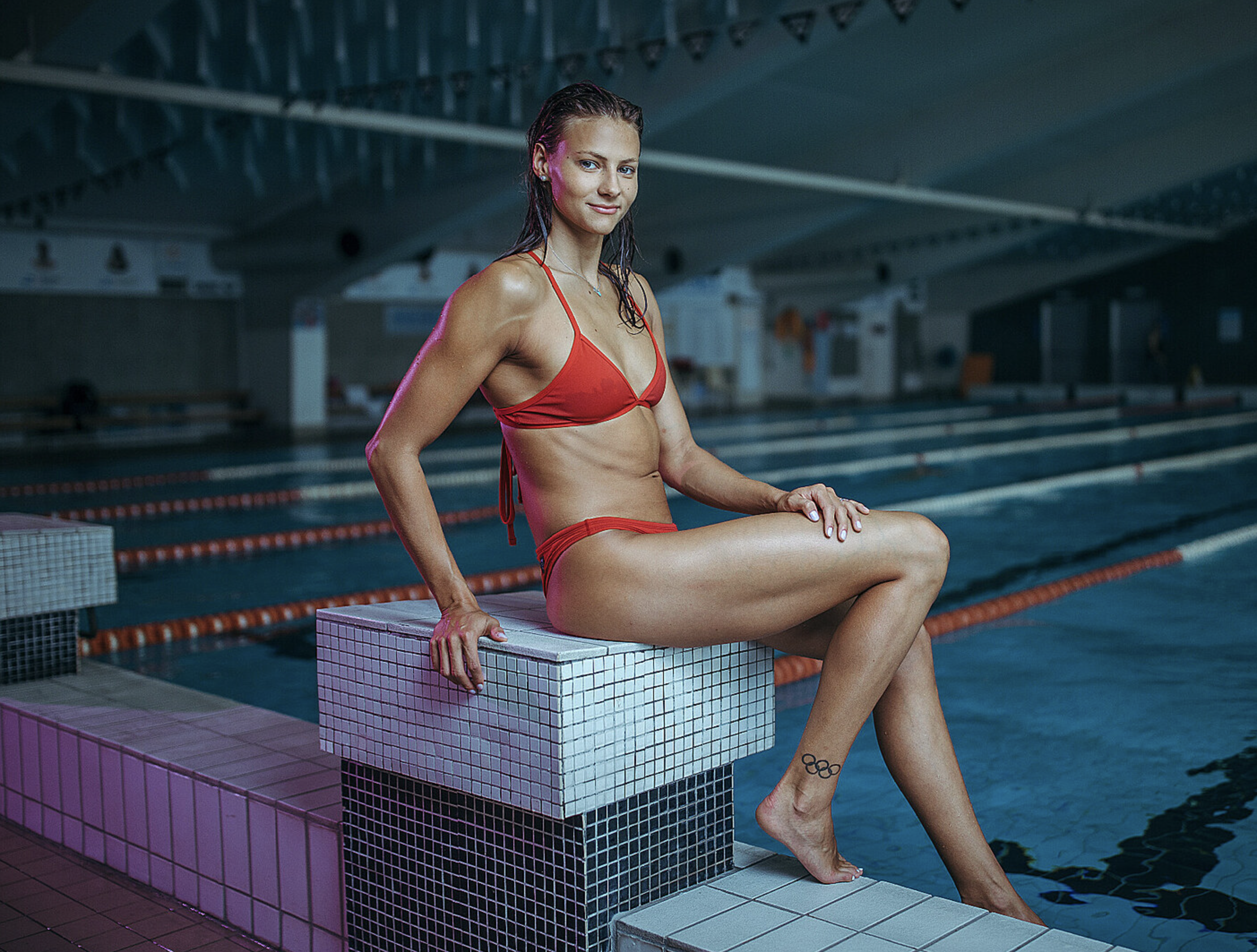
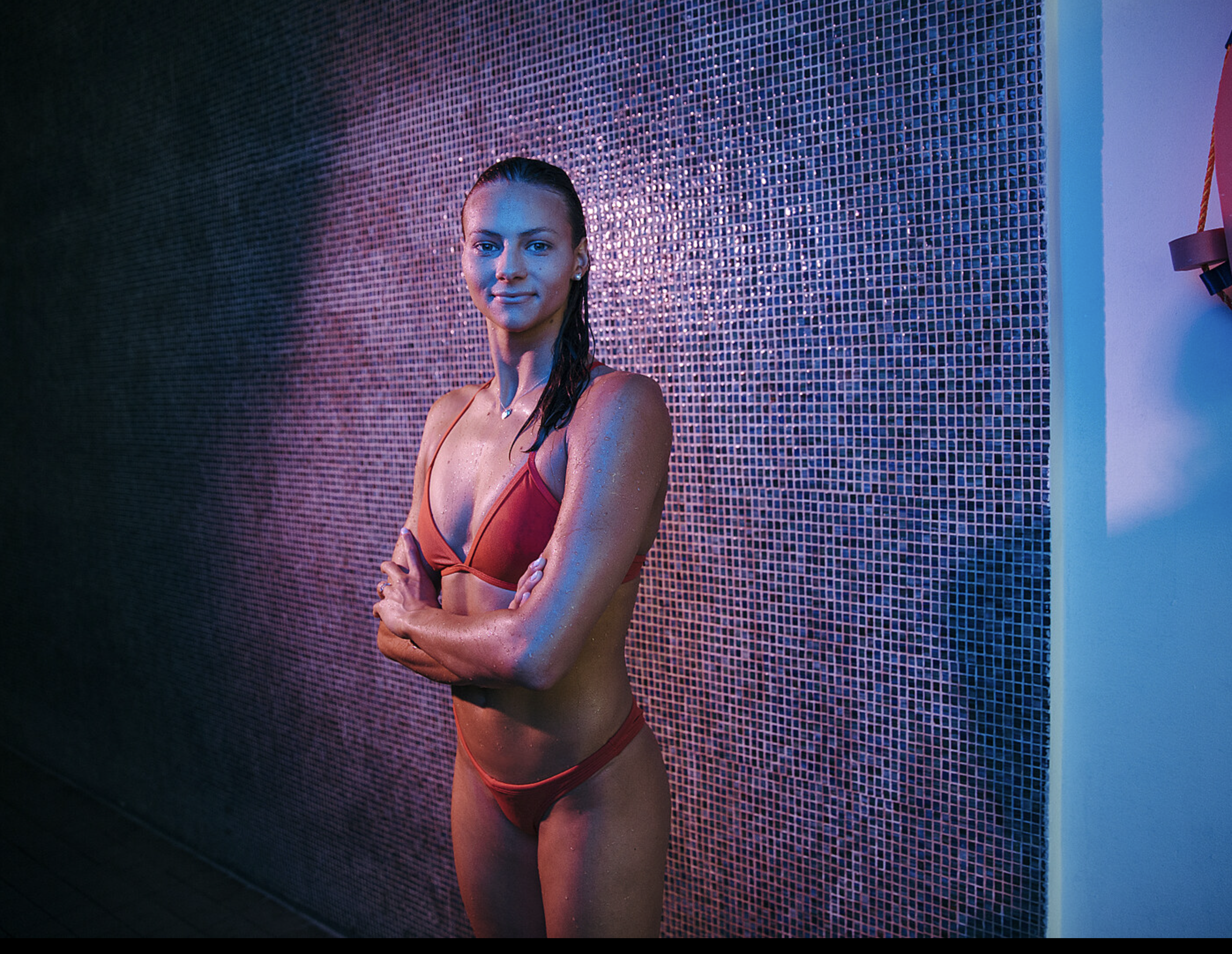
Account
Navigation
Search
Configure browser push notifications
Chrome (Android)
- Tap the lock icon next to the address bar.
- Tap Permissions → Notifications.
- Adjust your preference.
Chrome (Desktop)
- Click the padlock icon in the address bar.
- Select Site settings.
- Find Notifications and adjust your preference.
Safari (iOS 16.4+)
- Ensure the site is installed via Add to Home Screen.
- Open Settings App → Notifications.
- Find your app name and adjust your preference.
Safari (macOS)
- Go to Safari → Preferences.
- Click the Websites tab.
- Select Notifications in the sidebar.
- Find this website and adjust your preference.
Edge (Android)
- Tap the lock icon next to the address bar.
- Tap Permissions.
- Find Notifications and adjust your preference.
Edge (Desktop)
- Click the padlock icon in the address bar.
- Click Permissions for this site.
- Find Notifications and adjust your preference.
Firefox (Android)
- Go to Settings → Site permissions.
- Tap Notifications.
- Find this site in the list and adjust your preference.
Firefox (Desktop)
- Open Firefox Settings.
- Search for Notifications.
- Find this site in the list and adjust your preference.