
Mariana99
Members
-
Joined
-
Last visited
Everything posted by Mariana99
-
-
-
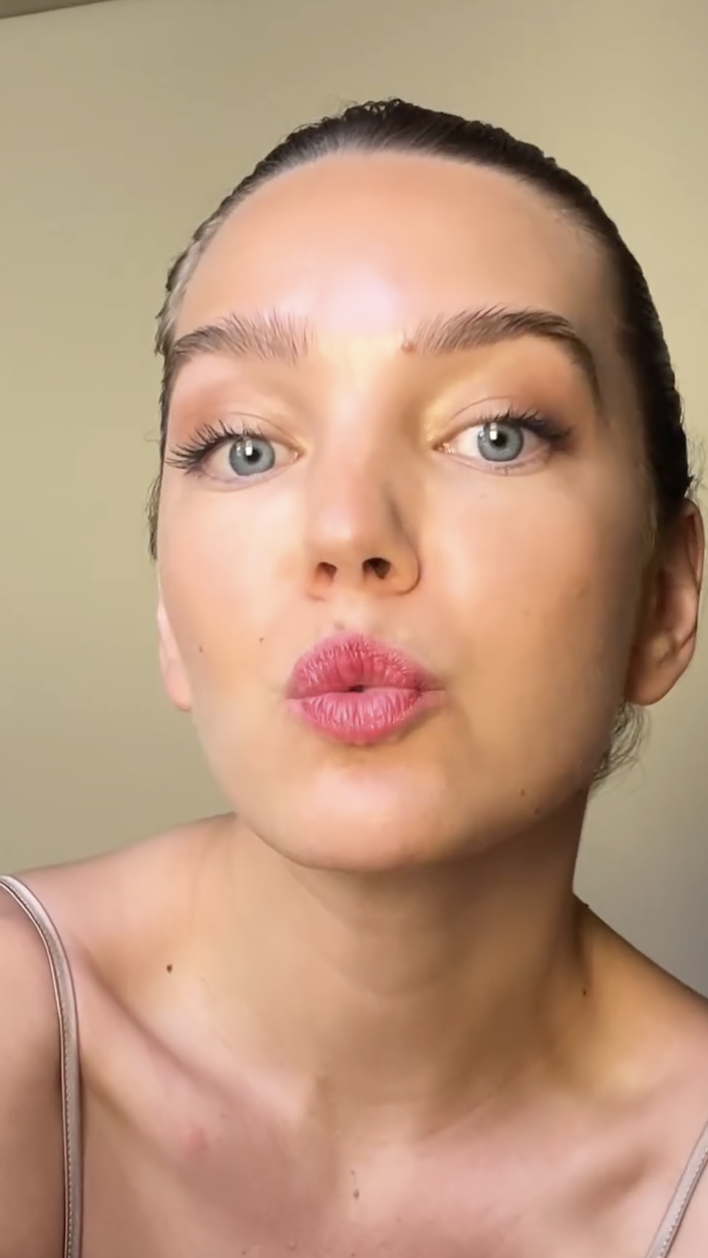
BTS and fashion shoot video mariannebt (1).mp4 mariannebt (2).mp4


-
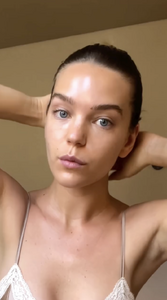
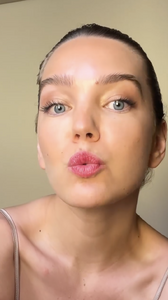
UD_priscillamezzadri_3547495543694877988_2268592289_18_1_2025.mp4

-
BTS video, nip slip Spoiler UD_priscillamezzadri_1844933737343799632_2268592289_30_7_2024.mp4

 UD_mariannebt_3515031107537064308_22191913_4_12_2024.mp4
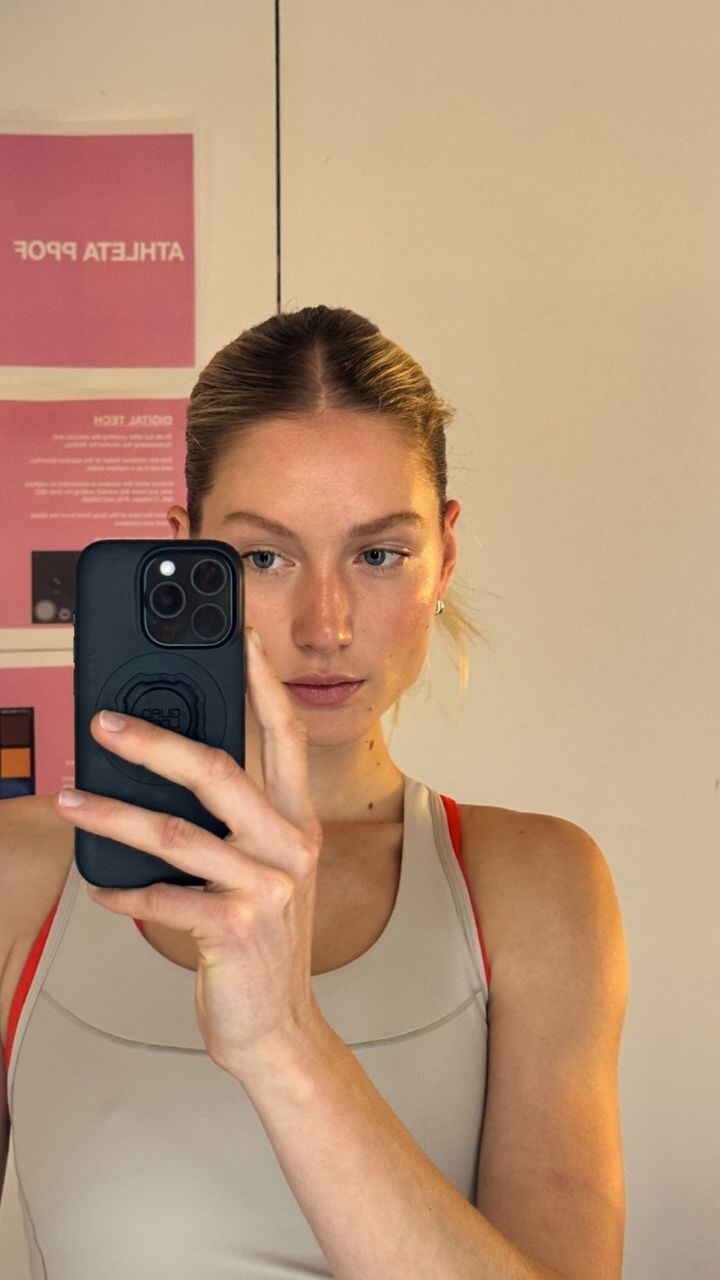
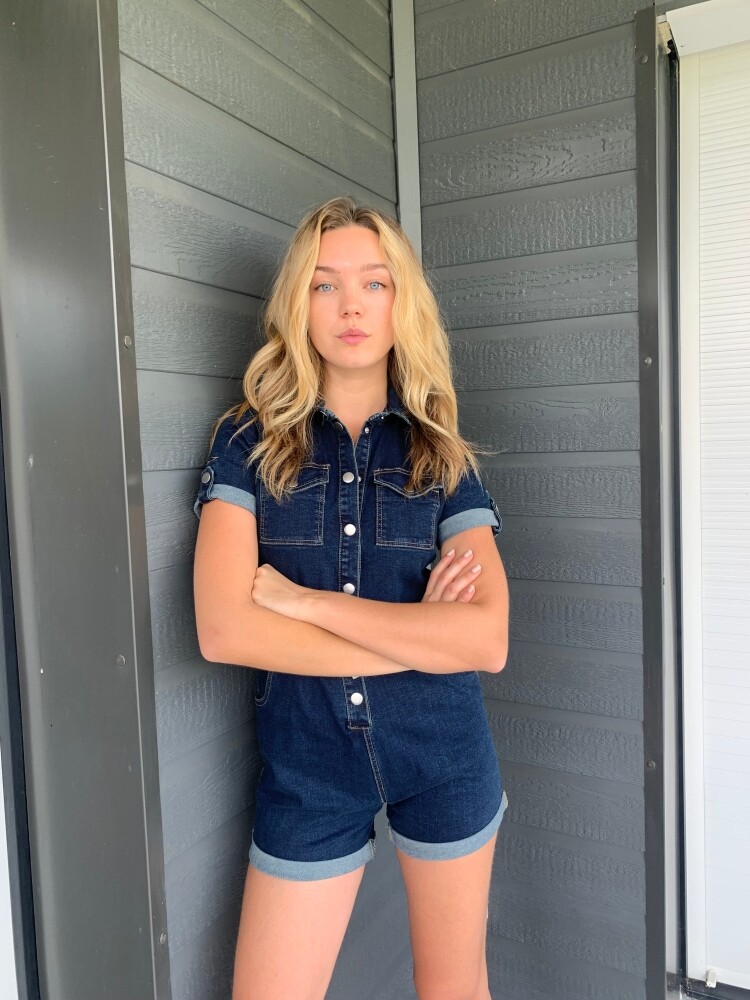
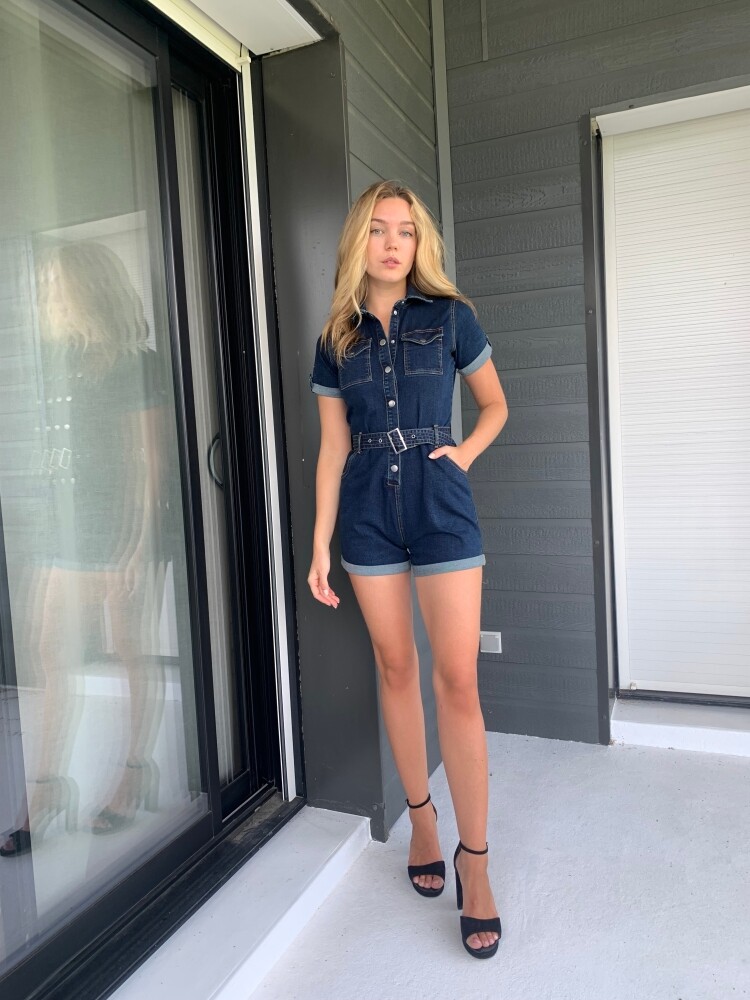
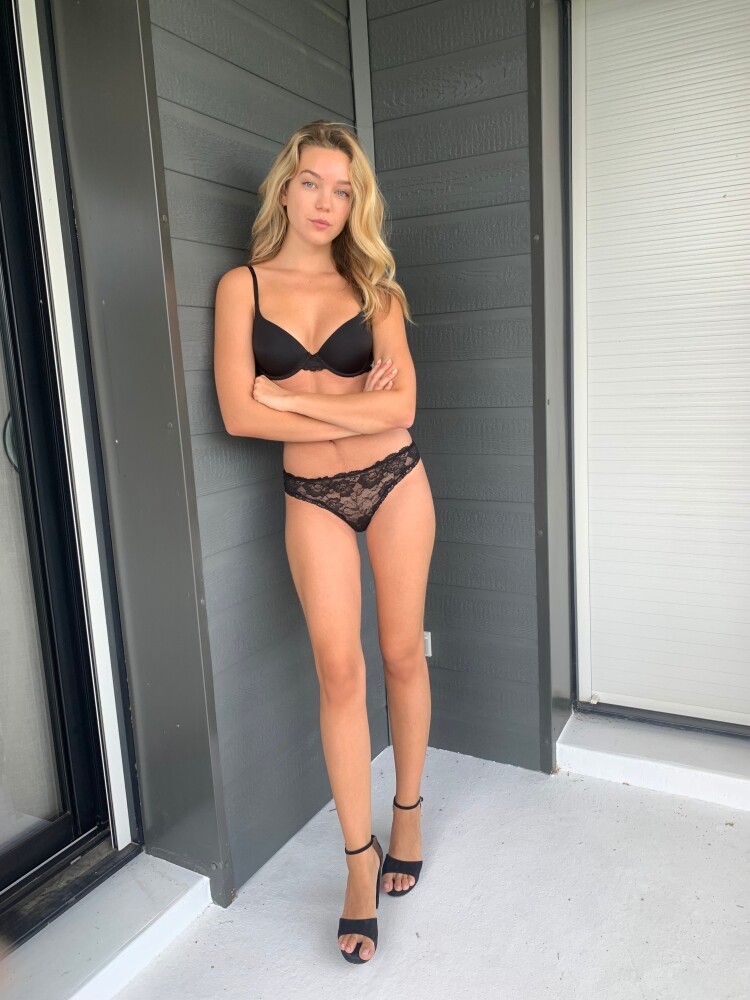
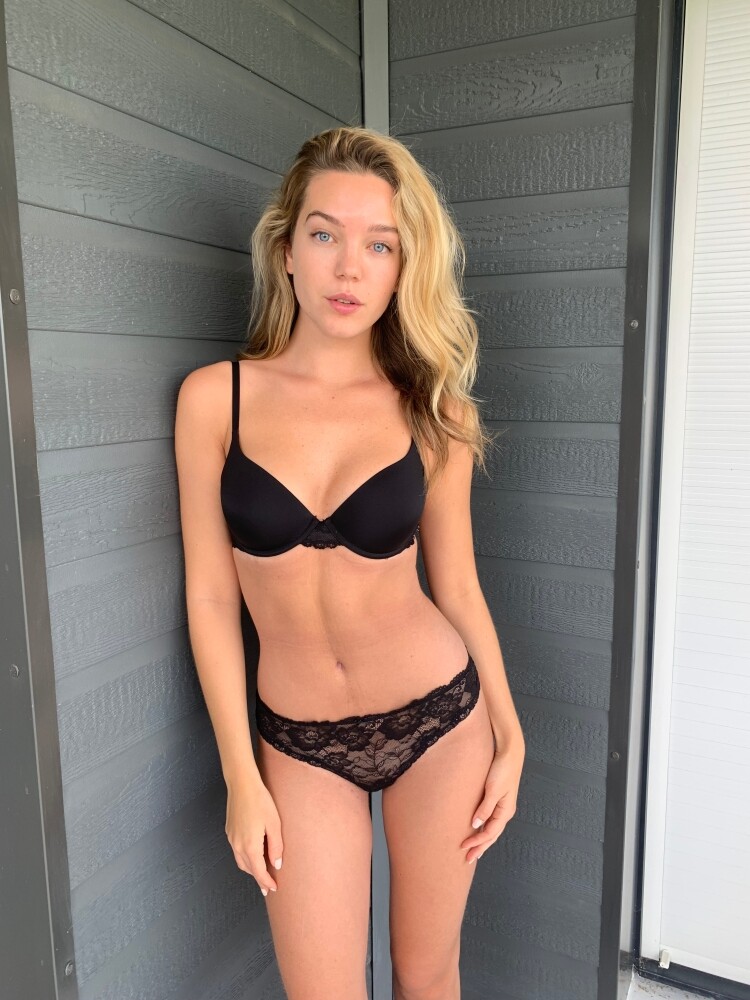
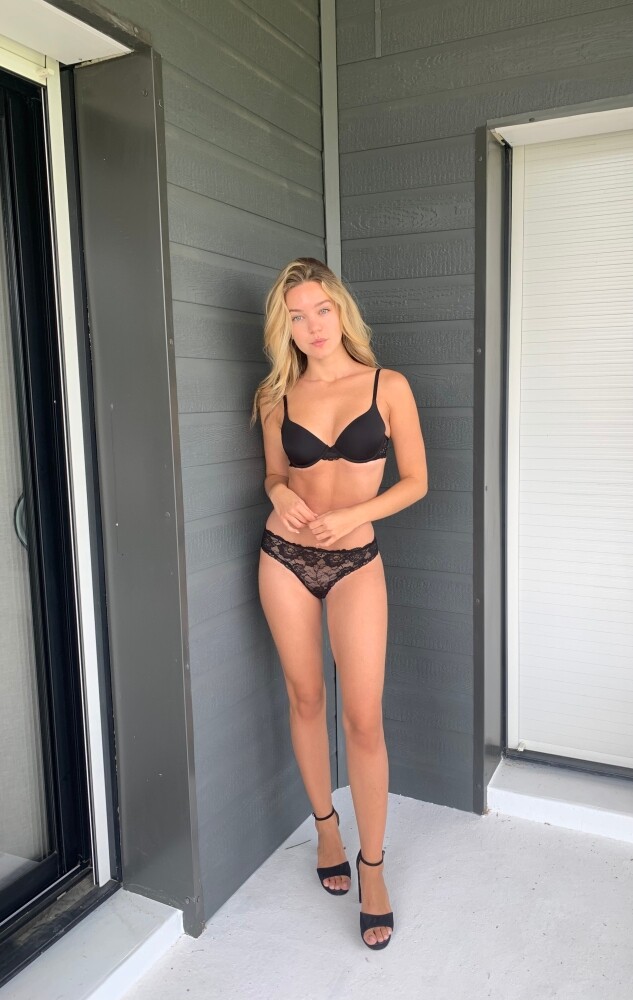
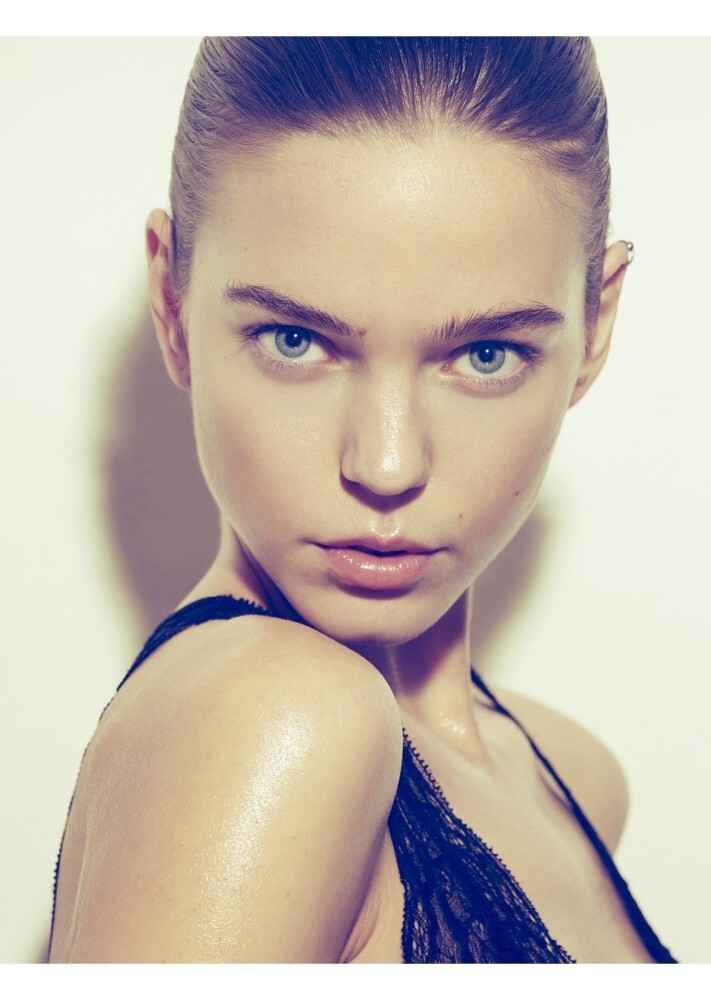
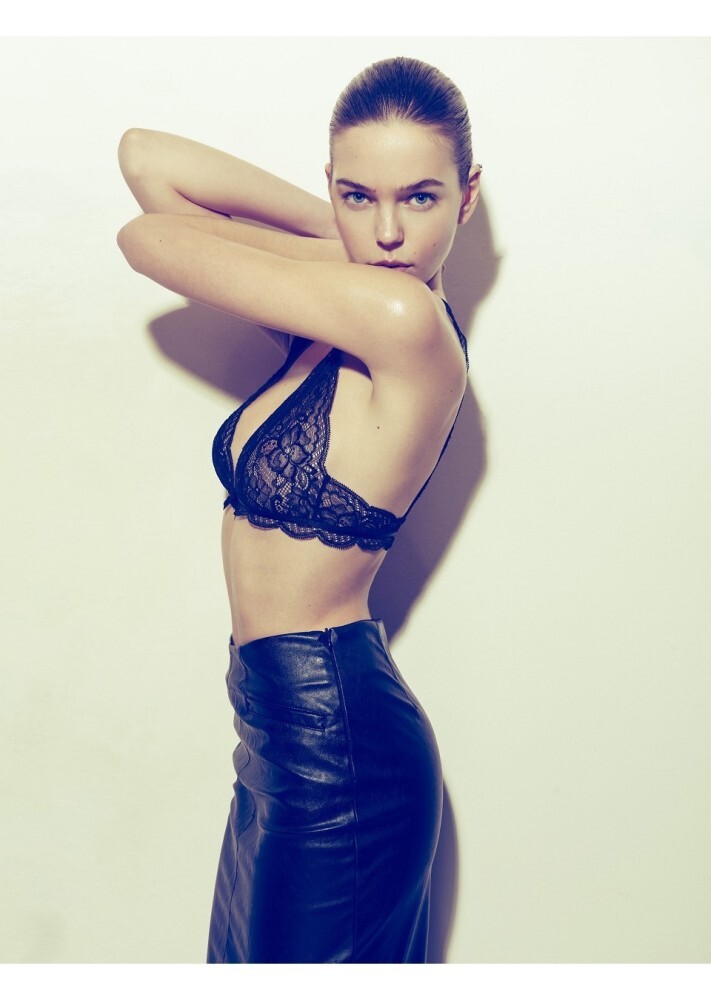
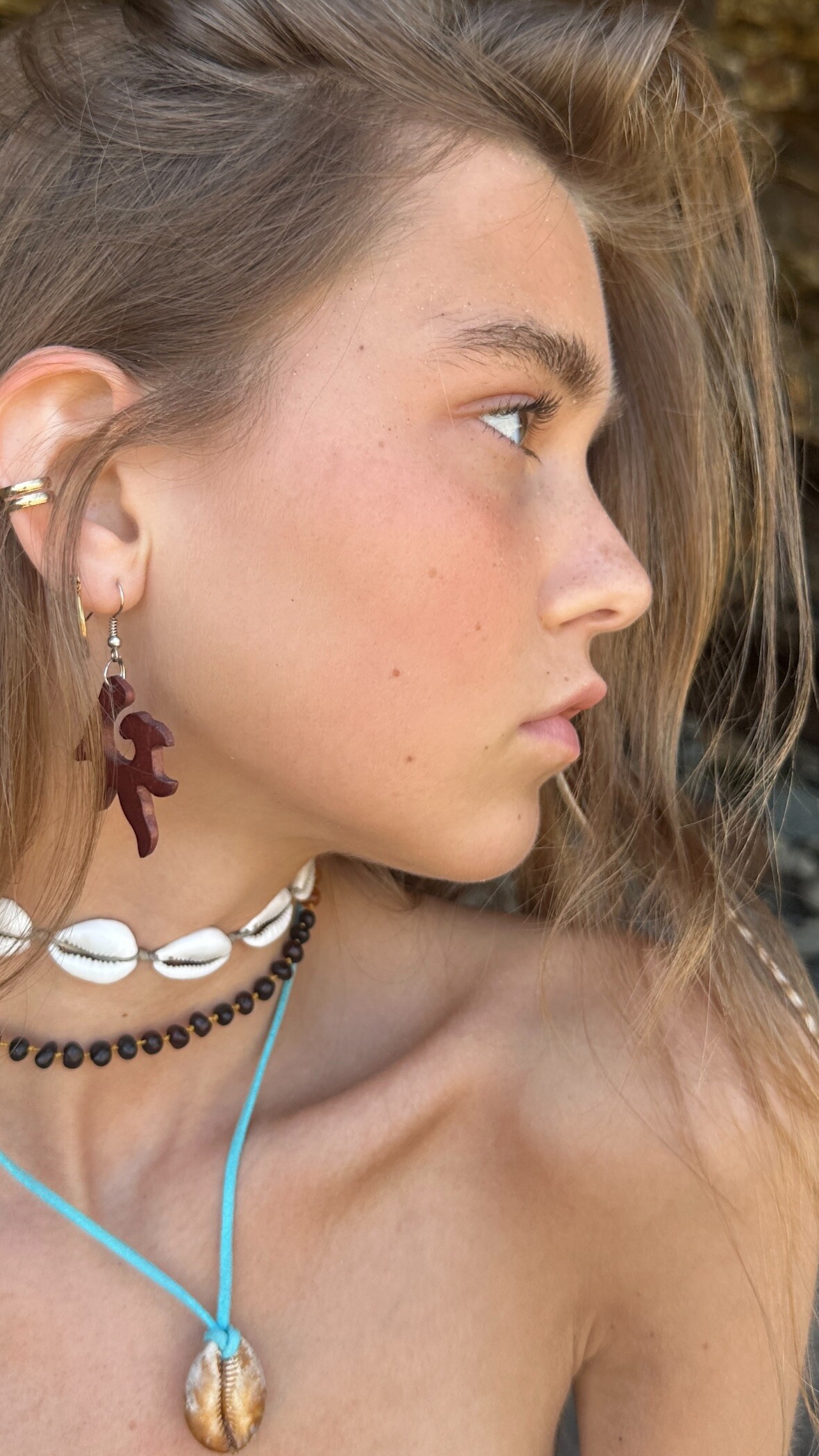
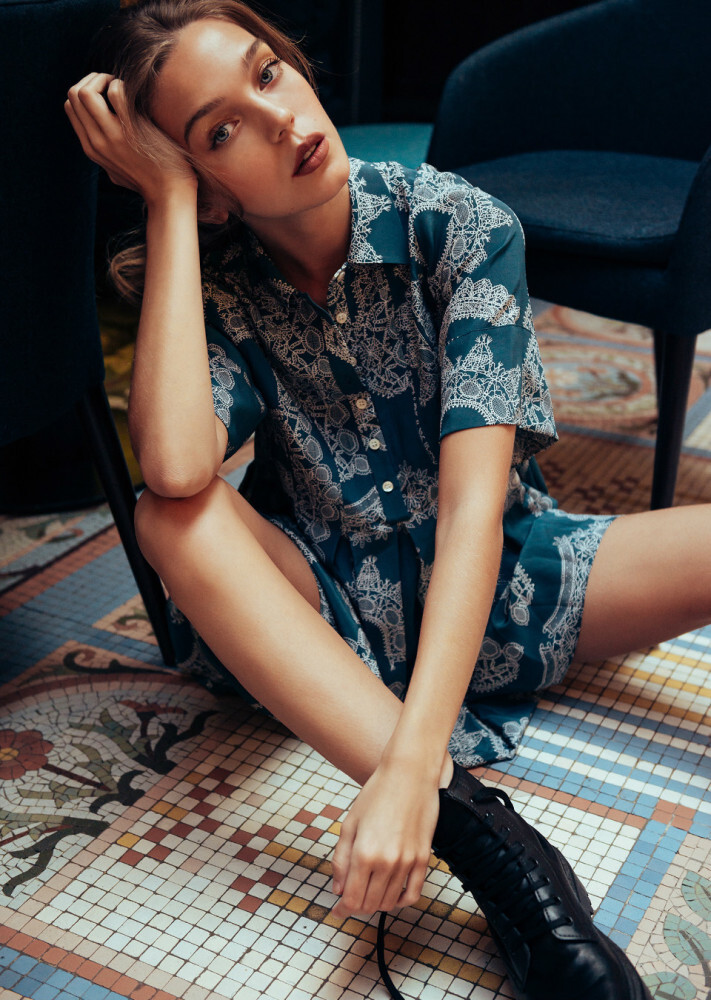
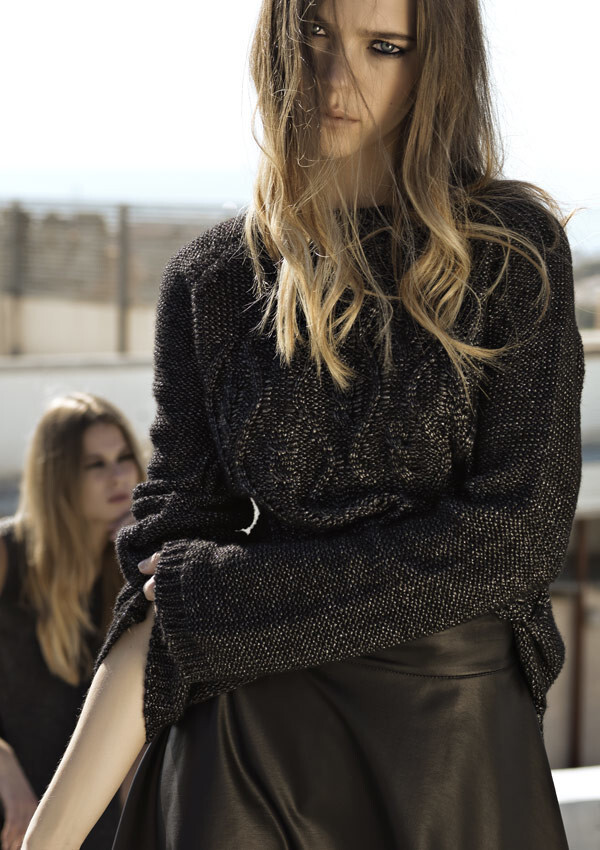
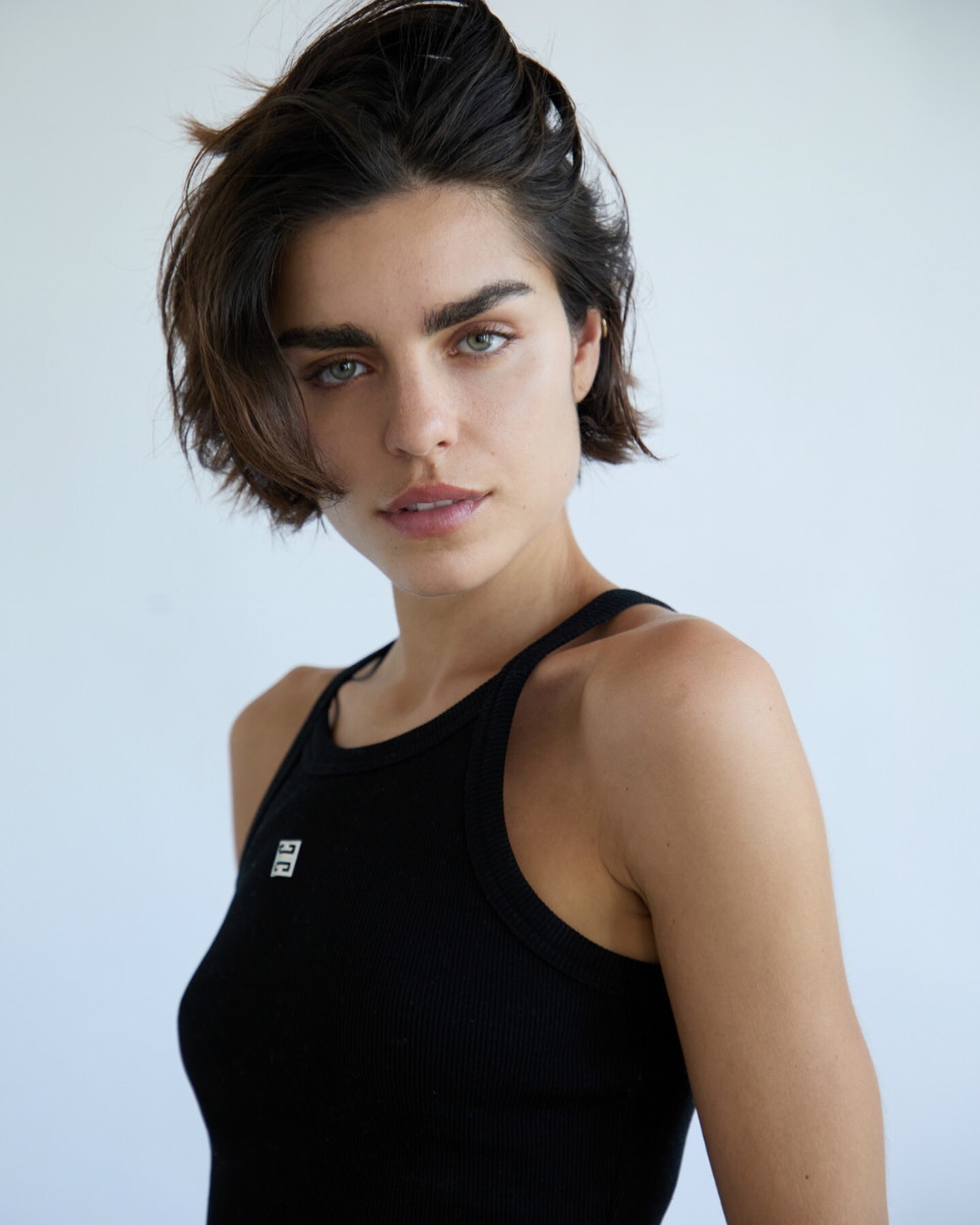
 Polaroids Metro Models (2025)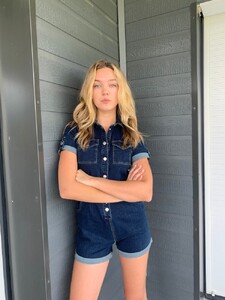
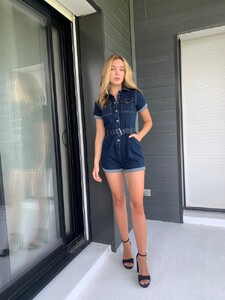


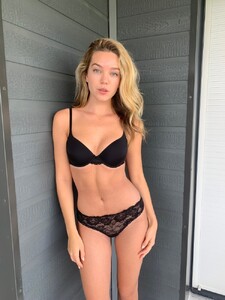
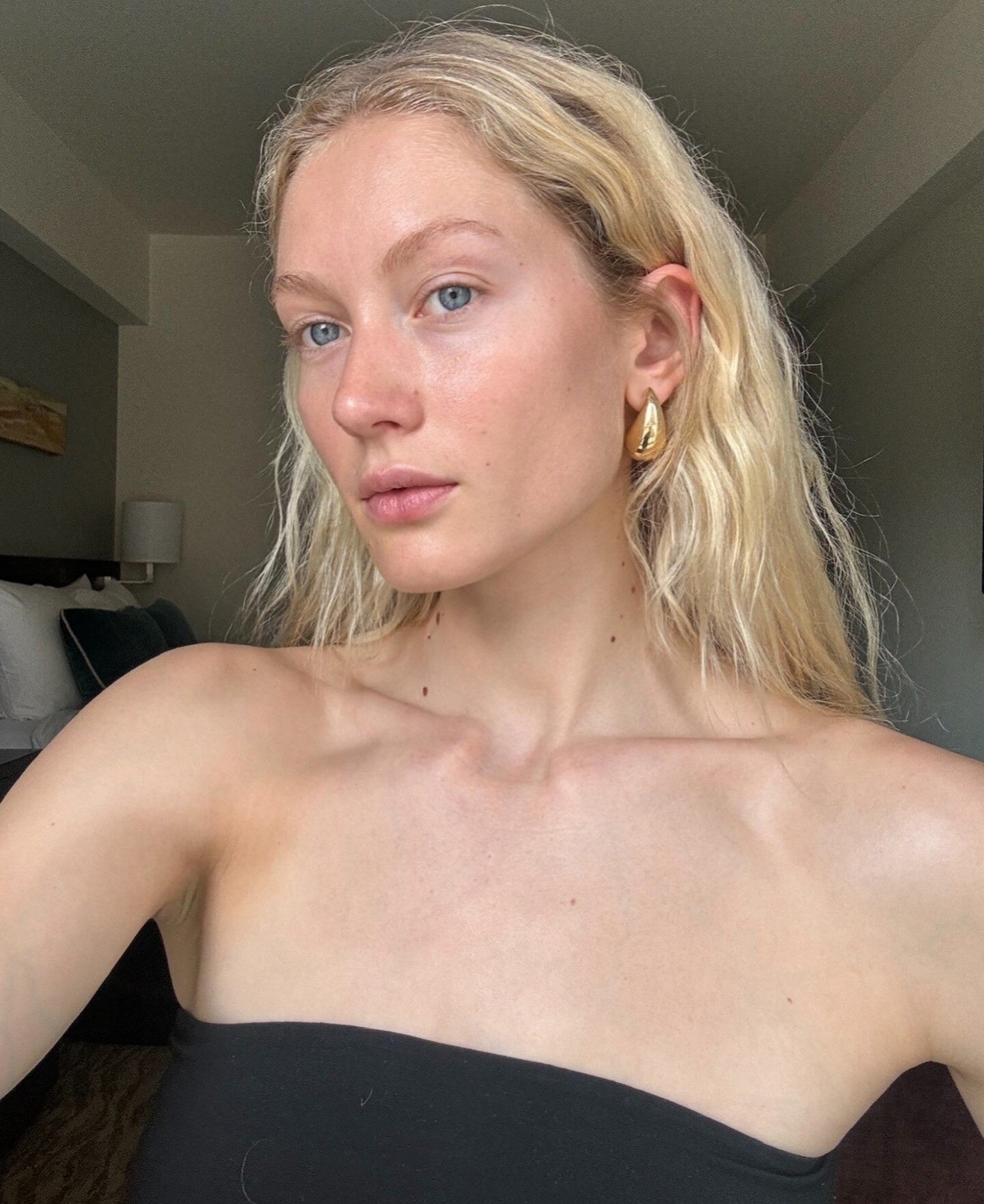
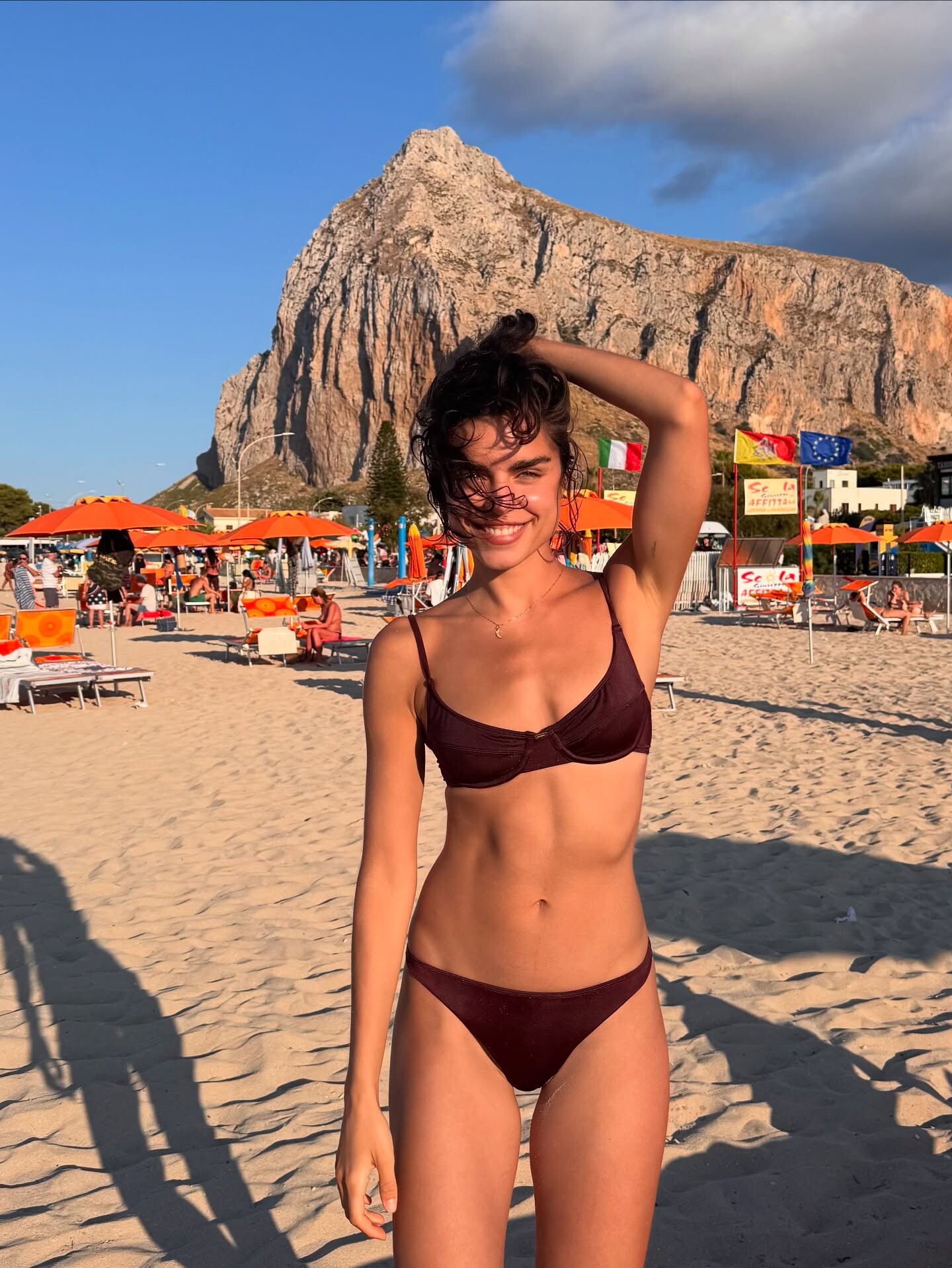
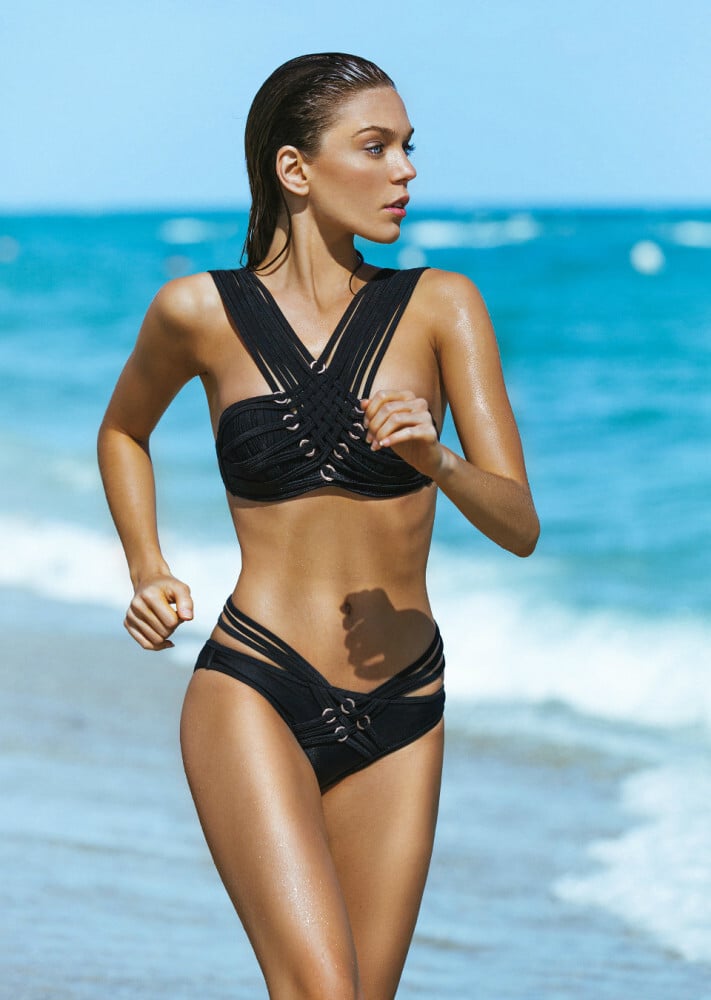
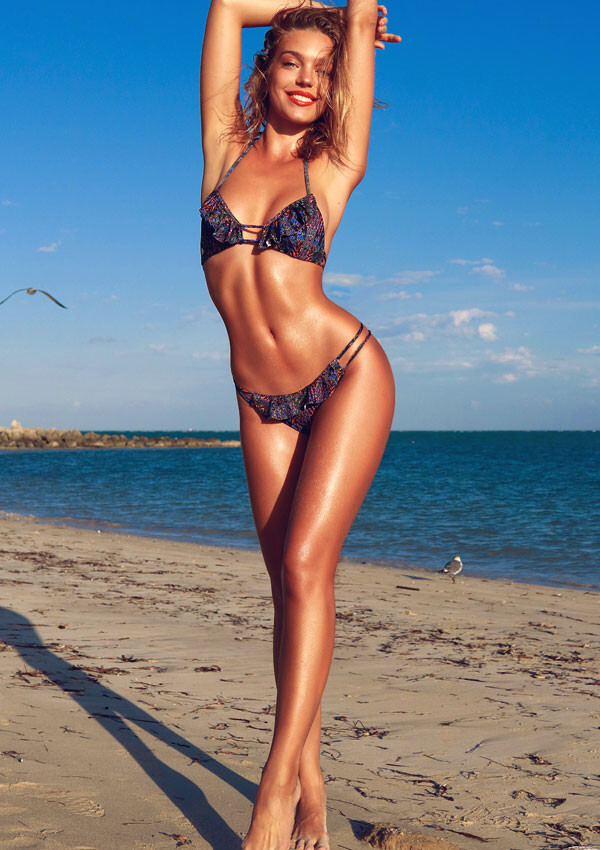
 just summer






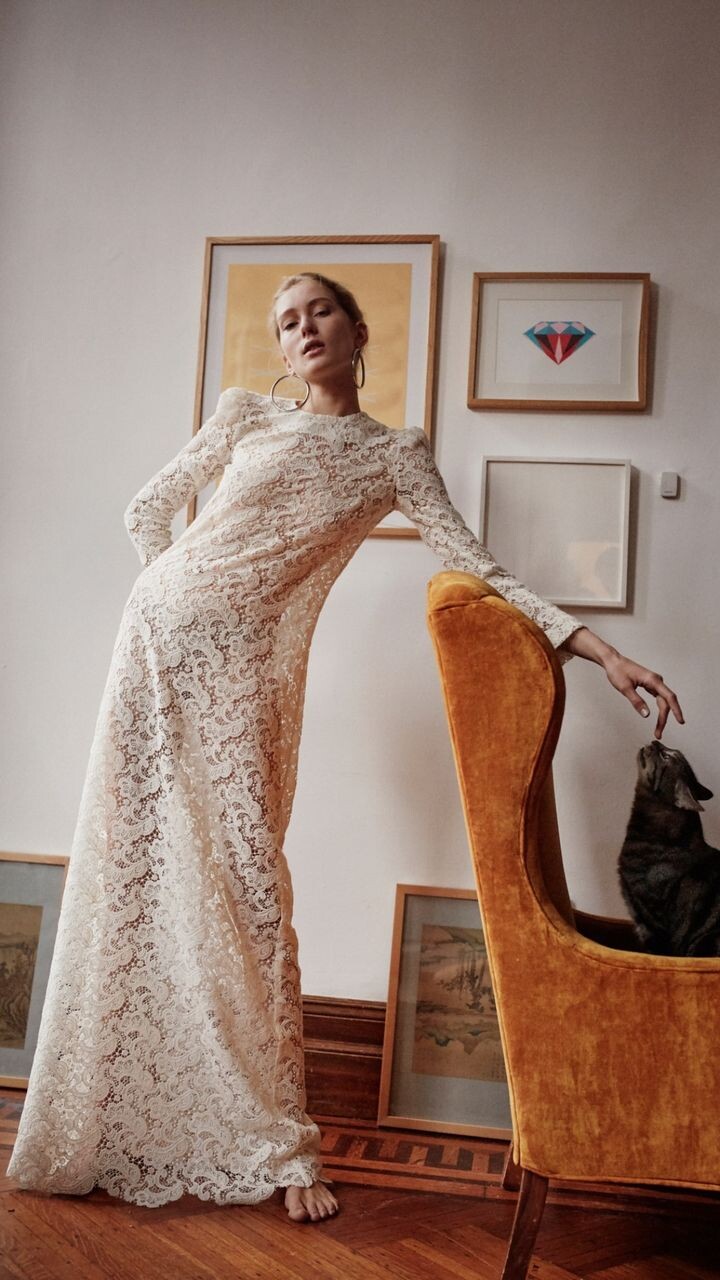
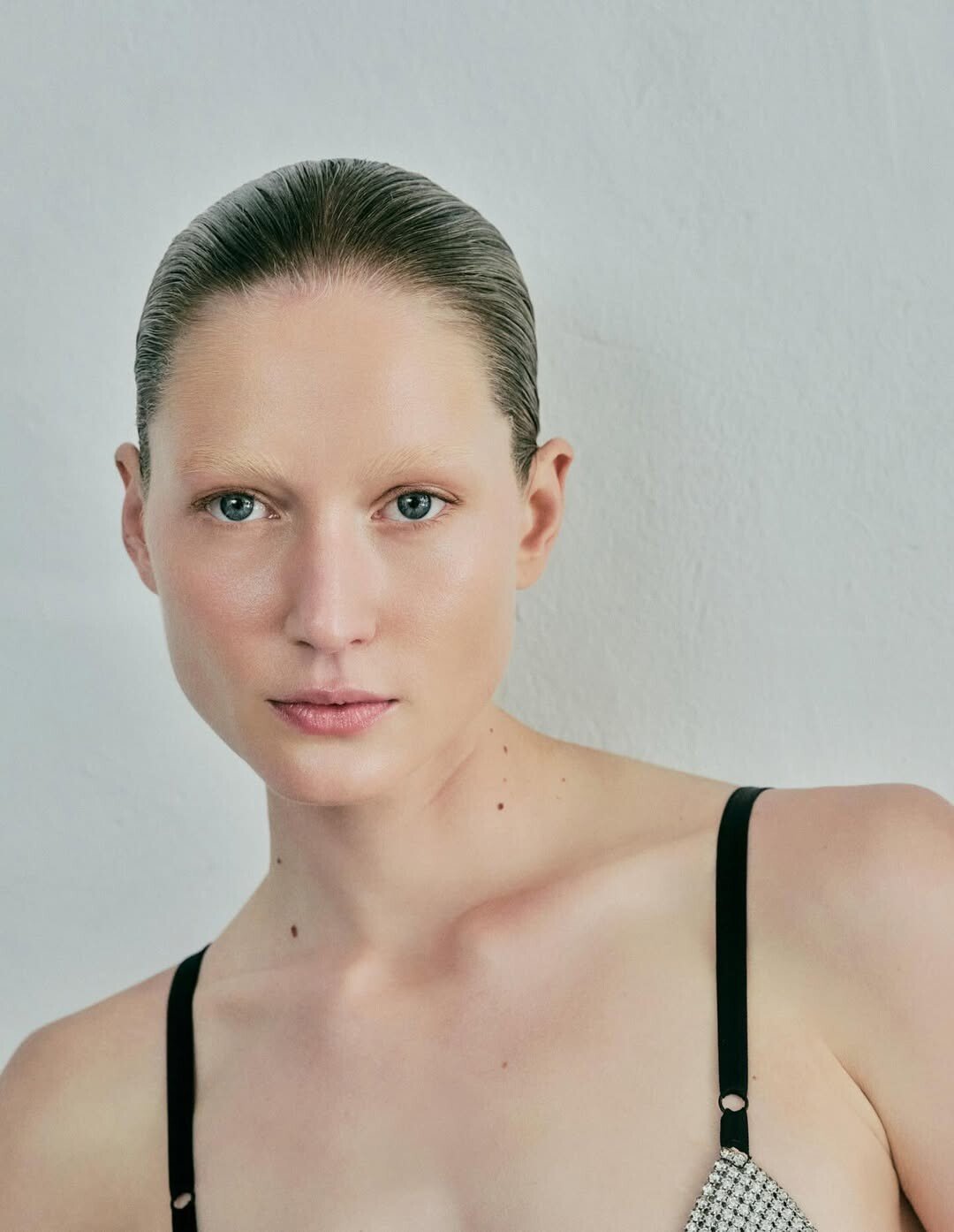
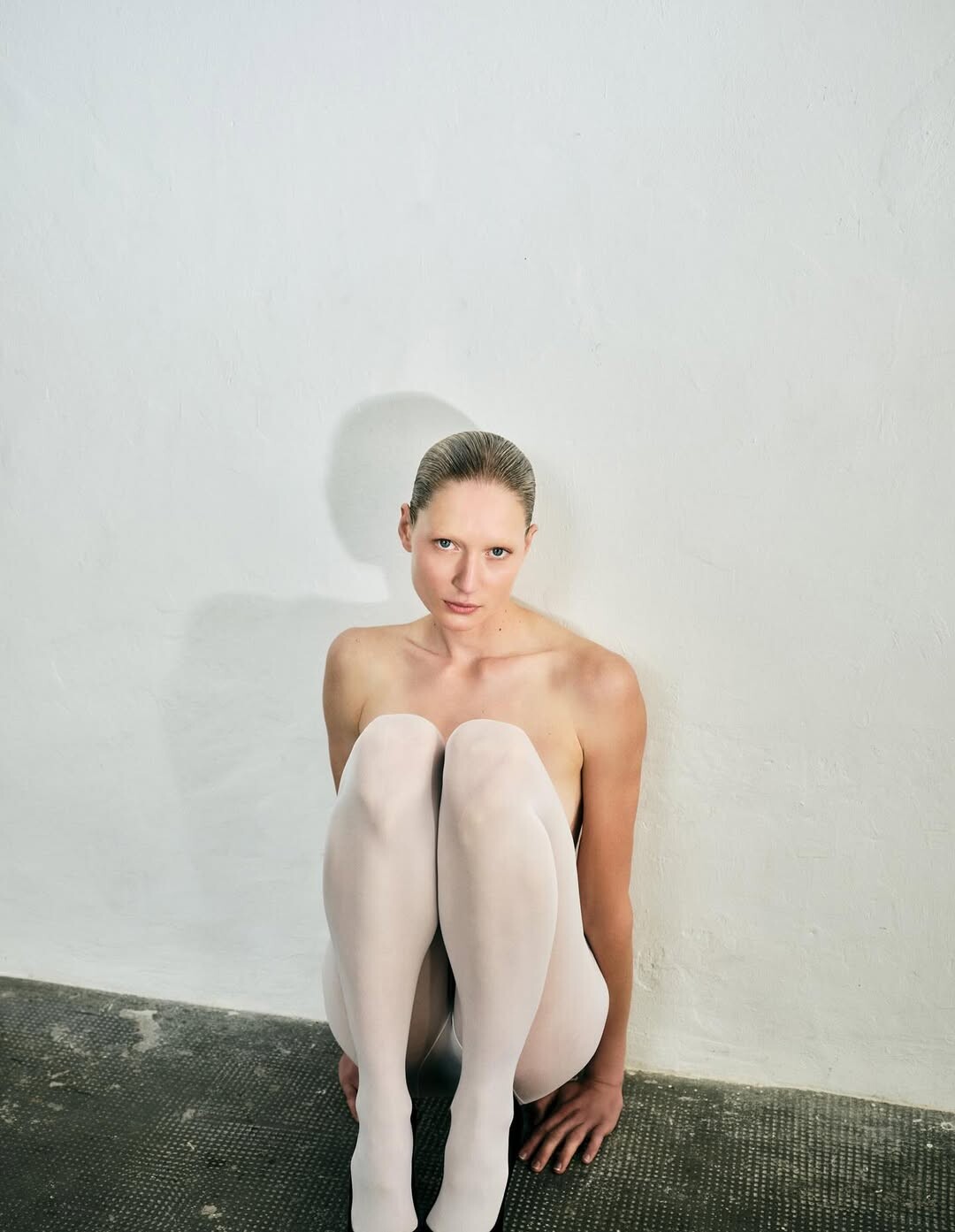
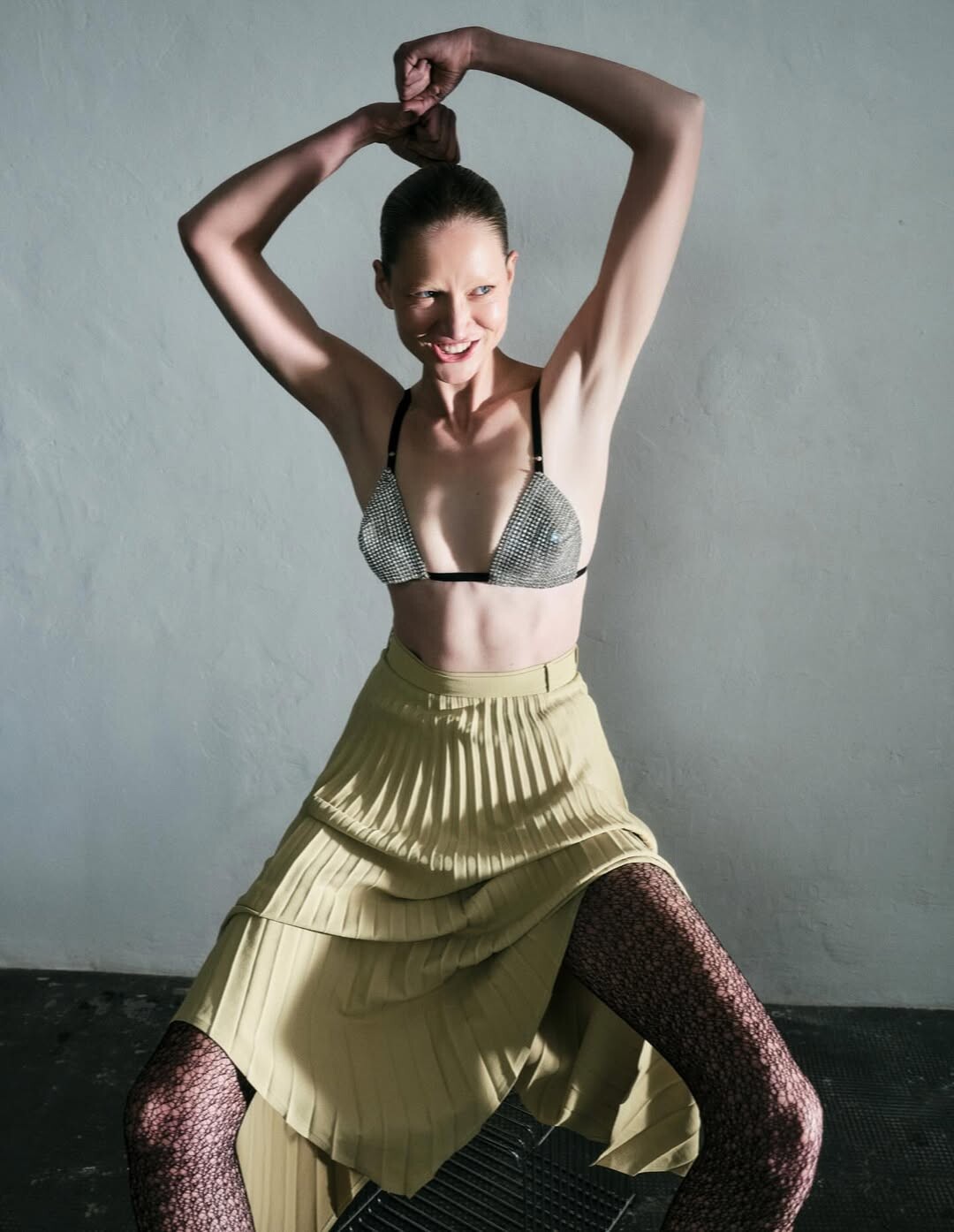
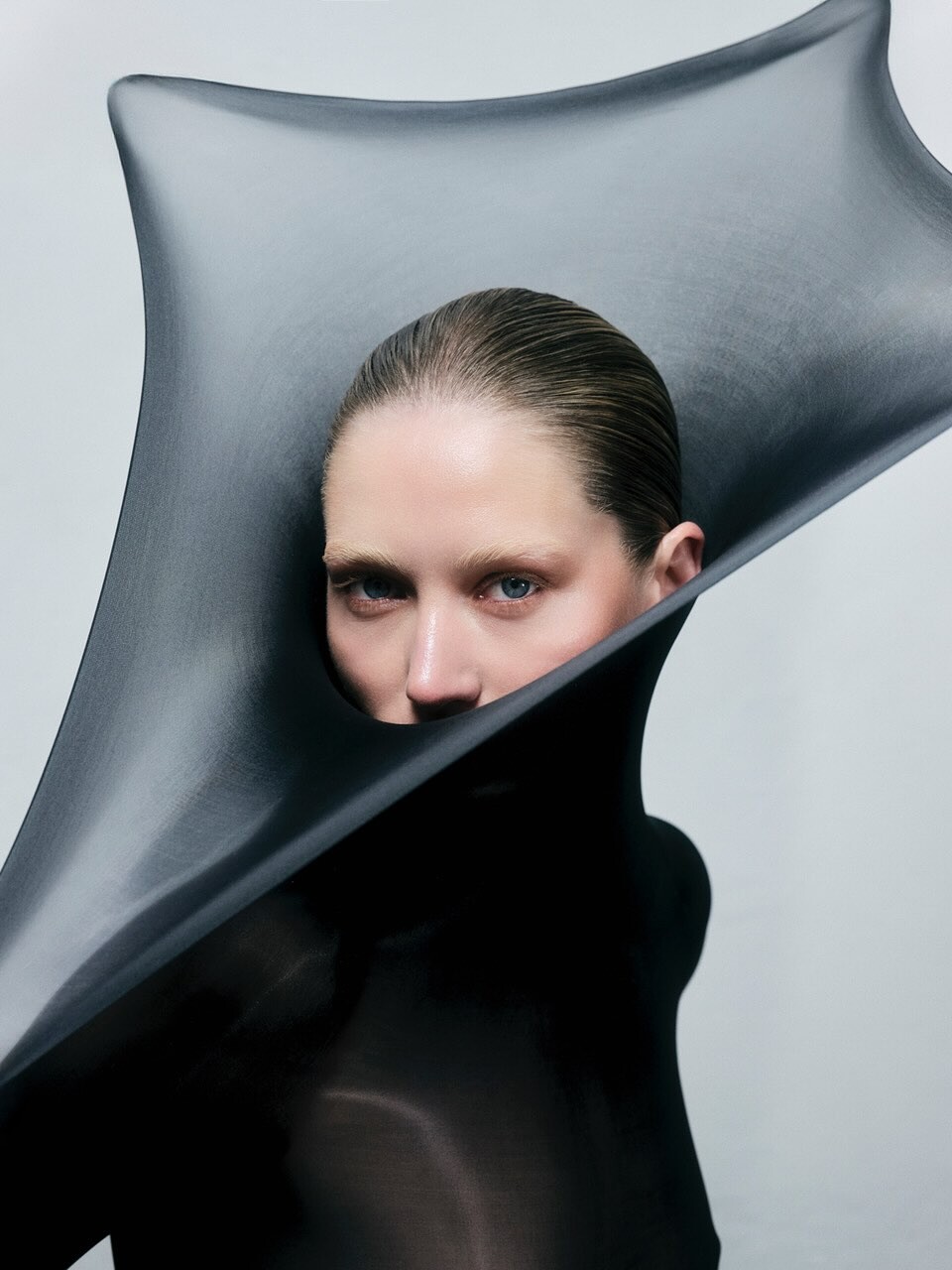
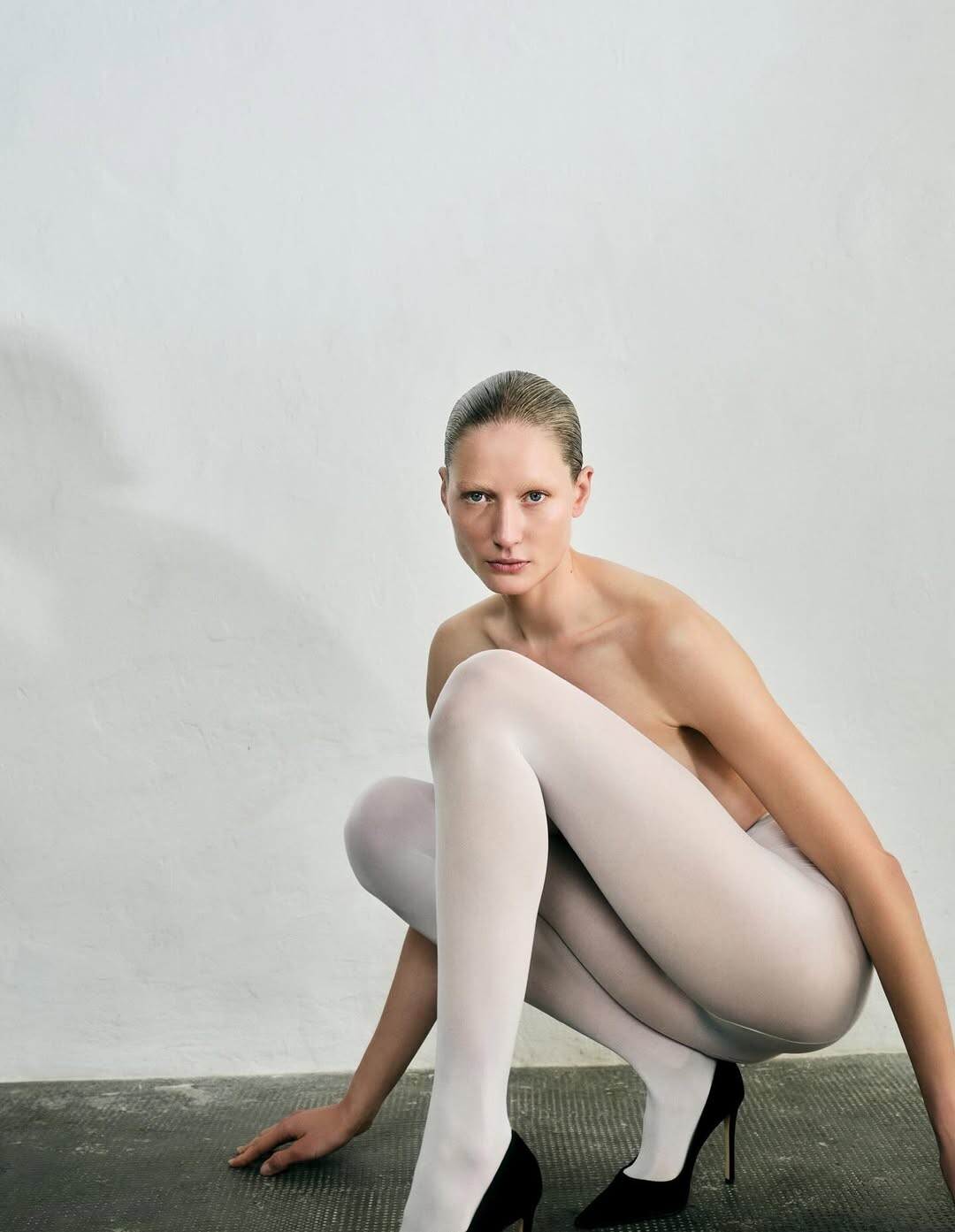
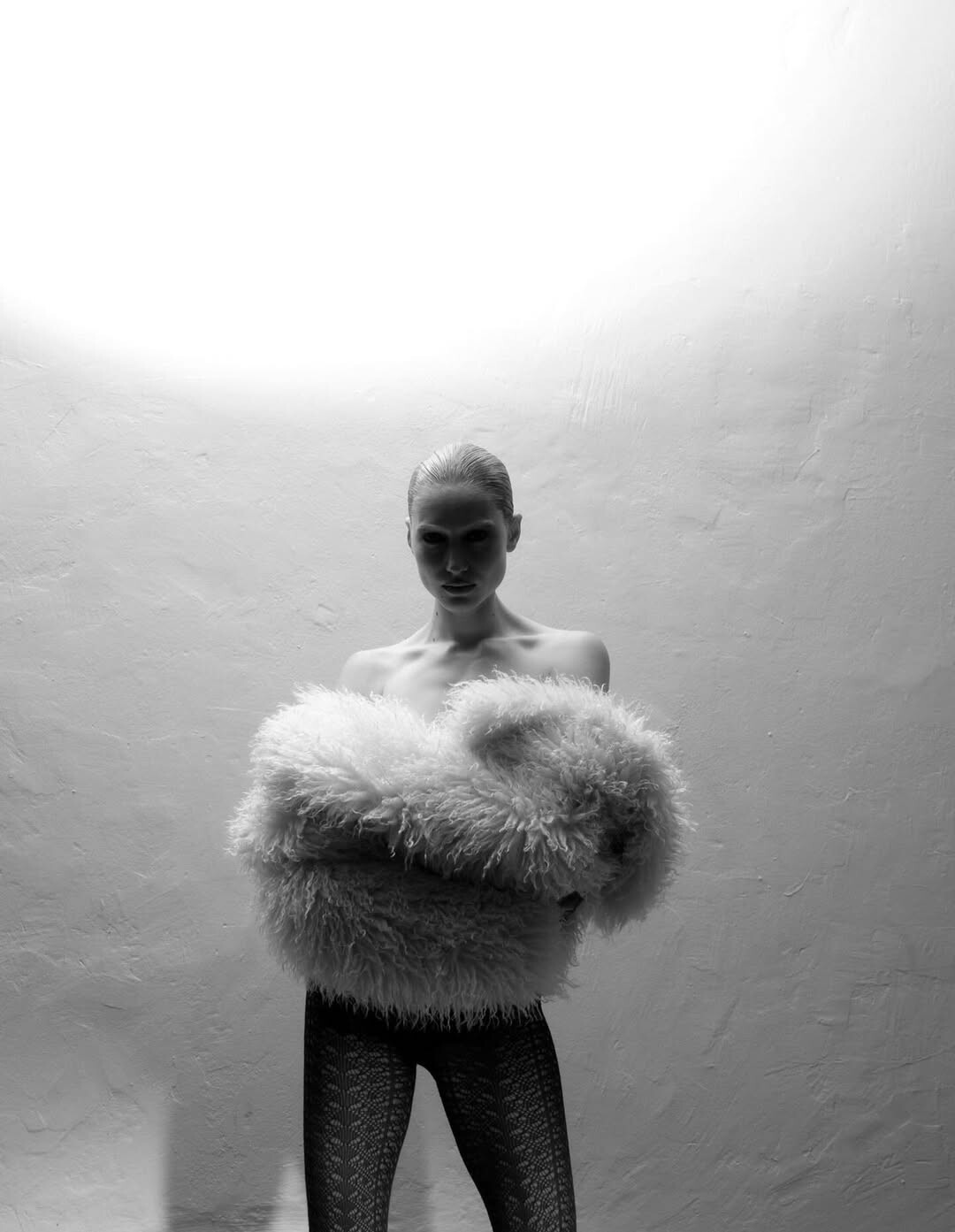
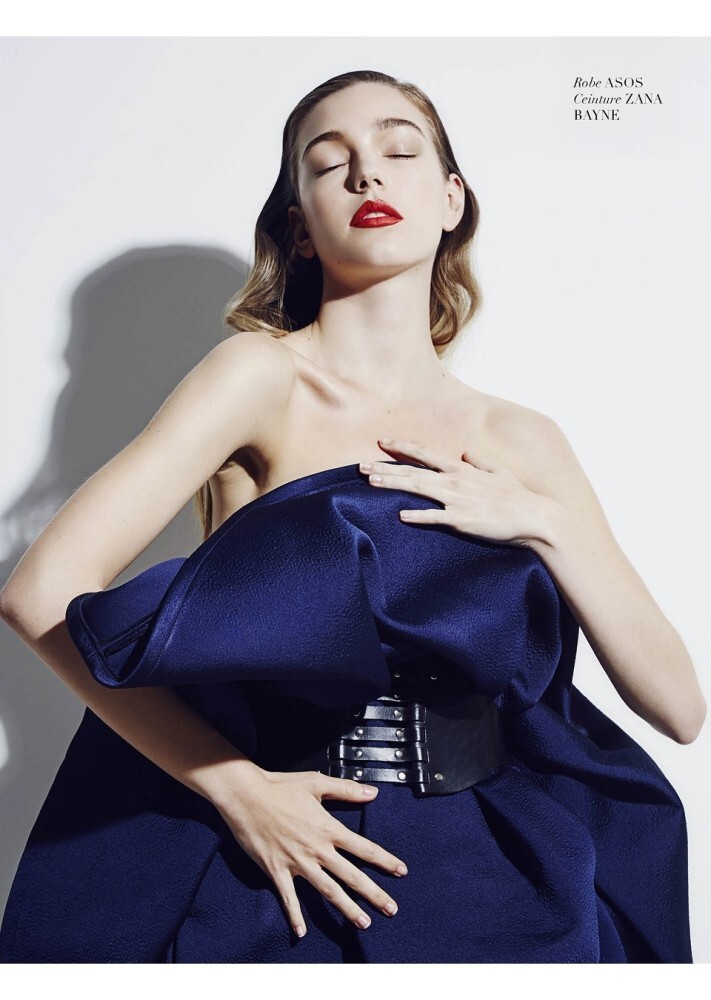
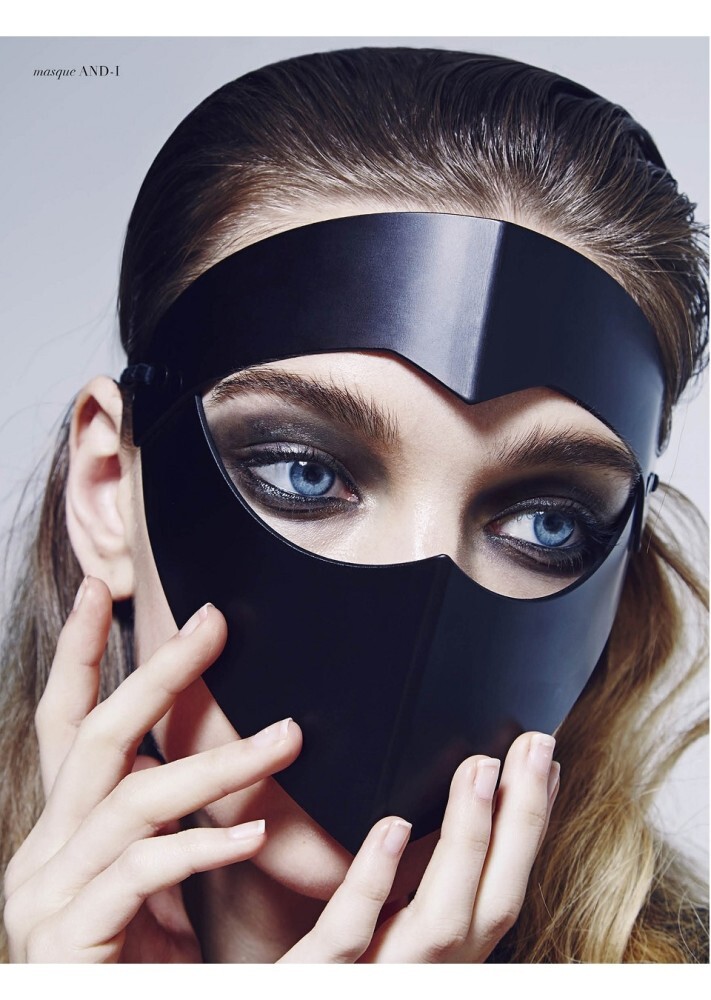
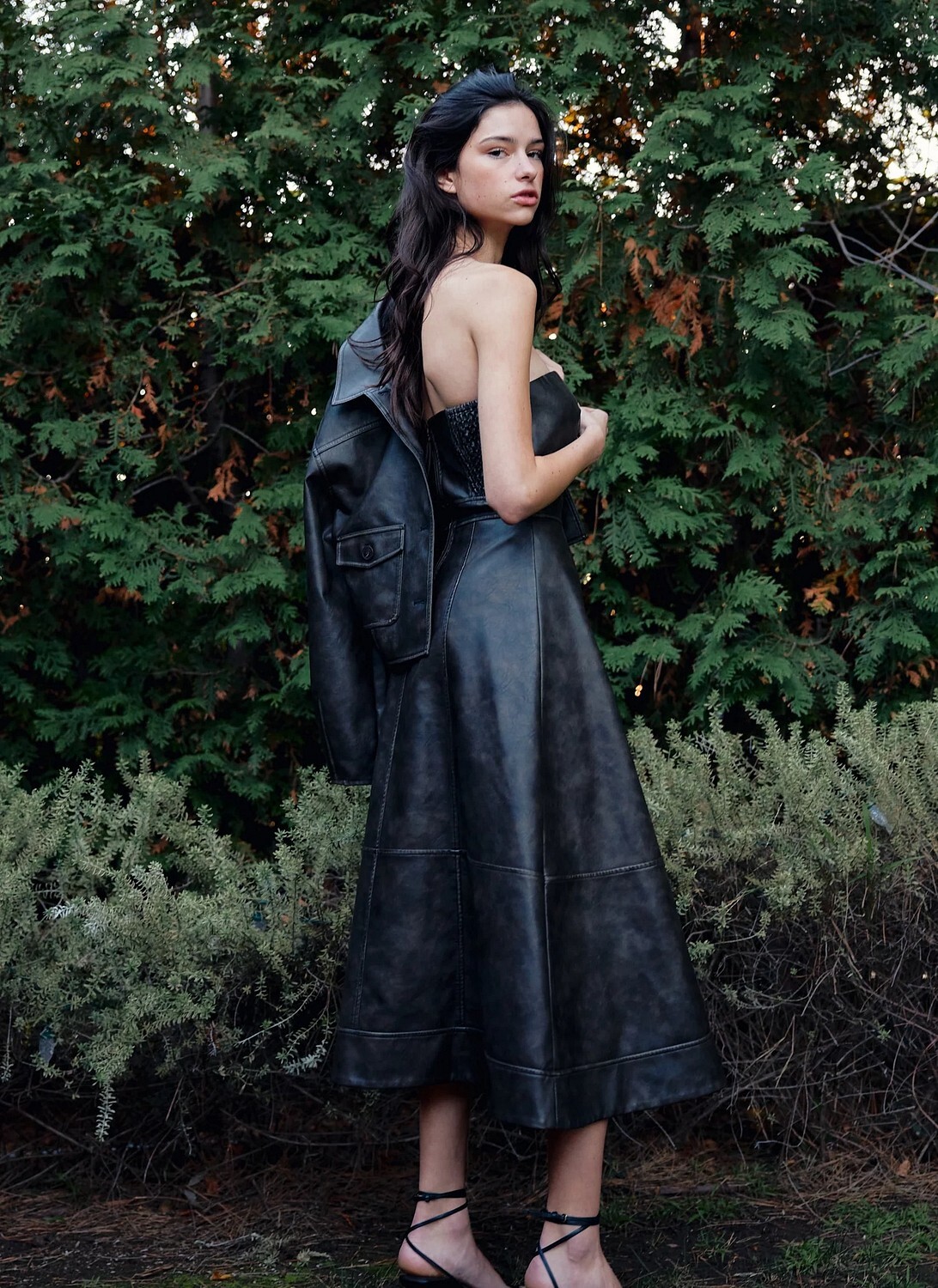
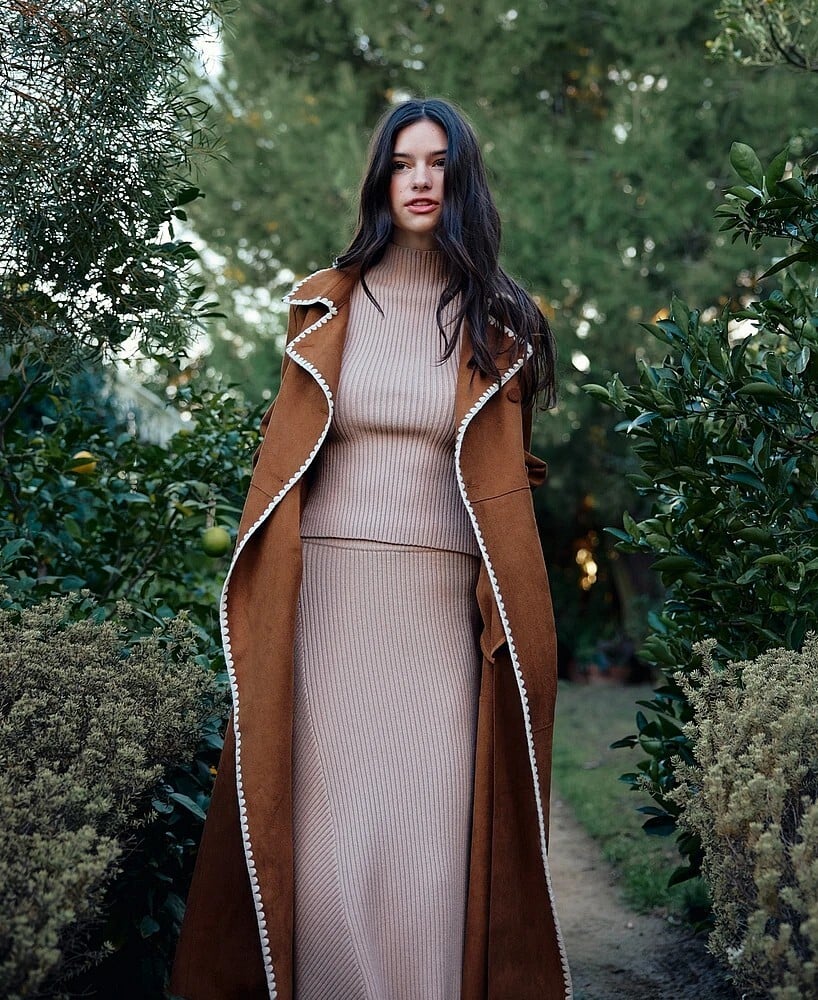
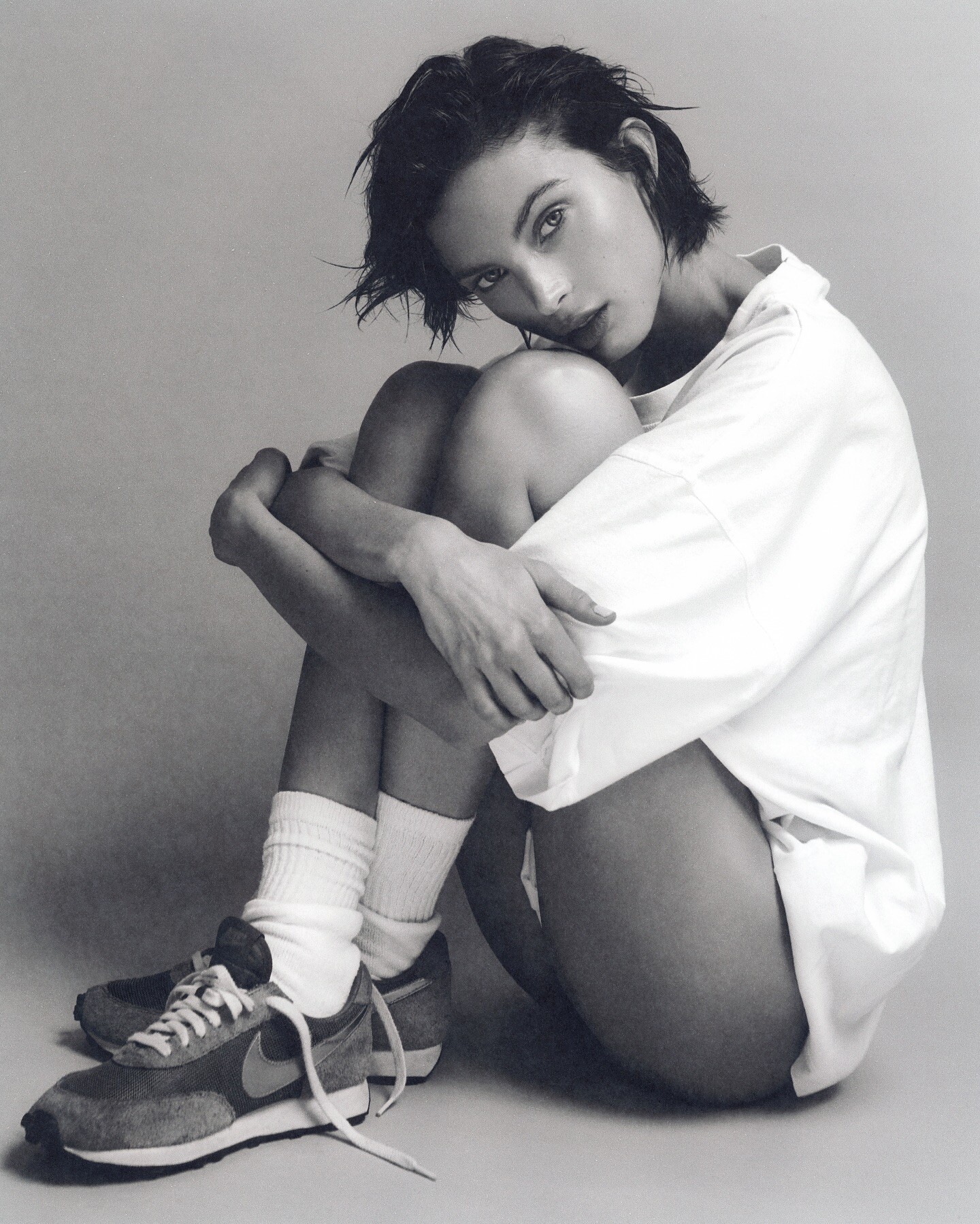
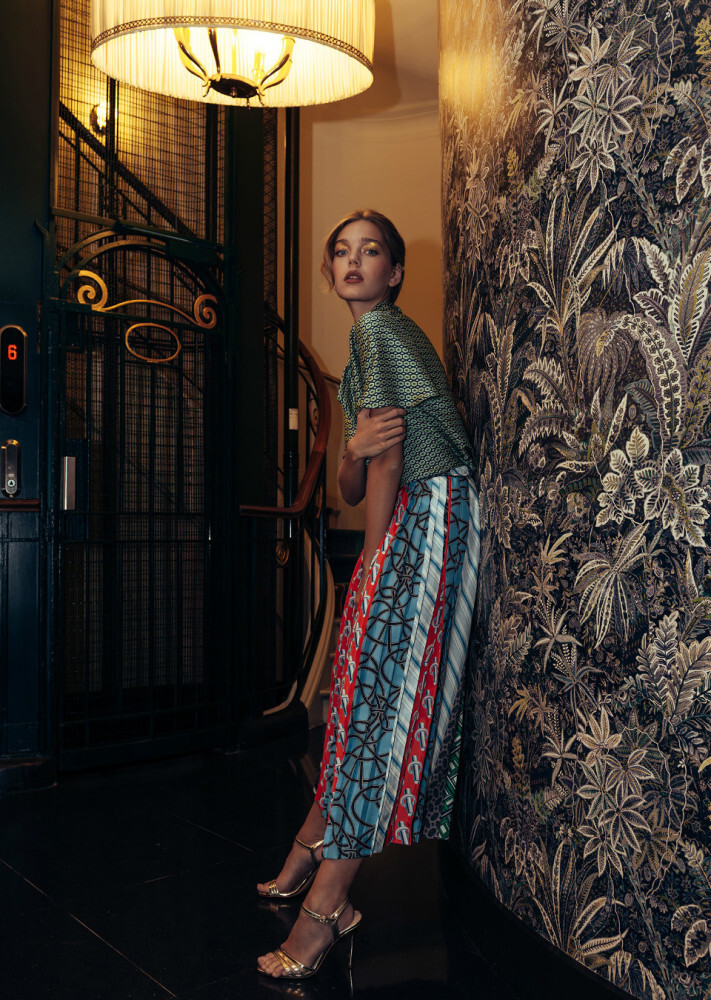
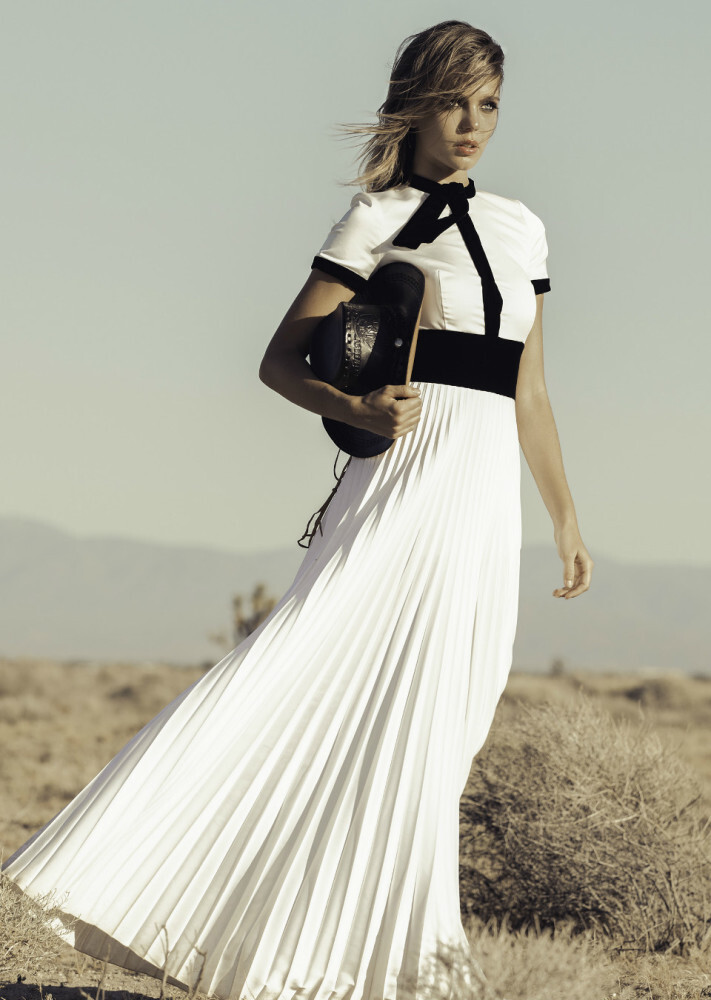
 Marco Trunz for Cake Magazine (2025)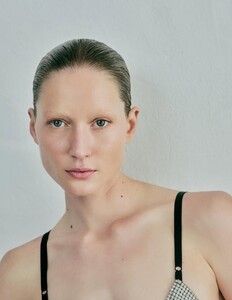






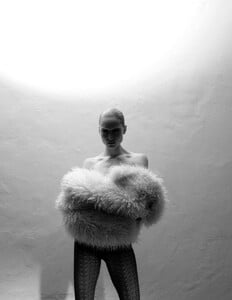








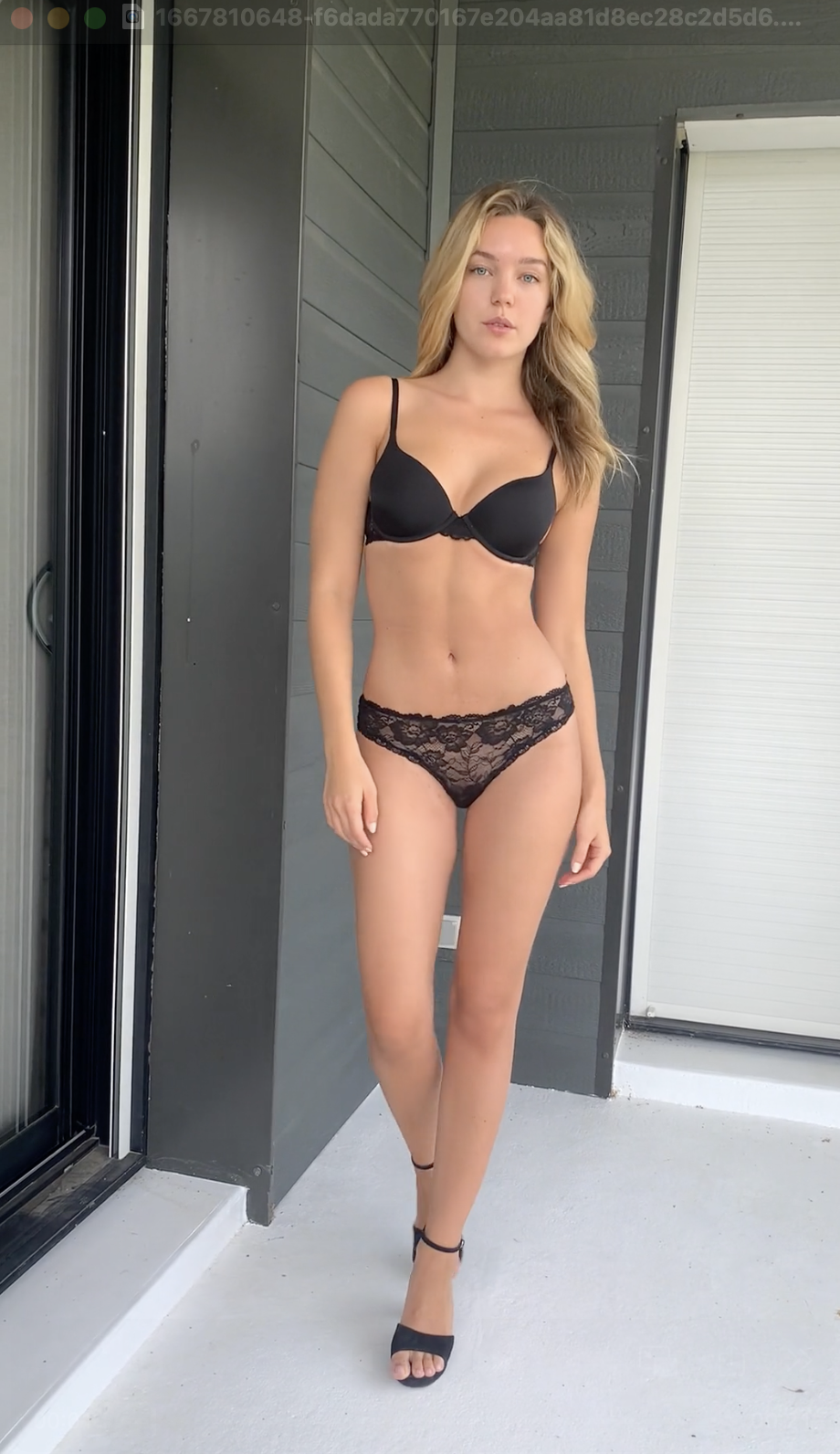
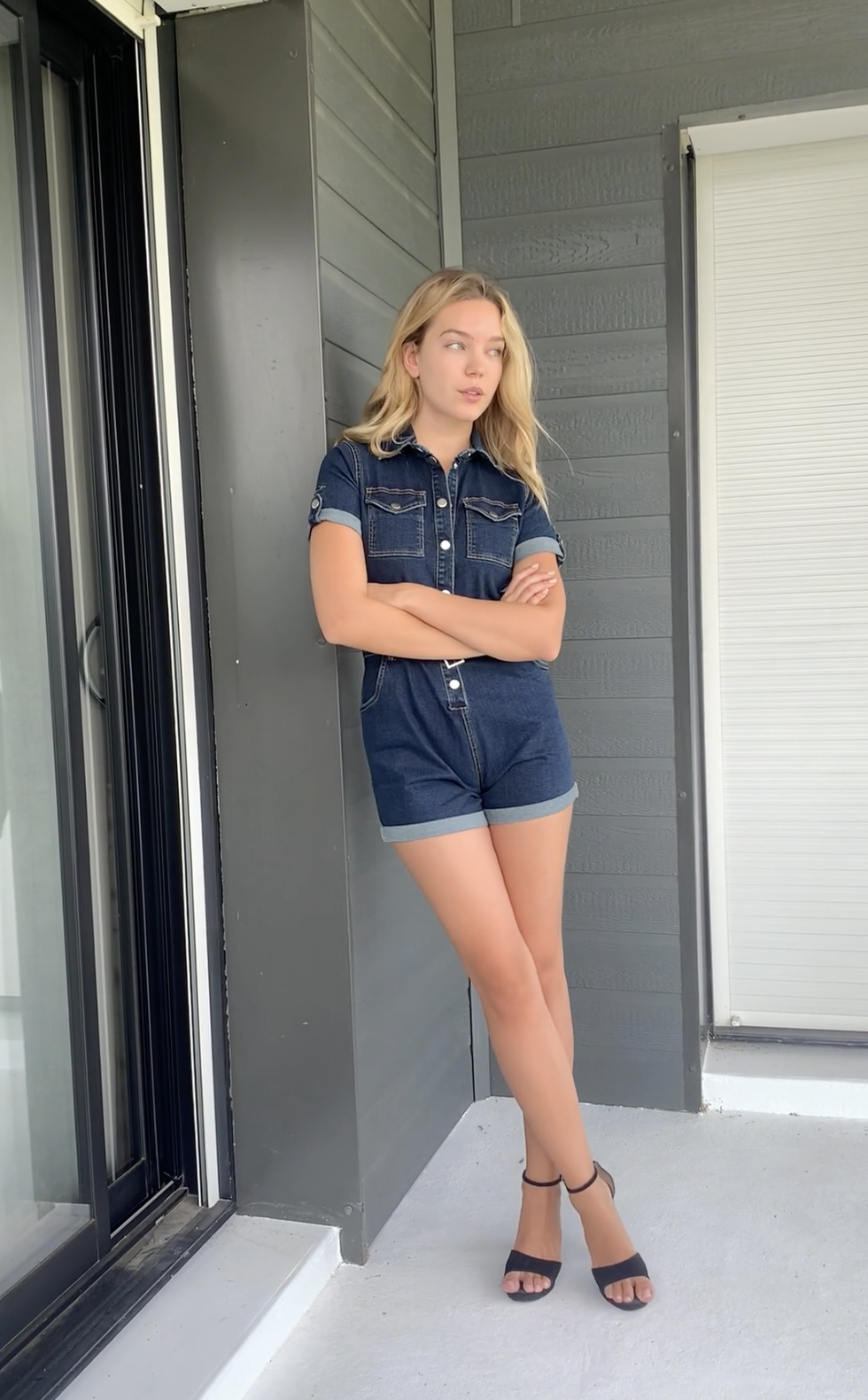
 casting videos Metro Models (2025) 1667810621-a499a1f78859d61c4c4c9bbe19e3cad7.mp4 1667810648-f6dada770167e204aa81d8ec28c2d5d6.mp4 1667810661-788859e930e154f89858c7b683dcb939.mp4
 summer 2024 mariannebt_324094406_800377642032350_3196671640160977273_n.mp4


































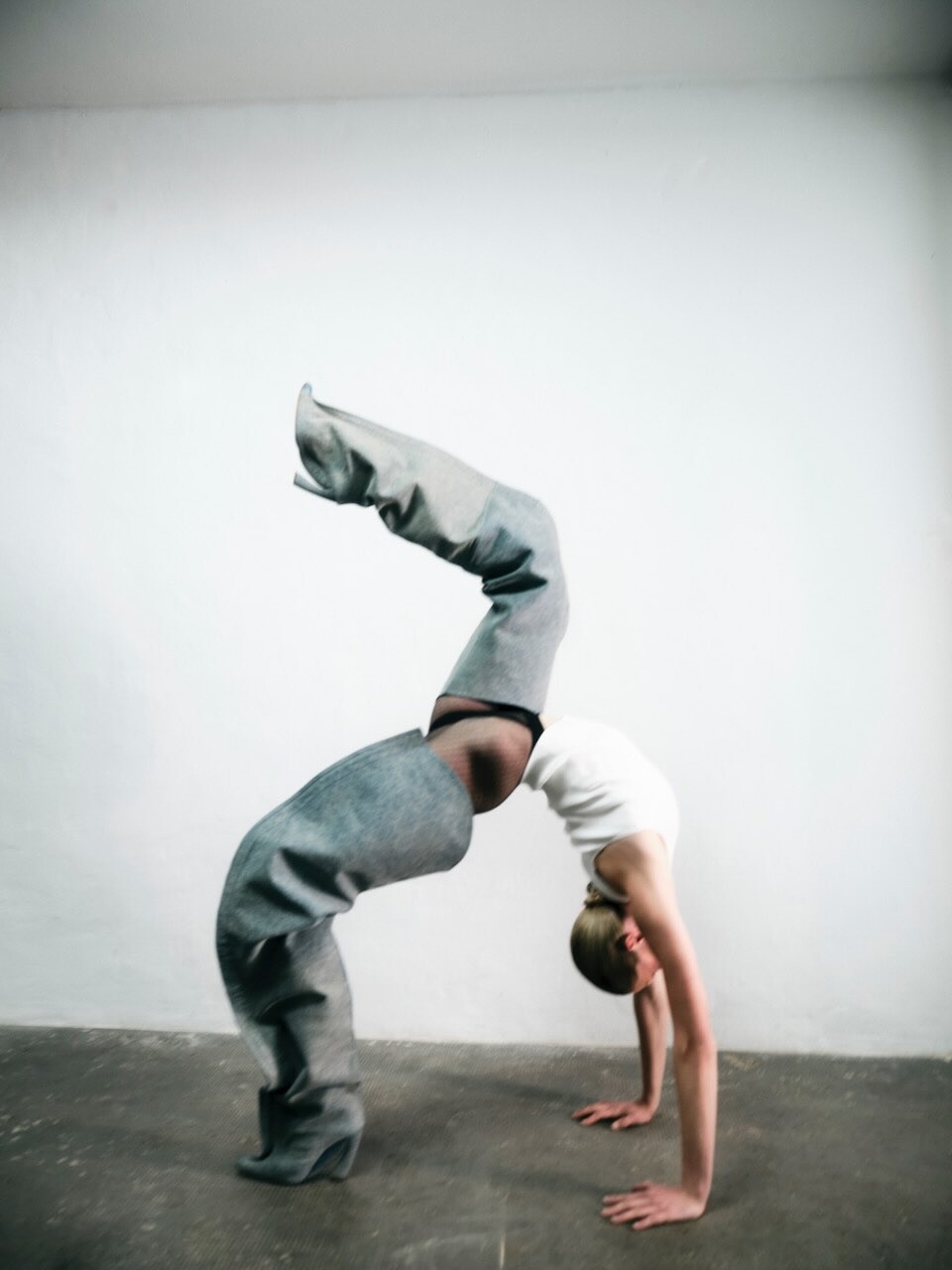
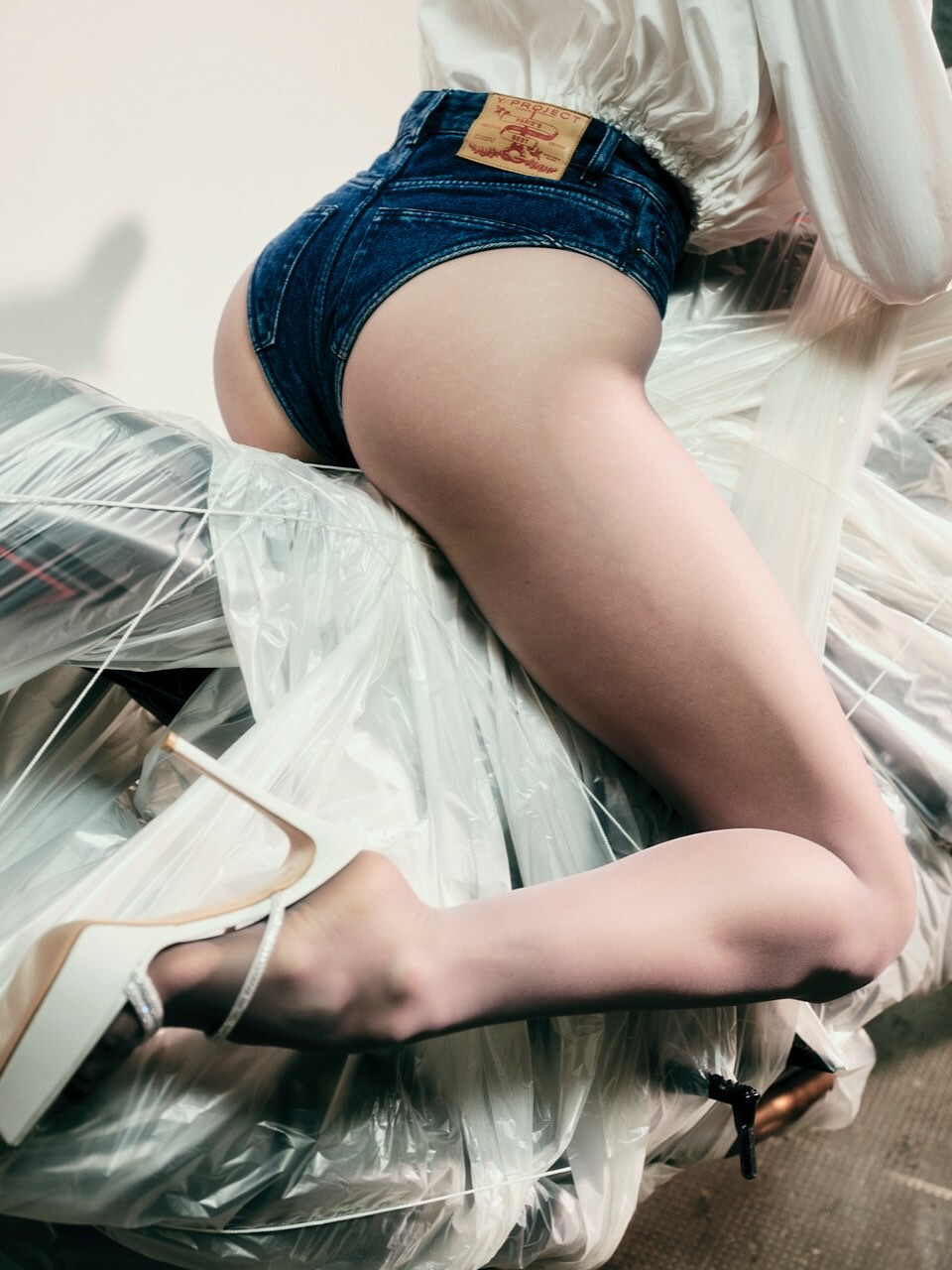
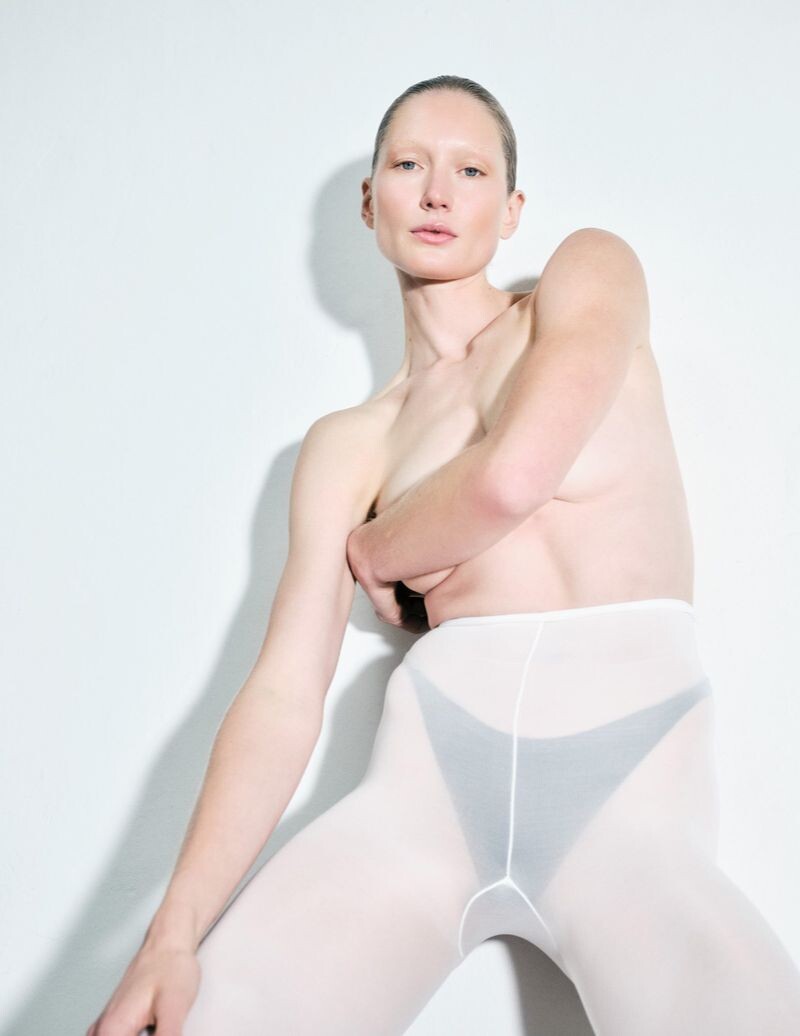
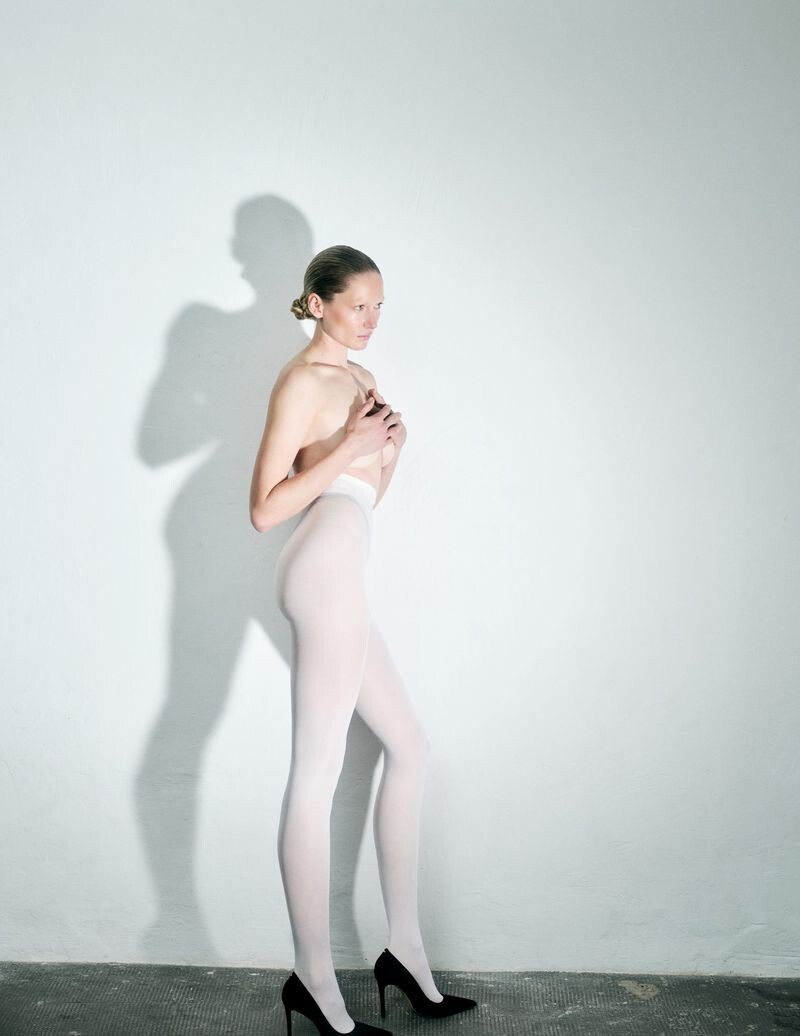
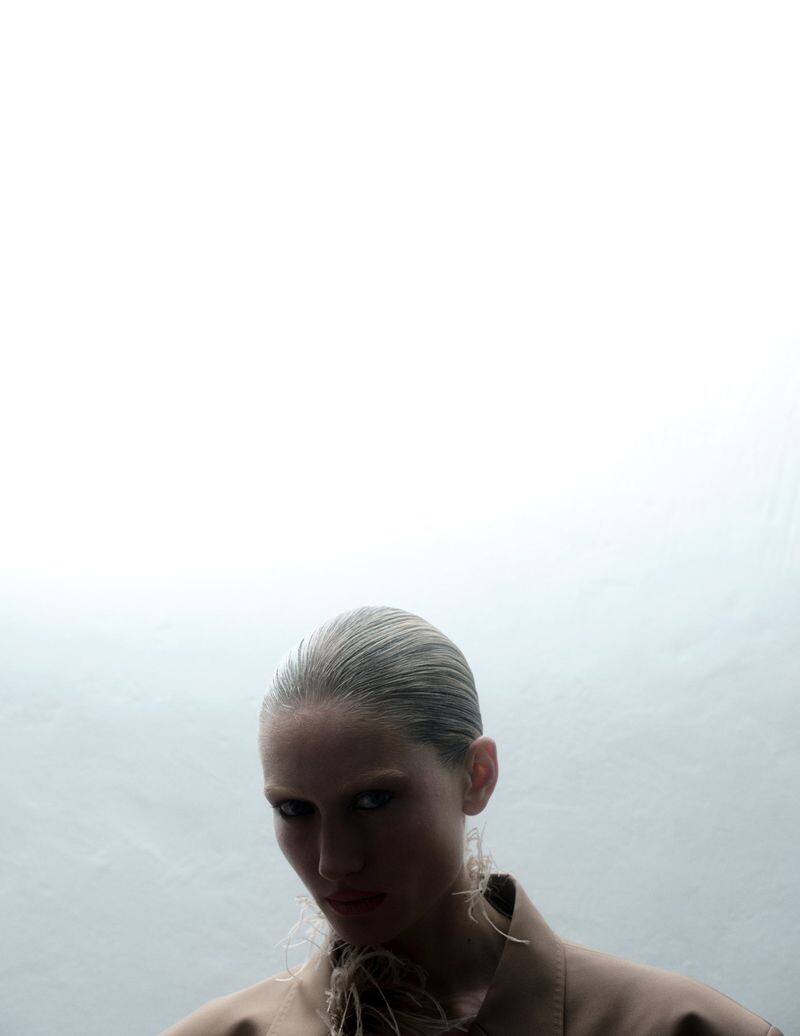
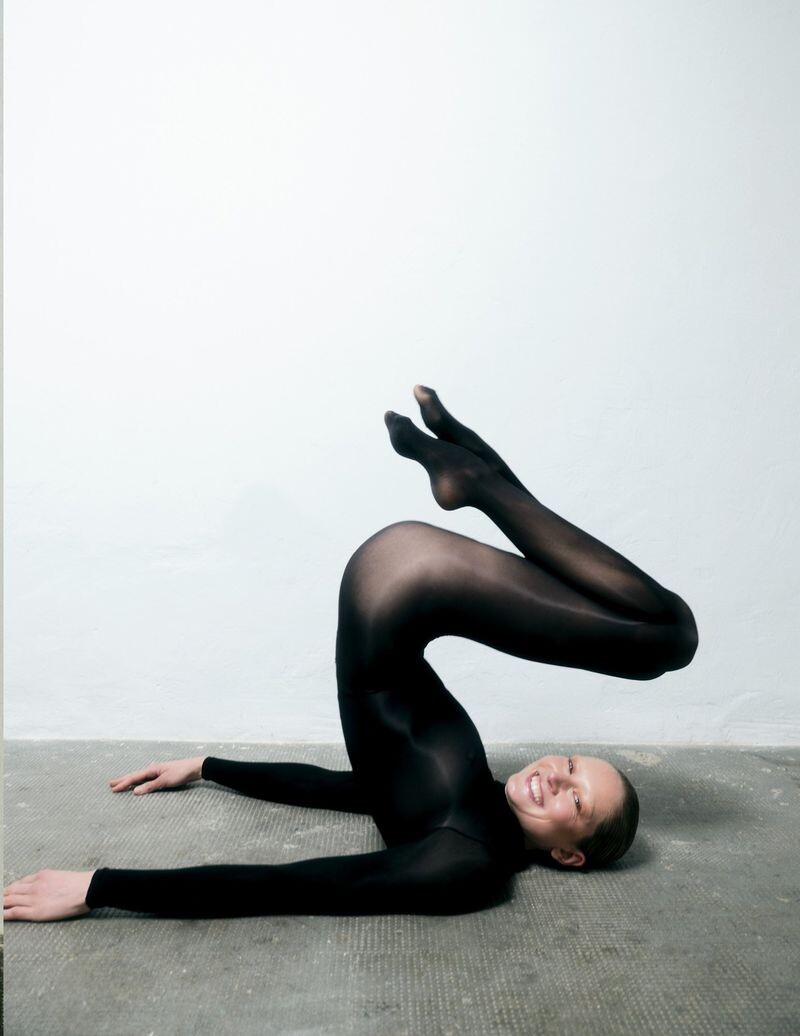
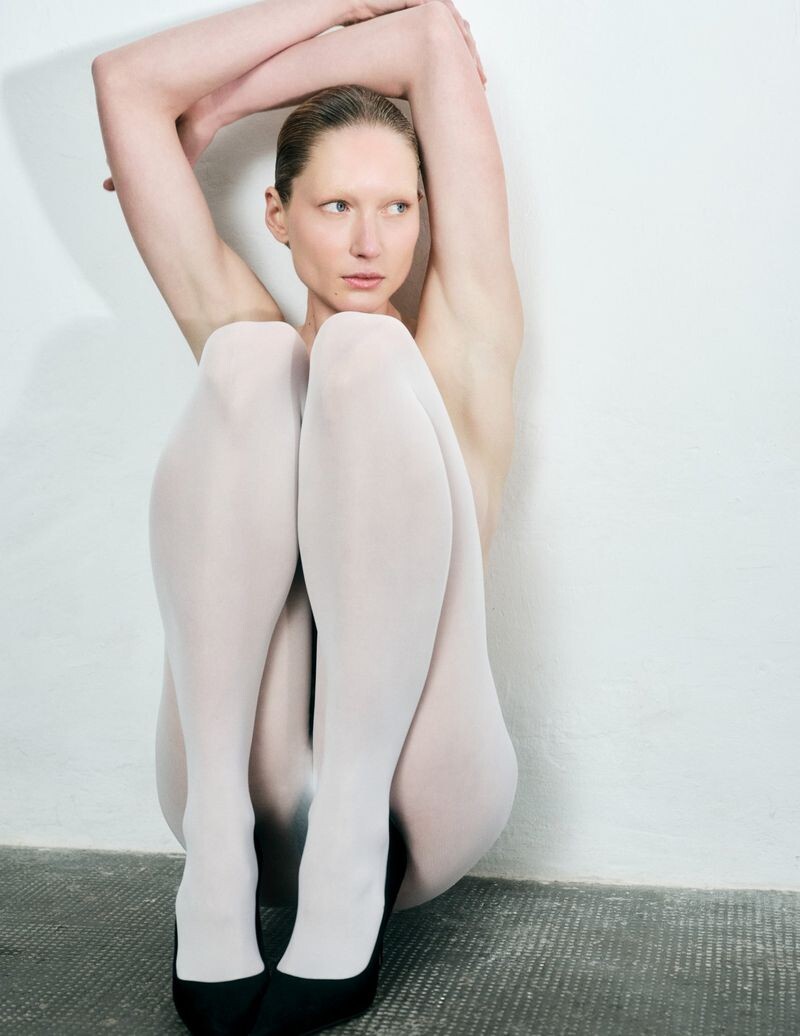
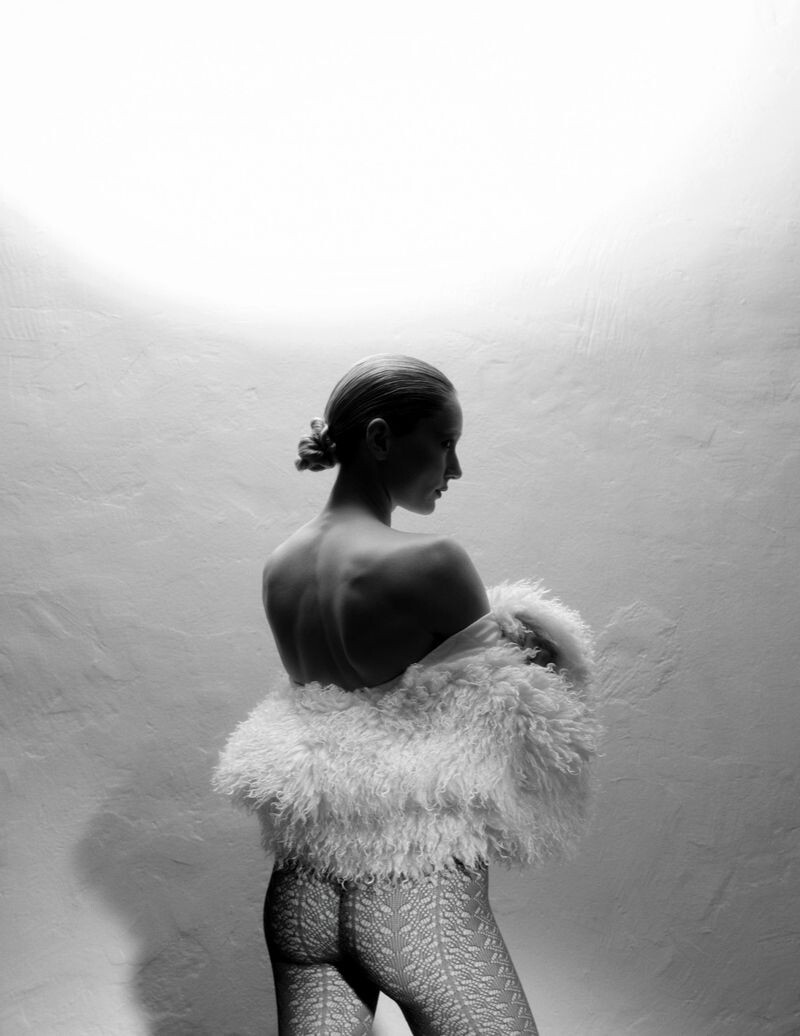











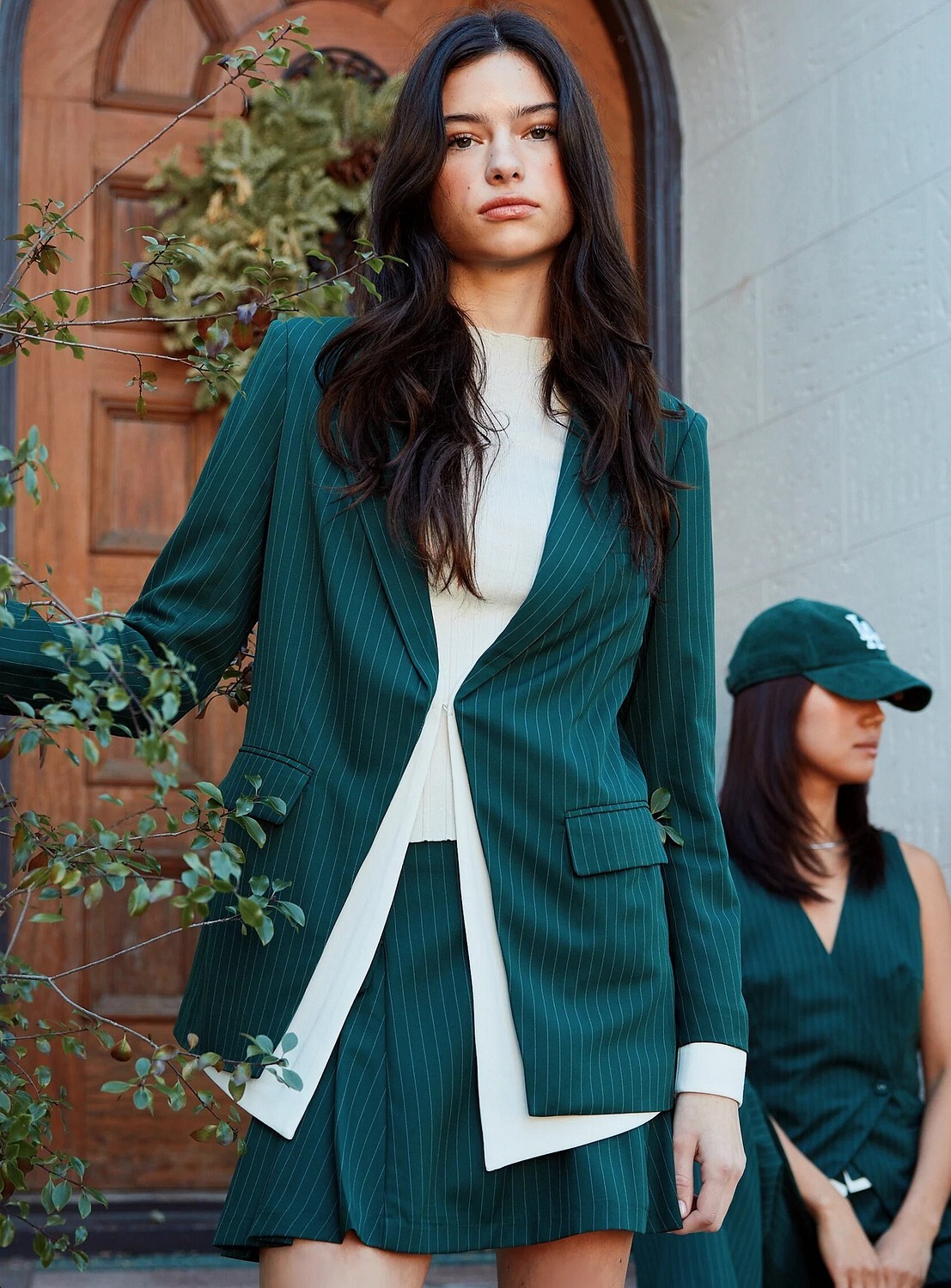
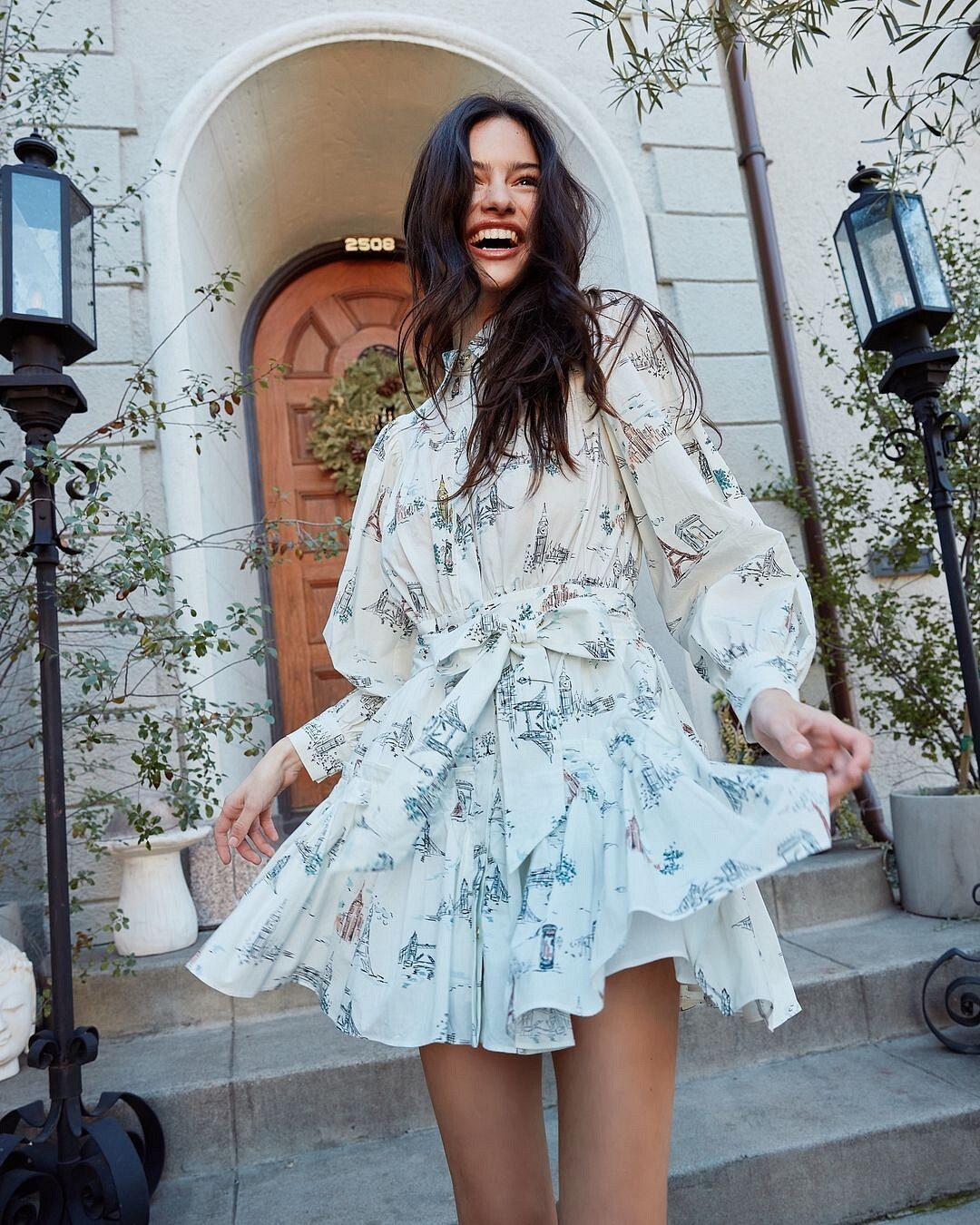
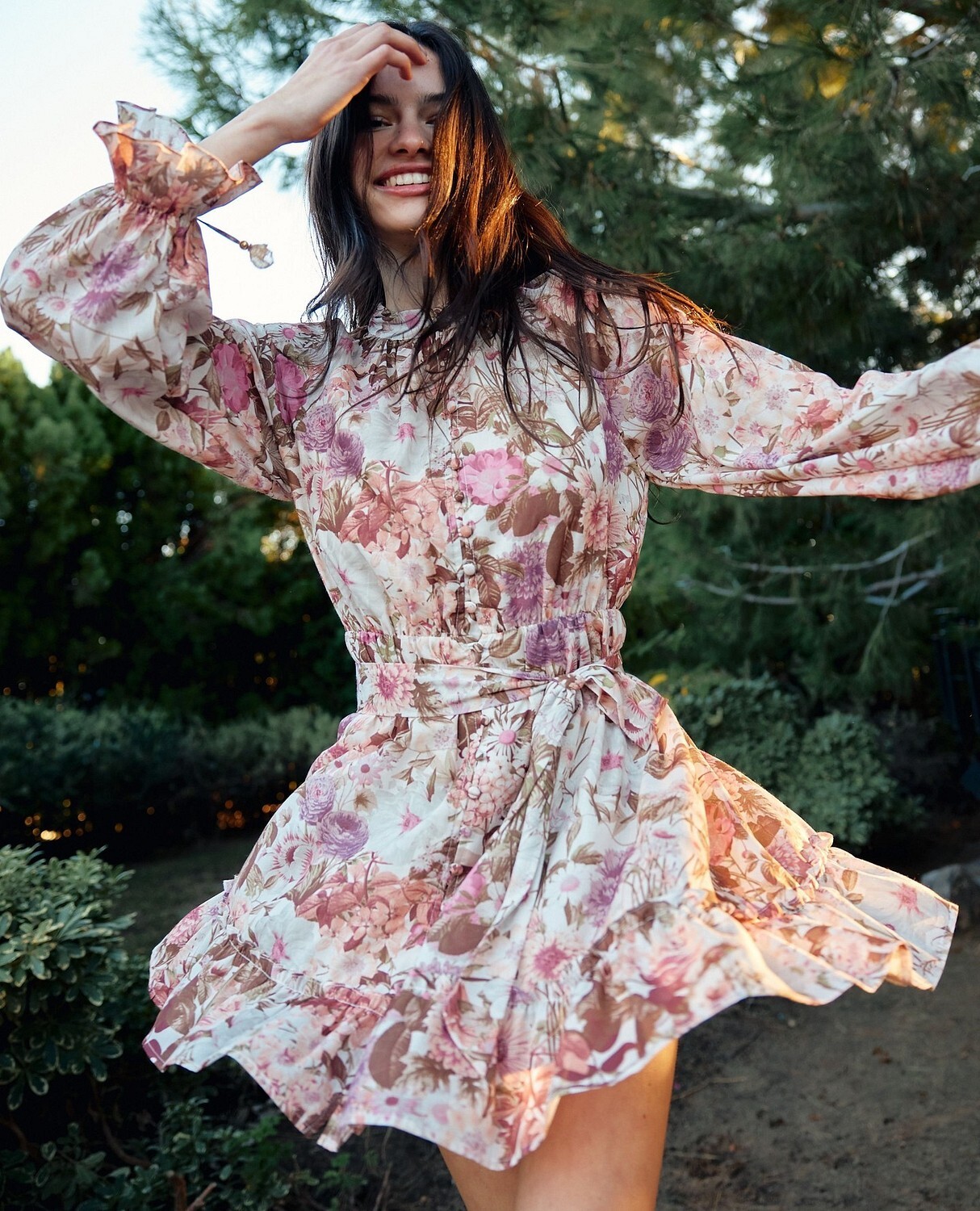
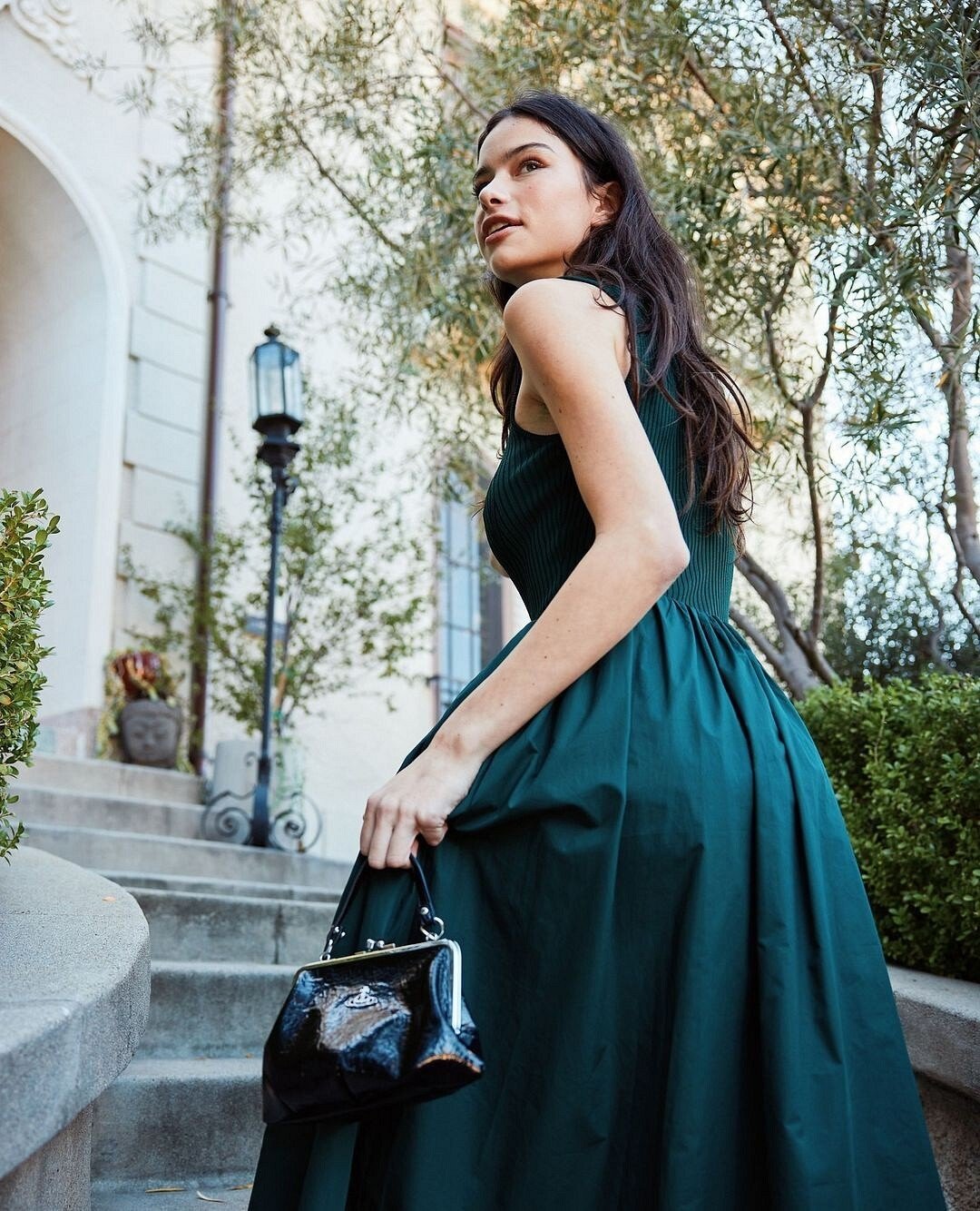

























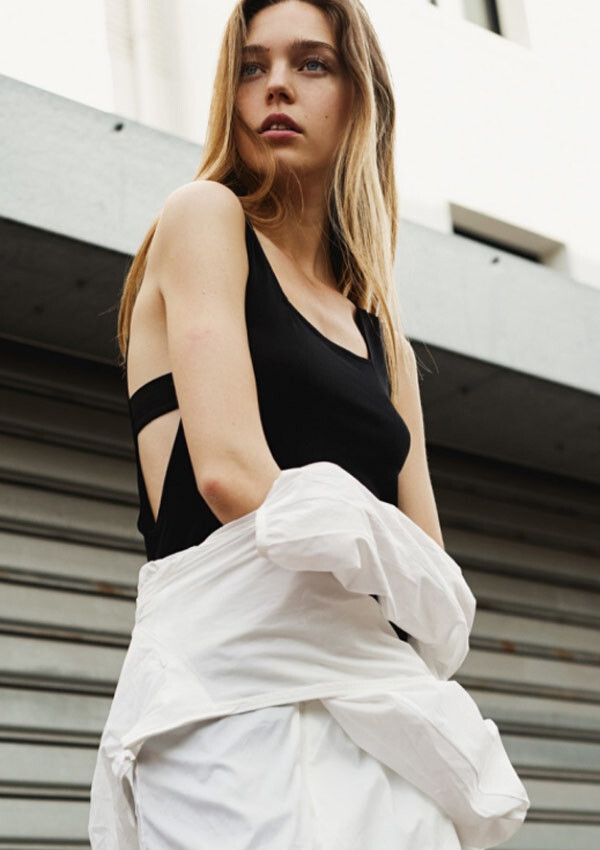

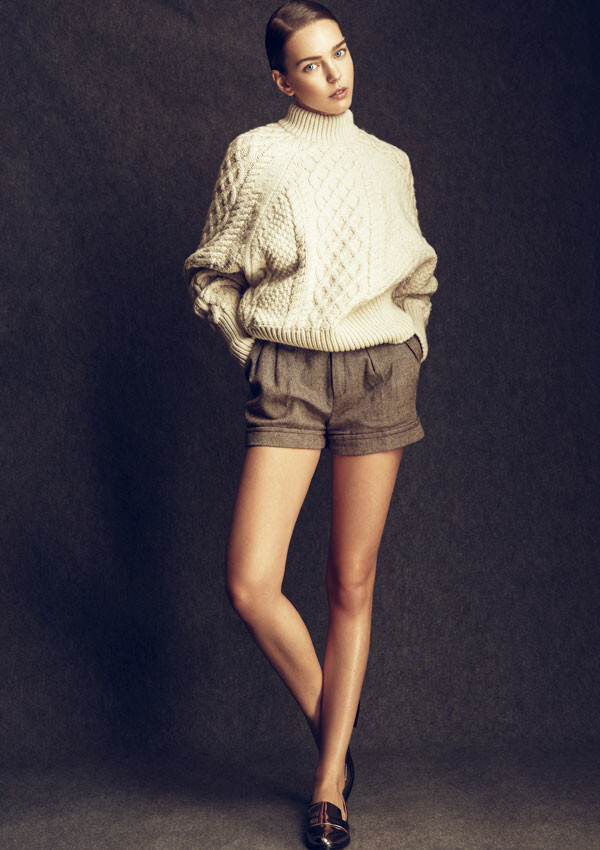








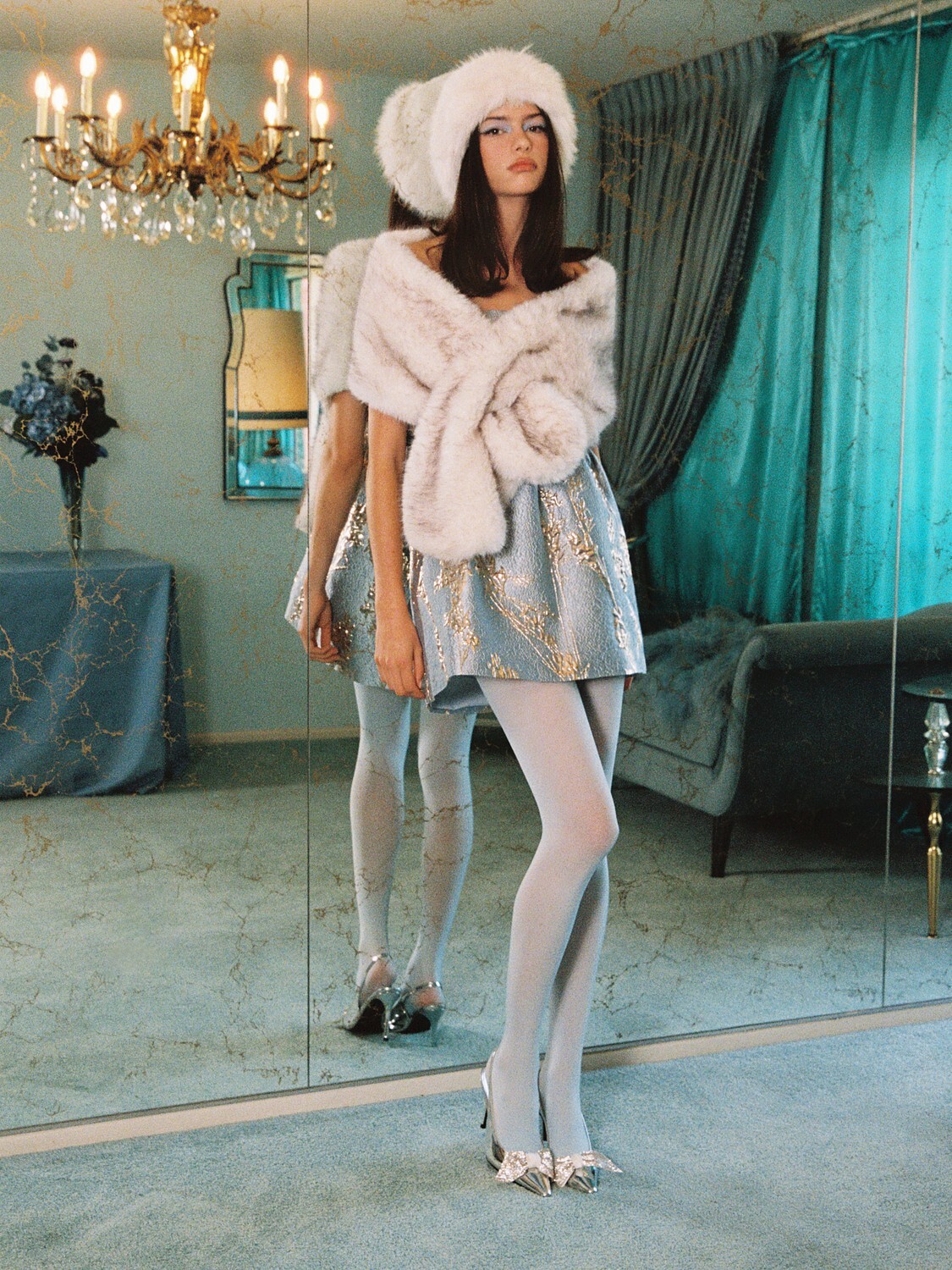

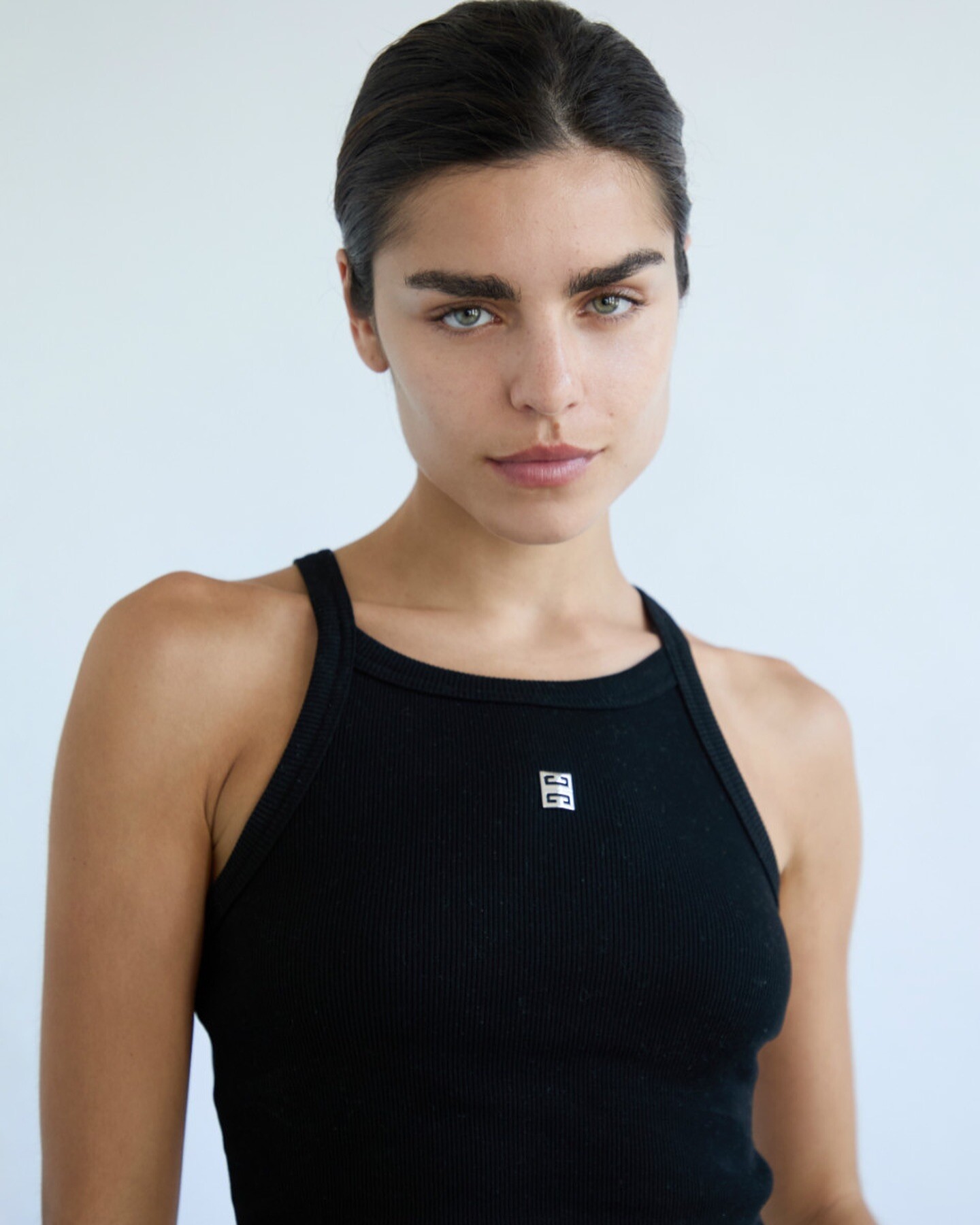
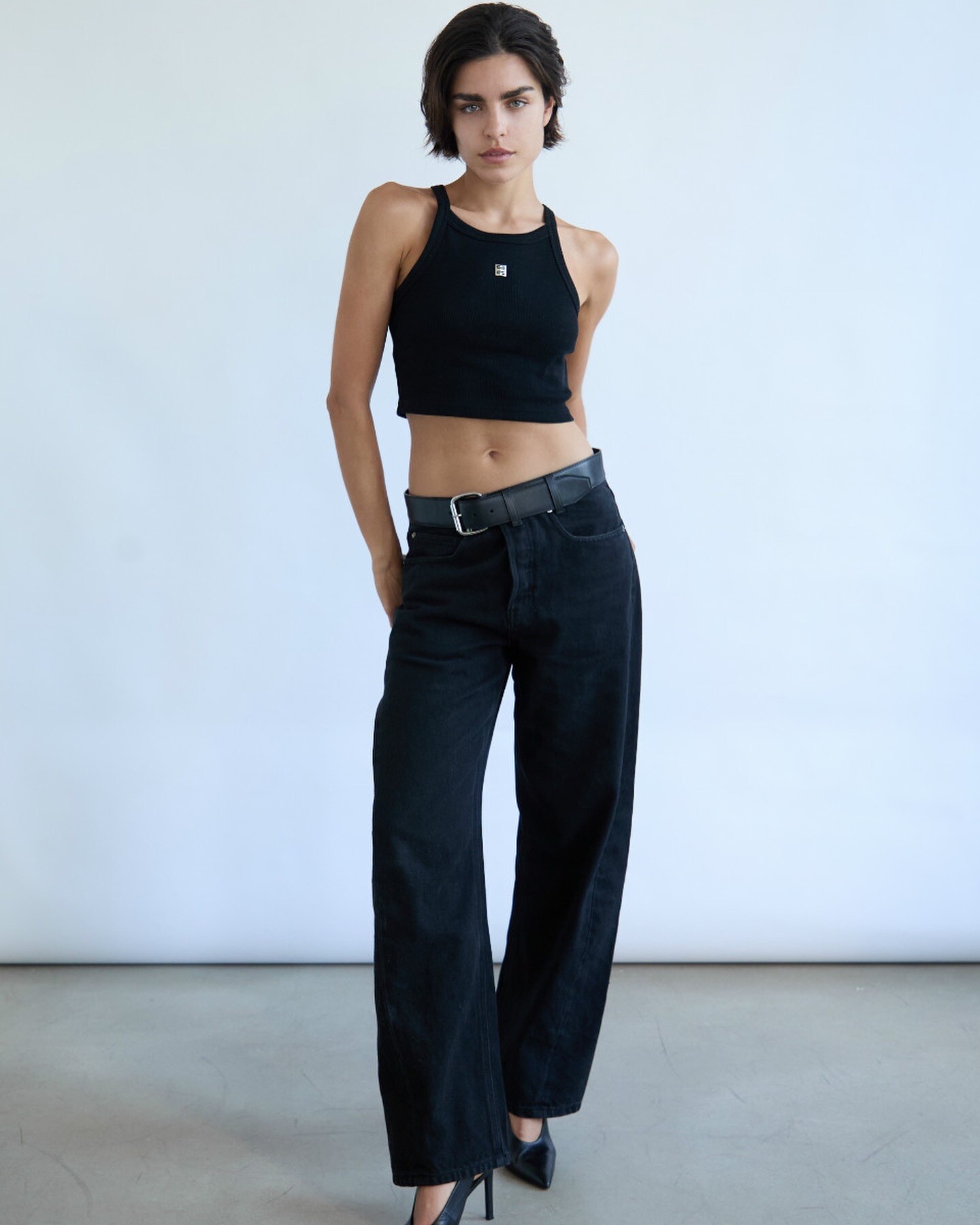
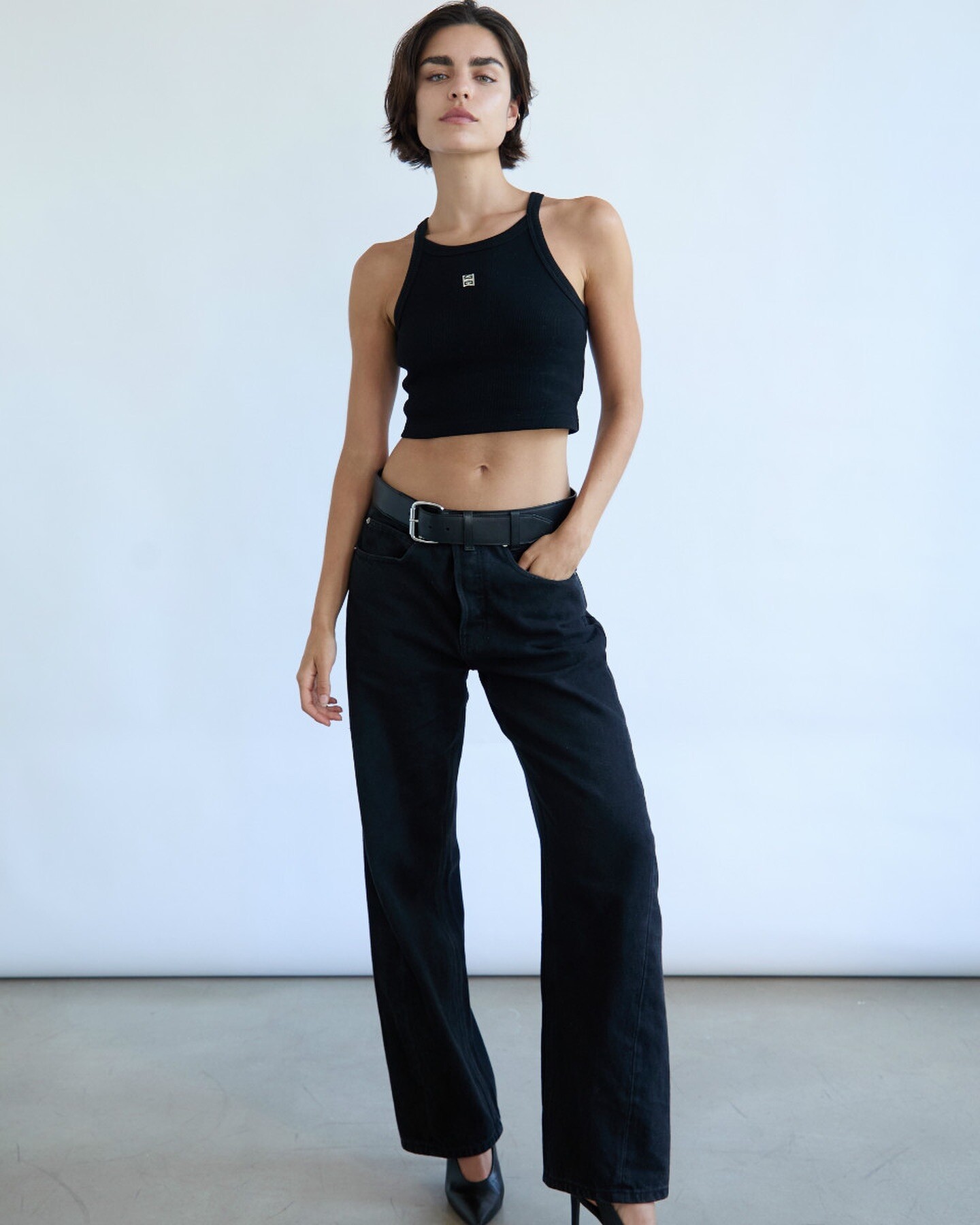
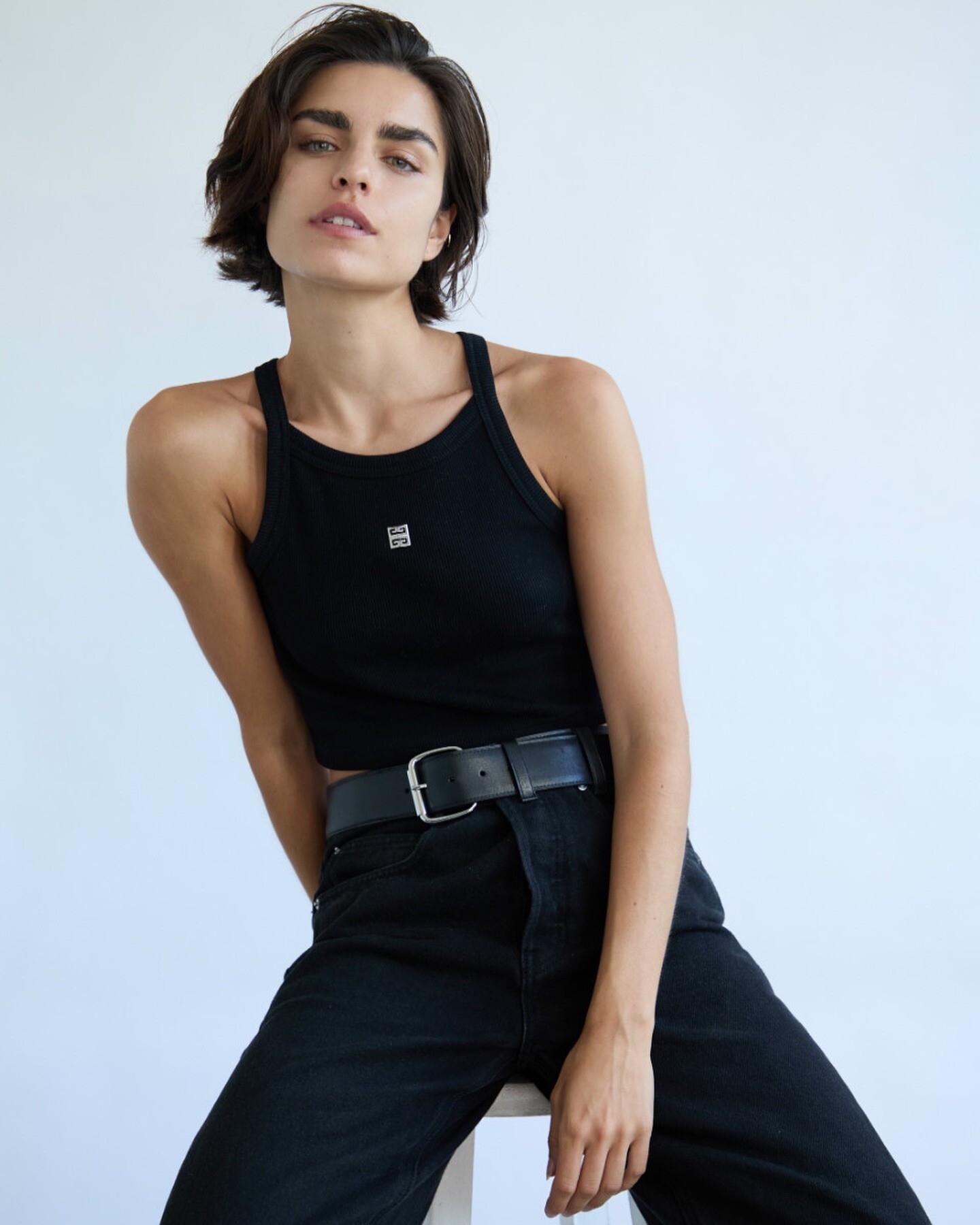
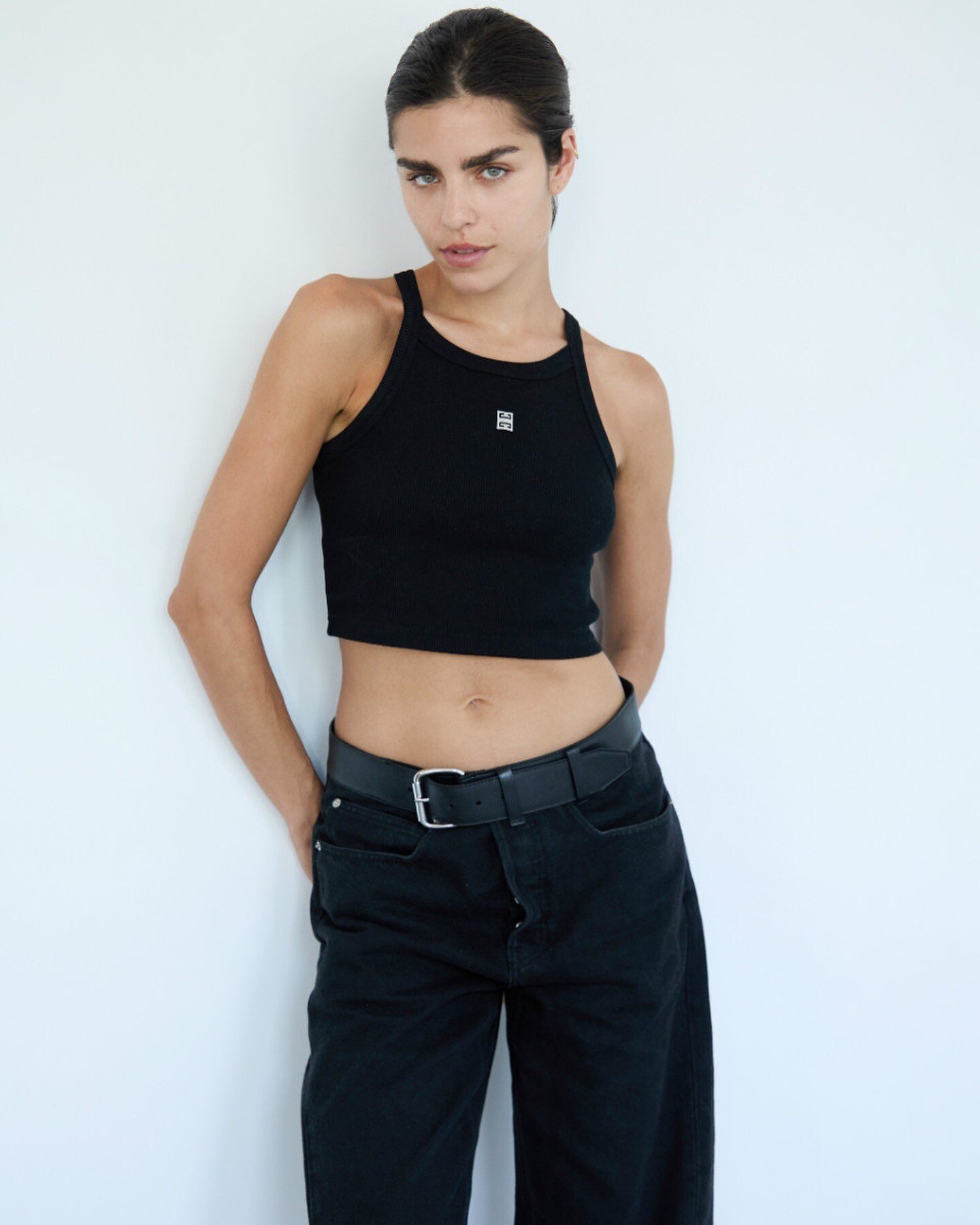












Account
Navigation
Search
Configure browser push notifications
Chrome (Android)
- Tap the lock icon next to the address bar.
- Tap Permissions → Notifications.
- Adjust your preference.
Chrome (Desktop)
- Click the padlock icon in the address bar.
- Select Site settings.
- Find Notifications and adjust your preference.
Safari (iOS 16.4+)
- Ensure the site is installed via Add to Home Screen.
- Open Settings App → Notifications.
- Find your app name and adjust your preference.
Safari (macOS)
- Go to Safari → Preferences.
- Click the Websites tab.
- Select Notifications in the sidebar.
- Find this website and adjust your preference.
Edge (Android)
- Tap the lock icon next to the address bar.
- Tap Permissions.
- Find Notifications and adjust your preference.
Edge (Desktop)
- Click the padlock icon in the address bar.
- Click Permissions for this site.
- Find Notifications and adjust your preference.
Firefox (Android)
- Go to Settings → Site permissions.
- Tap Notifications.
- Find this site in the list and adjust your preference.
Firefox (Desktop)
- Open Firefox Settings.
- Search for Notifications.
- Find this site in the list and adjust your preference.