
Mariana99
Members
-
Joined
-
Last visited
Everything posted by Mariana99
-
-
-
Violet Dely (2026)






-
-
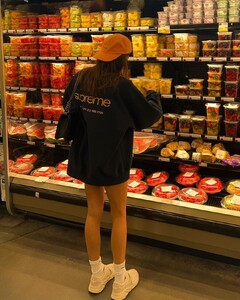
shopping days









-
2023







-
-
Dominik Garban










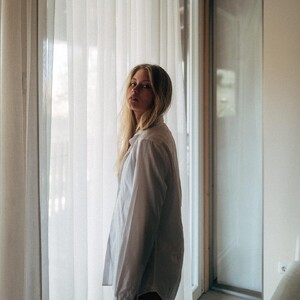 Ryan Conduit & Stephanie Zaicew (2026)

 modelbook Boom Models Milano (2025)










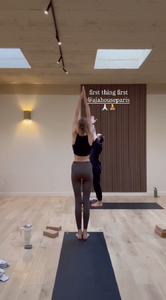
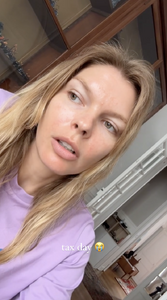
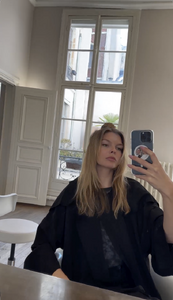
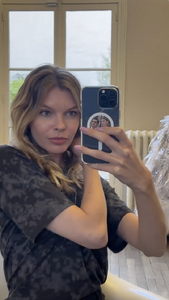
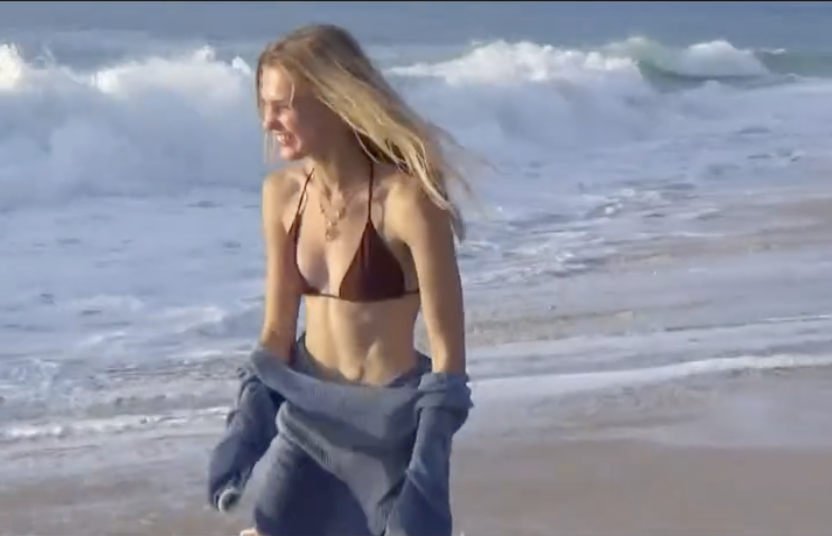
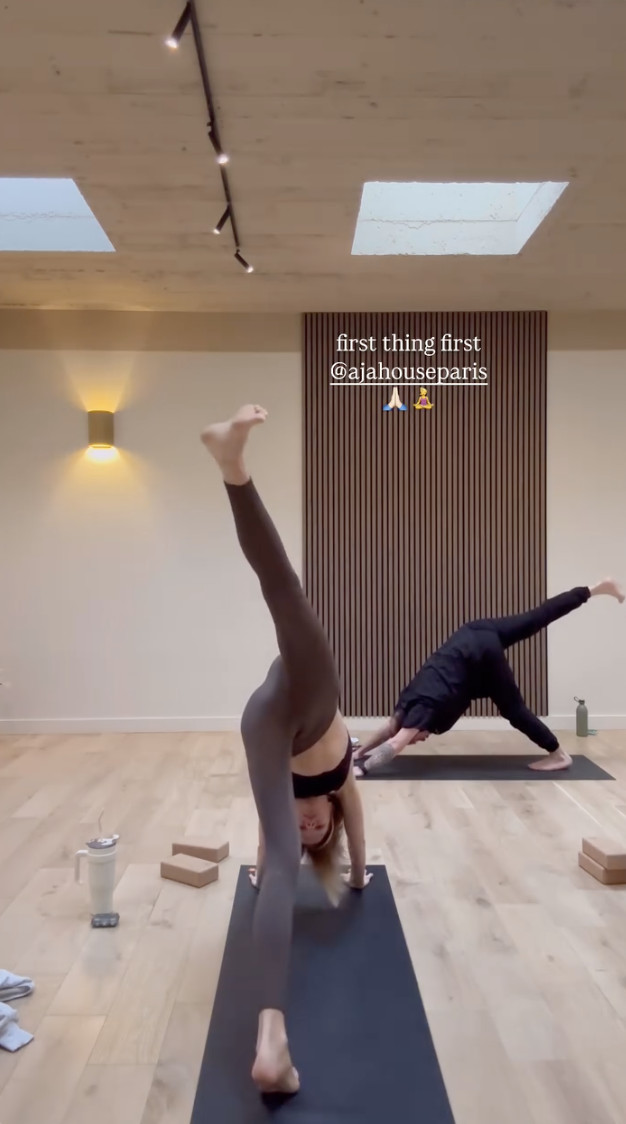
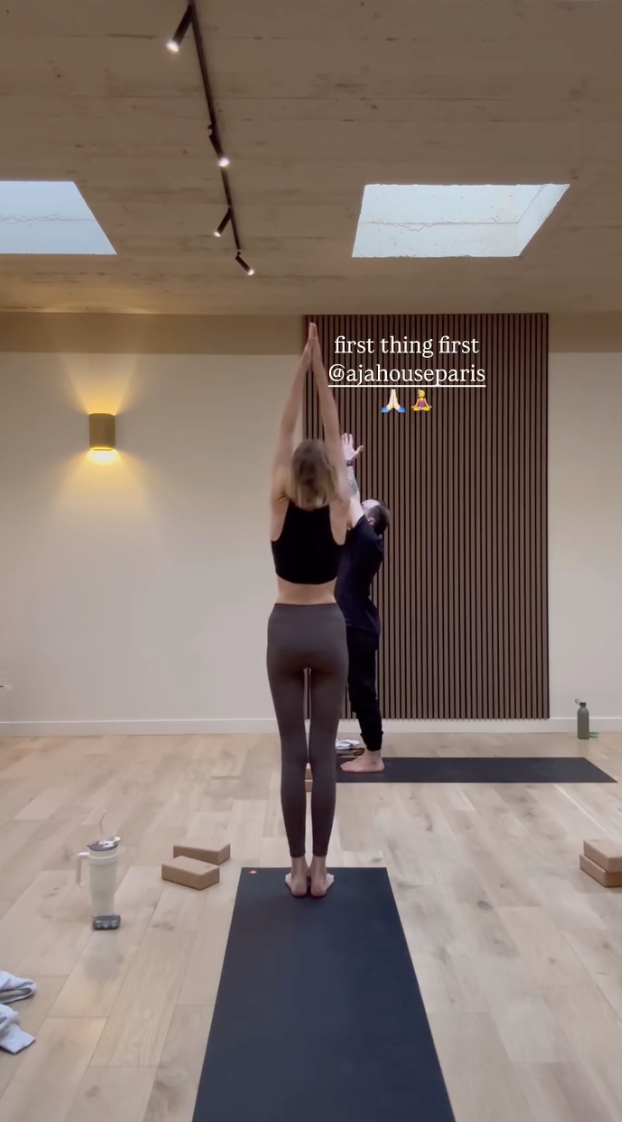
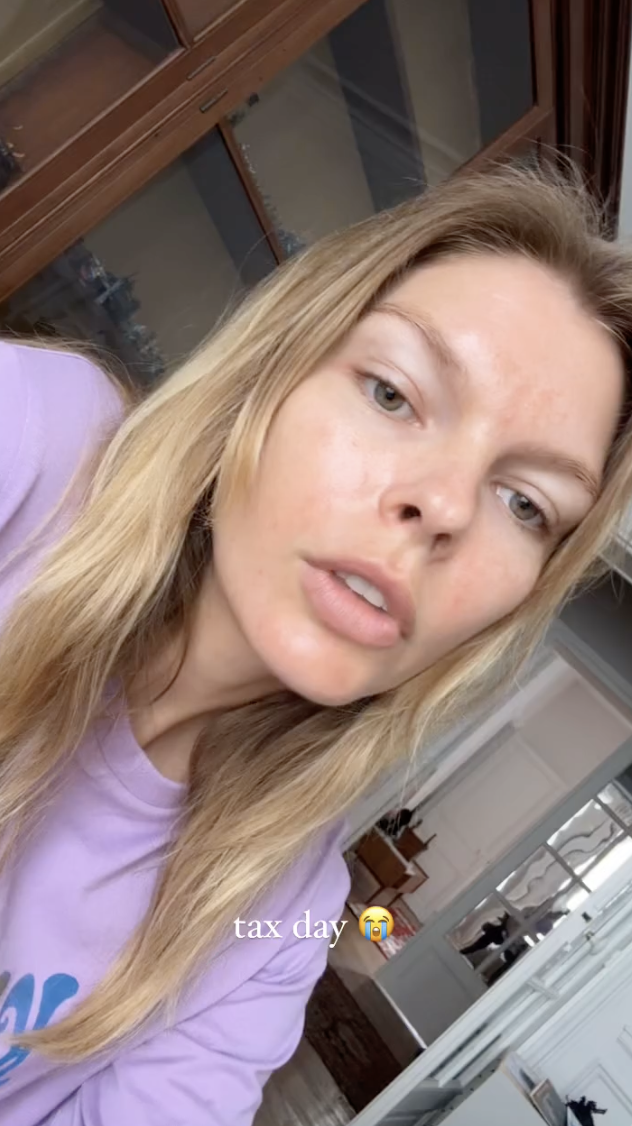
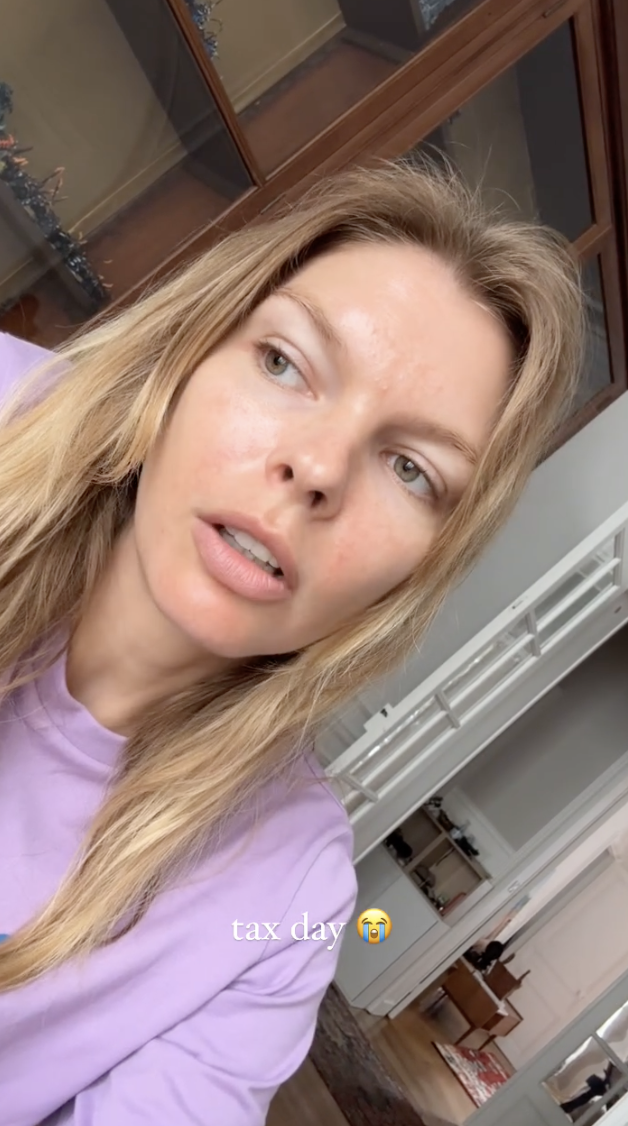
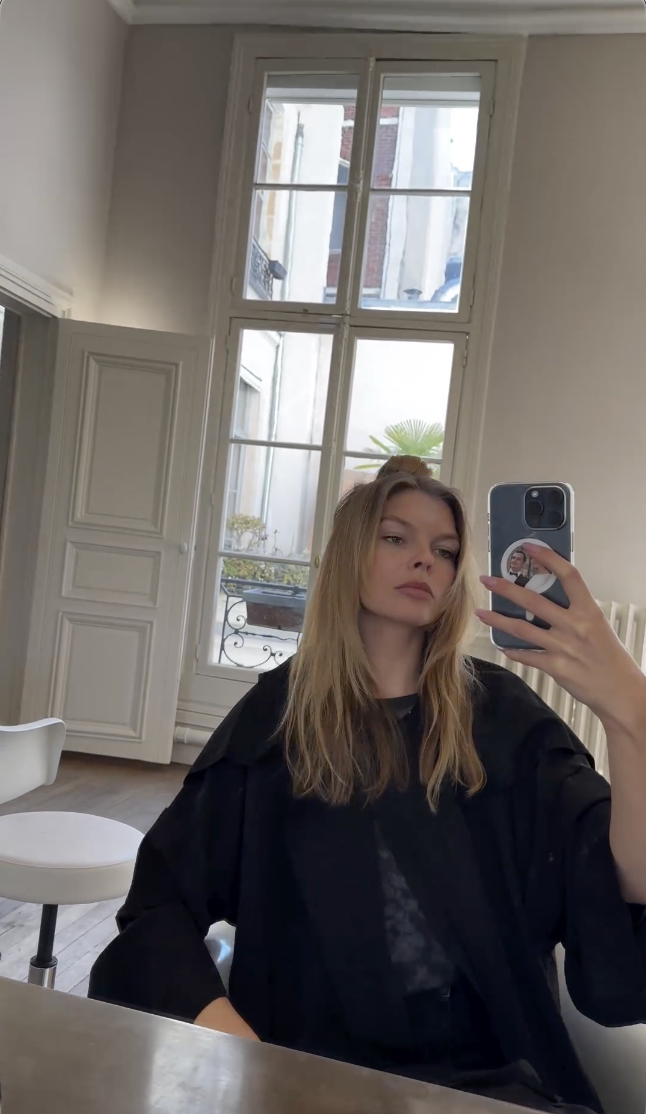
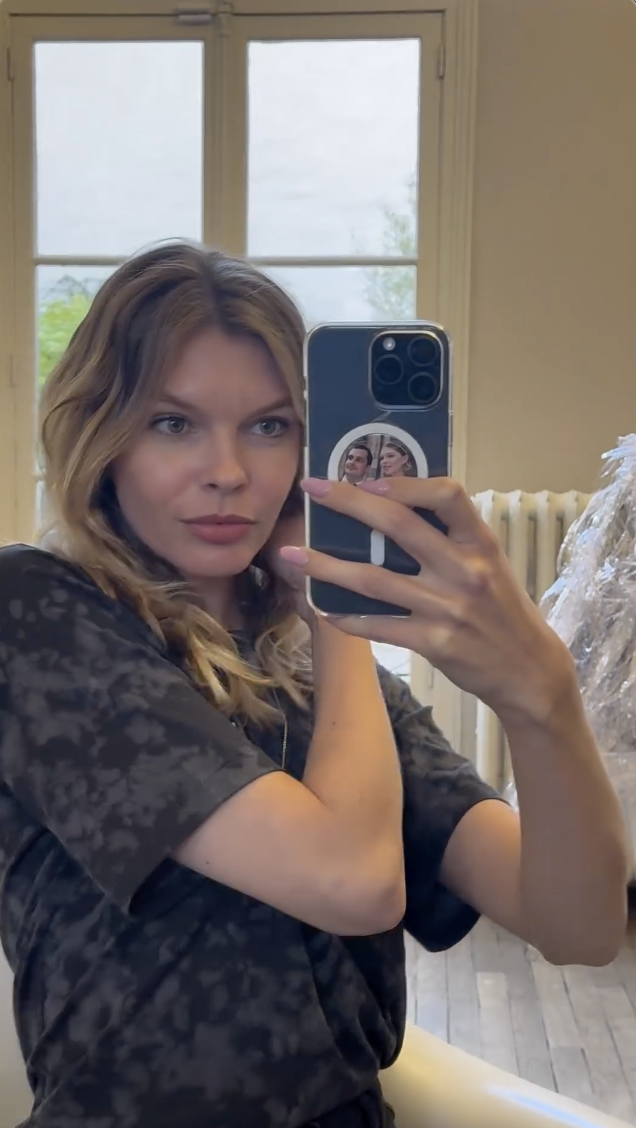
 Life in Paris (2025) yoga yuliavelikanova_3605413177378116874.mp4 tax day yuliavelikanova_3377208002852508727.mp4 hair style yuliavelikanova_121408302_838685431631011_2614303050345819590_n.mp4 wellness UD_yuliavelikanova_3395547129276647091_22_6_2024.mp4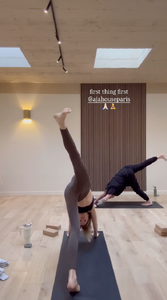





























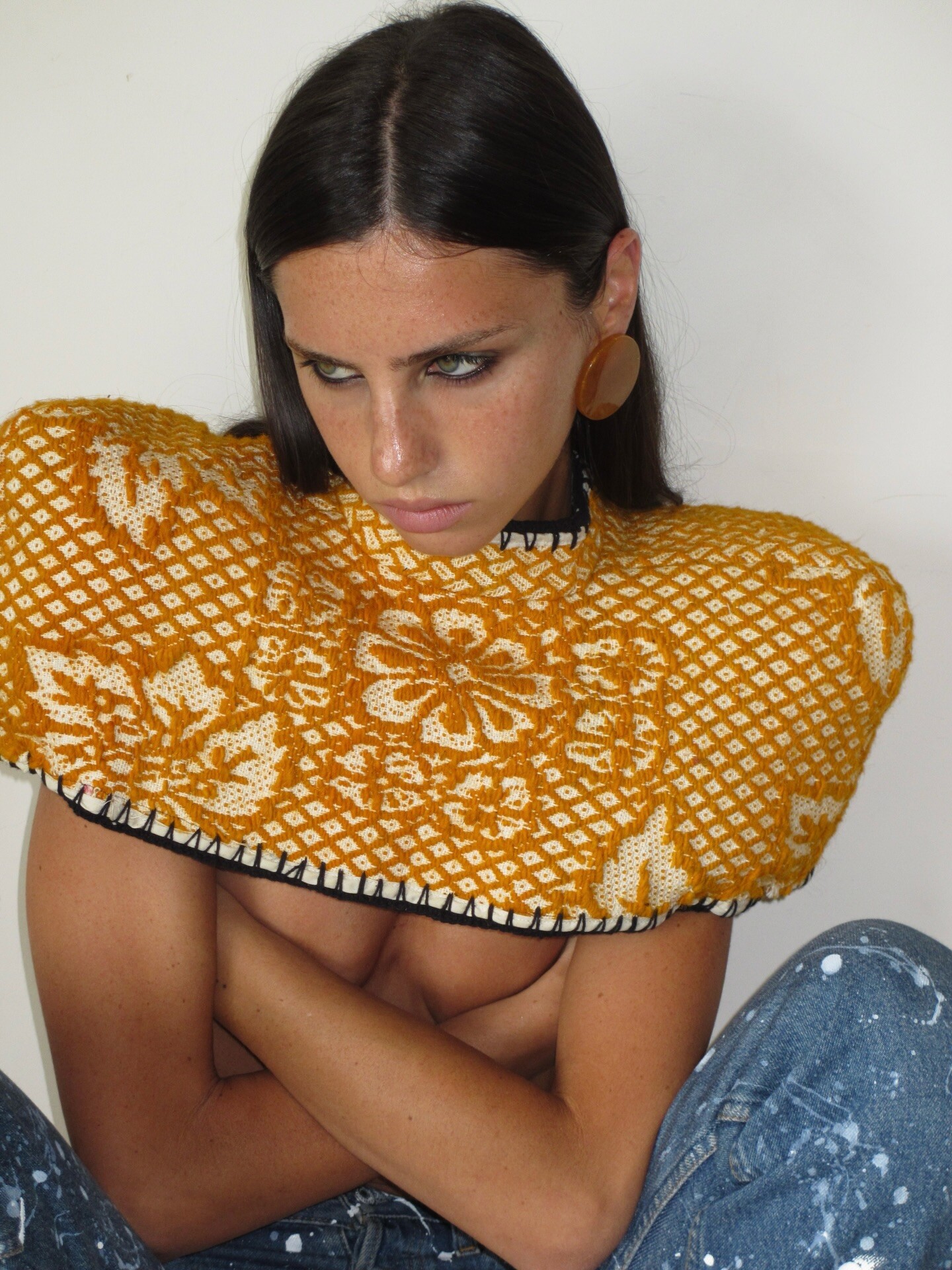



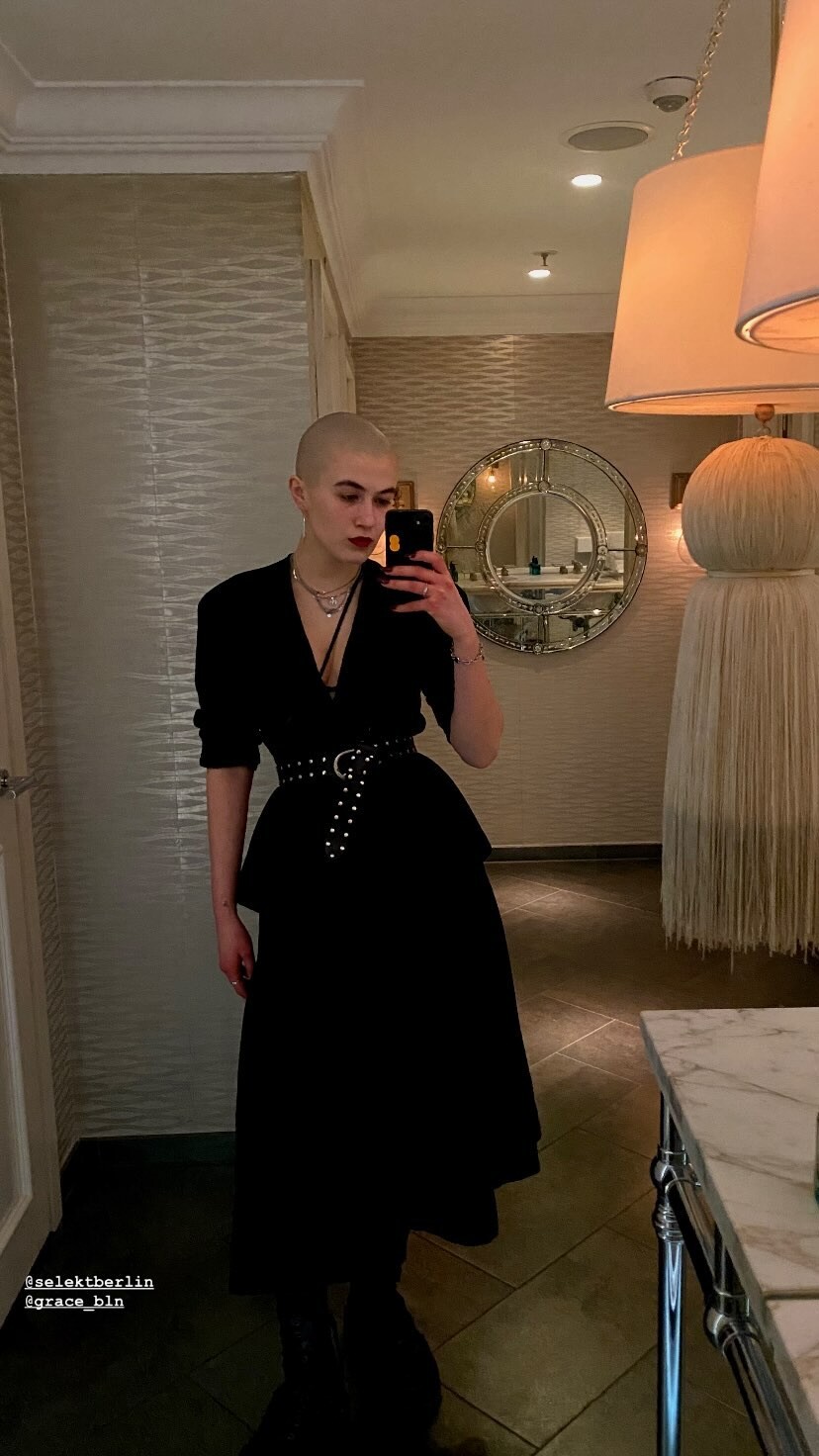
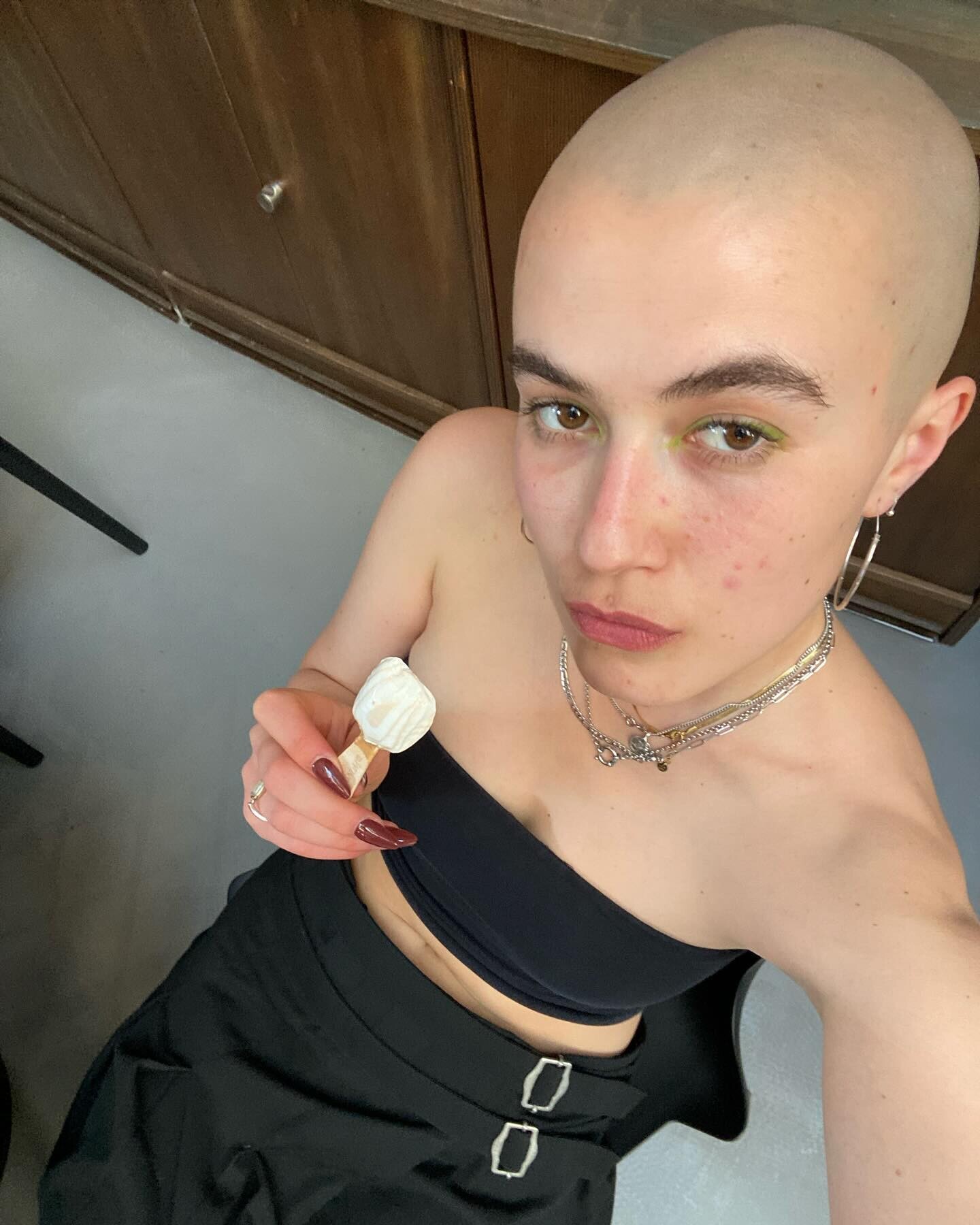
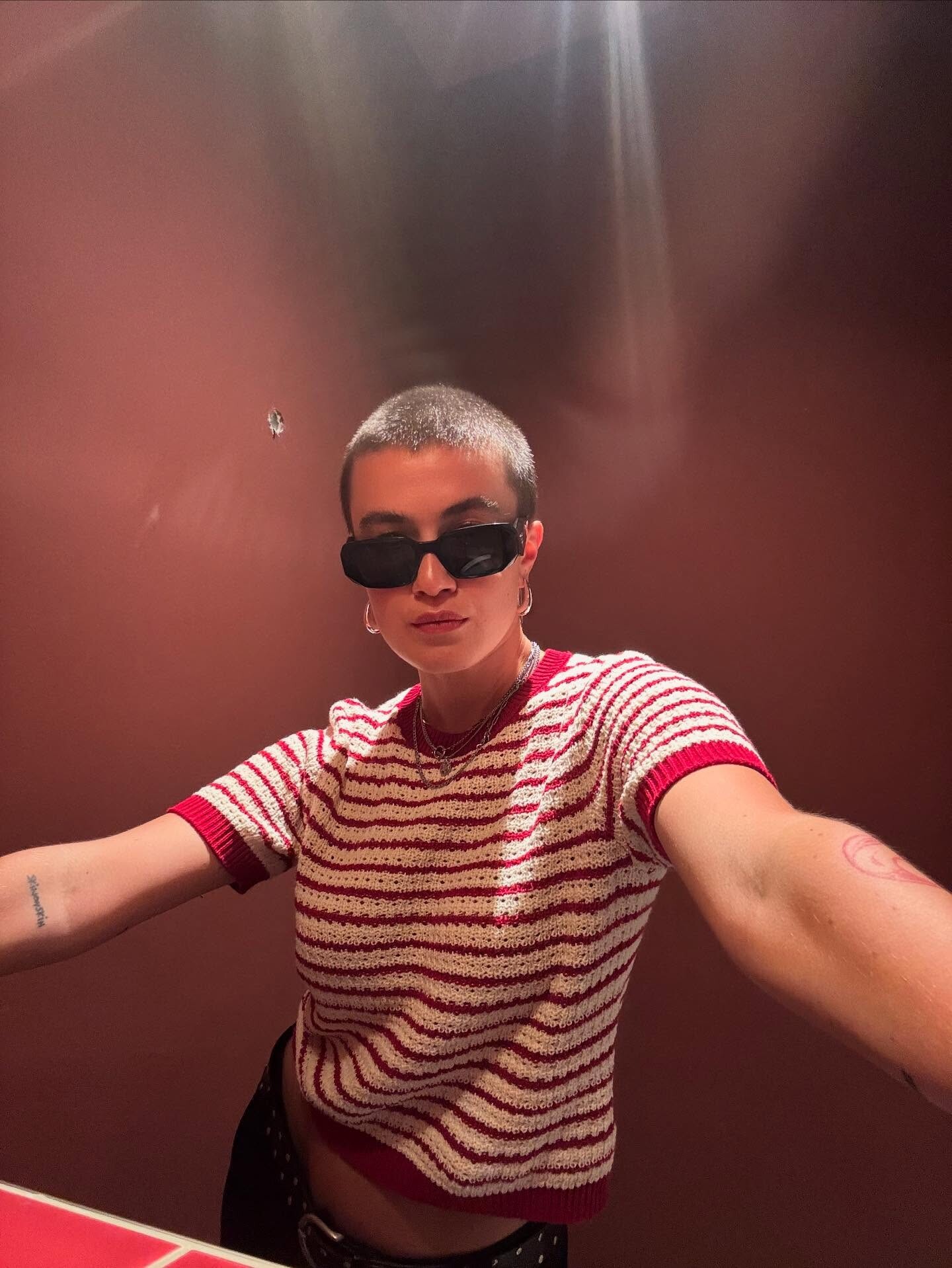

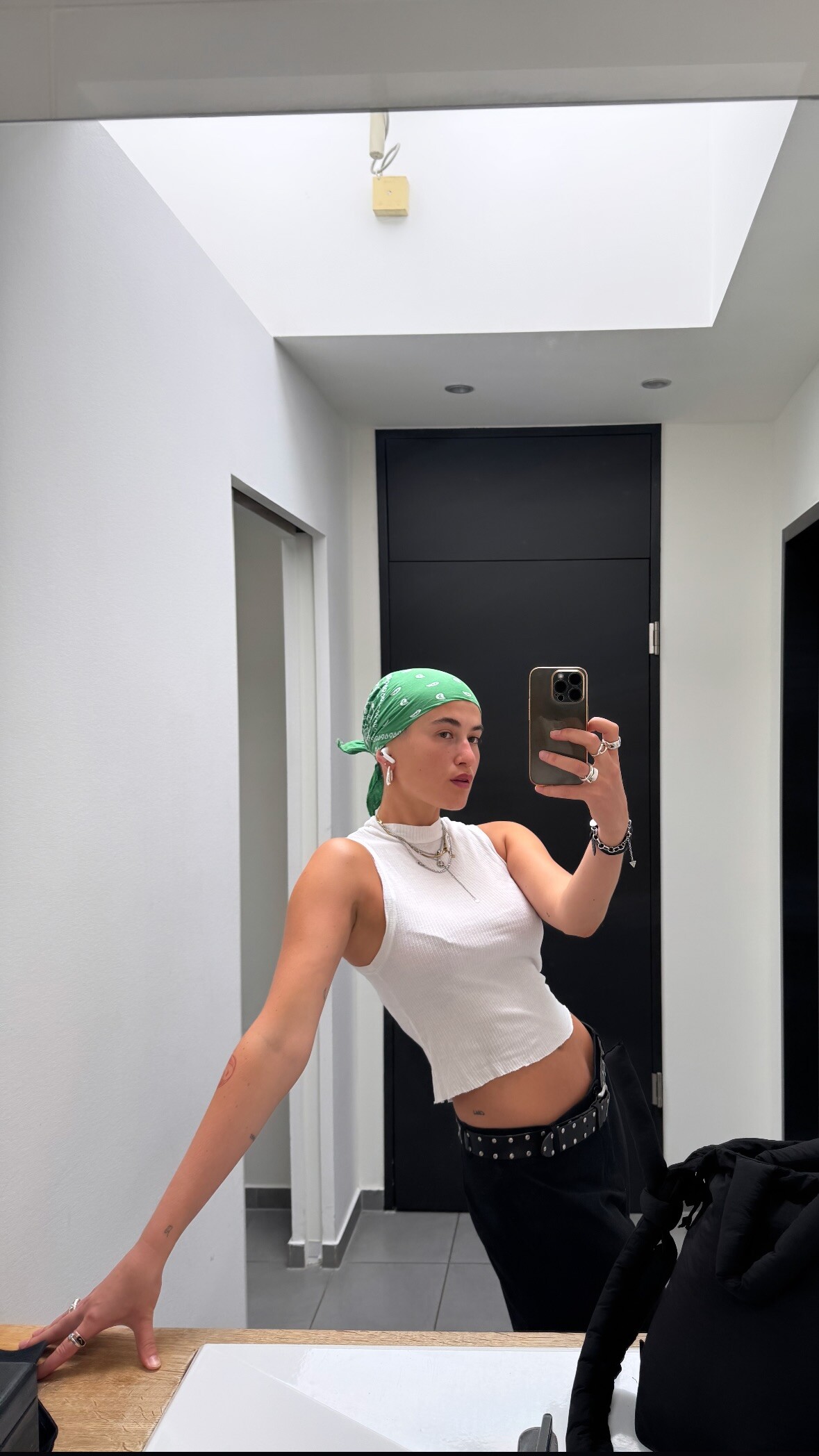



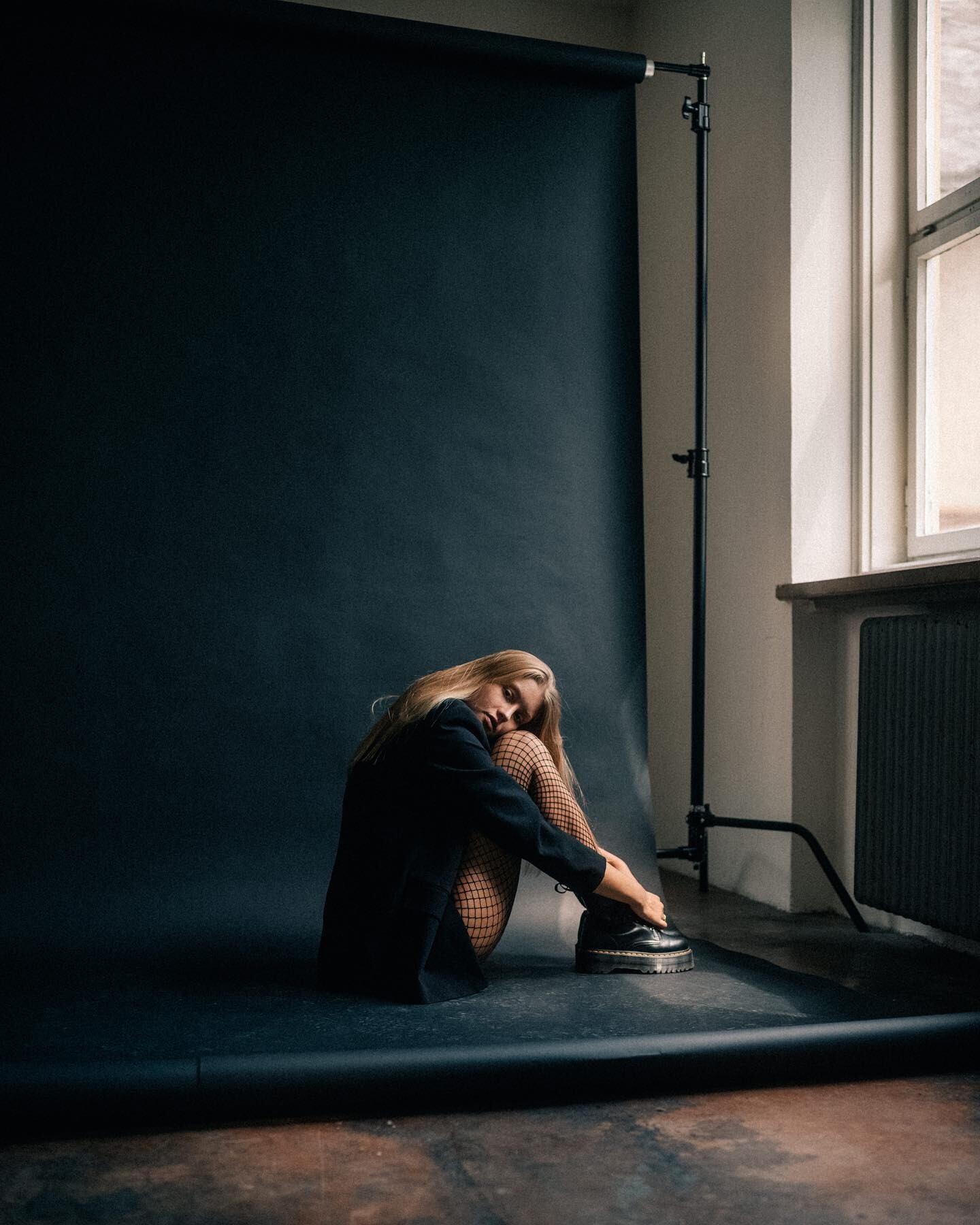







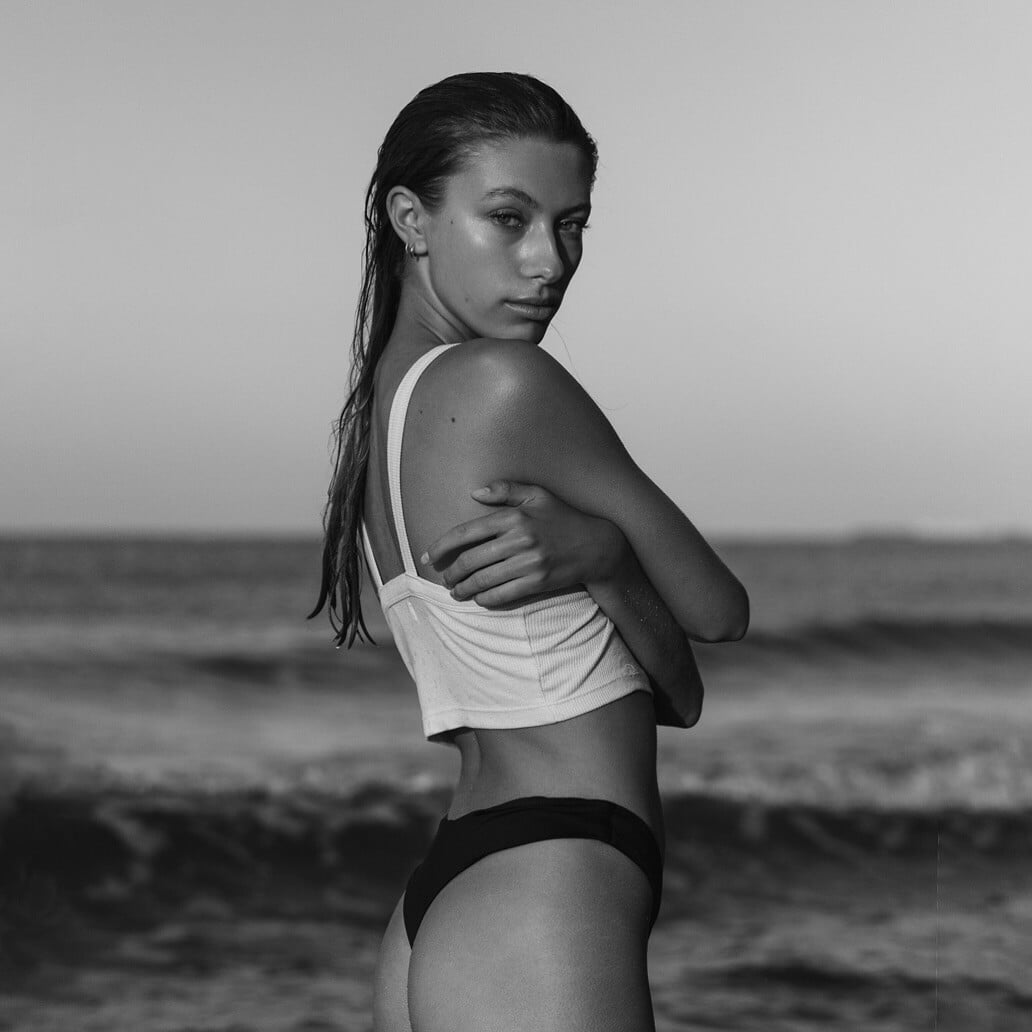


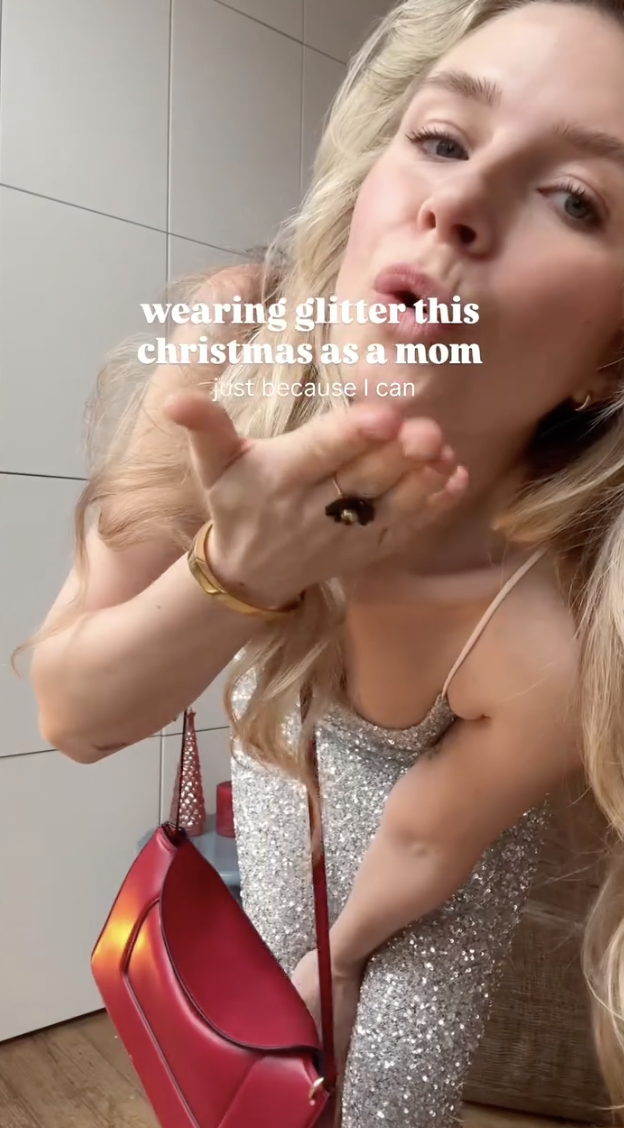




































































Account
Navigation
Search
Configure browser push notifications
Chrome (Android)
- Tap the lock icon next to the address bar.
- Tap Permissions → Notifications.
- Adjust your preference.
Chrome (Desktop)
- Click the padlock icon in the address bar.
- Select Site settings.
- Find Notifications and adjust your preference.
Safari (iOS 16.4+)
- Ensure the site is installed via Add to Home Screen.
- Open Settings App → Notifications.
- Find your app name and adjust your preference.
Safari (macOS)
- Go to Safari → Preferences.
- Click the Websites tab.
- Select Notifications in the sidebar.
- Find this website and adjust your preference.
Edge (Android)
- Tap the lock icon next to the address bar.
- Tap Permissions.
- Find Notifications and adjust your preference.
Edge (Desktop)
- Click the padlock icon in the address bar.
- Click Permissions for this site.
- Find Notifications and adjust your preference.
Firefox (Android)
- Go to Settings → Site permissions.
- Tap Notifications.
- Find this site in the list and adjust your preference.
Firefox (Desktop)
- Open Firefox Settings.
- Search for Notifications.
- Find this site in the list and adjust your preference.