Dayrell
Members
-
Joined
-
Last visited
Everything posted by Dayrell
-
 I posted some covers of Vogue Australia, but the post are missing. Soon, I'll post them again. I´ll wait people work first in covers @RocketQueen posted today
Never saw, thanks @missparker7
it´s Sophie Patitz guys?
I posted some covers of Vogue Australia, but the post are missing. Soon, I'll post them again. I´ll wait people work first in covers @RocketQueen posted today
Never saw, thanks @missparker7
it´s Sophie Patitz guys? @BlueAcadia you´re back with a lot of treasures!
Very Beautiful, thanks @missparker7
Yes, it´s her. She was in some Amica covers as Jade Roque
@BlueAcadia you´re back with a lot of treasures!
Very Beautiful, thanks @missparker7
Yes, it´s her. She was in some Amica covers as Jade Roque


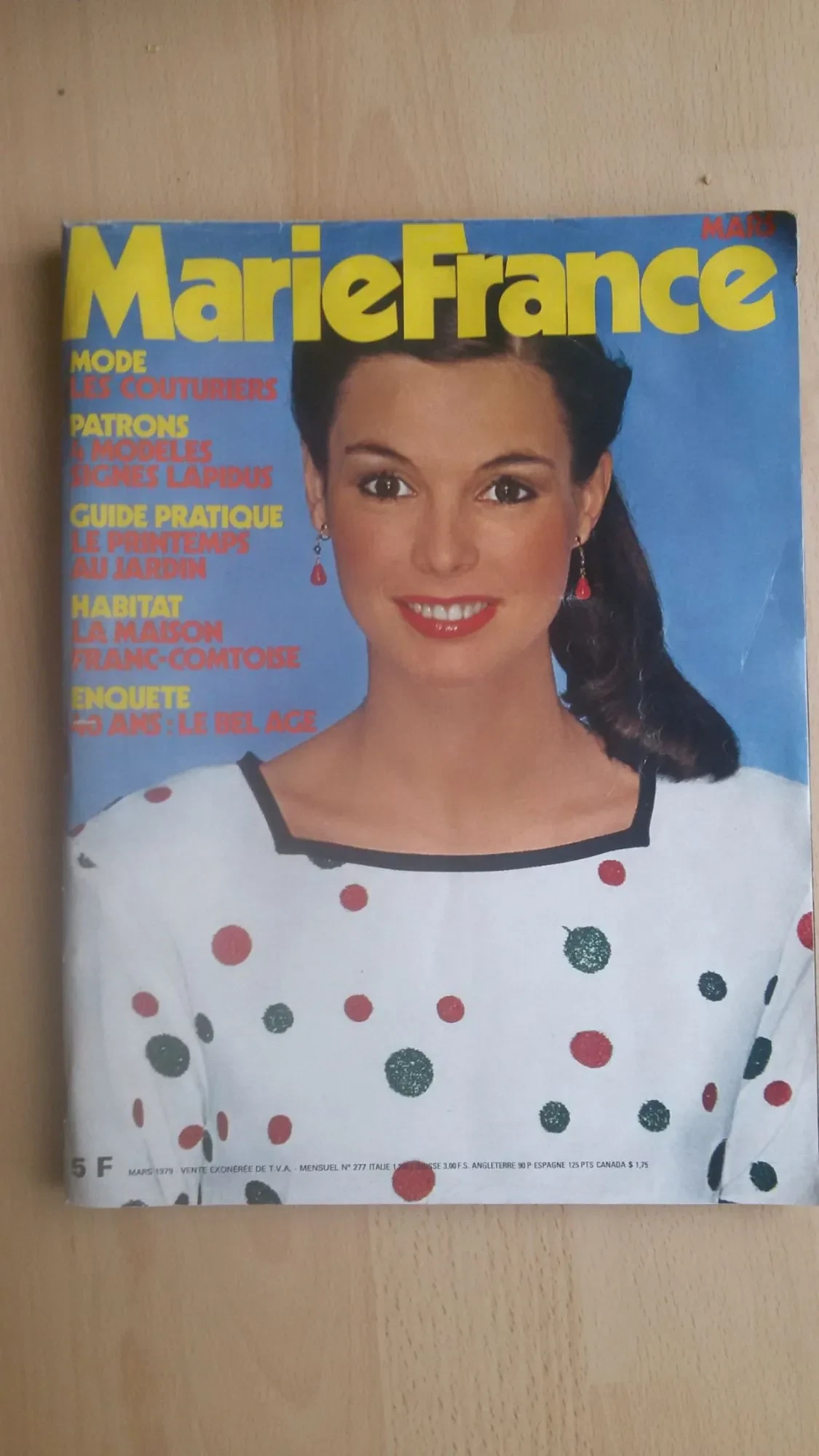
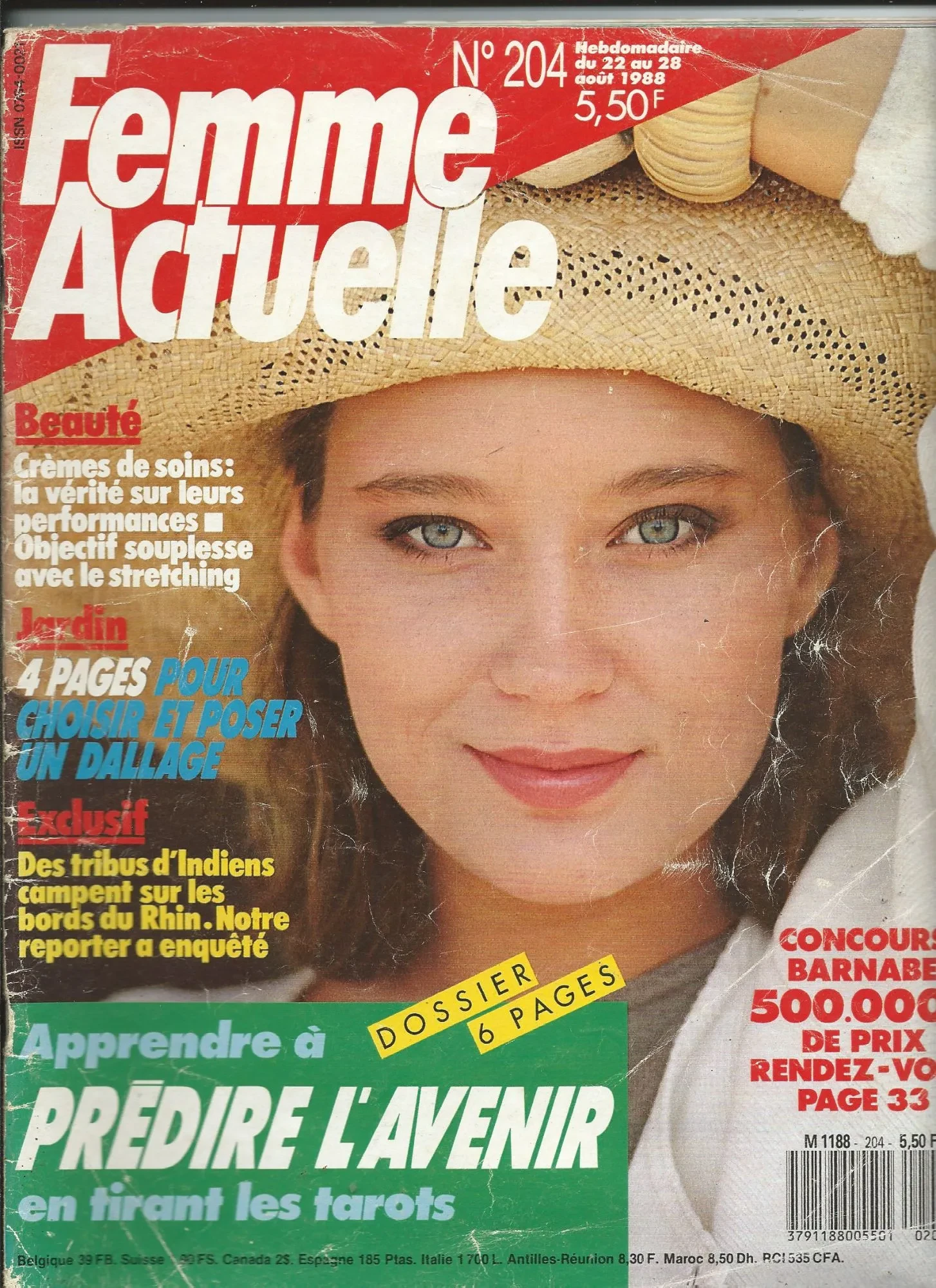
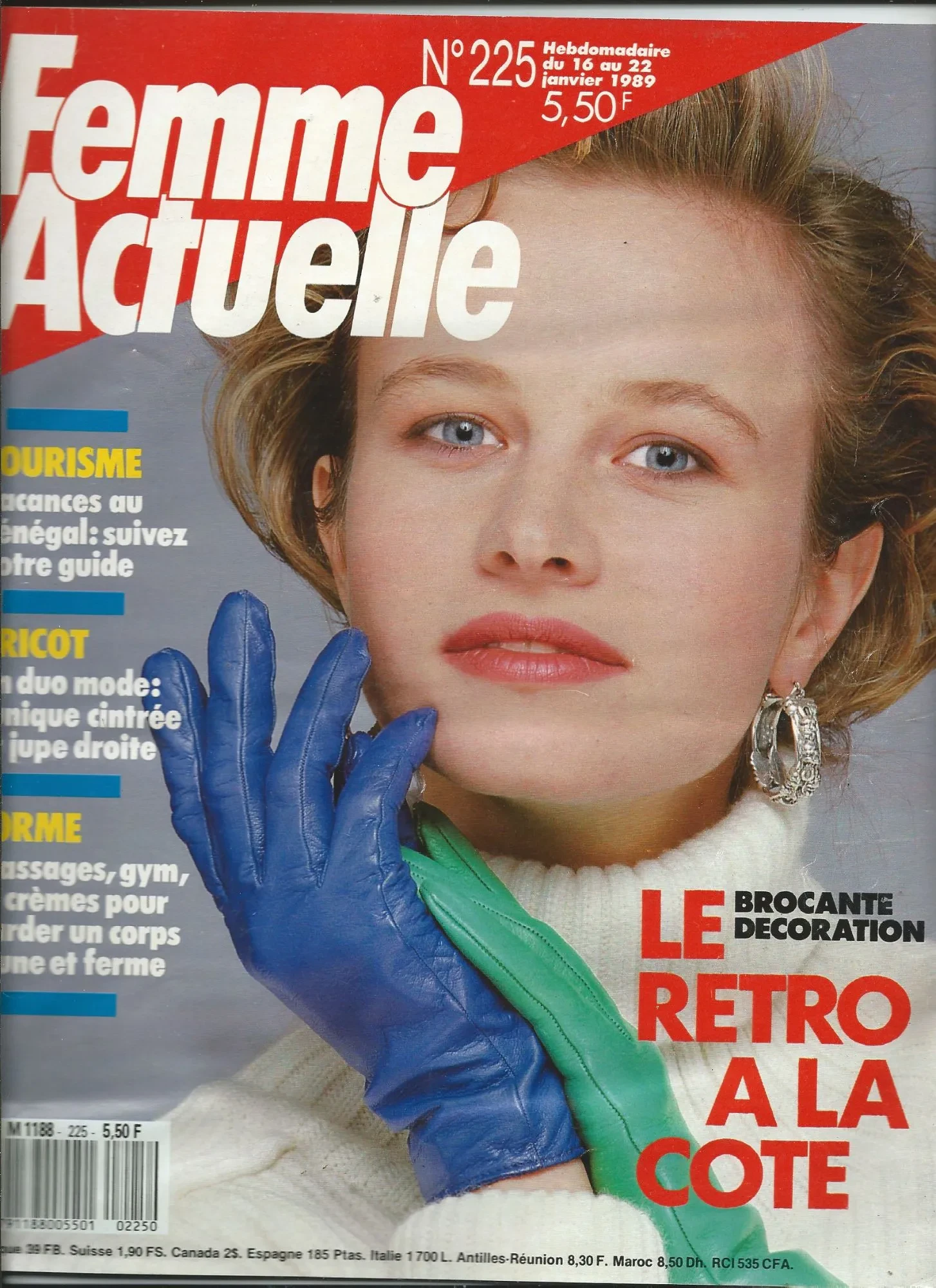
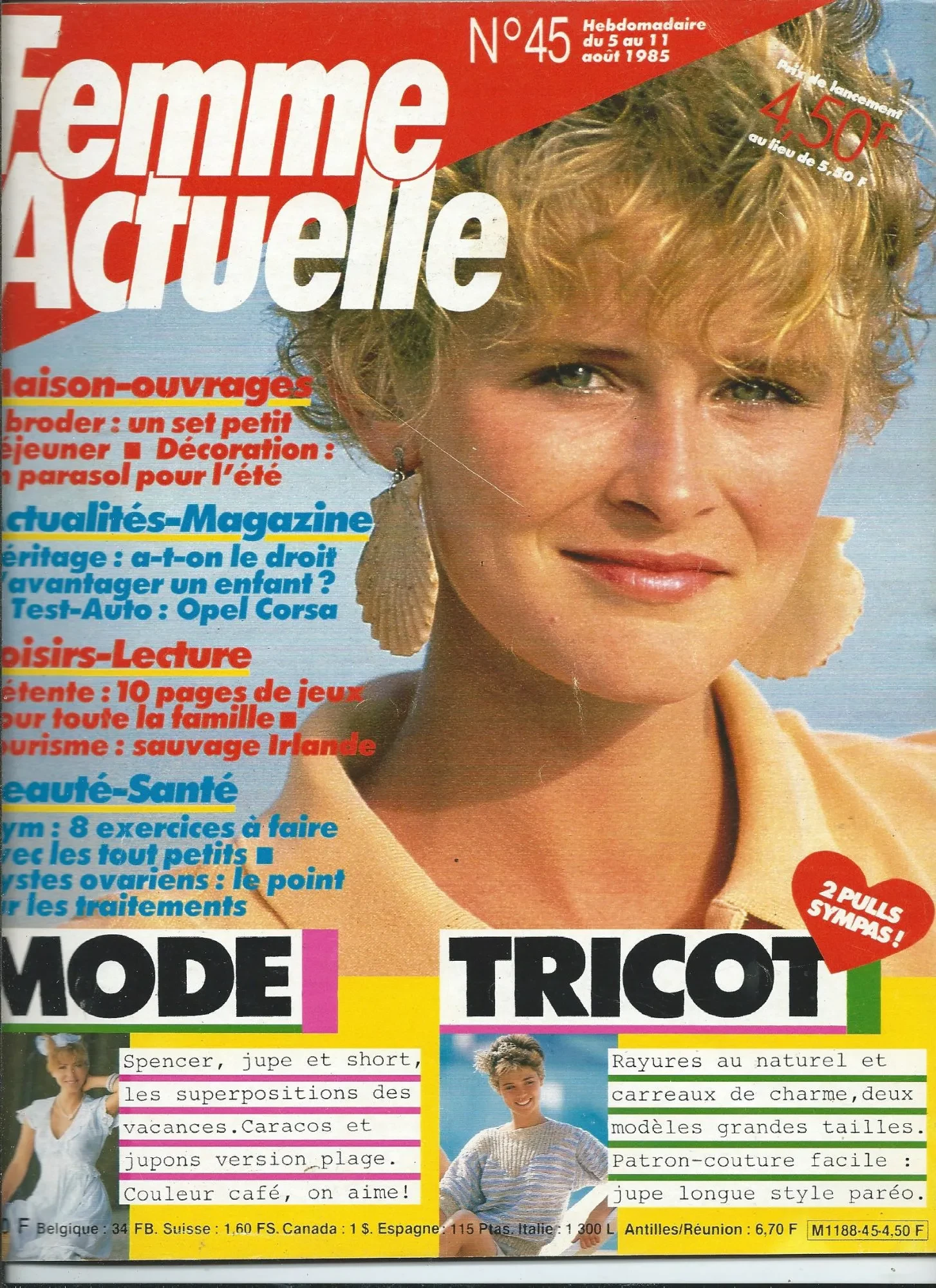
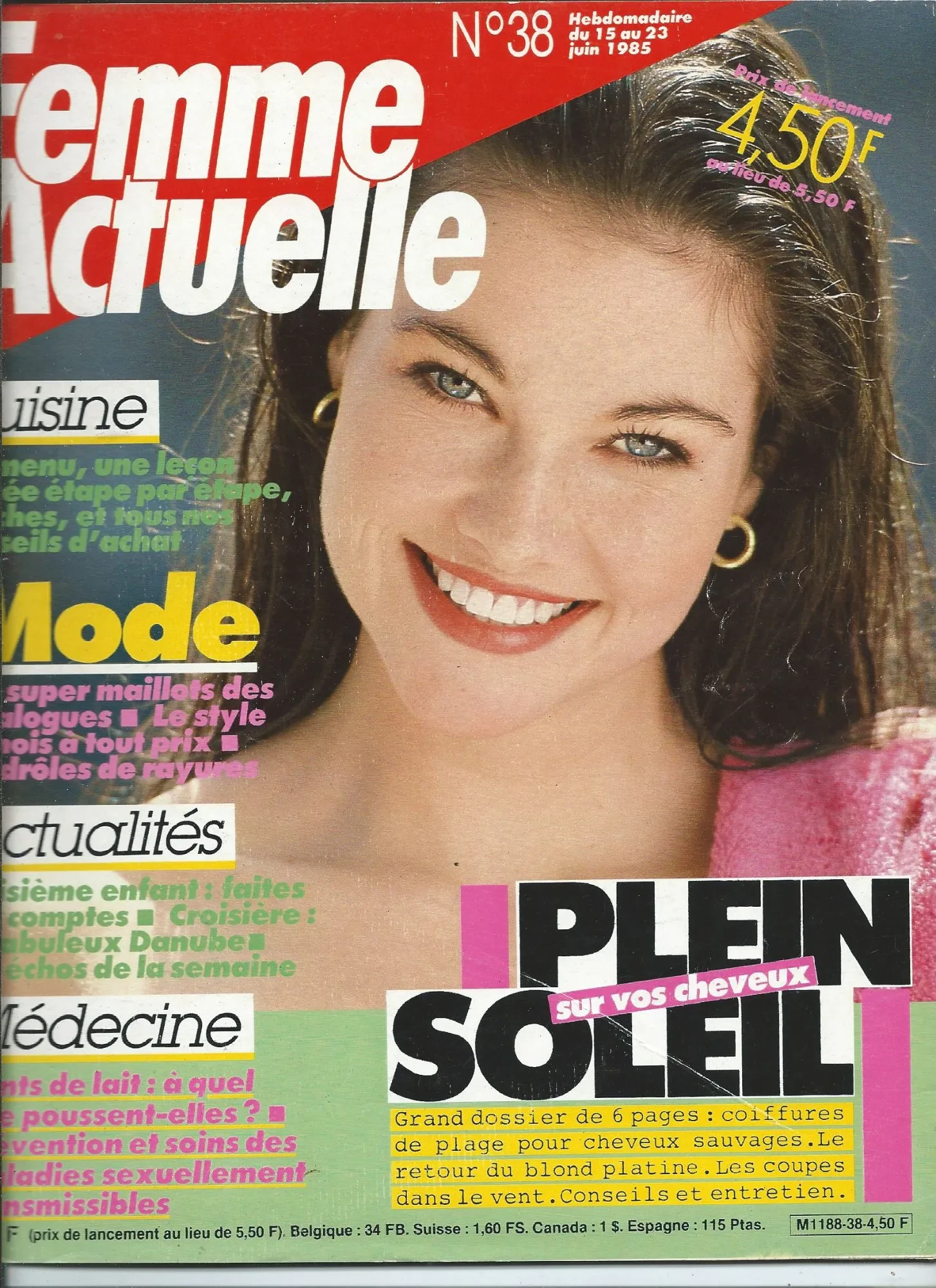
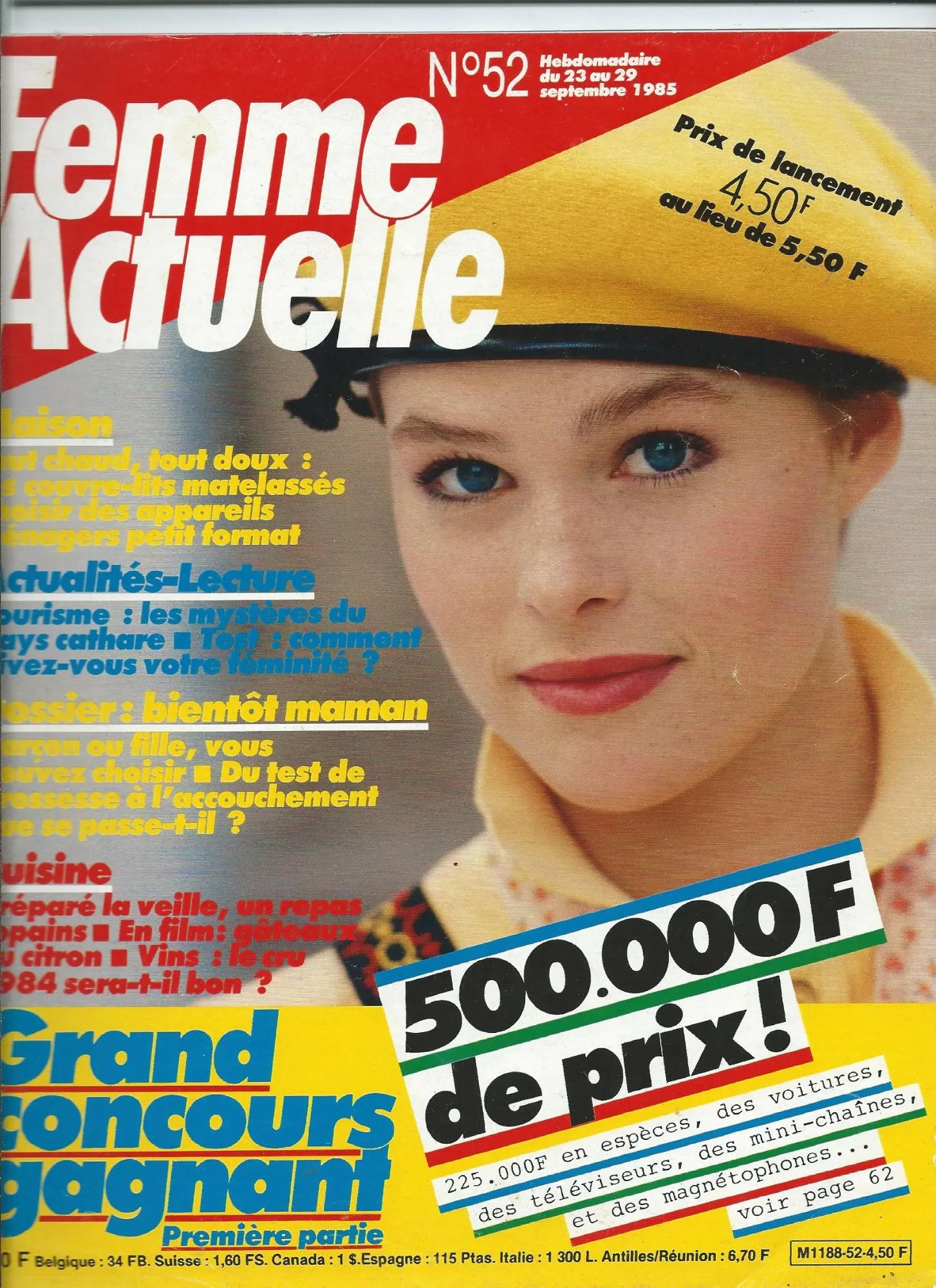
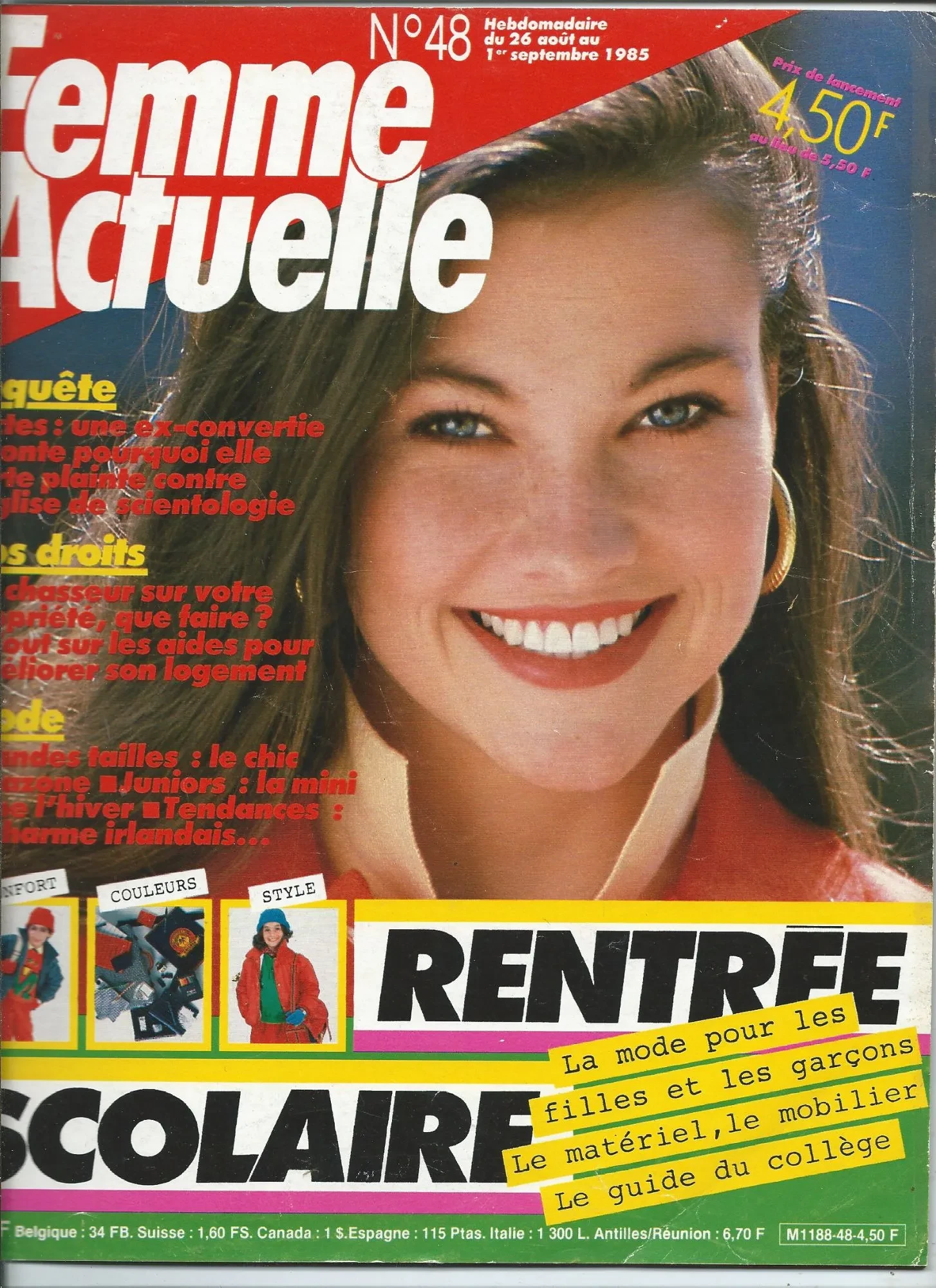
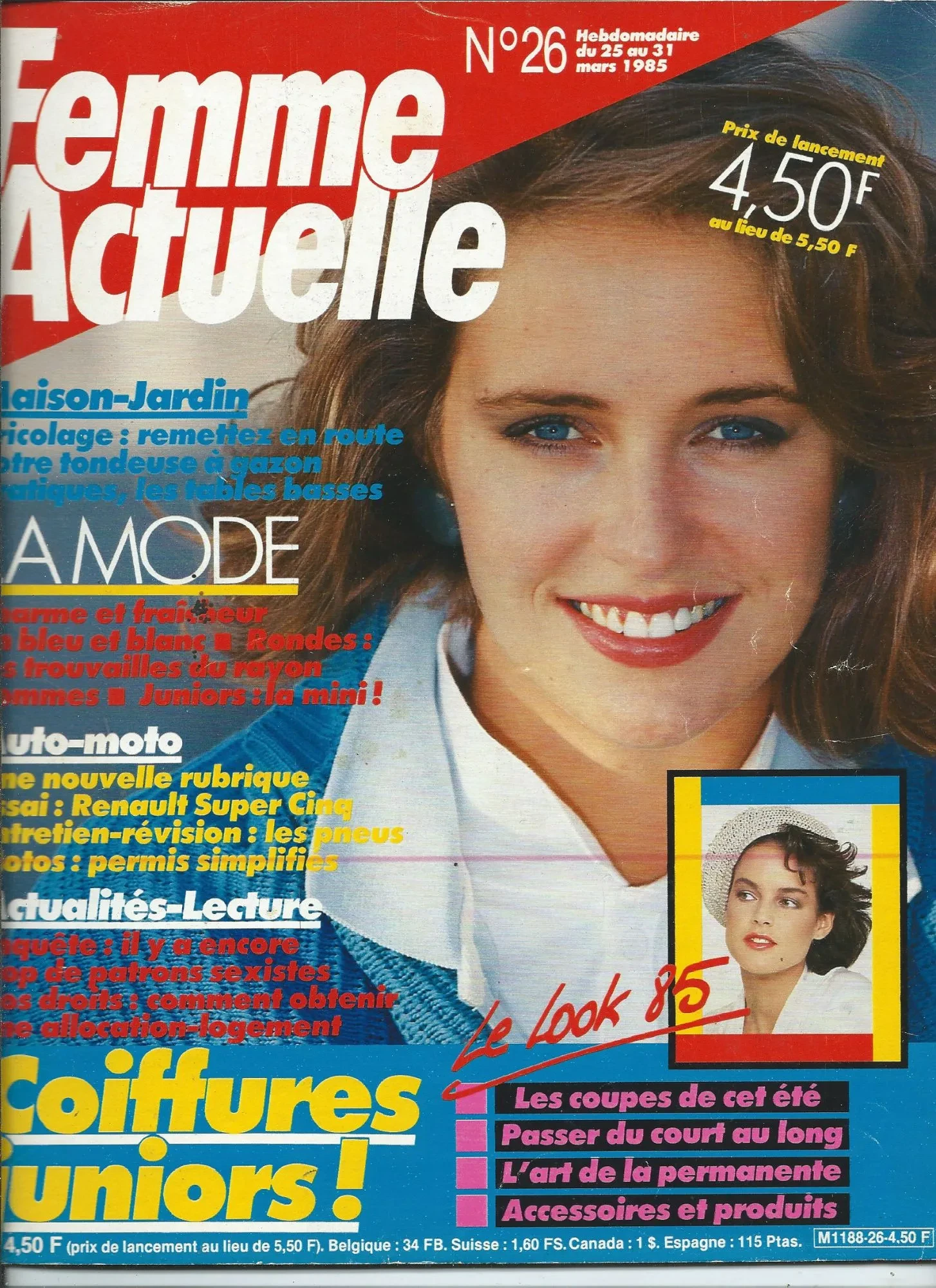
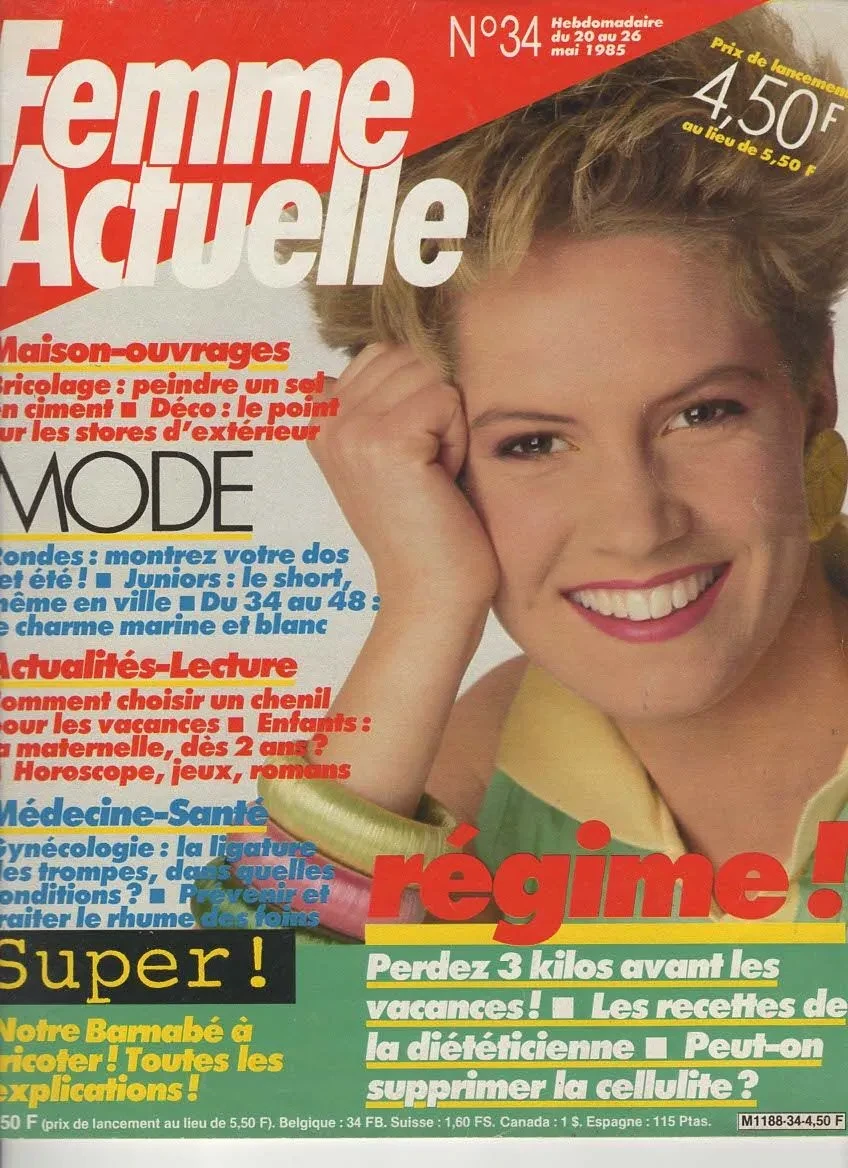
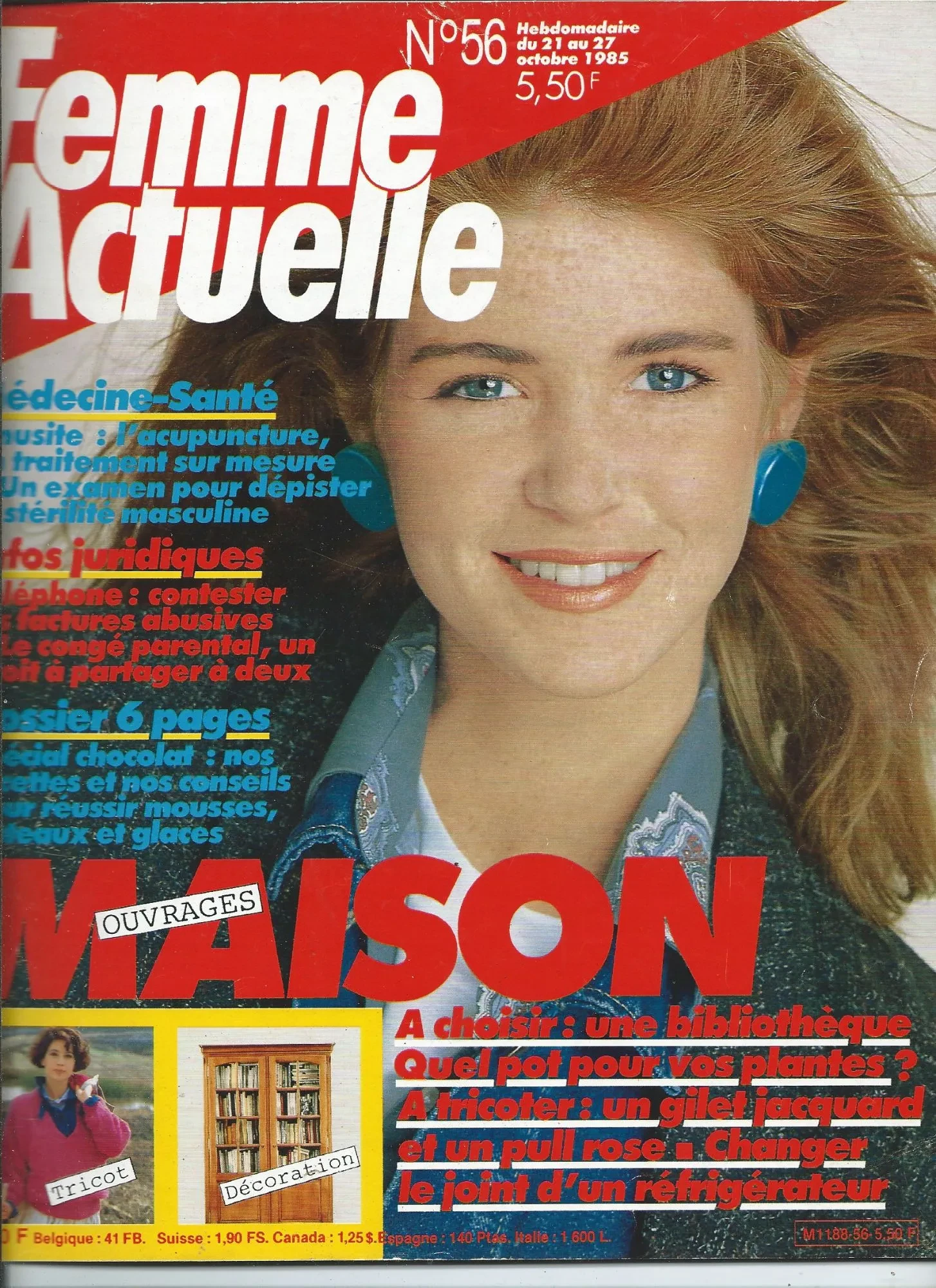
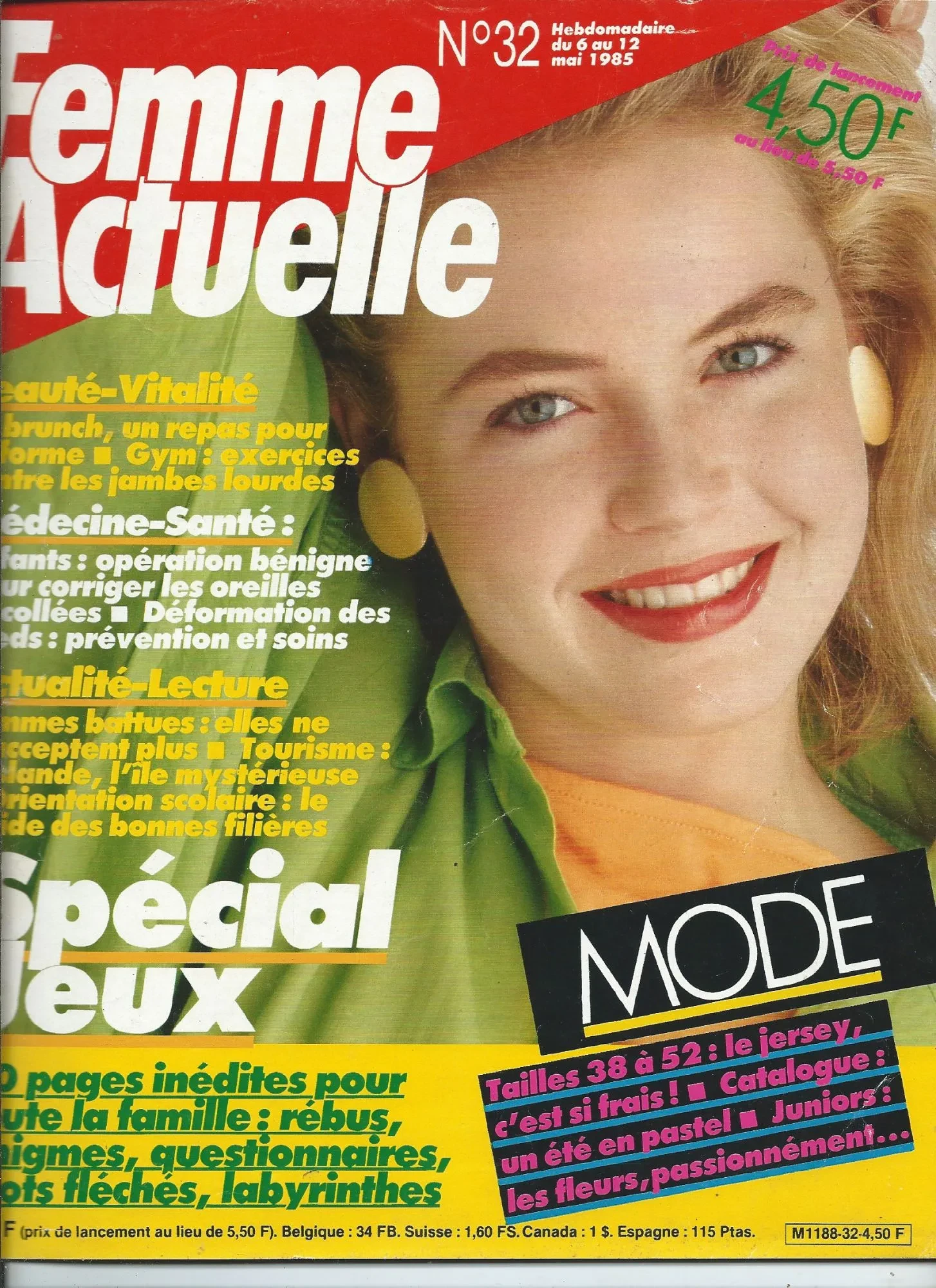
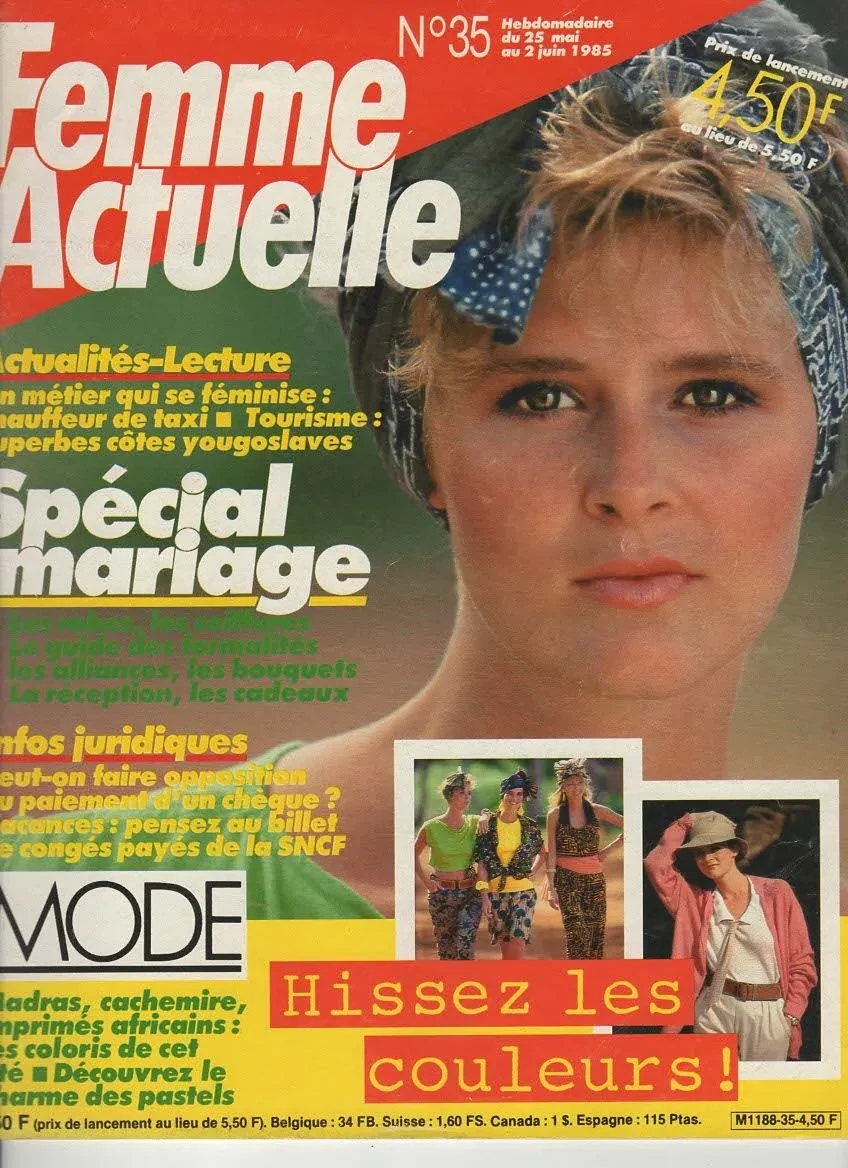
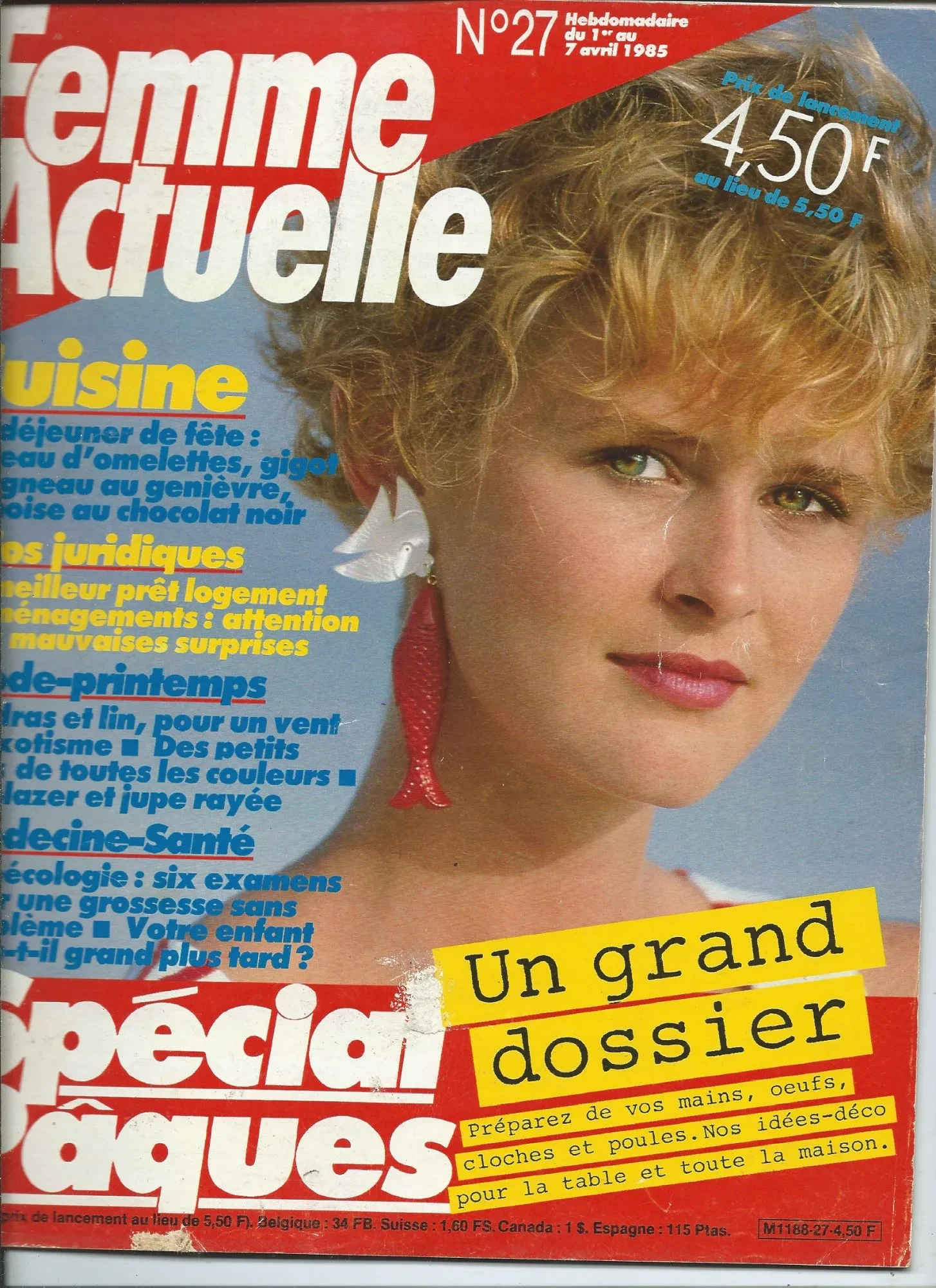
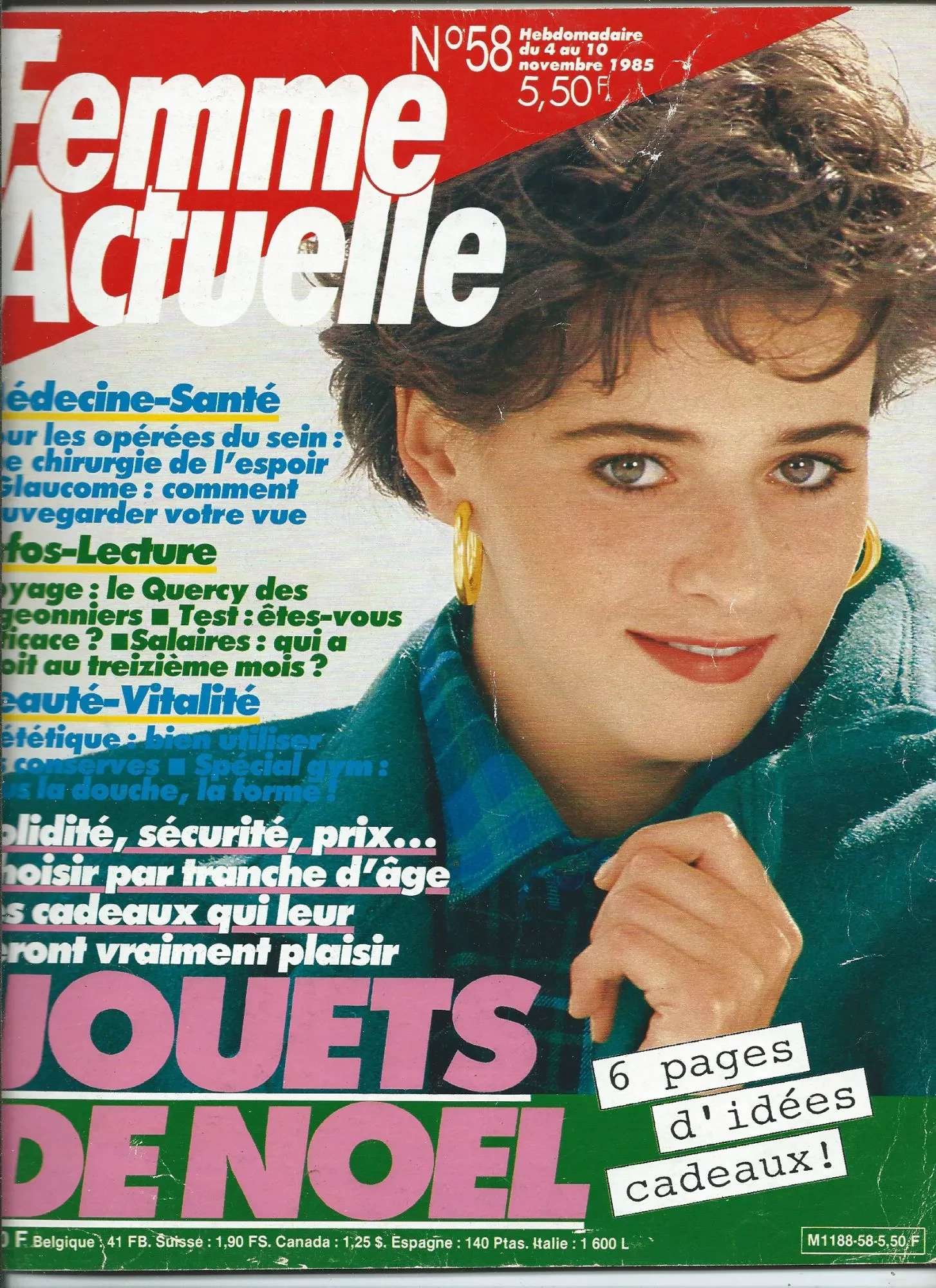
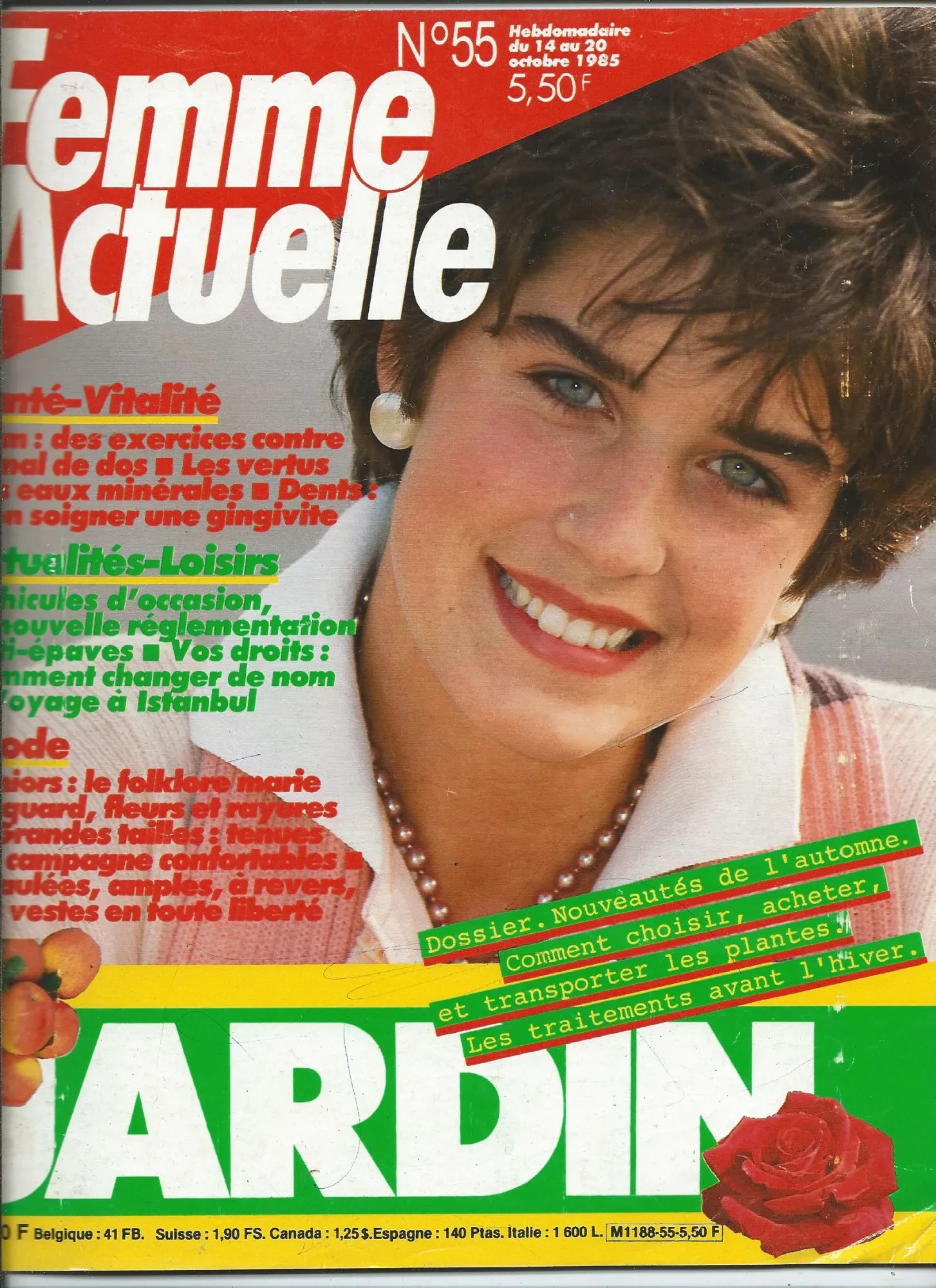
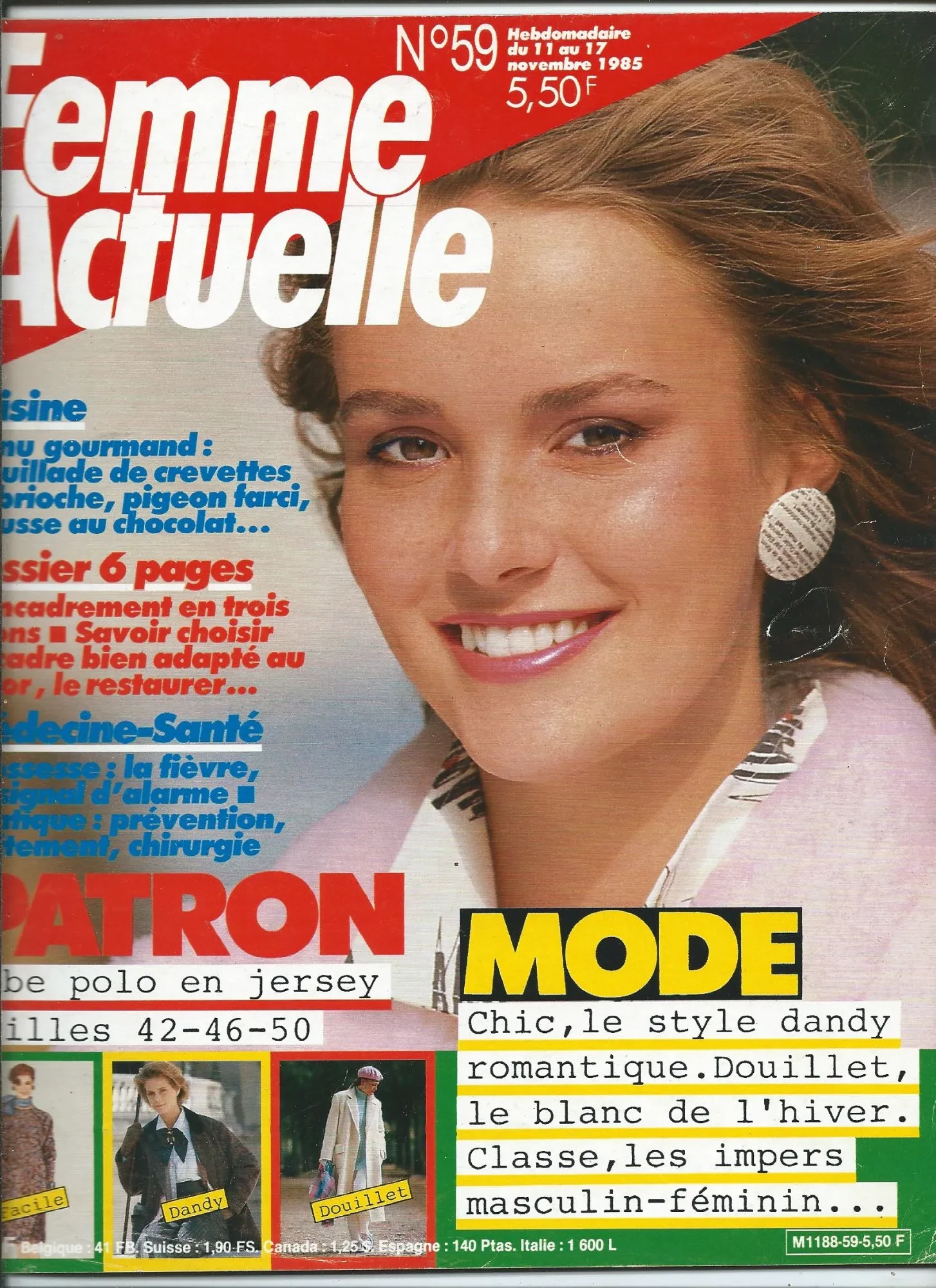
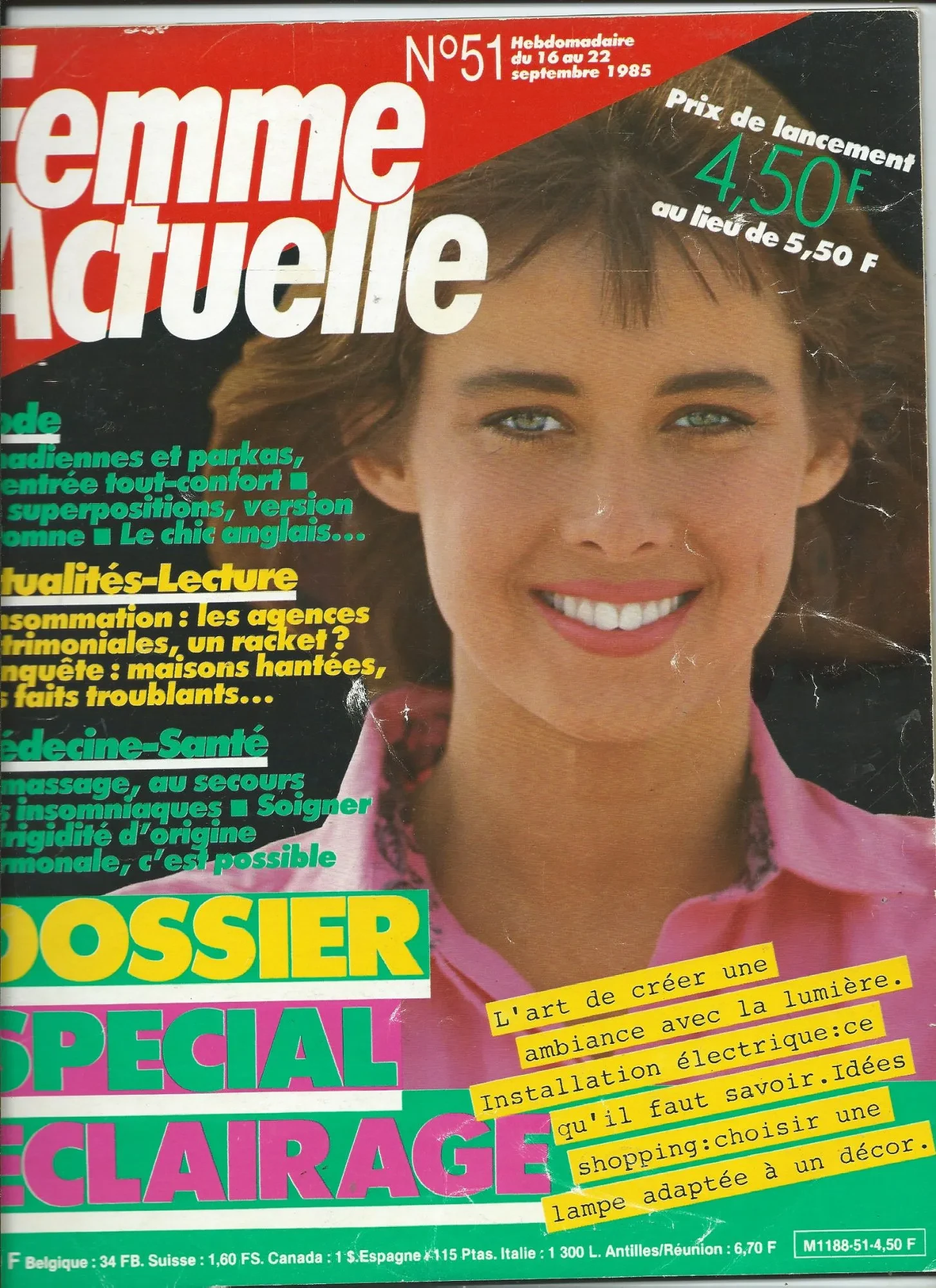
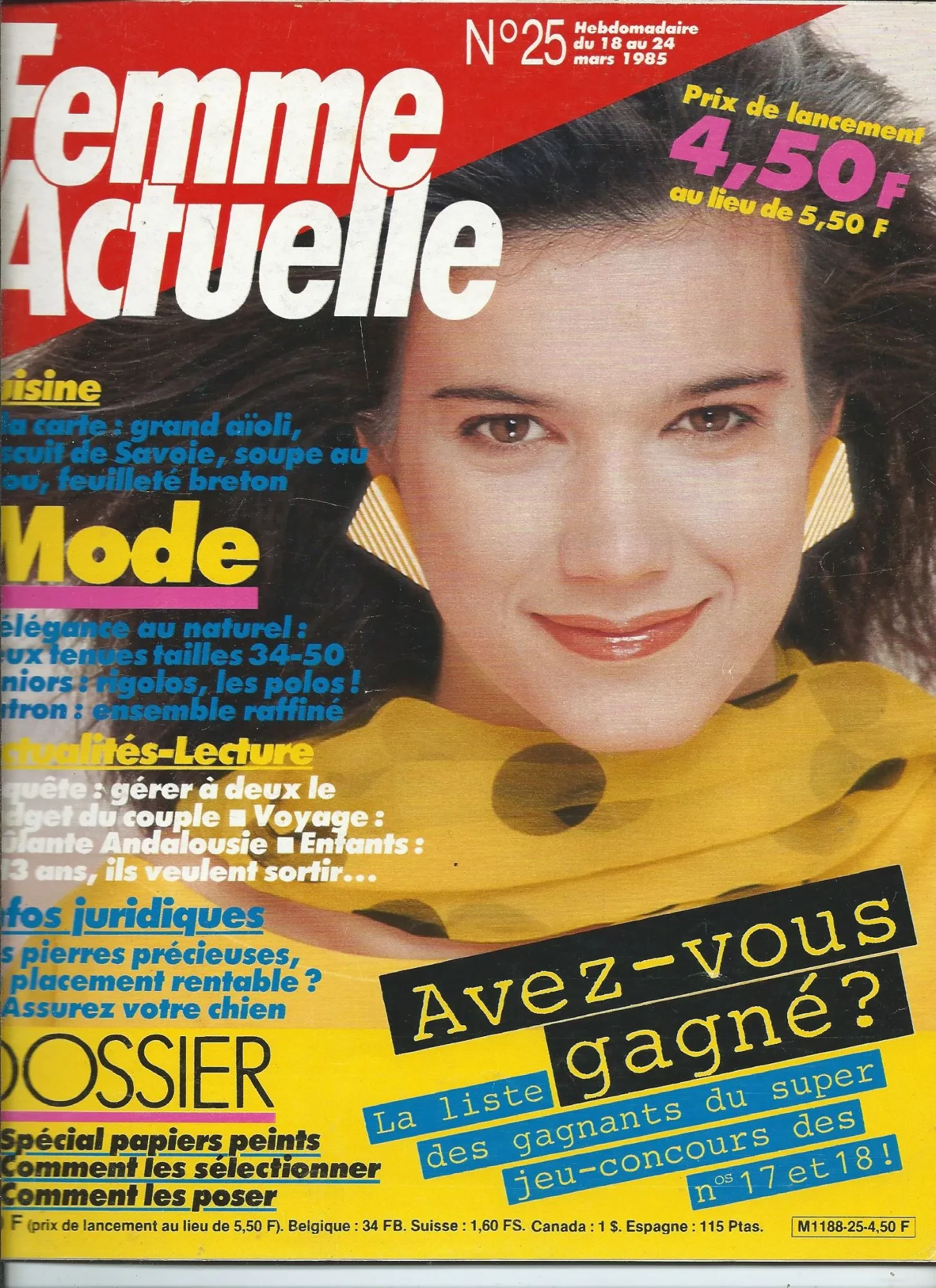
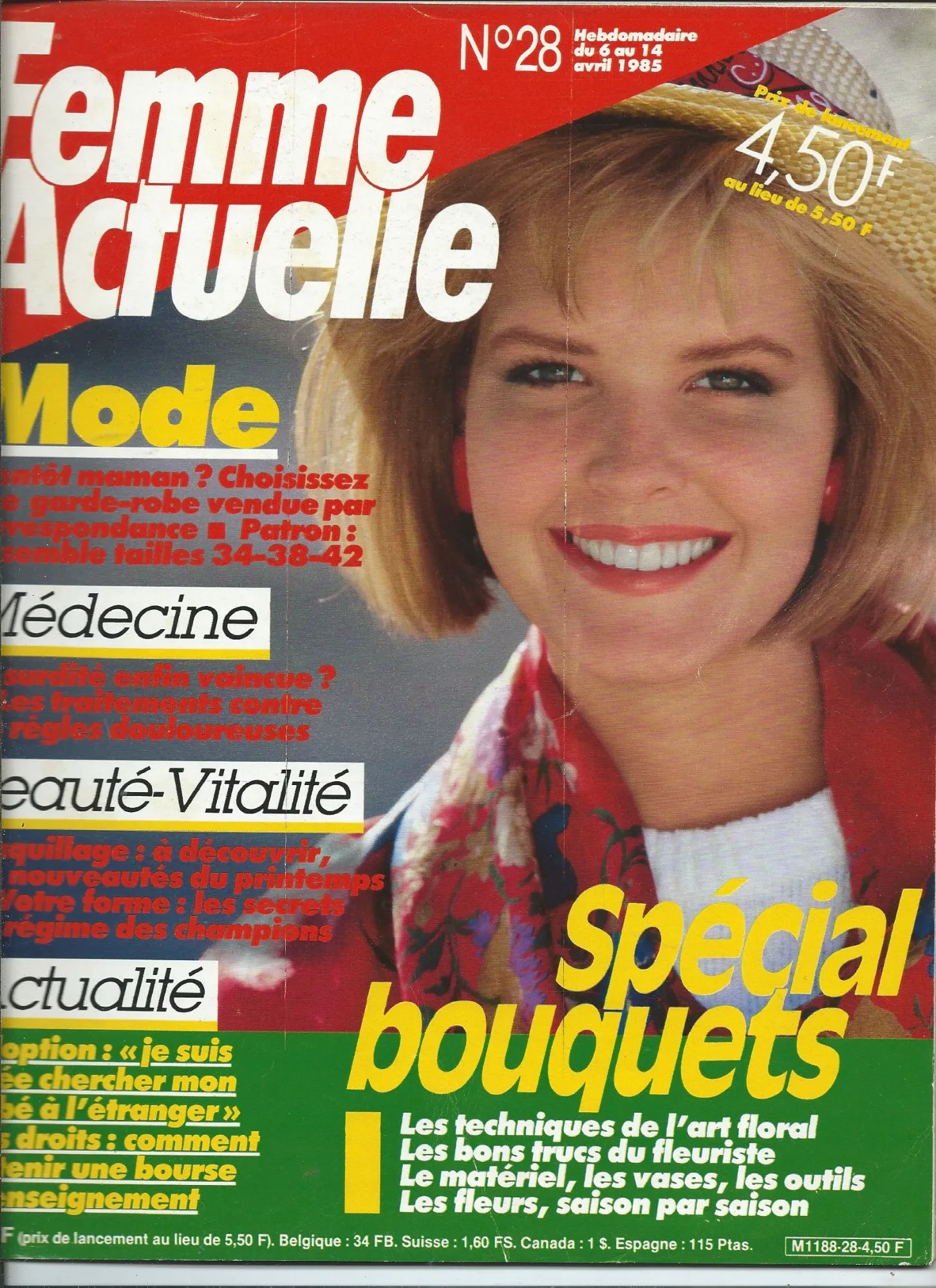
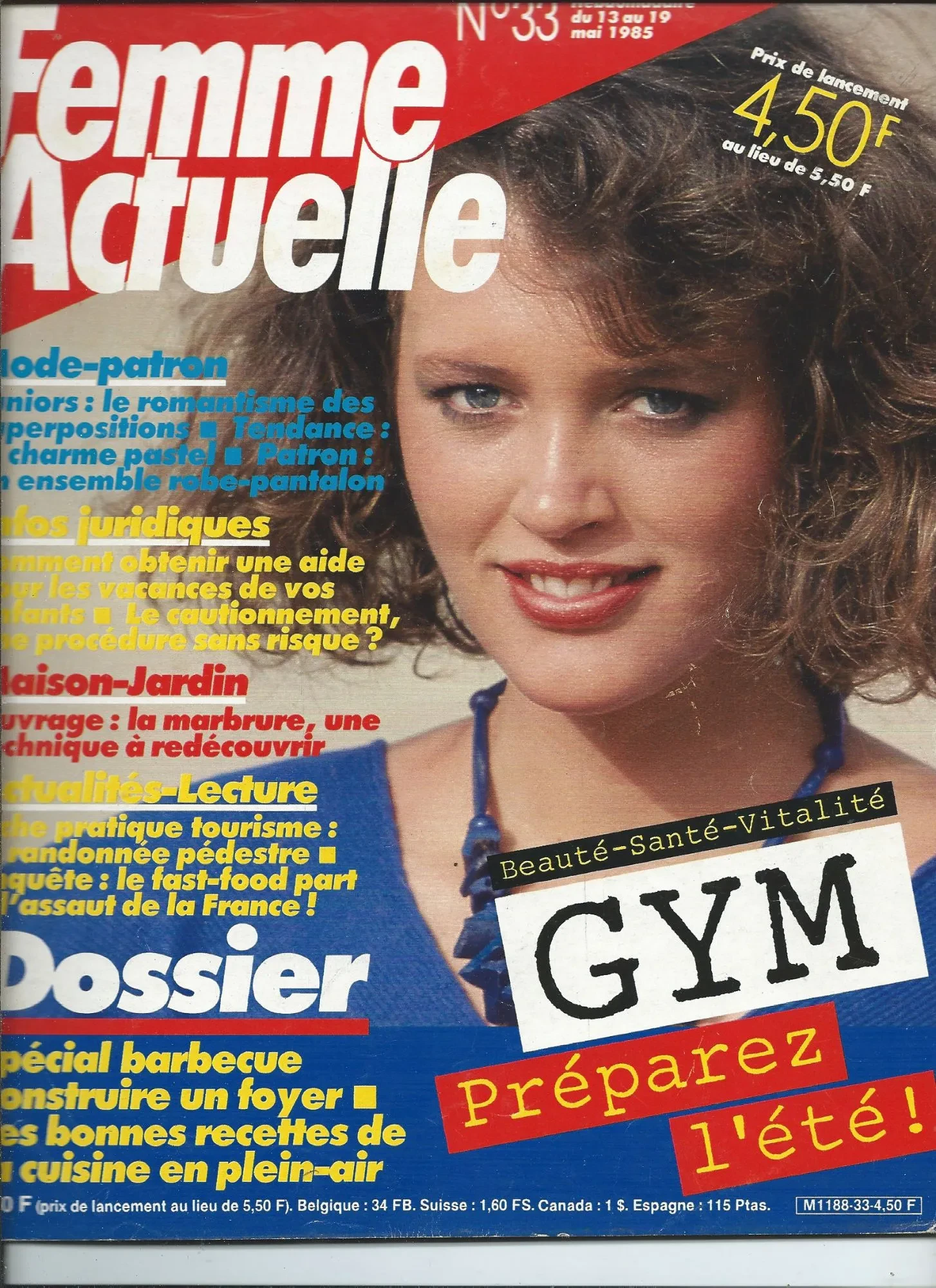
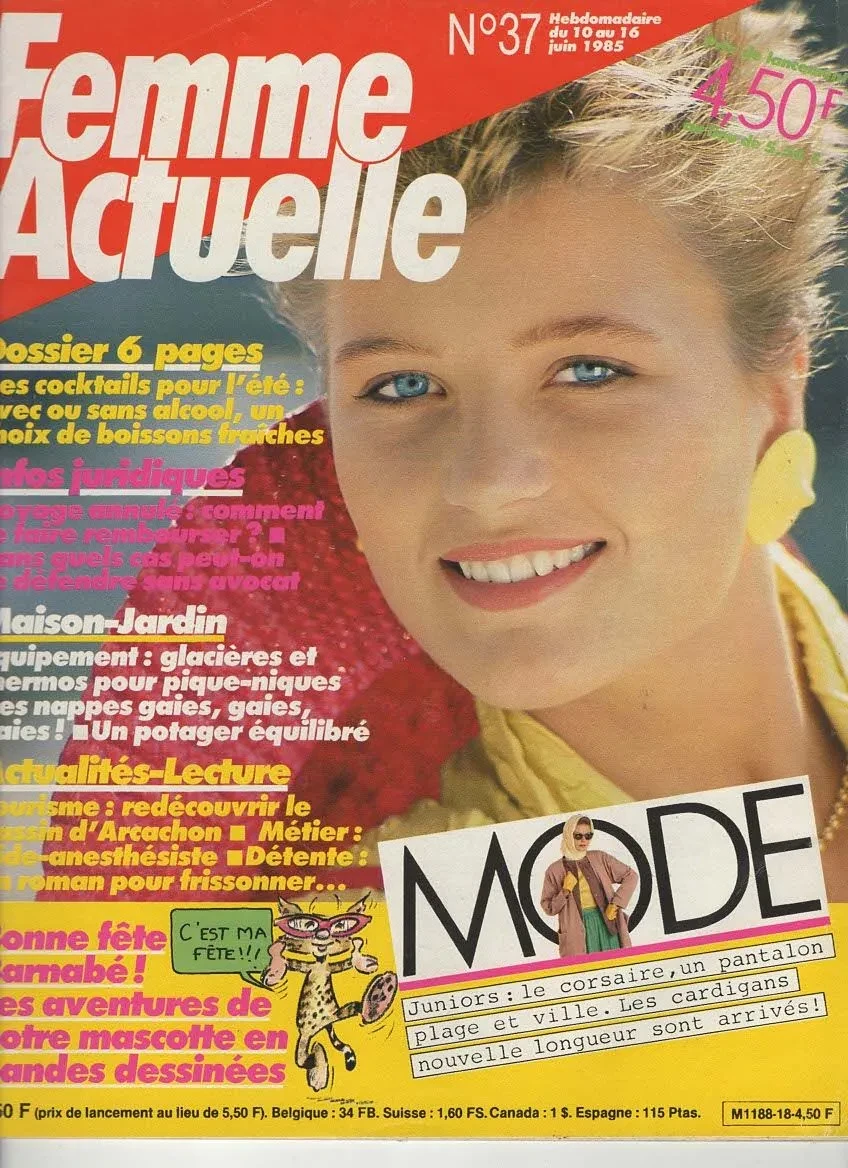
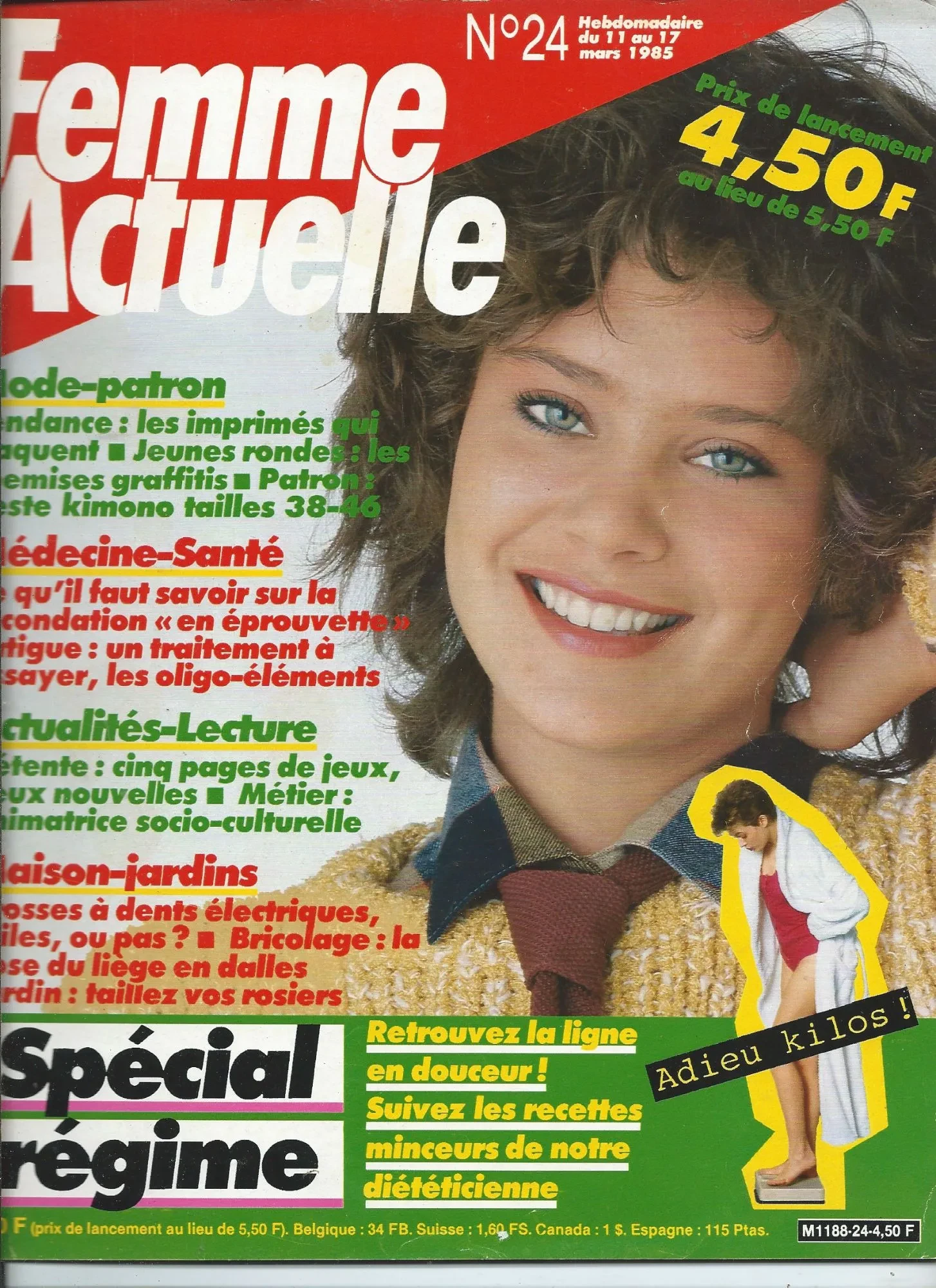
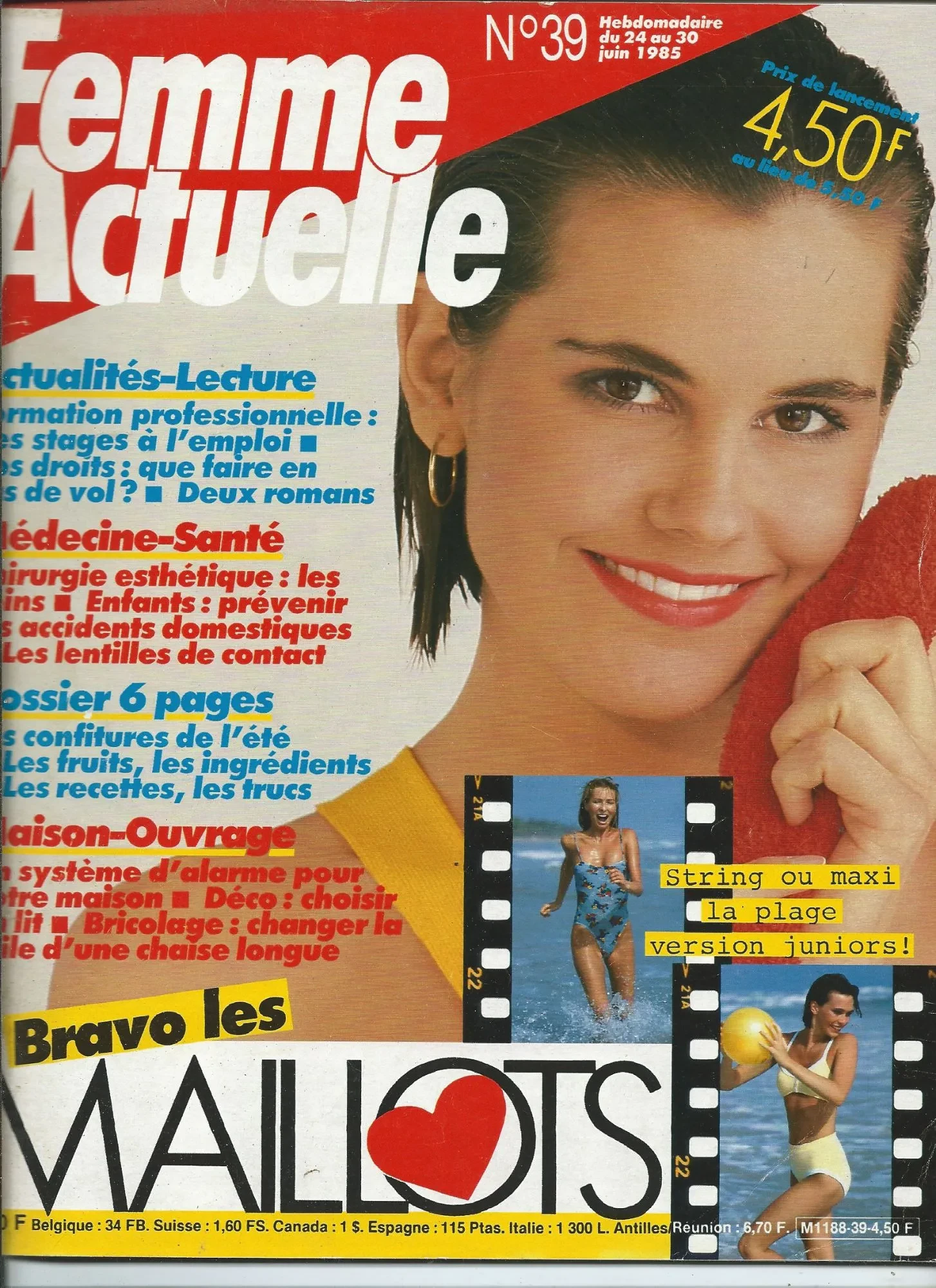
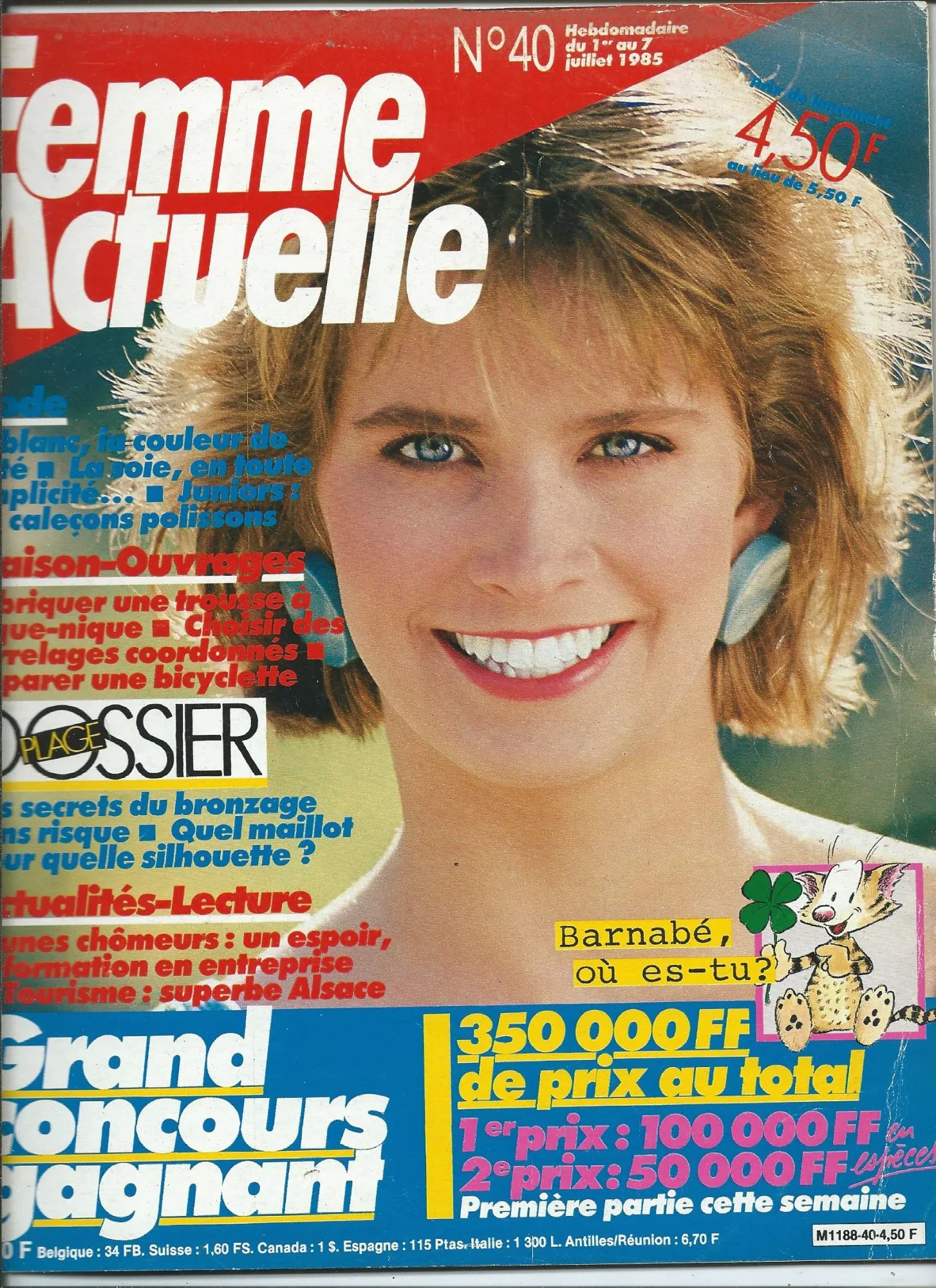
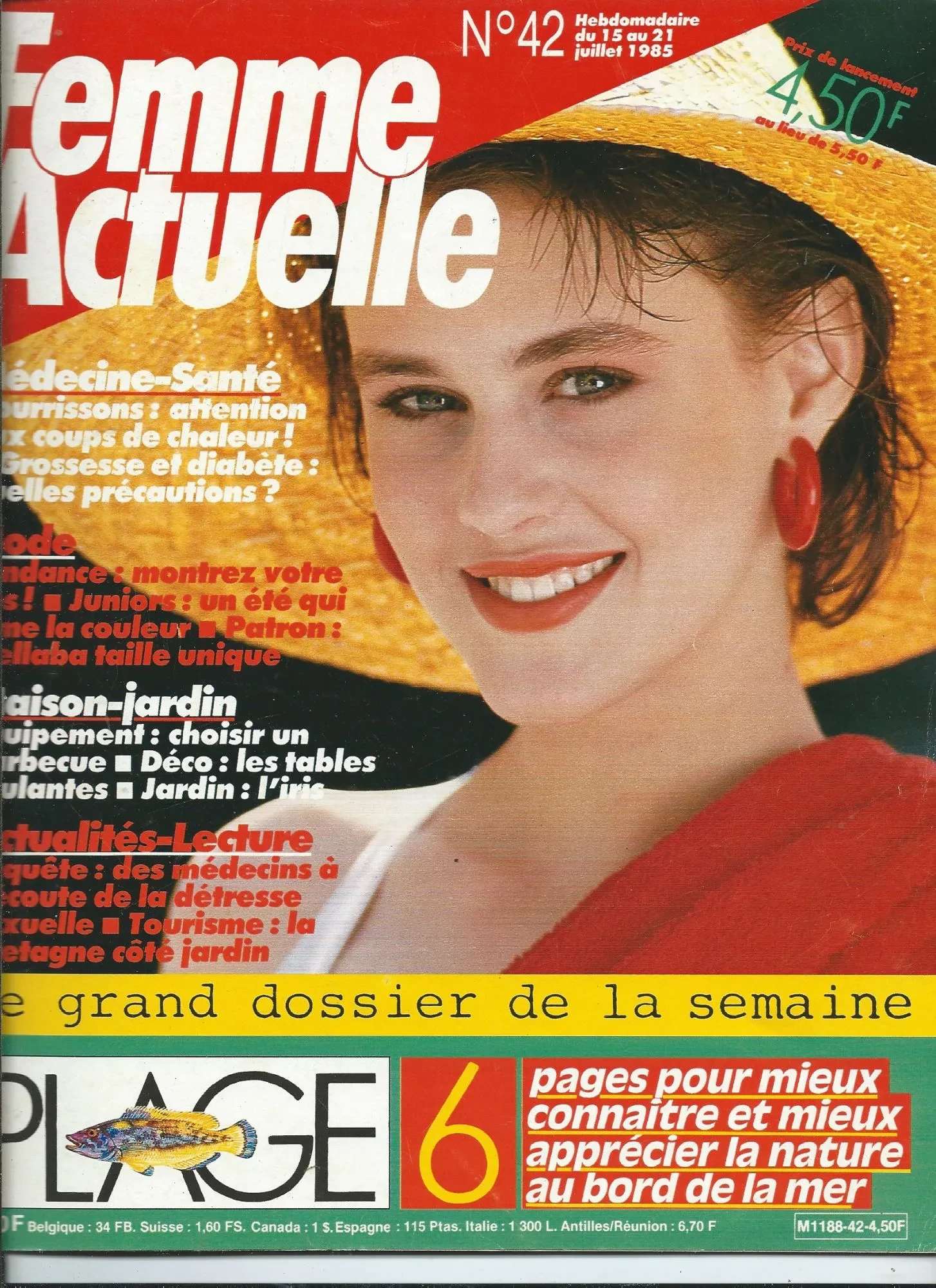
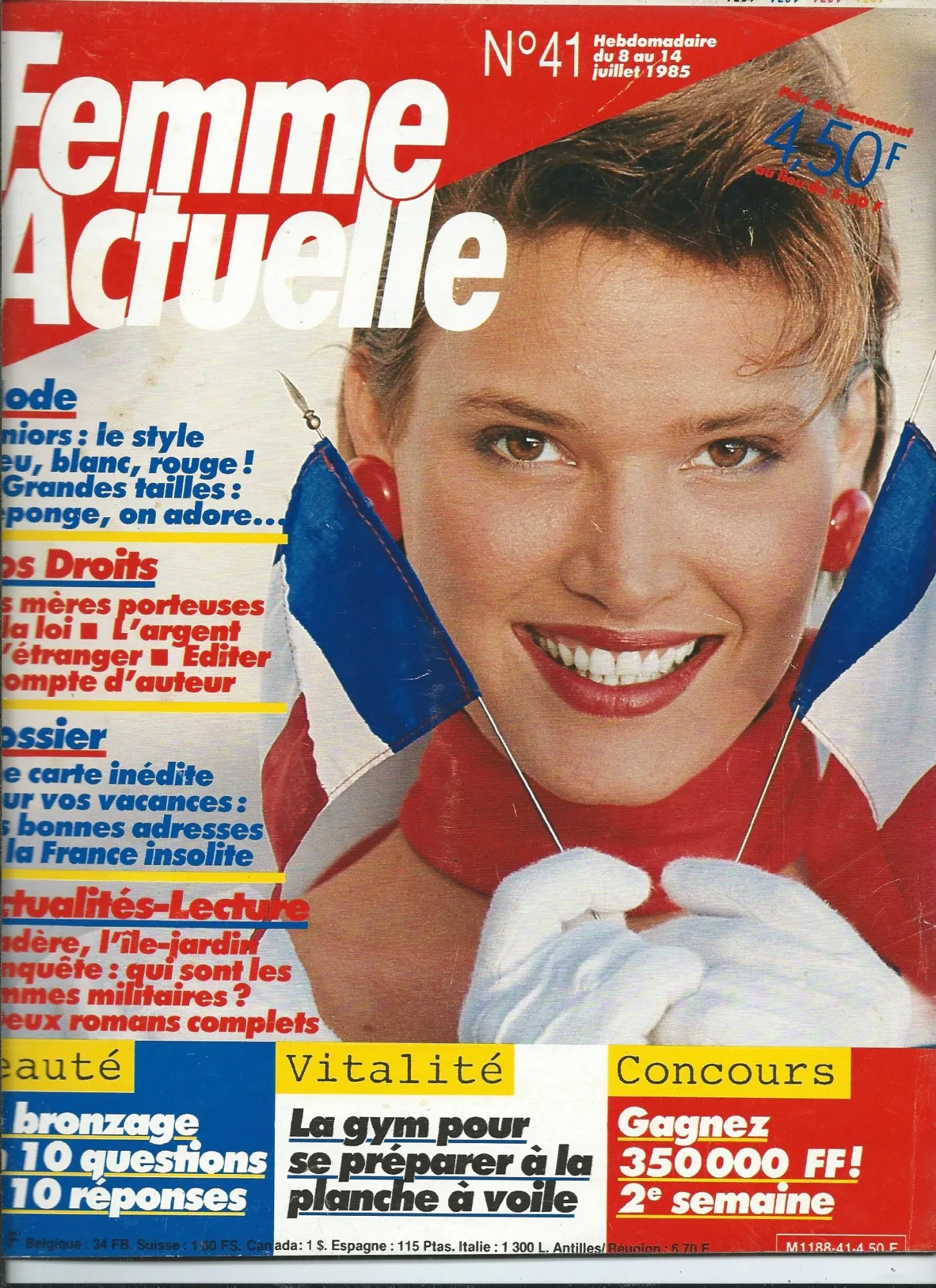
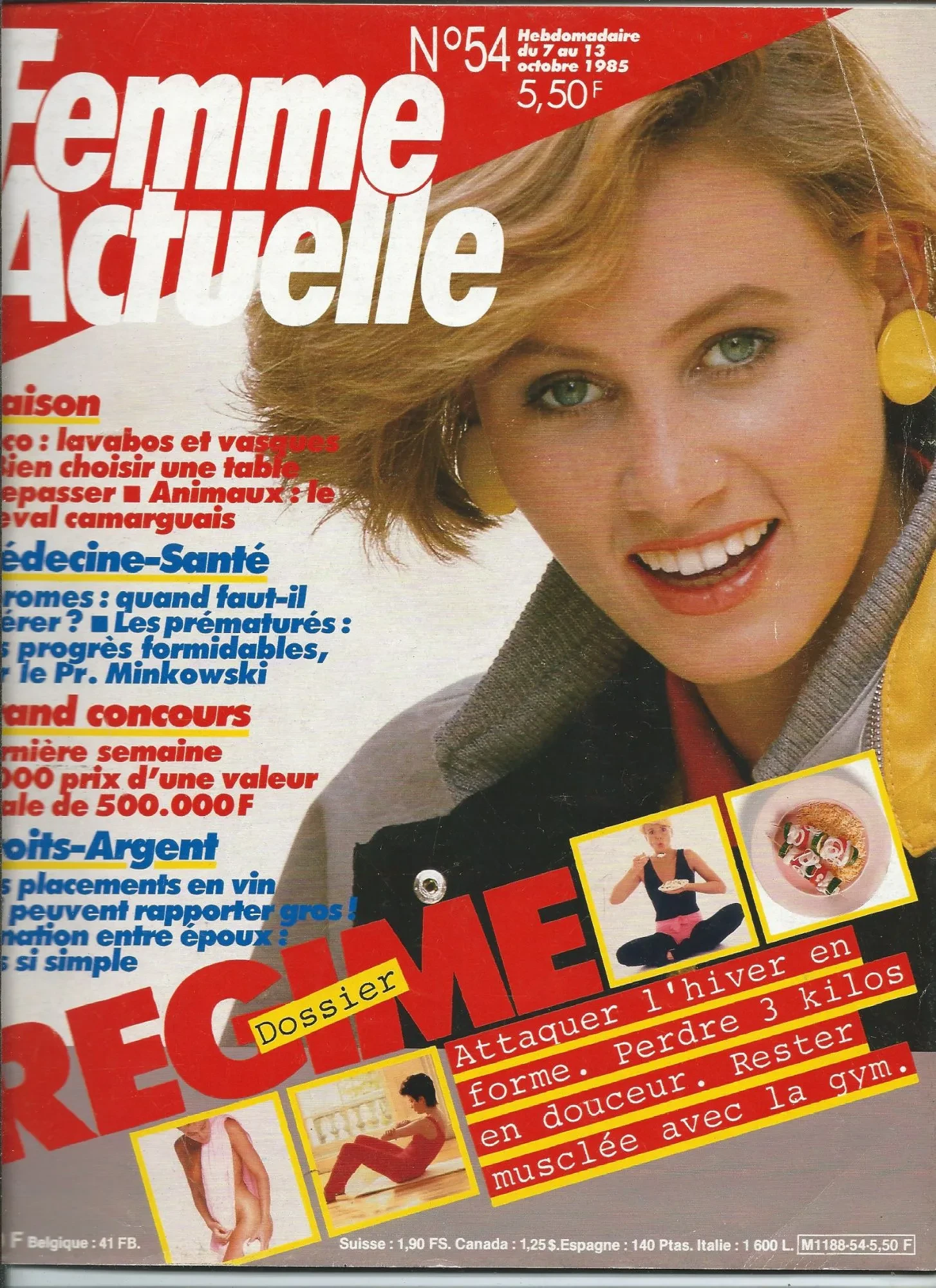
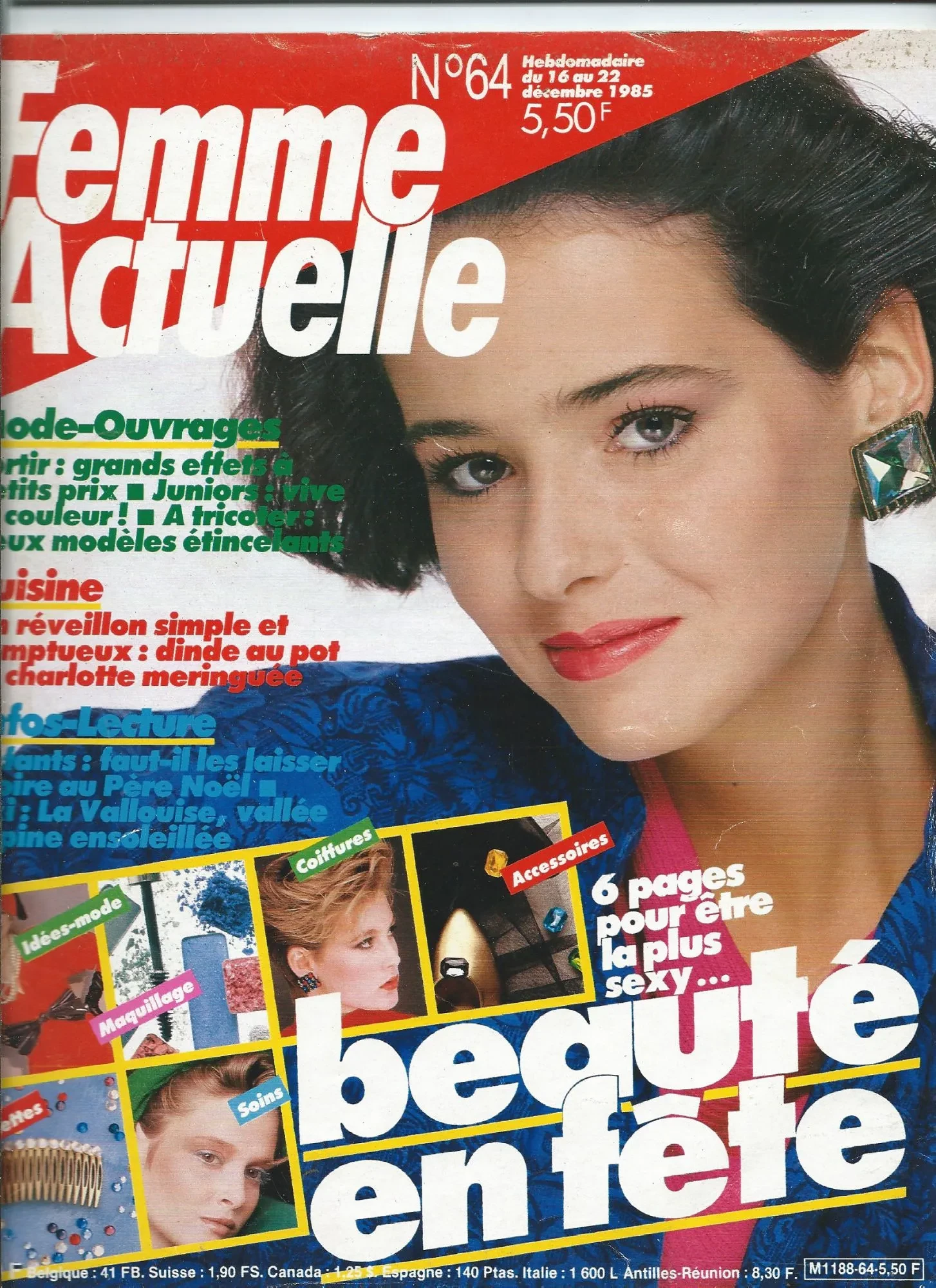
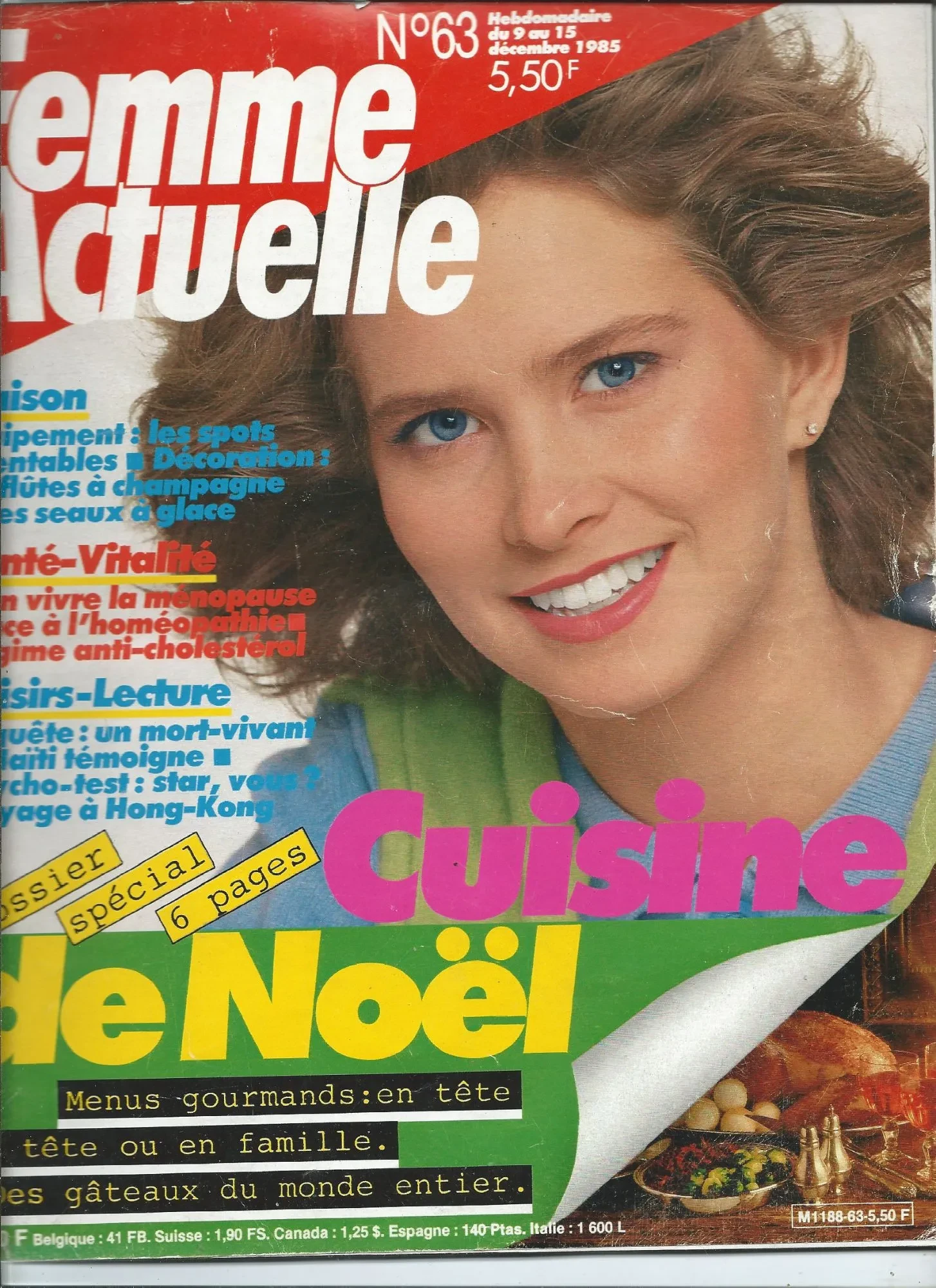
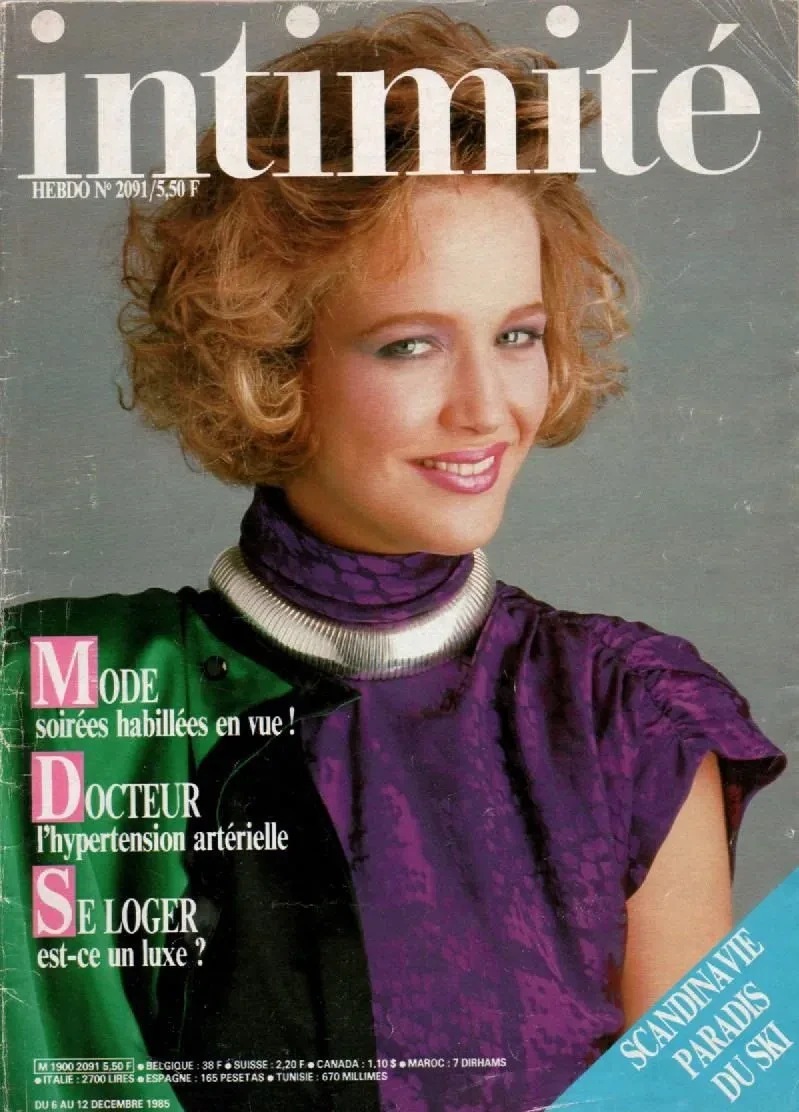
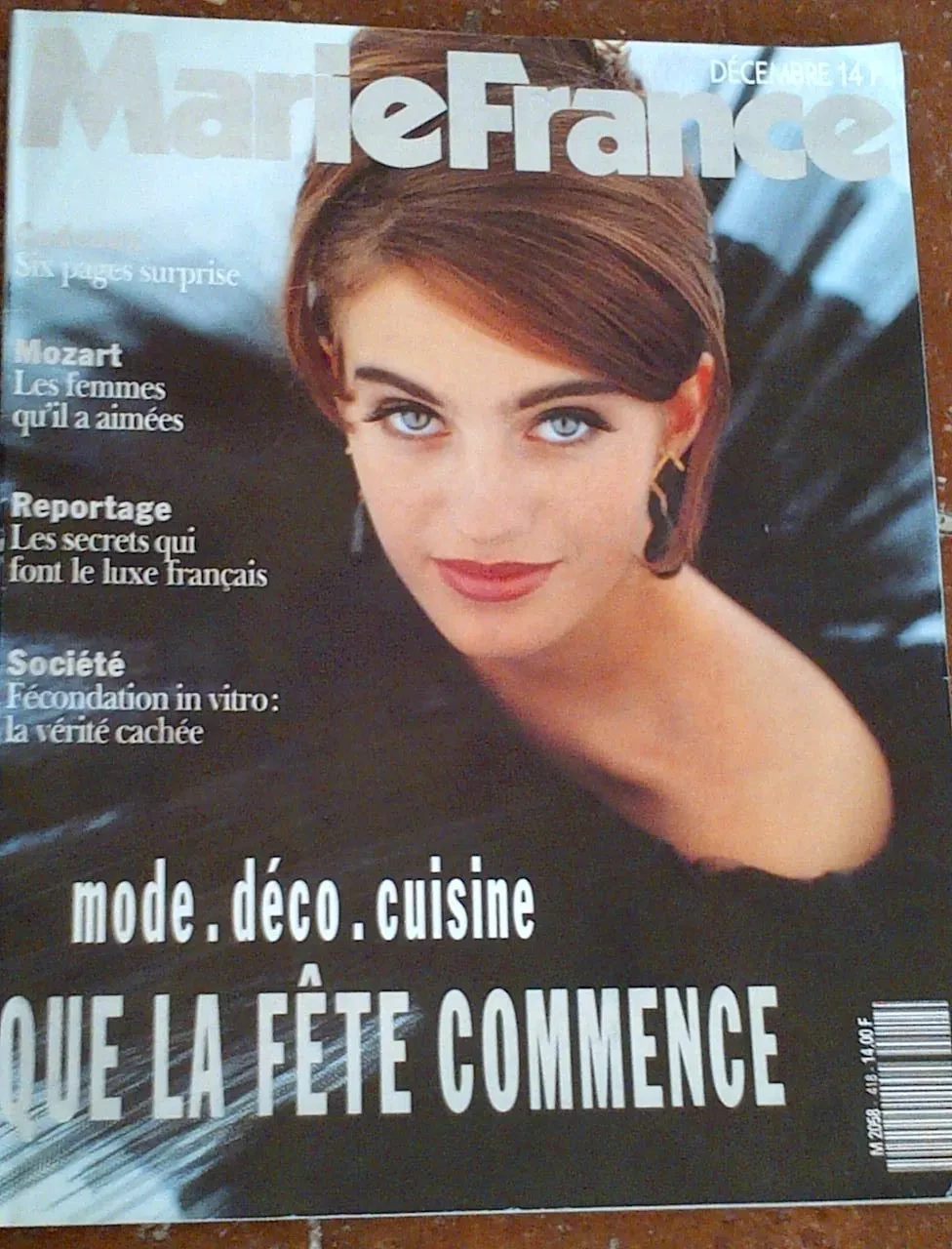
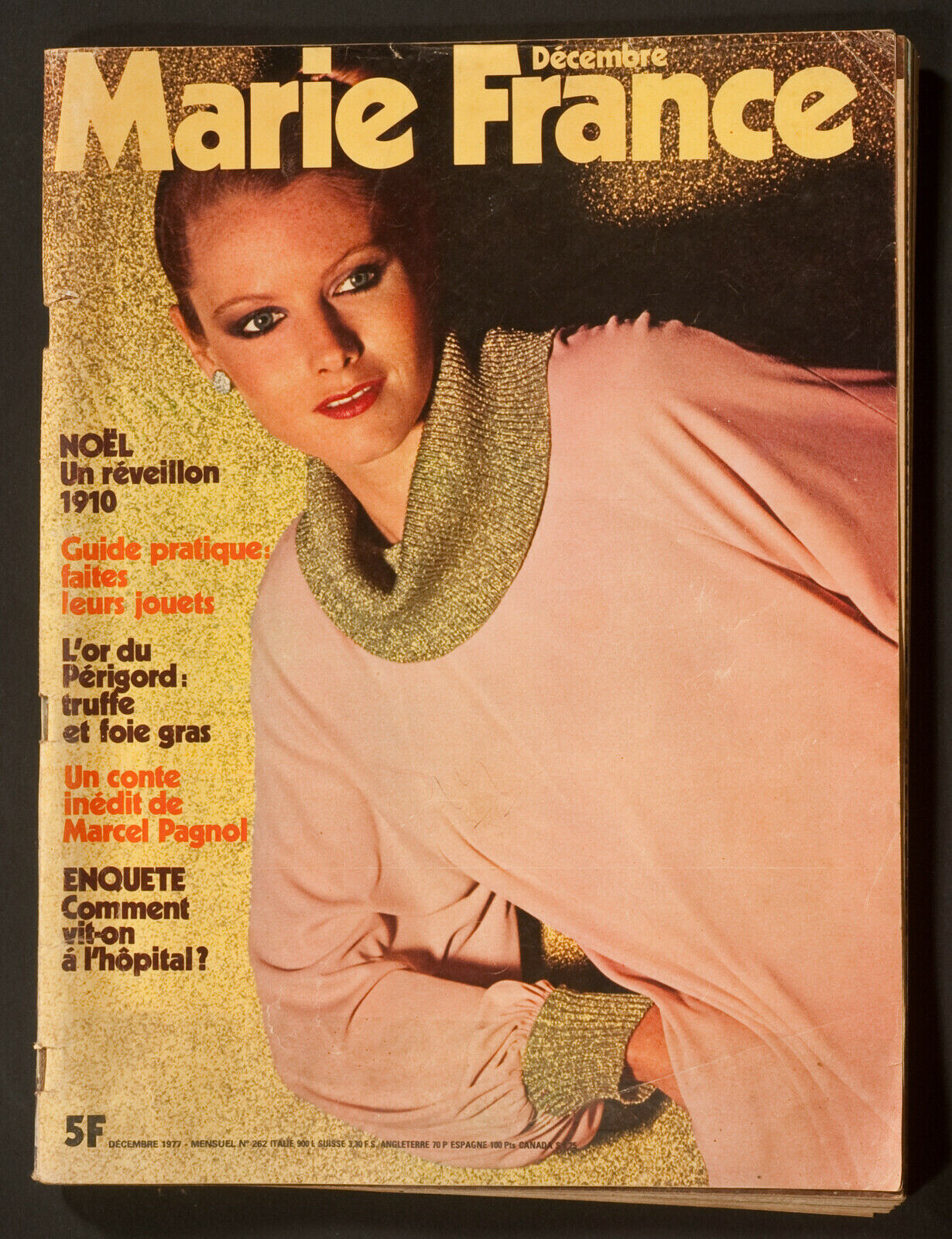
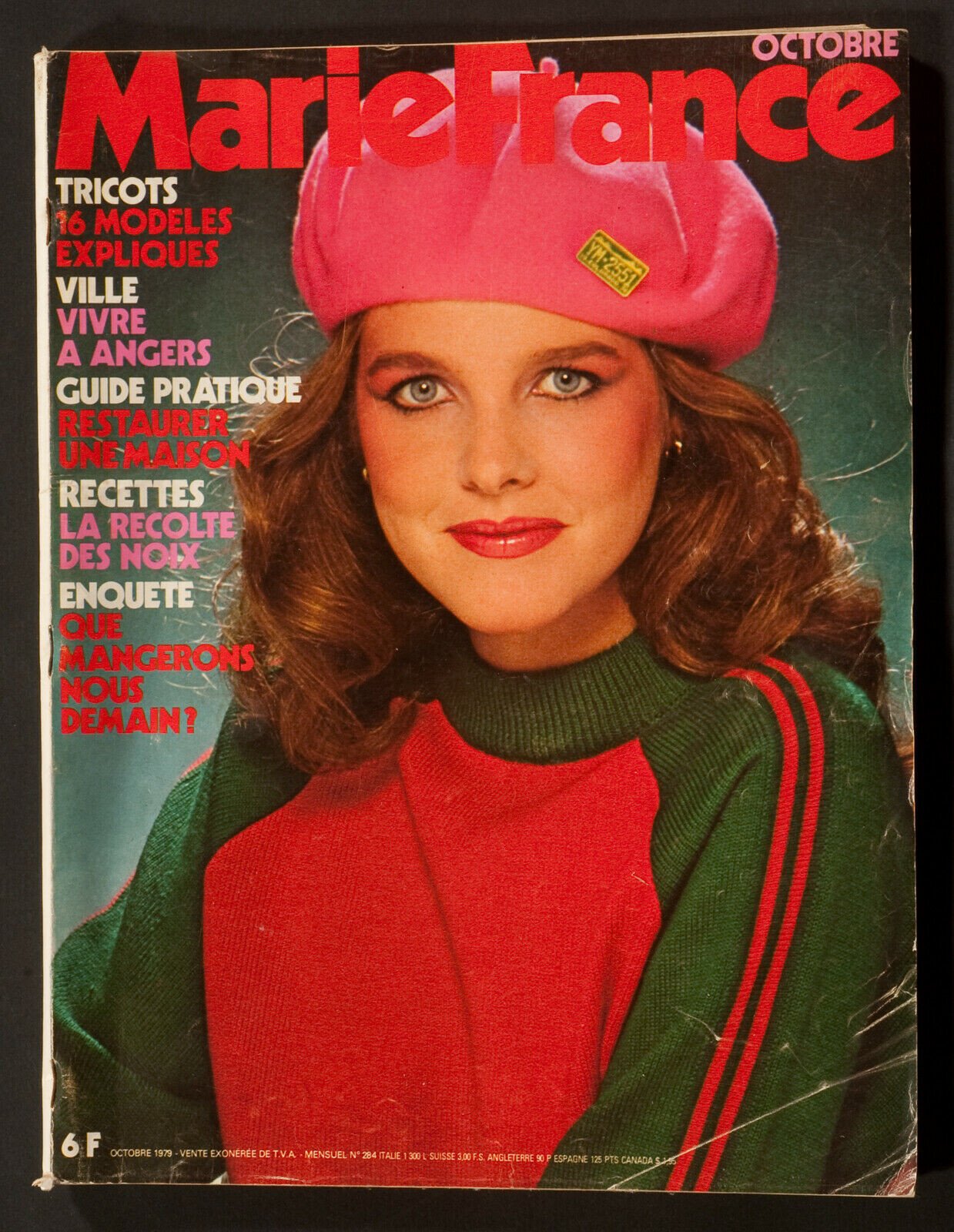
 It´s Karen guys?
Account
Navigation
Search
Configure browser push notifications
Chrome (Android)
- Tap the lock icon next to the address bar.
- Tap Permissions → Notifications.
- Adjust your preference.
Chrome (Desktop)
- Click the padlock icon in the address bar.
- Select Site settings.
- Find Notifications and adjust your preference.
Safari (iOS 16.4+)
- Ensure the site is installed via Add to Home Screen.
- Open Settings App → Notifications.
- Find your app name and adjust your preference.
Safari (macOS)
- Go to Safari → Preferences.
- Click the Websites tab.
- Select Notifications in the sidebar.
- Find this website and adjust your preference.
Edge (Android)
- Tap the lock icon next to the address bar.
- Tap Permissions.
- Find Notifications and adjust your preference.
Edge (Desktop)
- Click the padlock icon in the address bar.
- Click Permissions for this site.
- Find Notifications and adjust your preference.
Firefox (Android)
- Go to Settings → Site permissions.
- Tap Notifications.
- Find this site in the list and adjust your preference.
Firefox (Desktop)
- Open Firefox Settings.
- Search for Notifications.
- Find this site in the list and adjust your preference.



























































.jpg.39f5a4a96165c397ebfeee6bc03319d1.jpg)







.JPG.1666a409a5b6a2ed9c15b9fe932848e6.JPG)