
Jump to content
View in the app

A better way to browse. Learn more.

Bellazon

A full-screen app on your home screen with push notifications, badges and more.

To install this app on iOS and iPadOS
  1. Tap the Share icon in Safari
  2. Scroll the menu and tap Add to Home Screen.
  3. Tap Add in the top-right corner.
To install this app on Android
  1. Tap the 3-dot menu (⋮) in the top-right corner of the browser.
  2. Tap Add to Home screen or Install app.
  3. Confirm by tapping Install.

Beautiful Women lover

Members
  • Joined

  • Last visited

Everything posted by Beautiful Women lover

  1. You welcome😁! Hope you enjoy the amazing woman Ignacia is
  2. Ignacia for preunic.cl on Instagram, supporting Te Protejo vegan brand preunic_cl_20210508_3.mp4
  3. Promoting browbeauty.cl (IG story) InShot_20211203_194859398.mp4
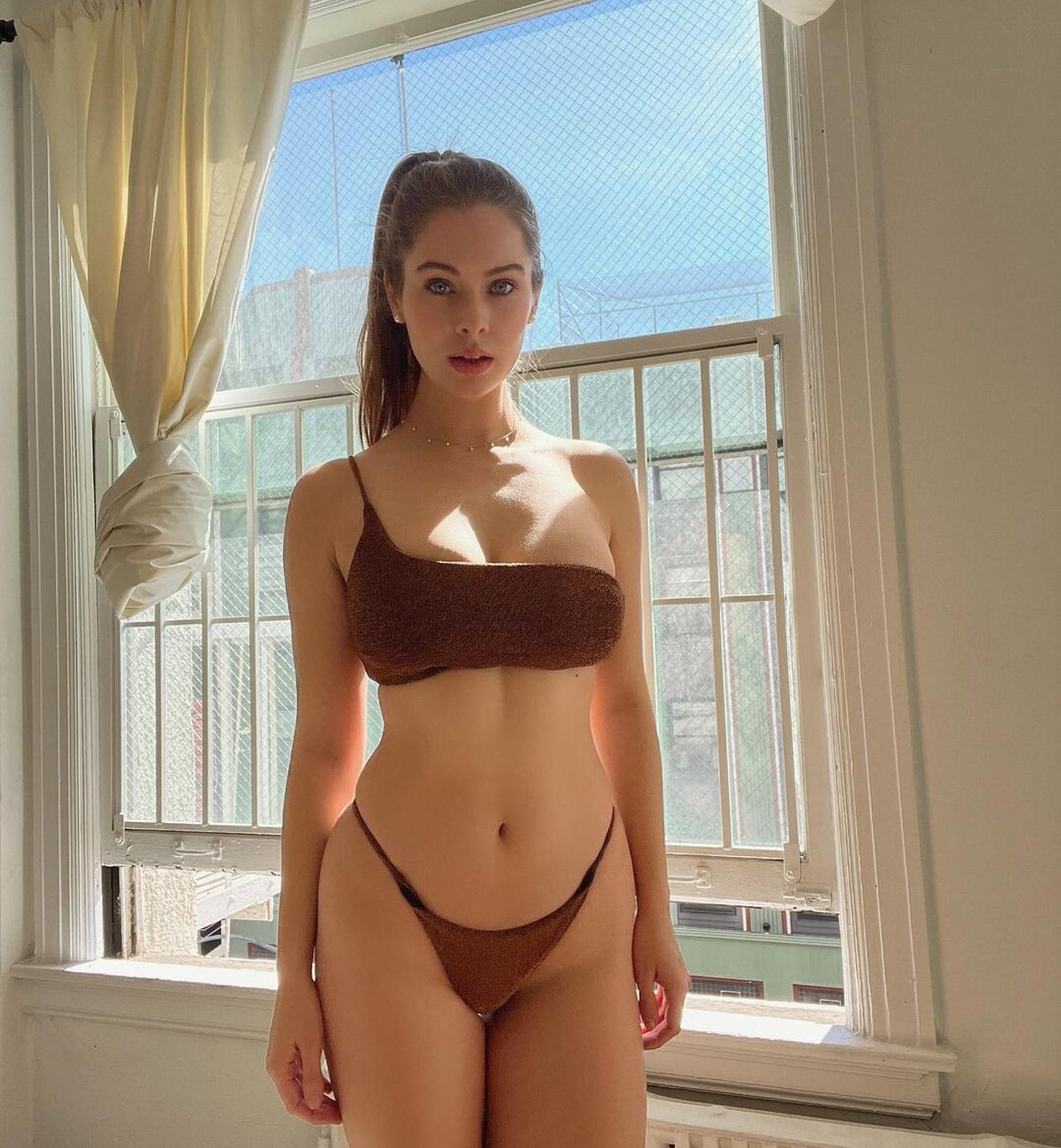
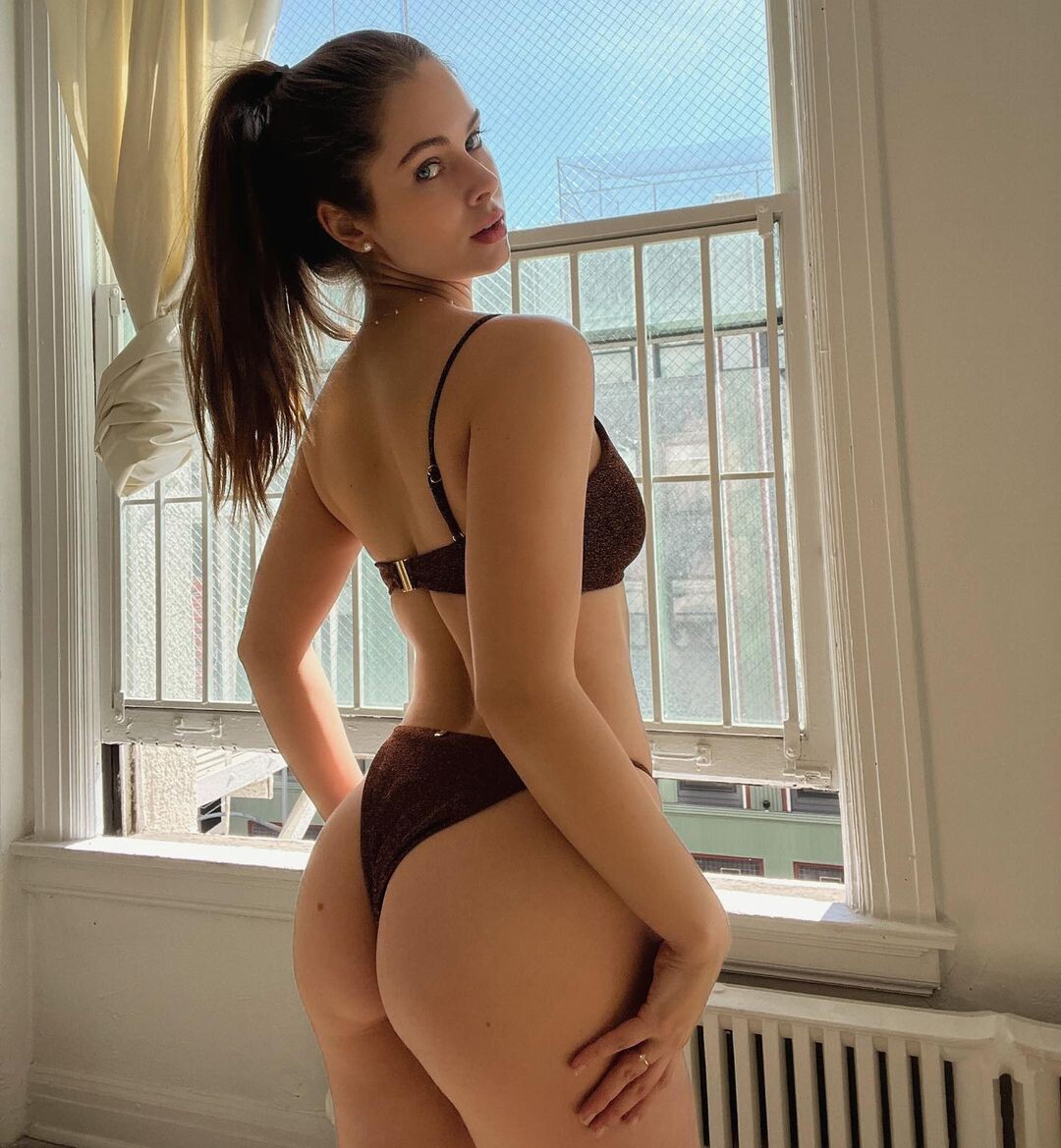
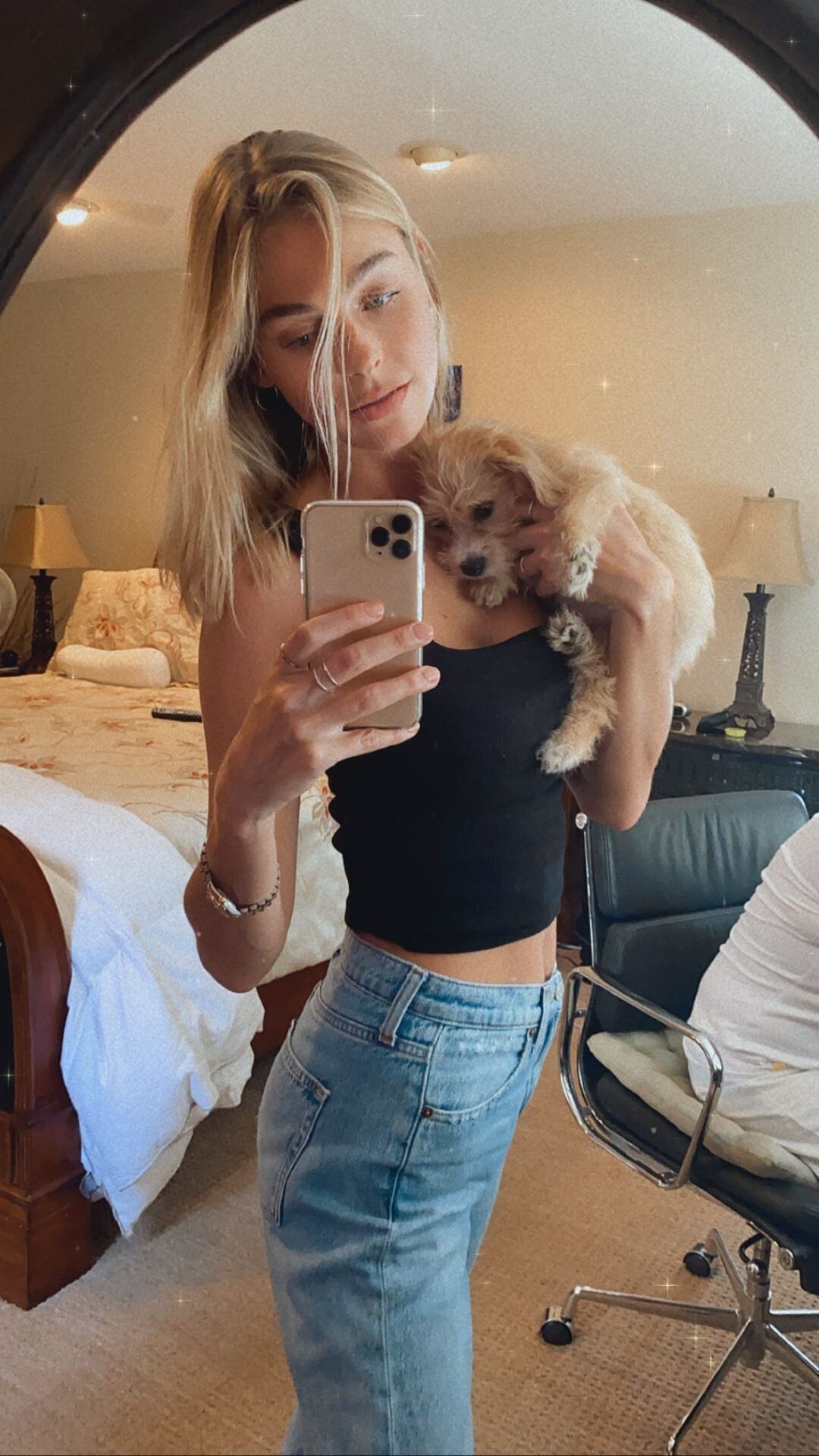
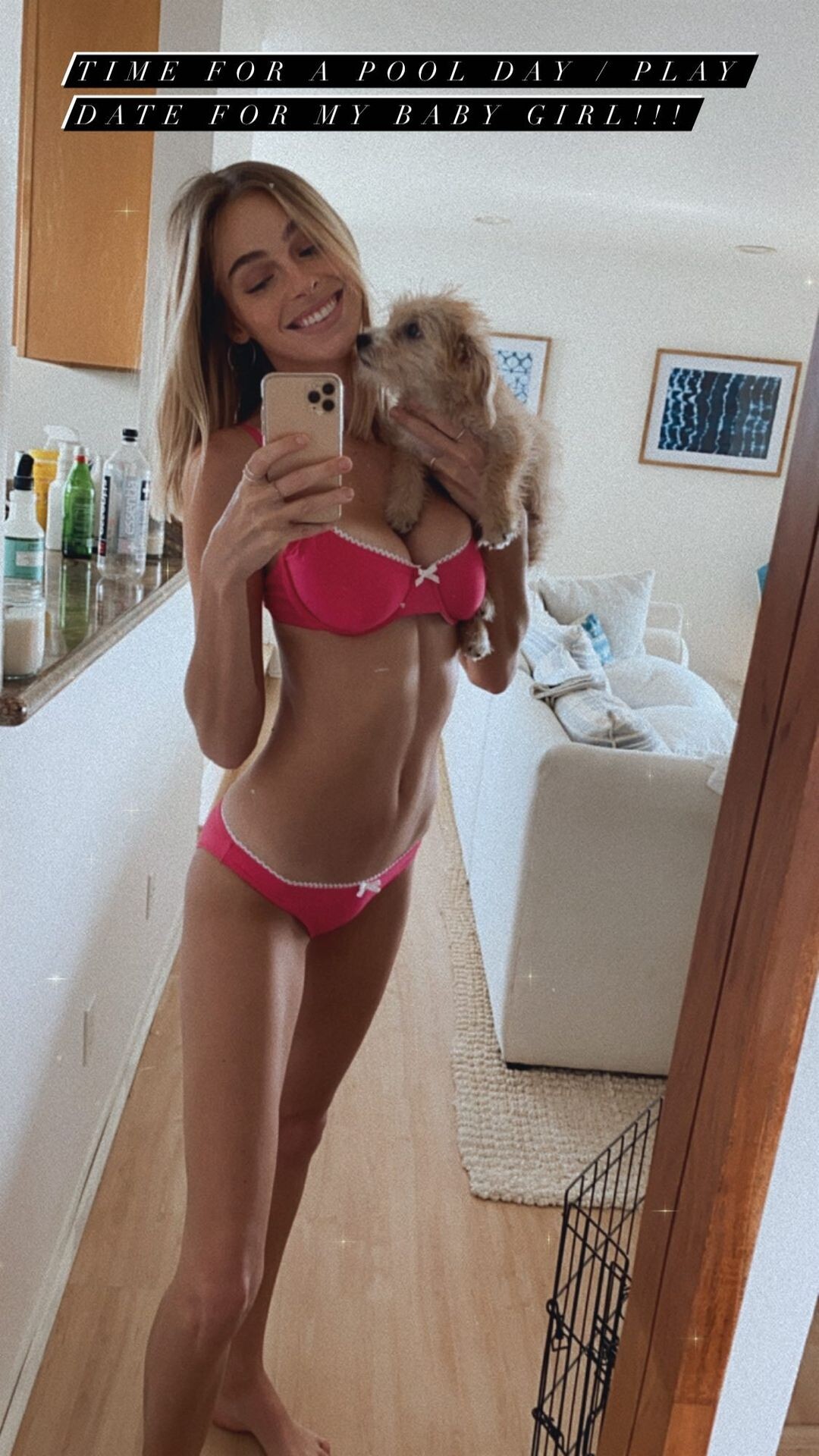
  4. She remains beautiful, even with the weight loss, she hasn't changed her character but is mostly inactive on social media. She may no longer does sexy photoshoot sessions, the fact she hasn't used Botox in her body is a plus, also showing love to her puppy Zoe.
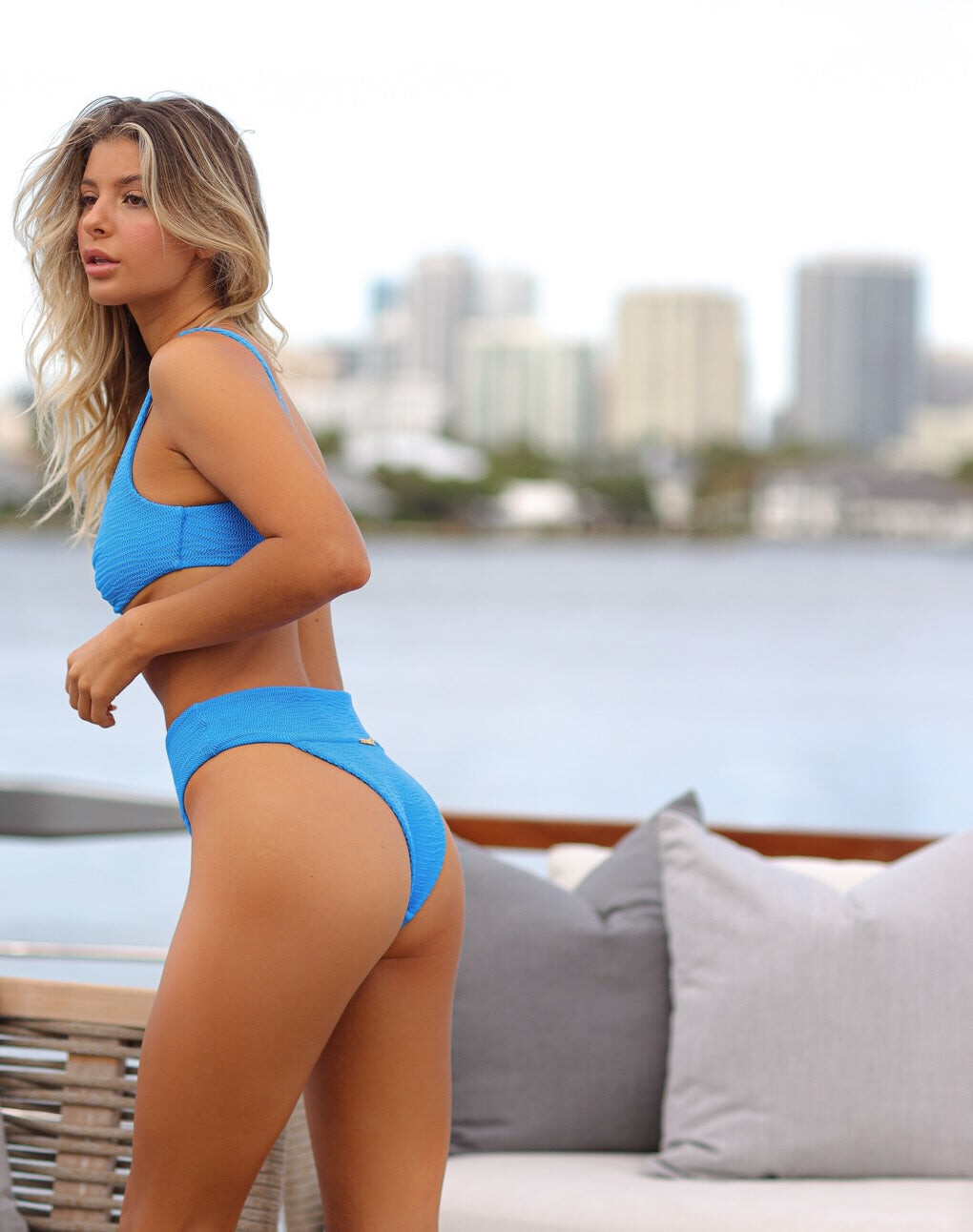
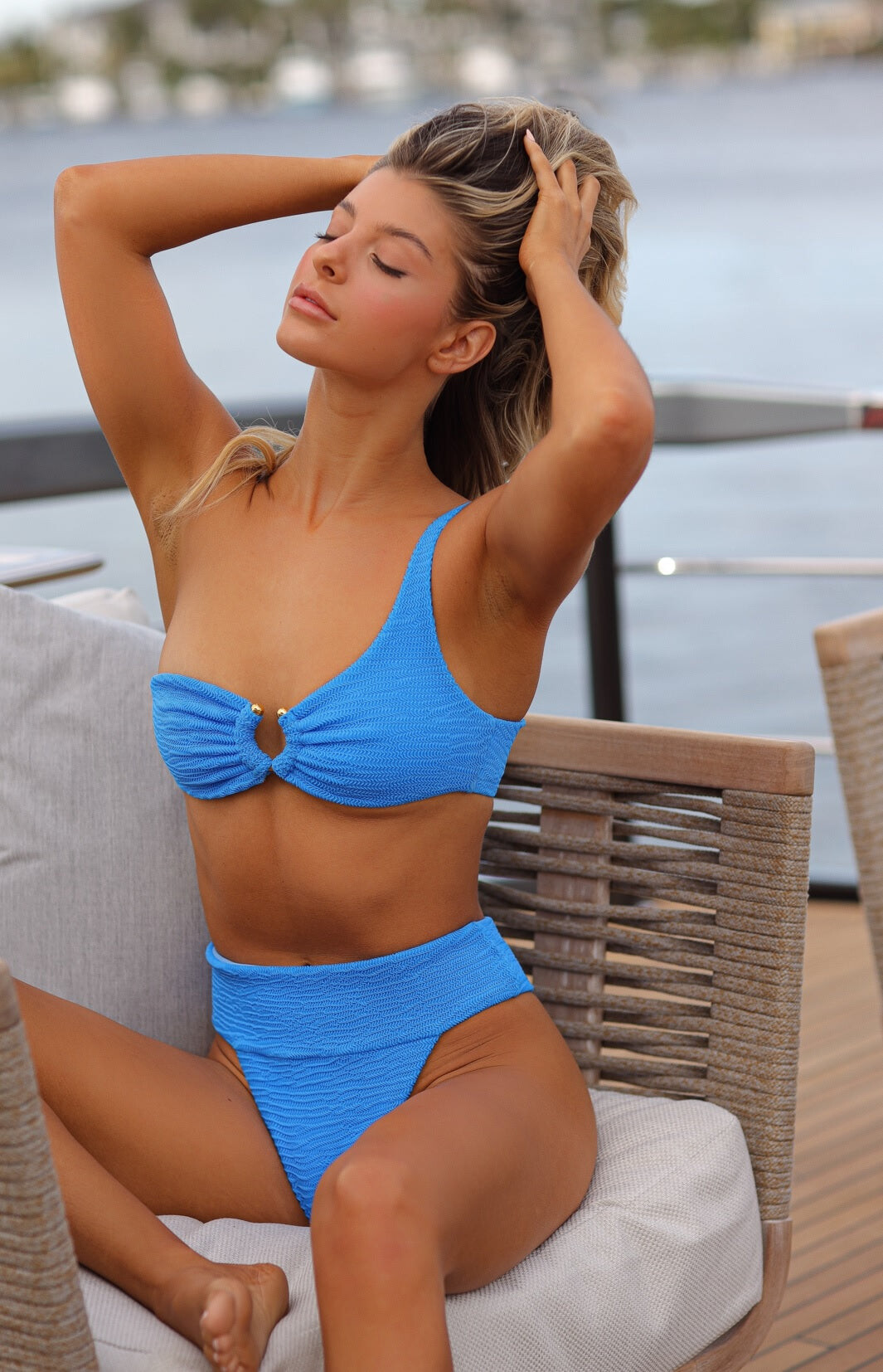
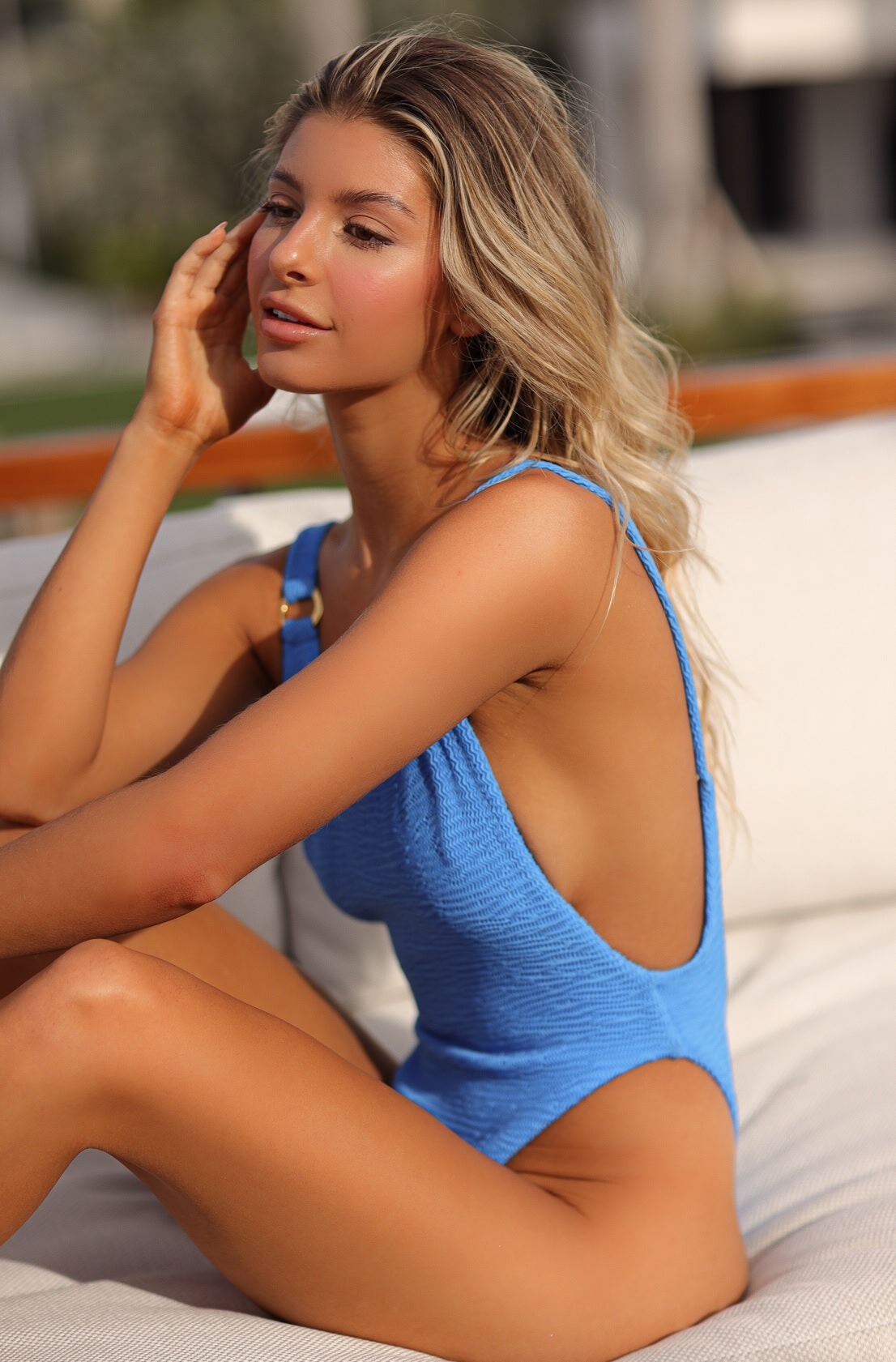
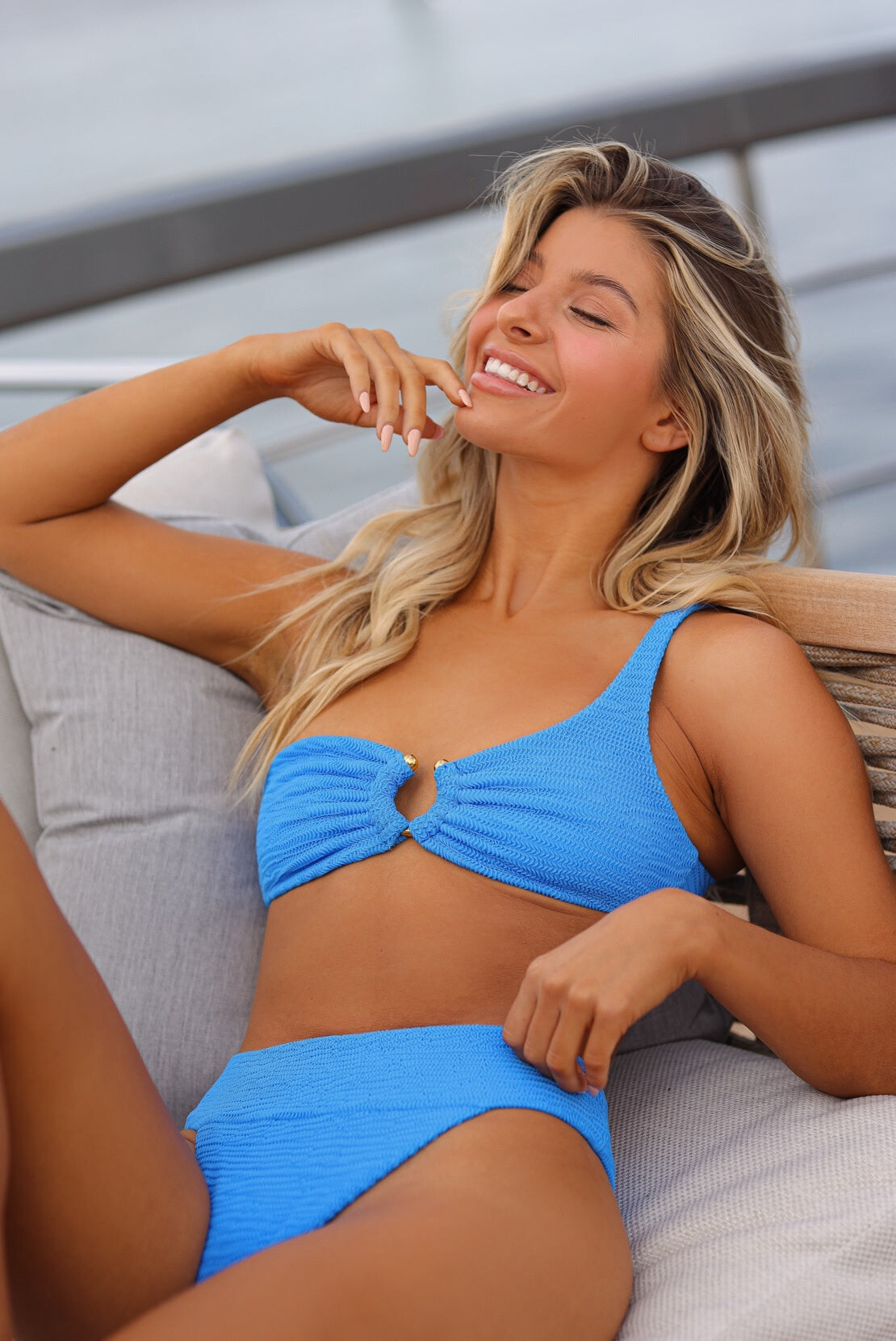
  5. Valiére Swim from IG (IG:valiereswim)
  6. Aliexpress TrendSpotting event (reel from her IG) -1628887289.mp4
  7. IG stories from personal account ignacia.fdez_20220304_2.mp4 ignacia.fdez_20220304_0.mp4
  8. panama.joyas IG story paname.joyas_20220304_1.mp4
  9. Friday 5 of march Instagram post
  10. 💥New battle!💥 💛Elizabeth Turner💛 VS 🖤Elizabeth Kovaleko🖤
  11. Nick D'orazio (IG: nickdorazio)
  12. Ignacia singing IG story InShot_20200808_000705642.mp4
  13. TikTok (Asparagus27) BaddieGirls_1487945803951976451(720P).mp4 RegularEcstaticArmadillo.mp4 872103820.mp4 asparagus27_20220211_1.mp4 asparagus27_20220211_2.mp4 asparagus27_20220211_4.mp4 asparagus27_20220211_3.mp4 asparagus27_20220211_5.mp4 asparagus27_20220211_6.mp4
  14. Next management Sarah Waddles(1080P_HD).mp4

Configure browser push notifications

Chrome (Android)
  1. Tap the lock icon next to the address bar.
  2. Tap Permissions → Notifications.
  3. Adjust your preference.
Chrome (Desktop)
  1. Click the padlock icon in the address bar.
  2. Select Site settings.
  3. Find Notifications and adjust your preference.