Jump to content
View in the app

A better way to browse. Learn more.

Bellazon

A full-screen app on your home screen with push notifications, badges and more.

To install this app on iOS and iPadOS
  1. Tap the Share icon in Safari
  2. Scroll the menu and tap Add to Home Screen.
  3. Tap Add in the top-right corner.
To install this app on Android
  1. Tap the 3-dot menu (⋮) in the top-right corner of the browser.
  2. Tap Add to Home screen or Install app.
  3. Confirm by tapping Install.

zorzabosti

Members
  • Joined

  • Last visited

Everything posted by zorzabosti

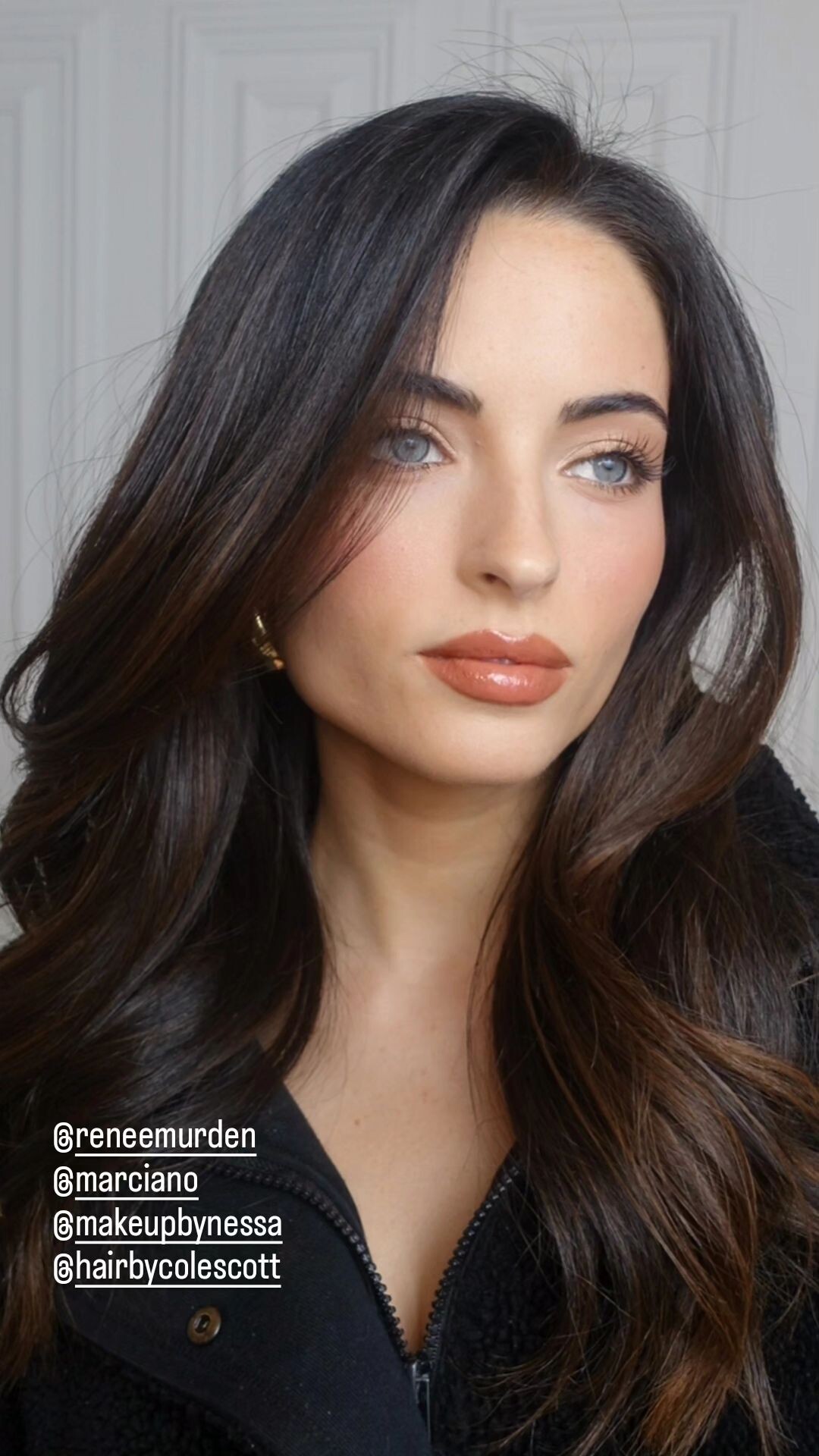
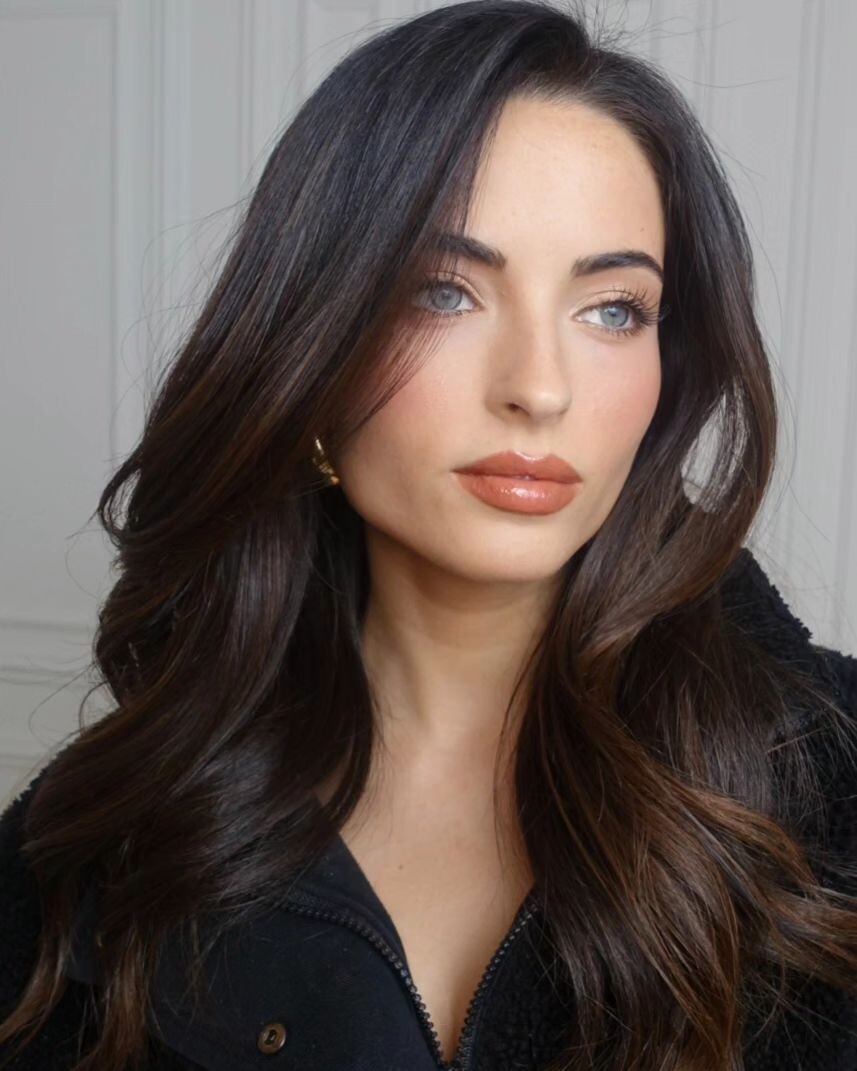
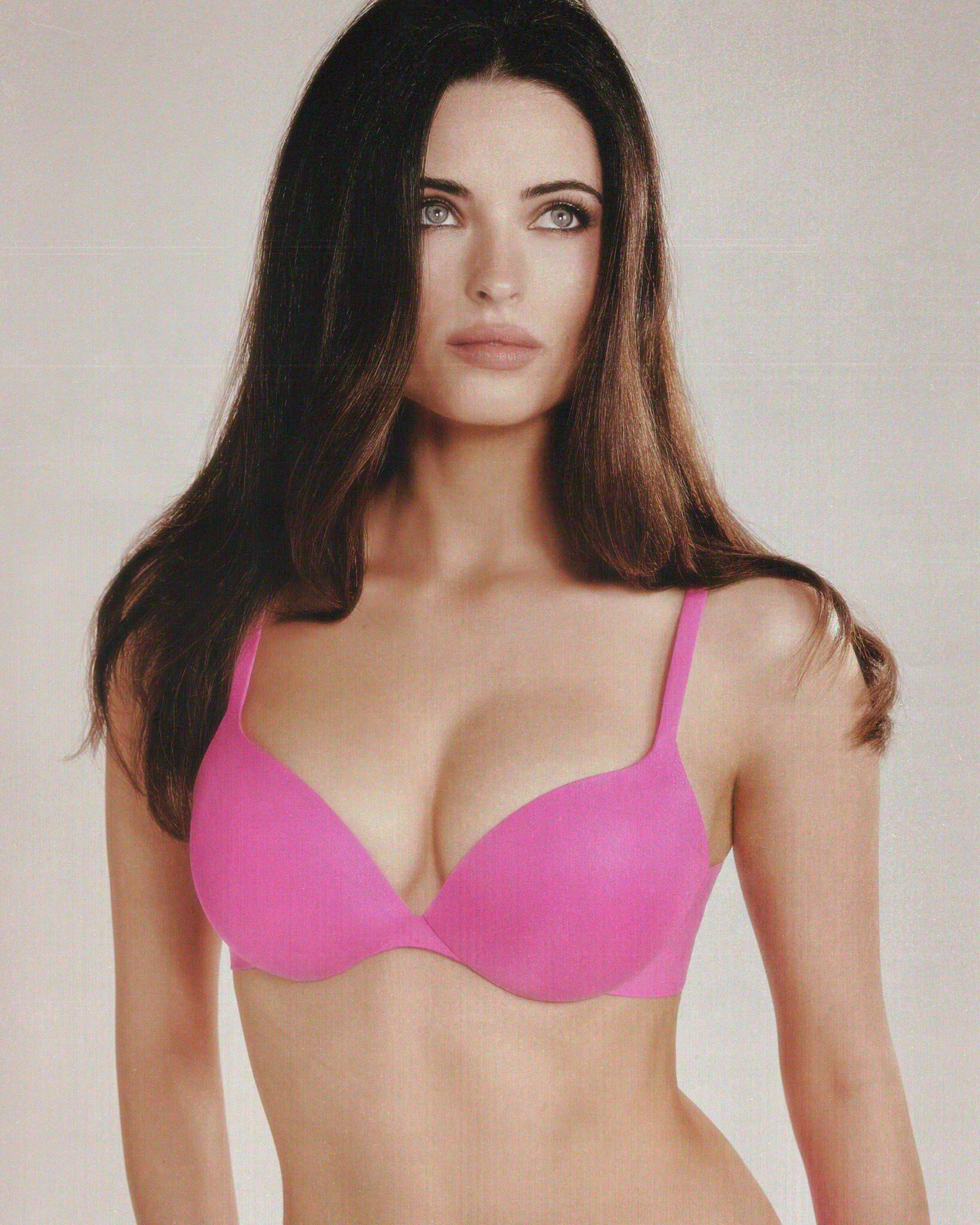
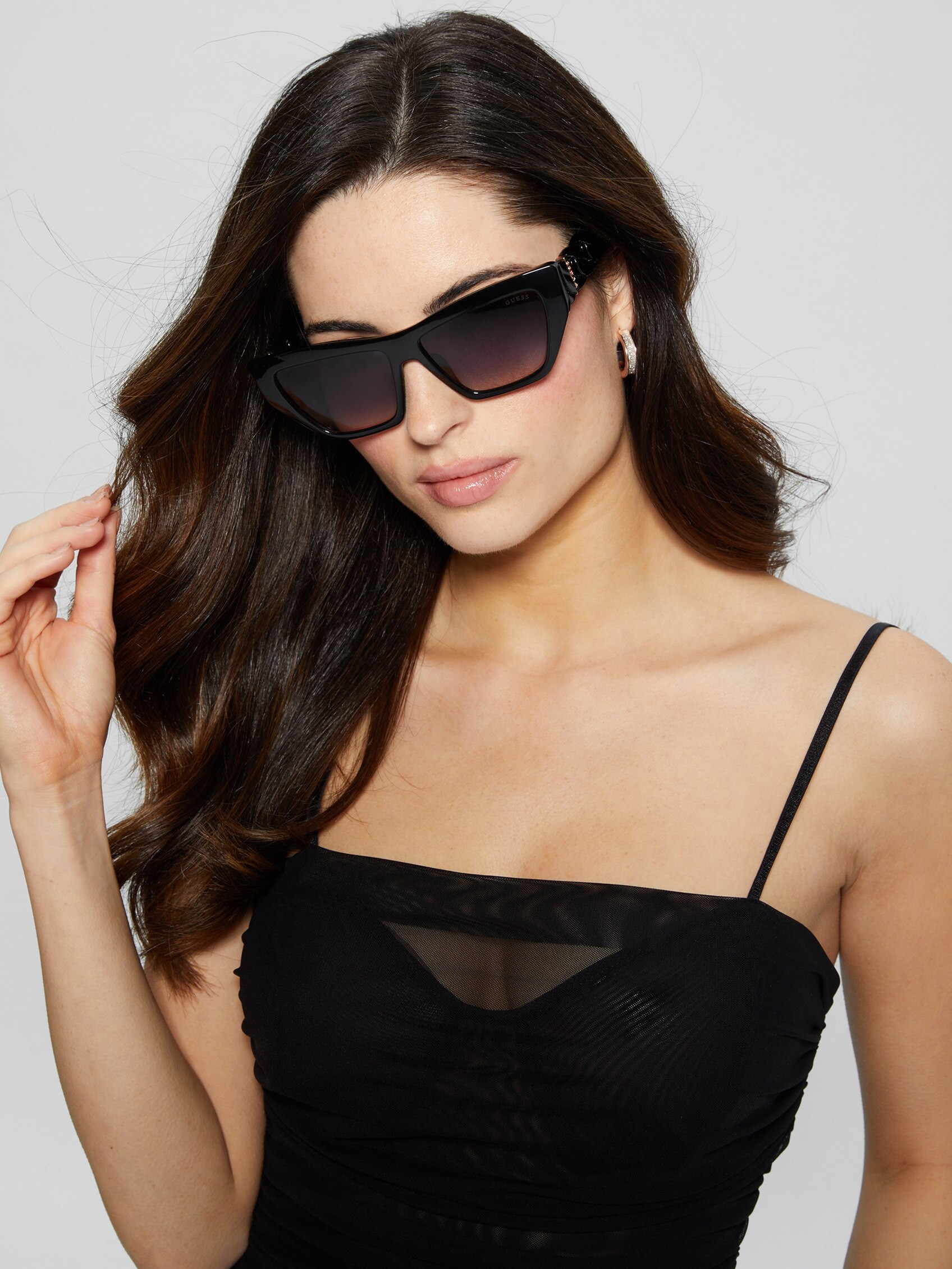
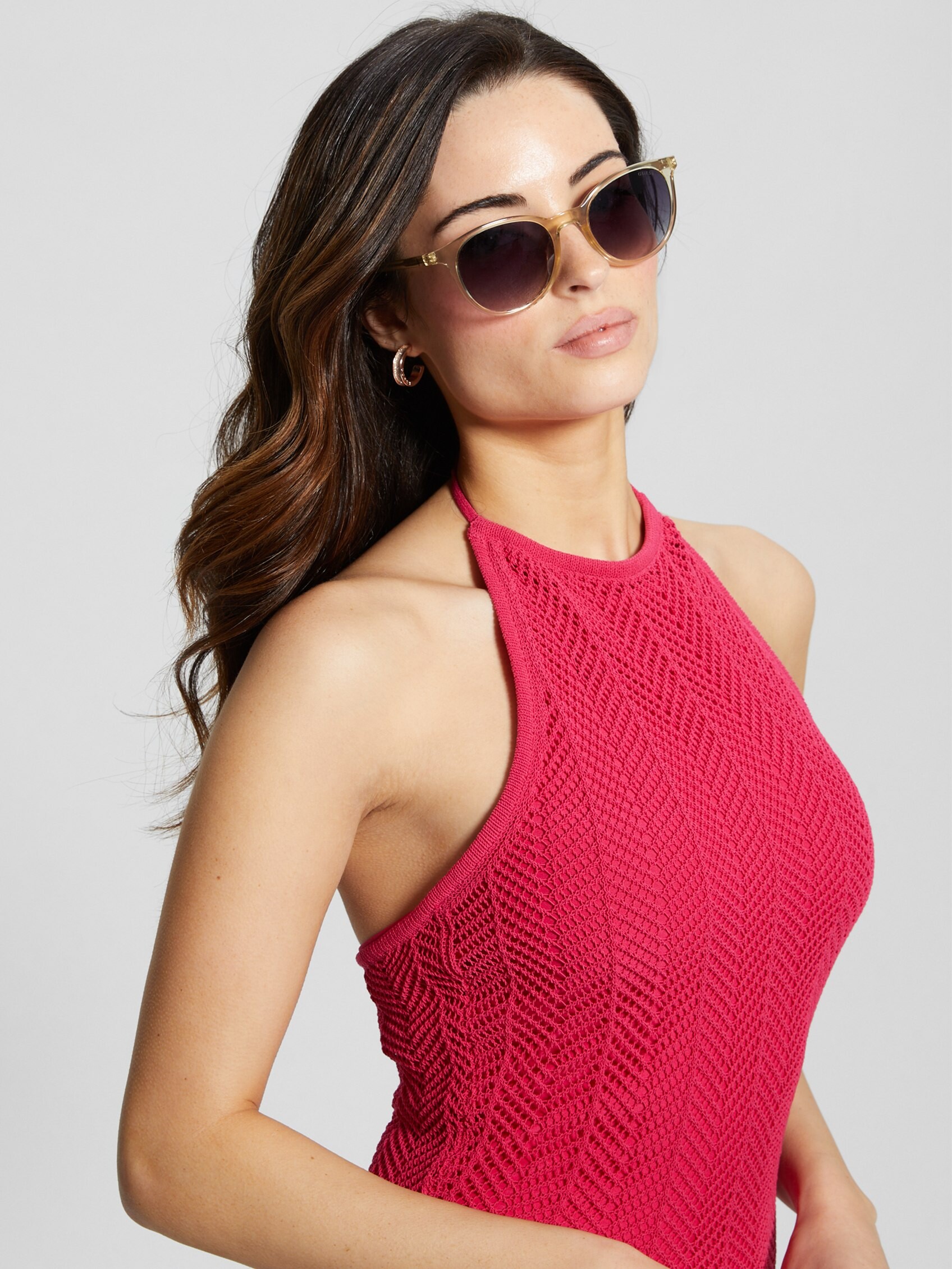
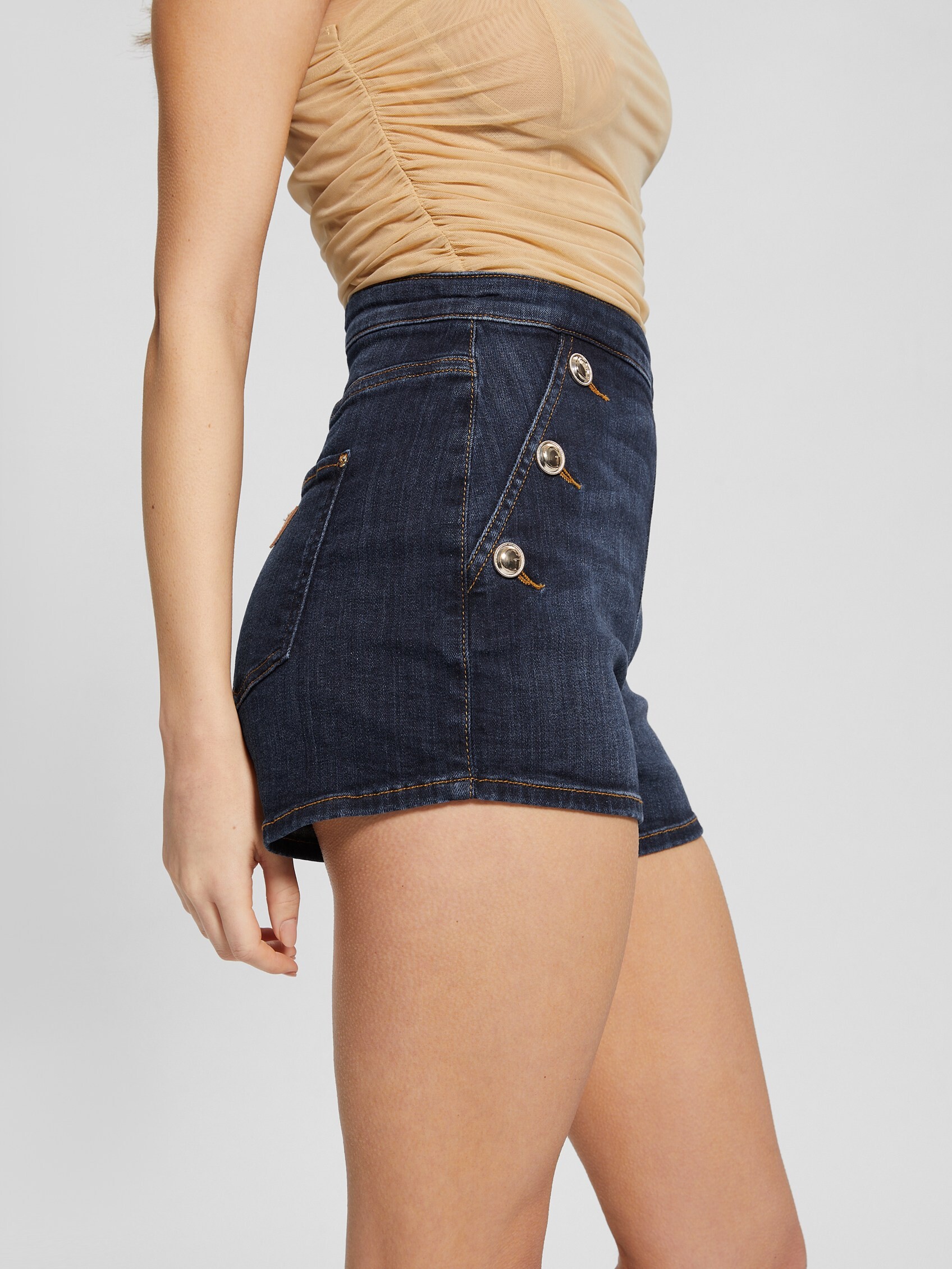
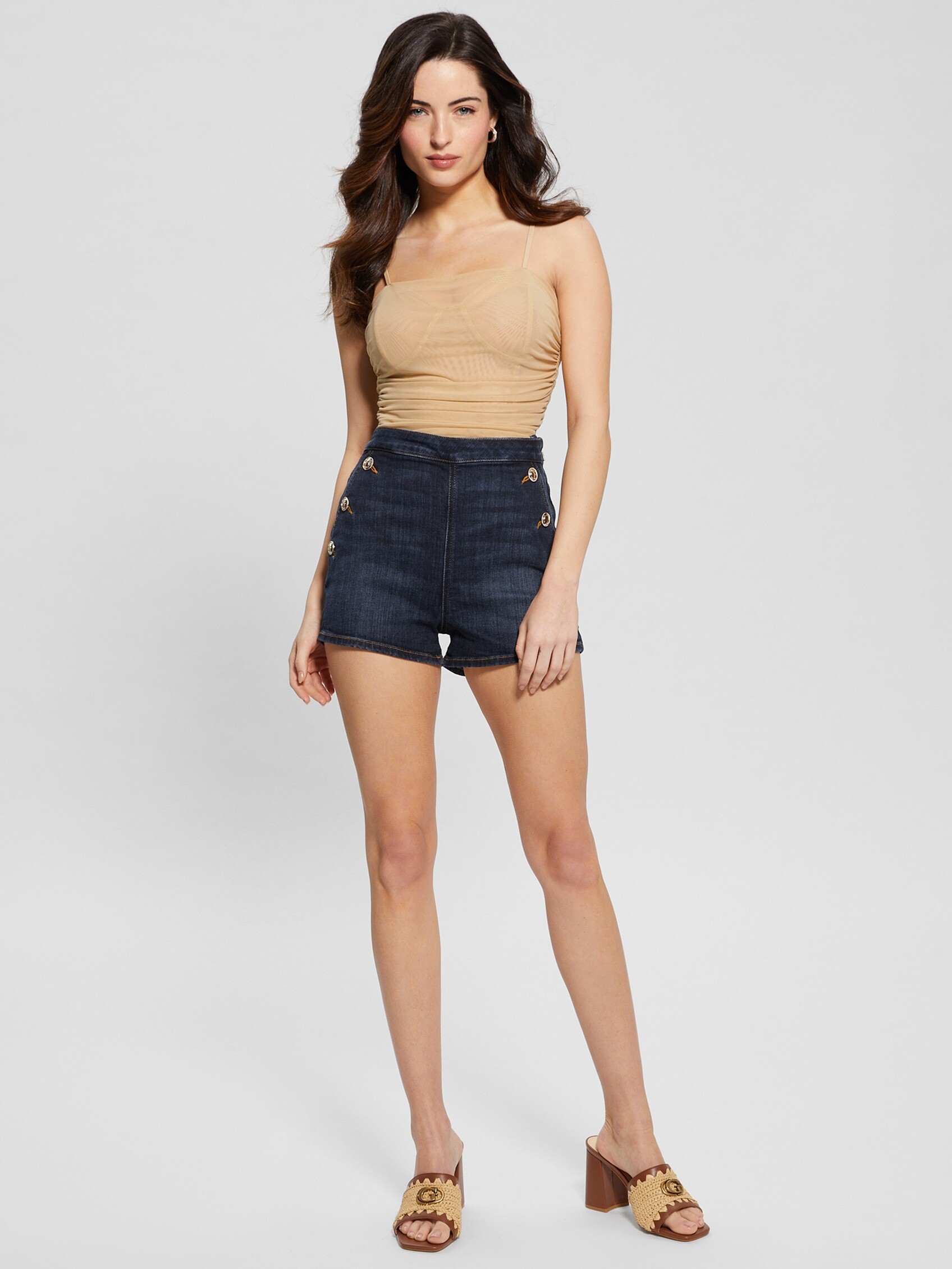
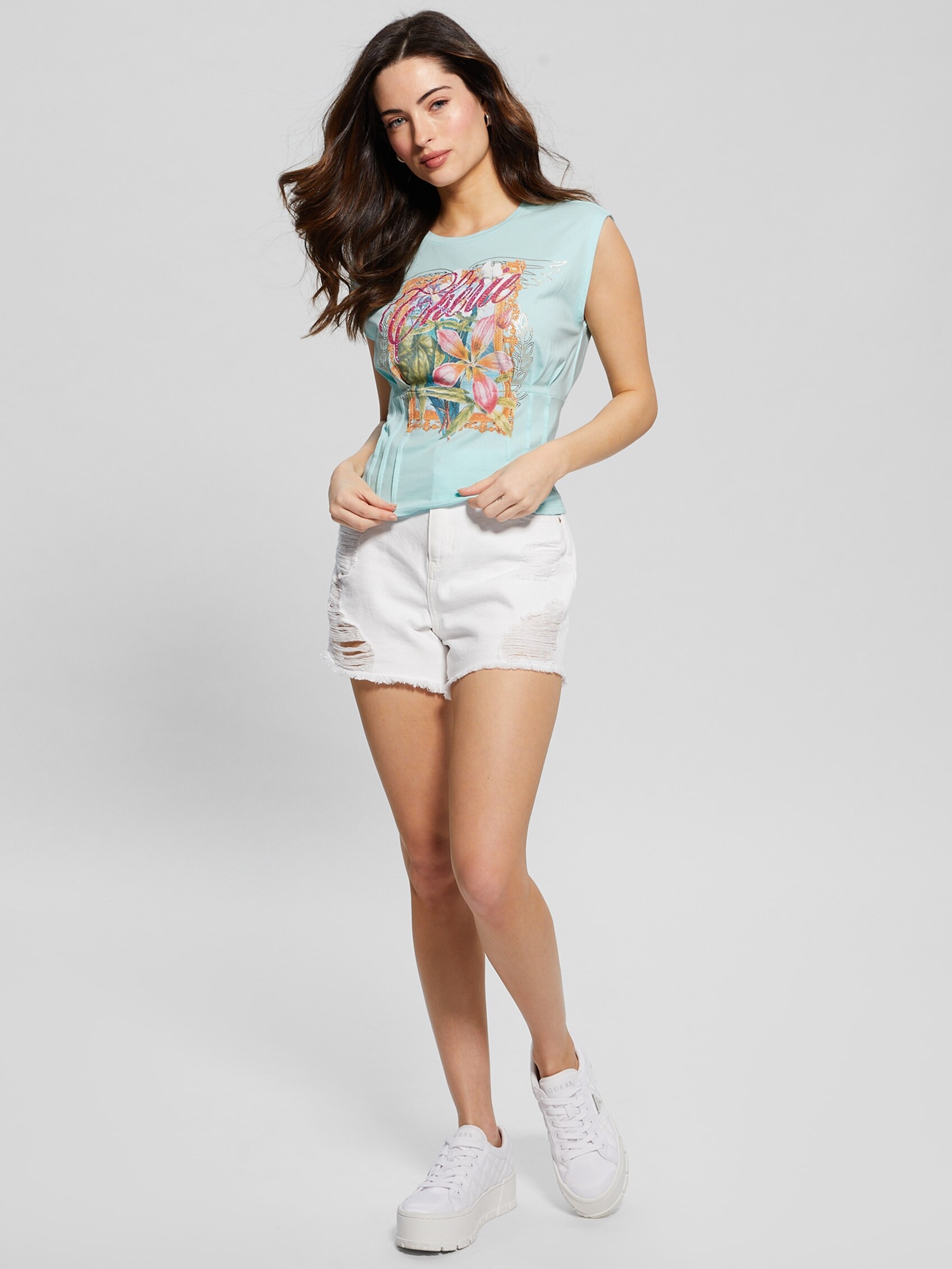
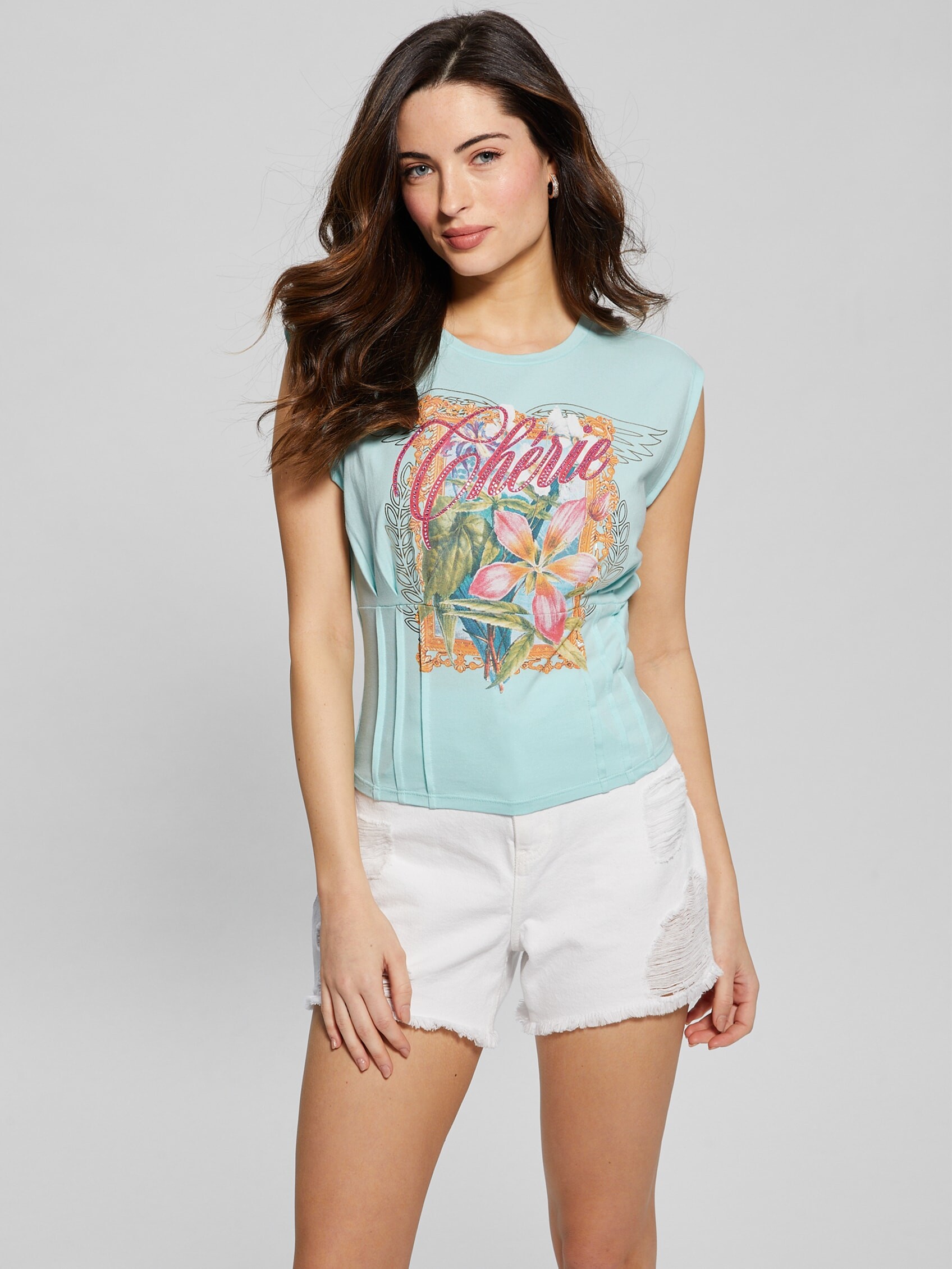
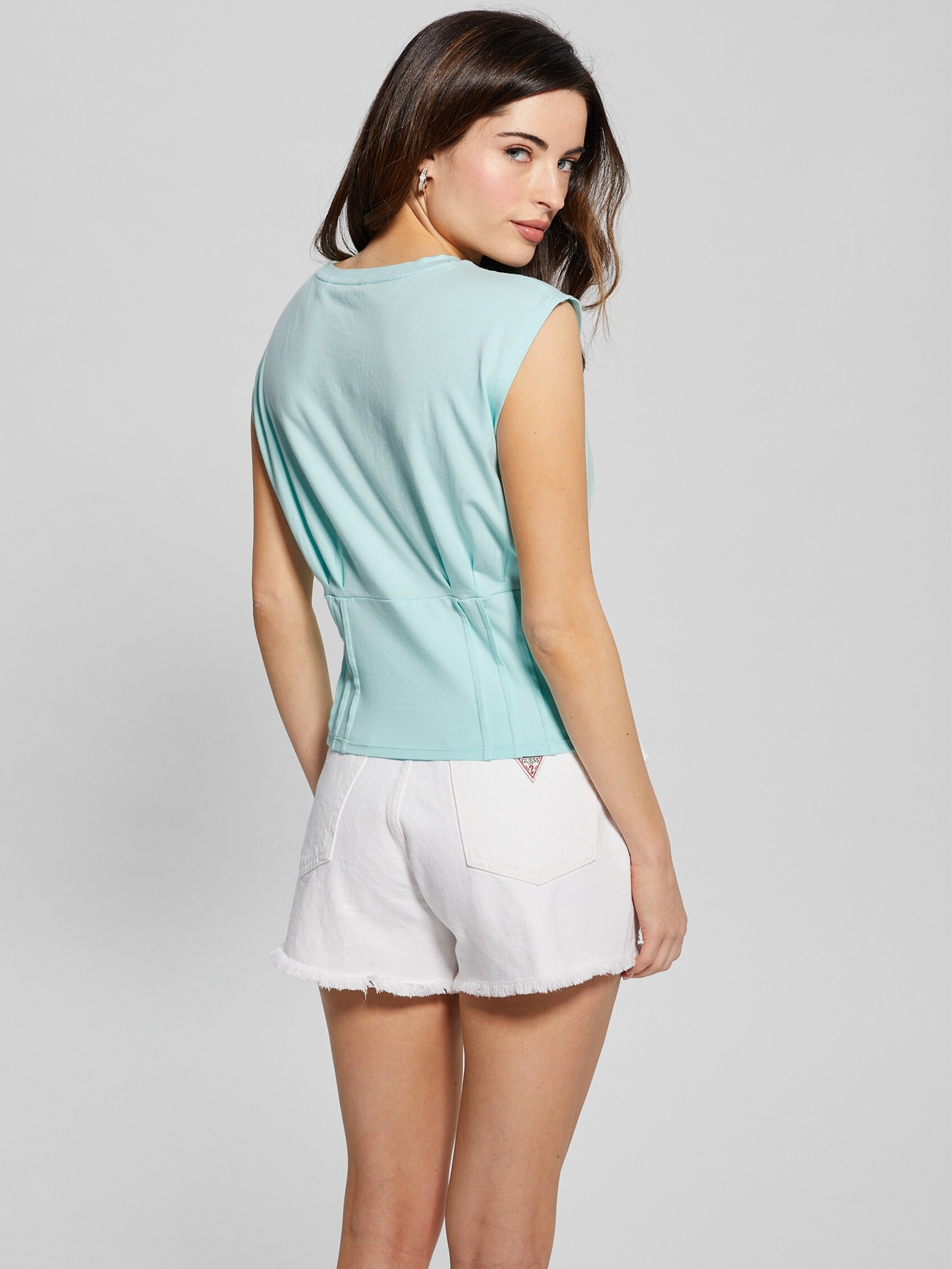
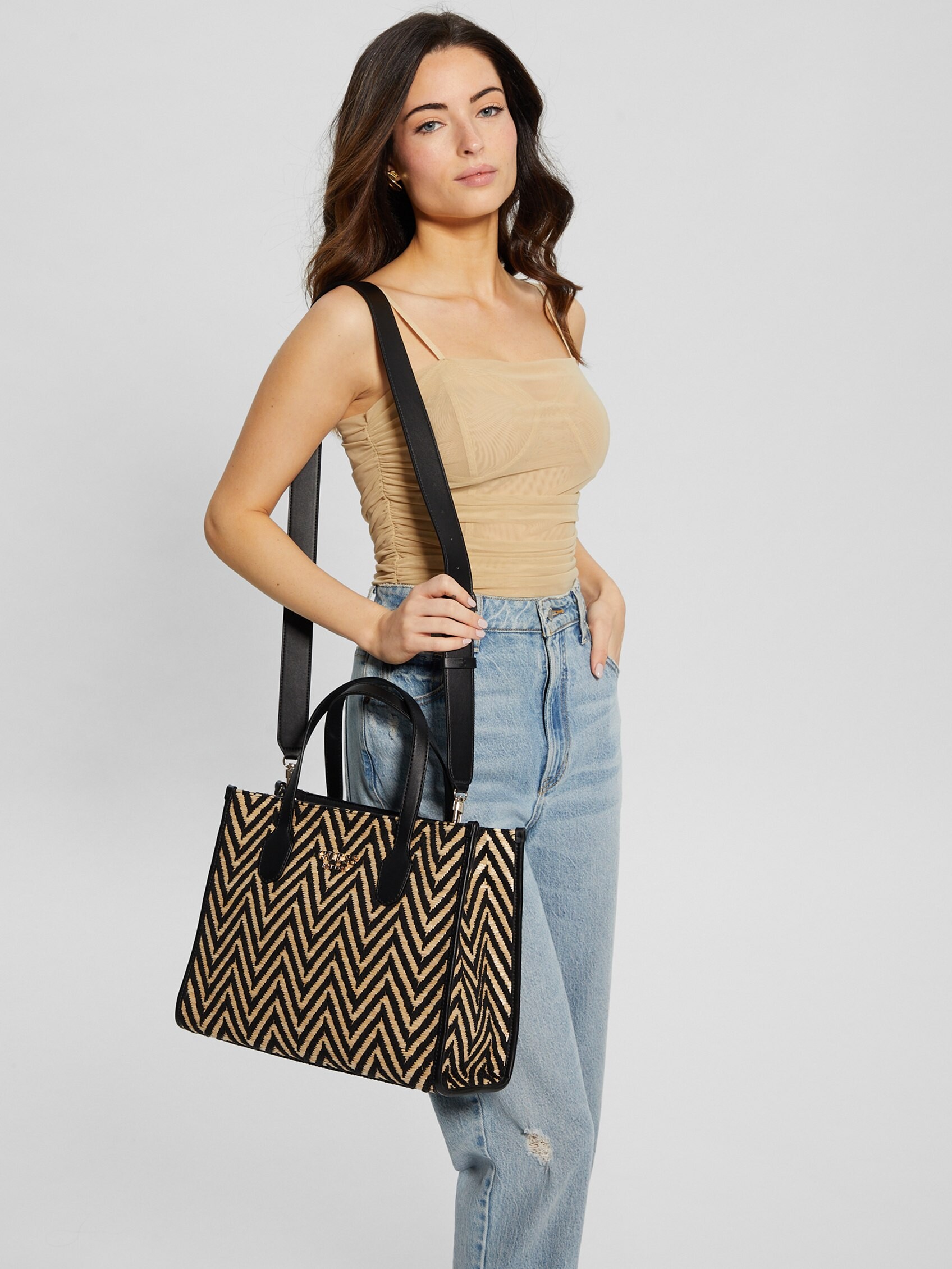
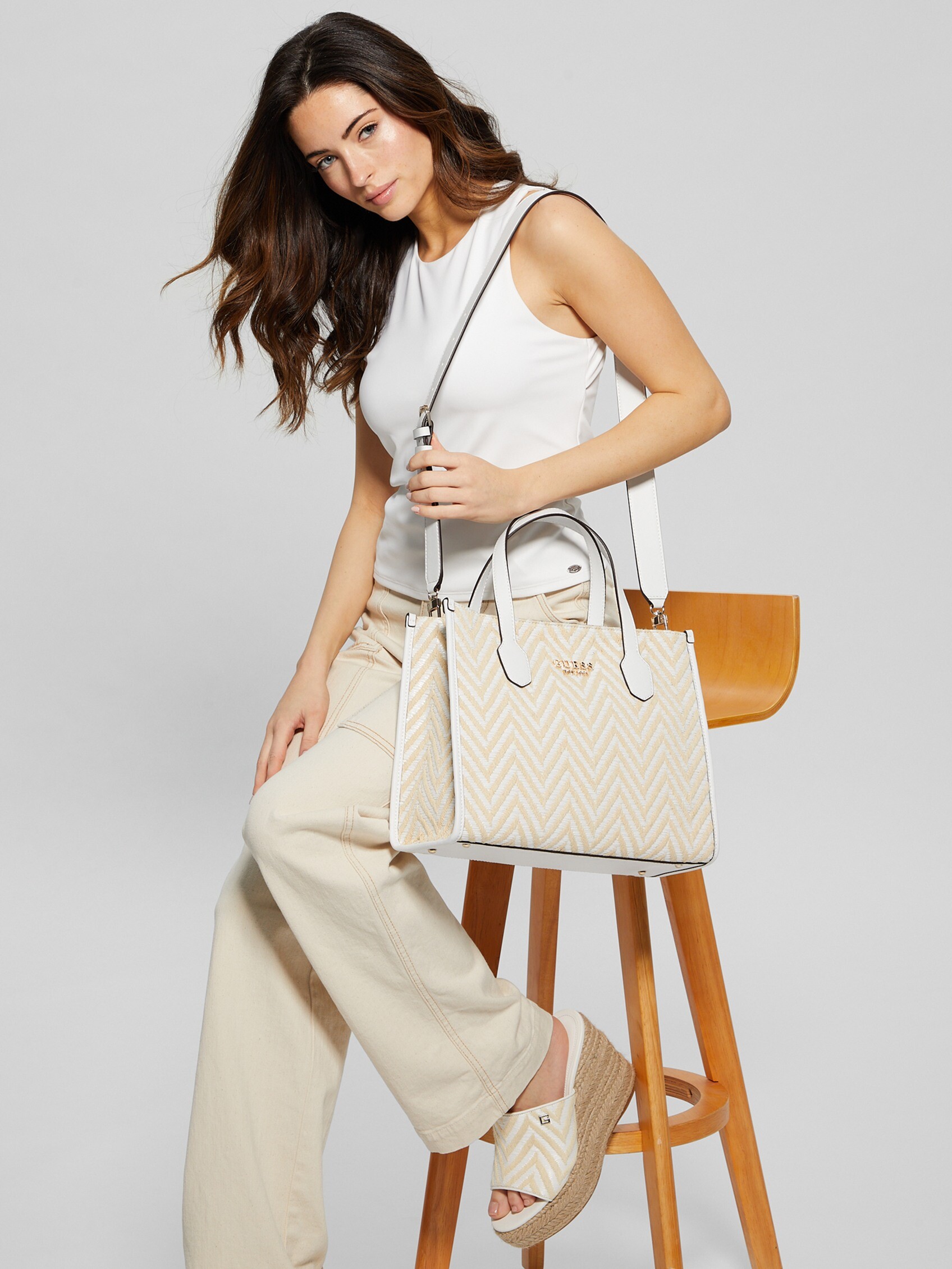
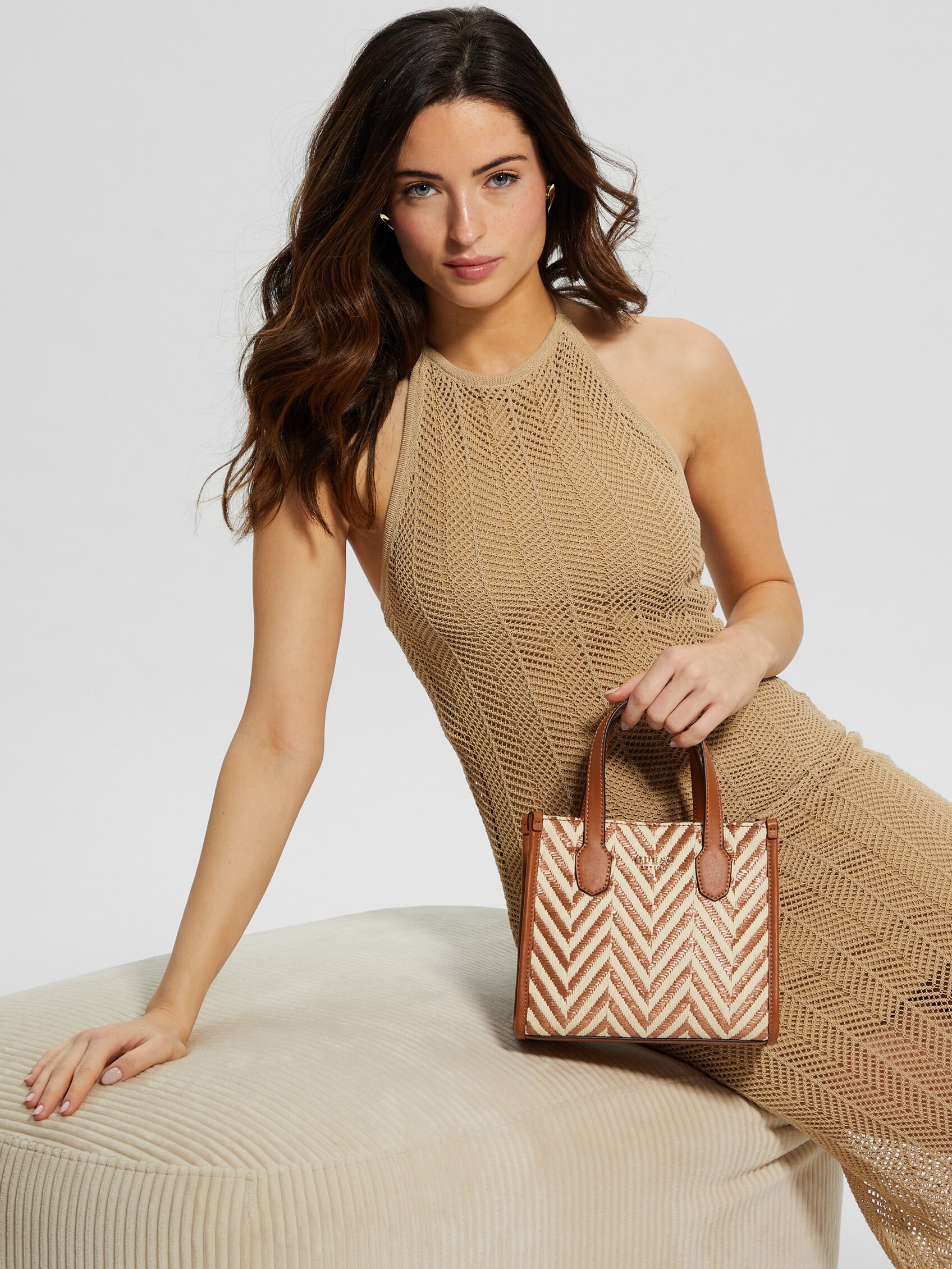
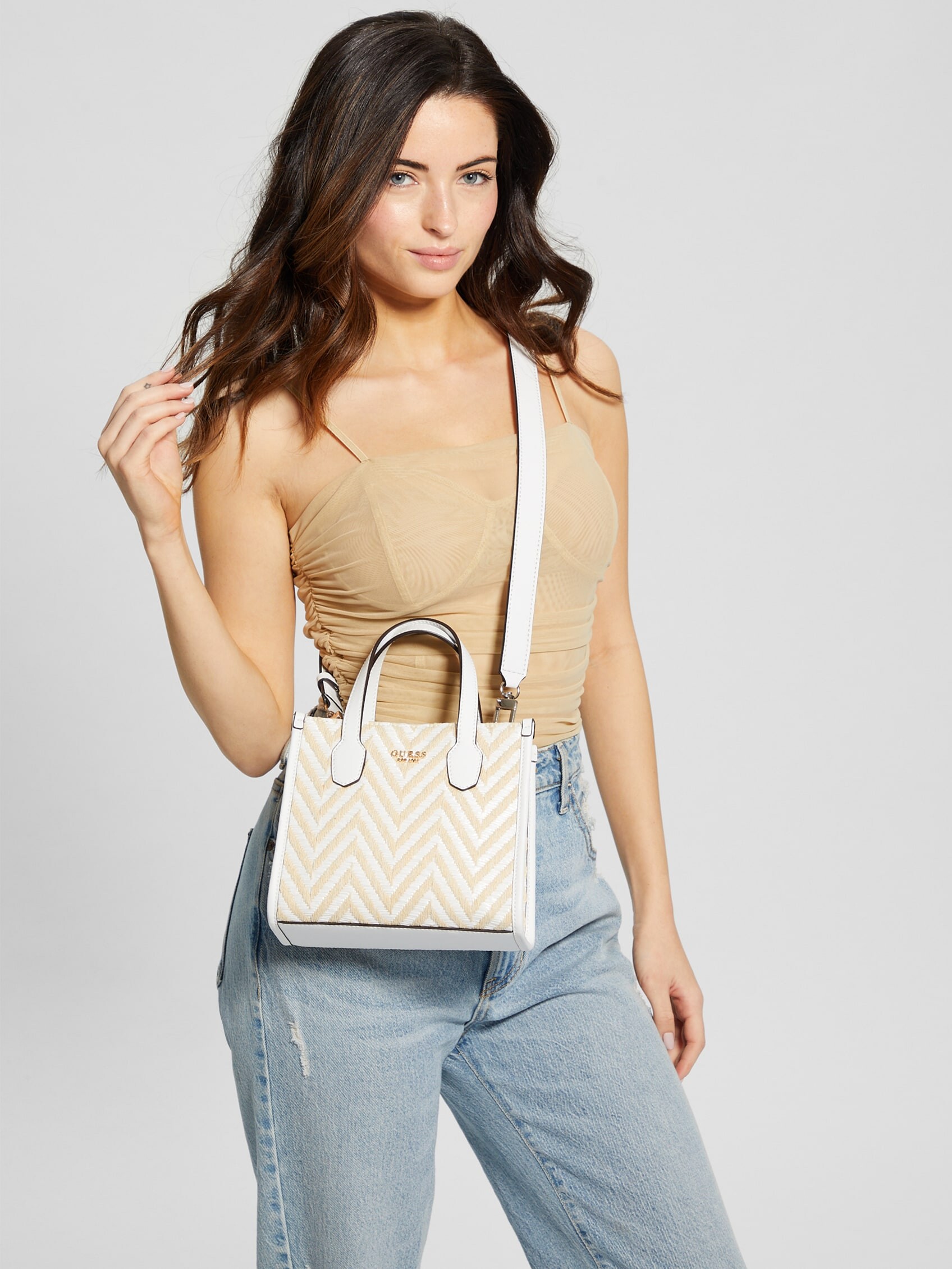
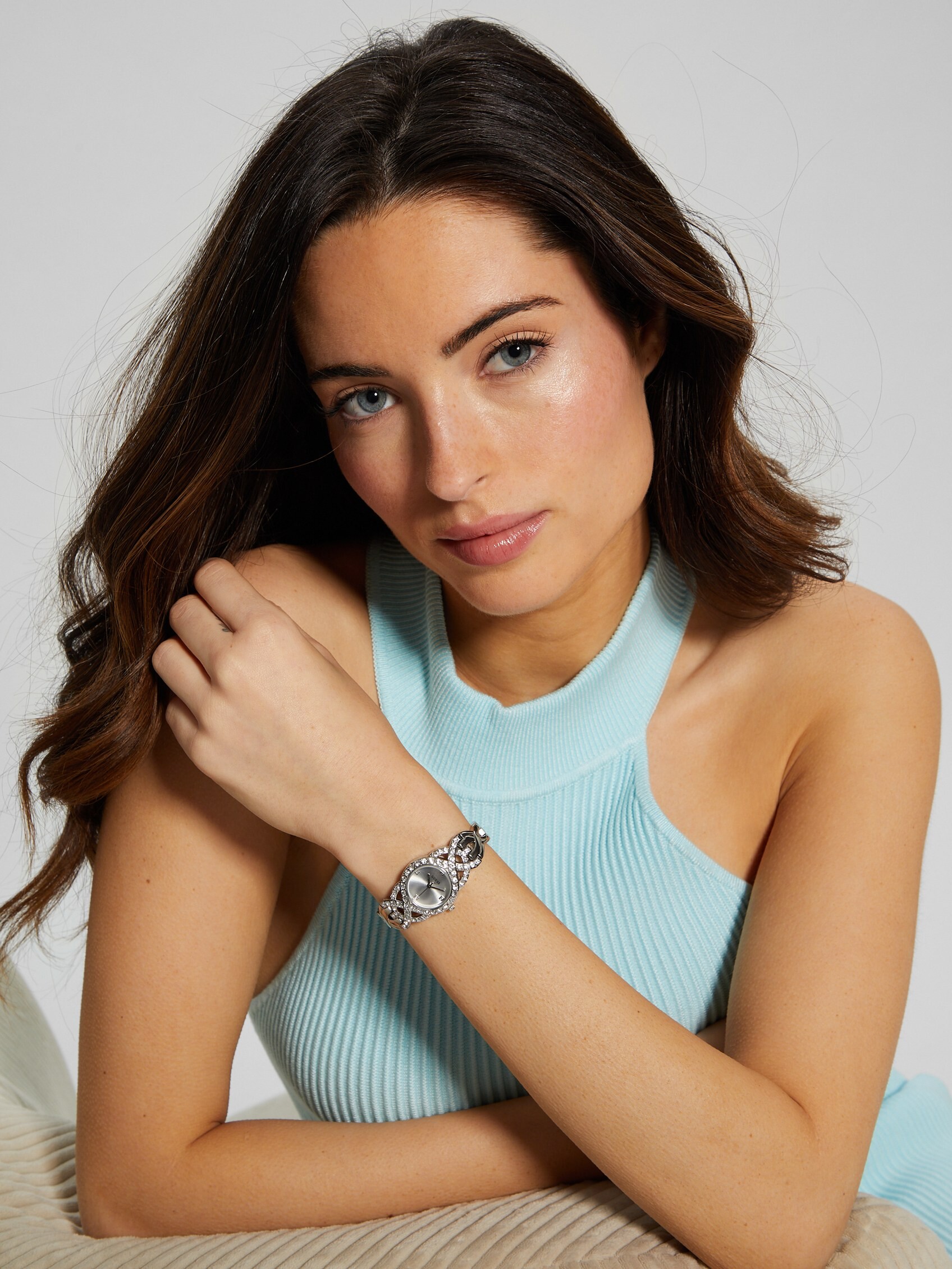
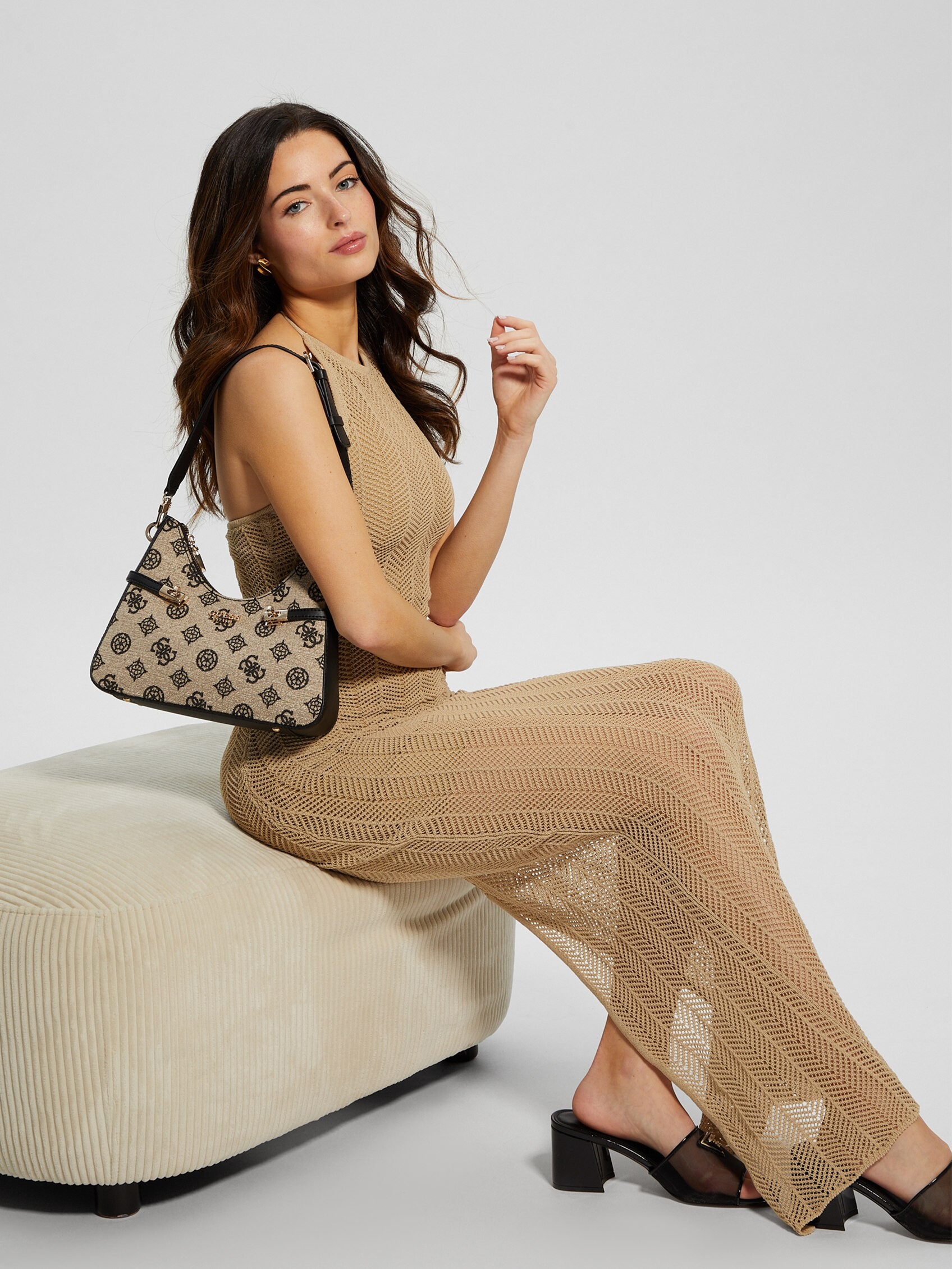
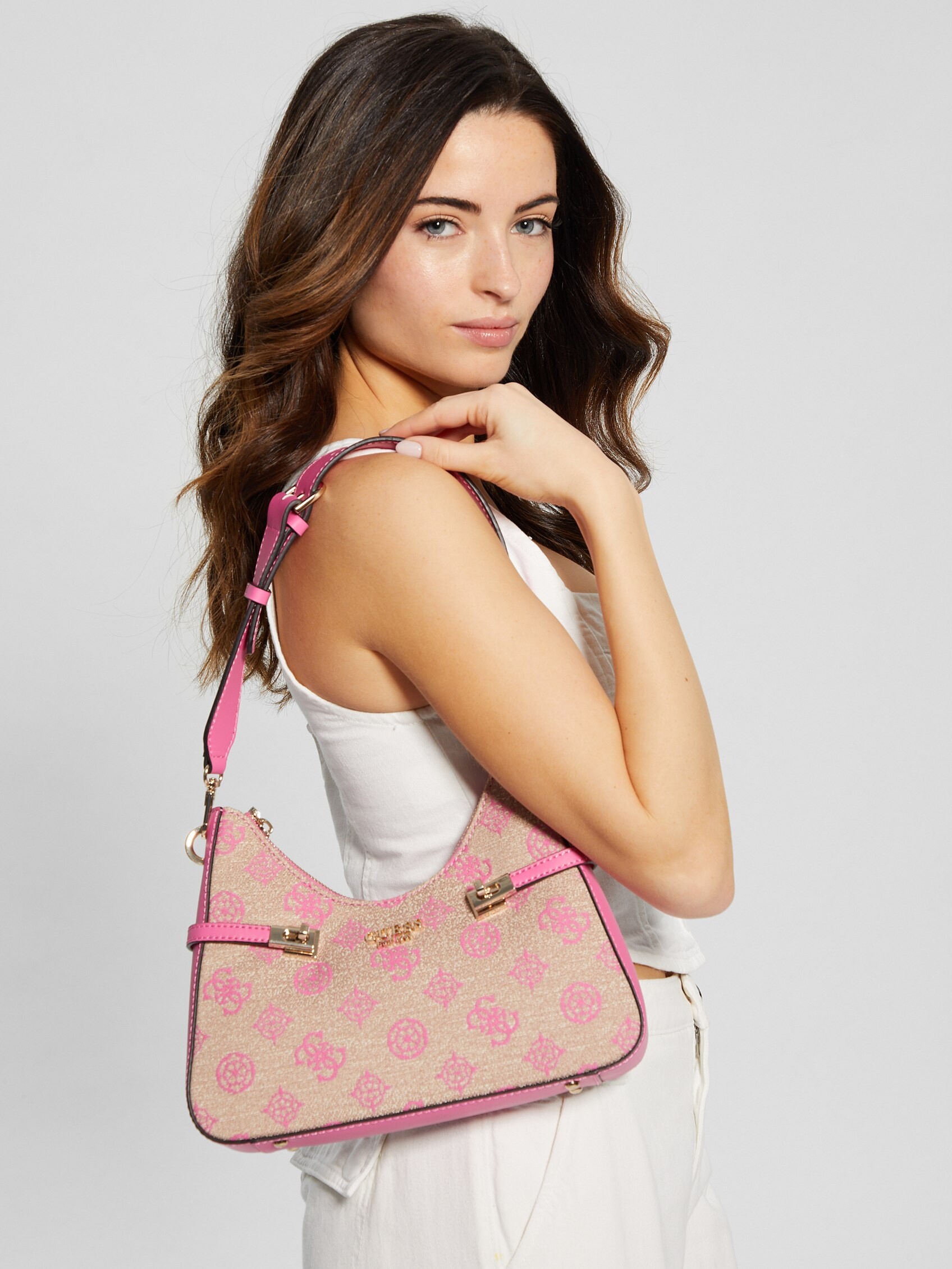
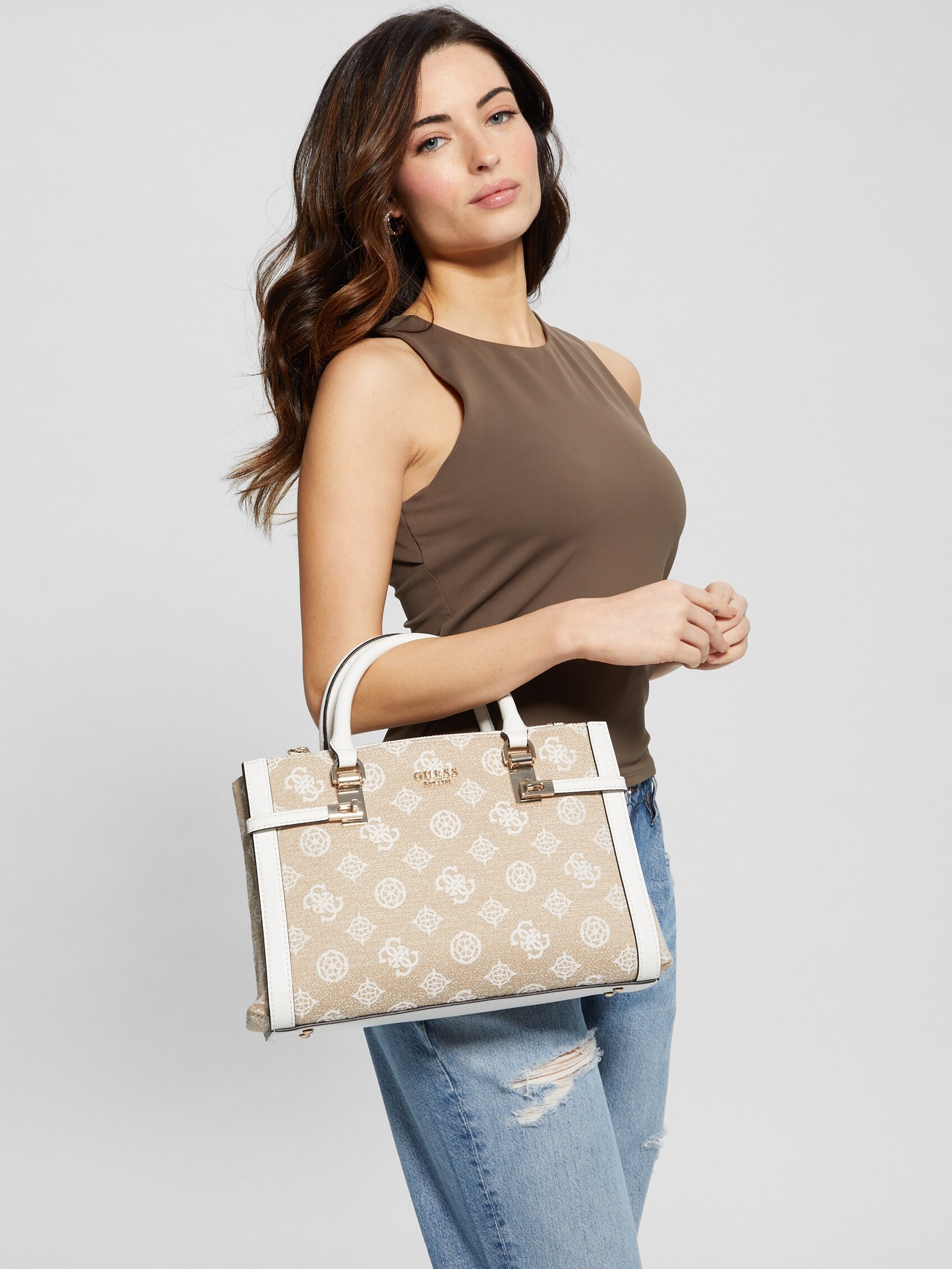
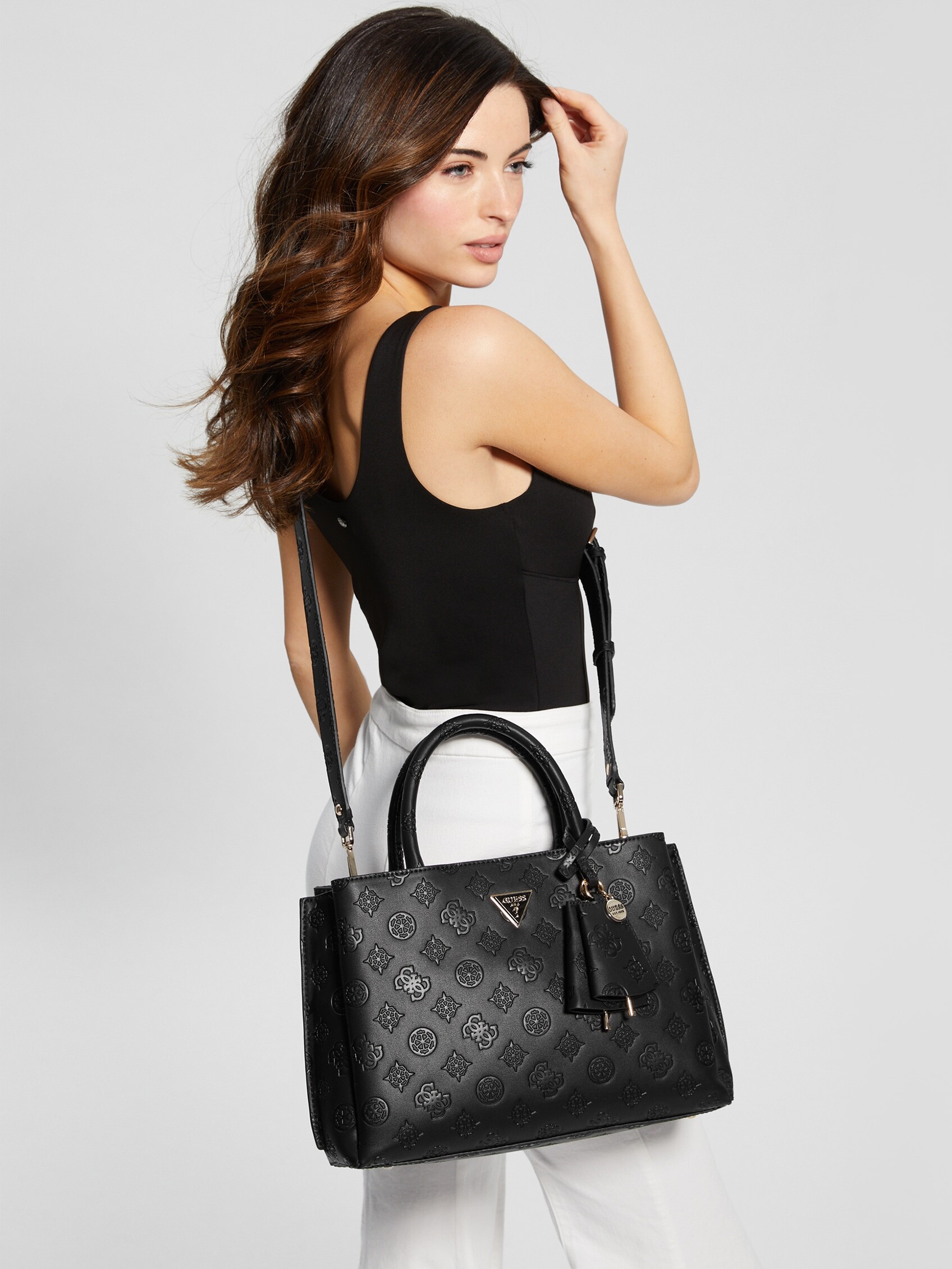
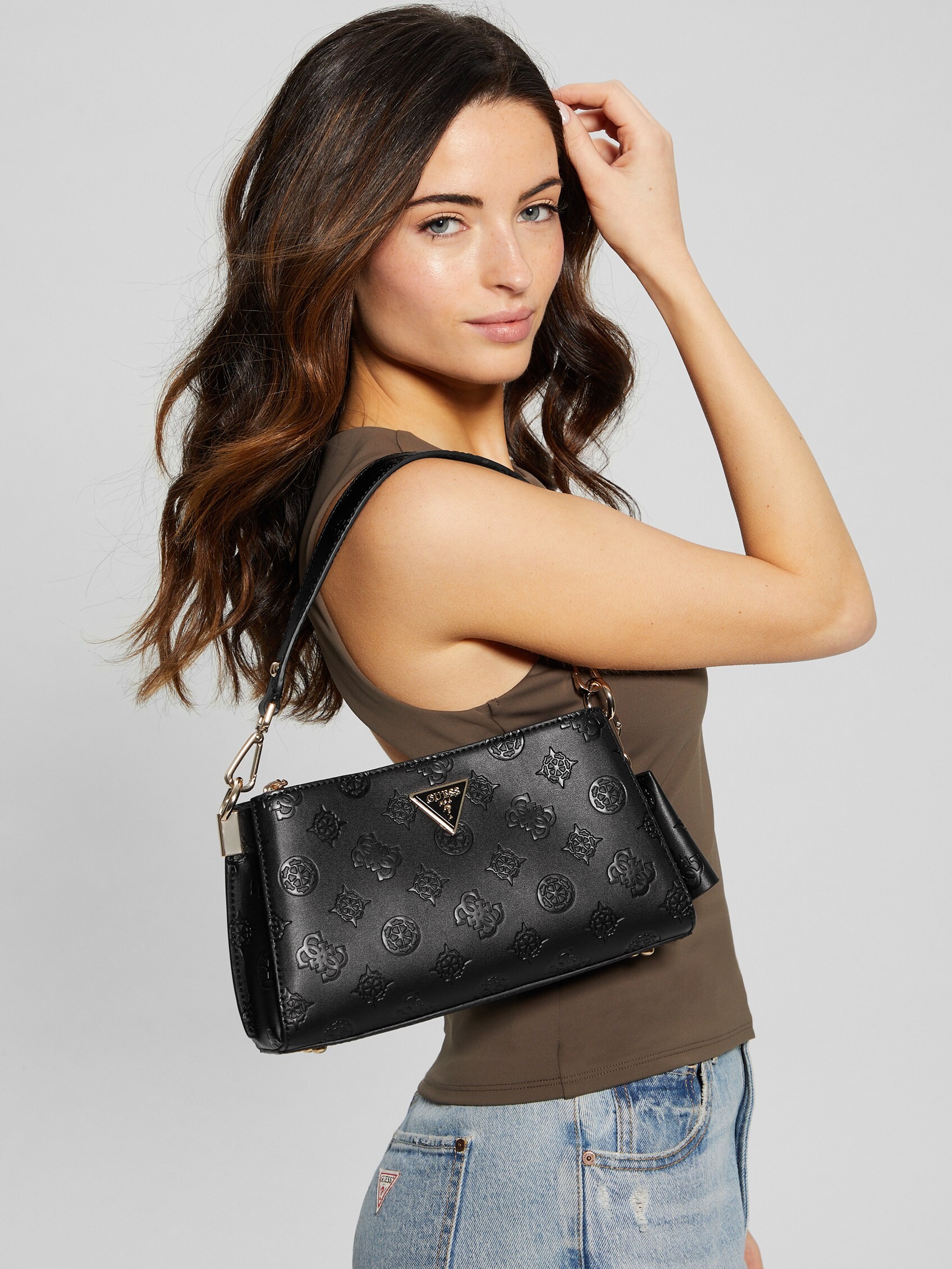
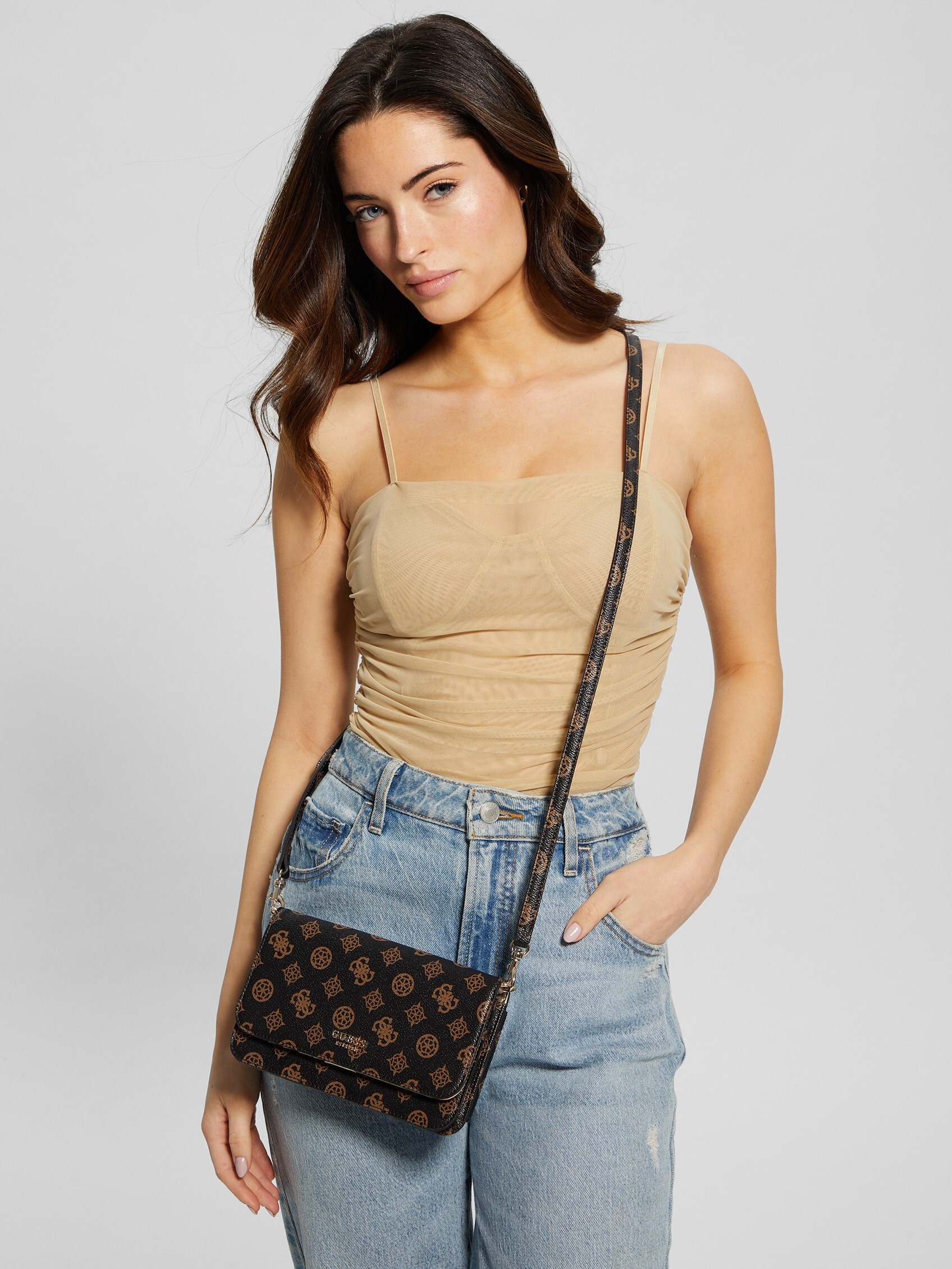
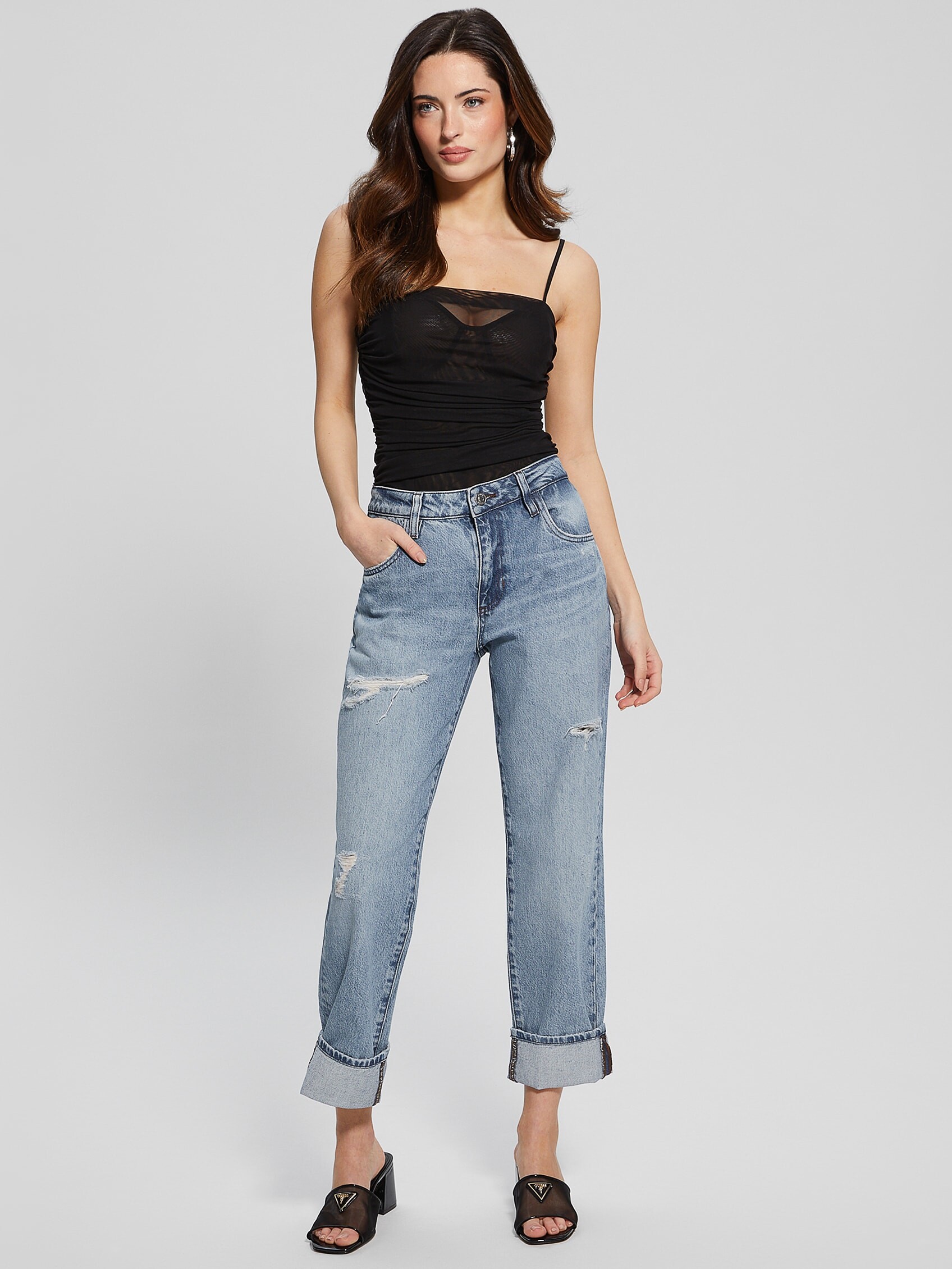
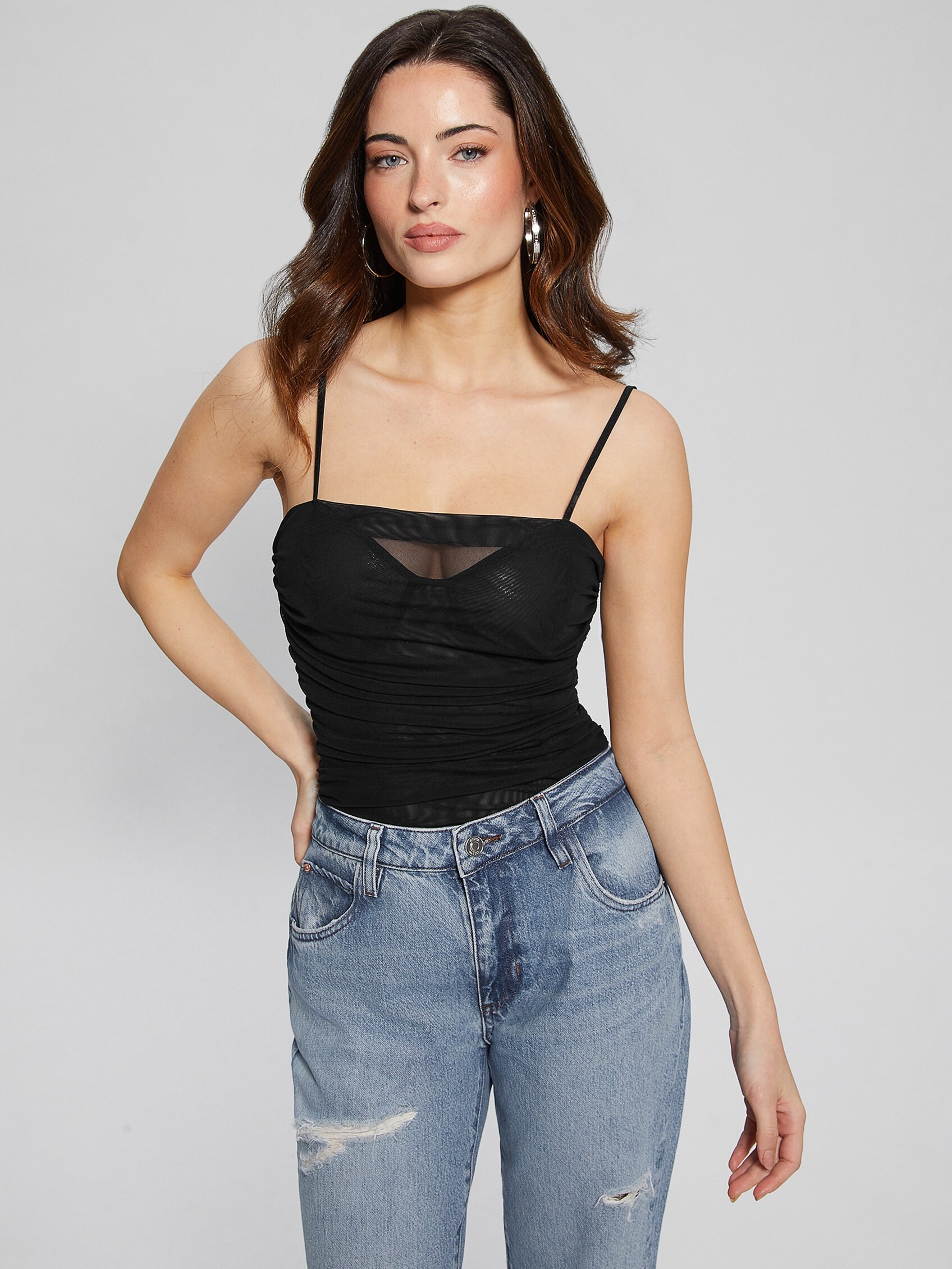
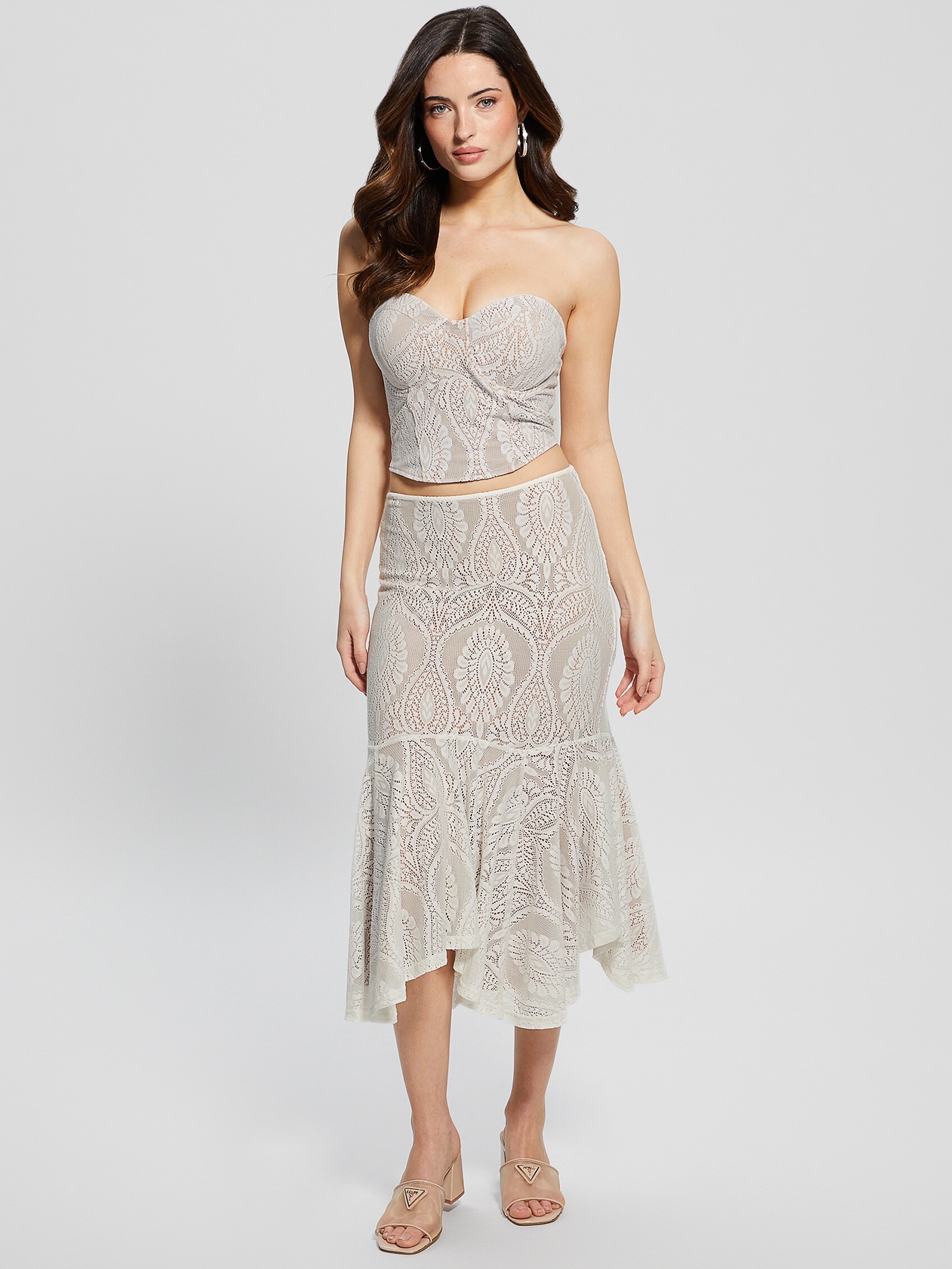
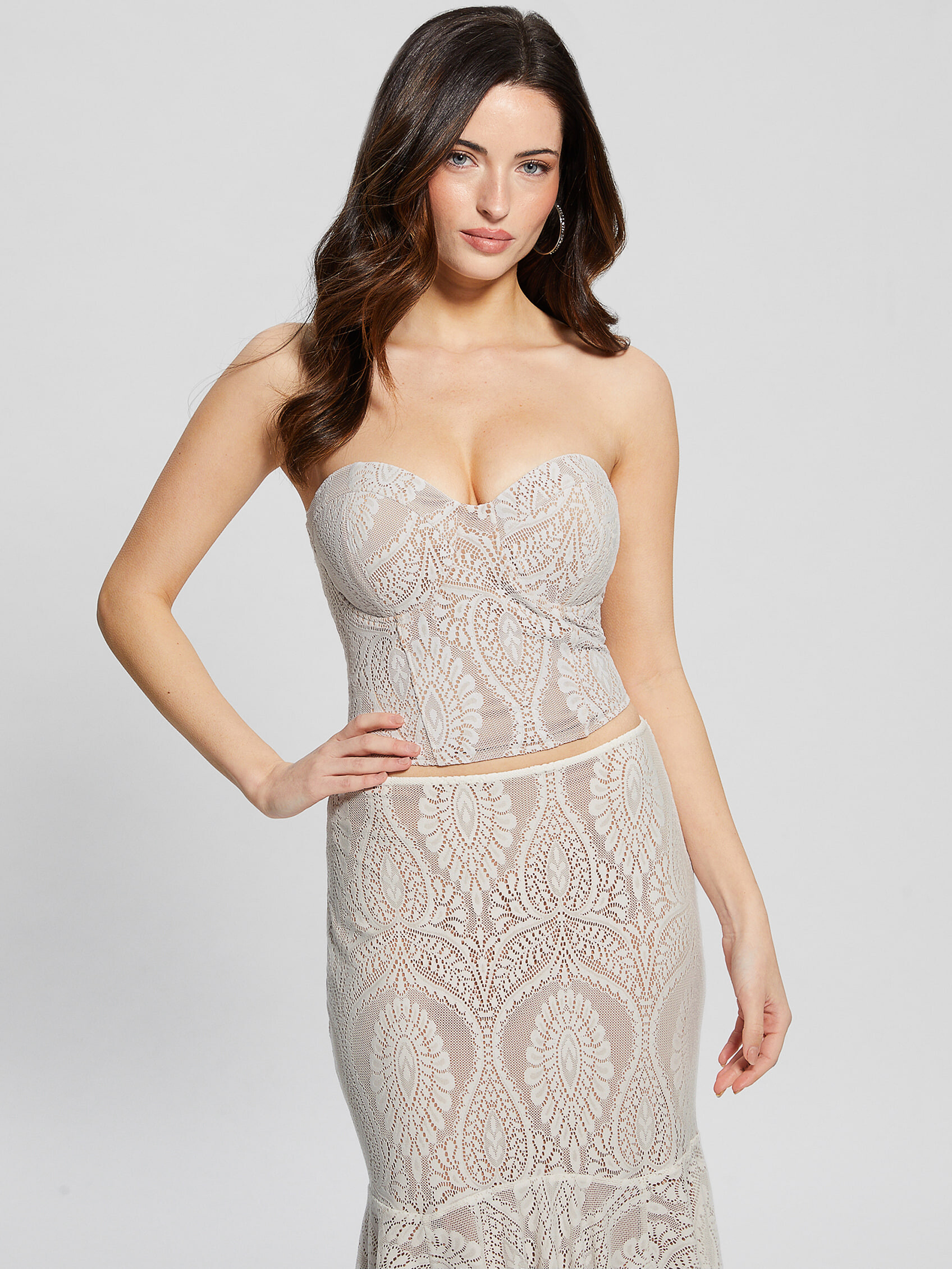
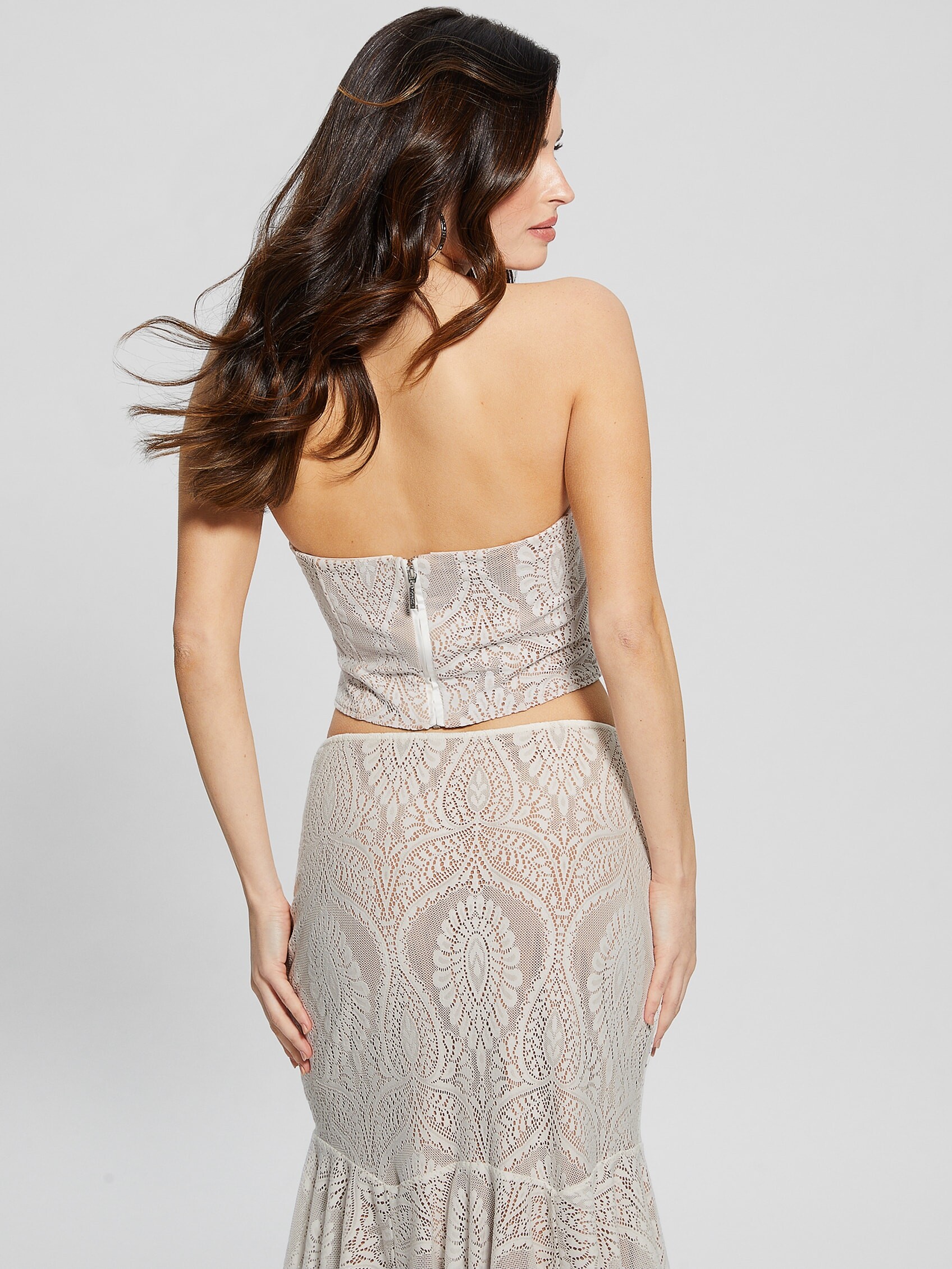
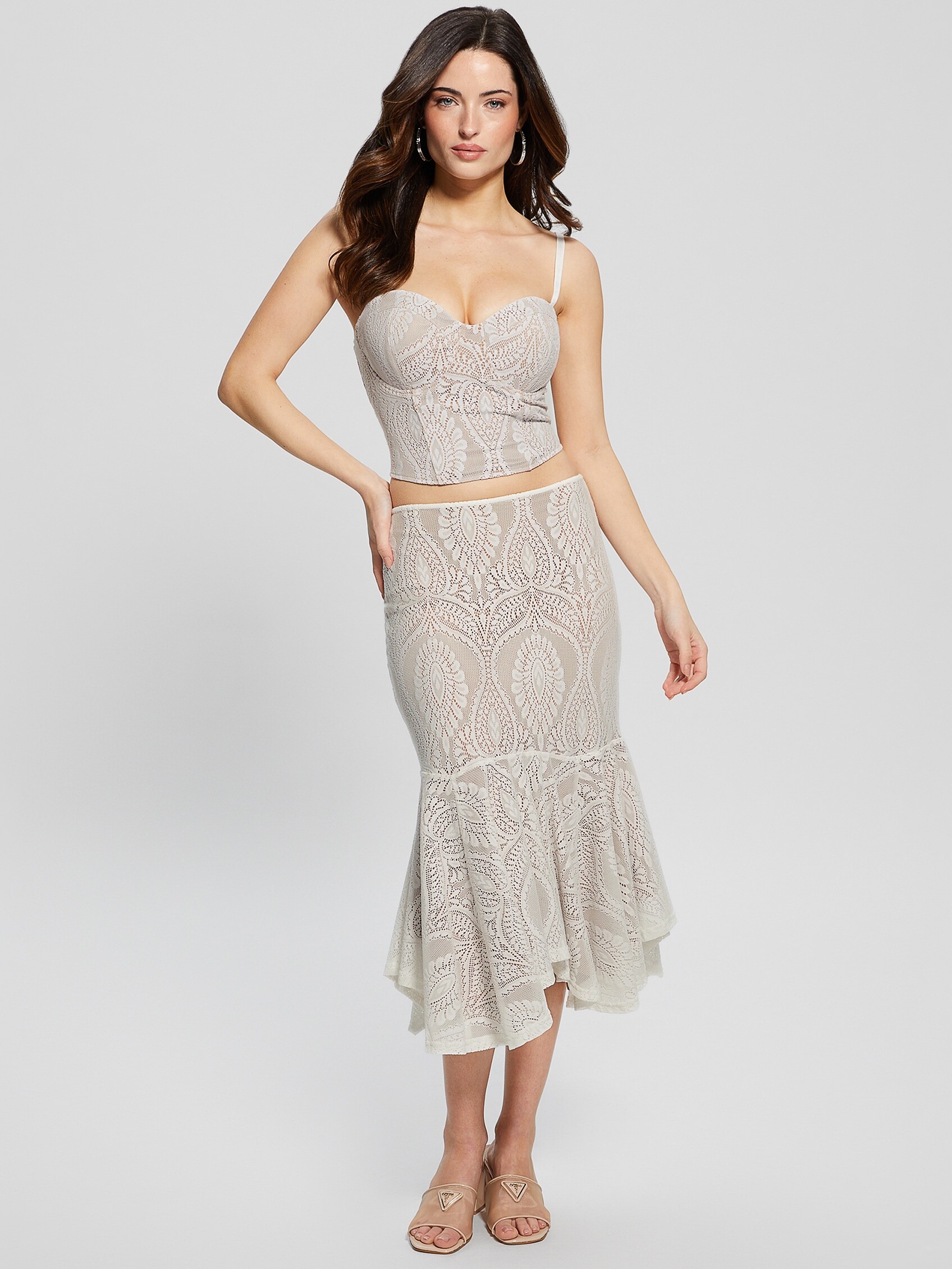
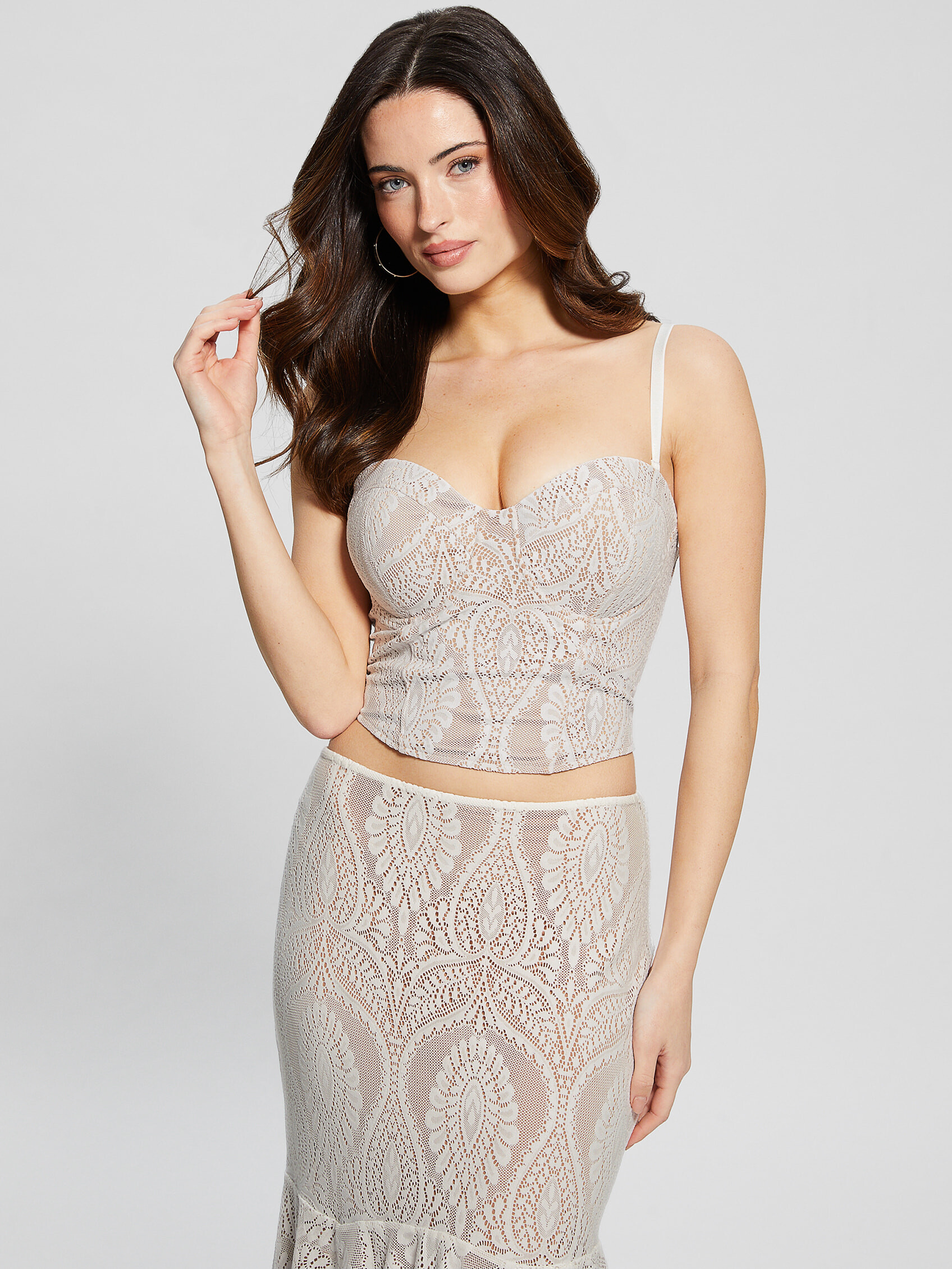
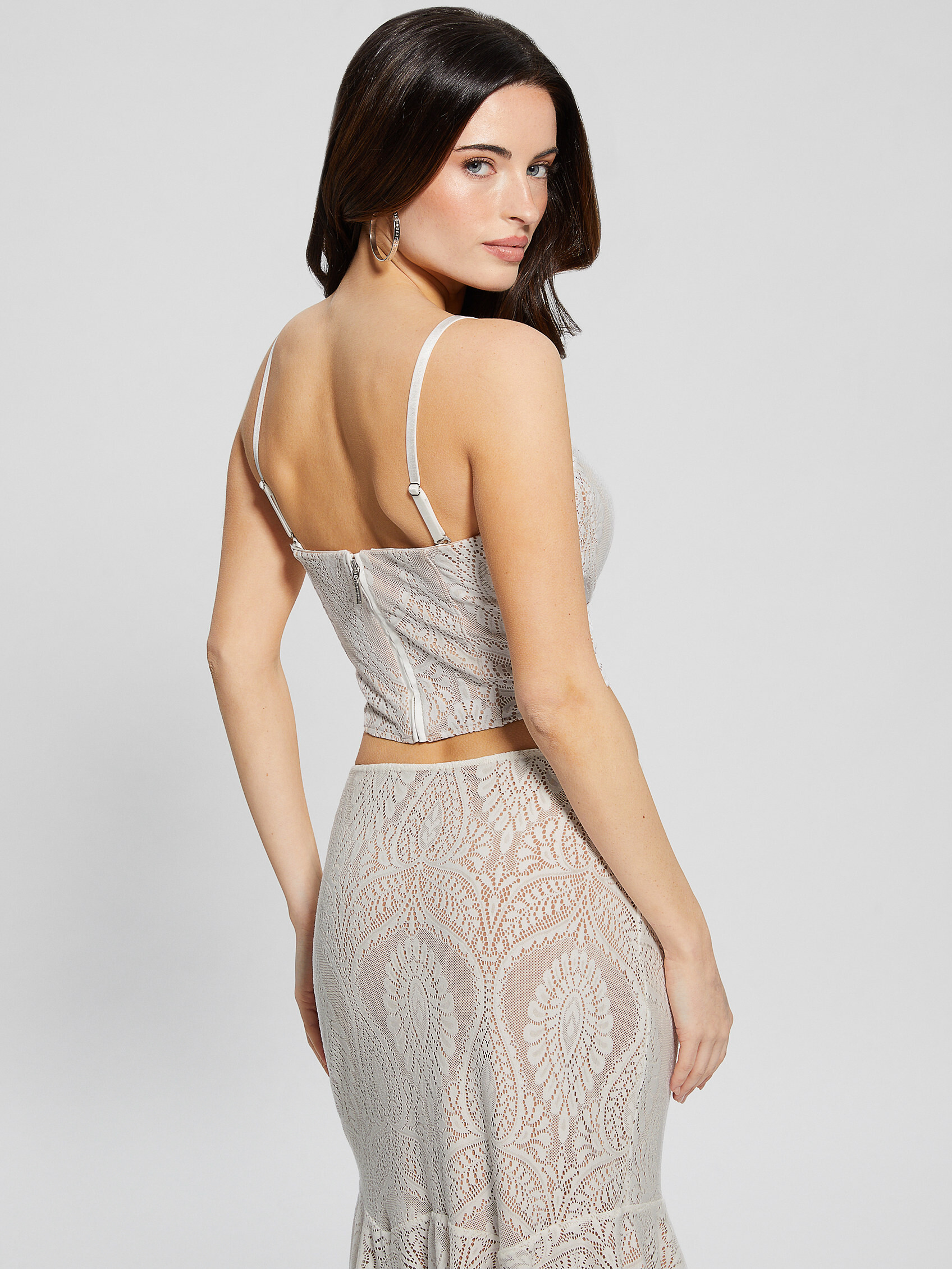
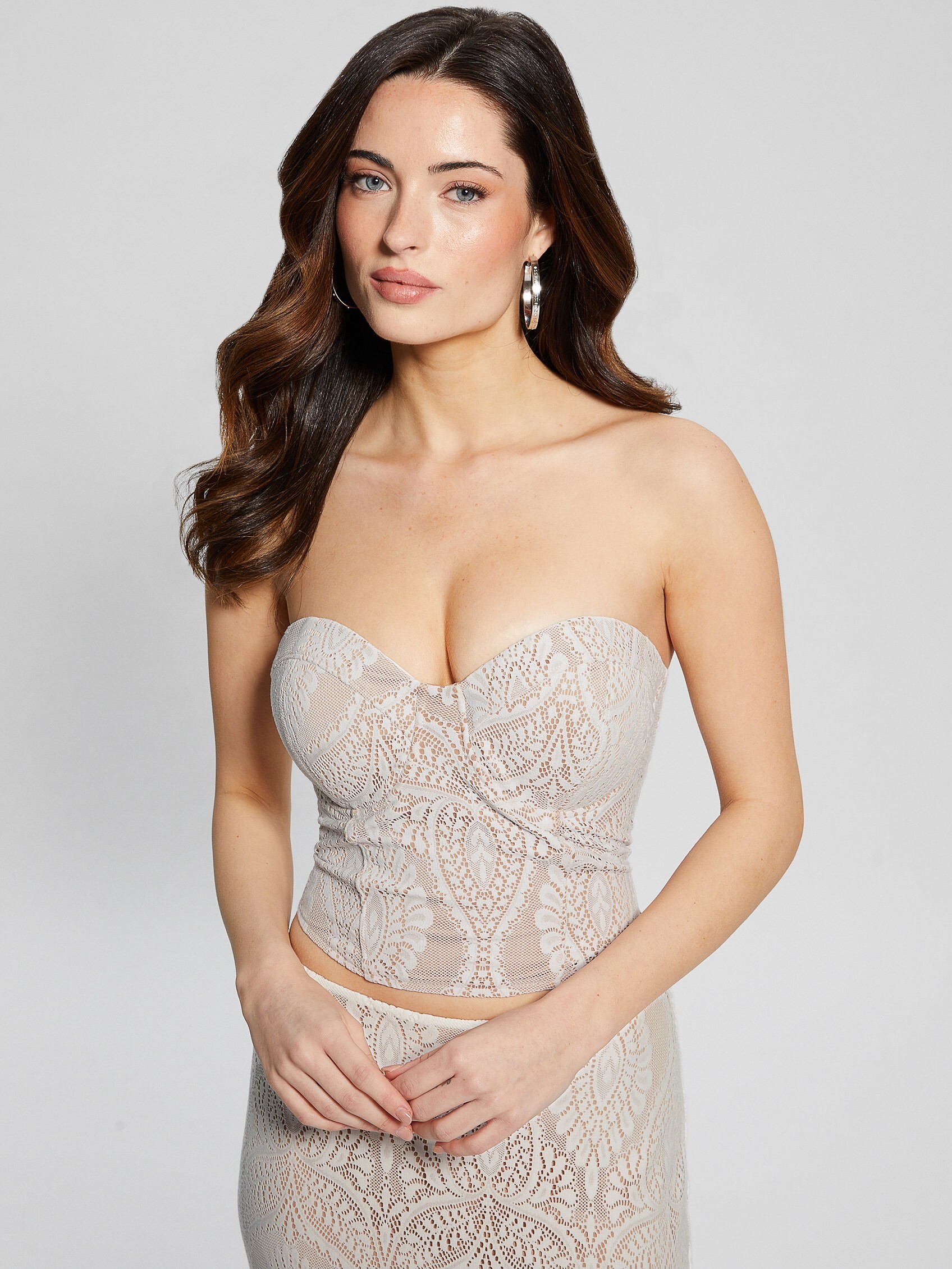
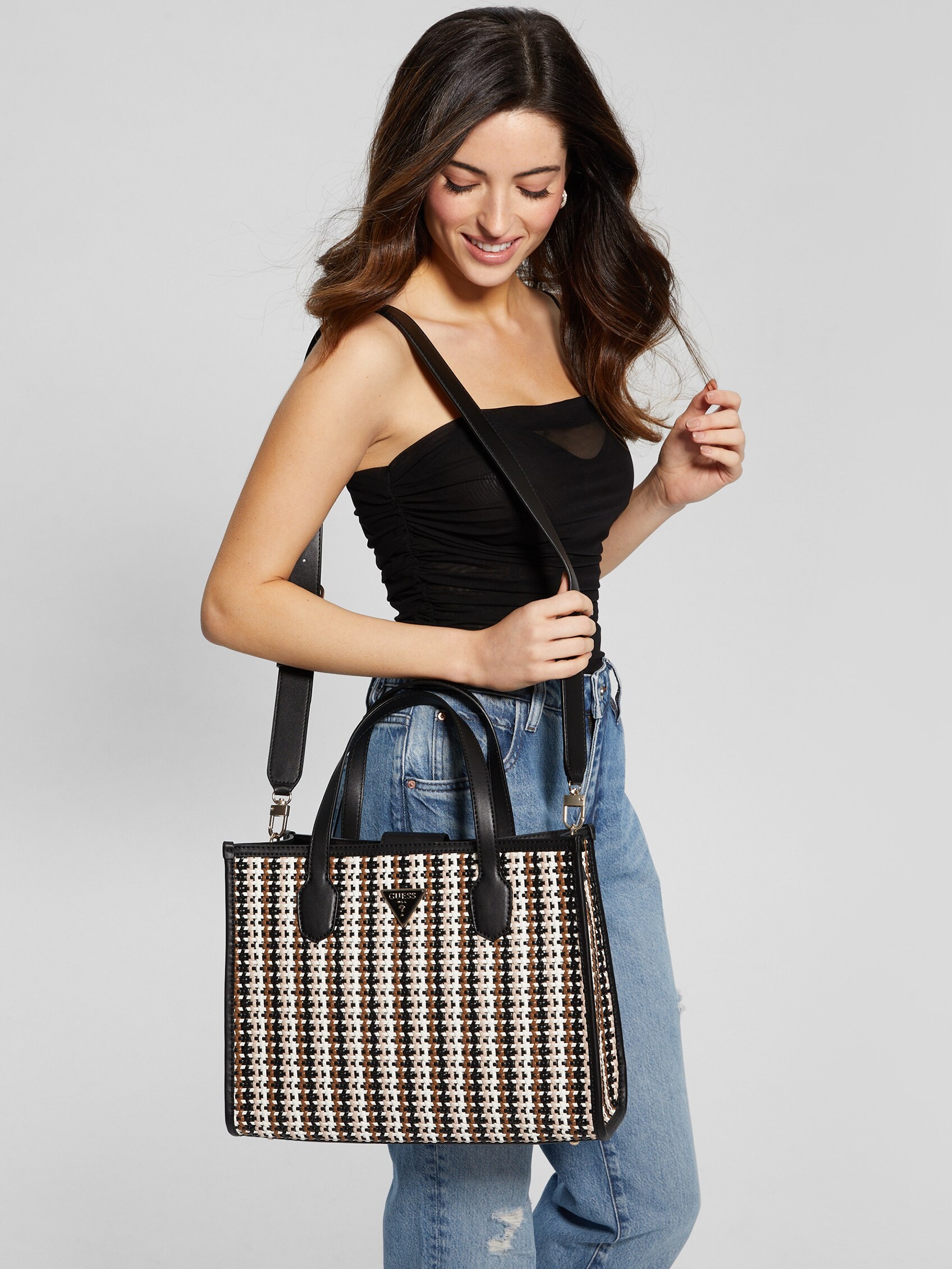
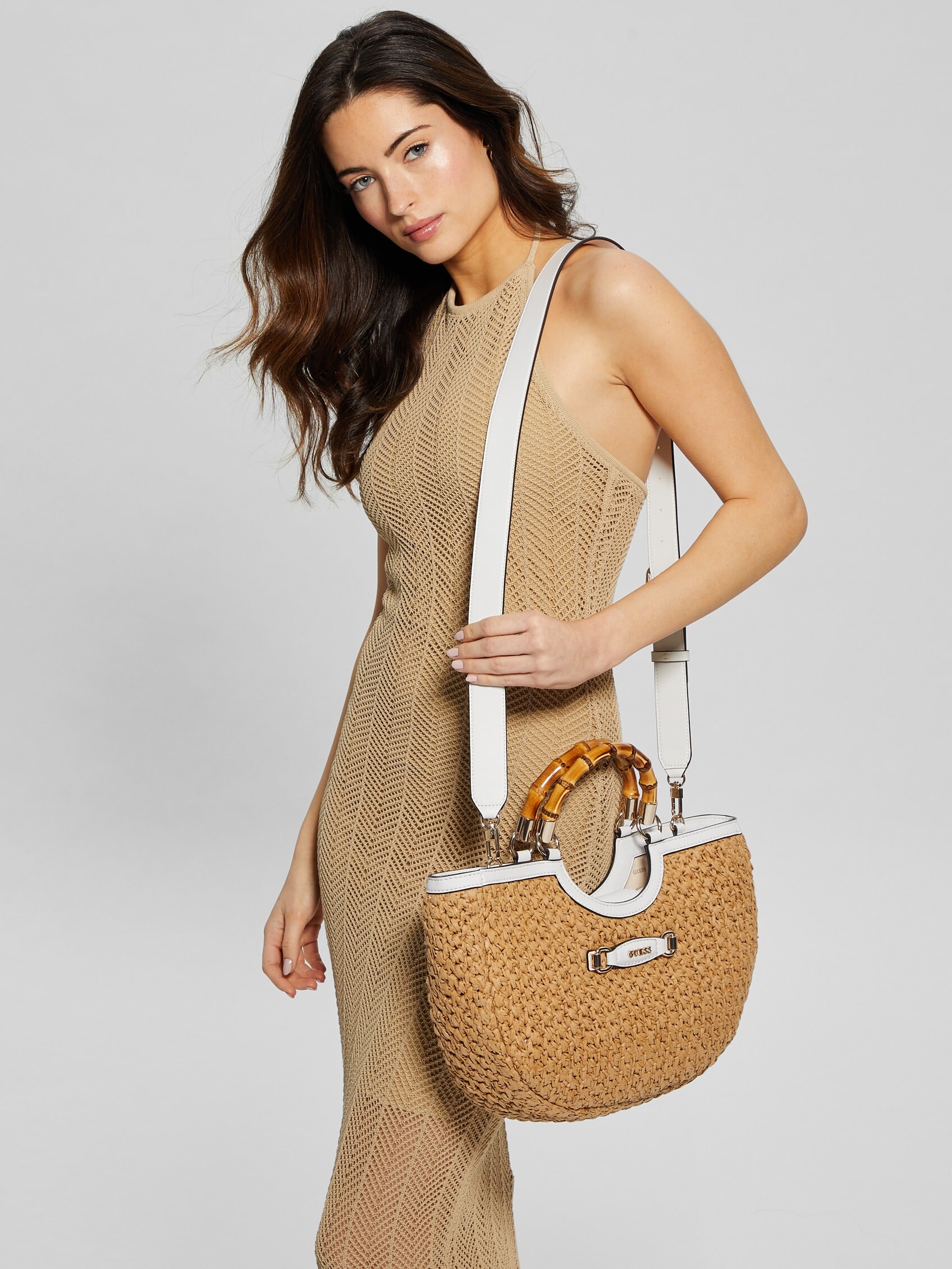
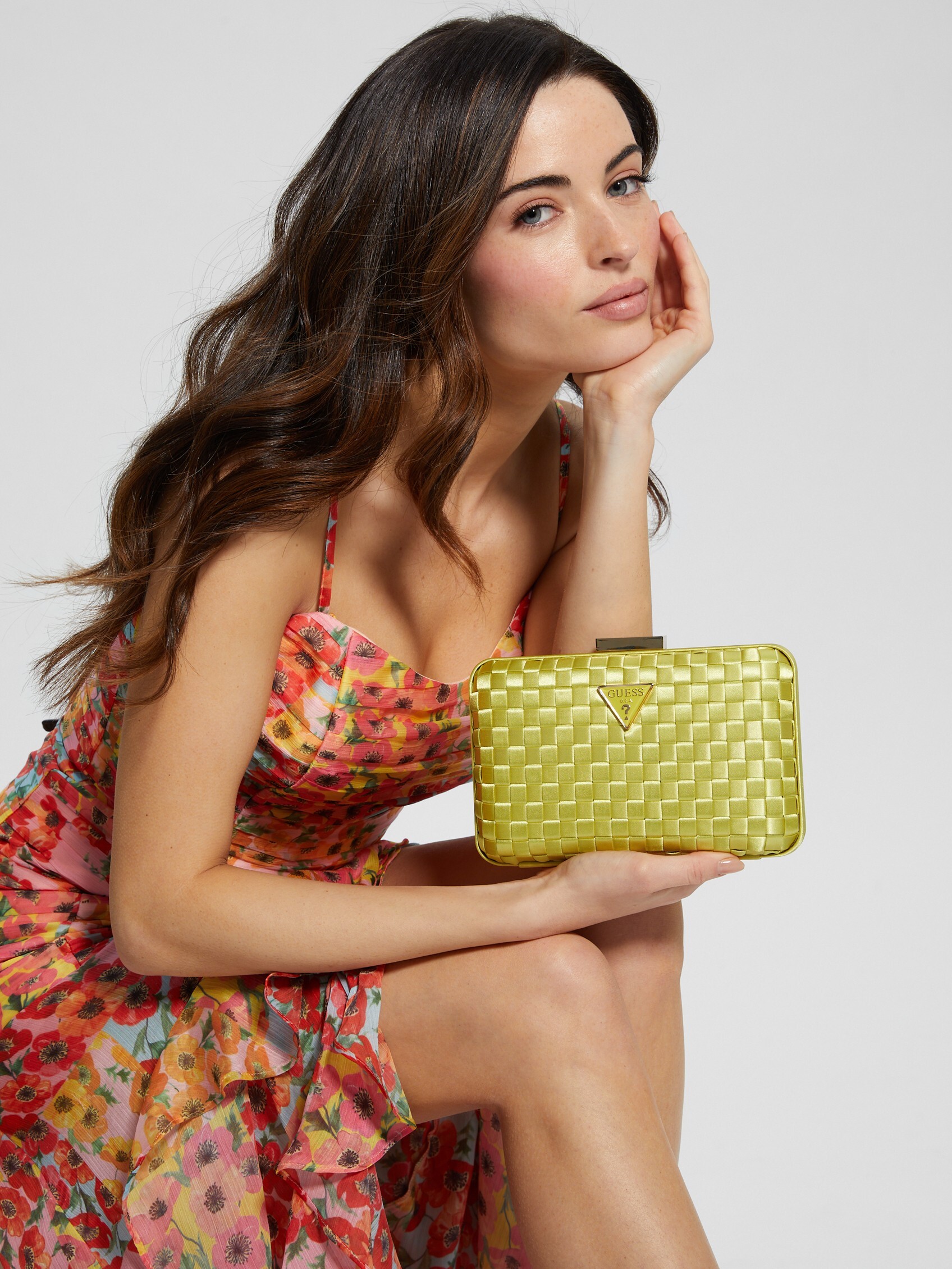
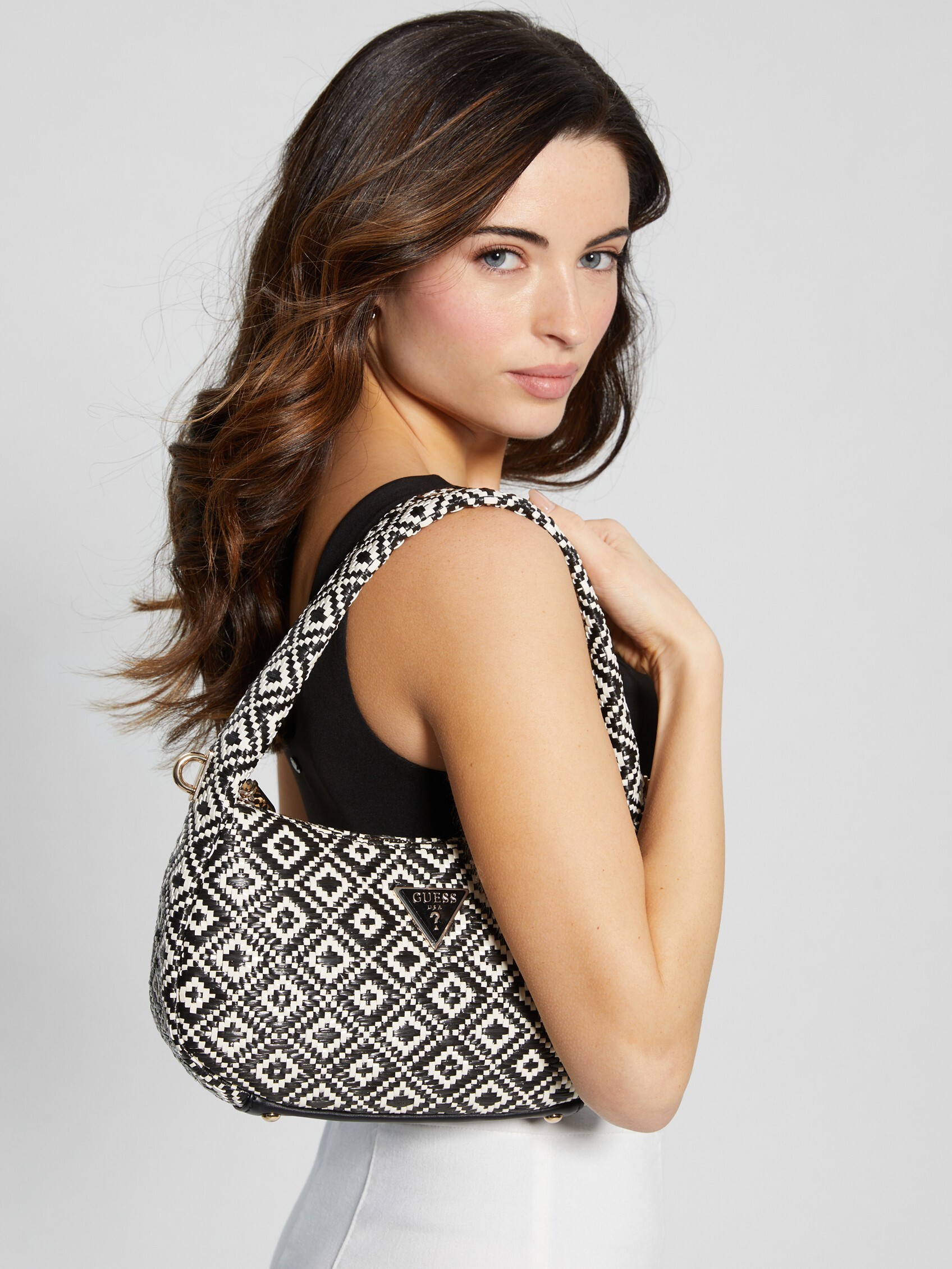
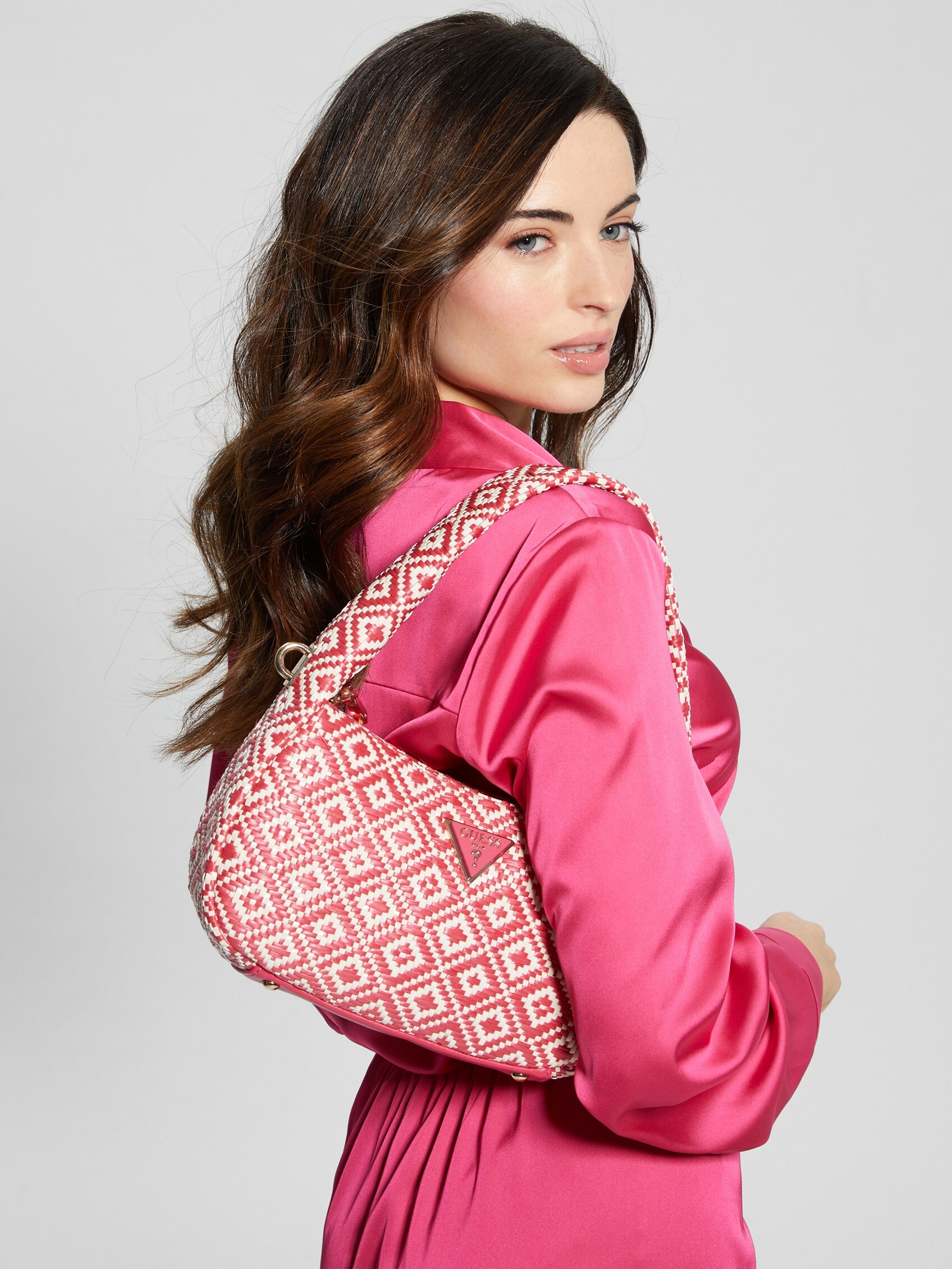
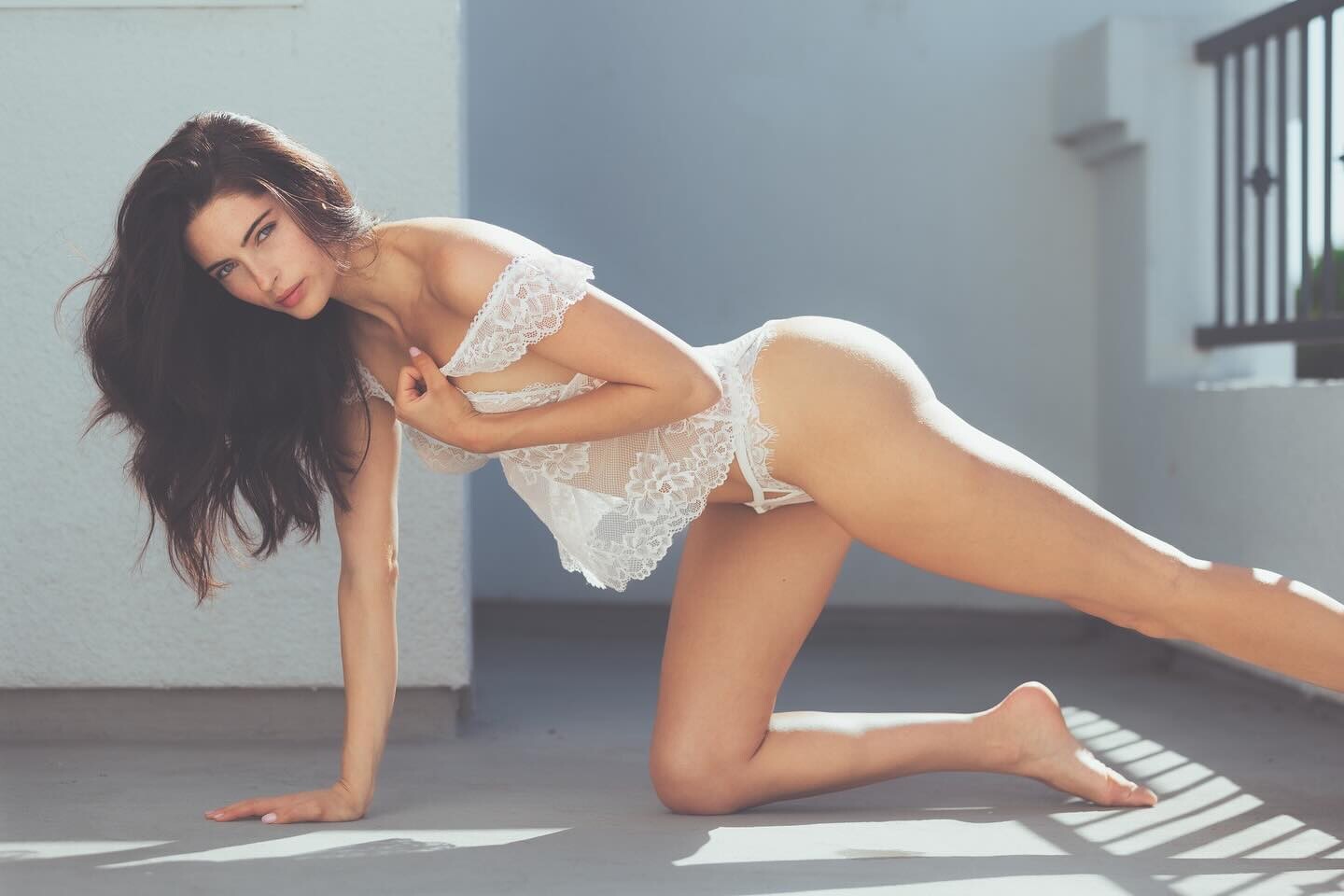
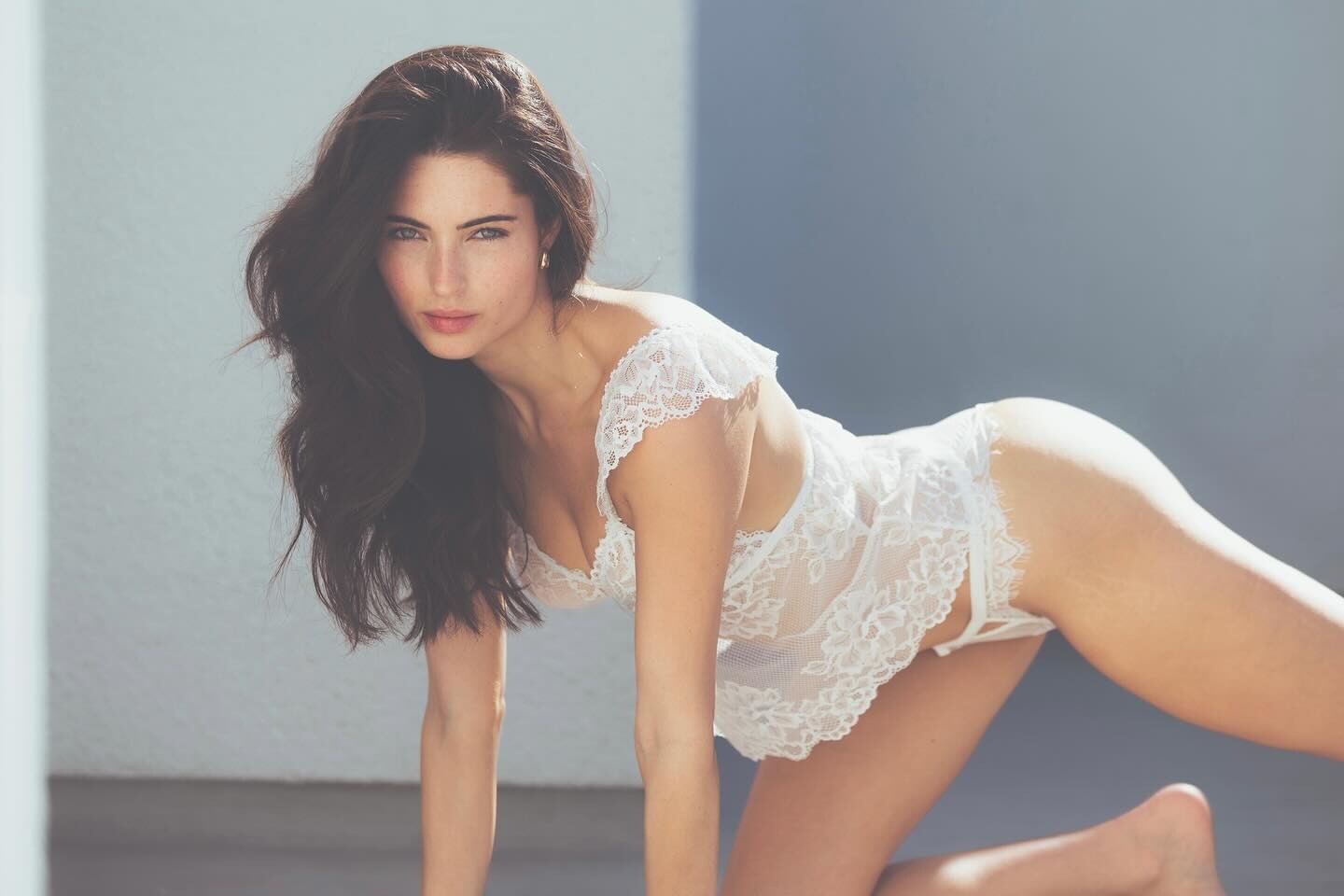
  1. Presumably Guess, Marciano BTS Clint tiny Polaroid, handbra warning
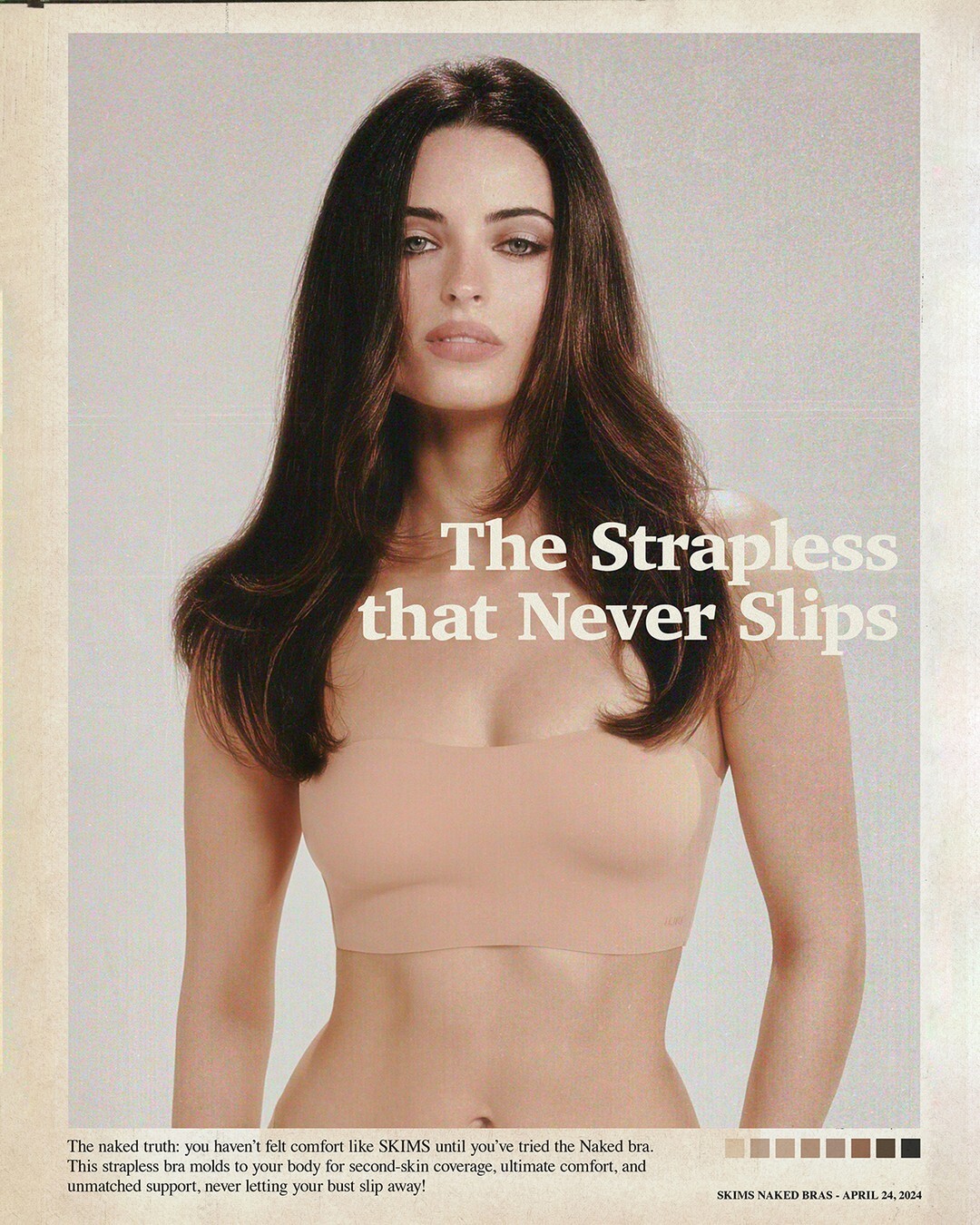
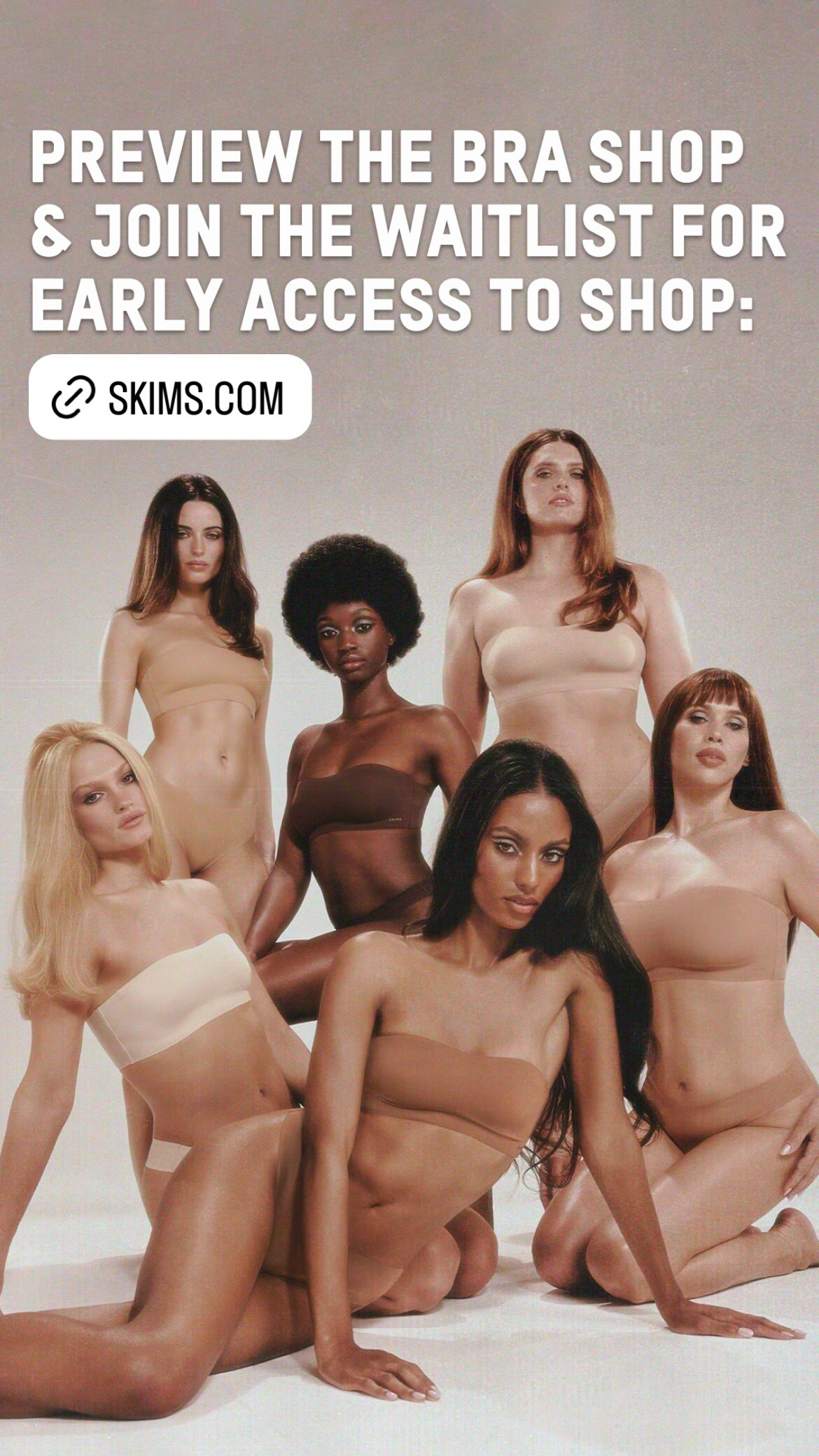
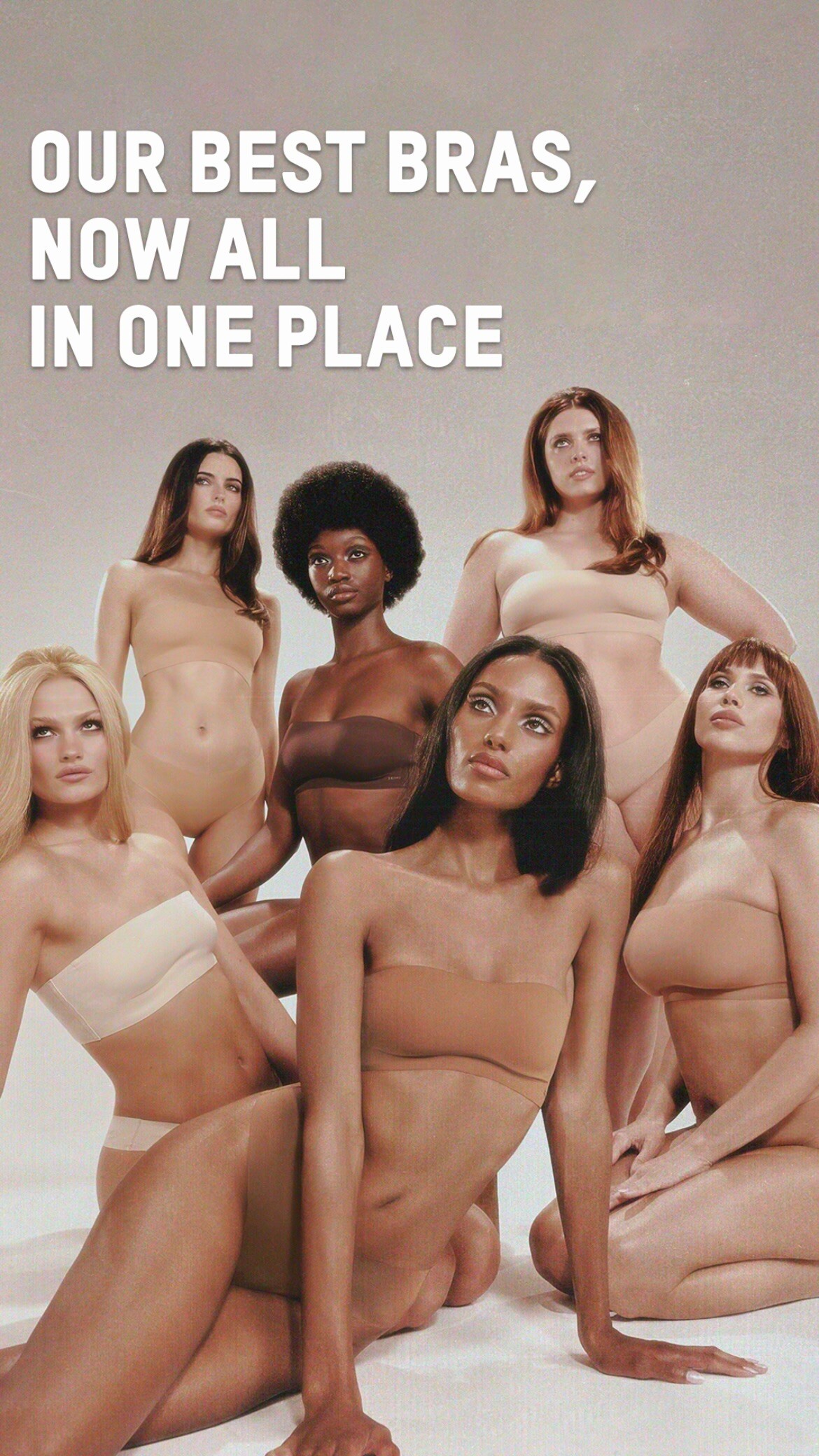
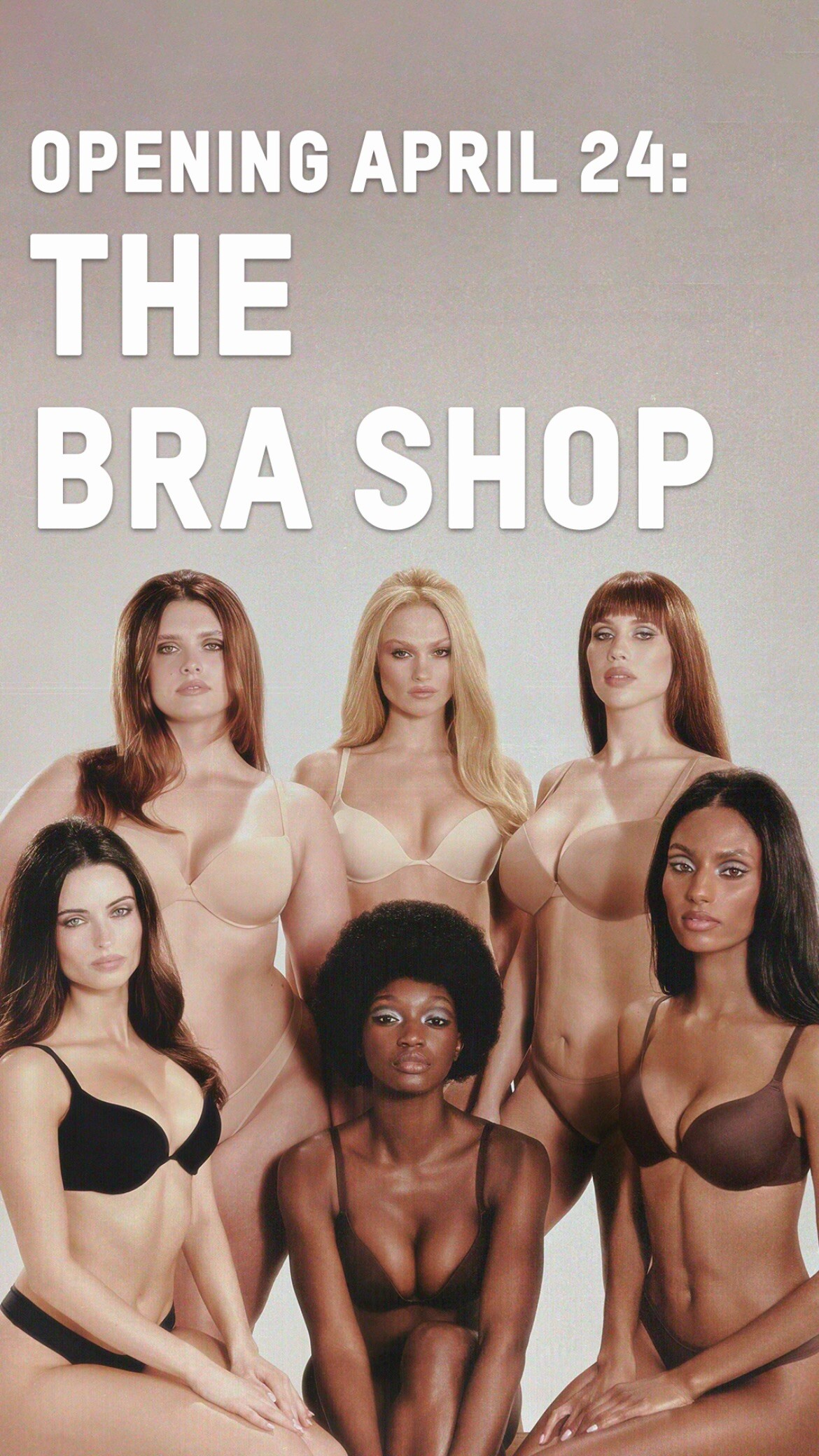
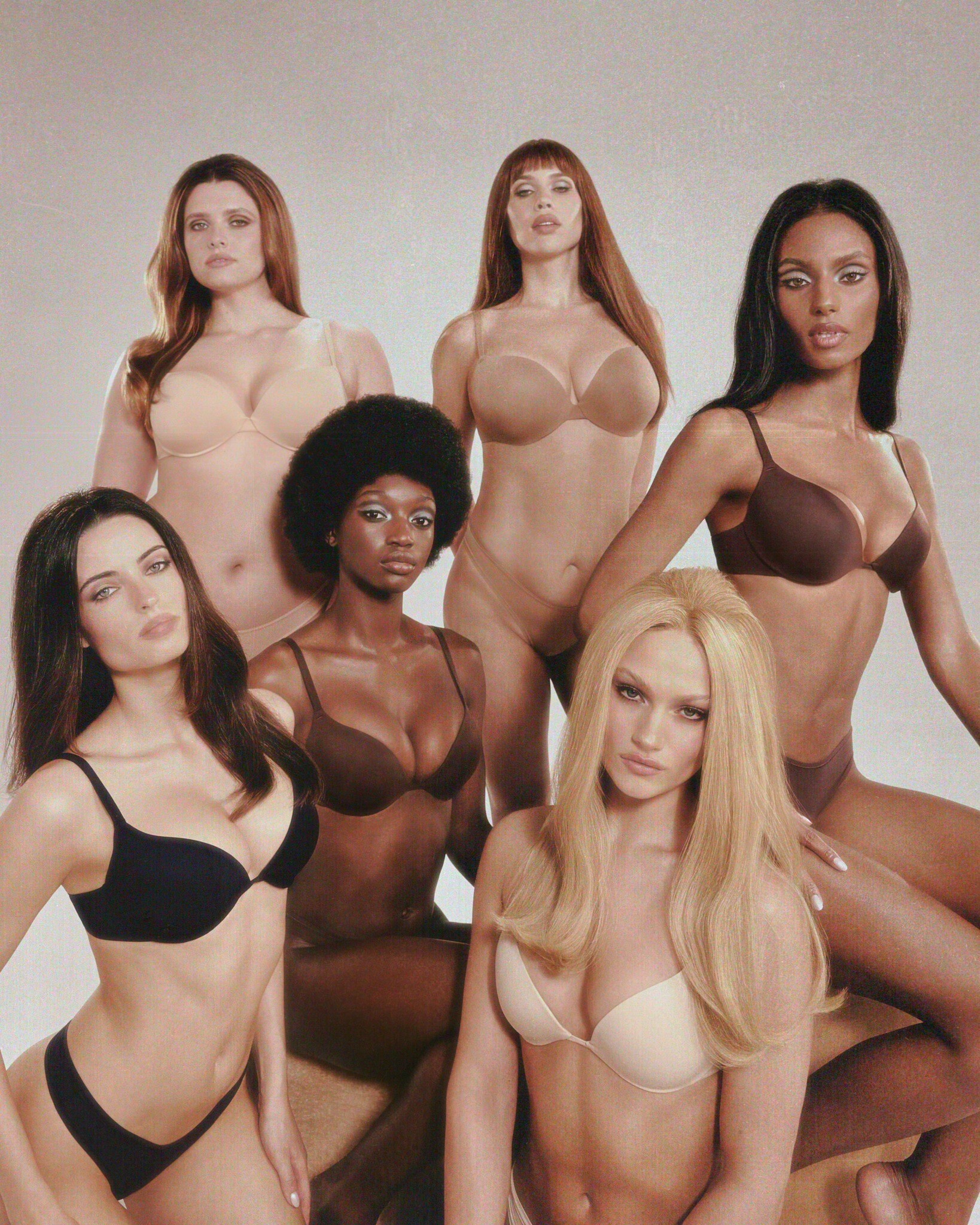
  2. That Skims video on their Facebook in 1080p landscape. The text is less obtrusive. 439088008_1348962049107680_977788720389784666_n.mp4
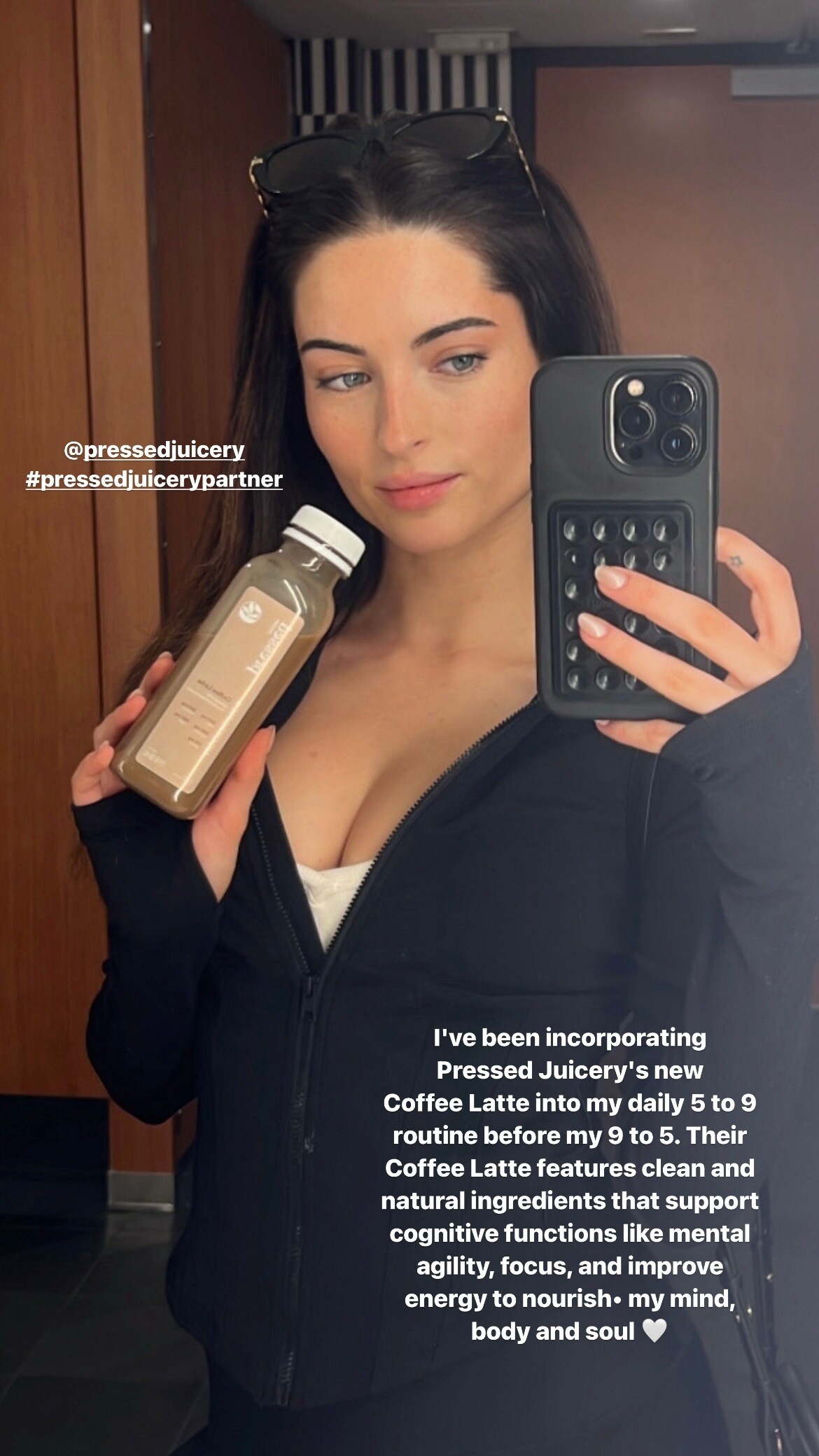
  3. Her "5 to 9 before my 9 to 5" (On TikTok: https://www.tiktok.com/@a/video/7361488710673763585)
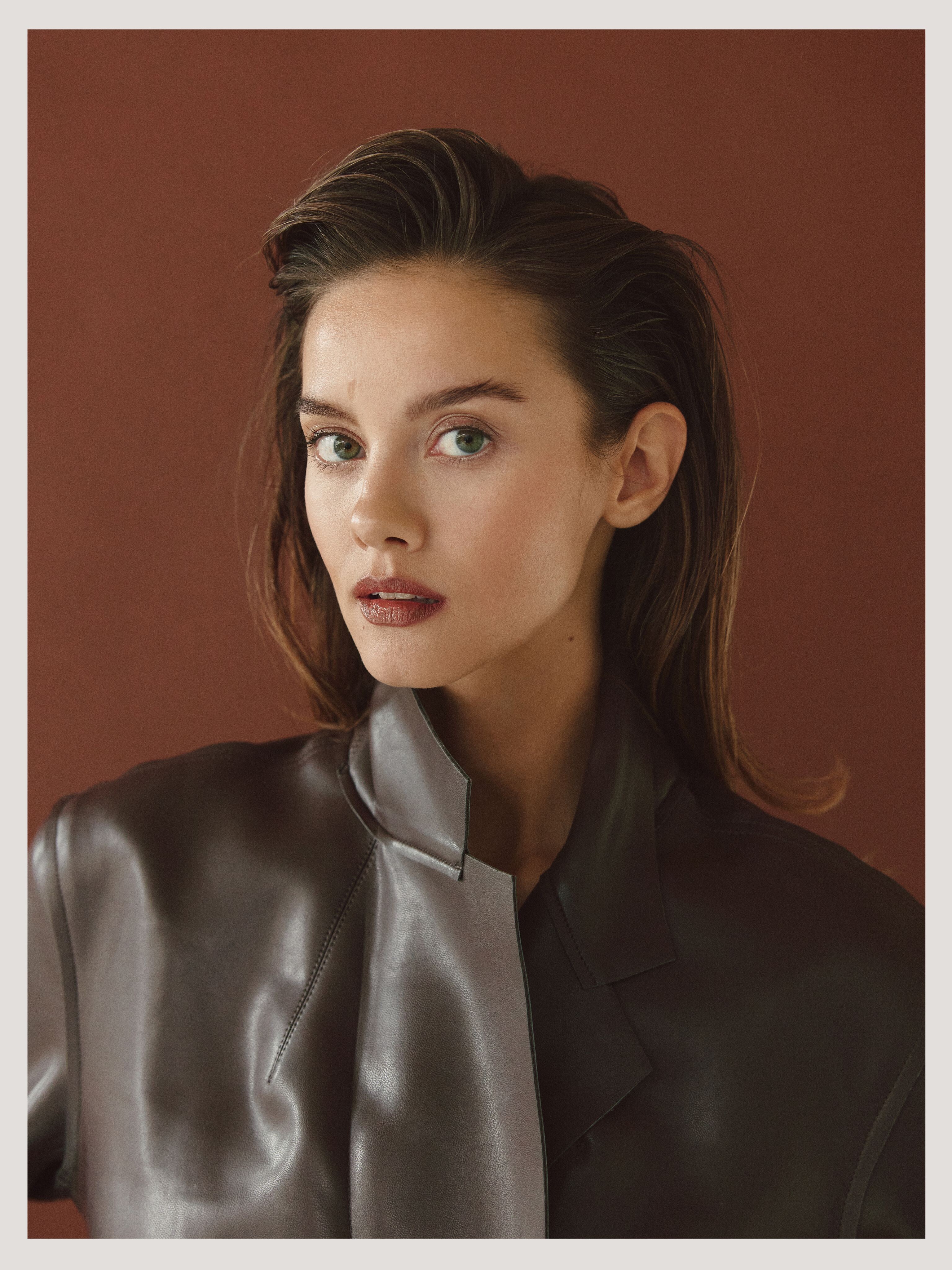
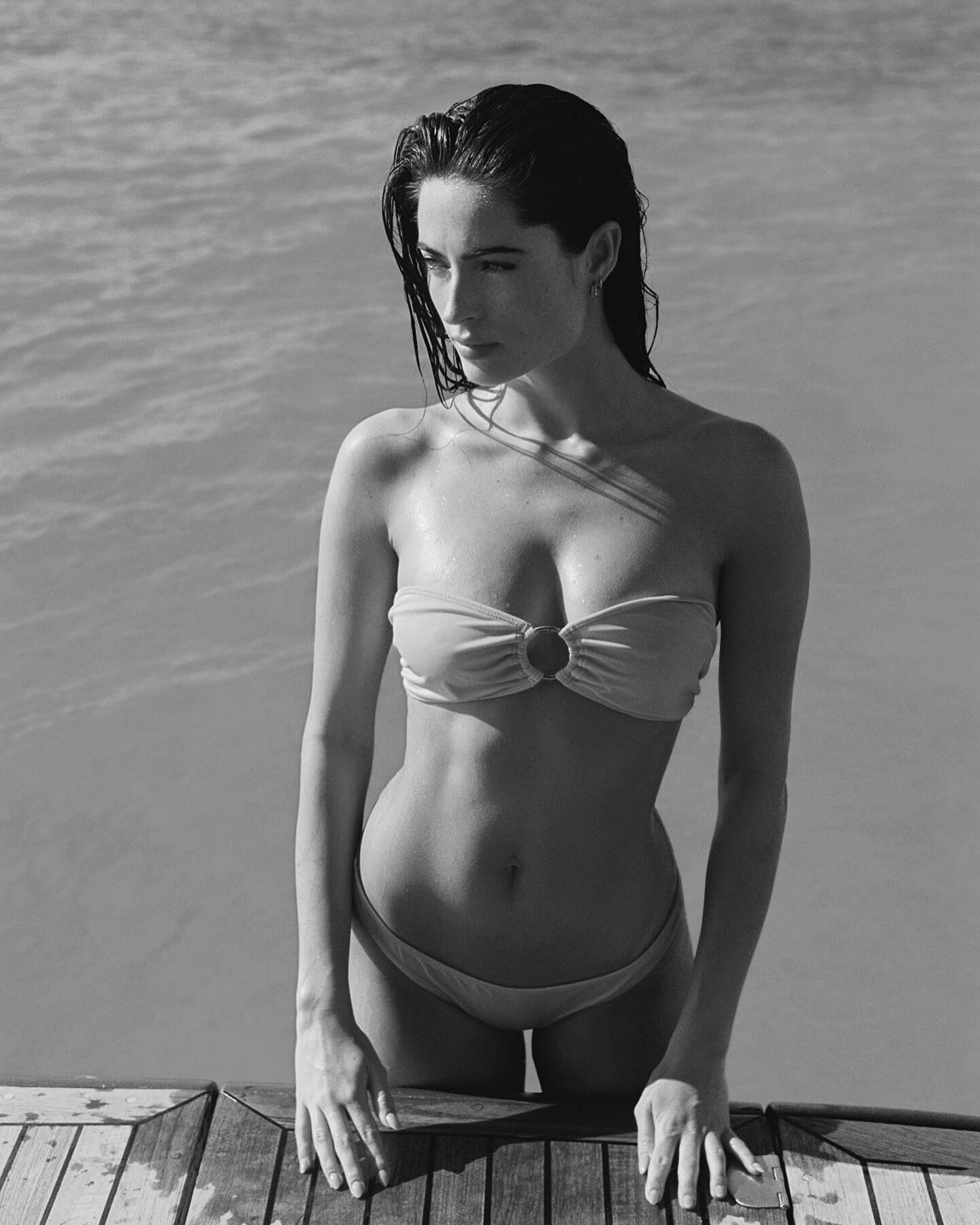
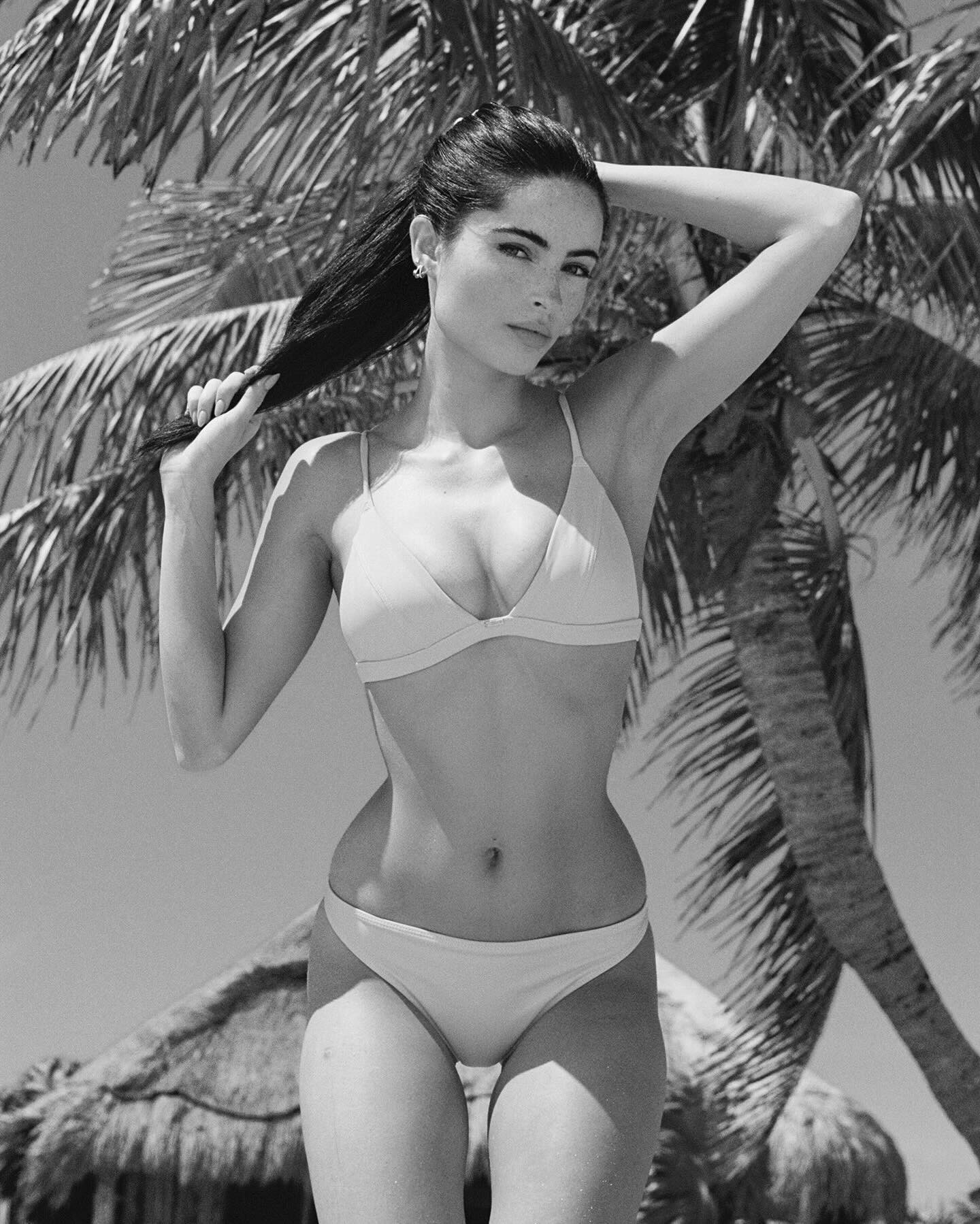
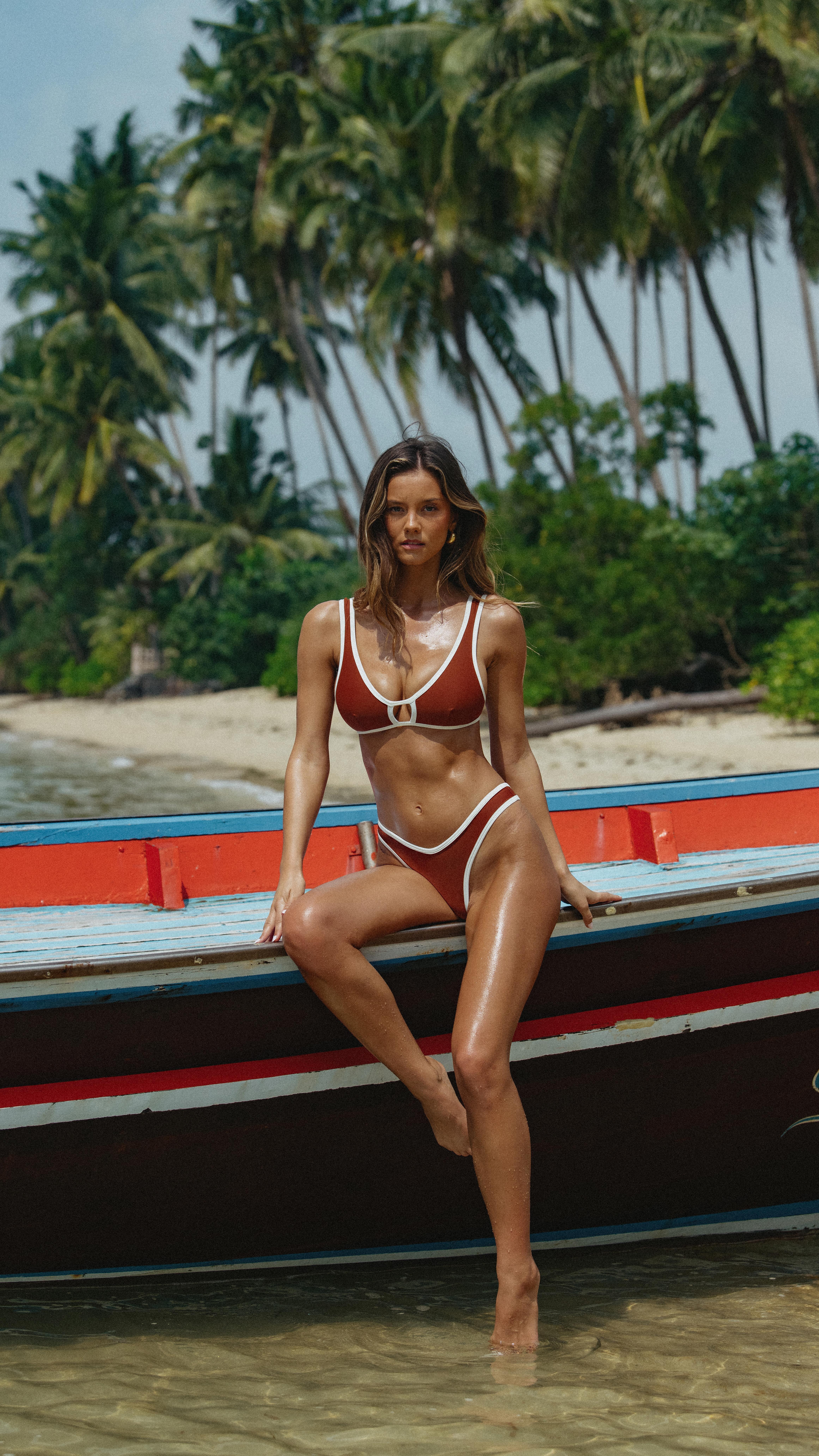
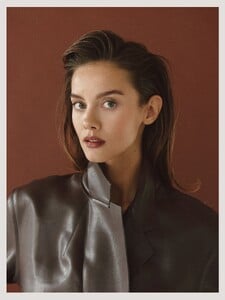
  4. The Adoraswim set is great. The video is nice too. The Jenn Werner HQ photos as seen on Munich Models:
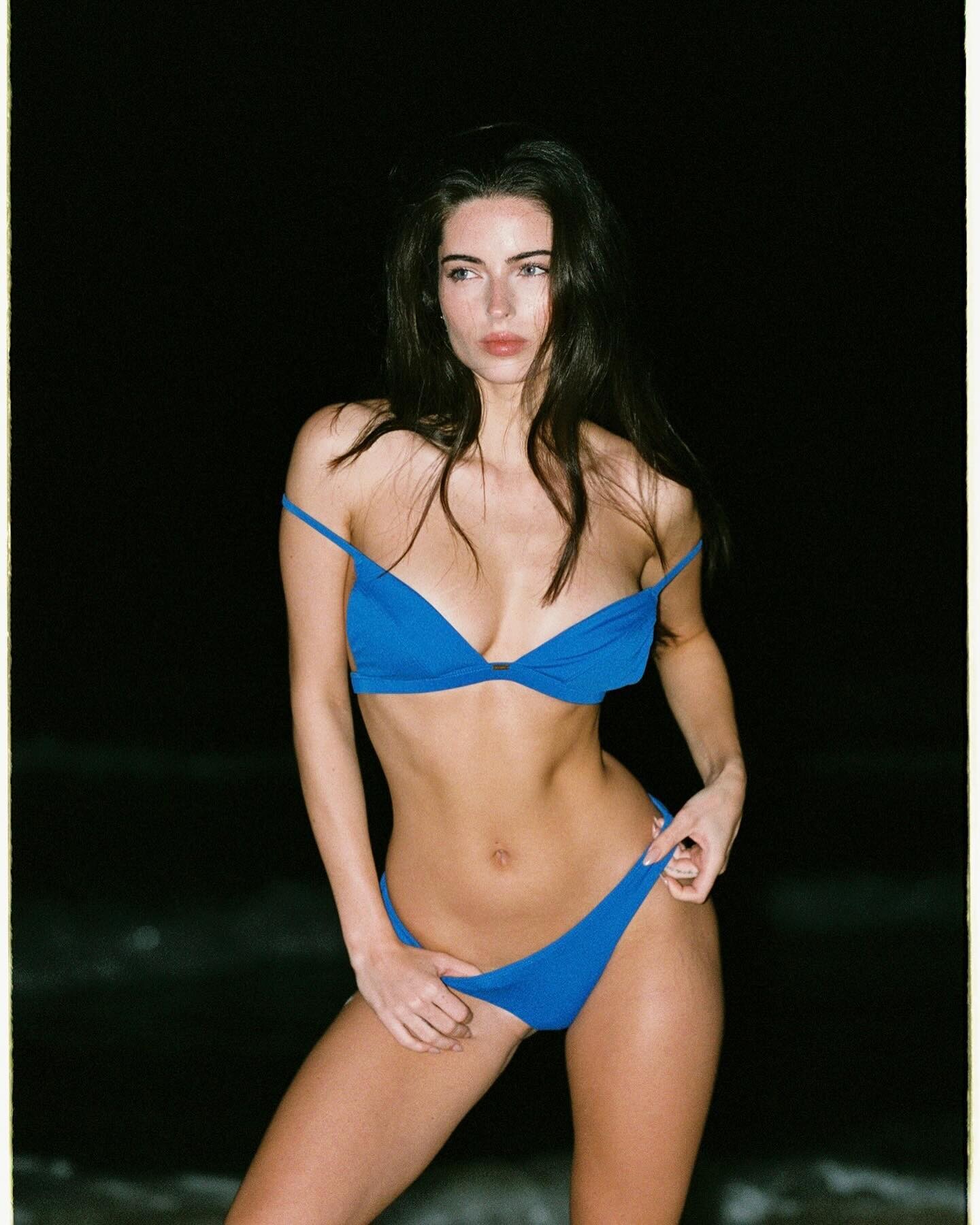
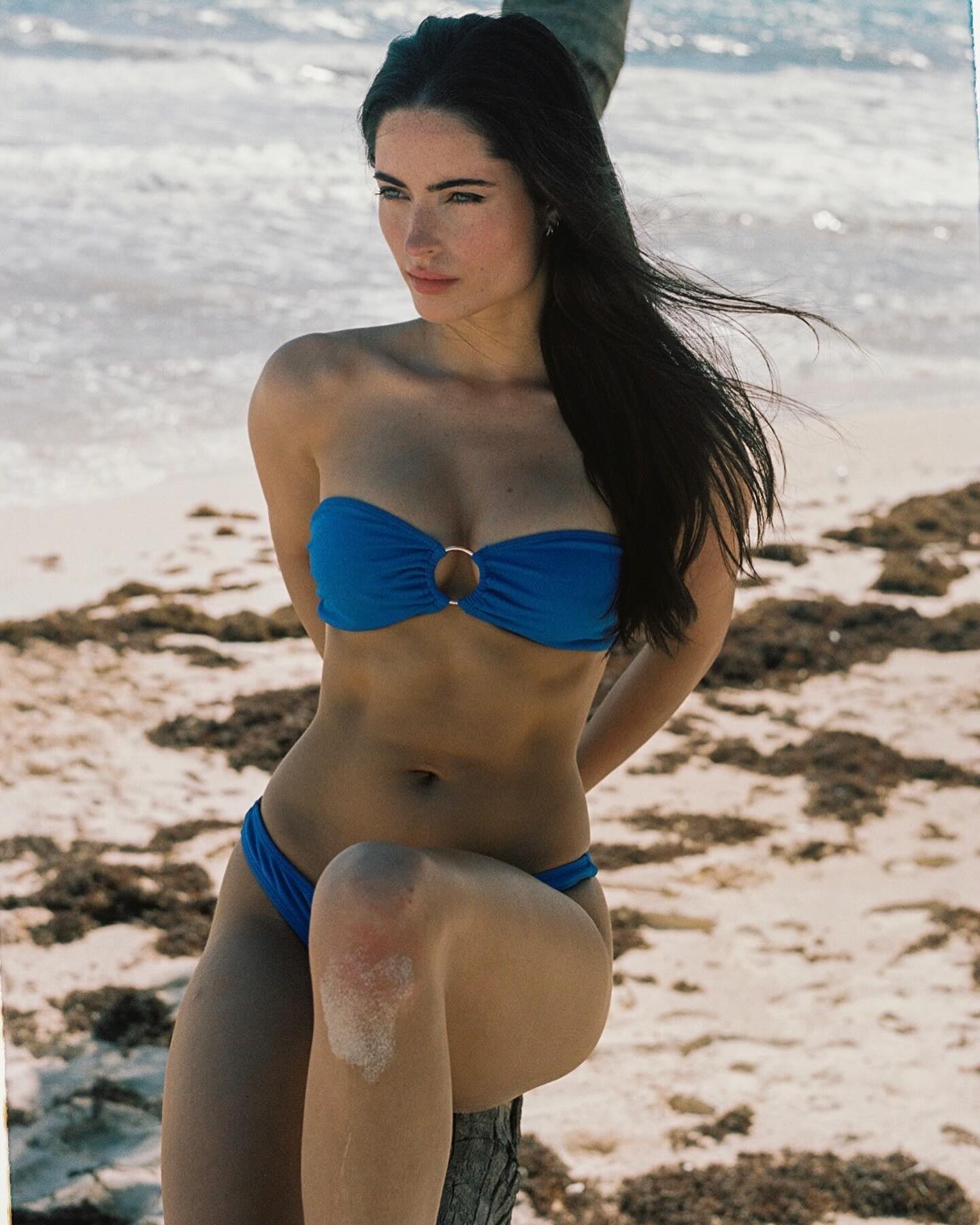
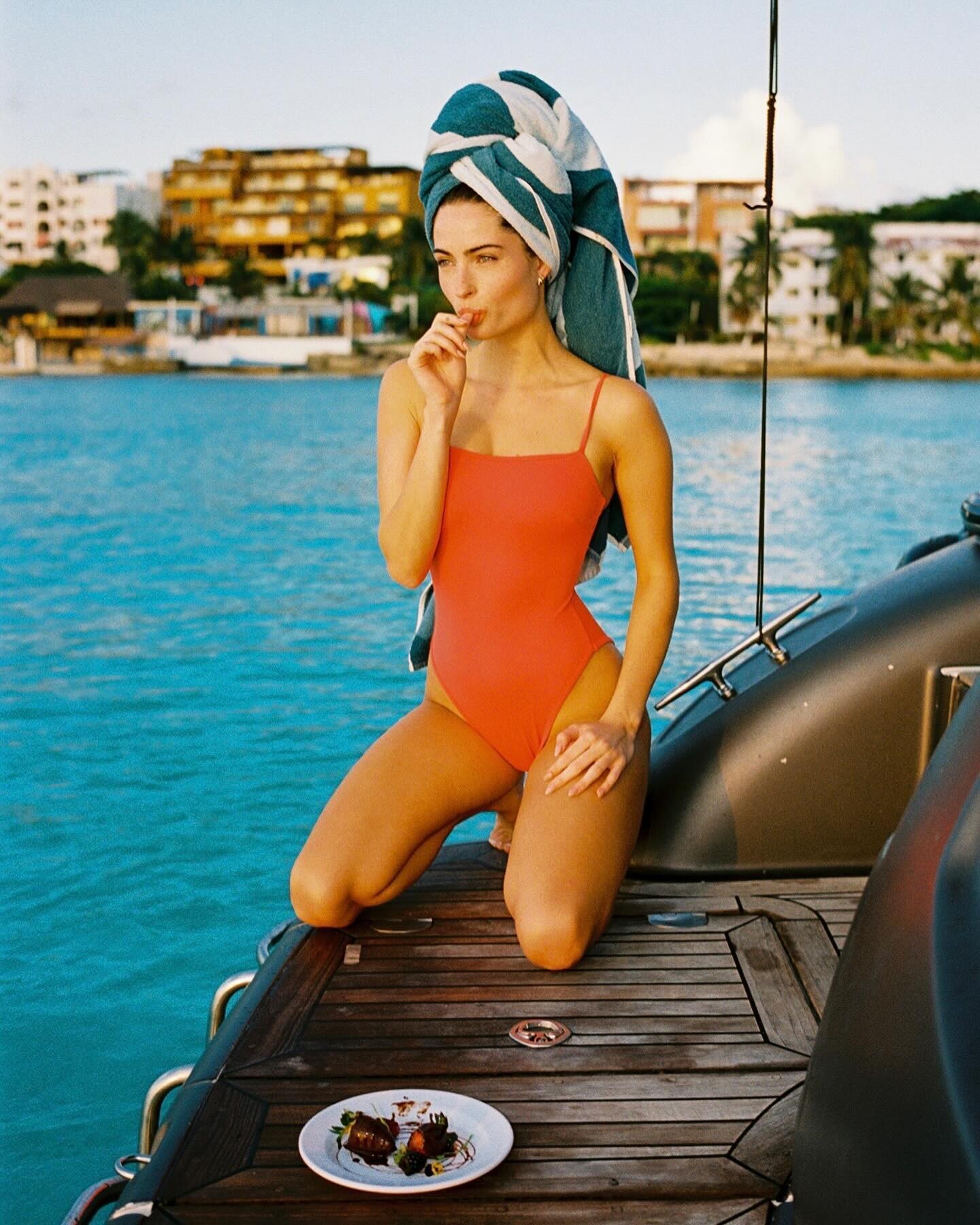
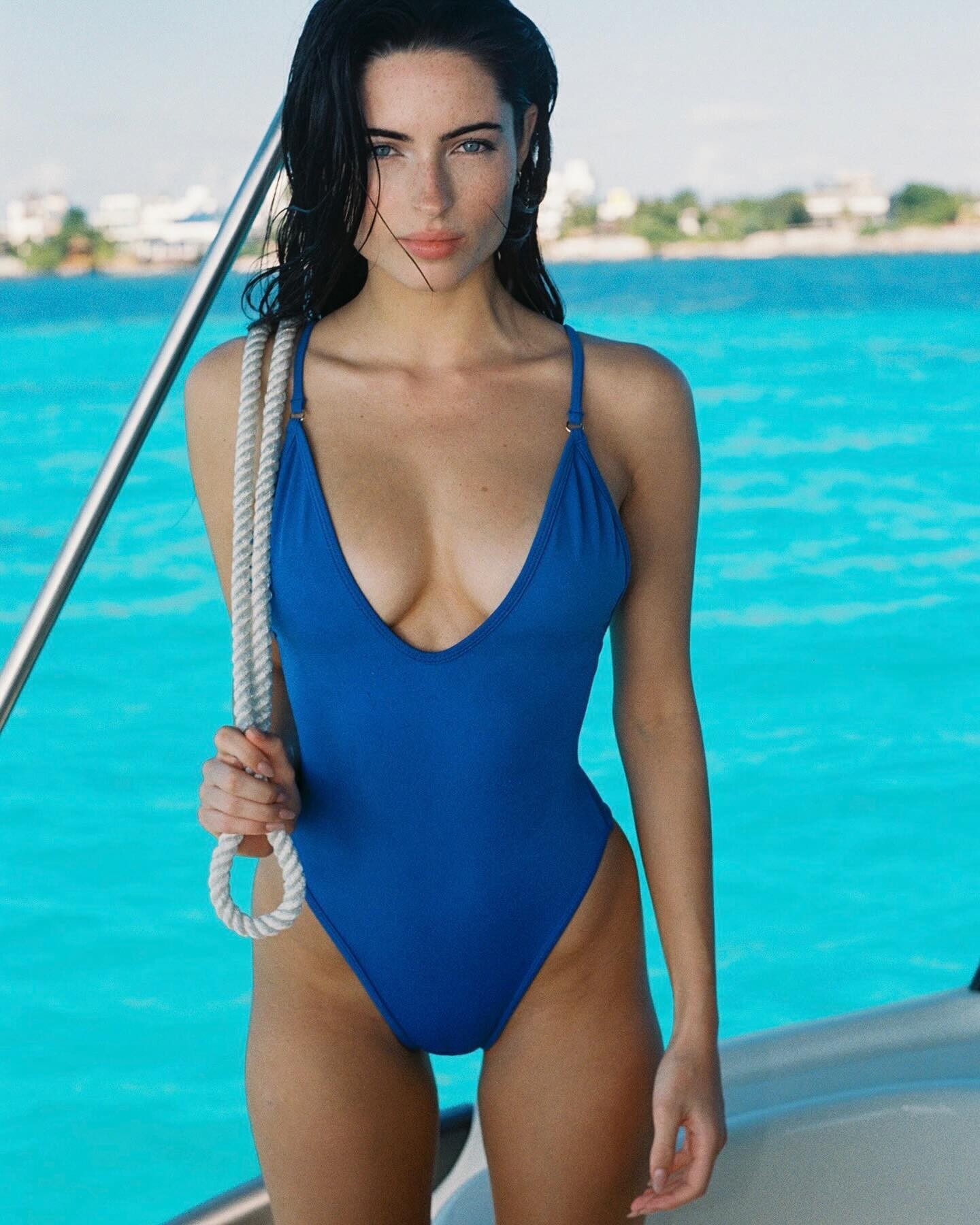
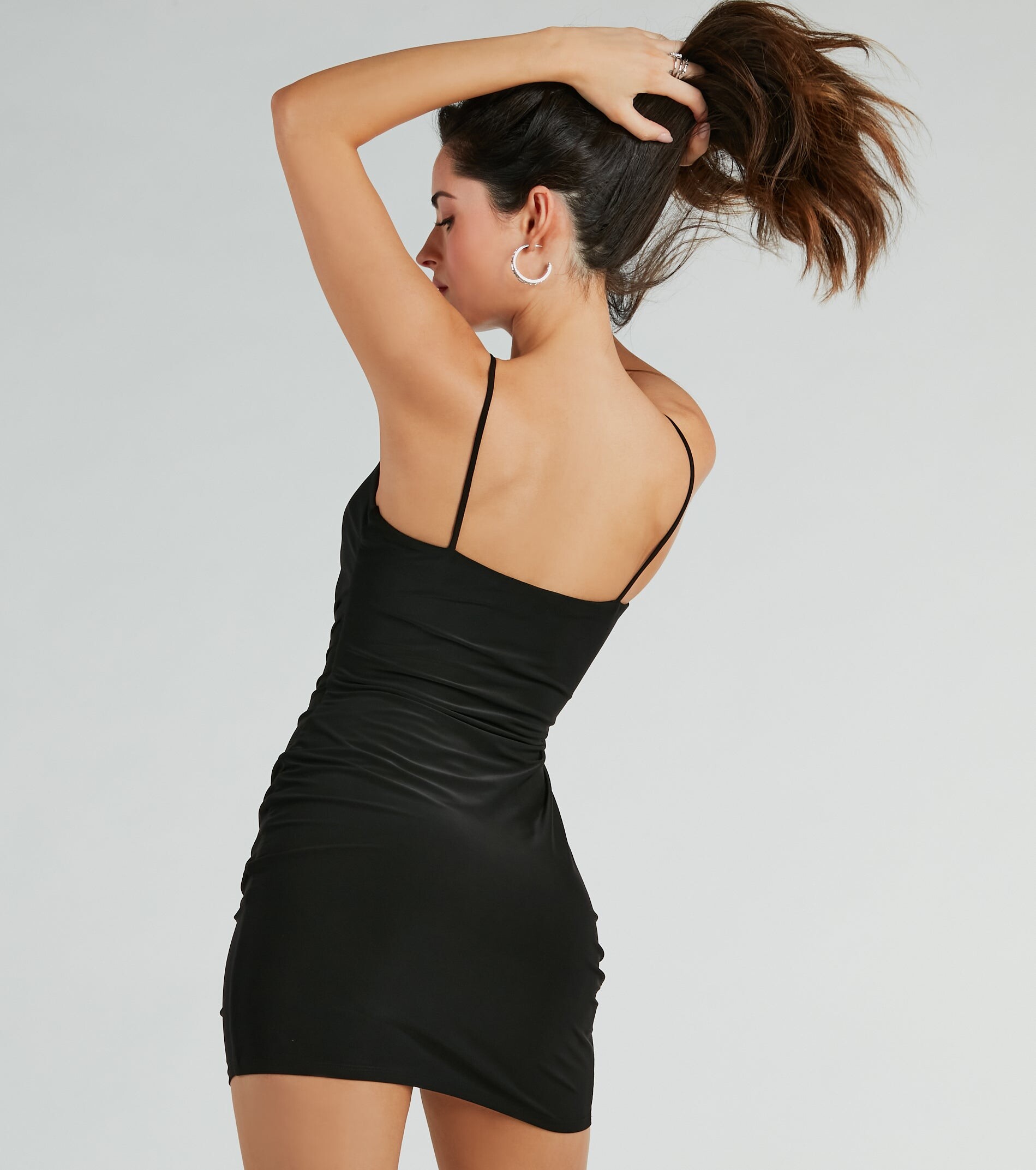
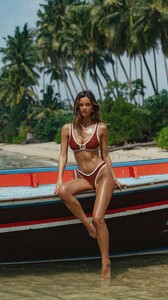
  5. Gooseberry Intimates Swimwear "Once upon a time in Tulum". Some repeats.
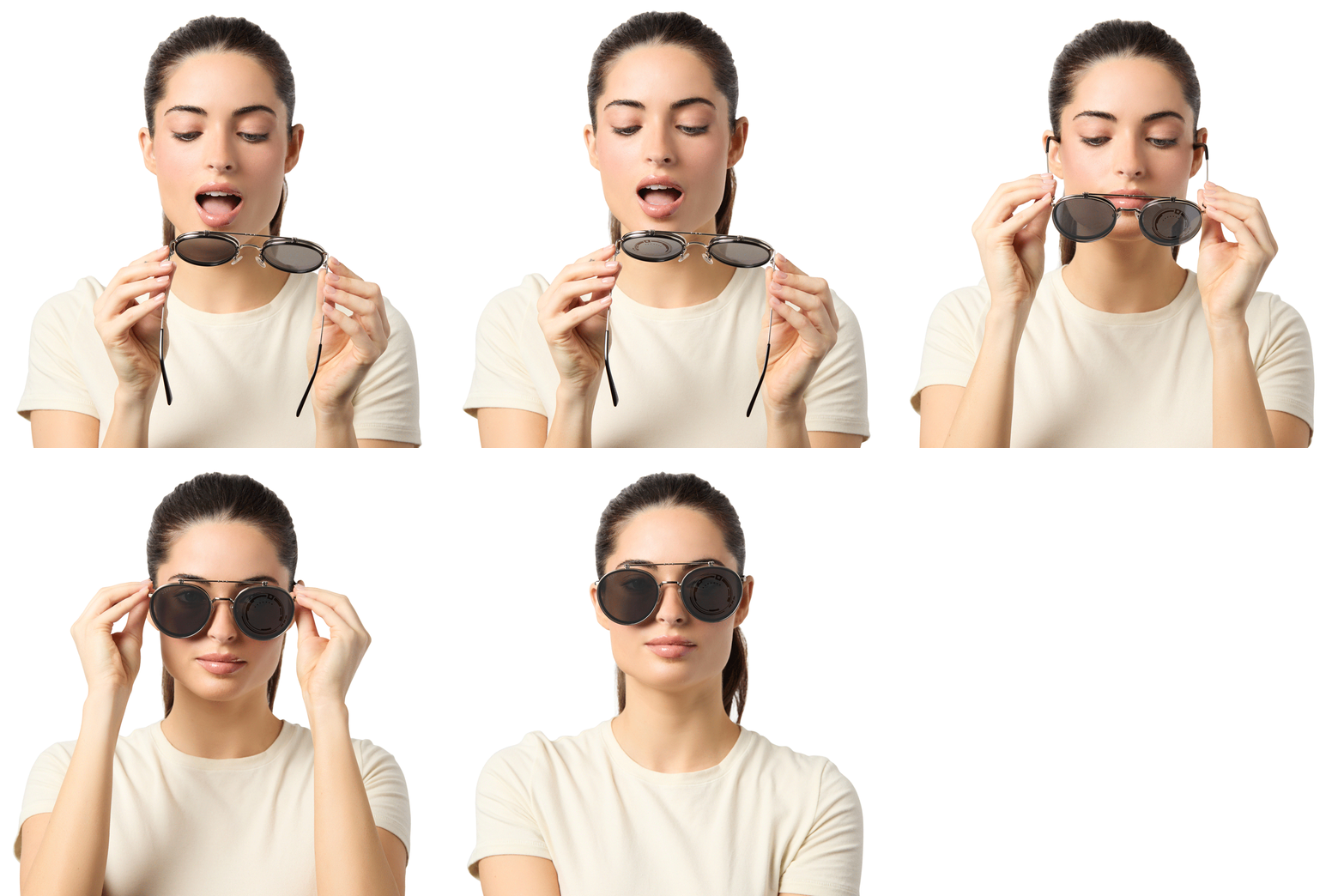
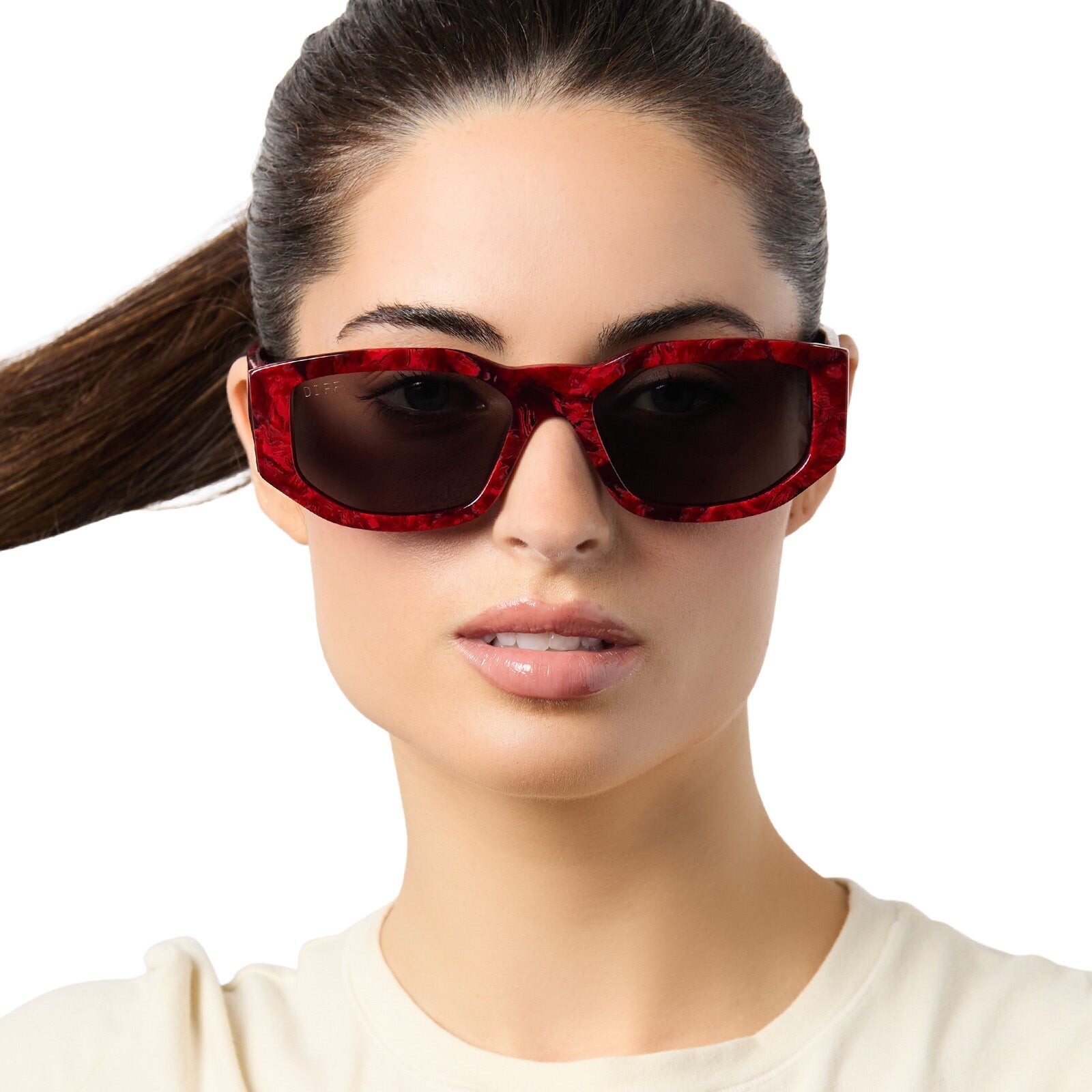
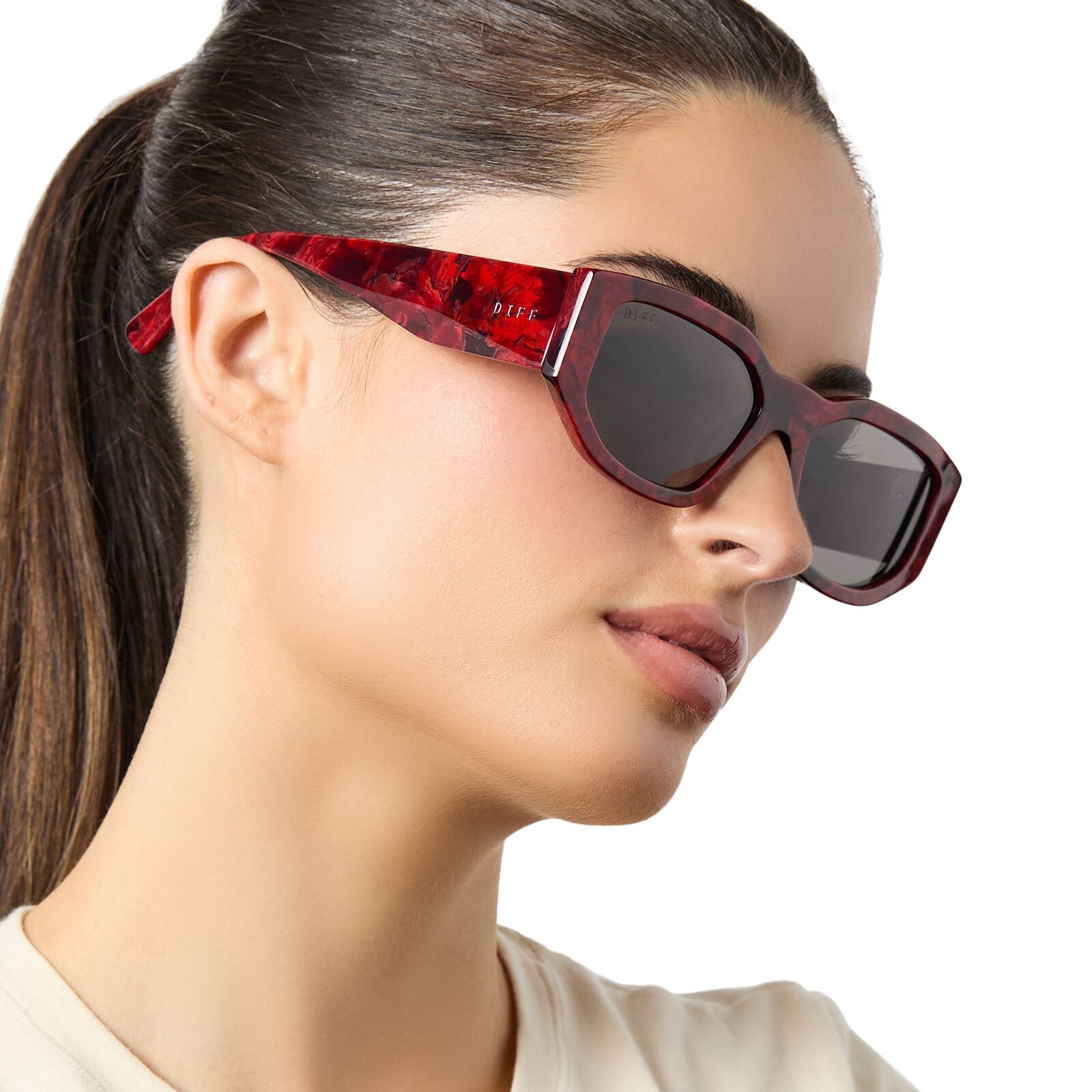
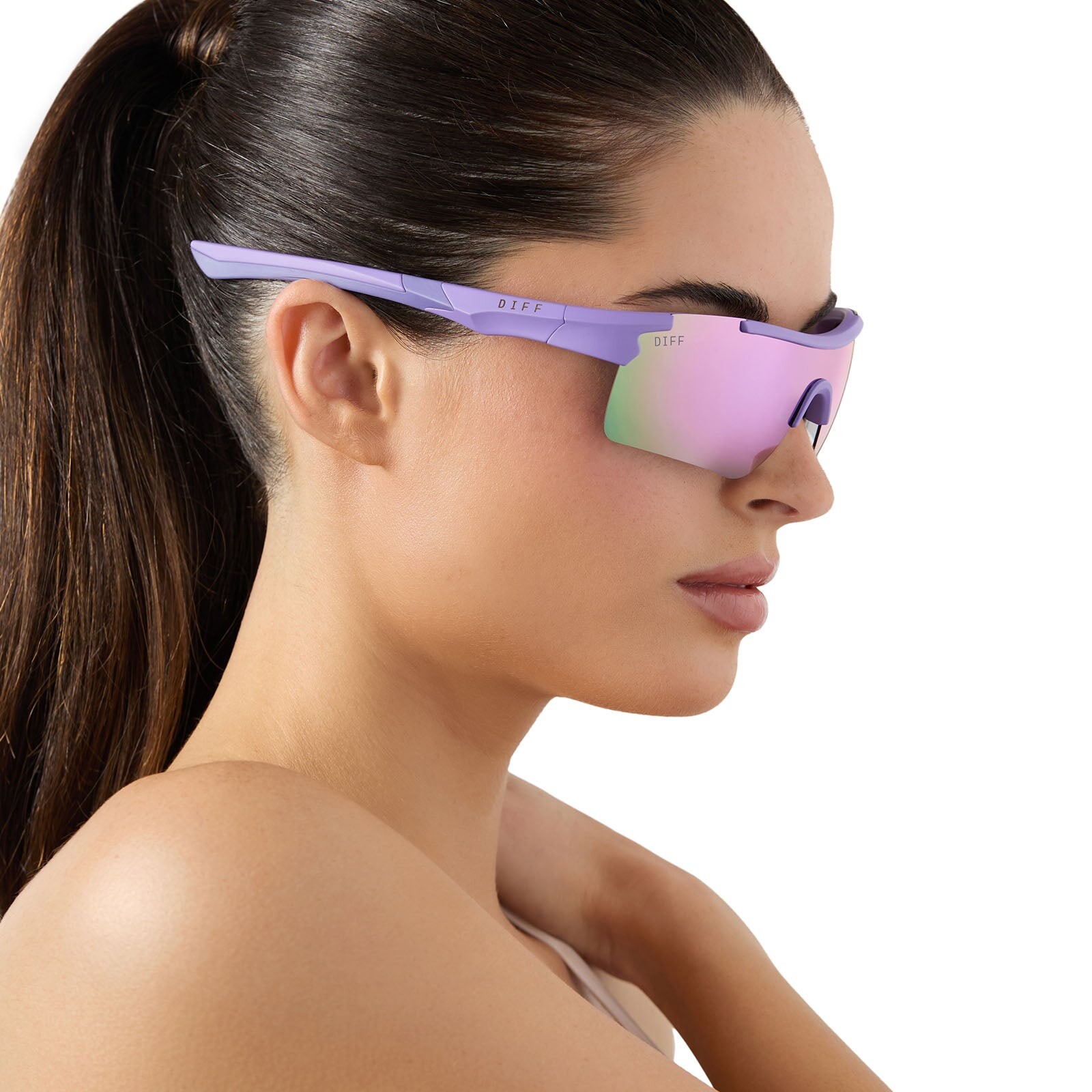
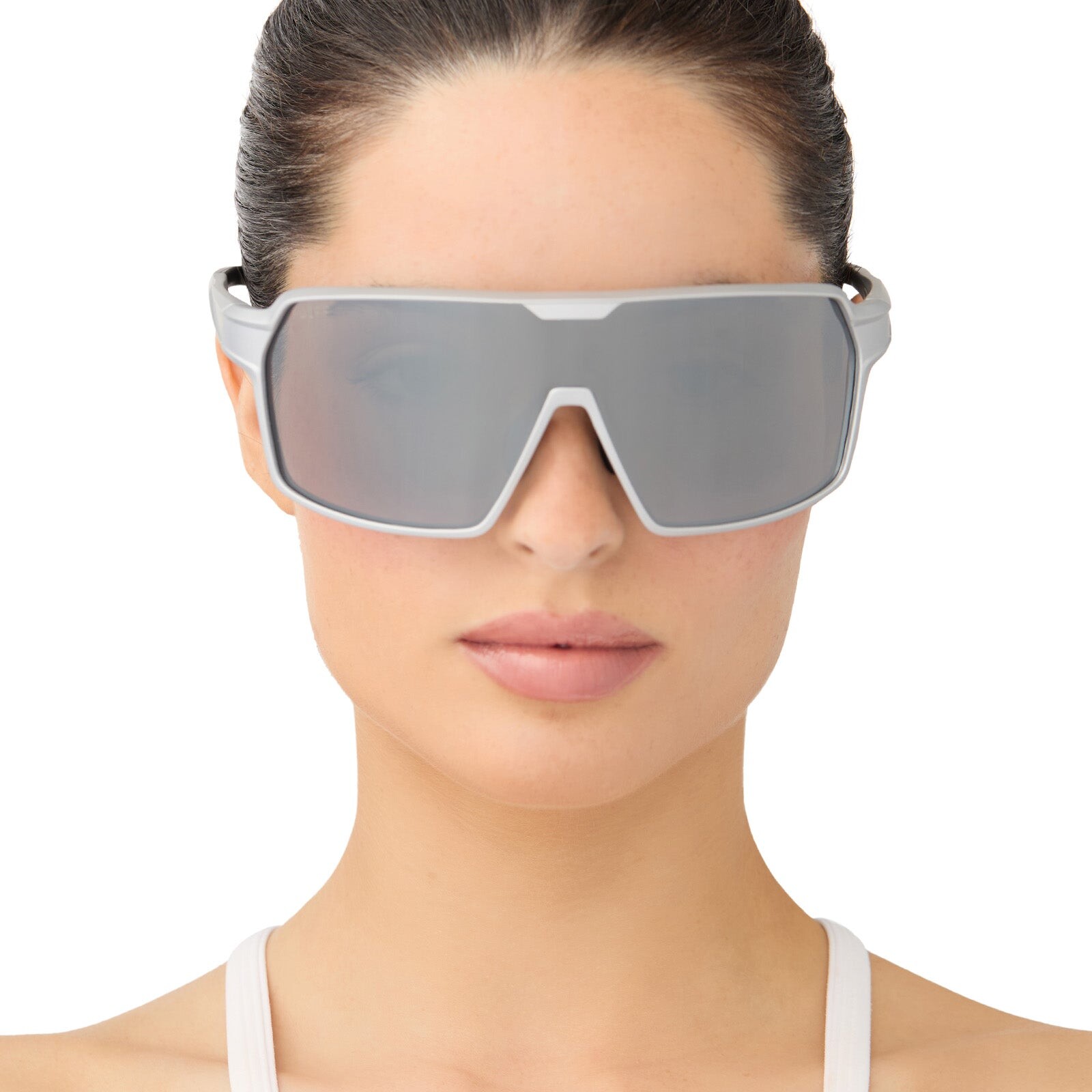
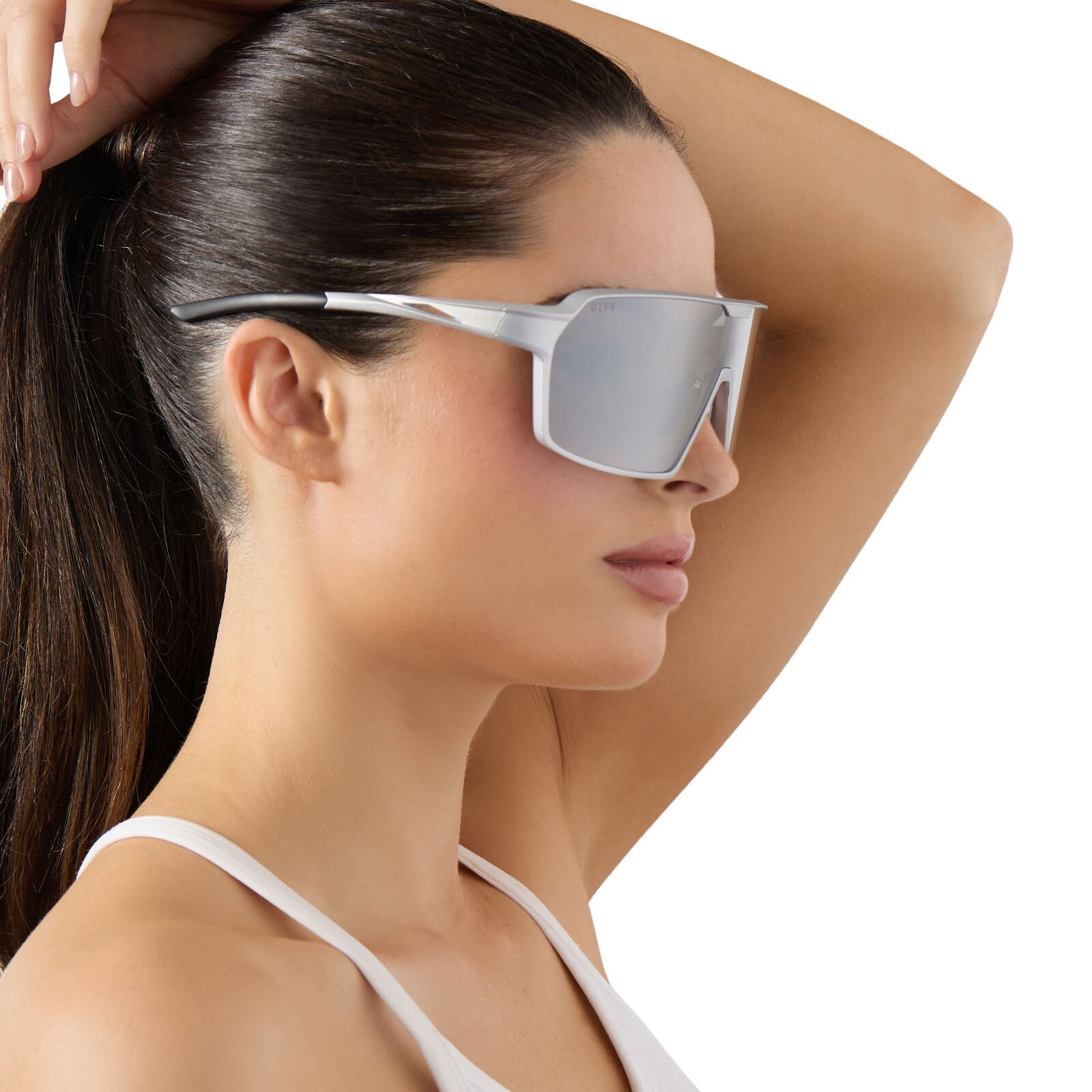
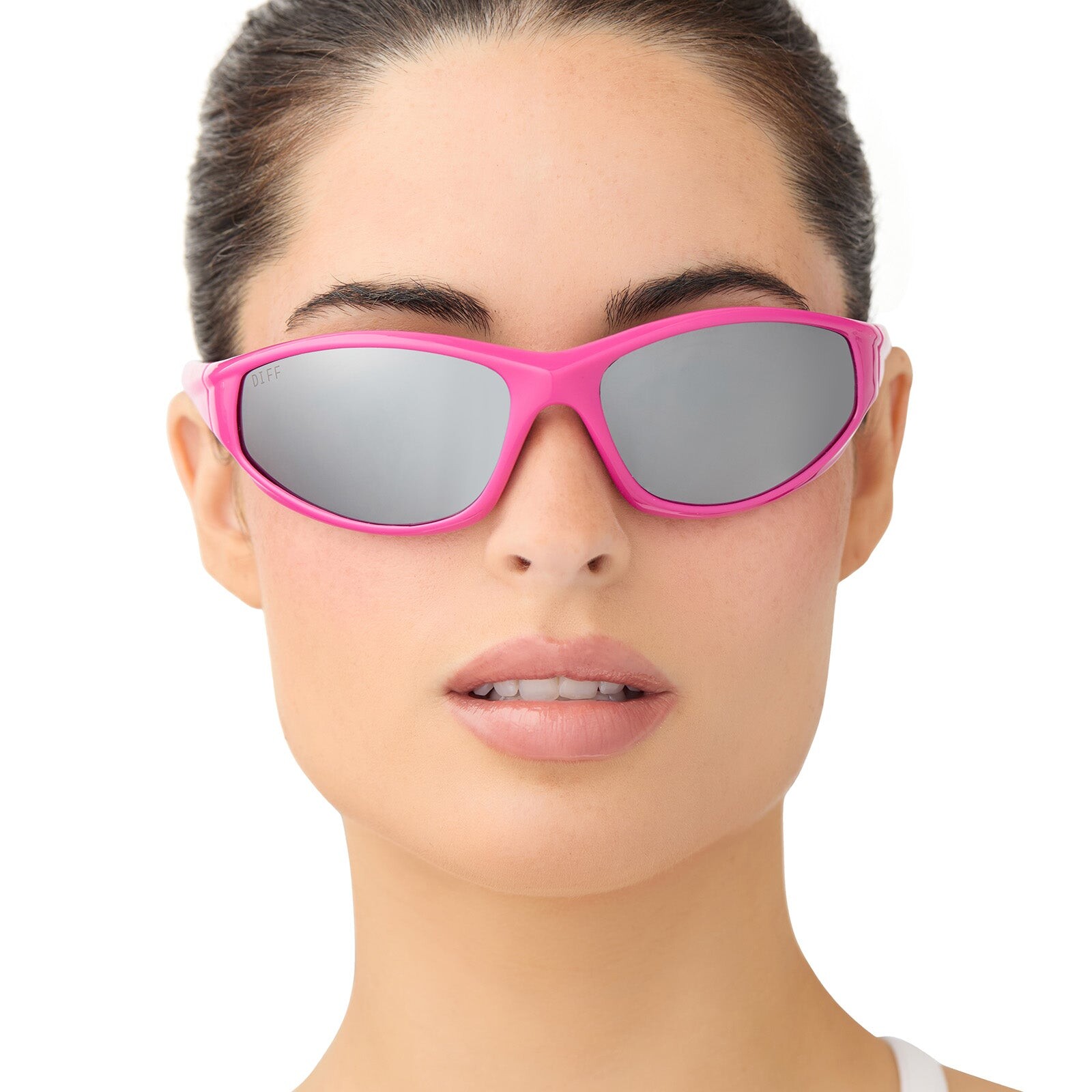
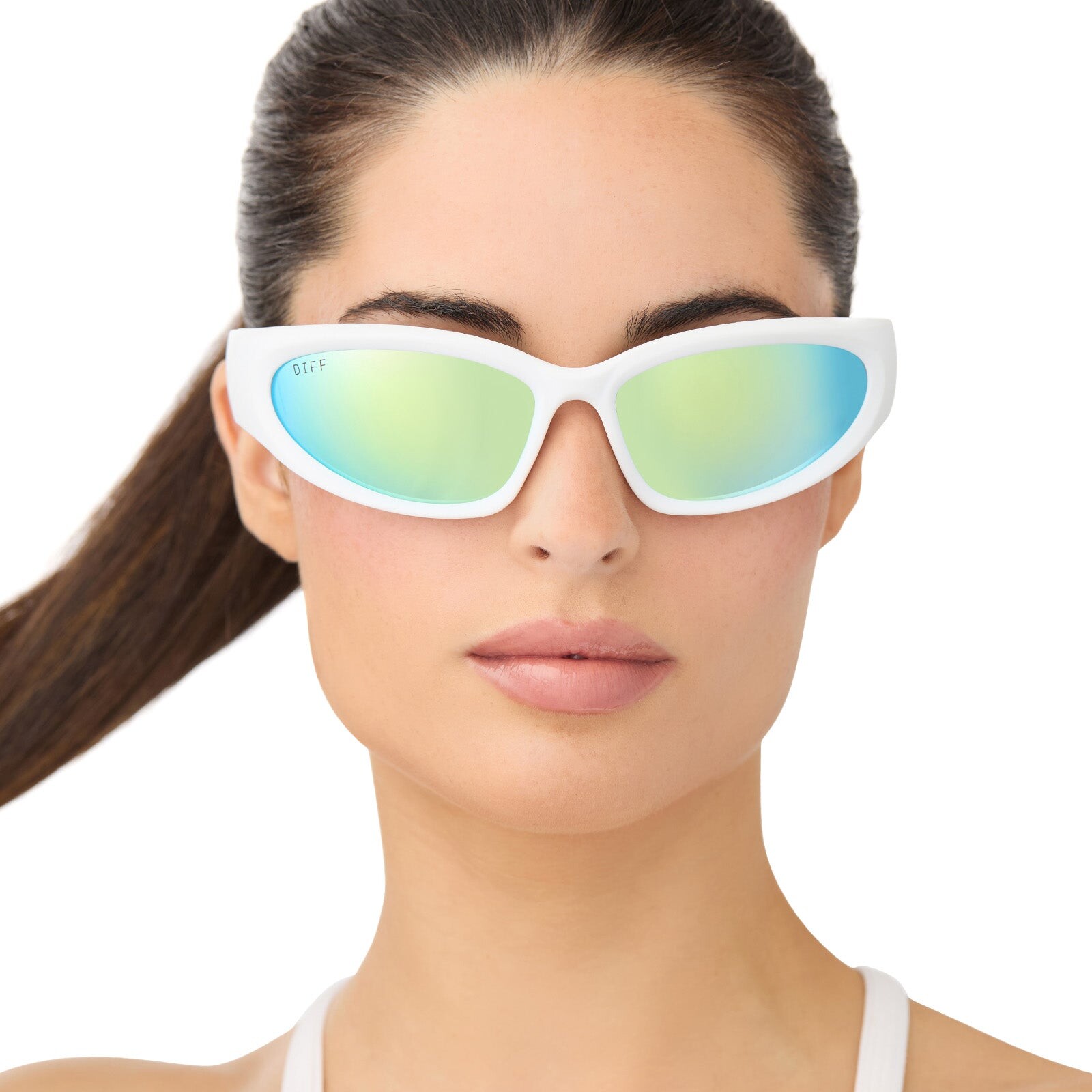
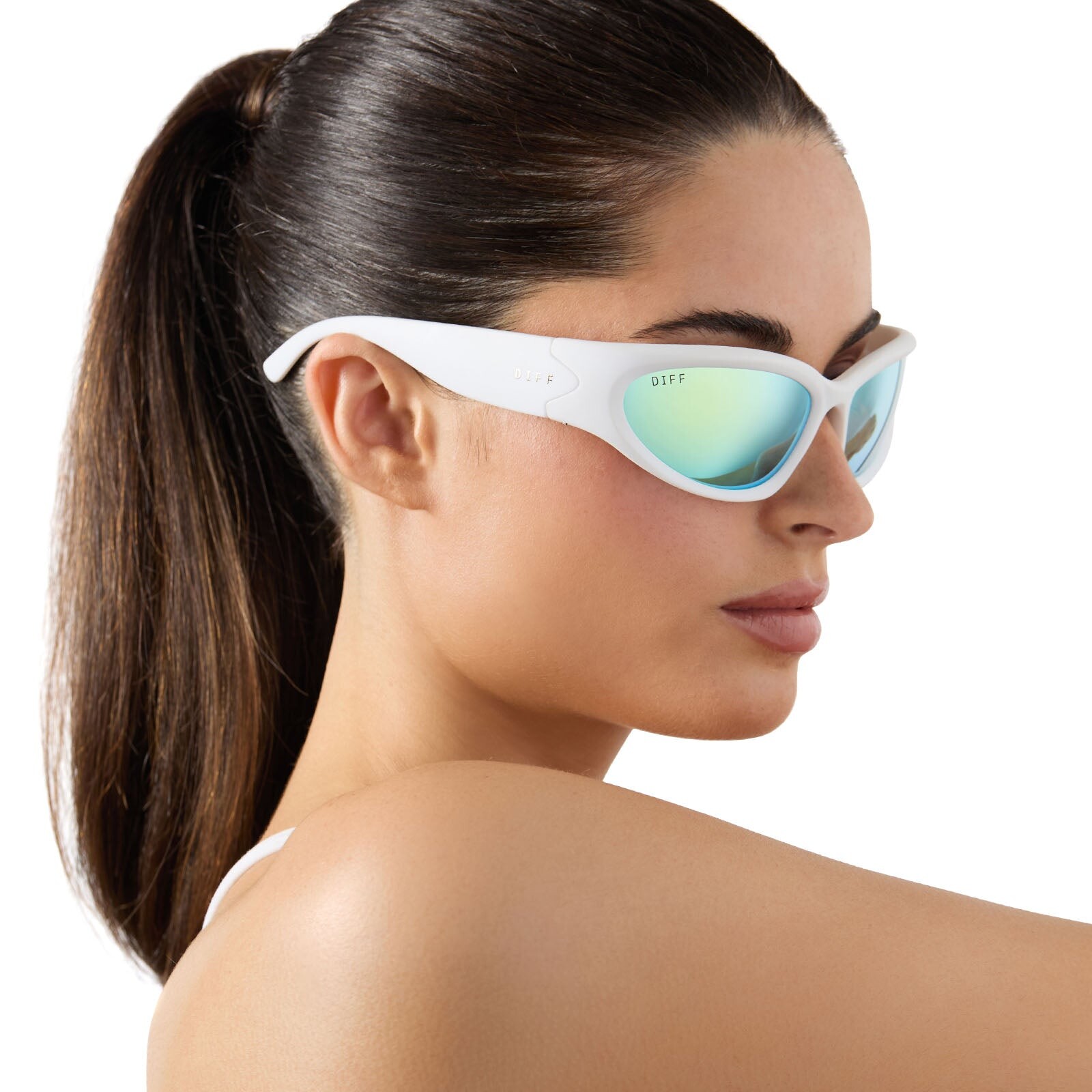
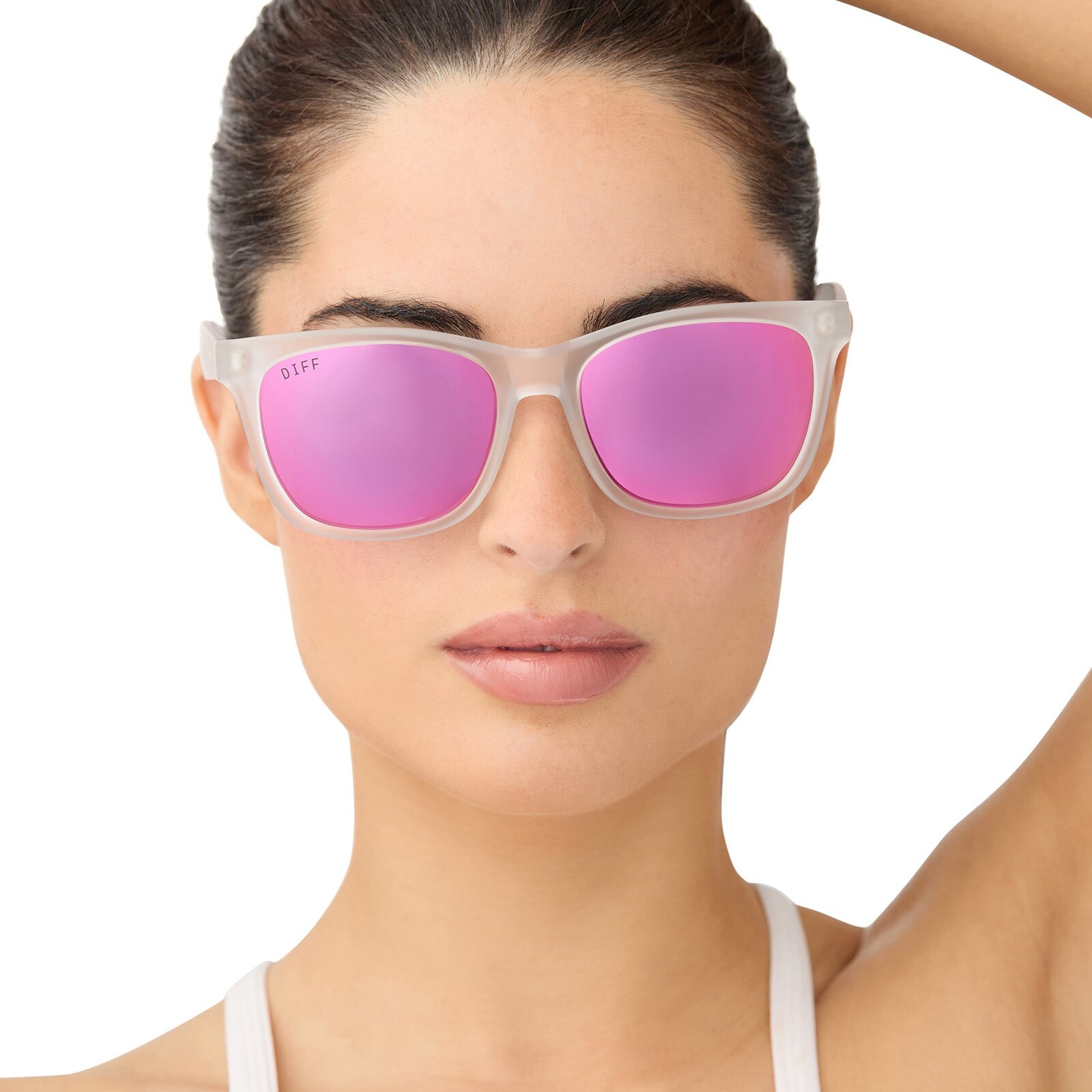
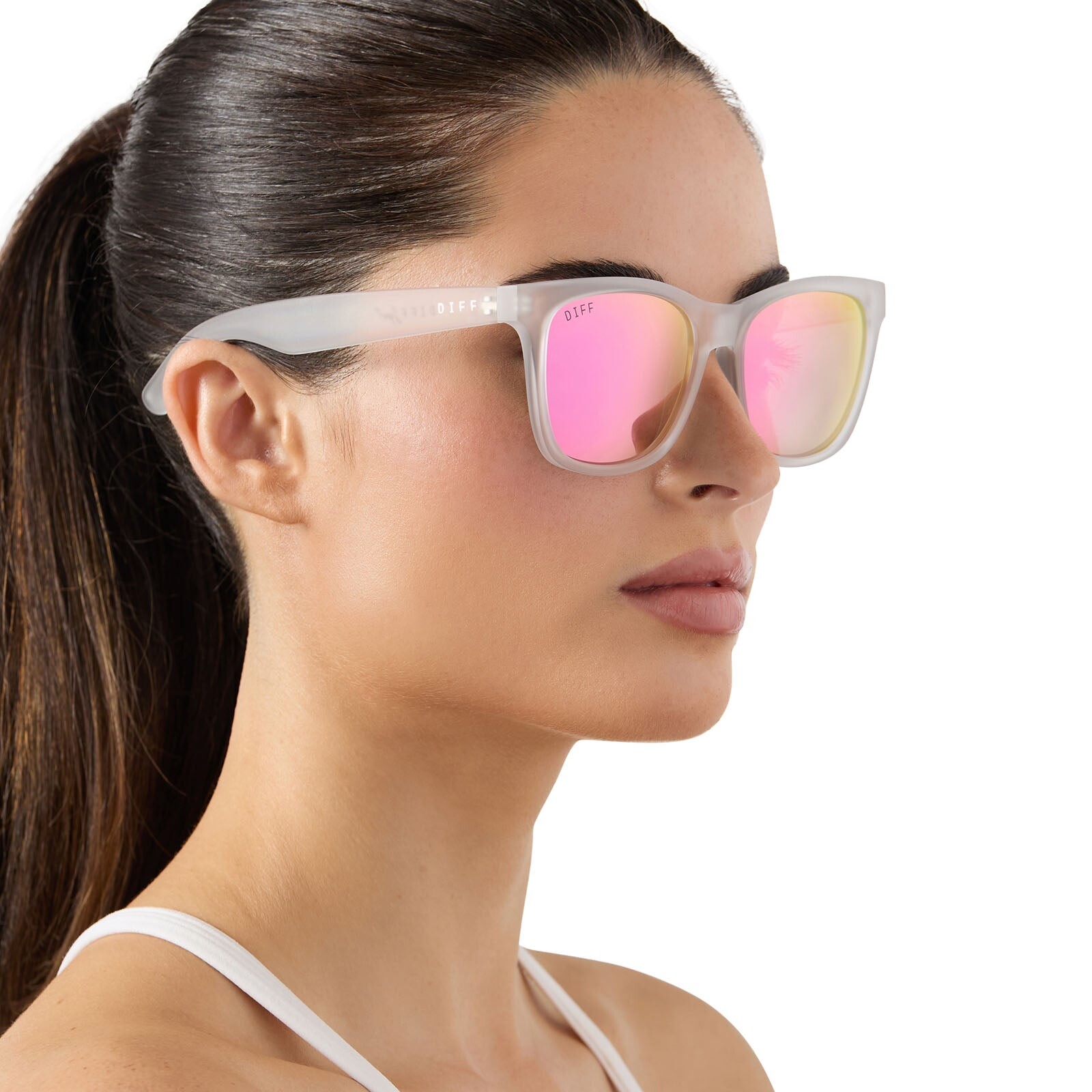
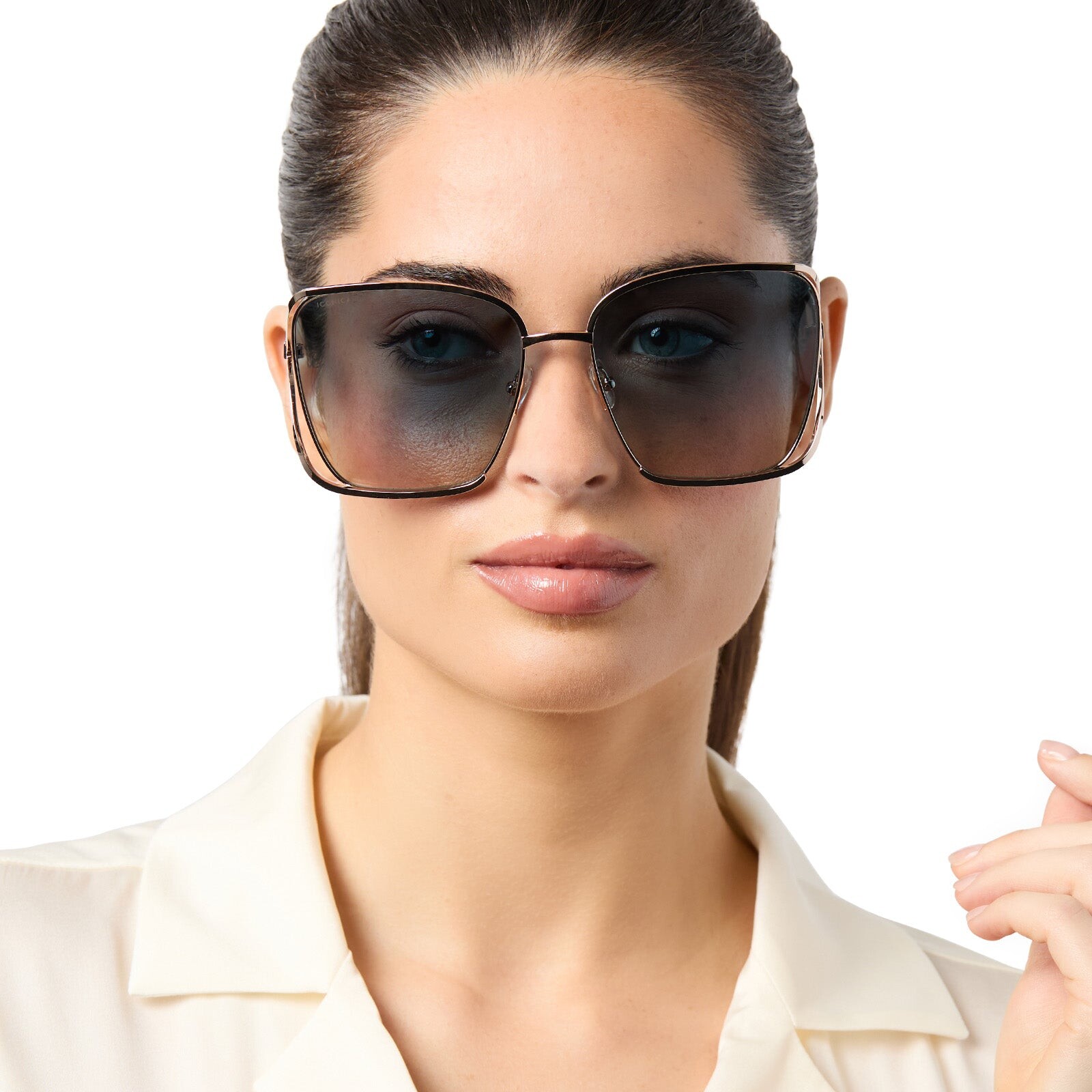
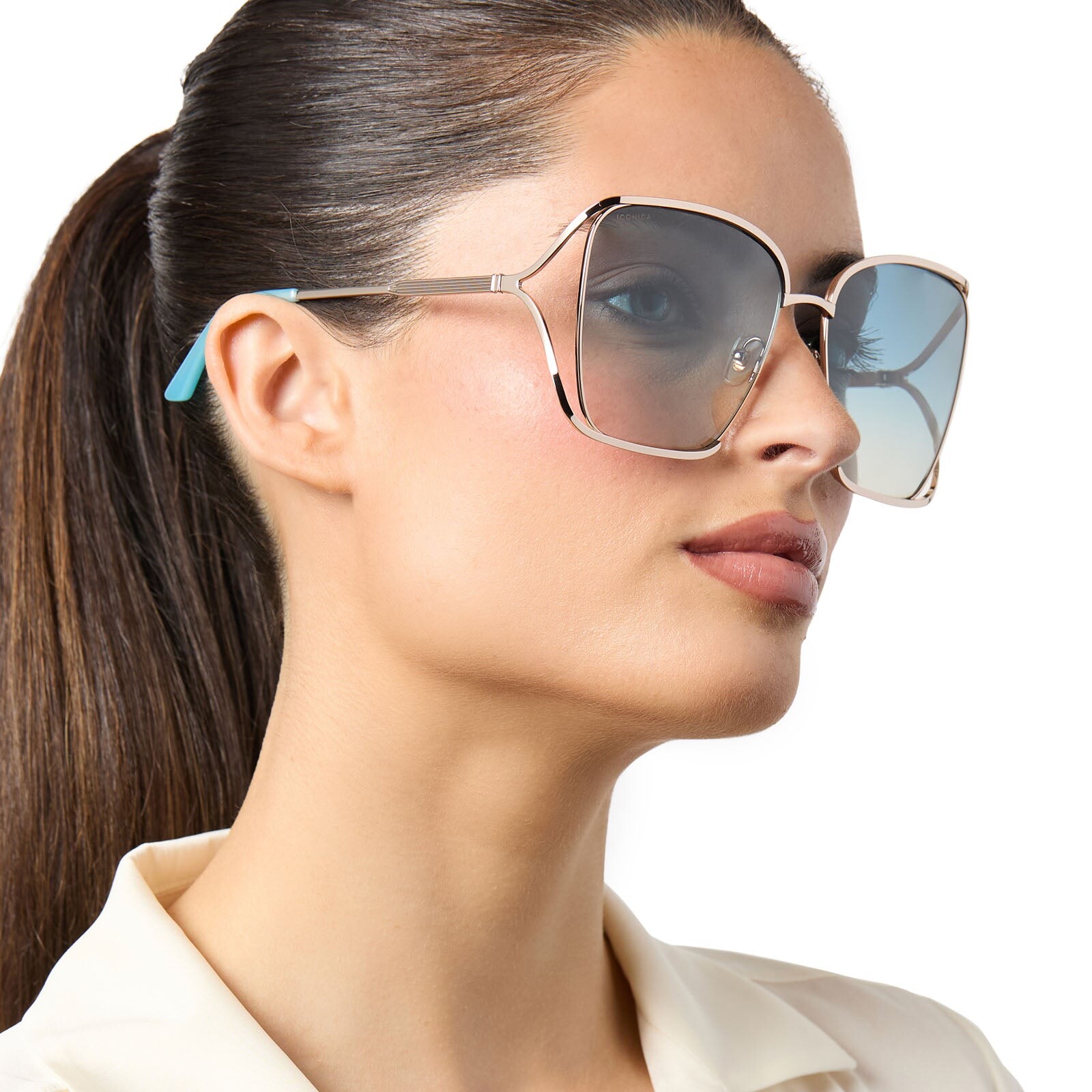
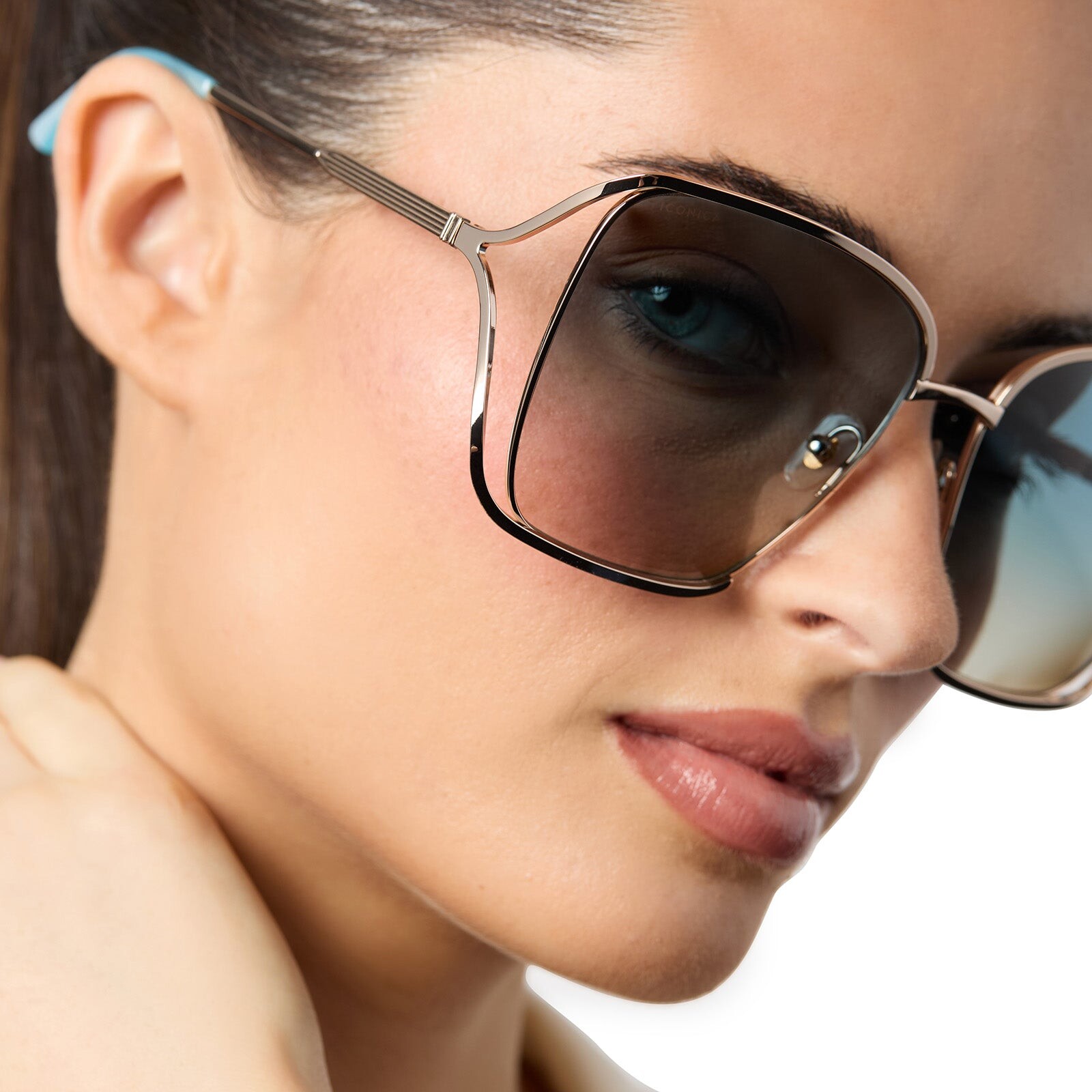
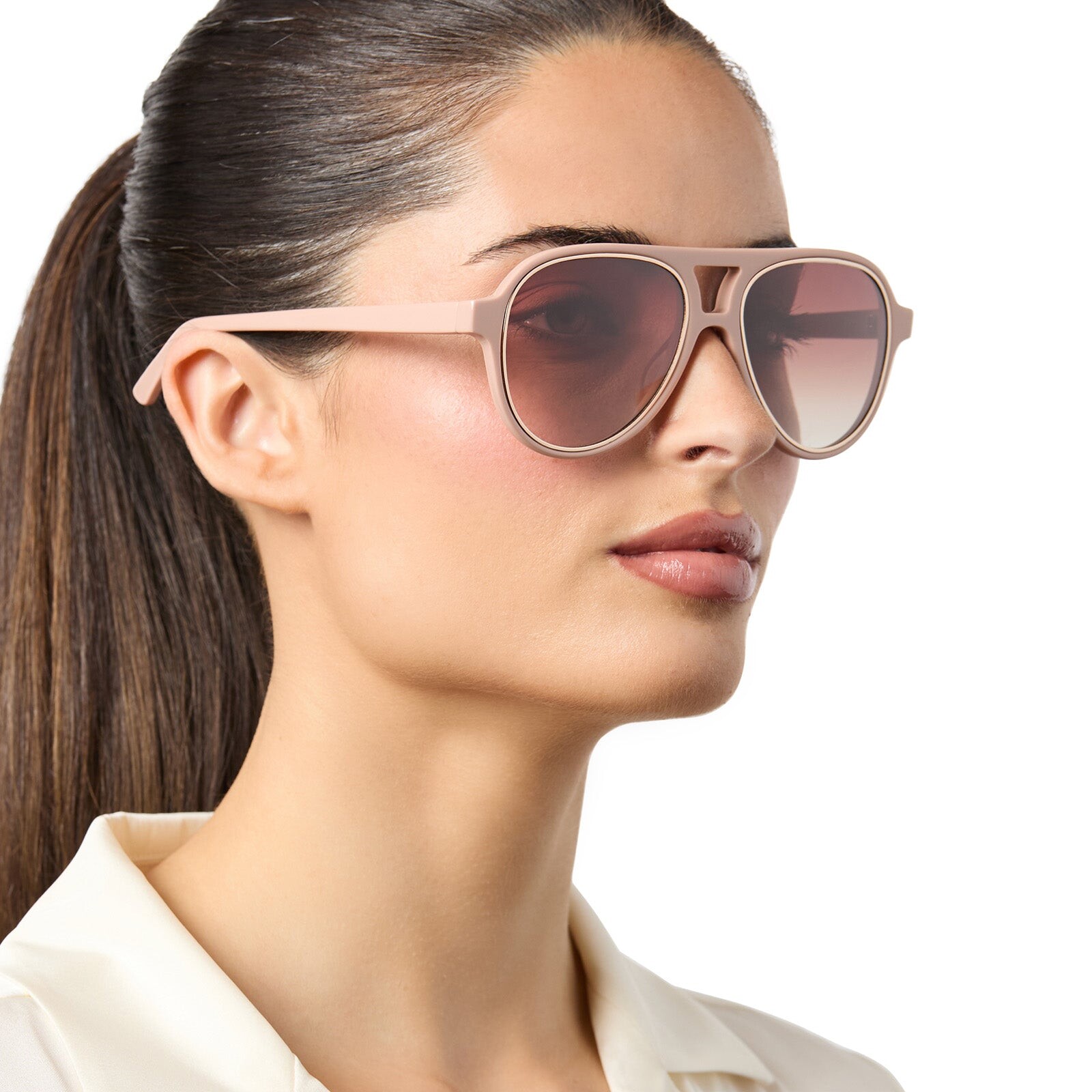
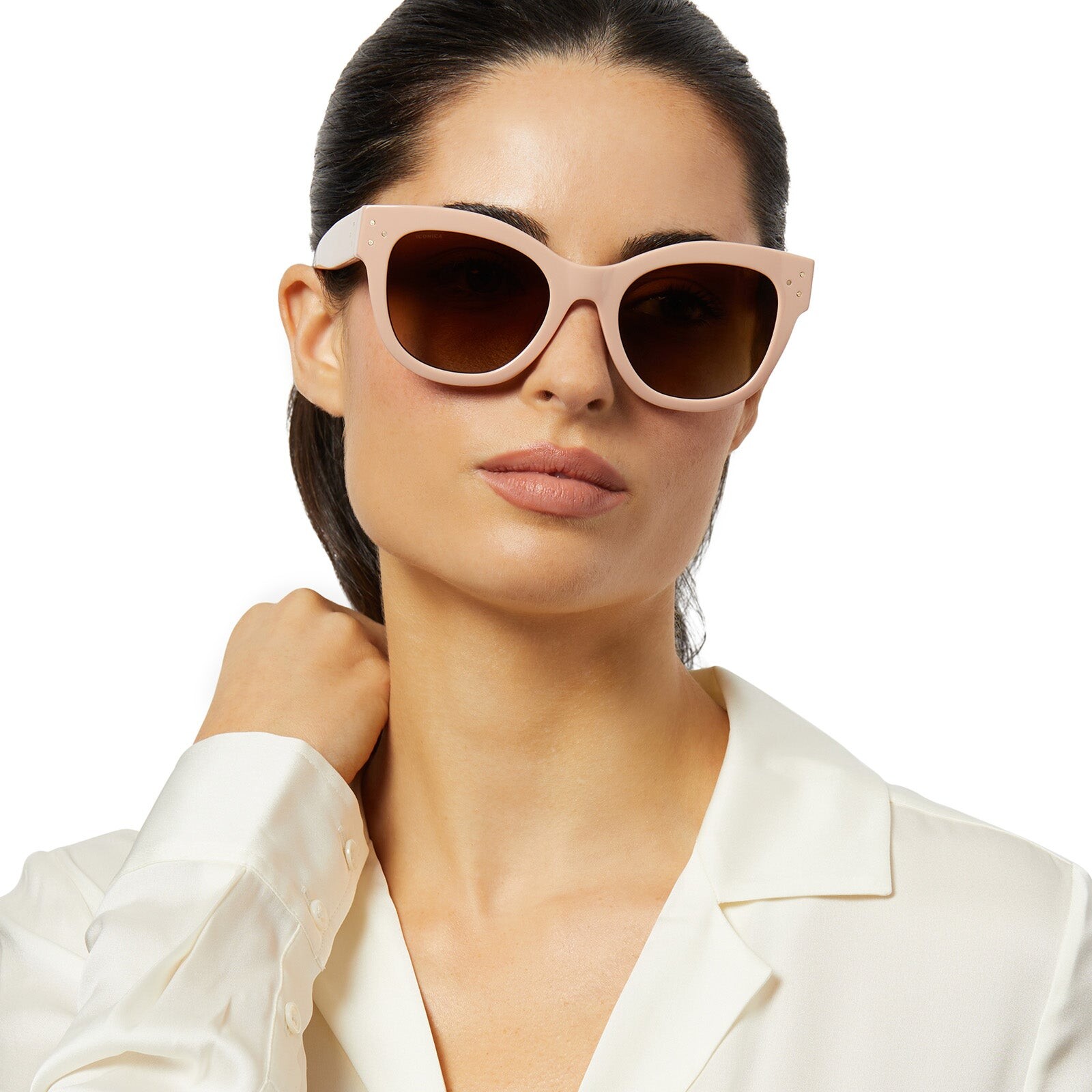
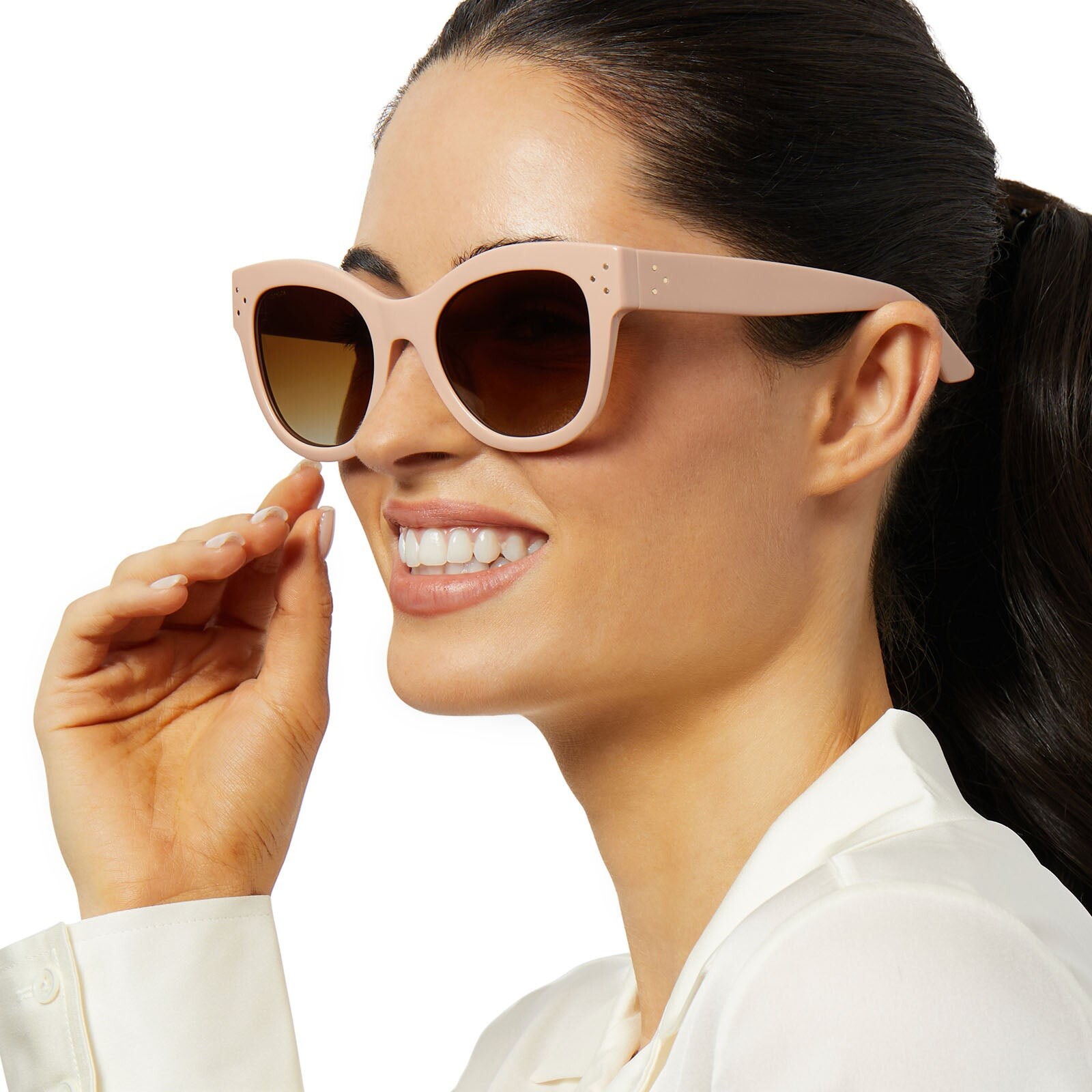
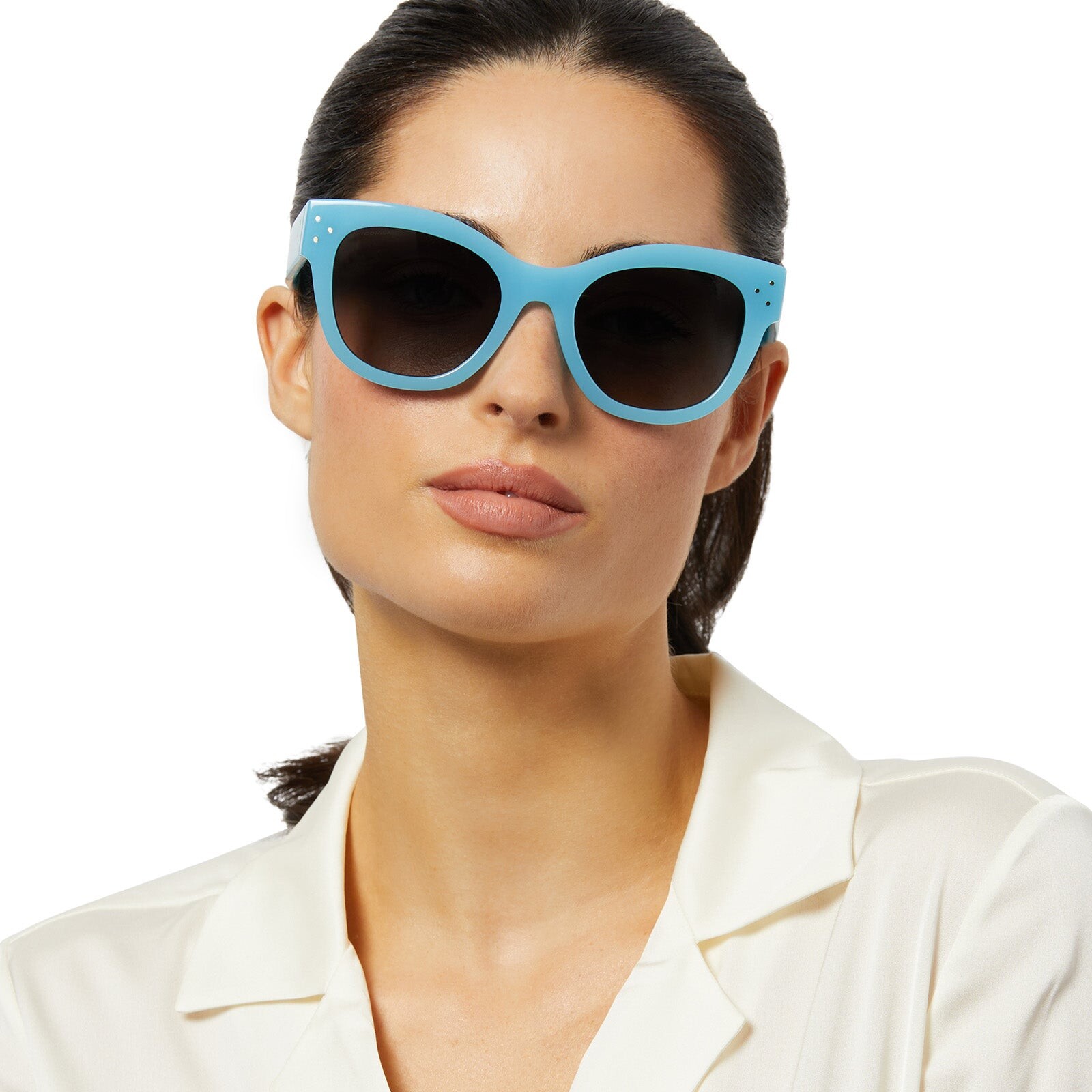
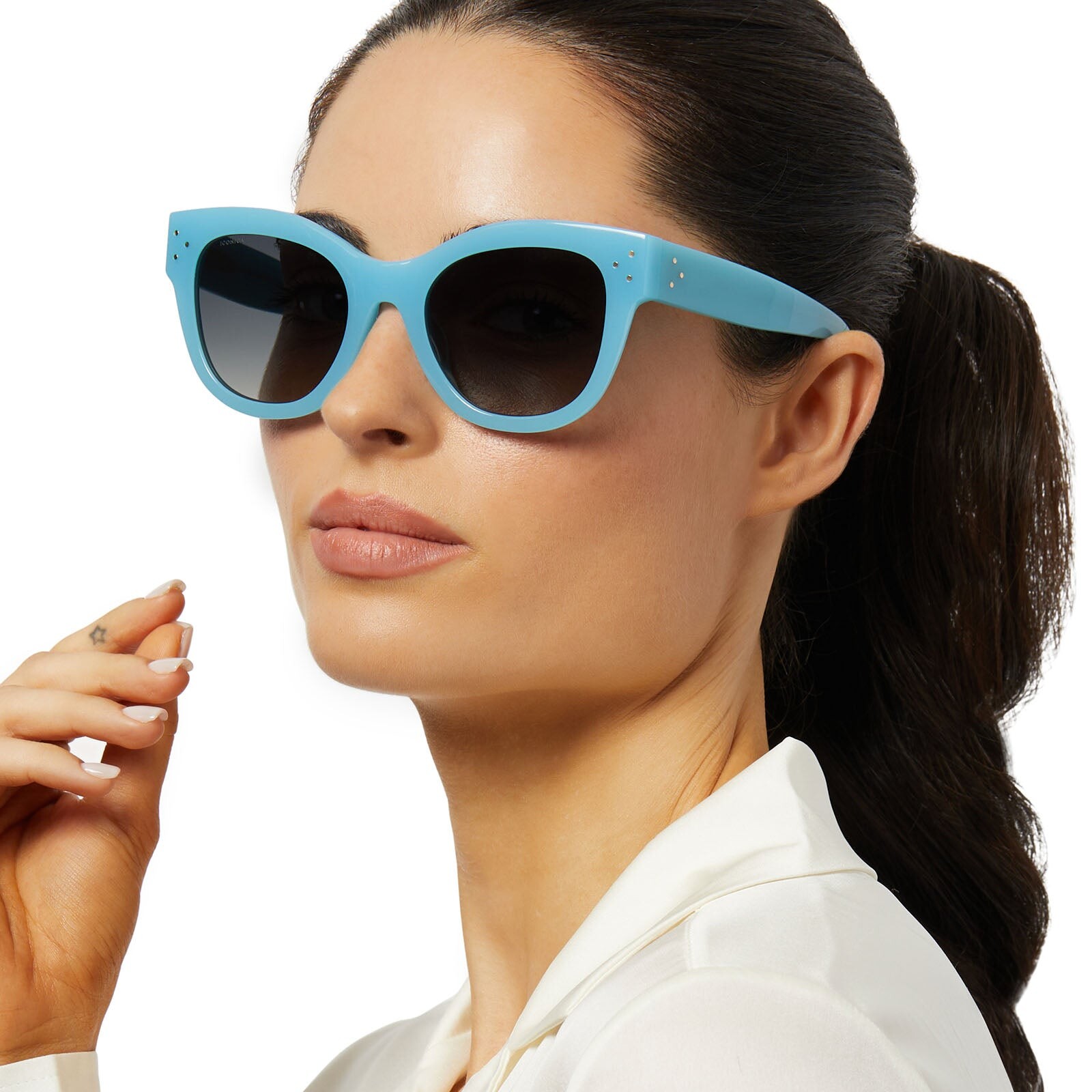
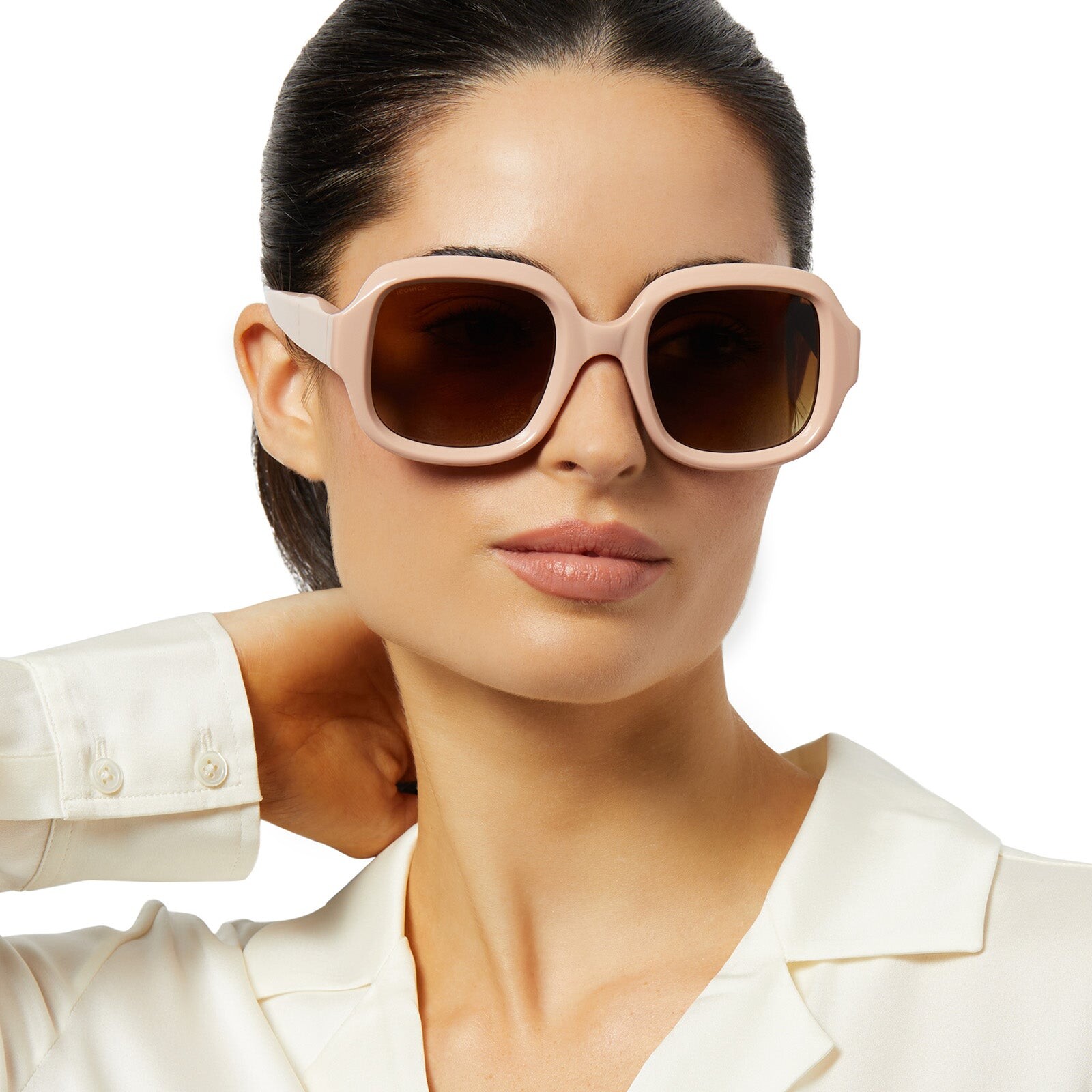
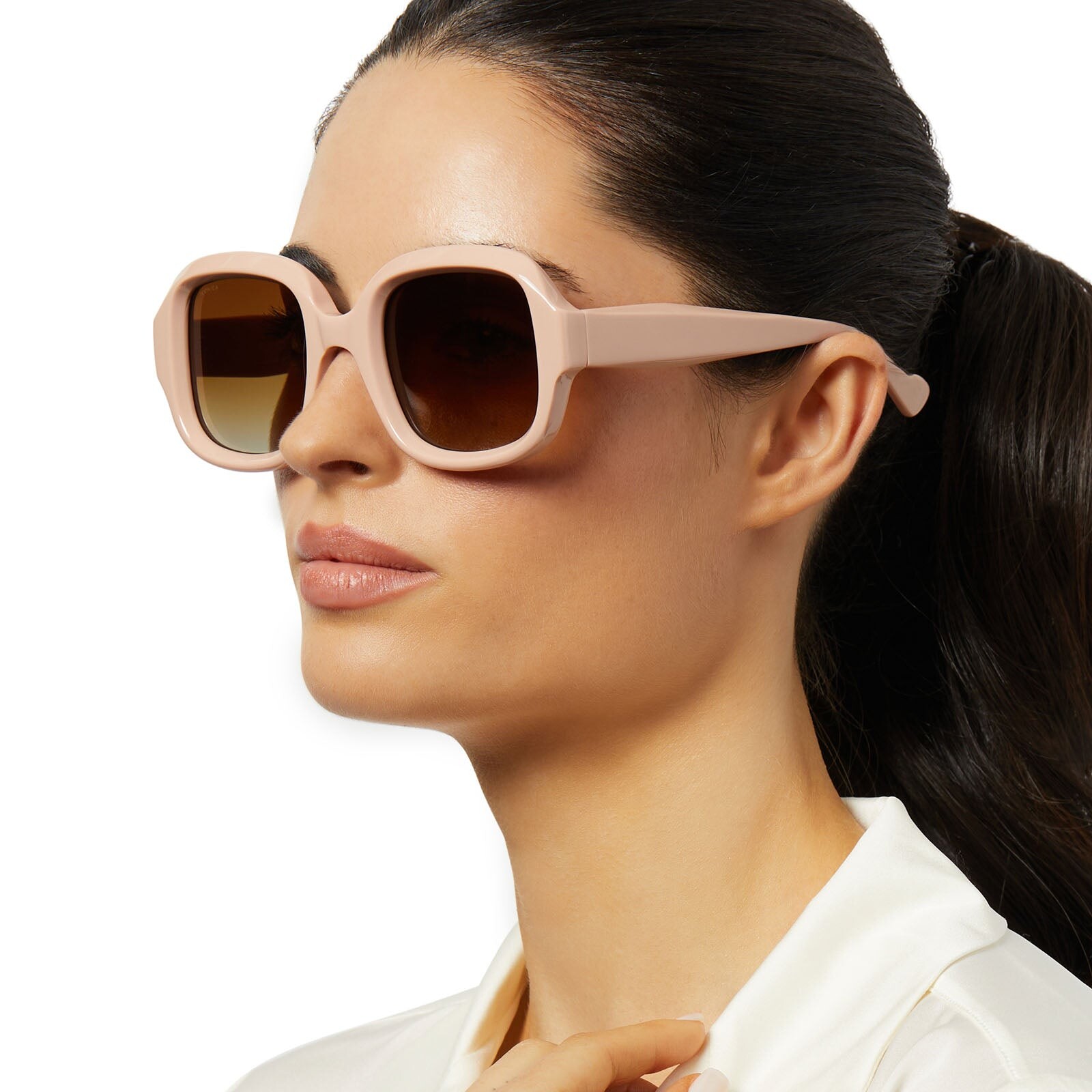
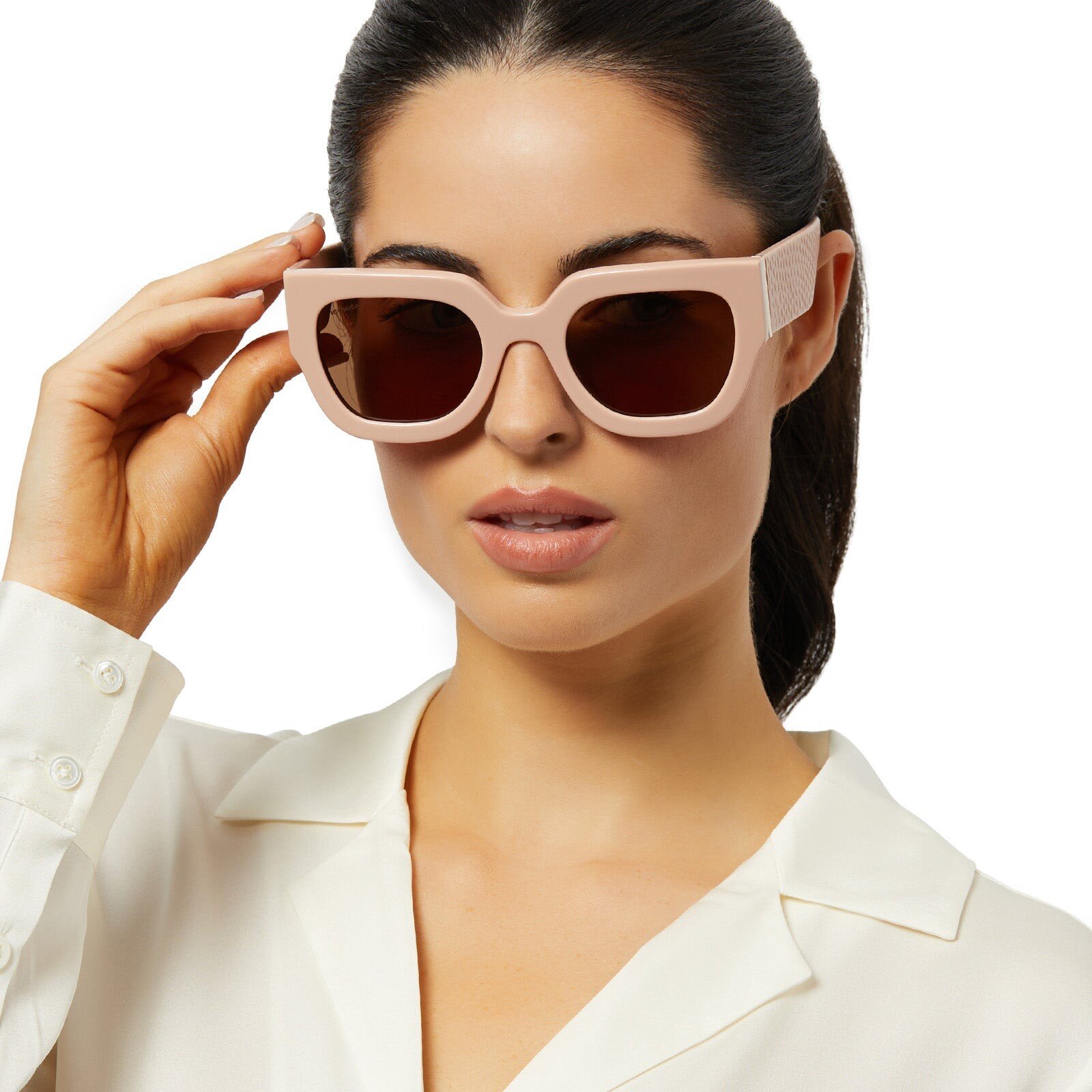
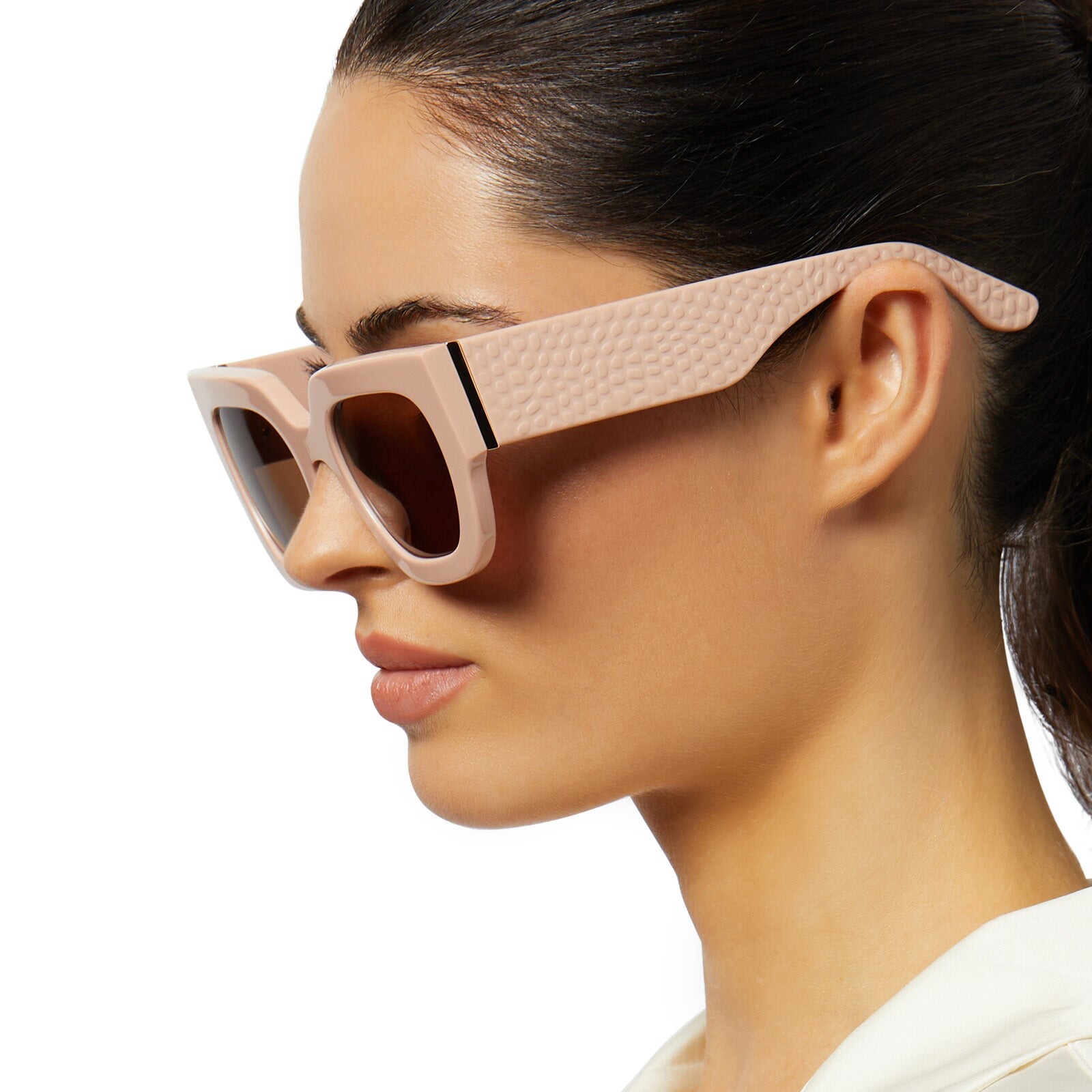
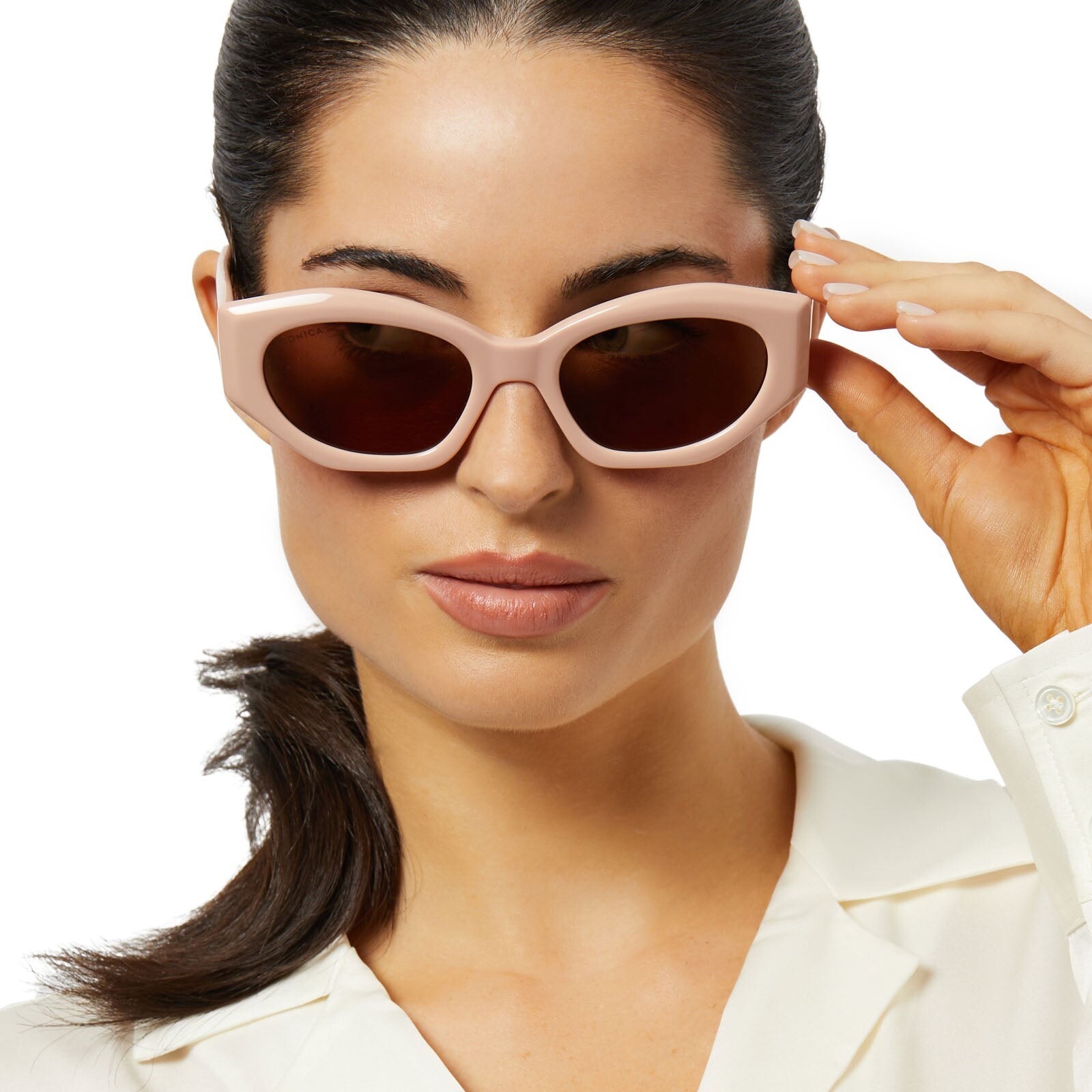
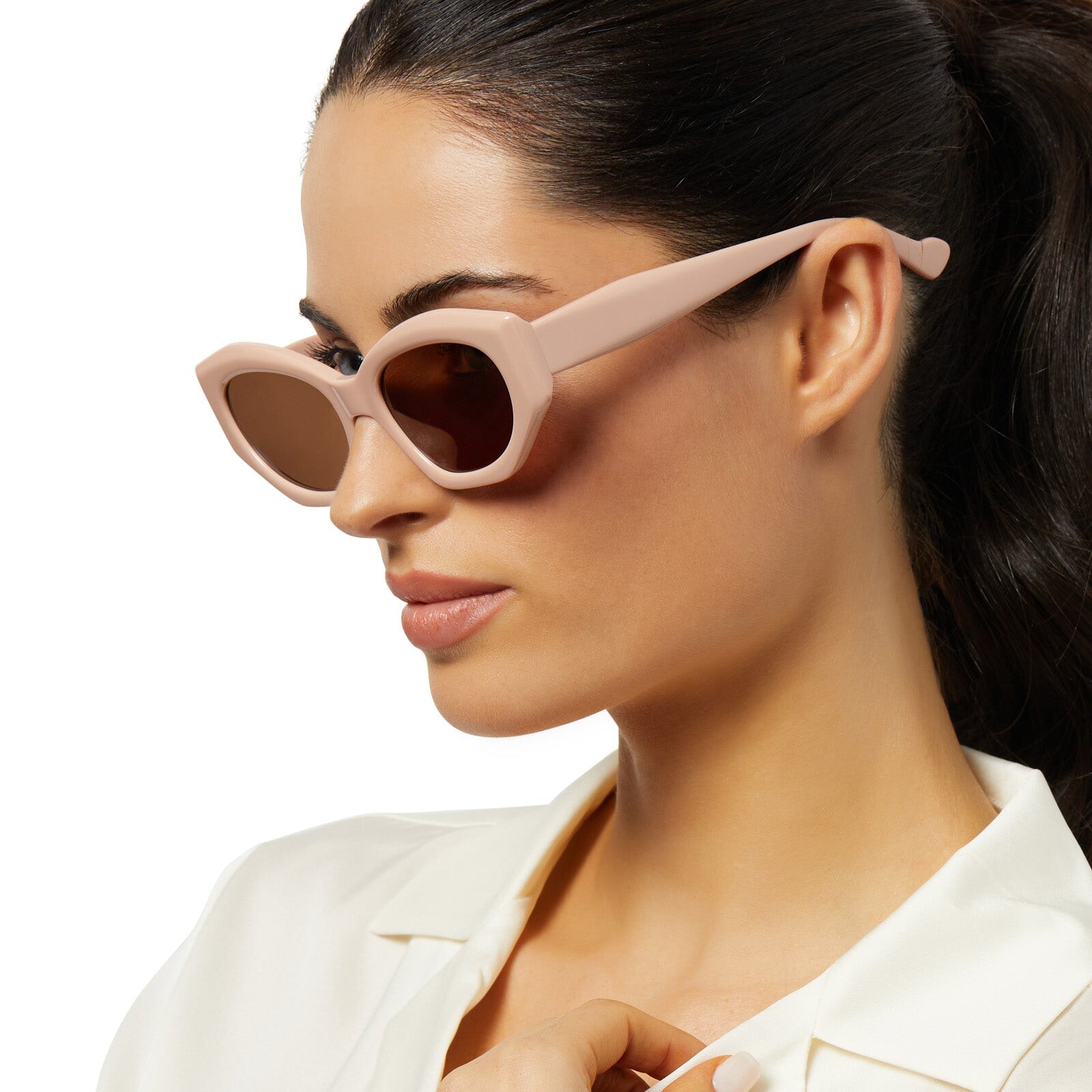
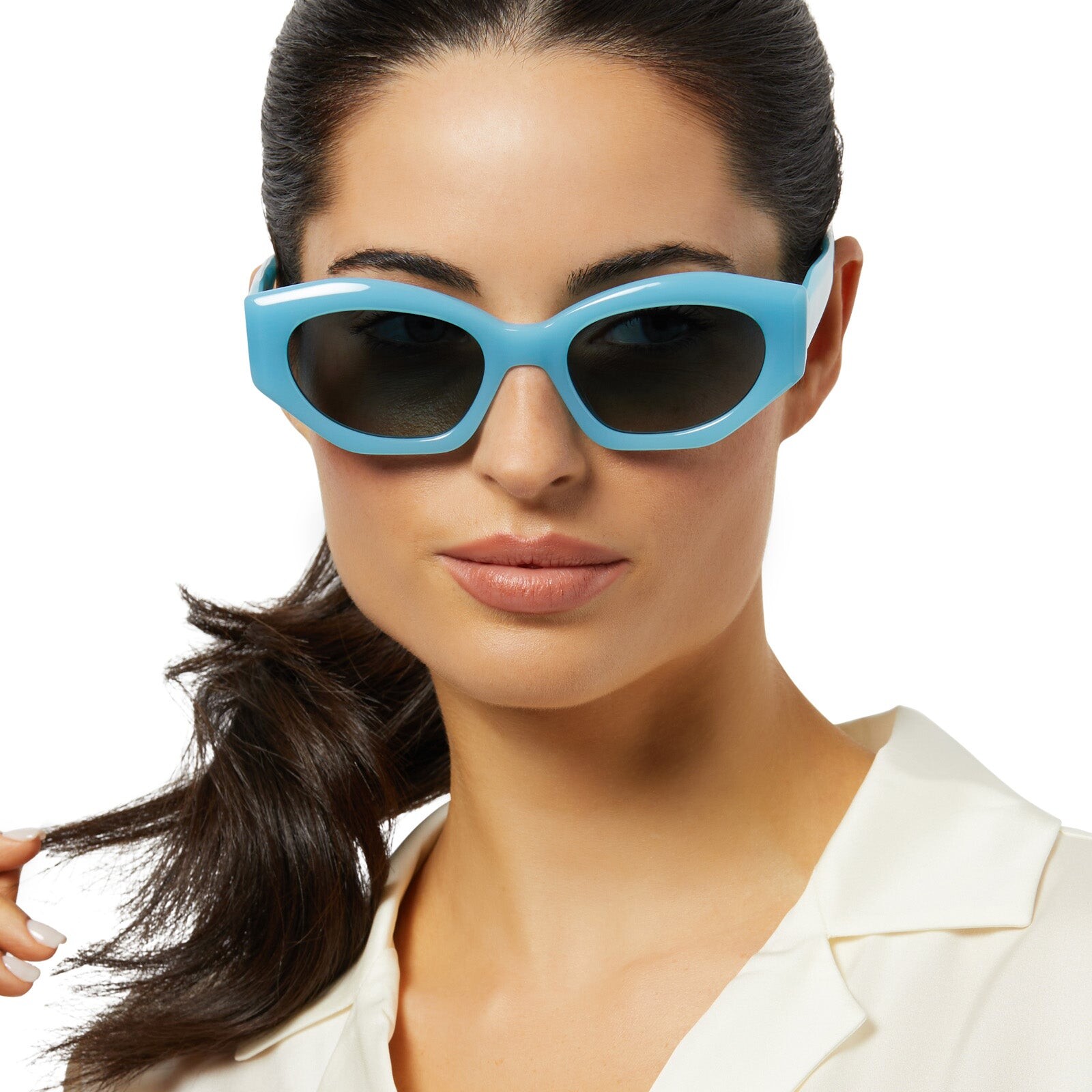
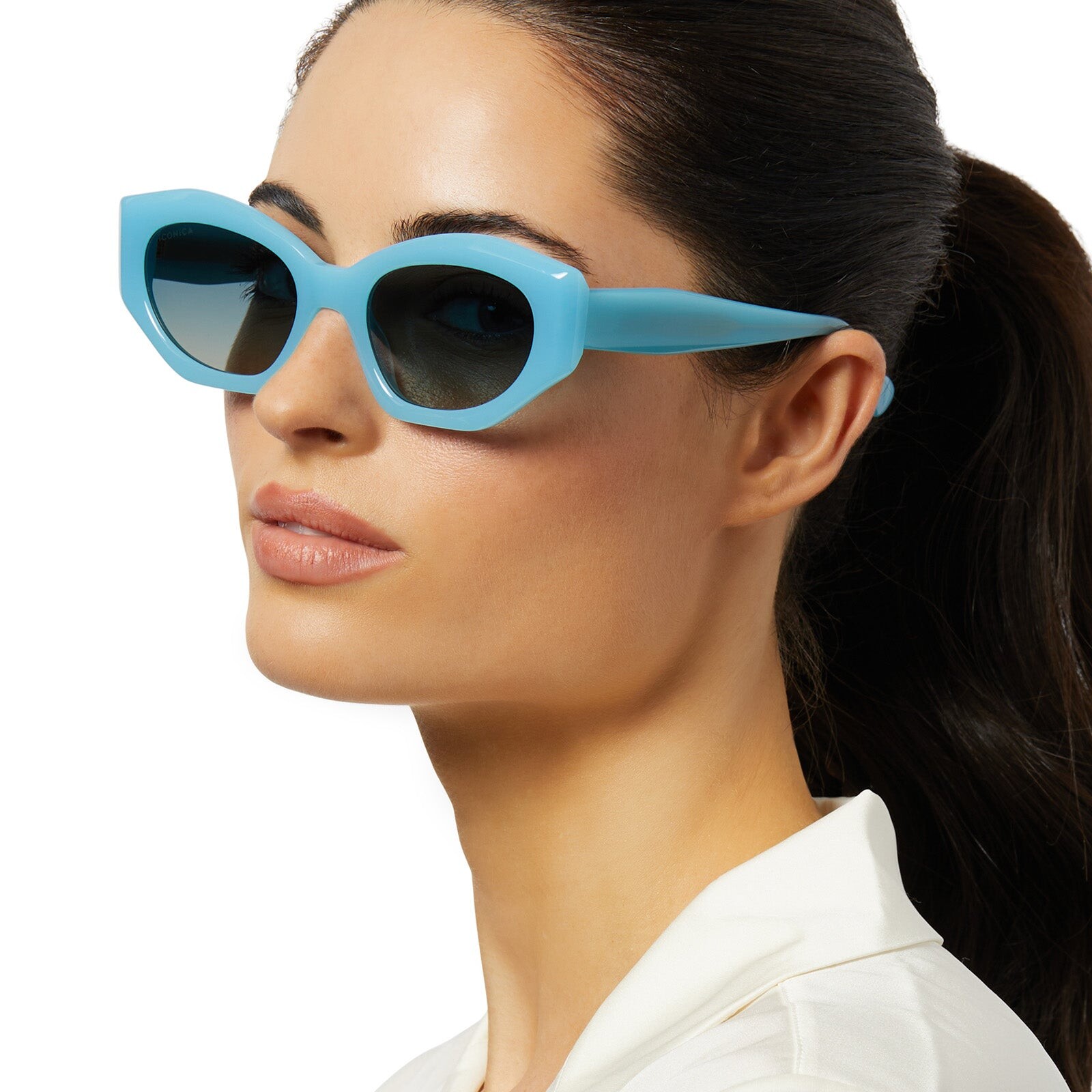
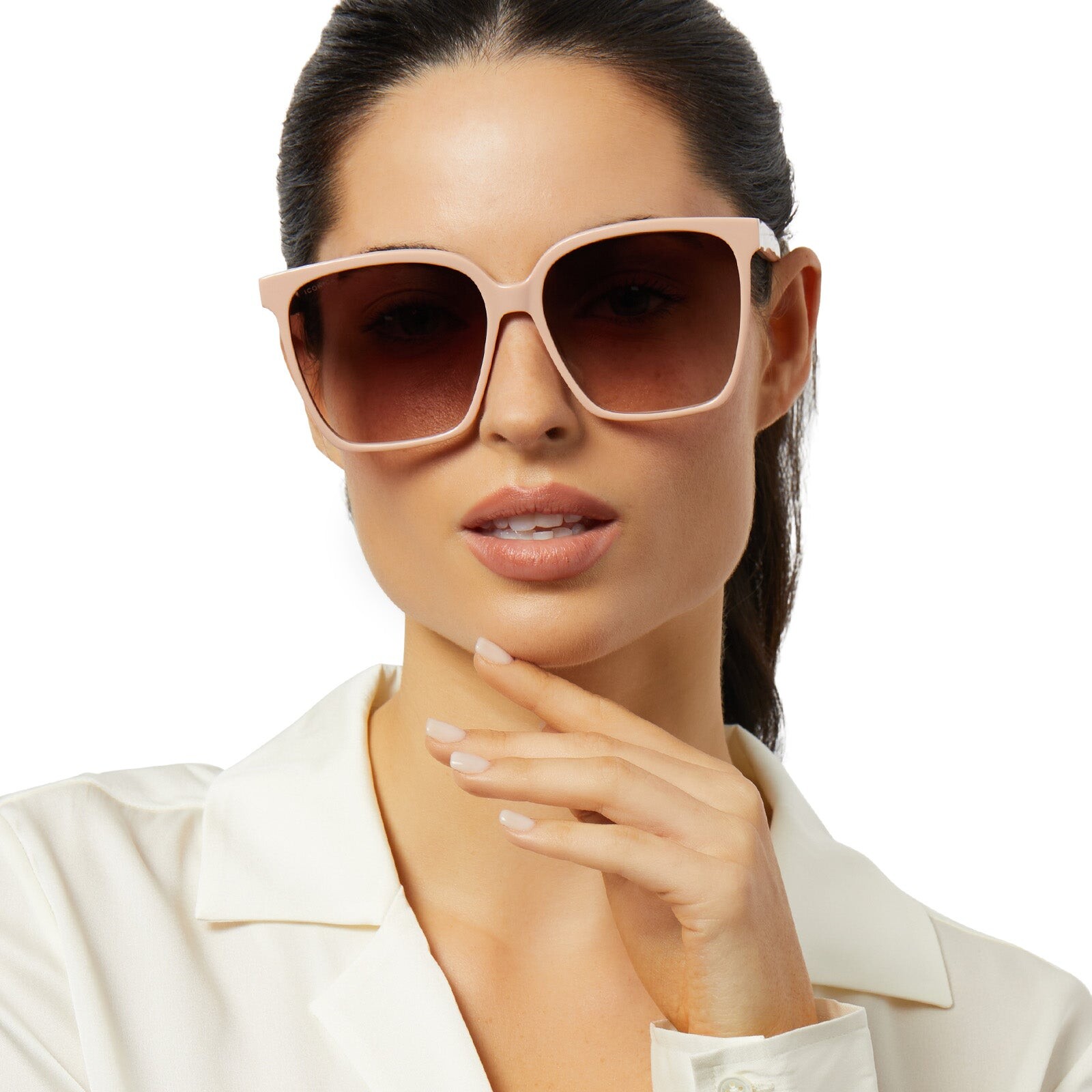
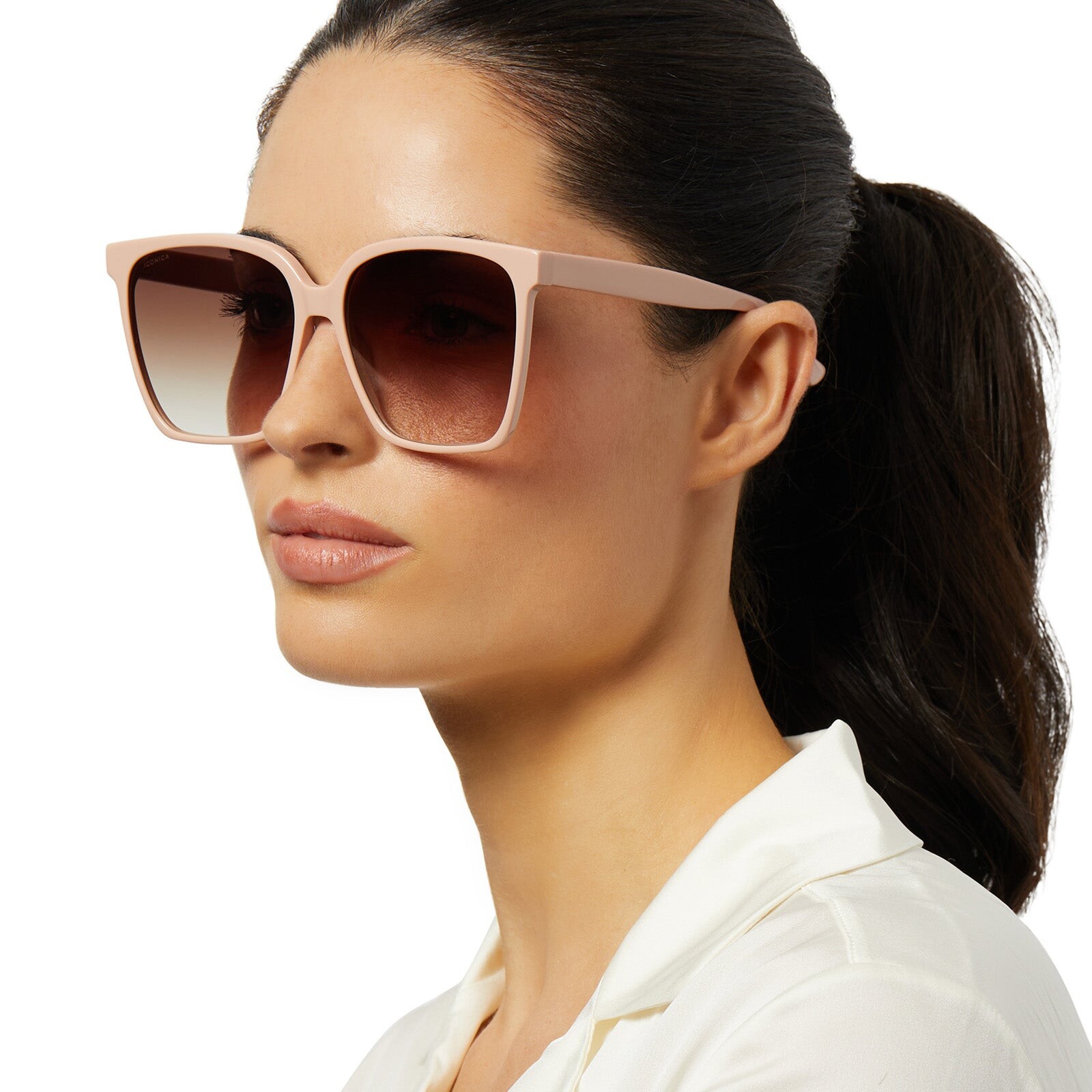
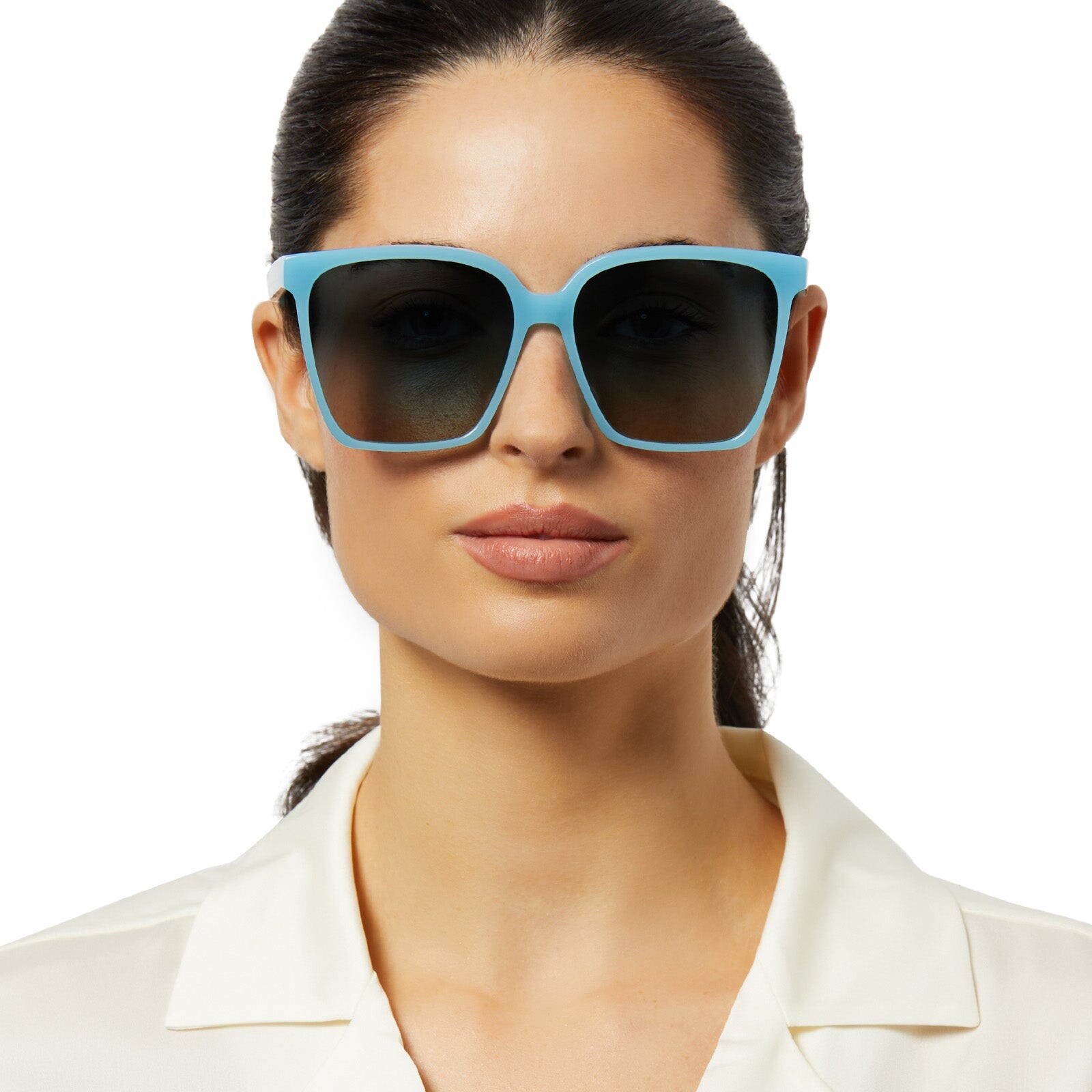
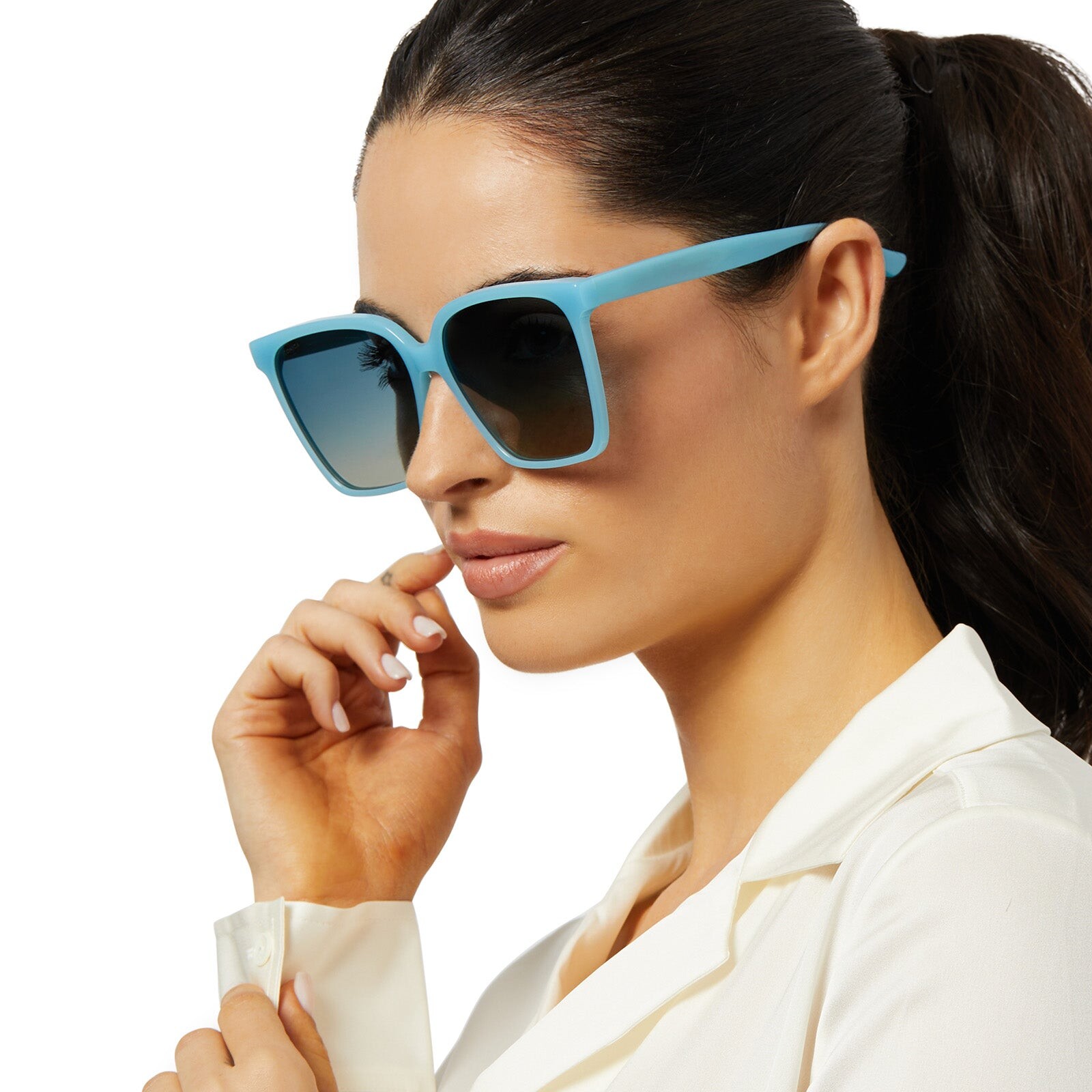
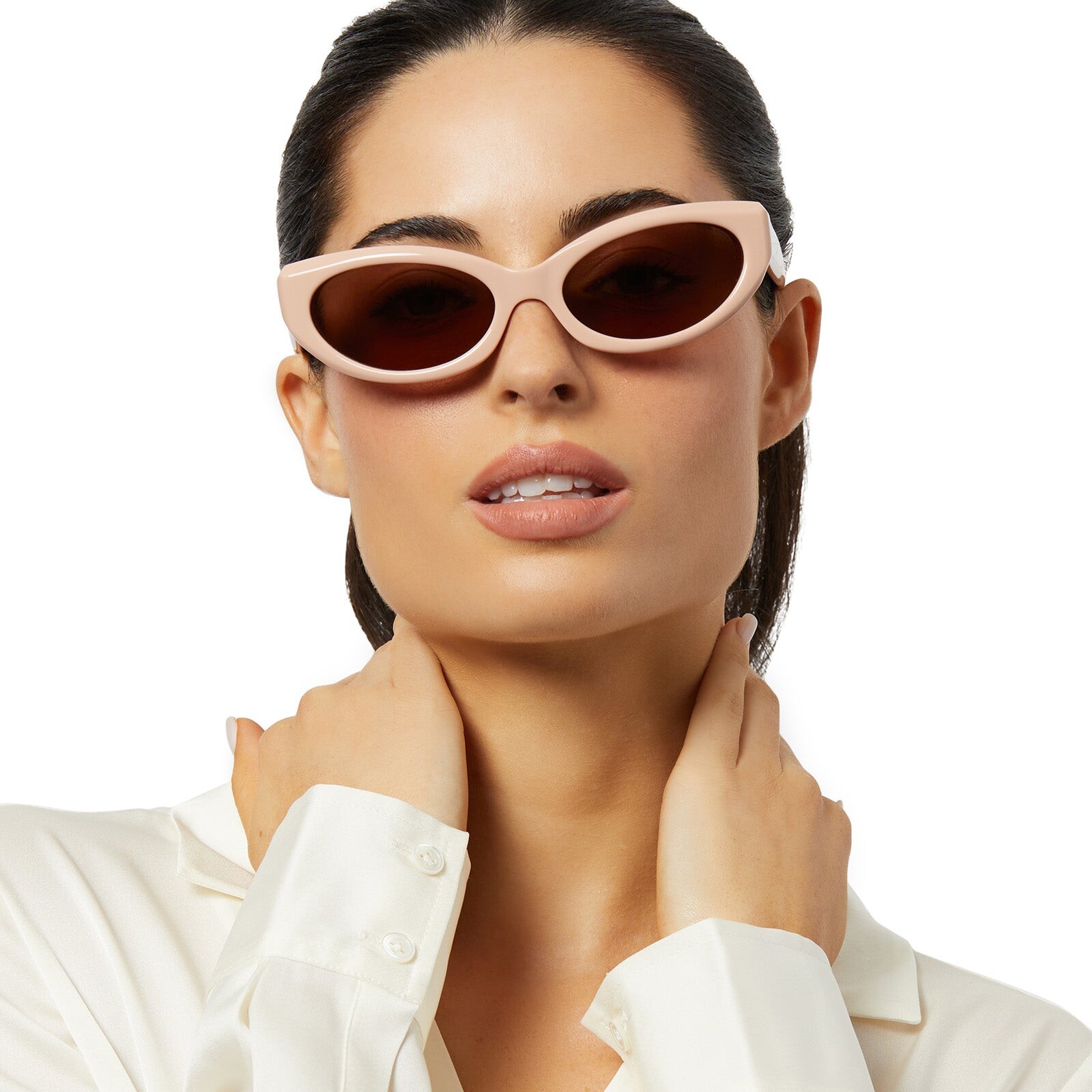
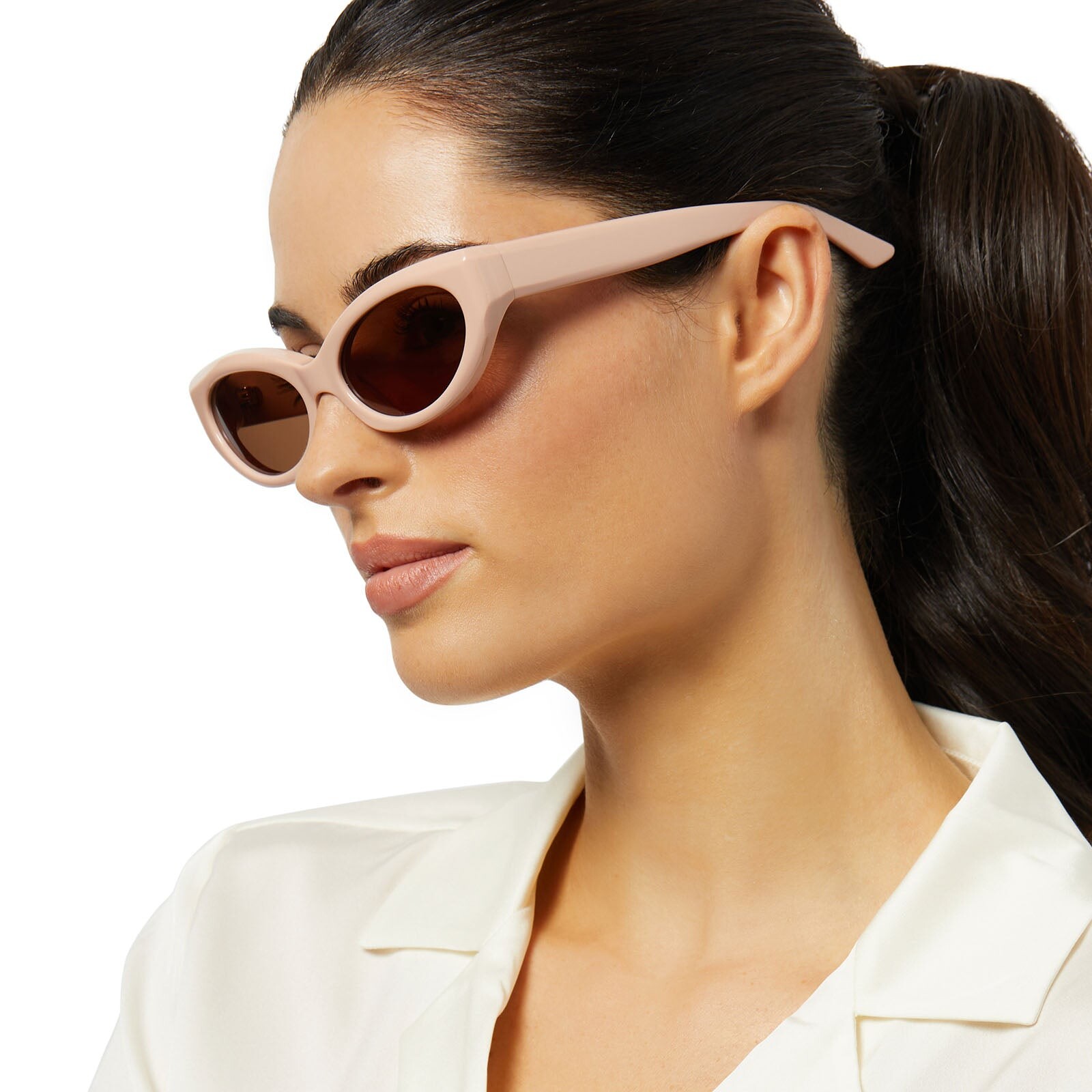
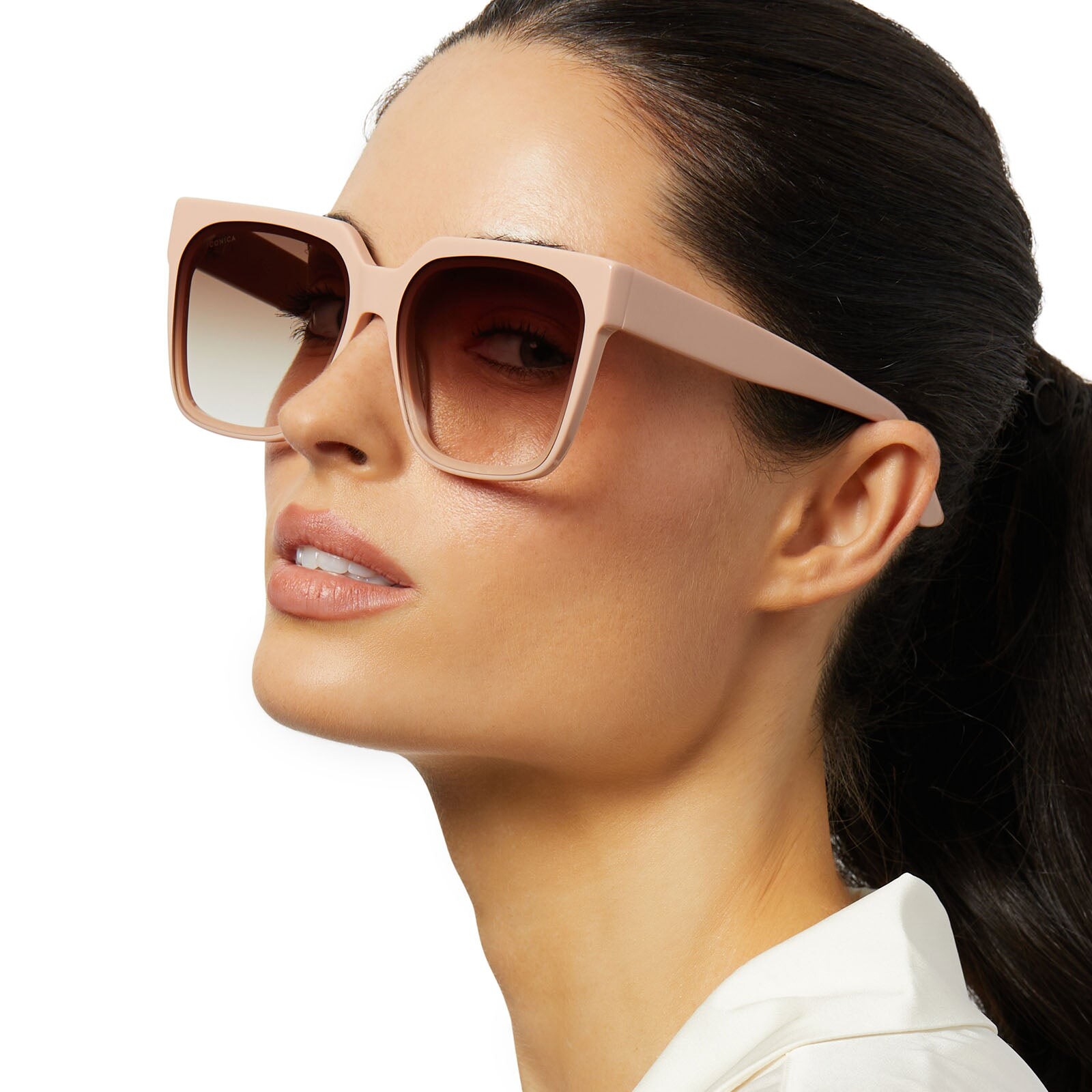
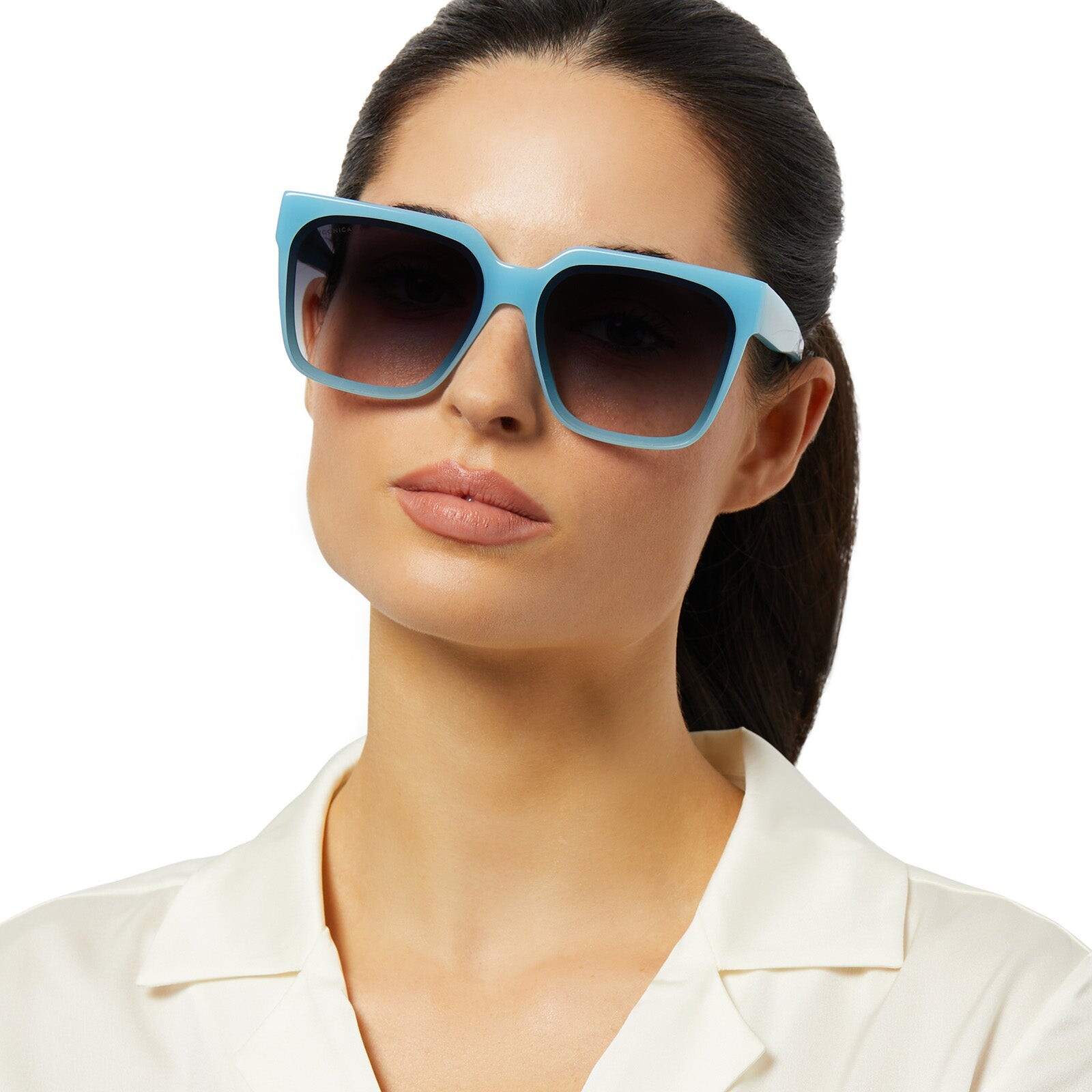
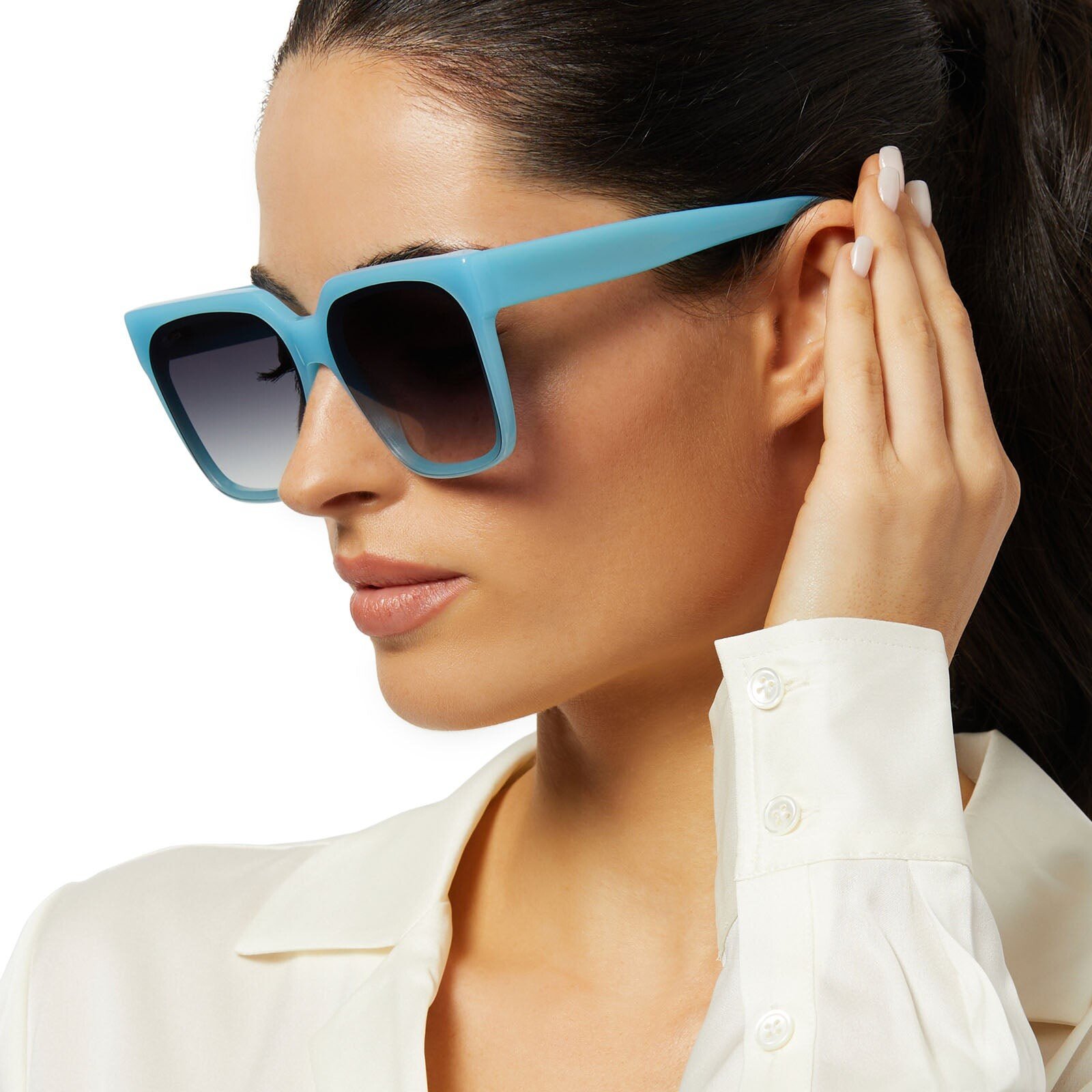
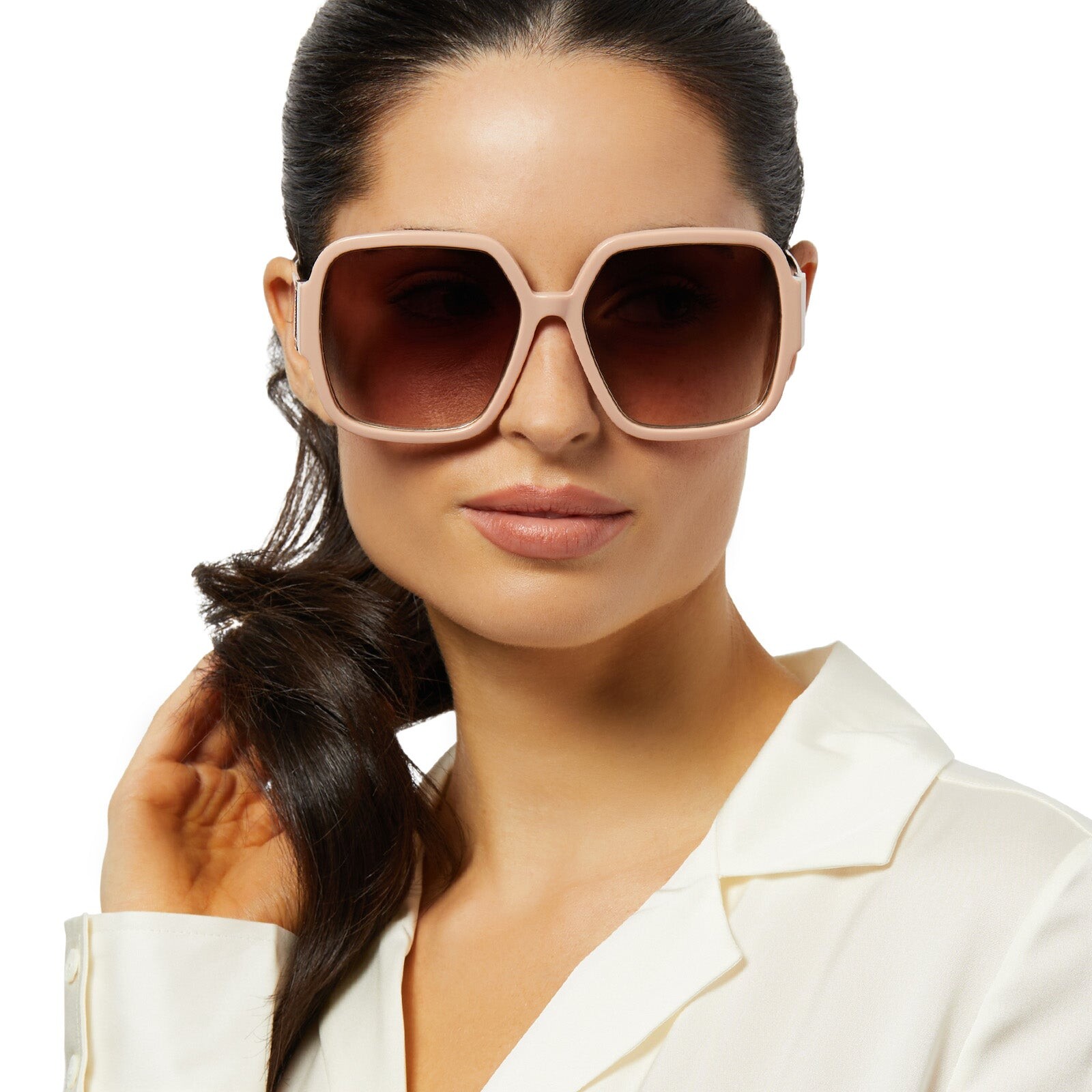
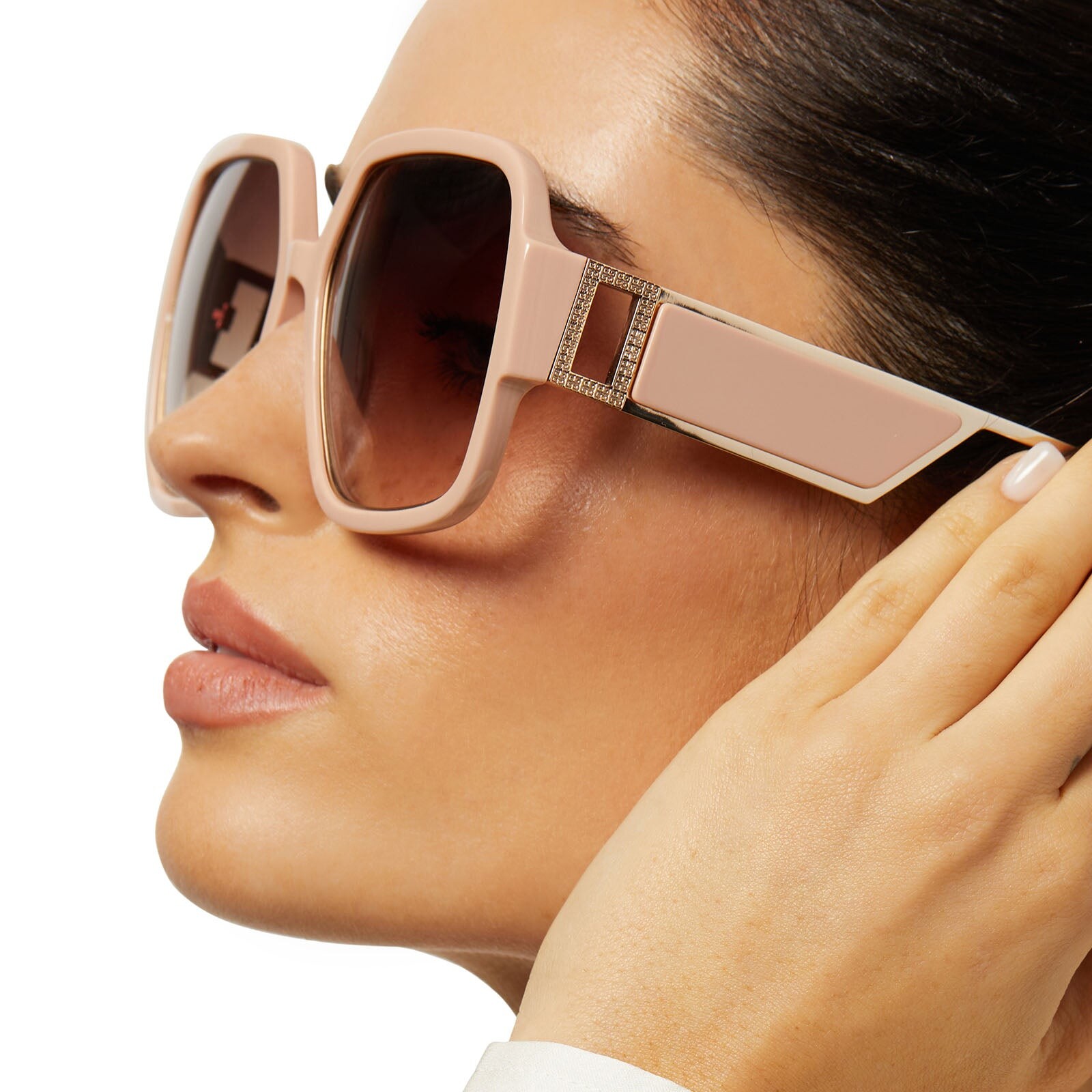
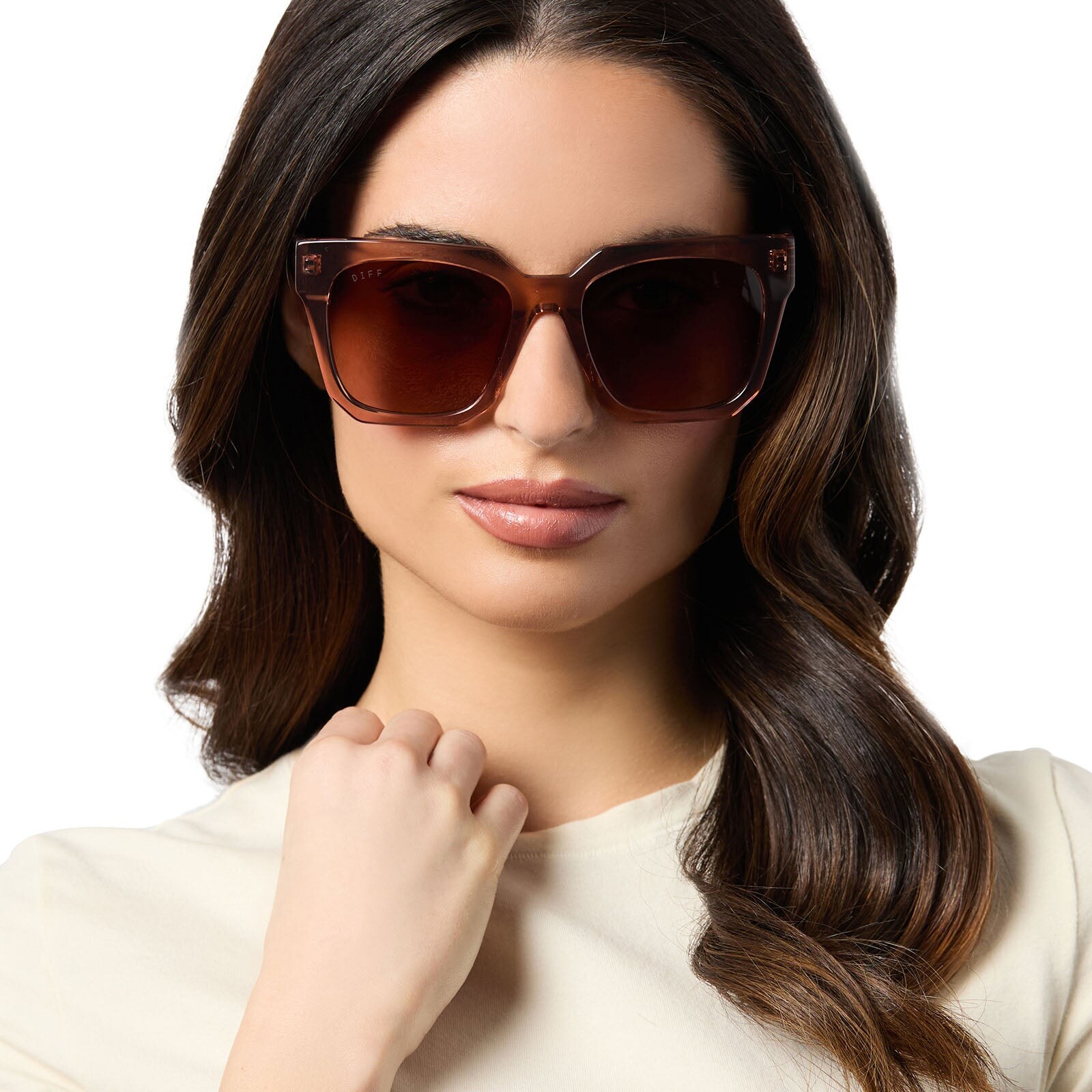
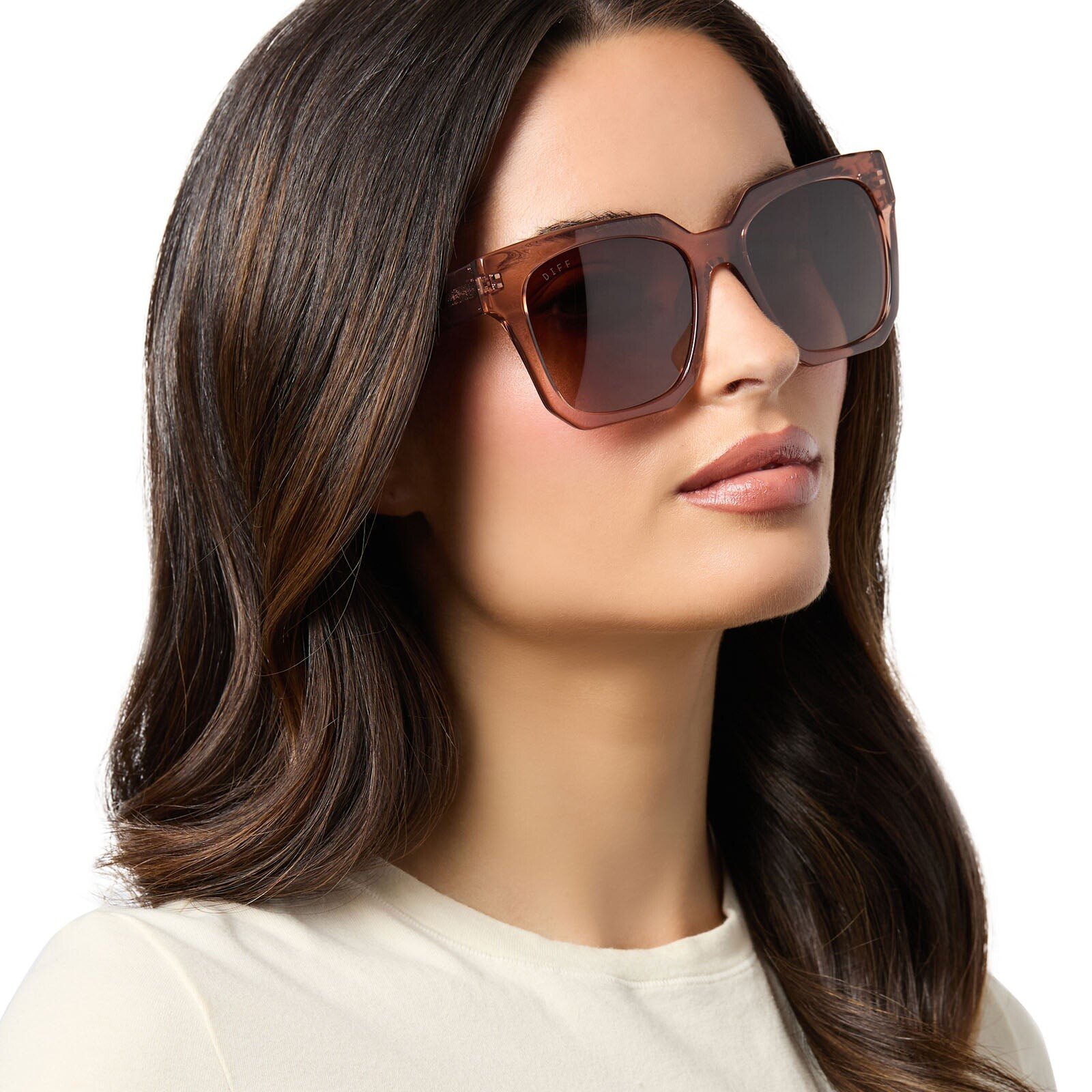
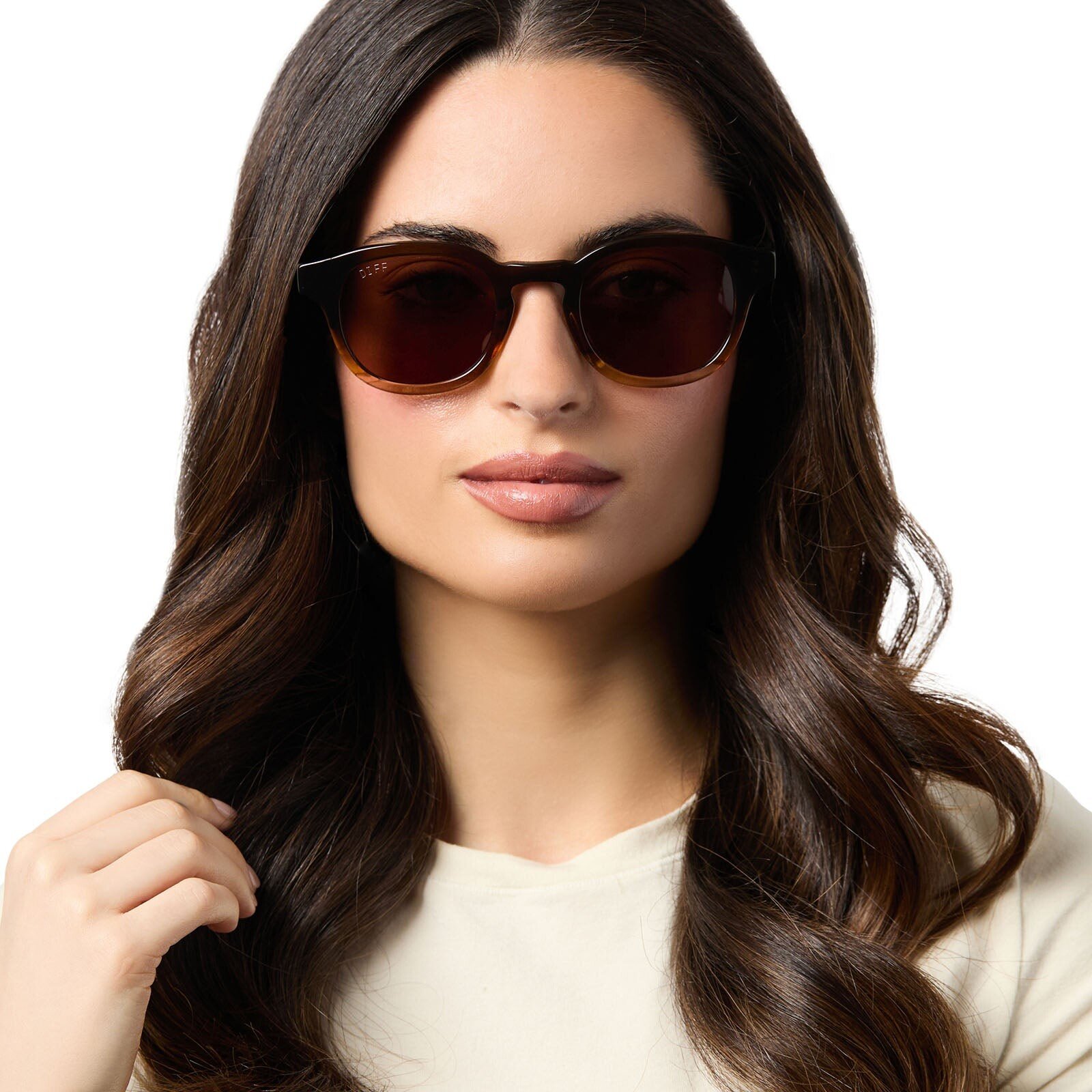
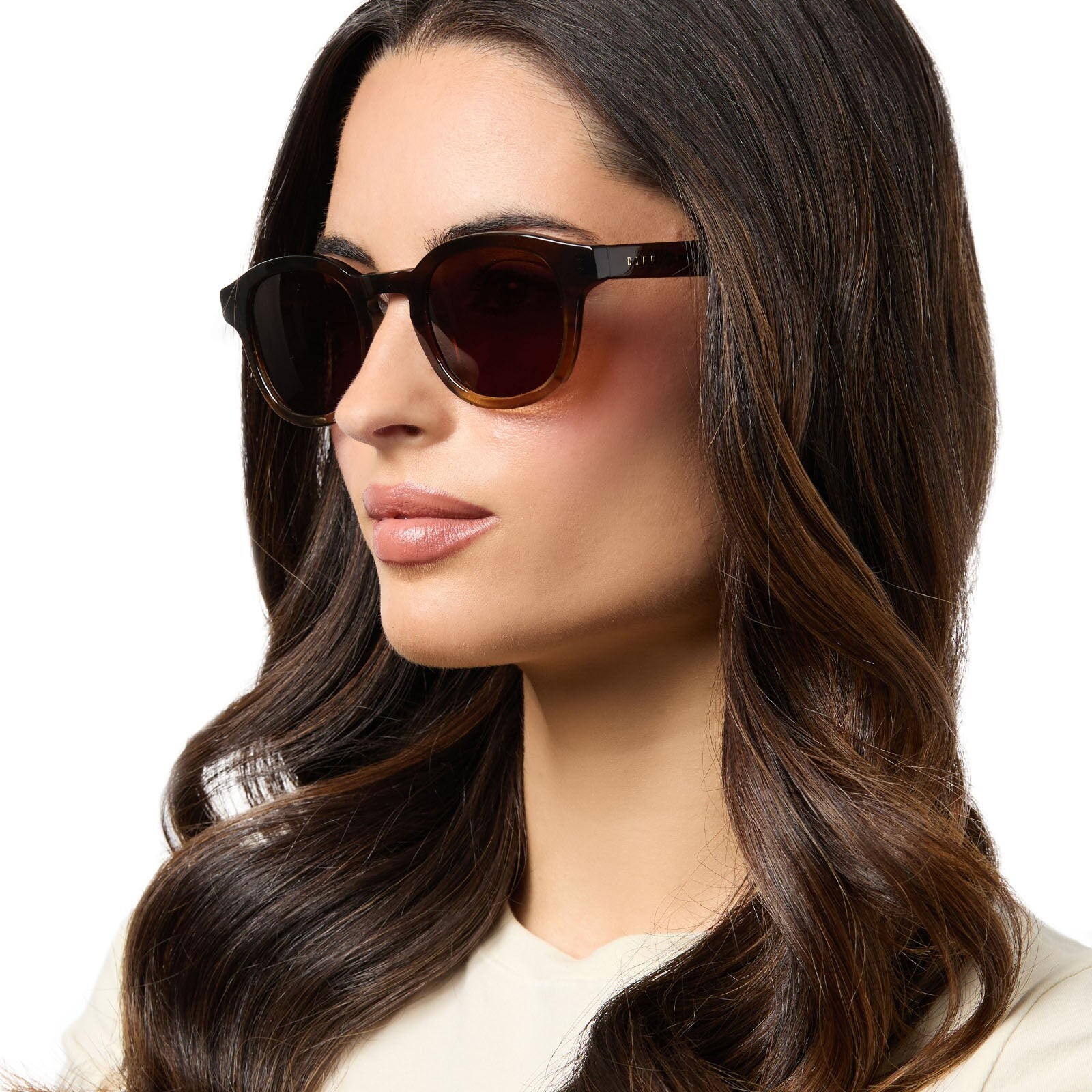
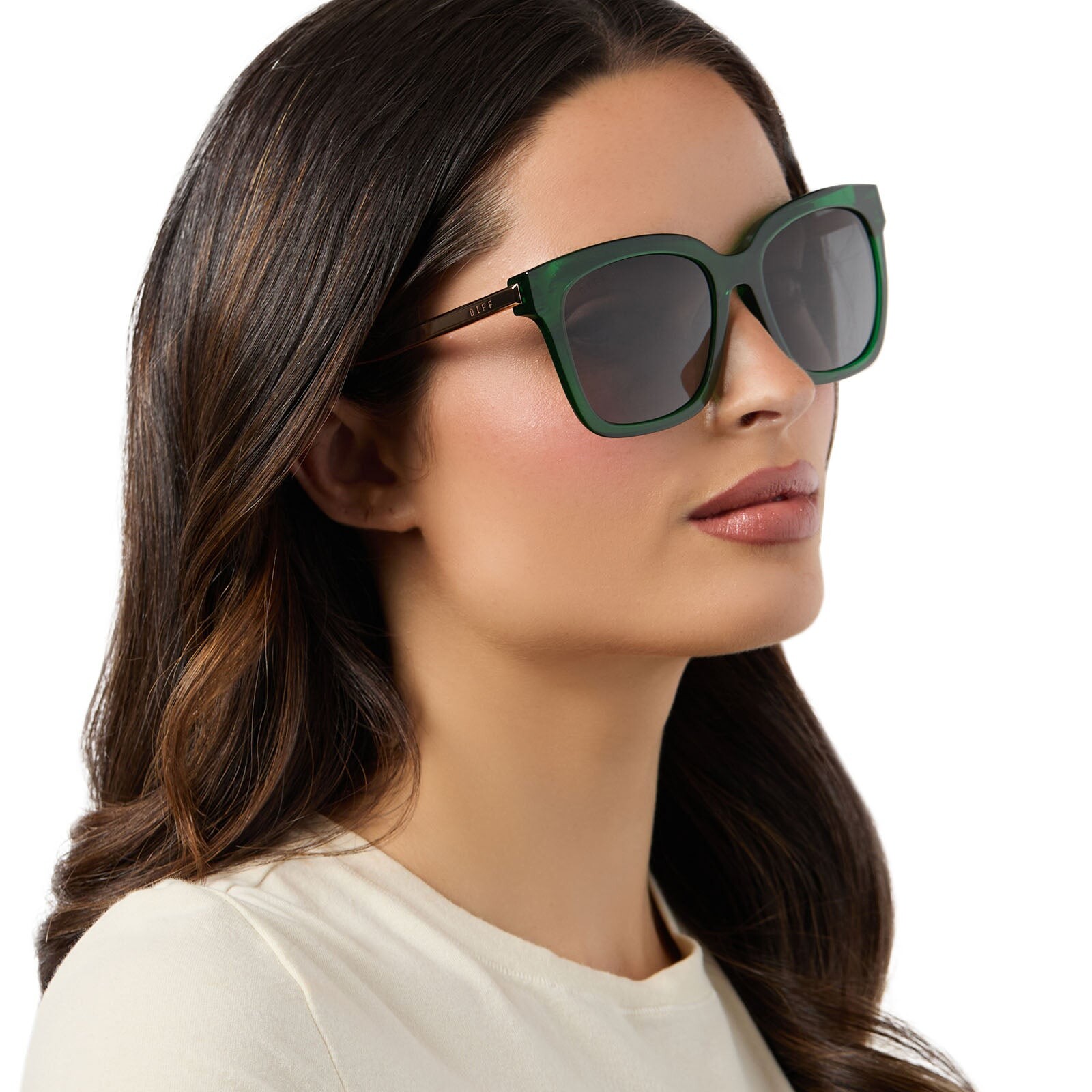
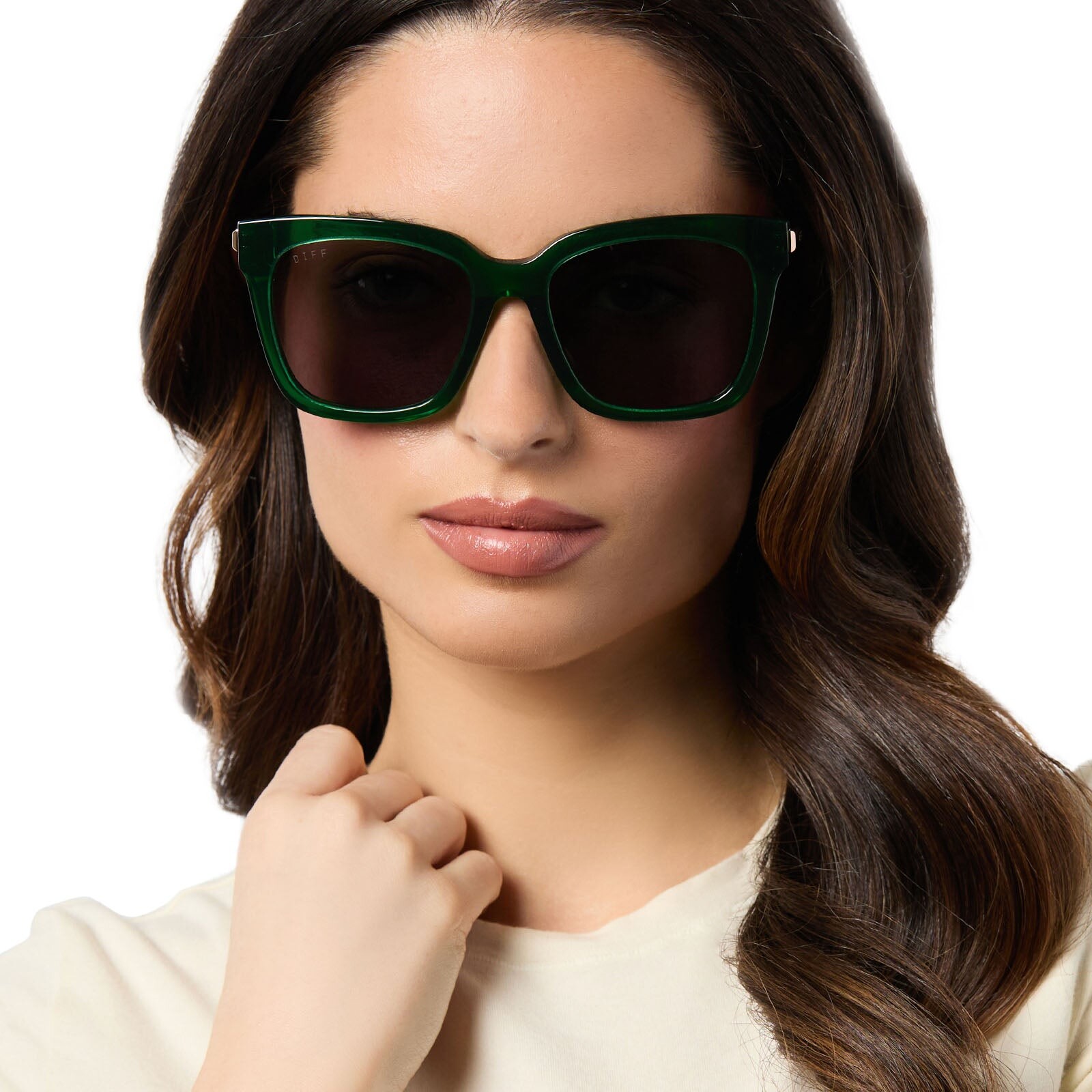
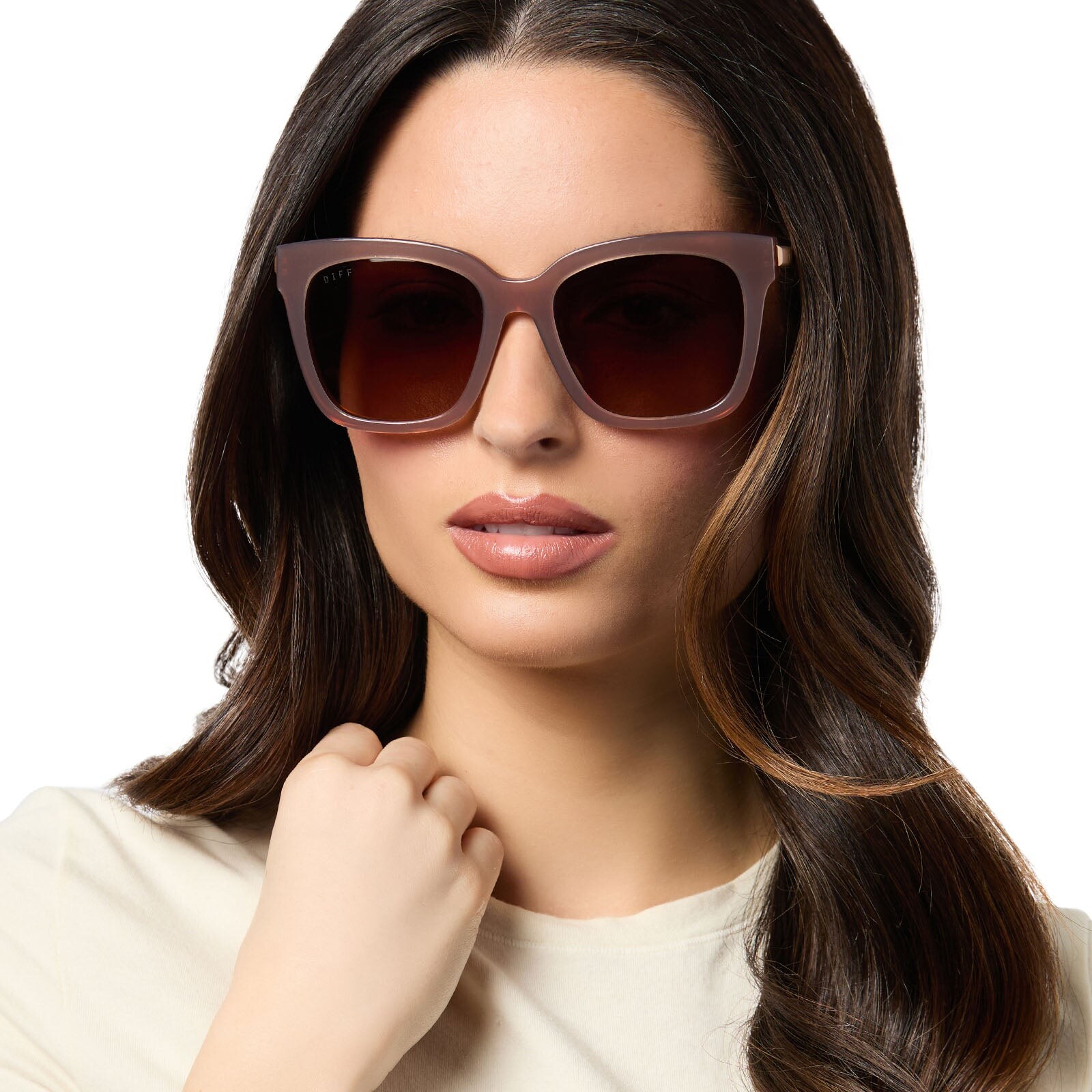
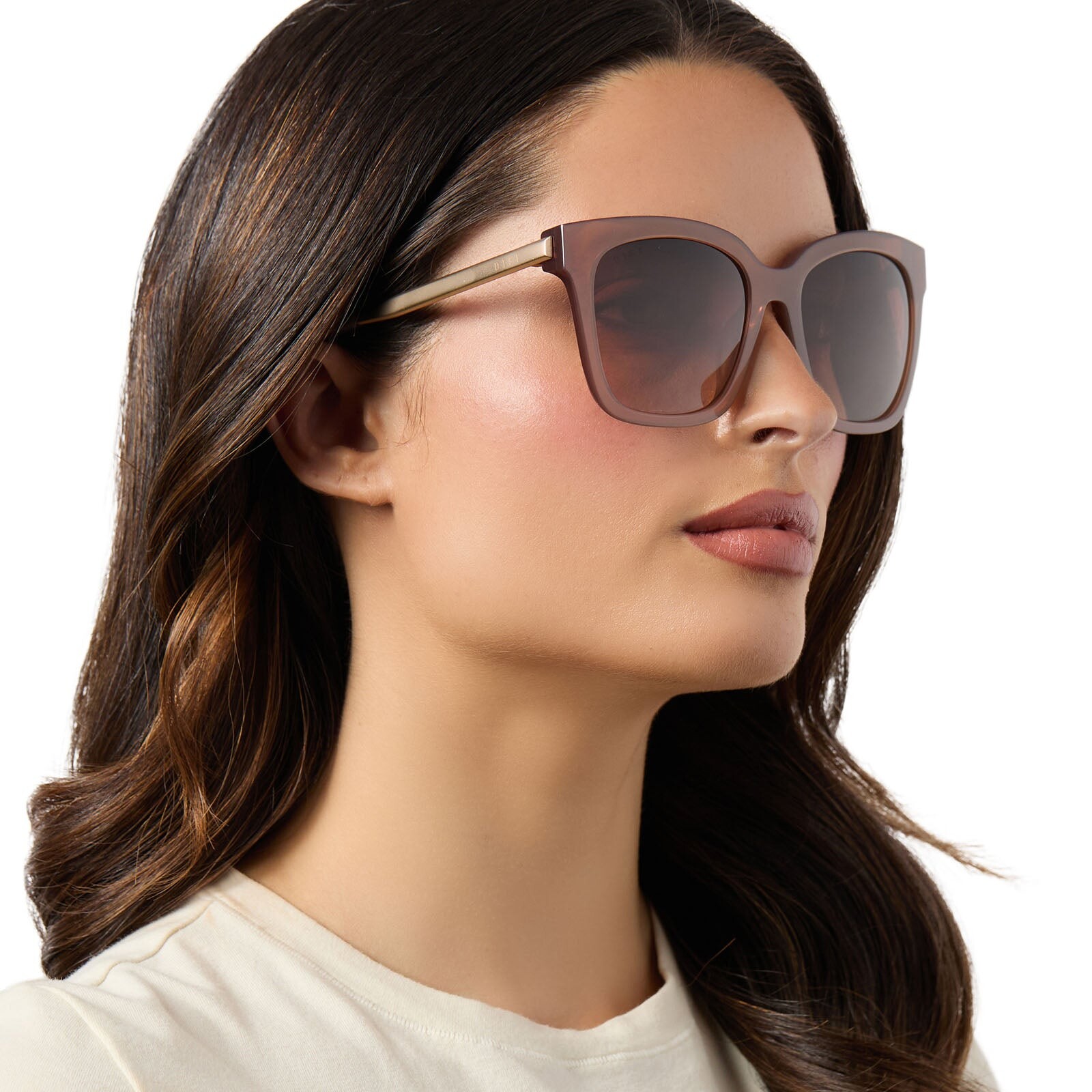
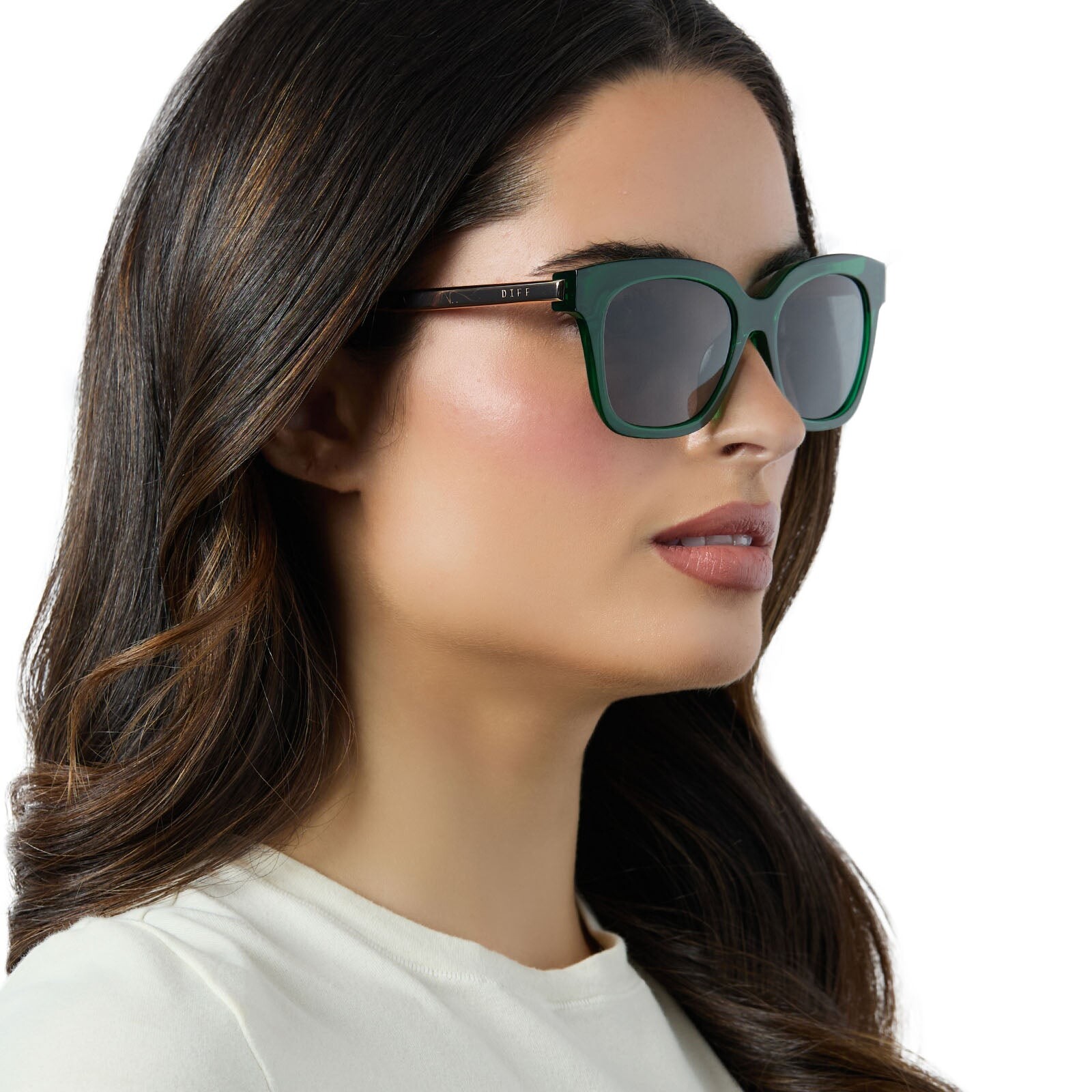
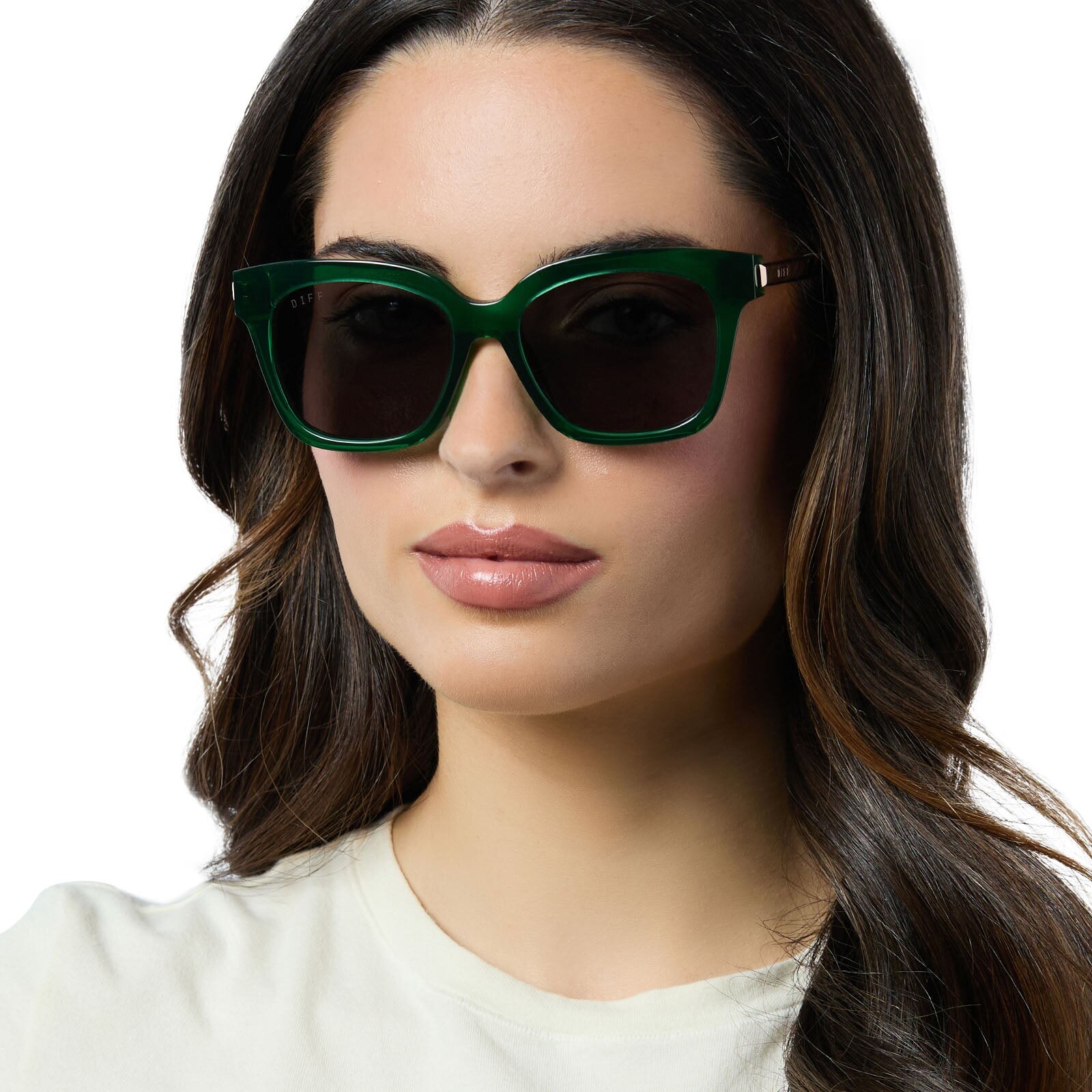
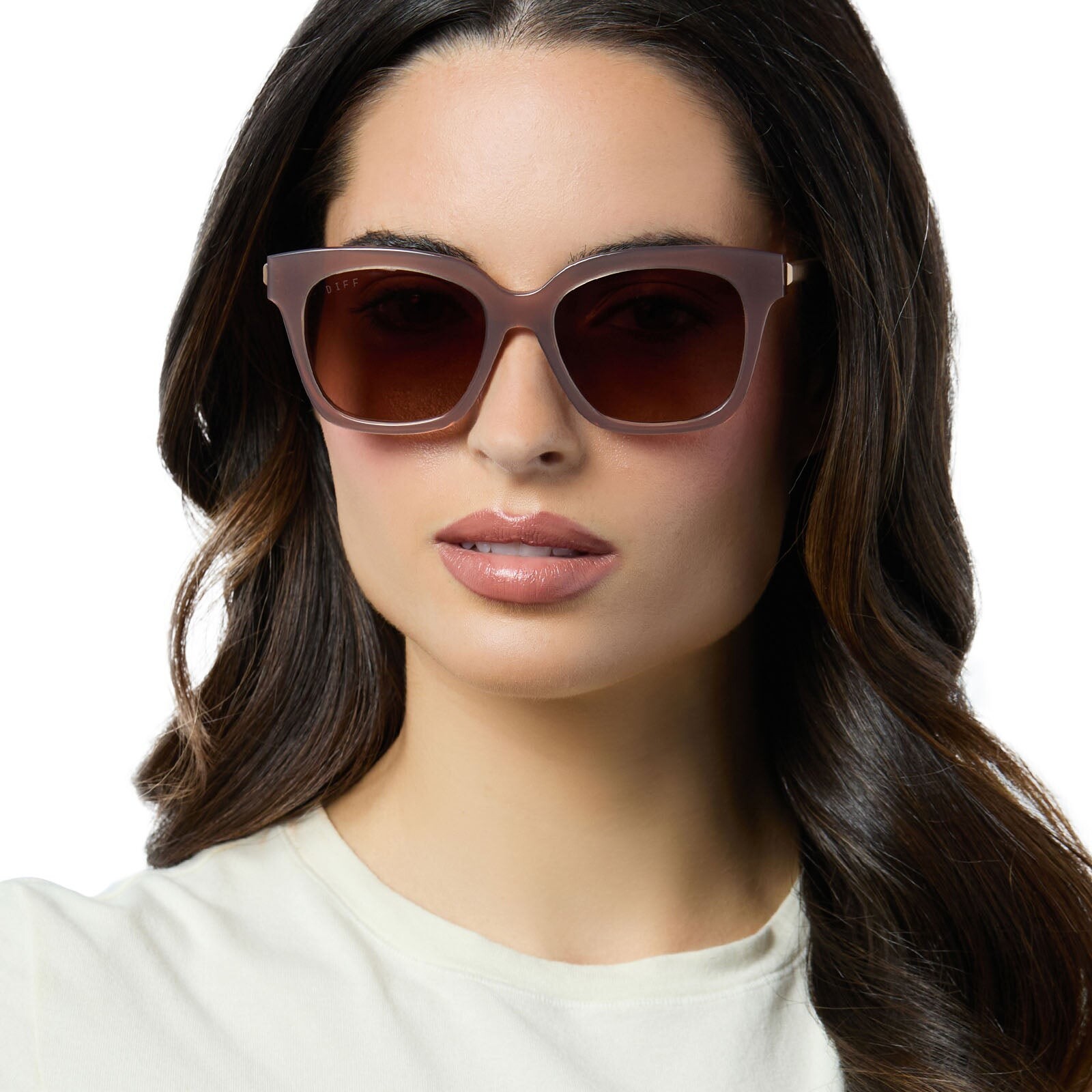
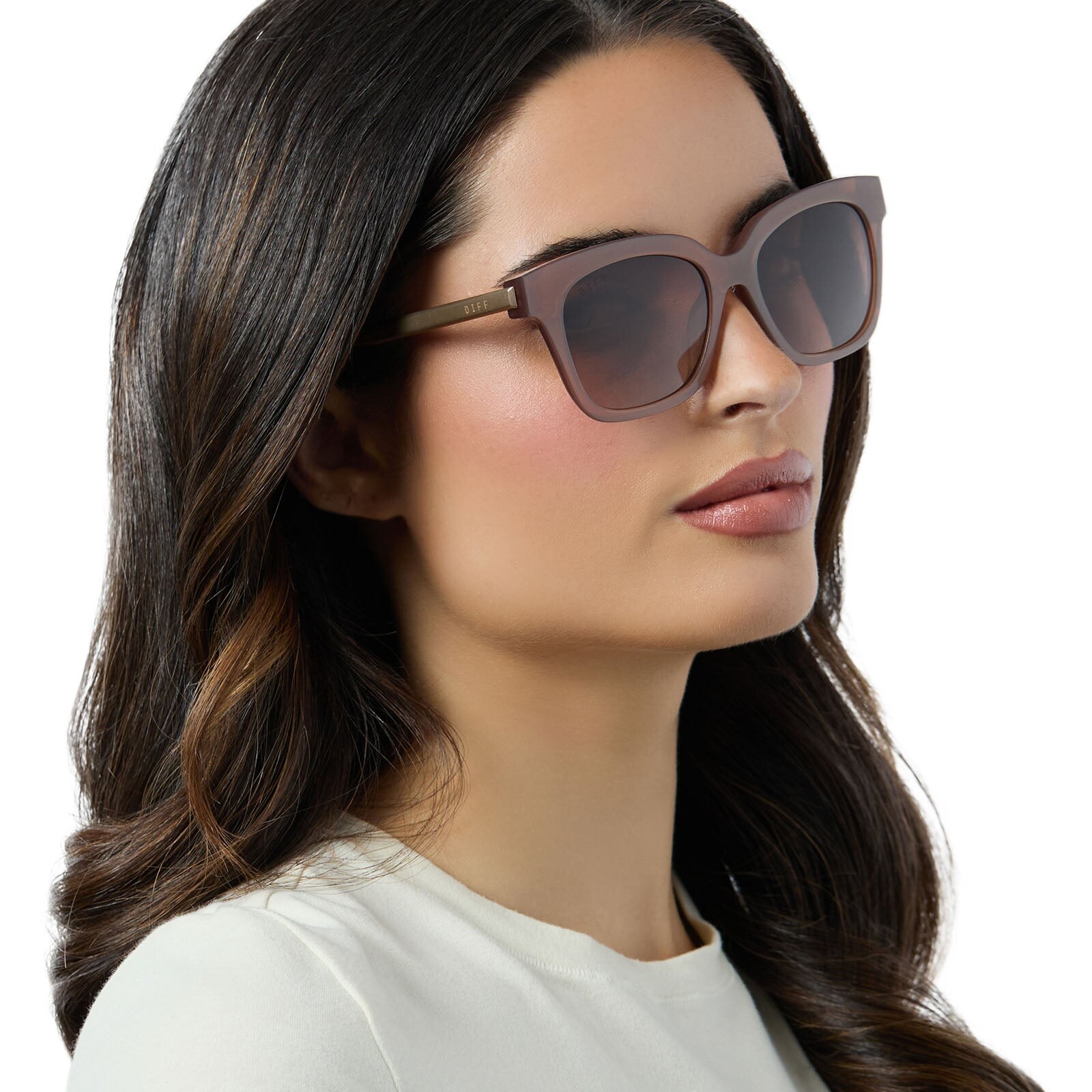
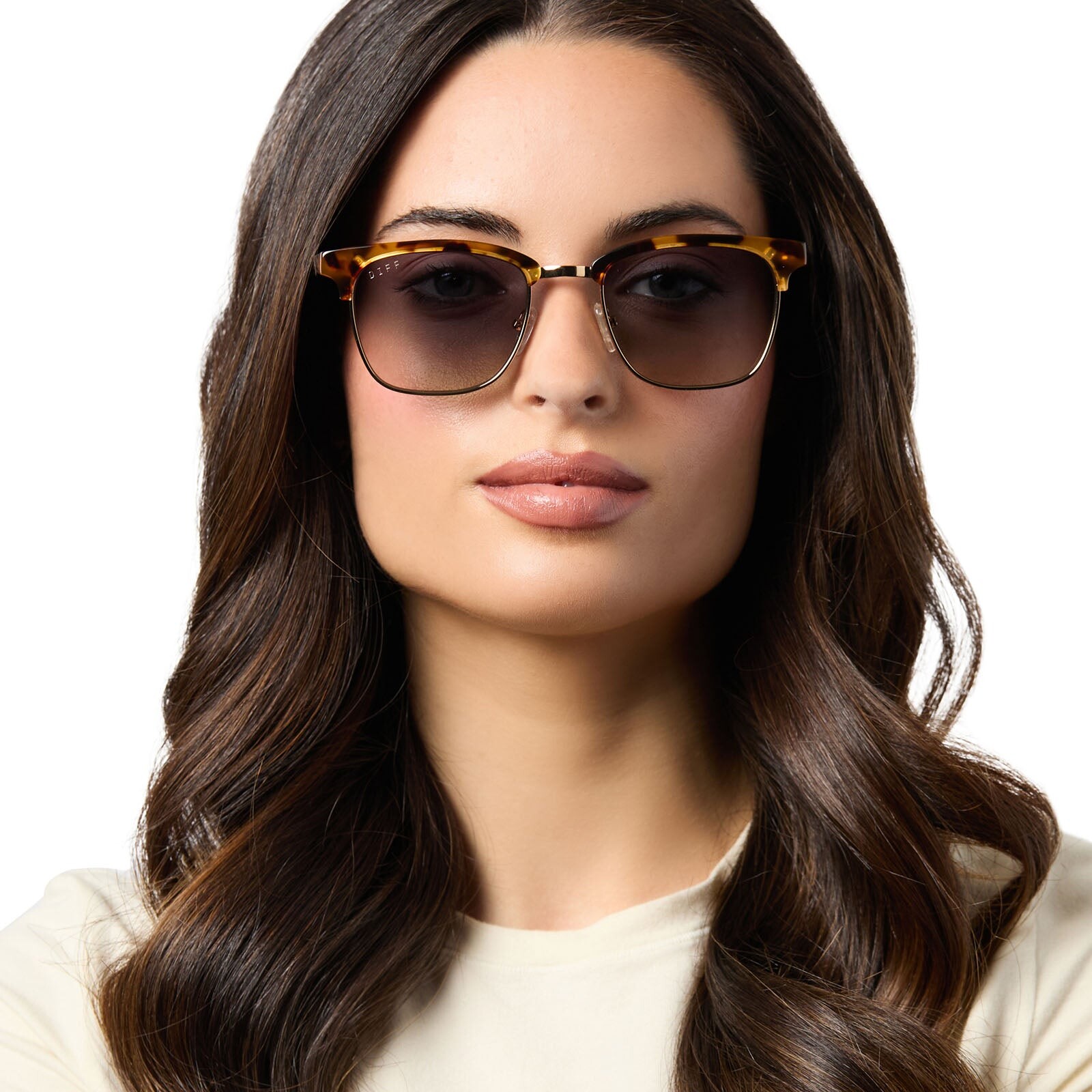
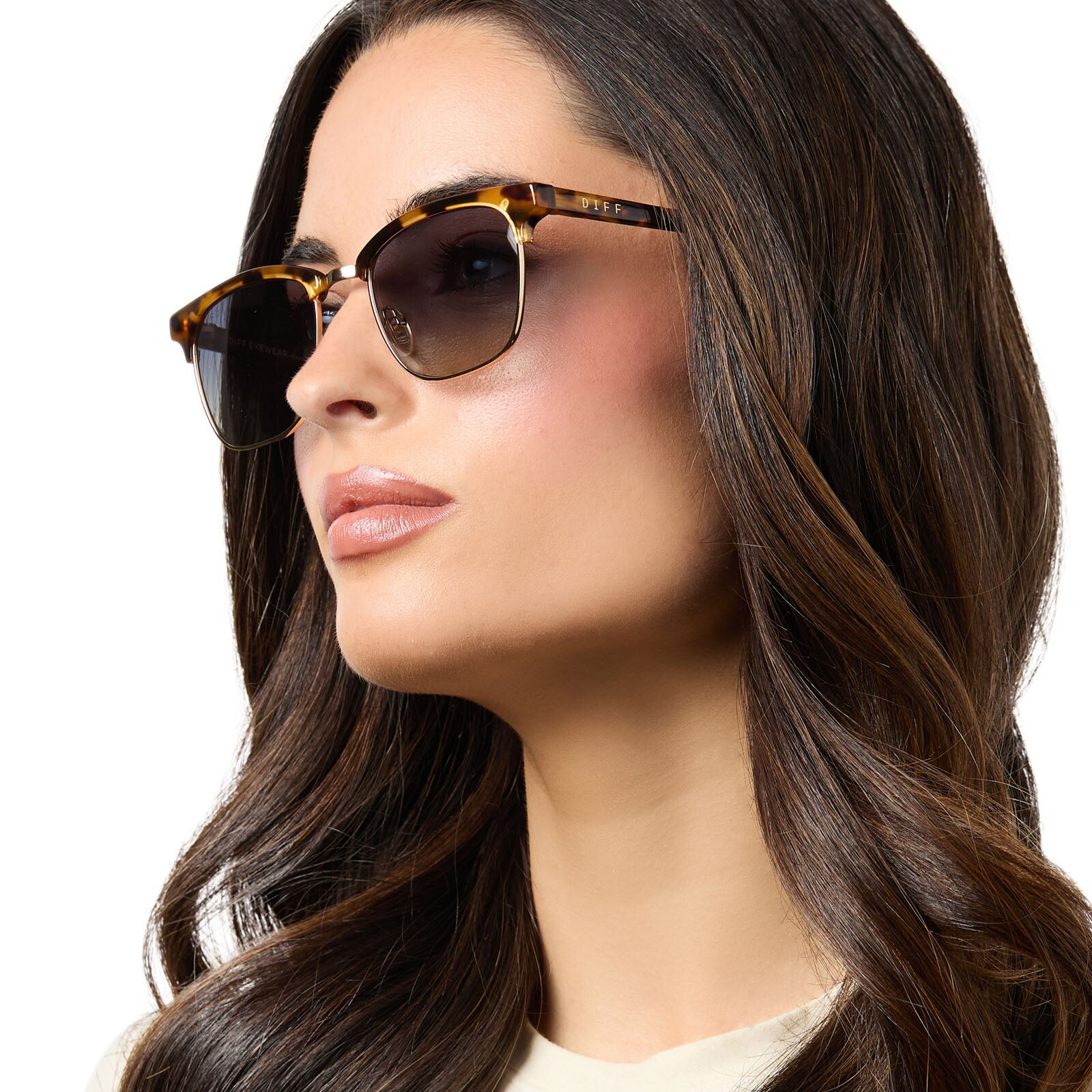
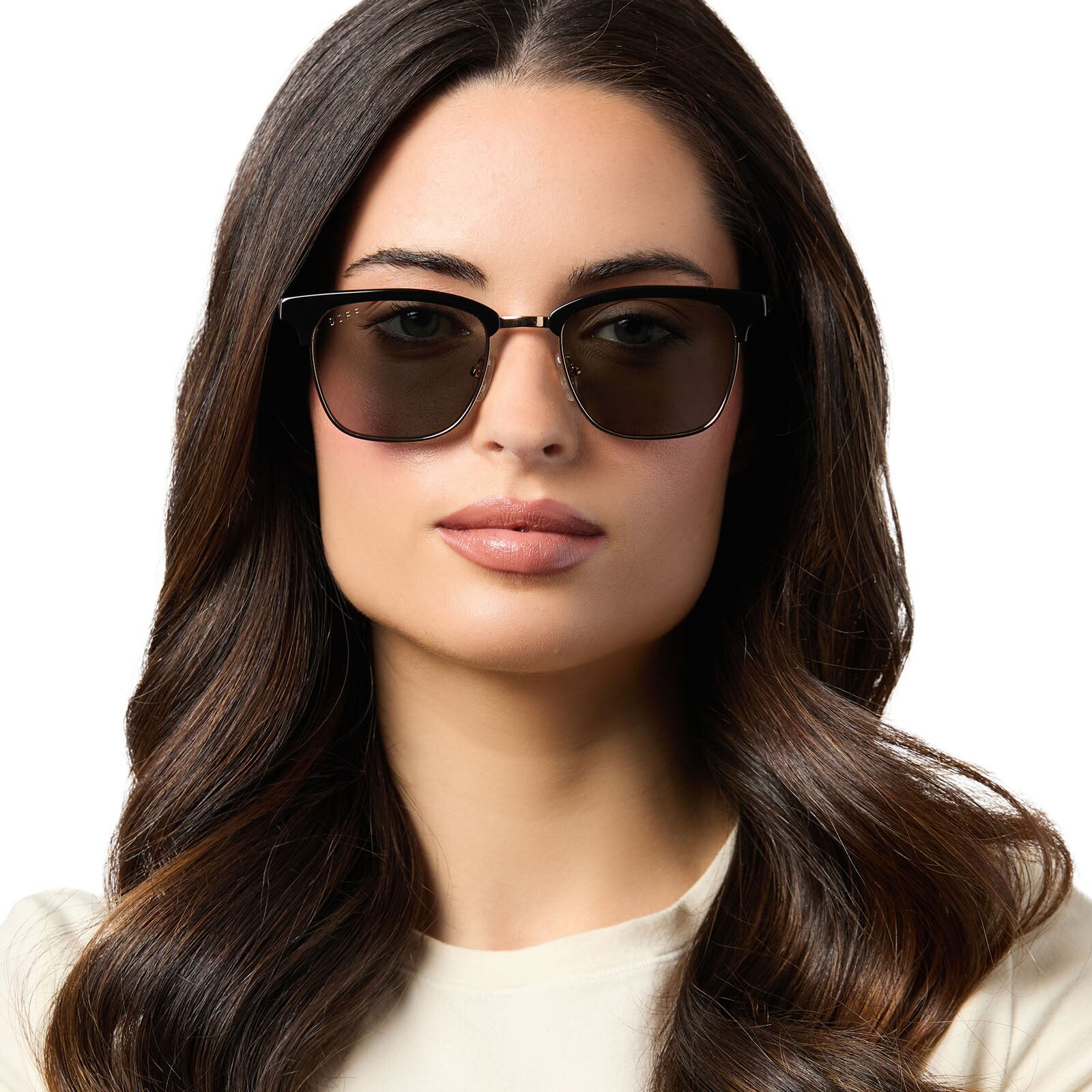
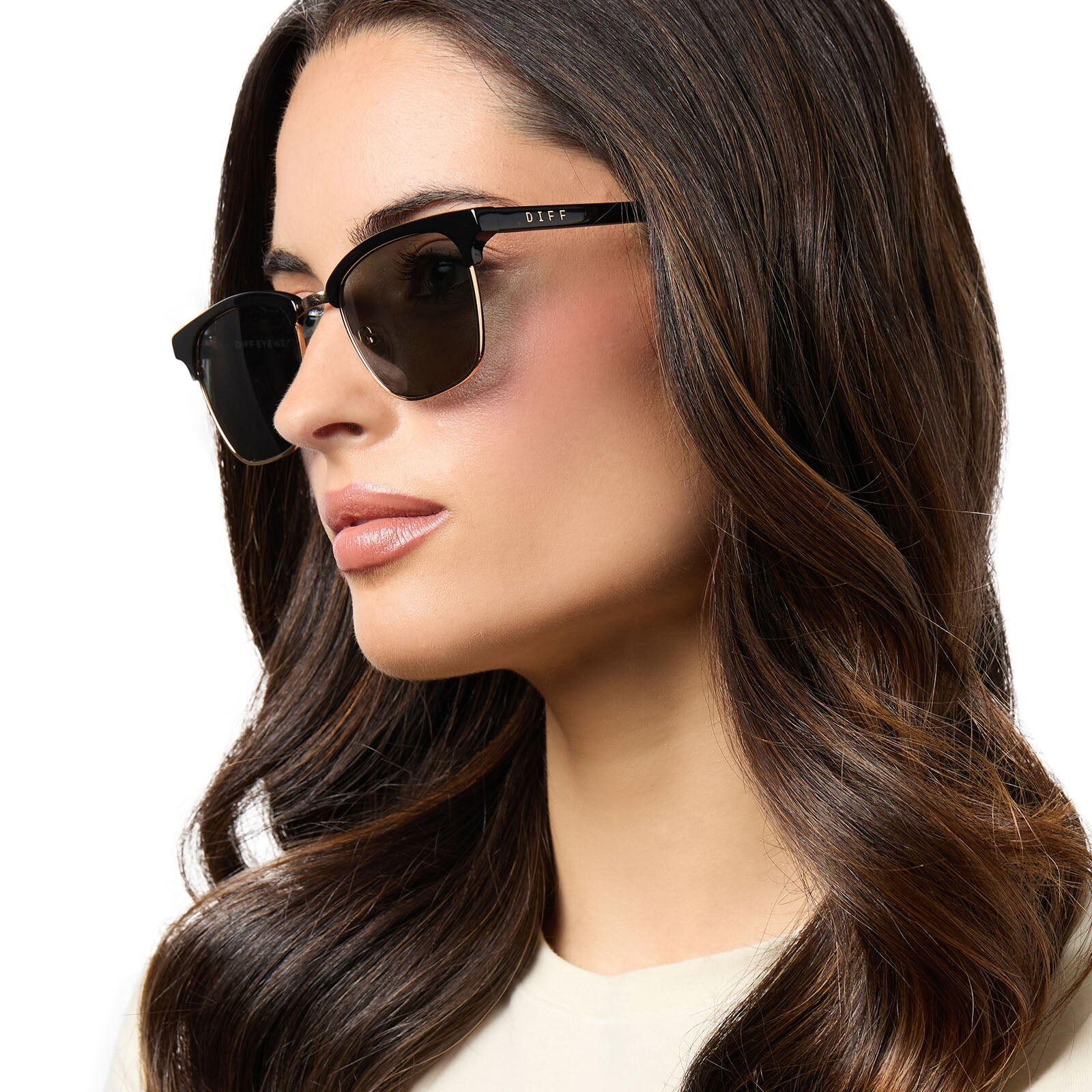
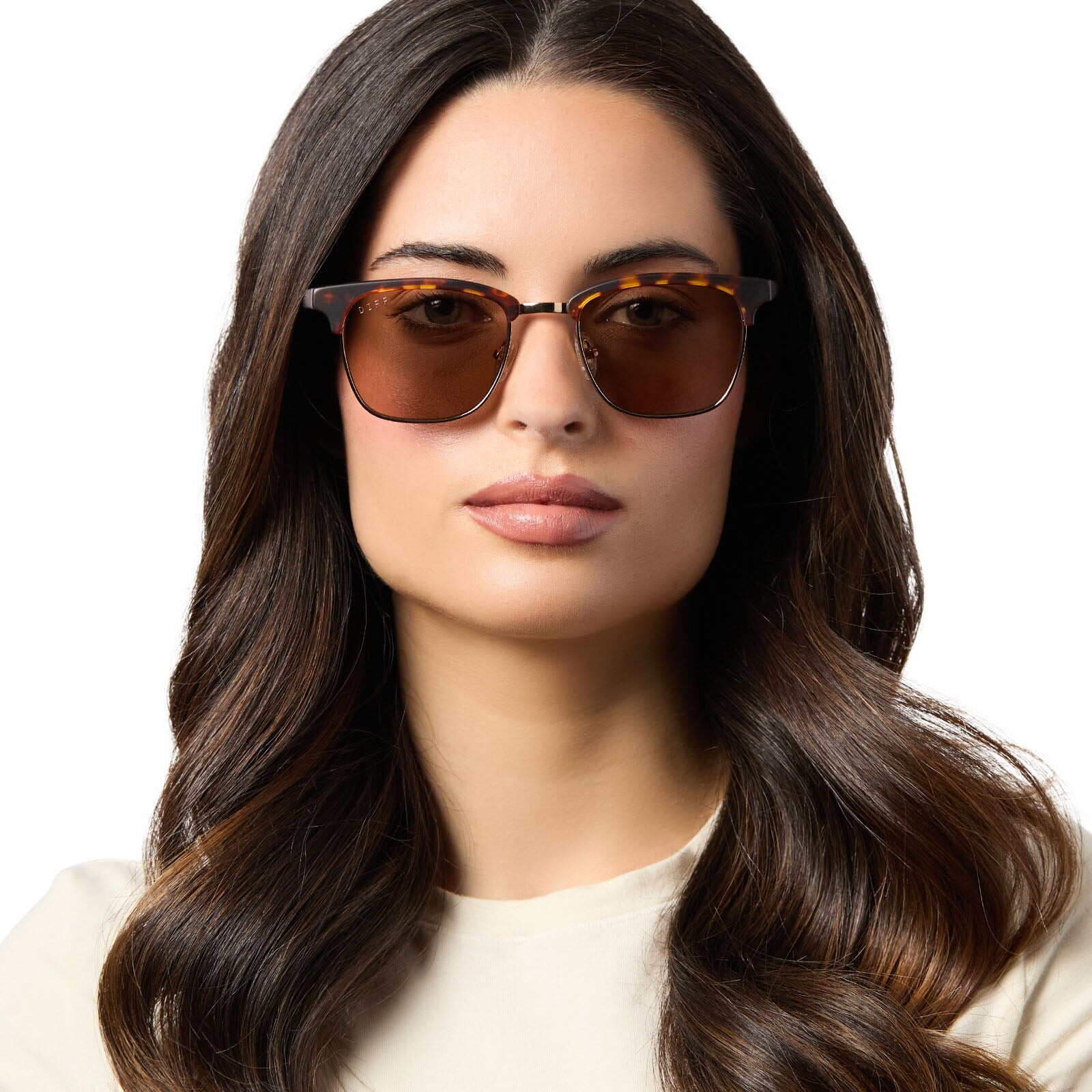
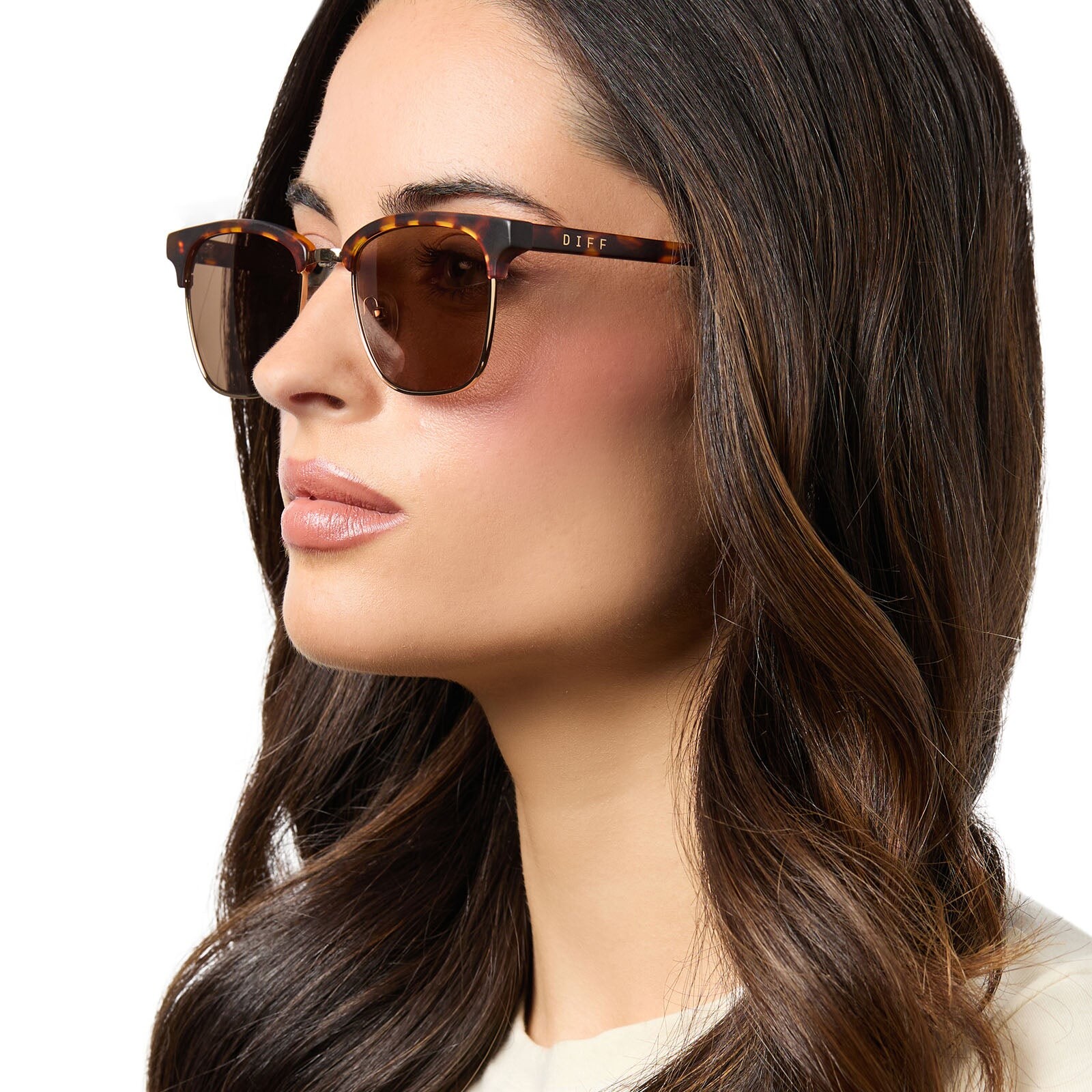
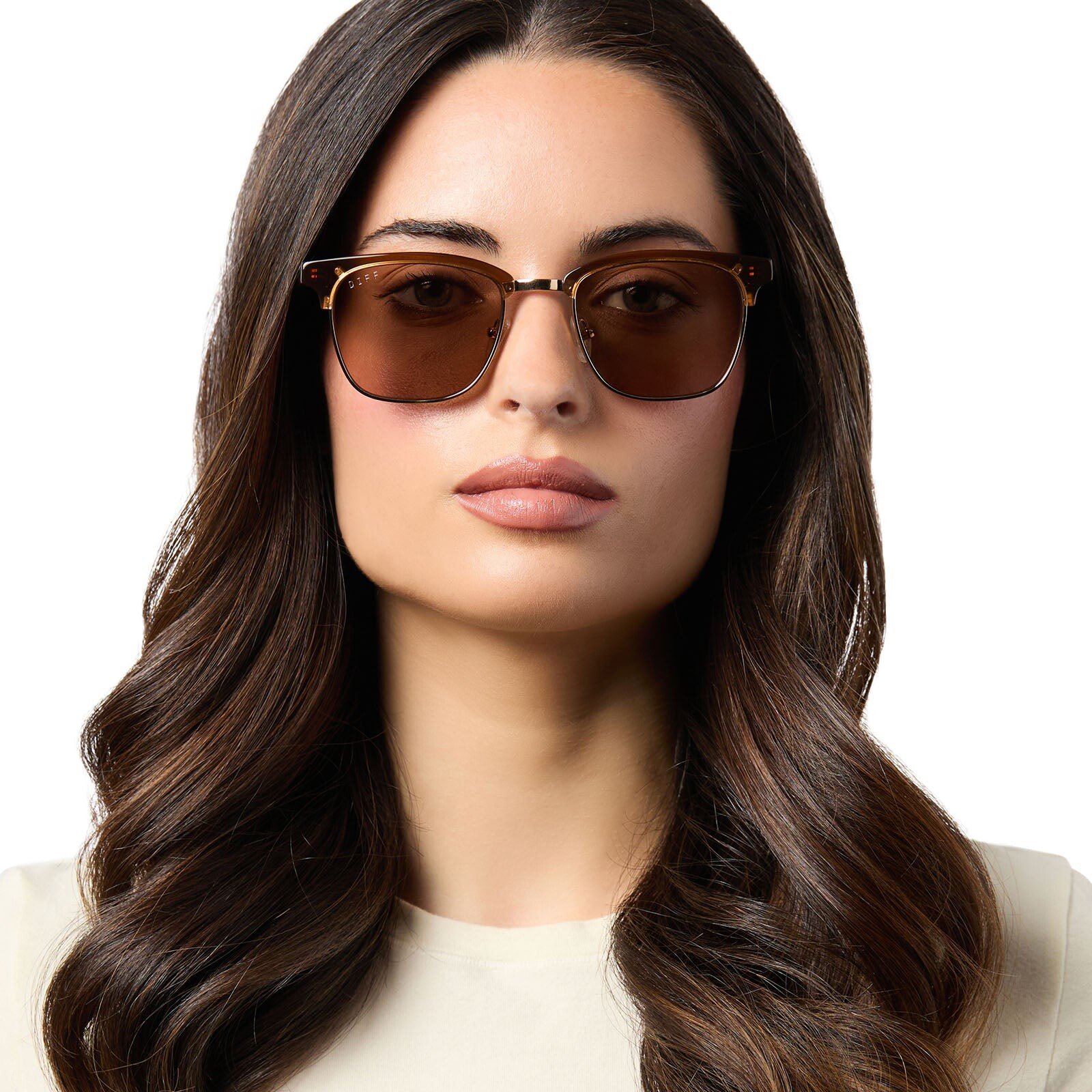
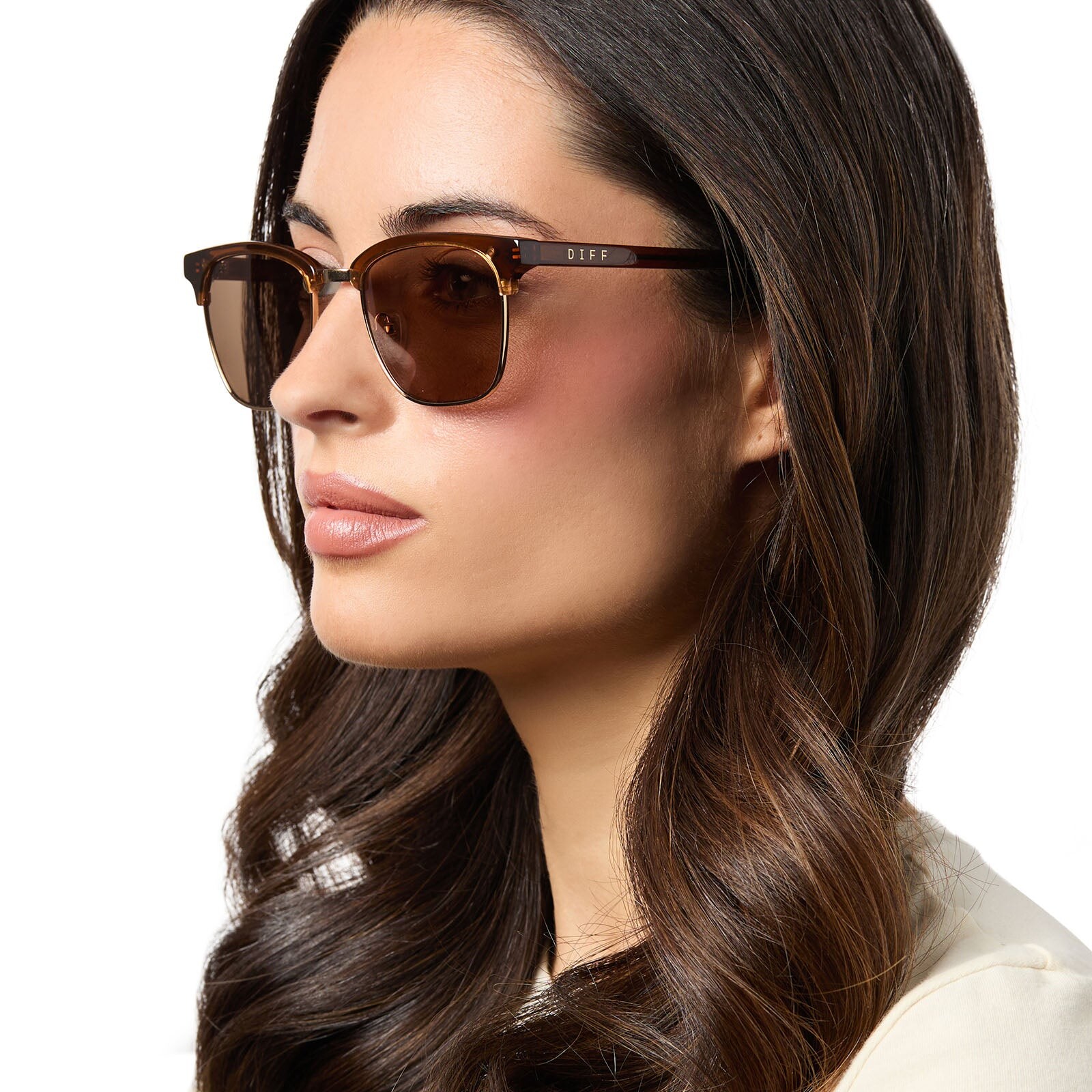
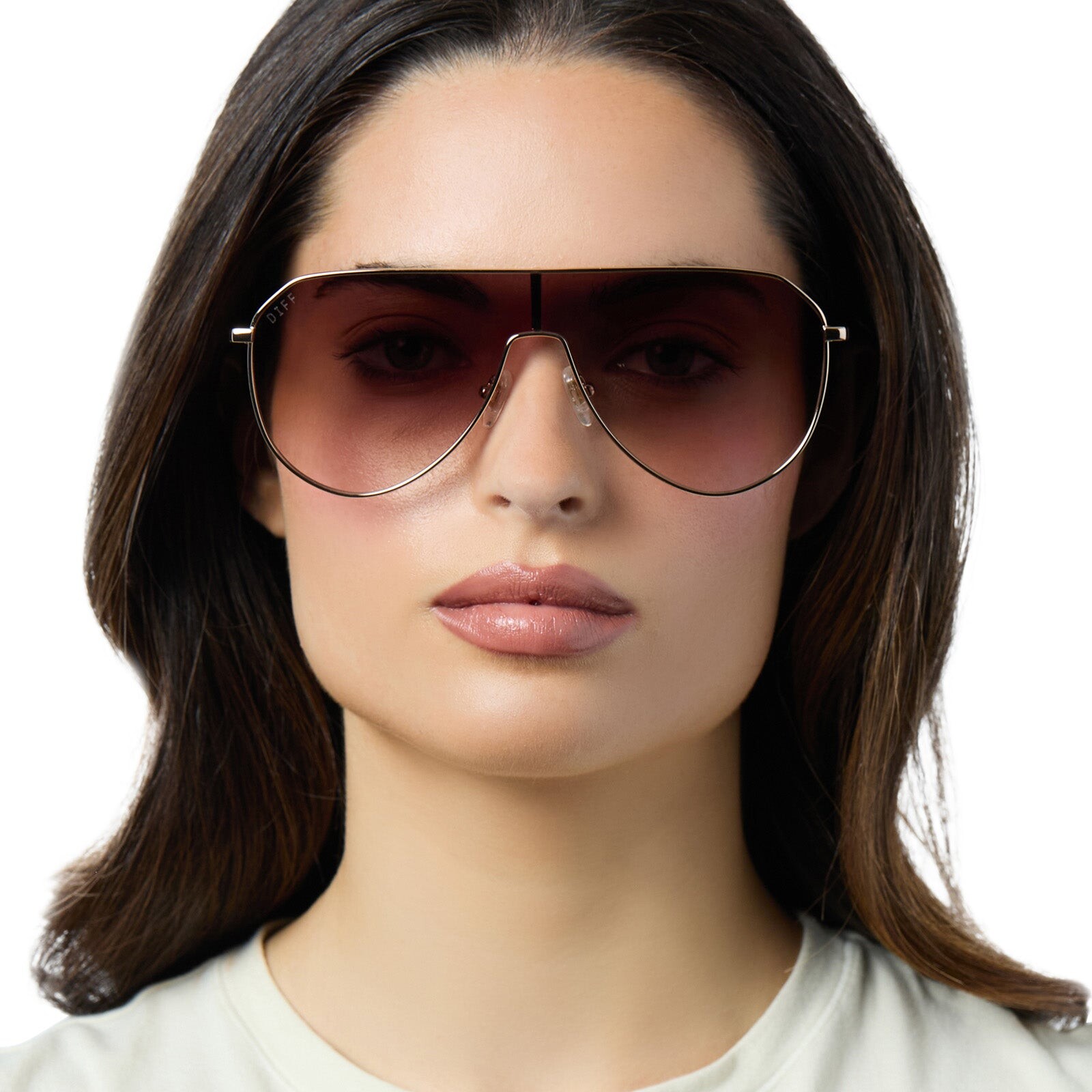
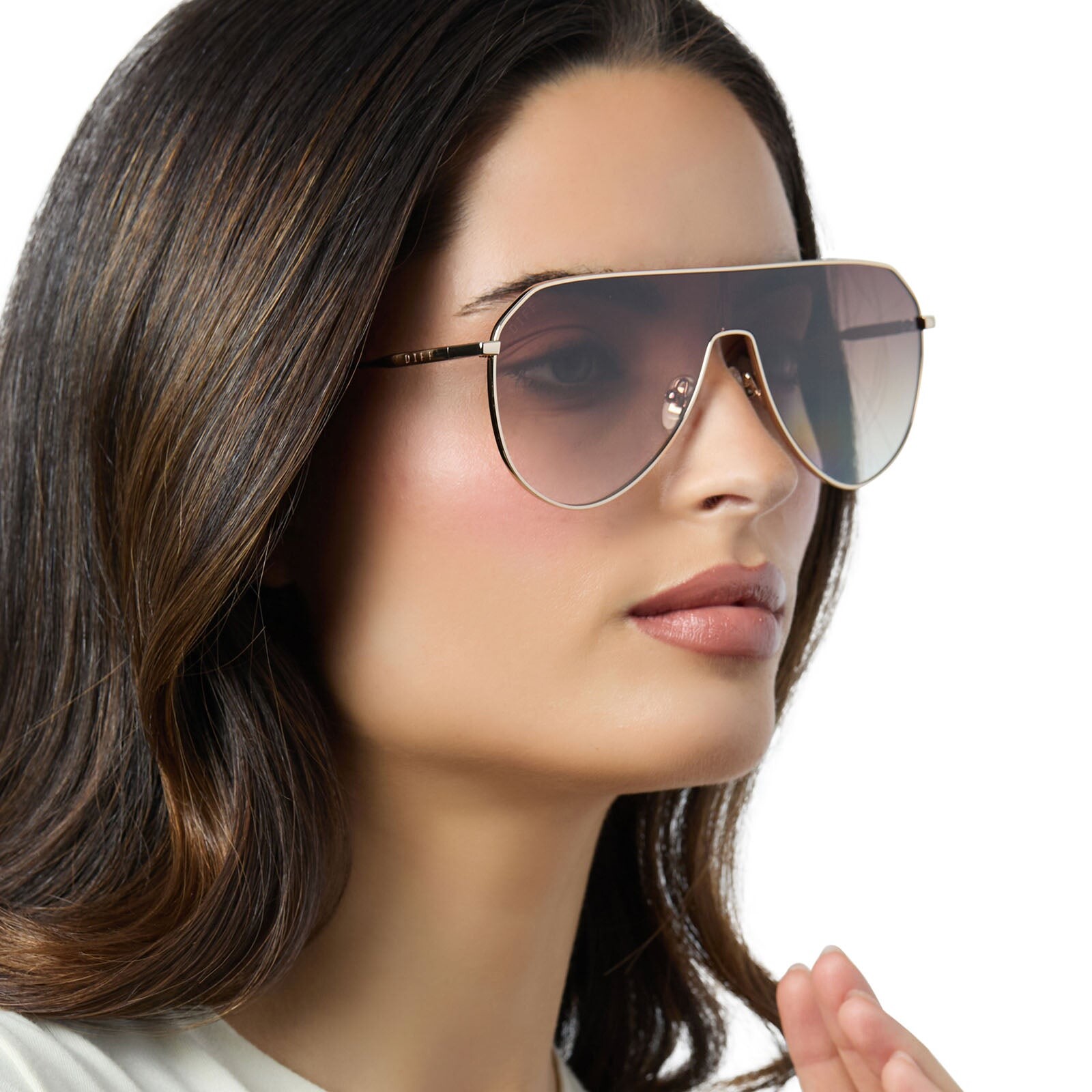
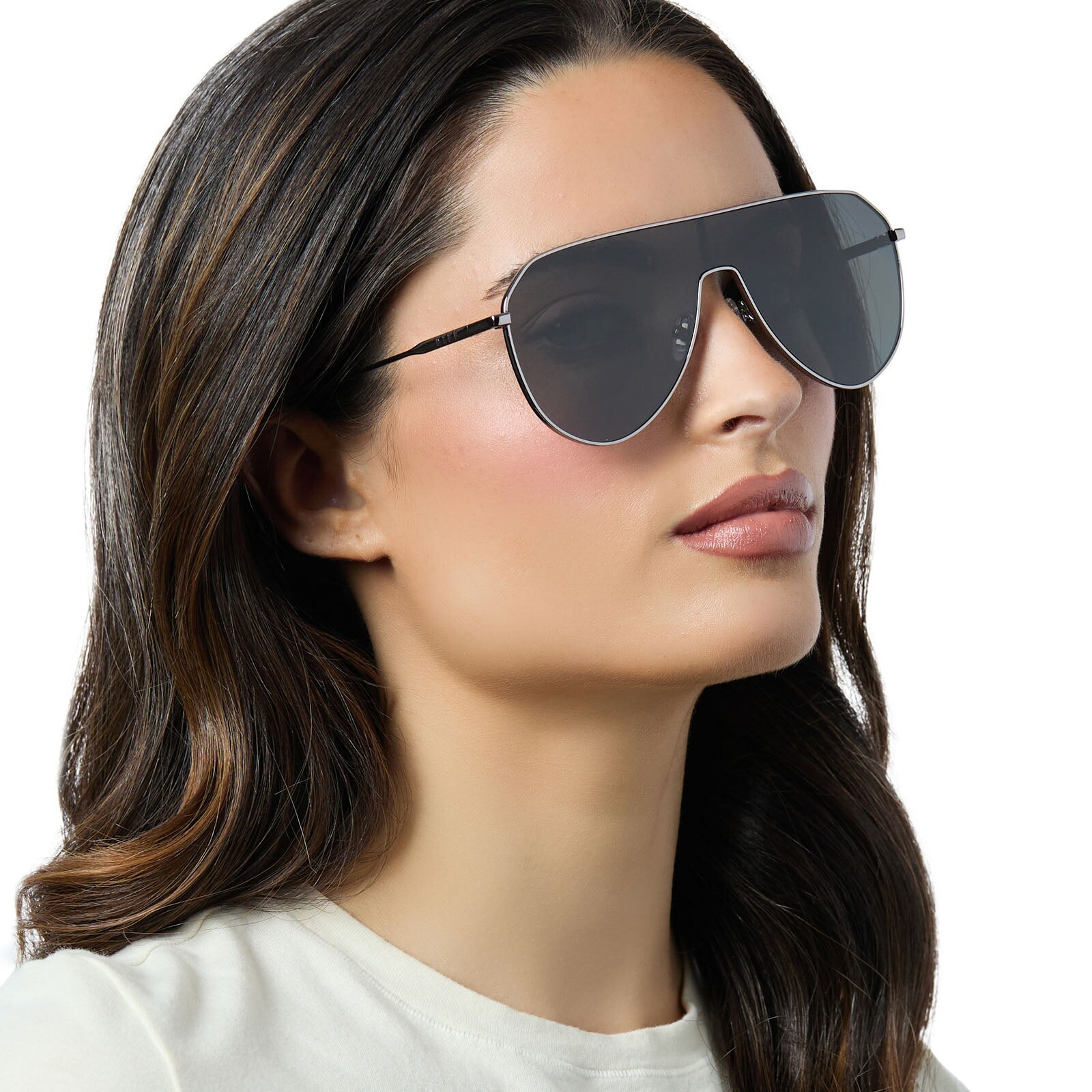
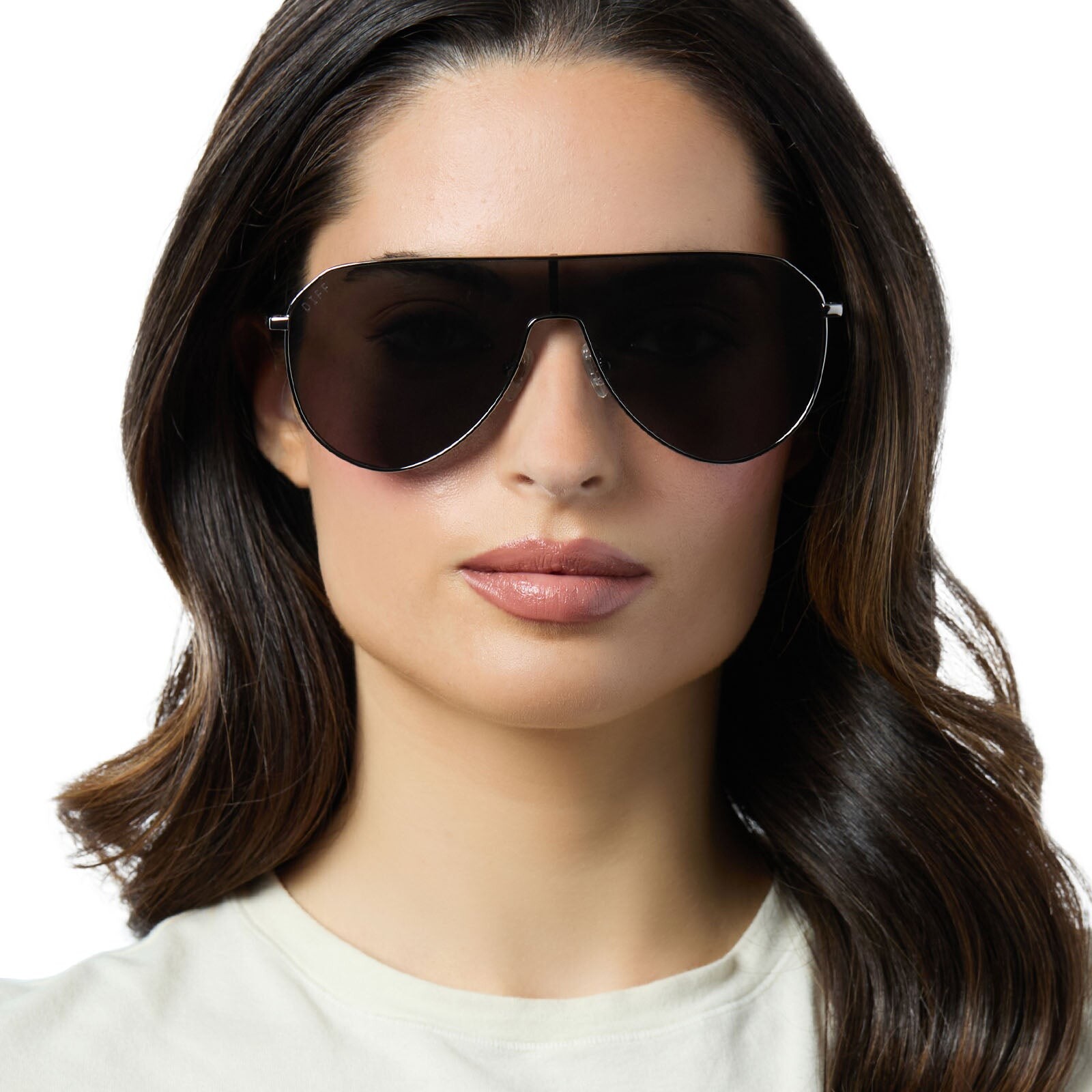
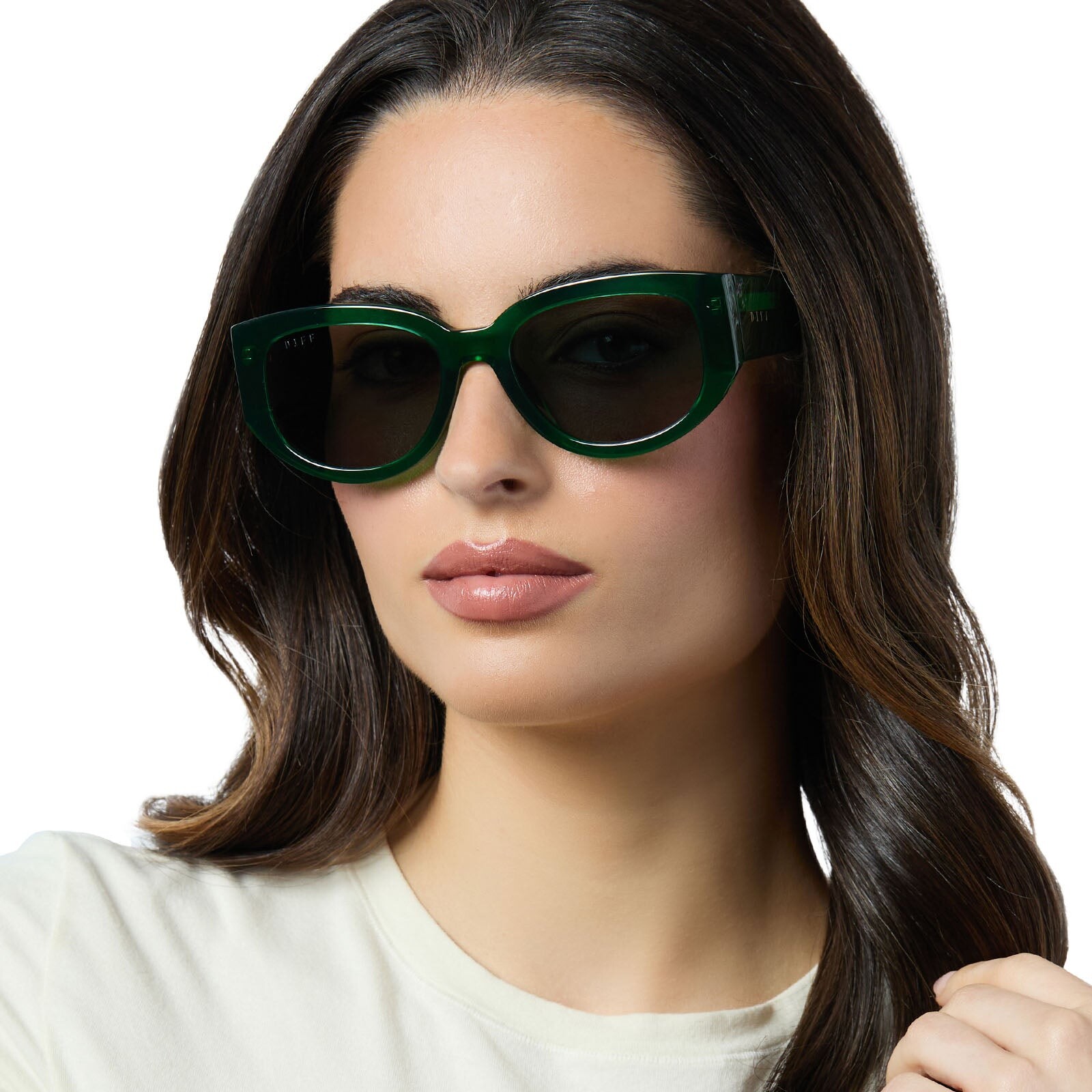
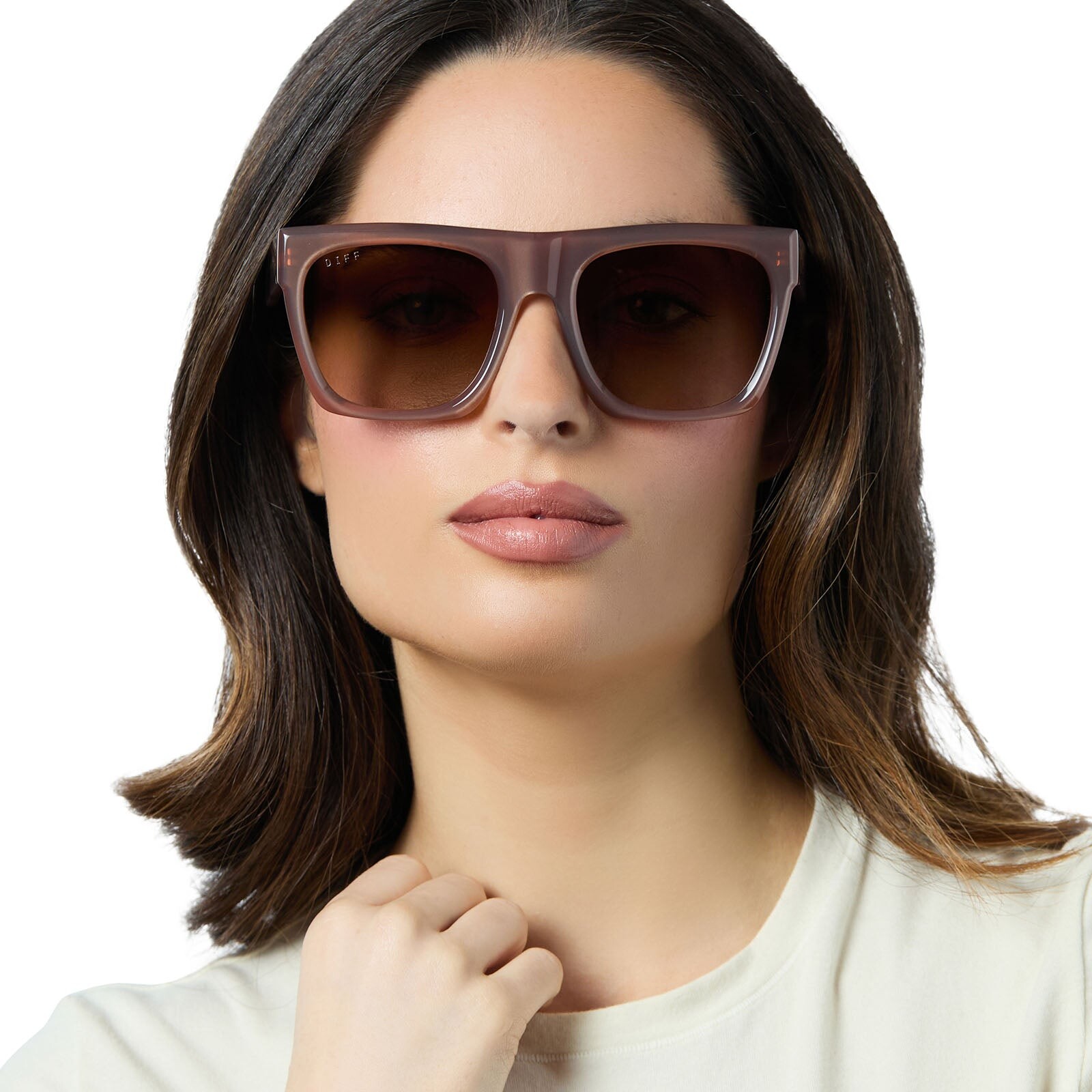
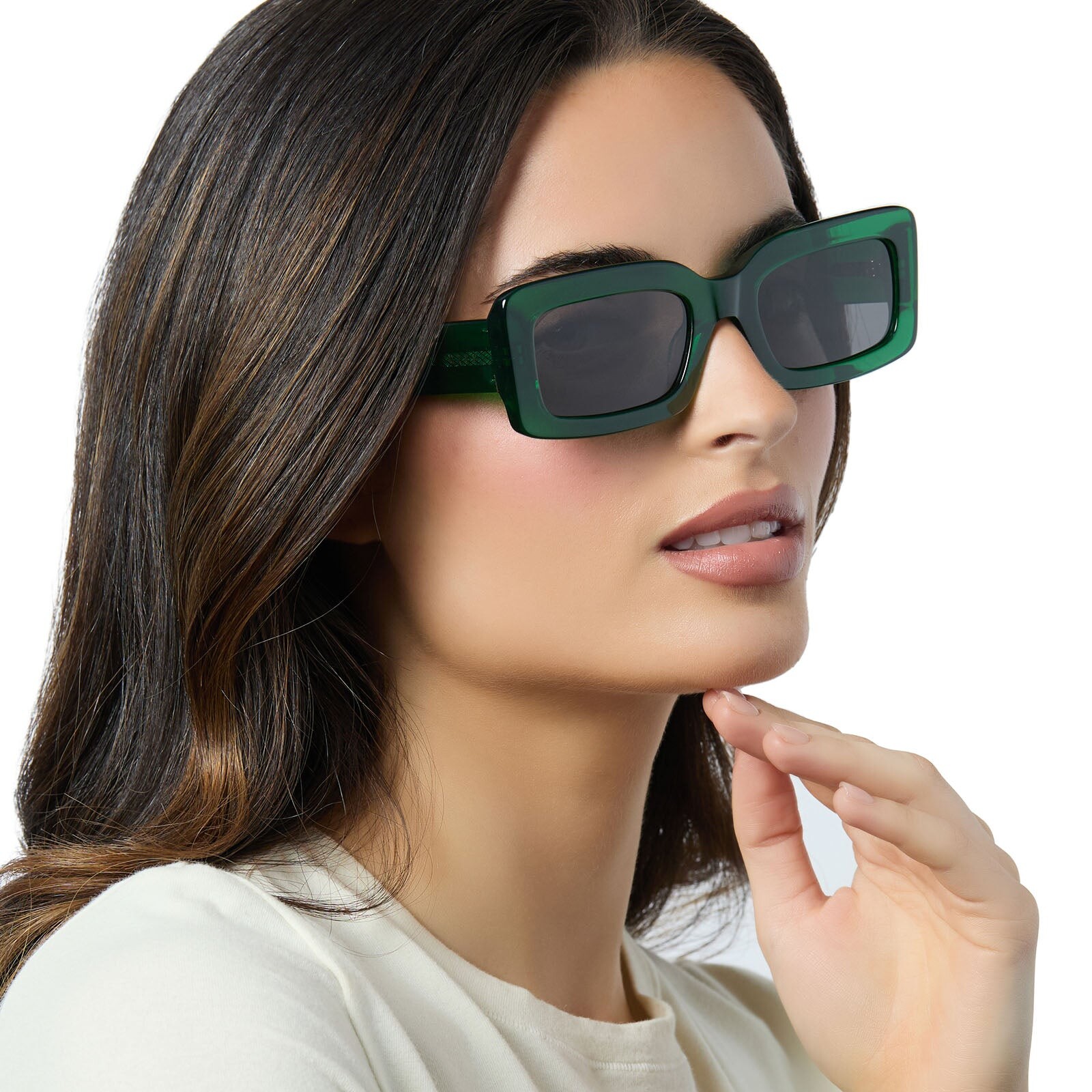
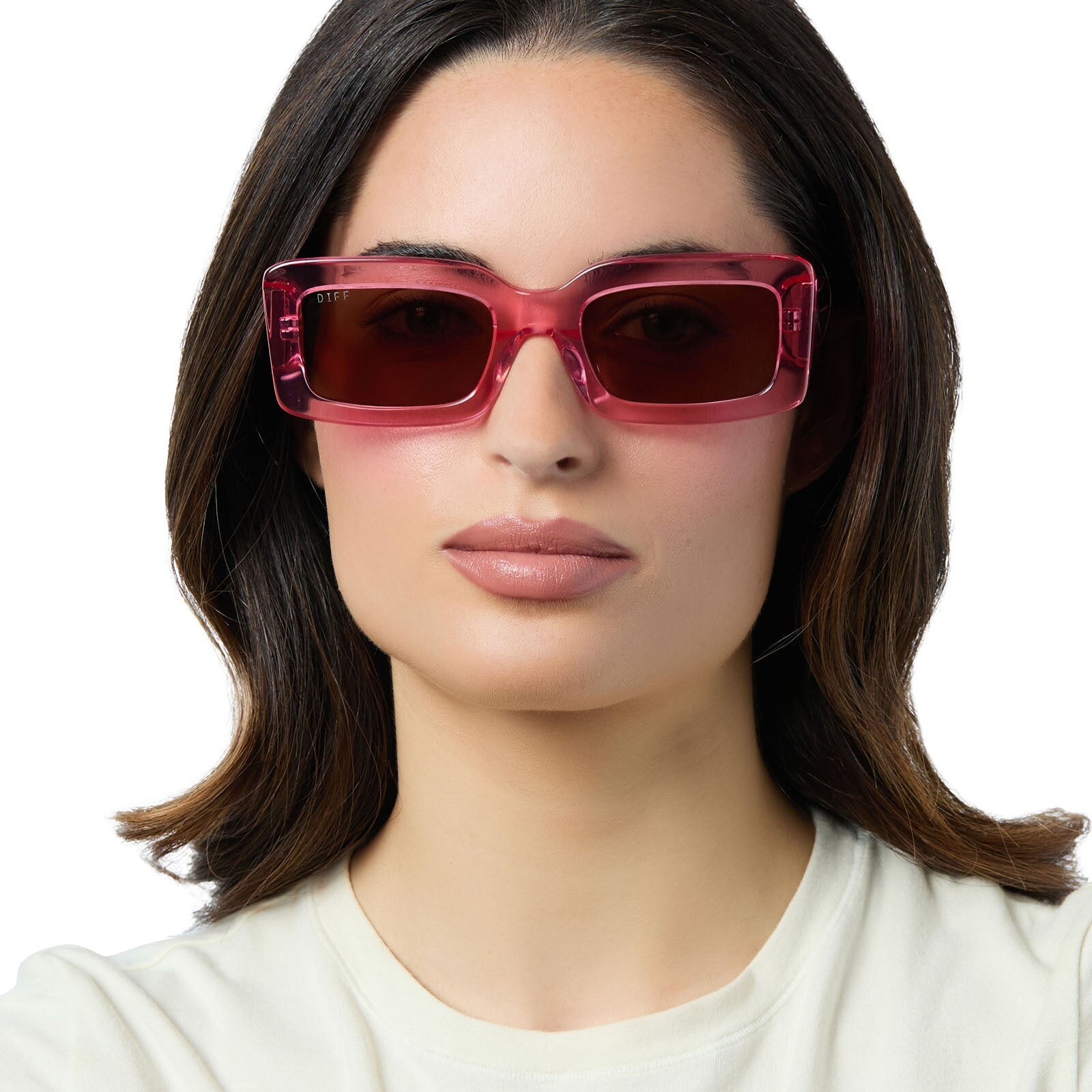
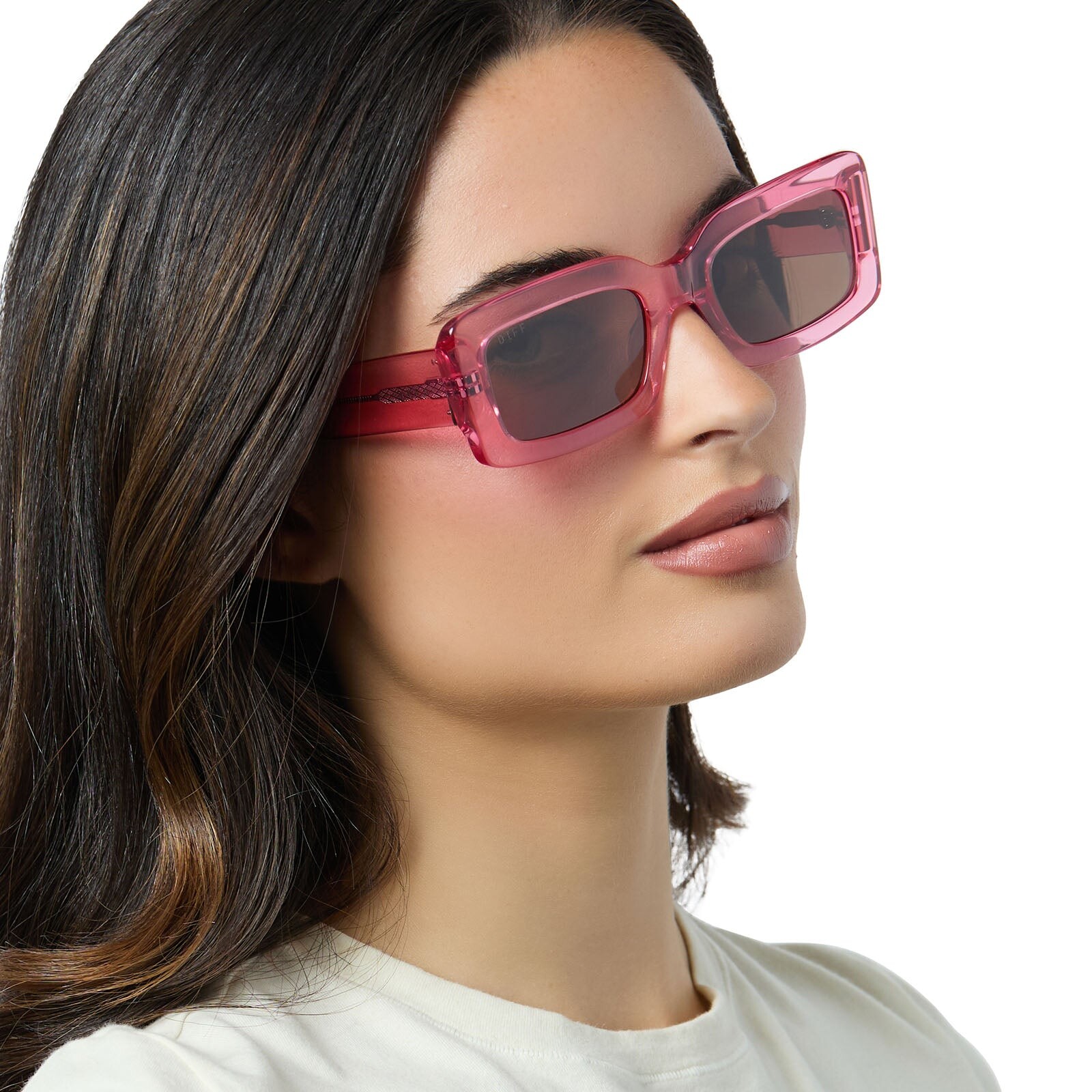
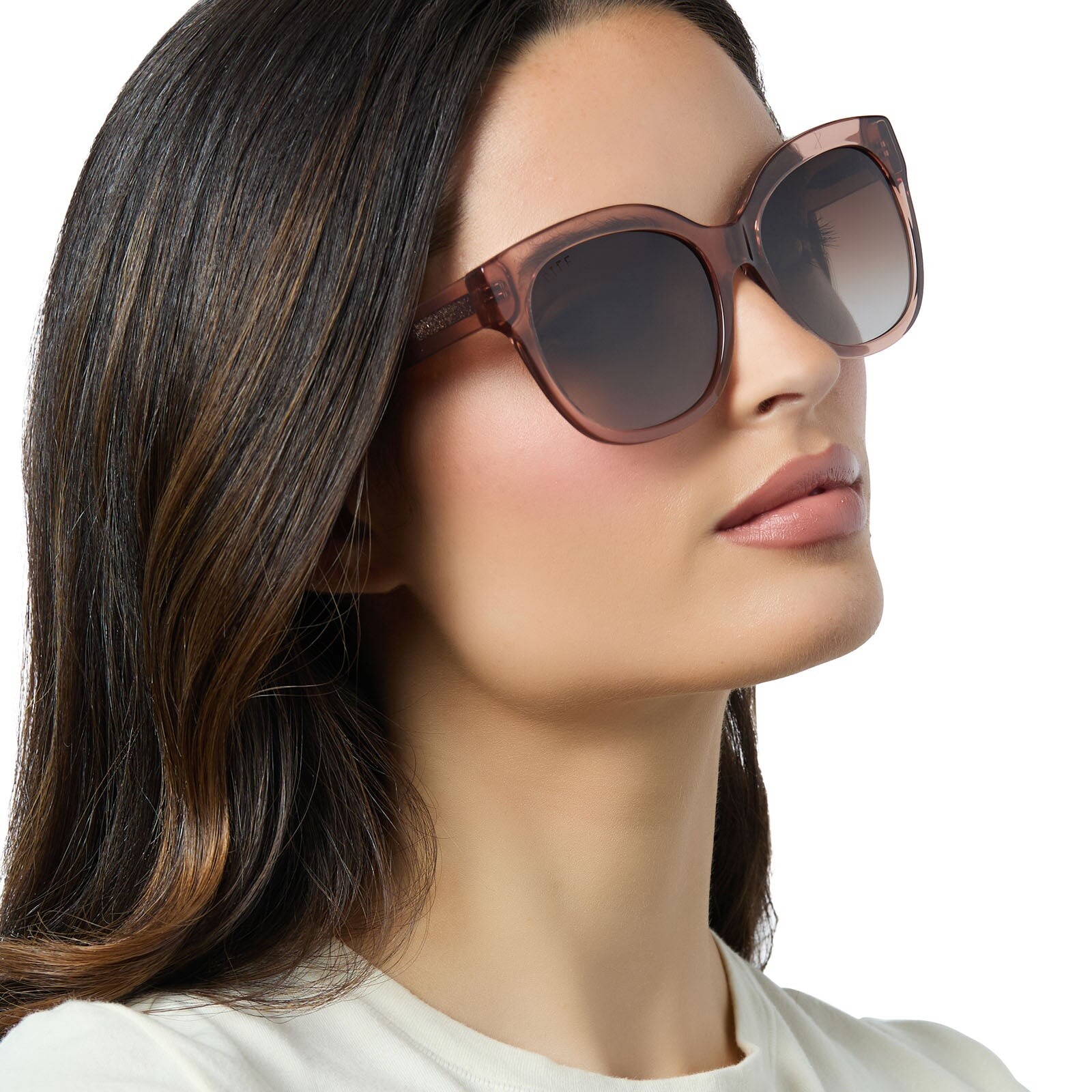
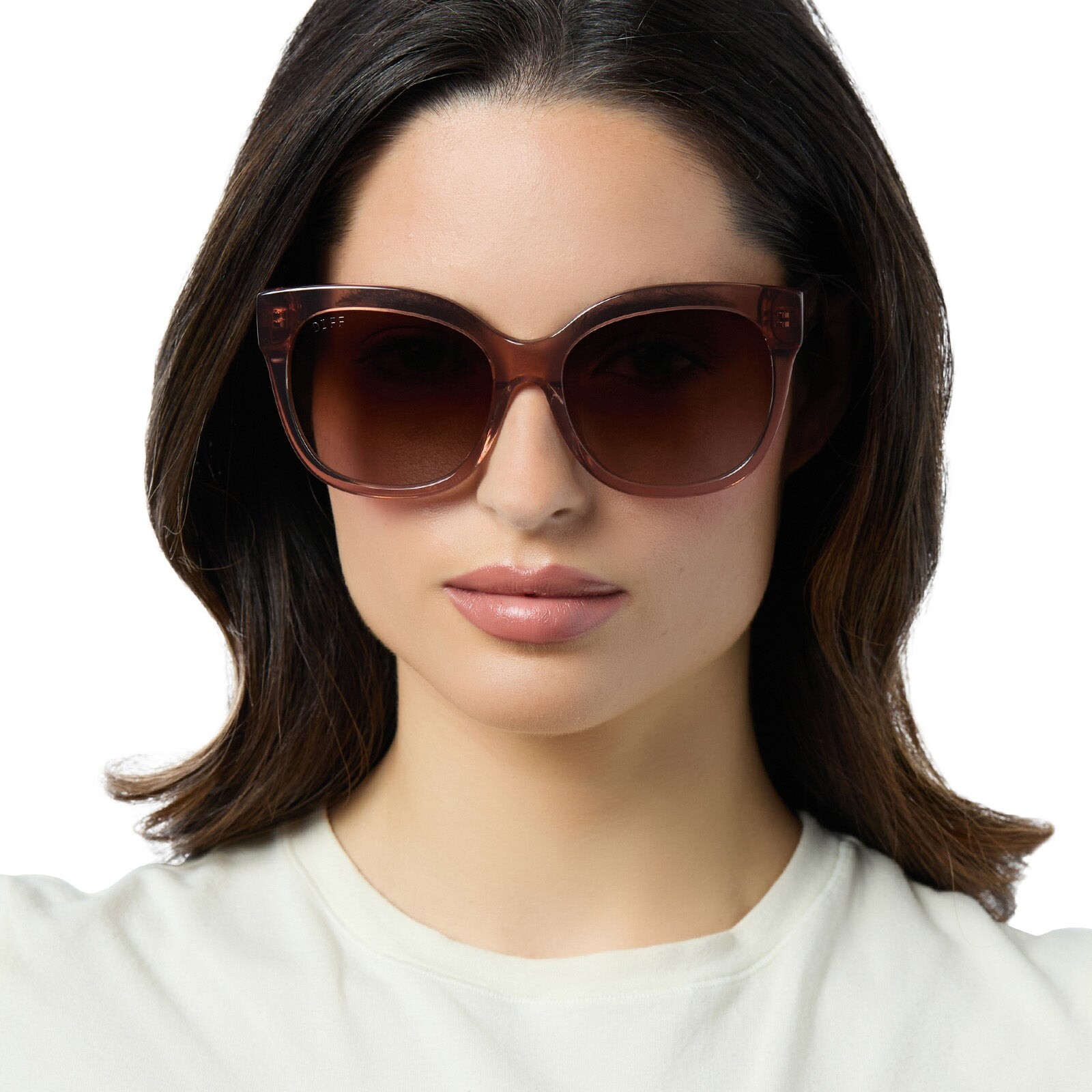
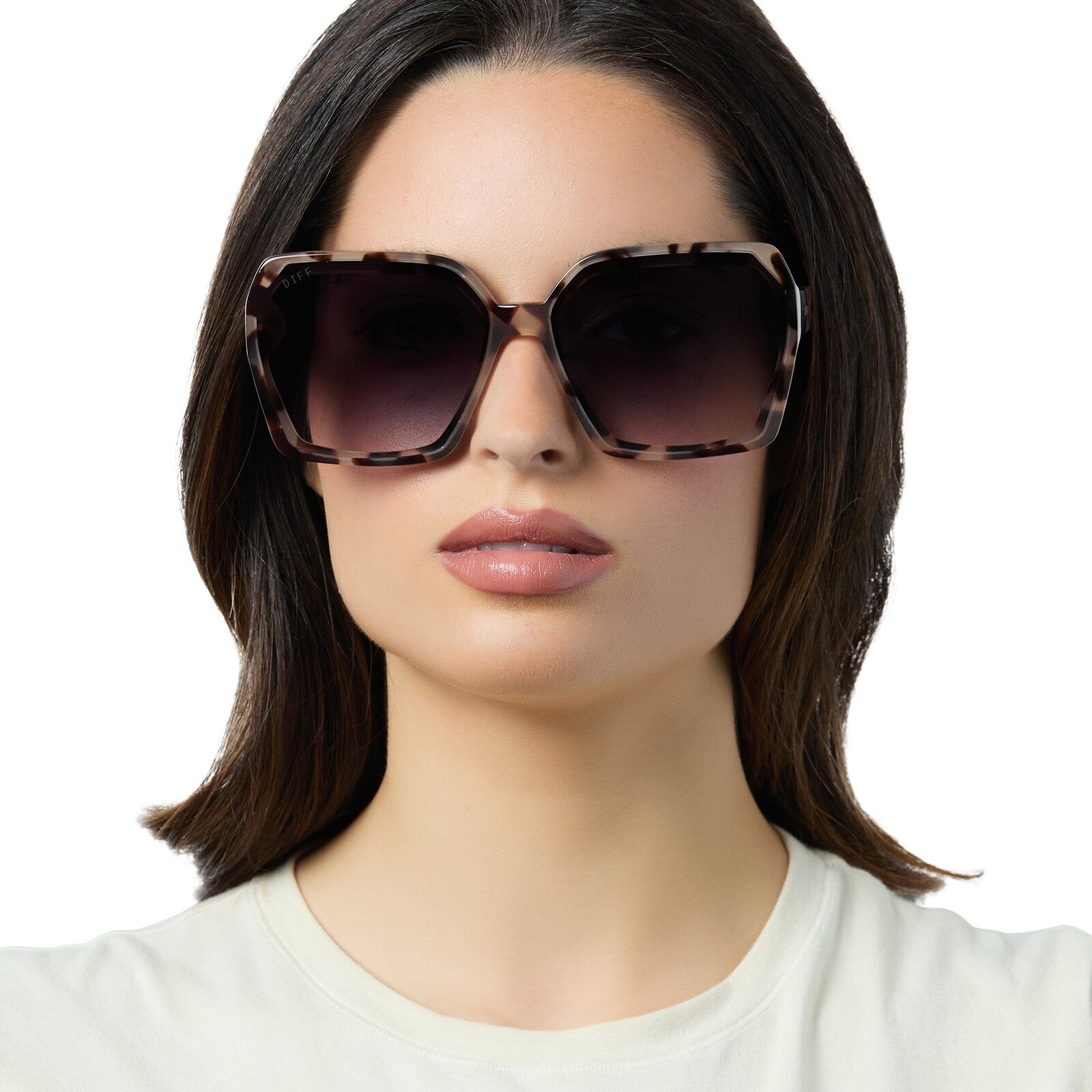
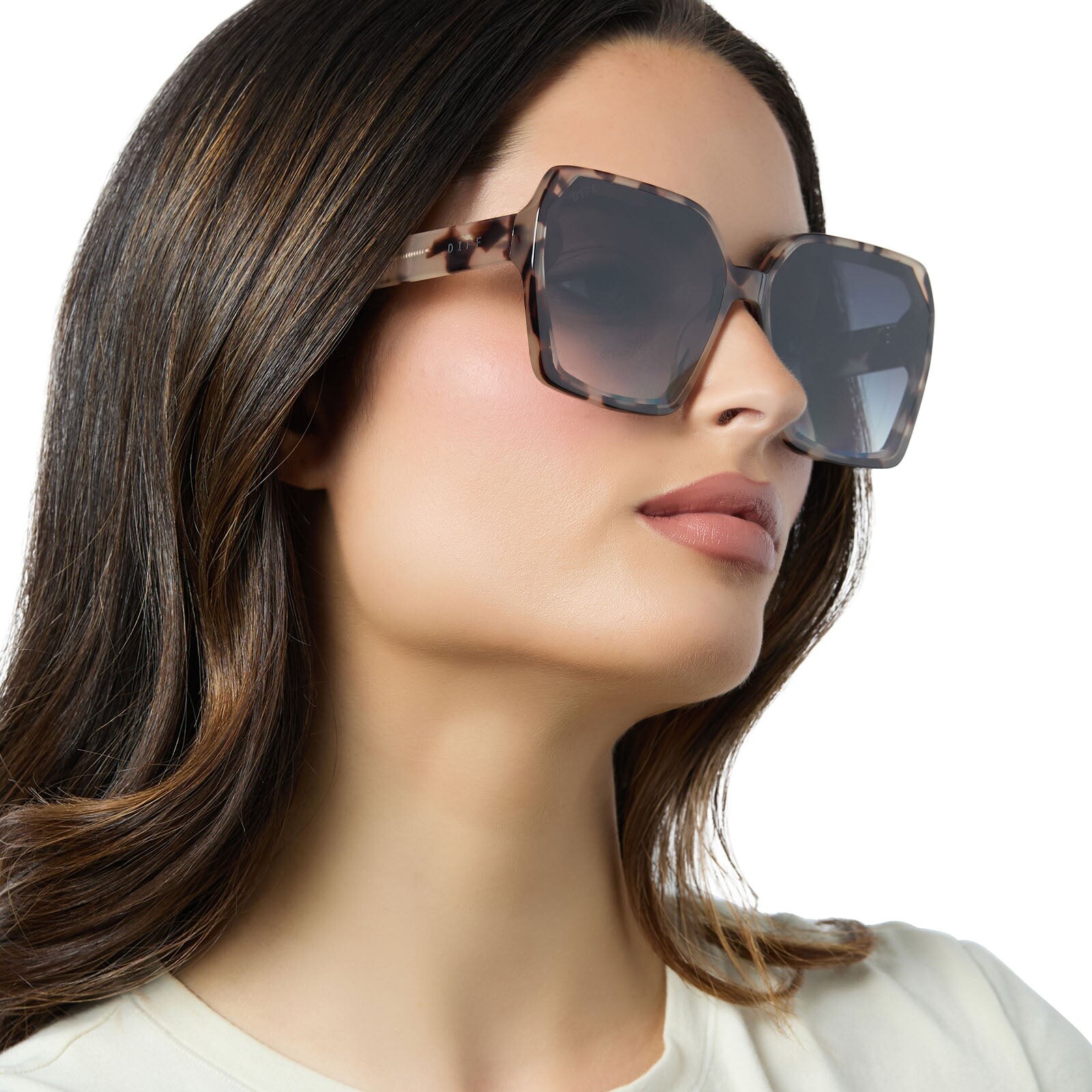
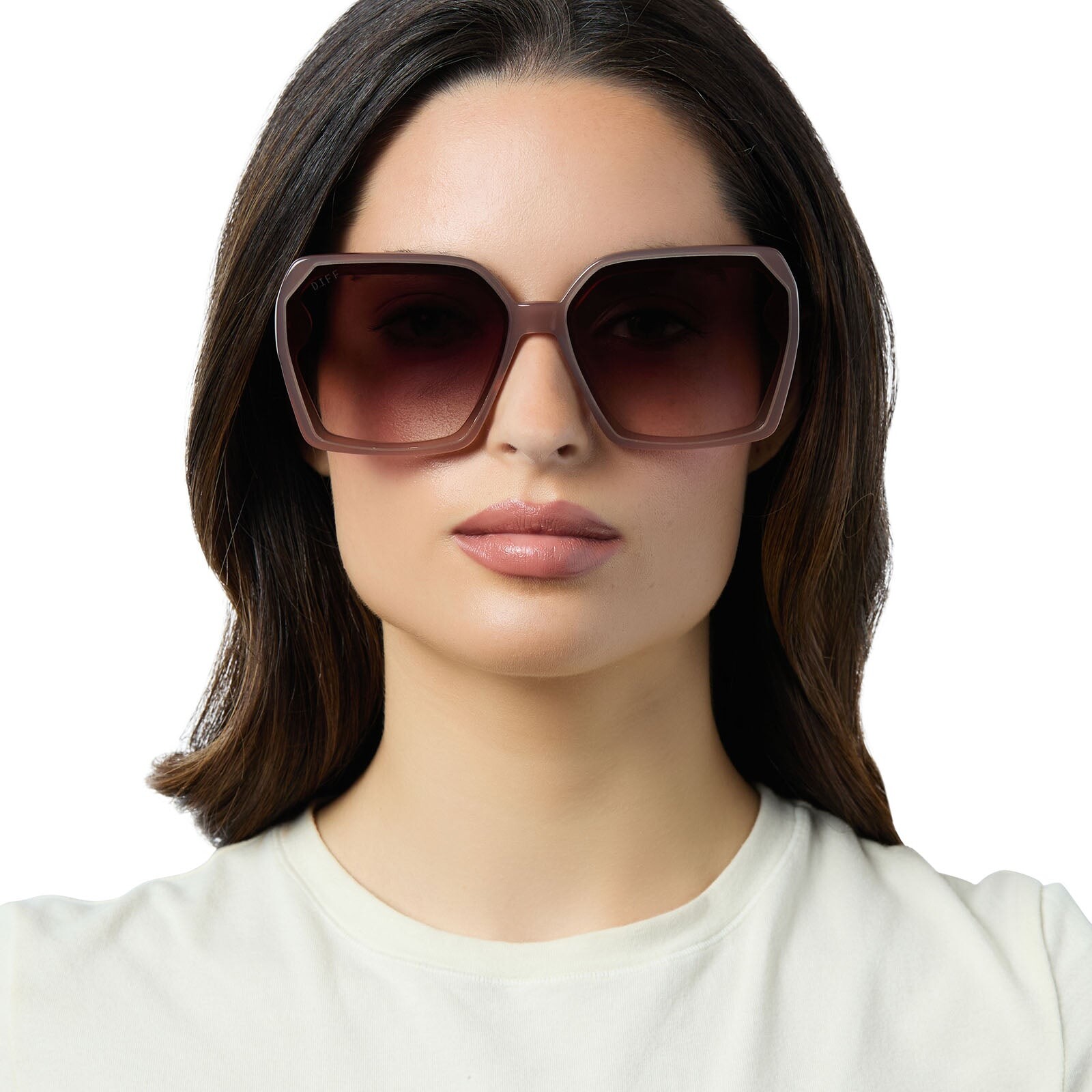
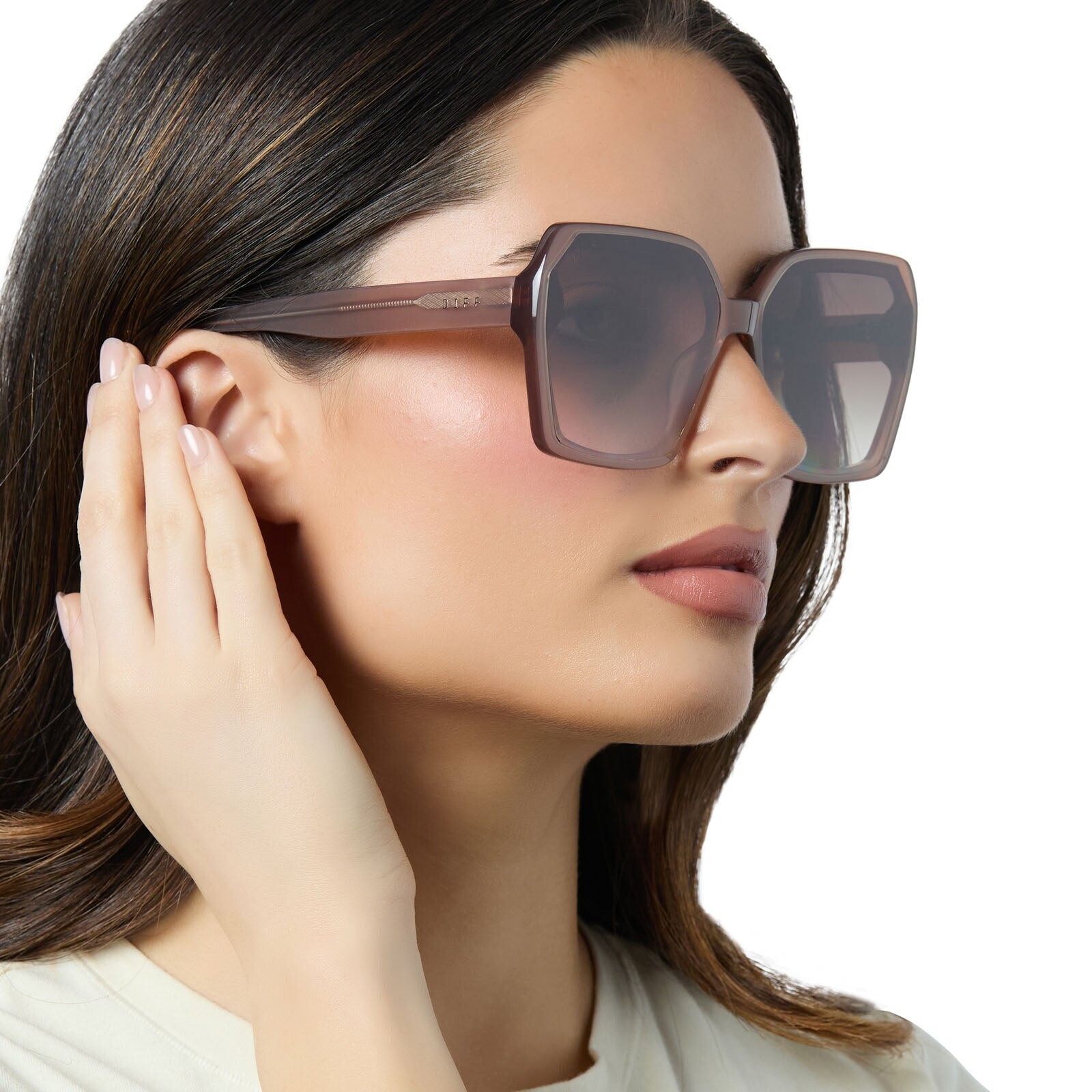
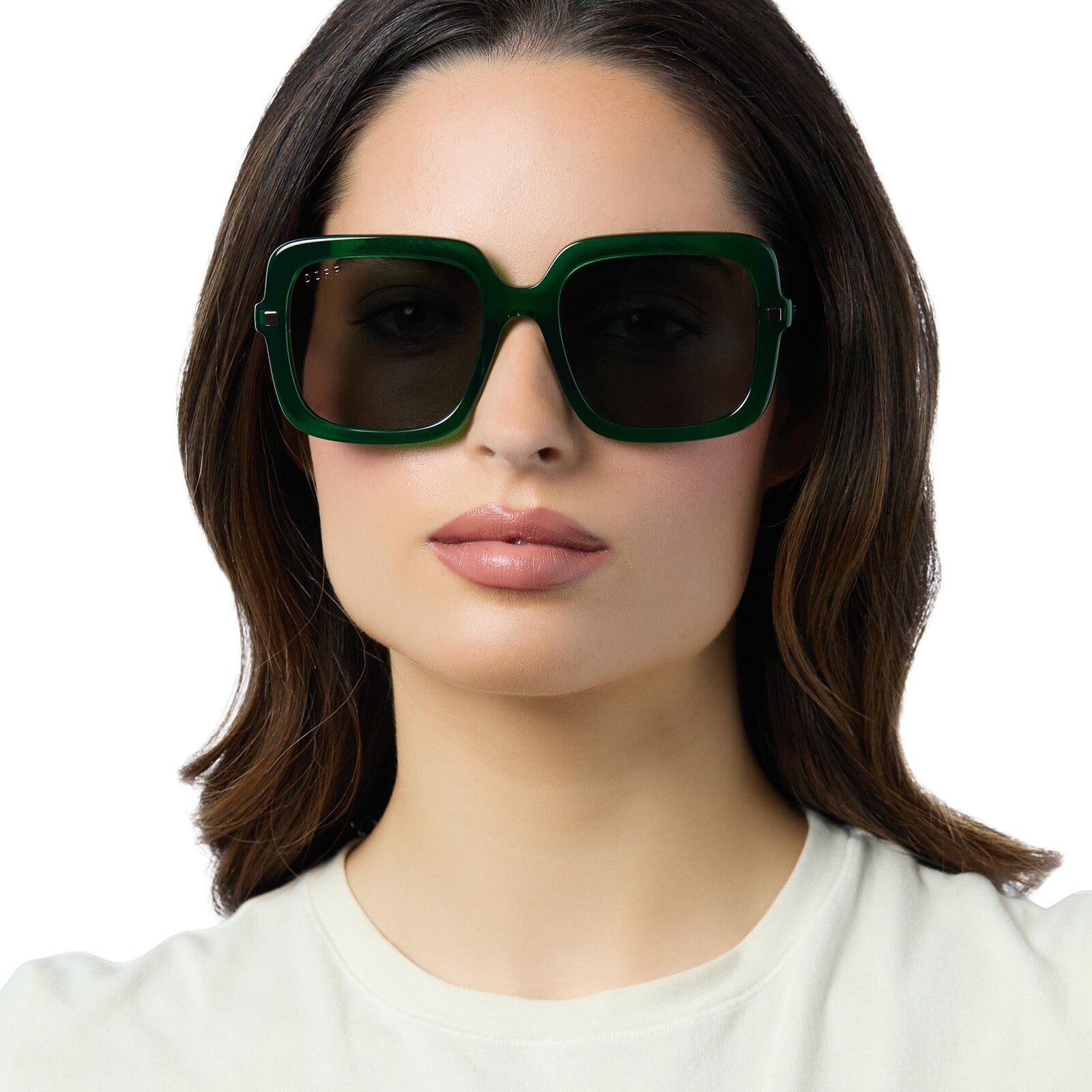
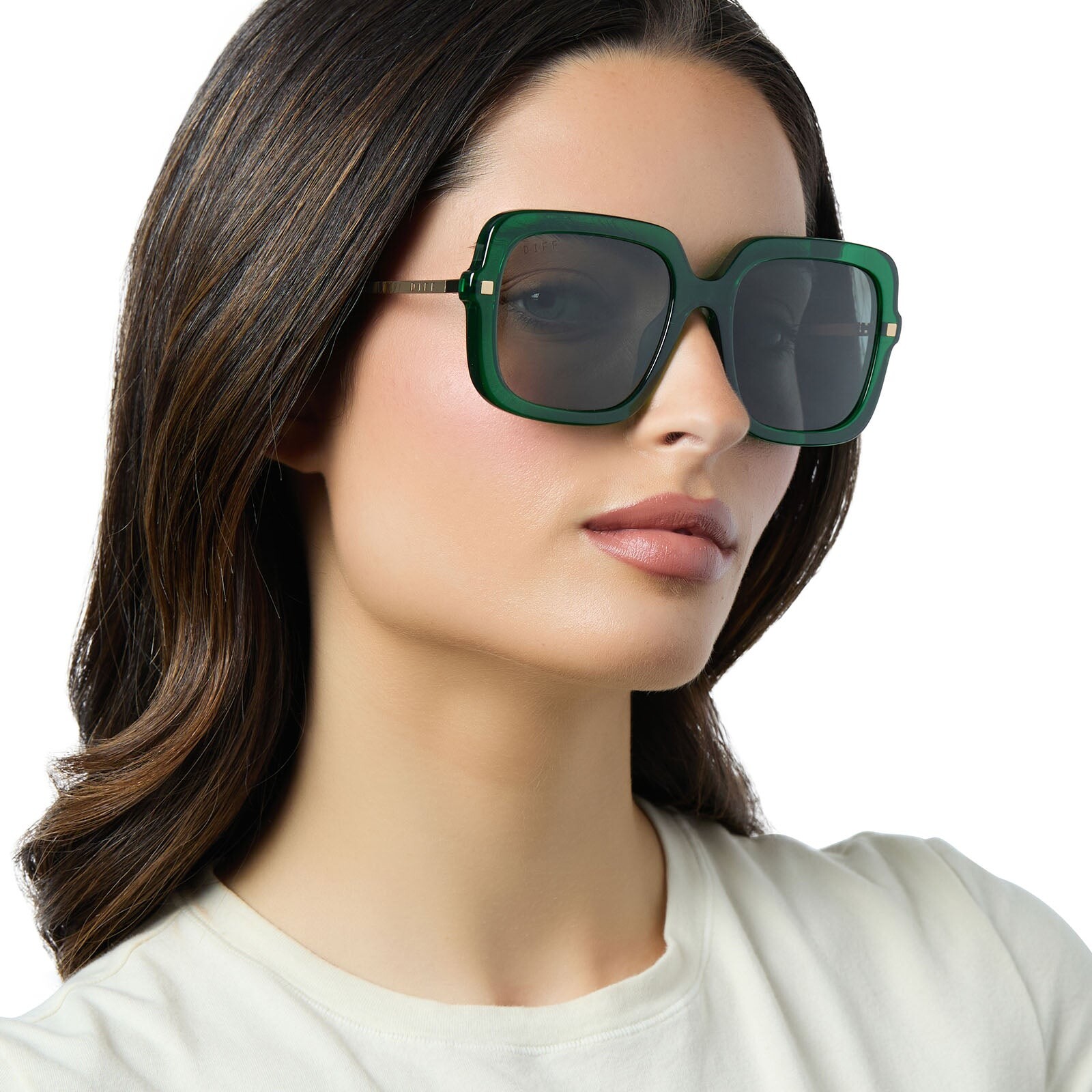
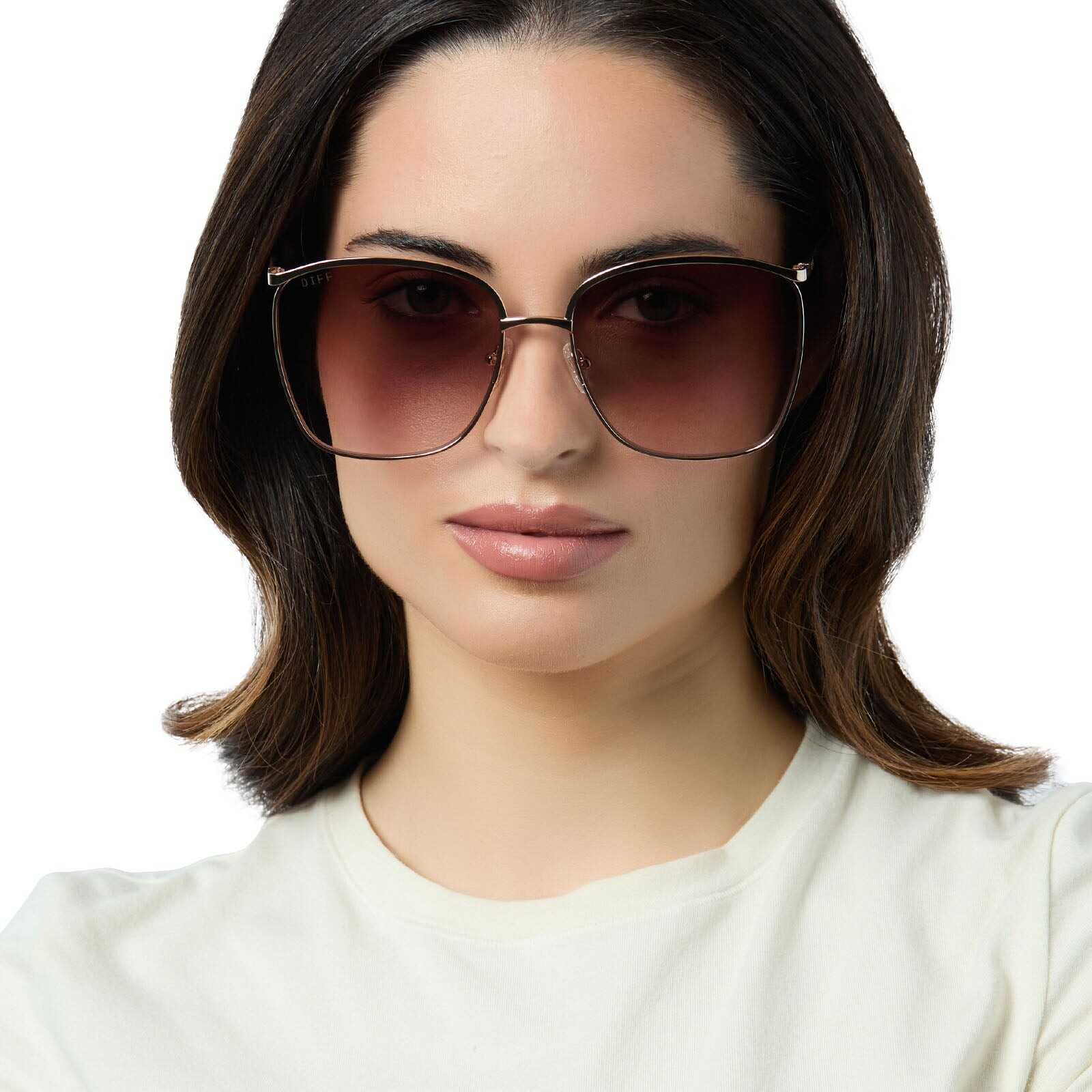
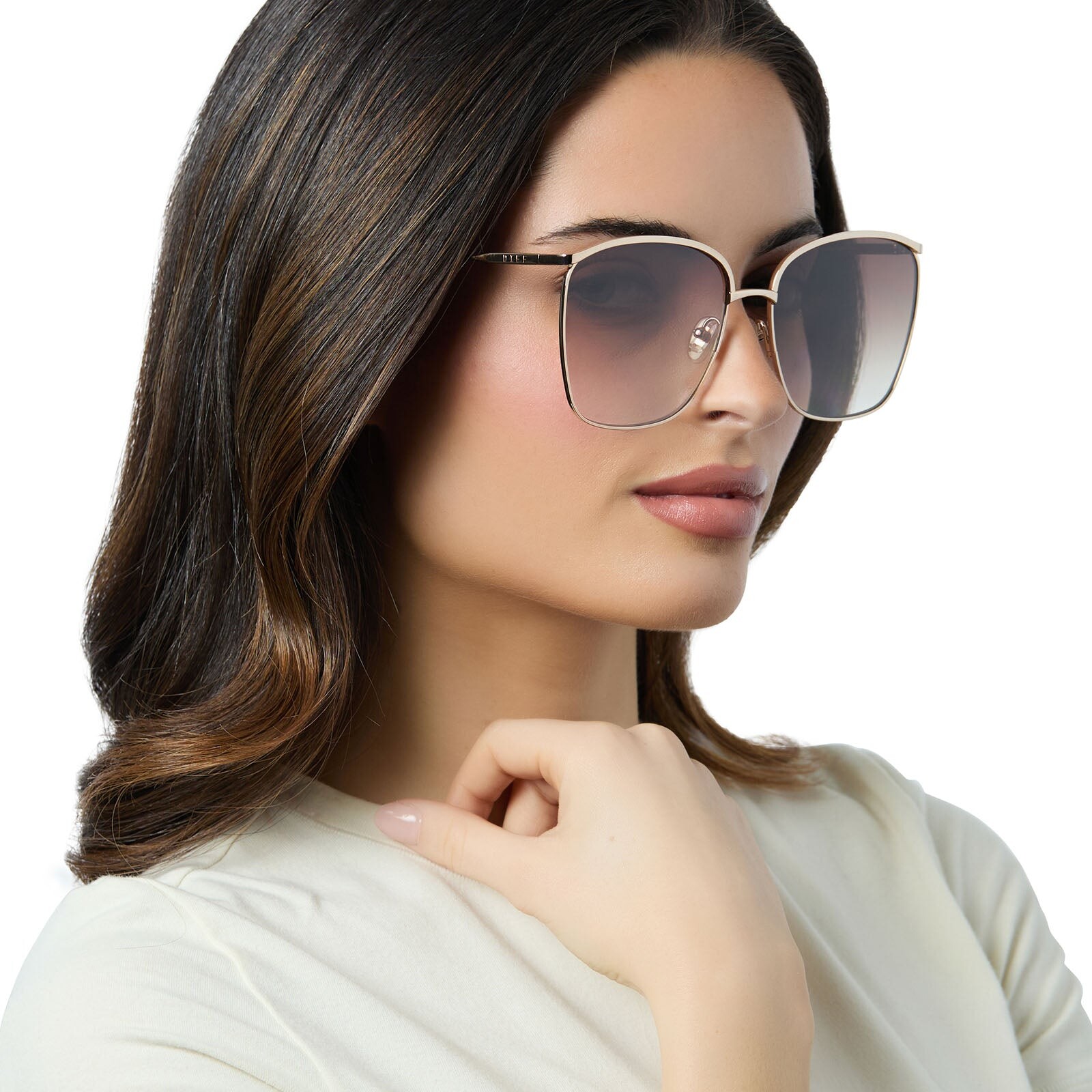
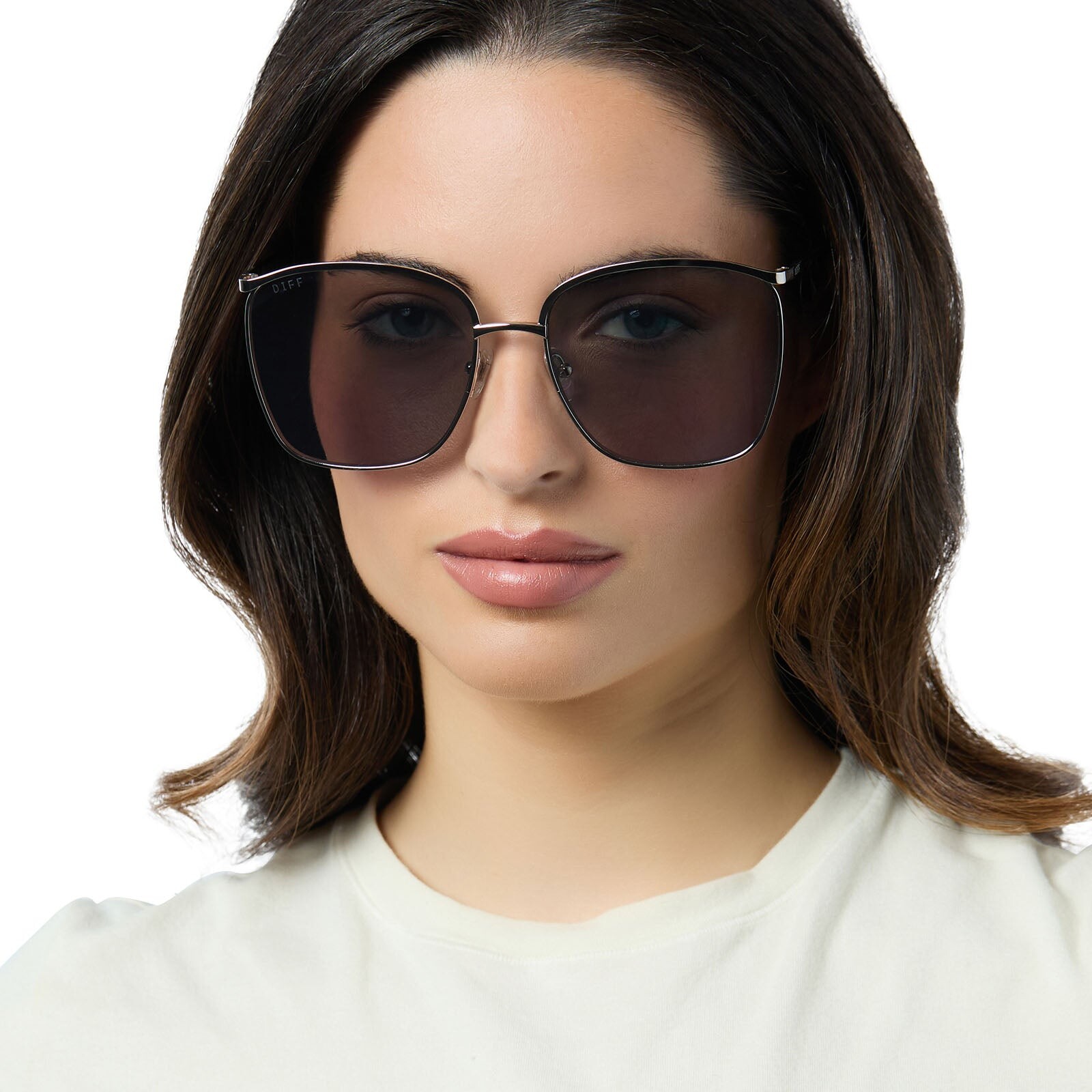
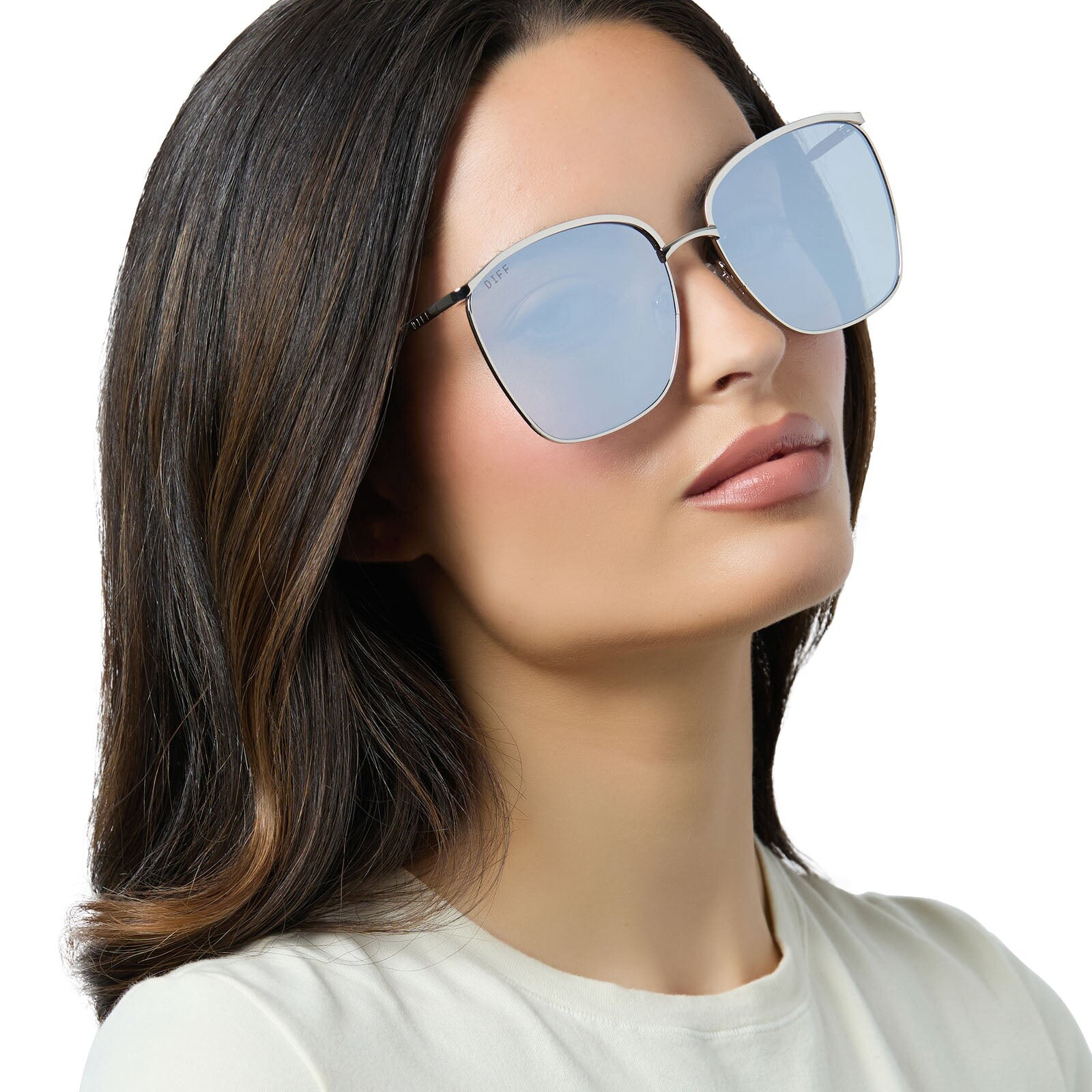
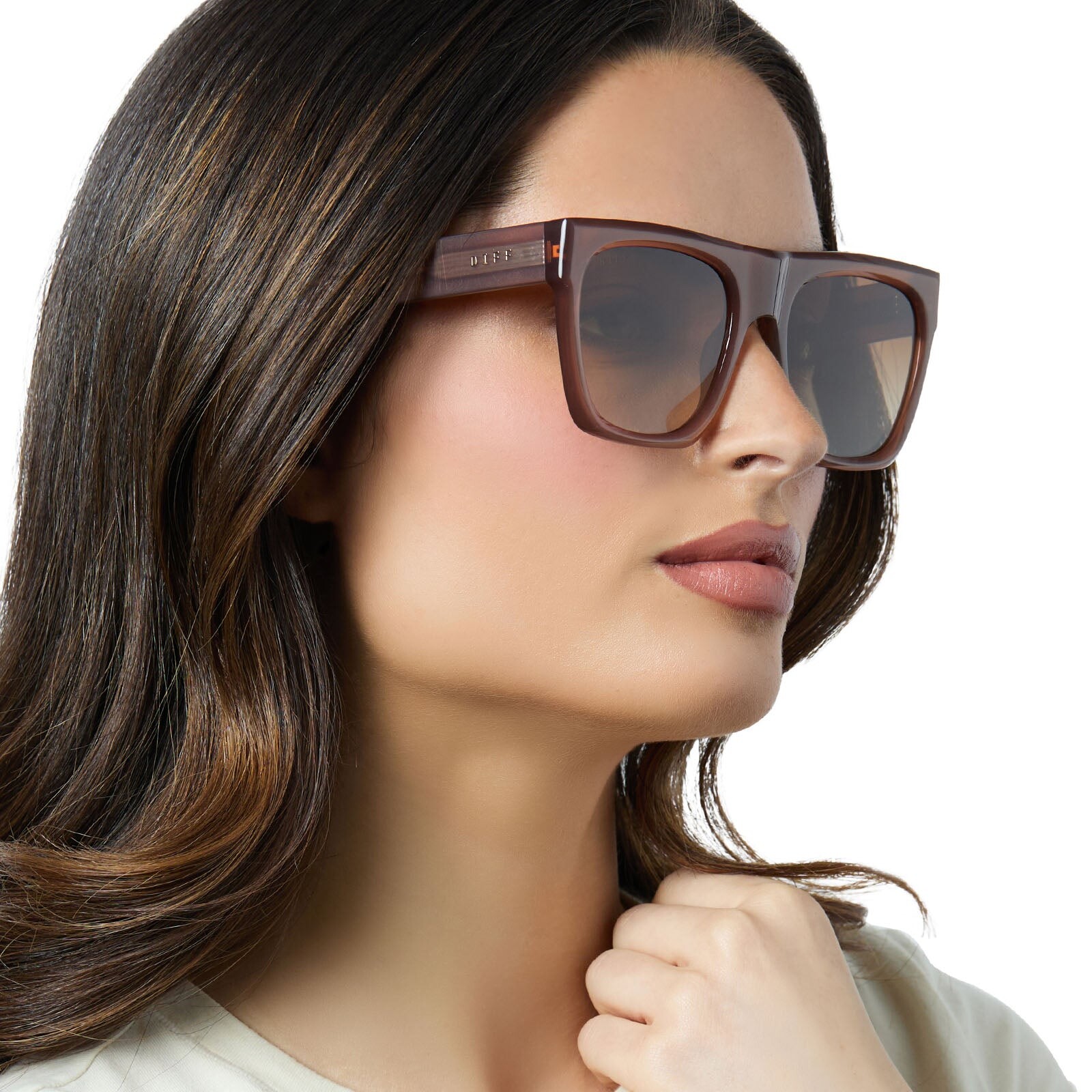
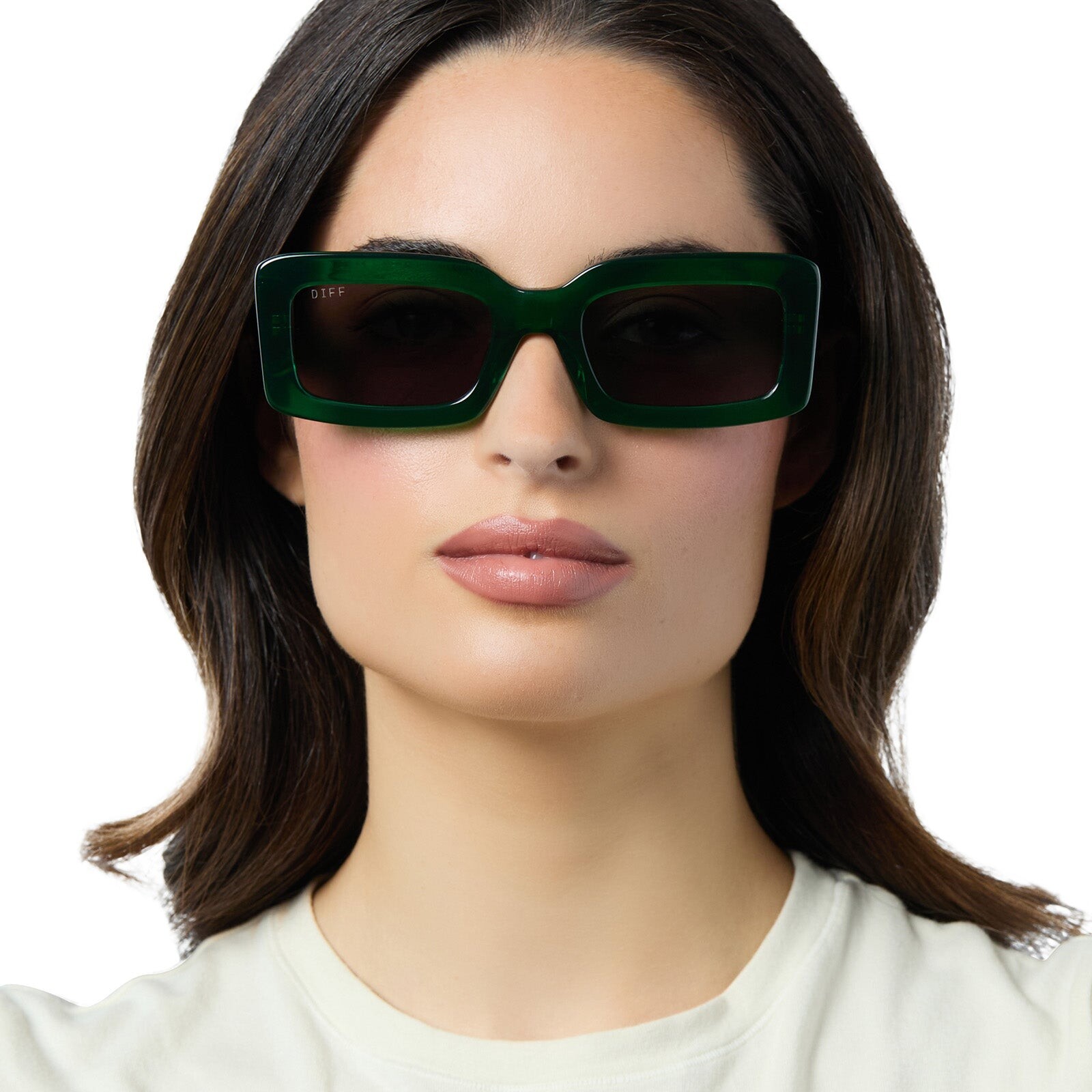
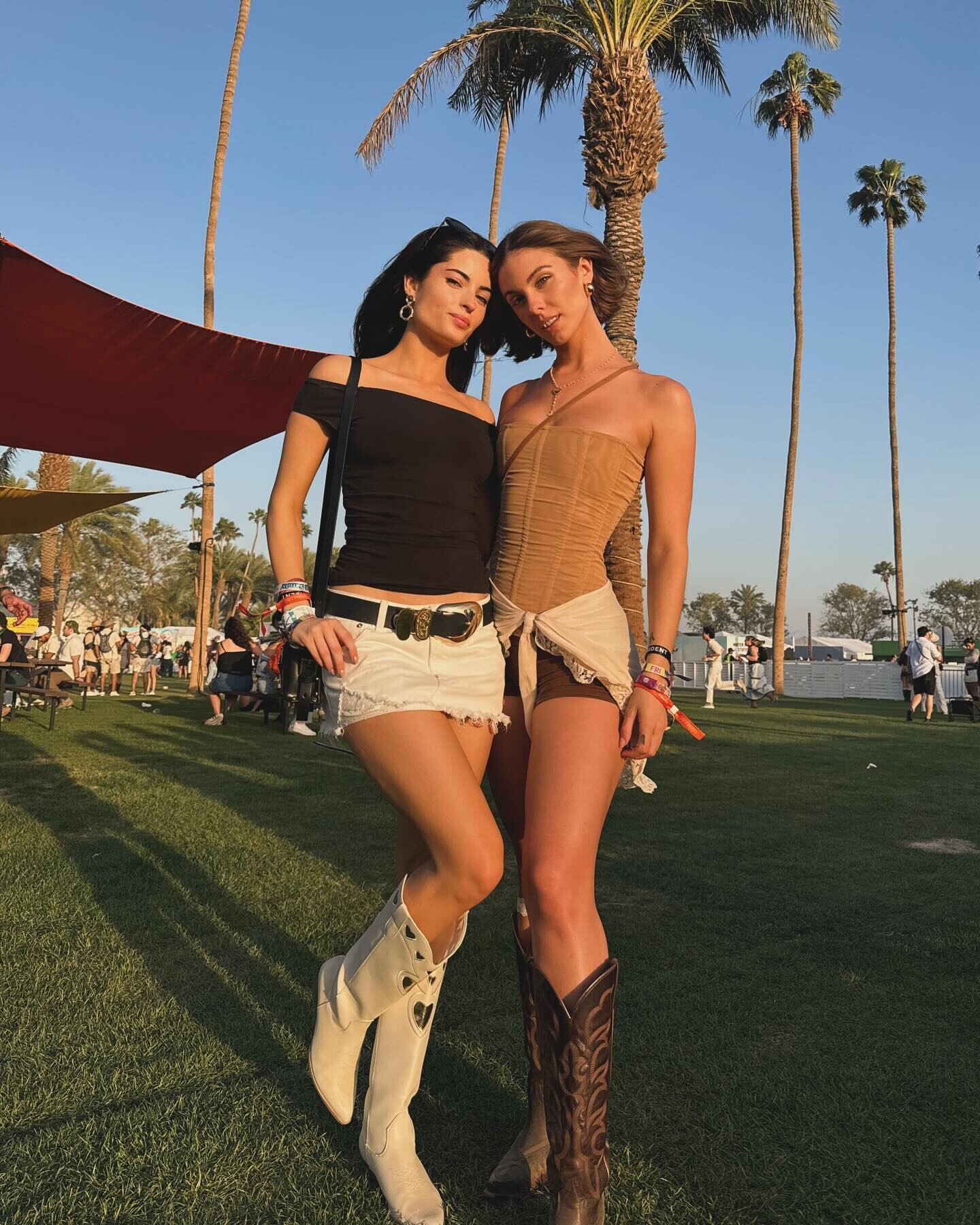
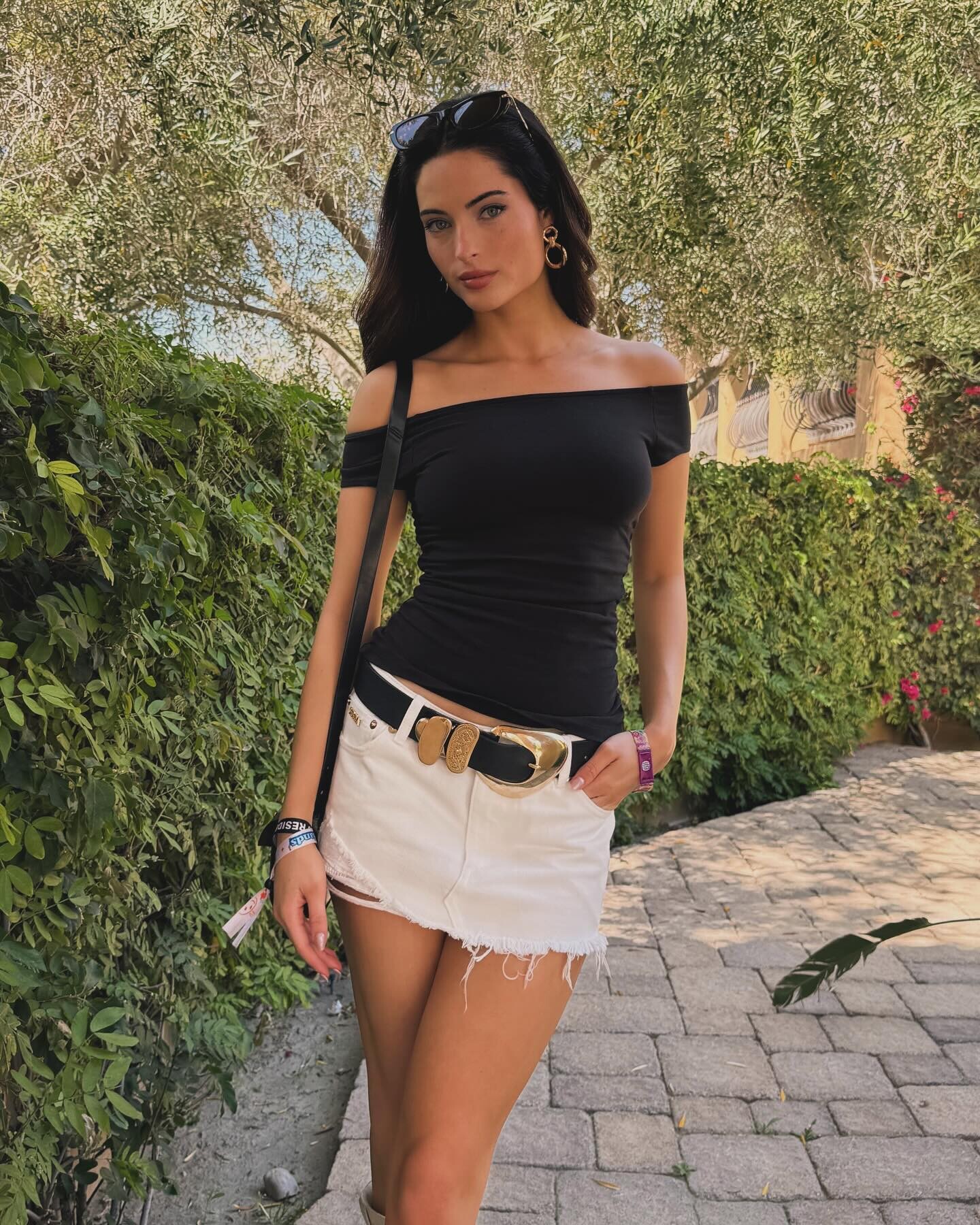
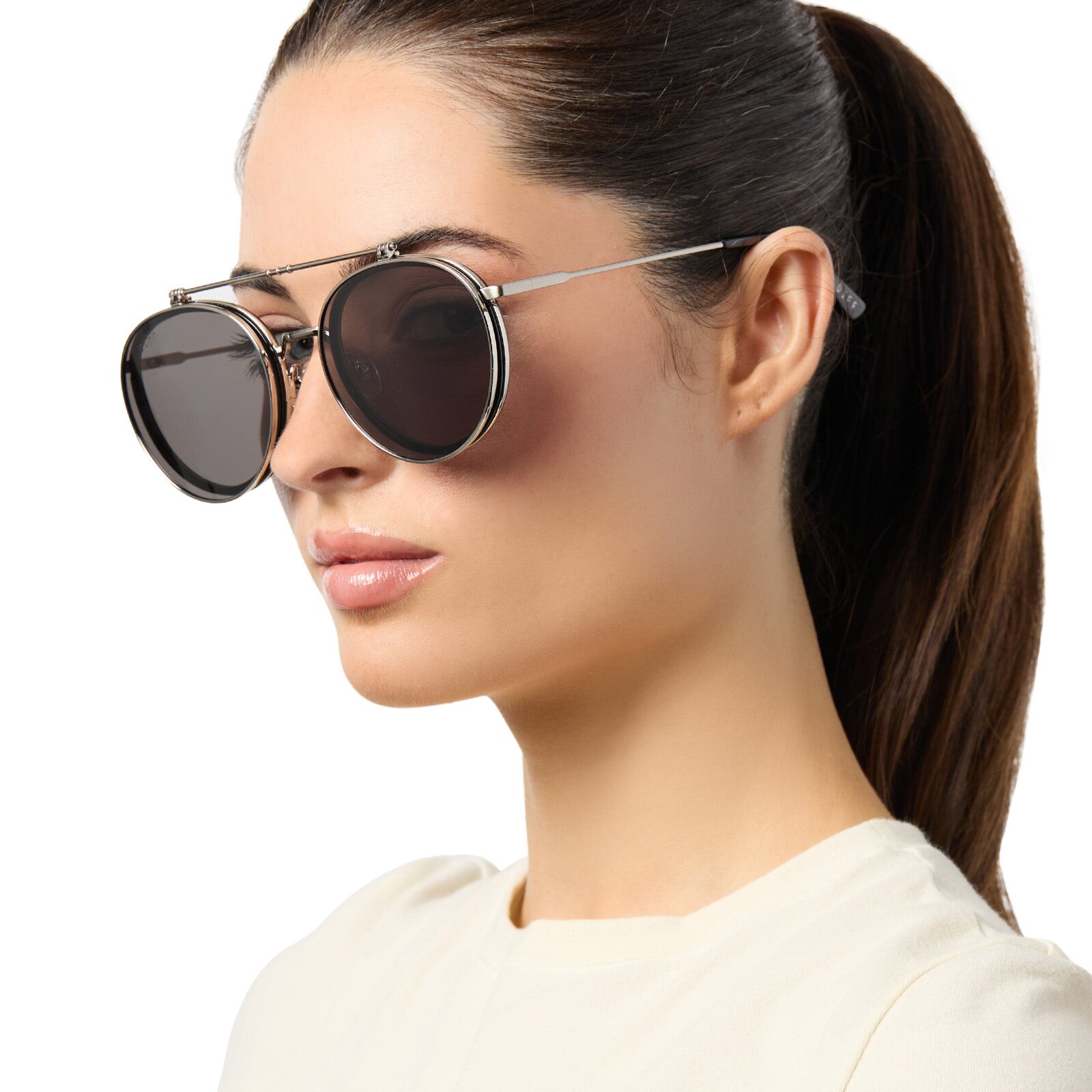
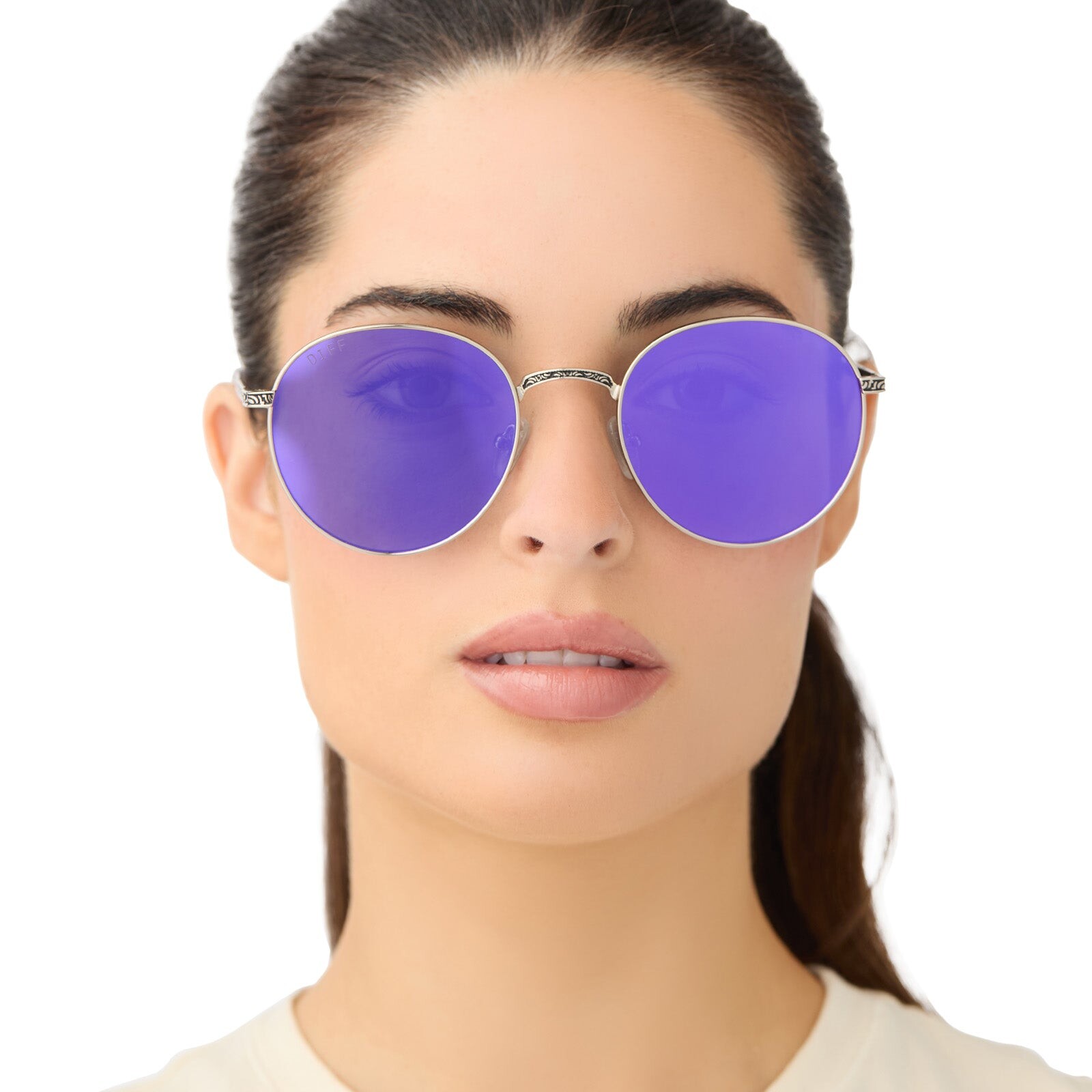
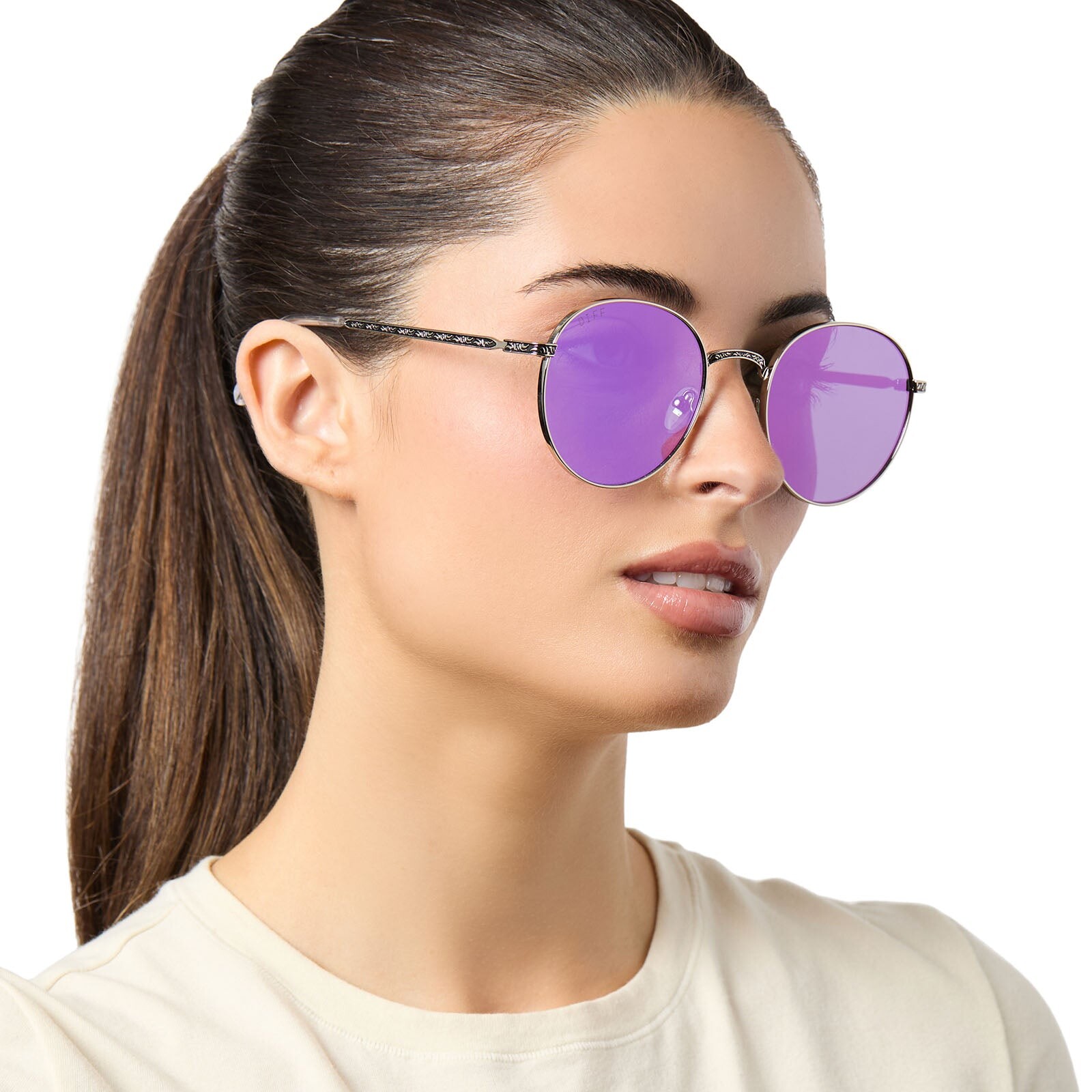
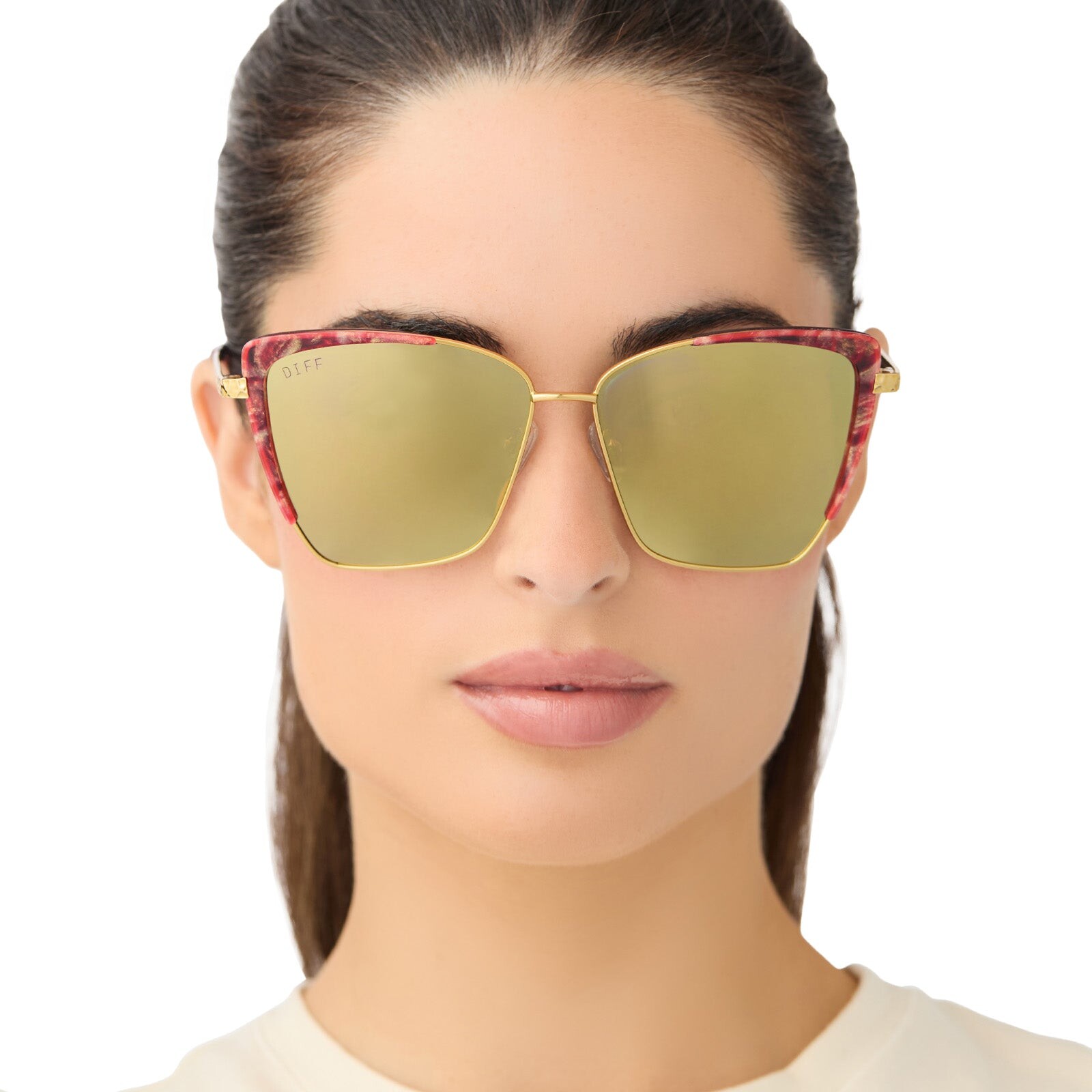
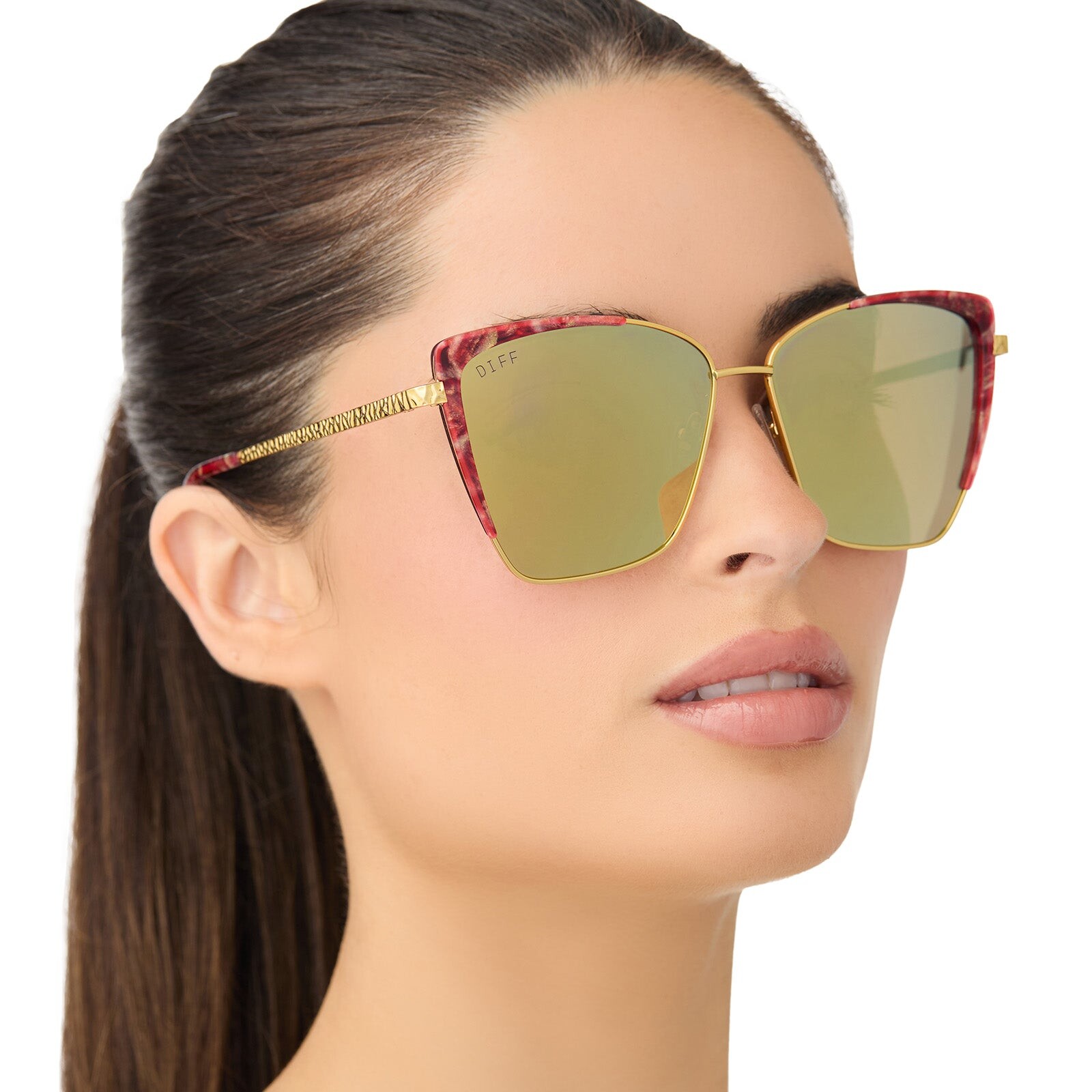
  6. She deleted her original Coachella post. It had a video: WindsorStore.com DIFF Eyewear
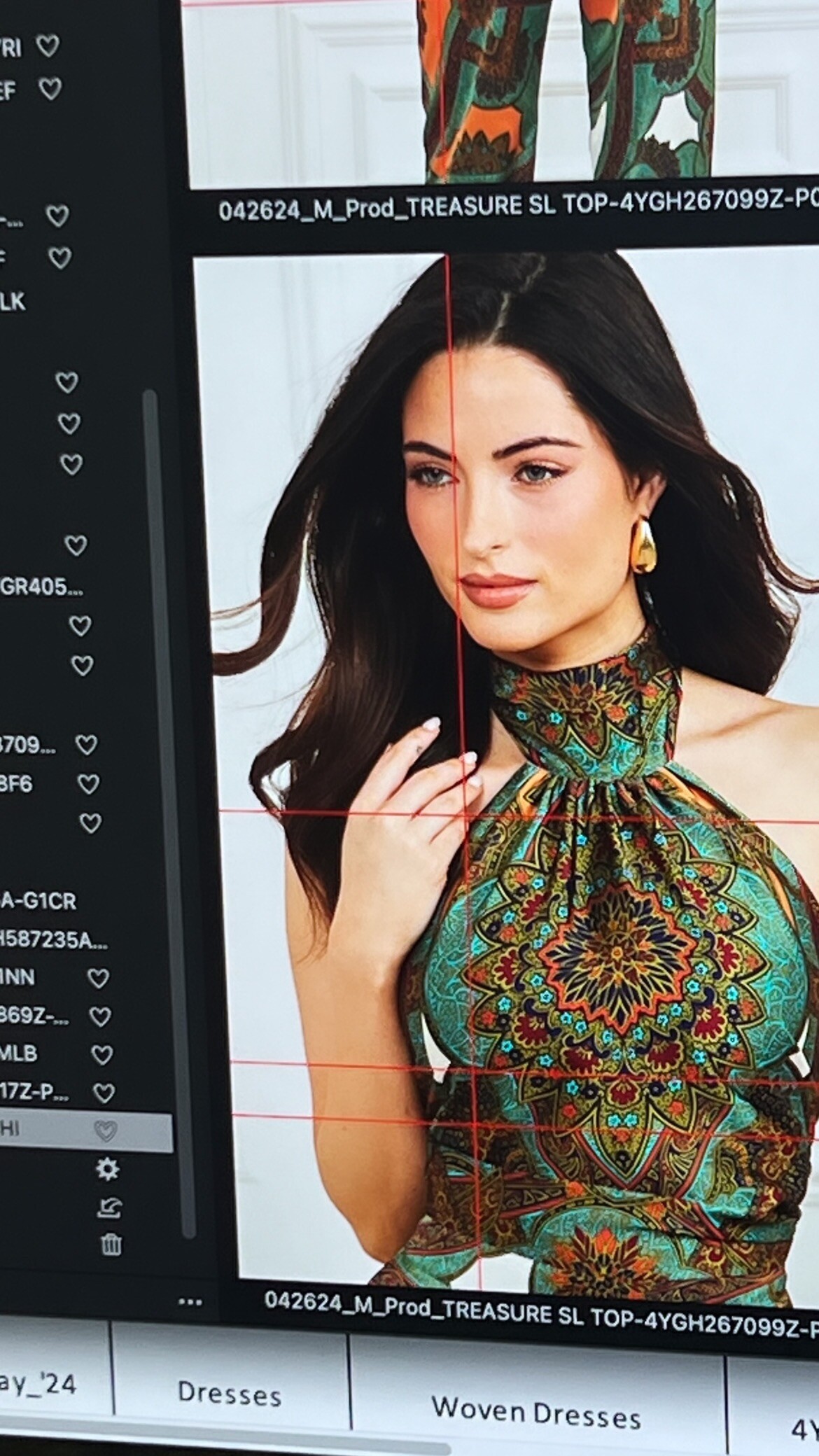
  7. HQ "FASHION LA MARCH" DIGITALS
  8. NUX ACTIVE Also on TikTok (nuxactive)
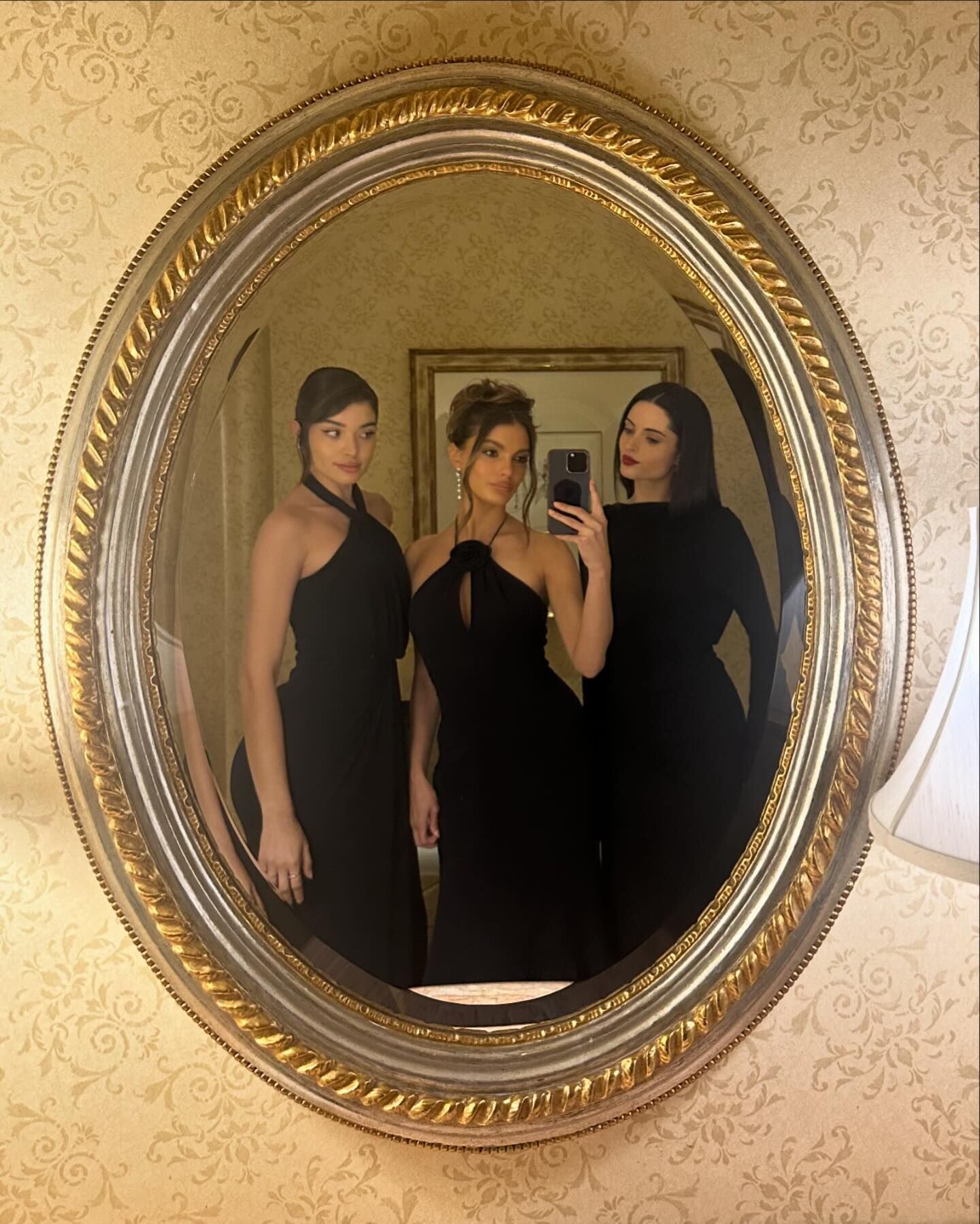
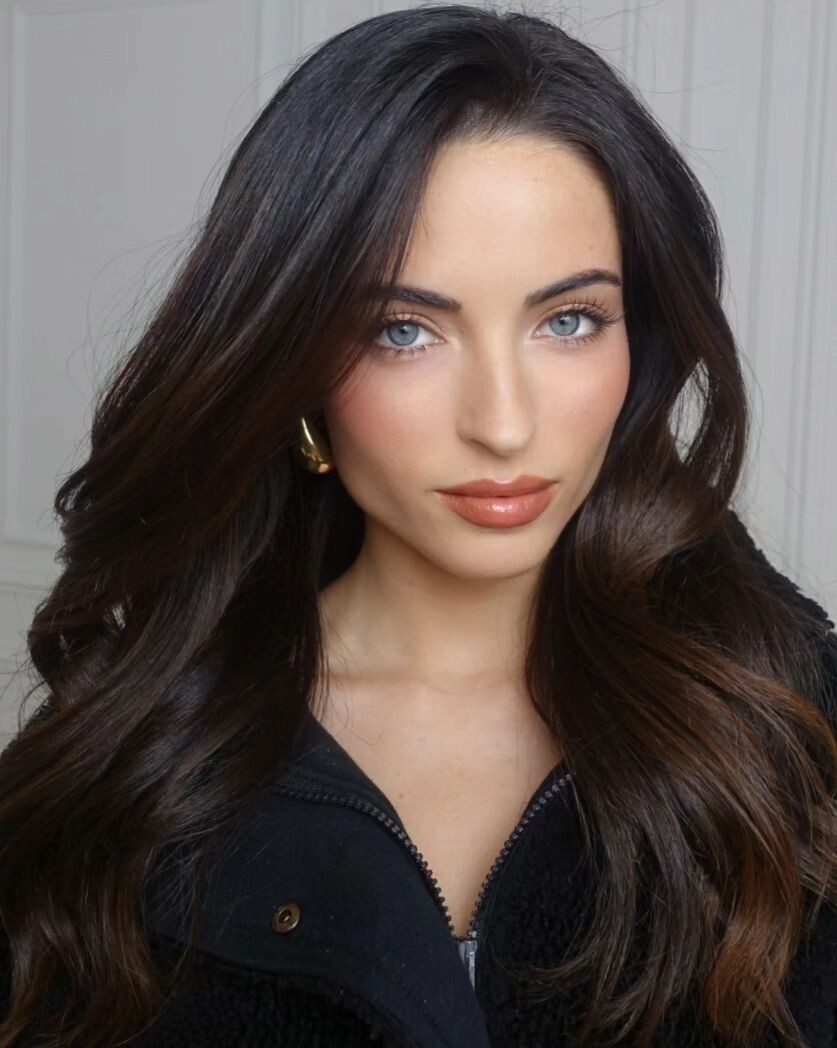
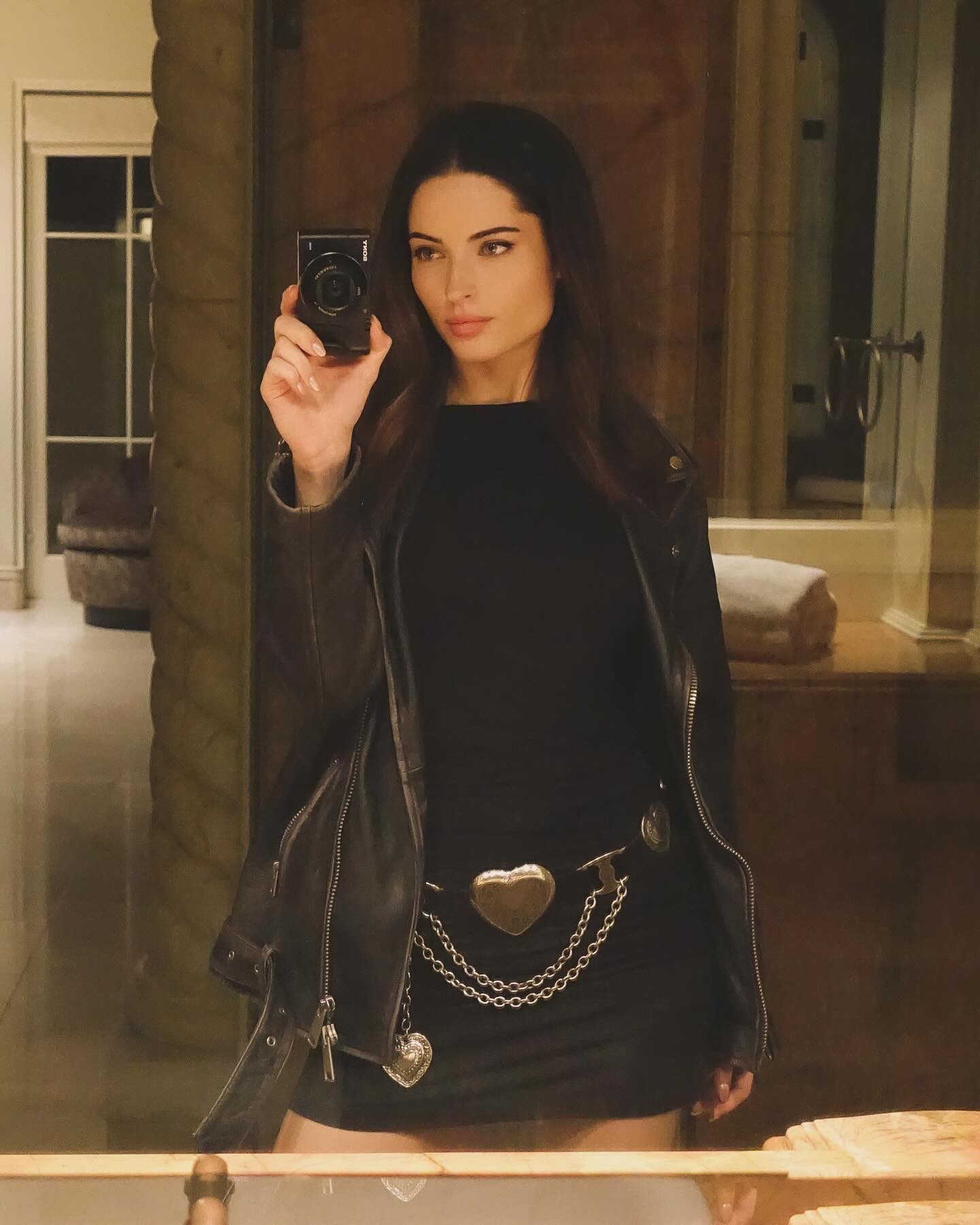
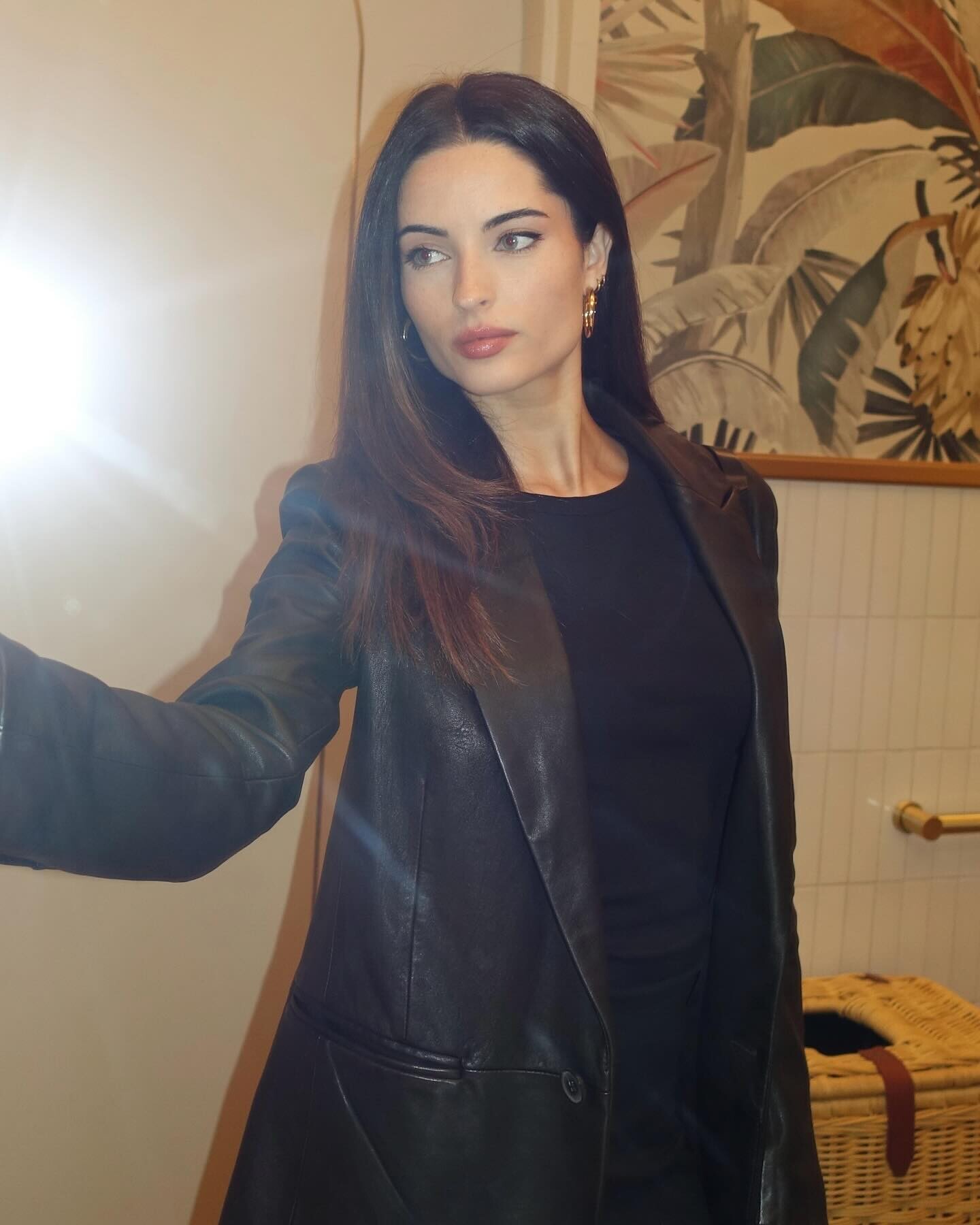
  9. Her new post: The picture is mirrored. Seems off... Still, stunningly beautiful as always.
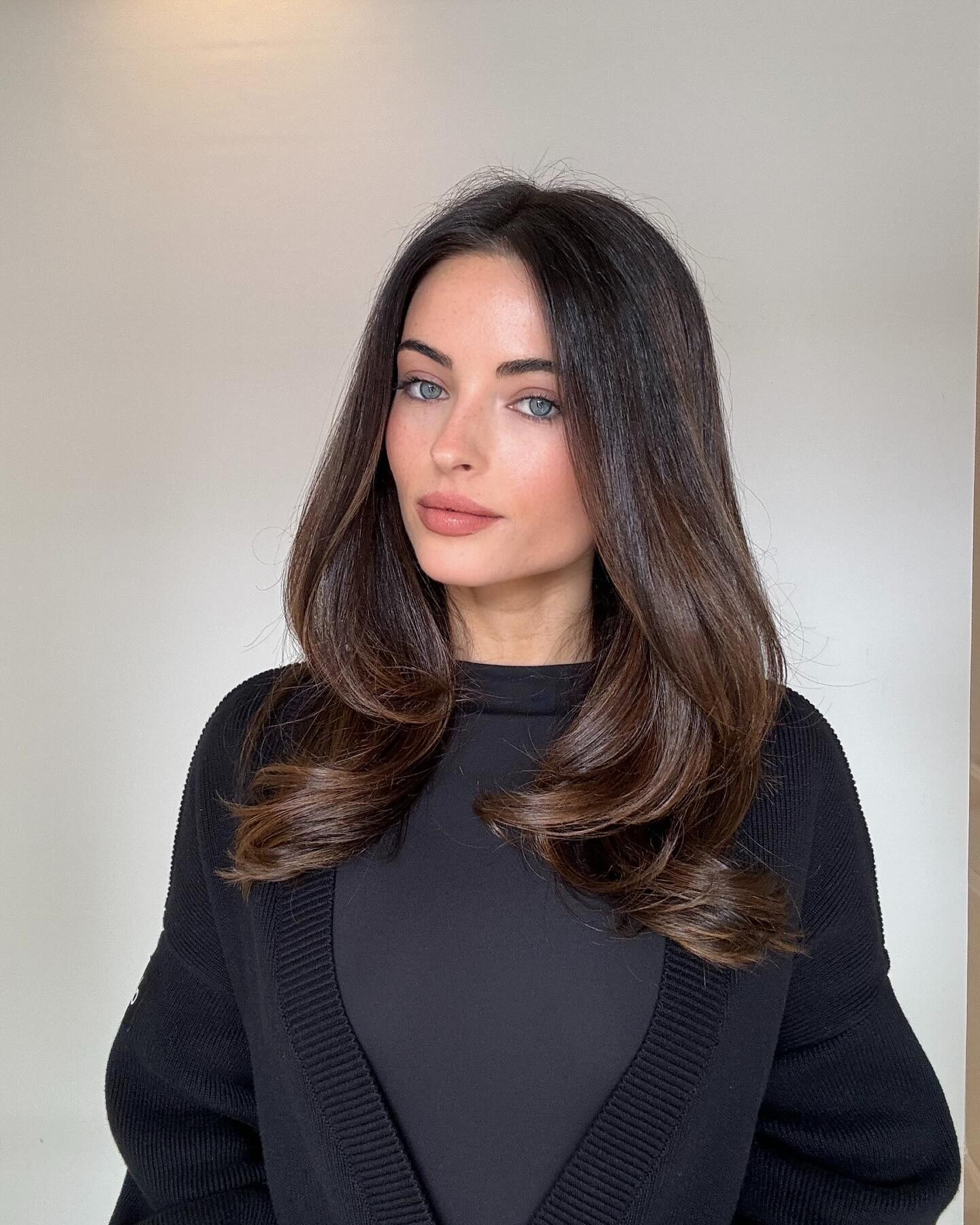
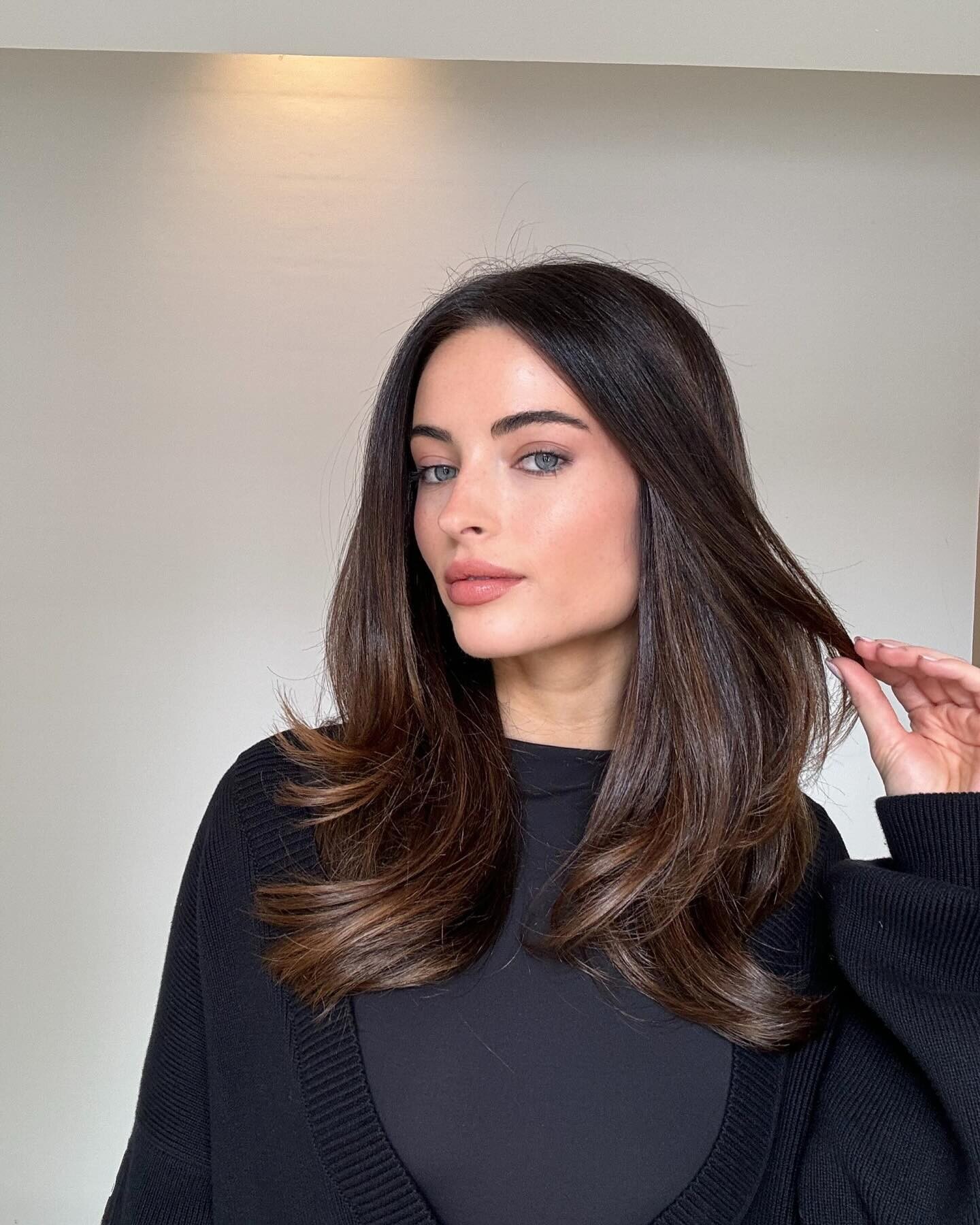
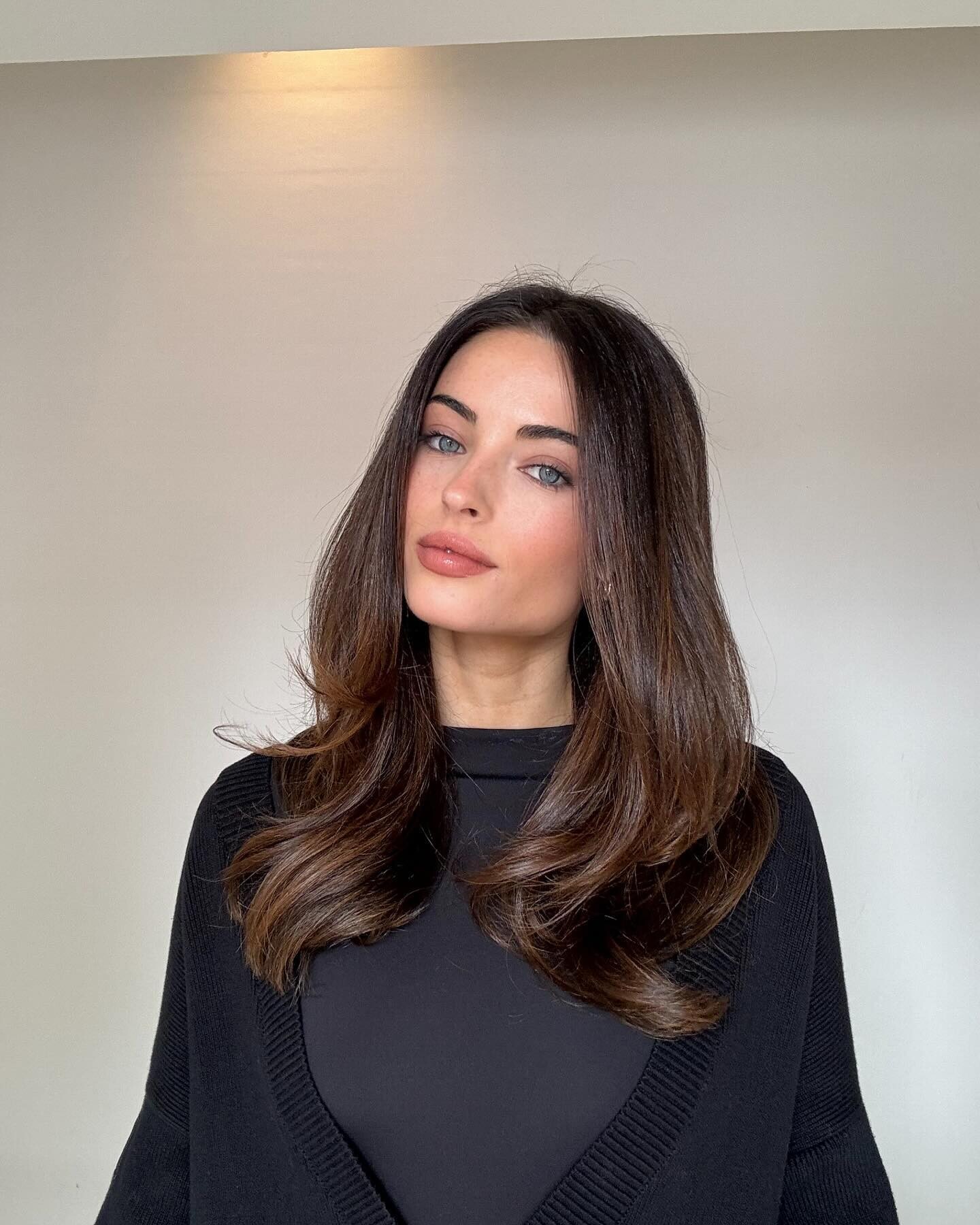
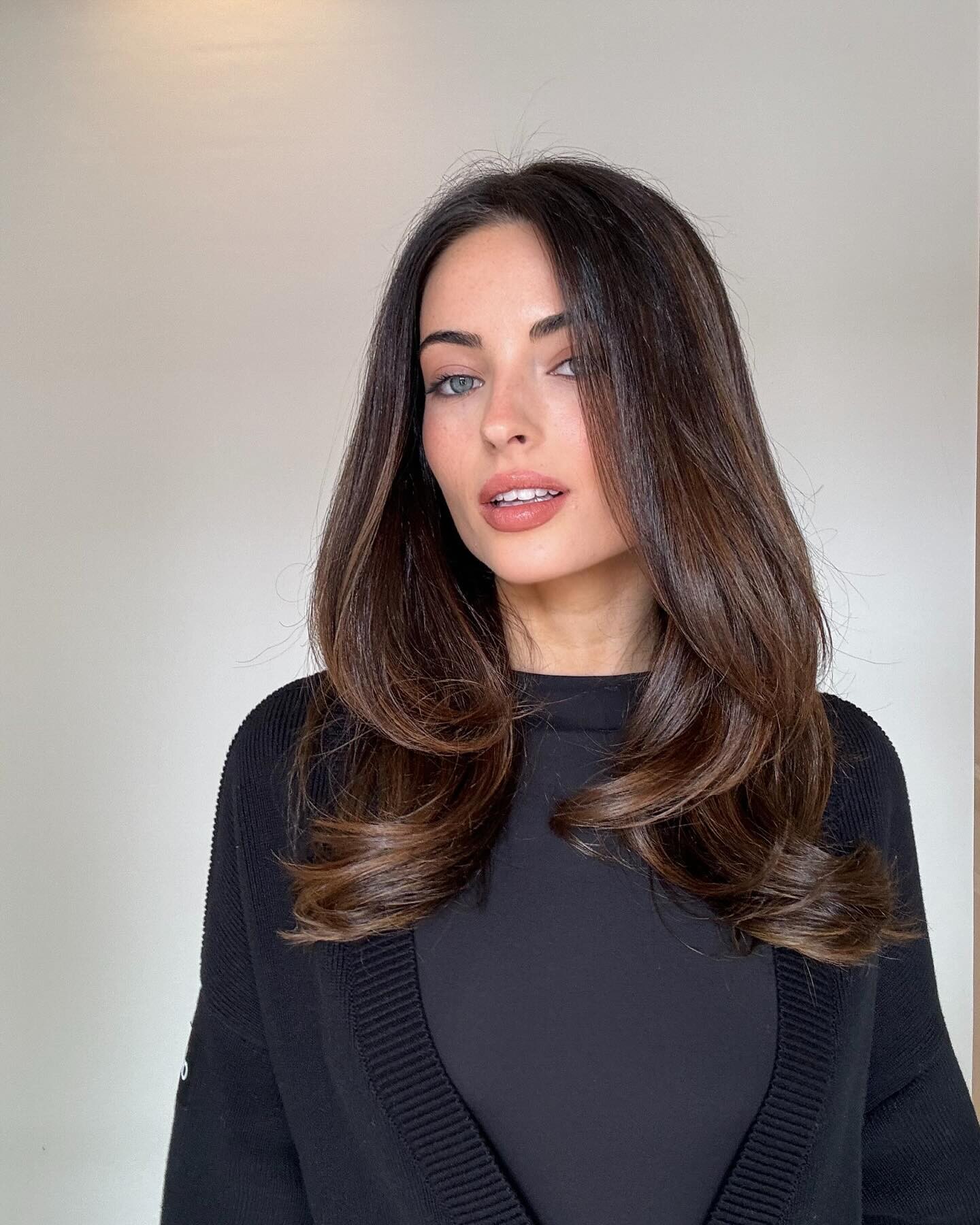
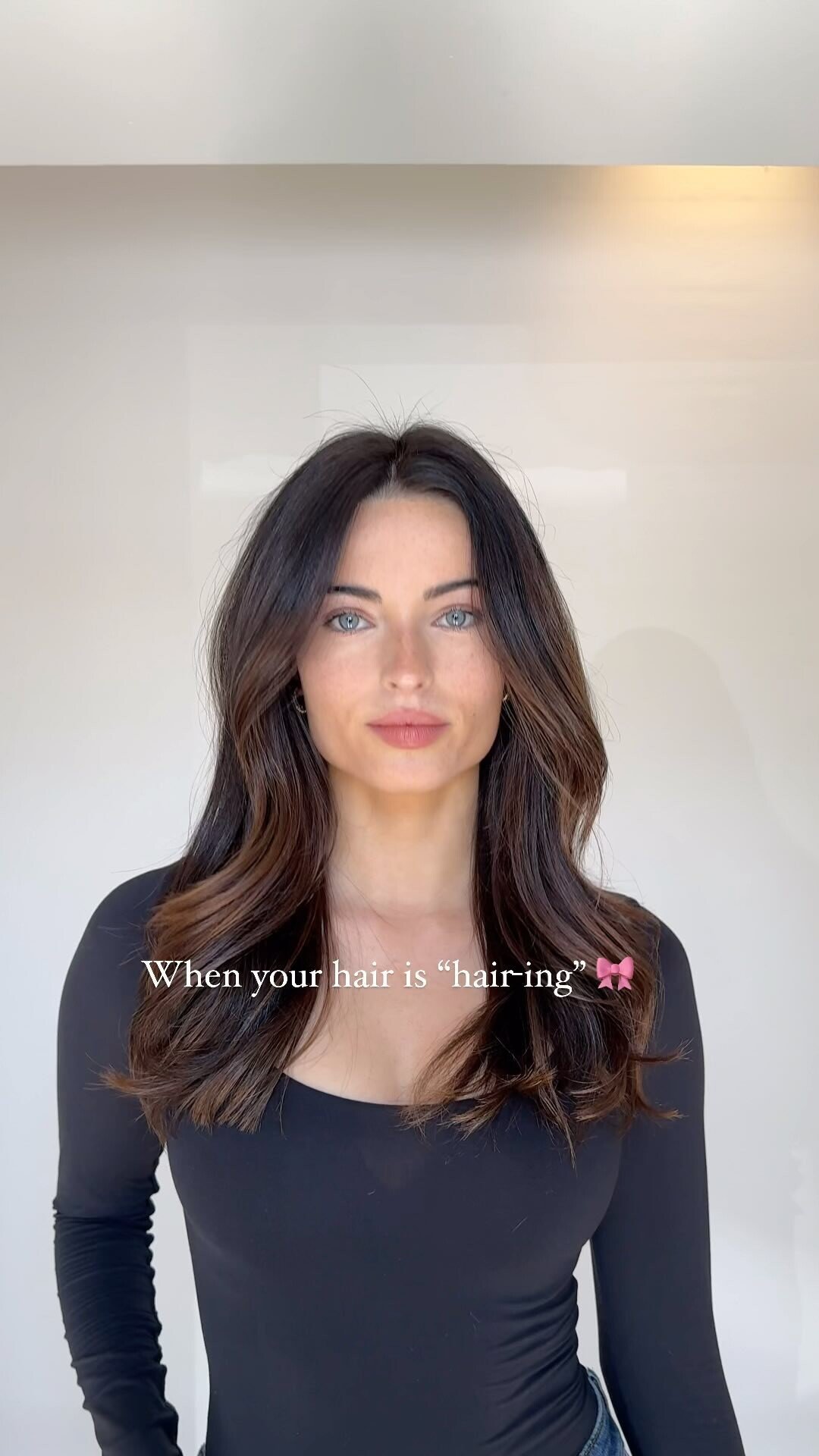
  10. Hair by Ruslan (cont.) --- Andrea Henty HD TikTok (You may have to download the file first) --- Face massage TikTok (0:26, 1080p, 60fps): https://www.tiktok.com/@a/video/7354160168797474090
  11. Drope Clothing Daya Why are these Instagram video thumbnails/"posters" so HUGE? The image file size is greater than that of the video!
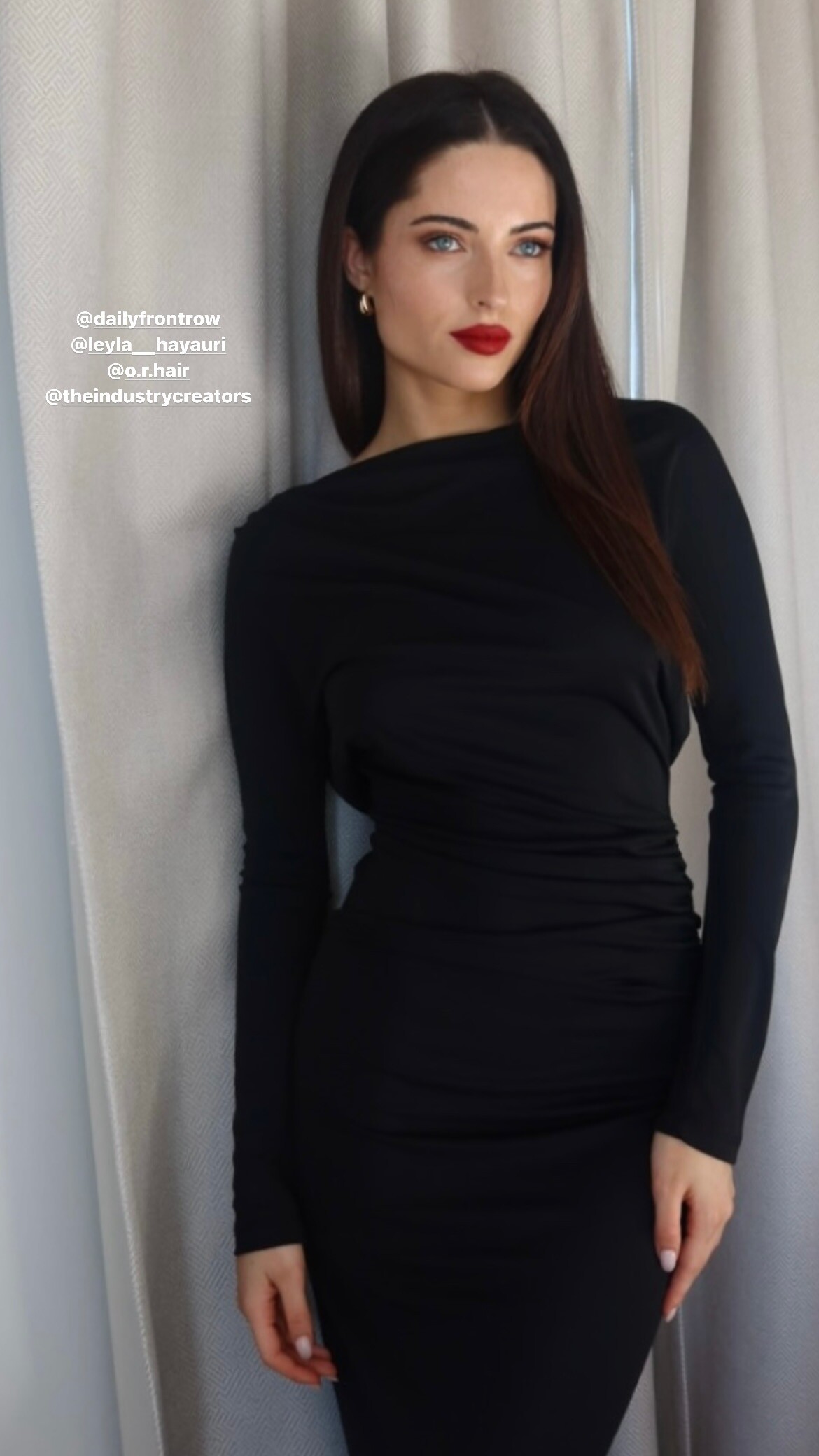
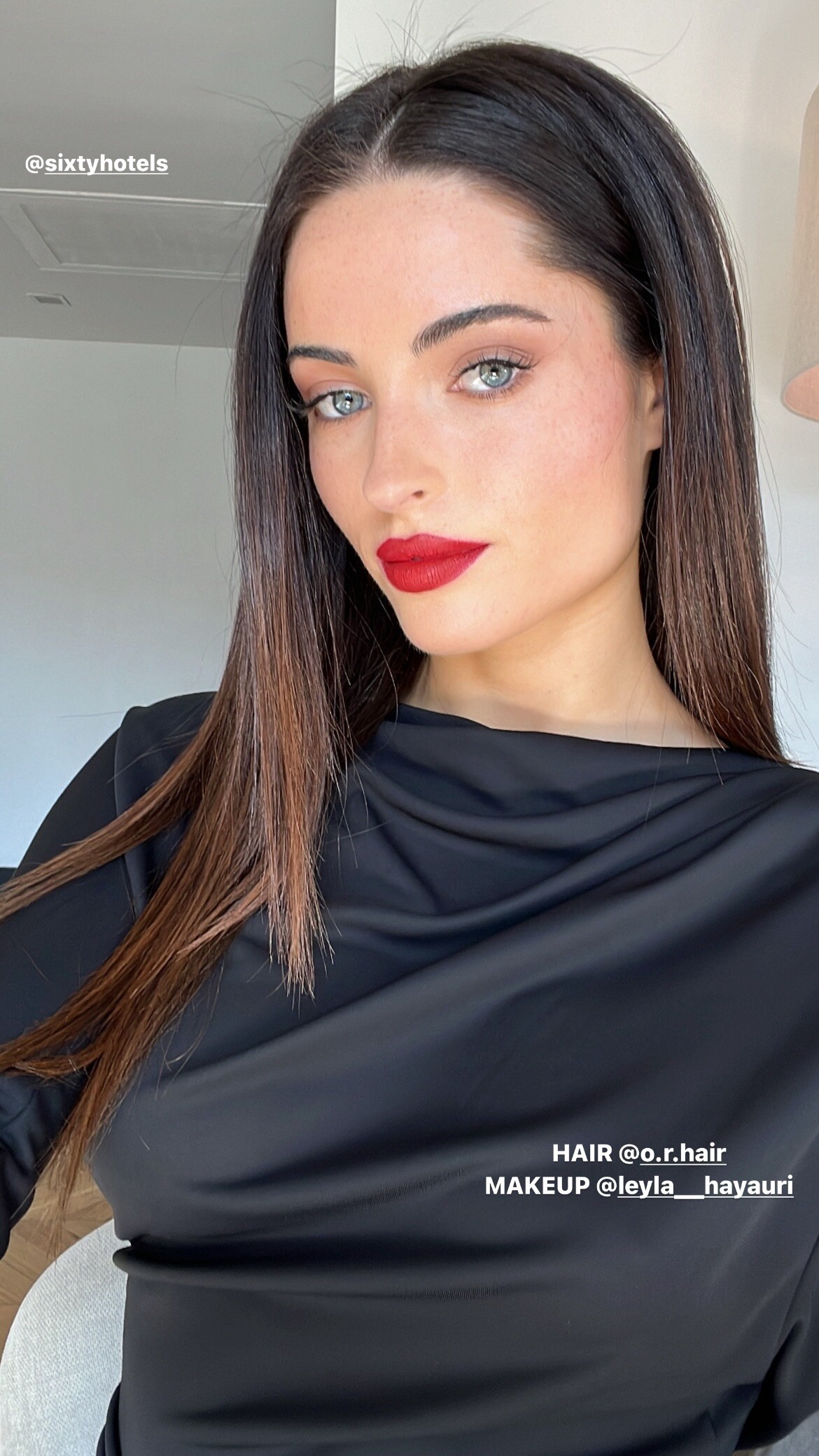
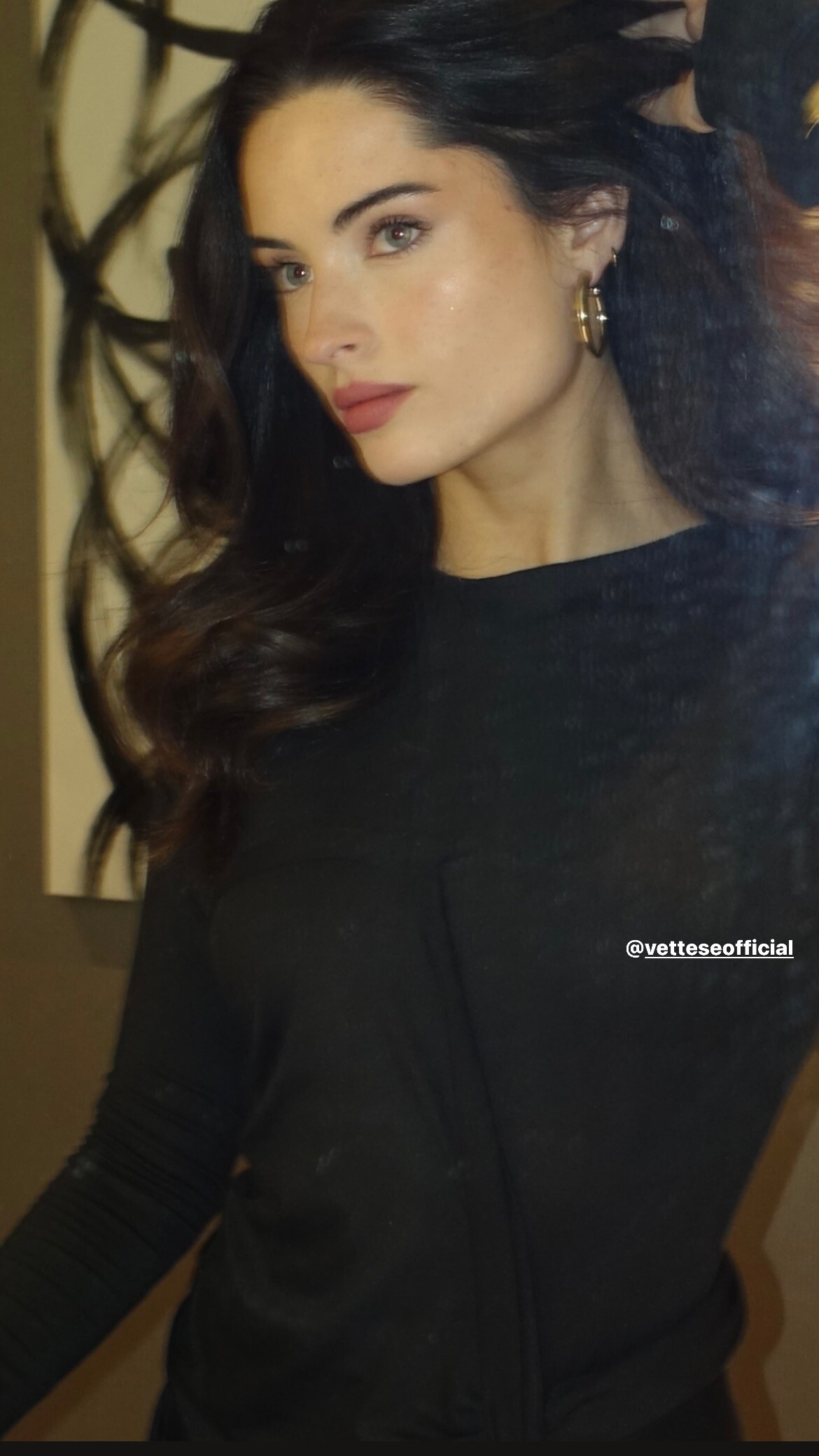
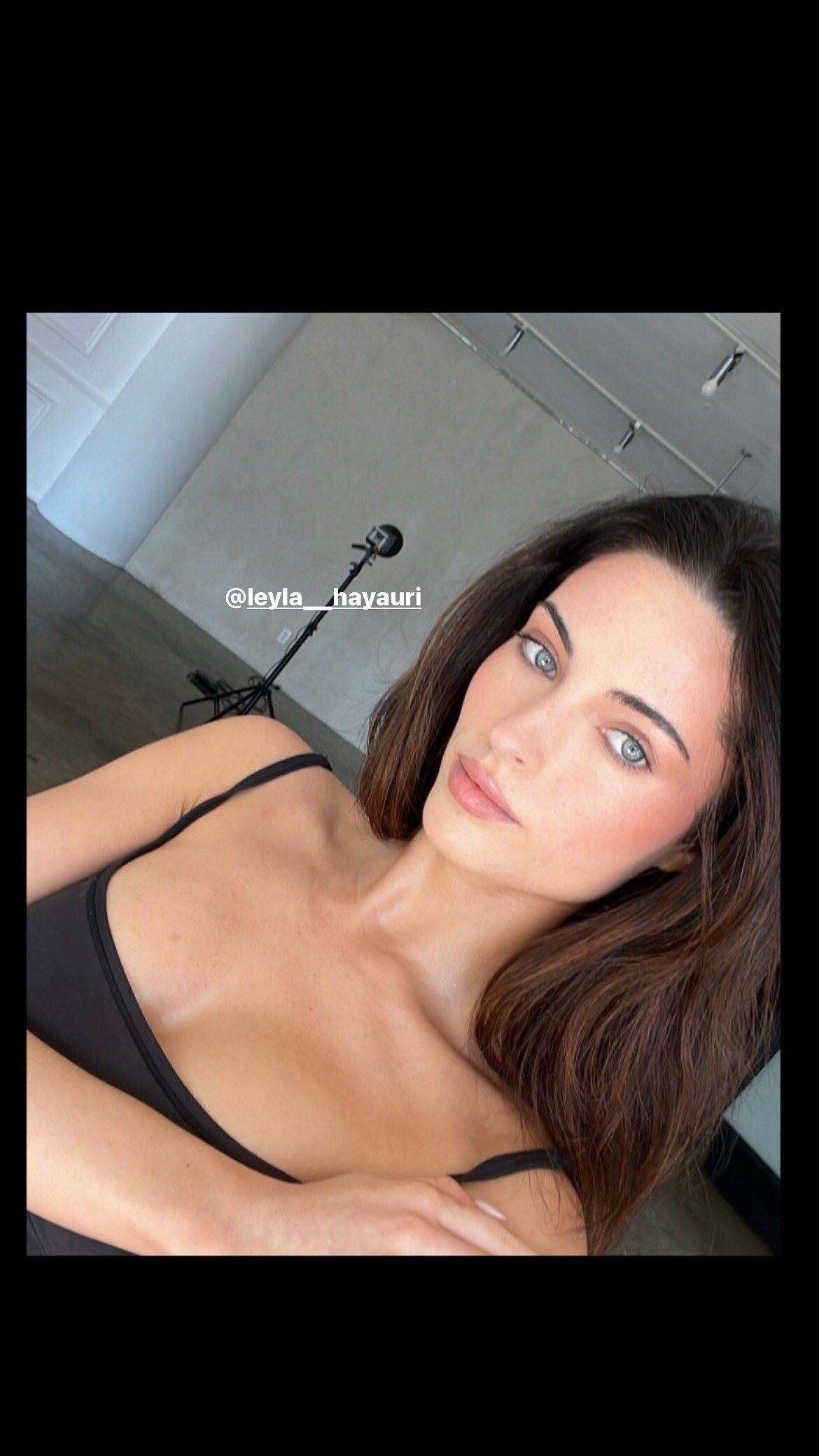
  12. Victor Robertof --- Hair by Ruslan, Leyla Hayauri
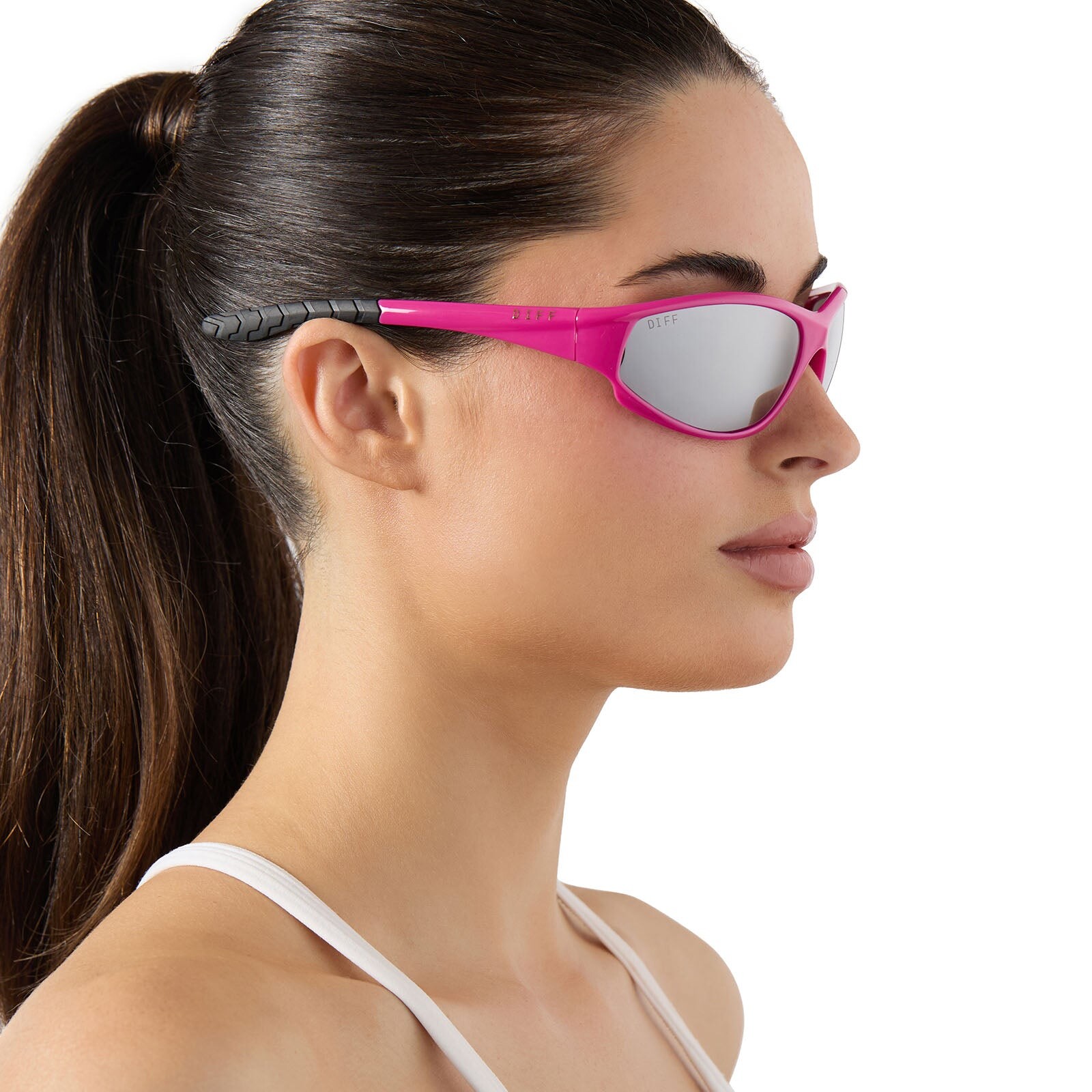
  13. New TikTok (HD), you may have to download the file first. "@Hairstylist back againnn 🖤"
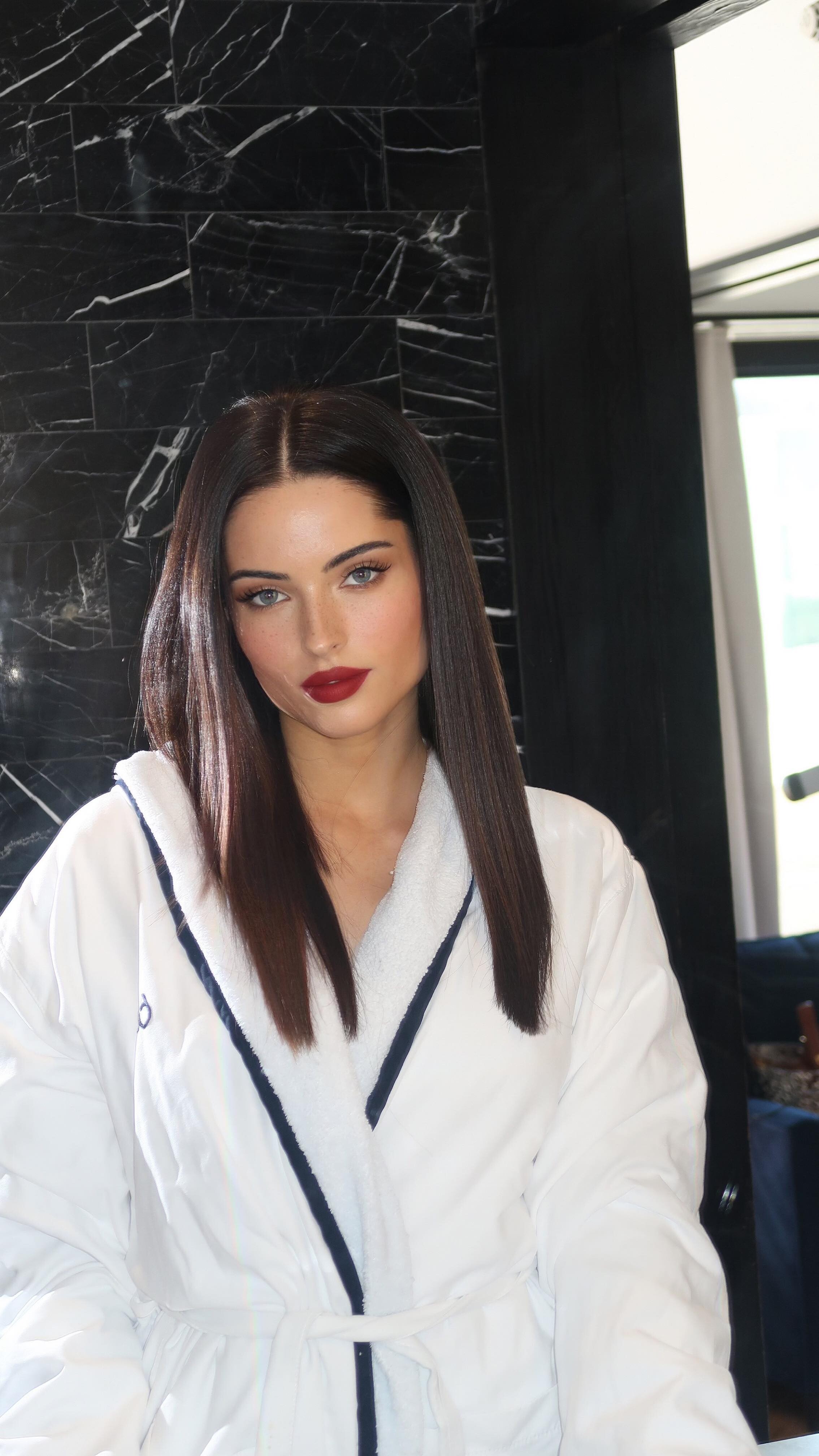
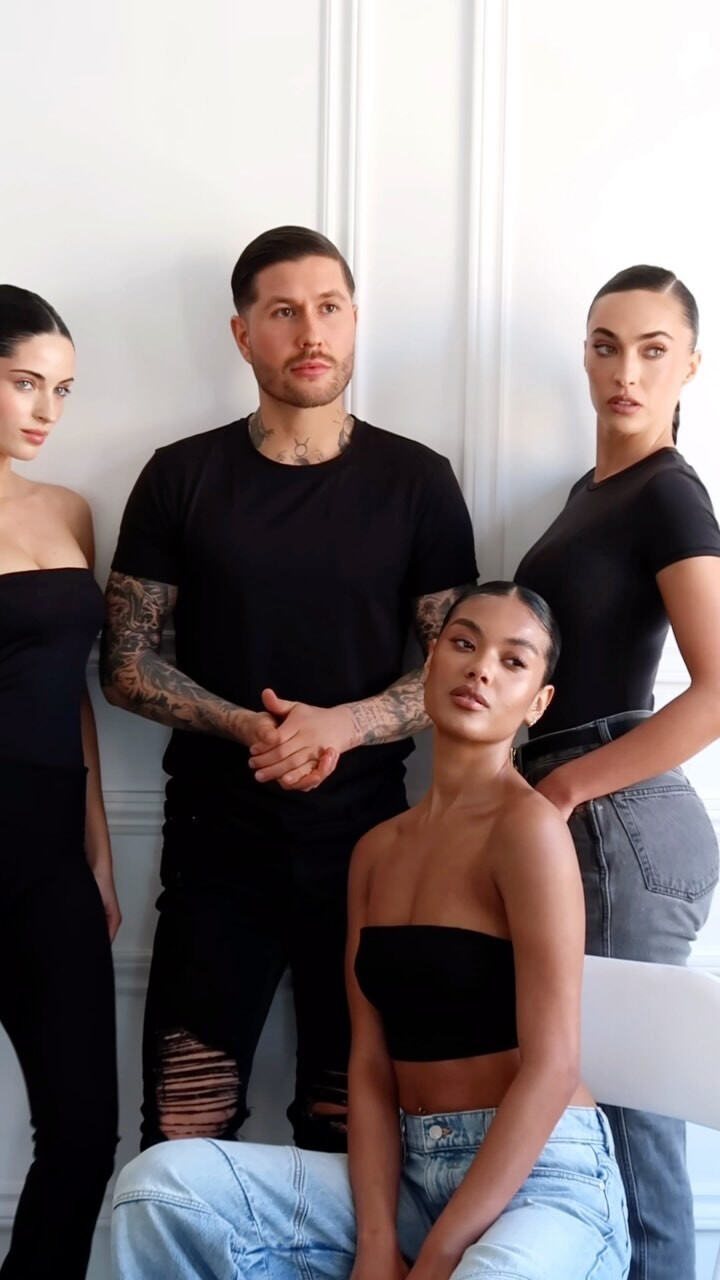
  14. Lev Hair: Hair by Ruslan: The INDUSTRY Model Mgmt:
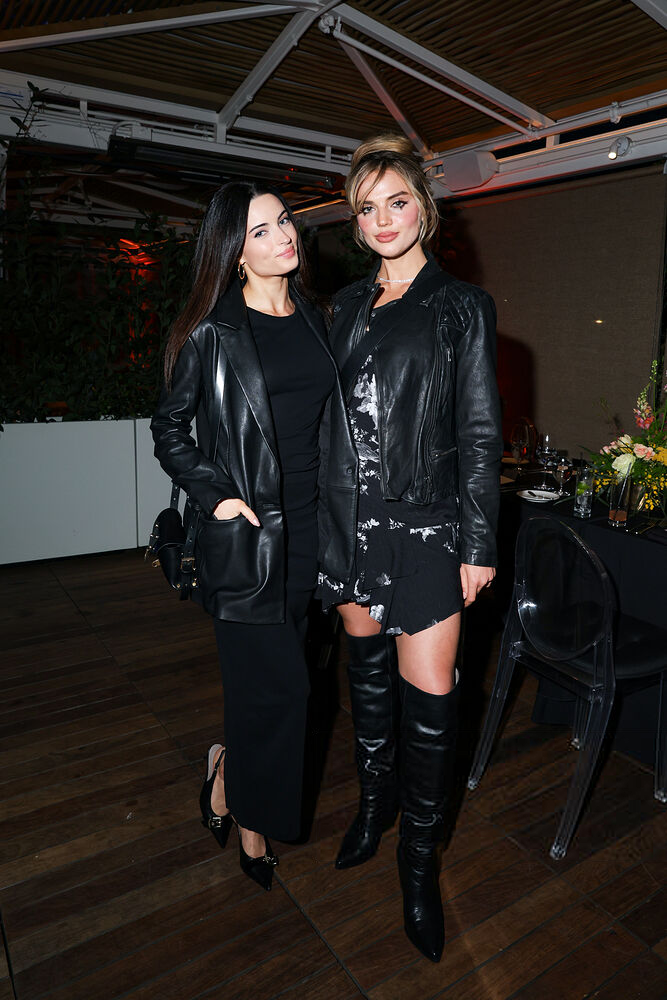
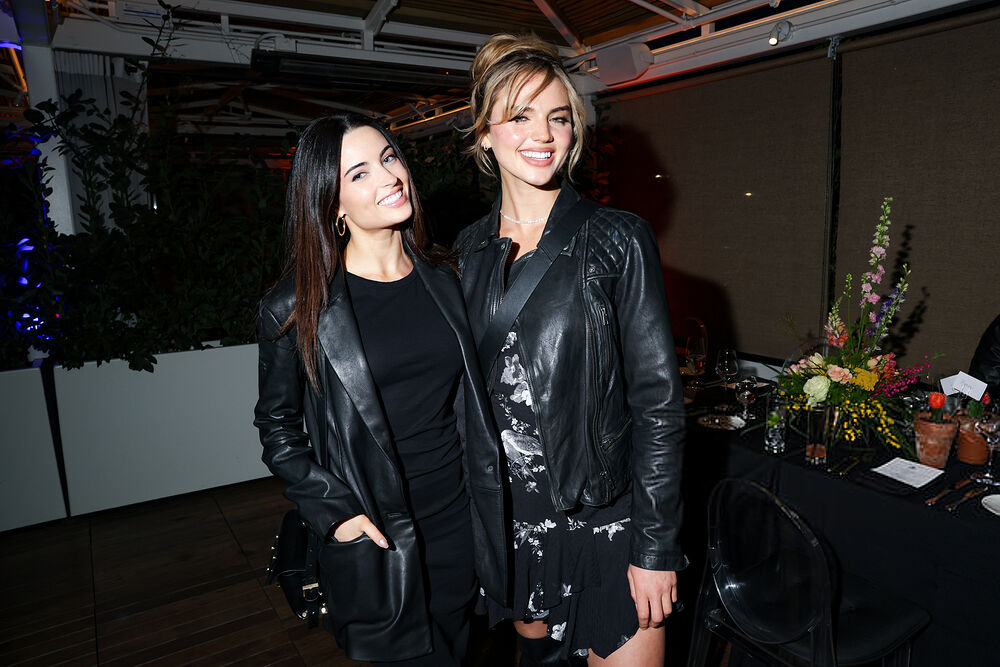
  15. True! They look so good together. The Zodiac Ball 2023 (forum post) and Clarins November 2023 event (forum post) also come to mind. ... And I'm digging the coat slinging.

Account

Navigation

Search

Configure browser push notifications

Chrome (Android)
  1. Tap the lock icon next to the address bar.
  2. Tap Permissions → Notifications.
  3. Adjust your preference.
Chrome (Desktop)
  1. Click the padlock icon in the address bar.
  2. Select Site settings.
  3. Find Notifications and adjust your preference.