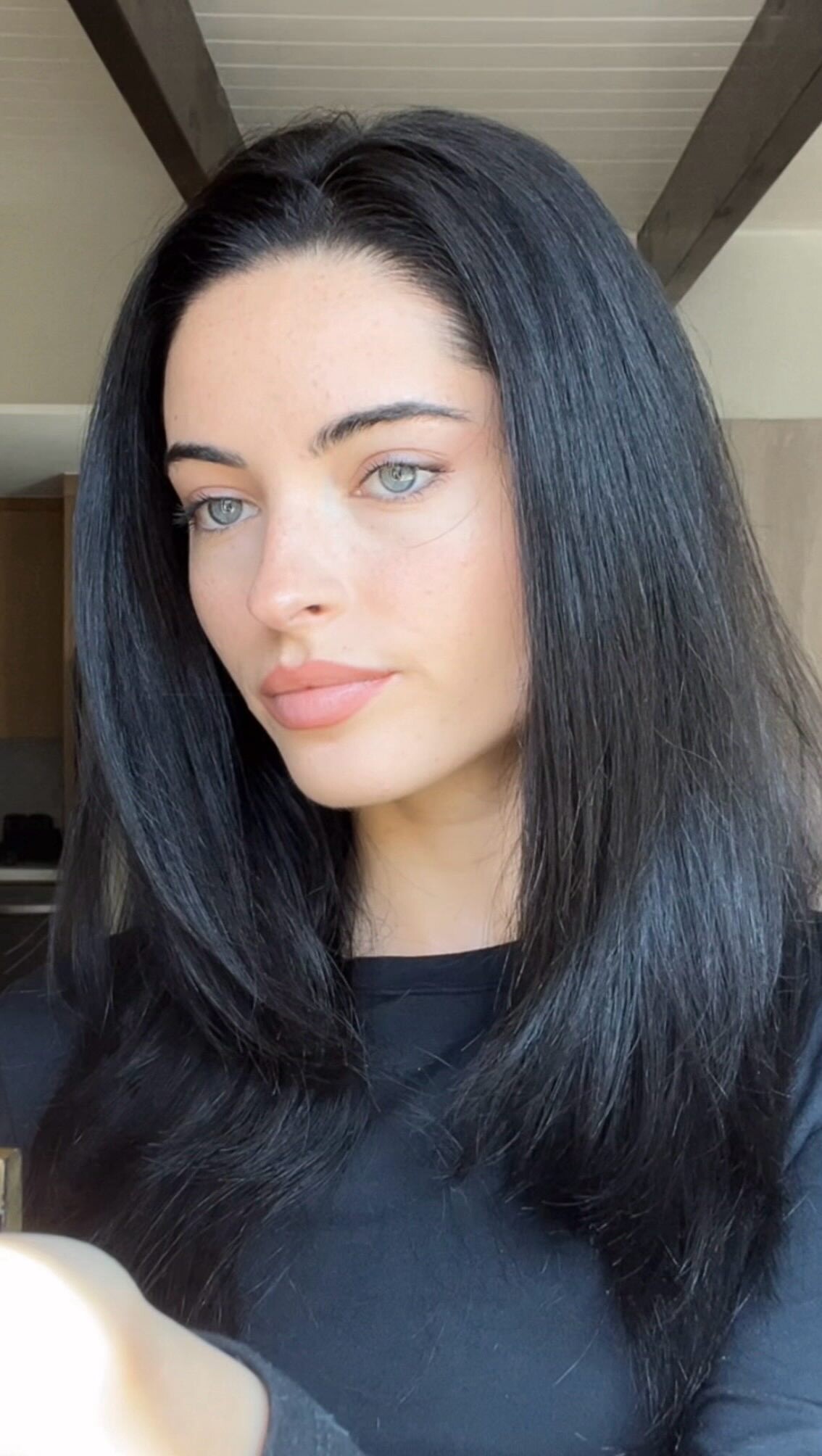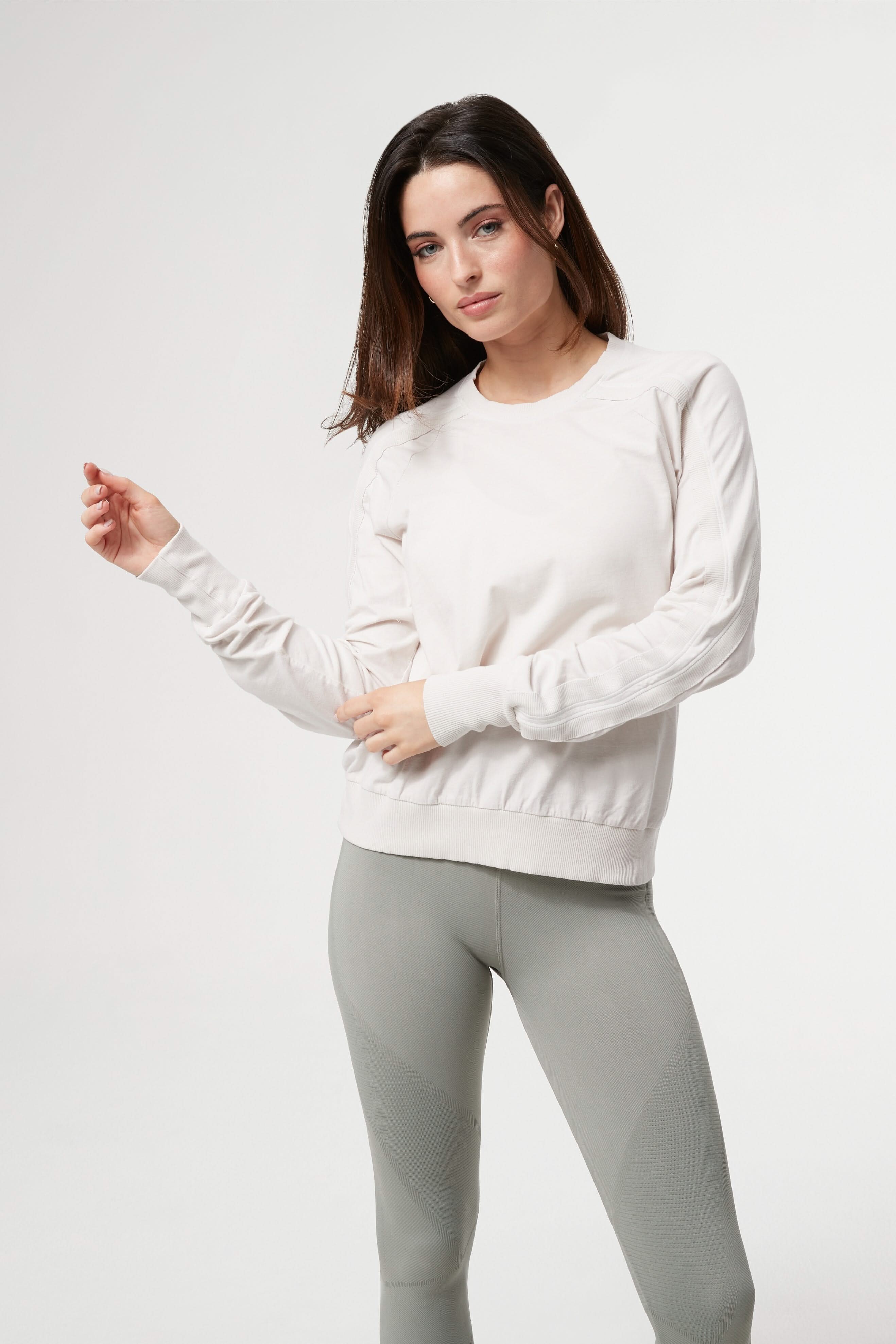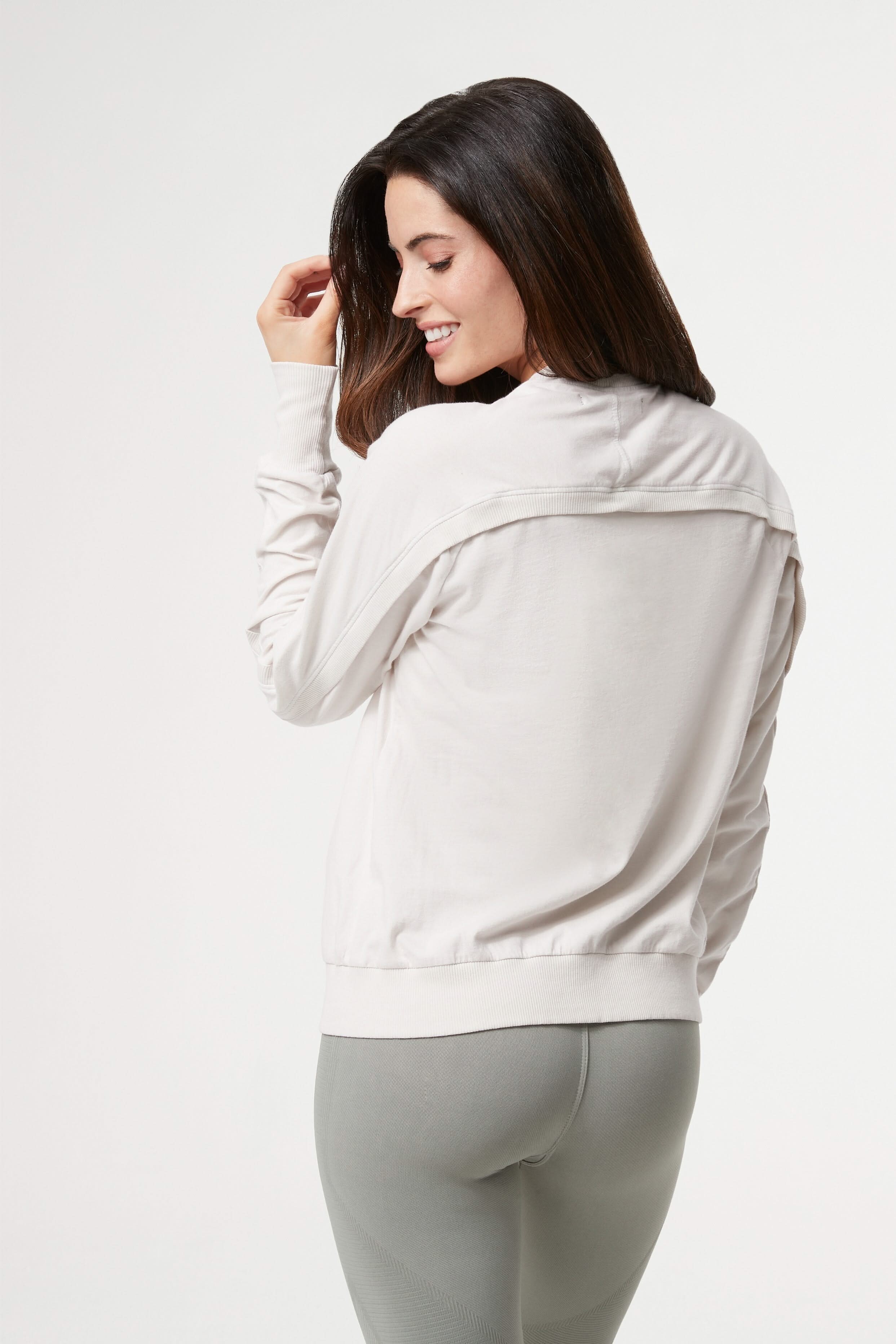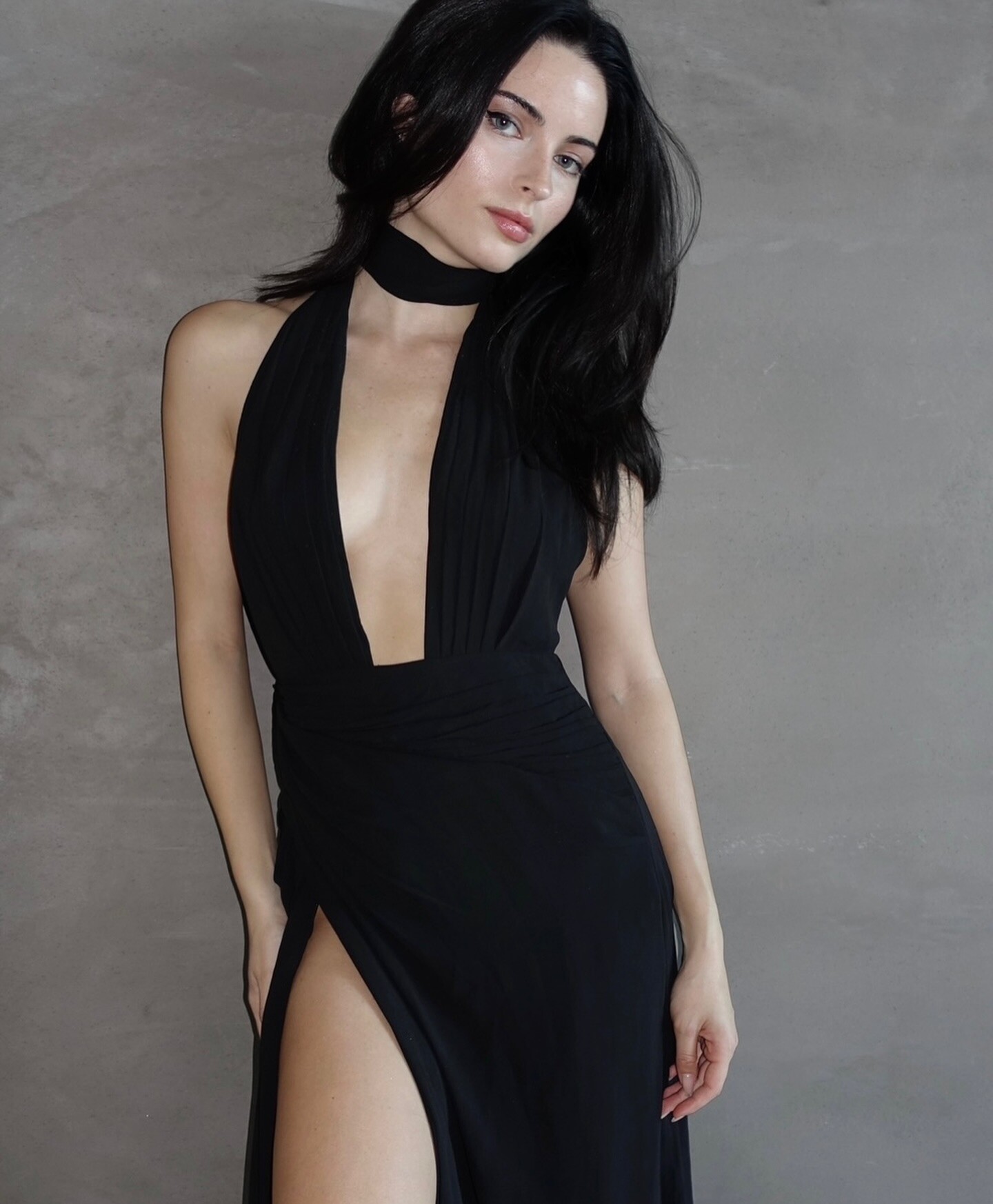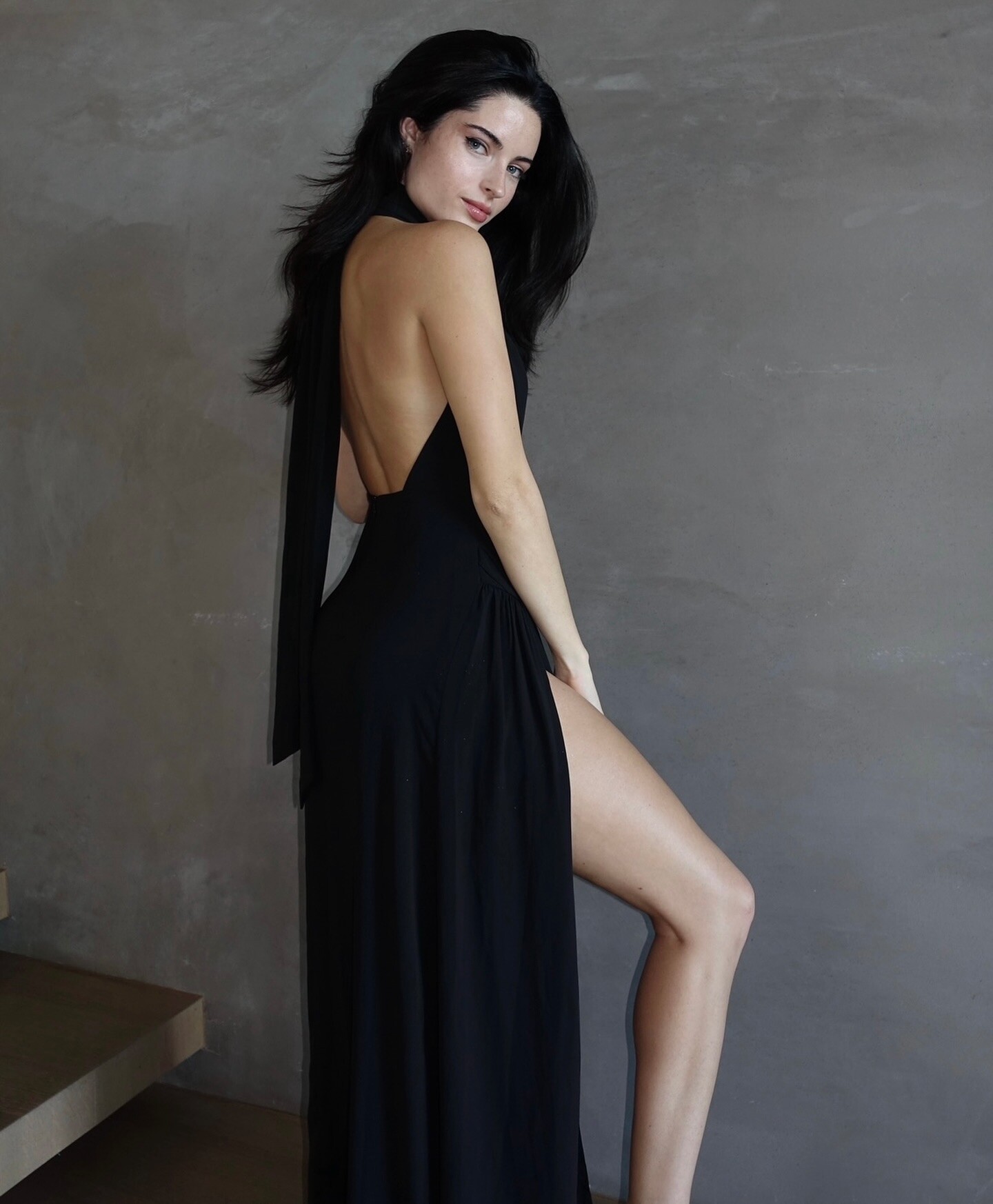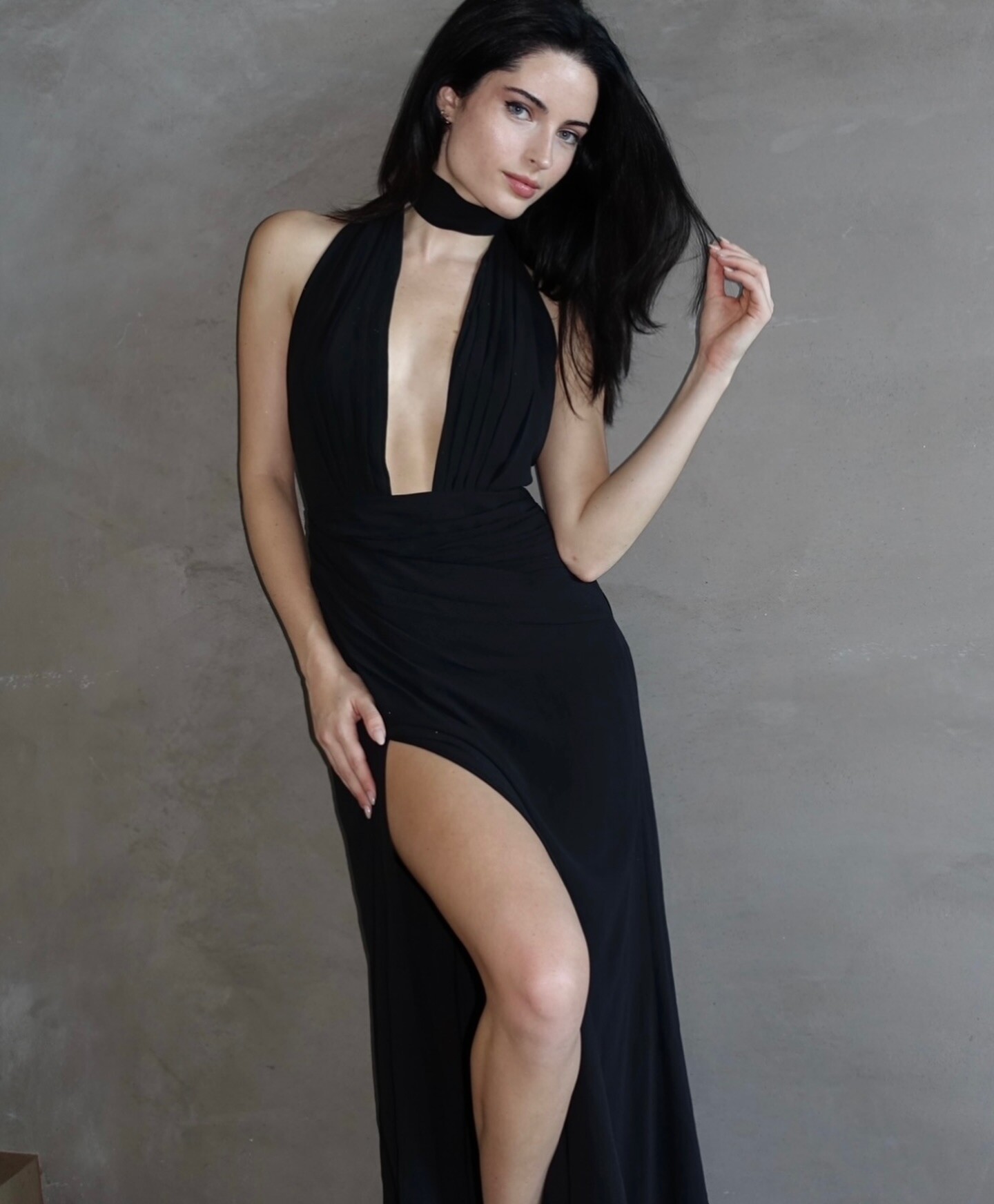

zorzabosti
Members
-
Joined
-
Last visited
Everything posted by zorzabosti
-

-
-
-
-
-
-
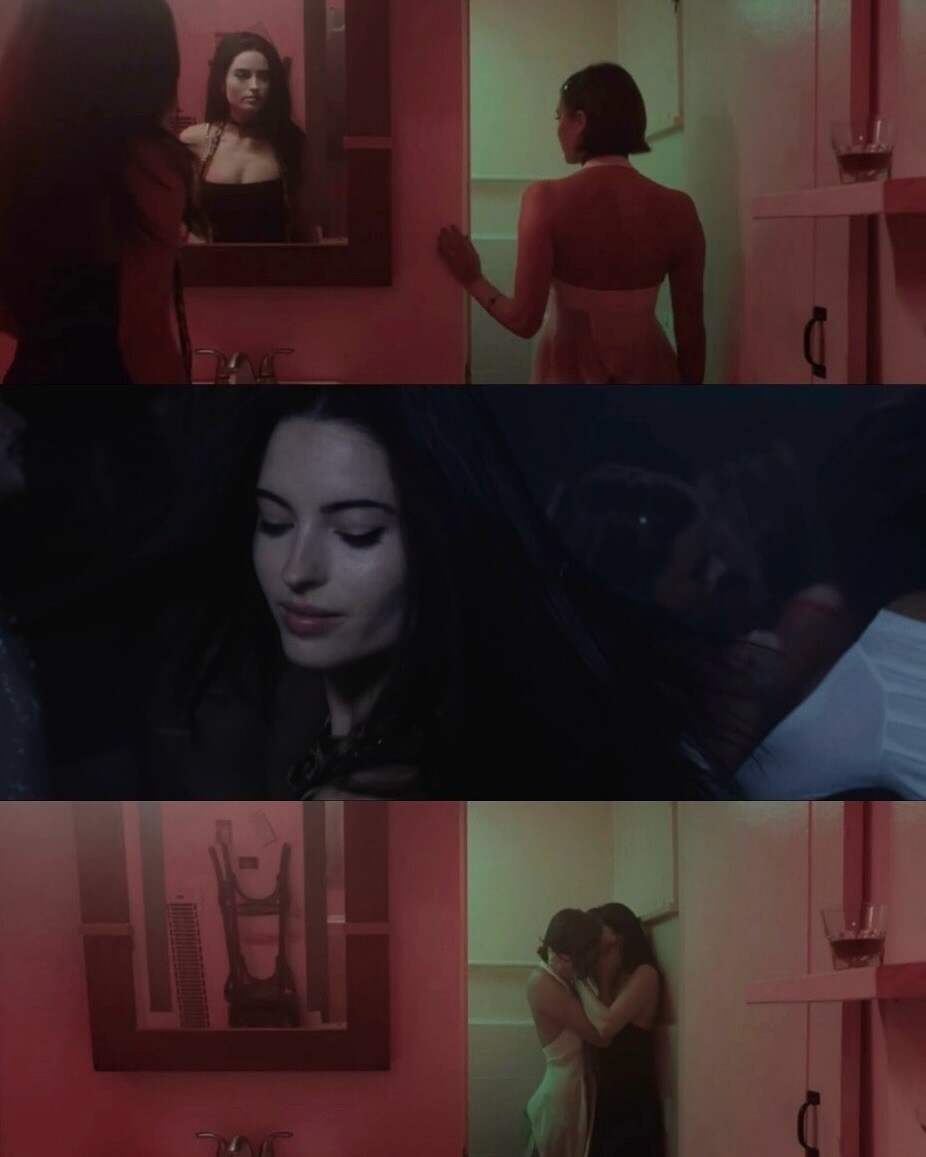
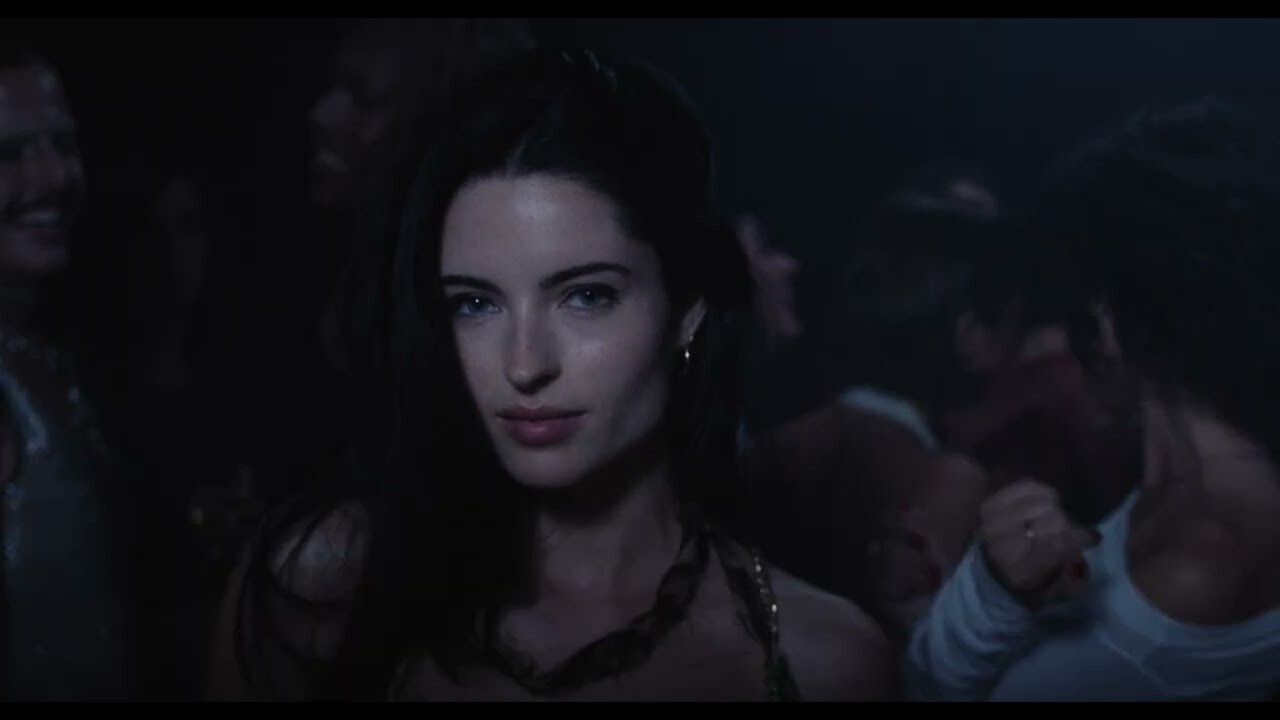
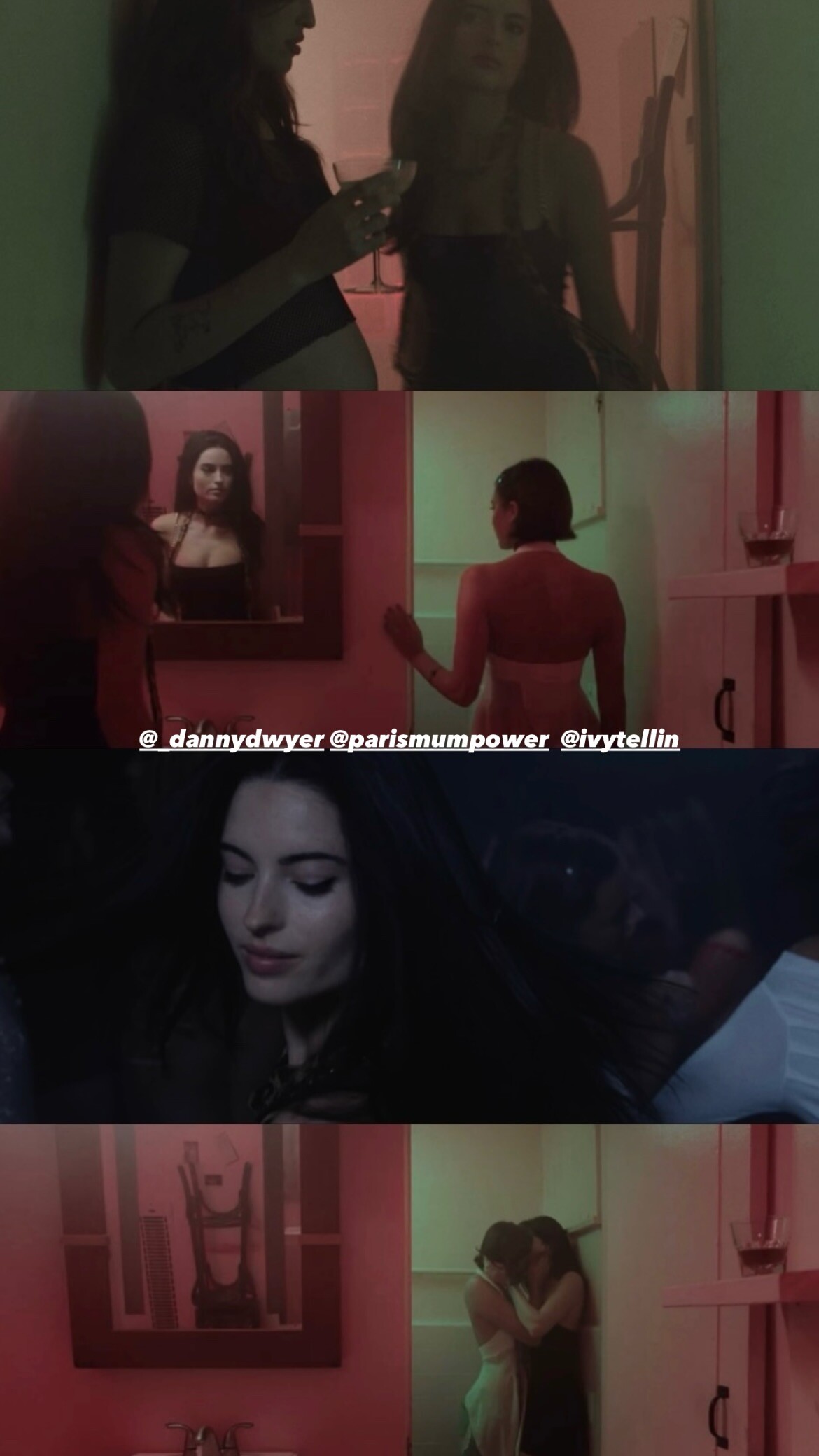
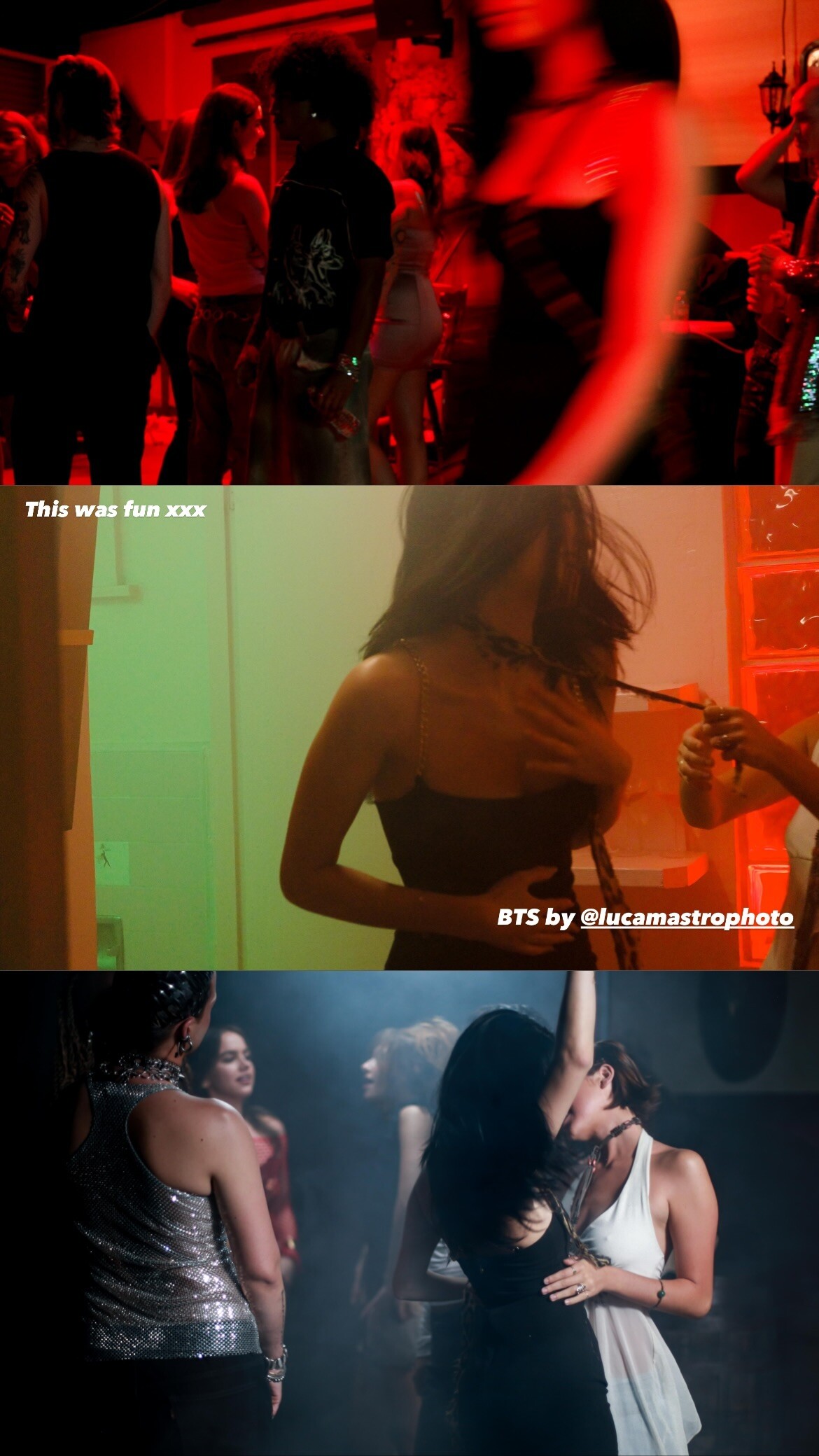
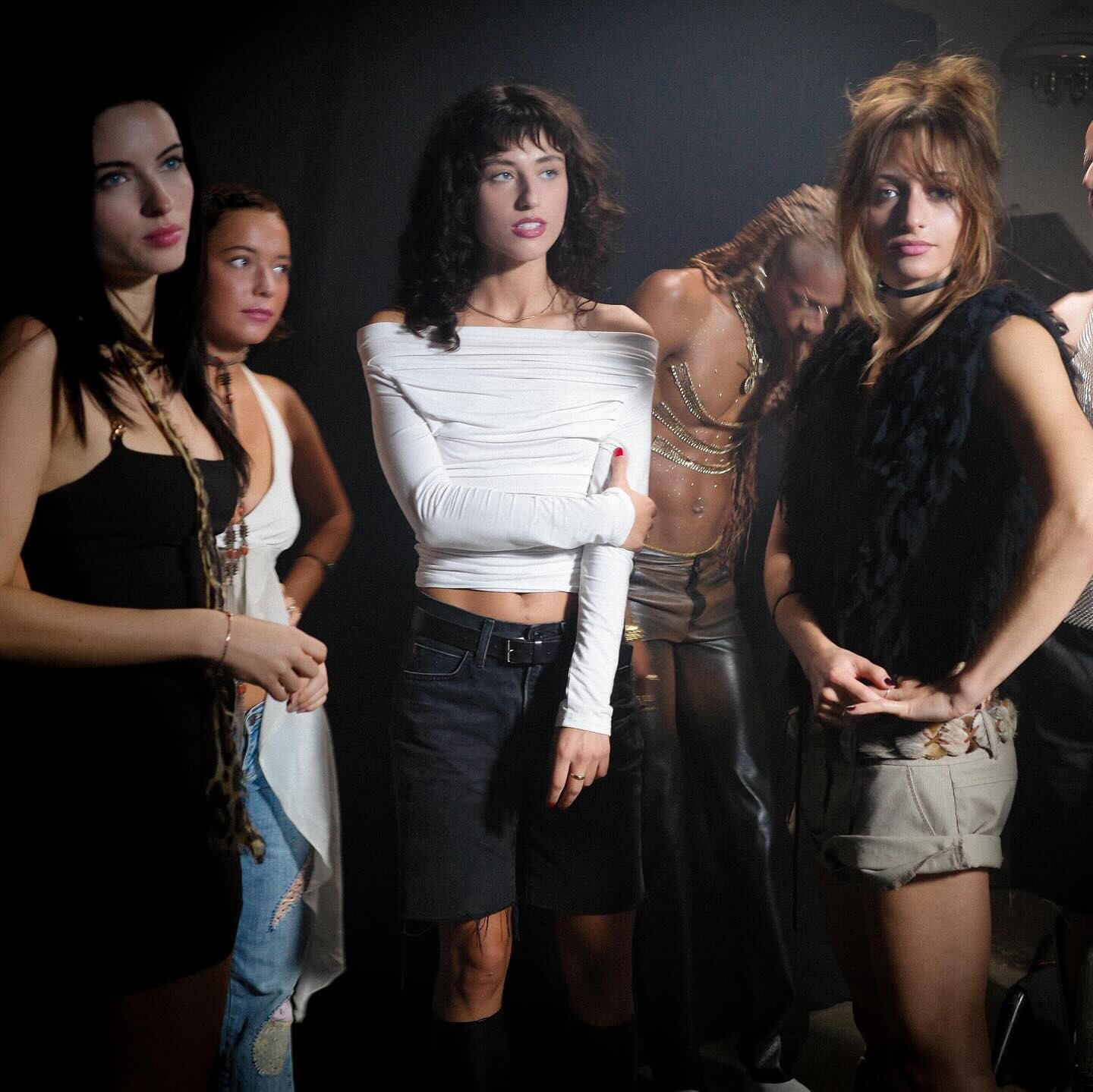
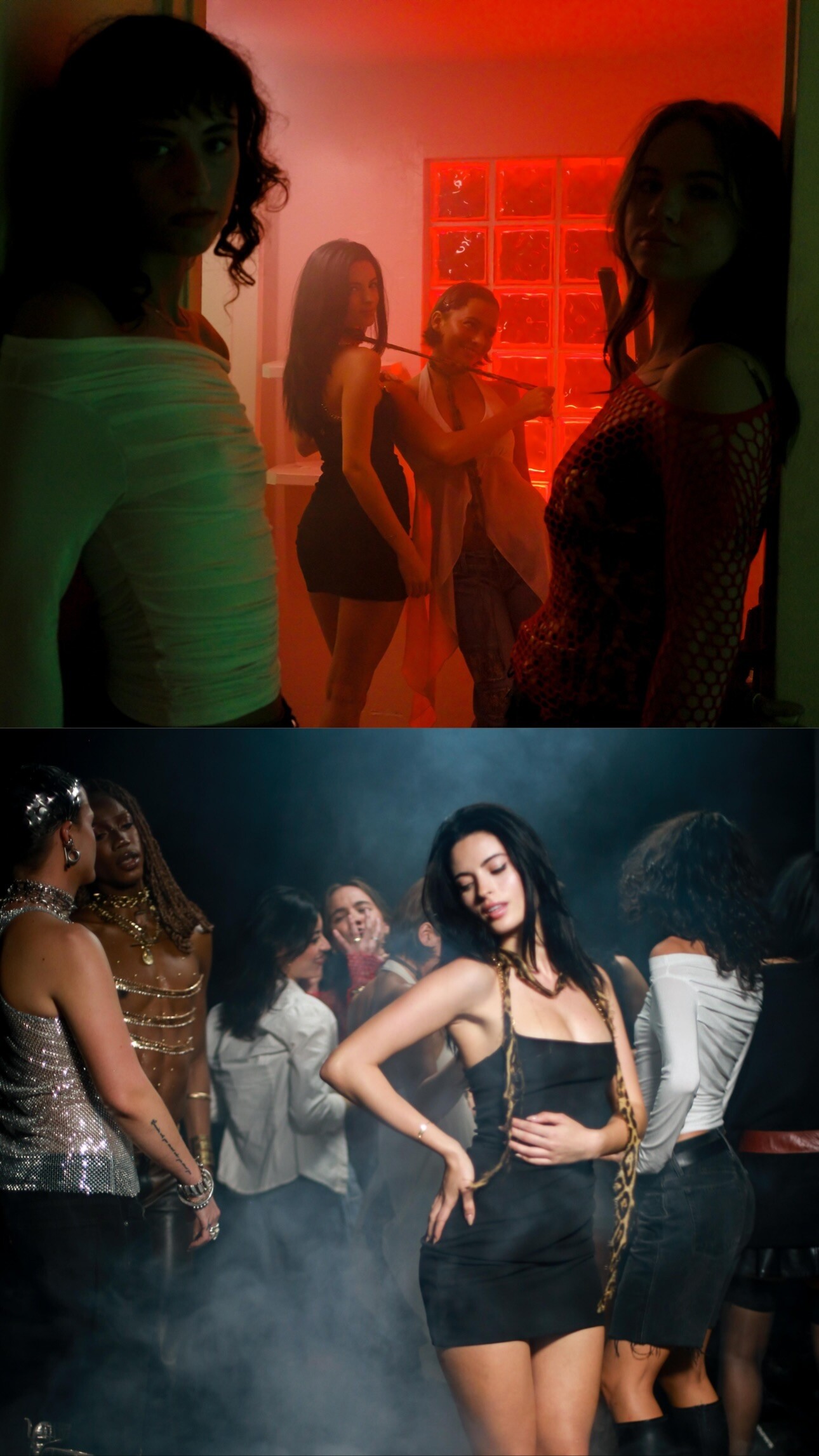
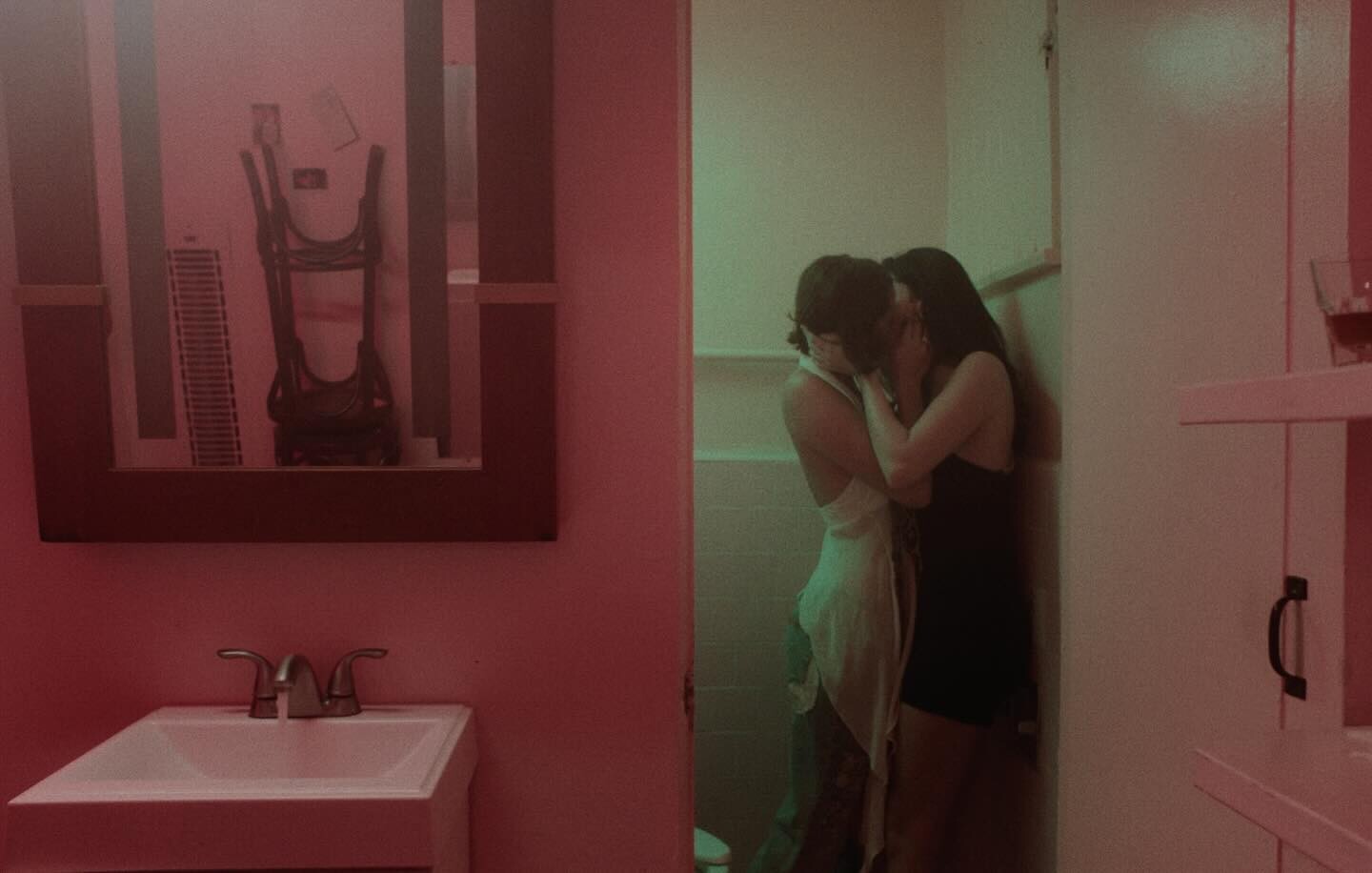
danny dwyer's "System Overload" music video is out. She's featured prominently in the video thumbnail and seemingly kisses an other lady at 1:12: Lossless cuts: YouTube compression is pretty rough. HD TikTok is better quality, see second half: https://www.tikwm.com/video/media/hdplay/7427257671767575851.mp4 Various Highlights:






-
-
-
-
-
-
-
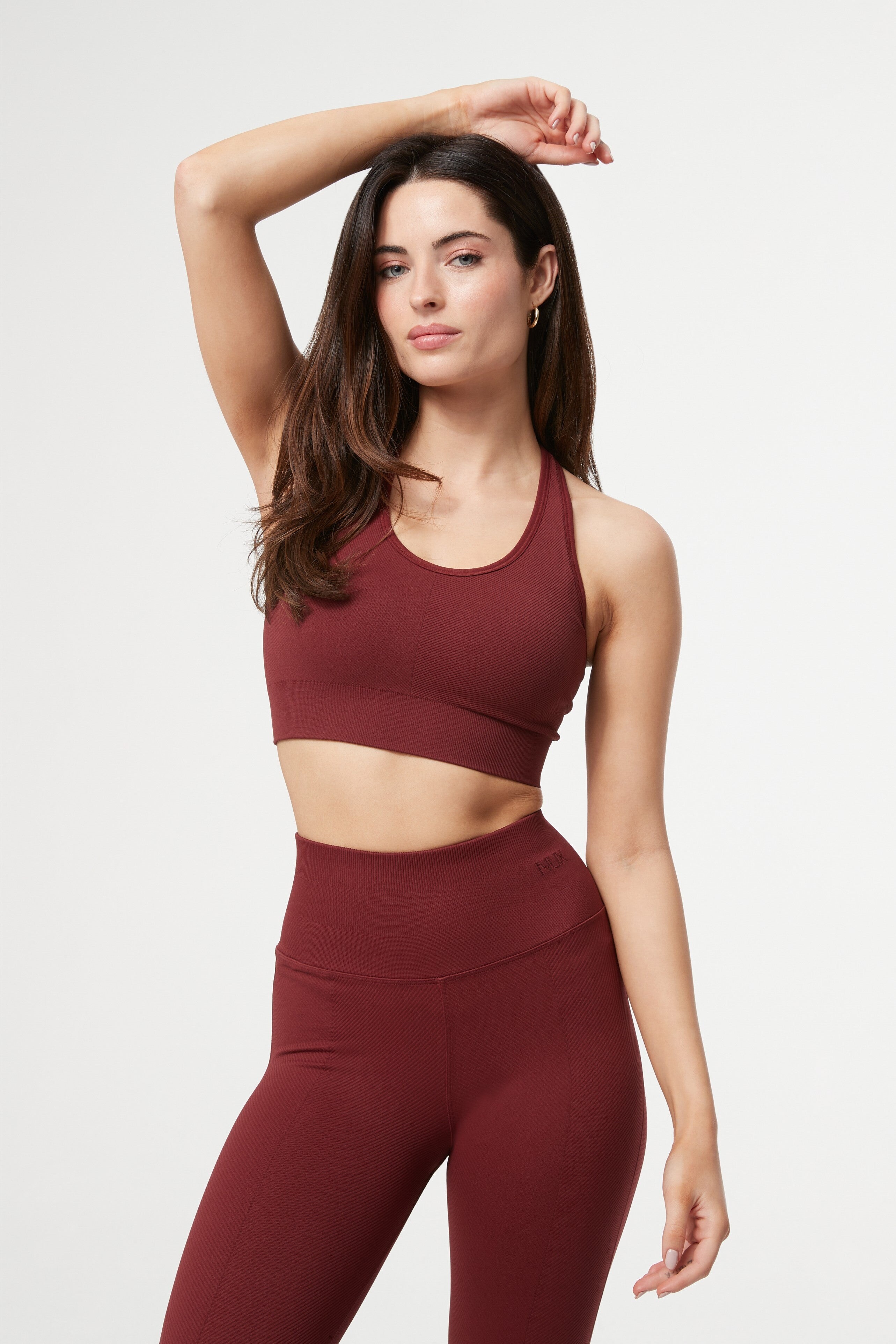
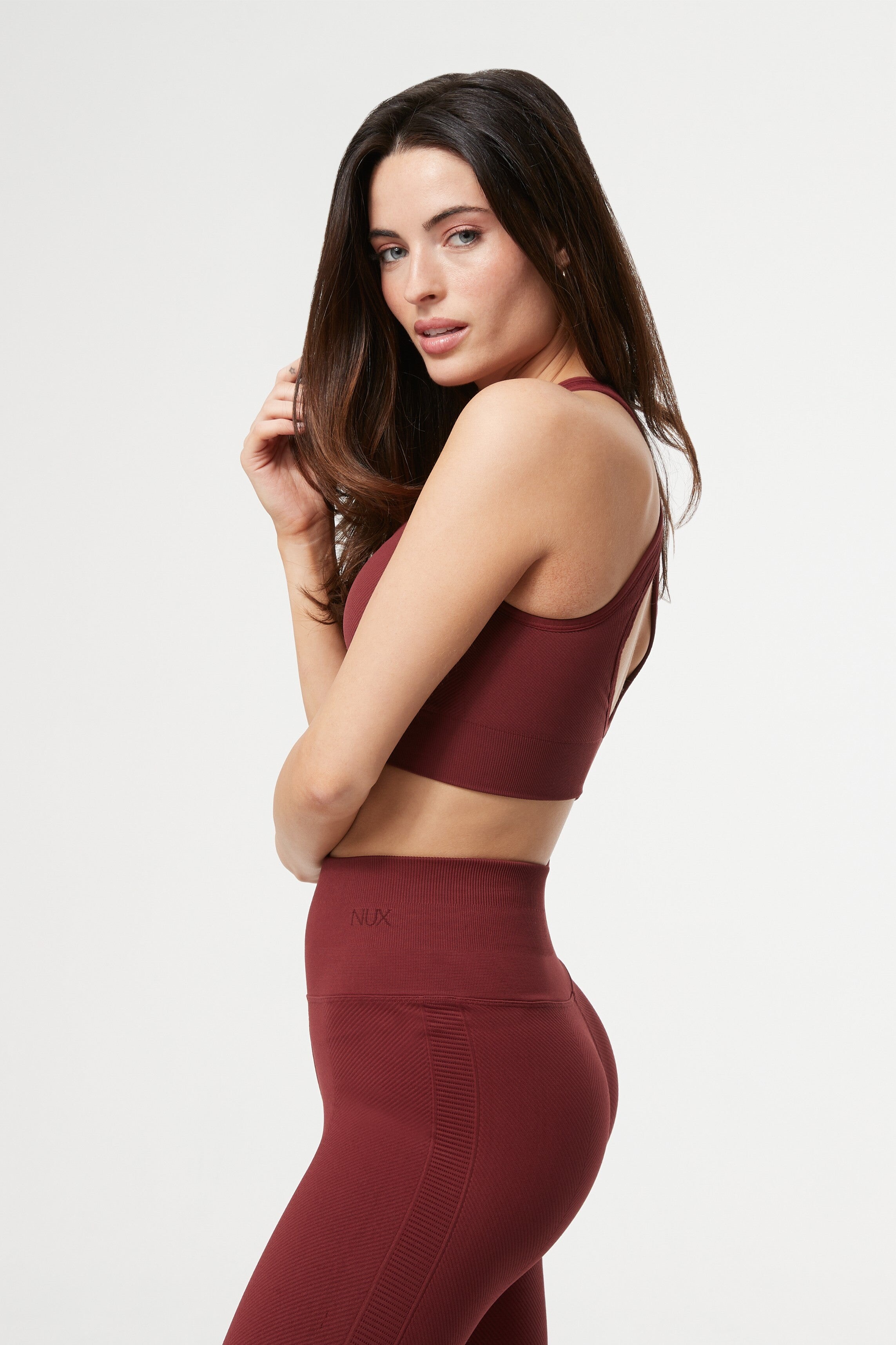
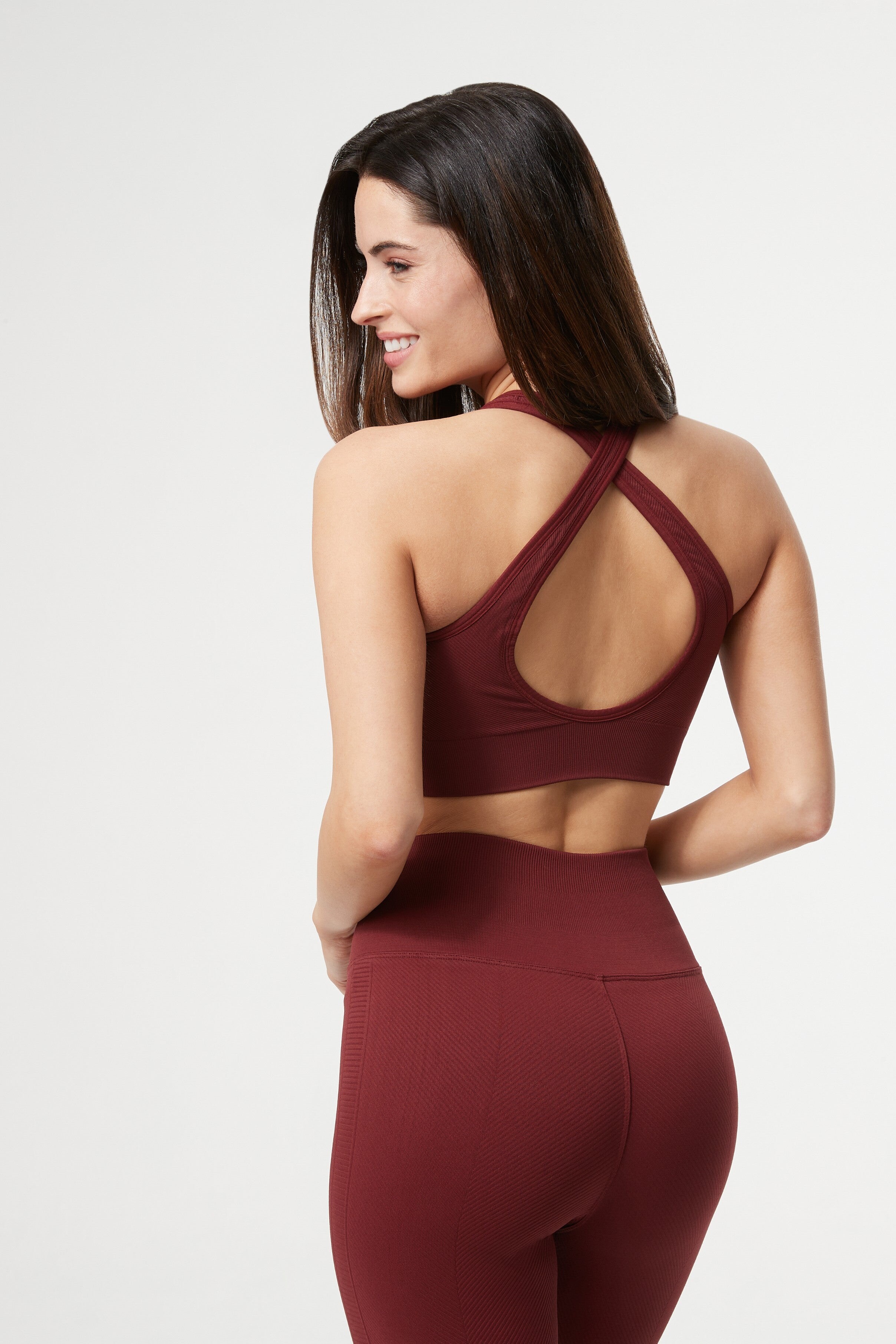
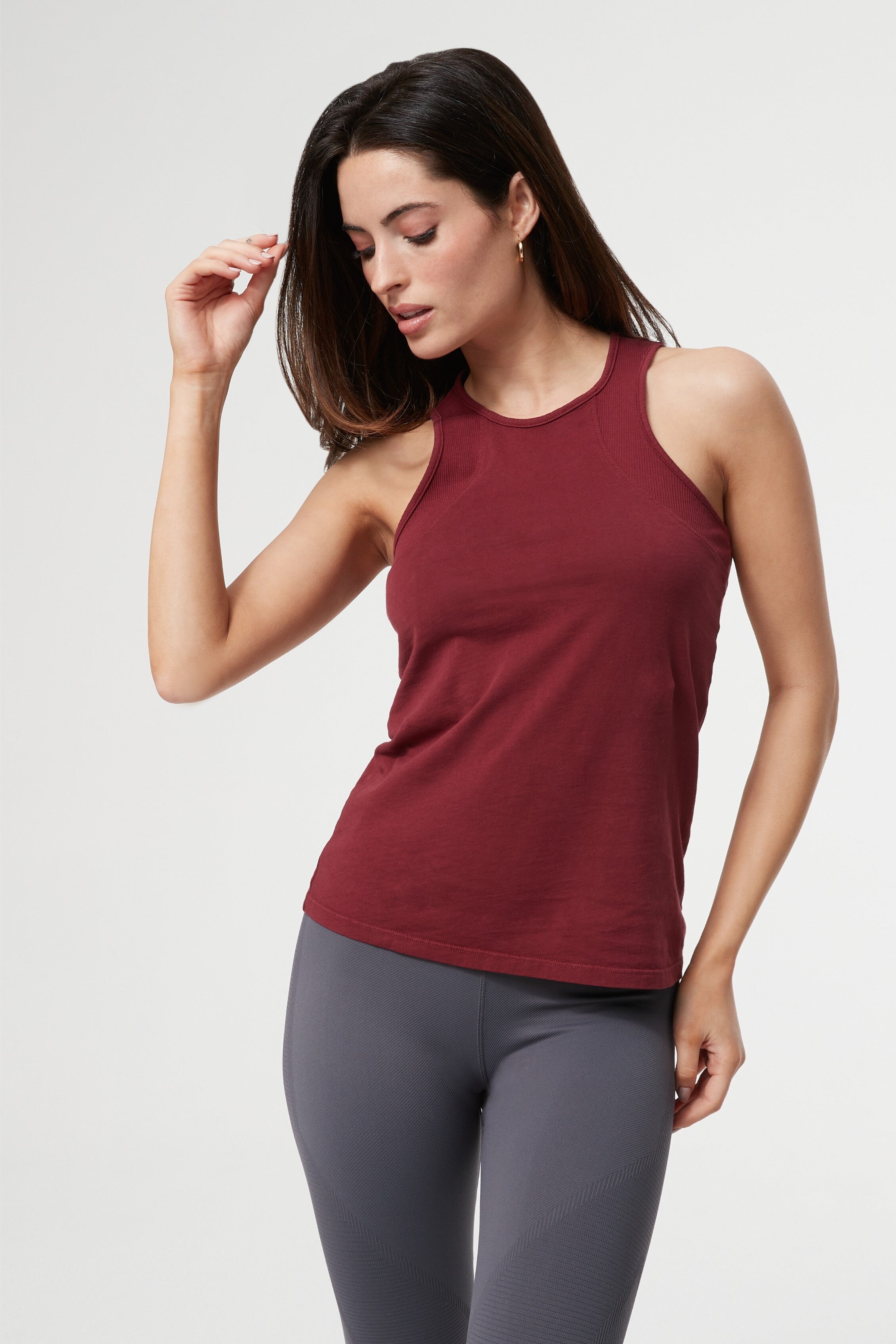
+ Her TikTok: https://www.tiktok.com/@reneemurden/video/7423846835095112981 HD TikWM download: https://www.tikwm.com/video/media/hdplay/7423846835095112981.mp4 + Another TikTok: https://www.tiktok.com/@reneemurden/video/7423972315517422856 HD TikWM download: https://www.tikwm.com/video/media/hdplay/7423972315517422856.mp4 --- NUX Active --- Her post



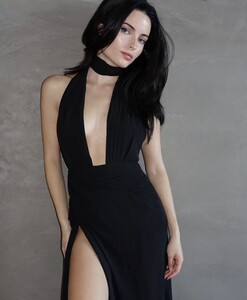

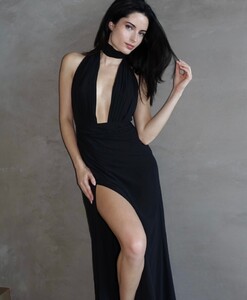

-
-
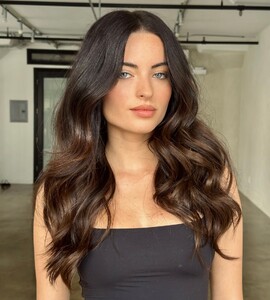
TOM FORD BEAUTY RUNWAY LIP COLOURS 1. Irresistible Lip Pencil & Understated Lip Colour 2. Headline Lip Pencil & Scarlet Rouge Lip Colour 3. Re-See Lip Pencil & Invite Only Lip Colour 4. Close Up Lip Pencil & Runway Rose Lip Colour IG is no longer serving 1080p. Might be user agent related. (DM me if you know more) --- Lev Hair
-
-
-
It's Lilly Krug (lillykrug).
-
-
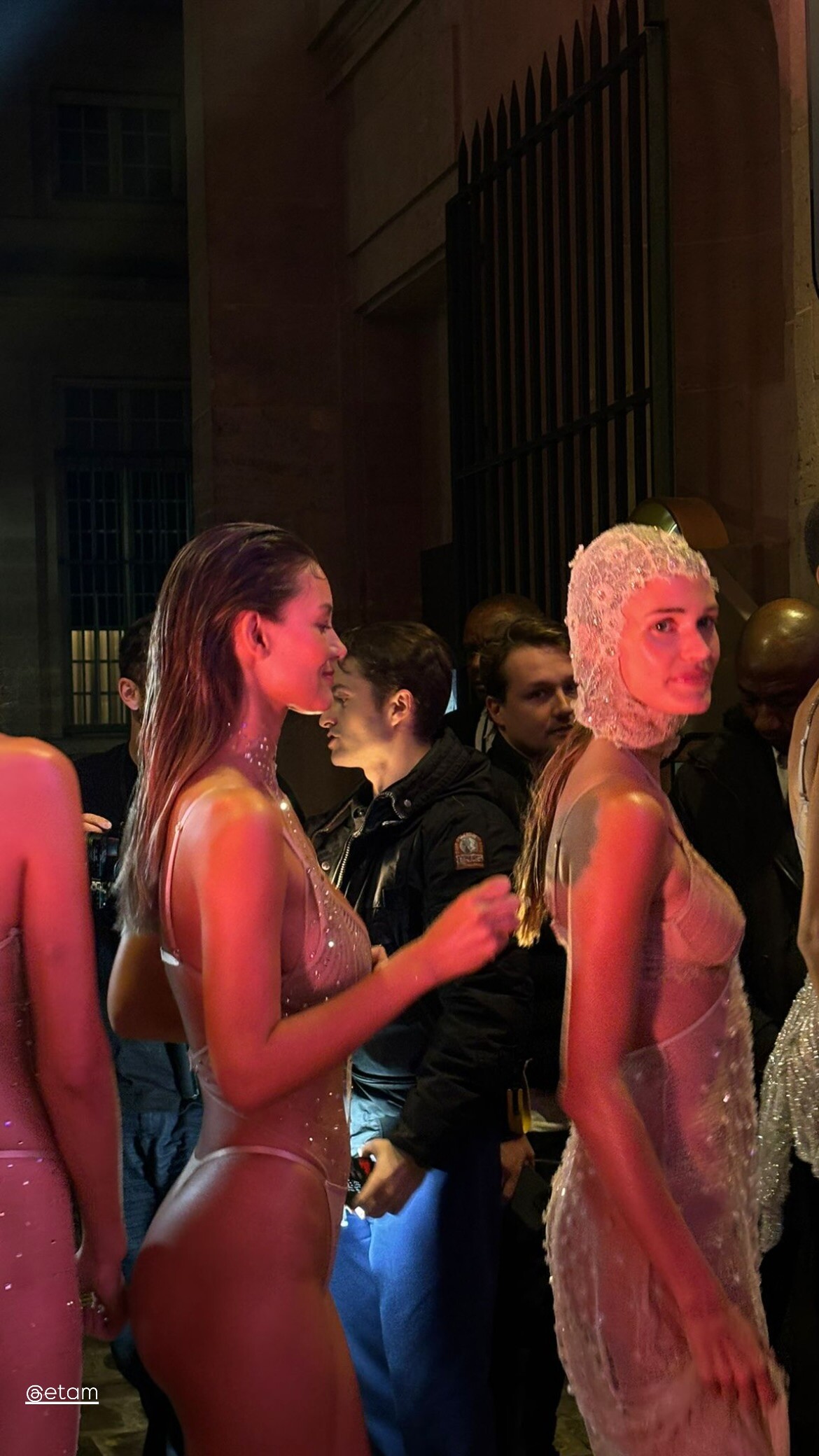
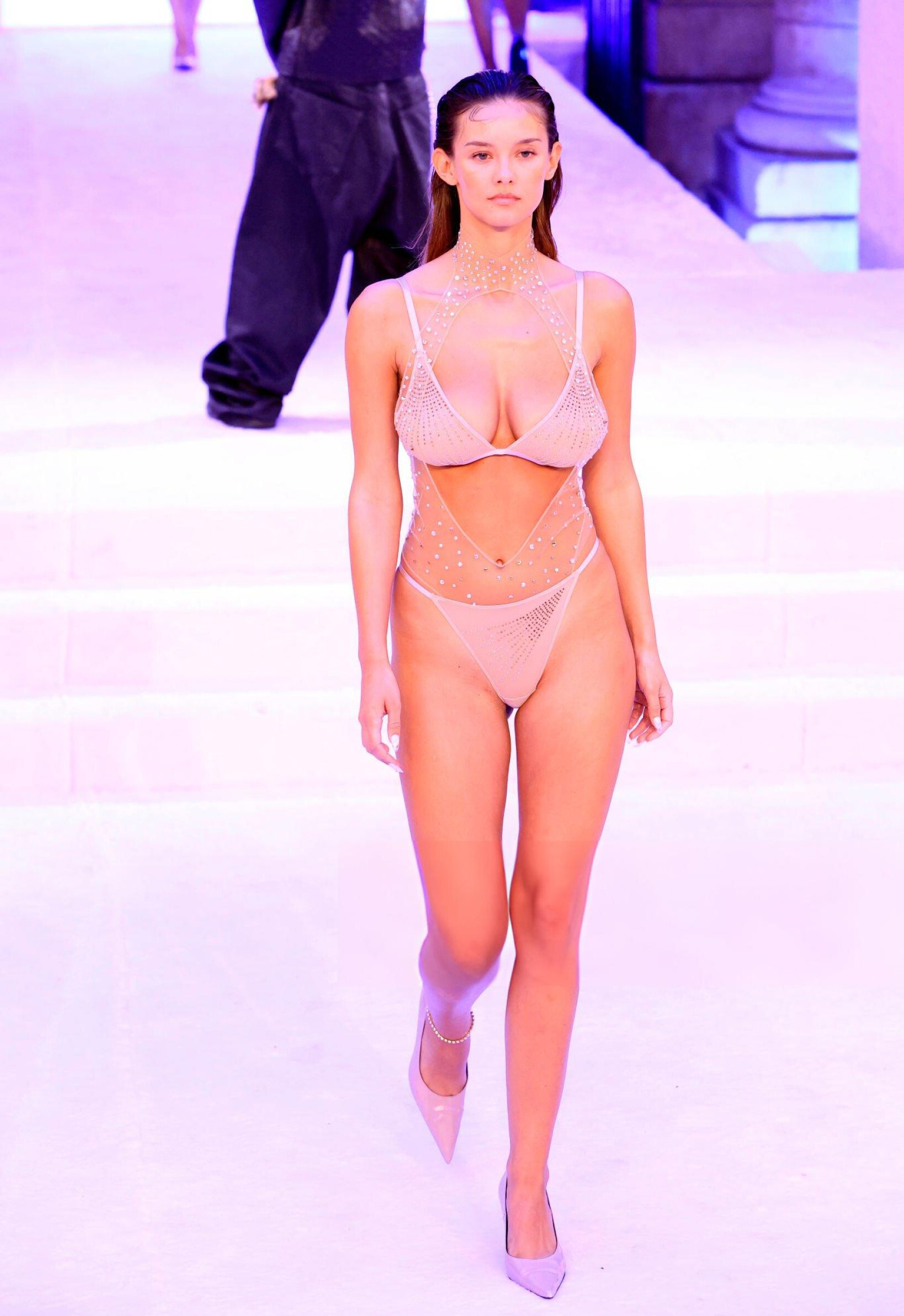
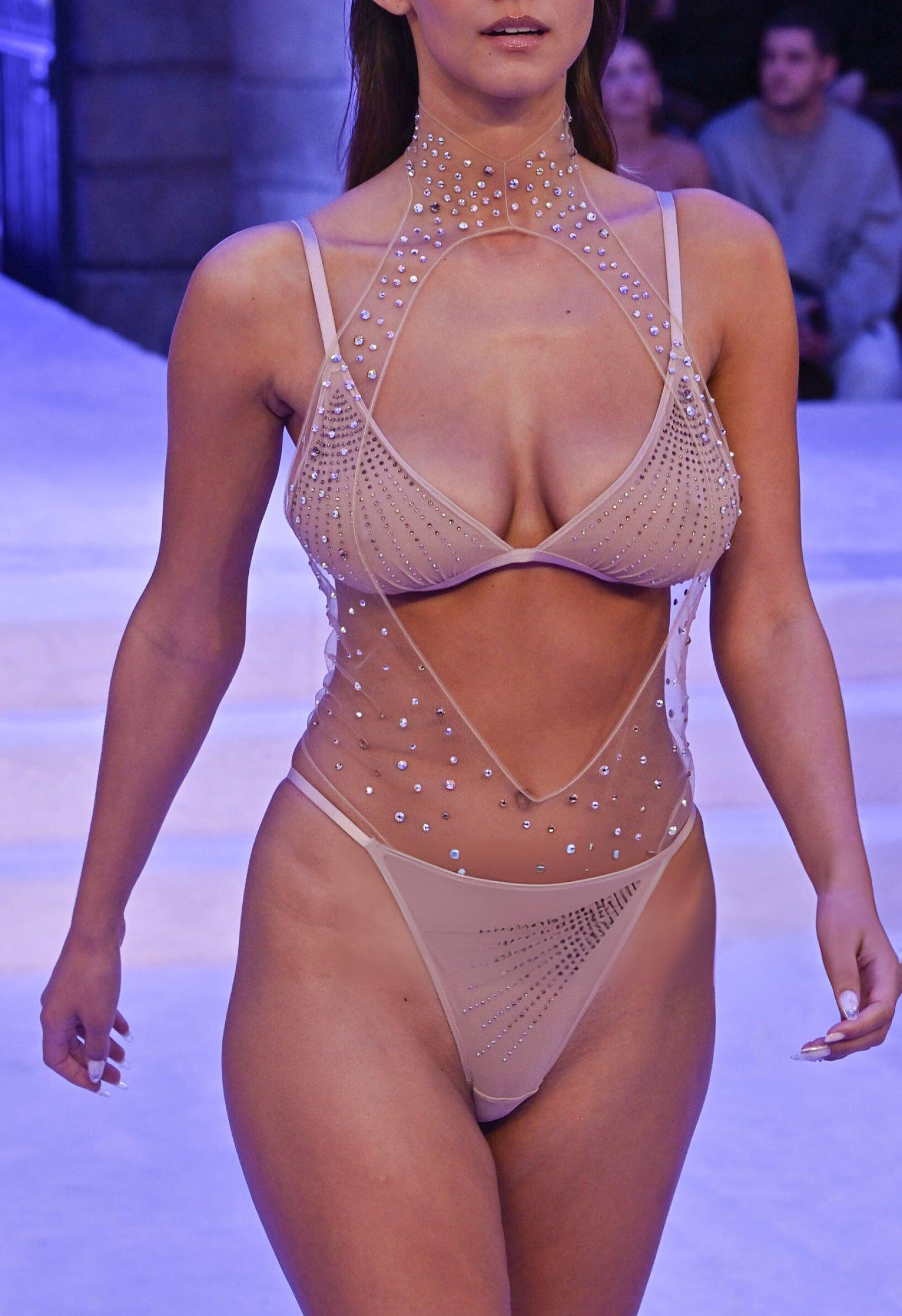
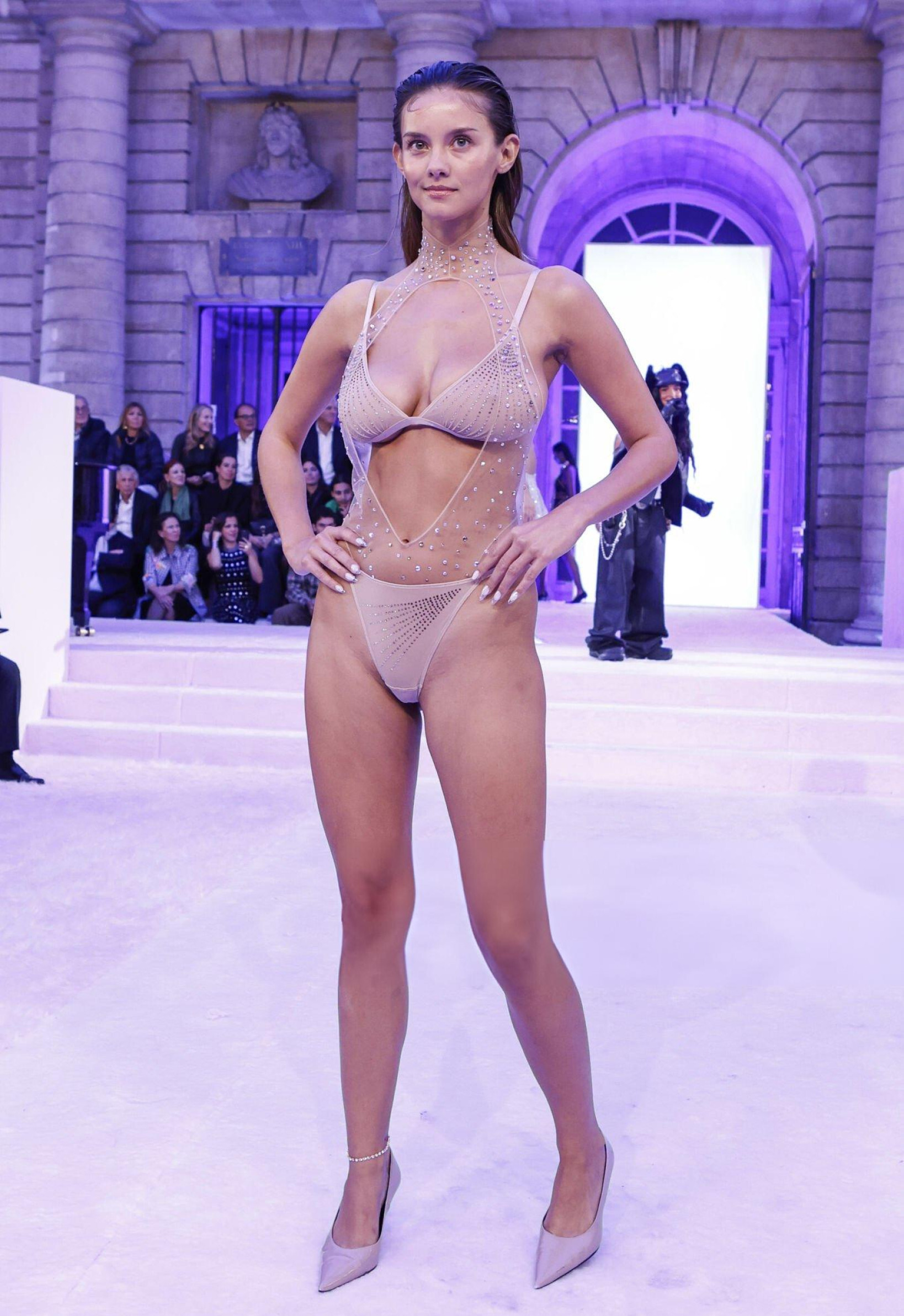
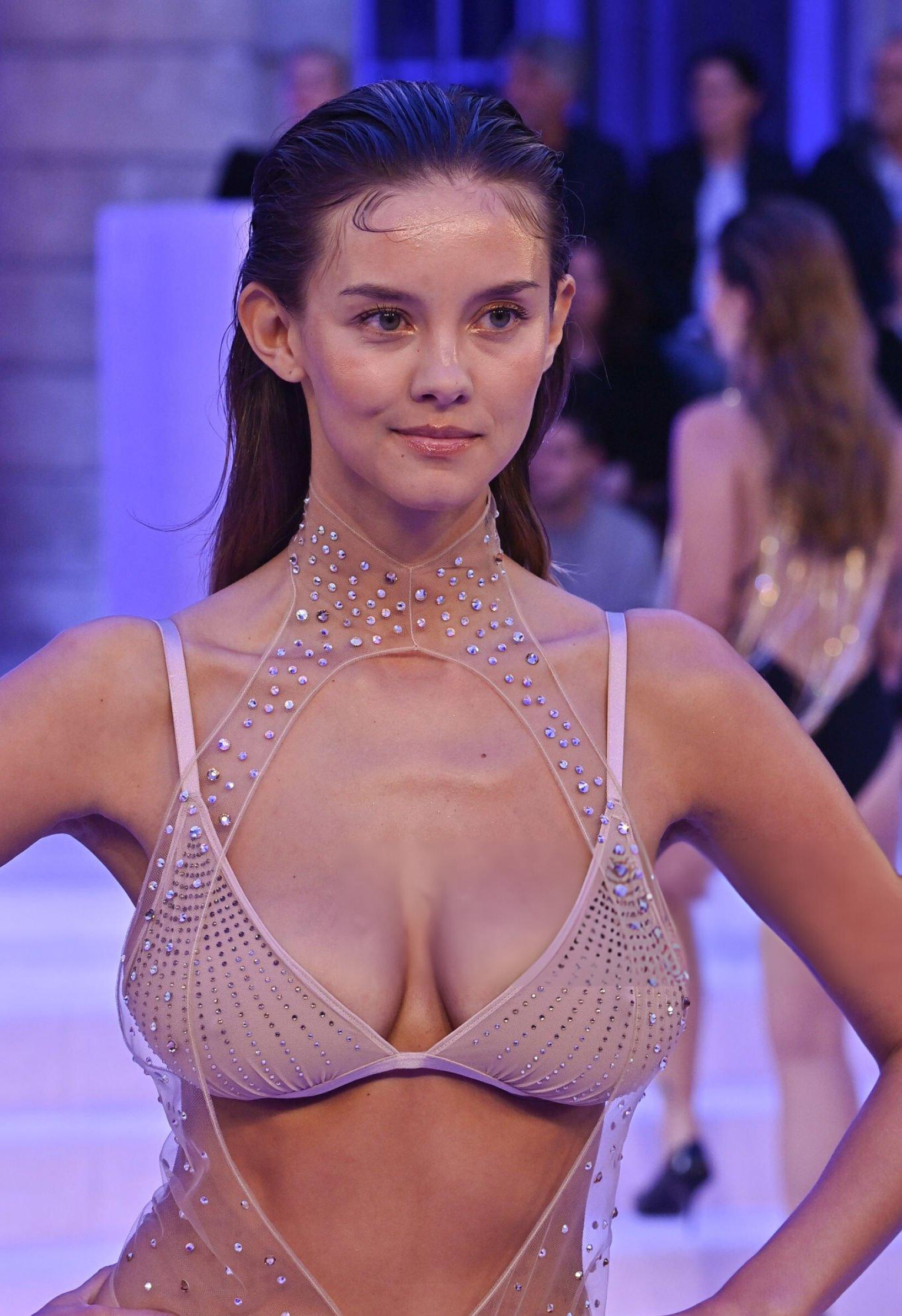
The Etam Live Show is now on YouTube: https://www.youtube.com/watch?v=AKiGsuj8bzM +A few IG stories:
-
Two short ETAM Live Show 2024 videos. Credits to the original creators, see filenames.
-
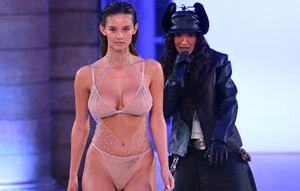
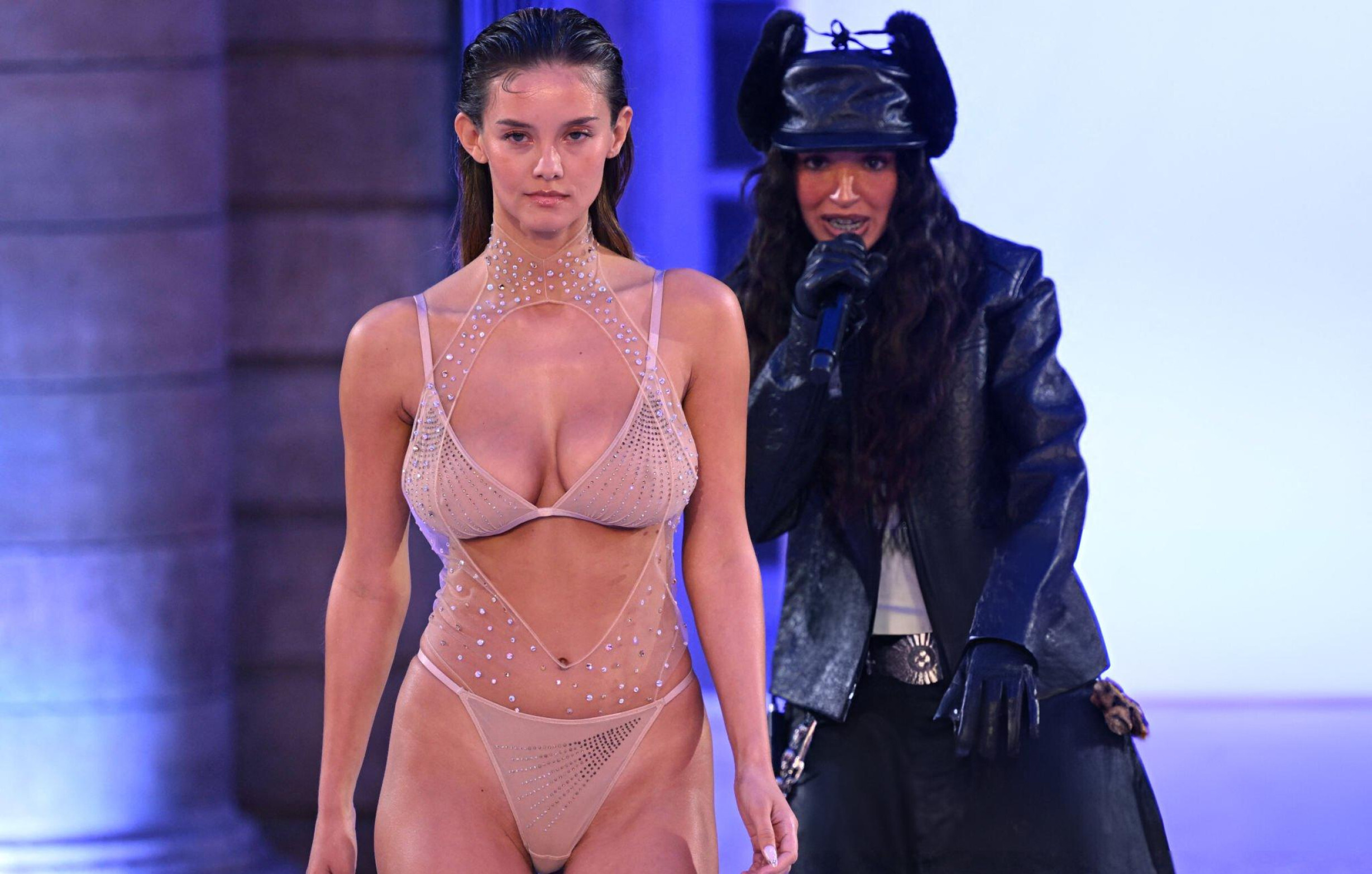
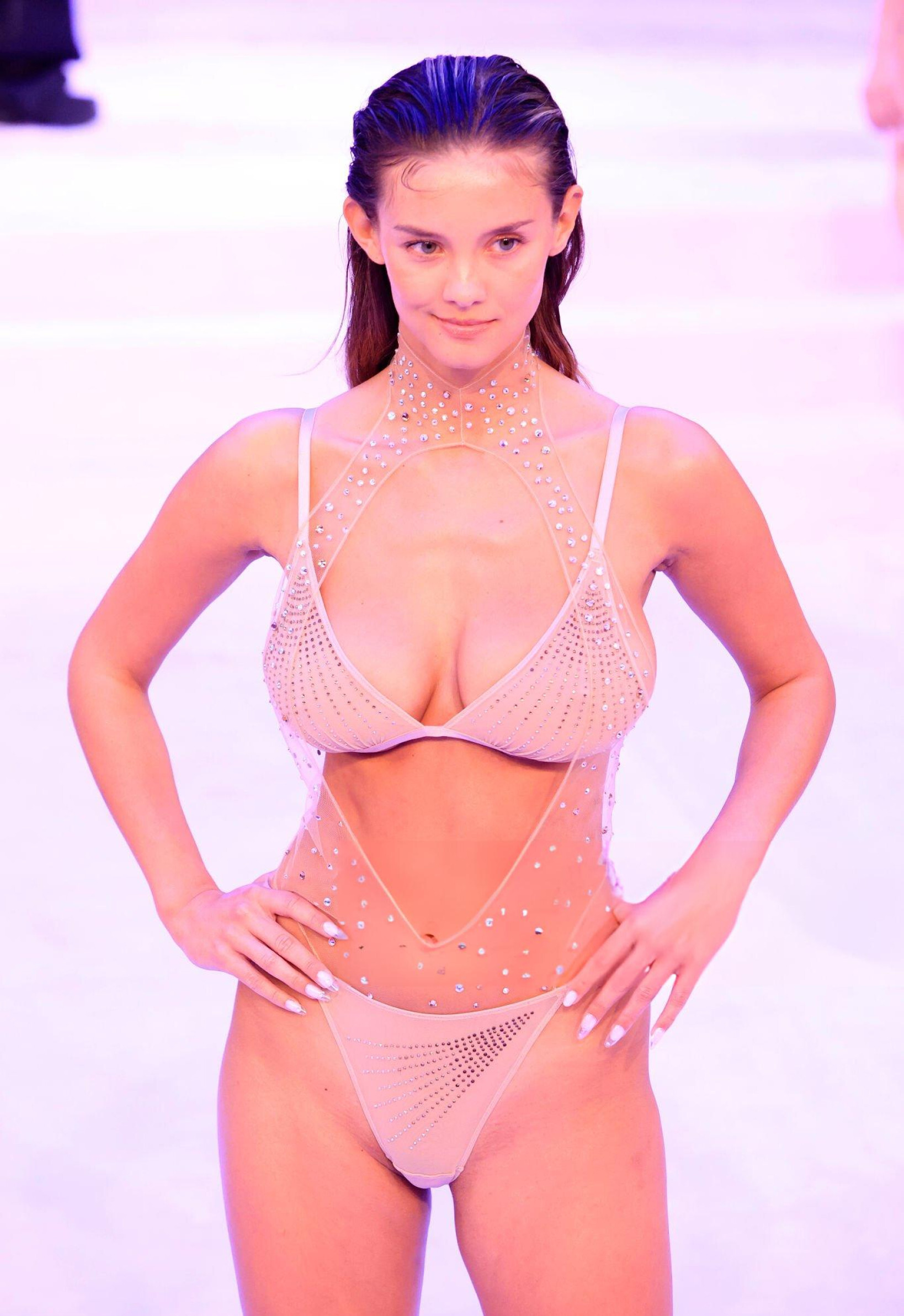
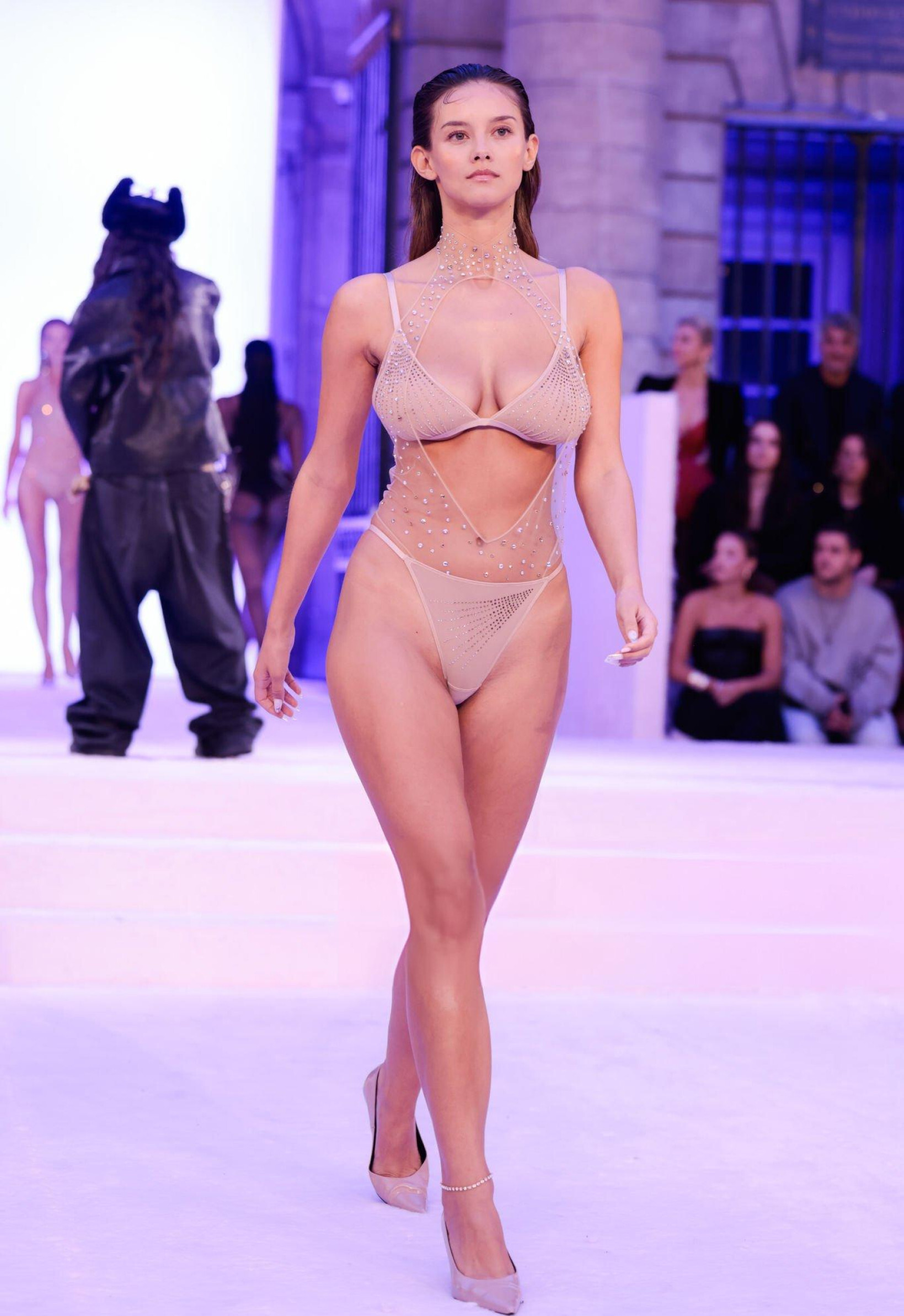
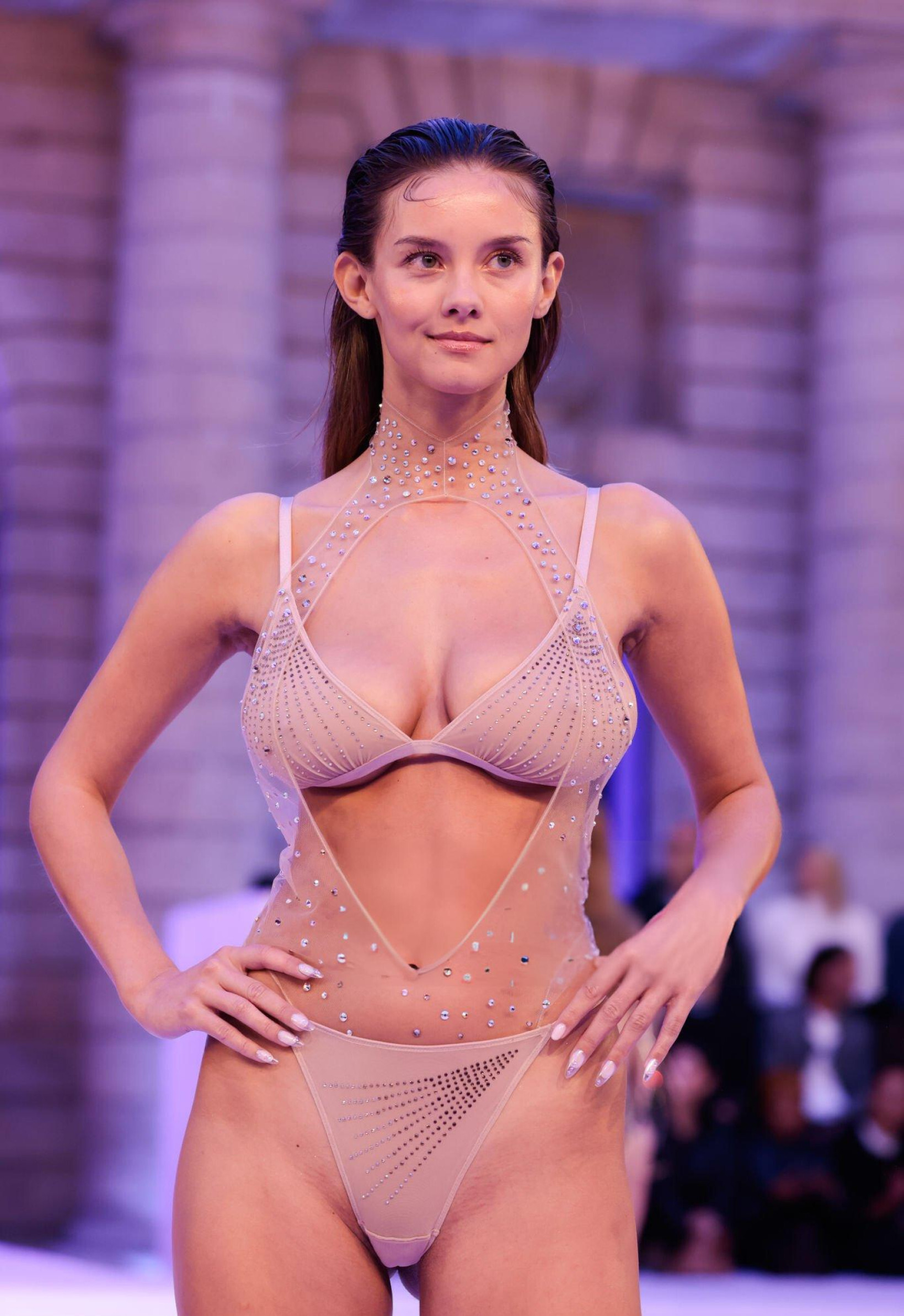
I went looking for ETAM Live Show 2024 content and ended up checking 370+ Instagram accounts. Credits to the original creators, see filenames. Some highlights: "normal face vs model attitude" Etam TikTok Rehearsal Backstage. She starts at the back. Line up ON STAGE

-
Awesome! Thank you for sharing the video and source!!!
-
There's obviously the offical "Liveshow" on the Etam website: https://www.etam.com/c/liveshow/ (Download the 1080x1920 and 1920x1080 version while you can). They might publish it to YouTube at a later date, like the summer show. The actual Instagram and TikTok live stream might've been different videos (I didn't catch those). The real gold is some "Backstage" video that I can't seem to find. Would love to know the source.