Skip to content
View in the app

A better way to browse. Learn more.

Bellazon

A full-screen app on your home screen with push notifications, badges and more.

To install this app on iOS and iPadOS
  1. Tap the Share icon in Safari
  2. Scroll the menu and tap Add to Home Screen.
  3. Tap Add in the top-right corner.
To install this app on Android
  1. Tap the 3-dot menu (⋮) in the top-right corner of the browser.
  2. Tap Add to Home screen or Install app.
  3. Confirm by tapping Install.

Lisandeileen

Members
  • Joined

  • Last visited

  1. Eltoredo started following Lisandeileen
  2. Hello Can you please change my name to Lisandeileen ? Thanks!
  3. ELLE (France - May 1988) My Scans
  4. Lisandeileen replied to a post in a topic in Female Fashion Models
    ELLE ( France - mars 1989) My Scans
  5. Lisandeileen replied to a post in a topic in Female Fashion Models
    ELLE (France - May 1988) My Scans
  6. ELLE (France - June 1989) My Scans

  7. Lisandeileen replied to a post in a topic in Female Fashion Models
    Thanks 66Lucy
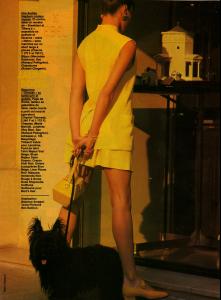
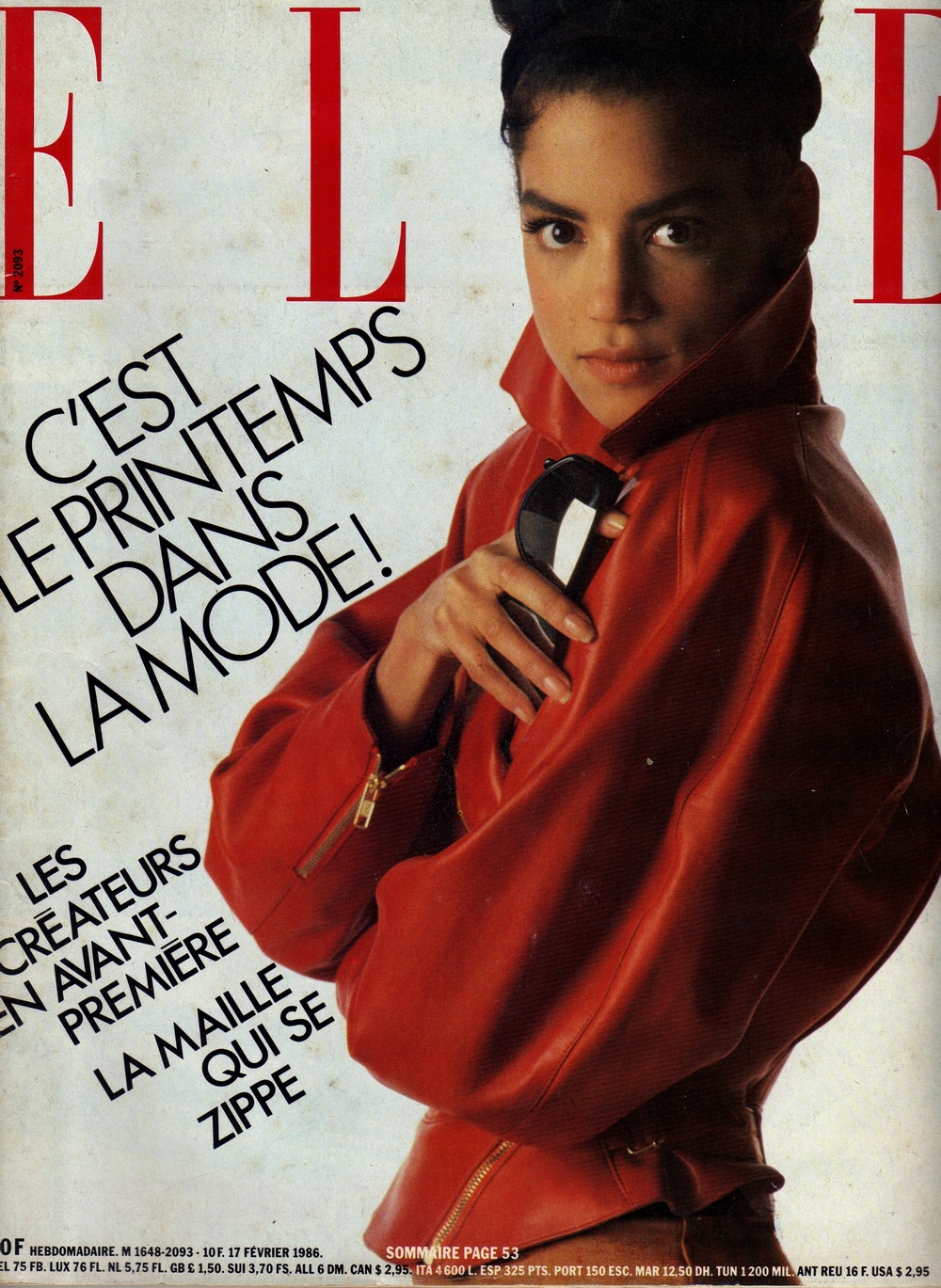
  8. ELLE (France - February 1986) My Scan
  9. Lisandeileen replied to a post in a topic in Female Fashion Models
    FEMME (France - March 1989) My Scan
  10. Lisandeileen replied to a post in a topic in Female Fashion Models
    No, i just saw today the cover in TFS
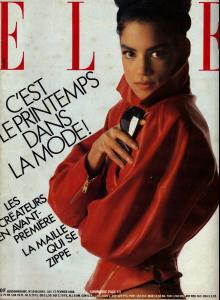
  11. ELLE (France - November 1986) My Scans
  12. Lisandeileen replied to a post in a topic in Female Fashion Models
    ELLE (France - November 1986) My Scans
  13. Lisandeileen replied to a post in a topic in Female Fashion Models
    wow Hadj! you're back, where have you been? thanks for those pictures! Hahaha, yes, i had a lot of work but i'm back
  14. Estelle Lefébure, David Hallyday & Cindy
  15. Lisandeileen replied to a post in a topic in Female Fashion Models
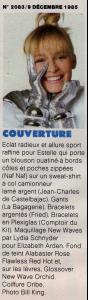
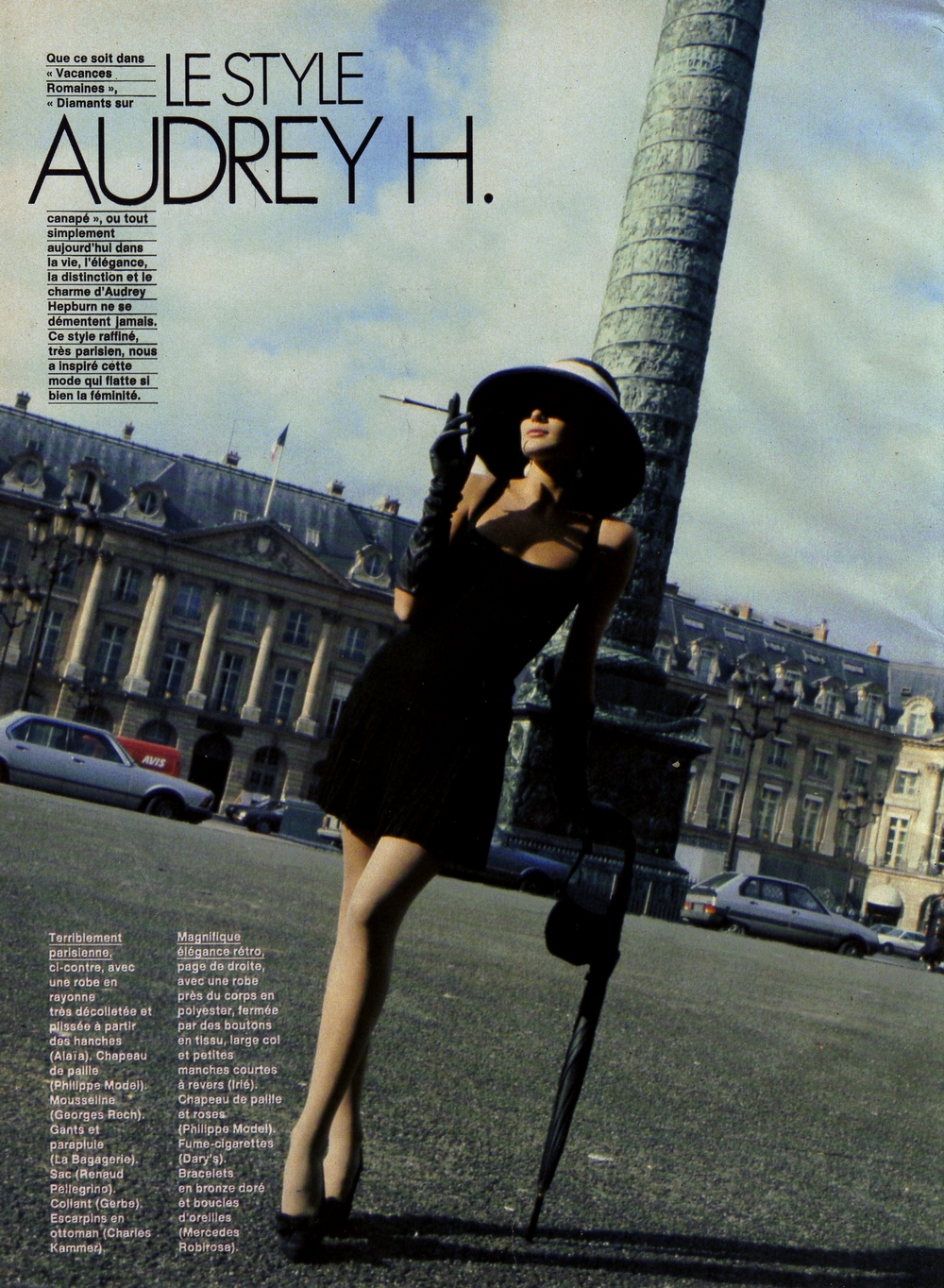
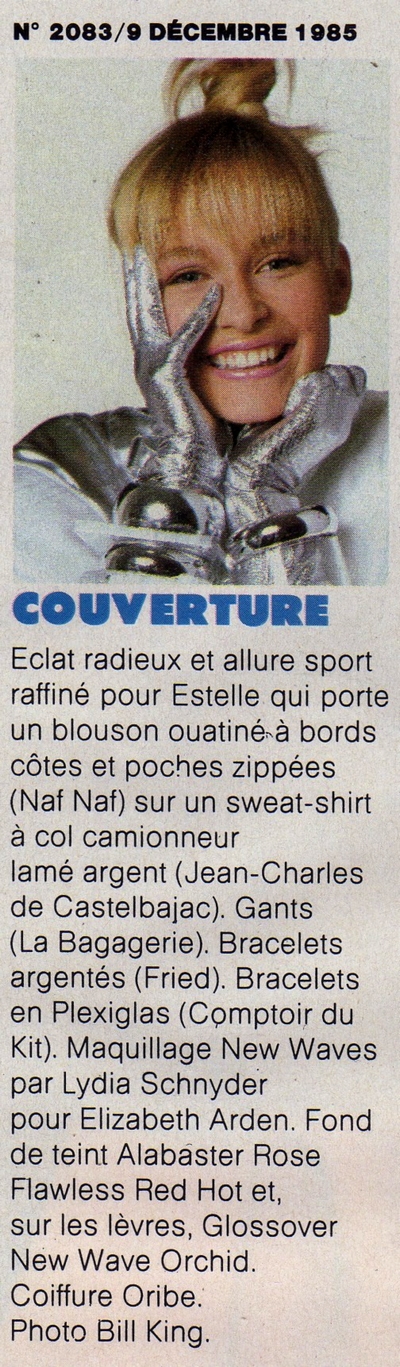
    ELLE (France - December 1985) My Scans
  16. VIVA (Dutch - October 1985)
Account

Navigation

Search

Search

Configure browser push notifications

Chrome (Android)
  1. Tap the lock icon next to the address bar.
  2. Tap Permissions → Notifications.
  3. Adjust your preference.
Chrome (Desktop)
  1. Click the padlock icon in the address bar.
  2. Select Site settings.
  3. Find Notifications and adjust your preference.