BlueAcadia
Members
-
Joined
-
Last visited
Everything posted by BlueAcadia
-
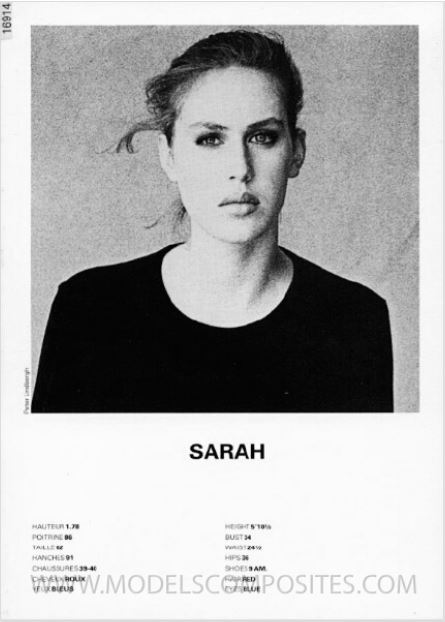
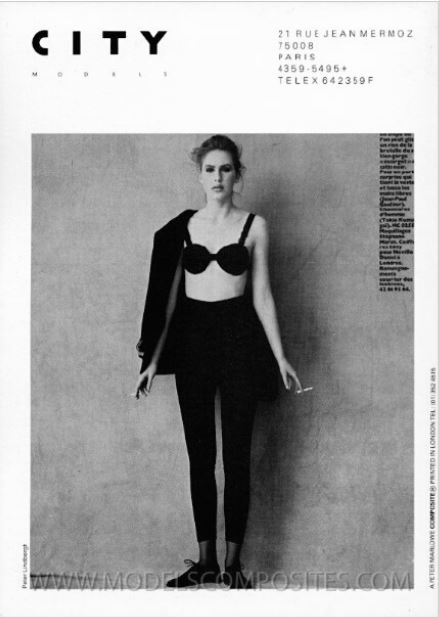
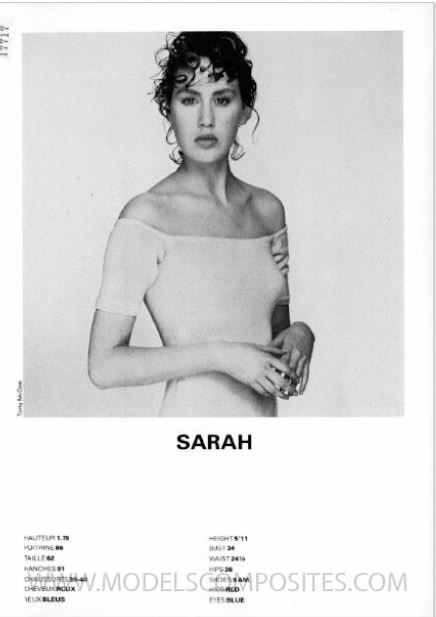
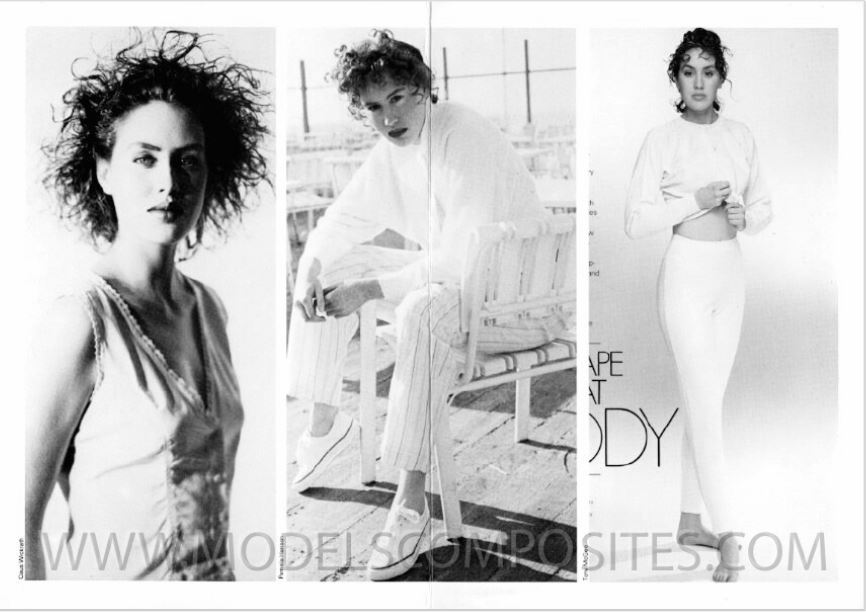
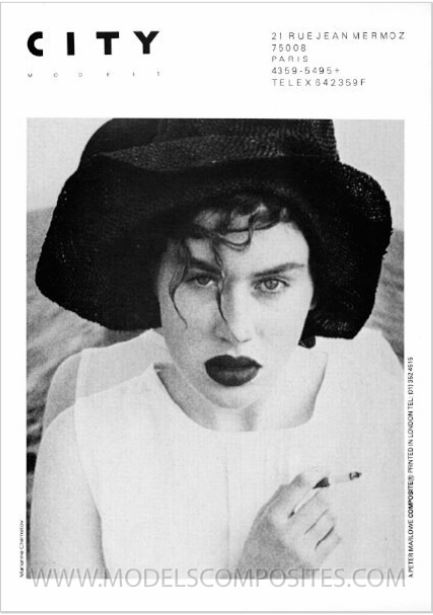
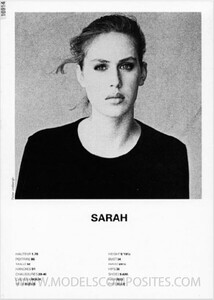
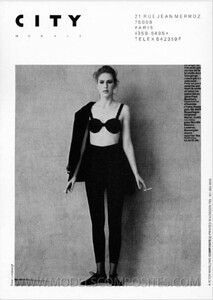
Sarah is a tall, redhead international fashion model that worked professionally in the 80s & 90s and was represented by City (Paris). Additional links about Sarah: http://www.modelscomposites.com/getlist.php?list=wld&choice=Sarah+8&year=all&id= Height: 5'11" (1.79) Hair: Red Eyes: Blue From Peter Marlowe Composites:
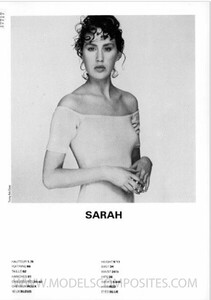
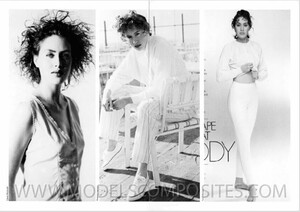
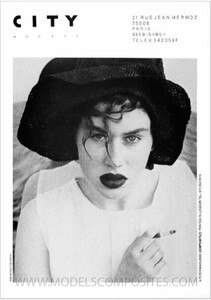
-
GORGEOUS!!
-
She is Joann Richter
-
@Martial IDed her for us in "vintage model Id" thread as Nicole Visers
-
I say yes!
-
Thank you @Dayrell
-
-
Yes I will!
-
THANK YOU @missparker7!!
-
Simone Silverman
-
Paula Abbott
-
This is totally her!! NICE @RocketQueen
-
Daniela Ghione
-
The girl in Lei Glamour Carrie Johnson
-
It's an all new Kendra!
-
You are welcome @sanja! I keep learning new models, so I try and go back to the start of this thread once and awhile and ID more!
-
Yeah You got a big one in the middle with Vendela Kirsebom!
-
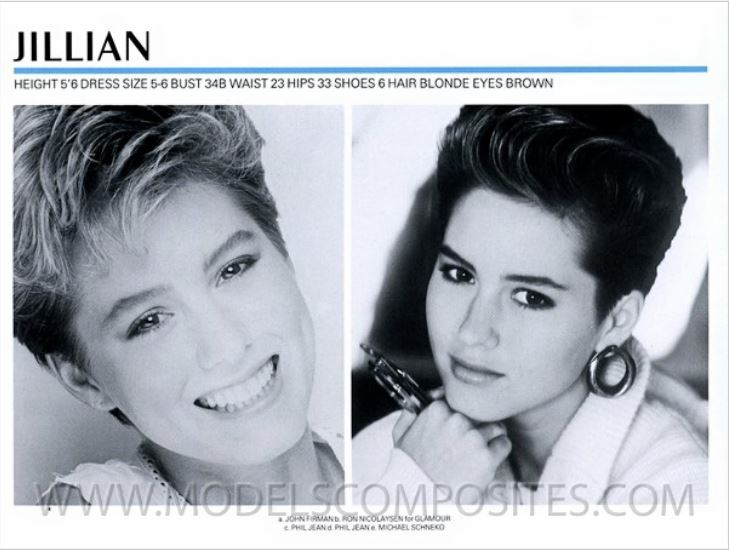
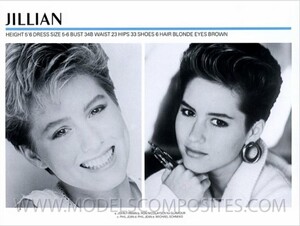
JILLIAN
-
OH Awesome! I loooove the Chloe ads!
-
Thanks sooooo much!
-
Akure Wall and Jillian King Sorry I didn't see that you needed these IDs- I was too excited about more of Sarah!
-
Christine Bergstrom

-
MAGDALENA
-
Helen Hogberg
-
Julianne Meluskey & Jinsey Dauk