Jump to content
View in the app

A better way to browse. Learn more.

Bellazon

A full-screen app on your home screen with push notifications, badges and more.

To install this app on iOS and iPadOS
  1. Tap the Share icon in Safari
  2. Scroll the menu and tap Add to Home Screen.
  3. Tap Add in the top-right corner.
To install this app on Android
  1. Tap the 3-dot menu (⋮) in the top-right corner of the browser.
  2. Tap Add to Home screen or Install app.
  3. Confirm by tapping Install.

jal718

Members
  • Joined

  • Last visited

Everything posted by jal718

  1. jal718 replied to a post in a topic in Female Fashion Models
    My scan for you Francy
  2. HQ for you miss
  3. jal718 replied to GoodFoot's topic in Actresses
    Estee stuff is all LQ re-posts
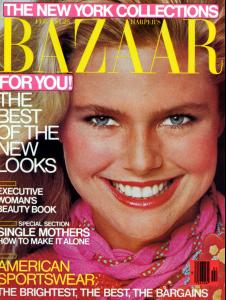
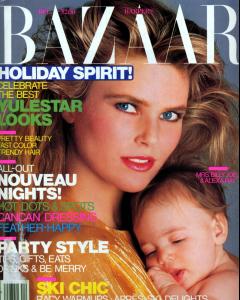
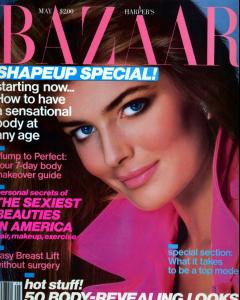
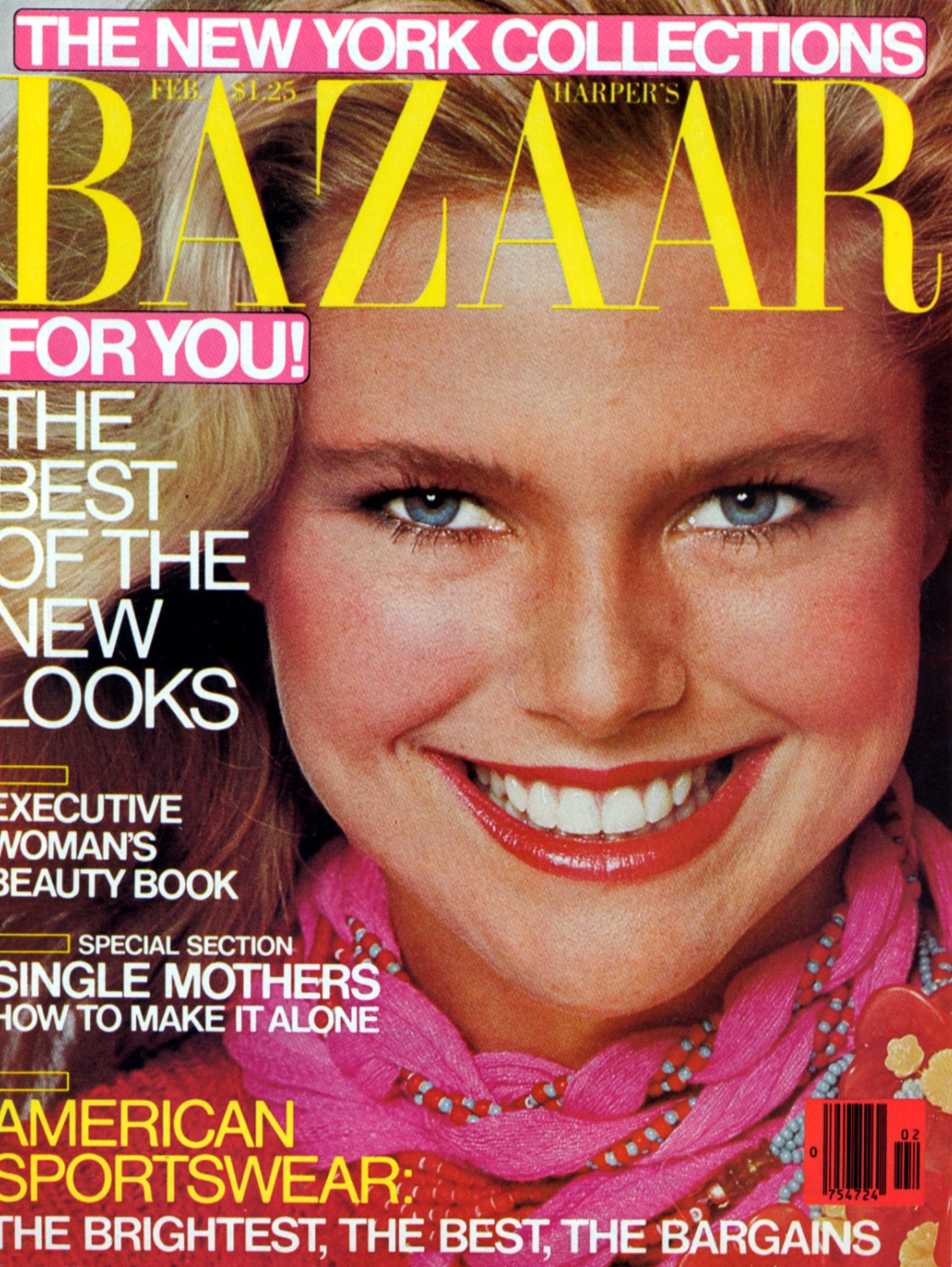
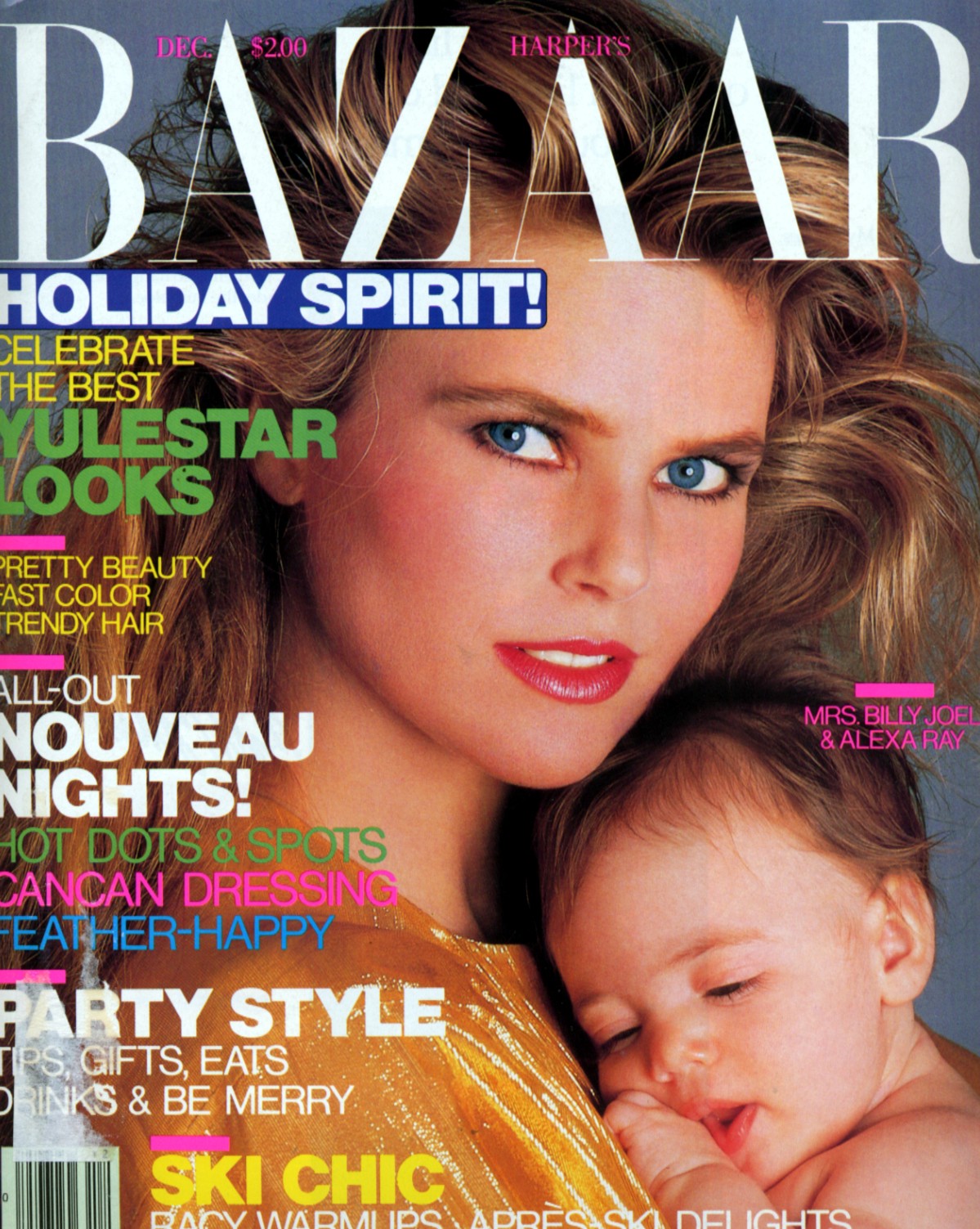
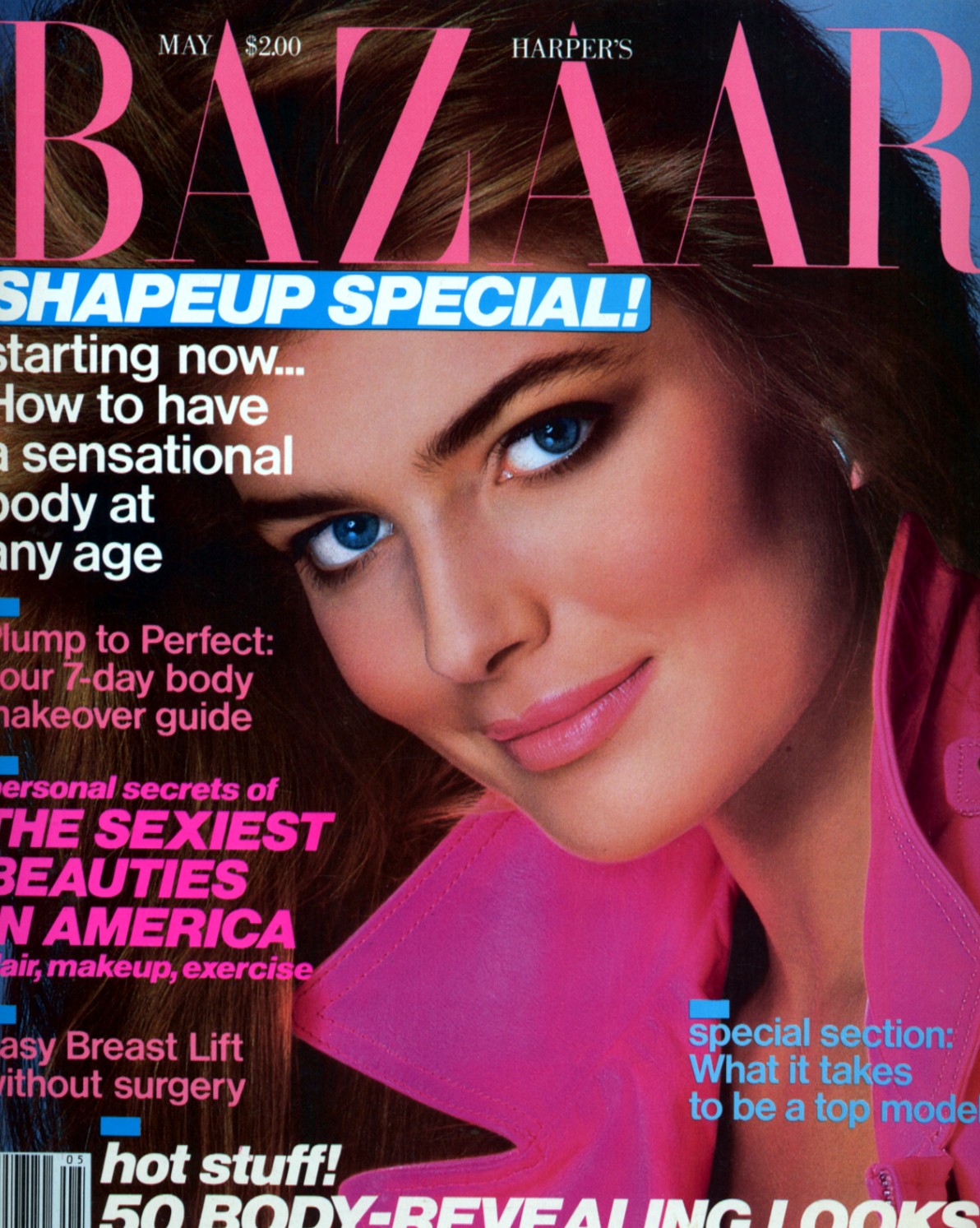
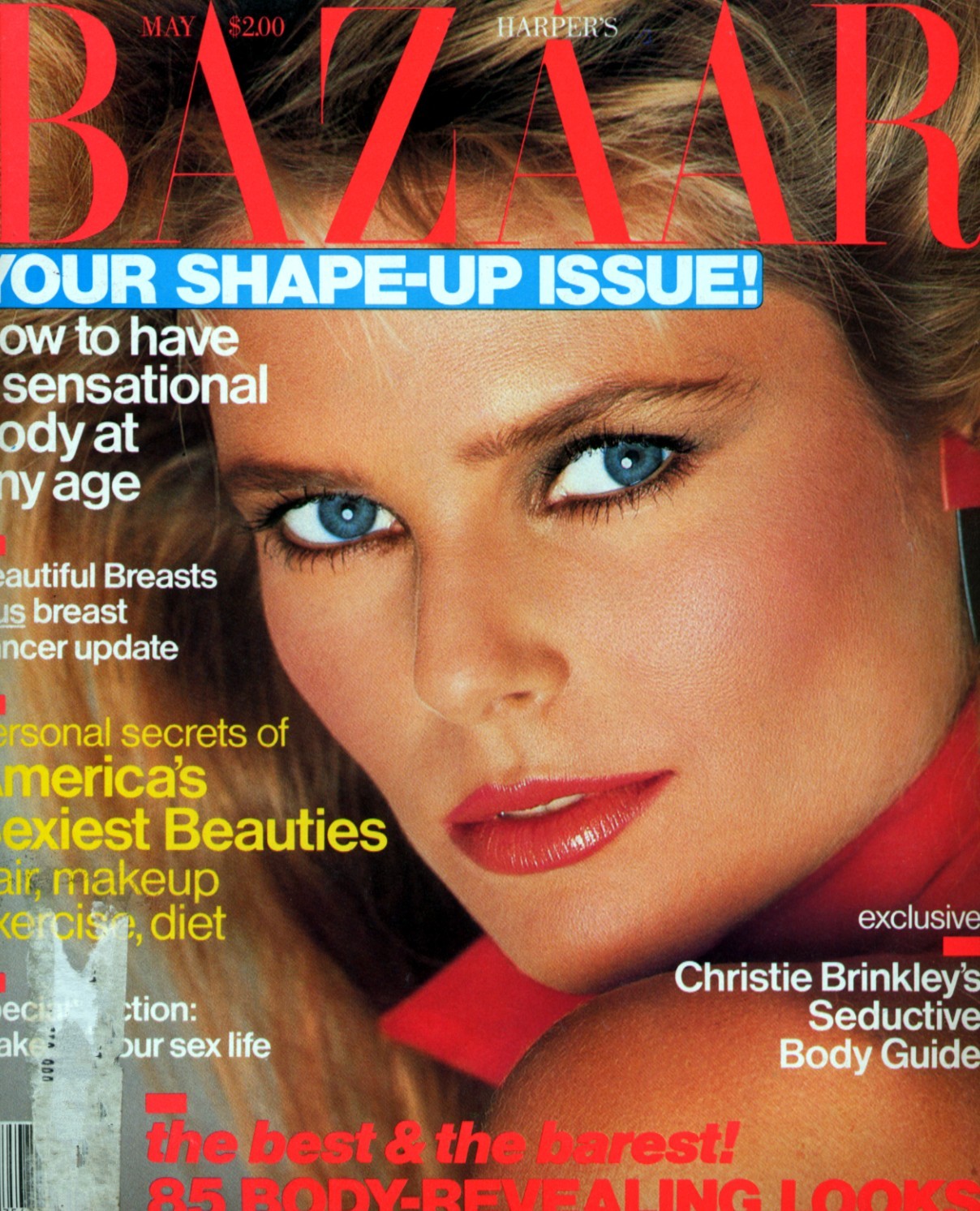
  4. I did not have those 3 Bazaar coers, thanks my miss!
  5. Always happy to provide HQ for miss!
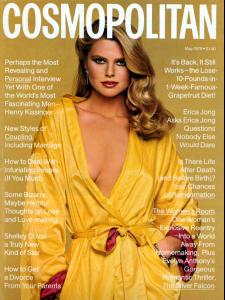
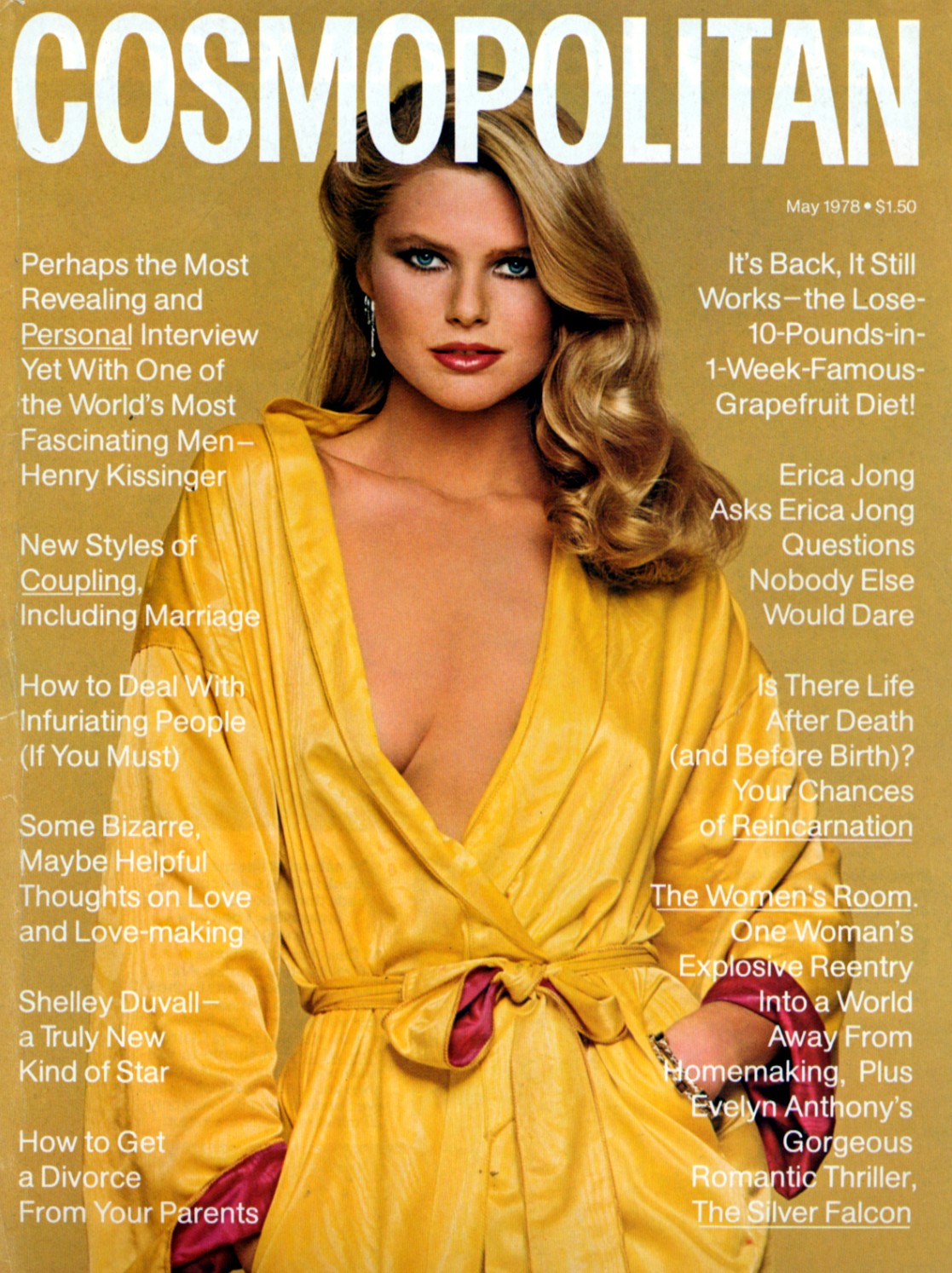
  6. Then we should get back on track.....my favorite cover of Christie
  7. jal718 replied to rosada's topic in Gisele Bundchen
    bella, you must do better then this....HQ please!

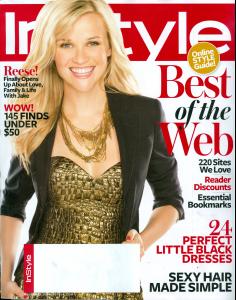
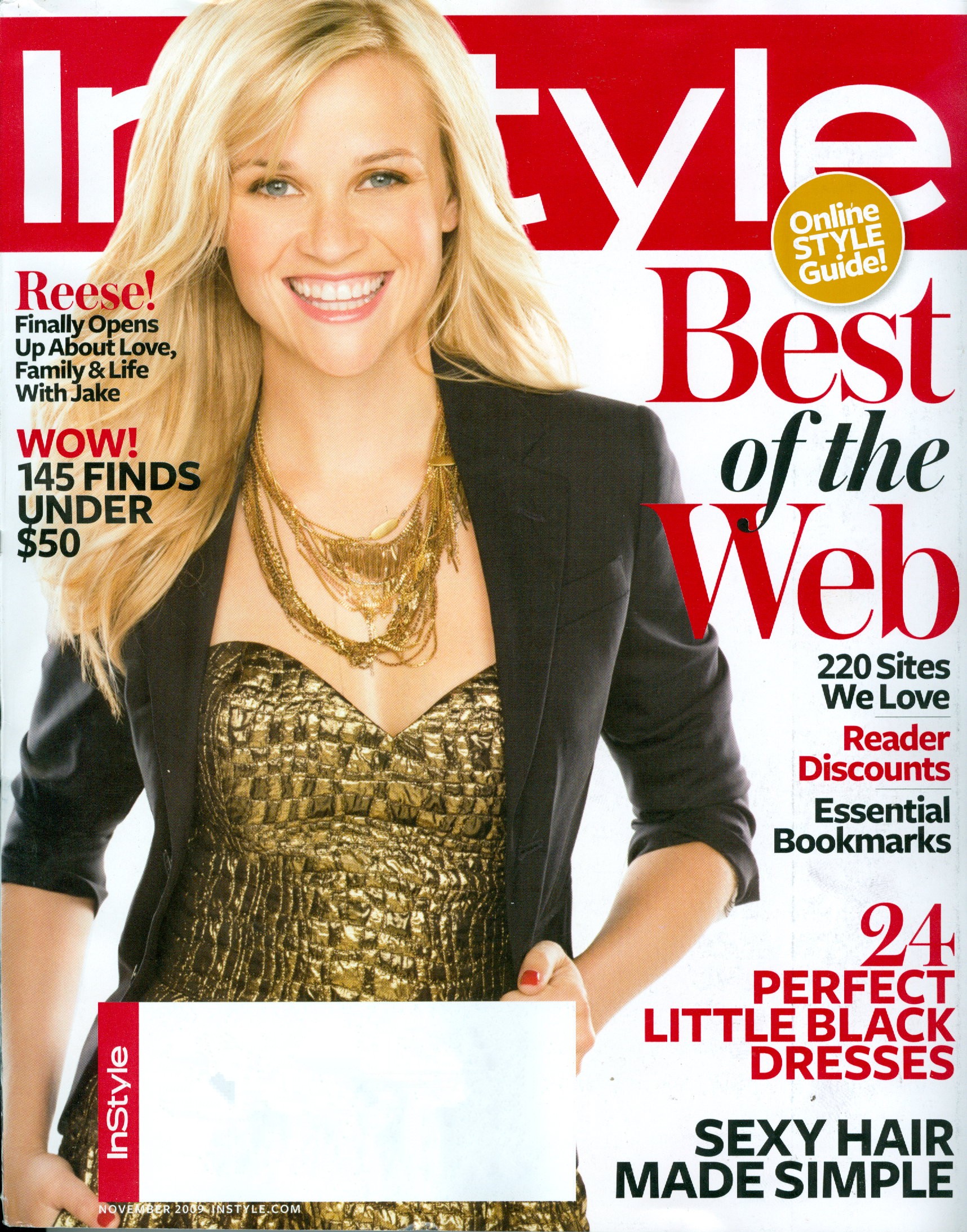
  8. My scan, new In Style
  9. jal718 replied to a post in a topic in Petra Nemcova
    Great looking cover, thanks D!
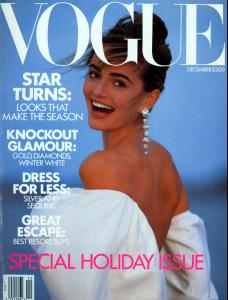
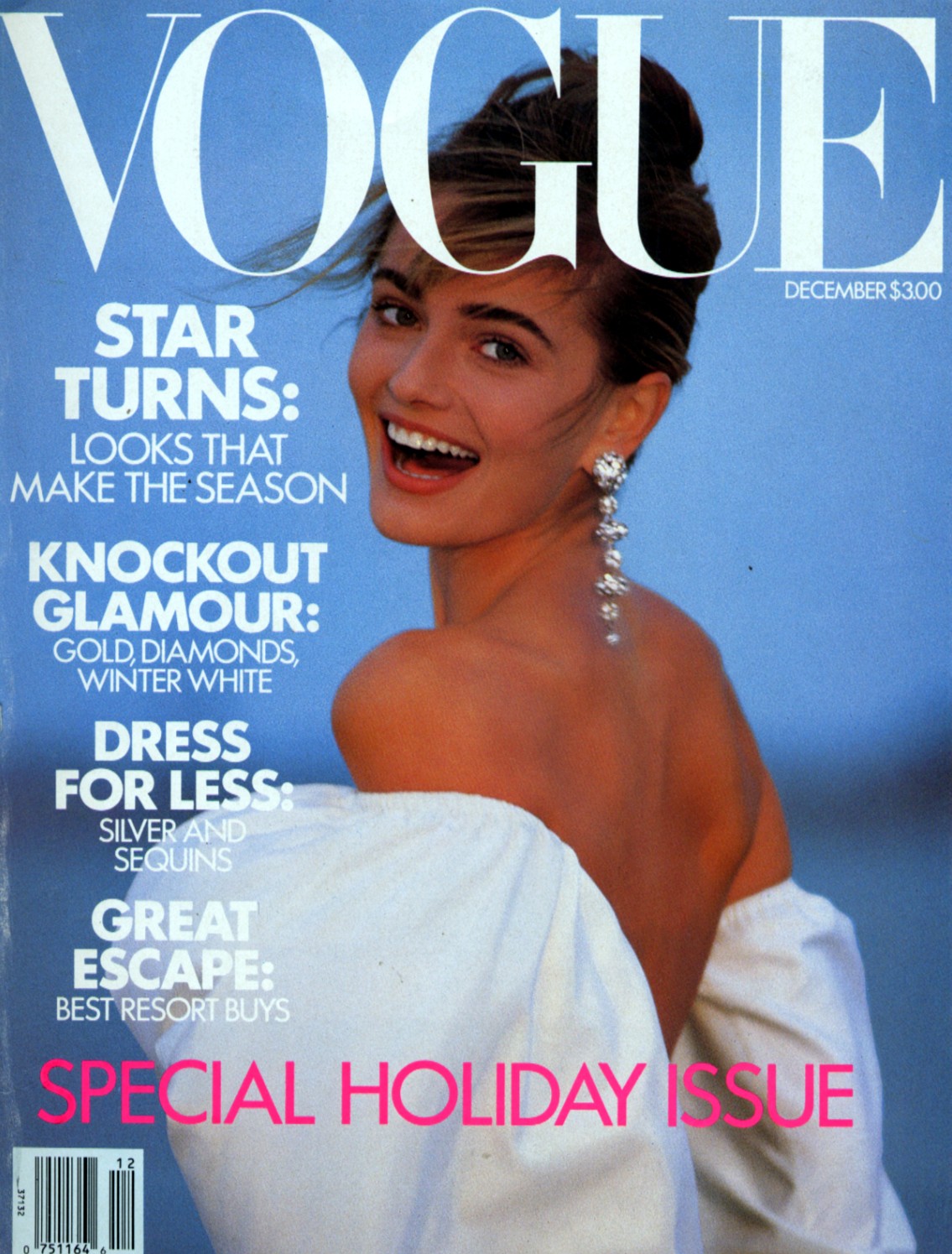
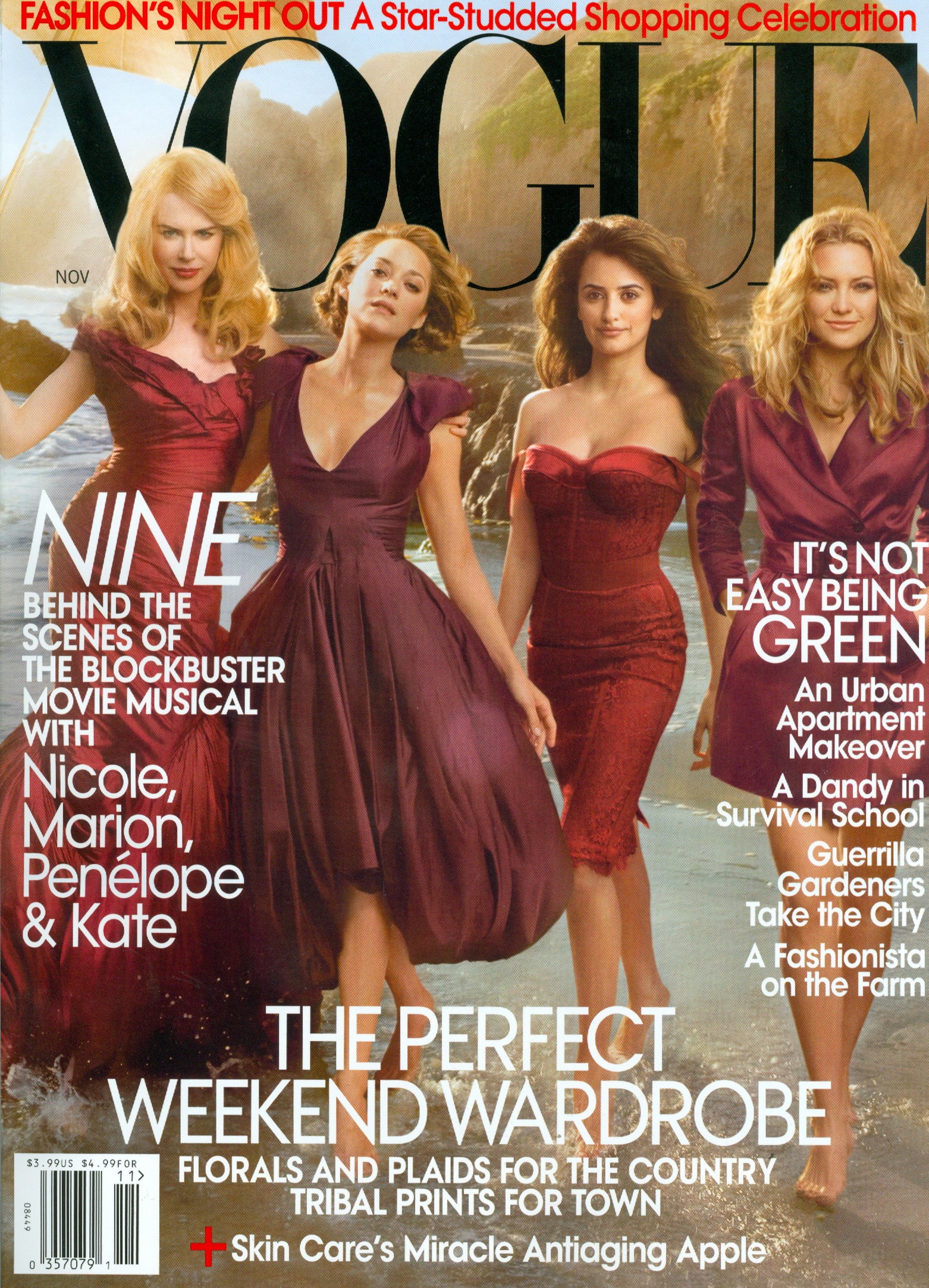
  10. My scan out of the new Vogue
  11. jal718 replied to Anouk's topic in Actresses
    Even after scanning it, I still think it's still a bad cover....they all look fake especially Penelope and Nicole.

  12. You think so D? I'm not big on it.
  13. jal718 posted a topic in Archives
    Who?
  14. My scan
  15. Thanks PC
  16. Great Tempo cover D, thanks!
  17. Thanks Suki!
  18. jal718 replied to gin's topic in Actresses
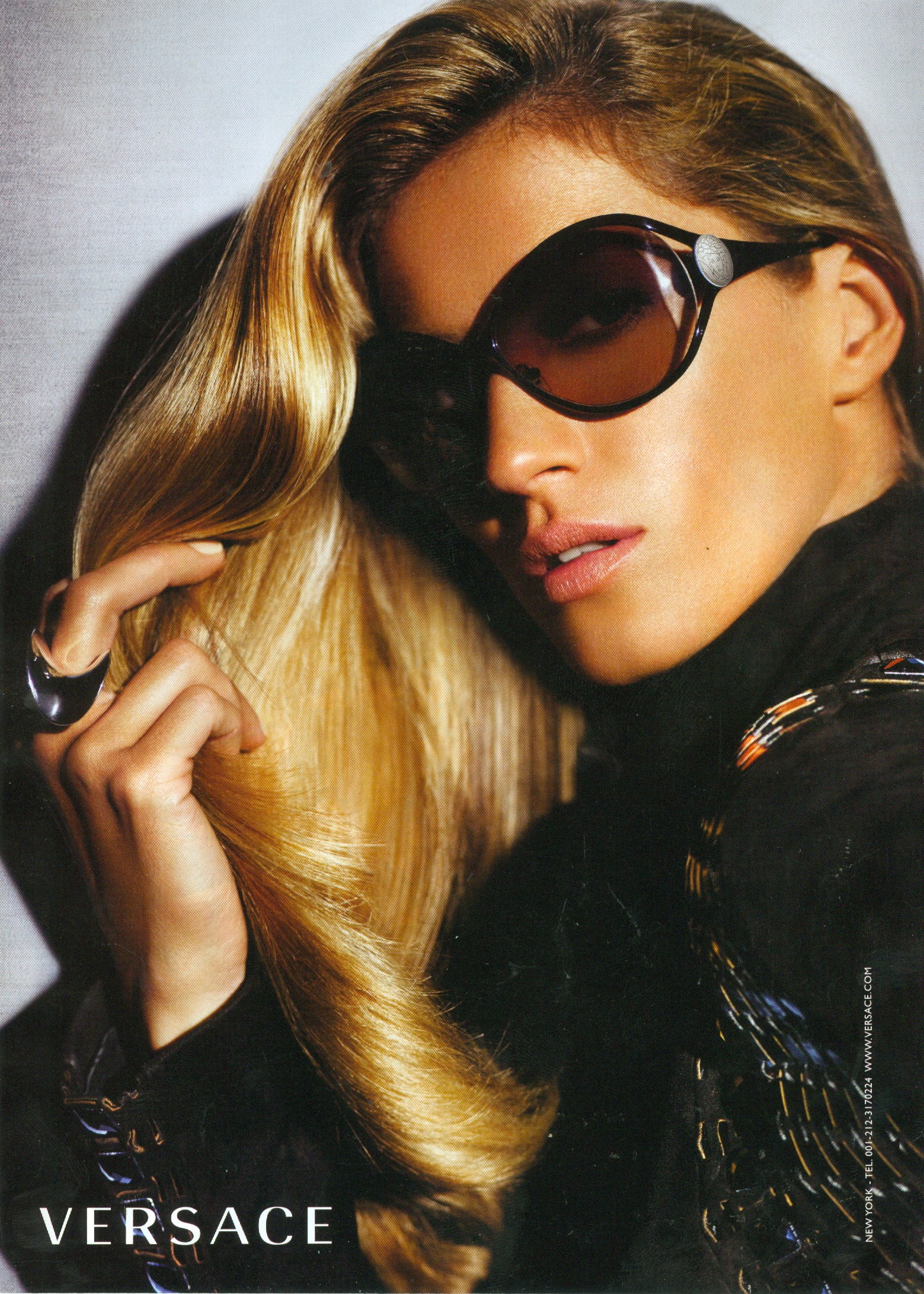
    Here you go, same shot but different ad
  19. jal718 replied to ministry's topic in Actresses
    My scan
  20. jal718 replied to Hiro's topic in Actresses
    Yeah but it's a good repost to look at before the nipple nazi's yank it off!
  21. jal718 replied to cast0r's topic in Actresses
    You tell him kiki!

Configure browser push notifications

Chrome (Android)
  1. Tap the lock icon next to the address bar.
  2. Tap Permissions → Notifications.
  3. Adjust your preference.
Chrome (Desktop)
  1. Click the padlock icon in the address bar.
  2. Select Site settings.
  3. Find Notifications and adjust your preference.