
ministry
Members
-
Joined
-
Last visited
-
thx radolgc,love the candids
-
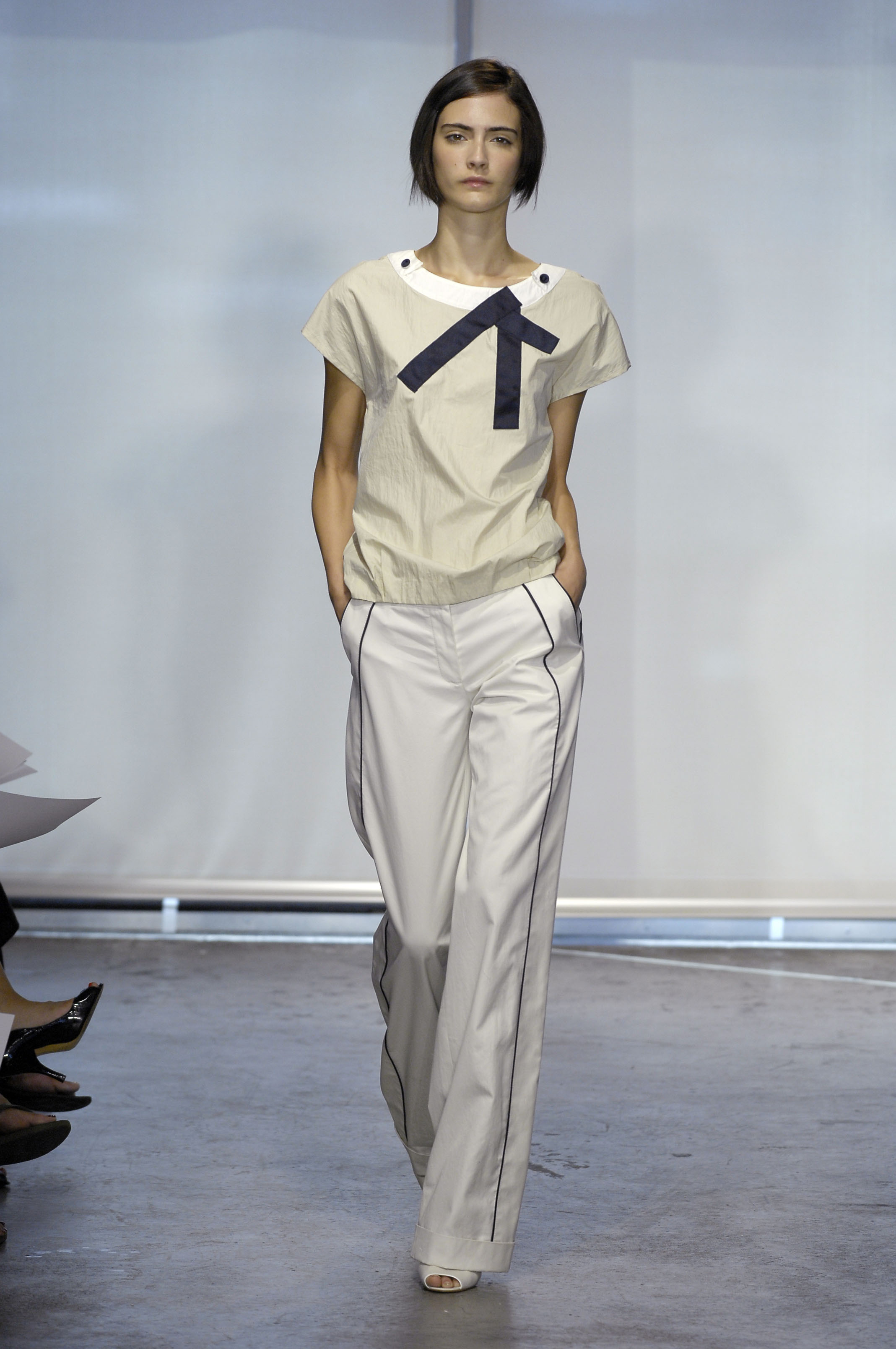
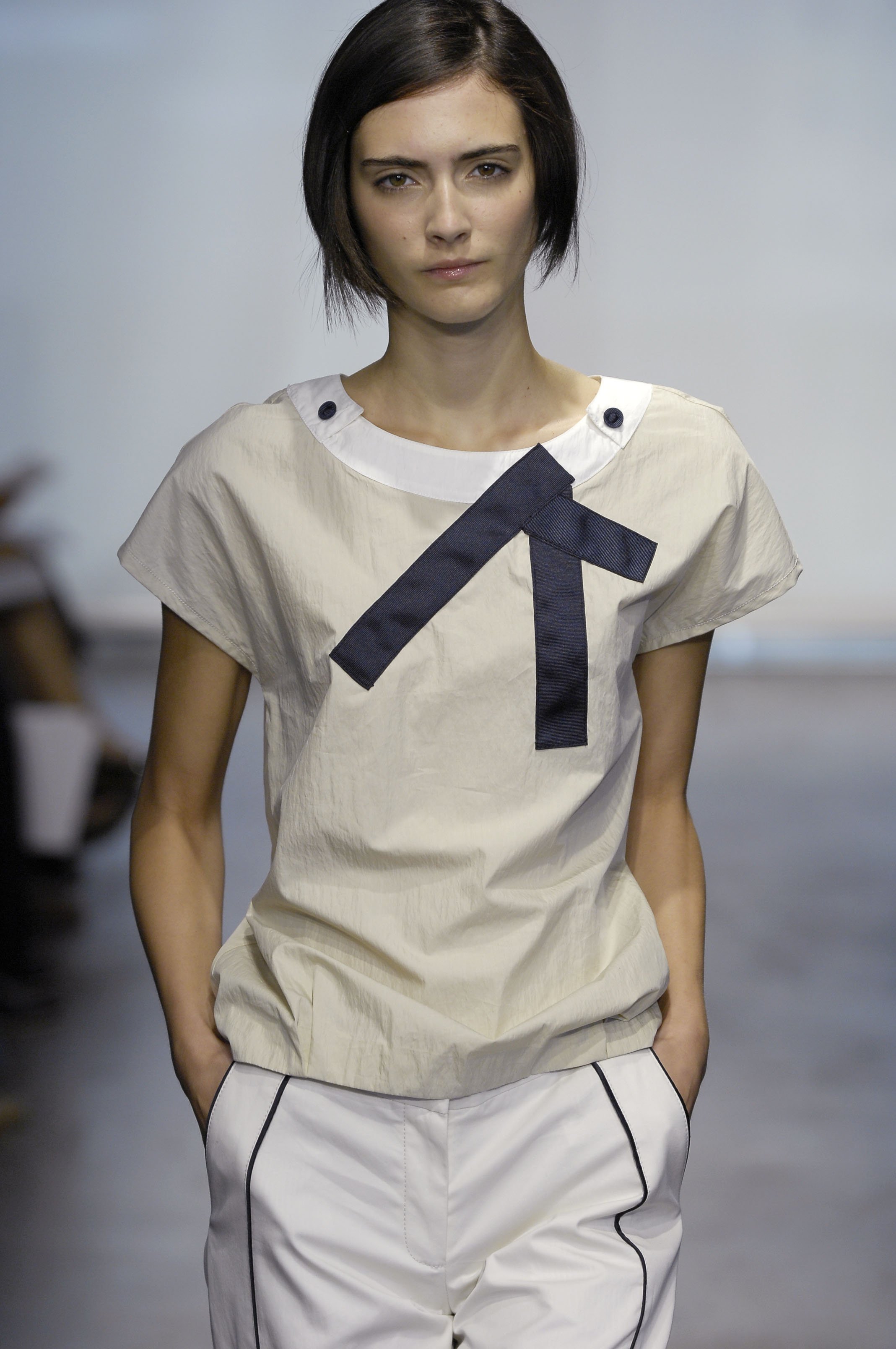
The georges rech and cyrillus pics are not zuzana.
-
ministry changed their profile photo
-
Arizona Muse and Matthew williamson for THE OUTNET
-
Hello again^^ I didn't want to cause any trouble Here's the source,this is from a mona johannesson fansite : http://www.monaj.net/gallery/categories.ph...j4n4d0vdr63vc31 Personally,i don't have any doubt,especially when i look at her lips. Well,i think some people may not agree,but i wanted to share my toughts with you all
-
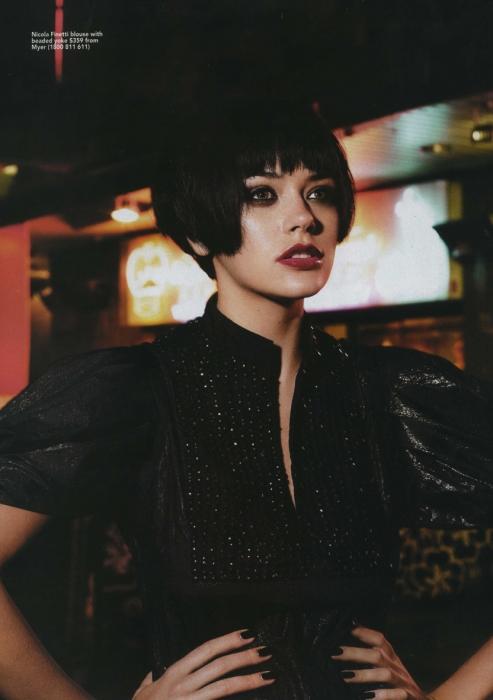
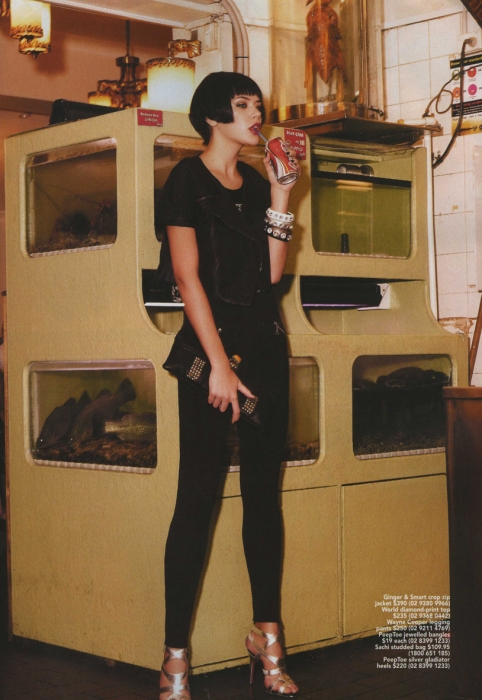
^Hey dawson, they're all posted (and lots more!) in higher quality on page 195... Got sent this but don't have any info as yet - so just enjoy it for now as it's a beaut: Hello,i was lurking around here,so just to make it clear to everyone,the girl on this picture is mona johannesson,this is a photoshoot from cleo sullivan.


-
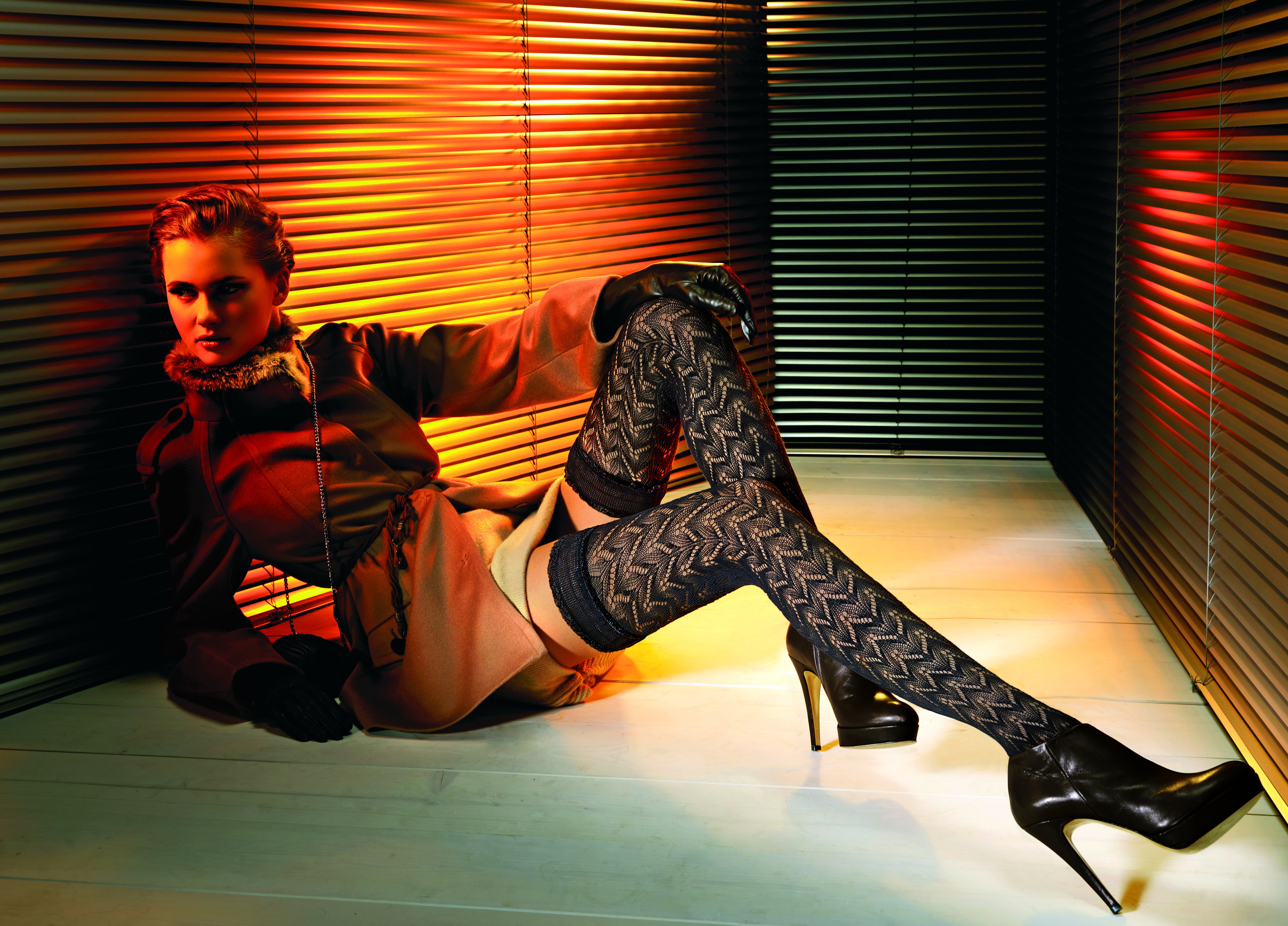
Oroblu
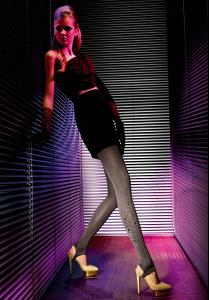
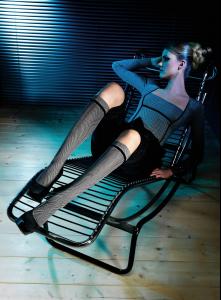 Image hidden for guestsSign in to viewImage hidden for guestsSign in to viewImage hidden for guestsSign in to view
 Image hidden for guestsSign in to view
 Image hidden for guestsSign in to viewImage hidden for guestsSign in to viewImage hidden for guestsSign in to viewImage hidden for guestsSign in to viewImage hidden for guestsSign in to view
-
beautiful polaroids




-
Thx Tink they are great,we need more susan!
-
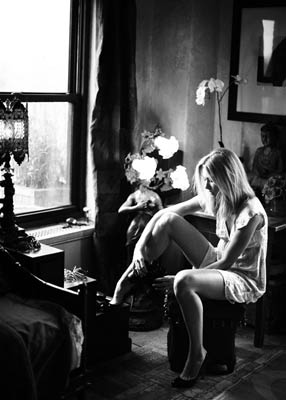
actually,the third picture is susan tooShe's beautiful! Thx for the scans gisties!







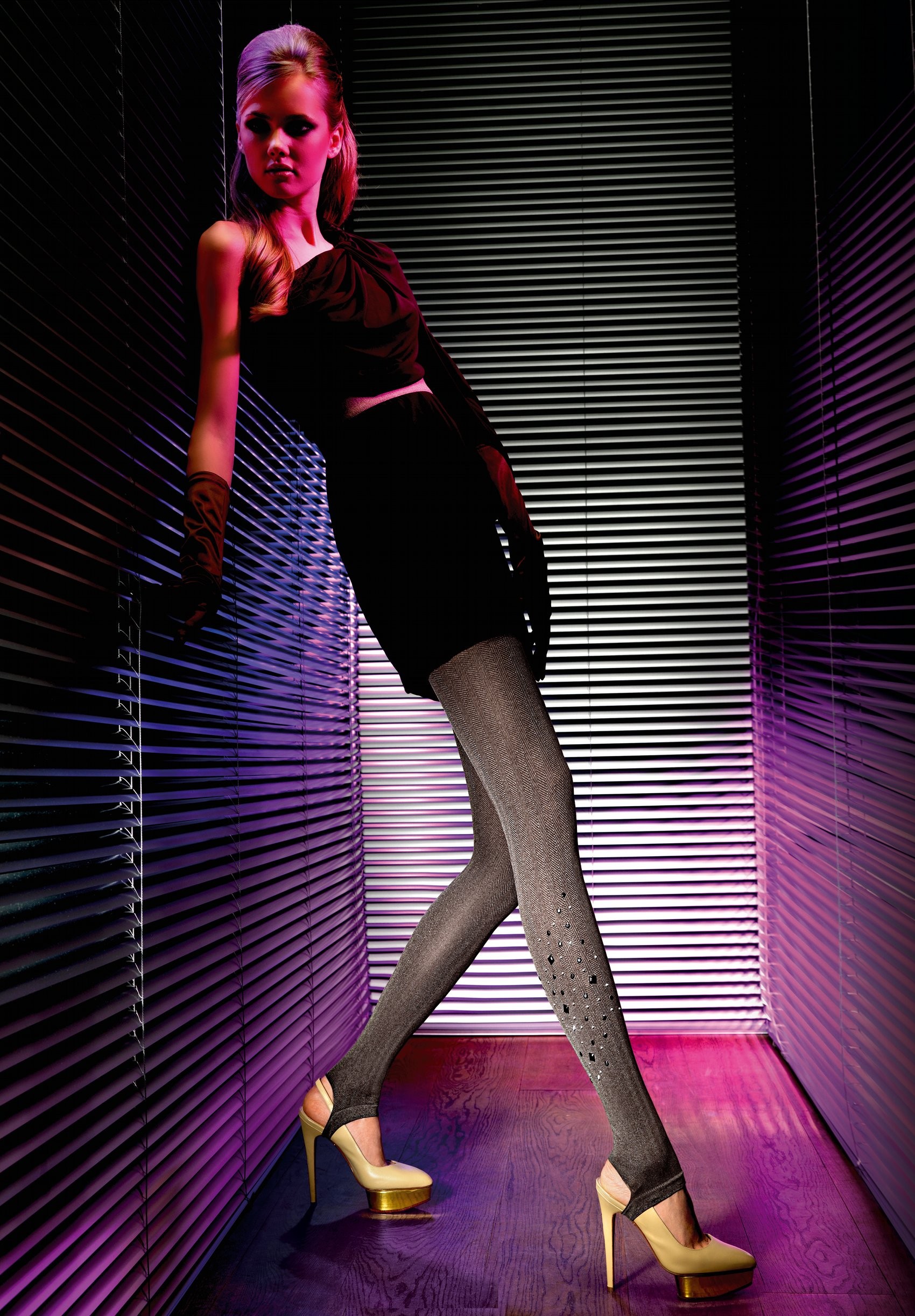
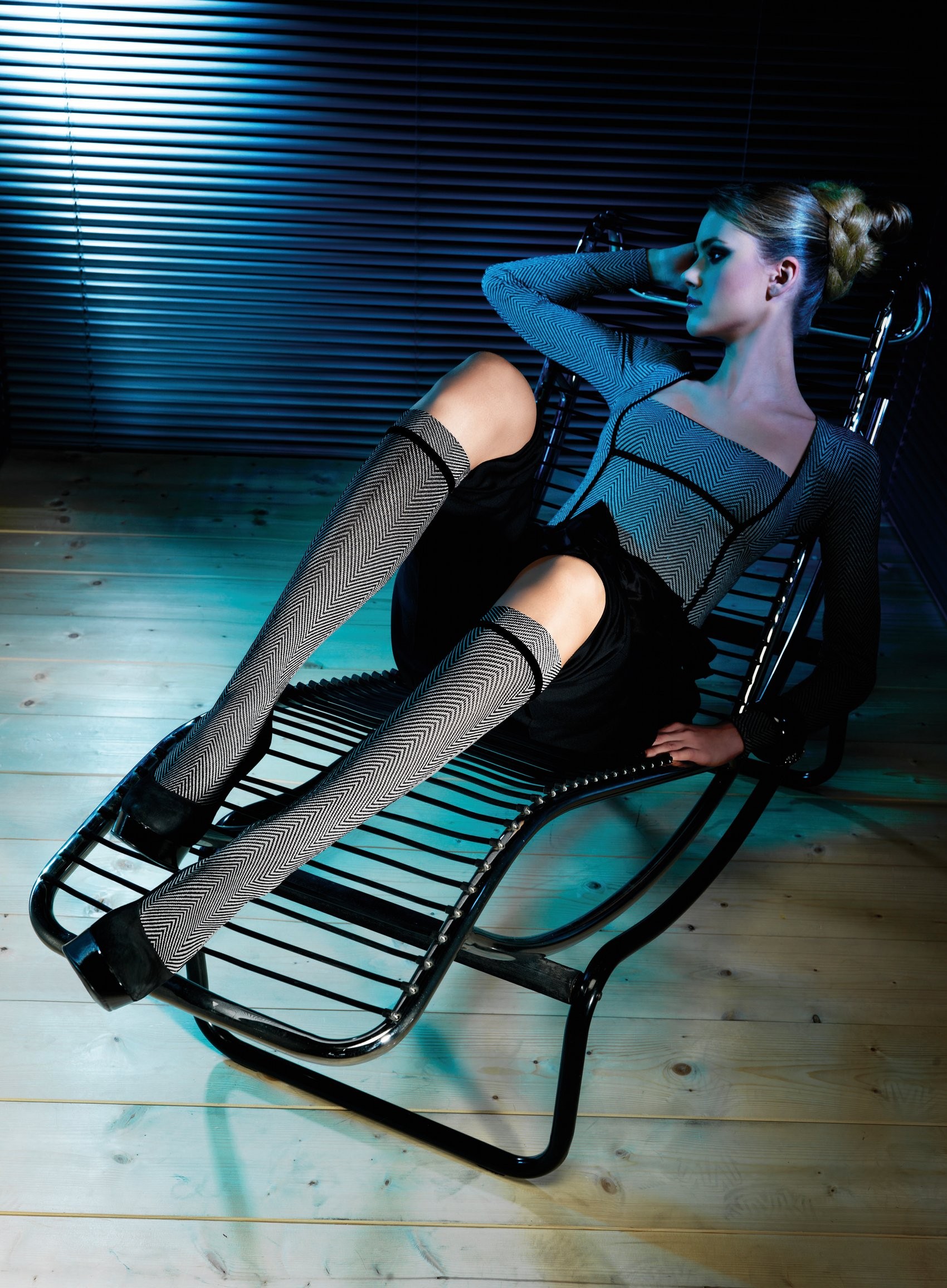



























Account
Navigation
Search
Configure browser push notifications
Chrome (Android)
- Tap the lock icon next to the address bar.
- Tap Permissions → Notifications.
- Adjust your preference.
Chrome (Desktop)
- Click the padlock icon in the address bar.
- Select Site settings.
- Find Notifications and adjust your preference.
Safari (iOS 16.4+)
- Ensure the site is installed via Add to Home Screen.
- Open Settings App → Notifications.
- Find your app name and adjust your preference.
Safari (macOS)
- Go to Safari → Preferences.
- Click the Websites tab.
- Select Notifications in the sidebar.
- Find this website and adjust your preference.
Edge (Android)
- Tap the lock icon next to the address bar.
- Tap Permissions.
- Find Notifications and adjust your preference.
Edge (Desktop)
- Click the padlock icon in the address bar.
- Click Permissions for this site.
- Find Notifications and adjust your preference.
Firefox (Android)
- Go to Settings → Site permissions.
- Tap Notifications.
- Find this site in the list and adjust your preference.
Firefox (Desktop)
- Open Firefox Settings.
- Search for Notifications.
- Find this site in the list and adjust your preference.