jal718
Members
-
Joined
-
Last visited
Everything posted by jal718
-

-
good stuff mick, thanks
-
-
I understand that peoples like the candids at premieres, special events, etc. But pictures of Megan or any other celebs in the street shopping/drinking/talking... are just not interesting... you are posting only few (thank u for that because i know there is more of this shoot) but on other threads some members are posting 70 pictures in a raw! of a celebrity walking in the streets and you can see his/her face onto maybe 6 pictures!! total non sense for me! Well said kiki
-
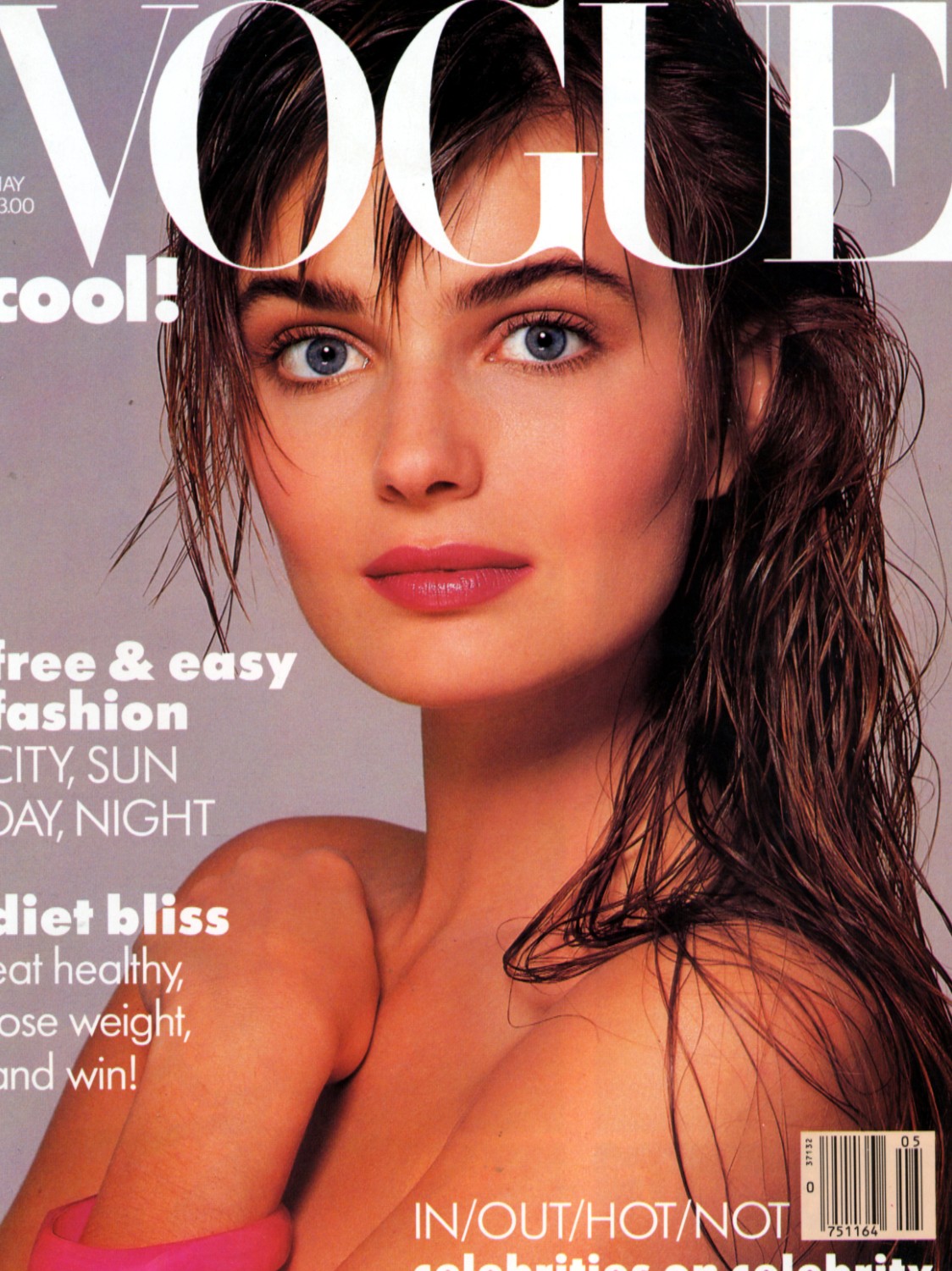
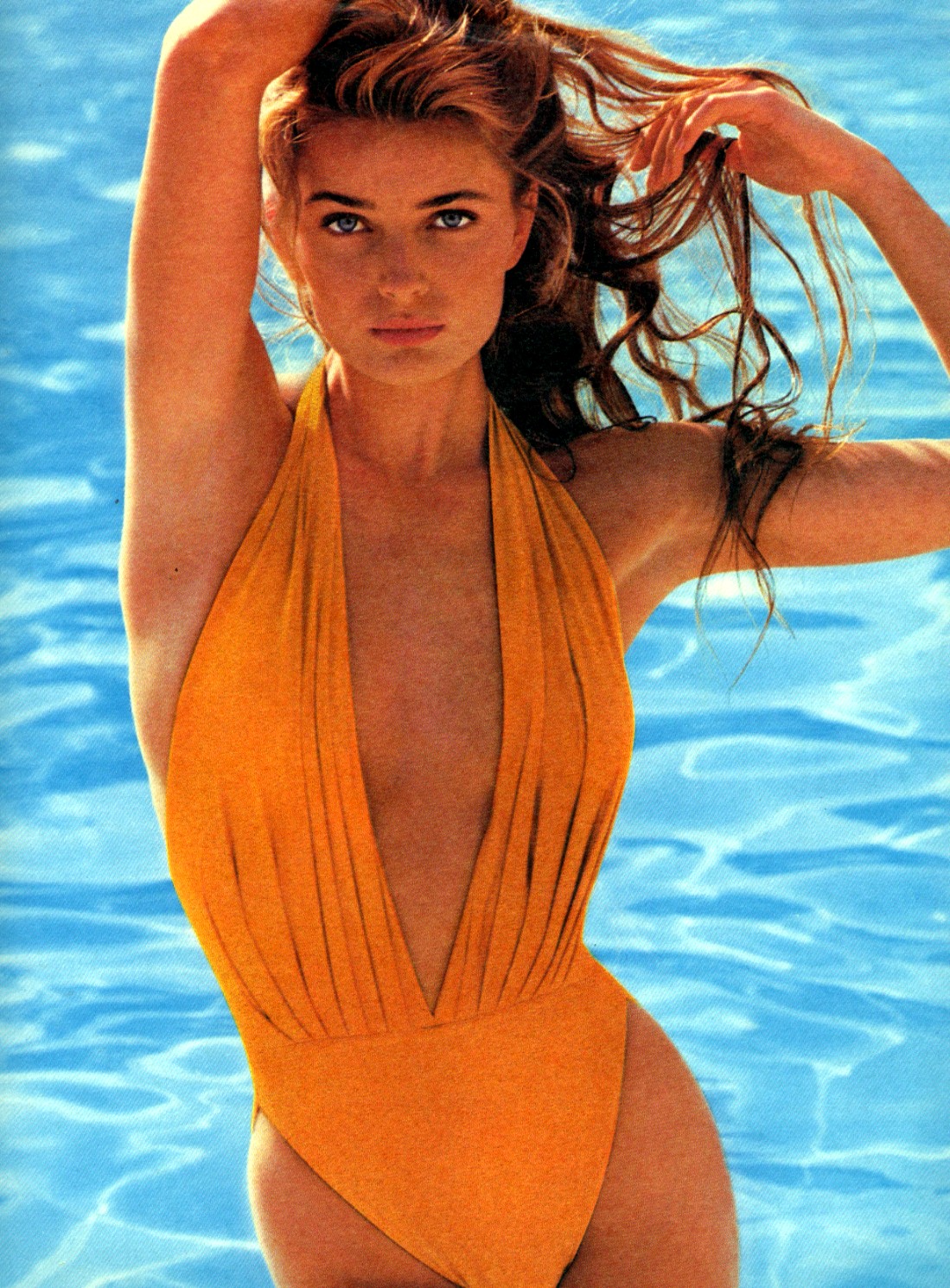
Thought side by side these 2 would look so nice. The italian Bazaar would also fit great to them, but it´s Bazaar and not Vogue... Renee Simonsen scan of german VOGUE May 1987 (photographer: Eric Boman) also by jal718 from the Renee Simonsen topic! classics missp
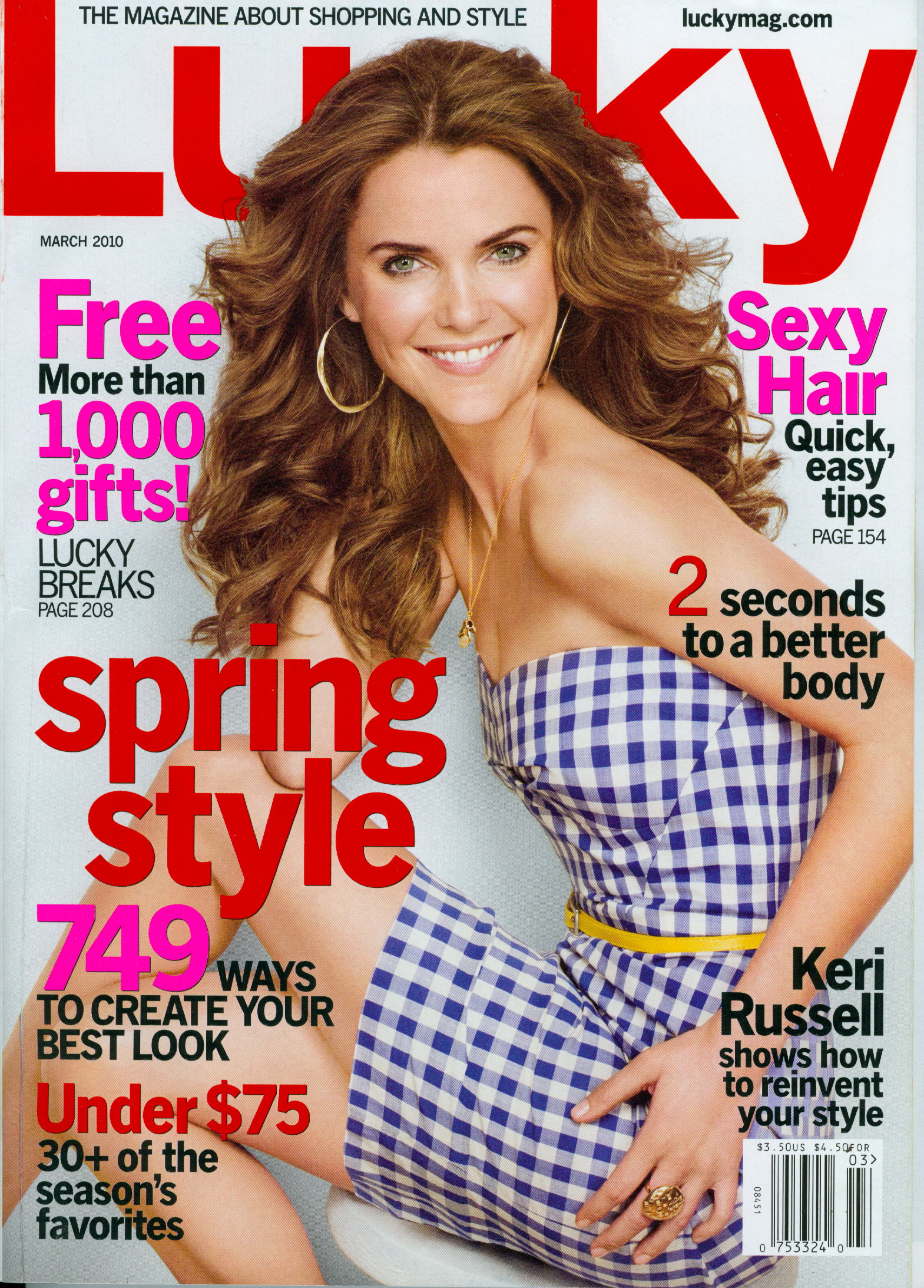
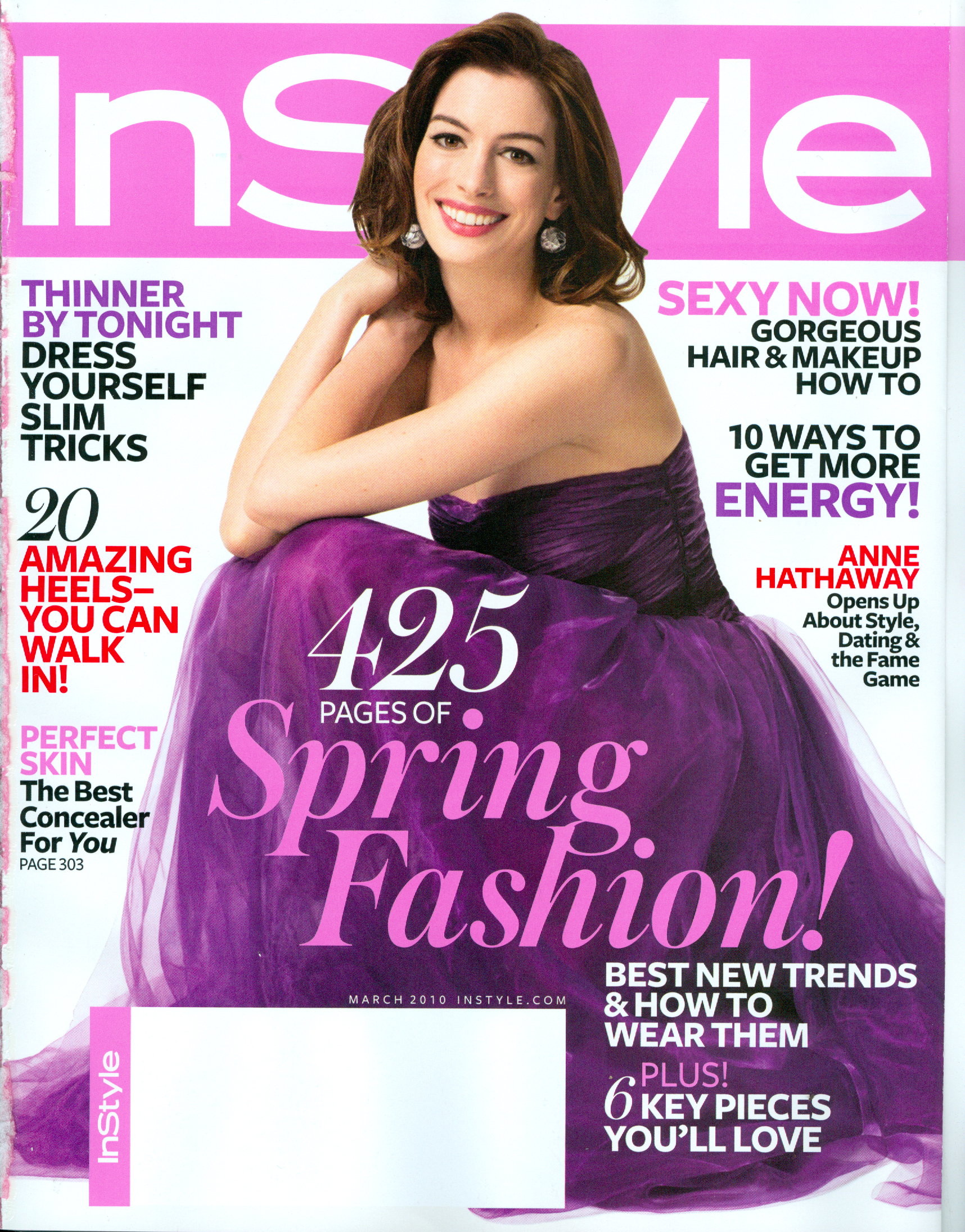
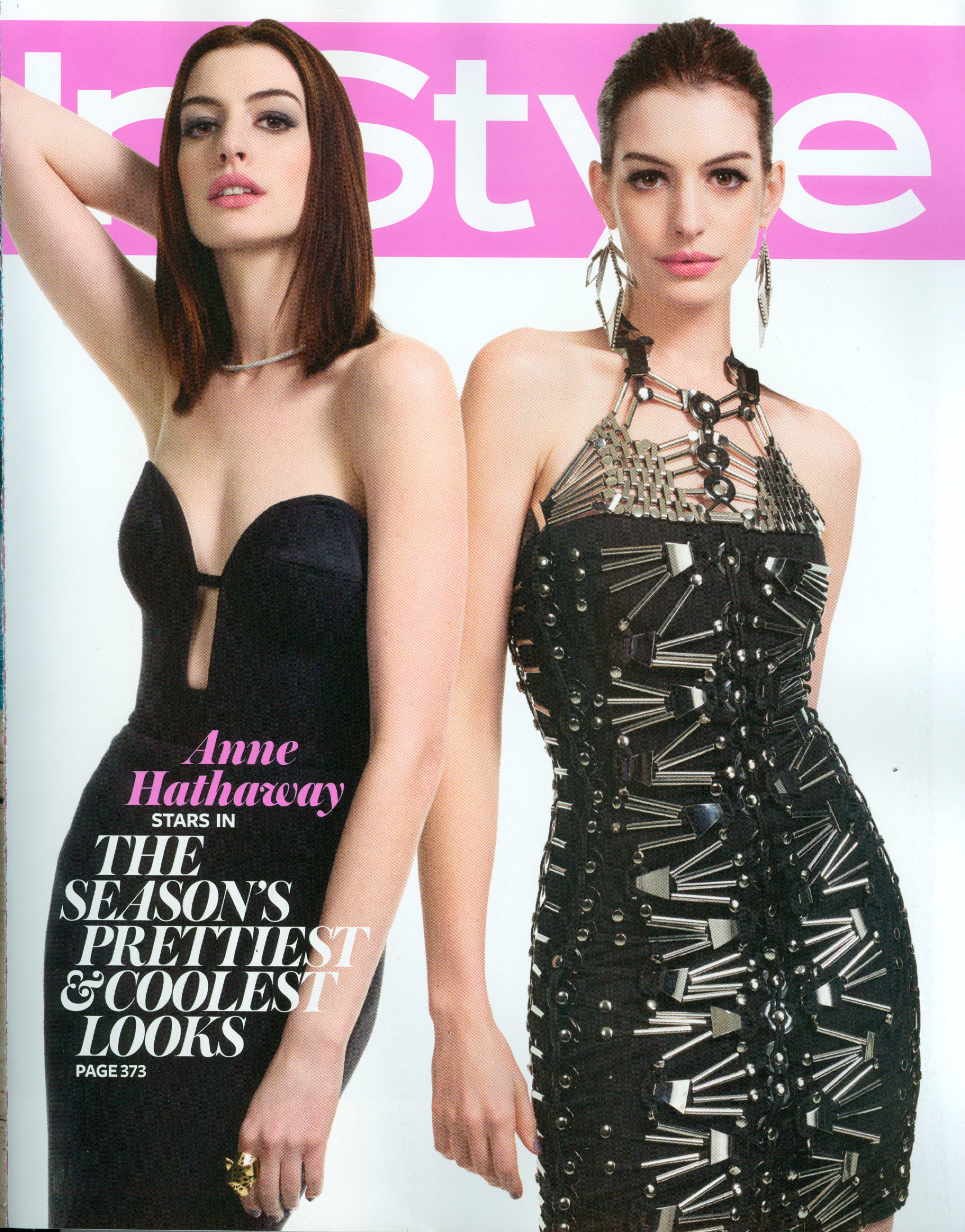
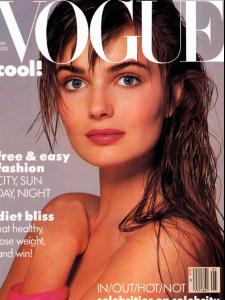 My scan
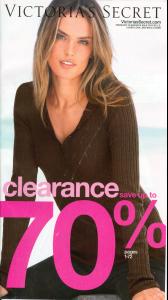 My scans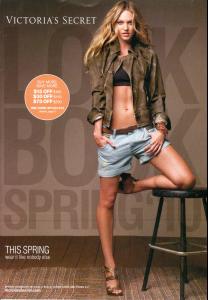
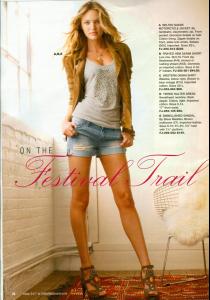
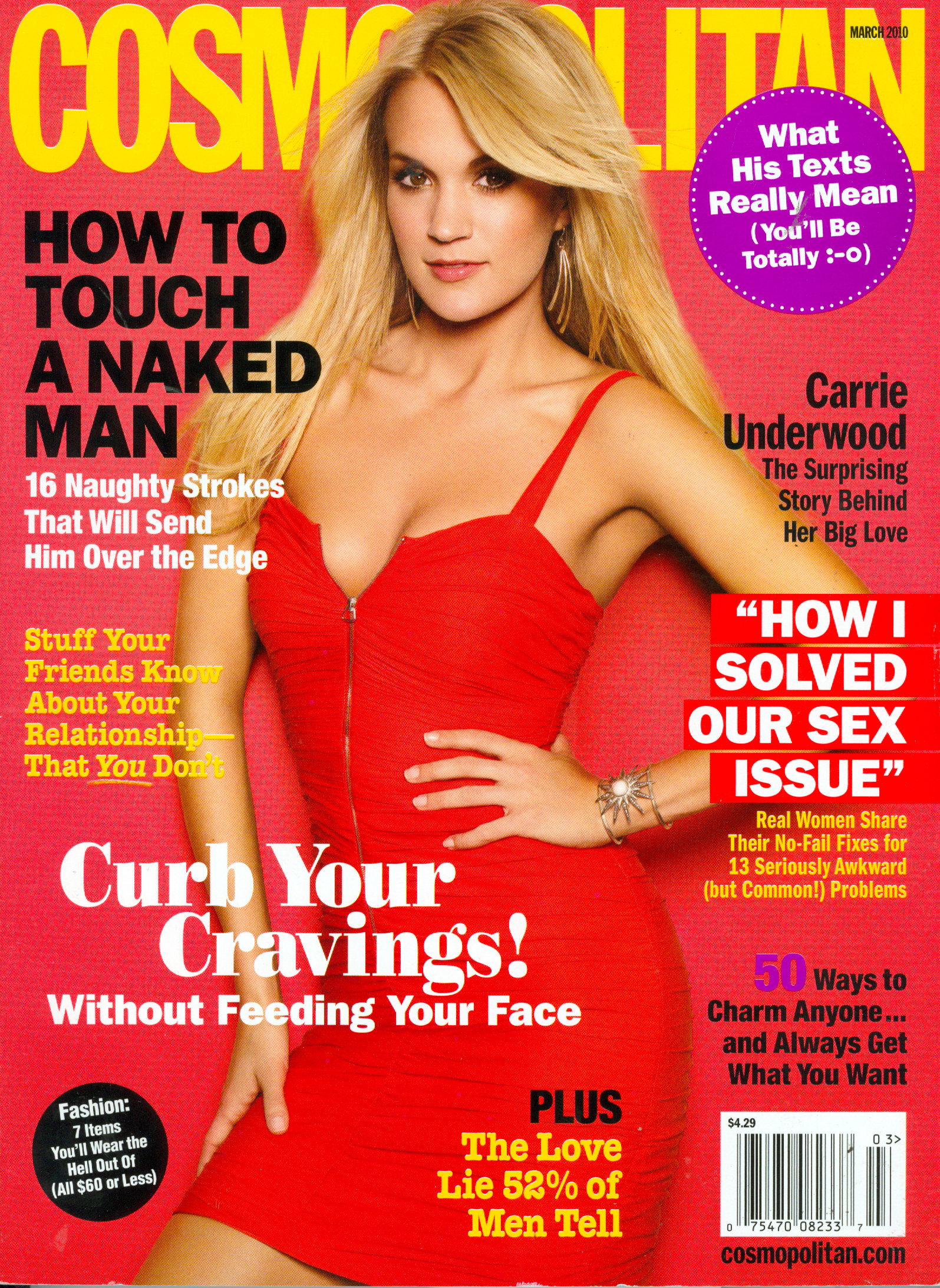
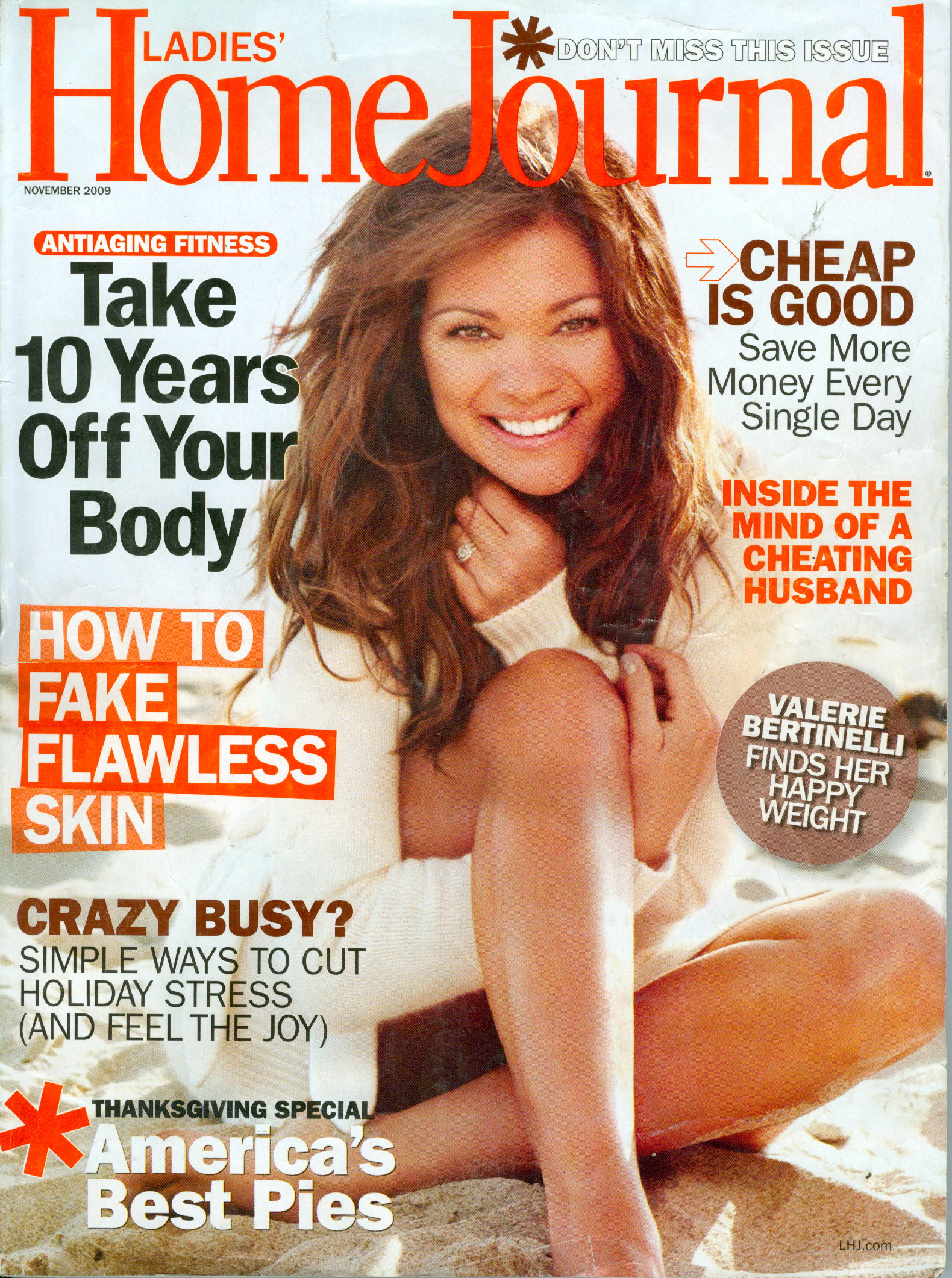
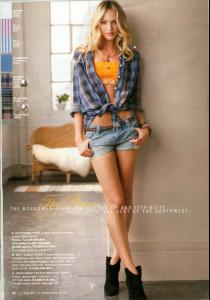 Nice cover for not being a supermodel!
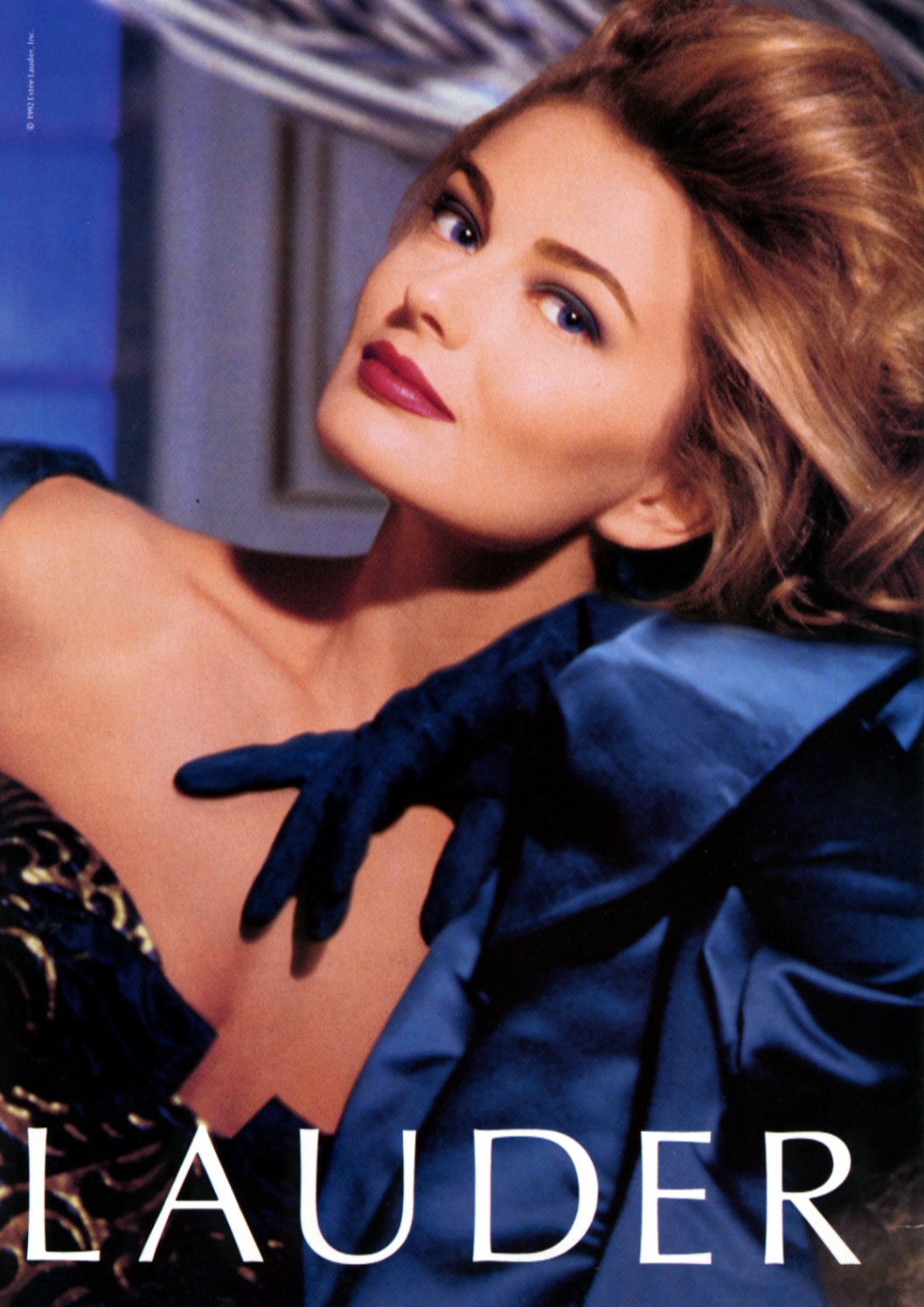
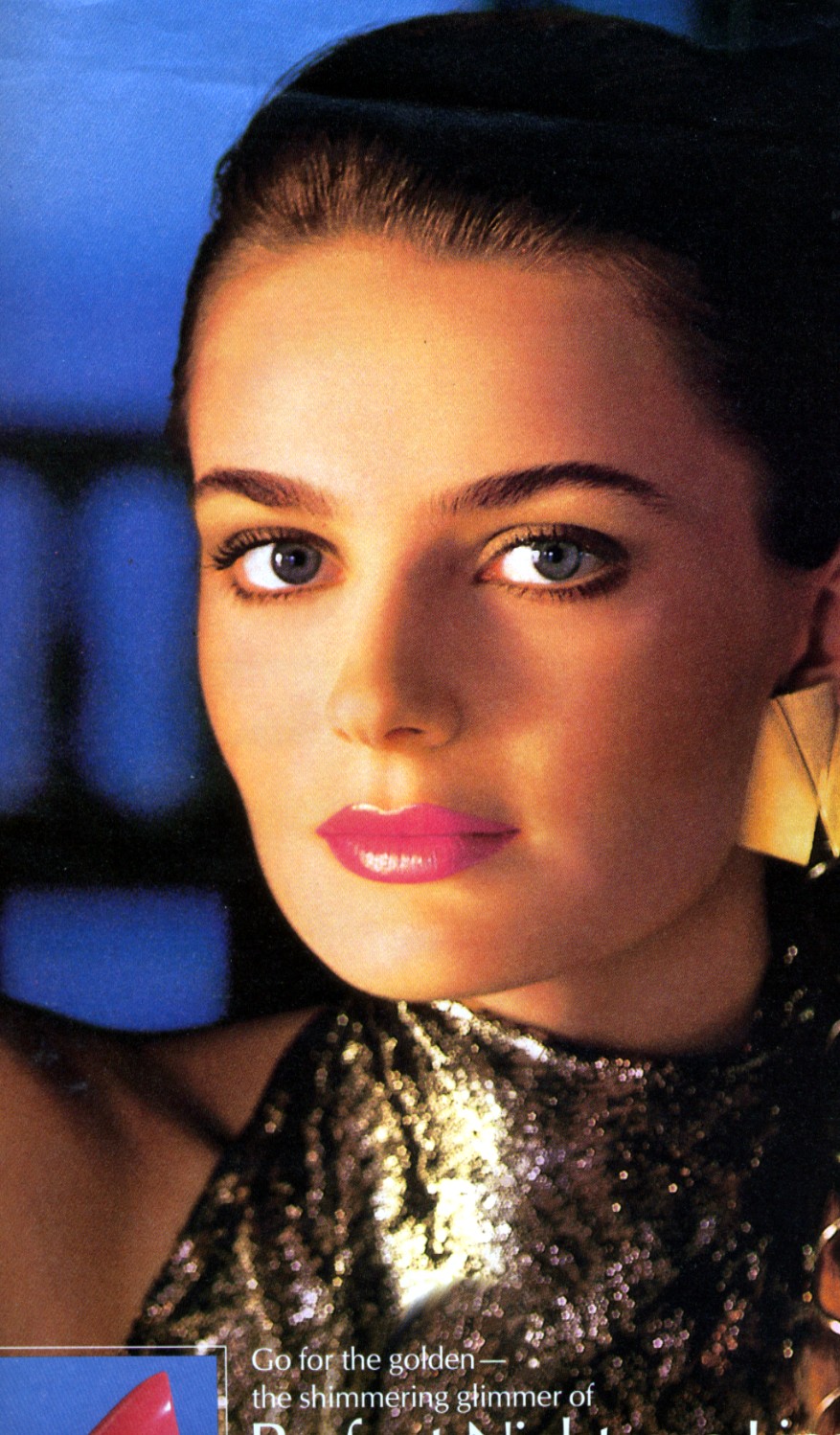
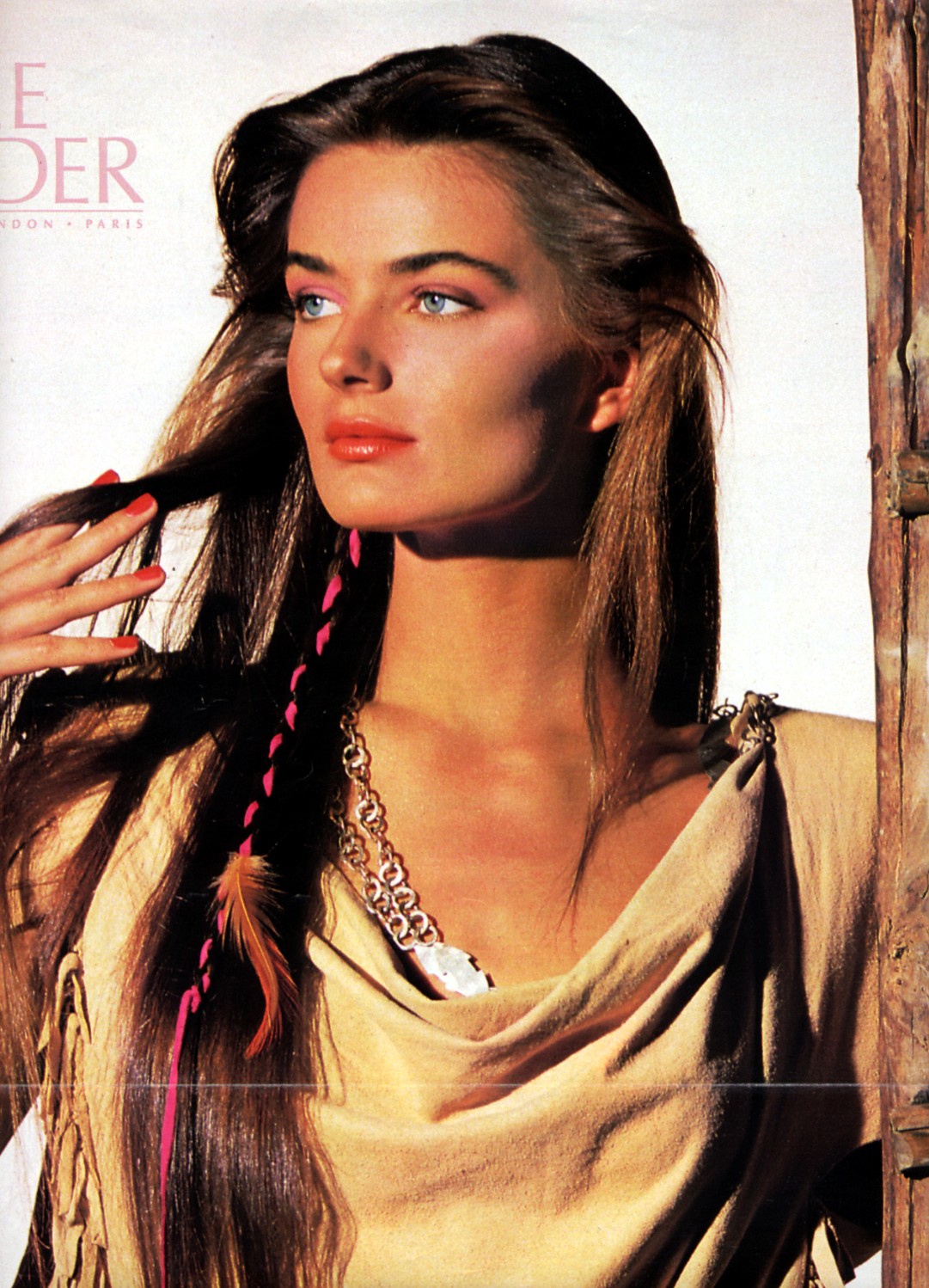
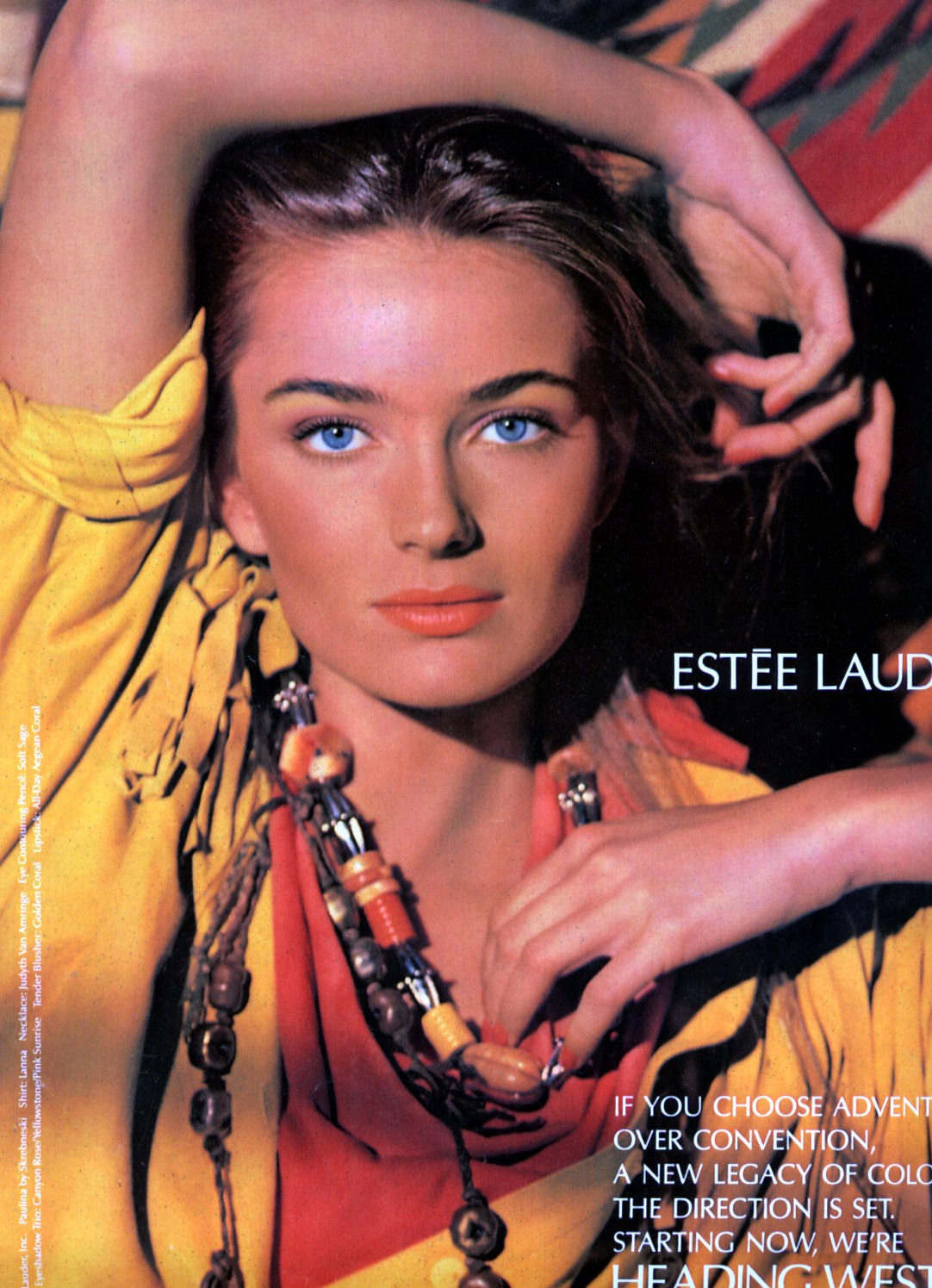
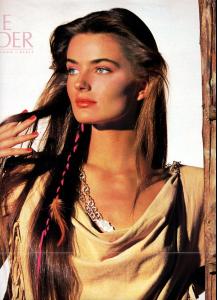
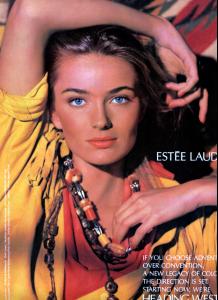
My Lauder scans
Nice cover for not being a supermodel!
My Lauder scans
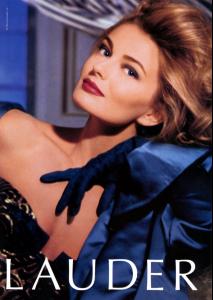
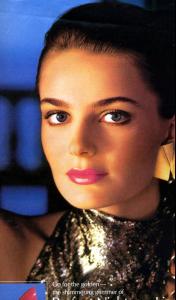
 Haunt???? That cracks me up!
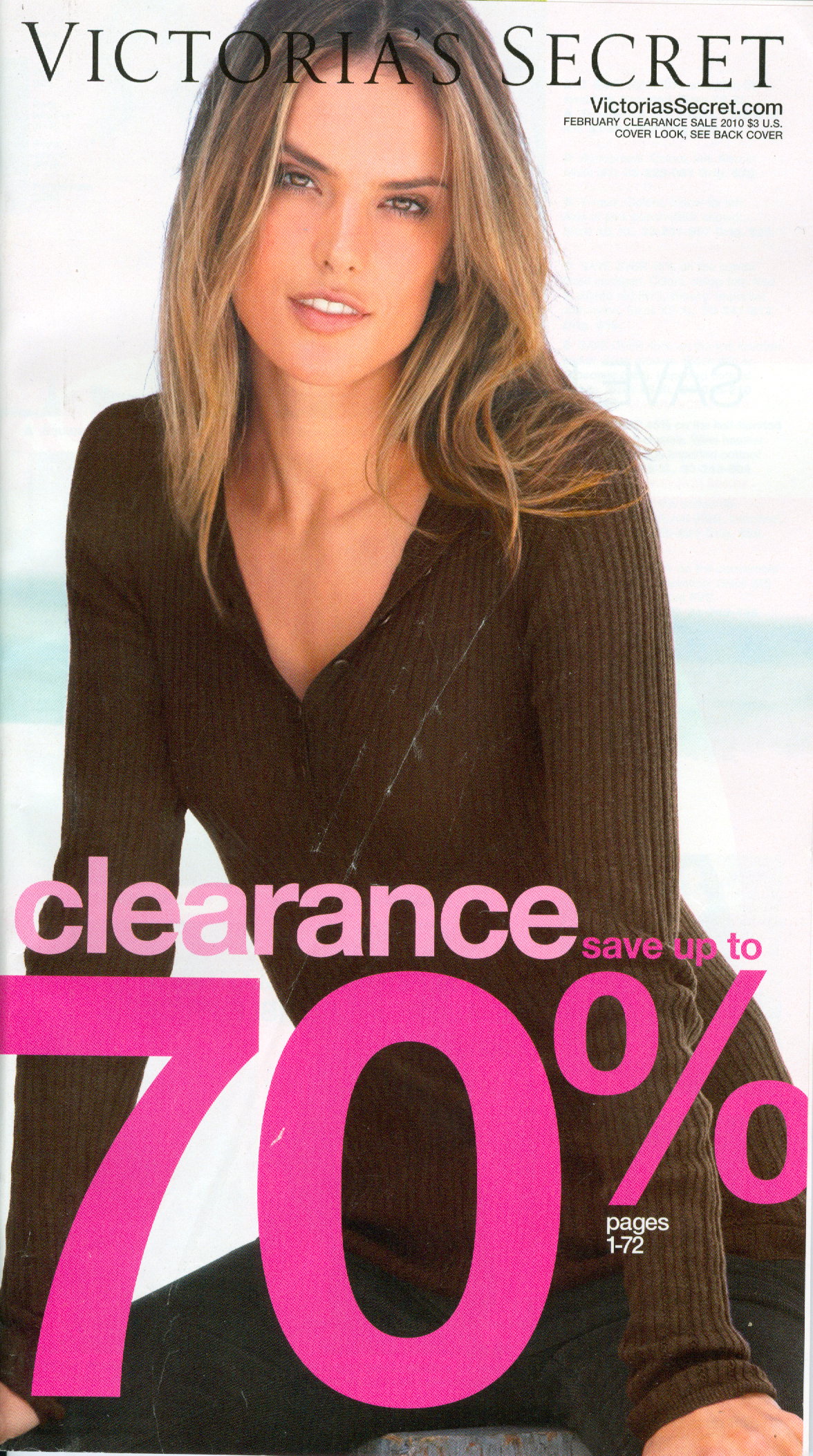
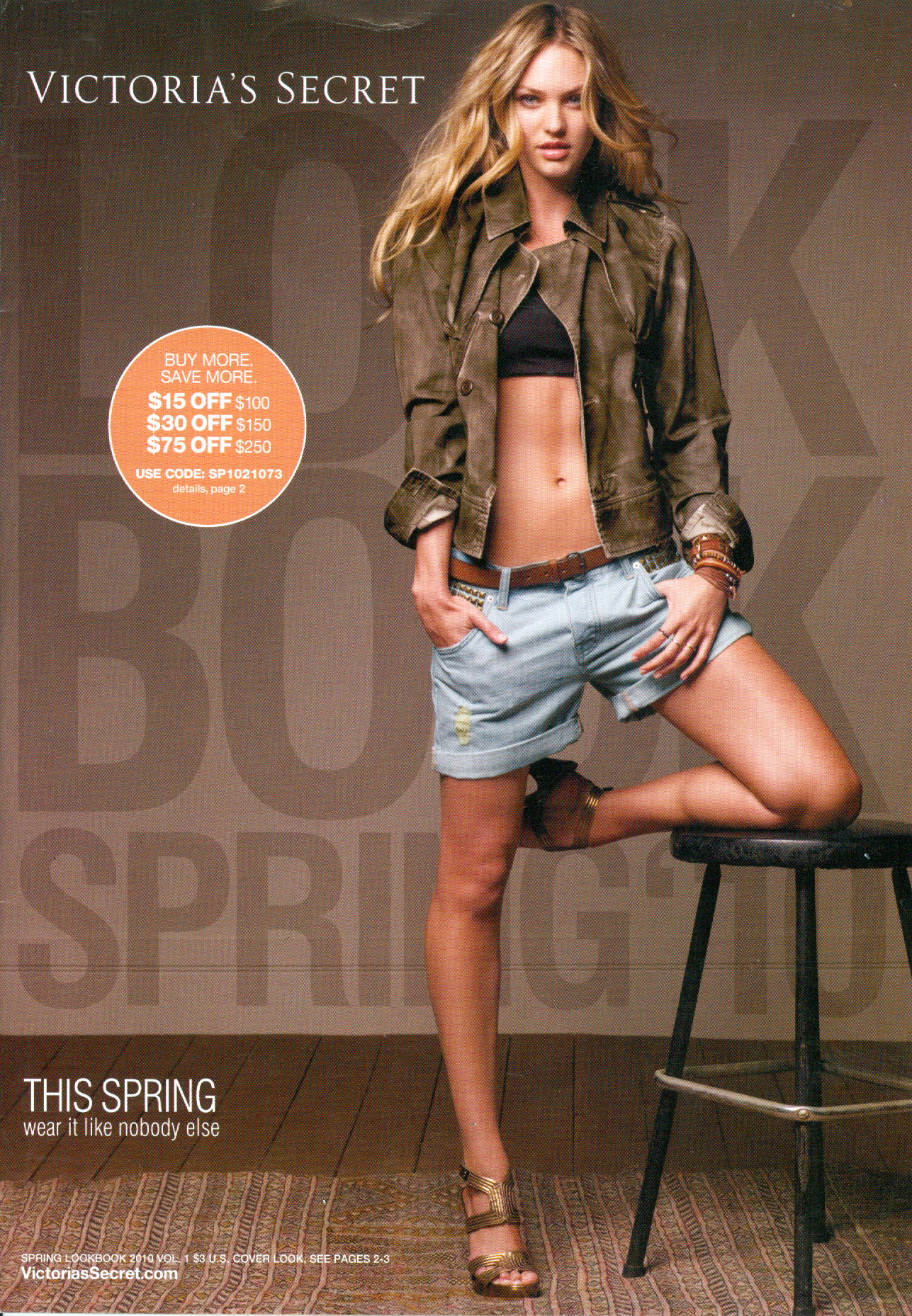
Another scan of mine
Haunt???? That cracks me up!
Another scan of mine My scan
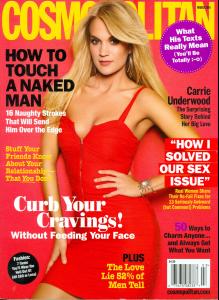 I did not say she was ugly or repulsive or insulted her in any way. My point was that I have a weak stomach...rules upheld! Thanks mrcuir
I'll puke if they show her at the Superbowl!
Nice Fergetta, thanks!
It's Renee
La Senza are all LQ reposts titi
Nice to have you back miss, great covers!
I did not say she was ugly or repulsive or insulted her in any way. My point was that I have a weak stomach...rules upheld! Thanks mrcuir
I'll puke if they show her at the Superbowl!
Nice Fergetta, thanks!
It's Renee
La Senza are all LQ reposts titi
Nice to have you back miss, great covers!