Jump to content
View in the app

A better way to browse. Learn more.

Bellazon

A full-screen app on your home screen with push notifications, badges and more.

To install this app on iOS and iPadOS
  1. Tap the Share icon in Safari
  2. Scroll the menu and tap Add to Home Screen.
  3. Tap Add in the top-right corner.
To install this app on Android
  1. Tap the 3-dot menu (⋮) in the top-right corner of the browser.
  2. Tap Add to Home screen or Install app.
  3. Confirm by tapping Install.

jal718

Members
  • Joined

  • Last visited

Everything posted by jal718

  1. Alessandra x 3
  2. jal718 replied to Qball's topic in Actresses
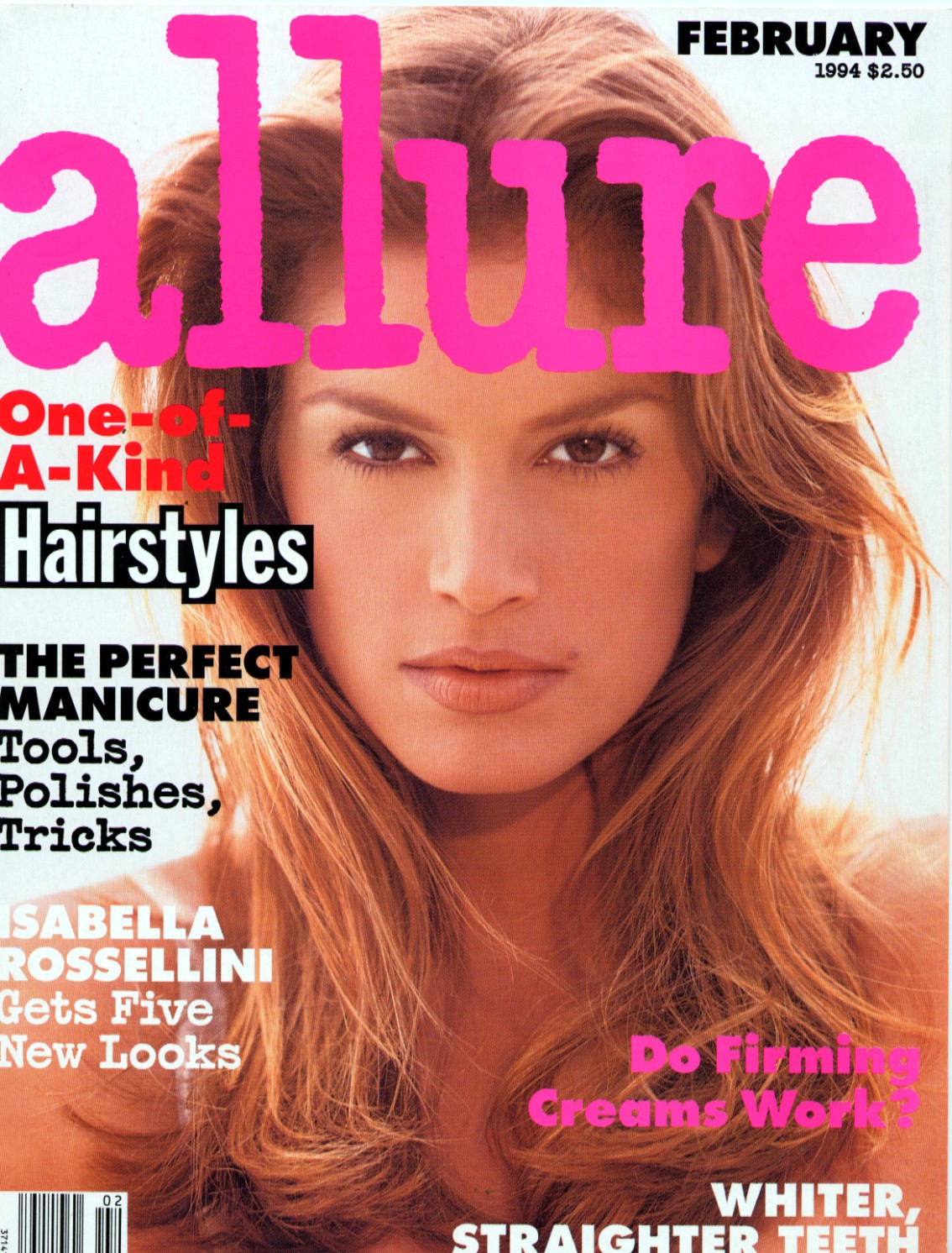
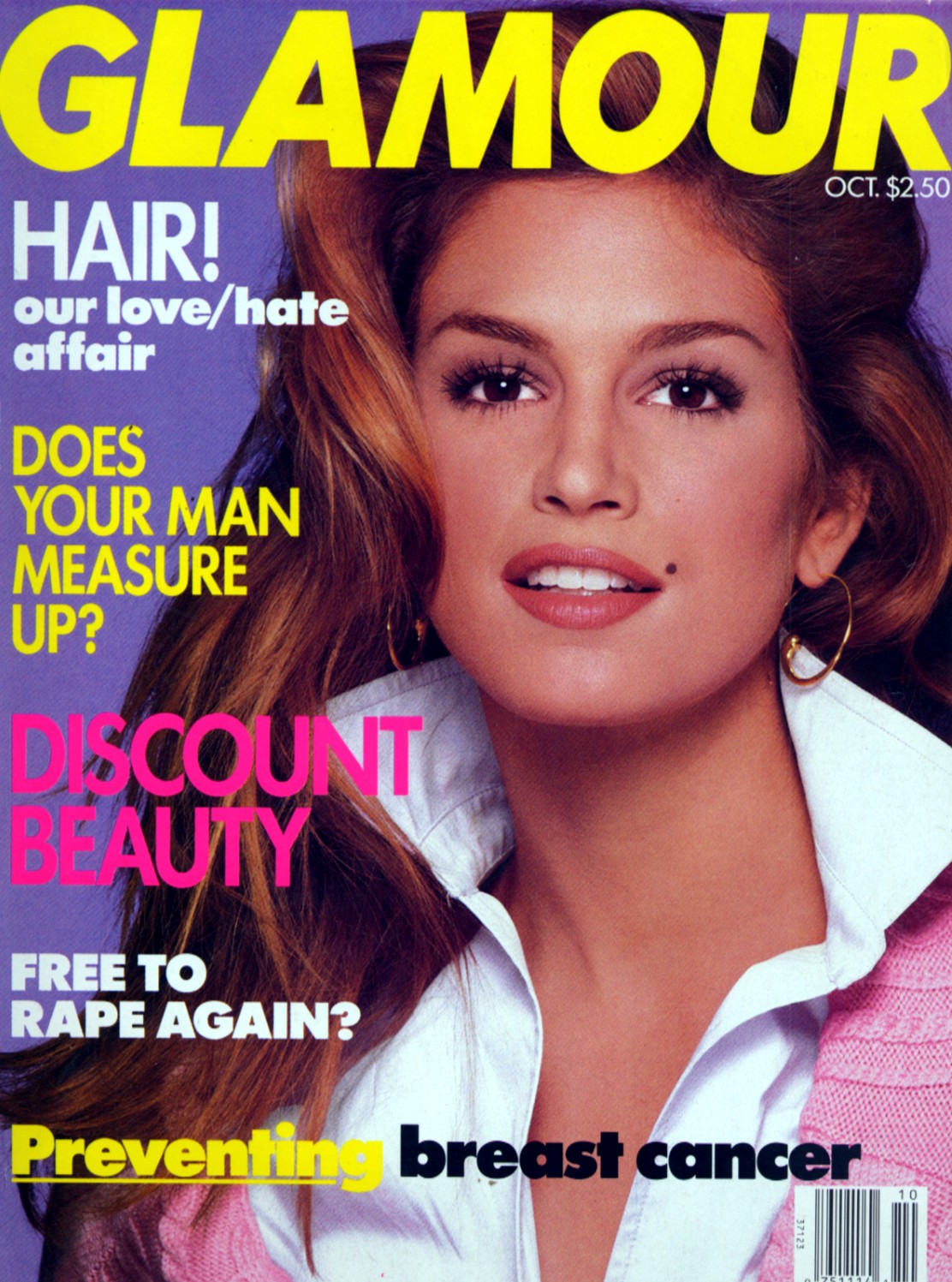
    Great cover D
  3. jal718 replied to Qball's topic in Actresses
    Great cover sanja, thanks.
  4. jal718 replied to Qball's topic in Actresses
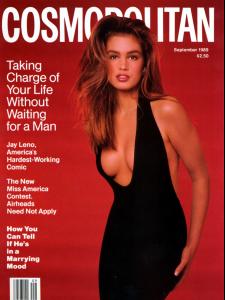
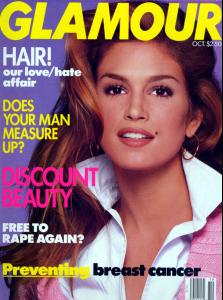
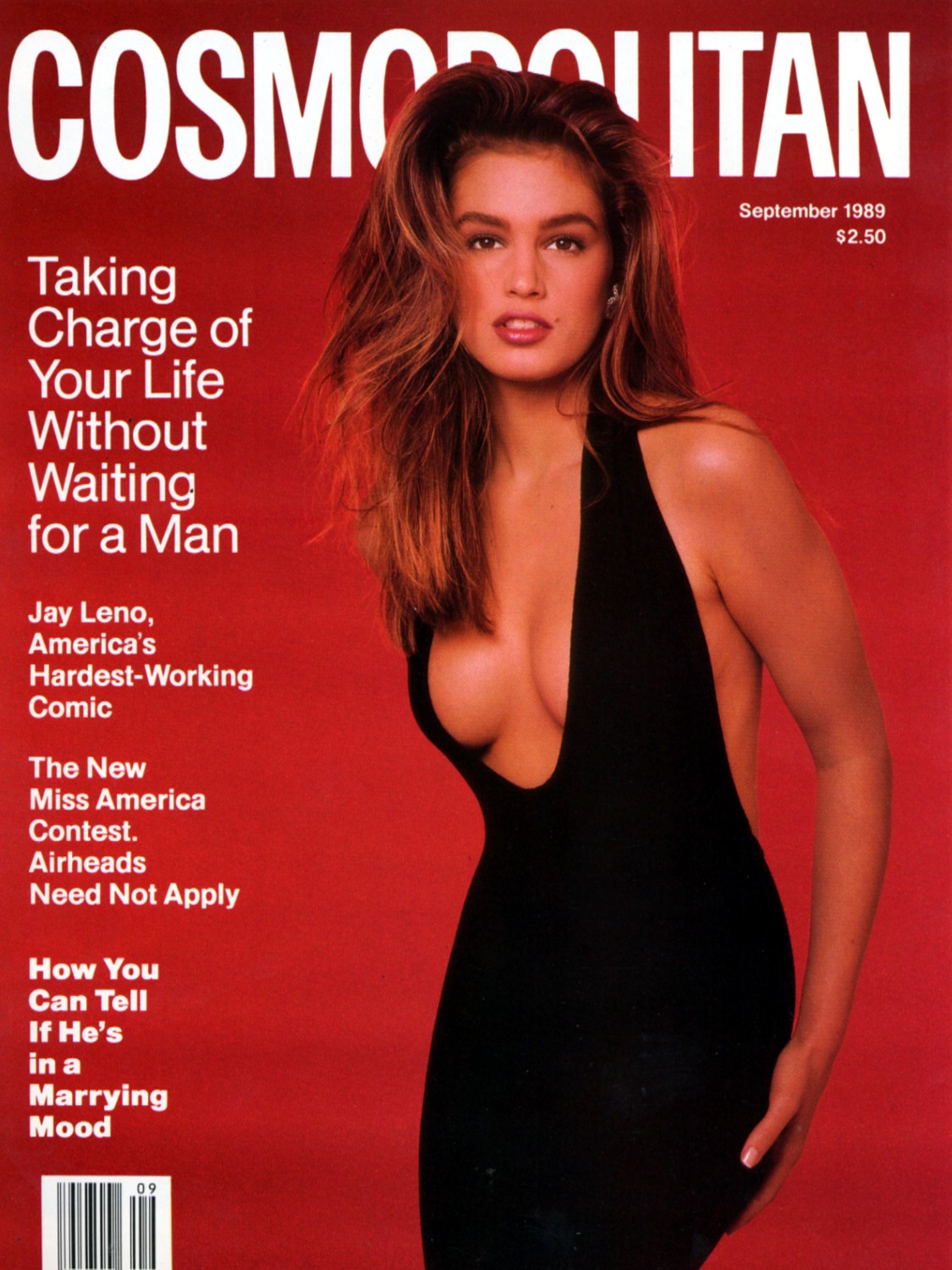
    Awful Cosmo cover
  5. jal718 replied to 105's topic in Actresses
    She was a stunner, thanks Kelly
  6. jal718 replied to a post in a topic in Female Fashion Models
    HQ on TFS kiki
  7. Tremendous collection, thanks ashley
  8. A few favorites that I'm pretty sure I already posted
  9. Very nice ashleyn, thanks!
  10. Which ones you need?
  11. You're welcome, not many of her covers I don't have
  12. Here you go PG
  13. jal718 replied to Dennis's topic in Actresses
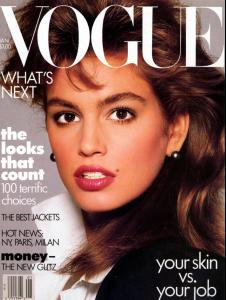
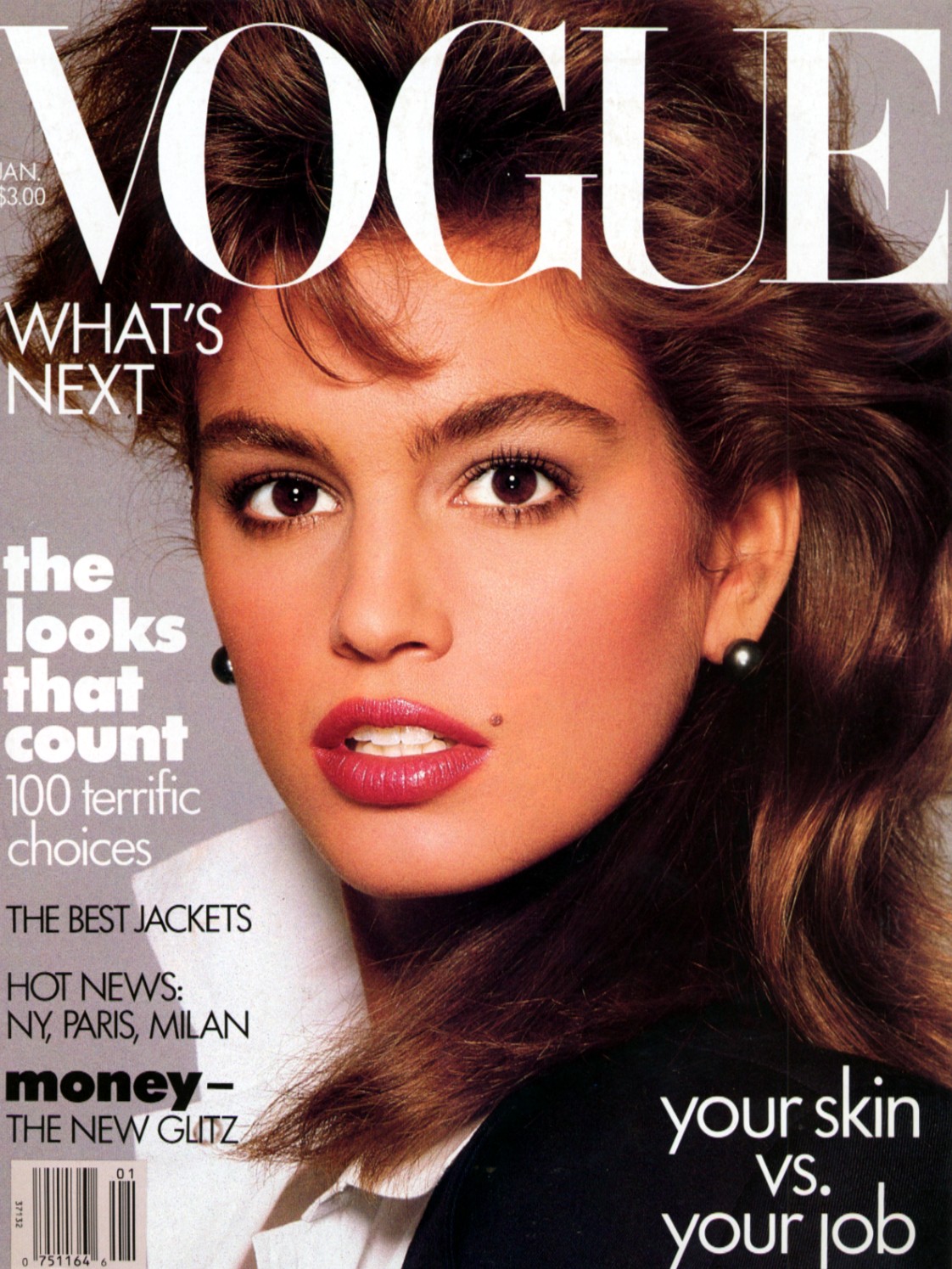
    Another bad Vogue cover
  14. My scans, she's amazing
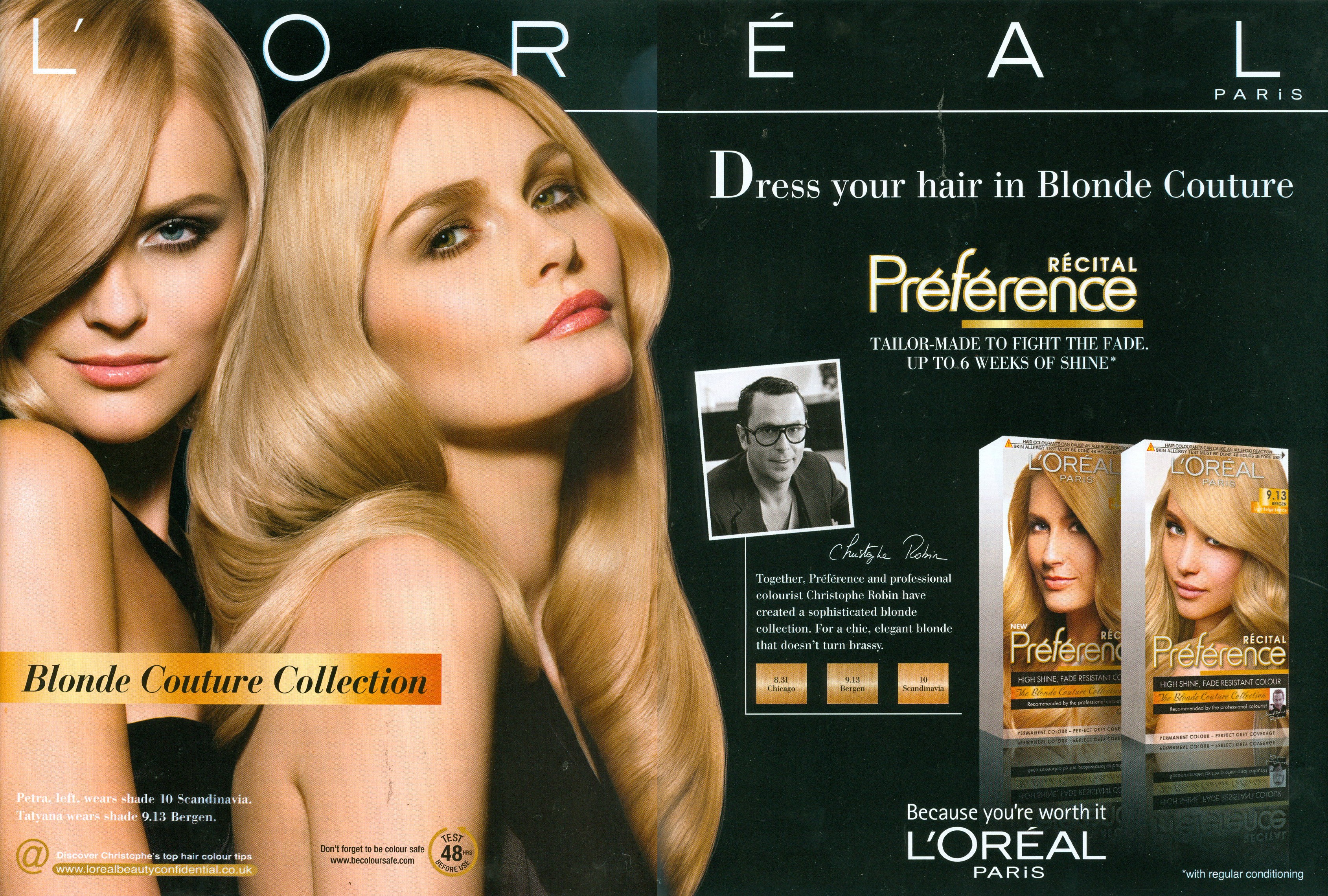
  15. Only two Tatyana's listed here, my scan
  16. My scans
  17. jal718 replied to srepac's topic in Actresses
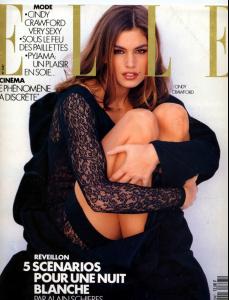
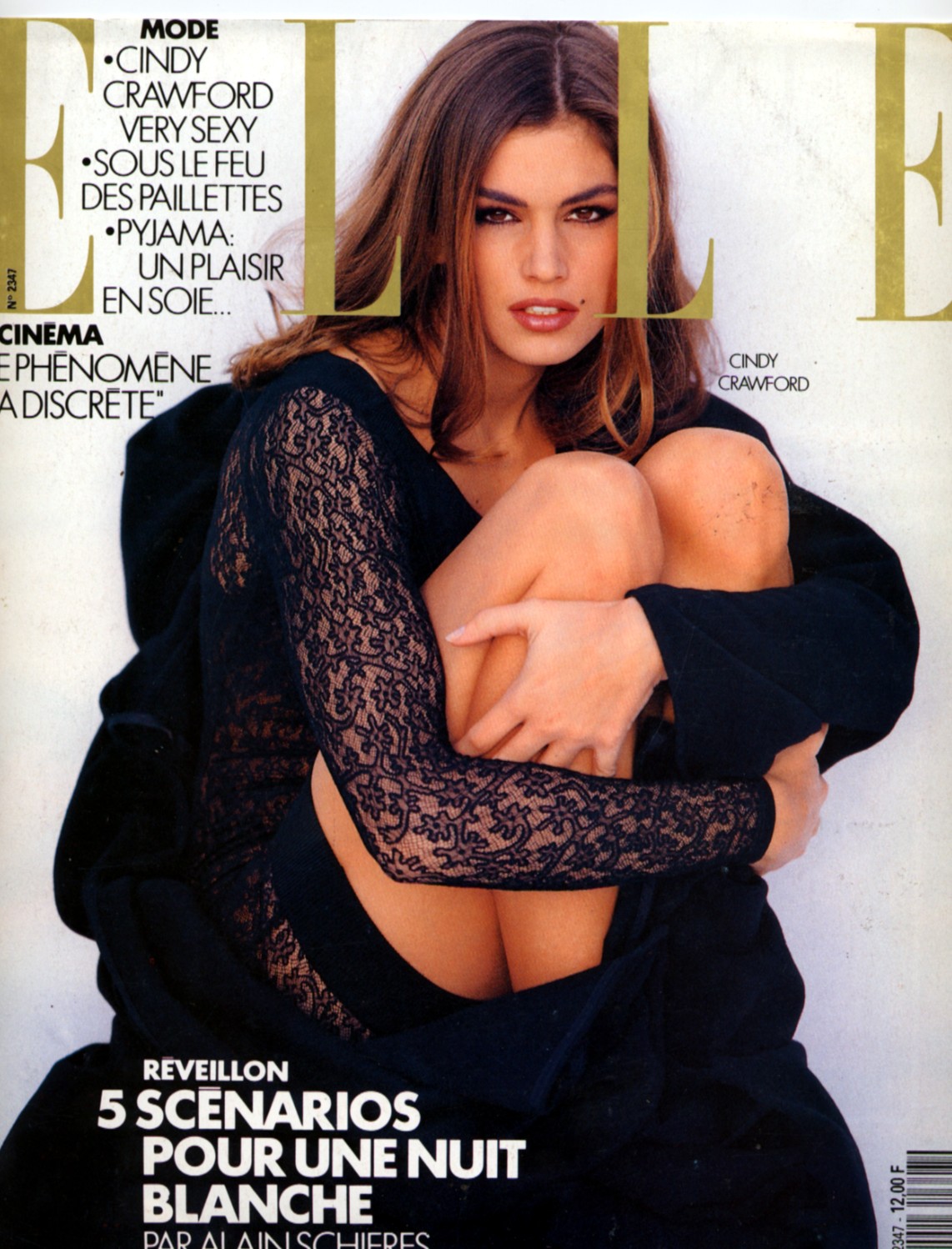
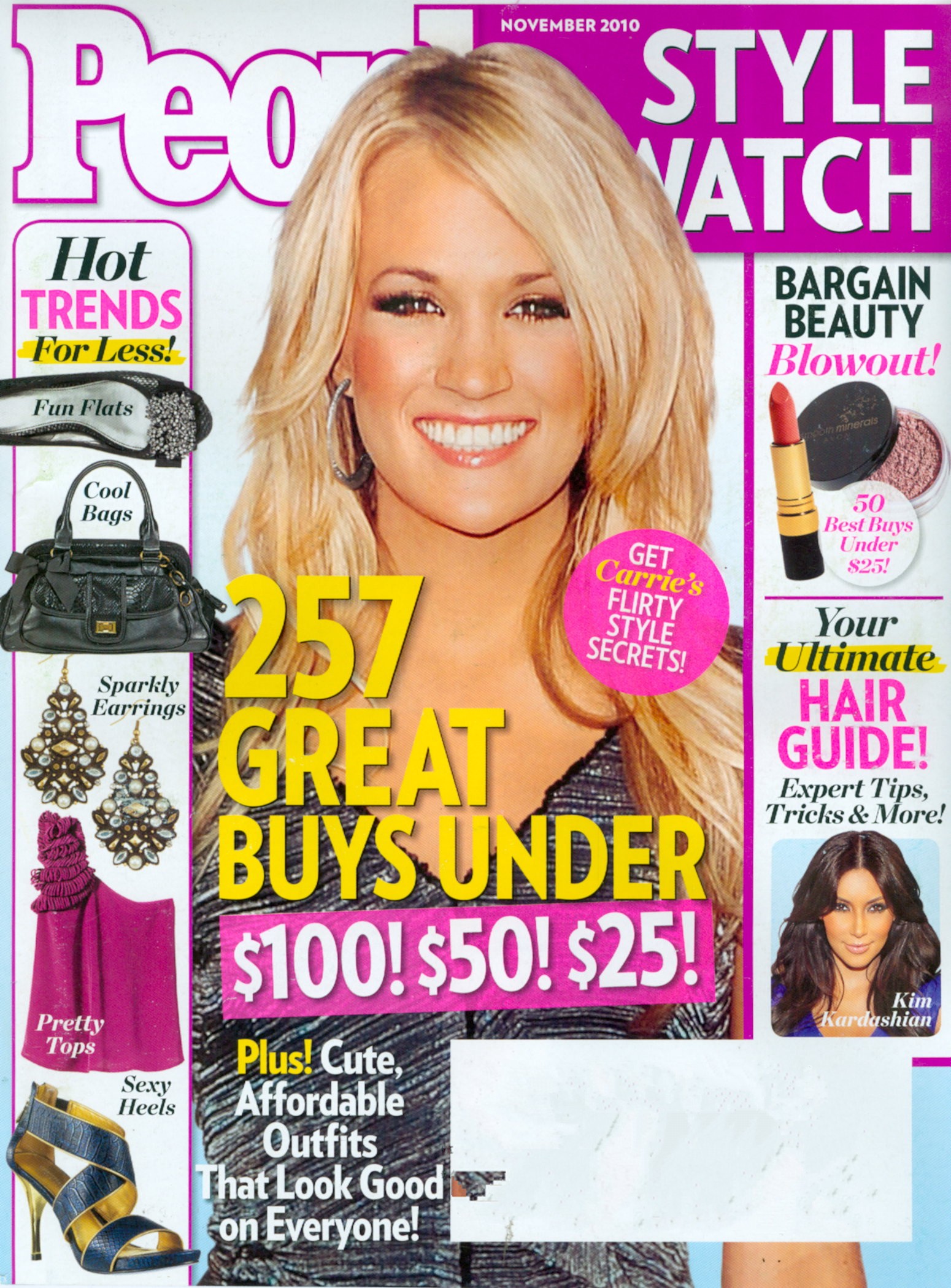
    I forgot about this cover, thanks Kelly
Configure browser push notifications

Chrome (Android)
  1. Tap the lock icon next to the address bar.
  2. Tap Permissions → Notifications.
  3. Adjust your preference.
Chrome (Desktop)
  1. Click the padlock icon in the address bar.
  2. Select Site settings.
  3. Find Notifications and adjust your preference.