DarkOmenKnight
Members
-
Joined
-
Last visited
Everything posted by DarkOmenKnight
-
 2020 Vanity Fair Oscar Party in Beverly Hills 02/09/2020









-
People Magazine December 2020




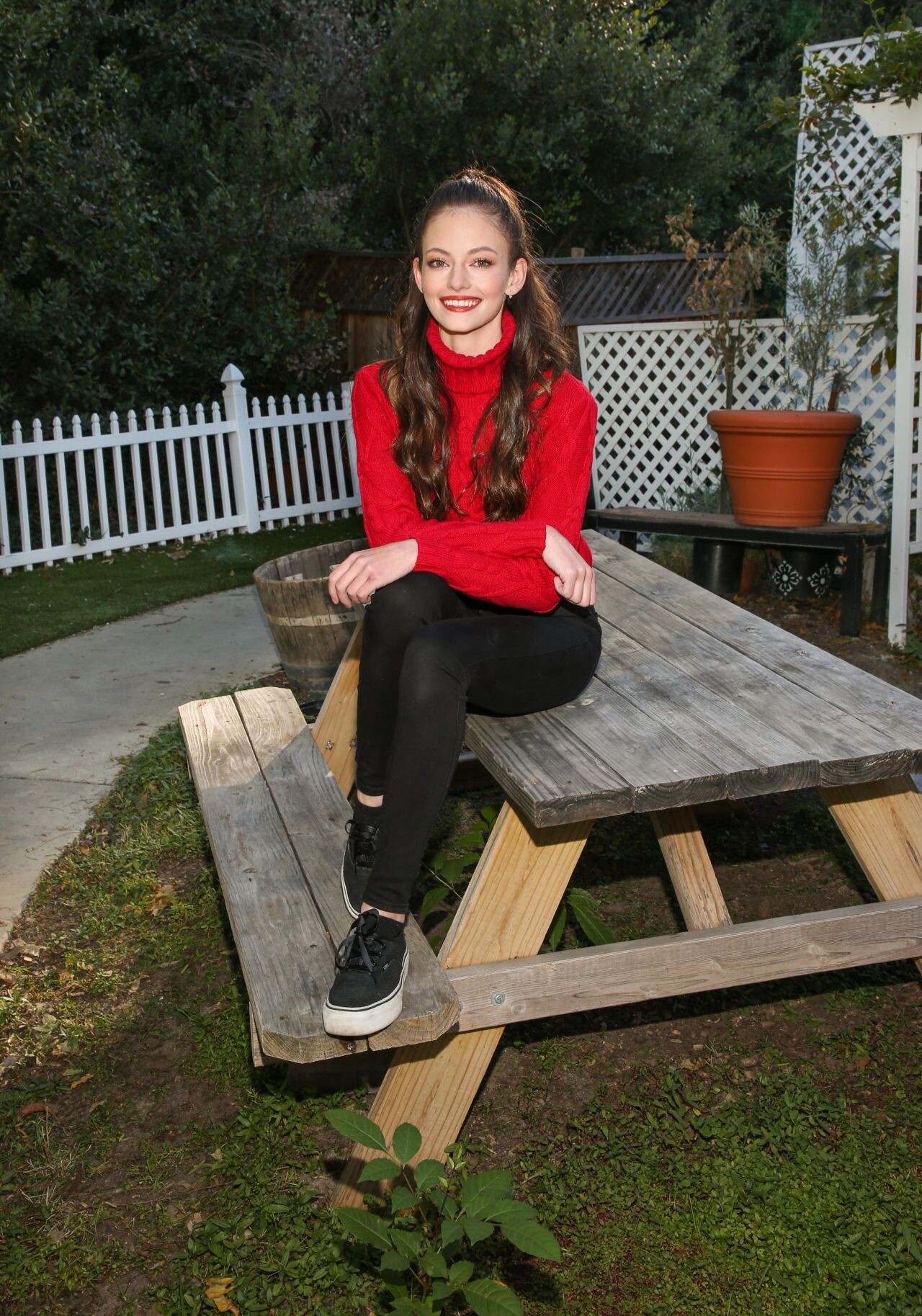
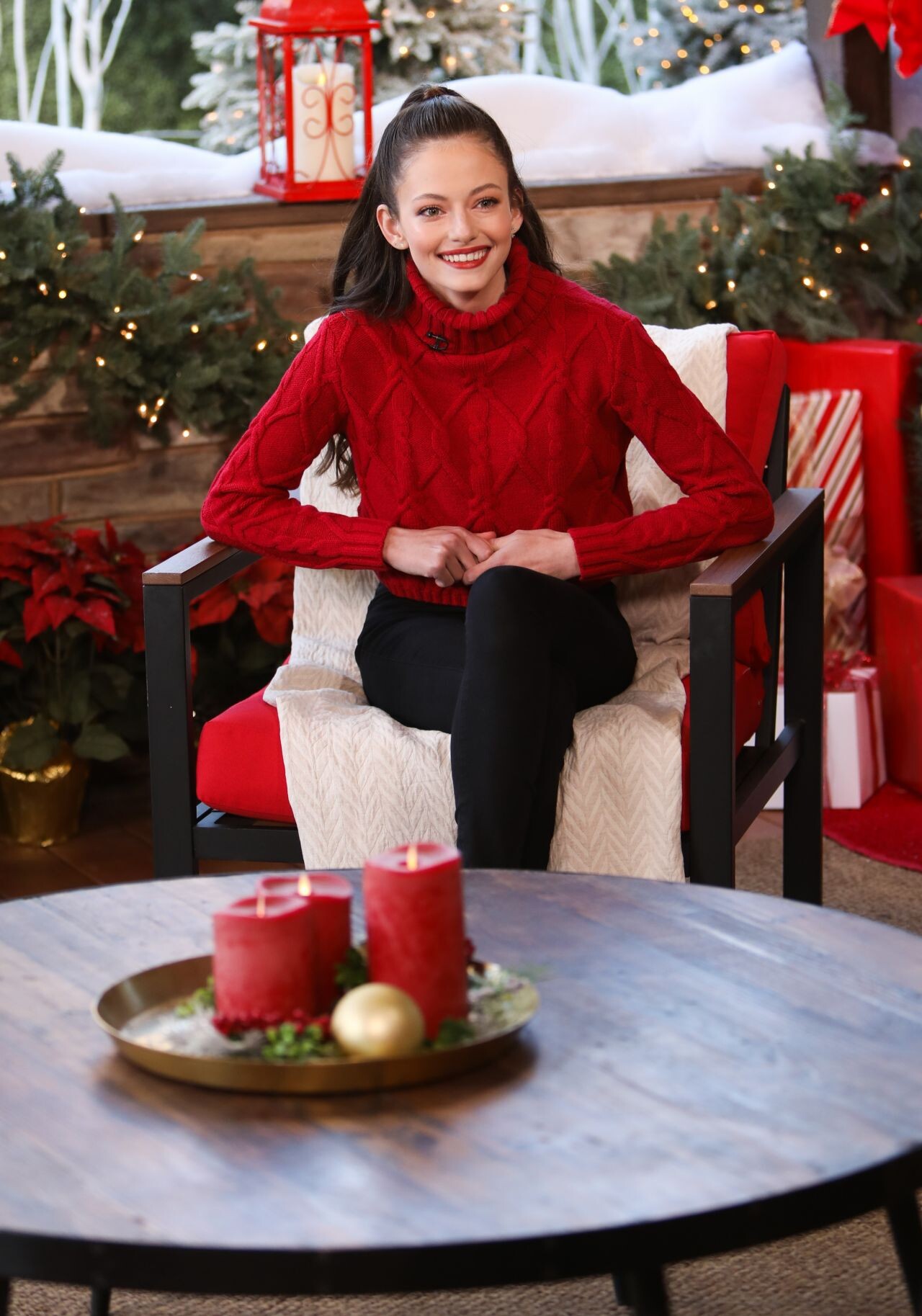
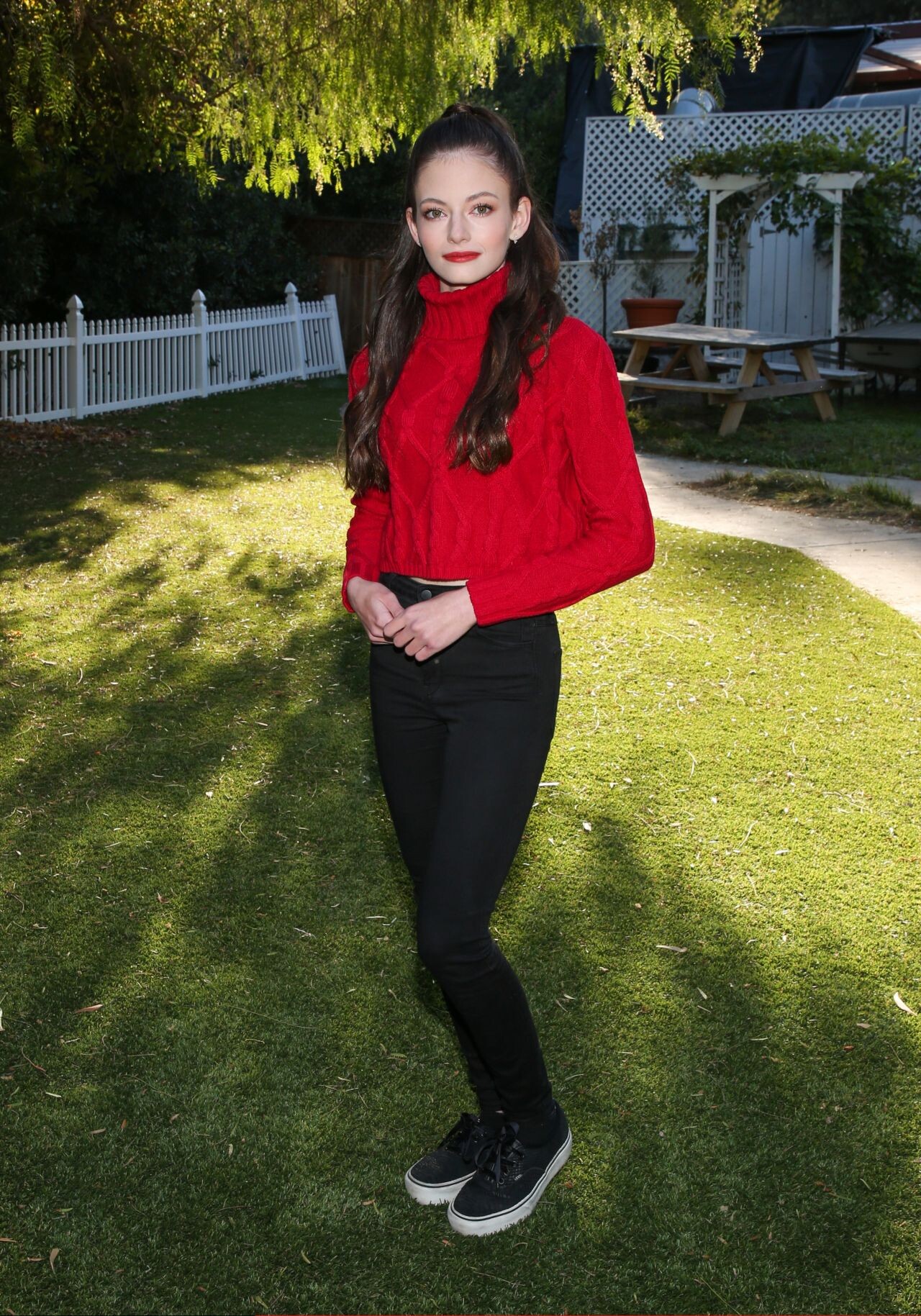
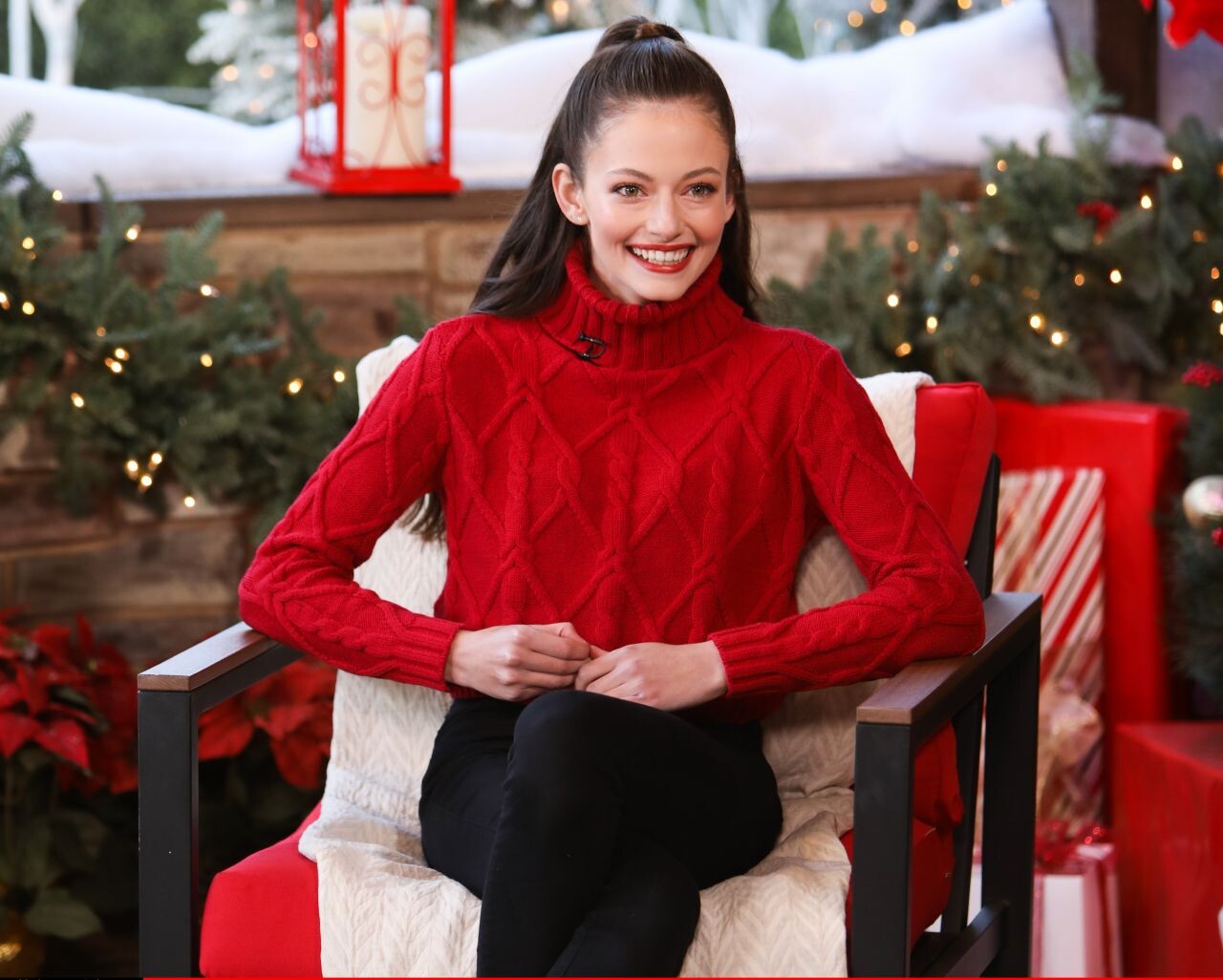
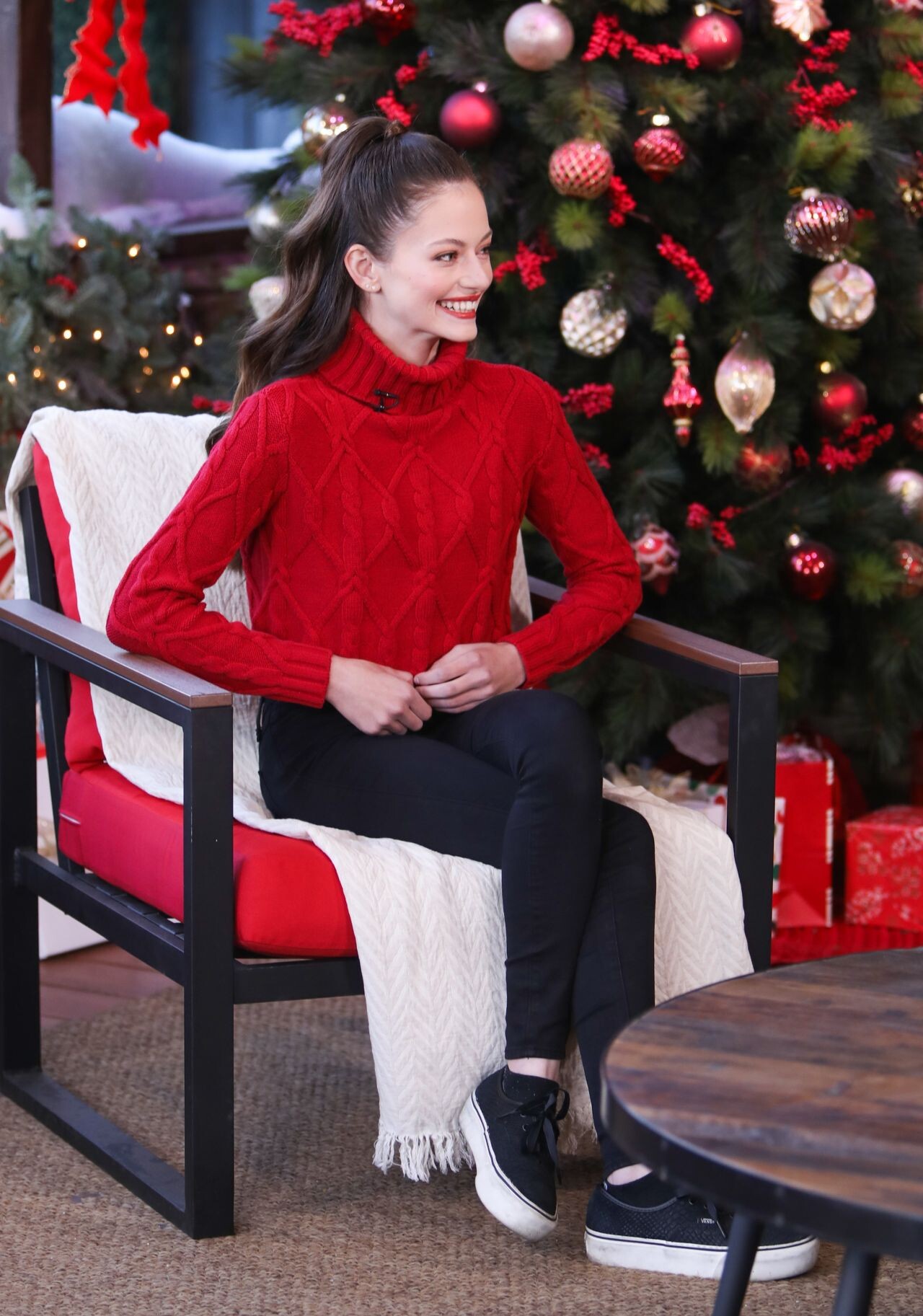
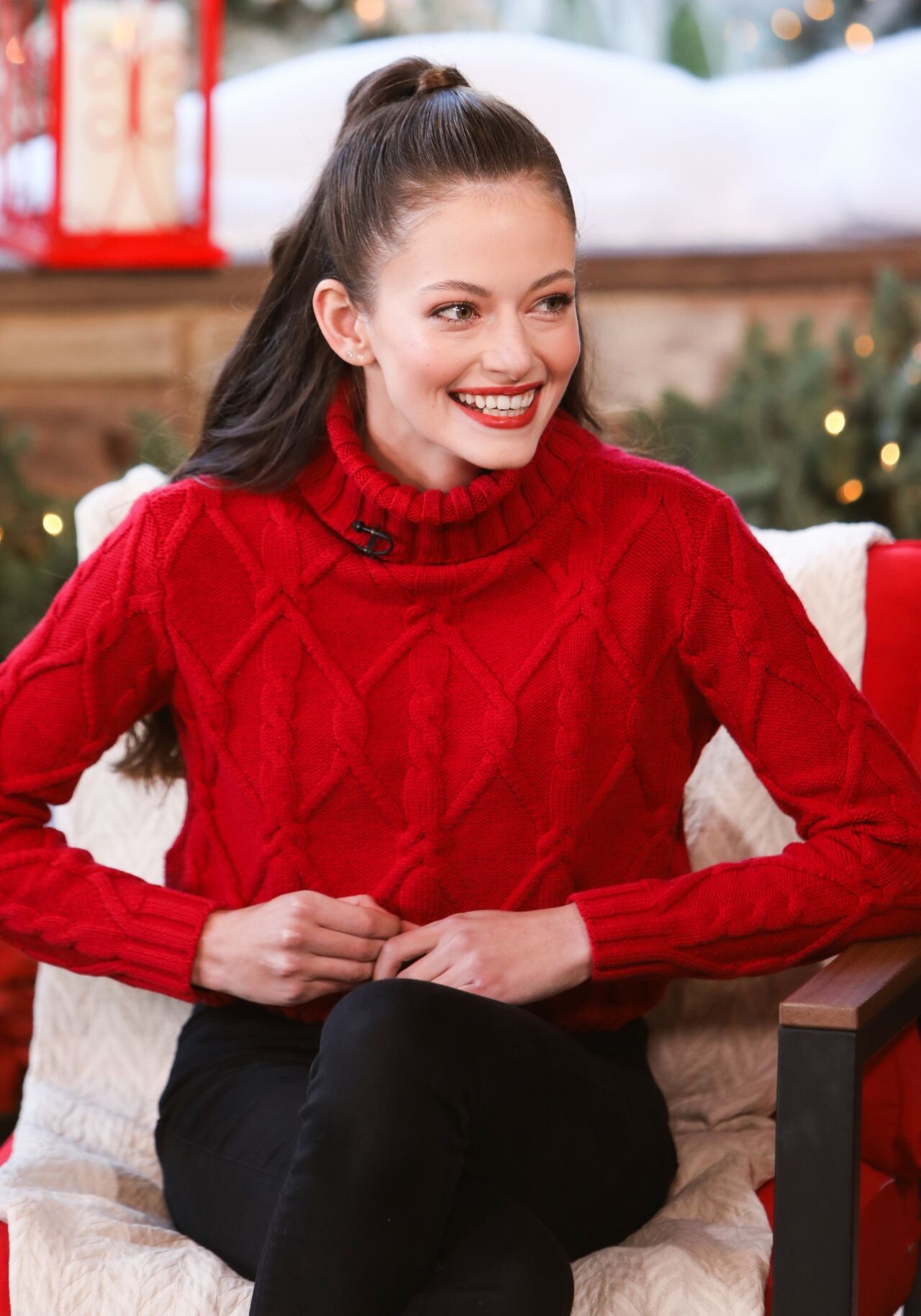
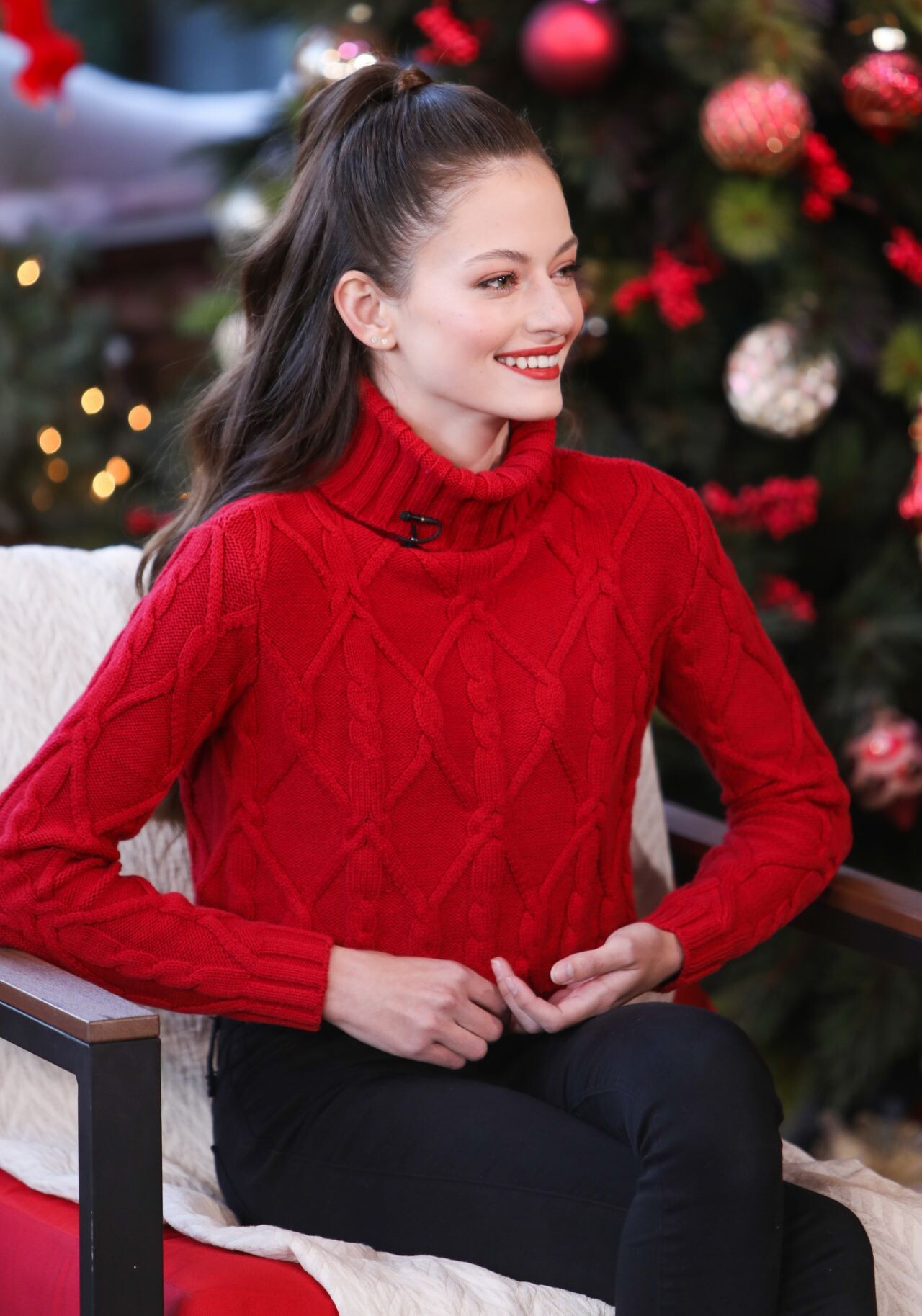
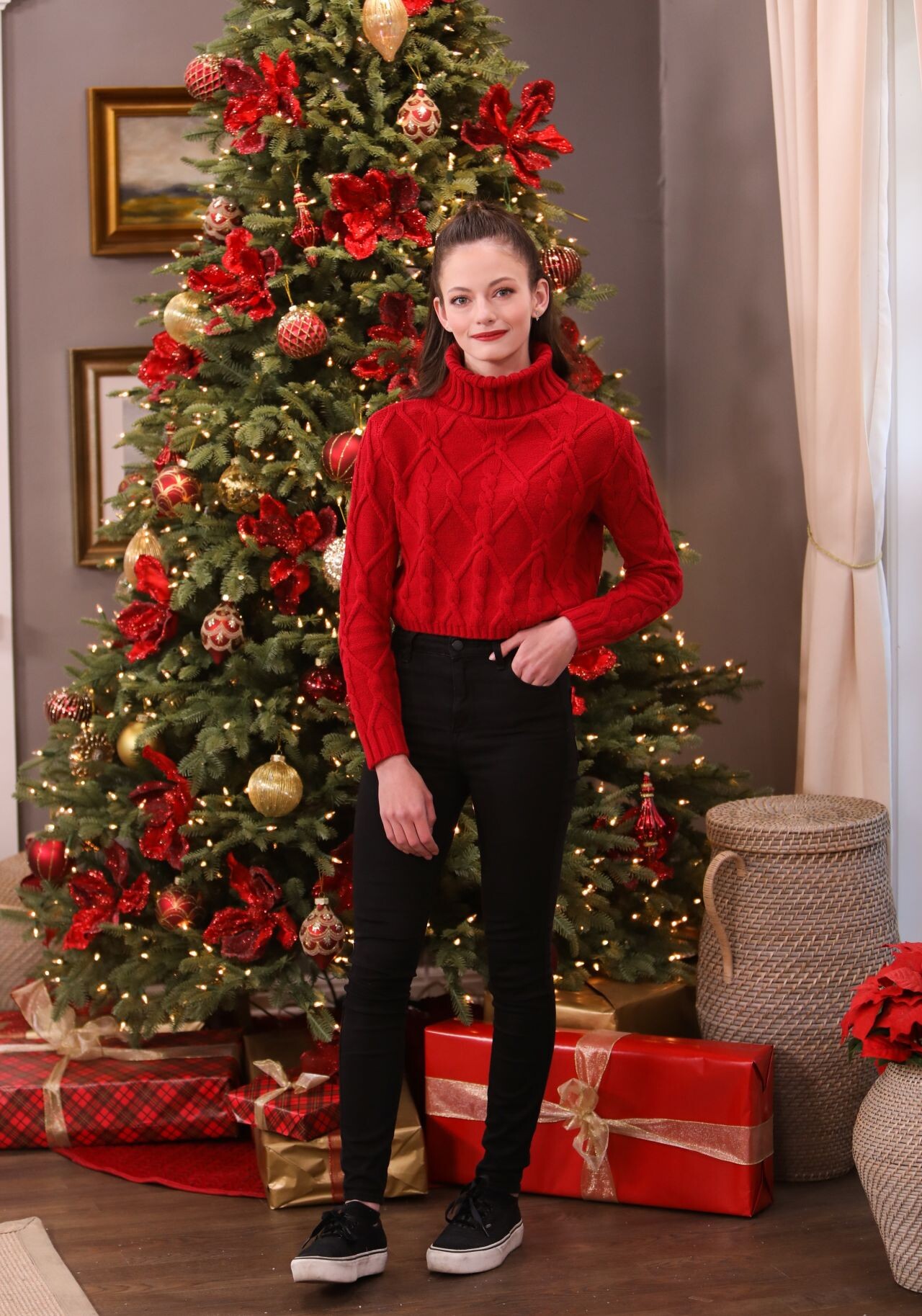
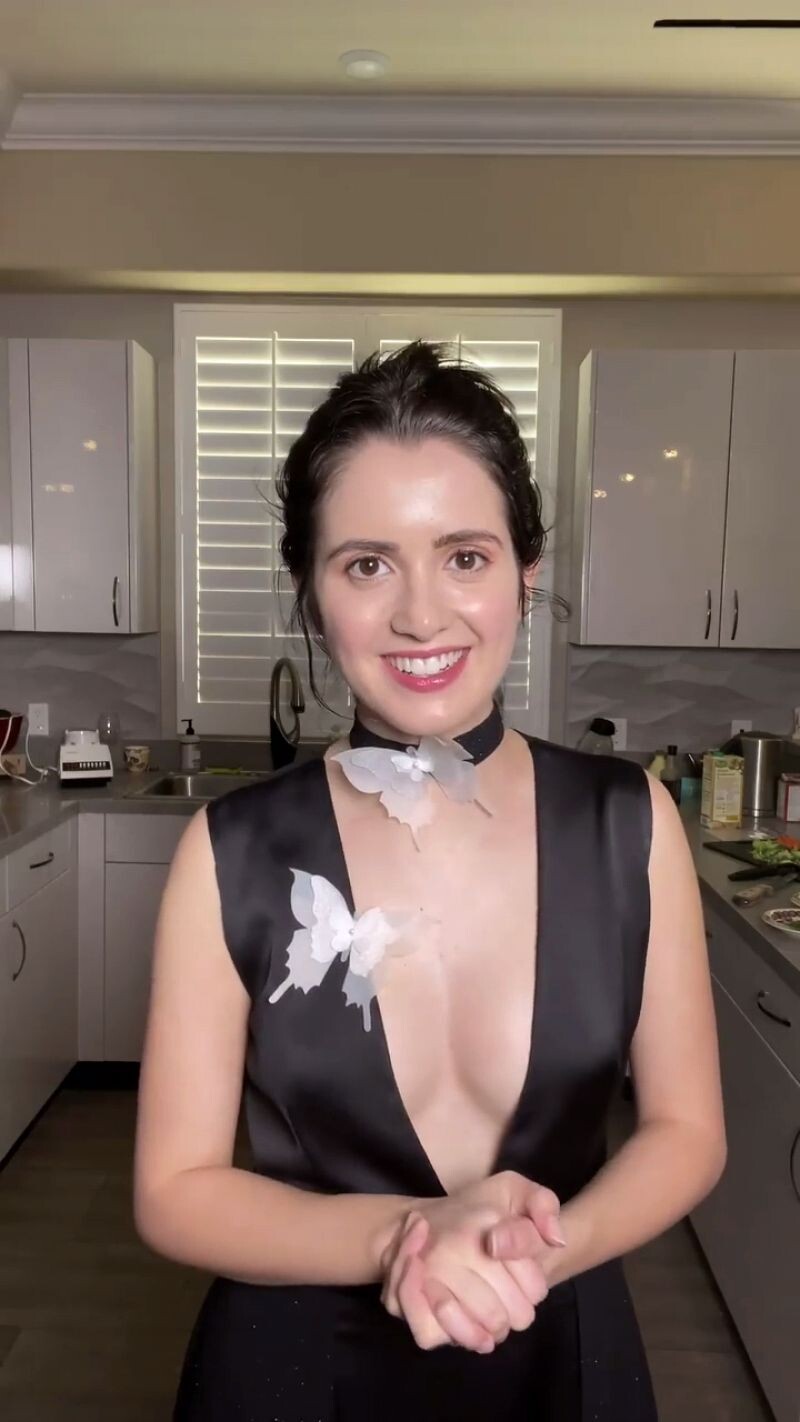
 Hallmark Channel’s Home & Family at Universal Studios 11/30/2020
















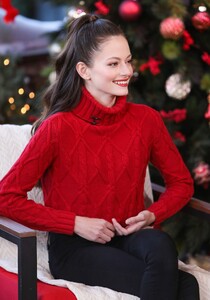


 Chloe Grace Moretz - "Tom and Jerry" (2021)






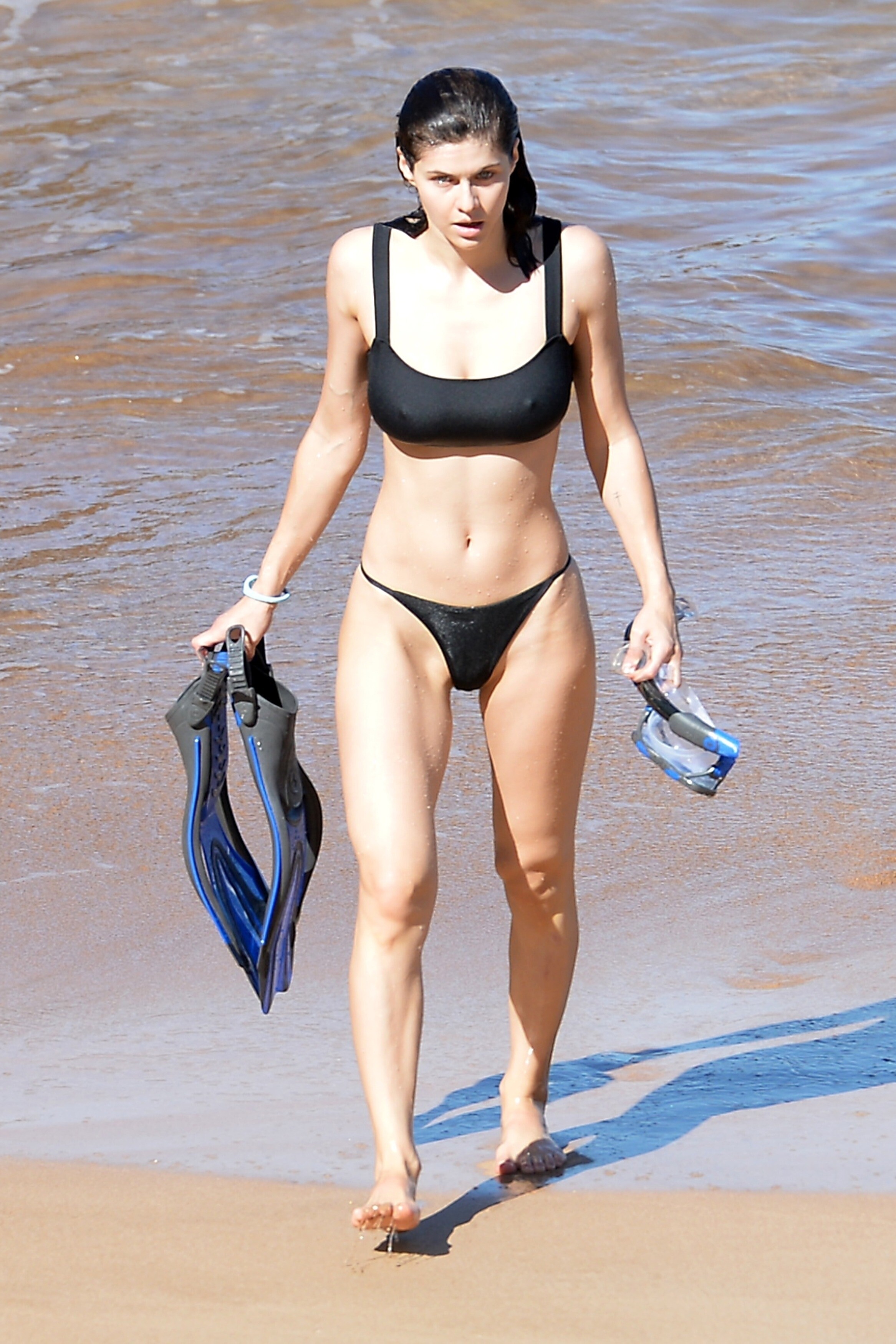
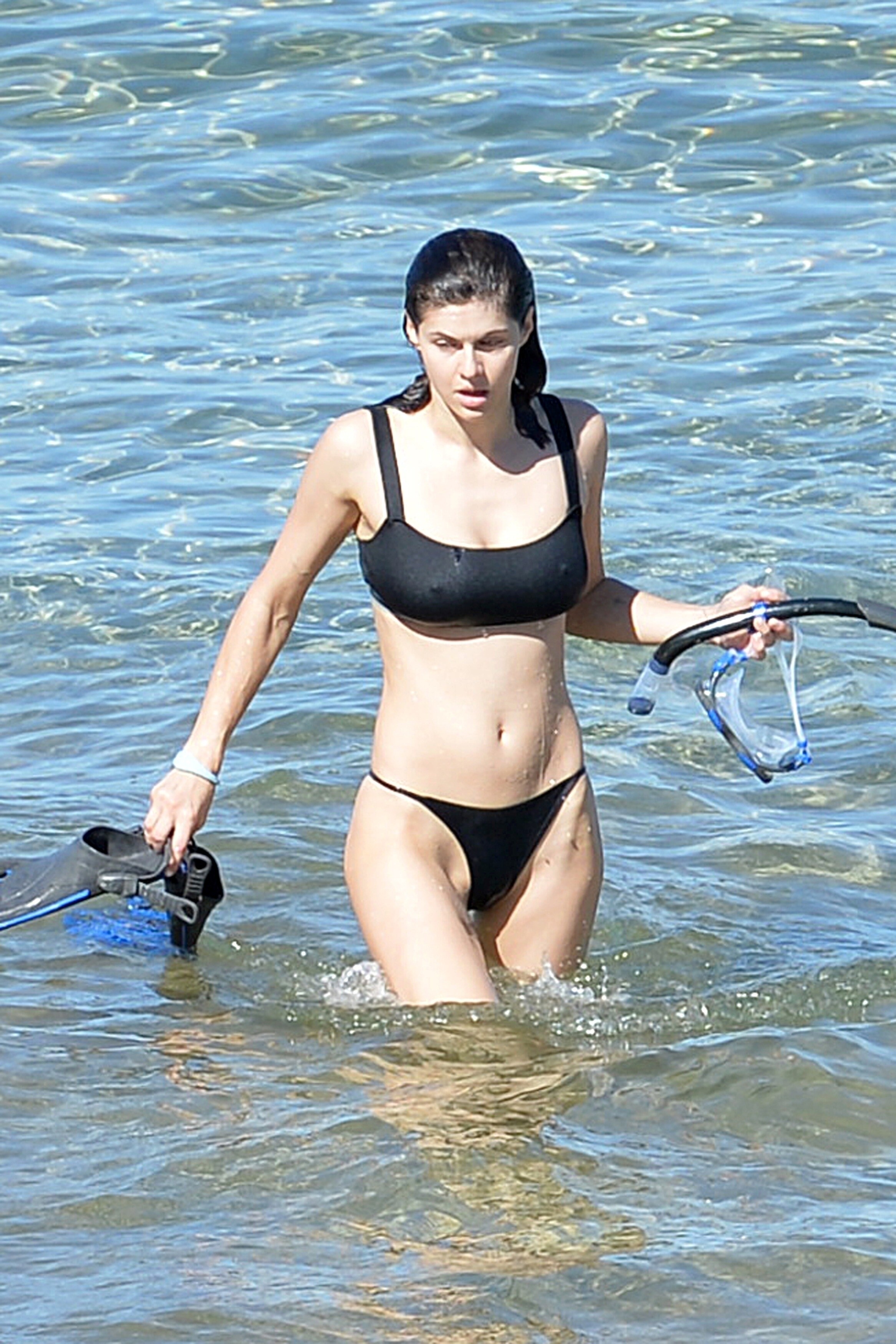
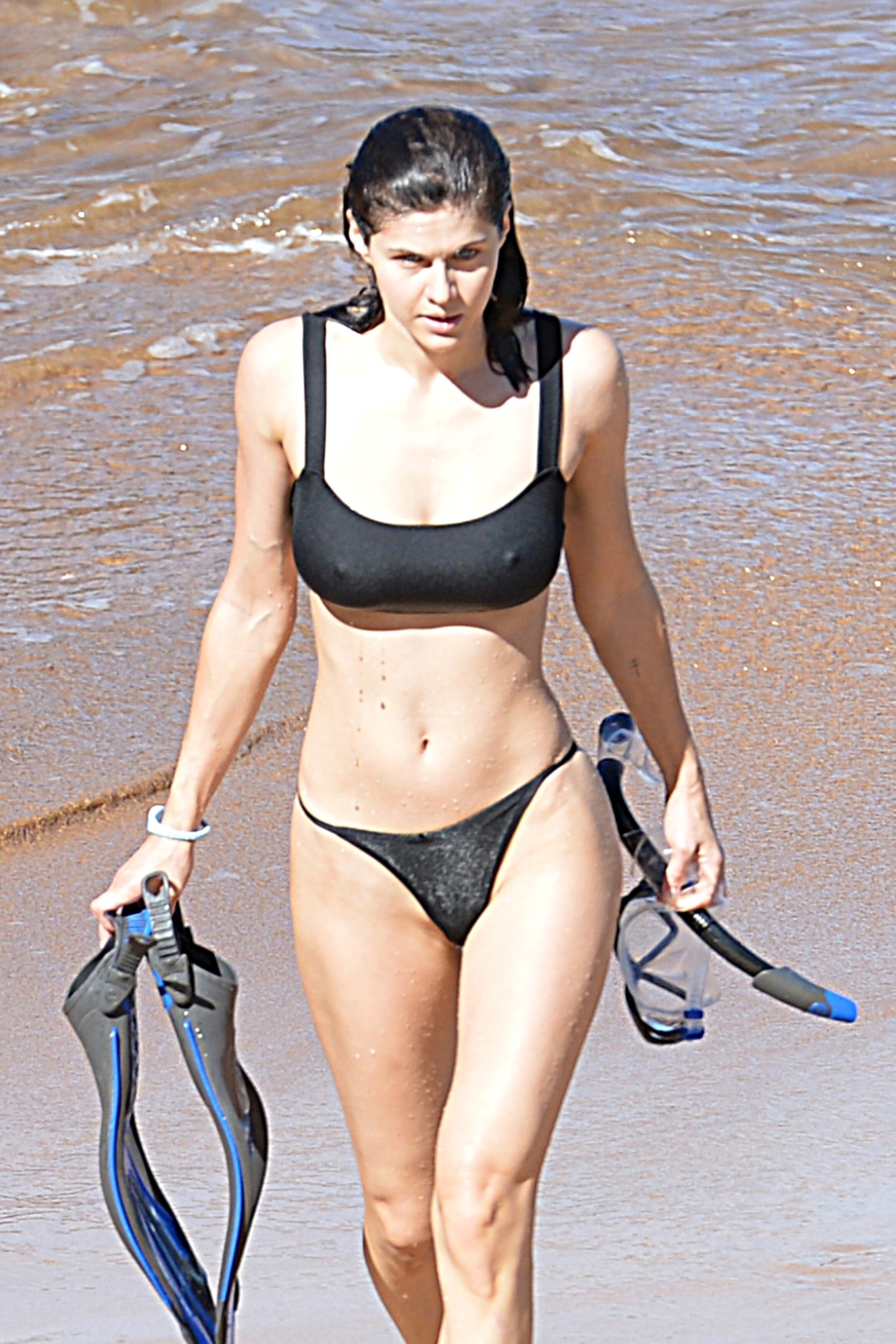
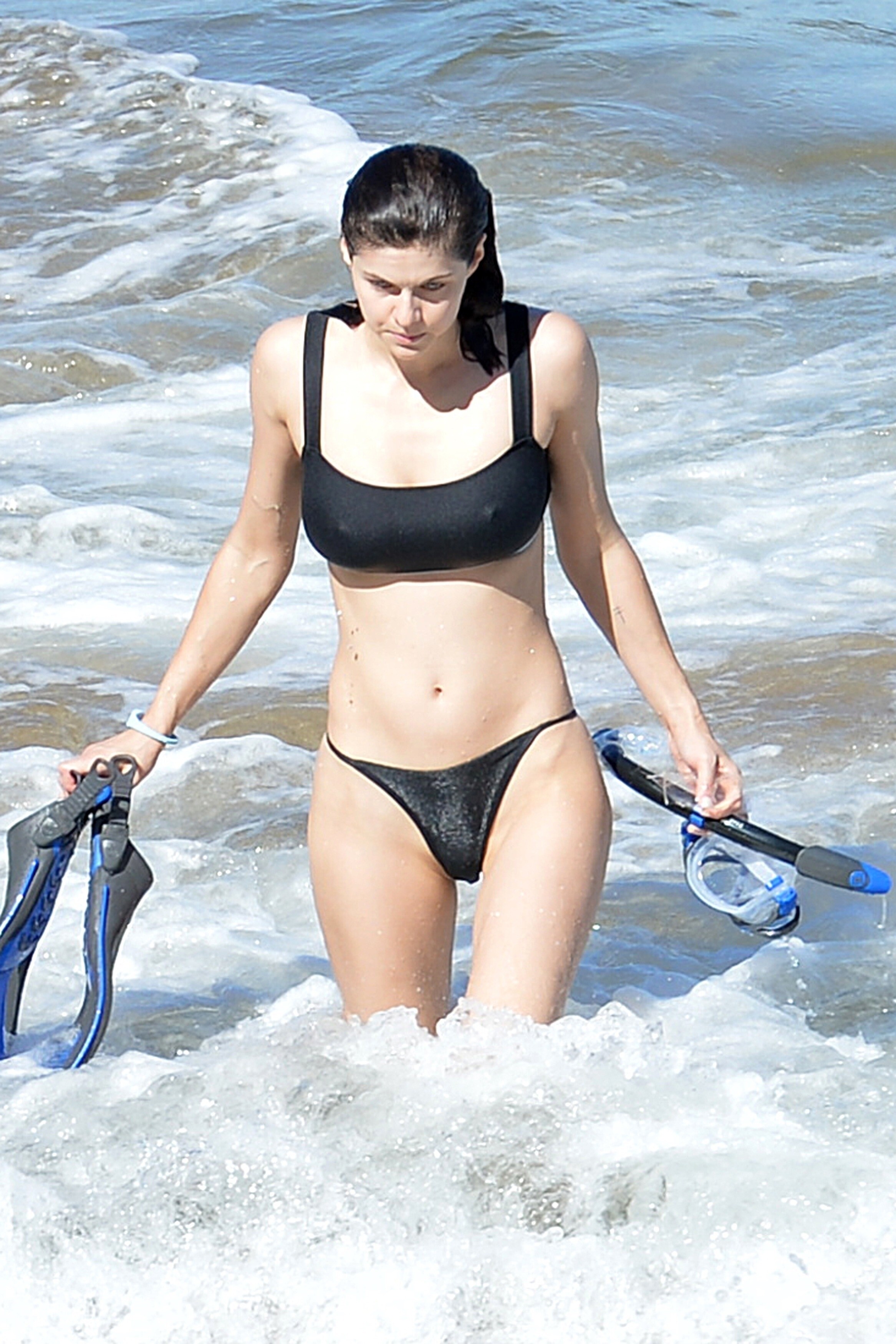
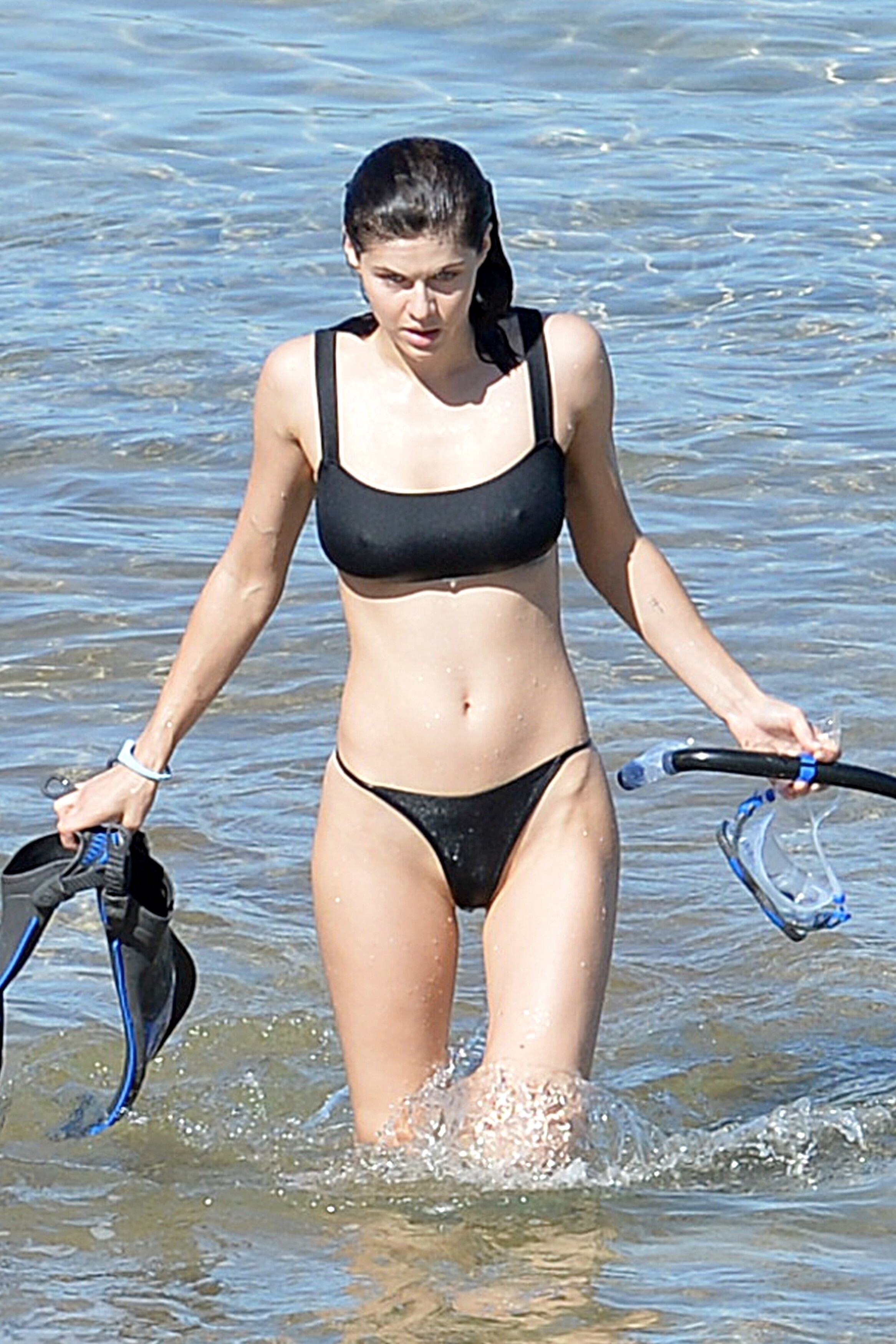
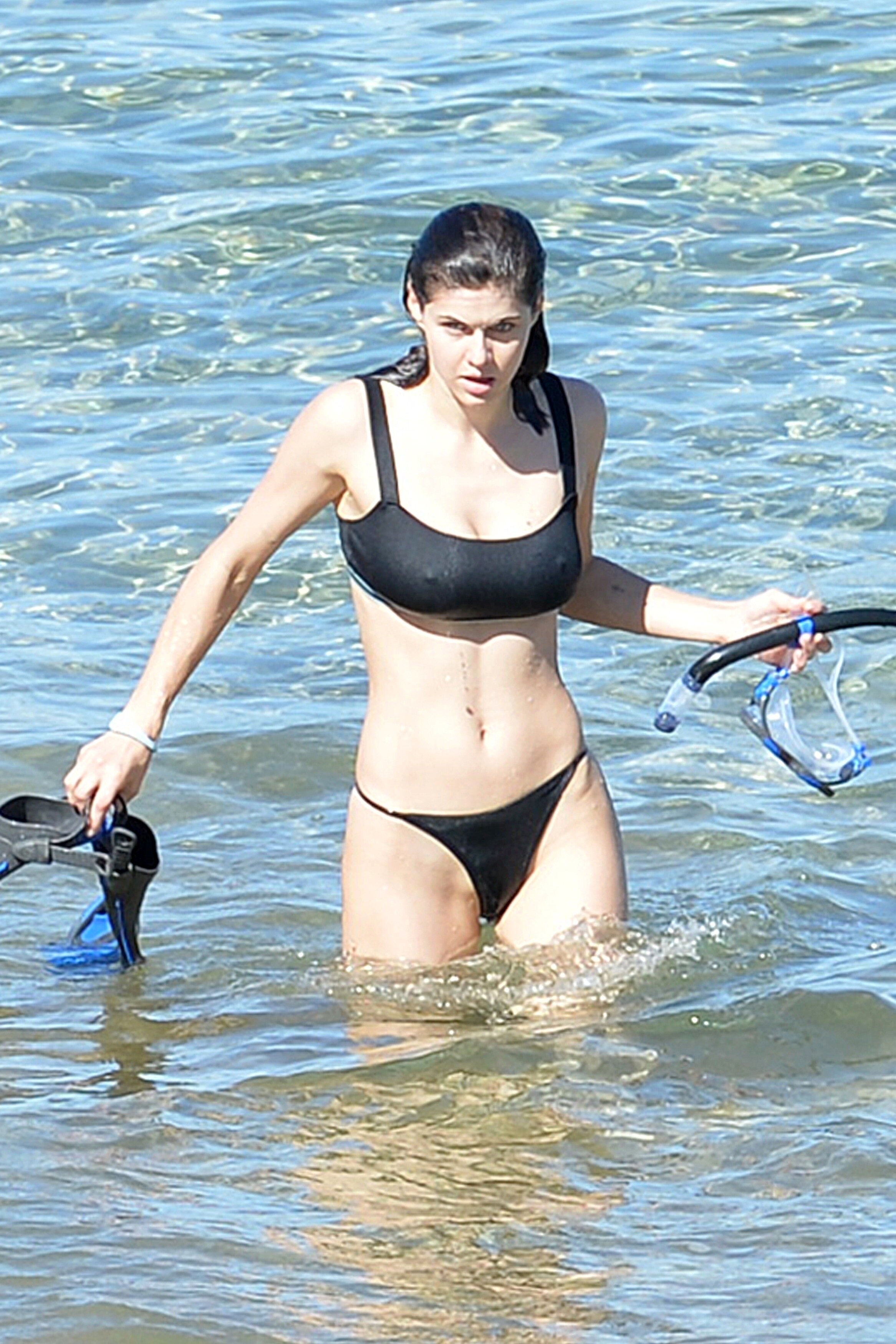
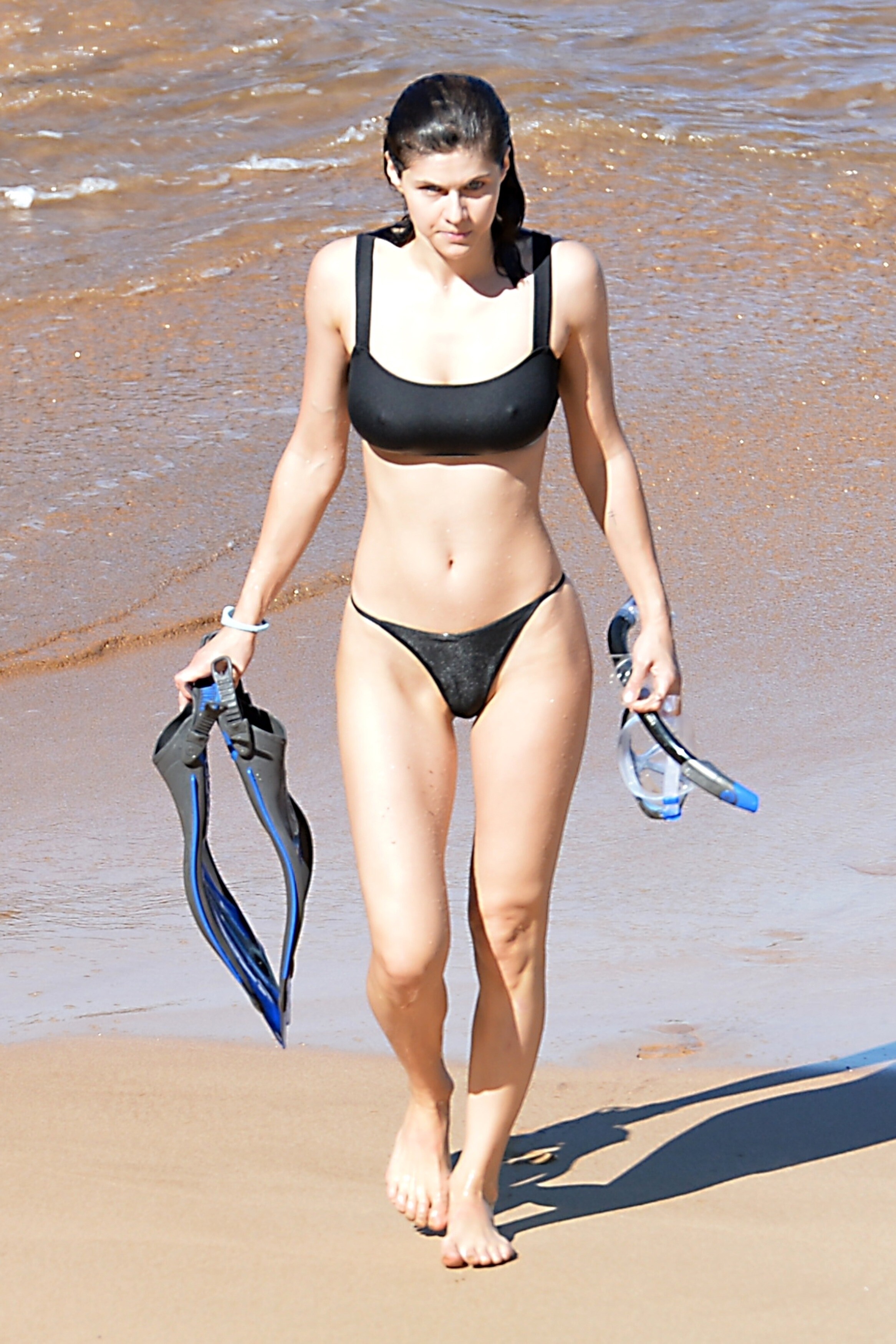
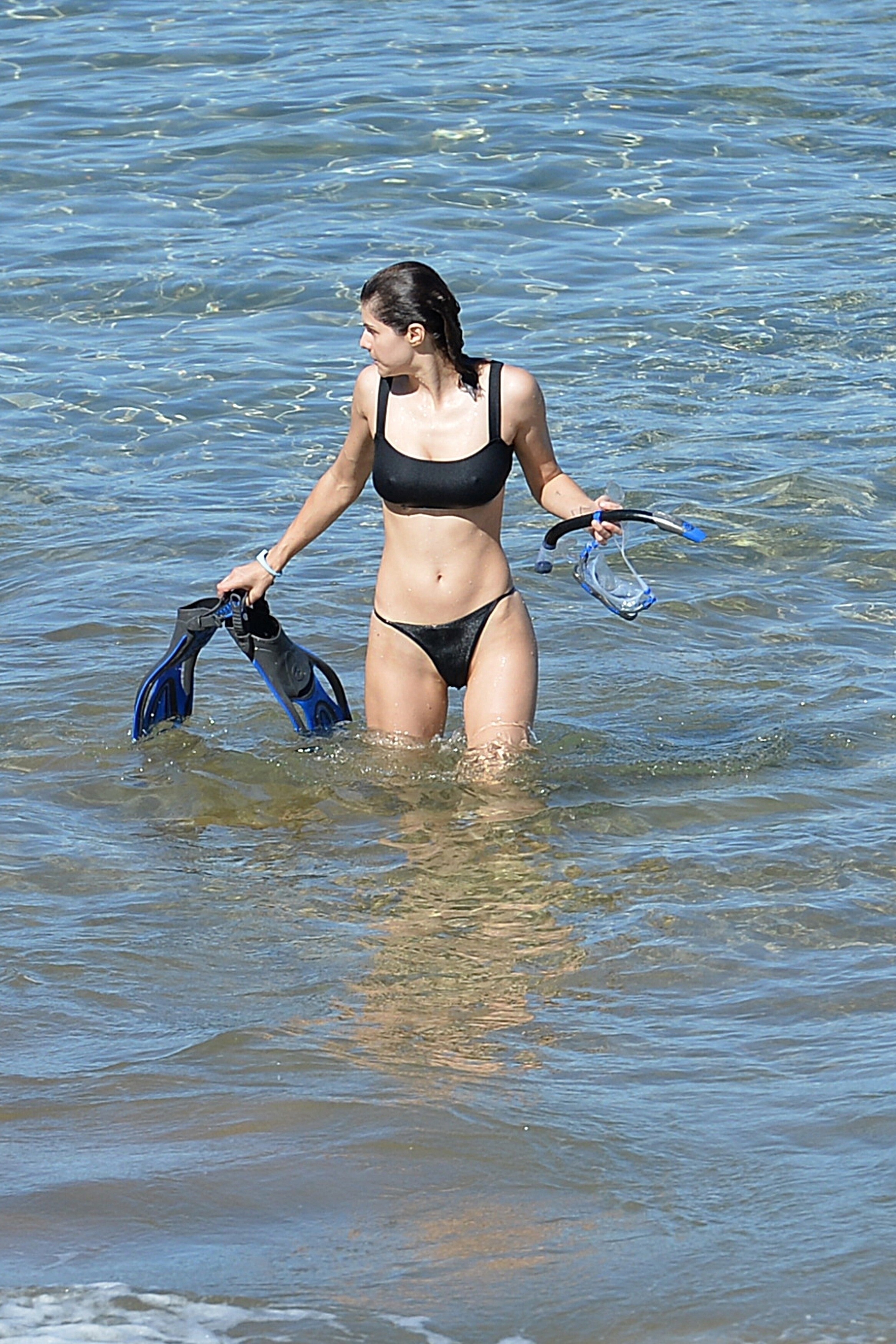
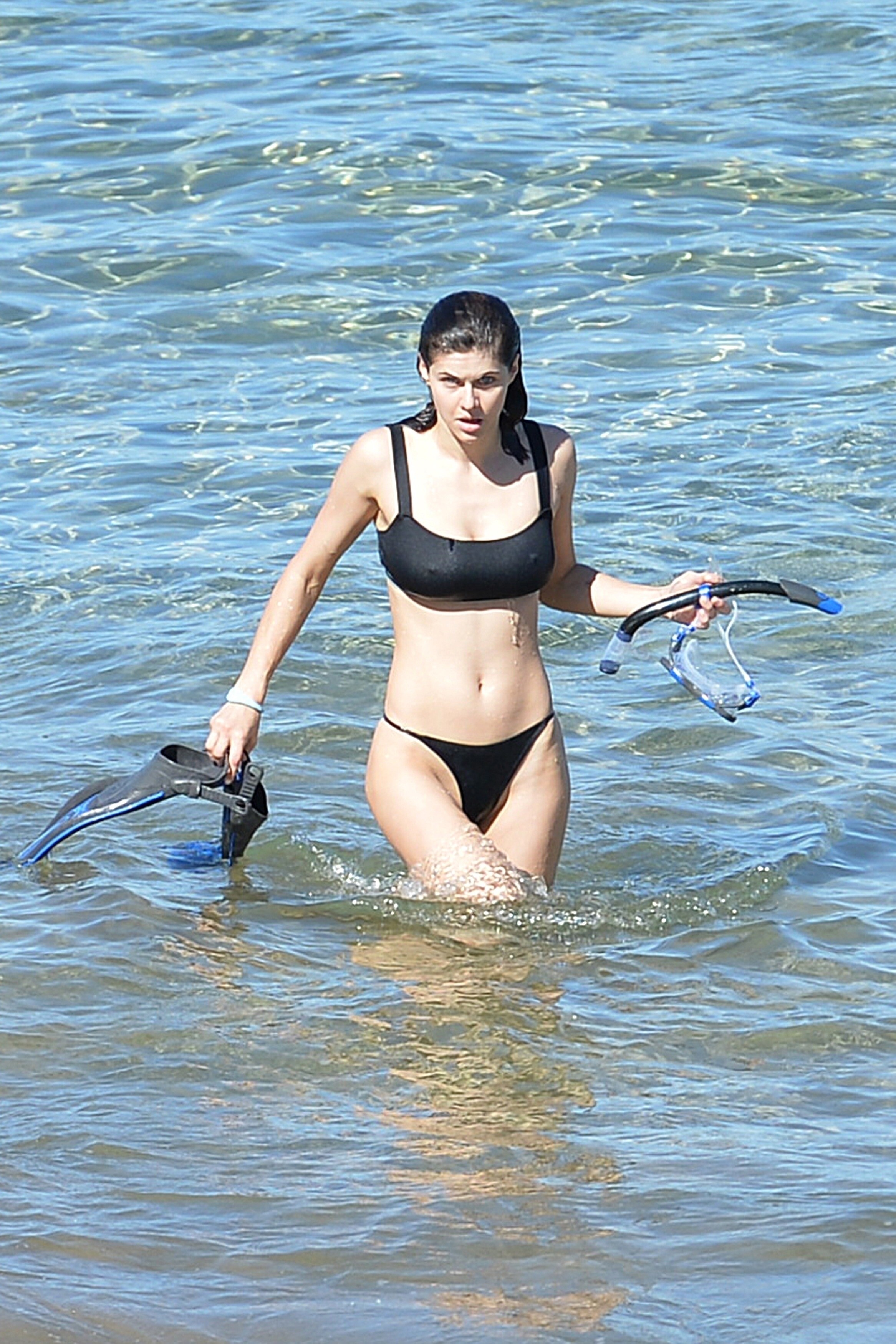
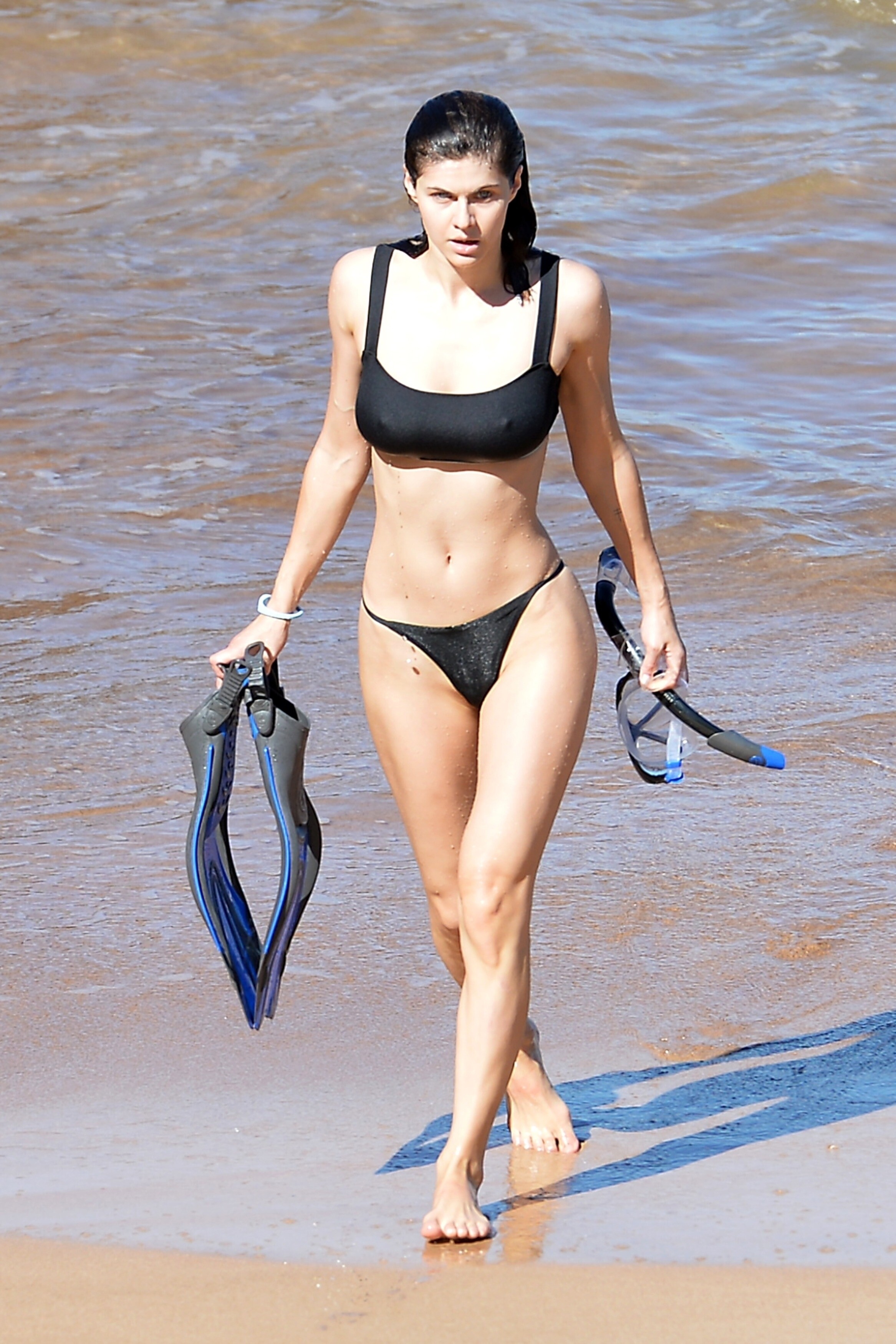
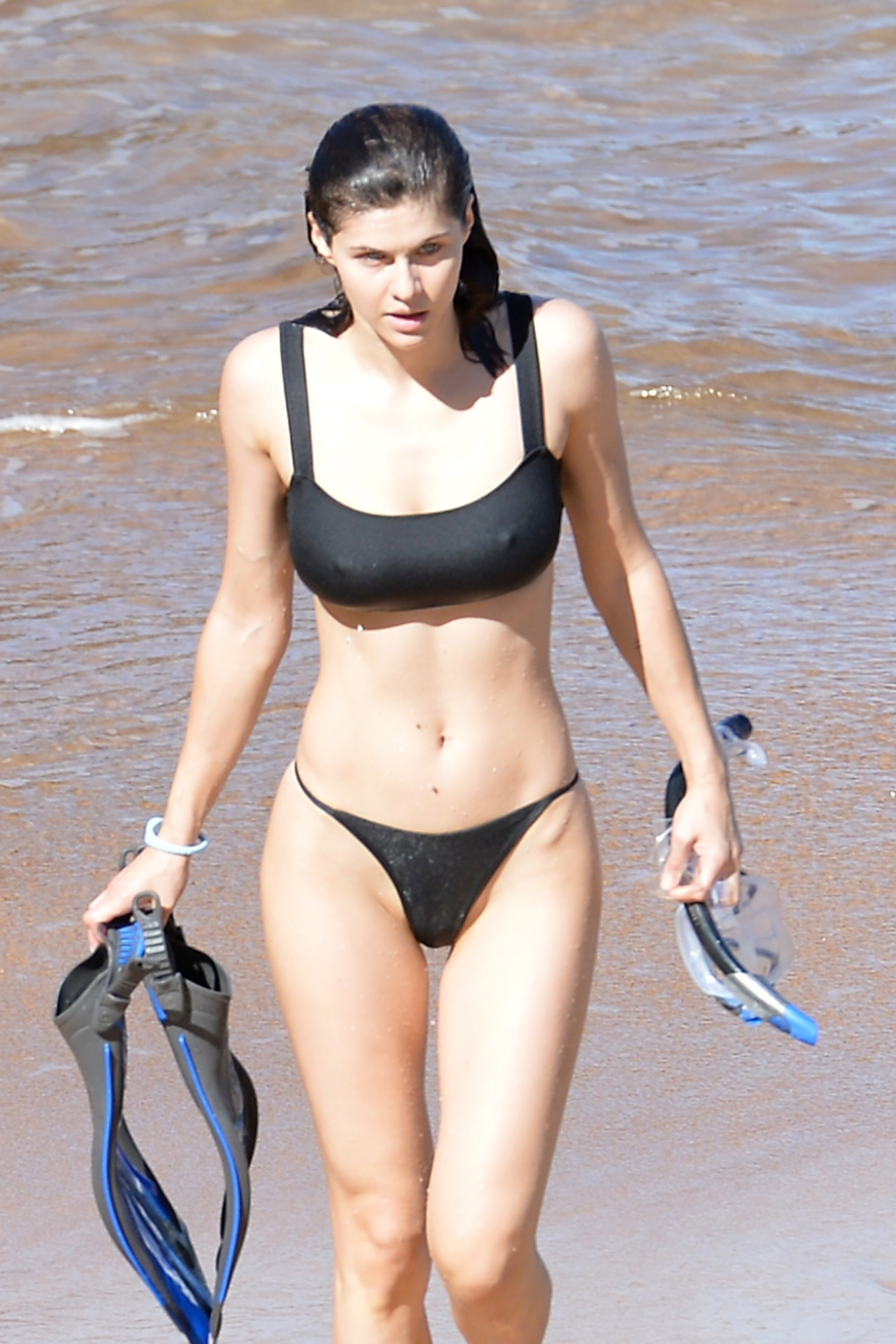
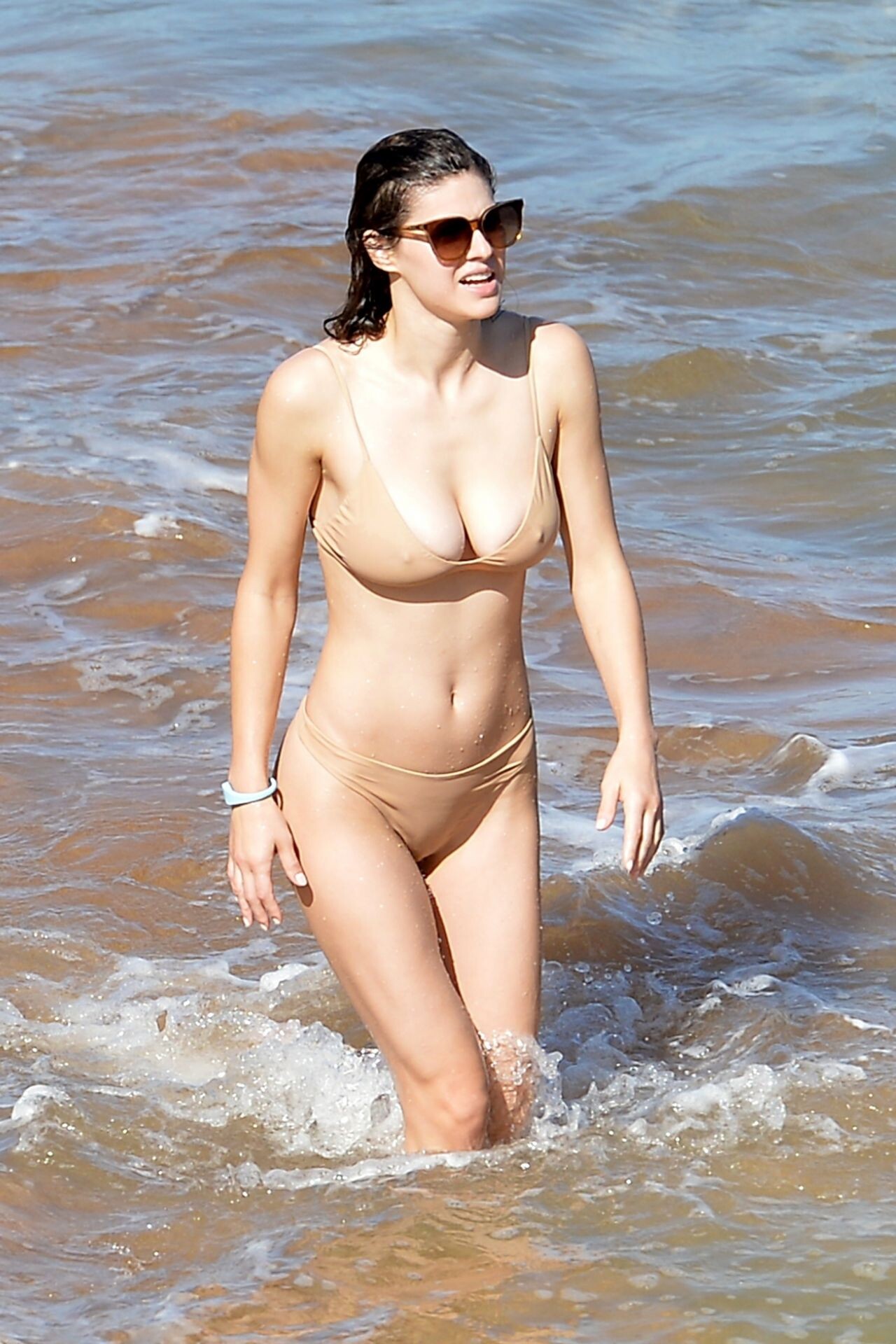
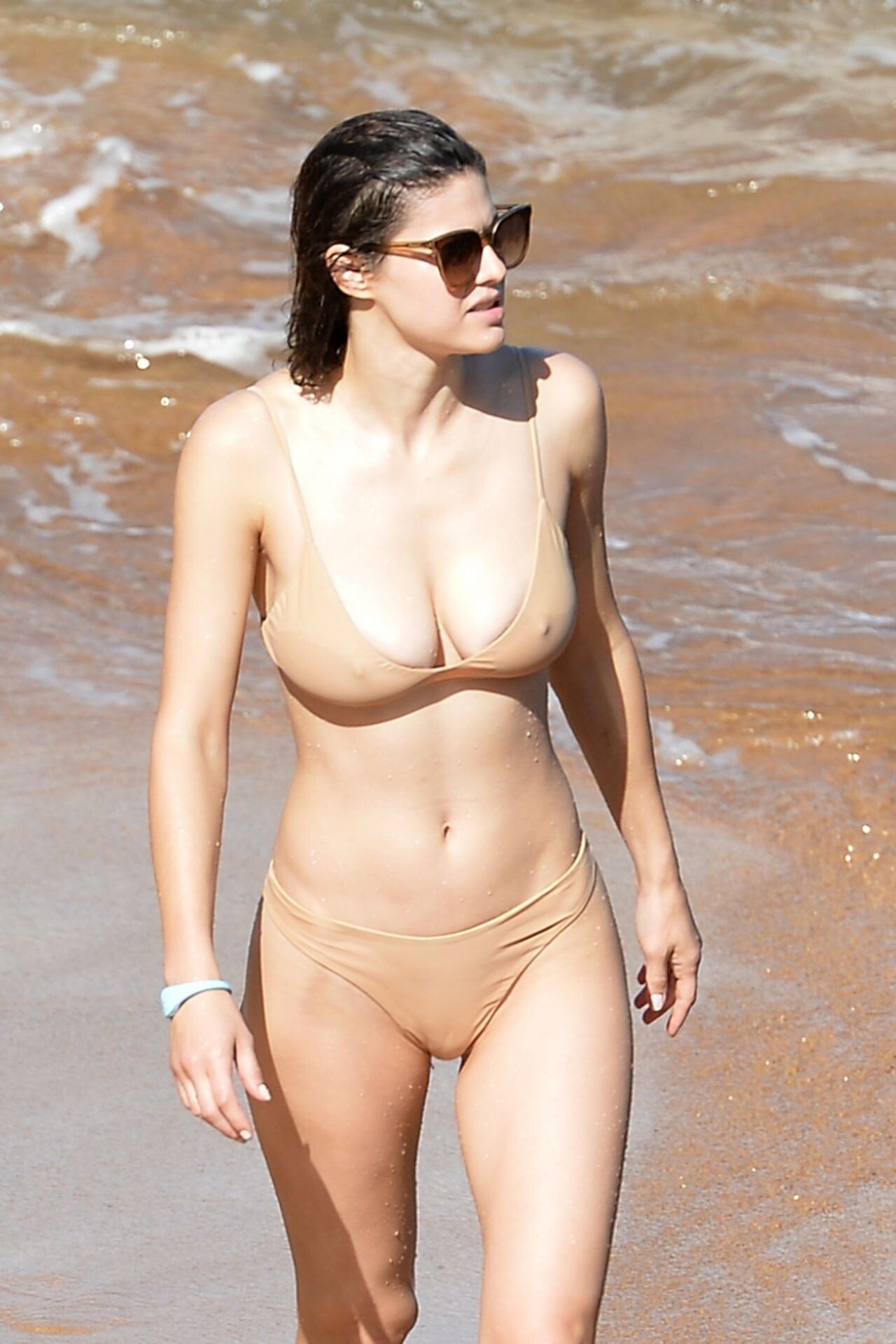
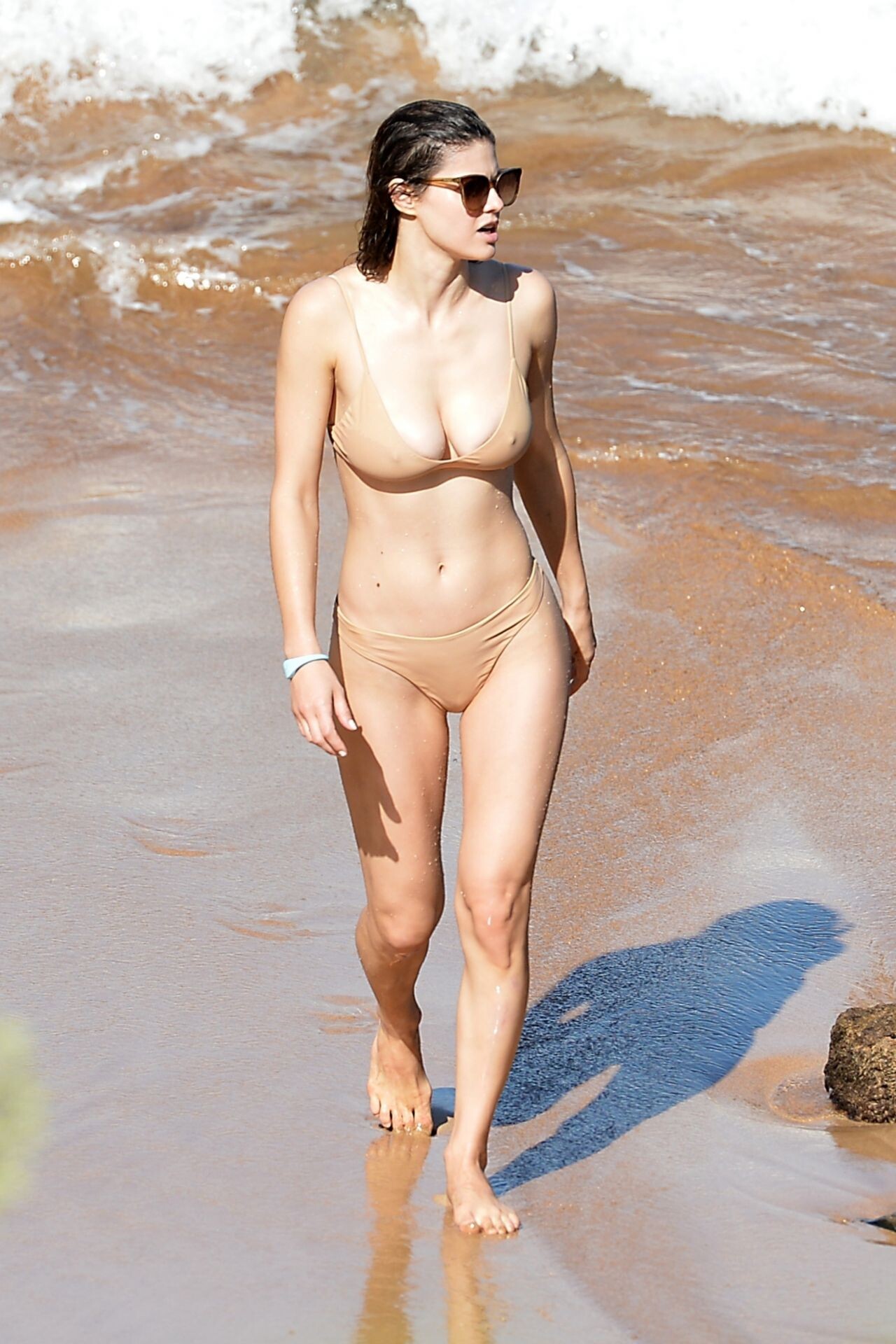
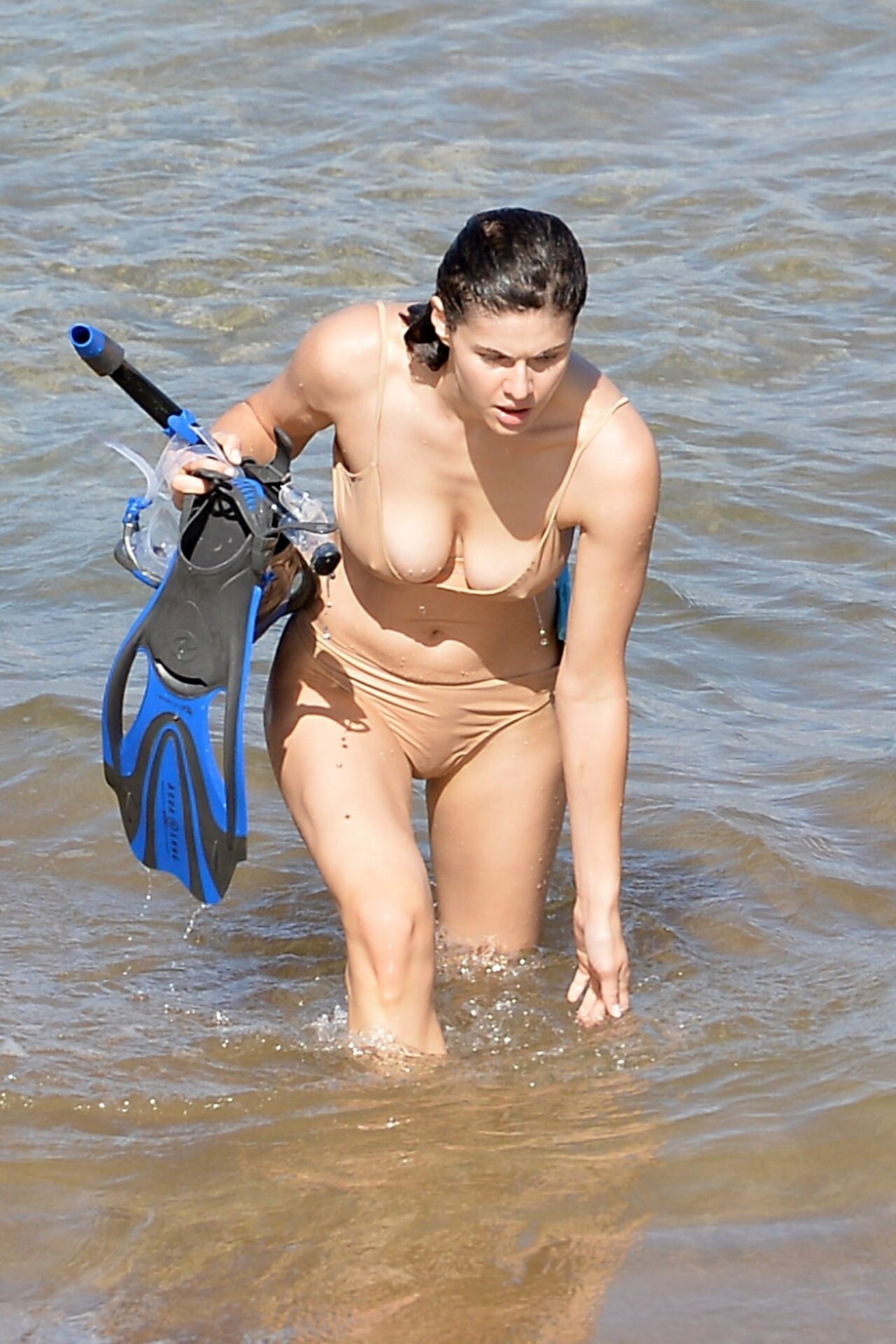
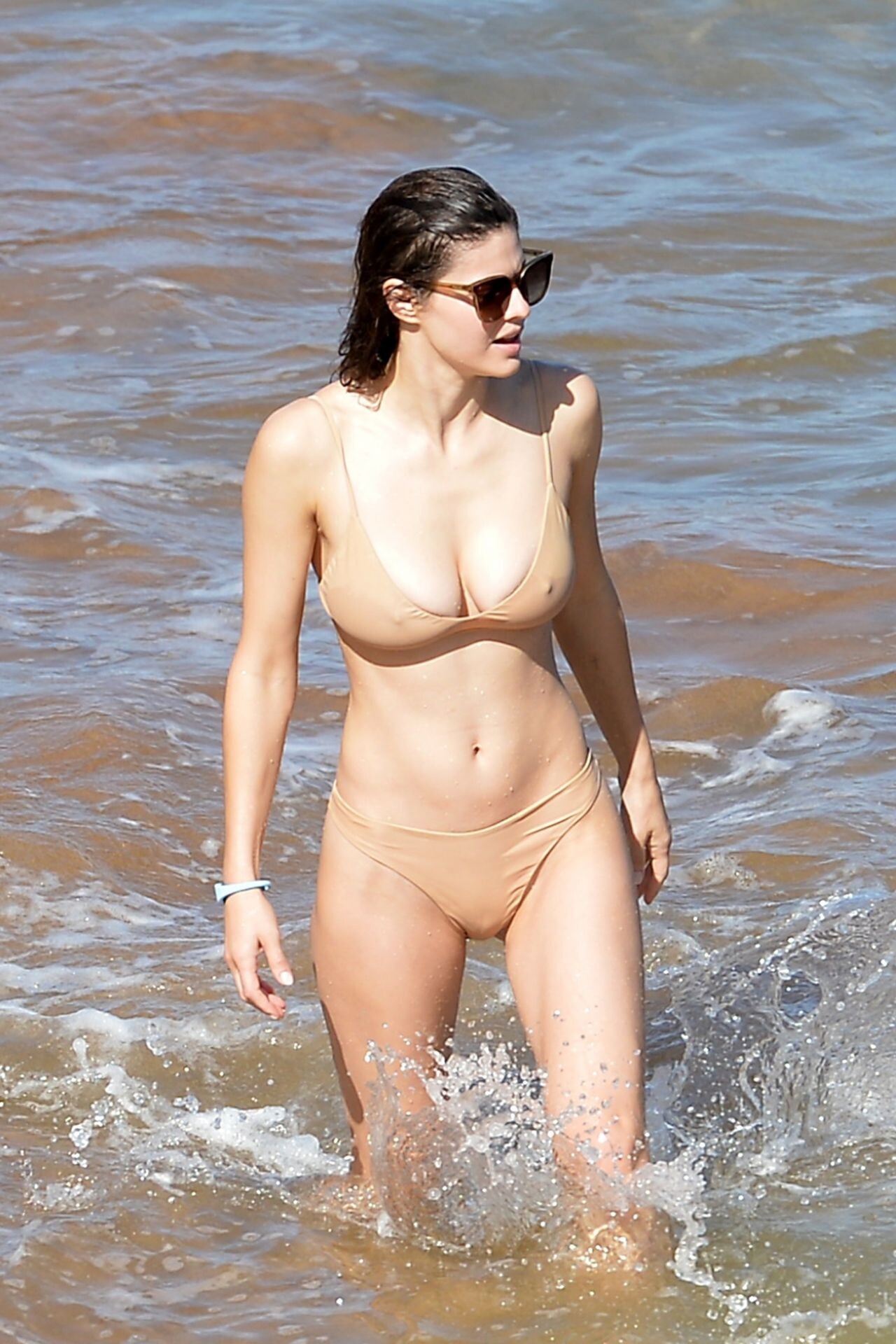
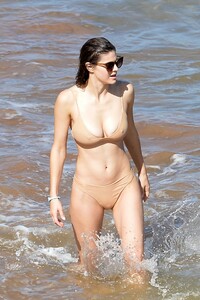
 in a Bikini 11/26/2020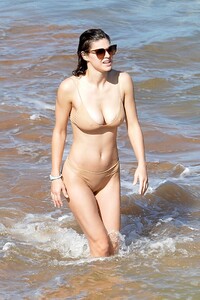
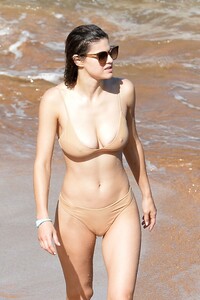
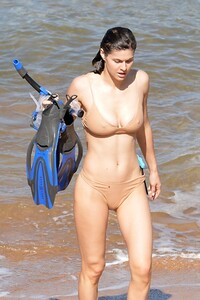
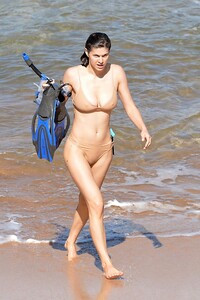
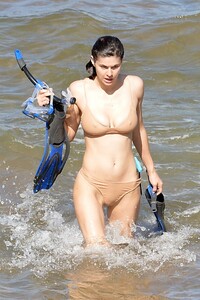
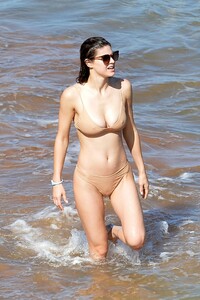
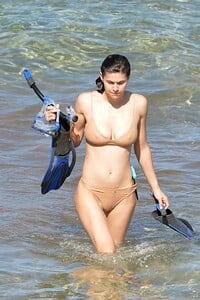
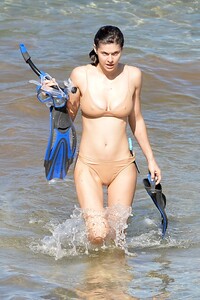
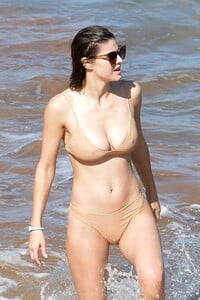
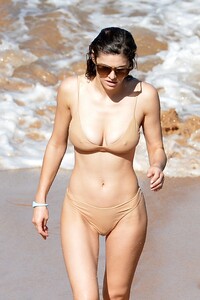

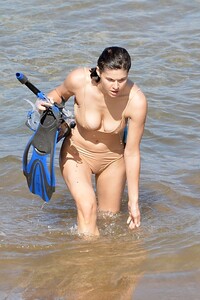
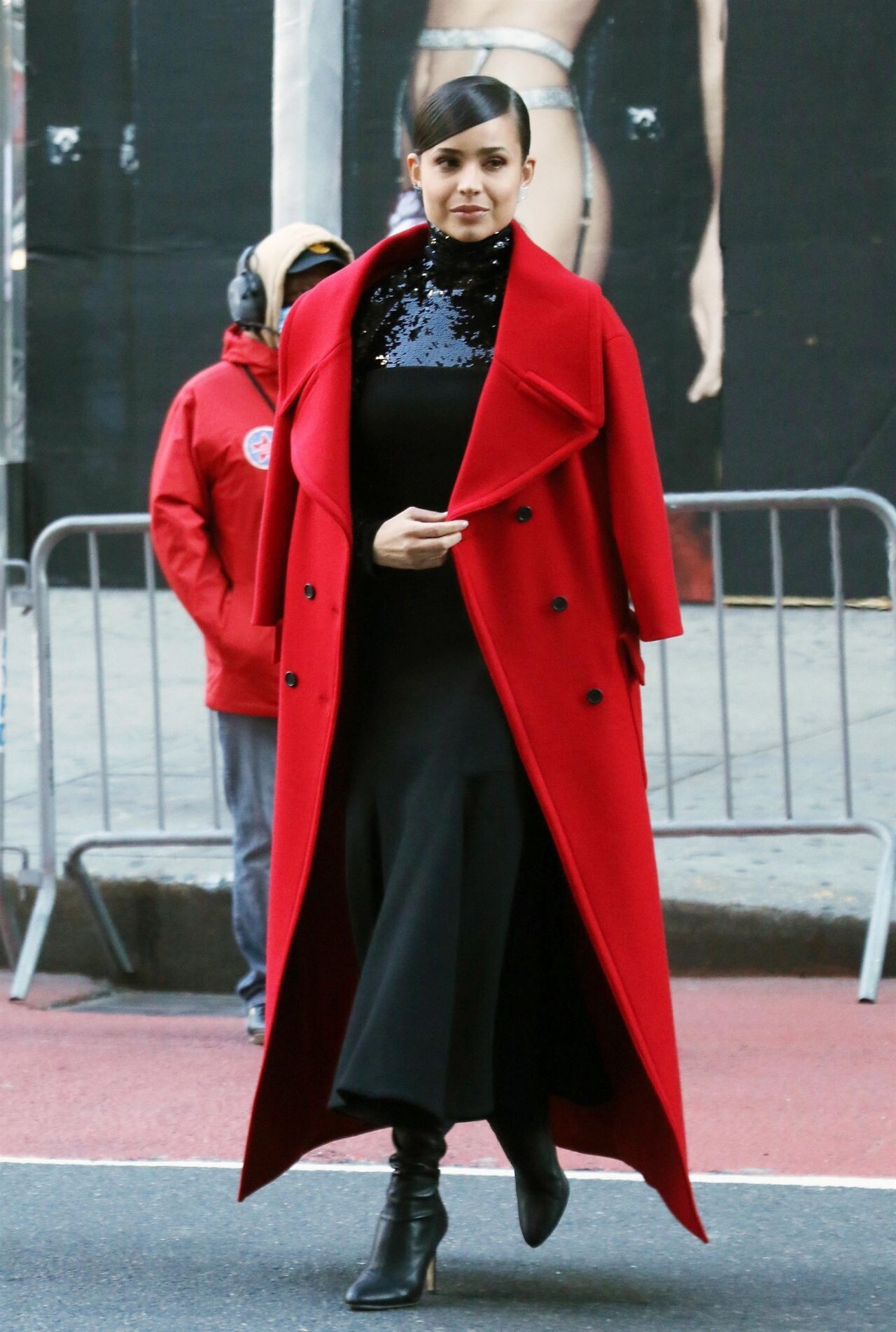
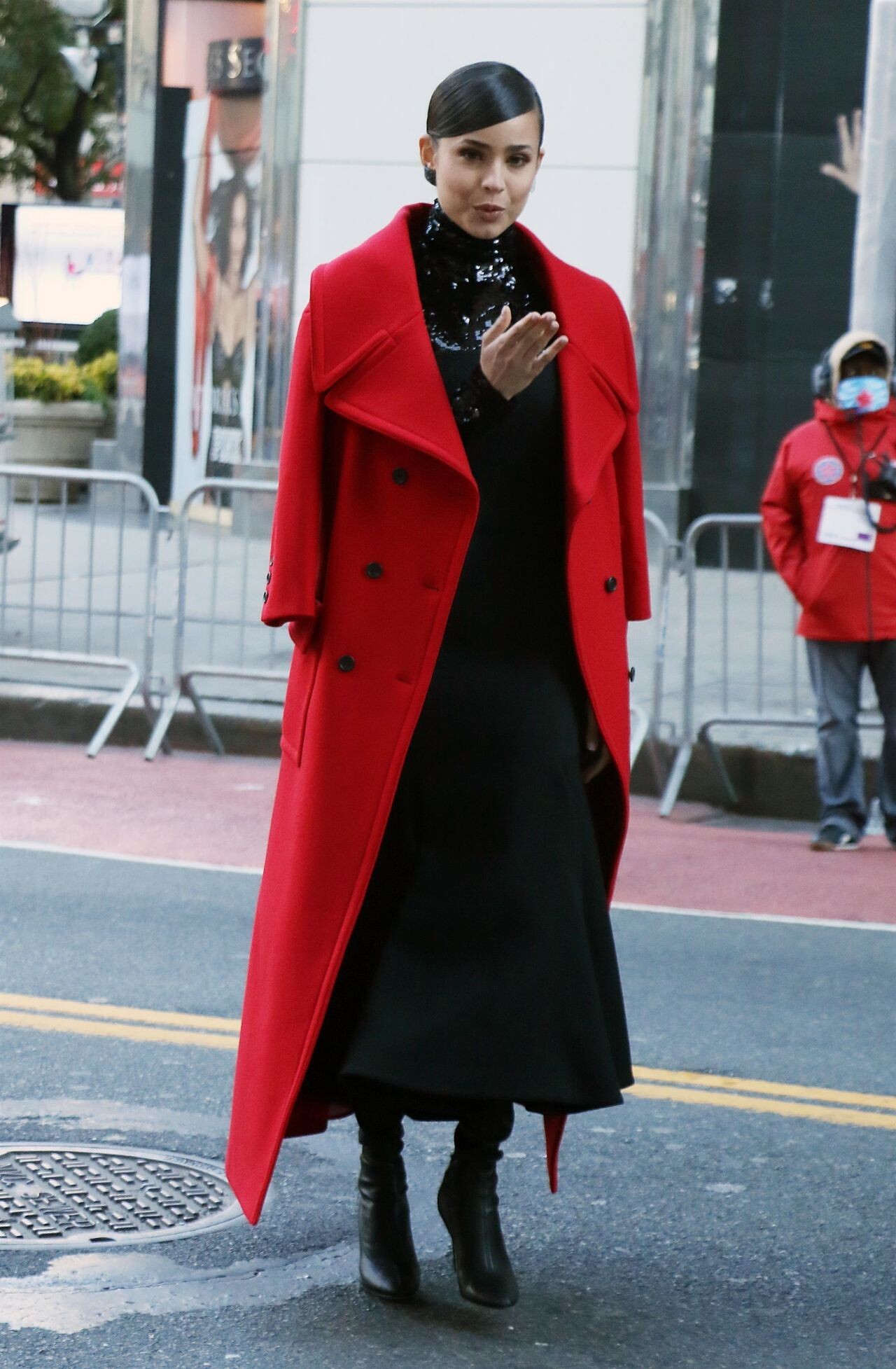
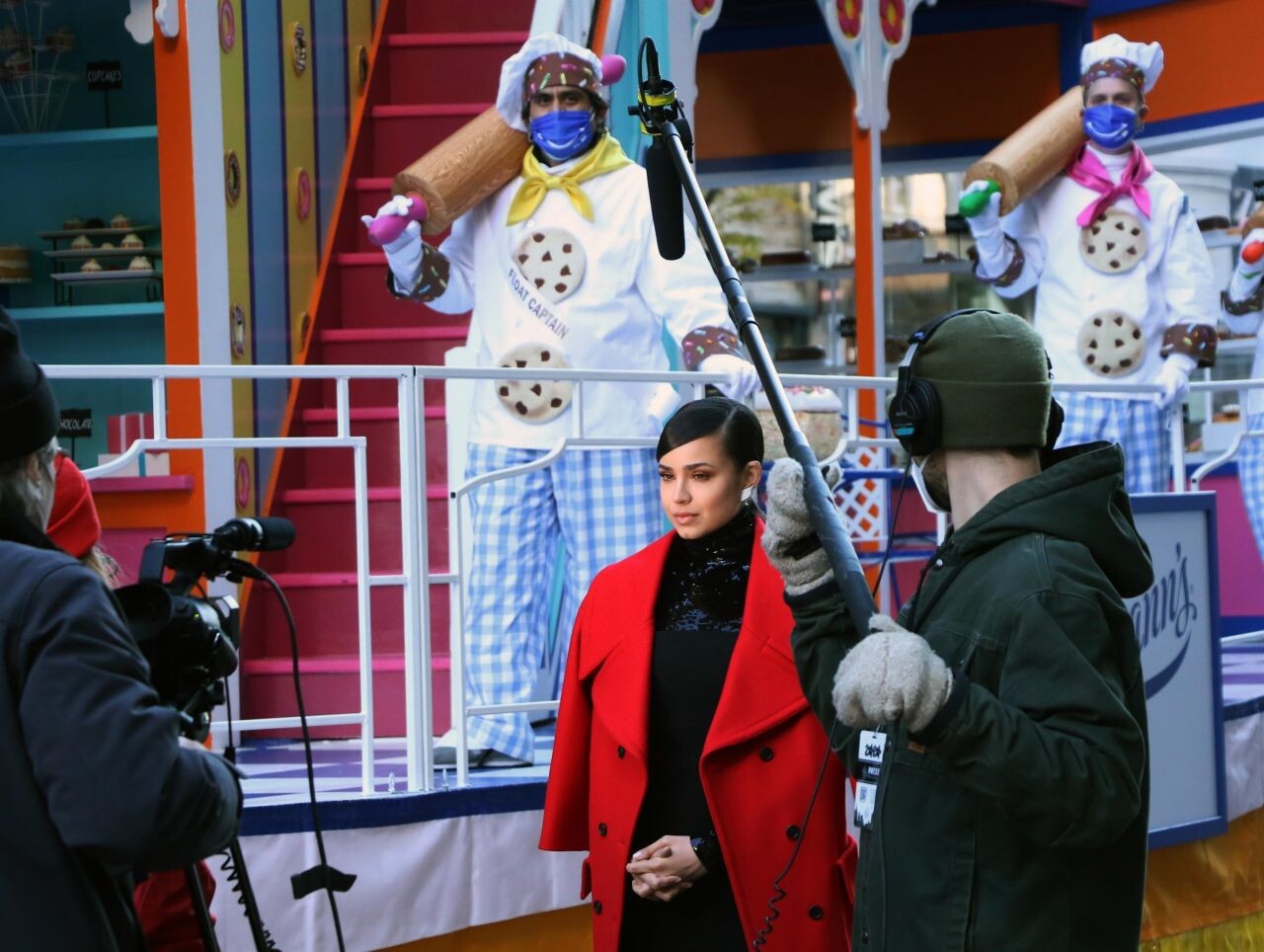
 Macy’s Thanksgiving Day Parade 2020 at Herald Square in NYC 11/24/2020








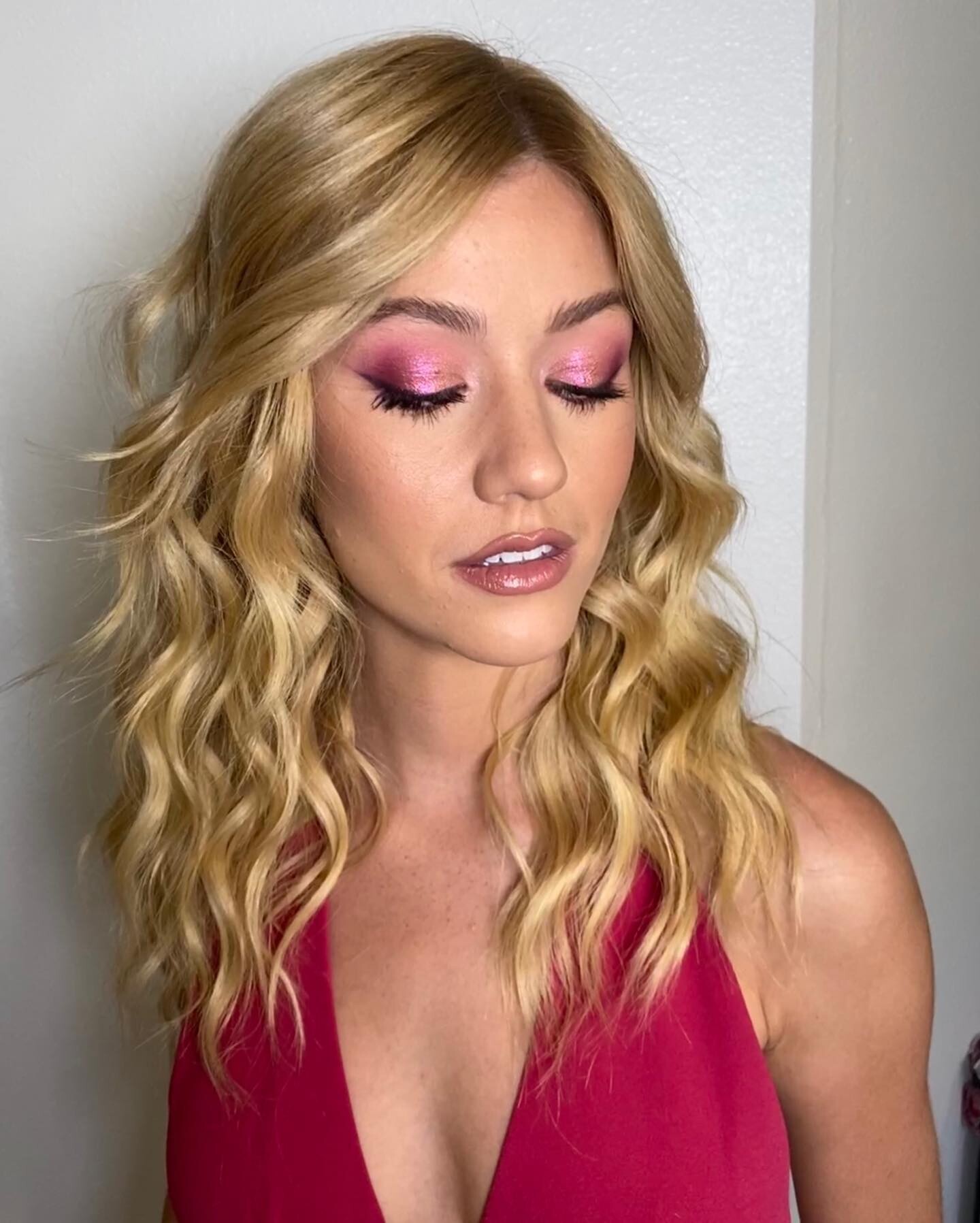
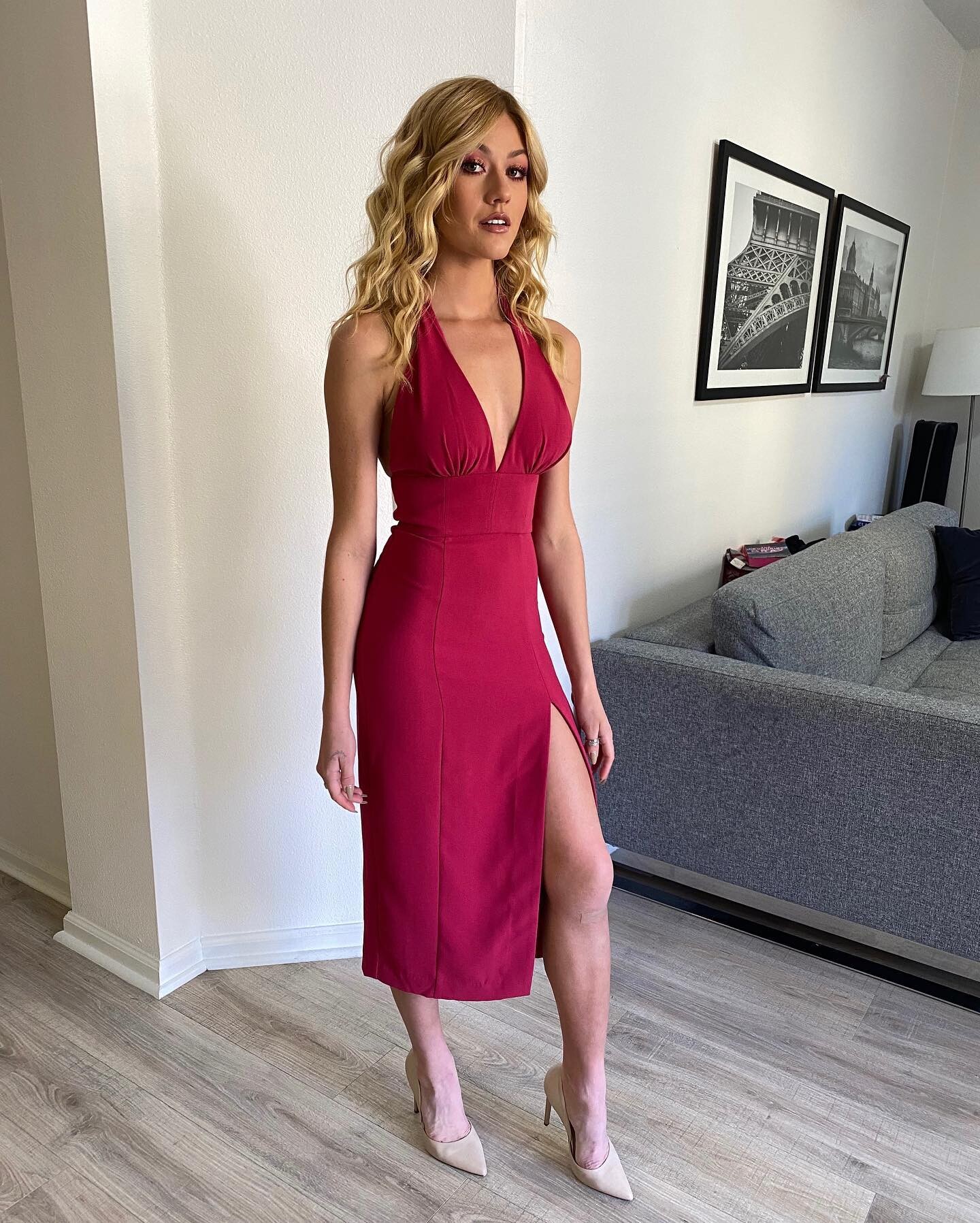
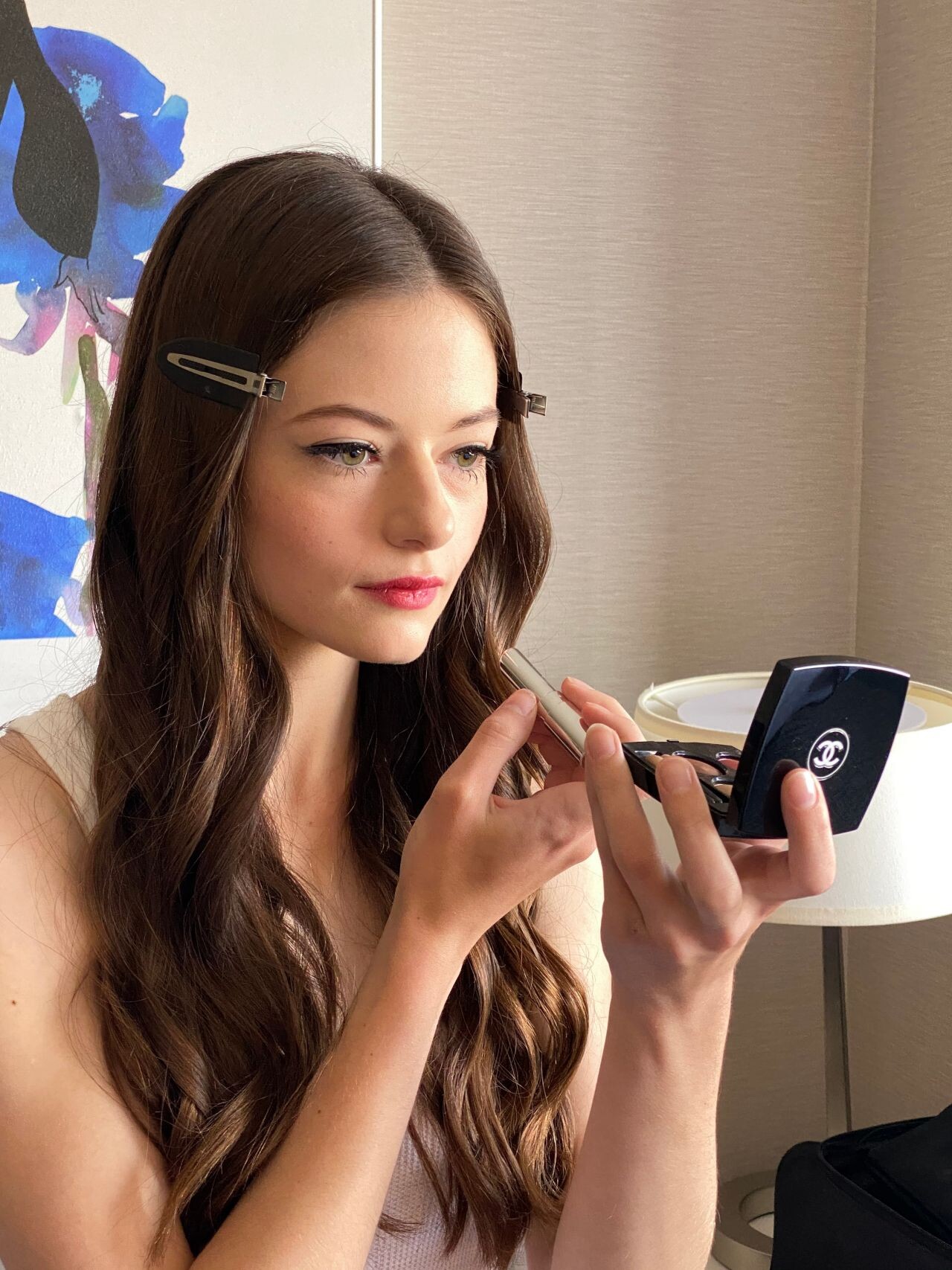
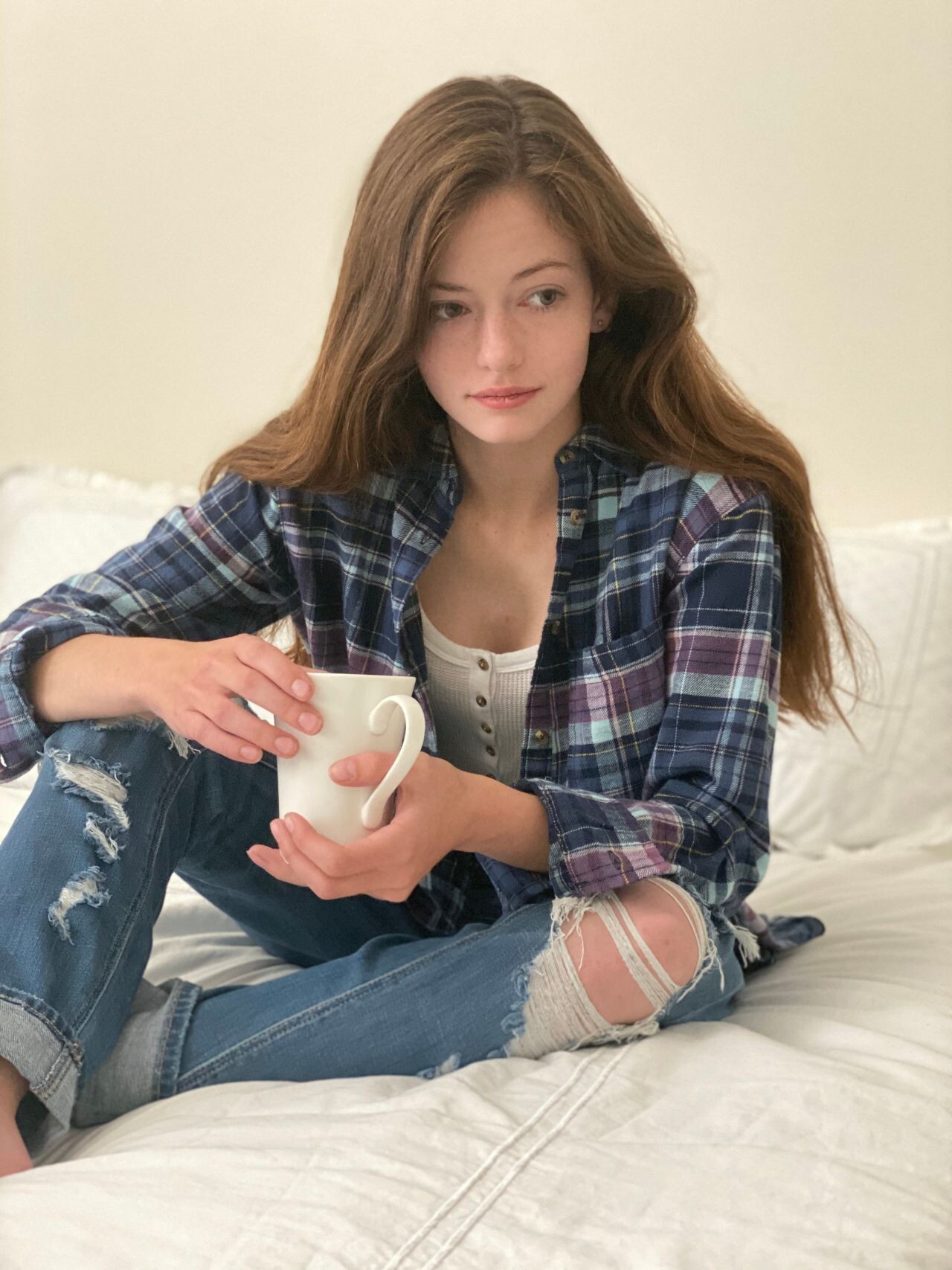
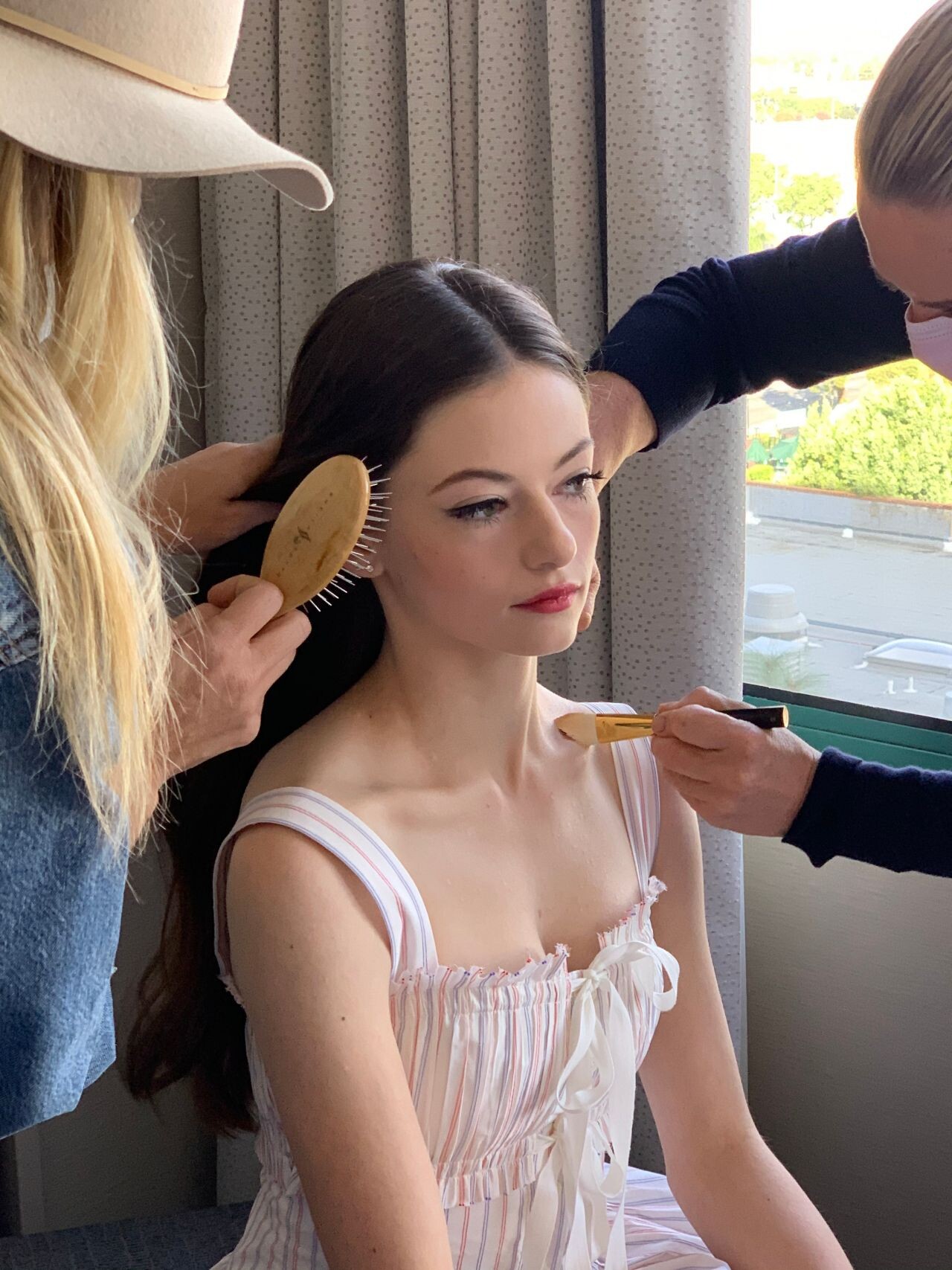
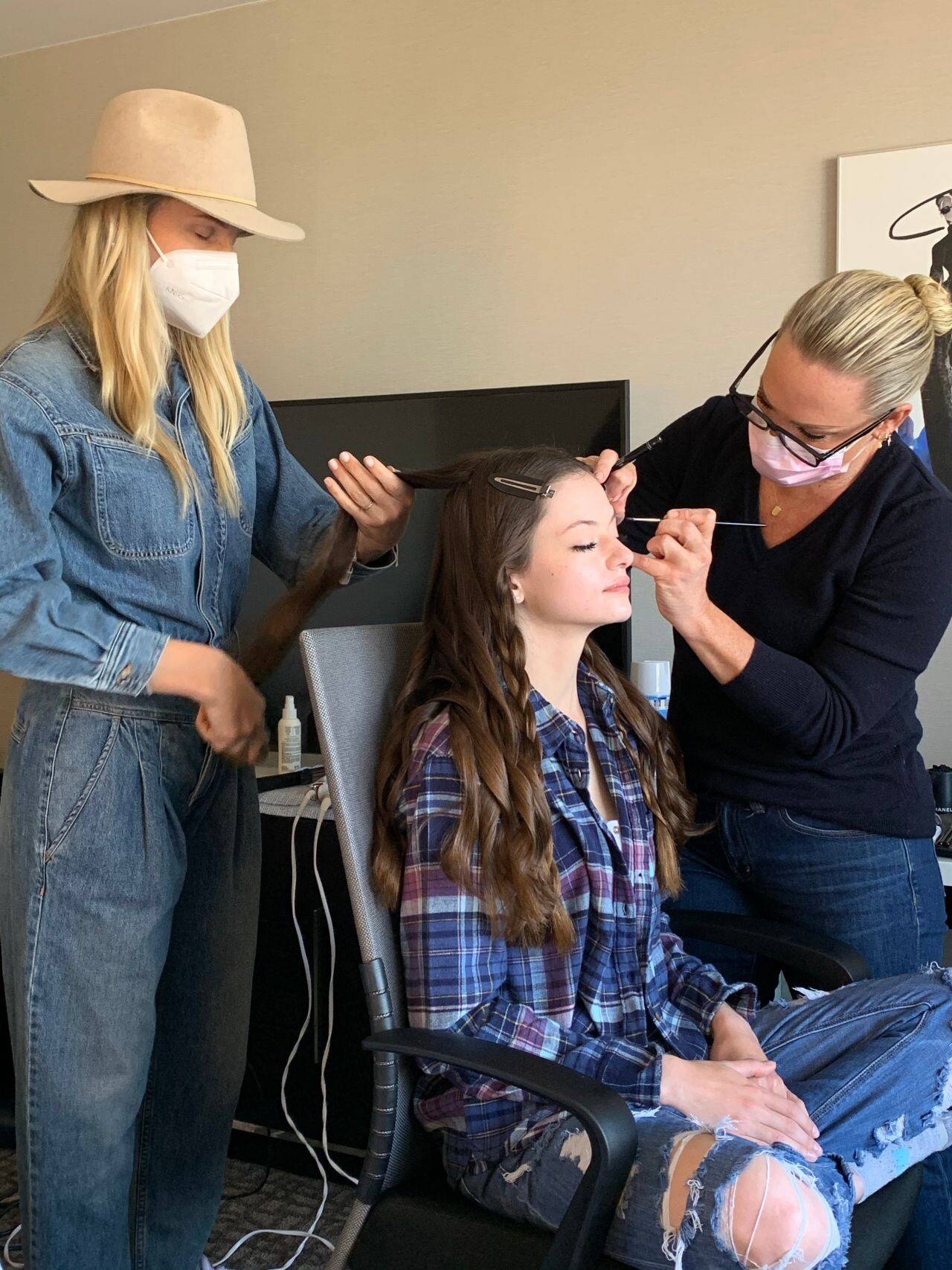
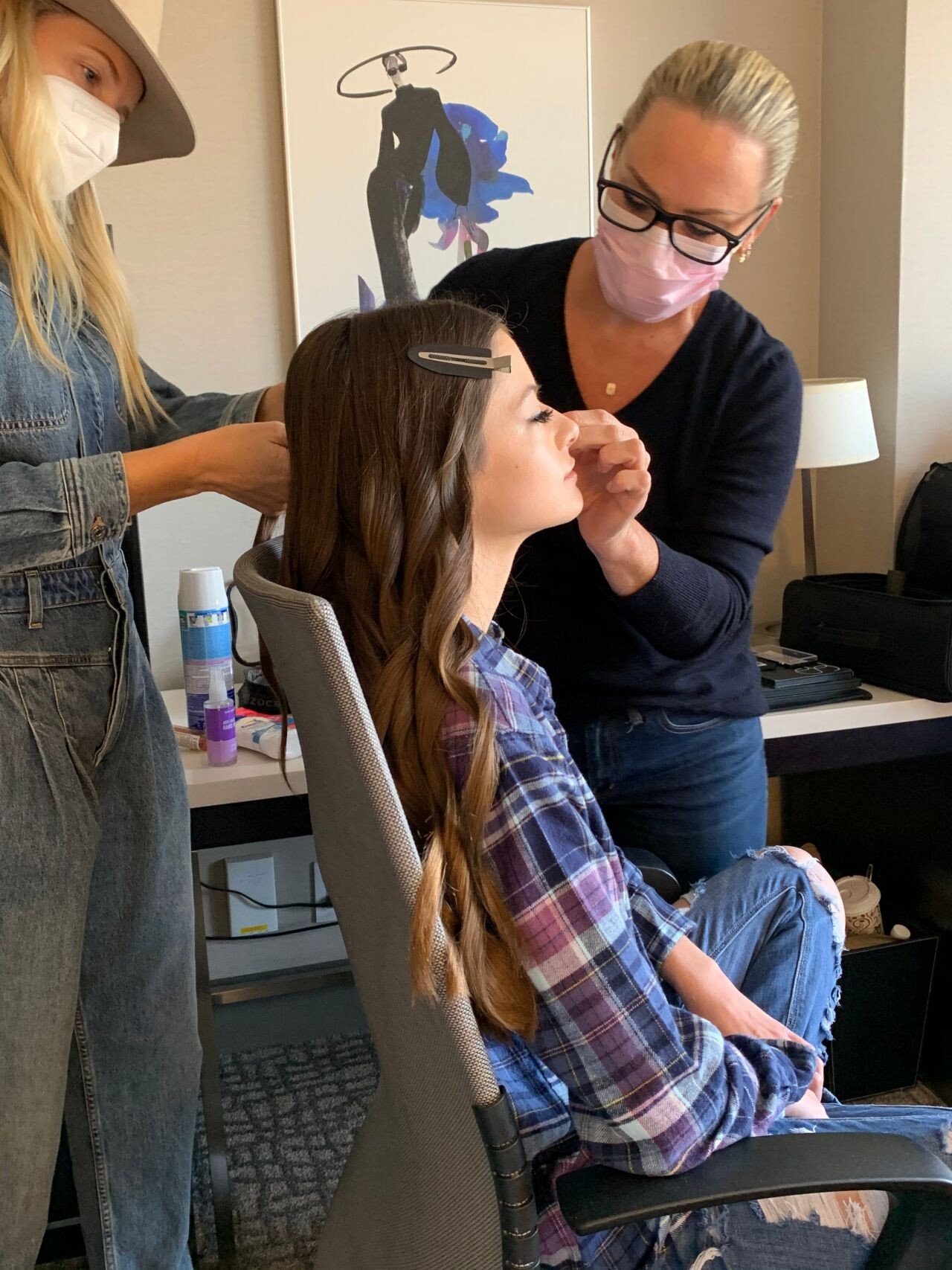
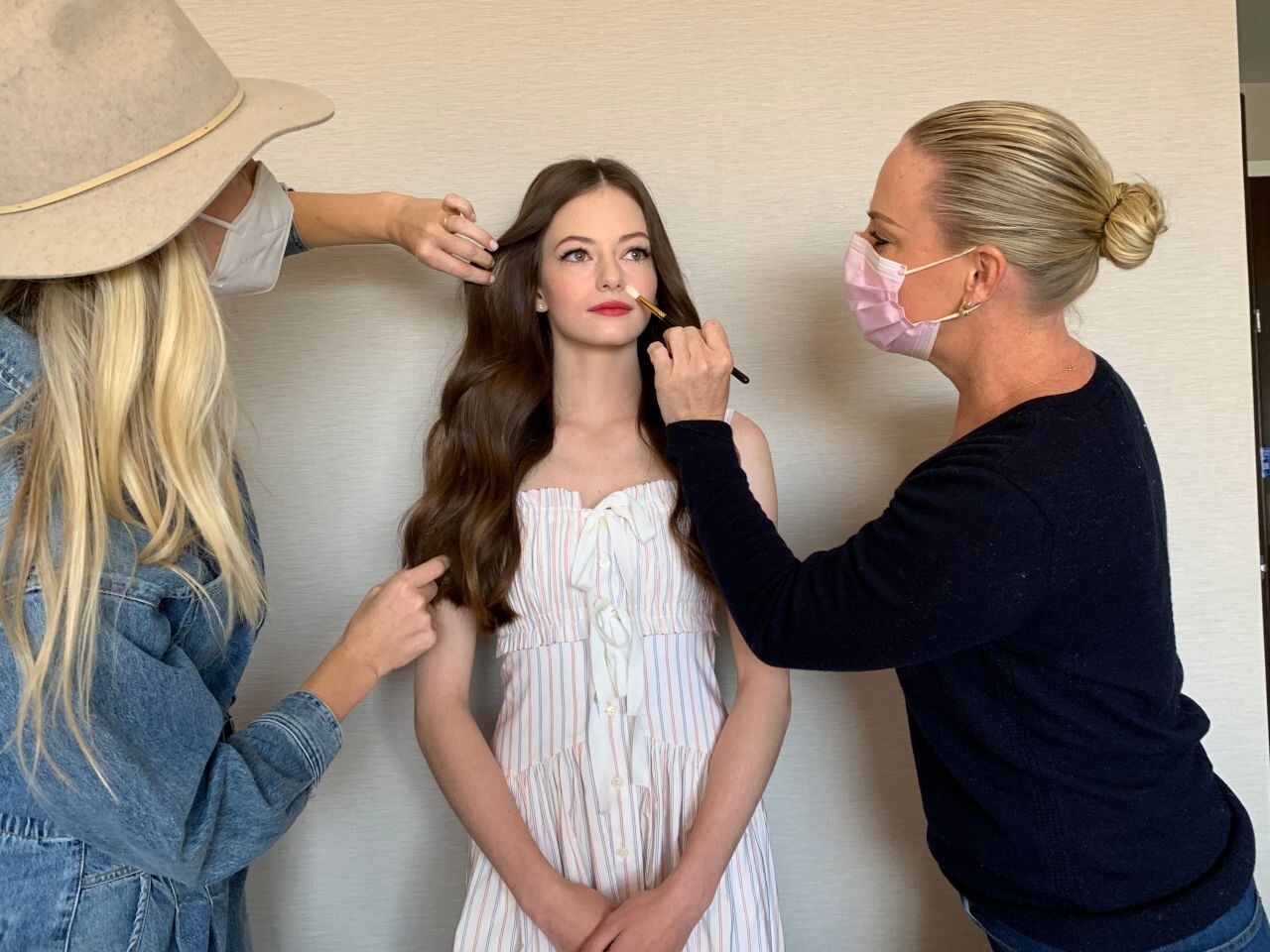
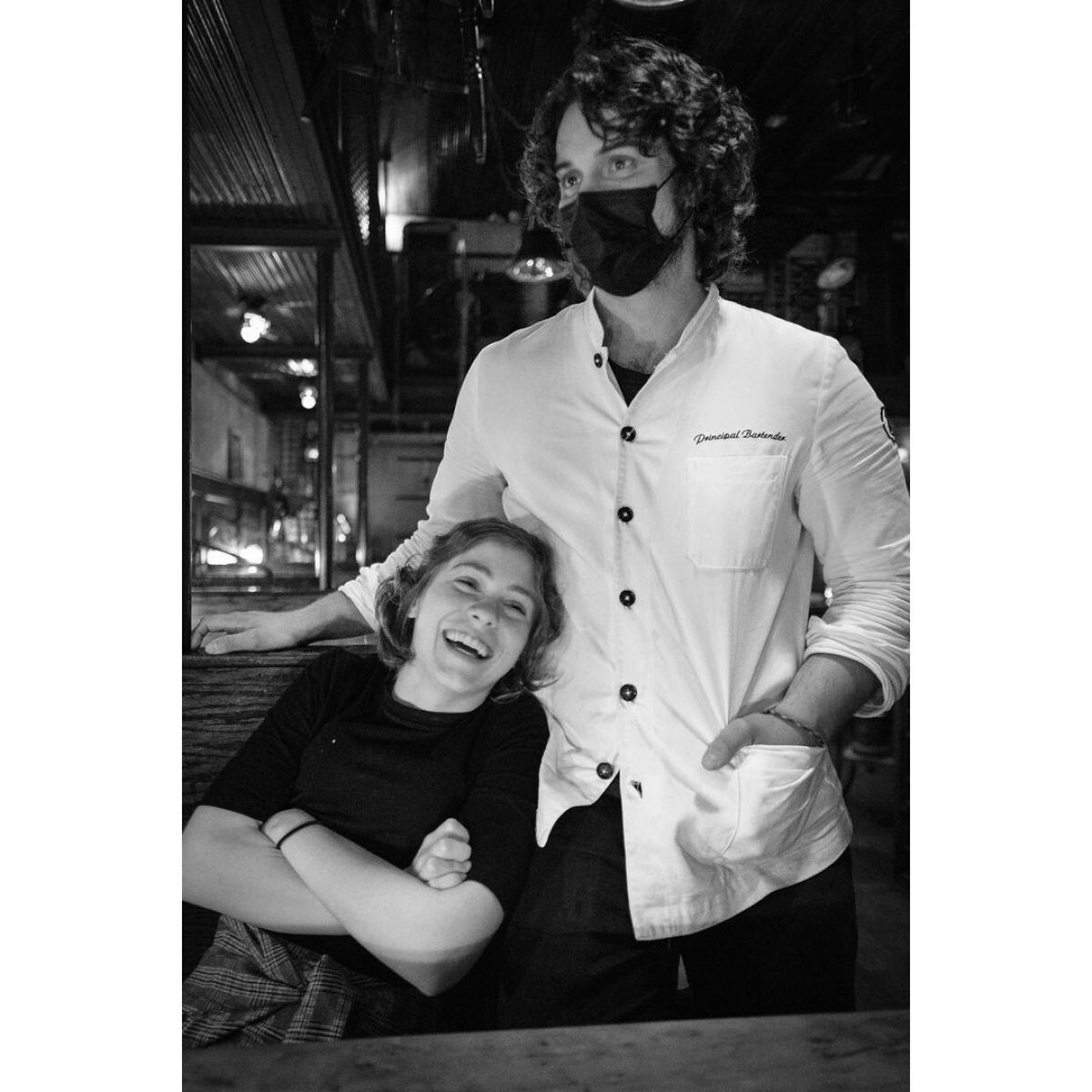
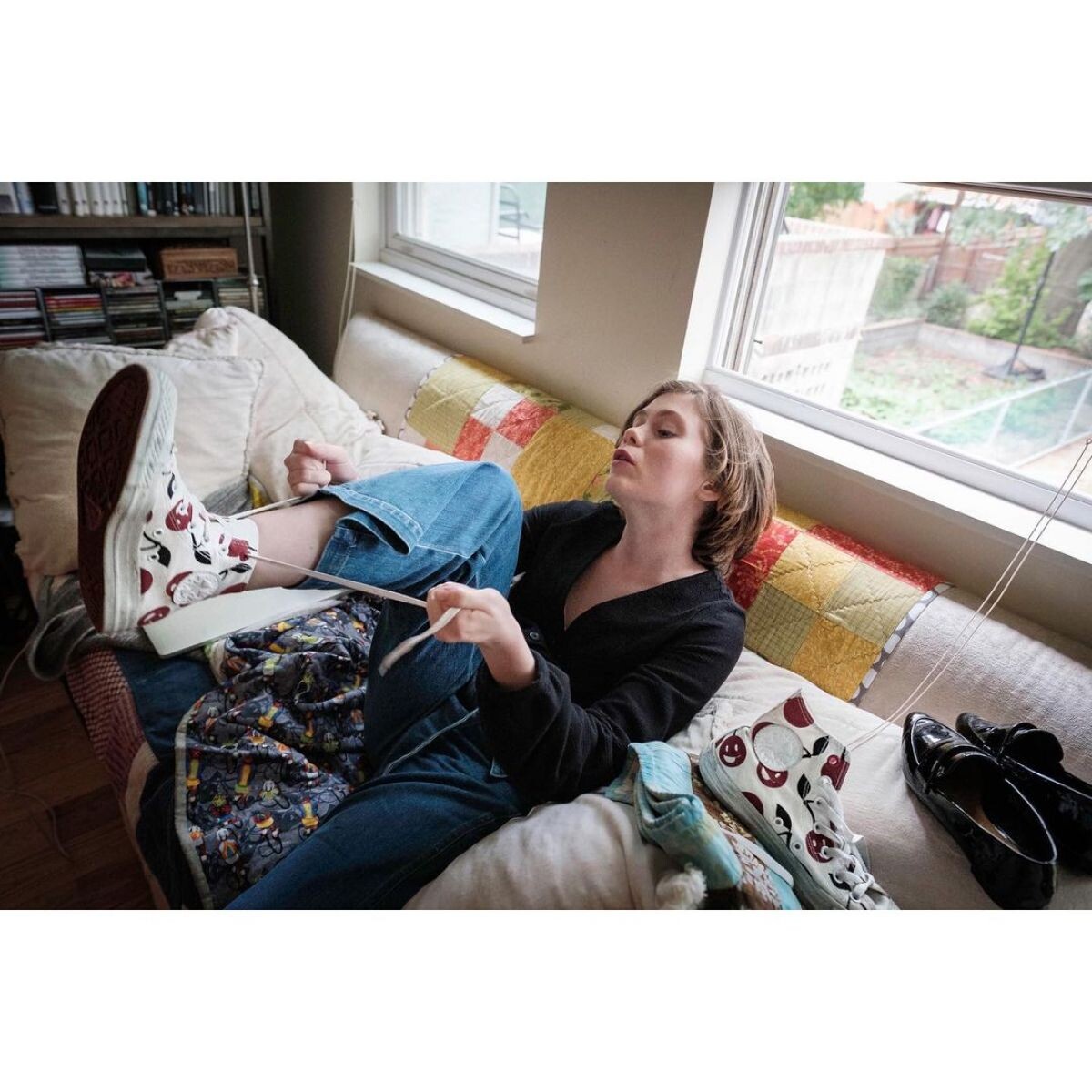
 Photoshoot, October 2020









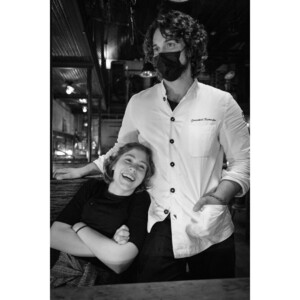




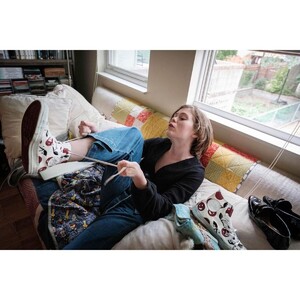


 Imagista, November 2020









 Uncle Frank Press Tour, November 2020

 Photoshoot, November 2020








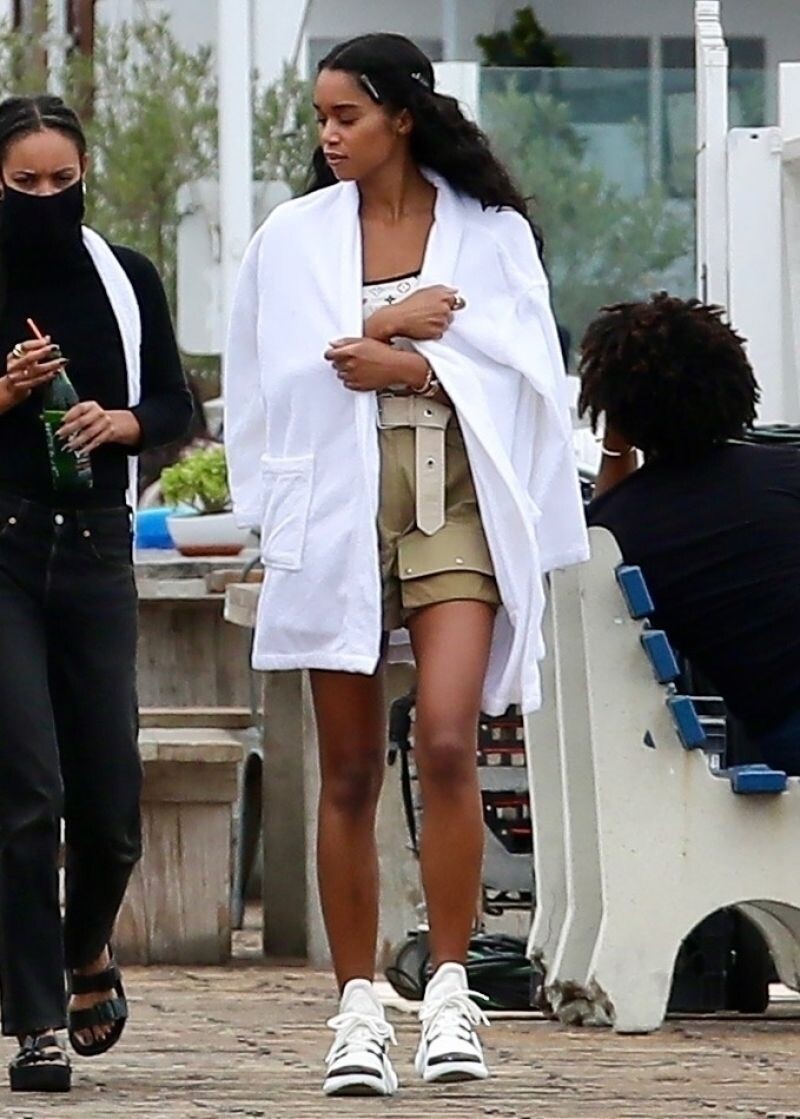
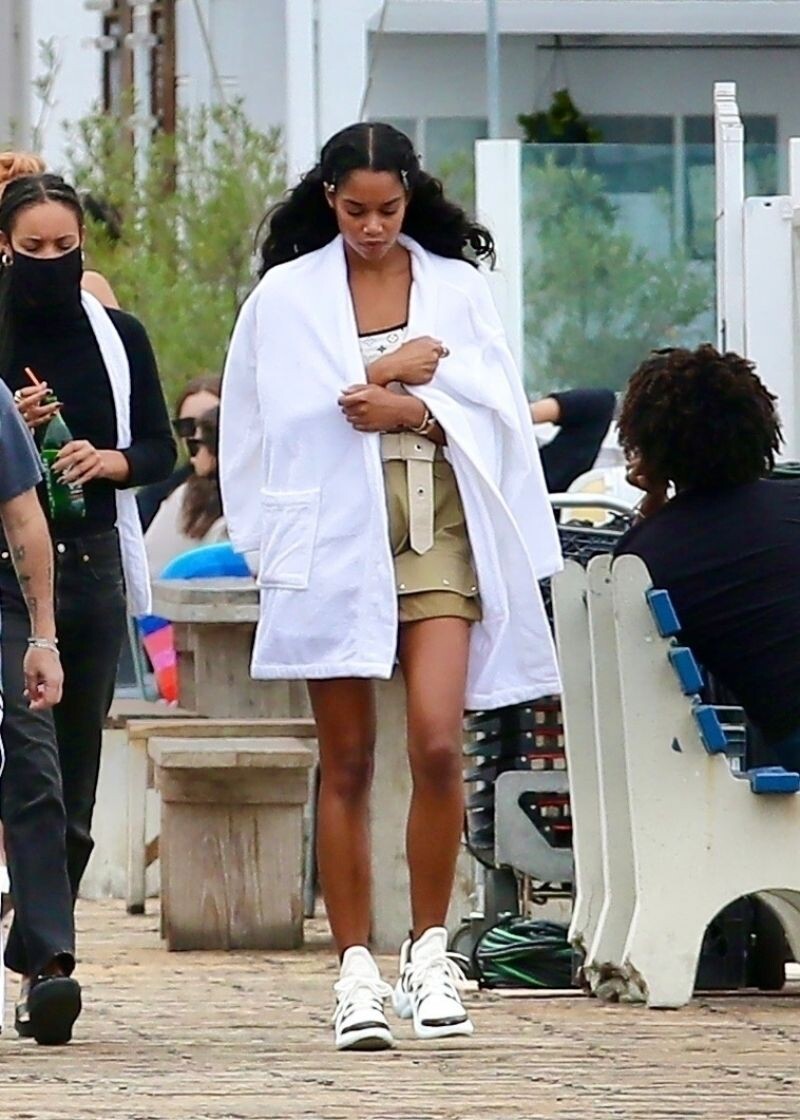
 the Set of Her New Movie at Malibu Pier in Los Angeles 10/26/2020









Account
Search
Configure browser push notifications
Chrome (Android)
- Tap the lock icon next to the address bar.
- Tap Permissions → Notifications.
- Adjust your preference.
Chrome (Desktop)
- Click the padlock icon in the address bar.
- Select Site settings.
- Find Notifications and adjust your preference.
Safari (iOS 16.4+)
- Ensure the site is installed via Add to Home Screen.
- Open Settings App → Notifications.
- Find your app name and adjust your preference.
Safari (macOS)
- Go to Safari → Preferences.
- Click the Websites tab.
- Select Notifications in the sidebar.
- Find this website and adjust your preference.
Edge (Android)
- Tap the lock icon next to the address bar.
- Tap Permissions.
- Find Notifications and adjust your preference.
Edge (Desktop)
- Click the padlock icon in the address bar.
- Click Permissions for this site.
- Find Notifications and adjust your preference.
Firefox (Android)
- Go to Settings → Site permissions.
- Tap Notifications.
- Find this site in the list and adjust your preference.
Firefox (Desktop)
- Open Firefox Settings.
- Search for Notifications.
- Find this site in the list and adjust your preference.