

Lilja K
Members
-
Joined
-
Last visited
Everything posted by Lilja K
-
 What shoes? 😂
 -
This was shot during Enemies production. Hopefully we'll also get him shirtless in the movie 🤤
-
Men's Health additional article ph Matthew Brookes loops-v2-68a3759086be5.mp4





-
Tudum Magazine ph Pamela Hanson @Jade Bahr hottie for ya





-
The New York Times 148437_1_CUL-NEW-BATTLE-94397_wg_1080p.mp4

-
-
I don't feel like it's everywhere. Wicked is everywhere (it's literally shoved down people's throats), but not OBAA😔
-
I think this movie isn't being promoted enough. The situation is also quite unstable for original (and non-horror) R-rated movies these days, but we'll see...
-
https://www.youtube.com/shorts/-ZQxQ7pjjXs
The Jennifer Hudson Show, September 23 source







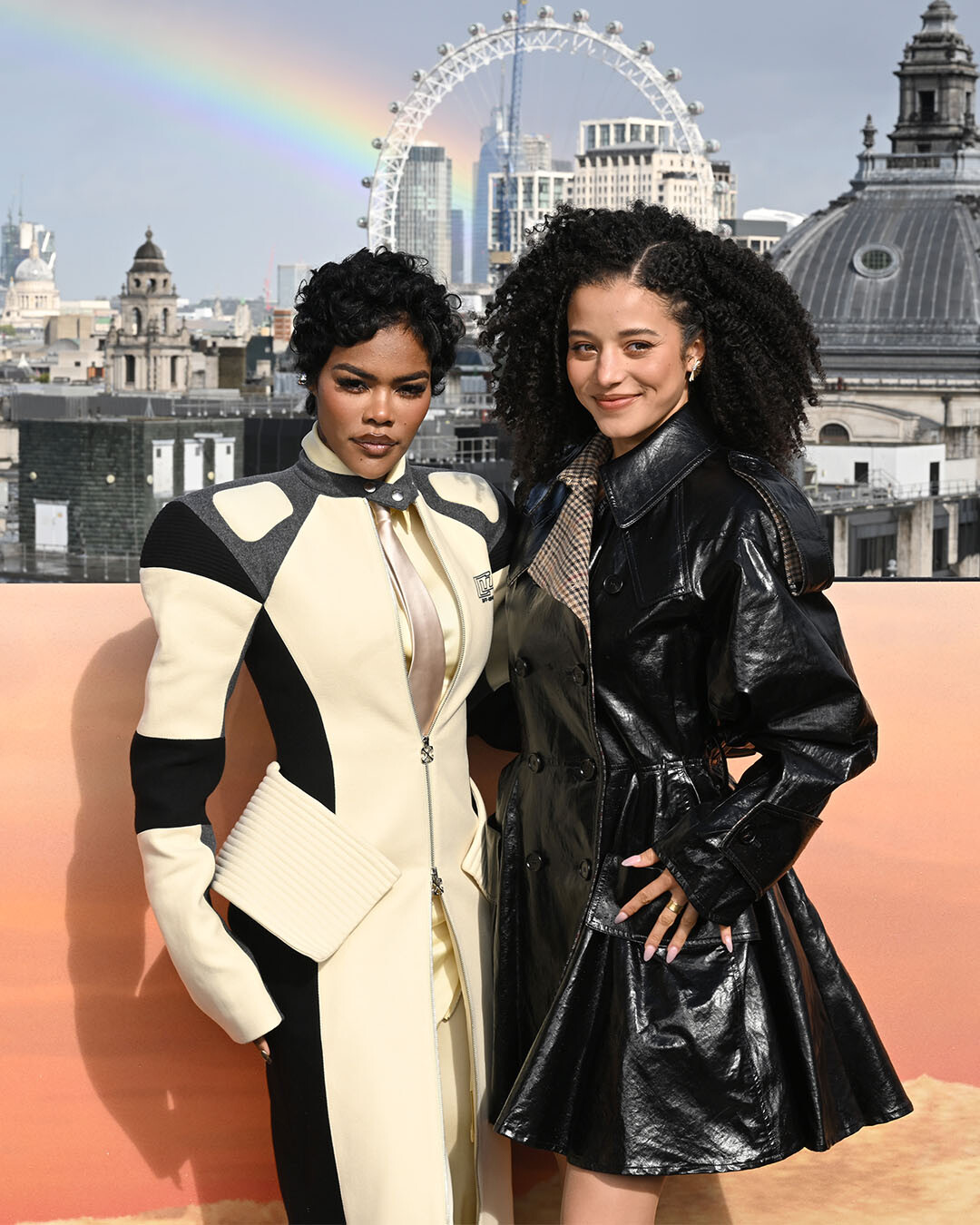
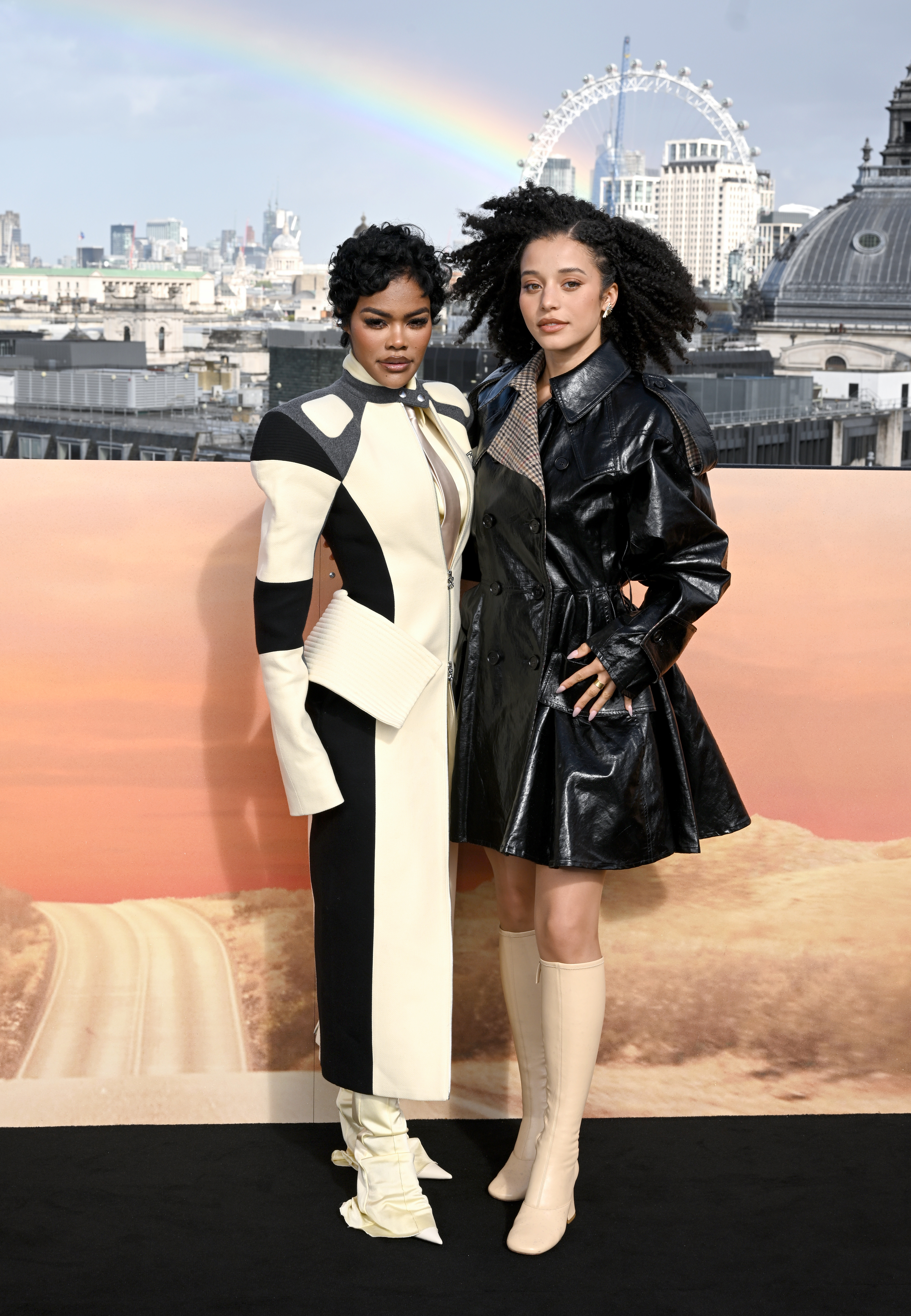
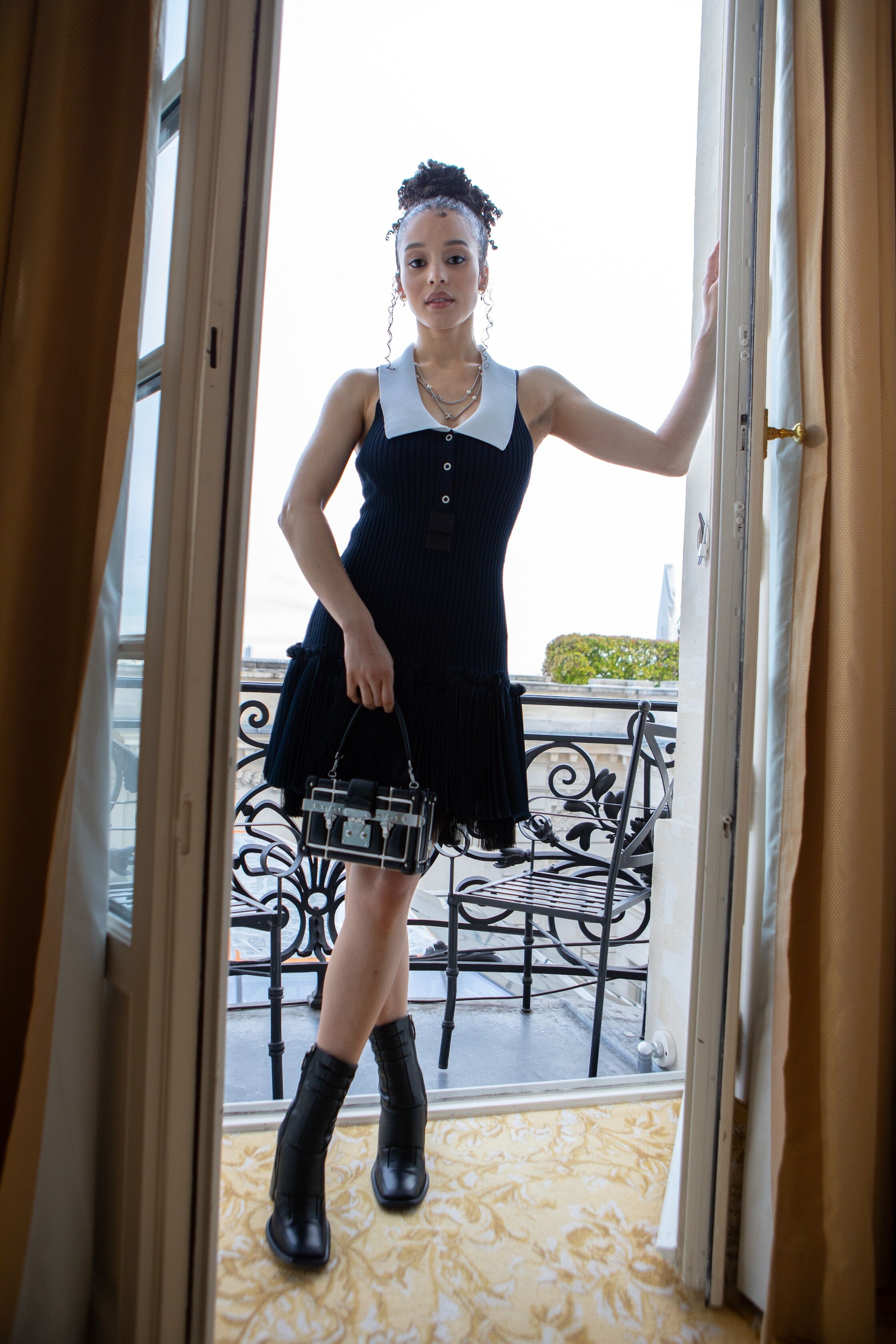
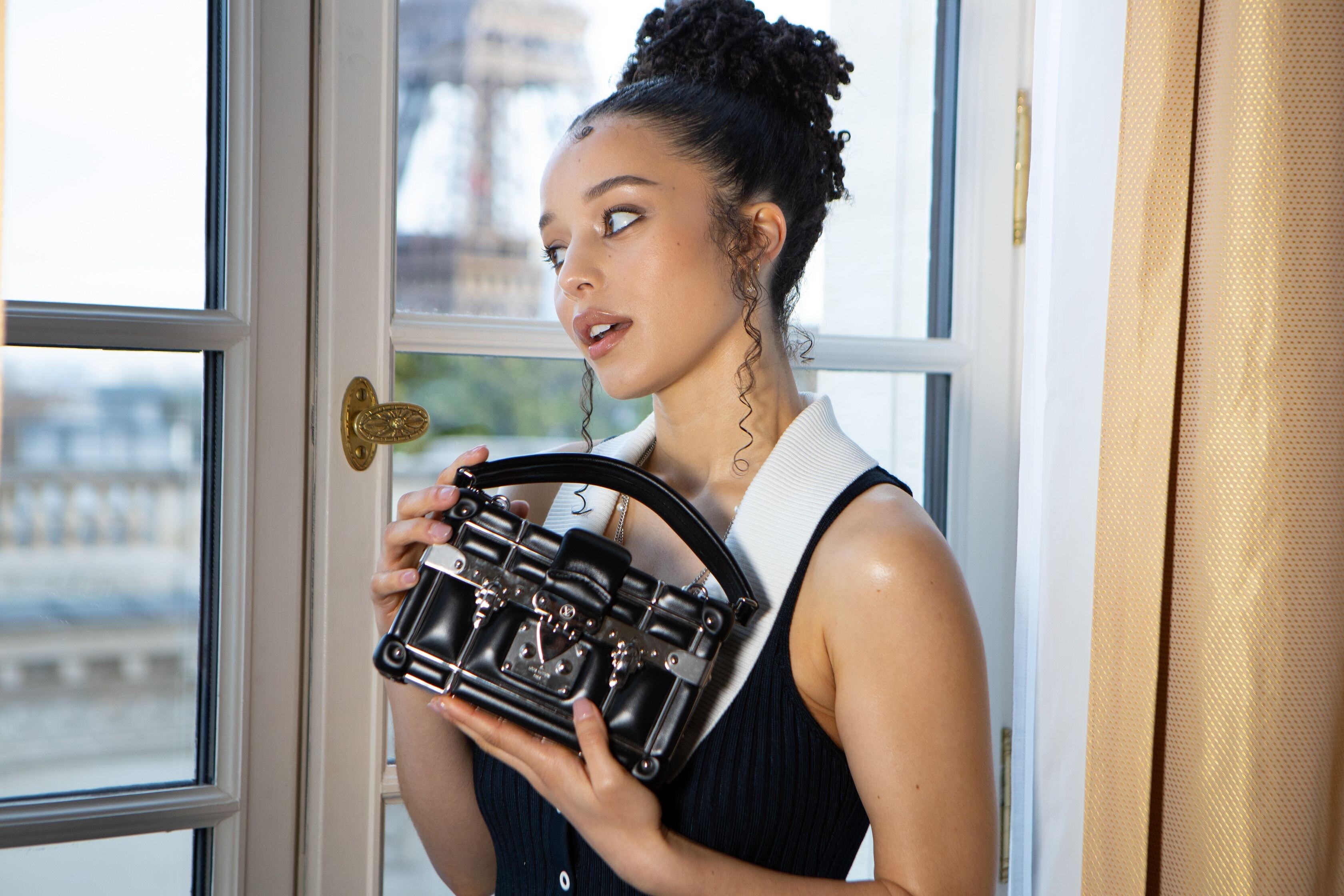
 Usually I'm not Louis Vuitton fan, but LV team did a really amazing job for her. I also love her hair🔥
Terrible clothes, but Charlie will look good even in a potato sack, so
Red carpet looks credit: www.redcarpet-fashionawards.com
Usually I'm not Louis Vuitton fan, but LV team did a really amazing job for her. I also love her hair🔥
Terrible clothes, but Charlie will look good even in a potato sack, so
Red carpet looks credit: www.redcarpet-fashionawards.com



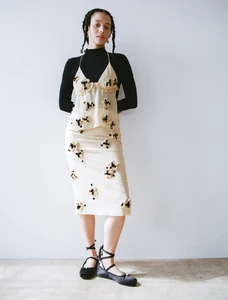
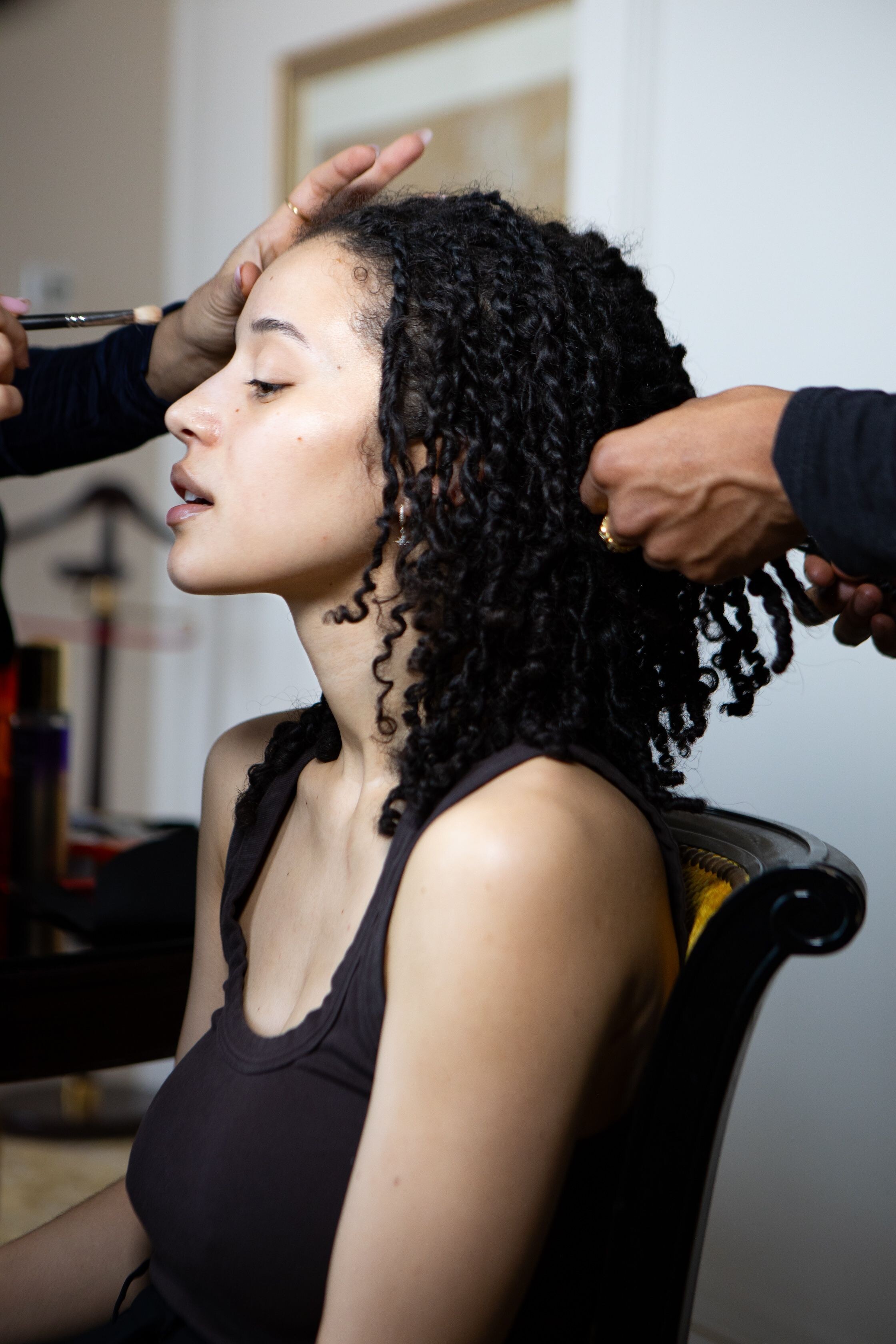
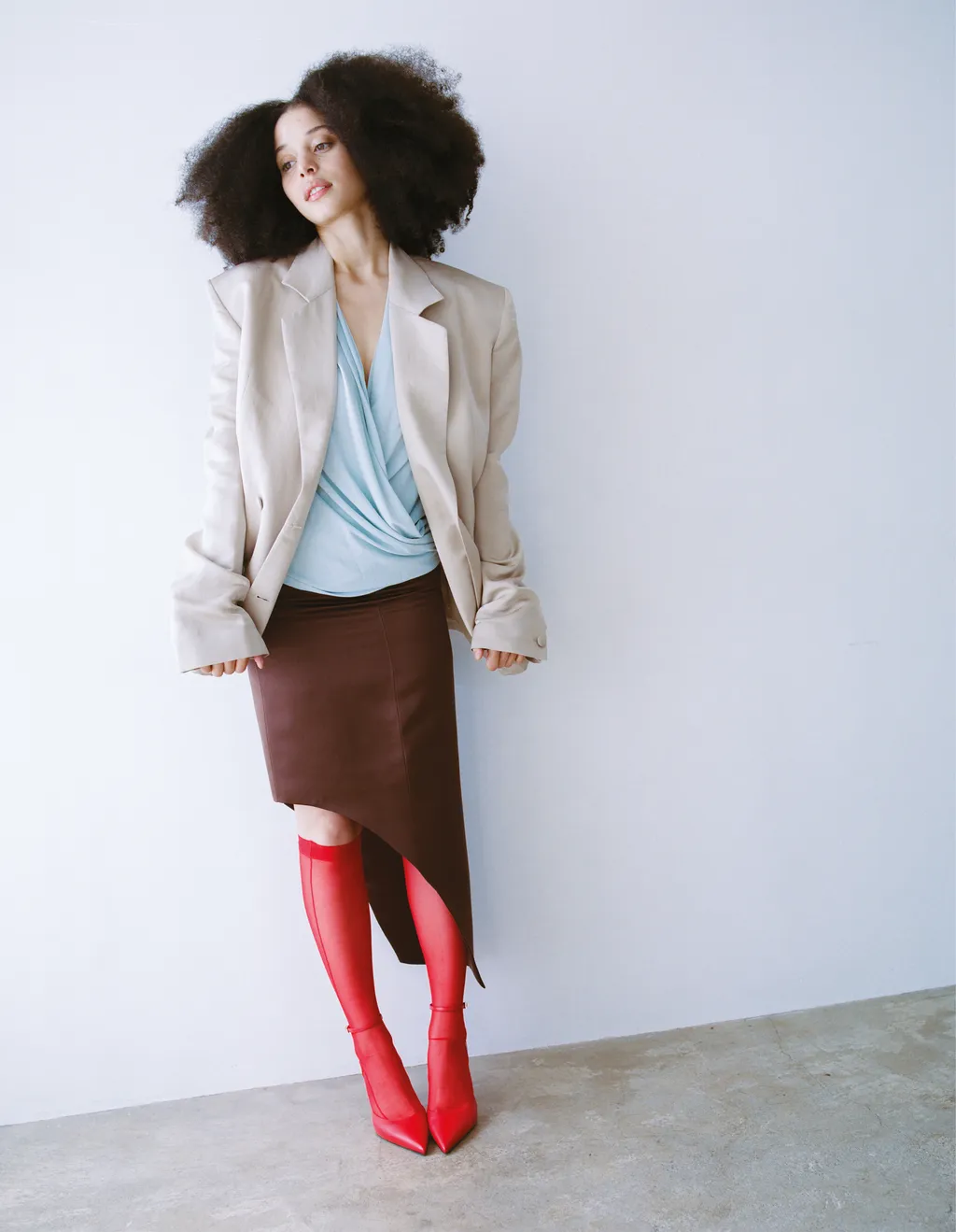
 ELLE UK ph Kaleel Chikhaoui



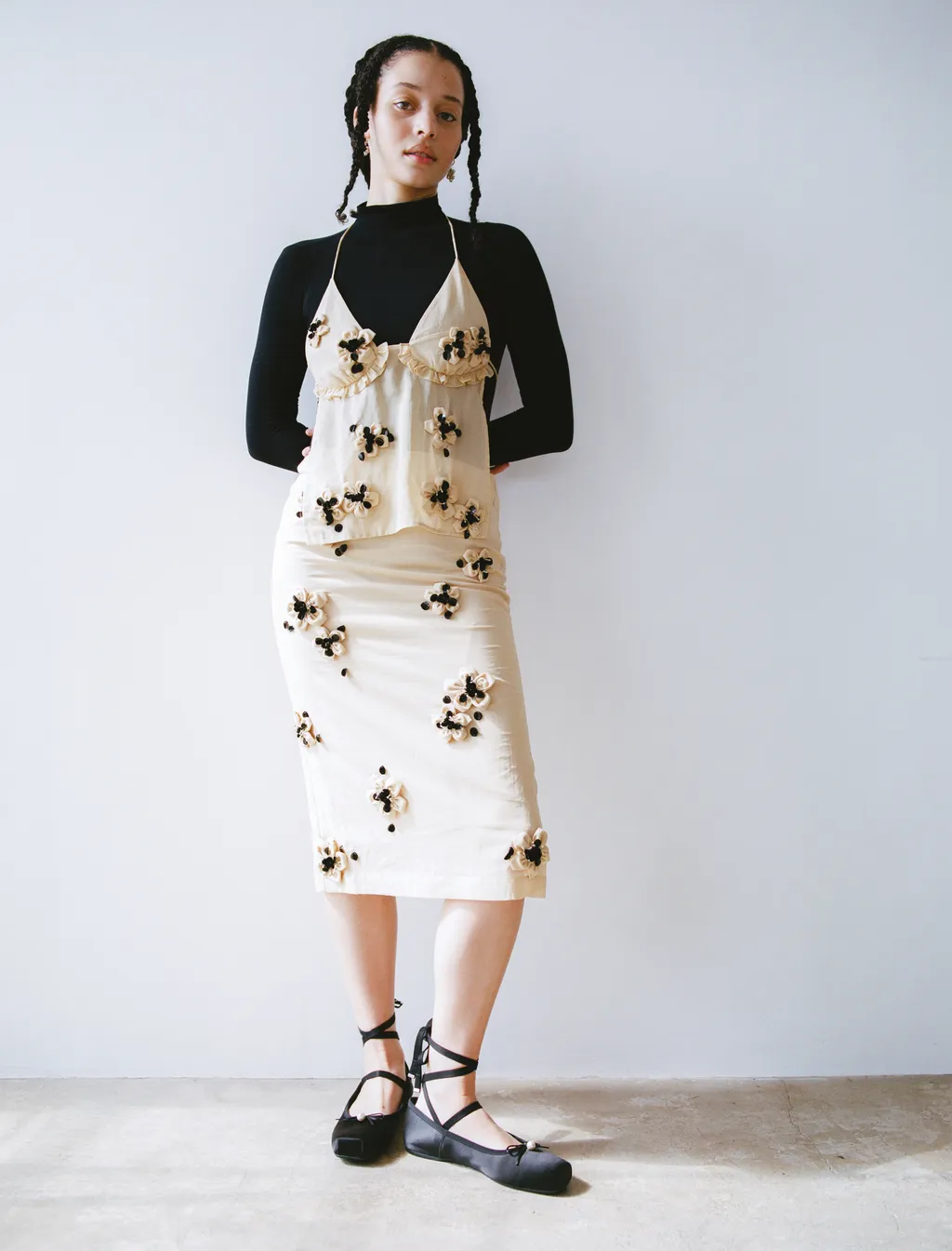
 The Face ph Pavielle Garcia



























































Account
Navigation
Search
Configure browser push notifications
Chrome (Android)
- Tap the lock icon next to the address bar.
- Tap Permissions → Notifications.
- Adjust your preference.
Chrome (Desktop)
- Click the padlock icon in the address bar.
- Select Site settings.
- Find Notifications and adjust your preference.
Safari (iOS 16.4+)
- Ensure the site is installed via Add to Home Screen.
- Open Settings App → Notifications.
- Find your app name and adjust your preference.
Safari (macOS)
- Go to Safari → Preferences.
- Click the Websites tab.
- Select Notifications in the sidebar.
- Find this website and adjust your preference.
Edge (Android)
- Tap the lock icon next to the address bar.
- Tap Permissions.
- Find Notifications and adjust your preference.
Edge (Desktop)
- Click the padlock icon in the address bar.
- Click Permissions for this site.
- Find Notifications and adjust your preference.
Firefox (Android)
- Go to Settings → Site permissions.
- Tap Notifications.
- Find this site in the list and adjust your preference.
Firefox (Desktop)
- Open Firefox Settings.
- Search for Notifications.
- Find this site in the list and adjust your preference.