
snmkytkn
Members
-
Joined
-
Last visited
Everything posted by snmkytkn
-
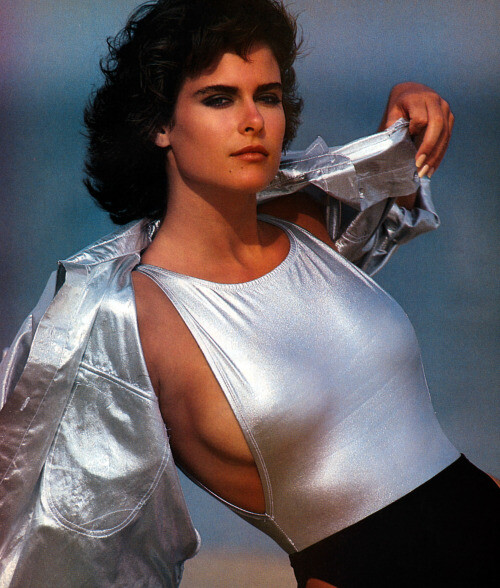
 1986 Vogue UK, shot by Terence Donovan
-
-
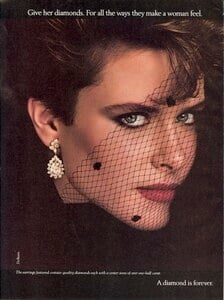
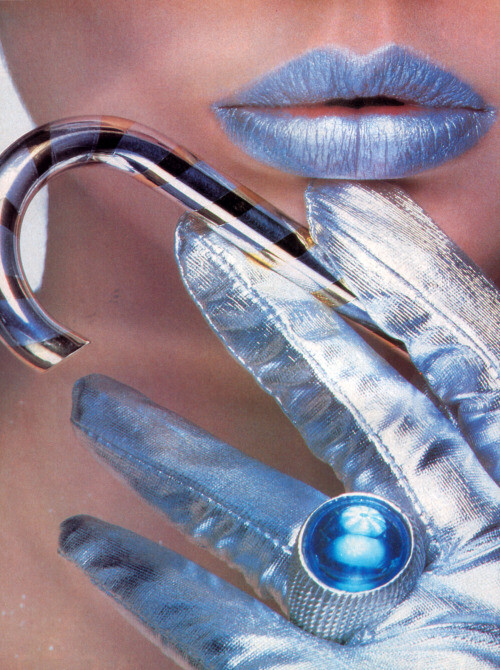
Krementz ads . Late 1980s
.thumb.jpg.b236a60db078f48fdb316e6421995d95.jpg)
 Cropped images from 1985 Frorenza ads
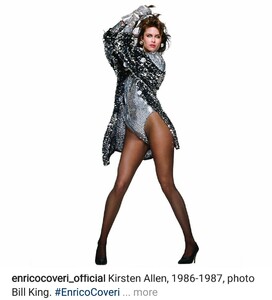
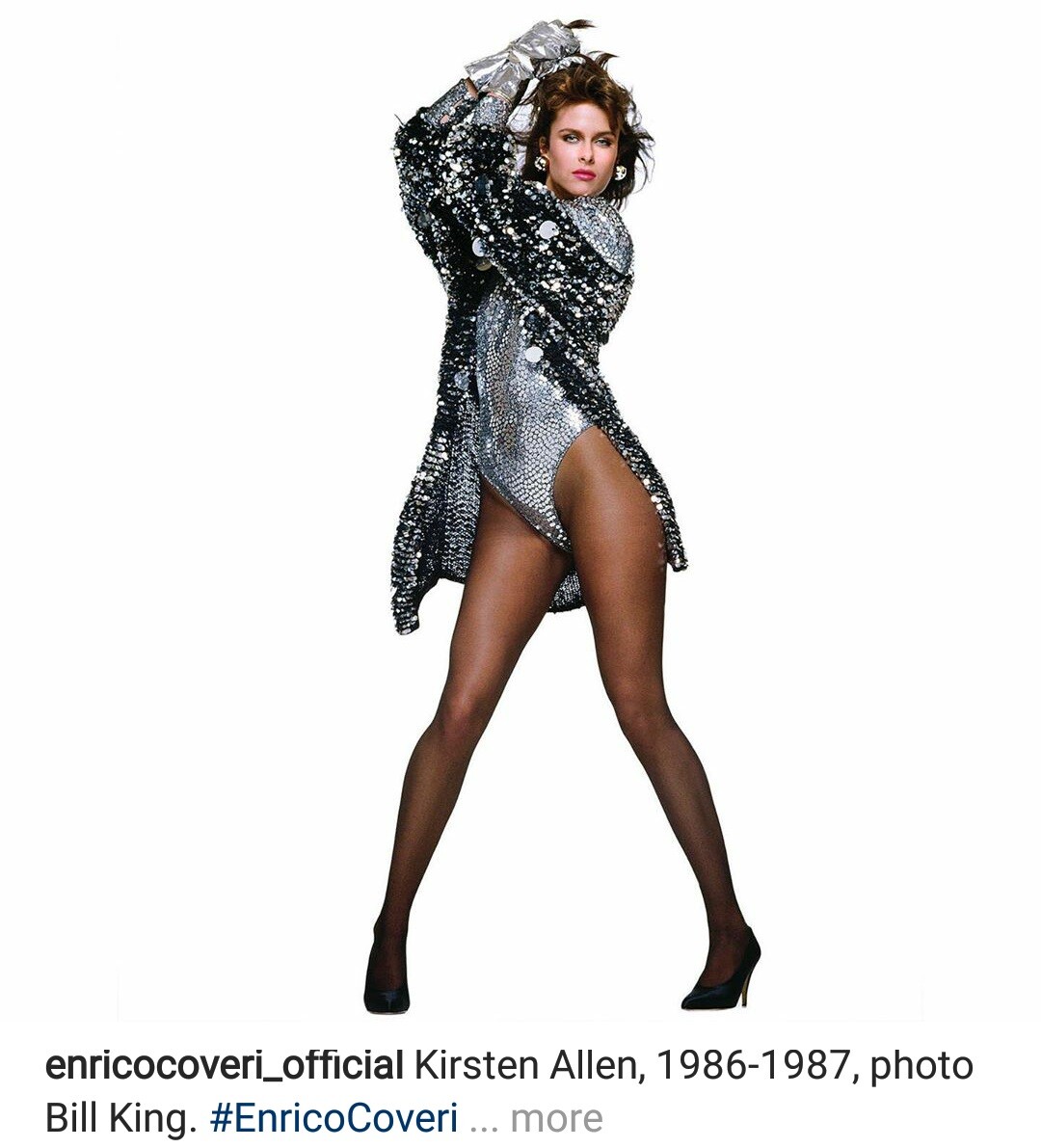
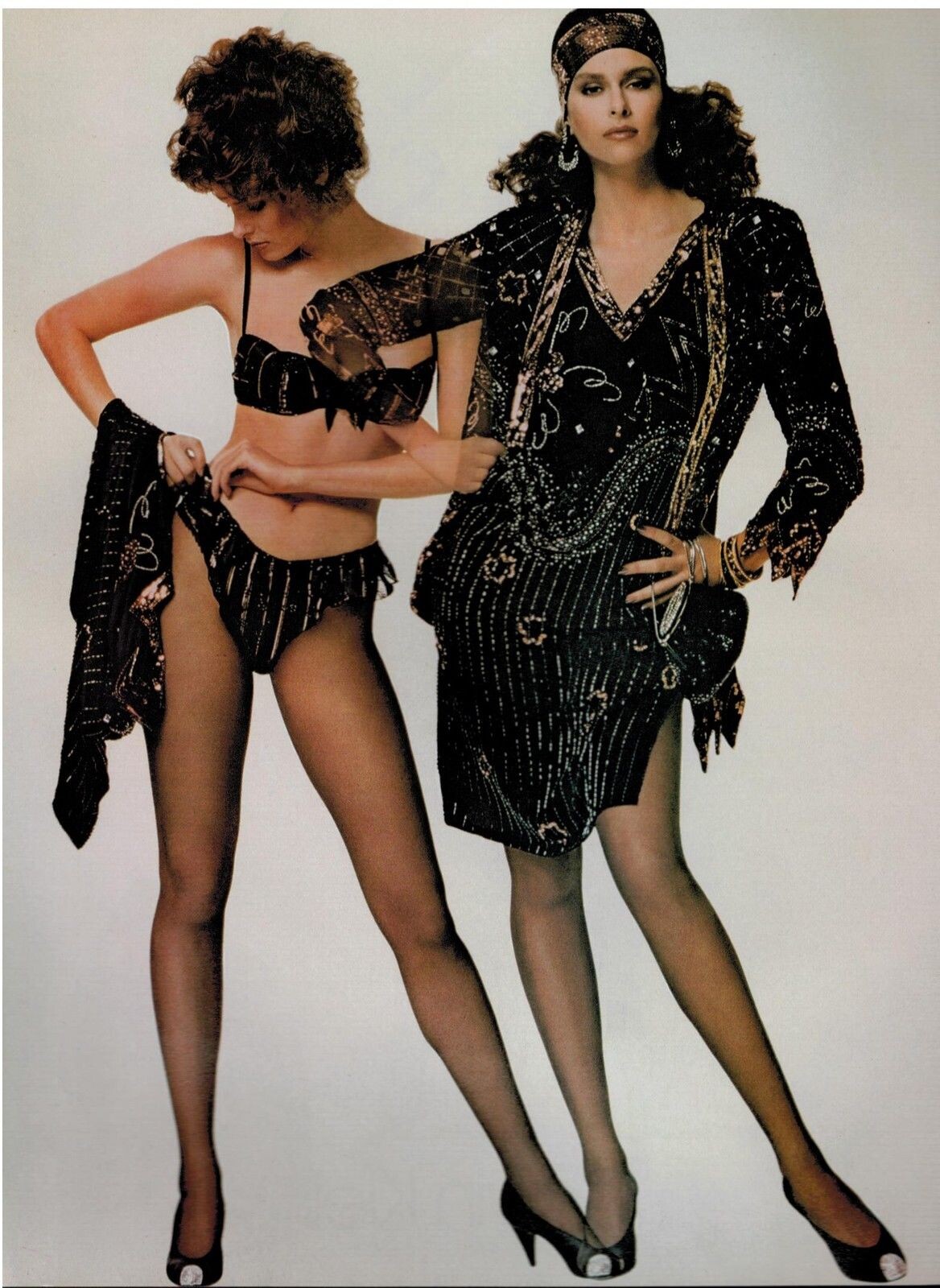
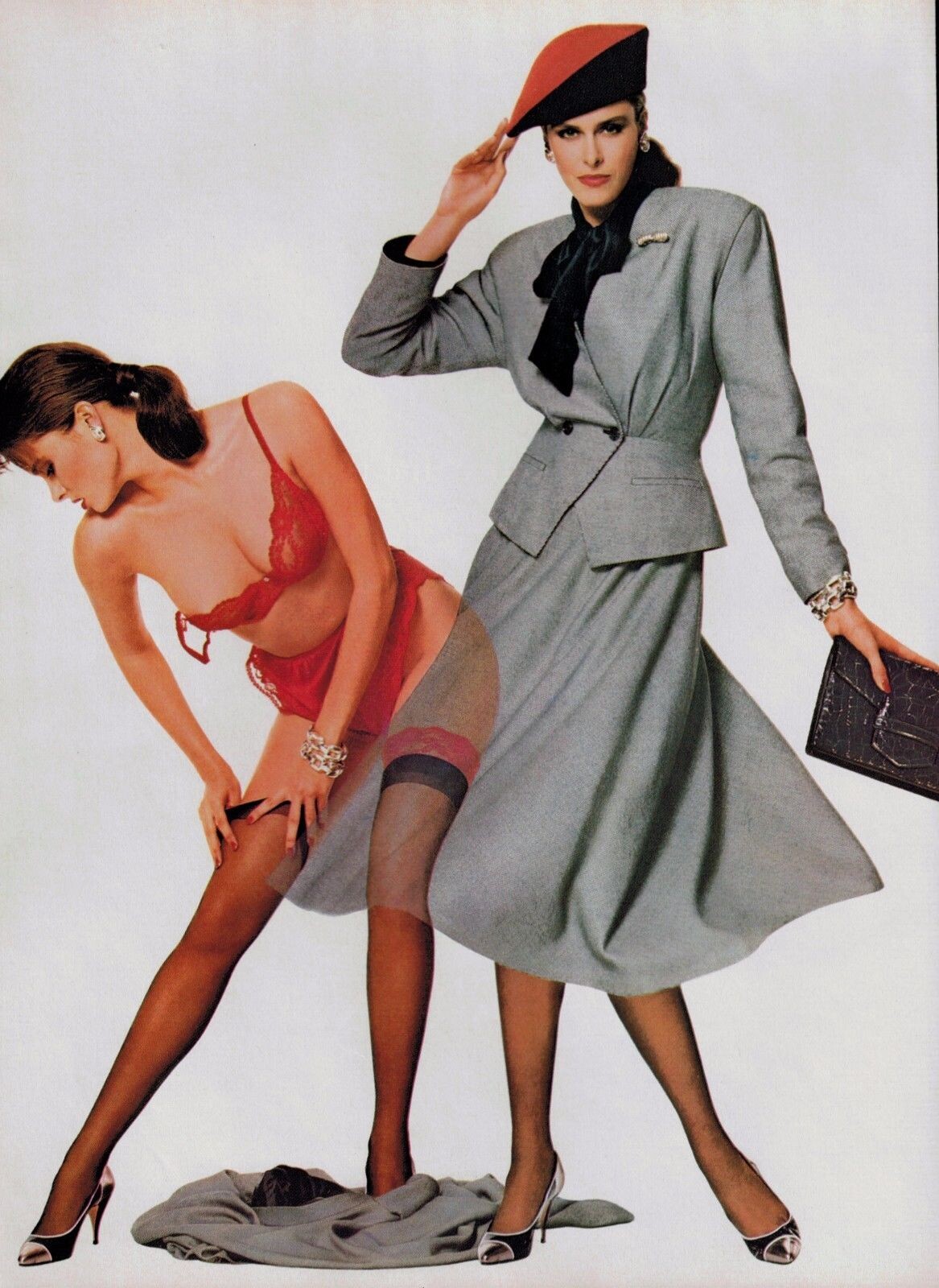
 Coveri ads from 1986-1987 shot by Bill King
 Argenti ads from 1987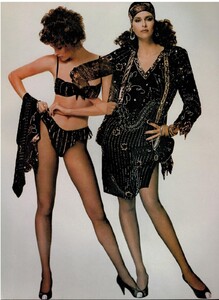

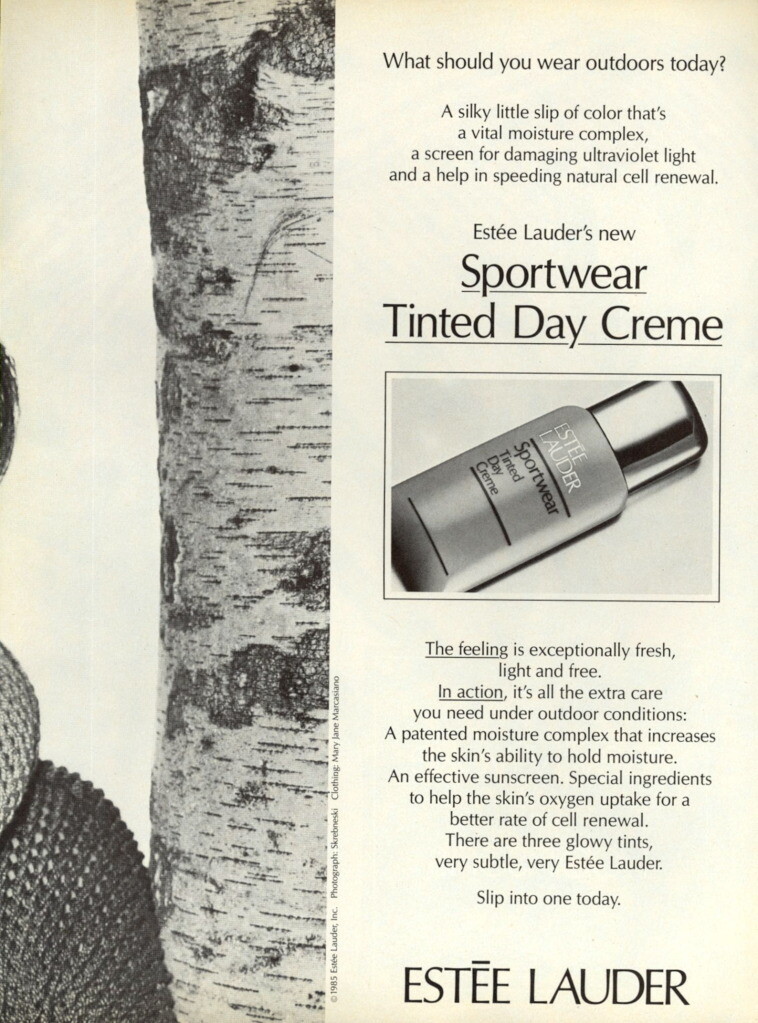
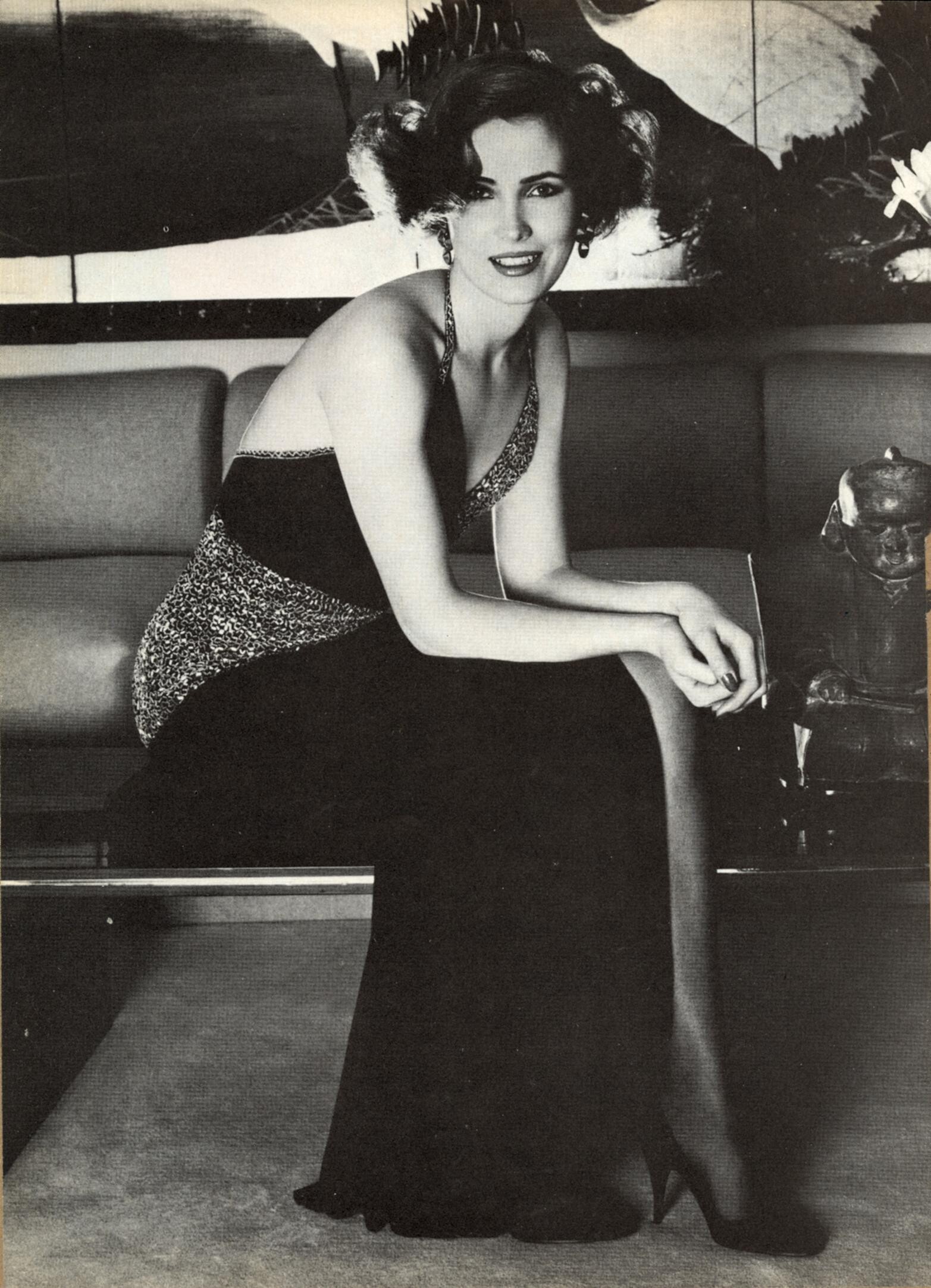
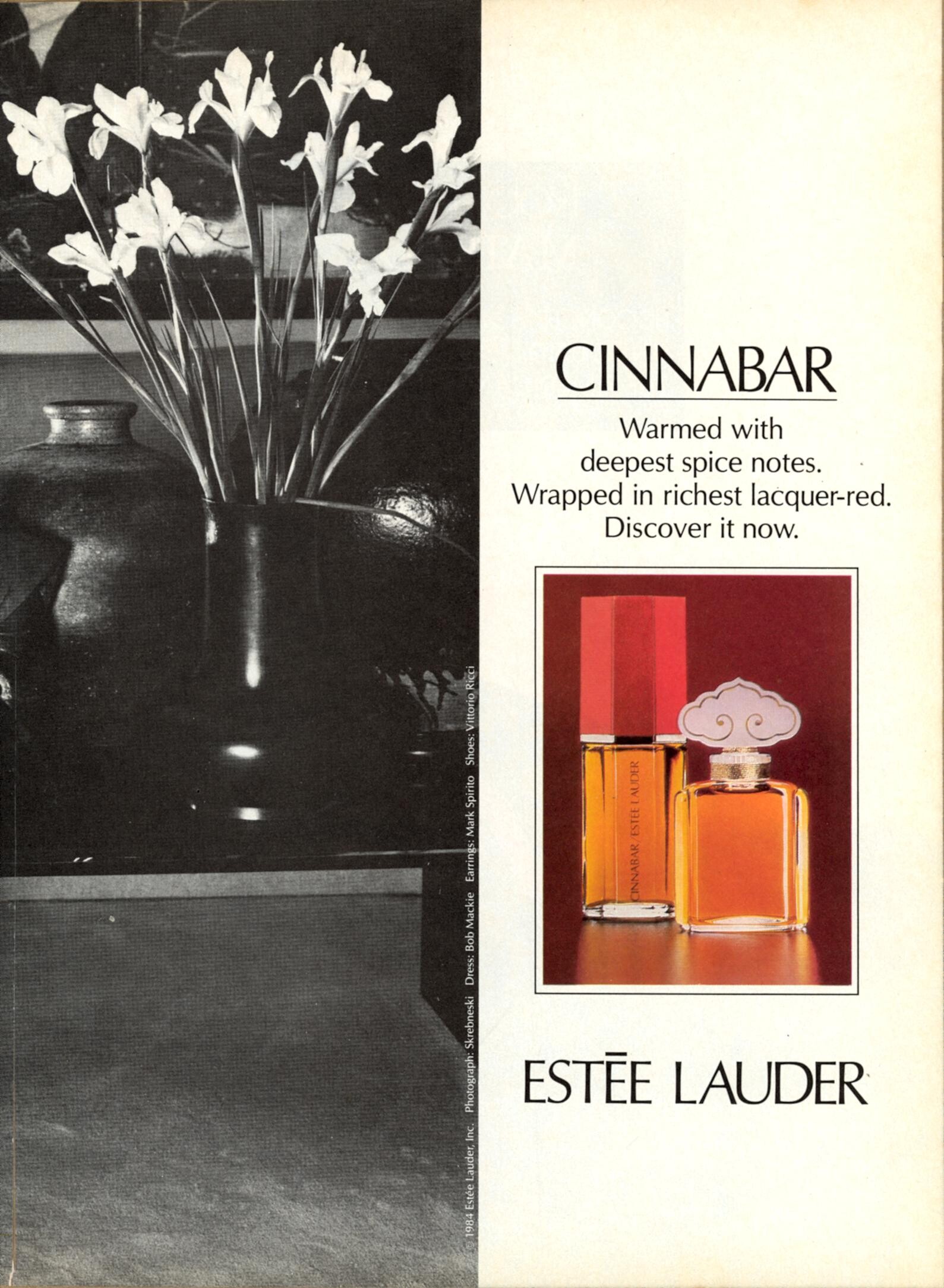
 December 1985. Harper's Bazaar US. I gathered these pictures from various sources on the web.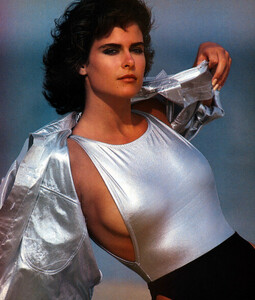

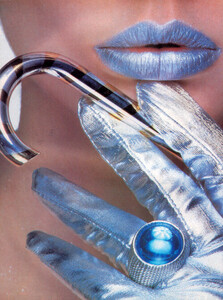


 Wow... Thanks a lot
Beautiful and hard to find covers and pics....Thanks a lot for sharing @Chirkomania
Thank you for the info. It is good to see a recent picture of her and to know that she has done well
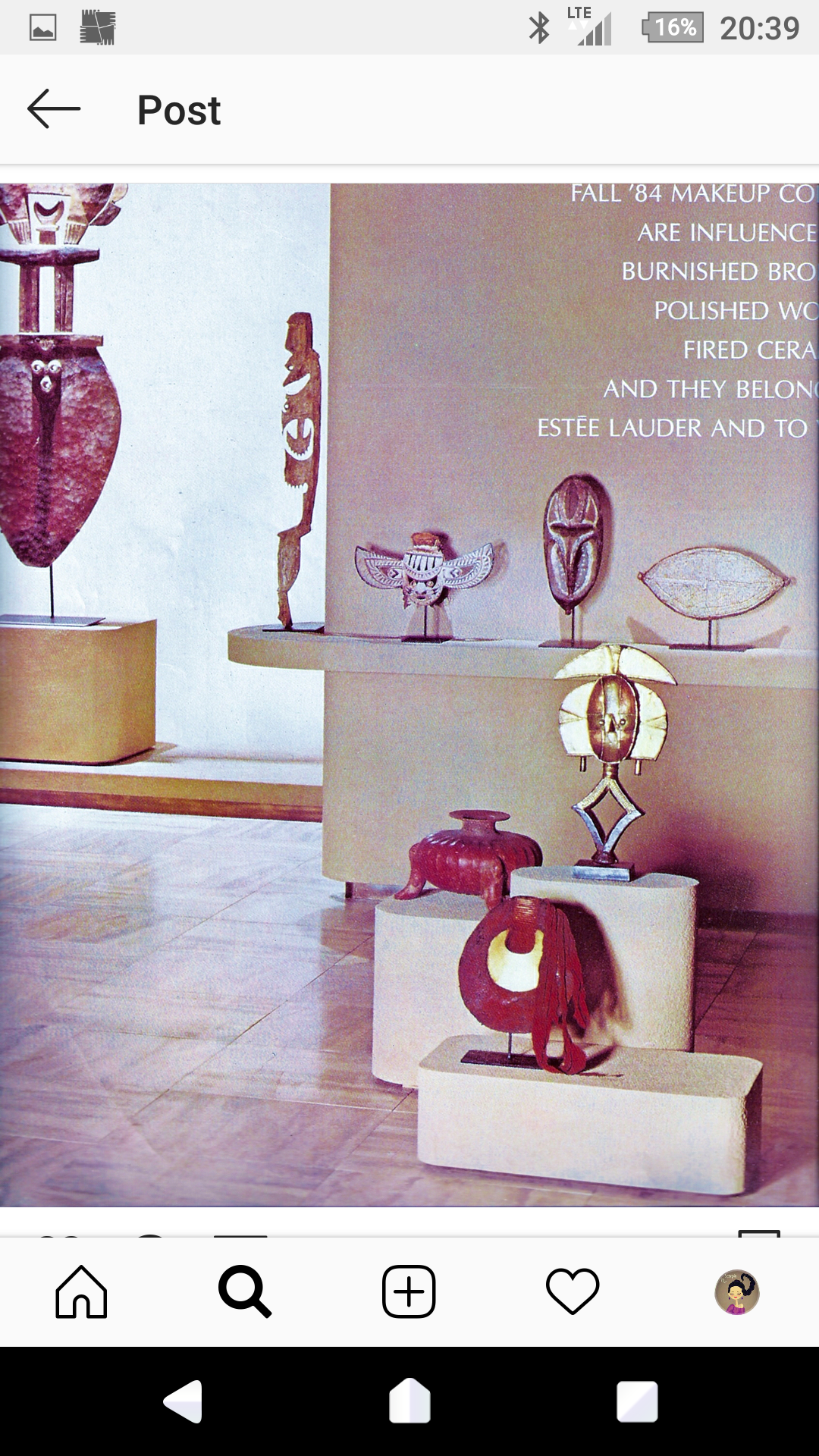
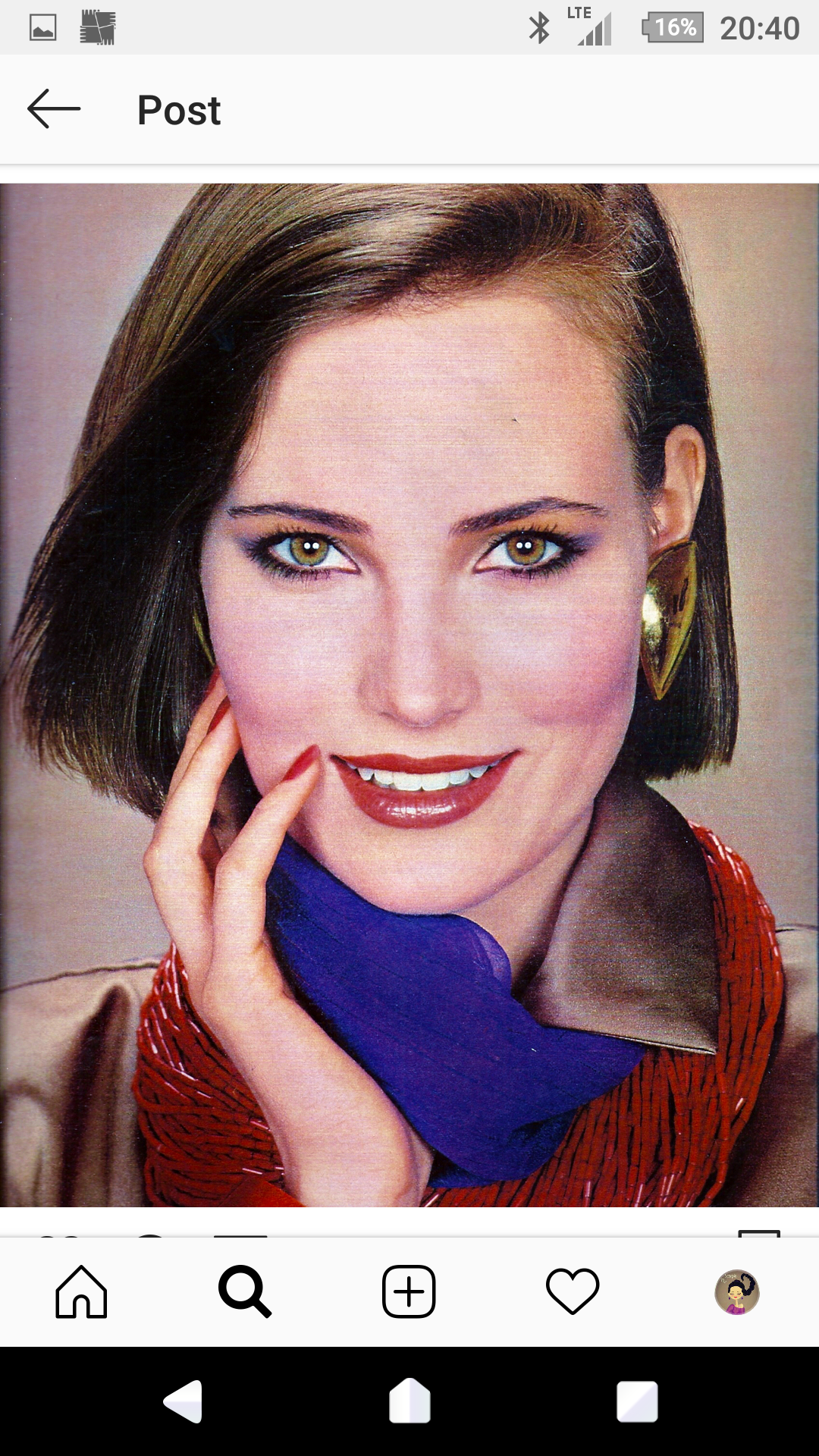
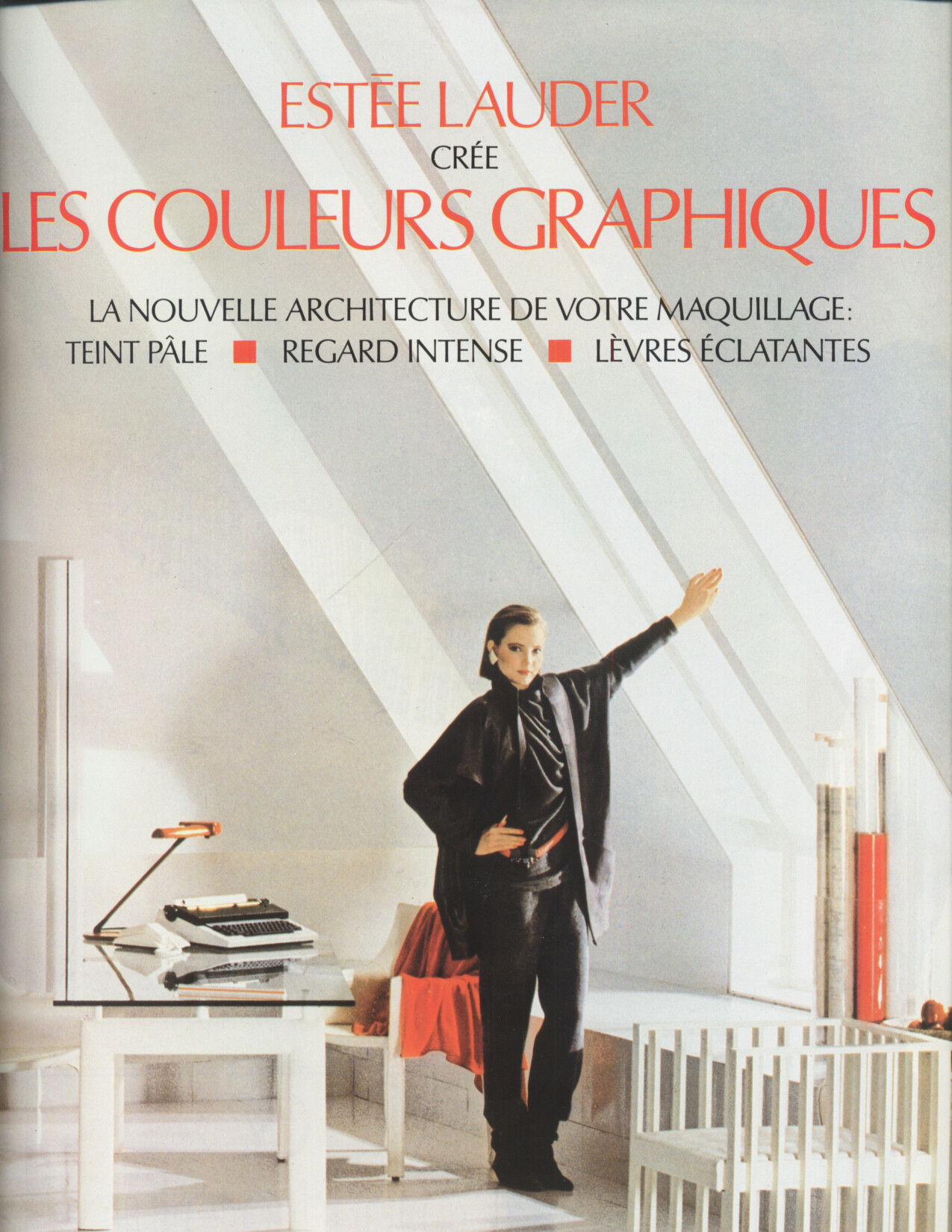
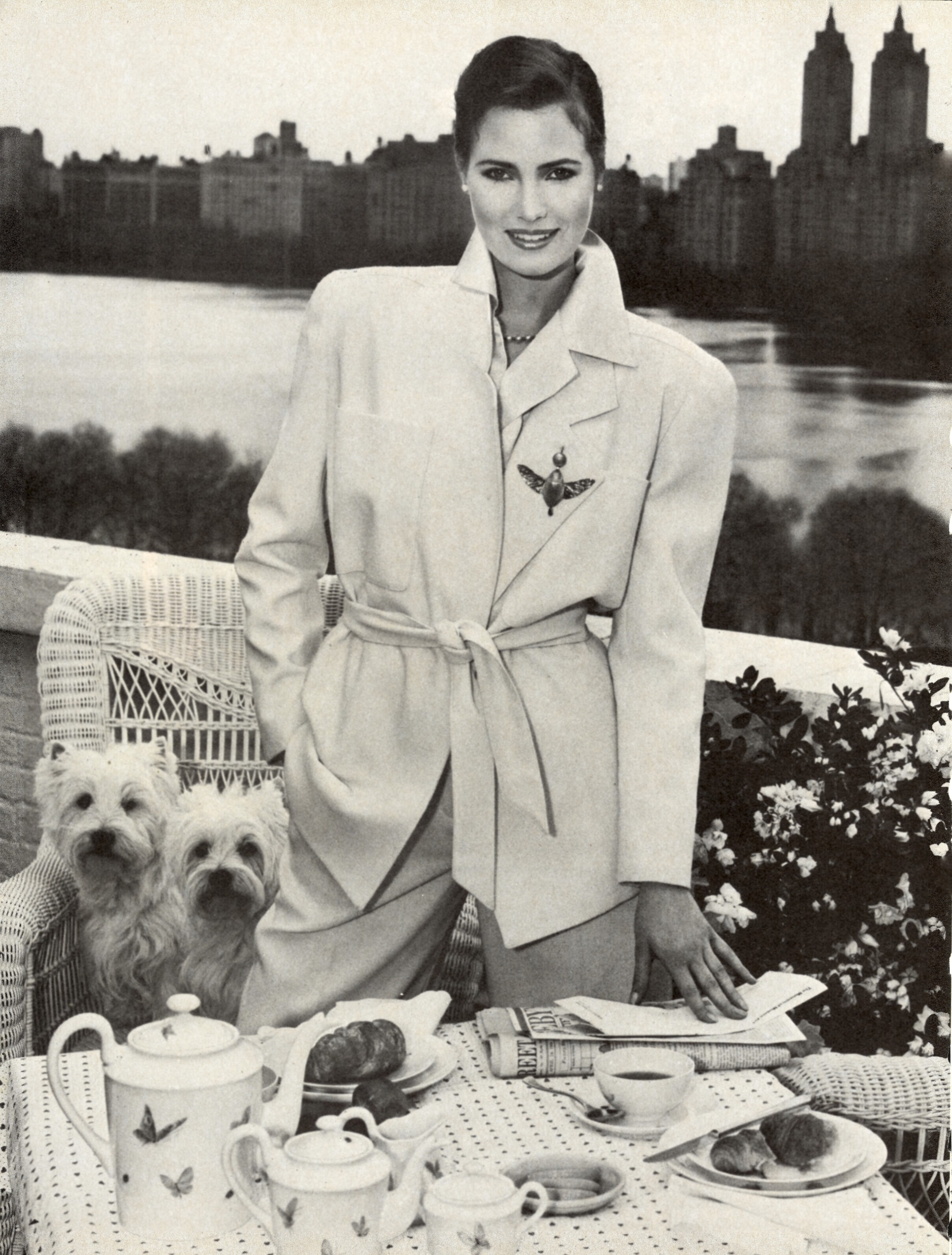
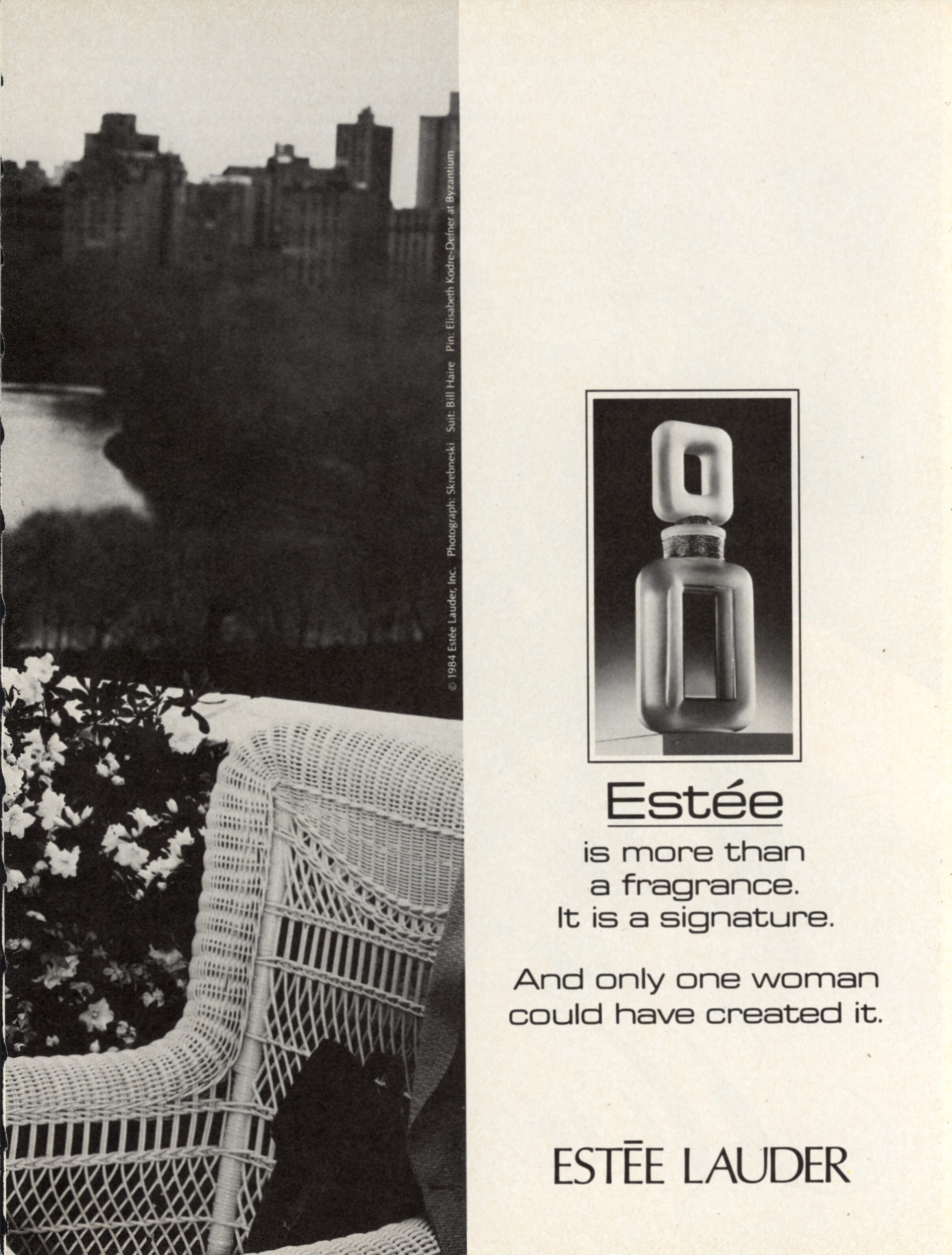
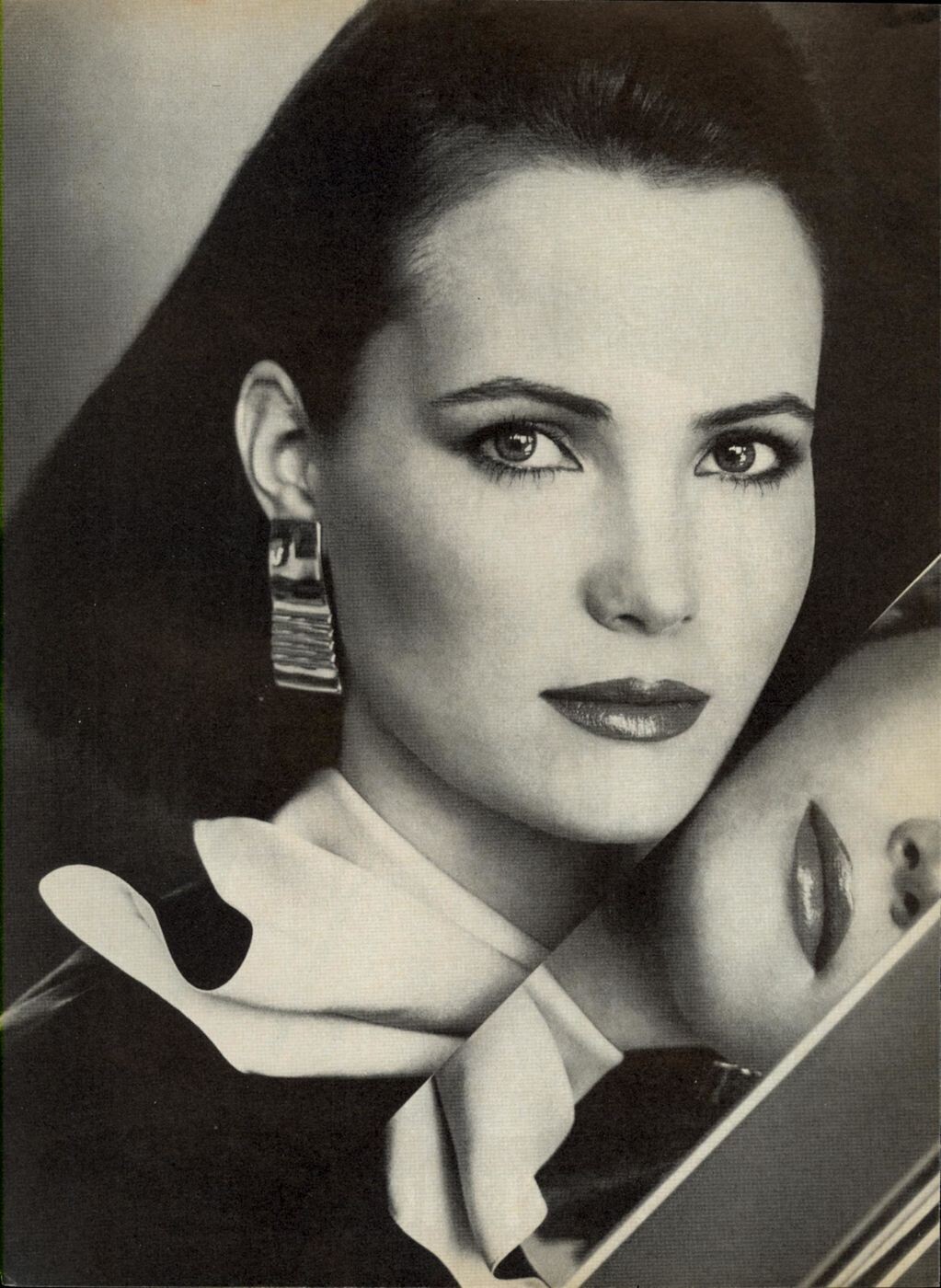
1984 lOFFICIEL NO 706
Wow... Thanks a lot
Beautiful and hard to find covers and pics....Thanks a lot for sharing @Chirkomania
Thank you for the info. It is good to see a recent picture of her and to know that she has done well
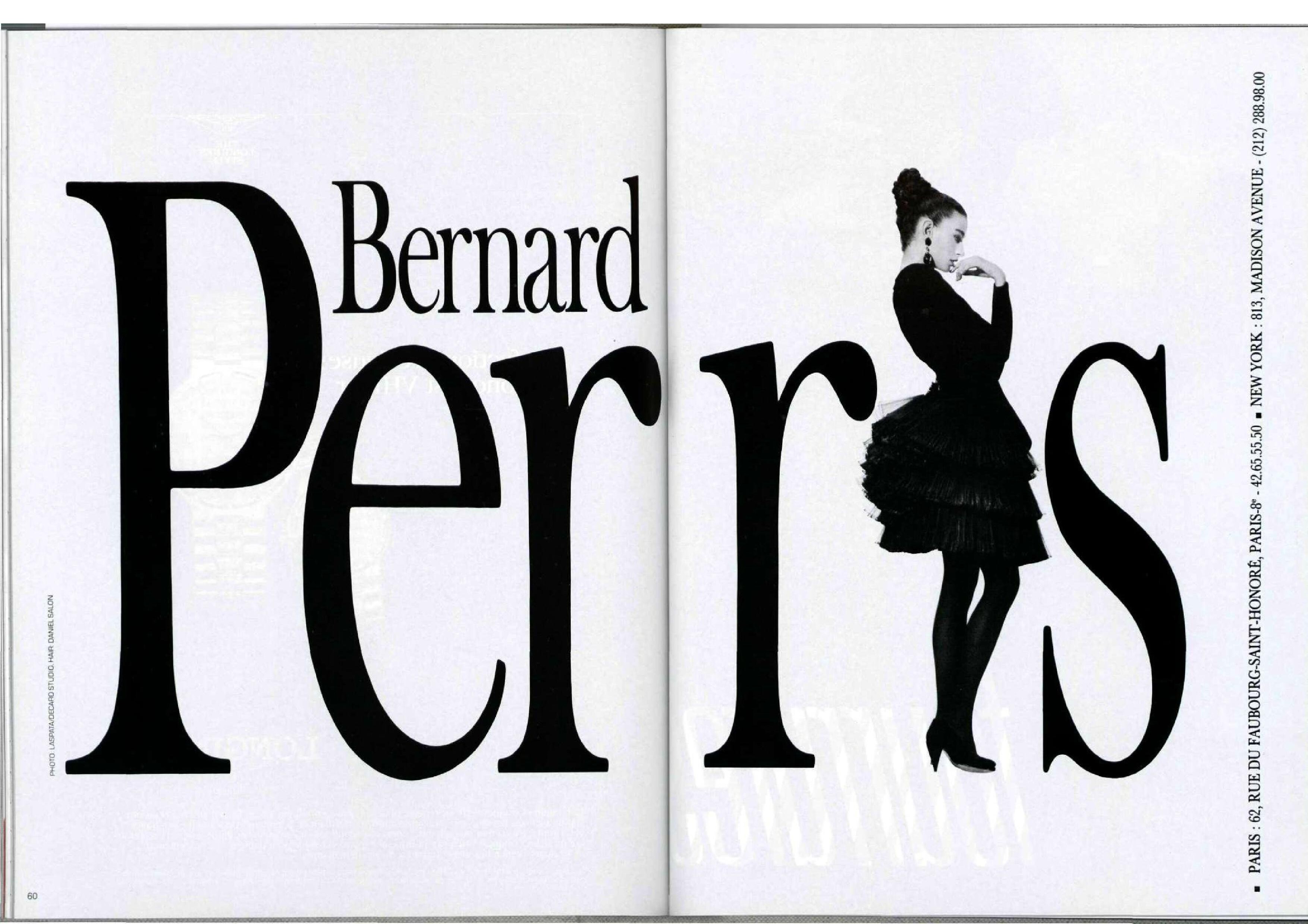
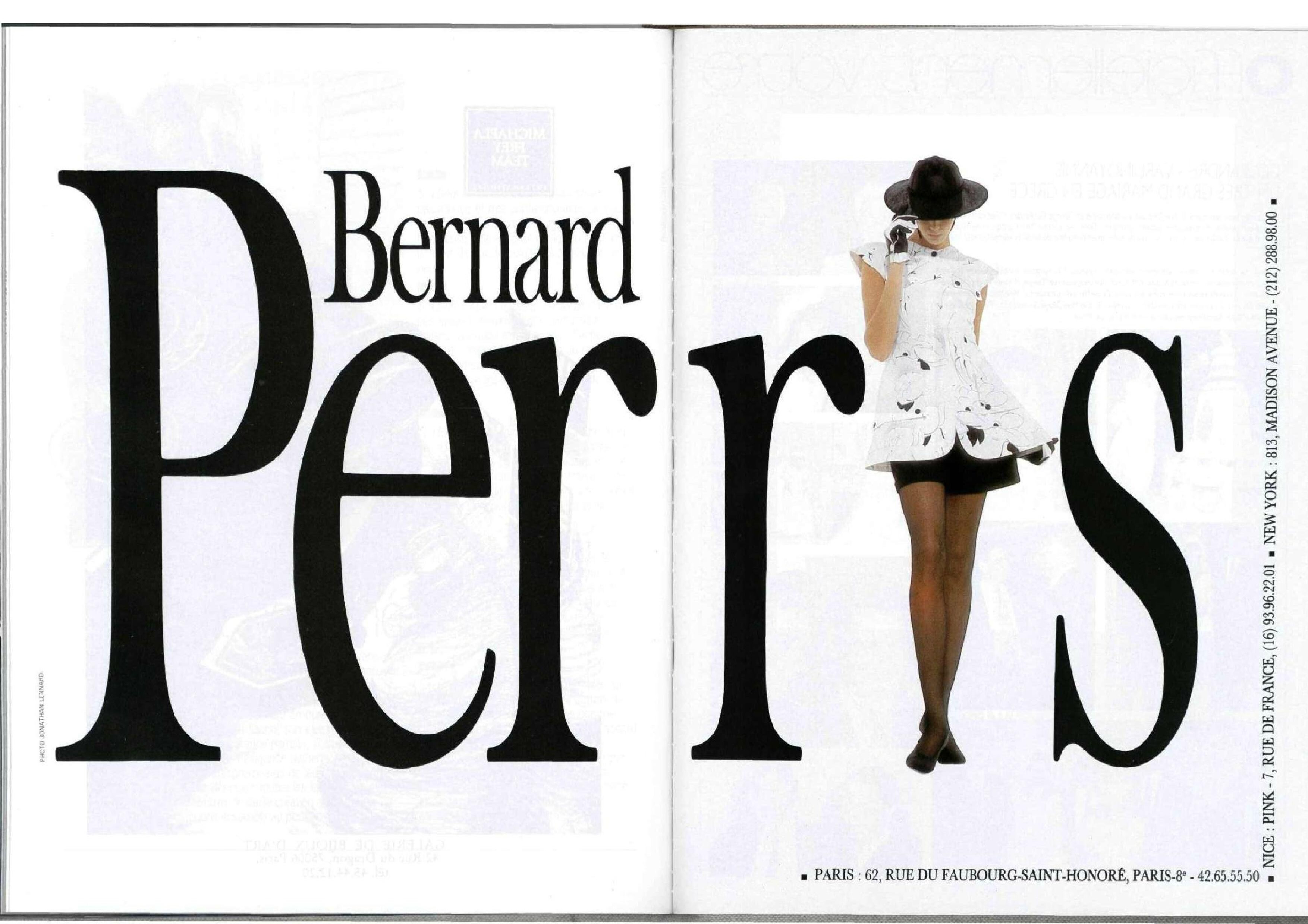
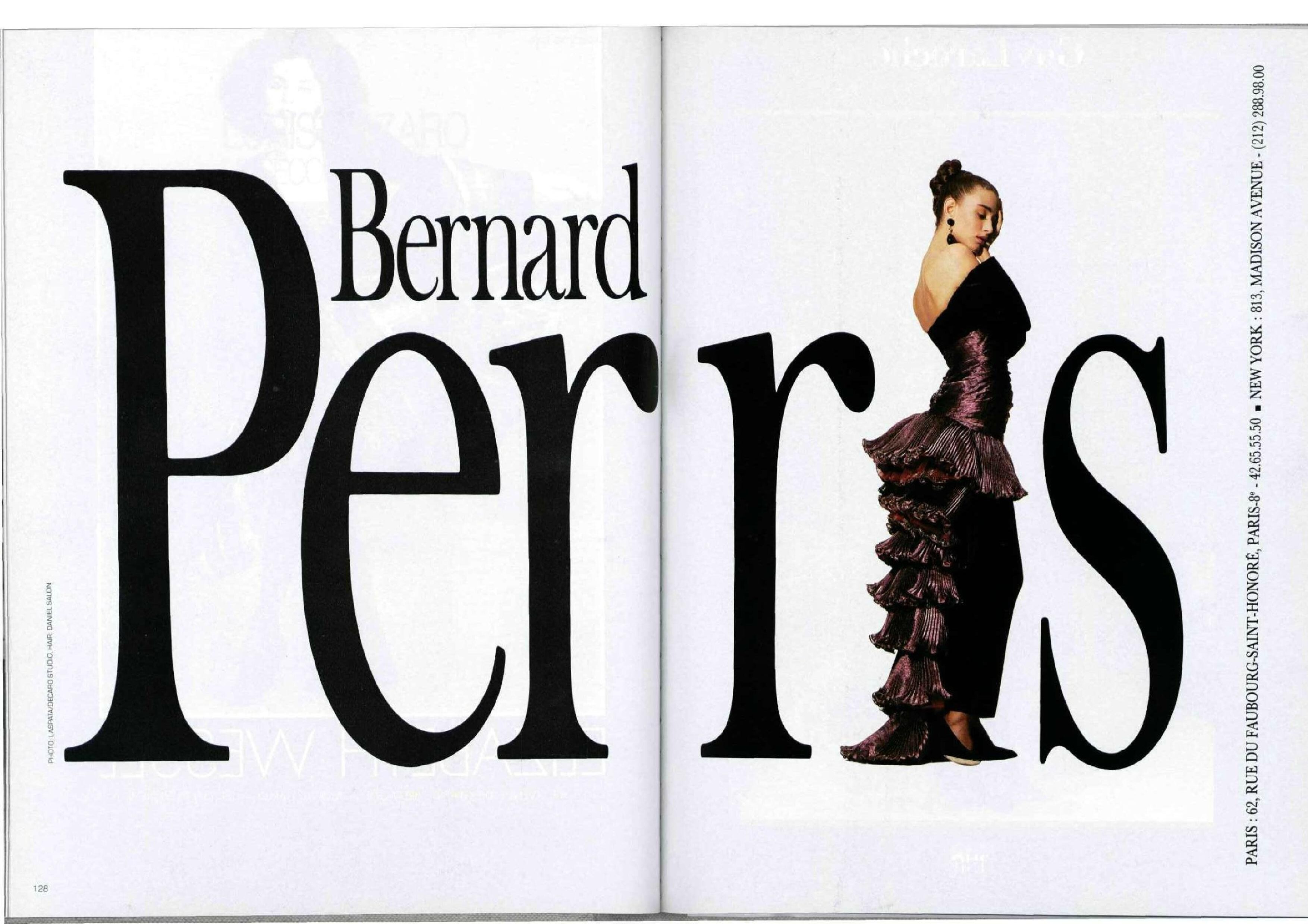
1984 lOFFICIEL NO 706 1987 BERNARD PERRIS ADS

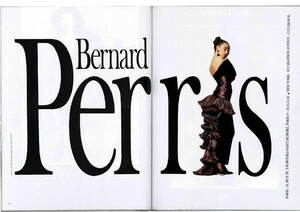 WONDERFUL ...
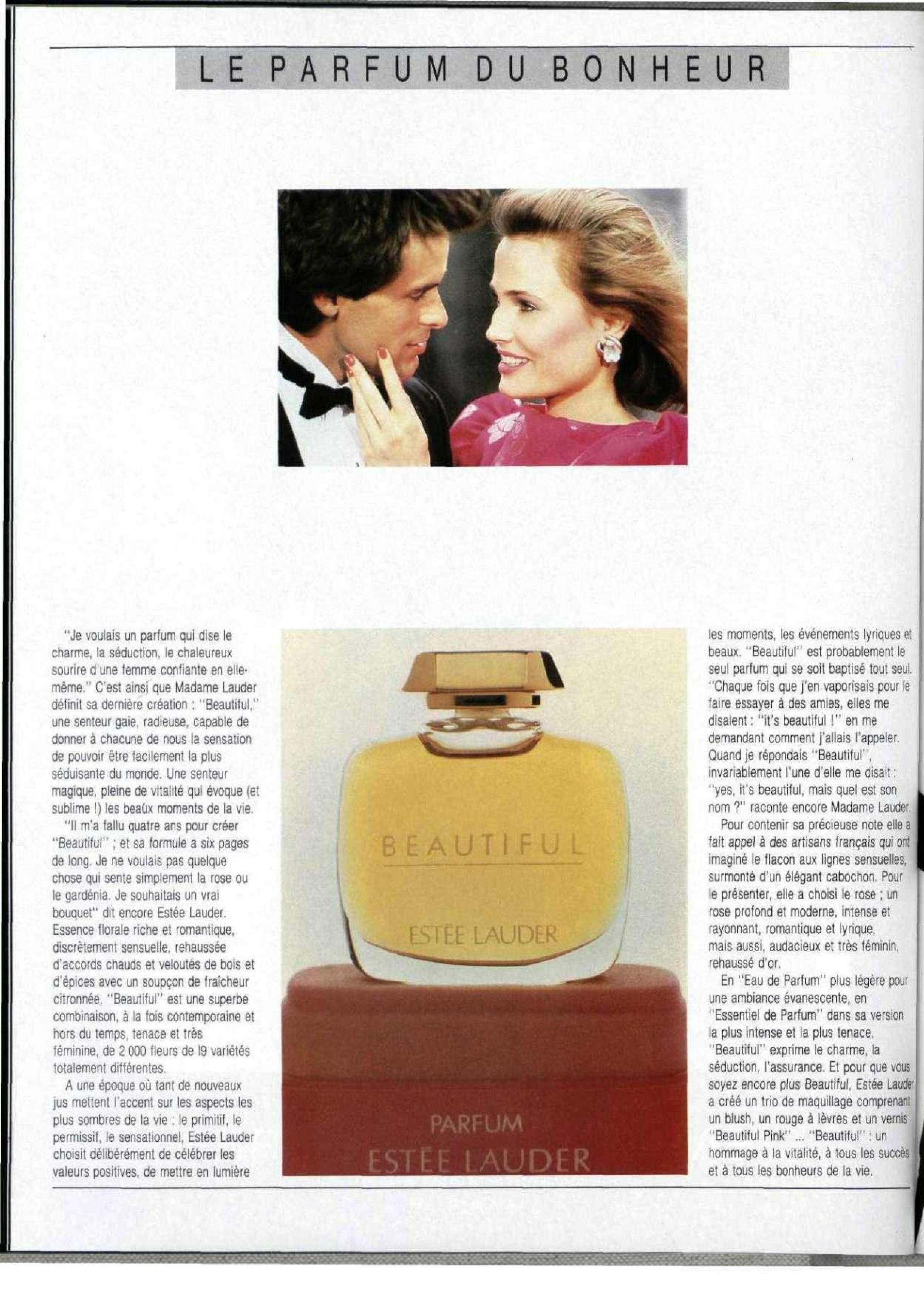
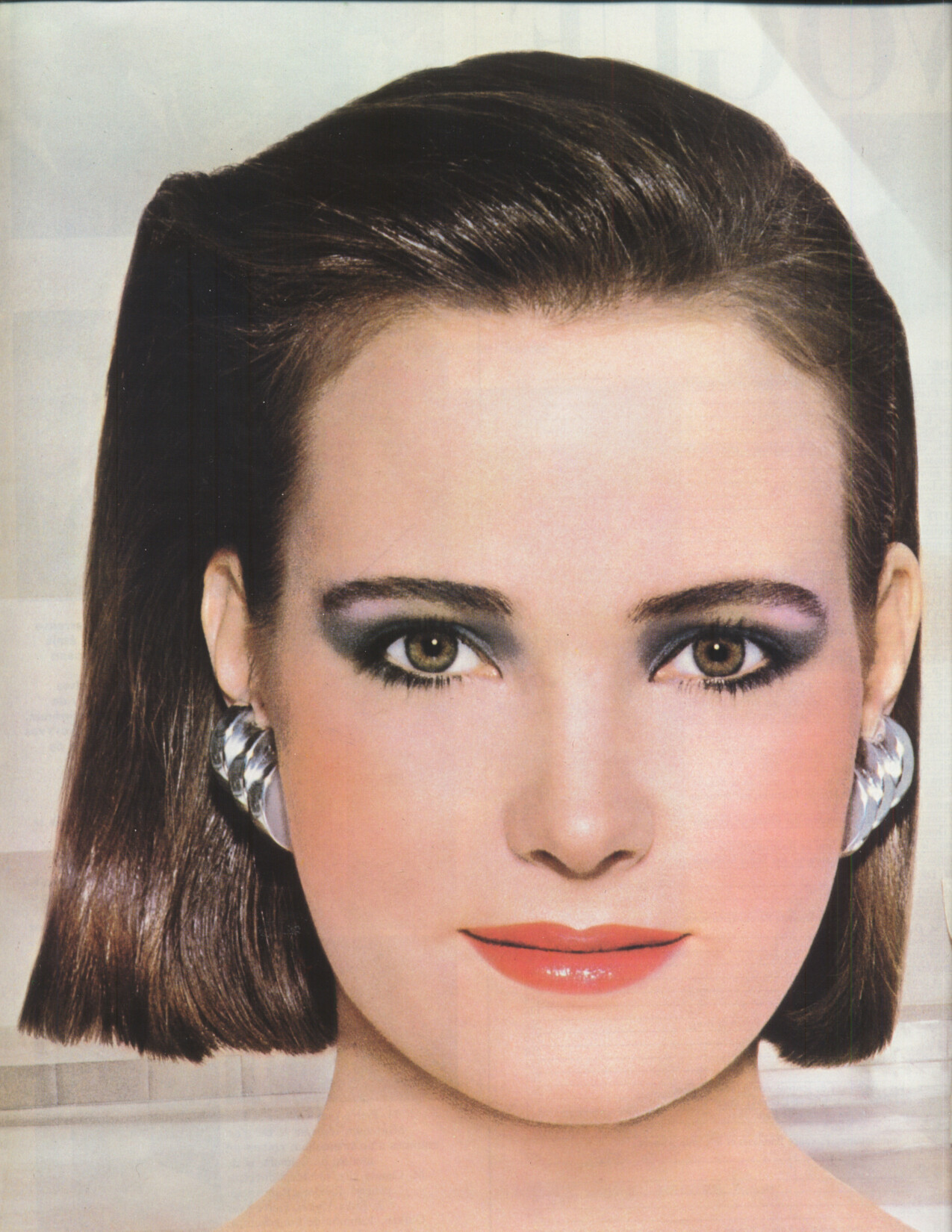
1986 L'OFFICIEL
WONDERFUL ...
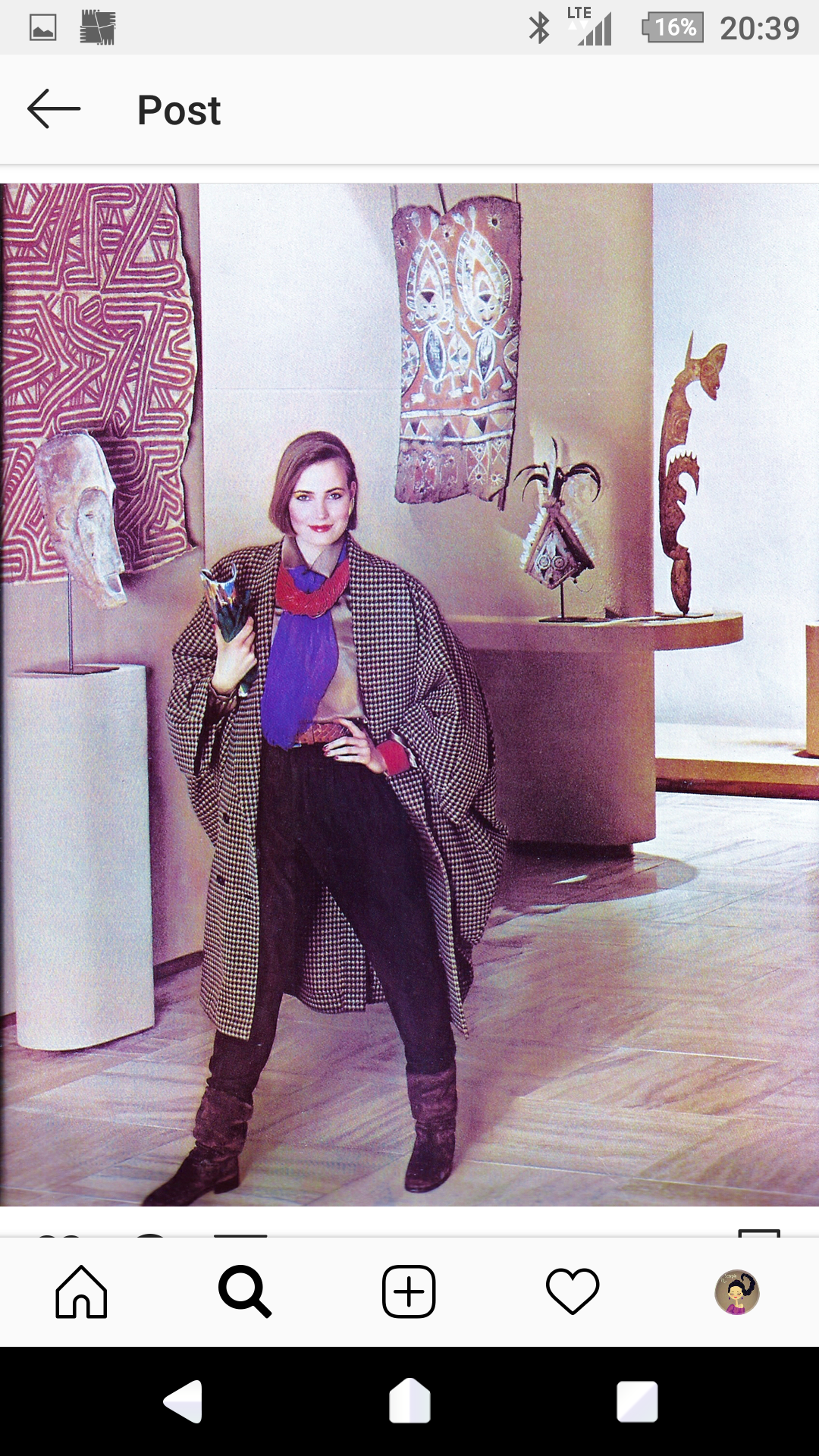
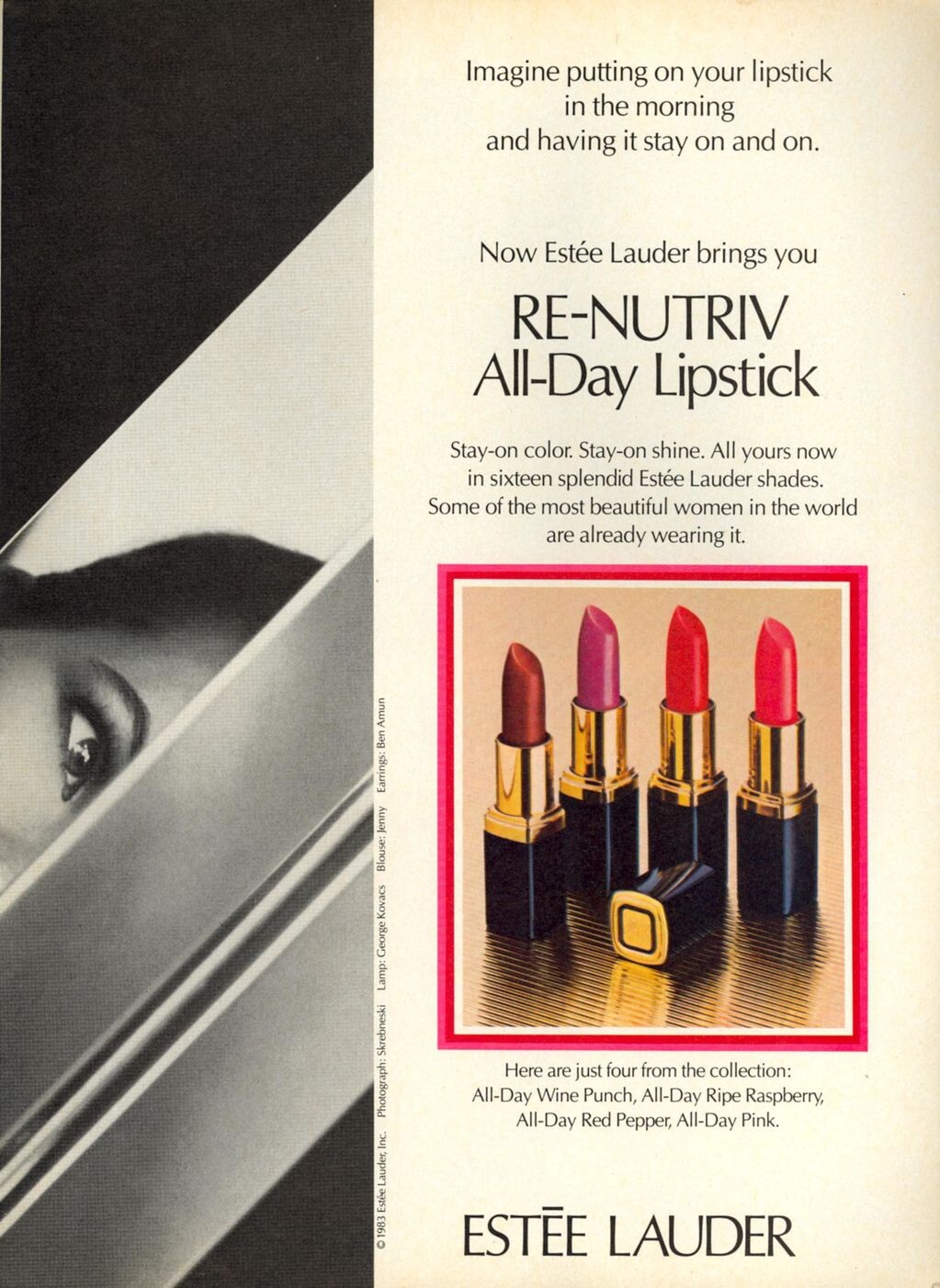
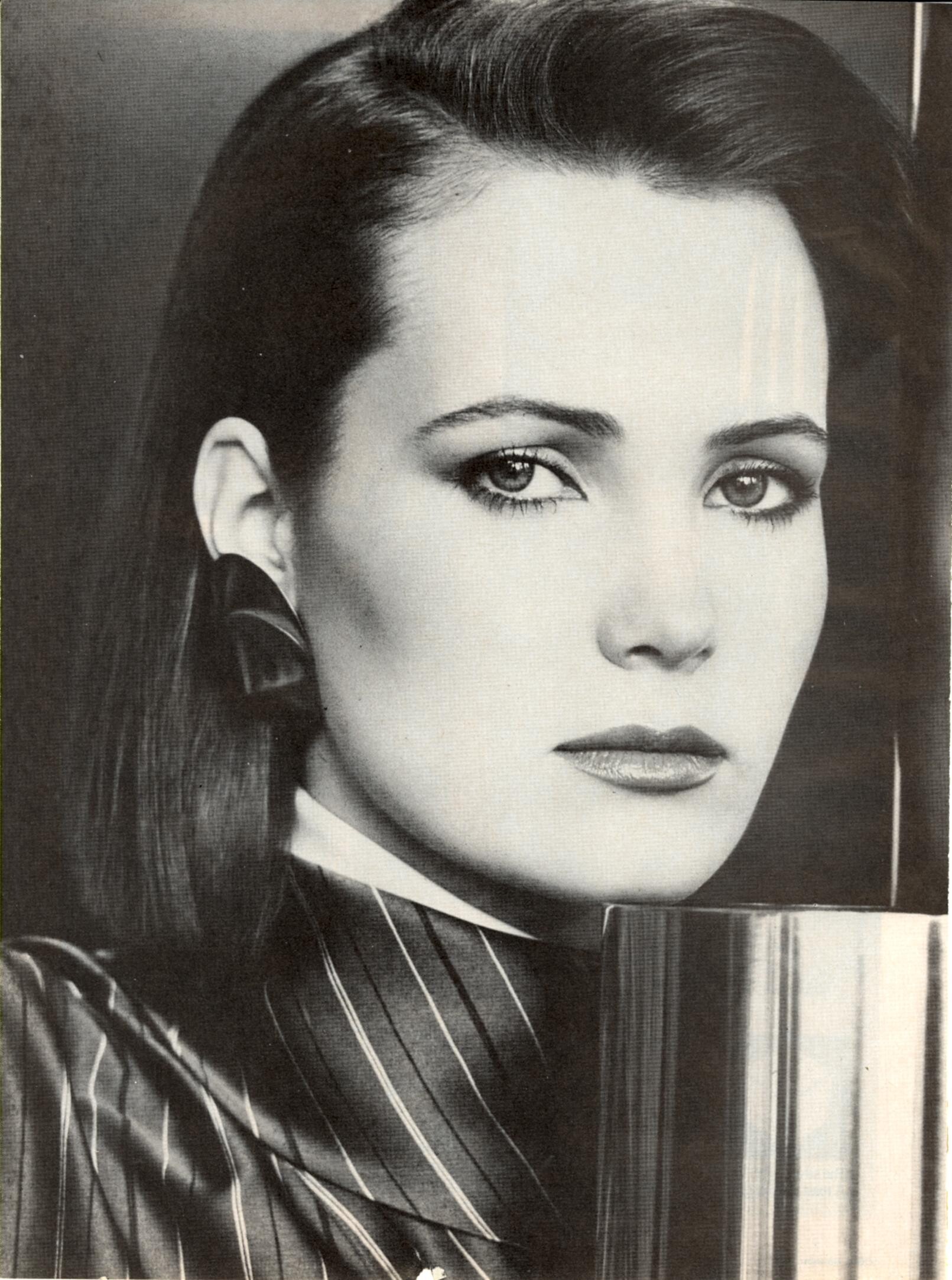
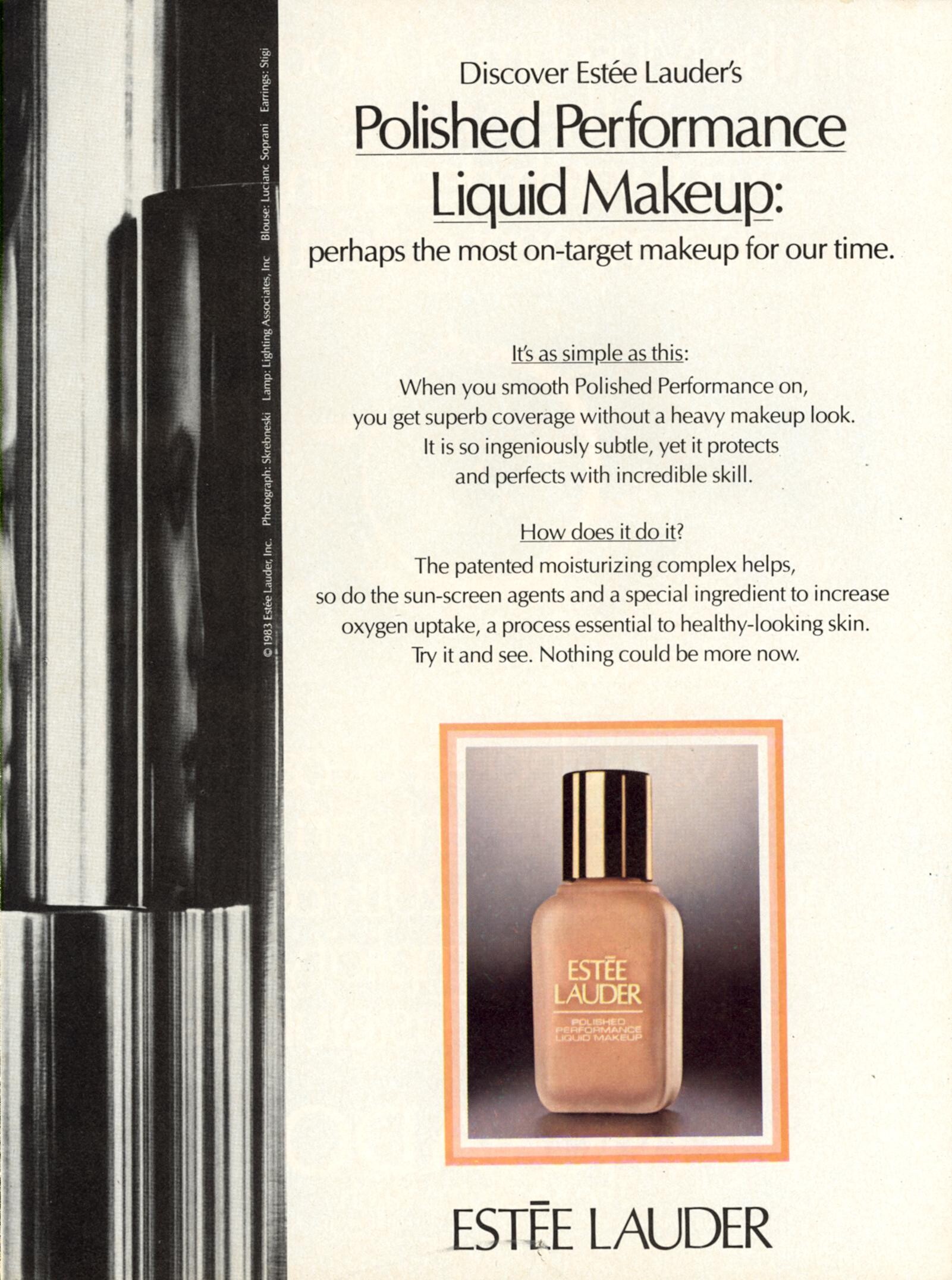
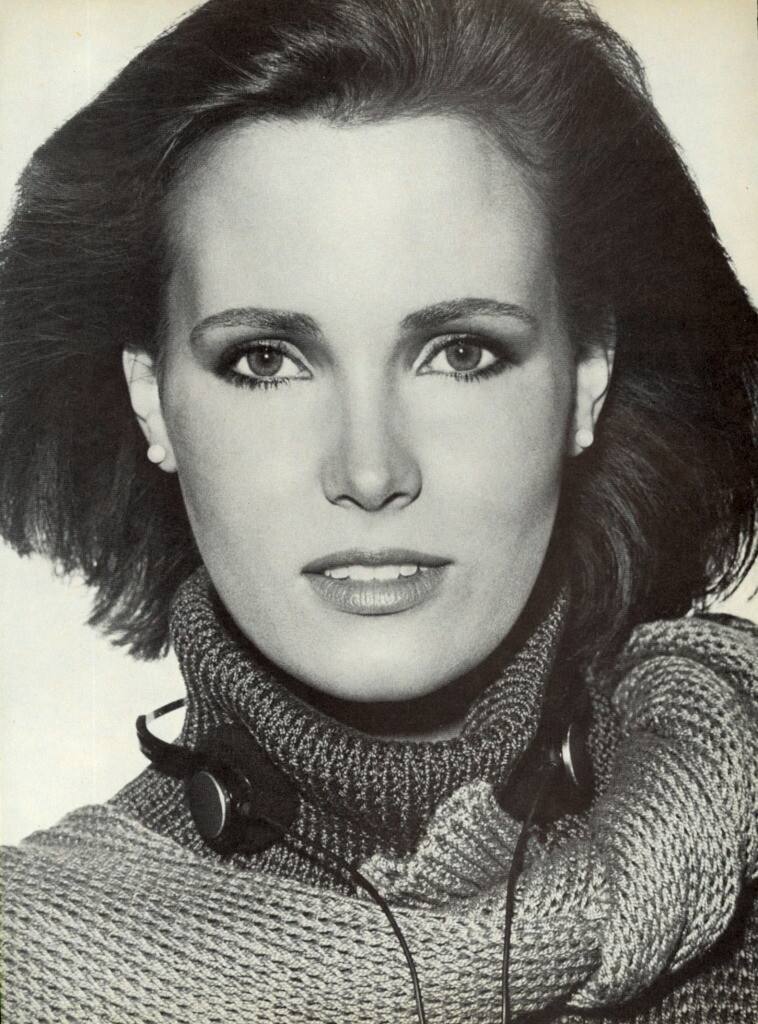
1986 L'OFFICIEL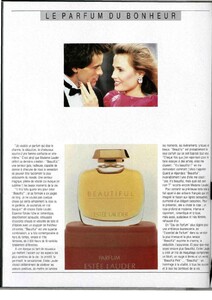 CANNOT REMEMBER THE DATE
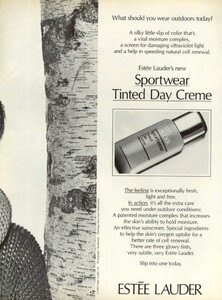

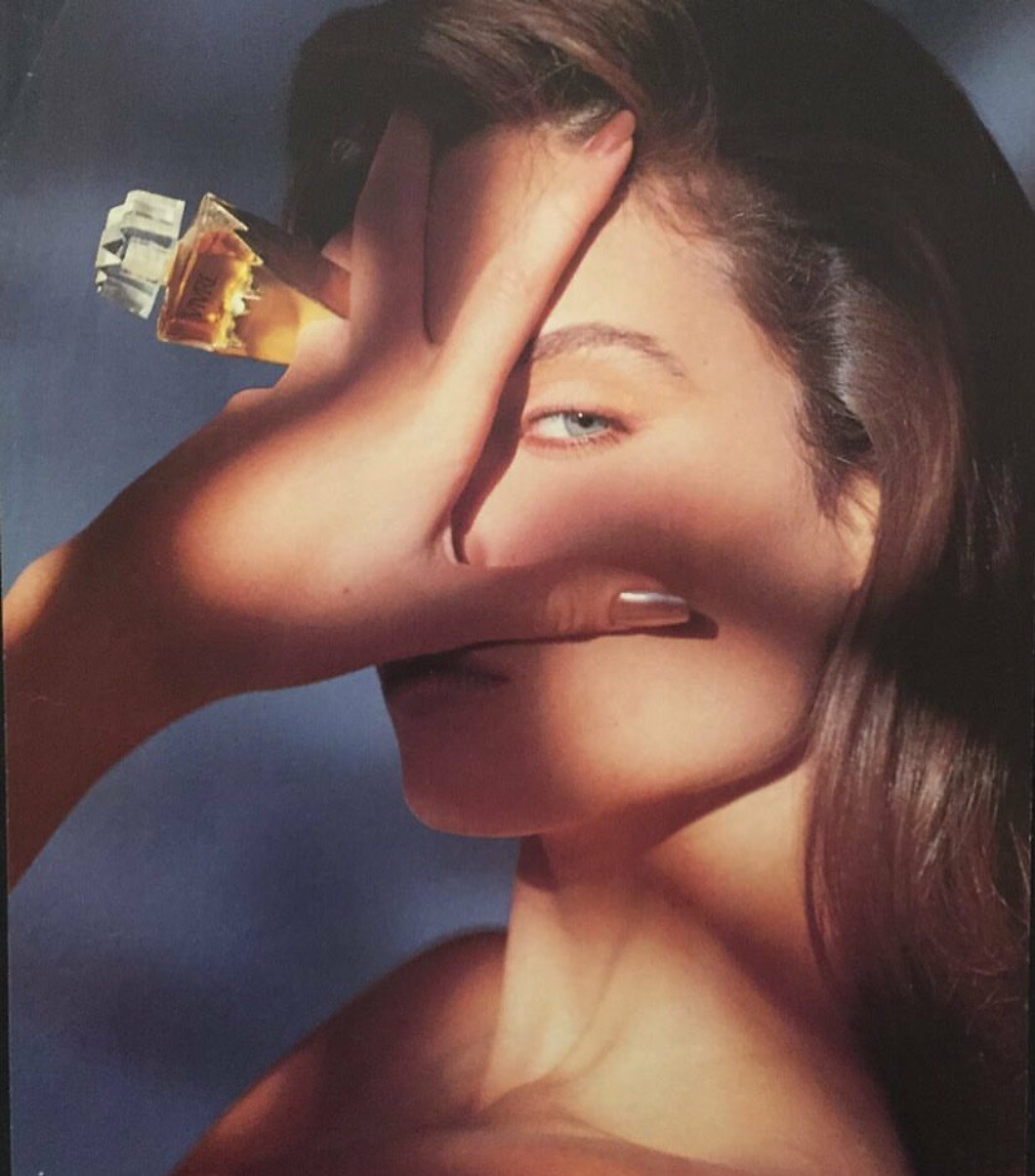



.jpg.4c257dfa077aa78c77588e60814aefe1.jpg)
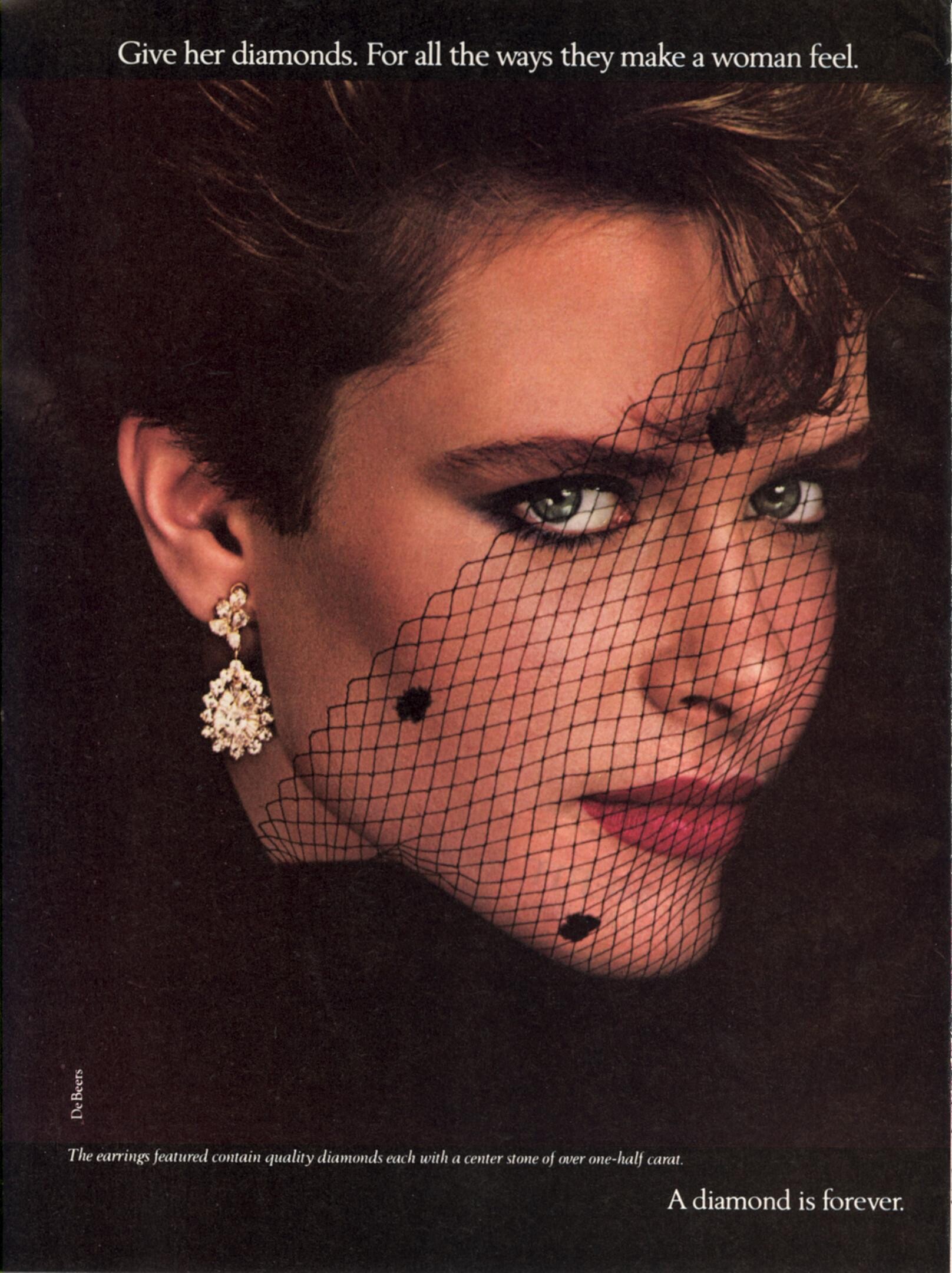



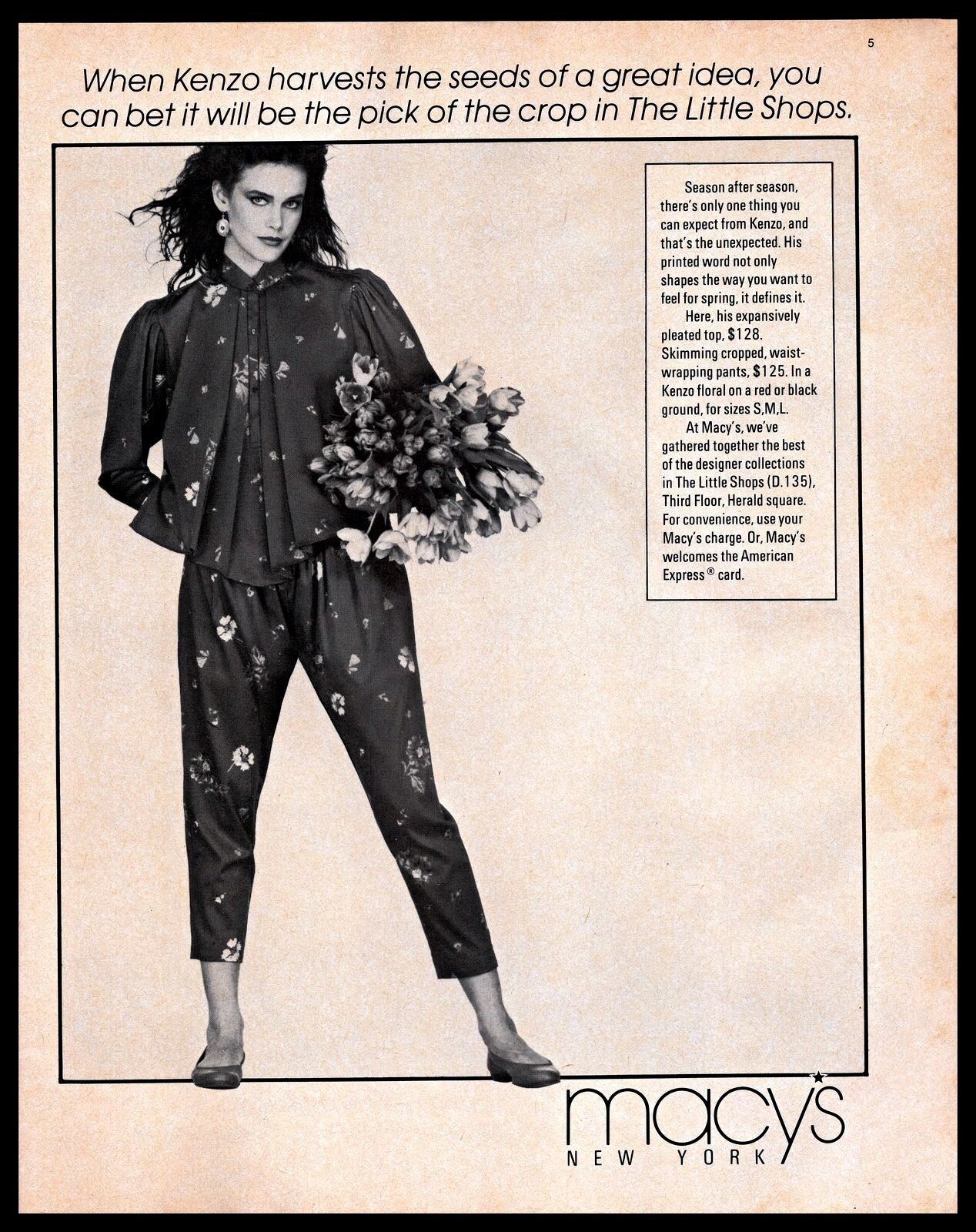







Account
Navigation
Search
Configure browser push notifications
Chrome (Android)
- Tap the lock icon next to the address bar.
- Tap Permissions → Notifications.
- Adjust your preference.
Chrome (Desktop)
- Click the padlock icon in the address bar.
- Select Site settings.
- Find Notifications and adjust your preference.
Safari (iOS 16.4+)
- Ensure the site is installed via Add to Home Screen.
- Open Settings App → Notifications.
- Find your app name and adjust your preference.
Safari (macOS)
- Go to Safari → Preferences.
- Click the Websites tab.
- Select Notifications in the sidebar.
- Find this website and adjust your preference.
Edge (Android)
- Tap the lock icon next to the address bar.
- Tap Permissions.
- Find Notifications and adjust your preference.
Edge (Desktop)
- Click the padlock icon in the address bar.
- Click Permissions for this site.
- Find Notifications and adjust your preference.
Firefox (Android)
- Go to Settings → Site permissions.
- Tap Notifications.
- Find this site in the list and adjust your preference.
Firefox (Desktop)
- Open Firefox Settings.
- Search for Notifications.
- Find this site in the list and adjust your preference.