Skip to content

drnefastus

Members
  • Joined

  • Last visited

  1. Eltoredo started following drnefastus
  2. drnefastus replied to not90's topic in Actresses
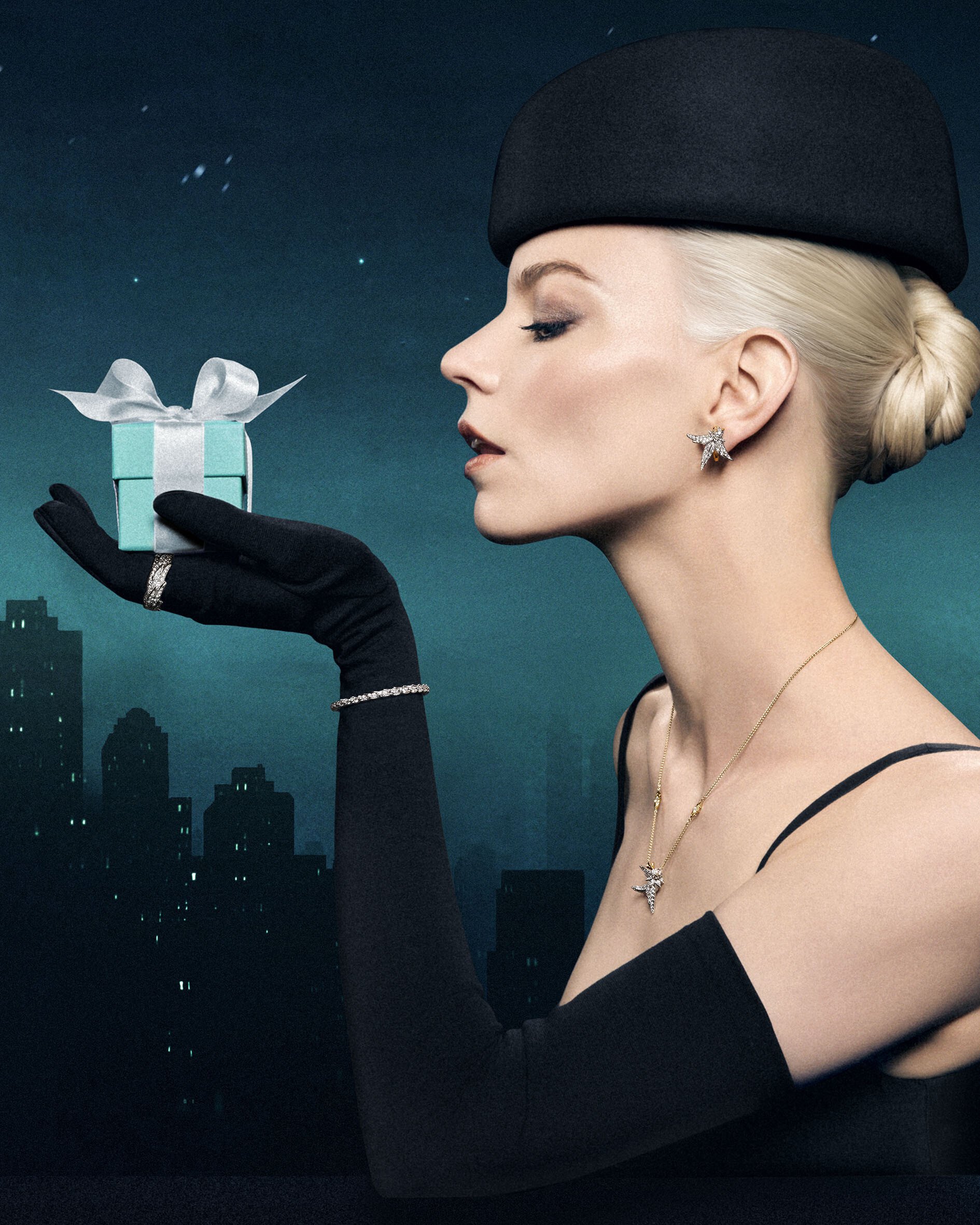
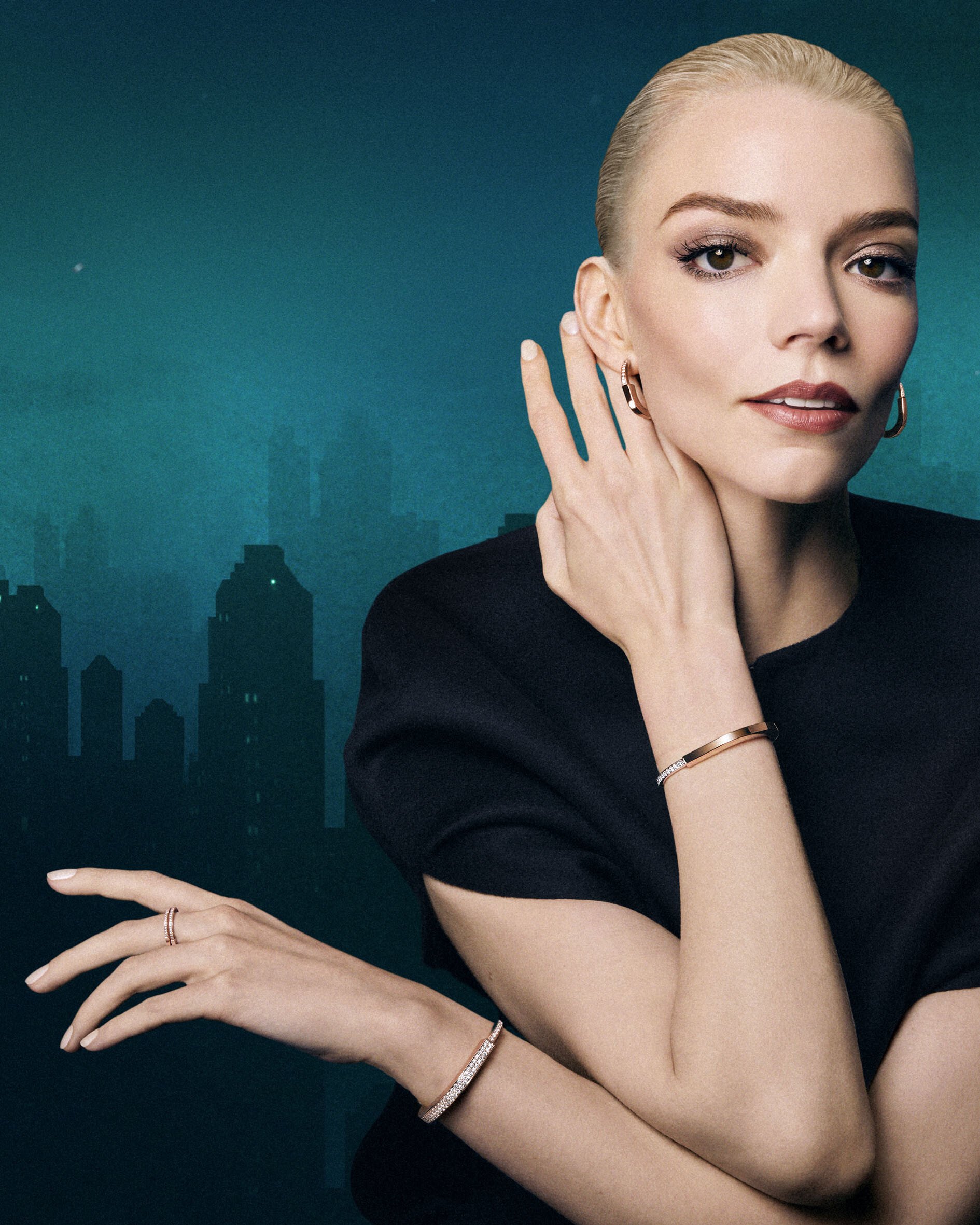
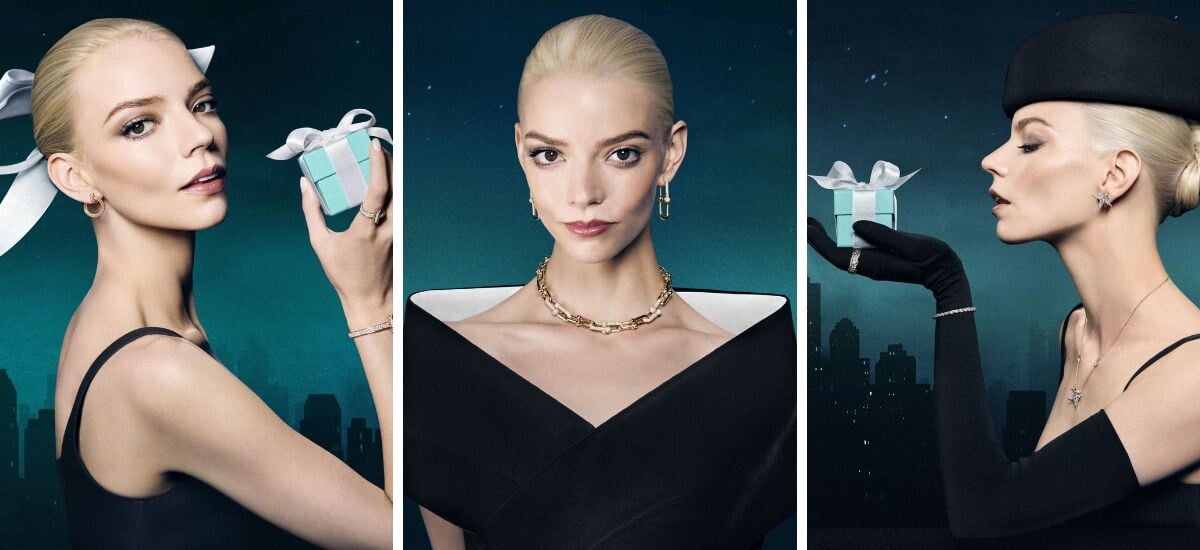
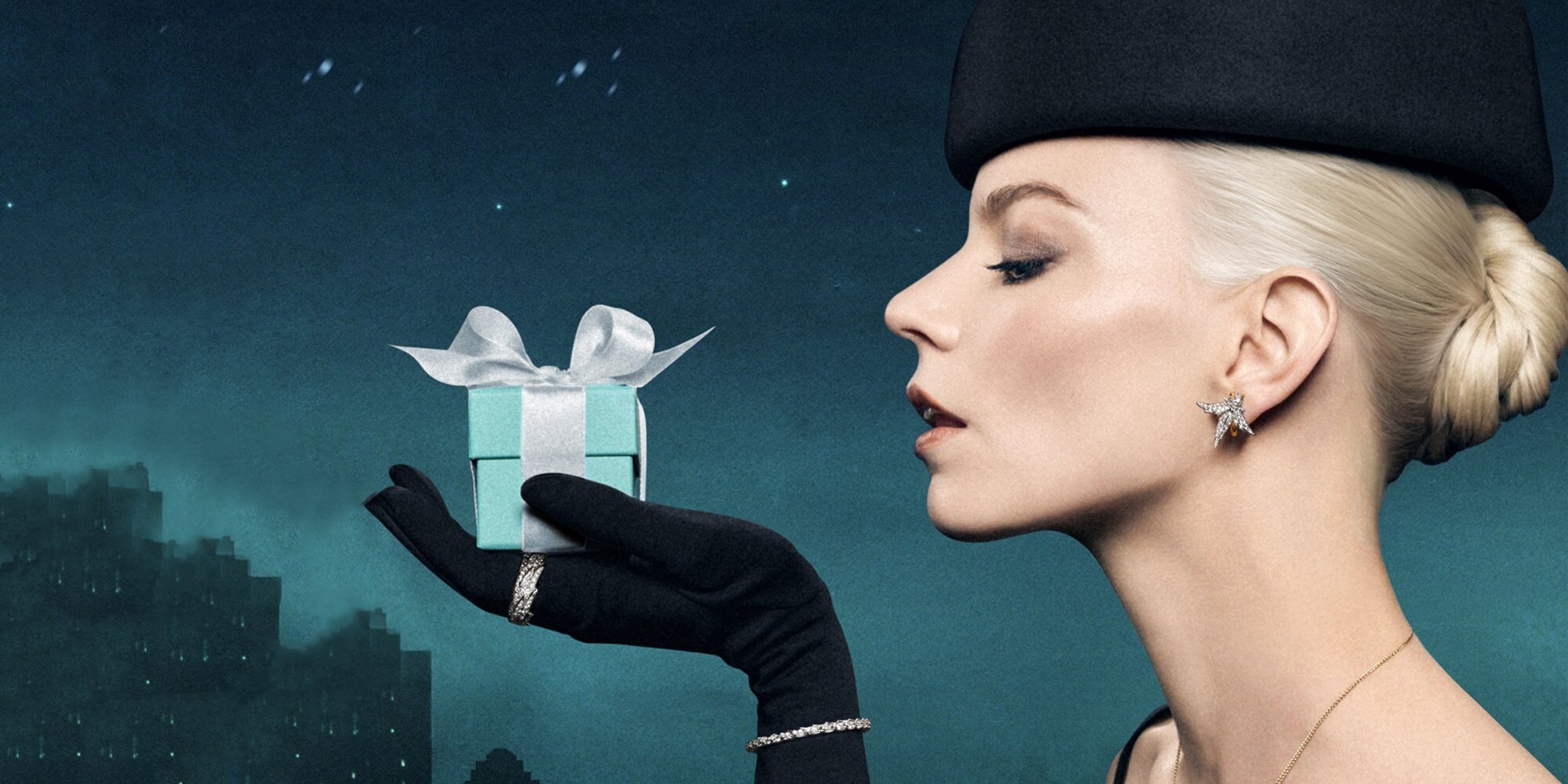
    Tiffany & Co. ‘Love Is A Gift’ 2025 Holiday Campaign

  3. drnefastus started following Gk4078
  4. Gk4078 started following drnefastus
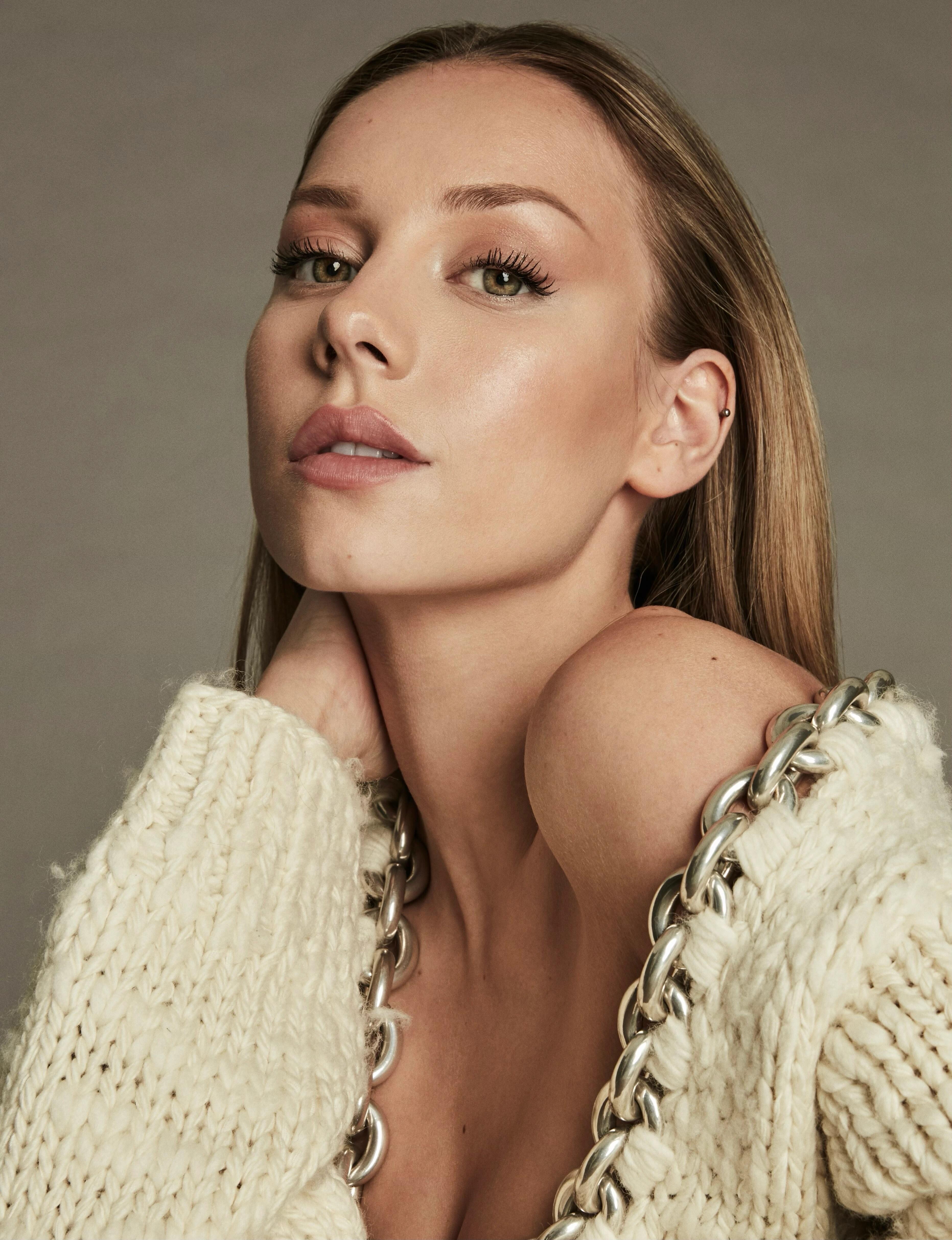
  5. From Elle Spain
  6. drnefastus replied to not90's topic in Actresses
    Tiffany & Co. Holiday Campaign 2024. High Resolution Upgrades.
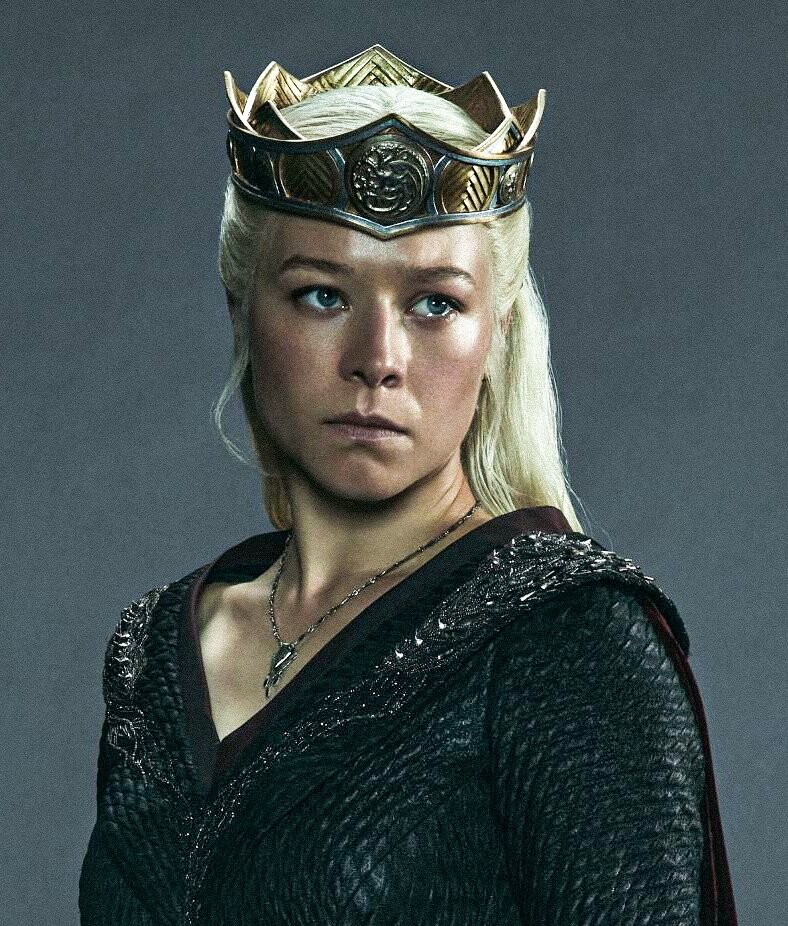
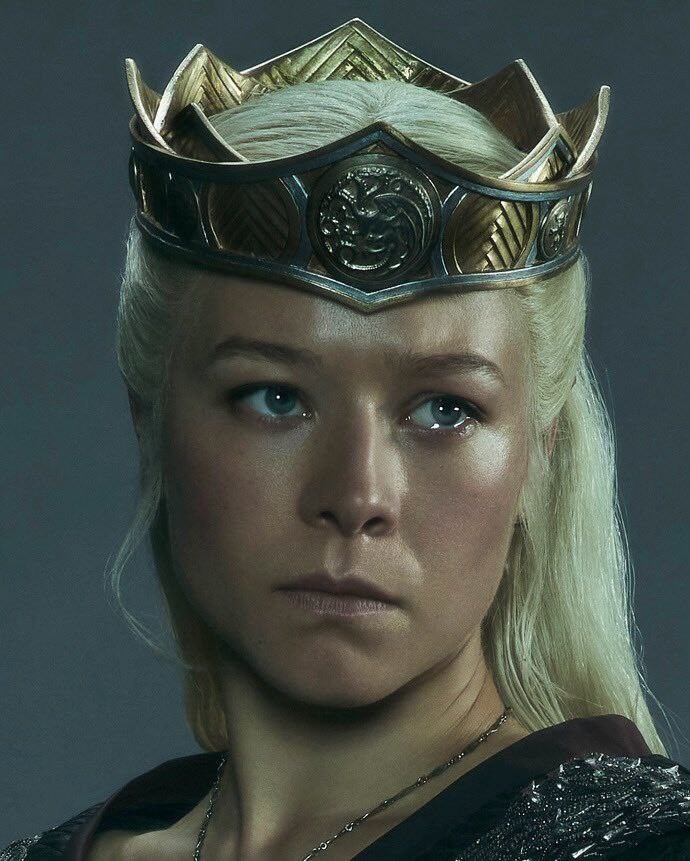
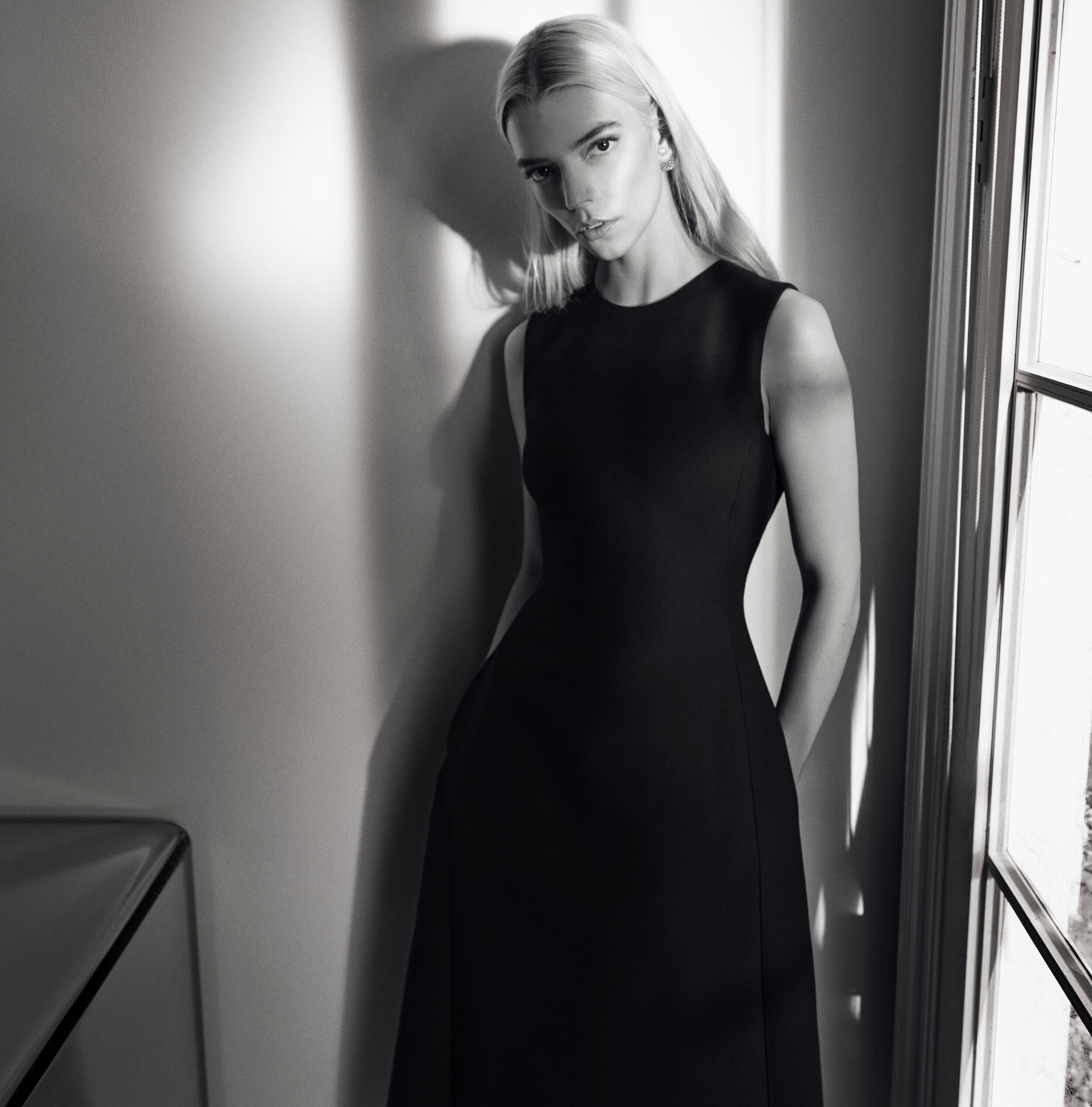
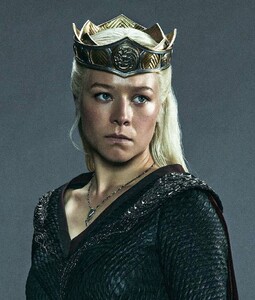
  7. low quality; New Emma House of the Dragon portraits. Anyone able to find them in 4k?
  8. drnefastus replied to not90's topic in Actresses
    Thank you!!
  9. drnefastus replied to not90's topic in Actresses
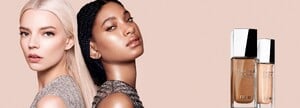
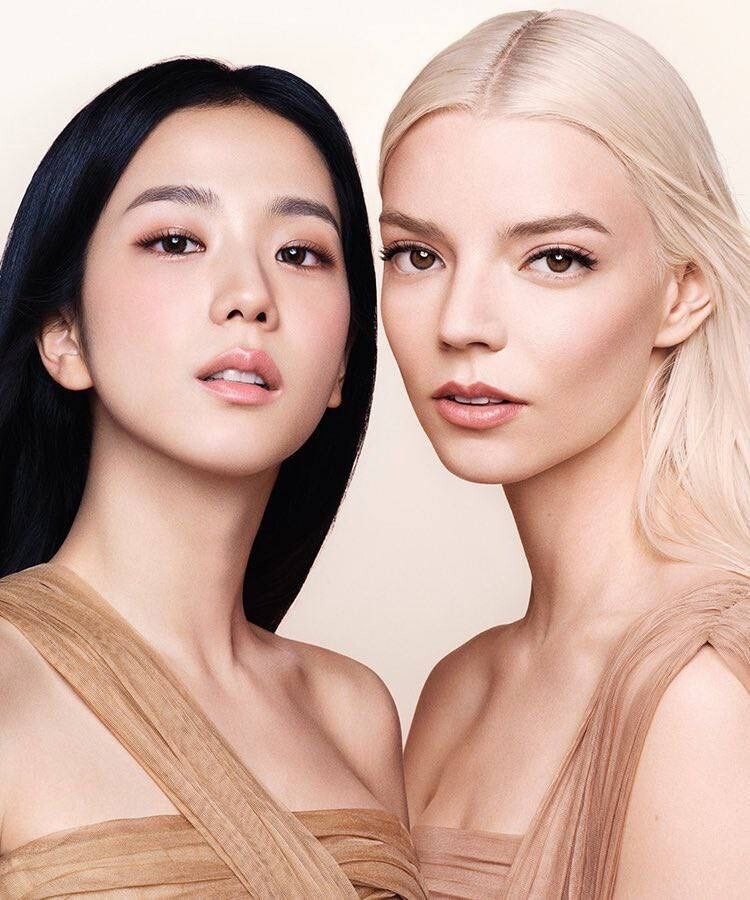
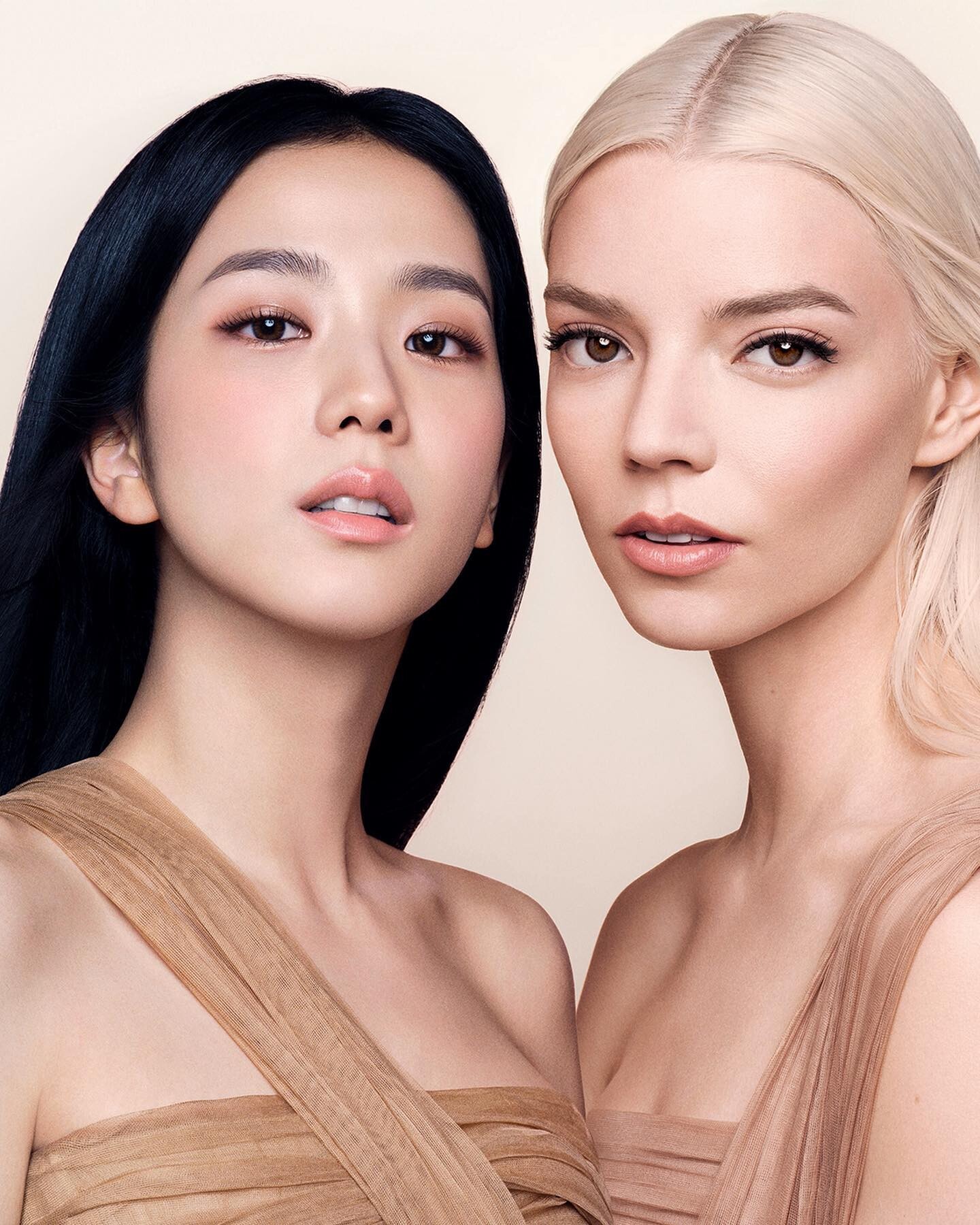
    If anyone has the origin upgrades for the Anya/Jisoo Dior Forever pictures please share them with us.

  10. drnefastus replied to not90's topic in Actresses
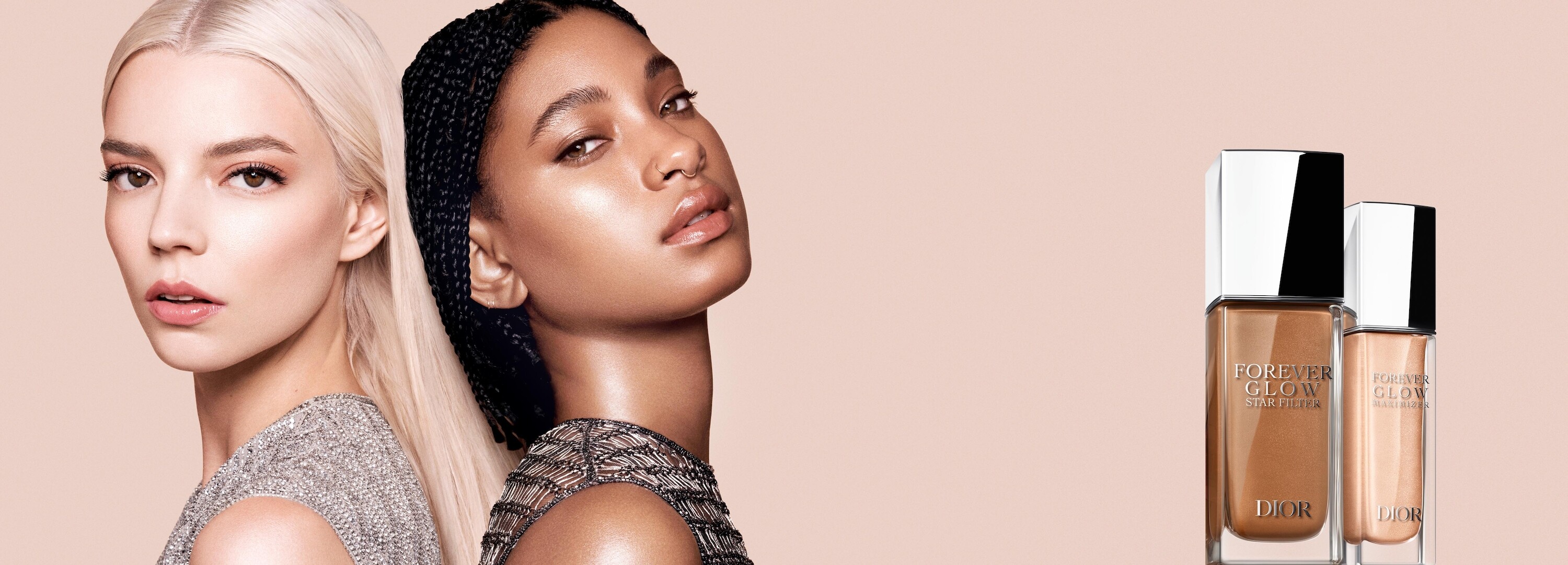
    Dior Forever Glow Maximizer with Willow Smith (Upgrades)
  11. drnefastus started following Galina Dubenenko
  12. drnefastus replied to not90's topic in Actresses
    Instagram updated version, still not the full frame and full res picture.

  13. drnefastus replied to not90's topic in Actresses
    Anya with Jisoo for new Dior Forever ad campaign. Can't wait for these to come out in high res.
  14. Does anyone know who this is? All help is appreciated.
    Image hidden for guestsSign in to view
  15. drnefastus replied to not90's topic in Actresses
    Incredible ❤️
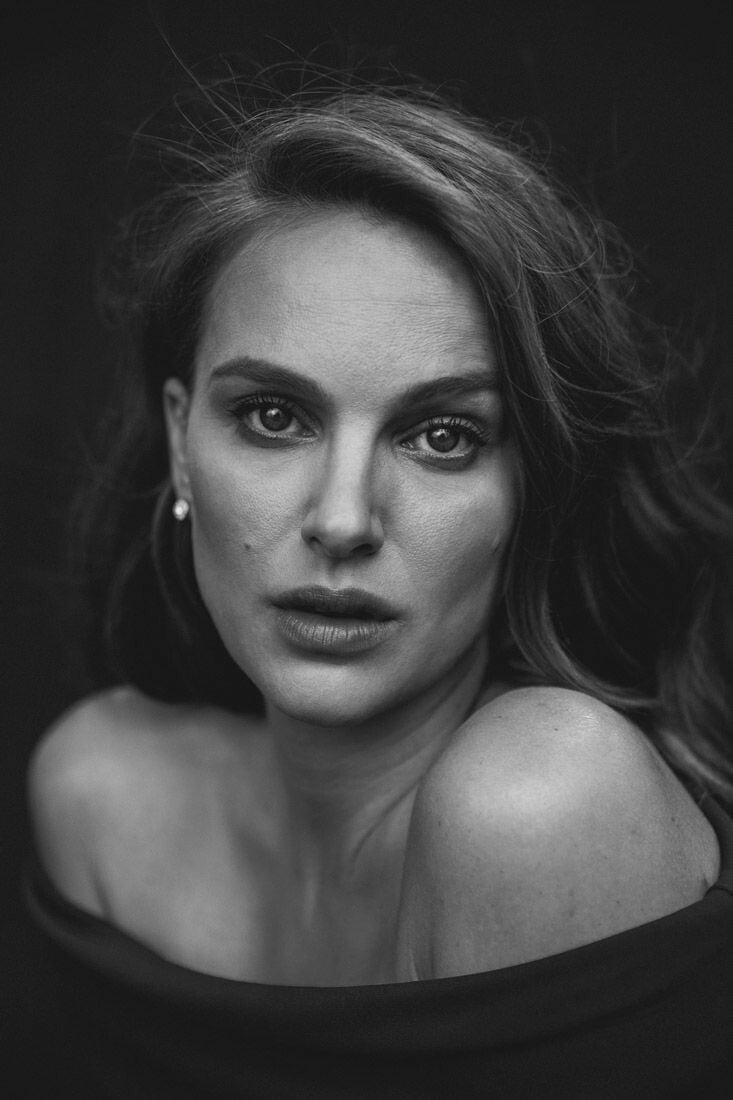
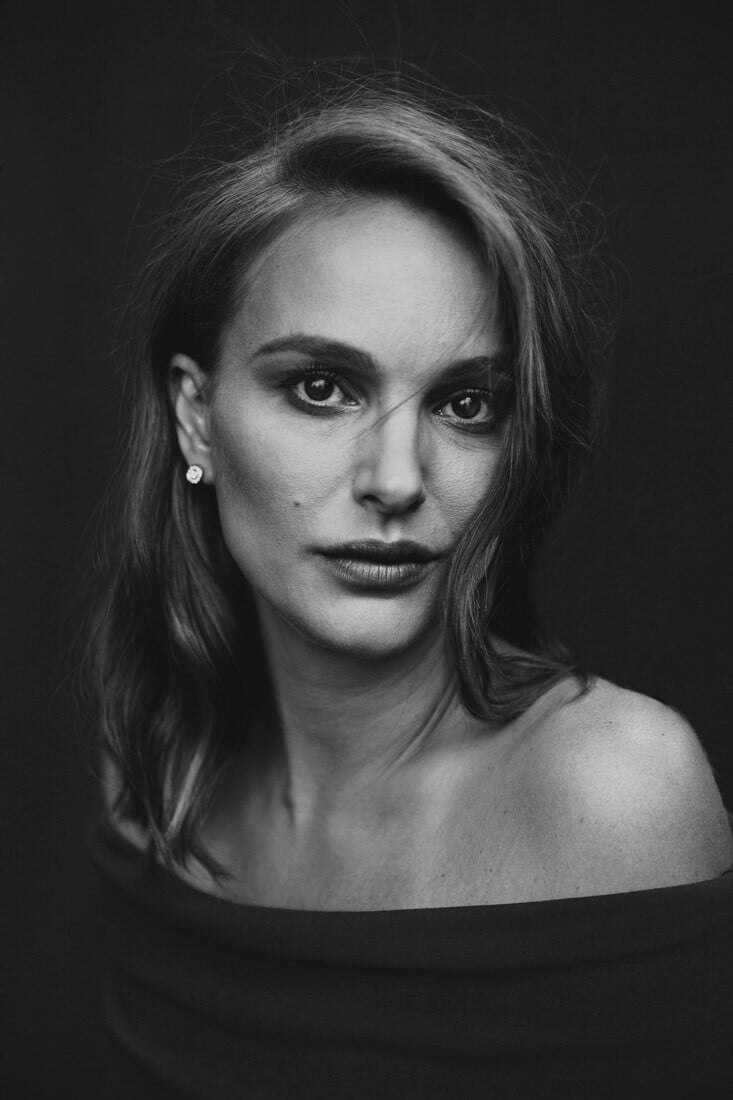
  16. Could anyone help me find these in HQ? As far as I can tell they're outtakes from a photoshoot for The Hollywood Reporter and were taken by Austin Hargrove.

  17. drnefastus changed their profile photo
  18. drnefastus replied to not90's topic in Actresses
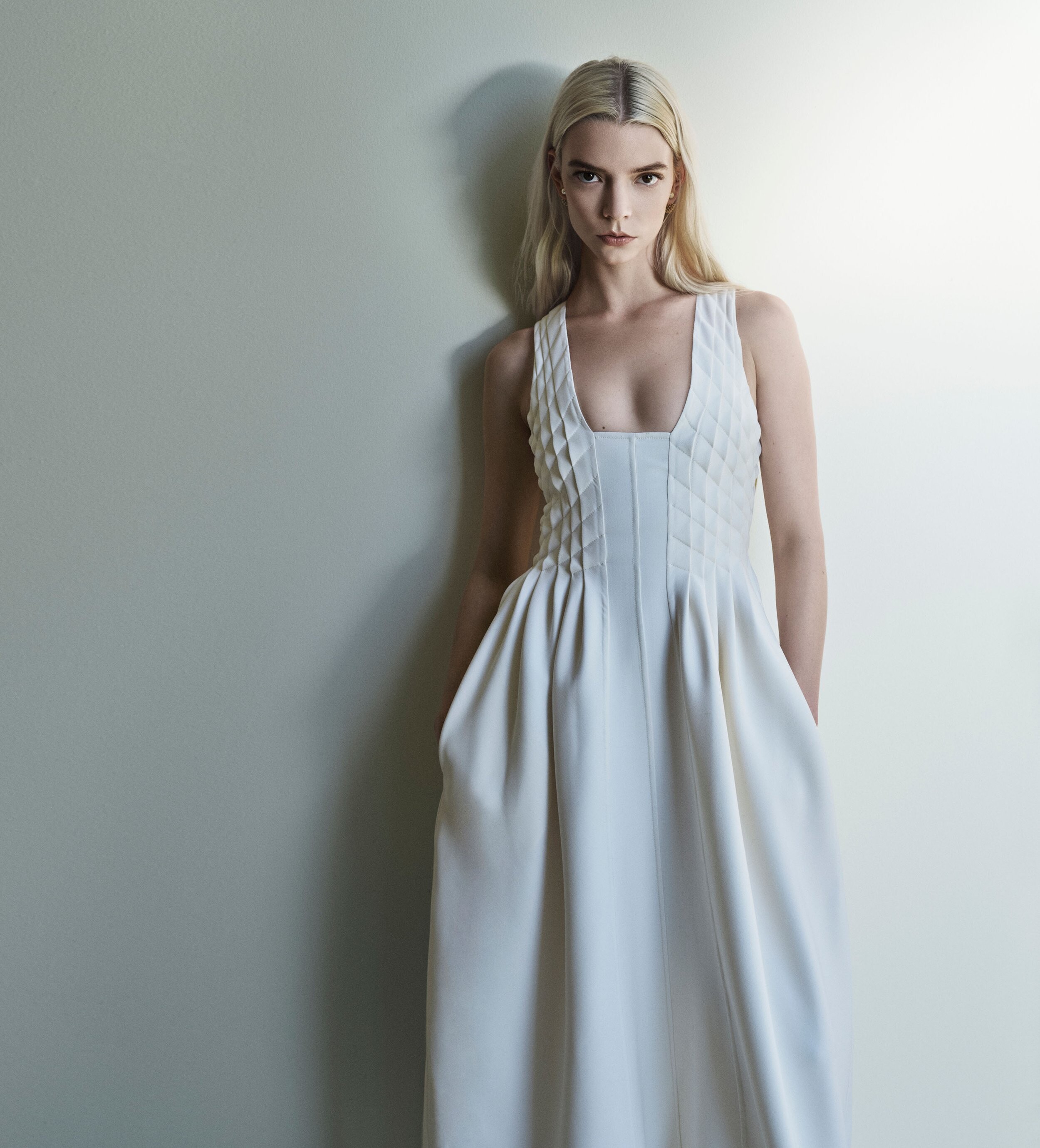
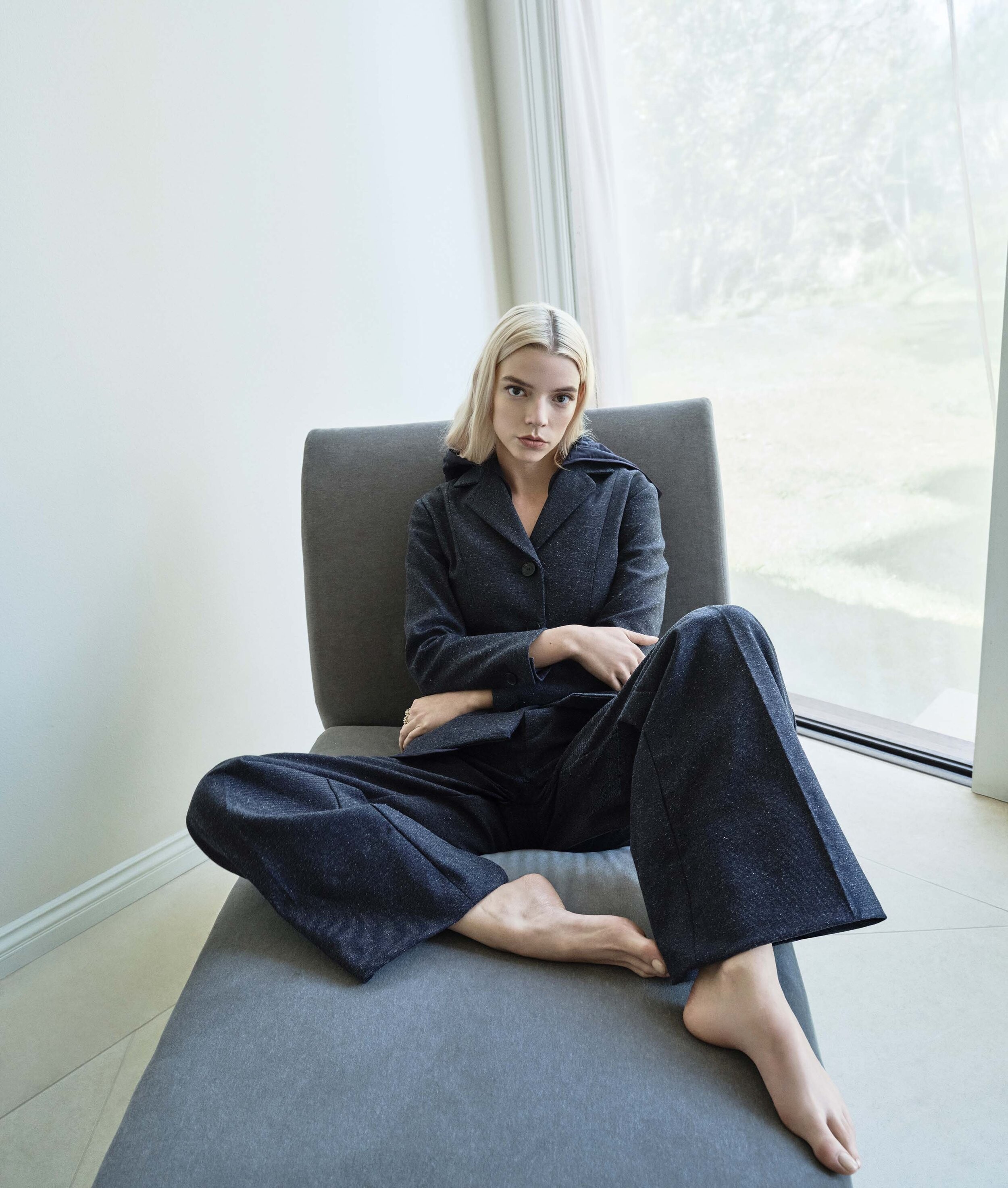
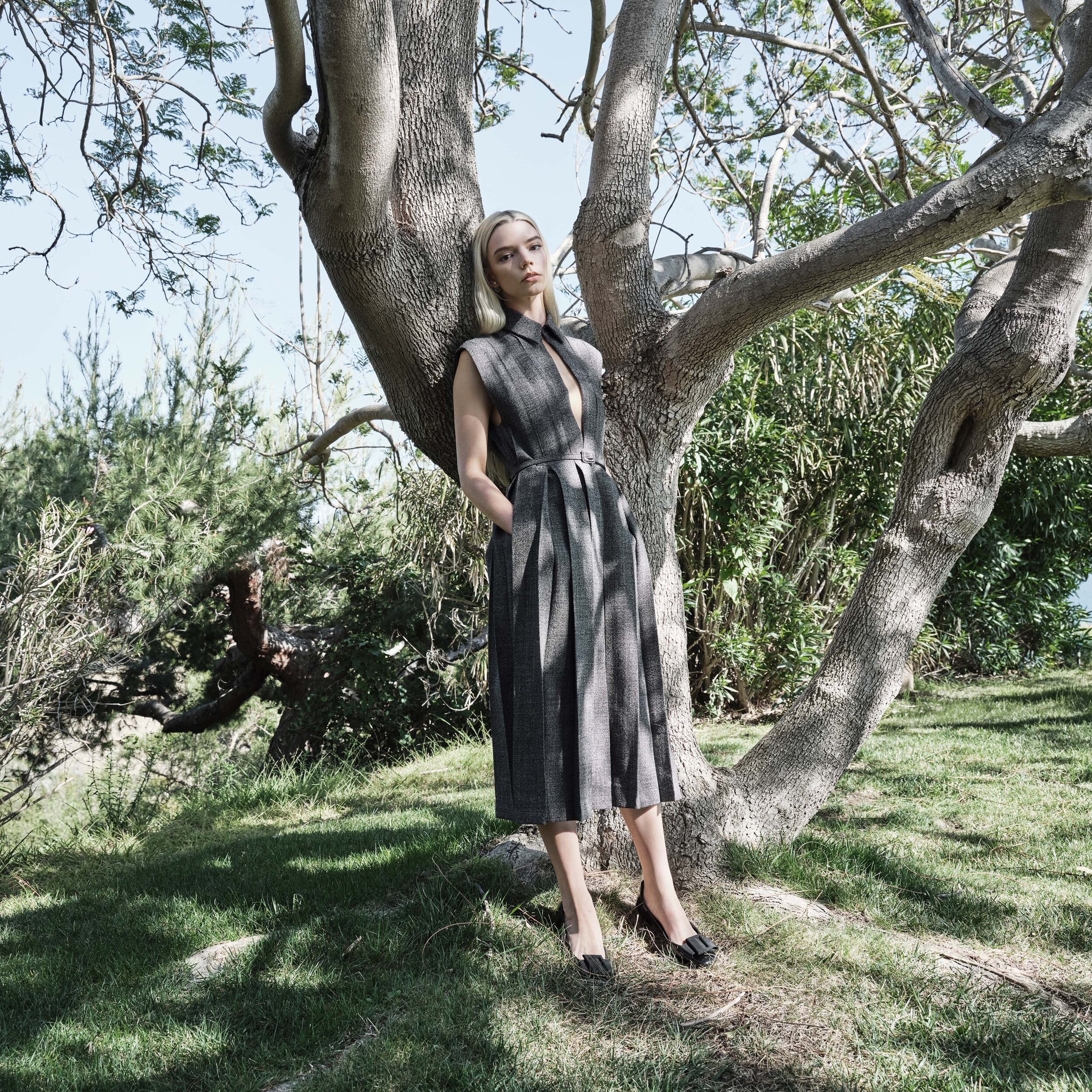
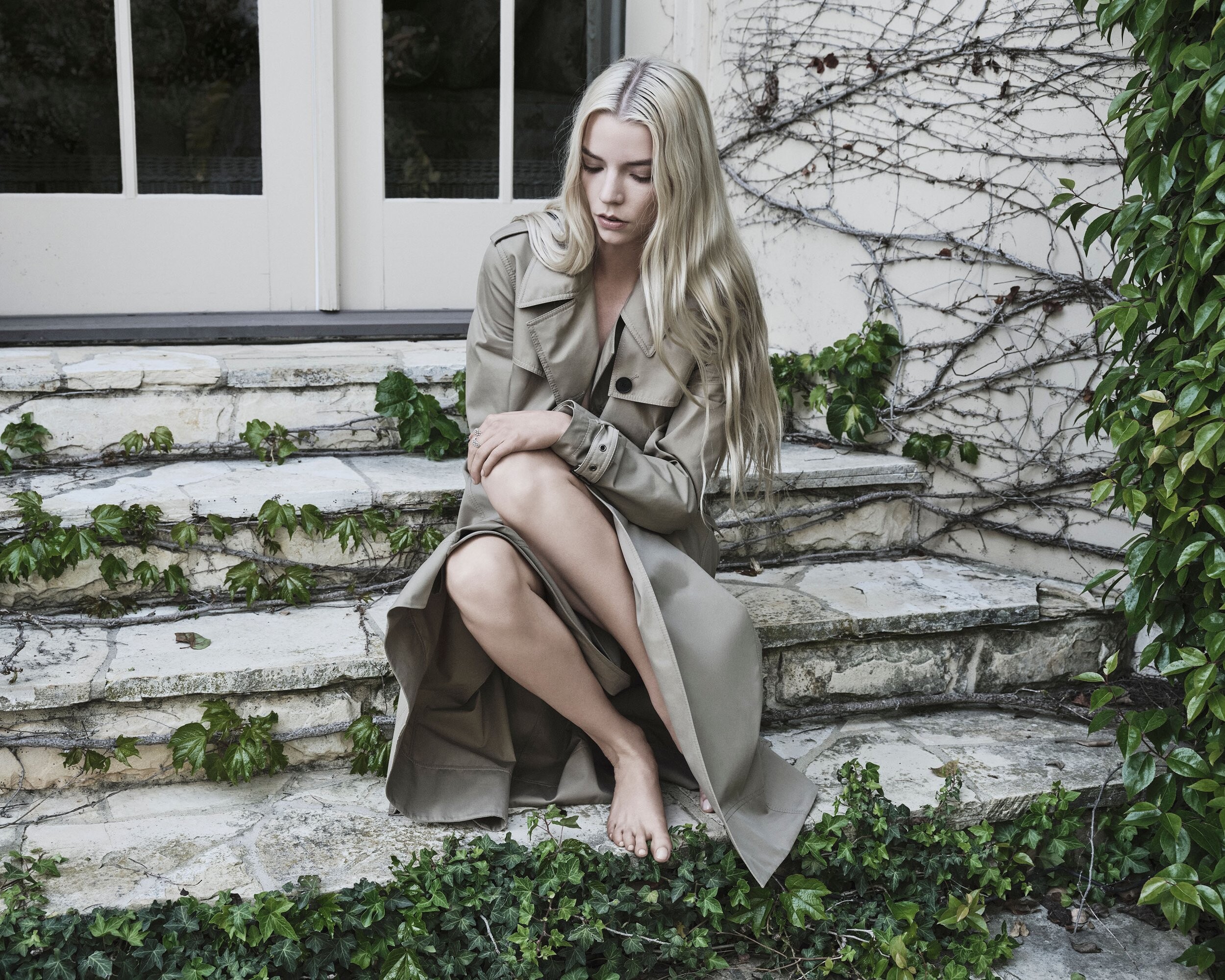
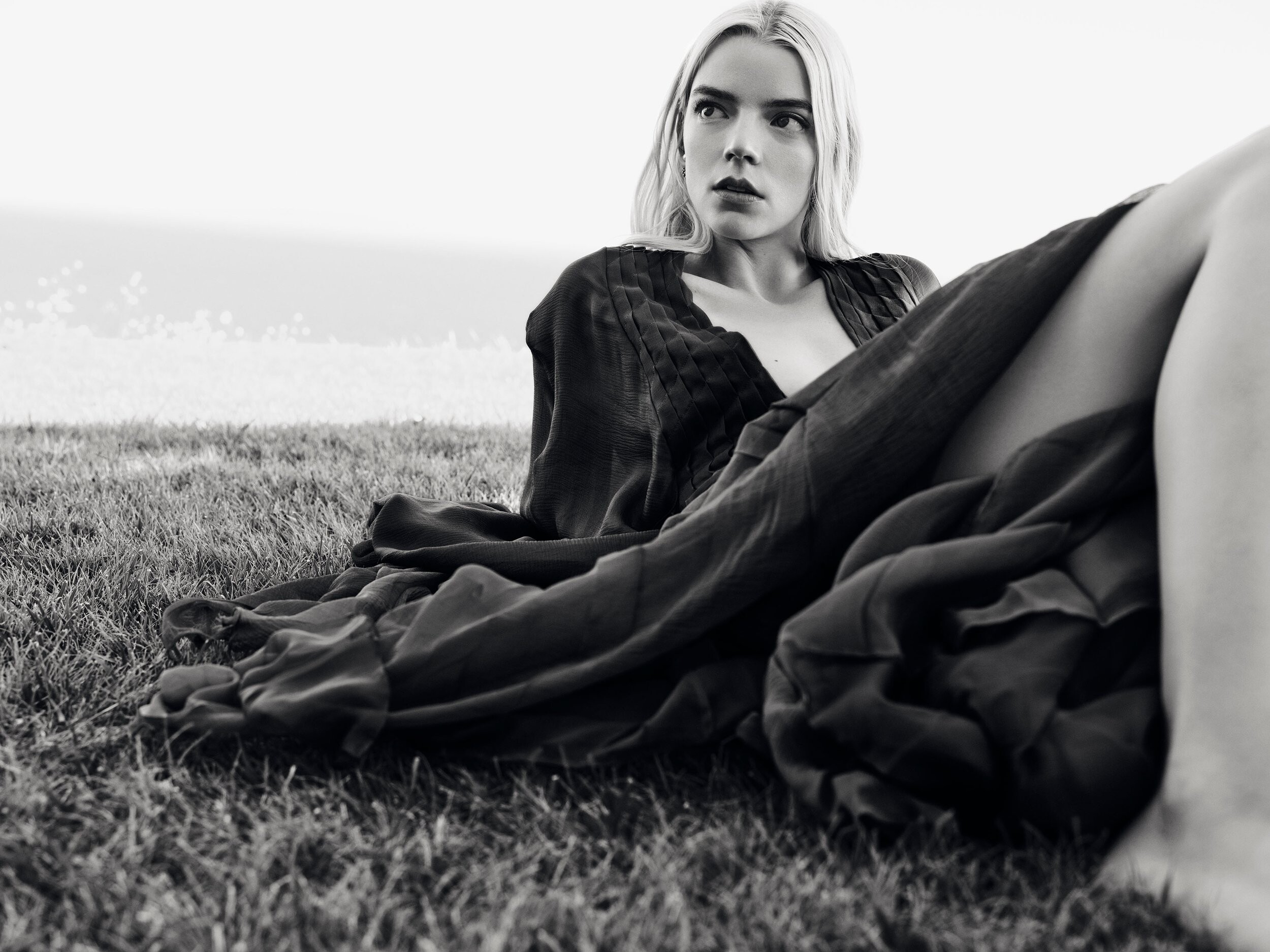
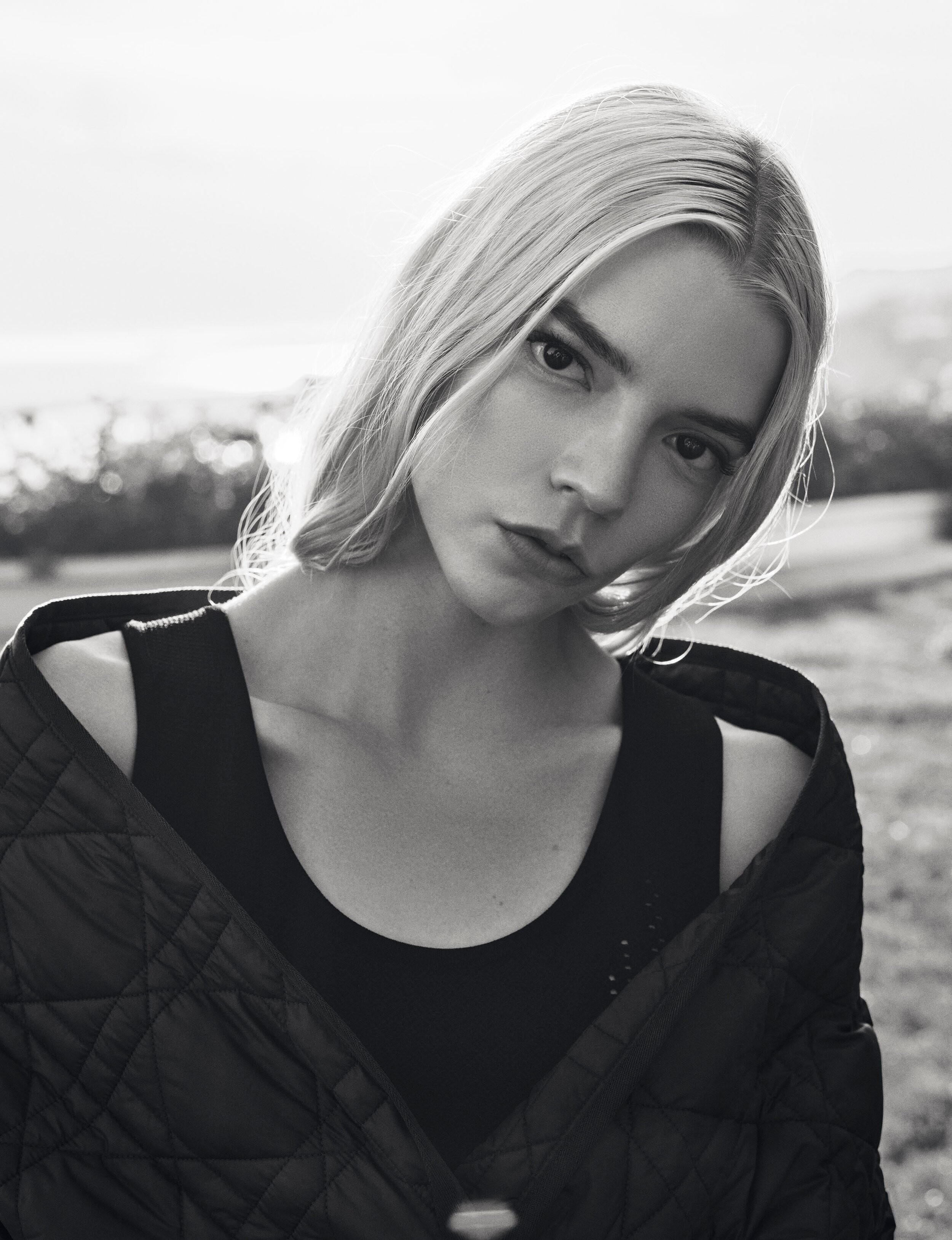
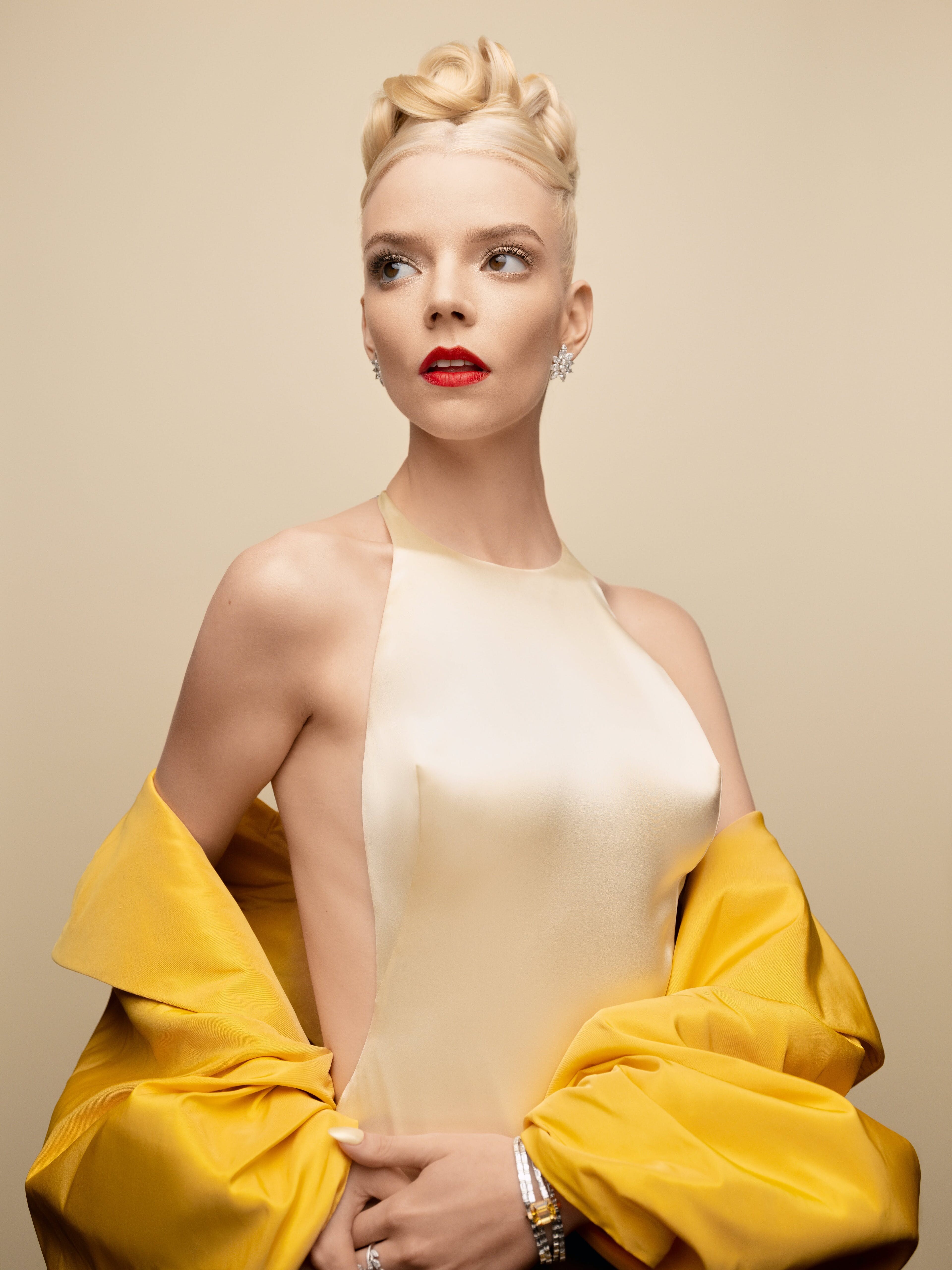
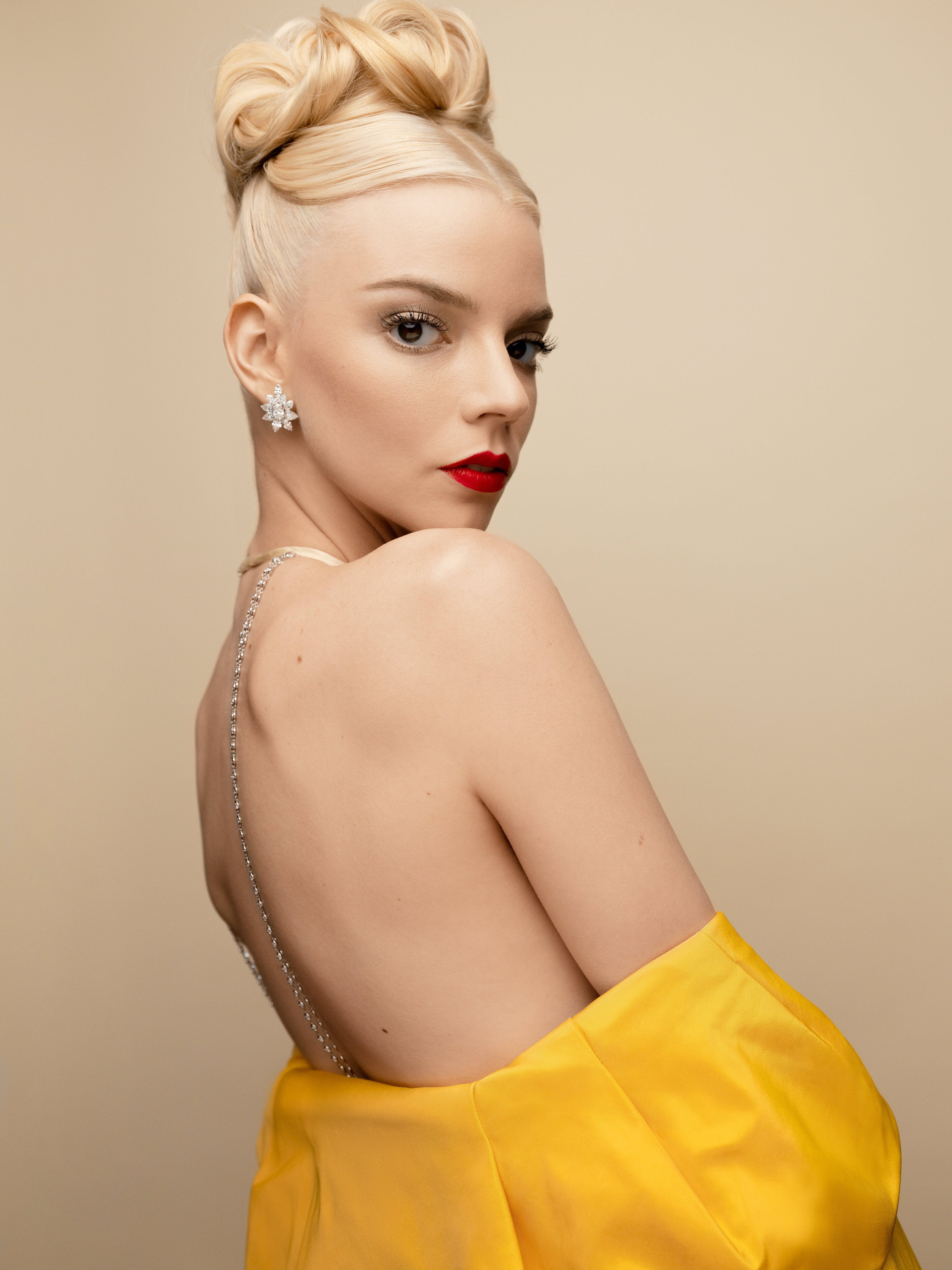
    Some Anya upgrades
  19. drnefastus replied to not90's topic in Actresses
    Haven't seen these pics with this good a resolution on this thread.

    Image hidden for guestsSign in to view
    Image hidden for guestsSign in to view

Account

Navigation

Search

Search

Configure browser push notifications

Chrome (Android)
  1. Tap the lock icon next to the address bar.
  2. Tap Permissions → Notifications.
  3. Adjust your preference.
Chrome (Desktop)
  1. Click the padlock icon in the address bar.
  2. Select Site settings.
  3. Find Notifications and adjust your preference.