Jump to content
View in the app

A better way to browse. Learn more.

Bellazon

A full-screen app on your home screen with push notifications, badges and more.

To install this app on iOS and iPadOS
  1. Tap the Share icon in Safari
  2. Scroll the menu and tap Add to Home Screen.
  3. Tap Add in the top-right corner.
To install this app on Android
  1. Tap the 3-dot menu (⋮) in the top-right corner of the browser.
  2. Tap Add to Home screen or Install app.
  3. Confirm by tapping Install.

ALPAT

Global Moderators
  • Joined

  • Last visited

Everything posted by ALPAT

  1. Ph: Rubén Suarez Warning!
  2. Ph: Kate Kim
  3. Ph: Marcelo Rojas
  4. Ph: Mao Collazos
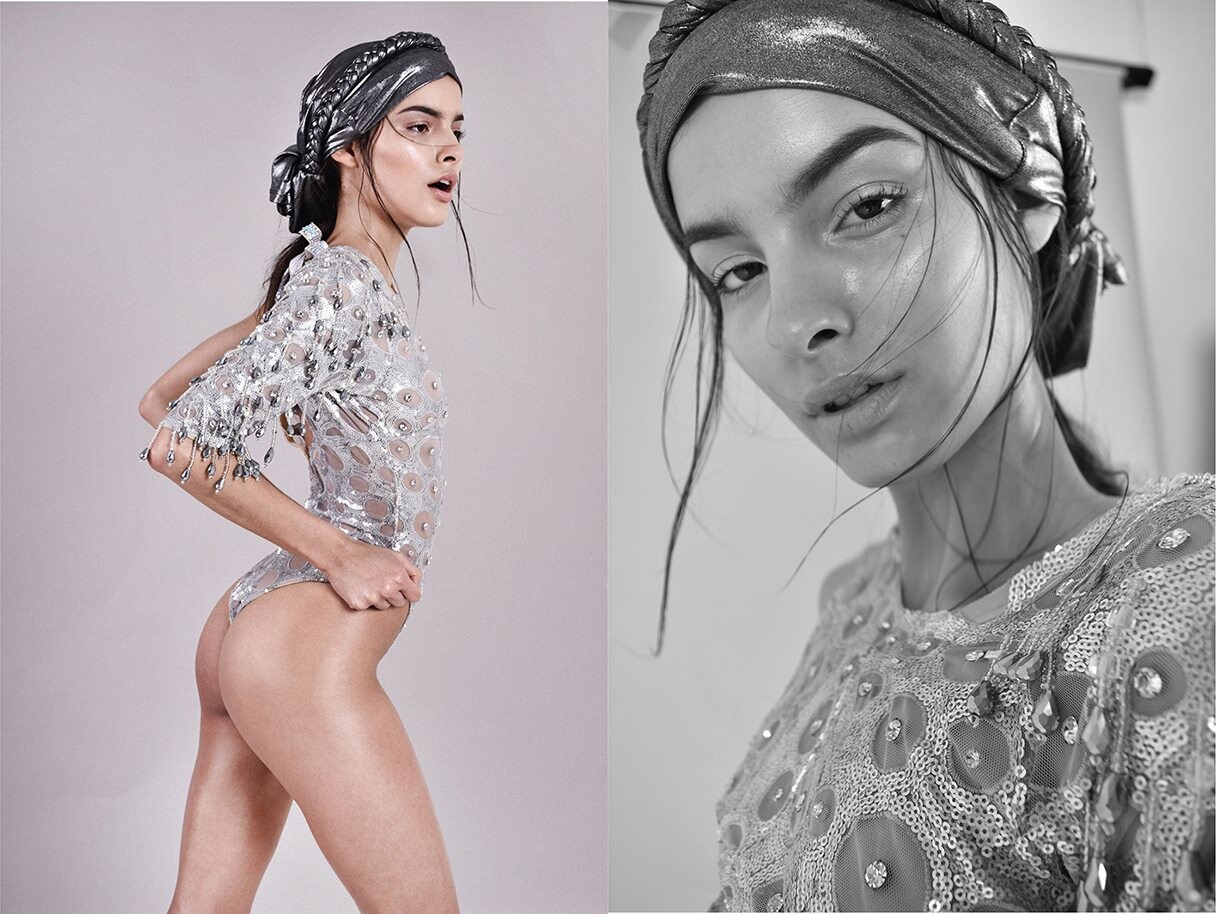
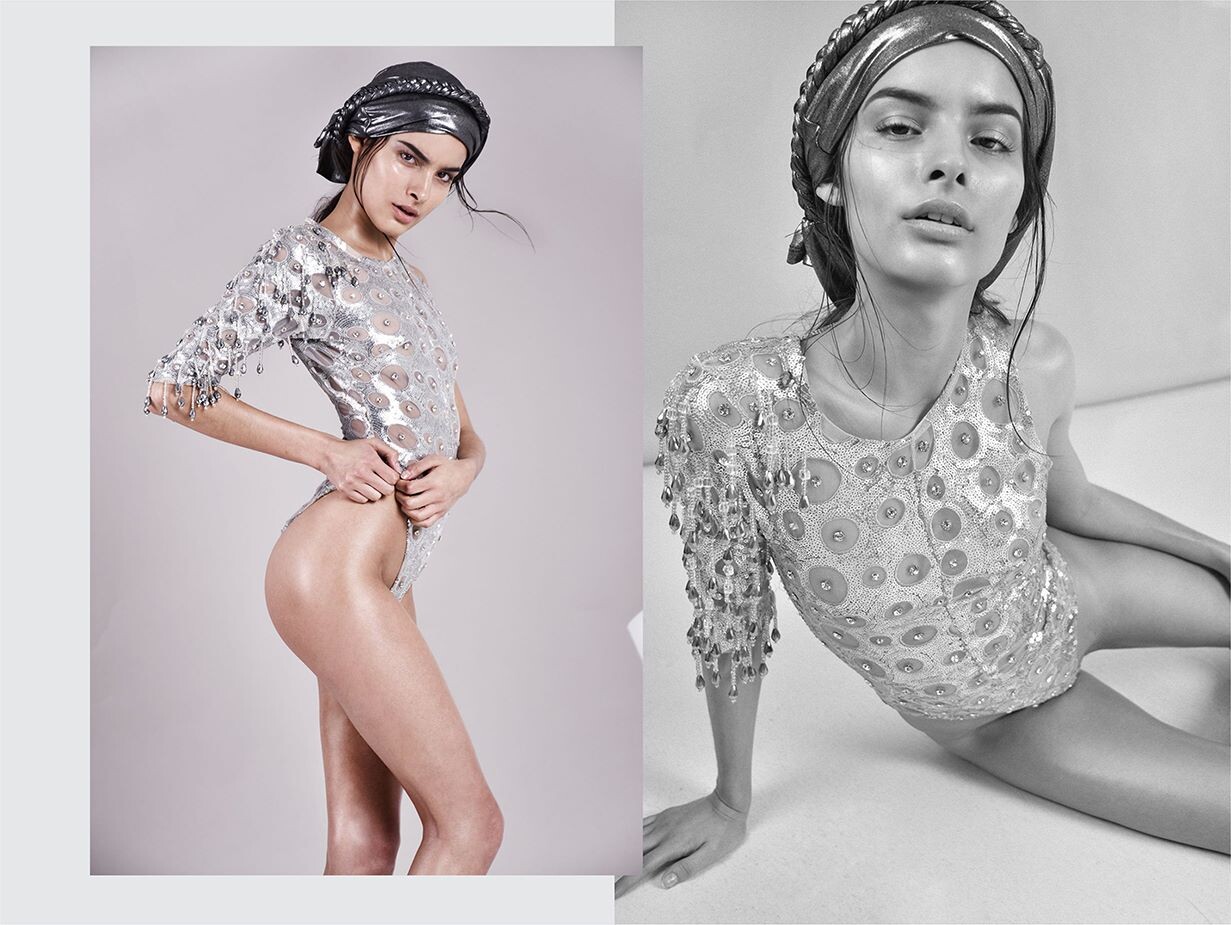
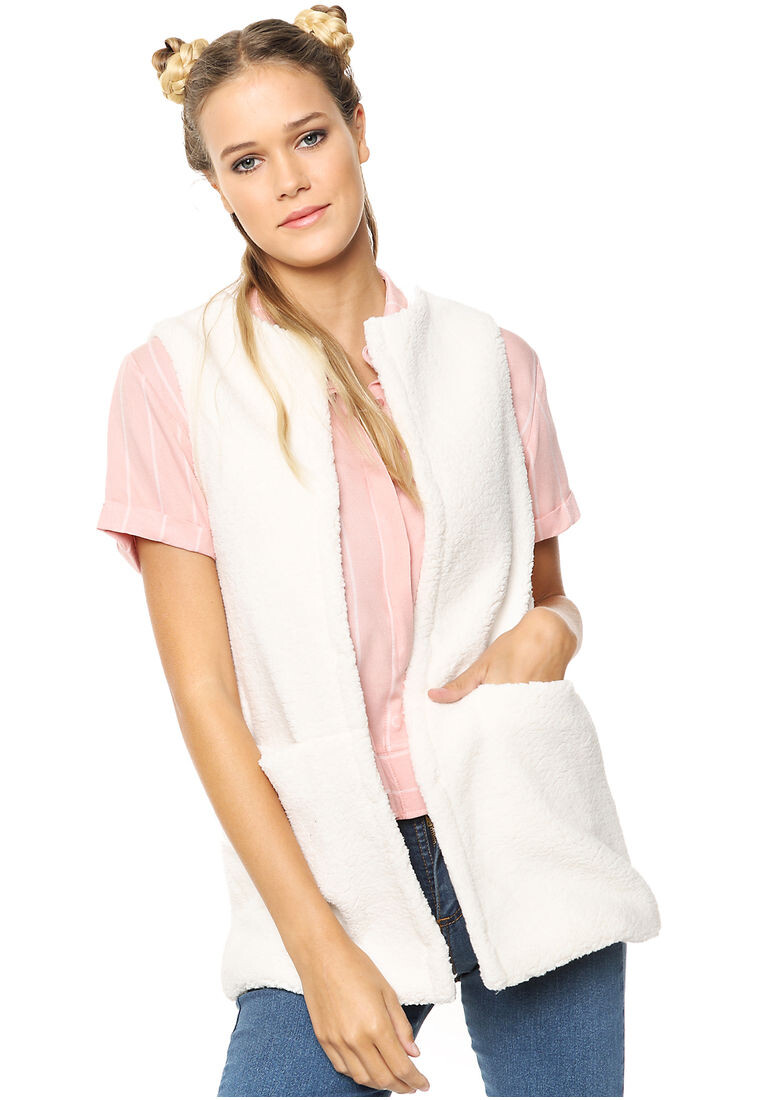
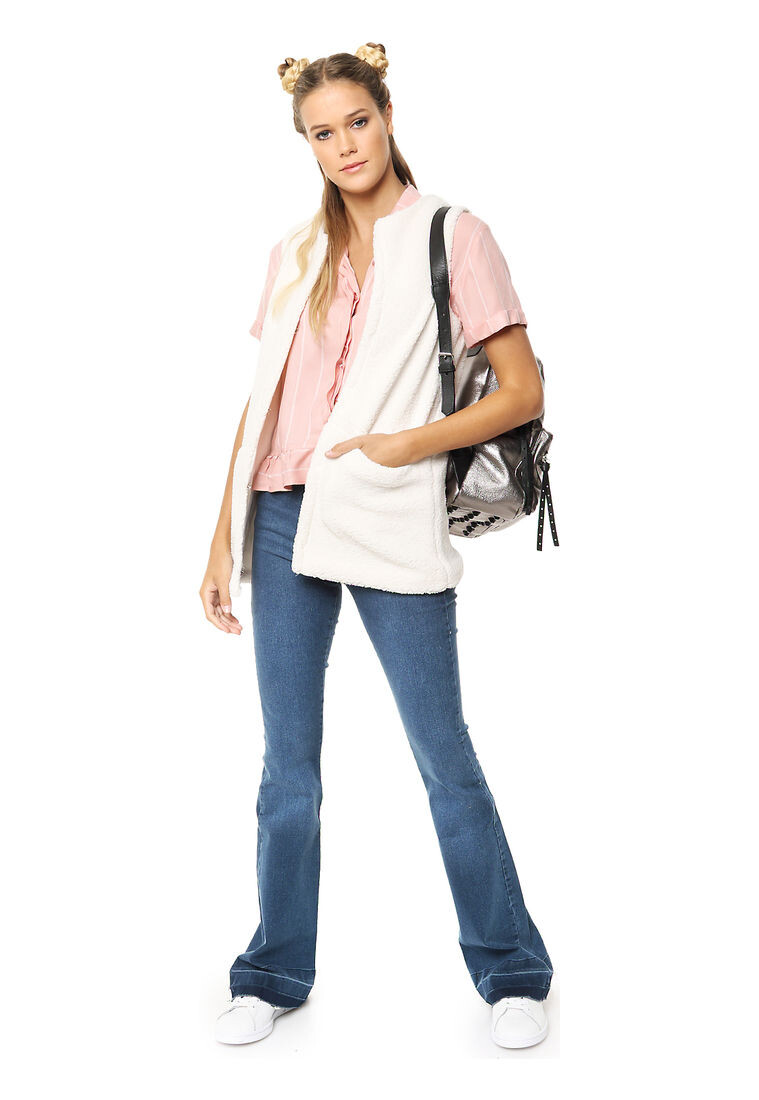
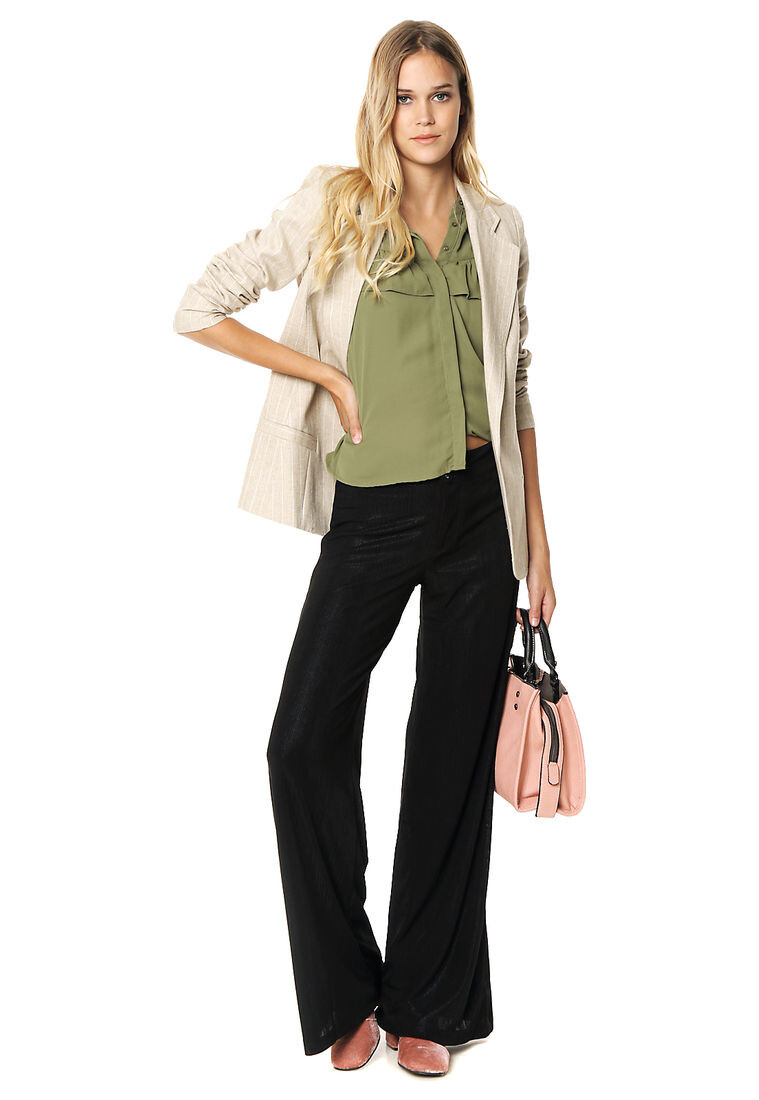
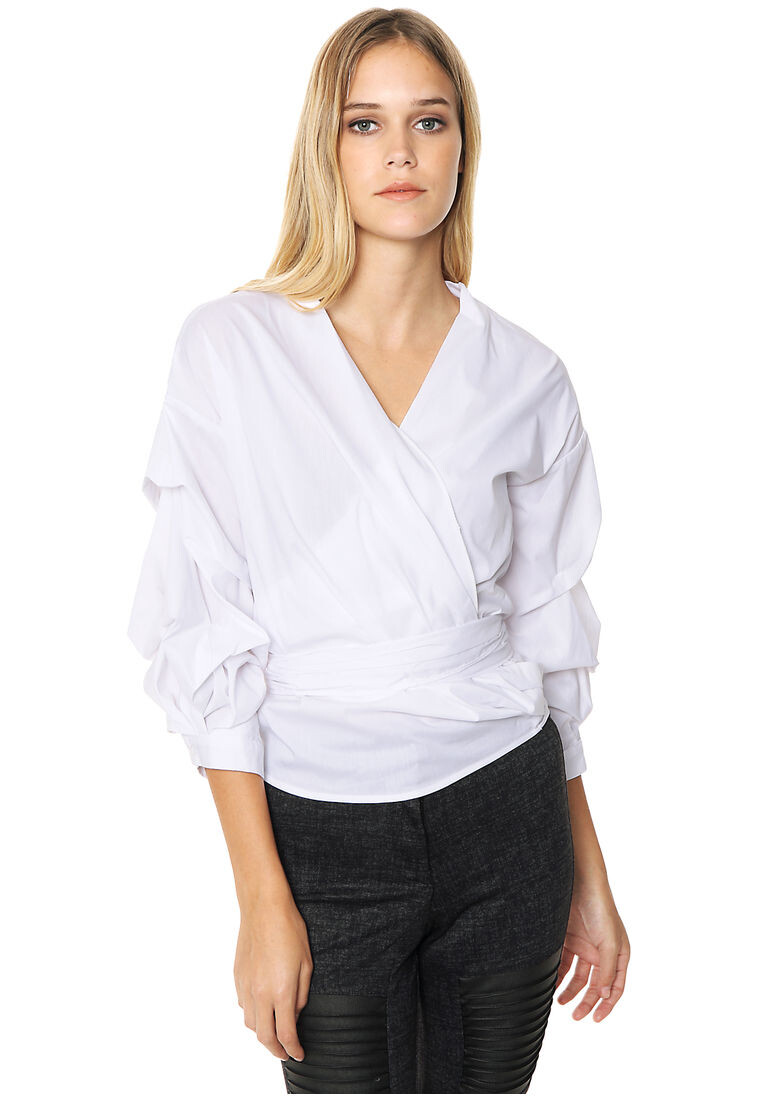
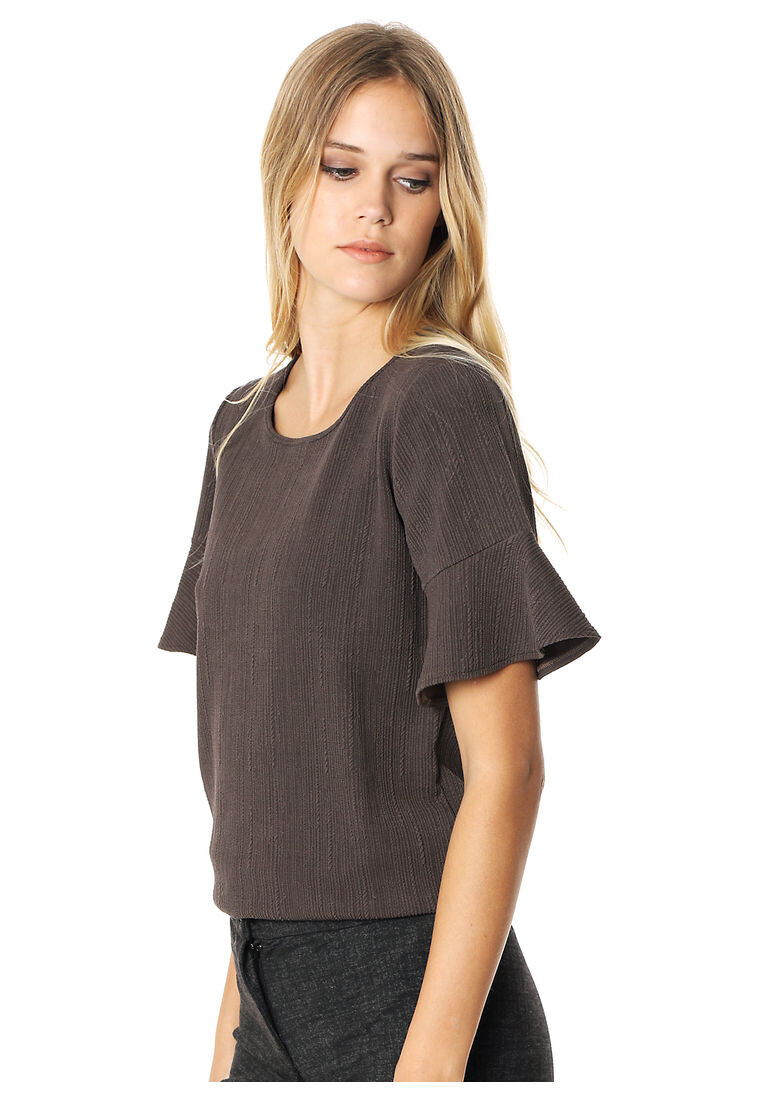
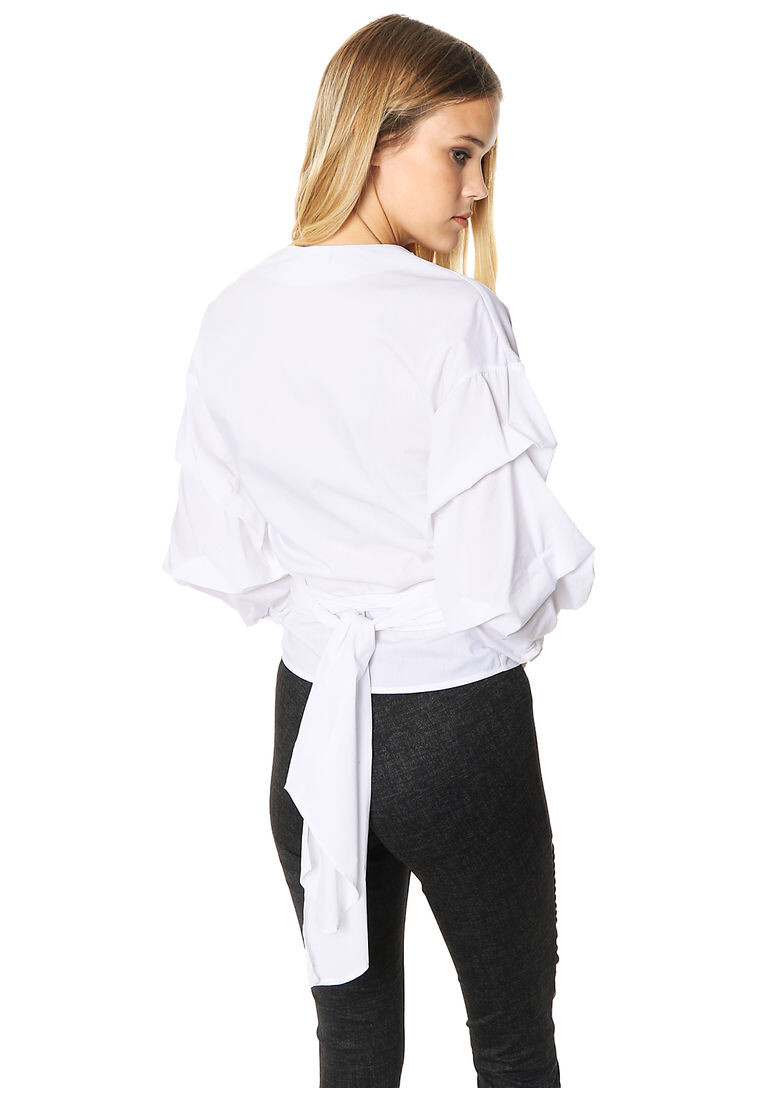
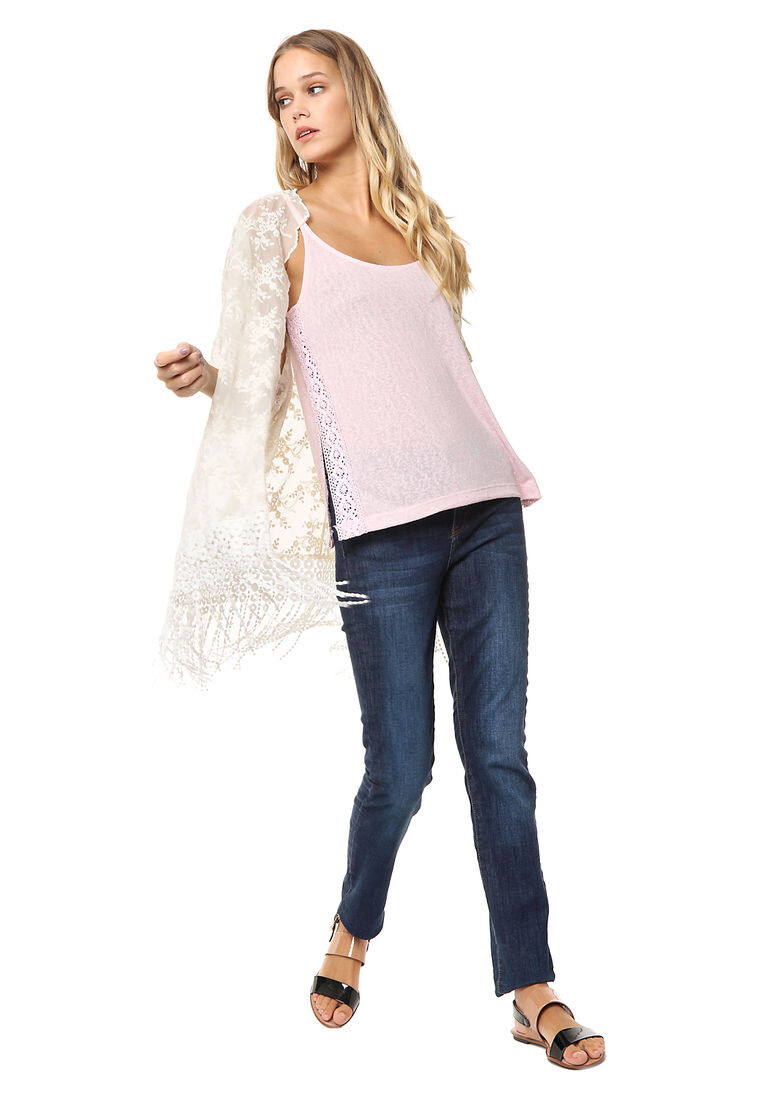
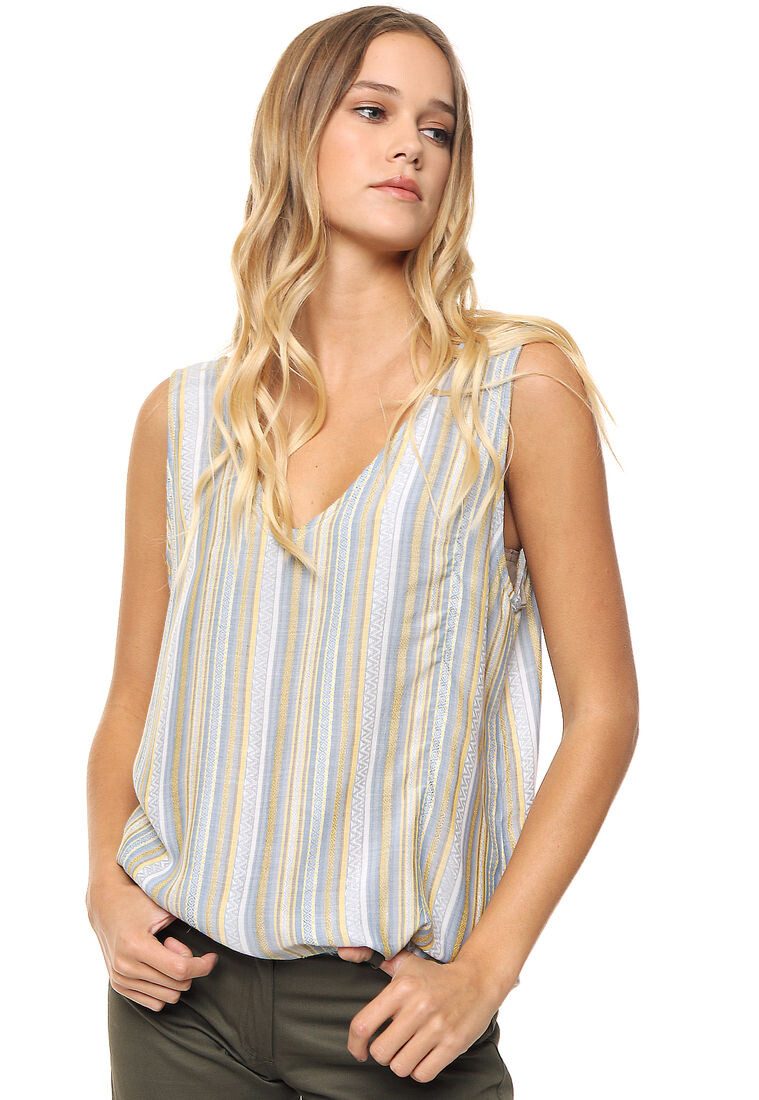
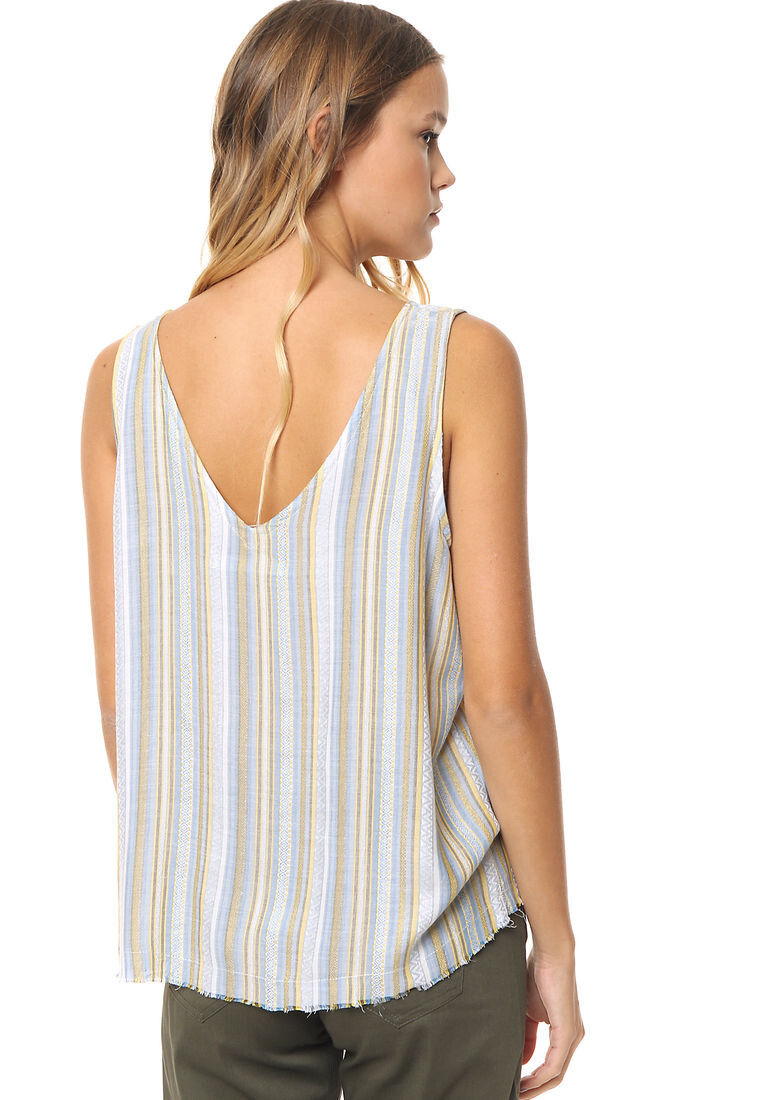
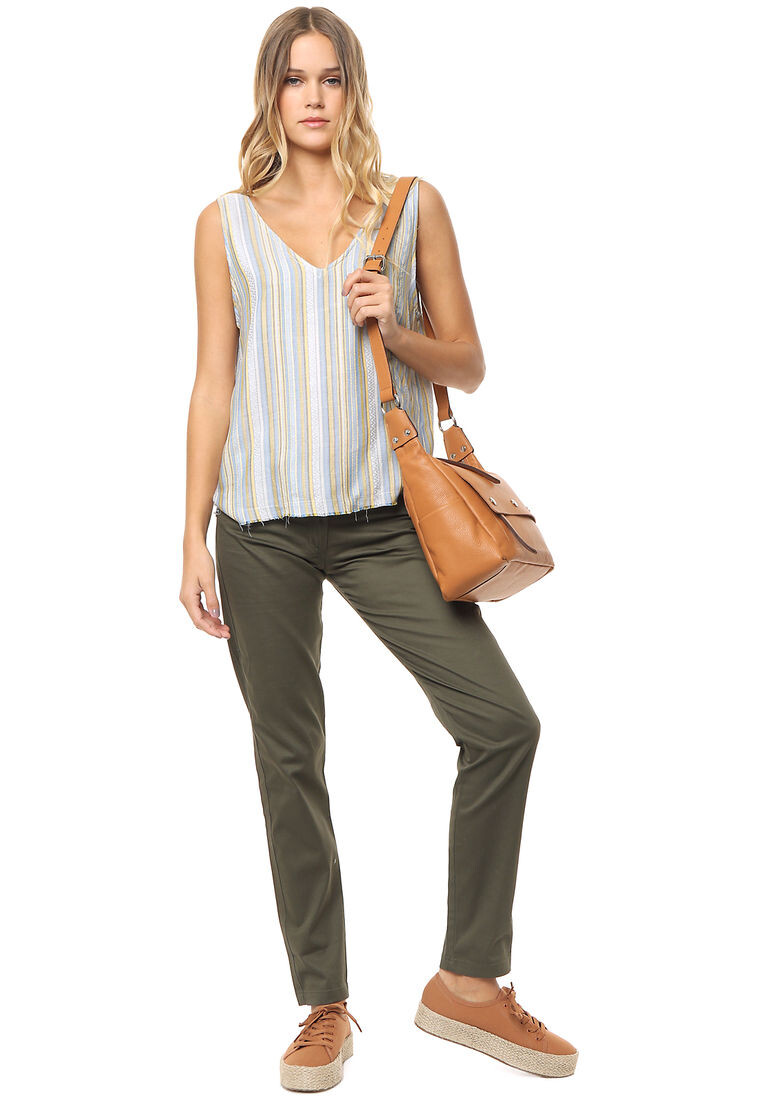
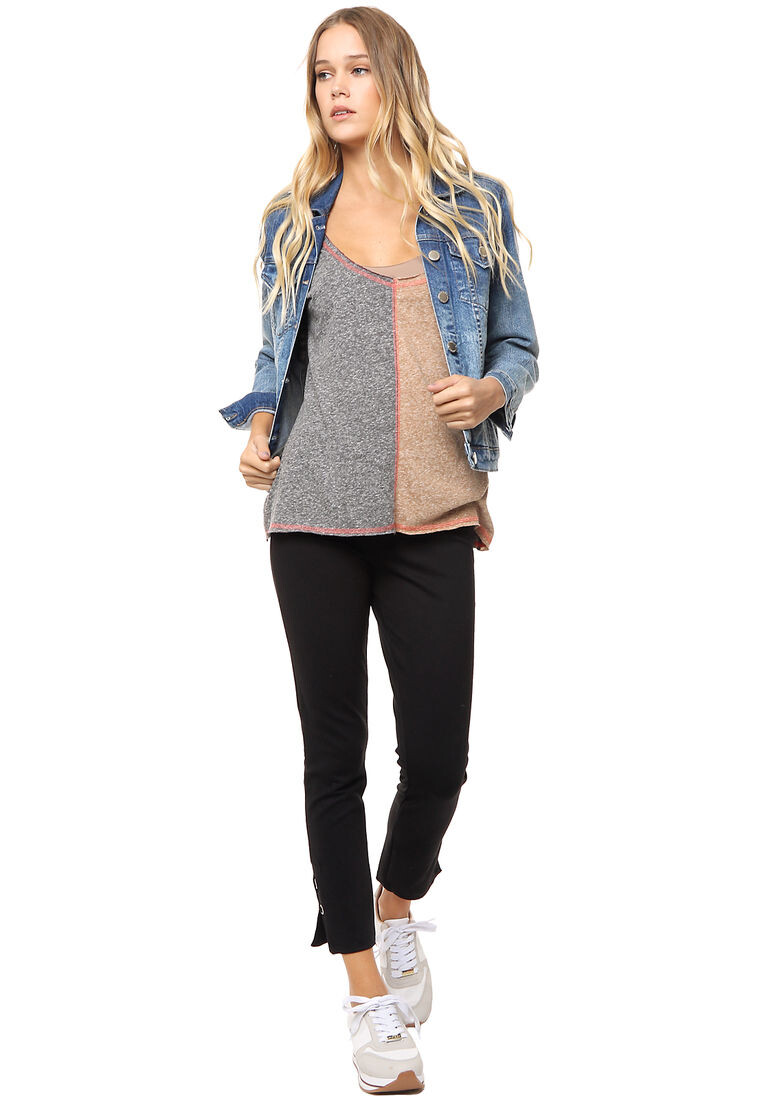
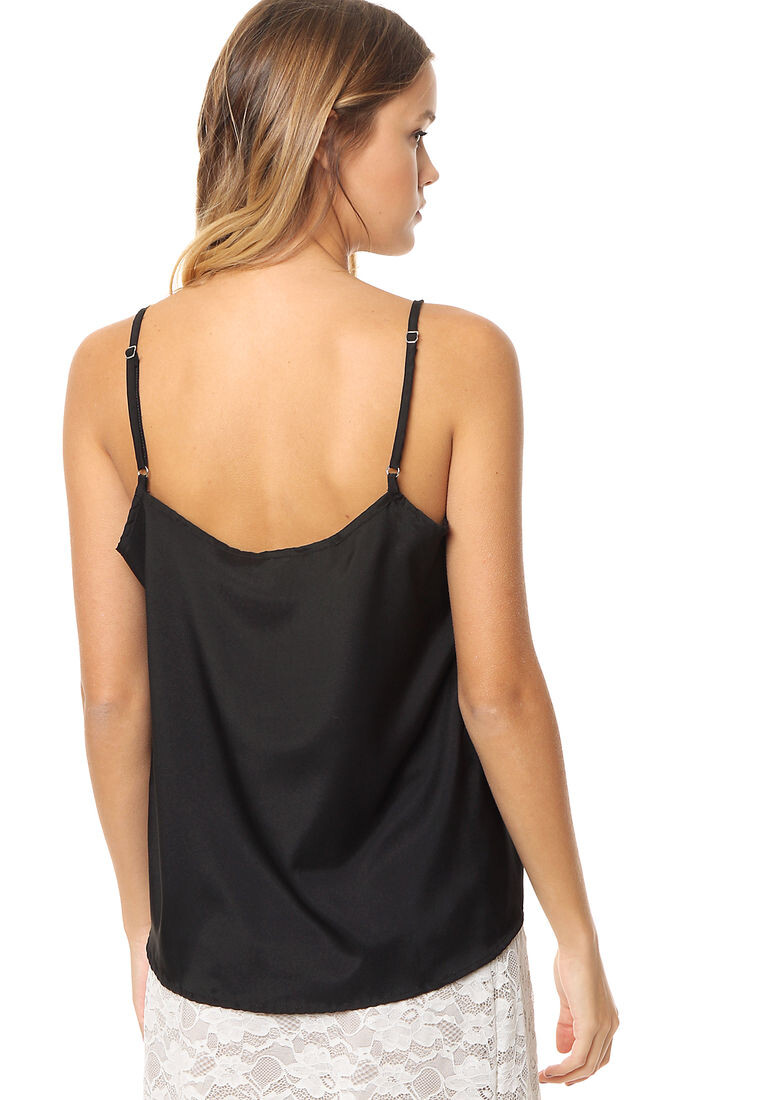
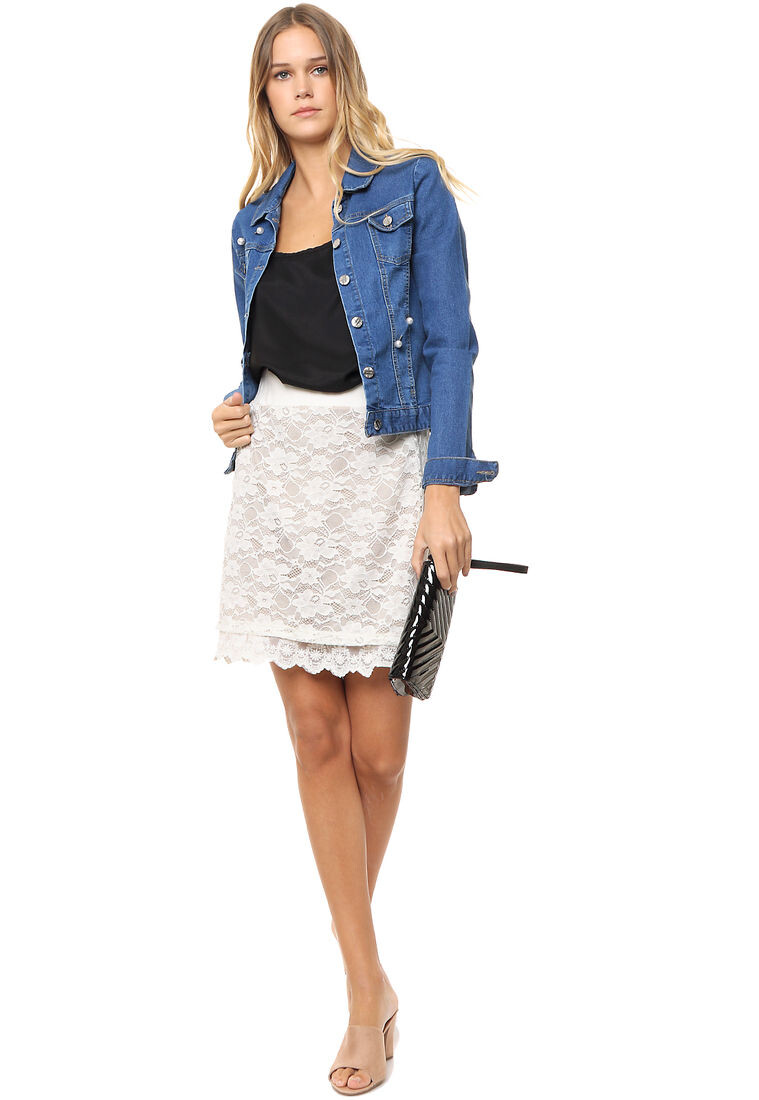
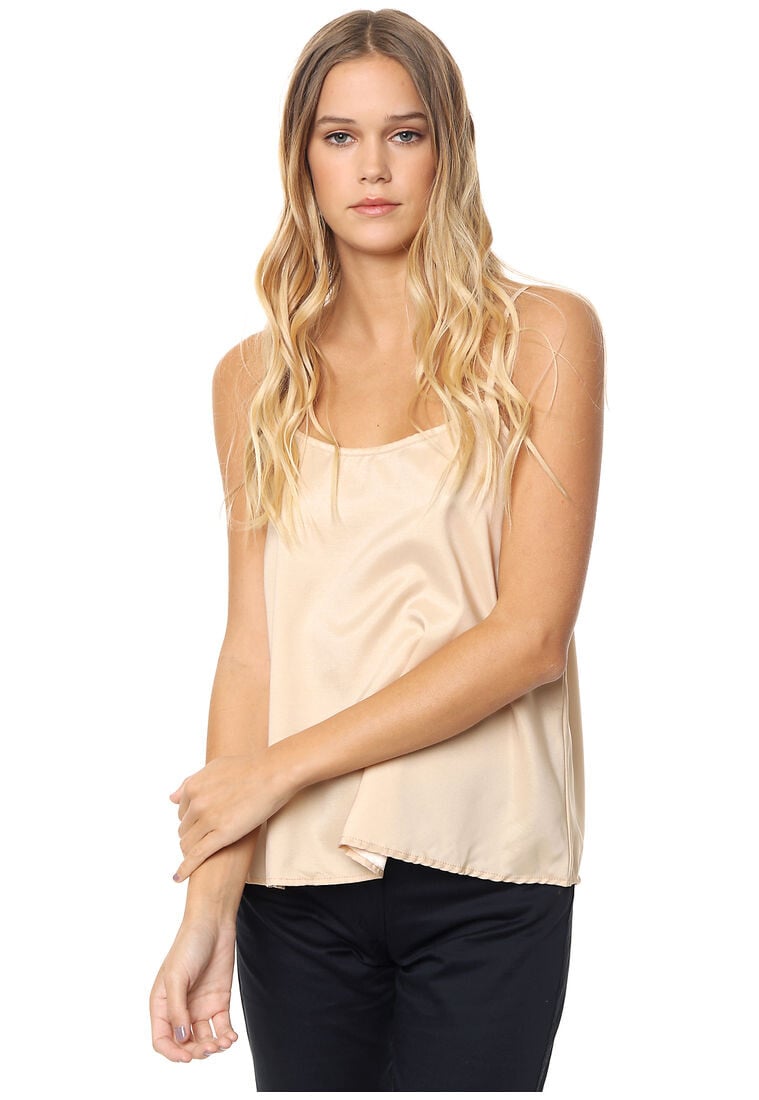
  5. Sanskrit by Dafiti Argentina (2019).
  6. Sofia Sarkany - Collection SS 2018/19.
  7. Sofia Sarkany - Collection SS 2018/19.
  8. Ph: Loana Arias
  9. Ph: Lara Mayorano.
  10. Pitchblackpolo.com
  11. Ph: Julieta Pinto
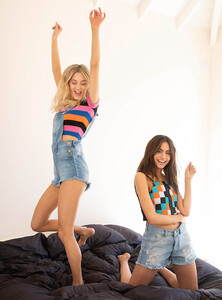
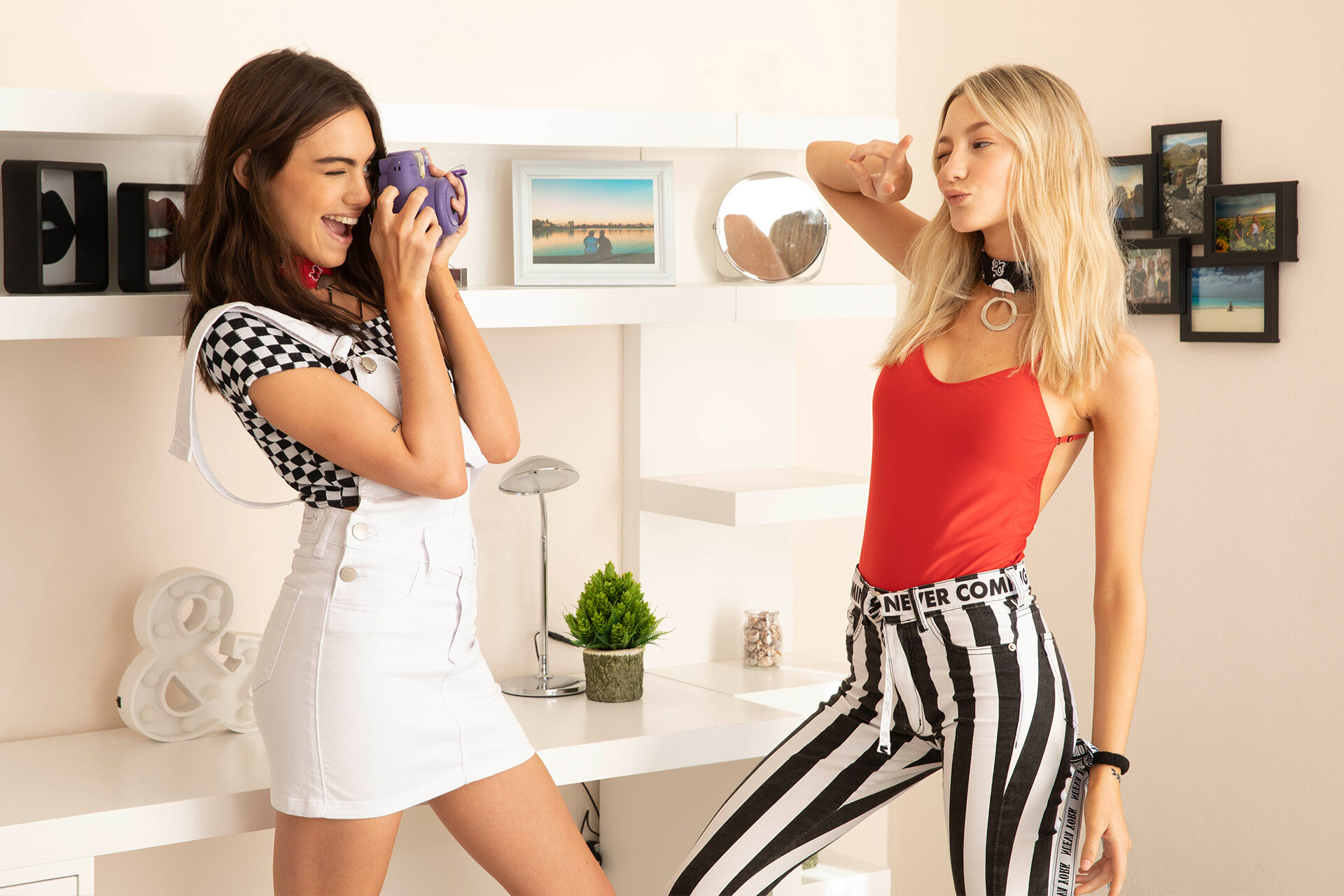
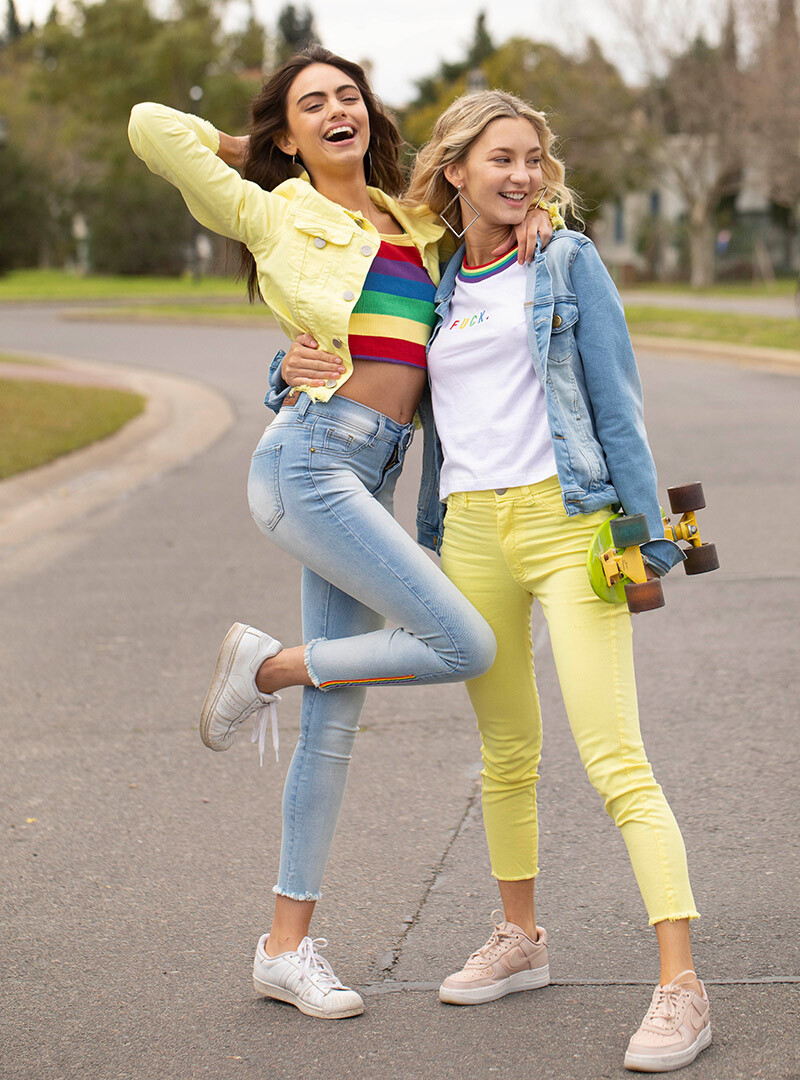
  12. Diosa Luna Jeans - Campaign SS 2018/19.

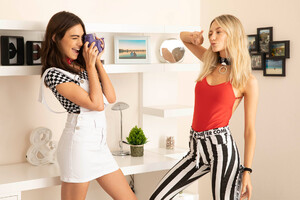
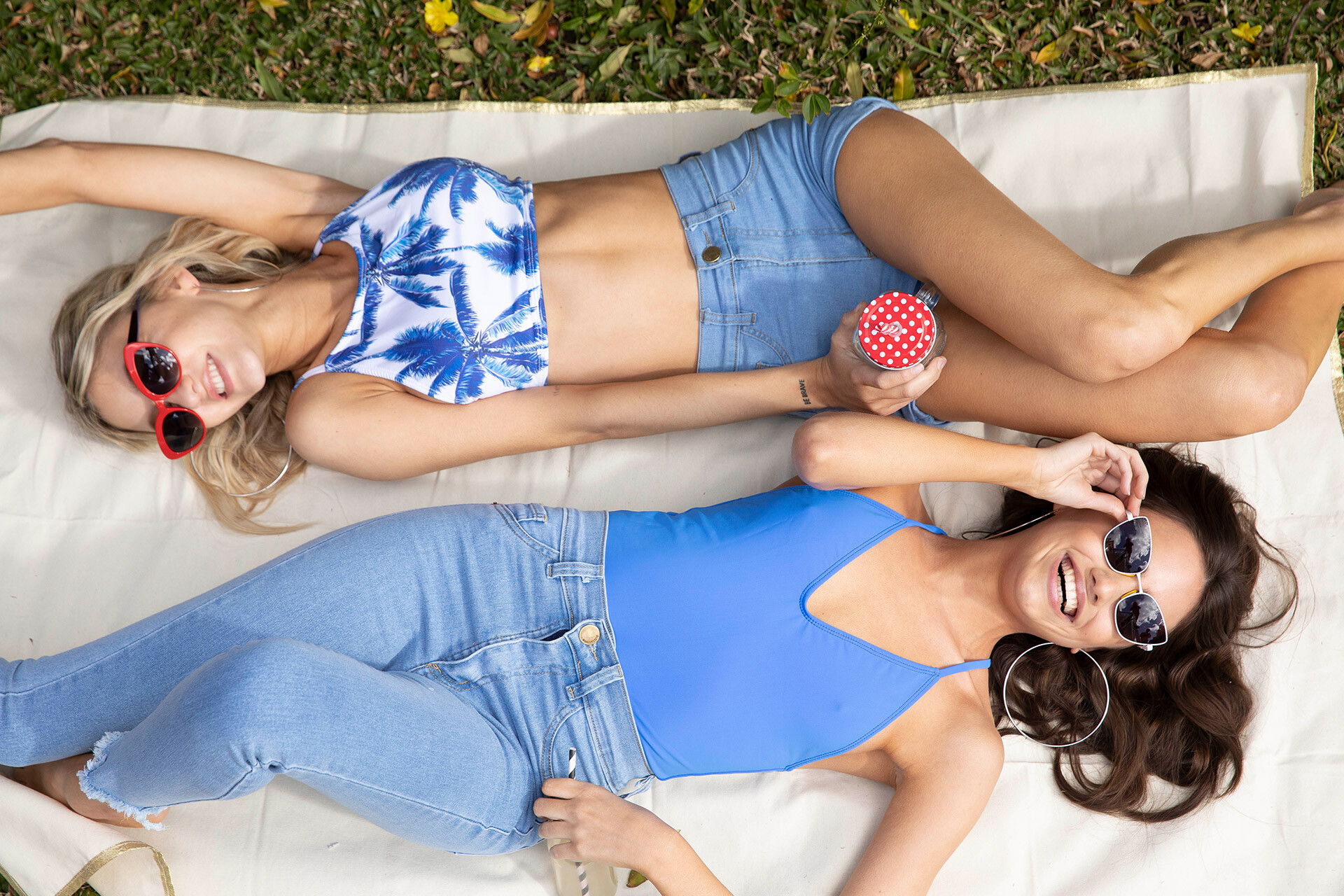
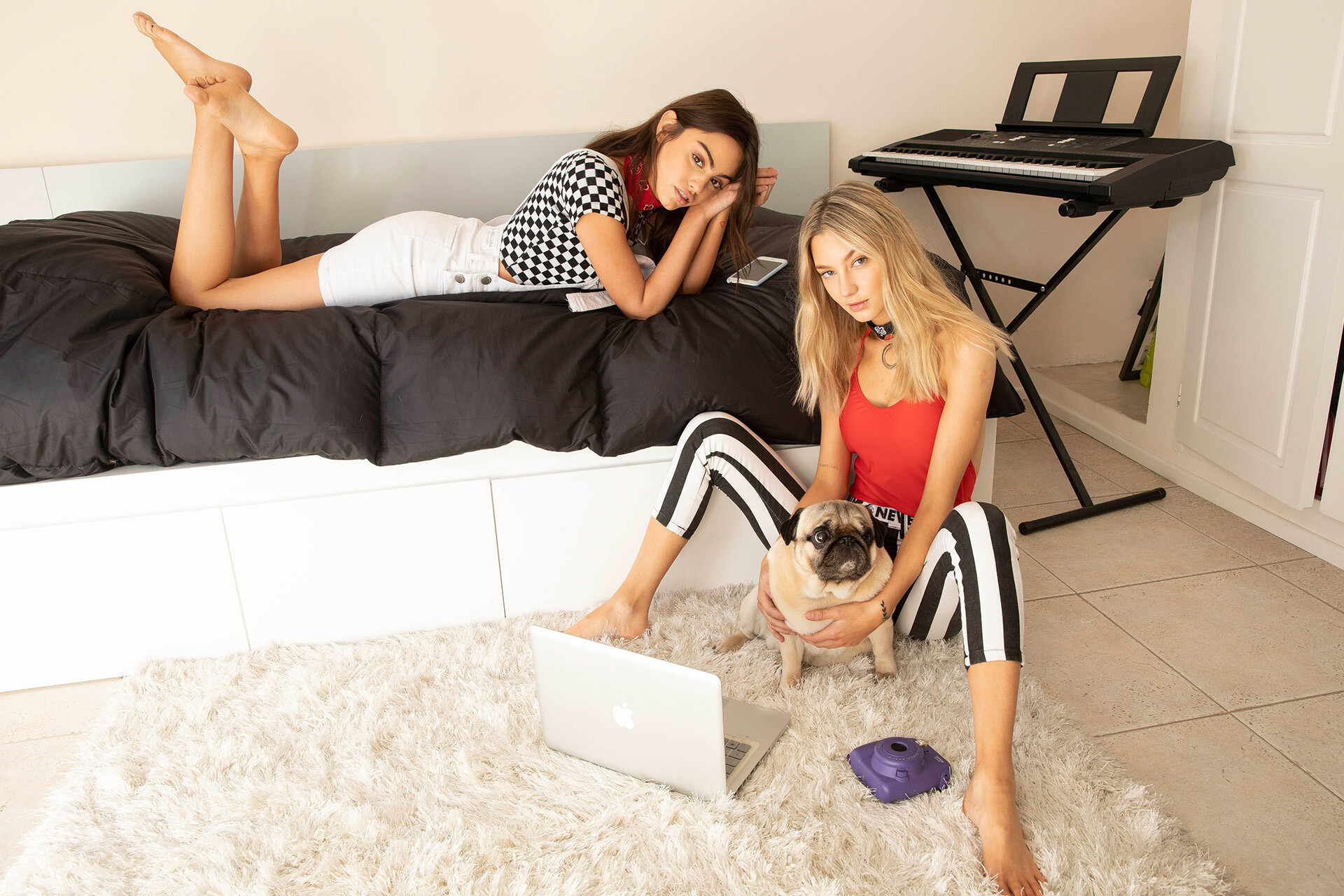
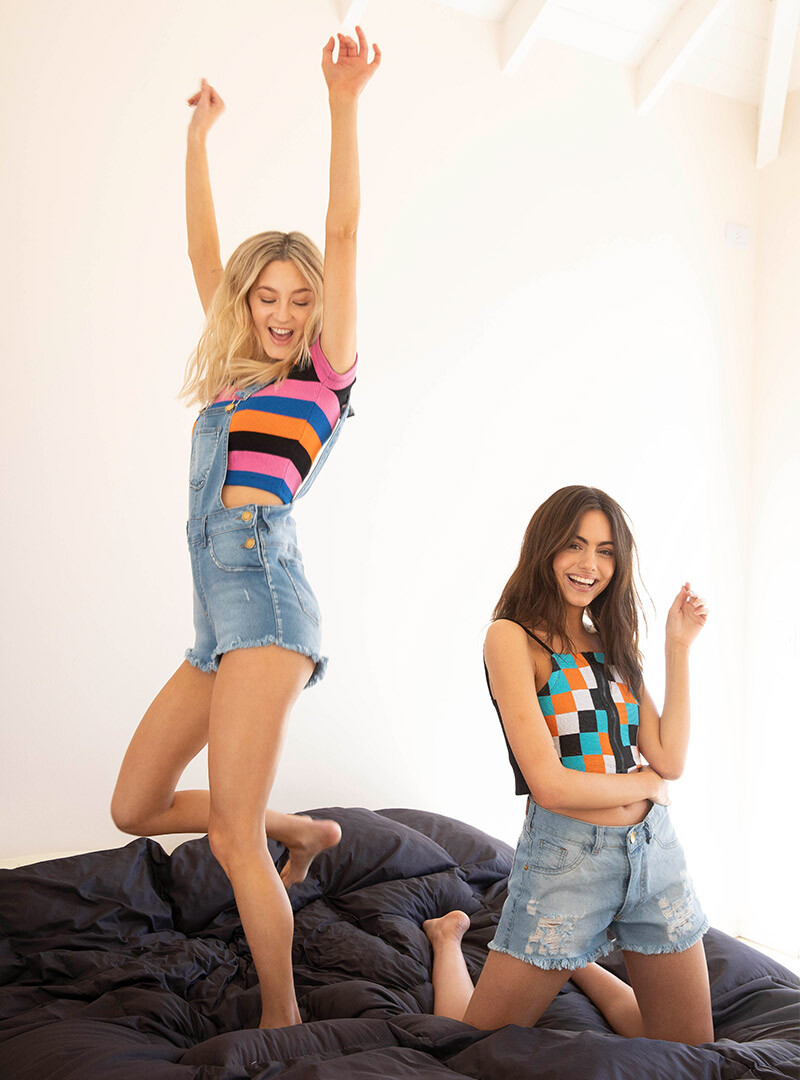
  13. Ask Denim Ph: Triplab Styling: Cami Sosa Make up & Hair: Dolo Zuccaro & Nati Salvo Reino Models: Mica Kastan & Meli Nunzi @EP St Asst: Mili Sanguinetti

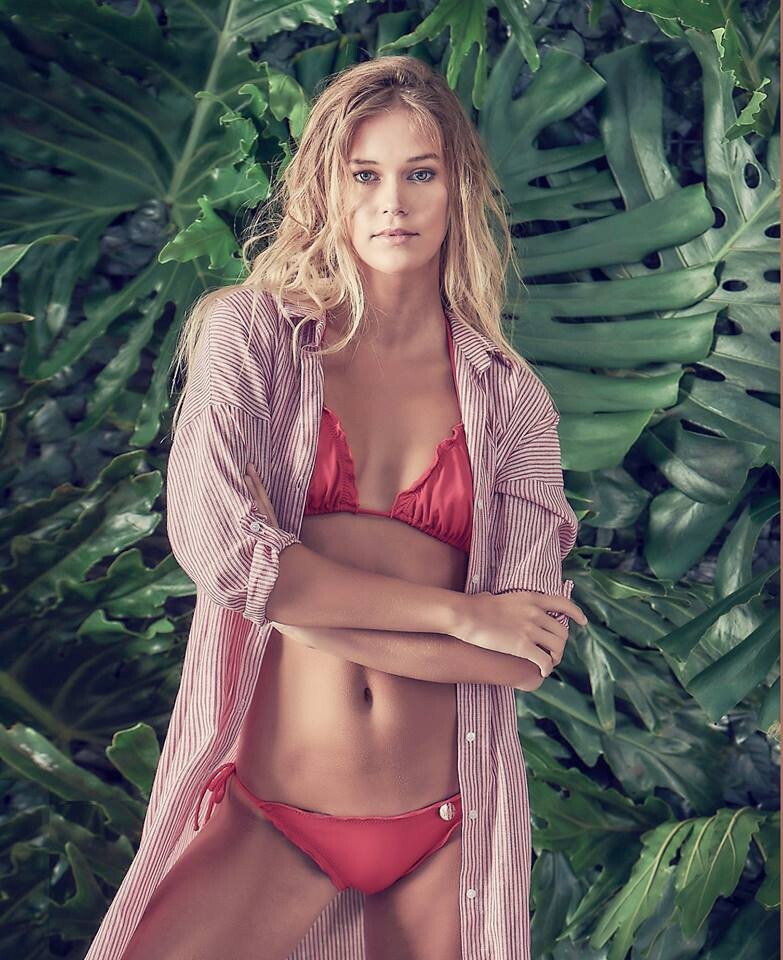
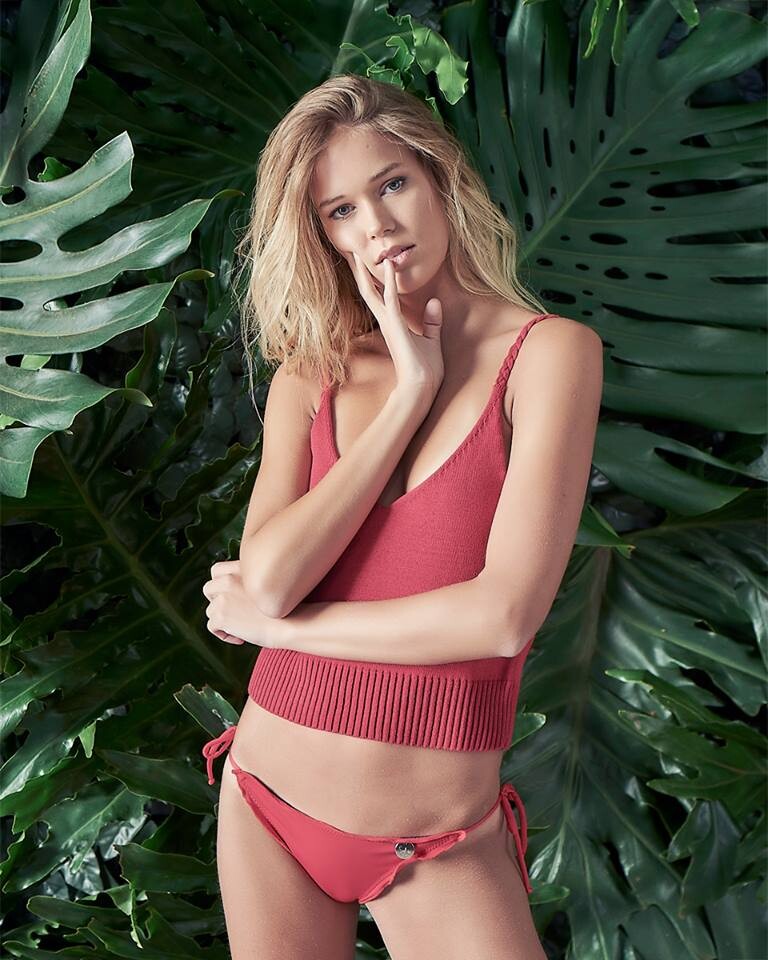
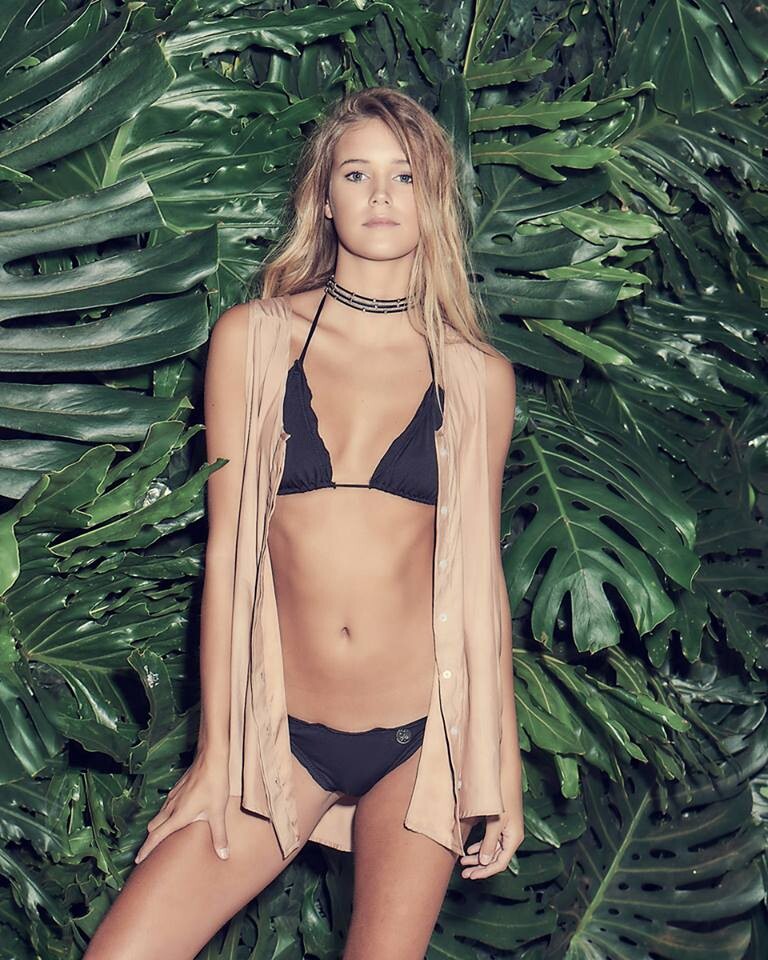
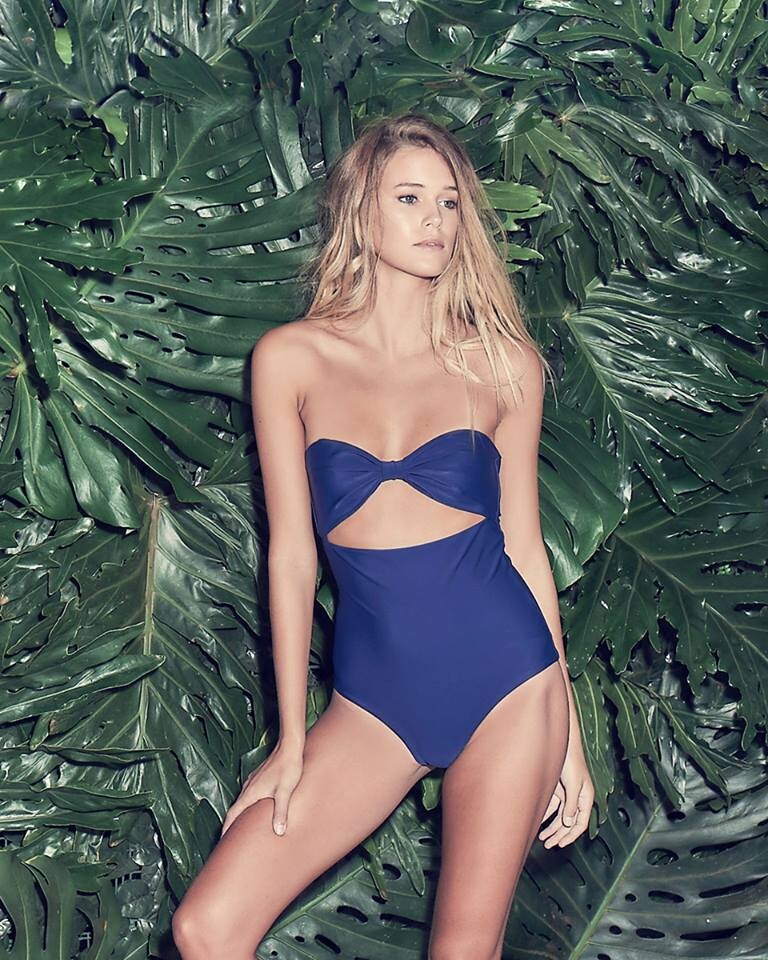
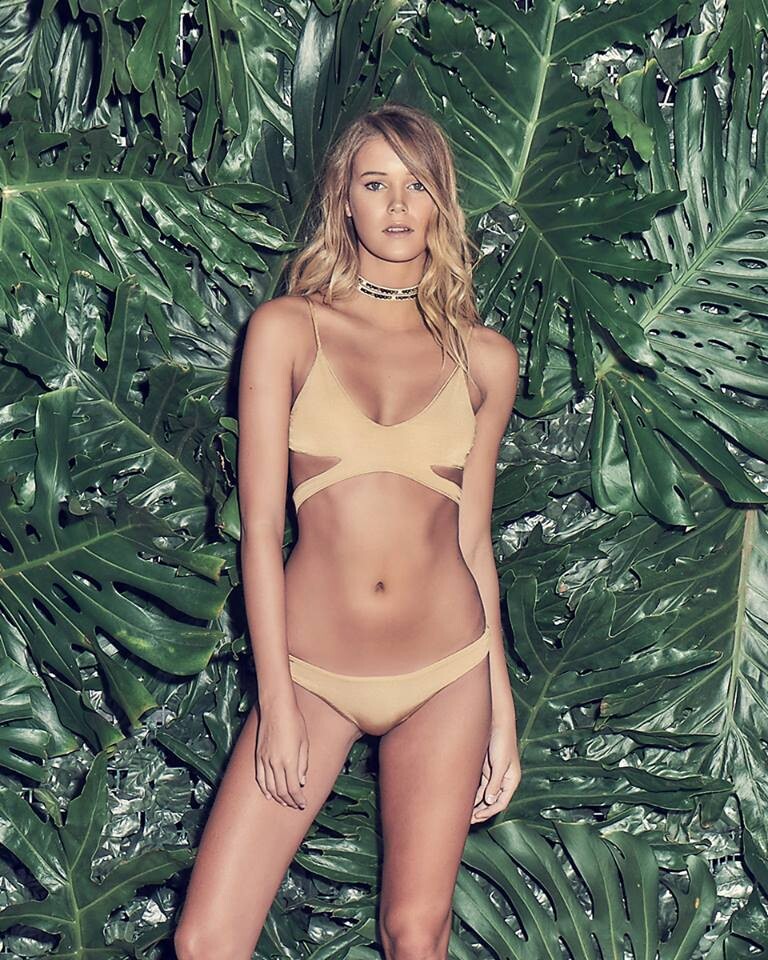
  14. ELIDA SWIMWEAR SS 2019. Ph: María Teresa de Jesús
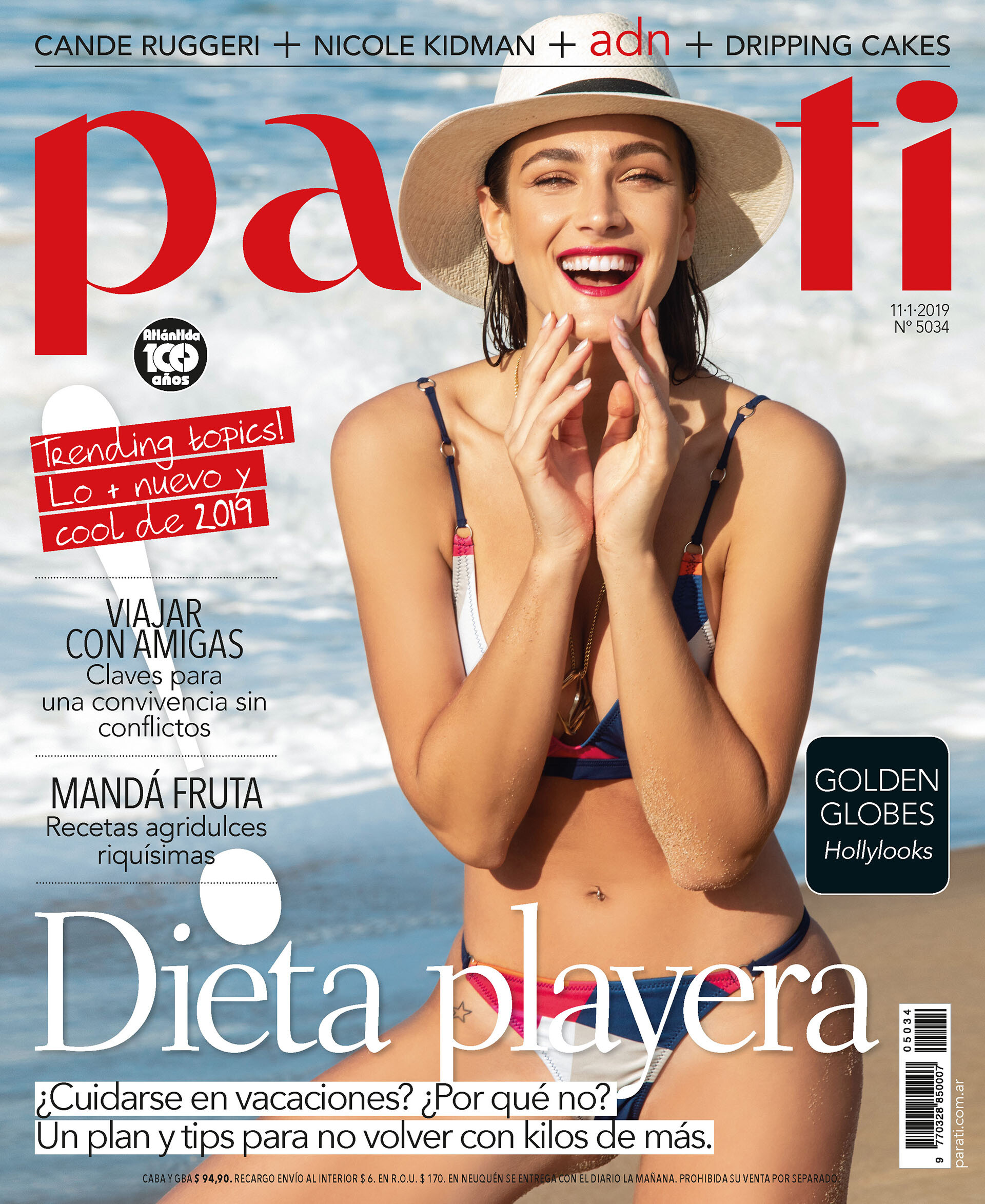
  15. PARA TI ARGENTINA 11 - 1 - 2019.
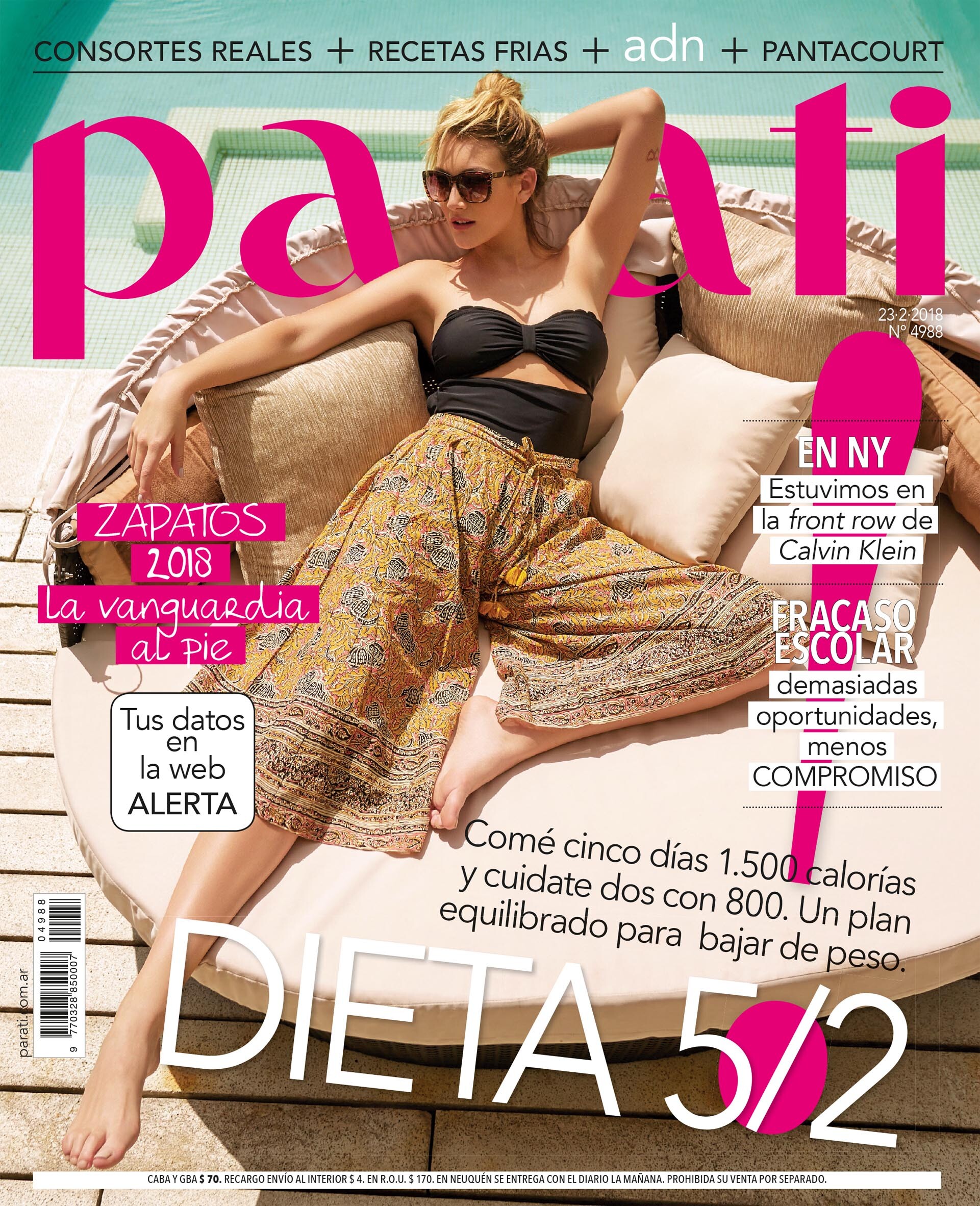
  16. PARA TI ARGENTINA 23 - 2 - 2018.
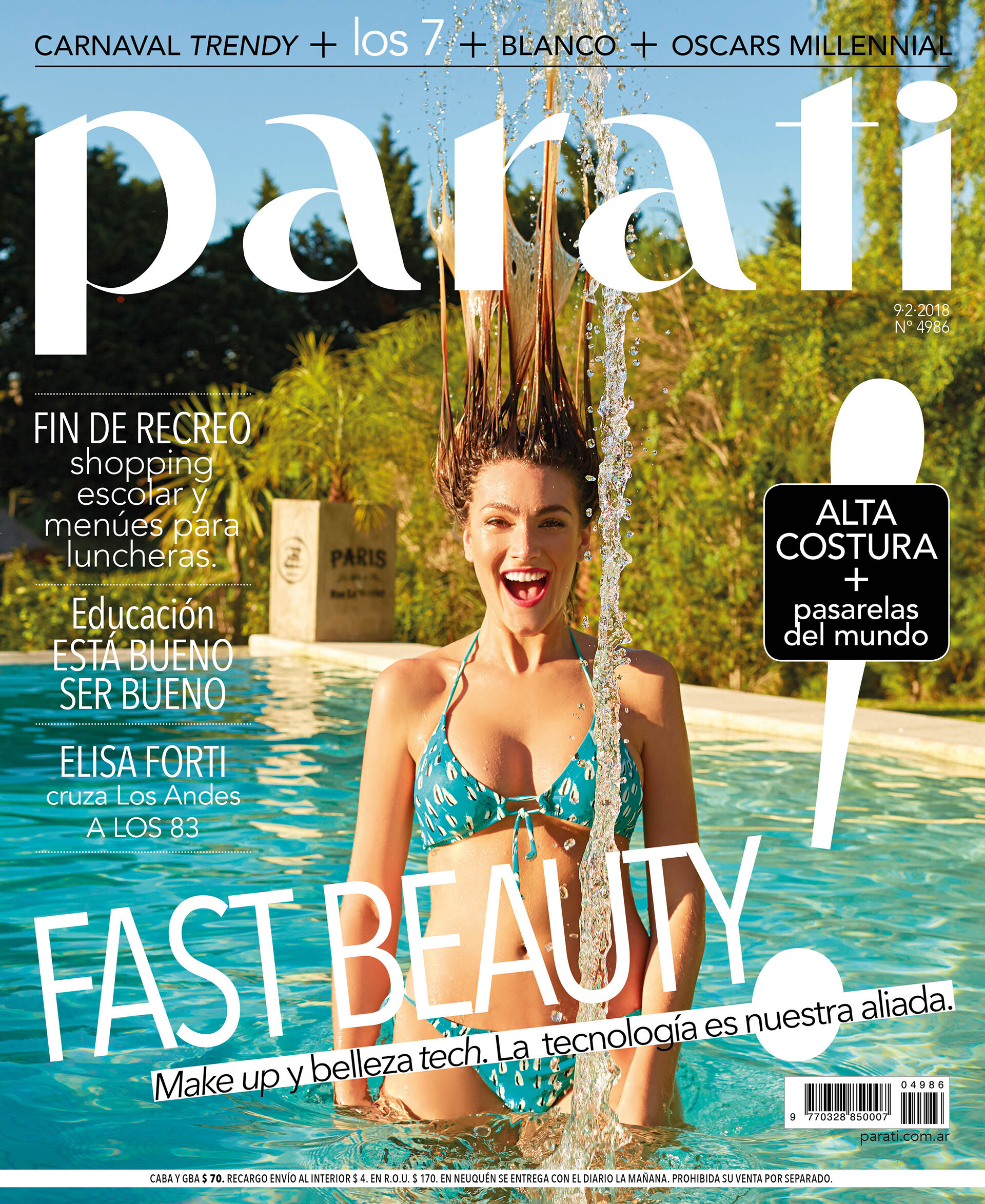
  17. PARA TI ARGENTINA 9 - 2 - 2018.

Account

Navigation

Search

Configure browser push notifications

Chrome (Android)
  1. Tap the lock icon next to the address bar.
  2. Tap Permissions → Notifications.
  3. Adjust your preference.
Chrome (Desktop)
  1. Click the padlock icon in the address bar.
  2. Select Site settings.
  3. Find Notifications and adjust your preference.