Jump to content
View in the app

A better way to browse. Learn more.

Bellazon

A full-screen app on your home screen with push notifications, badges and more.

To install this app on iOS and iPadOS
  1. Tap the Share icon in Safari
  2. Scroll the menu and tap Add to Home Screen.
  3. Tap Add in the top-right corner.
To install this app on Android
  1. Tap the 3-dot menu (⋮) in the top-right corner of the browser.
  2. Tap Add to Home screen or Install app.
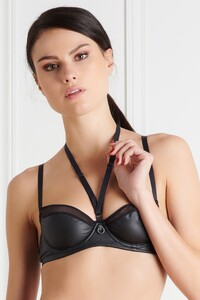
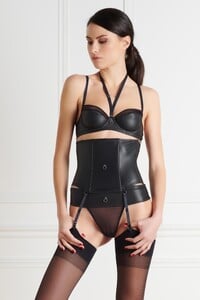
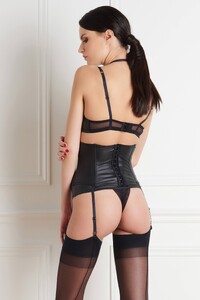
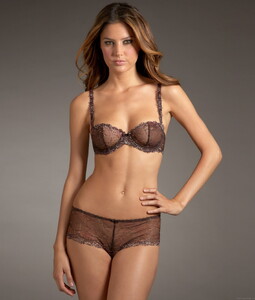
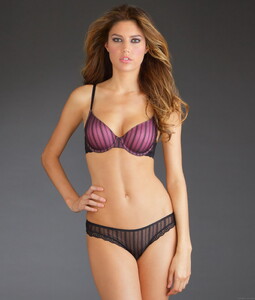
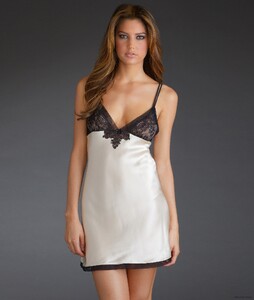
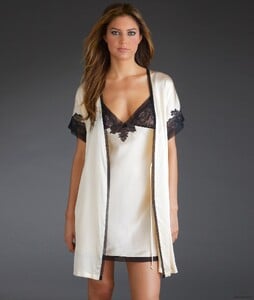
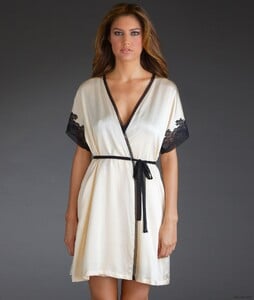
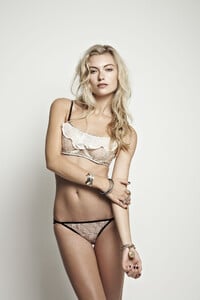
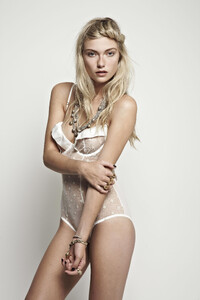
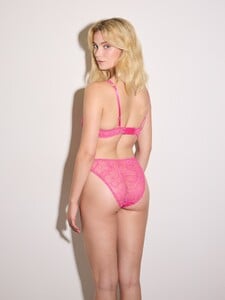
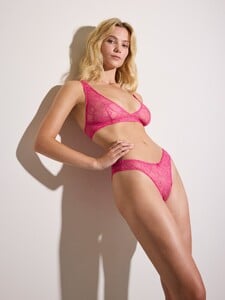
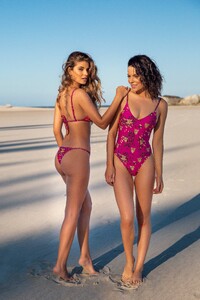
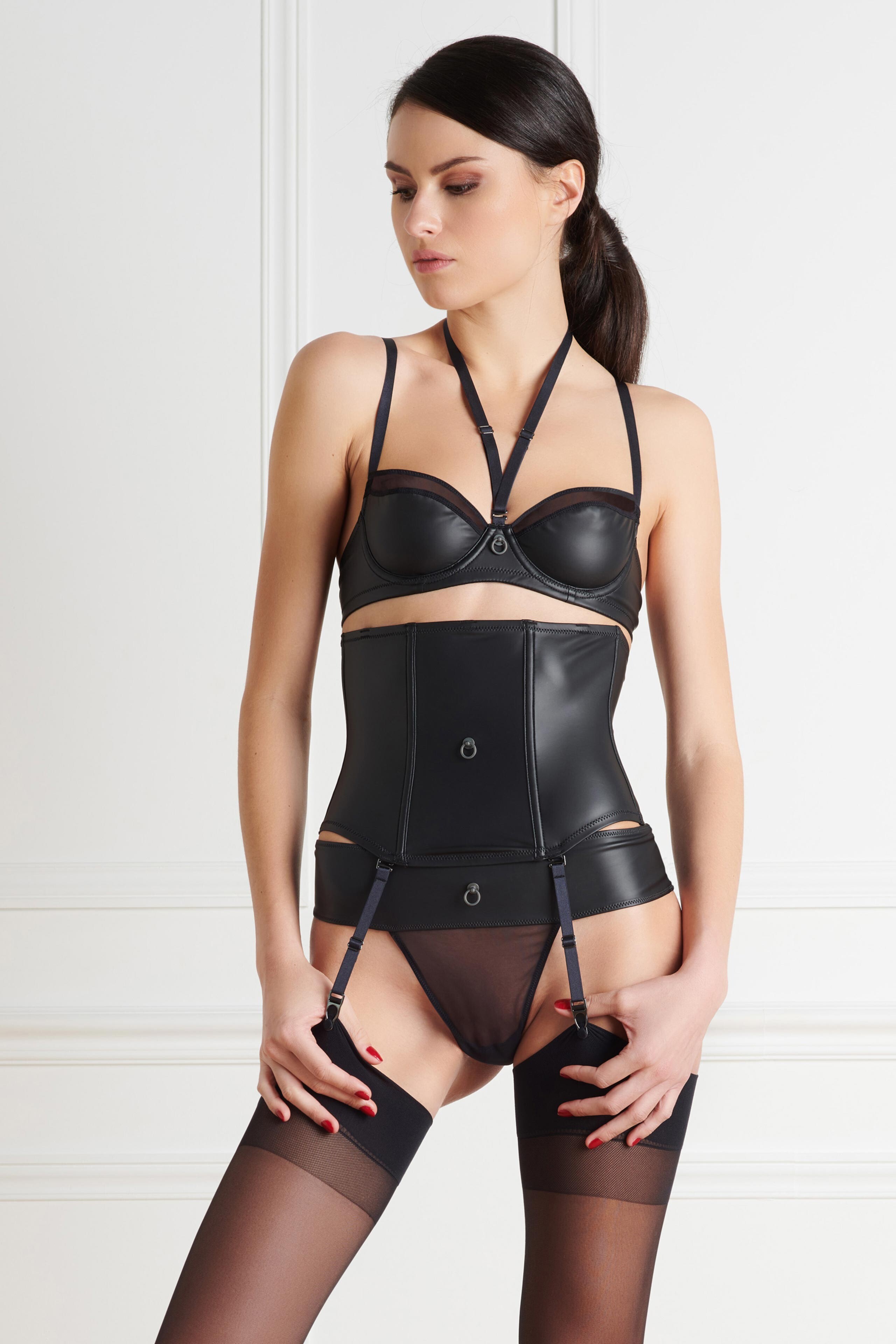
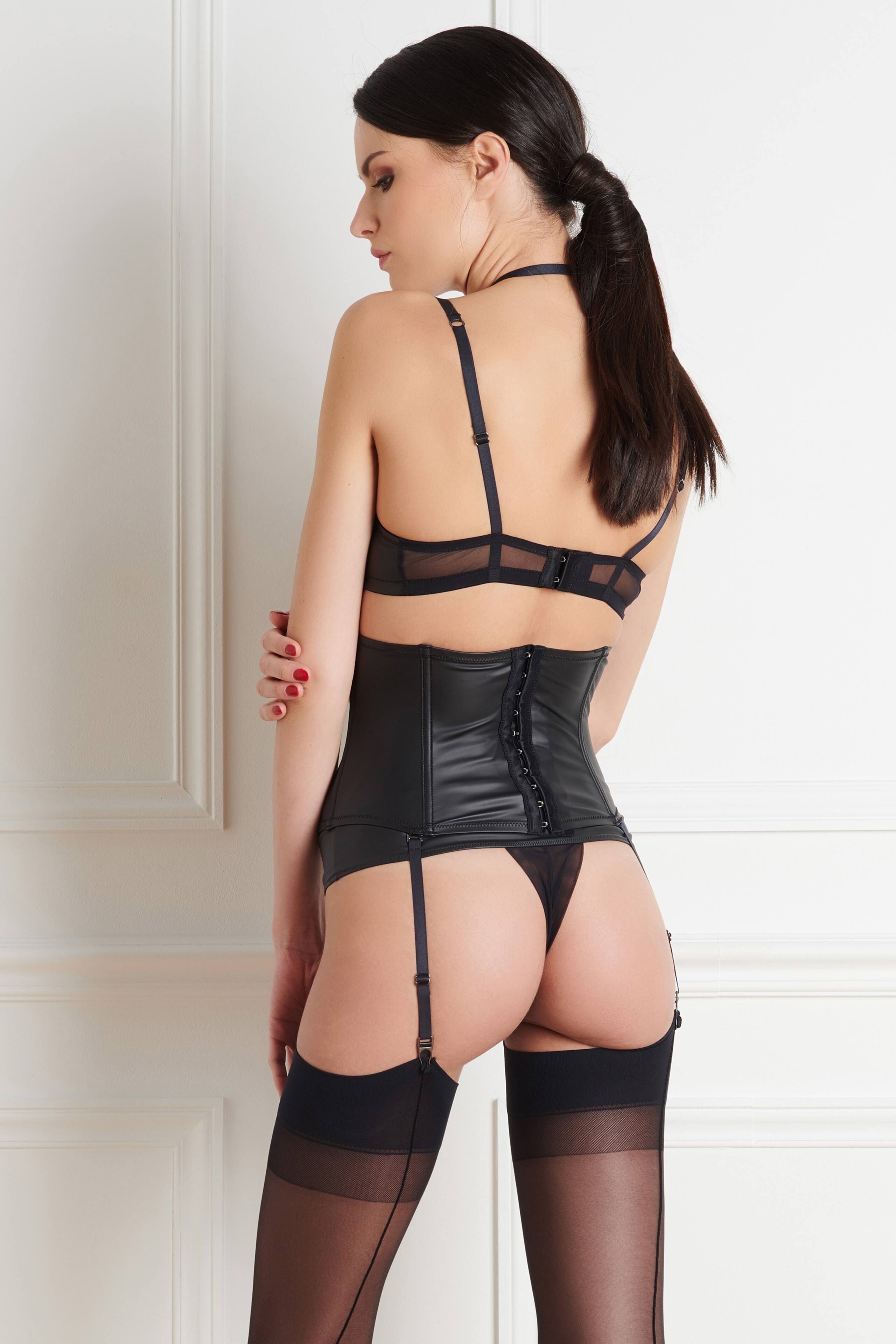
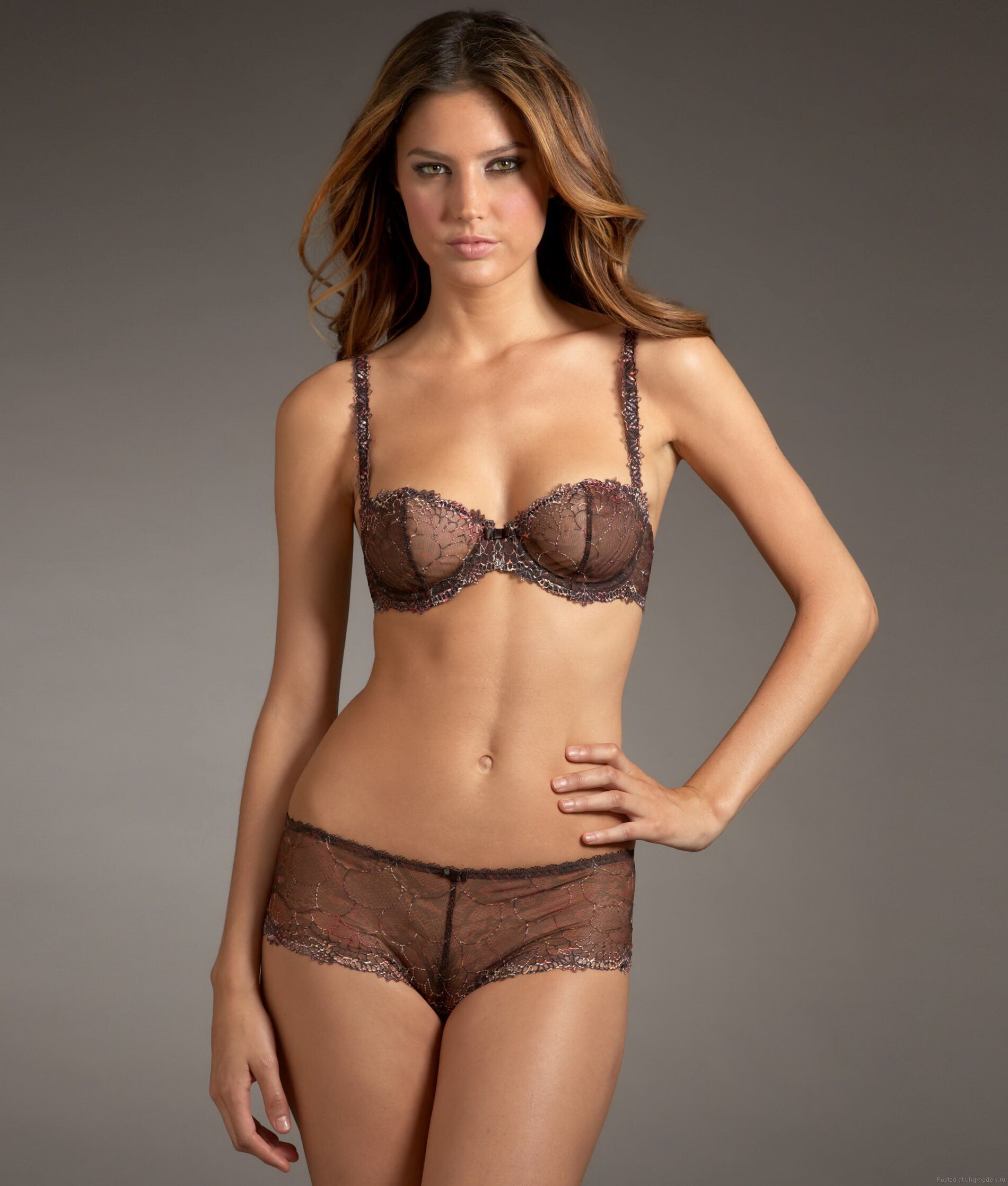
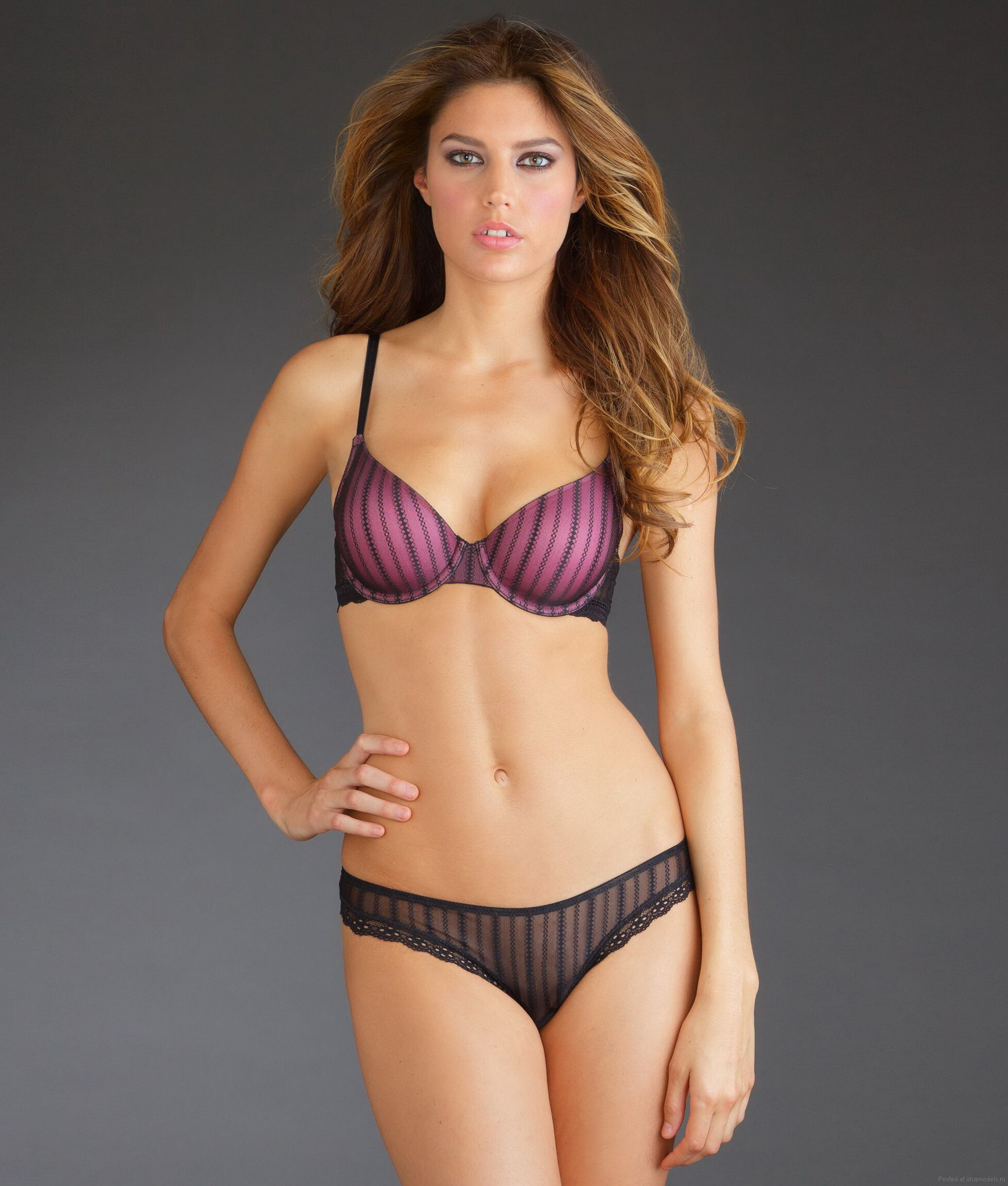
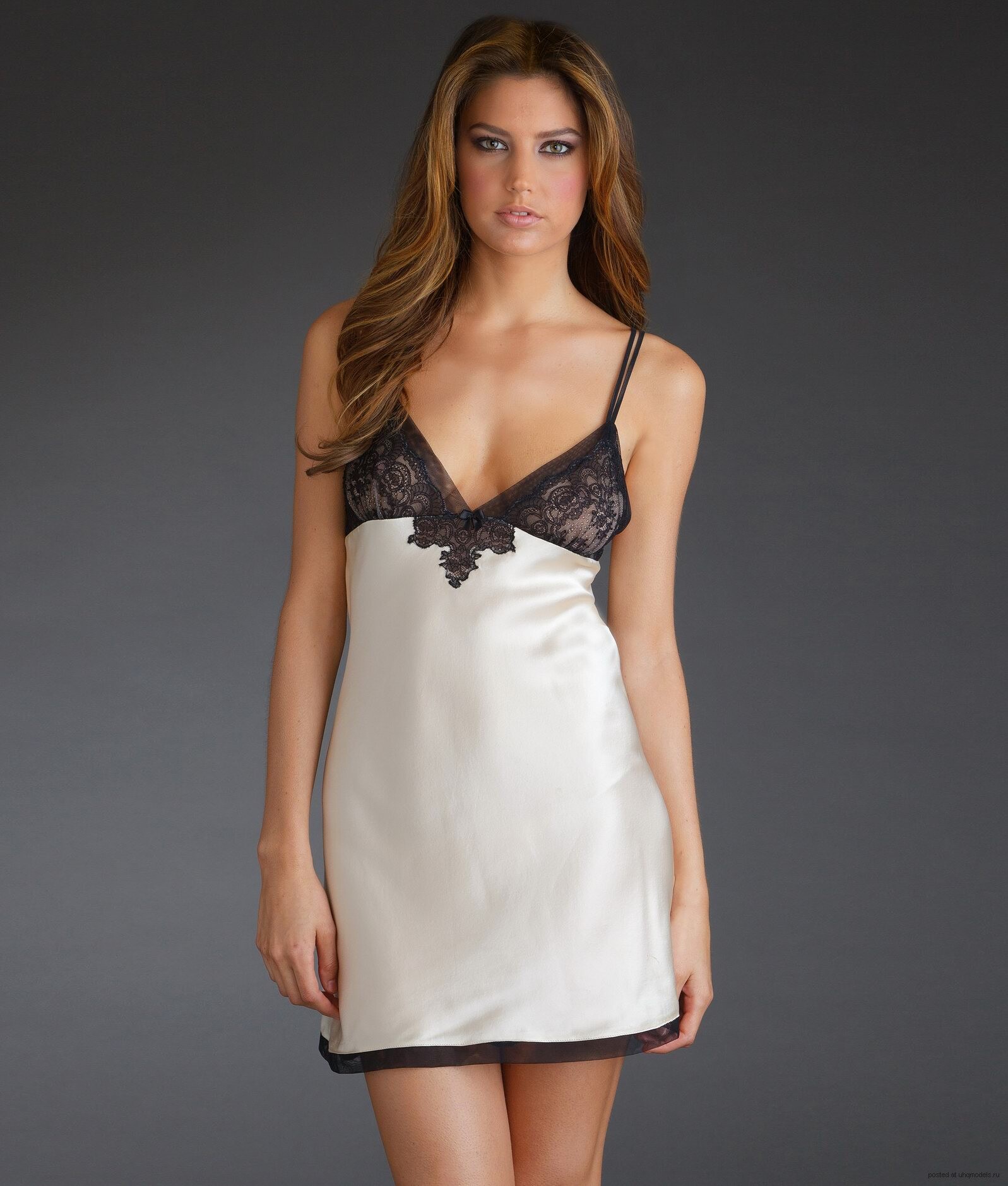
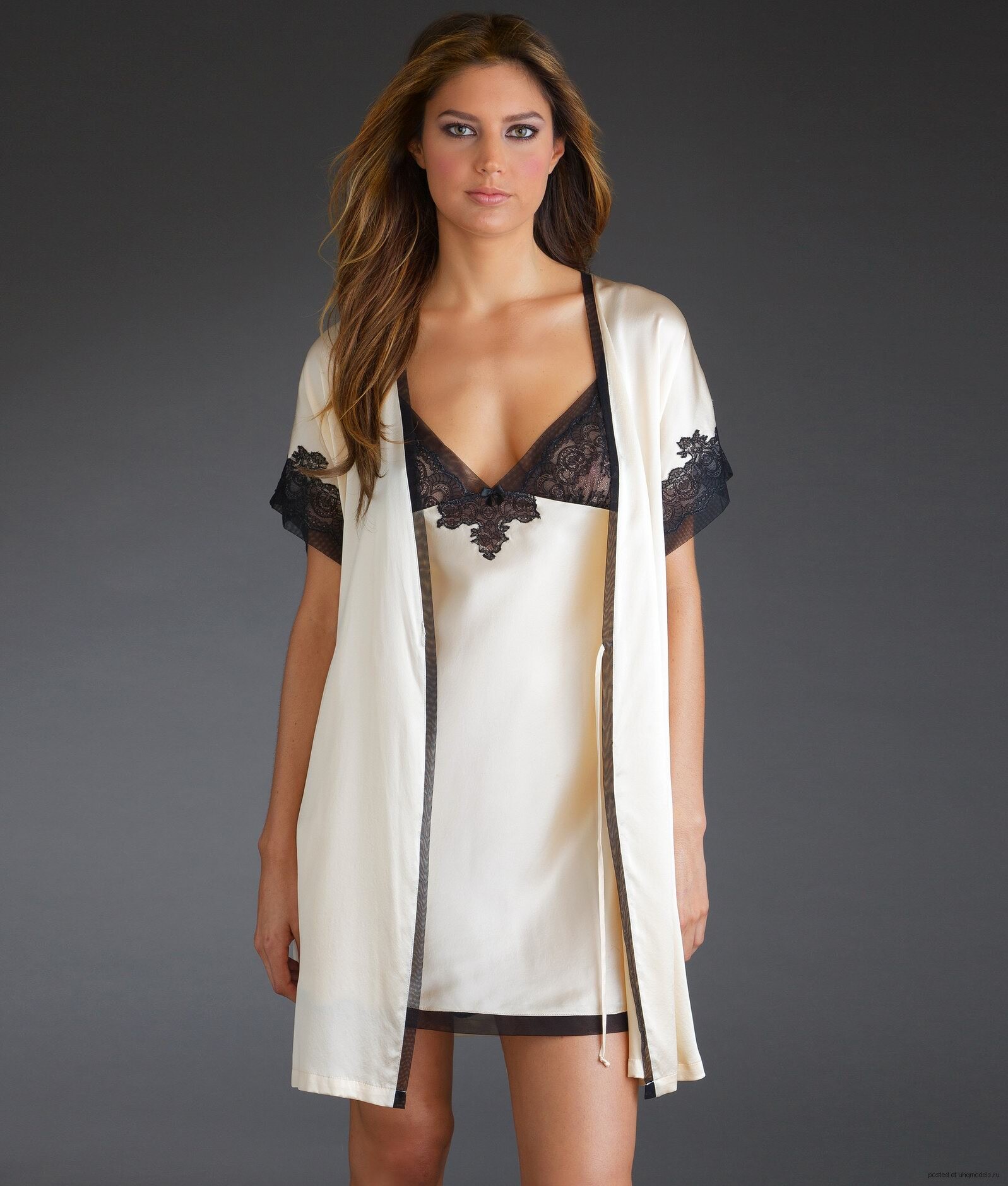
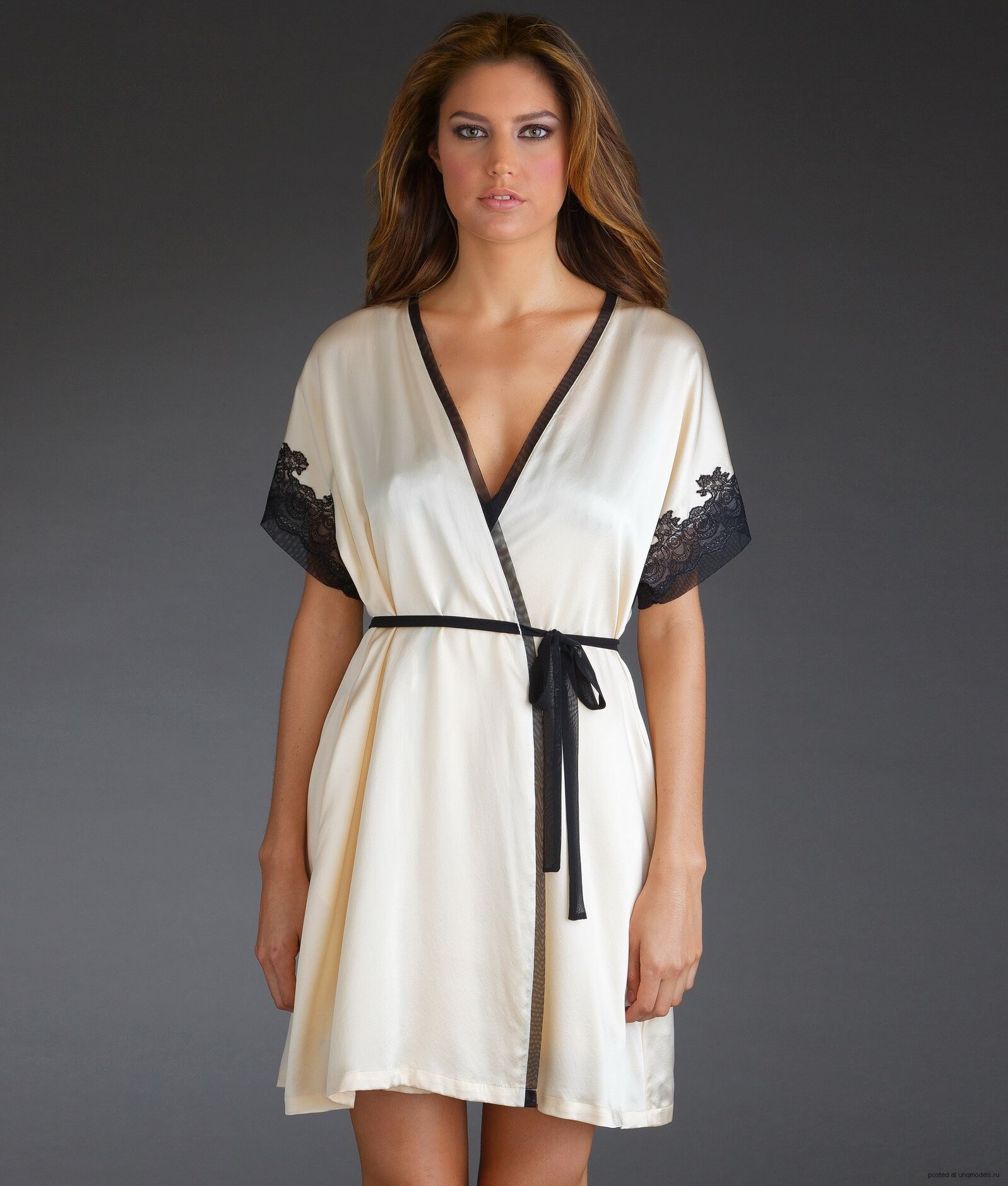
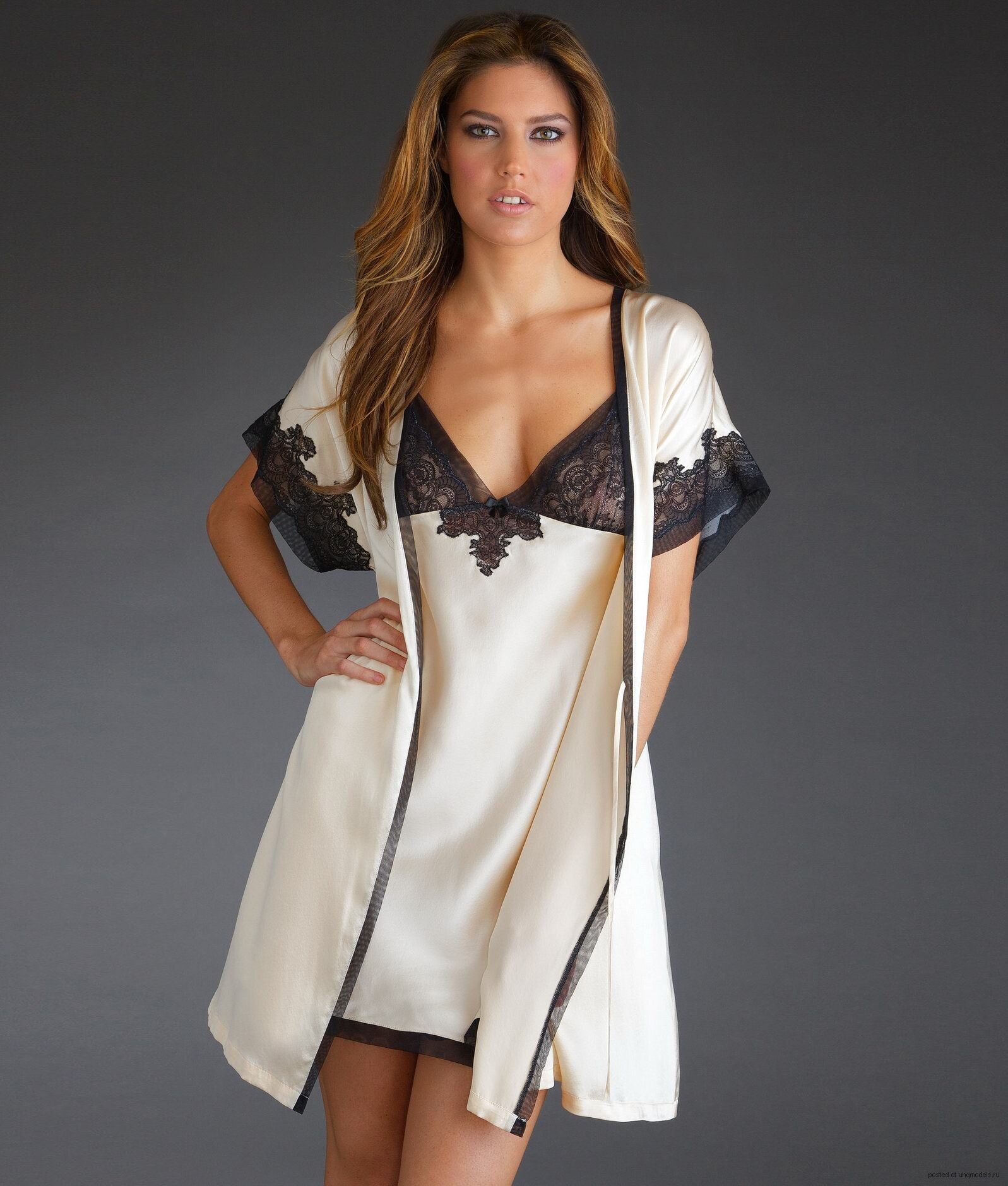
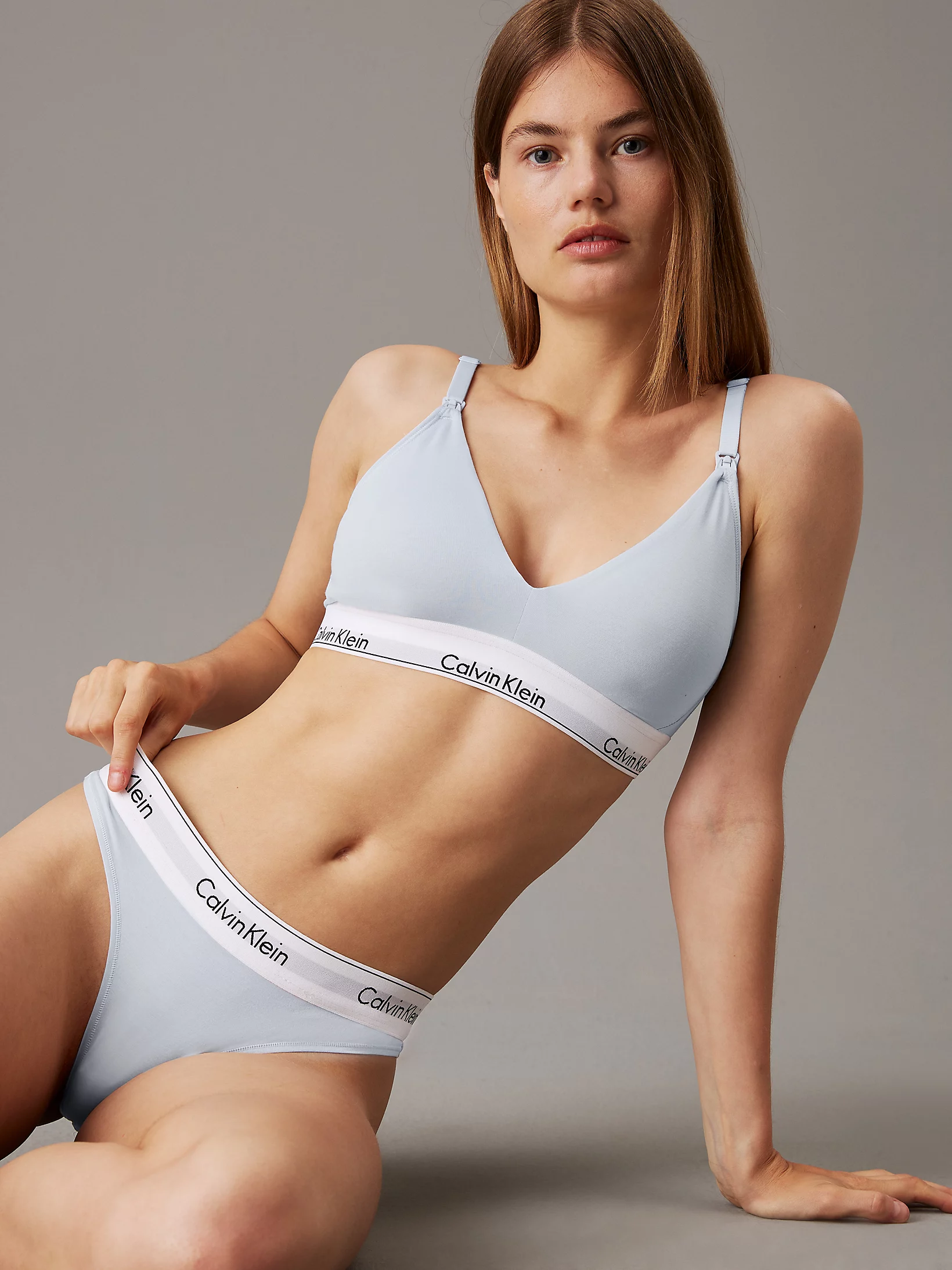
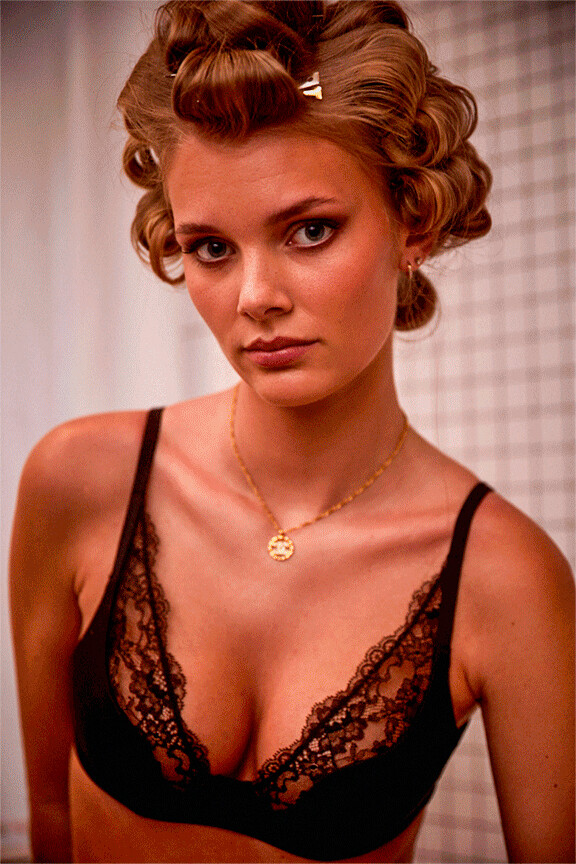
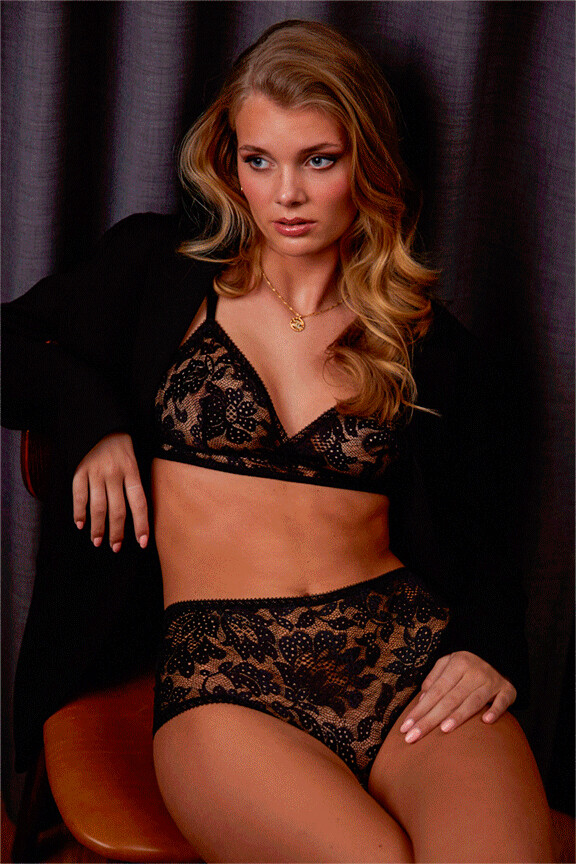
  3. Confirm by tapping Install.

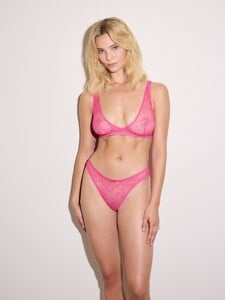
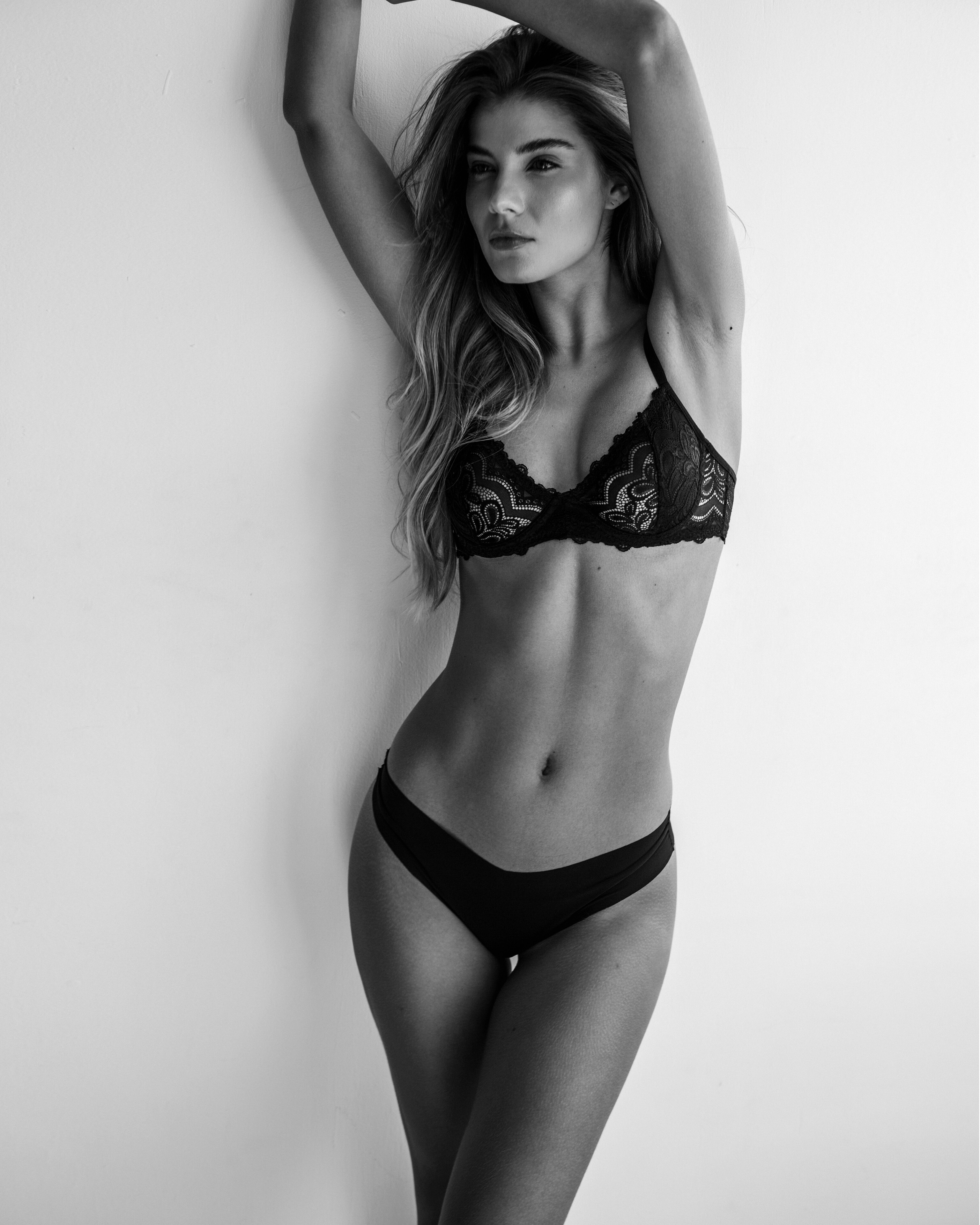
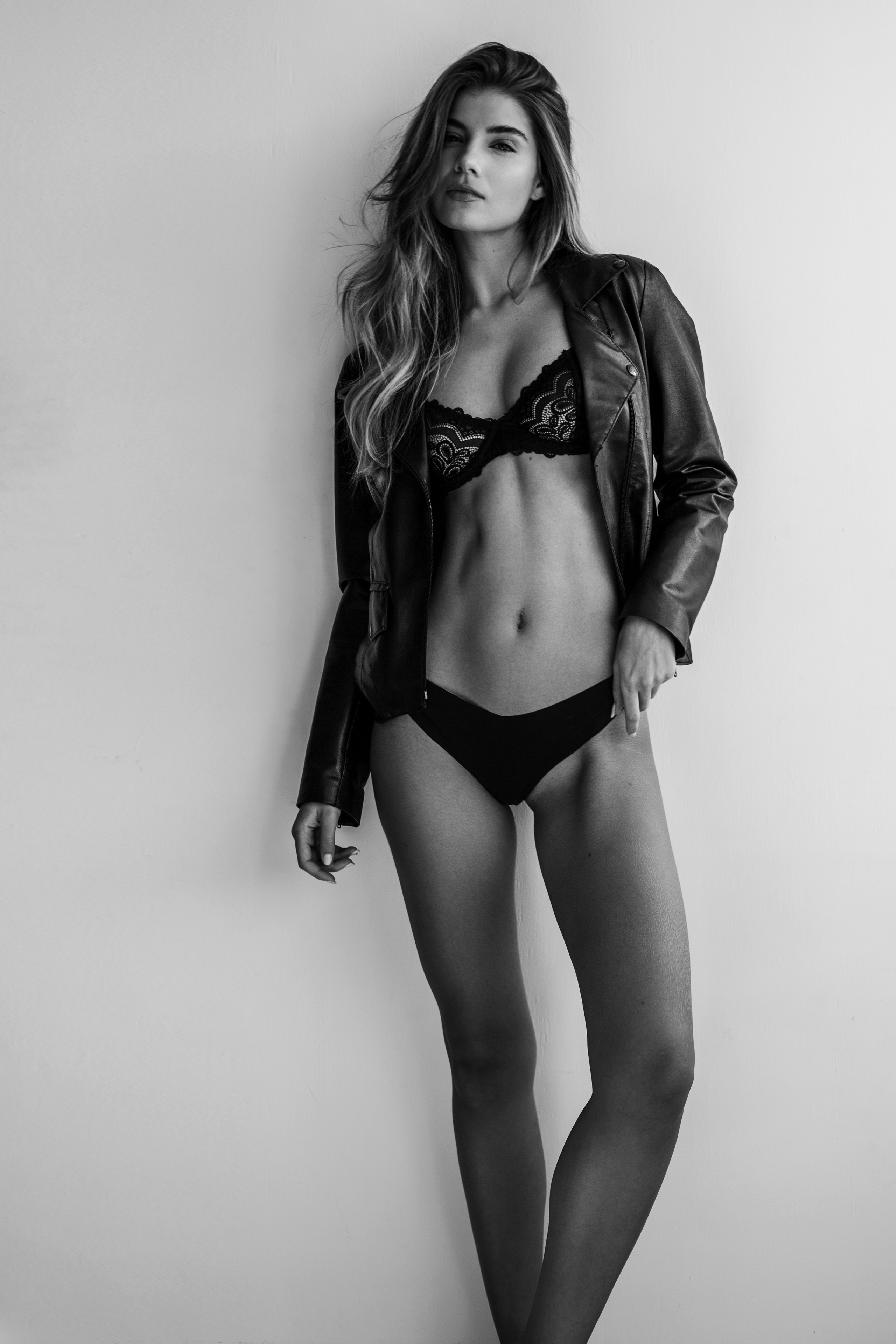
pimpl

Members
  • Joined

  • Last visited

Everything posted by pimpl

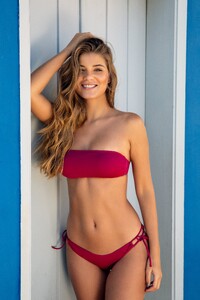
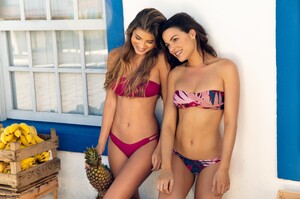
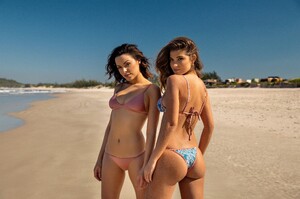
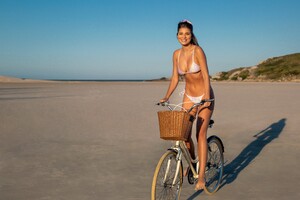
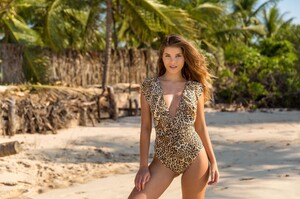
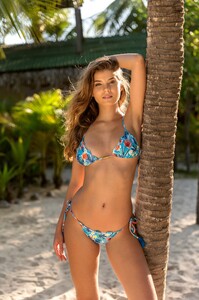
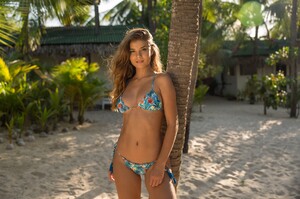
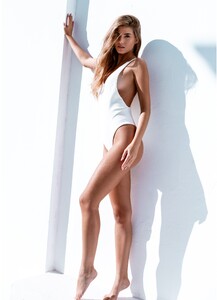
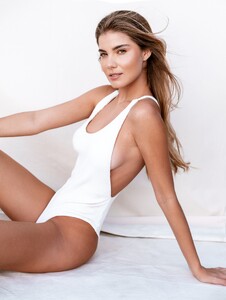
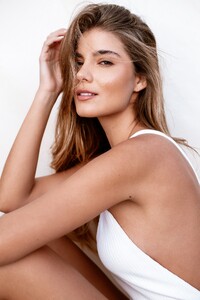
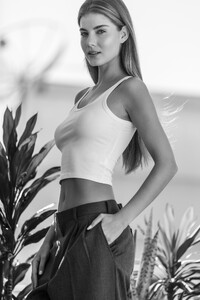
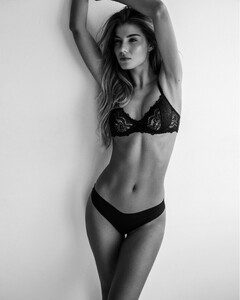
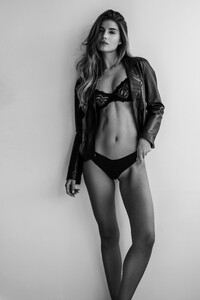
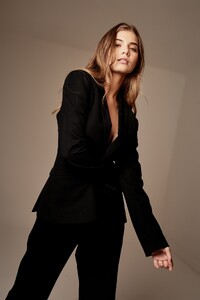
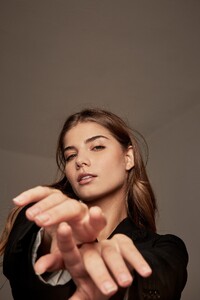
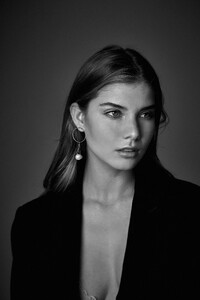
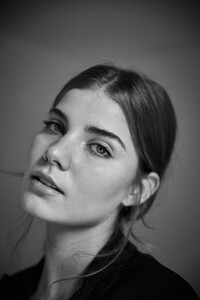
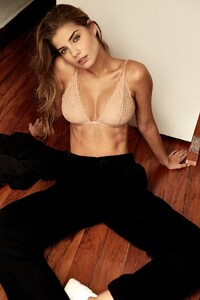
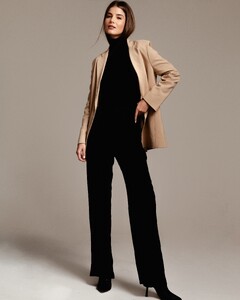
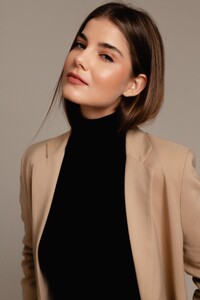
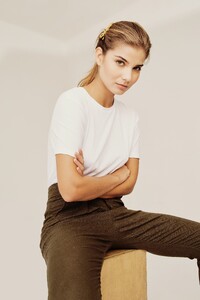
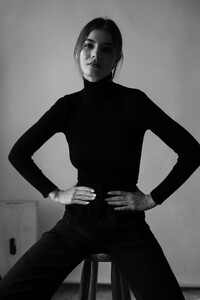
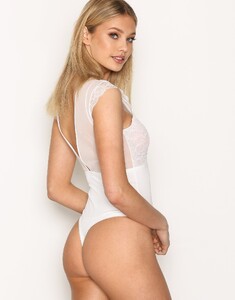
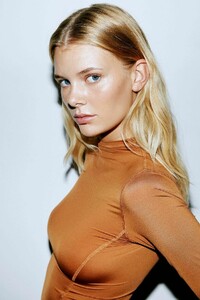
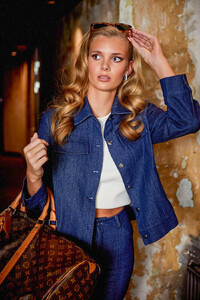
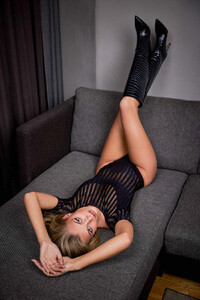
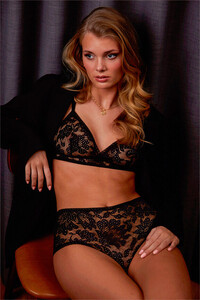
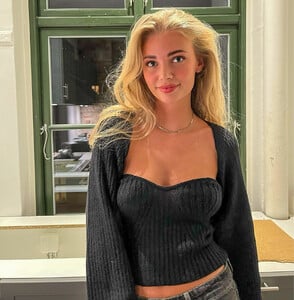
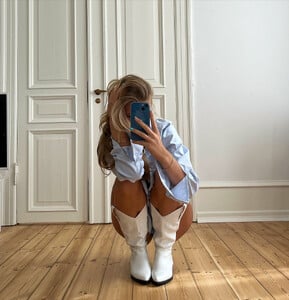
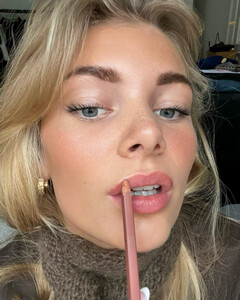
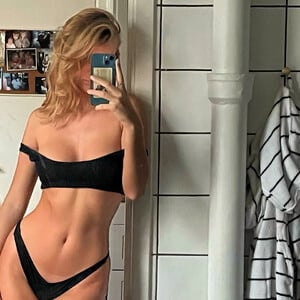
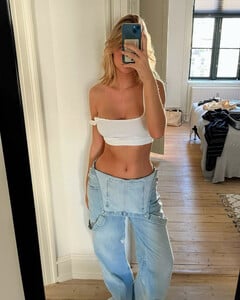
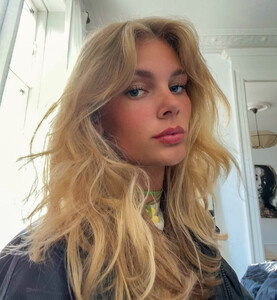
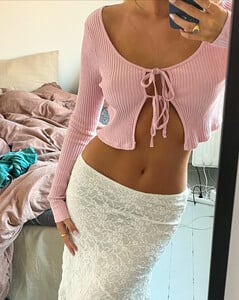
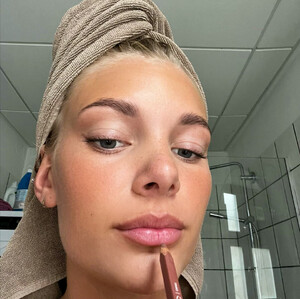
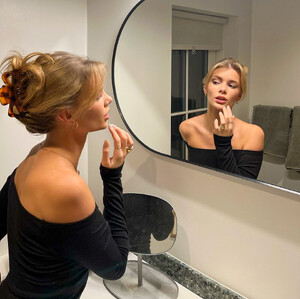
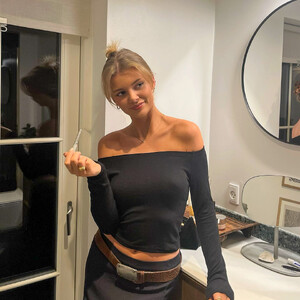
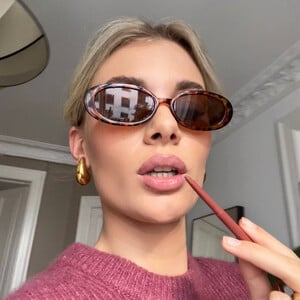
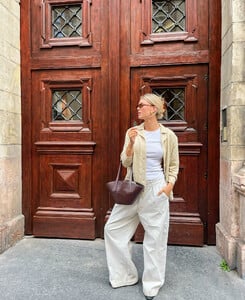
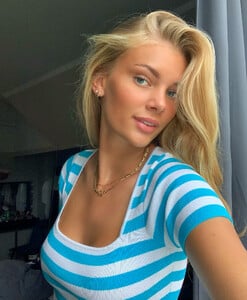
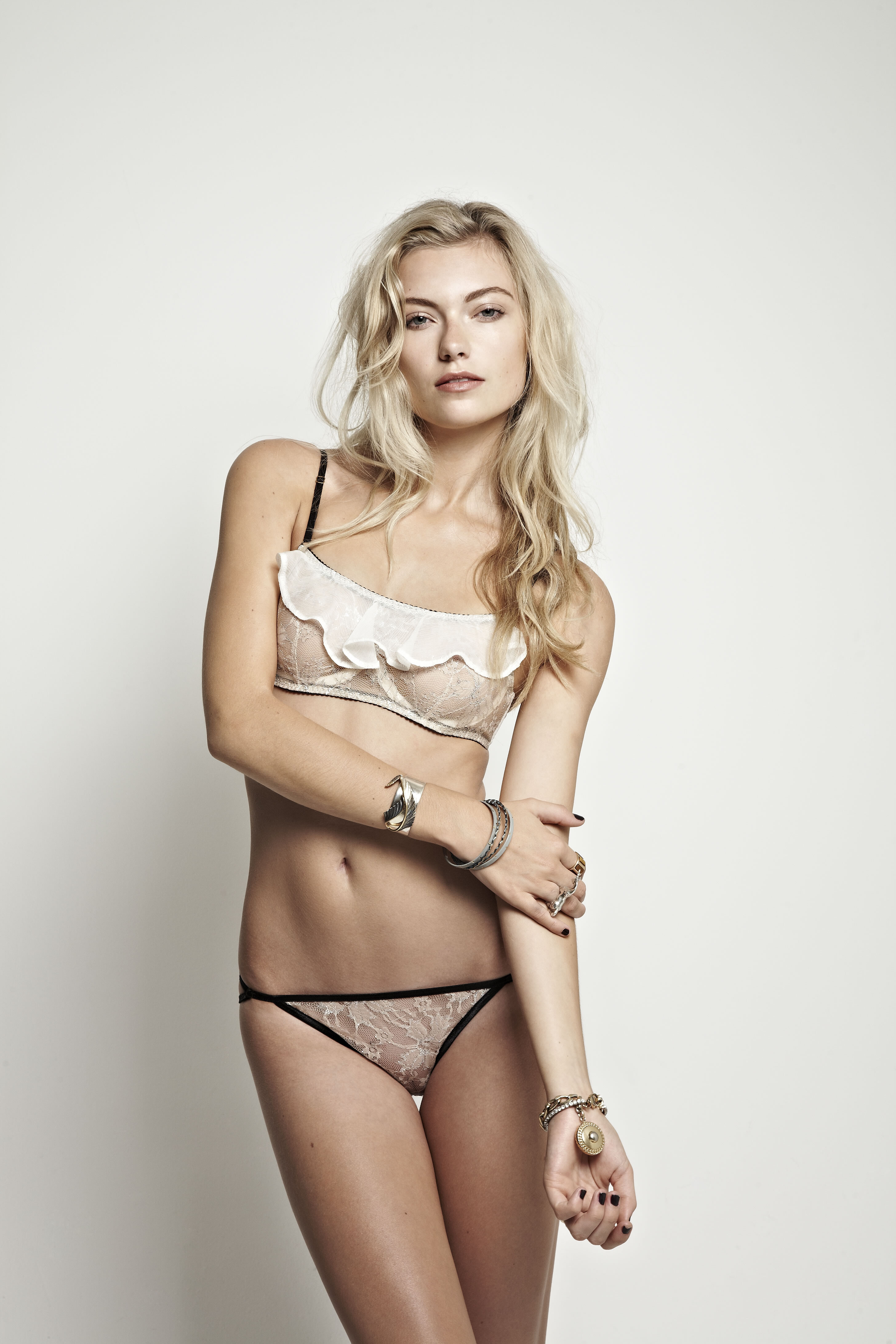
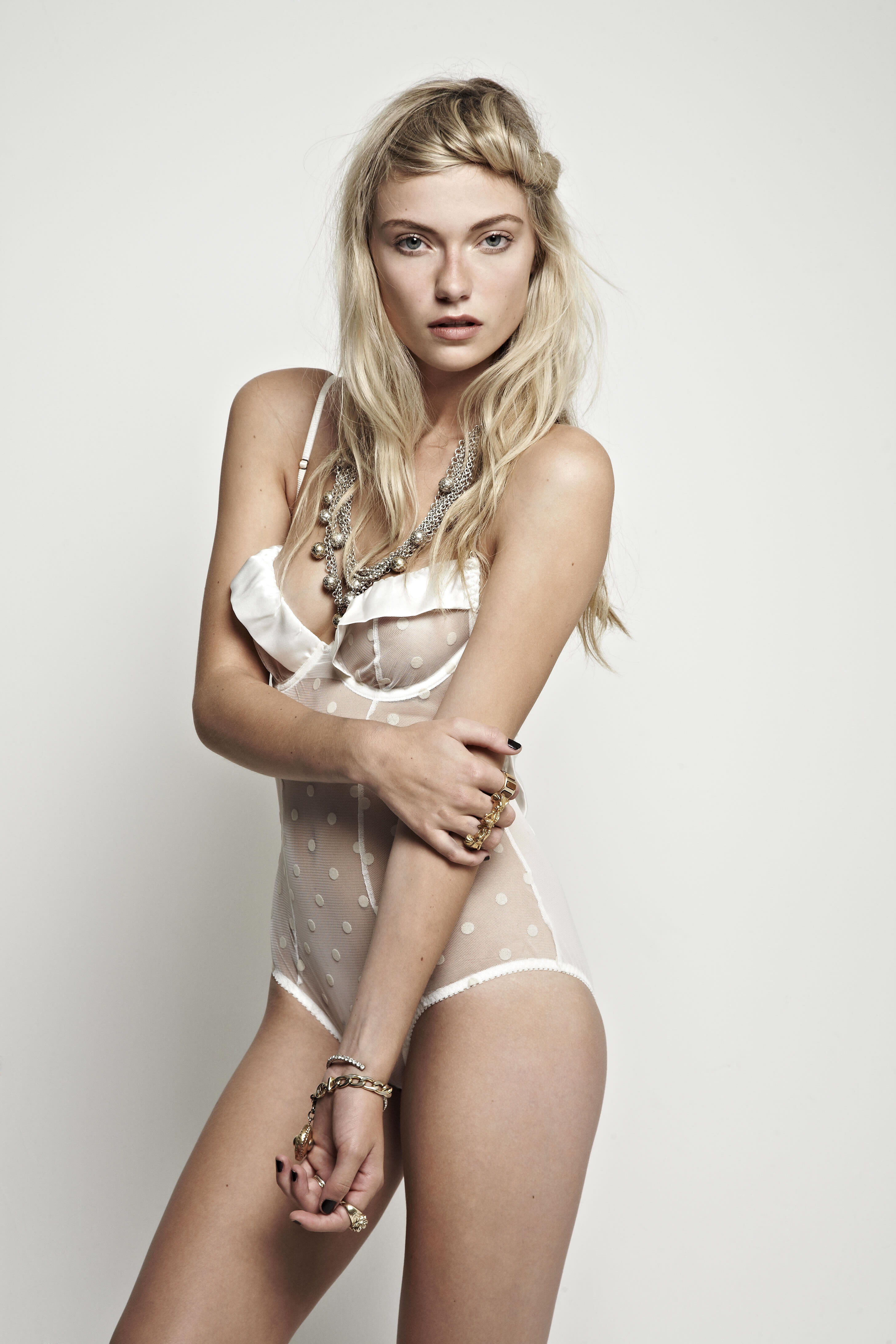
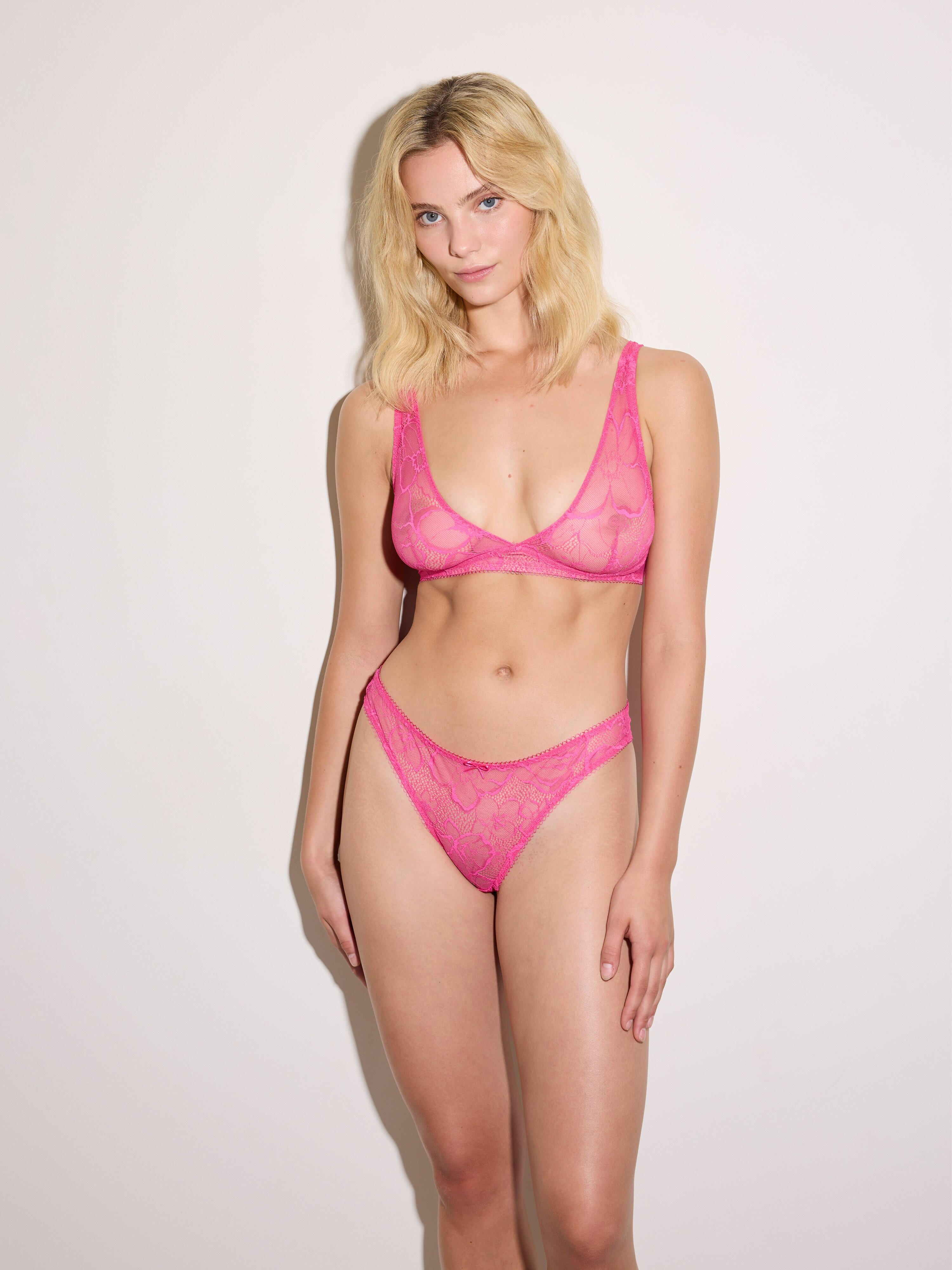
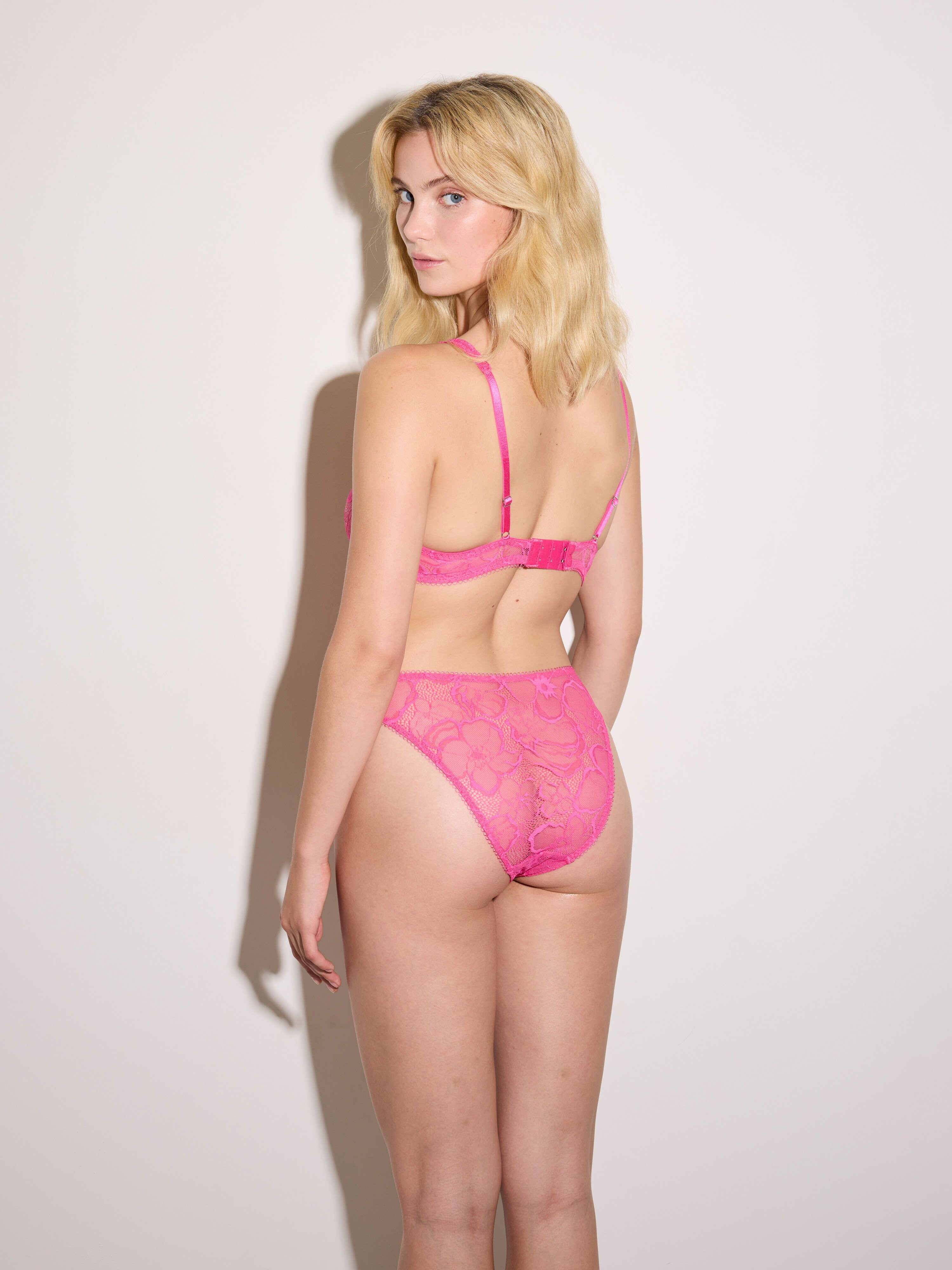
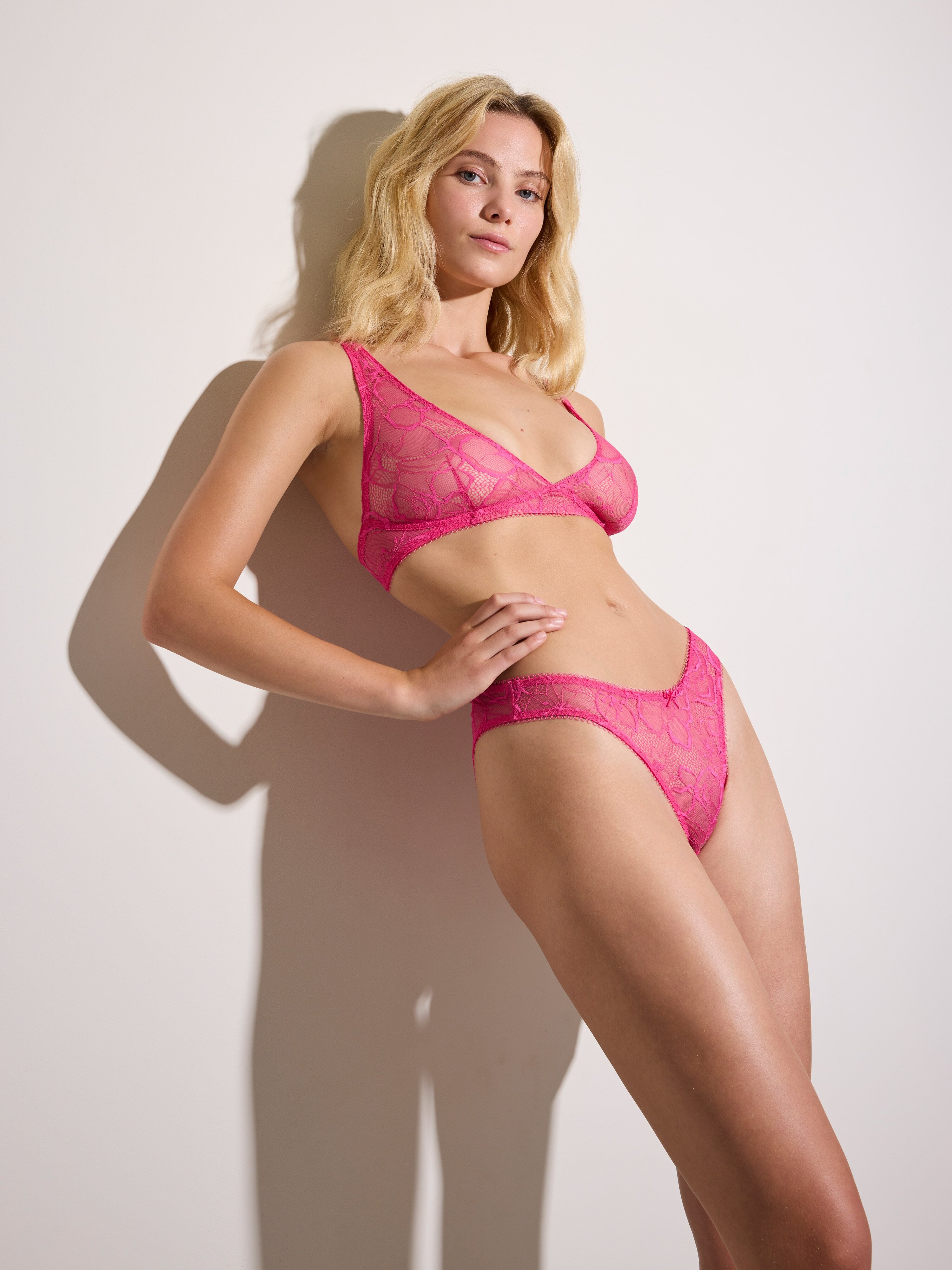
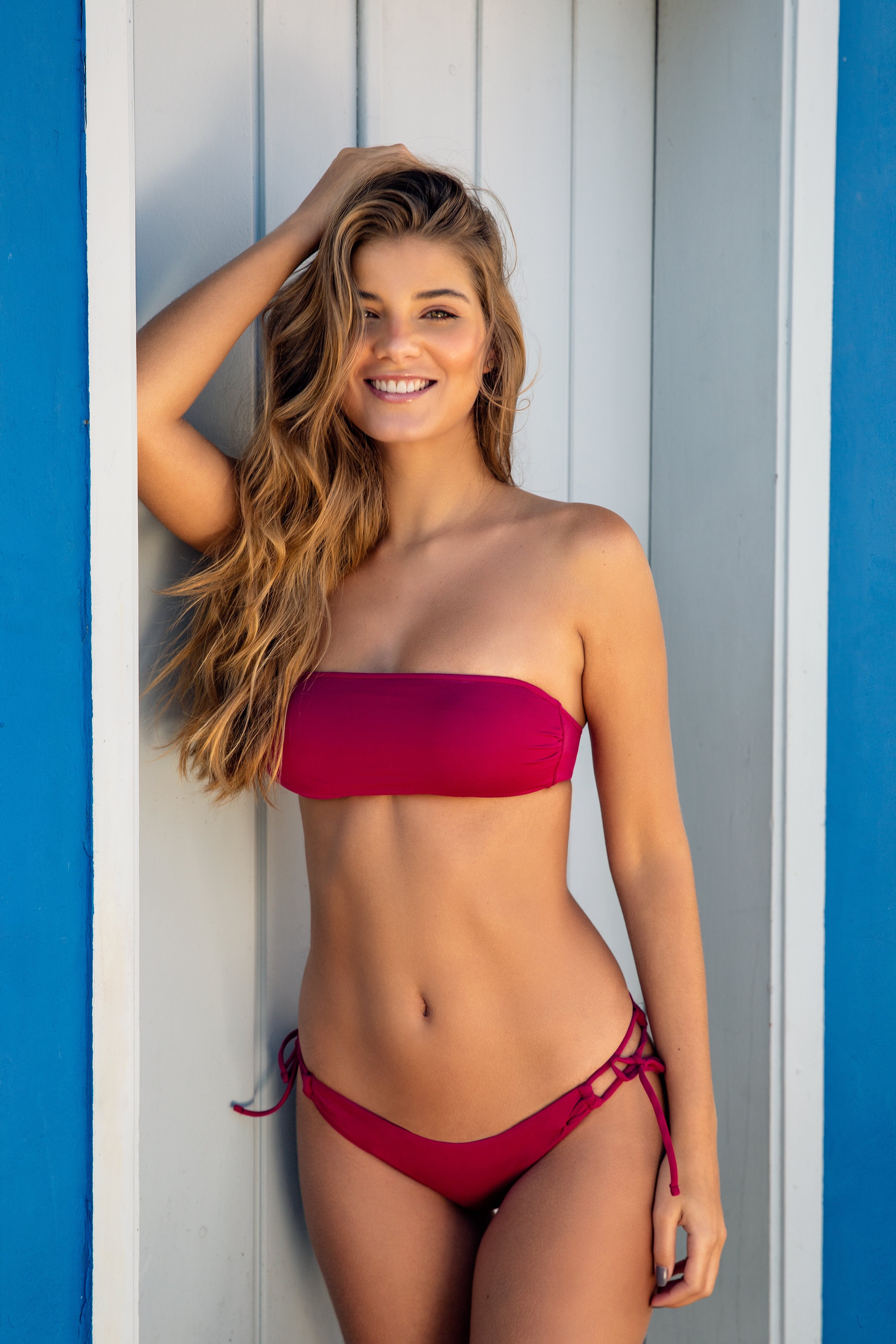
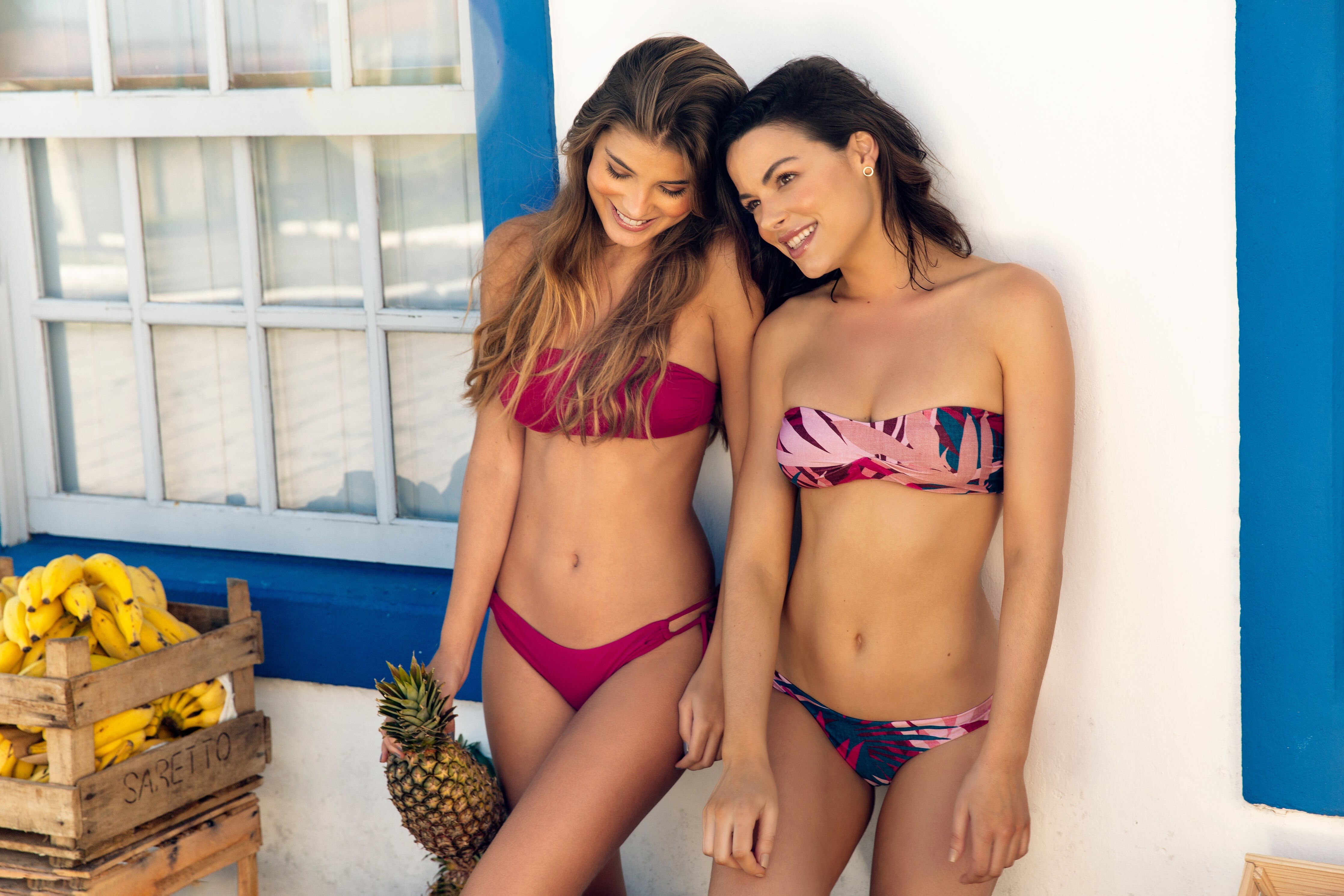
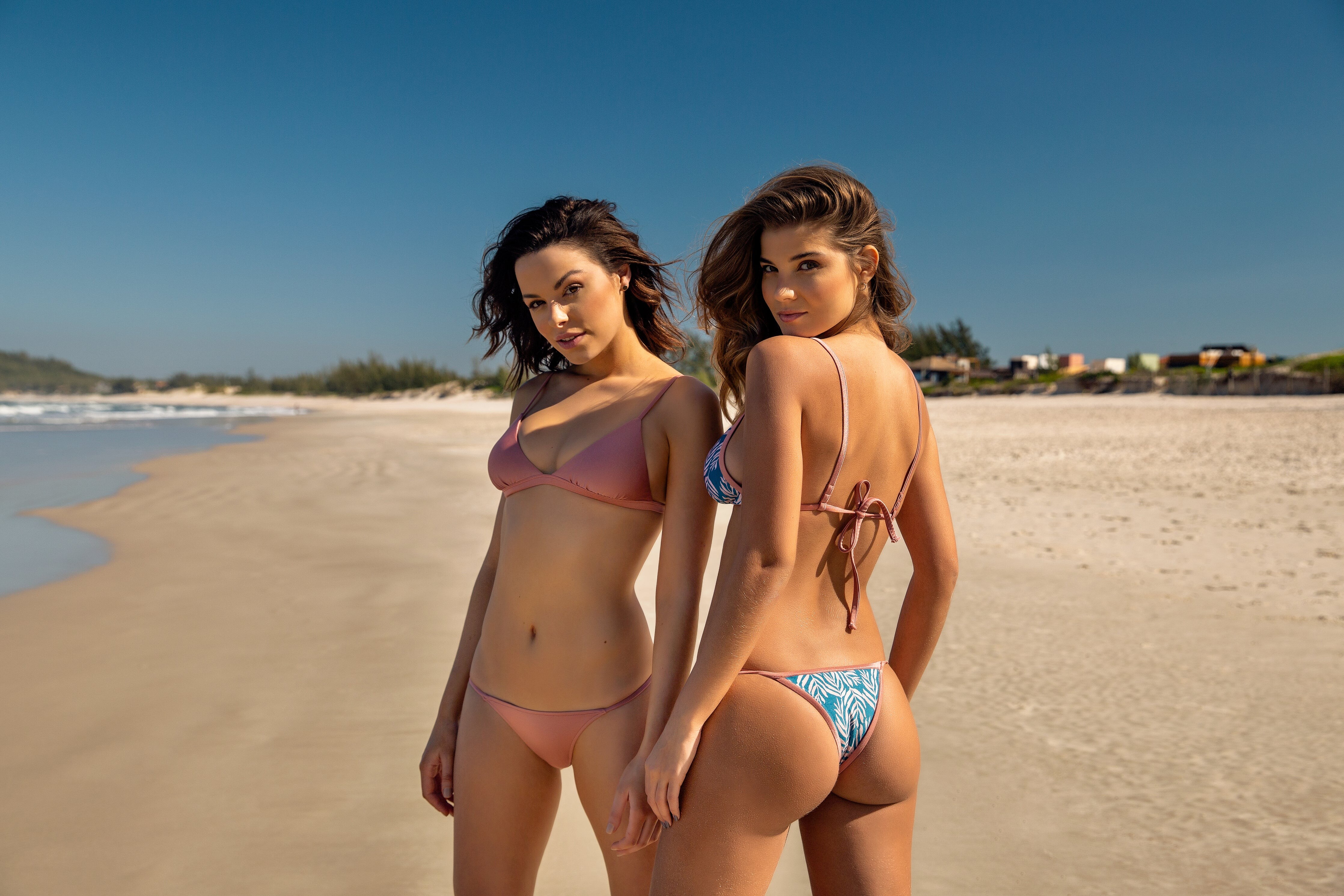
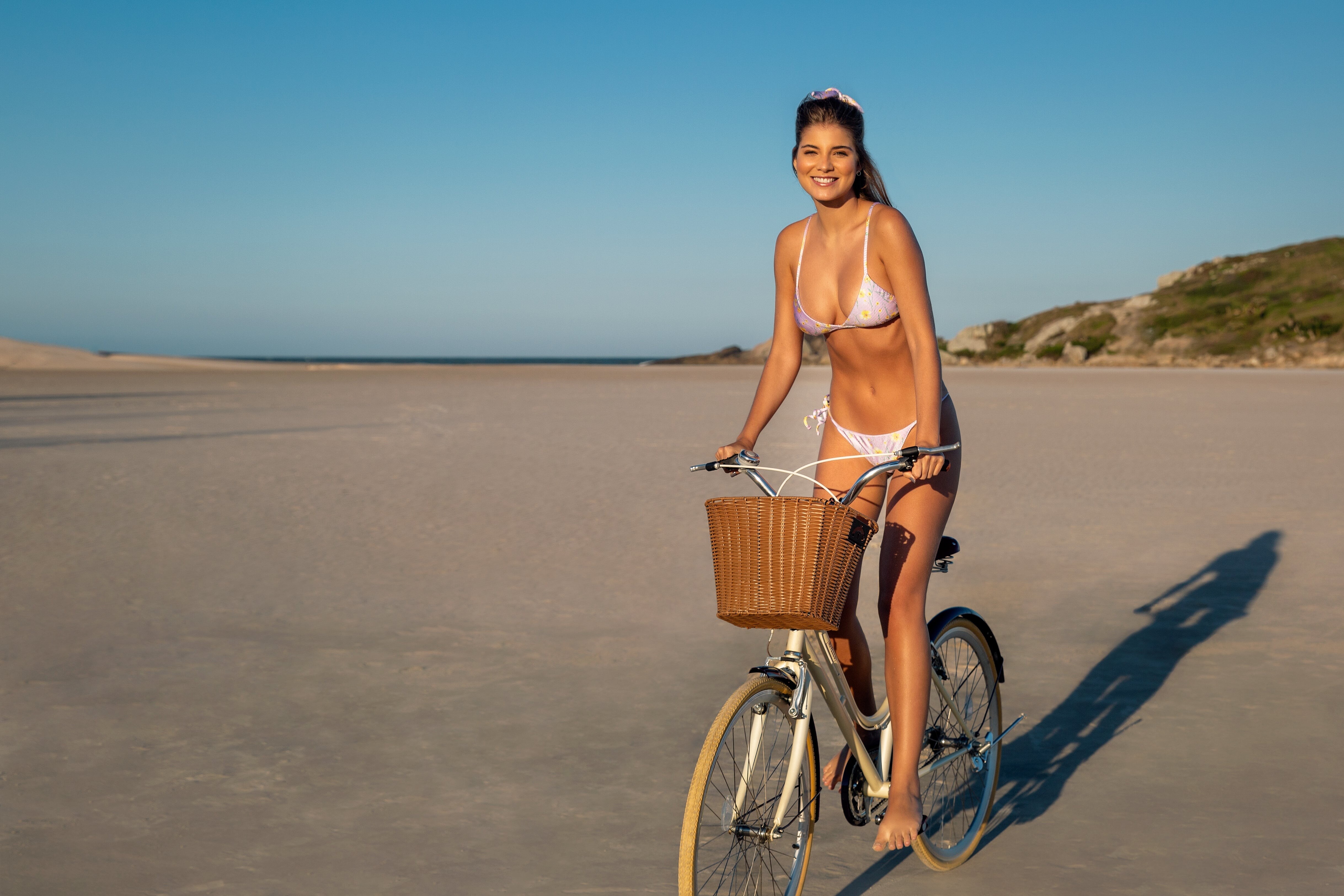
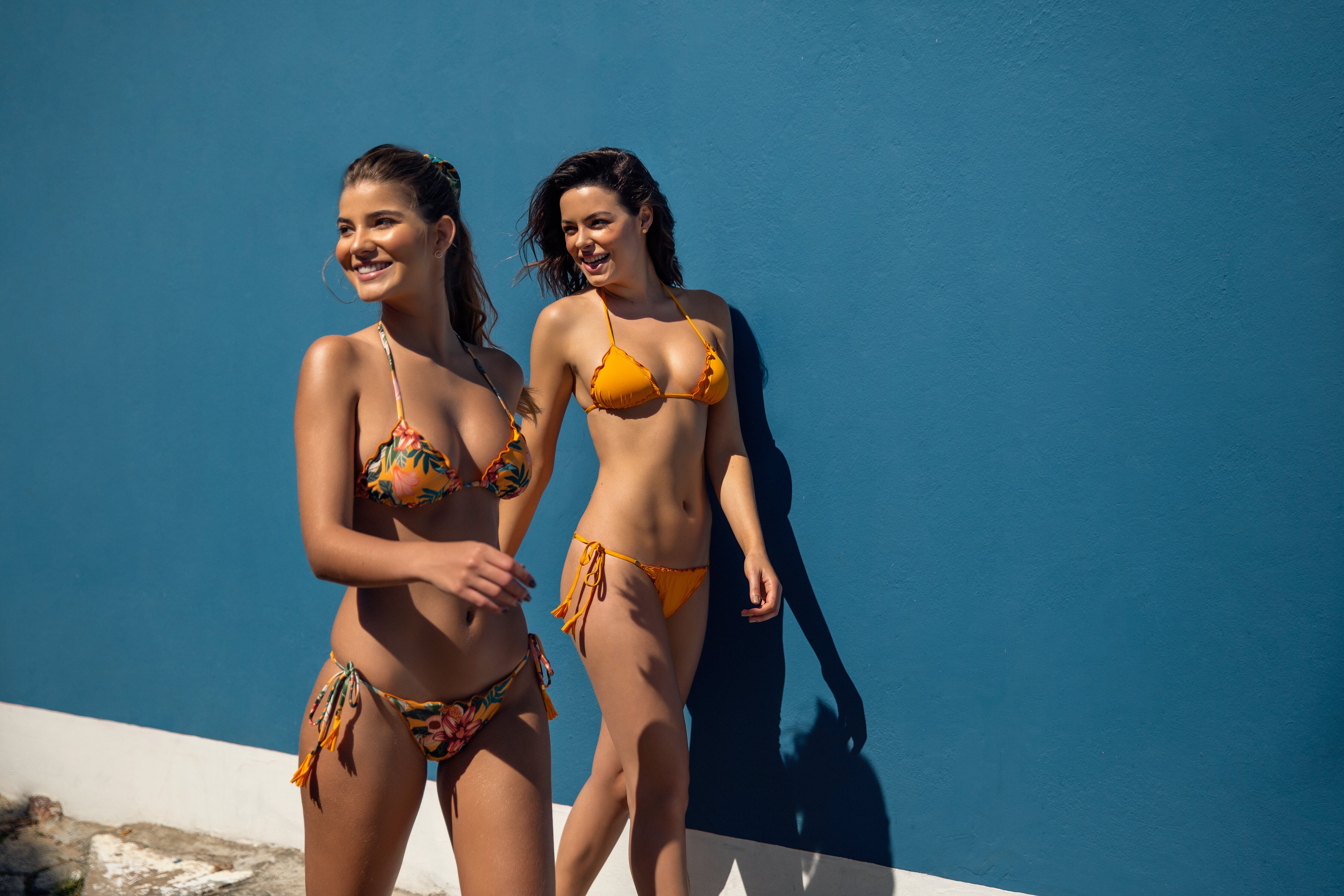
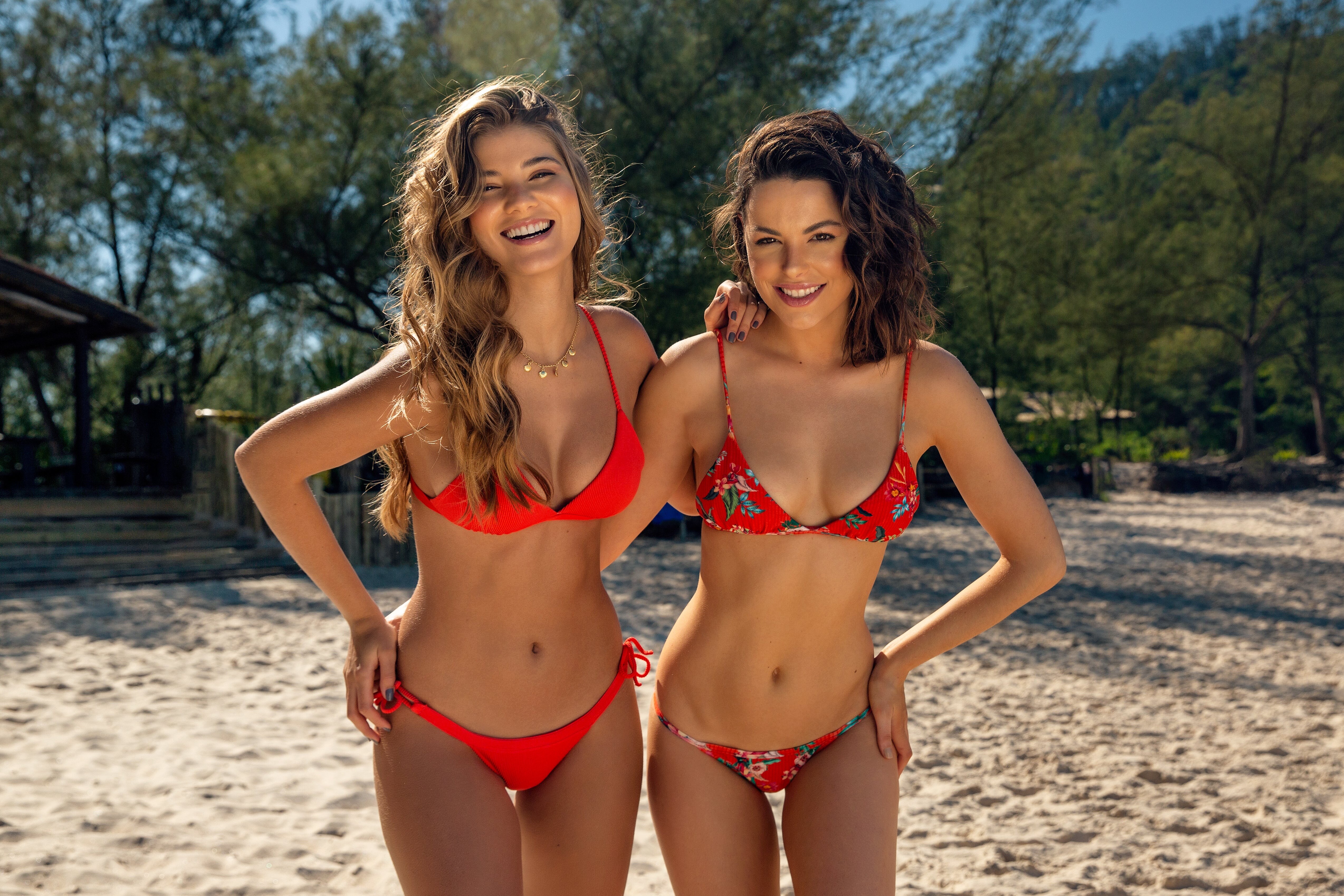
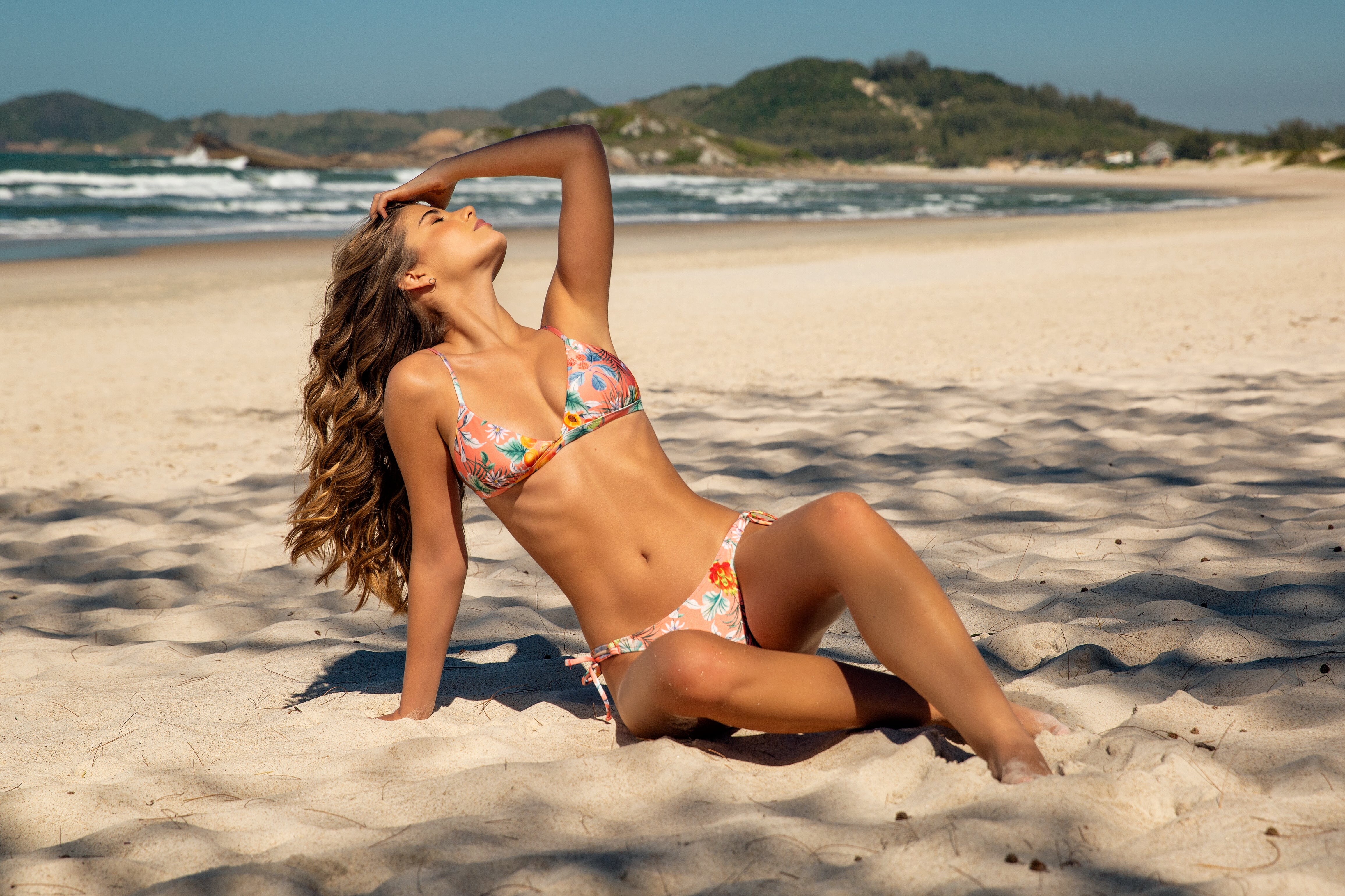
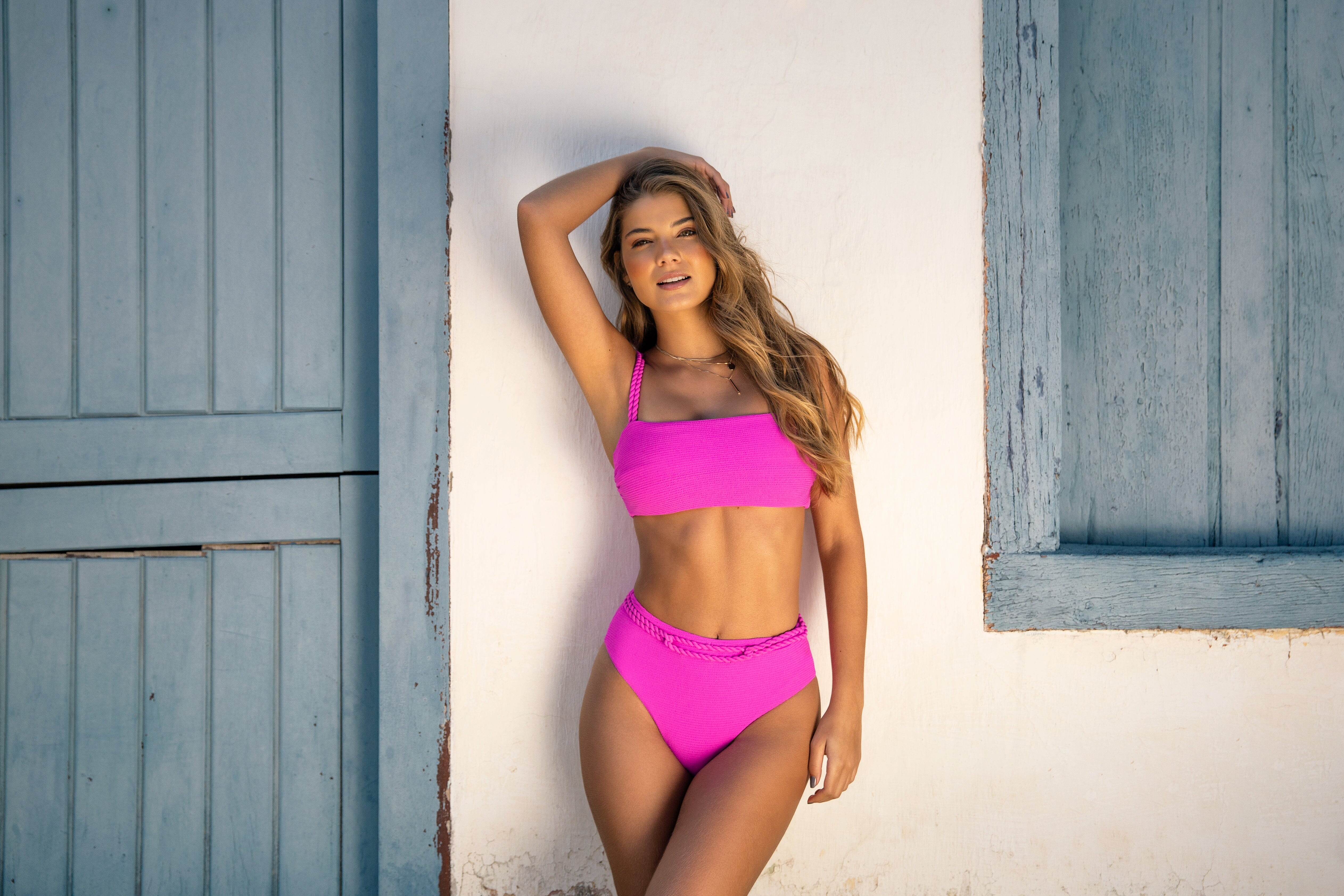
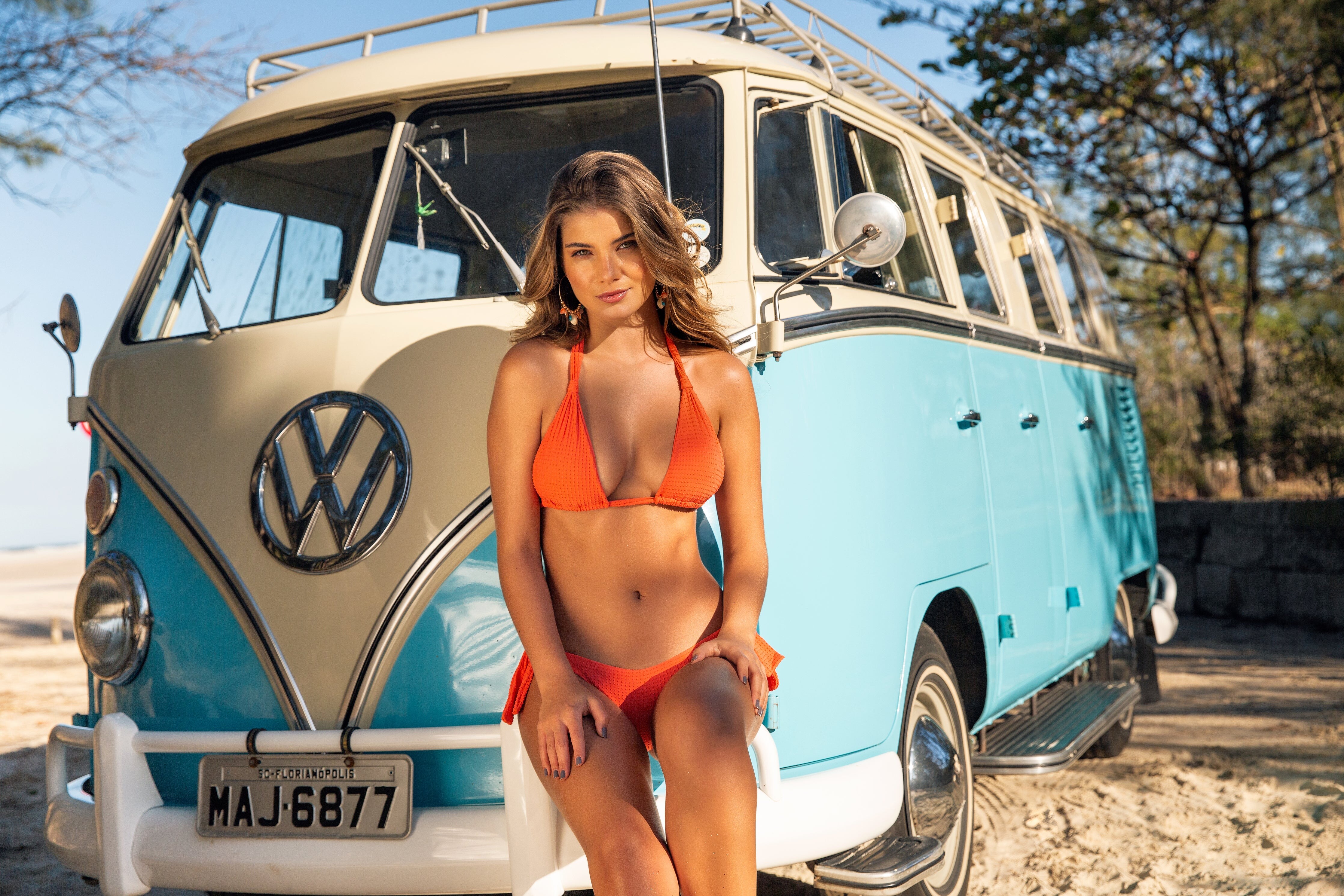
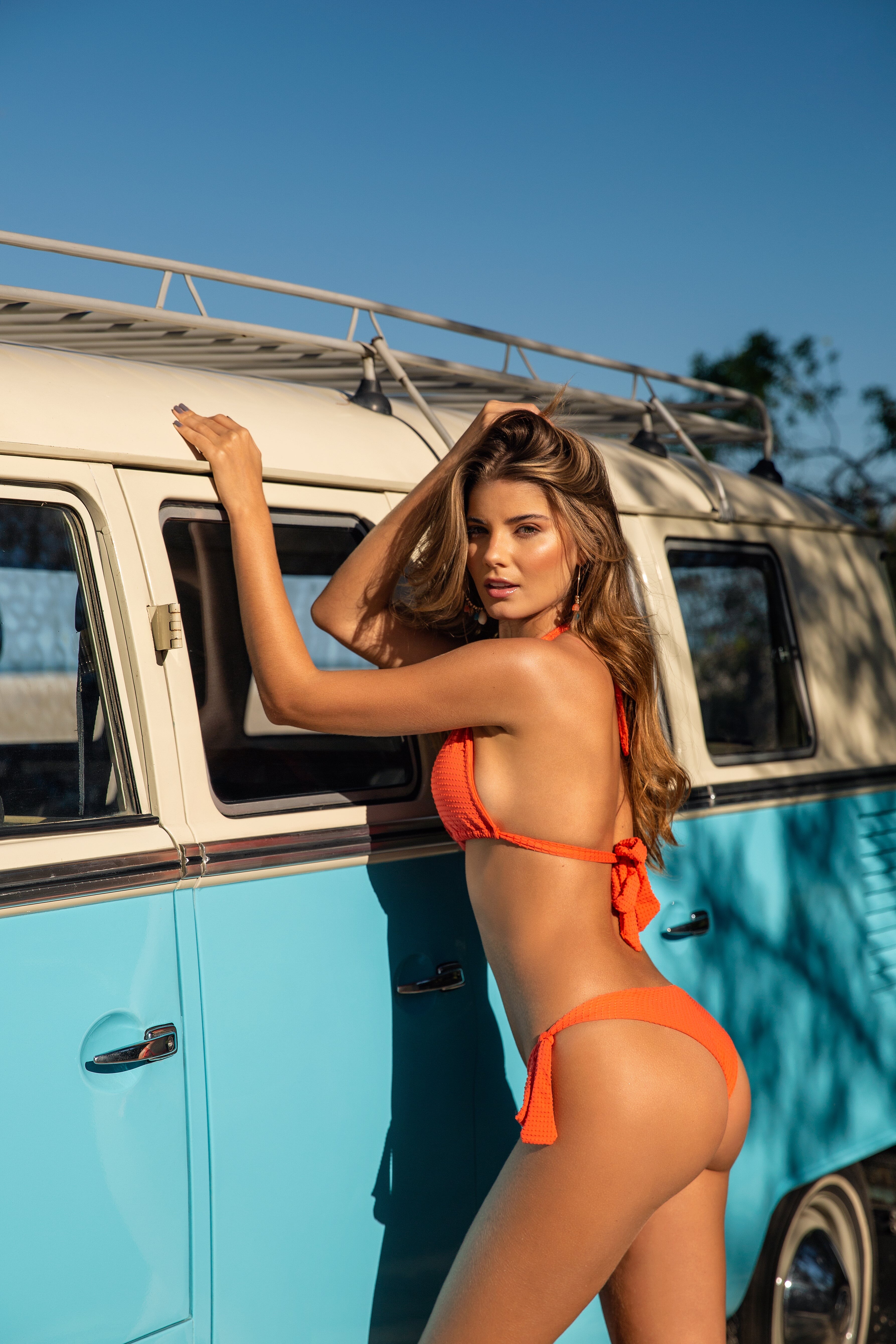
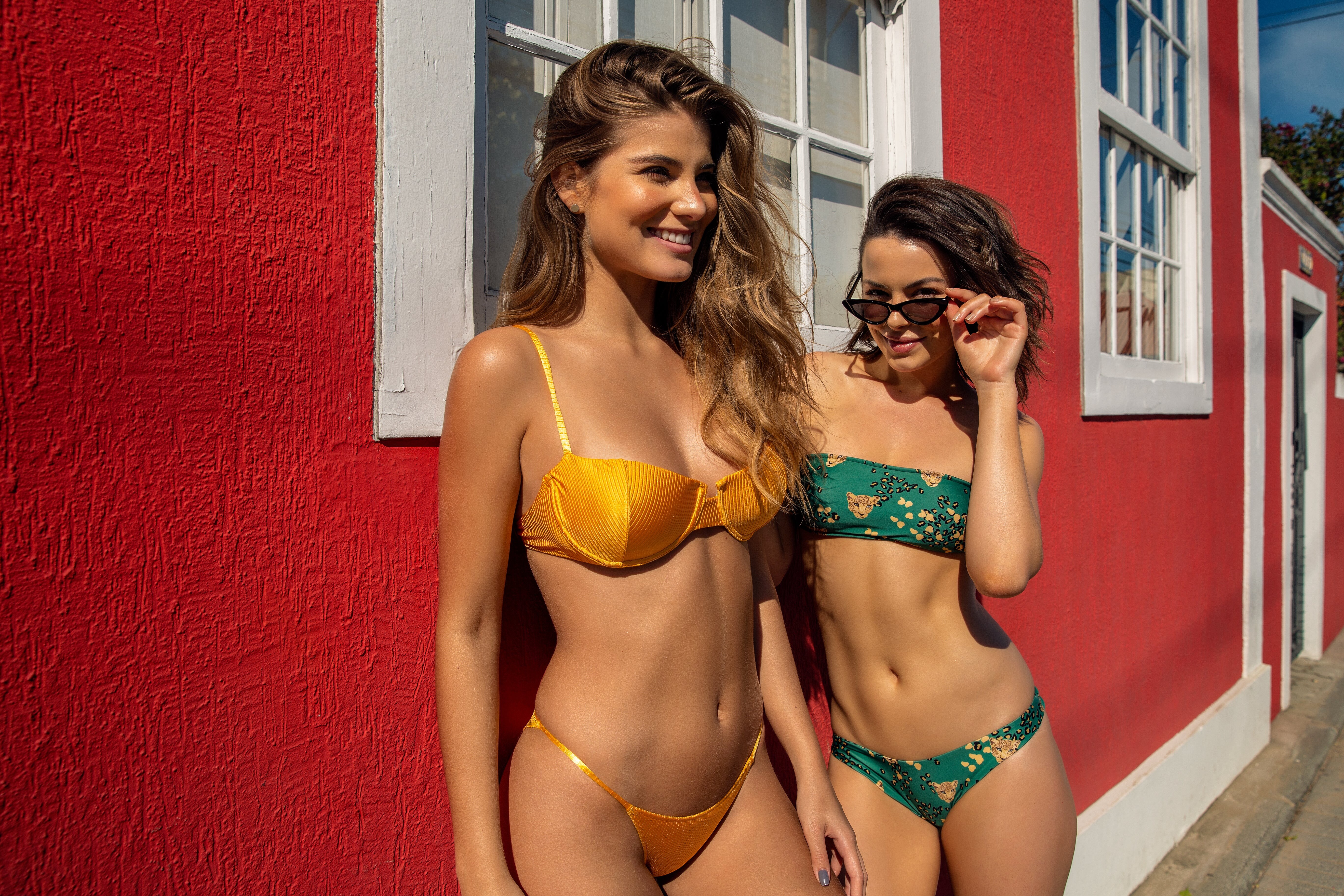
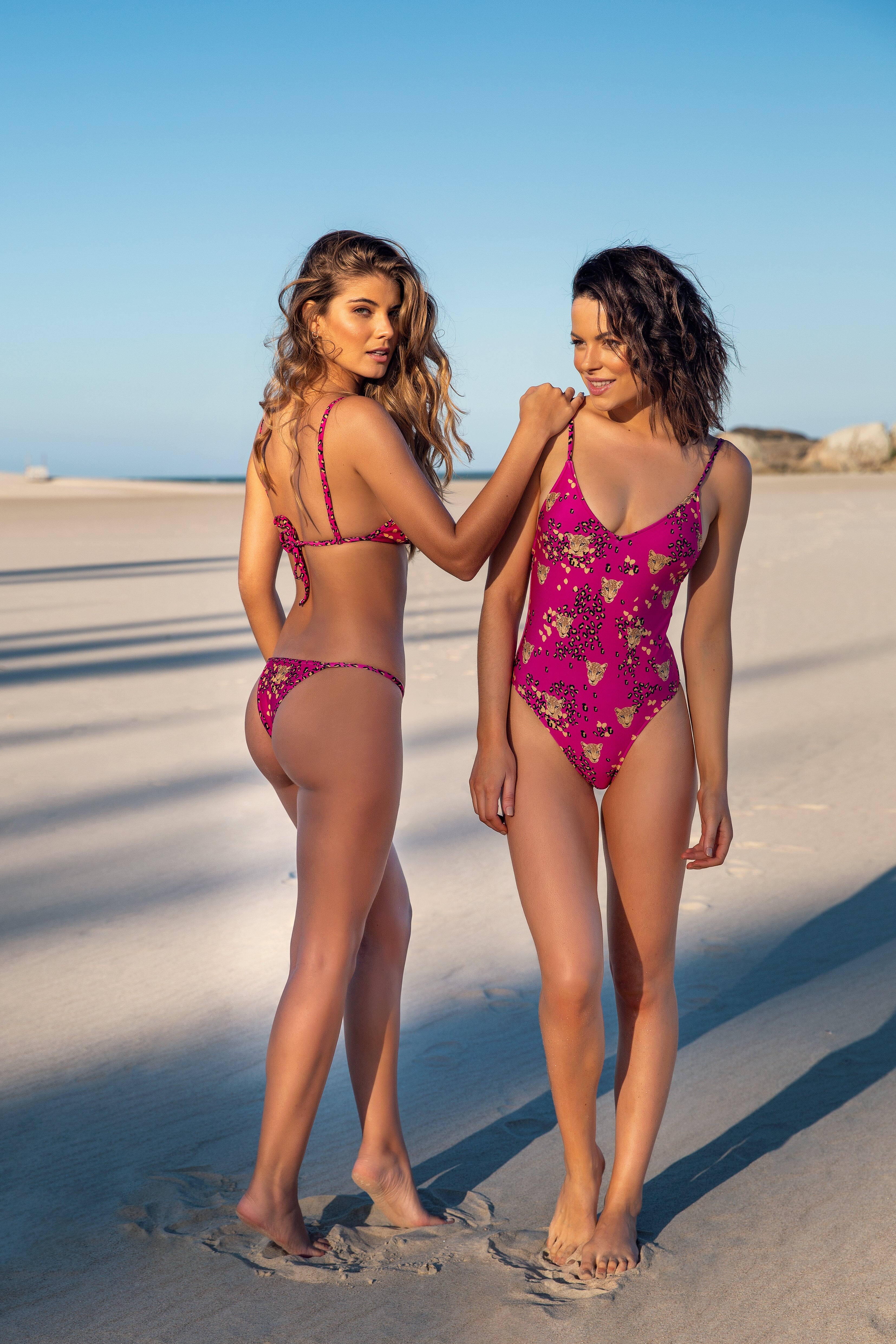
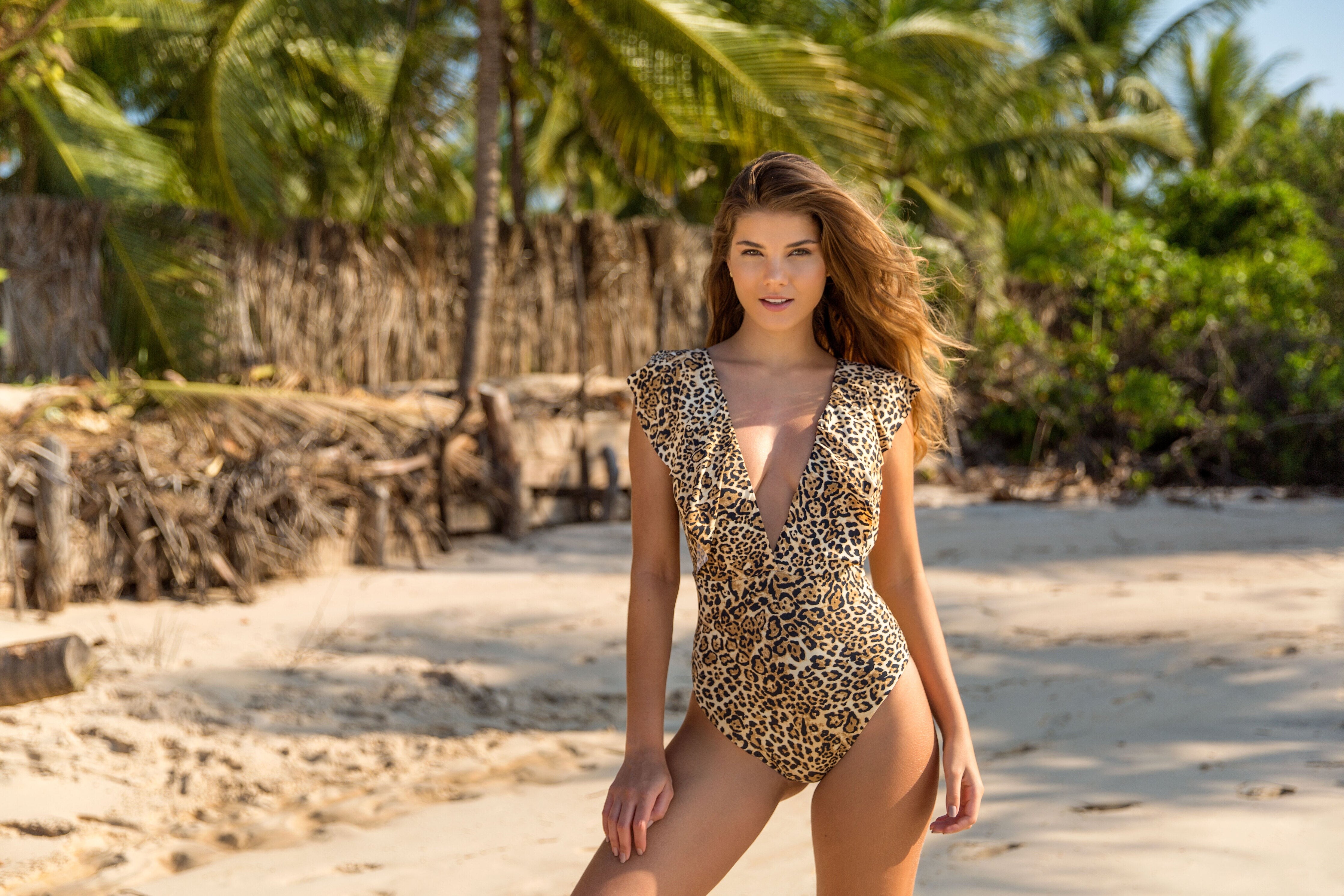
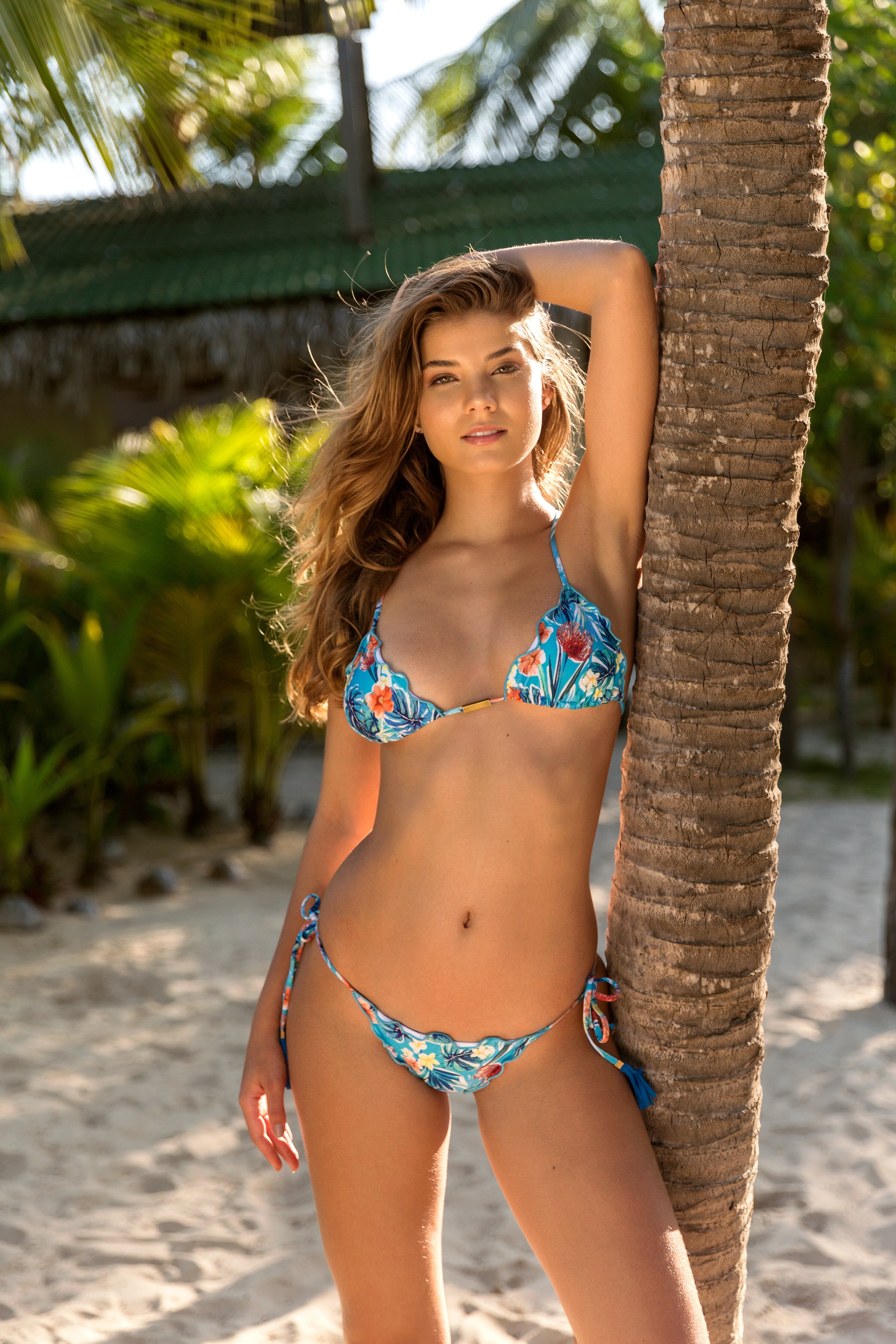
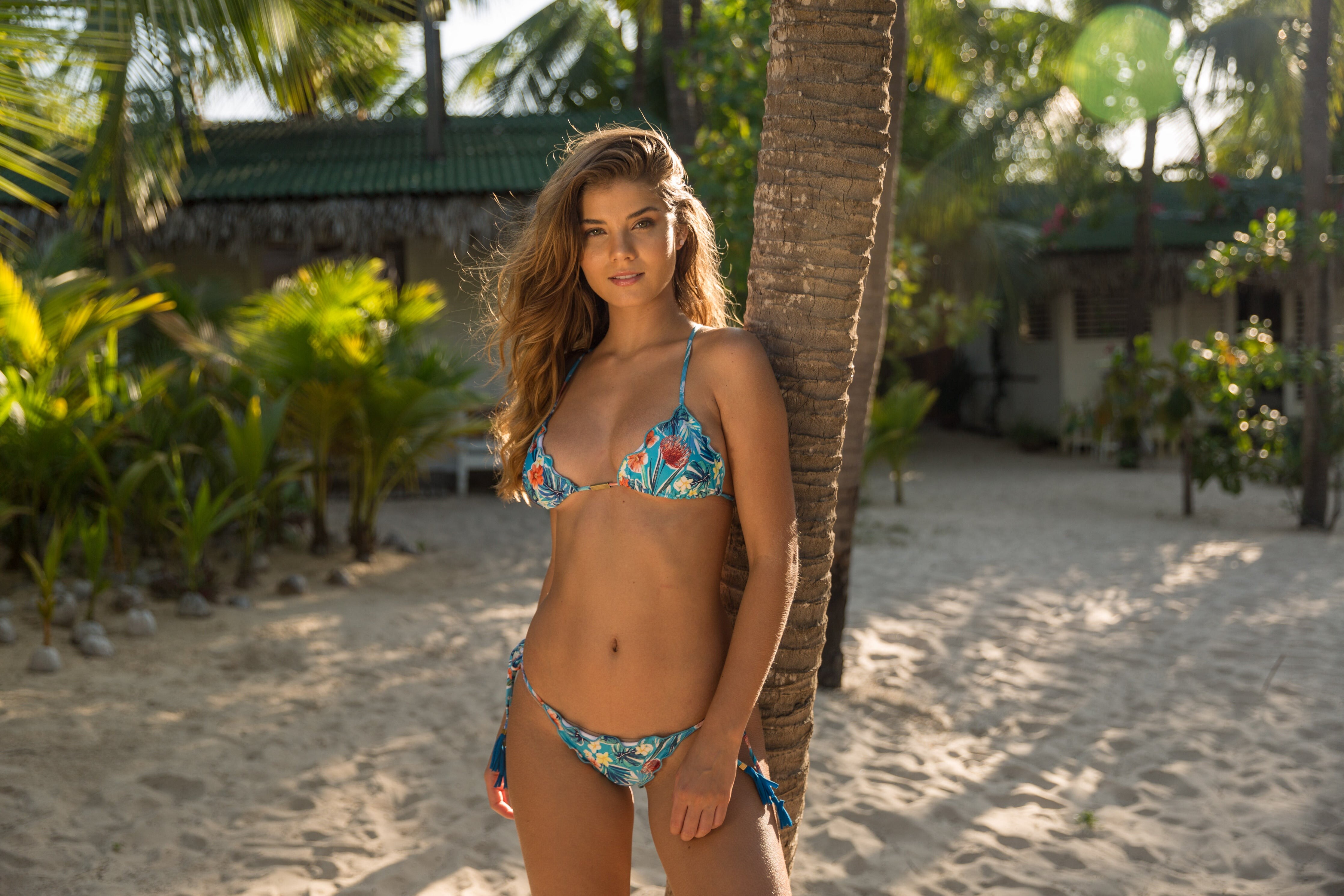
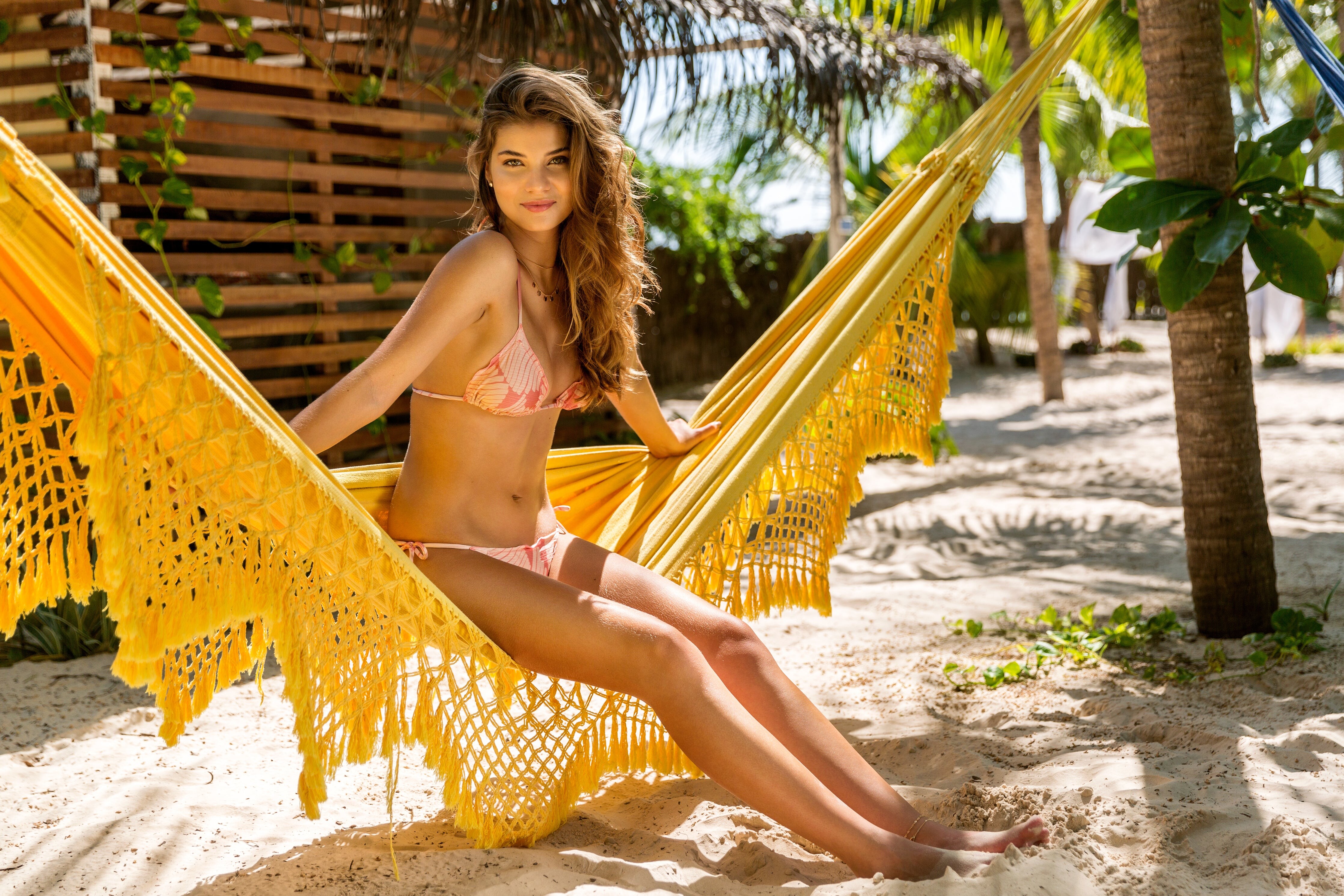
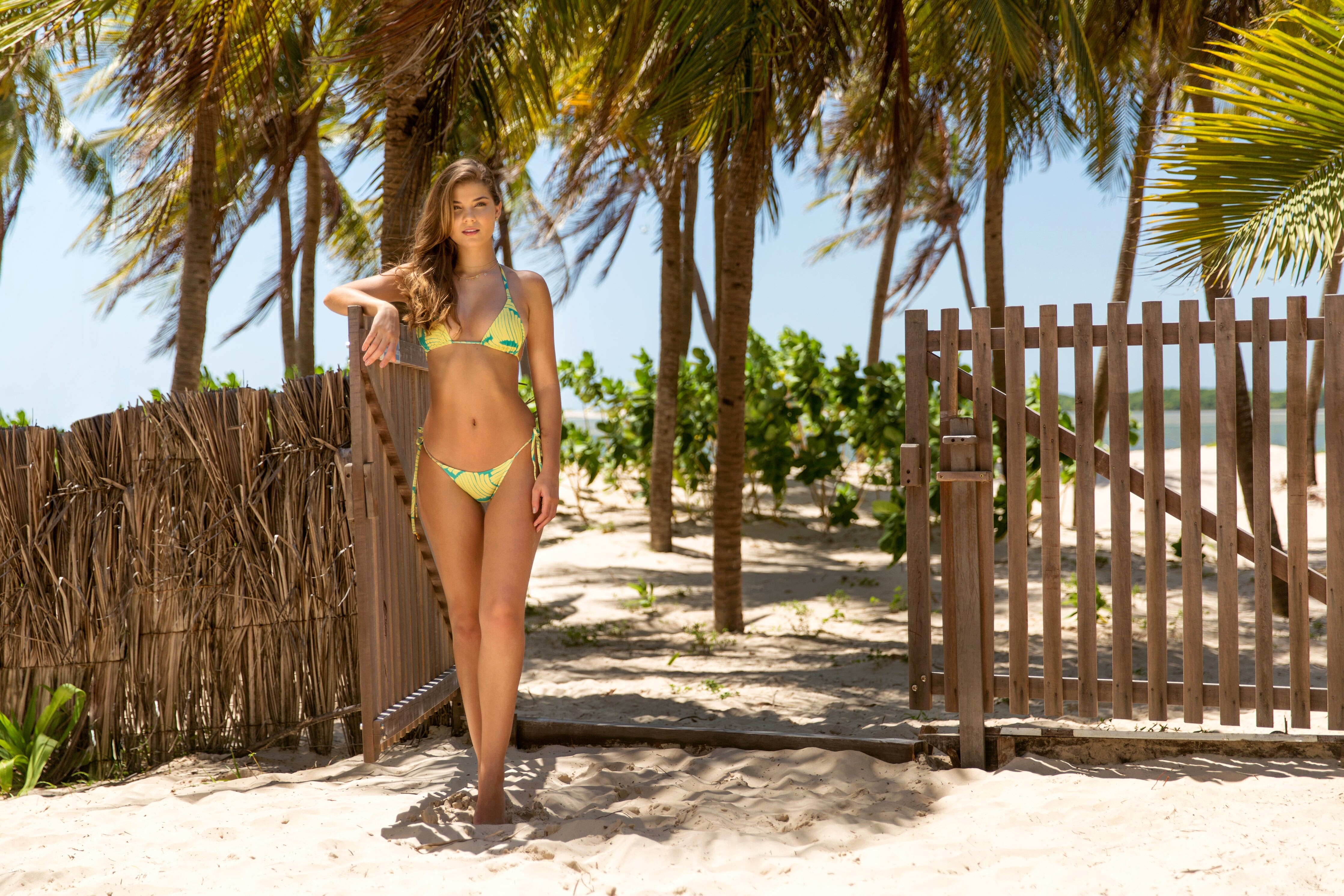
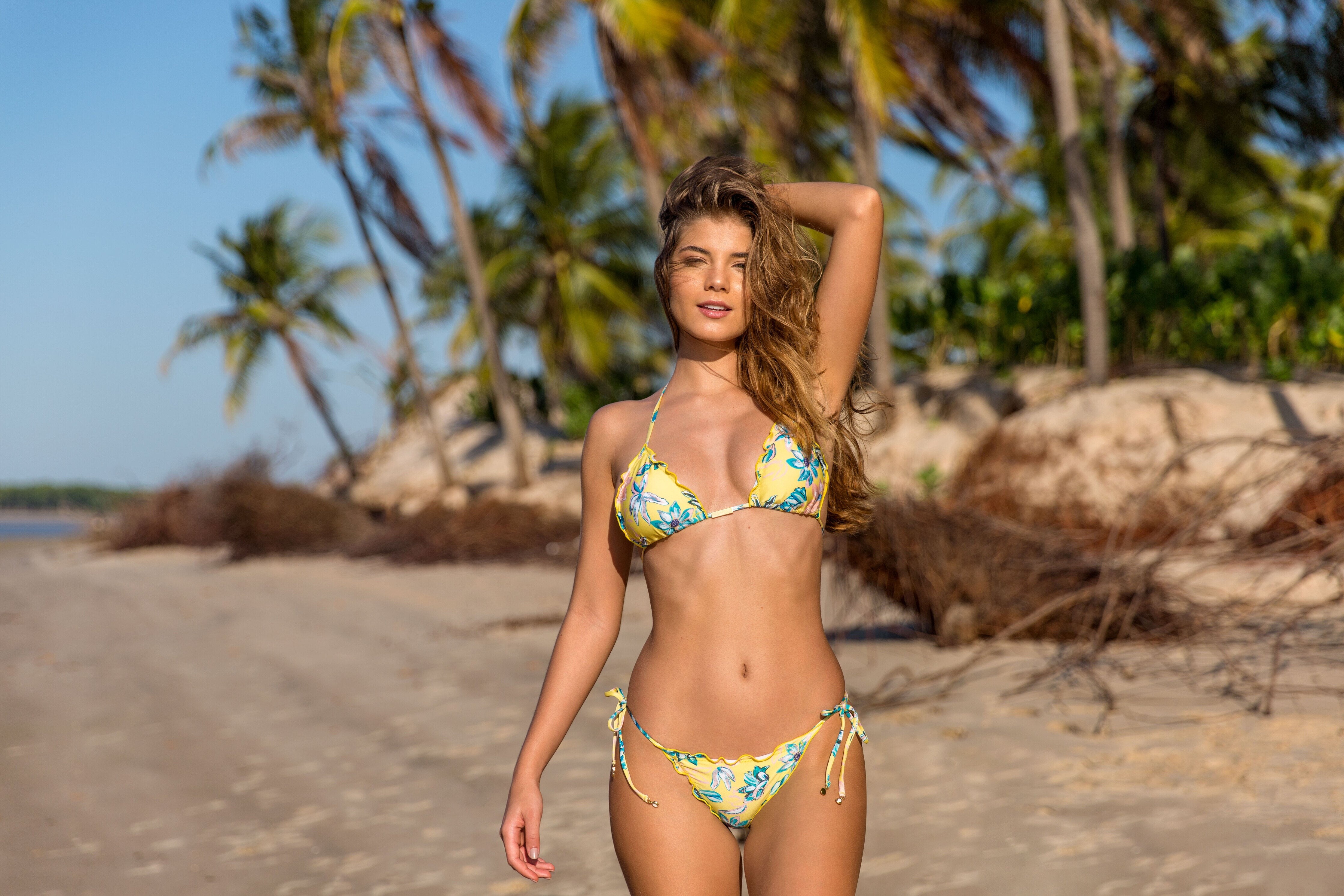
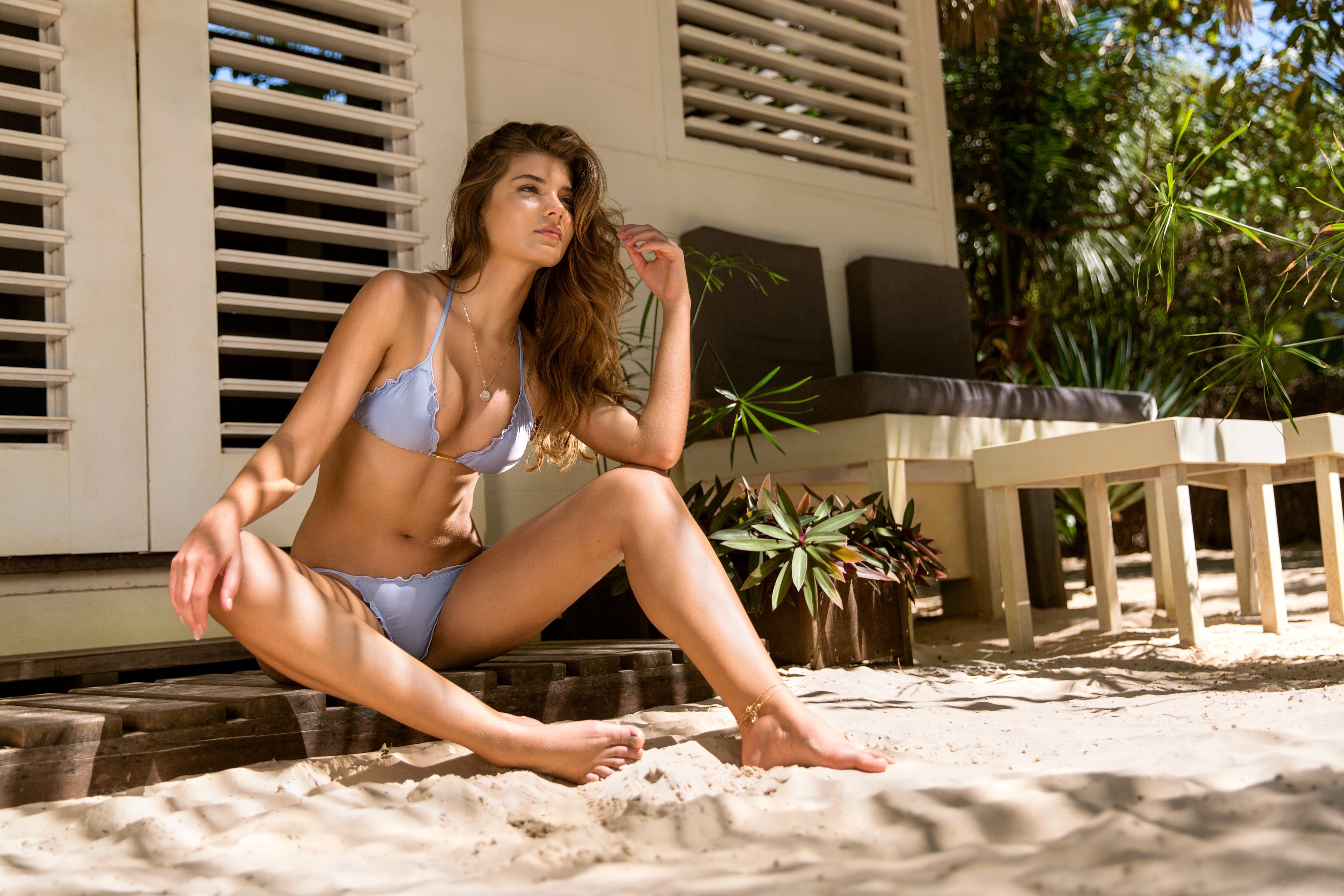
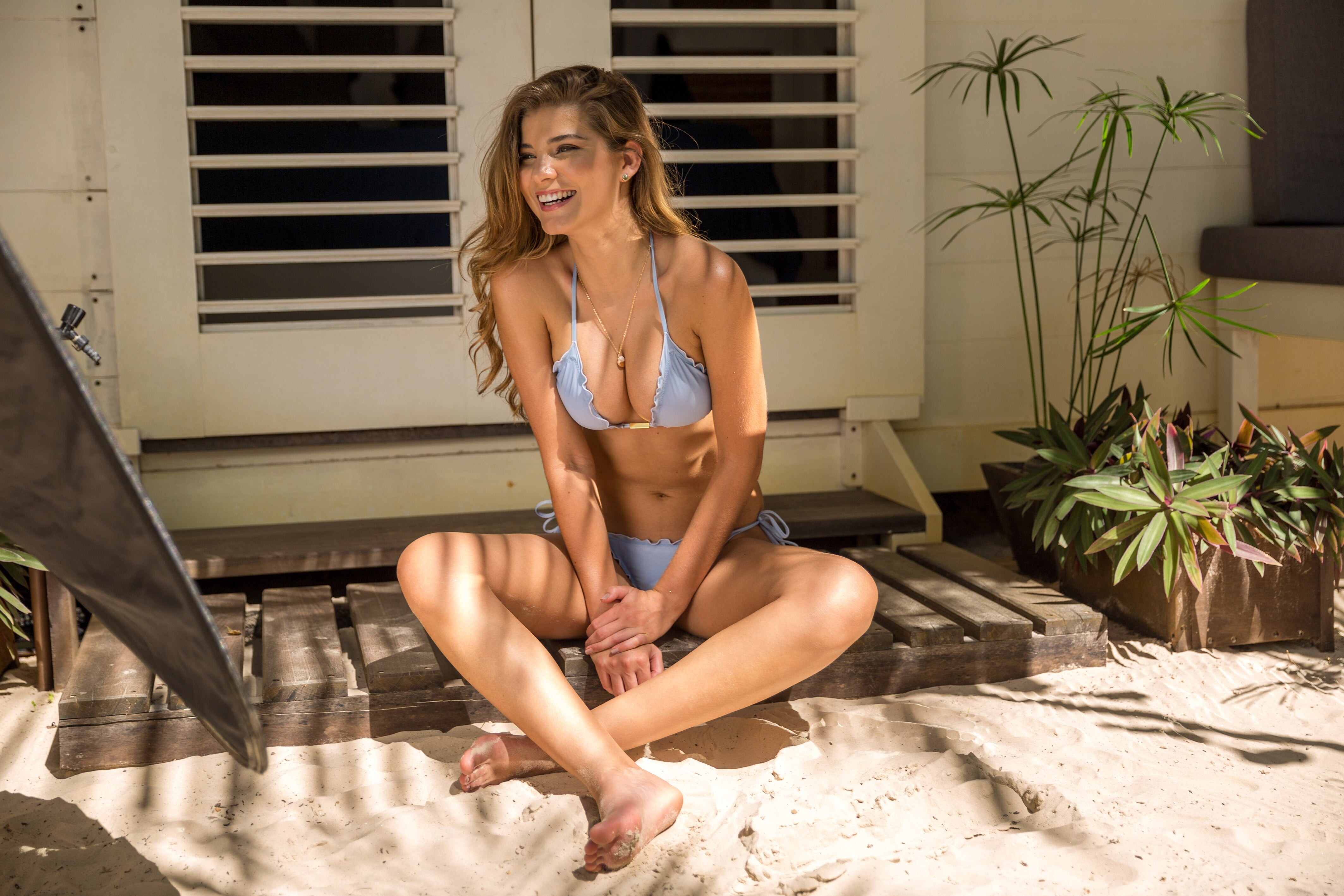
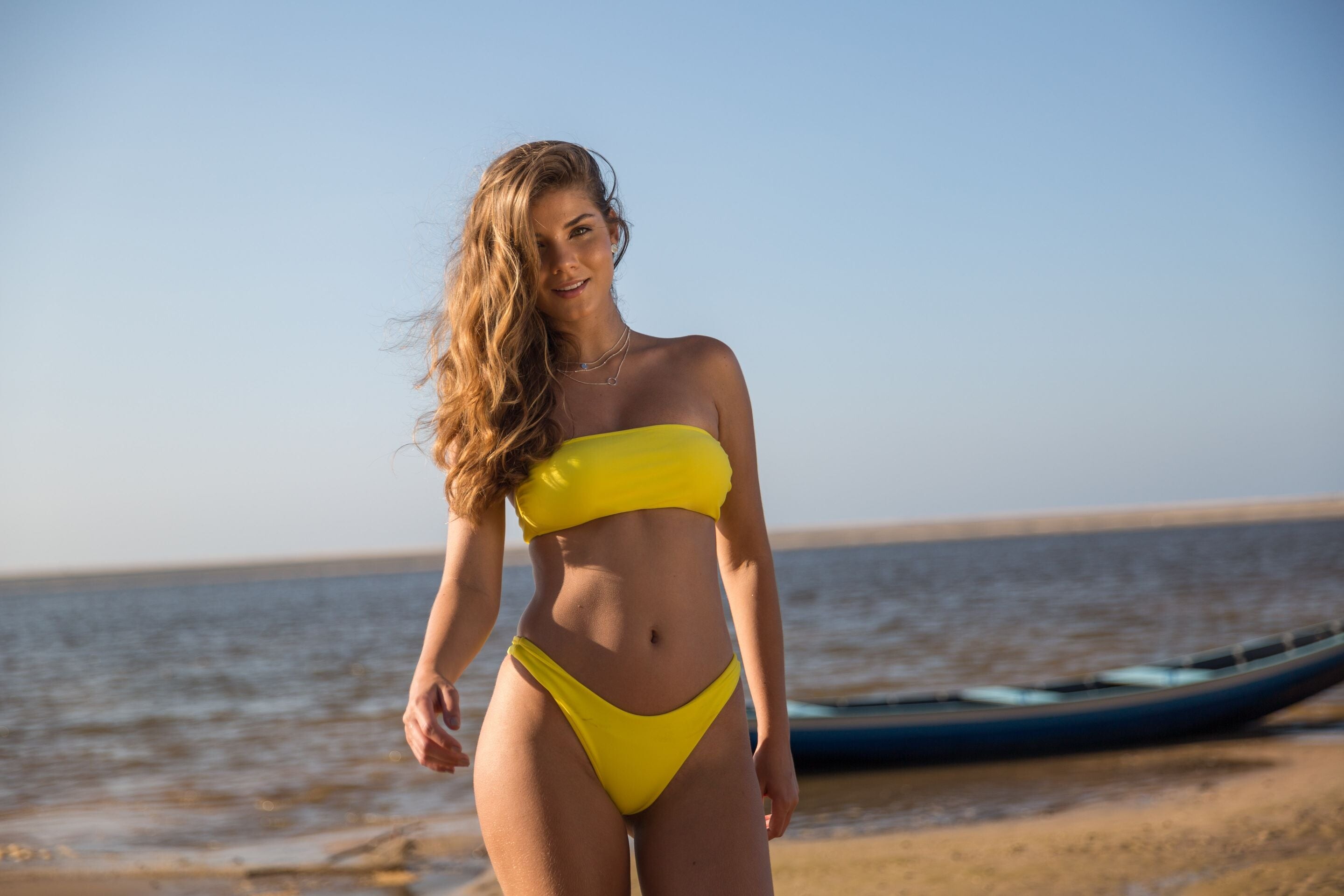
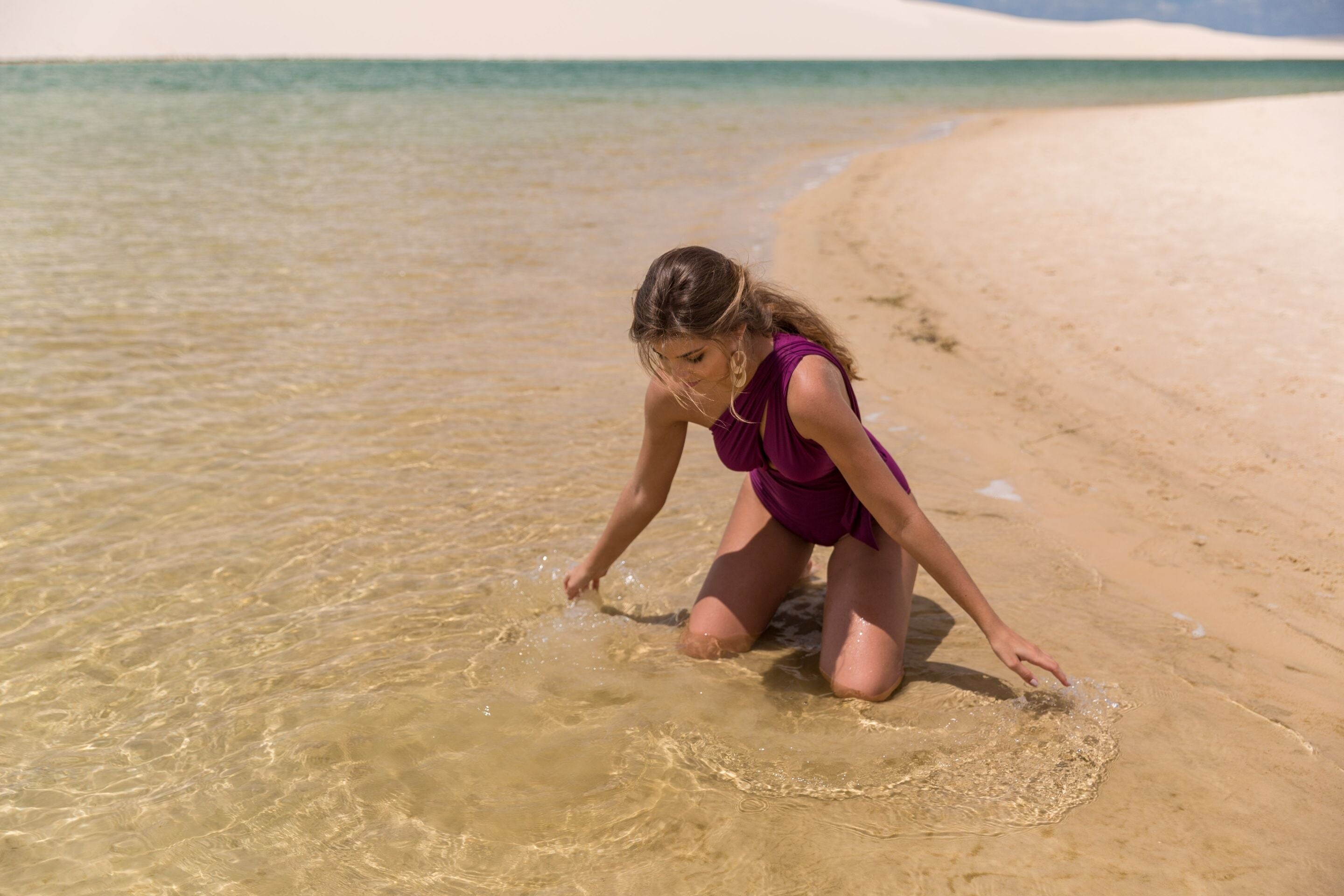
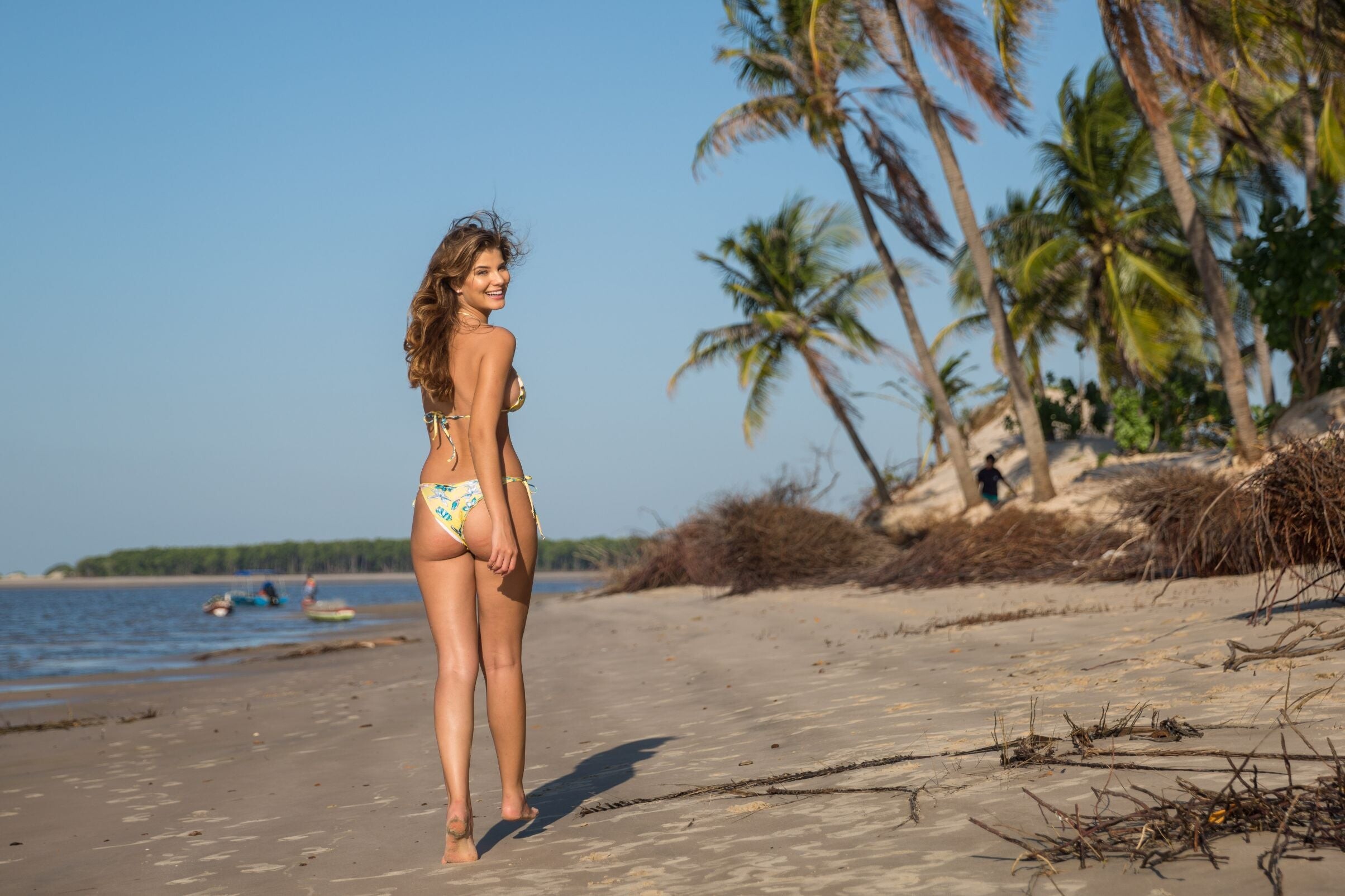
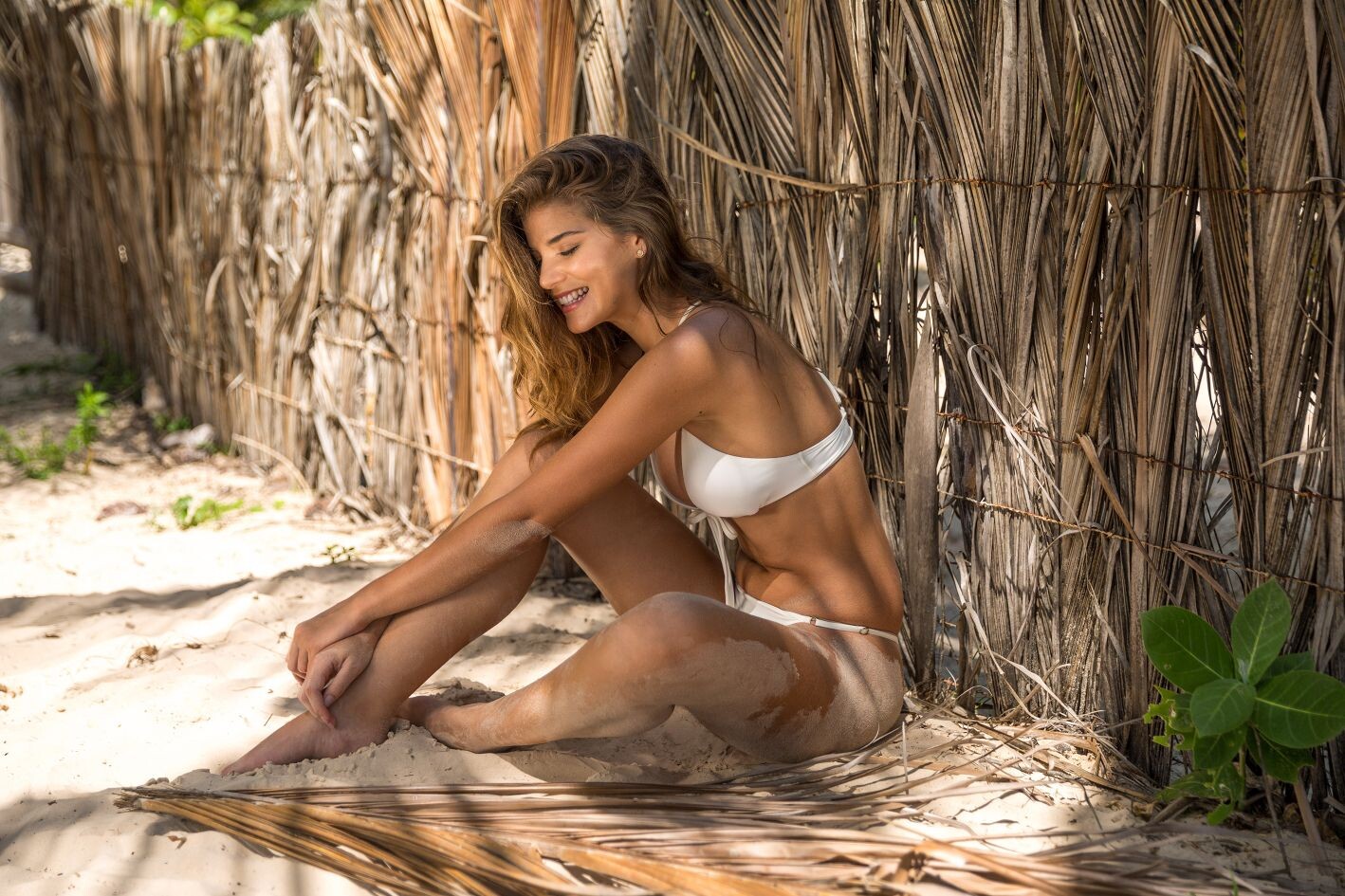
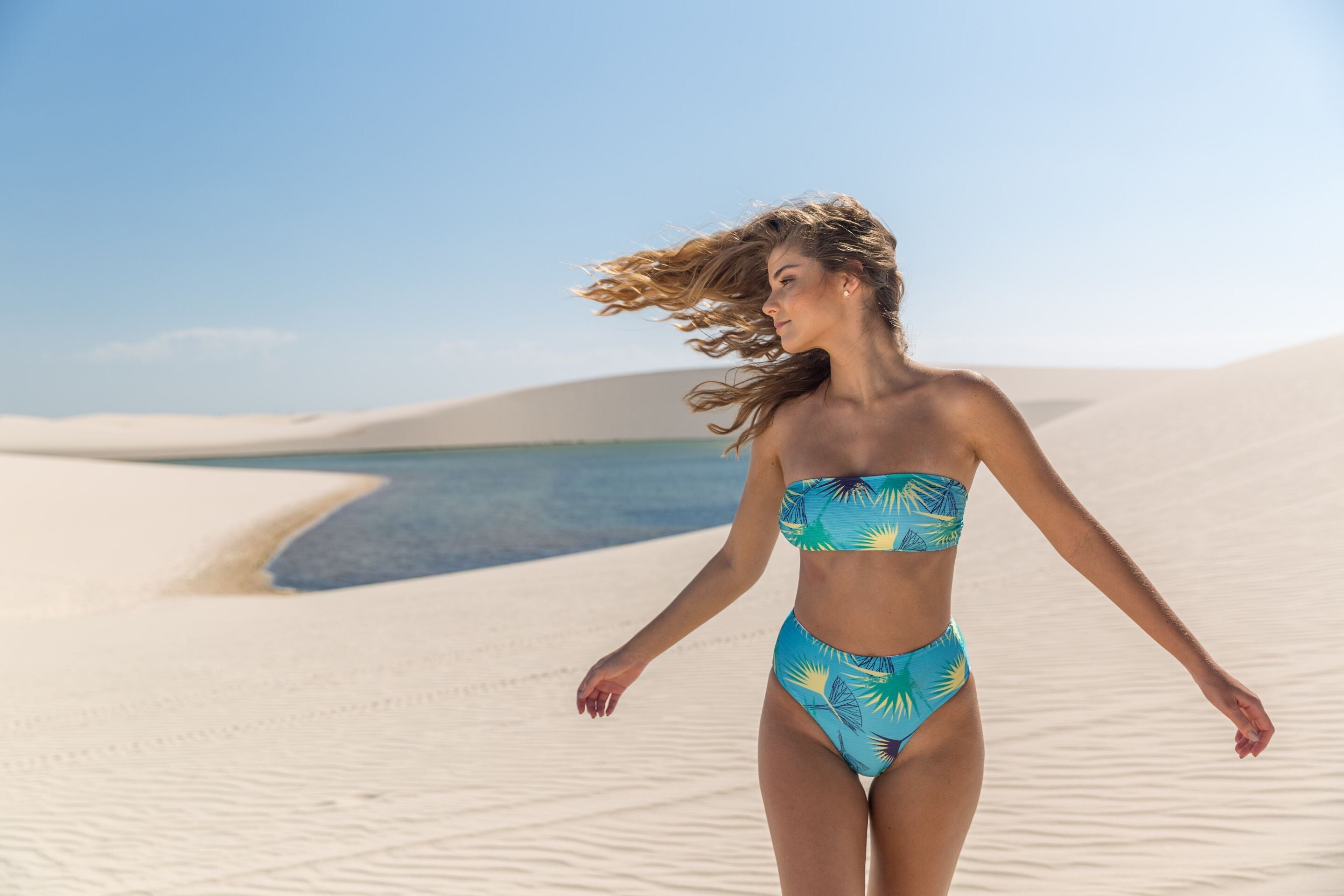
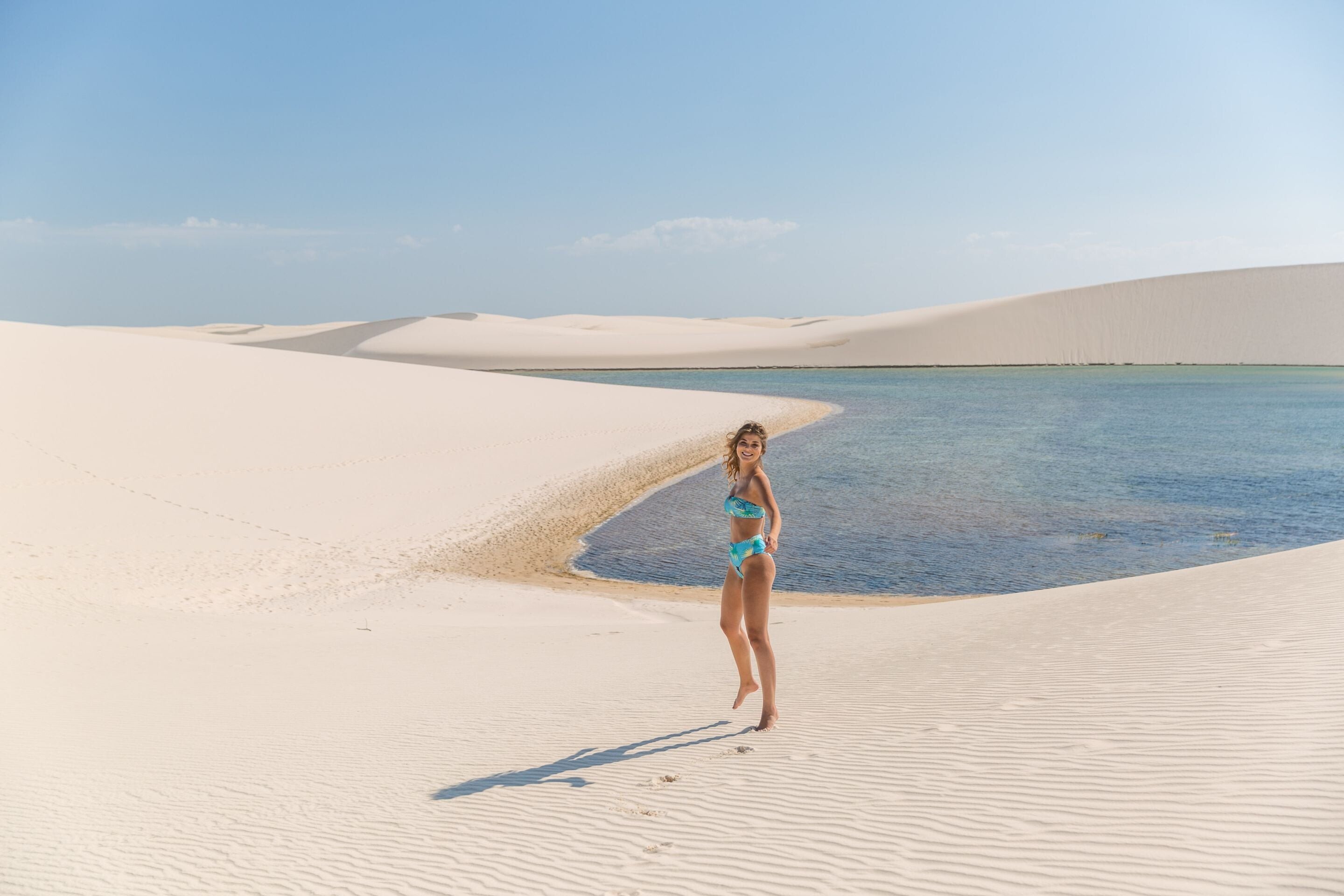
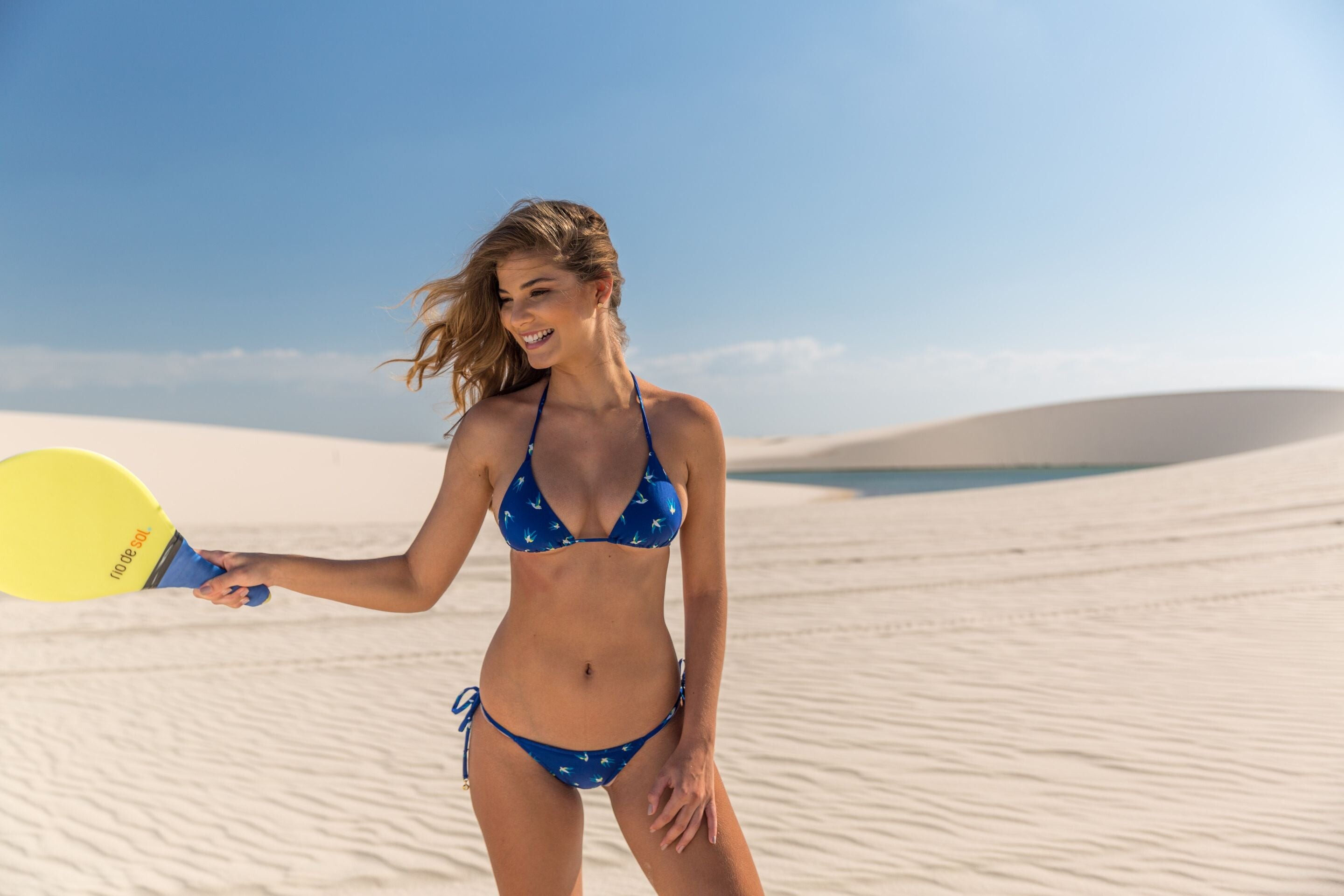
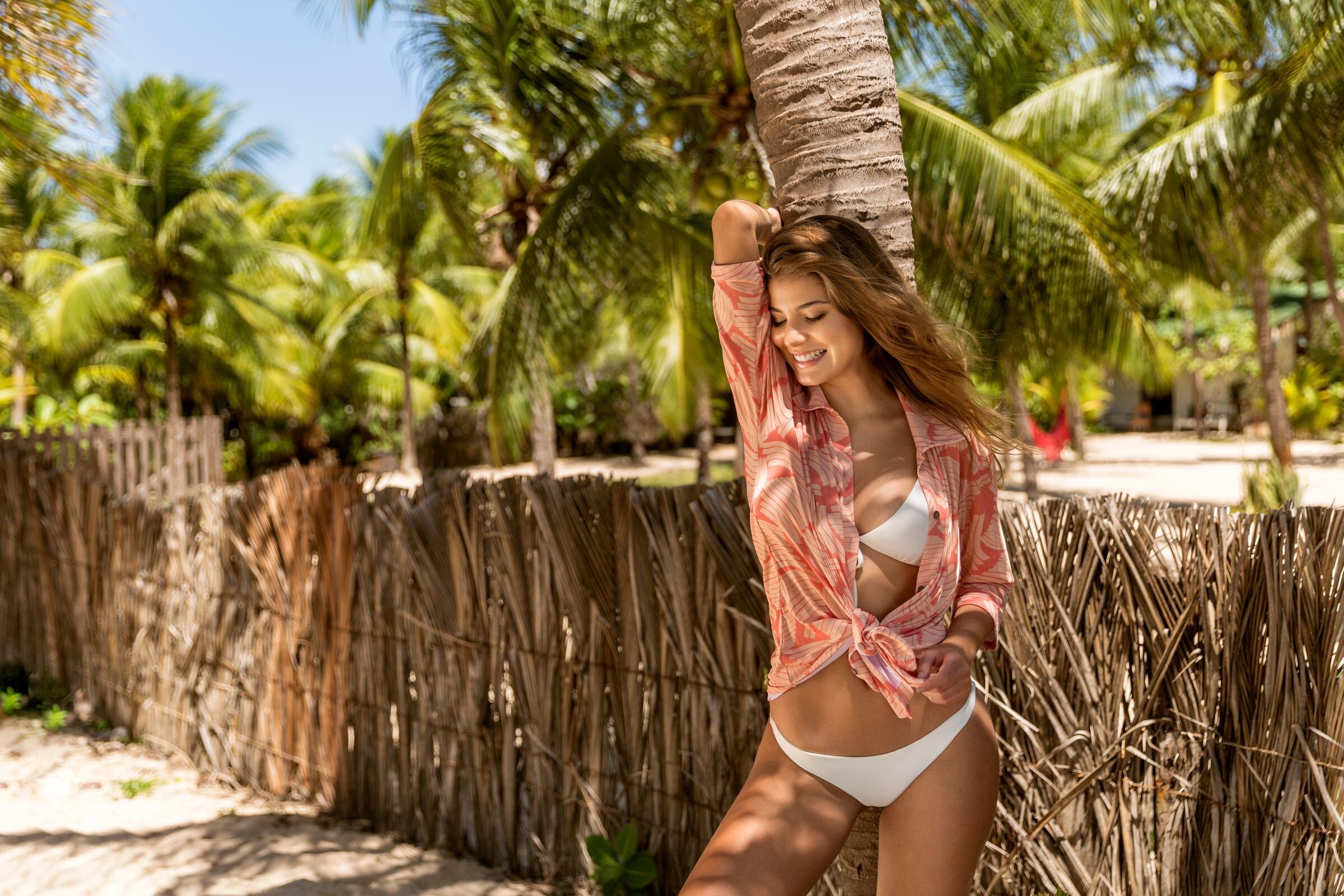
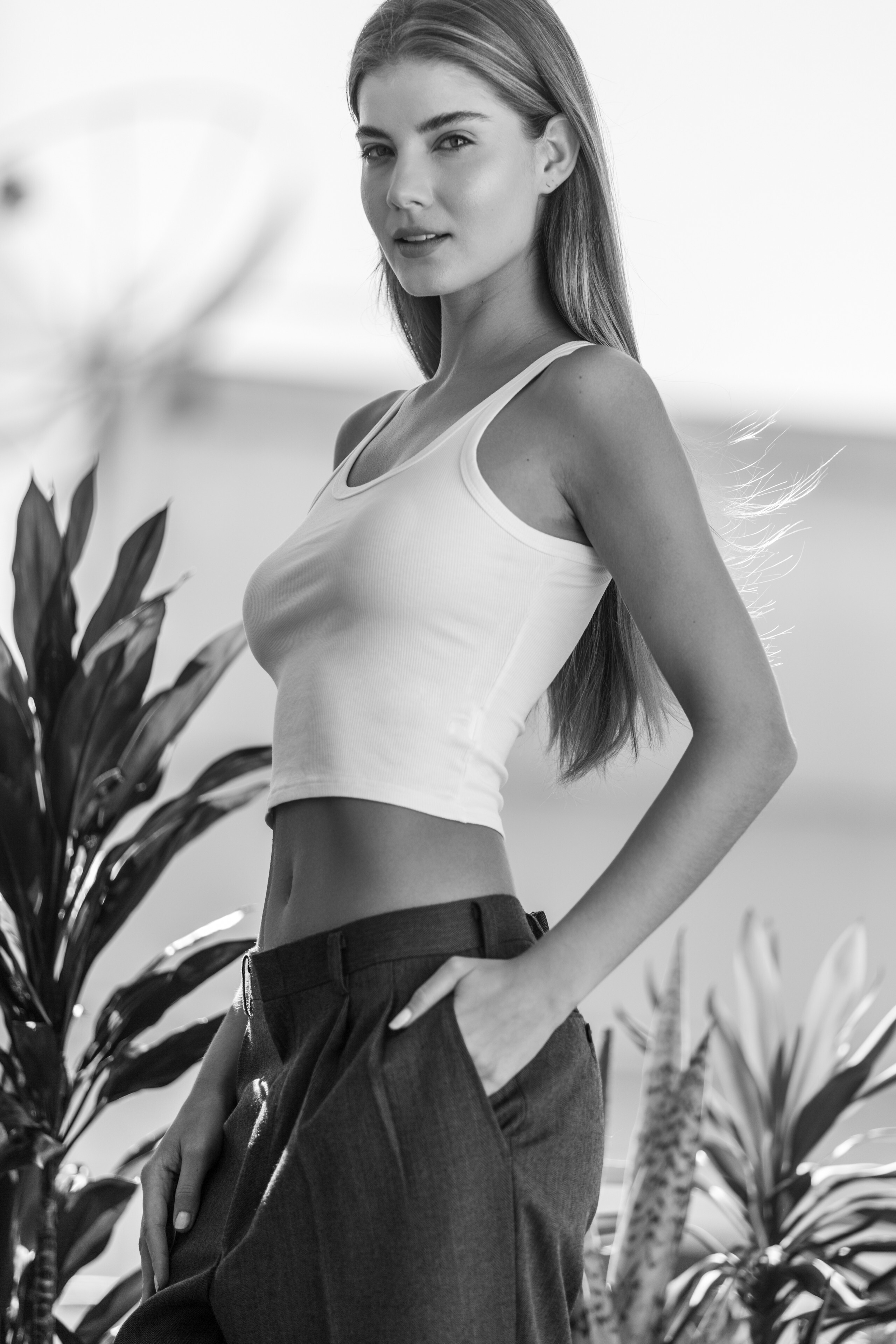
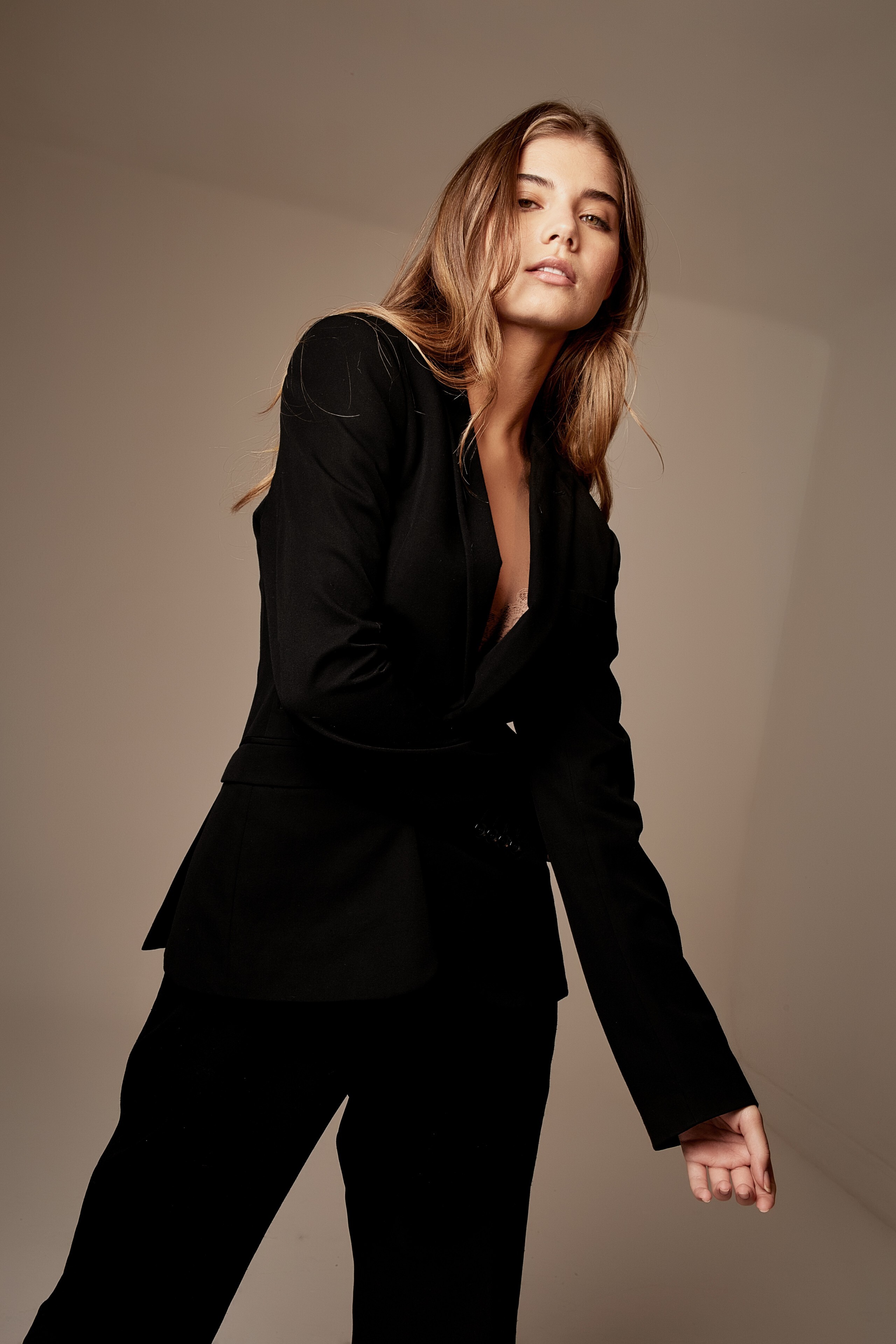
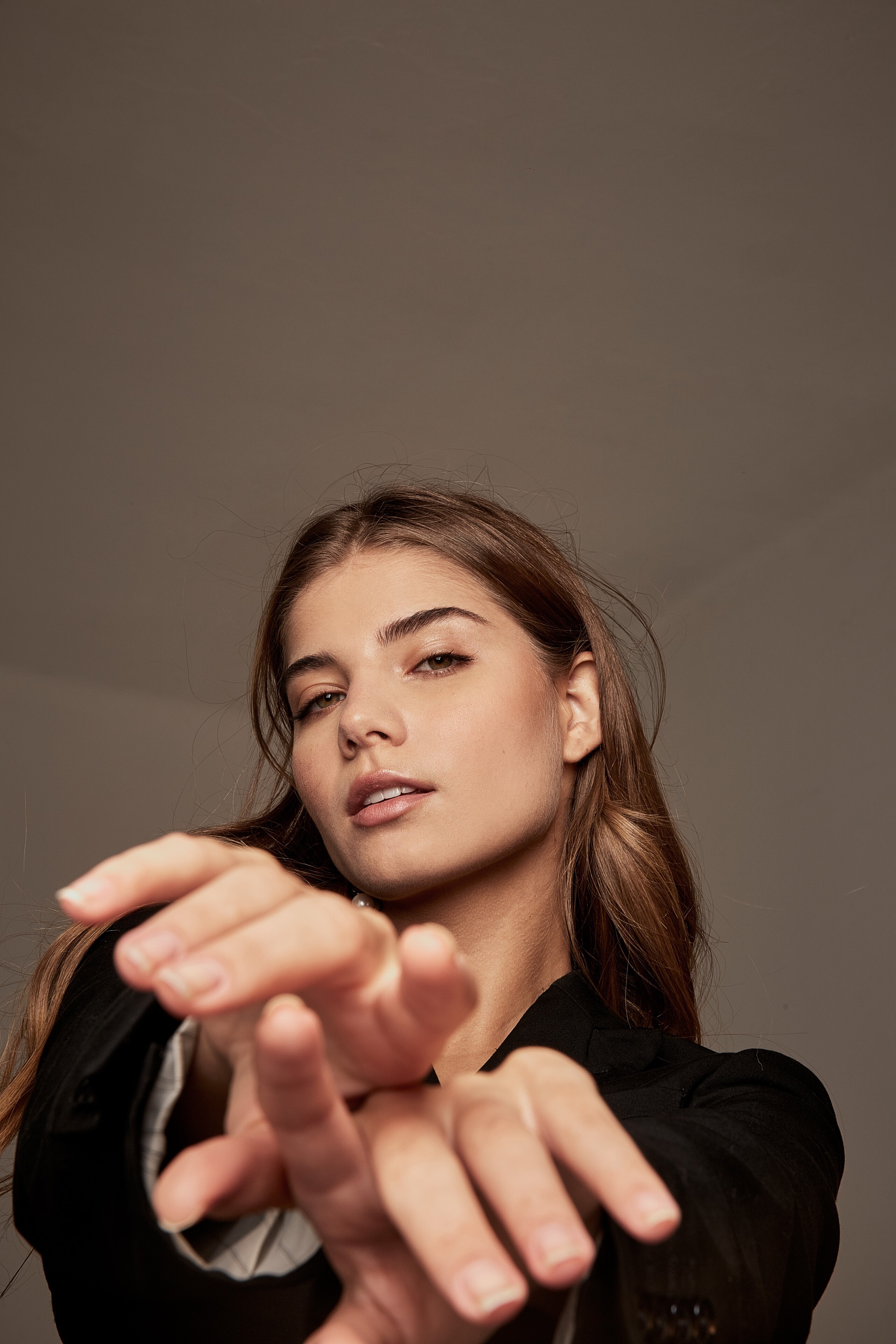
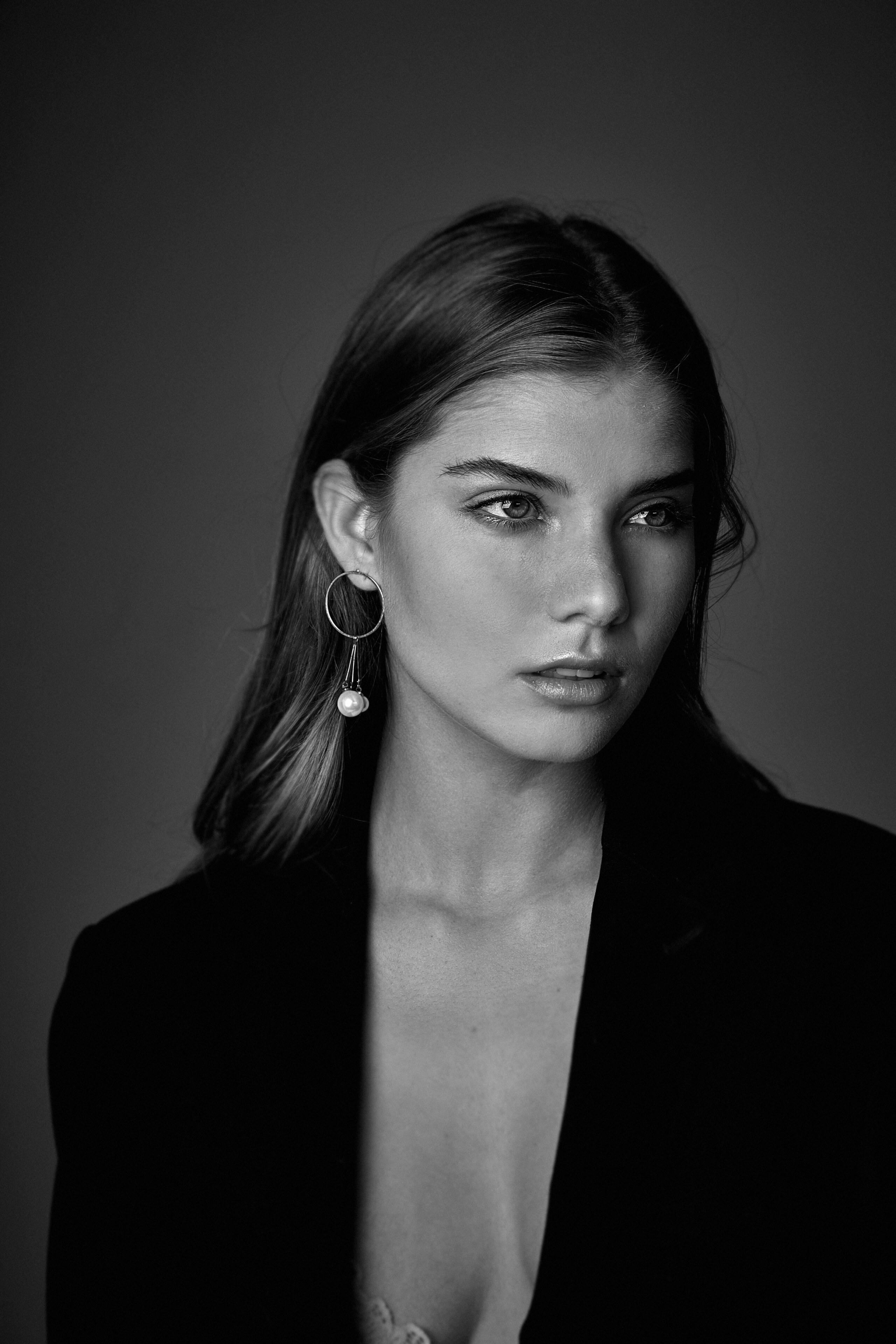
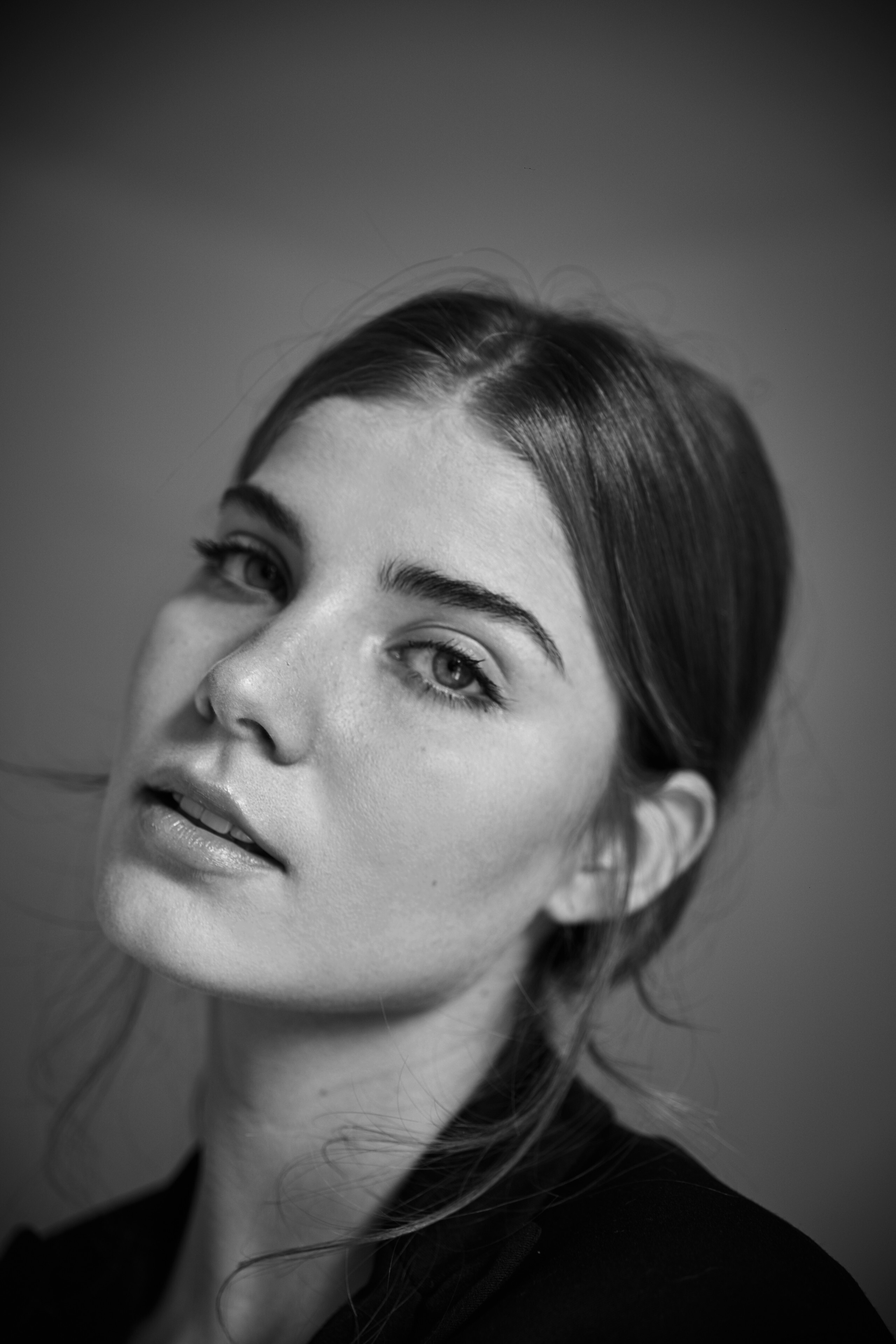
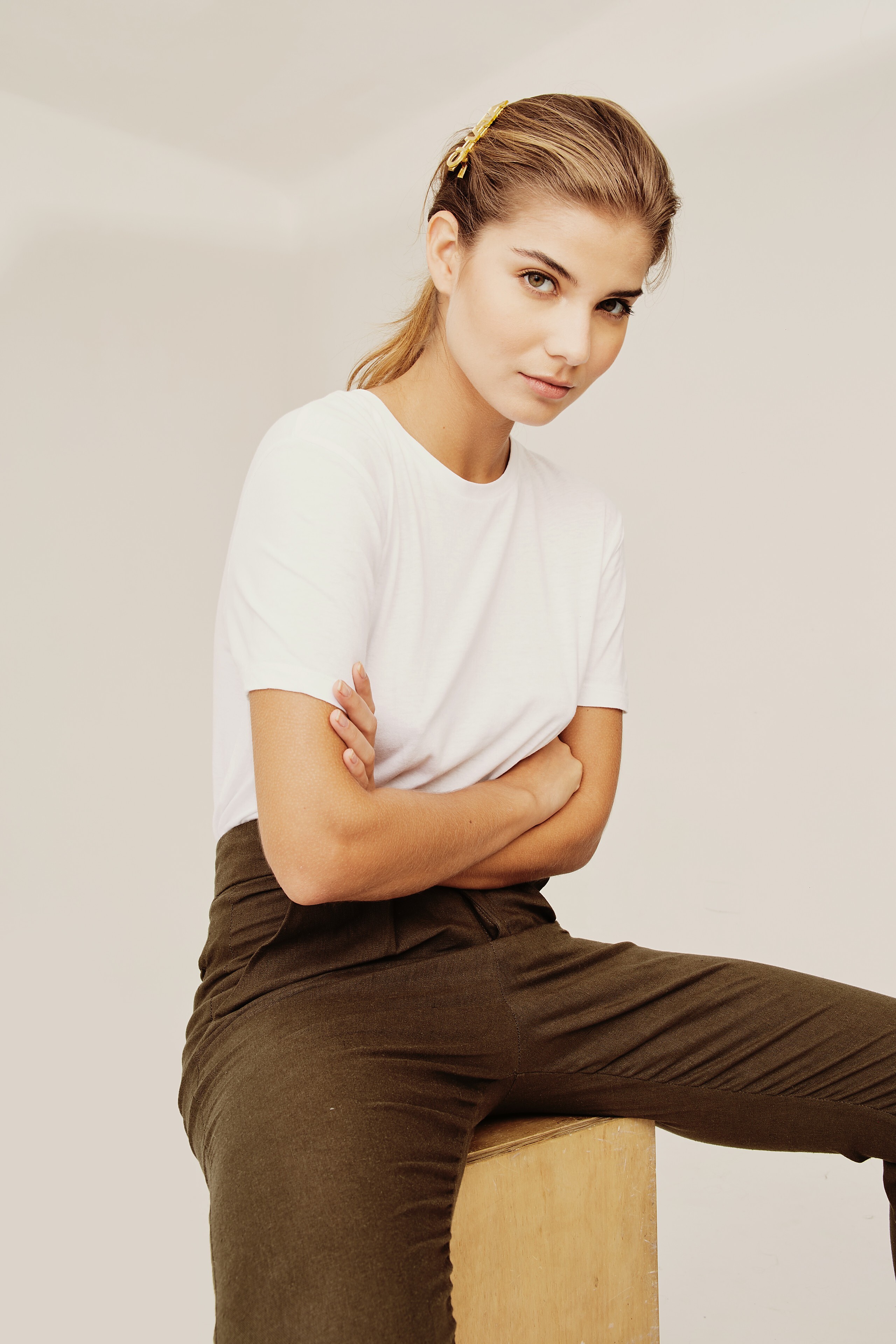
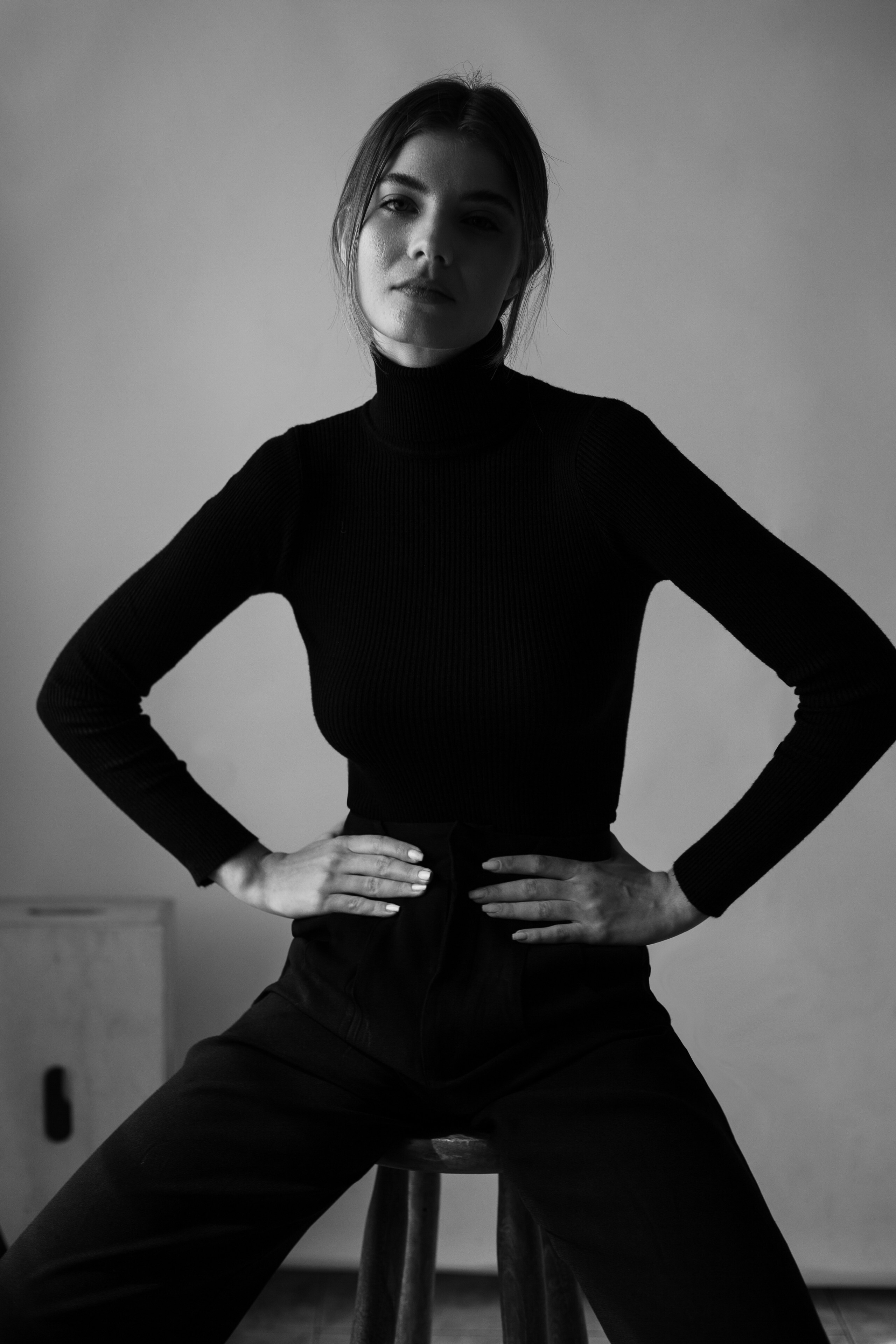
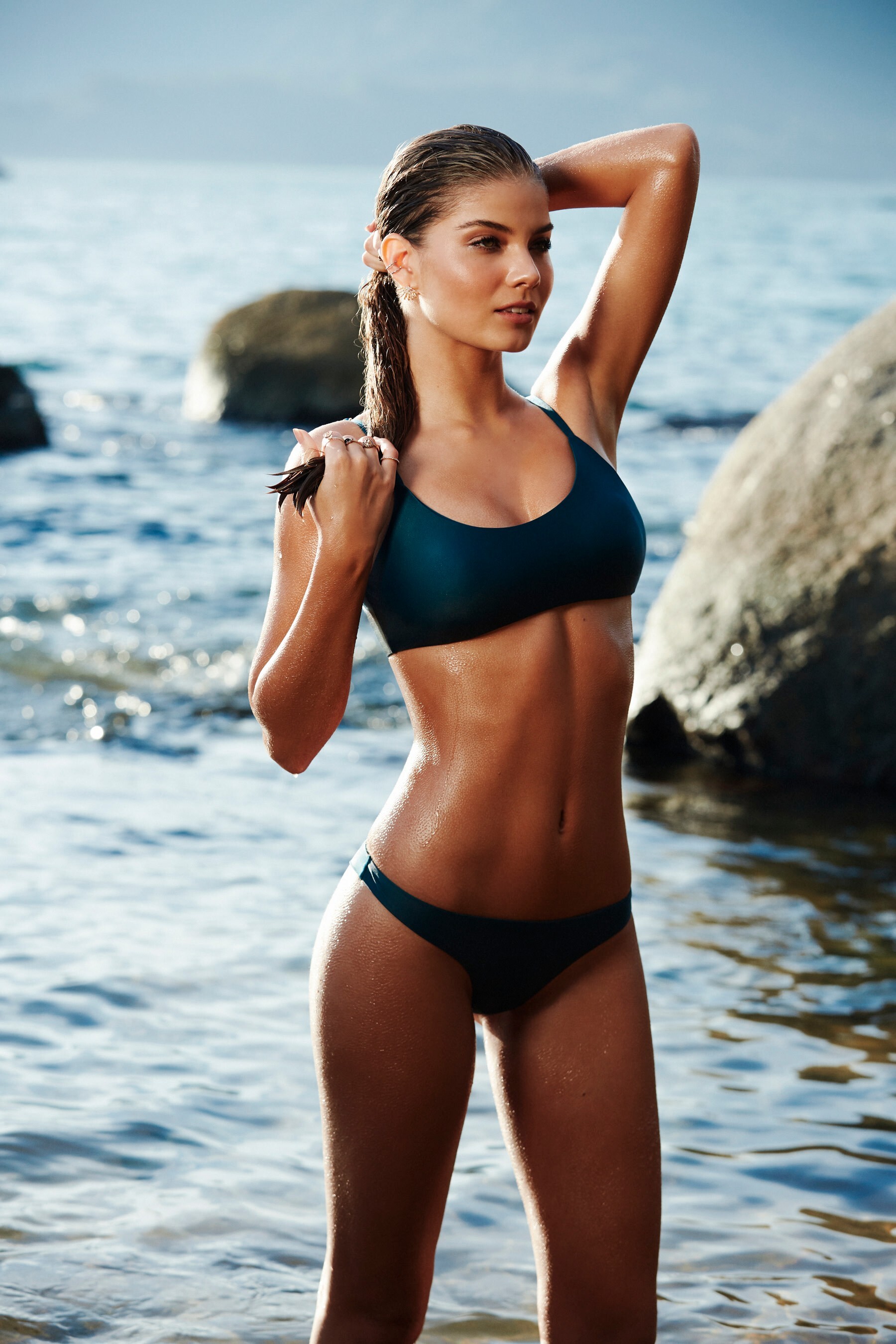
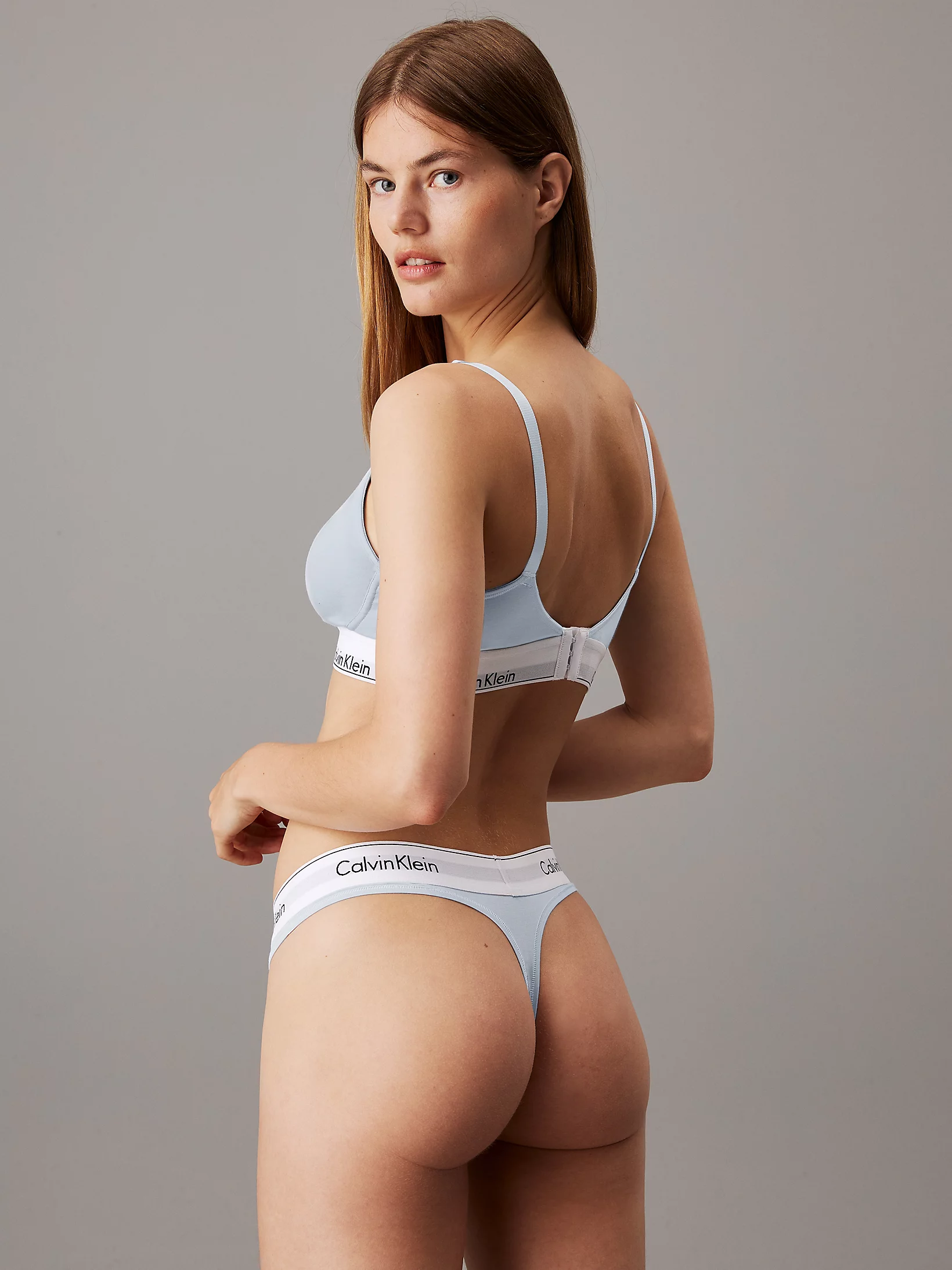
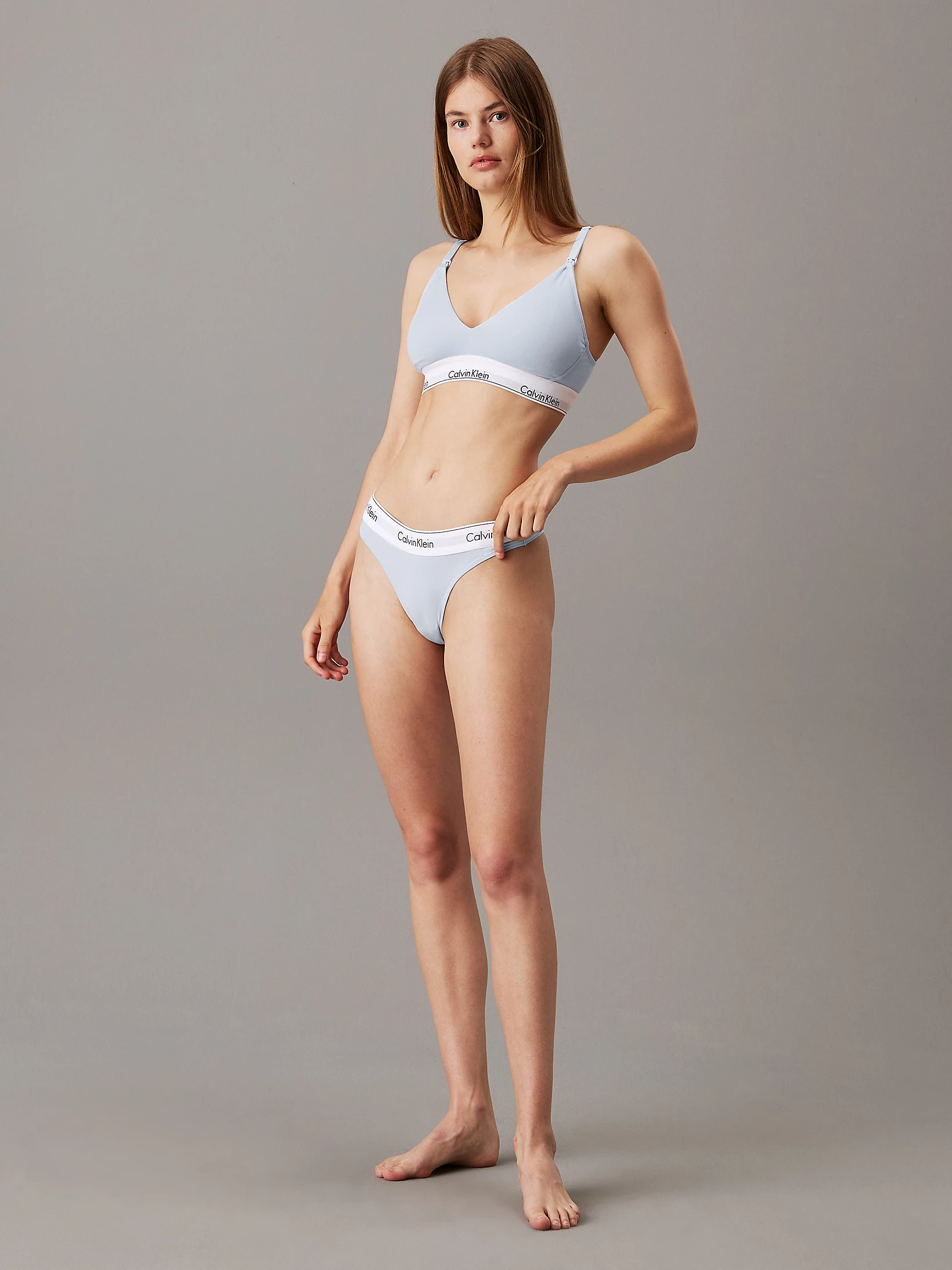
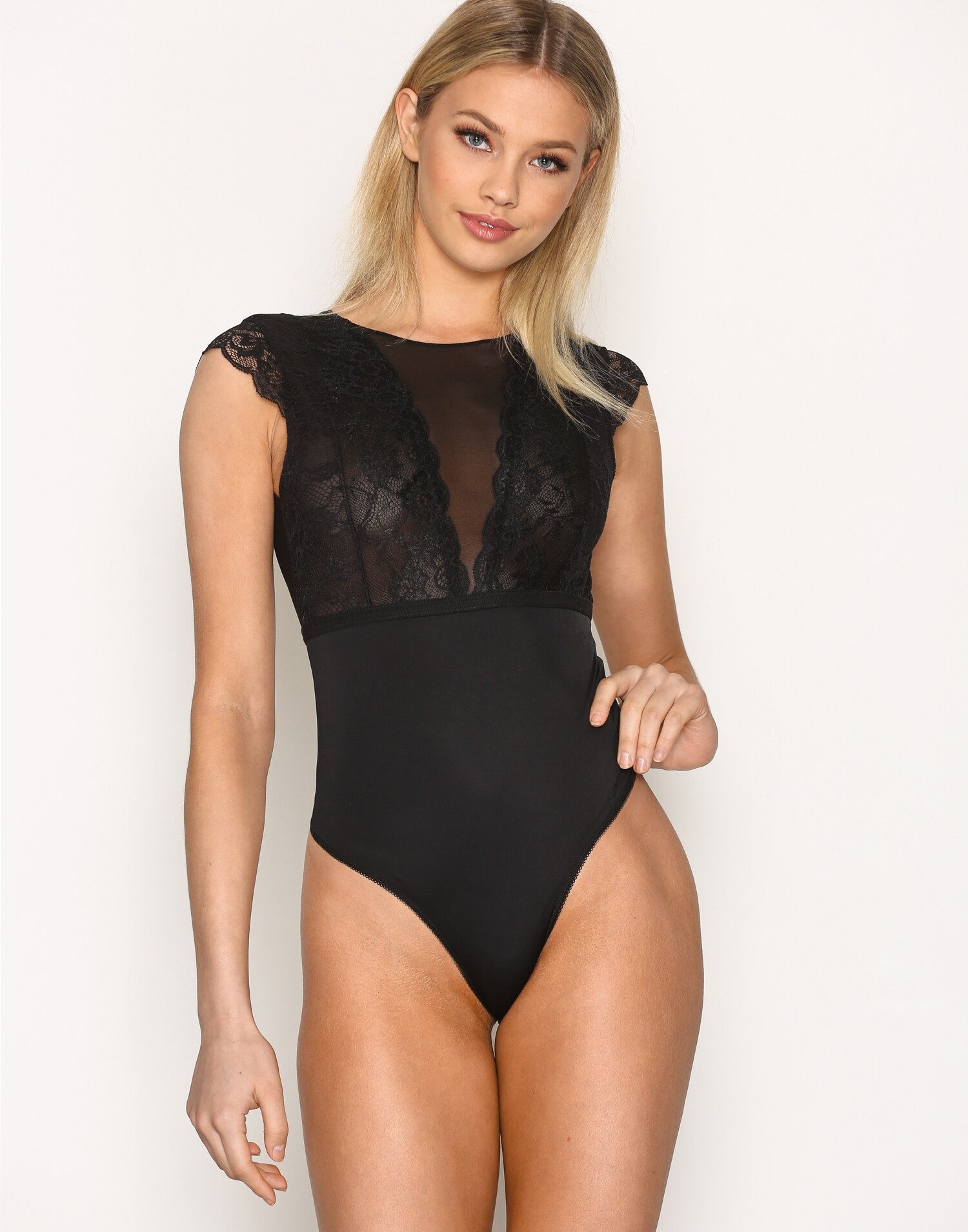
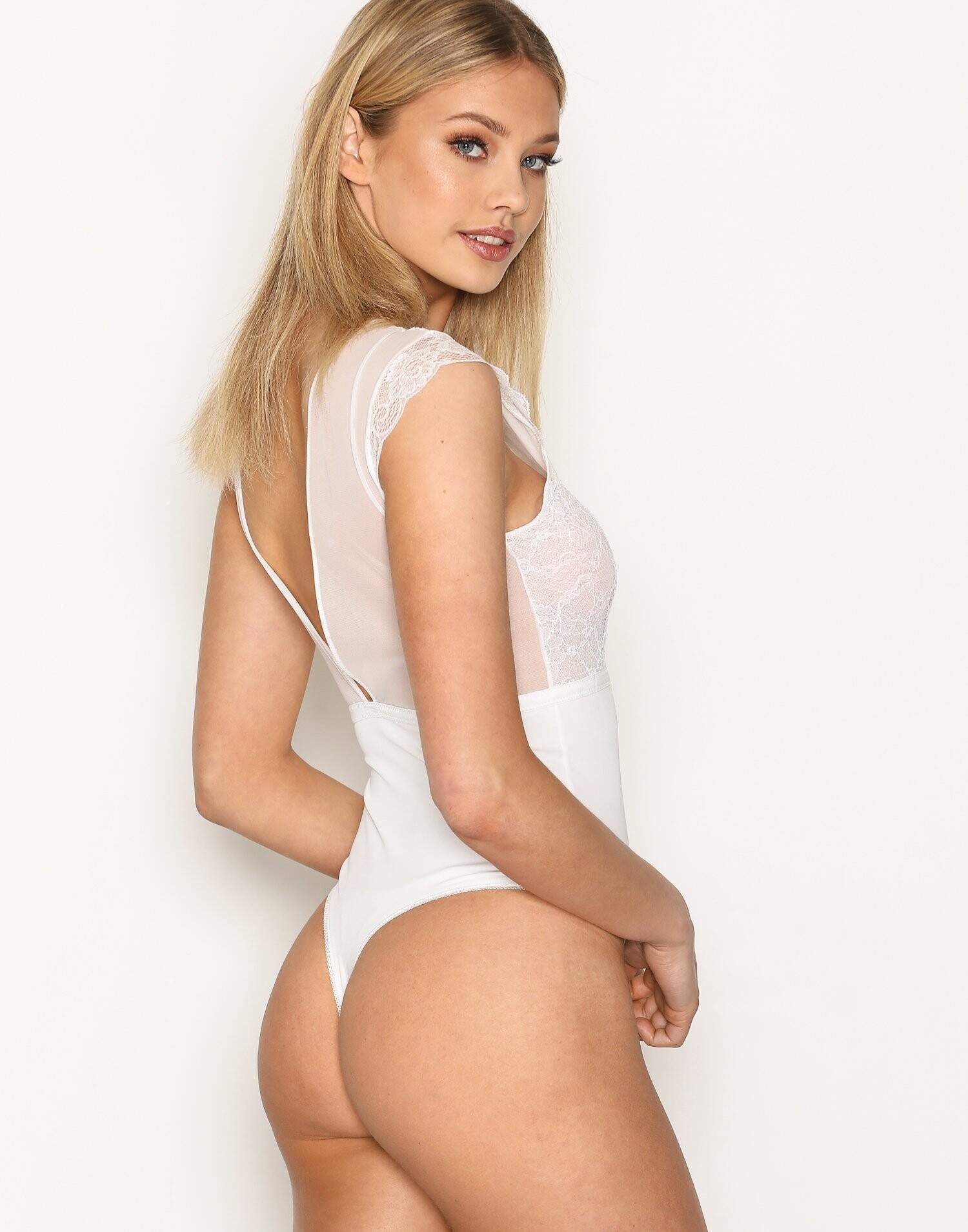
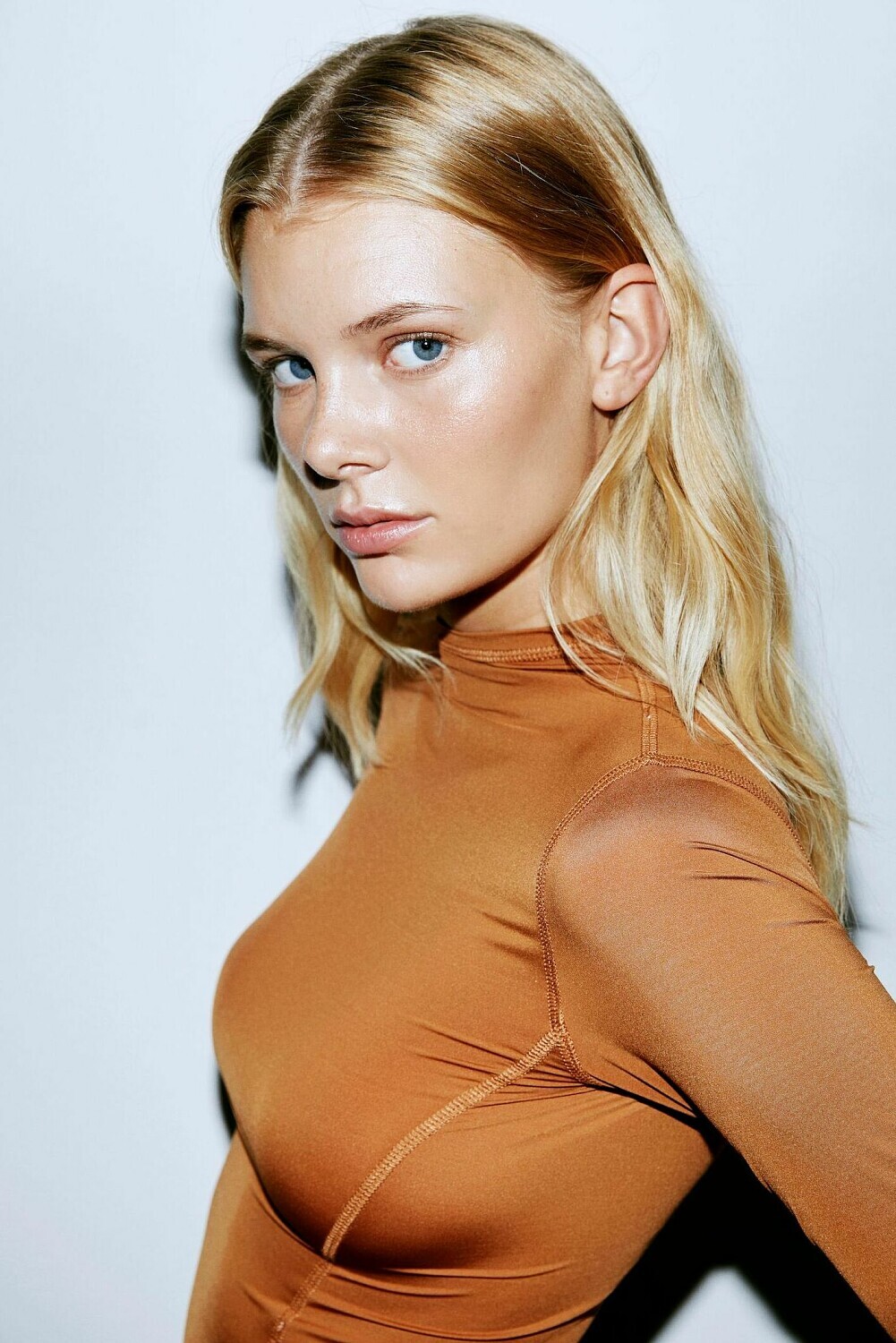
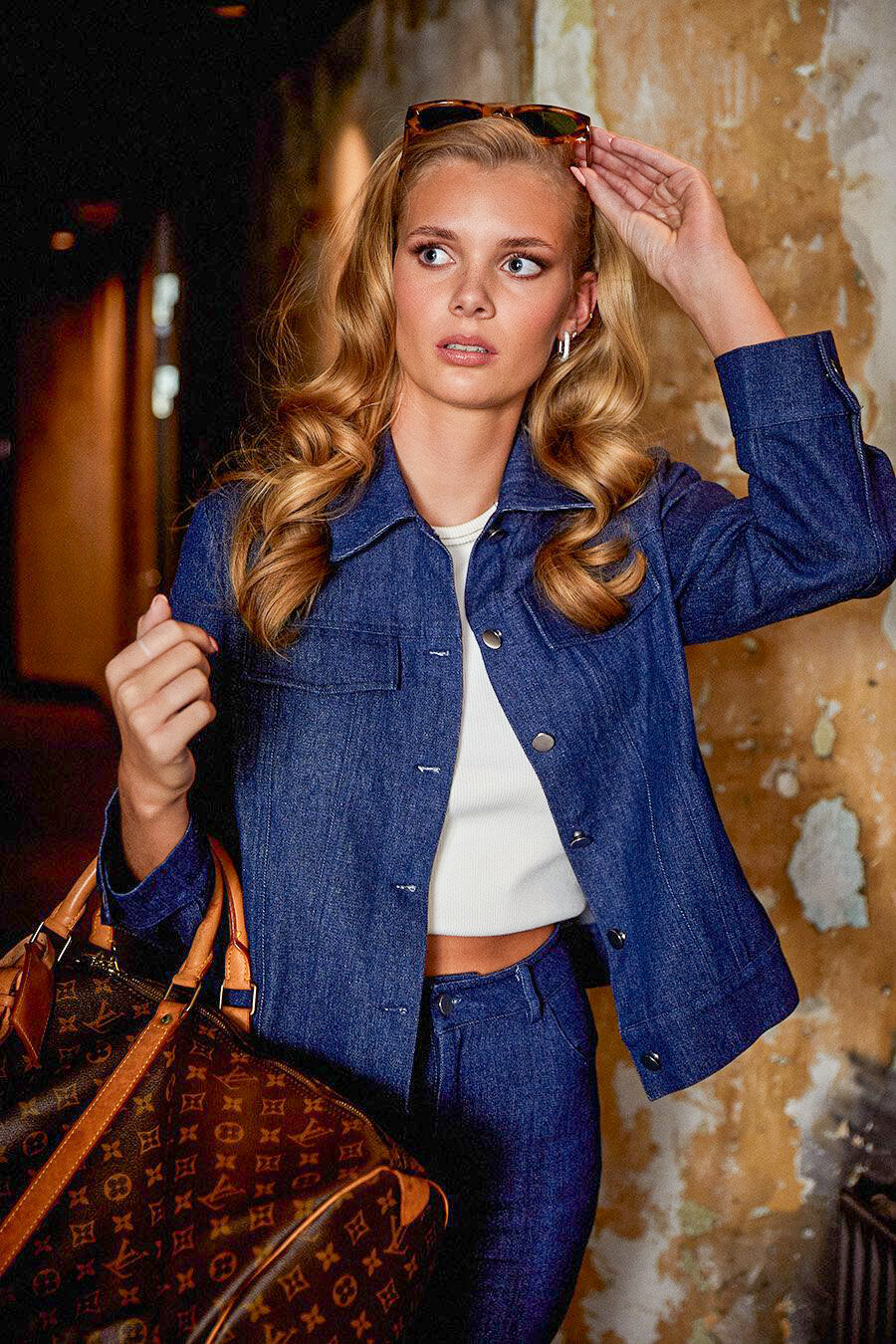
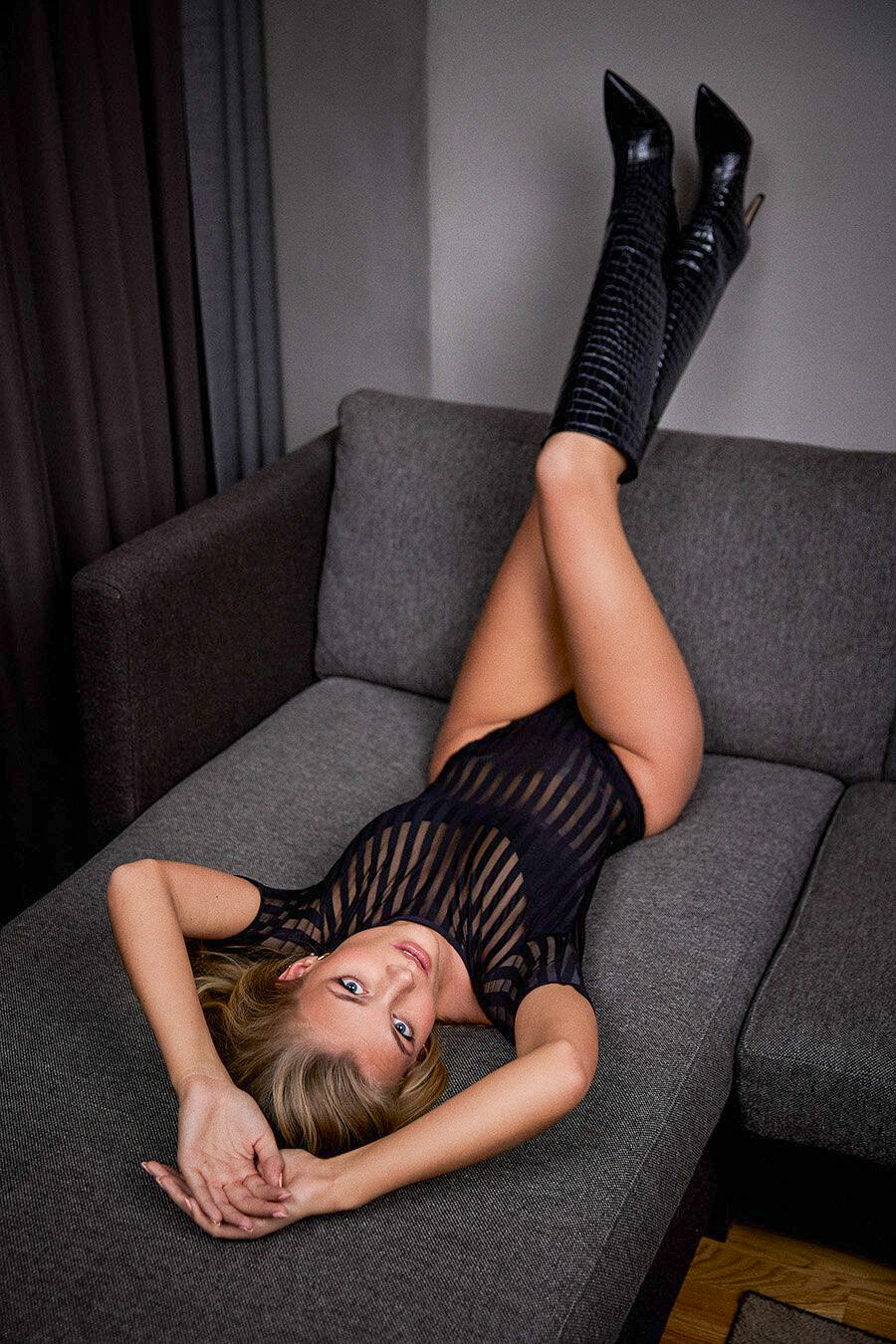
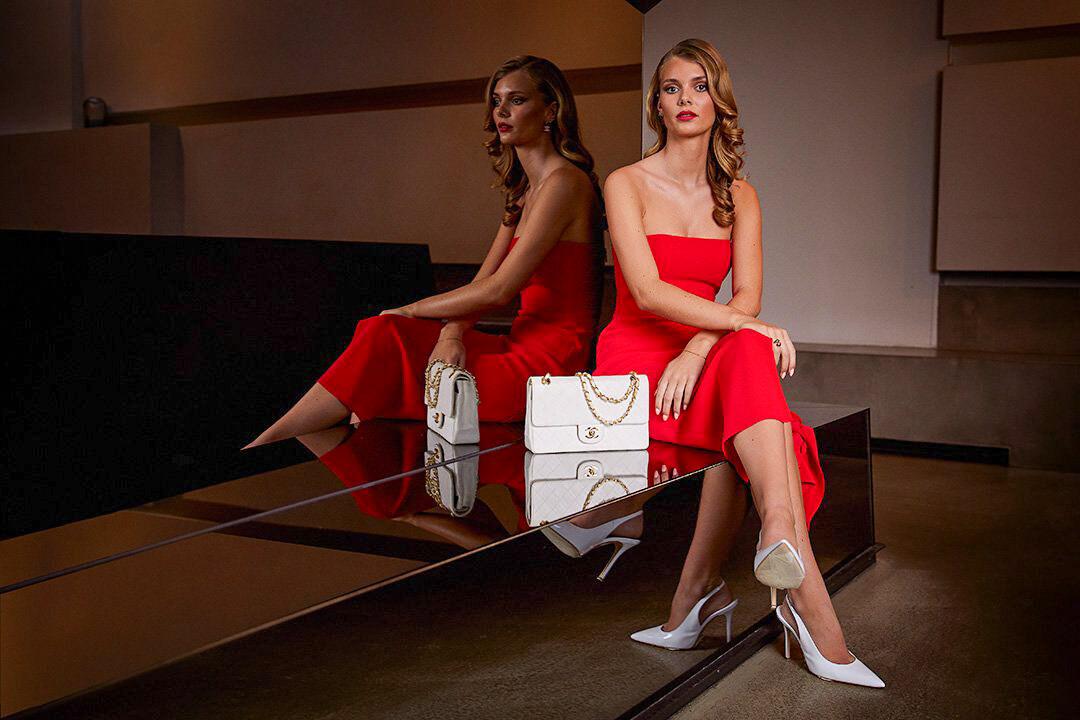
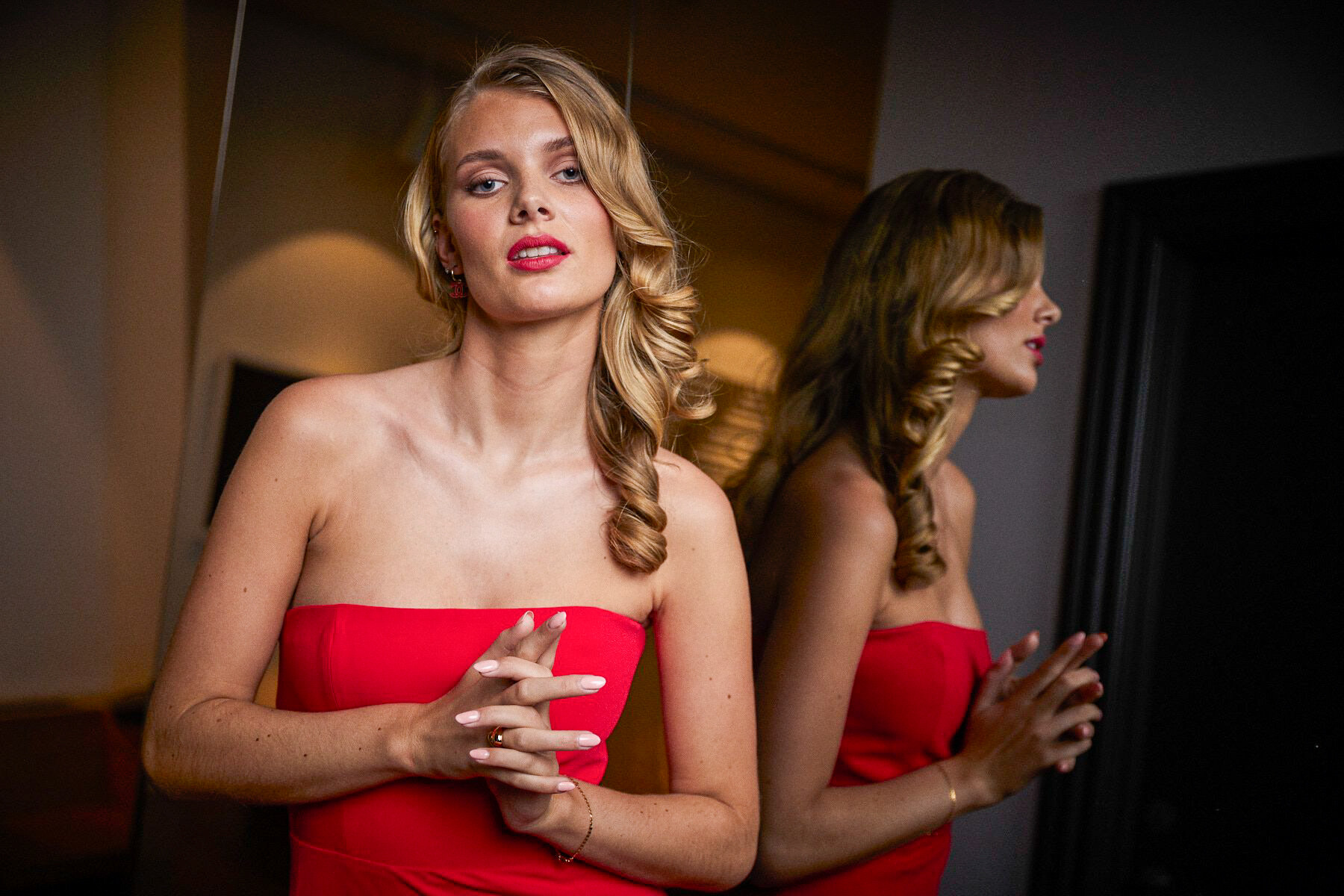
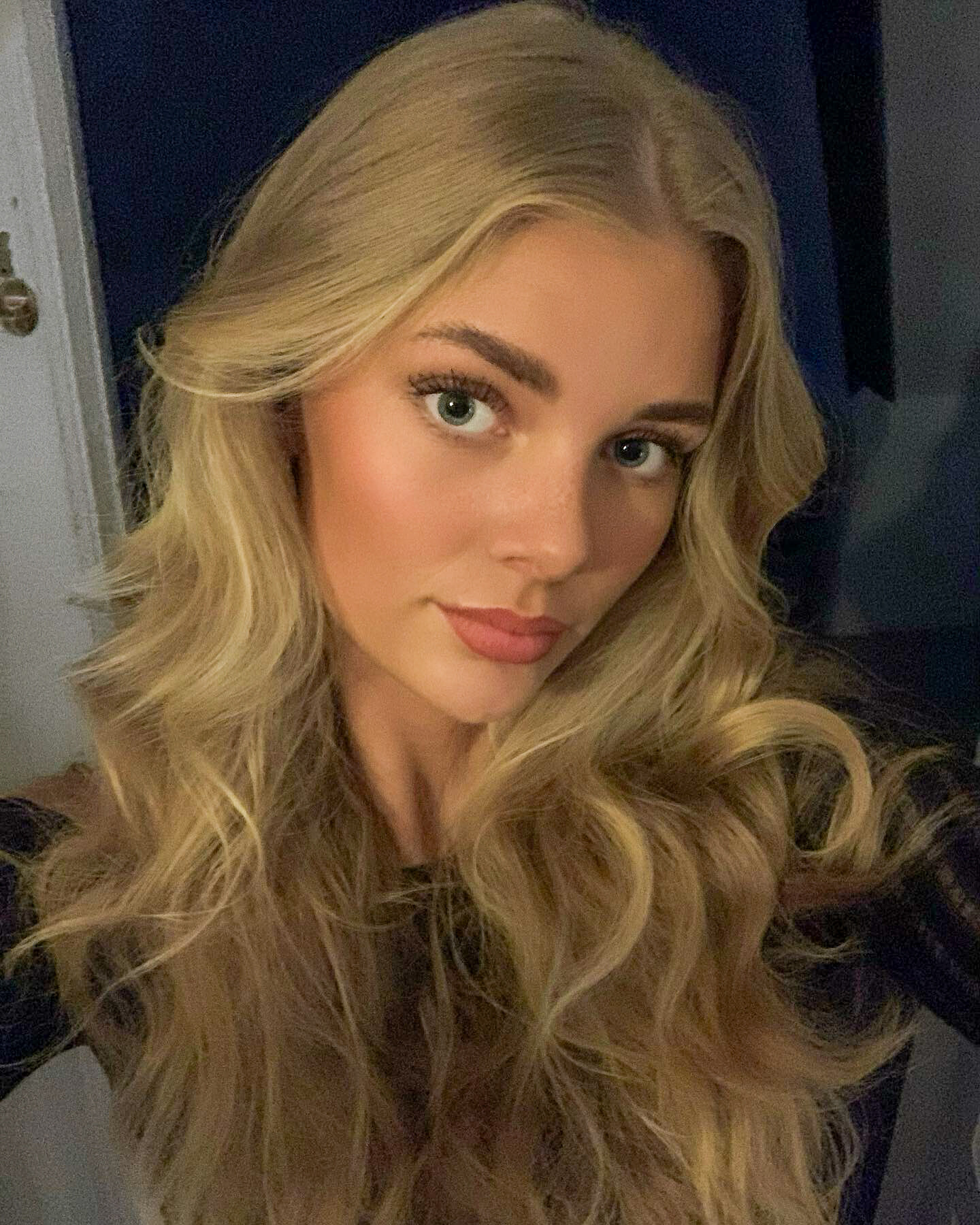
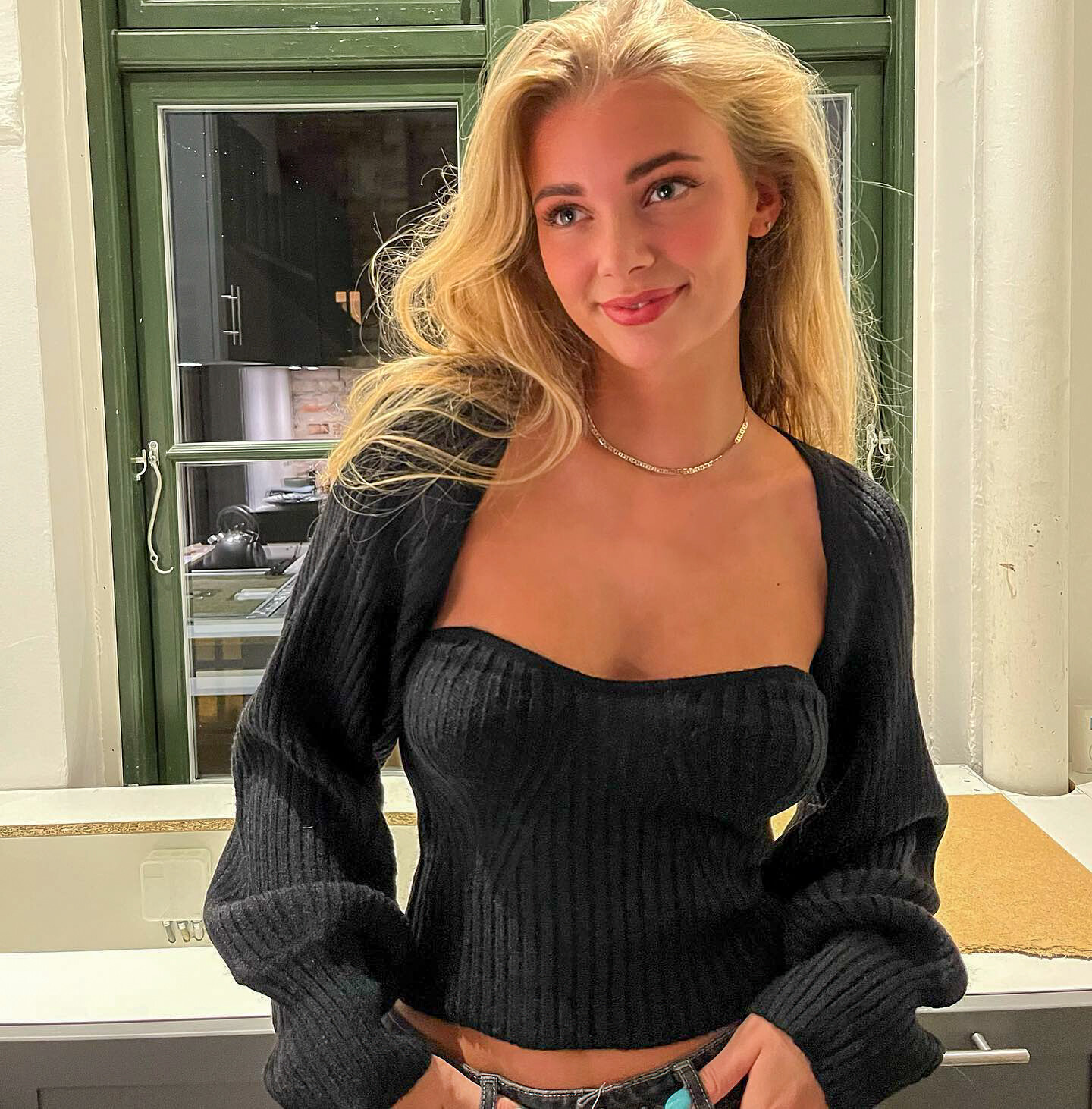
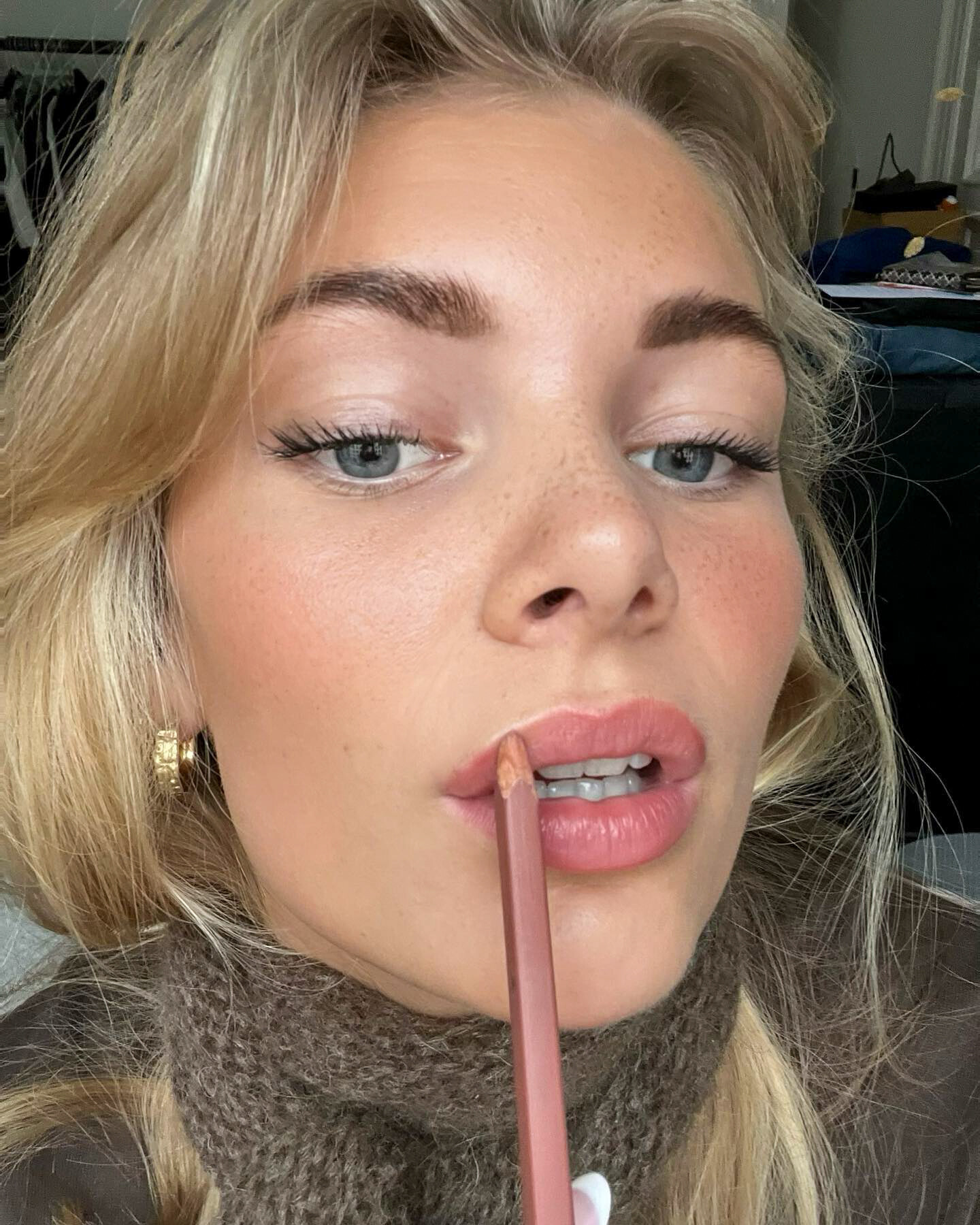
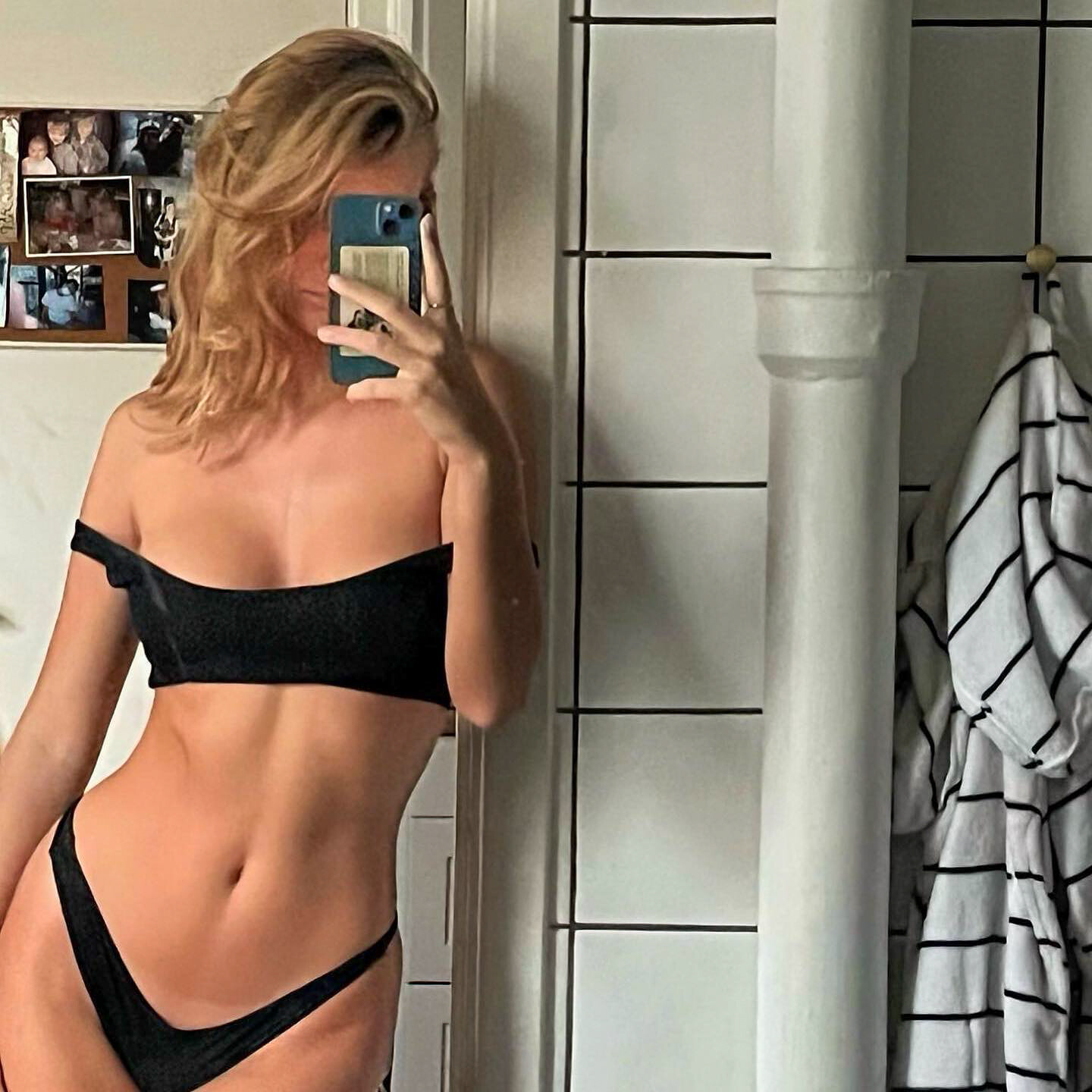
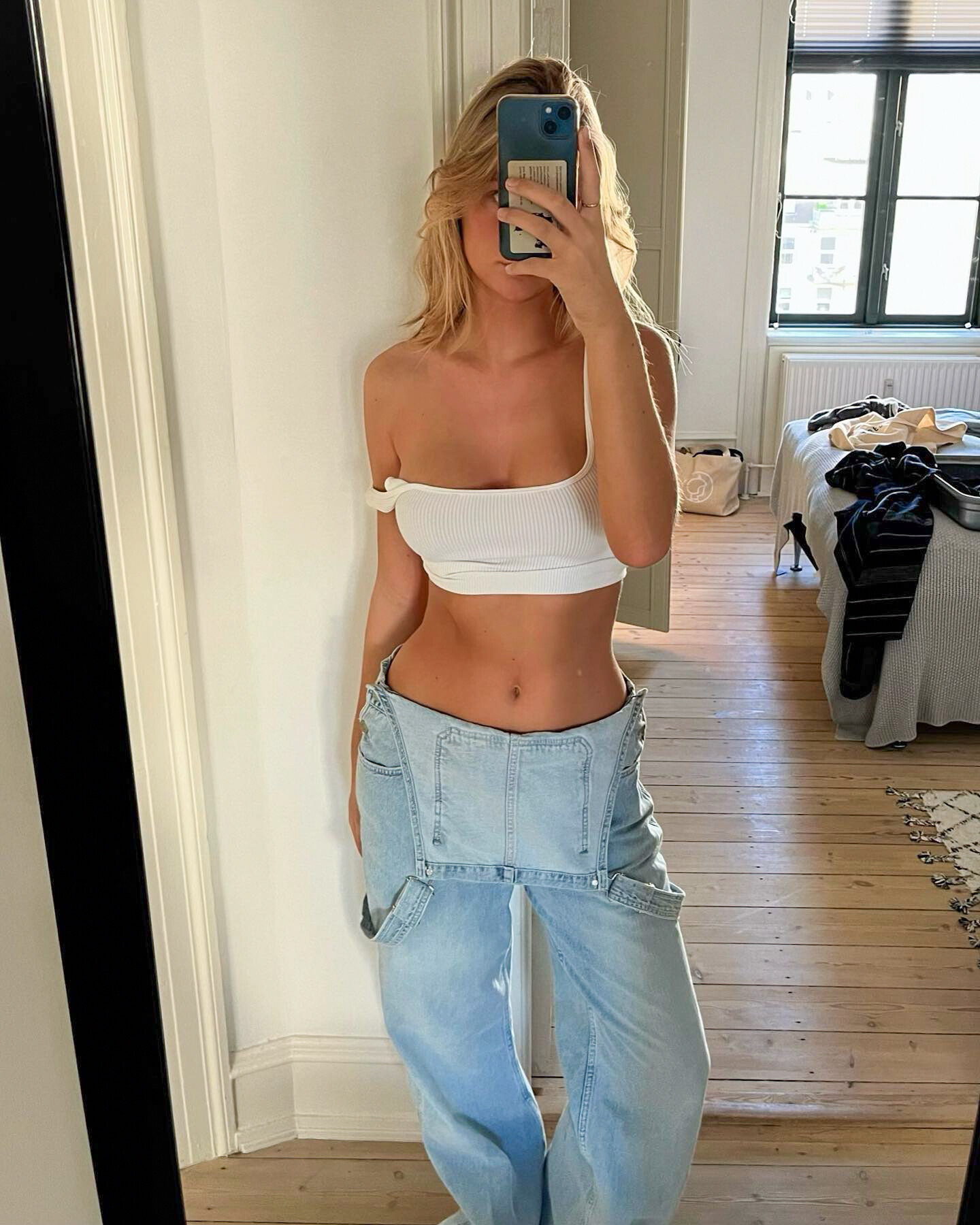
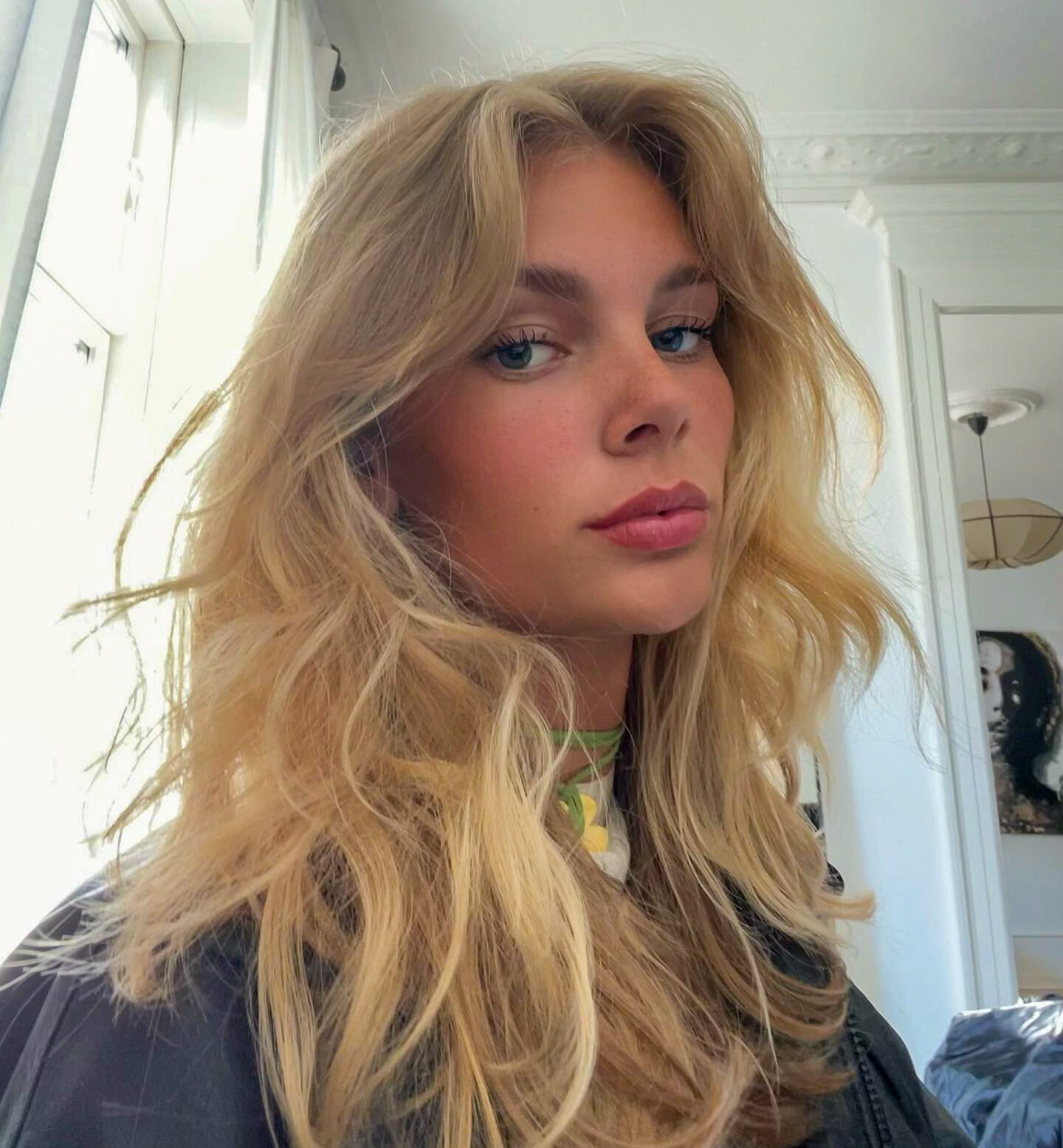
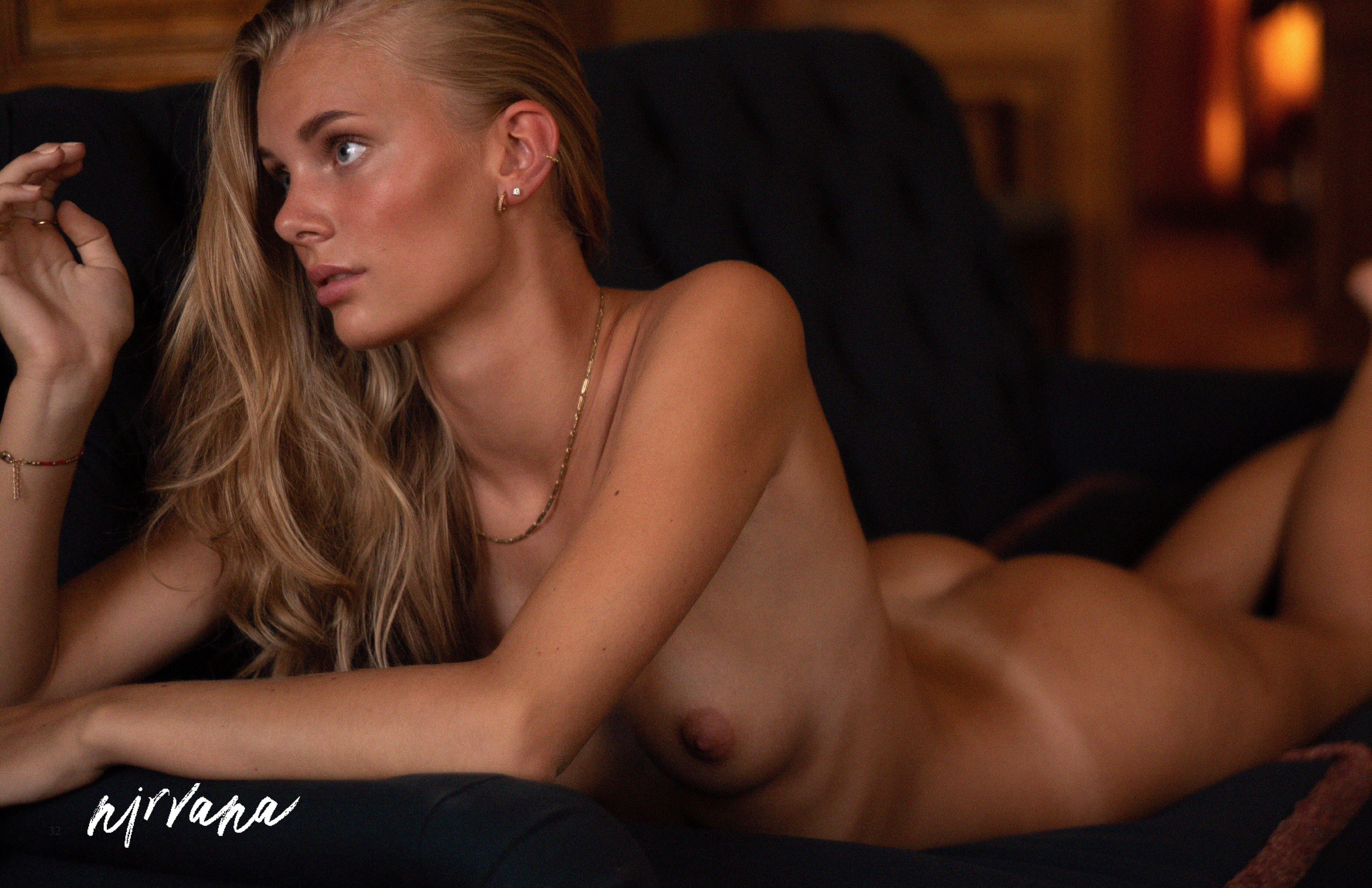
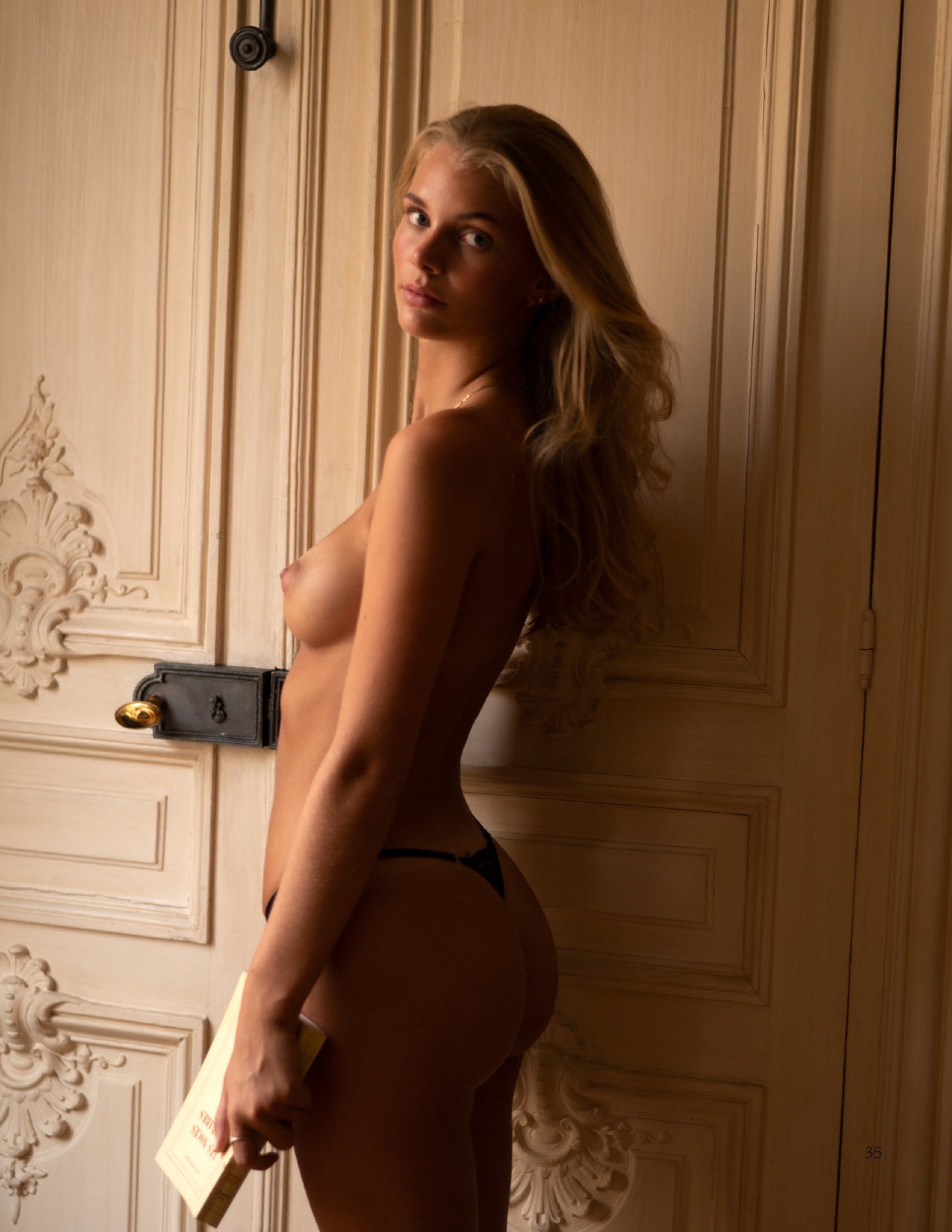
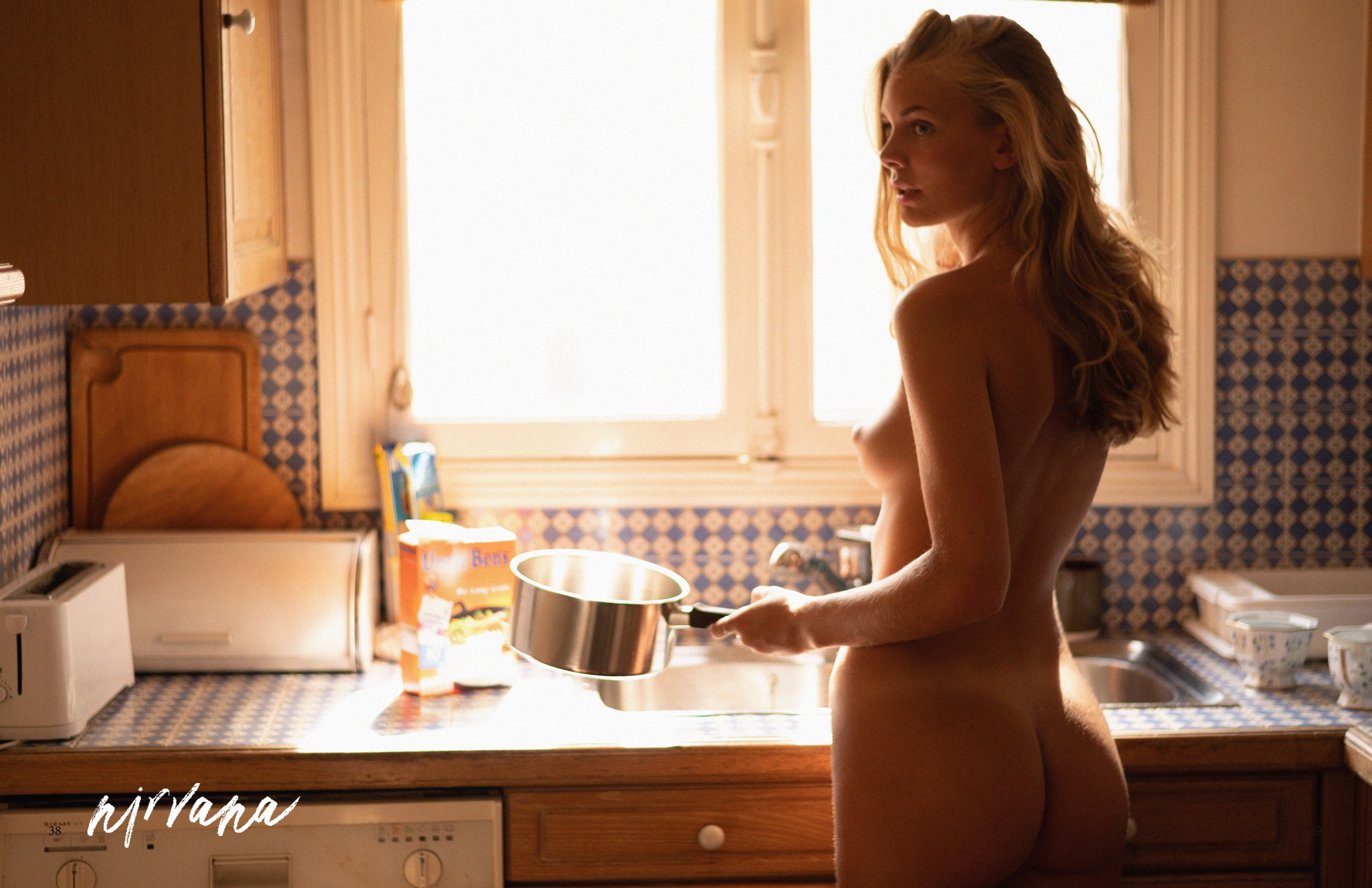
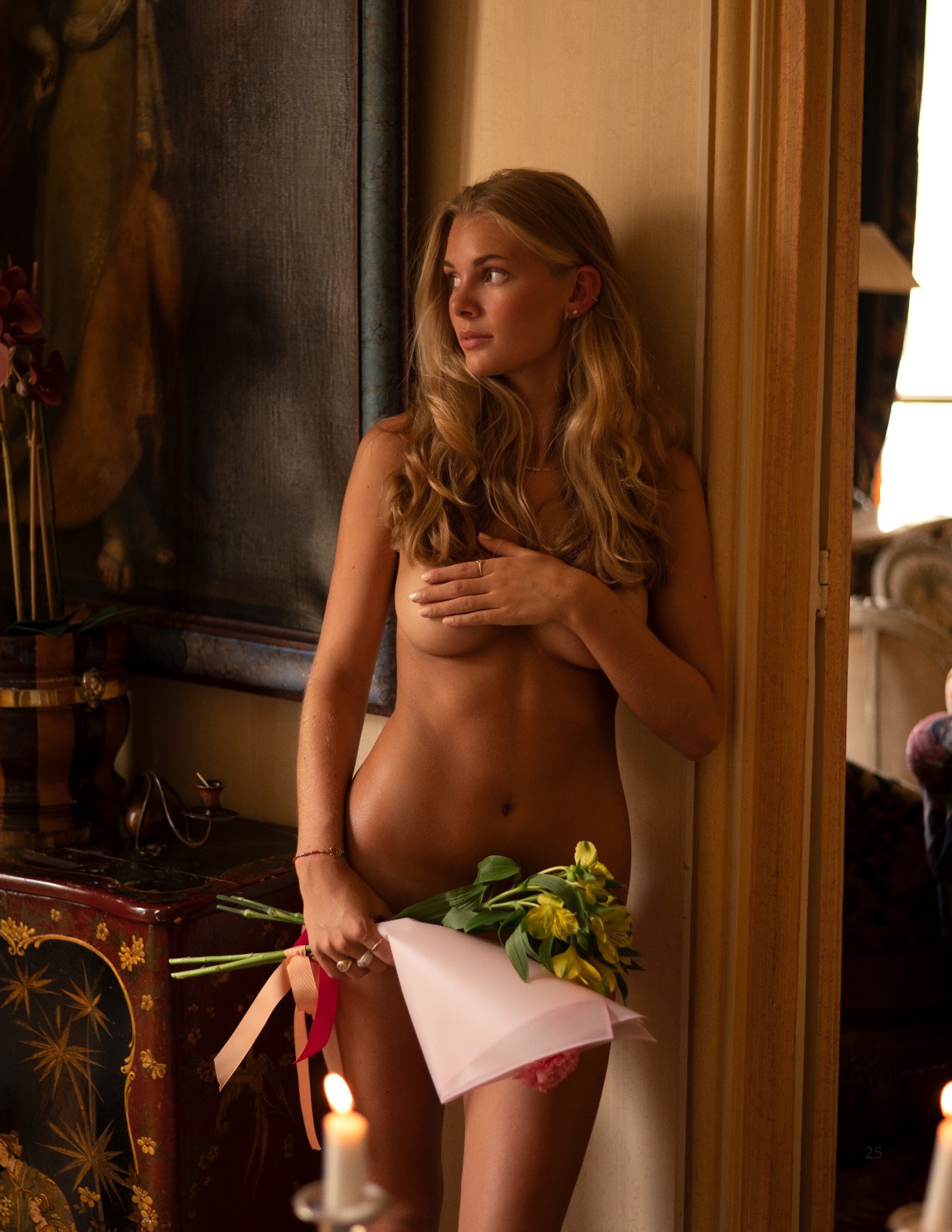
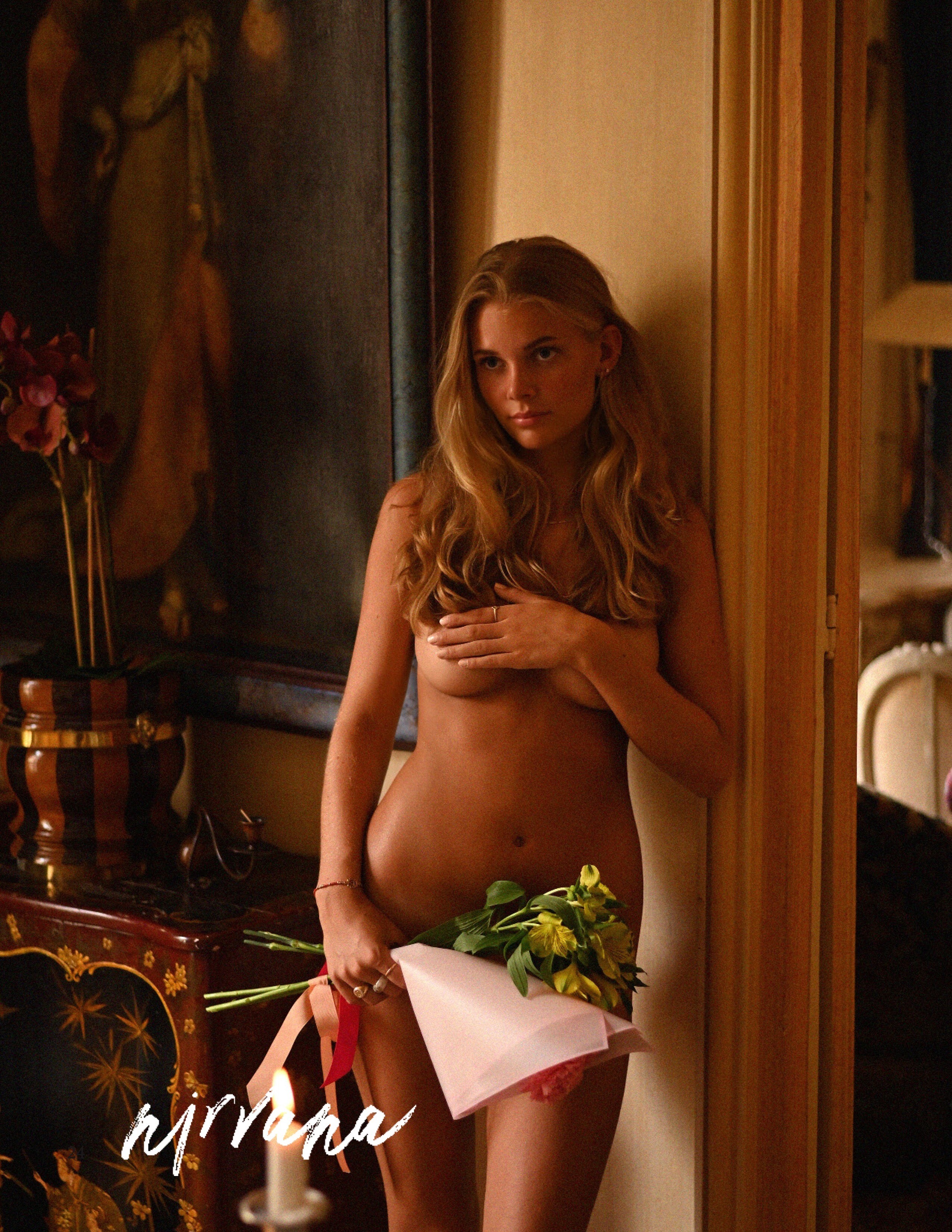
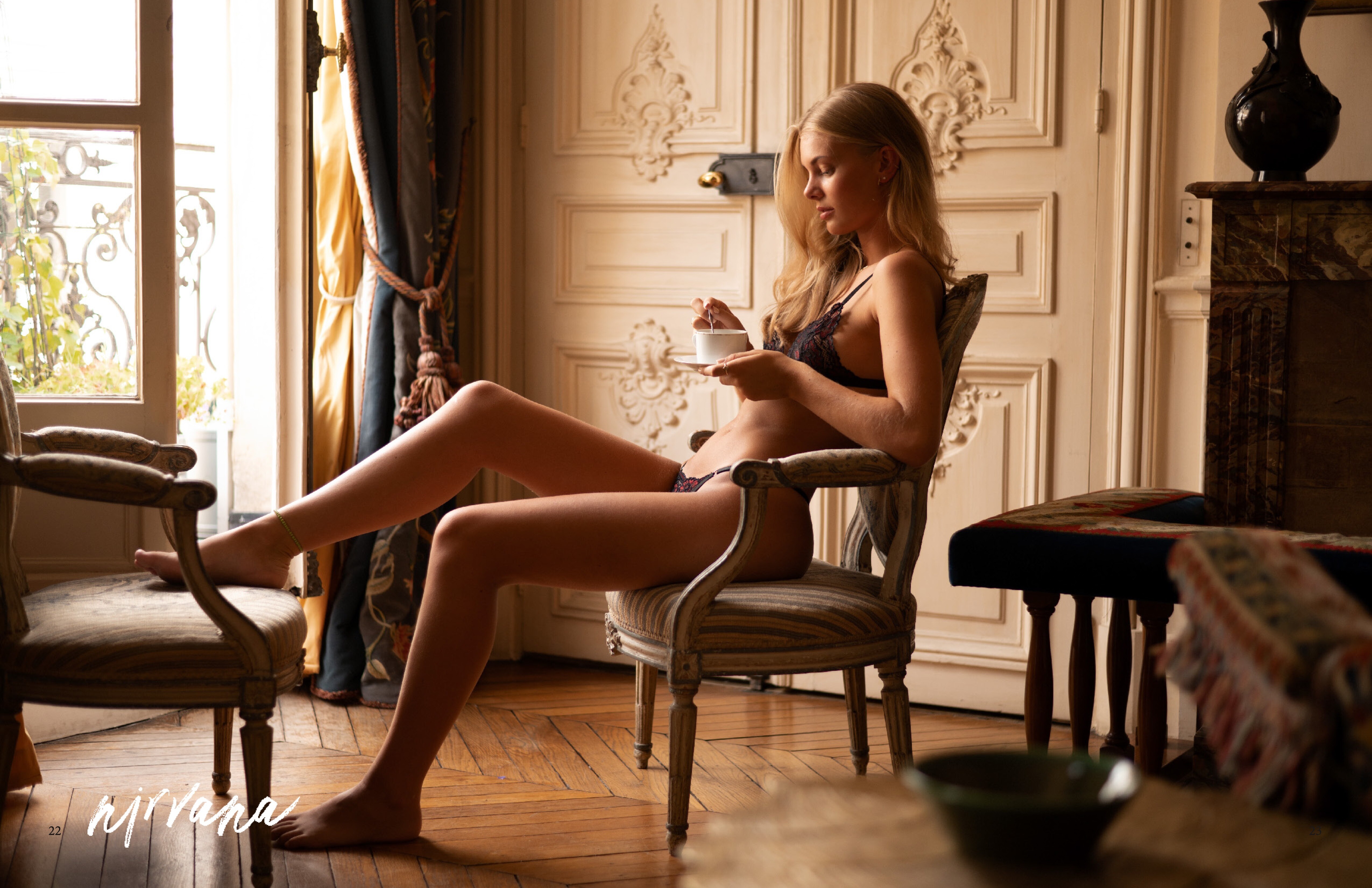
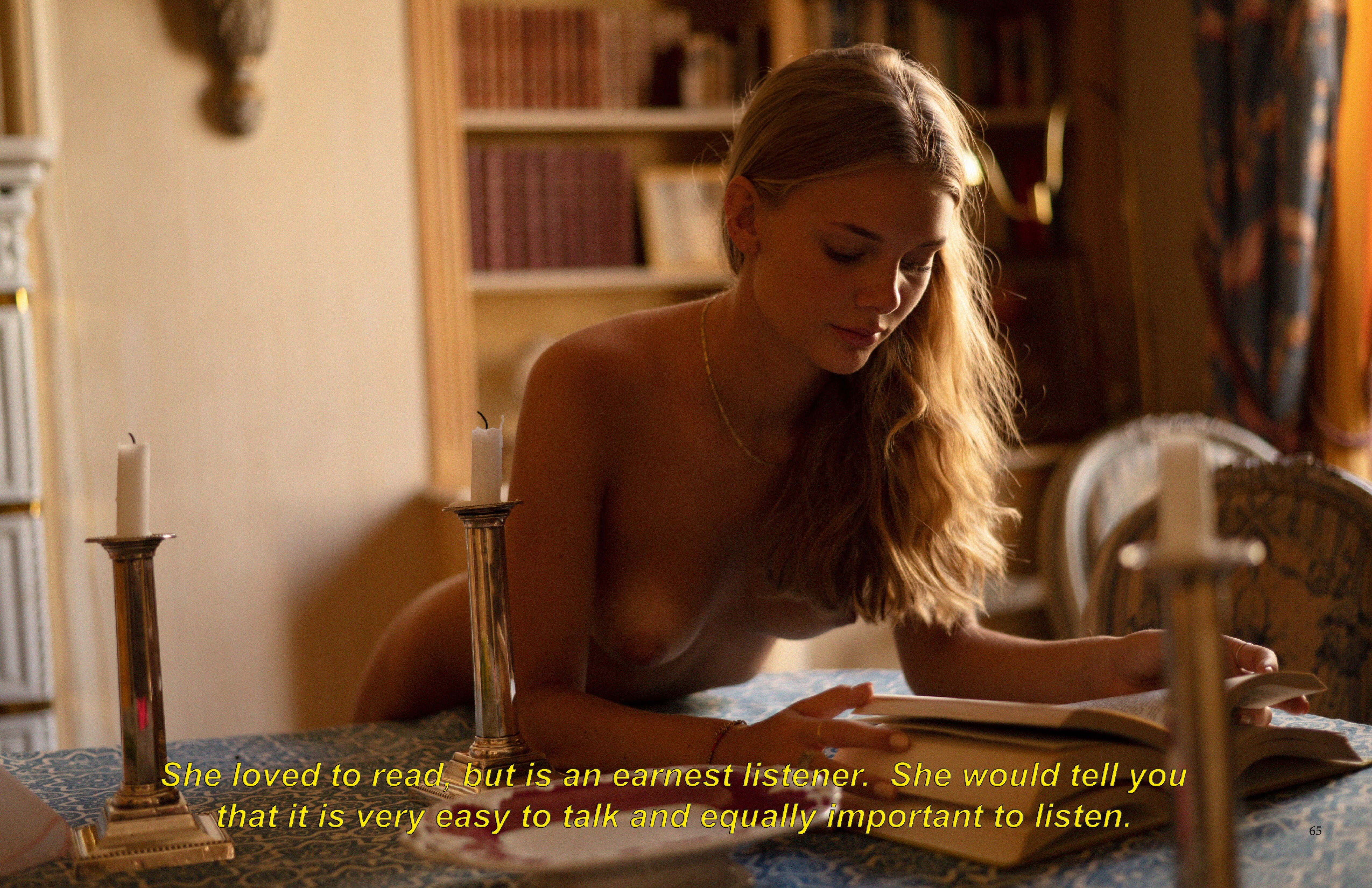
  1. Found some nelly.com additions. All in stellar quality. It's a mix of some missed, some in better quality and some - to my knowledge - so far unseen pictures.
  2. If you have any more, please share. Thank you!
  3. Mate!!! Amaizing! How did you manage to restore them? Using the picture identifier pulls up a different picture for me.. Thank you! Kudos! This nelly-shots are a piece of art.
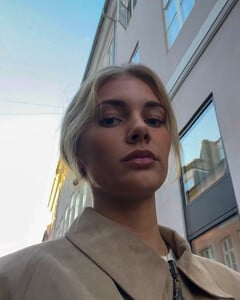
  4. I thought I'm the only Britney listener left out there.. Kind of hard to believe that Ida was -4 years old, when that song got released. So, this must be Classic music for her.. Apparently form the "Darren Dzienciol" Pop Icons Halloween Party (whoever that guy is..) (sorry for the terrible quality..)
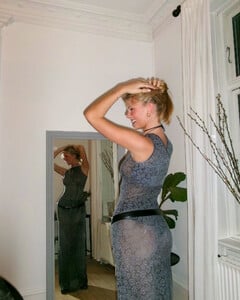
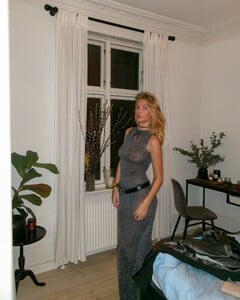
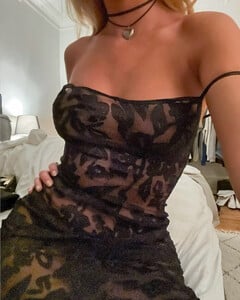
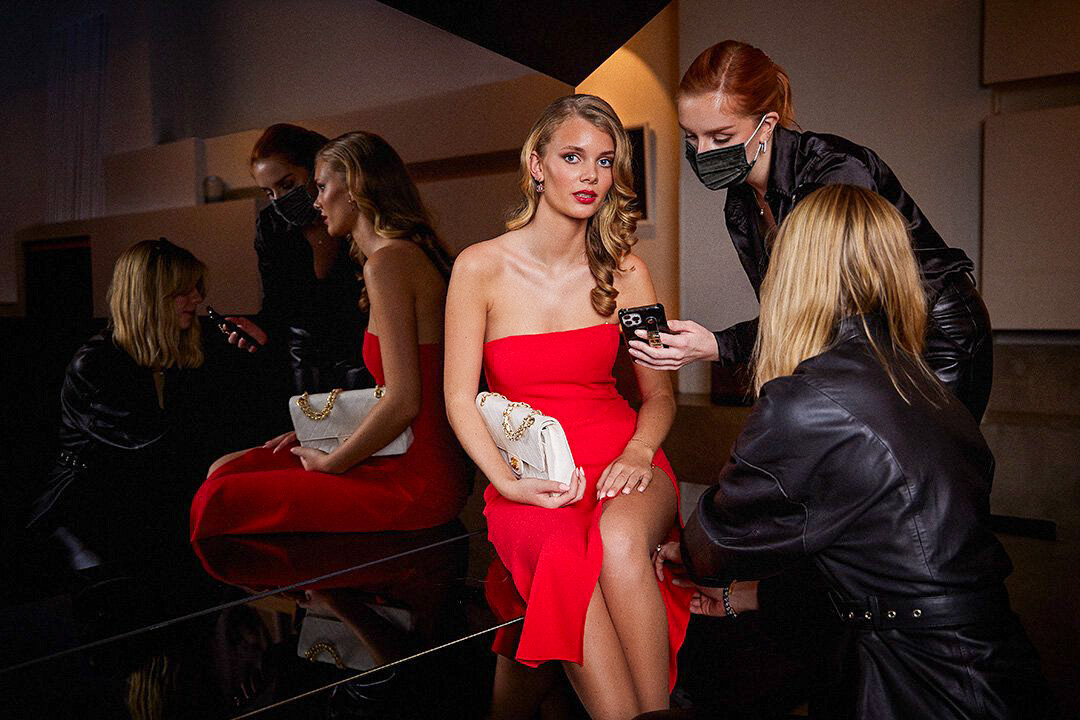
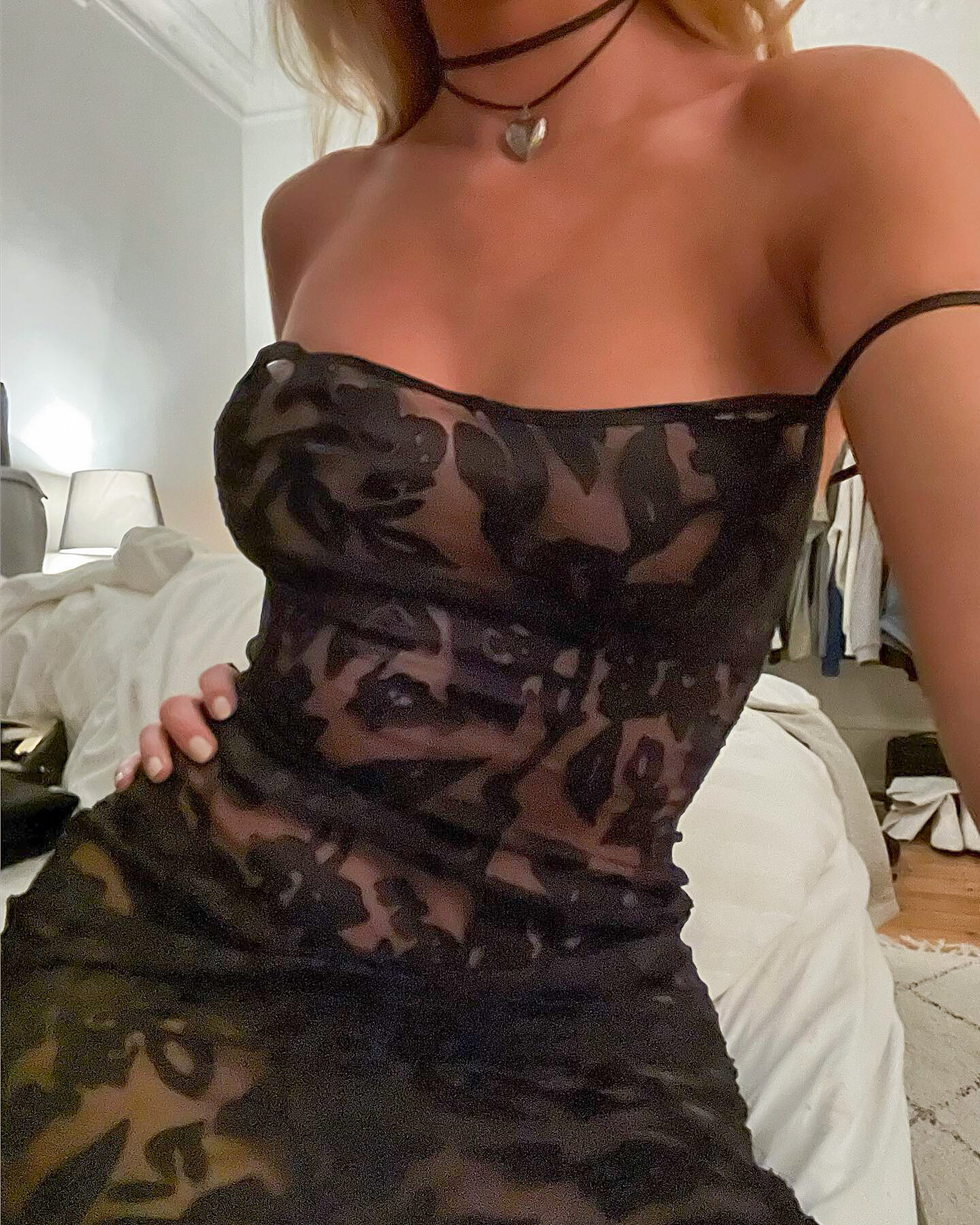
  5. No clue who she's ringing.. Beautiful dress though.
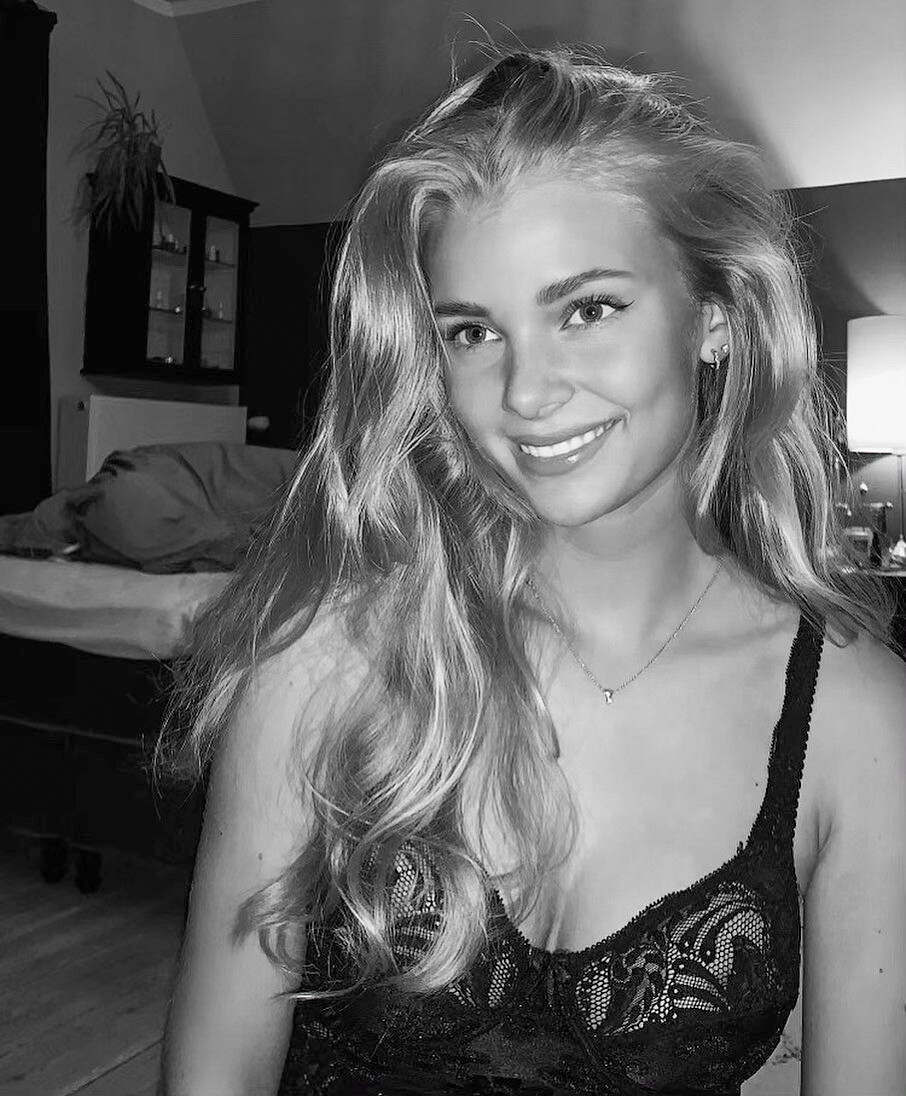
  6. Have not seen these before. Unfortunately very poor quality..
  7. Some missed from nelly
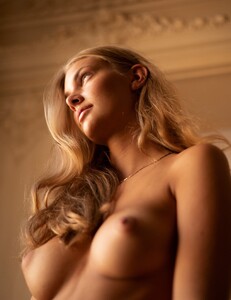
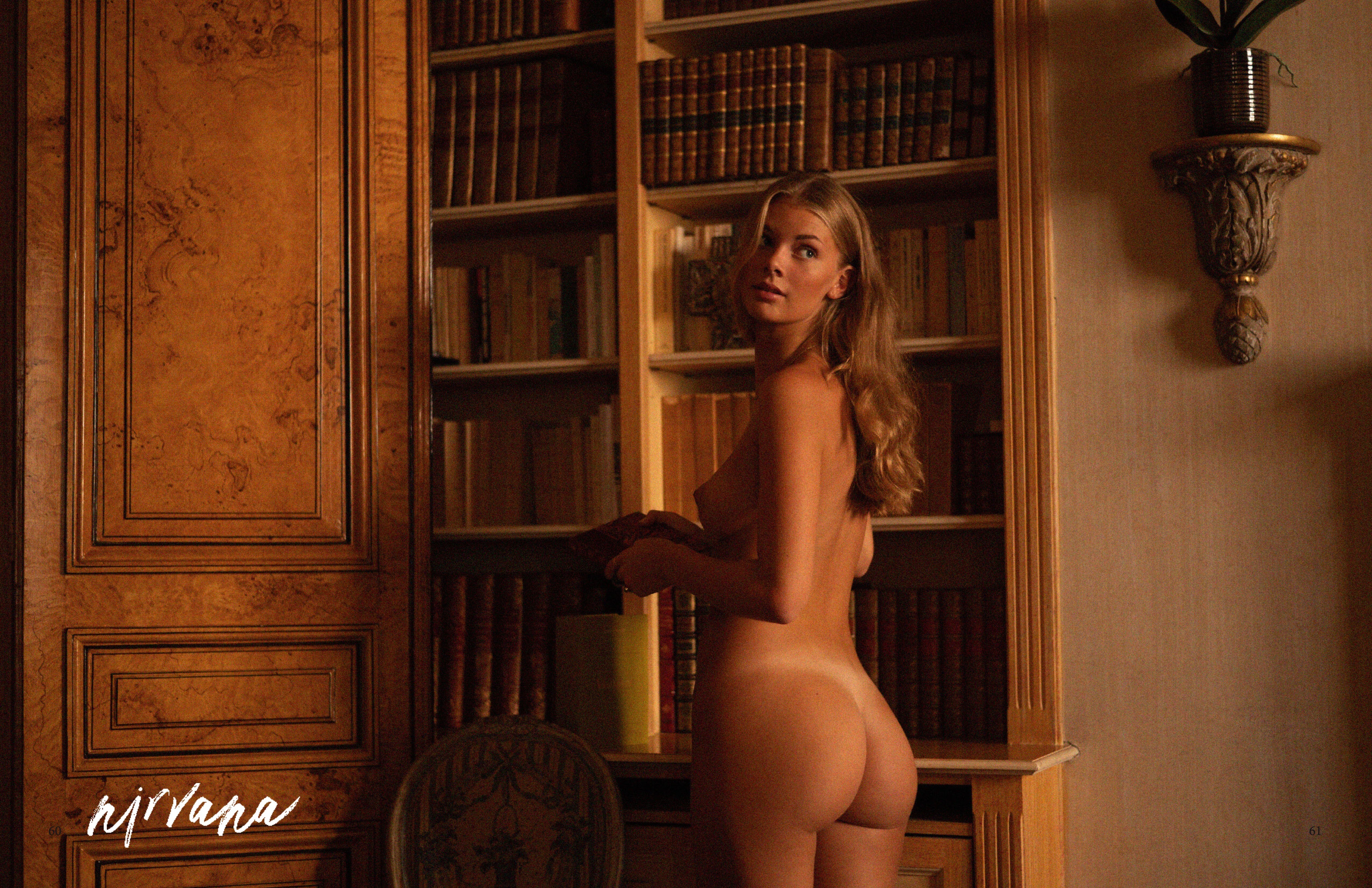
  8. Oha, 'un derrière nue'. Lovely. She is Increadible. I wonder if the world will ever see a litte bit more of her breasts. So far, zero.. Not even any sheer/see-through. Maybe one fine day.. Thanks for sharing. But I have to admit, I completely ignore Instagram. I hate those miniature pictures..
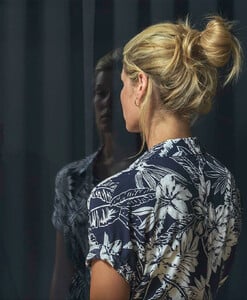
  9. Some HQ versions
  10. If anyone finds better quality for the 'lost ones', feel free to share. Thank you.
  11. Lost pt.2
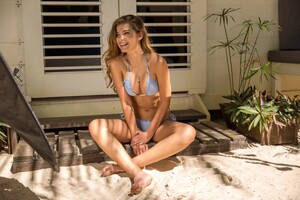
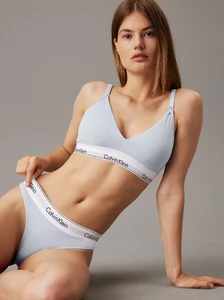
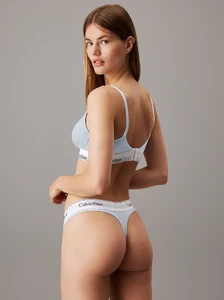
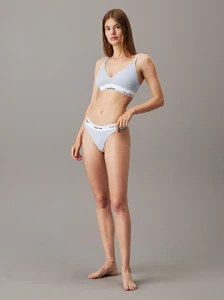
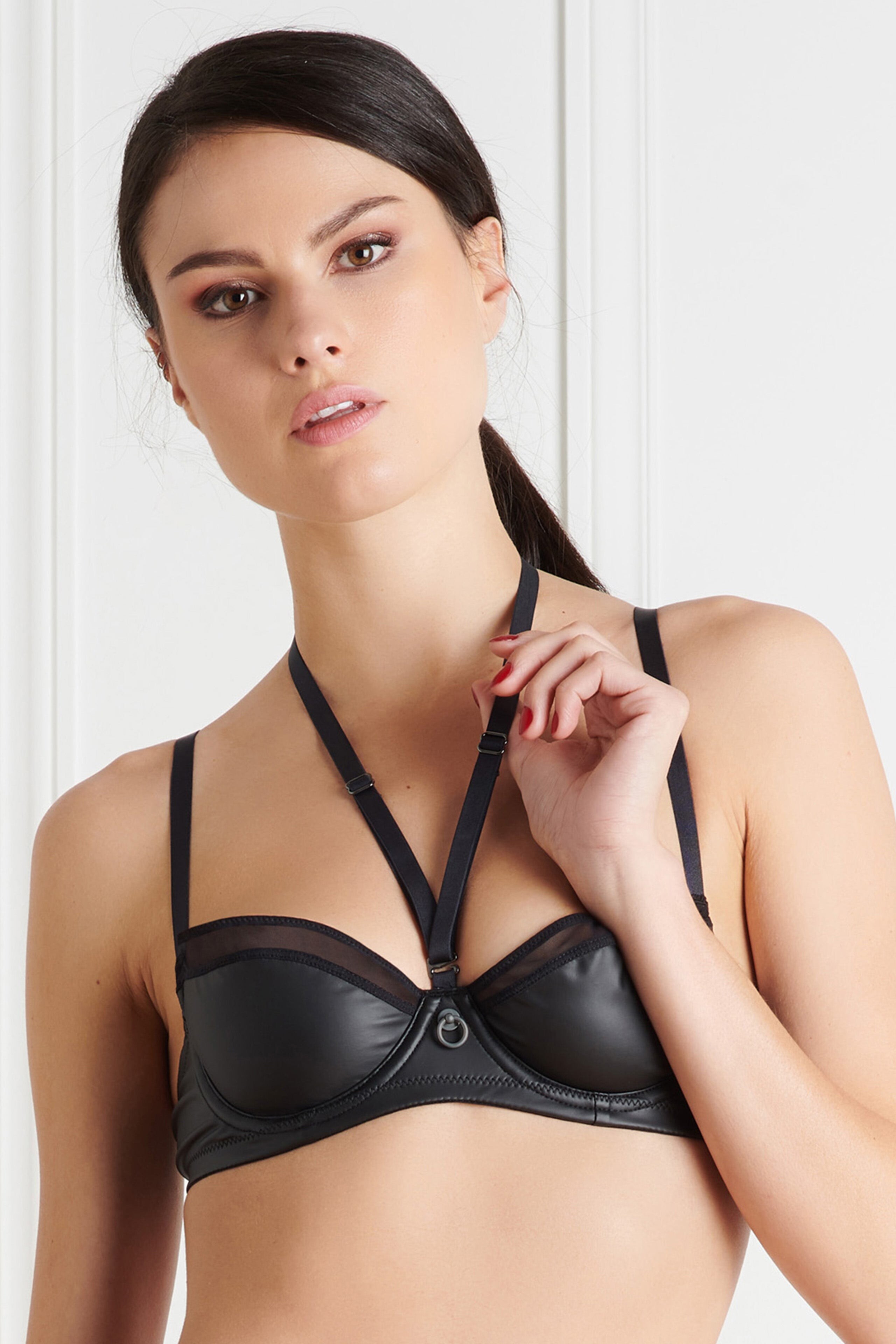
  12. Unfortunatelly, some older pictures with Ida wearing particular Lingerie items have been replaced by new pictures of the same item, but a different model. I will post both, the old Ida LQ-pictures (even though these are reposts), and the new updated UHQ replacement pictures as well. So do not wonder why there are different models appearing. If necessary, you can delete the non-Ida pictures. Lost pt.1
  13. It took some reverse-engineering and some scripting, but finally, nelly.com in UHQ! All pictures are in stellar quality, but some might have beeen posted in UHQ before... I'm sure no one will mind.. Ida is just beyond pretty..
  14. Missed ones. Spectacular, that woman..
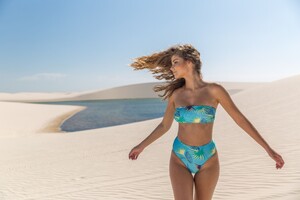
  15. @Morph69 May I ask if you know how to get the original source images from lovalies.com? e.g.: https://www.loavies.com/en/15685203606-one-shoulder-bikini-top-mint-lurex/ Only way I found to improve the image quality is to remove the highlighted part from the link. The quality i noticebly better, but only in some rare cases I end up with UHQ resolution. e.g.: https://loavies-assets.com/cdn-cgi/image/format=webp,sharpen=0.3,width=1000,dpr=1,quality=75/media/catalog/product/1/5/15685203600-1_1.jpg vs. https://loavies-assets.com/cdn-cgi/image/dpr=1/media/catalog/product/1/5/15685203600-1_1.jpg Any idea what the 'dpr=1' fragment does? Changing the 'device pixel ratio' value makes no apparent difference.. Again, thank you for the information.
  16. @pawko15: No.. I just glimpsed through the Lingerie stuff.. i know for sure that there is a lot of swimwear with Ida.. Hope someone will add those..
  17. ... the more you know... Nice! Thank you! But i really see no difference in that case. Resolution is the same despite the original seems to have higher dpi. Anyways, kudos.
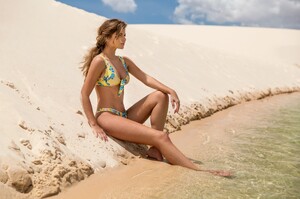
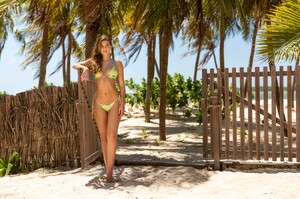
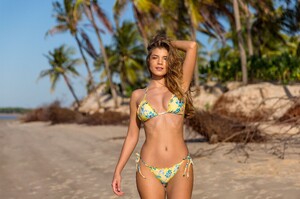
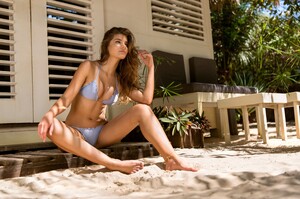
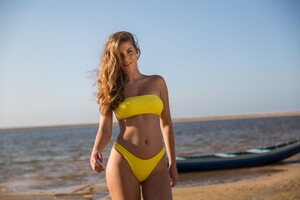
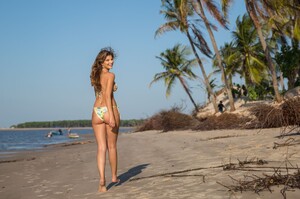
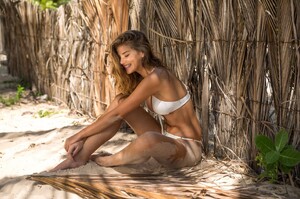
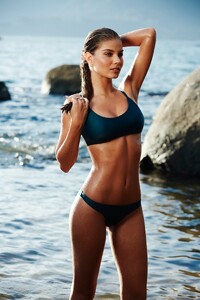
  18. So feel free to look for the swim wear stuff, like:
  19. Sure thing.. If you look at the image source, there is a suffix "&w=1920&q=75". You simply repace that suffix by "&w=3840&q=100" e.g.: https://www.change.com/_next/image?url=https%3A%2F%2Fd9b939151ee07bf0e591-ebba1101945ef96d80f0a81d6fa8a3cb.ssl.cf3.rackcdn.com%2F23113322205_look-A-JCbABkqu.jpg&w=1920&q=75 vs. https://www.change.com/_next/image?url=https%3A%2F%2Fd9b939151ee07bf0e591-ebba1101945ef96d80f0a81d6fa8a3cb.ssl.cf3.rackcdn.com%2F23113322205_look-A-JCbABkqu.jpg&w=3840&q=100 Depending on the site there are different methods.. But I often look for indicators like '&' or '%' and change the values.. A bit trial and error. Sometimes you can look at the sources folders of the site in developer tool of chrome browser.. then there are different tricks. But I am no web developer, so most likely there are WAY better methods.
  20. There you go..

Configure browser push notifications

Chrome (Android)
  1. Tap the lock icon next to the address bar.
  2. Tap Permissions → Notifications.
  3. Adjust your preference.
Chrome (Desktop)
  1. Click the padlock icon in the address bar.
  2. Select Site settings.
  3. Find Notifications and adjust your preference.