
Skip to content
View in the app

A better way to browse. Learn more.

Bellazon

A full-screen app on your home screen with push notifications, badges and more.

To install this app on iOS and iPadOS
  1. Tap the Share icon in Safari
  2. Scroll the menu and tap Add to Home Screen.
  3. Tap Add in the top-right corner.
To install this app on Android
  1. Tap the 3-dot menu (⋮) in the top-right corner of the browser.
  2. Tap Add to Home screen or Install app.
  3. Confirm by tapping Install.

Bellabuzz

Members
  • Joined

  • Last visited

Everything posted by Bellabuzz

  1. Coveteur pt 2
  2. Eileen Graduates from Stanford.... smart cookie
  3. Eileen at the Monaco GP
  4. Bellabuzz replied to a post in a topic in Alessandra Ambrosio
    Don't ya just love the world cup
  5. Latest Charly Insta
  6. Eileen for Coveteur
  7. More Hails at the Met Gala
  8. KJ for Vogue at the Met Gala HQs
  9. Bellabuzz replied to a post in a topic in Alessandra Ambrosio
    Facebook upload
  10. Instagram upload 21 April
  11. Latest Inka Insta drops
  12. Demarchelier... legend
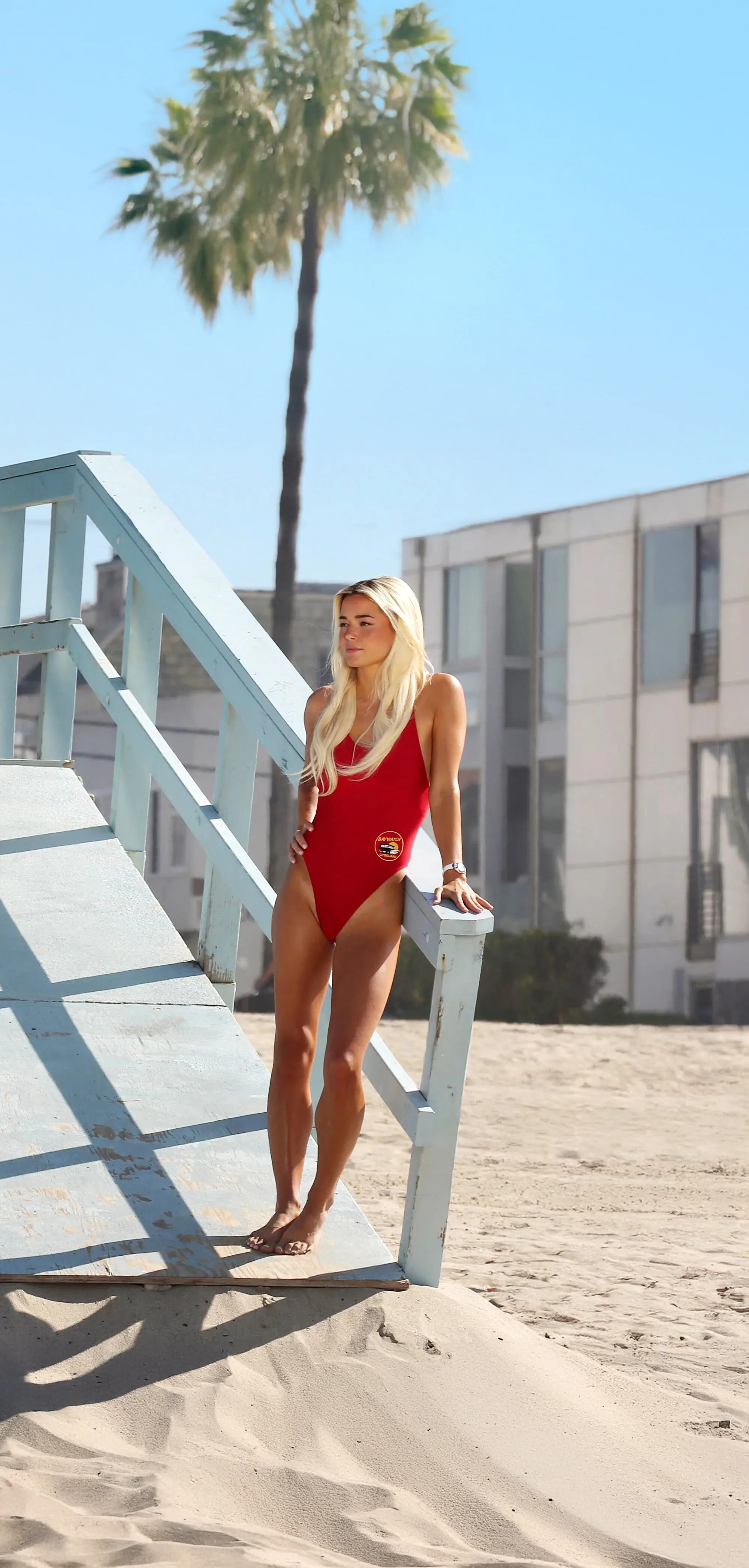
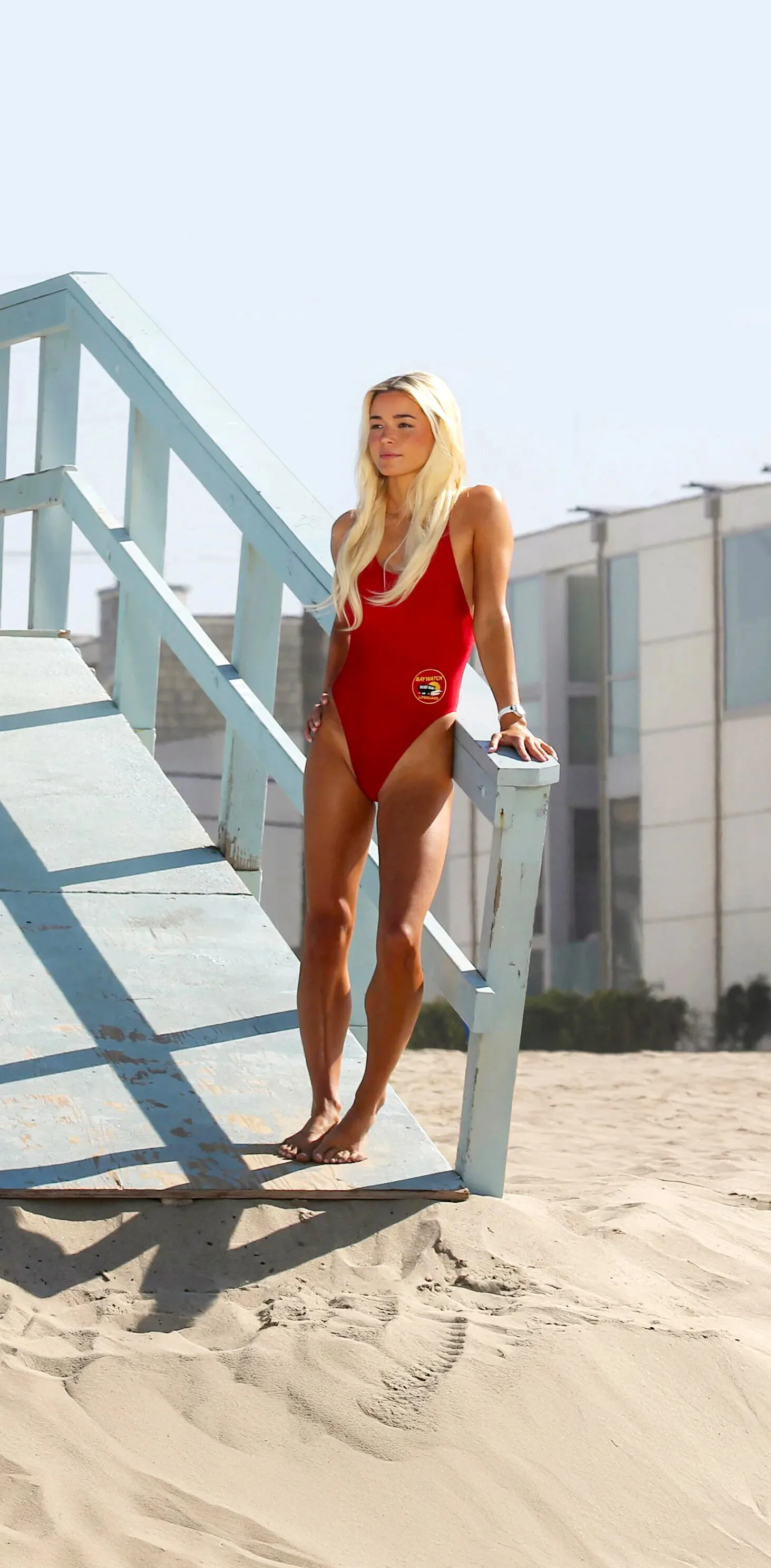
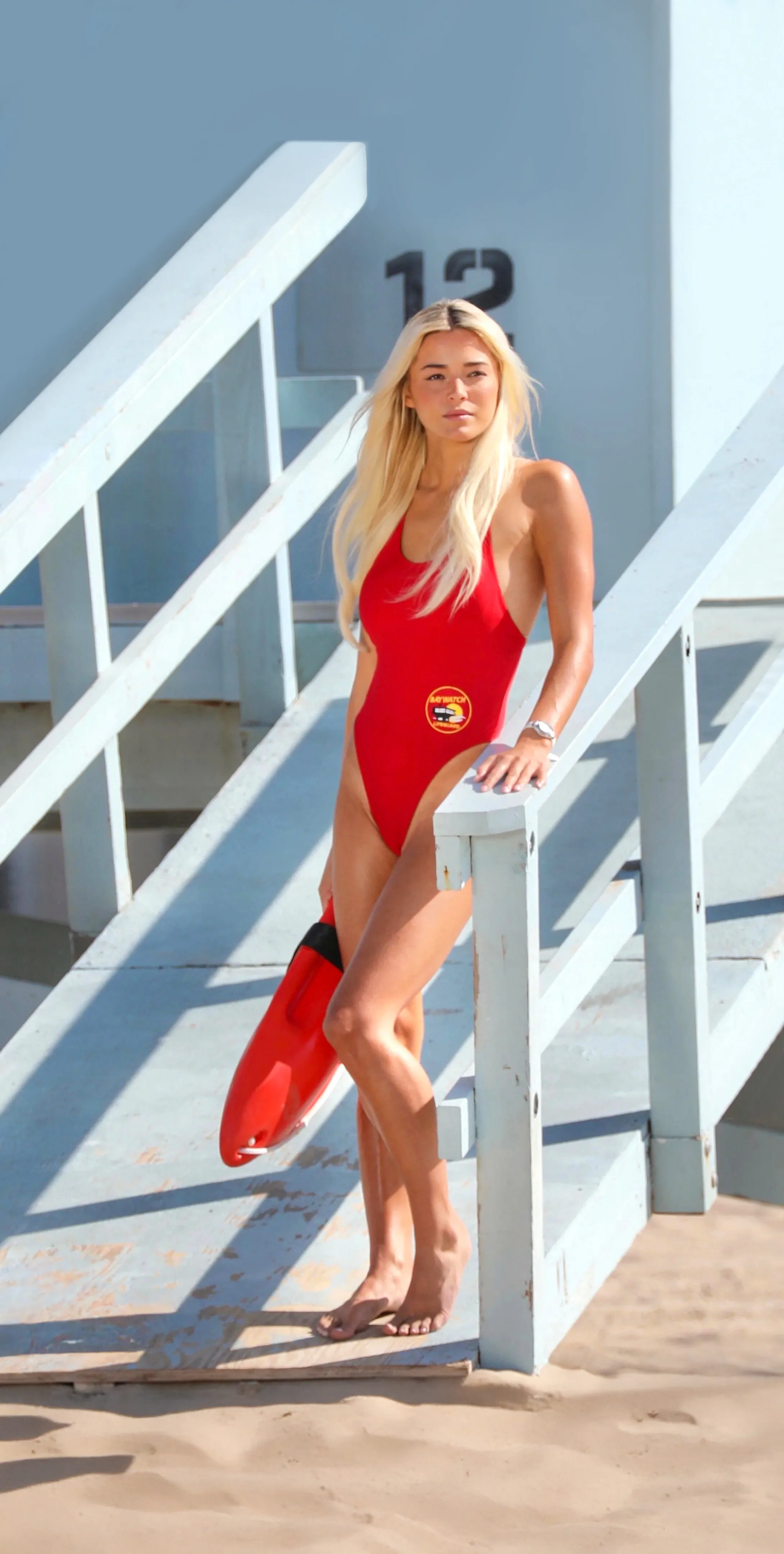
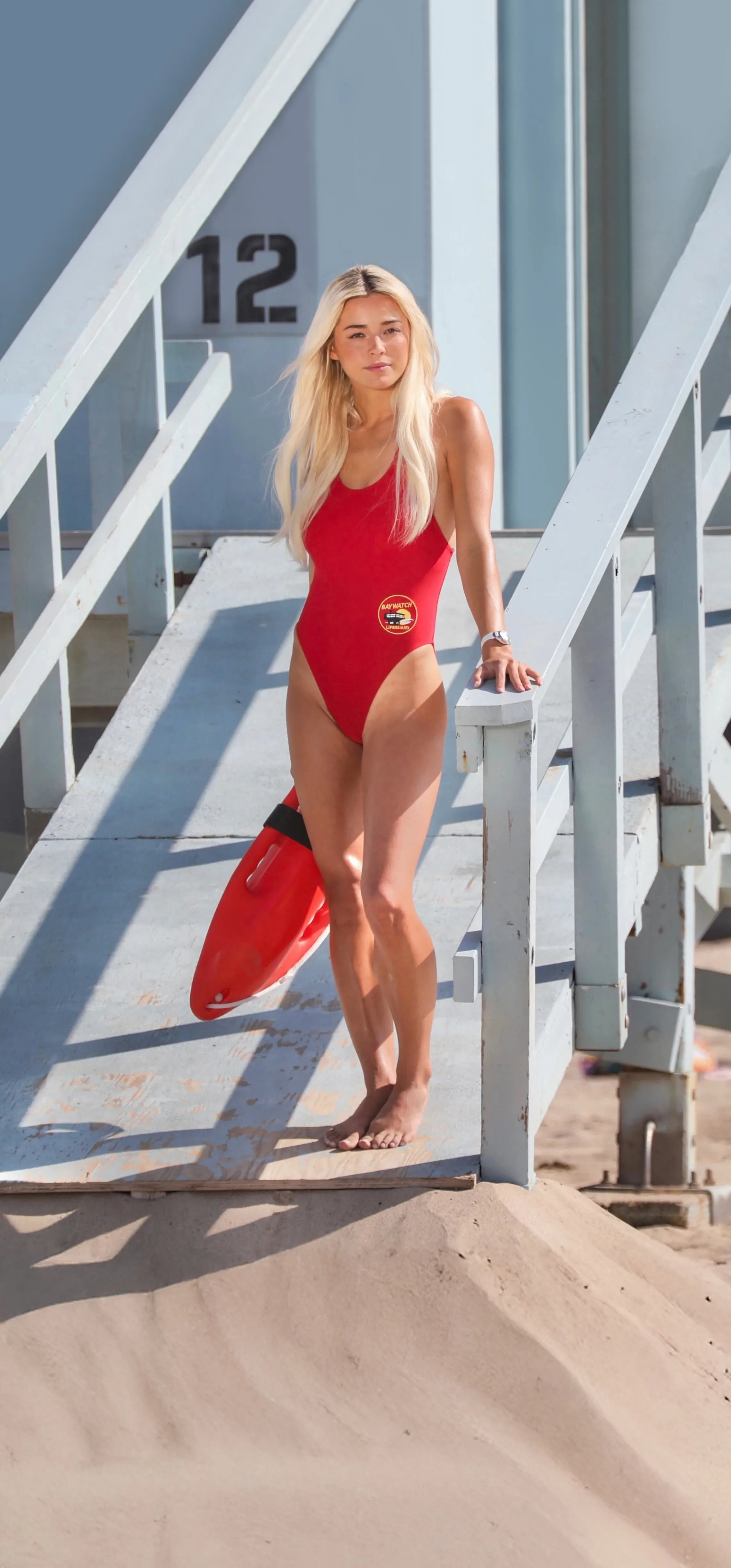
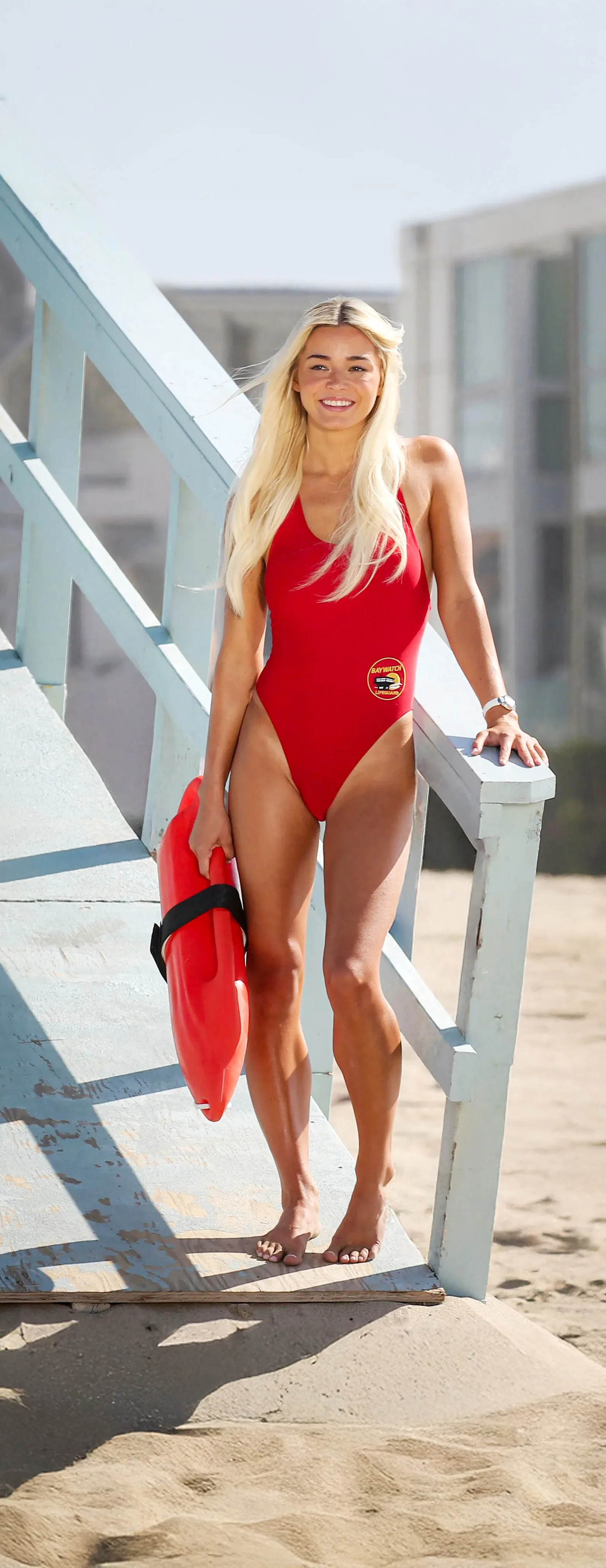
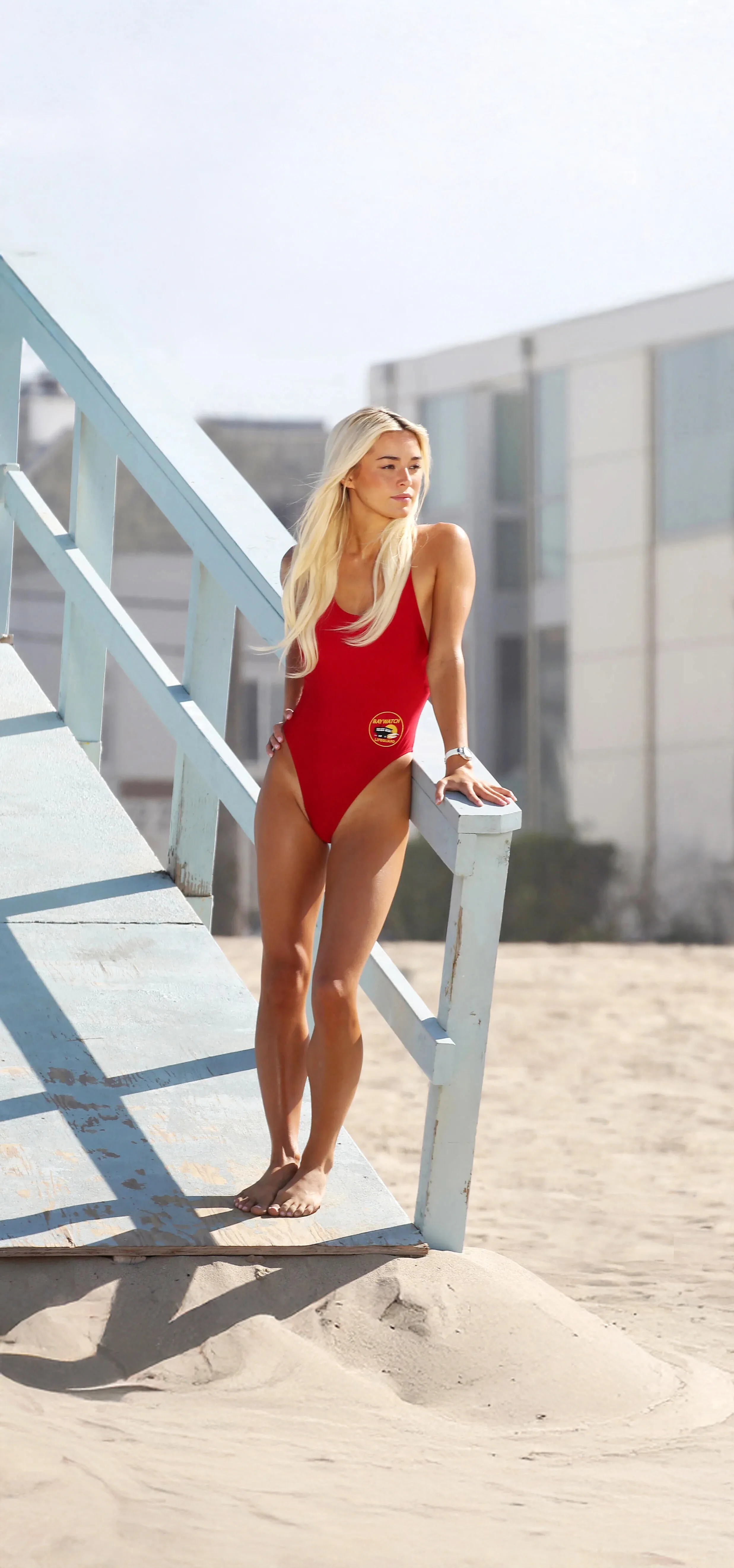
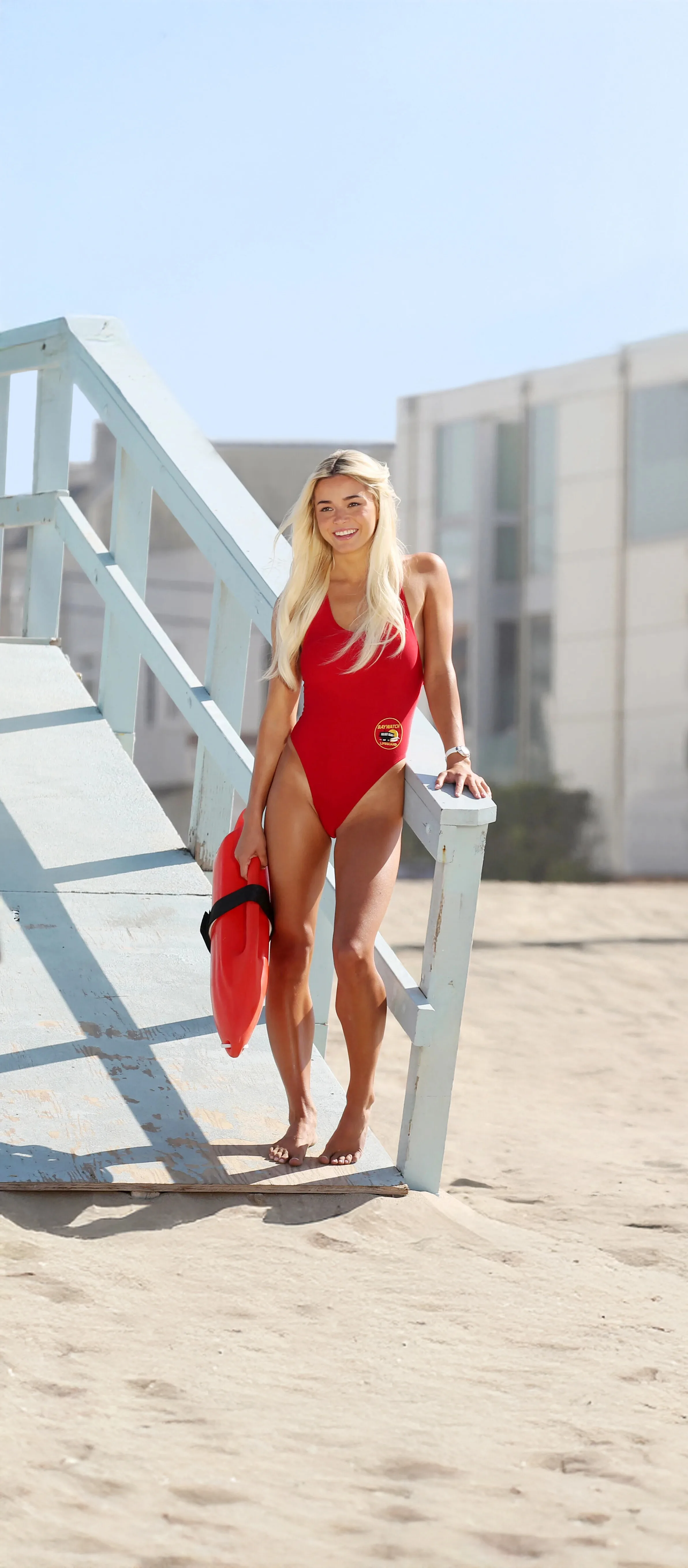
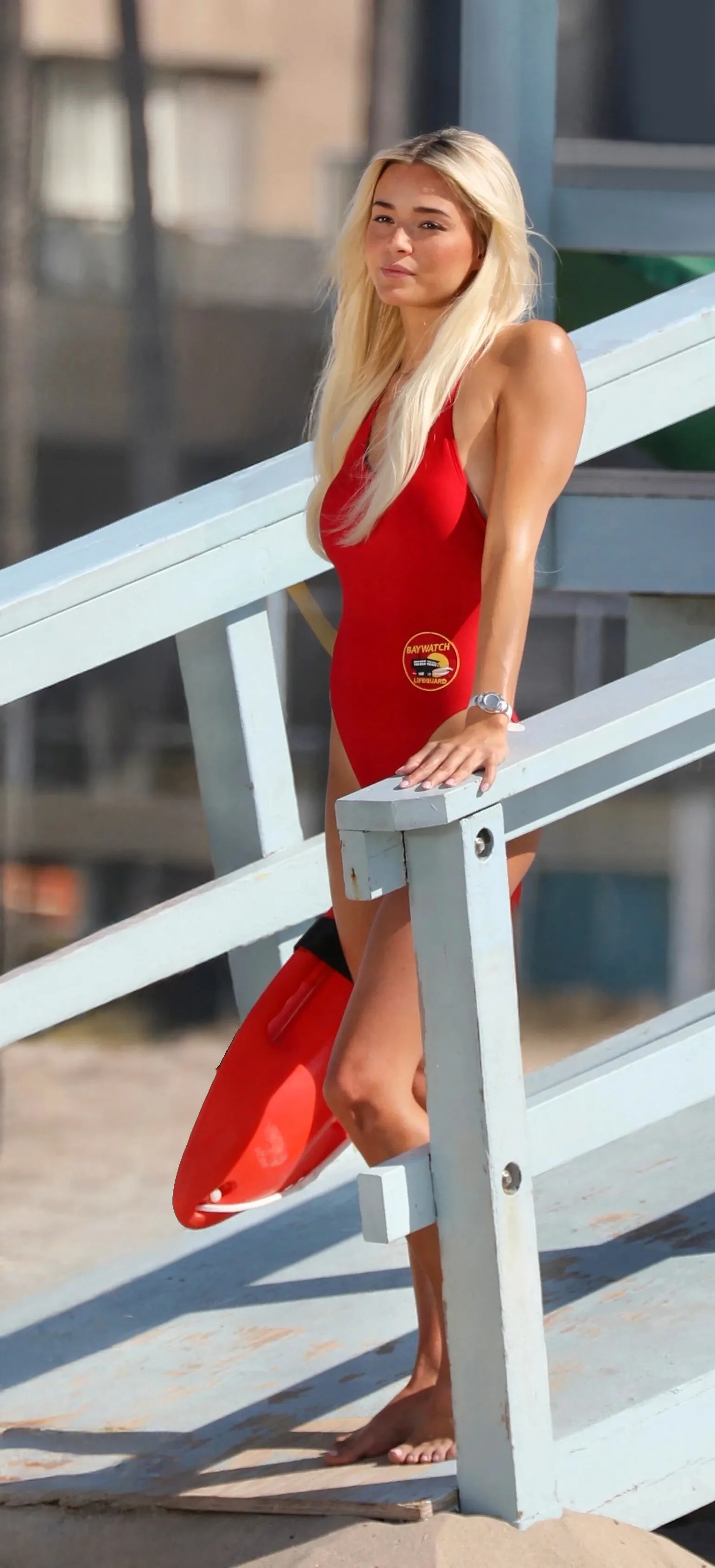
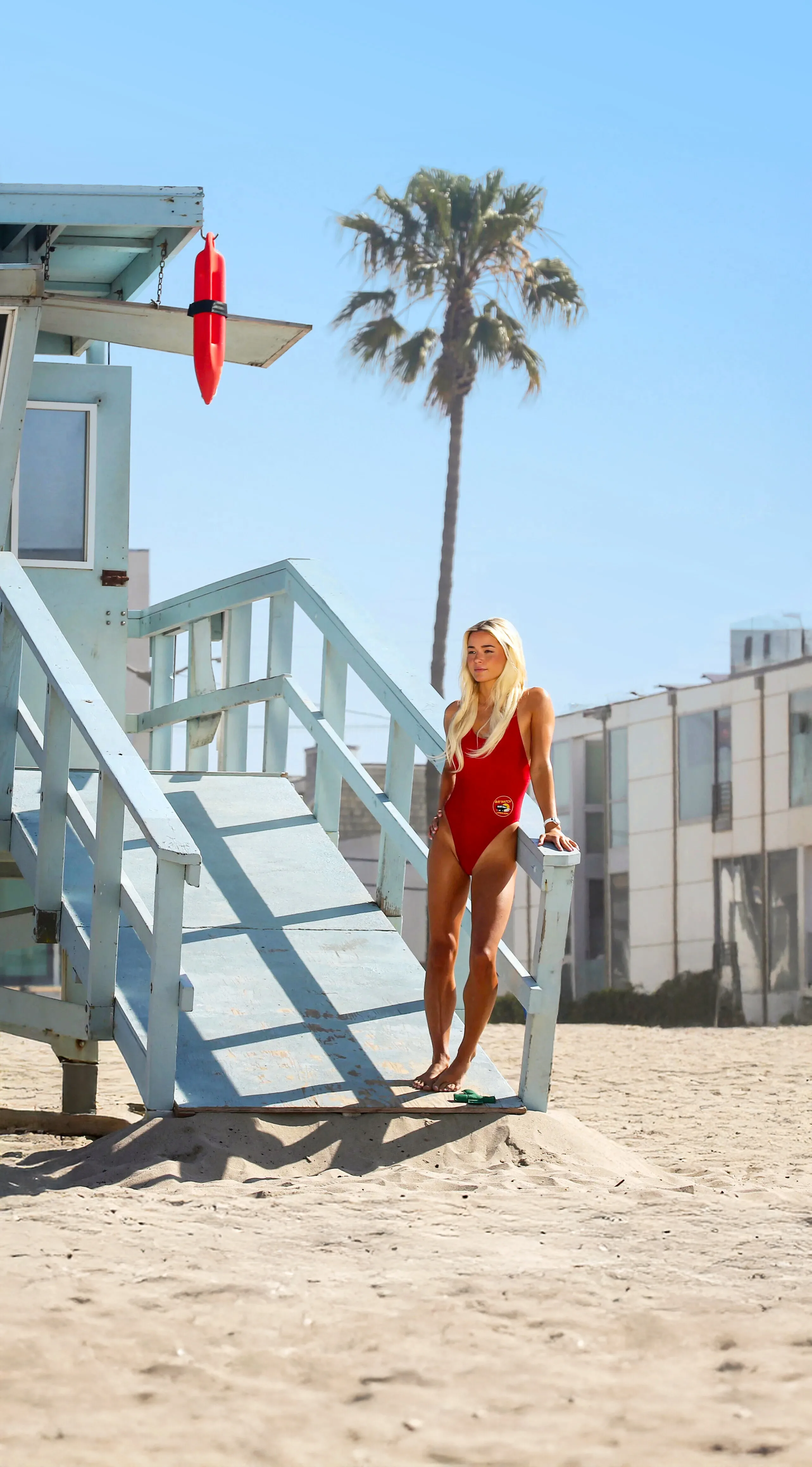
  13. Just cleaned up a chunk of the above baywatch BTS shots, few phone wallpapers for everyone to enjoy.
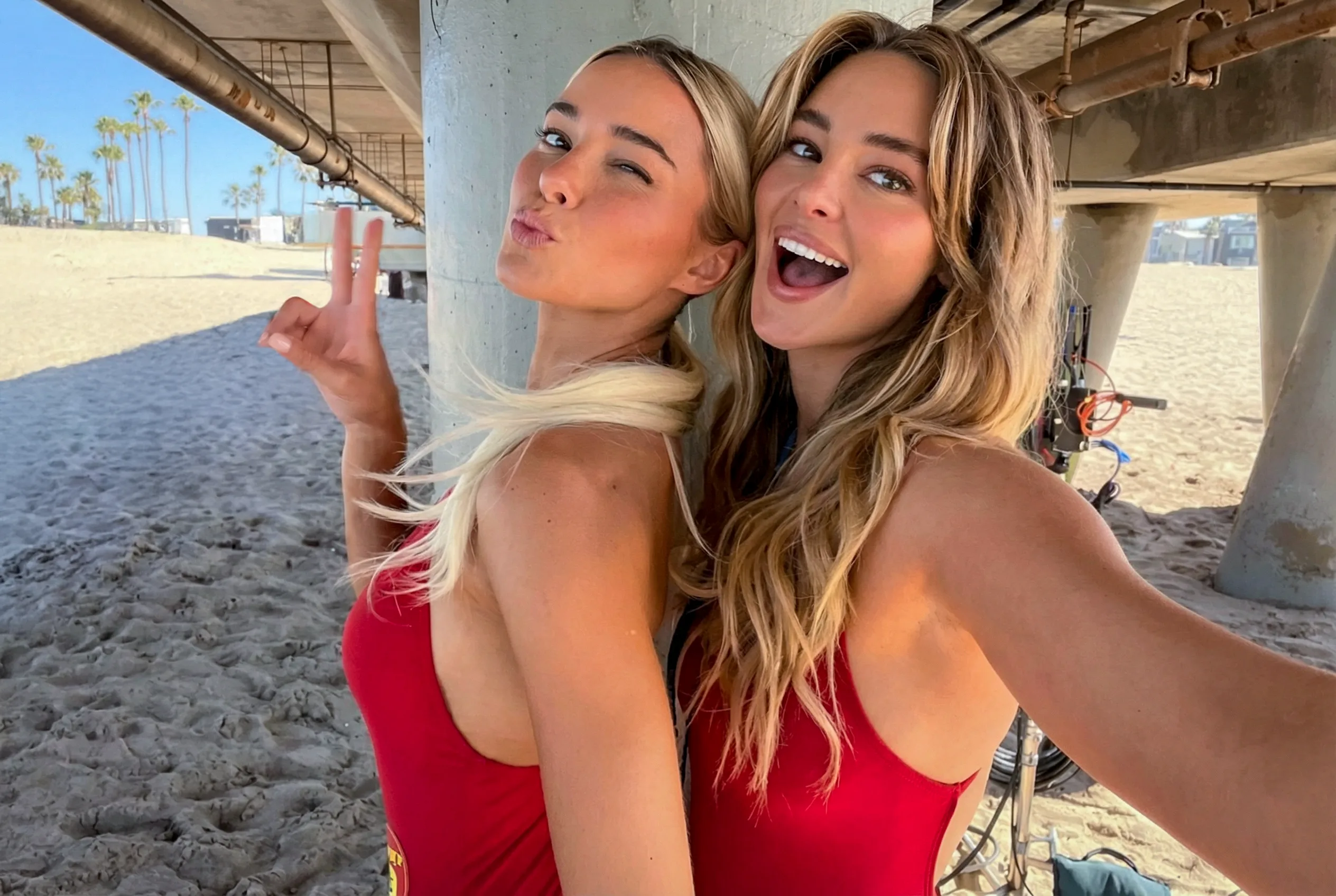
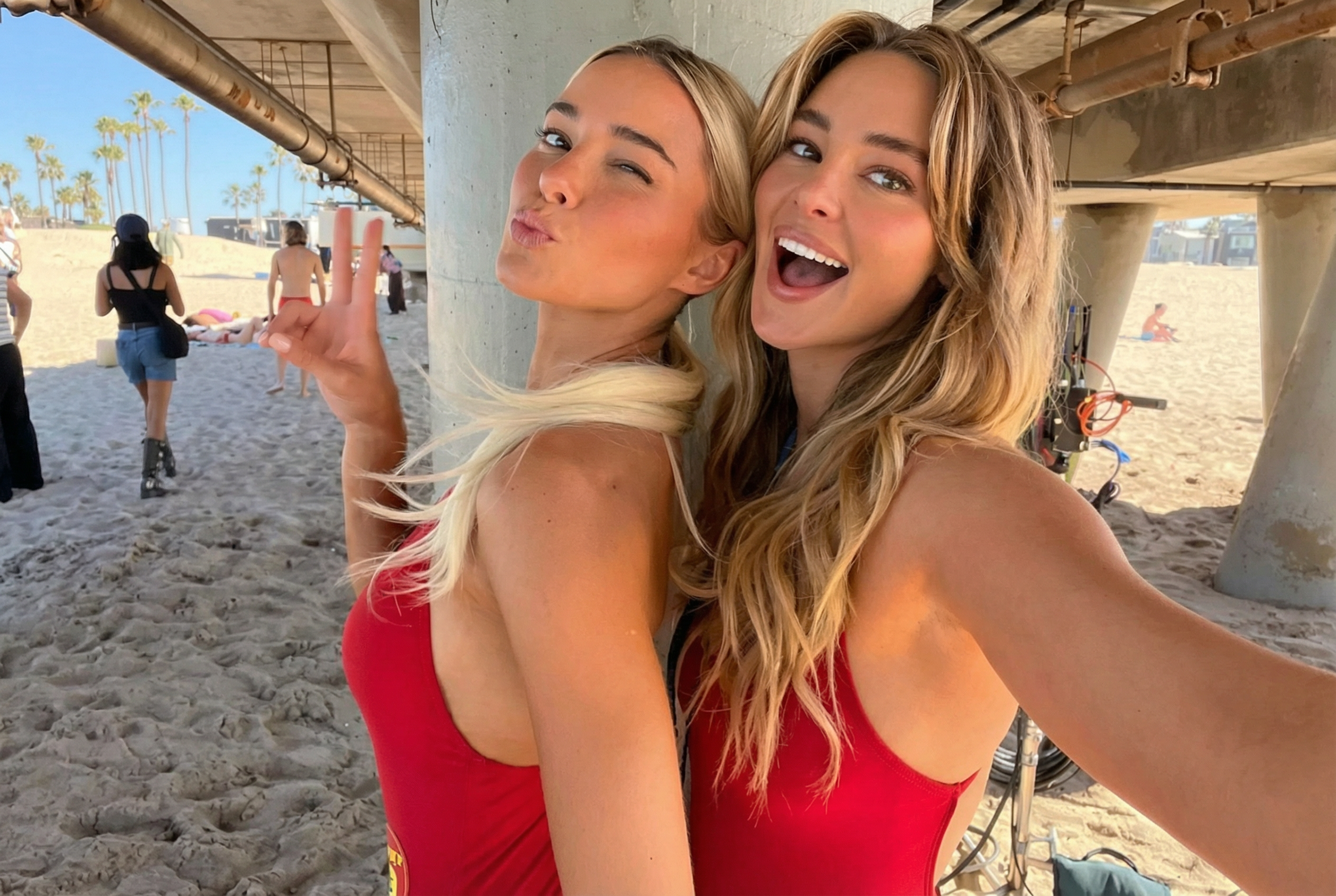
  14. Livvy and Hassie Harrison... I cant wait for this reboot!!
  15. Bellabuzz replied to a post in a topic in Alessandra Ambrosio
    Just keep it here and post on the correct thread. I have no problem having double helpings of Ale'
  16. Ratings will be through the roof for this...
  17. Charly for stevemadden
  18. Inka at the F1 Melbourne Australia 08/03/26

Account

Navigation

Search

Search

Configure browser push notifications

Chrome (Android)
  1. Tap the lock icon next to the address bar.
  2. Tap Permissions → Notifications.
  3. Adjust your preference.
Chrome (Desktop)
  1. Click the padlock icon in the address bar.
  2. Select Site settings.
  3. Find Notifications and adjust your preference.