
Cheesesoldier
Members
-
Joined
-
Last visited
-
 geeeeeeeeeeeeez.... whew
auto solved lol https://www.instagram.com/alice.sabatini/?hl=en
Well done ! Thanks
yehwang vids AQOjLGWgd8gSw88LqCzF0nU4U9TG_WCXCYp7WnALdhkNsoQQx_gqZJTyJvxFt25YPV5_u--aROOtXTBY2JOPZxqKDVOeEQHBJPD2mzs.mp4AQMJVId7ZjFVO3KugCo_qQDH3UOJI9SR_2r2lk0IE95536zieO2xb6WidHMRi7XdvXAHzRjBU4-3jsg8g-gN0BffsuR3xOEKCua4Pn0.mp4AQPOj-kKA3mdSXi.mp4
Bente mannes
geeeeeeeeeeeeez.... whew
auto solved lol https://www.instagram.com/alice.sabatini/?hl=en
Well done ! Thanks
yehwang vids AQOjLGWgd8gSw88LqCzF0nU4U9TG_WCXCYp7WnALdhkNsoQQx_gqZJTyJvxFt25YPV5_u--aROOtXTBY2JOPZxqKDVOeEQHBJPD2mzs.mp4AQMJVId7ZjFVO3KugCo_qQDH3UOJI9SR_2r2lk0IE95536zieO2xb6WidHMRi7XdvXAHzRjBU4-3jsg8g-gN0BffsuR3xOEKCua4Pn0.mp4AQPOj-kKA3mdSXi.mp4
Bente mannes
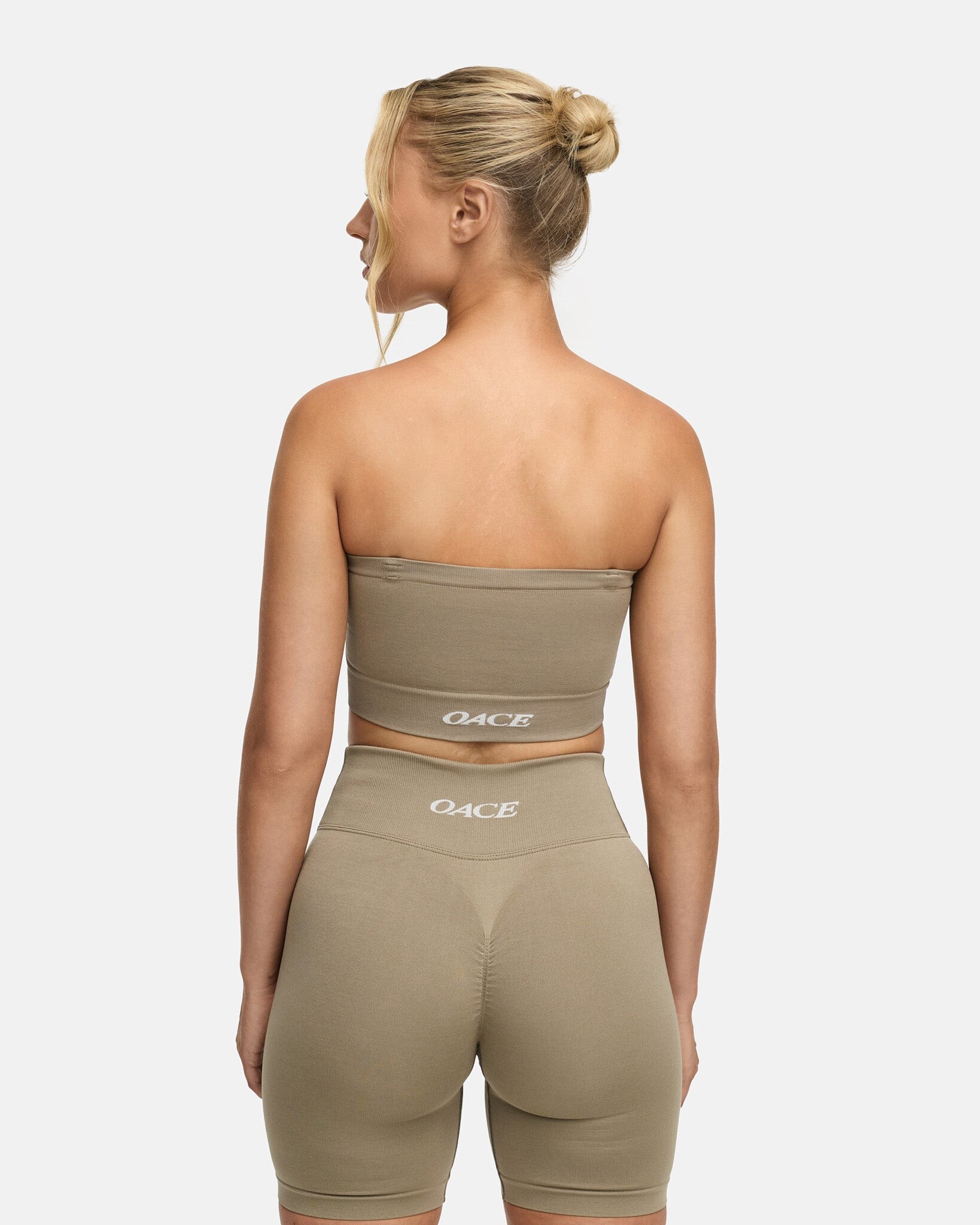
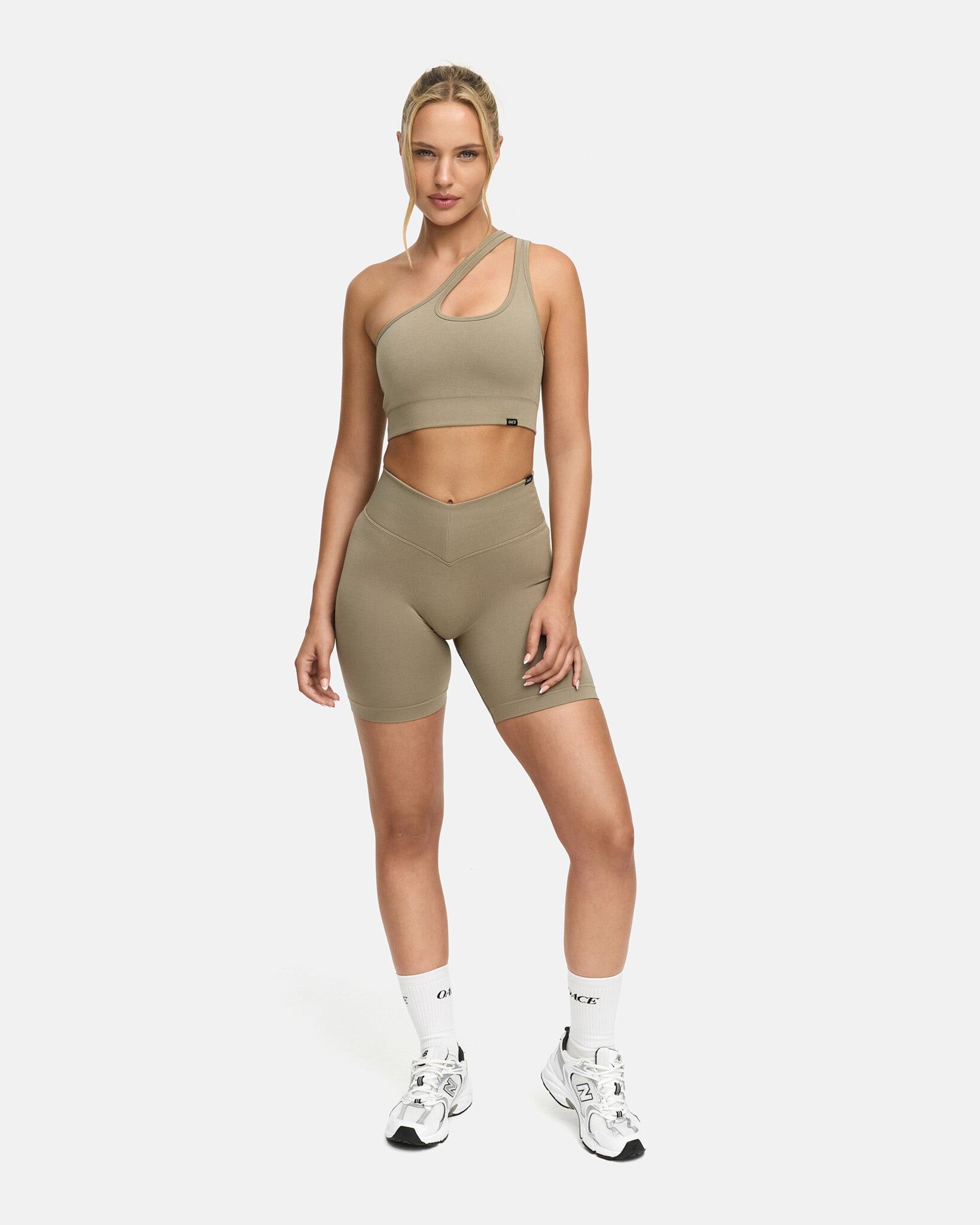
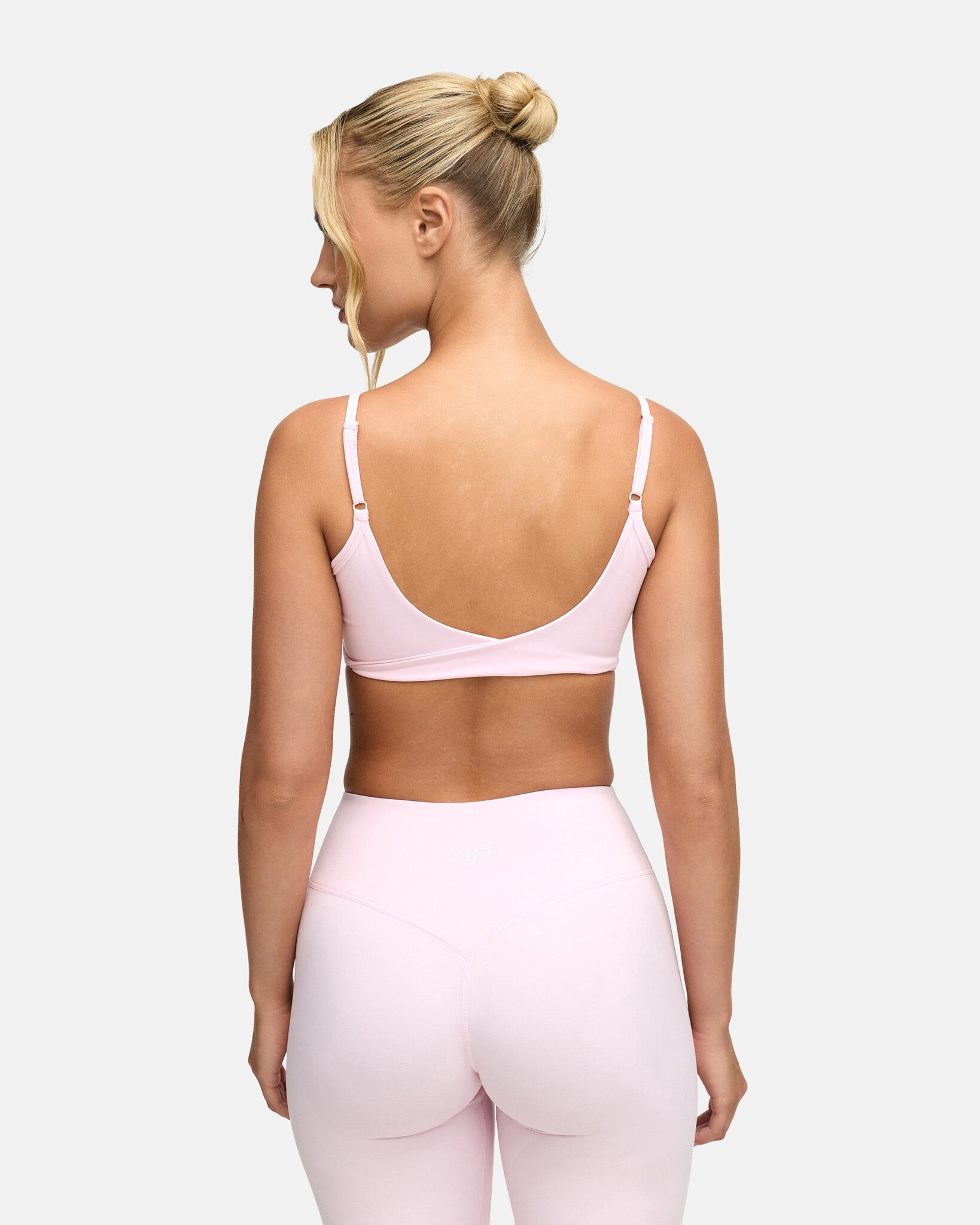
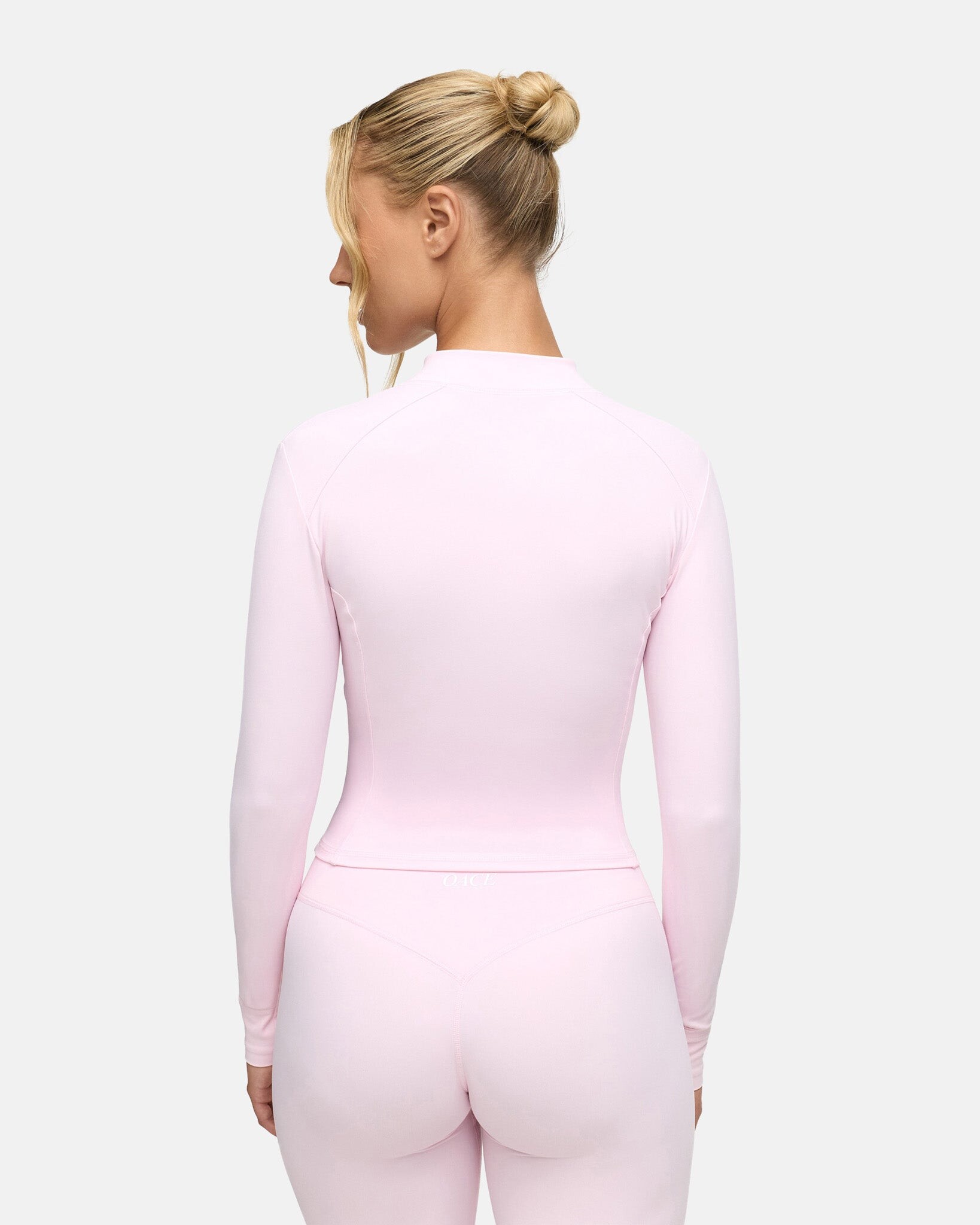
 sorry for the notification but I'll squeeze this in really quick behind the post. Her body is to DIE for. Incredible balance for the female form.
newer AP
sorry for the notification but I'll squeeze this in really quick behind the post. Her body is to DIE for. Incredible balance for the female form.
newer AP




















































































































Account
Navigation
Search
Configure browser push notifications
Chrome (Android)
- Tap the lock icon next to the address bar.
- Tap Permissions → Notifications.
- Adjust your preference.
Chrome (Desktop)
- Click the padlock icon in the address bar.
- Select Site settings.
- Find Notifications and adjust your preference.
Safari (iOS 16.4+)
- Ensure the site is installed via Add to Home Screen.
- Open Settings App → Notifications.
- Find your app name and adjust your preference.
Safari (macOS)
- Go to Safari → Preferences.
- Click the Websites tab.
- Select Notifications in the sidebar.
- Find this website and adjust your preference.
Edge (Android)
- Tap the lock icon next to the address bar.
- Tap Permissions.
- Find Notifications and adjust your preference.
Edge (Desktop)
- Click the padlock icon in the address bar.
- Click Permissions for this site.
- Find Notifications and adjust your preference.
Firefox (Android)
- Go to Settings → Site permissions.
- Tap Notifications.
- Find this site in the list and adjust your preference.
Firefox (Desktop)
- Open Firefox Settings.
- Search for Notifications.
- Find this site in the list and adjust your preference.