mrbeanmrbeanmrbean
Members
-
Joined
Everything posted by mrbeanmrbeanmrbean
-
 Lover her smile.
 -
Somaintimates from 2017




 Gorgeous lady.
A$AP Rocky x GUESS Original - 2017
Gorgeous lady.
A$AP Rocky x GUESS Original - 2017




 SI Swim 2018 Screencaps:


































 The only ass polishing that I know of is of her getting ready for the 'Intimissimi' show. 3491680a78352966b25a1ad279162aed.mp4.c10b2d11f2b1f8c0c34e3c985eafb484.mp4
rachellegoulding_75457111_555544018464571_9105114530141616676_n.mp4
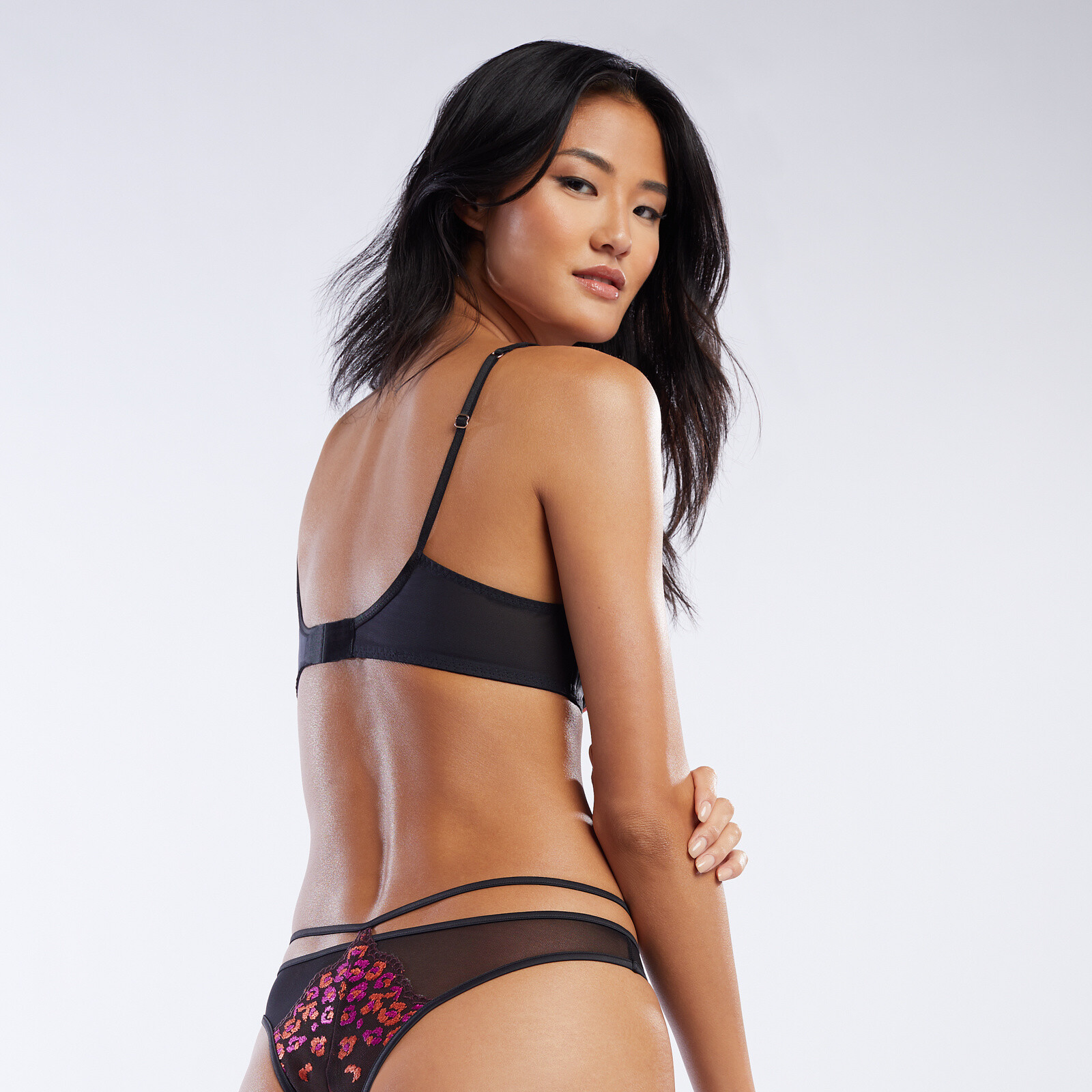
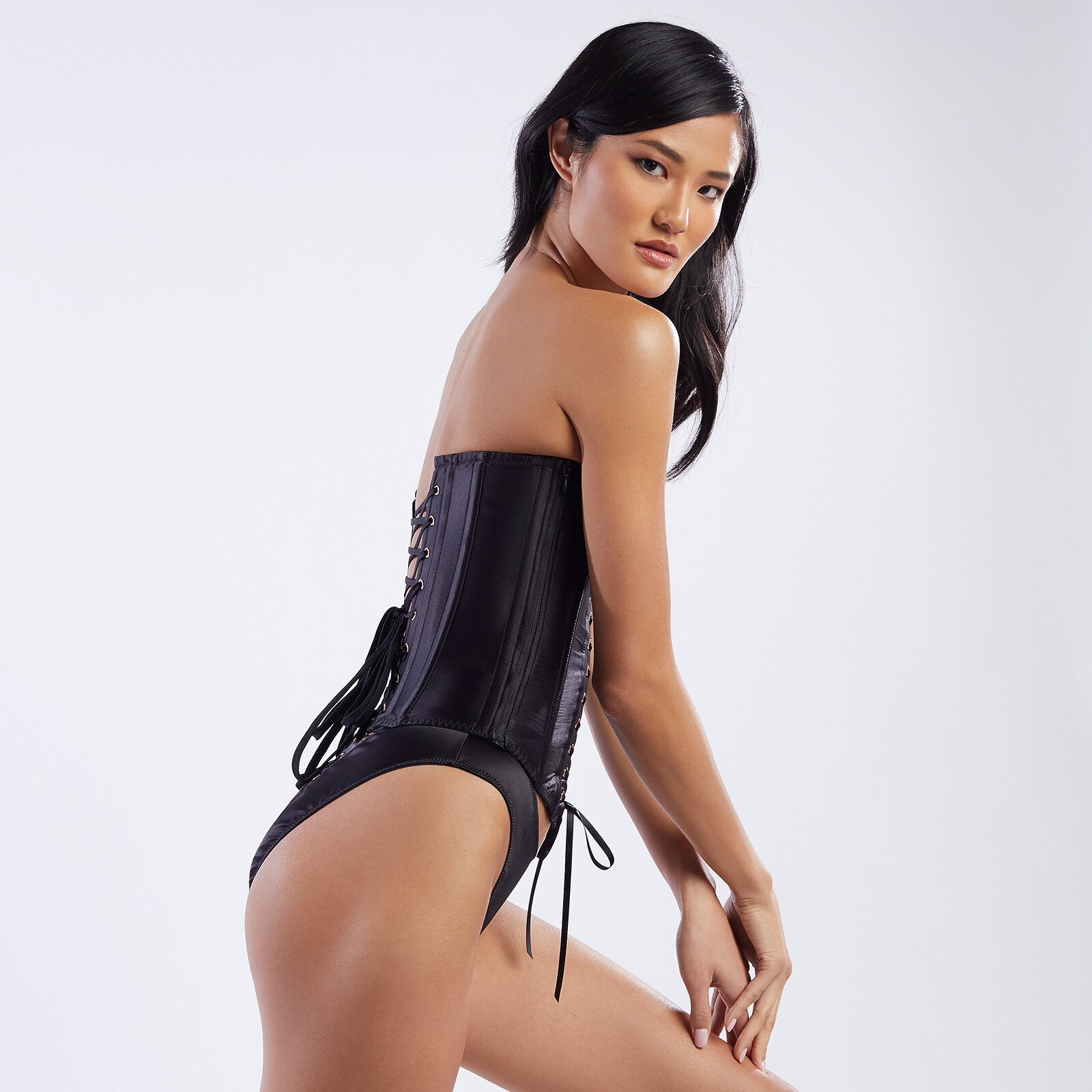
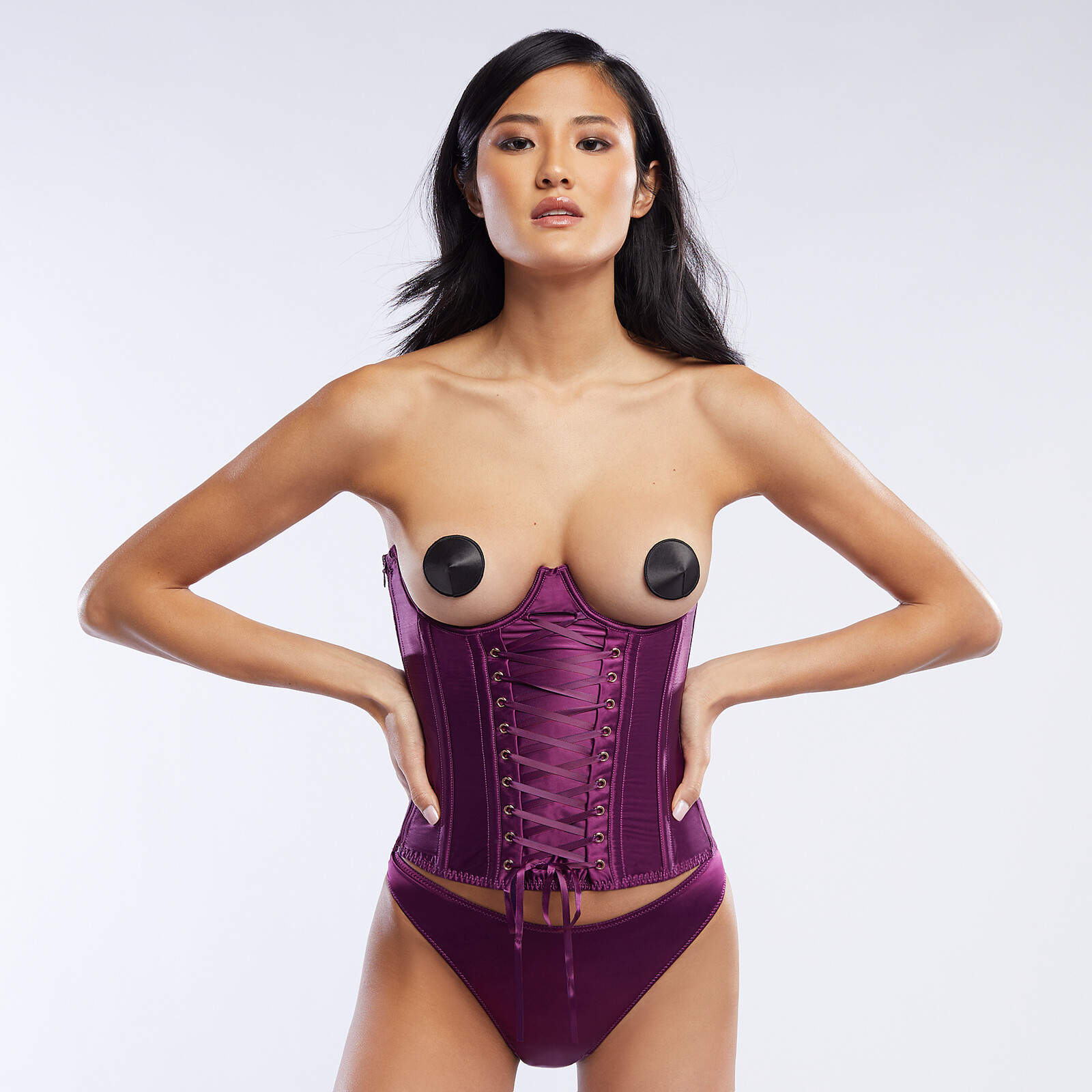
savagex.com
The only ass polishing that I know of is of her getting ready for the 'Intimissimi' show. 3491680a78352966b25a1ad279162aed.mp4.c10b2d11f2b1f8c0c34e3c985eafb484.mp4
rachellegoulding_75457111_555544018464571_9105114530141616676_n.mp4
savagex.com














































 highlights_104497661_610818309866681_4903423743950510467_n.mp4
104893964_2652920894932726_451842496857967808_n.mp4
Cute girl.
savagex.com
highlights_104497661_610818309866681_4903423743950510467_n.mp4
104893964_2652920894932726_451842496857967808_n.mp4
Cute girl.
savagex.com














































































 savagex.com


















































 savagex.com















































Account
Navigation
Search
Configure browser push notifications
Chrome (Android)
- Tap the lock icon next to the address bar.
- Tap Permissions → Notifications.
- Adjust your preference.
Chrome (Desktop)
- Click the padlock icon in the address bar.
- Select Site settings.
- Find Notifications and adjust your preference.
Safari (iOS 16.4+)
- Ensure the site is installed via Add to Home Screen.
- Open Settings App → Notifications.
- Find your app name and adjust your preference.
Safari (macOS)
- Go to Safari → Preferences.
- Click the Websites tab.
- Select Notifications in the sidebar.
- Find this website and adjust your preference.
Edge (Android)
- Tap the lock icon next to the address bar.
- Tap Permissions.
- Find Notifications and adjust your preference.
Edge (Desktop)
- Click the padlock icon in the address bar.
- Click Permissions for this site.
- Find Notifications and adjust your preference.
Firefox (Android)
- Go to Settings → Site permissions.
- Tap Notifications.
- Find this site in the list and adjust your preference.
Firefox (Desktop)
- Open Firefox Settings.
- Search for Notifications.
- Find this site in the list and adjust your preference.