calwatch
Members
-
Joined
-
Last visited
-
 #1 is Mari Lederman and #9 is Taylor Sharpe.
 -
(Barrett) Taylor Sharpe (Moreno)
-
Jamea Lynee
-
Here is a profile of her husband, Griffin Guess, who went from a Hollywood music mogul to trawling for fish in Monterey Bay. Clearly they don't need money, fame, or the spotlight. There is an old photo of them here which probably is the most recent published one available. Edible Monterey BayFresh Direction - Edible Monterey BayFormer music mogul finds contentment fishing and foraging for Santa Cruz restaurants
-
-
-
-
-
lenso.ai is probably the best reverse search I have seen, and although they fuzz out the results it is not that difficult to read through the blurring. Pimeyes charges $288 a year for 75 searches a day while Lenso is $200 a year for unlimited searches, albeit up to 50 results (but you can choose another photo and reverse search that). I am tempted to buy a subscription.
-
Thank you!
-
"A model displays creation by Belarusian designers during a lingerie fashion show in the city of Logoisk, some 30 km outside Minsk, late on April 16, 2012." Any idea who this might be? https://www.chron.com/life/article/designers-get-intimate-with-high-fashion-lingerie-3488238.php


-
I think what you have to do is get the full size photos and check the skin. Even with their extensive photoshopping and removing of tattoos, AI skin looks much more smoothed than natural.
-
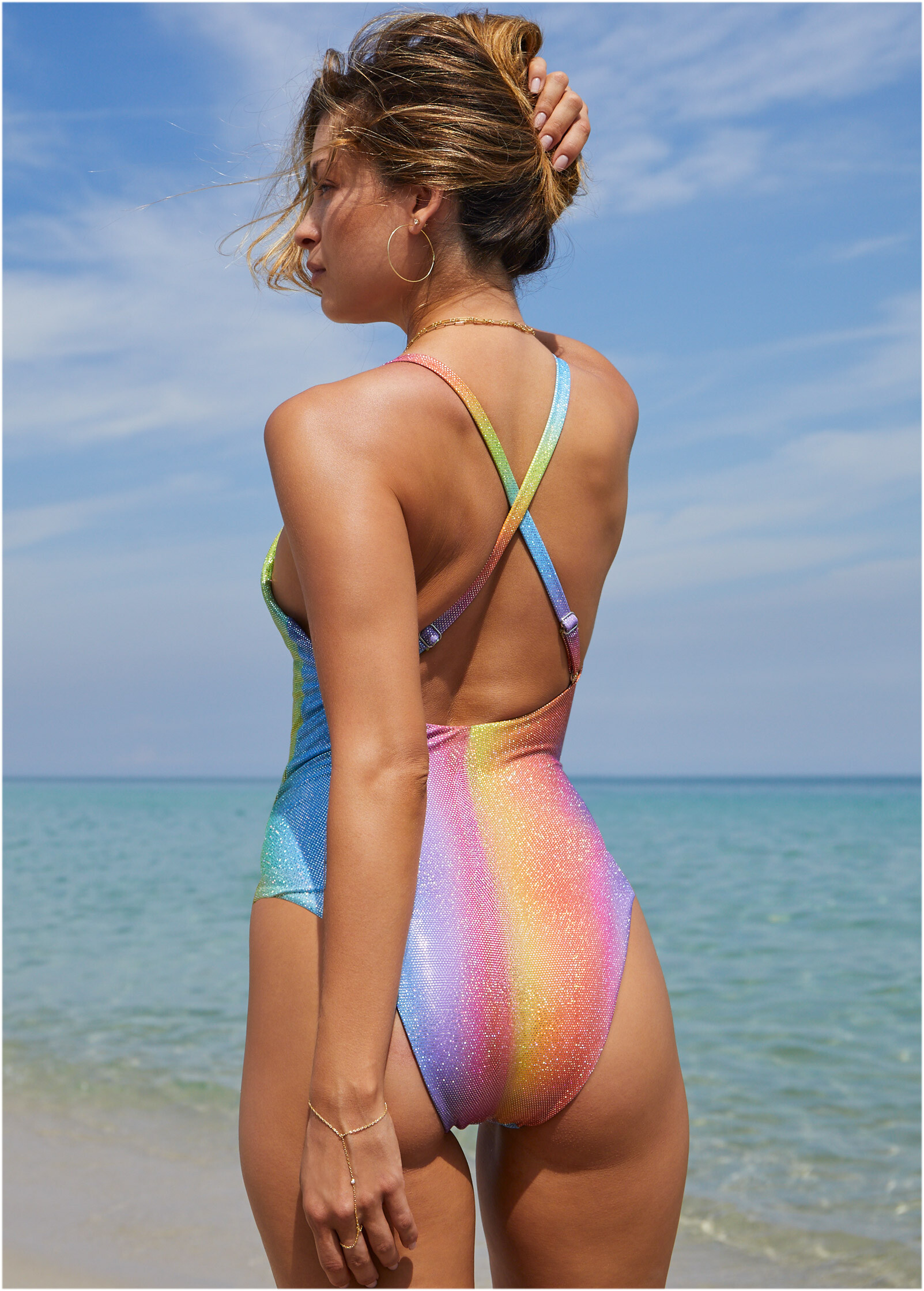
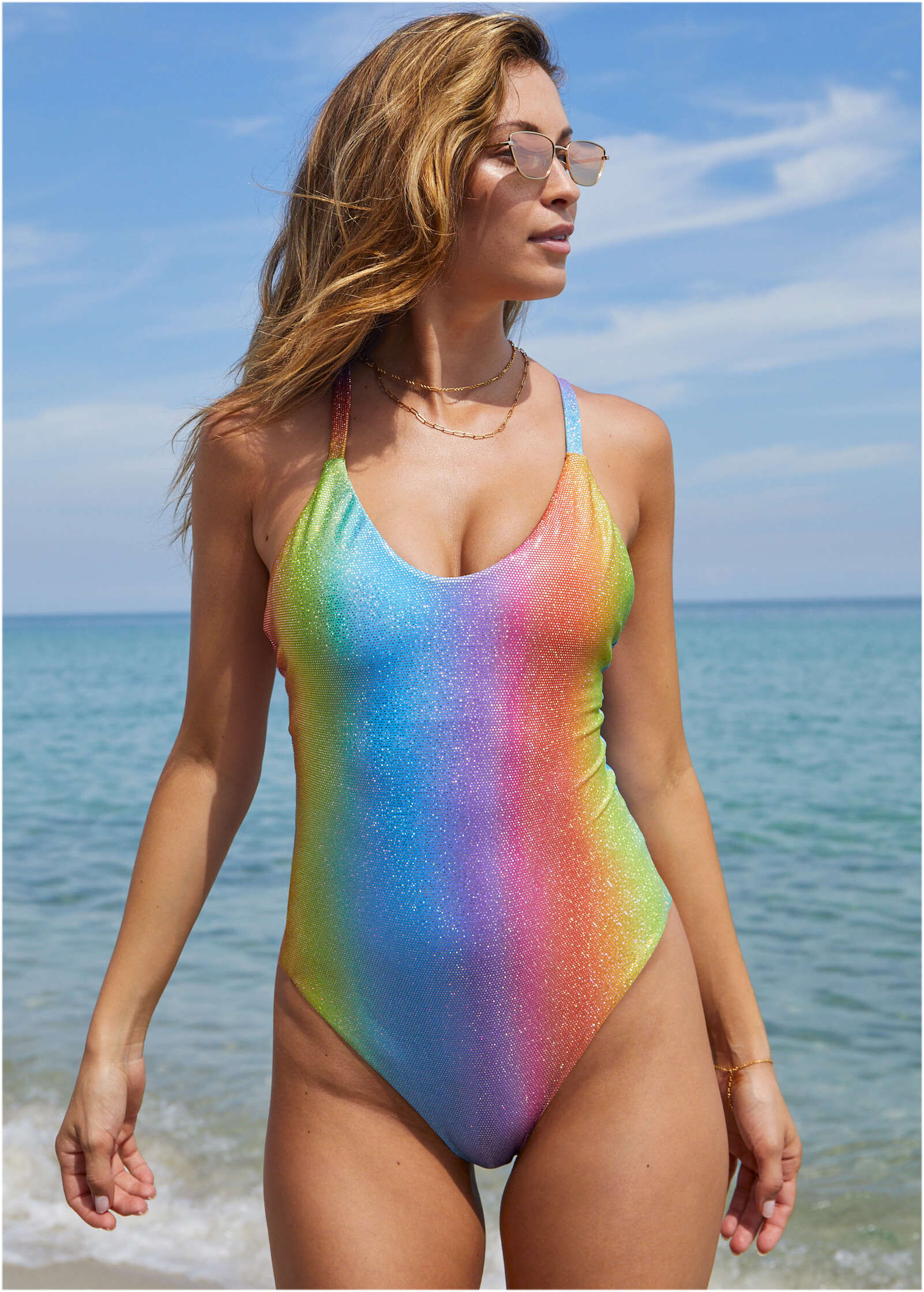
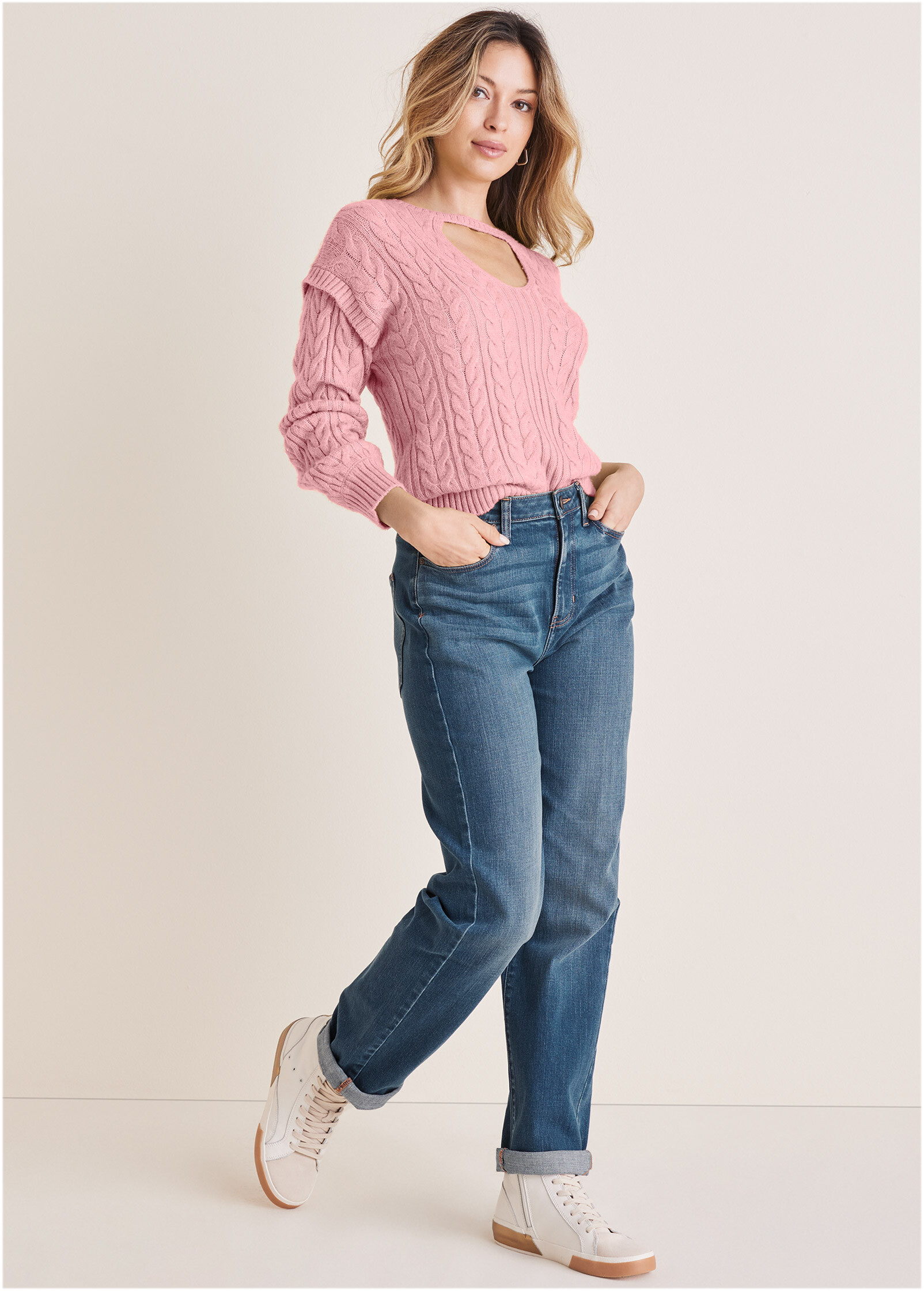
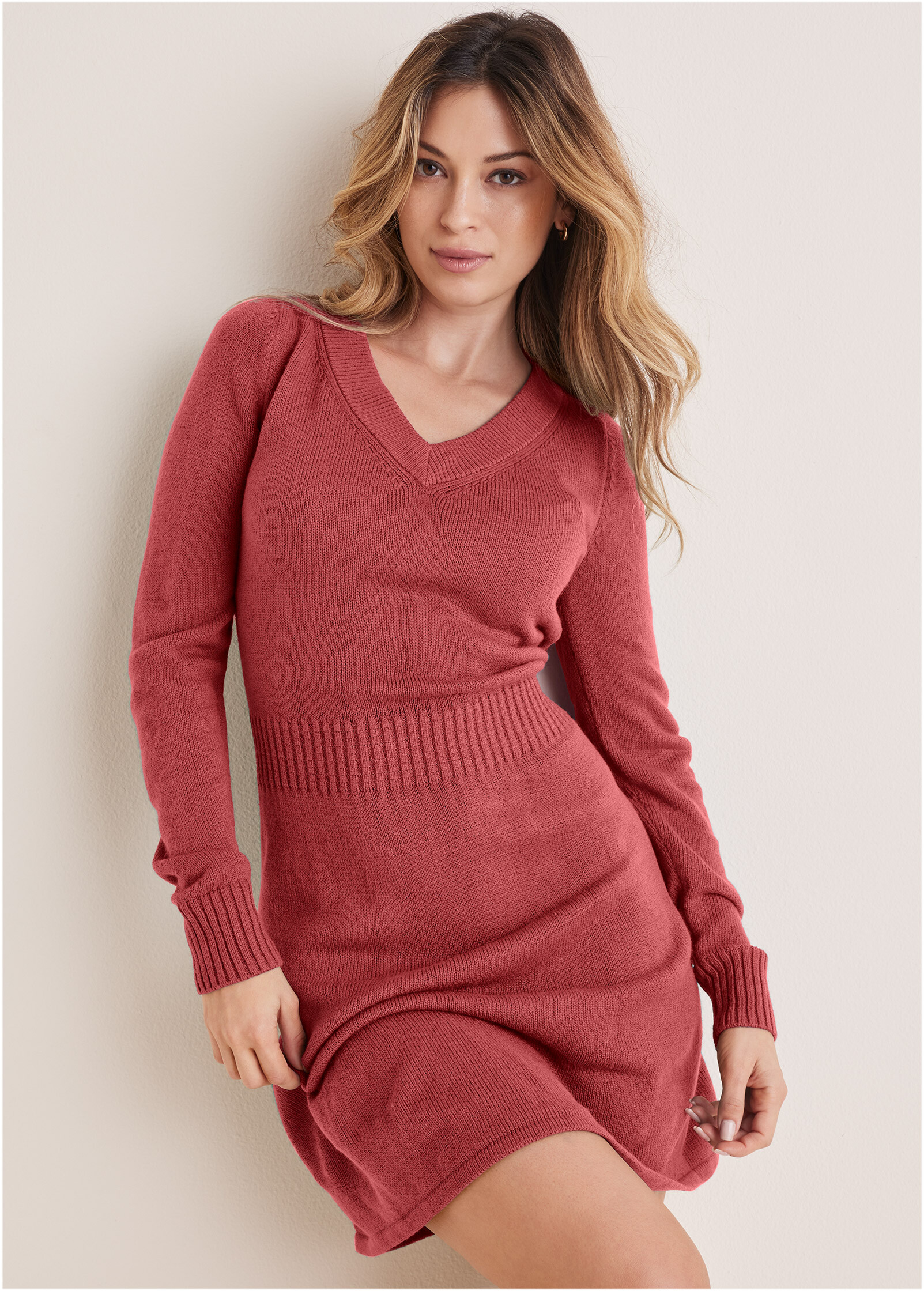
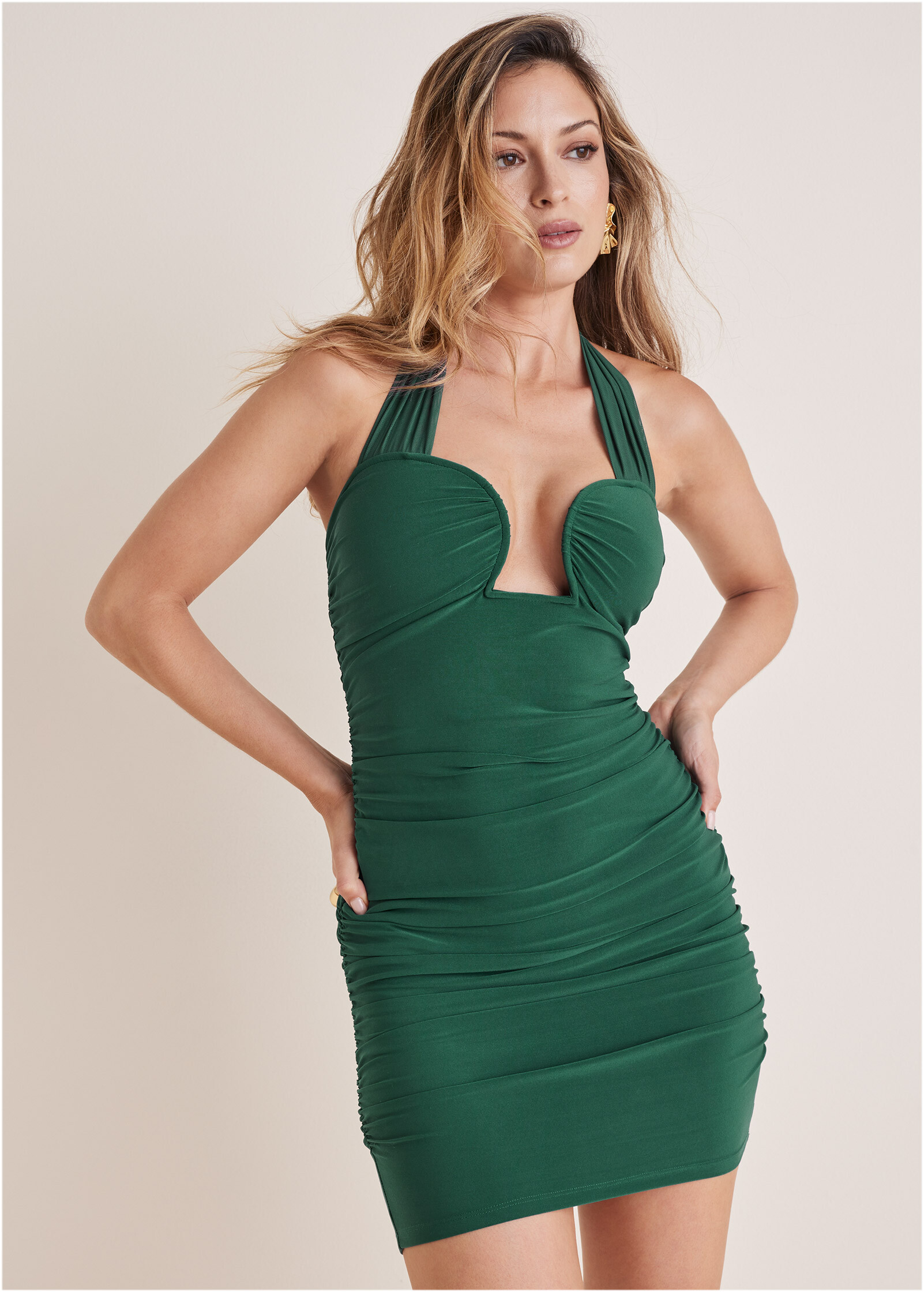
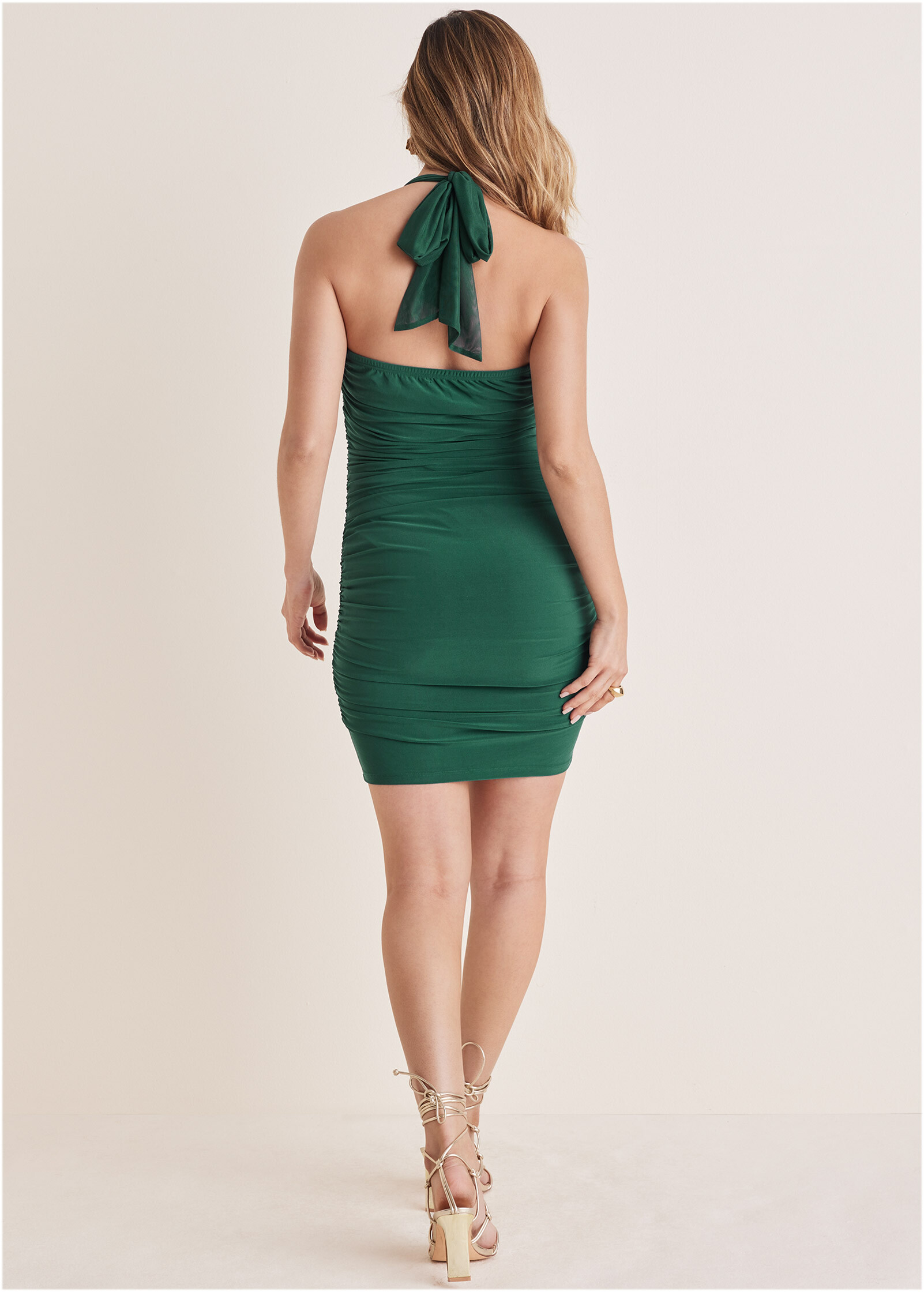
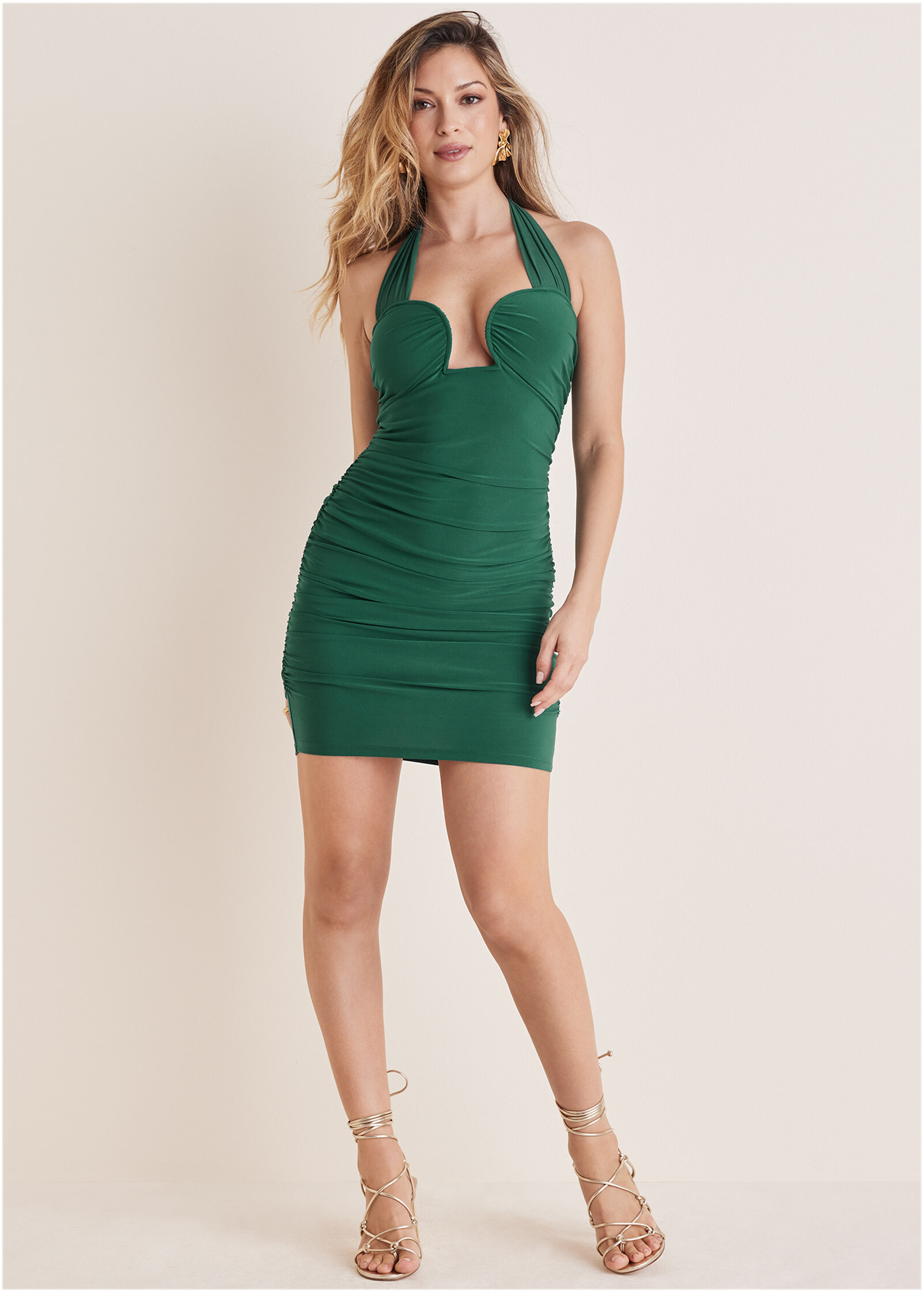
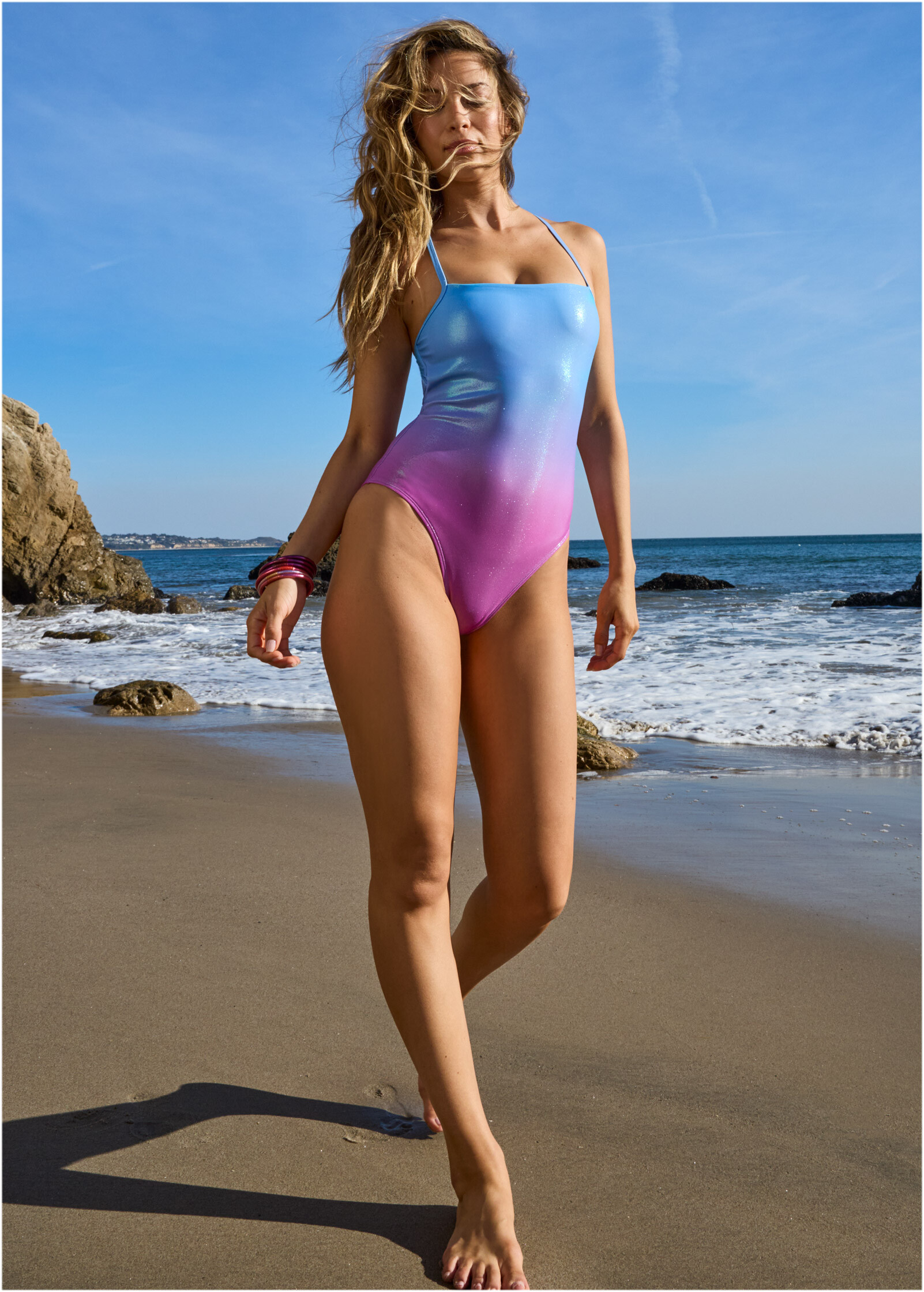
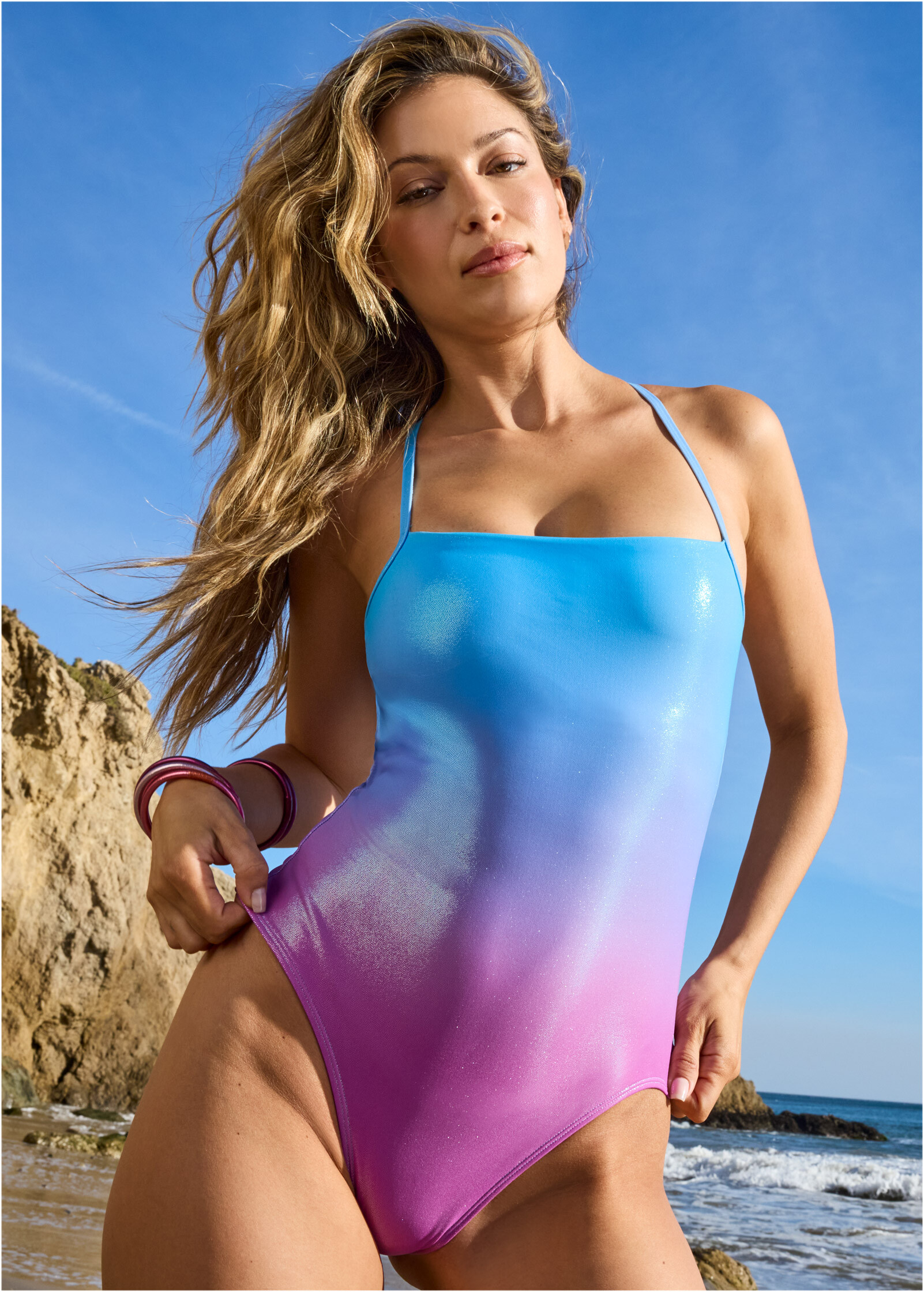
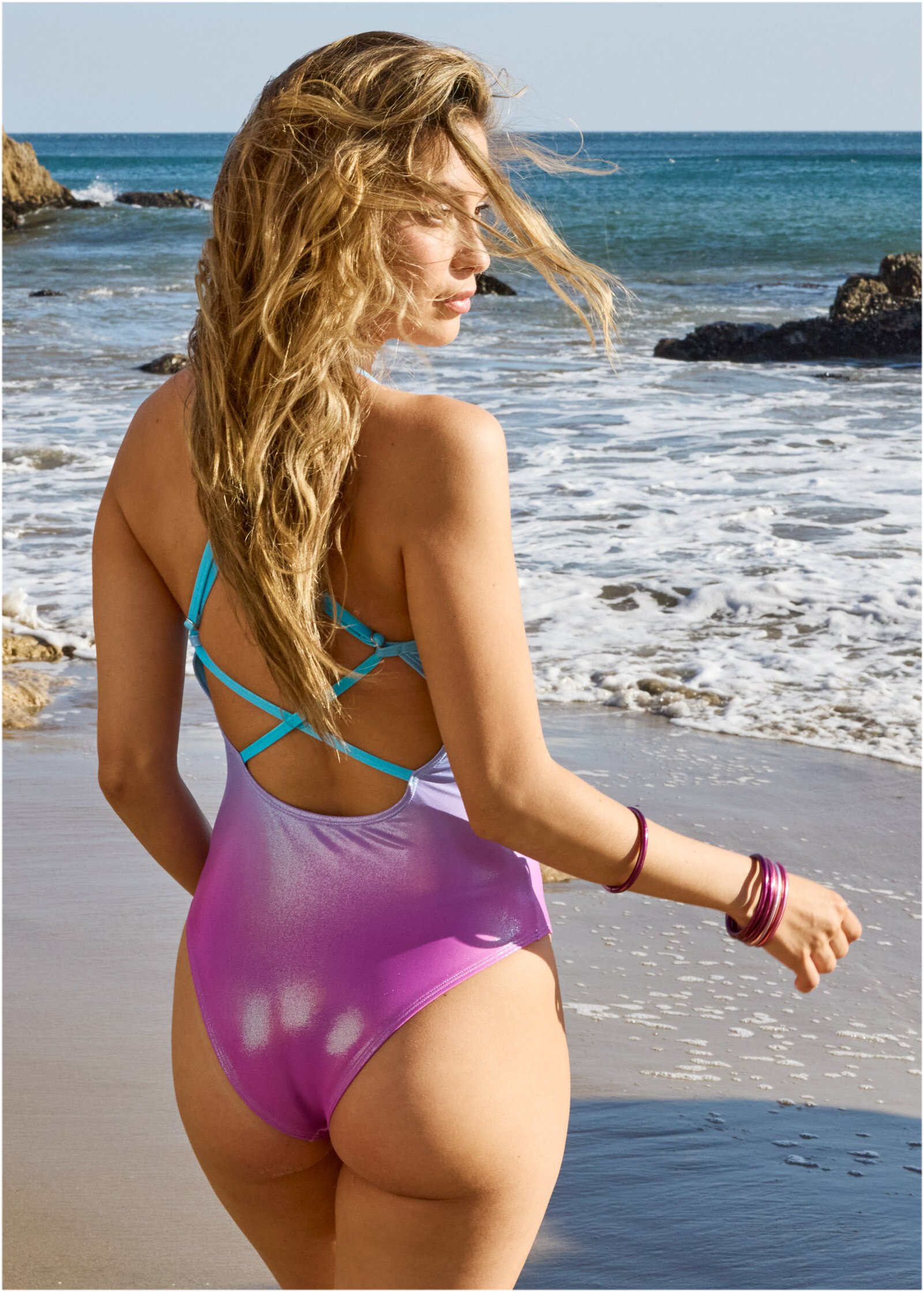
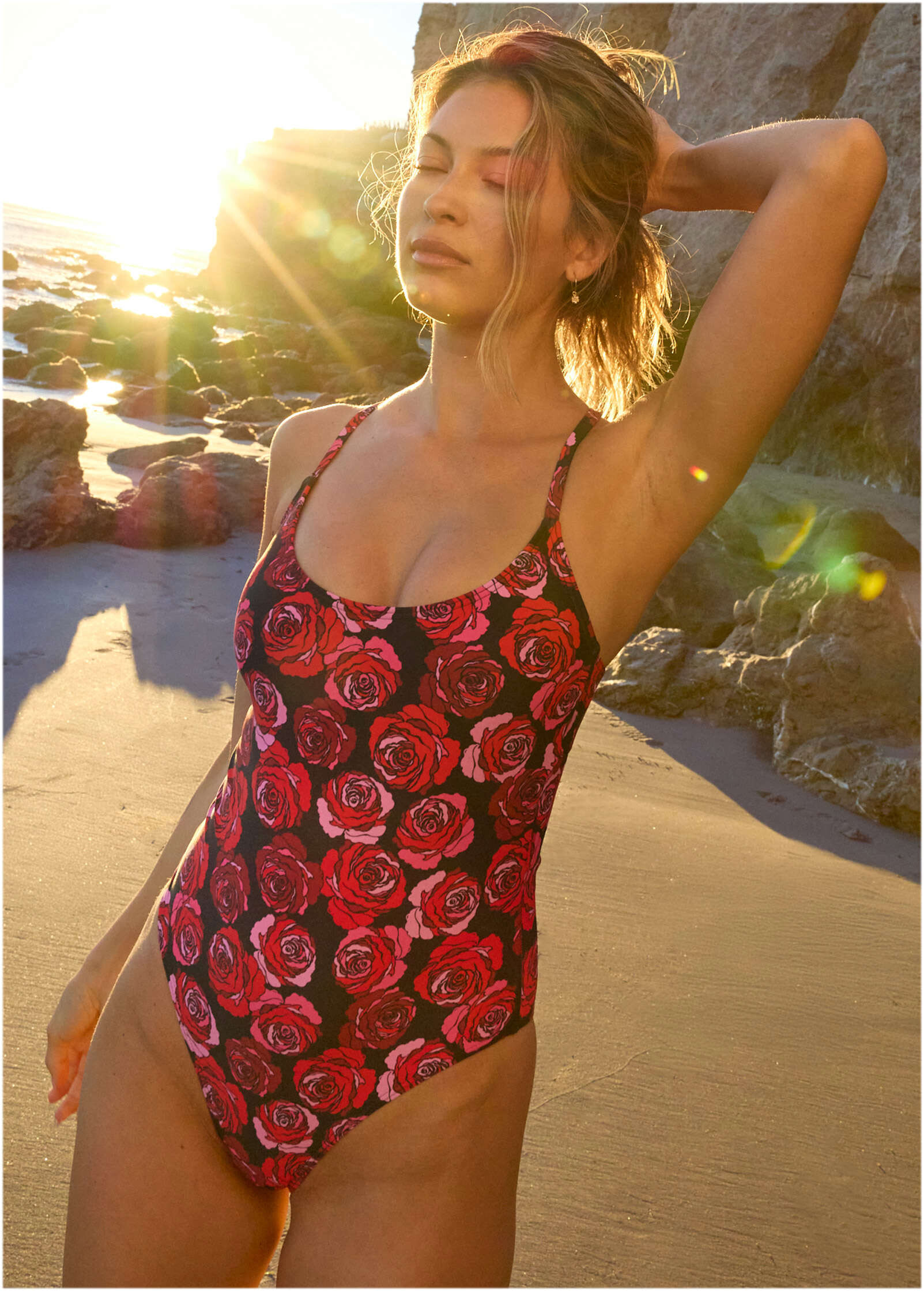
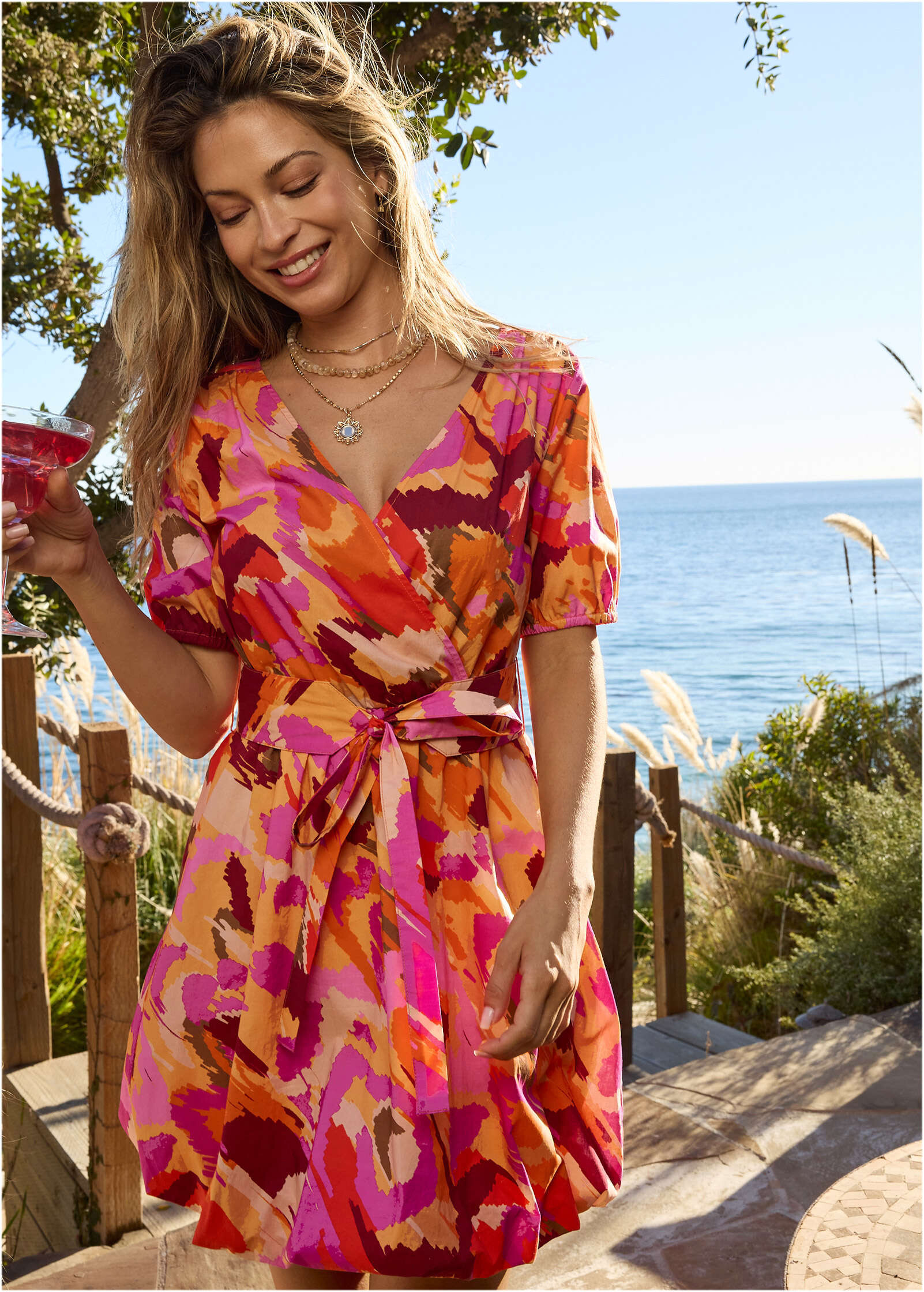
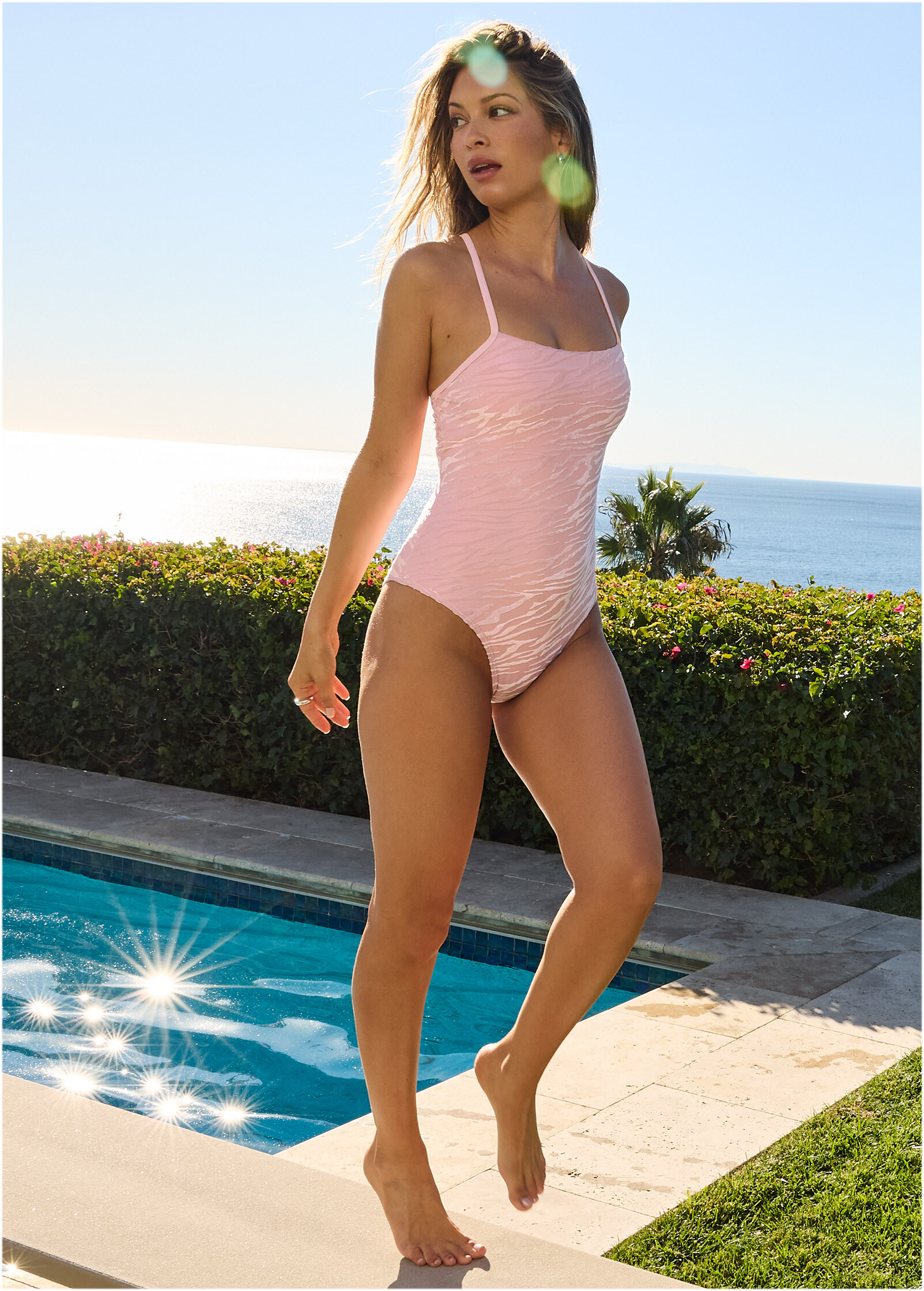
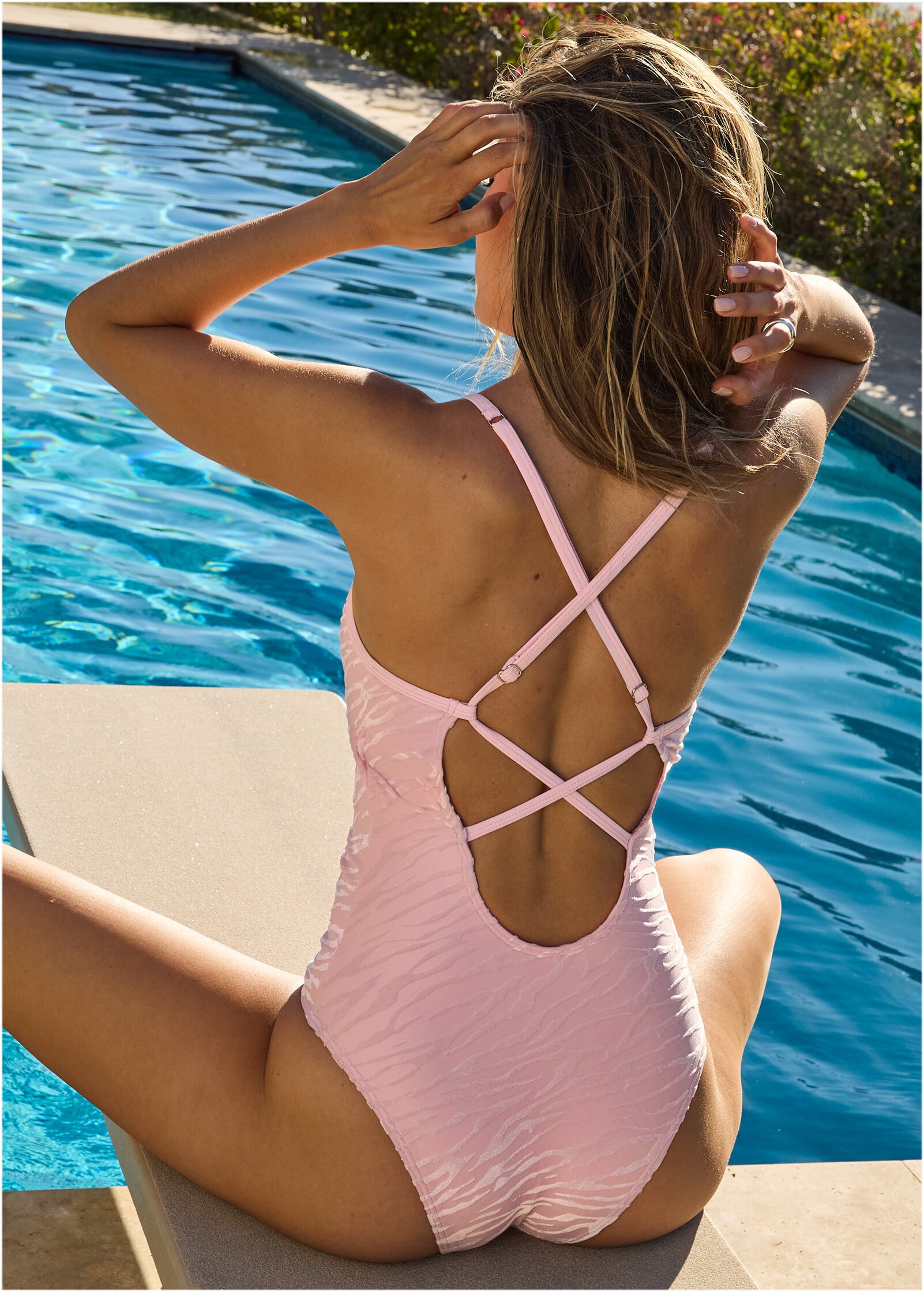
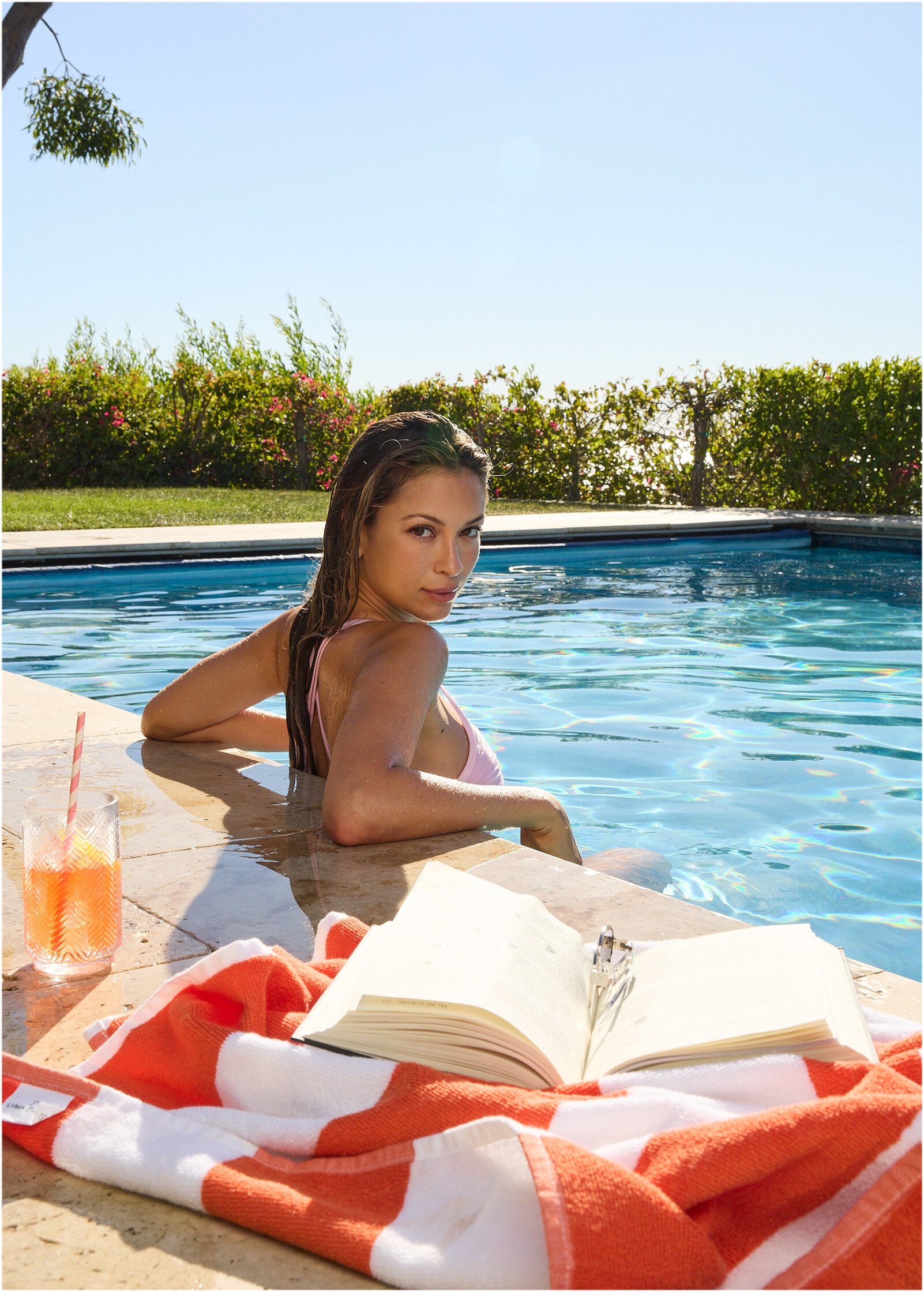
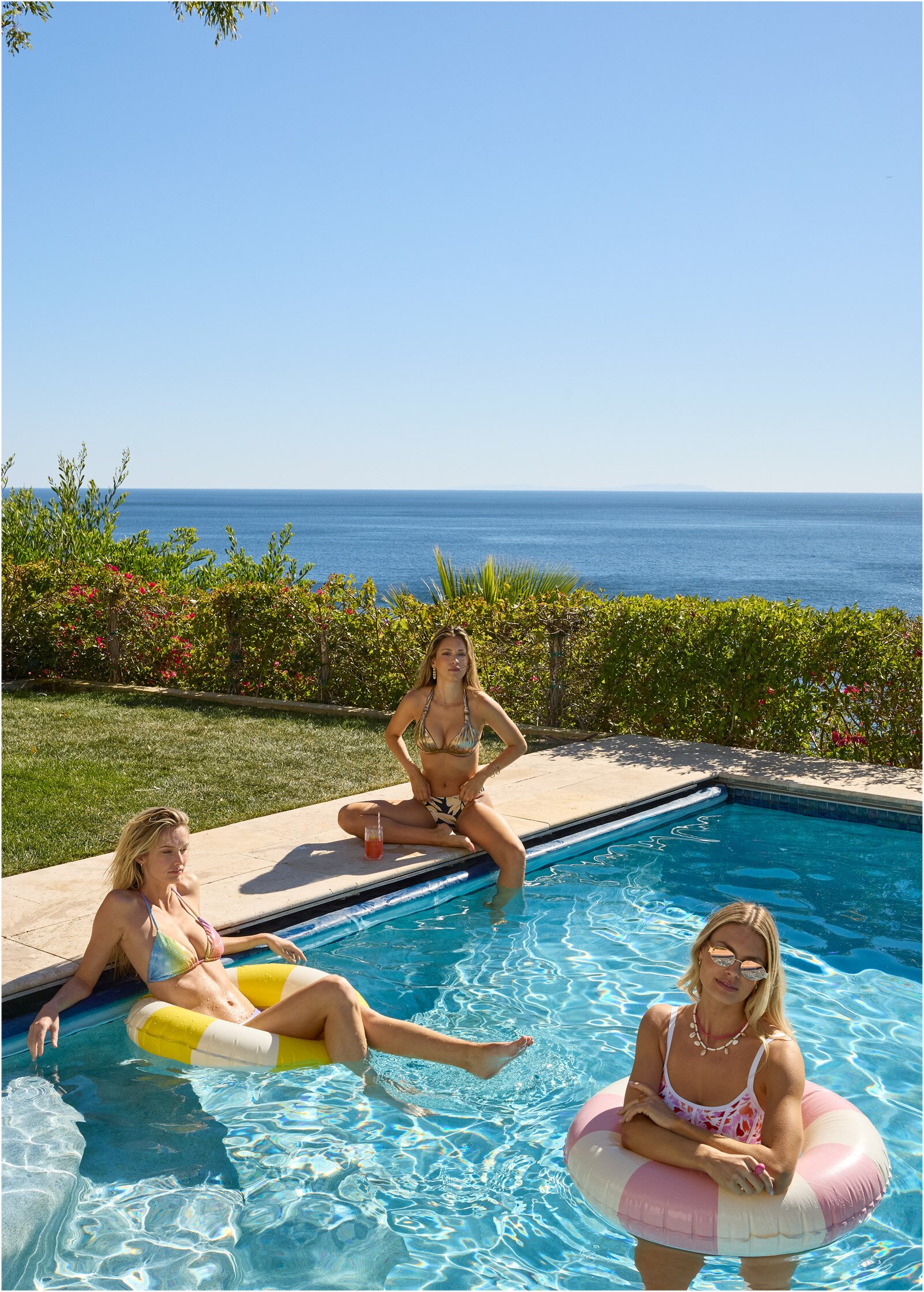
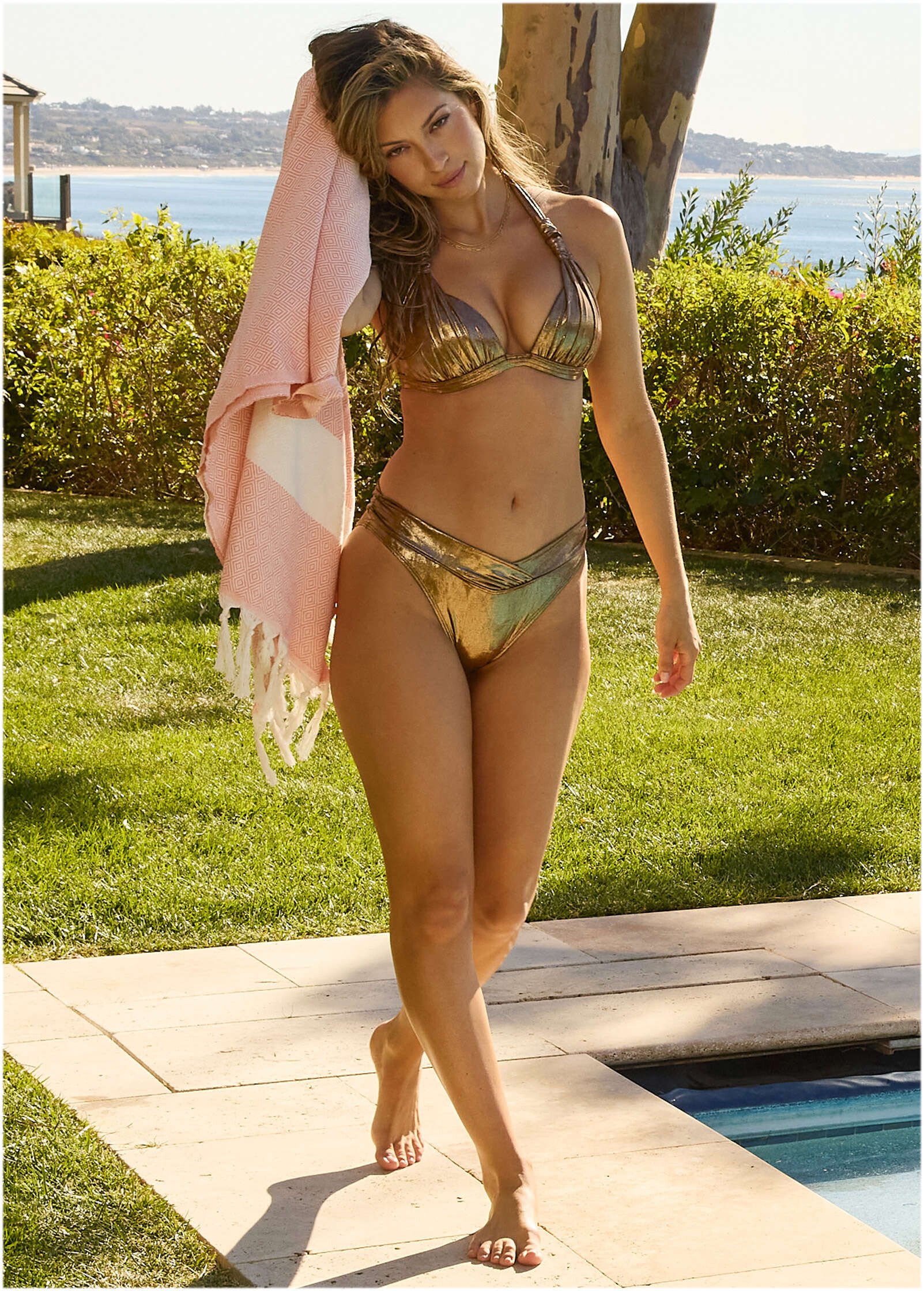
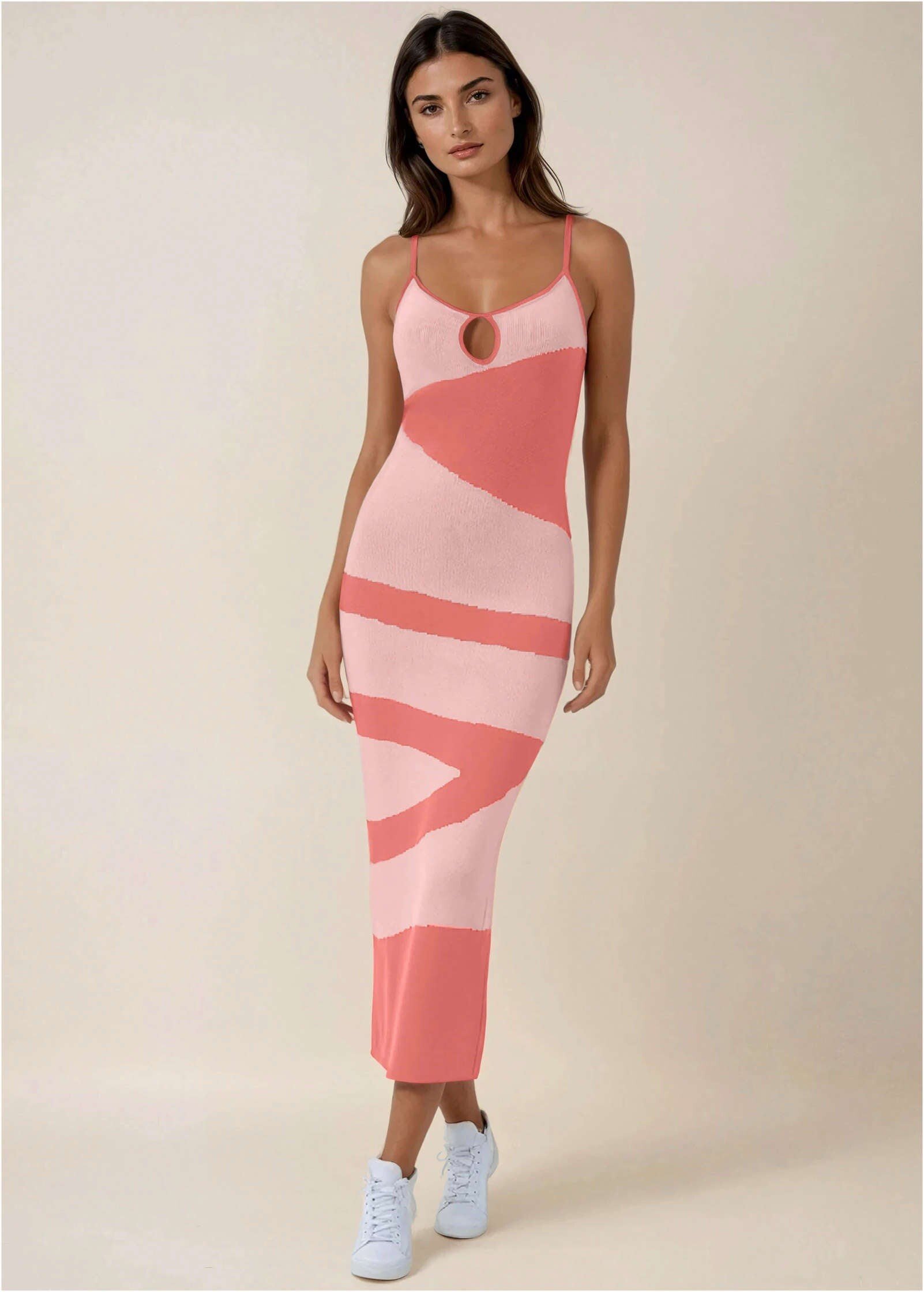
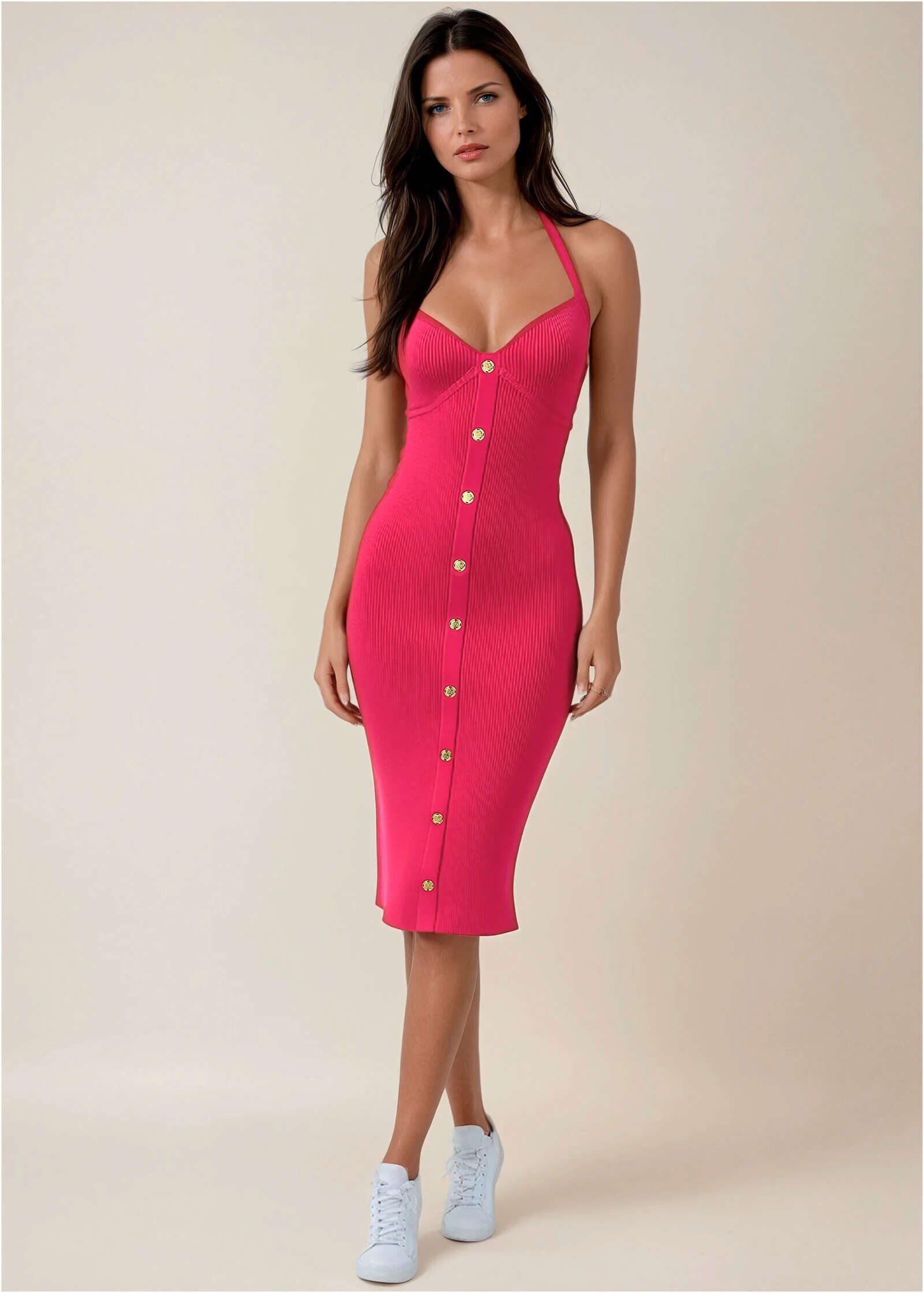
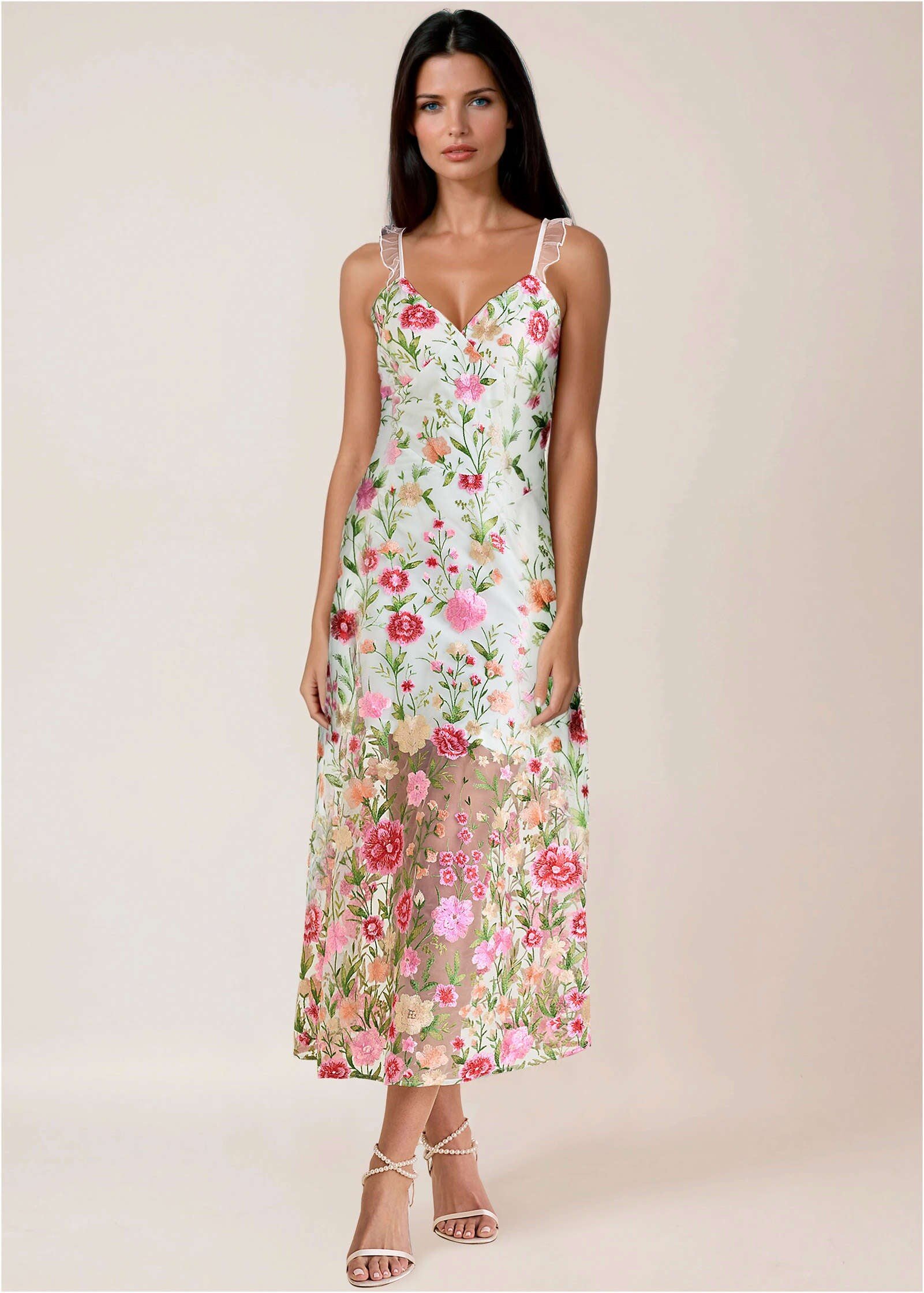
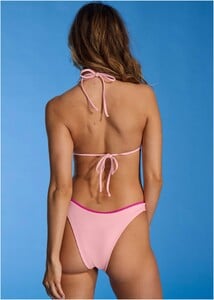
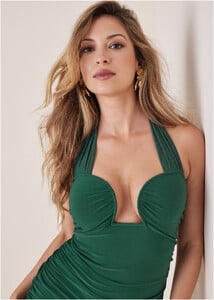
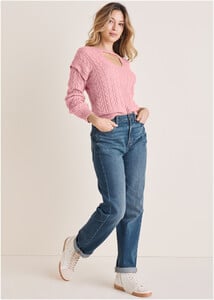
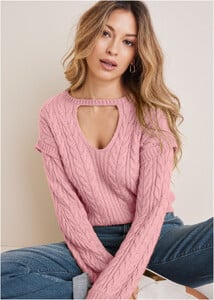
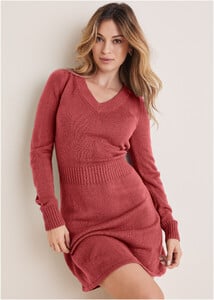
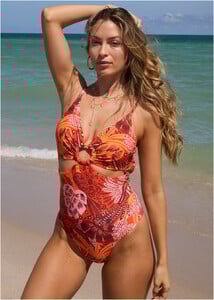
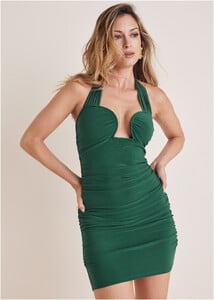
Venus 2024 -2025










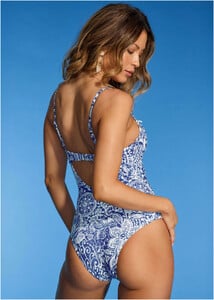


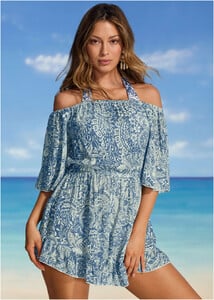





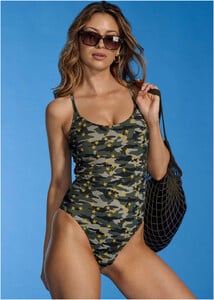


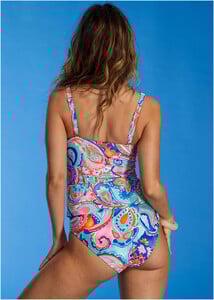















































-
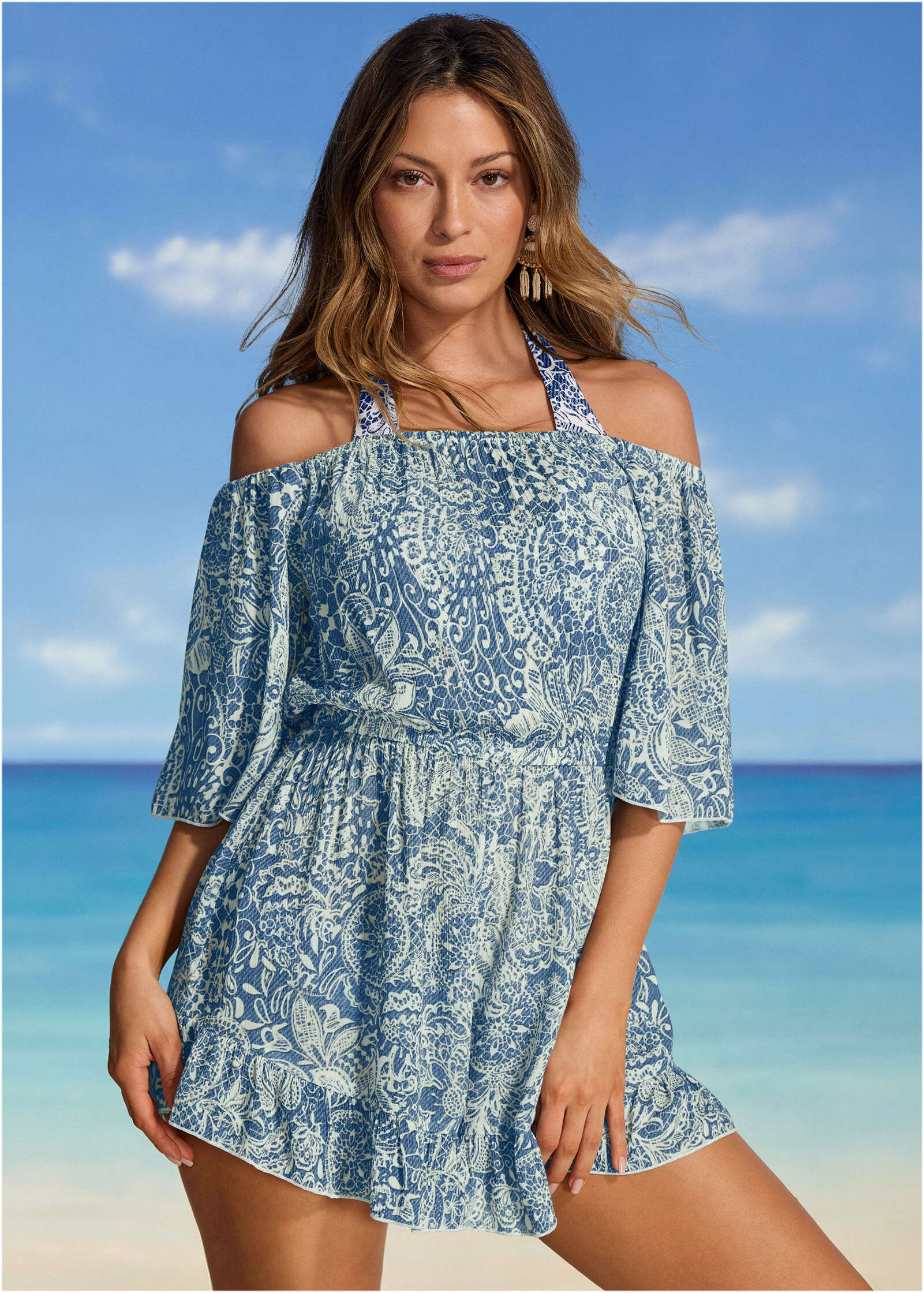
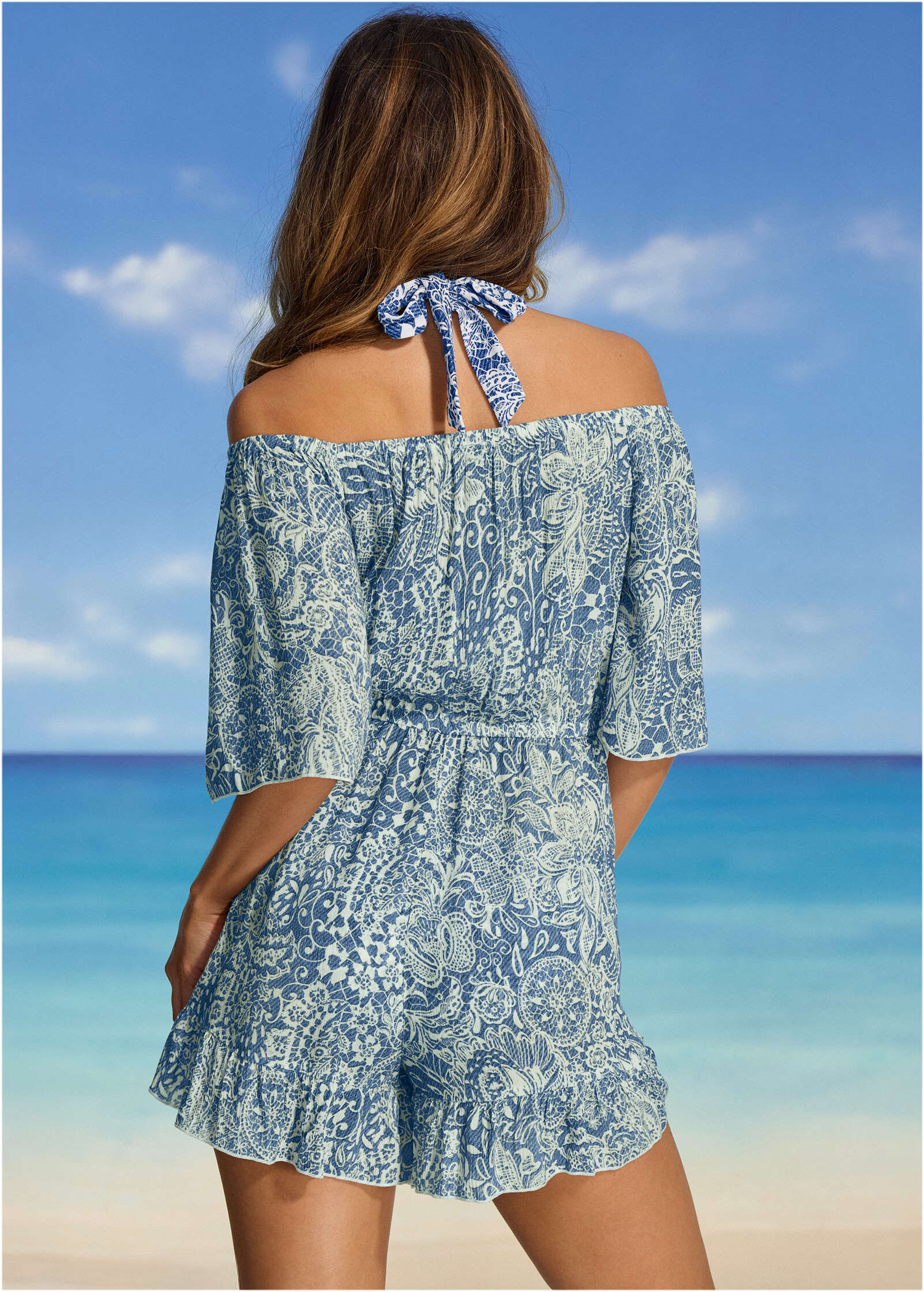
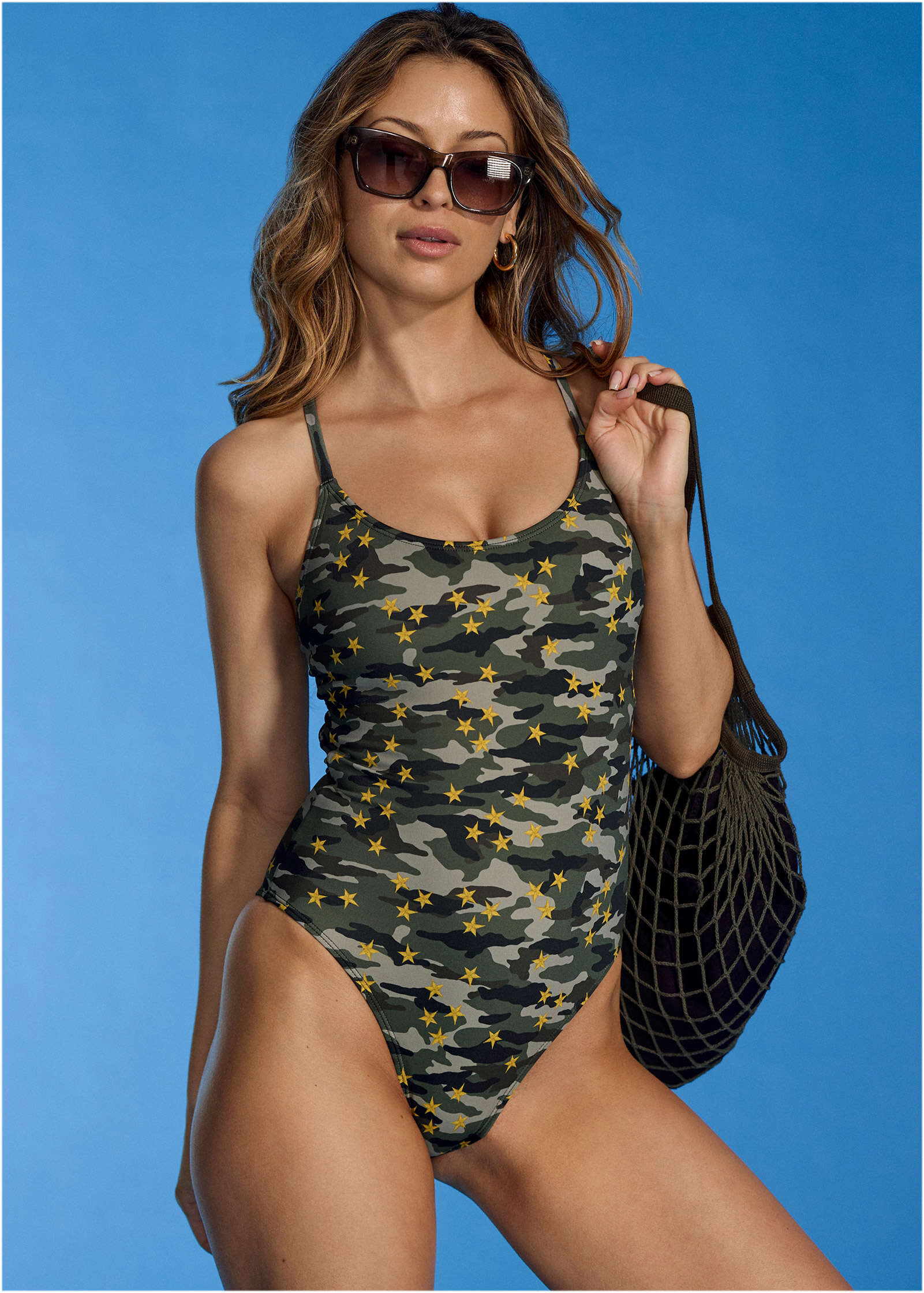
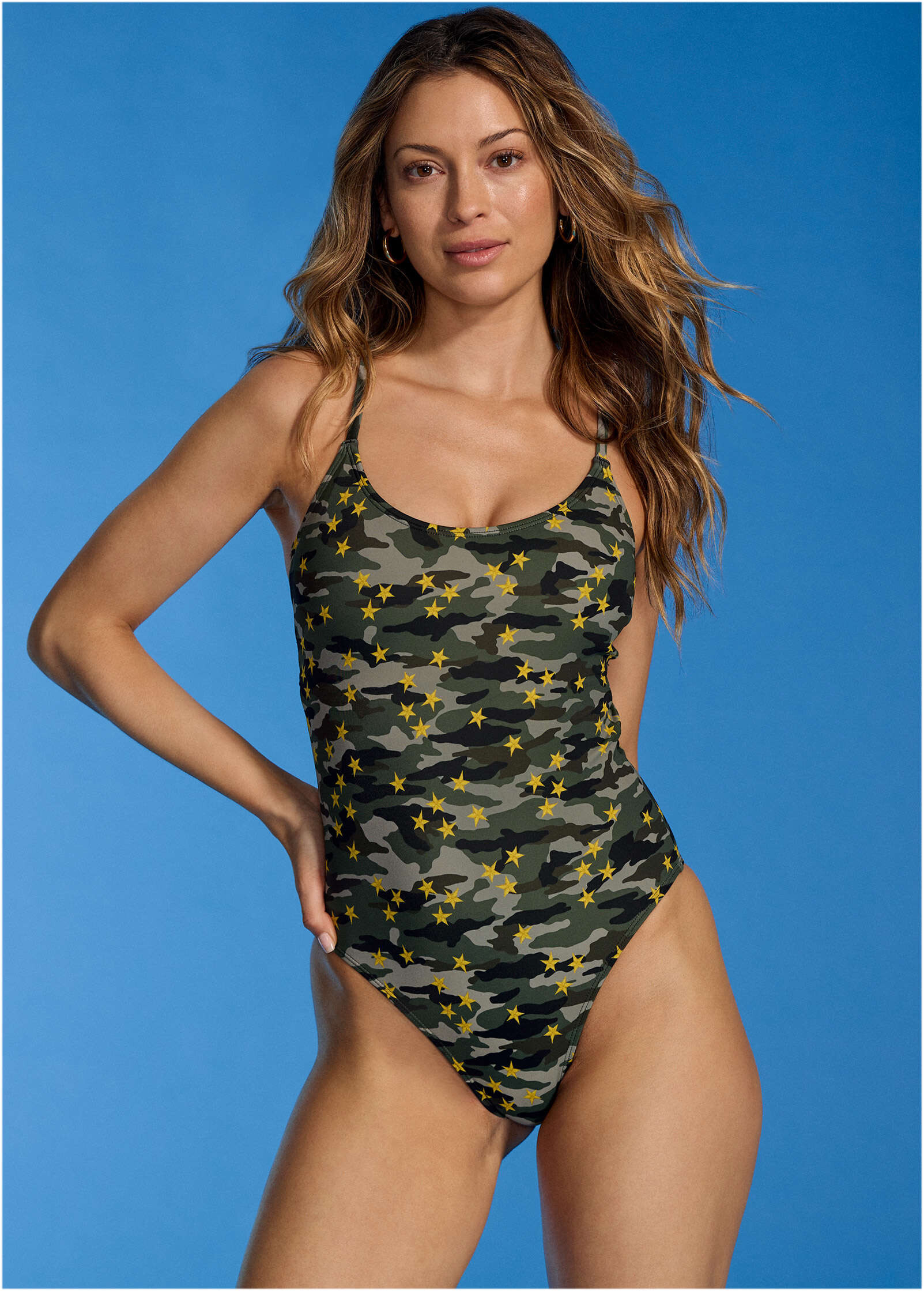
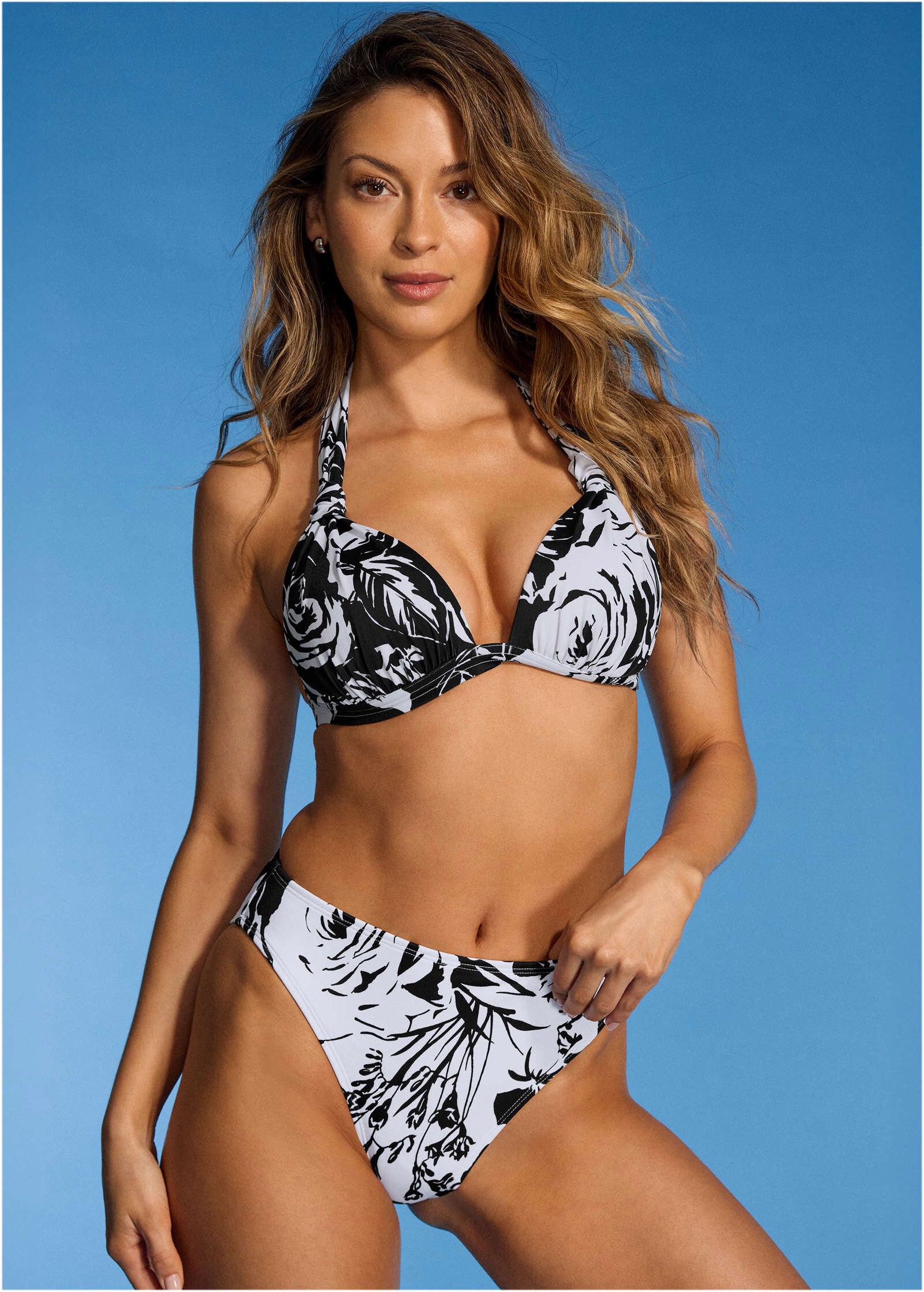
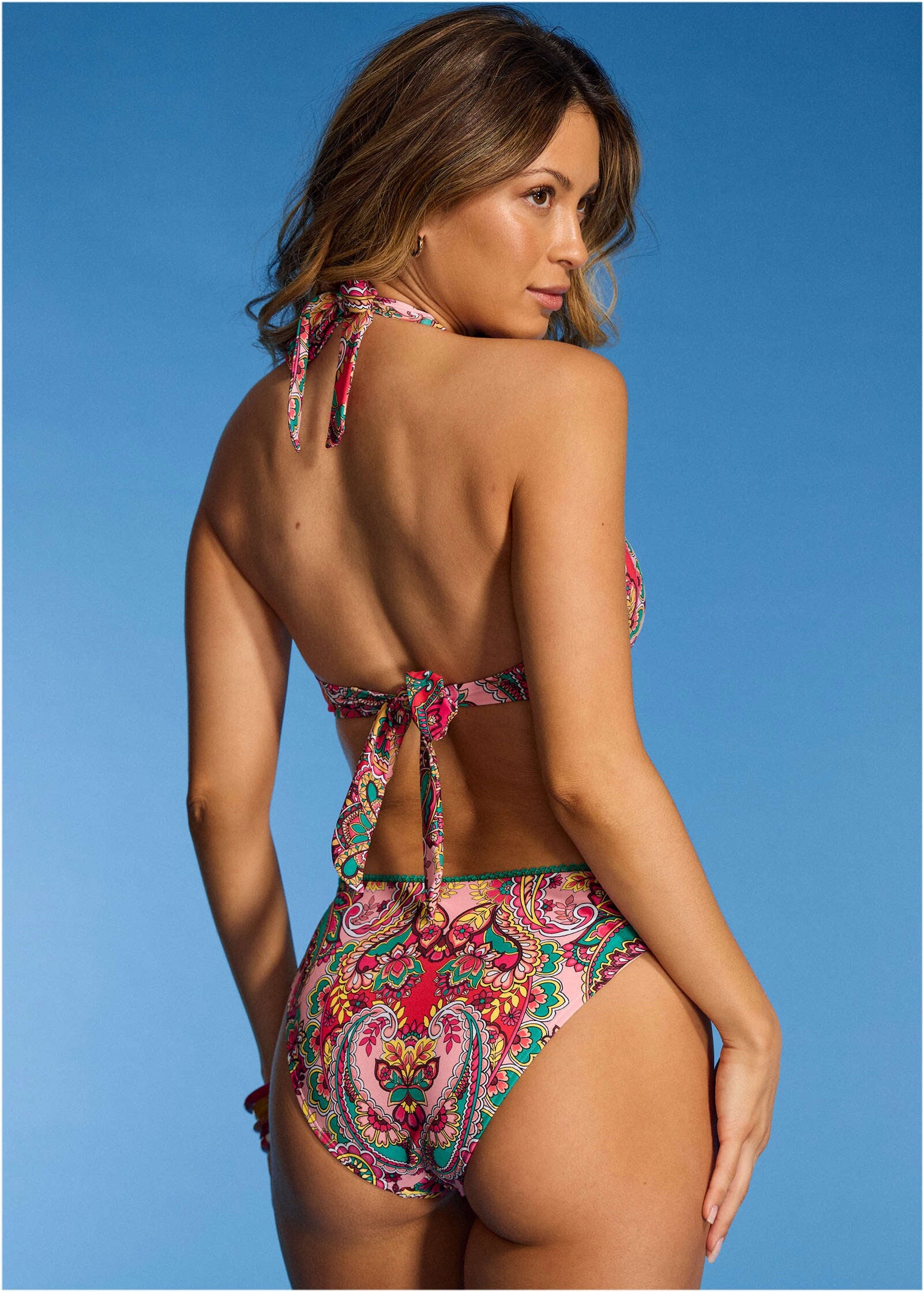
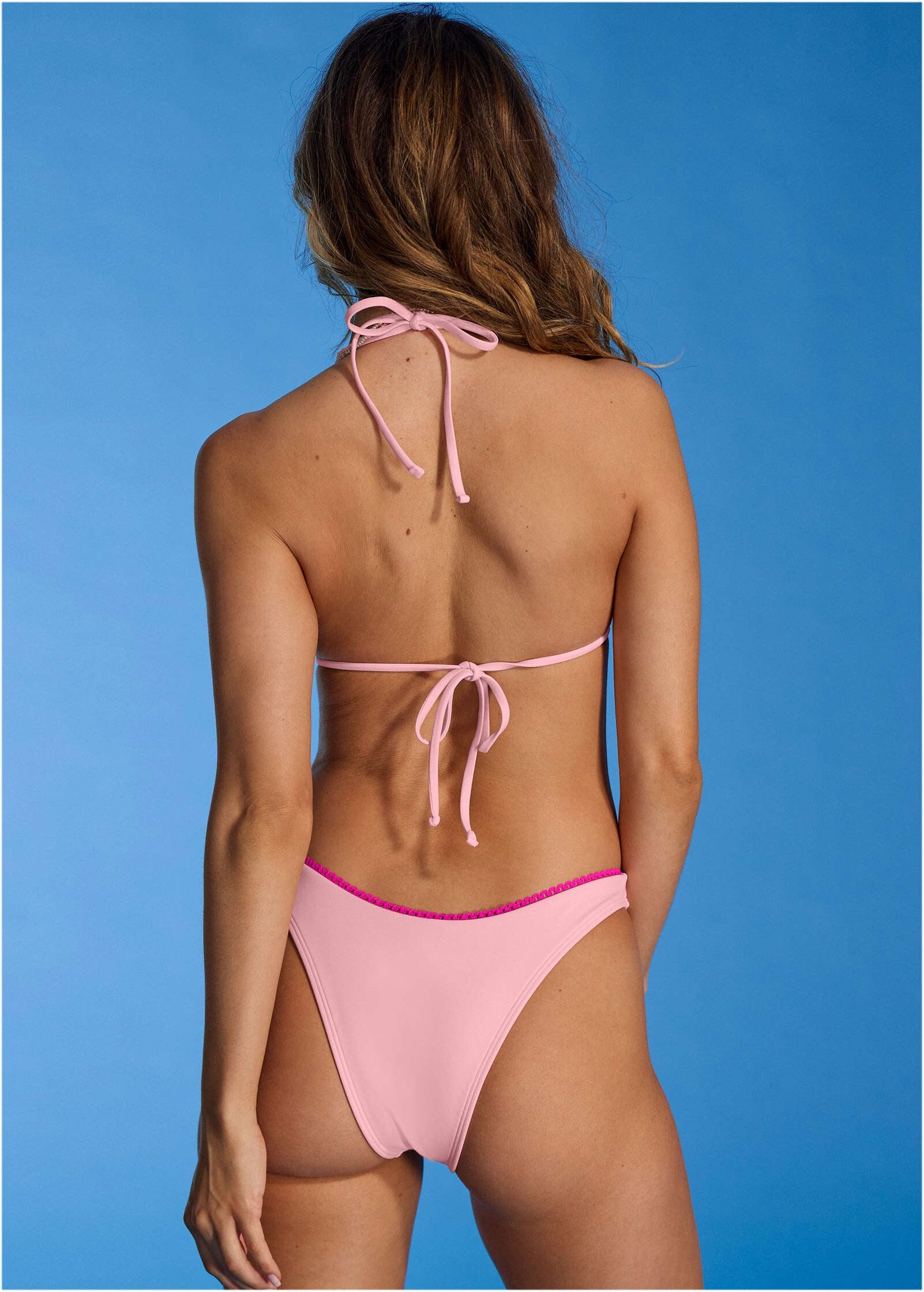
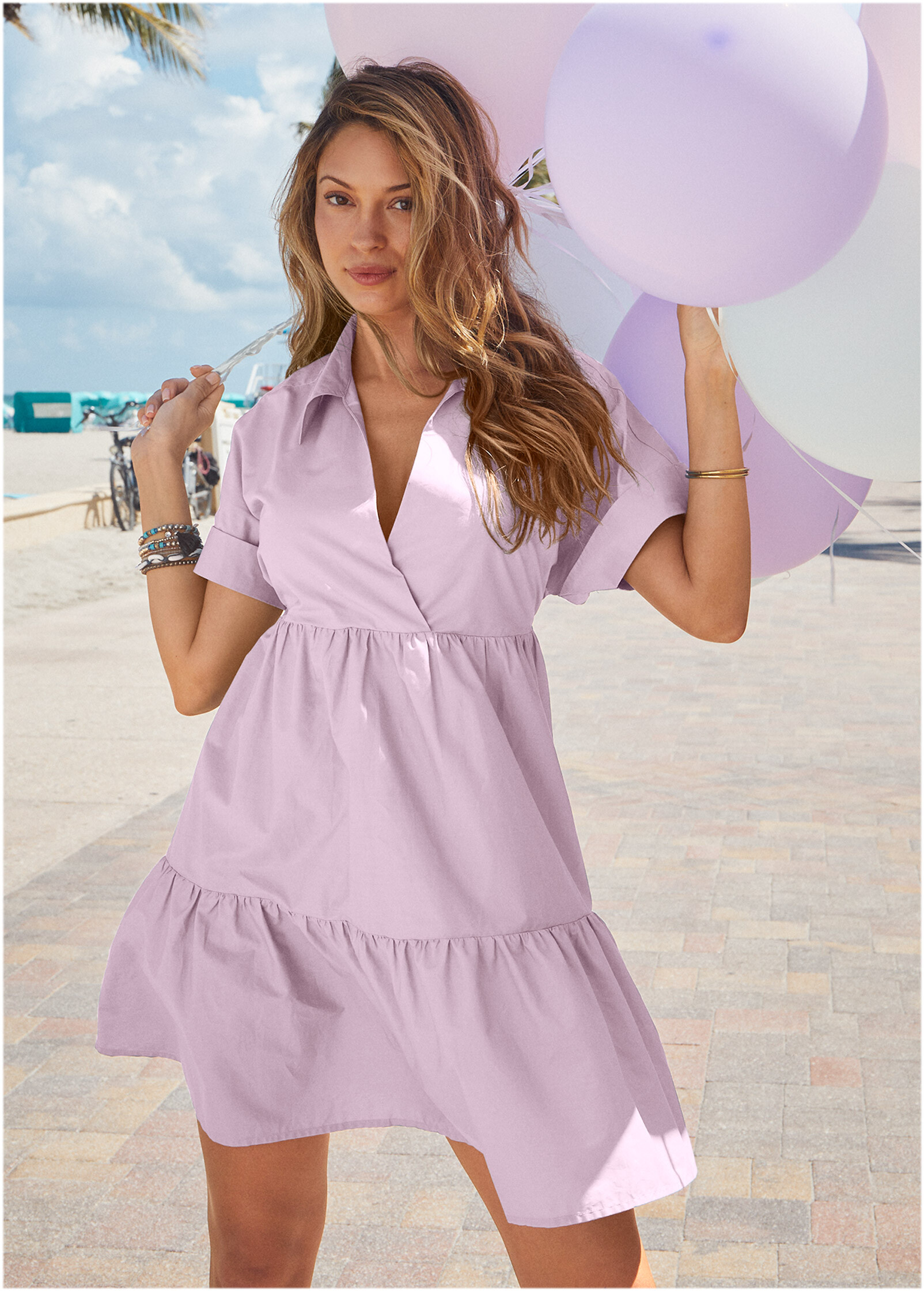
I'm pretty sure this woman isn't AI. 1.
-
Recent Venus (from the model ID thread via TheIndustrialist)