

JSNBourne
Members
-
Joined
Everything posted by JSNBourne
-
Cute couple

-
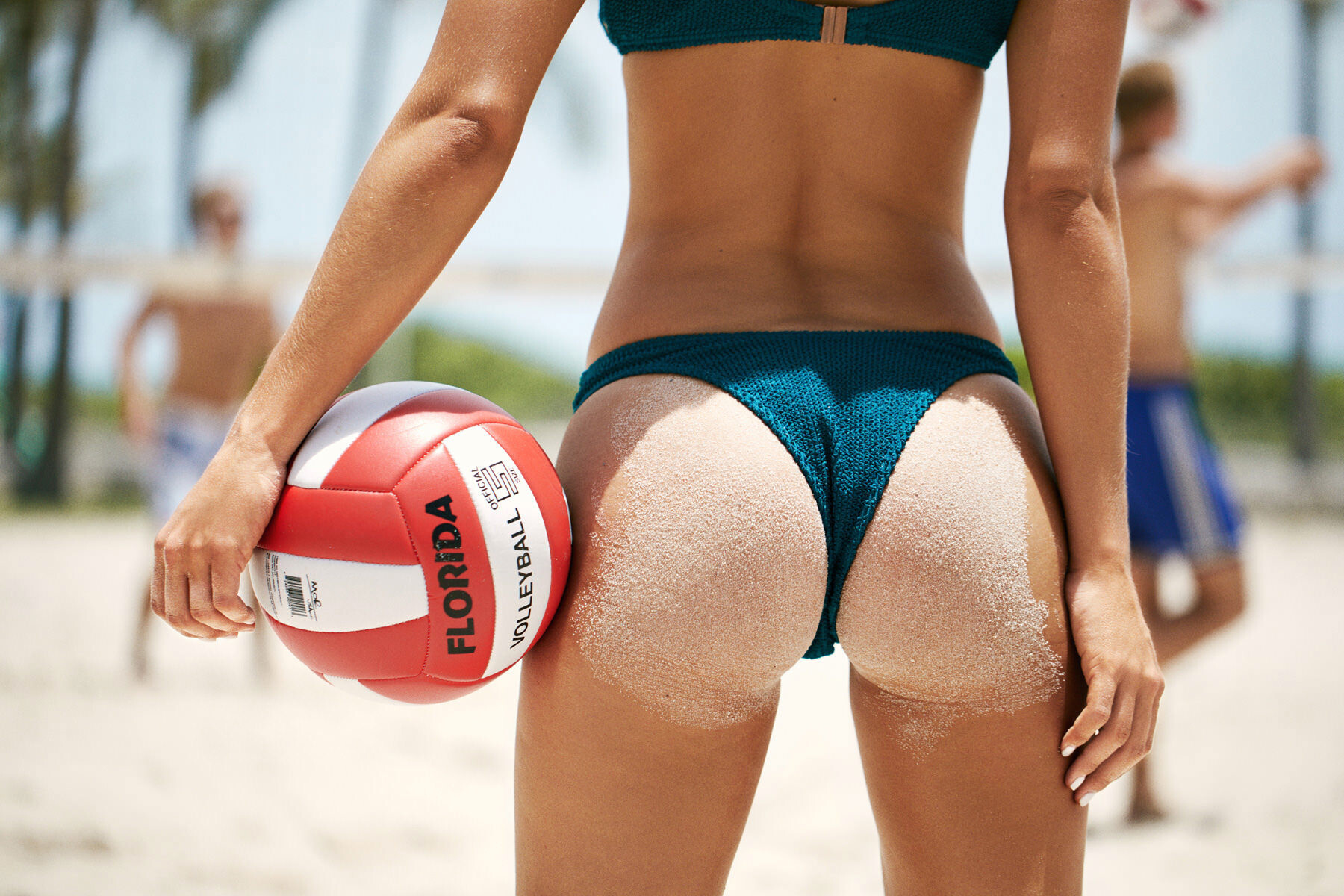
Beach Shoot with CreativeBoost (aka Thomas H Smith)






-
AQP6fi39N30MFp6xG80Isajs-8XvrM8oEb8I3vImu3L6Ewr5rFcYi17R9jTl8bjQwnl_Q8TBZ5X-o4Qafxxx-snSuxnkTFnQ.mp4

-
Personally, I love the brunette look. But I've always loved brunettes and.....so many fake blondes nowadays that blondes isn't special anymore.
-
AQMVyntFqTXKS5KWYWvENRU8ALkNdWZxA7M8K1WXIf6AS-H7tsFYkJevqadPjNWRmWI5nEY4FswPUwkXI6MmK01C2Prdemvr.mp4
-
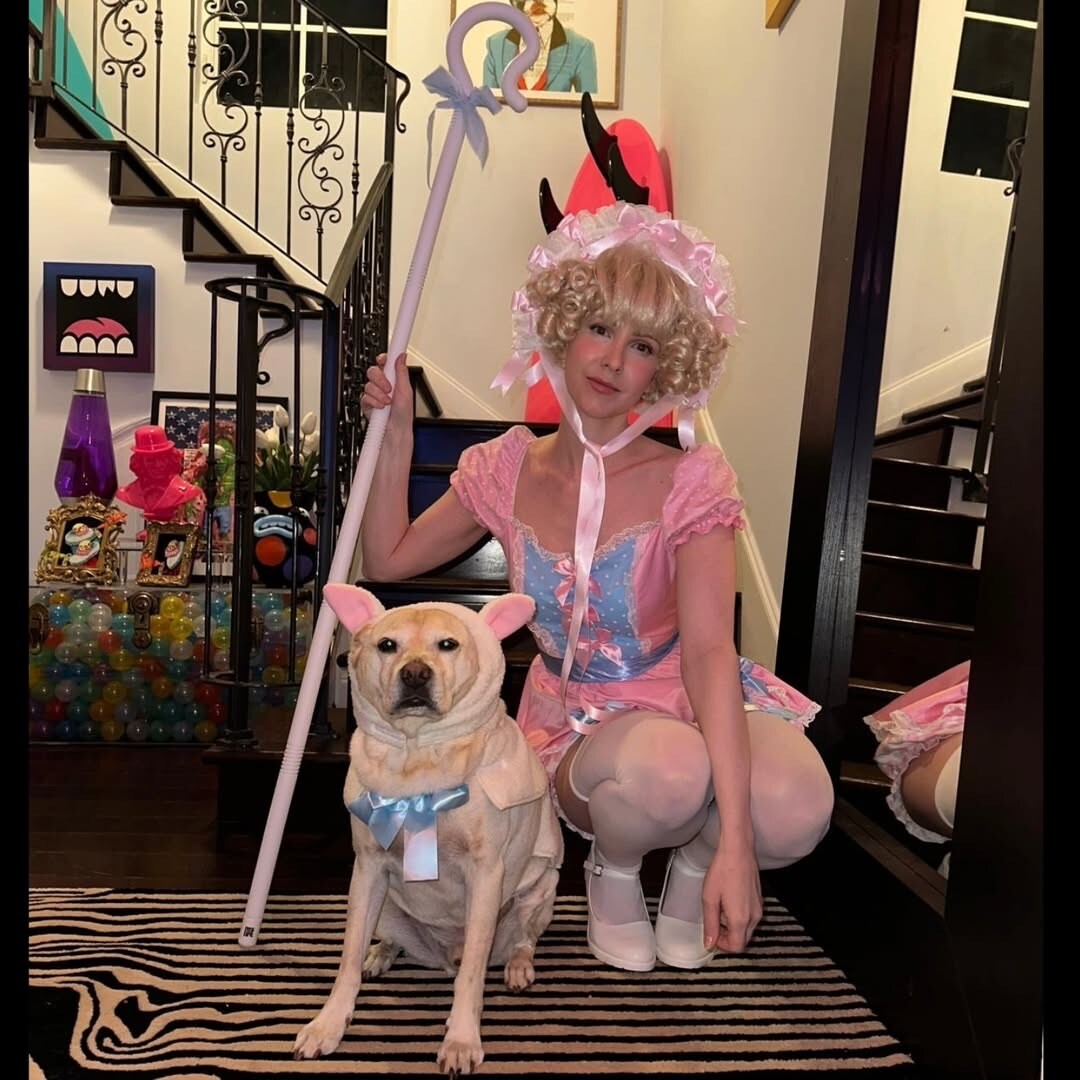
Halloween 2025 💀🎃👻








-
Small update (only one photo) from Logan Hollowell

-
@Shale586 Thank you!!! Very, very nice way to start November. 🥰🍂🔥
-
-
By Ashley Chung chungashley.mp4
-
They might be repost but they were on Ricardo Beas Instagram today.



-
1.mp42.mp43.mp4
-
AQMor5oEWrA5-O8ViHQcvM9oa2bUjM2ypJhVZM3pvytcaPAzKdPGAiGZweYYJ-QI0pXGjkETBdV55nbD0aKY9PXIE4gvfls5.mp4

 NevermindOh, now I need the details. DM me. LOLWhat's the joke? Who is Sagnik?Maggie and George at a wedding reception.
 Just found this. "Maggie Rawlins: S.I. Swim Casting Call - Live Stream" Originally uploaded April 4, 2016 Maggie Rawlins S.I. Swim Casting Call - Live Stream.mp4From her instagram. Most likely taken by her husband. Cameron Mackie for SurfStitch Cameron Mackie for SurfStitch

 Thank you for the great content @Shale586Maggie and George - True Love 💕💗🥰
 snaptik_7551808991110778143_v2.mp4


































Account
Navigation
Search
Configure browser push notifications
Chrome (Android)
- Tap the lock icon next to the address bar.
- Tap Permissions → Notifications.
- Adjust your preference.
Chrome (Desktop)
- Click the padlock icon in the address bar.
- Select Site settings.
- Find Notifications and adjust your preference.
Safari (iOS 16.4+)
- Ensure the site is installed via Add to Home Screen.
- Open Settings App → Notifications.
- Find your app name and adjust your preference.
Safari (macOS)
- Go to Safari → Preferences.
- Click the Websites tab.
- Select Notifications in the sidebar.
- Find this website and adjust your preference.
Edge (Android)
- Tap the lock icon next to the address bar.
- Tap Permissions.
- Find Notifications and adjust your preference.
Edge (Desktop)
- Click the padlock icon in the address bar.
- Click Permissions for this site.
- Find Notifications and adjust your preference.
Firefox (Android)
- Go to Settings → Site permissions.
- Tap Notifications.
- Find this site in the list and adjust your preference.
Firefox (Desktop)
- Open Firefox Settings.
- Search for Notifications.
- Find this site in the list and adjust your preference.