
Everything posted by minus1
-
 Finally new pictures Stills Spring 2013 ph: Annemarieke van Drimmelen st: Dimphy den Otter houseoforange.nl
 -
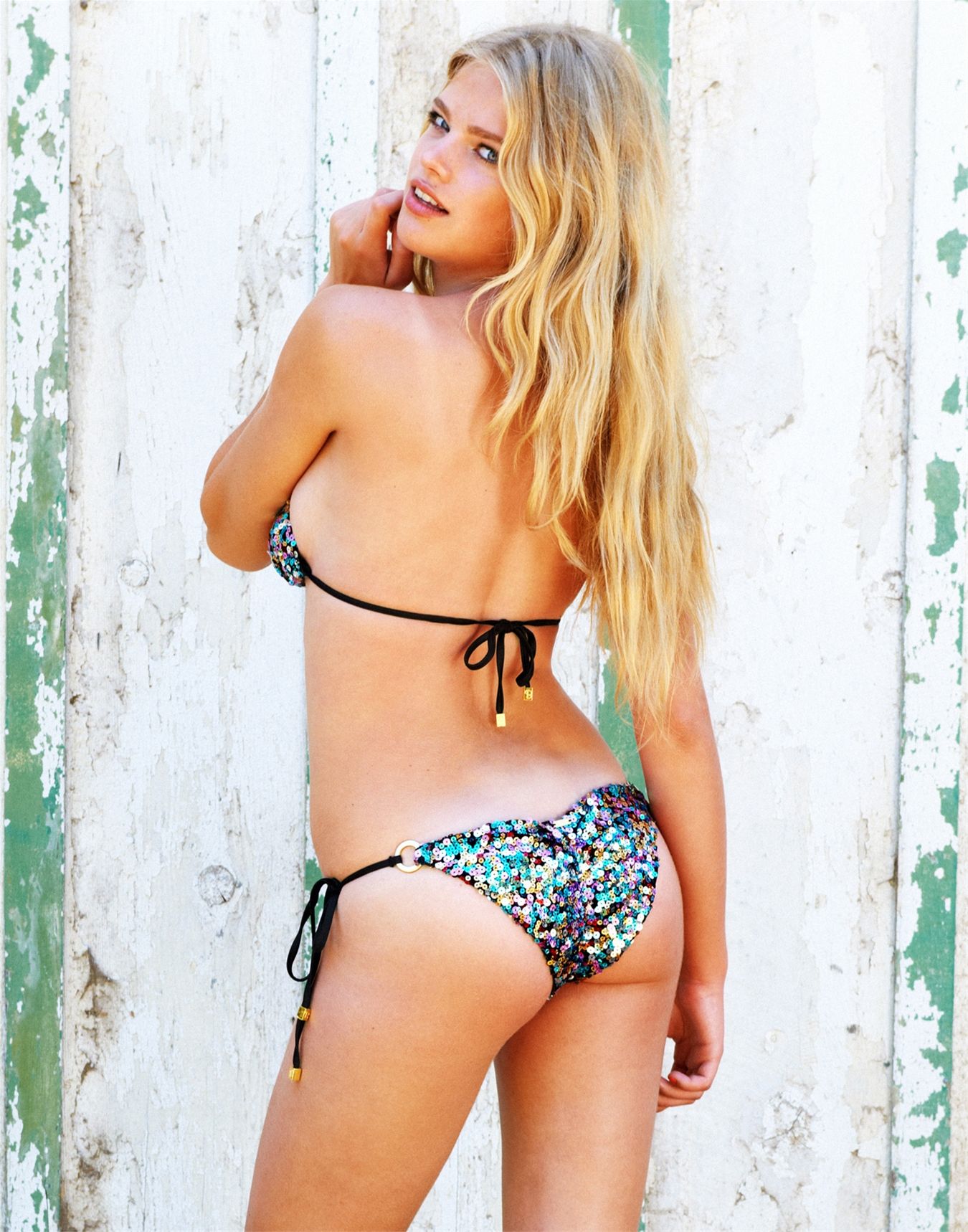
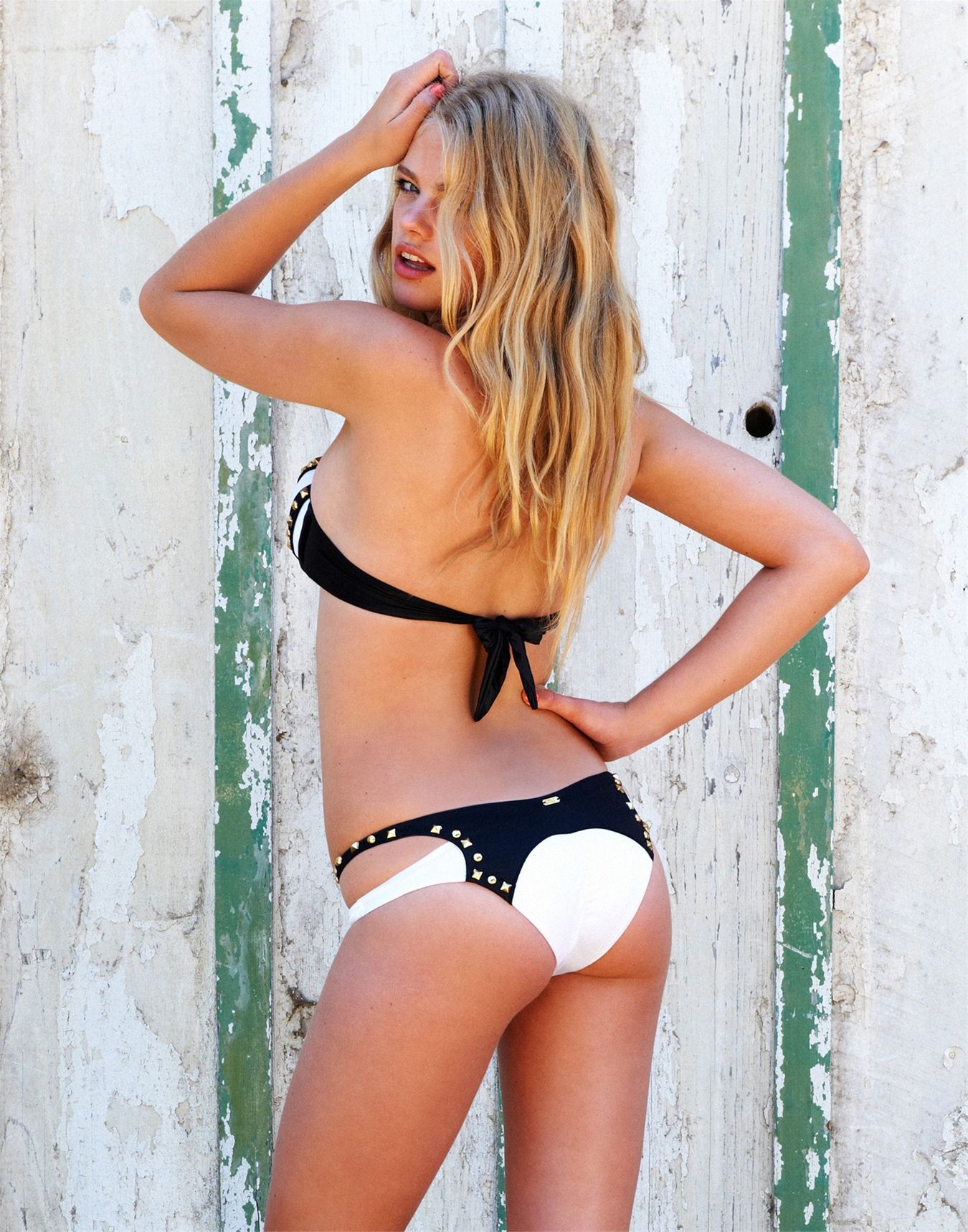
More Beach Bunny Swimwear beachbunnyswimwear.com




 Beach Bunny beachbunnyswimwear.com





 Planet Blue
 Video can be viewed here http://www.johnurbano.com/cinematography.html
Jonathan Leder Color HQ nudity http://img220.imagevenue.com/galshow.php?gal=gallery_1358198431799_876lo
Jonathan Leder B&W HQ nudity http://img133.imagevenue.com/galshow.php?gal=gallery_1358190715622_74lo
Archipelago Trailer, by Kalle Gustafsson Nudity
Archipelago ph: Kalle Gustafsson Nudity http://postimage.org...l0d6m/10e7c95e/
facebook/Ben-Watts-Photo-Inc
La Perla Spring Summer 2013 revistagq.com
New outtake by Viktor Vauthier instagram / viktorvauthier
... same source
Video can be viewed here http://www.johnurbano.com/cinematography.html
Jonathan Leder Color HQ nudity http://img220.imagevenue.com/galshow.php?gal=gallery_1358198431799_876lo
Jonathan Leder B&W HQ nudity http://img133.imagevenue.com/galshow.php?gal=gallery_1358190715622_74lo
Archipelago Trailer, by Kalle Gustafsson Nudity
Archipelago ph: Kalle Gustafsson Nudity http://postimage.org...l0d6m/10e7c95e/
facebook/Ben-Watts-Photo-Inc
La Perla Spring Summer 2013 revistagq.com
New outtake by Viktor Vauthier instagram / viktorvauthier
... same source










 ... same source













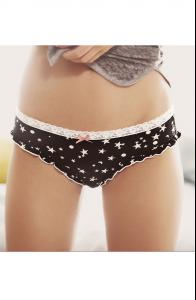
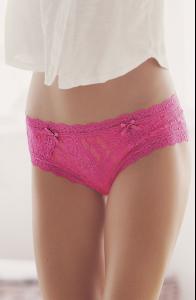
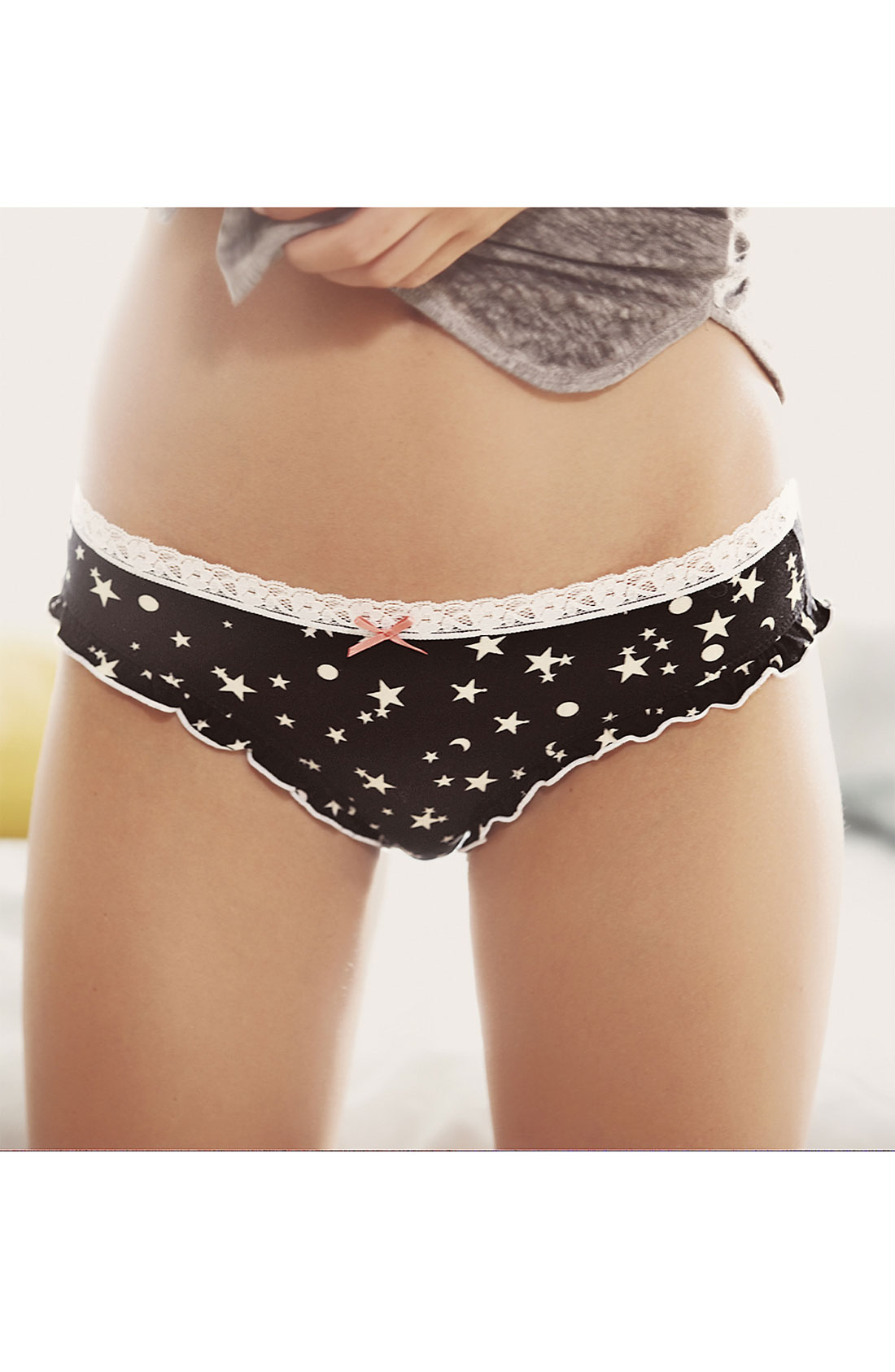
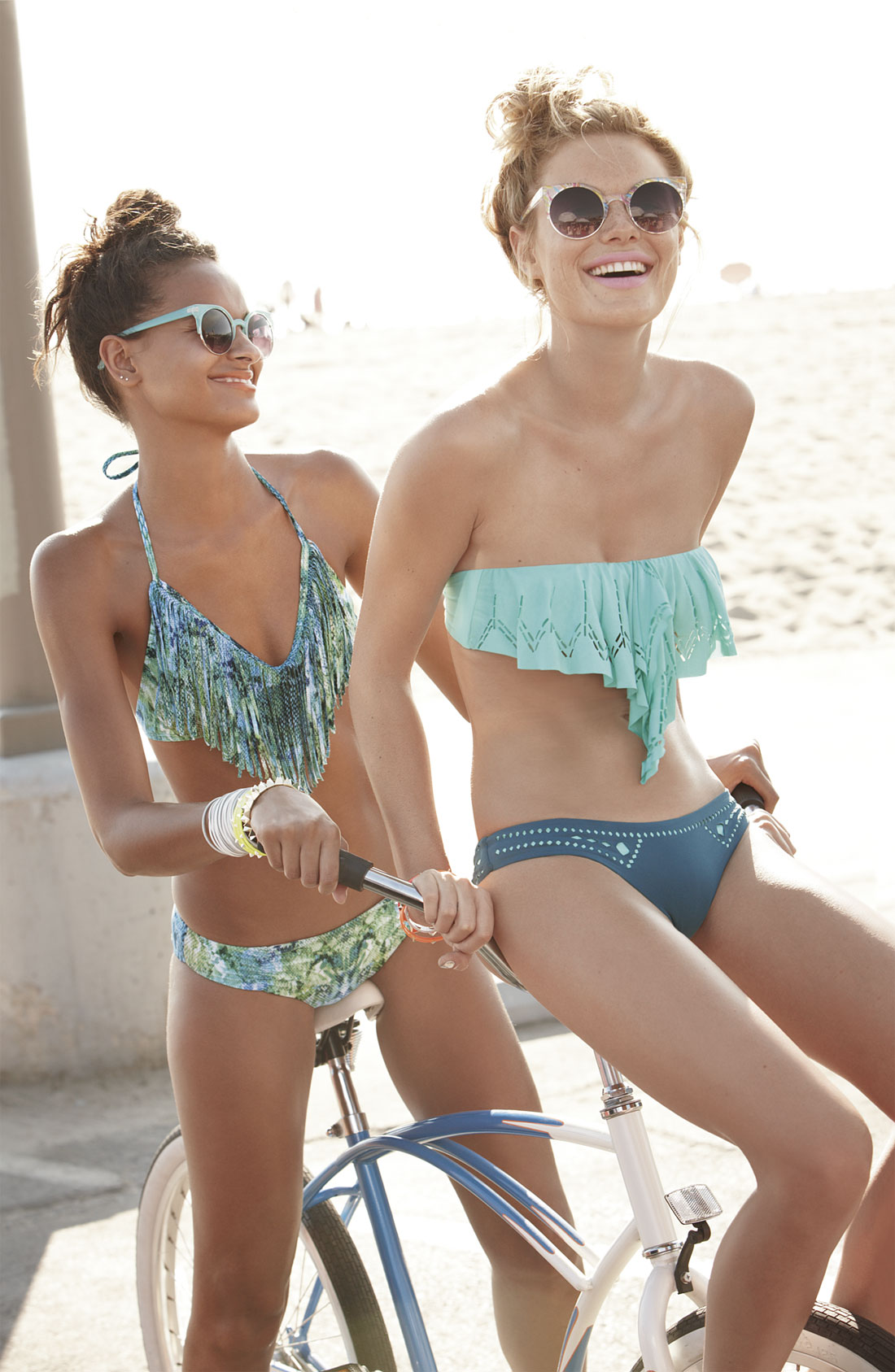
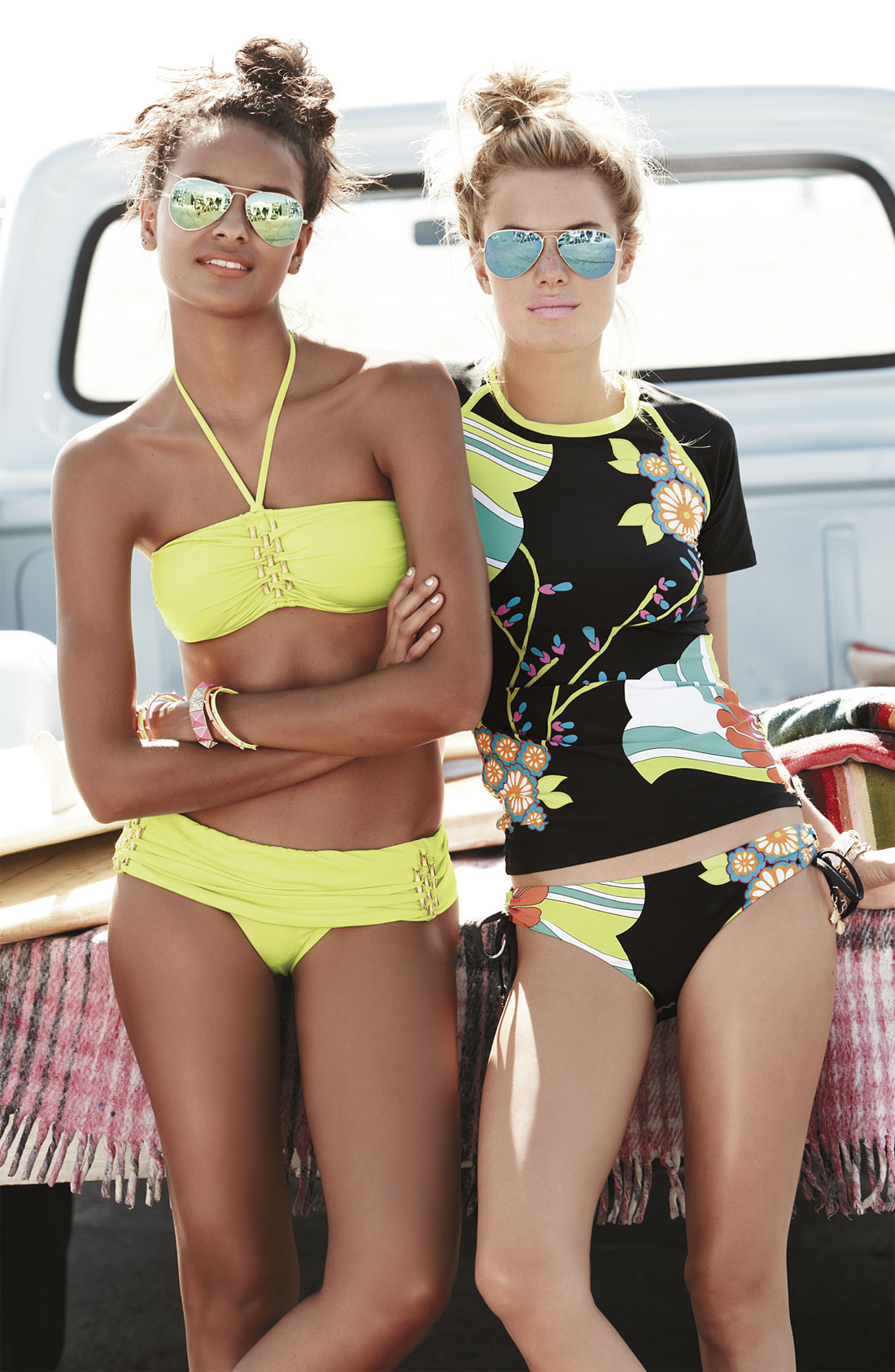
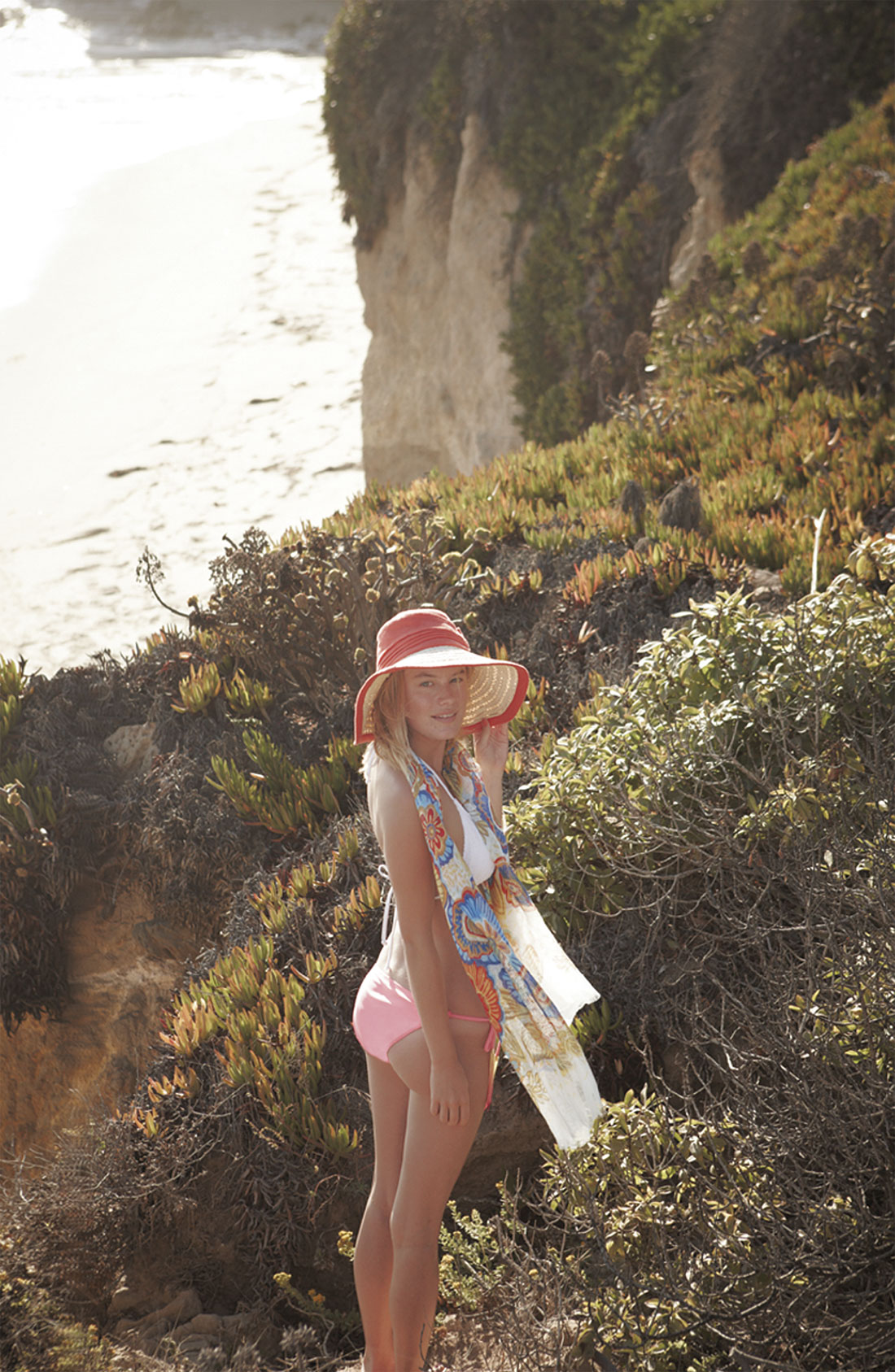
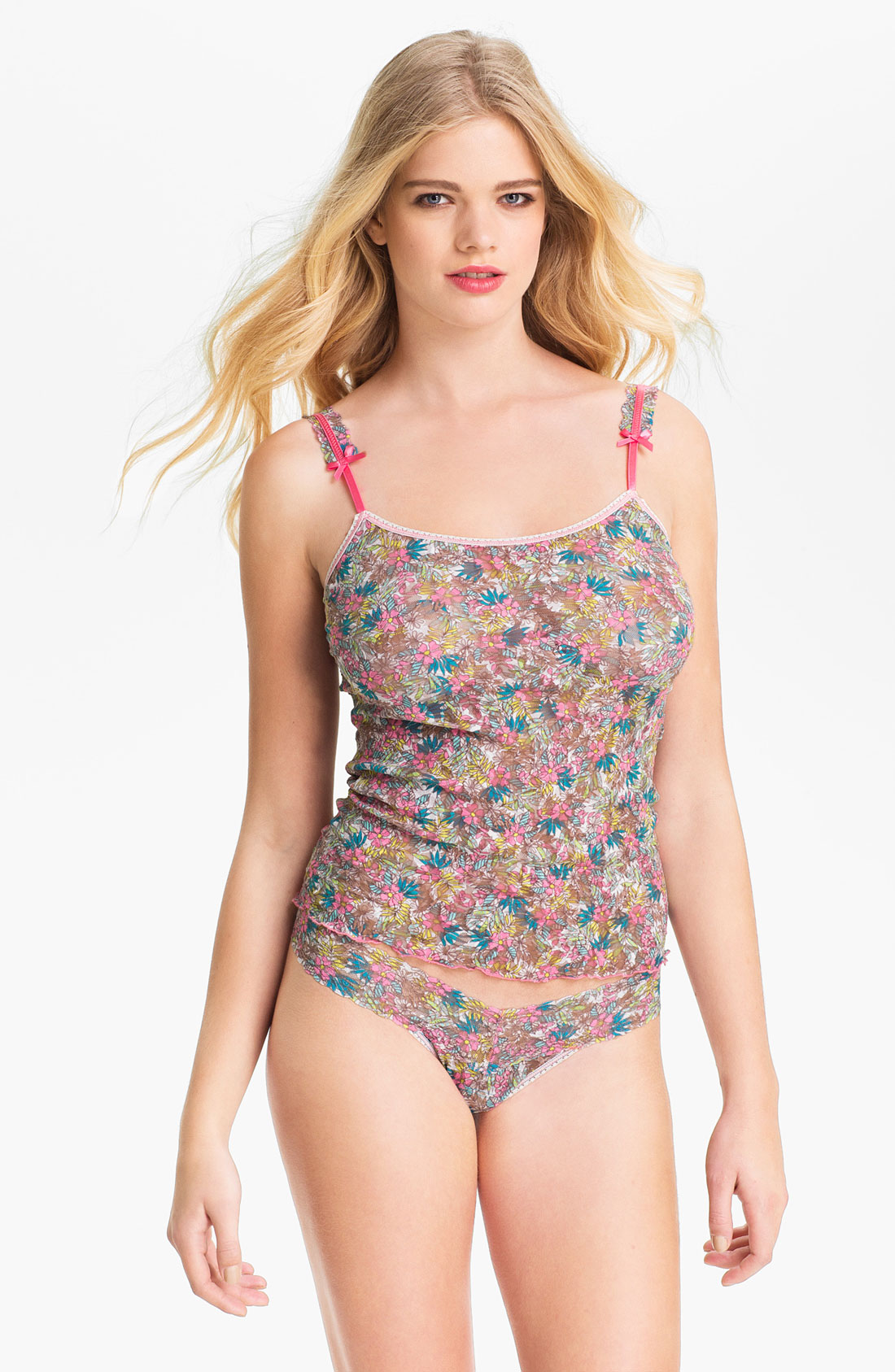
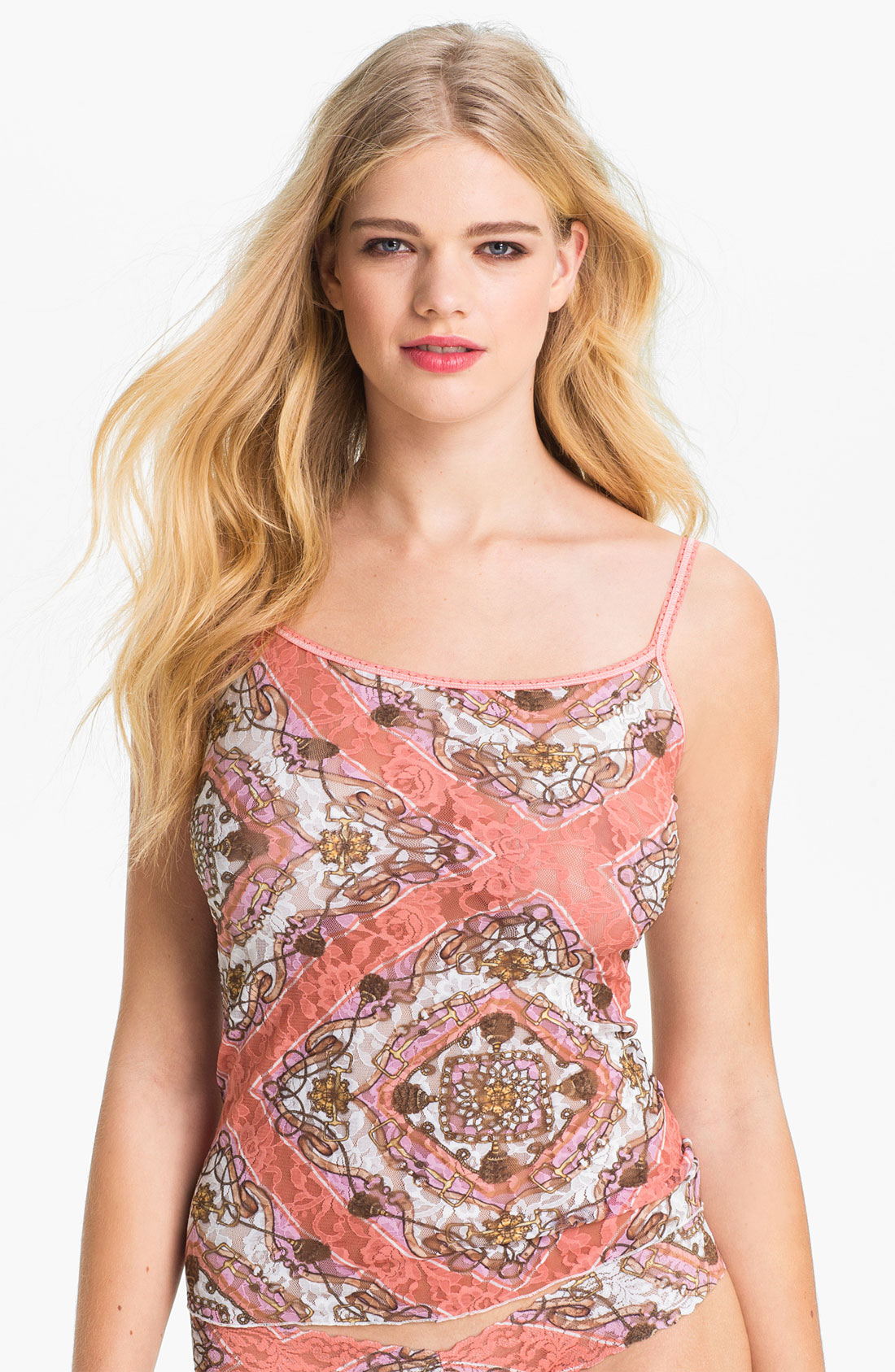
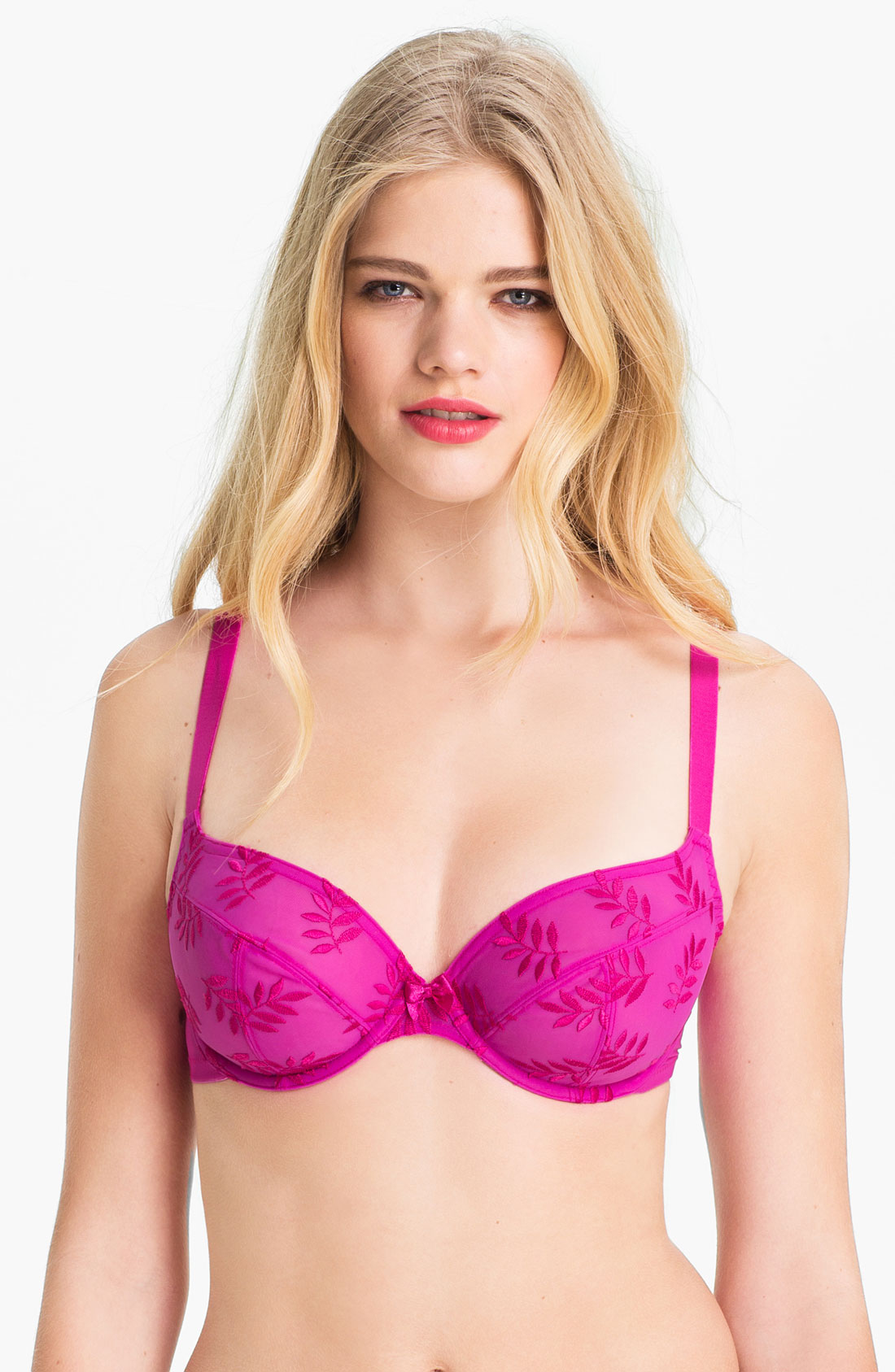
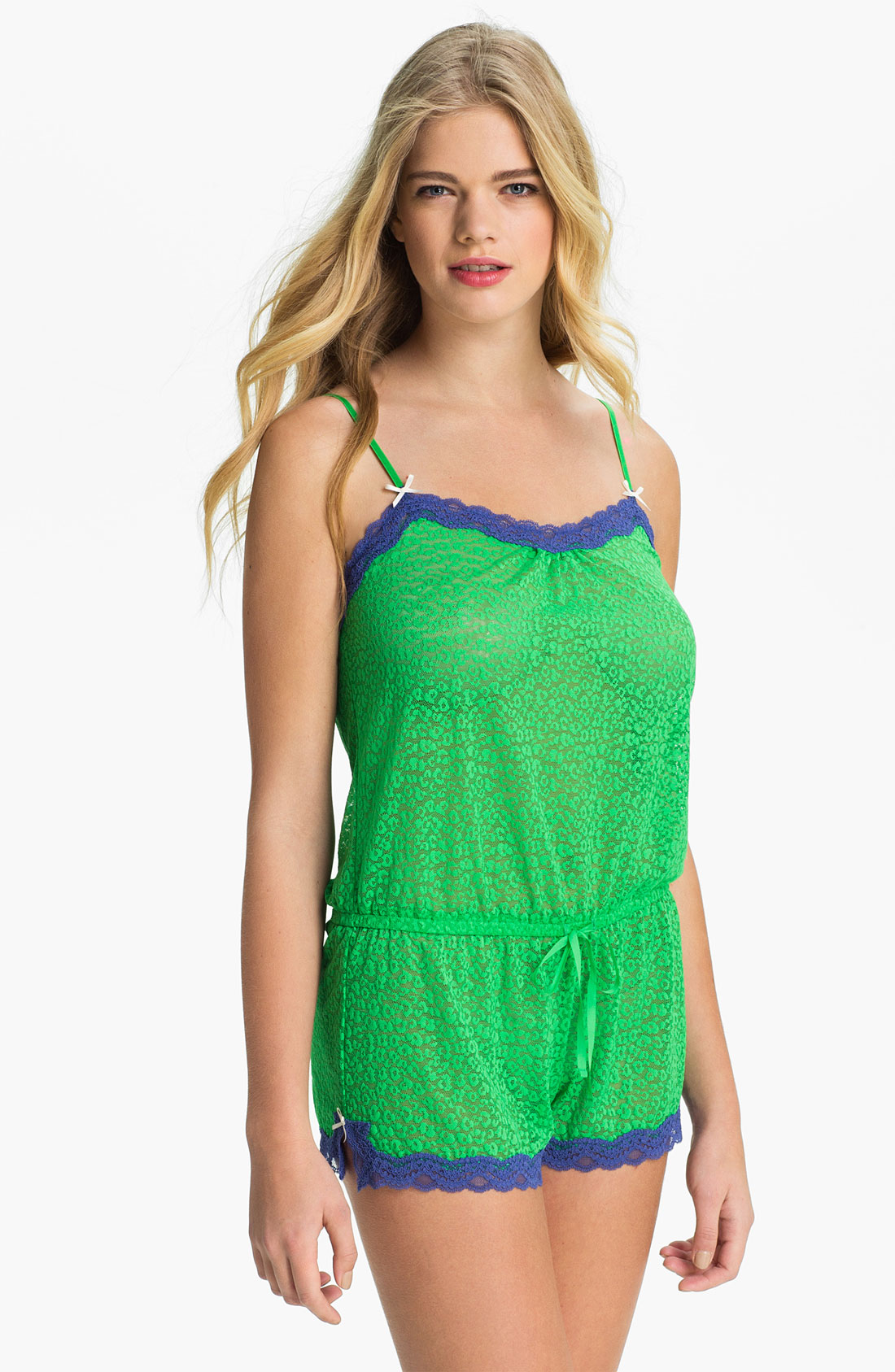
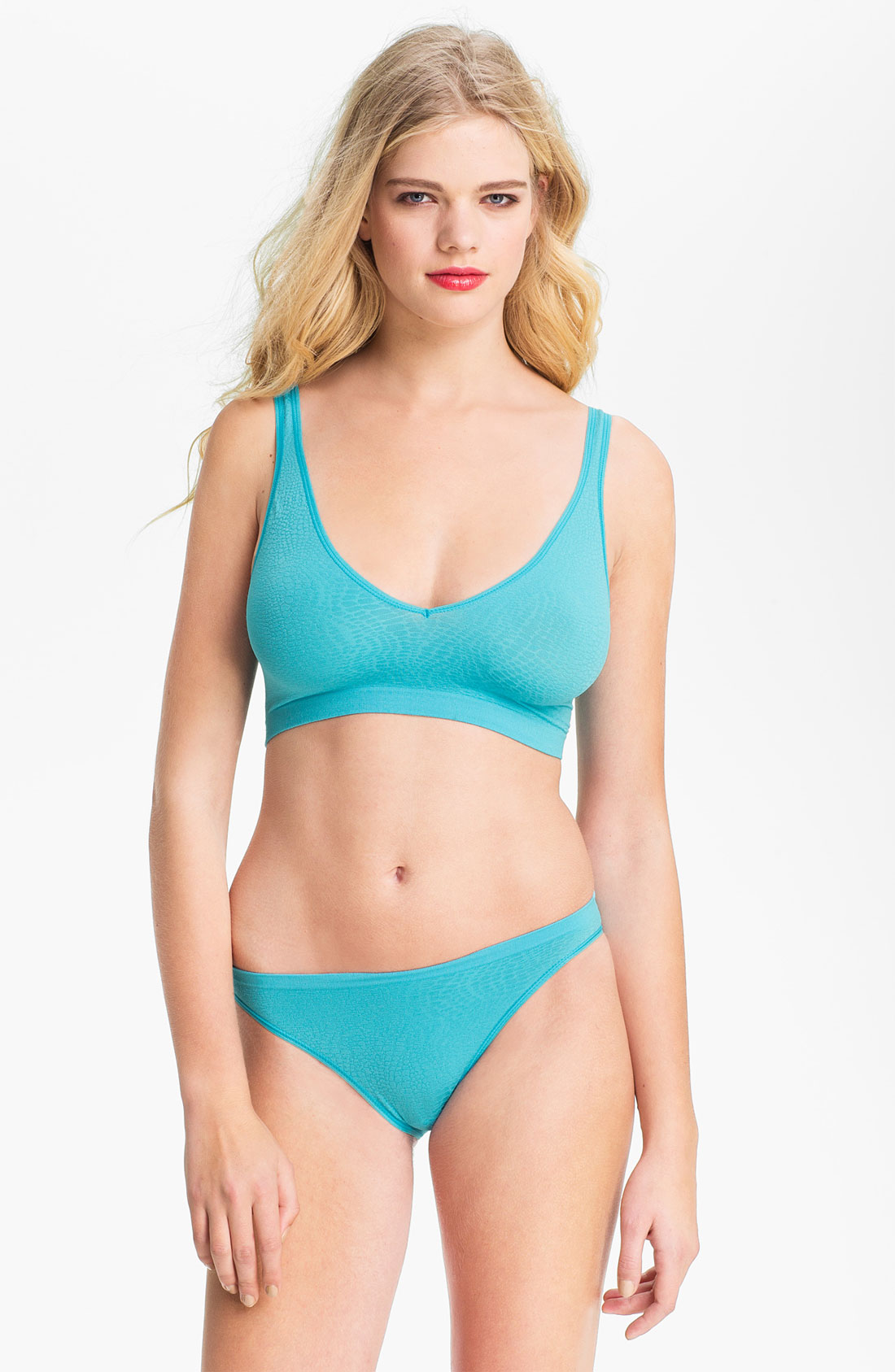
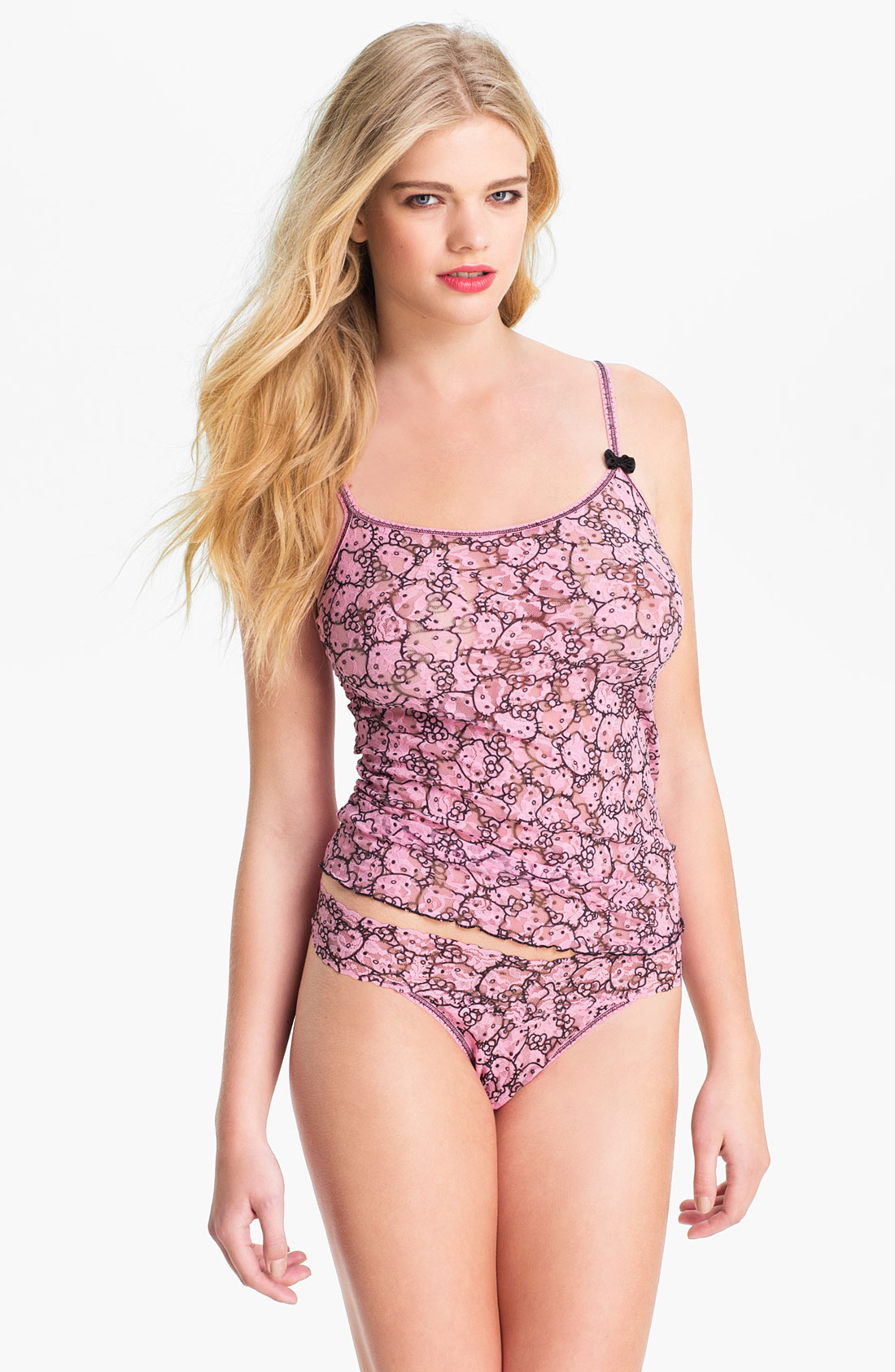
 Nordstrom January 2013 Catalog nordstrom.com













 Nordstrom


















































































































Account
Navigation
Search
Configure browser push notifications
Chrome (Android)
- Tap the lock icon next to the address bar.
- Tap Permissions → Notifications.
- Adjust your preference.
Chrome (Desktop)
- Click the padlock icon in the address bar.
- Select Site settings.
- Find Notifications and adjust your preference.
Safari (iOS 16.4+)
- Ensure the site is installed via Add to Home Screen.
- Open Settings App → Notifications.
- Find your app name and adjust your preference.
Safari (macOS)
- Go to Safari → Preferences.
- Click the Websites tab.
- Select Notifications in the sidebar.
- Find this website and adjust your preference.
Edge (Android)
- Tap the lock icon next to the address bar.
- Tap Permissions.
- Find Notifications and adjust your preference.
Edge (Desktop)
- Click the padlock icon in the address bar.
- Click Permissions for this site.
- Find Notifications and adjust your preference.
Firefox (Android)
- Go to Settings → Site permissions.
- Tap Notifications.
- Find this site in the list and adjust your preference.
Firefox (Desktop)
- Open Firefox Settings.
- Search for Notifications.
- Find this site in the list and adjust your preference.