Jump to content
View in the app

A better way to browse. Learn more.

Bellazon

A full-screen app on your home screen with push notifications, badges and more.

To install this app on iOS and iPadOS
  1. Tap the Share icon in Safari
  2. Scroll the menu and tap Add to Home Screen.
  3. Tap Add in the top-right corner.
To install this app on Android
  1. Tap the 3-dot menu (⋮) in the top-right corner of the browser.
  2. Tap Add to Home screen or Install app.
  3. Confirm by tapping Install.

finchesthalia

Members
  • Joined

  • Last visited

Everything posted by finchesthalia

  1. looks great
  2. finchesthalia replied to finchesthalia's topic in Actresses
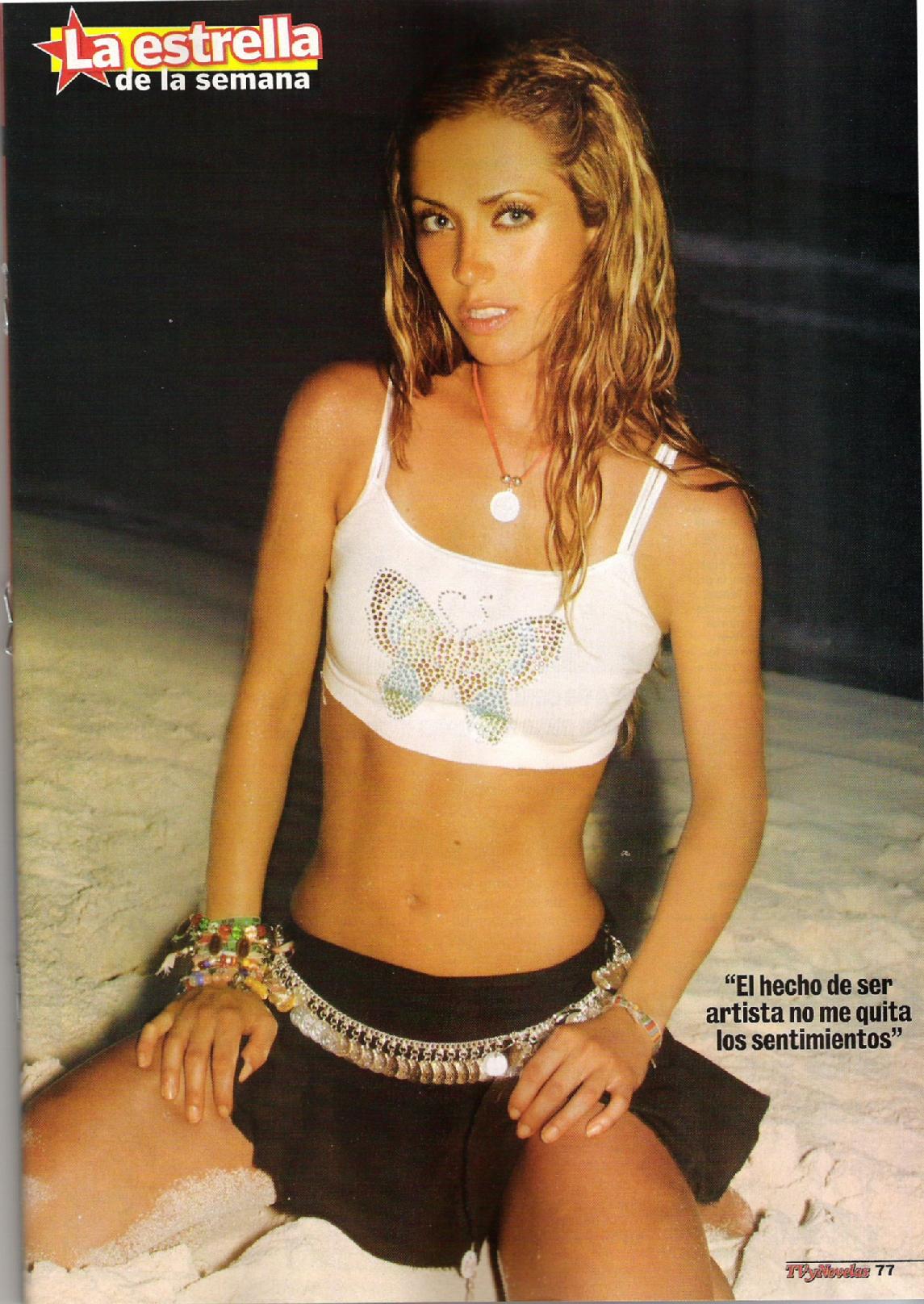
    Tvnovelas
  3. you're welcome
  4. I love the cover, thanks carmelita waiting fo HQ
  5. finchesthalia replied to a post in a topic in Alessandra Ambrosio
    thanks michelabella, love her too dancing
  6. voted
  7. finchesthalia replied to a post in a topic in Alessandra Ambrosio
    thank you, beautiful ones
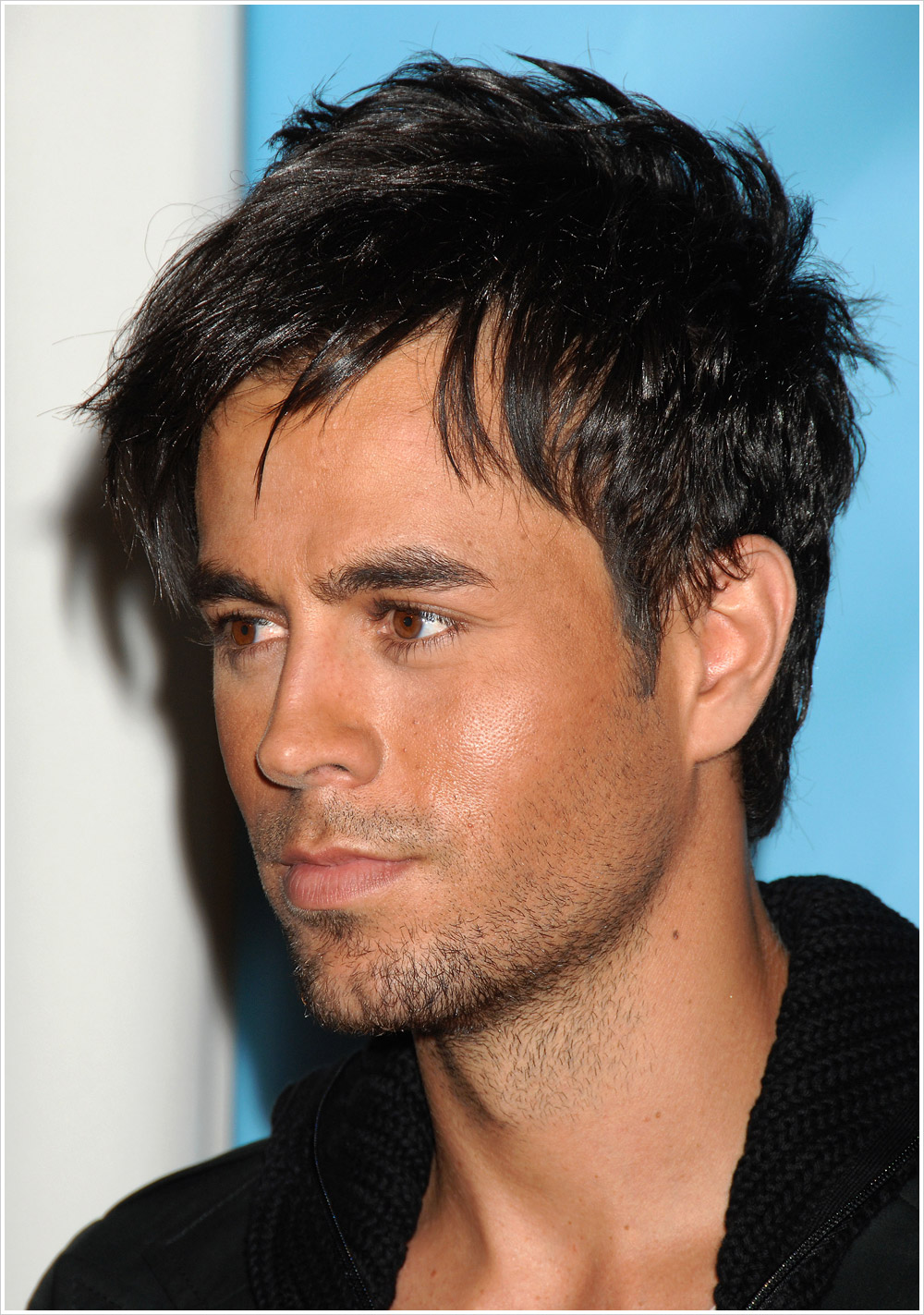
  8. American Music Awards After Party November 23, 2008 Boulevard3, Hollywood cresits @enriqueonline

  9. thank you so much for the better quality scans
  10. finchesthalia replied to Hayssa's topic in Male Actors
    thanks
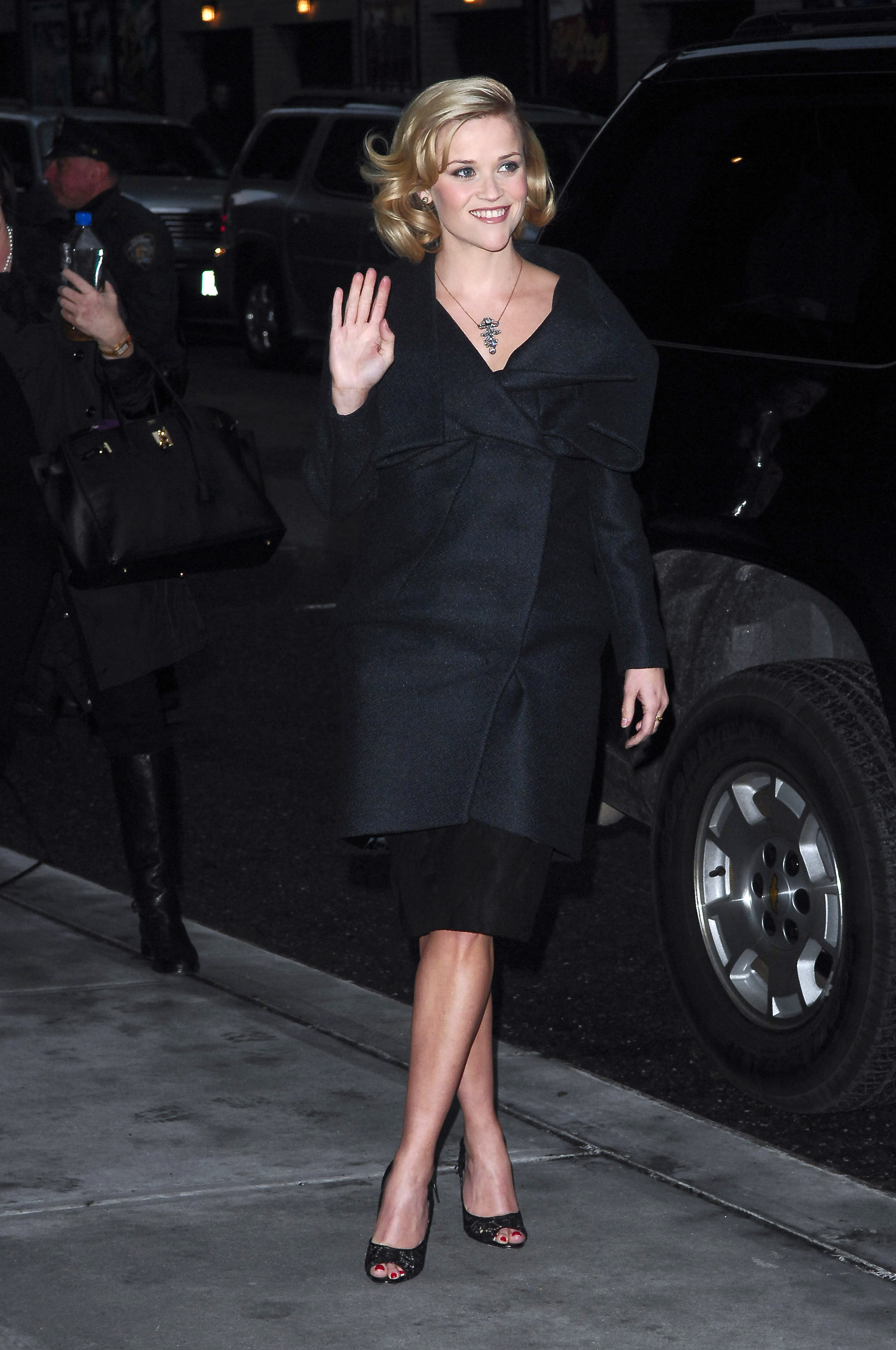
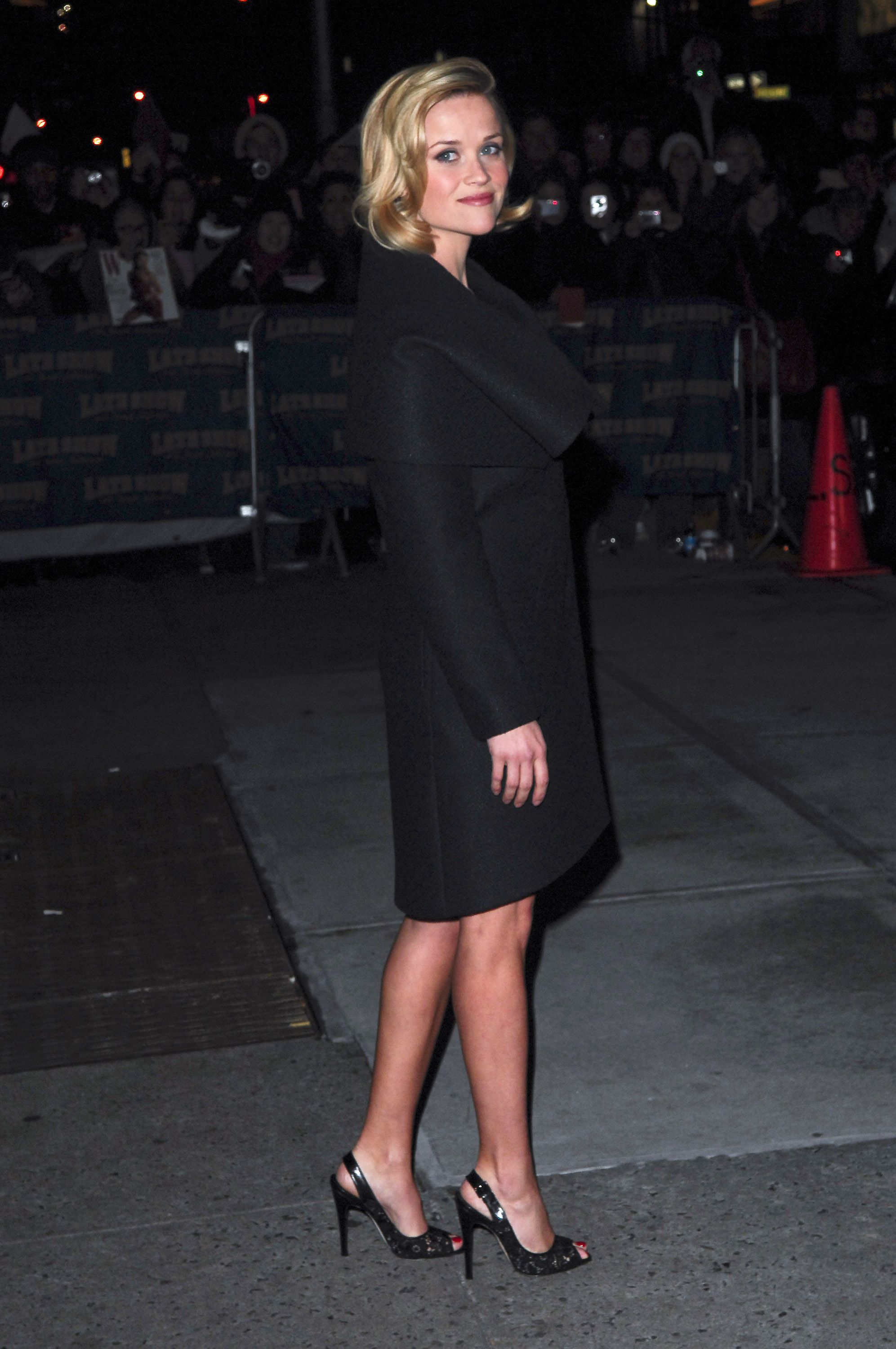
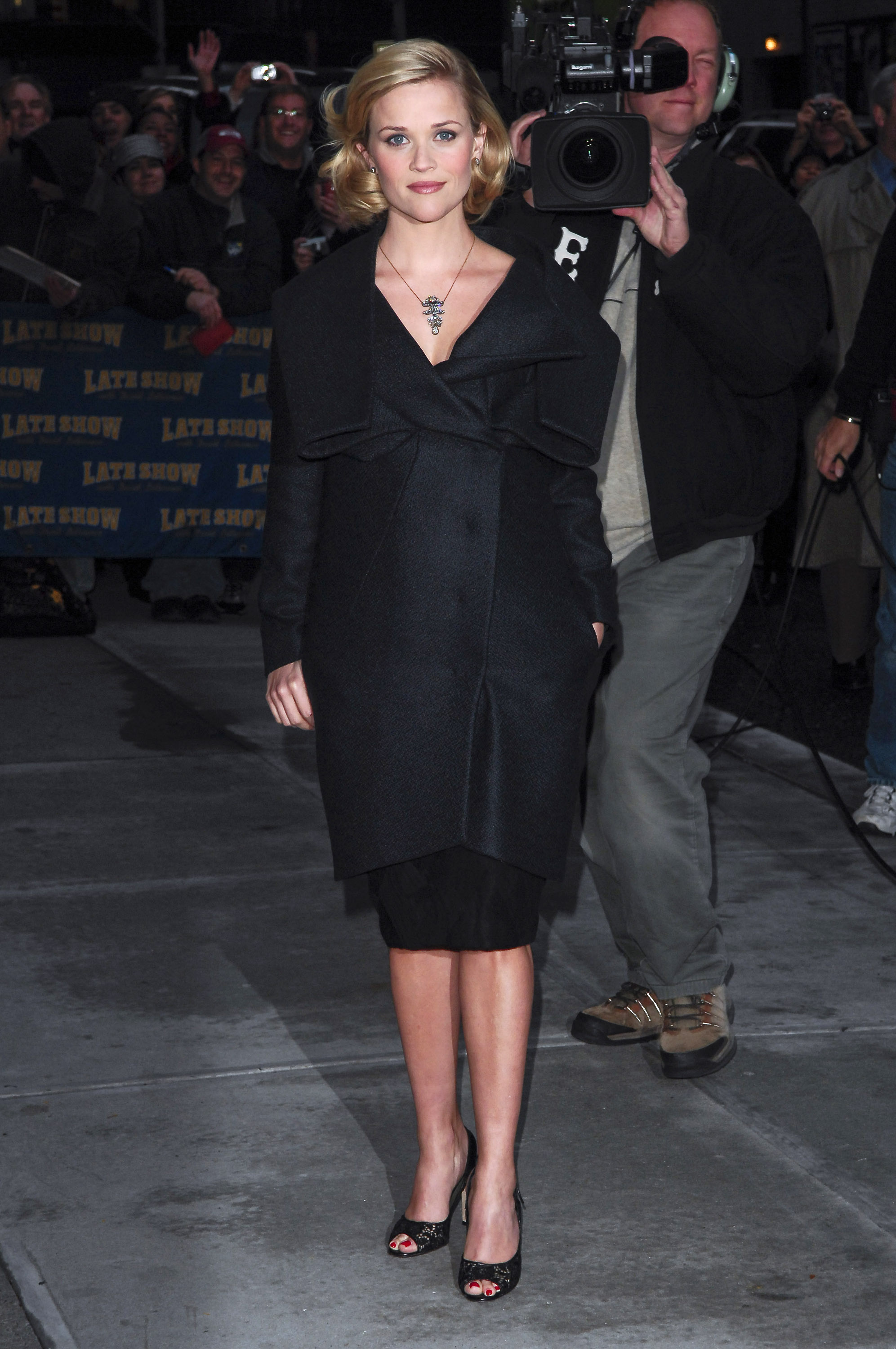
  11. celebutopia.
  12. Reese Witherspoon visits the "Late Show with David Letterman", New York City, November 25 @celebutopia

  13. "telenovele" magazine
  14. finchesthalia replied to finchesthalia's topic in Actresses
    "nueva" magazine
  15. thank you
  16. some caps from "dona barbara" serie
  17. finchesthalia replied to a post in a topic in Alessandra Ambrosio
    thank you so much
  18. finchesthalia replied to finchesthalia's topic in Actresses
    thank you, beautiful
  19. thank you
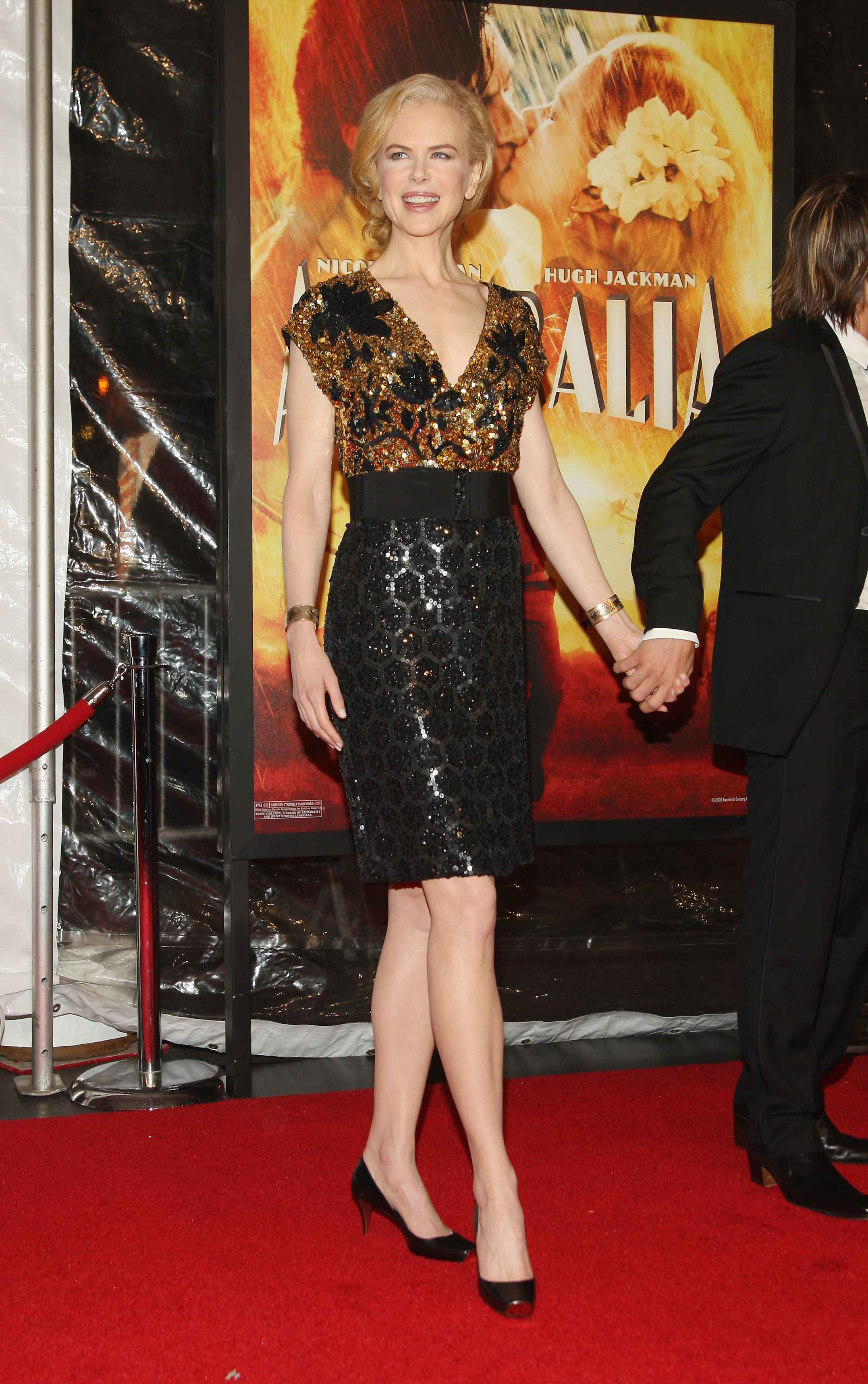
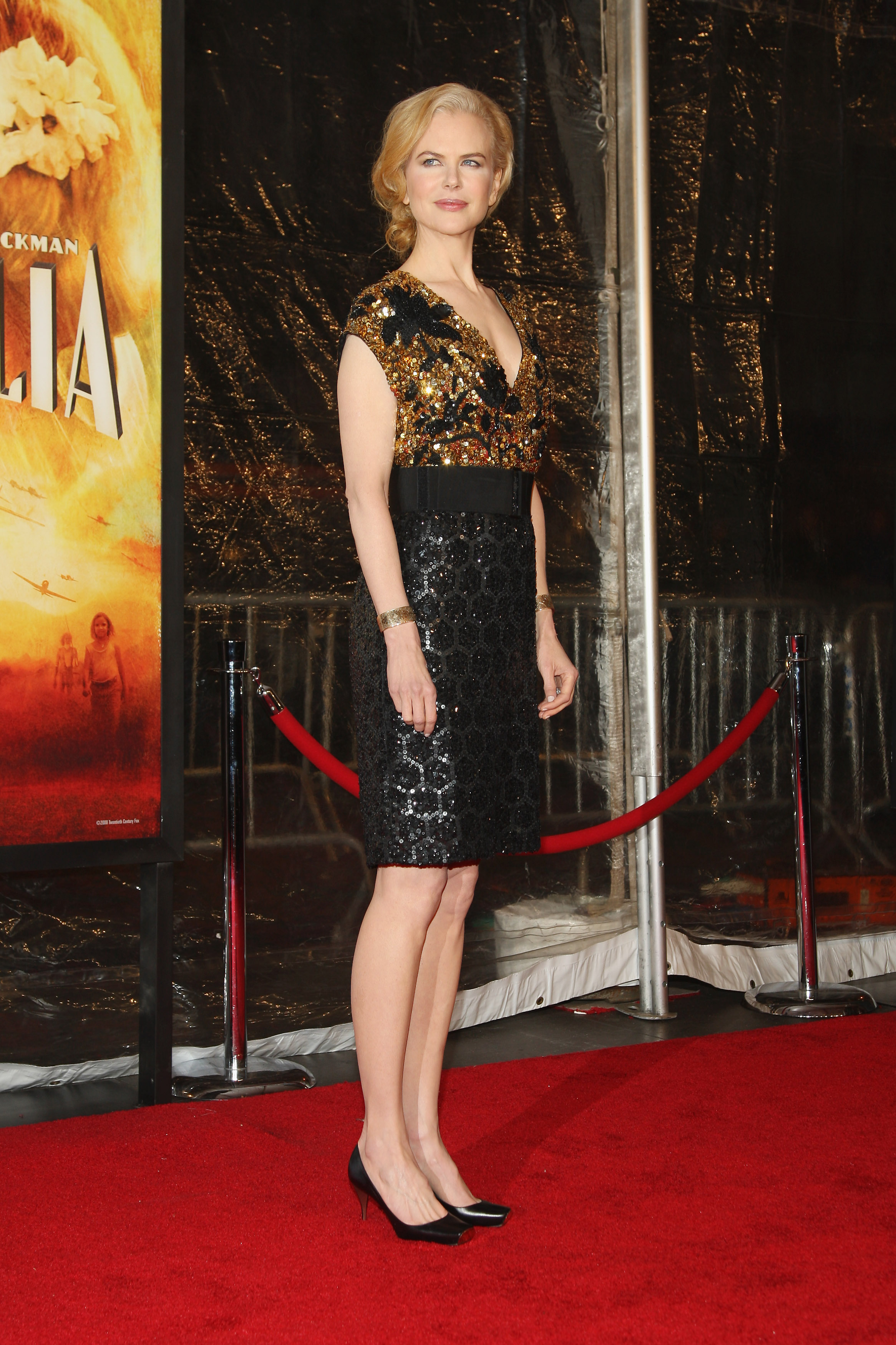
  20. Nicole Kidman @ "Australia" premiere in New York City, November 24

  21. Rollingstone
  22. American music awards

Configure browser push notifications

Chrome (Android)
  1. Tap the lock icon next to the address bar.
  2. Tap Permissions → Notifications.
  3. Adjust your preference.
Chrome (Desktop)
  1. Click the padlock icon in the address bar.
  2. Select Site settings.
  3. Find Notifications and adjust your preference.