Jump to content
View in the app

A better way to browse. Learn more.

Bellazon

A full-screen app on your home screen with push notifications, badges and more.

To install this app on iOS and iPadOS
  1. Tap the Share icon in Safari
  2. Scroll the menu and tap Add to Home Screen.
  3. Tap Add in the top-right corner.
To install this app on Android
  1. Tap the 3-dot menu (⋮) in the top-right corner of the browser.
  2. Tap Add to Home screen or Install app.
  3. Confirm by tapping Install.

Slimanw

Members
  • Joined

  • Last visited

  1. Dovile V started following Slimanw
  2. Vera Wang Spring/Summer 2004 (Advertisement)

  3. Slimanw replied to sanja's topic in Female Fashion Models
    Lilly Pulitzer Fall/Winter 2005 (Advertisement)

  4. Lilly Pulitzer Fall/Winter 2005 (Advertisement)

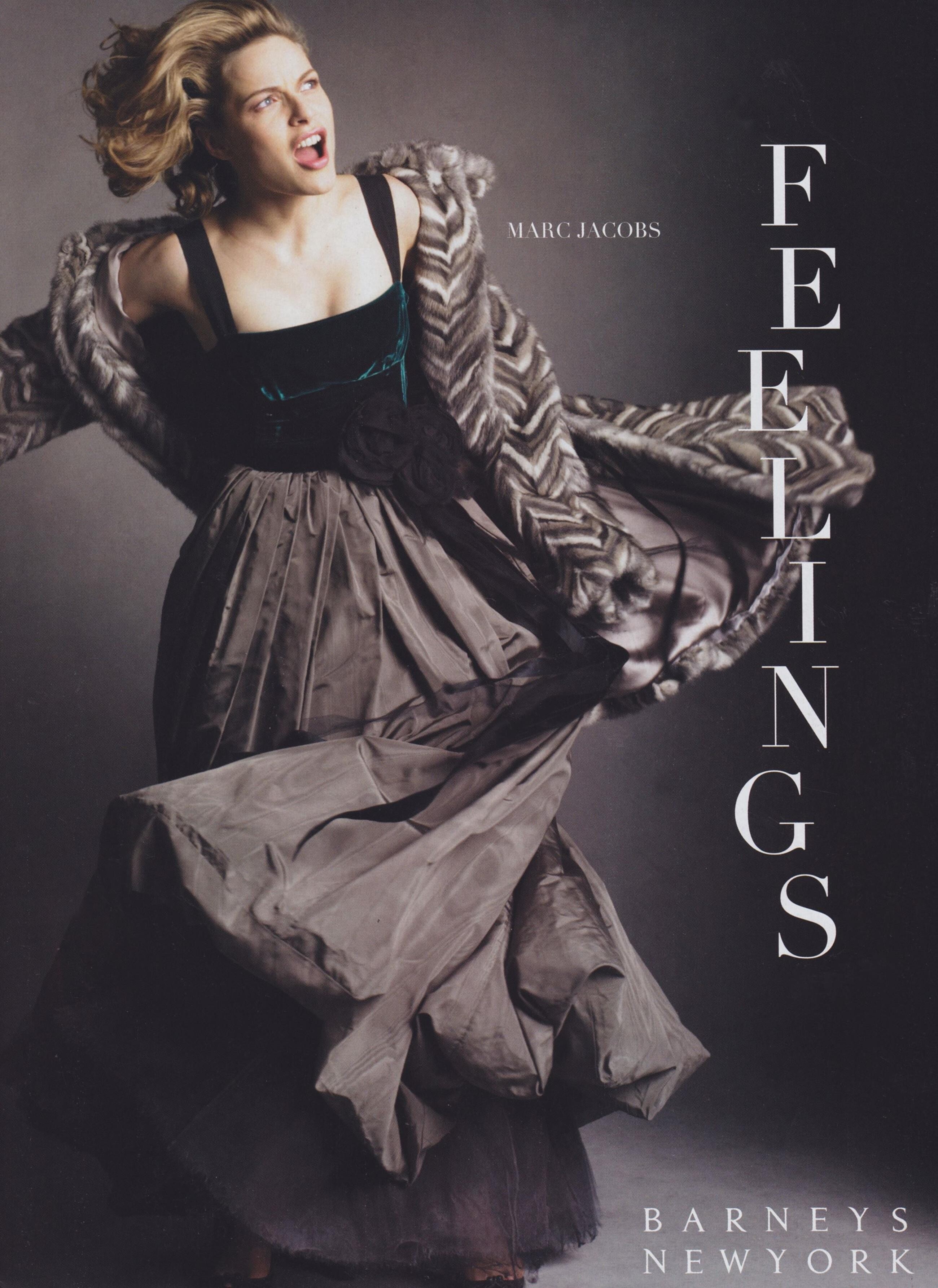
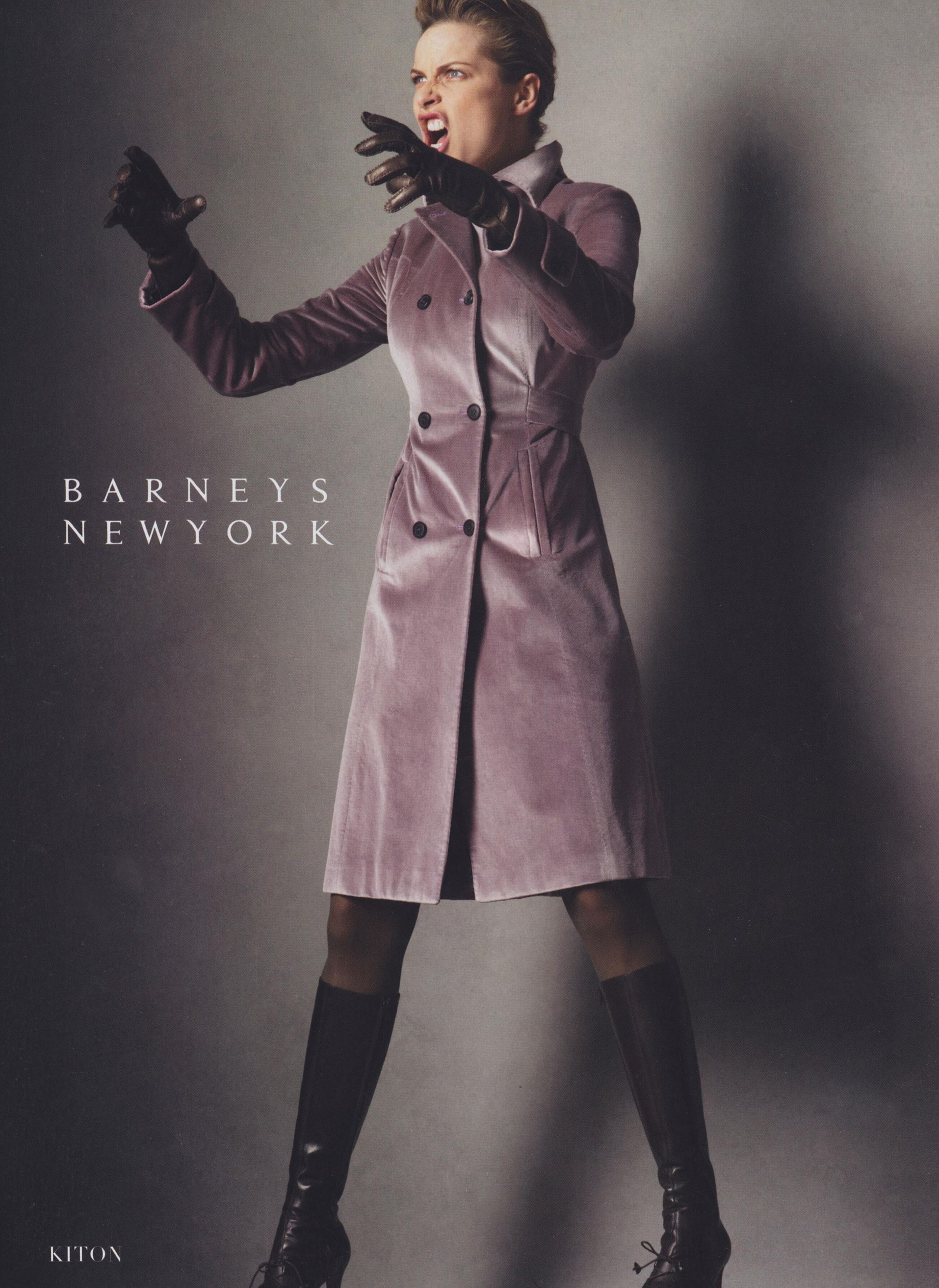
  5. Barneys Fall/Winter 2005 (Advertisement)

  6. Dillard's Fall/Winter 2010 (Advertisement)

  7. Thanks for the information
  8. Gap Fall/Winter 1995 (Advertisement) Photographer: Patrick Demarchelier

  9. Gap Spring/Summer 1993 (Advertisement) Photographer: Bico Stupakoff

  10. Gap Holiday Fall/Winter 1993 (Advertisement) Photographer: Patrick Demarchelier

  11. Reem Acra Spring/Summer 2005 (Advertisement)

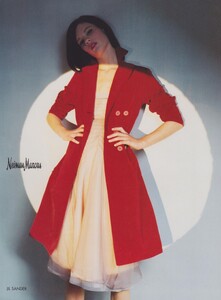
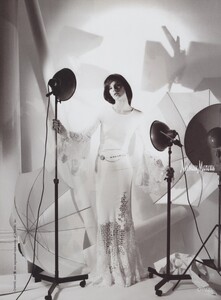
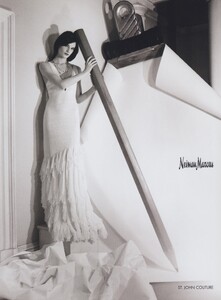
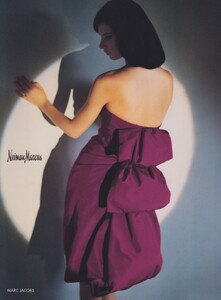
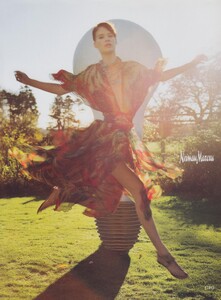
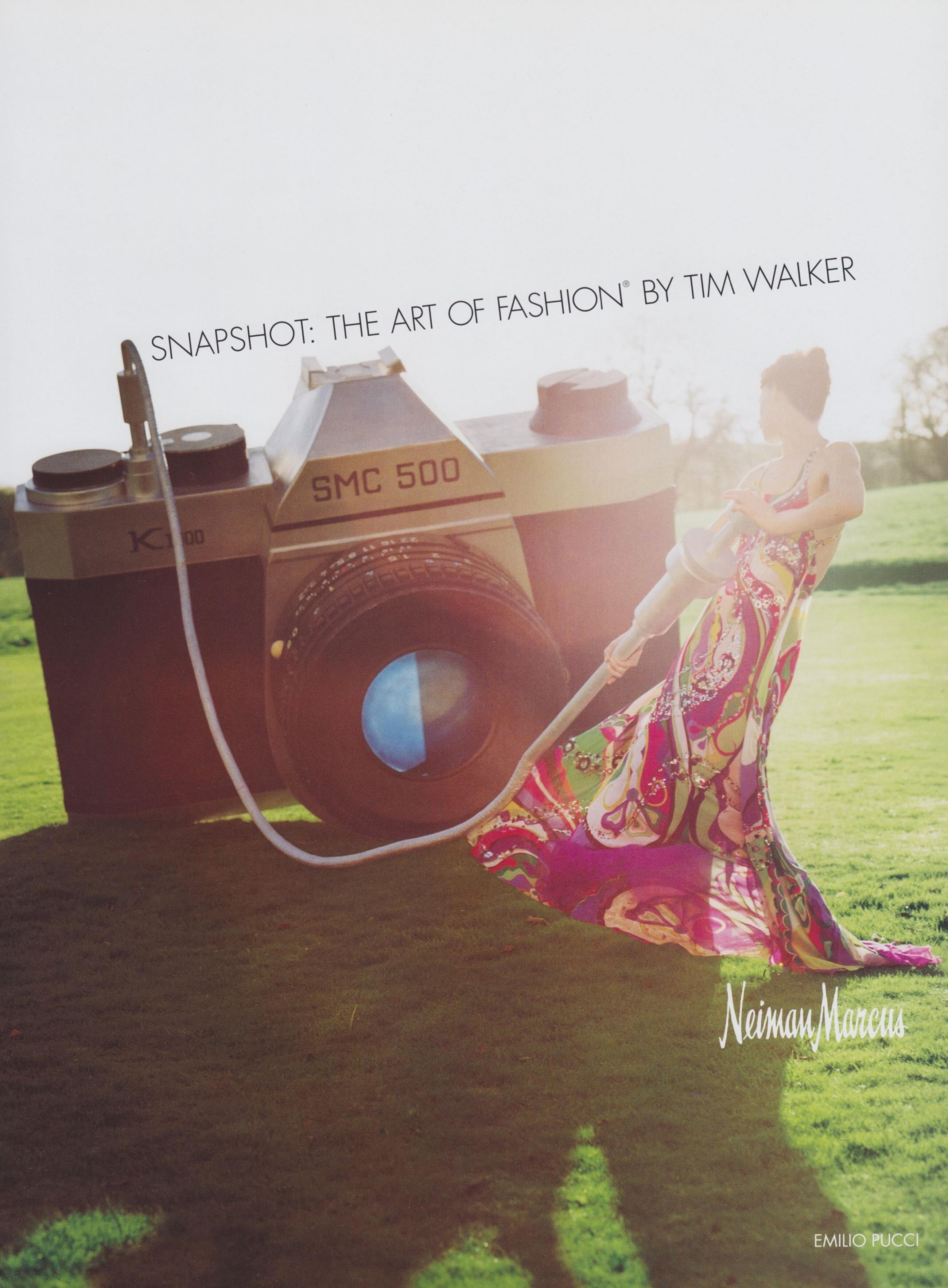
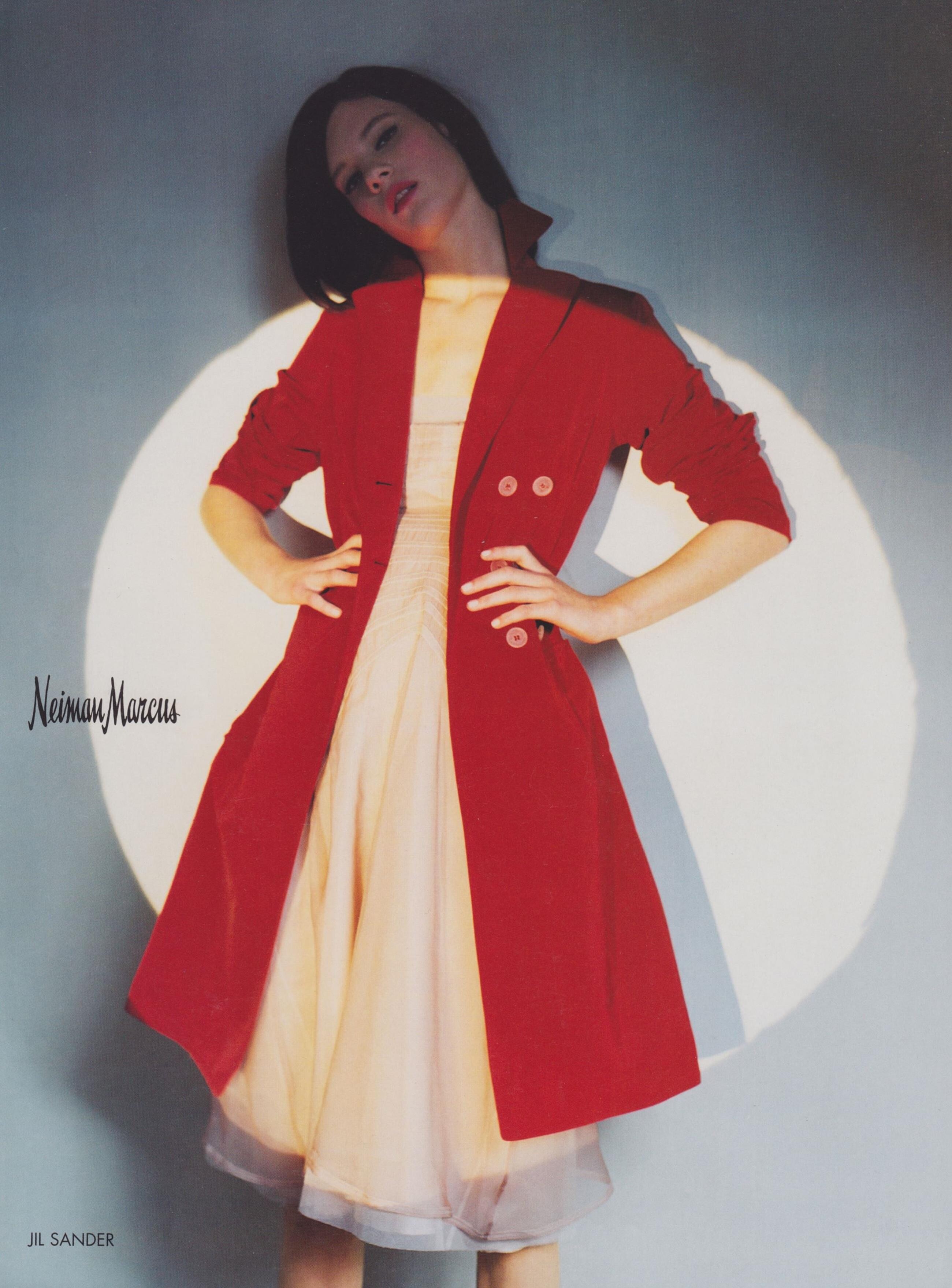
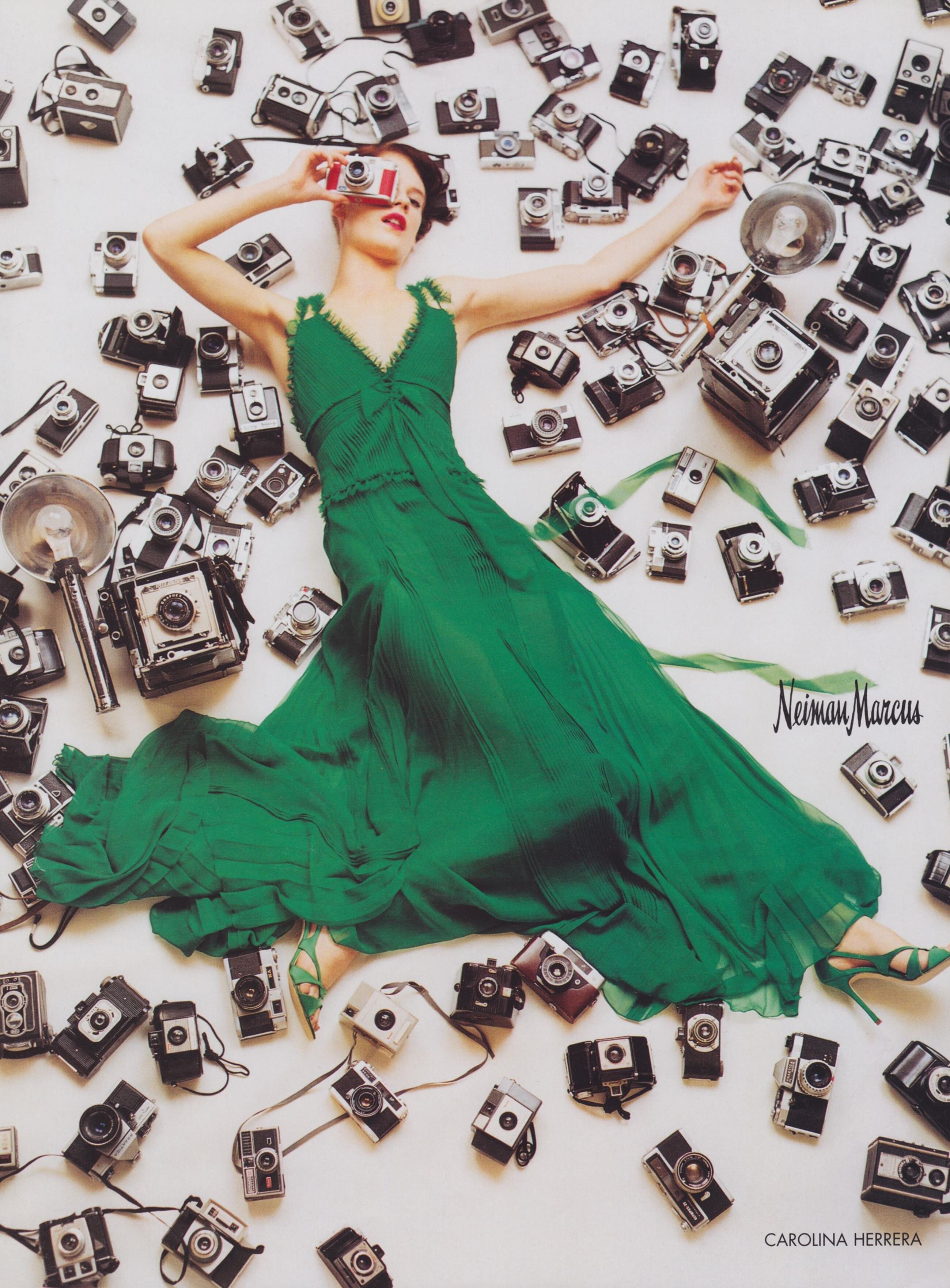
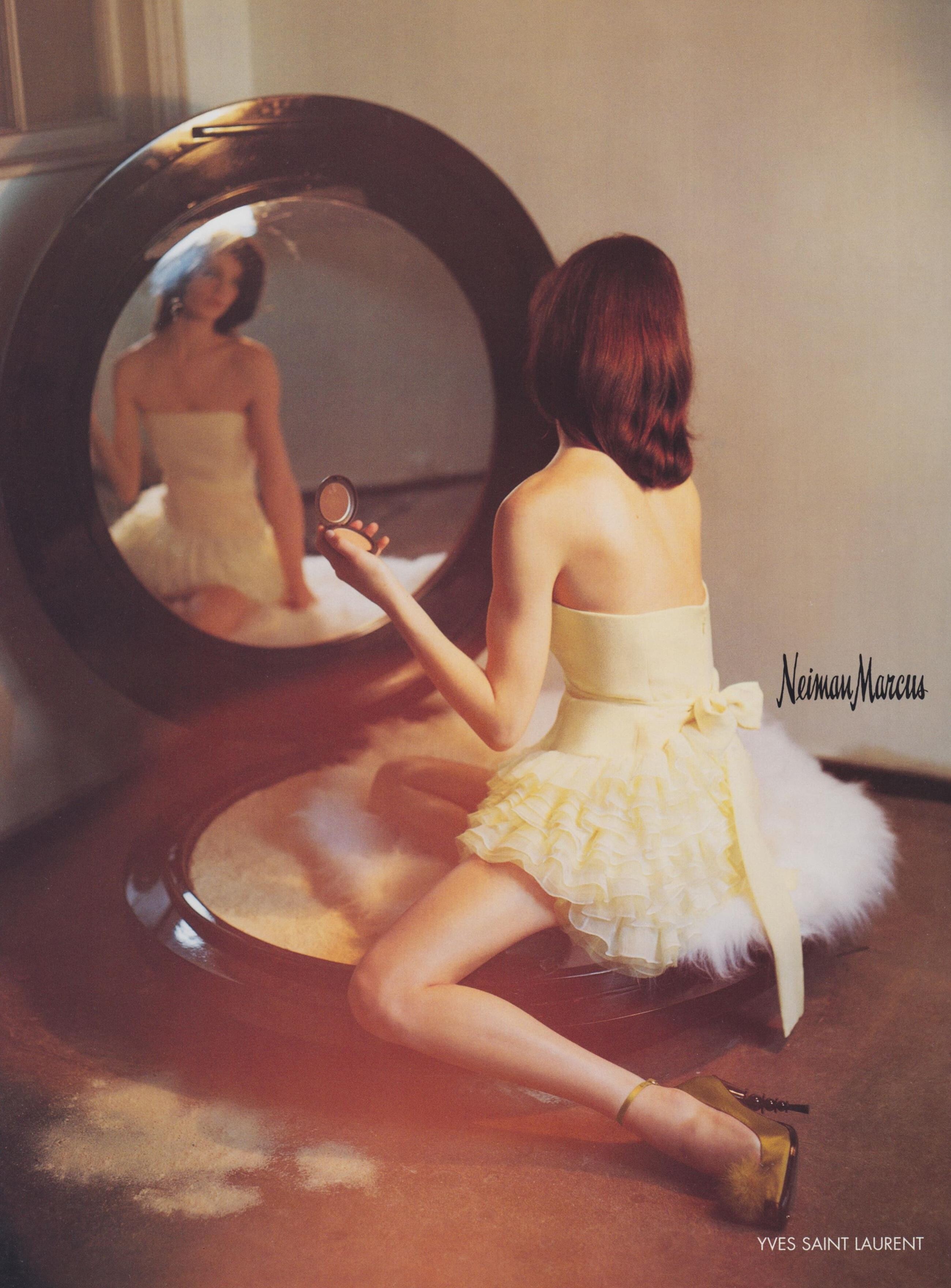
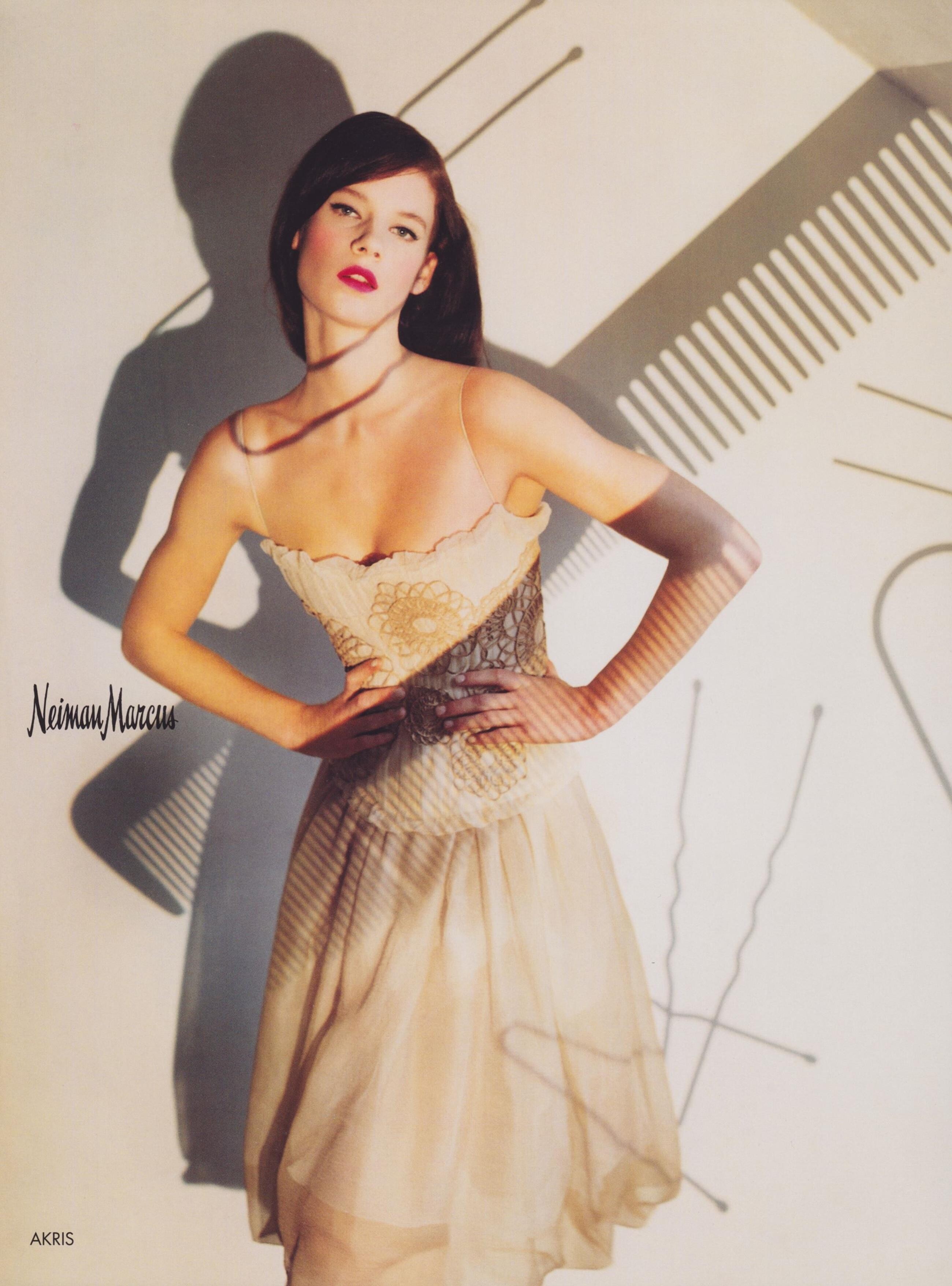
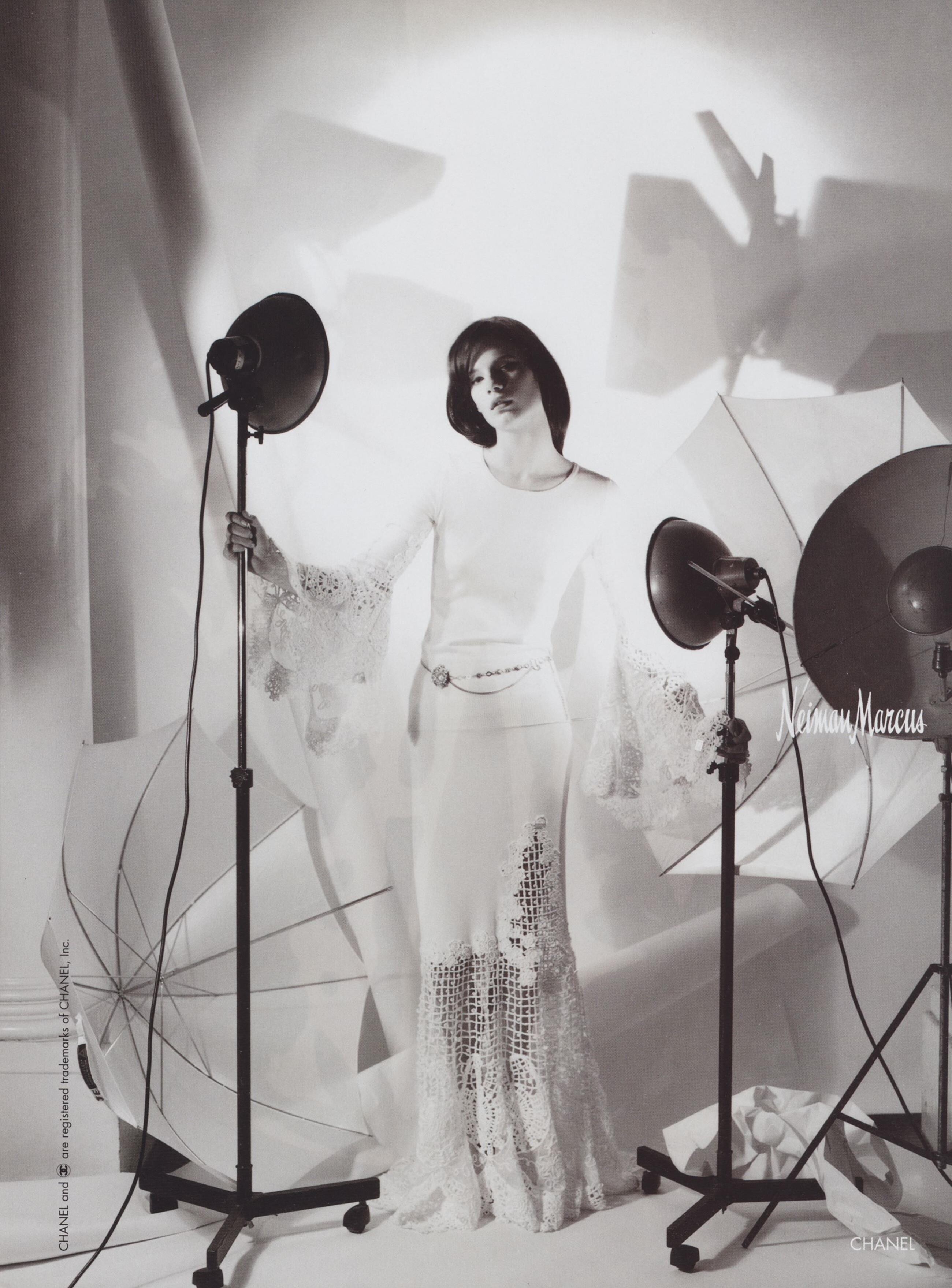
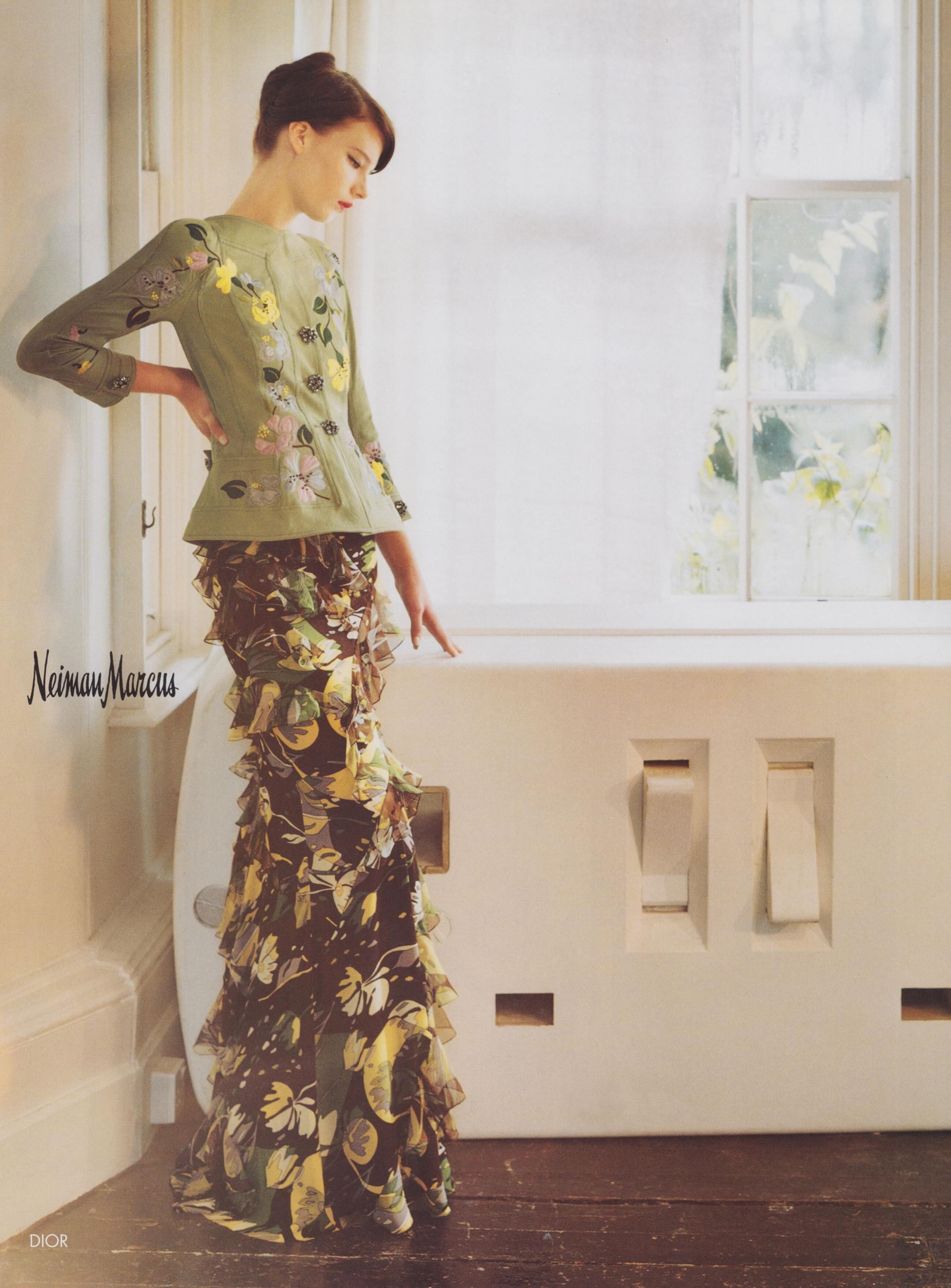
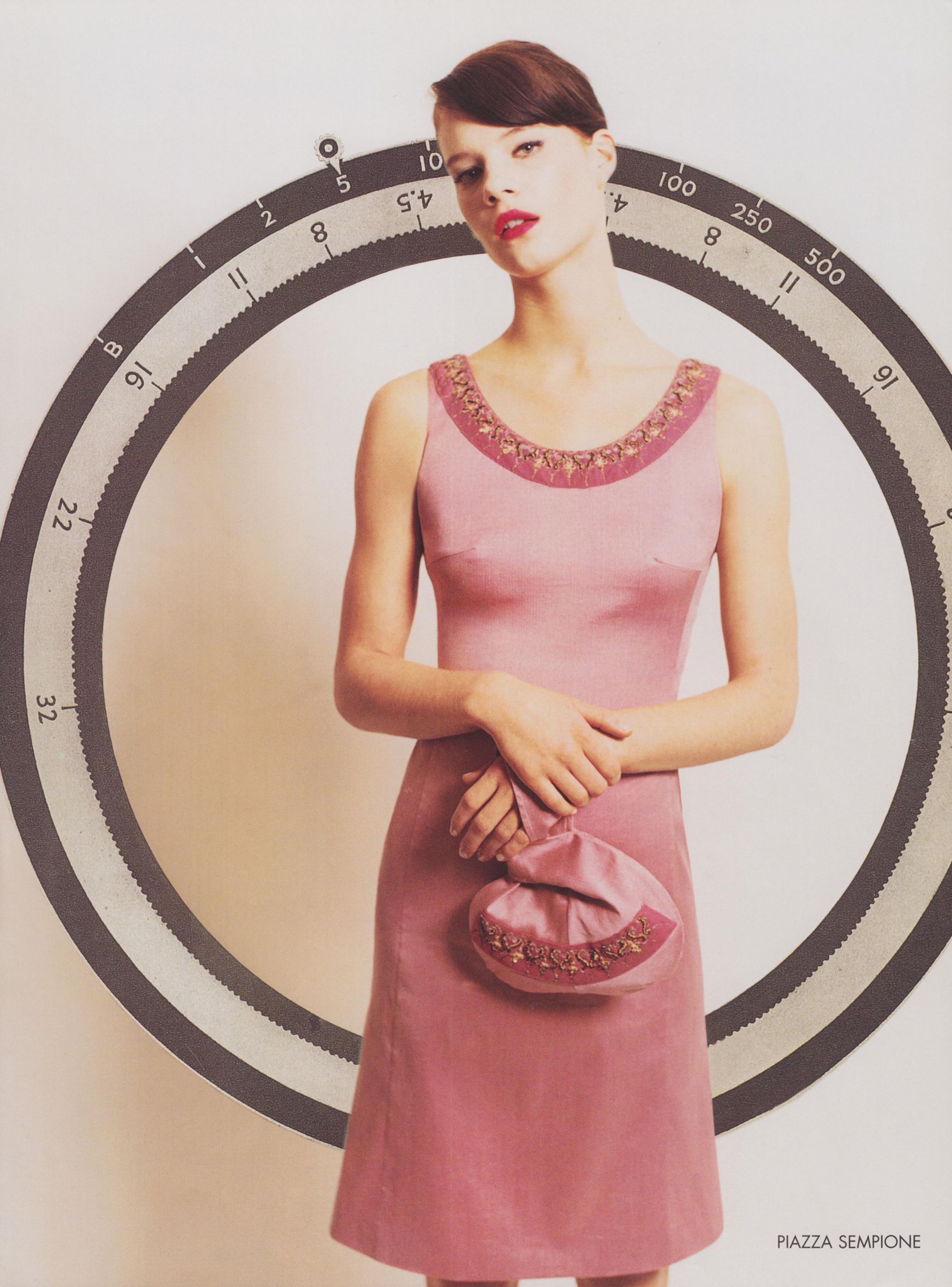
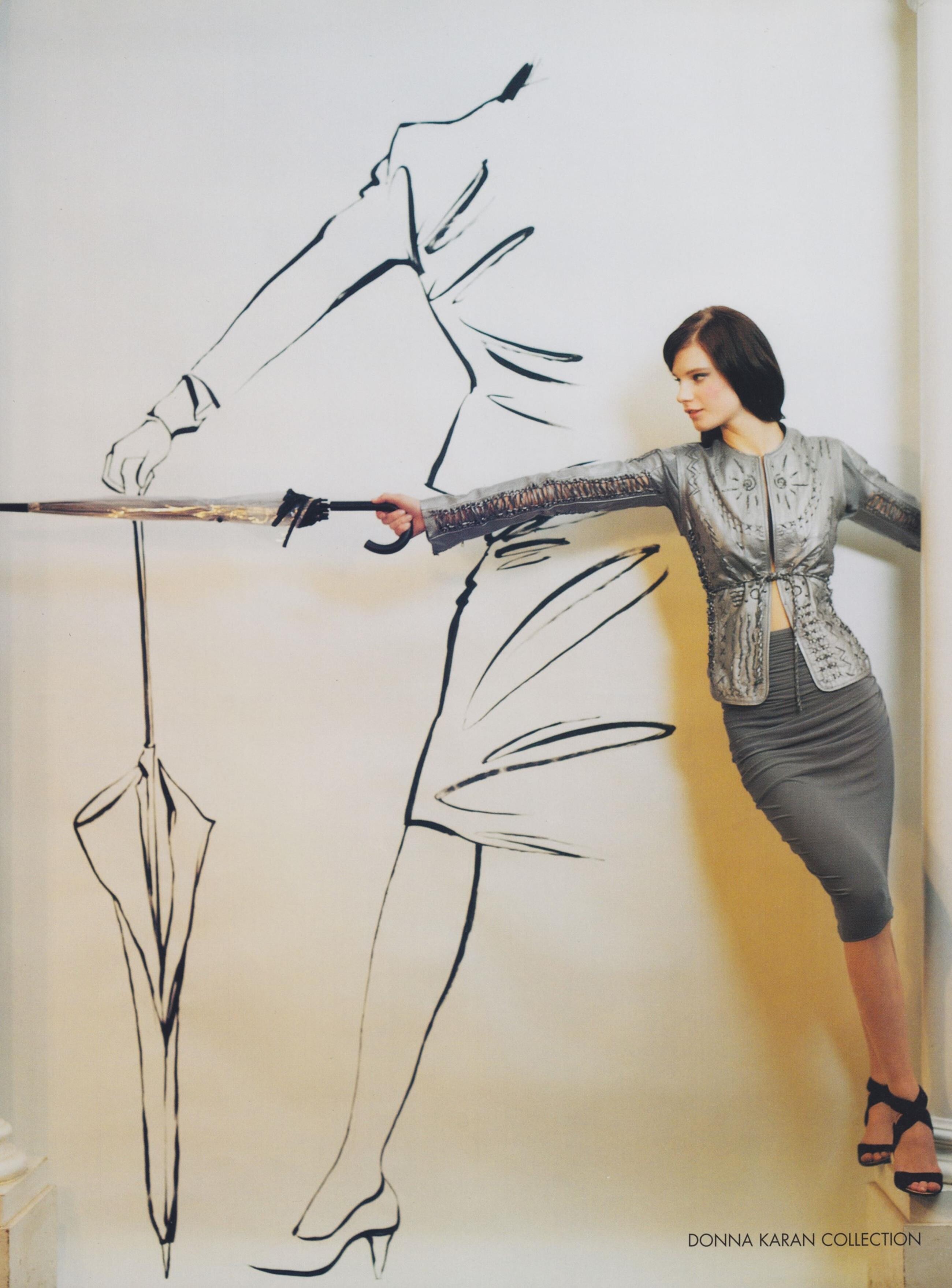
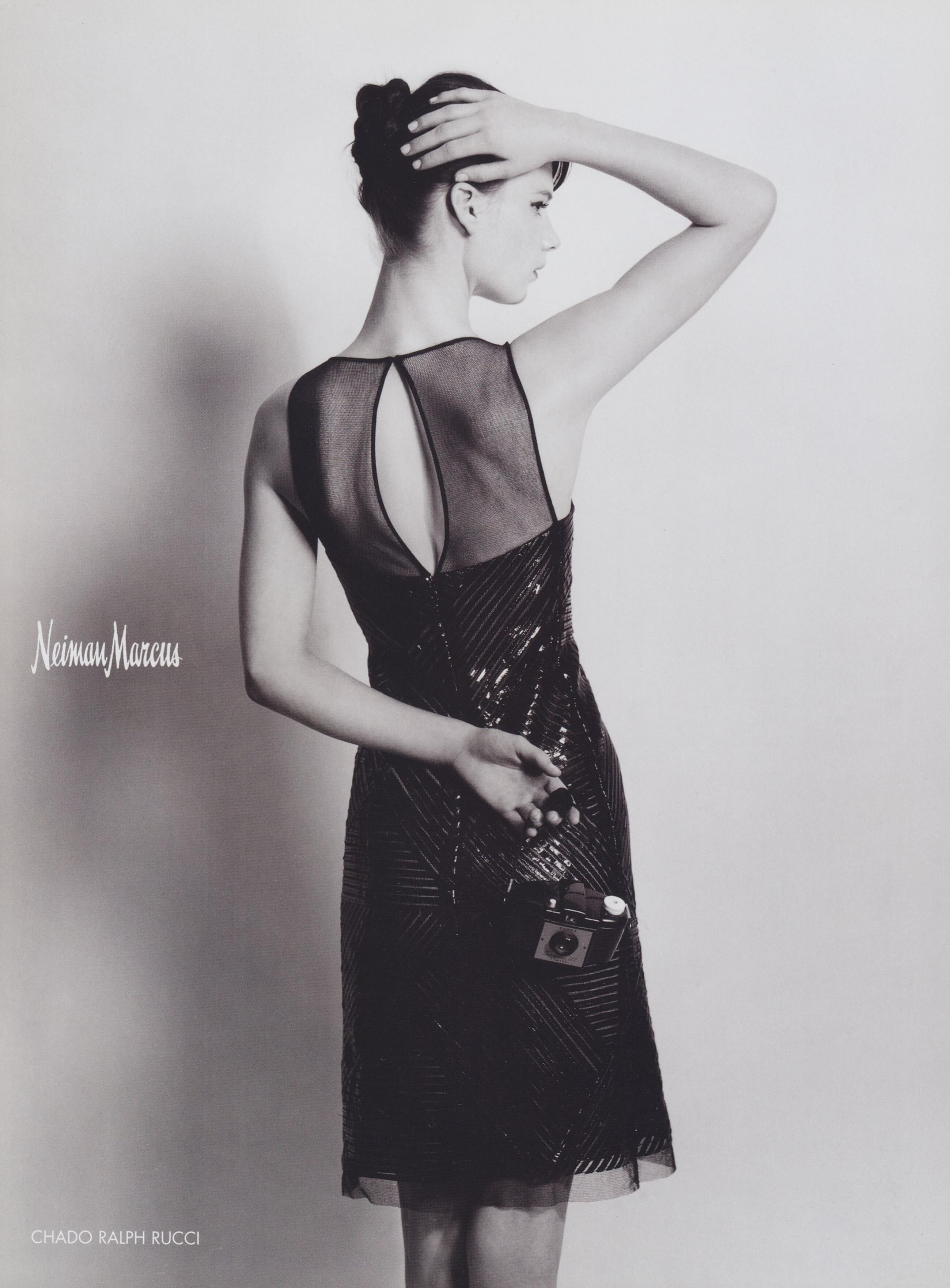
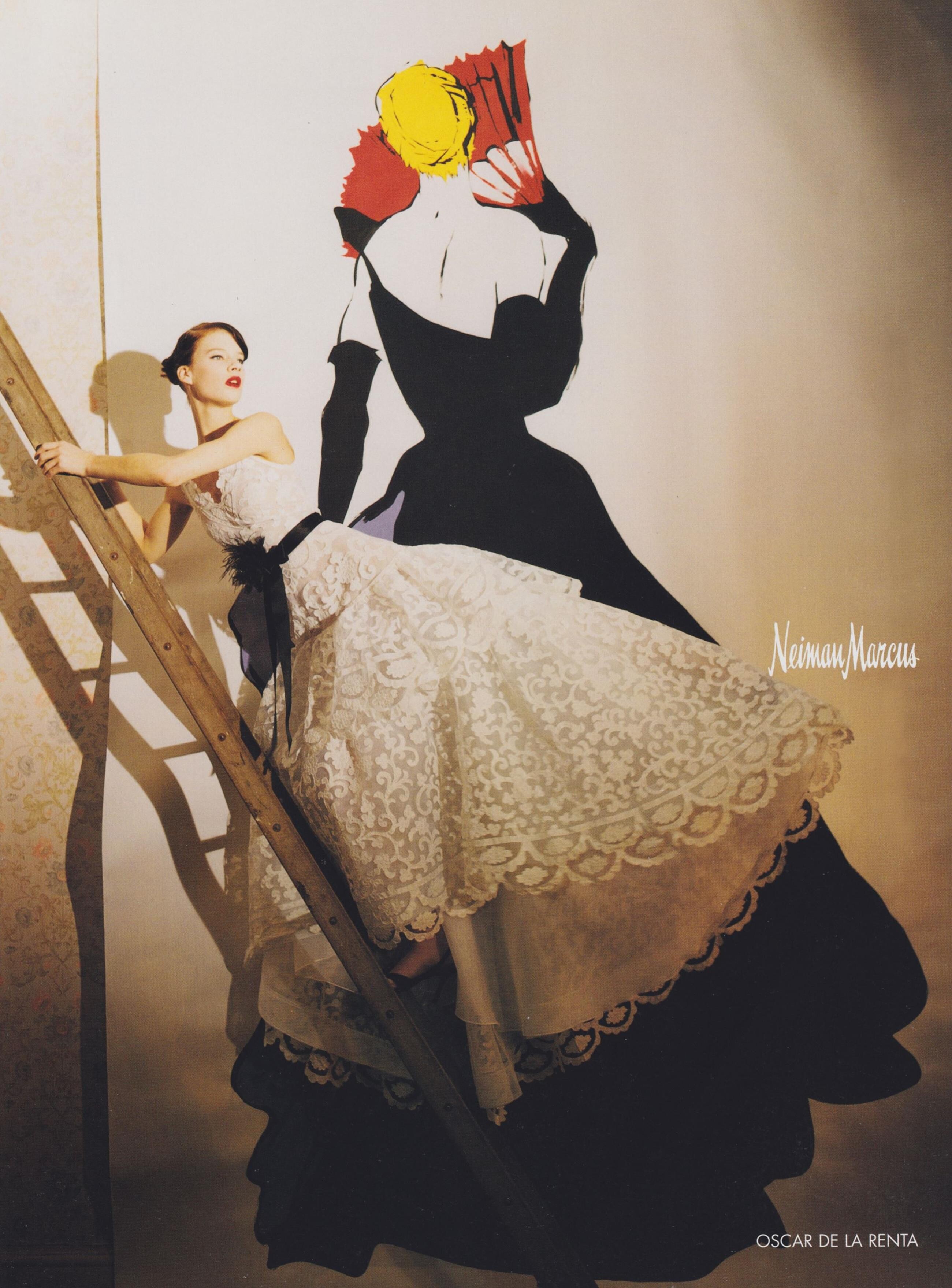
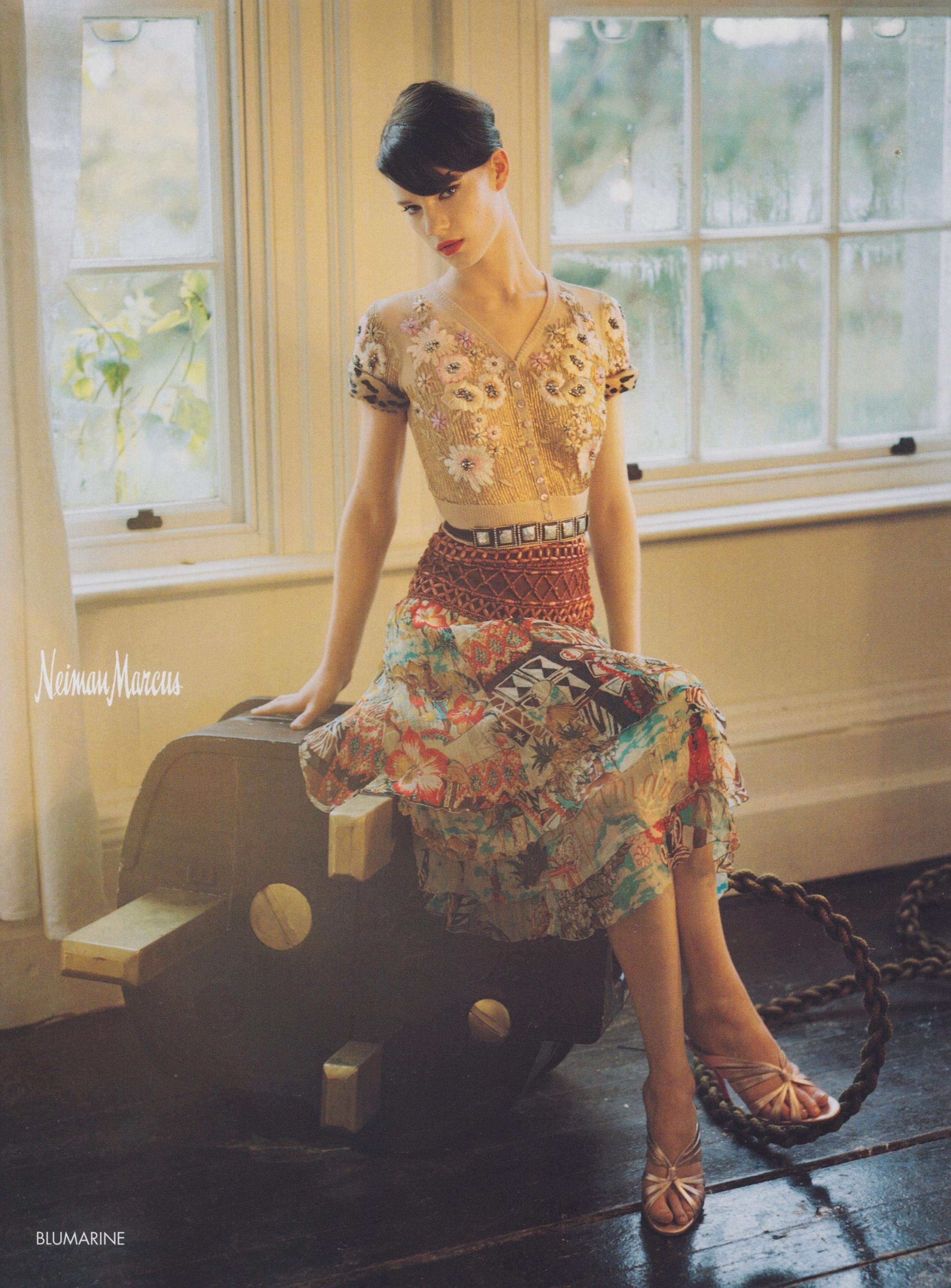
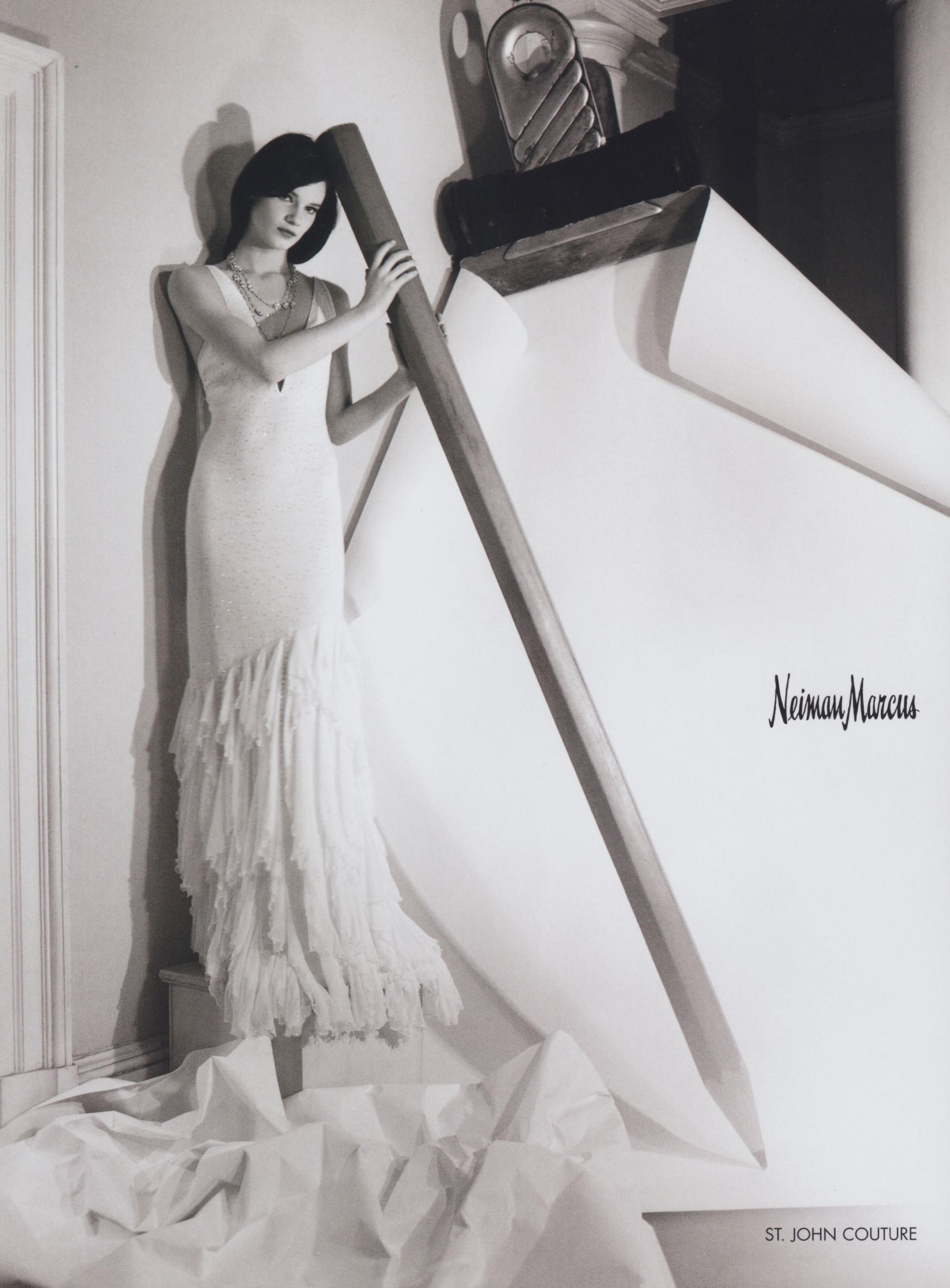
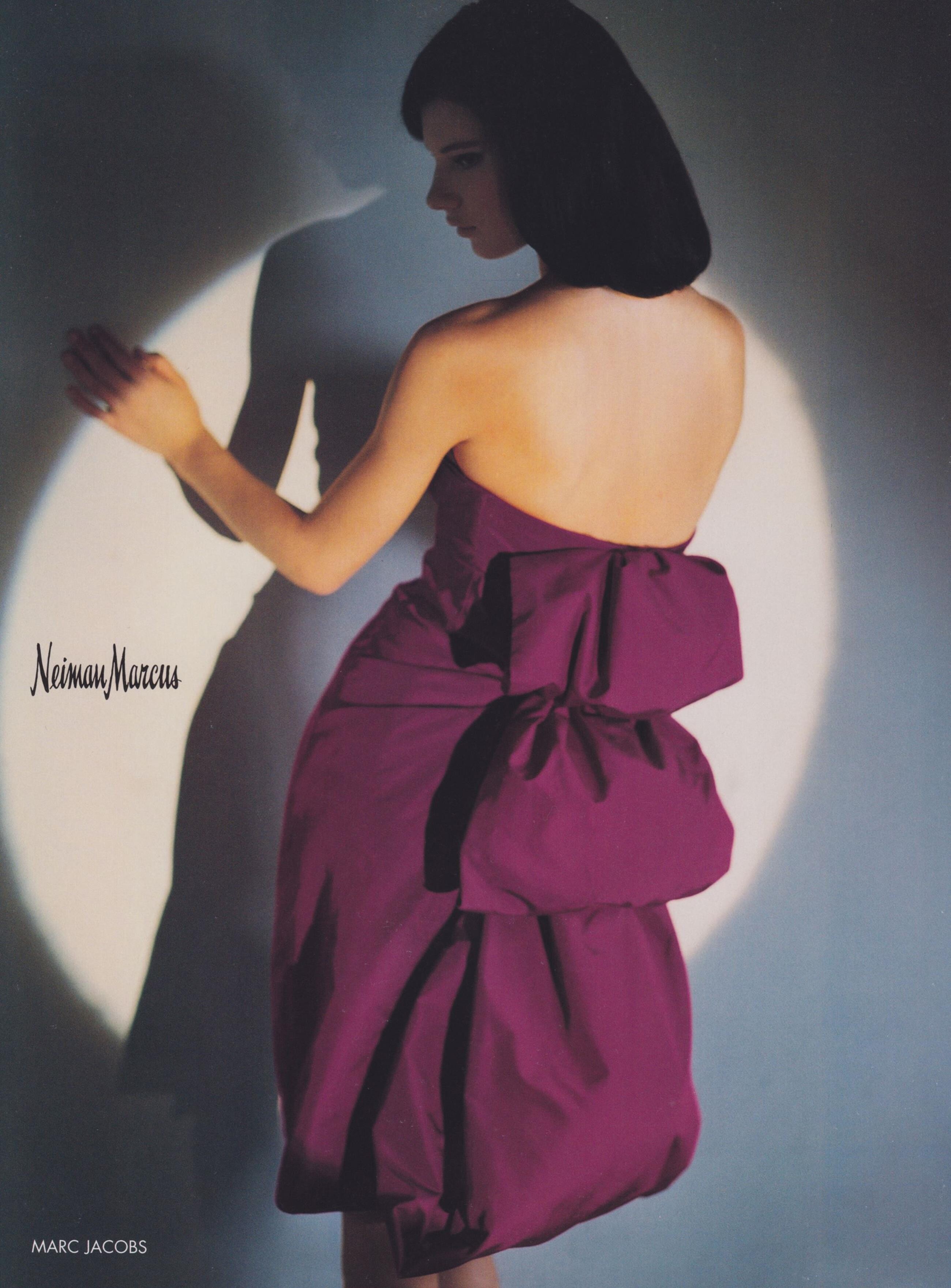
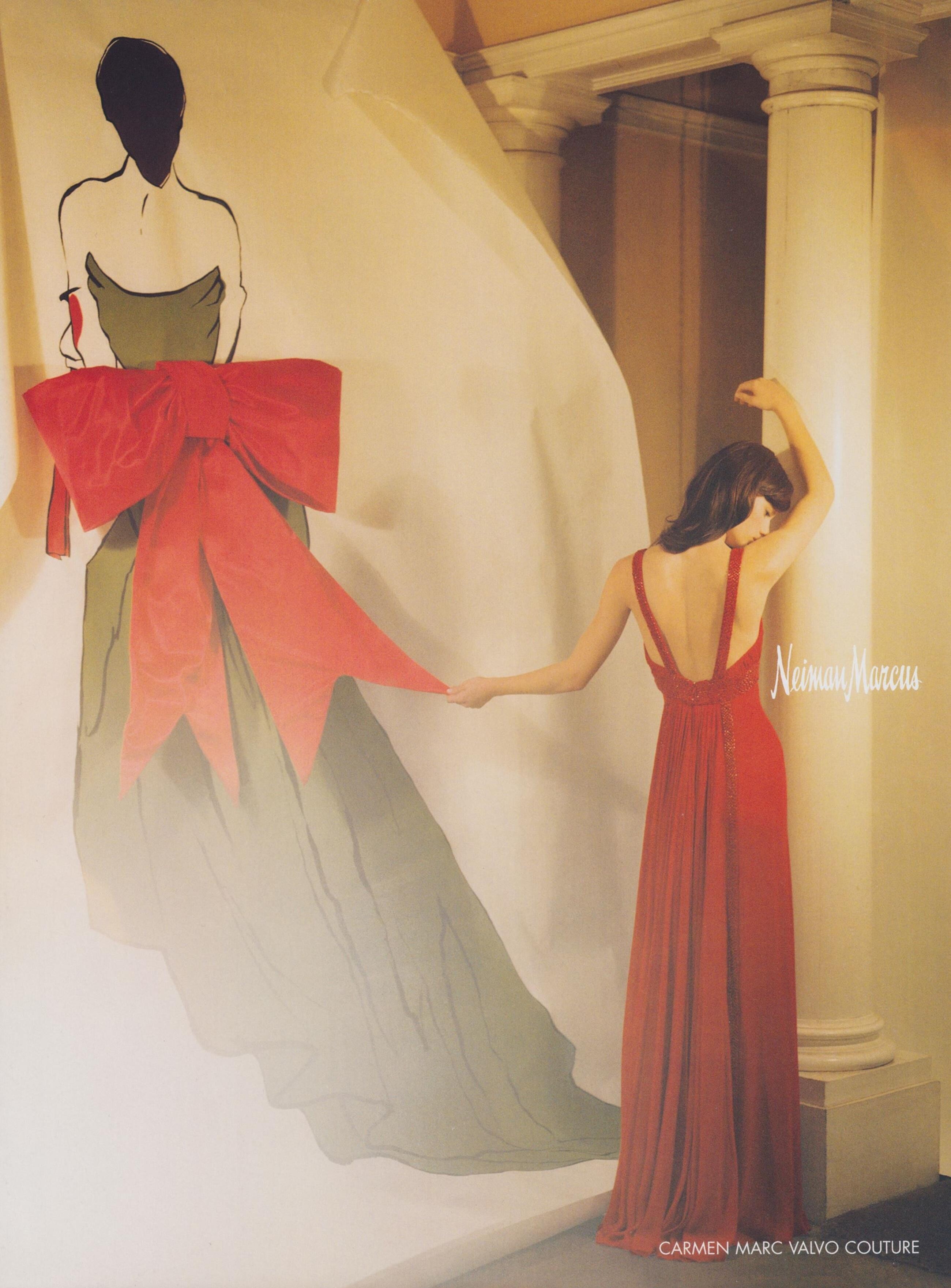
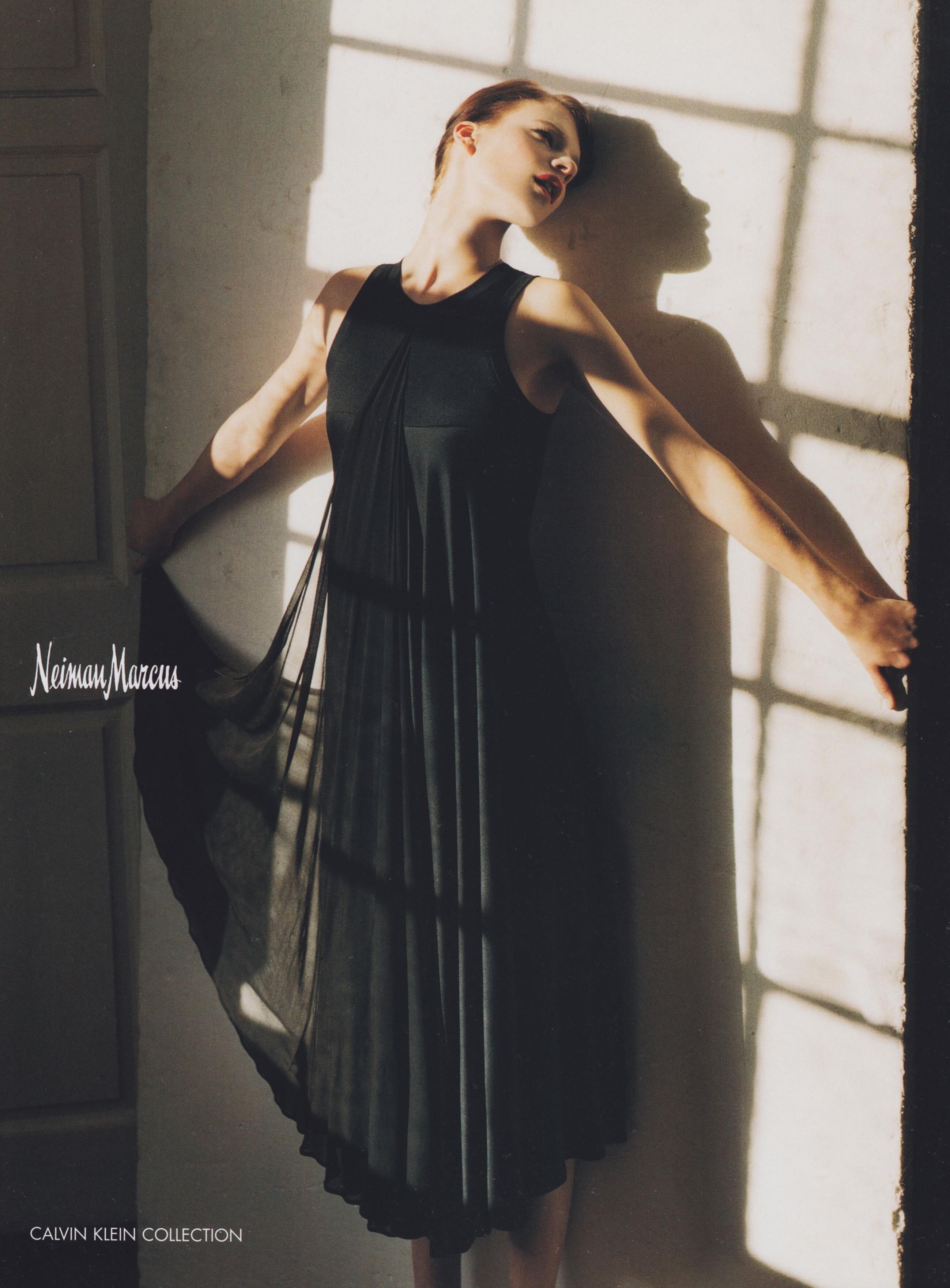
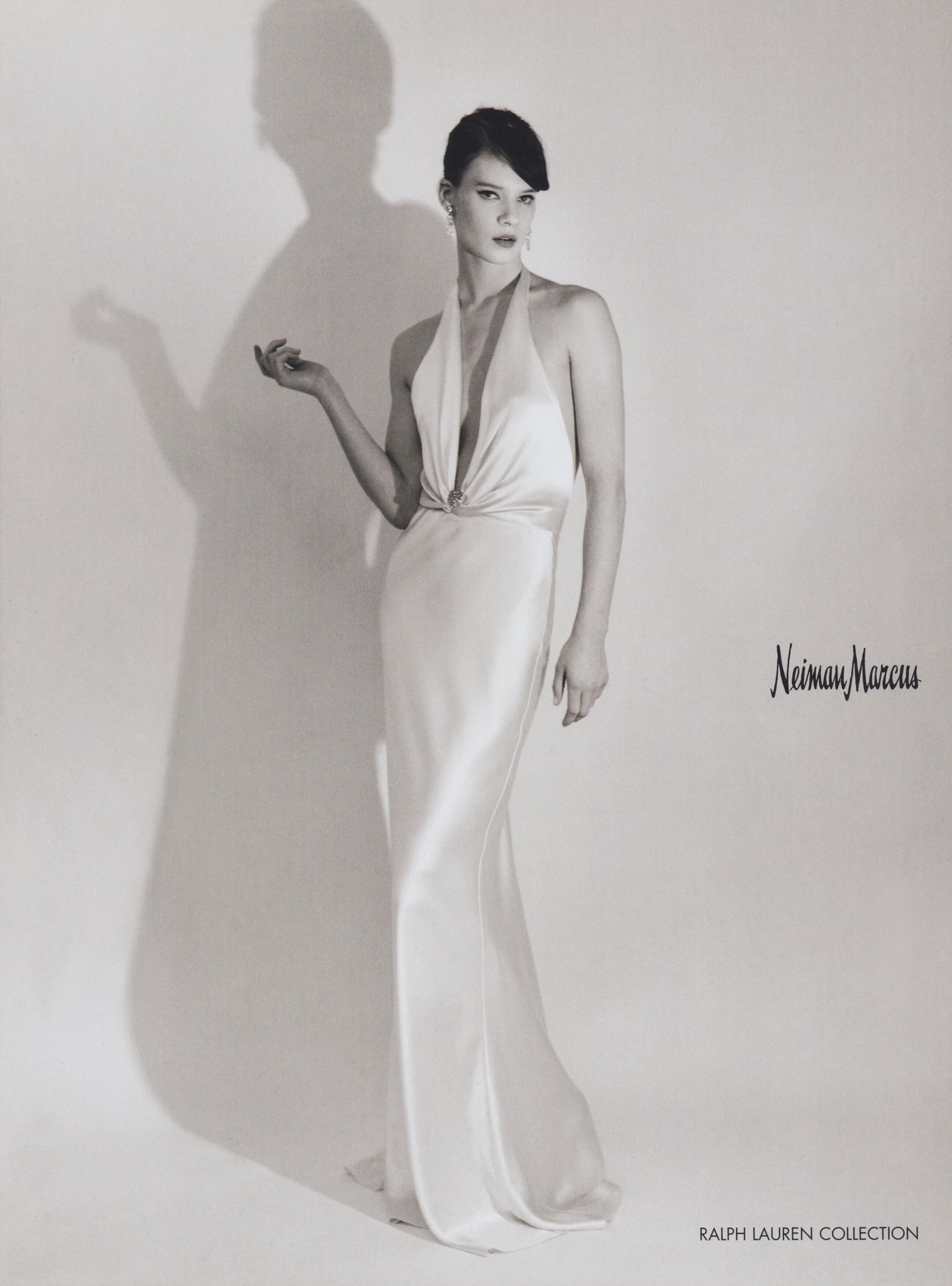
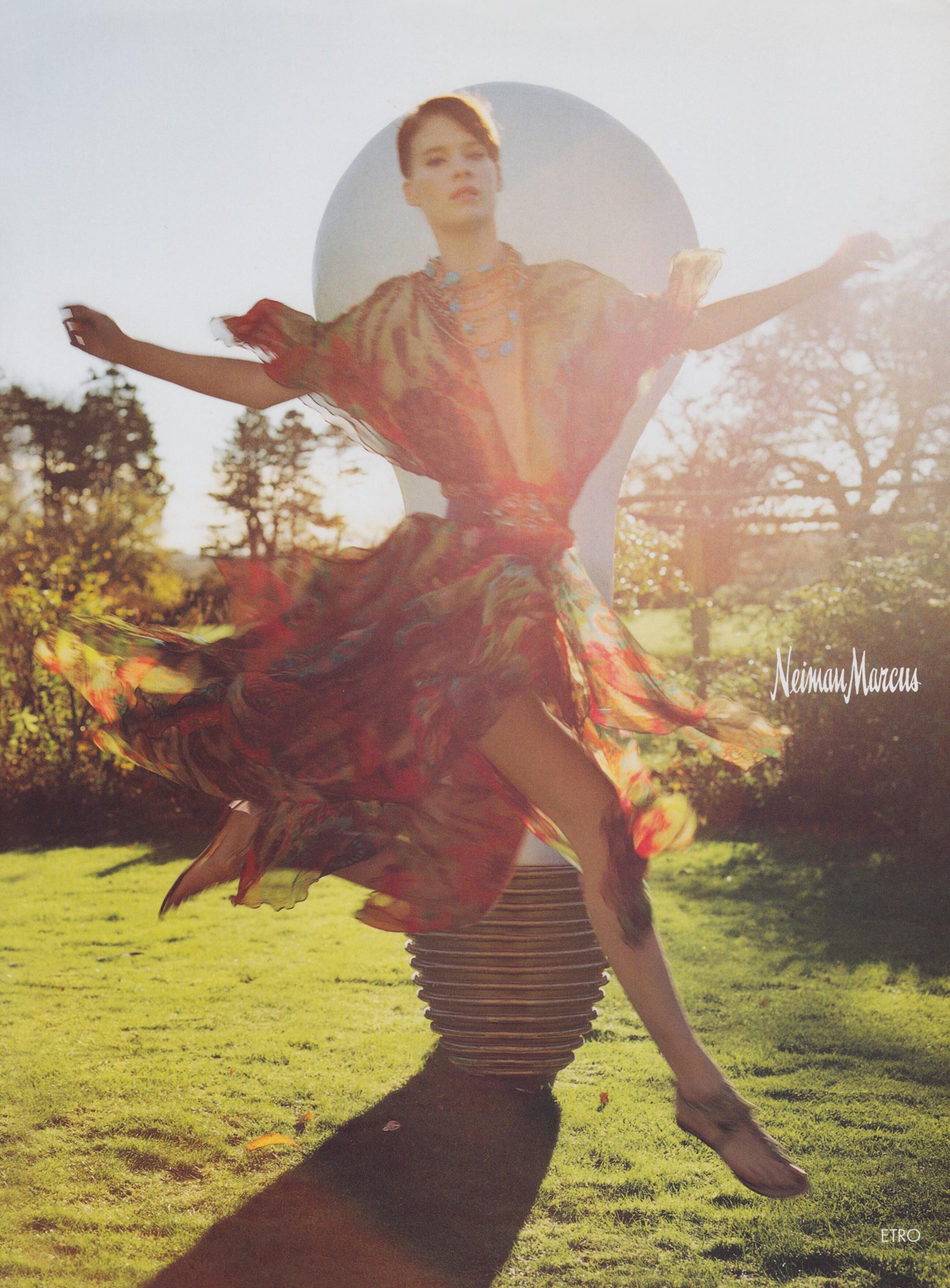
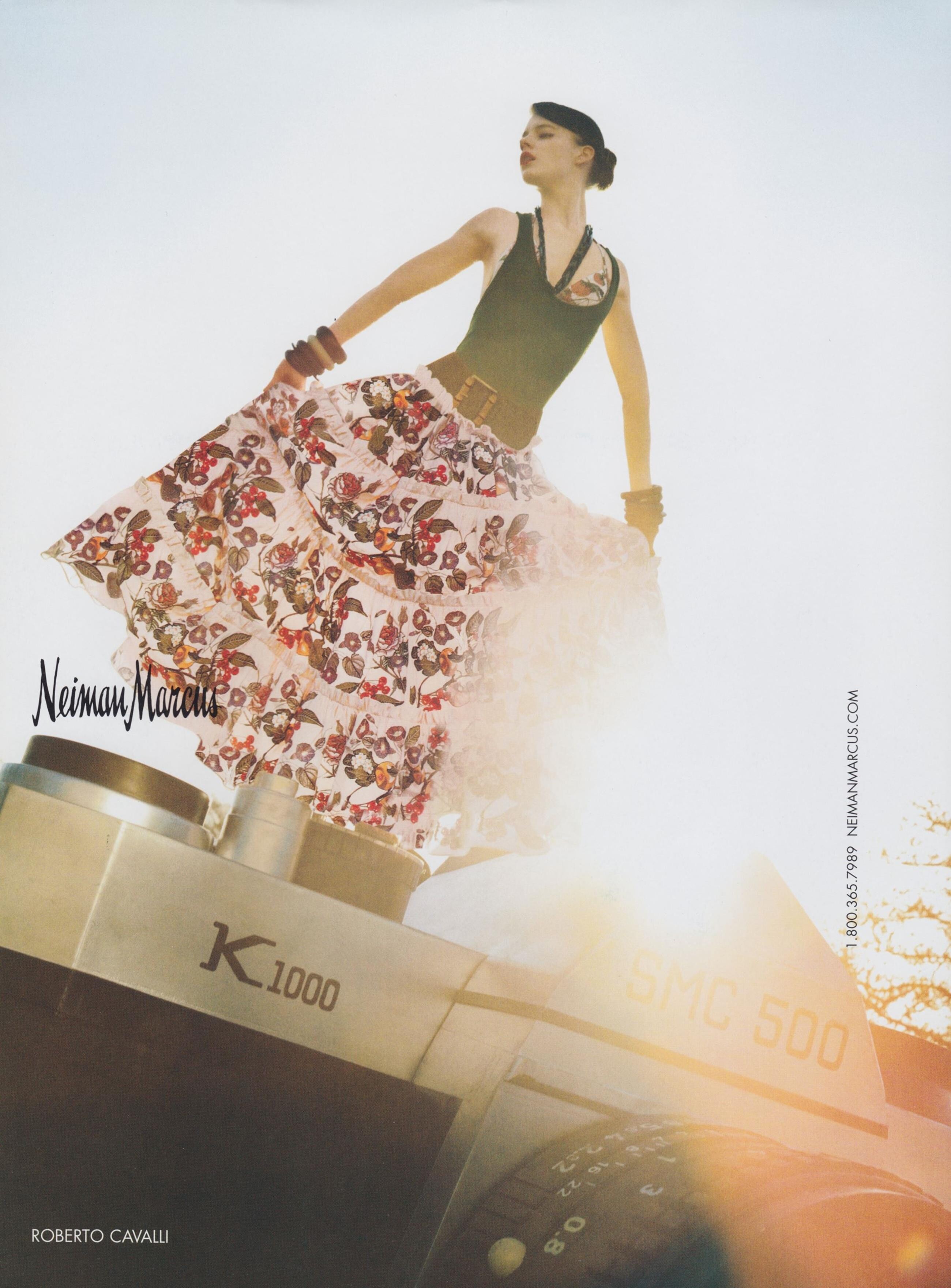
  12. Neiman Marcus Spring/Summer 2005 (Advertisement) Photographer: Tim Walker

  13. Vogue Usa April 2005 Photographer: Dusan Reljin
  14. Banana Republic Spring/Summer 2005 (Advertisement)
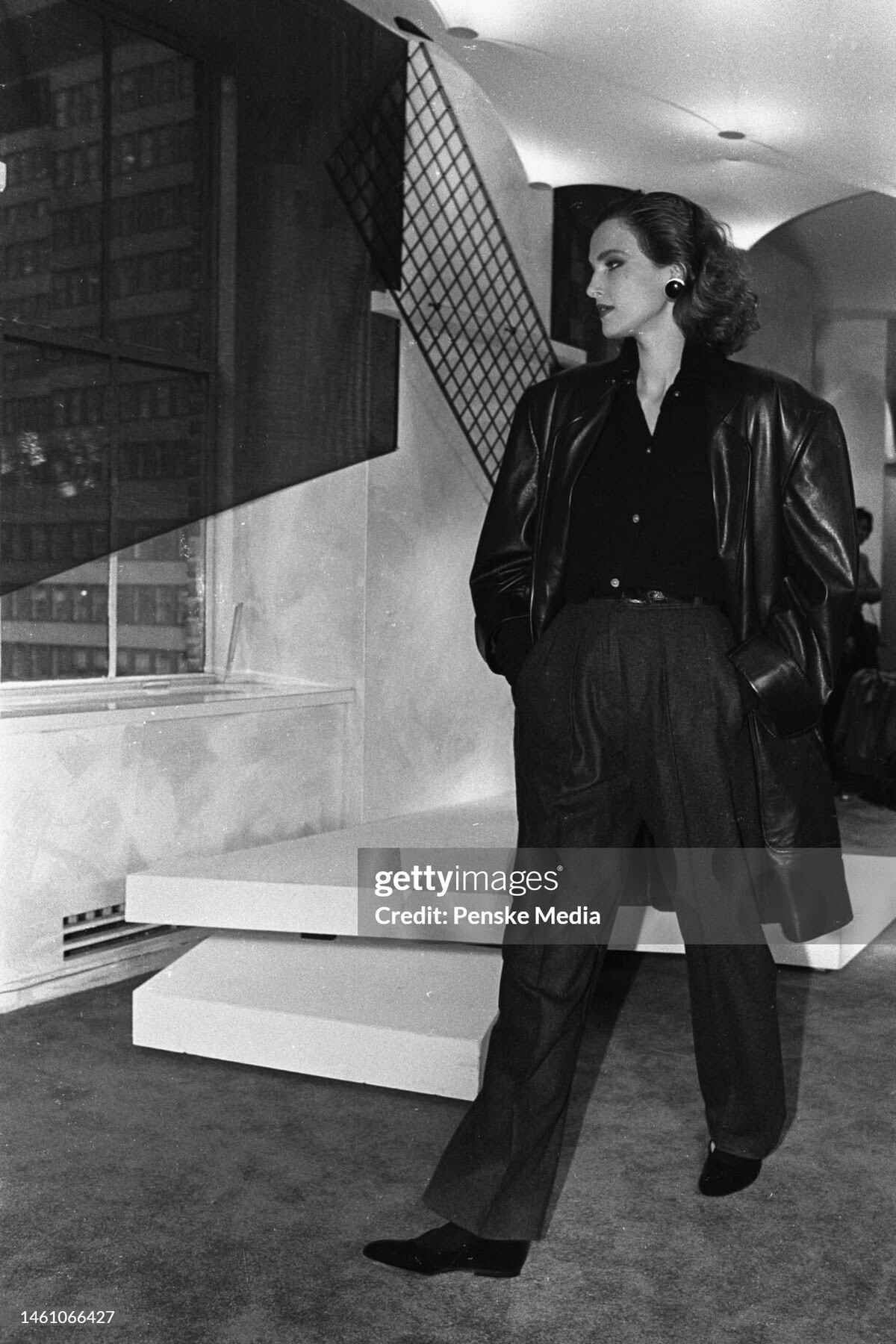
  15. Banana Republic Spring/Summer 2005 (Advertisement)
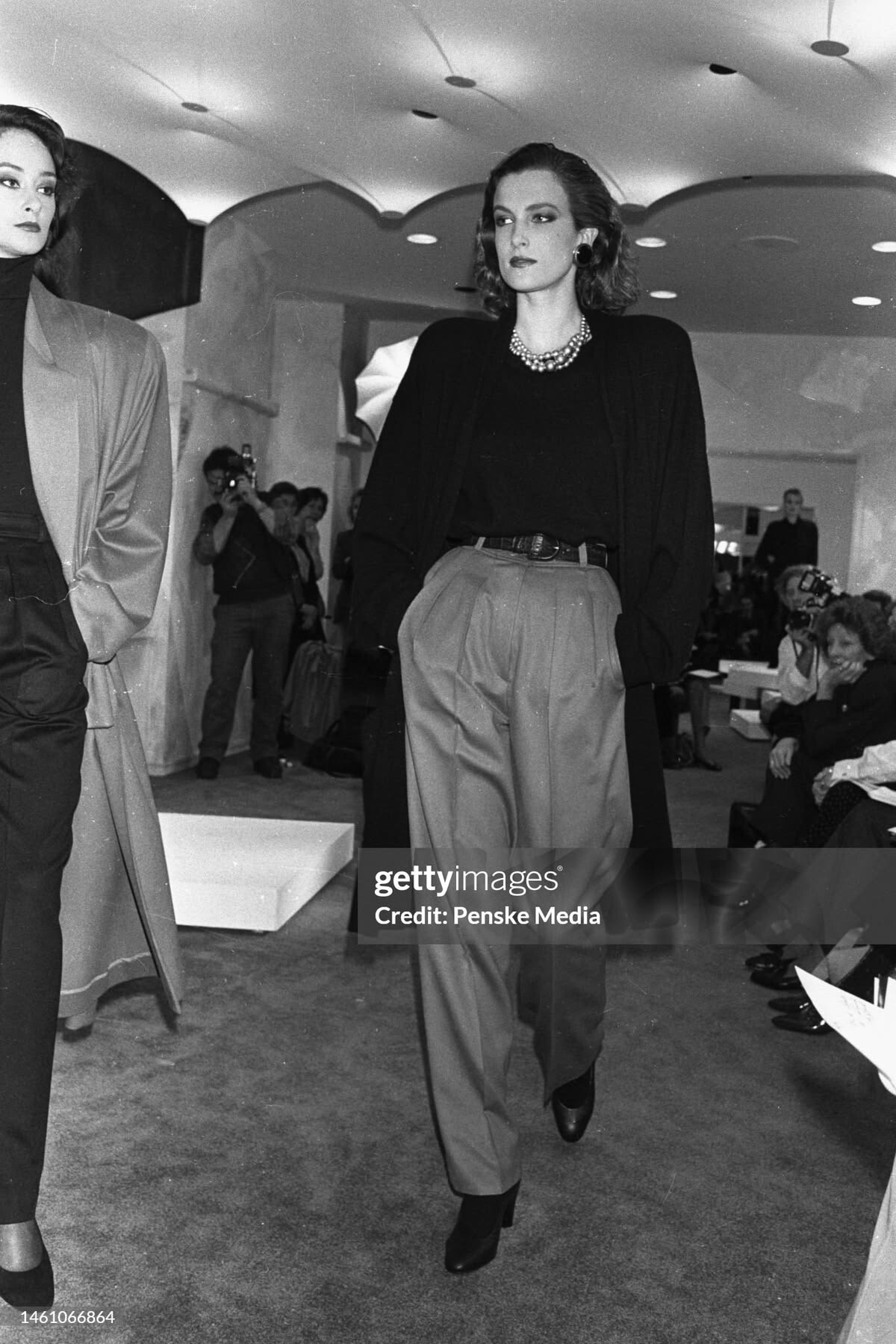
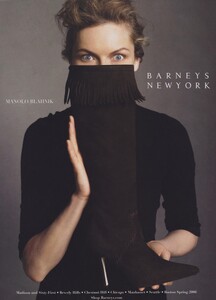
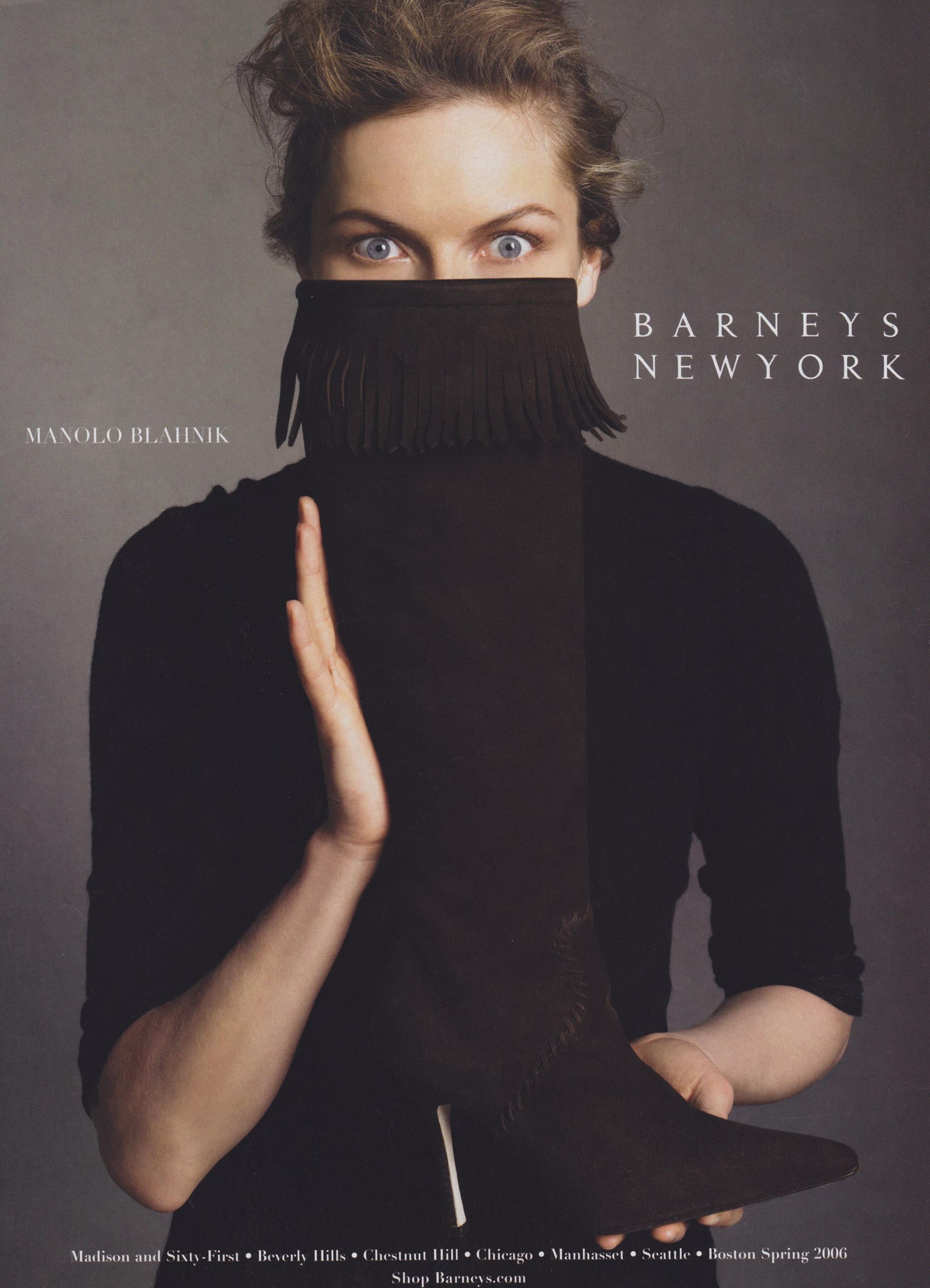
  16. Barneys Spring/Summer 2005 (Advertisement)

Configure browser push notifications

Chrome (Android)
  1. Tap the lock icon next to the address bar.
  2. Tap Permissions → Notifications.
  3. Adjust your preference.
Chrome (Desktop)
  1. Click the padlock icon in the address bar.
  2. Select Site settings.
  3. Find Notifications and adjust your preference.