Jump to content
View in the app

A better way to browse. Learn more.

Bellazon

A full-screen app on your home screen with push notifications, badges and more.

To install this app on iOS and iPadOS
  1. Tap the Share icon in Safari
  2. Scroll the menu and tap Add to Home Screen.
  3. Tap Add in the top-right corner.
To install this app on Android
  1. Tap the 3-dot menu (⋮) in the top-right corner of the browser.
  2. Tap Add to Home screen or Install app.
  3. Confirm by tapping Install.

samj85

Members
  • Joined

Everything posted by samj85

  1. nudity Spoiler
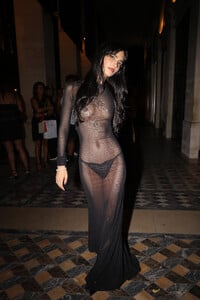
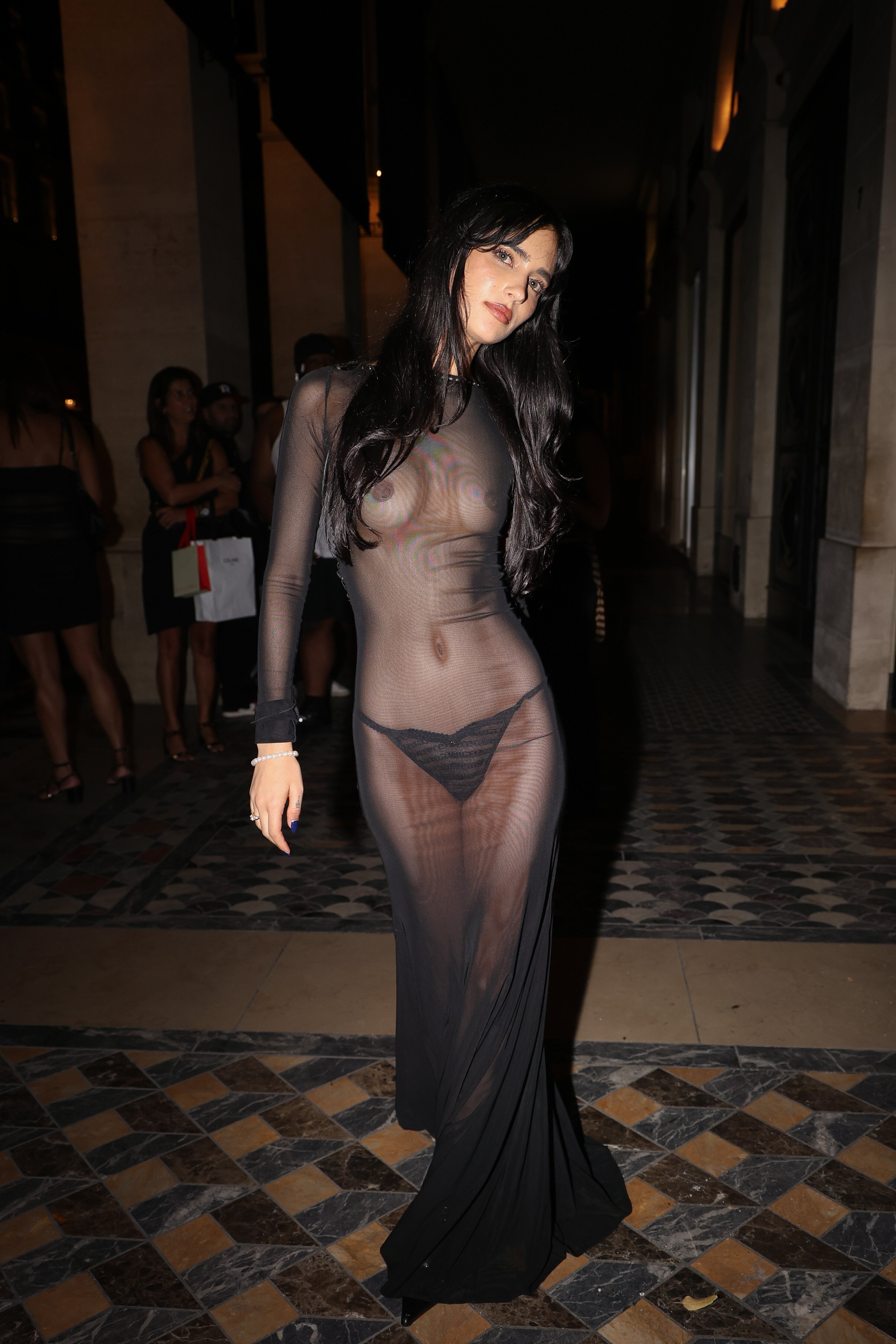
  2. birthday celebration at Costes in Paris sheer nudity Spoiler
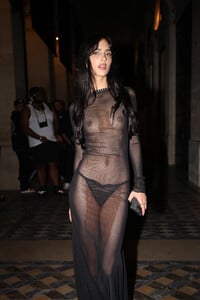
  3. samj85 replied to samj85's topic in MODEL ID [help]
    legend, thanks!
  4. samj85 posted a topic in MODEL ID [help]
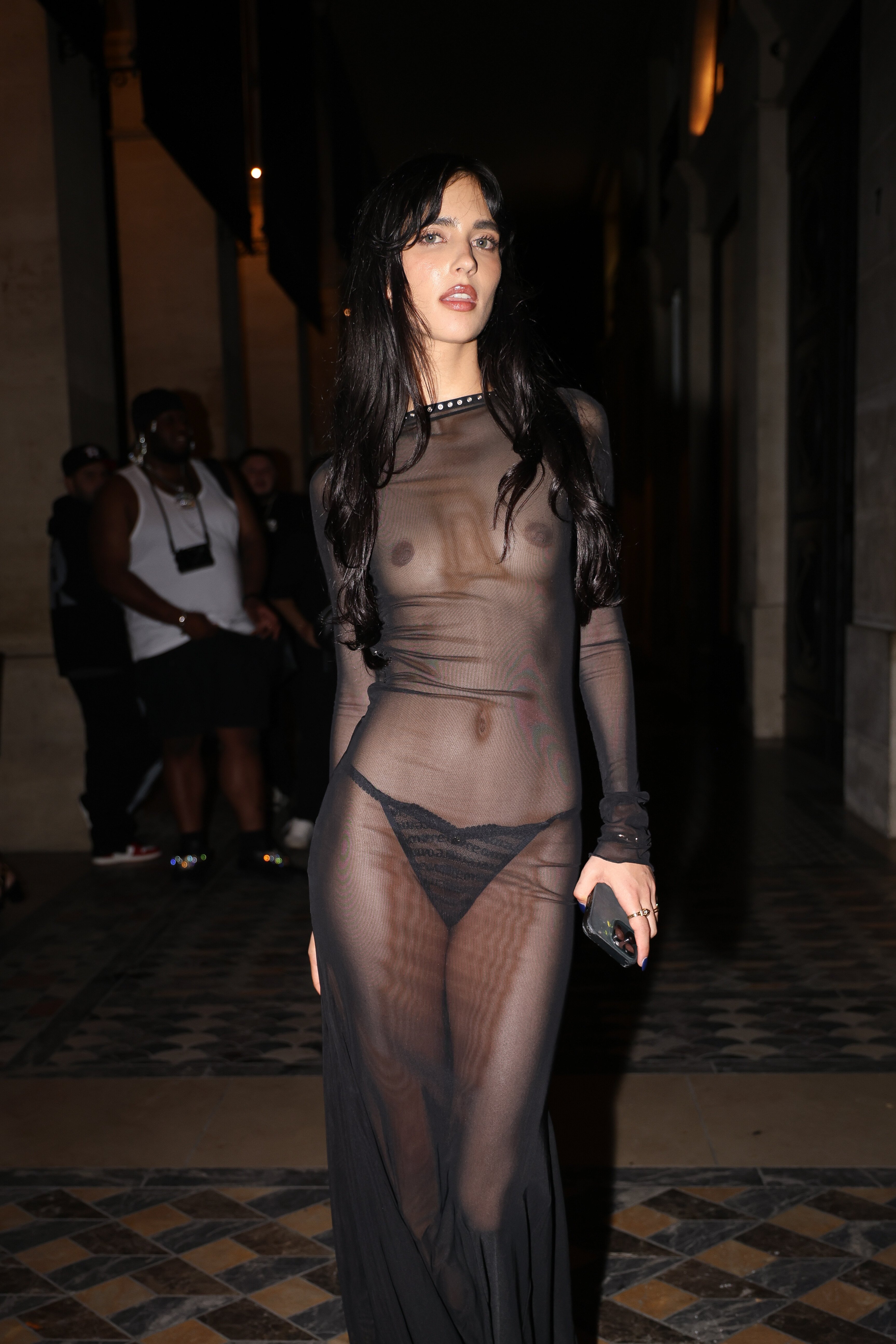
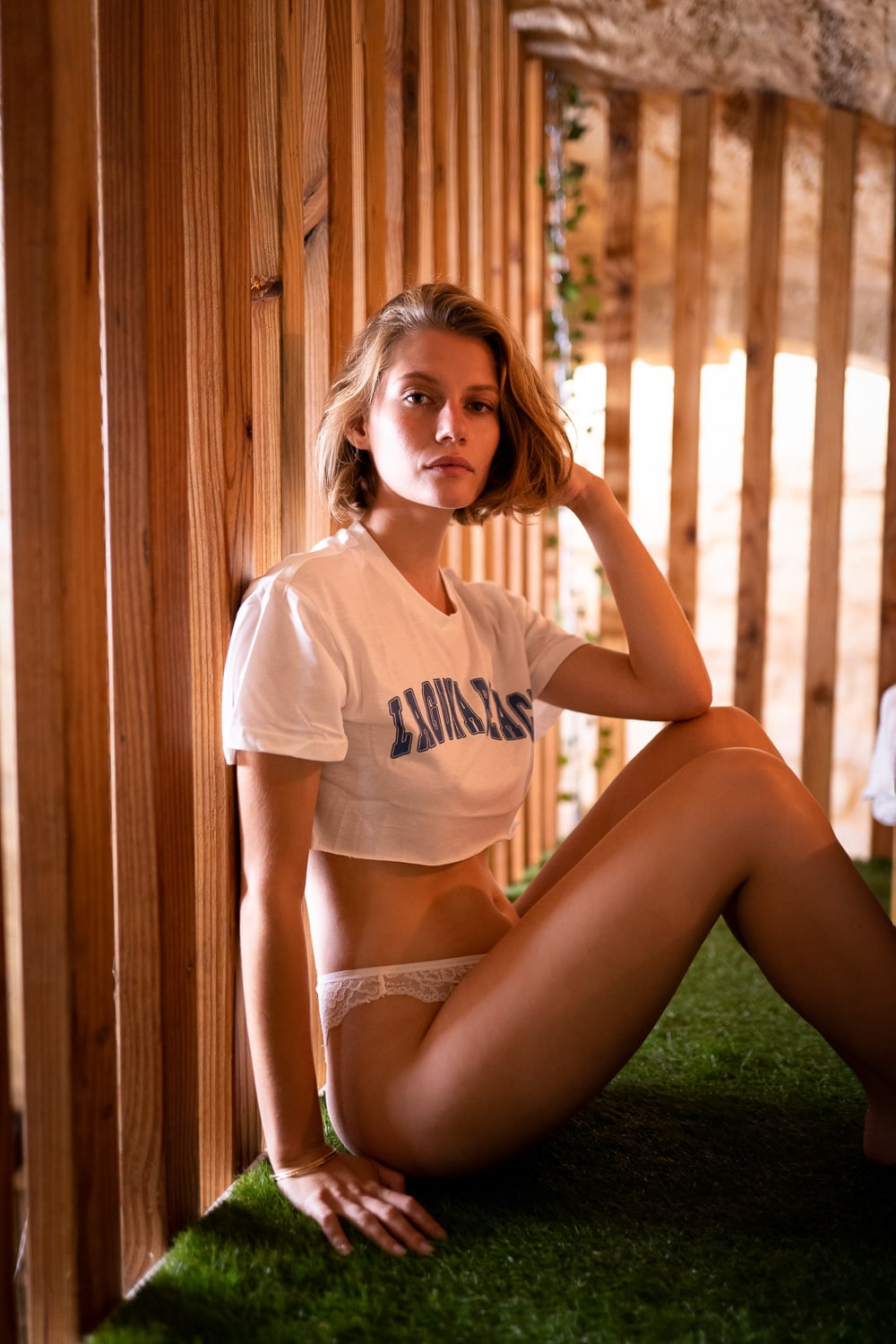
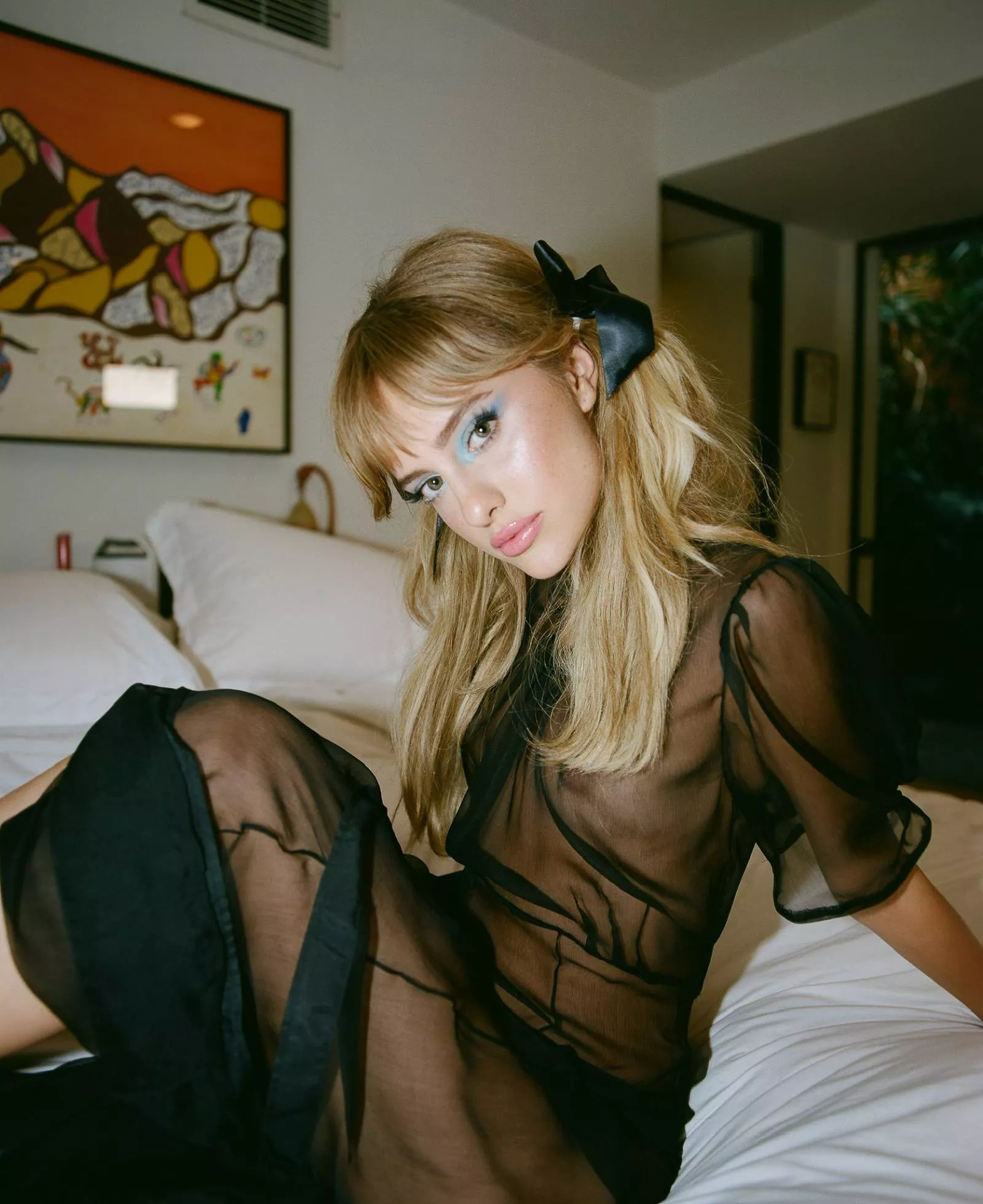
    this will be a long shot probably but does anyone know the full name/@ of this model pls? photographer is https://www.instagram.com/florentcostaphoto and she is listeed as Noémie
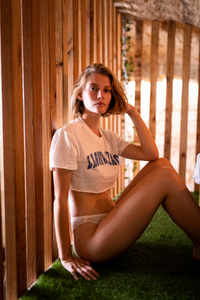
  5. photogenics Spoiler
  6. thank you!
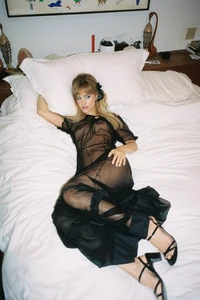
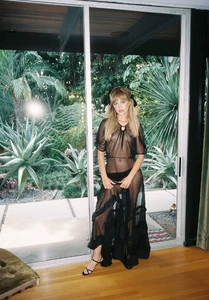
  7. does anyone know the name of this model pls?
  8. https://www.bellazon.com/main/topic/70525-naomi-eliav/
  9. lawrencepgivens nudity
  10. Susan Buth Nudity
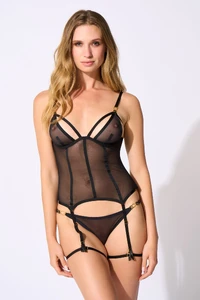
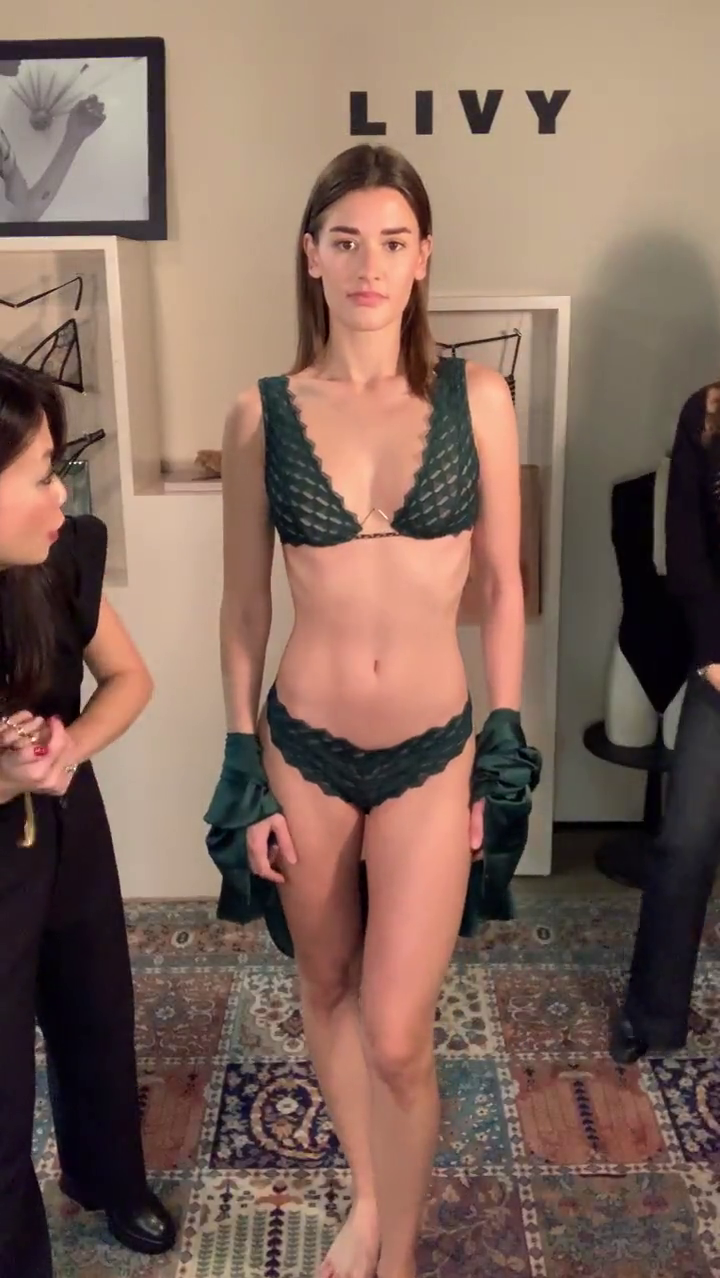
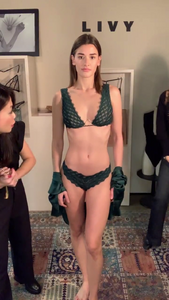
  11. LIVY see through nudity
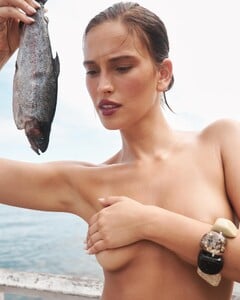
  12. by https://www.instagram.com/oliverhadleepearch/ covered nudity
  13. she is in p magazine no.8, does anyone know the password for this page pls? https://www.theogosselin.fr/p-magazine-i
  14. https://www.instagram.com/nataliekovalphoto some see through nudity

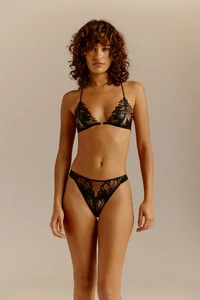
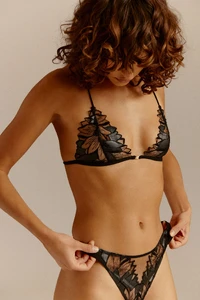
  15. atelier amour see through nudity
  16. Vogue Poland see through nudity
  17. https://www.itmodels.co.il/models/2-naomi-eliav/ nudity
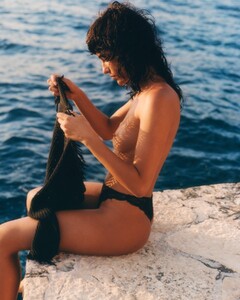
  18. samj85 replied to samj85's topic in MODEL ID [help]
    thank you both!
  19. samj85 posted a topic in MODEL ID [help]
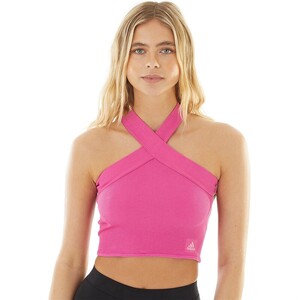
    does anyone know who this model is pls?
  20. The Hive Management portfolio nudity
  21. https://int.li-vy.com/en_US/home
  22. thank you! tried searching before but for some reason that thread didnt come up
Account

Navigation

Search

Configure browser push notifications

Chrome (Android)
  1. Tap the lock icon next to the address bar.

  2. Tap Permissions → Notifications.
  3. Adjust your preference.
Chrome (Desktop)
  1. Click the padlock icon in the address bar.
  2. Select Site settings.
  3. Find Notifications and adjust your preference.