



-
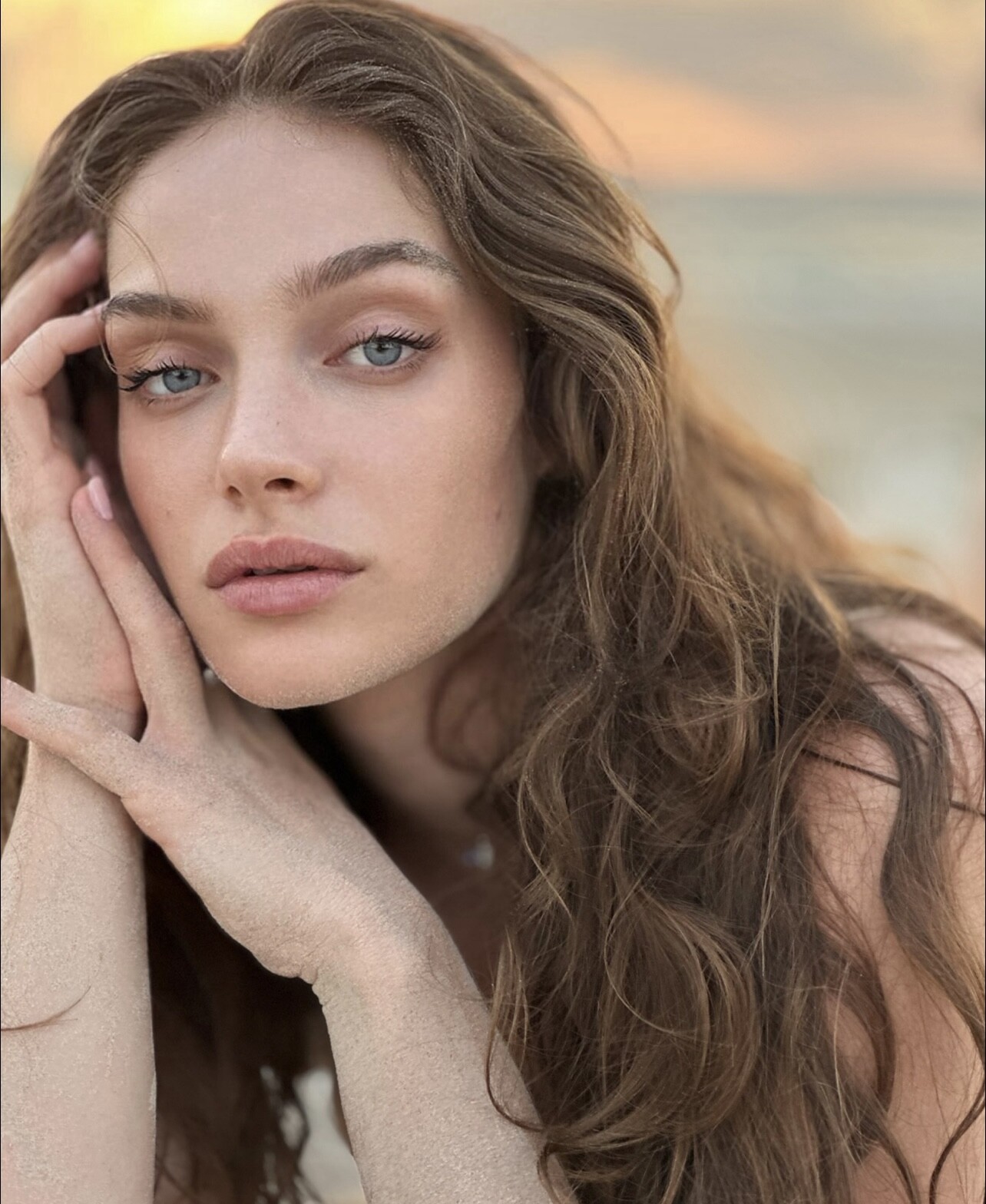
Lorena Rae
Image hidden for guestsSign in to view
-
Lorena Rae
Image hidden for guestsSign in to viewDoes it actually help to ask for Lorena in the comments of Victoria’s Secret’s Instagram posts?
-
Lorena Rae
Image hidden for guestsSign in to viewNadine is everywhere too
-
Lorena Rae
Image hidden for guestsSign in to viewI think castings were in NYC this week, she was in London.
-
Yulia Rose
Image hidden for guestsSign in to viewShe should work for Victoria’s Secret. I think she’d be bigger if she used her IG more.
-
Lorena Rae
Image hidden for guestsSign in to viewI hope she will do the casting for the vsfs this year
-
The Official Victoria's Secret Thread
Image hidden for guestsSign in to viewRomee Strijd said in her new vlog she is doing the casting this year.
-
-
Yulia Rose
Image hidden for guestsSign in to view
-
Lorena Rae
Image hidden for guestsSign in to view
-
Yulia Rose
Image hidden for guestsSign in to viewShe walked for intimissimi?
-
Lorena Rae
Image hidden for guestsSign in to viewI hope her to walk the vsfs
-
The Official Victoria's Secret Thread
Image hidden for guestsSign in to viewAny News about the vsfs?
-
Image hidden for guestsSign in to viewsarinka changed their profile photo
-
Romi Pavoncello
Image hidden for guestsSign in to viewImage hidden for guestsSign in to view
- Romi Pavoncello
Image hidden for guestsSign in to view- The Official Victoria's Secret Thread
Image hidden for guestsSign in to viewPeople saying that there's no vsfs is not good at all for them so if the team ain't saying anything about it i guess is true. - Romi Pavoncello
Account
Navigation
Search
Configure browser push notifications
Chrome (Android)
- Tap the lock icon next to the address bar.
- Tap Permissions → Notifications.
- Adjust your preference.
Chrome (Desktop)
- Click the padlock icon in the address bar.
- Select Site settings.
- Find Notifications and adjust your preference.
Safari (iOS 16.4+)
- Ensure the site is installed via Add to Home Screen.
- Open Settings App → Notifications.
- Find your app name and adjust your preference.
Safari (macOS)
- Go to Safari → Preferences.
- Click the Websites tab.
- Select Notifications in the sidebar.
- Find this website and adjust your preference.
Edge (Android)
- Tap the lock icon next to the address bar.
- Tap Permissions.
- Find Notifications and adjust your preference.
Edge (Desktop)
- Click the padlock icon in the address bar.
- Click Permissions for this site.
- Find Notifications and adjust your preference.
Firefox (Android)
- Go to Settings → Site permissions.
- Tap Notifications.
- Find this site in the list and adjust your preference.
Firefox (Desktop)
- Open Firefox Settings.
- Search for Notifications.
- Find this site in the list and adjust your preference.