
Ste382
Members
-
Joined
-
Last visited
Everything posted by Ste382
-
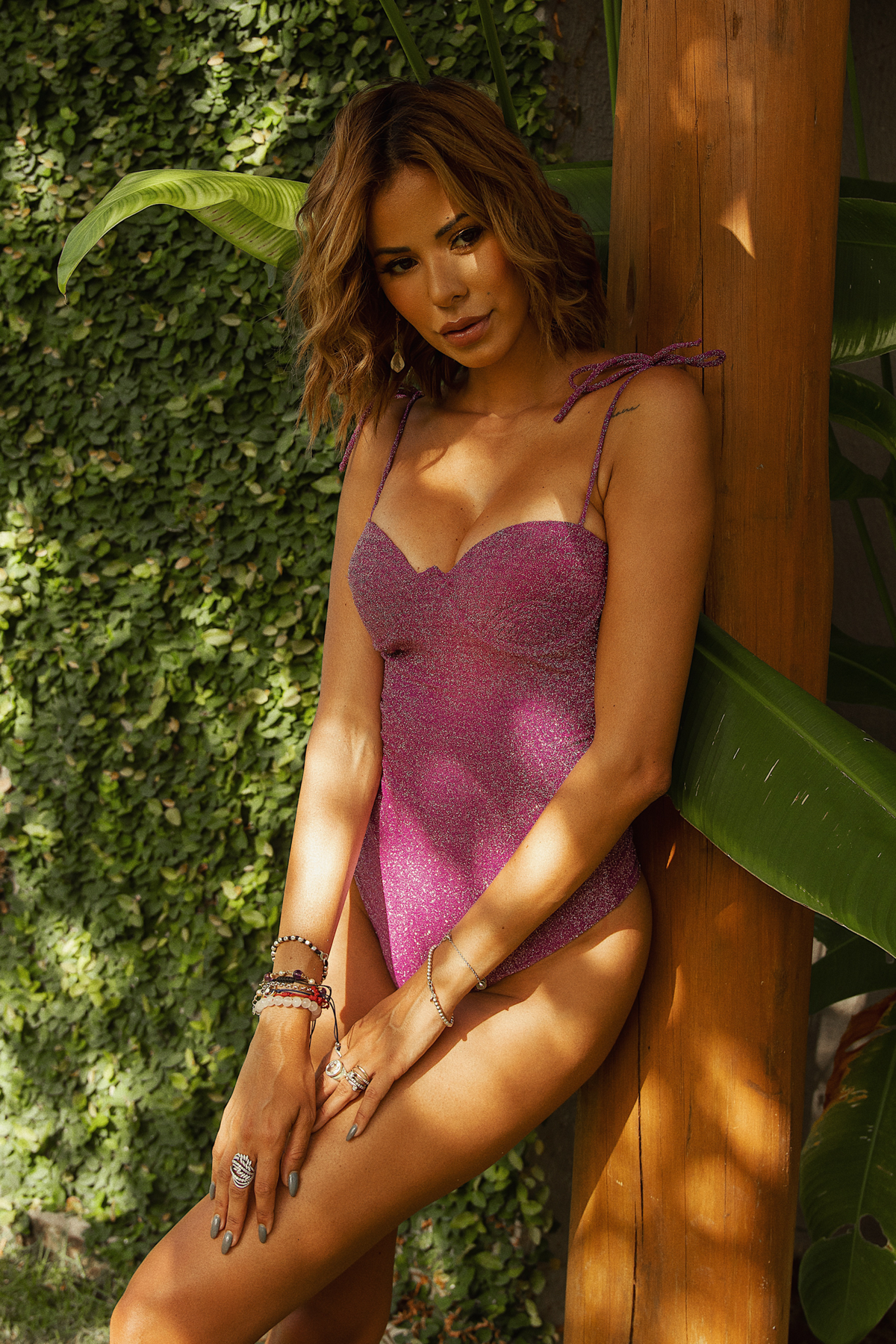
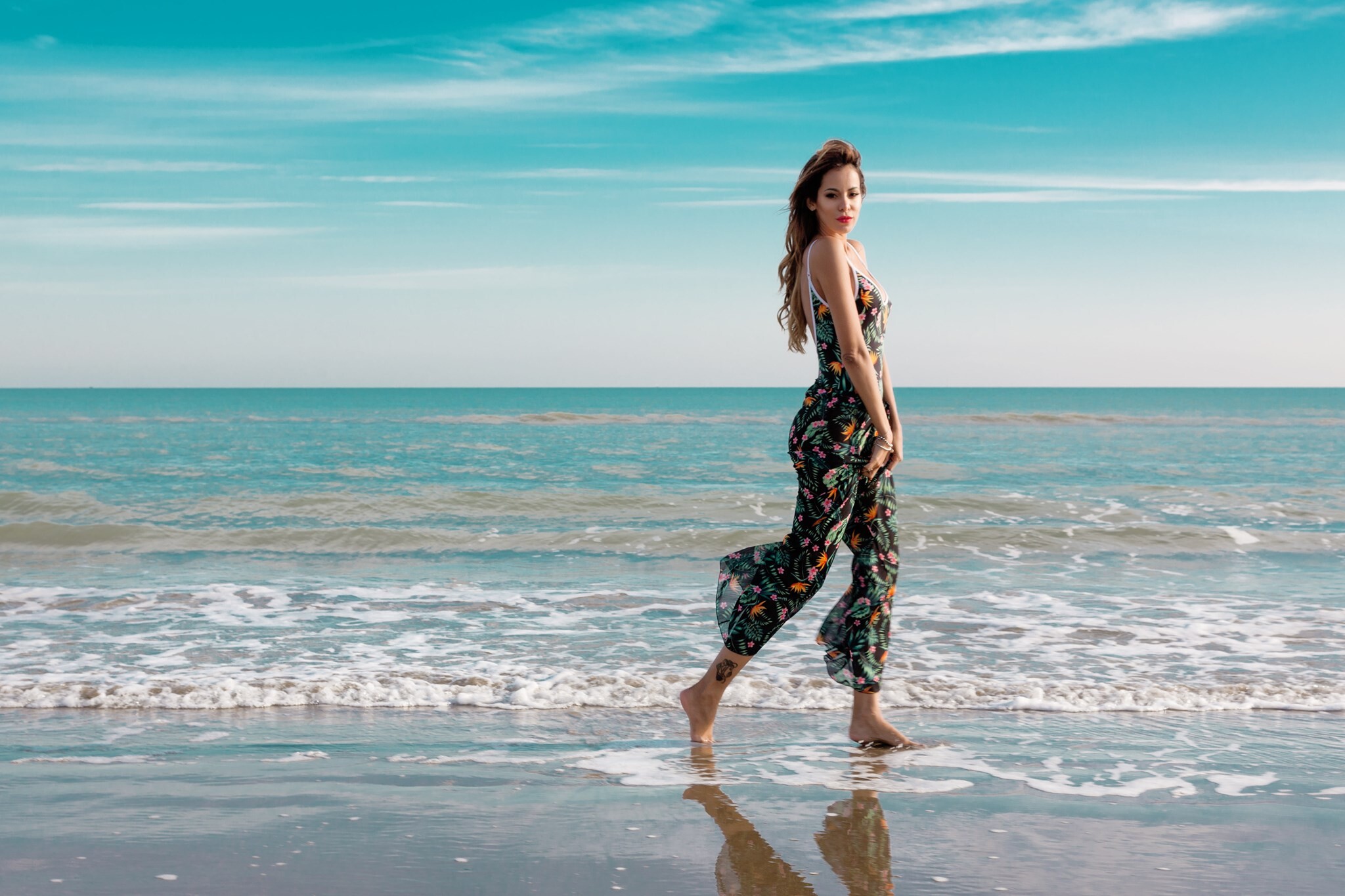
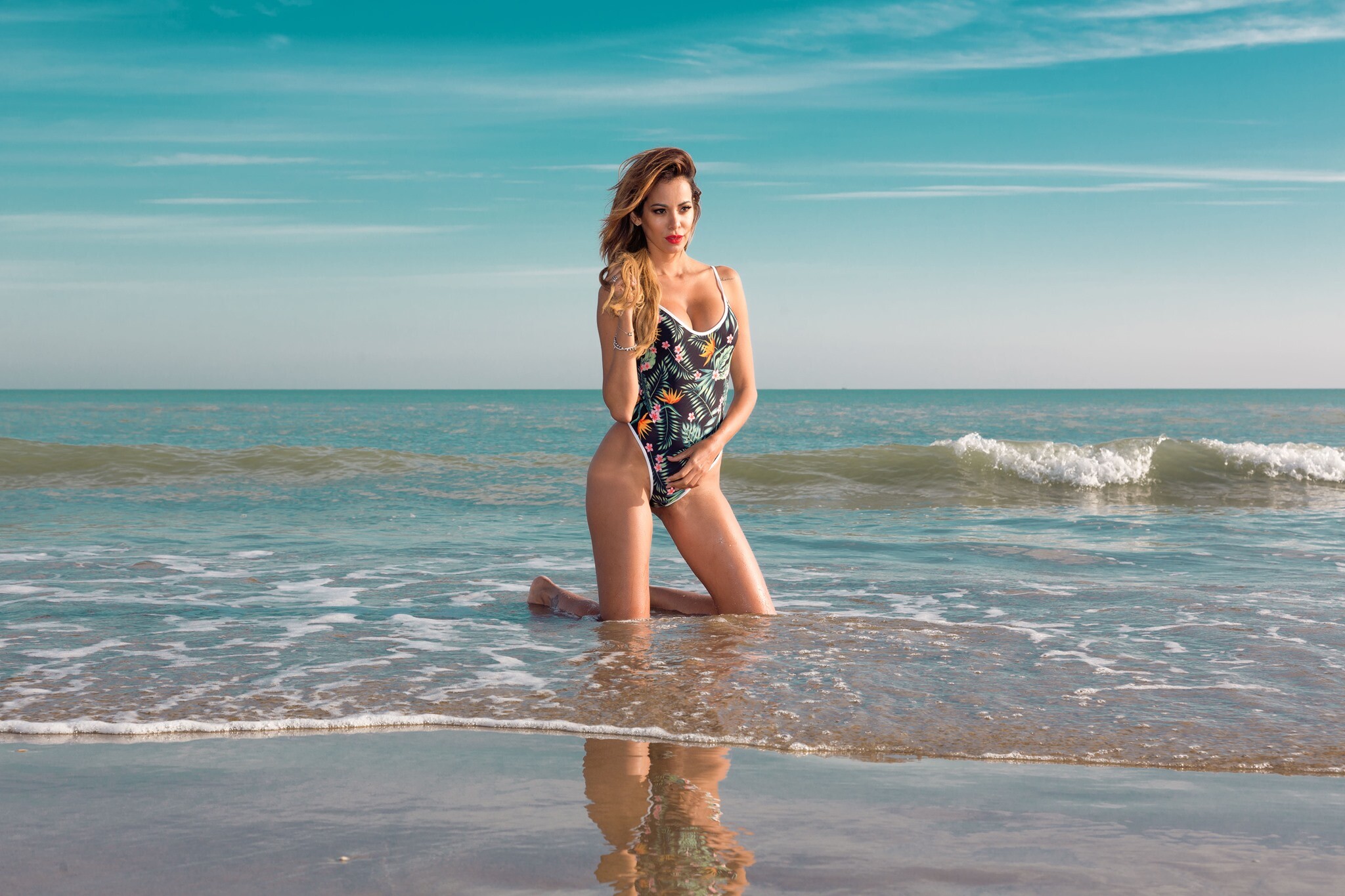
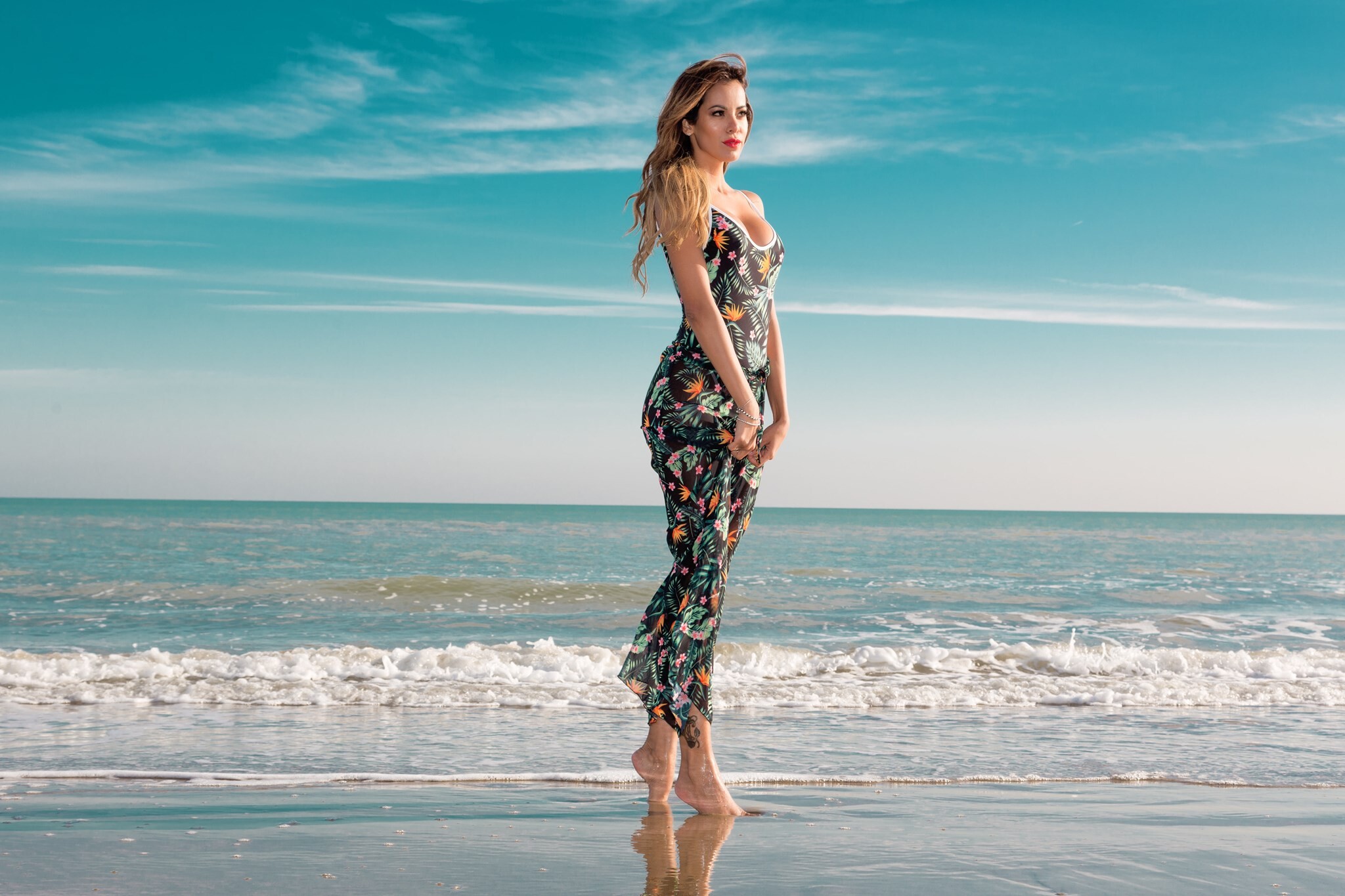
for Alma de Sereia swimwear
-
Nina Agdal Erin Michelle Cummins Johanne Landbo Kristina Peric Joy ven der Eecken Lucia Bramani Scarlett Rose Leithold Celeste Bright Barbara Palvin
-
-
Gigi Celeste Rose Barbara Alejandra Isabelle Susanna Lauren
anna-christina tanya rose mckenna
vita susanna nina deborah
Anna-Christina Rose Grace McKenna
daria ophelie scarlett carlotta
McKenna Grace Mariangela Lana
Vita Isabelle Mariangela Grace
Lauren Mendonca Franceska Cristina
taylor catalina carolina barbara
christen nina sidney riley
Madison Anastasya Radchenko Mishel
darya doutzen christen grace
celeste angelina sara lucia
christen blanca grace darya
rocio gigi abigail christen
christen marina georgia blanca















Account
Navigation
Search
Configure browser push notifications
Chrome (Android)
- Tap the lock icon next to the address bar.
- Tap Permissions → Notifications.
- Adjust your preference.
Chrome (Desktop)
- Click the padlock icon in the address bar.
- Select Site settings.
- Find Notifications and adjust your preference.
Safari (iOS 16.4+)
- Ensure the site is installed via Add to Home Screen.
- Open Settings App → Notifications.
- Find your app name and adjust your preference.
Safari (macOS)
- Go to Safari → Preferences.
- Click the Websites tab.
- Select Notifications in the sidebar.
- Find this website and adjust your preference.
Edge (Android)
- Tap the lock icon next to the address bar.
- Tap Permissions.
- Find Notifications and adjust your preference.
Edge (Desktop)
- Click the padlock icon in the address bar.
- Click Permissions for this site.
- Find Notifications and adjust your preference.
Firefox (Android)
- Go to Settings → Site permissions.
- Tap Notifications.
- Find this site in the list and adjust your preference.
Firefox (Desktop)
- Open Firefox Settings.
- Search for Notifications.
- Find this site in the list and adjust your preference.