Everything posted by tigerrr
-
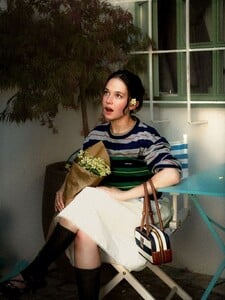
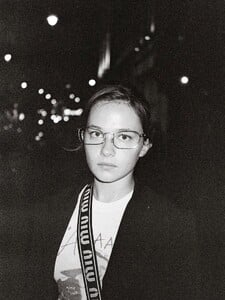
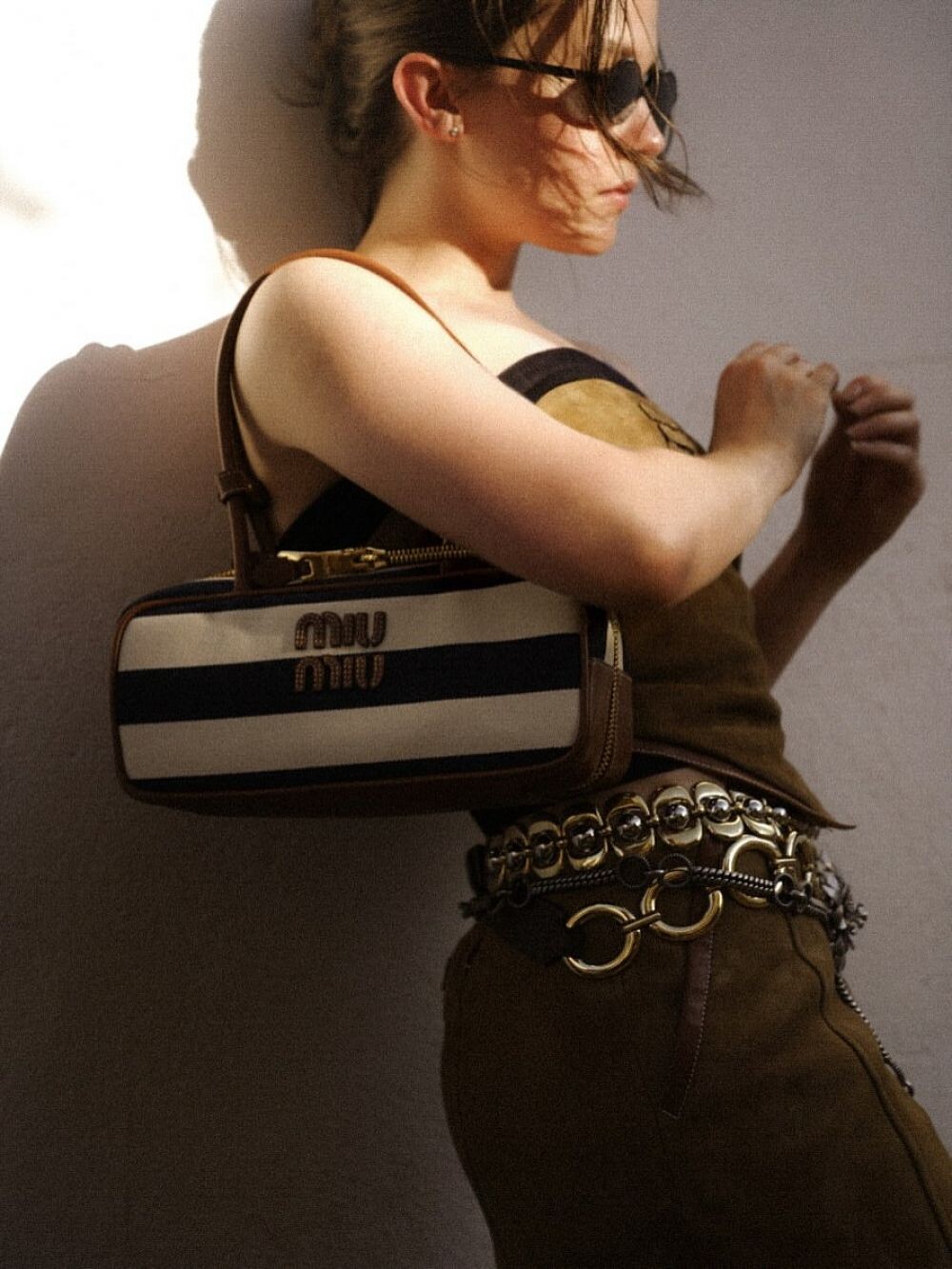
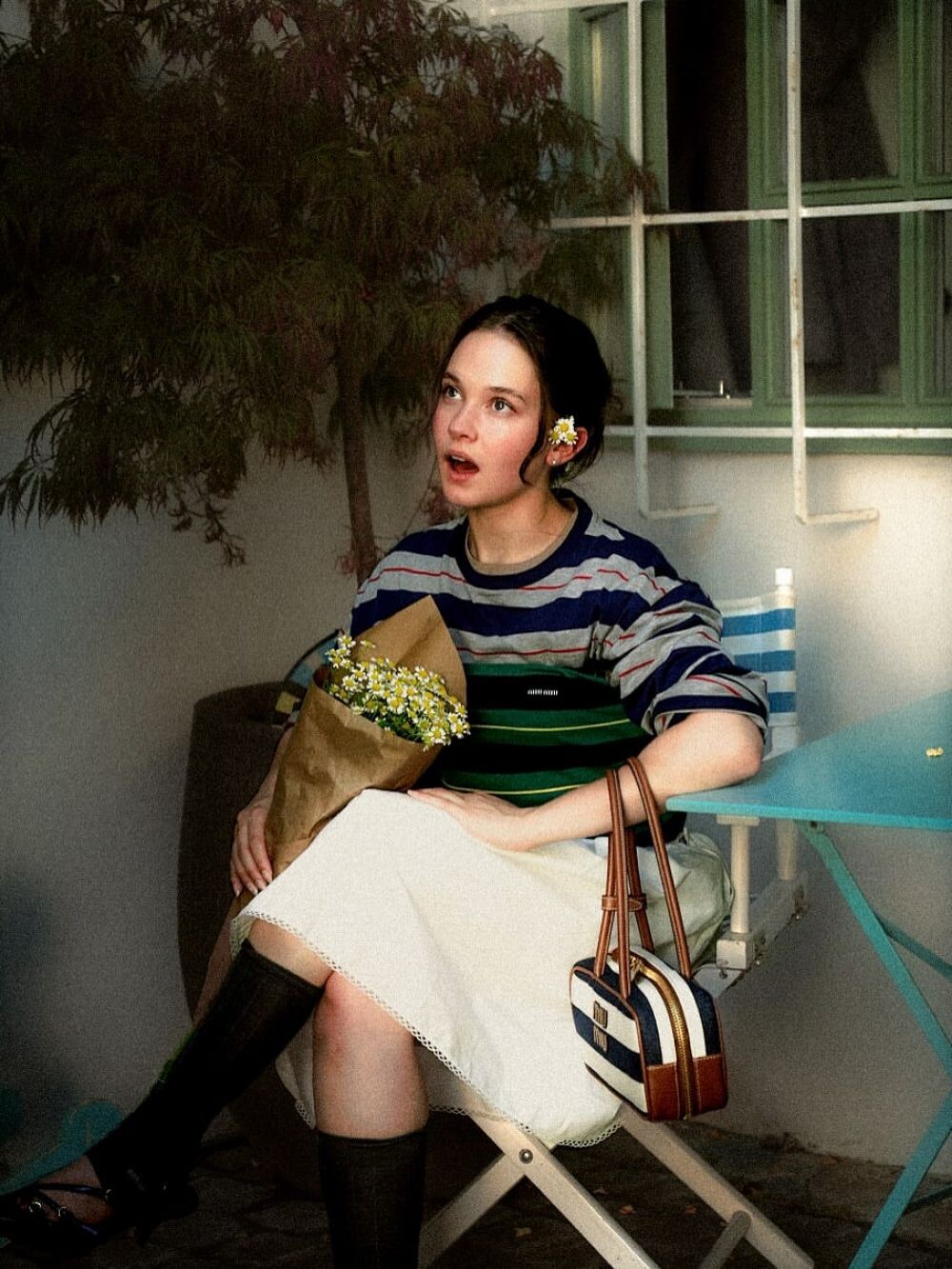
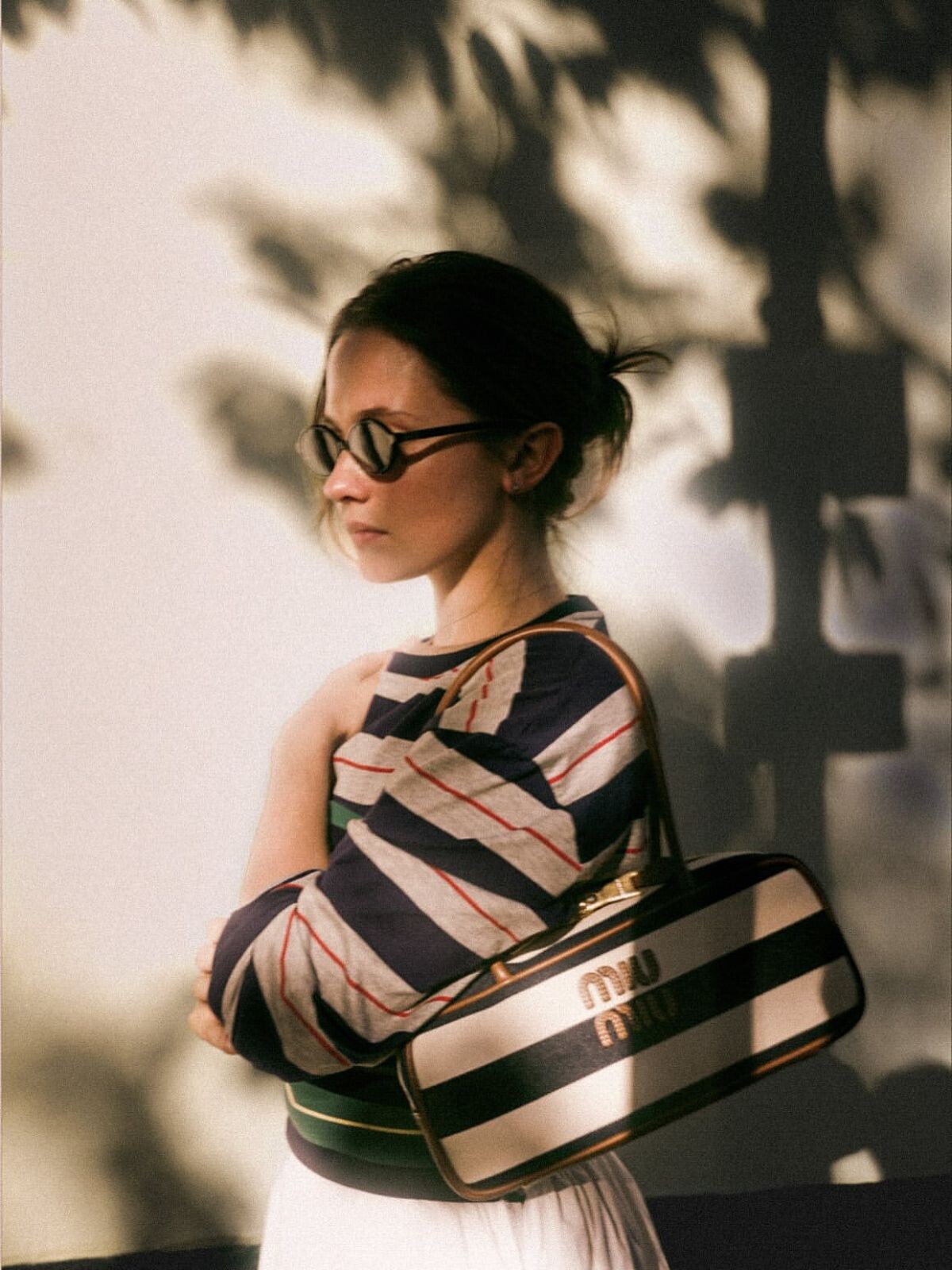
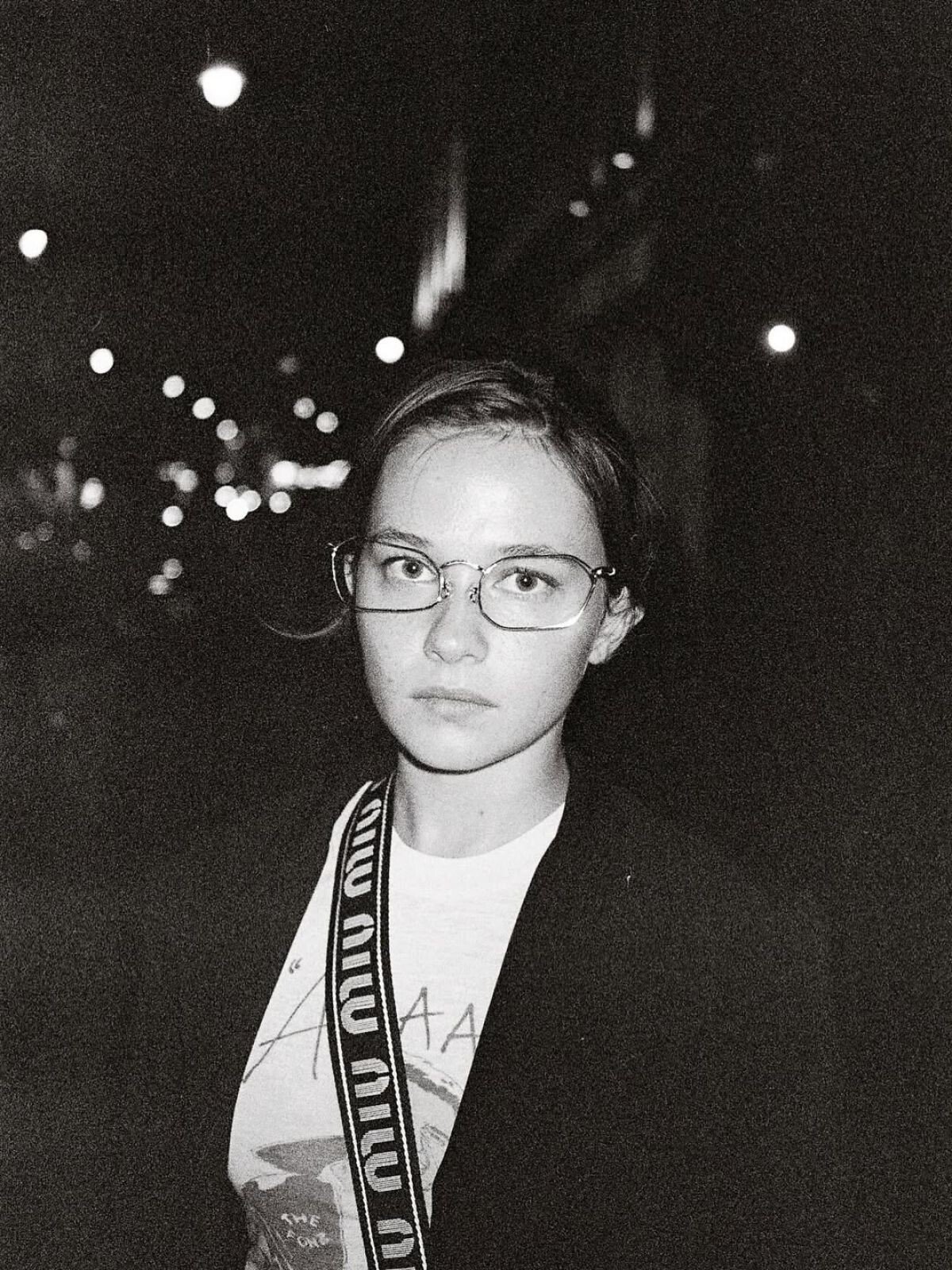
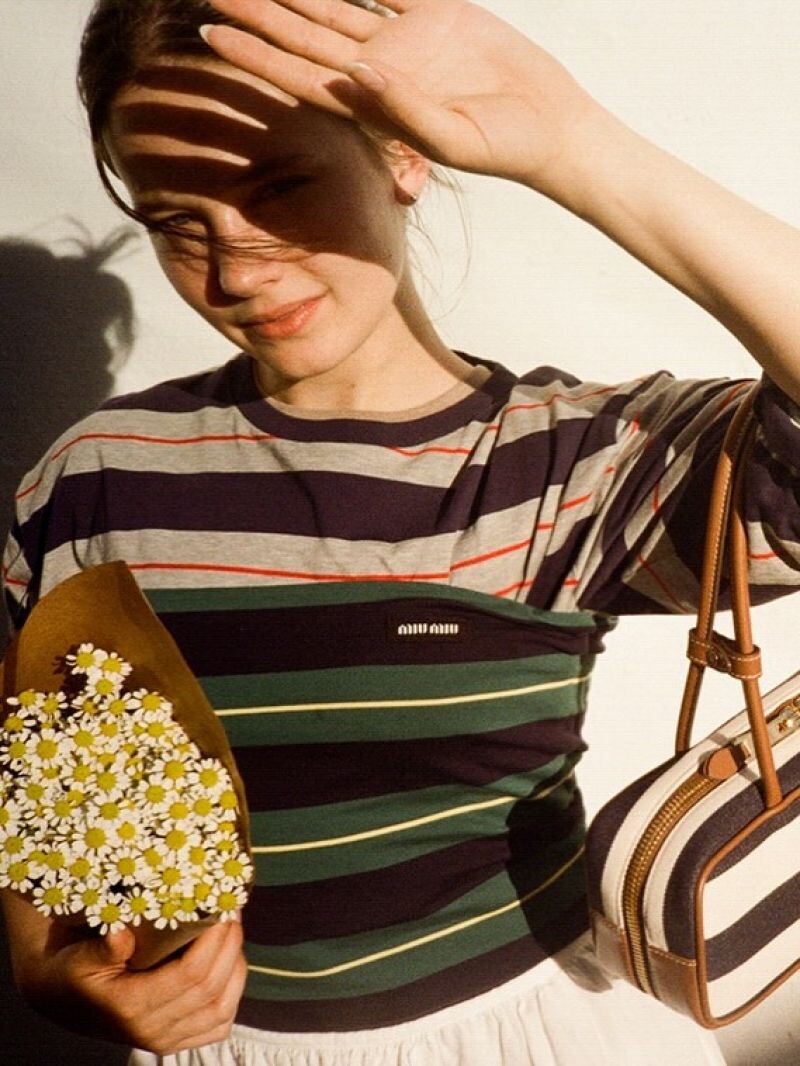
 MIU MIU commercial 2025


-
Stories AQOxqwDMkMuKjBG8ZXdFTJw7rMXzwqmrusKnLh-HMNZHUdulYIN7Lj4Q1AQGFLcISWheAz2tKRkY36GeqQMRktzOMD-Zp3xVKjUMCZI..mp4
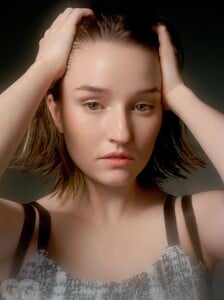
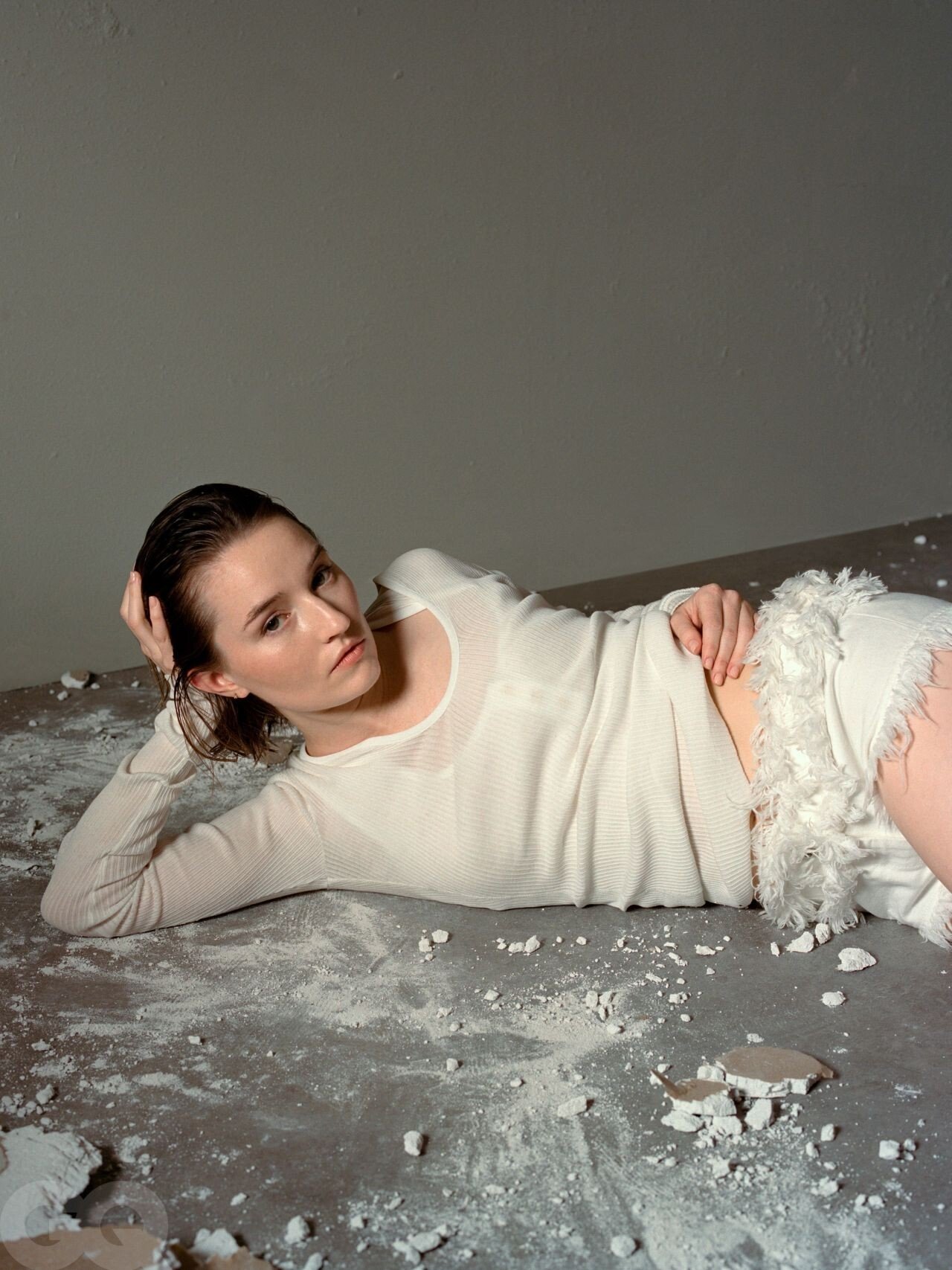
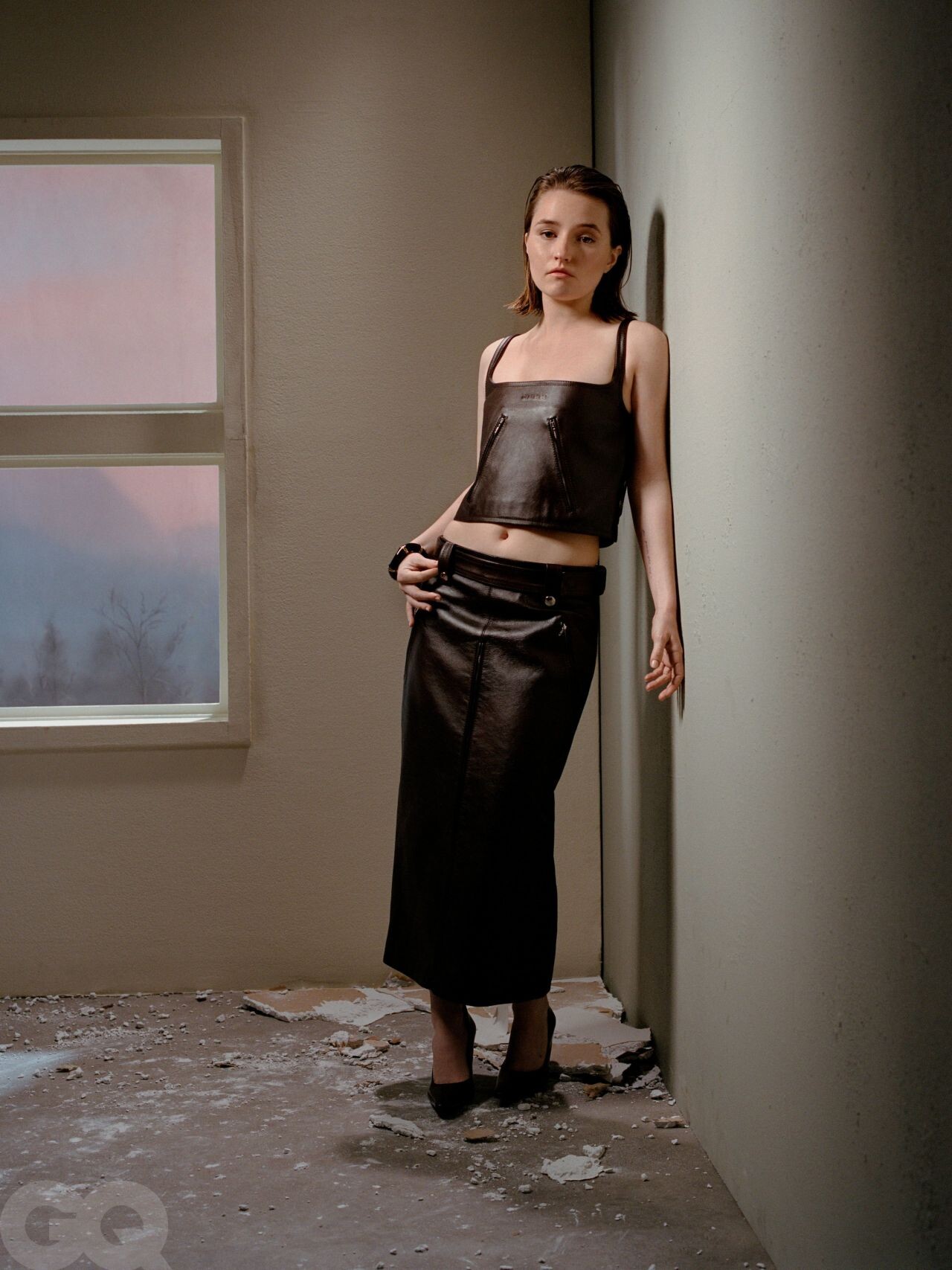
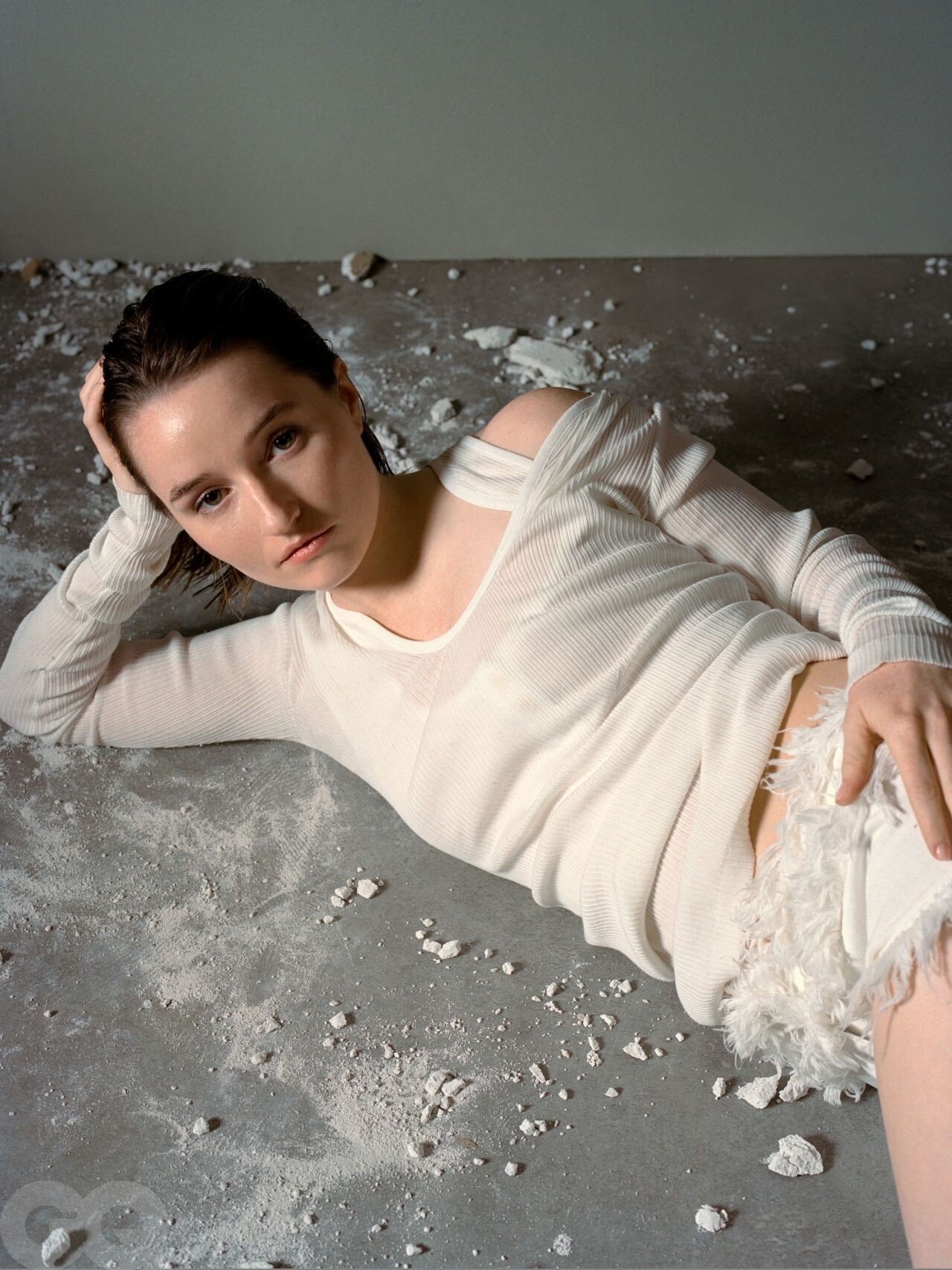
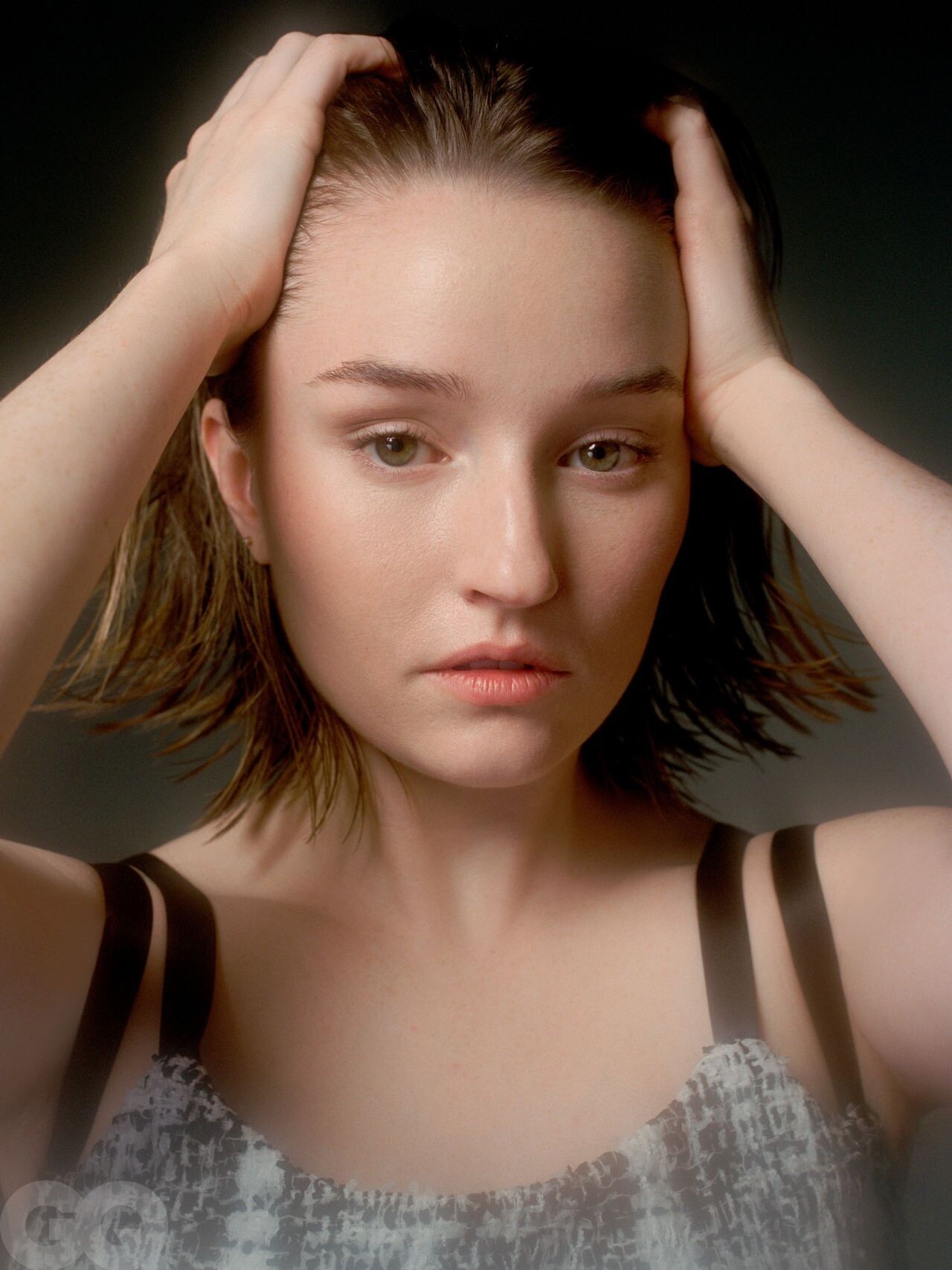
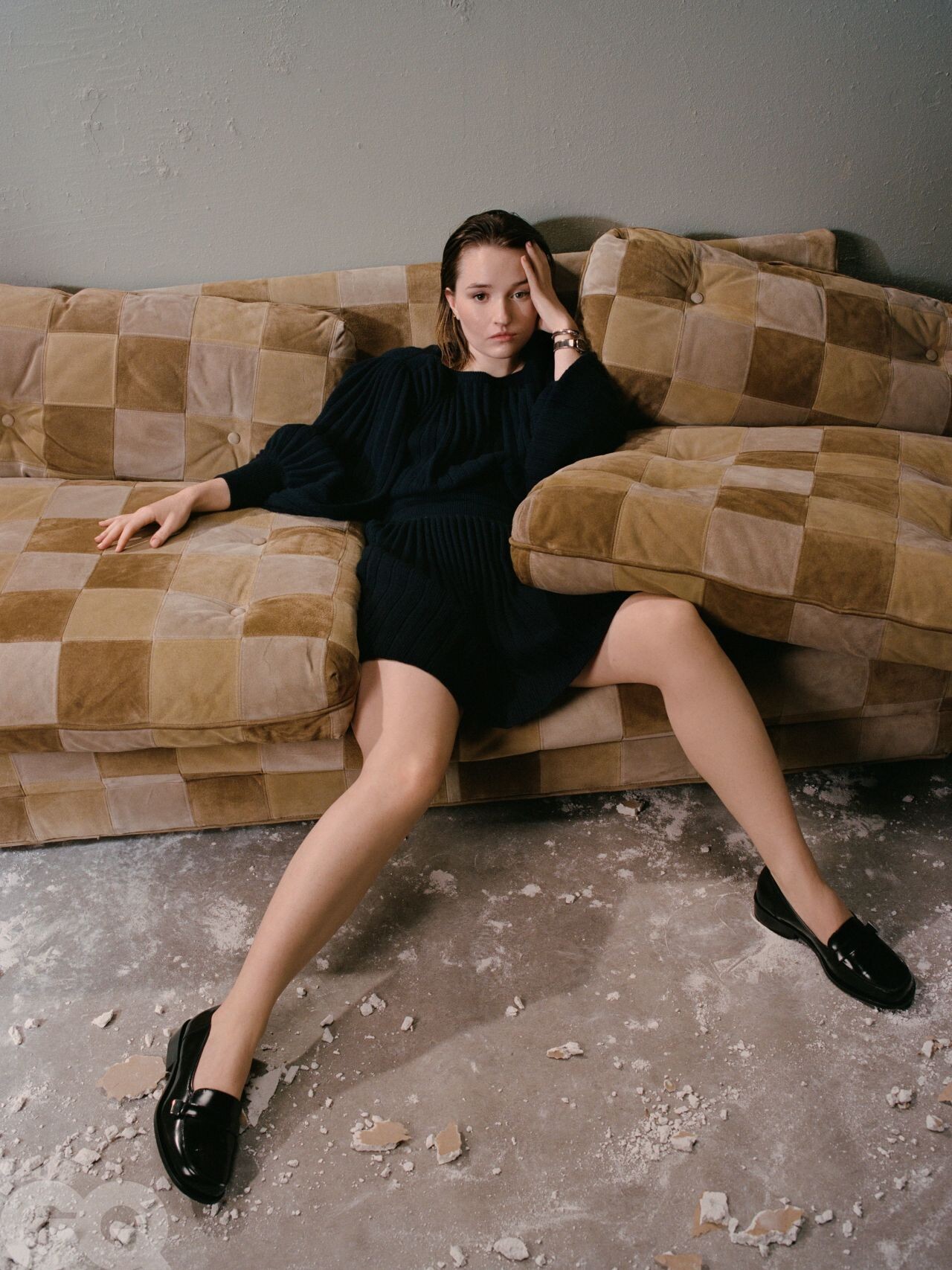
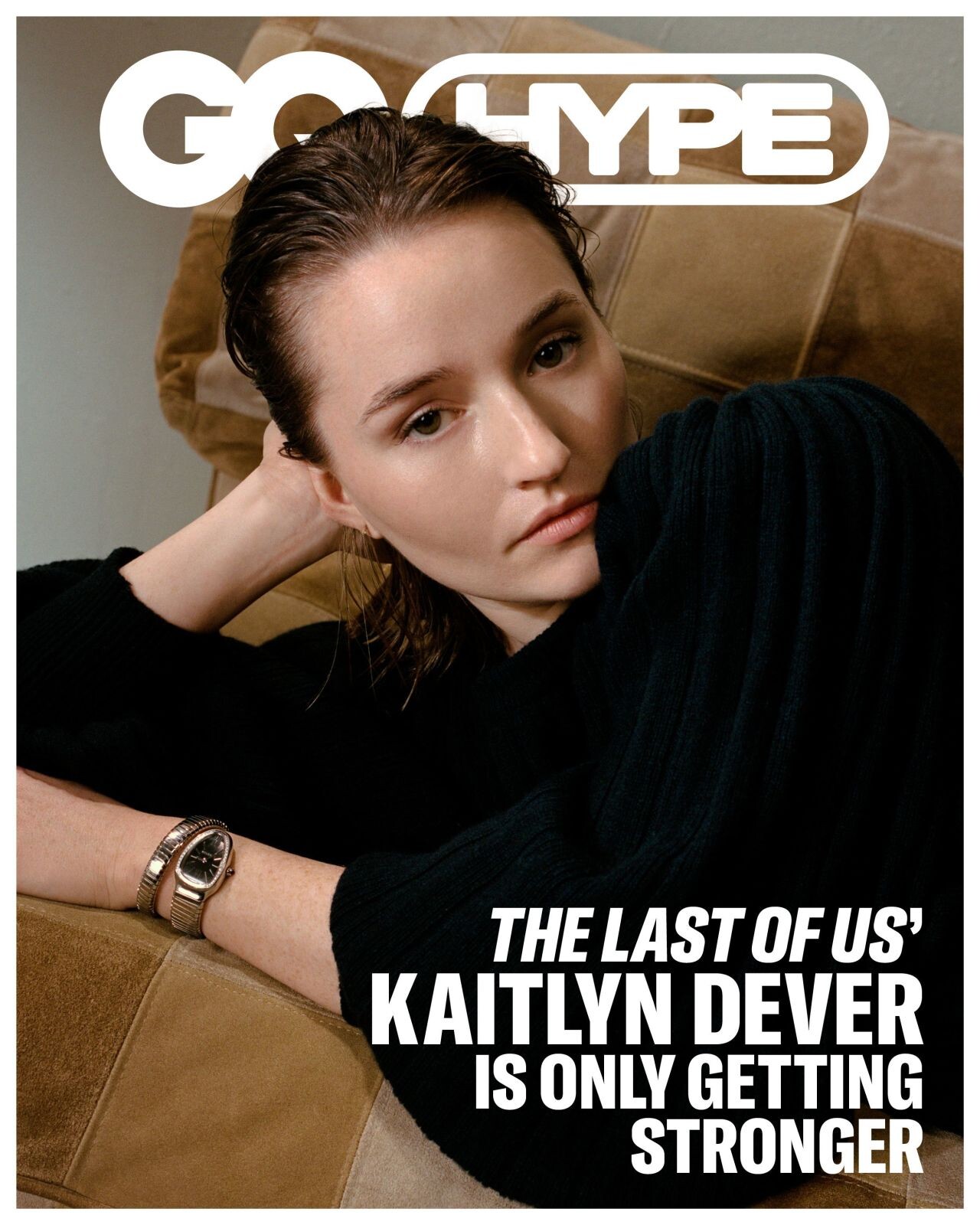
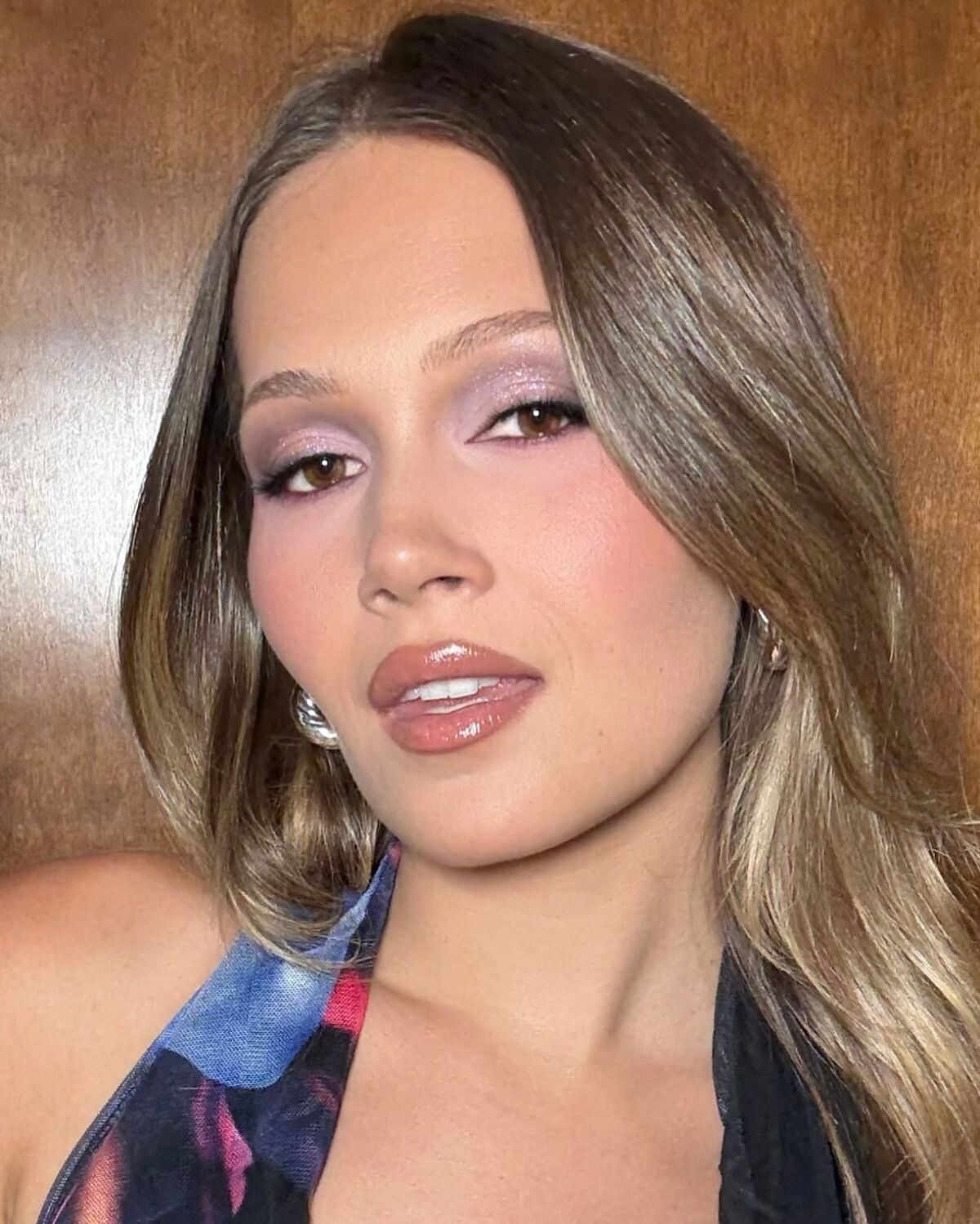
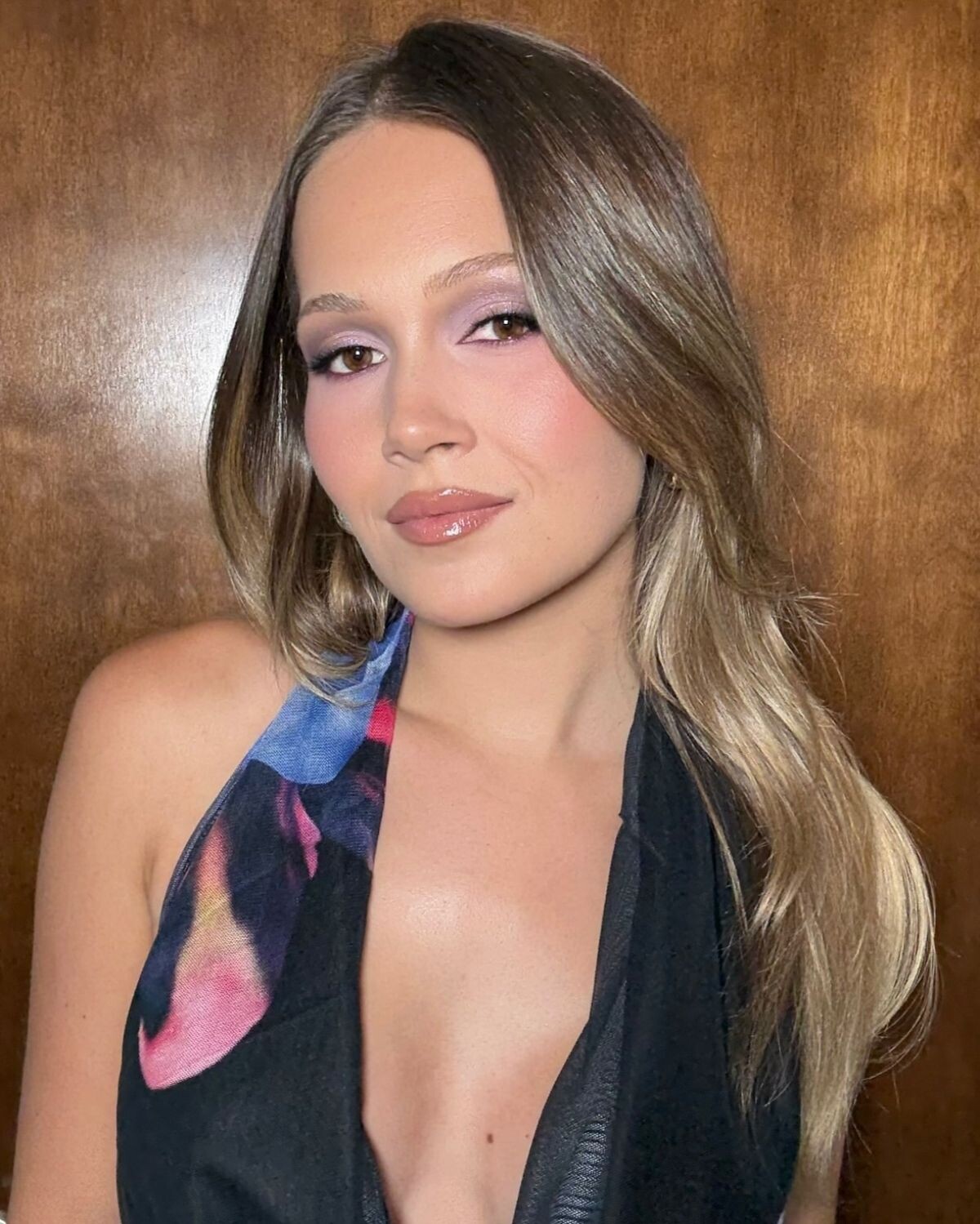
Kaitlyn Dever, the American actress, poses for a striking photoshoot featured in GQ HYPE in May 2025.






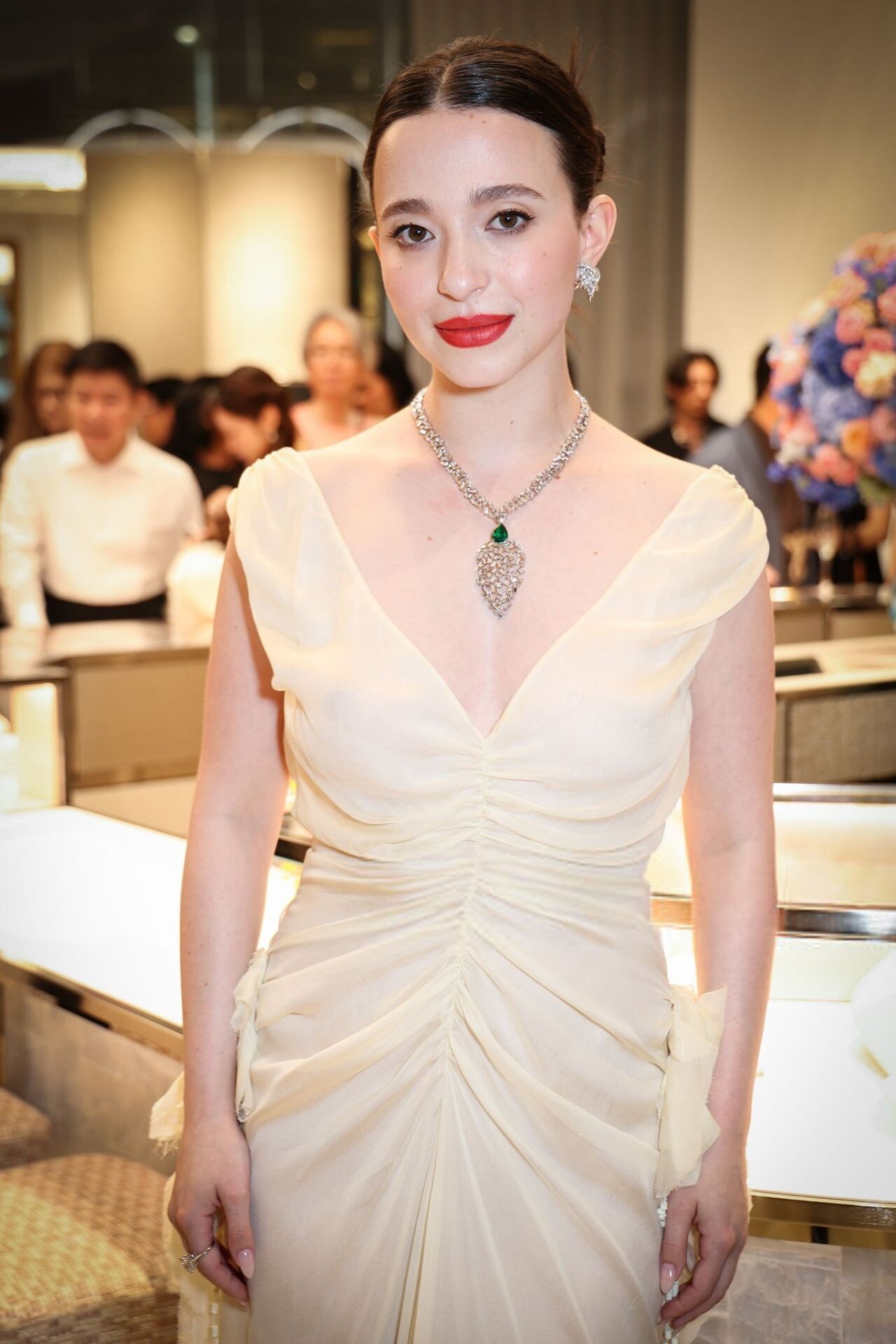
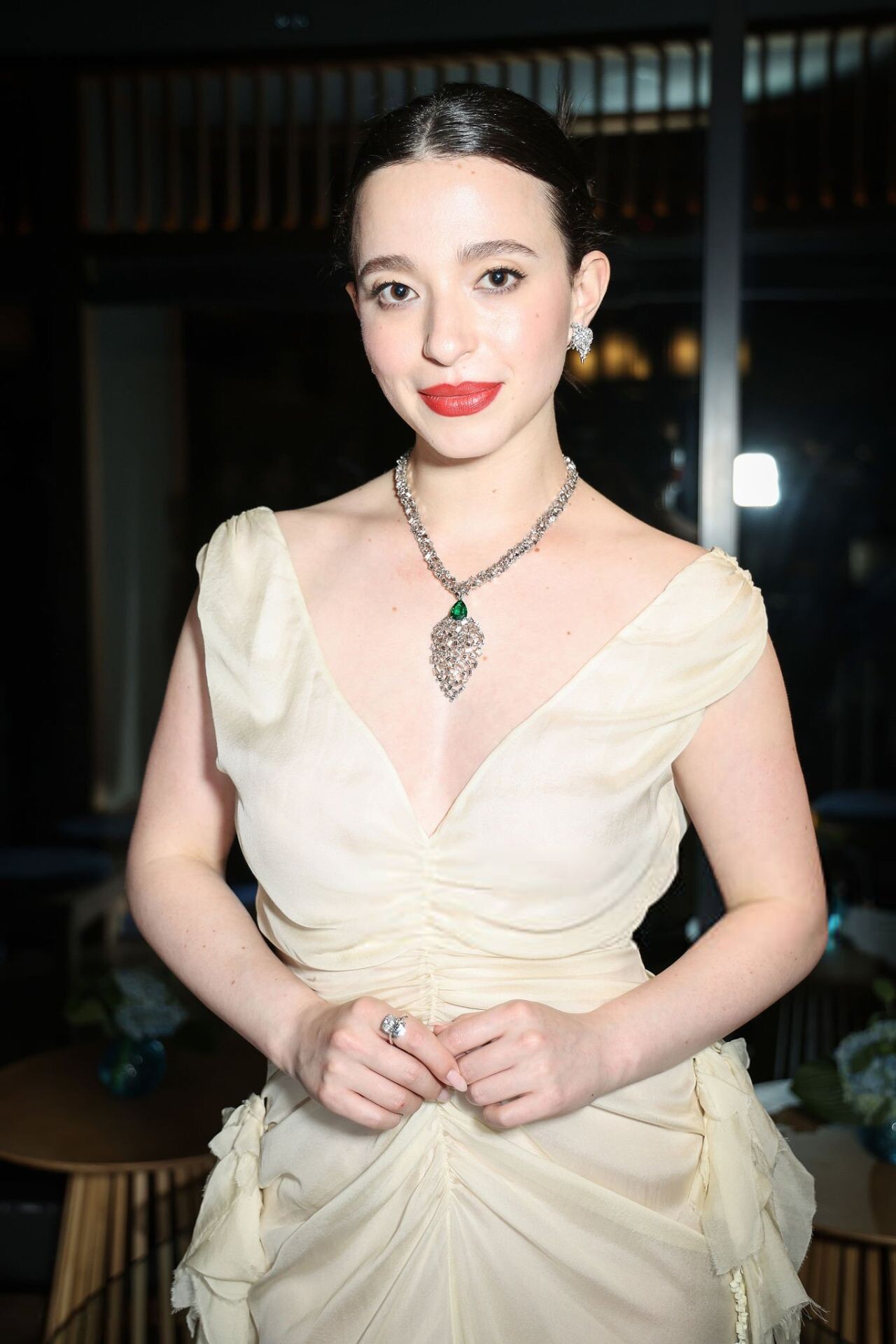
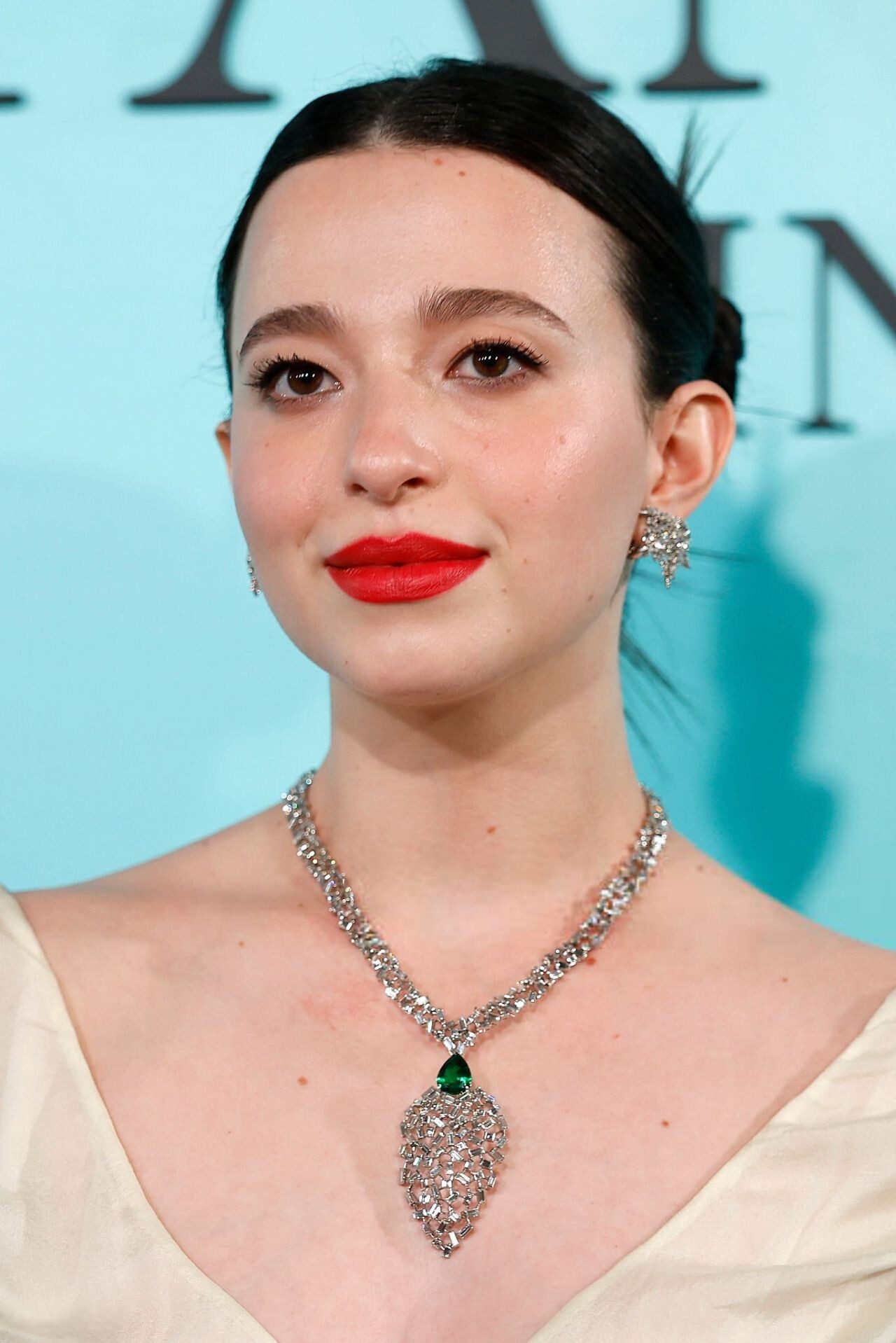
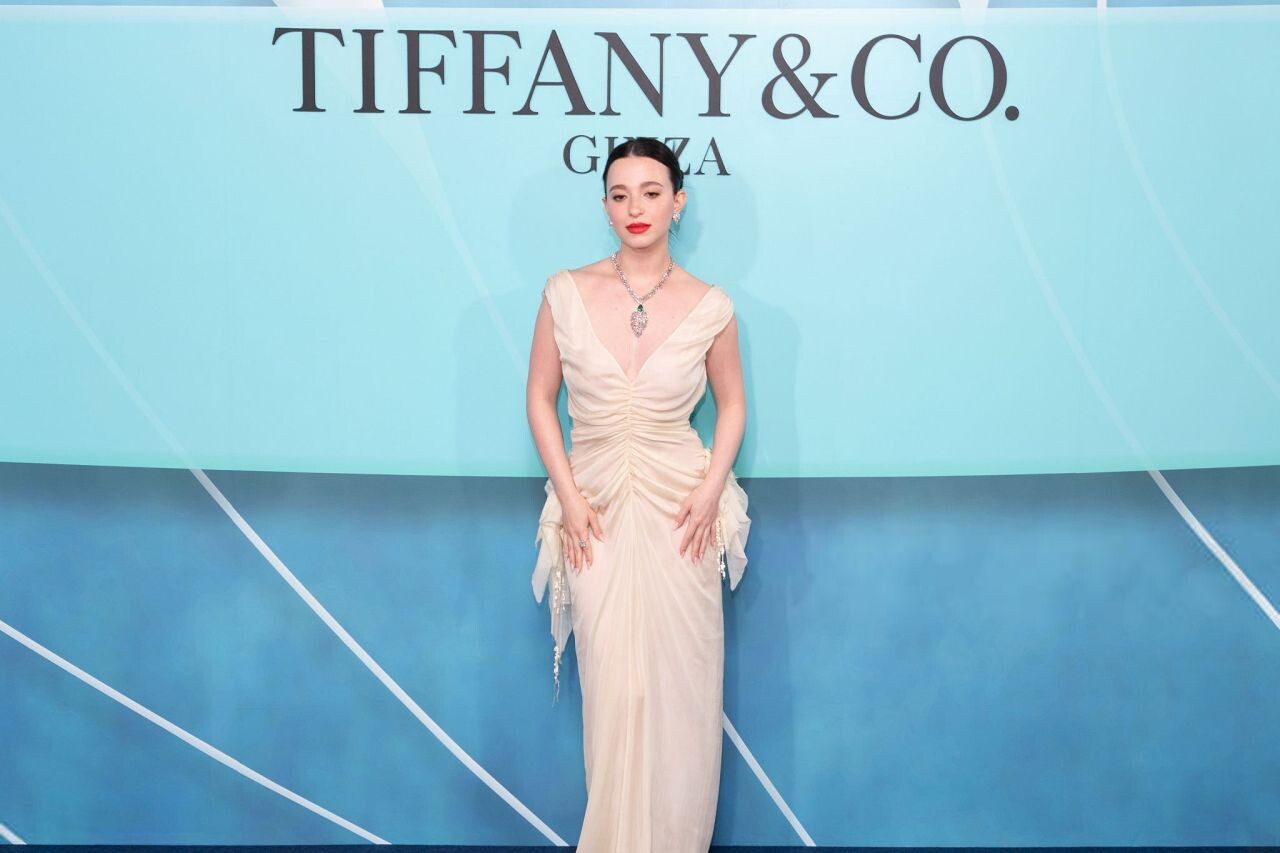
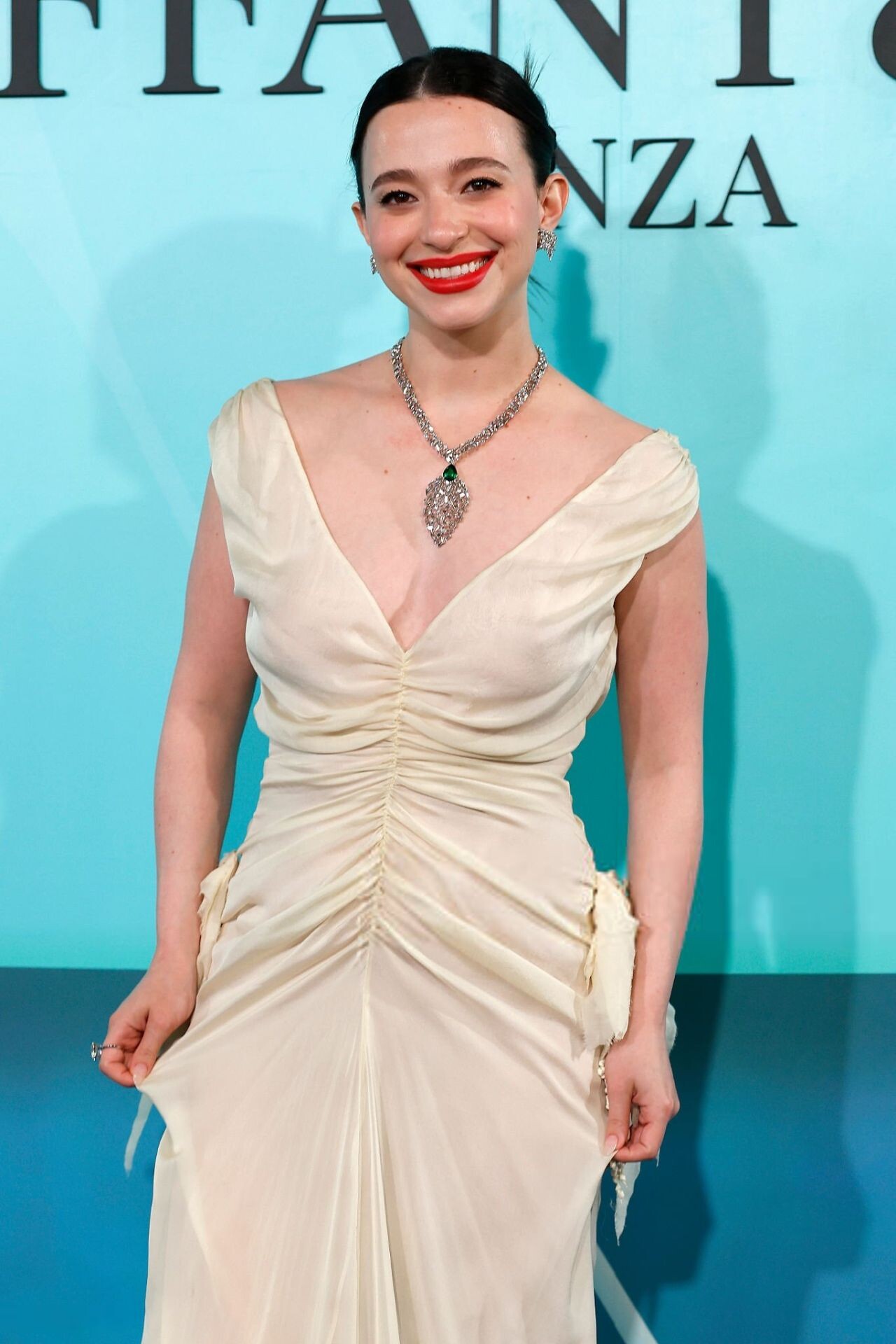
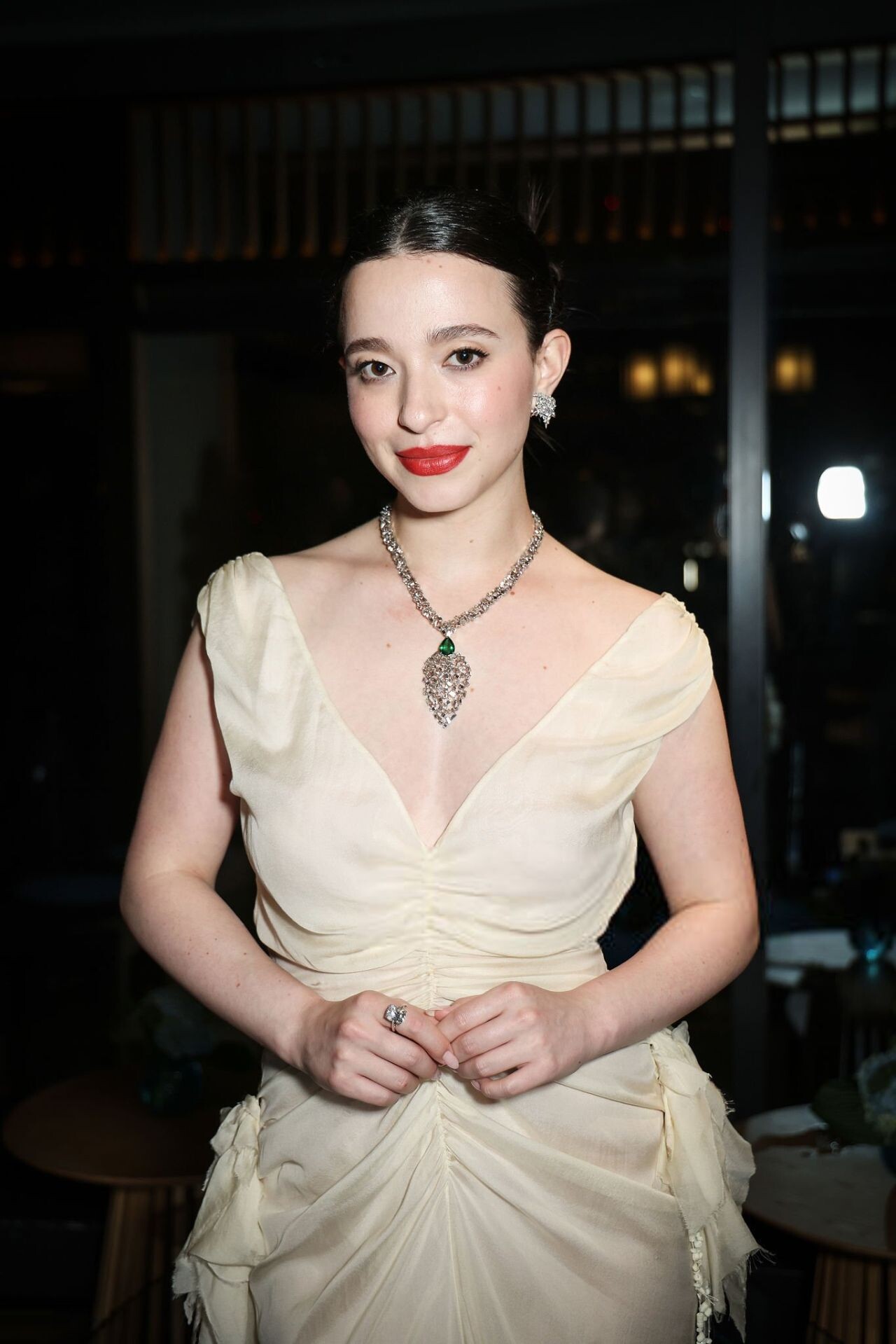
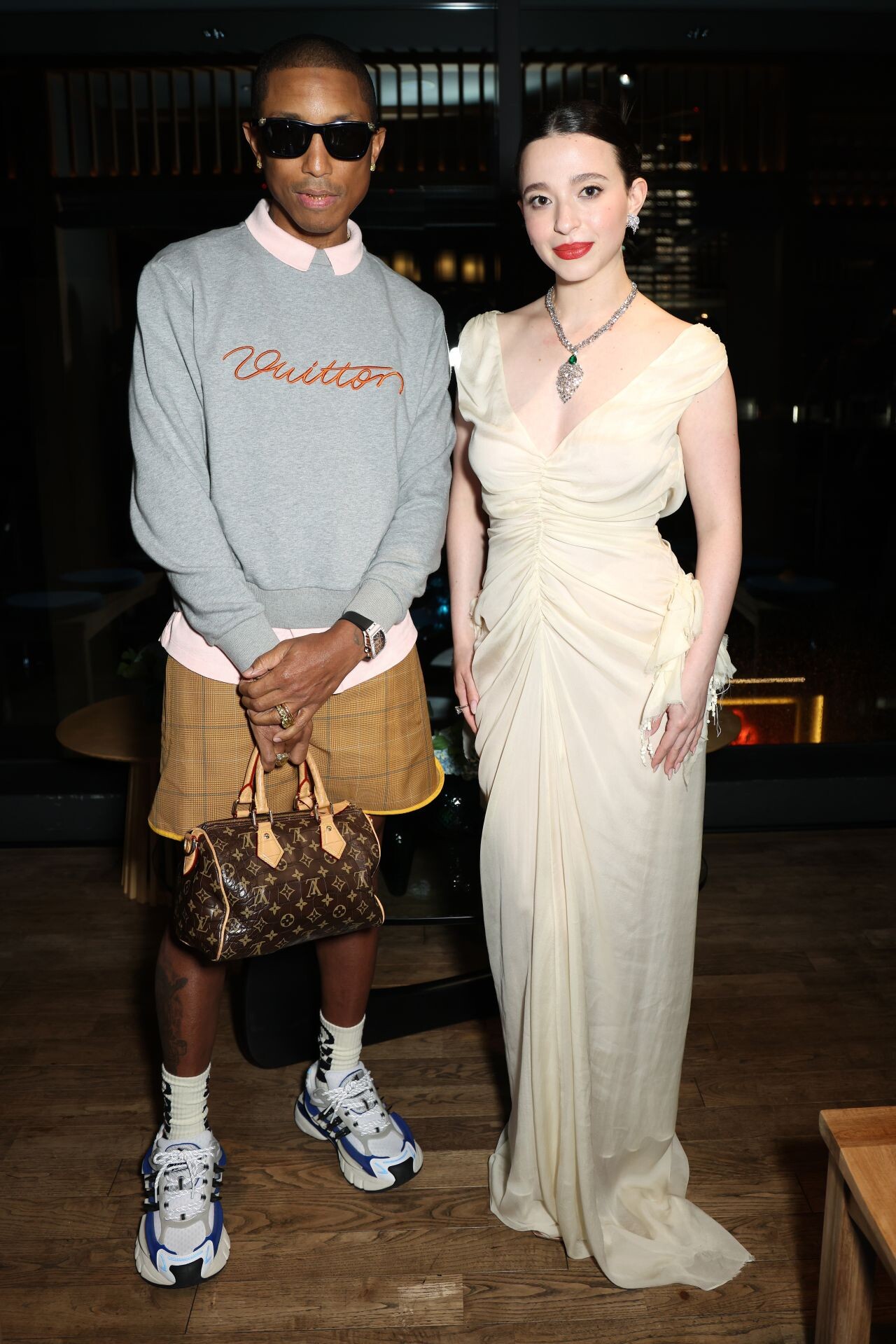
.thumb.jpg.76e09737eb70a59912bf4f2c9883b76c.jpg) Mikey Madison Attends Tiffany & Co. Ginza Opening in Sculptural Colleen Allen July 12, 2025
Mikey Madison Attends Tiffany & Co. Ginza Opening in Sculptural Colleen Allen July 12, 2025











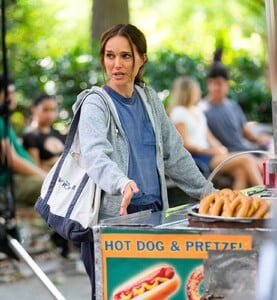
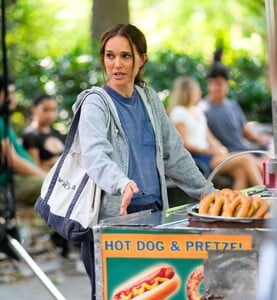
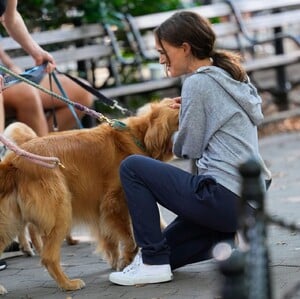
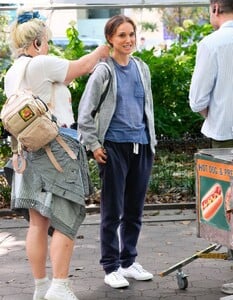
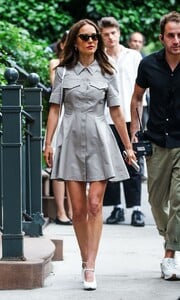
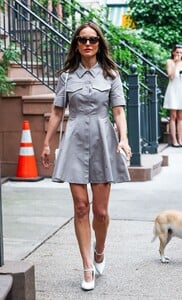
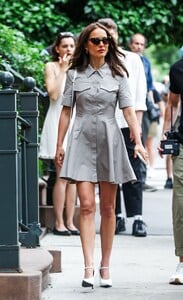
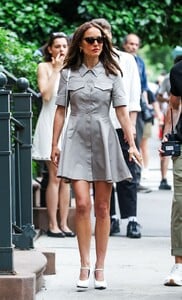
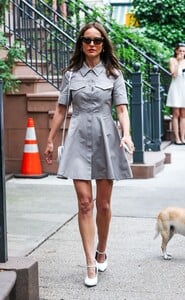
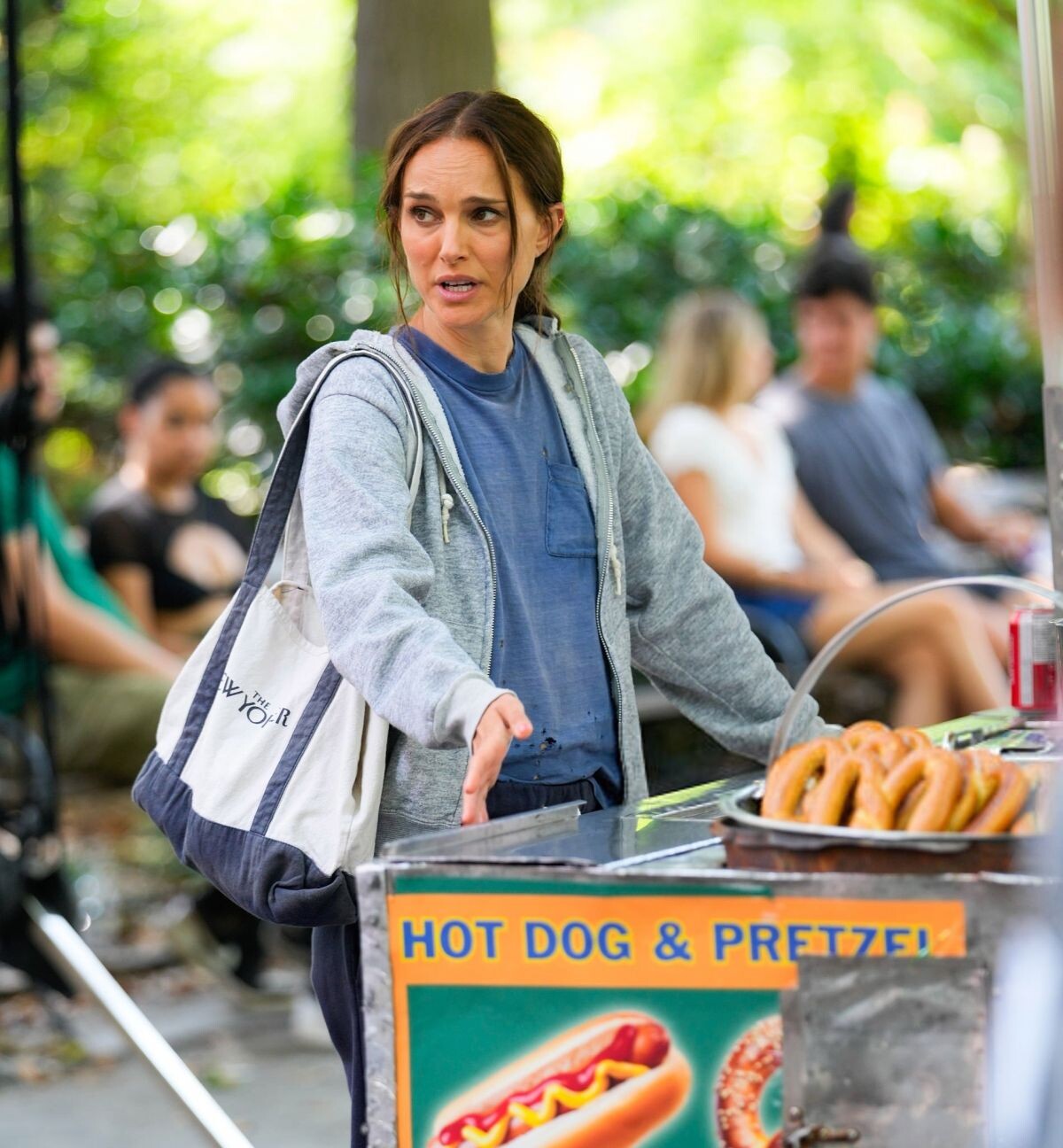
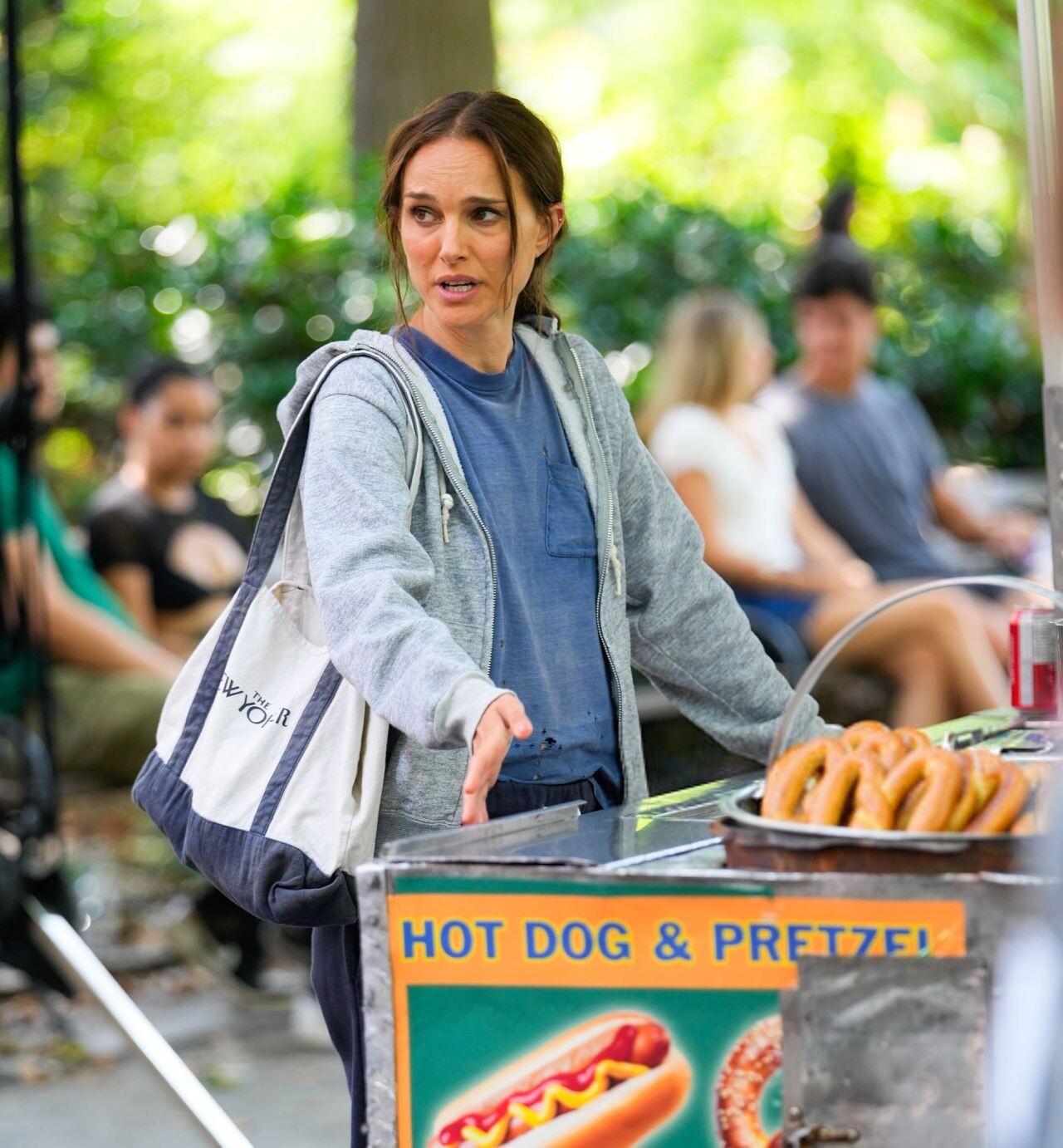
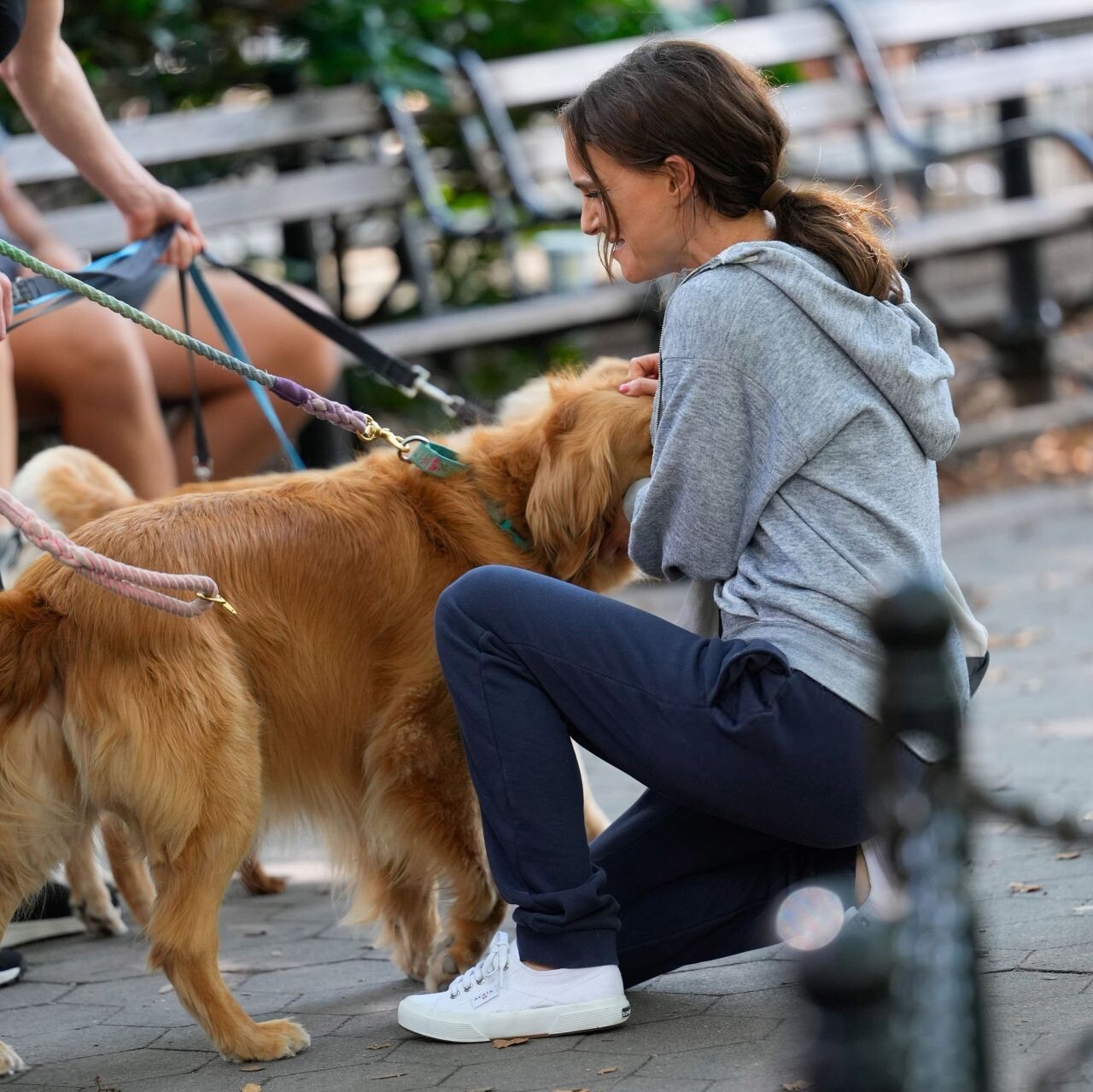
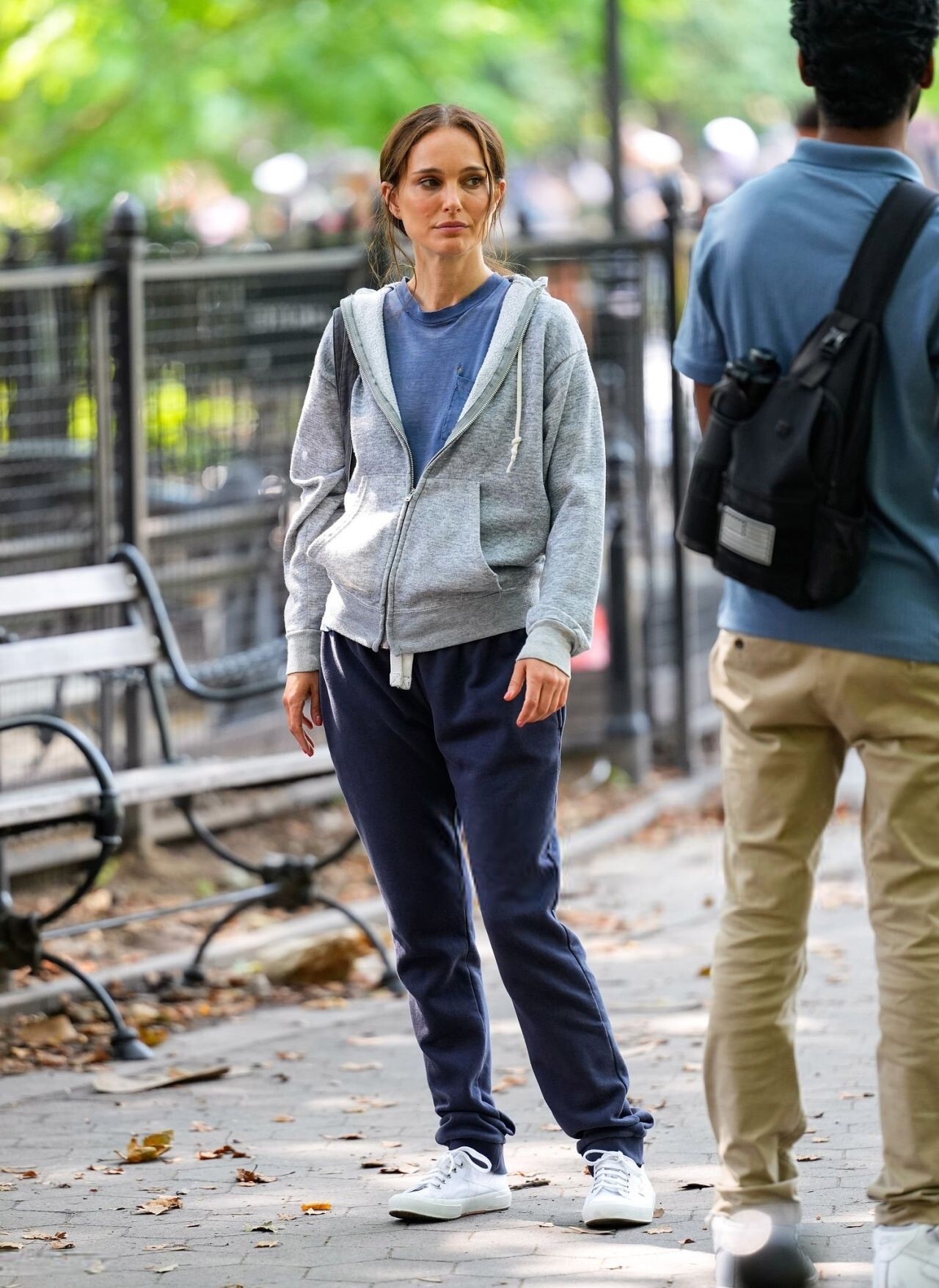
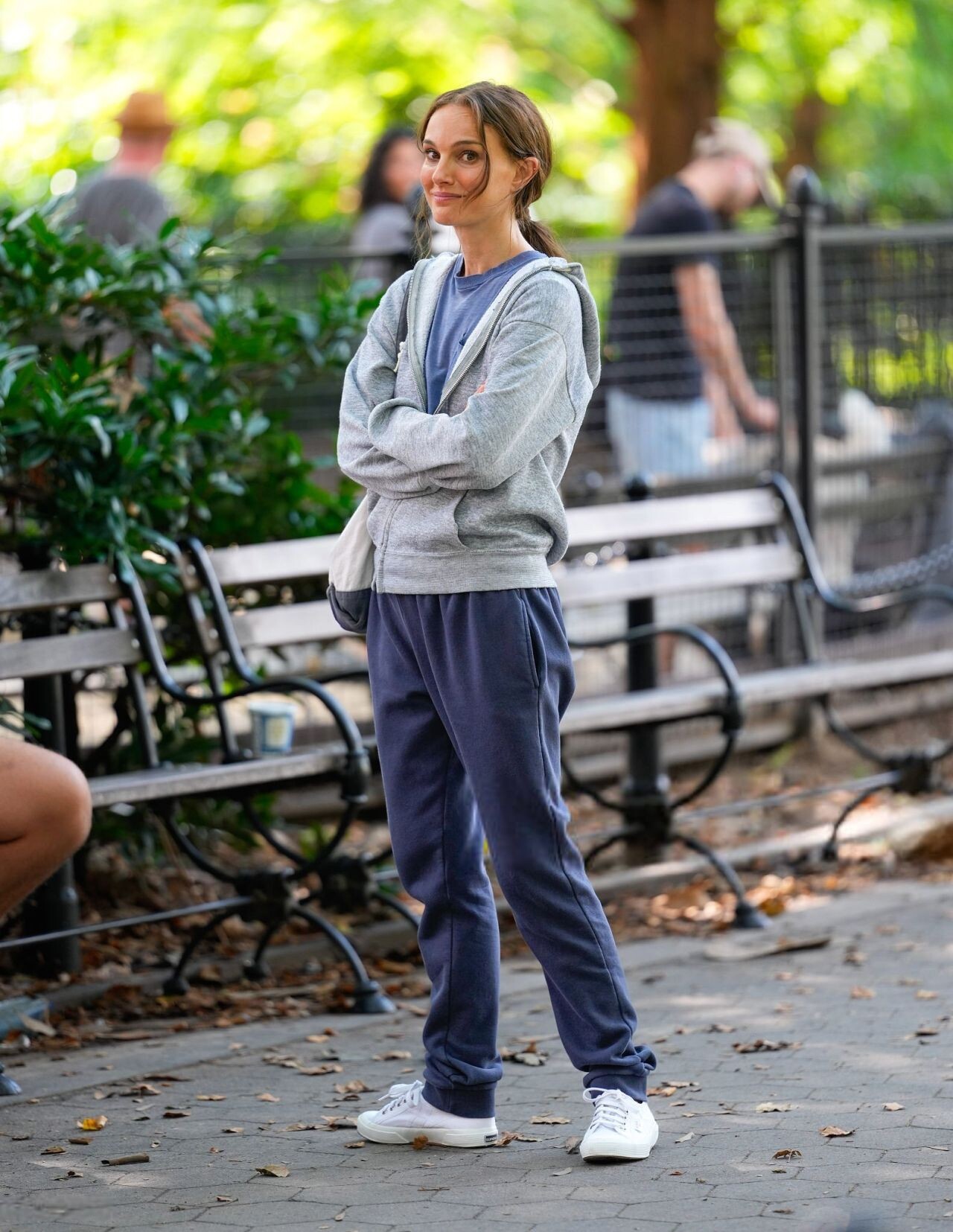
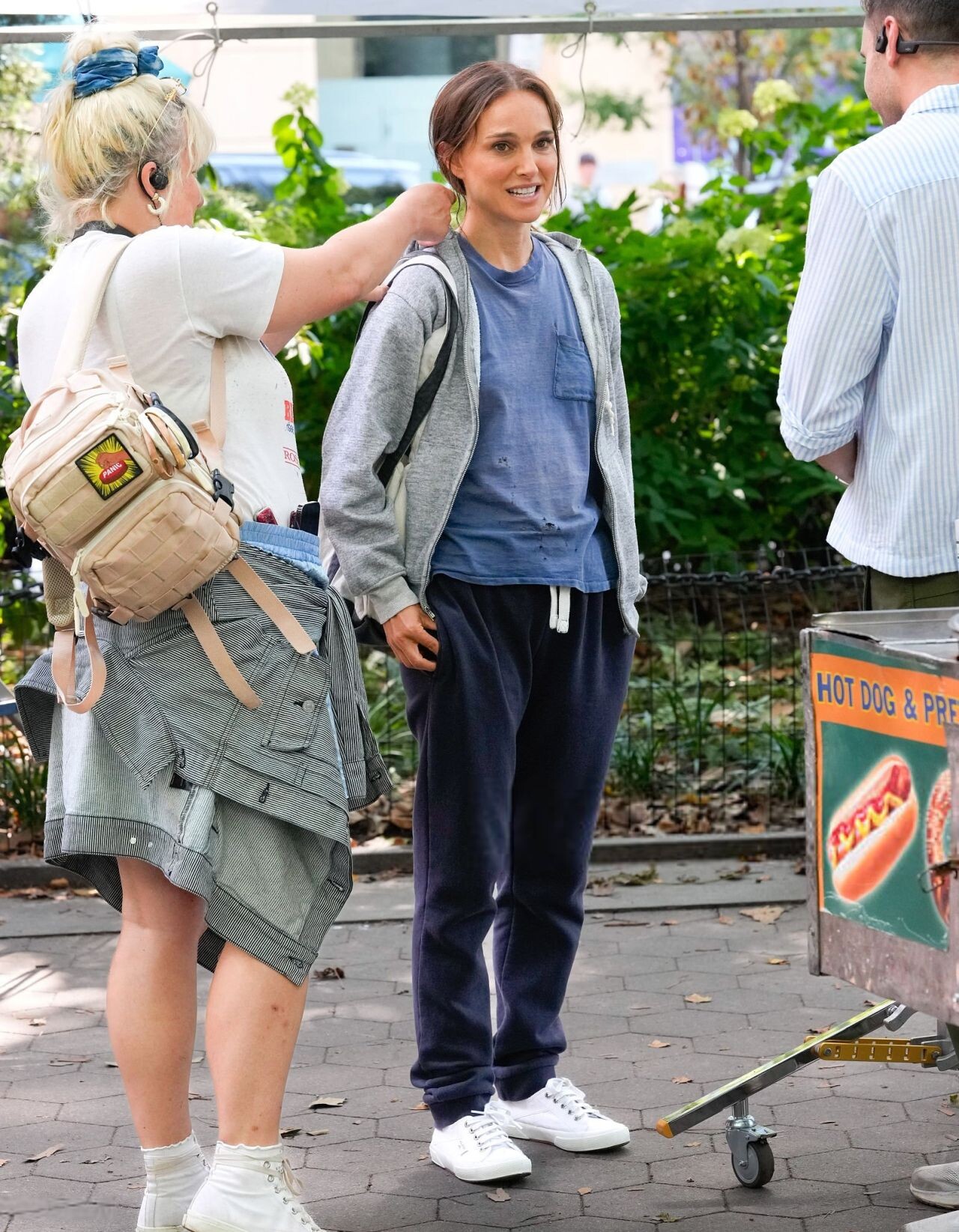
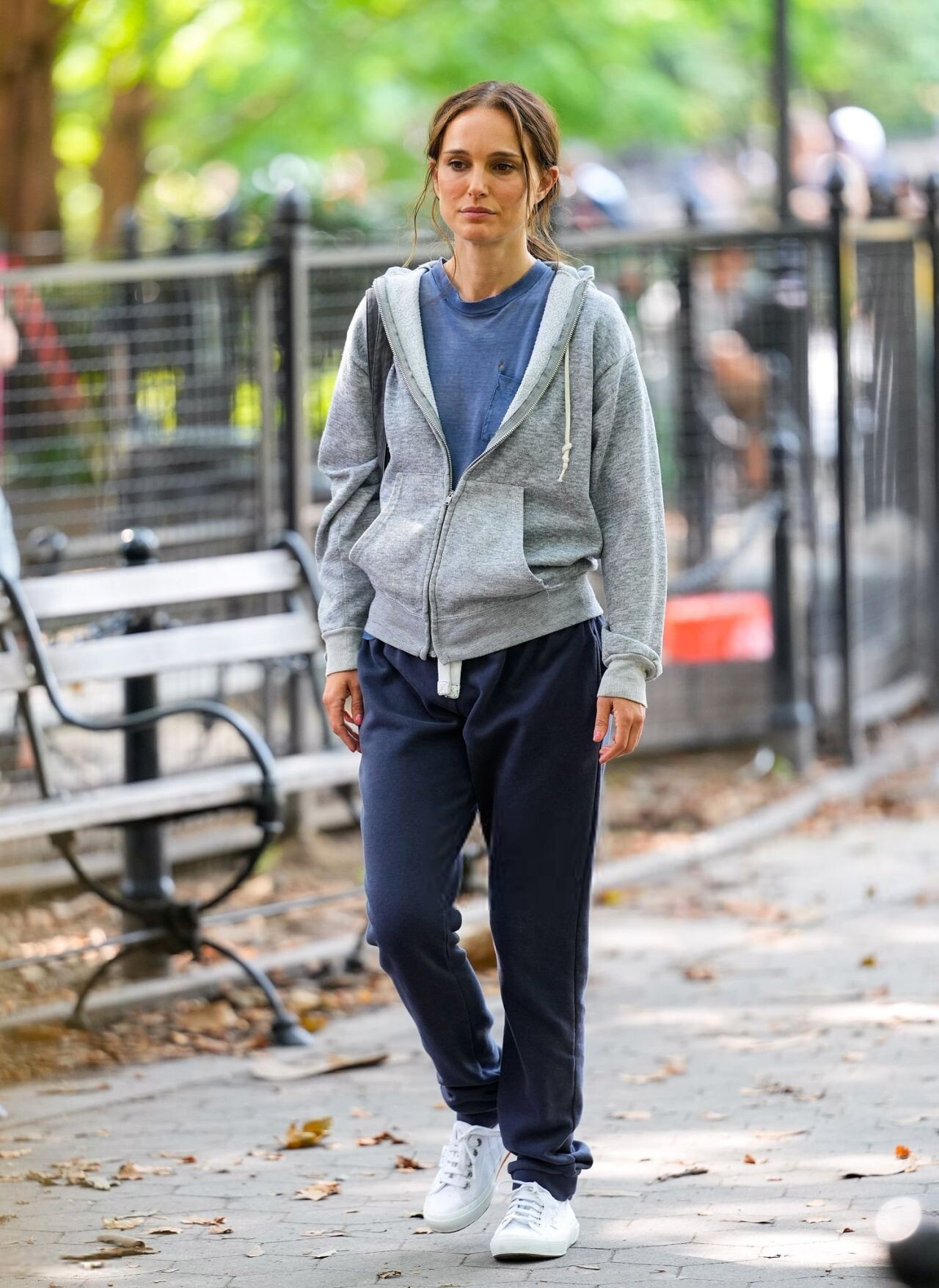
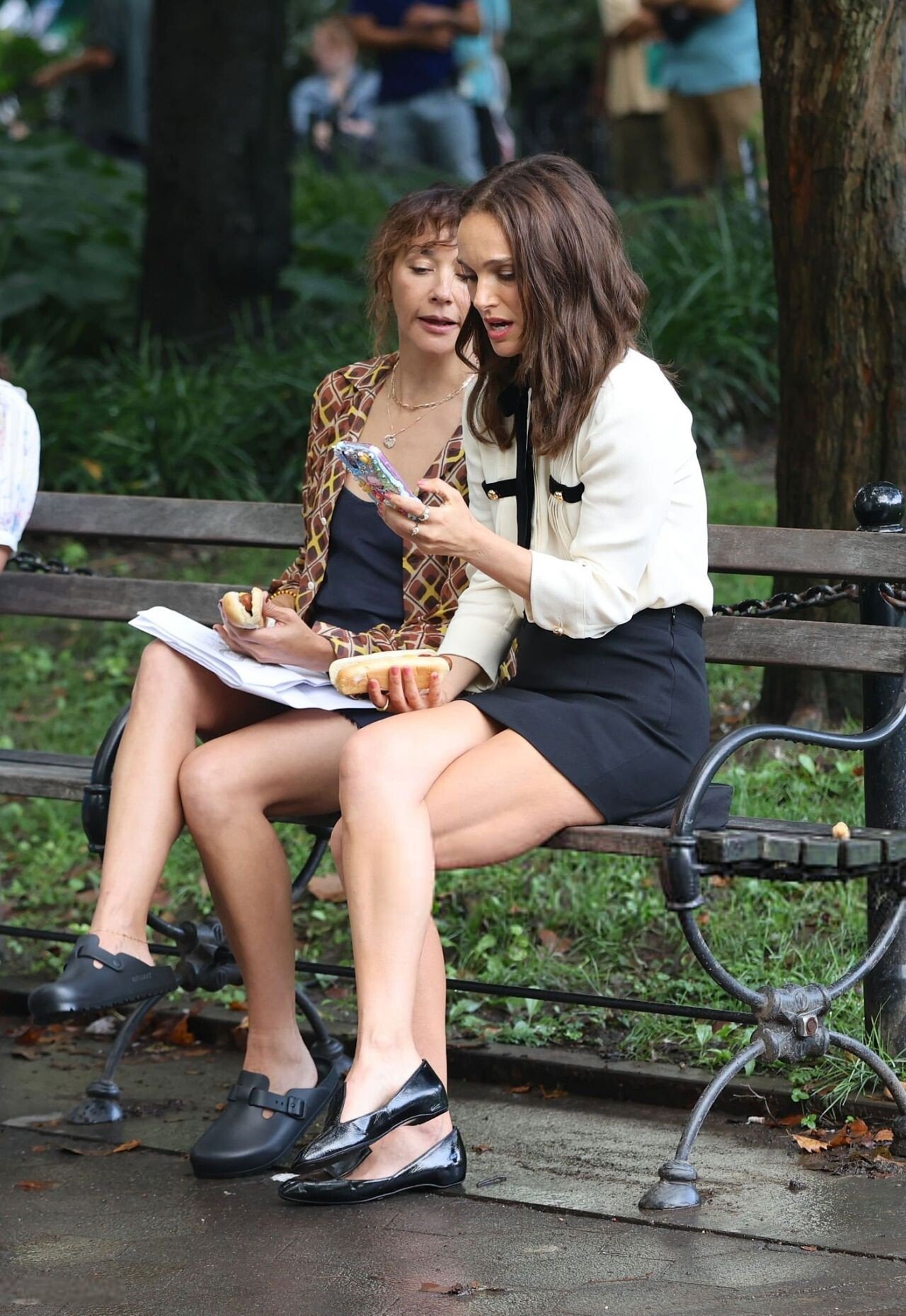
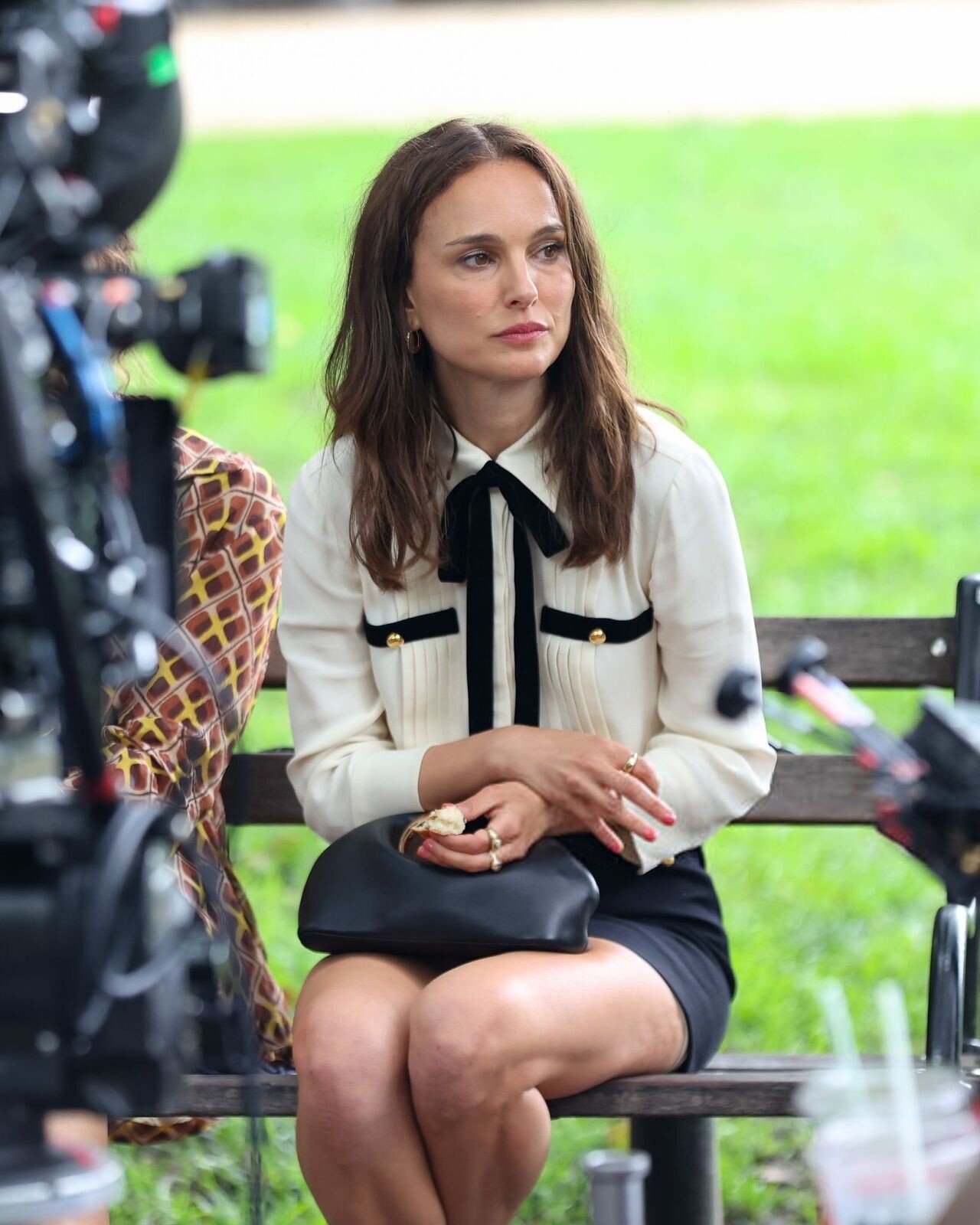
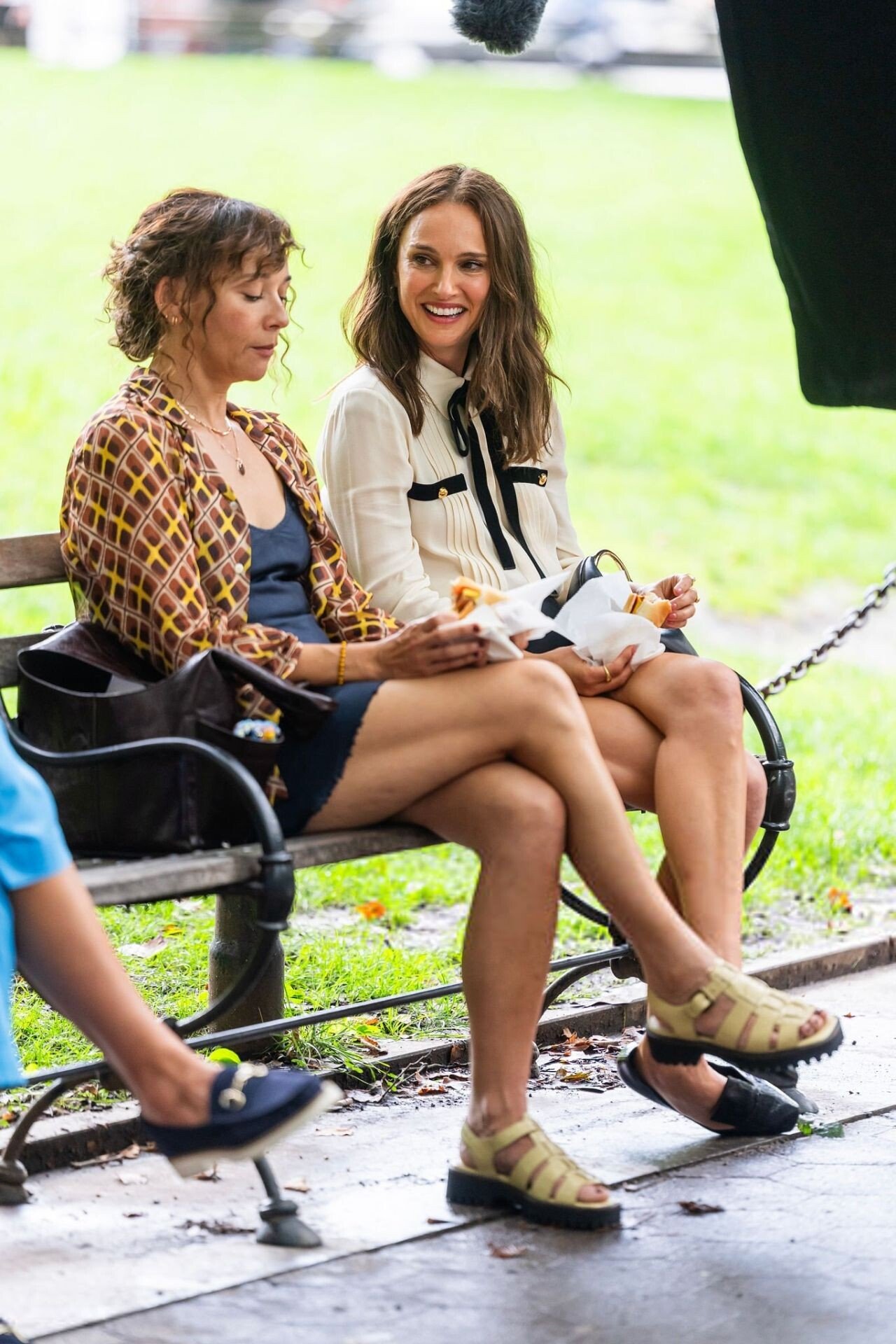
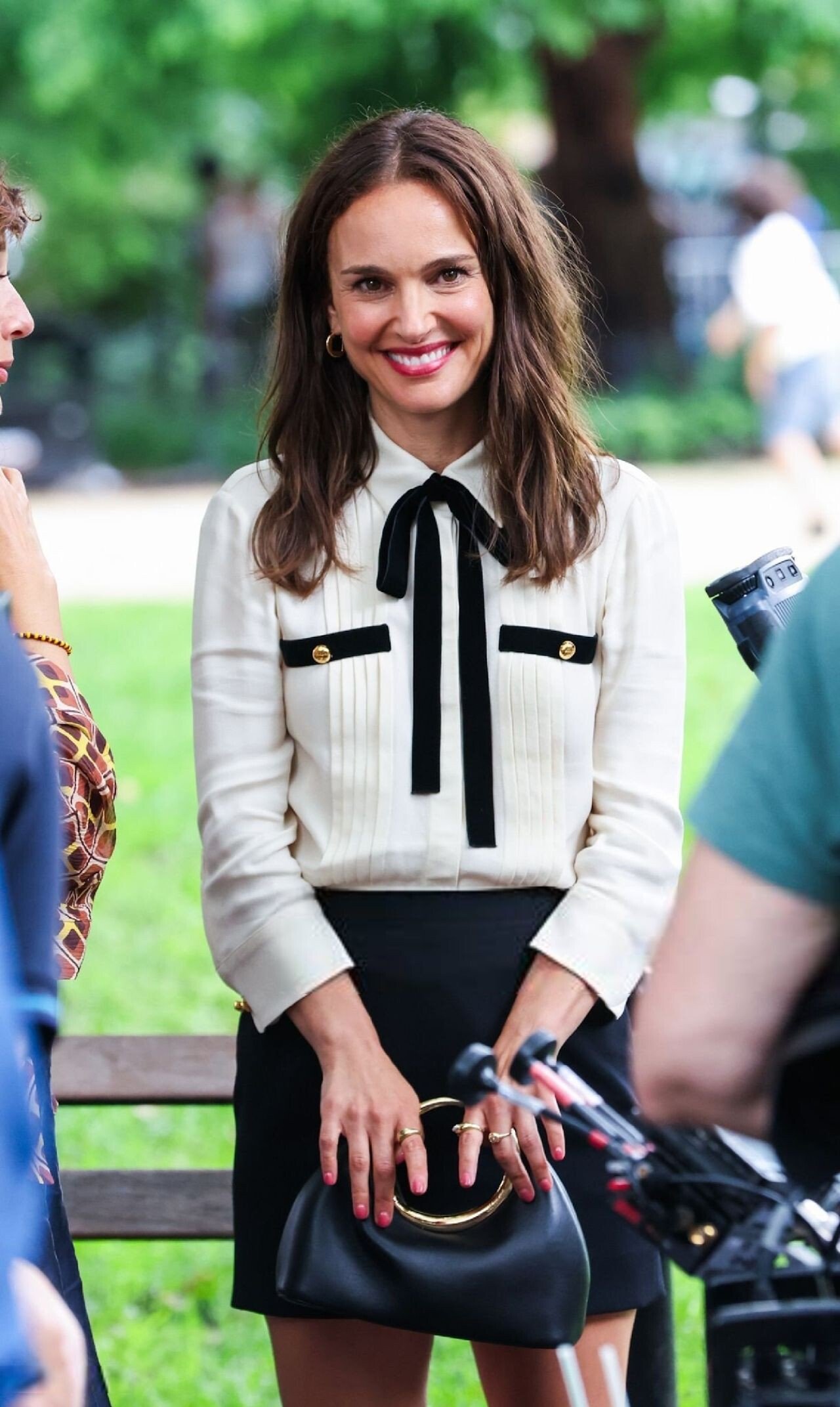
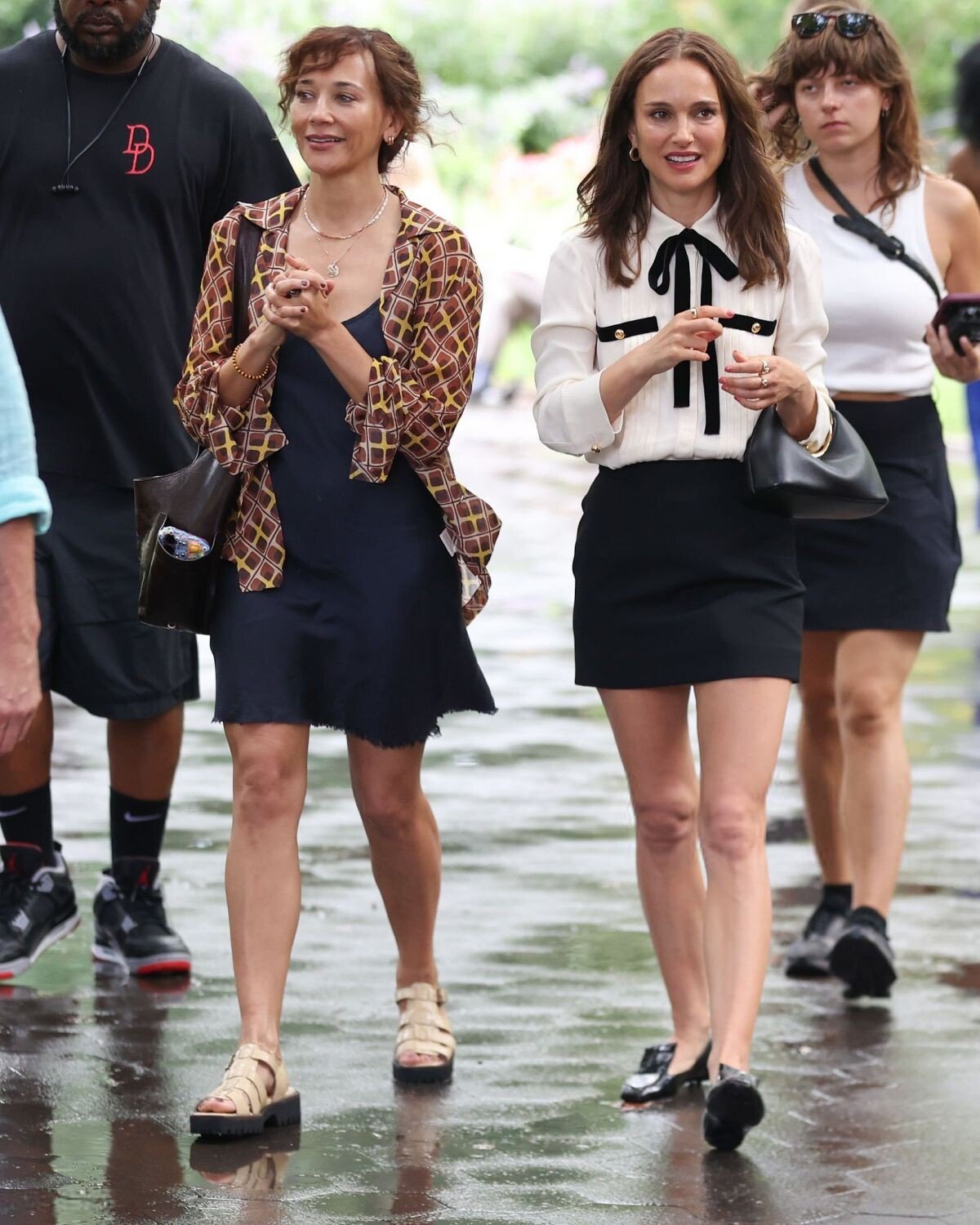
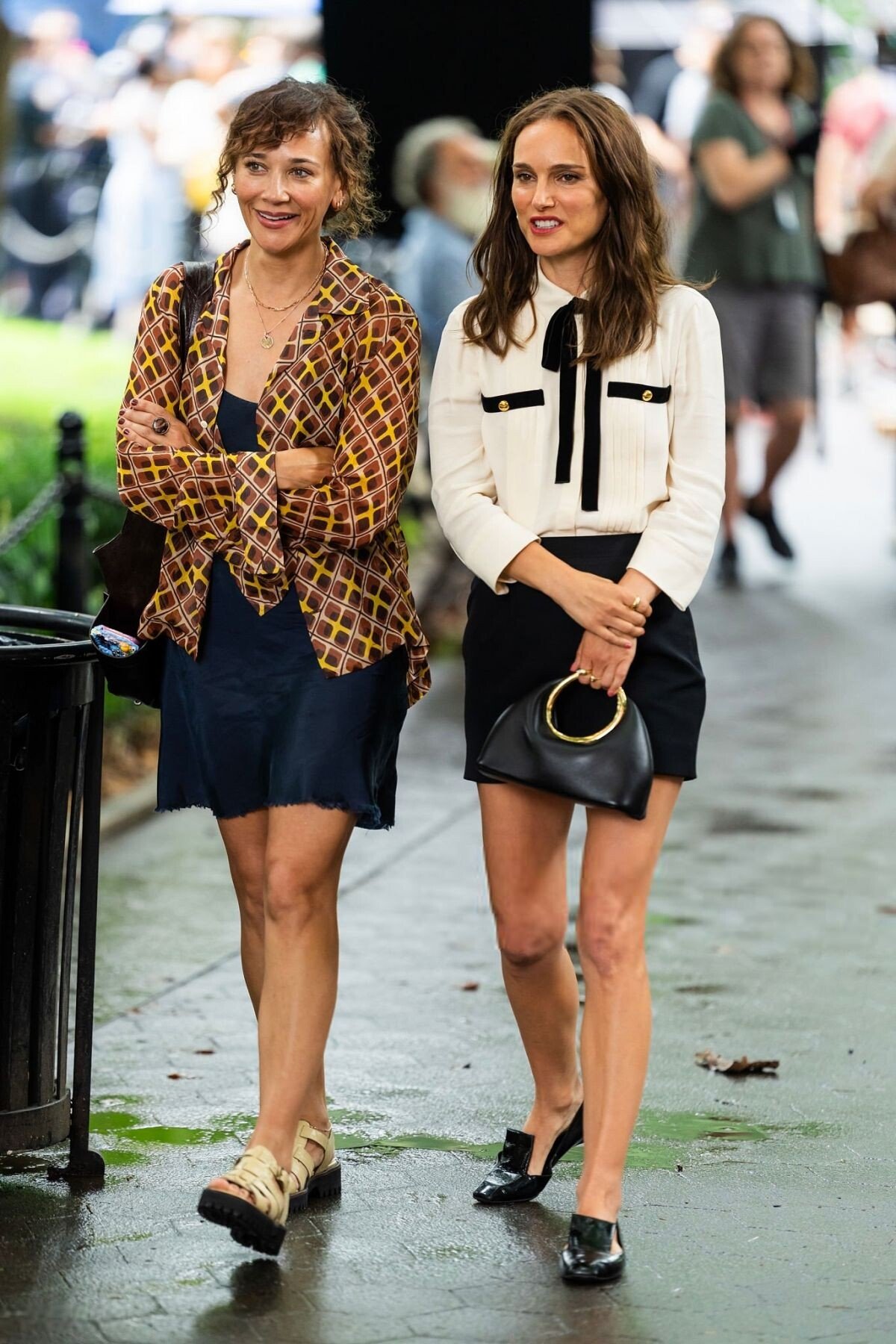
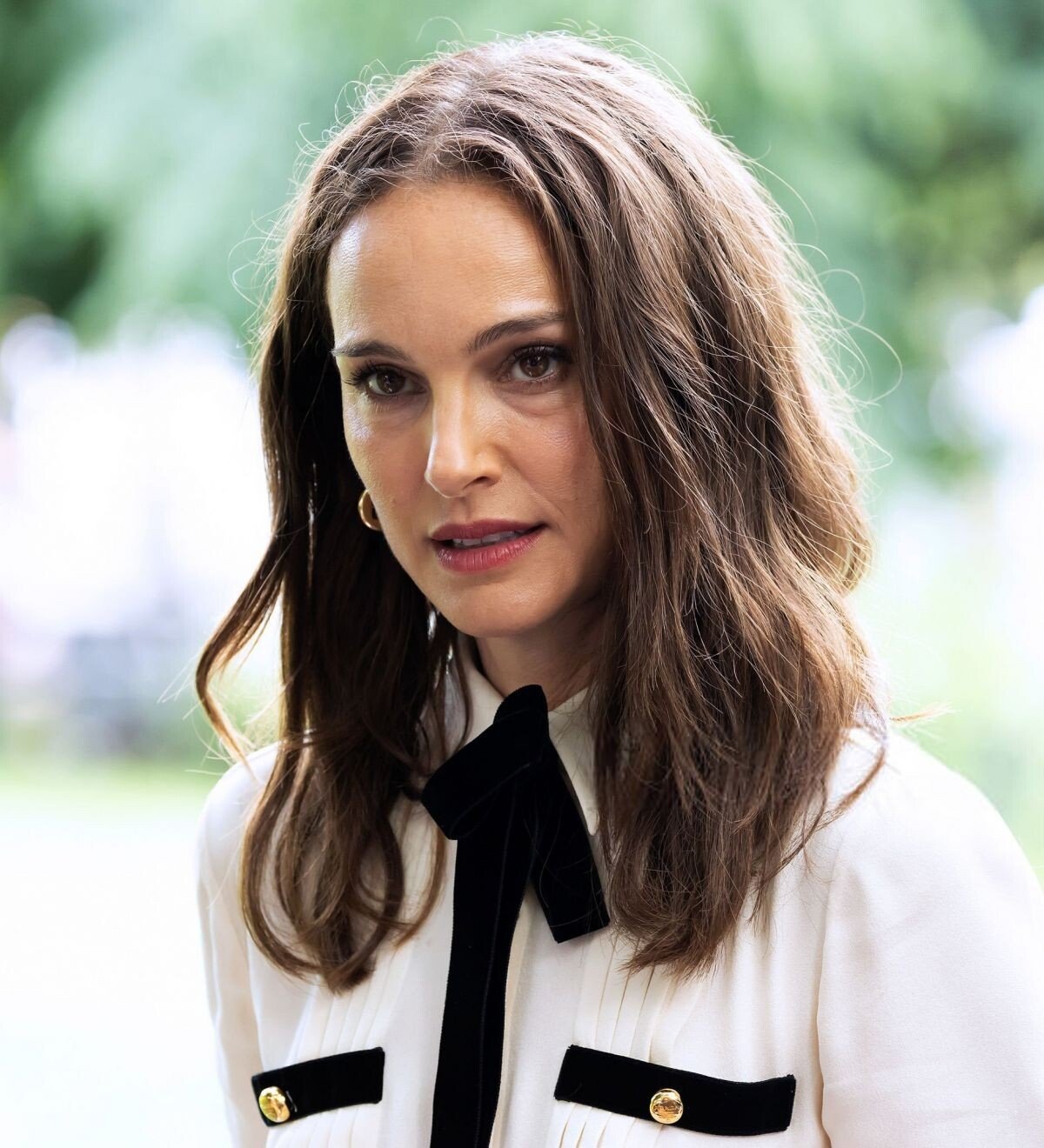
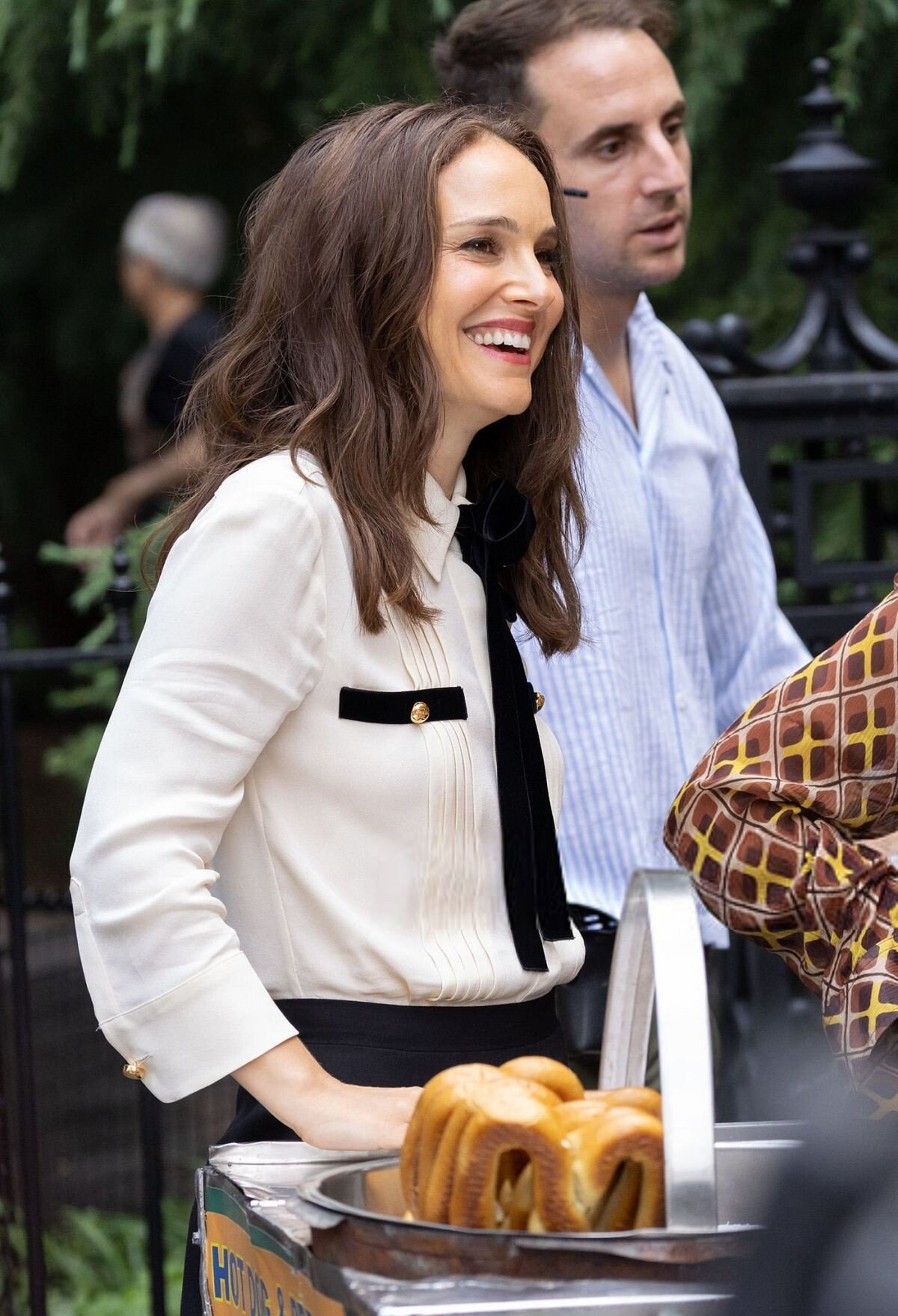
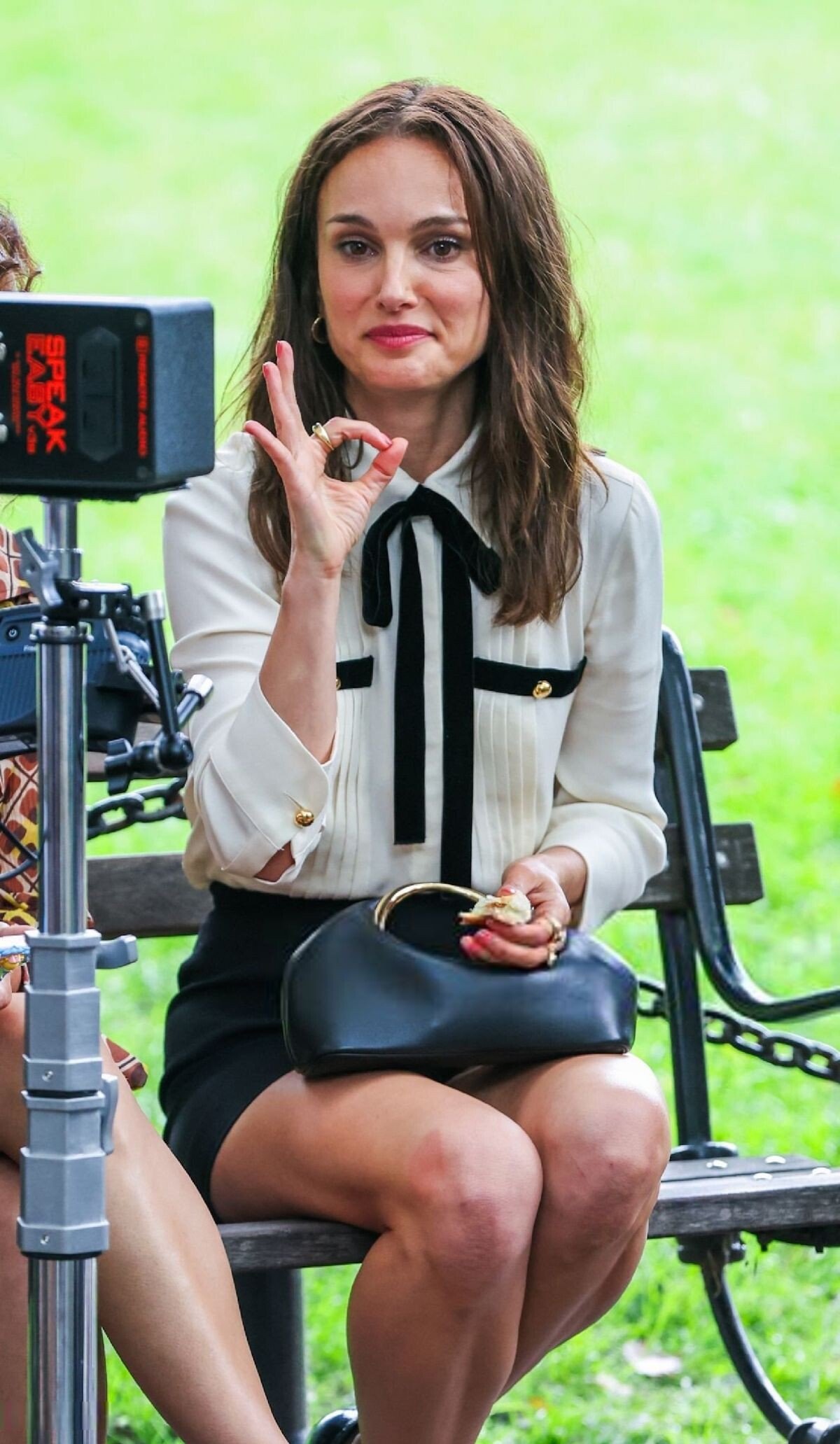
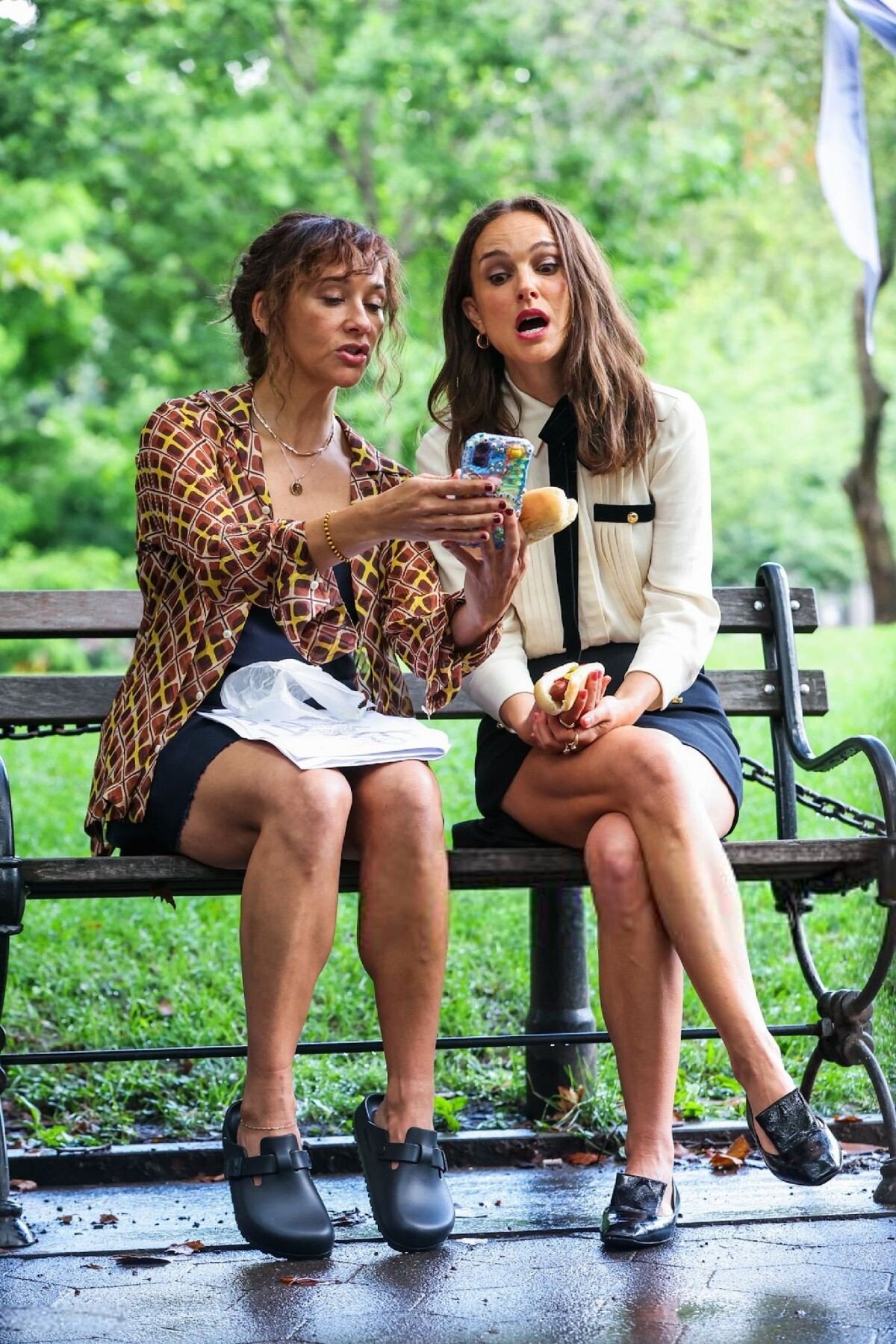
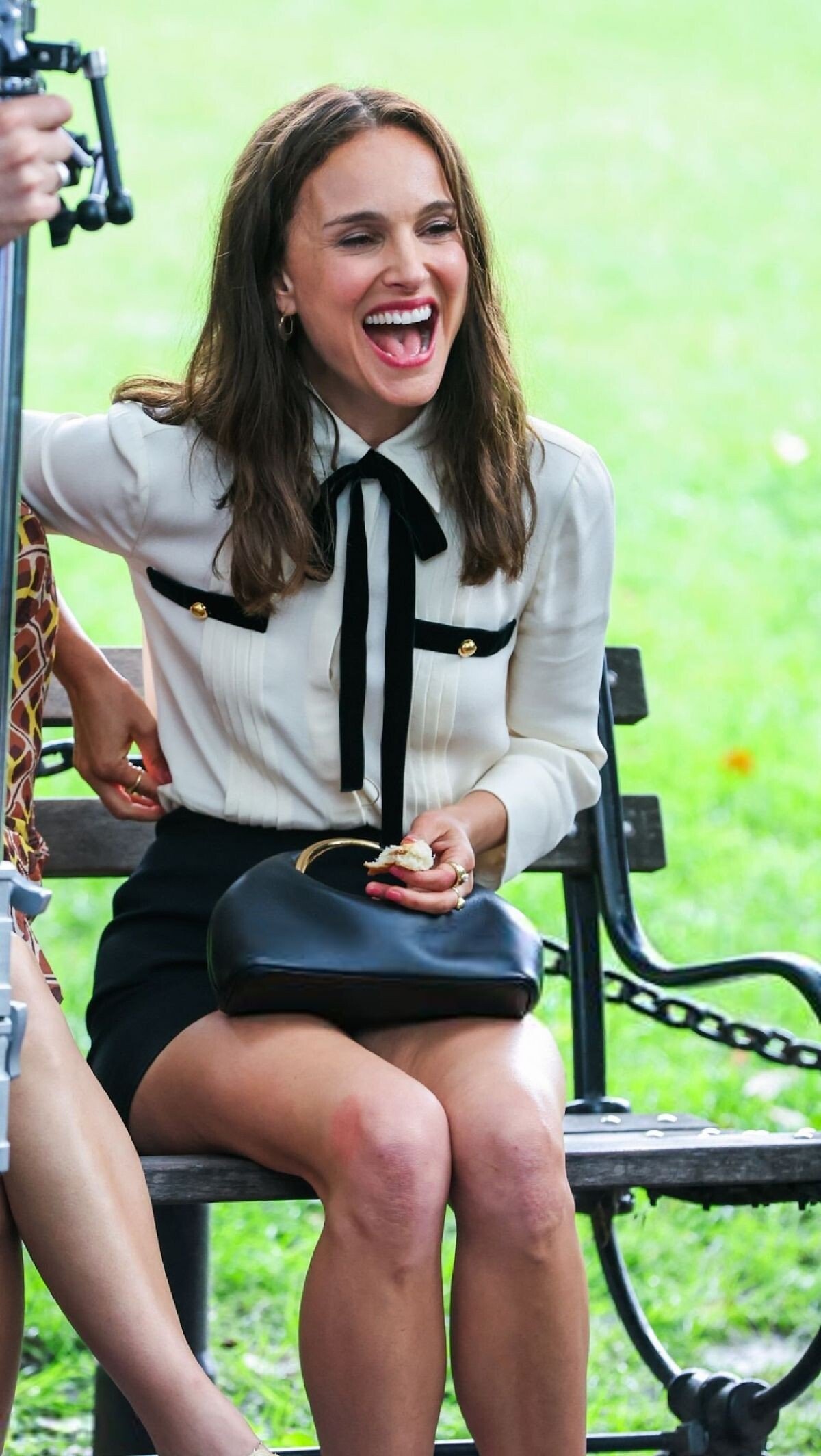
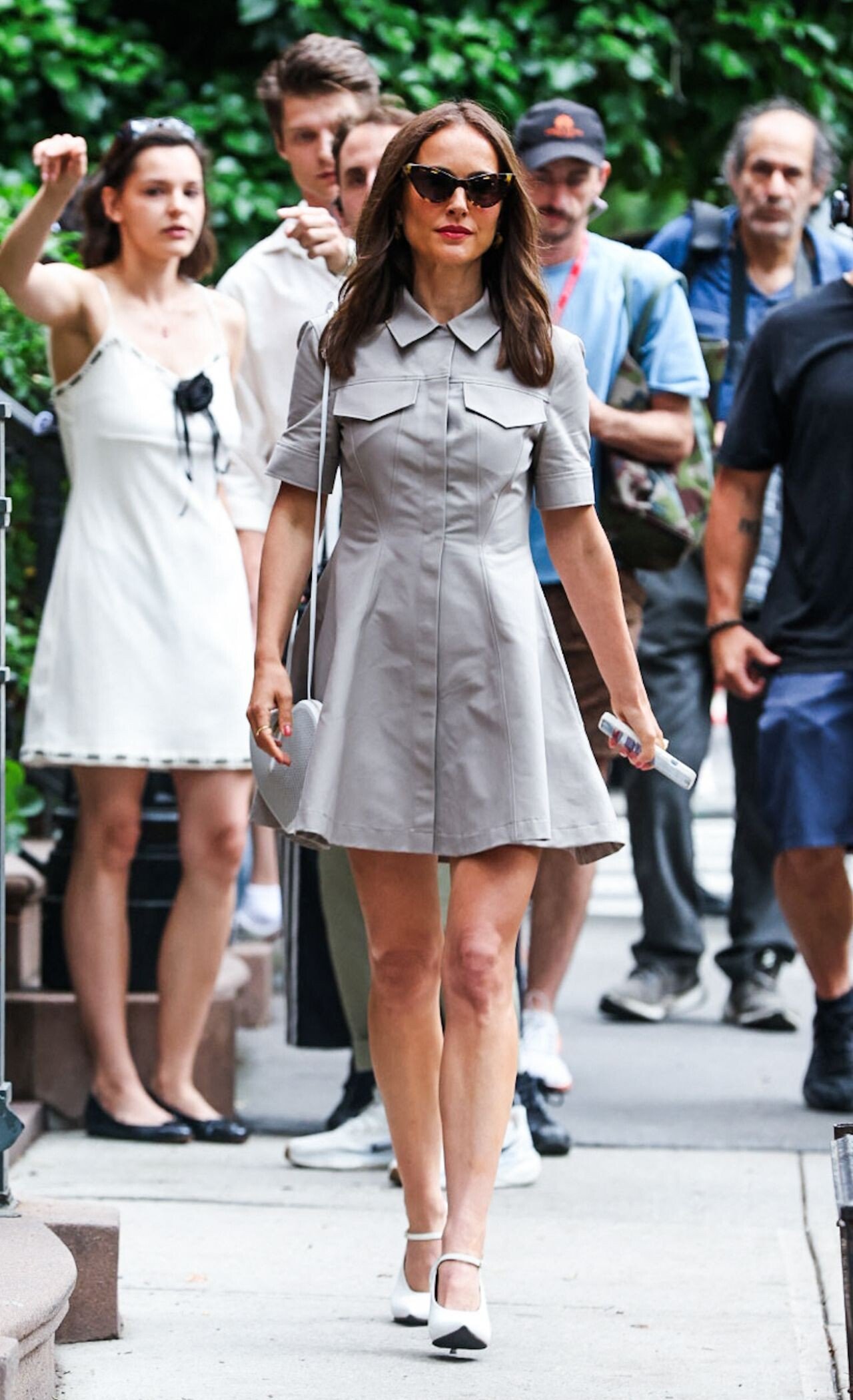
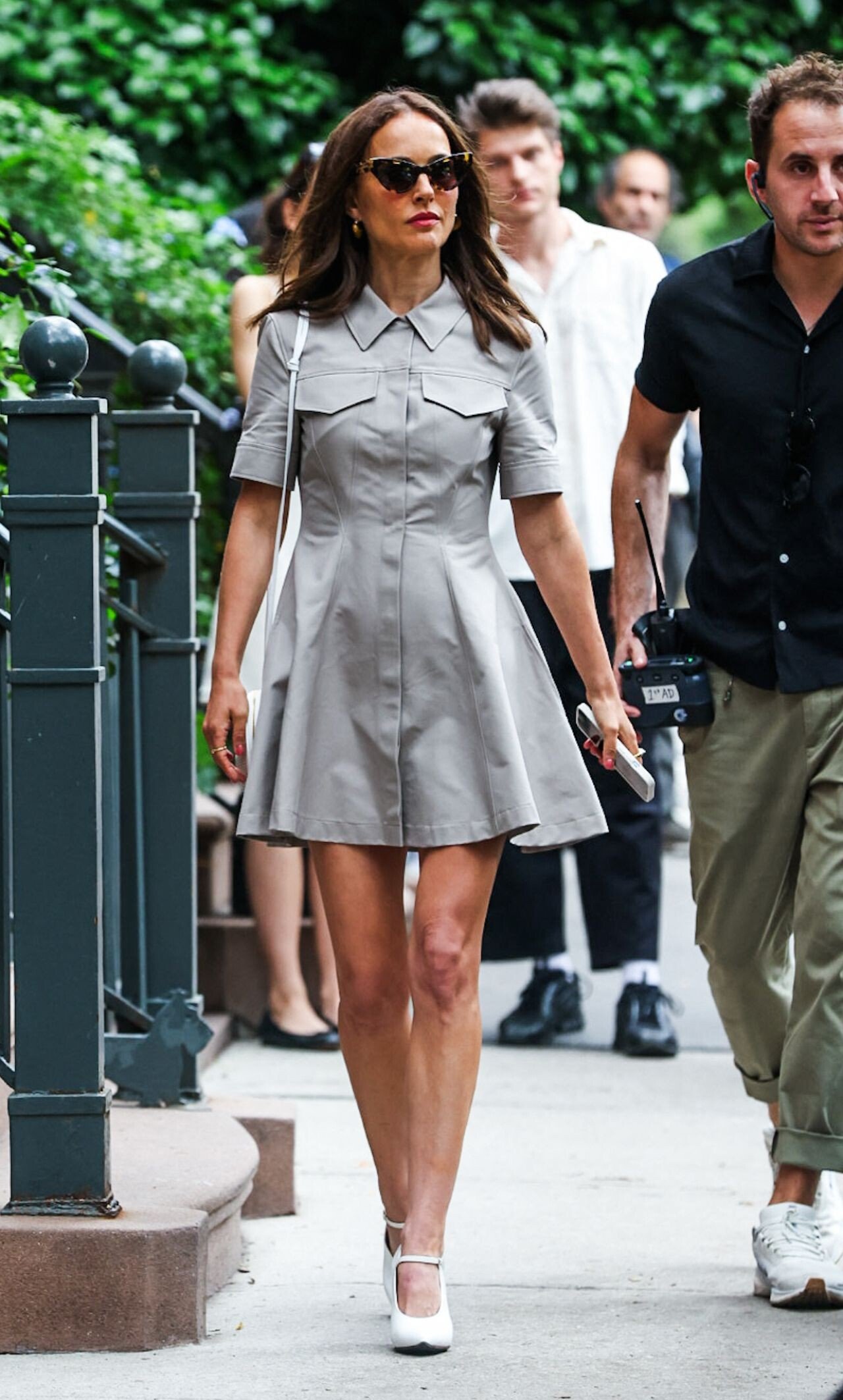
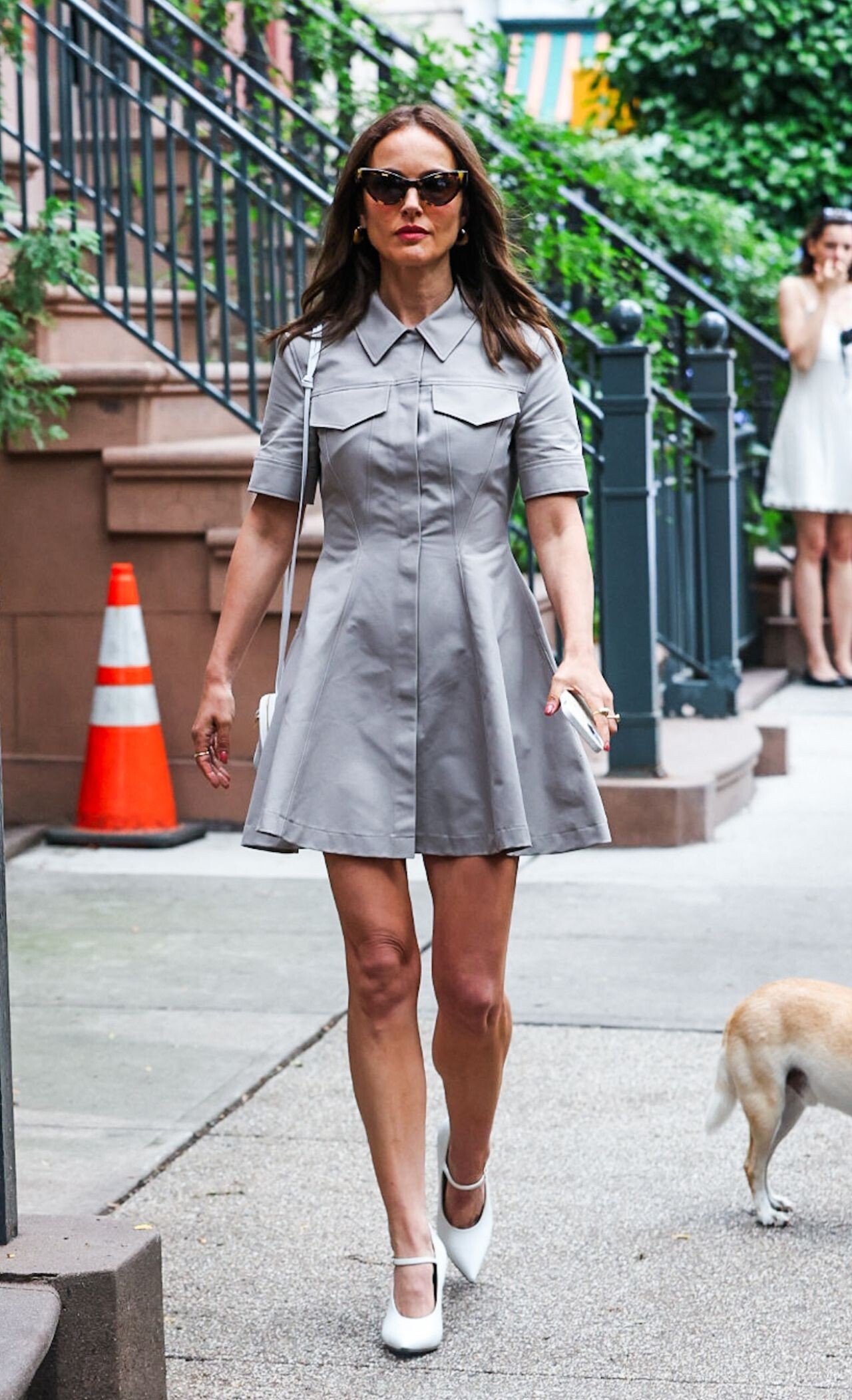
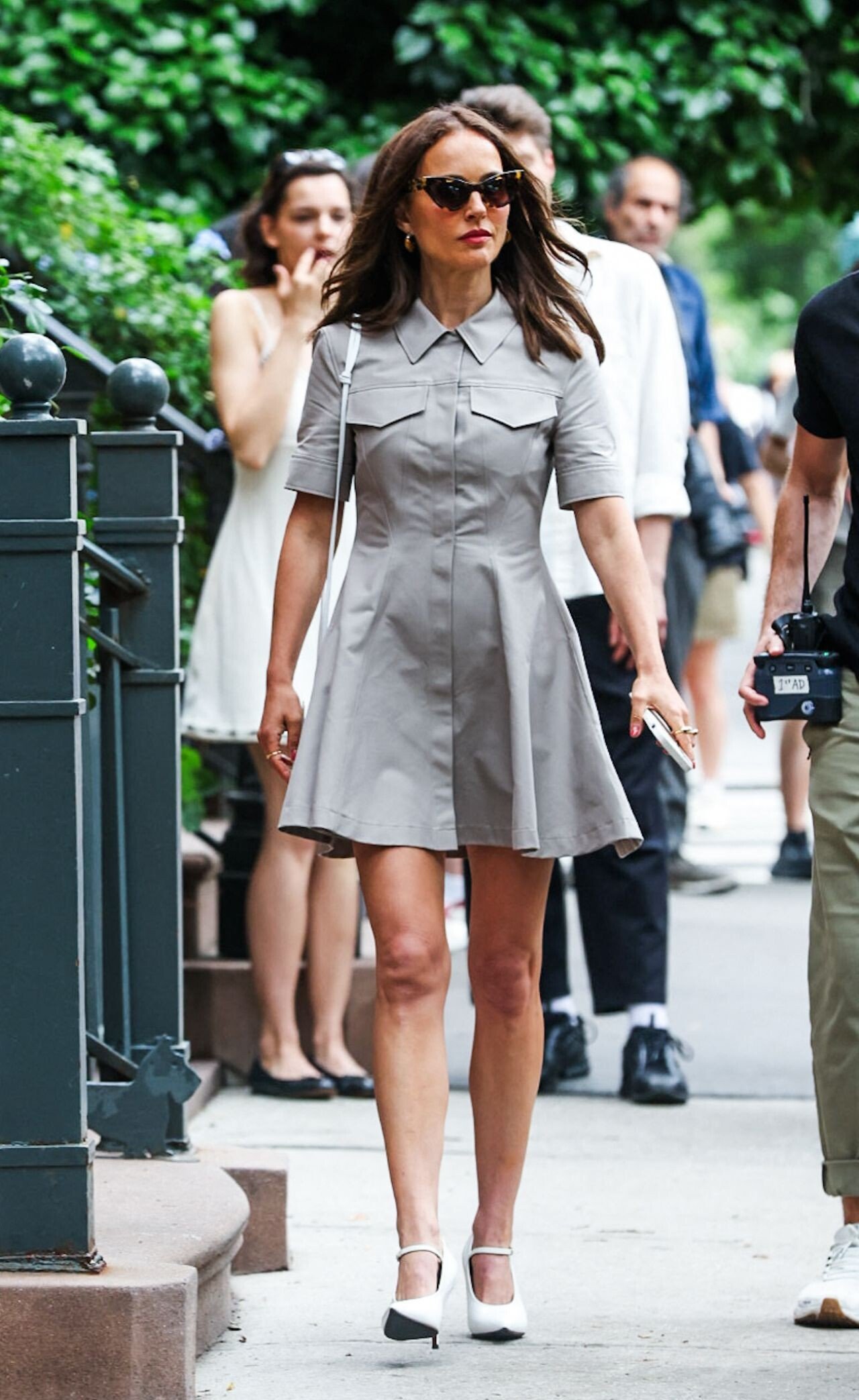
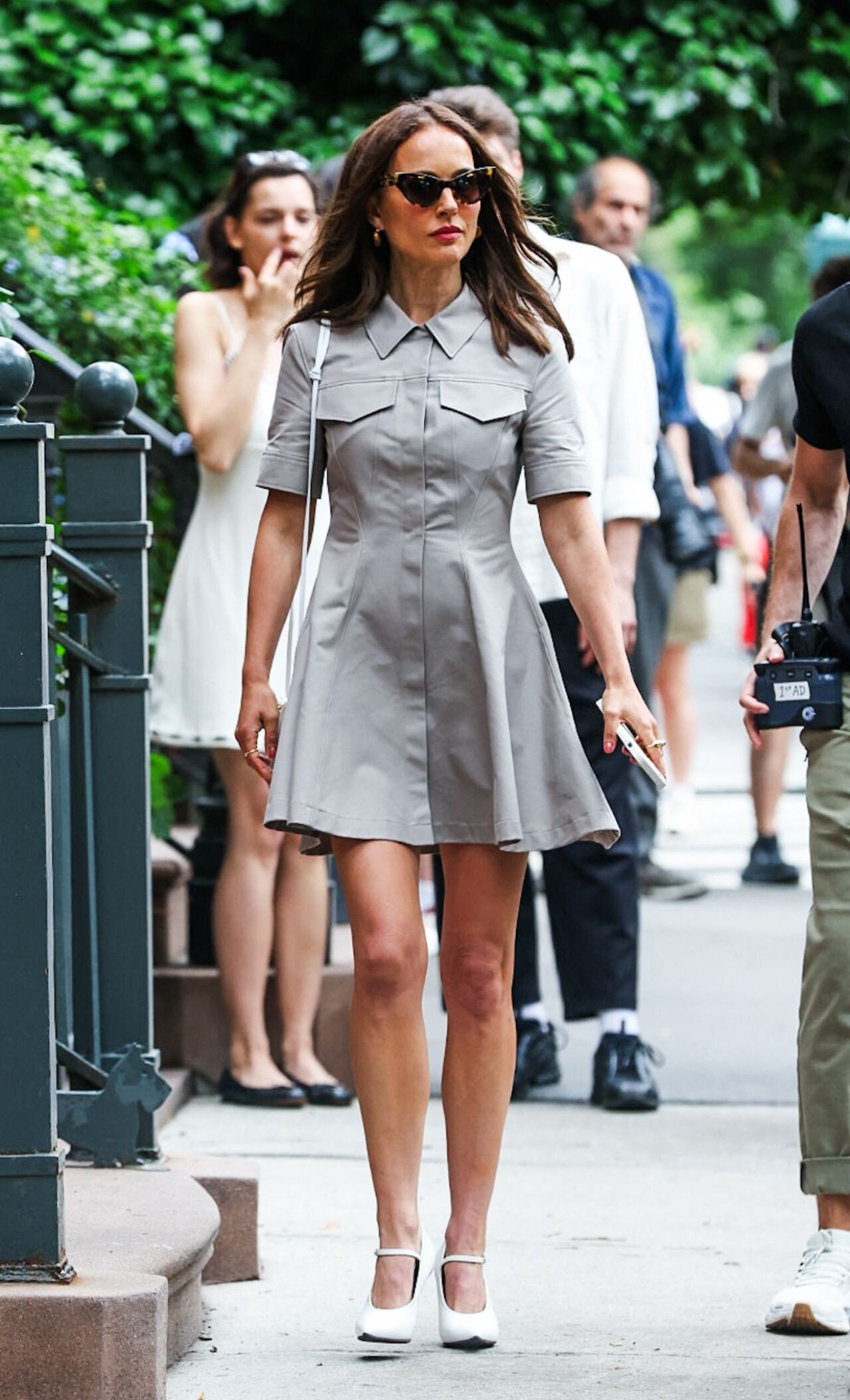
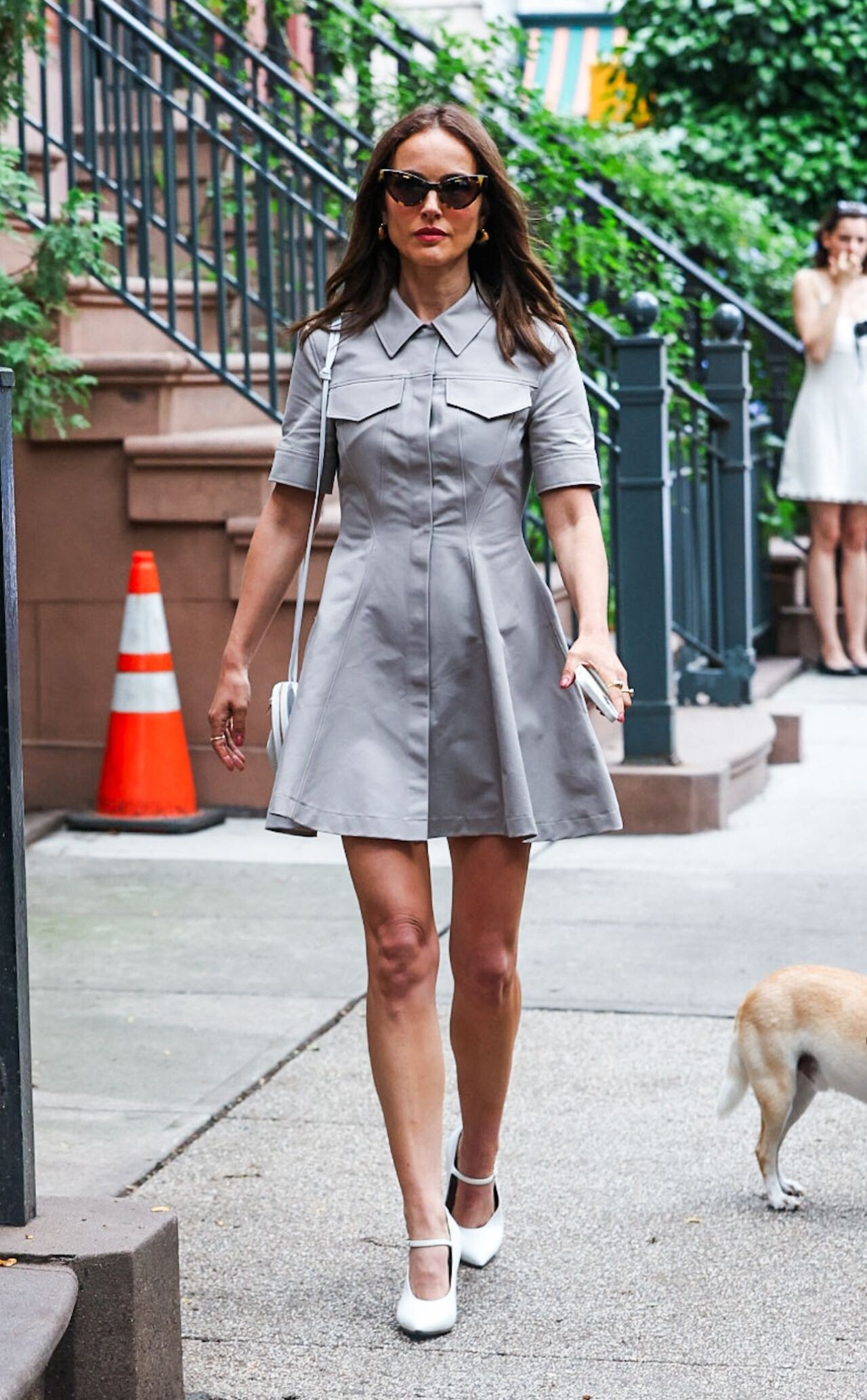
 Natalie Portman is seen at the "Good Sex" movie set in Washington Square Park on July 15, 2025 in New York City.





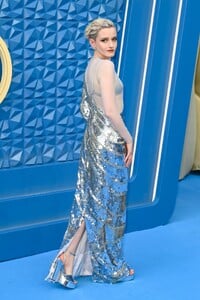
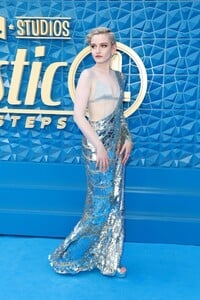
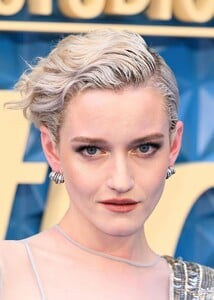
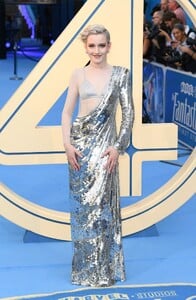
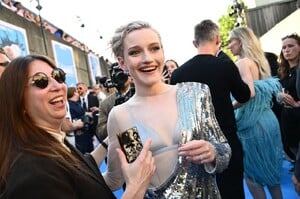
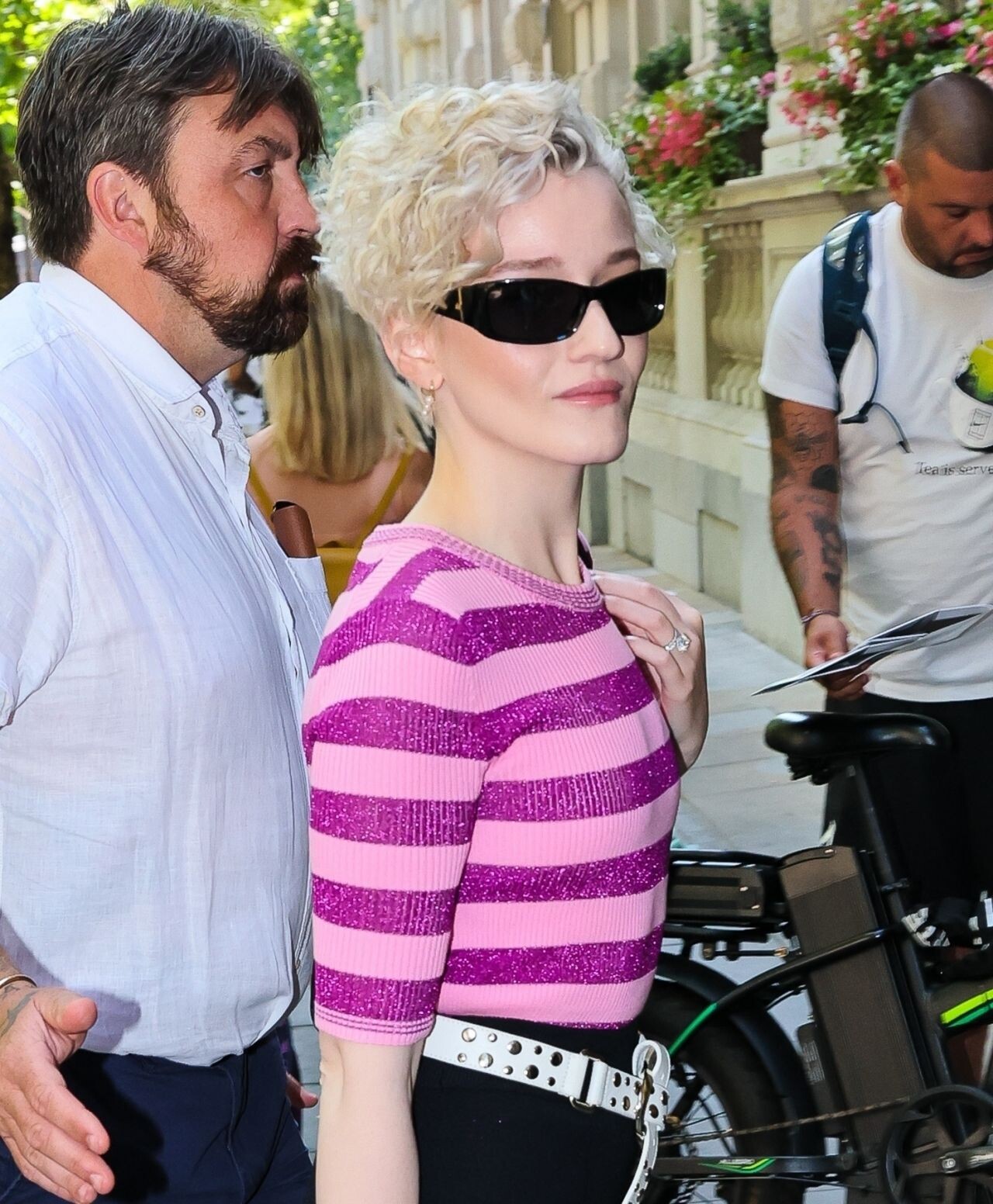
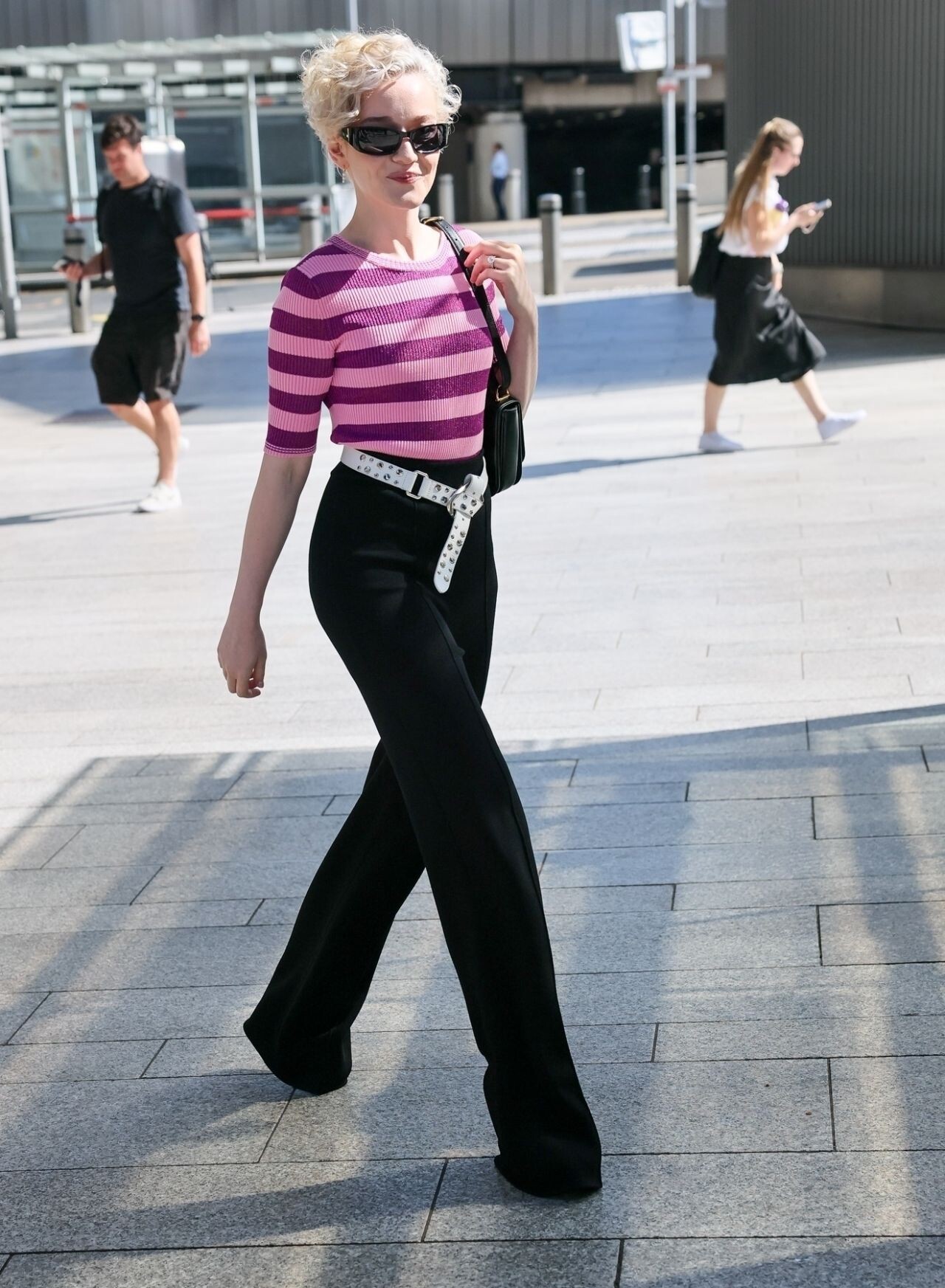
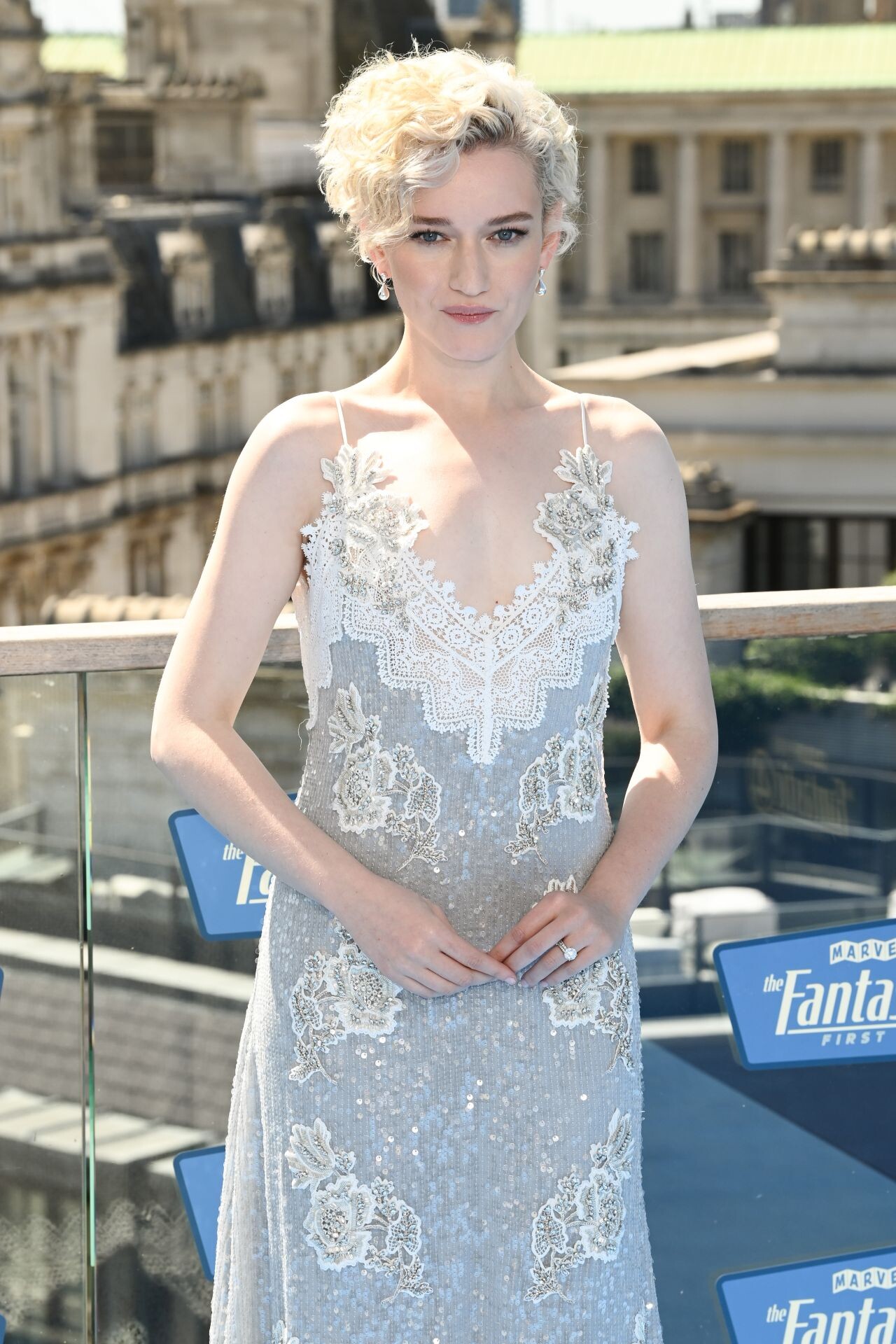
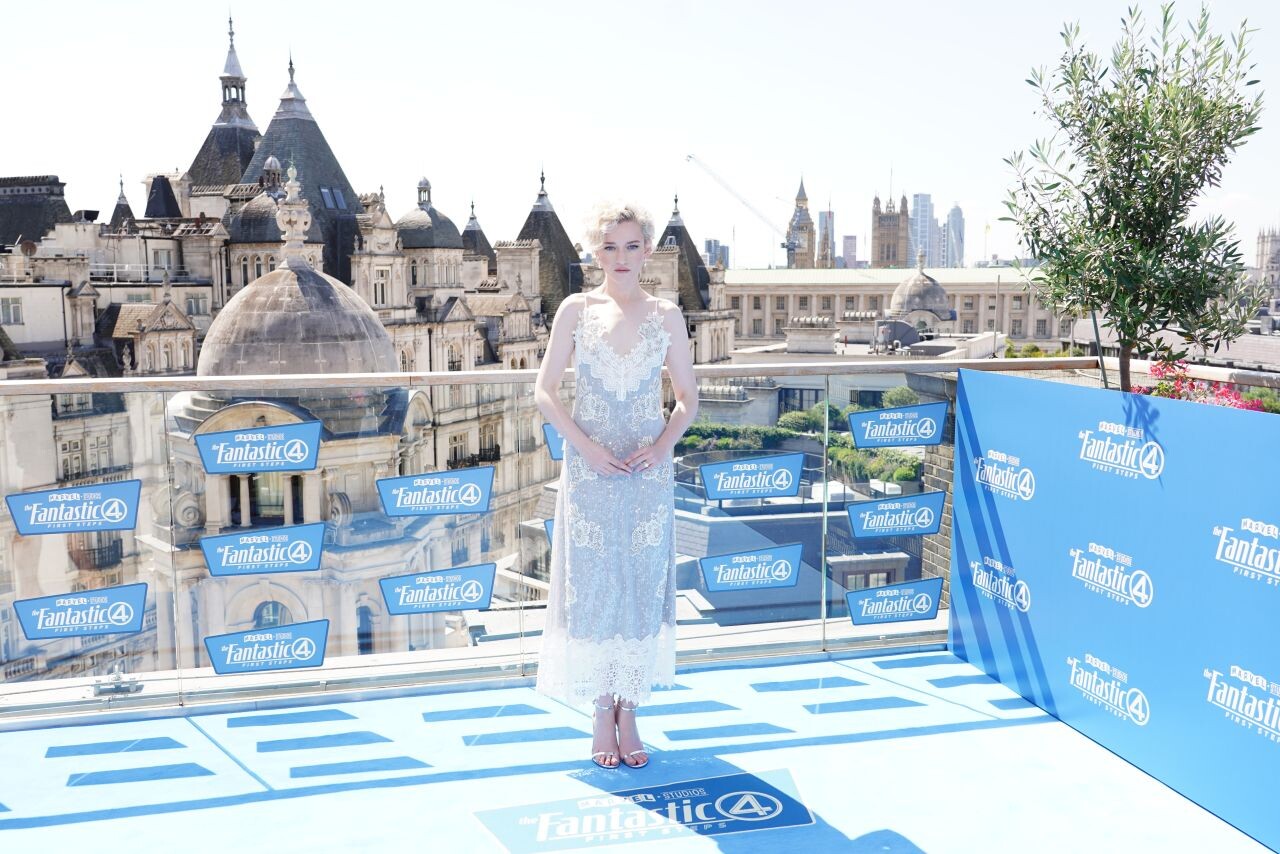
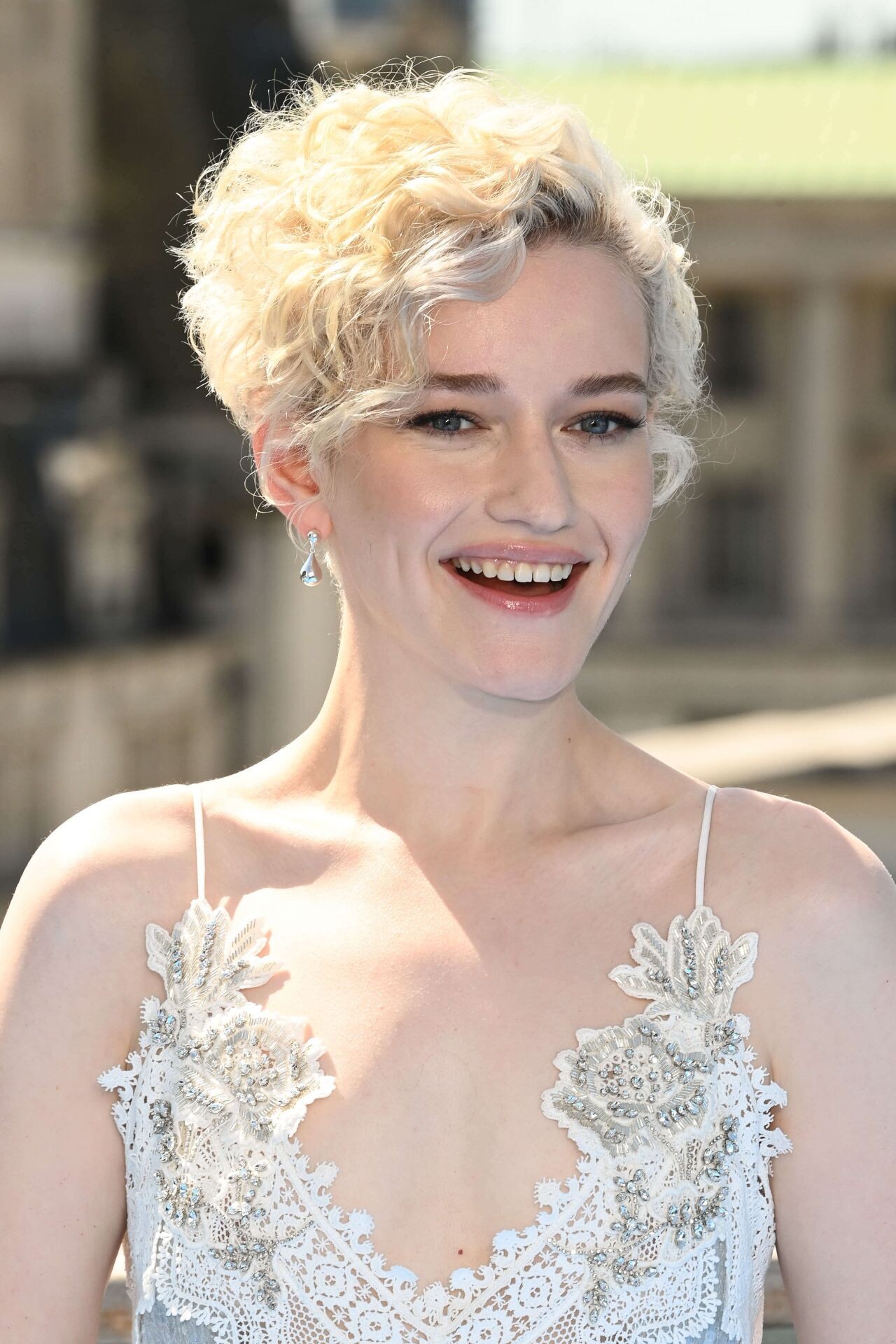
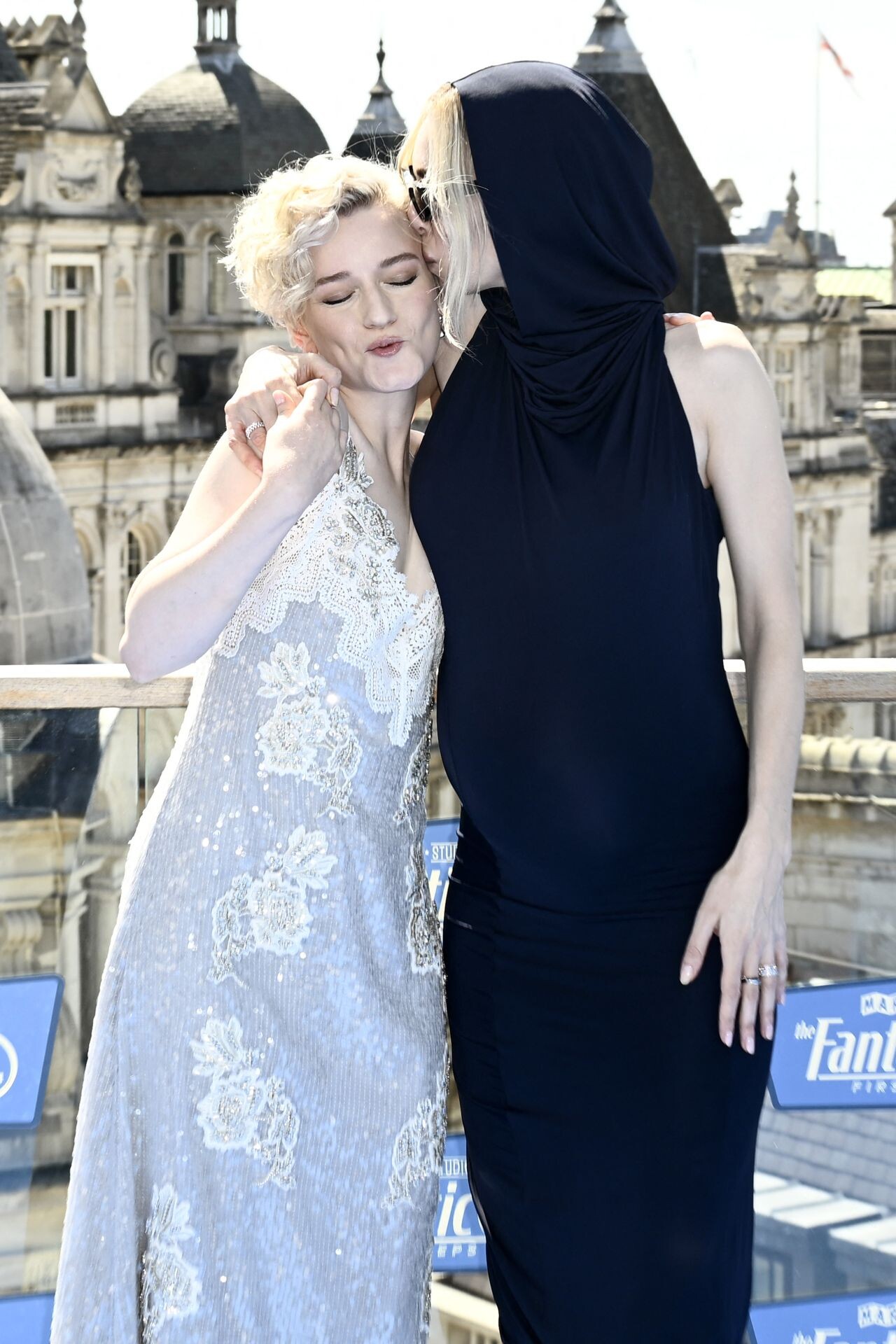
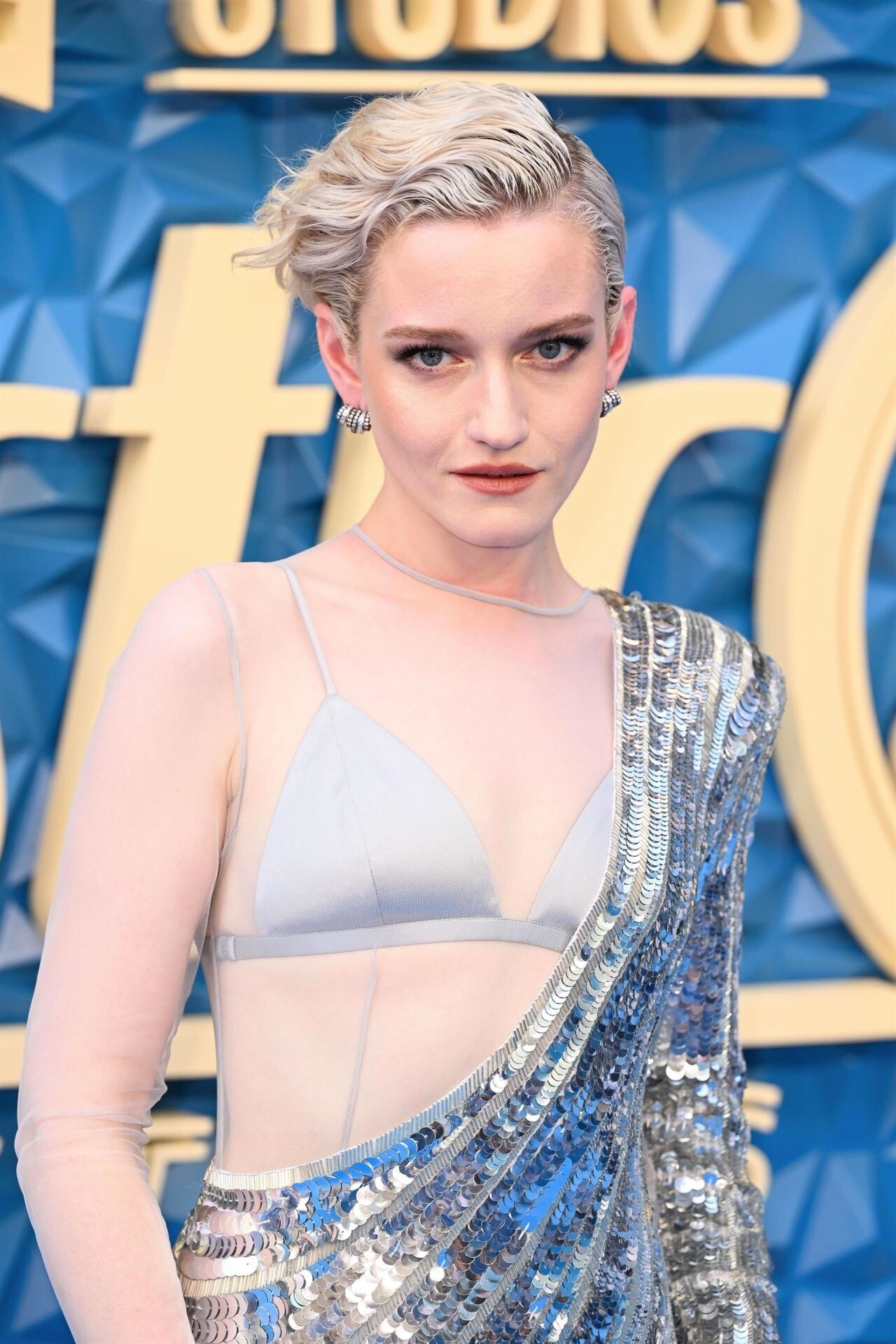
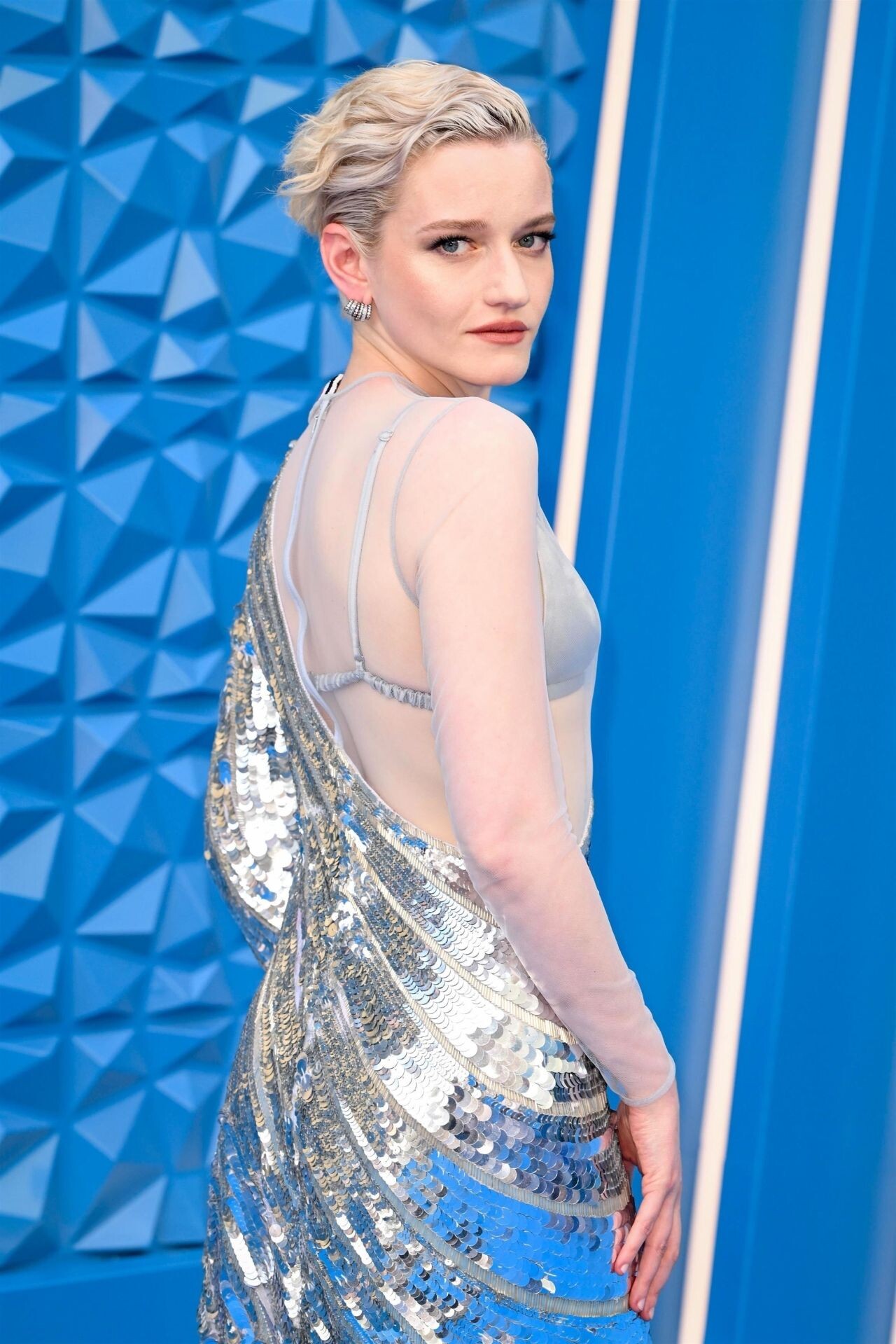
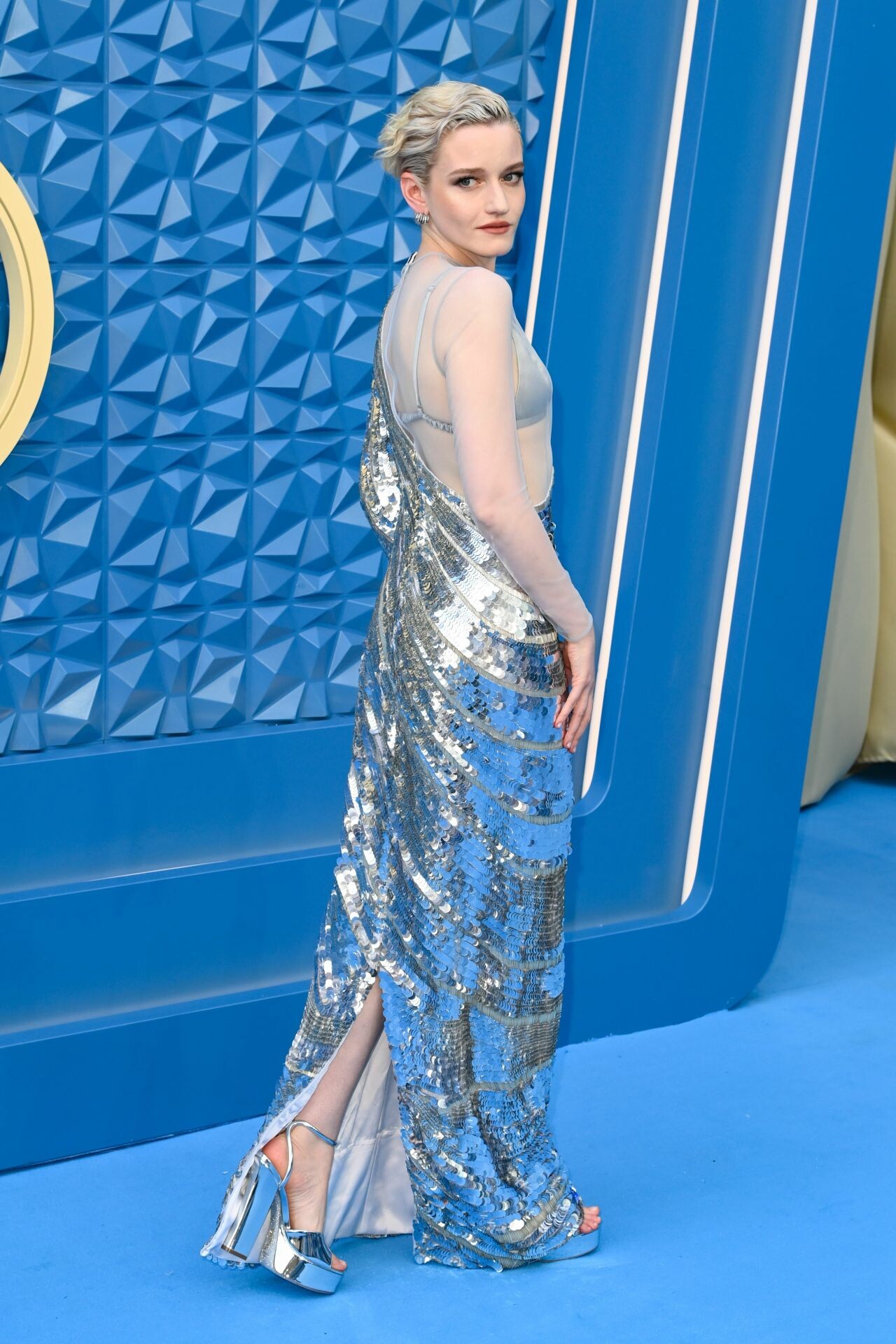
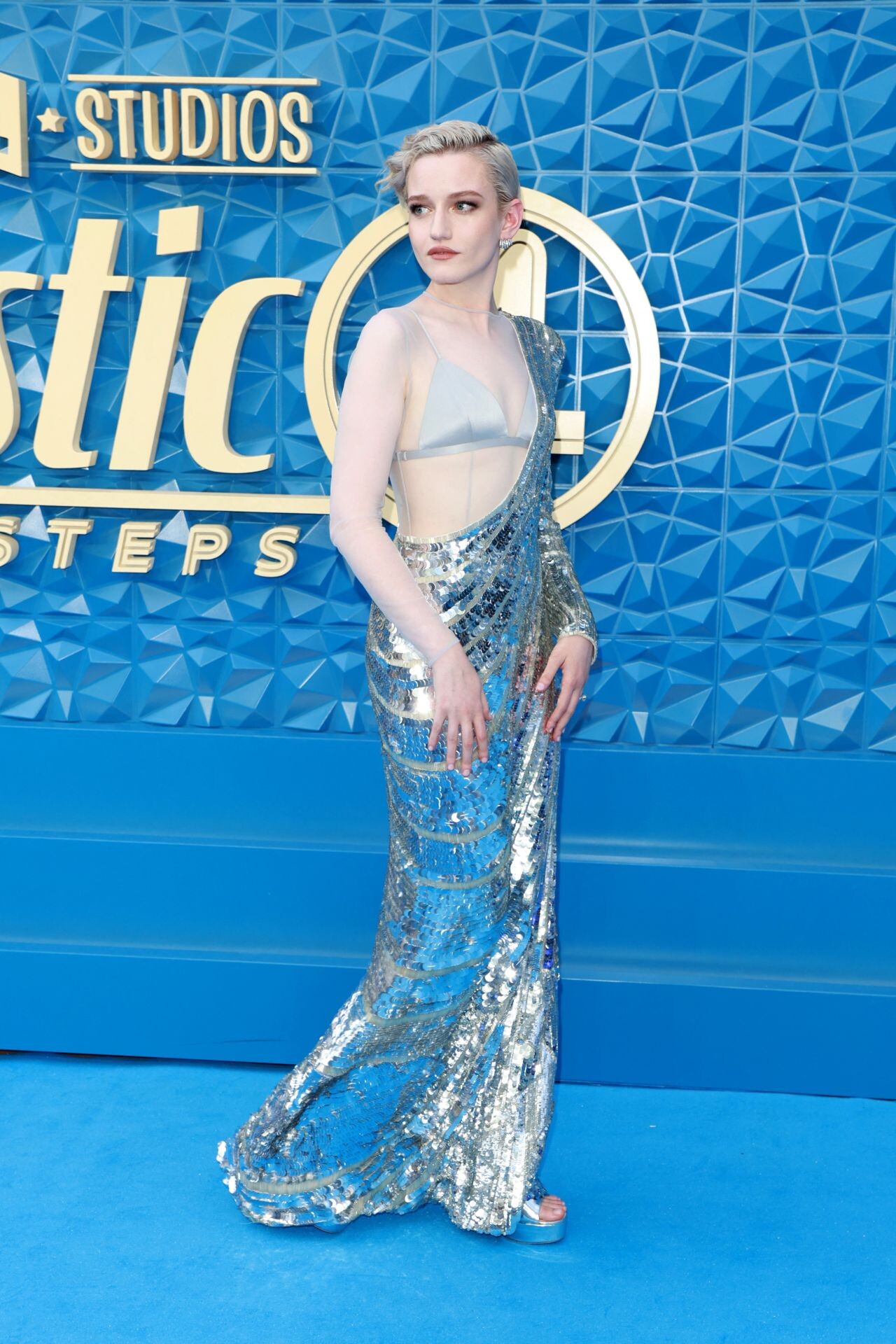
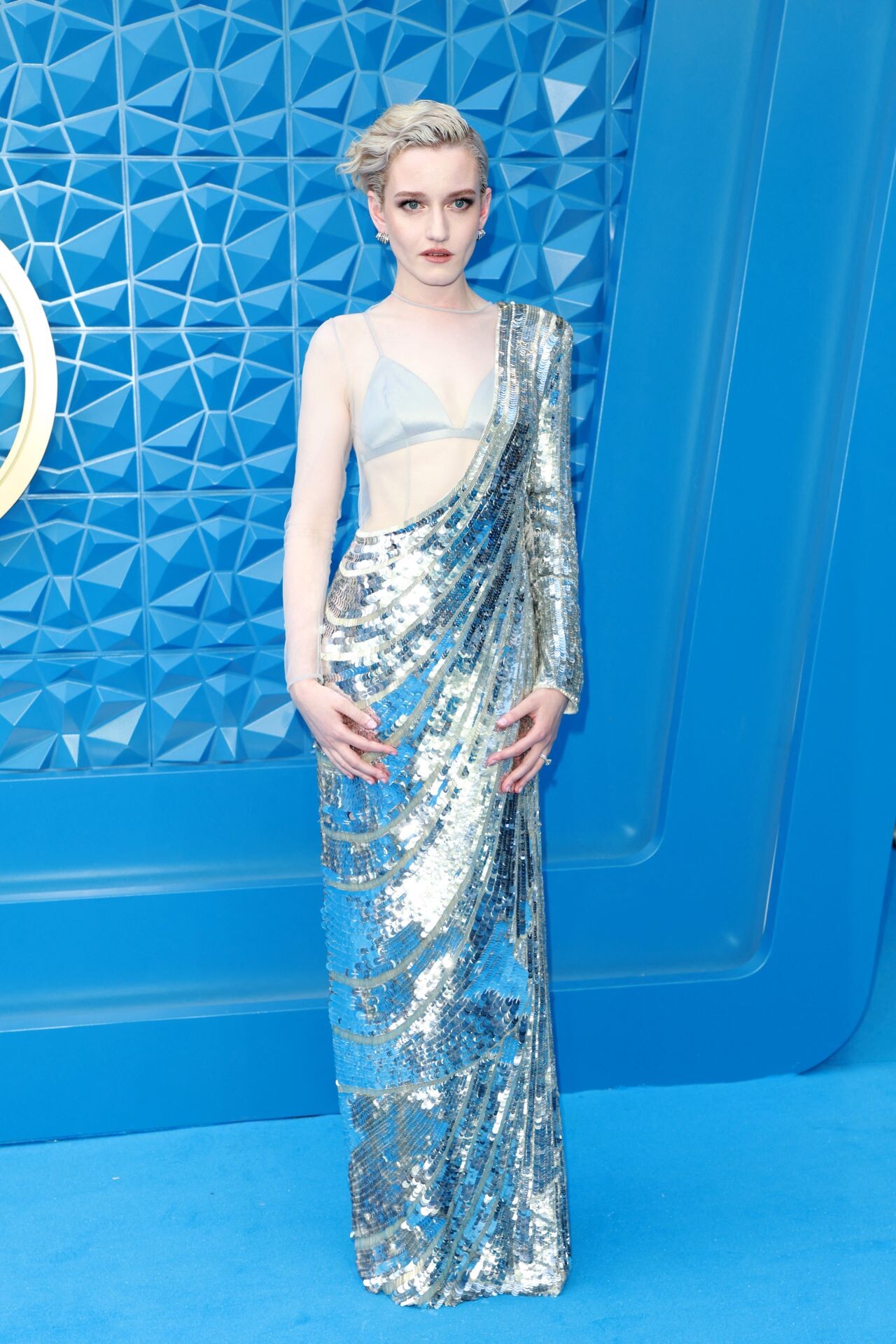
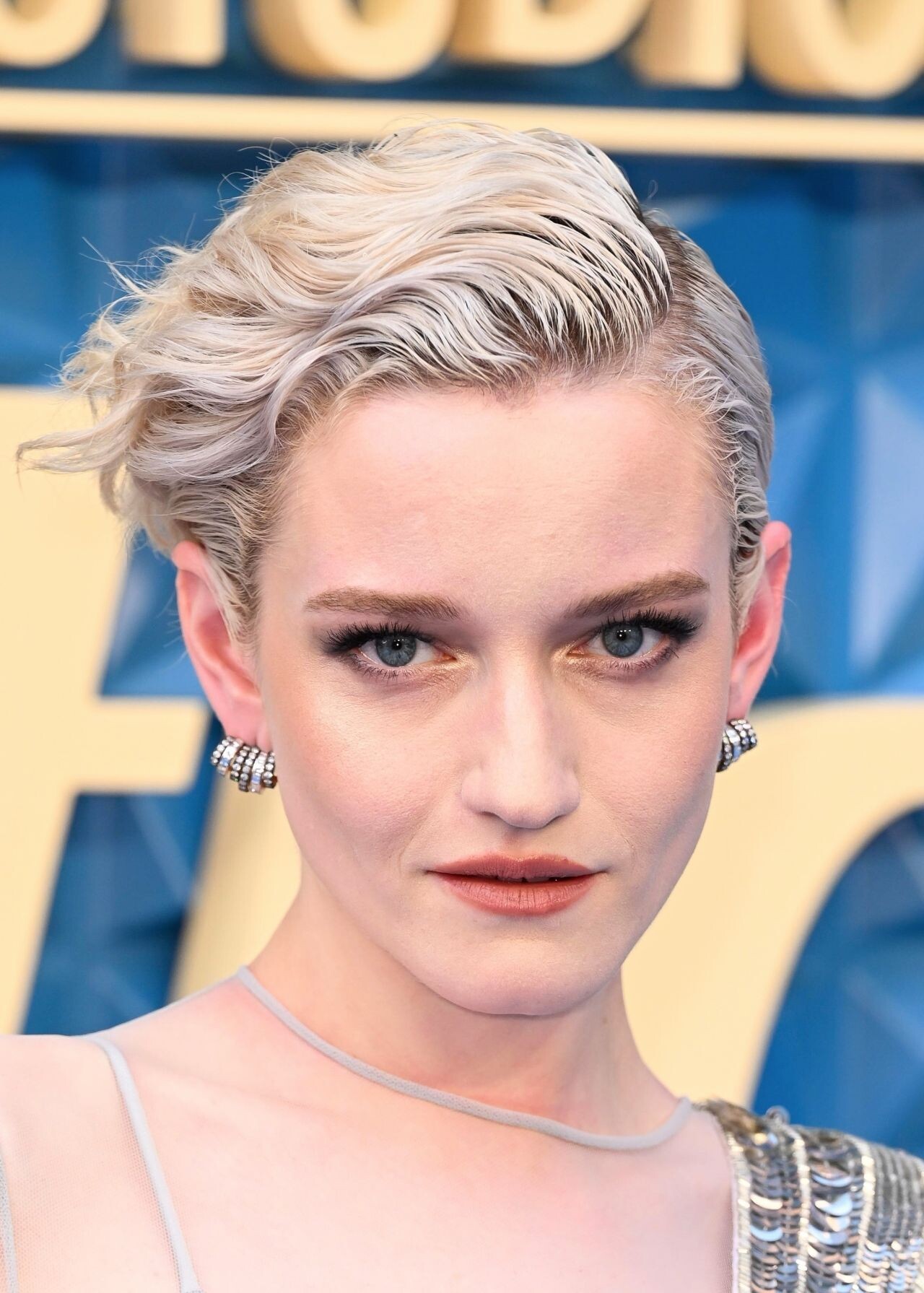
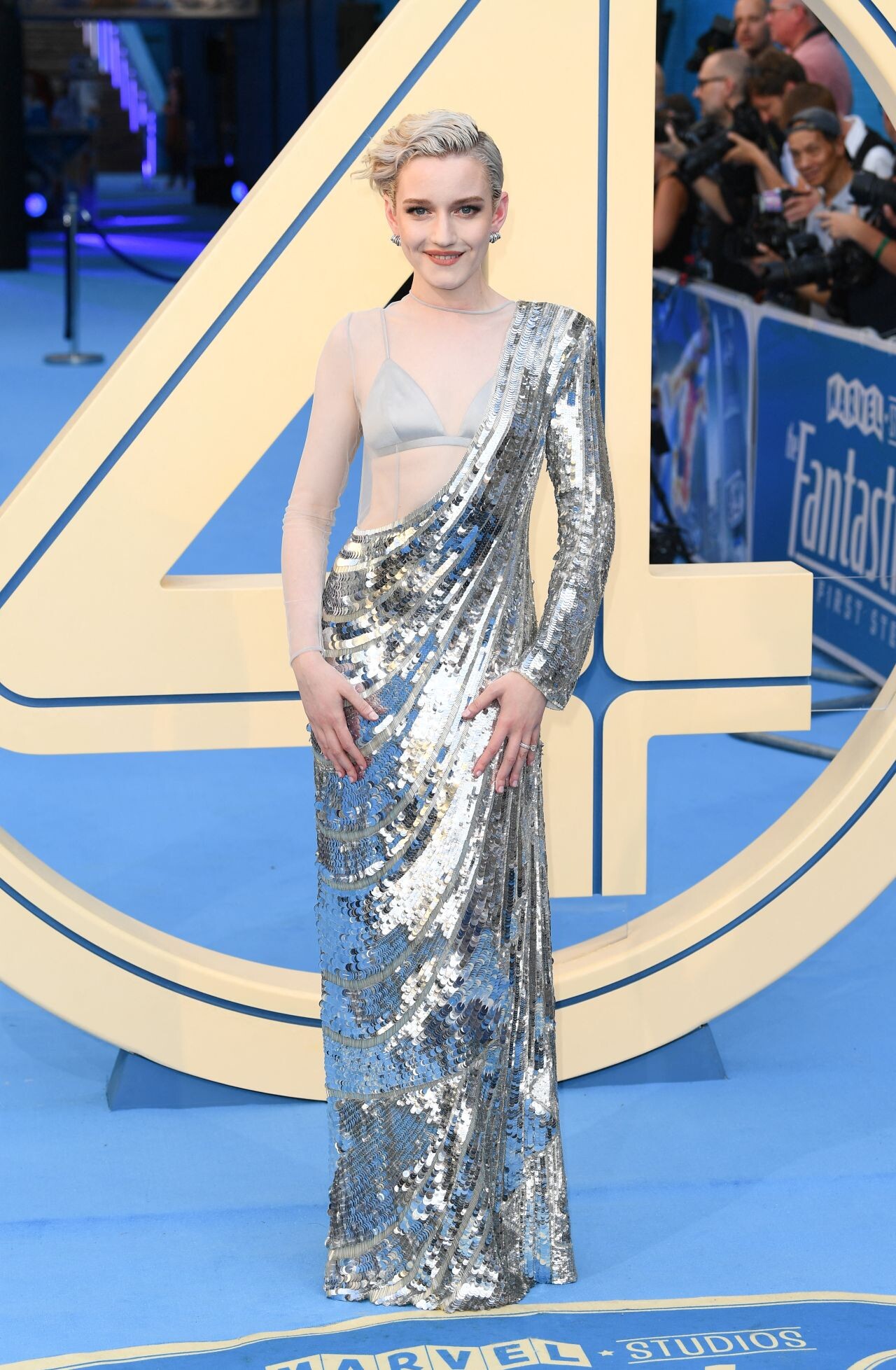
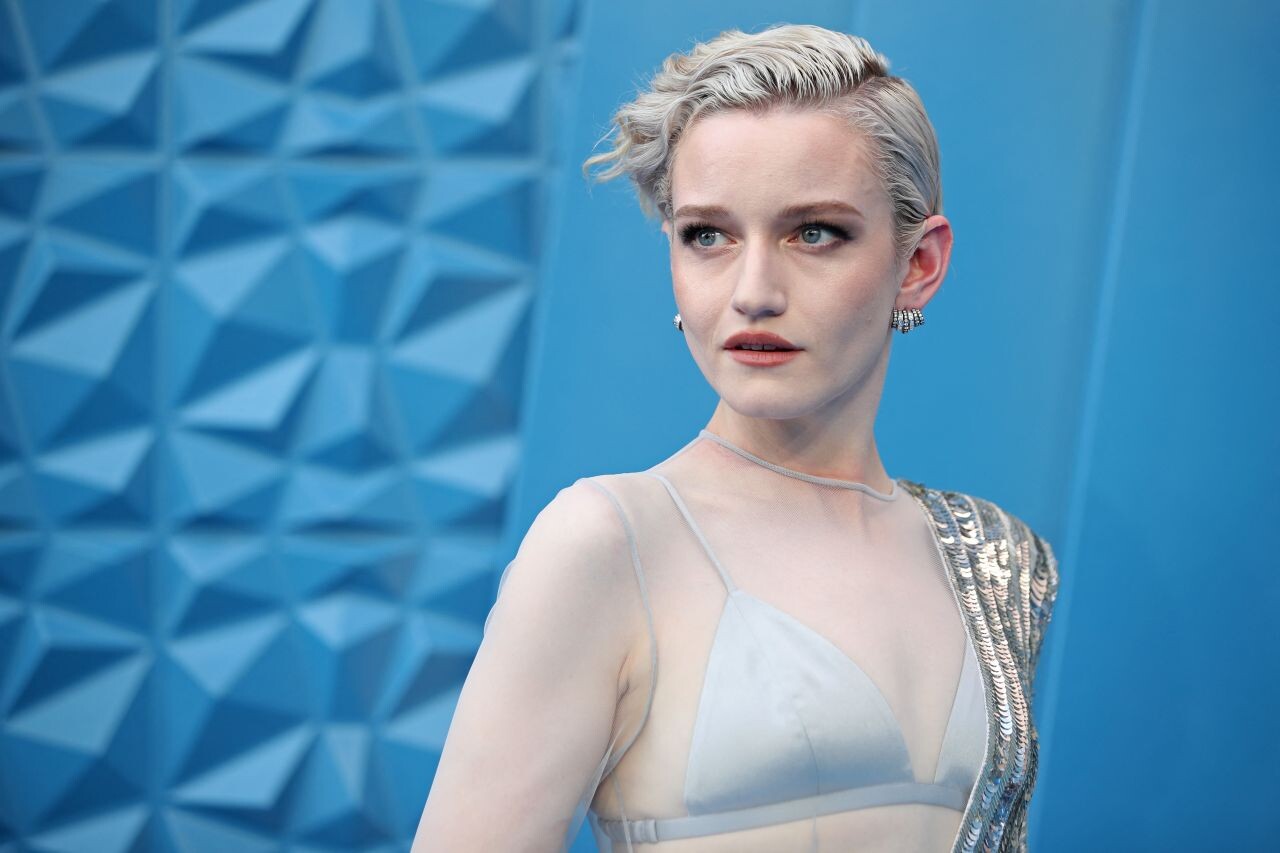
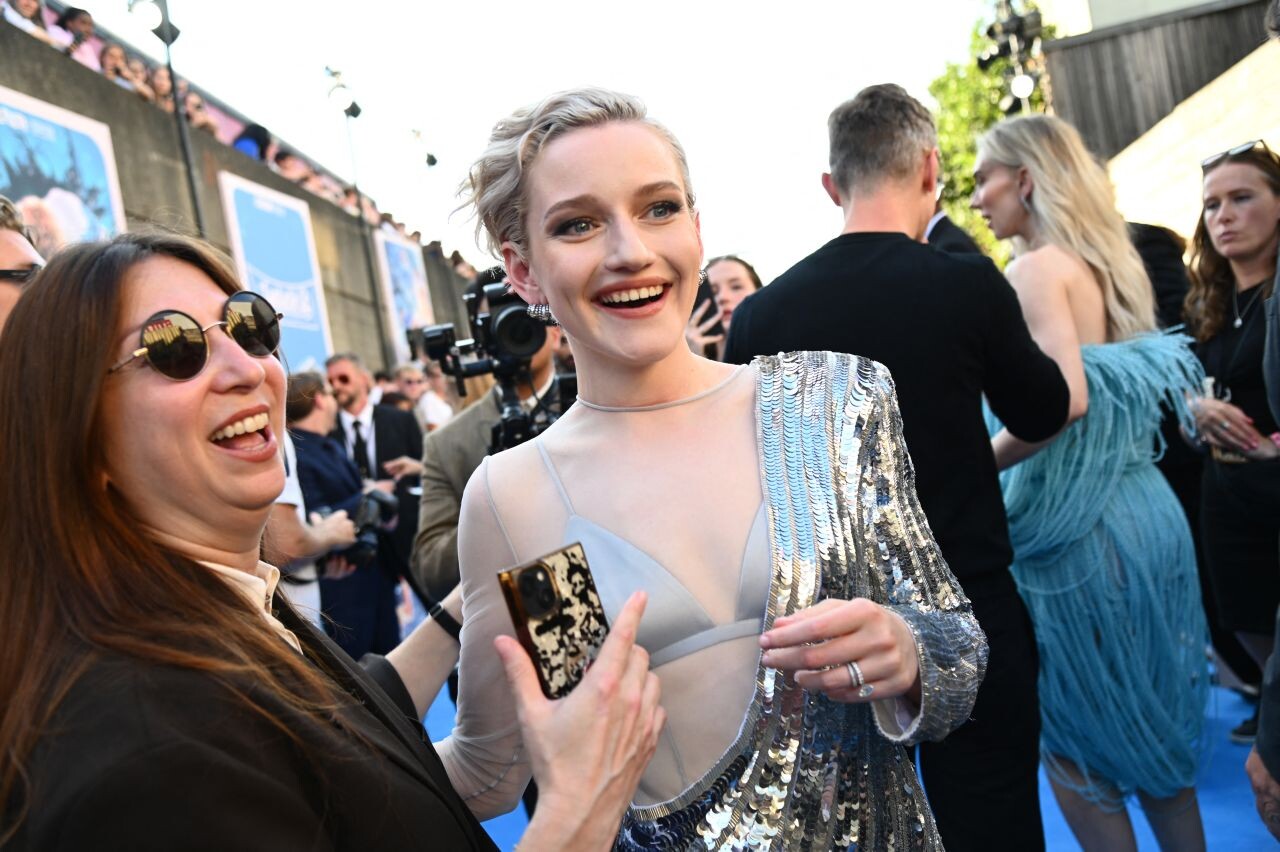
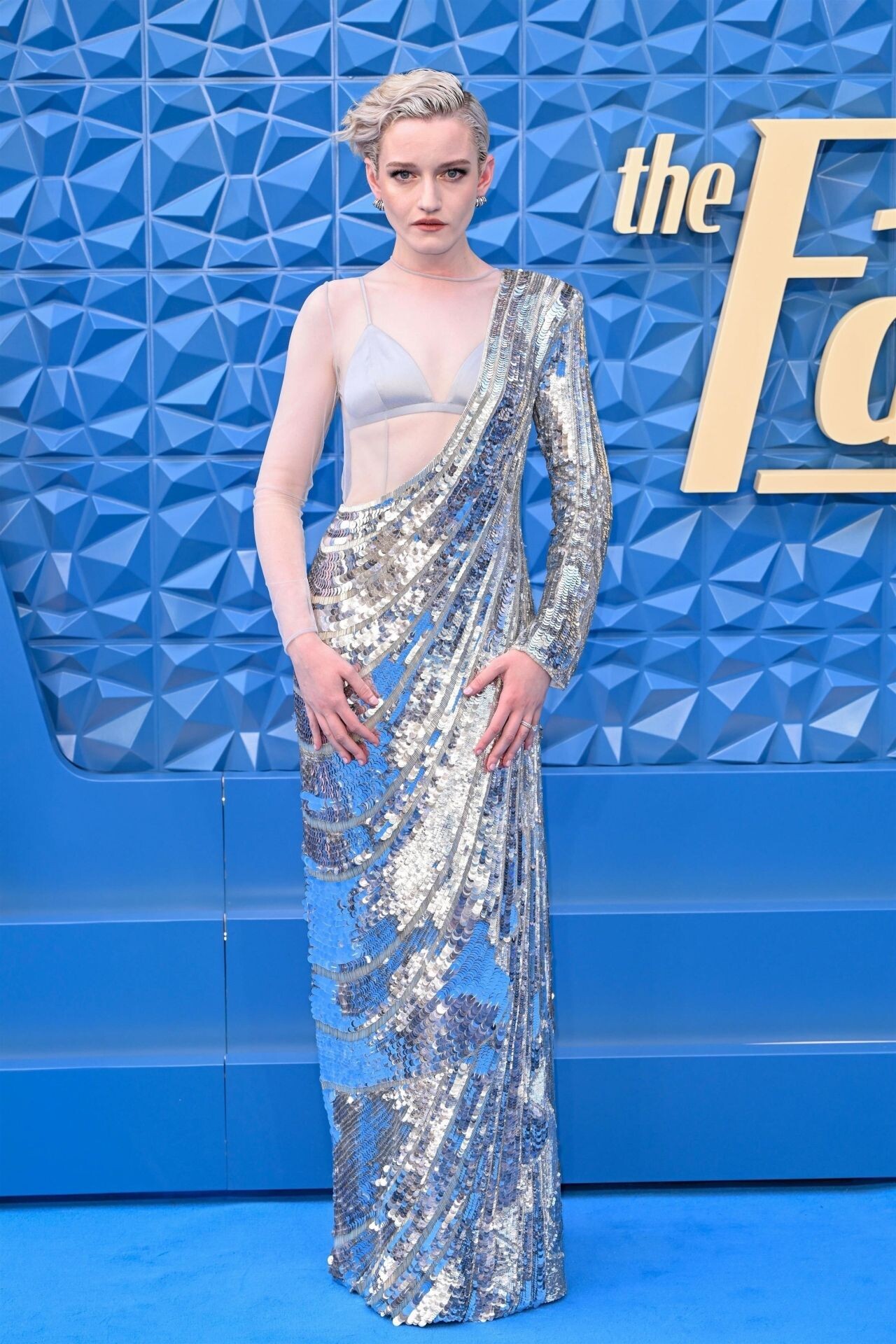
 Julia Garner’s Striped Whimsy for London’s Fantastic Four DebutLast Updated on July 13, 2025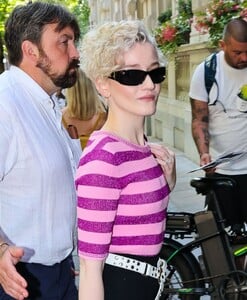
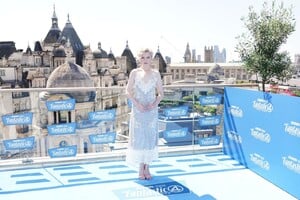
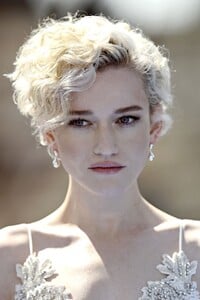
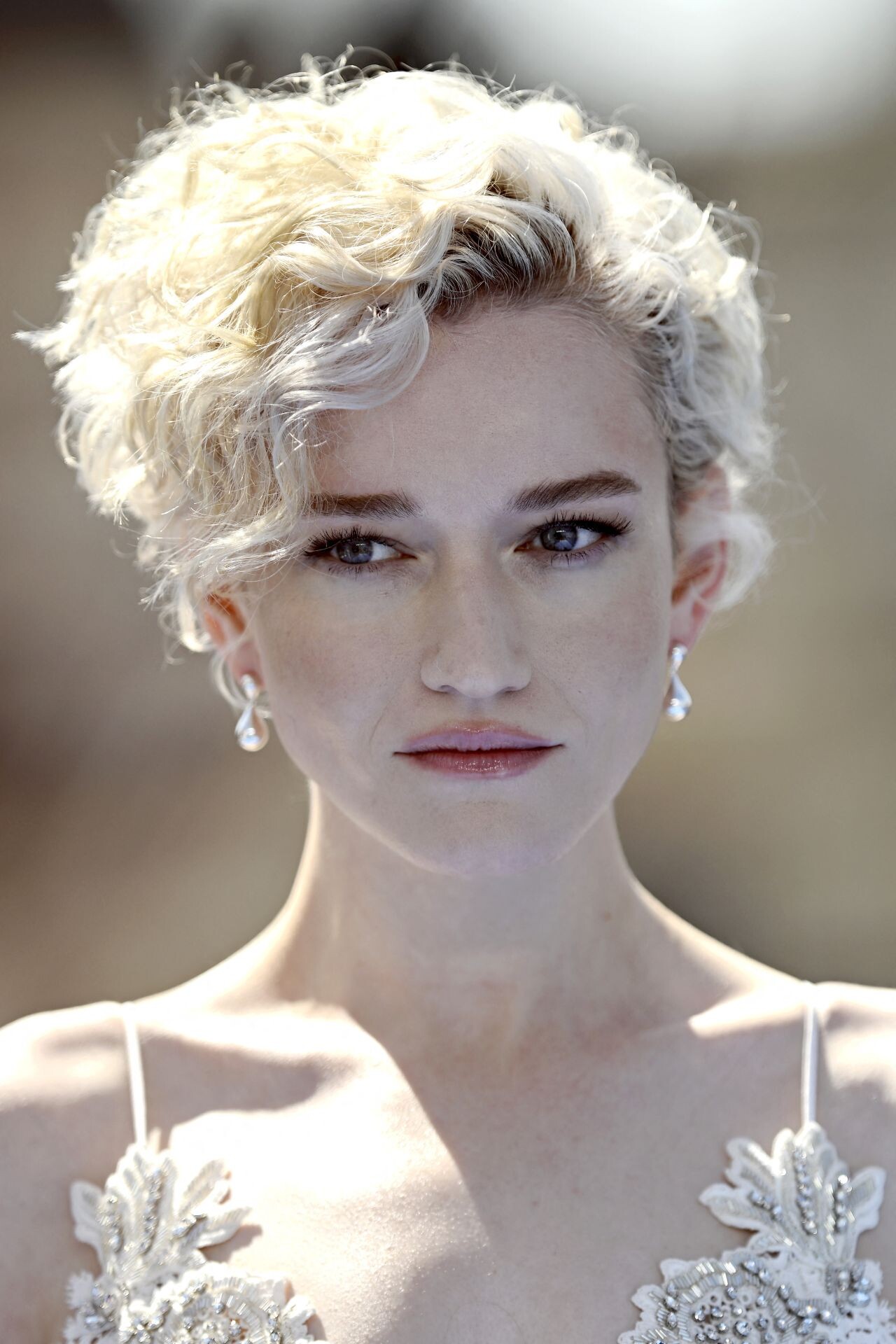
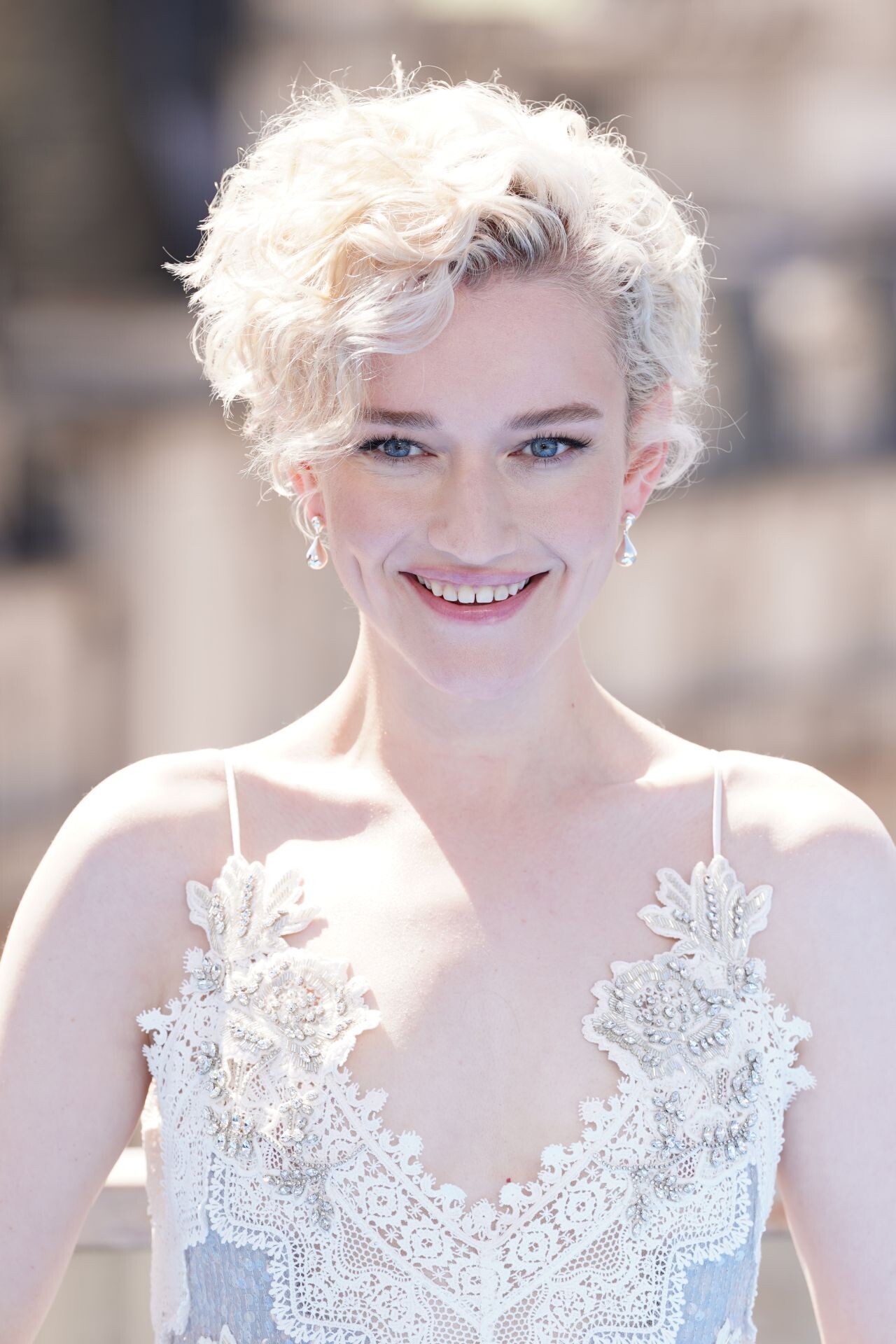
 Julia Garner illuminated the “Fantastic Four: First Steps” photocall in London, stepping out in an ethereal, intricately embellished gown that sparkled with every move.





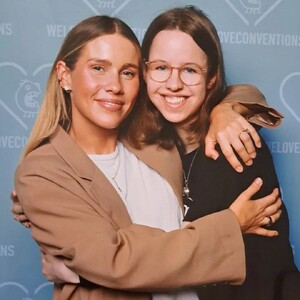
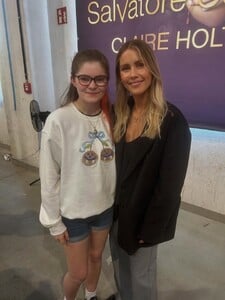
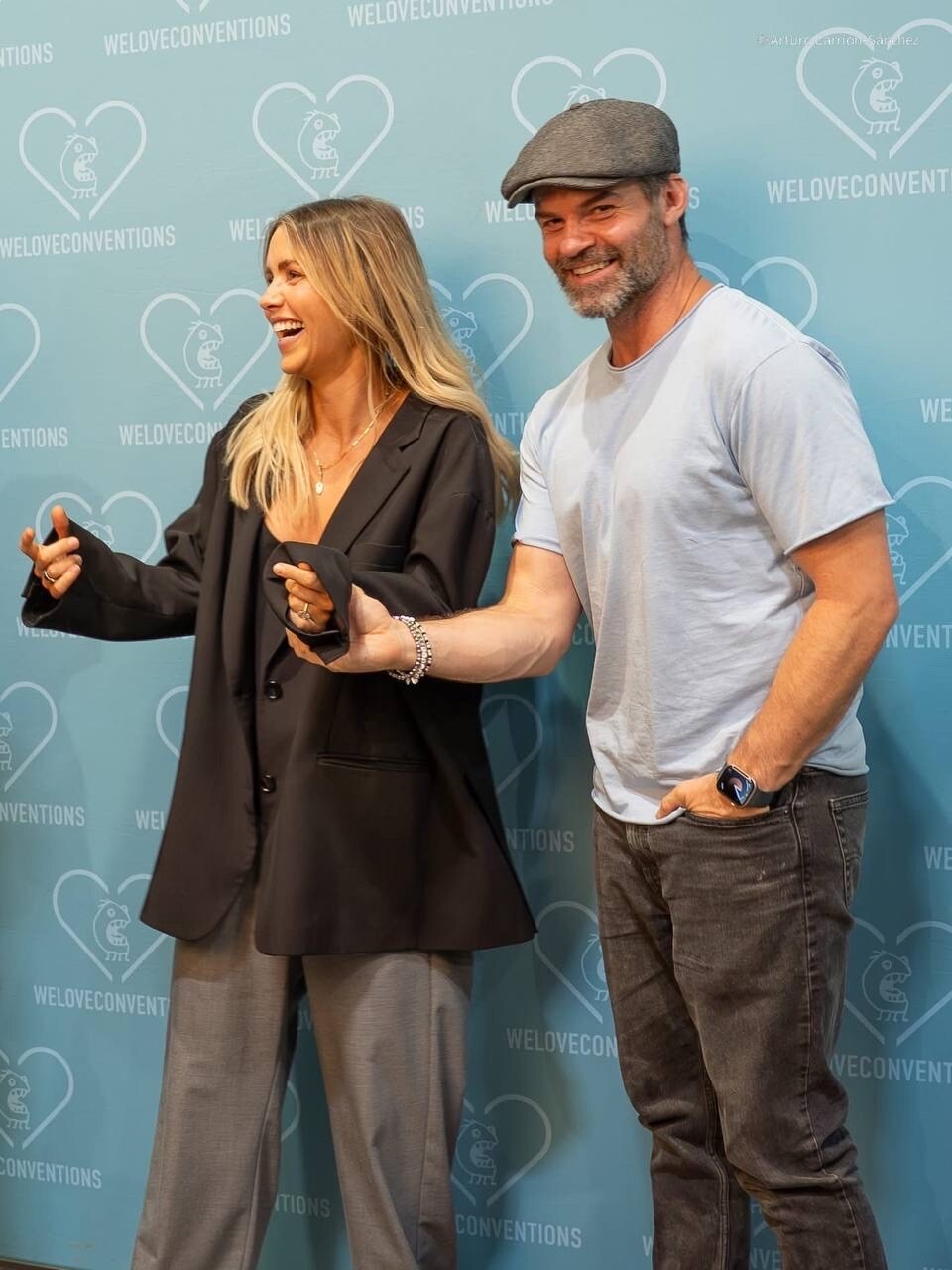
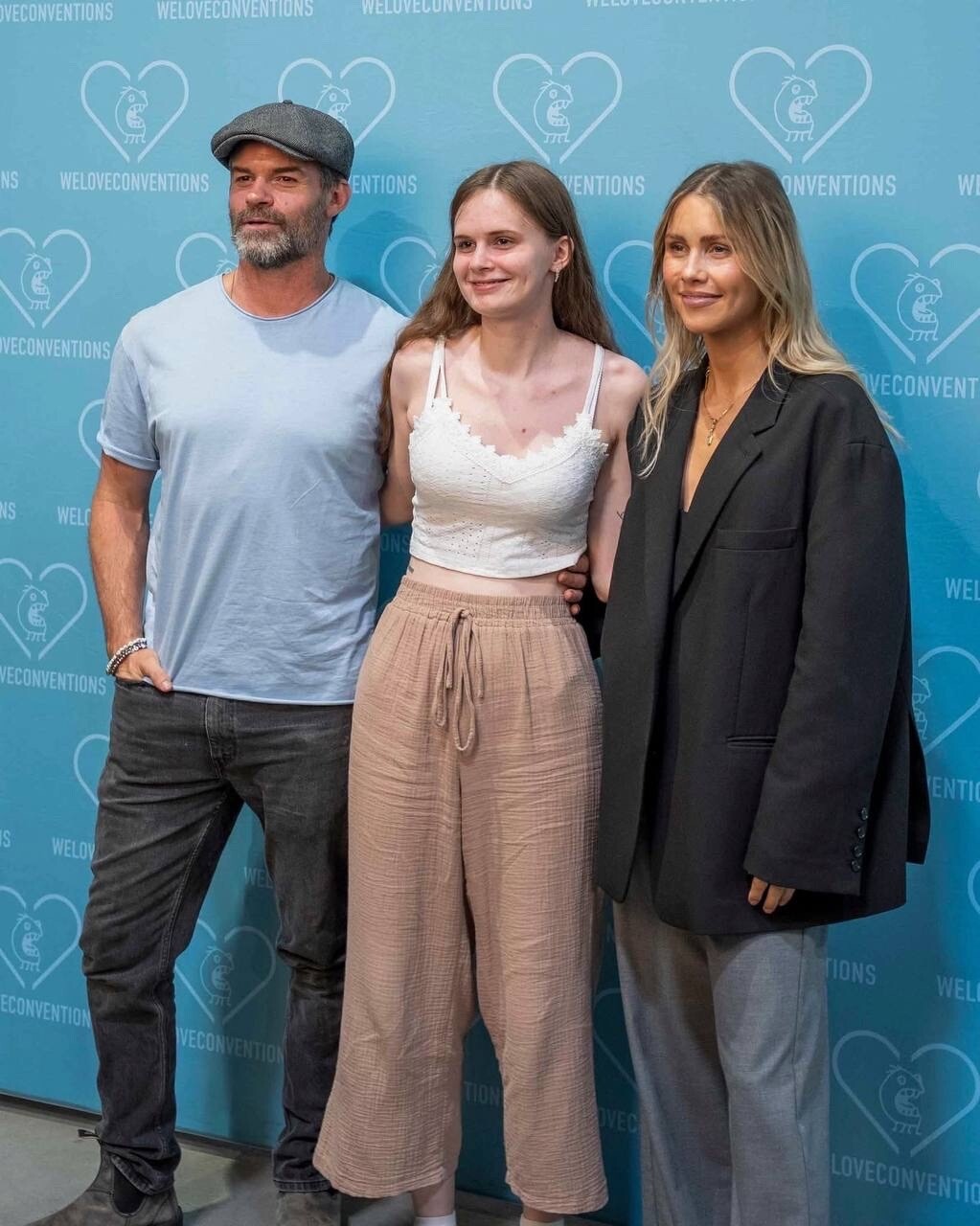
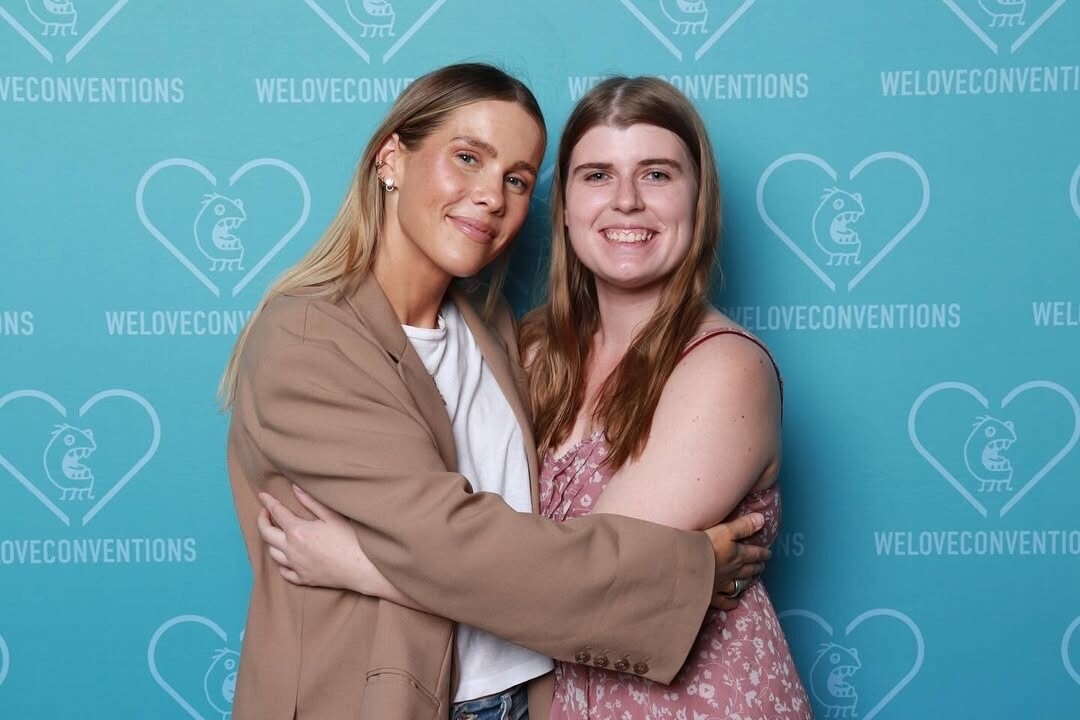
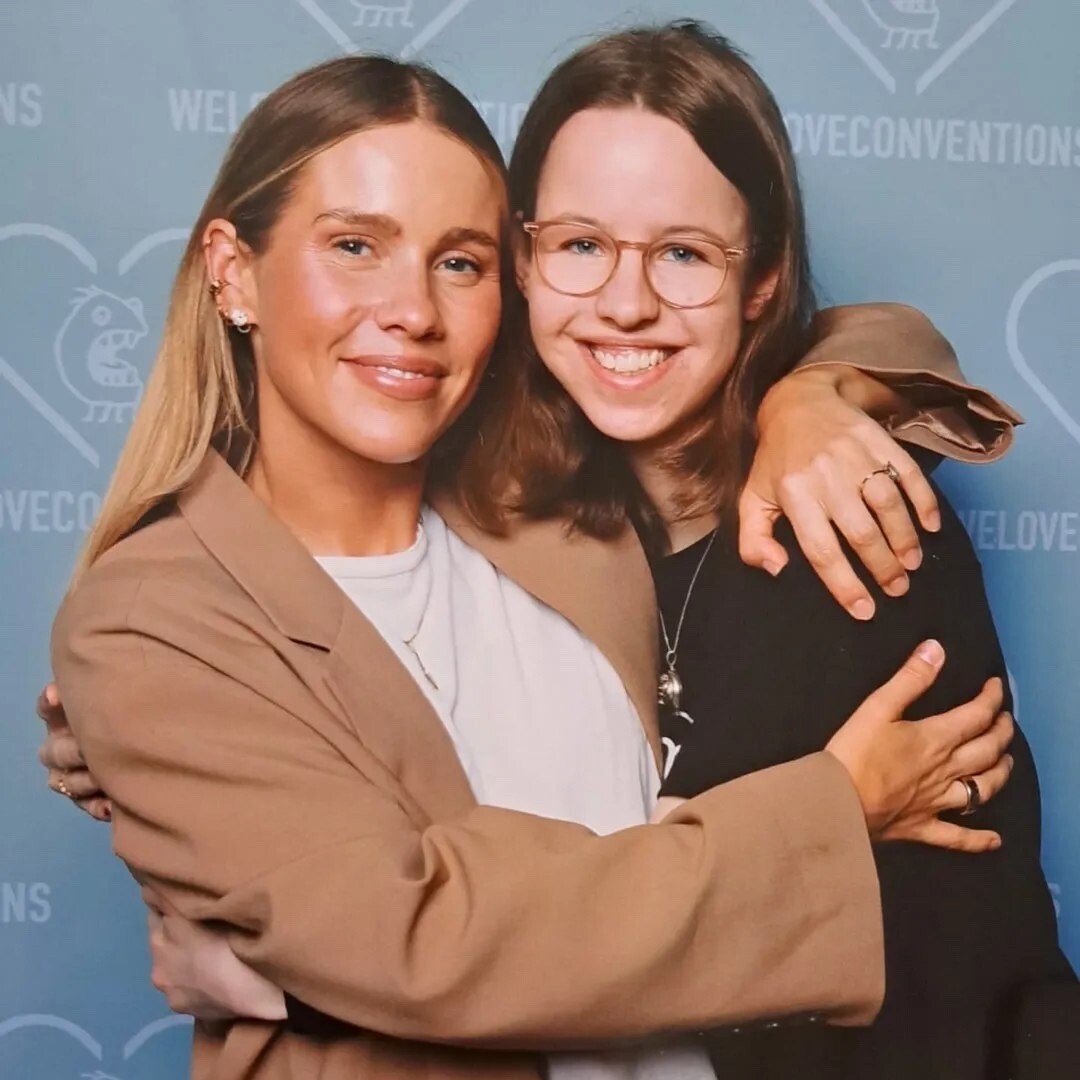
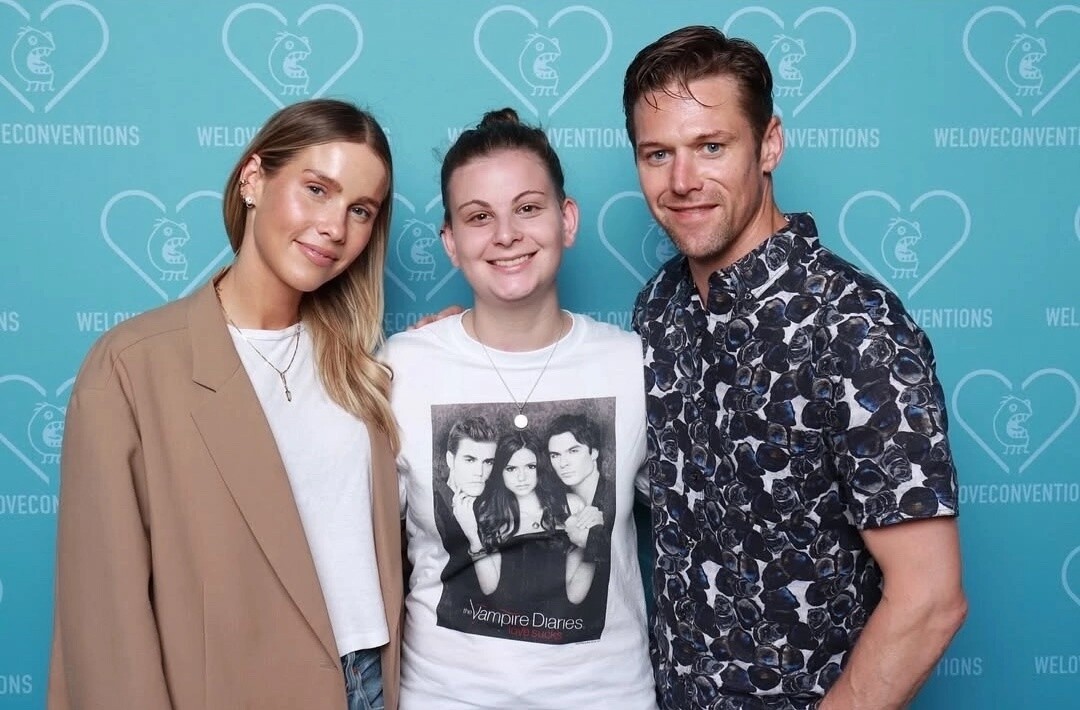
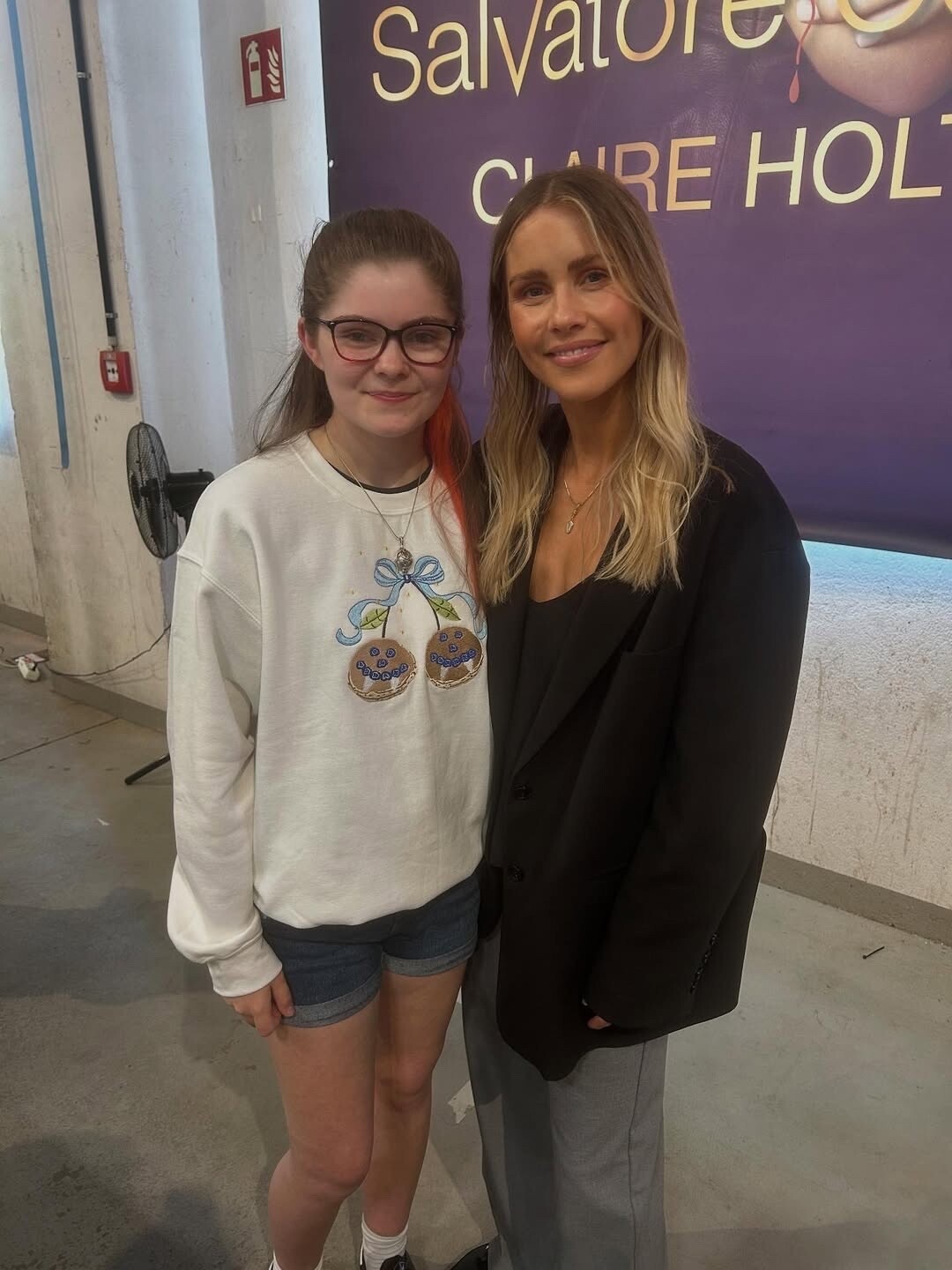
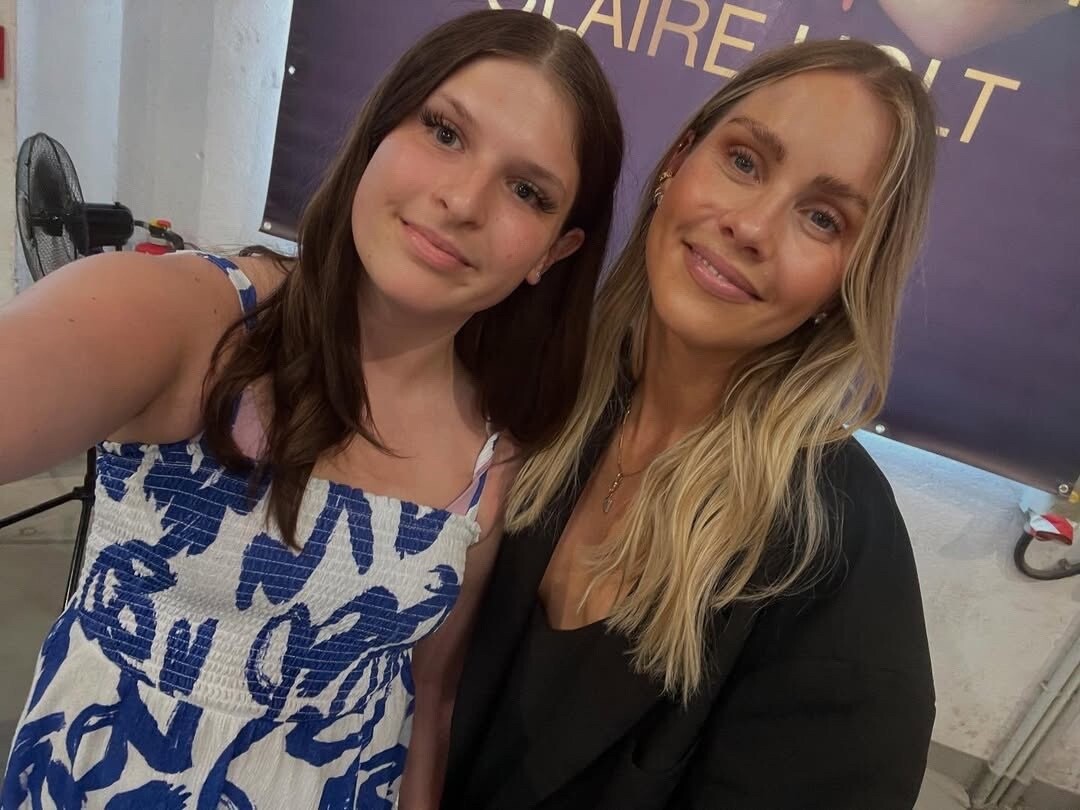
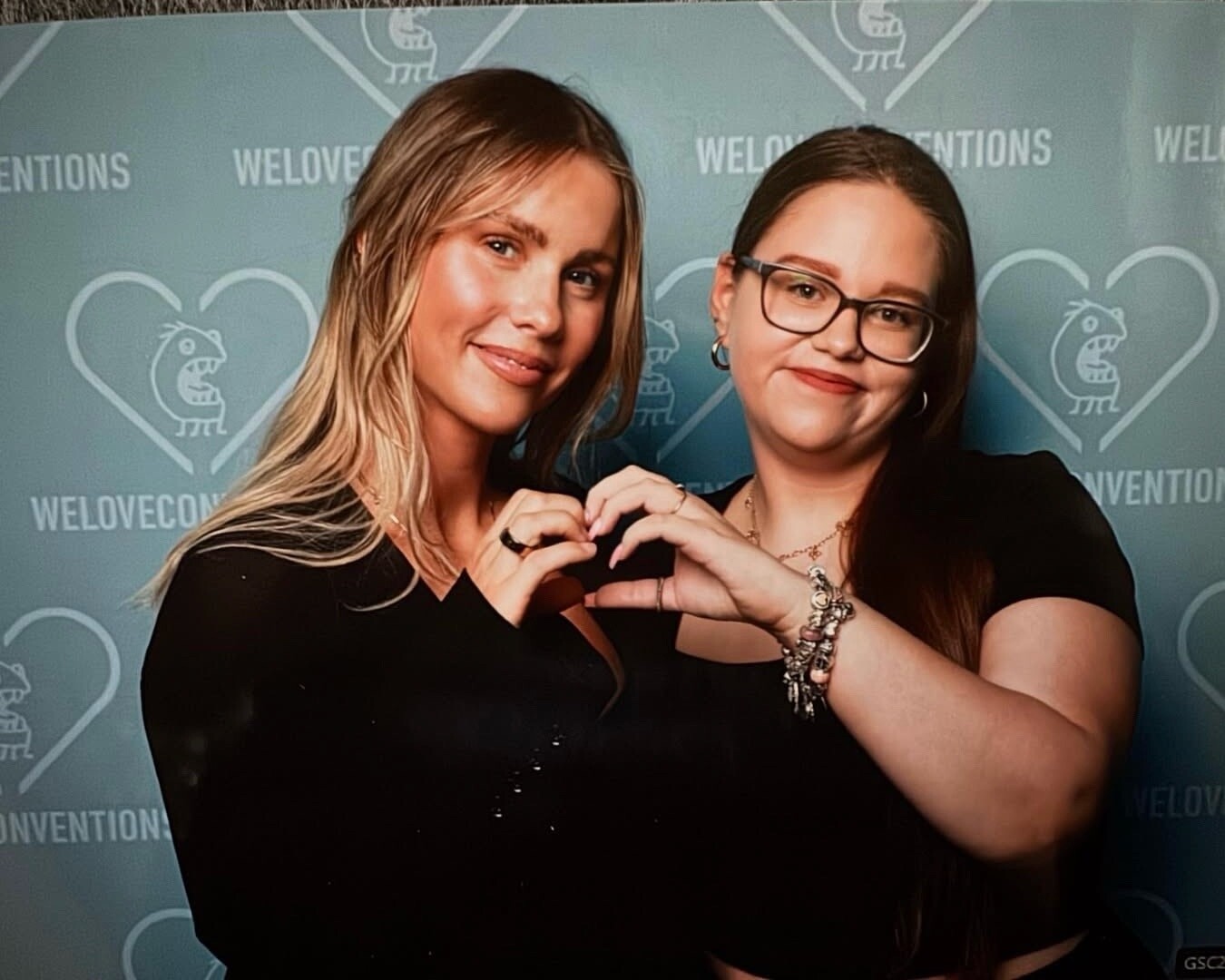
.thumb.jpg.243e86d891e36e67a86168fa9db2d36b.jpg) Salvatore Con Convention in Oberhausen, June 21, 2025
Salvatore Con Convention in Oberhausen, June 21, 2025







 «Salvatore Con» 22 June ROTTERDAM NETHERLAND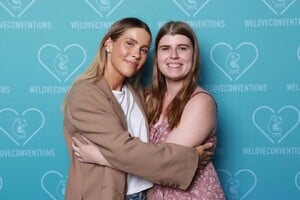


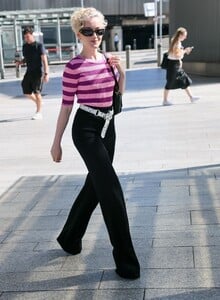
 Natalie Portman debuted a sophisticated and sharp look while filming her new movie “Good Sex” in New York City on July 2, 2025.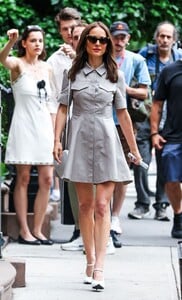
 On July 10, 2025, at London’s BFI IMAX Waterloo, Julia Garner arrived for the UK launch event of The Fantastic Four: First Steps, marking her first appearance on the film’s global press tour. Playing Shalla Bal—a powerful, cosmic variant of the Silver Surfer—Garner leaned into her character’s mythos with eerie precision, donning a fully sequinned Thom Browne gown from Spring 2017.



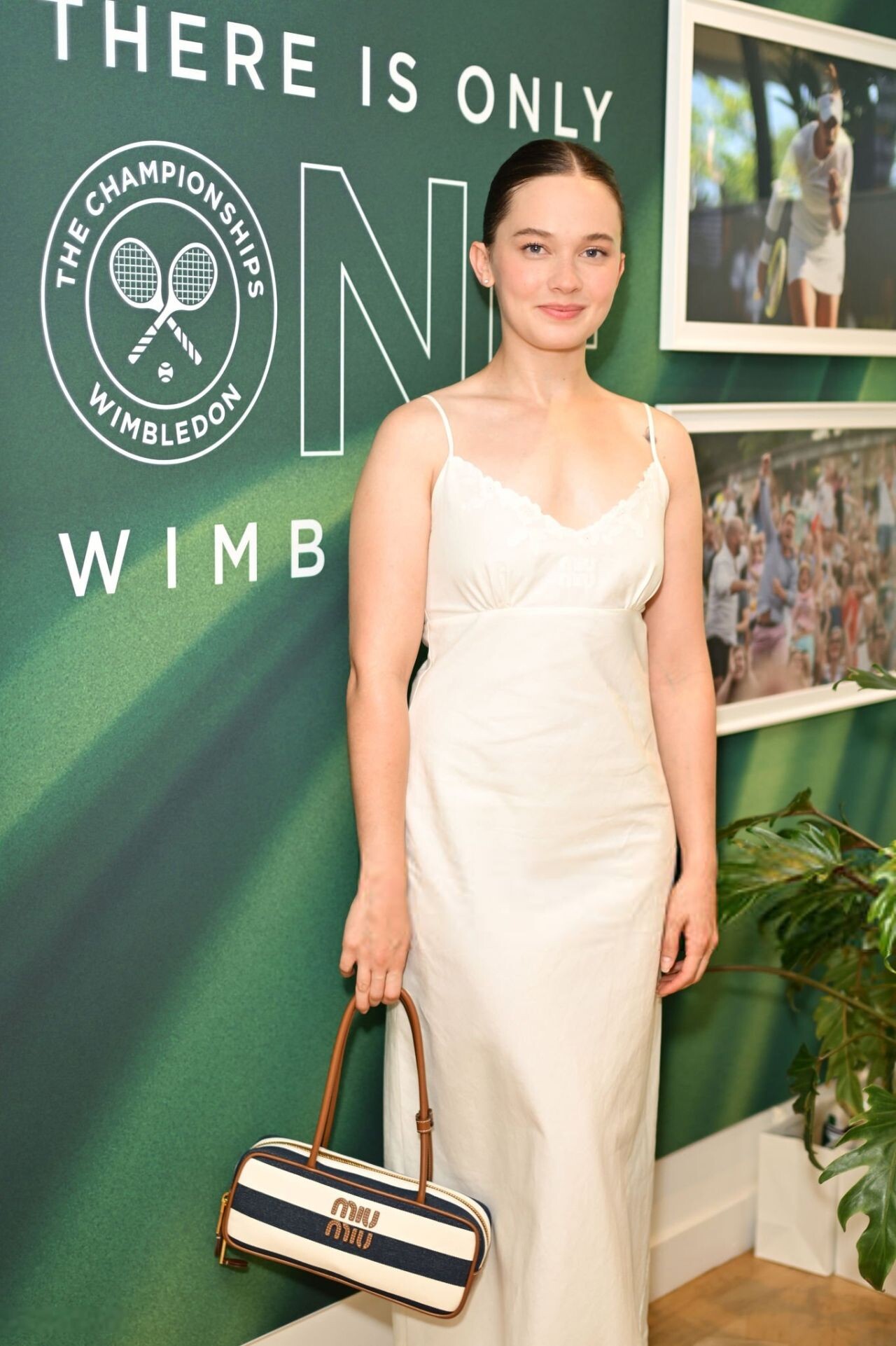
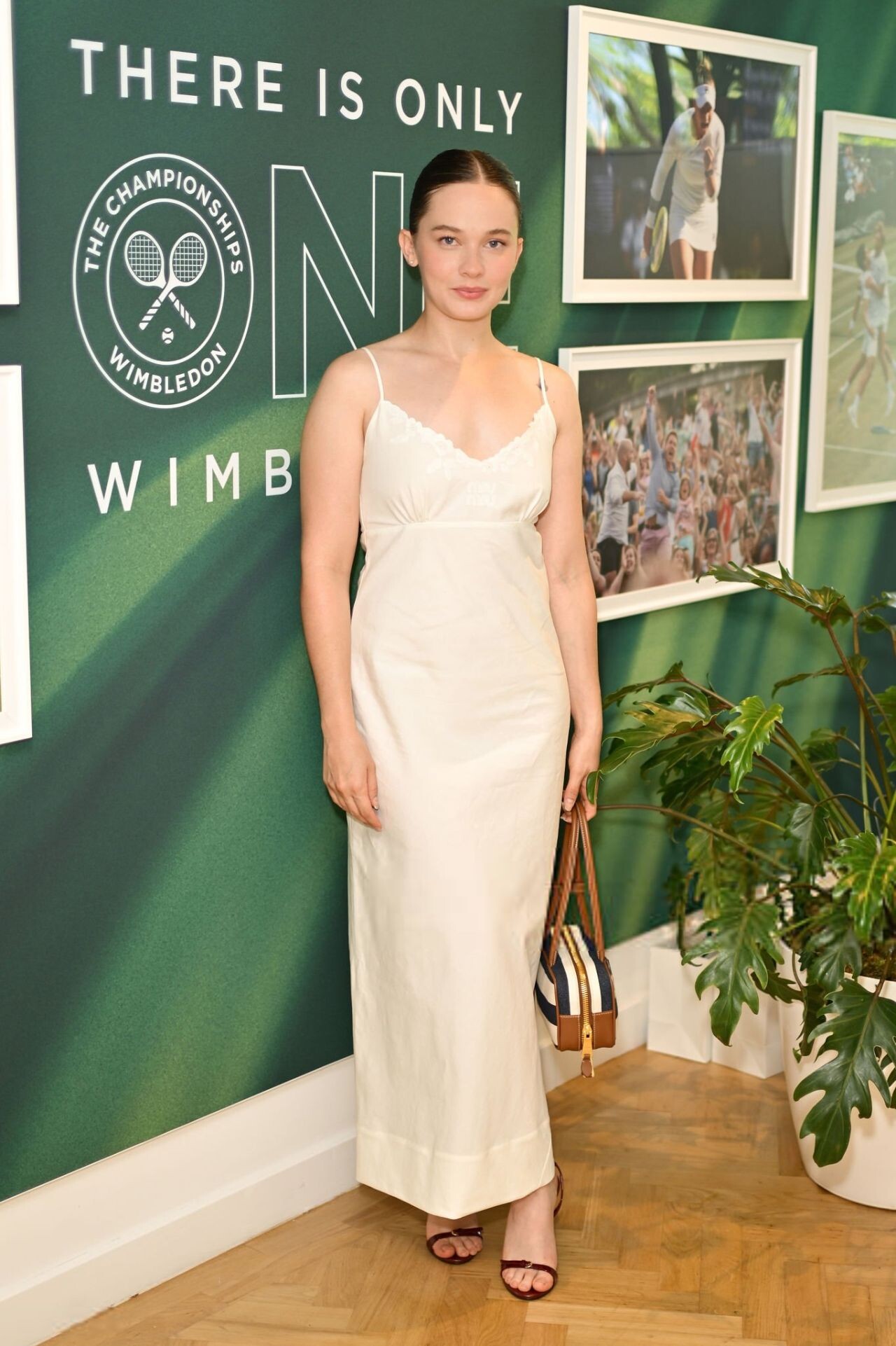
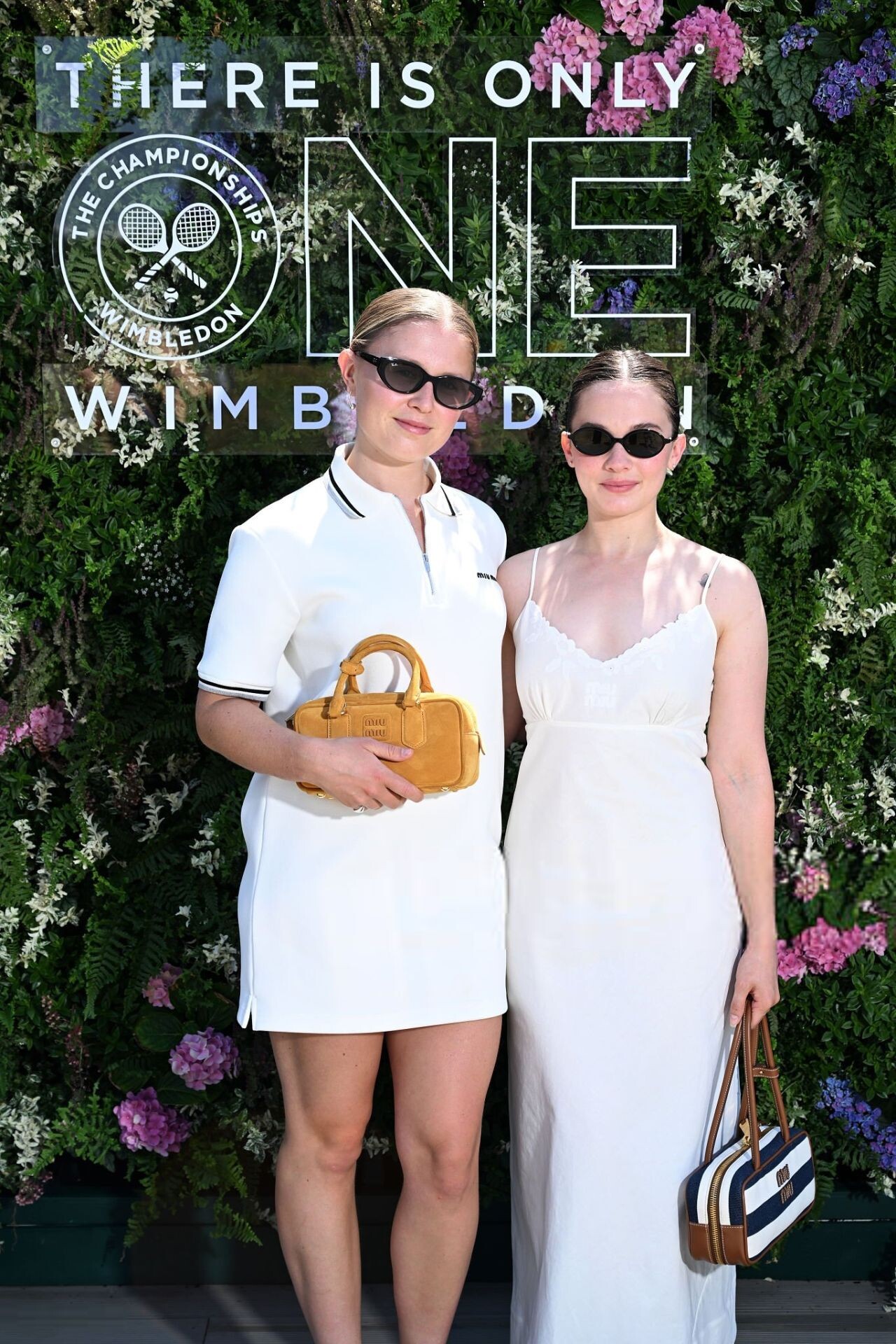
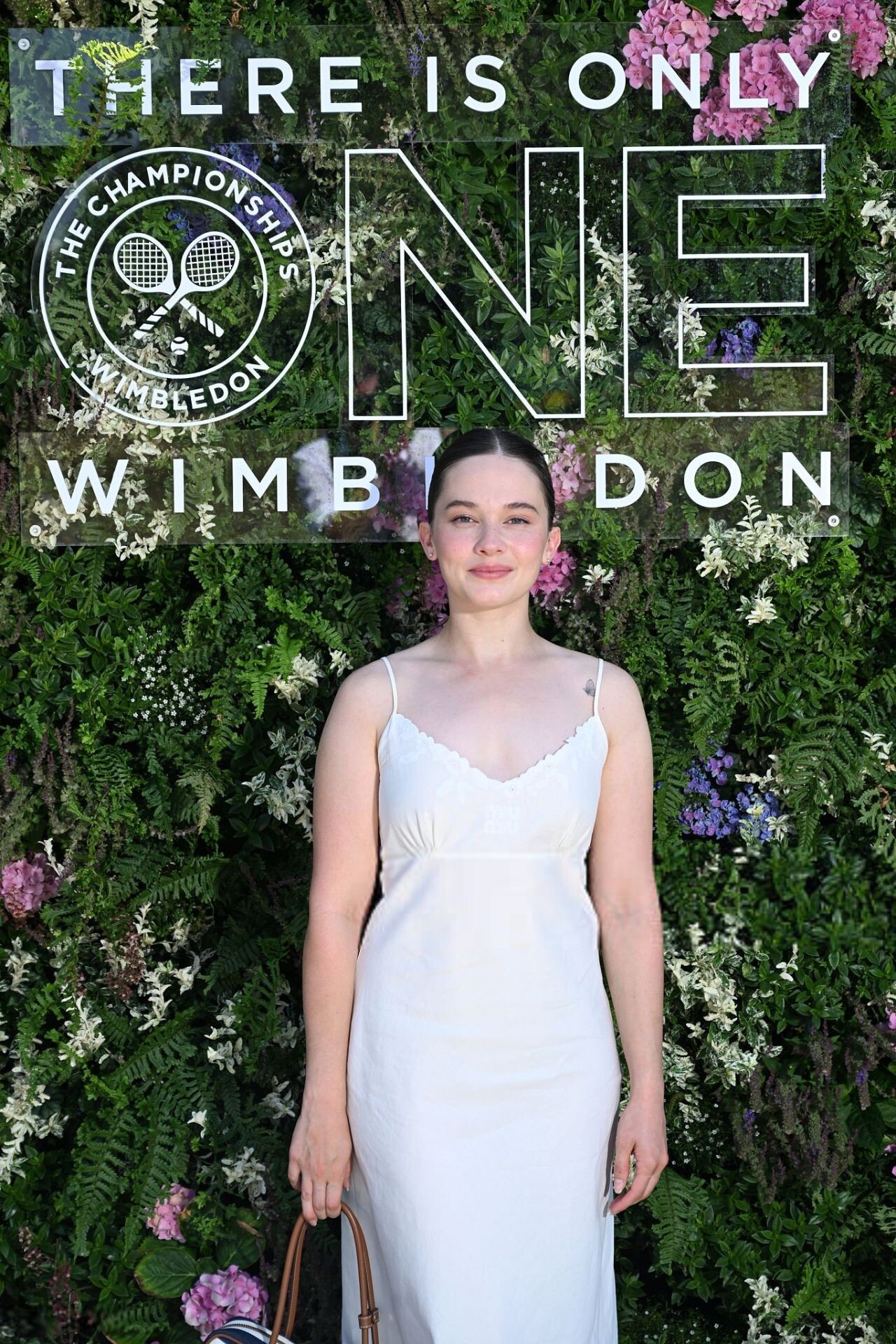
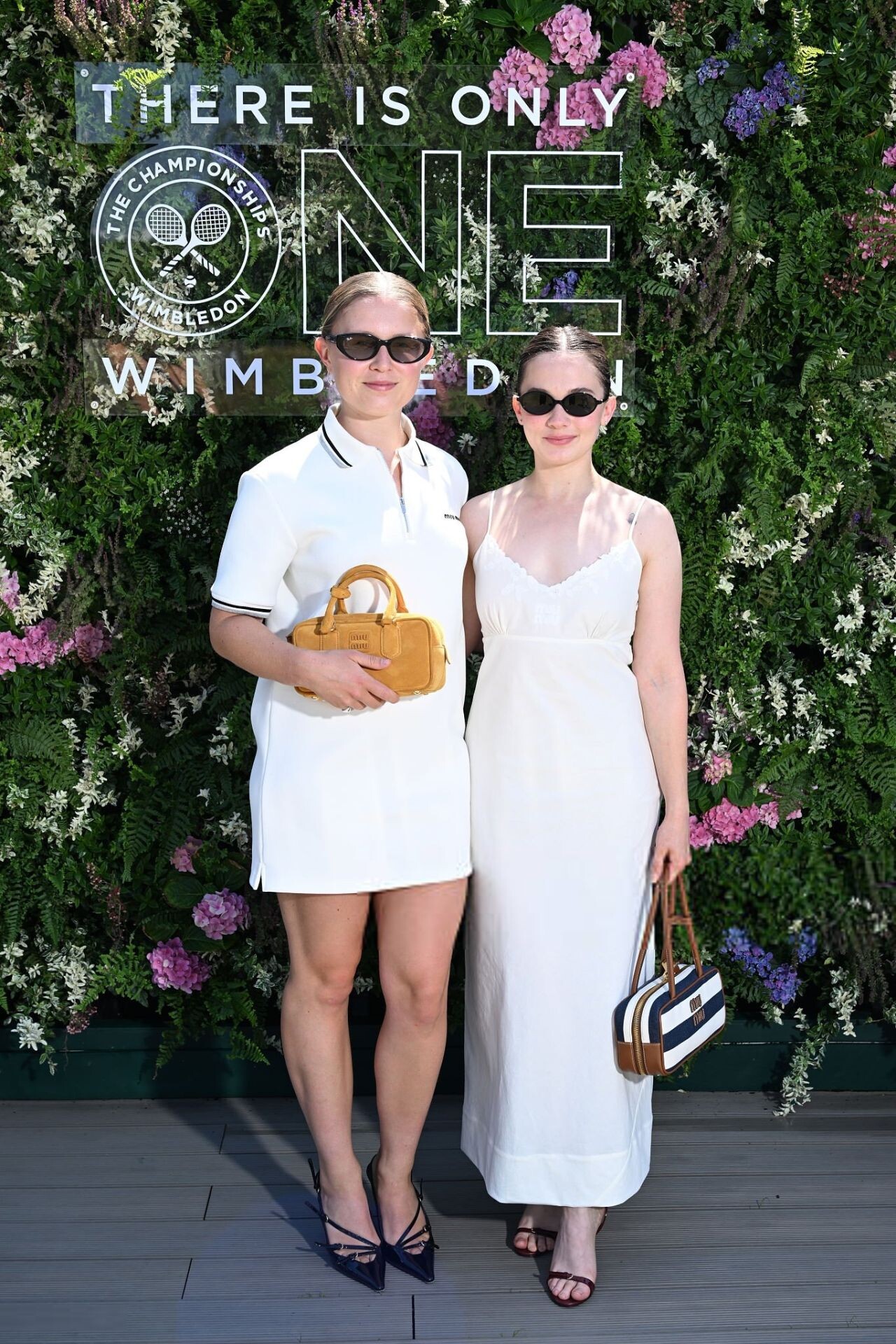
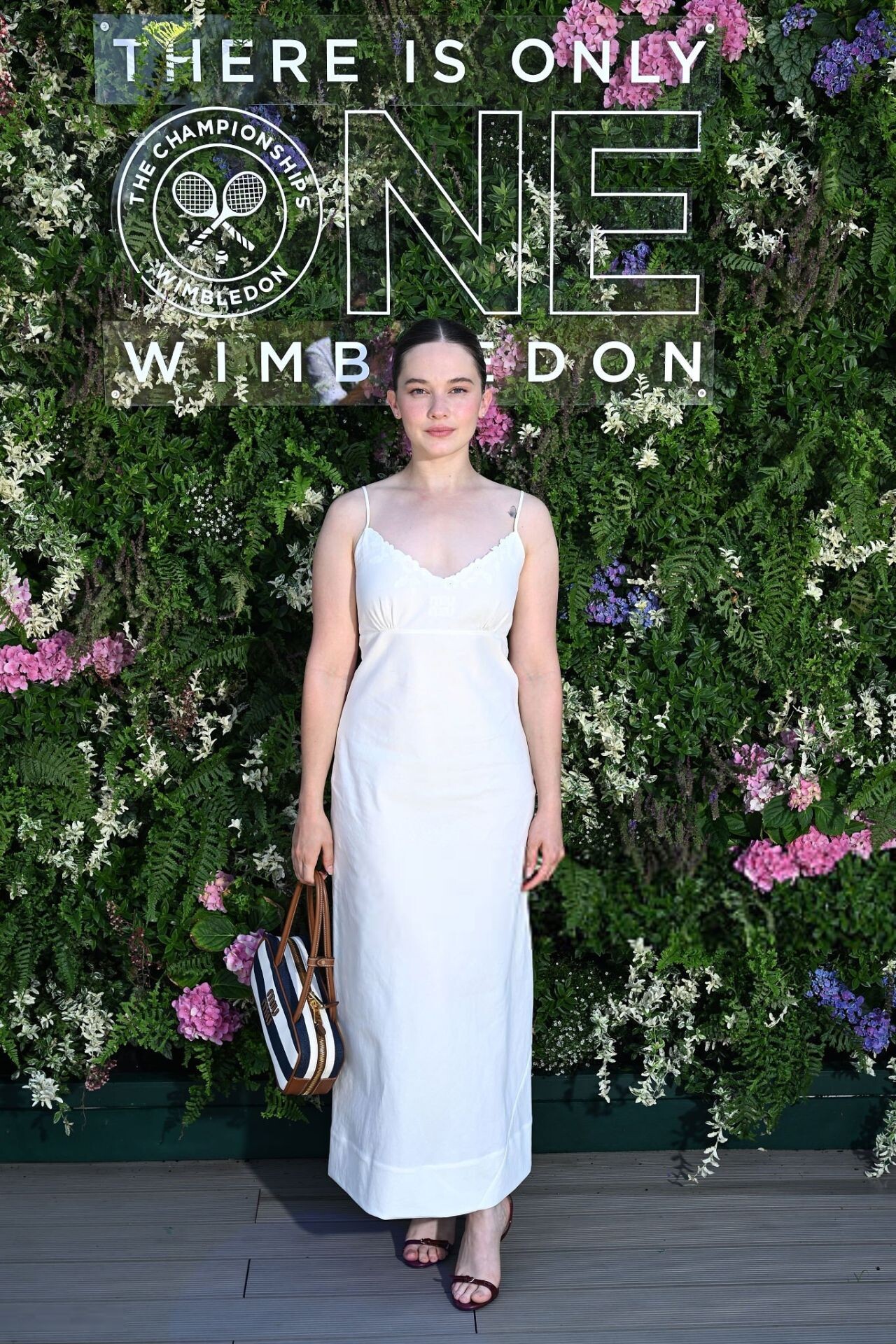
 Cailee Spaeny in the AELTC's Parkside Suite in No.1 Court at The Championships 2025. Held at the All England Lawn Tennis and Croquet Club, Wimbledon. Day 12, on July 11, 2025 in London






.jpg.4b90b7c2ea99a6c5b0482722a1e24e4e.jpg)












.jpg.fd502ca179015af76261cde3b28156a9.jpg)
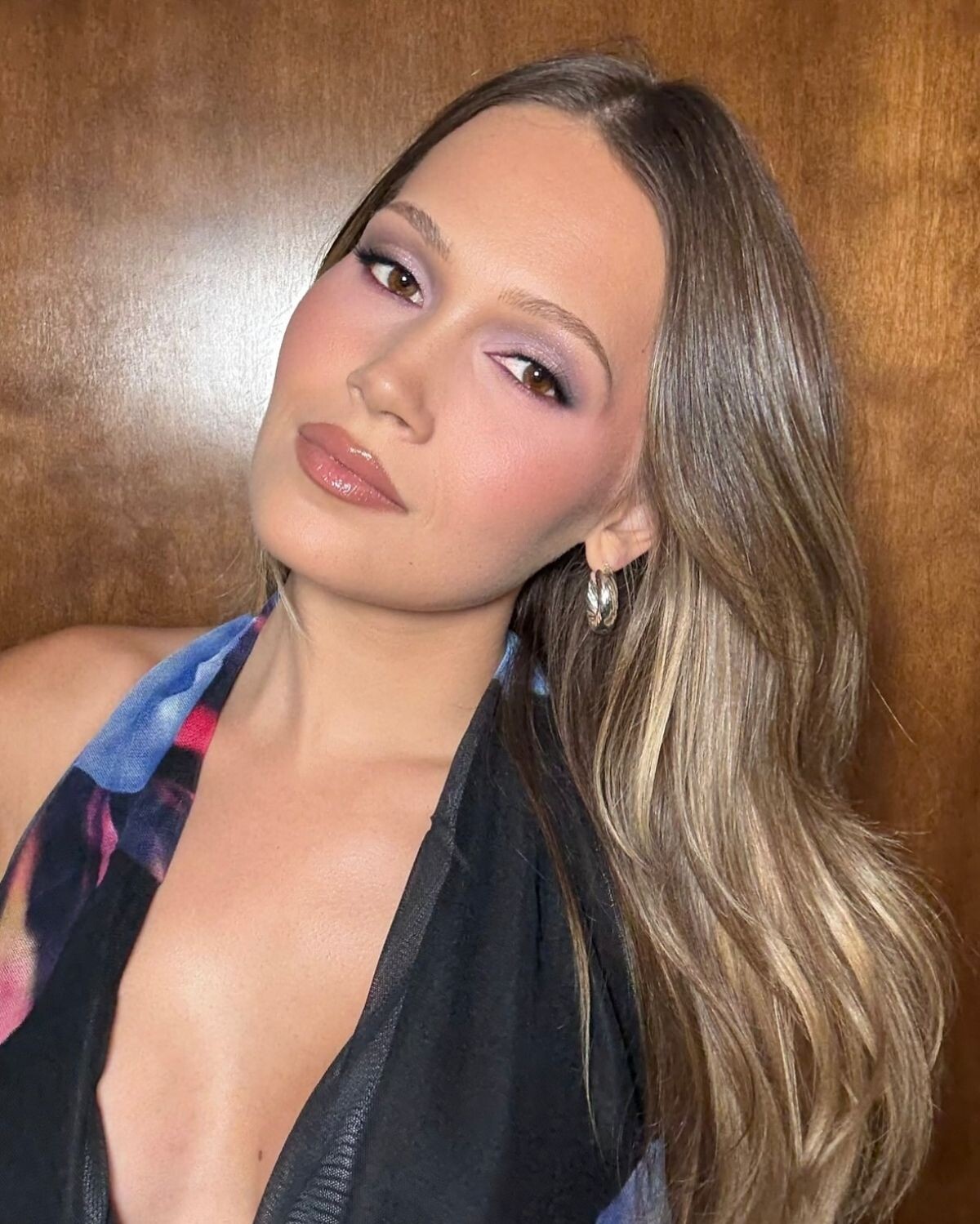
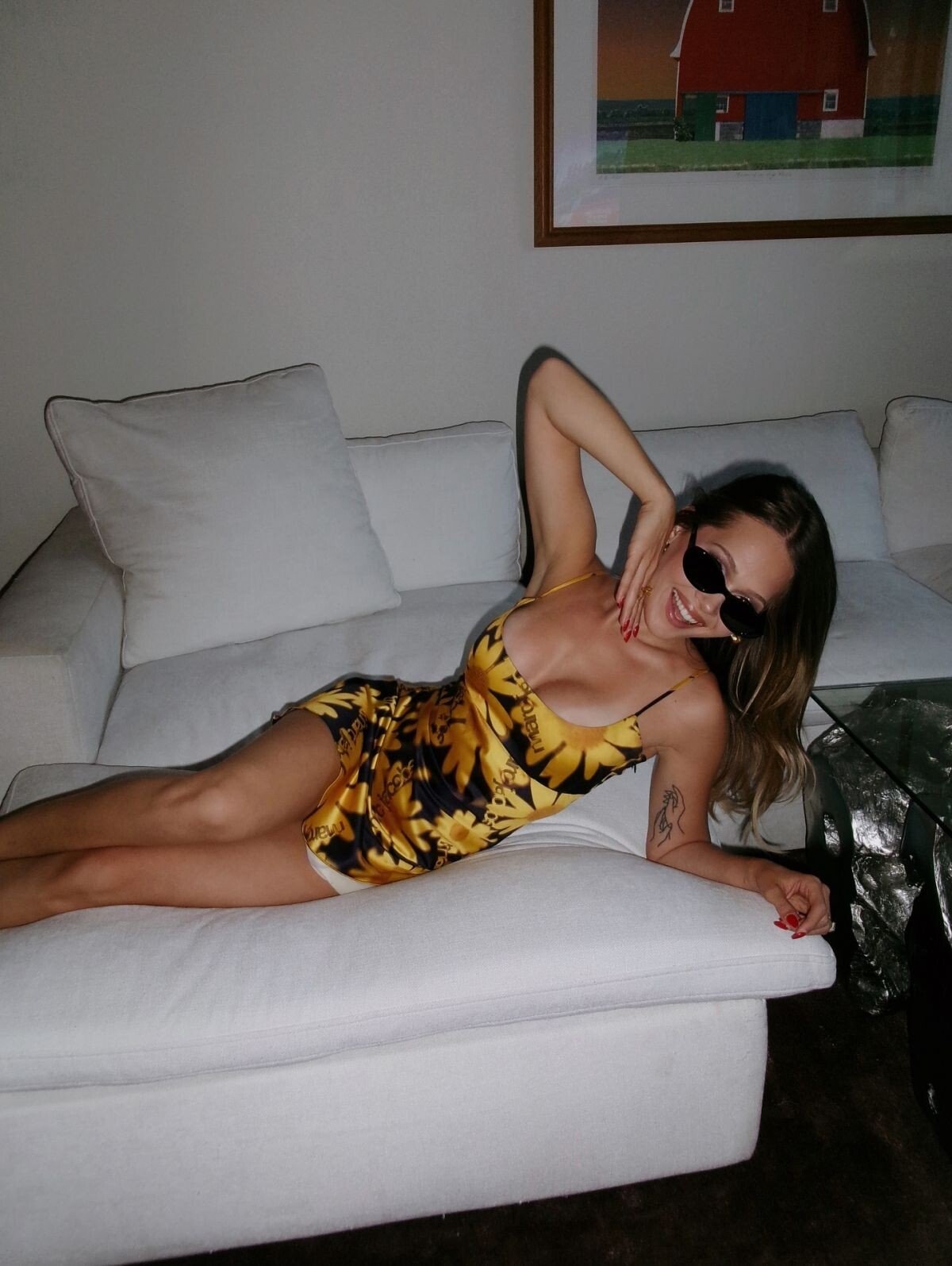

.jpg.4fbd5d519fe2da4f2709a78f1a6c8183.jpg)








Account
Search
Configure browser push notifications
Chrome (Android)
- Tap the lock icon next to the address bar.
- Tap Permissions → Notifications.
- Adjust your preference.
Chrome (Desktop)
- Click the padlock icon in the address bar.
- Select Site settings.
- Find Notifications and adjust your preference.
Safari (iOS 16.4+)
- Ensure the site is installed via Add to Home Screen.
- Open Settings App → Notifications.
- Find your app name and adjust your preference.
Safari (macOS)
- Go to Safari → Preferences.
- Click the Websites tab.
- Select Notifications in the sidebar.
- Find this website and adjust your preference.
Edge (Android)
- Tap the lock icon next to the address bar.
- Tap Permissions.
- Find Notifications and adjust your preference.
Edge (Desktop)
- Click the padlock icon in the address bar.
- Click Permissions for this site.
- Find Notifications and adjust your preference.
Firefox (Android)
- Go to Settings → Site permissions.
- Tap Notifications.
- Find this site in the list and adjust your preference.
Firefox (Desktop)
- Open Firefox Settings.
- Search for Notifications.
- Find this site in the list and adjust your preference.