
tigerrr
Members
-
Joined
-
Last visited
Everything posted by tigerrr
-
-
Out and about in Sydney






-
-
Rouge Dior Couture Balm








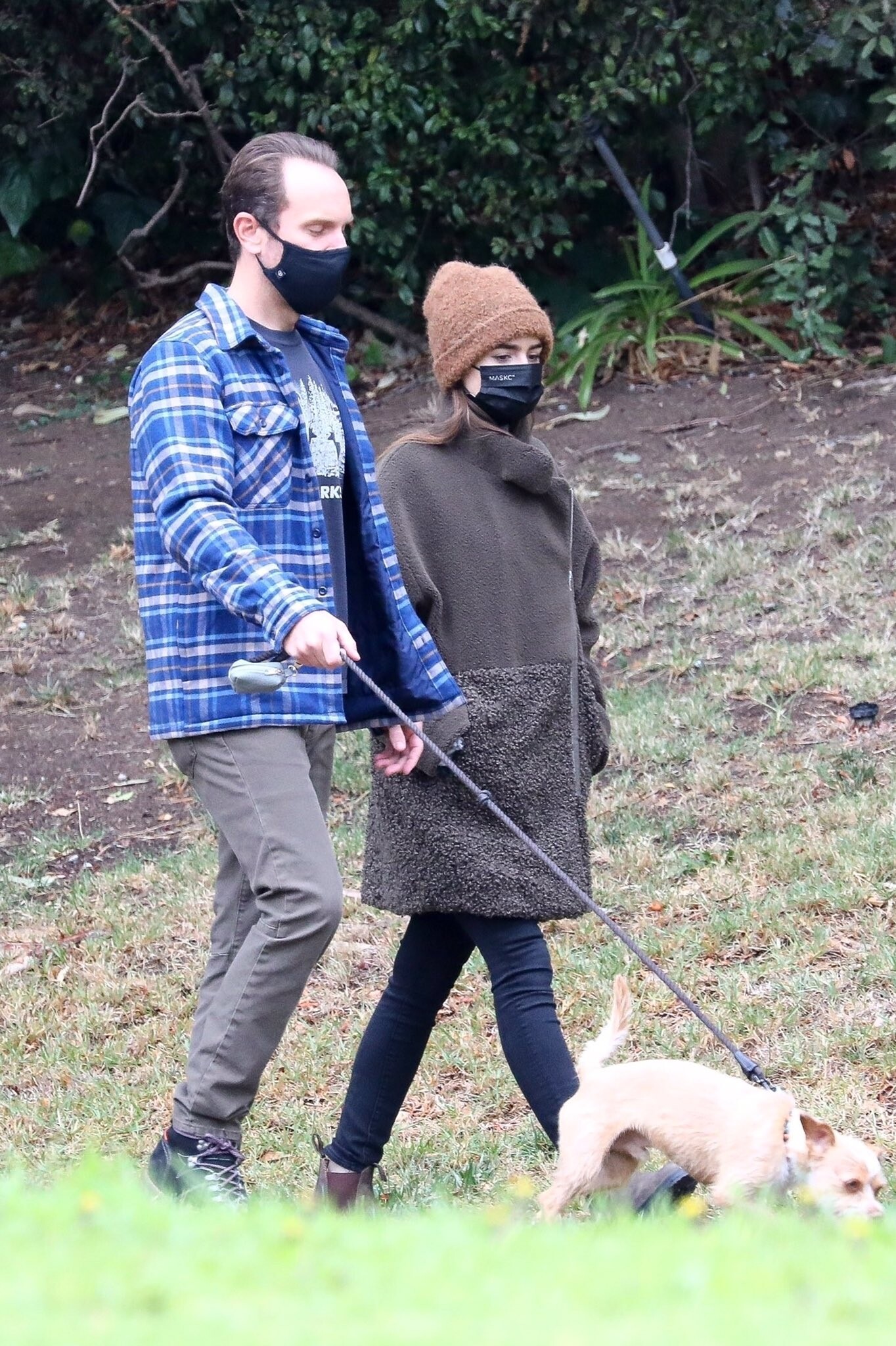
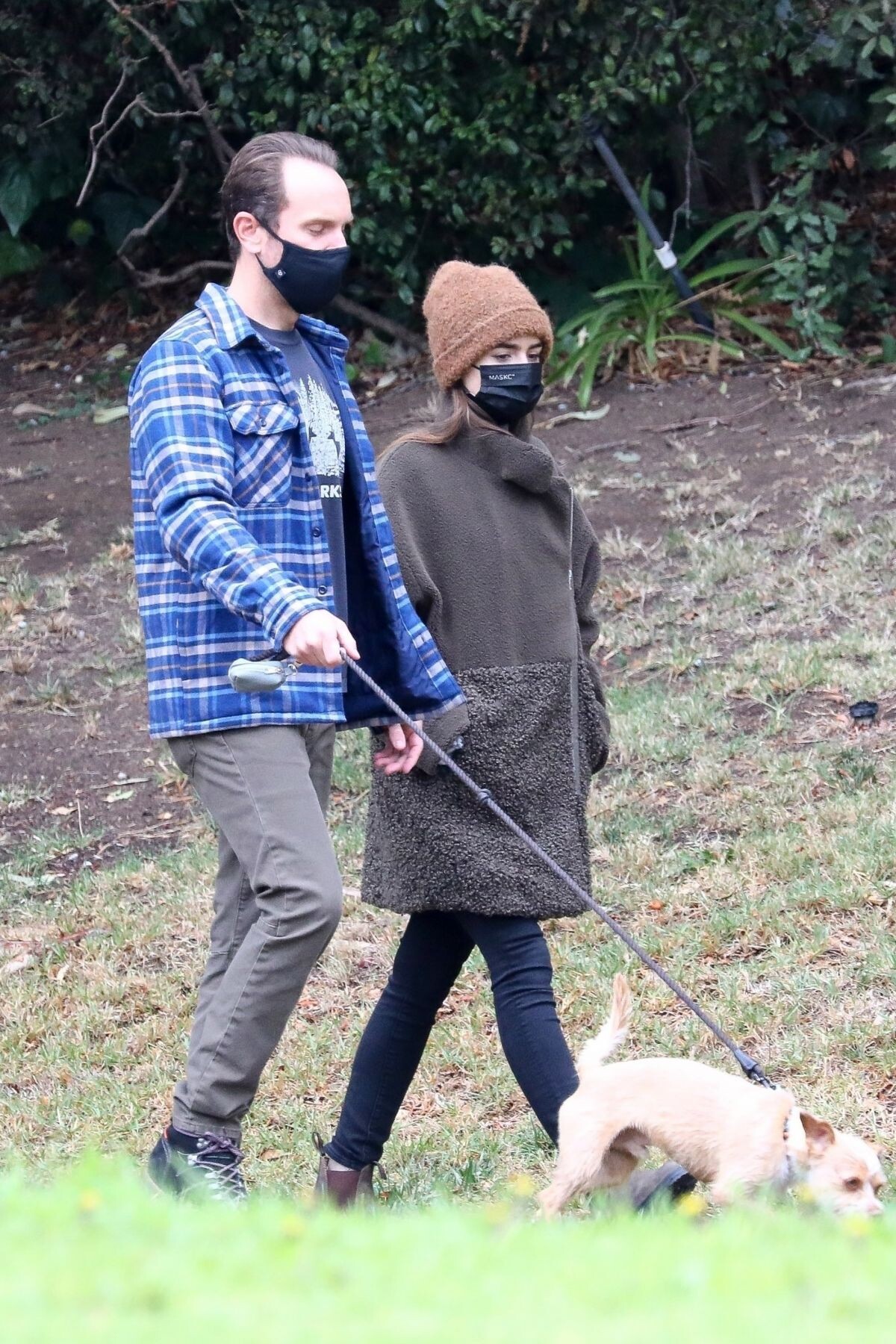
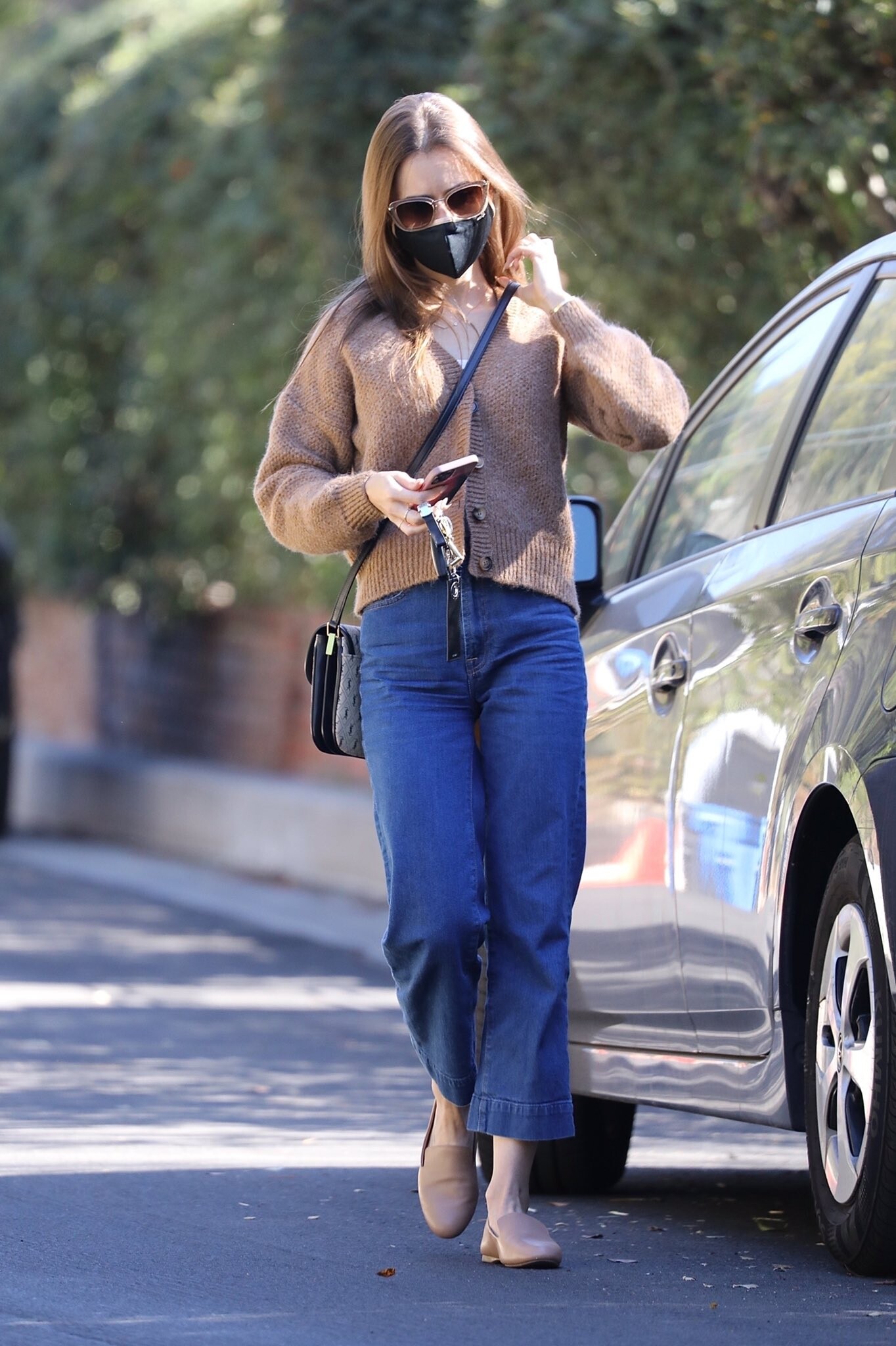
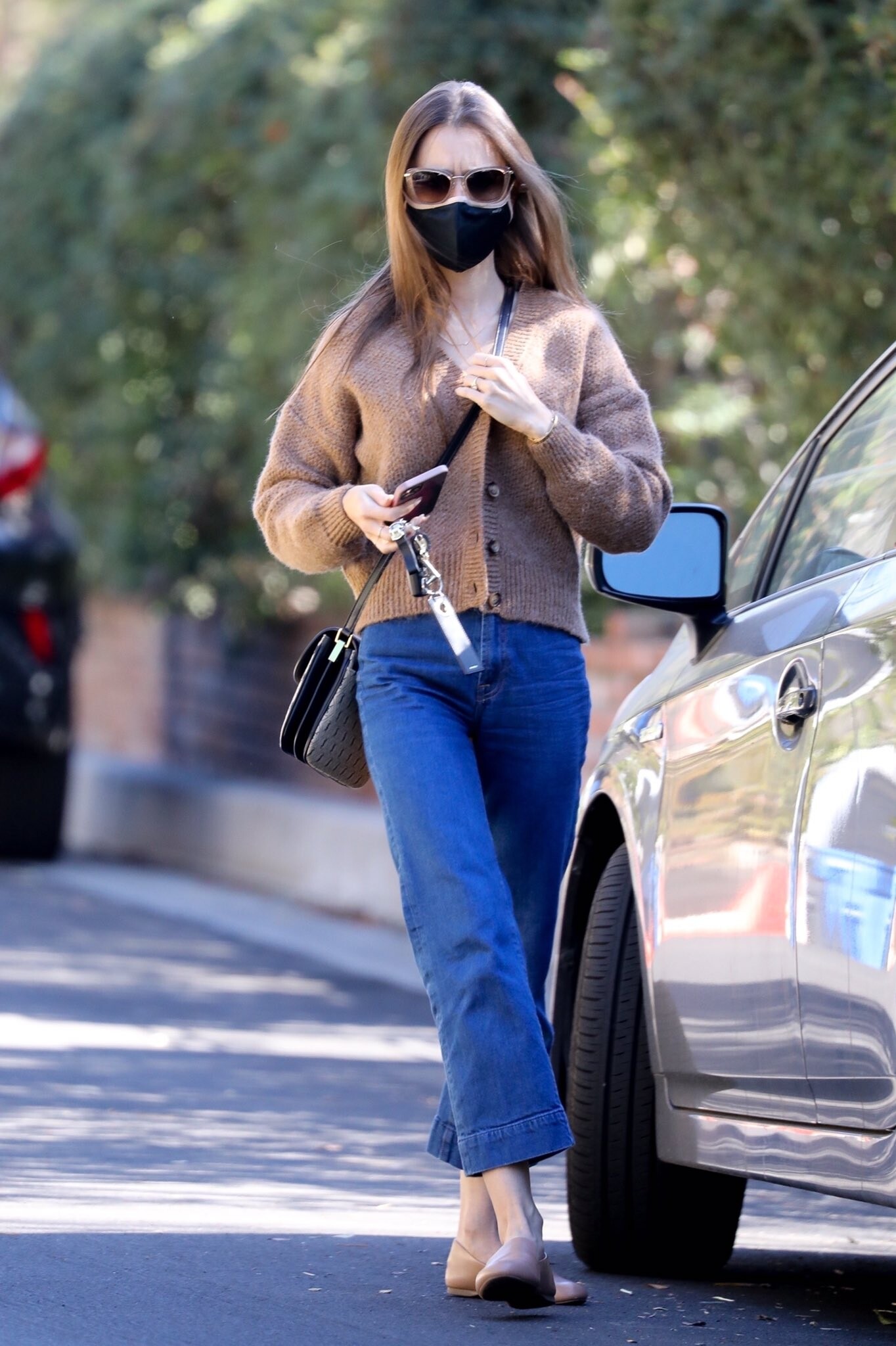
 LILY COLLINS and Charlie McDowell Out with Her Dog in Los Angeles 01/23/2021





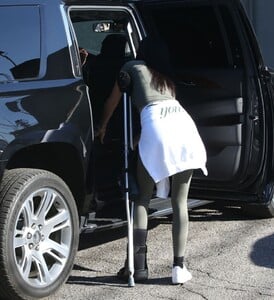
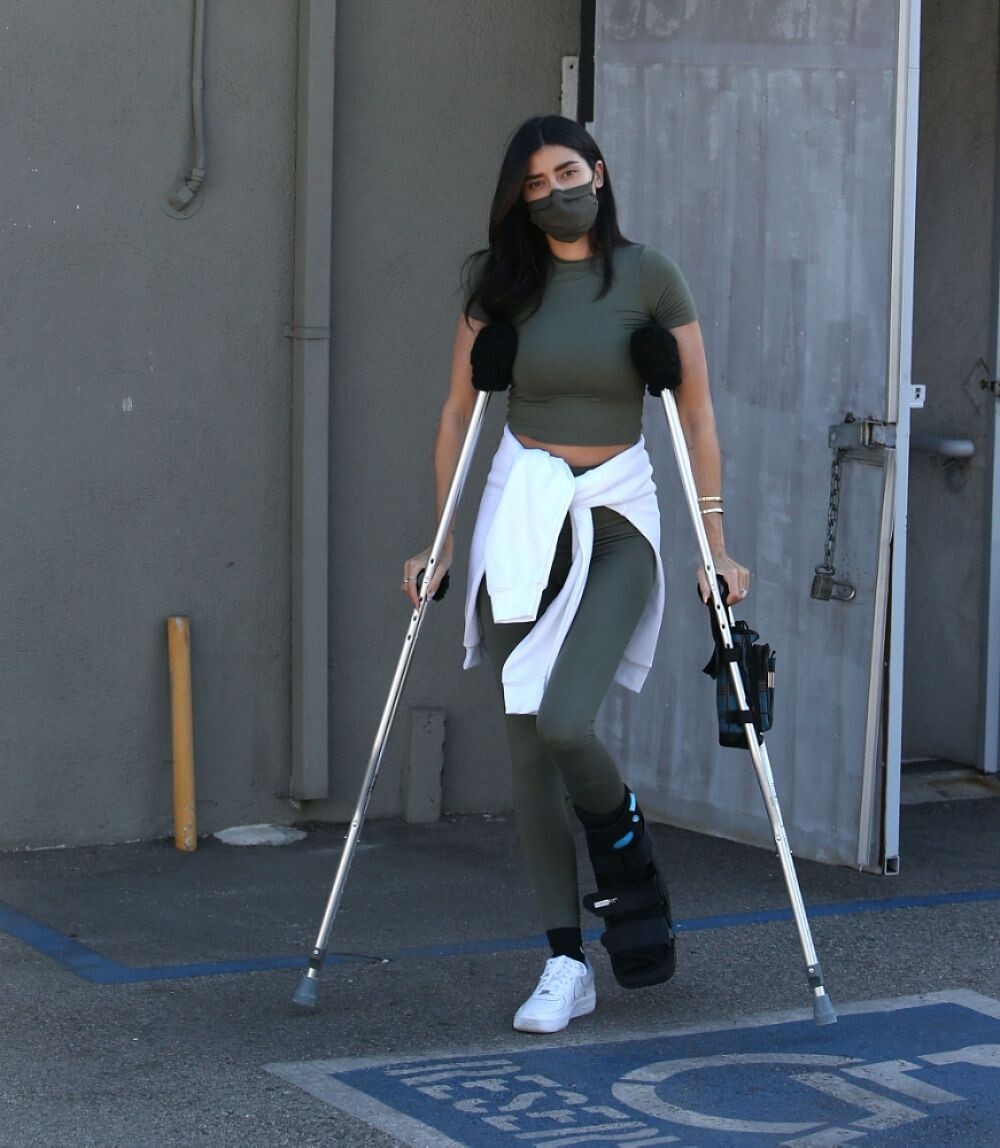
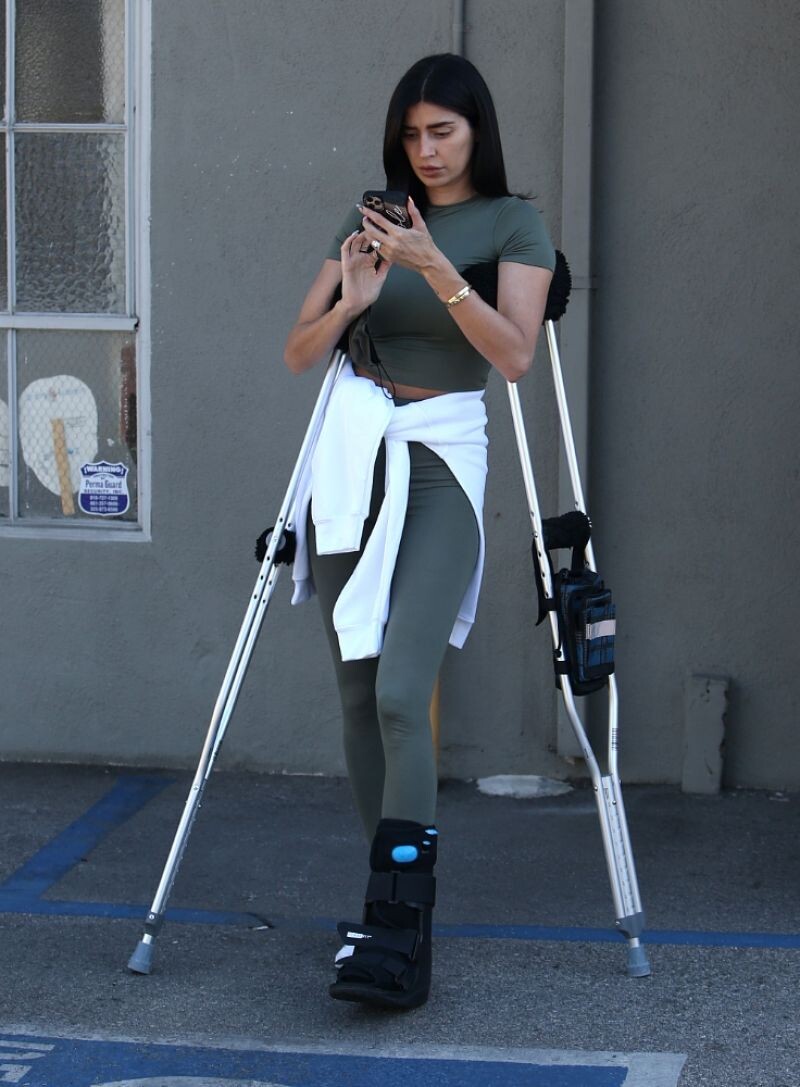
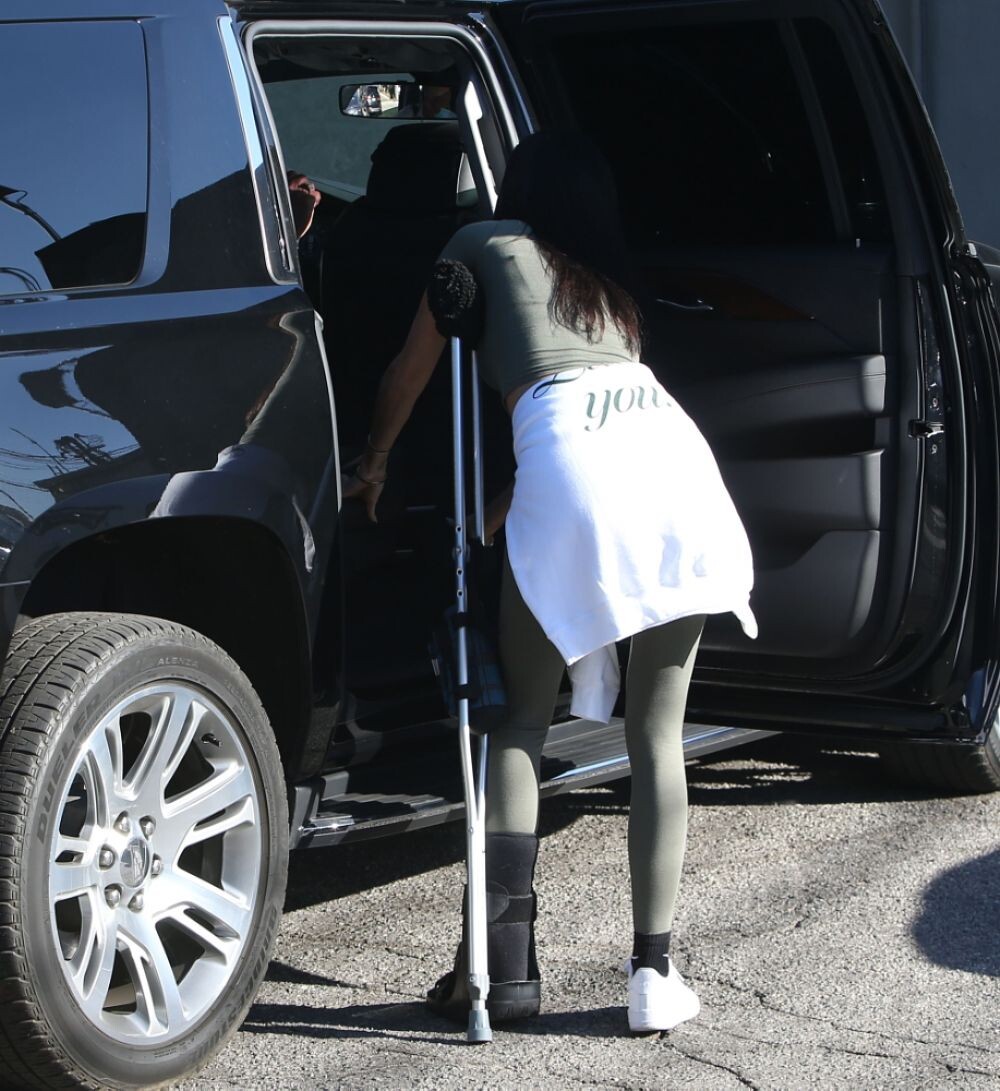
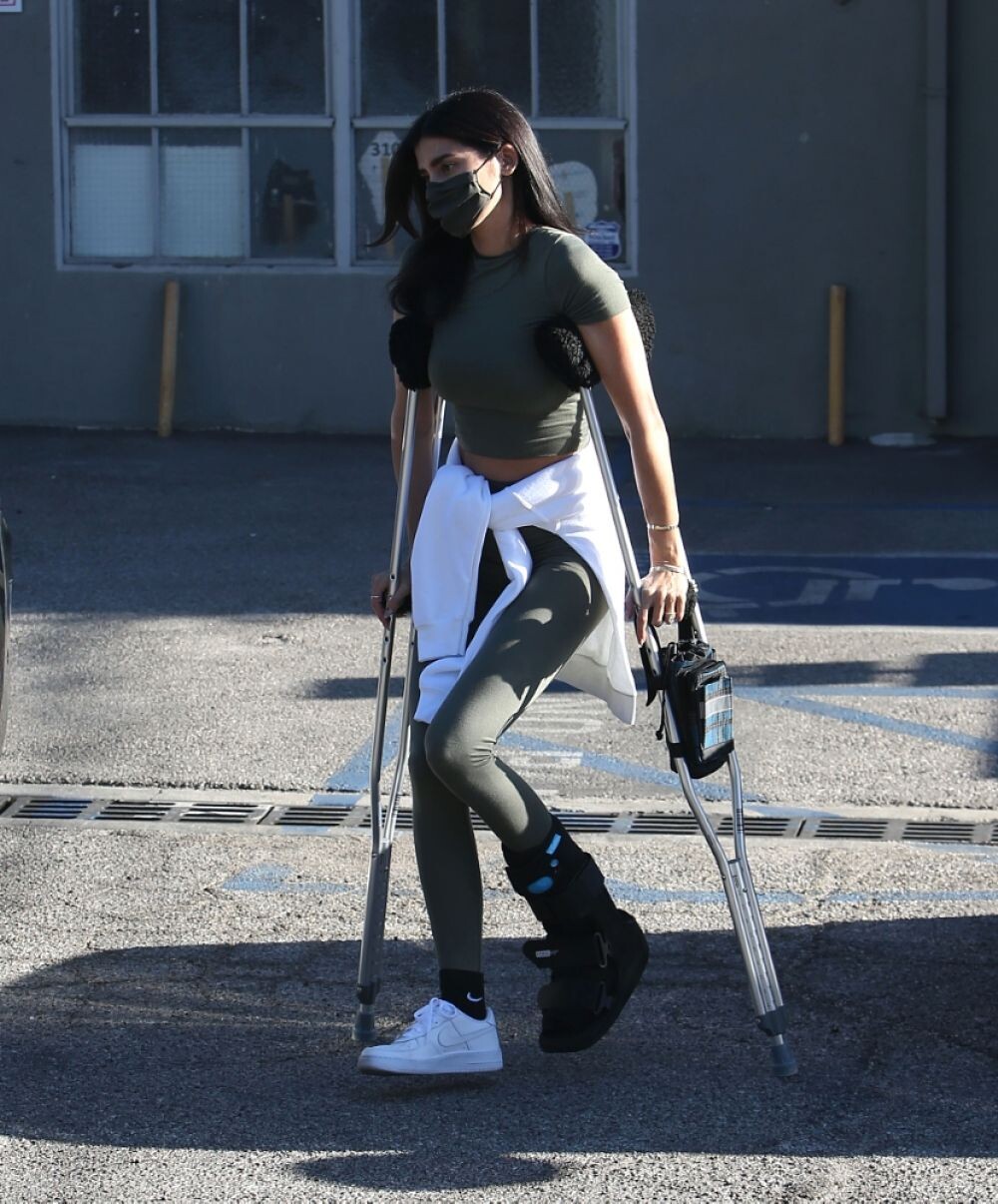
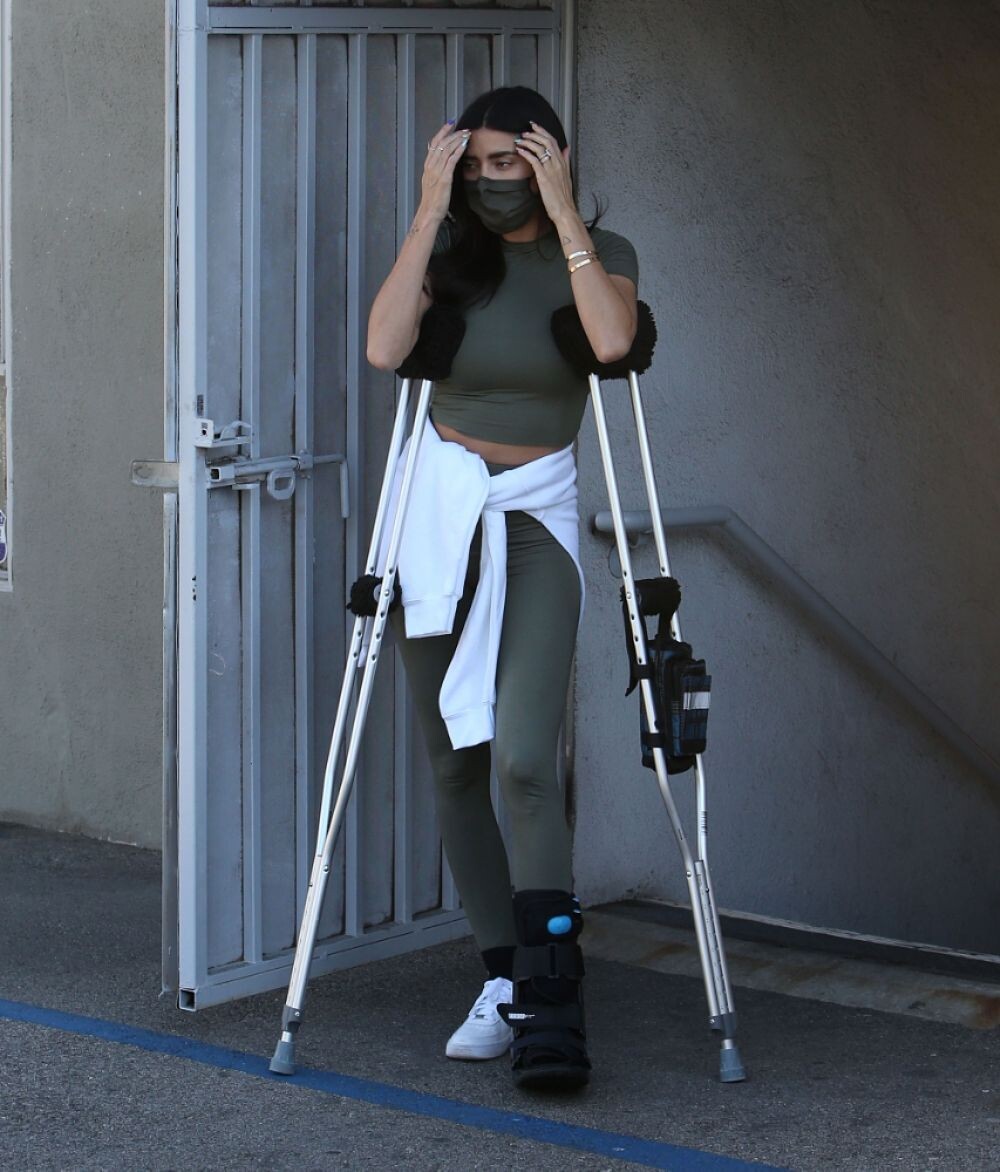
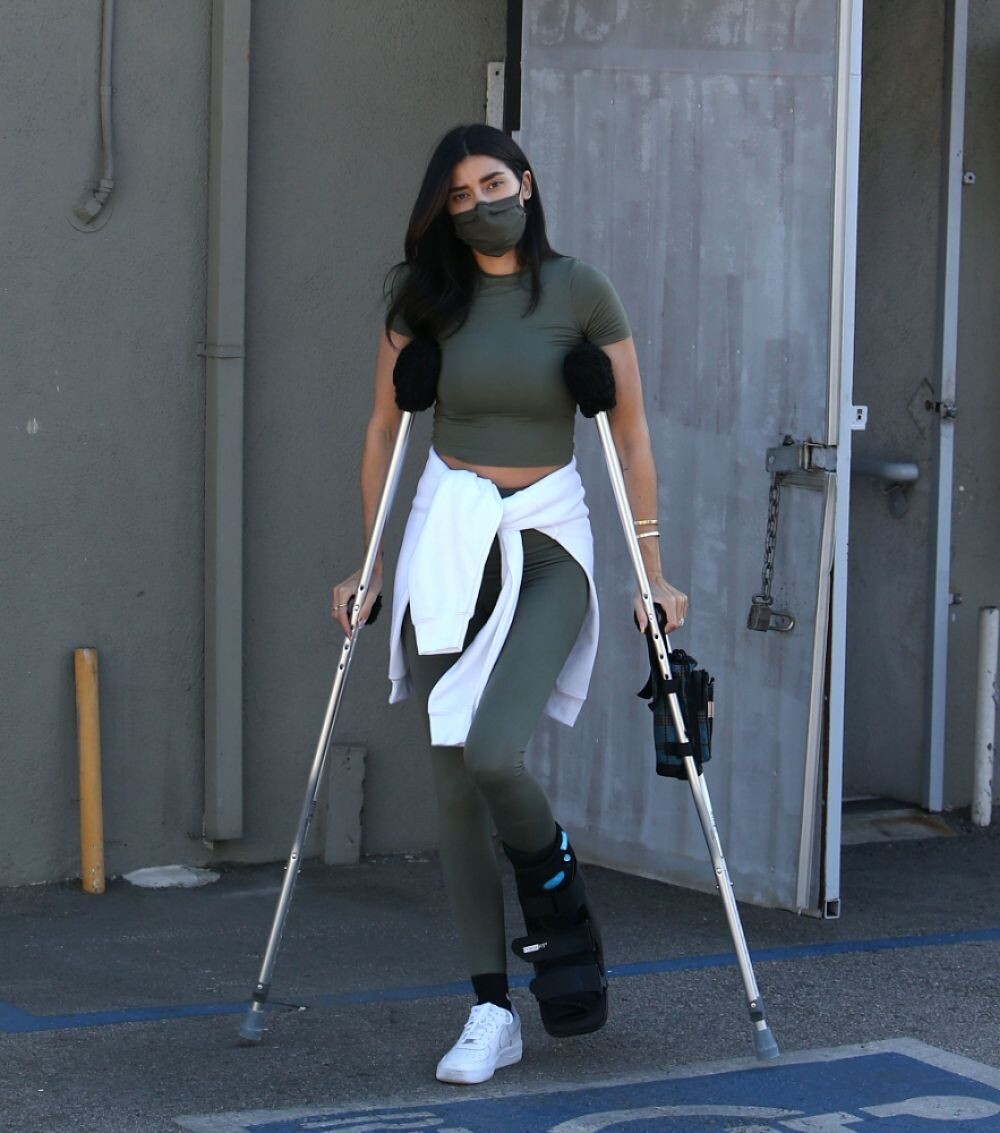
 NICOLE WILLIAMS ON CRUTCHES, Leaves a Physical Therapy Clinic in West Hollywood 01/21/2021






 January 20: Lily Collins in Los Angeles, Califórnia.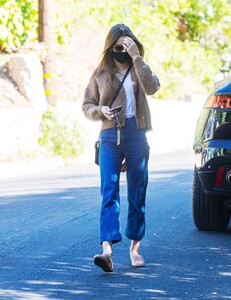





 Lily Collins at a Recycling Center in LA 01/13/2021











 claireholt_2021.1.13_bn8mb6.mp4
Lily Collins spent this Christmas in St. Barthelemy (France)
claireholt_2021.1.13_bn8mb6.mp4
Lily Collins spent this Christmas in St. Barthelemy (France)

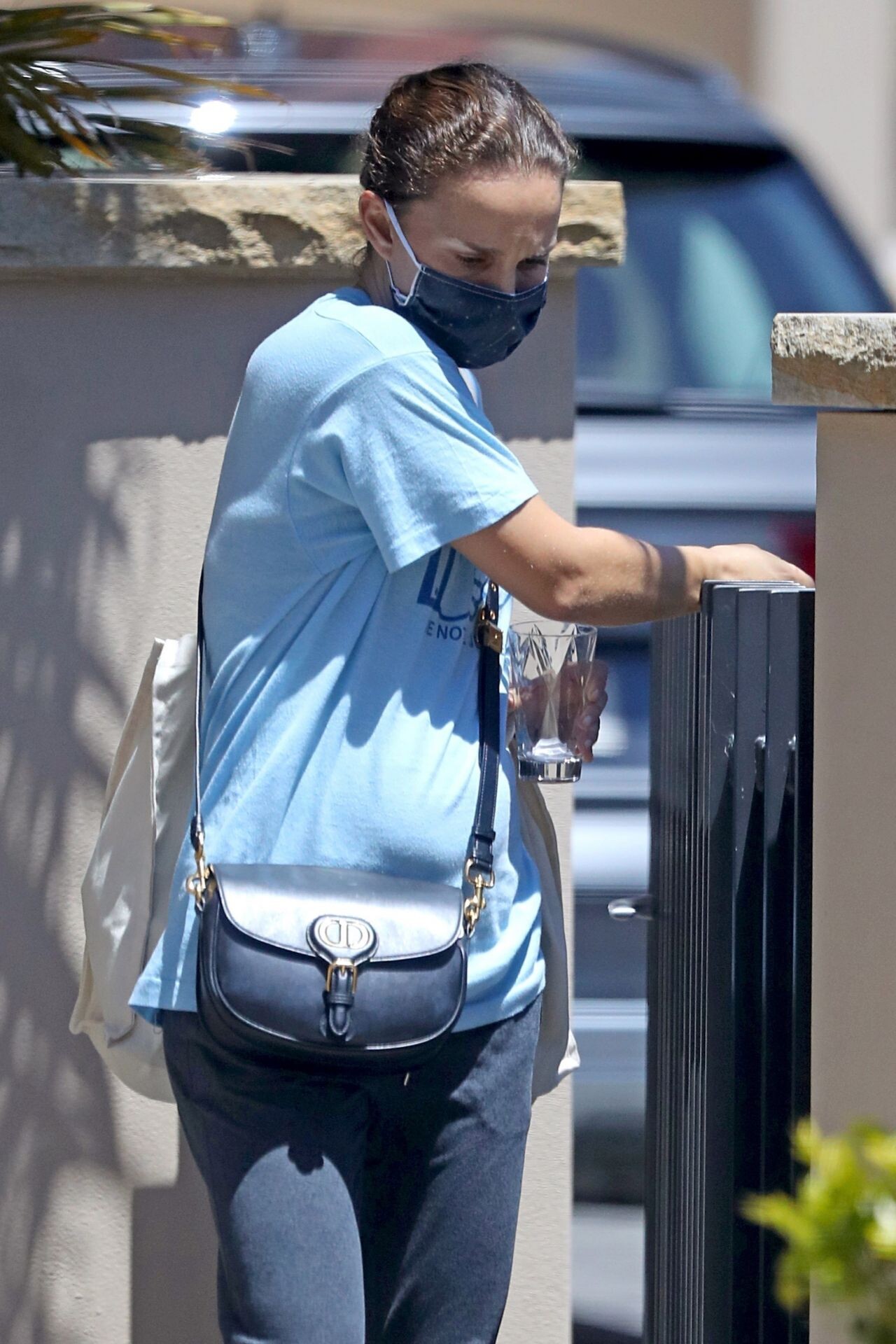
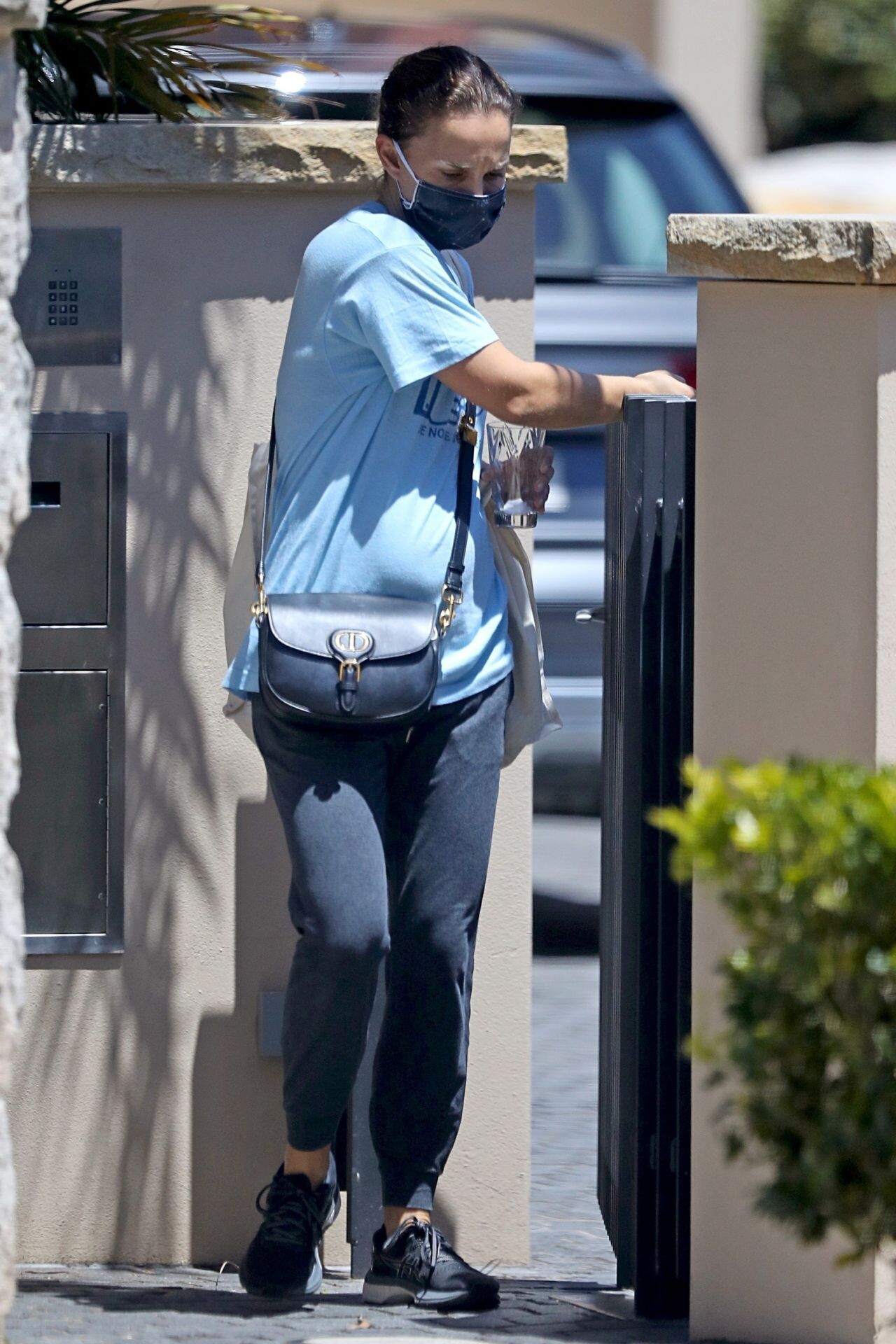
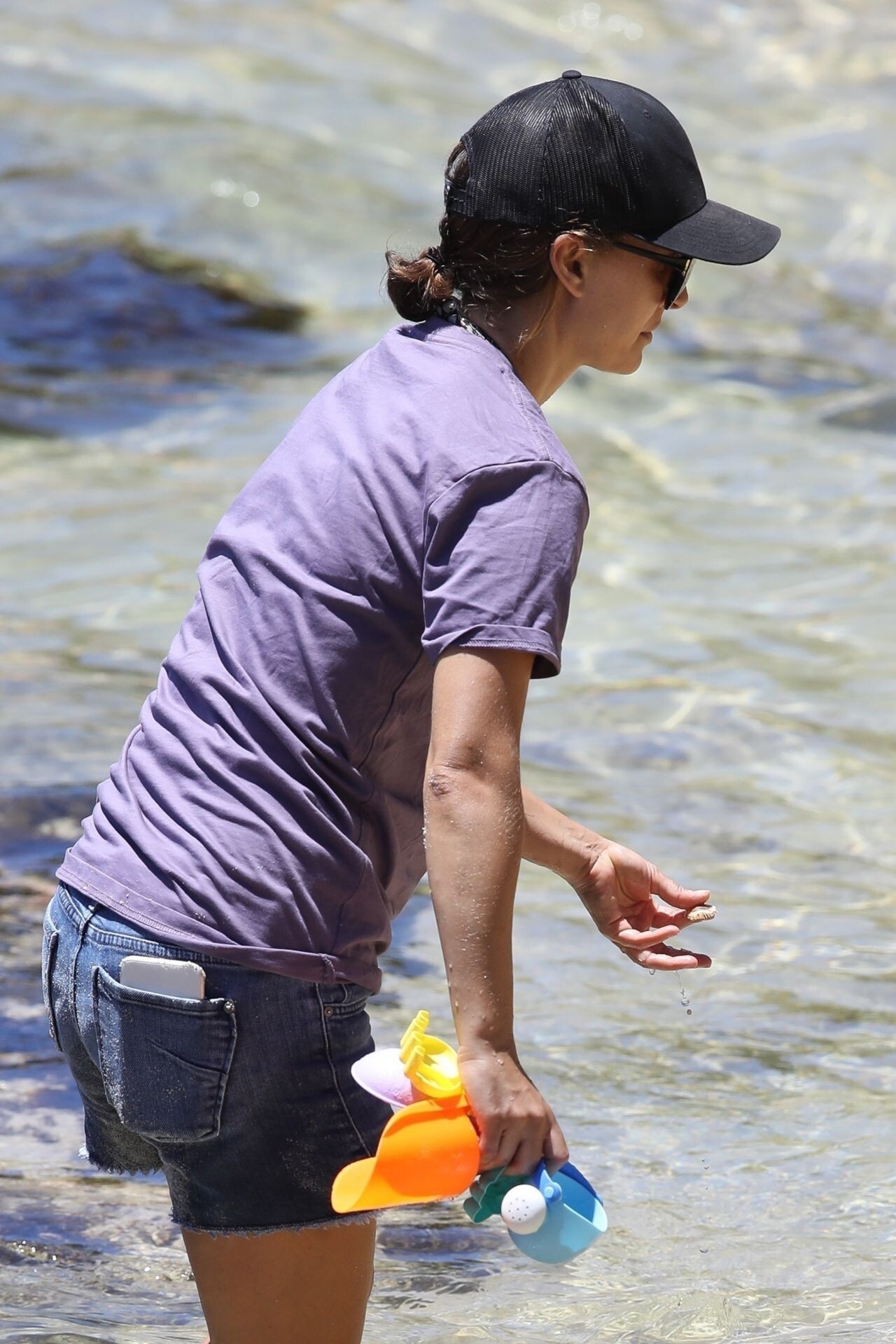
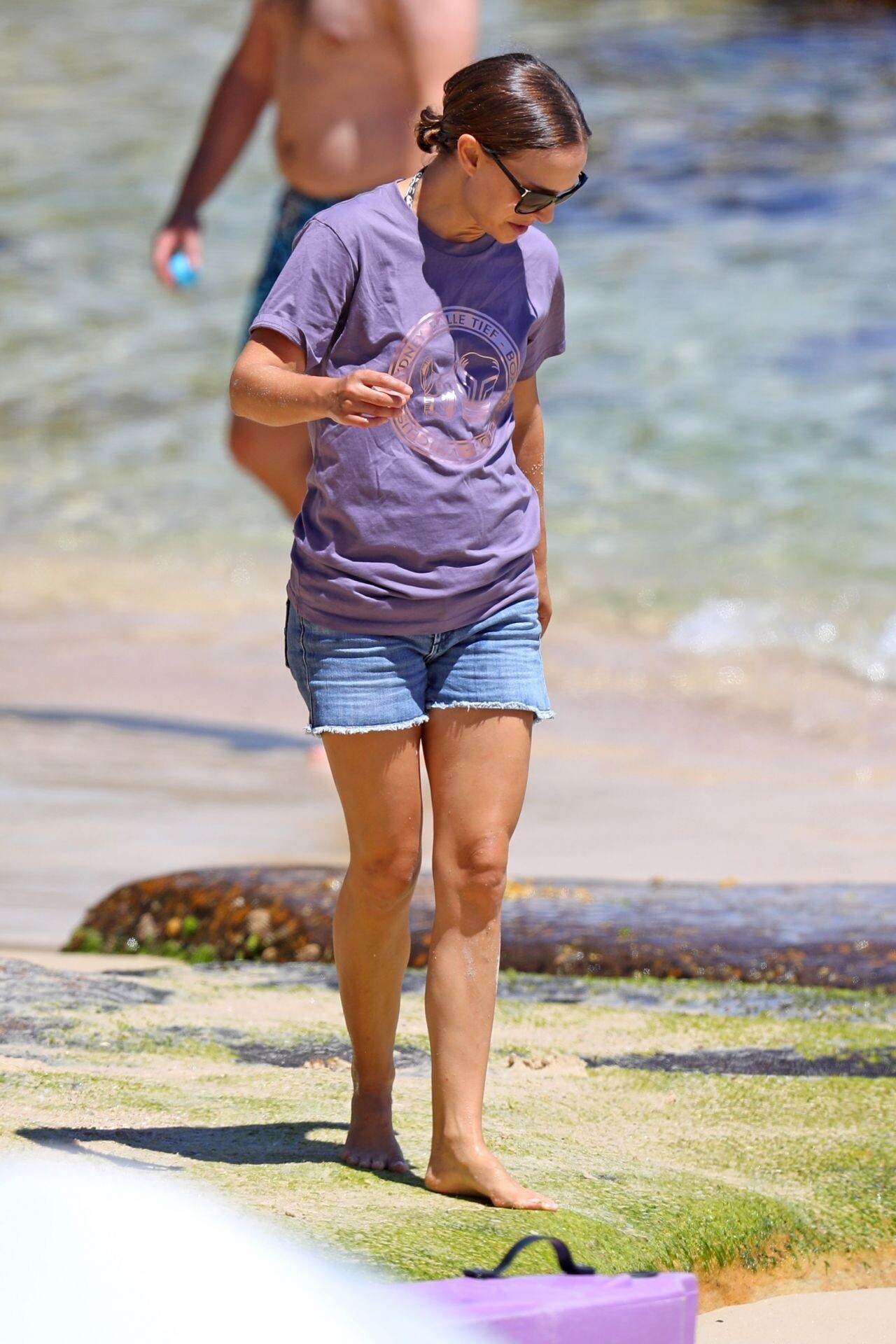
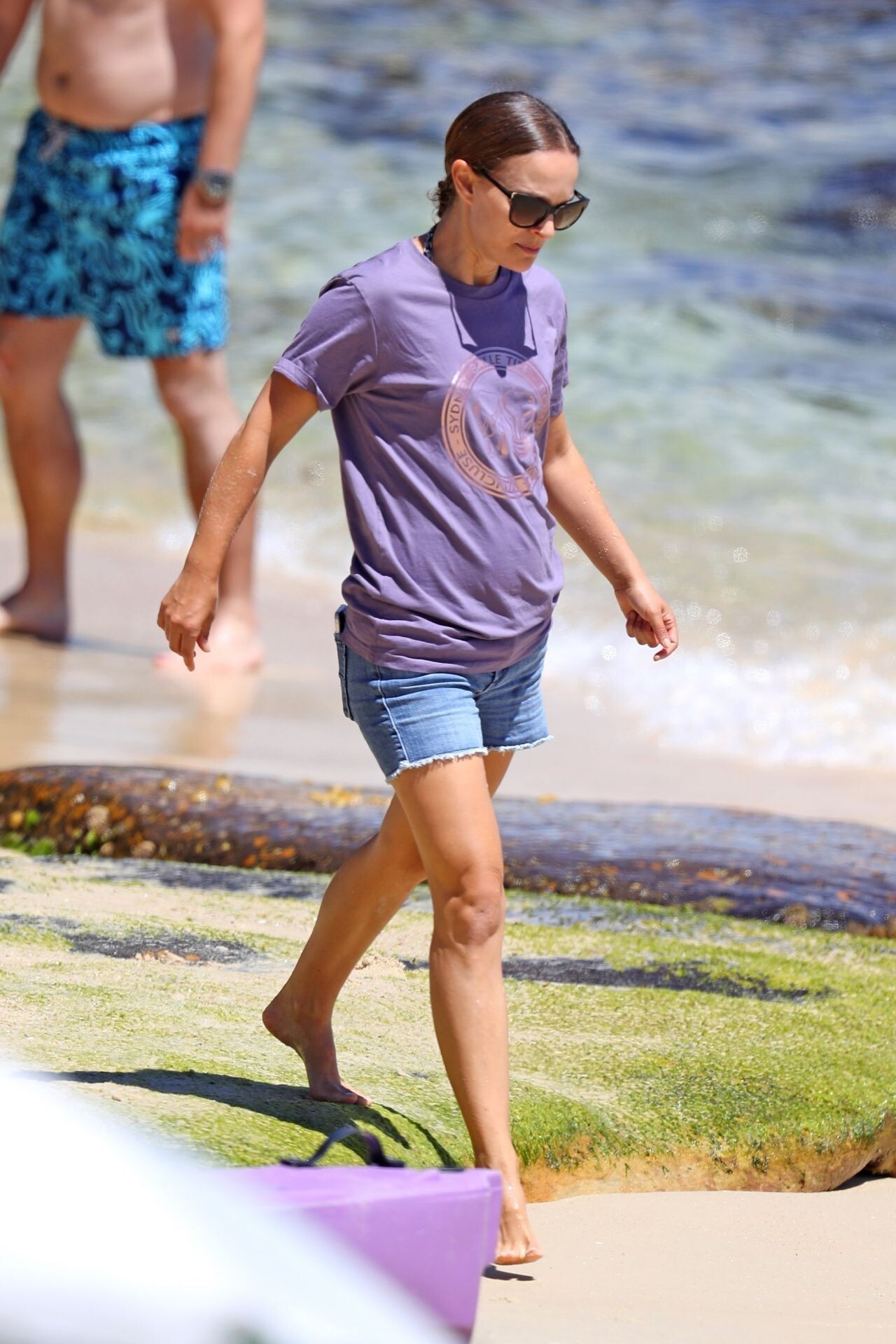
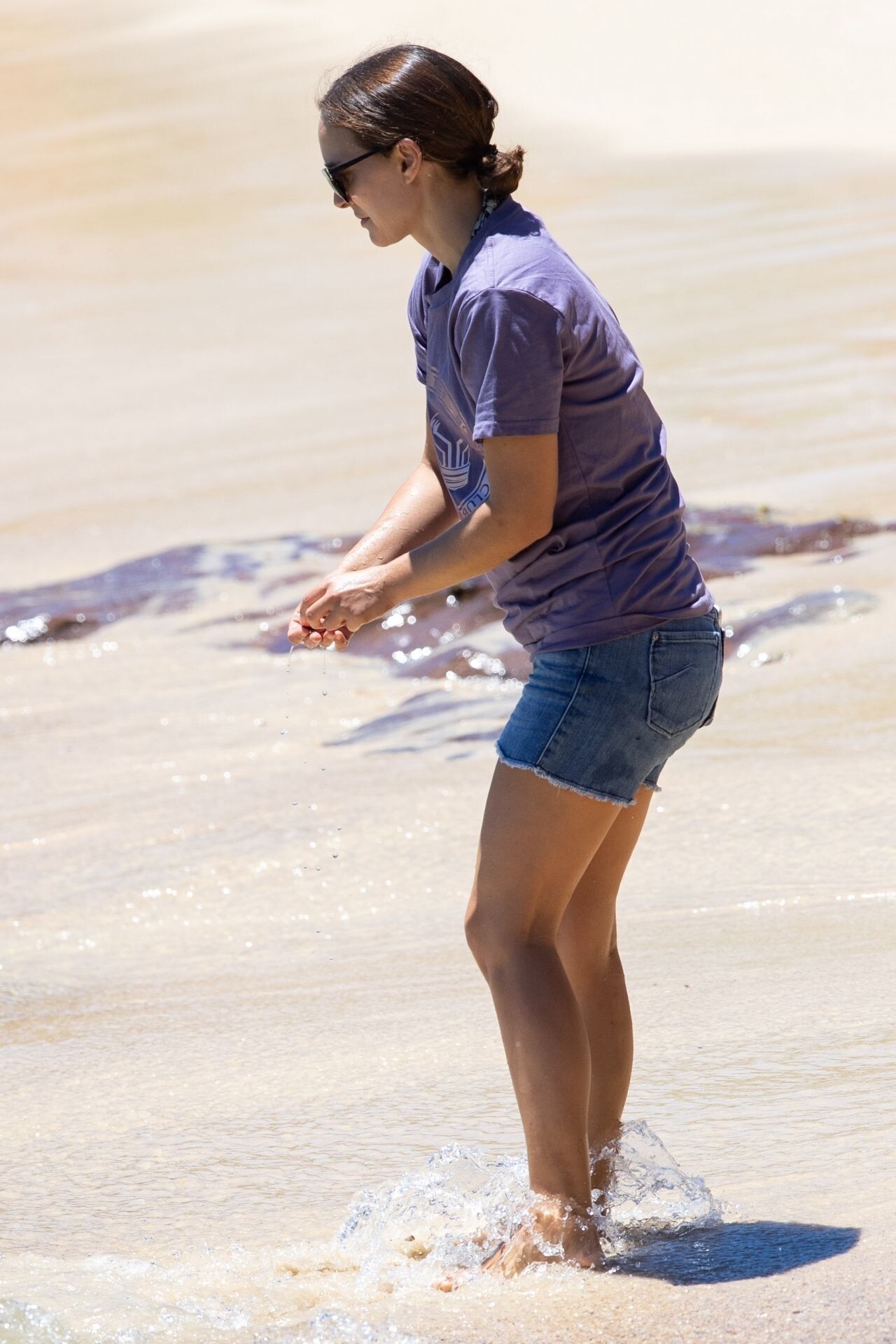
 Natalie Portman - Beach in Sydney 01/10/2021












 STORY claireholt_2021.1.9_fe14hk.mp4
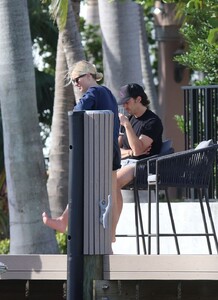
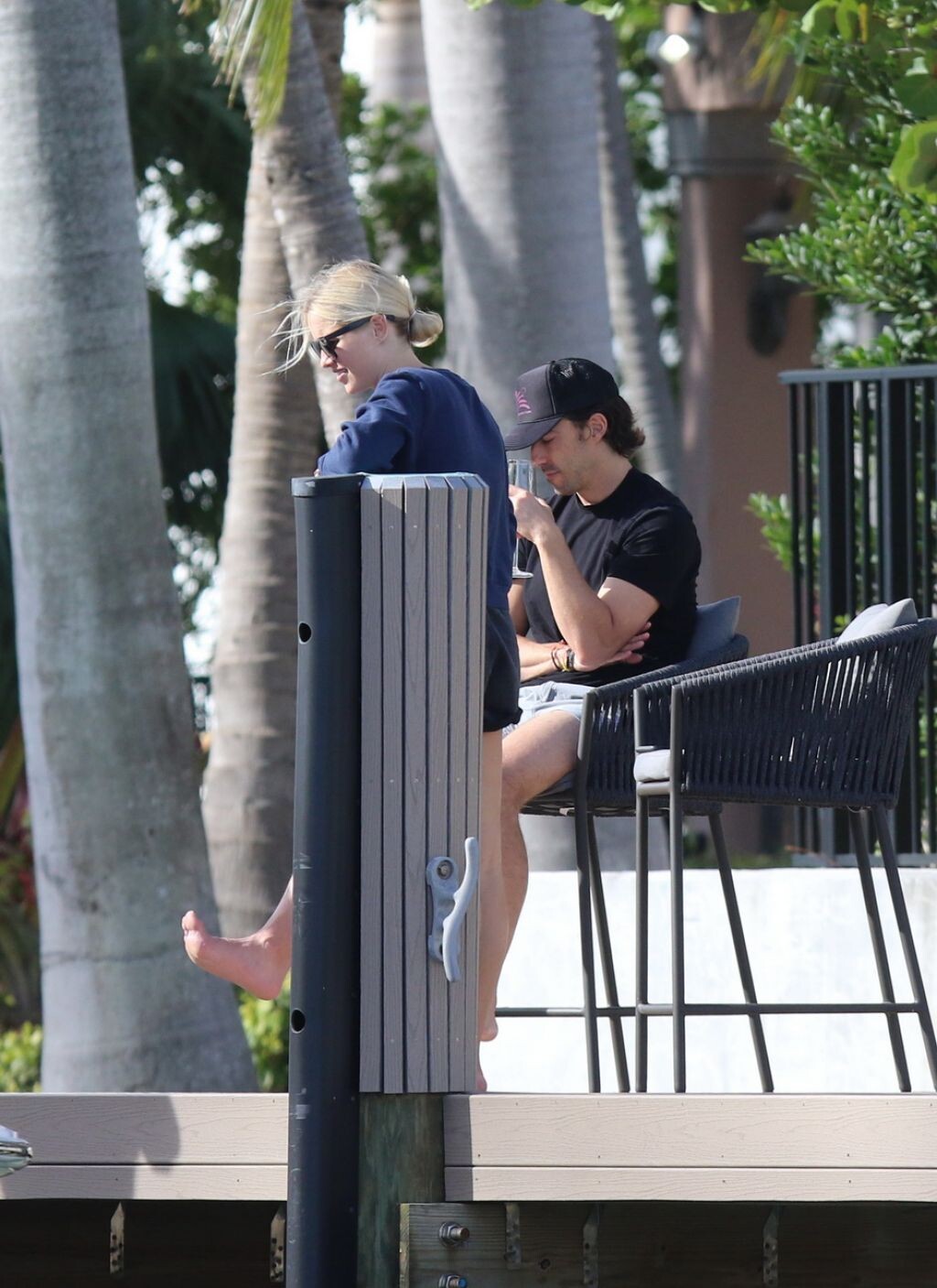
Claire Holt - Miami Beach 01/04/2021
STORY claireholt_2021.1.9_fe14hk.mp4
Claire Holt - Miami Beach 01/04/2021

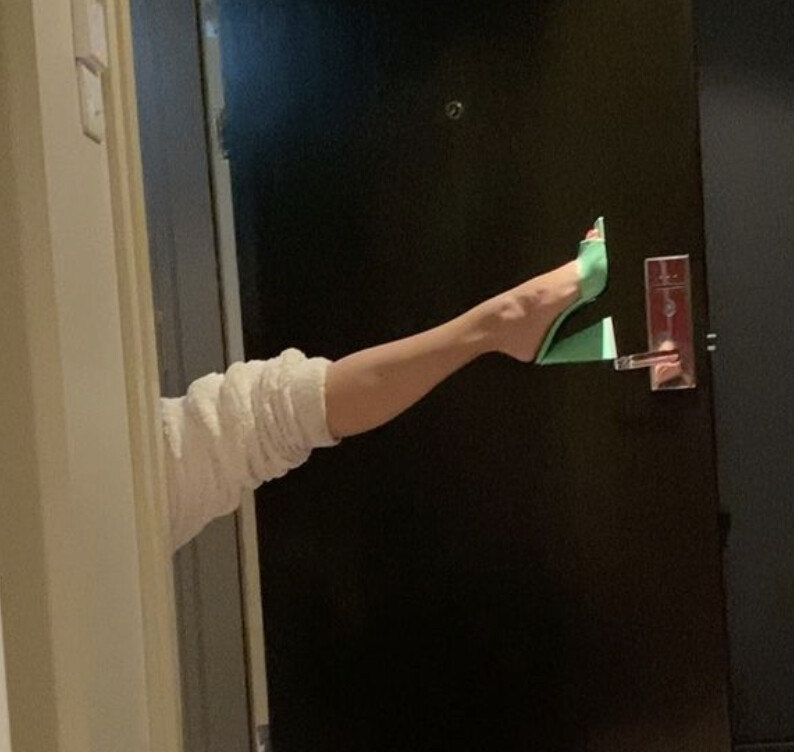
 Dior Rouge campaign
IG lucyhale_2020.12.30_4z6zbb.mp4
Dior Rouge campaign
IG lucyhale_2020.12.30_4z6zbb.mp4




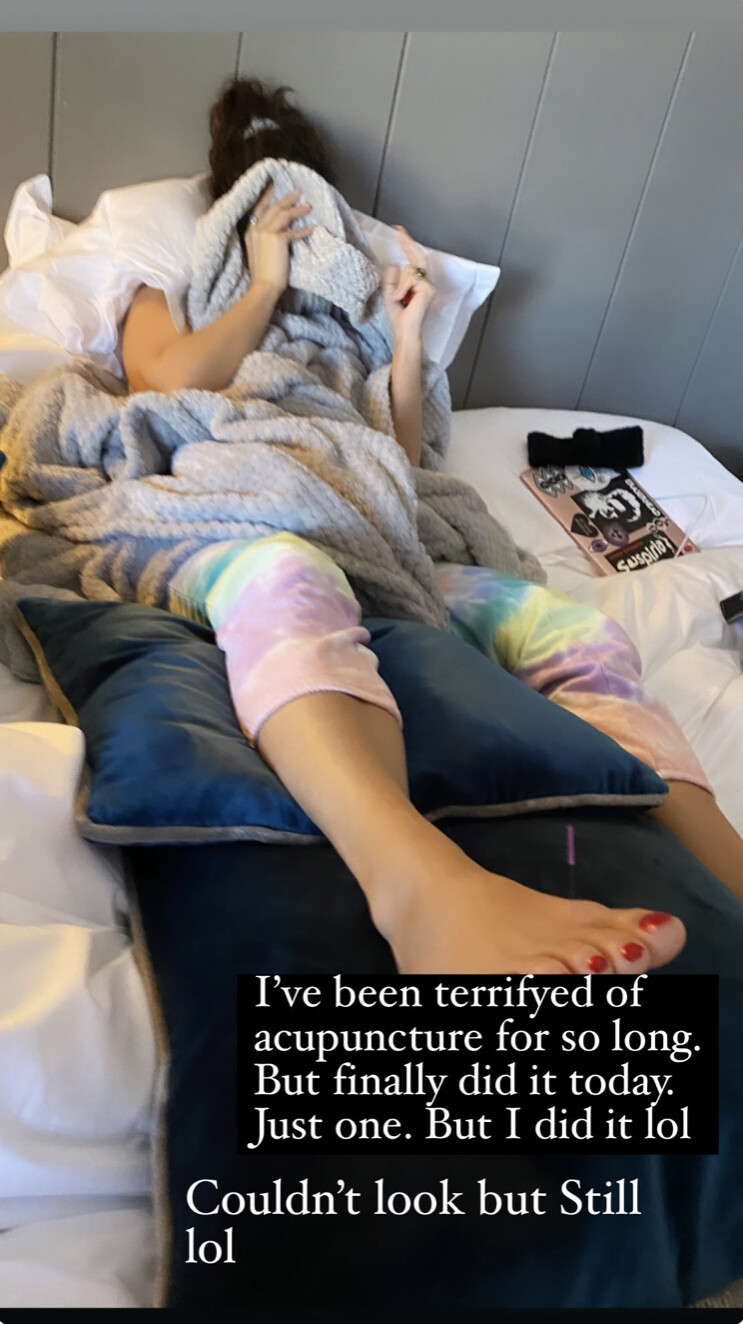
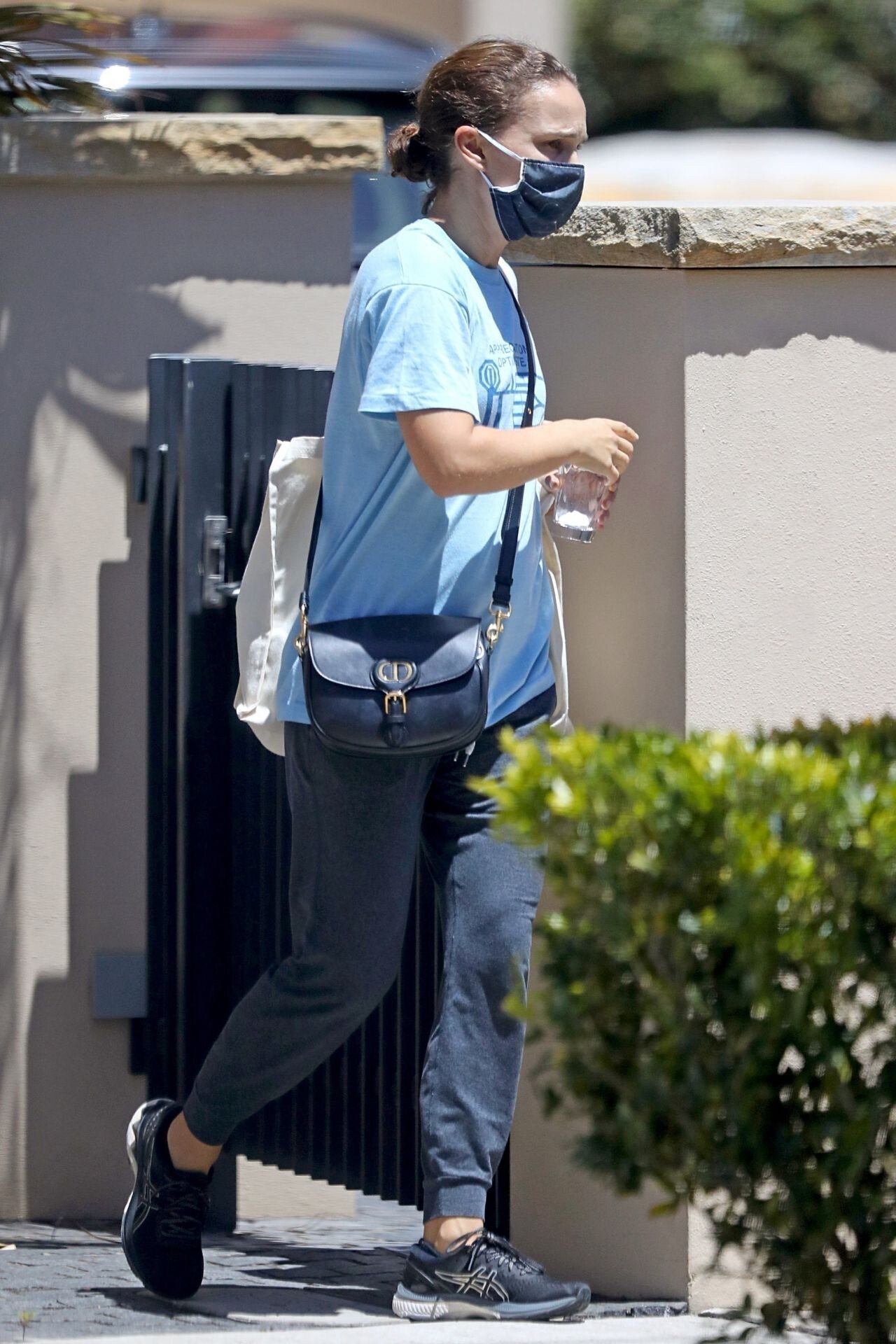

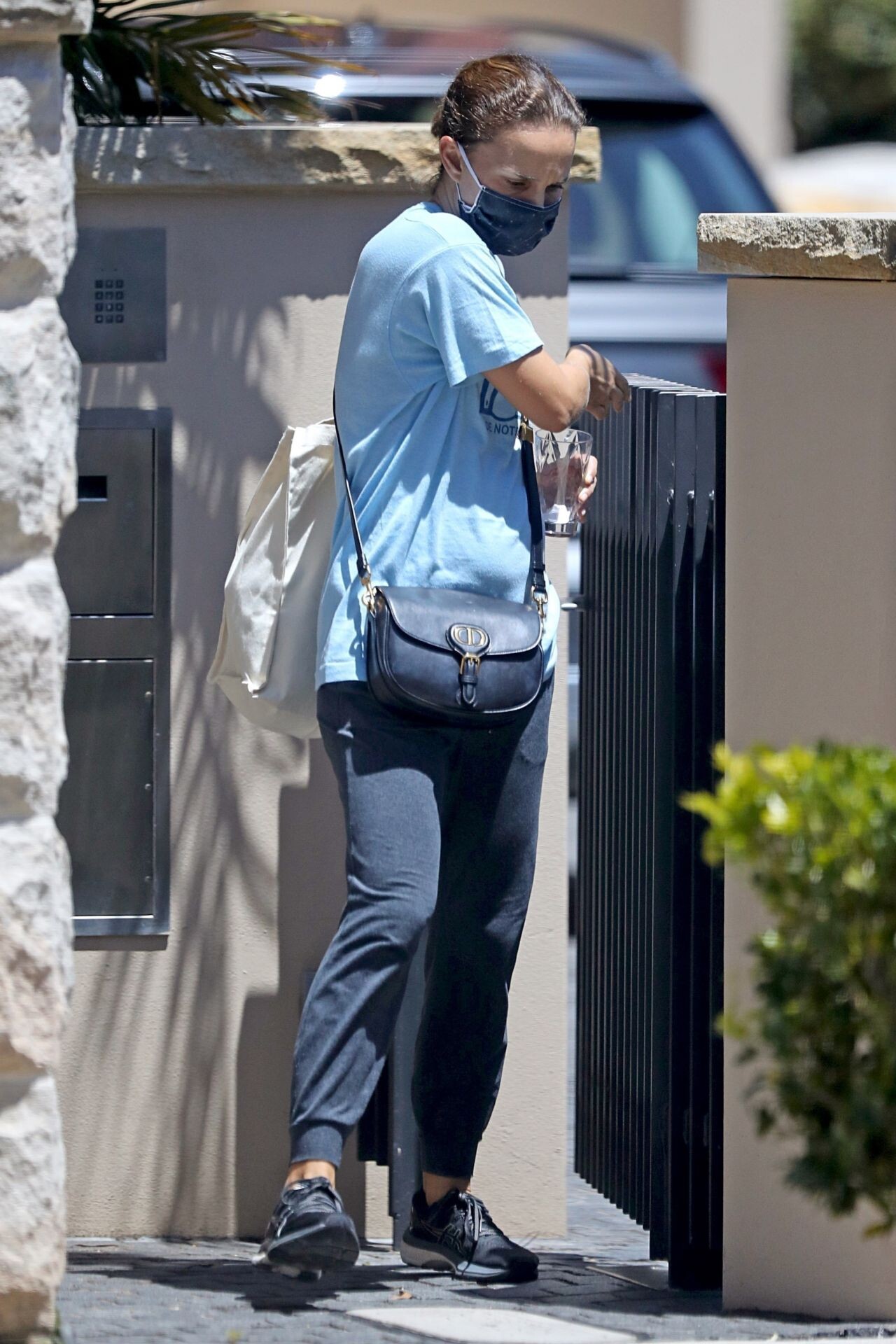
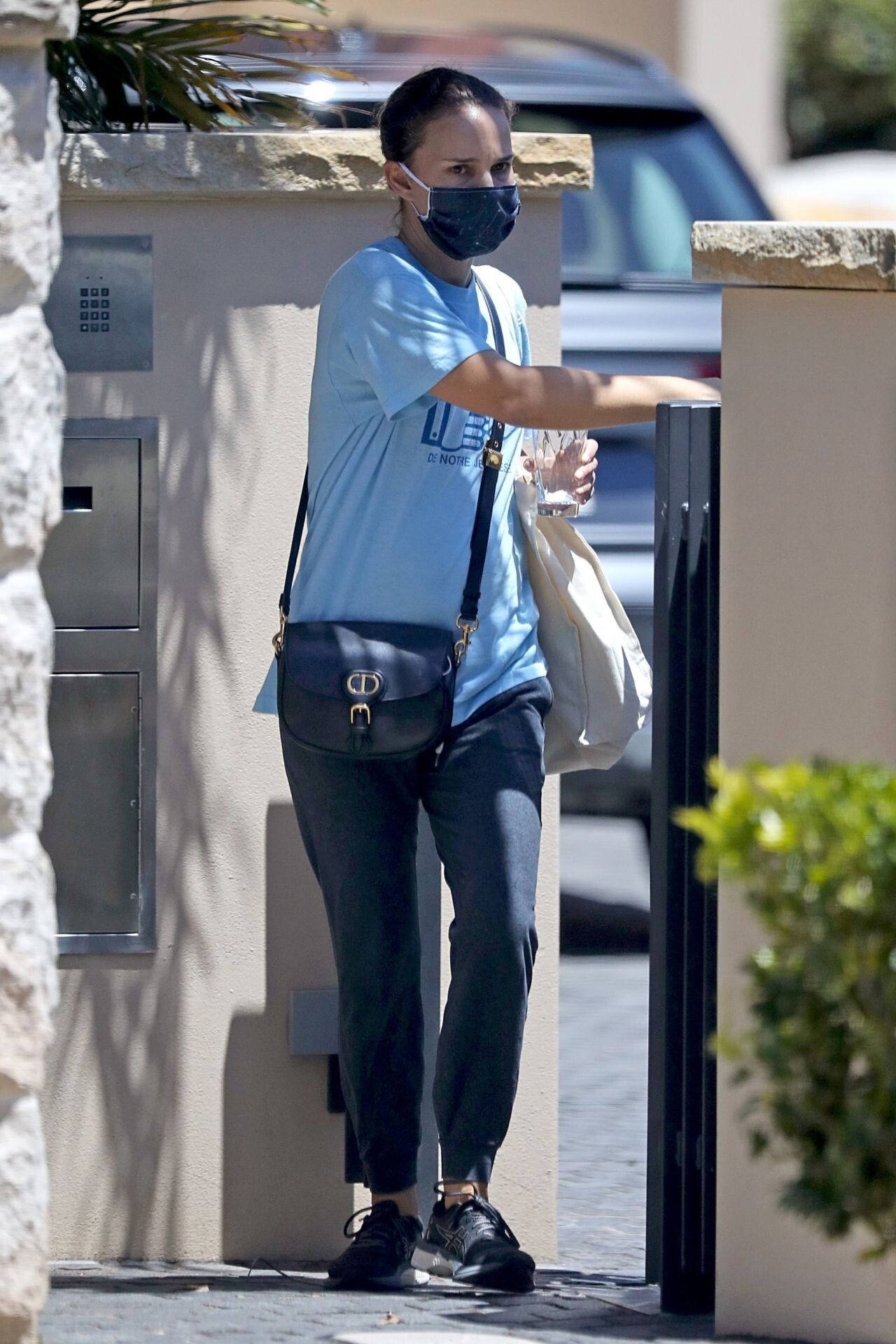





Instagram747.png.410deeac25bd4eba81e5aeae55525bd7.png)
Instagram1627.png.c831ec937a6ef786ea578c0b4d6b97df.png)



















Instagram(3).png.490d5421cf43b3a03042d6de76ded6cc.png)
Instagram(2).png.d189507036650cb2464065165b177a5a.png)
Instagram(1).png.e48ab52511c49543b1755eadf2b83bce.png)
Instagram.png.11f250252c8c58a30bf275f5e6d0bce6.png)





Instagram747.png.026bec51093f05dbdcd6b1997e75a132.png)
.png.cf6d3dc5db1b88e79a635723521301a4.png)














































Account
Search
Configure browser push notifications
Chrome (Android)
- Tap the lock icon next to the address bar.
- Tap Permissions → Notifications.
- Adjust your preference.
Chrome (Desktop)
- Click the padlock icon in the address bar.
- Select Site settings.
- Find Notifications and adjust your preference.
Safari (iOS 16.4+)
- Ensure the site is installed via Add to Home Screen.
- Open Settings App → Notifications.
- Find your app name and adjust your preference.
Safari (macOS)
- Go to Safari → Preferences.
- Click the Websites tab.
- Select Notifications in the sidebar.
- Find this website and adjust your preference.
Edge (Android)
- Tap the lock icon next to the address bar.
- Tap Permissions.
- Find Notifications and adjust your preference.
Edge (Desktop)
- Click the padlock icon in the address bar.
- Click Permissions for this site.
- Find Notifications and adjust your preference.
Firefox (Android)
- Go to Settings → Site permissions.
- Tap Notifications.
- Find this site in the list and adjust your preference.
Firefox (Desktop)
- Open Firefox Settings.
- Search for Notifications.
- Find this site in the list and adjust your preference.