Modelove
Members
-
Joined
Everything posted by Modelove
-
-
-
16639743_109807282994996_2728996239621226496_n.mp4
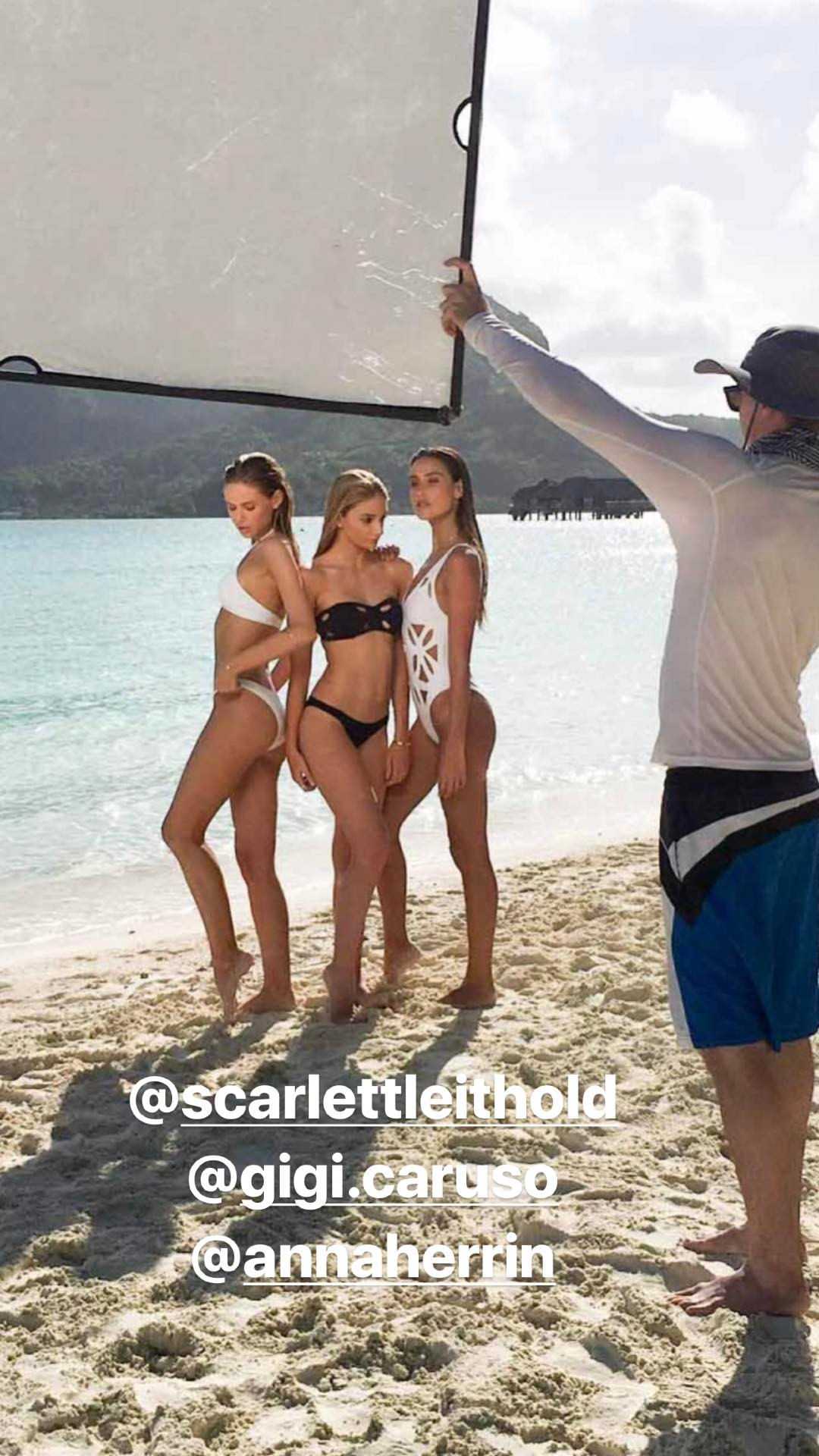
 IG story photoshooting for ishine365 17744193_1576147115790092_5004836643119562752_n.mp4
IG Story (04.07.17) 17744531_2029274750692409_2653965621976367104_n.mp4
Ig Story of mooseknucklescanada 17631211_482071765477690_4941375726772289536_n.mp4 17968961_447817832248191_8187569106384322560_n.mp4 17994574_1456693451019780_754238407986642944_n.mp4
IG story photoshooting for ishine365 17744193_1576147115790092_5004836643119562752_n.mp4
IG Story (04.07.17) 17744531_2029274750692409_2653965621976367104_n.mp4
Ig Story of mooseknucklescanada 17631211_482071765477690_4941375726772289536_n.mp4 17968961_447817832248191_8187569106384322560_n.mp4 17994574_1456693451019780_754238407986642944_n.mp4





 MAXIM US (Photos taken form website)



 Ig Story of gigicbikinis 17694978_130094104252745_7938434267044904960_n.mp4 17745247_276126336195381_2487833817360891904_n.mp4




 https://scontent-dft4-2.cdninstagram.com/t50.2886-16/19944139_1175650512580761_1638354075793752064_n.mp4
Your're welcome!
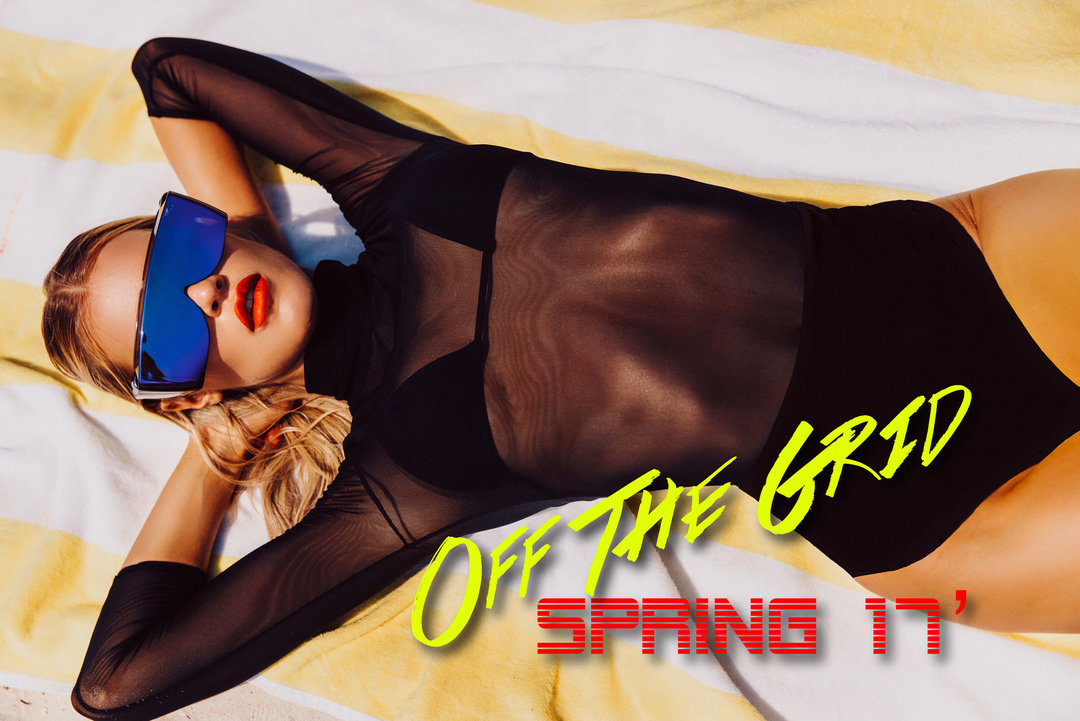
Mochi Swim Lookbook Spring '17 Of The Grid
https://scontent-dft4-2.cdninstagram.com/t50.2886-16/19944139_1175650512580761_1638354075793752064_n.mp4
Your're welcome!
Mochi Swim Lookbook Spring '17 Of The Grid







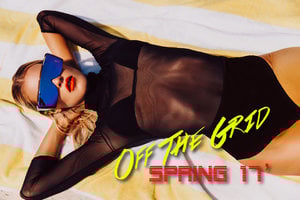 And another just as hot!
Here the same video but on HD
And another just as hot!
Here the same video but on HDAccount
Navigation
Search
Configure browser push notifications
Chrome (Android)
- Tap the lock icon next to the address bar.
- Tap Permissions → Notifications.
- Adjust your preference.
Chrome (Desktop)
- Click the padlock icon in the address bar.
- Select Site settings.
- Find Notifications and adjust your preference.
Safari (iOS 16.4+)
- Ensure the site is installed via Add to Home Screen.
- Open Settings App → Notifications.
- Find your app name and adjust your preference.
Safari (macOS)
- Go to Safari → Preferences.
- Click the Websites tab.
- Select Notifications in the sidebar.
- Find this website and adjust your preference.
Edge (Android)
- Tap the lock icon next to the address bar.
- Tap Permissions.
- Find Notifications and adjust your preference.
Edge (Desktop)
- Click the padlock icon in the address bar.
- Click Permissions for this site.
- Find Notifications and adjust your preference.
Firefox (Android)
- Go to Settings → Site permissions.
- Tap Notifications.
- Find this site in the list and adjust your preference.
Firefox (Desktop)
- Open Firefox Settings.
- Search for Notifications.
- Find this site in the list and adjust your preference.