
Modelove
Members
-
Joined
Everything posted by Modelove
-
Here you there! @BAGGOT The last one of videos of MFSW 2017
MP4 | 1080p | 00:01:06 | 154 MB Download
















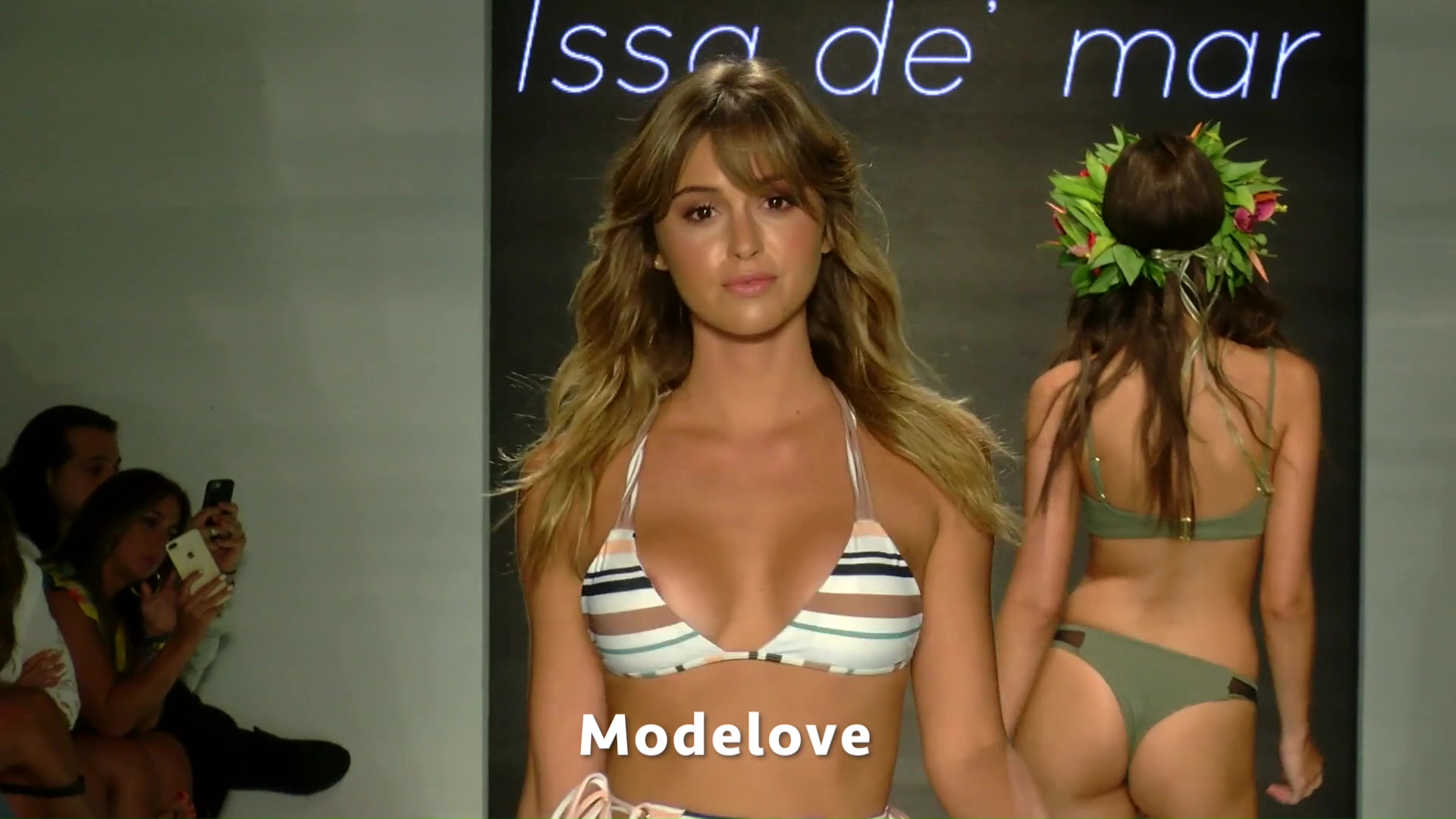
 Issa de' mar Runway Miami Swim Week 2018













 https://scontent-dft4-1.cdninstagram.com/t50.2886-16/20546782_108320246510970_5262120856485625856_n.mp4
 A video coming soon!
Two Piece Mafia Coming soon......
A video coming soon!
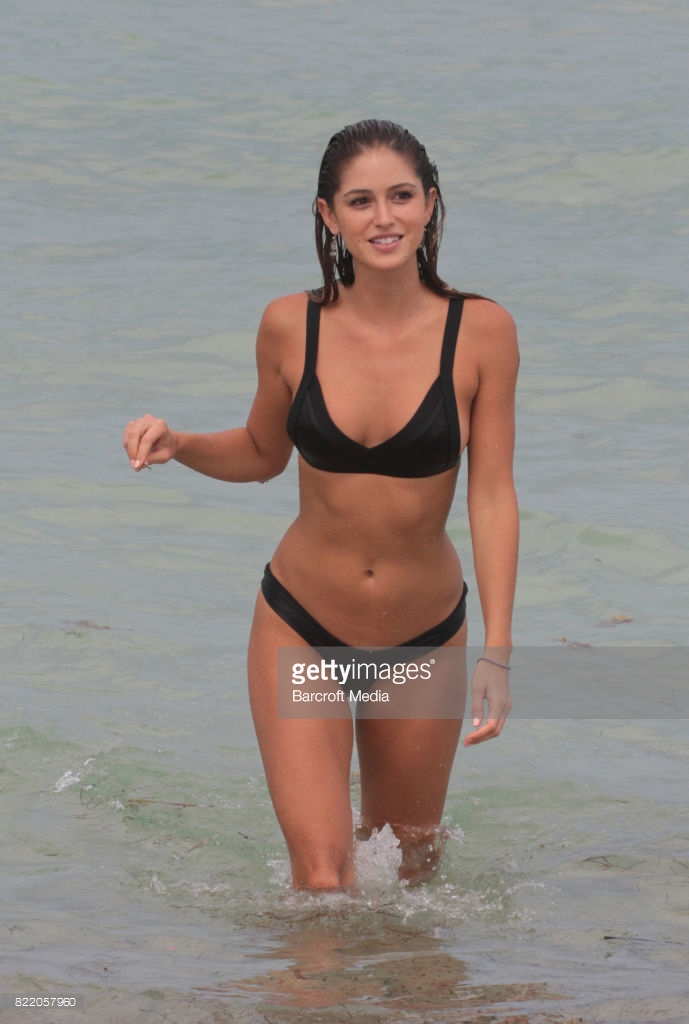
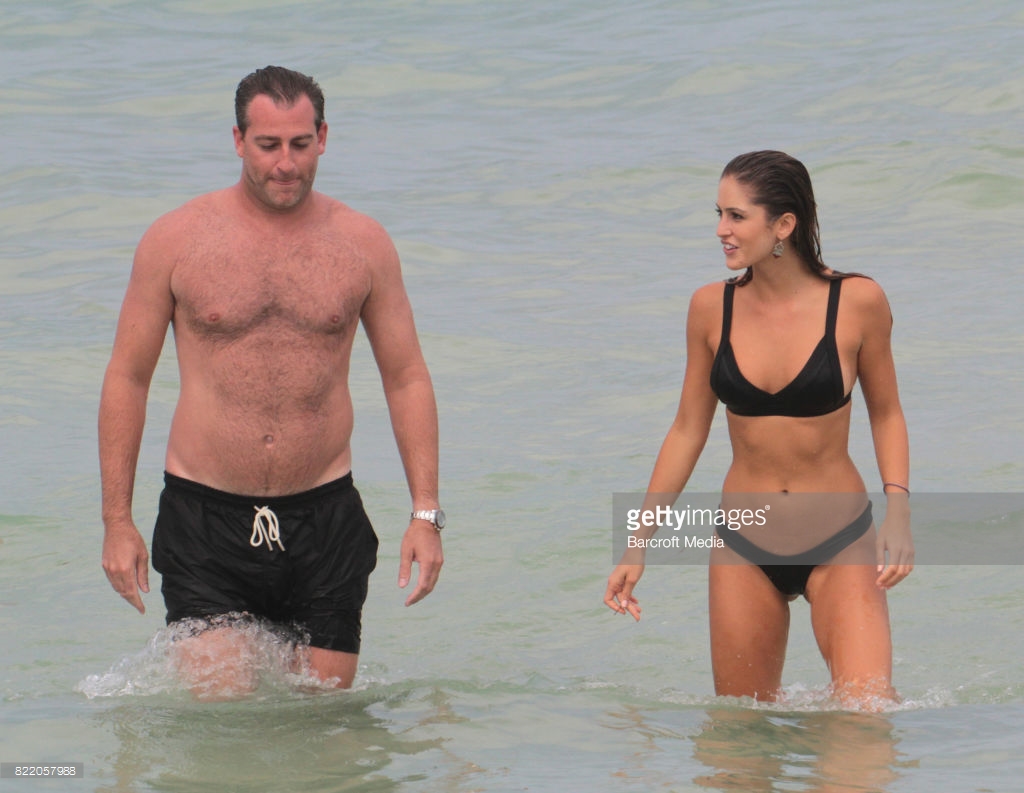
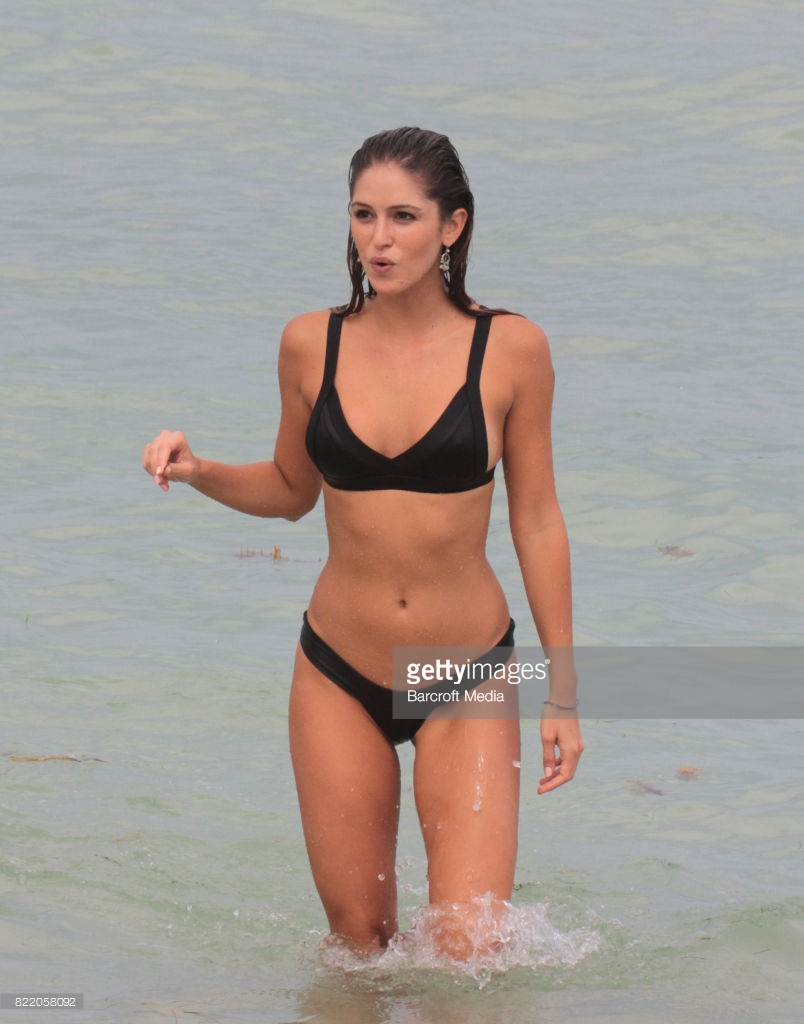
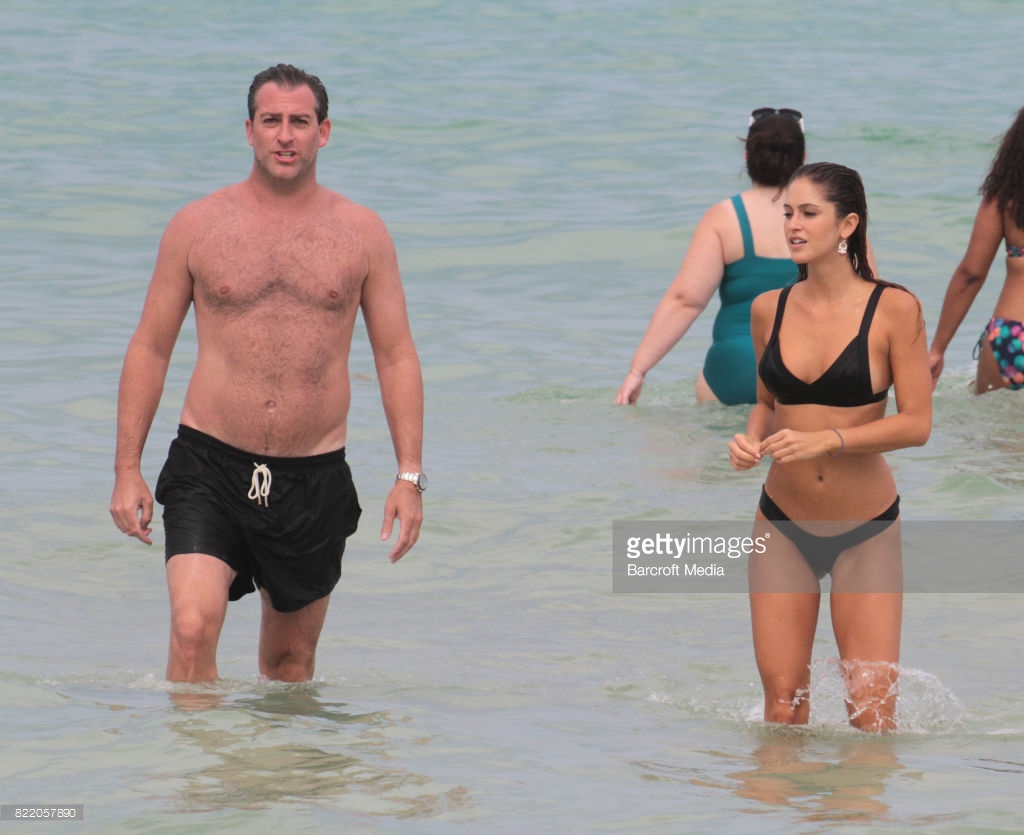
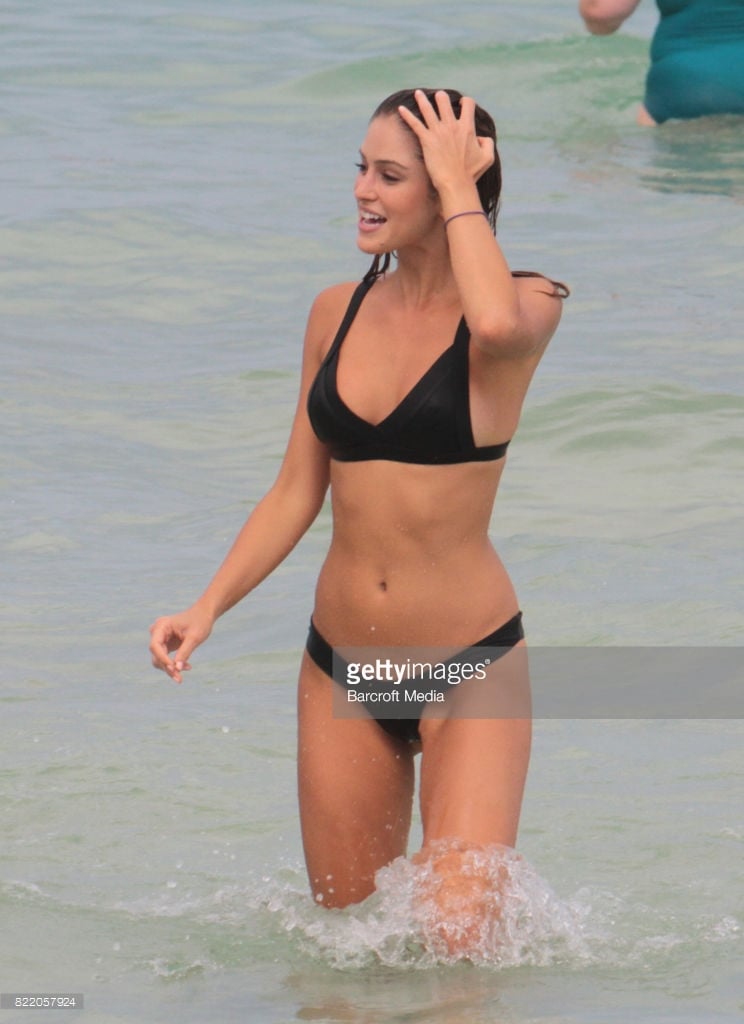
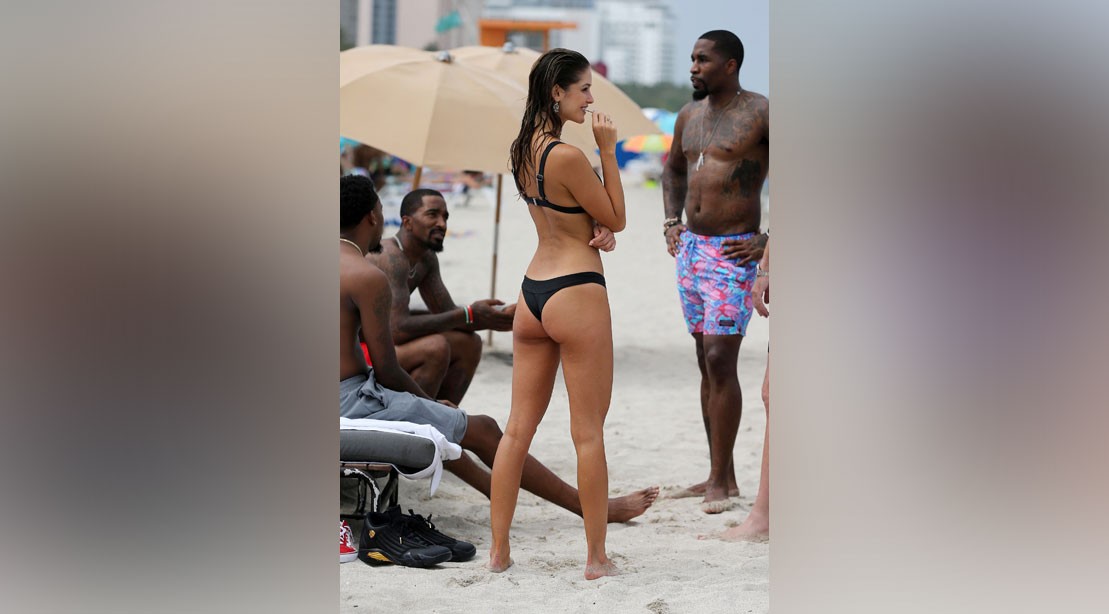
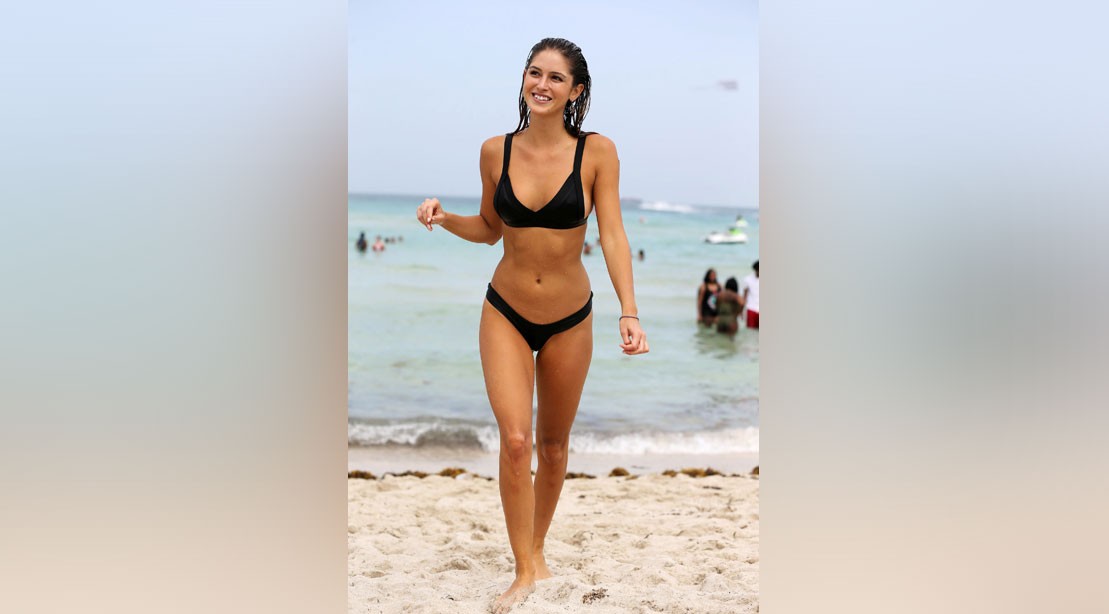
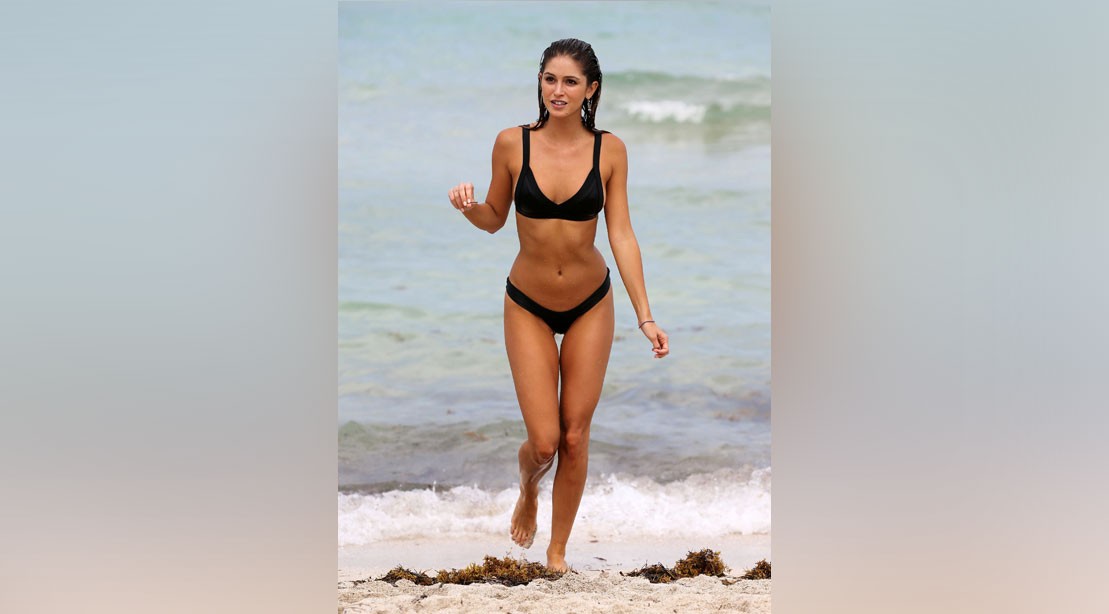
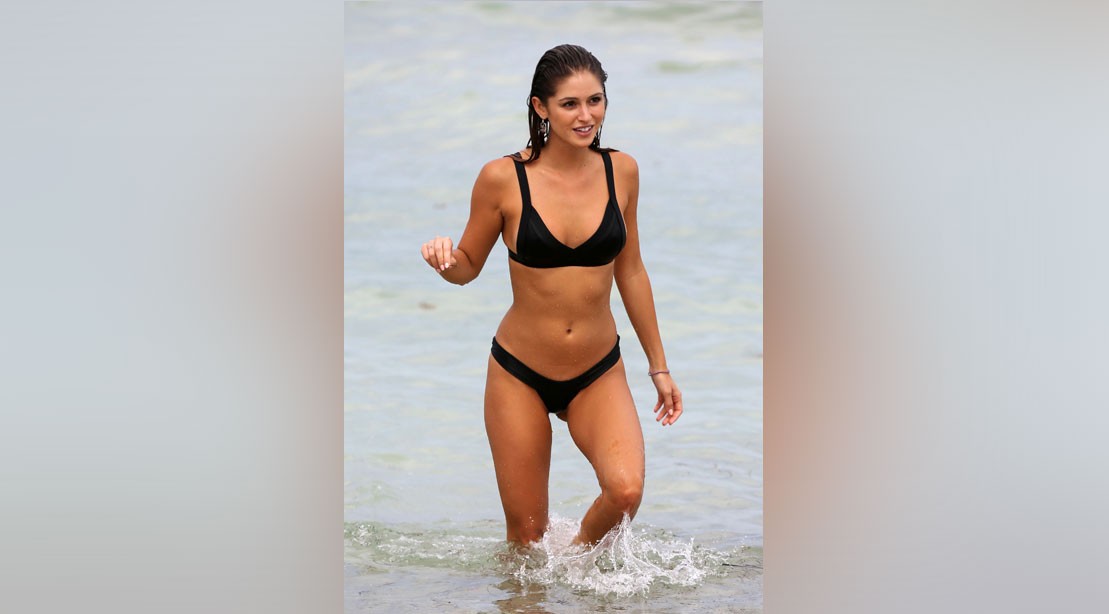
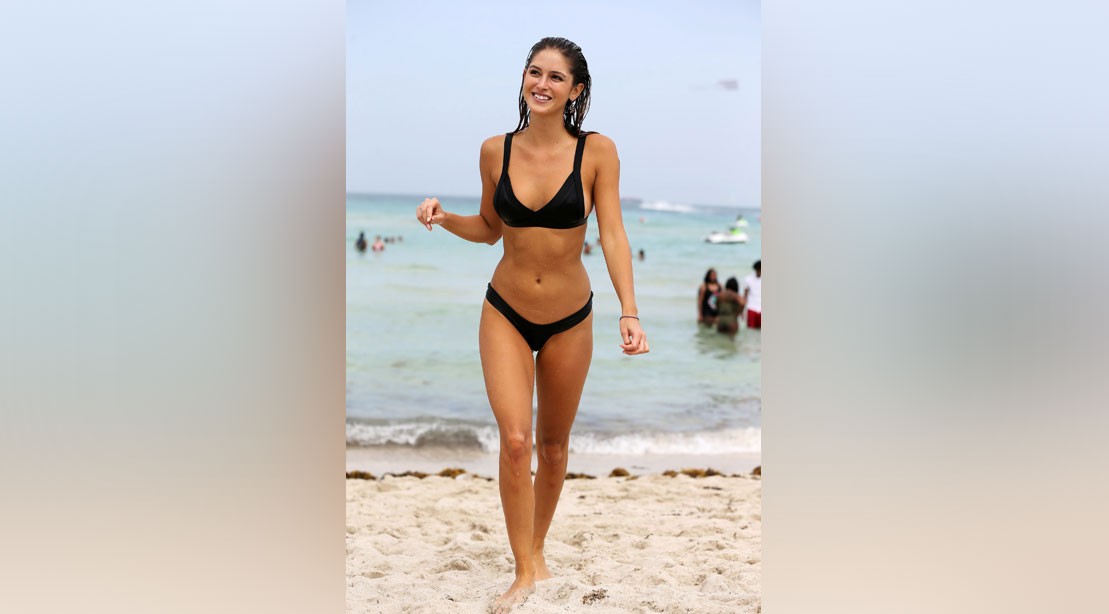
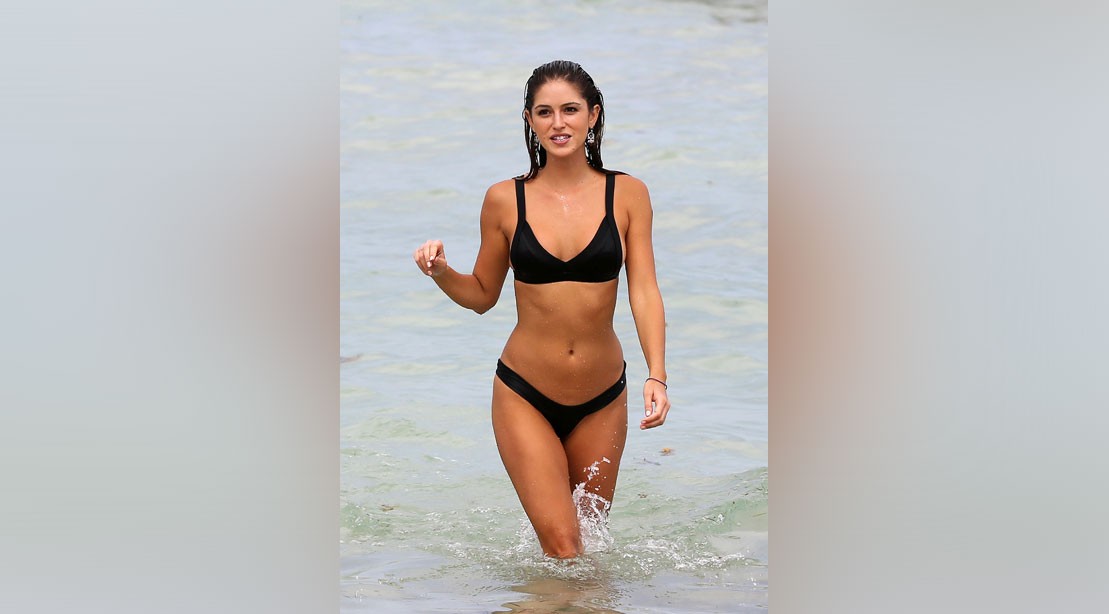
Two Piece Mafia Coming soon...... A litttle more of Gigi on Miami Beach And these on poor resolution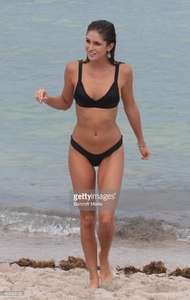
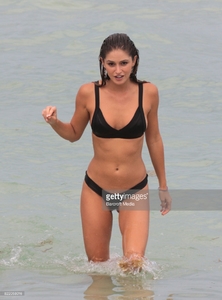
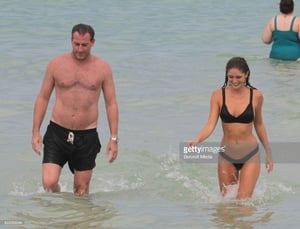

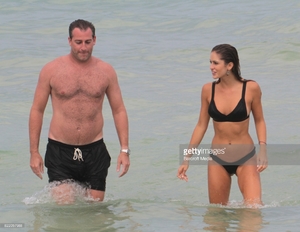
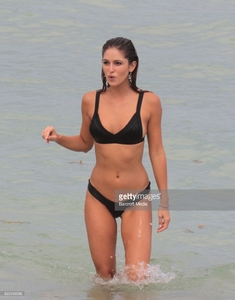
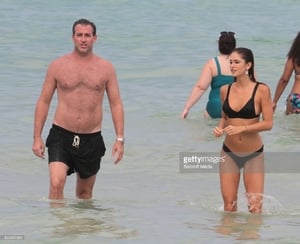
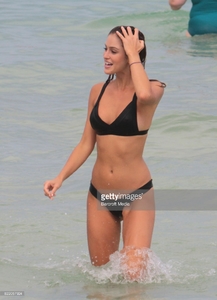


 Thx man! Add one
And the video it's much better!
MP4 | 1080p | 00:01:32 | 218 MB Download
Thx man! Add one
And the video it's much better!
MP4 | 1080p | 00:01:32 | 218 MB Download










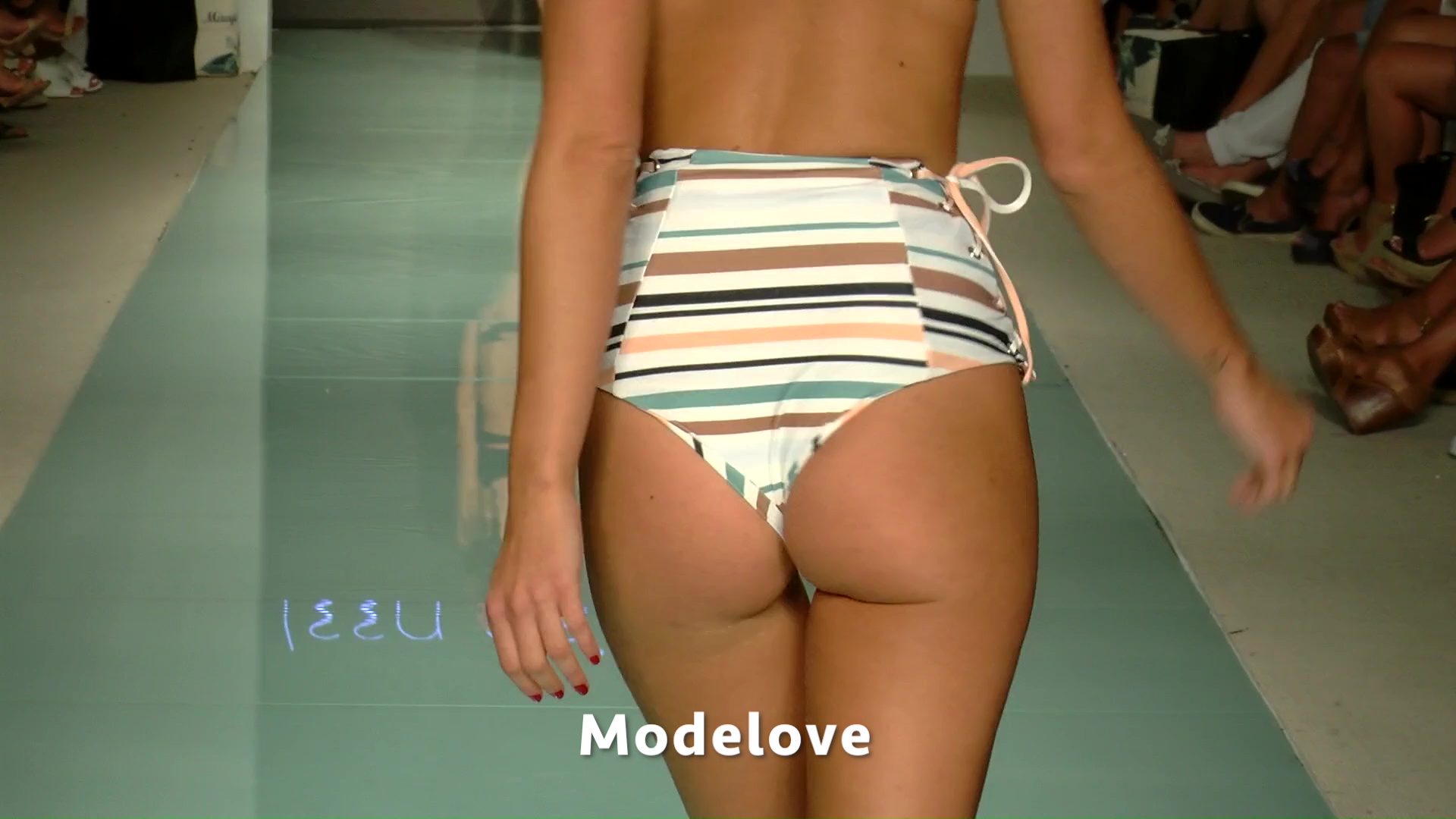
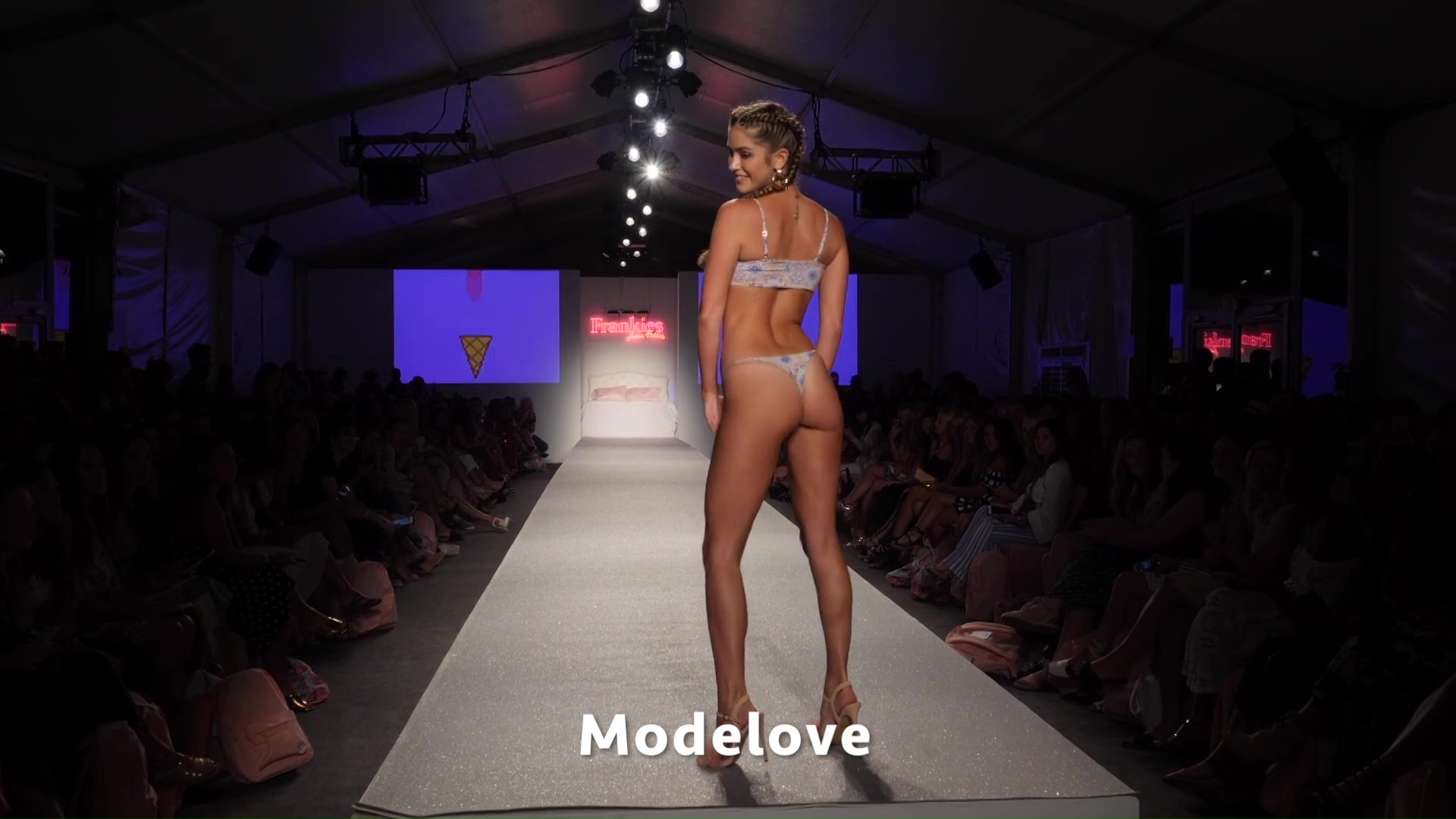
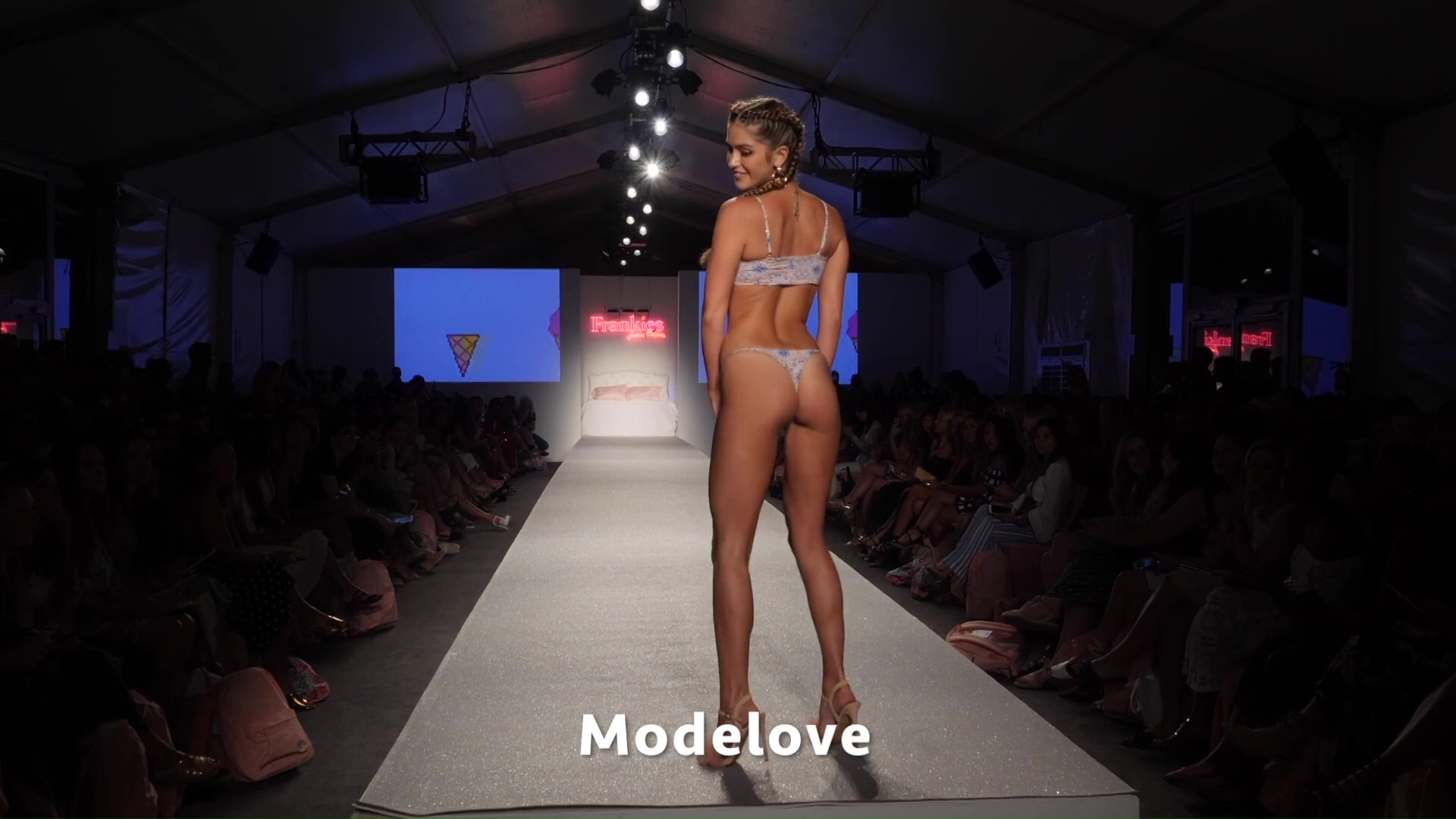
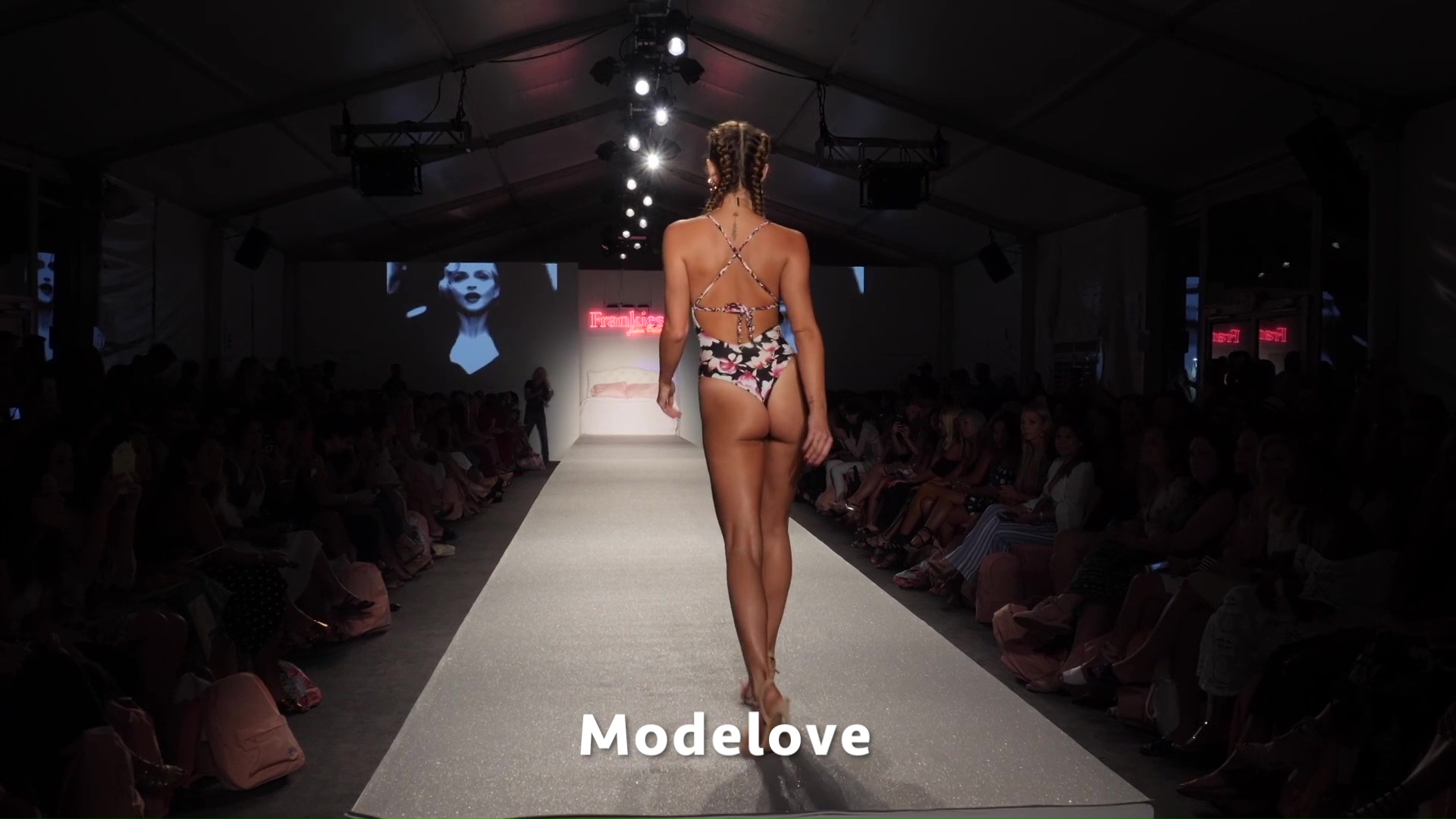
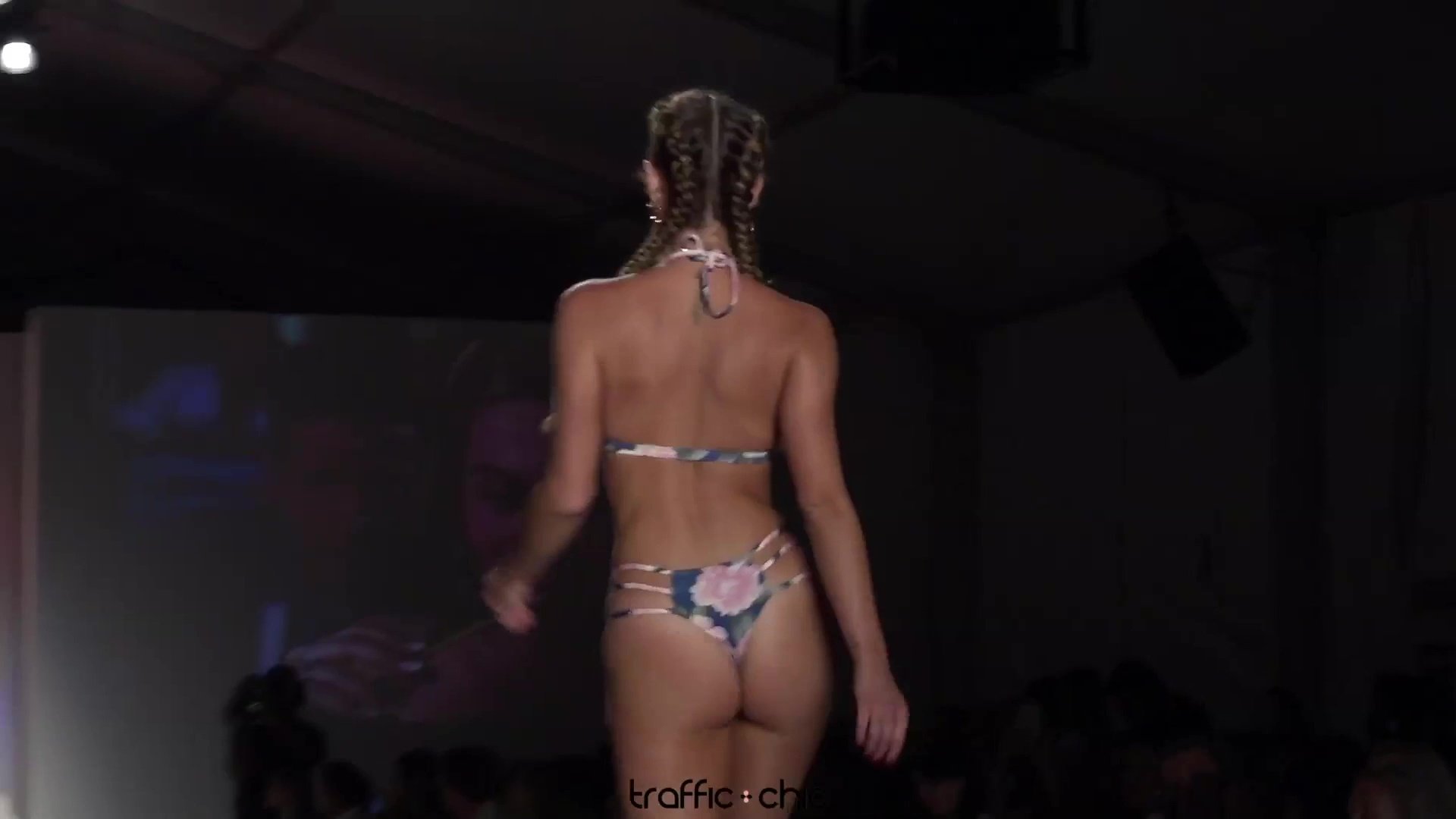
 Frankies Bikinis - Miami Swim Week - Resort 2018













 Ig Story (07.31.17)
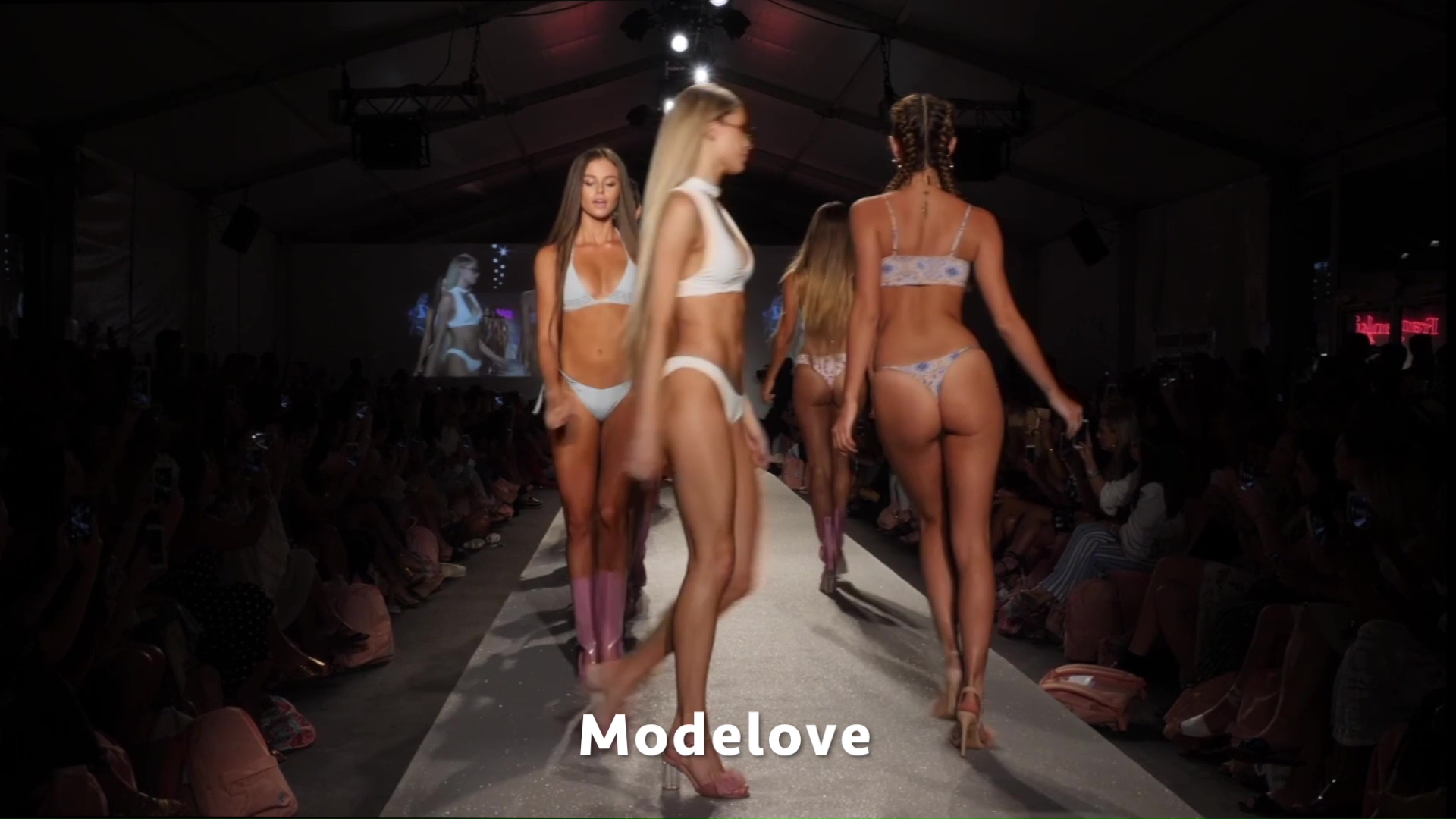
 Frankies Bikinis Swim Week Miami 2018 (TrafficChic) MP4 | 1080p | 00:01:48 | 241 MB Download


















 https://www.instagram.com/p/BW3mFDGAfyh/?taken-by=simplylively
Previuosly at MSW 2017 (maybe of the laste year)
https://scontent-dft4-1.cdninstagram.com/t50.2886-16/20374055_1937268553209793_954700500379369472_n.mp4
https://www.instagram.com/p/BW3mFDGAfyh/?taken-by=simplylively
Previuosly at MSW 2017 (maybe of the laste year)
https://scontent-dft4-1.cdninstagram.com/t50.2886-16/20374055_1937268553209793_954700500379369472_n.mp4











































































Account
Navigation
Search
Configure browser push notifications
Chrome (Android)
- Tap the lock icon next to the address bar.
- Tap Permissions → Notifications.
- Adjust your preference.
Chrome (Desktop)
- Click the padlock icon in the address bar.
- Select Site settings.
- Find Notifications and adjust your preference.
Safari (iOS 16.4+)
- Ensure the site is installed via Add to Home Screen.
- Open Settings App → Notifications.
- Find your app name and adjust your preference.
Safari (macOS)
- Go to Safari → Preferences.
- Click the Websites tab.
- Select Notifications in the sidebar.
- Find this website and adjust your preference.
Edge (Android)
- Tap the lock icon next to the address bar.
- Tap Permissions.
- Find Notifications and adjust your preference.
Edge (Desktop)
- Click the padlock icon in the address bar.
- Click Permissions for this site.
- Find Notifications and adjust your preference.
Firefox (Android)
- Go to Settings → Site permissions.
- Tap Notifications.
- Find this site in the list and adjust your preference.
Firefox (Desktop)
- Open Firefox Settings.
- Search for Notifications.
- Find this site in the list and adjust your preference.