Modelove
Members
-
Joined
Everything posted by Modelove
-
_marcofotografia




-
Jared Thomas Kocka

















-
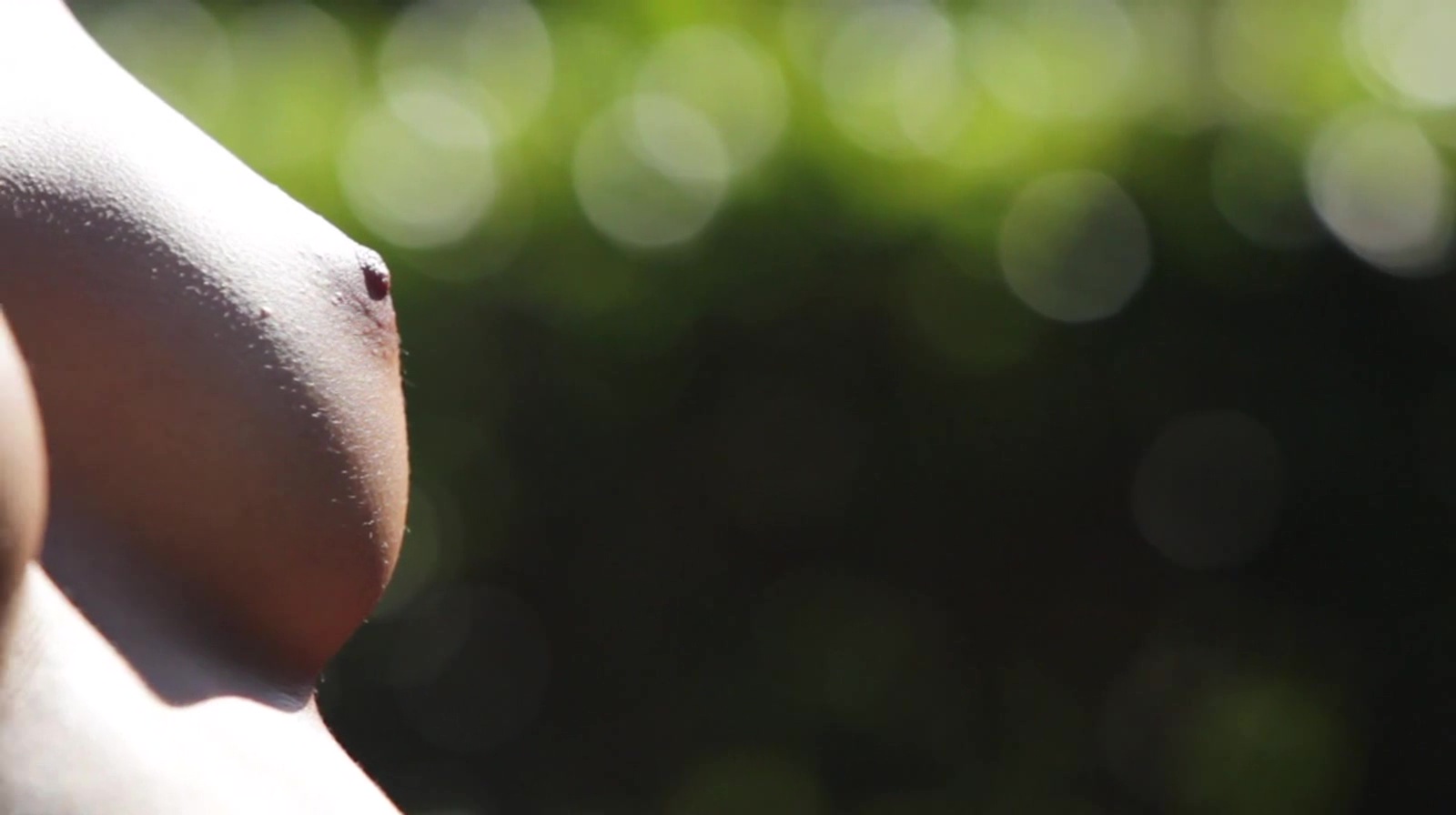
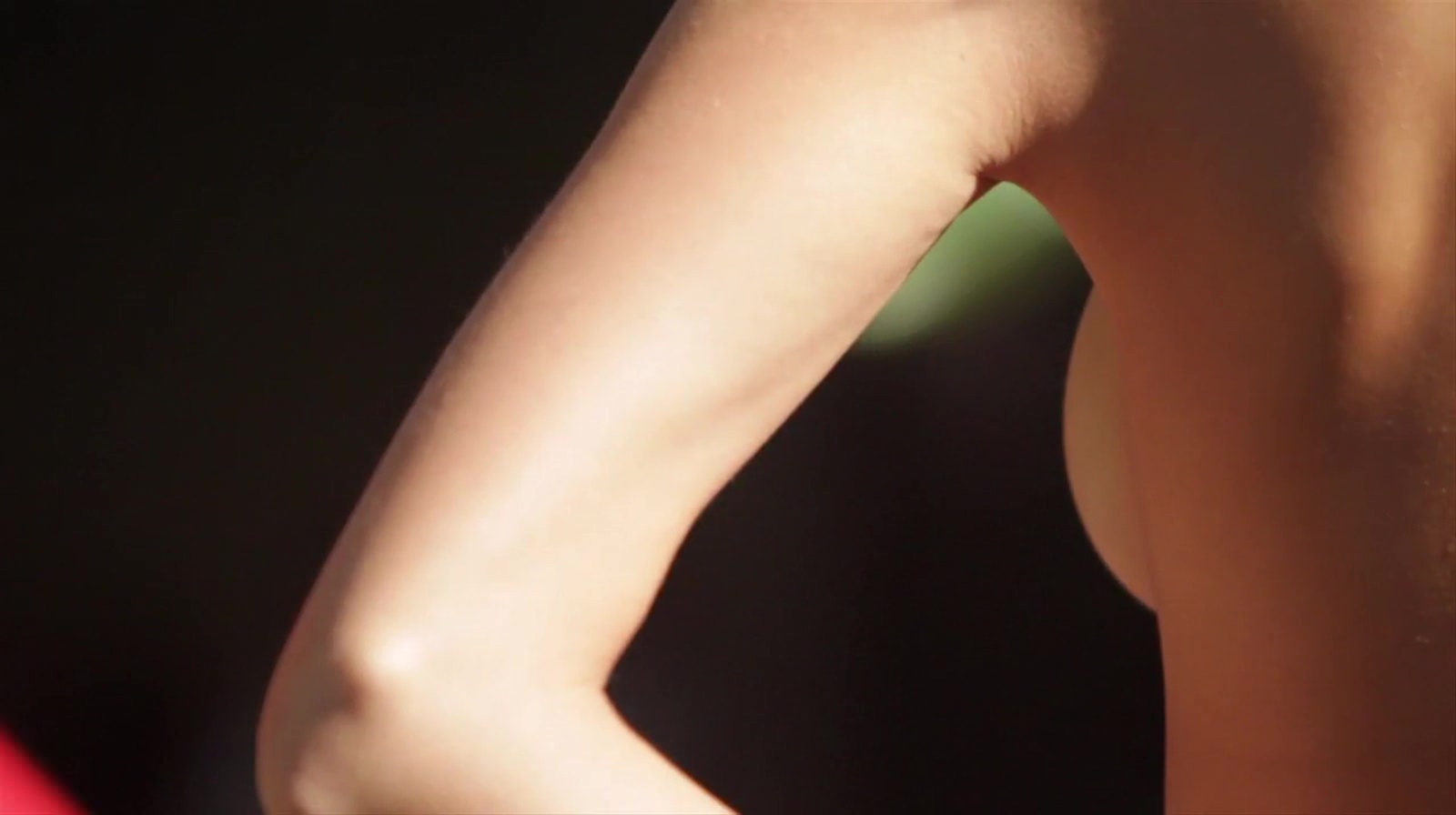
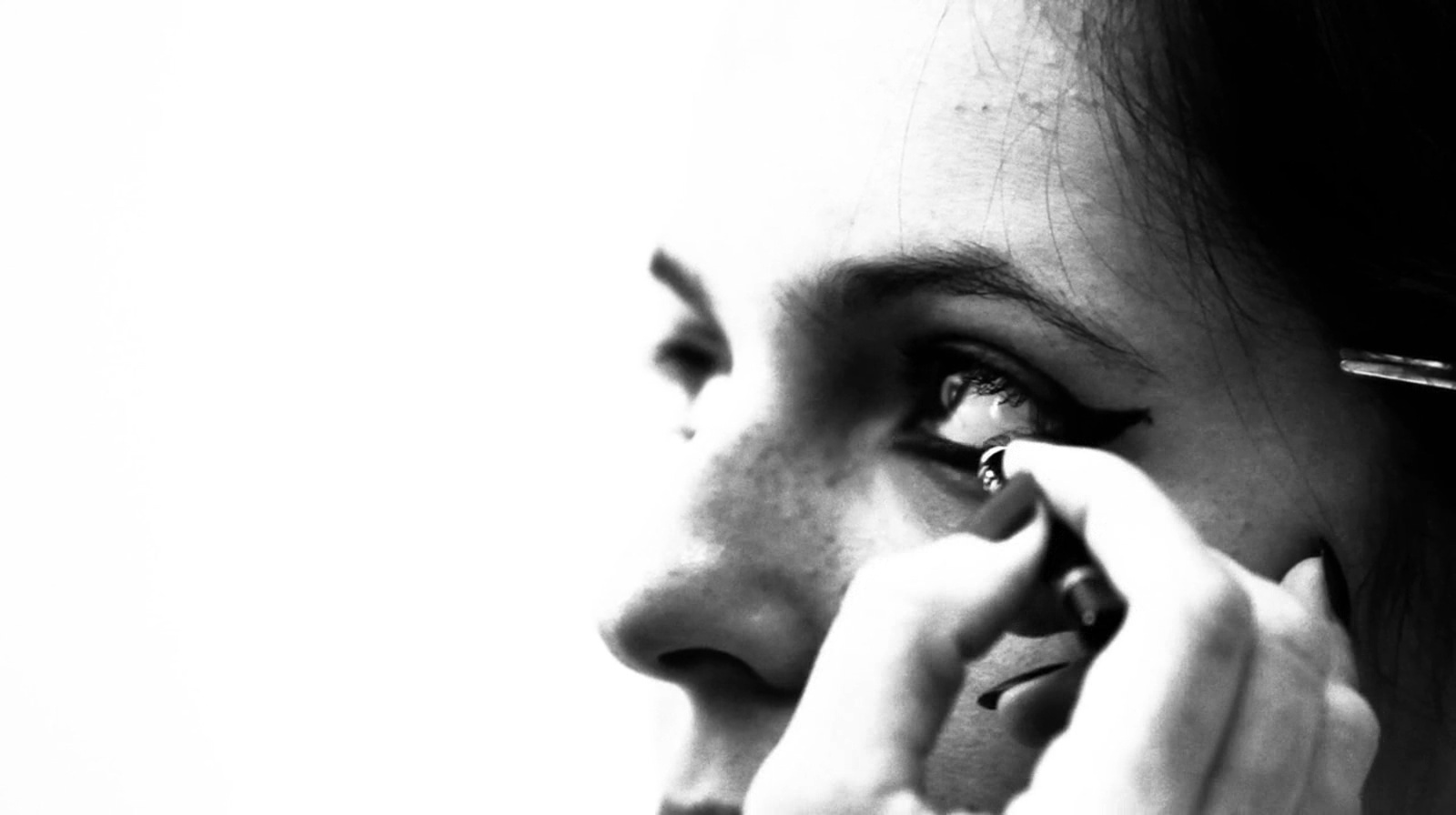
Treats! Making Of Brett Ratner shoots Amanda Marie Pizziconi Nudity AVI | 1600x896 | 00:01:24 | 112 MB Download























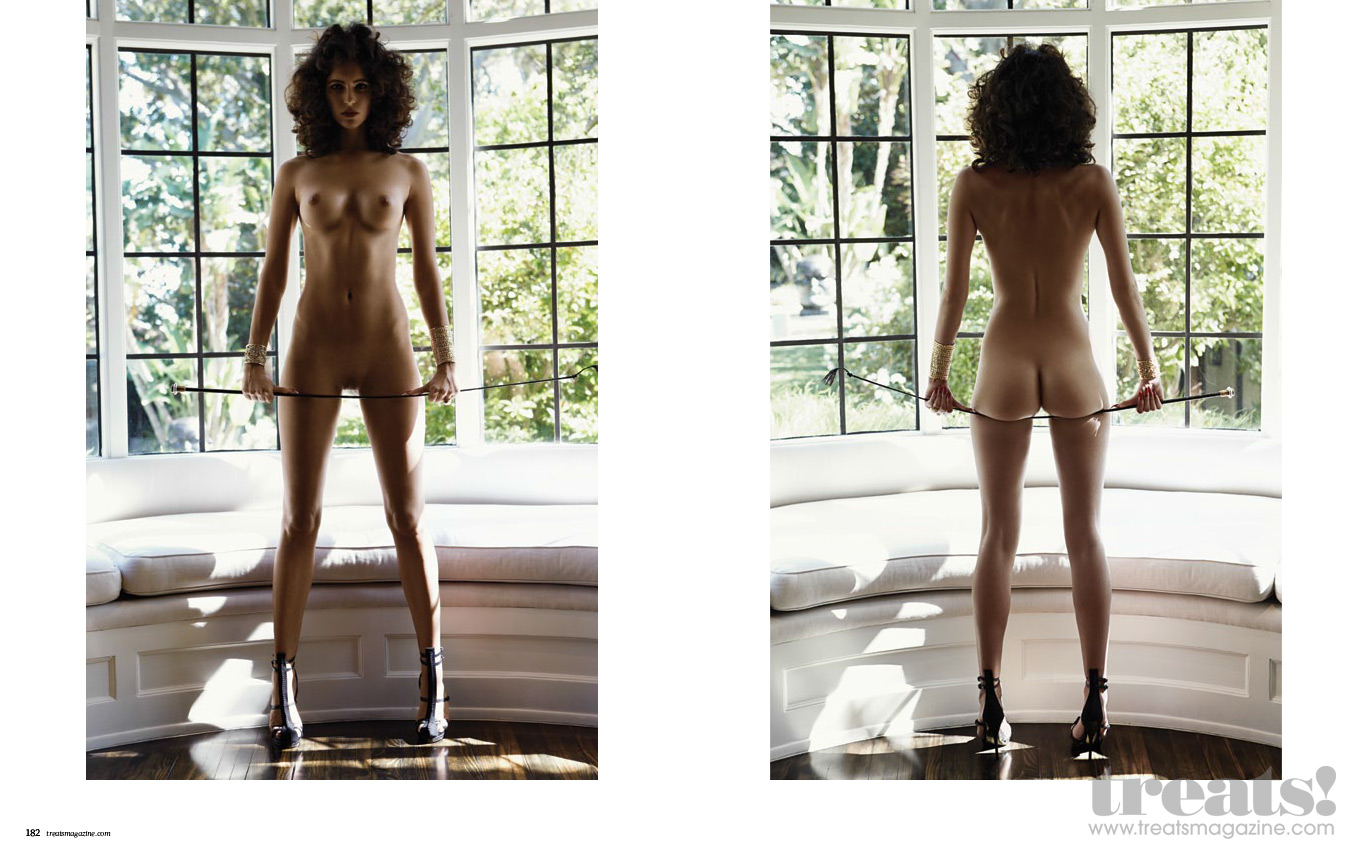
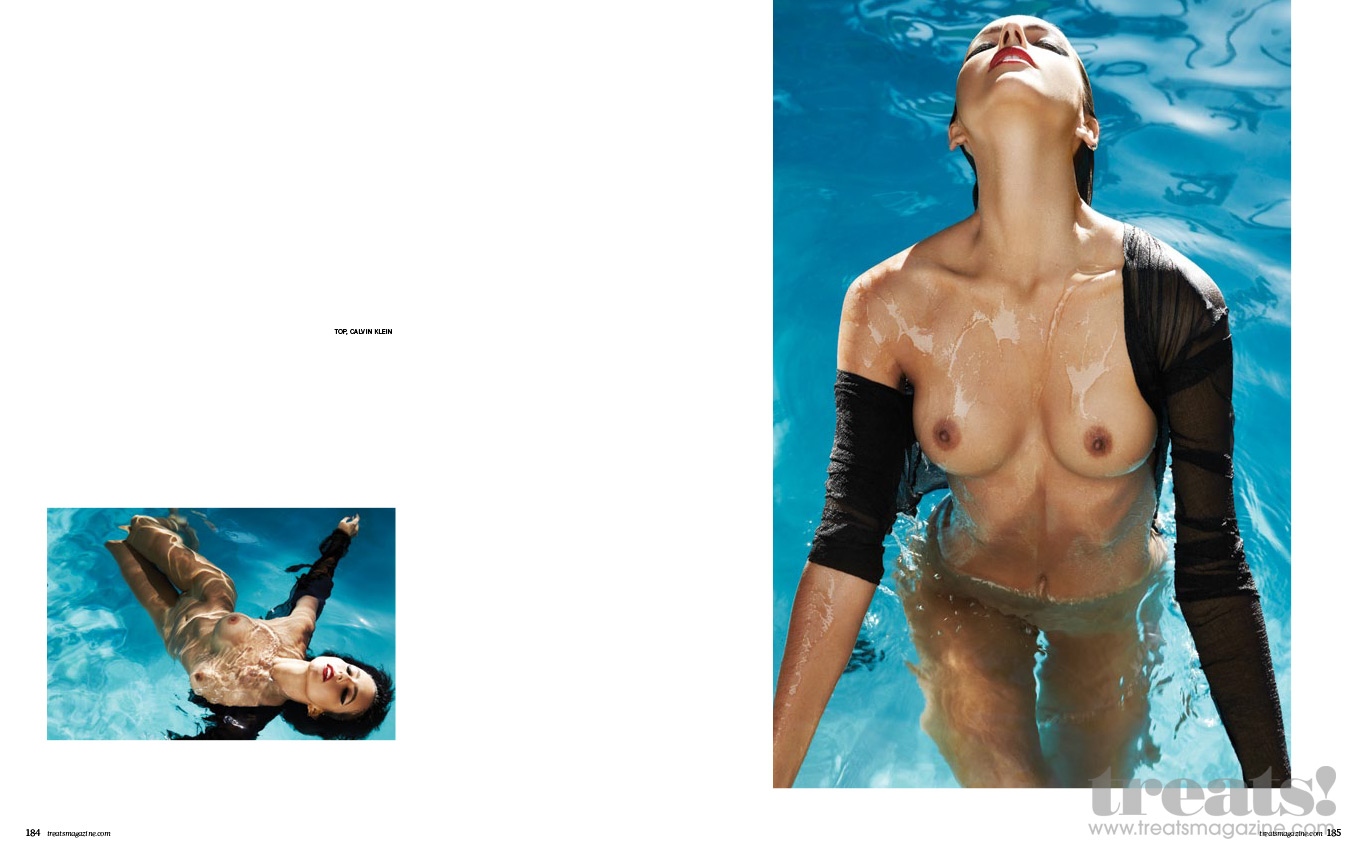
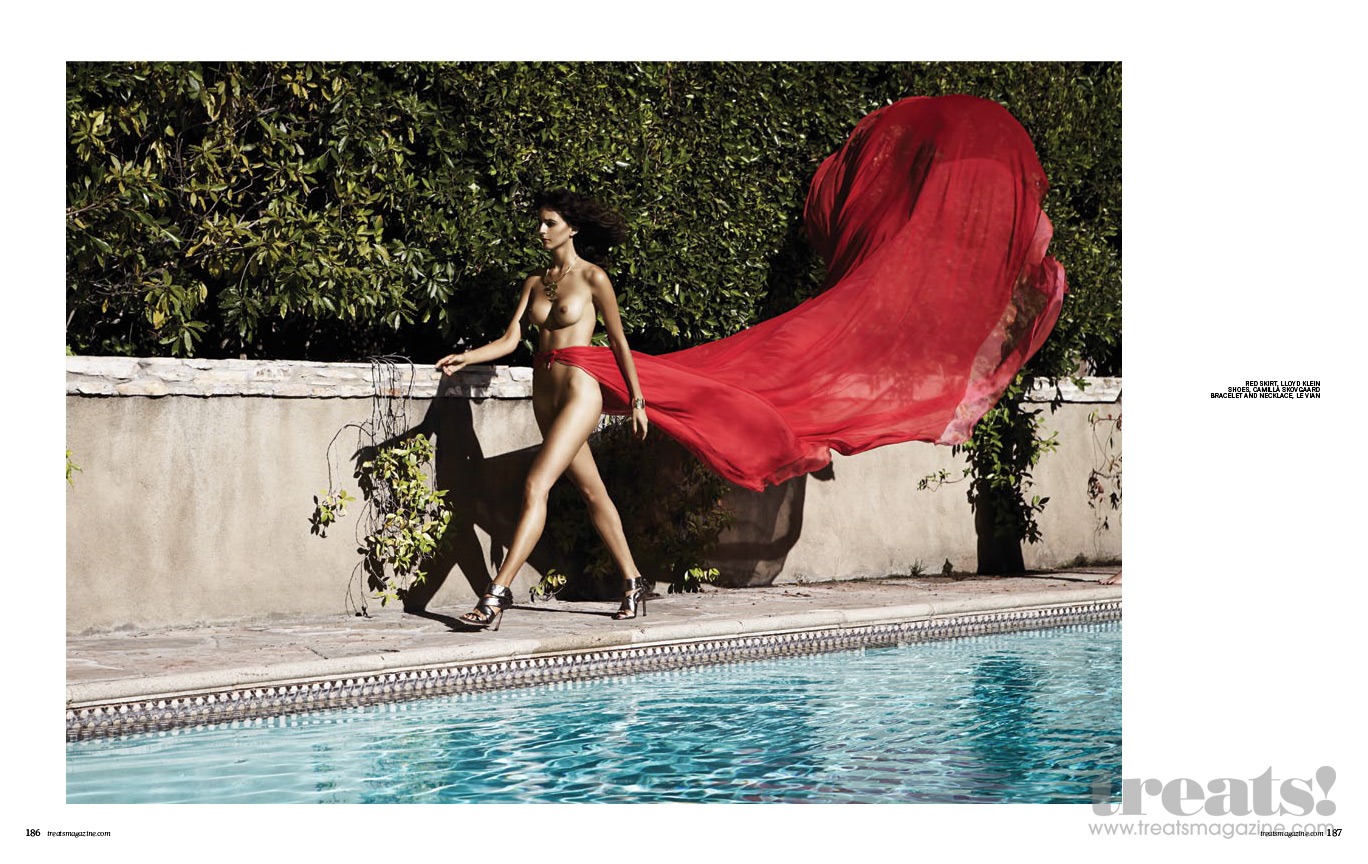
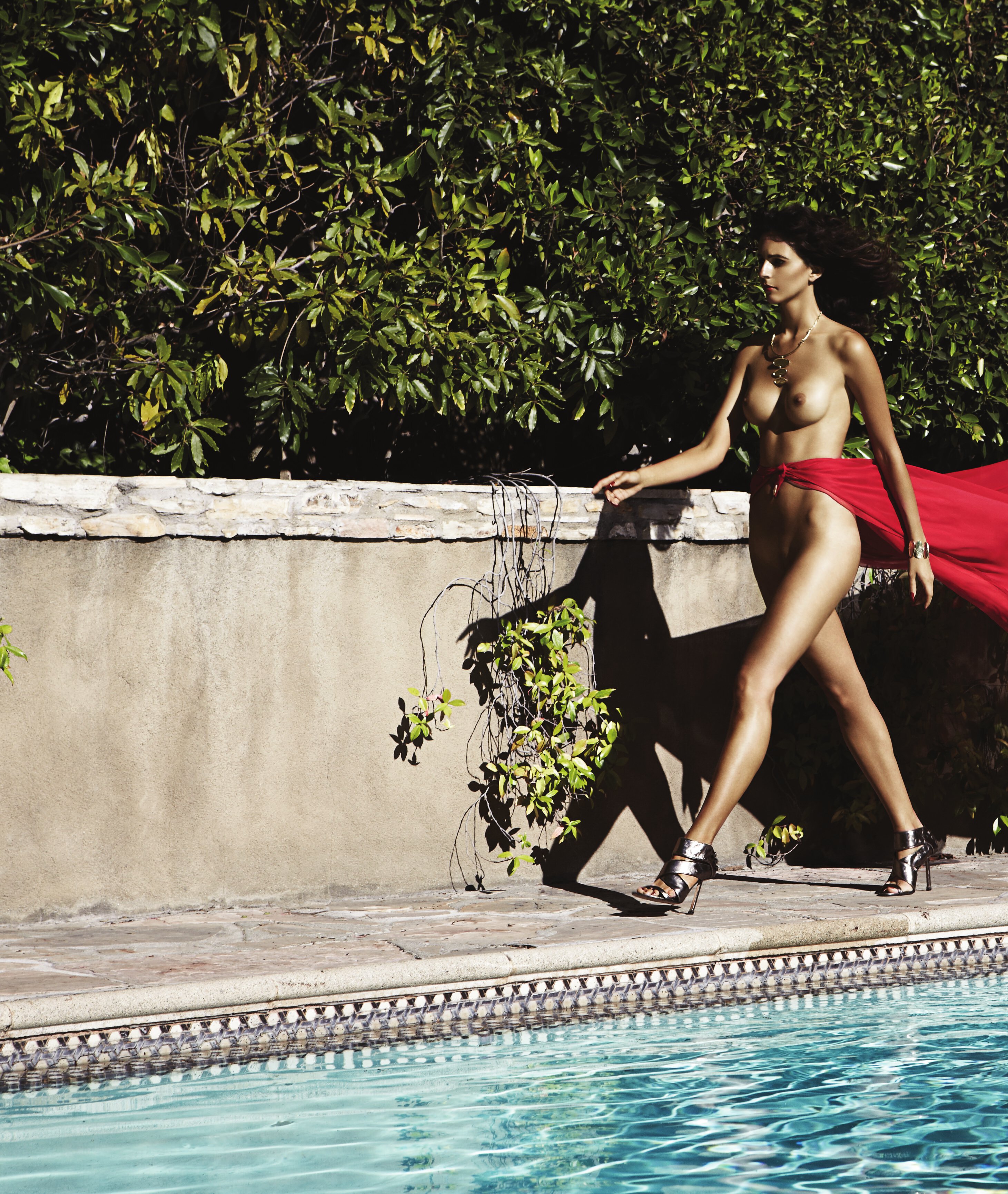
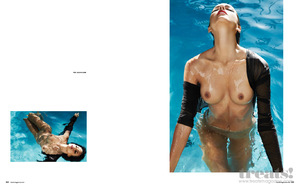
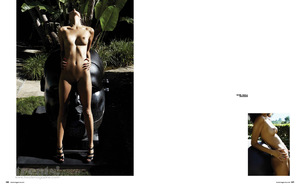
 Treats Magazine | Issue #4 of Fall 2012 Ph: Brett Ratner Amanda Merged Nudity UHQ No merged Nudity













 Matt Abad Summer Dream with Rachell Vallori

 Matt Abad Space Ranger Nudity






 Ig Story chrisapplebaum 2017-08-23 21.25.43 1588144079951090451_298657456.mp4
Matt Abad Space Ranger Nudity
Ig Story chrisapplebaum 2017-08-23 21.25.43 1588144079951090451_298657456.mp4
Matt Abad Space Ranger Nudity


 Matt Abad The Shattered Fortress








 Franz Steiner







 Ig Story (08.23.17) si_swimsuit 2017-08-23 17.27.52 1588024446438100291_54415186.mp4
 Ig Story si_swimsuit 2017-08-24 06.17.58 1588412067412931541_54415186.mp4 2017-08-24 09.12.55 1588515114021471745_54415186.mp4 2017-08-24 09.18.04 1588515301775116711_54415186.mp4 2017-08-24 09.46.34 1588517063315731814_54415186.mp4 2017-08-24 09.47.05 1588517234258860311_54415186.mp4
She does not know what a Walkman is! ?.mp4
Ig Story si_swimsuit 2017-08-24 06.17.58 1588412067412931541_54415186.mp4 2017-08-24 09.12.55 1588515114021471745_54415186.mp4 2017-08-24 09.18.04 1588515301775116711_54415186.mp4 2017-08-24 09.46.34 1588517063315731814_54415186.mp4 2017-08-24 09.47.05 1588517234258860311_54415186.mp4
She does not know what a Walkman is! ?.mp4
Account
Navigation
Search
Configure browser push notifications
Chrome (Android)
- Tap the lock icon next to the address bar.
- Tap Permissions → Notifications.
- Adjust your preference.
Chrome (Desktop)
- Click the padlock icon in the address bar.
- Select Site settings.
- Find Notifications and adjust your preference.
Safari (iOS 16.4+)
- Ensure the site is installed via Add to Home Screen.
- Open Settings App → Notifications.
- Find your app name and adjust your preference.
Safari (macOS)
- Go to Safari → Preferences.
- Click the Websites tab.
- Select Notifications in the sidebar.
- Find this website and adjust your preference.
Edge (Android)
- Tap the lock icon next to the address bar.
- Tap Permissions.
- Find Notifications and adjust your preference.
Edge (Desktop)
- Click the padlock icon in the address bar.
- Click Permissions for this site.
- Find Notifications and adjust your preference.
Firefox (Android)
- Go to Settings → Site permissions.
- Tap Notifications.
- Find this site in the list and adjust your preference.
Firefox (Desktop)
- Open Firefox Settings.
- Search for Notifications.
- Find this site in the list and adjust your preference.